
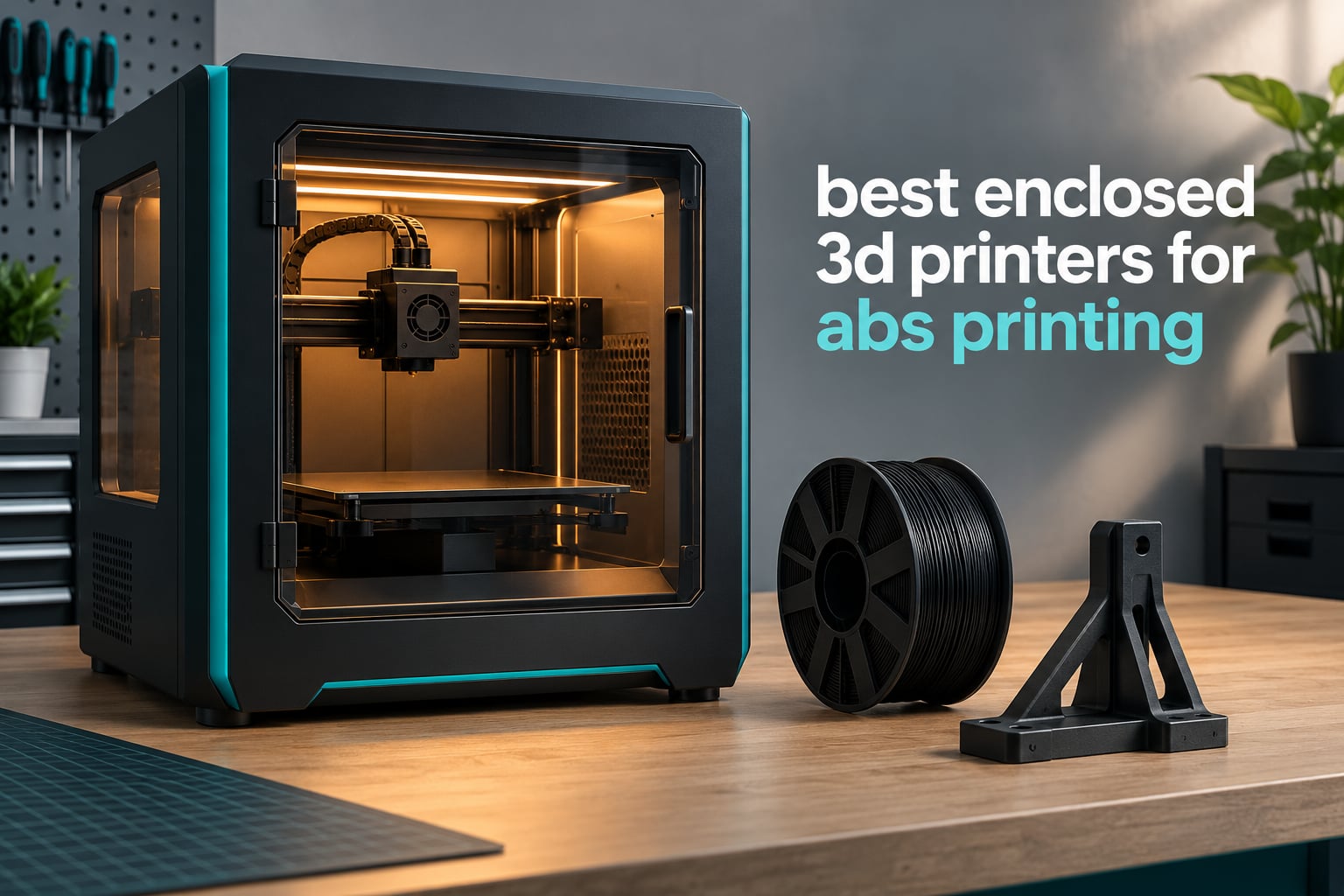
Printing ABS reliably calls for an enclosure and a hotend that reaches at least 240°C. Add a heated bed that holds 100°C or above and you have the baseline for the best enclosed 3D printers for ABS printing in 2026. Below that baseline, ABS shrinks as it cools, the outer layers contract faster than the middle, and you get warped corners and prints that crack along the layer seam.
That is the whole argument for an enclosure. A closed chamber blocks the drafts that cause uneven cooling, holds heat so each layer bonds to the one beneath it, and keeps styrene fumes out of the rest of the room. Six of the ten machines here go further and heat the chamber itself, which is a different thing entirely and worth understanding before you spend anything.
Our overall pick is the Creality K2 Combo. It pairs a 300°C hardened steel nozzle with a 40mm³/s high-flow hotend rated for ABS at 280°C, and it carries the deepest owner feedback of any printer here at over 3965 ratings. We checked every current-generation enclosed machine we could find, sorted them by how well they handle ABS rather than by price, and dropped anything whose chamber could not hold a stable temperature.
This guide is current as of October 2026 and covers hardware released through 2026. We compared manufacturer specifications for hotend temperature, chamber heating, bed temperature, build volume and filtration, then cross-checked those claims against what buyers actually report about warping, layer adhesion and first layers on ABS and ASA.
Table of Contents
Top 3 Best Enclosed 3D Printers for ABS Printing (October 2026)

Creality K2 Combo
- 300C hardened steel nozzle
- 40mm3/s hotend for ABS at 280C
- 600mm/s CoreXY
- CFS 16-color

Creality K1C
- Enclosed chamber for ABS and ASA
- Tri-metal nozzle
- 600mm/s CoreXY
- 45dB silent mode

The K2 Combo leads because it solves the two hardest ABS problems at once, enough melt capacity to lay thick consistent layers at temperature and enough hardened hardware to survive abrasive filaments afterwards. The K1C is the cheaper route if you already run ABS on an open-frame machine and just need draft-proofing and a carbon filter. The P1S asks the least adjustment of a first-time ABS owner.
All 10 Enclosed 3D Printers for ABS Printing at a Glance
Every printer below has an enclosed build chamber and a hotend that clears the 240°C floor for ABS. The column that separates them is chamber type: a passive enclosure blocks drafts and traps the heat your hotend generates, while an actively heated chamber adds a heater to hold a target temperature on its own.
| Product | Specifications | Action |
|---|---|---|
| Creality K2 Combo |
|
Check Latest Price |
| Creality K1C |
|
Check Latest Price |
 Creality K2 Plus Combo Creality K2 Plus Combo |
|
Check Latest Price |
 Flashforge Creator 5 Pro Flashforge Creator 5 Pro |
|
Check Latest Price |
 Creality K2 Pro Combo Creality K2 Pro Combo |
|
Check Latest Price |
| Bambu Lab P1S |
|
Check Latest Price |
 QIDI PLUS4 QIDI PLUS4 |
|
Check Latest Price |
 Bambu Lab P2S Combo Bambu Lab P2S Combo |
|
Check Latest Price |
 Snapmaker U1 Snapmaker U1 |
|
Check Latest Price |
 QIDI Q2 QIDI Q2 |
|
Check Latest Price |
1. Creality K2 Combo: Best All-Rounder for ABS and ASA
Official Creality K2 Combo 3D Printer Multicolor 3D Printers with CFS
300C hardened steel nozzle
40mm3/s hotend for ABS at 280C
600mm/s CoreXY
10.24 inch cube build
Pros
- 40mm3/s hotend handles thick ABS layers at 280C
- Hardened steel nozzle tip and hardened extruder gears survive abrasive filament
- 3965 owner ratings give the deepest feedback base in this group
- Quick-swap modular hotend simplifies repairs
Cons
- Modular hotend nozzle cover adds mechanical complexity
- Some owners report setup and calibration hurdles
The hotend is what matters here for ABS. A 40mm³/s high-flow melt zone driven by an 80W heater pushes ABS at 280°C, well past the 240°C floor and into the range where layer bonding gets noticeably stronger. Most enclosed printers of this size use a smaller melt zone that has to slow down on thick ABS layers.
Below that, the K2 Combo is passively enclosed with an AI camera watching the chamber for spaghetti, foreign objects and idling. There is no active chamber heater listed, so temperature comes from the hotend and bed alone, which is how plenty of good ABS parts get printed.
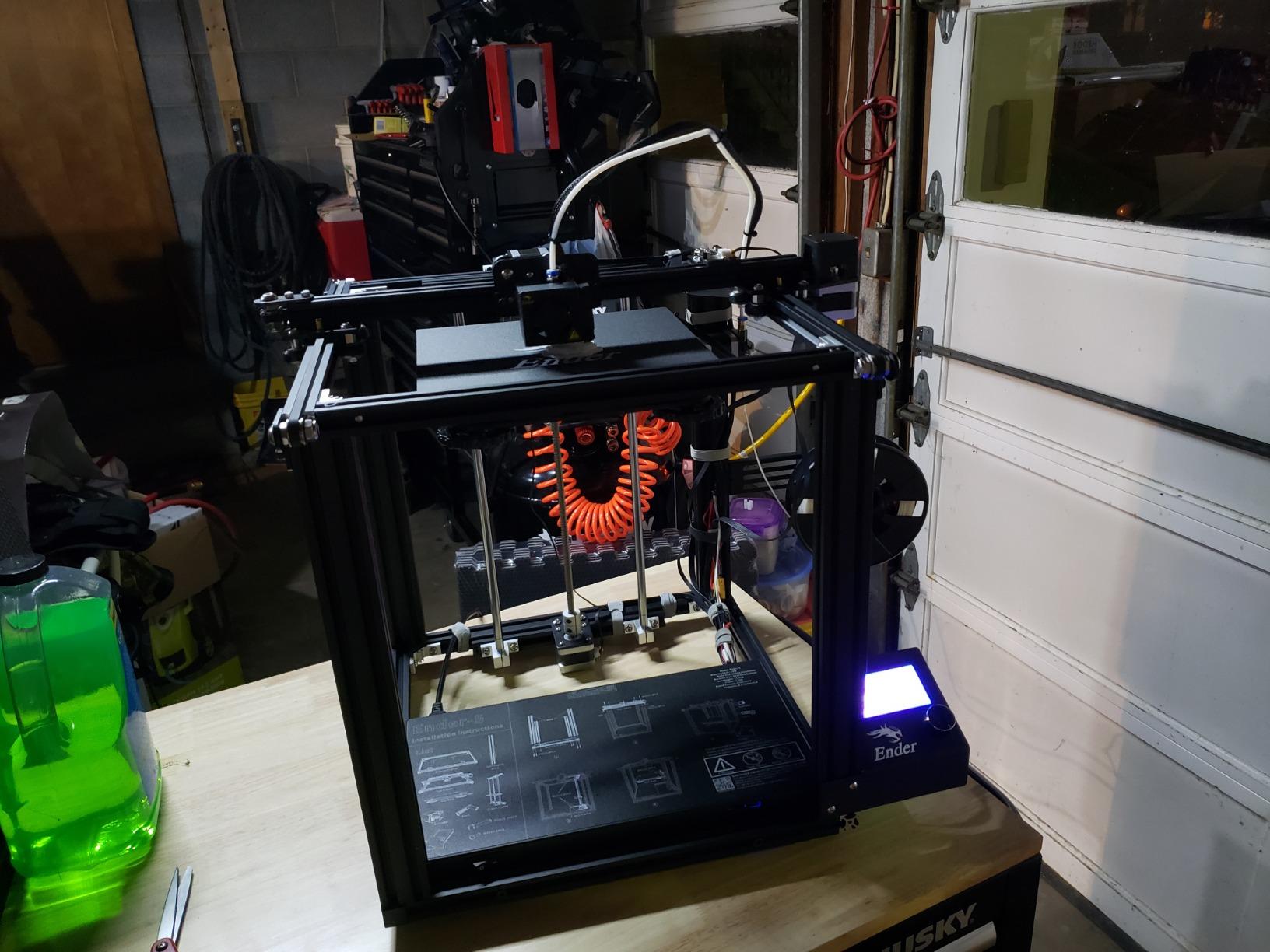
The 600mm/s speed with 20000mm/s³ acceleration comes from a die-cast aluminum Matrix frame and 3 step-servo motors on the extruder and X/Y axes. Direct drive uses hardened steel gears, and the hardened nozzle tip is rated to 300°C, so moving to ABS-CF later does not mean a new hotend assembly.
The CFS handles up to 16 colours, which is useful for assembly guides and colour-coded jigs. It also adds bulk, and it is not the reason to buy this printer for ABS. Buy it for the high-flow hotend and the hardened wear parts.
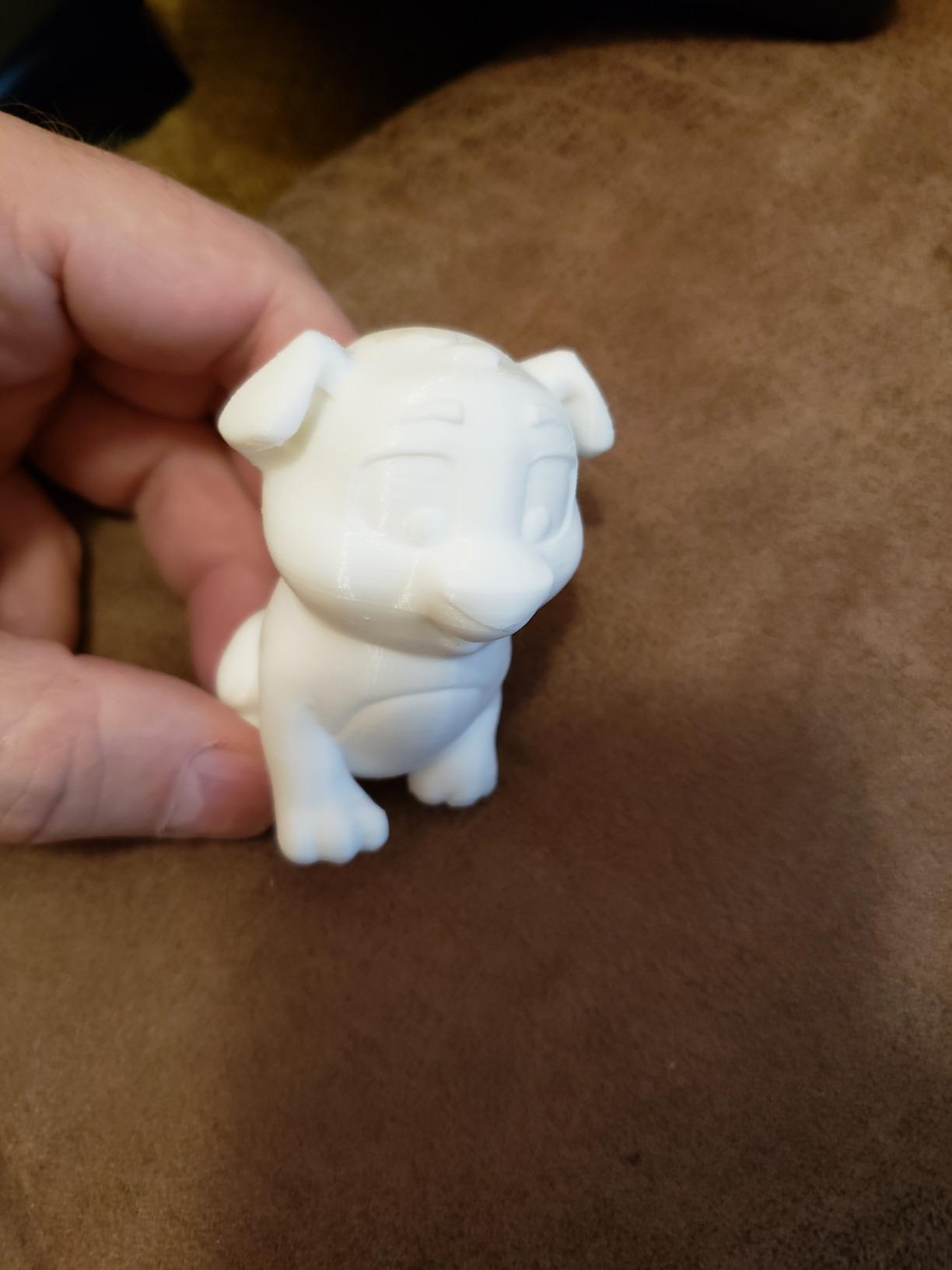
What the K2 Combo does well for ABS
High melt capacity means you can print thick ABS layers at speed without the flow stalling, which is the difference between a part that delaminates when you flex it and one that holds. With 3965 ratings at 4.4, it is also the best-documented machine here, and the reported problems follow a consistent pattern: first-run calibration, then good results.
Where it falls short
A passive chamber means tall prints still drift at the corners because nothing holds the air temperature steady. Plan a brim and keep the door shut for the whole print. The quick-swap hotend is convenient but adds moving parts compared with a fixed one.
2. Creality K1C: Budget Pick Enclosed Printer for ABS
Creality K1C 3D Printer, 600mm/s with AI Camera and Auto Leveling
Enclosed chamber for ABS and ASA
Tri-metal nozzle
600mm/s CoreXY
Silent mode at 45dB or under
Pros
- Fully enclosed chamber blocks the drafts that warp ABS
- CoreXY motion delivers 600mm/s with high acceleration
- Tri-metal nozzle copes with high-temperature filaments
- Silent mode at 45dB suits a shared room
Cons
- No active chamber heating
- so temperature control is passive
- Camera app and firmware less polished than the hardware
If you print PLA on an open-frame machine and want to move to ABS without relearning everything, the K1C is the least disruptive upgrade. Fully enclosed, direct drive, CoreXY at 600mm/s with 20000mm/s² acceleration, so your existing slicer profiles transfer across with minimal edits.
The tri-metal Unicorn nozzle handles higher melt temperatures than plain brass and gives you room to push toward 260°C when a large flat ABS panel needs the extra bonding. For unfilled ABS you do not strictly need a hardened tip yet, but you will not change it the day you try ABS-CF.
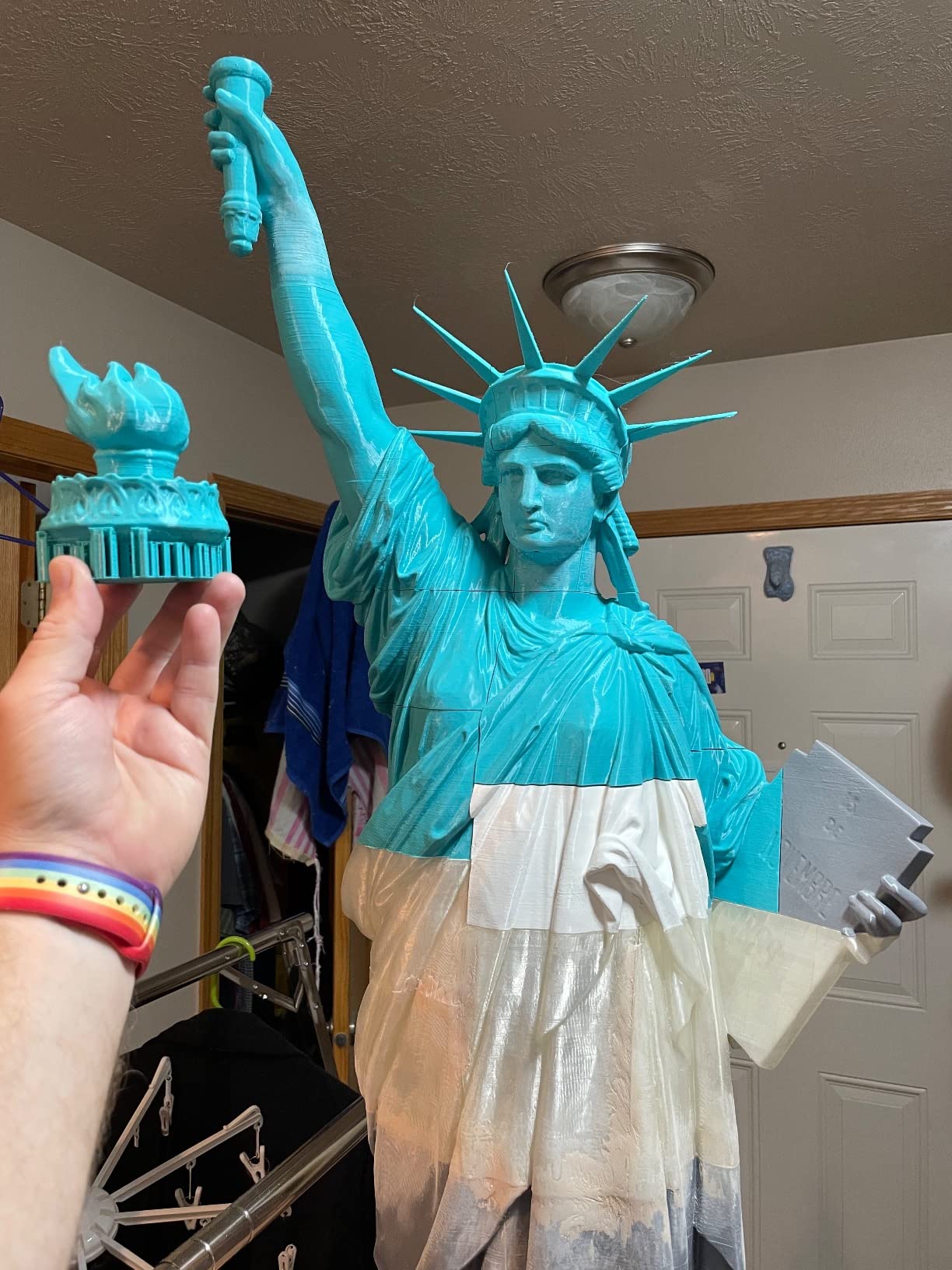
Buyers highlight fast CoreXY performance, quiet operation and the enclosed filtered chamber. Activated carbon air purification plus silent mode at 45dB or under make this the least disruptive enclosed printer to run in a home office, which matters if ABS jobs run overnight.
The honest drawback is chamber heating. No active heater is listed, so the chamber rises passively and cools once the hotend stops. That works for parts under roughly 150mm tall. It is less convincing for a tall ABS enclosure standing on its own, where the top sees the coolest air.
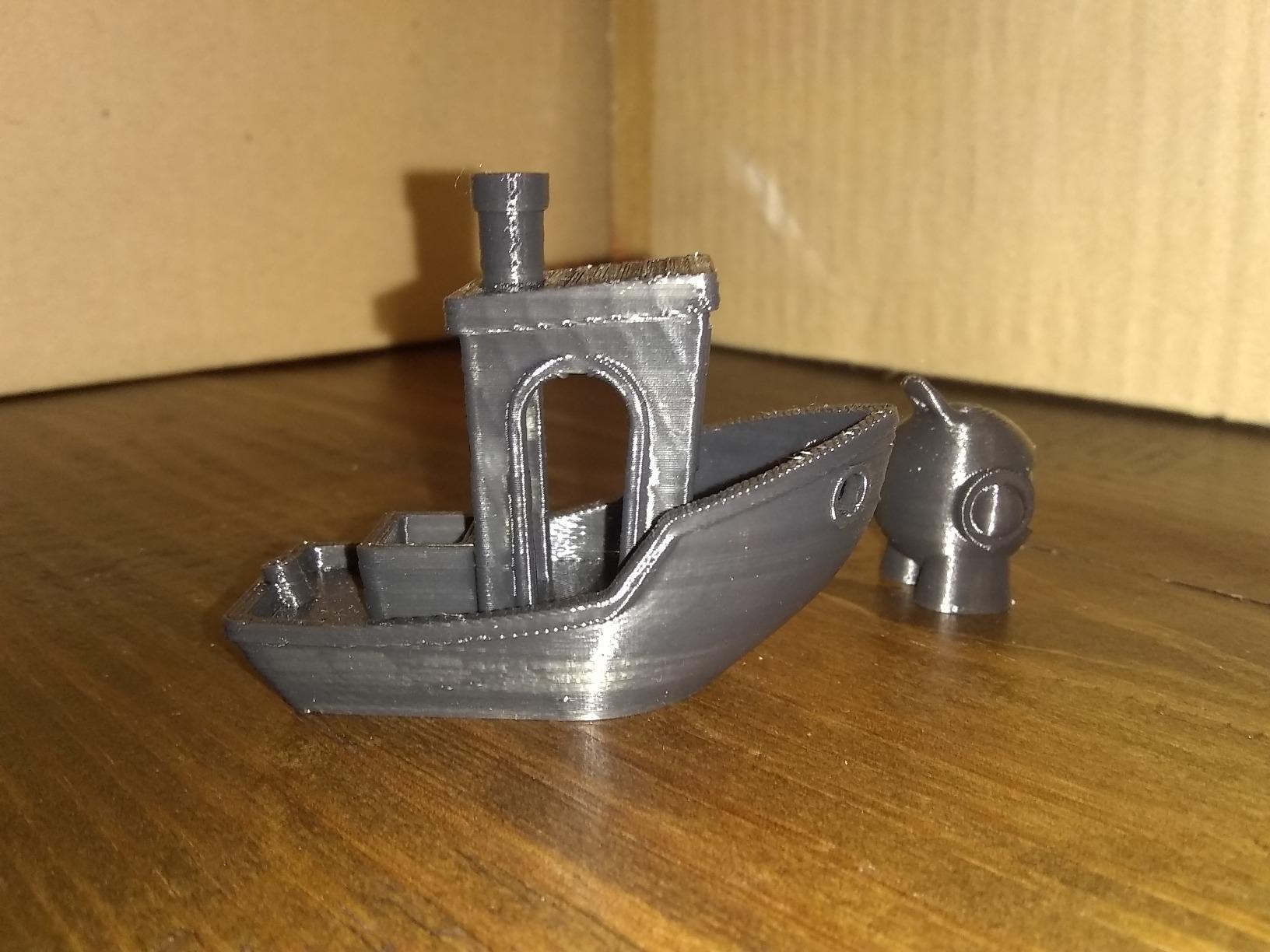
When the K1C is the right ABS machine
Choose it when you are moving from PLA, when noise matters, and when your ABS parts are housings, brackets and jigs rather than tall thin walls. Draft-proofing alone removes most corner lift, and one-tap auto calibration with dynamically balanced printhead fans means less tuning before a functional part comes out right.
When it is the wrong ABS machine
Large tall prints in a cold room still show corner lift, because nothing holds the chamber at a fixed temperature. The firmware and camera app also draw regular criticism as less refined than the hardware itself.
3. Creality K2 Plus Combo: Best for Maximum Build Volume
Creality K2 Plus Combo 3D Printer, Multi Color Printing with New CFS 600mm/s High-Speed Full Auto-Leveling Dual Al Camera Next-Gen Direct Drive Extruder Large Build Volume 13.78×13.78×13.78inch
Active chamber heating to 60C
Hardened steel nozzle rated to 350C
350 x 350 x 350mm build volume
18 sensors and dual AI cameras
Pros
- Active chamber heating to 60C directly fights ABS corner warping
- 350mm cube suits large functional parts and batch runs
- 350C hardened nozzle opens the door to engineering filaments
- Dual Z-axis corrects bed tilt automatically
Cons
- 17 percent of reviews are one-star with hardware and firmware complaints
- 70-pound chassis needs real bench space
When your ABS project does not fit in a 256mm cube, this is the machine to look at. The 350 x 350 x 350mm build volume means a full-scale automotive prototype, a large camera housing or a whole batch of jigs in one run instead of tiled pieces.
Unlike the smaller K2 models, this one actively heats the chamber to 60°C, which is the most useful spec on the machine for ABS. A heated chamber keeps every layer close to the same temperature from the bottom of the build up, which is what stops corners curling away from the bed as the print grows taller.
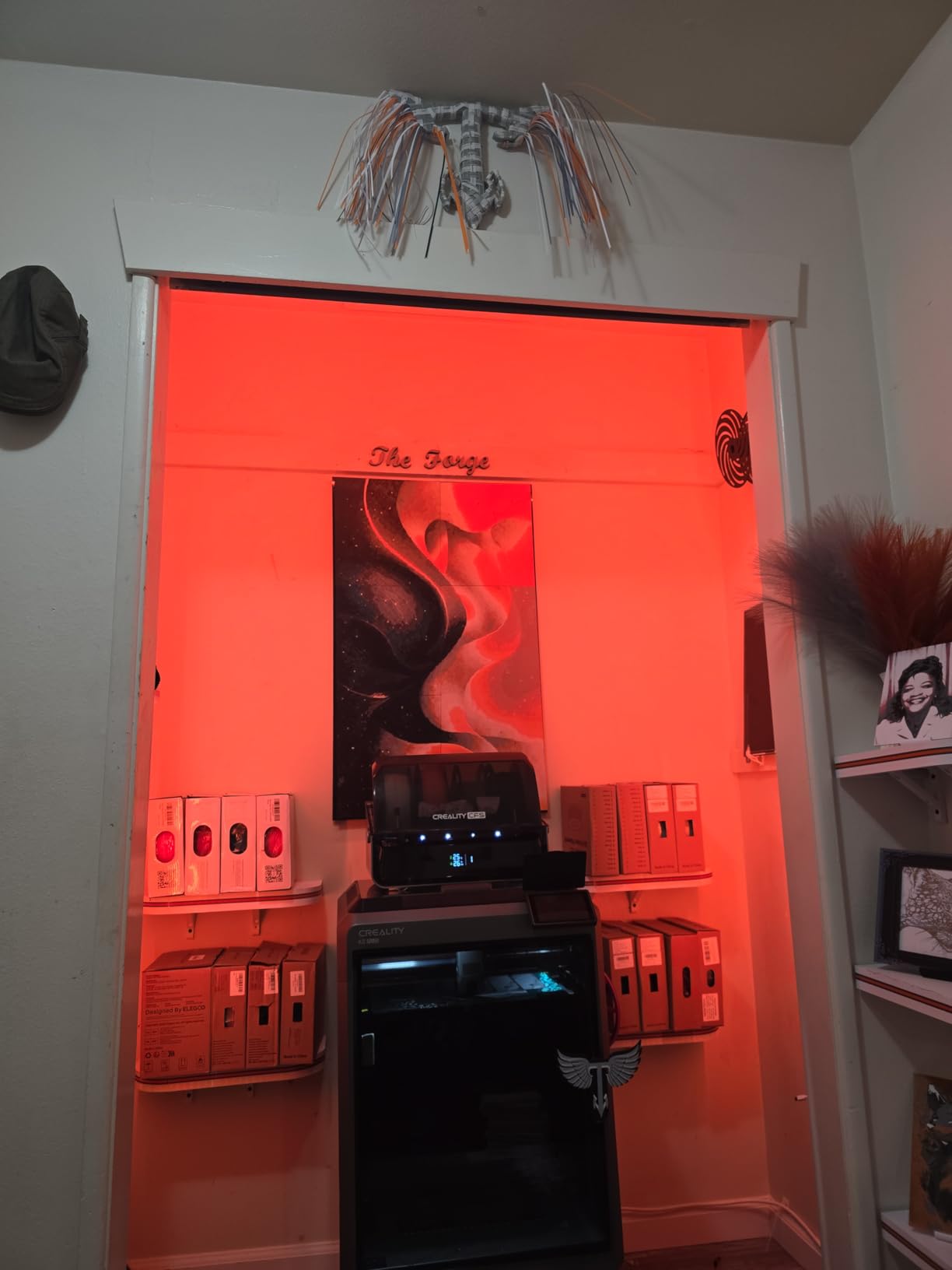
The hardened steel nozzle tip is rated to 350°C, and the 40mm³/s high-flow extruder pairs with FOC step-servo motors delivering 30000mm/s² acceleration. Eighteen sensors and dual AI cameras handle flow optimisation and chamber monitoring, and a dual Z-axis corrects bed tilt before levelling rather than after.
Four CFS units allow 16-colour printing with RFID filament auto-detection, and automatic filament relay takes over when a spool runs out mid-batch. Both earn their keep on unattended production rather than decorative colour changes.
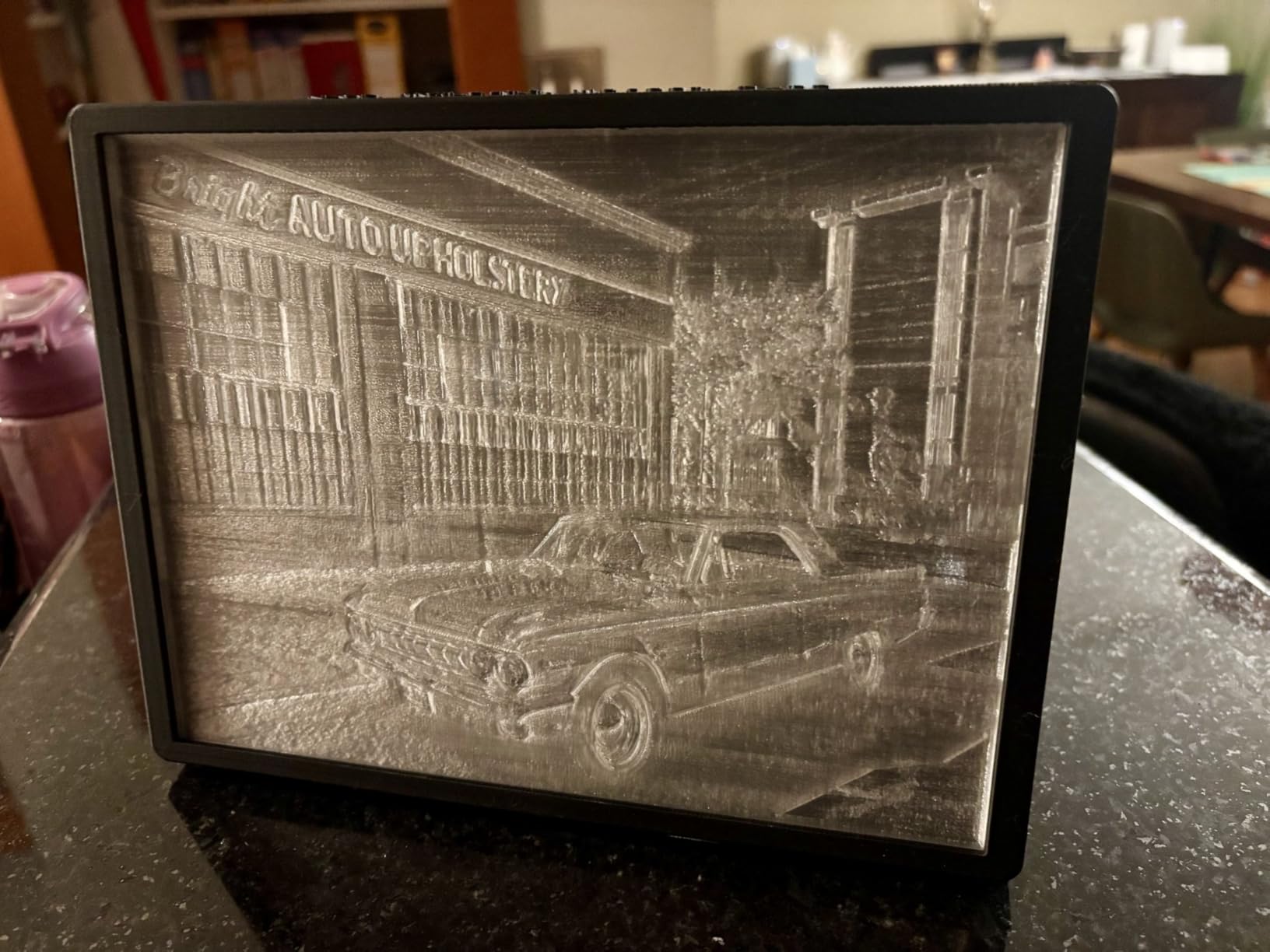
Why it earns its footprint
A 60°C actively heated chamber plus a 350mm cube is a combination nothing else here matches. Owners consistently praise the heated chamber and high-temperature nozzle together, and auto bed tilt correction removes a common cause of failed first layers on big plates.
What to watch out for
About 17 percent of ratings are one-star, and those reviews reference setup, firmware or hardware reliability rather than print quality, so allow time for early tuning. At 70.4 pounds and 16.1 by 15.4 by 18.7 inches, it needs a solid bench and clearance behind it for the chamber exhaust.
4. Flashforge Creator 5 Pro: Best Actively Heated Chamber
Flashforge Creator 5 Pro Enclosed 3D Printer, Active Heating Chamber to 65°C, HEPA13 Air Filter, 4 Independent Toolheads Zero-Waste, 600mm/s, 256x256x256, Auto-Leveling & Remote Management
Active chamber heating to 65C
HEPA13 filtration at 99.97 percent
4 independent toolheads
256 x 256 x 256mm build volume
Pros
- 65C chamber is the highest listed here and gives the strongest warping protection
- HEPA13 filtration makes indoor ABS printing far more practical
- Four independent toolheads avoid purging and colour bleed
- Quick-change nozzle in about 30 seconds without disassembly
Cons
- Newer platform with a smaller installed review base
- Multi-toolhead architecture adds maintenance complexity
This is the machine we would point at if someone asks which here takes ABS warping most seriously. Sixty-five degrees is the highest chamber temperature in this group, and it is actively driven rather than a warm box relying on the hotend to keep the air up.
For ABS the benefit shows up on long prints. Every layer arrives at a similar temperature, so the thermal contraction that lifts corners on a passively enclosed machine is largely cancelled out. Adaptive cooling is tuned for closed-door printing, which keeps overhangs clean without blasting cold air across a chamber you paid to heat.
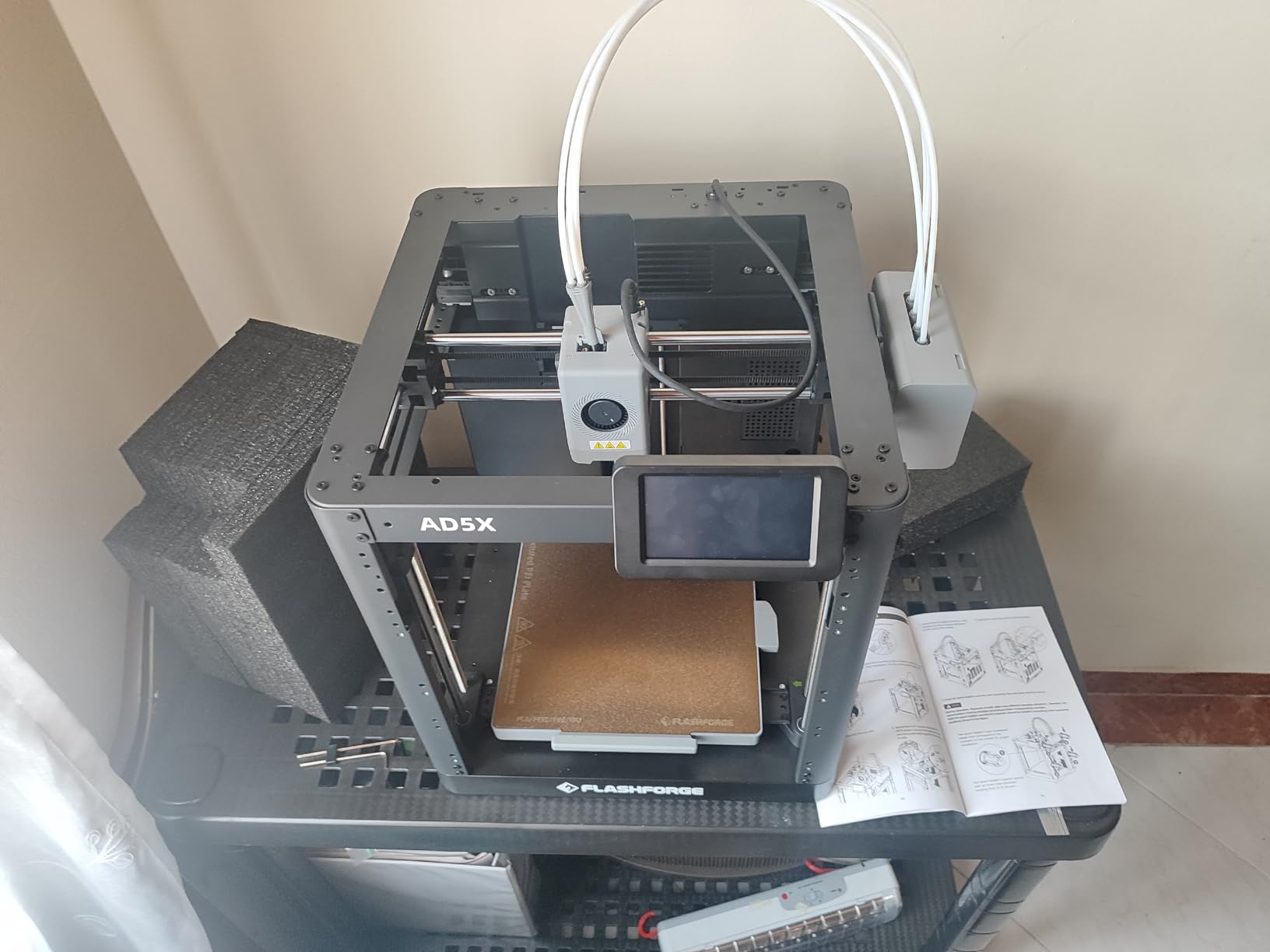
The HEPA13 filtration capturing 99.97 percent of particles is the other reason it stands out. ABS produces ultra-fine particles that carbon alone will not catch, and reviewers describe the enclosed filtered design as safe to run indoors. The rigid CoreXY frame with vibration compensation holds accuracy to 600mm/s.
Four independent toolheads with a 7-second FlashSwap change eliminate purging between materials, which matters for ABS because every purge dumps hot plastic into a chamber you are trying to keep steady.
What makes it the ABS-safe pick
A 65°C actively heated chamber plus HEPA13 filtration covers both halves of the ABS equation, warping and fume containment. One-tap bed levelling with auto XYZ offset accuracy of 0.04mm or better and a PEI flex plate also make large flat ABS panels release cleanly instead of tearing off the sheet.
What to consider first
The review base is smaller than the Creality K-series, so there is less long-run data to lean on, and a minority of reviews report first-unit calibration trouble. Four toolheads also means four more things that can need attention, even though the purge-free switching is fast.
5. Creality K2 Pro Combo: Best for Multi-Color ABS
Creality K2 Pro Combo (A) 3D Printer, Multicolor Color Printing with CFS, 600mm/s High-Speed, Dual AI Camera, Active Chamber Heating, Auto Leveling, Large Build Volume 300×300×300mm
Active chamber heating to 60C
300 x 300 x 300mm build volume
600mm/s with 20000mm/s2 acceleration
Hardened steel gear extruder
Pros
- Active chamber to 60C reduces corner warping with ASA and PPA
- Hardened steel gears hold up against carbon fibre filament
- CFS bundle includes RFID filament and a hardened nozzle out of the box
- Power-loss recovery helps with long unattended ABS prints
Cons
- 17 percent one-star share points to setup troubleshooting
- CFS multi-colour unit adds bulk to the setup
This is the middle of the K2 range and, for ABS, the most balanced of the three. It keeps the 60°C active chamber heating and the hardened hardware while dropping to a 300mm cube and a smaller footprint than the K2 Plus.
The CFS Smart Filament System handles up to 16 colours and multi-material printing, and the package includes the CFS, 500g of RFID filament and a hardened steel nozzle. That matters for ABS because you can start on abrasive filament immediately without sourcing a replacement nozzle first.
Two AI cameras watch the chamber and auto-tune nozzle flow in real time, a genuine help on ABS when a long print needs consistent extrusion through the whole build. Smart auto levelling probes only where the model prints, saving time on a full plate.
It supports PLA, ABS, ASA, PPA-CF, PET-CF and composites, with a quick-swap hotend, integrated filament cutting sensor and Creality OS for WiFi and LAN remote monitoring.
Where it fits in an ABS workflow
A 300mm cube with an actively heated chamber covers most functional work, from automotive prototypes to enclosures. You give up the K2 Plus size, not the chamber control, and power-loss recovery is a real asset on prints that run overnight.
What buyers report as rough
Feedback is split on first-run reliability, with a noticeable group of one-star reviews describing setup, levelling or connectivity issues, so factor in an afternoon of tuning. Sixteen-colour printing also requires the CFS, which adds bulk for anyone not chasing colour.
6. Bambu Lab P1S: Best for First-Time ABS Owners
Bambu Lab P1S 3D Printer, Ready-to-Use FDM 3D Printer
Fully enclosed body
500mm/s with 20000mm/s2 acceleration
Supports ABS and ASA, capable with PA and PC
Sets up in about 15 minutes
Pros
- Smoothest out-of-the-box experience in this group
- Fully enclosed body improves ABS and ASA results
- 81 percent of ratings are five stars
- Automatic bed levelling and remote monitoring through the camera
Cons
- No active chamber heater
- so ABS relies on preheating alone
- Carbon or glass fibre filament not recommended on the stock hotend
- AMS not included so multi-colour needs the add-on
The P1S is not the strongest ABS machine here and we will not pretend otherwise. It is the one we would hand to someone whose first functional part is an ABS bracket and who does not want to spend a weekend learning why their corners lifted.
Automatic bed levelling, a fully enclosed body and Bambu Studio with MakerWorld handle the setup. Owners report about 15 minutes to first print, and the double-sided textured plates give good bed adhesion on ABS without a slurry as long as the plate is clean and the right way up.
Supported filaments include PLA, PETG, TPU, PVA, PET, ABS and ASA, with capability for PA and PC. That last pair is capability rather than comfort, and the manufacturer does not recommend carbon or glass fibre filament on the stock hotend.
At 500mm/s with 20000mm/s² acceleration it is quick, but the real story is workflow. The built-in camera with time-lapse and remote printing means you can start a long ABS job and walk away, which is how most people end up running these machines anyway.
Why it suits a first ABS print
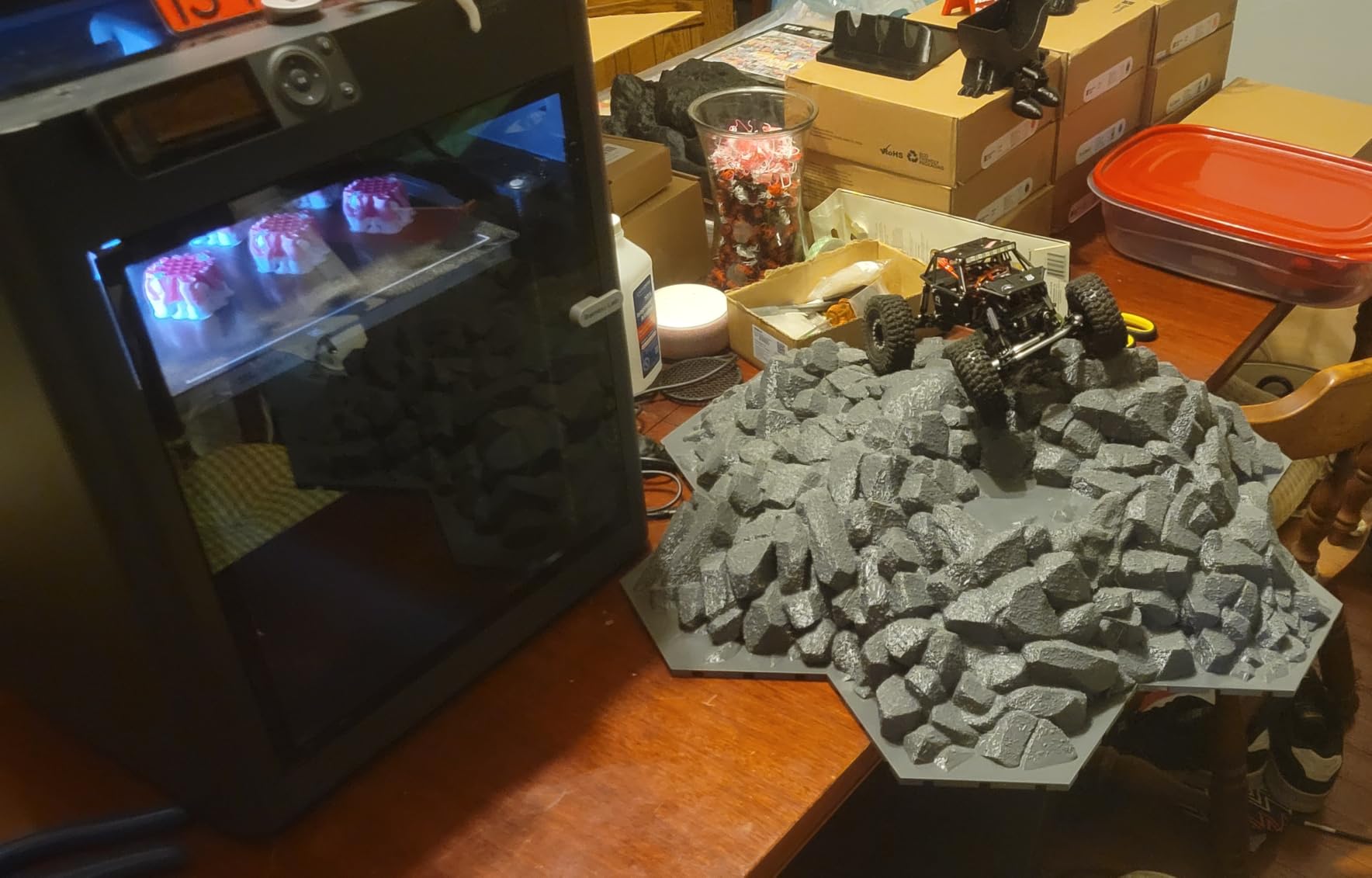
Bed adhesion is the most common reason a first ABS print fails, and this machine pairs the best textured plate, auto levelling and software defaults for it here. Add glue stick if the plate is marked, and it ranks first in the 3D Printers category, so the documentation is already there when you need it.
Where ABS will outgrow it
There is no active chamber heater. Preheating lifts the chamber temperature but nothing holds it as a tall part grows, which is exactly the situation that warps large ABS panels. Multi-colour printing also needs the AMS add-on.
7. QIDI PLUS4: Best for High-Temperature Materials
QIDI PLUS4 3D Printer, 65℃ Chamber Heating, 370°C Integrated Nozzle
Second-generation active chamber heating to 65C with 400W
370C multi-metal integrated throat nozzle
12 x 12 x 11in build volume
CoreXY structure
Pros
- 400W chamber heating with air circulation and dual-layer insulation holds 65C
- 370C nozzle unlocks PPS-CF
- PPA-CF/GF
- PC and PA
- Large build volume suits batch work
- Dual motor-driven Z-axis with 10mm lead screws for stability
Cons
- 16 percent one-star share on early reliability and support
- 59-pound chassis and 22-inch height make it one of the largest here
If your plan extends past ABS and ASA into PPS-CF or PPA, the PLUS4 is the most capable machine here. The 80W high-temperature hotend reaches 370°C through a multi-metal integrated throat nozzle, a different class of hardware from the standard hotend most enclosed printers carry.
Second-generation chamber heating uses 400W with air circulation and dual-layer insulation to hold 65°C. That combination of power and insulation is why it sustains a high chamber temperature on a big build volume rather than creeping up slowly and losing it the moment you open the door to swap filament.
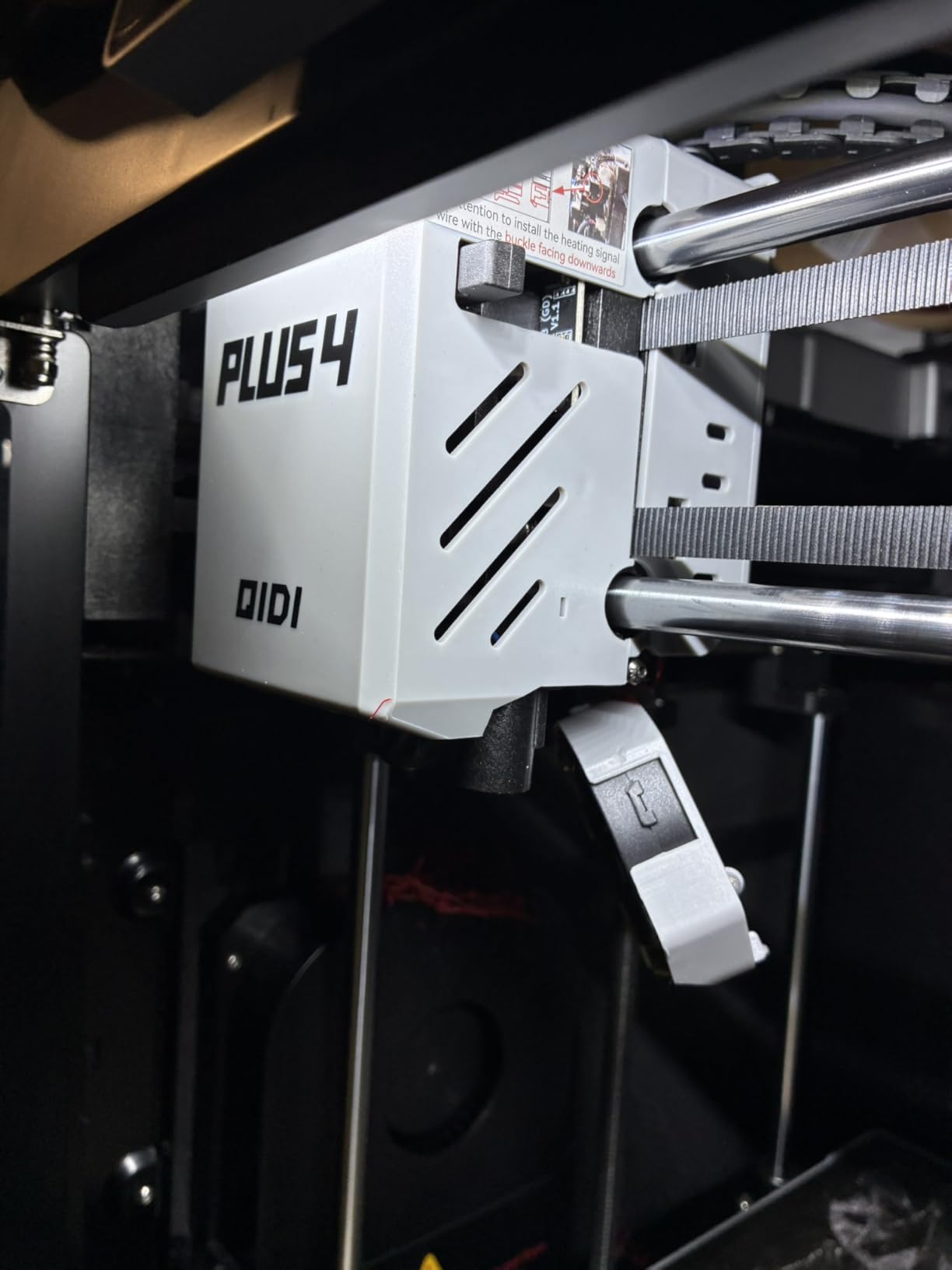
The 12 x 12 x 11in build volume on a high-speed CoreXY structure is generous, and the independent dual motor-driven Z-axis, 6mm aluminium bed and 10mm lead screws keep it stable under load. An HD camera with remote printing, plus filament wrap and break detection, cover unattended runs.
QIDI Studio handles slicing and the machine is compatible with the QIDI BOX multi-filament feeder. Enthusiast forums have long validated the QIDI name for ABS, and this model carries that reputation onto much newer hardware.
Why it handles tough filaments
A 370°C multi-metal nozzle and a sustained 65°C chamber mean you can move from ABS to PC or PPA-CF without rebuilding the machine, and few hobby-class enclosures reach that ceiling. Batch work benefits from the build volume plus dual Z motors resisting the frame movement that shows up as layer shift on long jobs.
What it costs you in convenience
At 59.4 pounds and 19.29 by 20.07 by 22.24 inches, it needs real clearance behind it for the chamber airflow. Ratings sit mid-pack, with one-star reviews focused on setup, levelling and firmware rather than output quality, so expect to tune it once, properly.
8. Bambu Lab P2S Combo: Best for Filament Drying and Workflow
Bambu Lab P2S Combo, P2S 3D Printer & AMS 2 Pro, Multi-Color 3D Printing
Adaptive airflow holding up to 50C chamber
AMS 2 Pro dries filament at up to 65C
600mm/s with PMSM servo extruder
Carbon filter included
Pros
- AMS 2 Pro dries filament at 65C
- which tackles ABS moisture problems directly
- Adaptive airflow can hold a 50C chamber for engineering materials
- Quick to set up and printing within 15 to 20 minutes
- Replacement service repeatedly praised in the same reviews as the complaints
Cons
- Multi-colour printing needs the Combo version with AMS 2 Pro
- AMS door and ribbon connector parts reported to break
- Small review base so far
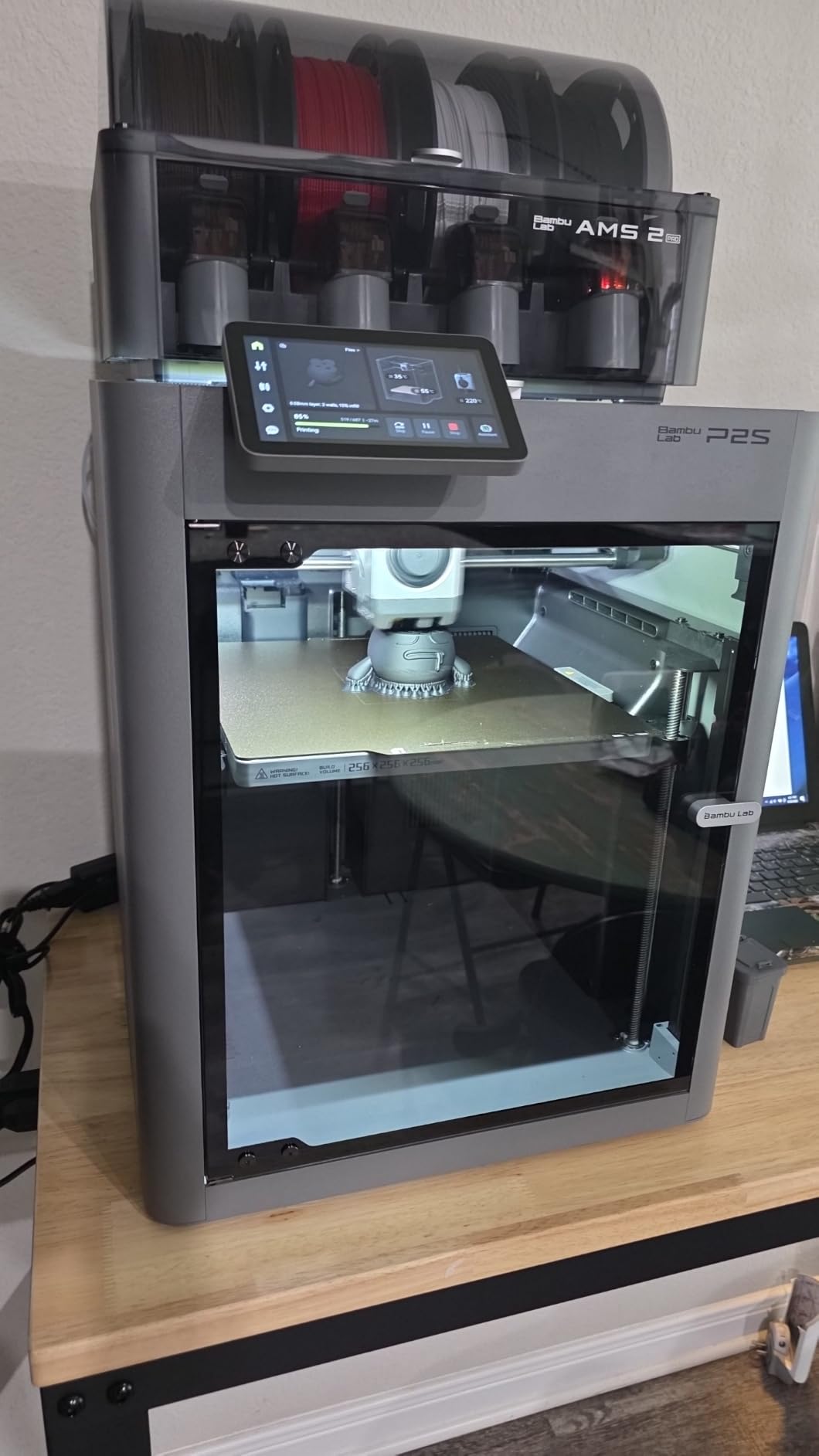
ABS is hygroscopic. It absorbs moisture from the air, and wet filament produces steam at the nozzle, bubbles in the wall, and a layer bond that looks fine until you snap the part. The P2S Combo is the only machine here with filament drying built into the multi-material unit, and for ABS that matters more than almost any other spec.
The AMS 2 Pro dries filament at up to 65°C. Combined with adaptive airflow holding a 50°C chamber, this machine addresses both halves of the ABS problem at once, moisture and temperature stability, in a way the other enclosed units do not.
The PMSM servo extruder with active flowrate compensation and speeds to 600mm/s keep corners sharp at higher speeds, where ABS reveals flow problems first. AI failure detection, quick-swap nozzles and automatic calibration cut the downtime a long ABS batch would otherwise cost you.
The carbon filter keeps emissions manageable indoors, and Bambu Studio with MakerWorld make this one of the smoother setups in the group. Early buyers describe fast, easy setup and reliable automated behaviour, with 84 percent of ratings at five stars.
Why the drying unit matters for ABS
Drying is not a gimmick for ABS. If you keep spools in a garage or humid workshop, a machine that dries filament while it prints saves you from diagnosing bubbles as a temperature problem when it is a moisture problem. At 46.3 pounds it fits a home bench far better than the QIDI PLUS4 while still offering real chamber control.
What to watch out for
Multi-colour printing requires the Combo version with the AMS 2 Pro, so the base machine is not the one to buy if colour matters. AMS door and ribbon connector parts have been reported to break, and a small review base means less long-run data.
9. Snapmaker U1: Best Open-Slicer Four-Toolhead Workbench
Snapmaker U1 3D Printer,4-Toolhead with 5s Toolchanger,Multi-Color Printing
4 toolheads with 5-second SnapSwap changer
270 x 270 x 270mm build volume
500mm/s CoreXY with carbon fibre rails
Snapmaker Orca open-source slicer
Pros
- Four dedicated toolheads mean no purging and near-zero multi-colour waste
- 5-second tool change cuts multi-colour print times
- Open ecosystem with Snapmaker Orca and Linux support
- Rigid and flexible plus soluble supports in a single print
Cons
- Top is open so a cover or printed lid is needed to fully enclose
- Multi-file workflow less streamlined than click-to-print ecosystems
- Some users need troubleshooting on a day-old unit
The Snapmaker U1 earns its place for what it does around the ABS print rather than in it. Four independent toolheads with a 5-second SnapSwap changer mean no purge towers between colours, and up to five times less filament waste during tool changes.
For ABS that matters more than the spec sheet suggests. Every purge dumps hot plastic into a chamber, and in an enclosed machine that heat is heat you wanted to keep. Eliminating purging keeps the chamber steadier through a multi-material run.
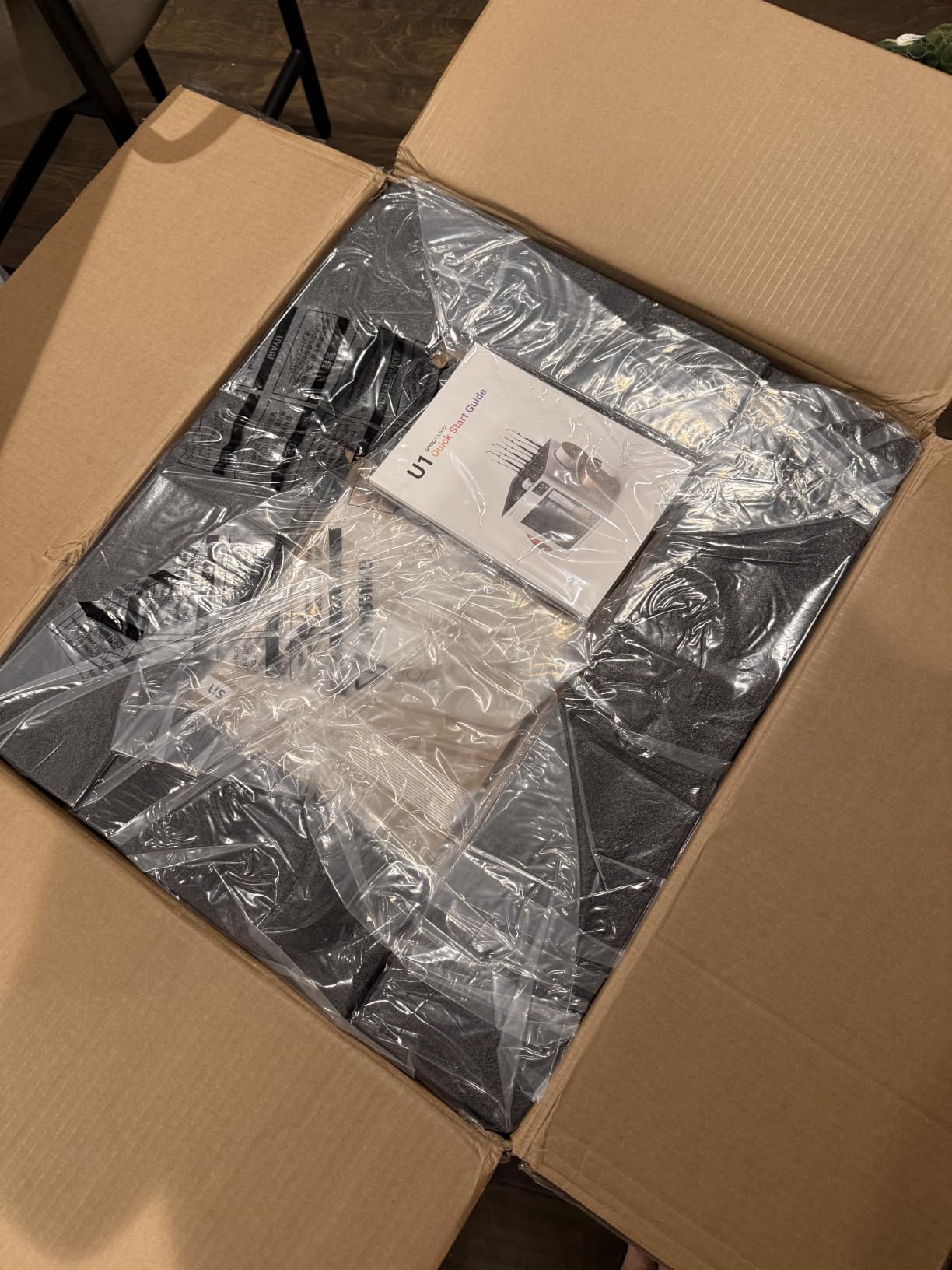
It is compatible with PLA, PVA, TPU, PETG, PCTG, ABS, ASA, PA and PC, and supports rigid plus flexible and soluble supports in one print. The toolhead locking is validated over 1,000,000 swaps, which is the kind of claim worth taking at face value only after a year of use.
The open ecosystem matters to experienced users. Snapmaker Orca is an open-source slicer with a built-in model library and Linux support, so you are not locked into a proprietary app. The 270mm cube on 500mm/s CoreXY with carbon fibre X-axis rails is a solid functional-part size.
Where it beats the alternatives
No purging and a 5-second tool change make it the fastest route to a multi-colour or multi-material ABS part, with one tool running ABS while another runs soluble support. Open slicer support is increasingly rare in enclosed machines and reviewers single it out as a real advantage.
The open top problem
The most repeated limitation in reviews is that the top is open, so a cover or printed lid is needed to fully enclose the build chamber, and for ABS that is not cosmetic since drafts are exactly what you are excluding. The multi-file workflow is also less streamlined than click-to-print ecosystems.
10. QIDI Q2: Best for Clean Air and a Compact Footprint
QIDI Q2 3D Printer, 65℃ Heated Chamber and 370℃ Nozzle Unlock PPS-CF
Second-generation PTC heated chamber to 65C
370C high-temperature nozzle
Triple filtration with G3 pre-filter, H12 HEPA and carbon
Nozzle doubles as the levelling sensor
Pros
- PTC chamber reaches 65C
- a strong match for ABS warping control
- 370C nozzle unlocks PPS-CF and other high-melt polymers
- Nozzle-as-sensor levelling gives reliable first layers without manual tramming
- Triple filtration including H12 HEPA and activated carbon suits indoor use
Cons
- Multi-colour and dry-while-print need the optional QIDI BOX
- Newer platform with a smaller review base than established QIDI models
The Q2 packs a 65°C actively heated chamber and a 370°C nozzle into a body small enough for a normal desk. That is unusual, because chamber heating usually comes with a large frame, and it makes this the most practical enclosed printer here for ABS work in a smaller space.
Filtration goes furthest. Triple filtration with a G3 pre-filter, H12 HEPA and activated carbon covers both halves of the air quality problem, particles and vapour. The flame-retardant chamber with closed-loop temperature sensors is a detail worth having when you run plastic near its decomposition point.
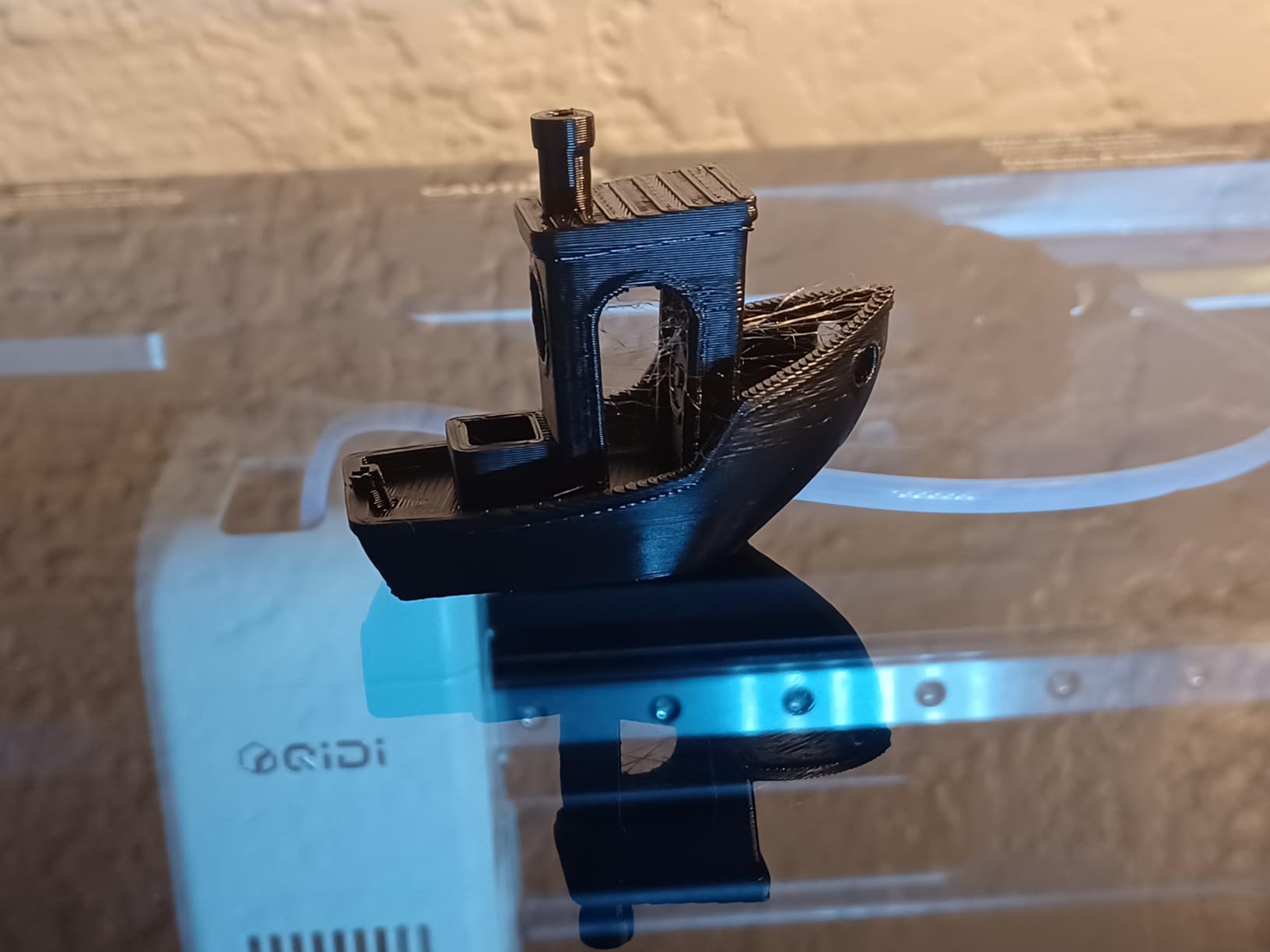
Levelling is handled by the nozzle itself acting as the sensor, which removes the manual tramming step and, more importantly for ABS, gives a repeatable first layer every time. Auto-levelling, run-out and tangle detection, an AI camera and power-loss recovery cover the rest of the unattended picture.
The full-metal CoreXY structure with precision linear rails runs up to 600mm/s, and the 1.5GT synchronous belt reduces vertical fine artifacting, which shows as rough walls on tall ABS parts. At 39.8 pounds it is one of the more portable machines here.
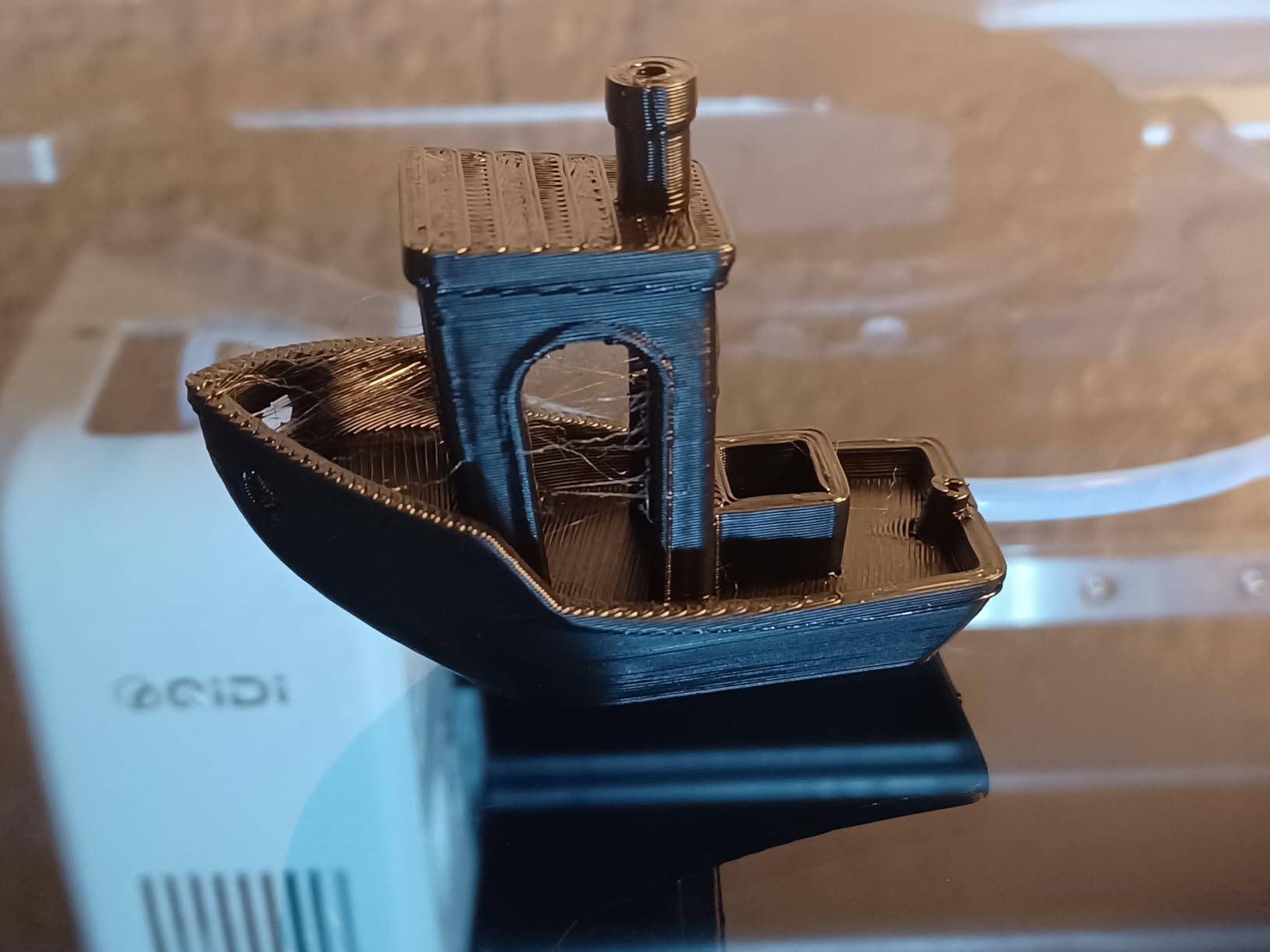
Why it stands out in this list
It is the only machine combining a 65°C chamber, a 370°C nozzle and three-stage filtration in a 39.8-pound frame, a combination normally reserved for much larger machines. Owners rate it highly for the chamber, nozzle and filtration, and the nozzle-as-sensor levelling is called out as simple and accurate.
What it does not do
Multi-colour printing and dry-while-print both require the optional QIDI BOX, so plan for an extra purchase if your workflow needs either. It is also a newer platform with a smaller review base than established QIDI models, so long-run reliability data is thinner.
Does ABS Need a Heated Chamber?
No. ABS needs a heated chamber for reliable large and tall parts, but a passive enclosure alone will produce good results for smaller ones. The enclosure blocks drafts and traps heat from the hotend; an actively heated chamber adds a heater to hold a set temperature regardless of part size.
Here is the difference in practice. ABS is extruded at roughly 240 to 260°C and needs to cool evenly. On a passively enclosed machine the chamber typically sits between 35 and 50°C once the hotend and bed warm the air, and it falls when the hotend stops or the door opens. A tall part sees the coldest air at its top, and that is where corners lift. An actively heated chamber holds 50 to 65°C here from the first layer to the last, so the layer laid down 300 layers ago stays close to the temperature of the layer being laid now.
The practical thresholds look like this. Below about 150mm of part height, a passive enclosure plus a brim is usually enough. Between roughly 150 and 250mm, warping shows up consistently on tall walls and corners. Above that, or for parts printed in a cold room, an actively heated chamber stops the problem rather than reducing it.
This matches long-running enthusiast forum discussion. The recurring view is that enclosures do two separate things, preventing drafts and keeping the chamber warm, and that a box doing the first but not the second only gets you part of the answer. That is also why heated-bed-only machines still warp at the corners: an insulating cover treats the draft problem and ignores the temperature one.
How to Print ABS Without Warping or Cracking
Most ABS failures trace back to wet filament, a cold first layer, a cold chamber, no brim on a large footprint, or a nozzle running below the bonding range. Fix them in order and most warping problems disappear.
1. Dry the filament first. ABS absorbs moisture and vents it as steam at the nozzle, which bubbles the wall and weakens the bond between layers. A dryer at 65°C for four to six hours covers a spool that has been open. The P2S Combo’s AMS 2 Pro does this automatically.
2. Set the nozzle between 240 and 260°C. Below 240 the layers do not bond strongly enough. Above 260 adds stringing and surface roughness without improving bonding. A 260°C nozzle is not too hot for ABS, but you do not need to run it there.
3. Heat the bed to 100°C or above. A 100 to 110°C bed keeps the first layers soft enough to fuse to the plate while they cool. With a clean textured PEI plate that is usually enough without adhesive. If corners still lift, add a thin ABS and acetone slurry or a glue stick layer and re-test.
4. Add a brim on large footprints. Anything with a wide base needs a 5 to 8mm brim to give thermal expansion somewhere to go. On a 65°C actively heated chamber it can often be reduced; on a passively enclosed machine it is not optional.
5. Preheat, then close the door. Let the hotend and bed run for ten minutes so the chamber air settles, then start the print and leave the door shut for the entire build. Opening it mid-print resets your chamber temperature.
Set the chamber target to whatever the machine can hold, and accept that a passively enclosed printer will land lower than you asked for. OrcaSlicer, PrusaSlicer and Bambu Studio all expose chamber temperature as a setting, so you can log what the chamber actually does rather than guessing.
ABS, ASA, PC and PETG Chamber Requirements Compared
Different polymers want different conditions, and the chamber temperature you need depends on which one you are running. For anyone weighing filament as well as hardware, our guides to 3D printers for beginners and printers for cosplay and props cover the PLA and TPU end of this range.
PLA and PETG: nozzle temperatures around 200 to 250°C, no chamber heating needed, and a passive frame can actually hurt because it traps more heat than the layer needs. PETG strings more than PLA and prefers the higher end of its range.
ABS: 240 to 260°C nozzle, a 100°C or above bed, and a chamber held above the material’s glass transition point for the whole print. An actively heated chamber is the difference between good results and fighting warping on anything tall.
ASA: the same requirements as ABS and often slightly more forgiving, with better UV and weather resistance. ASA is the better choice for outdoor parts, and forum consensus treats the two as near-interchangeable on a machine with a heated chamber. Do not assume a machine tuned for ABS covers ASA without checking the nozzle ceiling.
Polycarbonate and PA-CF: nozzle temperatures of 280°C and above, with a chamber approaching 80°C or higher to keep layer adhesion. Most enclosed printers here cannot do that, which is why the QIDI models and the Flashforge Creator 5 Pro stand out for anyone moving into engineering thermoplastics.
PETG again: it is far easier to print than ABS and is the usual recommendation for someone who wants functional strength without enclosure complications.
Air Quality When Printing ABS Indoors: HEPA vs Activated Carbon
ABS prints release styrene vapour and ultra-fine particles. If you plan to run an enclosed printer in a room where people live, understanding what the filter actually removes is worth two minutes of reading.
Activated carbon adsorbs volatile organic compounds, including the styrene vapour behind the sharp smell and much of the irritation people notice. It works by trapping molecules on a large surface, and it saturates over time, so it needs replacing on a schedule rather than forever.
HEPA filtration catches particles physically. An H12 or HEPA13 filter captures 99.95 to 99.97 percent of 0.3 micron particles, which is where most ultra-fine particulate from melting plastic falls. It does nothing about vapour, which is why a carbon-only filter leaves people wondering why the room still smells. The best results come from stacking them, which is what the QIDI Q2’s G3 pre-filter plus H12 HEPA plus activated carbon arrangement does.
Two practical notes. An enclosure contains fumes, it does not destroy them, so a filtered chamber is still usually a contained source that benefits from a cracked window or an external exhaust. And filtration has no effect on print quality, so treat it as a safety purchase rather than a quality upgrade.
Should You Enclose Your Current Printer Instead of Buying a New One?
If you already own a capable open-frame machine, a DIY enclosure is a legitimate path to good ABS. It is also fire-adjacent, fragile, and it cannot be left unattended, which is why most people eventually move to a purpose-built machine.
A cardboard or zip-up tent does one useful thing well: it blocks drafts, which on its own removes a large share of corner lift on medium parts. What it cannot do is heat the chamber, so the air still cools to room temperature and tall parts still warp. That limitation is the recurring point in forum discussion of DIY enclosures, and it is why a tent is a stepping stone rather than a destination.
A proper upgrade box for an existing printer adds an insulating jacket, a chamber temperature sensor, a heater and a fan, and that combination approaches a commercial actively heated chamber in performance for meaningfully less than a new machine. Our simple rule: if your ABS parts are small, mostly flat, and printed in a warm room, an enclosure around your current machine will get you a long way. If you print tall parts, in a cold room, overnight, or for anything beyond experiments, the money is better spent on one of the machines above.
Frequently Asked Questions
Does ABS need a heated chamber?
No, but you want one for large and tall parts. A passive enclosure blocks drafts and traps heat from the hotend, which handles parts up to about 150mm. An actively heated chamber holding 50 to 65C keeps every layer at a similar temperature and is what prevents corner warp on bigger prints.
What are the best 3D printers for printing ABS?
For most people the Creality K2 Combo leads, with a 300C hardened nozzle and a high-flow hotend rated for ABS at 280C. The Creality K1C is the cheaper enclosed option, the Flashforge Creator 5 Pro has the hottest actively heated chamber at 65C, and the QIDI PLUS4 reaches 370C for tougher engineering polymers.
Is 260 too hot for ABS?
No. The usual ABS range is 240 to 260C, and 260C is the upper end rather than beyond it. Running hotter adds stringing and surface roughness without improving layer bonding. What matters more is that the hotend can reach 240C at all, and that the chamber stays warm for the whole print.
Which is easier to print with PETG or ABS?
PETG is considerably easier. It prints around 230 to 250C, needs no enclosure and tolerates most beds without much fuss, though it strings more than PLA. ABS prints at 240 to 260C and needs an enclosure, a 100C or above bed and ideally an actively heated chamber to avoid warping.
Is 3D printed ABS plastic strong?
Yes, when the layers actually bond. ABS is tougher and more heat and impact resistant than PLA, and it sands, paints and acetone-smooths cleanly. Weakness appears when prints delaminate or crack along layer lines, which is usually a temperature or moisture problem rather than a material limit.
Do I need a HEPA filter for ABS printing?
It helps but it is not complete on its own. HEPA filters catch ultra-fine particles, while activated carbon adsorbs the styrene vapour that causes the smell and irritation. Ideally use both, keep the door closed during prints, and crack a window or use an external exhaust, because an enclosure contains fumes rather than destroying them.
Which Enclosed 3D Printer Should You Buy for ABS?
For most people making ABS parts at home, the best enclosed 3D printers for ABS printing come down to three tiers. If you are moving up from PLA and want the smoothest path with the least tuning, take the Creality K2 Combo, with the deepest owner feedback base here, a 300°C hardened nozzle and a high-flow hotend rated for ABS at 280°C.
If chamber control is the priority, choose by how hot the chamber goes. The Flashforge Creator 5 Pro runs the hottest actively heated chamber here at 65°C and adds HEPA13 filtration, the safest indoor combination we found. The QIDI Q2 gets 65°C and 370°C in a smaller frame with three-stage filtration, and the Creality K2 Plus Combo gives a 350mm cube with a 60°C chamber if your parts are large. For the cheapest door into ABS, the Creality K1C offers an enclosed, filtered, quiet chamber that handles parts up to about 150mm tall without complaint.
Whichever you pick, dry your filament before you blame the printer for the failure. Check the current listing for the machine, and start with a small ABS test coupon rather than your actual project.