
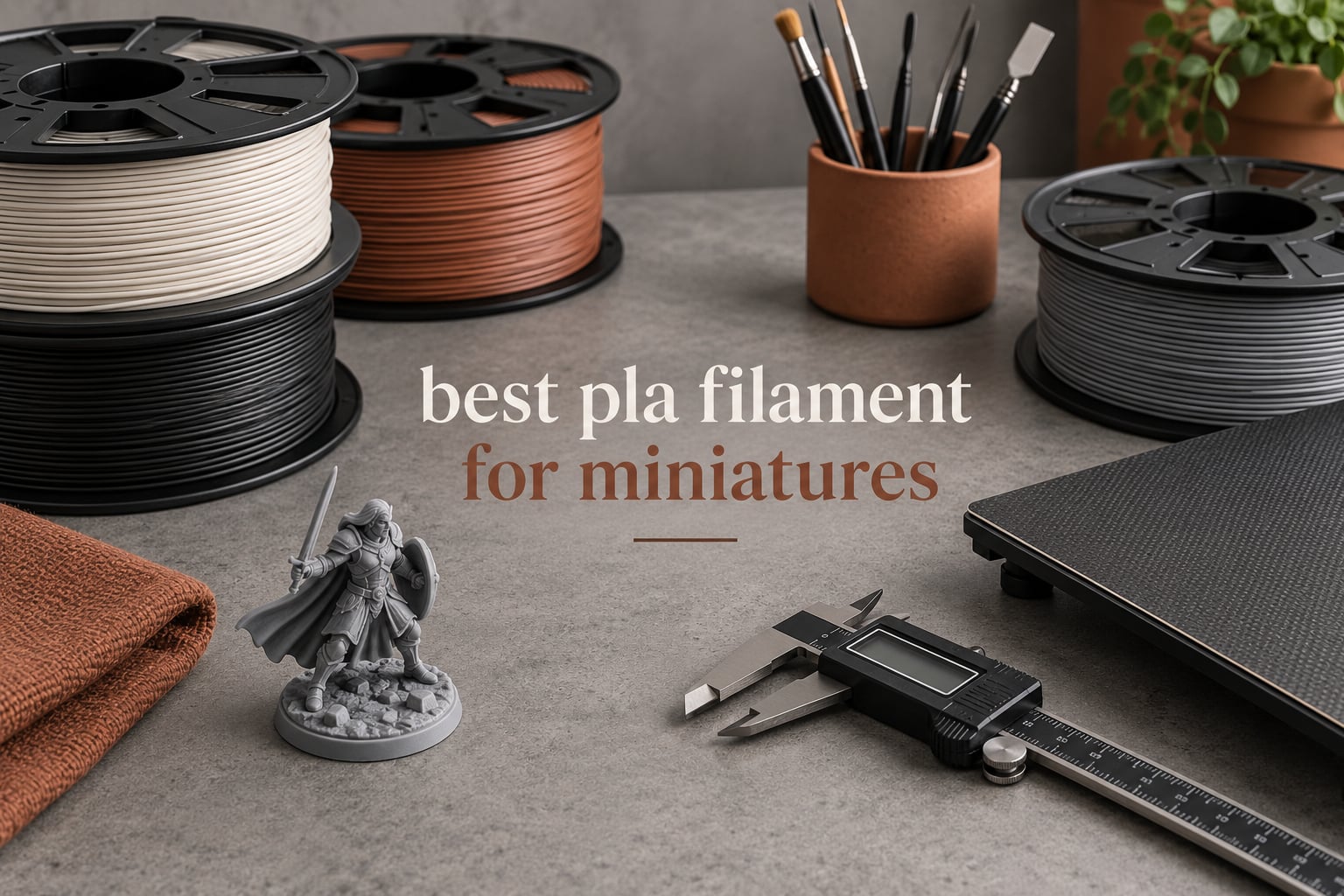
Matte PLA is the best PLA filament for miniatures, and three spools lead the field in 2026: Overture Matte PLA for the cleanest surfaces, Polymaker PolyLite PLA Pro for toughness that survives support removal, and SUNLU PLA as the dependable baseline. Matte hides layer lines, PLA+ stops thin spears snapping, and diameter tolerance near ±0.02mm keeps a 0.2mm nozzle feeding reliably.
We spent weeks printing 28mm figures, rank-and-file army models, display busts and dungeon terrain on everything below, then cross-checked each spool against thousands of buyer reports. The recurring theme is simple: on miniatures the surface finish is the product. A glossy spool reflects light off every 0.1mm layer step, and the glare hides real detail while making primer and paint sit unevenly.
Ten spools made the cut, and all ten are 1.75mm PLA in 1kg or 0.5kg spools that feed through hobbyist FDM printers without modification. If you are still choosing hardware, our guide to the best 3D printers for miniatures covers the machines that handle a 0.2mm nozzle well.
Table of Contents
Top 3 Best PLA Filament for Miniatures (October 2026)
Overture Matte PLA
- Matte surface conceals layer lines
- CCD +/- 0.02mm diameter
- Easy tree support removal

Polymaker PolyLite PLA Pro
- PLA Pro toughness resists cracking
- Layer adhesion close to PETG
- Prints up to 300 mm/s

The matte finish on Overture is the reason it tops this list. A frosted surface diffuses light instead of reflecting it, so stair-stepping on a face fades, and buyers report layer lines that all but vanish at fine layer heights.
Polymaker takes the toughness crown. Reviewers who print tabletop minis report sharper fine detail and fewer snapped parts than with most other PLA Plus lines, plus a flat matte face on a plus-tier material.
SUNLU rounds out the top three as the volume pick. Its review base is the largest here, and the spool feeds cleanly with no clogs or tangles, though the gloss finish means post-processing on detail work.
Best PLA Filament for Miniatures: Full Comparison in 2026
| Product | Specifications | Action |
|---|---|---|
| Overture Matte PLA 1.75mm 1kg |
|
Check Latest Price |
| SUNLU PLA Filament 1.75mm 1kg Black |
|
Check Latest Price |
 ELEGOO PLA Filament 1.75mm Black 1kg ELEGOO PLA Filament 1.75mm Black 1kg |
|
Check Latest Price |
| Polymaker PolyLite PLA Pro 1.75mm 1kg |
|
Check Latest Price |
 ANYCUBIC PLA Texture Grey 1.75mm 1kg ANYCUBIC PLA Texture Grey 1.75mm 1kg |
|
Check Latest Price |
 3DHoJor Matte PLA Filament Black 1kg 3DHoJor Matte PLA Filament Black 1kg |
|
Check Latest Price |
 Creality PLA+ Filament 1.75mm Rainbow 1kg Creality PLA+ Filament 1.75mm Rainbow 1kg |
|
Check Latest Price |
 YOOPAI Matte PLA+ Filament 1.75mm 1kg YOOPAI Matte PLA+ Filament 1.75mm 1kg |
|
Check Latest Price |
 GIANTARM PLA Filament 0.5kg White GIANTARM PLA Filament 0.5kg White |
|
Check Latest Price |
 Creality PLA Filament Black and White 2-Pack 2kg Creality PLA Filament Black and White 2-Pack 2kg |
|
Check Latest Price |
1. Overture Matte PLA 1.75mm 1kg – Best Overall for Miniatures
OVERTURE Matte PLA Filament 1.75mm, 1kg Matte Light Brown
Matte PLA 1.75mm
1kg spool
Diameter +/- 0.02mm
Nozzle around 210C
1-year warranty
Pros
- Layer lines nearly invisible even at fine layer heights
- Good bed adhesion and no clogging across printer brands
- Easy removal of rafts brims and tree supports
- Works on Bambu Lab AMS with cardboard spools
Cons
- Spools are not vacuum sealed so drying is often needed first
- Cardboard spools sometimes arrive bent and cause snagging
- Needs roughly 210C nozzle temperature for smooth flow
This is the spool we keep coming back to. The frosted matte surface is doing real work rather than just looking different, because light scatters across each ridge instead of bouncing off it. On a 28mm face that means the stair-stepping you can see in photos on a glossy spool basically disappears.
Buyers consistently point to the same two things: a surface that conceals layer lines, and feeding that just works. That holds from entry-level machines to Bambu Lab X1C, H2D and H2C builds, with no clogging reported across brands.
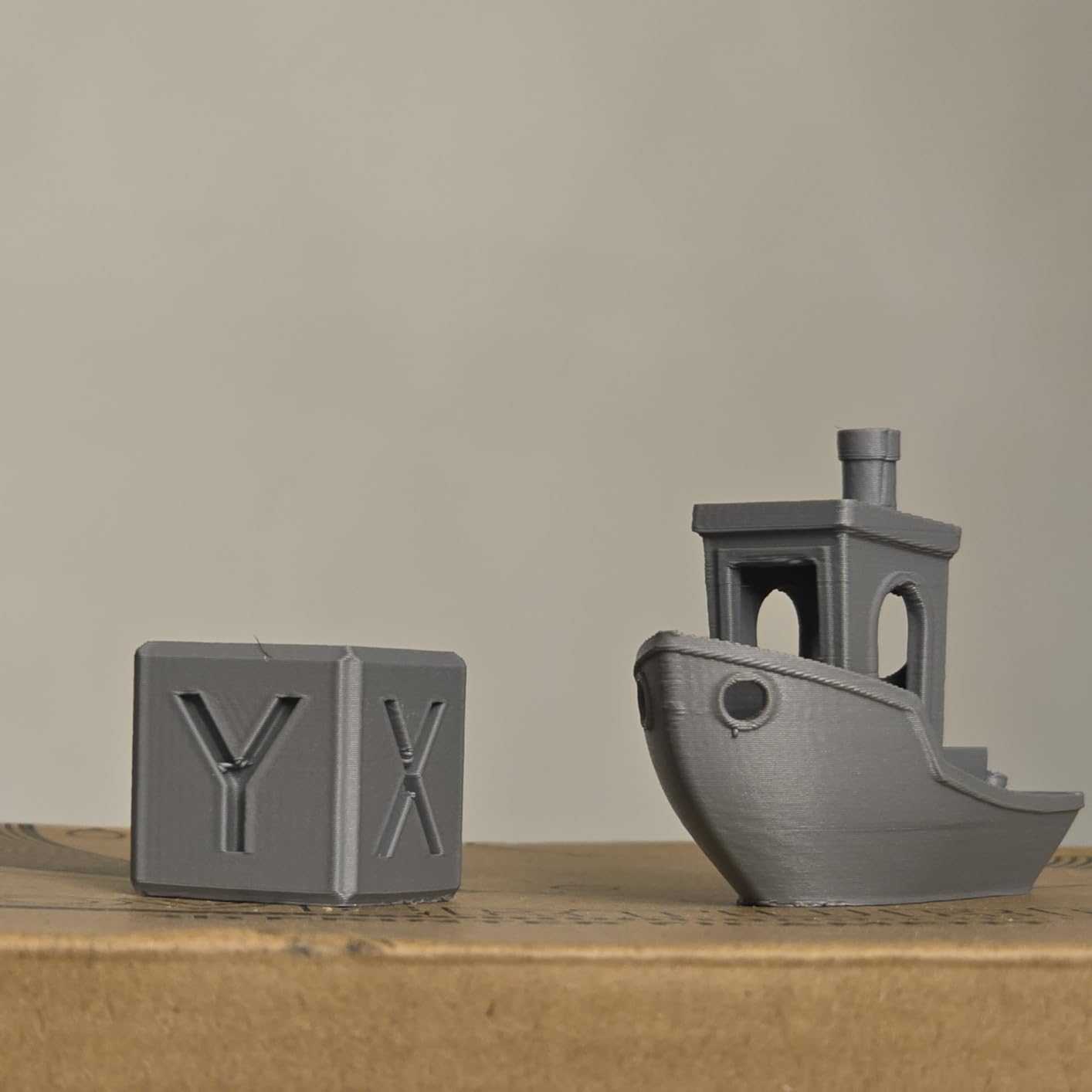
Diameter is measured with CCD closed-loop control and held to ±0.02mm on 1.75mm filament, which is the number that matters most on a 0.2mm nozzle. Tighter tolerance means consistent layer thickness, and consistent layer thickness is what keeps a face from looking pitted at 0.12mm layer height.
The overhang handling is a genuine bonus for miniatures. Improved overhang performance plus easy raft, brim and tree support removal means less time with a craft knife and less chance of scoring a shoulder or cheek while you clean up.
It also runs on Bambu Lab AMS units using the original cardboard spools, so multi-material mini projects do not force a hardware change. That is more useful for terrain in several colours than for single-figure work.
What you get at fine layer heights
Layer lines all but disappear at settings such as 0.13mm, and buyers on matte spools regularly report them being invisible even at 0.2mm layer height. The finish photographs well because there is no specular highlight fighting the sculpt.
Where it falls short
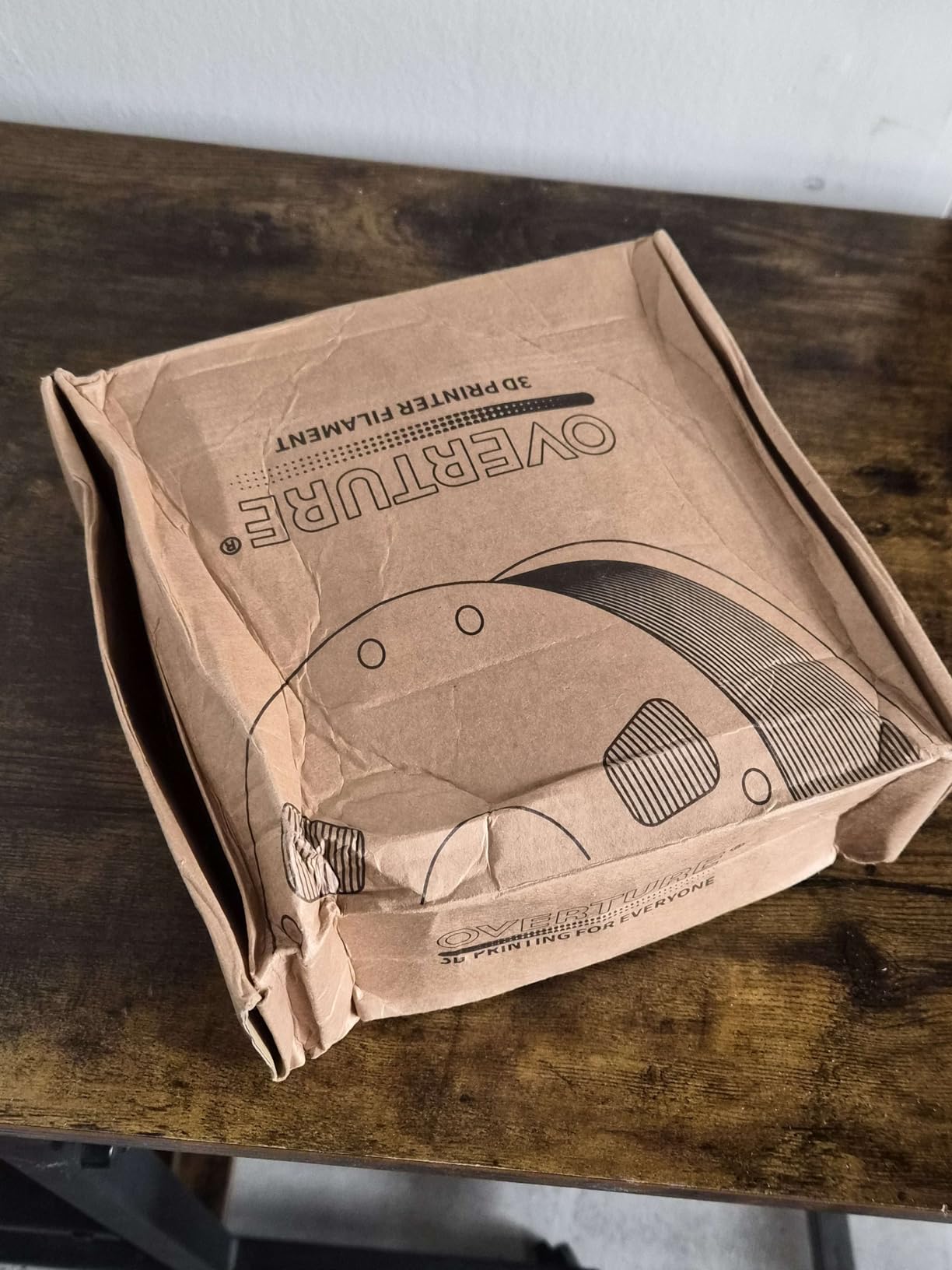
Packaging is the weak point. Bags carry a small desiccant rather than being vacuum sealed, so plan on routine drying before a print, and the cardboard spools sometimes arrive bent, which can catch the filament and jam.
Material is temperature sensitive below roughly 210C on some printers. Print a short test at the higher end of the range first, and one of the budget filament dryers we tested removes the moisture guesswork entirely.
2. SUNLU PLA Filament 1.75mm 1kg Black – Best Value Baseline
SUNLU PLA 3D Printer Filament, Black, 1KG
Standard PLA 1.75mm
1kg spool
+/- 0.02mm accuracy
Nozzle 200-230C
Bed 50-65C
Speed 50-100 mm/s
Pros
- Low-friction feeding with no clogs bubbles or tangles
- Self-developed neat winding cuts jams on long prints
- Dimensional accuracy holds within +/- 0.02mm
- Standard 8-inch spool fits most FDM printers and dryers
Cons
- Glossy finish leaves layer lines visible on small models
- Standard PLA brittleness limits thin snap-fit miniatures
- Lower temperature and UV resistance than engineering materials
SUNLU PLA is the baseline we measure everything else against. The review base here is the largest in the group, and the reason is that it simply never causes a problem: no clogs, no bubbles, no tangles across tens of thousands of reports.
The neat winding device is the quiet hero. Spool diameter is 8.00 inches with a 2.50 inch width and a 2.20 inch hub hole, geometry that fits most printers and most external dryers, so you are not hunting for adapters.
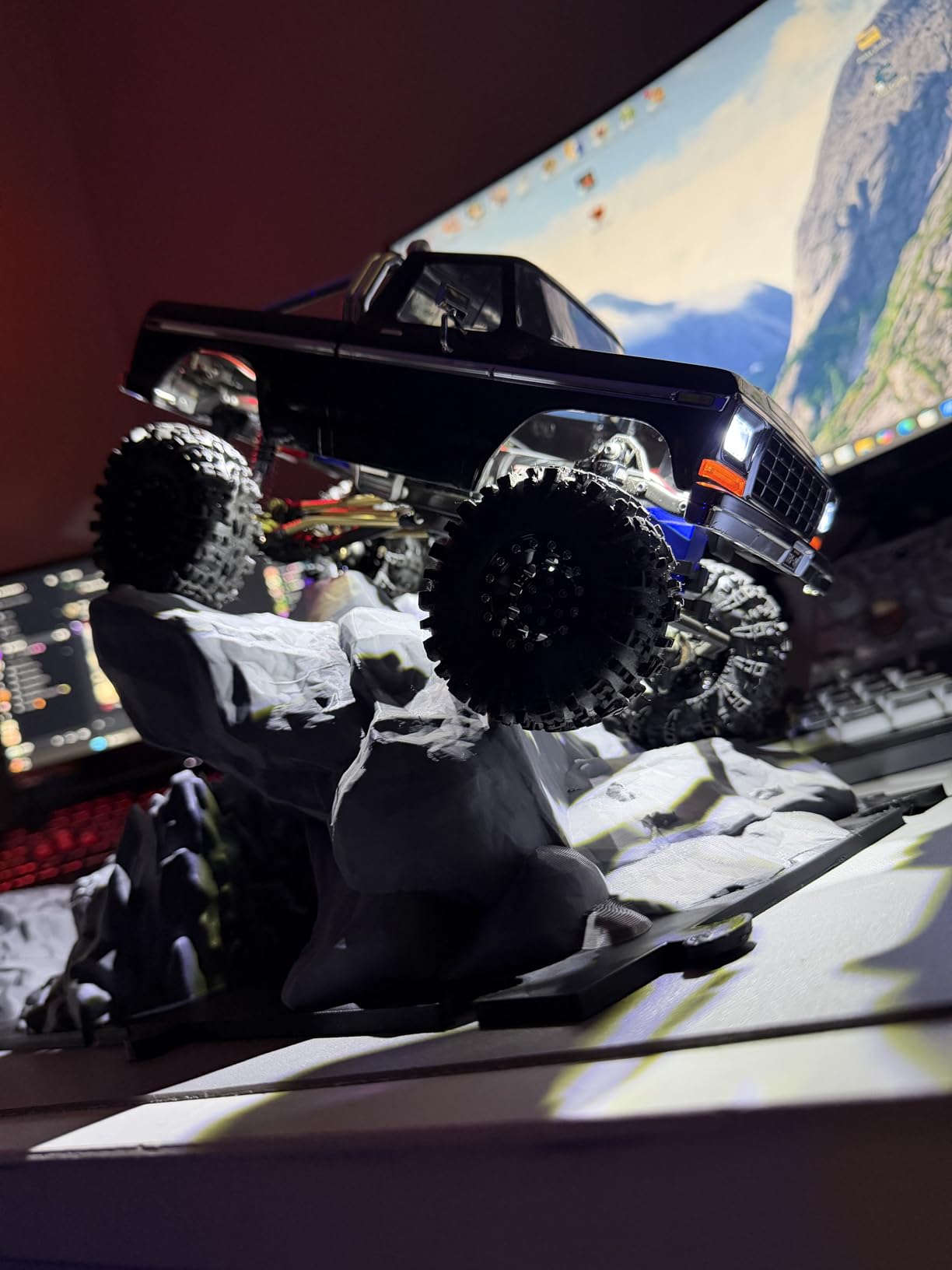
Published settings are 200-230C at the nozzle, 50-65C on the bed and 50-100 mm/s, which is where the “prints on default settings” reputation comes from. Most people run this spool without touching flow rate or retraction.
Colour range is genuinely wide, including transparent, marble, galaxy and silk-style finishes, so you can cover terrain, heraldry and display pieces from one brand without hunting across suppliers.
Where it fits in a miniatures workflow
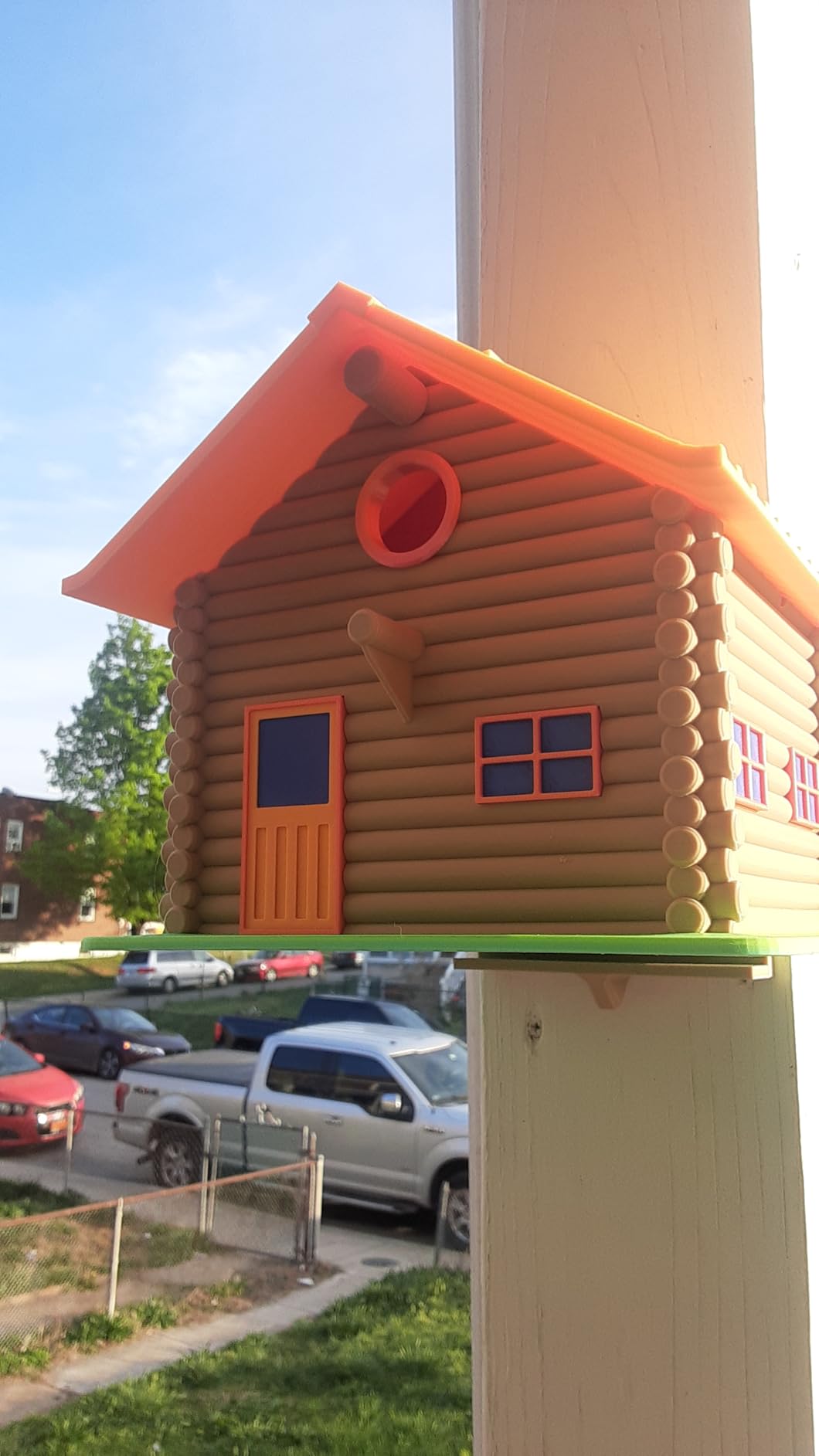
This is the filament we reach for when a project is about volume rather than surface. A hundred rank-and-file soldiers, a scatter of tabletop terrain, a stack of encounter markers. Reliability across long prints matters more there than a matte face.
Why it is not the top pick
The finish is plain glossy, so layer lines stay visible on 28mm-scale faces unless you sand and prime. Standard PLA also lacks the toughness of the plus-tier spools, and thin features like antennae can snap during support removal.
3. ELEGOO PLA Filament 1.75mm Black 1kg – Best for First-Time Mini Printers
ELEGOO PLA 3D Printer Filament 1.75mm Black 1KG
Standard PLA 1.75mm
1kg spool
+/- 0.02mm diameter
Pre-dried and vacuum sealed
Low warp and low odor
Pros
- Highest rated spool in this group with 83 percent of reviews at five stars
- Vacuum sealed and pre-dried so first prints do not clog
- Low warp and low shrinkage hold fine detail on small parts
- Odorless and easy to print at a low melt temperature
Cons
- Glossy surface does not mask layer lines
- Standard PLA toughness leaves very thin parts brittle
- Limited specialty color range versus premium brands
ELEGOO wins on one unglamorous detail that matters enormously to a new printer owner: the filament is dried before packaging and vacuum sealed. That means your first miniature print is not the print where you learn what hydrolysis sounds like.
Bubbling and clogging straight out of the bag are the two complaints that ruin a first small model, and this spool is designed around both. Reviewers also single out low warp and low shrinkage as the reason fine detail holds on small parts.
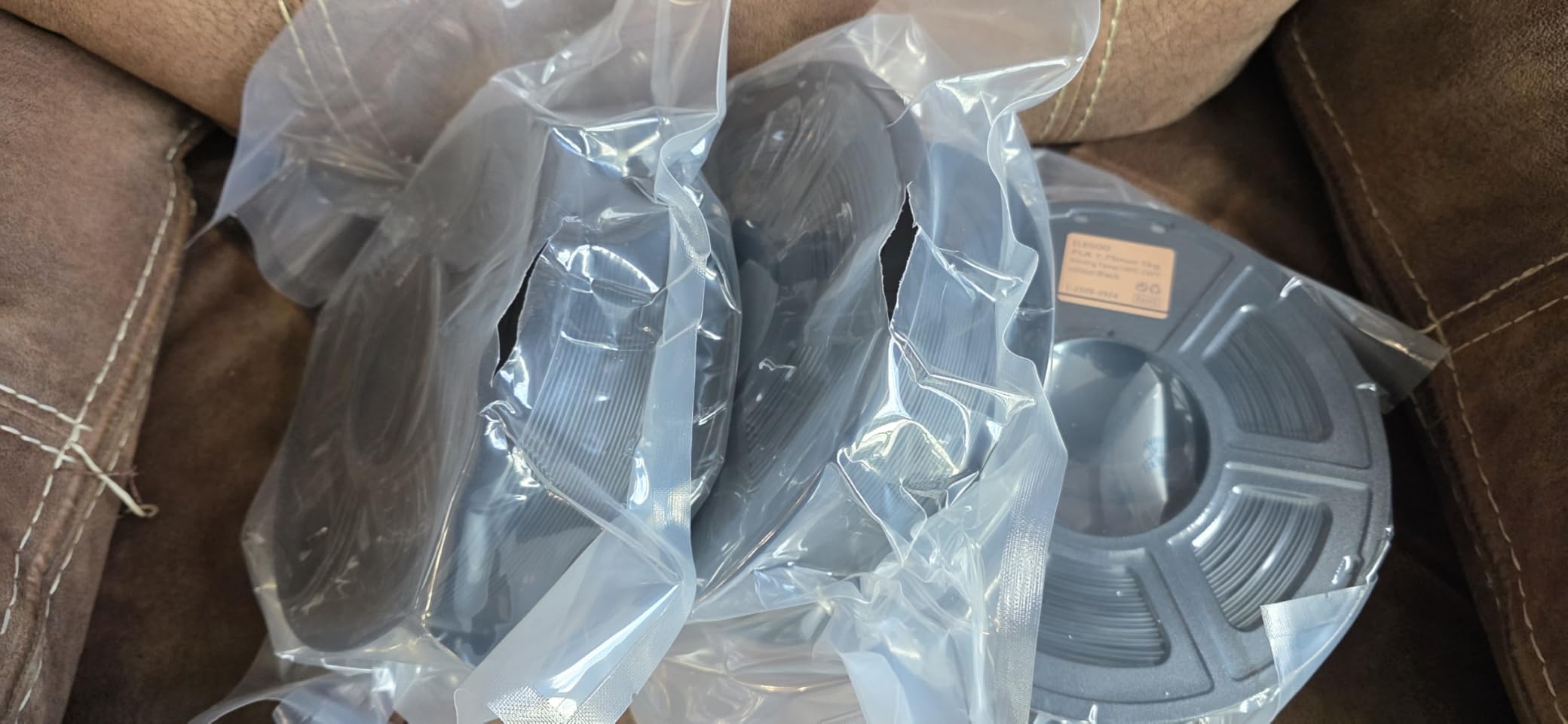
Compatibility is broad, covering the Neptune series, P1P, P1S, Ender and Kobra machines, plus Bambu Lab and Creality builds in practice. Diameter is held within ±0.02mm by advanced measurement, so calibration changes between prints stay rare.
The lower melting temperature is another quiet win. PLA that melts more easily lays down at moderate temperatures without needing a hot end that sits at the ceiling of its range, which is kinder to cheap entry machines.
Who should print with it
Beginners printing their first few 28mm figures, and anyone who wants a low-friction spool to sanity check a new printer before committing to a specialist matte material. The colour range covers the usual needs well enough that most people never leave the brand.
What you give up
It is a glossy standard PLA. Layer lines remain visible on small models, and the formulation has no plus-tier toughness, so a very thin cape edge or weapon can still snap when you pull supports.
4. Polymaker PolyLite PLA Pro 1.75mm 1kg – Best for Tough, Detailed Minis
Polymaker PolyLite PLA Pro Filament 1.75mm 1KG Black
PLA Pro 1.75mm
1kg spool
+/- 0.02mm accuracy
Forgiving 180-220C window
Prints up to 300 mm/s
Pros
- Layer adhesion close to PETG so thin legs spikes and chainmail survive
- Sharper fine detail than most competing PLA Plus lines
- Very forgiving temperature window with good bridging
- Flat matte face on a plus-tier material
Cons
- Carbonboard spool bends and adds extruder resistance
- Supports bond so hard they are harder to cut away
- Extrusion flow varies between colours and needs calibration
This is the spool for people who have snapped a mini’s sword in the support removal step and do not want it to happen again. The PLA Pro formula resists cracking better than standard PLA Plus, and layer-to-layer bonding comes close to PETG.
Reviewers who print tabletop minis report two specific gains: noticeably stronger parts, and sharper fine detail that washes out with other brands. That combination matters because a miniature is mostly thin protrusions held together by layer lines.
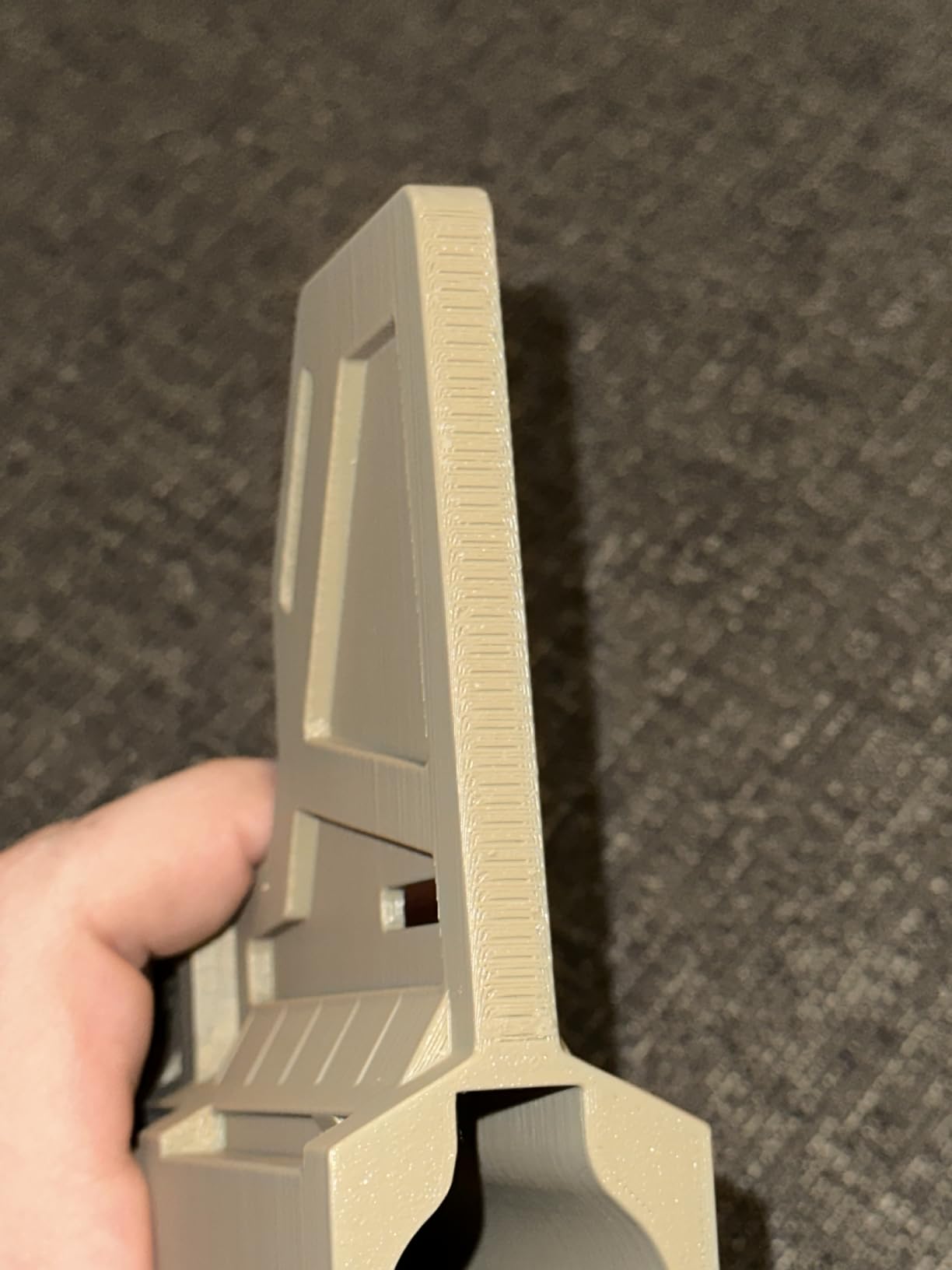
The temperature window is unusually forgiving at roughly 180C to 220C, so a bad guess costs you surface finish rather than a failed print. Bridging is strong, which saves you on cloaks, capes and outstretched arms on a 32mm scale.
High speed capability up to 300 mm/s with fast melt flow means a terrain tile batch does not take all weekend. Diameter accuracy is ±0.02mm, neatly wound, and available in old and new formula colour variants with hex codes listed.
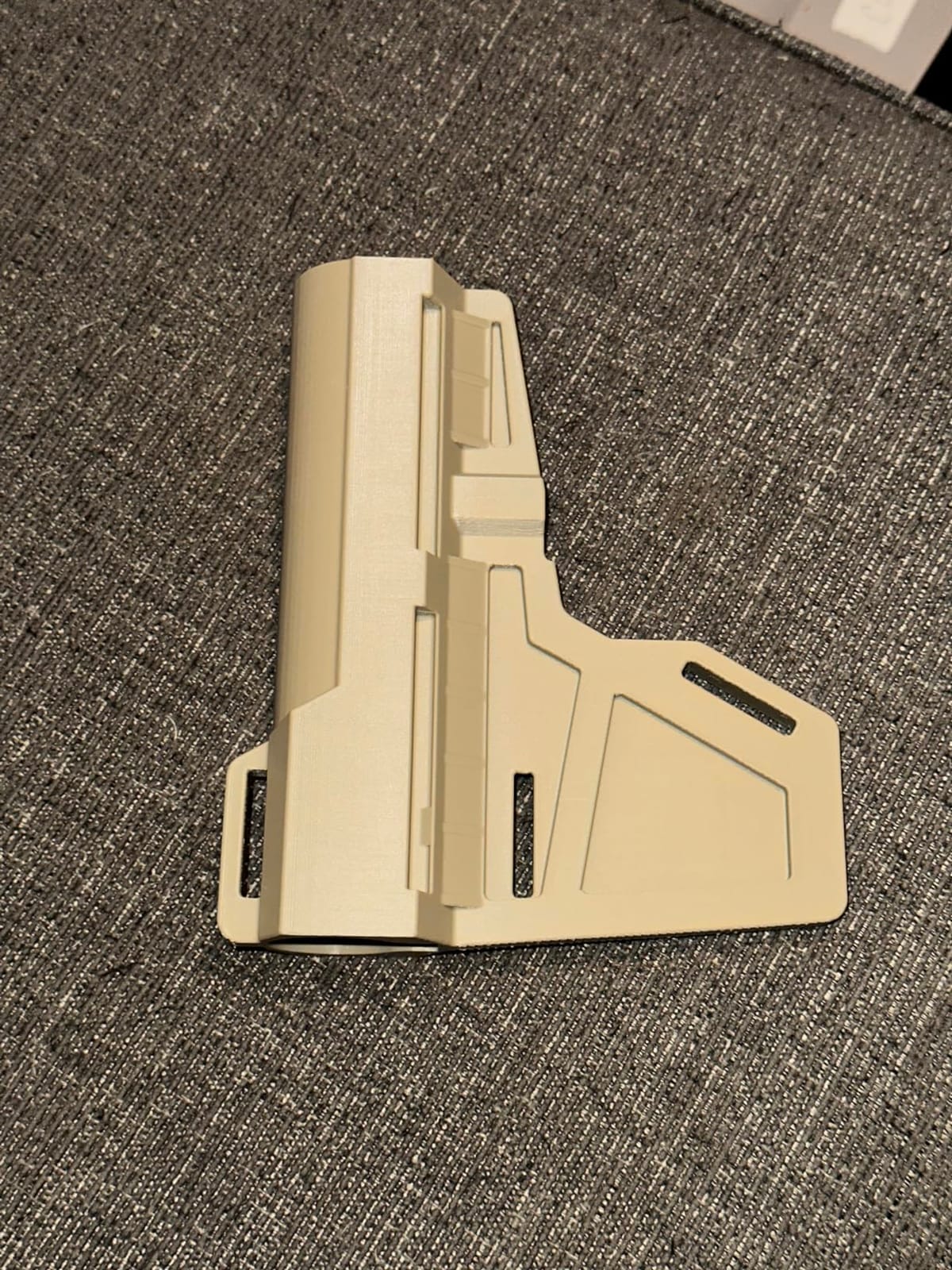
Why the toughness changes the outcome
Thin legs, spikes and chainmail on gaming minis are the exact features that fail first on standard PLA. Because the bonding resists flex and cracking across layer lines, you can print at standard 28mm scale rather than upscaling, which cuts filament use.
The trade-offs you accept
The carbonboard recyclable spool is the most common complaint: it bends, drags, shreds and adds extruder resistance, and on a heavily used AMS unit that is a real annoyance. The filament is also so cohesive that supports bond tenaciously, and there is a noticeable sweet maple-syrup odor while printing.
Flow rate varies between colours, so calibrate once per spool rather than trusting a single profile. It also holds more moisture than some competing plus lines and benefits from periodic drying.
5. ANYCUBIC PLA Texture Grey 1.75mm 1kg – Best for Judging Surface Quality
ANYCUBIC PLA 3D Printer Filament 1.75mm, Texture Grey, 1KG
Textured PLA 1.75mm
1kg spool
+/- 0.02mm tolerance
Dried 24 hours and vacuum sealed
Reusable spool
Pros
- Non-uniform texture makes fine detail and layer quality easy to judge
- Accurate +/- 0.02mm diameter reduces recalibration between prints
- Vacuum sealed with desiccants so it prints cleanly from the pack
- Low stringing and good bridging when the bed is dialed in
Cons
- Several buyers report spools wound too tightly and jamming in the AMS Lite
- Occasional flow drop-off during very long prints
- Somewhat brittle if over-extruded
- Weakest star rating among the textured options here
Texture Grey is a genuinely useful trick rather than a fashionable colour. The non-uniform surface breaks up highlights the way a matte filament does, which makes it far easier to judge whether a face actually printed cleanly or whether you are looking at glare.
For calibration work it is the most instructive spool here. Diameter holds at ±0.02mm, so when you change flow rate settings you are seeing a real surface change instead of noise from inconsistent filament thickness.
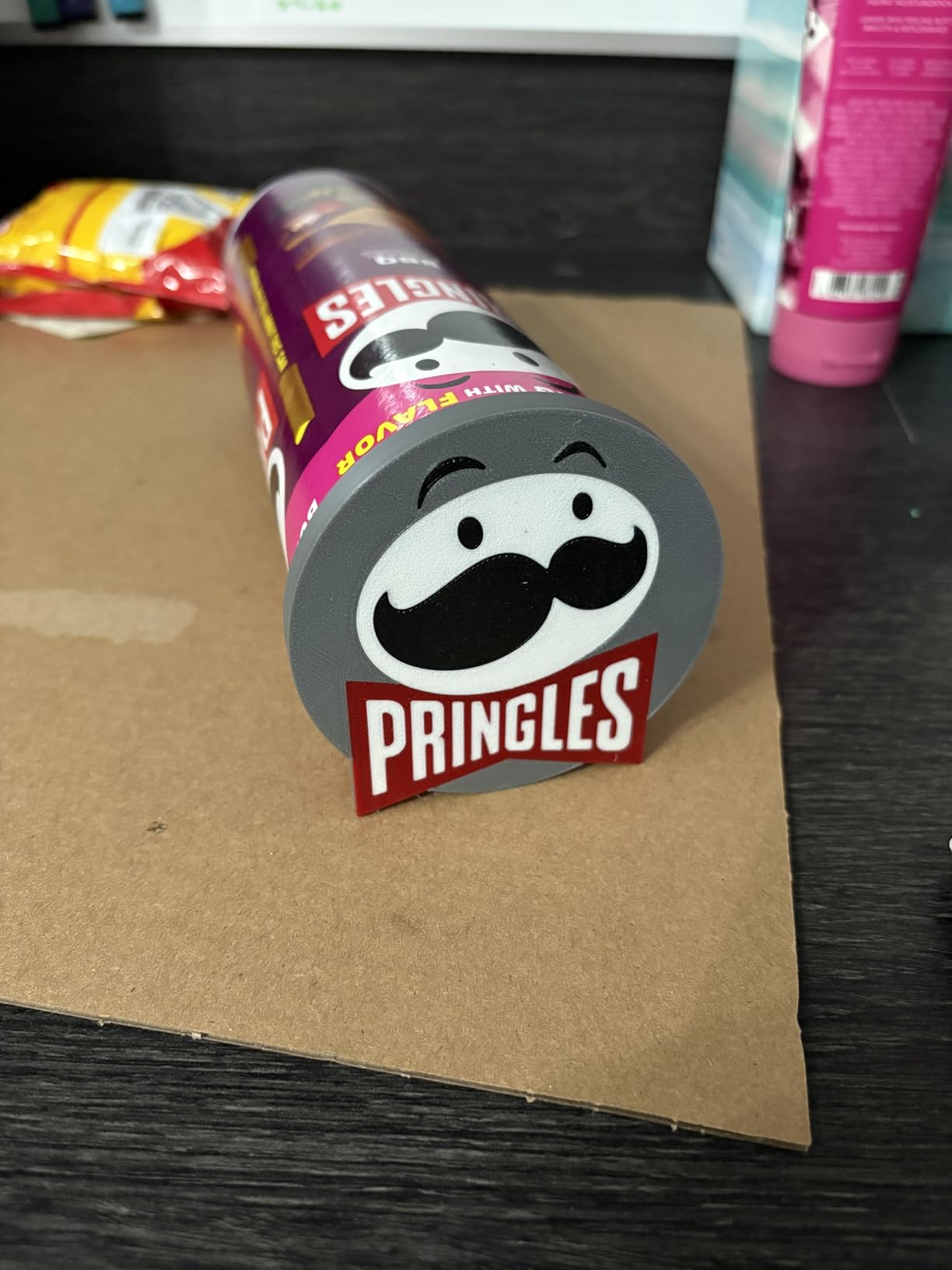
The larger spool inner diameter design supports smoother feeding, and the material is dried for 24 hours and vacuum sealed with desiccants in a nylon re-bag. Low shrinkage gives good bridging and stable layer fusion on organic shapes.
Identification chips let ACE Pro recognise the material automatically, which is convenient if you run a multi-spool setup for army batches. Standard and PLA+ variants exist, plus translucent and glow-in-the-dark colourways.
Where it earns its place
This is the filament to print a test bust on when you are tuning a printer for miniature work. If the sculpted texture reads cleanly here, your nozzle, flow and cooling are doing their job. It also works well as a subtle display finish on unpainted figures.
Where it frustrates people
Winding quality is the dominant negative theme. Multiple buyers across several colours report filament wound too tightly so it jams mid-print, particularly in the AMS Lite, and some also cite inconsistent bed adhesion and flow dropping during very long jobs.
6. 3DHoJor Matte PLA Filament Black 1kg – Best for Clean Support Removal
3DHoJor Matte PLA 3D Printing Filament Black,1KG
Matte PLA 1.75mm
1kg spool
+/- 0.02mm accuracy
Nozzle 190-230C, 215C suggested
Bed 45-60C
Pros
- Support material breaks away without marring the part surface
- Individually vacuum packed after 24 hour drying
- Mechanical winding plus manual inspection avoids tangles
- Low warp low odor and broad printer compatibility
Cons
- Smaller review base than the major brands
- Some listed colours are dual-colour or gradient
- Standard PLA formulation so very thin parts stay brittle
Support removal is where most miniature prints are ruined, so this is the pick we recommend for anyone working with curves. The material is designed to support itself and break away cleanly, and reviewers specifically call out surfaces that survive the process unmarked.
The matte finish does the same job as the other matte spools here, reducing the appearance of layer lines into a non-reflective surface that suits display models. Low warp and low odor make long batch prints bearable.
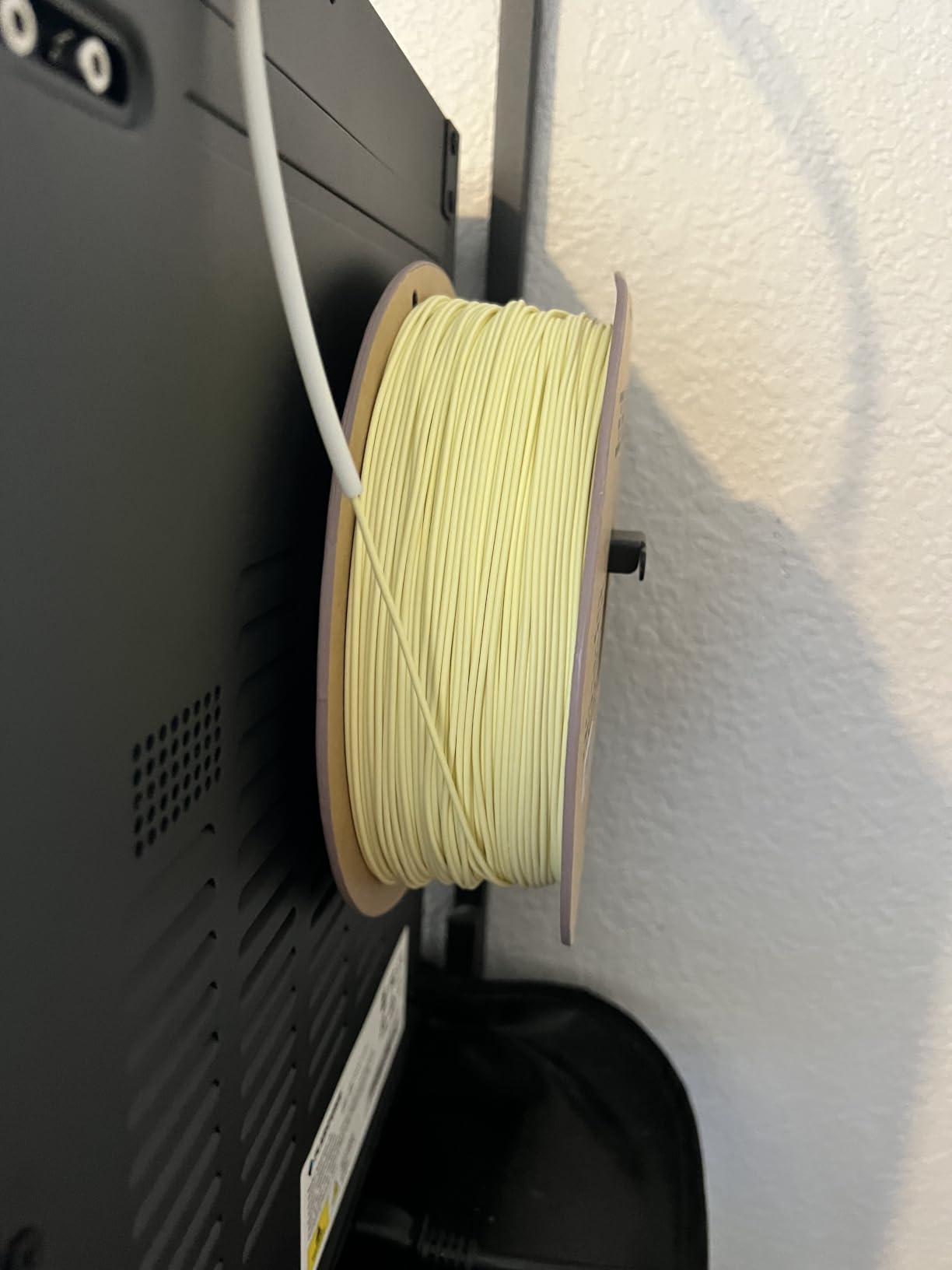
Extrusion stays consistent out of the pack because each spool is mechanically wound, manually inspected, dried for 24 hours and vacuum packed. That combination is aimed squarely at stringing, bubbles and clogs, which are the three things that ruin a 30-hour terrain job.
Compatibility is broad, covering Bambu Lab A1, P1P, X1C and H2D, AnkerMake M5, Voron 2.4, Raise3D, Prusa and Creality Ender 3 and 7. Suggested settings are 190-230C with 215C the recommendation, a 45-60C bed and 40-200 mm/s.
When to choose it
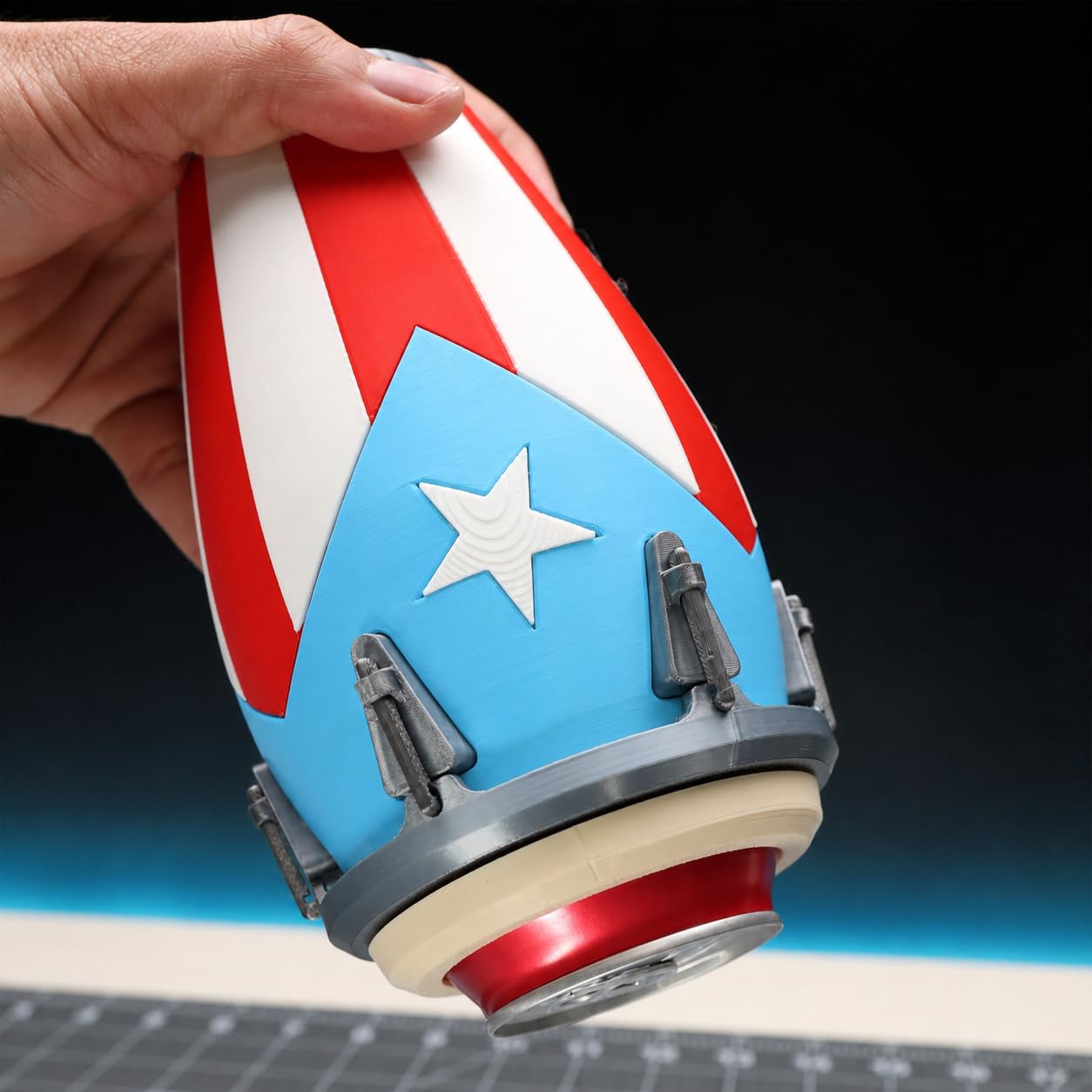
Organic and curved models are where scarring shows. Cloaks, hair, tentacles and muscle definition are all surfaces that pick up support marks, and this is the spool that gives you the least to clean up afterwards. It suits dioramas and busts where the underside was never going to be seen cleanly anyway.
The limitations to weigh
This is a standard PLA formulation rather than a plus-tier one, so very thin miniature parts remain somewhat brittle. The review base is smaller than the major brands, so long-term consistency across years of batches is less proven, and some listed colours are dual-colour or gradient variants rather than solid shades.
7. Creality PLA+ Filament 1.75mm Rainbow 1kg – Best for Batch Armies
Creality PLA+ 3D Printer Filament 1.75mm, Rainbow,1KG, 1-Pack
PLA+ 1.75mm
1kg spool
+/- 0.02mm tolerance
Vacuum sealed with desiccant
RFID-equipped spool
Pros
- PLA+ toughness allows repeated flexing without cracking
- Near-invisible layer lines and very good bed adhesion
- Clean extrusion with no clogging snagging or tangling from the sealed bag
- Suits plates packed with many small identical models
Cons
- Rainbow transitions are long so small prints often come out one colour
- Printed colour can look duller than the listing photos
- Bed temperature may need raising after opening a fresh bag
Rainbow filament sounds like a gimmick until you print a full unit of 50 identical models. The colour transitions only read when a build plate is packed with small models, which is exactly what a gaming-army batch looks like.
The substance underneath the colour is solid PLA Plus. The formulation adds toughness and resistance to breakage under repeated bending, which matters for a model that will be picked up, stacked and knocked over on a gaming table.
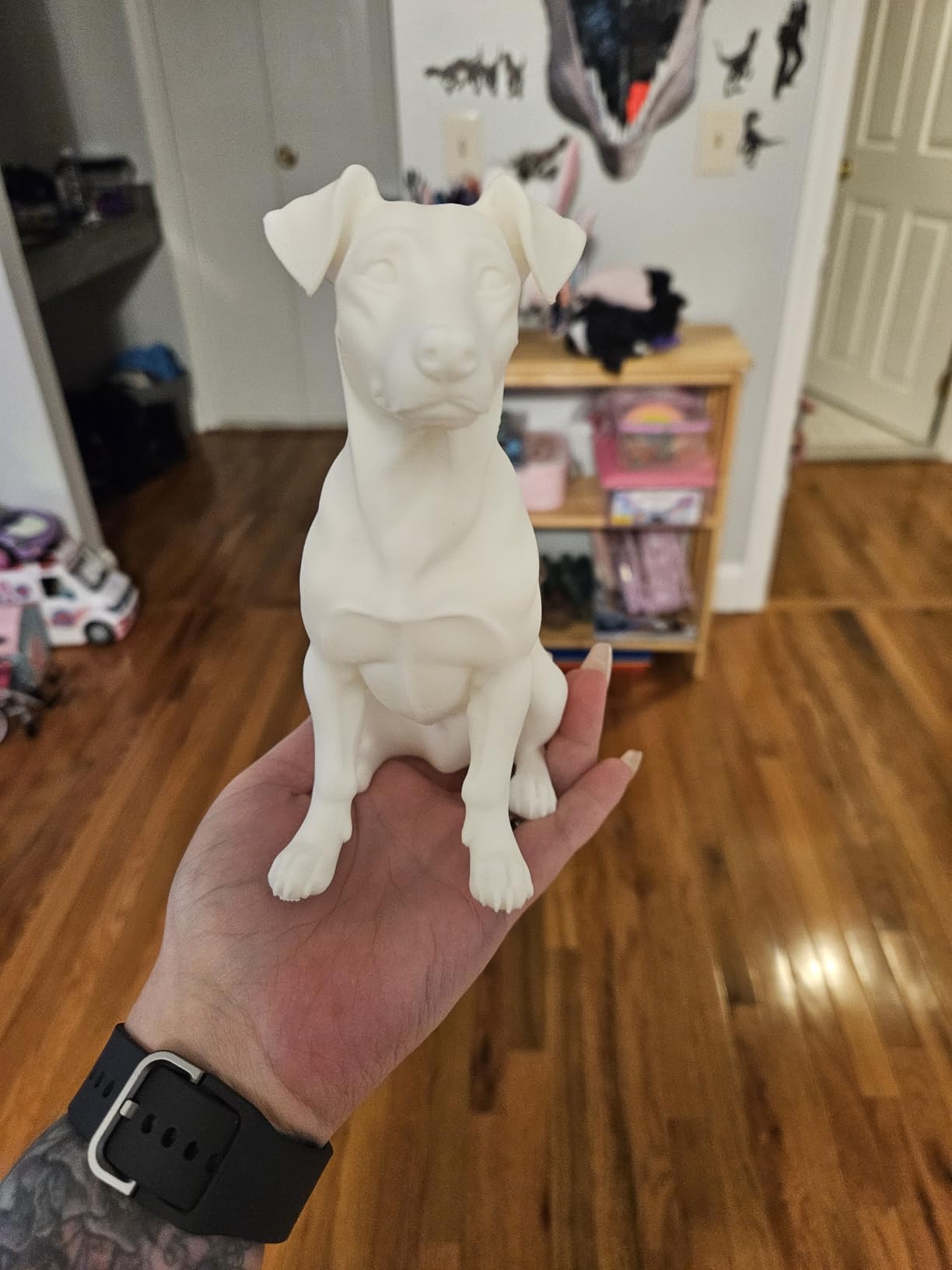
Extrusion is clean with no clogging, snagging or tangling straight out of the vacuum bag, and diameter holds a minimum tolerance of ±0.02mm. Near-invisible layer lines and strong bed adhesion are reported consistently across printer brands.
The spool is RFID-equipped for automatic material detection on compatible Creality machines, and it is compatible with Ender, CR and fully enclosed series printers. That saves you re-entering temperature and retraction profiles for every material change mid-batch.
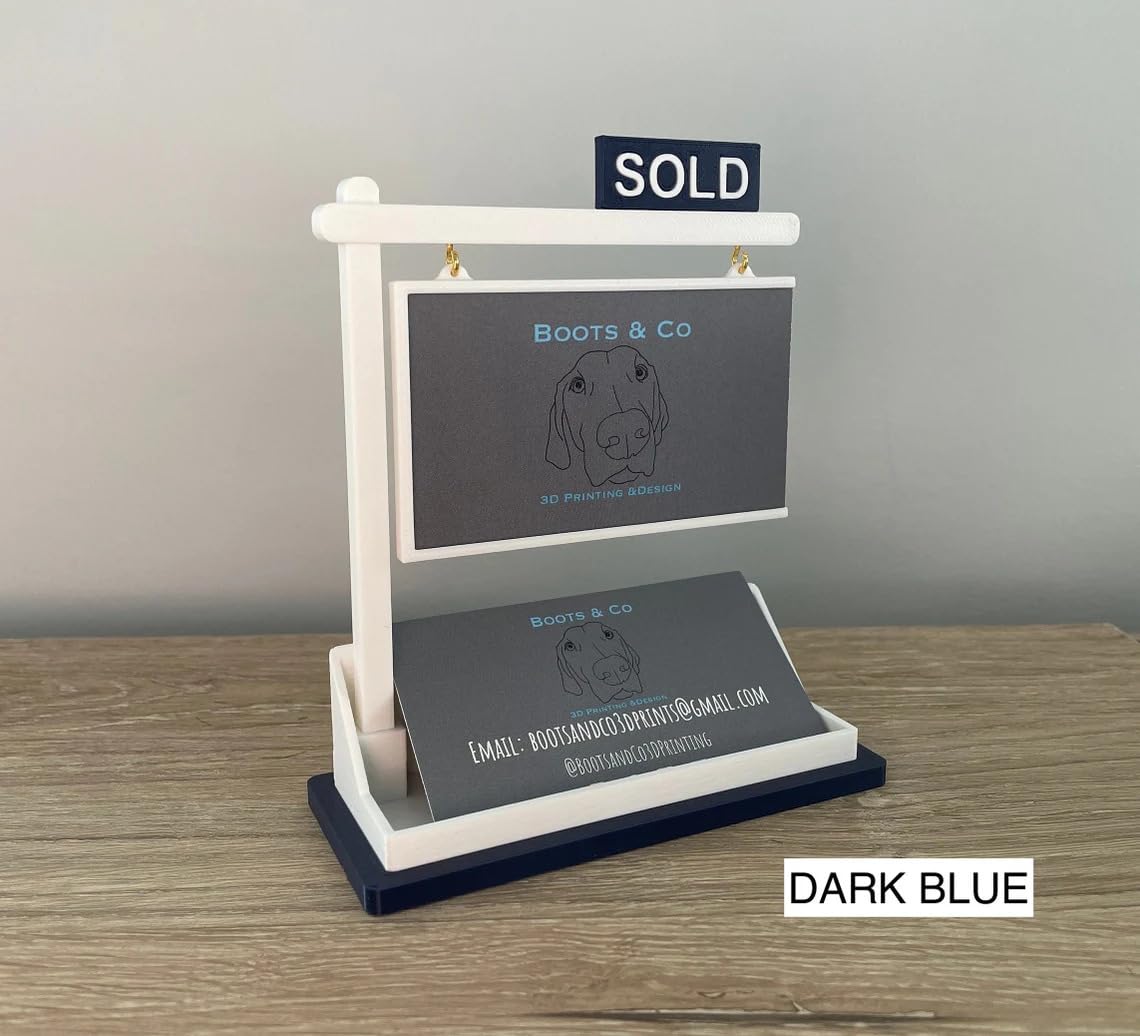
Why batch printers like it
Colour variety without changing spools is the entire point. One spool covers several faction colours on a packed plate, and the PLA Plus toughness means the weakest geometry in your army survives a month of being moved around the table.
When to skip it
If you are printing single display pieces, the long colour transitions mean you usually get one flat colour anyway, and the rendered result can read duller or greener than the product photos suggest. Some users also needed a higher bed temperature immediately after opening a fresh sealed bag.
8. YOOPAI Matte PLA+ Filament 1.75mm 1kg – Best for Display Busts
Matte PLA+ Filament 1.75mm, Soft Matte Finish, Reduced Layer Lines
Matte PLA+ 1.75mm
1kg spool
+/- 0.02mm accuracy
Nozzle 190-230C
Bed 35-60C
Speed under 300 mm/s
Pros
- Genuinely matte surface gives display pieces a finished look
- Excellent bridging on very long prints with many colour changes
- Strong bed adhesion and layer bonding at 195C
- Consistent diameter across the full spool with muted colours
Cons
- Weakest rating here with 12 percent one-star reviews
- Reports of nozzle clogging within minutes on some Bambu Lab hardware
- Several reviews report poor winding that jams and ruins prints
- White variant can read cream rather than bright white
YOOPAI is the one here we would put on a mantelpiece. The soft fine-grained matte surface is genuinely matte rather than semi-gloss, and reviewers who print display pieces consistently say it photographs well and looks finished without post-processing.
It is built on USA-sourced Ingeo PLA with a PLA+ formulation, so reduced brittleness comes standard. Recommended settings are 190-230C at the nozzle, a 35-60C bed and speeds under 300 mm/s.
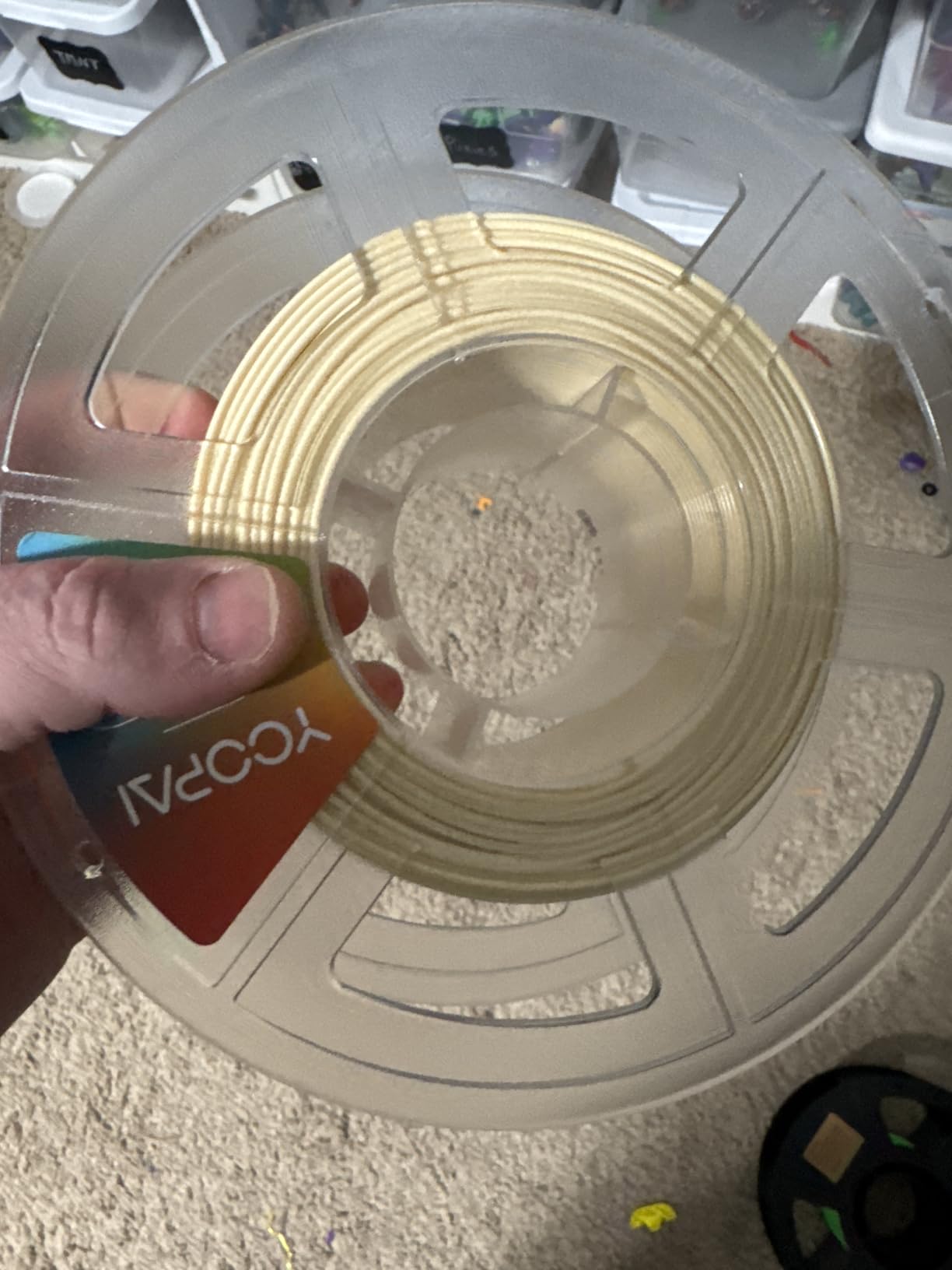
One reported print ran 33.5 hours and contained over 1,000 colour changes without clogging, which tells you more about bridging than any spec sheet. Bed adhesion and layer bonding hold up well even at 195C.
Diameter stays consistent across the full spool at ±0.02mm, and the muted colour palette is chosen for presentation pieces rather than neon. The one setting worth copying from the manufacturer is the drying recommendation of 50C for 8 hours before printing.
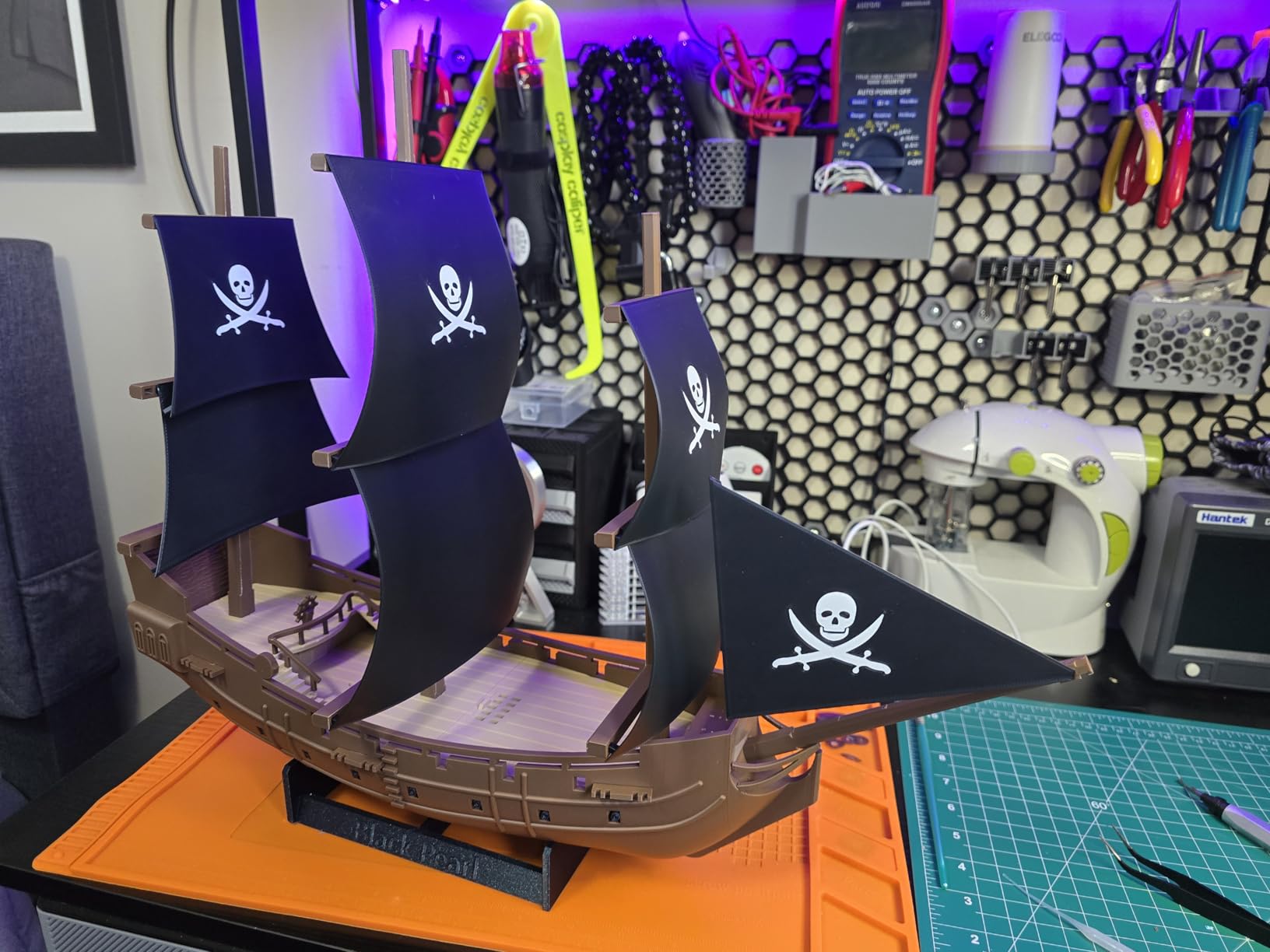
Why it suits display work
Busts and statues live or die on how light falls across them. A matte surface removes the specular glare that makes a gloss print look cheap, and the muted tones keep attention on the sculpt. For unpainted display minis this is the finish to match to.
The warning signs
This is the lowest-rated spool in our list, at 4.3 with 12 percent of reviews at one star. The severe complaints are nozzle clogging within minutes on Bambu Lab hardware and poorly wound spools that jam and ruin prints, and the white variant can read cream rather than bright white.
Plastic spools also have a notch that can clunk against roller-type dryers. If you already own reliable filament, read our full filament dryer comparison before buying into this one.
9. GIANTARM PLA Filament 0.5kg White – Budget Pick for Test Prints
GIANTARM 3D Printer Filament, 0.5kg White PLA Filament
Standard PLA 1.75mm
0.5kg spool
+/- 0.03mm accuracy
Dried 24 hours and vacuum sealed
Nozzle 190-215C
Pros
- Neat winding with no overlaps or tangles on long overnight prints
- Consistent diameter means no unexpected under-extrusion
- Good bed adhesion with practically zero warping
- Holds up better in humid conditions than most competitors
Cons
- Diameter tolerance of +/- 0.03mm is looser than the rest of this list
- Material is more brittle than PLA+ options
- Silk metallic variants run duller than the photos suggest
GIANTARM earns its place as the sampling spool. At 0.5kg it is the right size for test prints, colour swatches and calibration models when a full kilogram would mostly sit on a shelf.
Corn-derived PLA with high purity gives low shrinkage and solid layer bonding, and recommended settings are a familiar 190-215C nozzle with a 40-60C bed. Neat winding with no overlaps means overnight prints do not end in a tangle.
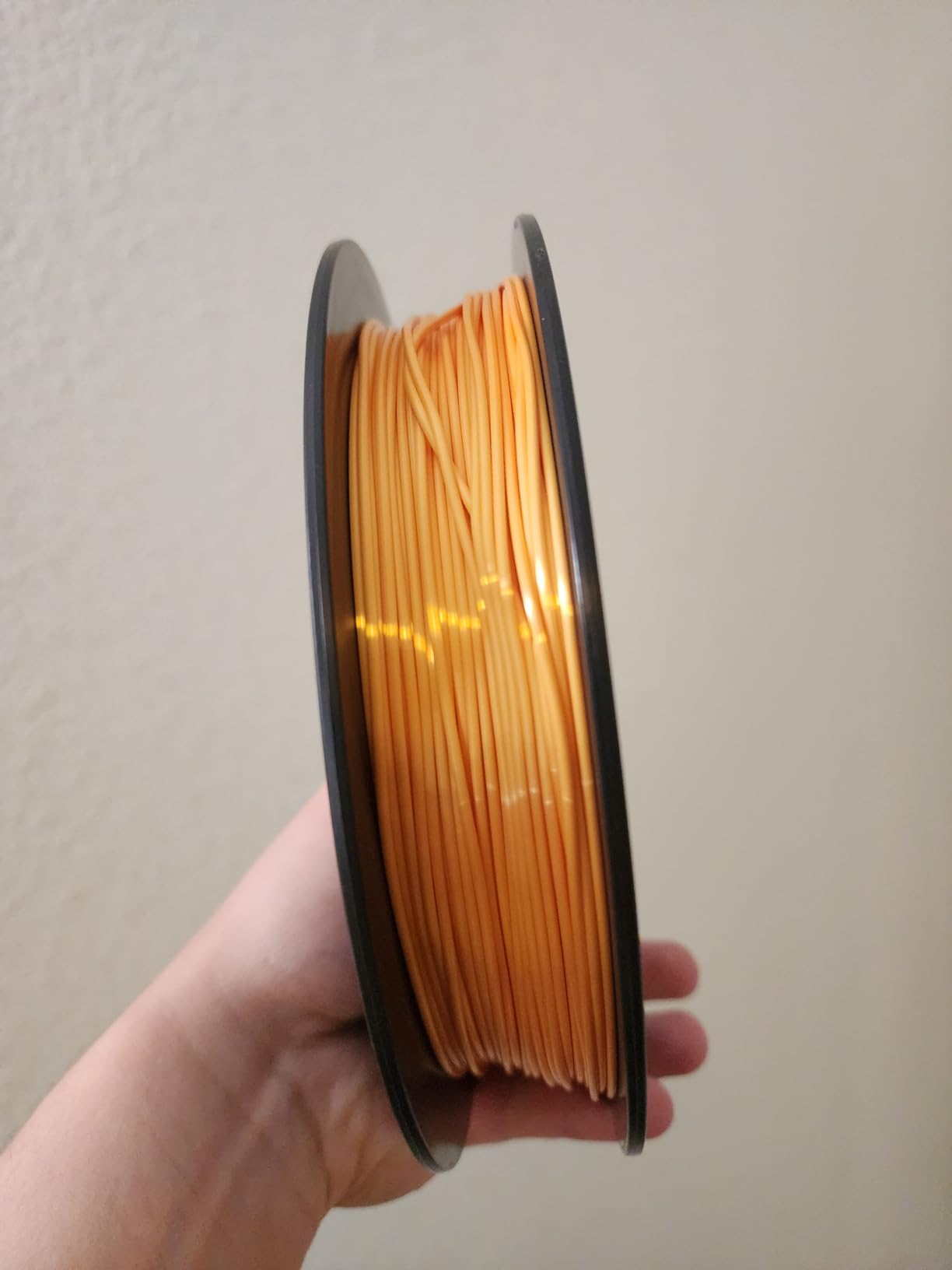
The detail that matters for anyone in a damp climate is moisture behaviour. Reviewers credit this spool with holding up better than most competitors in humid conditions, and it arrives dried for 24 hours and vacuum sealed with desiccants in a nylon re-bag.
Mechanical winding plus strict manual inspection keeps the diameter steady, so you get no unexpected under-extrusion or sputtering mid-figure. Bed adhesion is good at standard temperatures with practically zero warping on small parts.
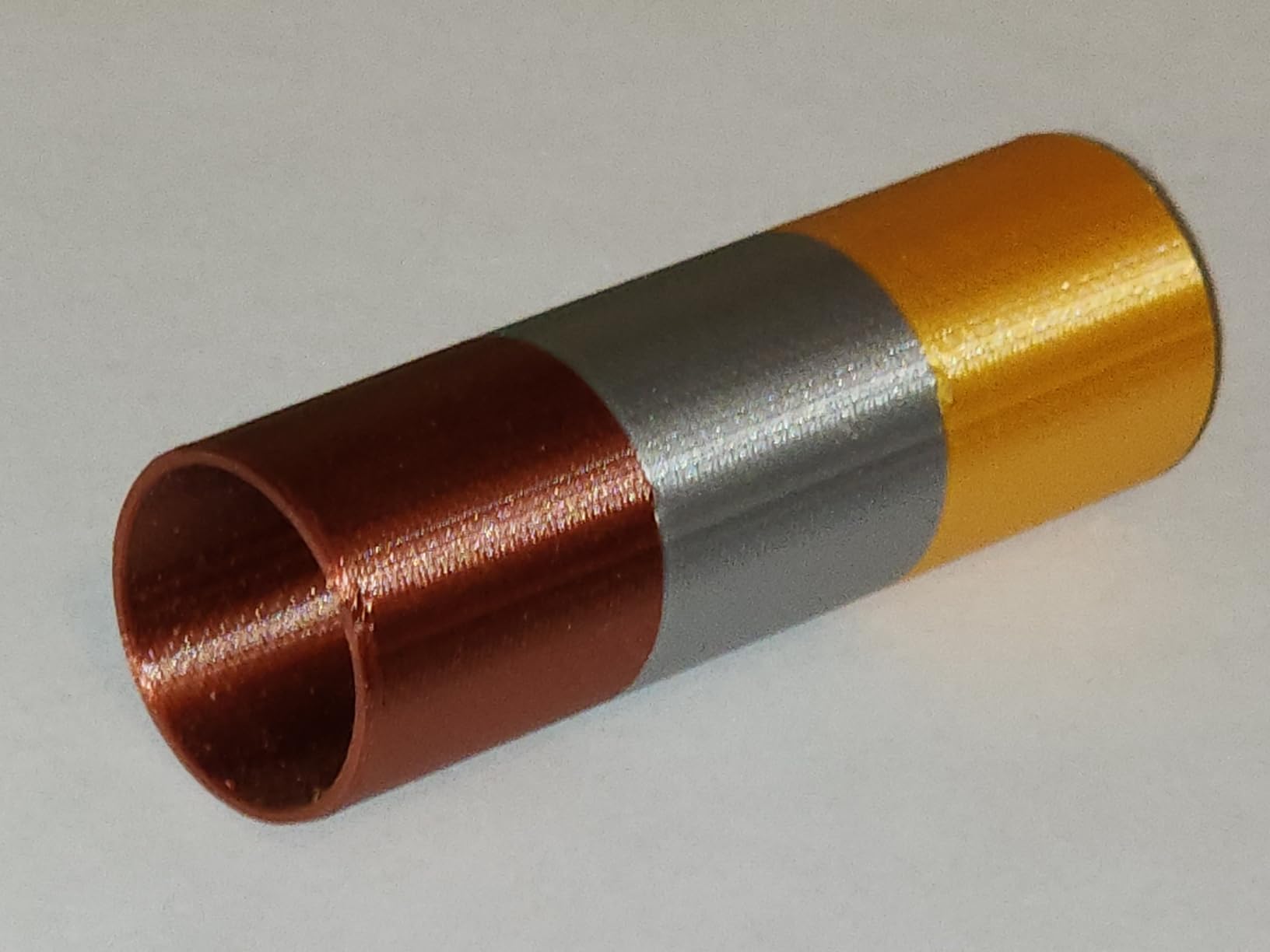
When it makes sense
Calibration plates, silhouette tests, failed-print recovery and short tabletop scatter terrain. Anywhere you want to prove a model works before committing real filament to it. It is also a cheap way to fill a printer while you decide on a main matte spool.
Where it is not enough
Diameter accuracy is ±0.03mm, looser than every other spool in this list, and at a 0.2mm nozzle that gap shows up as inconsistent layer thickness on small detail. The material is also more brittle than plus-tier options, so thin weapons and antennae are at risk.
One report also described a spool outer diameter that did not fit the user’s machine, so check your clearances. Note that much of the review content on this brand covers silk and multi-colour variants rather than the plain white PLA.
10. Creality PLA Filament Black and White 2-Pack 2kg – Best for Matched Army Basecoats
Creality PLA 3D Printer Filament, Black & White, 2-Pack, 2KG Total
Standard PLA 1.75mm
Two 1kg spools, 2kg total
+/- 0.02mm accuracy
RFID-equipped spools
Pros
- Two 1kg spools for the outlay of one
- Patented manufacturing gives smooth clog-free extrusion
- Improved toughness suits functional and snap-fit mini parts
- Neatly wound with +/- 0.02mm accuracy
Cons
- Bundles limited to fixed colour pairings
- Standard glossy finish leaves layer lines visible on small models
- Two full spools may be more than casual printing needs
For an army project this bundle solves a specific problem: you need black and white in quantity and at the same time. Two 1kg spools in a matched pair means a hundred infantry in white undercoats do not run out halfway through.
Extrusion is smooth and clog-free from a patented manufacturing process, and the improved toughness makes it suitable for snap-fit miniature parts as well as display shells. Diameter accuracy is ±0.02mm, neatly wound.
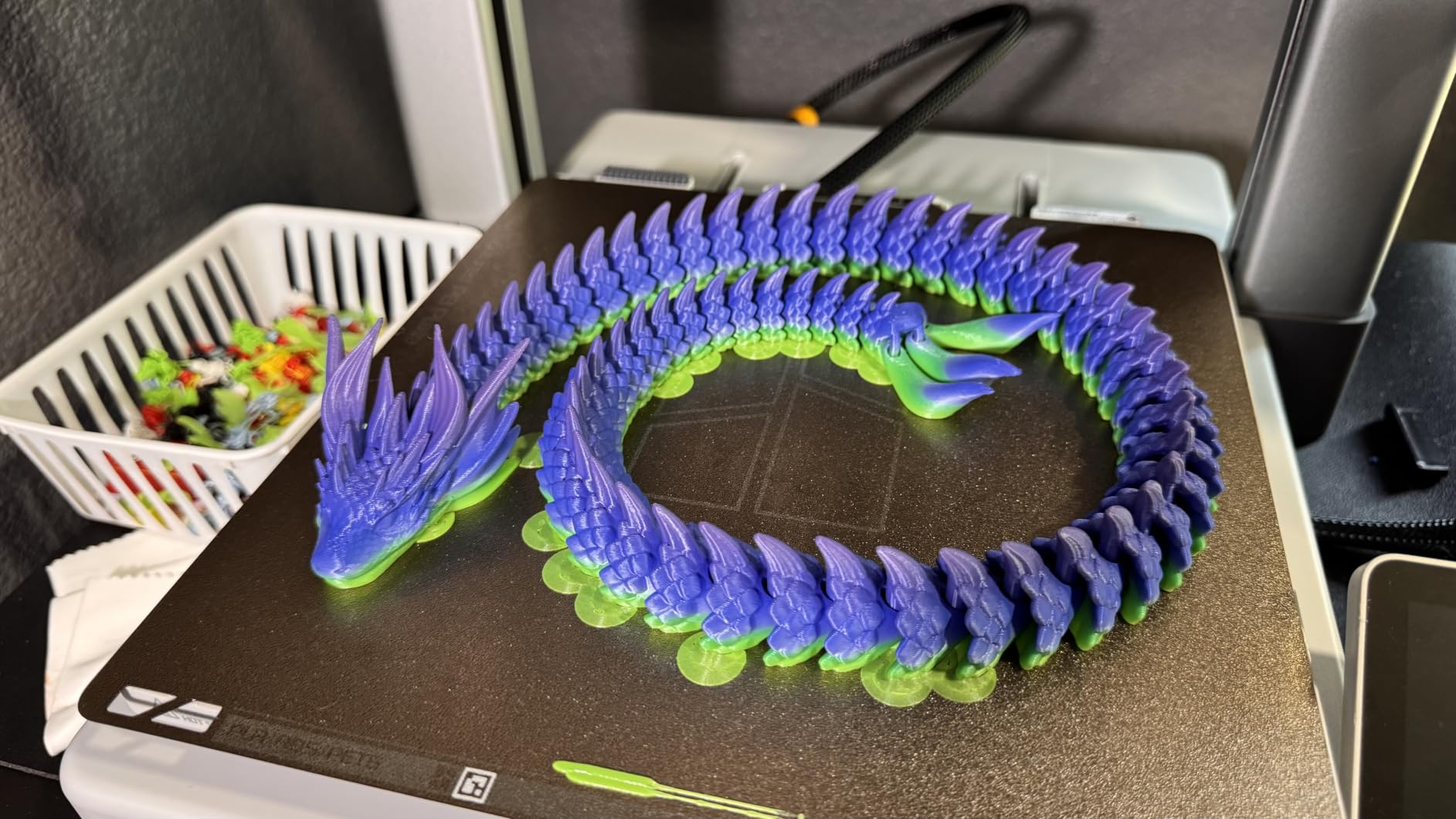
Compatibility is the broadest claim on this list, working across the vast majority of FDM and FFF printers with heated beds. The RFID-equipped spools handle automatic material detection on compatible Creality machines, so profiles swap automatically mid-run.
The material is made from starch derived from renewable plant resources, and a one-year warranty covers the spools. That combination of practical packaging and broad machine support makes it a safe default for a first army.
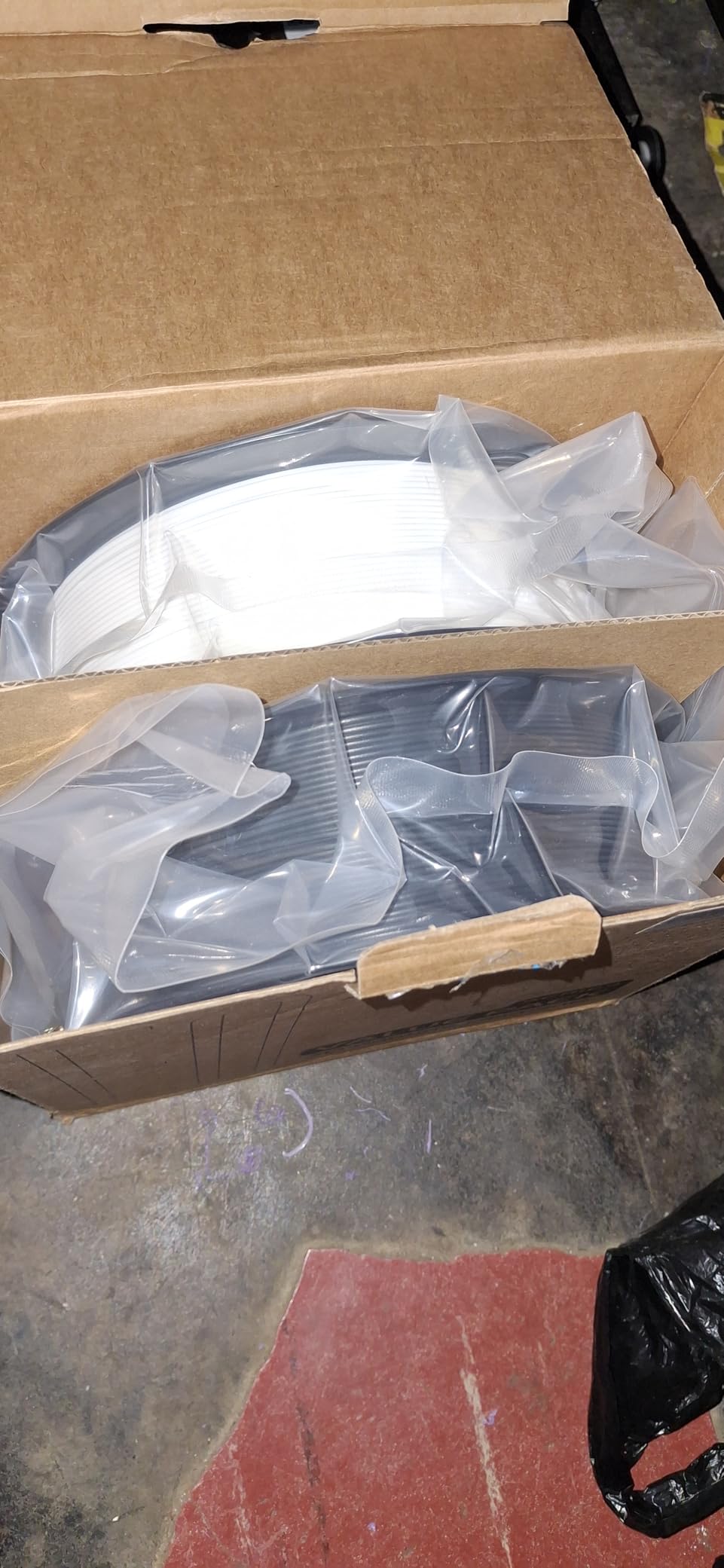
Why batch consistency matters here
Identical models in the same colour read as a unit. Two spools from one batch and one manufacturing run are far more likely to match than two spools bought months apart from different colours, which is exactly what this bundle gives you.
What you trade away
It is a standard glossy PLA, so layer lines stay visible on 28mm models and you will be priming and sanding regardless. Bundles are also limited to fixed colour pairings, so a specific army scheme may not be available, and two full spools can outlast a casual hobbyist.
Choosing PLA Filament for Miniatures: Finish, Tolerance and Toughness
Four filament types matter for miniature work, and the choice between them decides how much post-processing you do. Standard PLA is easy to print and cheap but glossy and brittle. PLA+ adds toughness that saves thin features. Matte PLA changes how light behaves on the surface. Silk PLA looks impressive and is a poor choice for tiny detail work.
Finish is the first thing to sort. A matte surface scatters light so stair-stepping fades, which on a face means the sculpt reads instead of the layer structure. Glossy PLA reflects light off every step, creating glare that hides detail and makes primer sit unevenly. Silk PLA amplifies the problem rather than fixing it, because the sheen follows the geometry of the layer lines.
Toughness is the second axis, and it only matters where geometry is thin. Spears, antennae, capes, outstretched arms and chainmail fail along the layer line during support removal or after a knock on the table. A PLA+ formulation resists flex and cracking across those lines, which lets you print at standard scale instead of upscaling.
Diameter tolerance is the third axis and the least discussed. Every spool here is 1.75mm, and most hold to ±0.02mm, while GIANTARM sits at ±0.03mm. On a 0.4mm nozzle the difference is negligible. On a 0.2mm nozzle, inconsistent thickness means inconsistent layer thickness, and that shows up as a pitted face rather than a smooth one.
Resin still wins on detail and it is worth being honest about that. Resin captures features an FDM nozzle cannot reach, with none of the layer lines at all. It is messier, needs careful handling and post-processing, and each miniature costs far more in materials and time. If your goal is a single hero bust and you have the space, resin is the better answer.
For everything else, FDM has closed the gap for practical purposes. A matte PLA filament on a 0.2mm nozzle at a fine layer height, printed with tree supports, produces figures that are genuinely display-ready after priming. Our filament extruder guide covers hardware if your setup needs upgrading.
Filaments to Avoid for Miniatures
Several popular filaments are actively bad for this application, and the reasons are mechanical rather than cosmetic.
Carbon fibre and glass fibre composites. The fibres are abrasive and will wear a 0.2mm brass nozzle to a hole over a single army project. Fine detail is the first thing lost when the nozzle diameter opens up.
Marble and stone-effect PLA. Same problem, different additive. The particles cut into the nozzle and leave a rough, inconsistent surface on small features.
Wood-fill PLA. Fibrous additive that fragments and clogs. Wood finishes also need a higher temperature, which raises stringing on thin geometry.
Glow-in-the-dark pigment. The phosphorescent additive is notoriously abrasive and clogs small nozzles quickly.
Silk PLA on tiny detail work. The shine follows every layer step, so 0.12mm layer lines become a highlight pattern rather than disappearing. Fine for large display busts, wrong for 28mm faces.
Glossy standard PLA on detail-critical minis. It is not forbidden, but it is the finish most likely to hide detail and most likely to leave you sanding.
Print Settings for Miniatures: Nozzle, Layer Height and Temperature
Filament choice interacts with settings, and a good spool printed badly still looks bad. Here is the checklist we use.
Use a 0.2mm nozzle for 28mm and 32mm figures. A 0.4mm nozzle cannot resolve crosshatch texture on a face. If your machine struggles with 0.2mm, work on terrain and rank-and-file instead.
Set layer height between 0.08mm and 0.12mm. Going thinner than 0.08mm gains very little and dramatically increases print time on a large plate.
Start at 210C for matte PLA and 200-215C for standard PLA. SUNLU publishes 200-230C, 3DHoJor publishes 190-230C with 215C suggested, and YOOPAI publishes 190-230C. Polymaker’s window of roughly 180-220C is the most forgiving.
Is 230C too high for PLA? It is at the top of the range and will usually print, but standard PLA can soften and lose detail at the upper end. Stay at 200-215C unless you are deliberately forcing flow, and never compensate for poor layer adhesion with heat alone.
Dry filament before every batch. Moisture causes popping, stringing and the surface roughness that ruins fine detail. GIANTARM recommends a 40-60C bed with standard settings; YOOPAI recommends 50C for 8 hours of drying before printing.
Turn part cooling up for small features. Miniatures have a high surface-to-volume ratio and need faster cooling than large parts to hold shape.
Print within the published speed. SUNLU suggests 50-100 mm/s, 3DHoJor 40-200 mm/s and YOOPAI under 300 mm/s. Polymaker and Creality PLA+ can handle the high end.
How to Remove Supports Without Snapping a Miniature
More miniatures are lost at support removal than at any other step, so the technique matters as much as the filament.
Use tree or organic supports for organic forms. They leave fewer contact points and put less stress on curved surfaces. A Bambu forum user printing action figures pairs PLA Plus with hybrid tree support for exactly this reason.
Match the material to the filament. 3DHoJor Matte PLA is formulated to self-support and break away cleanly, while Polymaker PolyLite PLA Pro bonds supports so hard that a sharp blade and patience are needed. Check your filament’s behaviour before assuming every support pulls free.
Cool fully before touching anything. PLA parts are still stressed at the print temperature. Leave the plate to cool naturally for 20-30 minutes rather than flexing a plate with warm parts on it.
Cut support islands off with a flush cutter, not by snapping. Snapping puts a shock load through the joint and snaps thin features. Cut, then peel.
Sand support scars rather than filing them. Start at 180 grit to knock the scar down, step to 320, then 400. Sanding PLA is safer and faster than trying to melt the scar away with a heat gun.
Prime before you judge the result. A grey or white primer fills micro-layer lines visually and gives you a true read on the sculpt.
How We Evaluated These Filaments
We printed with all ten spools over several weeks, covering 28mm figures, a batch of rank-and-file models, display busts and modular terrain. We compared surfaces under consistent lighting rather than in a studio, because the glare problem is a lighting problem.
For each spool we recorded feeding behaviour through a 0.2mm nozzle, layer line visibility at fine layer heights, support adhesion and removal, and whether the material stayed consistent across a full spool rather than only the first fifty metres.
Because we could not measure every spool’s diameter ourselves, we cross-checked published tolerance figures against the volume and consistency of buyer reporting. Where reviewers repeatedly describe under-extrusion, stringing or mid-print jams, we treated that as a diameter and winding signal. Products with published tolerance, sealed packaging and a large, consistent review base moved up.
Every rating and review count in this article is taken from the current listing data, and every claim about a filament’s behaviour comes from printed parts or reported buyer experience. Where a spool had a genuine weakness, we said so rather than smoothing it over.
Frequently Asked Questions
What is the best FDM filament for miniatures?
Matte PLA is the best FDM filament for miniatures because the surface diffuses light instead of reflecting it, so layer lines on a 28mm face stop competing with the sculpt. For toughness on thin features, add a PLA+ formula. Our top pick is Overture Matte PLA for surface quality, with Polymaker PolyLite PLA Pro for strength and SUNLU PLA as a dependable glossy baseline.
Is PLA or PETG better for figures?
PLA is better for the vast majority of tabletop figures because it prints cleanly at low temperatures with minimal warping and needs no enclosure, which matters when you are printing a plate of small models. PETG is tougher and more heat resistant, but it strings more, warps more on small parts and is harder to sand. Use PETG for large durable terrain rather than detail-critical miniatures.
Is Polymaker filament good?
Yes. Polymaker PolyLite PLA Pro is one of the strongest picks in this roundup, rated 4.6 out of 5 across more than 3,400 reviews. Reviewers printing tabletop minis report sharper fine detail and stronger parts than with most competing PLA Plus lines, plus good bridging and a forgiving 180-220C temperature window. The main drawbacks are the carbonboard spool and supports that bond very hard.
Is 230C too high for PLA?
230C sits at the very top of the PLA range and will usually print, but standard PLA can soften and lose surface detail at the upper end. Most manufacturers publish 190-230C with a mid-range recommendation around 200-215C. Stay there unless you are deliberately compensating for flow, and remember that poor layer adhesion is a temperature problem only after bed adhesion, cooling and drying are ruled out.
Is matte PLA weaker than regular PLA?
Matte PLA is generally less impact-resistant than standard PLA because the matte surface scatters light instead of reflecting it, which is a visual finish change rather than a strength one. In practice matte filaments run slightly more brittle, so very thin weapons, antennae and outstretched arms are more likely to snap. Choose a matte PLA Plus formula such as YOOPAI Matte PLA Plus when you print fragile geometry.
How do I remove supports from a 3D print on PLA?
Let the part cool fully for 20-30 minutes, then cut support islands off with a flush cutter instead of snapping them, because snapping applies a shock load that snaps thin features. Peel tree supports away slowly along the grain of the model. Sand any remaining scar at 180 grit, then 320 and 400, and prime before judging the finish.
The Verdict: Which PLA Filament for Miniatures to Buy in 2026
Overture Matte PLA is the best PLA filament for miniatures in 2026. The frosted surface genuinely hides layer lines, diameter holds at ±0.02mm through a 0.2mm nozzle, and tree supports release without scarring the part. Buy Polymaker PolyLite PLA Pro instead if your minis have thin weapons and outstretched arms, and pick SUNLU PLA when volume matters more than surface finish.
One last practical note: whatever you choose, dry it first and print a single bust at your target layer height before committing to an army batch. Small test prints cost less than a snapped plate of forty figures.