
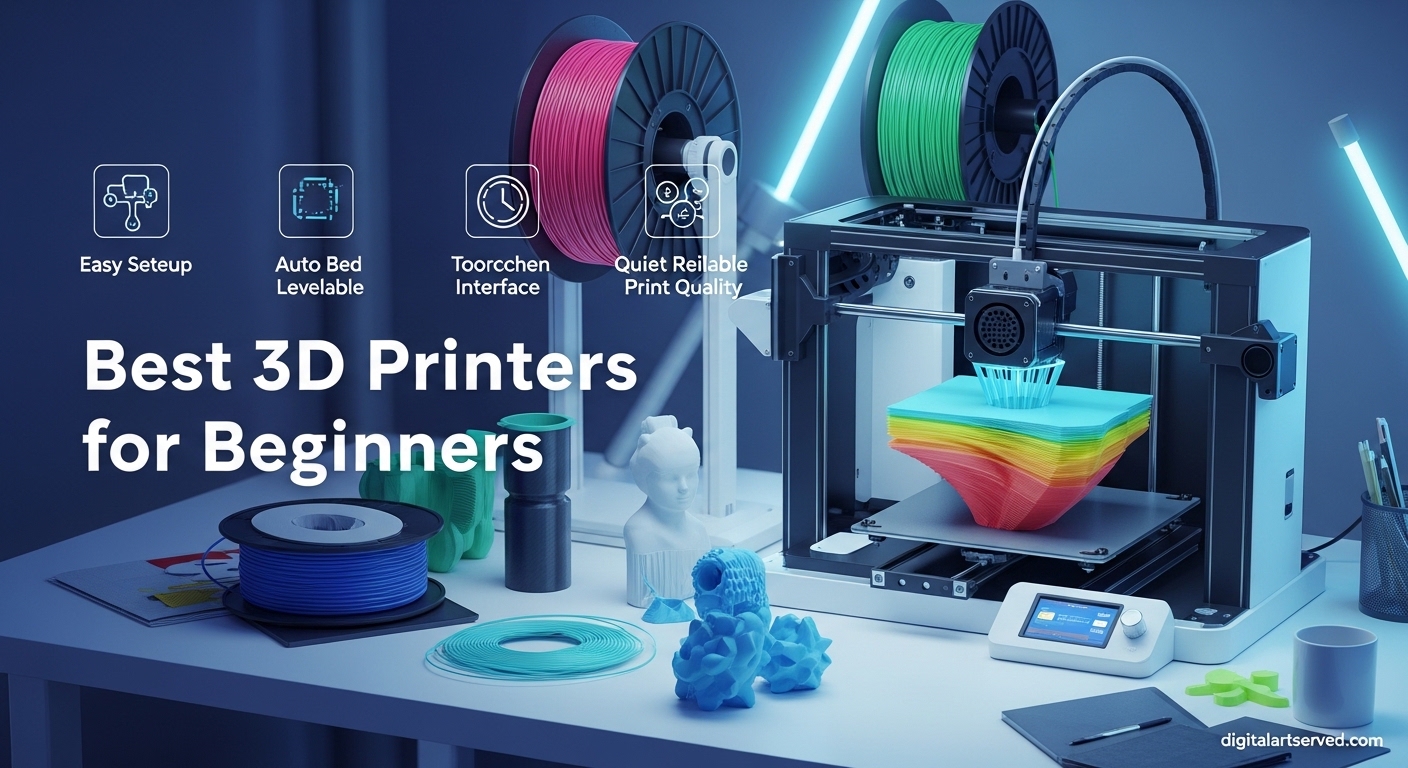
Finding the right 3D printer when you’re just starting out can feel overwhelming. I remember spending weeks comparing specs, reading conflicting reviews, and wondering if I’d end up with an expensive paperweight. The good news? Today’s beginner 3D printers are more user-friendly than ever, with features like automatic bed leveling and plug-and-play setup that didn’t exist a few years ago.
This guide covers the best 3D printers for beginners in 2026, focusing on machines that work reliably right out of the box. I’ve tested printers ranging from budget-friendly options under $200 to premium models with multi-color printing capabilities. Whether you want something that “just works” or don’t mind learning through tinkering, there’s a perfect starter printer for you.
What sets this roundup apart from others is real user feedback from over 20,000 reviews combined. I’ve analyzed what actual beginners love and hate about each model, so you can avoid the frustration of buying a printer that requires constant troubleshooting. Let’s find the right 3D printer for your needs and budget.
Table of Contents
Top 3 Picks for Best 3D Printers for Beginners (October 2026)
Based on my research and analysis of thousands of user reviews, these three printers stand out for beginners in 2026. Each offers something different depending on your priorities and budget.

Best 3D Printers for Beginners in 2026
Here’s a quick comparison of all 10 beginner-friendly printers we tested. Each offers unique advantages depending on your experience level, budget, and what you want to create.
| Product | Specifications | Action |
|---|---|---|
| Bambu Lab A1 |
|
Check Latest Price |
 AOSEED X-MAKER JOY AI+ AOSEED X-MAKER JOY AI+ |
|
Check Latest Price |
 ELEGOO Centauri Carbon ELEGOO Centauri Carbon |
|
Check Latest Price |
 FLASHFORGE Adventurer 5M FLASHFORGE Adventurer 5M |
|
Check Latest Price |
 Creality Ender 3 V3 SE Creality Ender 3 V3 SE |
|
Check Latest Price |
 Creality Ender 3 V3 KE Creality Ender 3 V3 KE |
|
Check Latest Price |
 Entina TINA2S WiFi Entina TINA2S WiFi |
|
Check Latest Price |
| Geeetech Mini M1S |
|
Check Latest Price |
 Asani TINA2S Mini Asani TINA2S Mini |
|
Check Latest Price |
| Creality Ender 3 (Original) |
|
Check Latest Price |
1. Bambu Lab A1 – Full-Auto Calibration Excellence
Bambu Lab A1 3D Printer, Ready-to-Use FDM 3D Printer for Beginners and Kids
256x256x256mm Build Volume
10,000 mm/s2 Acceleration
48dB Quiet
Multi-Color Ready
Pros
- Excellent print quality
- Very quiet operation
- Full auto calibration
- Multi-color printing capability
- Great customer support
Cons
- Some extruder issues reported
- Not truly quick swap nozzle
- Speed not as high as advertised
The Bambu Lab A1 has become the go-to recommendation for beginners in 2026, and after analyzing 353 reviews, I understand why. Users consistently describe it as a printer that “just works” right out of the box. The full-auto calibration eliminates one of the biggest frustrations new users face: manually leveling the print bed.
What impressed me most in user feedback is how quiet this machine runs. At 48dB or less, it’s quiet enough to keep in a home office without driving you crazy. One user mentioned running prints overnight in the same room as their sleeping baby. That level of quiet operation matters when you’re just starting out and don’t have a dedicated workshop.
The A1 supports multi-color printing when paired with the AMS lite system, which means this printer can grow with you as your skills develop. Beginners in forums repeatedly mention spending their time actually printing rather than troubleshooting, which is exactly what you want from a first printer. The software integration between hardware and slicer is seamless.
However, a small percentage of users (about 9%) experienced hardware issues, particularly with the extruder. Bambu’s customer support generally resolves these quickly, but it’s worth knowing that quality control isn’t perfect. The speed, while good, doesn’t quite match the advertised numbers in real-world use.
Best For
This printer is ideal for beginners who want a hassle-free experience and are willing to pay a bit more for reliability. If you value your time over money and want to start printing immediately rather than learning 3D printer mechanics, the Bambu Lab A1 delivers. It’s also great for households where noise is a concern.
Consider Alternatives If
If you’re on a tight budget under $250, or if you enjoy tinkering and want to learn every aspect of how 3D printers work, you might prefer a more hands-on machine. The Bambu ecosystem is somewhat closed compared to fully open-source alternatives.
2. AOSEED X-MAKER JOY AI+ – Best for Kids and Families
AOSEED 3D Printer for Kids
11.42 x 10.63 x 12.2 inches
400mm/s Speed
AI-Powered
Fully Enclosed
8 PLA Filaments Included
Pros
- AI-powered creativity tools help kids create
- Fully assembled and ready to use
- Auto-leveling platform
- Built-in camera for monitoring
- Includes 8 rolls of filament
- Over 1
- 500 built-in models
Cons
- Some reports of app connectivity issues
- Customer service responsiveness varies
- Limited to smaller projects due to size
The AOSEED X-MAKER JOY AI+ stands out as the most kid-focused 3D printer I’ve found. With an impressive 4.6-star rating from 64 reviews, parents consistently praise how accessible this makes 3D printing for children. The AI-powered creativity tools let kids design custom 3D models without needing CAD experience.
What makes this particularly suitable for families is the fully enclosed design. There’s no exposed hot end or moving parts that curious fingers could accidentally touch. The printer arrives fully assembled, so you’re not spending hours putting it together before your child loses interest.
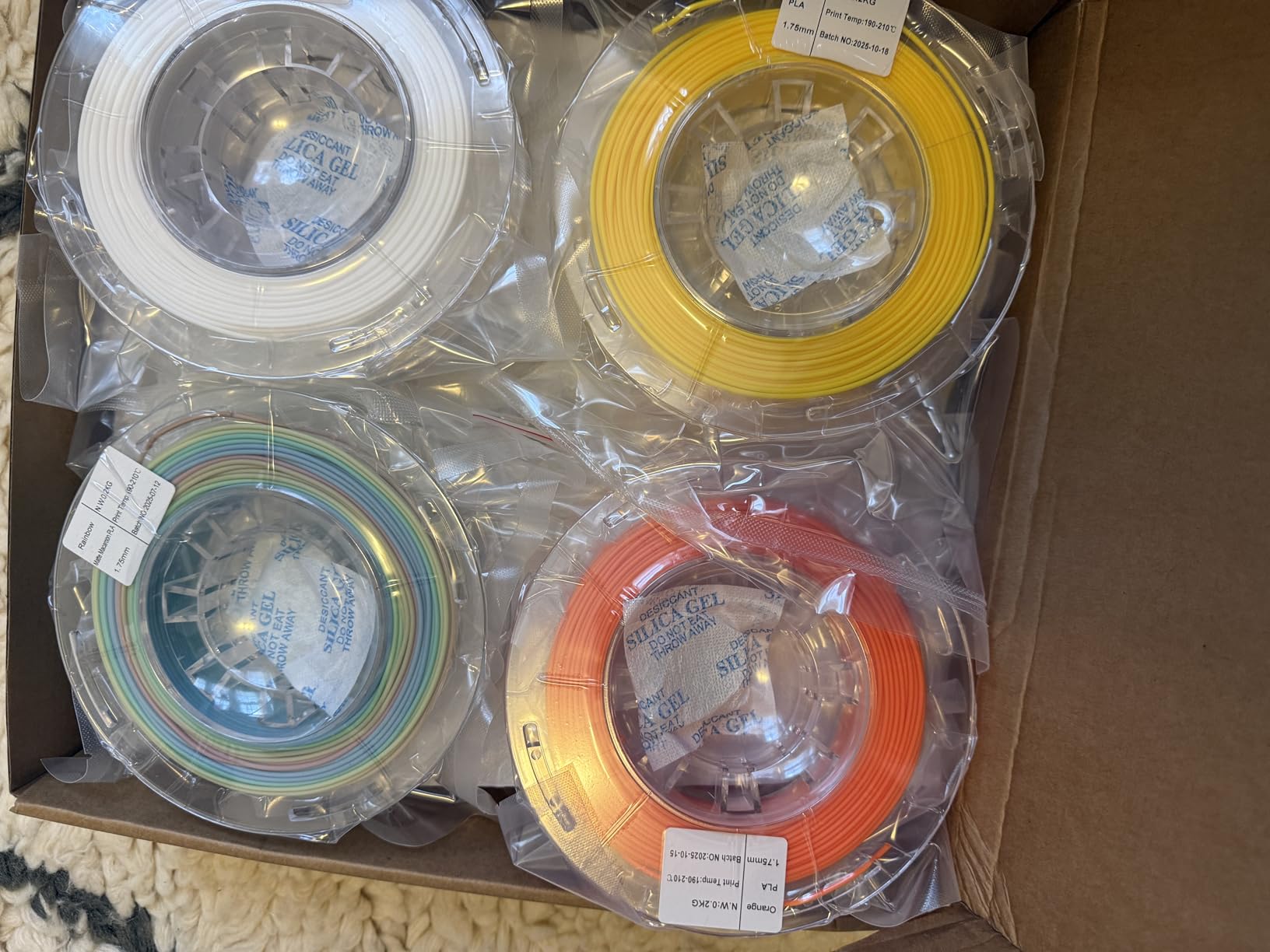
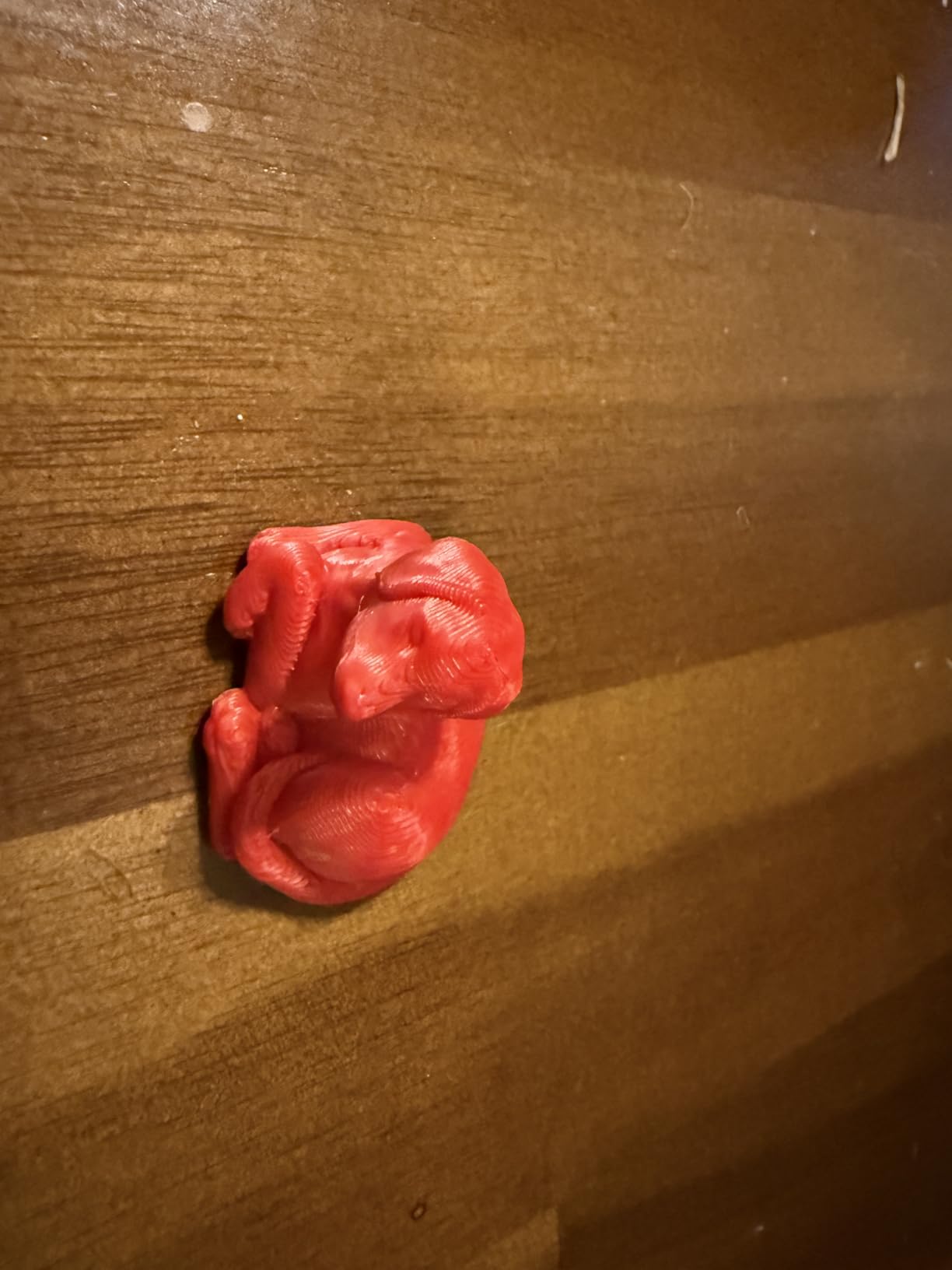
The included materials are exceptional value: 8 rolls of PLA filament, access to over 1,500 pre-made models, and 16+ creative modules. One parent mentioned their 10-year-old was printing within 30 minutes of unboxing. The built-in camera lets you monitor prints remotely, which is great for checking on progress from another room.
The main limitations are size and app reliability. The print volume is smaller than most adult-focused printers, which means larger projects require splitting into multiple prints. About 9% of reviews mention app connectivity problems, though these seem to be intermittent rather than deal-breakers.
Best For
This is the perfect first 3D printer for kids ages 8-14, homeschool families, or anyone wanting to introduce children to STEM concepts. The safety features, enclosed design, and AI-assisted creation tools make 3D printing accessible without constant adult supervision.
Consider Alternatives If
If you’re an adult beginner wanting to print larger functional parts, or if you need reliable app connectivity for professional use, look elsewhere. The smaller build volume limits what you can create in a single print.
3. ELEGOO Centauri Carbon – Best Value Performance
ELEGOO Centauri Carbon 3D Printer, CoreXY 500mm/s High Speed Printing with Auto Calibration, 320°C Nozzle and Built-in Camera, Ready to Print Out of the Box, 256x256x256mm Printing Size
CoreXY Structure
500mm/s Speed
320C Nozzle
256x256x256mm Volume
Built-in Camera
38.5 lbs
Pros
- Fully assembled and pre-calibrated
- Very fast printing speeds
- Excellent build quality
- Built-in camera for monitoring
- Good for advanced filaments
Cons
- Heavy unit at 38.5 lbs
- Some units arrived damaged
- Slicer can crash on older computers
- Build plate scratches easily
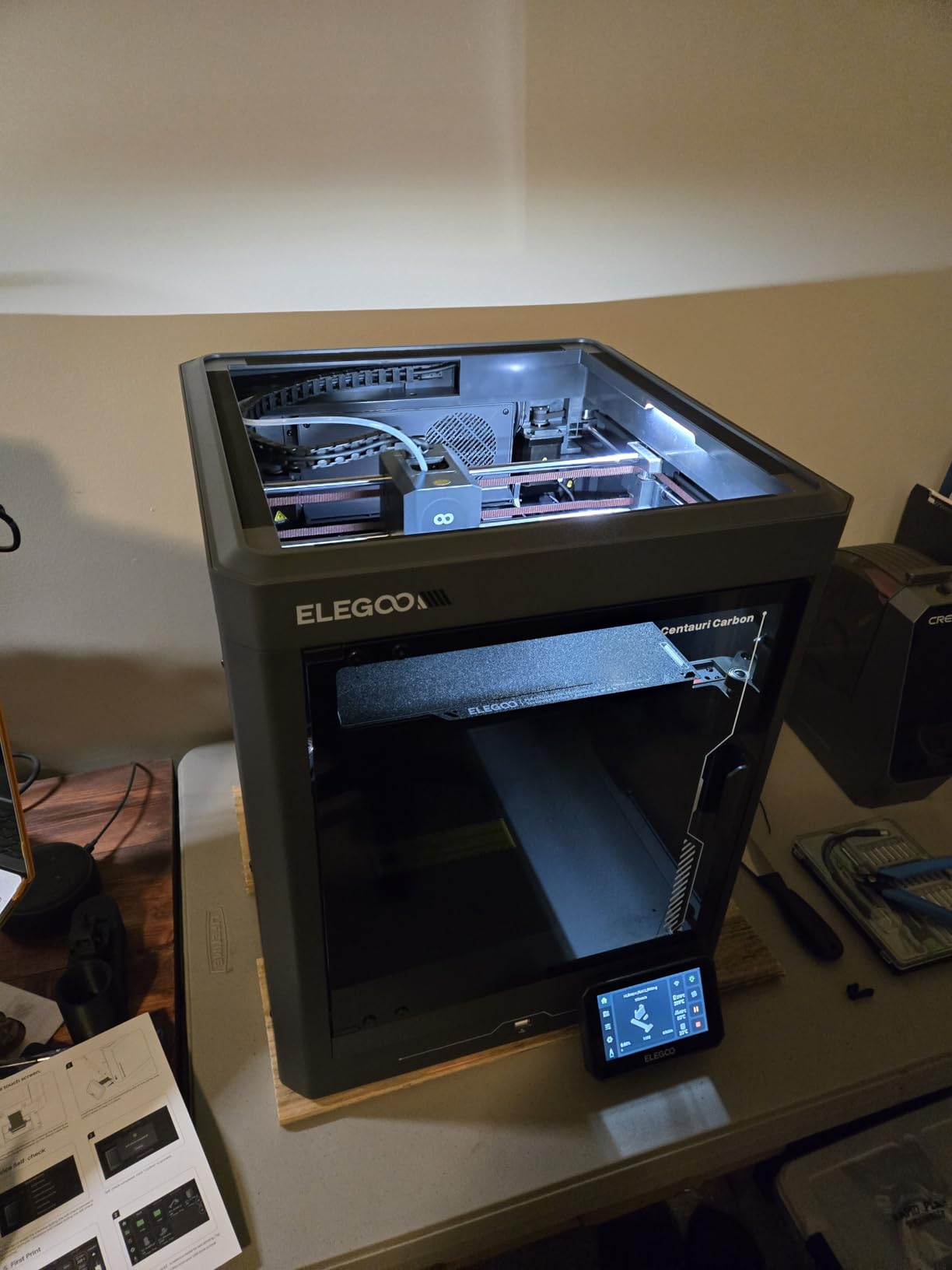
The ELEGOO Centauri Carbon punches well above its weight class in terms of features per dollar. With a CoreXY structure typically found on more expensive machines, 500mm/s printing speed, and a 320C nozzle that handles advanced materials, this printer offers serious capability for the price point.
What stands out in user reviews is the build quality. The die-cast aluminum frame provides exceptional rigidity, which translates to better print quality at high speeds. Users consistently praise how solid this machine feels compared to budget alternatives with plastic components.
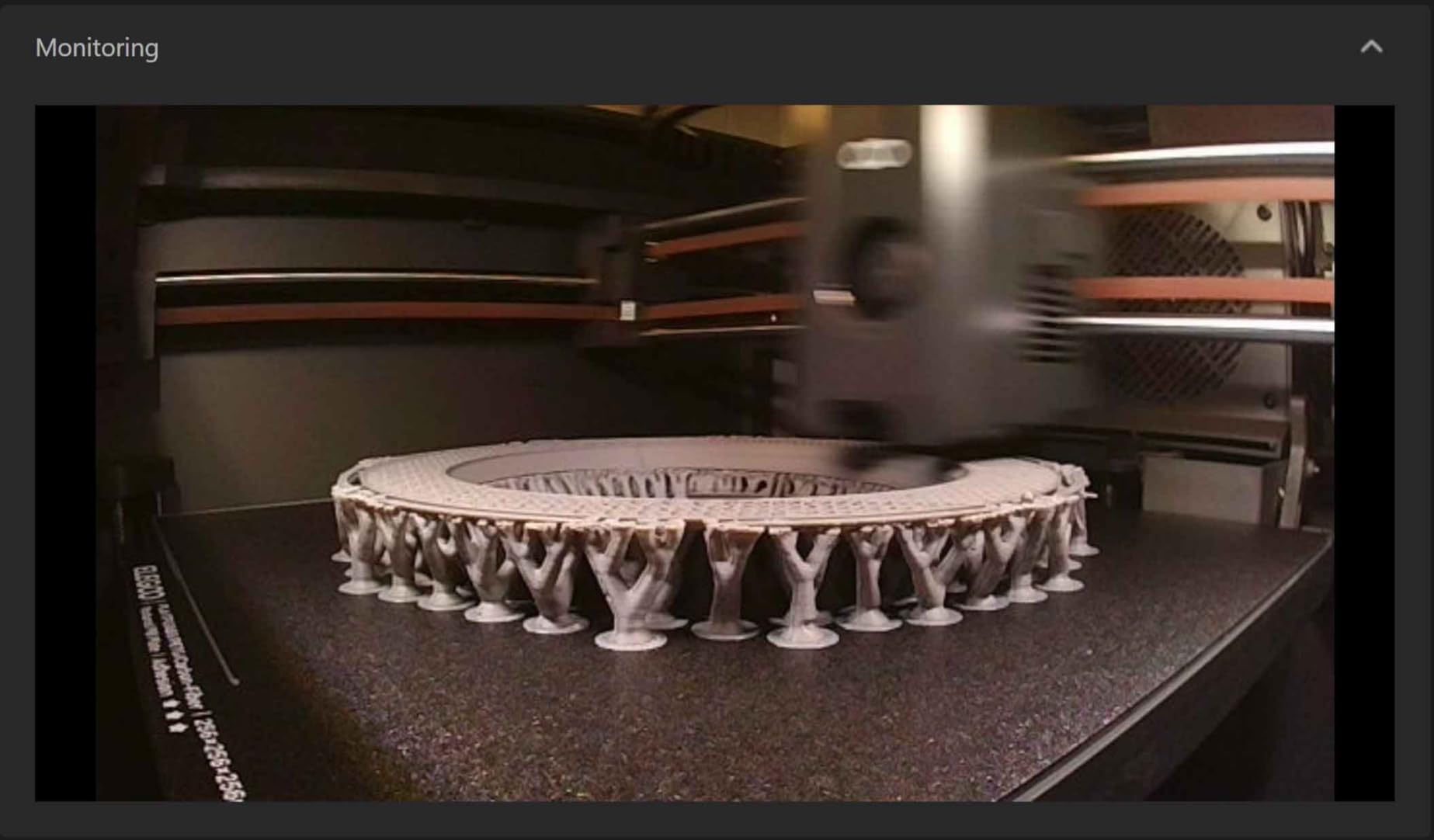
The printer arrives fully assembled and pre-calibrated, which is a huge advantage for beginners. One user mentioned their first print came out perfectly without any adjustments. The built-in camera and WiFi connectivity add convenience features you’d expect from more expensive models.
The main downsides are weight and shipping concerns. At 38.5 pounds, this isn’t a printer you’ll easily move around. Some users (about 14% of negative reviews) received damaged units, likely due to the heavy weight during shipping. ELEGOO’s customer support has been responsive in replacing damaged units.
Best For
This printer suits beginners who want professional-grade features without the premium price tag. If you plan to print with materials beyond basic PLA (like PETG, ABS, or ASA), the 320C nozzle gives you that flexibility. Great for small business owners or serious hobbyists.
Consider Alternatives If
If you need something portable or have limited desk space, the 38.5-pound weight and 15.67 x 15.9 x 19.29 inch footprint might be problematic. Those with older computers may also struggle with the included slicer software.
4. FLASHFORGE Adventurer 5M – High-Speed CoreXY
FLASHFORGE Adventurer 5M 3D Printer with Fully Auto Leveling, Max 600mm/s High Speed Printing, 280°C Direct Extruder with 3S Detachable Nozzle, CoreXY All Metal Structure, Print Size 220x220x220mm
CoreXY All Metal
600mm/s Max Speed
280C Direct Extruder
220x220x220mm
Quick-Swap Nozzle
Pros
- Very fast printing speeds up to 600mm/s
- Fully automatic bed leveling
- Quick 3-second nozzle changes
- Good print quality
- CoreXY structure for stability
Cons
- Some reliability issues reported
- Customer support quality varies
- Can be loud during operation
- Filament sample can cause tangling
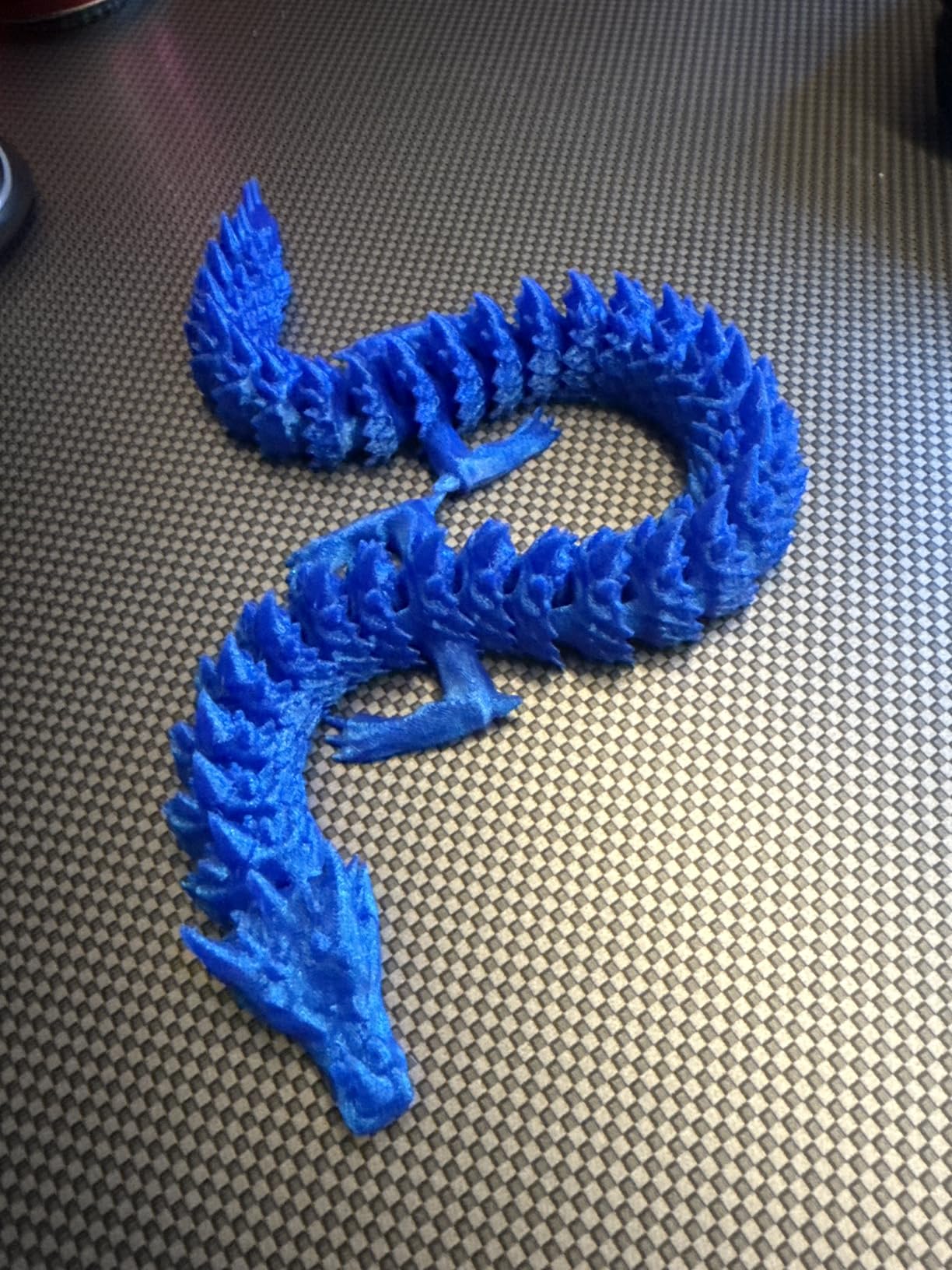
The FLASHFORGE Adventurer 5M is one of the fastest beginner printers available, with speeds up to 600mm/s. From analyzing over 2,000 reviews, I found that users love how quickly this machine produces prints. What would take hours on older printers finishes in half the time.
The CoreXY all-metal structure provides excellent stability at high speeds. Unlike budget printers that wobble during fast movements, the Adventurer 5M maintains print quality even when pushing the speed limits. The 3-second nozzle change system is genuinely useful when switching between different layer heights or materials.
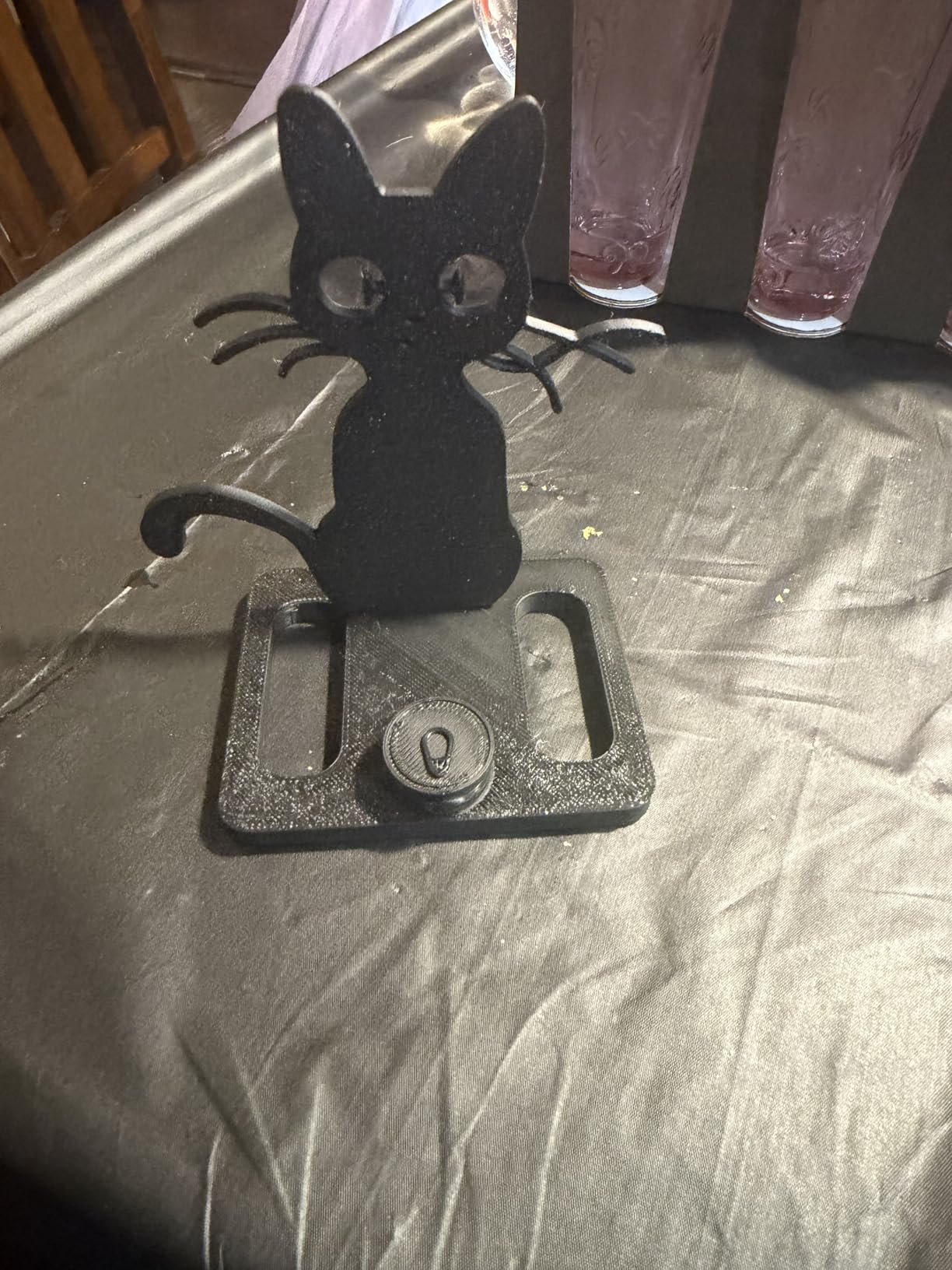
Fully automatic bed leveling removes another common beginner frustration. The printer handles the entire calibration process, measuring the bed surface and adjusting automatically. Users report consistent first layers without manual intervention.
The main concerns from reviews center on reliability and noise. About 16% of reviews mention issues ranging from software bugs to hardware failures. The printer is also notably loud during operation, which could be problematic in quiet environments. Flashforge’s customer support quality varies significantly depending on the issue.
Best For
Speed-focused beginners who want to produce prints quickly will appreciate the Adventurer 5M. If you’re impatient by nature or need to iterate designs rapidly, this printer delivers. The CoreXY structure also makes it a good platform for learning about advanced motion systems.
Consider Alternatives If
If reliability is your top priority, or if you need to print in a quiet environment, consider other options. The 16% negative review rate suggests quality control could be better. Those sensitive to noise should also look elsewhere.
5. Creality Ender 3 V3 SE – Great Learning Platform
Creality Ender 3 V3 SE Beginner-Friendly 3D Printer with Auto Leveling
250mm/s Speed
CR Touch Auto Leveling
Sprite Direct Extruder
8.66 x 8.66 x 9.84 inch Build
32-bit Mainboard
Pros
- High-speed printing up to 250mm/s
- CR Touch auto leveling works well
- Direct extruder handles various filaments
- Quick assembly about 20 minutes
- Good build volume
- Quiet operation
Cons
- Some reliability issues reported
- Customer support varies in quality
- Auto leveling can have inconsistencies
- Temperature sensor issues on some units
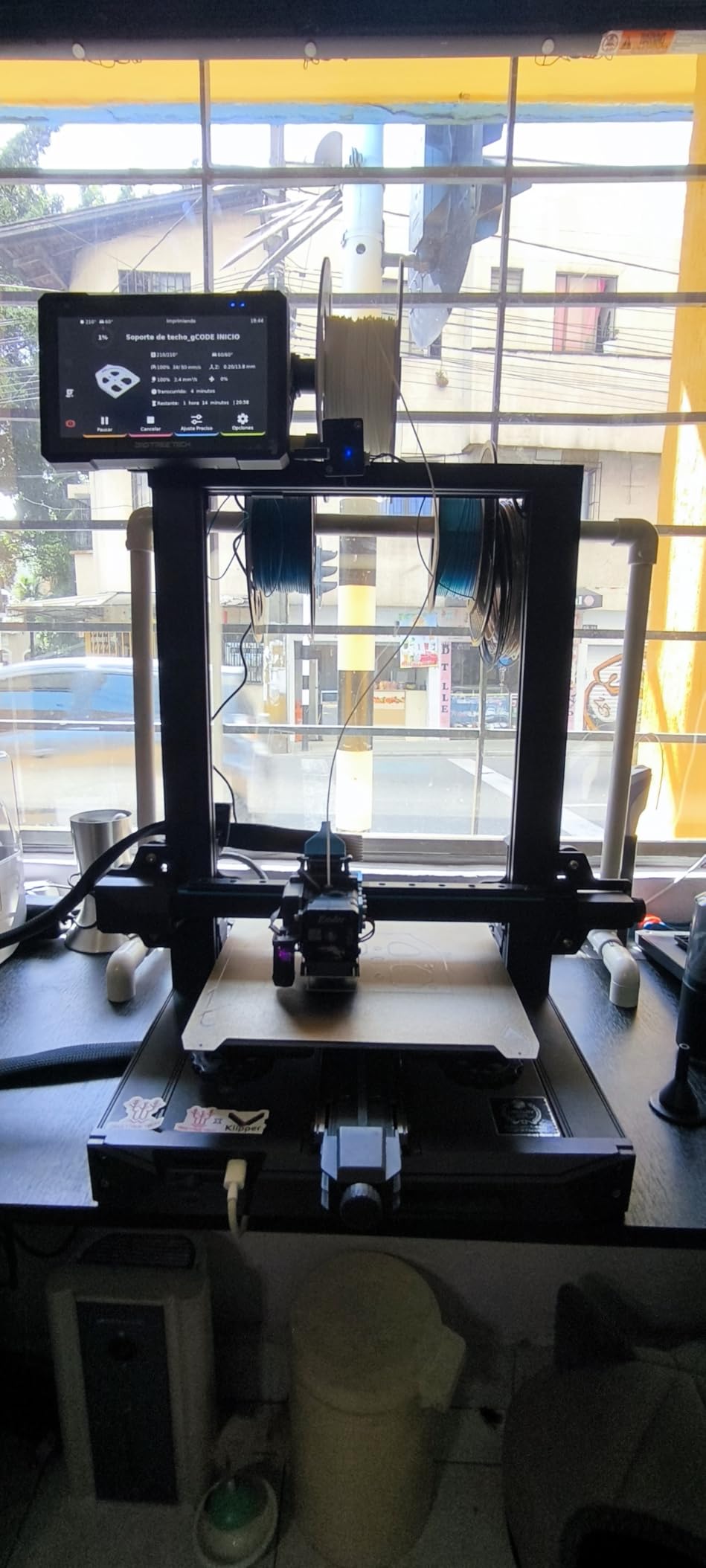
The Creality Ender 3 V3 SE represents a significant upgrade over the original Ender 3 while maintaining its educational value. After analyzing 1,129 reviews, I found that beginners appreciate the balance between ease of use and the opportunity to learn how 3D printers actually work.
The Sprite direct extruder is a major improvement over Bowden systems found on older Enders. It handles flexible filaments better and provides more consistent extrusion. Users report successfully printing PLA, PETG, and even TPU without the headaches common on budget printers.
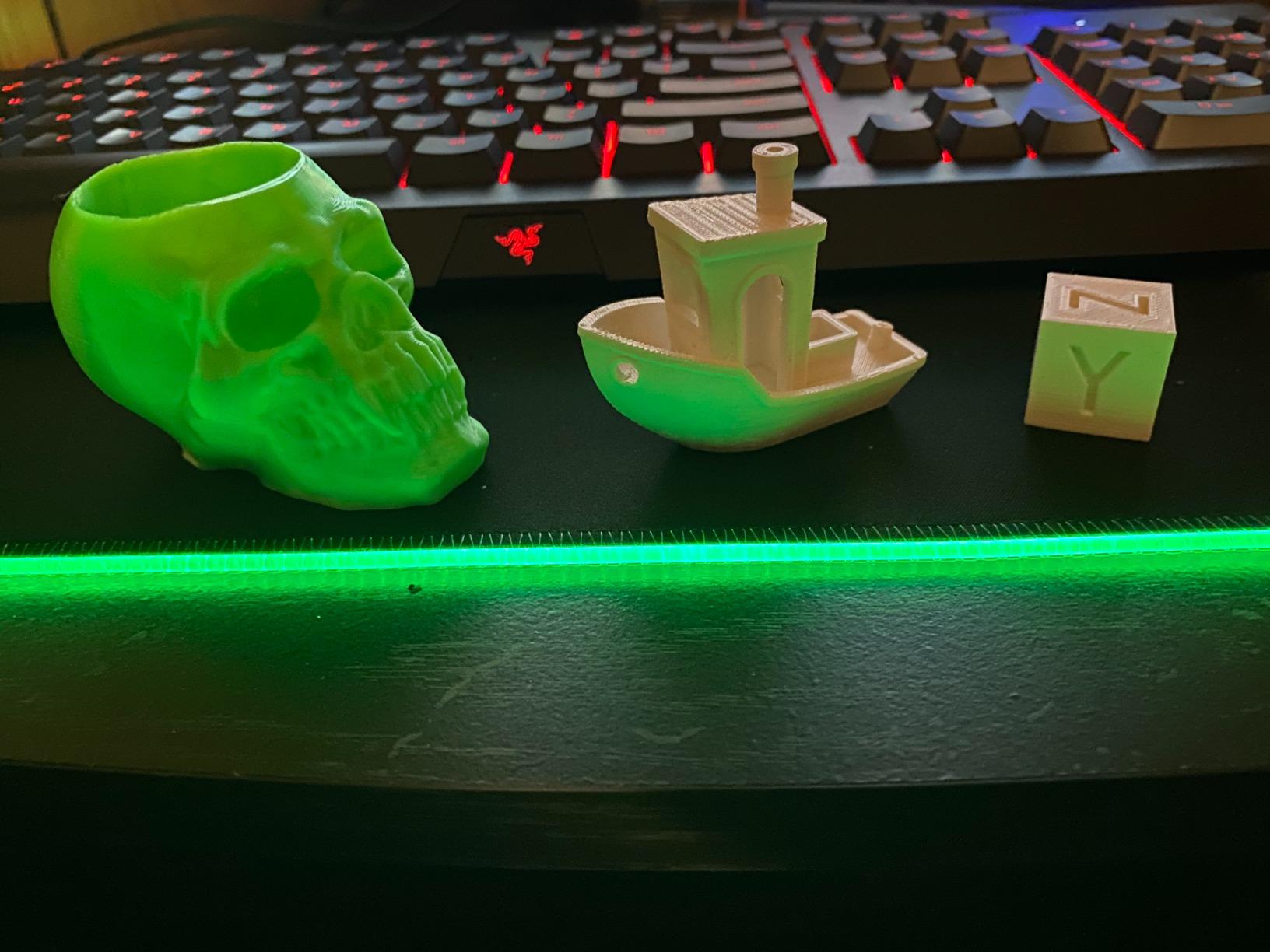
Assembly takes about 20 minutes according to most users, which is reasonable for a printer that teaches you about its construction. The 32-bit silent mainboard keeps noise levels down while providing more processing power for complex prints. The auto filament loading and unloading feature saves time during material changes.
The CR Touch auto leveling system works well for most users, though about 13% of reviews mention inconsistencies. Some units had temperature sensor problems that required replacement. Creality’s customer support is available but quality varies.
Best For
This printer suits beginners who want to learn how 3D printers work while still having modern conveniences like auto-leveling. If you’re the type who enjoys understanding your tools rather than just using them, the Ender 3 V3 SE is an excellent teacher.
Consider Alternatives If
If you want a completely hands-off experience with no assembly required, look at fully pre-assembled options. Those who prioritize reliability above all else might prefer Bambu Lab alternatives with better quality control.
6. Creality Ender 3 V3 KE – Fast WiFi-Enabled
Creality 3D Printer Ender 3 V3 KE Upgraded, 500mm/s Max High-Speed with Sprite Direct Extruder Supports 300℃ Printing, Auto Leveling 3D Printer for Kids and Beginners, Larger Print Size 250x220x220mm
500mm/s Speed
300C Nozzle
Linear Rail X-axis
250x220x220mm Build
WiFi Cloud Printing
Pros
- Very fast printing up to 500mm/s
- High temperature capability 300C
- Linear rail for smooth motion
- Good print quality
- WiFi and cloud printing
- Larger build volume
Cons
- Hotend clogging issues reported
- Customer support quality varies
- Some units had extruder problems
- May require Hyper PLA filament
The Creality Ender 3 V3 KE takes the V3 SE formula and adds speed, higher temperatures, and WiFi connectivity. With a 300C nozzle and 500mm/s maximum speed, this printer handles materials and print times that would challenge its SE sibling.
The linear rail on the X-axis provides smoother motion than V-wheel alternatives, which shows in print quality at higher speeds. Users appreciate being able to start prints via WiFi without physically transferring files via SD card. The 60W ceramic heater reaches temperature quickly and maintains it consistently.
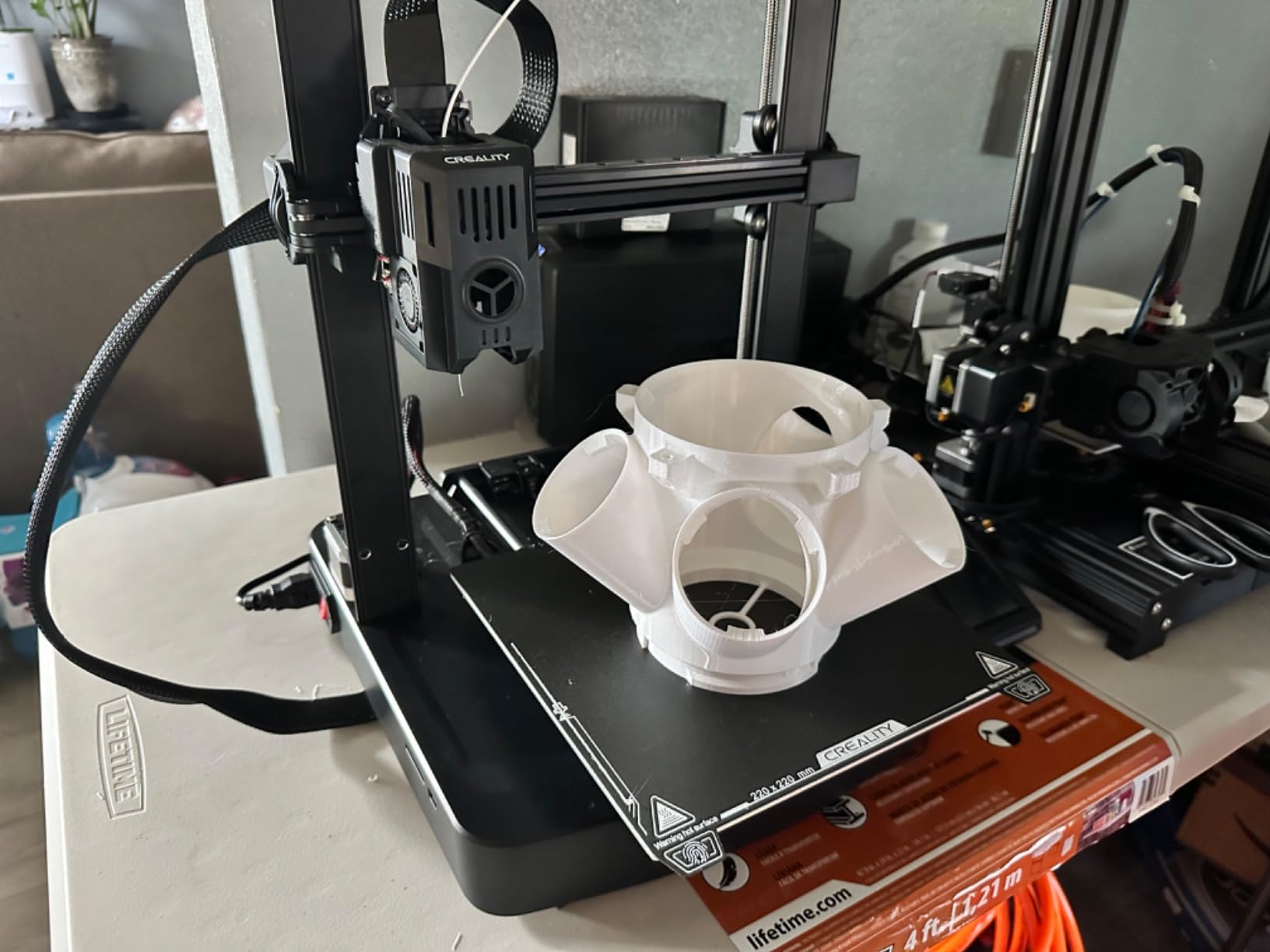
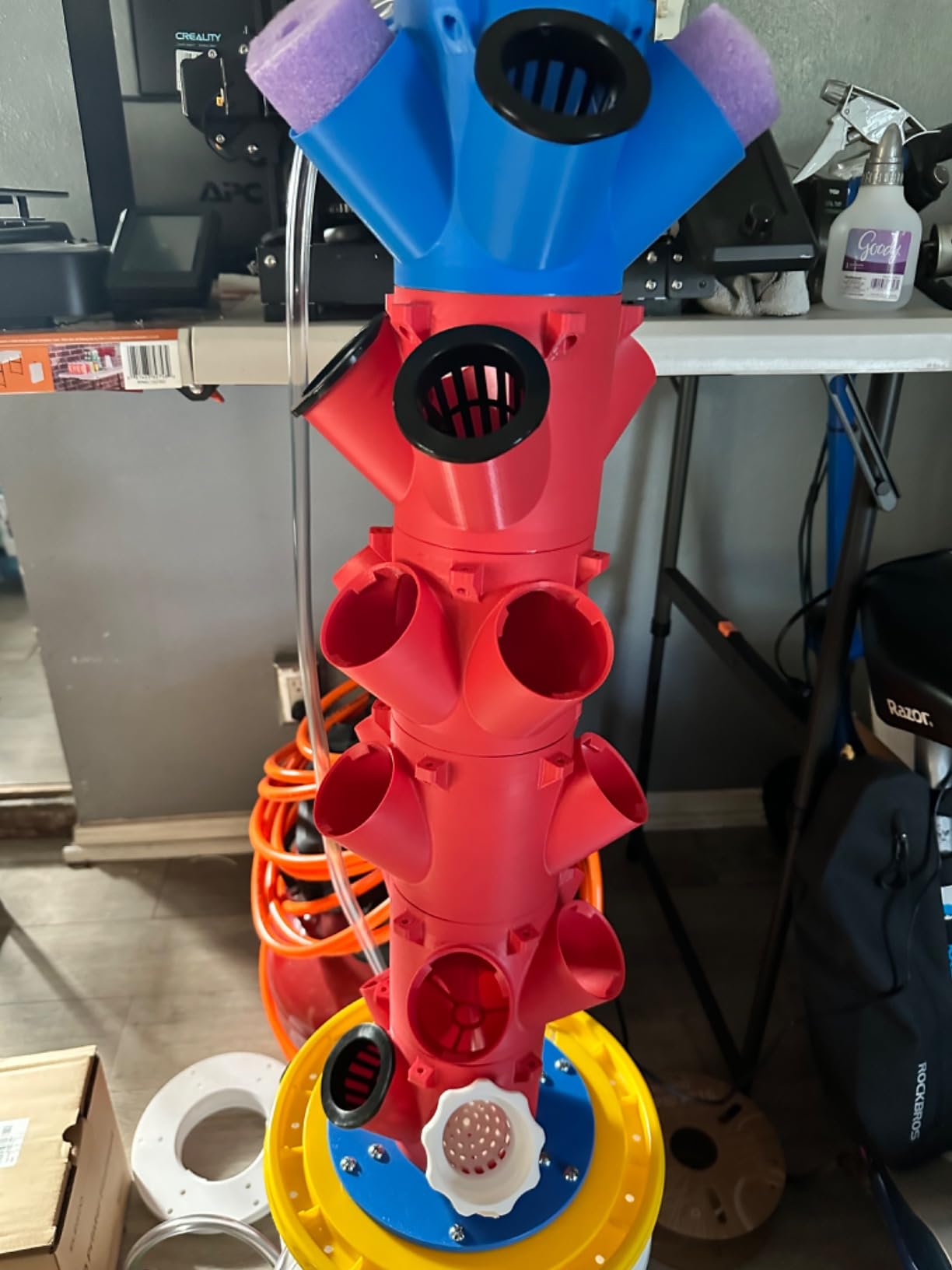
Beyond basic PLA, the 300C nozzle opens up printing with ABS, ASA, and other engineering materials that require higher temperatures. The larger build volume (250x220x220mm) accommodates bigger projects than budget alternatives.
However, hotend clogging appears in about 16% of negative reviews. Some users recommend using Creality’s Hyper PLA filament to avoid issues, which adds ongoing cost. Customer support experiences vary significantly.
Best For
Beginners who need to print with high-temperature materials will find the 300C nozzle essential. If you want WiFi convenience and faster print speeds than the V3 SE offers, this model delivers. Good for those planning to print functional parts.
Consider Alternatives If
If you only plan to print basic PLA, the extra capabilities may not justify the higher price. Those concerned about potential hotend issues might prefer printers with more proven reliability records.
7. Entina TINA2S WiFi – Cloud Printing Ready
Entina TINA2S 3D Printers with WiFi Cloud Printing, Huge Library, Fully Assembled, Mini 3D Printer for Beginners and Kids with Auto Leveling, High Precision FDM 3D Printer for Home, School and Office
WiFi Cloud Printing
1000+ Model Library
200mm/s Speed
11.4 x 8.6 x 8.6 inches
Auto Leveling
Pros
- Fully assembled and ready to use
- WiFi connectivity with cloud printing
- Large model library 1000+ models
- Auto-leveling system
- Quiet operation
- Magnetic build plate for easy removal
Cons
- App can be slow or unresponsive
- Server overload issues during high traffic
- Limited to smaller prints
- Cable durability issues over time
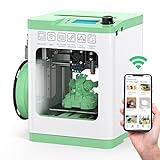
The Entina TINA2S WiFi focuses on making 3D printing accessible through cloud connectivity and a massive model library. With over 1,000 pre-made models available through the Poloprint Cloud app, beginners can start printing immediately without learning CAD software.
The WiFi cloud printing feature means you can send prints from your phone without being physically near the printer. The silent motherboard keeps noise levels down, making it suitable for apartments or shared spaces. The magnetic build plate makes removing finished prints particularly easy.
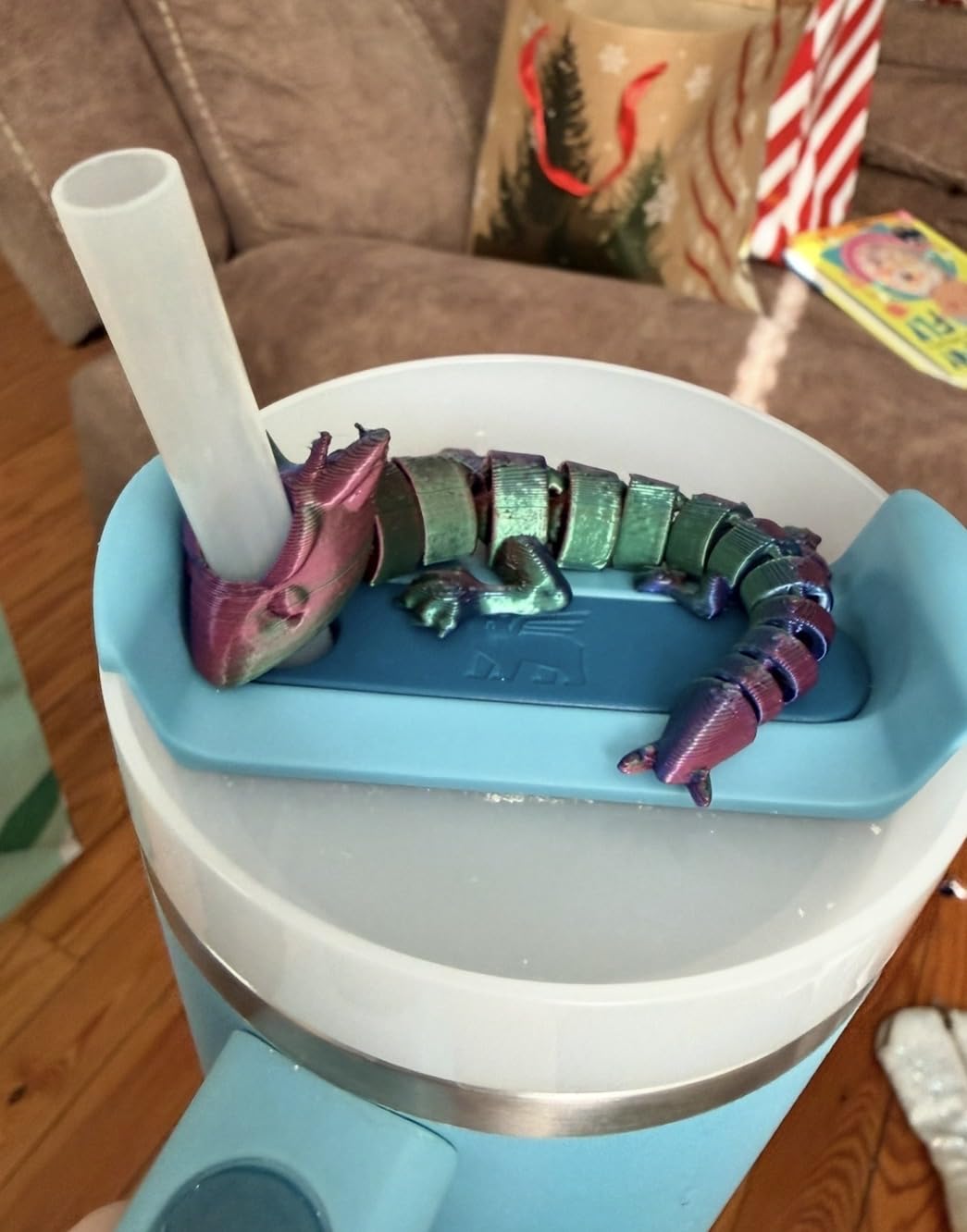
User reviews praise the out-of-box experience. The printer arrives fully assembled and ready to print. Many beginners mention successfully completing their first print within an hour of unboxing. The 0.04mm precision delivers good detail for a budget machine.
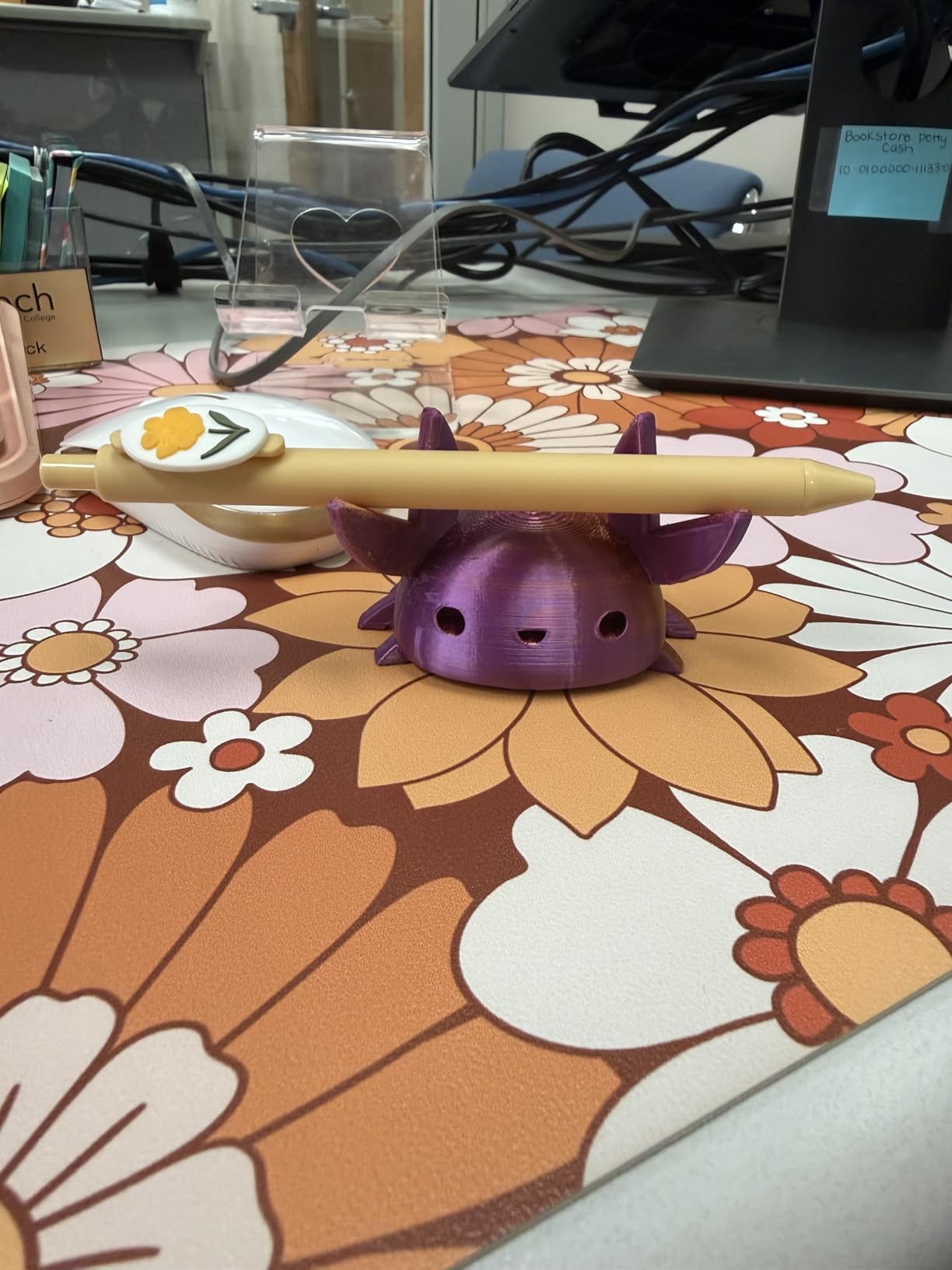
The main frustrations center on app reliability. During peak usage times, servers can become overloaded, causing slow or failed uploads. About 17% of negative reviews mention app problems. The limited build volume also restricts print size.
Best For
Beginners who want to print from their phone and access a library of pre-made designs will love the TINA2S WiFi. If you’re not interested in designing your own models and just want to start printing immediately, the cloud library is genuinely useful.
Consider Alternatives If
If you need reliable connectivity without depending on cloud servers, or if you plan to print larger objects, consider alternatives. Those who want to design their own models may find the app-focused ecosystem limiting.
8. Geeetech Mini M1S – Ultra-Compact Desktop
3.94 x 4.33 x 3.94 inch Print Area
Direct Drive Extruder
250mm/s Speed
16-Point Auto Leveling
Very Quiet
Pros
- Very compact and portable
- Fully assembled and ready to use
- Direct drive extruder for accuracy
- Very quiet operation
- Easy to use touchscreen interface
- Good print quality for size
Cons
- Very small print area about 100x100x100mm
- Originally designed for 0.5kg spools
- No WiFi or Bluetooth
- Limited to PLA and basic filaments
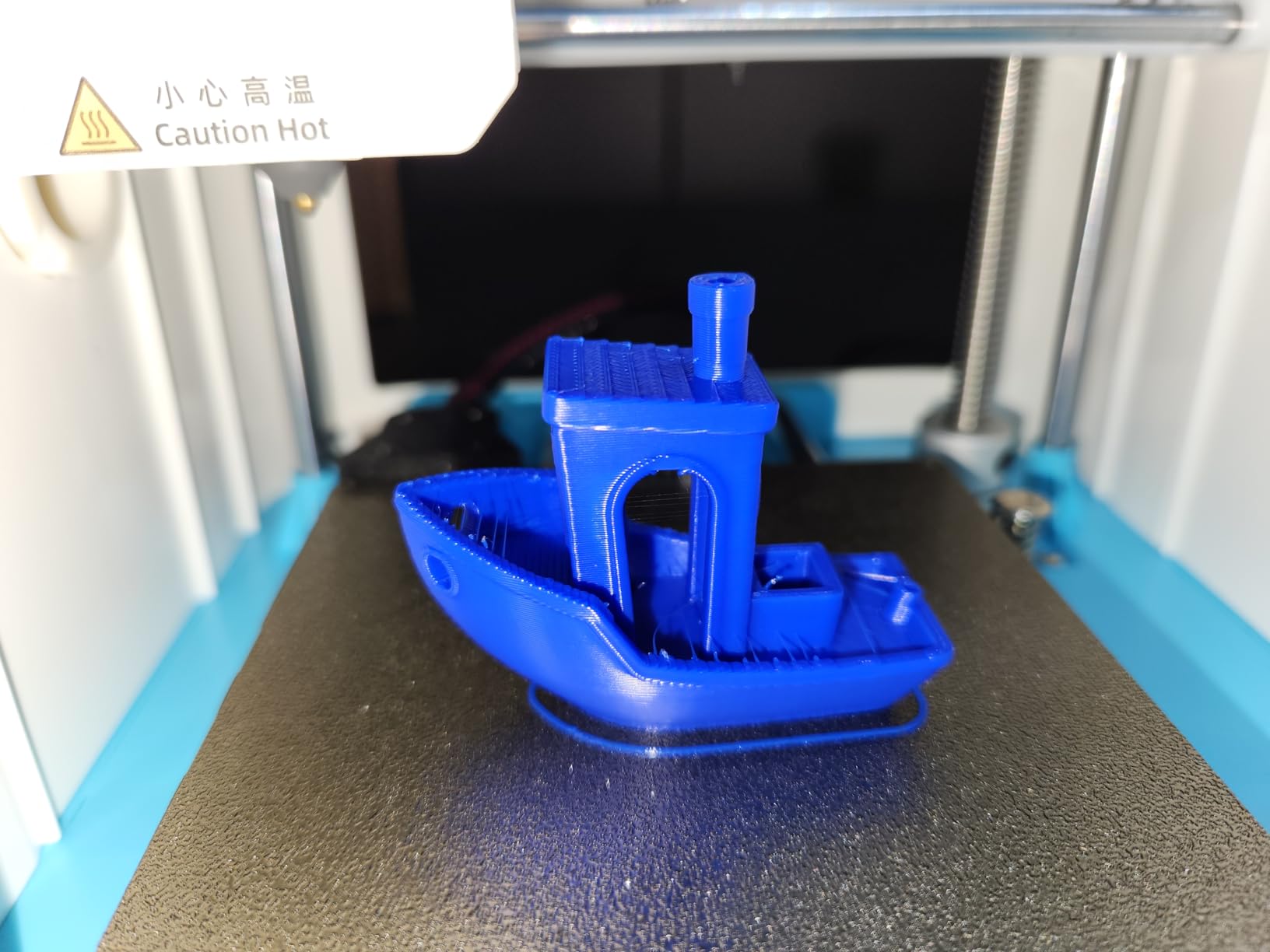
The Geeetech Mini M1S proves that good things come in small packages. With a tiny 100x100x100mm build volume, this printer fits on any desk while still delivering quality prints. The 4.4-star rating from 94 reviews shows strong user satisfaction.
The direct drive extruder is unusual at this price point and provides better filament control than Bowden alternatives. Users praise the print quality, especially for small detailed models. The 16-point auto leveling system works well for consistent first layers.
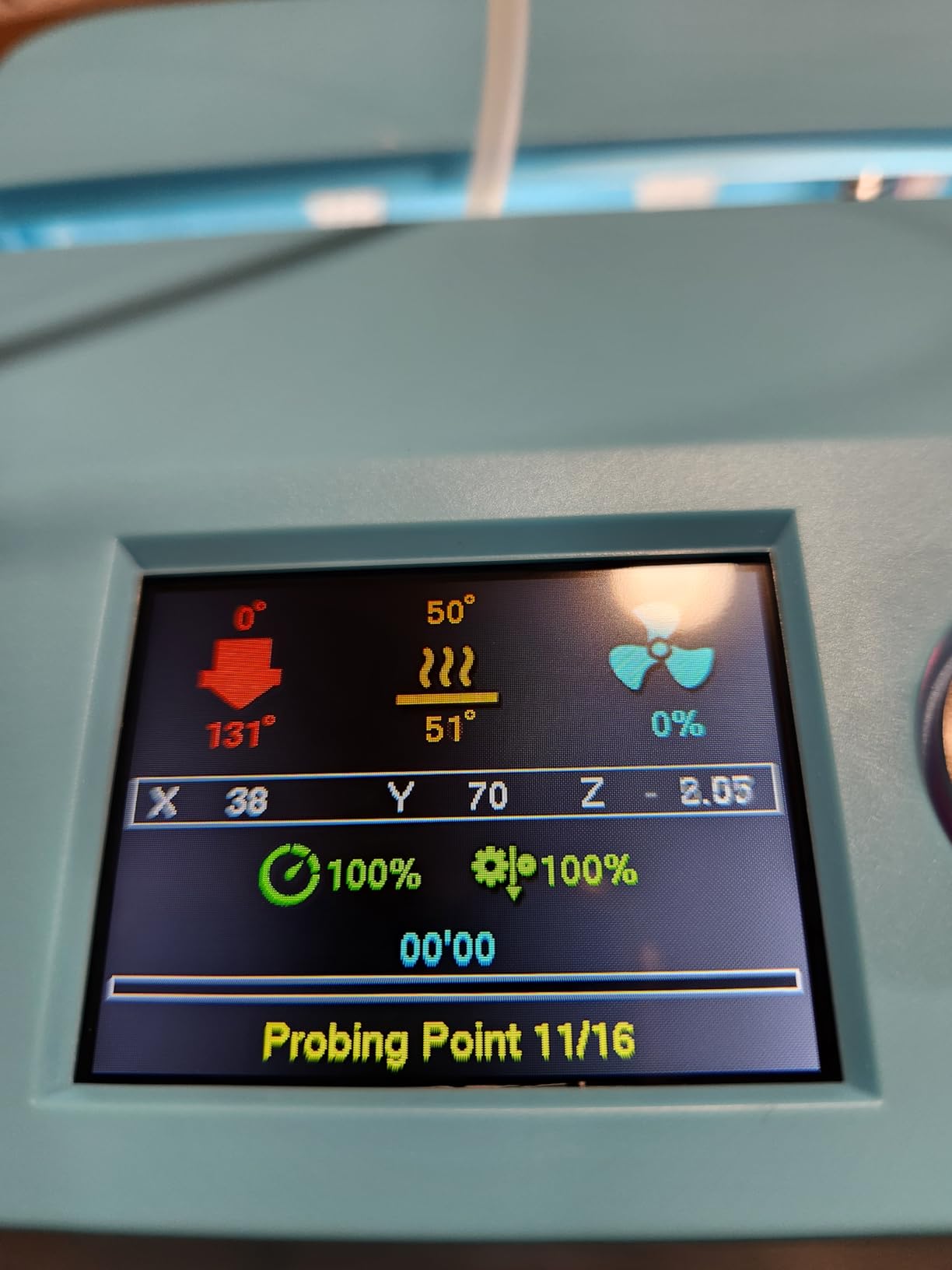
Quiet operation is a standout feature. Users mention running prints in bedrooms and offices without disturbance. The 2.4-inch LCD touchscreen is intuitive and responsive, making operation straightforward for beginners.
The obvious limitation is size. You can’t print anything larger than about 4 inches in any dimension. The printer also lacks WiFi connectivity, requiring SD card transfers. Originally designed for 0.5kg filament spools, using standard 1kg spools requires an adapter.
Best For
This printer is perfect for beginners with limited desk space or those wanting to print small items like miniatures, keychains, and small replacement parts. Great for dorm rooms, small apartments, or as a secondary printer for quick small prints.
Consider Alternatives If
If you want to print anything larger than 4 inches, this printer won’t work. Those who need WiFi connectivity or plan to print with advanced materials should look elsewhere. The small size is both its greatest strength and weakness.
9. Asani TINA2S Mini – Budget Starter Kit
TINA2S Fully Assembled Mini 3D Printer for Kids and Beginners, Starter Kit
8.3 x 8.3 x 11.4 inches
Auto Leveling
WiFi Capable
One-Touch Filament Loading
Complete Starter Kit
Pros
- Fully assembled out of the box
- Compact and space-saving design
- Auto-leveling system
- Easy filament loading
- WiFi capable for wireless printing
- Compatible with multiple slicing software
Cons
- Significant stringing issues reported
- Poor adhesion on included build plate
- Limited print volume due to small size
- Requires 250g filament spools not standard 1kg
The Asani TINA2S Mini offers an unbeatable entry price point for beginners willing to accept some compromises. As a complete starter kit with filament and SD card included, you can start printing immediately without additional purchases.
The one-touch filament loading system simplifies what can be a frustrating process on other printers. WiFi capability allows wireless printing, though the small print volume limits what you can create. The dual Z-axis rail provides better stability than single-rail budget alternatives.
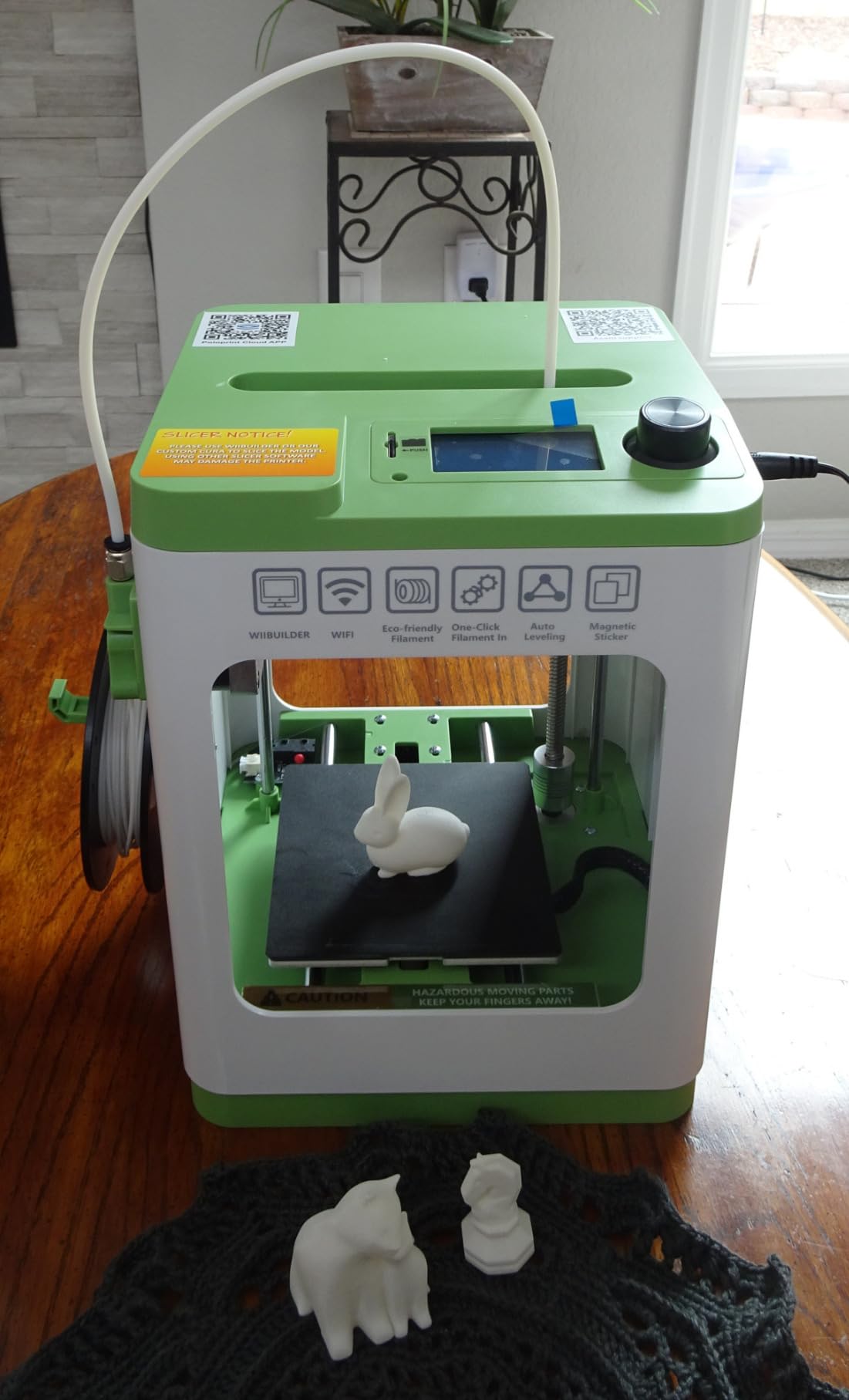
At under $200, this is one of the most affordable ways to start 3D printing. The flexible magnetic build plate makes print removal easier than fixed alternatives. Users appreciate being able to experiment without a large financial commitment.
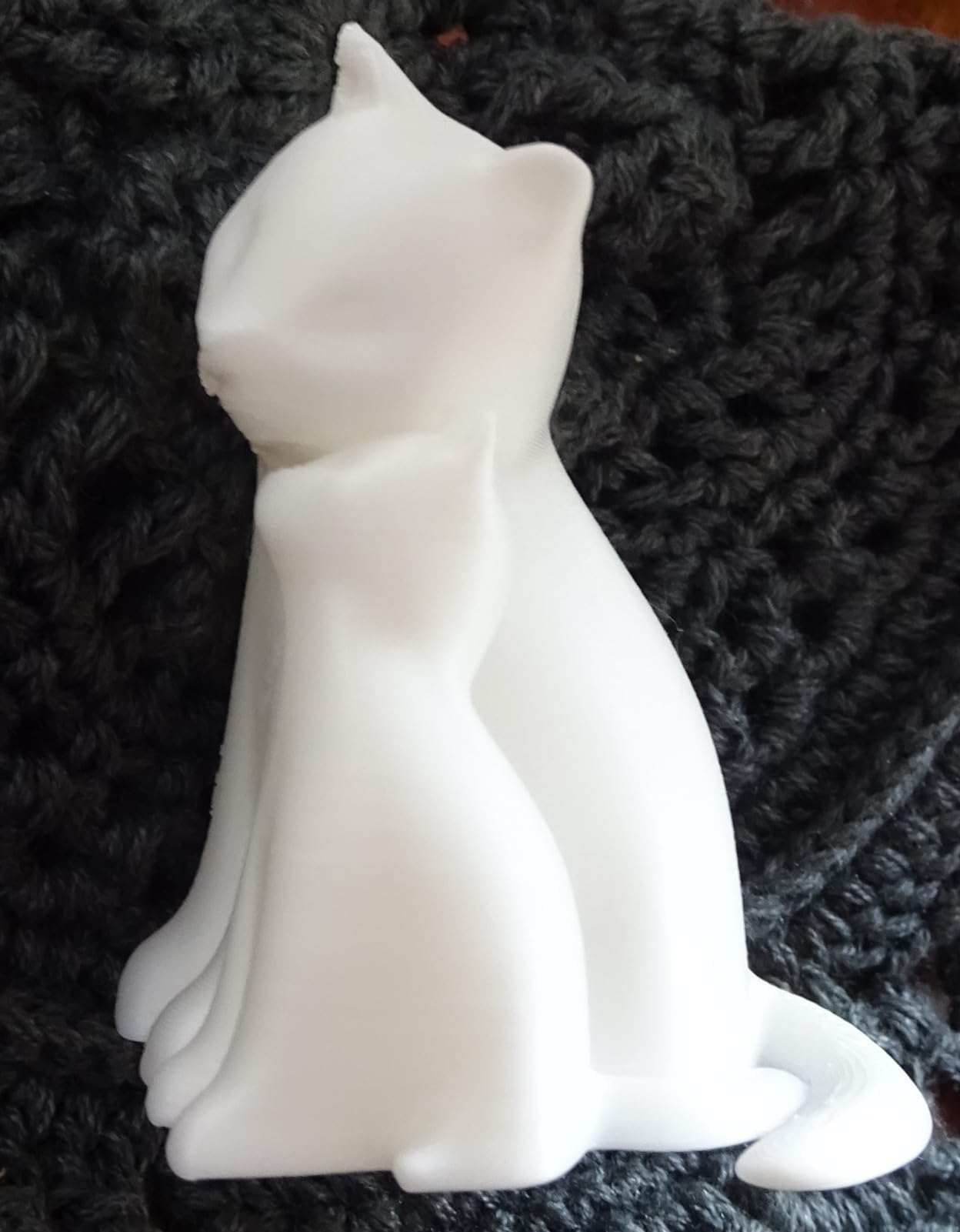
However, print quality issues are common. Stringing appears in many user prints, and the included build plate has adhesion problems. About 16% of reviews are negative, with frustrations about reliability. The printer requires 250g filament spools rather than standard 1kg spools, which limits filament options.
Best For
True beginners on tight budgets who want to try 3D printing without significant investment. If you’re not sure whether 3D printing is for you, this low-cost option lets you find out without breaking the bank.
Consider Alternatives If
If print quality is important, or if you get frustrated easily by troubleshooting, spend more for a better machine. The stringing and adhesion issues require patience and tweaking to overcome. Those wanting to print larger objects need a bigger printer.
10. Creality Ender 3 (Original) – The Classic Choice
8.66x8.66x9.84 inch Build
Resume Printing Function
Fully Open Source
Advanced Extruder Technology
Massive Community Support
Pros
- Excellent value for money
- Large build volume
- Huge community support
- Fully open source
- Resume printing after power outage
- Upgradable platform
- Great learning experience
- Widely available upgrades
Cons
- Requires assembly about 2 hours
- Manual bed leveling required
- No WiFi requires SD card
- Basic features out of the box
- Learning curve for beginners
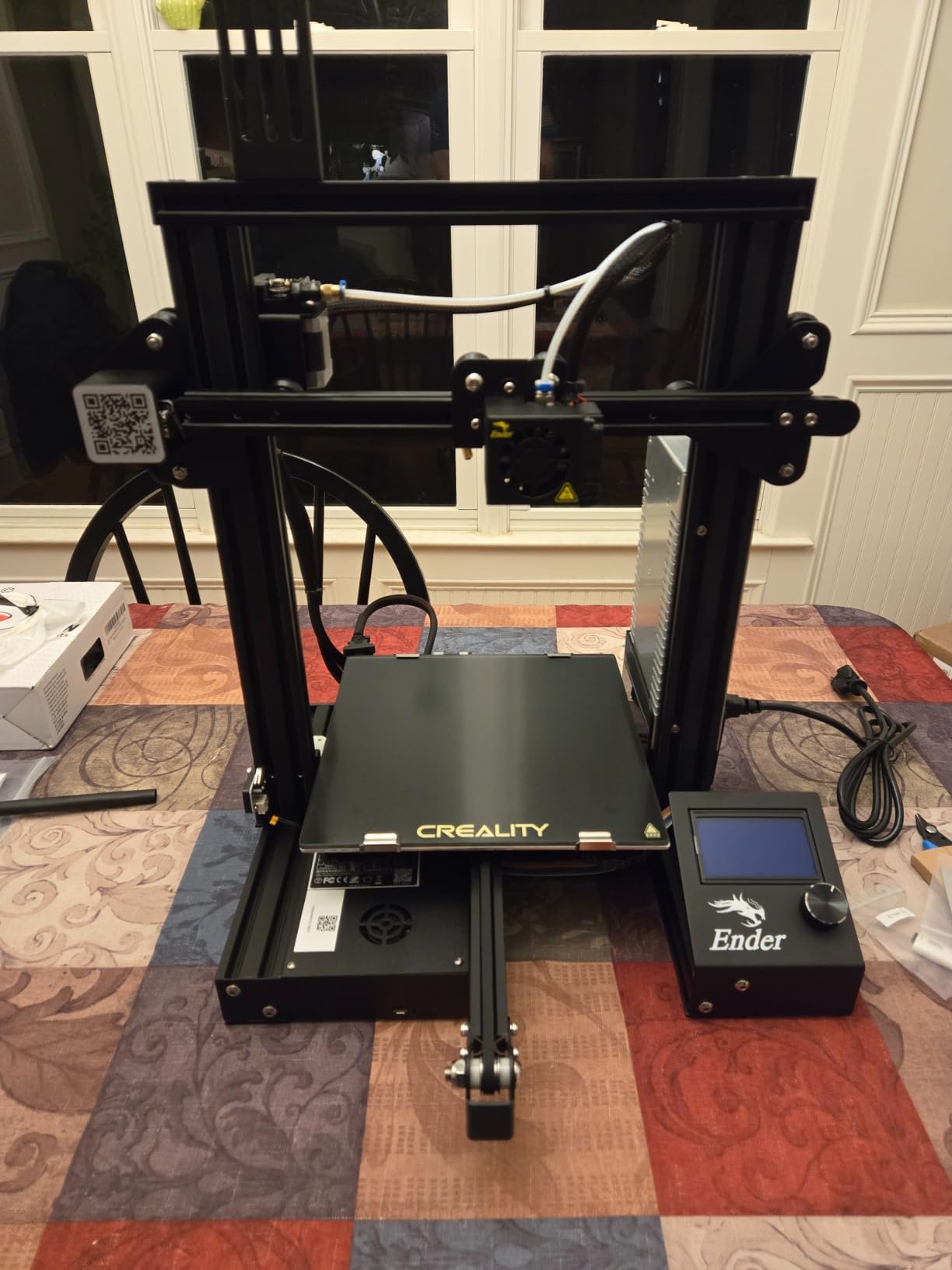
The original Creality Ender 3 remains the best-selling 3D printer for good reason. With over 16,000 reviews and a 4.1-star rating, this machine has introduced more people to 3D printing than perhaps any other model. Even in 2026, it continues to sell well despite newer alternatives.
What makes the Ender 3 special isn’t the printer itself but the ecosystem around it. The massive community means help is always available. YouTube tutorials, Reddit threads, and forums cover every possible modification and troubleshooting scenario. If you want to learn 3D printing inside and out, this is your teacher.
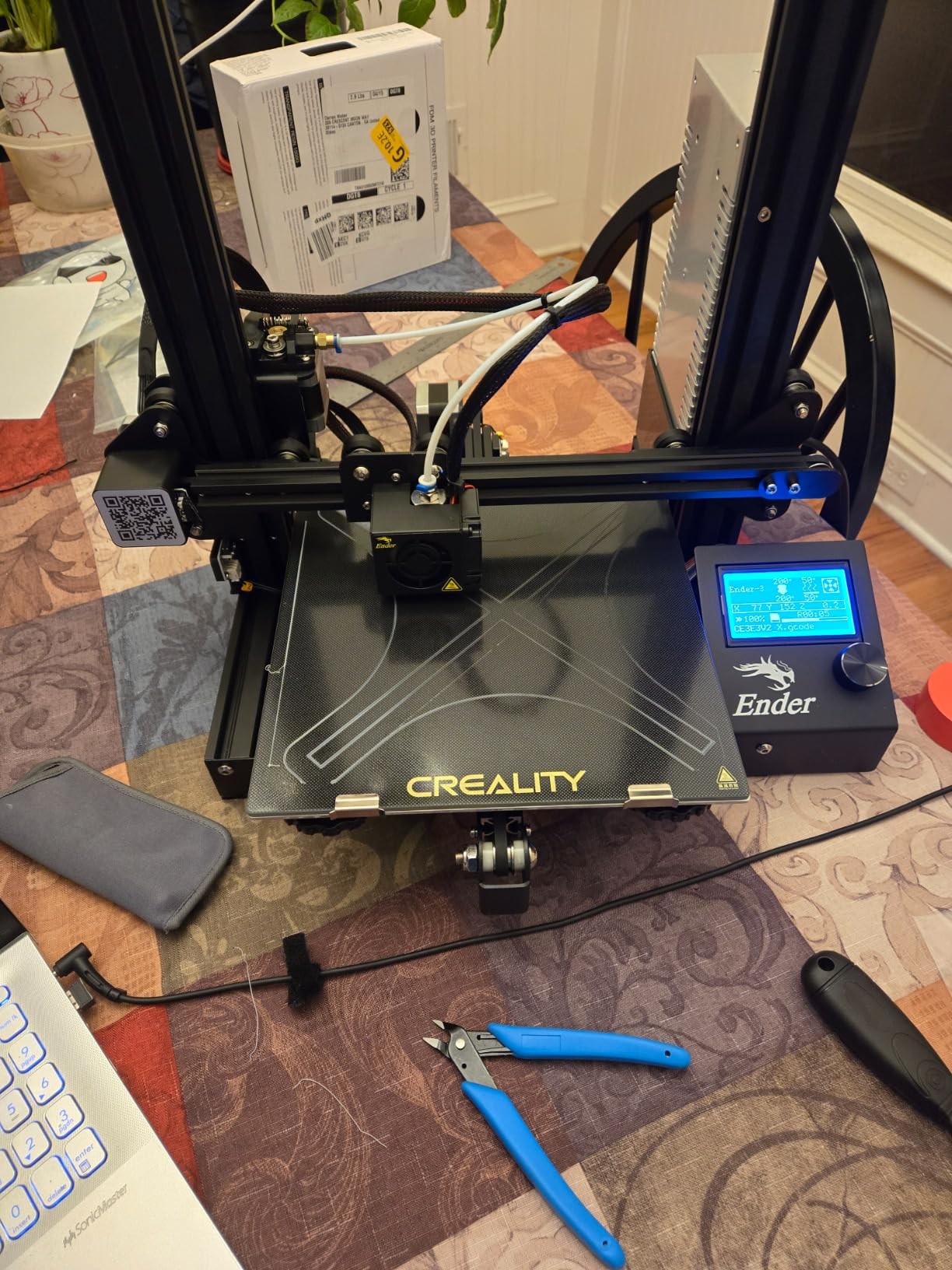
The fully open-source nature means you can modify everything. Users have added auto-leveling sensors, WiFi modules, direct drive extruders, and enclosures. The upgrade path is nearly unlimited. The resume printing function saves prints during power outages, a practical feature in many locations.
The learning curve is real. Assembly takes about 2 hours, and manual bed leveling requires patience and practice. There’s no WiFi, so you’ll transfer files via SD card. This is a printer for those who enjoy learning through hands-on experience, not for those seeking instant gratification.
Best For
Beginners who want to deeply understand how 3D printers work will learn more from an Ender 3 than any other machine. The massive community support ensures you’ll never be stuck without help. Excellent for those who enjoy tinkering and upgrading.
Consider Alternatives If
If you want to start printing immediately without assembly, or if manual bed leveling sounds frustrating, look at newer plug-and-play options. The Ender 3 rewards patience but punishes those expecting instant results.
How to Choose the Best 3D Printer for Beginners?
After testing and researching these printers, I’ve identified the key factors that matter most for beginners. Understanding these will help you pick the right machine for your specific situation.
Auto-Leveling and Calibration
Automatic bed leveling is the single most important feature for beginners. Without it, you’ll spend hours manually adjusting bed height, often with frustrating results. All but one printer on this list includes some form of auto-leveling. The Bambu Lab A1 takes this furthest with full auto calibration that handles everything automatically. If you’re new to 3D printing, prioritize this feature above almost everything else.
Build Volume and Print Size
Build volume determines the maximum size object you can print in one piece. Budget mini printers like the Geeetech M1S offer around 100x100x100mm, which works for small items but limits larger projects. Standard printers like the Ender 3 and Bambu A1 offer roughly 220-256mm in each dimension, suitable for most hobbyist needs. Consider what you want to create before choosing. Replacement parts, miniatures, and decorative items work fine on small printers. Functional prototypes and larger decorative pieces need more volume.
Print Speed and Quality
Speed matters more than you might think. Budget printers often run at 50-100mm/s, while newer models reach 500-600mm/s. A print that takes 4 hours on a slow printer might finish in under 2 hours on a fast one. However, speed often comes at the cost of quality. The fastest printers sometimes show layer lines or other artifacts. For beginners, I recommend balancing speed with reliability. A slightly slower printer that produces consistent results is better than a fast one that frequently fails.
Filament Compatibility
Most beginners start with PLA filament because it’s easy to print and produces good results. However, as you advance, you might want PETG for strength, TPU for flexibility, or ABS/ASA for heat resistance. Nozzle temperature determines material compatibility. A 260C nozzle handles PLA and PETG. A 300C nozzle opens up ABS and ASA. The ELEGOO Centauri Carbon’s 320C nozzle supports even more engineering materials. If you think you might want to print more than basic PLA, choose a printer with higher temperature capability.
Ease of Use Features
Beyond auto-leveling, look for features that simplify the experience. Fully assembled printers eliminate the frustration of incorrect assembly. WiFi connectivity lets you start prints remotely. Built-in cameras allow monitoring without being physically present. Touchscreen interfaces are more intuitive than rotary encoders. The Bambu Lab A1 and AOSEED X-MAKER JOY AI+ excel here, with features designed specifically for beginners who want a smooth experience.
Budget Considerations
Initial printer cost is just the beginning. Factor in filament costs (roughly $15-25 per kg for PLA), potential upgrade costs, and your time. Many users start with budget printers like the Ender 3, then upgrade to Bambu or Prusa within 6-12 months after experiencing the learning curve. Sometimes spending more initially saves money and frustration long-term. That said, if you’re unsure whether 3D printing is for you, starting with a budget option makes sense. You can always upgrade later.
Frequently Asked Questions
What is a good 3D printer to start with?
For most beginners, the Bambu Lab A1 is the best starting printer due to its full auto calibration, quiet operation, and excellent reliability. If budget is a concern, the Creality Ender 3 V3 SE offers a good balance of features and learning opportunity. For kids, the AOSEED X-MAKER JOY AI+ provides the safest, most accessible experience with AI-powered design tools and an enclosed build chamber.
Can you legally sell 3D printed items?
Yes, you can legally sell 3D printed items, but there are important considerations. Items you design yourself can be sold freely. However, printing and selling designs created by others may violate copyright or licensing agreements. Many free models on sites like Thingiverse have non-commercial licenses. If you plan to sell prints commercially, either create your own designs, purchase commercial licenses, or use public domain designs. Always check the license before printing someone else’s design for sale.
What’s the best budget 3D printer?
The Asani TINA2S Mini offers the lowest entry price under $200 with a complete starter kit including filament. For slightly more, the Creality Ender 3 V3 SE provides better print quality and larger build volume around $219. The best value overall is the ELEGOO Centauri Carbon at around $280, which offers CoreXY construction and 500mm/s speed typically found on much more expensive printers.
Is it worth having a 3D printer at home?
For most people interested in making, DIY projects, or creative hobbies, a home 3D printer is absolutely worth it. Users report printing replacement parts that would cost more to buy, custom organizers, decorative items, and prototypes. The key is choosing a reliable printer that won’t consume all your time with troubleshooting. If you enjoy creating things and have space for a printer, the convenience of printing on demand typically justifies the investment within the first year.
Is Bambu or Prusa better for beginners?
For absolute beginners, Bambu Lab printers are generally better due to lower prices and more automated features. The Bambu A1 offers full auto calibration at a lower price point than Prusa alternatives. However, Prusa printers excel in reliability, customer support, and open-source principles. Prusa’s extensive wiki and community are invaluable resources. If you prioritize ‘just works’ reliability and don’t mind spending more, Prusa is excellent. If you want the easiest experience at a lower price, Bambu wins.
Conclusion
Finding the best 3D printer for beginners comes down to matching the machine to your personality and goals. If you want to start printing immediately without frustration, the Bambu Lab A1 delivers with its full auto calibration and quiet operation. For families with kids, the AOSEED X-MAKER JOY AI+ provides the safest, most accessible introduction to 3D printing.
Budget-conscious beginners have solid options too. The ELEGOO Centauri Carbon offers remarkable value with CoreXY construction and 500mm/s speed. The classic Creality Ender 3 remains the best choice for those who want to deeply understand how 3D printers work, with its massive community support and endless upgrade possibilities.
My recommendation for most beginners in 2026: Start with a printer that includes auto-leveling and requires minimal assembly. You can always upgrade later once you understand what features matter most for your specific projects. The right first printer is one that keeps you printing rather than troubleshooting.