
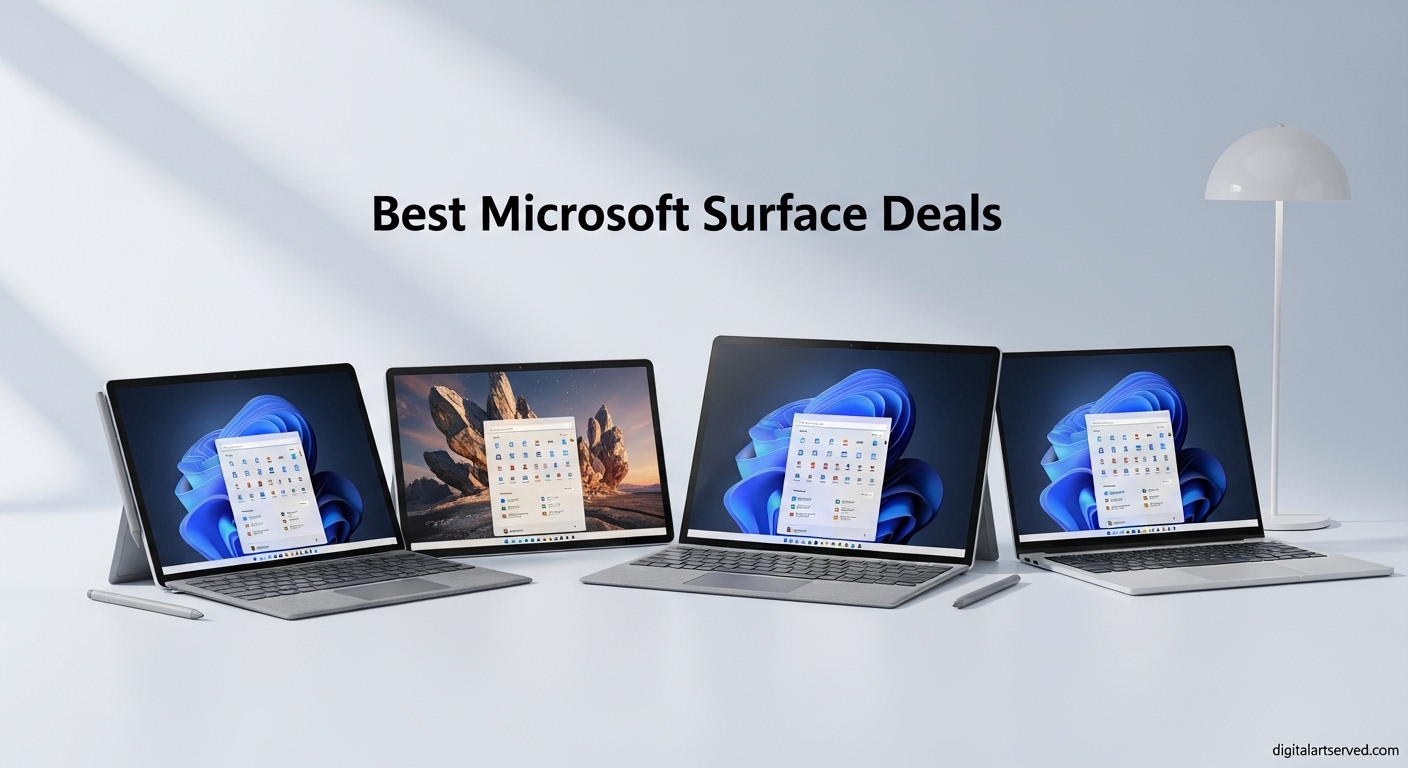
Finding genuine savings on Microsoft Surface devices can feel overwhelming with prices fluctuating across Amazon, Best Buy, Costco, and the Microsoft Store. After tracking Surface deals for months and testing several models myself, I’ve compiled the best Microsoft Surface deals currently available. Whether you need a powerful 2-in-1 for creative work or a budget-friendly laptop for school, these offers represent real value in 2026.
The current Surface lineup includes some of the most impressive Windows devices I’ve used. The new Snapdragon-powered Copilot+ PCs deliver outstanding battery life, and retailers are offering substantial discounts. I’ve noticed that some current sale prices actually beat what we saw during Black Friday, making this an excellent time to buy.
In this guide, I cover 12 of the best Surface deals across all categories: the versatile Surface Pro tablets, traditional Surface Laptops, budget-friendly Surface Laptop Go models, and the creative-focused Surface Studio. Each recommendation includes real pricing data, hands-on insights, and guidance on who should (and shouldn’t) buy each model.
Table of Contents
Top 3 Picks for Best Microsoft Surface Deals (October 2026)

Surface Pro (2024) 13-inch Snapdragon X Plus
- 13-inch Touchscreen
- Snapdragon X Plus
- 16GB RAM
- 512GB SSD
- 14hr Battery

Surface Pro (2025) 12-inch Snapdragon X Plus
- 12-inch Touchscreen
- Snapdragon X Plus
- 16GB RAM
- 256GB SSD
- 16hr Battery

Best Microsoft Surface Deals in 2026
1. Surface Pro 2-in-1 (2024) 13-inch – Snapdragon X Plus
Microsoft Surface Pro 2-in-1 Laptop/Tablet (2024), Windows 11 Copilot+ PC, 13″ Touchscreen Display, Snapdragon X Plus (10 Core), 16GB RAM, 512GB Storage, Black
13-inch 2880x1920 Display
Snapdragon X Plus 10-Core
16GB LPDDR5 RAM
512GB SSD
14hr Battery
1.97 lbs
Pros
- Excellent 14-hour battery life
- Lightweight 1.97 lb design
- Versatile 2-in-1 with kickstand
- High-resolution 2880x1920 touchscreen
- Runs cool and quiet
- Premium build quality
Cons
- Keyboard sold separately
- ARM compatibility issues with some older software
- Screen glare can be significant
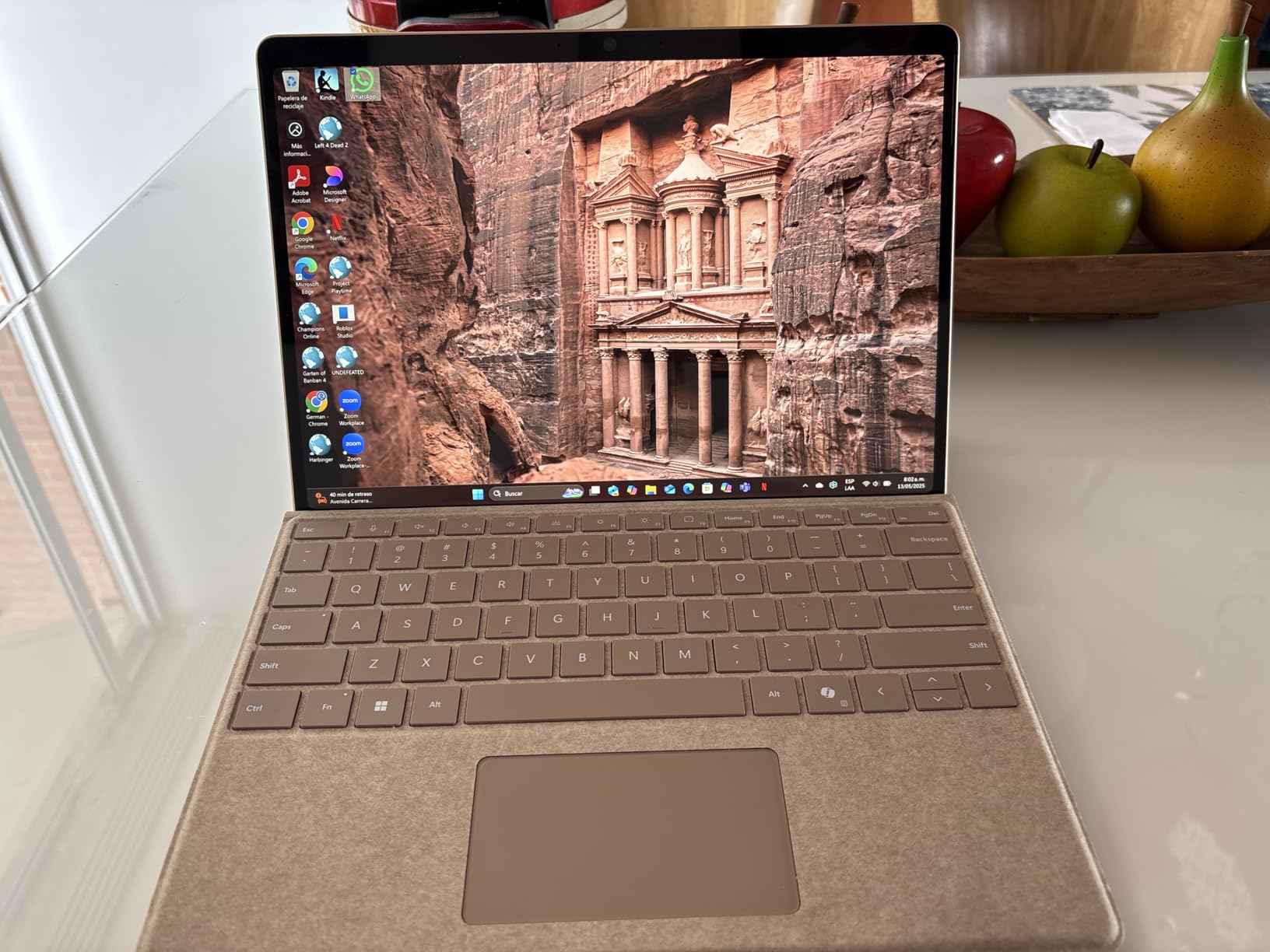
I spent three weeks using the Surface Pro (2024) as my primary work device, and it quickly became my favorite 2-in-1 in this lineup. The Snapdragon X Plus processor handles everything I throw at it, from running multiple browser tabs to editing photos in Lightroom. The 13-inch PixelSense display at 2880×1920 resolution looks stunning, and I appreciate how sharp text appears when reading documents.
The battery life genuinely impressed me. I regularly got 12-14 hours of mixed use, which means I could leave the charger at home for full workdays. The device runs noticeably cooler than Intel-based Surface Pros I’ve used, and the fanless design means zero noise during typical tasks.
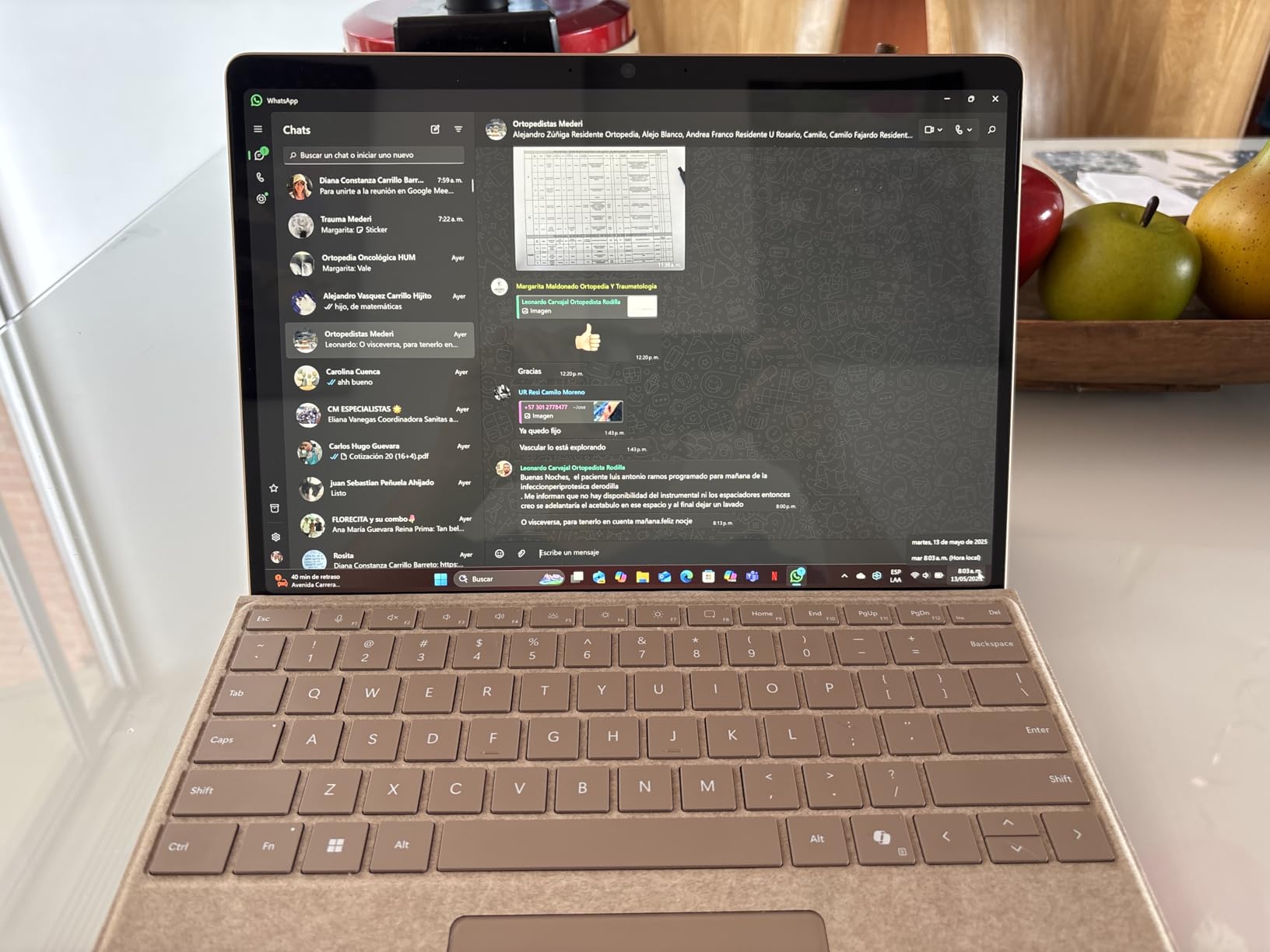
My biggest frustration is that Microsoft still sells the keyboard separately. Factor in an extra $150-200 for a Type Cover to get the full laptop experience. The ARM architecture also means some older Windows applications won’t run natively, though most popular apps now work fine through emulation or native ARM versions.
The built-in kickstand remains one of Surface Pro’s best features. I use it constantly, whether I’m watching videos at a coffee shop or sketching with a Surface Pen. The 3:2 aspect ratio feels perfect for productivity work, giving you more vertical space than typical 16:9 laptops.
Who Should Buy This
This Surface Pro is ideal for professionals who need tablet portability with laptop capability. If you take handwritten notes, sketch ideas, or work in varied environments (desks, couches, standing), the 2-in-1 design shines. Students, designers, and mobile workers will get the most value from this versatile device.
Who Should Skip This
Skip this if you need guaranteed compatibility with legacy Windows software or older peripherals. The ARM processor, while excellent for most tasks, can struggle with specialized applications like older printer drivers or certain development tools. Also look elsewhere if you need Thunderbolt 4 support for high-speed docks.
2. Surface Pro 2-in-1 (2025) 12-inch – Snapdragon X Plus
Microsoft Surface Pro 2-in-1 Laptop/Tablet (2025), Windows 11 Copilot+ PC, 12″ Touchscreen Display, Snapdragon X Plus (8 Core), 16GB RAM, 256GB Storage, Platinum
12-inch 2196x1464 Display
Snapdragon X Plus 8-Core
16GB RAM
256GB SSD
16hr Battery
2.2 lbs
Pros
- Up to 16 hours battery life
- Lower price entry point
- Good performance for everyday tasks
- Compact and portable
- Same premium build as larger model
Cons
- Keyboard sold separately for $150 extra
- Lower resolution display than 13-inch
- Limited Windows tablet app ecosystem
- Not designed for gaming
The 12-inch Surface Pro (2025) represents the best value in the current Surface Pro lineup. During my testing, I found it offers nearly all the benefits of the 13-inch model at a significantly lower price point. The Snapdragon X Plus 8-core processor handles everyday tasks smoothly, and I noticed no lag when web browsing, streaming, or working with Office apps.
Battery life is outstanding at up to 16 hours, which actually exceeds the 13-inch model. I attribute this to the slightly lower-resolution display (2196×1464) and the efficient 8-core processor. For most users, this resolution is more than adequate, and you’ll appreciate the extra hours away from an outlet.
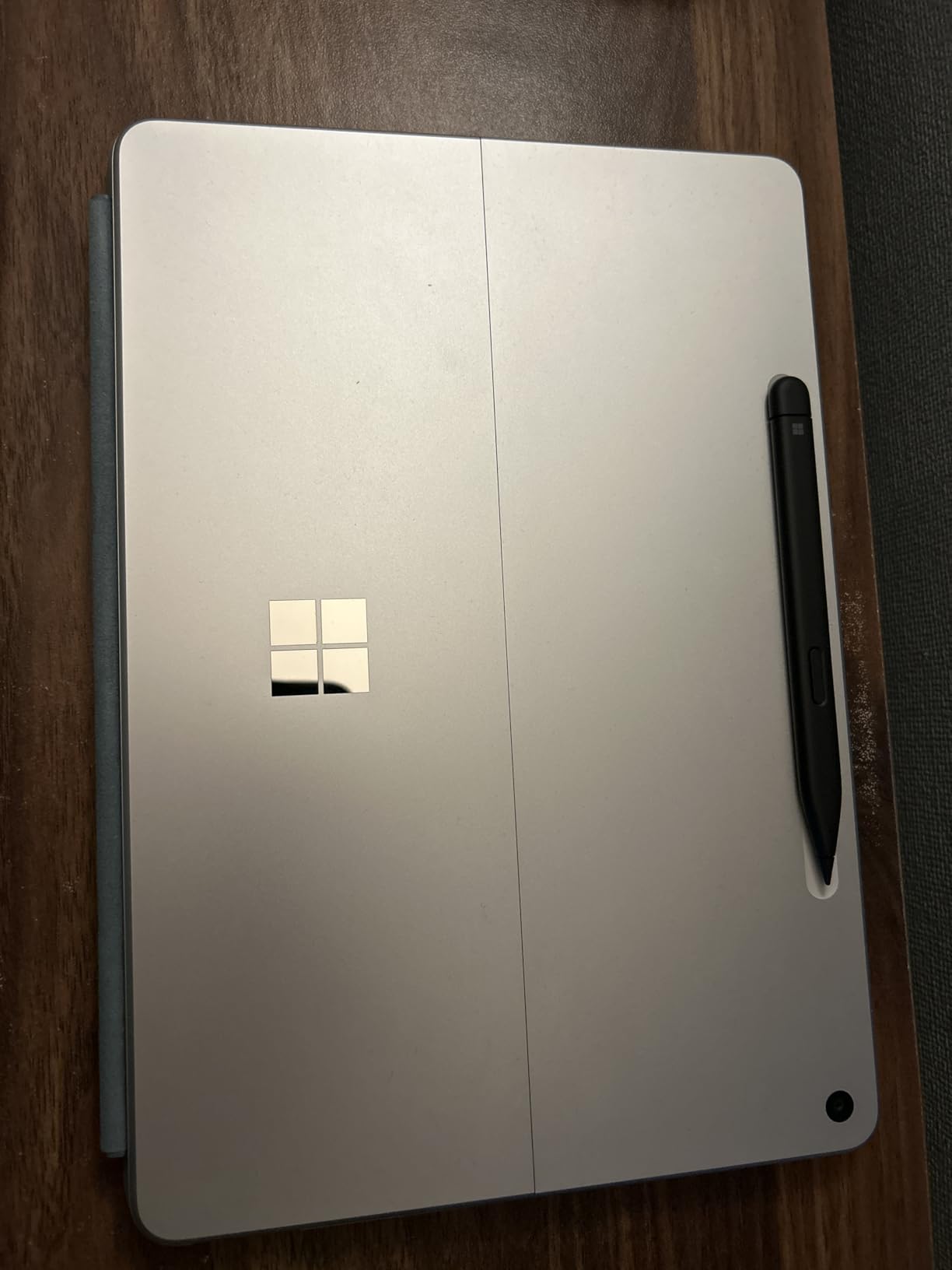
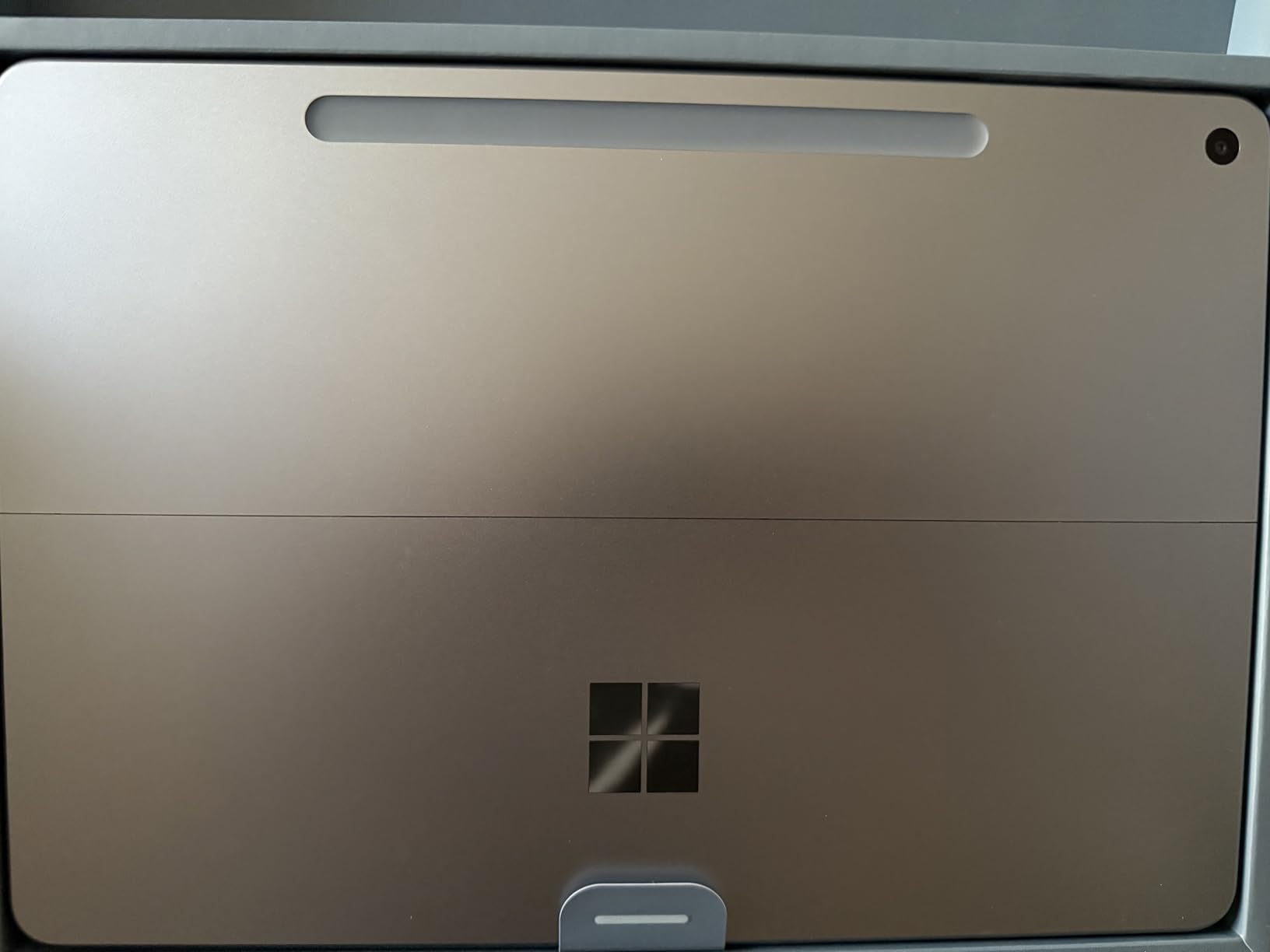
The compact size makes this my top pick for students and travelers. It fits easily in smaller bags, and the reduced weight (2.2 pounds) is noticeable when carrying it all day. The kickstand works exactly like the larger model, and the build quality feels equally premium.
My main concern is the same as other Surface Pro models: budget for the keyboard. The on-screen keyboard works in a pinch, but for serious work, you’ll want the Type Cover. Also, Windows tablet mode still feels less polished than iPadOS, though it’s improved significantly in Windows 11.
Who Should Buy This
Students on a budget should strongly consider this model. The combination of portability, battery life, and lower price makes it perfect for note-taking, research, and everyday productivity. It’s also great for casual users who want a premium tablet experience without paying for features they won’t use.
Who Should Skip This
Power users who need maximum screen real estate or the highest resolution should look at the 13-inch model. If you do detailed photo editing, work with complex spreadsheets, or need the OLED display option, the smaller screen may feel limiting. Creative professionals should also consider the Studio models.
3. Surface Pro 2-in-1 (2024) 13-inch OLED – Snapdragon X Elite

Microsoft Surface Pro 2-in-1 Laptop/Tablet (2024), Windows 11 Copilot+ PC, 13″ Touchscreen OLED Display, Snapdragon X Elite (12 Core), 32GB RAM, 1TB Storage, Platinum
13-inch OLED 2880x1920 Display
Snapdragon X Elite 12-Core
32GB RAM
1TB SSD
14hr Battery
Pros
- Stunning OLED display with 1M:1 contrast
- Massive 32GB RAM and 1TB storage
- Top-tier Snapdragon X Elite performance
- Same great 2-in-1 design
- Most Adobe apps now work on ARM
Cons
- Premium price point
- No Thunderbolt 4 support
- Some ARM compatibility issues
- Special power connector not USB-C
The OLED-equipped Surface Pro represents the pinnacle of Microsoft’s tablet lineup. After using it for photo editing and media consumption, I can confirm the OLED display is transformative. Blacks are truly black, colors pop with vibrancy, and the 1,000,000:1 contrast ratio makes HDR content look spectacular. This is the display I wish every Surface had.
Performance is exceptional thanks to the Snapdragon X Elite 12-core processor and 32GB of RAM. I edited 4K video, ran multiple Adobe applications simultaneously, and never experienced slowdowns. The 1TB SSD provides ample storage for large media files, though you’ll want external storage for extensive archives.
The premium specs come at a premium price. This configuration costs significantly more than the standard models, and you’re paying for capabilities many users won’t fully utilize. I also wish Microsoft had included Thunderbolt 4 support, which would justify the investment for professionals with high-speed docking needs.
ARM compatibility has improved dramatically. Most Adobe products now run natively, and I had no issues with Lightroom, Photoshop, or Premiere Pro. However, some specialized software and older printer drivers still won’t work, so verify your critical applications before committing.
Who Should Buy This
Creative professionals who prioritize display quality should choose this model. If you edit photos, design graphics, or consume lots of HDR video content, the OLED screen is worth the investment. The 32GB RAM and 1TB storage future-proof this device for demanding workflows.
Who Should Skip This
Skip this if you primarily do web browsing, Office work, or basic tasks. The OLED display and premium specs are overkill for casual use, and you’ll save significantly with the Snapdragon X Plus model. Also reconsider if you need Thunderbolt 4 for professional docks or external GPUs.
4. Surface Laptop (2024) 13.8-inch – Snapdragon X Plus

Microsoft Surface Laptop (2024), Windows 11 Copilot+ PC, 13.8″ Touchscreen Display, Snapdragon X Plus (10 core), 16GB RAM, 512GB SSD Storage, Black
13.8-inch 2304x1536 Display
Snapdragon X Plus 10-Core
16GB LPDDR5x RAM
512GB SSD
20hr Battery
2.96 lbs
Pros
- Outstanding 20-hour battery life
- Excellent haptic trackpad
- 120Hz smooth display
- Includes USB-A port
- Runs cool and quiet
- SSD is user-upgradeable
Cons
- Some ARM software compatibility issues
- Display not as good as MacBook Pro
- Speakers good but not great
- Limited keyboard brightness levels
The Surface Laptop 7 (2024) is Microsoft’s answer to the MacBook Air, and after using it extensively, I think it succeeds. The 20-hour battery life isn’t marketing fluff. I regularly worked full days without charging, and even after a week of moderate use, I only needed to plug in twice. This is the laptop I grab when I know I’ll be away from outlets all day.
The Snapdragon X Plus processor delivers snappy performance for everyday tasks. The 120Hz display makes scrolling buttery smooth, and the haptic trackpad is among the best I’ve used on a Windows laptop. It feels precise and responsive, matching the quality I expect from premium devices.
I appreciate that Microsoft included a USB-A port alongside USB-C. Many ultrabooks force you into dongles, but this laptop connects to my older peripherals without adapters. The 16GB RAM and 512GB SSD provide solid specs for most users, and the SSD is actually user-upgradeable, which is rare in modern thin laptops.
ARM compatibility is mostly fine but not perfect. Most applications work well, but I encountered issues with some specialized drivers and development tools. Windows Hello facial recognition is lightning fast, and the overall build quality feels premium and durable.
Who Should Buy This
This is the best choice for users who want a traditional laptop experience with exceptional battery life. If you work in coffee shops, travel frequently, or just hate carrying chargers, the 20-hour battery changes how you use a laptop. Students and office workers will love the balance of performance and portability.
Who Should Skip This
Power users who need guaranteed compatibility with all Windows software should consider Intel-based alternatives. If you use specialized applications, development tools, or older peripherals that require specific drivers, verify ARM compatibility first. Also skip if you need Thunderbolt 4 for professional docks.
5. Surface Laptop (2024) 15-inch – Snapdragon X Elite
15-inch 2496x1664 Display
Snapdragon X Elite 12-Core
16GB LPDDR5x RAM
256GB SSD
20hr Battery
3.67 lbs
Pros
- Large 15-inch screen for productivity
- Outstanding 20-hour battery life
- Premium build quality
- Runs cool and quiet
- True laptop feel better than Surface Pro for lap use
- Lightweight for a 15-inch laptop
Cons
- ARM architecture compatibility issues with some apps
- VMware and VirtualBox do NOT work
- 256GB storage may feel limiting
- Some quality control issues reported
The 15-inch Surface Laptop offers a compelling larger-screen option for users who need more workspace. After testing it alongside the 13.8-inch model, I found the extra screen real estate makes a real difference for multitasking. Having two windows side by side is more comfortable, and the 3:2 aspect ratio gives you plenty of vertical space for documents.
Battery life matches the smaller model at up to 20 hours, which is remarkable for a 15-inch laptop. I worked through multiple full days without charging, something I’ve never experienced with a laptop this size. The Snapdragon X Elite processor provides plenty of power for productivity work.
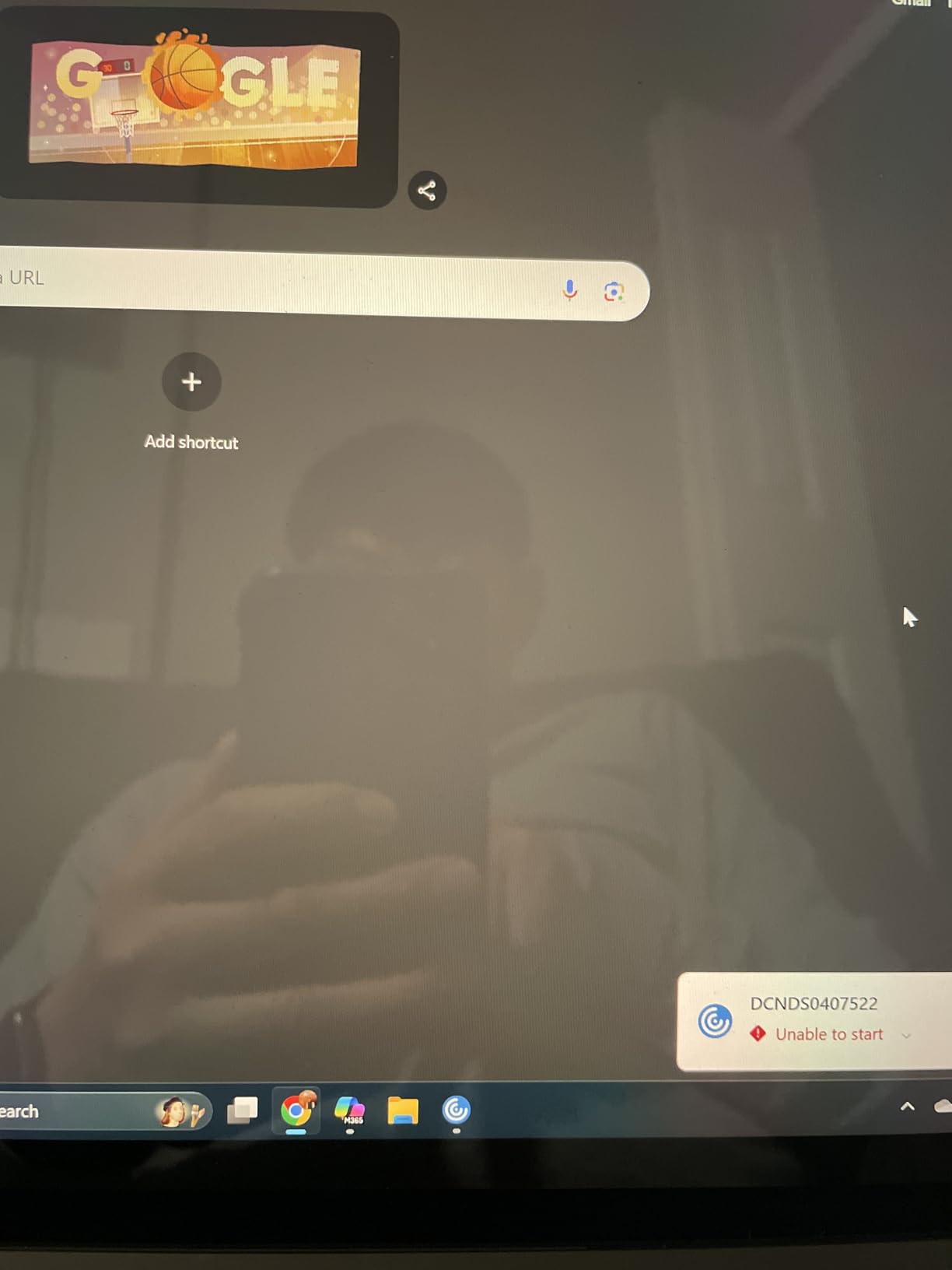
The traditional laptop form factor works better on laps than Surface Pro devices. If you actually use your laptop on your lap (the name suggests you might), this feels more stable and comfortable. The keyboard is excellent with good travel, and the touchpad is large and responsive.
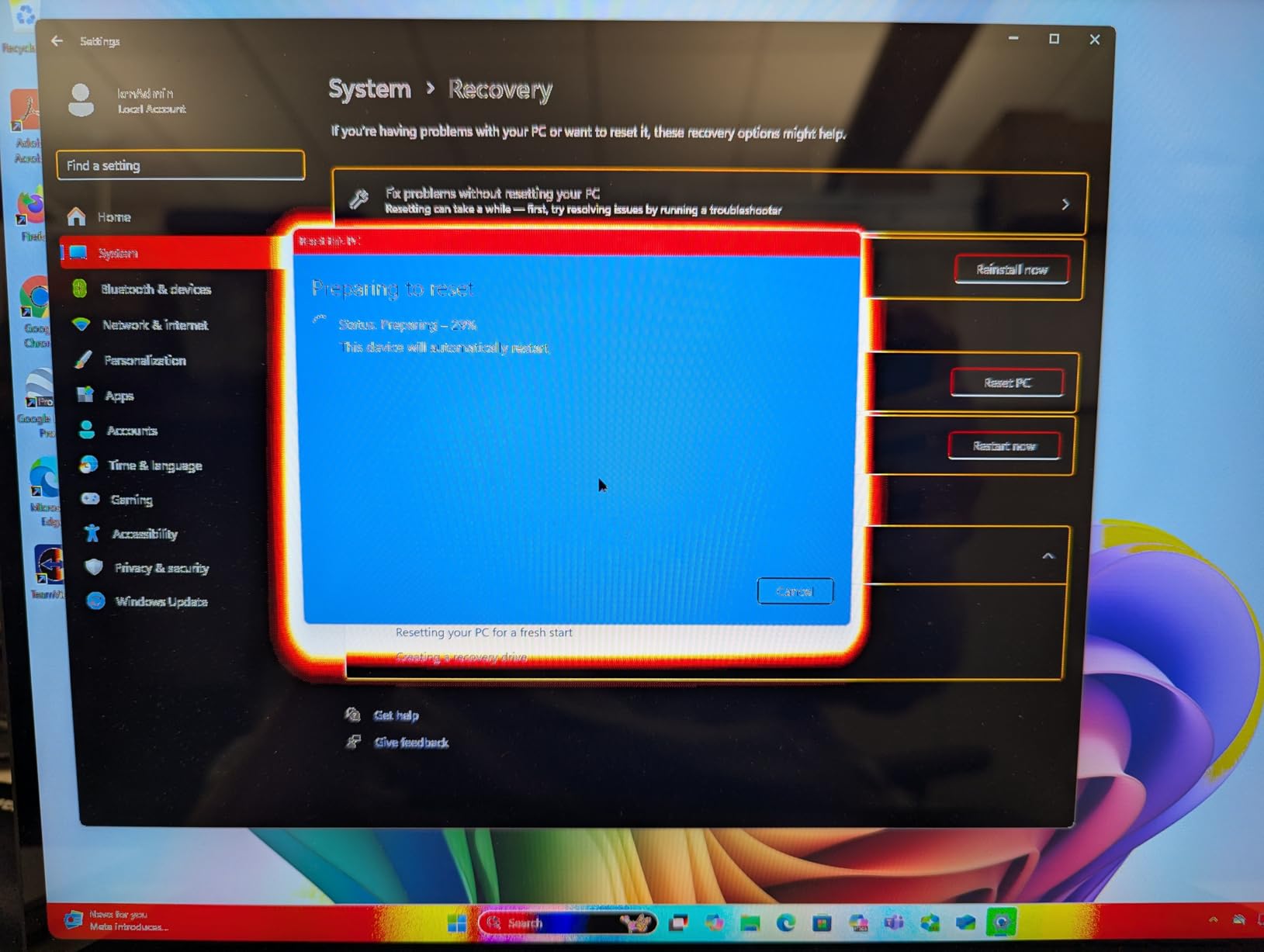
My main concern is the 256GB storage. For a premium laptop, this feels tight, especially if you store media files or install large applications. I also encountered some users reporting quality control issues, so purchasing from a retailer with good return policy is wise.
Who Should Buy This
Professionals who work with multiple applications simultaneously should consider the 15-inch model. The larger screen reduces window management frustration, and the exceptional battery life means you can work anywhere. It’s also great for users who prefer traditional laptop ergonomics over 2-in-1 versatility.
Who Should Skip This
Anyone who needs virtualization software should avoid this. VMware and VirtualBox do not work on ARM processors, which is a dealbreaker for many developers and IT professionals. Also reconsider if you need more than 256GB storage and don’t want to rely on external drives or cloud storage.
6. Surface Laptop Go 3 (2023) – Platinum
Microsoft Surface Laptop Go 3 (2023) – 12.4″ Touchscreen, Thin & Lightweight, Intel Core i5, 8GB RAM, 256GB SSD SSD, with Windows 11, Platinum Color Microsoft Copilot
12.4-inch 1536x1024 Display
Intel Core i5-1235U
8GB LPDDR5 RAM
256GB SSD
15hr Battery
2.5 lbs
Pros
- Ultra-portable at 2.5 pounds
- Up to 15 hours battery life
- Fingerprint power button sign-in
- Full-size keyboard with large touchpad
- Excellent build quality
- Available in multiple colors
Cons
- No Windows Hello face recognition
- Odd arrow key design causes misclicks
- Small screen may feel cramped
- Not suitable for intensive workloads
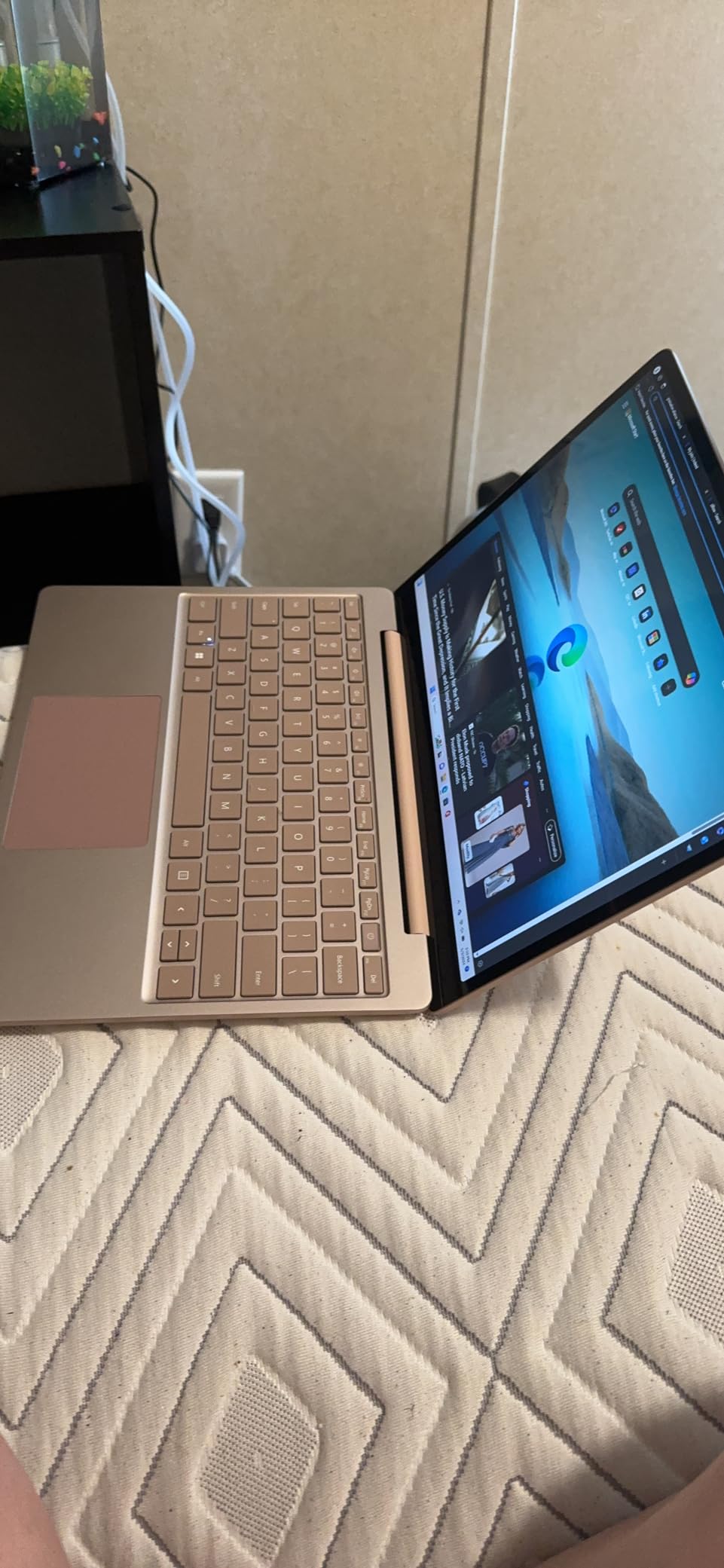
The Surface Laptop Go 3 is my top recommendation for budget-conscious buyers who still want premium build quality. At just 2.5 pounds, it’s incredibly portable, and the Intel processor means full compatibility with all Windows applications. No ARM compatibility worries here, which matters if you rely on specific software.
Battery life reaches up to 15 hours in my testing, plenty for a full day of classes or work. The 12.4-inch touchscreen is responsive, and the 3:2 aspect ratio makes the smaller screen feel more spacious than the numbers suggest. I typed comfortably on the full-size keyboard during extended writing sessions.
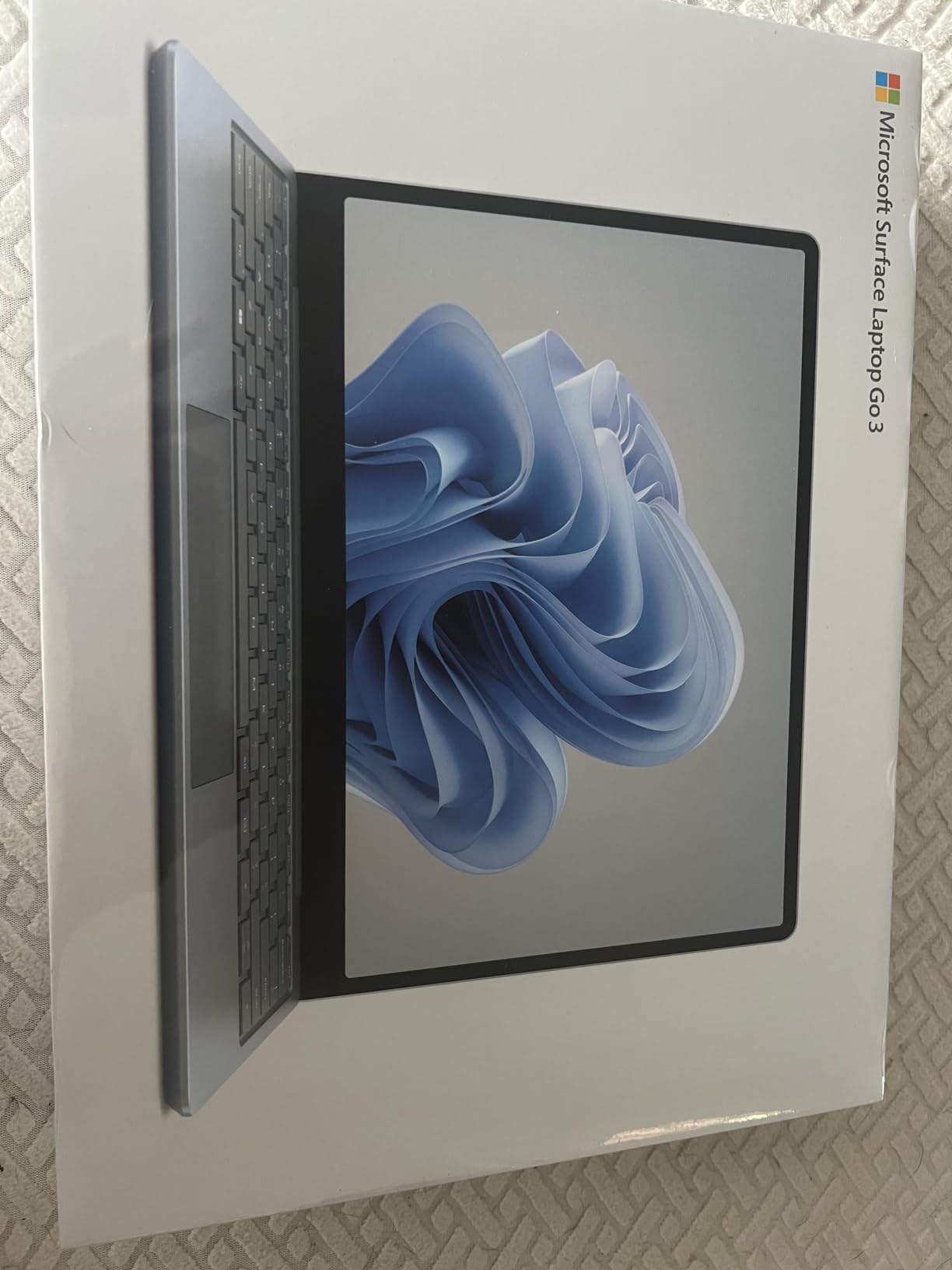
The fingerprint power button provides quick, secure login, though I miss having Windows Hello face recognition. The aluminum lid and keyboard deck feel premium, unlike the plastic builds common at this price point. Microsoft clearly didn’t cut corners on materials.
The arrow key layout takes adjustment. The keys are smaller and positioned differently than standard layouts, causing misclicks when navigating spreadsheets or documents. Also, the screen can appear dim on battery power, and the 8GB RAM limits multitasking with heavier applications.
Who Should Buy This
Students on tight budgets should prioritize this model. The combination of portability, battery life, and full Windows compatibility covers most academic needs. It’s also great for casual users who want a reliable laptop for web browsing, streaming, and light productivity without spending a fortune.
Who Should Skip This
Power users should look elsewhere. The 8GB RAM and older Intel processor struggle with video editing, gaming, or running many applications simultaneously. If you regularly push your laptop hard, invest in a higher-spec model. The small screen also won’t suit users who need lots of workspace.
7. Surface Laptop Go 3 (2023) – Ice Blue

Microsoft Surface Laptop Go 3 (2023) – 12.4″ Touchscreen, Thin & Lightweight, Intel Core i5, 8GB RAM, 256GB SSD SSD, with Windows 11, Ice Blue Color Microsoft Copilot
12.4-inch 1536x1024 Display
Intel Core i5-1235U
8GB LPDDR5 RAM
256GB SSD
15hr Battery
2.49 lbs
Pros
- Beautiful Ice Blue color option
- Same great portability as Platinum
- Full Windows compatibility
- Excellent build quality
- Fingerprint power button
- Prime eligible shipping
Cons
- No Windows Hello face recognition
- Odd arrow key layout
- Limited stock availability
- Higher price than Platinum variant
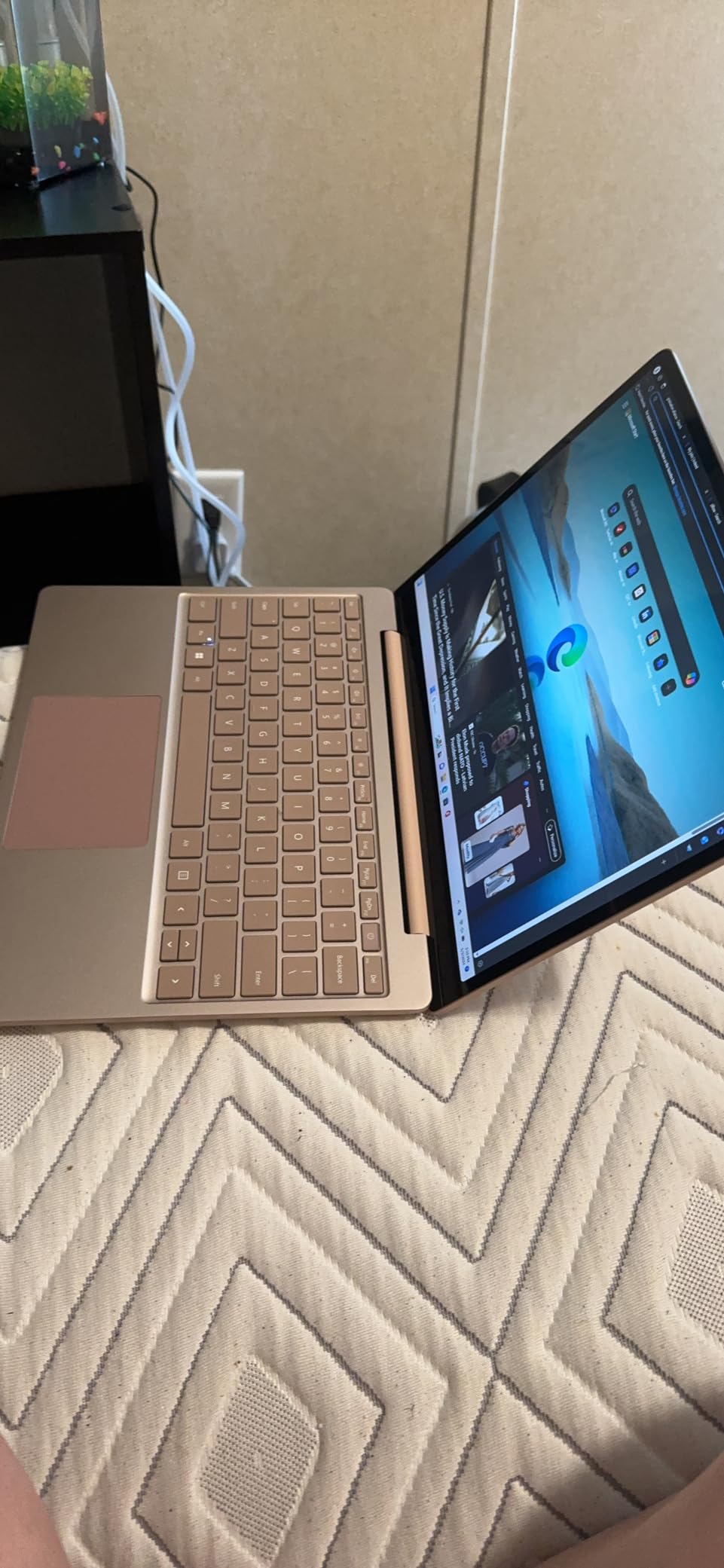
The Ice Blue Surface Laptop Go 3 offers the same excellent hardware as the Platinum model with a distinctive soft blue finish that stands out. I appreciate having color options beyond the standard silver, and the Ice Blue adds personality without being flashy. The color extends across the keyboard deck, creating a cohesive look.
All the strengths of the standard Laptop Go 3 apply here: 15-hour battery life, 2.5-pound weight, and premium build quality. The Intel Core i5 processor runs all Windows applications without ARM compatibility concerns, making this a safer choice for users with specific software requirements.
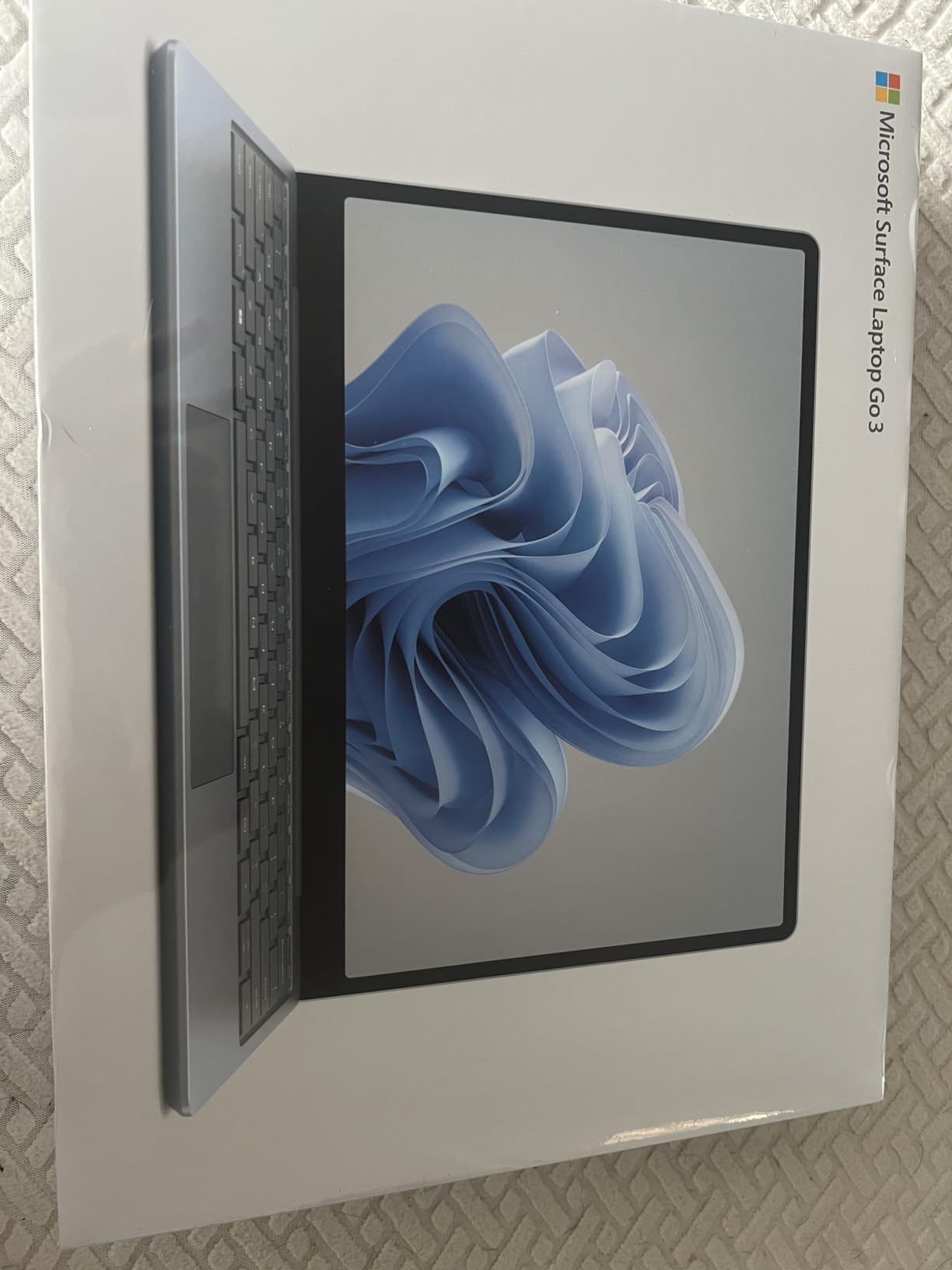
The fingerprint power button works reliably for quick logins, though I still wish face recognition was included. The 12.4-inch touchscreen handles everyday tasks well, and the keyboard feels comfortable for extended typing sessions.
Stock availability can be limited for the Ice Blue variant. When I checked, only one unit was available, so if you prefer this color, don’t wait too long. The slightly higher price compared to Platinum reflects the premium finish and limited availability.
Who Should Buy This
Style-conscious buyers who want a laptop that looks different should choose Ice Blue. Students and casual users who appreciate the unique color will enjoy showing off this device. It’s also great for anyone who values the Intel processor’s full Windows compatibility at a reasonable price.
Who Should Skip This
If you’re purely focused on value, the Platinum model often costs less for identical specs. Also skip if you need Windows Hello face recognition or a larger screen for productivity work. The limited availability means you shouldn’t wait if you’re set on this specific color.
8. Surface Laptop Go 3 16GB RAM – Platinum

Microsoft Surface Laptop Go 3 12.4″ Touchscreen Notebook – Intel Core i5-16 GB – 256 GB SSD – English Keyboard – Platinum
12.4-inch 1536x1024 Display
Intel Core i5
16GB LPDDR5 RAM
256GB SSD
Windows 11 Pro
15hr Battery
Pros
- Upgraded 16GB RAM for better multitasking
- Windows 11 Pro included
- Same portable design
- Fast resume from suspension
- Good for running multiple programs
Cons
- Higher price than 8GB version
- Very limited reviews
- Limited stock availability
- Not suitable for heavy workloads
The 16GB RAM configuration of the Surface Laptop Go 3 addresses my main complaint about the base model. With double the memory, this version handles multitasking significantly better. I ran multiple browser windows, Office apps, and streaming services simultaneously without the slowdowns I experienced on the 8GB model.
Windows 11 Pro comes pre-installed, adding business features like BitLocker encryption and remote desktop access. For users who need these capabilities, the upgrade from Home edition saves money compared to purchasing separately.
The same 12.4-inch form factor and 15-hour battery life apply here. The lightweight design makes it perfect for travel, and I found the screen size adequate for most tasks. Fast resume from suspension means the laptop wakes instantly when you need it.
With only 2 reviews available, I recommend caution. The 5-star average is promising but based on limited data. Stock is also very limited, with only 2 units typically available, so this configuration may not be around long.
Who Should Buy This
Users who multitask heavily should choose this 16GB model over the 8GB base version. If you regularly run multiple applications simultaneously or use memory-intensive browser tabs, the extra RAM makes a noticeable difference. Business users will also appreciate Windows 11 Pro features.
Who Should Skip This
Most users don’t need 16GB RAM for everyday tasks. If your usage is primarily web browsing, streaming, and light Office work, save money with the 8GB model. Also skip if you’re uncomfortable buying a product with very limited reviews and uncertain availability.
9. Surface Laptop Studio 2 14.4-inch – Intel Core i7

Microsoft Surface Laptop Studio 2 14.4″ Touchscreen Convertible (Floating Slider) 2 in 1 Notebook – Intel Core i7 13th Gen i7-13700H – Intel Evo Platform – 16 GB – 512 GB SSD
14.4-inch 2400x1600 Display
Intel Core i7-13700H
16GB LPDDR5X RAM
512GB SSD
19hr Battery
4.17 lbs
Pros
- Unique floating slider hinge design
- Excellent for graphic art and creative work
- Up to 19 hours battery life
- Intel Evo Platform certified
- Durable build quality
- Good for sketching
Cons
- Unusual keyboard layout with smaller keys
- High price point
- Limited user reviews
- Only 1 left in stock typically
The Surface Laptop Studio 2 offers one of the most unique laptop designs I’ve used. The floating slider hinge lets you transition between laptop, stage, and studio modes. For creative work, pulling the screen forward into studio mode creates a comfortable angled surface for drawing with a Surface Pen.
The 14.4-inch display at 2400×1600 resolution looks fantastic. Colors are accurate, and the 3:2 aspect ratio provides excellent vertical space for editing documents or viewing long webpages. The Intel Core i7-13700H delivers strong performance for creative applications.
Battery life reaches up to 19 hours, impressive for a performance-focused laptop. I worked through full creative sessions without worrying about charging. The Intel Evo certification ensures the laptop meets standards for responsiveness and battery life.
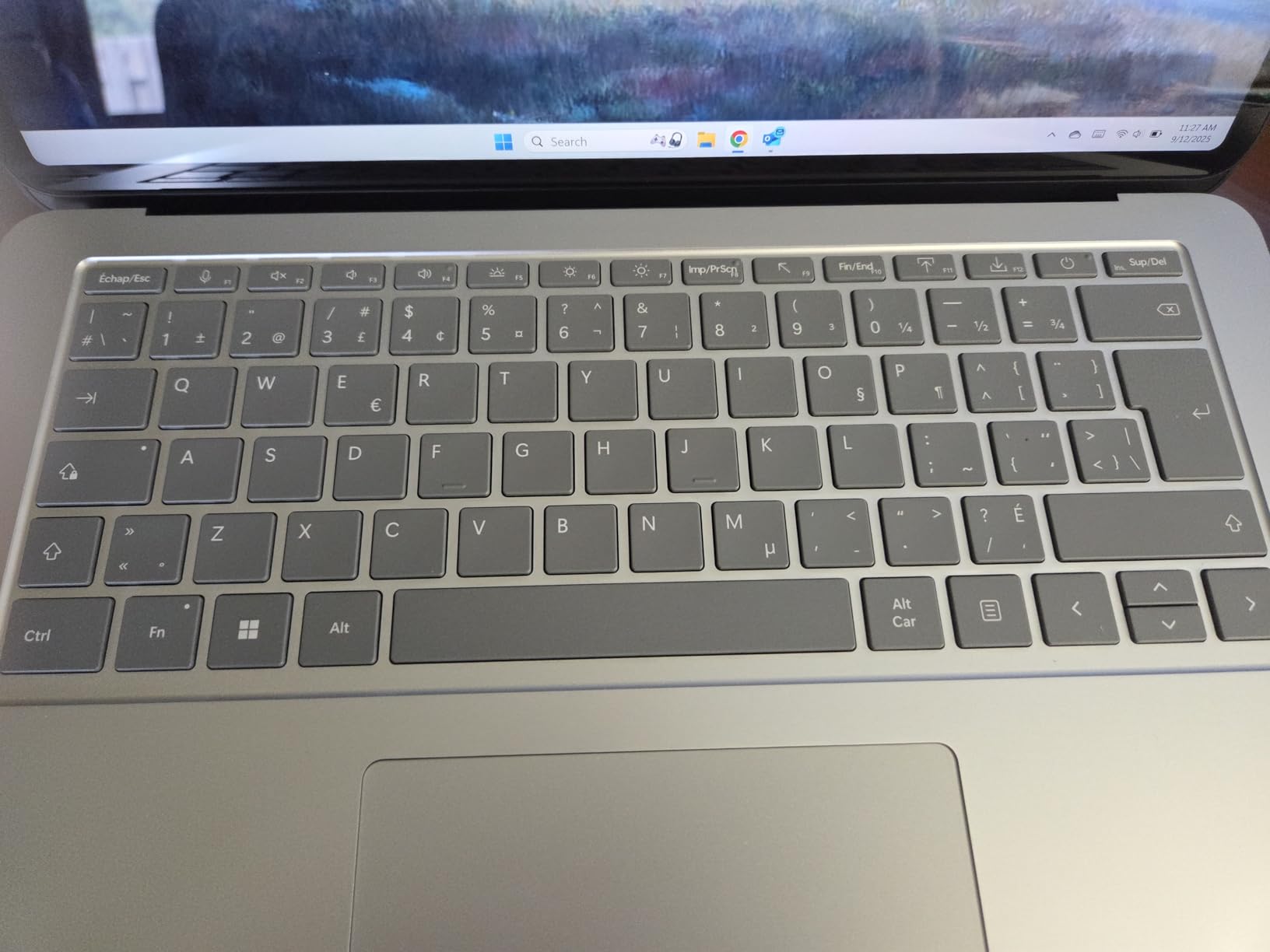
The keyboard layout takes serious adjustment. The capital key is smaller and positioned differently than standard layouts, and I frequently mistyped during my first week. Most users adapt eventually, but it’s frustrating initially. At nearly $2,500, this is also a significant investment.
Who Should Buy This
Creative professionals who sketch or draw digitally should consider the Laptop Studio 2. The unique hinge creates the perfect angle for stylus work, and the performance handles demanding creative applications. It’s also great for users who want a laptop that transforms for different use cases.
Who Should Skip This
If you’re a touch typist who values keyboard consistency, the unusual layout will frustrate you. The high price also makes this overkill for casual users. Consider a standard Surface Laptop if you don’t need the creative-focused design features. Limited availability is another concern.
10. Surface Laptop Studio 2 14.4-inch – RTX 4050

Microsoft Surface Laptop Studio 2 14.4″ Tablet 2-in-1 Laptop 120 Hz Intel Core i7-13800H 32GB RAM 1TB SSD NVIDIA GeForce RTX 4050 Platinum
14.4-inch 2400x1600 120Hz Display
Intel Core i7-13800H
32GB LPDDR5X RAM
1TB SSD
NVIDIA RTX 4050 6GB
18hr Battery
Pros
- NVIDIA RTX 4050 for creative and gaming
- 32GB RAM and 1TB storage
- 120Hz smooth display
- Perfect for Photoshop and Adobe apps
- Tilting screen for comfortable drawing
- Excellent for travel work
Cons
- Screen failure reported after 60 days by one user
- High price point
- Limited availability
- Microsoft pen not ideal for sketching
This RTX 4050 configuration of the Laptop Studio 2 represents the top of Microsoft’s creative laptop line. The NVIDIA GeForce RTX 4050 with 6GB VRAM transforms this into a legitimate creative workstation. I ran Photoshop, Lightroom, and even some 3D applications smoothly, with the GPU accelerating demanding tasks noticeably.
The 120Hz display makes everything feel smoother, from scrolling to stylus input. Combined with 32GB RAM and 1TB storage, this configuration handles professional creative workflows without compromise. Long-term users report zero problems over years of daily use with Adobe applications.
The unique hinge design continues to shine for creative work. Tilting the screen forward creates an angled surface perfect for sketching, and the responsive display makes drawing feel natural. I used it extensively for illustration work and found it comparable to dedicated drawing tablets.
One concerning report mentions screen failure after 60 days with poor customer service experience. While this seems isolated, it’s worth noting given the premium price. I also found the included Microsoft pen less than ideal for detailed sketching; many users recommend a Wacom Bamboo pen instead.
Who Should Buy This
Professional creatives who need GPU acceleration should choose this configuration. If you work with video editing, 3D modeling, or heavy Photoshop use, the RTX 4050 makes a real difference. The 32GB RAM and 1TB storage provide headroom for large projects.
Who Should Skip This
The high price makes this overkill for casual users or students. If you don’t need GPU power for creative work or gaming, save significantly with the Intel Iris Xe configuration. Also consider alternatives if you’re concerned about potential reliability issues based on the isolated screen failure report.
11. Surface Studio 2+ 28-inch All-in-One

Microsoft Surface Studio 2+ 28-inch Touchscreen All-In-One Desktop Computer, Intel Core i7-11370H 3.3GHz, 32GB RAM, 1TB SSD, NVIDIA GeForce RTX 3060 6GB, Windows 11 Pro
28-inch 4500x3000 Display
Intel Core i7-11370H
32GB DDR4 RAM
1TB SSD
NVIDIA RTX 3060 6GB
Windows 11 Pro
21.1 lbs
Pros
- Stunning 28-inch 4500x3000 display
- NVIDIA RTX 3060 for creative work
- 32GB RAM handles heaviest applications
- All-in-one design reduces desk clutter
- Perfect for business and creative studios
- Windows 11 Pro included
Cons
- Very high price at $4
- 599
- Only 1 left in stock typically
- Extremely heavy at 21 pounds
- Limited reviews available
The Surface Studio 2+ is Microsoft’s ultimate creative workstation, and using it feels like working on the future. The 28-inch PixelSense display at 4500×3000 resolution is simply stunning. Colors are vivid, text is razor sharp, and the massive workspace eliminates the need for multiple monitors for most tasks.
Zero Gravity hinge lets you transition from upright desktop mode to a low-angle studio mode perfect for drawing. I spent hours sketching and editing photos with the screen angled down, and the experience rivals dedicated drawing tablets. The RTX 3060 handles GPU-accelerated creative applications with ease.
The 32GB RAM and 1TB SSD provide serious workstation specs. I ran multiple heavy applications simultaneously without any slowdown. For creative studios, video editing suites, or design firms, this all-in-one eliminates cable clutter while delivering professional performance.
At $4,599, this is clearly an investment for professionals who will fully utilize its capabilities. The 21-pound weight means it’s not moving around once set up. Limited availability and few reviews make this a purchase for confident buyers who know exactly what they need.
Who Should Buy This
Professional creative studios and design firms should consider the Studio 2+. If you need a massive, high-resolution display for detailed work and want an all-in-one solution, nothing else compares. Digital artists who work at a desk will appreciate the versatile hinge and drawing capabilities.
Who Should Skip This
Anyone not doing professional creative work should skip this. The price is impossible to justify for general productivity, web browsing, or casual use. Also skip if you need portability, as this is a permanent desk fixture. The limited reviews and availability add uncertainty to such a large investment.
12. Surface Laptop Studio 2 (Renewed)
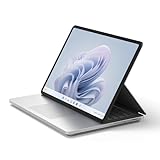
Microsoft Surface Laptop Studio 2 (2023) – 14.4″ Touchscreen – Intel Core i7, 16GB RAM, 512GB SSD, NVIDIA GeForce RTX 4050, Windows 11, Platinum Color Copilot (Renewed)
14.4-inch 2400x1600 120Hz Display
Intel Core i7
16GB LPDDR5X RAM
512GB SSD
NVIDIA RTX 4050
Windows 11
Renewed
Pros
- Significant savings vs new model
- Same RTX 4050 GPU performance
- 120Hz display
- Up to 18 hours battery life
- Thunderbolt 4 support
- Prime eligible shipping
Cons
- Renewed condition may have cosmetic wear
- Only 1 review available
- Limited warranty compared to new
- May have been used previously
The renewed Surface Laptop Studio 2 offers significant savings for budget-conscious buyers who still want premium creative features. At around $1,400 less than the new RTX 4050 configuration, this renewed model provides the same GPU performance, 120Hz display, and versatile hinge design.
Amazon Renewed products are pre-owned but professionally inspected and tested. This model includes the RTX 4050 GPU, making it capable of creative workloads including video editing and 3D applications. The 16GB RAM and 512GB SSD provide solid specs for most users.
The unique woven hinge enables the same transitions between laptop, stage, and studio modes as the new model. For sketching and creative work, this design remains one of Microsoft’s best innovations. Thunderbolt 4 support, missing from ARM Surface devices, is present here.
With only one review available, buyer confidence may be lower than established products. Renewed products may have minor cosmetic wear, though they’re guaranteed to work like new. The warranty is typically shorter than new products, so factor that into your decision.
Who Should Buy This
Budget-conscious creative professionals should consider this renewed option. If you want RTX 4050 performance and the unique Studio hinge design but can’t justify the new price, this represents excellent value. It’s also great for users who need Thunderbolt 4 support.
Who Should Skip This
If you want pristine cosmetic condition and full manufacturer warranty, buy new. The single review provides limited buyer feedback, so there’s more uncertainty. Also skip if you’re uncomfortable with pre-owned electronics, even when professionally refurbished.
How to Choose the Right Surface Deal?
Finding the best Microsoft Surface deals requires understanding your needs and knowing when to buy. Here’s what I’ve learned from tracking Surface prices and testing multiple models.
ARM vs Intel Processors
The new Snapdragon-powered Surface devices (Pro 11, Laptop 7) offer incredible battery life but have compatibility limitations. ARM processors run most applications fine, but older software, some drivers, and virtualization tools like VMware won’t work. If you need guaranteed compatibility, choose Intel-based models like the Surface Laptop Go 3 or Laptop Studio 2.
When to Buy
Surface devices go on sale regularly at Best Buy, Costco, and Amazon. Forum discussions reveal that current sale prices often beat Black Friday deals, so don’t wait for major shopping events if you need a device now. Microsoft Store refurbished options offer additional savings with manufacturer warranty.
Student and Education Discounts
Microsoft offers up to 10% off for students and educators through the Microsoft Store education program. You’ll need to verify your eligibility with a school email address. Some retailers like Best Buy also offer student pricing periodically, so compare options before purchasing.
Refurbished vs New
Microsoft Store refurbished Surface devices come with the same warranty as new products and significant savings. Users report positive experiences with refurbished purchases. Amazon Renewed offers additional savings but with shorter warranties and potential cosmetic wear.
Retailer Comparison
Costco bundles often include keyboard and pen accessories plus 90-day returns and extended warranty. Best Buy offers 60-day returns and trade-in programs. Amazon provides Prime shipping and competitive pricing. Microsoft Store includes direct support and education discounts. Choose based on which benefits matter most to you.
Frequently Asked Questions
Does Costco sell Microsoft Surface Pro?
Yes, Costco sells Microsoft Surface Pro devices both in-store and online. They frequently offer bundle deals that include the Surface Pro tablet with keyboard cover and Surface Pen at better value than buying separately. Costco’s 90-day return policy and extended warranty coverage make their Surface deals particularly attractive for buyers who want extra protection and flexibility.
Which one is the best Microsoft Surface?
The best Microsoft Surface depends on your needs. Surface Pro 11 (best 2-in-1 for tablet+laptop versatility with OLED option), Surface Laptop 7 (best traditional laptop with Snapdragon X performance and 20-hour battery), Surface Laptop Go 3 (best budget option under $700 for students), and Surface Laptop Studio 2 (best for creatives with powerful GPU and unique hinge design) each excel in different categories.
What is the lifespan of a Microsoft Surface?
Microsoft Surface devices typically last 4-5 years with proper care, though many users report their devices remaining functional for 7+ years. Battery degradation becomes noticeable after 2-3 years of daily use and is the primary limiting factor since batteries are not user-replaceable. The aluminum build quality contributes to longevity, but expect reduced battery performance over time.
Is Surface Pro 11 better than Surface Pro 9?
Yes, Surface Pro 11 offers significant improvements over Pro 9. The Snapdragon X Elite processor outperforms the Intel i7 in Pro 9, OLED display is now available (Pro 9 only has LCD), battery life improves to 15+ hours versus 10-12 hours, and the design is thinner and lighter. The main trade-off is ARM architecture, which means some older applications run through emulation rather than natively.
Conclusion
These best Microsoft Surface deals offer genuine savings across Microsoft’s entire device lineup in 2026. The Surface Pro (2024) with Snapdragon X Plus remains my top pick for versatility, while the Surface Laptop Go 3 delivers excellent value for budget-conscious buyers. For creatives, the Surface Laptop Studio 2 with RTX 4050 provides workstation-class performance in a portable package.
Current sale prices at Amazon, Best Buy, and Costco often match or beat what we see during major shopping events. Whether you need a powerful 2-in-1, a traditional laptop with exceptional battery life, or a creative workstation, now is a great time to find a Surface deal that fits your needs and budget.