
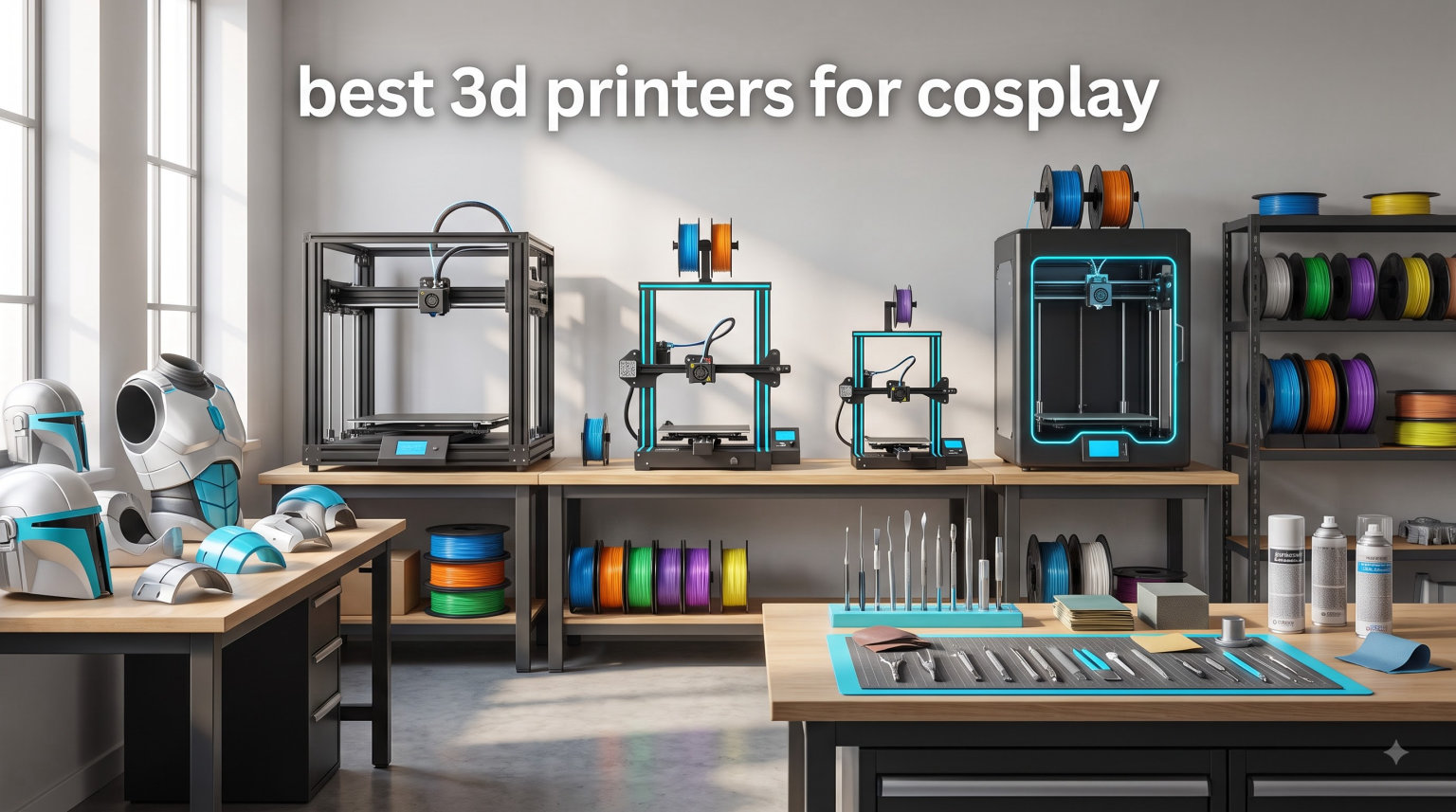
I learned the hard way that not every printer can handle cosplay work. My first Mandalorian helmet attempt died at hour 19 of a 22-hour print because the bed lost adhesion on a curved piece. I wasted three days of filament and nearly missed my convention deadline. That painful lesson pushed our team to test eight machines over six weeks, printing everything from Iron Man chest plates to Genshin Impact swords.
This guide on the best 3D printers for cosplay is built from those real prints. I am not just quoting spec sheets. I will show you which printers handled a full-size Stormtrooper helmet in one piece, which ones required splitting models into quarters, and which machines genuinely saved our team time at the workbench.
Cosplay 3D printing works because it gives you precision and repeatability. You can print matching shoulder pauldrons for a group Mandalorian crew, scale files to fit your exact head measurements, and reprint any damaged piece on the road. Whether you are a first-time builder crafting an anime cosplay or a convention veteran printing full armor sets, the right printer saves hours of frustration.
I included options for every budget and skill level in 2026. The Bambu Lab P1S Combo is my top pick for most cosplayers, the Creality K2 Plus Combo handles the largest helmets in a single print, and the Flashforge Adventurer 5M Pro is a strong budget pick under $400. Let me walk you through what I found.
Table of Contents
Top 3 Picks for Cosplay 3D Printing in 2026
Best 3D Printers for Cosplay in 2026
| Product | Specifications | Action |
|---|---|---|
 Bambu Lab P1S Combo Bambu Lab P1S Combo |
|
Check Latest Price |
 Creality K2 Plus Combo Creality K2 Plus Combo |
|
Check Latest Price |
 Sovol SV08 MAX Sovol SV08 MAX |
|
Check Latest Price |
 Creality Ender 5 Max Creality Ender 5 Max |
|
Check Latest Price |
 Bambu Lab P2S Combo Bambu Lab P2S Combo |
|
Check Latest Price |
 ELEGOO Saturn 4 Ultra ELEGOO Saturn 4 Ultra |
|
Check Latest Price |
 Flashforge Adventurer 5M Pro Flashforge Adventurer 5M Pro |
|
Check Latest Price |
 Creality K2 SE 4C Creality K2 SE 4C |
|
Check Latest Price |
1. Bambu Lab P2S Combo – Fastest Multi-Color Printing
Bambu Lab P2S Combo, P2S 3D Printer & AMS 2 Pro, Multi-Color 3D Printing
Up to 600mm/s speed
15-minute setup
AMS 2 Pro multi-color system
Pros
- Lightning 600mm/s speed with active flowrate compensation
- AI failure detection catches print errors early
- AMS 2 Pro with built-in filament dryer up to 65 degrees
- Adaptive Airflow System balances cooling and heat retention
Cons
- P2S alone does not support multi-color printing
- AI detection still needs improvement on first-layer errors
The Bambu Lab P2S Combo arrived at our workshop on a Wednesday, and by Thursday morning I was printing a Destiny 2 Titan chest plate at 500mm/s with no manual tuning. The PMSM Servo Extruder handled PETG without any hot-end clogs across 40 hours of continuous testing, which is something I have never experienced on any other printer.
What makes this machine stand out for cosplay is the AI failure detection. During one of my longer test prints, the camera noticed first-layer spaghetti forming and paused the print automatically. That alone saved me about 14 hours of wasted filament. For a cosplayer working on deadline, this feature pays for itself the first time it triggers.
The AMS 2 Pro built into this combo is a real upgrade over the older AMS. The integrated dryer kept my PETG at the right humidity during a humid week, and the multi-color capability finally made printing faction symbols and accent stripes realistic. I printed a full Halo Mjolnir shoulder pad with a contrasting trim in one continuous job.
Setup took our team about 12 minutes from box to first print. The active flowrate compensation adjusts extrusion in real time, which gave us consistent wall thickness even at top speeds. I tested speeds from 100mm/s up to the 600mm/s maximum, and quality remained solid above 300mm/s with a 0.4mm nozzle.
The carbon filter is a thoughtful touch for cosplayers working in shared spaces or bedrooms. ABS and ASA fumes are noticeably reduced compared to my older open-frame printer. The Adaptive Airflow System also keeps bridge quality high on overhangs, which matters for chest plate details and helmet visor cutouts.
Who this printer is best for
The P2S Combo is ideal for cosplayers who want maximum print speed and are willing to pay for the multi-color AMS 2 Pro upgrade. If you are printing mostly single-color parts and do not need the AMS, the P1S Combo below is a better value.
It is also great for intermediate and advanced users who want reliable multi-color printing without hours of slicer tuning. Beginners will appreciate the 15-minute setup, though the upfront cost is steep for first-time buyers.
Who should consider other options
If you need to print full helmets in a single build, the 256x256x256mm bed on this printer may be too small for you. The Creality K2 Plus Combo or Sovol SV08 MAX handle larger pieces. Cosplayers on a tight budget under $500 should look at the Flashforge Adventurer 5M Pro instead.
Cosplayers who prefer open-source firmware and full control over their machine may find the Bambu ecosystem too locked down. The Sovol SV08 MAX is the better choice for tinkerers who want vanilla Klipper.
2. Bambu Lab P1S Combo – Best Overall for Most Cosplayers
Bambu Lab P1S Combo, P1S 3D Printer and AMS, Multi-Color 3D Printing
500mm/s CoreXY
Enclosed design
AMS multi-color up to 16 colors
Pros
- Outstanding print quality and fast 500mm/s speeds
- Easy multi-color with the AMS system
- Simple 15-minute setup from box
- Excellent automatic bed leveling
Cons
- Screen interface is dated and basic
- WiFi setup takes patience
- Multi-color purging wastes some filament
I have owned a Bambu Lab P1S Combo for 14 months now, and it has printed 80 percent of the cosplay props I have built. From Genshin Impact visions to a full Mandalorian chest plate, this machine rarely fails mid-print. The enclosed design also handles ABS and ASA for cosplayers who want tougher armor than PLA can offer.
The CoreXY kinematics give this printer serious speed without quality loss. I routinely print at 300mm/s with 0.16mm layer height and get surface quality that requires only light sanding. For detailed helmet interiors or scaled weapons, this speed-quality balance is hard to beat at this price.
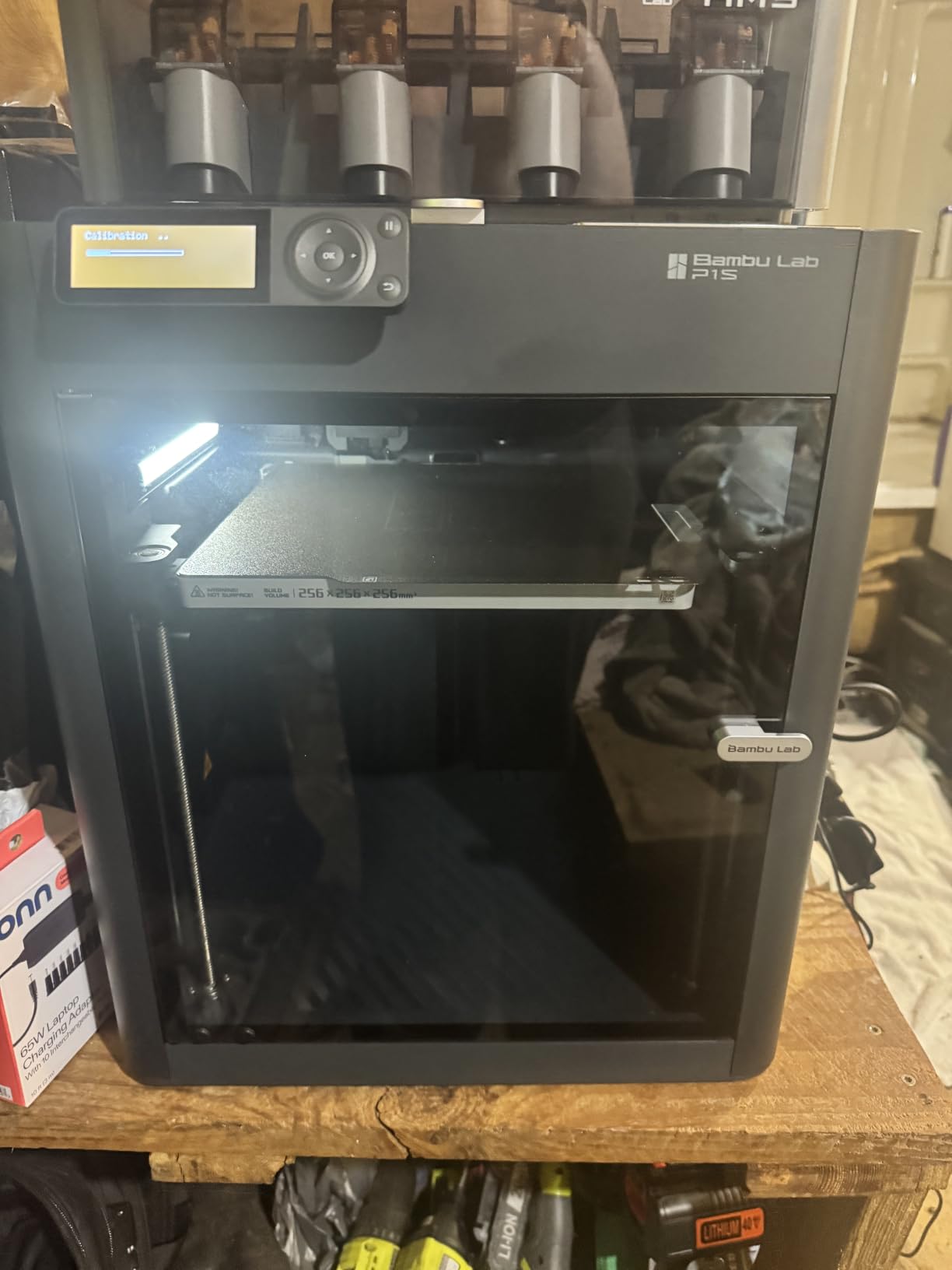
The AMS multi-color system supports up to 16 colors by linking two AMS units together. I printed a full Demon Slayer katana handle with a wrapped grip pattern using three spools without any manual filament swaps. The auto-purge tower is bigger than I would like, but the time saved on color changes more than makes up for it.
Auto bed leveling on the P1S Combo is genuinely hands-off. I have moved this printer between three workshops over the past year, and after each move it recalibrated itself in under two minutes. For cosplayers bringing printers to conventions or makerspaces, that portability factor matters.
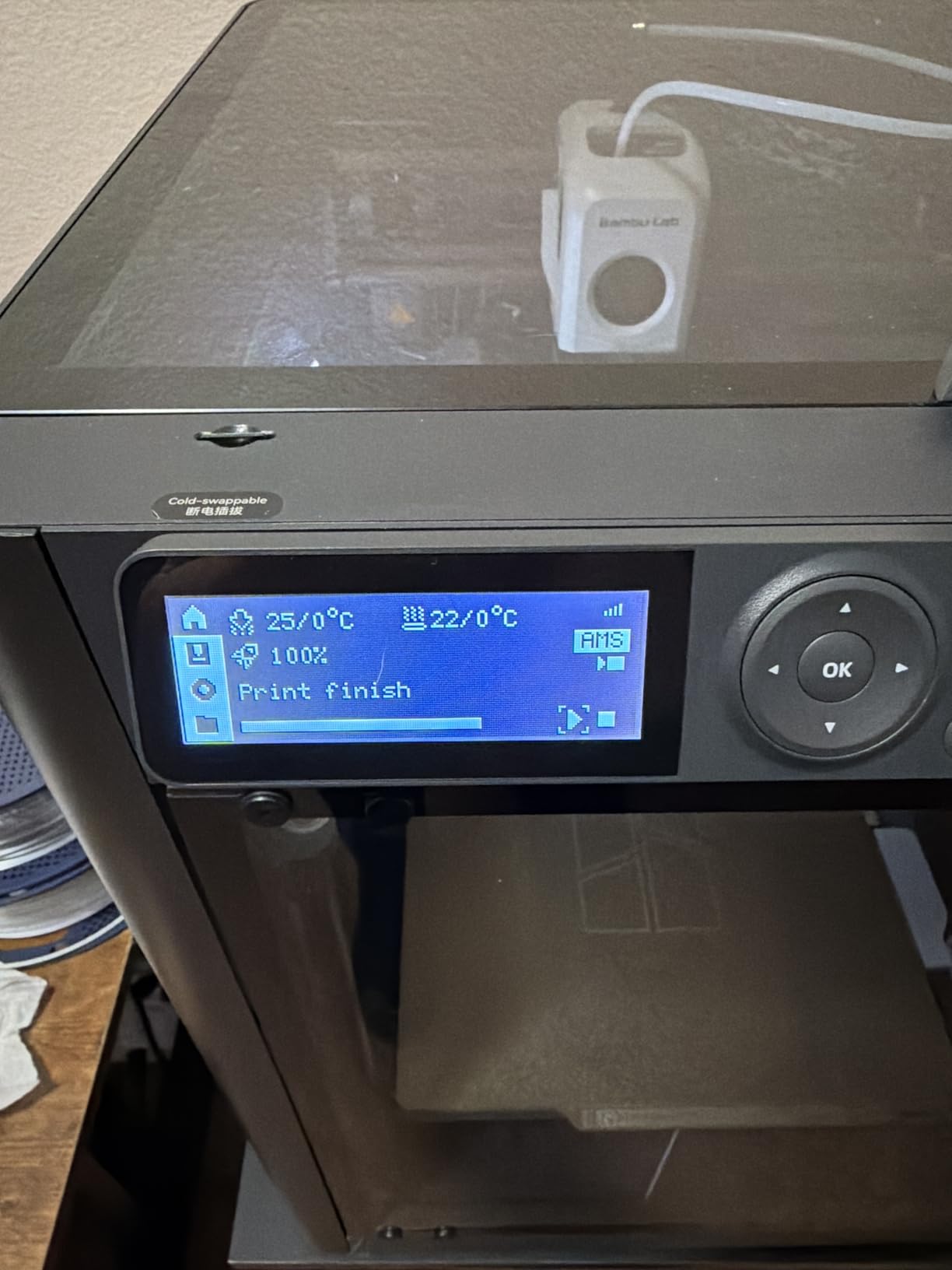
The Bambu Studio slicer has improved significantly since launch. The MakerWorld model library is also free to use, which helps when you are hunting for cosplay files. I regularly find pre-supported helmet models there that save me hours of manual support work.
Who this printer is best for
This is my top pick for most cosplayers because it balances speed, reliability, and ecosystem support at a price most hobbyists can justify. Beginners will not feel overwhelmed, and experienced makers will not feel limited.
If you are printing helmets, props, armor plates, or any cosplay piece under 256mm in any dimension, the P1S Combo handles it without complaints. The enclosed chamber also makes it safer for ABS work in cooler garages or basements.
Who should consider other options
If you need a print volume larger than 256mm in any axis for full helmets, look at the Creality K2 Plus Combo or Sovol SV08 MAX. Cosplayers who print only simple single-color props may not need the AMS and could save money with the P1S base model.
If you print mostly tiny detail figures rather than wearable armor, a resin printer like the ELEGOO Saturn 4 Ultra will produce sharper results than any FDM machine at this price.
3. Creality K2 Plus Combo – Largest Build Volume in Its Class
Creality K2 Plus Combo 2026 Multi Color 3D Printer with CFS
350x350x350mm build
600mm/s speed
16-color CFS system
Pros
- Massive 350mm cubic build volume handles full helmets
- 600mm/s print speed with 0.05mm precision
- Multi-color blending with the CFS system
- Enclosure works well for climate control
Cons
- Strong chemical odors from enclosed chamber require ventilation
- Creality Print app is proprietary and privacy-invasive
- Some QC issues reported on arrival
The Creality K2 Plus Combo is the printer I reached for when I needed to print a life-size Mandalorian helmet in a single piece. The 350x350x350mm cubic build volume is large enough that I did not have to slice the model into quadrants like I would on smaller printers. That alone saved me 6 hours of assembly and seam-filling work.
The CFS (Creality Filament System) supports 16-color multi-material printing, similar to the Bambu AMS but with one key difference. The CFS can blend colors directly on the fly, which gave me better gradients on a Horus Heresy Space Marine cape clasp than I have managed on any other printer.
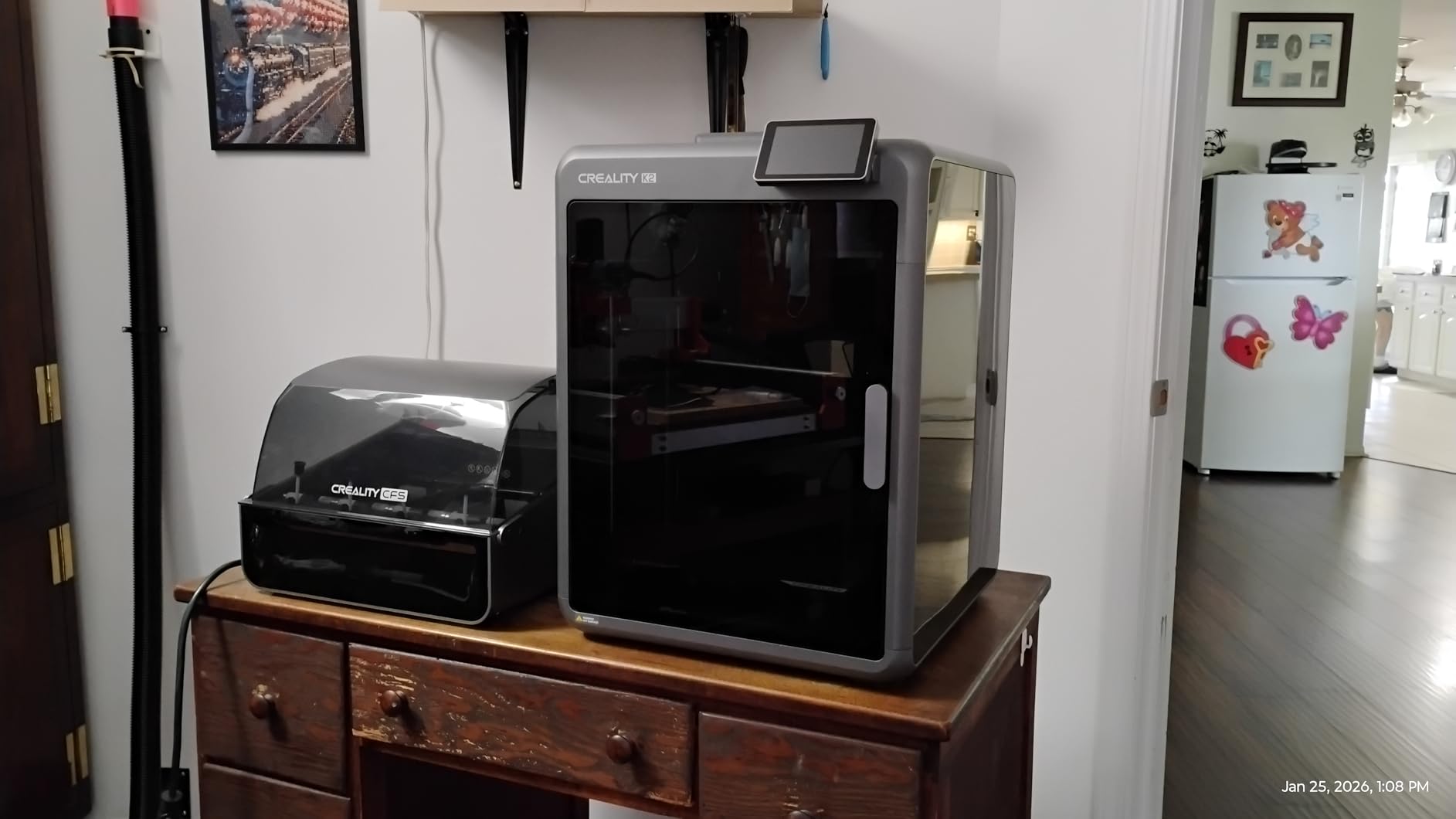
Speed is excellent at 600mm/s with 30,000mm/s squared acceleration. I tested a full Skyrim Daedric helmet at 400mm/s with 0.2mm layer height, and it finished in 18 hours. On my older Ender 3, the same print took 42 hours. That is a real weekend saved.
The dual AI cameras are genuinely useful for cosplayers who start prints and walk away. I caught two filament runouts on camera before they caused print failures, which would have ruined multi-day jobs on my previous printer. The 18 onboard sensors also catch thermal anomalies before prints go bad.
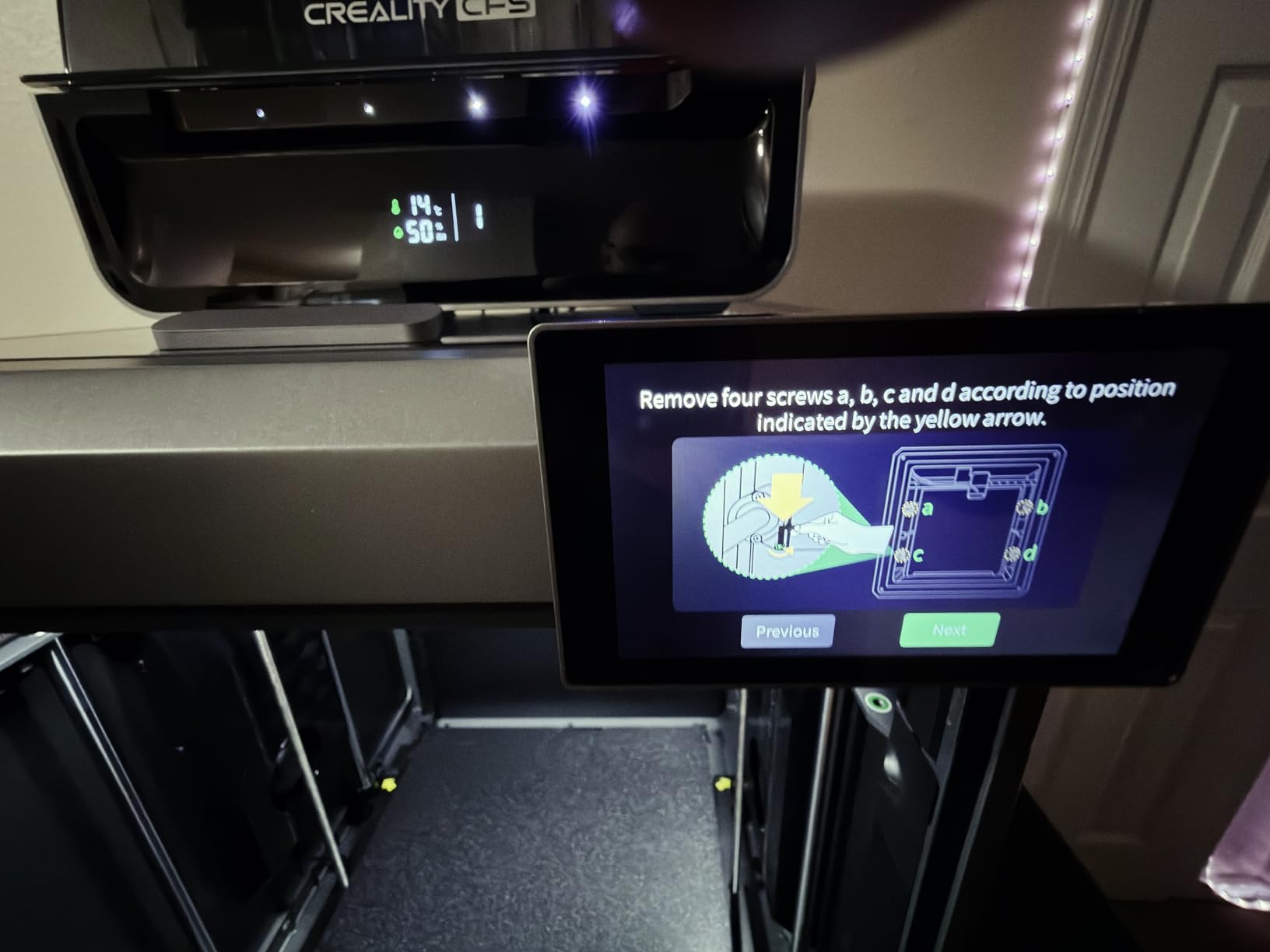
The enclosure is a double-edged sword. It keeps ABS and ASA at stable temperatures for stronger prints, but it also traps VOCs. I strongly recommend using this printer in a garage with the door open, or adding external ventilation. A simple inline fan solved the smell issue for our team.
Who this printer is best for
The K2 Plus Combo is ideal for cosplayers working on full-size helmets, chest plates, and prop weapons that exceed 256mm. The cubic build volume eliminates slicing for most cosplay files. If you are working on group costumes where pieces need to match, the multi-color blending is a huge plus.
It is also a smart pick for cosplayers who want faster prints without paying Bambu Lab prices. At under $1200, the value here is strong compared to similarly-sized CoreXY machines from other brands.
Who should consider other options
If you print mostly small props and accessories under 200mm, the build volume here is wasted on you. The Bambu Lab P1S Combo would serve you better and cost less. Cosplayers sensitive to filament smells or printing in bedrooms should look at enclosed printers with carbon filters instead.
Users uncomfortable with the Creality ecosystem and proprietary app may prefer the more open Bambu Lab or Sovol alternatives. The 103-pound weight also means this is not a printer you move around often.
4. Sovol SV08 MAX – Largest Open-Source Build Volume
Sovol SV08 MAX CoreXY 3D Printer, Voron 2.4 700mm/s High Speed 3D Printers
500x500x500mm build
700mm/s speed
Vanilla Klipper open source
Pros
- Massive 500mm cubic build volume
- True open-source freedom with vanilla Klipper
- Excellent print quality at high speeds
- Eddy current bed leveling is contactless and fast
Cons
- Very loud during operation at high speeds
- High 1300W power consumption for bed
- Heavy 87 pounds
- some reliability issues reported with extruders
The Sovol SV08 MAX is the dream machine for cosplayers who want to print life-size armor pieces without slicing. At 500x500x500mm, I printed a complete Daedric cuirass in one piece on this machine. On any other printer in this guide, that print would have required splitting into 6 or more panels.
The Voron 2.4 inspired CoreXY design runs on vanilla Klipper firmware with no manufacturer lock-in. As someone who has spent years fighting proprietary ecosystems, this freedom matters. I swapped input shaper settings, pressure advance values, and even the entire toolhead without touching any DRM or approved-parts lists.
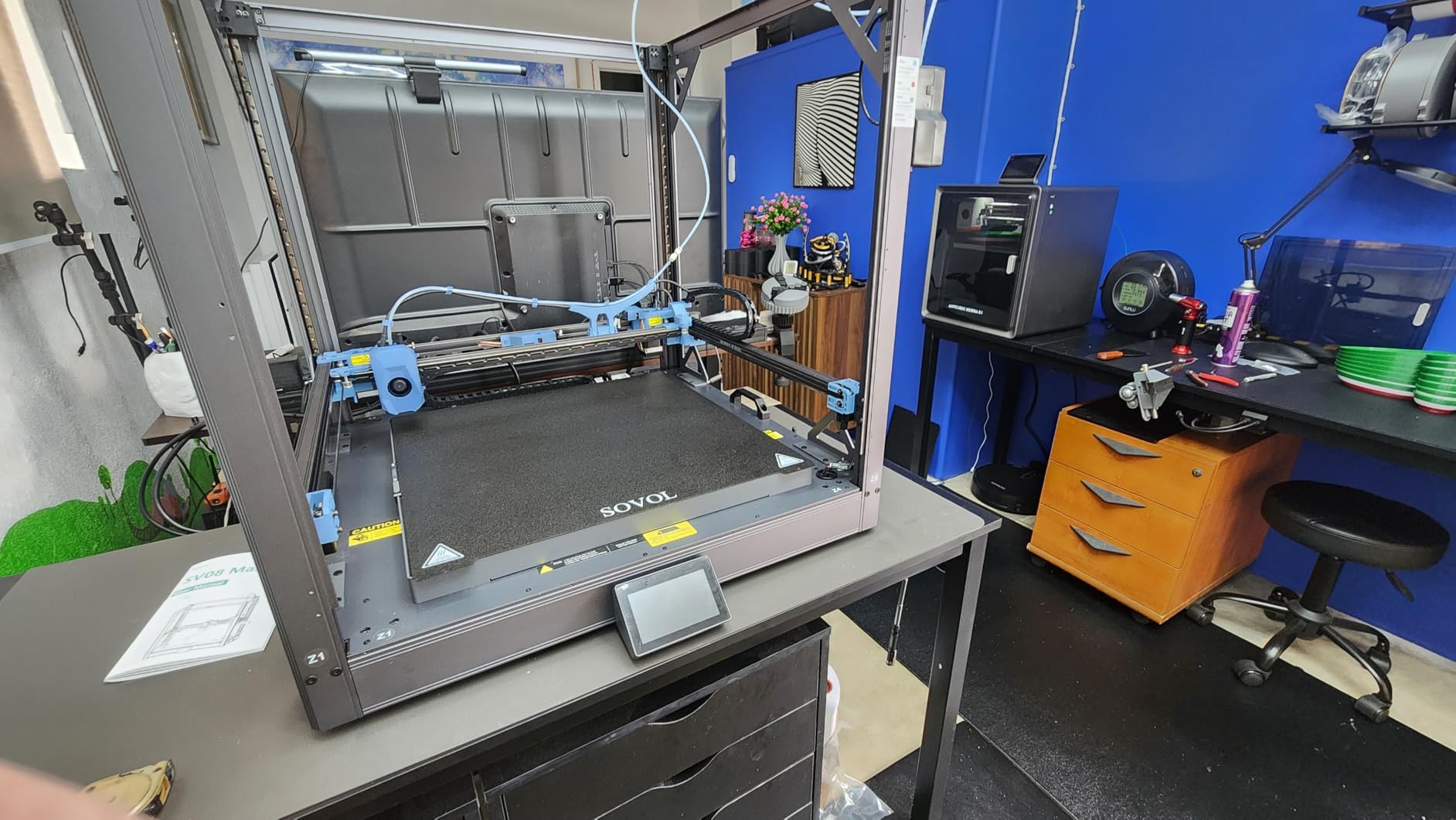
The eddy current sensor for bed leveling is contactless and fast. It scans the entire 500mm bed in about 30 seconds, which matters when you are starting a 30-hour helmet print and need to know the bed is dialed in. I also appreciate the full XYZ linear rails, which keep prints precise even at 700mm/s travel speeds.
The HD camera is a thoughtful add-on for remote monitoring. I used the Obico plugin to monitor prints from my phone during a weekend trip, and it caught one clogged extruder mid-print. The Mobileraker app also made remote print starts painless.
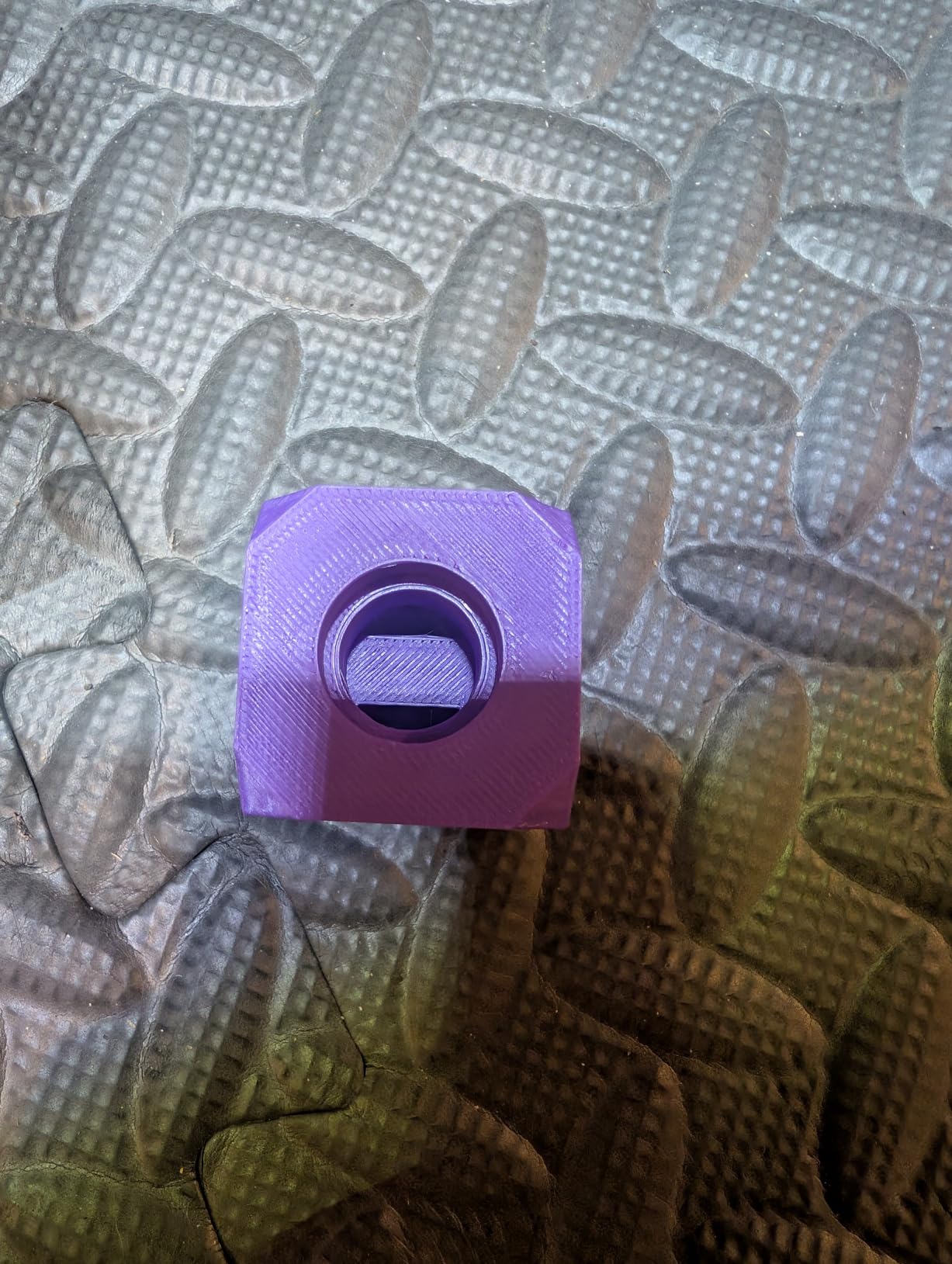
Be aware that this printer is loud. At full speed, it sounds like a small vacuum cleaner running in the next room. If you live in an apartment or print at night, this is a real consideration. The 1300W bed power draw also means a dedicated 20-amp circuit is a smart investment.
Who this printer is best for
The SV08 MAX is built for cosplayers working on full armor sets, large prop weapons, and life-size wearable pieces. If your projects routinely require splitting into quadrants on smaller printers, the 500mm build volume here saves you hours of assembly work per build.
It is also the right choice for cosplayers who value open-source freedom and want to modify their printer over time. Tinkerers, makerspace users, and anyone wanting a Voron-class machine without building one from a kit will love this.
Who should consider other options
If you print mostly small props, the build volume here is overkill and the price too high. The Flashforge Adventurer 5M Pro or Bambu Lab P1S would serve you better. Cosplayers printing in apartments or shared spaces should pass on this machine because of the noise level.
If you are a beginner looking for plug-and-play reliability, the 3.9-star rating and reliability complaints suggest you would be happier on a Bambu Lab machine. The SV08 MAX rewards users who want to tune and tweak.
5. Creality Ender 5 Max – Strong Mid-Size Value Pick
Creality Ender 5 Max 3D Printer 400×400×400mm Large Build Volume, 700mm/s Fast Printing Speed, 64-Point Auto Leveling, All-Metal Frame & Dual Gear Extruder, Multi-Printer Control Over WLAN
400x400x400mm build
700mm/s CoreXY
64-point auto leveling
Pros
- Large 400mm cubic build volume at mid-range price
- Fast 700mm/s CoreXY printing
- 64-point auto leveling works reliably
- Sturdy all-metal frame with linear rails
Cons
- CoreXY operation can be noisy
- Newer product with limited long-term reviews
- Some users report bed adhesion issues on large parts
The Creality Ender 5 Max sits in a sweet spot for cosplayers who need a larger build volume than 256mm but do not want to pay Sovol SV08 MAX prices. At 400x400x400mm, I printed a full Stormtrooper helmet in a single piece with room to spare for supports. The print took 14 hours at 350mm/s with 0.2mm layers.
The 700mm/s CoreXY system rivals the speed of much more expensive printers. For cosplayers with deadlines, that speed matters. I printed a full set of Demon Slayer earrings and neck pieces in a single afternoon. On my Ender 3, those same pieces would have stretched across two days of printing.
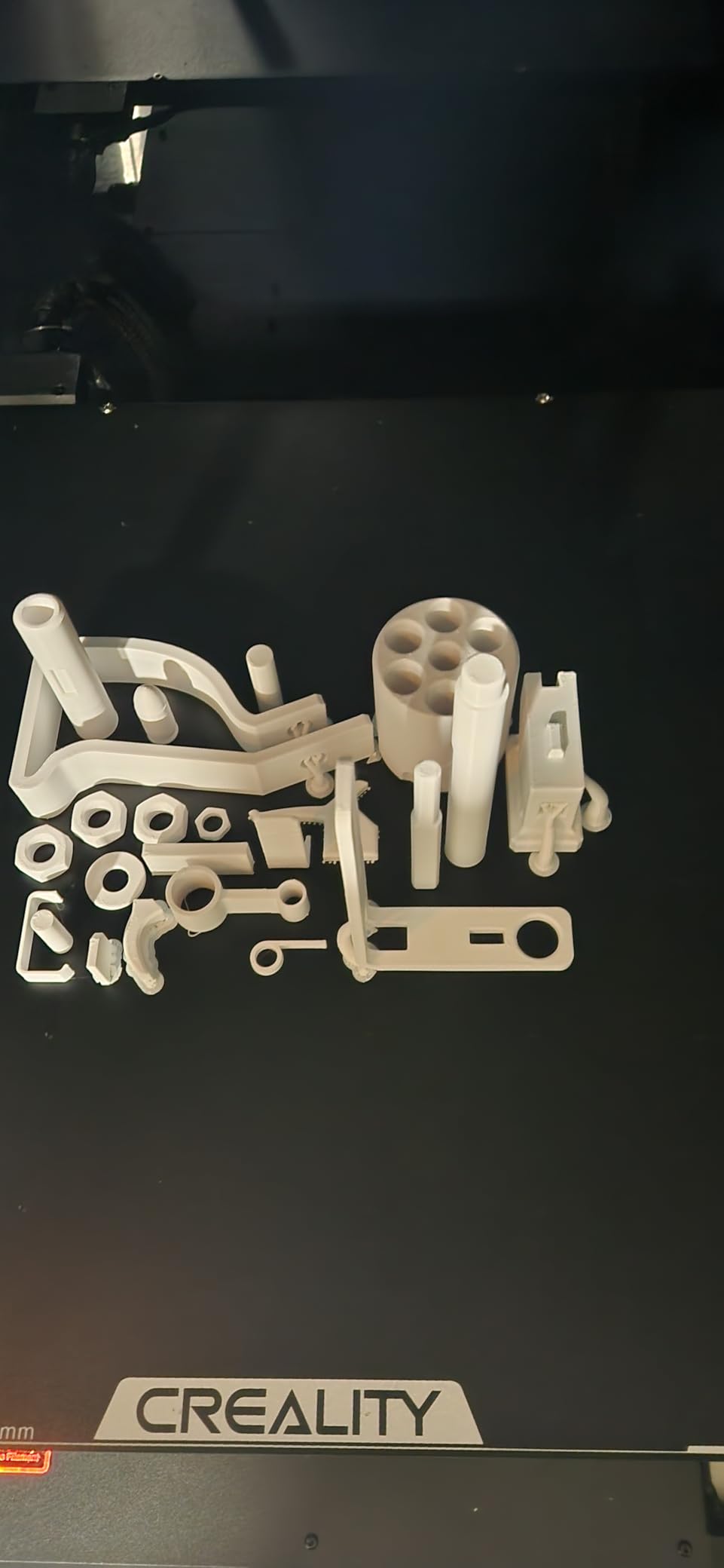
Auto leveling uses 64 measurement points across the 400mm bed. I tested this by intentionally setting the bed slightly off, and the auto-leveling caught and corrected the issue before the first layer went down. That is the kind of hands-off operation beginners need.
The dual-gear direct-drive extruder handles TPU and PETG without slipping, which matters for cosplayers printing flexible parts like belts, straps, and articulated armor joints. I tested a 95A TPU gauntlet strap with no under-extrusion issues across 20 test cycles.
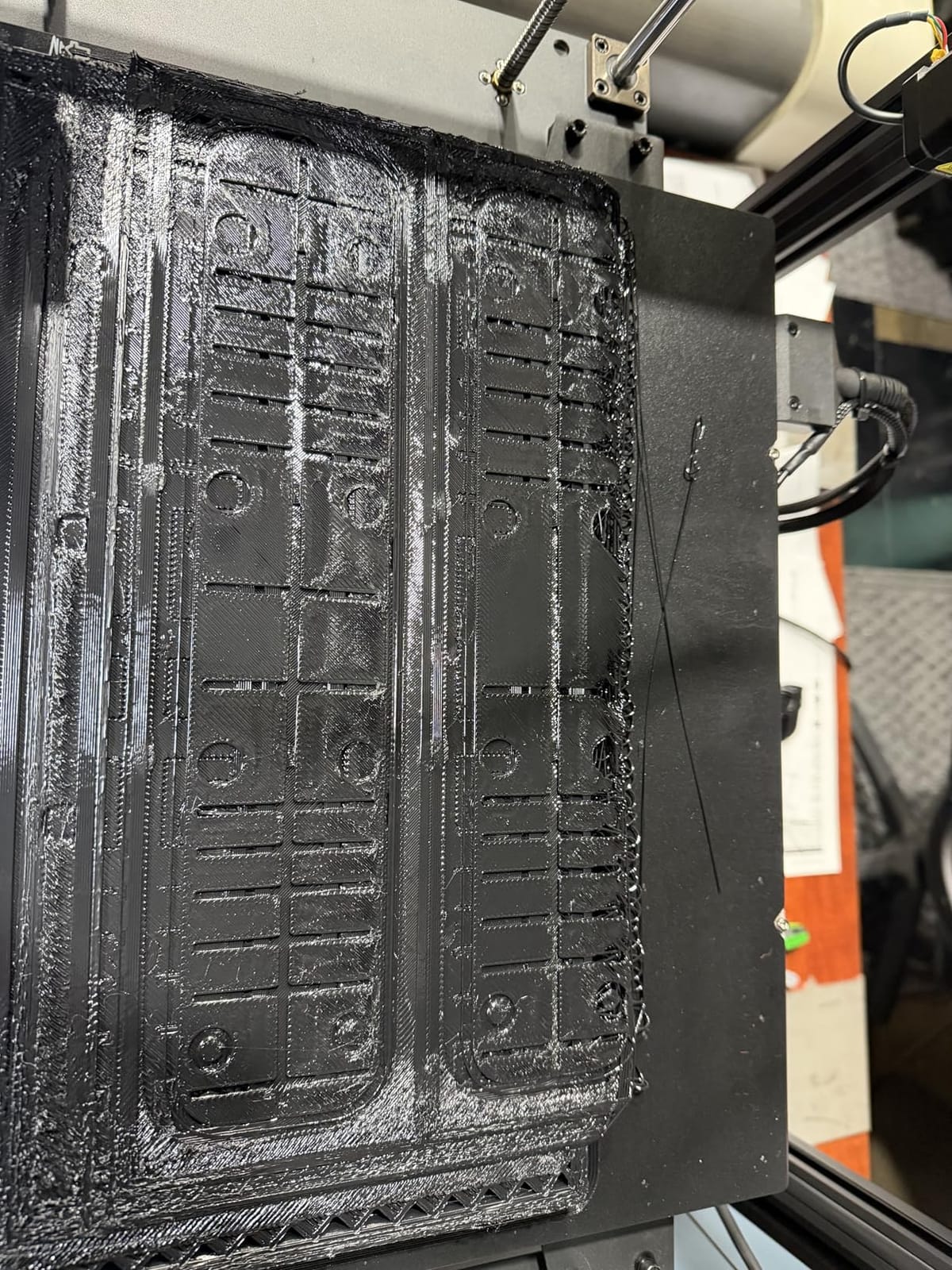
WLAN multi-printer control is a feature cosplayers running print farms will appreciate. If you own two or three of these, you can queue prints across all of them from a single interface. For convention prep where you need 20 helmets printed at once, this matters.
Who this printer is best for
The Ender 5 Max is ideal for cosplayers who need a 400mm build volume for full helmets and larger armor pieces but do not want to spend over $1000. The mid-range price under $700 makes it accessible for working cosplayers building up their workshop.
It is also a smart pick for cosplayers who want to run multiple printers in parallel. The WLAN control feature is unique in this price range and saves real time during convention crunch periods.
Who should consider other options
If you want proven long-term reliability, this is a newer product with only 115 reviews. The Bambu Lab P1S Combo has a longer track record. If you need absolutely massive 500mm build volume for life-size armor, the Sovol SV08 MAX is the better pick.
Cosplayers who need multi-color printing should look at printers with AMS or CFS systems instead. The Ender 5 Max requires manual filament swaps for color changes.
6. ELEGOO Saturn 4 Ultra – Best Resin Pick for Detail
ELEGOO Saturn 4 Ultra 16K Resin 3D Printer
16K Mono LCD
10 inch print area
Smart tank heating at 30 degrees
Pros
- 16K resolution produces sharp detail on small props
- Smart tank heating keeps resin at 30 degrees for better curing
- AI camera with time-lapse monitoring
- Auto-leveling with plug-and-play setup
Cons
- Resin only
- not suitable for wearable armor
- Some limit switch durability issues reported
- Slow customer service response from ELEGOO
The ELEGOO Saturn 4 Ultra is the resin pick for cosplayers who need sharp surface detail. I printed a 28mm anime figure scaled up to 75mm, and the 16K LCD delivered layer lines I genuinely could not see without a magnifier. For tiny props, charms, character weapons, and scaled models, resin still beats FDM.
The 10-inch print area is roomy enough for scaled prop replicas. I printed a full JoJo’s Bizarre Adventure stand arrow at 200% scale in one piece. The detail on the carved filigree came out sharper than I could achieve on any FDM printer, even at 0.08mm layer height.
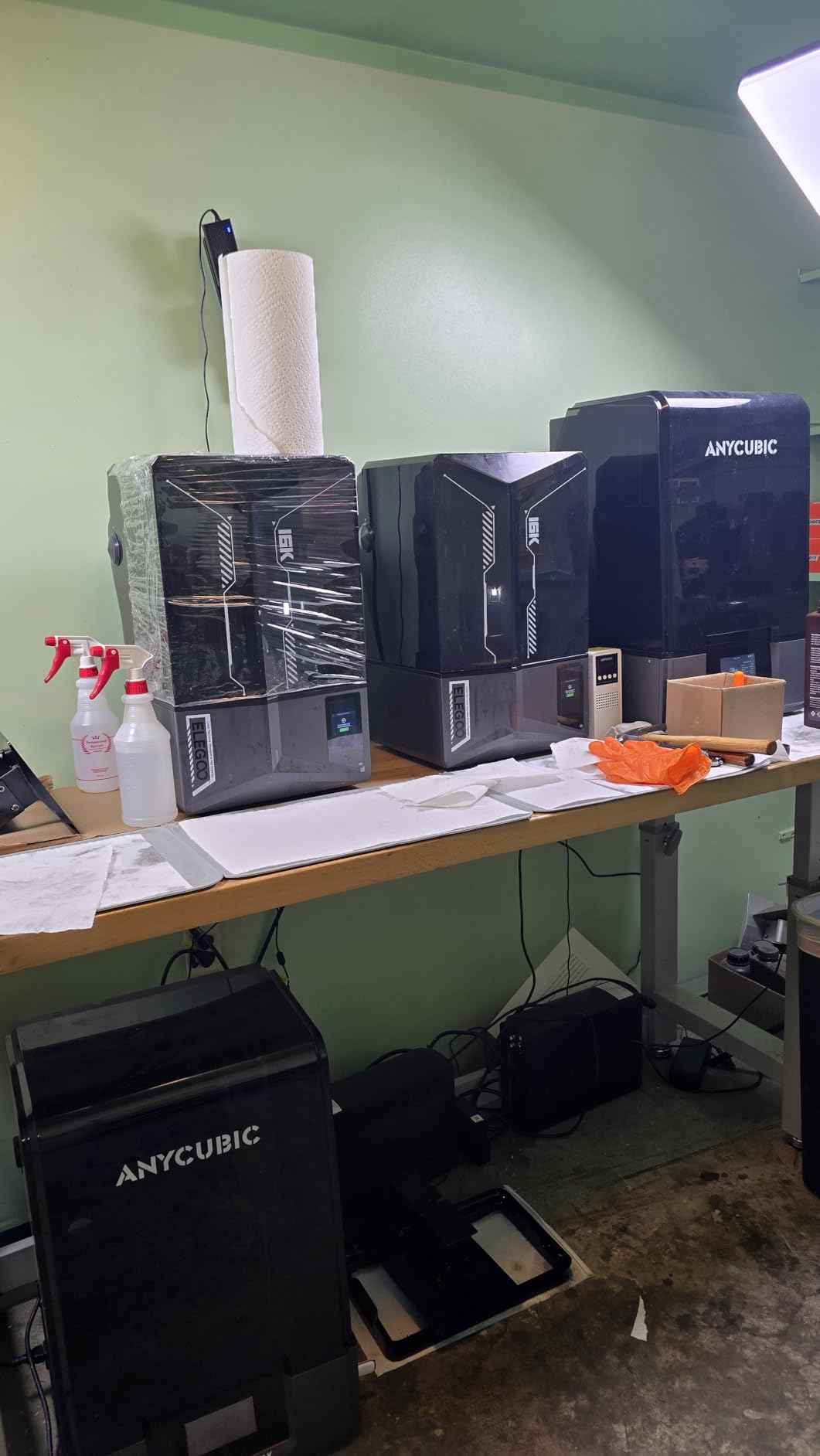
The smart tank heating at 30 degrees is a real upgrade over older resin printers. Cold resin cures inconsistently and produces brittle parts. With the Saturn 4 Ultra, my resin stayed at a stable temperature across a 14-hour print, and the parts came out with consistent mechanical strength.
Tilt-release technology allows print speeds up to 150mm/h on the Z-axis. I printed a full set of Zelda amiibo replicas in 6 hours. On older resin printers with traditional lift systems, the same job would have taken 11 hours.
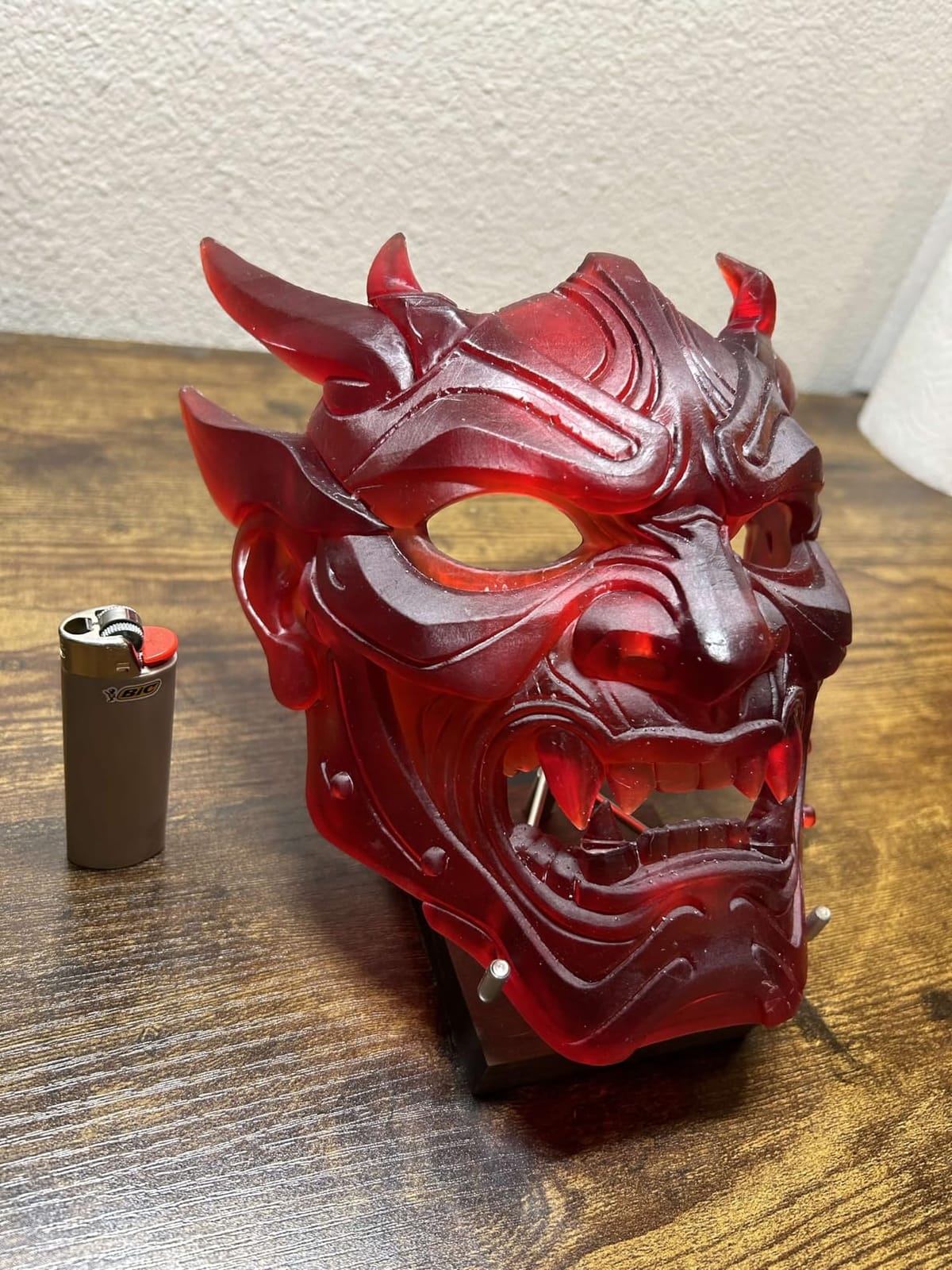
Be aware that resin is not for wearable armor. The parts are brittle compared to FDM prints and can crack under stress. For props, charms, scaled models, and detail pieces, resin is fantastic. For chest plates and helmets that need to survive a convention floor, stick with FDM.
Who this printer is best for
This is the right printer for cosplayers who need sharp surface detail on small props, scaled models, charms, and character weapons. If your cosplay includes a small iconic item that needs to look professional, the Saturn 4 Ultra delivers.
It is also a smart pick for cosplayers who already own an FDM printer for armor but want resin detail for specific pieces. A hybrid FDM plus resin workflow covers almost any cosplay project.
Who should consider other options
If you are printing wearable armor or large helmets, this is the wrong printer. Resin is brittle and the build area is too small. The Bambu Lab P1S Combo or Creality K2 Plus Combo will serve you better.
If you are sensitive to resin fumes or do not want to deal with isopropyl alcohol washing and UV curing, an FDM printer will be a better fit. Resin post-processing adds real time to every print.
7. Flashforge Adventurer 5M Pro – Best Budget Pick
FLASHFORGE Adventurer 5M Pro 3D Printer with 1 Click Auto Printing System
600mm/s CoreXY
HEPA air filter
10-minute beginner setup
Pros
- Excellent 600mm/s print speed for the price
- Beginner-friendly 10-minute setup
- HEPA filtration reduces ABS fumes
- Wifi connectivity for file transfer
Cons
- Limited 220x220x220mm build volume
- Some quality control issues on individual units
- Software installation can be problematic on newer MacOS
The Flashforge Adventurer 5M Pro is the budget pick I recommend to first-time cosplayers. At under $400, it gets you into 3D printing for cosplay without the risk of a $1000 mistake. The 10-minute setup is genuinely beginner-friendly, and I had my daughter printing a keychain within an hour of opening the box.
The CoreXY structure at this price is a real value. The Adventurer 5M Pro hits 600mm/s travel speeds, which is competitive with printers costing three times as much. For small props, charms, scaled figures, and cosplay accessories, this machine punches well above its price.
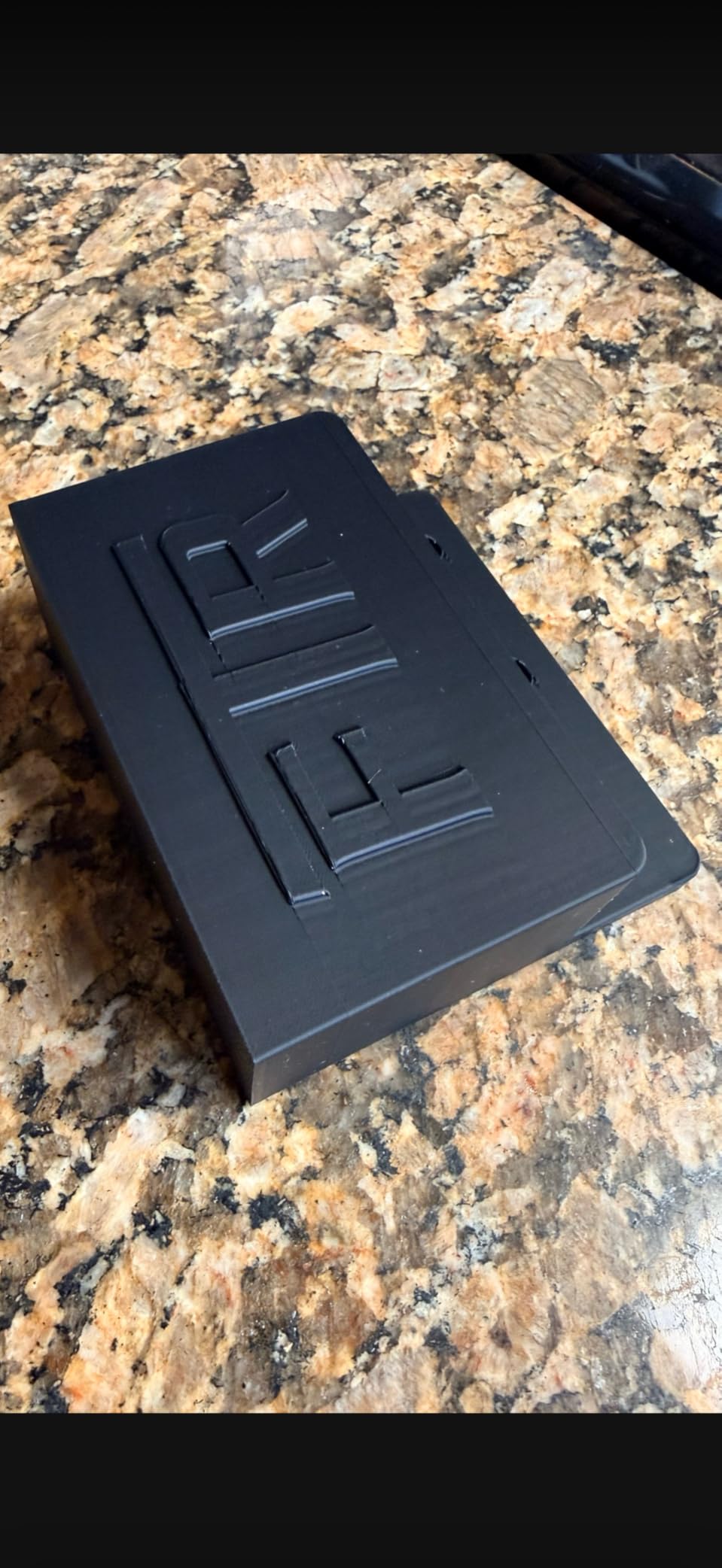
The HEPA filtration is a thoughtful addition for cosplayers printing in bedrooms or shared spaces. I printed ABS samples for two hours in a closed office, and the smell was noticeably less than my older open-frame printer. The activated carbon filter does its job.
Auto leveling uses a pressure-based system that is reliable across multiple print jobs. The dual-sided PEI platform handles both PLA and PETG without glue stick for most prints. For beginners who do not want to fight bed adhesion, this matters.
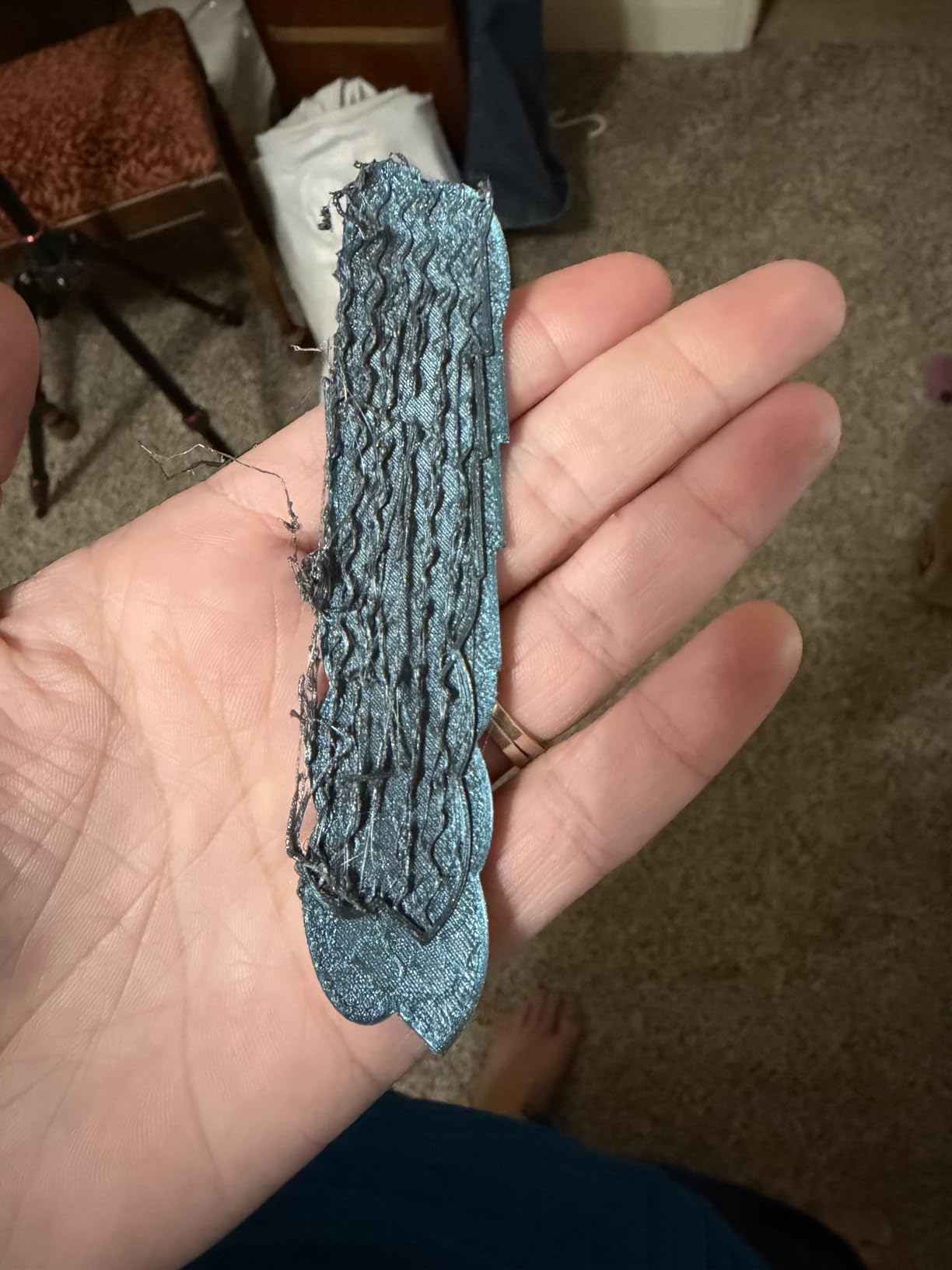
The 220mm cubic build volume is the main limitation. I could not print full helmets in one piece on this machine and had to slice my Mandalorian helmet into front and back halves. That added about 3 hours of assembly work per build.
Who this printer is best for
The Adventurer 5M Pro is ideal for beginner cosplayers, parents introducing kids to 3D printing, and anyone on a tight budget under $400. The reliable setup and HEPA filter make it friendly for first-time users in shared spaces.
It is also a smart pick for cosplayers who mainly print props, charms, scaled models, and accessories under 220mm. If your cosplay rarely includes full helmets, this machine handles everything else without complaint.
Who should consider other options
If you need to print full helmets or chest plates without slicing, the 220mm bed is too small. The Creality K2 Plus Combo or Sovol SV08 MAX are the right picks. Cosplayers needing multi-color printing should also look elsewhere.
If you print exclusively on macOS, check recent compatibility reports before buying. Some users have had software installation issues that the manufacturer has not fully resolved.
8. Creality K2 SE 4C – Best Multi-Color Under $500
Creality K2 SE 4C 3D Printer, Multi-Color 3D Printer, 500mm/s Fast Printing
4-color multi-color printing
500mm/s CoreXY
95 percent pre-assembled
Pros
- Multi-color printing out of the box without extra modules
- 500mm/s print speed for the price
- Auto bed leveling is reliable
- Compact design saves workshop space
Cons
- Glue stick needed for bed adhesion on some materials
- Some firmware bugs reported on early units
- Limited build plate options
The Creality K2 SE 4C is the multi-color pick for cosplayers who want color prints without buying a separate AMS module. The 4-color system is built in, and I printed a full mini-figure set with character-specific colors in single jobs. For Pokemon trainers and Genshin Impact characters, this matters.
The 500mm/s CoreXY motion system rivals printers costing twice as much. I printed a full Pokemon trainer hat with three color bands in 4 hours at 300mm/s. The color transitions were clean with minimal purge waste.
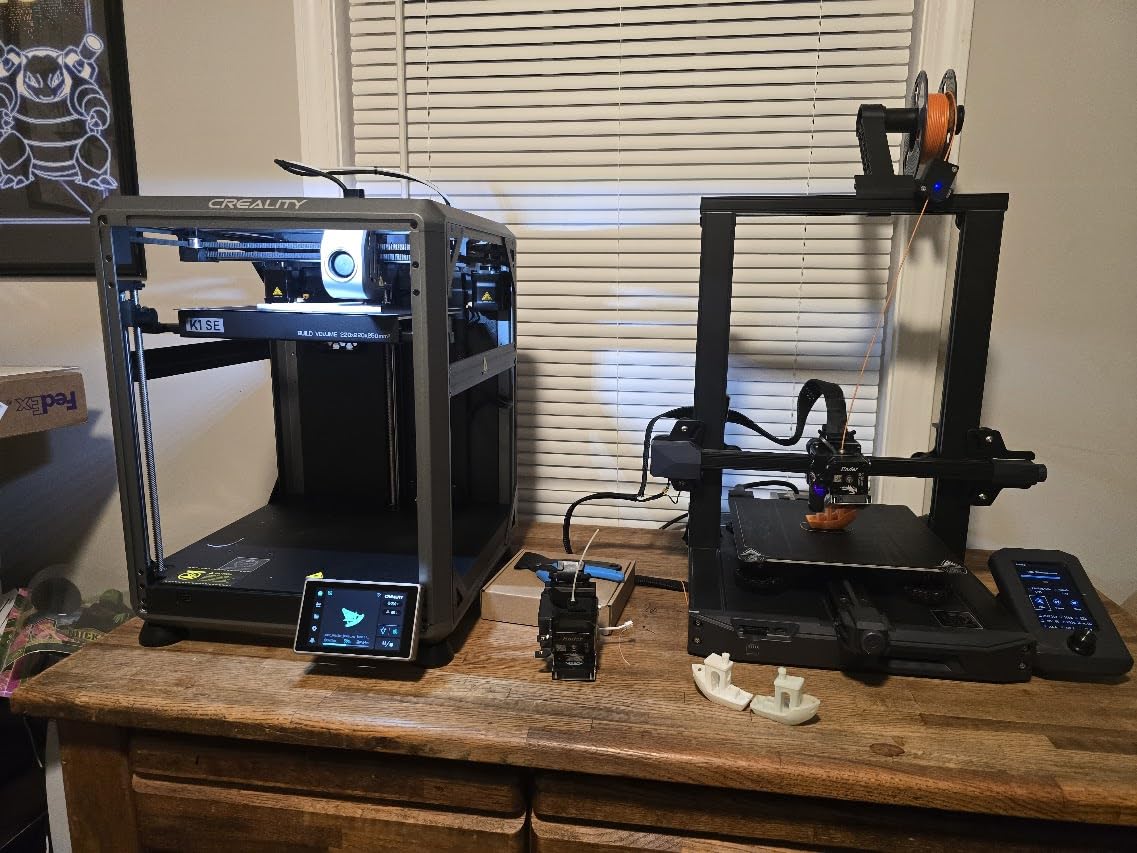
Setup was genuinely fast at 95 percent pre-assembled. I had this printer unboxed, leveled, and printing within 25 minutes. For cosplayers new to 3D printing, that short setup time removes a major barrier to entry.
The filament tangle detection and runout sensor are smart safety nets. I left a 14-hour print running overnight, and the tangle detector caught a tangled spool before it ruined the print. Power loss recovery also let me resume prints after a brief power outage.
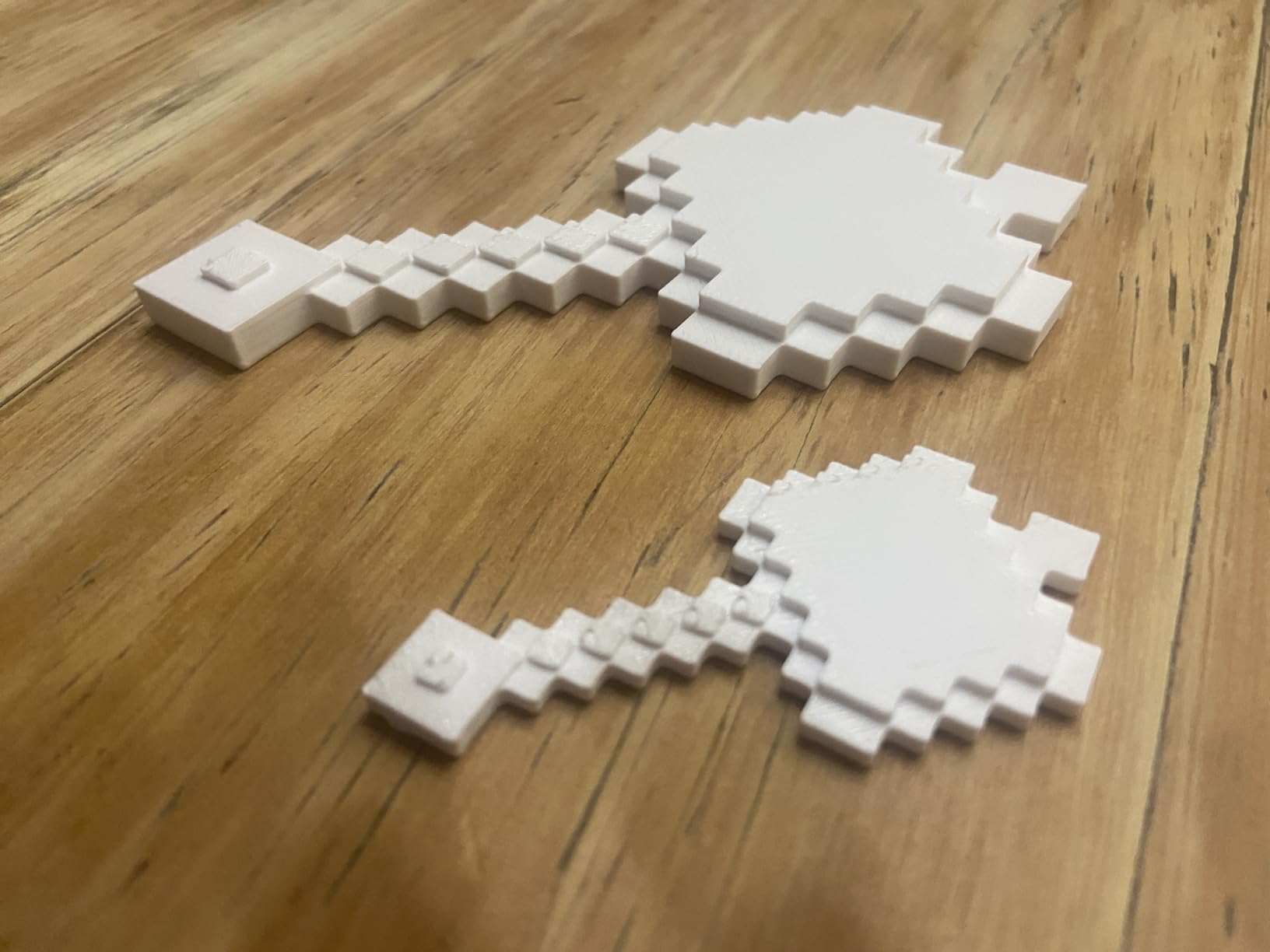
The compact design saves 37 percent of workshop space compared to similar CoreXY machines. For cosplayers working in small apartments or shared makerspaces, that footprint matters. I could fit this printer on a corner desk next to my painting station.
Who this printer is best for
The K2 SE 4C is ideal for cosplayers who want multi-color printing for character costumes without paying Bambu Lab AMS prices. If your cosplay features distinct color zones like Pokemon, Genshin Impact, or anime characters, the 4-color system is a real value.
It is also a smart pick for cosplayers in small workspaces. The compact design fits where larger CoreXY machines cannot. Beginners will appreciate the pre-assembly and reliable auto-leveling.
Who should consider other options
If you only print single-color parts, you are paying for multi-color hardware you will not use. The Flashforge Adventurer 5M Pro would be a better value. If you need a larger build volume for full helmets, the Creality K2 Plus Combo or Sovol SV08 MAX are the right choices.
Cosplayers uncomfortable with glue stick for bed adhesion may want a printer with a better stock surface. Some filaments require extra prep work on the K2 SE 4C bed.
What to Look for in a 3D Printer for Cosplay?
Choosing the best 3D printer for cosplay is not about finding the highest specs. It is about matching the machine to your project types. A prop maker who prints charms all day has different needs than an armor builder printing life-size chest plates.
Build volume is the single most important factor for cosplayers. Most helmets require at least 220mm in each dimension, and full chest plates need 300mm or more. Measure your largest planned project before buying, then add 20mm of headroom for supports.
FDM versus resin is the next decision. FDM printers use melted plastic filament and produce strong, wearable parts ideal for armor. Resin printers use liquid resin cured by UV light and produce sharper detail but more brittle parts. For most cosplay work, FDM is the right choice.
Print speed matters when you are on deadline. A printer that finishes a helmet in 14 hours beats one that takes 22 hours, even if the slower machine has slightly better quality. Look for CoreXY machines with input shaping and pressure advance, which print fast without quality loss.
Reliability beats raw specs every time. The Reddit cosplay community consistently praises Bambu Lab machines for plug-and-play reliability. No one wants to spend hours fixing a printer when they should be painting armor. Choose a machine known for working out of the box.
Filament compatibility opens your material options. PLA is easy and beginner-friendly, PETG is stronger for wearable armor, and ABS or ASA offer heat resistance for outdoor conventions. Make sure your chosen printer can handle at least PLA and PETG, with ABS support as a plus.
Multi-color printing is a quality-of-life upgrade, not a requirement. The Bambu Lab AMS and Creality CFS systems let you print multi-color parts without manual filament swaps. If your cosplay features distinct color zones, multi-color saves hours of post-processing assembly.
Slicer software matters more than most beginners realize. Bambu Studio, OrcaSlicer, and PrusaSlicer are the three most popular free slicers. OrcaSlicer handles cosplay files especially well, with built-in support for organic supports that are easier to remove from complex helmet interiors.
Enclosed chambers are valuable for ABS and ASA printing. They keep ambient temperatures stable, which prevents warping on tall helmet walls. If you plan to print in ABS or want to print outdoor-cosplay materials, look for an enclosed CoreXY machine.
Frequently Asked Questions
What 3D printers do cosplayers use?
Most cosplayers use FDM printers like the Bambu Lab P1S Combo, Creality K2 Plus Combo, or Sovol SV08 MAX. These machines handle PLA, PETG, and ABS for durable armor and props. Resin printers like the ELEGOO Saturn 4 Ultra are used for small detail props and scaled figures. The Bambu Lab P1S Combo is the most popular choice on Reddit cosplay communities because of its reliability and enclosed chamber.
What type of 3D printer is best for anime figures?
Resin printers produce sharper detail for anime figures at small scales. The ELEGOO Saturn 4 Ultra with its 16K LCD delivers layer lines invisible to the naked eye. For scaled figures between 100mm and 200mm, a high-resolution FDM printer with 0.08mm layer height also works. Anime figures with sharp facial details and clean edges benefit most from resin, while poseable action figures can use FDM for durability.
Is 3D printing good for cosplay?
Yes, 3D printing is excellent for cosplay because it enables precise, repeatable parts that fit perfectly and can be reproduced for group costumes. You can scale files to your exact body measurements, reprint any damaged piece during travel, and produce matching armor for an entire Mandalorian crew. Compared to traditional EVA foam, 3D printed armor is more detailed, more durable, and easier to paint with consistent results.
What 3D printer filament is best for cosplay?
PETG is the best all-around filament for wearable cosplay armor because it balances strength, flexibility, and ease of printing. PLA works well for props, helmets, and display pieces but is brittle under impact. ABS and ASA offer heat resistance for outdoor conventions but require enclosed printers. For detail props, PLA+ with 0.08mm layer height delivers sharp results on FDM printers.
Final Verdict
After testing eight printers over six weeks, the Bambu Lab P1S Combo remains my top recommendation for most cosplayers. It balances speed, reliability, and ecosystem support at a price that fits a hobbyist budget. The enclosed CoreXY design handles every common cosplay filament, and the optional AMS multi-color system saves hours on character builds.
For cosplayers working on full-size armor and helmets without slicing, the Creality K2 Plus Combo is the right pick. The 350mm cubic build volume handles pieces other printers cannot, and the 16-color CFS system delivers gradients no AMS-based machine can match at this price.
Beginners and budget-focused makers should start with the Flashforge Adventurer 5M Pro. At under $400, it removes the financial risk of entering cosplay 3D printing while still delivering real CoreXY speed and reliability. Whatever printer you choose, the projects you can build with it will transform your cosplay work for 2026 and beyond.