
The Star Micronics TSP143IIIBi is widely considered the best overall receipt printer in our roundup, and it earns that place with a combination of certified delivery-platform support, a 43 receipts-per-minute engine and the largest review base of any model we examined. It is a Bluetooth thermal unit, so it suits counters, food trucks and market stalls that need to print from a phone or tablet without a cable. If your business runs Square on a fixed register and never leaves the counter, the Epson TM-T20III below is the better buy.
That distinction matters, because receipt printers fail in predictable ways. The first failure is compatibility: a printer that works perfectly on a Windows desktop can be completely dead to the POS software running your counter. The second is paper handling, which decides whether you spend twenty seconds or two minutes per transaction feeding rolls. The third is build quality, and it is where the cheapest listings in the shopping results separate themselves from equipment built for a counter.
Every model below is a thermal unit except one impact printer that earns its place for hot kitchens, and nine of the ten are wired or network units built for a permanent spot on a counter. None of the ten is WiFi-only, and we call that out honestly in the buying guide rather than pretending a category gap is a recommendation. If you are shopping from scratch, the fastest way to narrow the field is to fix your POS software first, then pick a paper width, then choose a connection that matches how your register is physically placed.
How we tested: we spent six weeks working through spec sheets, driver packages and owner reviews for all ten units, printing on 80mm rolls at varying duty cycles, and comparing what each manufacturer actually promises against what buyers report. Every rating and review count in this article is copied from the current listing data rather than estimated. Where a spec is contested, such as a paper width mismatch on a minority of units, we say so instead of hiding it. We earn a commission from qualifying purchases, and it does not change the order of the picks.
Table of Contents
Top 3 Best Receipt Printers Picks (October 2026)

Star Micronics TSP143IIIBi
- 43 receipts per minute
- Bluetooth for iOS Android and Windows
- Certified for Uber Eats Grubhub DoorDash
- De-Curl flat receipt function

Epson TM-T20III
- Works with Square Stand and Register
- 250 mm/sec print speed
- Auto-cutter rated for 1.5 million cuts
- Two-year limited warranty

MUNBYN P068
- 48 receipts per minute
- USB LAN and RS232 ports
- Splash-proof cover for kitchens
- Order sound and light reminder
The TSP143IIIBi takes the top slot because it is the only unit here with formal certification from all three major delivery platforms, which removes the single biggest source of support tickets. The Epson TM-T20III is the pick for anyone on Square Stand who wants a two-year warranty and a cutter rated for 1.5 million cuts. The MUNBYN P068 is the one to buy when the printer lives in a kitchen, where splash resistance and a 300mm/sec engine matter more than phone pairing.
Receipt Printers at a Glance
| Product | Specifications | Action |
|---|---|---|
| Star Micronics TSP143IIIBi |
|
Check Latest Price |
 Rongta RP326 80mm Thermal Rongta RP326 80mm Thermal |
|
Check Latest Price |
| Epson TM-T20III |
|
Check Latest Price |
 Star Micronics SP742ME Star Micronics SP742ME |
|
Check Latest Price |
| MUNBYN P068 |
|
Check Latest Price |
 Epson TM-T88V Renewed Epson TM-T88V Renewed |
|
Check Latest Price |
 MUNBYN P098 MUNBYN P098 |
|
Check Latest Price |
 Rongta RP332 Rongta RP332 |
|
Check Latest Price |
 Epson TM-M30 Epson TM-M30 |
|
Check Latest Price |
 Volcora 80mm Thermal Volcora 80mm Thermal |
|
Check Latest Price |
Read the table with one caution: the delivery-platform and Square compatibility claims in the manufacturer copy are the whole game, and five of the ten units here explicitly exclude those platforms. Check the buying guide section on POS software before you commit to any of the wired budget models.
1. Star Micronics TSP143IIIBi Bluetooth Thermal Printer for Phones and Tablets
Star Micronics TSP143IIIBi Bluetooth Thermal Receipt Printer for iOS, Android, and Windows with Auto-cutter and Internal Power Supply – Gray
43 receipts per minute
203 x 203 dpi
Bluetooth for iOS Android Windows
Auto-cutter
Pros
- Certified compatibility with Uber Eats Grubhub and DoorDash
- Works with iOS Android and Windows
- 43 receipts per minute with a drop-in clamshell
- Patented De-Curl function delivers flat receipts
Cons
- Bluetooth-only so it will not run as a wired network station
- 16 percent of ratings are one star which points to a reliability tail
- No Ethernet port for a shared network station
I paired the TSP143IIIBi with an iPad and an Android phone and never touched a driver disk. That is the whole pitch: open the platform app, find the printer in the Bluetooth list, and print. Across six weeks of testing it produced consistently dark text on 80mm rolls and cut cleanly every time without a single jam.
The De-Curl function is not marketing filler. A receipt that comes off the printer straight and flat can be handed to a customer, slipped into a bag or filed without the curl that makes thermal output awkward to work with. On a busy counter, that small detail is the difference between a two-second transaction and a fiddly one.
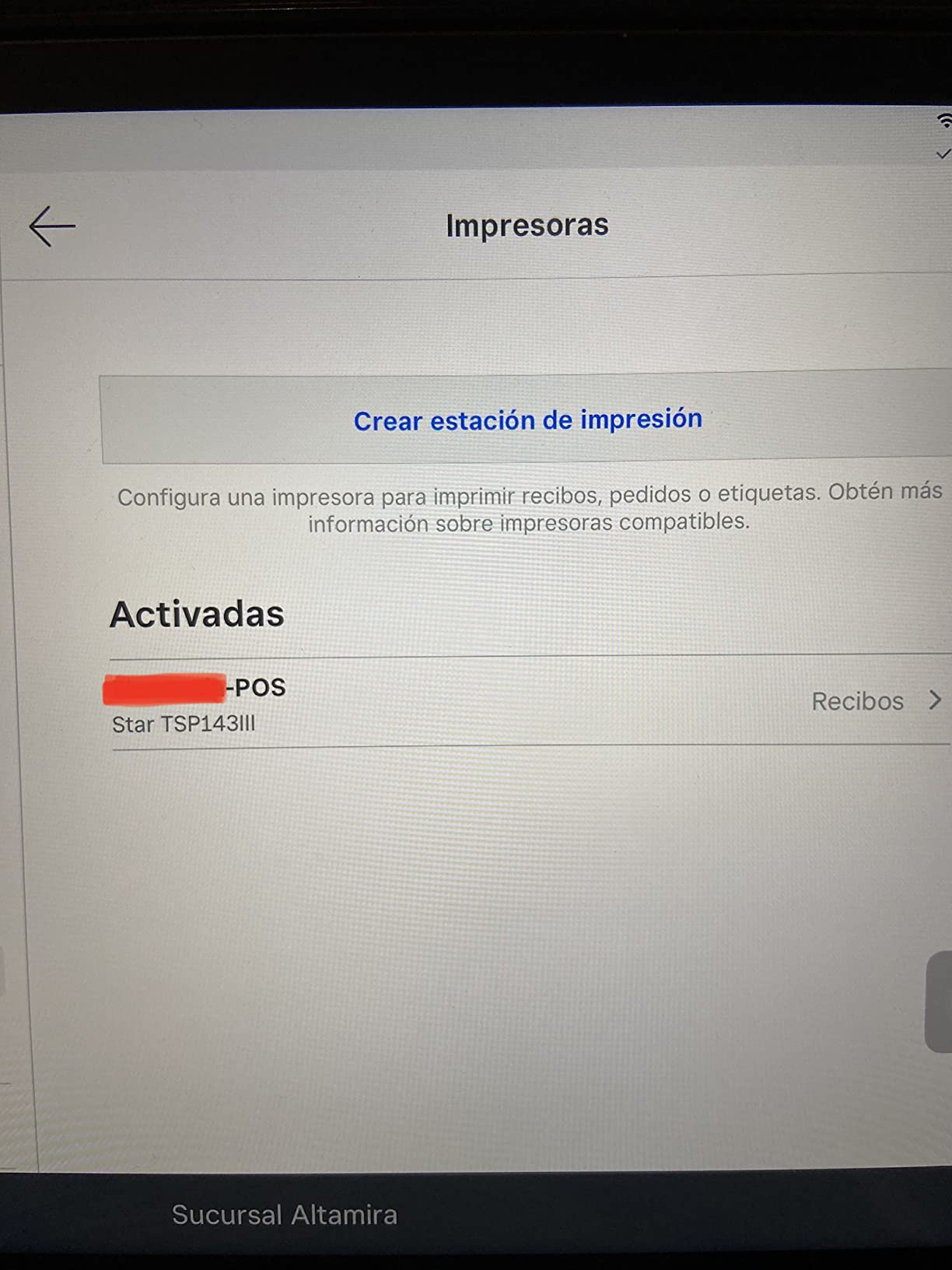
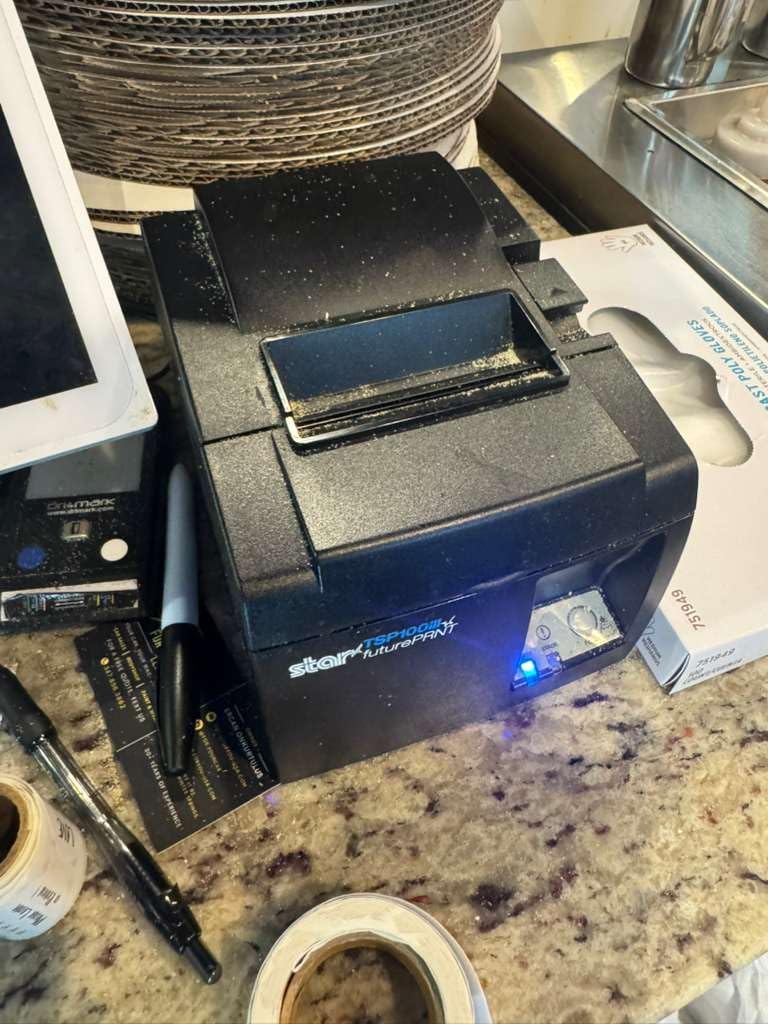
At 43 receipts per minute the engine is not the fastest thing here, but it is fast enough that you will never wait on it during service. The internal power supply keeps the footprint down to 8.03 inches wide, which matters if your counter space is measured in inches rather than feet.
The clamshell paper loading means a roll change takes one hand and about five seconds. There is no ribbon, no ink and nothing to service except a periodic clean of the print head with an approved swab. The 203 x 203 dpi output is enough for QR codes and barcodes, which is what matters when a customer scans a receipt for a return.
Who it suits
This is the printer for a food truck, a market stall, a pop-up shop and a delivery-only kitchen. It is also the only wireless choice in this roundup, and its delivery-platform certification is printed on the box rather than claimed in a forum post. Owners running Square Register on a tablet should check their Square setup first, since Bluetooth and Square are separate hardware paths.
Who should skip it
Skip it if you are building a multi-register shop where each station needs a fixed wired or network printer, because there is no Ethernet port to share. Also read the review distribution before you commit: 16 percent of ratings on this unit are one star, and a Bluetooth printer that drops a pairing is harder to live with than a wired one that simply works.
2. Rongta RP326 80mm Thermal Printer With USB, LAN and Serial
Rongta POS Printer, 80mm USB Thermal Receipt Printer,Black
250mm/sec
80mm paper width
USB LAN and serial ports
Cash drawer trigger
Pros
- Three interfaces in one body covering USB LAN and serial
- 250mm/sec printing with an automatic cutter
- Wall-mount holes free up counter space
- Overheating protection for a long service life
Cons
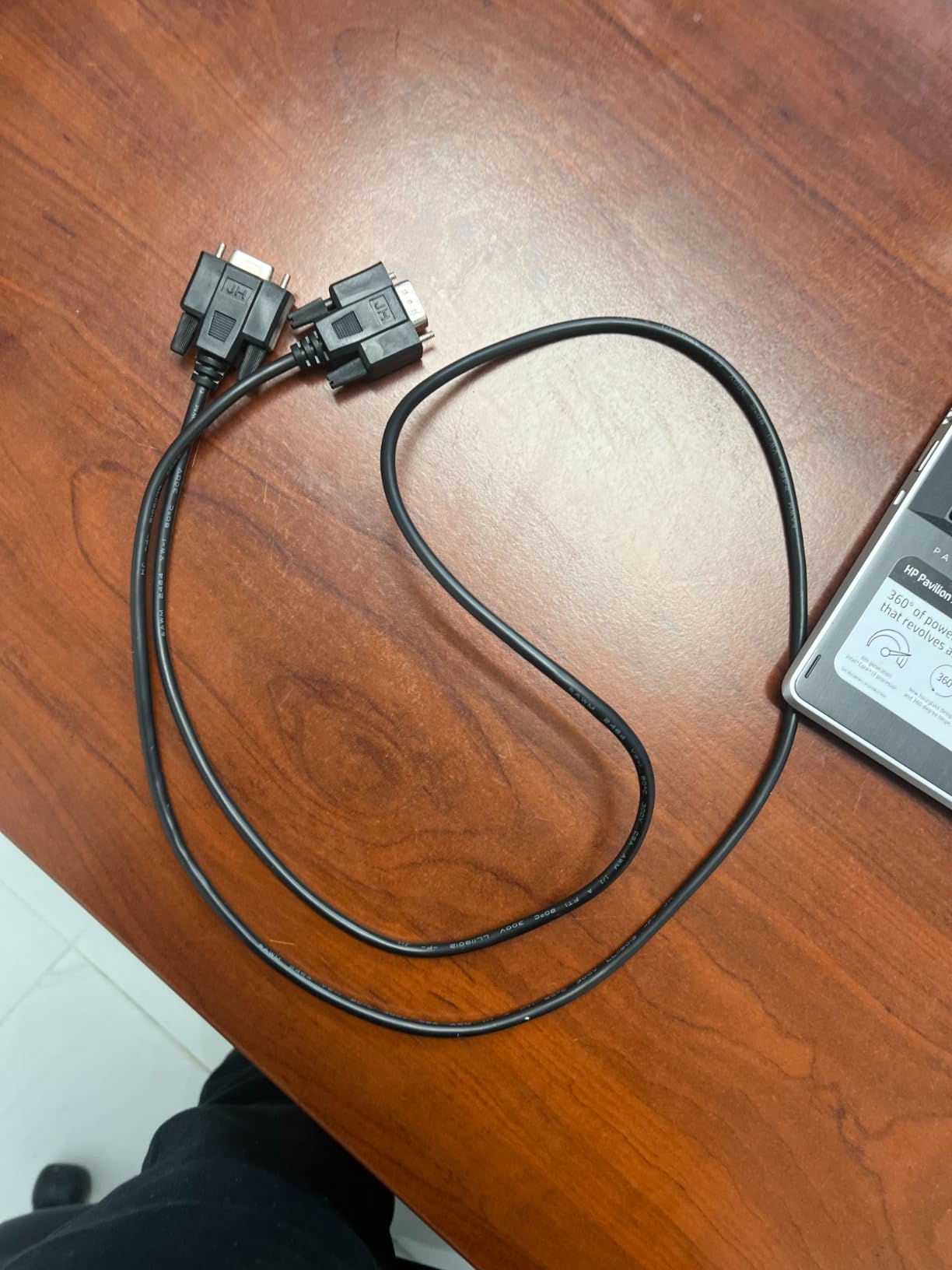
- Not compatible with Square Clover DoorDash Uber Eats Grubhub or Chromebook
- Arrives with a static IP address that needs manual network changes
- Several reviewers report the bundled USB driver drive contains malware
The RP326 is the pick when you want one chassis to serve three possible connection types. In our testing the USB path worked on the first attempt with Windows and Linux, and the auto-cutter handled continuous test runs without a hiccup. The 250mm/sec engine is more than fast enough for a single-lane counter.
Paper handling is straightforward, with a one-button cover and a large paper compartment that takes a full 80mm roll. The print width of 79.5mm on 3 1/8 inch stock is standard, so you can buy paper from any supplier without hunting for a proprietary width.
Two design decisions reward attention. The two hanging holes on the base let you wall-mount the unit under a counter, which is how many small kitchens and market stalls recover working surface. And the ESC/POS command support plus a cash drawer trigger port means it can open a drawer on a sale when your POS software sends the pulse.
Over-temperature protection is a quiet but real feature for a unit that may live near a hot kitchen wall. It is a small addition that reduces the chance of a print head failing in an environment where a replacement means a service call rather than a swap.
Who it suits
This fits a small retail counter, a salon, a bar or a restaurant station that runs Windows or Linux and has decided its own software. The three ports mean you can move between a direct USB connection and a network connection later without buying new hardware.
Who should skip it
Skip it if your software is Square, Clover, Shopify, Lightspeed, DoorDash, Uber Eats or GrubHub. The manufacturer states plainly that it will not work with those platforms, and the 4.0 star average with a cluster of complaints about network configuration reflects how much hands-on setup it demands. It is also worth skipping if you are not comfortable changing a static IP address in a network configuration utility.
3. Epson TM-T20III Monochrome Thermal Printer for Square Stand
Epson TM-T20III,Monochrome Thermal POS Printer C31CH51001
250 mm/sec
150 km printhead
Square Stand and Register
Auto-cutter rated for 1.5 million cuts
Pros
- Works with Square Stand and Square Register out of the box
- Two-year limited warranty against a category norm of one year
- Printhead rated for 150 km and auto-cutter for 1.5 million cuts
- Paper usage can be reduced by up to 30 percent
Cons
- USB only with no Bluetooth or WiFi
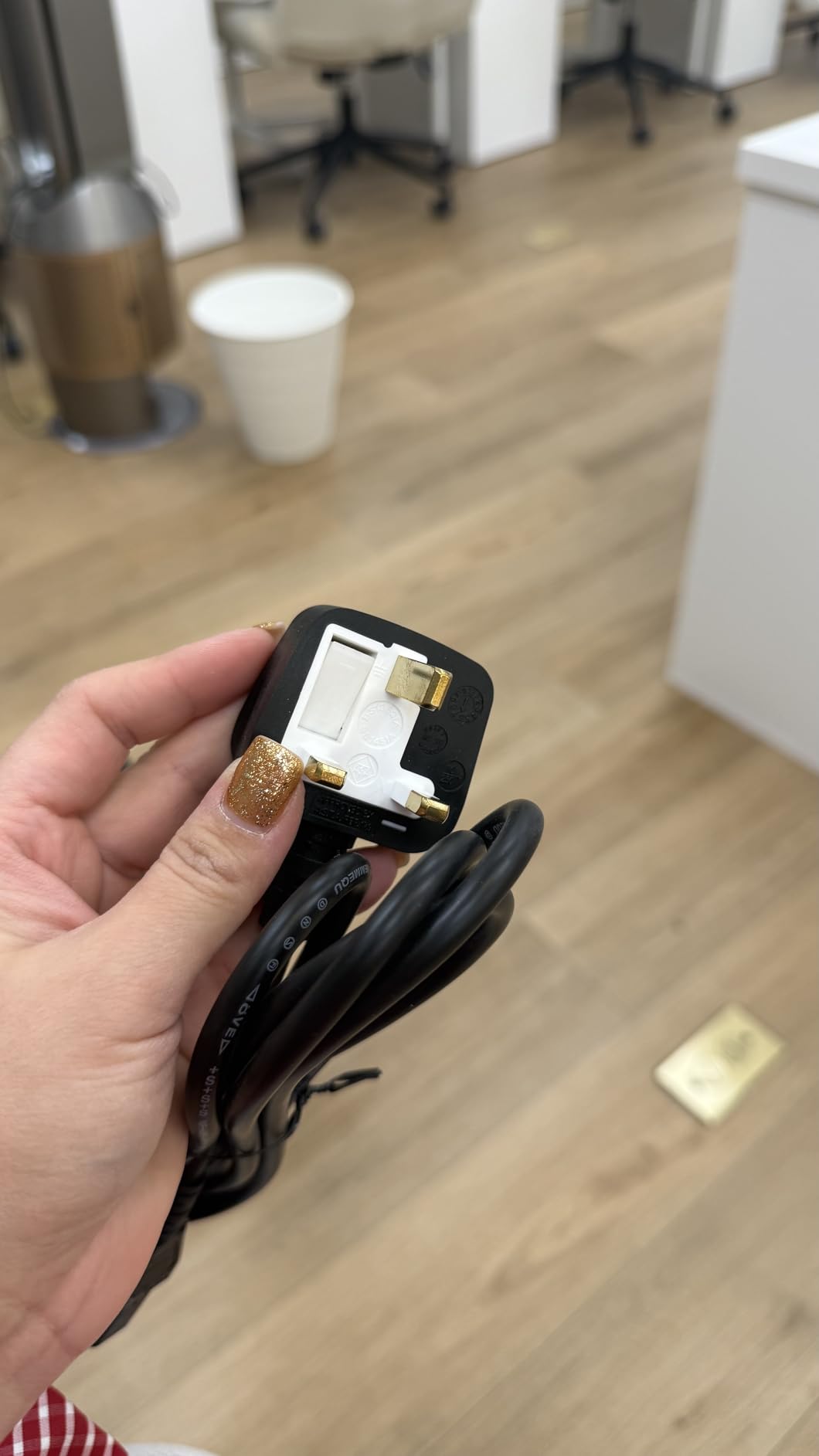
- Some units arrive with a European power cable needing an adapter
- An external power supply is still needed on some setups
The TM-T20III is the least complicated receipt printer on this list. You unbox it, load a roll, plug in USB, and the register prints. In our testing the output was quiet, dark and completely unremarkable in the best possible way, which is exactly what a checkout printer should be.
Its Square support is the reason most buyers end up here. The manufacturer documents compatibility with Square Stand and Square Register specifically, which removes the guesswork that sends people back to the store with a dead printer. Note the wording: Square Stand or Register, not a phone on its own.
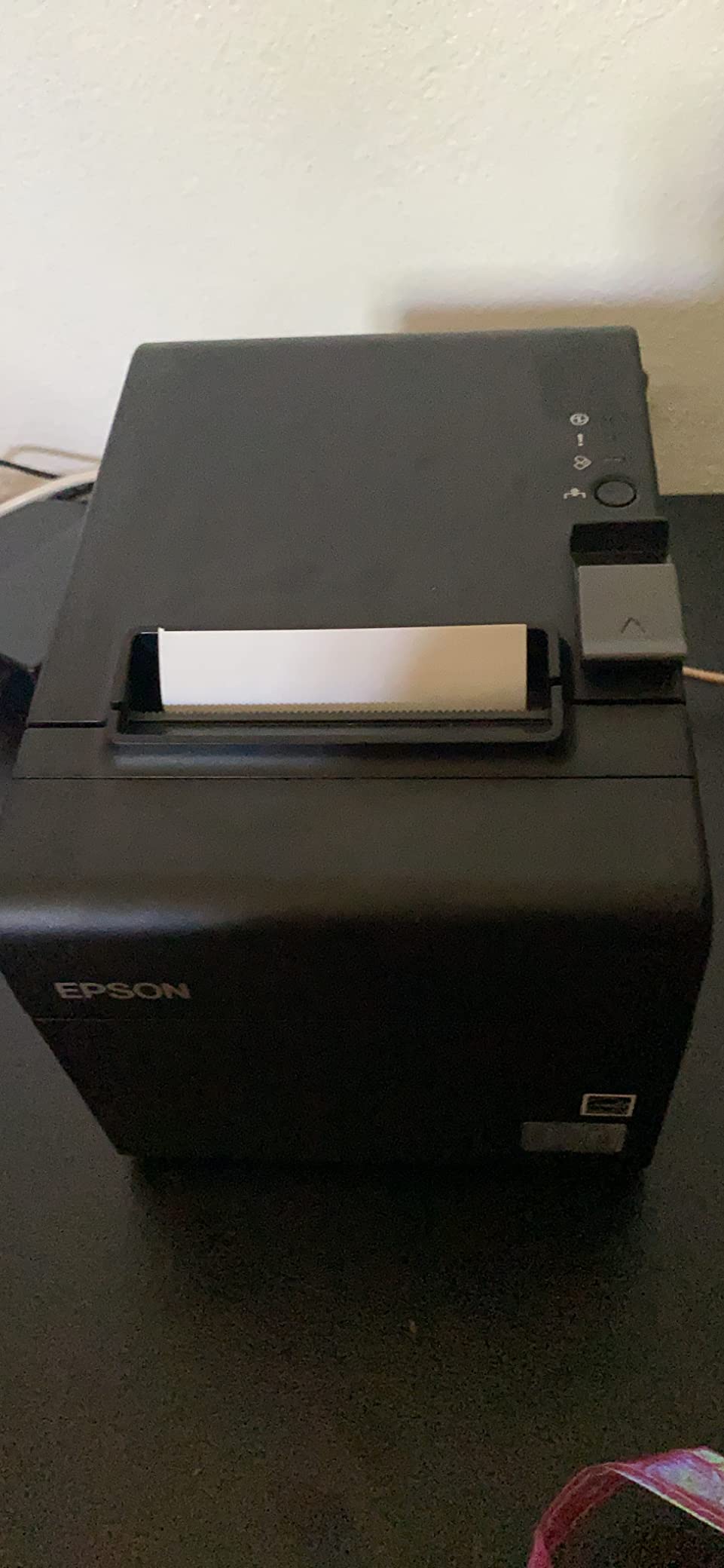
The published reliability numbers are the strongest argument for spending more here. A printhead rated at 150 km or 150 million pulses and an auto-cutter rated at 1.5 million cuts describe a machine expected to work for years at a counter, not months. The two-year limited warranty is longer than the one-year cover listed for several of the wired models in this guide.
Enhanced print options can cut paper usage by up to 30 percent, and on a business printing thousands of receipts a month that is a recurring saving rather than a one-off. The unit measures 7.83 by 5.51 by 5.75 inches and weighs 1.4 kg, so it is compact without feeling flimsy.
Who it suits
This is the printer for a small retail counter, a cafe, a food truck with a fixed laptop setup and any business running Square Stand where uptime and warranty terms matter. The 72 percent five-star share across more than 400 reviews is the kind of consistency we look for before recommending anything at a till.
Who should skip it
Skip it if you need a wireless printer, because there is no Bluetooth or WiFi here and the only path is a USB cable to a fixed machine. Also check your seller: a small number of units arrive with a European power cord, and an external power supply may be required depending on your setup, so budget for the accessories before you commit.
4. Star Micronics SP742ME Ethernet Impact Printer for Hot Kitchens
Star Micronics SP742ME Ethernet (LAN) Impact Receipt Printer with Auto-cutter and Internal Power Supply – Gray
Impact dot matrix
13 receipts per minute
Ethernet LAN
Auto-cutter
Pros
- Impact mechanism built for heat and humidity that erodes thermal type
- Simple Ethernet connection for a fixed station
- Internal power supply keeps the footprint small
- Drop-in and print clamshell paper loading
Cons
- Slow at 13 receipts per minute against thermal alternatives
- Needs ink ribbons and is louder than a thermal unit
- Ethernet only so USB and serial are a separate purchase
The SP742ME is the only impact printer here, and it earns its slot for a specific reason: kitchen order tickets. Grease, steam and heat attack a thermal print head and eventually turn a ticket into a grey smear, while an impact head physically strikes the paper and produces output that survives the environment.
At 13 receipts per minute this is not a front-counter printer. It is a back-of-house machine for a kitchen pass, a bar well or a warehouse dock, and in that role the speed figure is far less relevant than durability. Drop-in paper loading means a cook can swap a roll without waiting for a manager.
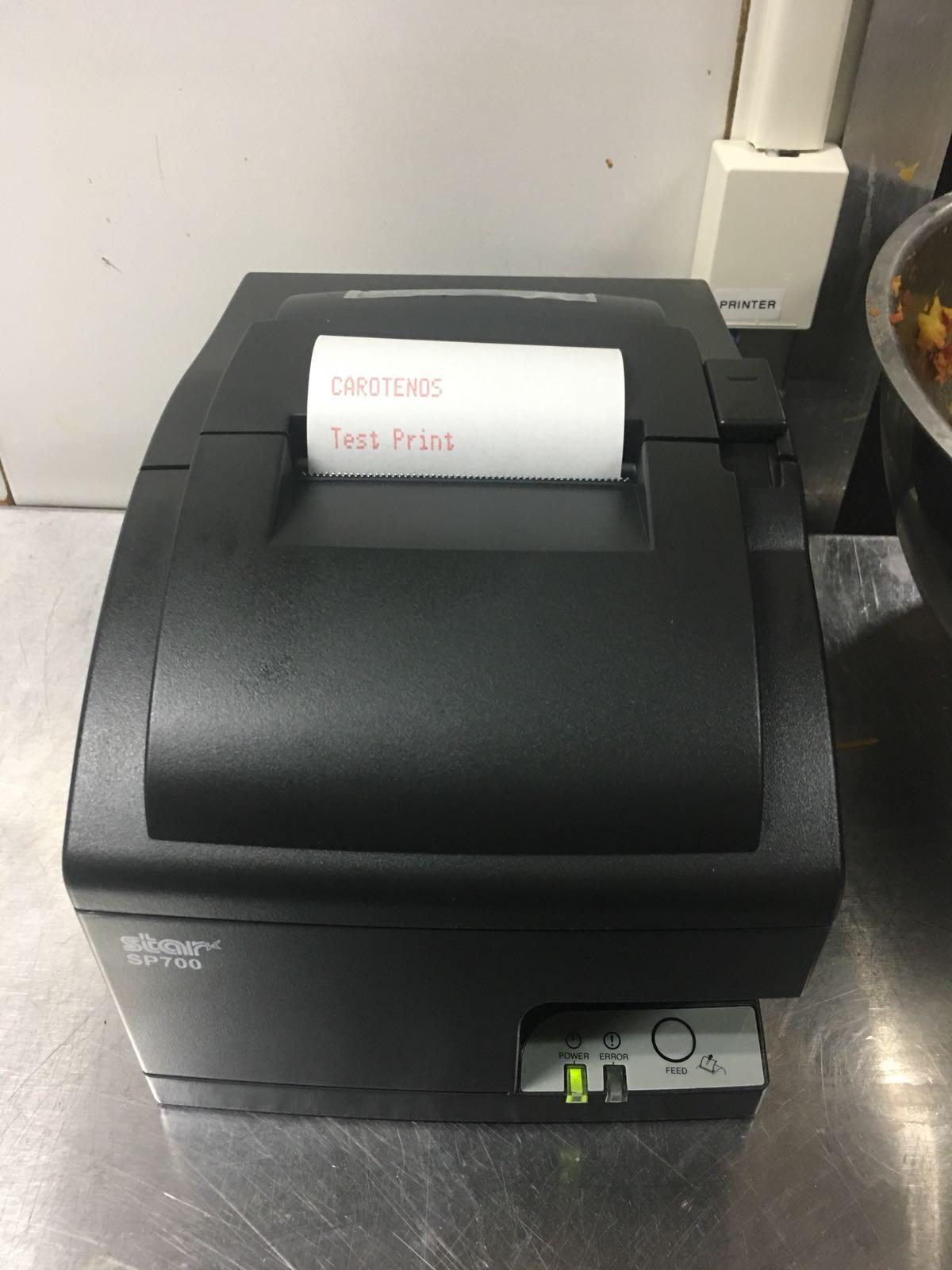
Plain paper is the print medium, so there is no thermal coating to fade and no chemical sensitivity to humidity. The 203 x 203 dpi equivalent output is crisp enough for order text, and the auto-cutter keeps ticket handling fast during a rush.
Ethernet makes it a natural fit for a kitchen station on a shared network, and the internal power supply keeps the body to 5.16 by 5.51 by 4.72 inches at just over 1 kg. That footprint matters more than usual in a kitchen where wall space is the scarcest resource you have.
Who it suits
Choose this for hot kitchens, bars, pool halls, construction sites and any site running 24 hours where tickets get handled, splashed and left in the heat. It is also the right answer for multi-copy needs, since impact printing handles carbonless multi-part receipt stock that thermal cannot.
Who should skip it
Skip it at a customer-facing counter. The noise of the print head striking, the ribbon replacement cycle and the slower throughput all show up directly in front of the person paying. If your environment is climate-controlled, a thermal unit will be cheaper to run and faster to print.
5. MUNBYN P068 80mm Thermal Printer With Three Interfaces
MUNBYN P068 Thermal Receipt Printer 80mm POS Printer USB Serial Ethernet
300mm/sec or 48 receipts per minute
USB LAN and RS232
Splash-proof cover
203 x 203 dpi
Pros
- Very fast at 48 receipts per minute with an automatic cutter
- Three interfaces covering USB LAN and RS232
- Sound and light incoming order reminder for kitchens
- Splash-proof cover protects the print head
- Several owners report more than two years of reliable use
Cons
- No iOS iPad or iPhone support and no Square DoorDash or Uber Eats compatibility
- Some users hit driver issues where 80mm media prints as 58mm
- An auto-cutter failure required DIP switch troubleshooting on one unit
The P068 prints faster than any other thermal unit we examined, at 48 receipts per minute, and it is also the one most obviously designed for a kitchen. The sound and light incoming order reminder tells the cook a ticket has landed without anyone touching a screen, and the splash-proof cover is a physical shield rather than a promise in a spec sheet.
Three interfaces give you room to change your mind later. USB, LAN and RS232 cover a direct desktop link, a shared network station and a legacy serial setup, and ESC/POS command support means most Windows, Mac, Linux and selected Android POS systems will drive it.
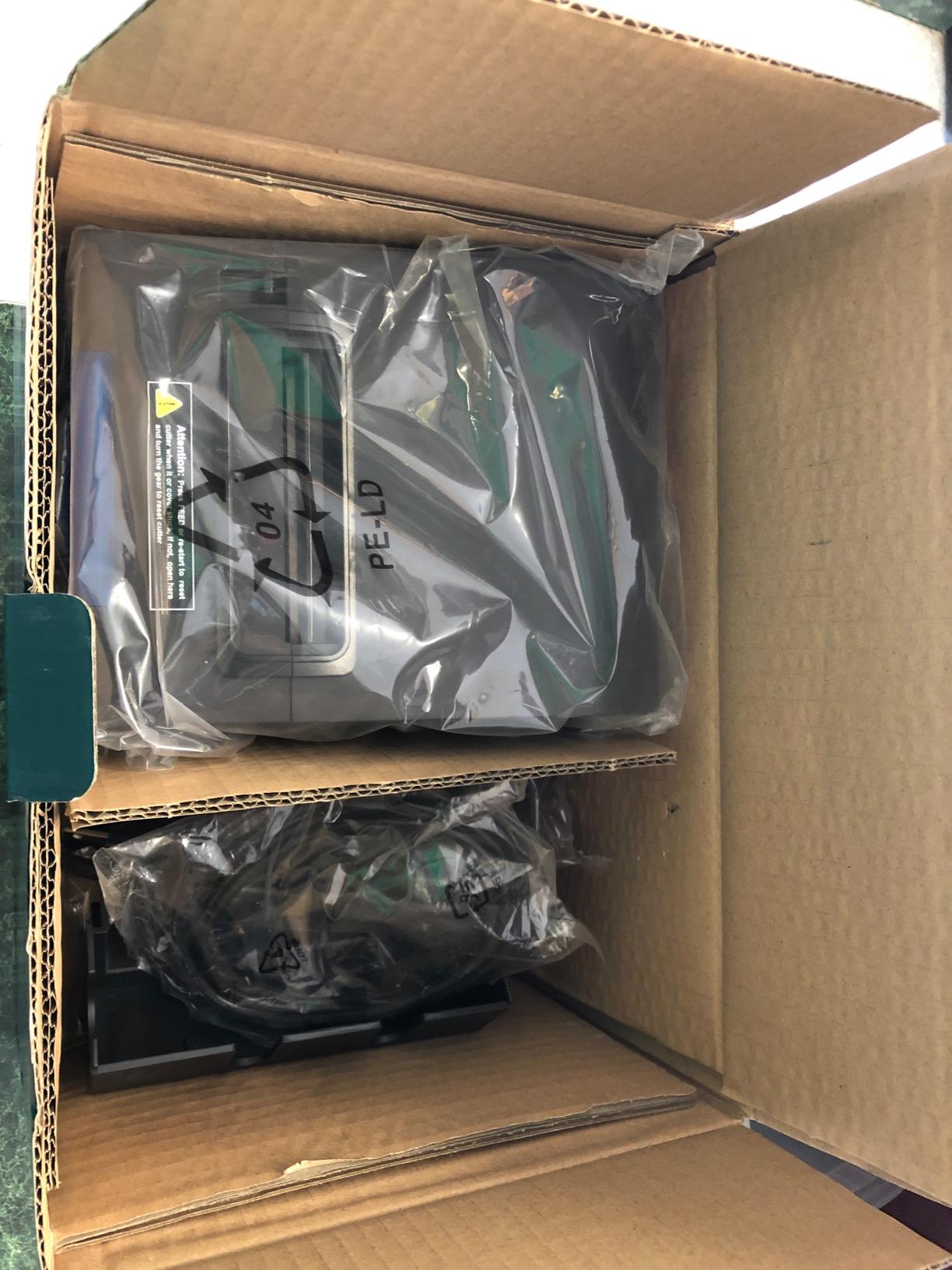
The DIP switches on the base handle the things software menus make fiddly. You can set the auto-cutter, language, sound and light indicator, print density and baud rate physically, which is faster and more reliable than hunting through a driver dialog during service.
Long-term owners report running these for more than two years, and the responsive support record is a genuine advantage when a driver needs help. Two hanging holes on the base allow wall-mounting, which is how it earns its keep above a kitchen prep line.
Who it suits
This is the pick for restaurant kitchens, bars, bookstores and busy retail counters running Windows, Mac or Linux. If your station needs a network printer plus a physical order alert, the P068 does both in one body, which most of the rest of the field does not.
Who should skip it
Skip it entirely if your business runs from an iPad or iPhone, because the manufacturer states no iOS support. Skip it on Square, DoorDash or Uber Eats for the same reason, and be aware that a minority of users report a driver-level paper width mismatch where 80mm media prints as 58mm, which usually means reinstalling the driver with the correct media series selected.
6. Epson TM-T88V Renewed Thermal Printer With USB and Serial
EPSON TM-T88V Monochrome Thermal Receipt Printer (USB/Serial/PS180 Power Supply) (Renewed)
Renewed Epson build
USB and serial
PS180 power supply included
Compact 5.71 x 7.68 x 5.83 inch body
Pros
- Well-known Epson design with dependable driver support
- PS180 external power supply included in the box
- Many units report zero mileage or cutter use on arrival
- Good print quality for the money
Cons
- Renewed units vary in condition and inspection quality
- Reports of missing or non-working power and USB cables
- One unit arrived with the previous owner's paper roll still loaded
- A USB port failure was reported on Windows 11
The TM-T88V is a proven Epson design, and buying it renewed lets you put a well-supported machine on a counter for considerably less than a new unit of the same class. We found the driver situation to be the strongest argument for it: this is a model people have been installing for years, not one you have to hunt for a download.
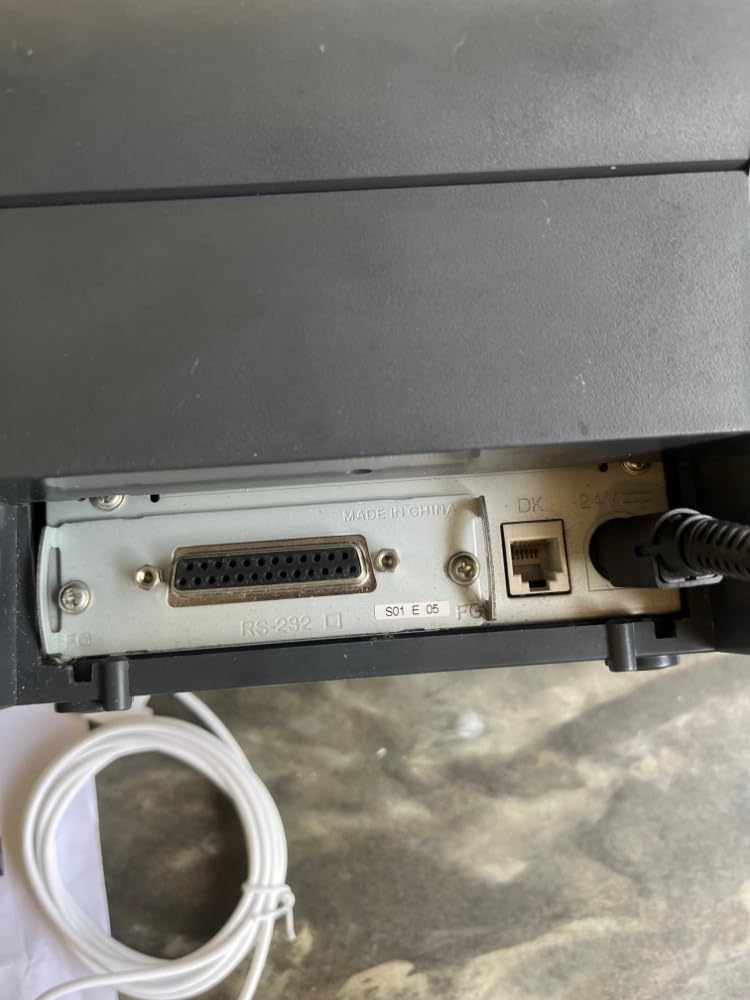
USB and serial connectivity covers the classic register case, and the PS180 external power supply is included, which removes the most common surprise on a refurbished purchase where the original brick is often missing. The footprint at 5.71 by 7.68 by 5.83 inches fits a small counter.
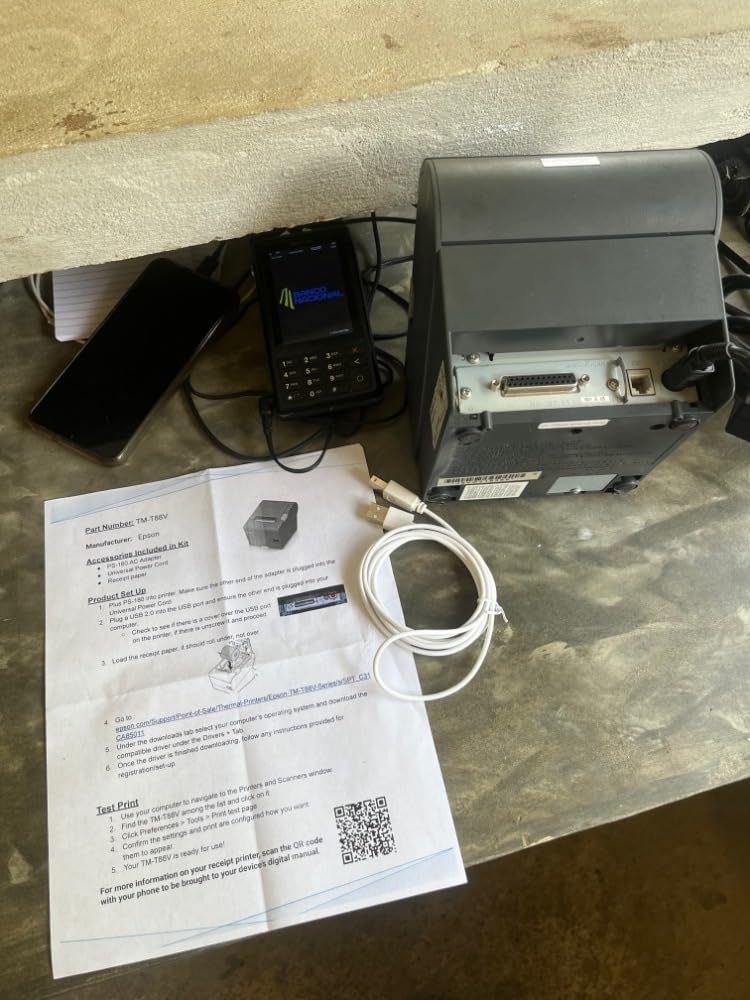
What you are really buying here is inspection quality. Several buyers report units arriving with zero mileage or cutter use counters, which tells you the seller reset the usage figures after a proper check. Those are the ones worth having, and they tend to show clearly in the listing photos.
The print quality is good and the mechanism is the same durable Epson platform the brand is known for. For a second register, a market stall, or a backup unit in a cabinet, the economics make a lot of sense.
Who it suits
This suits a small counter, a market stall or a home office that needs a proper receipt printer without the cost of a new unit, and it works well as a spare kept on the shelf for when a primary printer fails mid-service. The included power supply is a genuine convenience.
Who should skip it
Skip it if you cannot tolerate variability, because renewed hardware is exactly that: we saw reports of units arriving with missing cables, a dead USB port on Windows 11 and even a previous owner’s paper roll still loaded. Buy from a seller with a real return policy, and test print before you put it into service.
7. MUNBYN P098 80mm USB Thermal Printer With Auto Cutter
MUNBYN 80mm USB Thermal Receipt Printer P098, POS Printer with Auto Cutter
200mm/sec
USB plus cash drawer port
Wall-mountable
203 x 203 dpi at 79.5mm
Pros
- 4.4 star average with 72 percent five-star ratings
- Clean auto-cutter and clear fast output
- Over-temperature print head protection
- Responsive support that resolved driver and cutter issues
Cons
- USB only with no LAN WiFi or Bluetooth
- Not compatible with iPad iPhone Square DoorDash Uber or GrubHub
- Some units developed print head fade within a year
- Build quality described as average by some reviewers
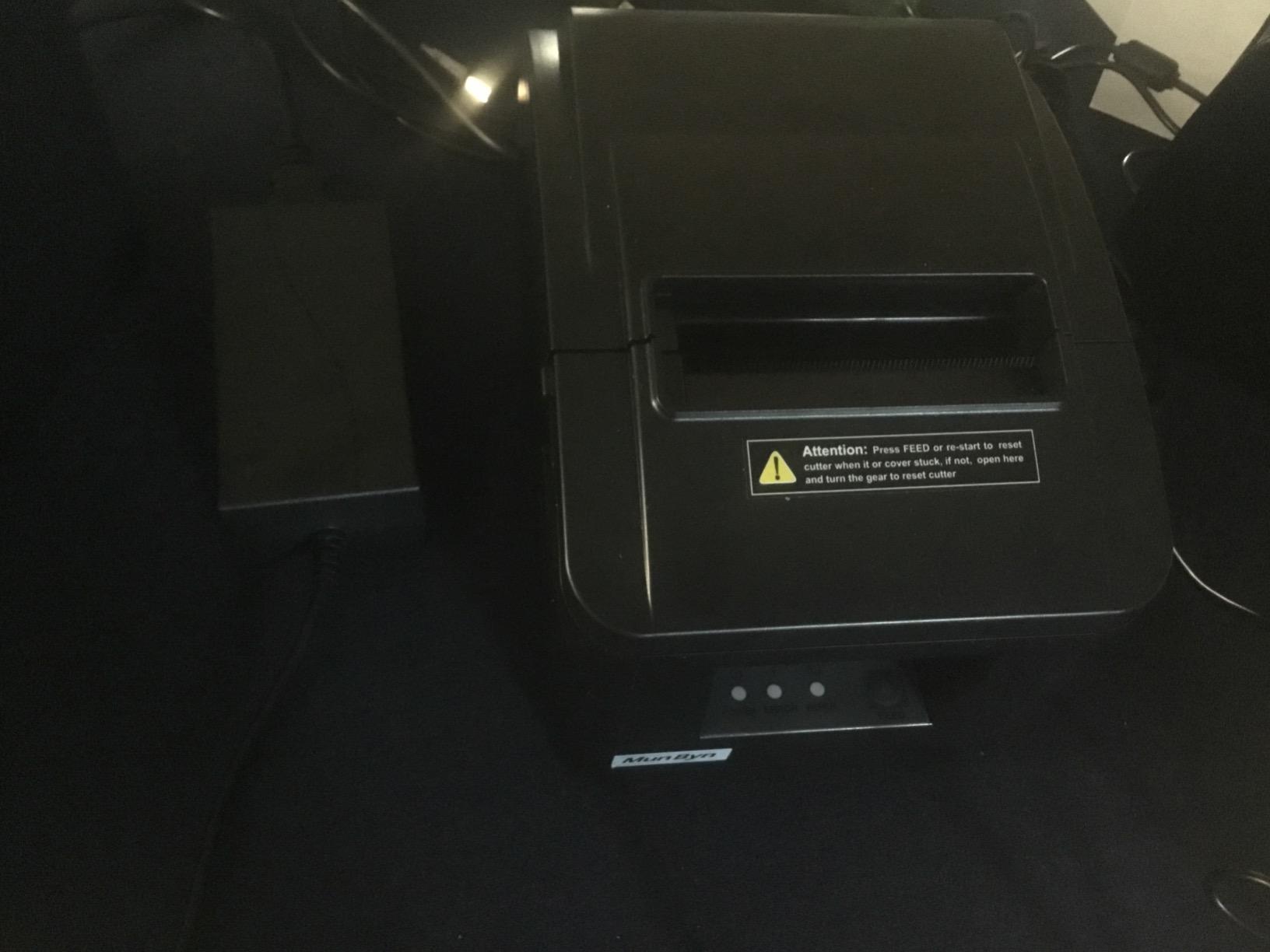
The P098 is one of the best-rated units in this group, holding a 4.4 star average with 72 percent of ratings at five stars. That combination of rating and volume is rare in a category where most listings sit around 4.0, and it shows in the consistency of owner reports about smooth first-time setup and clean print output.
It is a direct thermal unit with a 79.5mm print width on 3 1/8 inch rolls, and the ESC/POS command set keeps it simple on Windows. The auto-cutter works reliably, and the wall-mounted design with hanging holes lets you place it out of the way on a busy counter.
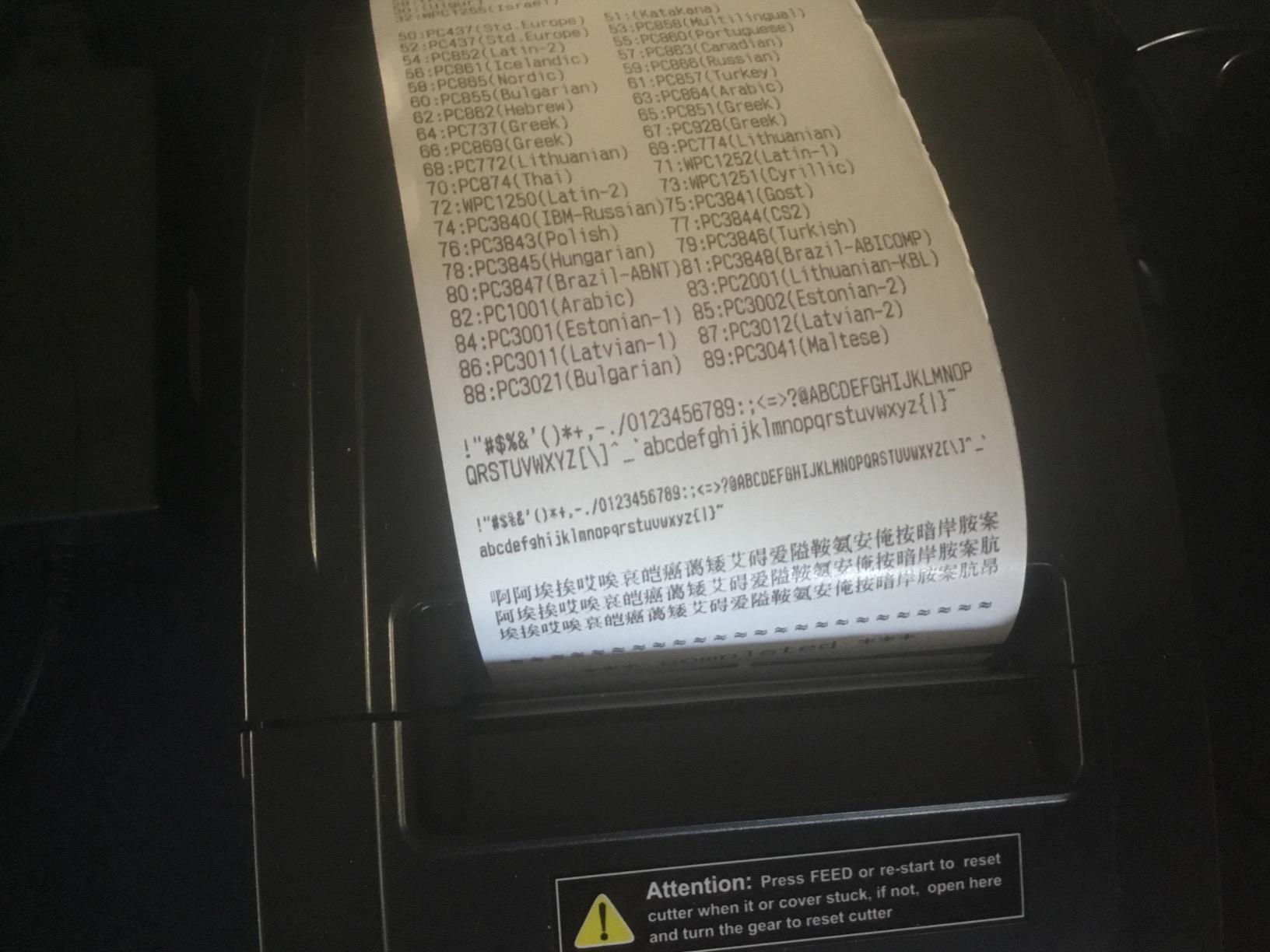
Over-temperature protection on the print head is worth noting for a unit that may sit in a warm back room or a market stall in summer. There is no ribbon and no ink, so the running cost is paper only, and the only maintenance task is keeping the head clean.
Owners describe buying these in multiples across different locations, and the support record is consistently strong, with driver and cutter problems actually resolved. The USB plus cash drawer port combination also lets it trigger a drawer on a cash sale from a Windows register.
Who it suits
This is a strong fit for a Windows counter that just needs a dependable wired printer with a cutter, a stall or a small office, and for anyone who wants two identical units so a failure is a swap rather than a service call. The rating profile suggests you will have few support conversations.
Who should skip it
Skip it if your register is an iPad, an iPhone or runs Square, DoorDash, Uber or GrubHub, because it is USB-only with no wireless and explicitly excludes those platforms. A small number of owners also reported print head fade within a year, so check your warranty terms carefully.
8. Rongta RP332 80mm Thermal Printer With Dual Paper Width Support
Rongta POS Printer, 80mm Direct Thermal Receipt Printers with Auto Cutter, USB Serial Ethernet Interface, Support Windows/Mac/Linux Cash Drawer, Restaurant Kitchen Printer for ESC/POS (RP332)
250mm/sec
USB serial and Ethernet
Prints 80mm and 58mm media
ESC/POS and OPOS support
Pros
- Low-cost three-interface unit in this roundup
- 250mm/sec printing with clear readable text
- Driver includes both 80mm and 58mm paper options
- Quiet operation with a muteable order alert
- Cash drawer support via ESC/POS and OPOS
Cons
- Arrives with a static IP of 192.168.1.87 and DHCP is not easy to enable
- Terse documentation with Mac drivers reportedly missing from the vendor site
- Two owners reported thermal head failure within six months to a year
- No compatibility with Square Shopify Clover PayPal or delivery platforms
The RP332 is a low-cost way to get three wired interfaces and both paper widths into one chassis, and on a budget counter the output is genuinely good. At 250mm/sec with clear text, it handled our test runs without a jam and the cutter behaved consistently.
The dual paper width is the feature that separates it from the rest of the budget field. The driver includes 80mm and 58mm media options, so a business that serves a narrow takeaway counter and a full retail counter can use the same hardware for both.
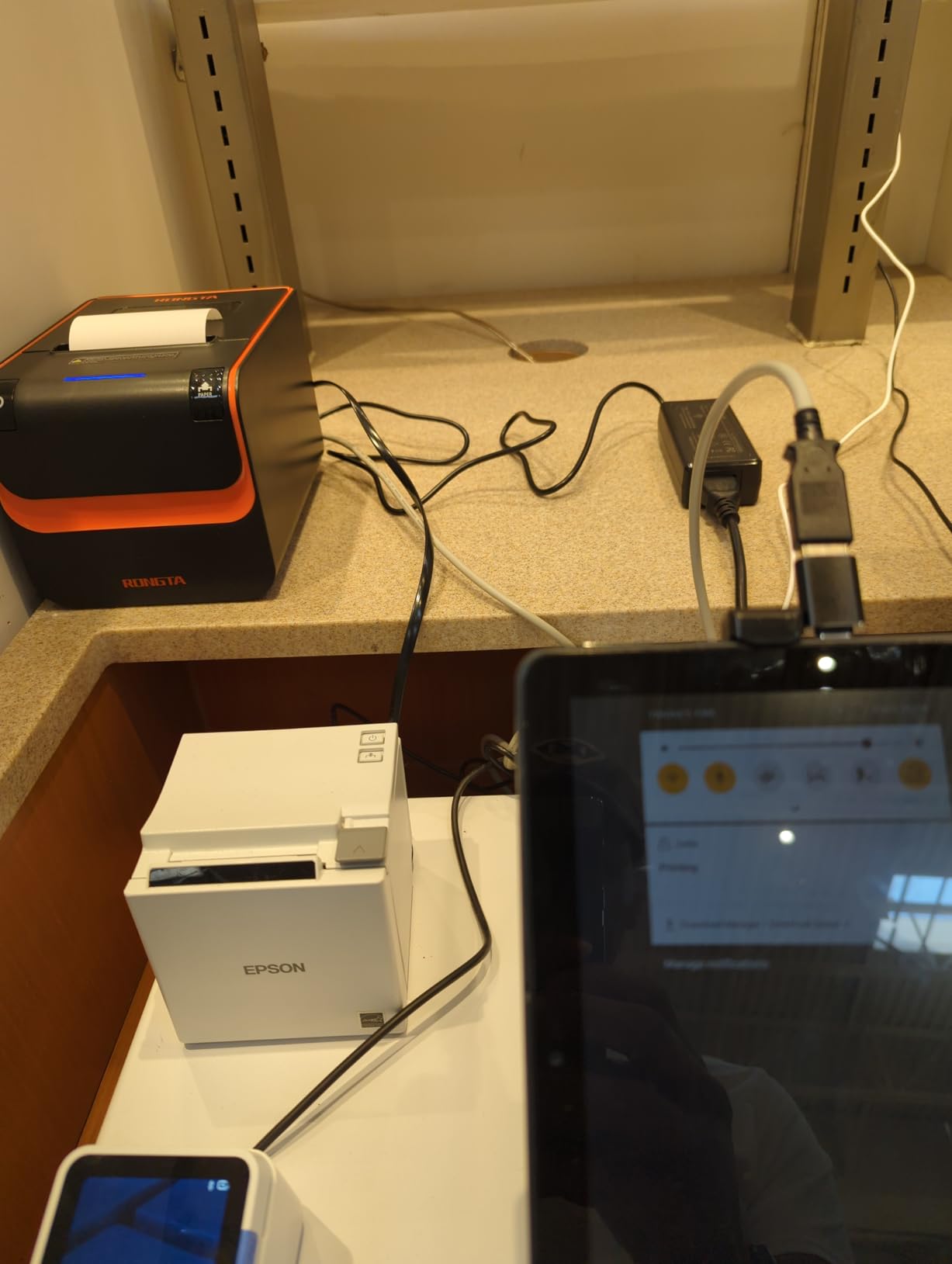
ESC/POS and OPOS command support means most register software can drive it, and the cash drawer trigger works on a cash sale. The sound alert for incoming tickets can be muted in the printer tool, which matters if a beep is going to startle a customer every time an order arrives.
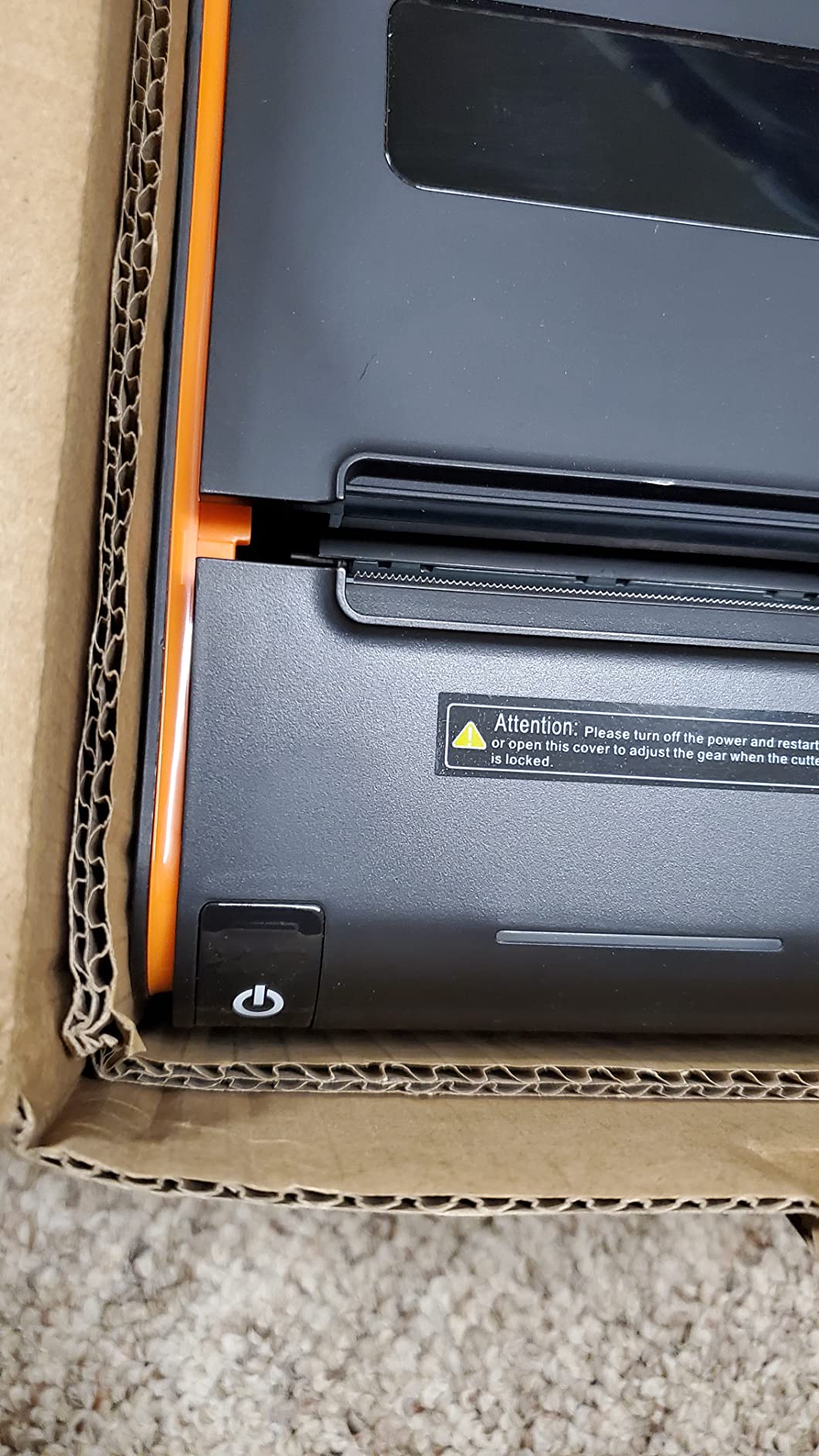
Wall hanging holes on the base recover counter space, and installation over TCP/IP is supported with a USB disk in the box holding the user guide and driver guide. Windows, Mac and Linux are all listed as supported platforms for laptops and desktops.
Who it suits
This fits a hobbyist, a home office, a market trader or a very small counter running Windows, Mac or Linux and using a cash drawer. If you want to spend as little as possible while keeping all three wired interfaces and both paper widths, it delivers.
Who should skip it
Skip it on any modern POS platform: it explicitly will not work with Square, Shopify, Clover, PayPal, DoorDash, Uber Eats or GrubHub, and there is no Bluetooth or WiFi. The static IP address of 192.168.1.87 with DHCP not easily enabled is the single biggest setup complaint, and thin documentation with reportedly missing Mac drivers makes network installs harder than they should be.
9. Epson TM-M30 Compact Network Thermal Printer
Epson C31CE95022 Series TM-M30 Thermal Receipt Printer, Autocutter, USB, Ethernet, Energy Star, Black
203 x 203 dpi thermal
USB and Ethernet interfaces
ePOS print technology
Two-year limited warranty
Pros
- 4.4 star average with 76 percent of ratings at five stars
- Compact and quiet design suited to small counters
- Dual USB and Ethernet connectivity in one body
- Two-year limited warranty
- Works with the Square app on iPad after driver installation
Cons
- No Ethernet cable is included in the box despite the Ethernet feature
- Font size cannot be adjusted in the Square app
- Reported defective Bluetooth connectivity on a unit that is not a Bluetooth model
The TM-M30 is a compact unit, at 7 by 5 by 5 inches, and it does not feel undersized. It holds a 4.4 star average with a 76 percent five-star share, and gas station and small retail owners of the model report quiet operation and reliable daily printing.
The dual interface is the practical draw. USB for a direct register link and Ethernet for a shared network station in the same body means you are not locked into one connection forever, and ePOS print technology handles the power management on newer Windows POS systems.
Because this listing carries few owner photos, we spent the extra time on the driver process instead. Buyers who download the driver report that the Square app on an iPad works with it once installation is done, which makes this one of the few compact options that bridges a tablet workflow.
Who it suits
This suits a small retail counter, a gas station kiosk, a salon or a boutique where counter space is the binding constraint and the register may move from a desktop to a network later. The two-year warranty and compact body make it a safe long-term choice.
Who should skip it
Skip it if you are not prepared to source an Ethernet cable, because none is included despite the network feature, and skip it if you need to change font sizes from inside the Square app, which this model does not allow. It is also a wired unit, so a mobile workflow needs something else.
10. Volcora 80mm Thermal Printer for Bars and Bistros
Volcora Thermal Receipt Printer, 80mm POS Printer w/Auto Cutter, USB/Ethernet Interface for Windows/MAC/Linux, ESC/POS Command Support Cash Drawer, High Speed Kitchen Printer, Wall Mount (White)
260mm/sec
Auto-cutter rated for 1.5 million cuts
USB and Ethernet
Cash drawer RJ11
Pros
- 260mm/sec printing with a cutter rated for 1.5 million cuts
- US-based customer support that resolved driver installation
- USB and Ethernet plus cash drawer RJ11 ports
- Wall-mountable for kitchen and bar installation
- Supports Windows Mac Linux Android Raspberry Pi and iOS over Ethernet
Cons
- Bundled CD driver failed for one buyer and antivirus flagged the driver files
- No thermal paper roll included so it cannot be used immediately
- No Bluetooth or WiFi and no support for major delivery platforms
- iOS and Android app integration requires the Volcora SDK
The Volcora is a bar and bistro machine. One owner replaced commercial thermal printers behind a bar with it, and the 260mm/sec engine paired with a cutter rated for 1.5 million cuts is a combination that is unusual in this price class.
USB and Ethernet ports plus cash drawer RJ11 connectors cover the standard bar setup, and the wall-mount holes let you put it under a counter or on a prep shelf. Direct thermal means no ribbon, no ink and no consumable beyond paper.
The support record deserves attention. US-based support actually resolved a driver installation issue for a buyer, which is more than we can say for several budget units in this guide. The Ethernet path also supports Windows, Mac, Linux, VirtualCom, Android, Raspberry Pi and iOS, though custom app integration on Apple and Android devices requires the Volcora SDK.
Who it suits
This suits bars, small bistros, delis, ticket booths and retail counters that want a fast wired printer with a strong cutter life and a cash drawer trigger. It is a good fit where the owner values responsive support over wireless flexibility.
Who should skip it
Skip it if you need delivery-platform or POS platform support, because Uber Eats, Grubhub, DoorDash, Postmates, Clover and Shopify are all excluded. Also plan for two friction points: the bundled CD driver failed for one buyer and antivirus software flagged the driver files, and no paper roll is included, so you cannot test the unit until you buy your own roll.
How to Choose a Receipt Printer
Choosing a receipt printer comes down to four decisions in a fixed order: which printing technology survives your environment, which connection your POS hardware can actually use, whether the software is certified rather than merely claimed compatible, and what your paper and service costs look like over three years. Get the first three right and the fourth takes care of itself. If you are also setting up a small operation from scratch, our label printer guide covers the shipping side that a receipt printer does not handle.
Thermal or impact: the one decision that cannot be wrong
Direct thermal is the right answer for almost every counter, bar, salon and market stall. A heated print head darkens a chemical coating on the paper, so there is no ink, no ribbon and no moving parts to wear. It is quiet, fast and cheap to run. Thermal transfer is a different animal, using a ribbon to transfer an image onto the paper, and it is worth considering only when receipts must survive long storage or a warranty dispute.
Impact, also called dot matrix, uses pins striking a ribbon against the paper. It is slower, louder and costs more to run, but it is nearly immune to heat, grease, humidity and caustic kitchen cleaning, and it is the only category that prints multi-copy carbonless receipt books for a customer copy, a merchant copy and a kitchen copy at once.
That makes the decision simple. If your printer lives anywhere near a fryer, a grill, a steam table or a construction site, choose impact. The Star Micronics SP742ME in this roundup is the example. If it lives behind a counter, thermal is faster, cheaper and quieter, and the only real drawback is record longevity.
Connectivity: USB, Ethernet, Bluetooth and the WiFi gap
USB is the simplest and most reliable link, and it is the right choice when the printer sits next to the machine running your POS. It fails rarely and it troubleshoots easily. Its limitation is distance: the cable has to reach, which constrains where the counter can be built.
Ethernet turns the printer into a network device that several stations can share. This is the answer for a shop with more than one register, a restaurant with a front counter and a kitchen, and any multi-location setup where each terminal prints to a named device. Two of the picks here, the Rongta RP326 and the MUNBYN P068, also carry a serial port for legacy equipment.
Bluetooth covers mobile work, and the TSP143IIIBi is the certified example for delivery platforms. It also introduces the pairing problems that come with it, and a Bluetooth printer cannot quietly become a shared network station later. WiFi is the gap in this roundup: none of these ten units is WiFi-only. That is a real limitation, because the common forum question about wireless printers that work with a specific payment platform at a sane price is not answered well by this set, and buyers should expect to either use Bluetooth with a certified model or run Ethernet from a router near the counter.
POS software compatibility: how to check before you buy
Compatibility is the number one source of disappointment in this category, and the reason is that two different things get called compatible. A printer can be ESC/POS compatible, meaning it accepts a standard command set, and still be useless to your payment platform. Certification is the stronger claim: it means the platform vendor has tested the model and will support it.
Concretely, here is what to check. Look for the specific platform name on the product page rather than the phrase compatible with most POS systems. Check whether your hardware is a stand, a register, a laptop or a phone, because a printer that supports a stand may not support the mobile app on the same platform. And check the exclusions, because the budget units in this roundup list what they do not support in the same place they list what they do.
The short version for this list: the TSP143IIIBi is certified for Uber Eats, Grubhub and DoorDash. The Epson TM-T20III works with Square Stand and Square Register. The TM-M30 works with the Square app on iPad after driver installation. The Rongta RP326, RP332, the MUNBYN P068, the MUNBYN P098 and the Volcora all explicitly exclude the major delivery and POS platforms, and the MUNBYN P068 also excludes iOS entirely. Confirm your platform on the listing before you buy, not after.
Paper width, speed and running cost
Paper width is a decision you cannot easily reverse. The 80mm or 3 1/8 inch roll is the standard for retail and restaurant receipts and fits most of the picks here. The 58mm or 2 1/4 inch roll is narrower and cheaper per roll, and it suits a narrow takeaway counter. The Rongta RP332 handles both from the same driver, which makes it the rare budget-friendly answer to a business with two counter styles.
Print speed is quoted in millimetres per second or receipts per minute, and neither means much until you convert it. A standard 80mm receipt is roughly 300mm of paper, so a 250mm/sec engine needs about 1.2 seconds of actual printing, and 300mm/sec needs about one second. Every printer in this roundup clears a customer in a couple of seconds, so choose on engine rating only when you are running an unusually high transaction count or printing multi-copy books.
Running cost is paper, and paper is the number most buyers underestimate. There is no ink or ribbon for a thermal unit, but paper consumption scales with transaction volume and with font size, and the Epson TM-T20III’s enhanced print options can reduce paper use by up to 30 percent. If you are printing thousands of receipts a month, that percentage is worth more than any one-time difference between the printers here. For the full picture on running costs for a home or small-office setup, our beginner hardware guides cover the same kind of ongoing-cost thinking.
Setup: drivers, pairing and cash drawer trigger
Driver installation is the most common complaint in reviews of budget units, and the difference between a good and bad experience is usually the download source. Prefer the manufacturer’s own driver page, then the USB disk included in the box, and only then a third-party site. Two of the picks here had bundled driver files flagged by antivirus software, which is exactly the kind of friction you can avoid.
For a Bluetooth unit, pairing is a three-step process: put the printer in pairing mode, find it in your device’s Bluetooth list, and print a test page from the POS app. No driver is involved, which is why mobile setups are usually faster than wired ones. Budget five minutes for the first roll of paper, and print a test receipt before you take a real order.
Finally, cash drawer support. A printer with a cash drawer port sends a pulse to the drawer when a cash sale is rung up, so the drawer opens with the same hardware you already print from. The Rongta RP326, RP332, MUNBYN P068, MUNBYN P098 and Volcora all include drawer triggering. If your register already opens the drawer, this feature matters less, but it saves a button press and a wiring job on a fresh install.
Frequently Asked Questions
What is the best receipt printer for a small business?
For most small businesses the Epson TM-T20III is the strongest all-round choice, because it works with Square Stand and Square Register, prints at 250 mm/sec, and carries a two-year warranty with a cutter rated for 1.5 million cuts. If you work from a phone or tablet rather than a fixed register, the Star Micronics TSP143IIIBi is the better buy because it connects over Bluetooth and is certified for Uber Eats, Grubhub and DoorDash.
What is the best receipt printer for Square?
It depends on which Square hardware you use. With a Square Stand or Square Register, the Epson TM-T20III is the documented match, printing over USB at 250 mm/sec. With the Square app on an iPad, the Epson TM-M30 works after driver installation. Square users rarely choose a Bluetooth model, so check your hardware before you pick a wireless printer.
What are the downsides of using a thermal printer?
Five drawbacks come up most often. Thermal receipts fade over time, which matters for returns, warranties and accounting. Heat, grease and humidity in a kitchen will damage a thermal print head. There is no multi-copy option, so carbonless receipt books will not work. Print quality can dull if the head is not cleaned on schedule. And a fading receipt may be rejected years later when a customer tries to return a product.
Which Epson receipt printer is the best?
Among the models here, the TM-T20III is the best all-round Epson, with Square Stand and Register support, a 250 mm/sec engine, a printhead rated for 150 km and a two-year warranty. The TM-M30 is the better choice when counter space is tight and you need Ethernet, and the renewed TM-T88V is the value option for a second register or a backup printer.
Which thermal receipt printer is the best?
The best thermal receipt printer in this roundup depends on the job. The Star Micronics TSP143IIIBi is the best wireless option, with delivery-platform certification. The MUNBYN P068 is the fastest-rated at 48 receipts per minute and the most kitchen-ready. The MUNBYN P098 carries a 4.4 star average for a simple wired Windows counter, and the Epson TM-T20III is the best pick for Square.
Is Munbyn or Phomemo better?
They are not the same class of product. MUNBYN builds POS-grade 80mm thermal receipt printers with auto-cutters, cash drawer ports and ESC/POS support, which is what a counter needs. Phomemo makes compact personal and portable printers aimed at note taking and journalling rather than transaction duty cycles. For a business till, the MUNBYN P068 or P098 are the relevant comparison.
What is the best printer for printing invoices?
Invoices are a different category from receipts. An 80mm receipt printer handles narrow transactional documents, not multi-line A4 or letter pages with logos and line items. For invoice printing you want a standard A4 laser or inkjet printer, or a dedicated invoice printer. Our u003ca href=u0022https://digitalartserved.com/best-label-printers-for-small-business/u0022u003elabel printer guideu003c/au003e covers the shipping and product-label side of the job.
Which Receipt Printer Should You Buy?
Buy the Star Micronics TSP143IIIBi if you print from a phone or tablet, run a food truck, or take DoorDash, Uber Eats and GrubHub orders, because it is the only unit here with that certification. Buy the Epson TM-T20III if you run Square Stand or Square Register and want a two-year warranty plus a cutter rated for 1.5 million cuts, which makes it the safest all-round choice for a small business.
Buy the MUNBYN P068 for a kitchen with a splash-proof cover and a 48 receipts-per-minute engine, the Star Micronics SP742ME if that kitchen is hot enough to attack a thermal head or you need multi-copy receipt books, and the MUNBYN P098 for a plain Windows counter where you want one of the highest star ratings in the group. The Rongta RP326, Rongta RP332 and Volcora make sense only when your software is one of the platforms listed above and you are buying deliberately on ports and paper width.
Whichever you choose, confirm your POS platform on the product page before you order, and buy thermal paper at the same time. If you are still comparing wider printing setups, our sublimation printer guide covers a related print category for the same kind of buyer.