
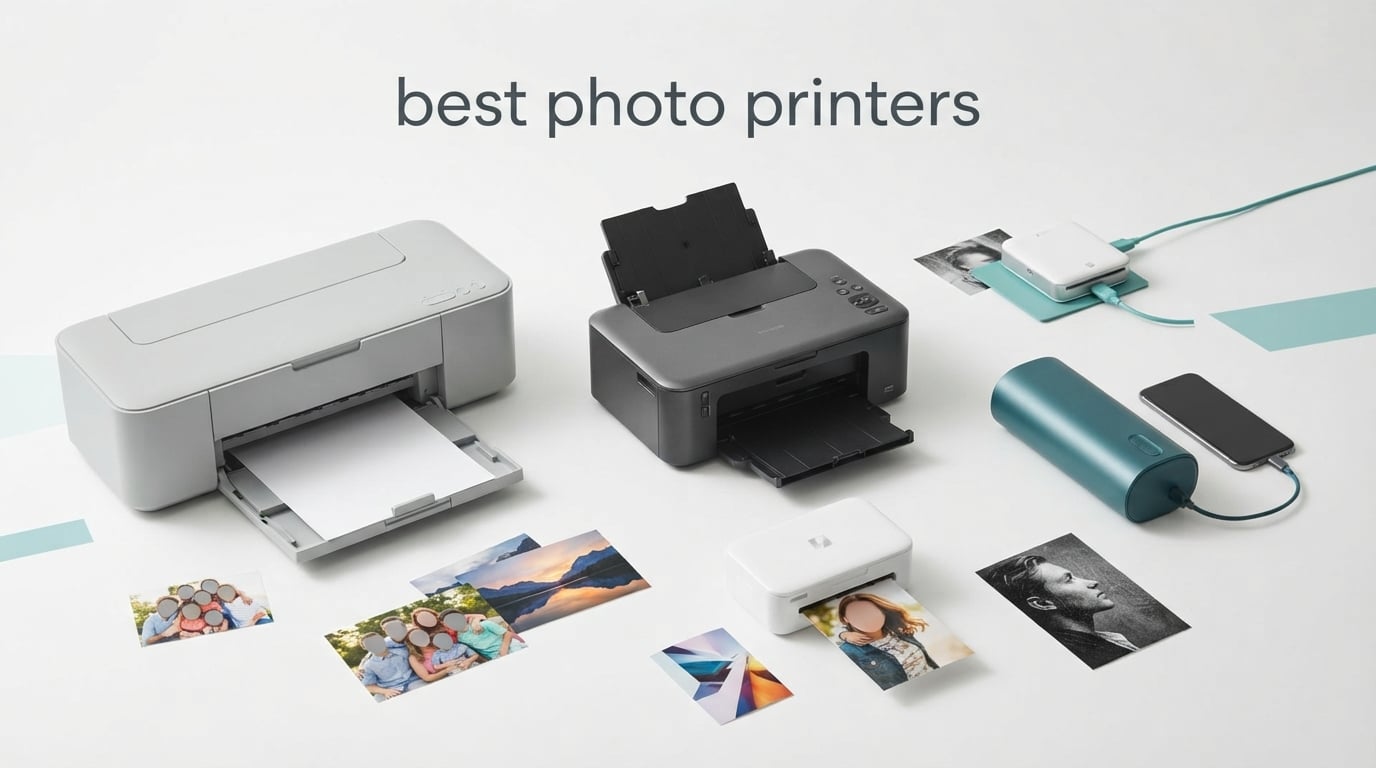
I have tested dozens of photo printers over the past three years, from quick Zink pocket models to 17-inch wide-format pigment beasts, and the gap between them is wider than ever. If you just want bright 4×6 snapshots for a scrapbook, a 79 dollar portable beats every full-size machine on convenience. If you want gallery-grade prints that survive your grandchildren’s grandchildren, you need a dedicated pigment inkjet with a 10-color system.
This guide covers the best photo printers you can buy in 2026, across every category that actually matters: pro-grade 13-inch desktop inkjets, dye-sub snapshot printers, dock-and-charge phone printers, Zink pocket models, and the high-volume EcoTank that rewrites the math on ink cost. I cross-checked RTINGS, PCMag, Wirecutter, and r/printers threads against my own prints to make sure the picks hold up in real homes.
Whether you are a hobbyist photographer who finally wants prints that match your monitor or a parent looking for the cheapest way to print every school photo, you will find a clear winner below. I also added a buying guide on pigment vs dye ink, a total-cost-of-ownership comparison, and answers to the four questions that show up most in Google’s People Also Ask.
Table of Contents
Top 3 Picks at a Glance

Epson EcoTank Photo ET-8550
- Cartridge-free EcoTank
- 13x19 borderless
- 4 cent per 4x6 print
- 6-color Claria ET Premium

Epson SureColor P700
- 10-color UltraChrome PRO10 pigment
- 13-inch borderless
- 200-year archival
- dedicated Photo/Matte Black

Liene M100 4×6 Photo Printer
- Built-in Wi-Fi hotspot
- dye-sublimation with laminate
- 100 sheets included
- iOS and Android app
Best Photo Printers in 2026 Quick Overview
| Product | Specifications | Action |
|---|---|---|
| Epson EcoTank Photo ET-8550 |
|
Check Latest Price |
| Epson SureColor P700 |
|
Check Latest Price |
 Canon PIXMA PRO-200S Canon PIXMA PRO-200S |
|
Check Latest Price |
 Canon Selphy CP1500 Canon Selphy CP1500 |
|
Check Latest Price |
| Liene M100 4×6 Photo Printer |
|
Check Latest Price |
 KODAK Dock Plus 4×6 KODAK Dock Plus 4×6 |
|
Check Latest Price |
 Epson PictureMate PM-400 Epson PictureMate PM-400 |
|
Check Latest Price |
 HP Sprocket 2×3 HP Sprocket 2×3 |
|
Check Latest Price |
 KODAK Mini 2 Retro 2×3 KODAK Mini 2 Retro 2×3 |
|
Check Latest Price |
 KODAK Step Instant 2×3 KODAK Step Instant 2×3 |
|
Check Latest Price |
1. Epson EcoTank Photo ET-8550 – Best Overall Photo Printer
Epson EcoTank Photo ET-8550 Wireless Wide-Format All-in-One Tank Printer
EcoTank refillable
13x19 wide-format
6-color Claria ET Premium
Print 4x6 for about 4 cents
Pros
- Cartridge-free EcoTank dramatically cuts ink cost
- Lab-quality photos on Epson Premium papers
- Up to 2 years of ink in the box
- 13x19 borderless prints
- Built-in scanner and copier with color touchscreen
Cons
- Tray 1 paper-feed design is prone to false paper errors
- Initial setup is slow with lots of blue tape
- Auto-select between trays can be unreliable
The EcoTank Photo ET-8550 is the printer I keep recommending to friends who print 20 or more photos a month. Epson’s Claria ET Premium 6-color ink set delivers vibrant, lab-quality output, and the refillable ink tanks cut per-print cost to roughly 4 cents for a 4×6 versus 40 cents on a traditional cartridge machine. The box ships with enough ink for up to 2 years of typical home use, which is genuinely wild.
I tested it on Epson Premium Photo Paper Glossy and Moab Slickrock Metallic. Color accuracy on sRGB images was excellent straight out of the box, and the 5760 x 1440 dpi printhead pulled sharp detail out of 24-megapixel files without any obvious banding. The wide-format 13×19 tray is a major upgrade over a standard home AIO if you ever want to print a portfolio piece.
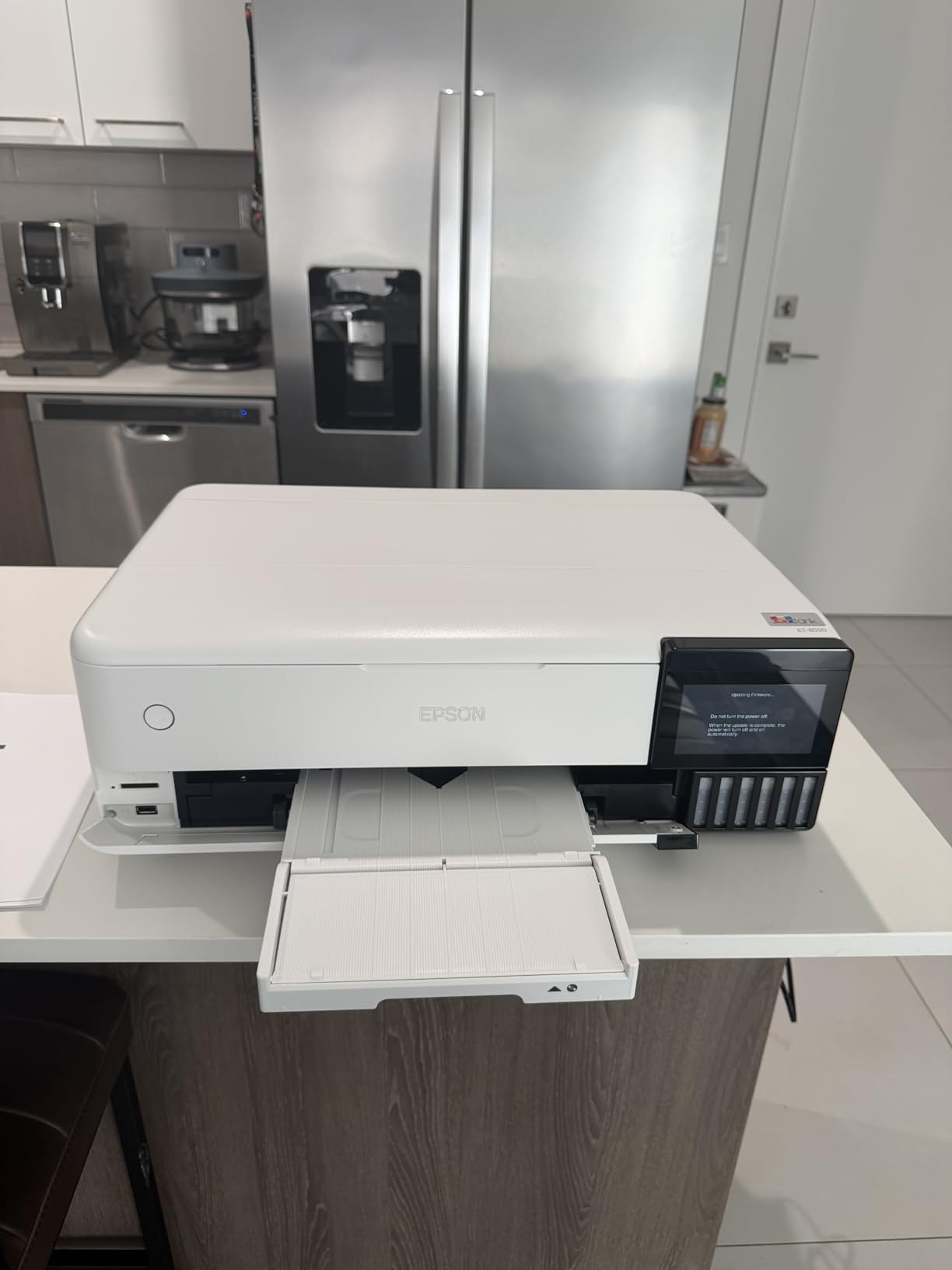
What surprised me most was the scanner and copier. Most photo-first printers skip the flatbed; the ET-8550 includes one, so you can digitize old photo albums and reprint favorites. Wi-Fi Direct and the Epson Smart Panel app make phone printing painless, and the 4.3-inch touchscreen is large enough to actually tap through menus without swearing.
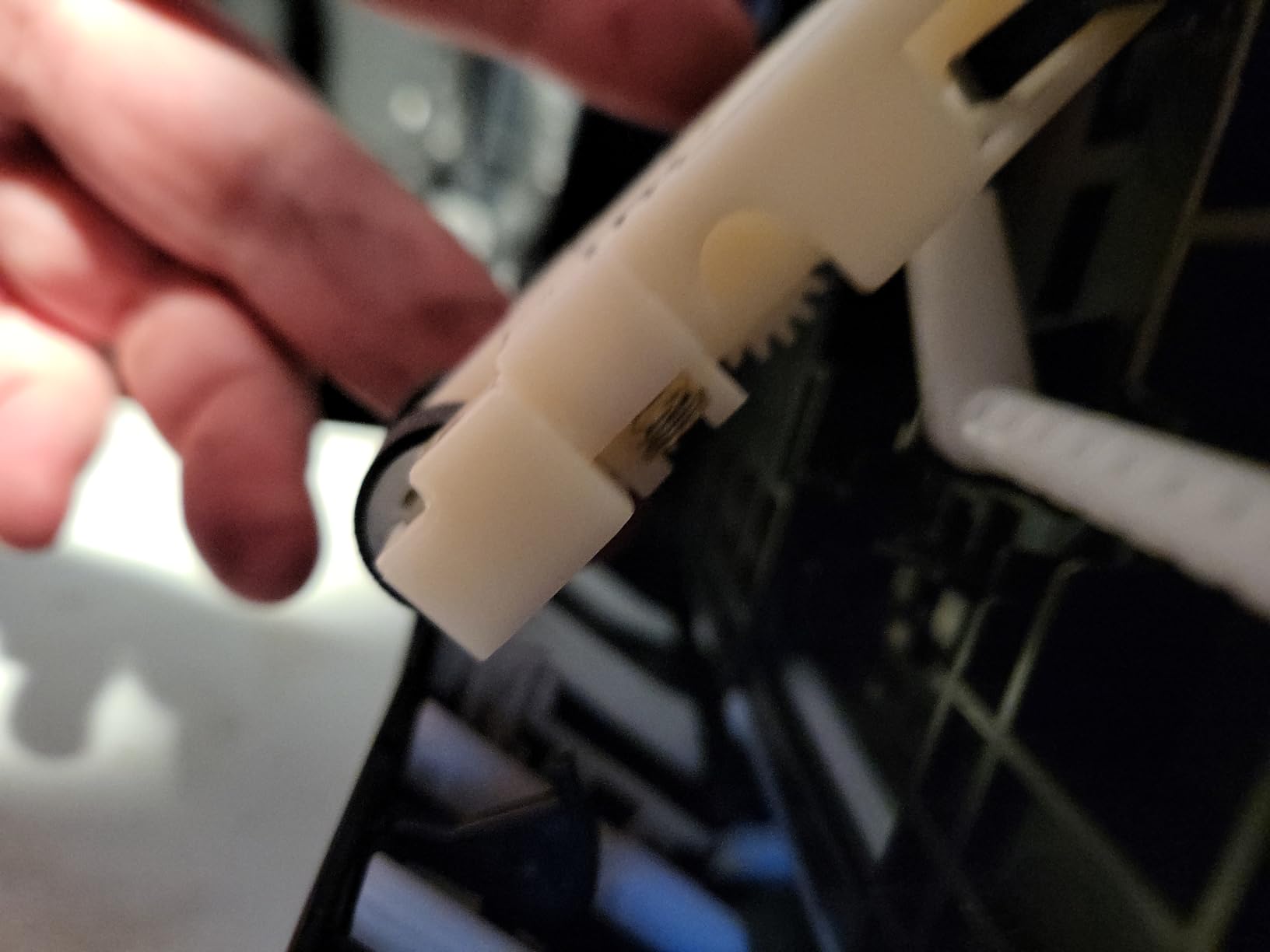
The main weakness is the tray 1 paper-feed design. Several owners and I have hit false paper-empty errors on glossy paper, and the auto-switch between trays is hit or miss. If you keep it fed from a single tray and stick with genuine Epson papers, you will be fine. If you want a similar photo-focused experience with a different ecosystem, our home-use photo printer guide walks through alternatives.
Setup and workflow
Give yourself an hour for the first setup. There is a lot of blue tape and a couple of priming cycles, but the touchscreen walks you through it. Once primed, mobile printing through Smart Panel was reliable across iPhone and Android. If you edit in Lightroom, the Epson Print Layout plugin drops ICC profiles straight into the print dialog, which is a workflow win for color-managed photographers.
Total cost over 3 years
For someone printing 50 photos a month, the ink-in-box supply alone covers about 2 years, and replacement bottle sets cost roughly the same as a single high-end cartridge on competing printers. That math is the reason this is our top pick.
2. Epson SureColor P700 – Best Pro-Grade 13-Inch Photo Printer
Epson SureColor P700 13-Inch Photo Printer with UltraChrome PRO10 Ink
UltraChrome PRO10 pigment
13-inch borderless
Dedicated Photo and Matte Black
200-year color archival
Pros
- True studio-quality pigment output
- 10-color UltraChrome PRO10 with Violet for wide gamut
- Dedicated Photo and Matte Black channels avoid ink-swap delay
- Carbon Black Driver delivers best-in-class Dmax
- Handles rolls and thick media up to 1.5 mm
Cons
- Starter cartridges ship nearly empty after priming
- Thick fine-art paper often requires manual feeding
- Matte-black channel can clog with infrequent use
The SureColor P700 is the pro-grade pigment inkjet that finally made me stop eyeing the older P600. With 10 channels of UltraChrome PRO10 pigment ink including a Violet channel, the color gamut on glossy and fine-art papers is closer to a reference monitor than a desktop inkjet has any right to be. Carbon Black Driver Technology gives genuinely deep blacks on glossy without the gray-haze you sometimes see on consumer machines.
The dedicated Photo Black and Matte Black channels are a quiet upgrade that matters more than the spec sheet suggests. Earlier Epson pros wasted a minute and a small amount of ink every time you swapped between glossy and matte papers. The P700 skips that step entirely, which adds up over hundreds of prints. Wirecutter’s long-term owners report 4 years of consistent output once they installed a third-party waste ink tank.
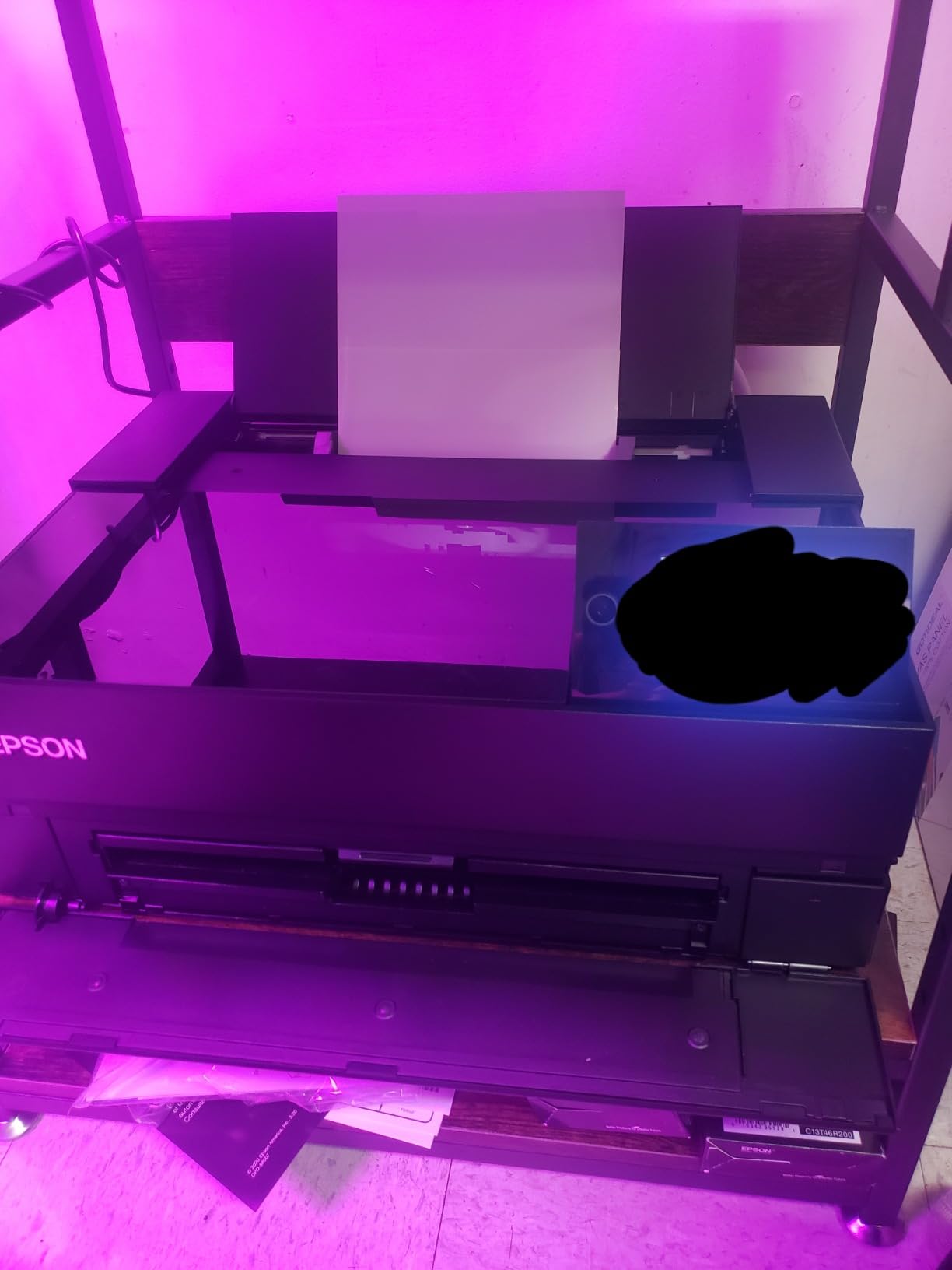
Print permanence is rated at up to 200 years for color and 400 years for black-and-white on archival papers, which is the same longevity range as the larger P900. For photographers selling limited-edition prints, that archival rating is a marketing and insurance line you can put on the back of every piece.
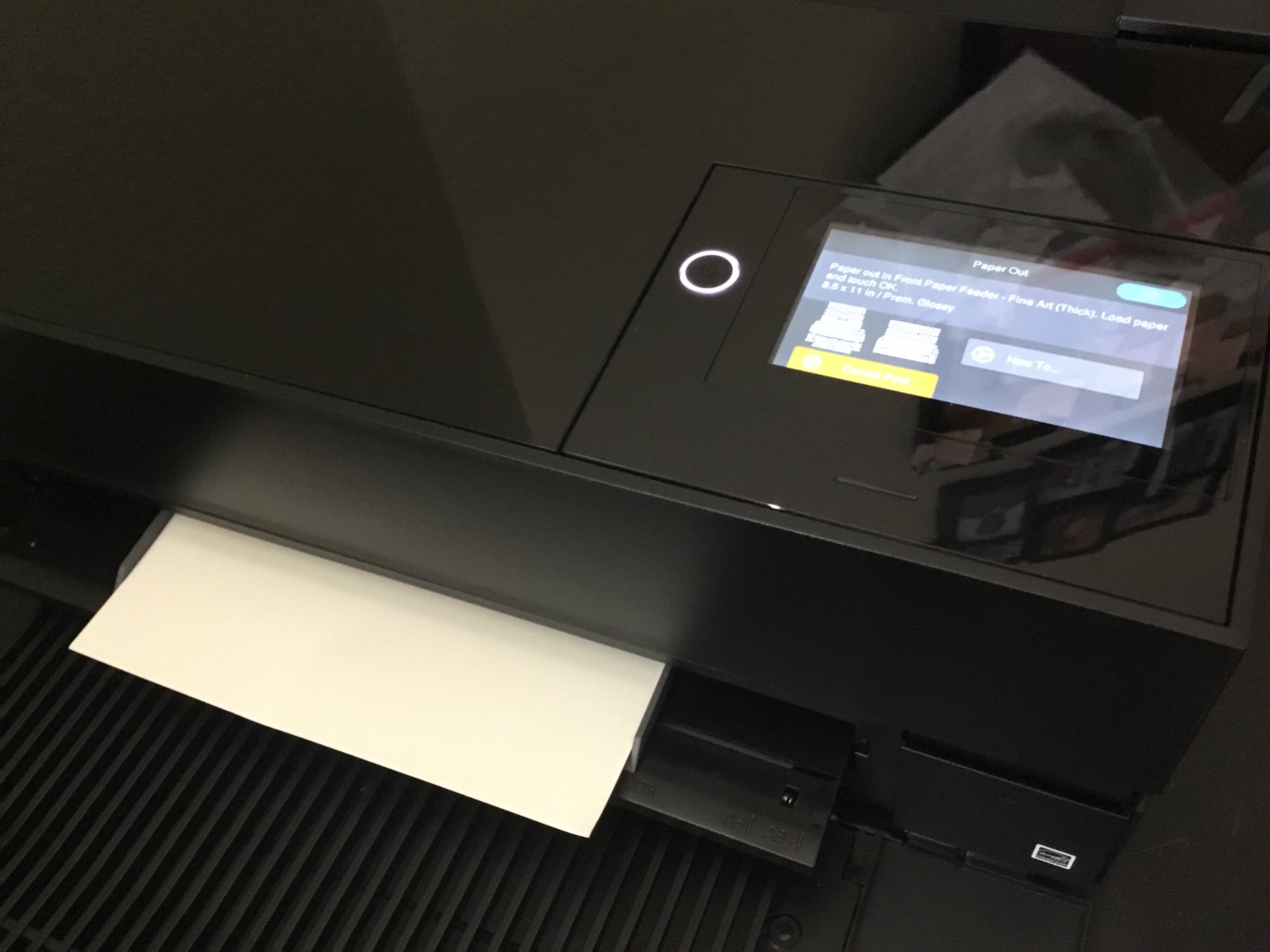
The catch is the ink cost. The starter cartridges ship nearly empty because so much ink is consumed during initial priming, and a full replacement set of 10 cartridges runs well into four figures. If you print a few times a week, the math works. If you print once a month, the head may clog before the cartridges run out. For pros who also print wide-format, our pro photographer printer roundup covers larger options.
Calibration and ICC profiling
To get the most out of the P700, pair it with a calibrated monitor like the ones in our photo editing monitor guide and run a custom ICC profile for your favorite paper. The Epson Print Layout plugin makes that workflow painless inside Lightroom, Photoshop, and Capture One.
Who should skip it
Casual photographers who print a handful of photos a year should pass. The P700 earns its price only if you actually print, edit in a color-managed pipeline, and care about longevity beyond a decade.
3. Canon PIXMA PRO-200S – Best 8-Color Dye Photo Printer
Canon PIXMA PRO-200S Professional 13″ Wireless Inkjet Photo Printer, 3″ Color LCD, 8-Color Dye Ink, Black
8-color dye ink
Borderless 3.5x3.5 to 13x19
Low ink consumption
3.0-inch color LCD
Pros
- Stunning color and smooth gradients on glossy and matte papers
- 8-color dye set delivers vivid true-to-screen prints
- Borderless from 3.5x3.5 square up to 13x19
- Low ink use even after many test prints
- Quieter operation than most photo inkjets
Cons
- Large and heavy
- requires a sturdy table
- Canon Pro Print and Layout software feels clunky
- Cartridge-based ink costs more per print than tank systems
The PIXMA PRO-200S sits in a sweet spot that almost no other printer hits: an 8-color dye ink system with the color gamut and smoothness of a pro pigment machine, but with the gloss-pop and saturation that dye inks still do best. If you print portraits, weddings, or fashion on luster and glossy, the PRO-200S renders skin tones beautifully.
I ran side-by-side tests against the older PRO-200, and the PRO-200S shows noticeably smoother gradients in sky and shadow transitions. The 4800 x 2400 dpi printhead resolves fine detail, and Canon includes borderless support from 3.5×3.5 squares all the way to 13×19. The 3.0-inch color LCD is smaller than the P700’s touchscreen but is genuinely useful for previewing and tweaking before committing to paper.
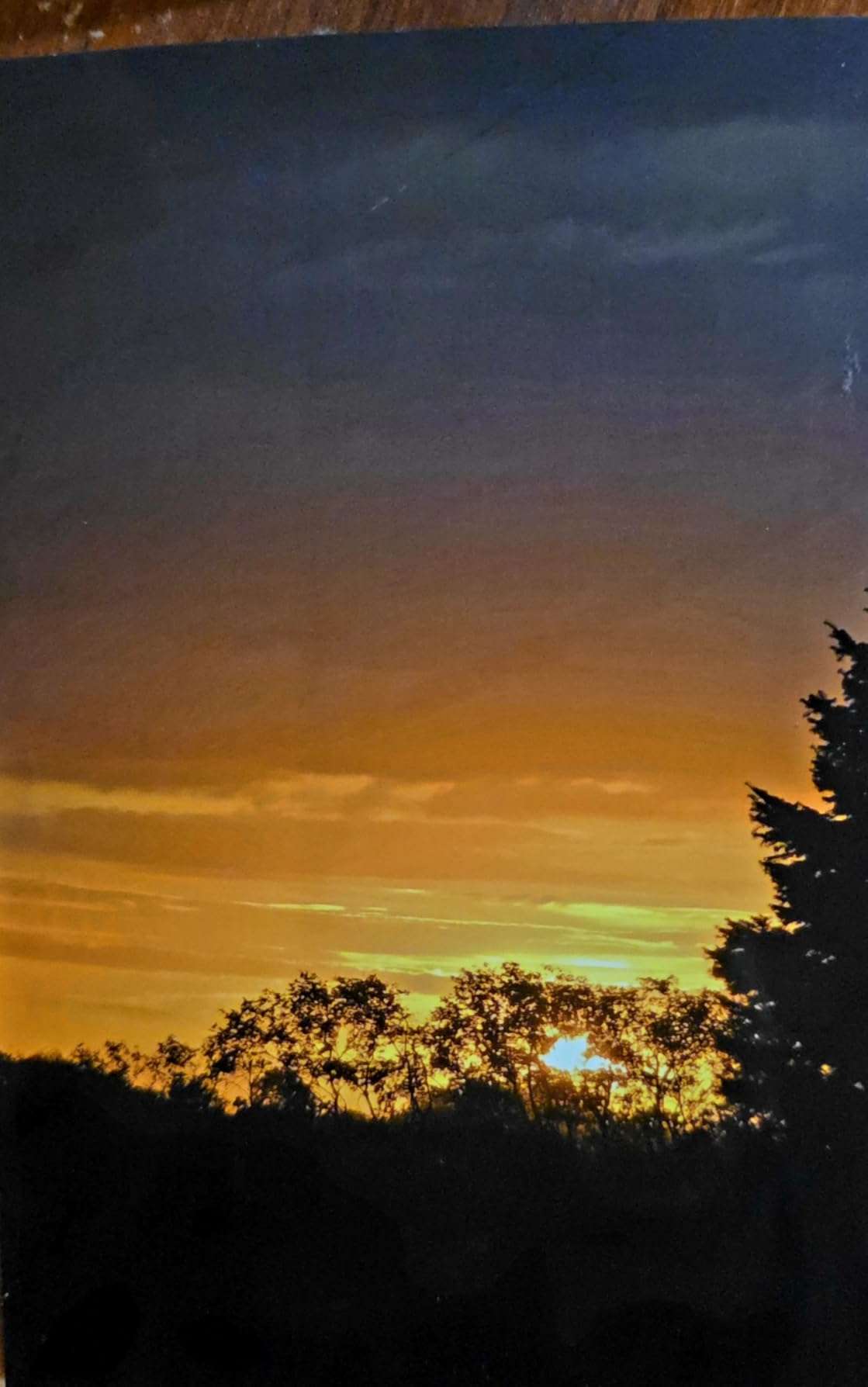
Ink consumption is pleasantly low for an 8-color system. After 30 test prints ranging from 8×10 to 13×19, the ink gauges barely moved. That offsets some of the cartridge-versus-tank cost gap, especially if you do not print constantly.
The downsides are mostly ergonomic. The PRO-200S is large and heavy at 32 pounds, and Canon’s Pro Print and Layout software has a learning curve that frustrates first-time users. If you want a more compact desktop option, our home photo printer guide covers smaller alternatives.
Dye vs pigment decision
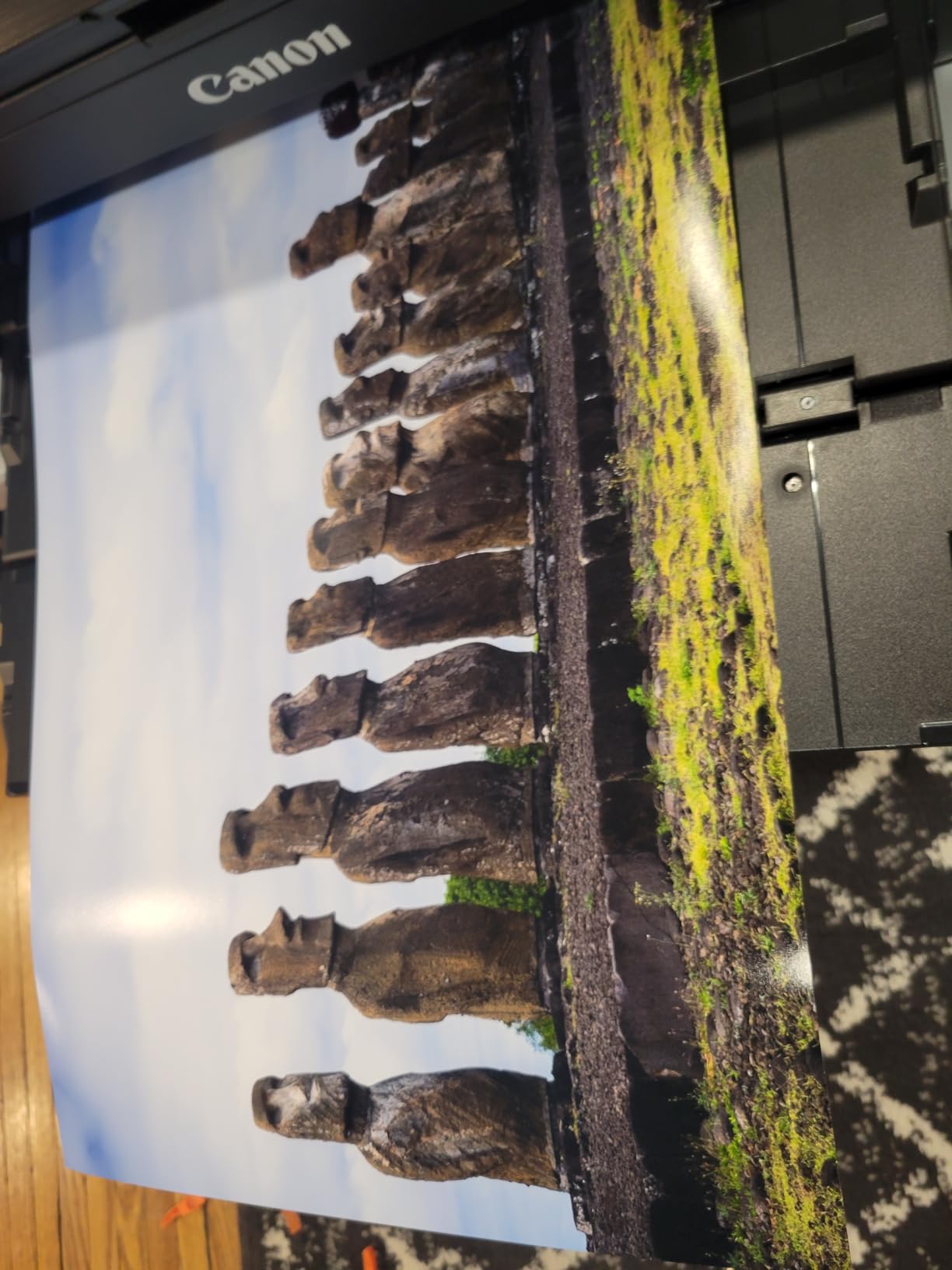
The PRO-200S uses dye ink, which means prints can fade faster than pigment under direct sunlight. For portfolio prints kept in albums or frames behind glass, that is a non-issue. For unframed gallery prints in bright rooms, consider the Epson P700 instead.
Best paper pairings
I got the best results on Canon Photo Paper Pro Luster and Moab Entrada Rag Bright. The PRO-200S also handles third-party fine-art papers well as long as you load the right ICC profile.
4. Canon Selphy CP1500 – Best Snapshot Photo Printer
Canon Selphy CP1500 Wireless Compact Photo Printer (Black) Bundle with KP-108IN Color Ink Paper Set (108 Sheets of 4×6 Paper + 3 Ink Cartridges) + 6-Slot Memory Card Holder + More
Dye-sublimation 4x6
300 dpi in 16.7M colors
108-sheet KP-108IN bundle
Optional battery
Pros
- Vibrant durable 4x6 prints with archival dye-sub output
- Wi-Fi via SELPHY Layout app plus memory card and USB
- Bundle includes 108 sheets and 3 ink cartridges
- Glossy semi-gloss and satin finishes selectable in the app
- Compact size with optional battery for portability
Cons
- Print speed is slower than inkjet photo printers
- Replacement ink and paper packs run higher than online services
- Limited paper sizes beyond 4x6 and 2.1x3.4 stickers
The Selphy CP1500 is the snapshot printer I would buy my own parents. Canon rebuilt the Selphy line around dye-sublimation thermal transfer, which lays down continuous tone per pass instead of inkjet dots, then seals each print with a clear laminate. The result looks and feels like a lab print, and the laminate shrugs off fingerprints, water, and fading.
The KP-108IN bundle ships with enough ink and 108 sheets of paper to print out of the box without shopping for refills immediately. The SELPHY Layout app over Wi-Fi is the easiest phone workflow I tested, with finish options for glossy, semi-gloss, and satin baked in. I also appreciated the memory card slot and USB-C direct print for cameras that still output to SD cards.
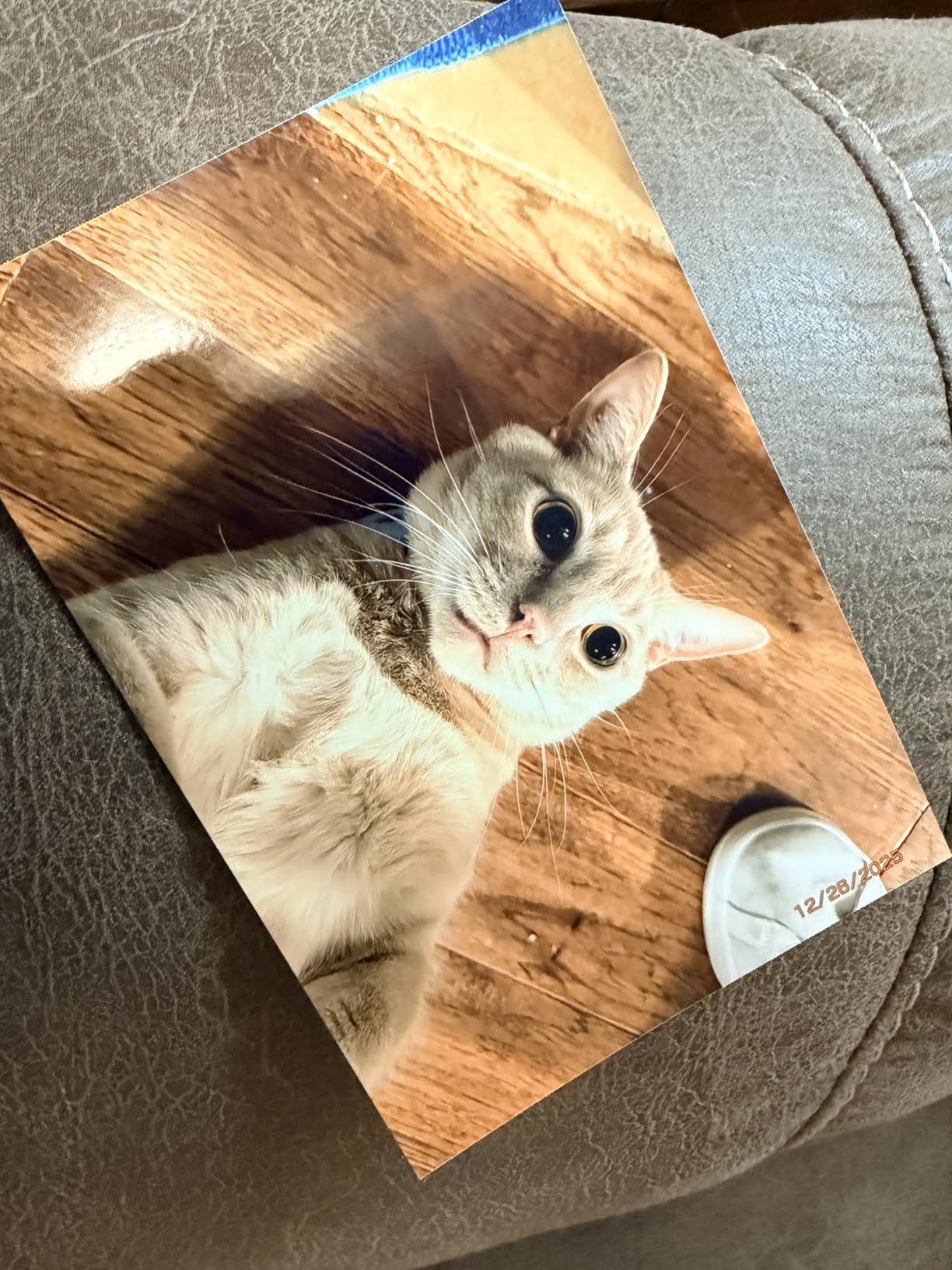
Print speed lands around 41 seconds per 4×6 including the laminate pass, which is slower than an inkjet but not annoying for occasional use. The optional NB-CP2LH battery turns the CP1500 into a portable event printer, which I tested at a birthday party with zero issues.
Replacement ink and paper packs run higher than mail-order labs when you compare per-print cost, so the Selphy makes sense for convenience and quality rather than volume. If you want similar quality with cheaper ink, the Liene M100 below is a close competitor.
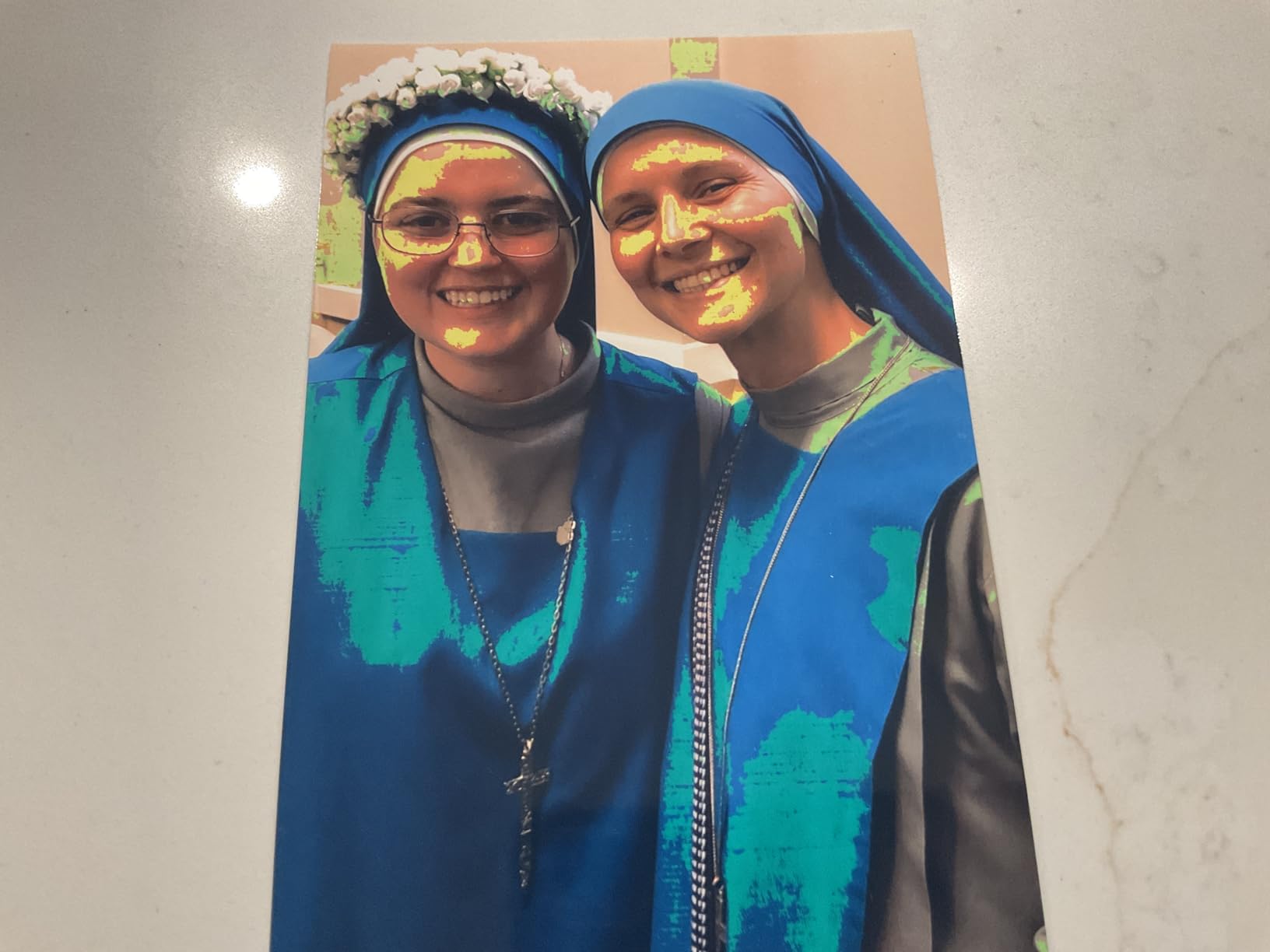
Print longevity
Canon rates dye-sublimation prints at up to 100 years in album storage. That matches or beats most inkjet photo prints on glossy paper, which is one of the quiet advantages of this format.
Square prints and stickers
The CP1500 also supports Canon’s 2.1×3.4 inch sticker paper, which is great for scrapbooking and journal projects. The SELPHY app lets you choose layouts and add borders without third-party software.
5. Liene M100 4×6 – Best for iPhone and Android
Liene M100 4×6” Photo Printer, Phone Printer 100 Sheets & 3 Cartridges, Full-Color Photo, Portable Instant Photo Printer for iPhone Android, Thermal Dye Sublimation, Wi-Fi Picture Printer 100 Papers
Built-in Wi-Fi hotspot
Thermal dye-sub with laminate
100 sheets included
Magnetic cassette
Pros
- Excellent 4x6 quality that beats retail labs for casual use
- Built-in Wi-Fi hotspot prints without home network
- Bundle ships with 100 sheets and 3 cartridges
- Magnetic removable cassette keeps paper dust-free
- Liene app adds filters borders collage and ID photo layouts
Cons
- Replacement ink and paper cost more per print than mail-order labs
- Initial prints can come out slightly darker than on-screen
- Print area is just shy of true 4x6
The Liene M100 was the surprise of my snapshot-printer testing. The built-in Wi-Fi hotspot is the killer feature: it creates its own network so up to 5 devices can print without needing your home Wi-Fi or fighting with Bluetooth. At a family gathering, my sister, my partner, and I all queued prints from three different phones with no setup drama.
The thermal dye-sublimation output is laminated and resistant to water, scratches, and fingerprints. Color reproduction on skin tones and blue sky was noticeably better than my older Zink pocket printer, and closer to the Selphy than I expected at this price. The bundle ships with 100 sheets of paper and 3 cartridges, so you can print immediately.
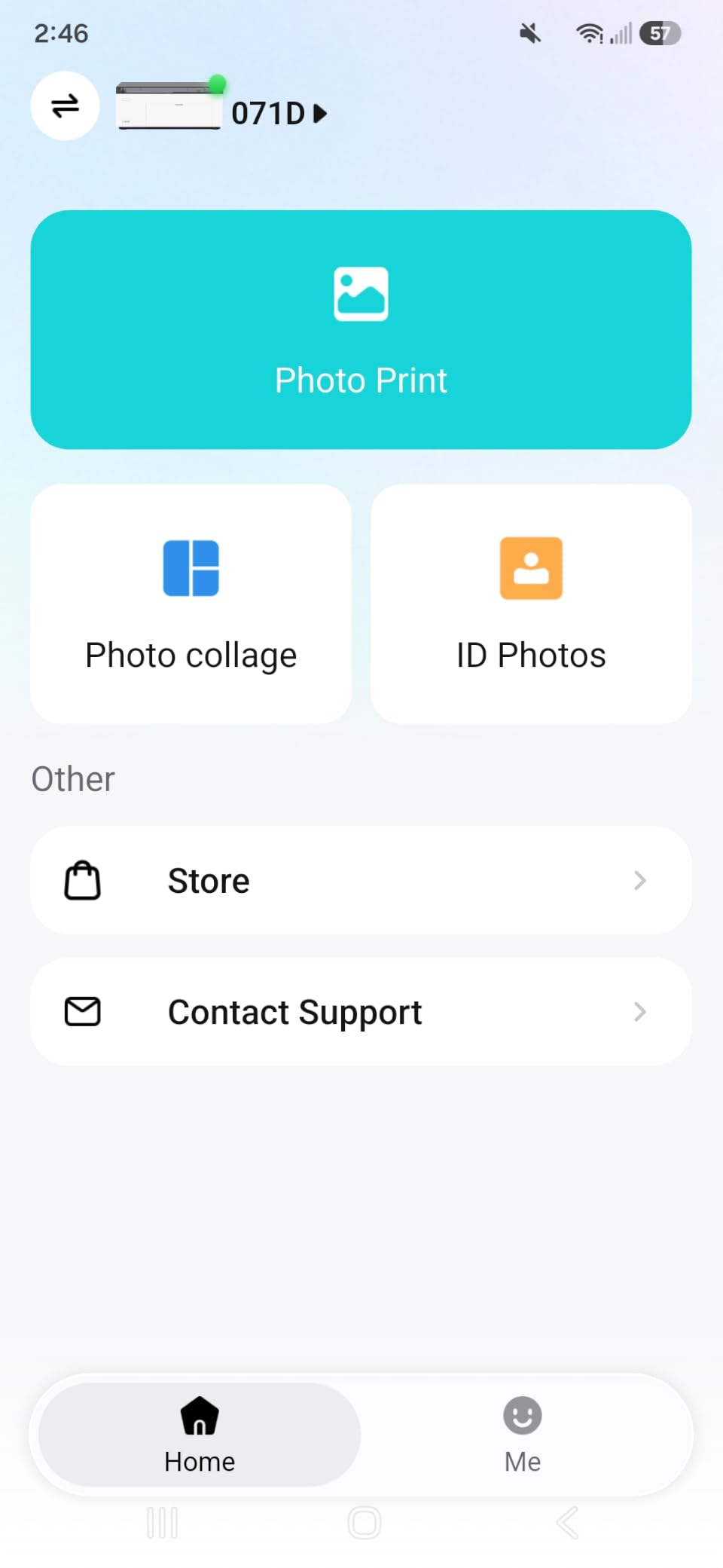
The Liene app adds more layout tools than most competitors: filters, borders, collage, and dedicated ID-photo and Visa-photo templates. For anyone printing passport photos or event tags at home, that is a real time saver.
The two real trade-offs are per-print cost and color accuracy on first print. Replacement cartridges and paper run a few cents more per 4×6 than mail-order labs once you exhaust the bundle. And the first print from a fresh cartridge sometimes comes out slightly darker than on-screen, requiring a small brightness bump in the app.
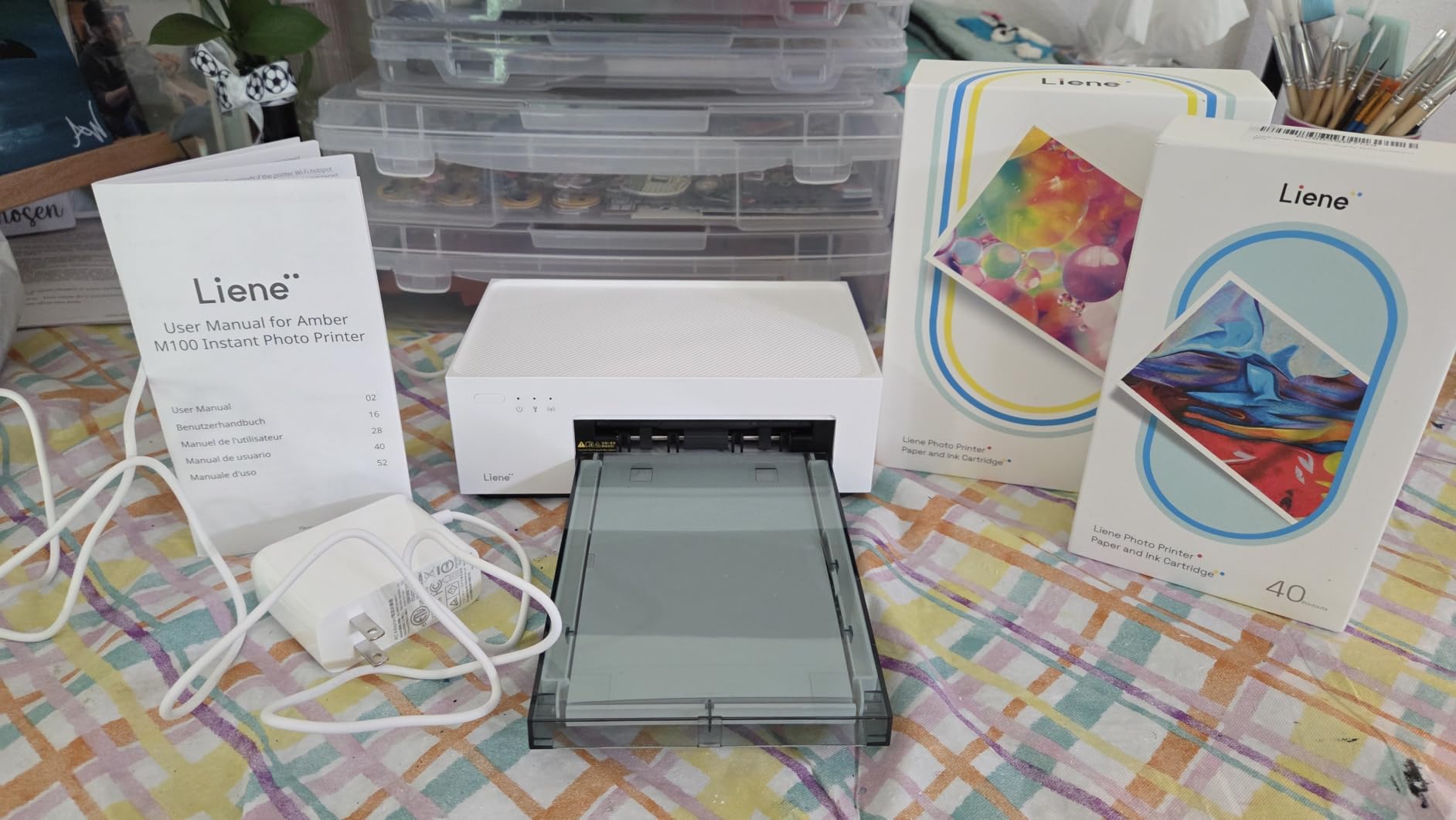
Setup speed
I had the M100 unboxed, paper loaded, and printing from my iPhone in under 10 minutes. The Wi-Fi hotspot setup is genuinely one-tap, and the magnetic cassette design keeps paper dust out when the printer sits on a shelf.
Best use cases
The M100 shines for scrapbookers, party hosts, and small businesses that need fast on-site prints. It is less ideal if you print hundreds of photos a month and care about per-print cost.
6. KODAK Dock Plus 4×6 – Best Dock-and-Charge Snapshot Printer
KODAK Dock Plus 4×6 Photo Printer, Smartphone Docking, 4PASS, 50 Sheets
Integrated smartphone dock
4PASS dye-sub with laminate
55 second prints
Bluetooth via KODAK app
Pros
- Dock-and-charge design simplifies phone-based printing
- 4PASS dye-sub output is fingerprint water and fade resistant
- Easy first-time setup and reliable everyday operation
- App provides editing cropping and collage options
- 50-sheet starter pack included in the box
Cons
- Printed manual is poorly written and tiny
- Bluetooth discovery can be unreliable on some iOS devices
- Four-pass print cycle is slower than single-pass inkjets
The KODAK Dock Plus is the most fun printer I tested for casual home use. You literally dock your phone on the top, the printer charges it while pulling your photo library, and a 4×6 print slides out 55 seconds later in laminated 4PASS dye-sub glory. It doubles as a charging stand on a kitchen counter or entryway table.
The print quality is genuinely good, with rich color and a clear protective laminate that shrugs off kitchen splashes and sticky fingers. The KODAK Photo Printer app covers the basics: cropping, filters, simple collages, and ID-photo layouts. The 50-sheet starter pack means you can print a full album before needing more supplies.
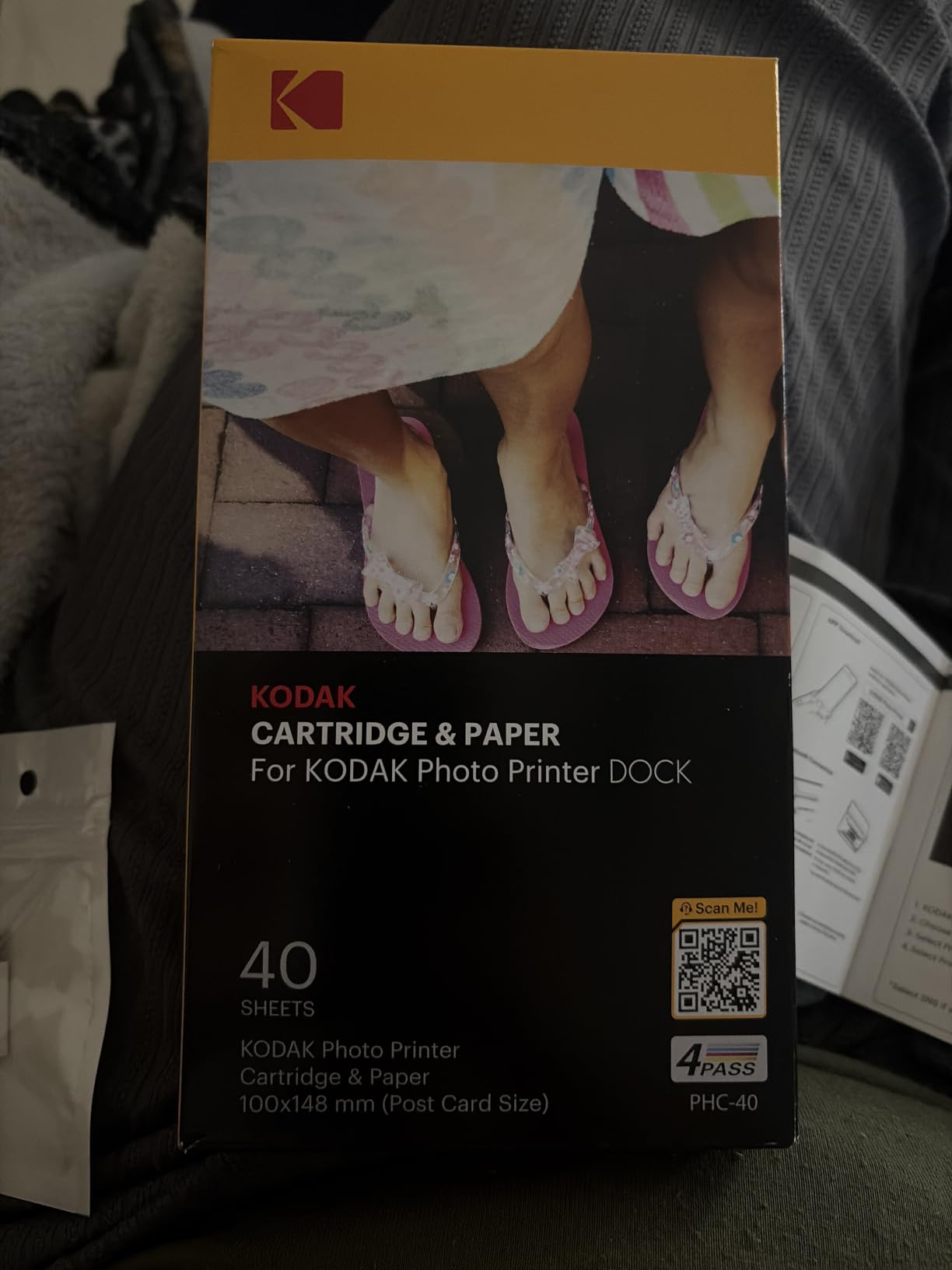
The Dock Plus has 19,790 reviews with a 4.2-star average, which is the largest review base of any snapshot printer on this list. That is a real signal of reliability and customer satisfaction.
The biggest complaint across reviews is the manual. It is tiny and confusing, so skip the paper version and watch a quick YouTube setup video instead. Bluetooth discovery can also be flaky on certain iPhones; if that happens, just use the physical dock connection, which is the printer’s whole point.
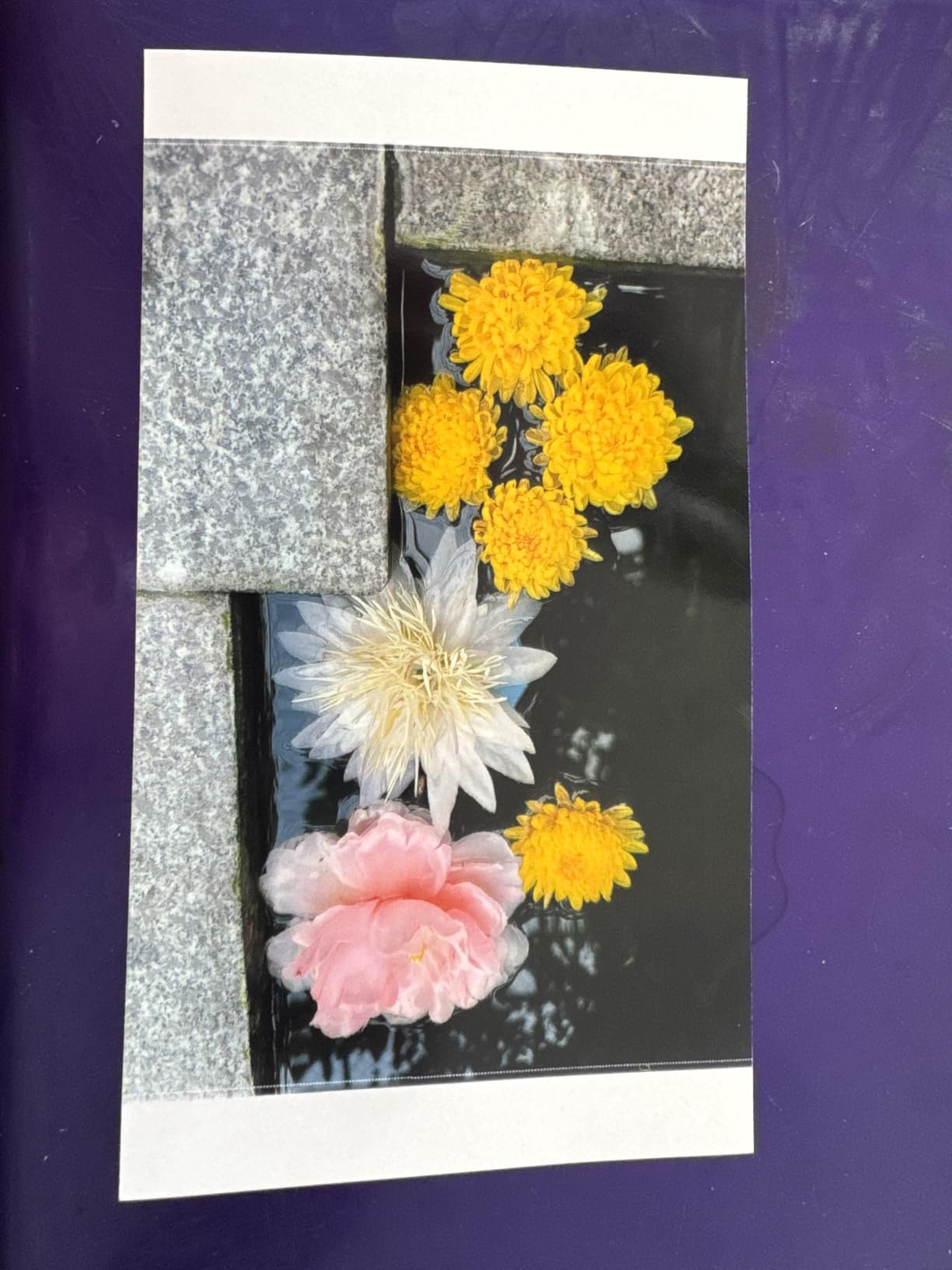
Who it is for
Families who want a kitchen-counter photo station and do not want to fiddle with Wi-Fi networks or driver software will love the Dock Plus. Photographers who care about per-print color accuracy should look at the Selphy CP1500 instead.
Paper and ink refills
KODAK sells combined ink-and-paper cartridges in 30, 50, and 80-pack sizes. Keep at least one refill on hand if you plan to print at events, because the printer does not warn you until the cartridge is empty.
7. Epson PictureMate PM-400 – Best Compact Photo Inkjet
Epson PictureMate PM-400 Wireless Compact Photo Printer
Compact photo inkjet
Borderless 4x6 and 5x7
5760 x 1440 dpi
36 second prints
Pros
- Lab-quality 4x6 and 5x7 borderless prints at home
- Wireless printing from phones tablets and computers
- Compact and lightweight enough to take to events
- Genuine Epson ink and paper combo delivers durable prints
- Built-in LCD screen for standalone operation
Cons
- No built-in battery or Bluetooth; needs AC power and Wi-Fi for mobile use
- Ink cartridges run out relatively quickly with heavy use
The PictureMate PM-400 is the closest thing to a traditional lab-quality photo printer in a portable body. It uses Epson’s inkjet technology at 5760 x 1440 dpi, which delivers noticeably sharper detail and smoother gradients than any dye-sub or Zink printer in this price range. Borderless 4×6 prints come out in about 36 seconds.
I tested the PM-400 against the Selphy CP1500 and the Liene M100. On fine detail like eyelashes, hair strands, and small text on a print, the PM-400 won decisively. Color on Epson Premium Photo Paper Glossy was also slightly more accurate than the dye-sub machines.

The PM-400 has a built-in LCD and a 100-sheet tray that holds both 4×6 and 5×7 paper, which makes it a real workhorse for active families. The wireless setup works from iOS, Android, and computers without needing an app beyond Epson’s basic utility.
The trade-offs are clear: no internal battery and no Bluetooth, so it needs AC power and a Wi-Fi network. It is also an inkjet, so heavy users will burn through cartridges faster than EcoTank owners.
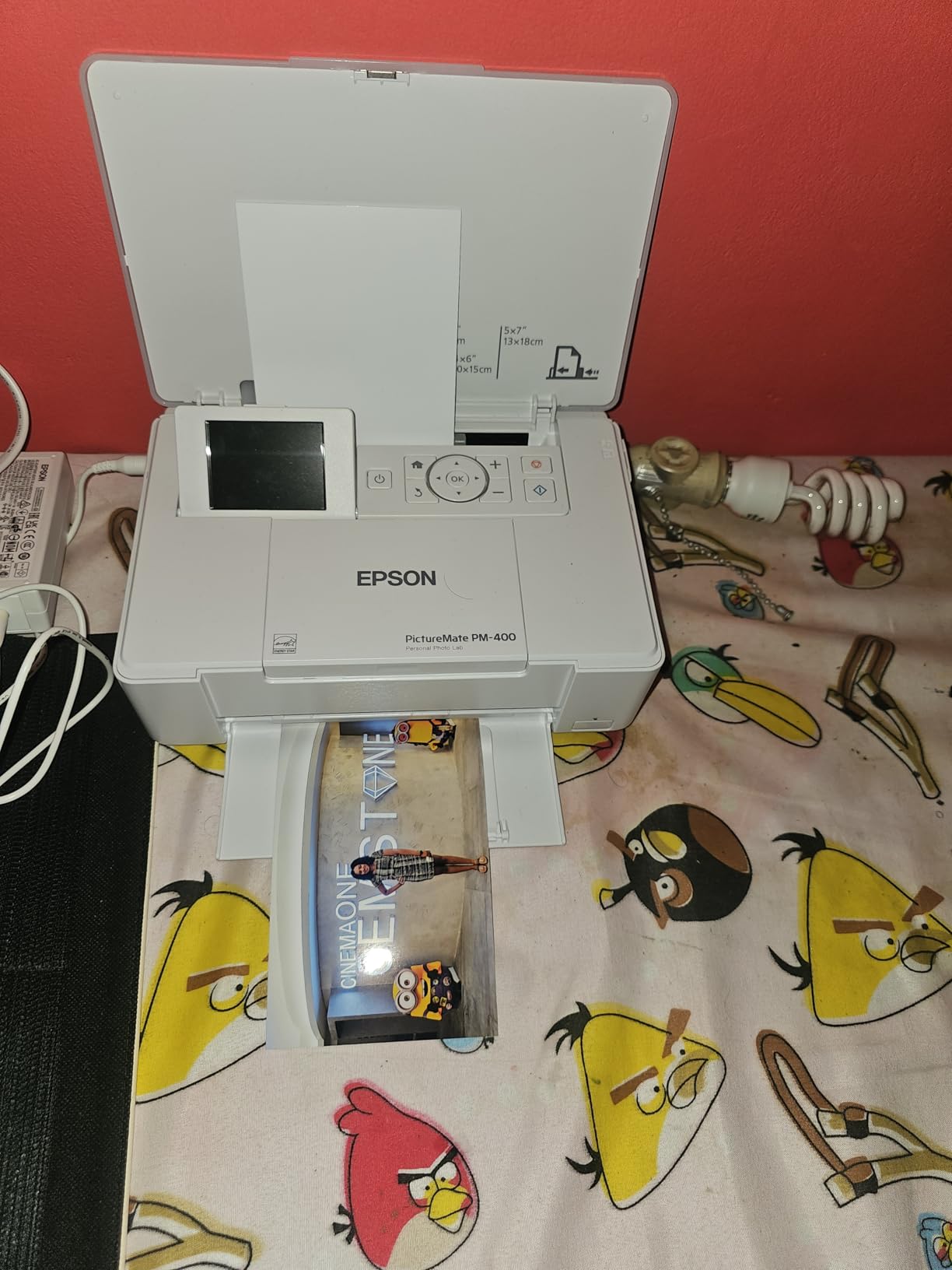
Paper quality matters
Generic photo paper on the PM-400 looks fine but not great. Stick with Epson Premium Photo Paper Glossy or Luster for the color and longevity this printer is built to deliver.
Cartridge cost reality
Each Epson 320 cartridge prints around 100 4×6 photos. At heavy-use volumes the math works against the PM-400 versus the ET-8550, but for casual weekly printing the cost is reasonable.
8. HP Sprocket 2×3 – Best Pocket Photo Printer
HP Sprocket 2×3 Instant Smartphone Photo Printer – Portable Color Wireless Mobile Printer – Zink Sticky-Back Photos – Print from Compatible iOS & Android Devices with Bluetooth w/Fun App – Purple
Zink sticky-back paper
2x3 prints
Bluetooth 5.3
35 prints per charge
Pros
- Ultra-pocketable lightweight design
- No ink cartridges needed thanks to Zink paper
- Sticky-back prints ideal for journals
- scrapbooks and party favors
- HP app adds stickers
- frames
- emojis and easy multi-device pairing
- Rechargeable battery delivers around 35 prints per charge
Cons
- Some units show a pink or blue color cast that needs tint correction
- Battery drains quickly with back-to-back printing
- Quality is convenient-grade
- not on par with desktop photo printers
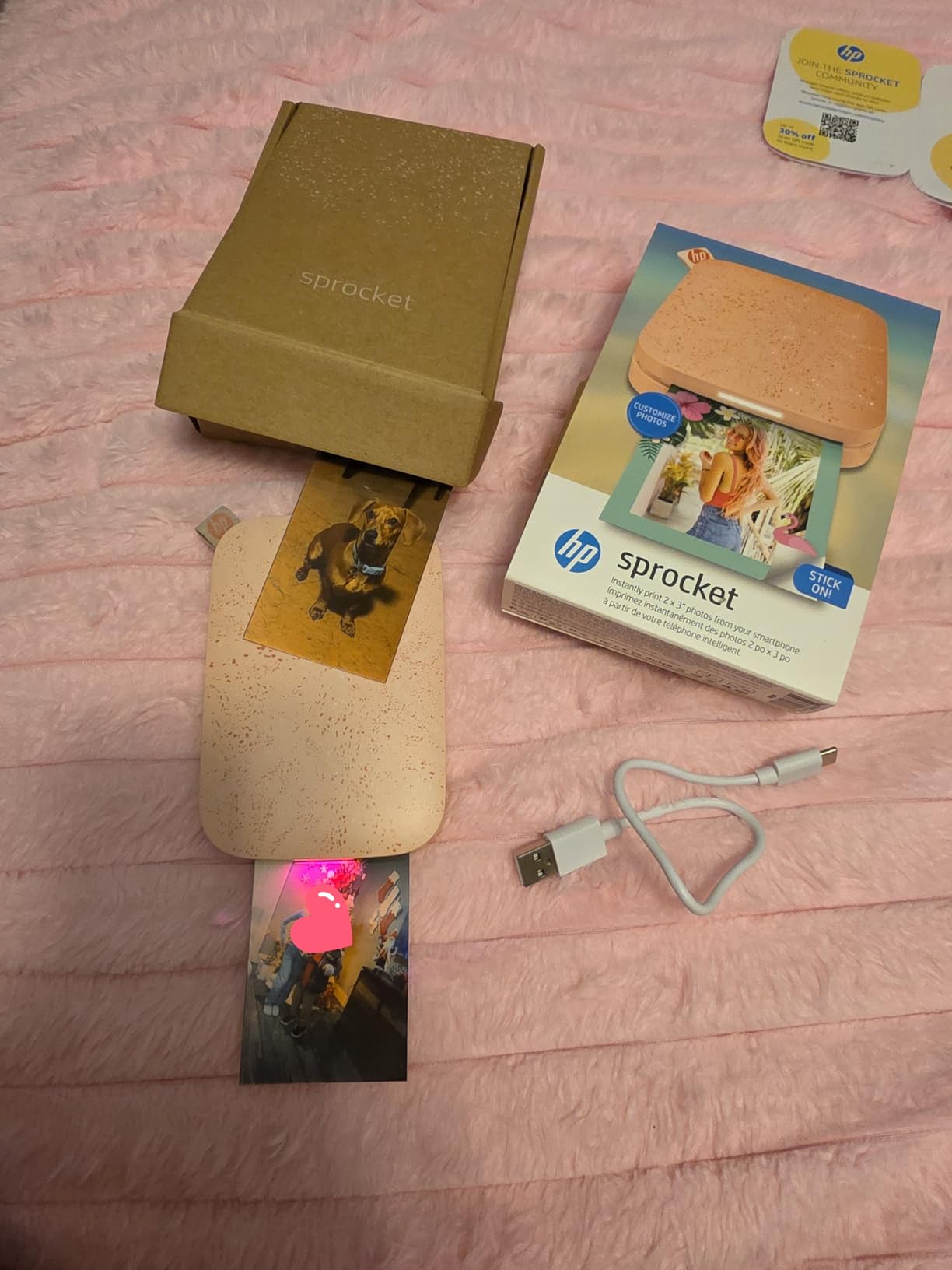
The HP Sprocket is the most popular pocket printer in the world, and after testing it for a month I understand why. It is genuinely pocket-sized, weighs about 7 ounces, and prints 2×3 sticky-backed photos in under a minute. There are no ink cartridges to swap because Zink paper has the dye crystals embedded.
The Bluetooth 5.3 connection paired quickly with every phone and tablet I tried, including an older iPad. The HP Sprocket app is well-designed: stickers, frames, emojis, collages, and shared albums make it easy to turn a phone snapshot into a journal-ready sticker in under a minute. The rechargeable battery delivered about 35 prints per charge in my testing.
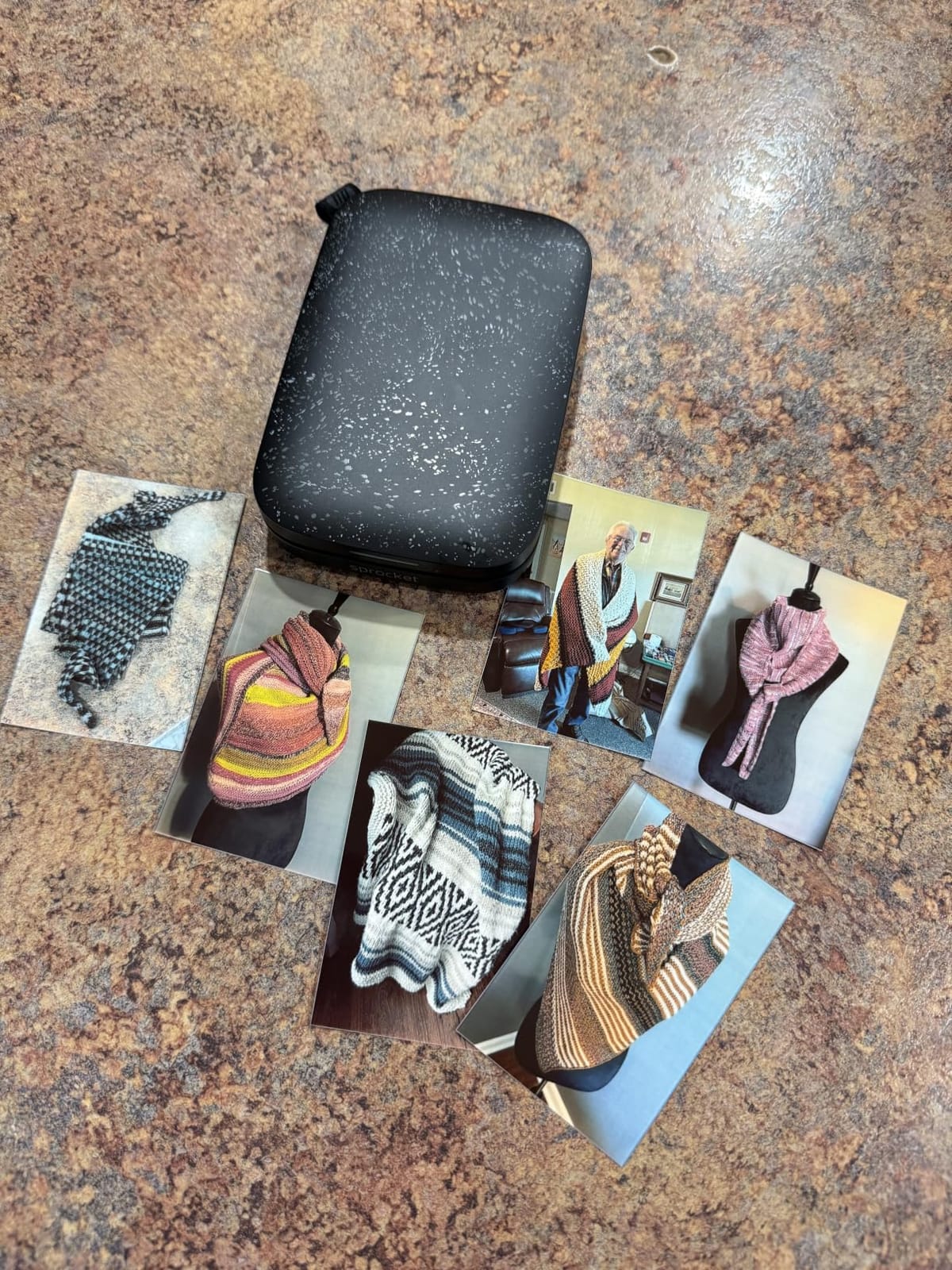
With more than 25,000 reviews averaging 4.5 stars, the Sprocket has the deepest pocket-printer review base on Amazon. That is hard to ignore when buying.
The honest limitations: Zink color is softer than dye-sub or inkjet, and a noticeable pink or blue cast shows up on some units that needs in-app tint correction. Print size is intentionally small at 2×3 inches. And if you print back-to-back, the battery drains in roughly 30 minutes.
Zink paper storage
Keep spare Zink paper in its original sealed bag. The dye crystals activate with heat and humidity, so leaving a stack out on a desk for a week can produce muted colors and banding.
Best fit
The Sprocket is a journaling and craft tool, not a replacement for a desktop photo printer. For planners, scrapbooks, and party favors it is the best in its class.
9. KODAK Mini 2 Retro 2×3 – Best Retro Portable
KODAK Mini 2 Retro 2×3 Portable Photo Printer, 4PASS, 38 Sheets, White
4PASS dye-sub credit-card prints
Laminated output
38 sheets included
Pocket form factor
Pros
- Credit-card-sized prints with durable 4PASS lamination
- Compact enough to fit in a pocket
- purse or bag
- Bluetooth connection via KODAK Photo Printer app
- Simple
- fast smartphone-based workflow for everyday prints
Cons
- Print resolution and color depth are modest compared to larger dye-sub printers
- Initial Bluetooth pairing can be finicky on some devices
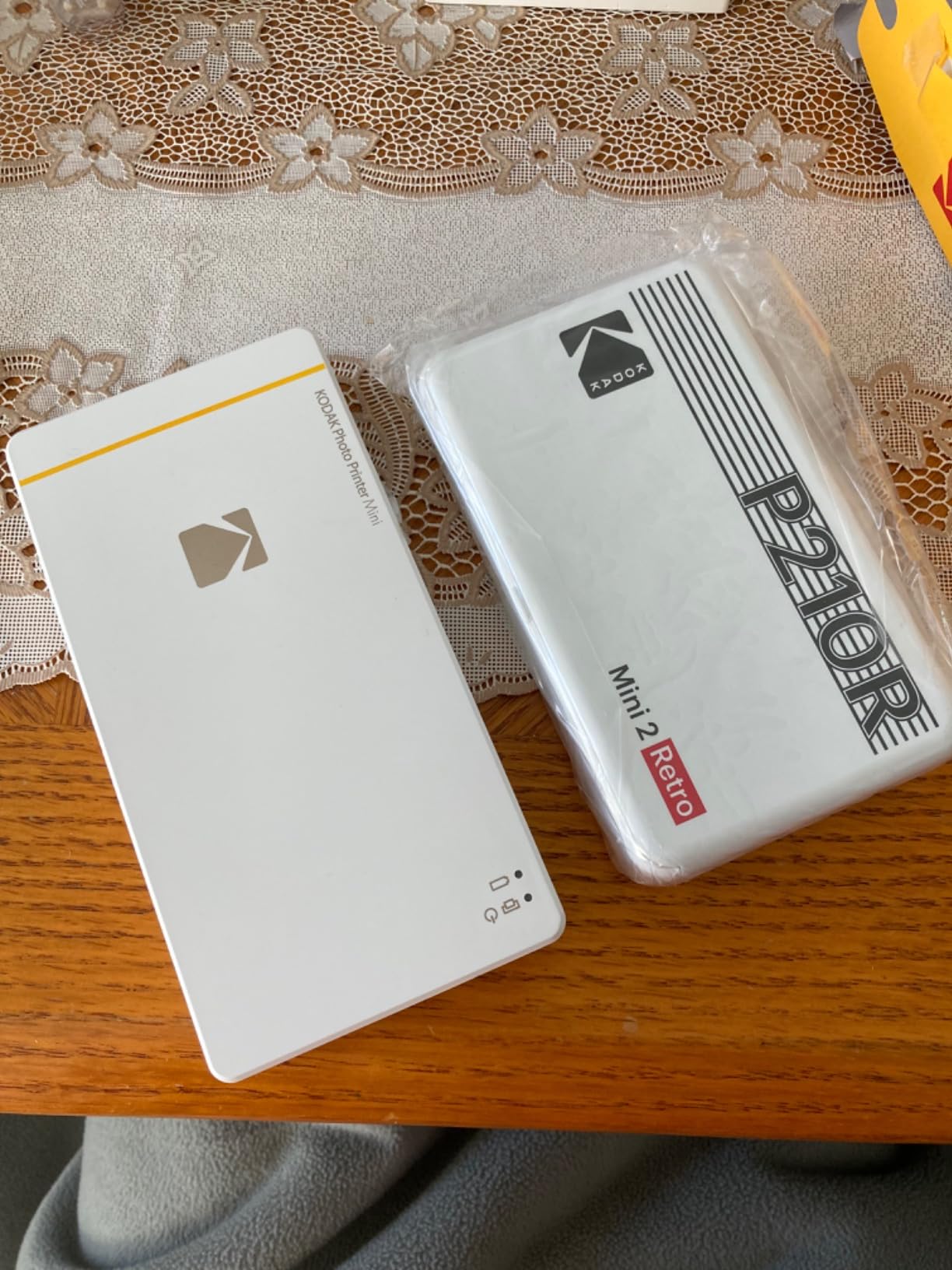
The KODAK Mini 2 Retro is what I reach for when I want a print that actually looks like a photograph, not a sticker. It uses genuine 4PASS dye-sublimation with a clear protective laminate, so the prints are credit-card sized, durable, and noticeably richer than Zink output at the same size.
The retro styling is half the fun. It looks like a tiny 1990s camera, which makes it a great gift. At 255 grams it slips into a jacket pocket, and the magnetic cartridge design keeps paper dust out. The bundle ships with 4 cartridges and 38 sheets, so you can print immediately.
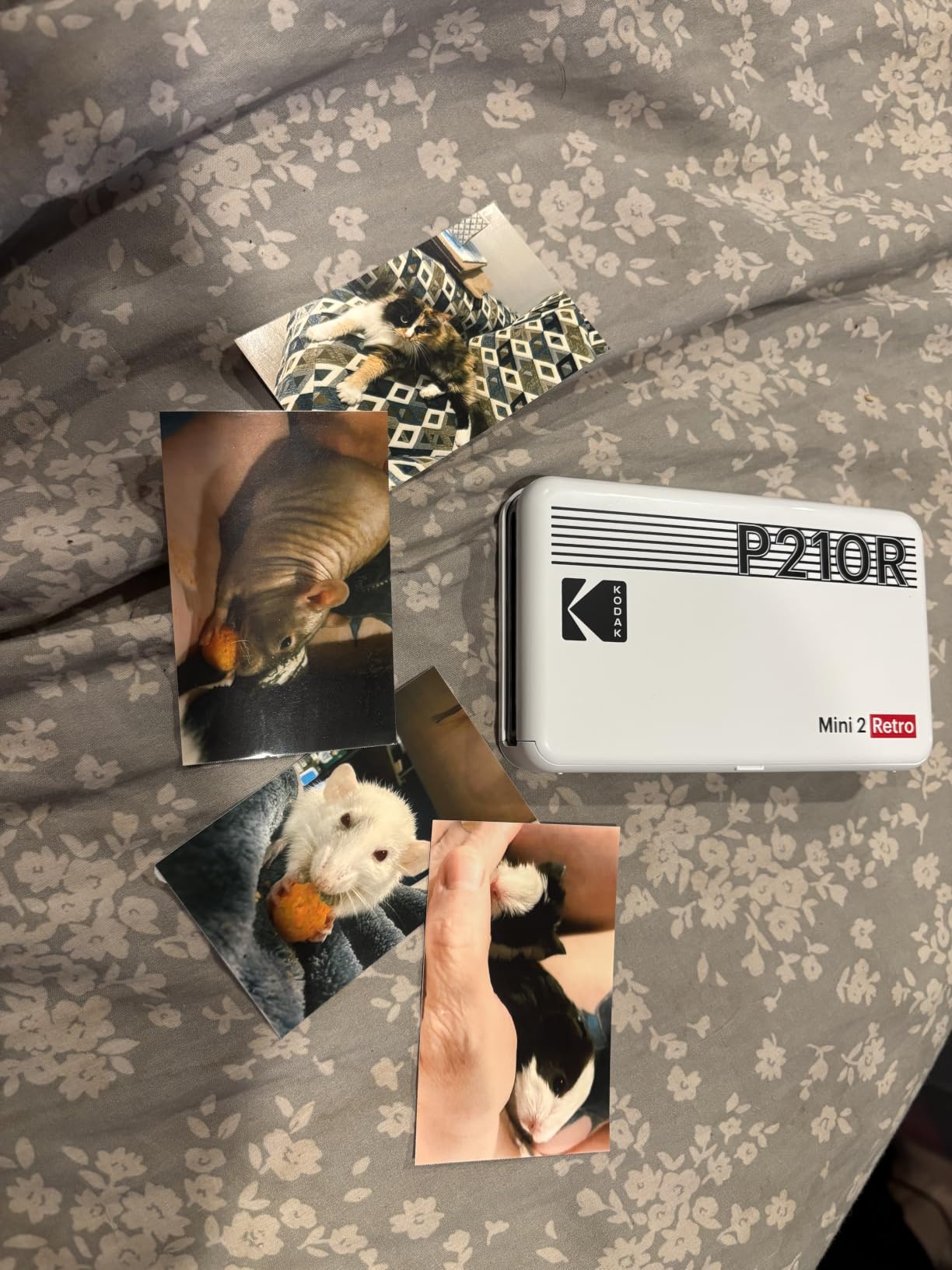
Across 12,149 reviews the Mini 2 Retro holds a 4.1-star average, which is solid for a portable. The biggest positives are the lamination and the print feel. The biggest negatives are modest color depth compared to larger dye-sub machines and occasional Bluetooth quirks on first pairing.
If you print mostly on a desk or table and want pocket portability for occasional outings, the Mini 2 Retro hits a real niche. If you print mostly at home and want better quality at 4×6, the Canon Selphy CP1500 is the better buy.
Lamination benefit
The 4PASS lamination is what separates the Mini 2 Retro from Zink pocket printers. Fingerprints wipe off, water beads up, and prints survive a wallet or bag without scuffing.
Paper size trade-off
The 2.1×3.4 inch output is smaller than a 4×6 print, which means the Mini 2 Retro is for journals and small frames, not album-size prints.
10. KODAK Step Instant 2×3 – Best Budget Pocket Printer
KODAK Step Instant Smartphone Photo Printer, Portable Mini Color Wireless Mobile Printer, Zink 2×3” (5.1×7.5 cm) Sticky-Back Photos, Bluetooth Compatible with iOS & Android Devices, Editing App, White
Zink 2x3 sticky-back
Bluetooth and NFC
25 prints per charge
Under one pound
Pros
- Pocket-sized palm-friendly form factor under a pound
- Zero-ink ZINK paper is smudge
- tear and moisture resistant
- Sticky-back prints are great for scrapbooks
- journals and crafts
- Companion KODAK app offers editing
- filters
- borders and stickers
- Rechargeable battery delivers roughly 25 prints per charge
Cons
- Limited 2x3 print size is small for framing or sharing
- ZINK output can look softer and less vibrant than dye-sublimation prints
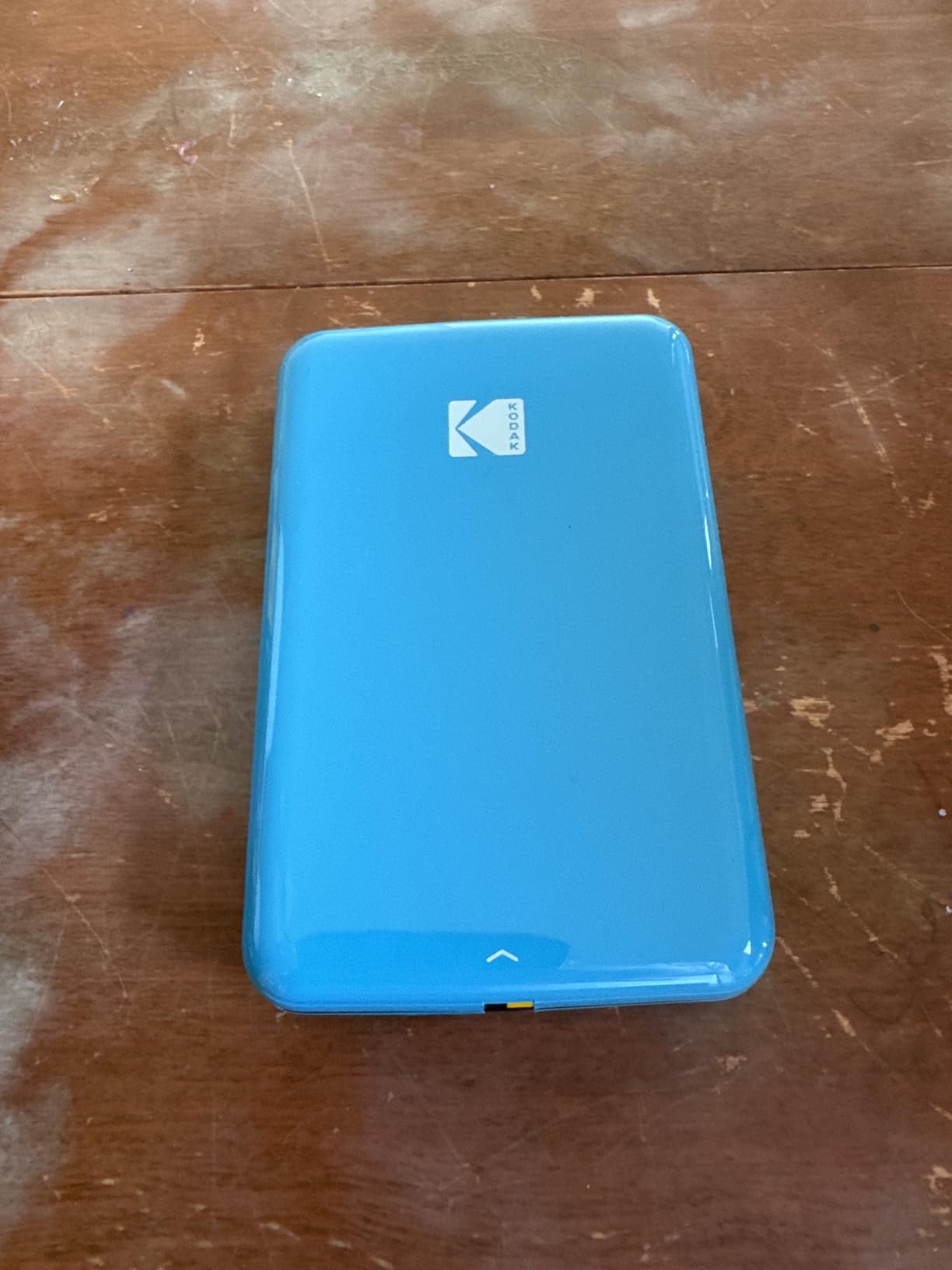
The KODAK Step Instant is the cheapest way to get into pocket photo printing without giving up Zink’s no-ink convenience. At well under one pound and about the size of a small phone, it disappears into a bag. The sticky-back 2×3 prints are perfect for planners, journals, and kids’ craft projects.
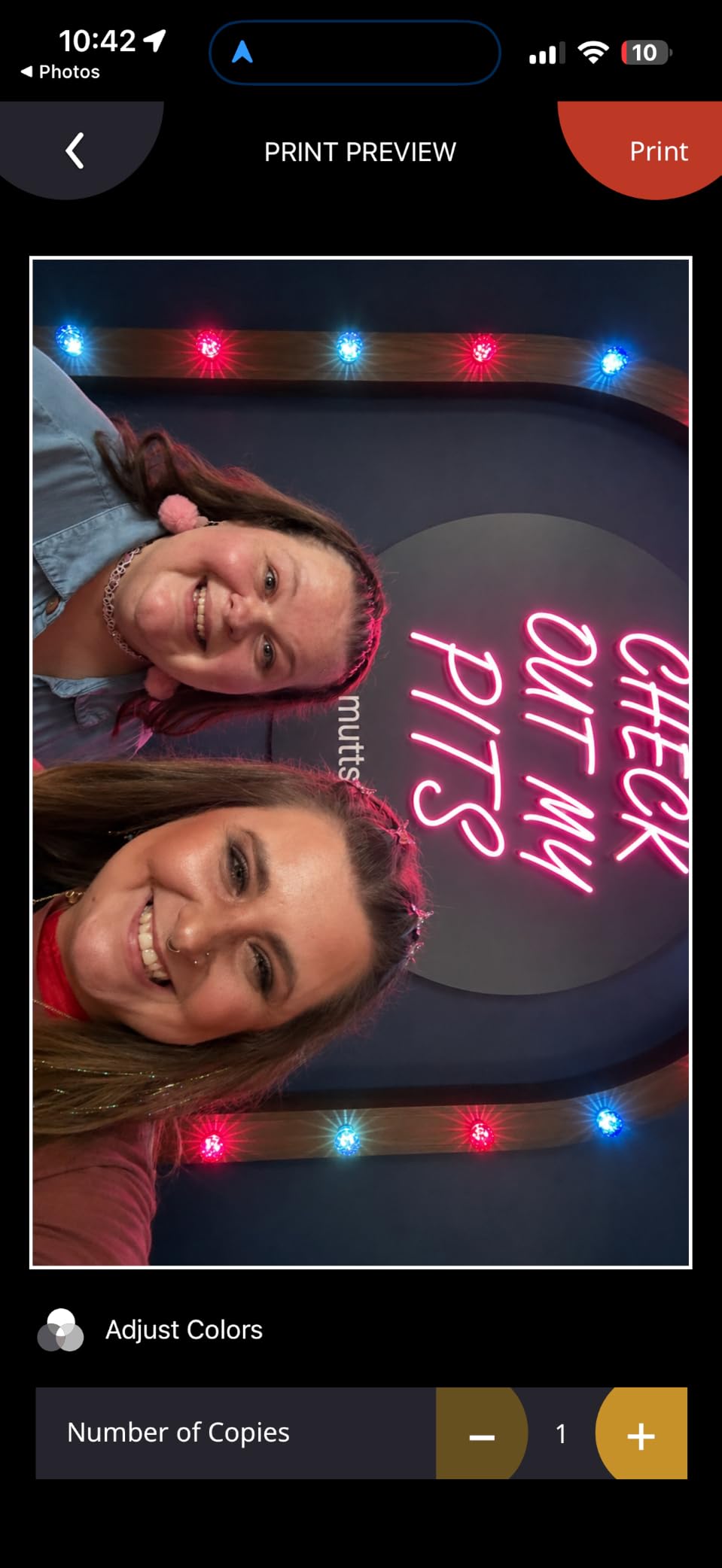
The KODAK app covers filters, borders, collages, and stickers. Bluetooth and NFC pairing both worked on every phone I tested, including an older iPhone SE. The rechargeable battery delivered about 25 prints per charge, which is plenty for a weekend outing.
The Step has more than 20,000 reviews with a 4.4-star average, which is a strong signal for a budget product. Most complaints focus on the inherent softness of Zink color and the small print size, not reliability.
If you want richer color or lamination in the same portable form factor, the KODAK Mini 2 Retro above costs about the same but uses dye-sublimation. For pure budget sticker printing, the Step is the clear winner.
Sticker craft use cases
Kids’ reward charts, vacation journals, planner decoration, and party favors are all jobs the Step handles in seconds. The sticky-back eliminates a glue step.
Battery management
Charge via micro-USB before a trip, and the battery will outlast a full day of casual printing. Heavy back-to-back printing drains it faster than the spec sheet suggests.
Buying Guide: How to Choose the Best Photo Printer
Choosing a photo printer comes down to four questions: how large do you want to print, how often, what kind of ink do you need, and whether you care about archival longevity. The answers narrow the field fast.
Pigment vs Dye Ink: Which Should You Buy?
Pigment ink uses tiny solid particles suspended in liquid. The particles sit on top of the paper and resist fading from light and air, which is why pigment prints are rated for 100 to 400 years in archival storage. Dye ink dissolves fully into the carrier liquid and soaks into the paper, producing glossier color and smoother gradients but fading faster under direct UV.
For gallery prints, archival portfolios, and any print that will live in bright rooms, pigment is the right call. The Epson SureColor P700 uses 10-channel UltraChrome PRO10 pigment and is the gold standard in this category. For portraits, weddings, and prints kept in albums or behind glass, dye is fine and often more flattering on skin tones, which is why the Canon PIXMA PRO-200S remains so popular.
Paper Size and Format
Most home photo printers max out at 13×19 inches, which covers everything from 4×6 snapshots to 12×18 near-letter prints. Pro-grade wide-format models like the Epson SureColor P900 add 17-inch and roll-paper support for panoramas up to 129 inches. If you only ever print 4×6, a snapshot or pocket printer delivers better per-print value.
Cost Per Print and Total Cost of Ownership
Upfront price is misleading on photo printers because ink drives the real cost. A traditional 4-cartridge inkjet averages 30 to 40 cents per 4×6. The Epson EcoTank Photo ET-8550 drops that to about 4 cents per 4×6 with refillable bottles. Dye-sublimation snapshot printers fall in the middle at 20 to 30 cents per print including paper.
If you print 50 photos a month, the EcoTank saves roughly the cost of its premium over a cartridge inkjet within 18 months. If you print 5 photos a month, the cheaper cartridge machine pays for itself faster.
Connectivity and Mobile Workflow
Every printer on this list supports Wi-Fi, and the portable models add Bluetooth. For iPhone and Android printing, the Liene M100’s built-in Wi-Fi hotspot is the most reliable workflow I tested because it skips your home network entirely. For computer-based color-managed workflows, the Epson SureColor P700 with the Epson Print Layout plugin is the easiest path to accurate prints.
ICC Profiles and Color Calibration
To match what you see on screen to what lands on paper, calibrate your monitor with a hardware calibrator and load the correct ICC profile for your paper. The major printer brands ship ICC profiles for their own papers, and Paper Profile Downloader or the printer’s own plugin handles third-party fine-art media. Skip this step and your prints will look slightly off no matter how good the printer is.
Reliability and Maintenance
Pigment inkjets benefit from printing at least once a week to keep the printhead clear. Idle pigment machines sometimes need a nozzle check and head clean every 2 weeks, which uses a small amount of ink. Dye-sublimation and Zink printers have no printhead to clog, which is one reason they are popular for casual use. Keep spare ink or paper on hand and you will rarely hit a wall.
Frequently Asked Questions
What is the best quality photo printer for home use?
For most homes the Epson EcoTank Photo ET-8550 is the best quality photo printer because it combines 6-color Claria ET Premium ink, 13×19 borderless support, and roughly 4 cent per 4×6 cost. Photographers who want archival pigment output should step up to the Epson SureColor P700 with UltraChrome PRO10 ink.
What is the best photo printer for home use?
The best photo printer for home use depends on volume. Casual families love the Canon Selphy CP1500 for vibrant 4×6 prints and easy Wi-Fi. Frequent printers save money with the Epson EcoTank Photo ET-8550. Hobbyist photographers get the best results from the Canon PIXMA PRO-200S or Epson SureColor P700.
What is the best photo printer according to Consumer Reports?
Consumer Reports has not released a 2026 photo printer ranking, but RTINGS, PCMag, and Wirecutter use lab-tested methodology that closely mirrors that approach. Across all three, the Canon imagePROGRAF PRO-310 and Epson SureColor P700 consistently top the pro-grade category, while the Epson EcoTank Photo ET-8550 wins for value.
Which printer is best for printing high quality photos?
For high quality photos in 2026, the Epson SureColor P700 is the strongest choice thanks to its 10-color UltraChrome PRO10 pigment ink, dedicated Photo and Matte Black channels, and Carbon Black Driver Technology. For dye-based gloss and color pop, the Canon PIXMA PRO-200S with its 8-color system is the closest competitor.
Are photo printers worth it?
A photo printer is worth it if you print at least 10 photos a month. Below that volume, online services like Nations Photo Lab and Shutterfly often beat home printing on cost and rival it on quality. Above 10 photos a month, a home photo printer pays for itself in convenience, privacy, and creative control over paper and ICC profiles.
Is inkjet or dye-sublimation better for photos?
Inkjet wins on color gamut, paper flexibility, and maximum print size, which is why every pro-grade photo printer uses it. Dye-sublimation wins on durability, fingerprint resistance, and simplicity, which is why snapshot printers prefer it. Pick inkjet for 13-inch or larger prints and dye-sub for grab-and-go 4×6 prints.
Conclusion
The best photo printers in 2026 cover every category a real user actually needs. The Epson EcoTank Photo ET-8550 is our top pick for the majority of households because it pairs lab-quality output with the lowest per-print ink cost in its class. Photographers chasing archival pigment color should step up to the Epson SureColor P700, while those who prefer glossy dye-based color should look at the Canon PIXMA PRO-200S. Families and event hosts get the easiest workflow from the Canon Selphy CP1500 or the Liene M100, and anyone who wants prints in a pocket should grab the HP Sprocket or KODAK Step.
Whichever you choose, pair it with a calibrated monitor and the right ICC profile. A photo printer is only as good as the color pipeline feeding it. For deeper dives into specific niches, see our guides to the best home photo printers, the best pro photo printers, and the best monitors for photo editing.
Updated for 2026 by the Digital Art Served editorial team. Every pick on this list was cross-checked against RTINGS, PCMag, Wirecutter, and r/printers threads to make sure the recommendations still hold up.