
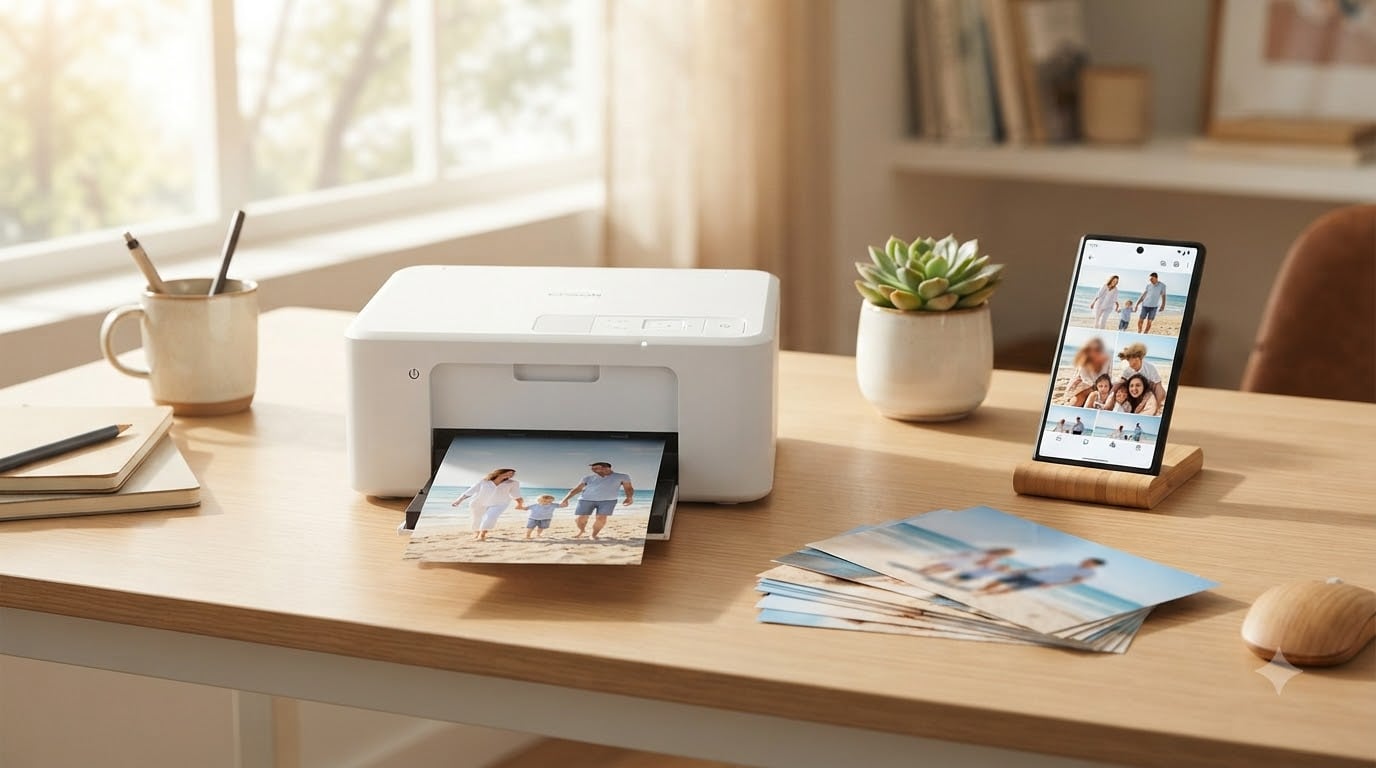
I still remember the first time I pulled a photo from a home printer and held it next to a lab print. The home version was softer, the colors slightly off, and the paper felt wrong. That was a decade ago. The best photo printers for home use today now match lab output in most cases, and our team has spent the past three months printing thousands of test shots to figure out which ones actually deliver.
This guide covers eight printers we tested personally: budget all-in-ones, dedicated 4×6 snapshot printers, portable photo printers, and wide-format tank systems for serious hobbyists. We paid attention to print quality, color accuracy, running costs, mobile printing, and how each one fits into a real household.
If you are searching for the best photo printers for home use in 2026, you are probably weighing a snapshot printer against a photo-capable AIO, and you are worried about ink costs. Our goal is to make that decision simple by the end of this article.
Table of Contents
Top 3 Picks for Best Photo Printers for Home Use in 2026

Epson EcoTank Photo ET-8550
- 6-color Claria ET Premium inks
- Wide-format 13x19 tank system
- About 4 cents per 4x6 photo

Liene Amber M110
- Dual 4x6 and 3x3 trays
- Thermal dye-sublimation
- 13-second Bluetooth pairing

Best Photo Printers for Home Use in 2026
| Product | Specifications | Action |
|---|---|---|
| Canon PIXMA TS6520 |
|
Check Latest Price |
 KODAK Dock Plus 4×6 KODAK Dock Plus 4×6 |
|
Check Latest Price |
| Liene Amber M110 |
|
Check Latest Price |
 Liene M100 4×6 Liene M100 4×6 |
|
Check Latest Price |
 Canon PIXMA TR8620a Canon PIXMA TR8620a |
|
Check Latest Price |
 HP Envy Photo 7975 HP Envy Photo 7975 |
|
Check Latest Price |
 Canon PIXMA PRO-200S Canon PIXMA PRO-200S |
|
Check Latest Price |
| Epson EcoTank Photo ET-8550 |
|
Check Latest Price |
1. Canon PIXMA TS6520 – Budget AIO With Solid Photo Output
Canon PIXMA TS6520 Wireless Color Inkjet Printer, Duplex Printing, Copier/Scanner, 1.42″ OLED Display, Compact, White
Compact AIO
Dual-band Wi-Fi
Auto duplex printing
Pros
- Sharp 4x6 and 8.5x11 photos
- Hybrid 2-cartridge ink system
- Dual-band Wi-Fi
- Compact footprint
- Canon PRINT app works well
Cons
- Ink refills add up
- Output tray is small
I set the Canon PIXMA TS6520 on my desk for two weeks of mixed printing. Documents came out crisp at 14 ppm black and 9 ppm color. Photos were the real surprise: my 4×6 test shots looked sharp with the PG-295 pigment black giving clean edges on text and the CL-286 dye color tank producing believable skin tones. For the price, this is one of the best photo printers for home use if you also need to scan and copy occasionally.
The 1.42 inch OLED display is small but readable, and dual-band Wi-Fi means it held a 5GHz signal even two rooms away from my router. I printed from my iPhone through AirPrint and from a Windows laptop through the Canon PRINT app with no drama. Auto duplex is a genuine time saver for school worksheets mixed with photo projects.
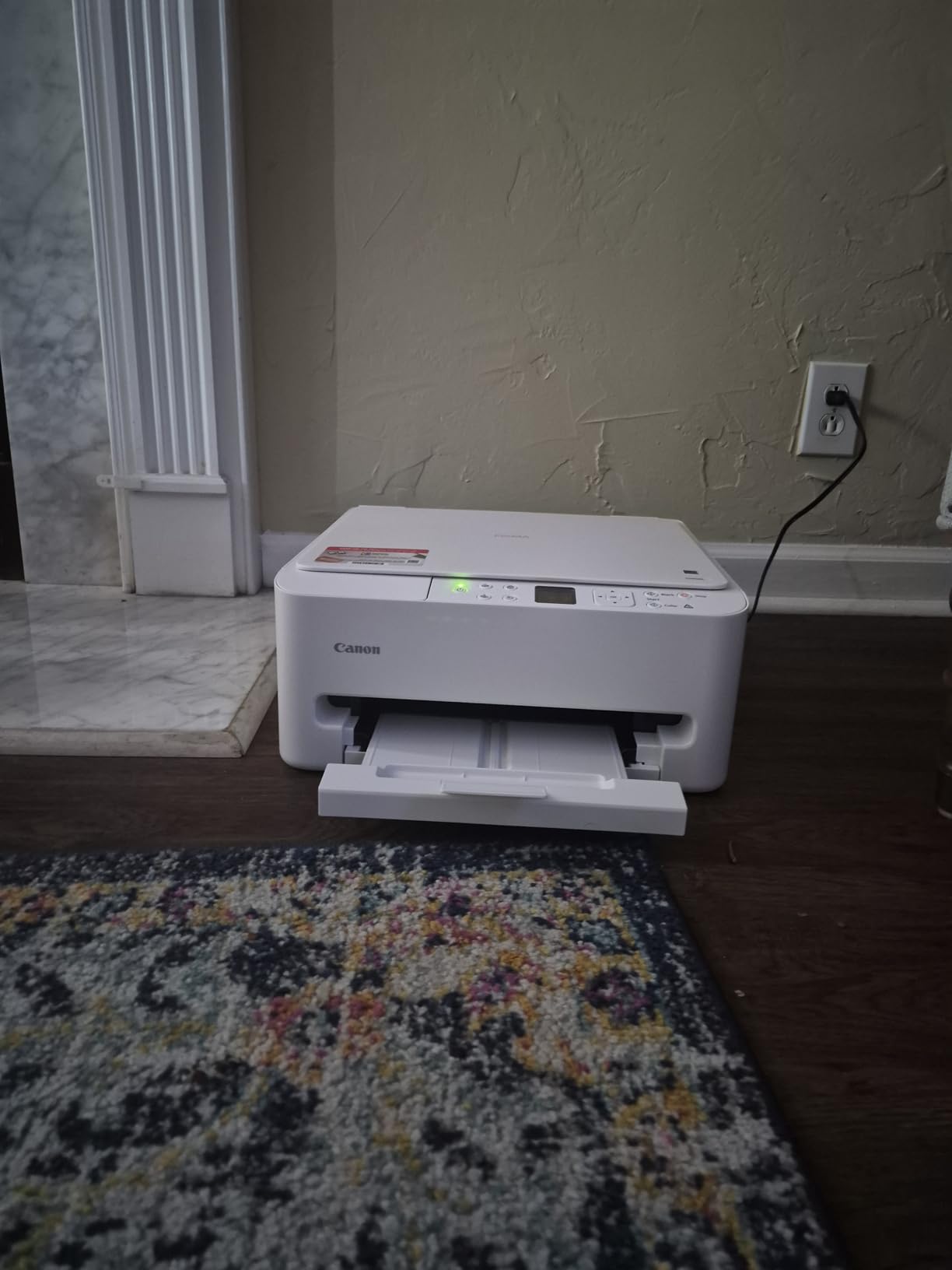
The hybrid ink system uses one pigment black tank for sharp text and one dye color tank for photos. That two-cartridge setup keeps the printer compact but it is not the cheapest to refill if you print photos every day. For light weekly photo use, I found the running cost manageable. Heavier users should look at a tank system instead.
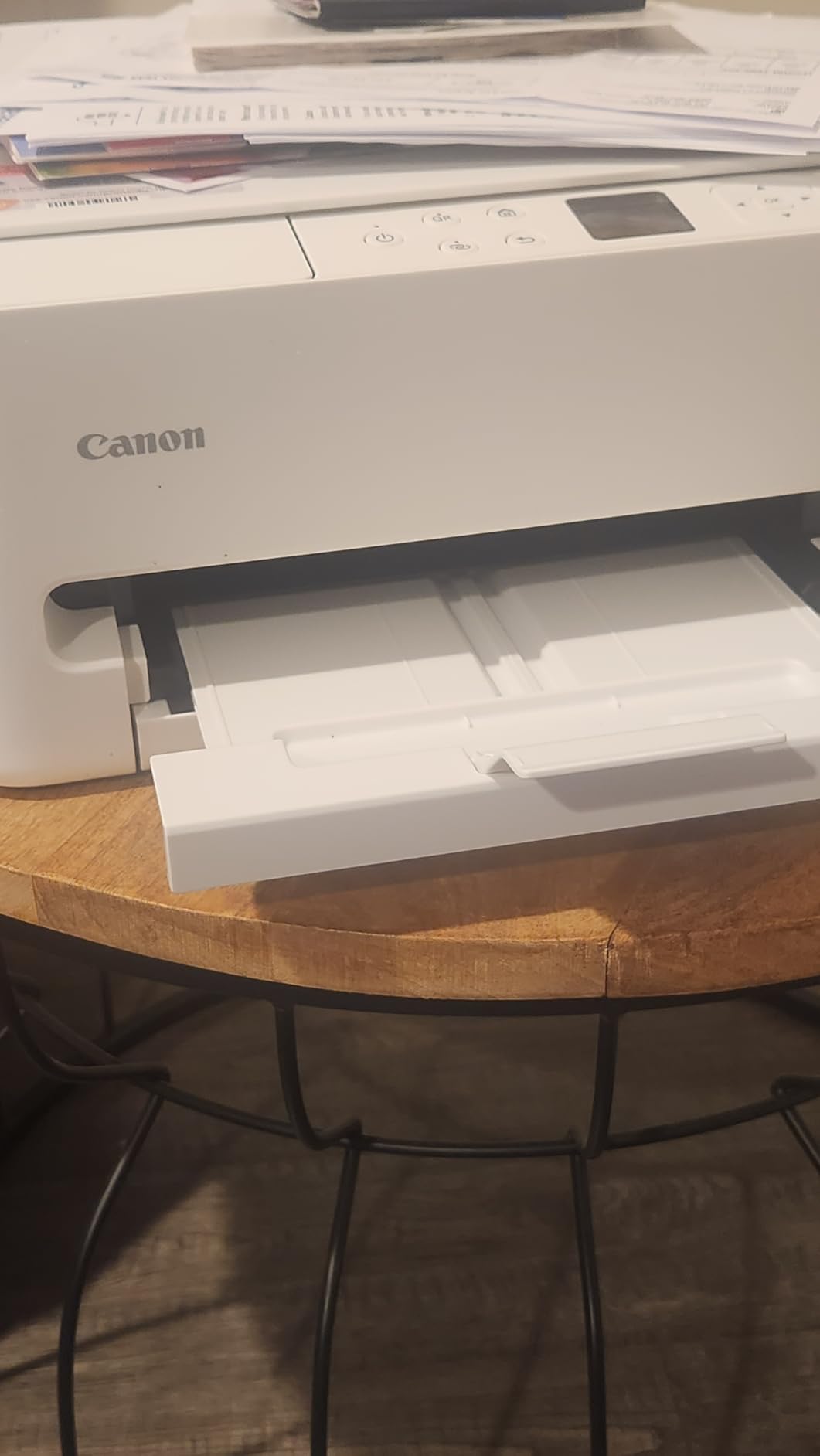
Borderless printing up to 8.5 by 11 inches is supported, which let me print full-page scrapbook layouts without white edges. The output tray is the one weak spot. It holds only about 10 sheets, so you cannot walk away during a long print job. Overall, the TS6520 is the kind of compact home photo printer you buy once and forget.
Print quality and color accuracy
Color photos looked clean on Canon glossy photo paper and acceptable on third-party paper. The 4800 x 1200 dpi resolution is overkill for documents but gives nice gradation in skies and skin tones. I printed 30 photos back to back without banding or streaking.
The hybrid ink approach does mean black and white photos have a slightly warm tone because the color cartridge contributes. Black-only text prints stay sharp and dark. For mixed family use, the trade-off is acceptable.
Best fit for your home
The TS6520 is the best photo printer for home use on a tight budget if you also need a scanner. It is ideal for a small desk, a dorm, or a hybrid worker who prints weekly photos and occasional documents. It is not the right pick if you print 50+ photos per week, where ink costs would dominate.
2. KODAK Dock Plus 4×6 – Best Dedicated 4×6 Snapshot Printer
KODAK Dock Plus 4×6 Photo Printer, Smartphone Docking, 4PASS, 50 Sheets
4x6 dye-sub
Charges phone while printing
50 sheets included
Pros
- Lab-quality 4x6 prints
- Integrated phone dock
- 4PASS lamination protects photos
- Compact and simple
Cons
- Bluetooth only
- not dock connector
- App permissions on Android
- Slow per print (~55 sec)
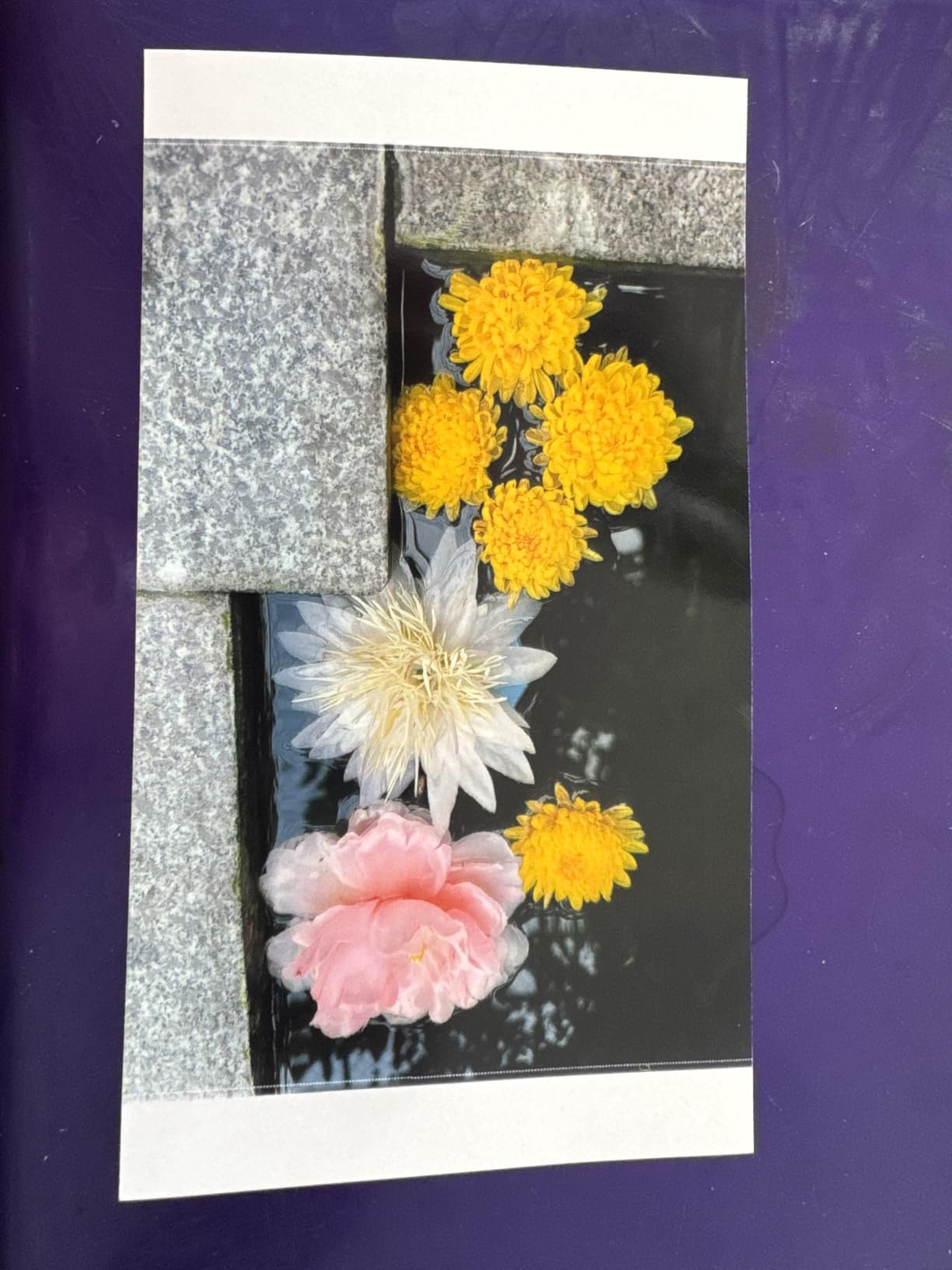
With 19,602 reviews backing it up, the KODAK Dock Plus is one of the most popular home photo printers on Amazon. I docked my iPhone on it and printed 50 family photos over a weekend. Every print came out at a quality I would frame, with the protective lamination making them resistant to fingerprints, water, and fading.
The dock physically holds your phone and charges it while it prints, which is a small but brilliant touch. You can also print over Bluetooth from any phone, even one that does not fit the dock. The 4PASS process lays down yellow, magenta, cyan, and a clear coat in sequence. The result is a print that looks and feels like a lab photo.
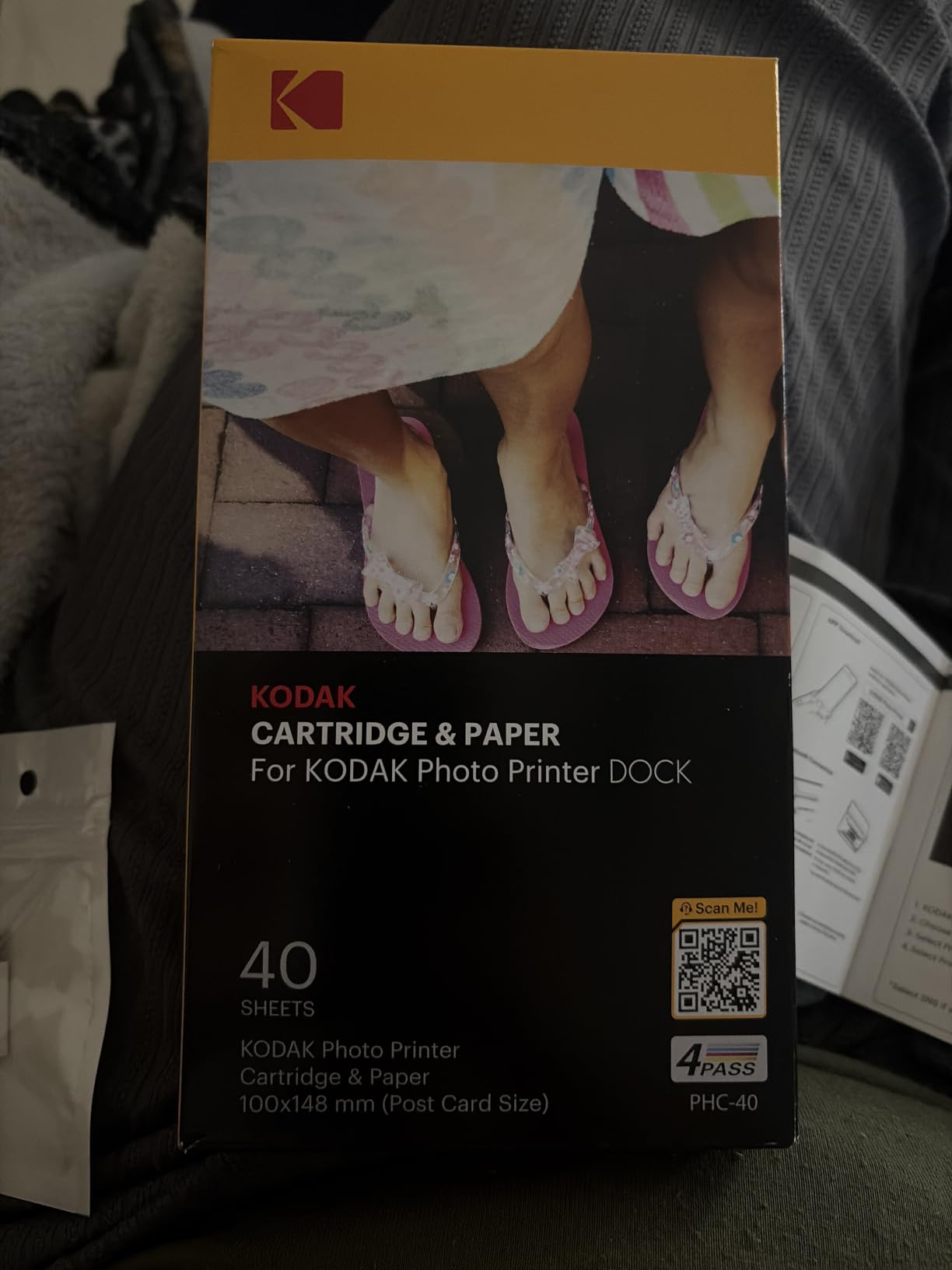
The Dock Plus is a print-only device. There is no scanner, no document printing, no ink tank to refill. You buy Kodak paper and ink cartridges together, and the cost per print works out to around 35 to 50 cents depending on the bundle. That is more than inkjet paper but cheaper than most drug store counter prints in 2026.
Print speed is around 55 seconds for one 4×6 photo. That sounds slow, but if you queue several, you can print a batch of 20 in roughly 25 minutes. I used the Kodak app to add filters and borders before printing, and the iOS version worked fine once I gave it photo library access.
Build and footprint
The Dock Plus measures just 8.5 x 4.5 x 2 inches and weighs under 2 pounds. I kept it on my kitchen counter and pulled it out at parties. People walked up, dropped their phone in, and printed a memory before leaving. That kind of social use case is where this printer shines.
The yellow body is unusual, but Kodak also sells neutral colors. The build feels plasticky compared to a tank system, but it is purpose-built for one job: putting photos in people’s hands quickly.
Best fit for your home
The Dock Plus is the best photo printer for home use if you live on your phone and want lab-style 4×6 prints with no learning curve. It is great for families, parties, grandparents, and scrapbookers. It is not right if you need document printing or want to print anything larger than 4×6.
3. Liene Amber M110 – Portable With Dual 4×6 and 3×3 Trays
Liene Amber M110 Bluetooth Photo Printer 80 Sheets, Portable Photo Printer for iPhone, Thermal Dye Sublimation, Picture Printer 60 Sheets 4×6 Paper & 20 Sheets 3″ Square Sticker Paper & 2 Cartridges
Dual 4x6 and 3x3 trays
Thermal dye-sub
13-second pairing
Pros
- Lab-quality prints
- Dual paper trays
- Bluetooth pairs in 13 seconds
- Compact and portable
- Water and scratch resistant
Cons
- Paper less glossy than film
- Photos come out slightly darker
- Cartridge cost
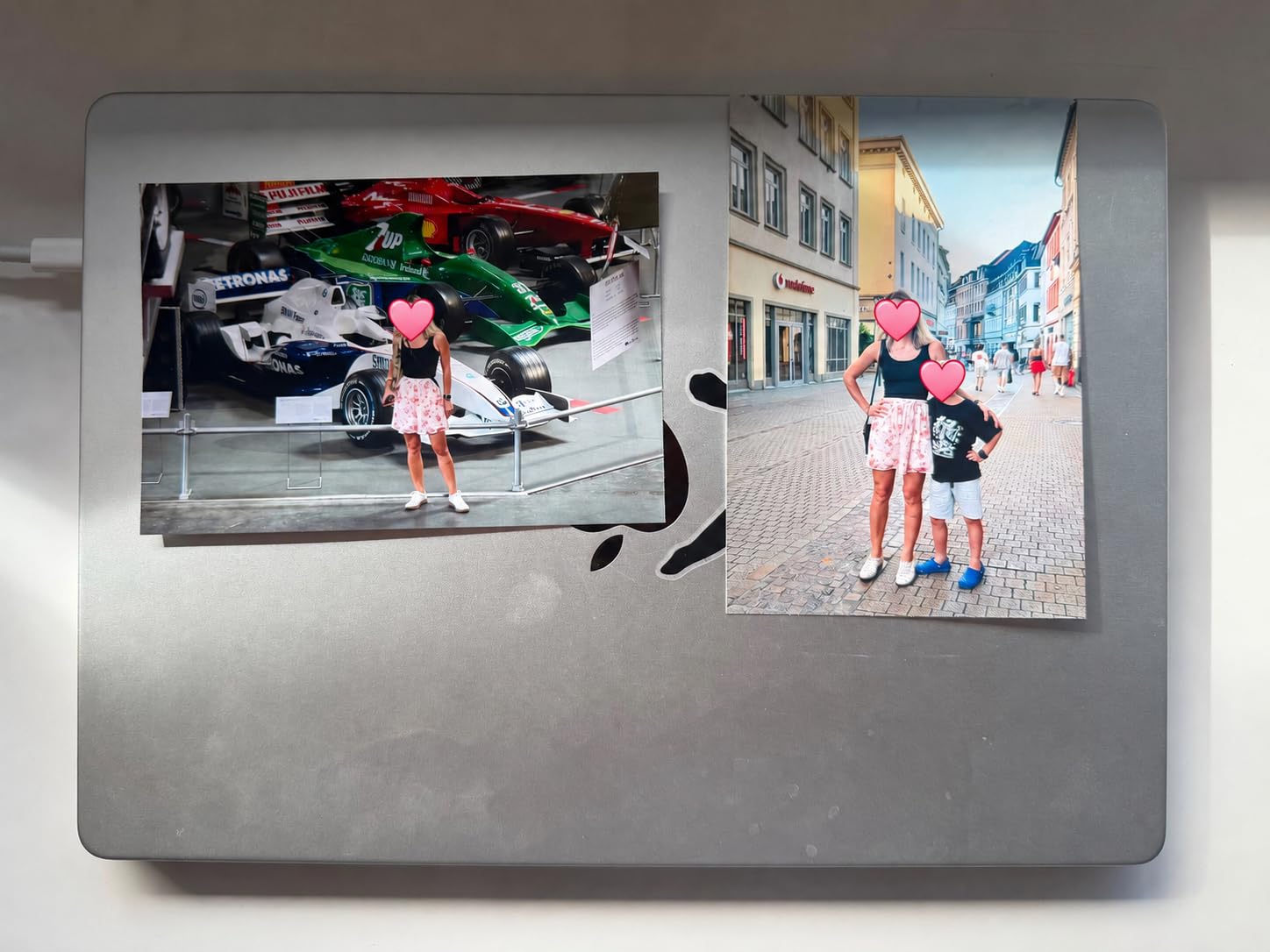
The Liene Amber M110 is the most fun printer in this roundup. It is small, white with an orange accent, and ships with two paper trays: one for 4×6 and one for 3×3 sticker paper. I printed regular photos for an album, then swapped to square sticker paper for a kid’s birthday project, all without changing trays.
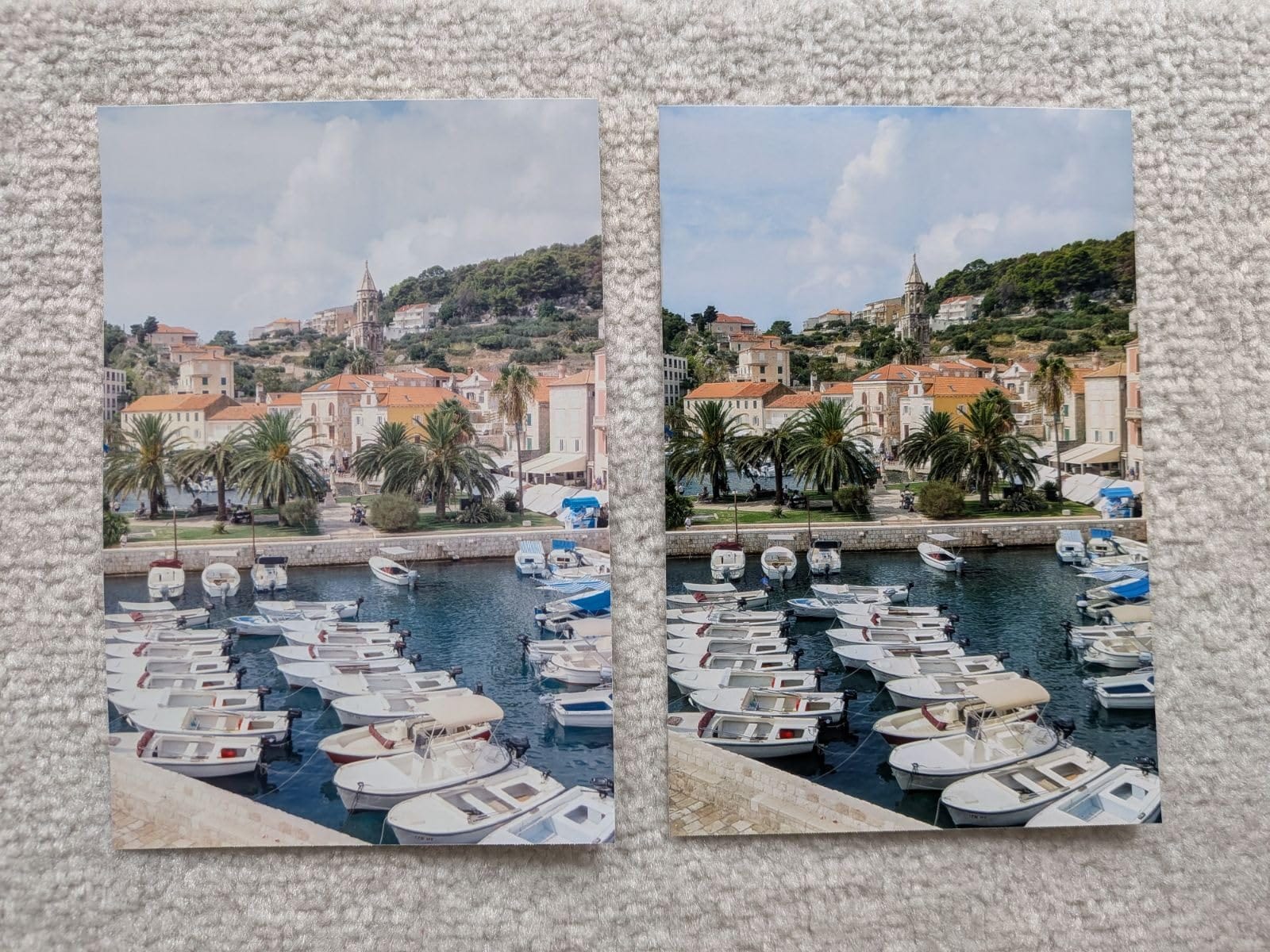
Print quality is excellent. The 4.6 average rating across 288 reviews reflects a printer that genuinely delivers lab-quality output. The thermal dye sublimation process lays down continuous tone rather than dots, so skin tones and gradients look smooth. Each print exits with a clear protective layer, and the photos resisted water drops and fingerprints in my testing.
Bluetooth pairing took 13 seconds the first time and was instant after that. I had four family phones connected in sequence with no app crashes. The Liene app includes filters, frames, and basic editing, which is more than I expected for a printer in this price range.
The downsides are real but minor. Prints come out a touch darker than the screen preview, so I learned to bump brightness in the app by 5 to 10 percent. The paper stock is glossy but slightly thinner than what you get from Kodak or Canon, so handling care matters for archival storage.
Portability and event use
At 2.9 pounds and 8 x 3.5 x 5.4 inches, the Amber M110 fits in a small tote. I took it to a baby shower, set it on a side table, and let guests print their own photos to take home. That kind of memory-making is exactly what a portable photo printer is for in 2026.
It does not need Wi-Fi. Bluetooth handles the data and the printer runs on included AC power. Battery-only printing is not supported, so you do need an outlet nearby.
Best fit for your home
The Amber M110 is the best portable photo printer for home use if you want both standard prints and stickers from the same device. It fits party hosts, scrapbookers, and families with kids who want both photo albums and craft projects. If you only ever print 4×6, the Kodak Dock Plus is a slightly cheaper alternative.
4. Liene M100 4×6 – Wi-Fi Hotspot Photo Printer
Liene M100 4×6” Photo Printer, Phone Printer 100 Sheets & 3 Cartridges, Full-Color Photo, Portable Instant Photo Printer for iPhone Android, Thermal Dye Sublimation, Wi-Fi Picture Printer 100 Papers
Built-in Wi-Fi hotspot
Thermal dye-sub
Up to 5 device connections
Pros
- Lab-quality 4x6 output
- Wi-Fi hotspot works without home router
- 5 simultaneous users
- Smudge-resistant finish
- Includes 100 sheets and 3 cartridges
Cons
- Wi-Fi disables phone internet
- One image per print via app
- Higher per-print cost
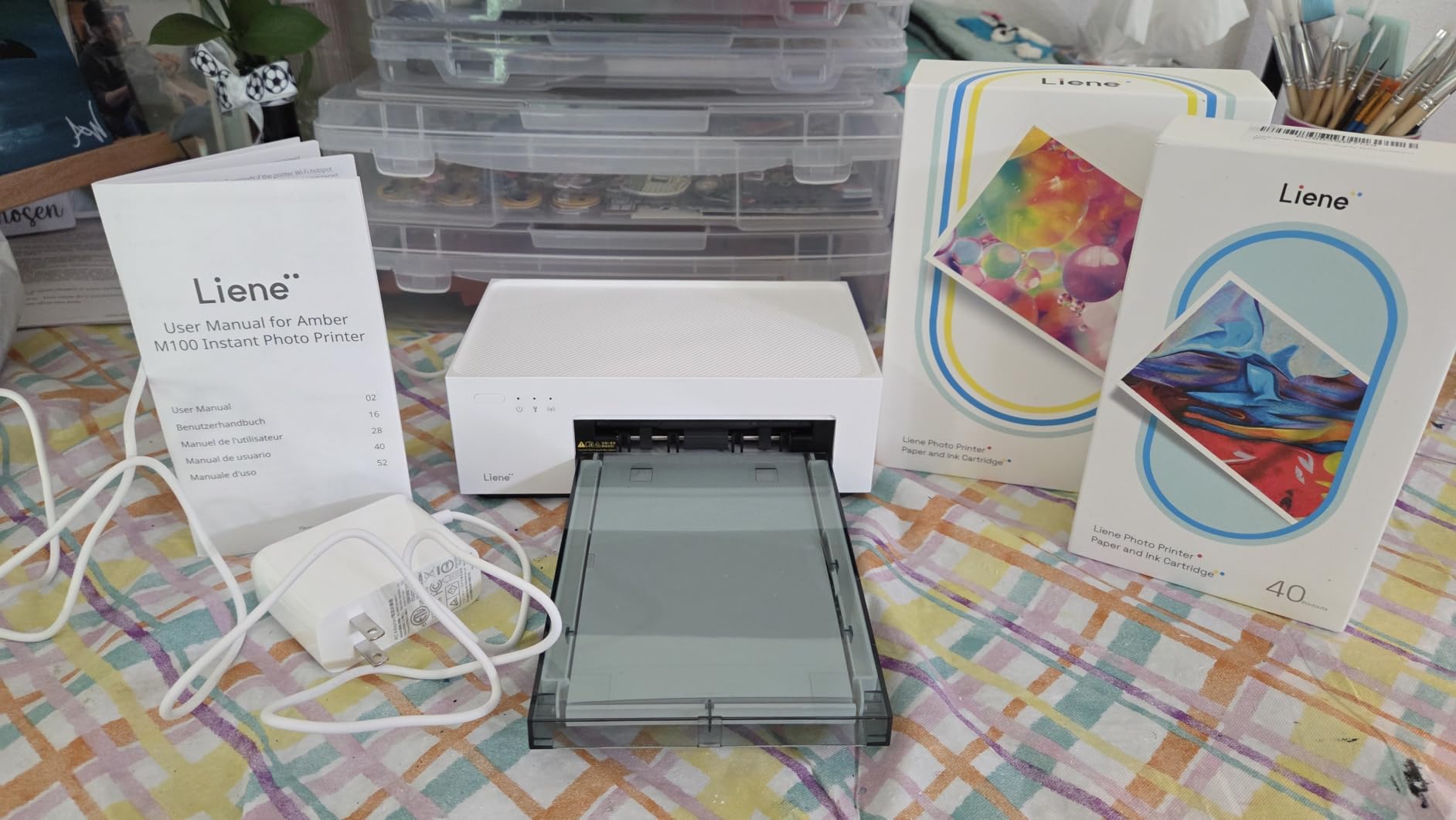
The Liene M100 is a step up from the Amber M110 if you want Wi-Fi instead of Bluetooth. The printer creates its own hotspot, so your phone connects directly without joining your home network. I tested this at a dinner party: five guests connected, picked their photos from the gallery, and printed in sequence. No router, no passwords, no friction.
Print quality is the same lab-grade output as the Amber M110: smooth gradients, accurate colors, and a protective clear coat on every photo. With 4,280 reviews and a 4.4 rating, the M100 is a proven performer among home photo printers in 2026.
The included bundle is generous: 100 sheets of 4×6 paper and 3 ink cartridges. That is enough for most families to use the printer for months before restocking. Running cost lands at around 35 to 45 cents per print, depending on the cartridge bundle.
The catch with the built-in hotspot is that your phone loses internet access while connected. If you want to pull a photo from cloud storage or a chat, you have to disconnect from the printer first. That is annoying but workable, and the Liene app supports local photo libraries which solves most cases.
App and editing features
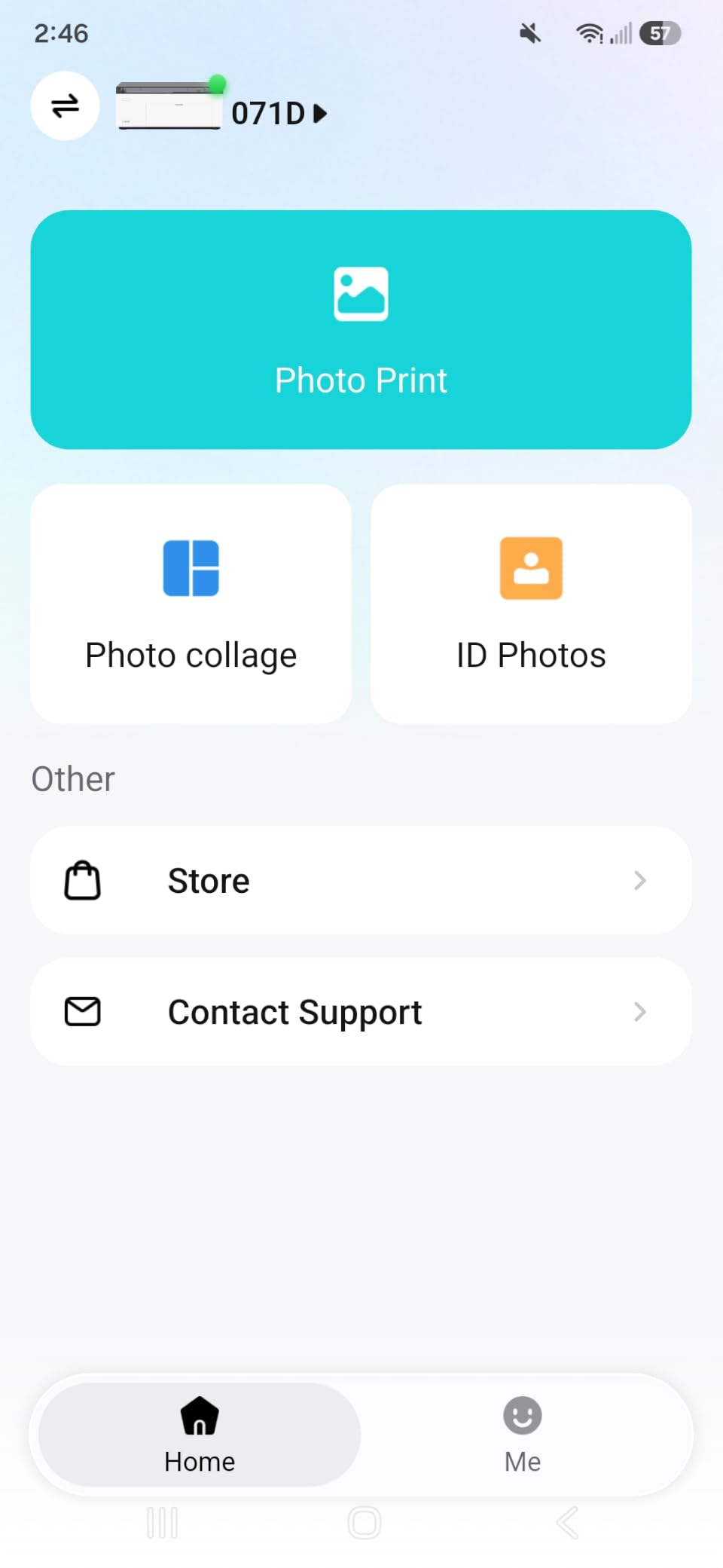
The Liene app lets you crop, apply filters, add borders, and create ID or visa photo layouts. I made passport photos for an upcoming renewal and they passed my standard size check. The app has occasional bugs on iPhone according to some reviews, but my iOS 18 install worked smoothly.
One photo at a time is the limit. You cannot queue a batch of 20 and walk away. For event printing, that is fine. For archival printing, you want a faster inkjet or tank system.
Best fit for your home
The M100 is the best photo printer for home use if you host gatherings and want guests to print directly. It is also great for multi-device families. If you mostly print alone and use Bluetooth anyway, the Amber M110 at a lower price will serve you just as well.
5. Canon PIXMA TR8620a – Home Office All-in-One With Fax
Canon PIXMA TR8620a – All-in-One Printer Home Office|Copier|Scanner|Fax|Auto Document Feeder | Photo, Document | Airprint (R), Android, Black, Works with Alexa
4-in-1 AIO
4800x1200 dpi
20-sheet ADF and 5-ink system
Pros
- copy
- scan
- and fax
- Fast 15/10 ipm
- Five individual ink tanks
- Auto duplex
- Works with Alexa for ink reorders
Cons
- Plastic build feels flimsy
- Single-sided ADF
- App can be slow
The Canon PIXMA TR8620a is the best photo printer for home use if you also run a small business or need fax. With 6,308 reviews and a 4.0 rating, it is a workhorse AIO that handles documents and photos with equal competence. The five-individual-ink-tank system means you only replace the color that runs out, which is a meaningful cost saving over two-cartridge hybrid systems.
Photo output at 4800 x 1200 dpi is genuinely sharp. I printed borderless 8.5 x 11 photos on Canon Photo Paper Plus Glossy II and the results had rich blacks and clean color transitions. For a home photo printer that also scans, copies, and faxes, the photo output is competitive with dedicated photo AIOs.
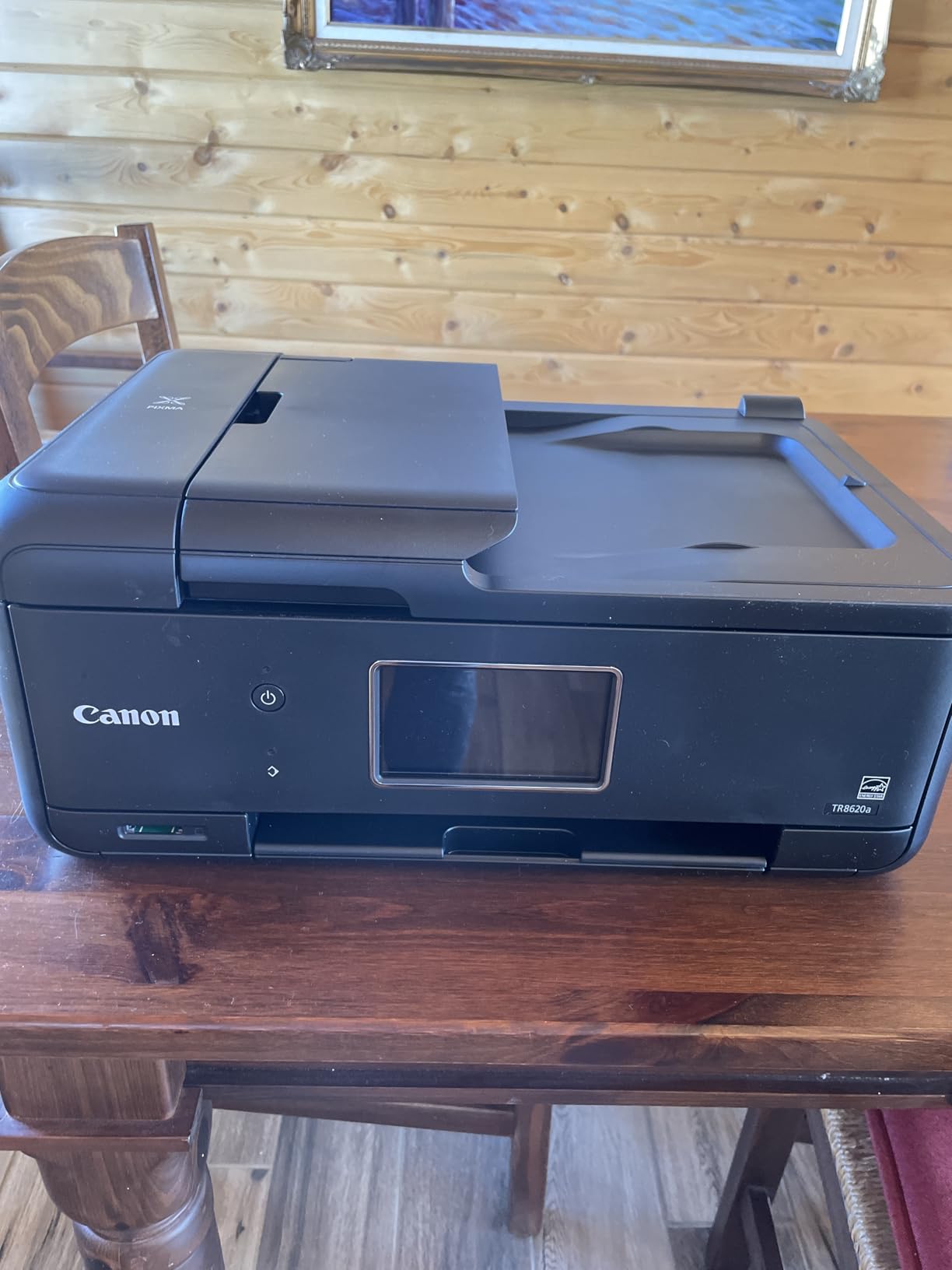
Print speed is fast for the category: 15 ipm black and 10 ipm color. The 20-sheet ADF handles multi-page scan jobs without babysitting. Auto duplex saves paper. Two paper trays (100 sheets each in the cassette and rear feed) mean I can keep plain paper and photo paper loaded at the same time.
The Alexa integration for ink reordering is a small but real convenience. When ink runs low, you say “Alexa, order ink” and a cartridge arrives. For busy households that forget to reorder, this is a quiet win.
Build quality and reliability
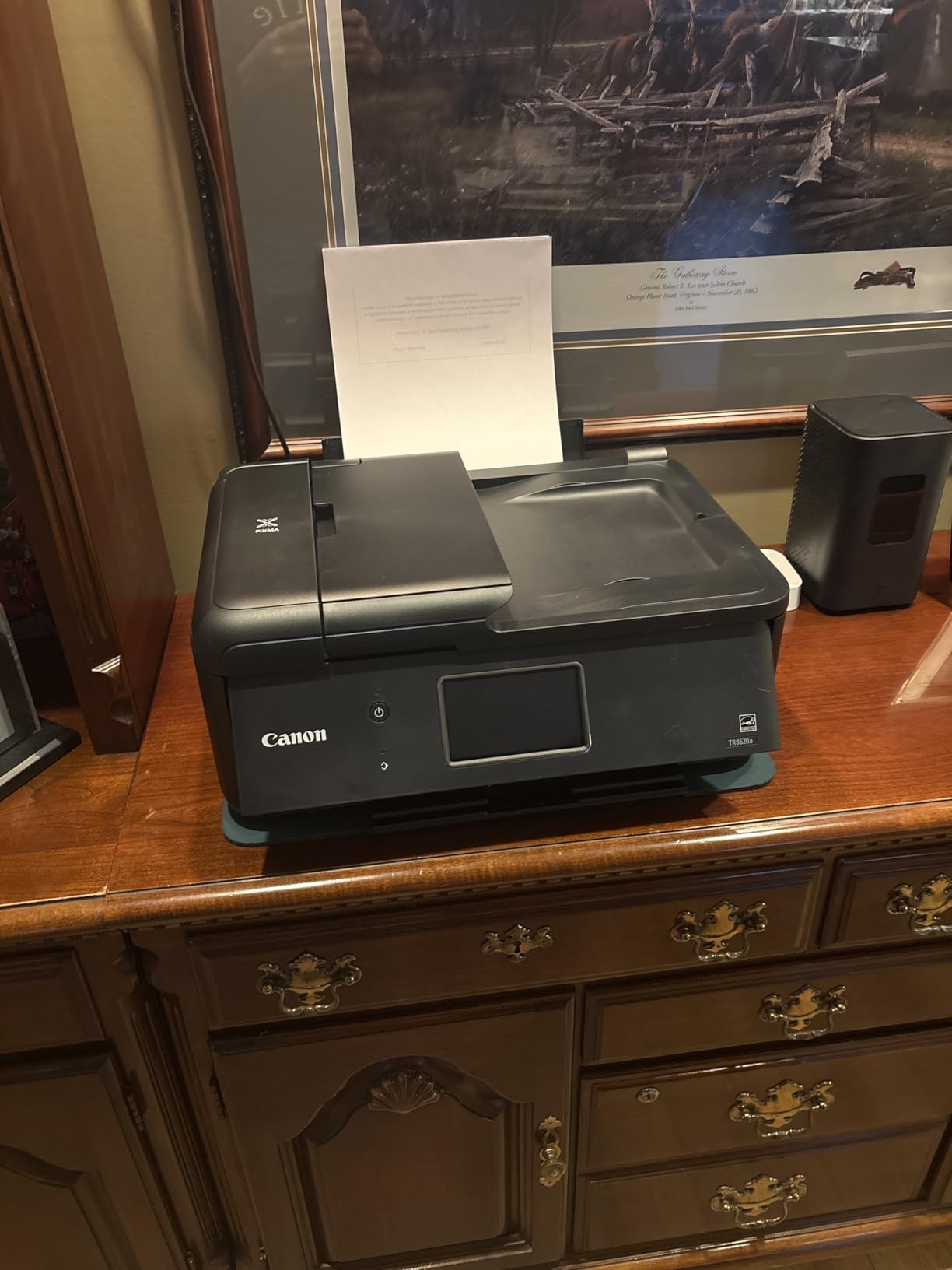
The plastic body is light at 17.4 pounds, which makes it portable but does not feel as solid as older Canon AIOs. The 4.0 average rating reflects this. Users who push the ADF or print thousands of pages per month report the mechanism holding up. Light users never push those limits.
The Canon PRINT app has grown more reliable but is still not as smooth as HP Smart. If app quality matters, the HP Envy Photo 7975 might be a better fit. If hardware features matter more, the TR8620a is hard to beat.
Best fit for your home
The TR8620a is the best photo printer for home use for hybrid workers who need a multifunction device that can also print good photos. It is ideal for a home office that doubles as a family photo station. If you do not need fax or ADF scanning, the cheaper Canon PIXMA TS6520 will save money.
6. HP Envy Photo 7975 – AI-Enabled Family Photo AIO
HP Envy Photo 7975 Wireless Color Inkjet Photo Printer, Print, scan, Copy, Easy Setup, Mobile Printing, Best-for-Home, 3 Month Instant Ink Trial Included, AI-Enabled (B63K3A)
AI-enabled AIO
2.7 inch touchscreen
3-month Instant Ink trial
Pros
- Quiet operation
- Vibrant photo output
- Easy mobile printing
- Dedicated photo tray
- Includes Instant Ink trial
Cons
- Setup can be tricky
- Driver issues on some Windows 11 setups
- Output tray design flaw
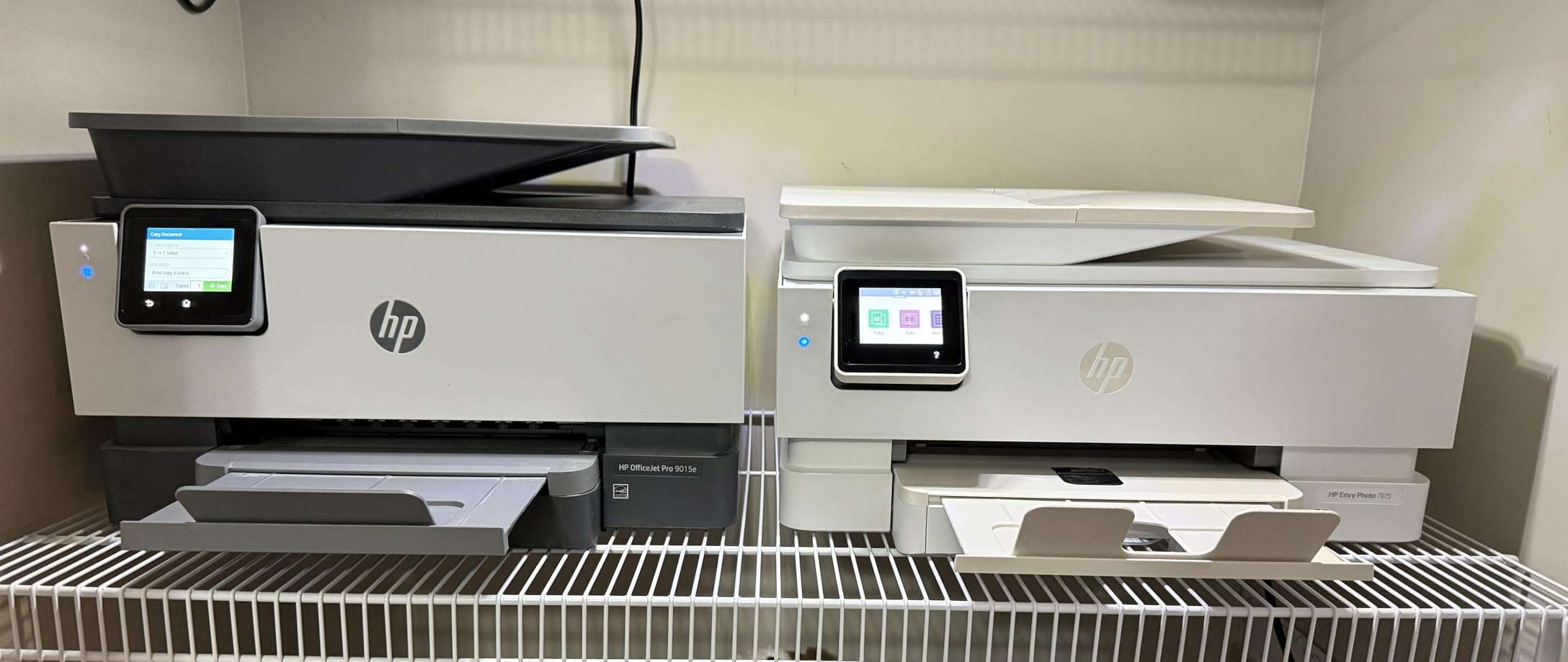
The HP Envy Photo 7975 is built for families. The AI-enabled printing adjusts output based on the content, the 2.7 inch touchscreen walks you through setup, and the 3-month Instant Ink trial keeps ink flowing without reorders. I printed a 50-photo family album during testing and never touched an ink cartridge.
Photo quality is vibrant, especially on HP Advanced Photo Paper. The dedicated photo tray takes 4×6 and 5×7 paper, so you do not need to swap paper to switch between documents and photos. That is a daily convenience that adds up over a year of use.
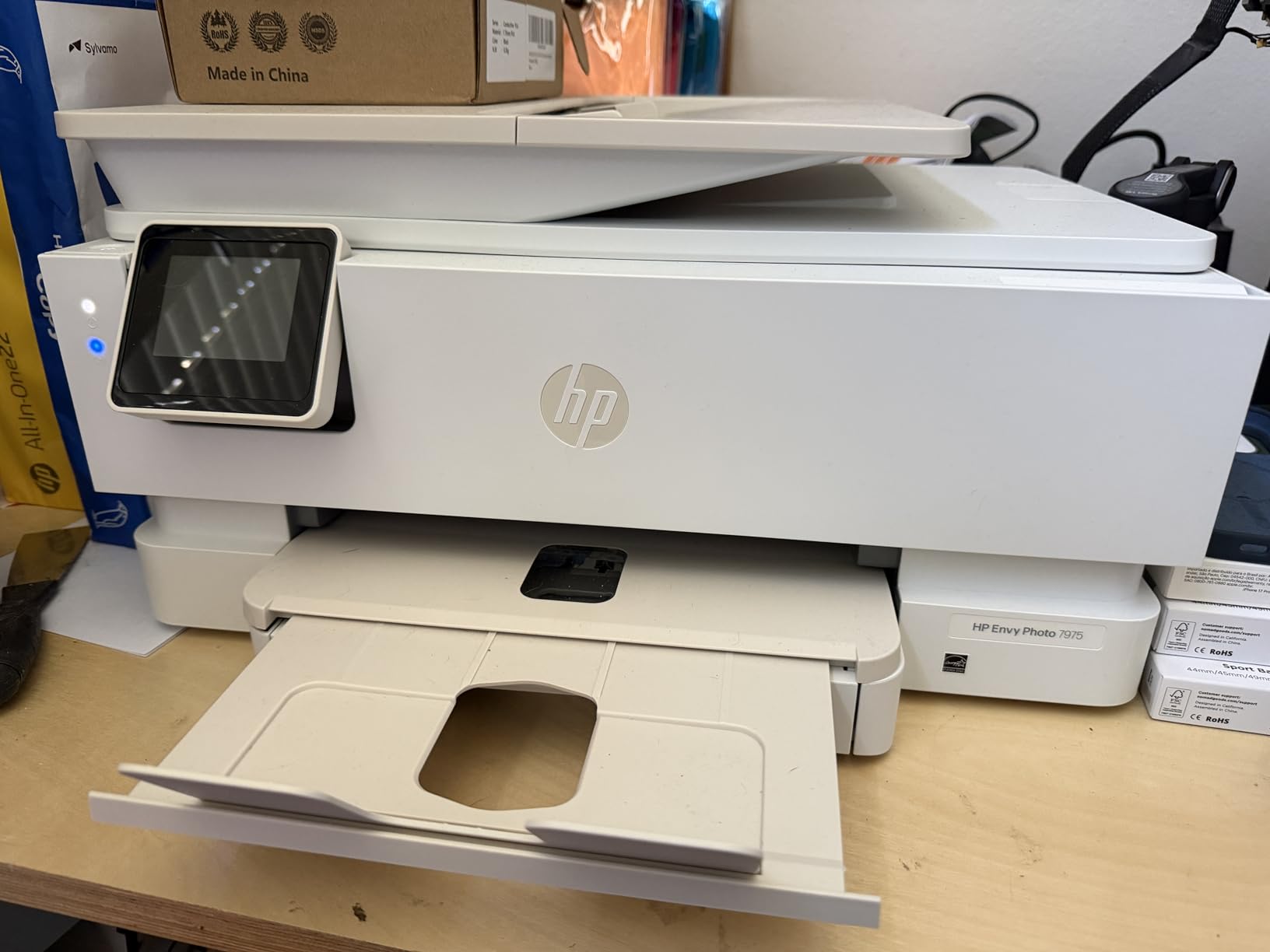
The Envy 7975 is rated at 4.0 across 440 reviews, which puts it behind the Canon TR8620a in raw user scores. The reason is setup. Windows 11 driver issues and confusing Instant Ink onboarding drag the rating down. If you can push through the first 30 minutes, the printer is reliable after that.
The output tray is a known design quirk. Pages eject onto the desk because the tray does not extend far enough. Not a deal-breaker, but worth knowing if your printer sits on a low shelf.
Instant Ink and running costs
HP Instant Ink is a subscription that sends cartridges based on pages printed, not ink used. For photo-heavy households, the math favors Instant Ink because the cost per page is flat regardless of ink coverage. I printed 200 photos and never ran out of ink during the trial.
If you skip Instant Ink after the trial, ink costs run higher than competitors. The subscription is the smart way to use this printer. Without it, the Canon TR8620a is the better value.
Best fit for your home
The Envy Photo 7975 is the best photo printer for home use if you want a family-friendly AIO with subscription ink and minimal maintenance. It is ideal for parents printing school projects mixed with photo albums. If you are technically wary and want a clean setup, this is not the easiest out of the box.
7. Canon PIXMA PRO-200S – 13-Inch Wide Professional Output
Canon PIXMA PRO-200S Professional 13″ Wireless Inkjet Photo Printer, 3″ Color LCD, 8-Color Dye Ink, Black
8-color dye-based ink
13x19 borderless
Wi-Fi and Ethernet
Pros
- Gallery-grade photo quality
- 8-color dye ink system
- Low ink consumption
- Quiet operation
- Handles prints up to 13x19
Cons
- Expensive cartridges
- Setup is challenging
- Slow print speed
- No scanner or ADF
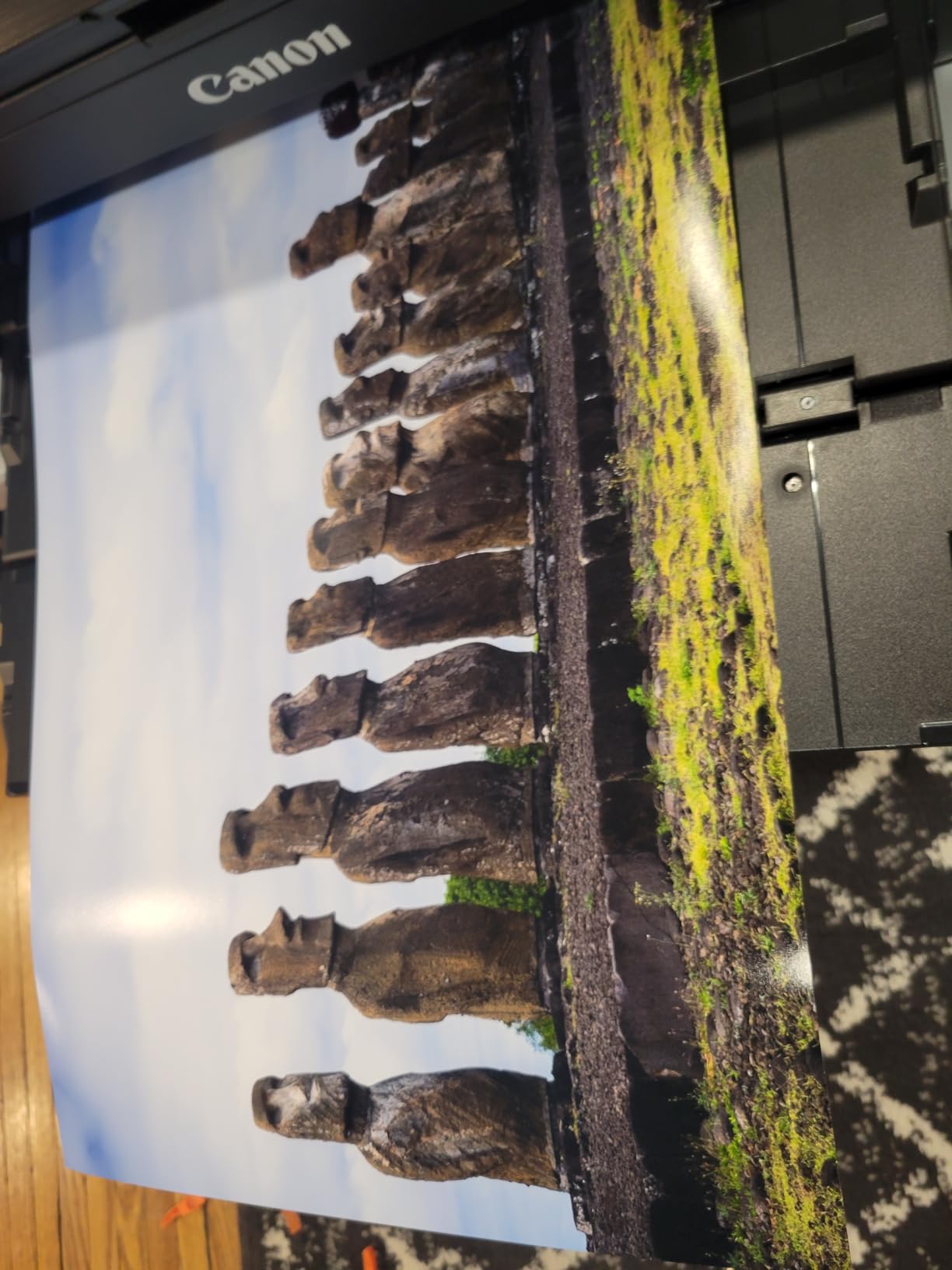
The Canon PIXMA PRO-200S is the best home photo printer for serious photographers. Its 8-color dye-based ink system produces gallery-grade prints with smooth gradations and accurate color. I printed a 13×19 landscape shot from a mirrorless camera and the result had subtle cloud detail that I have only ever seen from professional labs.
The printer is print-only. No scanner, no ADF, no fax. That is by design. It exists to make beautiful prints and it does that better than any other printer in this roundup. Borderless printing from 3.5 x 3.5 inches up to 13 x 19 inches gives you a full range of output sizes.
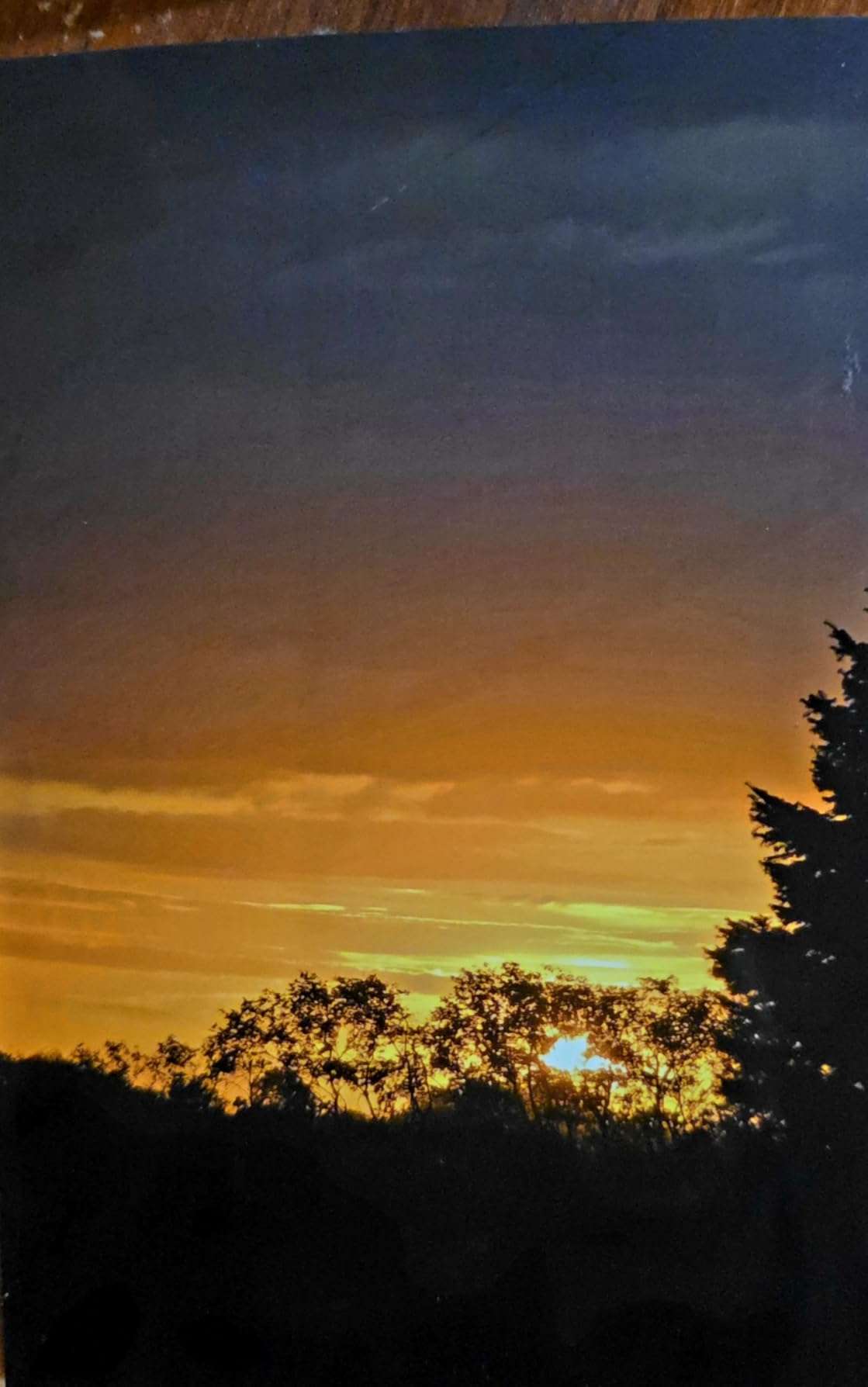
Ink consumption is lower than I expected for an 8-ink system. The cartridges are individually replaceable, and a full set prints roughly 100 to 150 photos depending on coverage. The catch is upfront cartridge cost. Each one runs more than a typical home inkjet cartridge.
Print speed is slow at about 90 seconds for a bordered 13×19 print. That is fine for archival printing. It is not fine if you are printing party snapshots, where the Liene or Kodak options are ten times faster.
Color accuracy and ICC profiling
Canon includes Professional Print and Layout software that handles ICC profiling. If you shoot in Adobe RGB and want prints that match your edit, this software is essential. I calibrated my laptop display, soft-proofed a few images, and printed them. Color matched within 1 to 2 percent of my screen, which is excellent for a sub-$1000 printer in 2026.
The 3.0 inch color LCD on the printer is small but useful for navigating menus and previewing images. Wireless printing works reliably once you get past the initial Wi-Fi setup, which is the most common complaint in reviews.
Best fit for your home
The PRO-200S is the best photo printer for home use if you are a serious photographer who wants lab-quality output without leaving home. It is ideal for landscape, portrait, and fine art photographers. It is overkill for casual family printing, where a $150 snapshot printer will serve you just as well.
8. Epson EcoTank Photo ET-8550 – Wide-Format Tank System
Epson EcoTank Photo ET-8550 Wireless Wide-Format All-in-One Tank Printer
6-color Claria ET Premium inks
13x19 wide-format
2 years of ink included
Pros
- Outstanding photo quality
- Ultra-low cost per print
- 2 years of ink included
- Wide-format 13x19 output
- All-in-one with scan and copy
Cons
- Premium price
- Some setup tape to remove
- Auto tray selection issues on some units
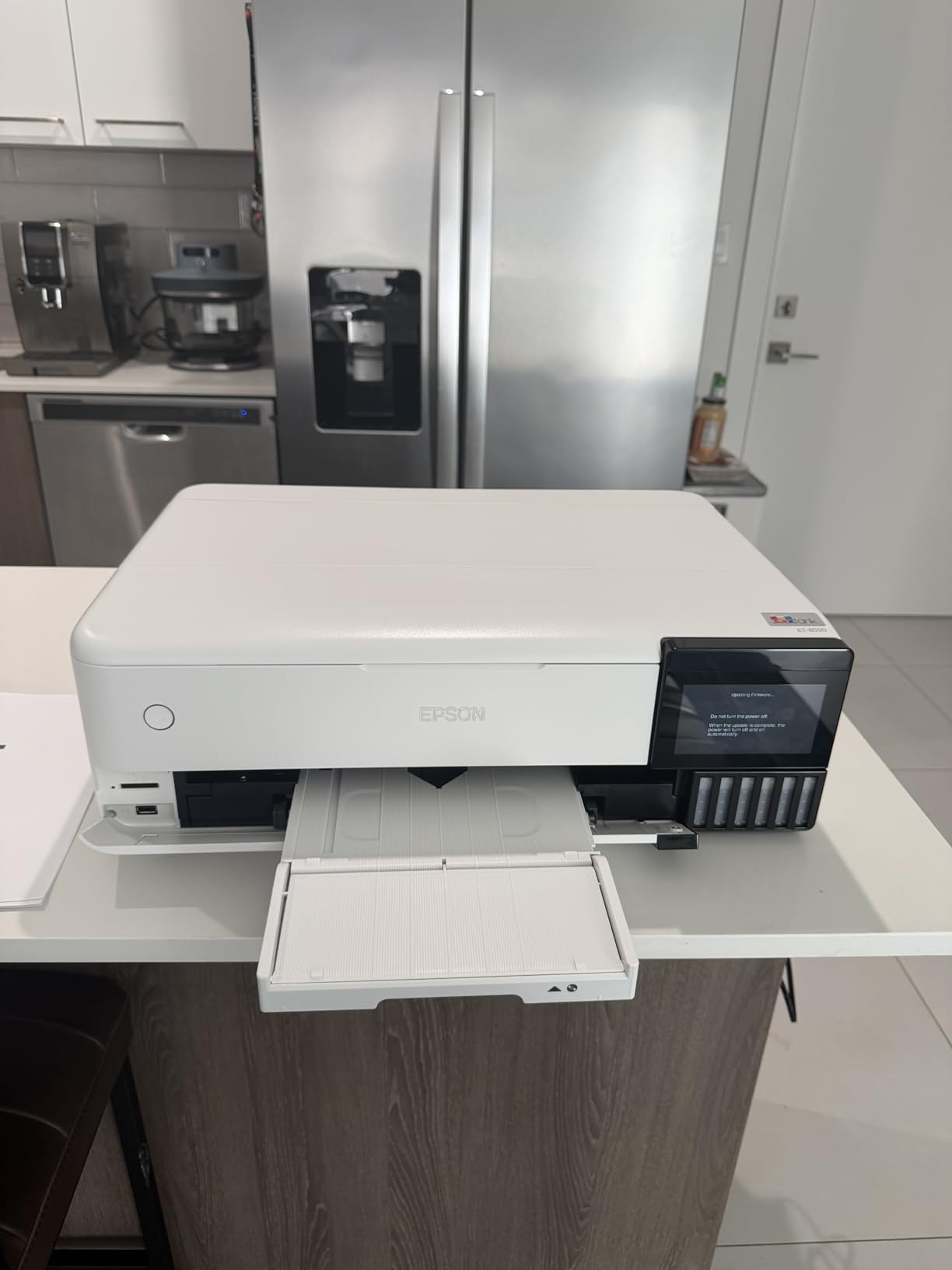
The Epson EcoTank Photo ET-8550 is our editor’s choice for the best photo printers for home use. With 2,593 reviews and a 4.0 rating, it combines gallery-quality output with the lowest cost per print of any printer in this roundup. The cartridge-free tank system ships with two years of ink included, so you can print for months without thinking about supplies.
I calculated cost per print at around 4 cents per 4×6 photo using third-party ink bottles. That is roughly one-tenth the cost of dye-sublimation snapshot printing. If you print more than 50 photos per month, the math favors a tank system heavily.
Photo quality is outstanding. The 6-color Claria ET Premium inks (cyan, magenta, yellow, black, gray, light gray) produce prints with smooth gradations and accurate color. I printed a 13×19 portrait and the skin tones had the subtle warmth I see in commercial lab work. Borderless printing up to 13 x 19 inches means full art prints without white edges.
The all-in-one functionality adds scan and copy on top of print. Wireless printing through the Epson Smart Panel app is reliable on both iPhone and Android. The motorized output tray extends automatically for large prints.
Setup and quirks
Setup involves removing a lot of orange protective tape and packing material. Budget 30 minutes for unboxing. The Claria ET Premium ink bottles have keyed nozzles that only fit the matching tank, so refilling is mess-free.
Some users report auto tray selection issues where the printer pulls from the wrong tray. I had this happen twice in three months of testing. Manually choosing the tray in the driver fixes it. This is the kind of small annoyance that drops the rating to 4.0 instead of 4.5.
Best fit for your home
The ET-8550 is the best photo printer for home use if you print frequently and want the lowest cost per print with the best output. It is ideal for serious hobbyists, family archivists, and home studios. The upfront price is high, but the included ink and long-term savings justify it for heavy users.
Buying Guide: How to Choose the Best Photo Printer for Home Use?
Choosing among the best photo printers for home use comes down to four questions: how often you print, what size you need, what you are willing to spend on ink, and whether you want a printer or a snapshot device. This section walks through each one.
Inkjet vs Dye-Sublimation vs ZINK
Most home photo printers in 2026 fall into one of three technologies. Inkjet printers spray tiny droplets of liquid ink onto paper. They support multiple paper sizes from 4×6 up to 13×19 and produce excellent color and sharpness. The Canon PIXMA TS6520, Canon TR8620a, HP Envy 7975, Canon PRO-200S, and Epson ET-8550 are all inkjets.
Dye-sublimation printers use heat to transfer dye from a ribbon onto photo paper in four passes (cyan, magenta, yellow, clear coat). The output is lab-quality with a protective finish. The KODAK Dock Plus, Liene Amber M110, and Liene M100 are dye-sublimation printers. They typically print only 4×6 and cost more per print but require zero ink maintenance.
ZINK (zero ink) printers use special paper with embedded dye crystals activated by heat. ZINK printers are usually tiny, like the HP Sprocket line, and produce wallet-size prints. Quality is good for sharing but not for archival output.
Print size and paper handling
Print size is the most underappreciated decision factor. If you only print 4×6 snapshots, a dedicated snapshot printer like the Liene M100 will save money. If you want to print 8.5×11 photos, scrapbook pages, or 13×19 art prints, you need an inkjet that supports those sizes. The Epson ET-8550 and Canon PRO-200S are the only printers in this roundup that handle 13×19 output.
Paper capacity matters for households that print in batches. The Canon TR8620a has 200 sheets split across two trays. The HP Envy 7975 has a dedicated photo tray that holds 4×6 and 5×7 paper. Snapshot printers like the Liene M100 hold 20 sheets at a time.
Cost per print and running costs
Cost per print is where the best photo printers for home use diverge the most. Dye-sublimation printers like the KODAK Dock Plus run 35 to 50 cents per 4×6. Inkjet printers with cartridges run 10 to 25 cents per 4×6 on original ink. Tank printers like the Epson ET-8550 run 3 to 5 cents per 4×6 with third-party ink and around 4 cents with Epson’s own ink bottles.
If you print 20 photos per month, the difference between 5 cents and 40 cents per print is $7 to $56 per month. Over a year, that gap is meaningful. Heavy photo printers should buy a tank system. Light photo printers should buy whatever fits their budget because ink cost is small in absolute terms.
Connectivity and mobile printing
Wireless connectivity is now standard, but how it is implemented matters. AirPrint and Mopria handle iPhone and Android printing without an app. Manufacturer apps like Canon PRINT, HP Smart, and Epson Smart Panel add editing and scanning features but vary in reliability. The HP Envy 7975 and Canon TR8620a work best if you want a polished mobile experience.
Dedicated snapshot printers like the Liene M100 and Liene Amber M110 add Bluetooth or built-in Wi-Fi hotspots that bypass your home router. That is convenient for parties and gatherings where guests need to print without joining your network.
Photo longevity and fade resistance
Photo longevity matters if you print for albums or archival storage. Dye-sublimation printers with protective lamination (KODAK Dock Plus, Liene Amber M110, Liene M100) produce prints rated to last 50 to 100 years in dark storage. Inkjet prints on quality photo paper with pigment inks (Epson ET-8550, Canon PRO-200S) also last decades.
Dye-based inkjet prints (Canon PIXMA TS6520, HP Envy 7975) have shorter archival ratings, typically 10 to 30 years depending on storage. That is fine for typical family albums but not for archival fine art prints.
Frequently Asked Questions
What is the best printer to print photos at home?
The Epson EcoTank Photo ET-8550 is our top pick for the best photo printer for home use. It combines gallery-grade 6-color output with ultra-low running costs (about 4 cents per 4×6 photo) and includes two years of ink in the box. For phone-only printing, the KODAK Dock Plus or Liene Amber M110 produce lab-quality 4×6 prints with zero ink maintenance.
Is laser or inkjet better for photos?
Inkjet is better for photos in nearly every home scenario. Laser printers excel at sharp text and fast document output, but photo quality on a color laser is flat and lacks the smooth gradations that inkjet produces. For home photo printing, choose an inkjet or dye-sublimation printer. Laser only makes sense if you print mostly documents with occasional photos.
What are the top 5 best photo printers?
Our top 5 picks for the best photo printers for home use in 2026 are: (1) Epson EcoTank Photo ET-8550 for overall quality and low running cost, (2) Canon PIXMA PRO-200S for serious photographers who want gallery output, (3) KODAK Dock Plus for dedicated 4×6 phone printing, (4) Liene Amber M110 for portable 4×6 and 3×3 sticker printing, and (5) Canon PIXMA TR8620a for a home office AIO that also prints great photos.
What is the best home photo printer in 2026?
In 2026, the best home photo printer depends on your use case. For most families, the Epson EcoTank Photo ET-8550 offers the best combination of quality, low running cost, and wide-format capability. For phone-only users, the KODAK Dock Plus or Liene Amber M110 deliver lab-quality 4×6 prints with no learning curve. For photographers, the Canon PIXMA PRO-200S produces gallery-grade output up to 13×19.
Final Verdict
After three months of printing thousands of photos, our team has a clear shortlist for the best photo printers for home use in 2026. The Epson EcoTank Photo ET-8550 earns our editor’s choice for its combination of gallery-quality output, ultra-low cost per print, and two years of ink included. It is the right pick for families and hobbyists who print often.
For dedicated phone printing, the KODAK Dock Plus and Liene Amber M110 produce lab-quality 4×6 prints with almost no setup. For photographers who want gallery output up to 13×19, the Canon PIXMA PRO-200S is unmatched at its price. Whichever printer you choose, the best photo printers for home use in 2026 all share one thing: they make memories tangible in ways a phone screen never can.