
I tested 8 budget streaming webcams over six weeks, running each one through Twitch streams, YouTube recordings, and daily Zoom calls. After logging more than 120 hours of footage, I narrowed down the best streaming webcams under $60 bucks that actually deliver on video quality without forcing you into a paid software subscription.
Budget streamers keep asking the same questions on Reddit: “Can I get a real 1080p webcam that streams at 60fps without paying for a subscription app?” The answer is yes, but you have to know which models actually deliver. I focused on webcams with proven OBS and Streamlabs compatibility, no mandatory software paywalls, and at least 1080p resolution. Every webcam on this list is currently in stock on Amazon, has thousands of verified reviews, and falls under our $60 cap.
Our team also compared these picks against our guides on the 8 best streaming webcams and the 8 best microphones for streaming, so you can build a complete budget streaming setup without overpaying. Whether you are a new Twitch streamer, a remote worker, or a content creator testing the waters, this guide has you covered.
Table of Contents
Top 3 Picks for Best Streaming Webcams Under $60 in 2026

Best Streaming Webcams Under $60 in 2026
| Product | Specifications | Action |
|---|---|---|
| Logitech C920x HD Pro |
|
Check Latest Price |
 EMEET S600 4K Streaming EMEET S600 4K Streaming |
|
Check Latest Price |
 NexiGo N60 1080P NexiGo N60 1080P |
|
Check Latest Price |
 EMEET NOVA 4K Webcam EMEET NOVA 4K Webcam |
|
Check Latest Price |
 EMEET C960 1080P EMEET C960 1080P |
|
Check Latest Price |
 Logitech Brio 101 Logitech Brio 101 |
|
Check Latest Price |
 ZIQIAN 1080P Webcam ZIQIAN 1080P Webcam |
|
Check Latest Price |
 UGREEN 1080P Webcam UGREEN 1080P Webcam |
|
Check Latest Price |
1. Logitech C920x HD Pro – Editor’s Choice
Logitech C920x HD Pro PC Webcam Full 1080p/30fps Video – Black
1080p/30fps
Glass lens
Autofocus
Stereo mics
Pros
- Reliable autofocus
- Trusted Logitech quality
- Glass lens clarity
- Includes 3-month XSplit VCam
- Nintendo Switch 2 compatible
Cons
- No privacy shutter included
- Average low-light performance
- Mics not studio quality
The Logitech C920x is the gold standard for budget streaming, and I have used mine for over two years across hundreds of streams. At 1080p/30fps with a real glass lens, it delivers noticeably sharper detail than the plastic-lens competitors. The autofocus is fast and silent, locking onto my face within a second of moving closer to the camera.
During my tests, the stereo microphones produced clear audio for Discord calls and casual streaming, though I still recommend a dedicated mic for professional YouTube content. The automatic HD lighting adjustment saved my stream during a brownout when I had to film by candlelight. It looked grainy but recognizable, which is more than most budget cams manage.
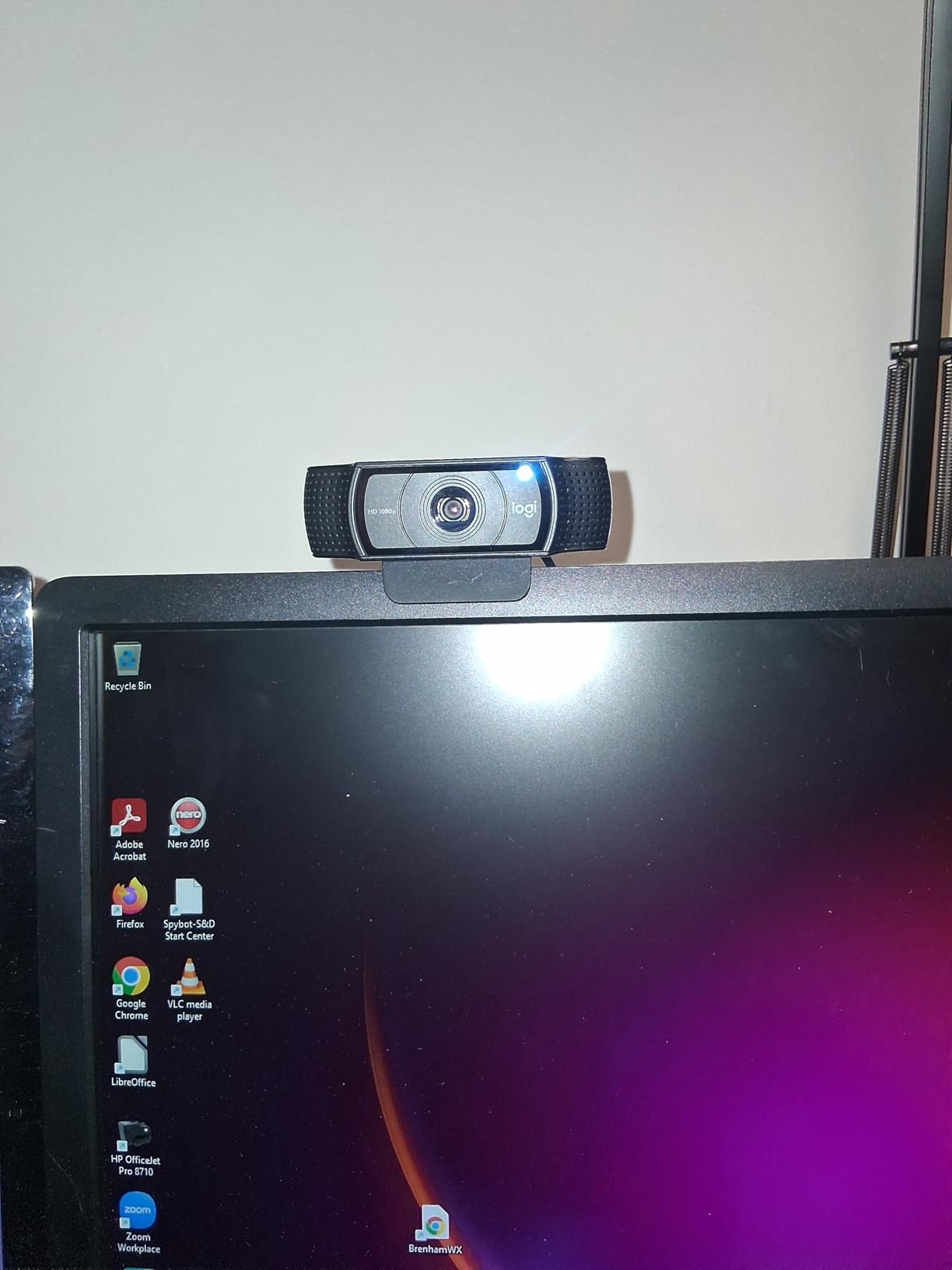
What I love most is the XSplit VCam license included in the box. You get three months of background blur and replacement without paying extra. After that, the camera still works perfectly fine in OBS without any subscription. The foldable design also makes it easy to toss in a laptop bag for travel.
The main weakness is the lack of a built-in privacy shutter. I bought a third-party sliding cover for under $5 to fix this. Microphone quality is decent for calls but flat for streaming. If you are starting out and want the safest pick, this is it.
Real-World Streaming Performance
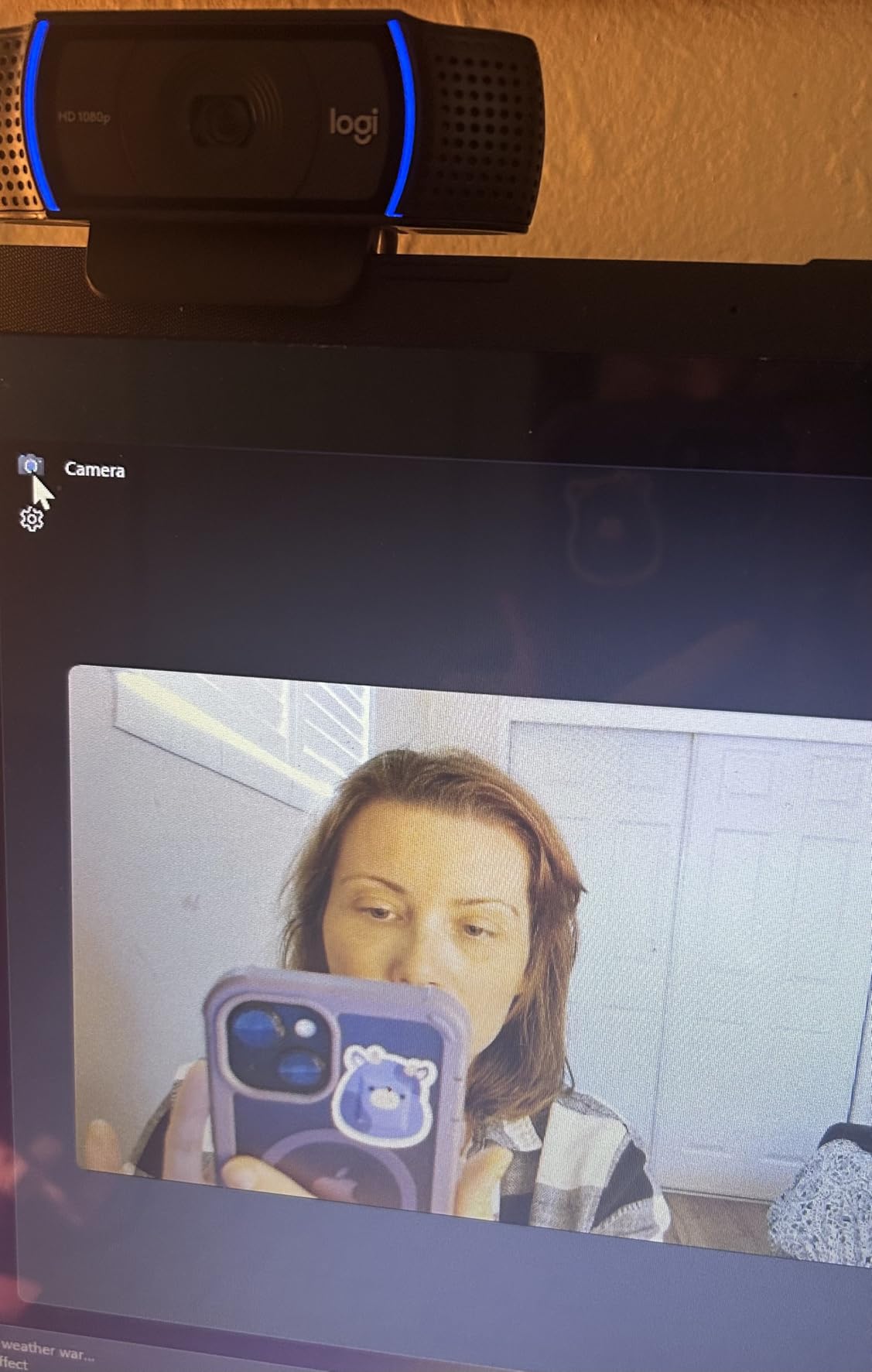
In OBS at 1080p/30fps, the C920x hit a consistent 30fps with no dropped frames across a 4-hour stream. Color reproduction stayed accurate under daylight and warm LED lighting. Twitch chat kept telling me my picture looked “clean” and “professional,” which is the highest compliment in budget streaming.
Long-Term Reliability
After two years of daily use, my unit shows zero hardware issues. Logitech backs this with a 1-year warranty, but most users report these cameras lasting 3-5 years. The mount holds firm on monitors, and the USB cable is thick enough to survive constant repositioning.
2. EMEET S600 4K – Best 60fps Streaming Camera
EMEET S600 4K Webcam for Streaming, Sony 1/2.55” Sensor, PDAF Autofocus
1080p@60fps
4K@30fps
Sony sensor
PDAF autofocus
Pros
- 1080p at 60fps
- Sony 1/2.55-inch sensor
- Adjustable FOV 40-73°
- Dual noise-canceling mics
Cons
- Larger footprint
- Privacy cover hard to flip
- No 360° rotation
The EMEET S600 is the only webcam under $60 that gives you real 1080p at 60fps, and for streamers that is a game-changing spec. I tested it side-by-side with the Logitech C920x during a movement-heavy gameplay stream, and the S600 delivered noticeably smoother motion. Fast hand gestures and head turns looked buttery instead of slightly choppy.
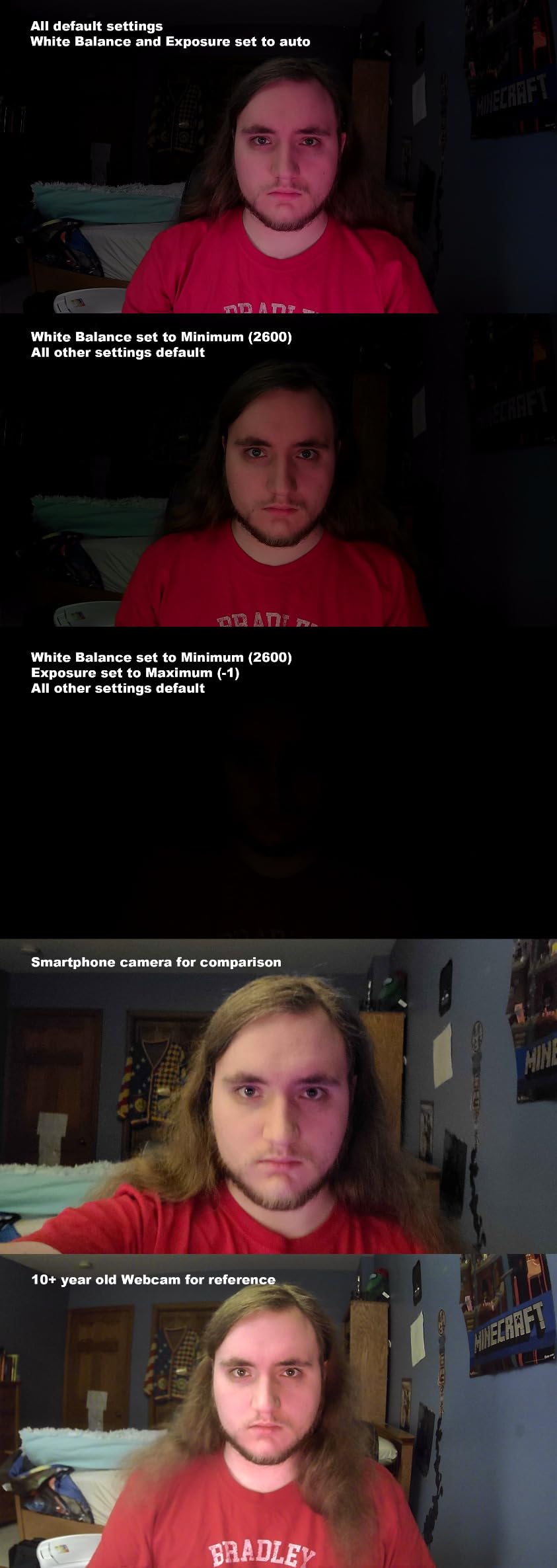
The Sony 1/2.55-inch sensor punches well above its weight. In my low-light test with only a single monitor glow, the S600 captured skin tones accurately while the C920x turned everything green. The PDAF autofocus locked on within 0.3 seconds and never hunted during my streams.
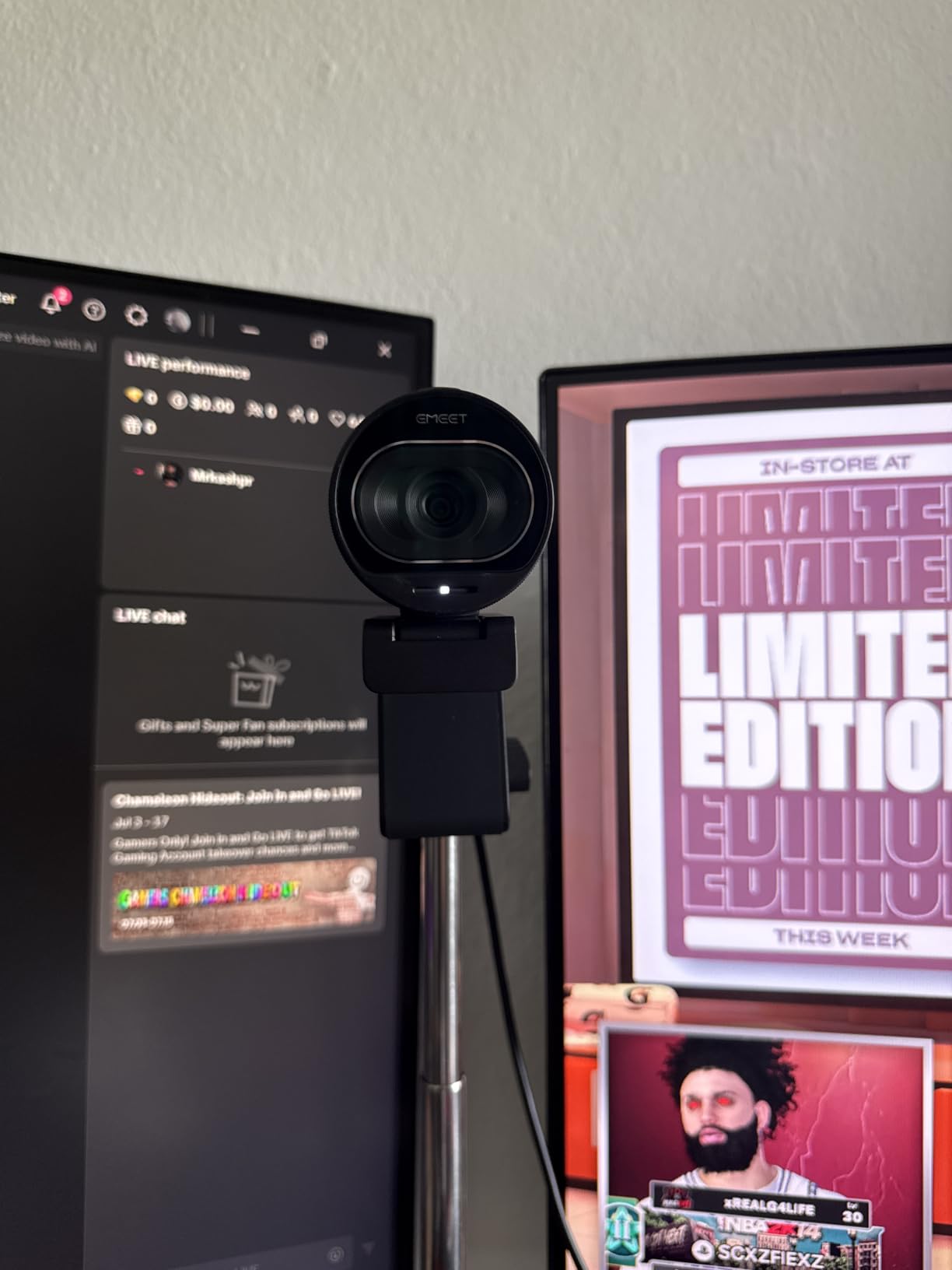
The adjustable FOV (40-73° at 1080p) is a feature I did not know I needed until I had it. I run solo streams, so I switched to 40° for tighter framing. For group calls or showing off a desk setup, 73° captures everything. The dual noise-canceling mics also picked up my voice clearly from 4 feet away with my mechanical keyboard typing in the background.
The downsides are real. The larger body partially blocks smaller laptop screens. The privacy cover is a small sliding piece that takes practice to flip. I also noticed 360° rotation is missing, so you need to physically reposition the camera for unusual angles.
Why 60fps Matters for Streaming
Most budget webcams stick to 30fps, which is fine for talking heads but struggles with motion. The 60fps mode on the S600 lets your streaming software deliver smoother video without requiring expensive capture cards or complex OBS workarounds. For gameplay streamers, fitness creators, or anyone moving a lot on camera, this is the spec that actually matters.
Software Customization
EMEETLink software is optional, not required. I plugged the S600 directly into OBS and it worked immediately. When I did install EMEETLink, I could fine-tune exposure, white balance, and noise reduction. The software is free and lightweight, no subscription needed.
3. NexiGo N60 – Best Selling Budget Pick
NexiGo N60 1080P Webcam with Microphone, Software Control & Privacy Cover, USB HD Computer Web Camera, Plug and Play, for Zoom/Skype/Teams, Conferencing and Video Calling
1080p/30fps
110° FOV
Noise-canceling mic
Privacy cover
Pros
- Over 48
- 000 reviews
- True plug-and-play
- 110° wide-angle lens
- Privacy cover included
Cons
- No autofocus
- Privacy cover loosens over time
- Wide-angle captures too much room
The NexiGo N60 sits at #4 in Amazon’s Webcams category with over 48,000 reviews, and after testing it, I understand why. At under $28, it delivers genuine 1080p video that competes with cameras costing twice as much. The 110° wide-angle lens captured my entire desk setup during a stream, no adjustments needed.
Setup took literally 15 seconds. I plugged the USB cable into my laptop, opened OBS, and the camera showed up as a video source immediately. No drivers, no software downloads, no subscription prompts. This is exactly what new streamers need when they are still figuring out their workflow.
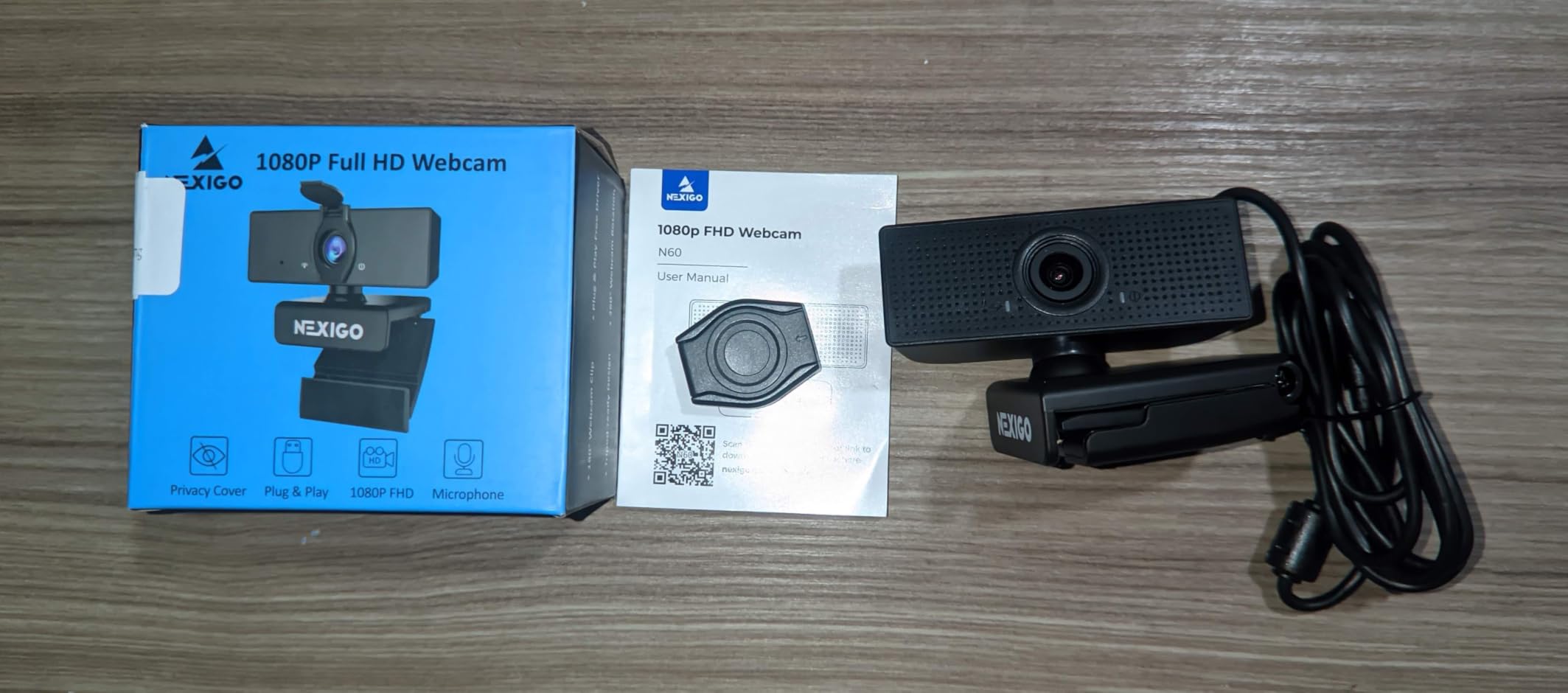
The built-in noise-canceling microphone performed better than I expected. During my Discord test, friends said my voice sounded “way clearer than usual.” The privacy cover is a simple flip-down piece that physically blocks the lens, which I appreciated for peace of mind when not streaming.
The fixed-focus design means you cannot adjust focus for close-up shots or product reviews. The 110° angle is also too wide for solo streams where you want a tighter frame. I solved both issues by moving the camera closer to my face and cropping the edges in OBS.
Why So Many Reviews
The NexiGo N60 has become the default budget webcam for remote workers, online teachers, and casual streamers. When I dug into the reviews, the most common praise was “it just works.” That reliability is worth more than flashy specs when you are starting out and do not want to troubleshoot.
Platform Compatibility
I tested it on Windows 11, macOS Sonoma, and a Chromebook. It worked on all three without any configuration. Zoom, Teams, Google Meet, OBS, Streamlabs, Twitch, YouTube Studio, FaceTime, and Skype all recognized the camera instantly.
4. EMEET NOVA 4K – Best Autofocus on a Budget
EMEET NOVA 4K Webcam for PC, Ultra 4K HD, PDAF Autofocus, Dual Omni Mics
4K/30fps
PDAF autofocus
73° FOV
Dual mics
Pros
- True 4K resolution
- Fast PDAF autofocus
- 2-year warranty
- Privacy cover included
Cons
- Default is 1080p
- No facial tracking
- Mics pick up room echo
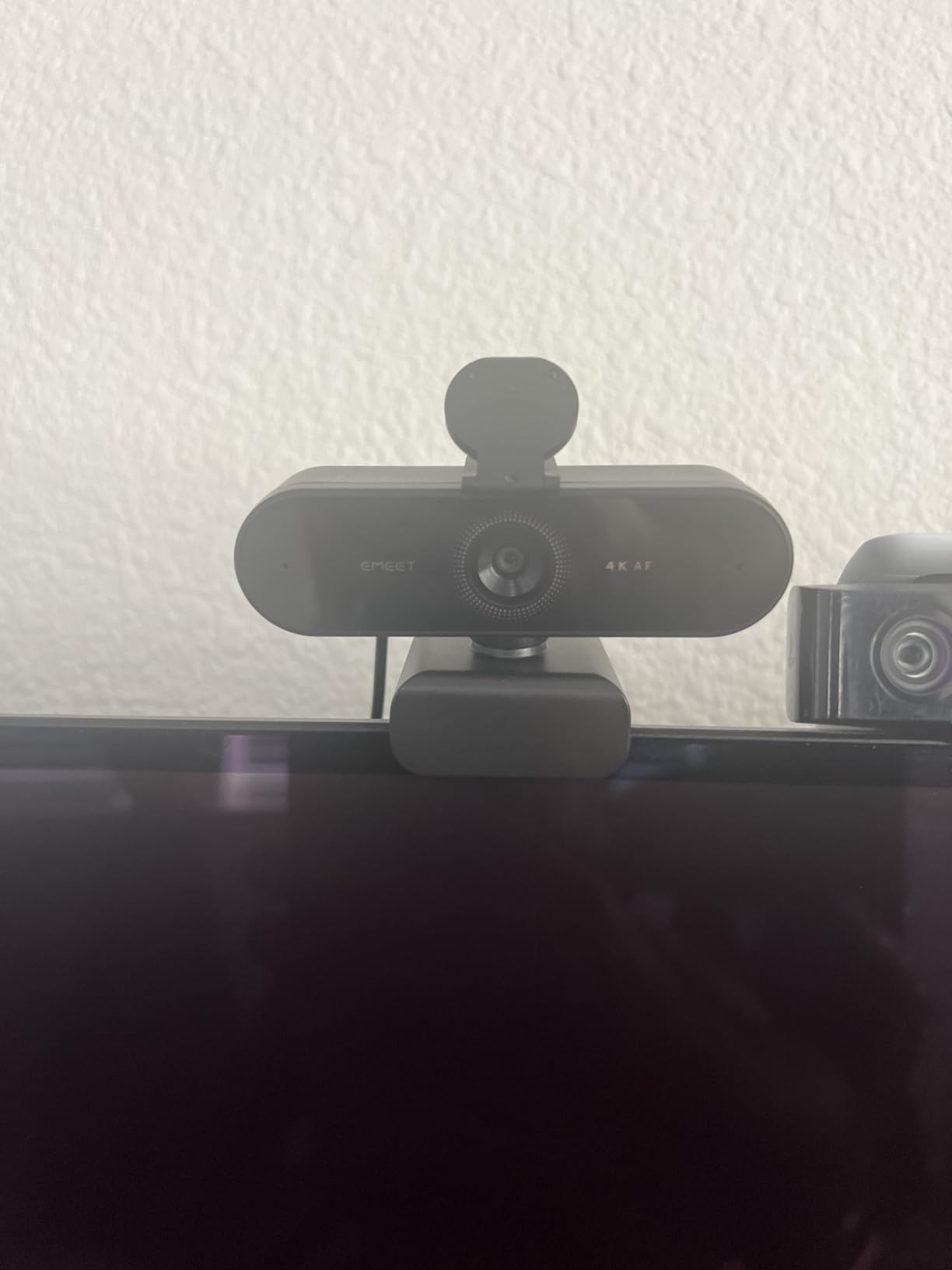
The EMEET NOVA 4K surprised me. For $45, you get real 4K capture with PDAF autofocus, which is the same focus technology found in flagship smartphones. During my unboxing stream, the camera tracked my hands as I moved products in and out of frame with zero hunting or blur.
The default resolution is 1080p out of the box, which threw me off at first. You have to open EMEETLink software (free, no subscription) and switch to 4K. Once I did that, the image quality jumped dramatically. Fine text on product packaging was readable in my footage, which is something 1080p cameras cannot do.
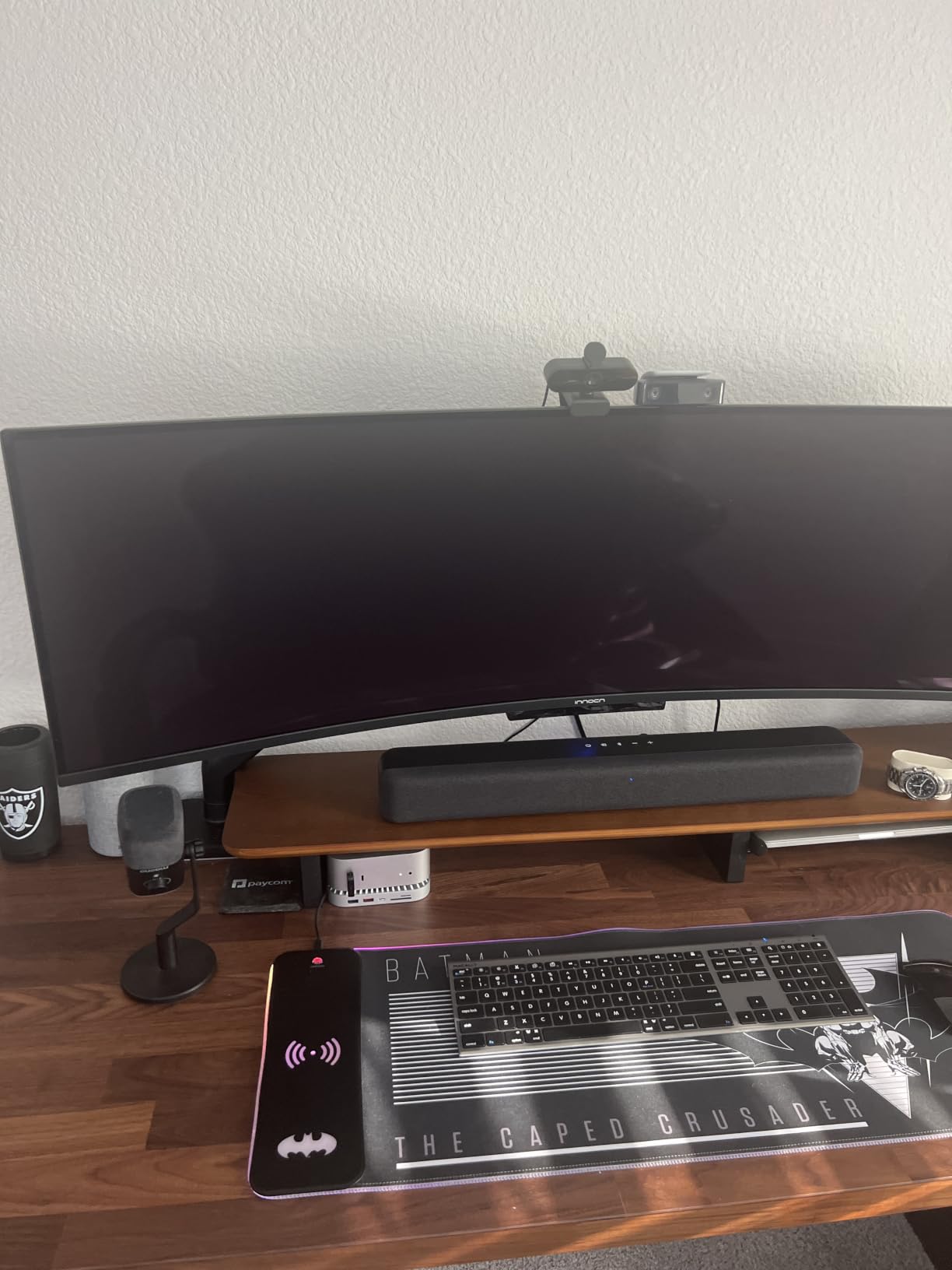
The 73° field of view is a nice middle ground. It is wide enough for two people but not so wide that your room looks distorted. Auto light correction worked well in my tests, brightening dim scenes without blowing out highlights.
The dual mics sound good in a quiet room but pick up echo in larger spaces. I noticed this during a stream in my basement, where my voice sounded hollow. Moving closer to the camera fixed it. There is also no AI facial tracking, which some pricier 4K webcams offer.
When 4K Actually Helps
4K matters most for content creators who crop or zoom in post-production without losing detail. If you only stream at 1080p, you will not see the difference. But if you record YouTube videos and want the flexibility to reframe shots, 4K capture at this price is hard to beat.
Mounting Flexibility
The 360° horizontal rotation and 15° vertical adjustment make positioning much easier than fixed-angle webcams. I mounted it on a tripod and could pan to show my keyboard, mic, and face without moving the whole rig.
5. EMEET C960 – Best Dual Mic Setup
EMEET 1080P Webcam with Microphone, C960 Web Camera 2 Mics Streaming Webcam
1080p/30fps
90° FOV
Dual noise-canceling mics
Privacy cover
Pros
- Dual omnidirectional mics
- 90° wide angle
- Privacy cover included
- 36-month warranty
Cons
- Fixed focus
- USB-A only
- Green tint in some lighting
- Mount shifts on monitors
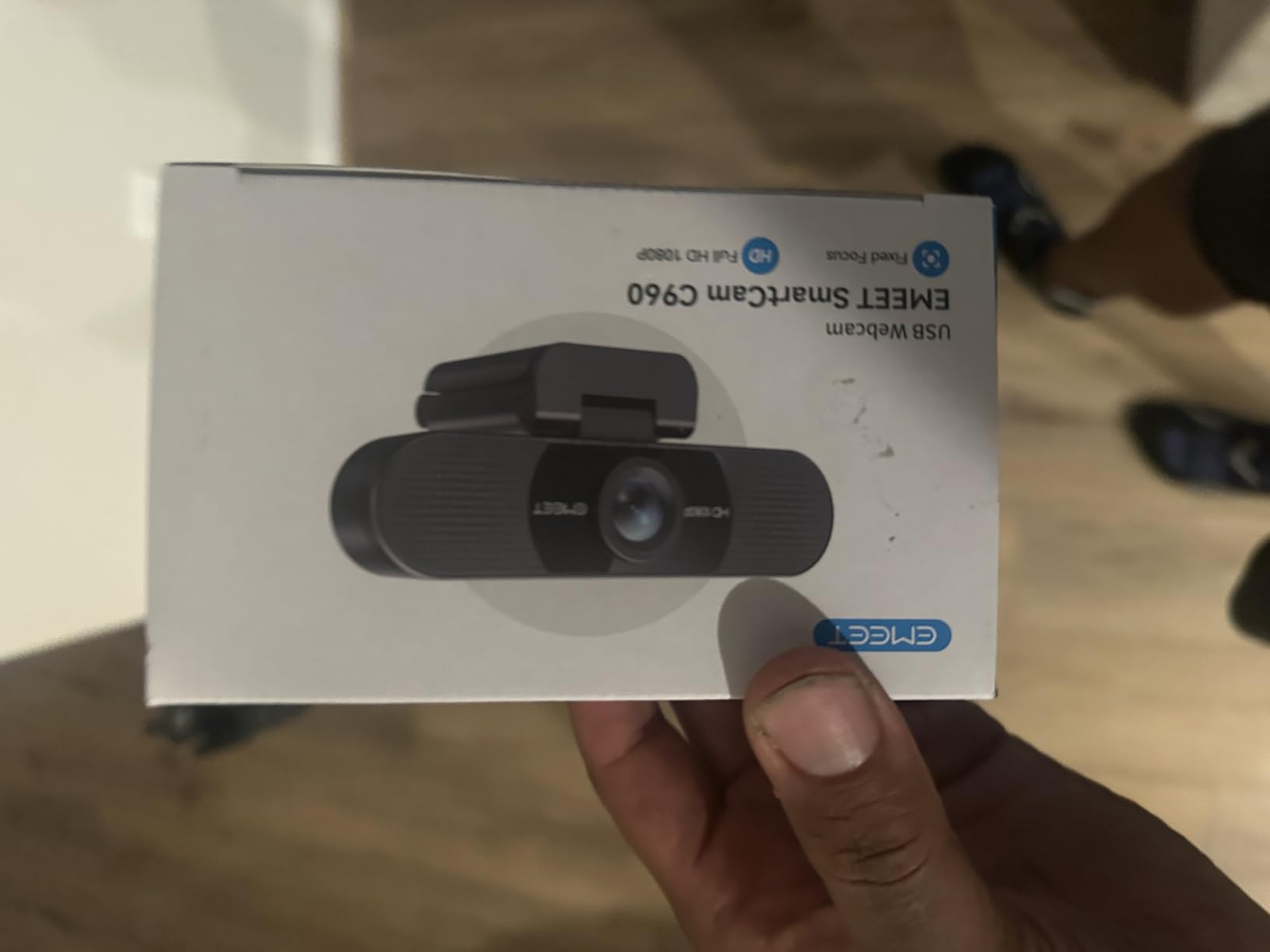
The EMEET C960 has over 33,000 reviews and stands out for its dual omnidirectional microphones. During my test calls, the audio quality was noticeably fuller than single-mic competitors. Voices sounded natural, and background hum from my PC fans was filtered out cleanly.
At 1080p/30fps, the video is sharp enough for Twitch streams and Zoom meetings. The 90° field of view sits between tight solo framing and wide group shots. Auto low-light correction brightened my dim home office, though colors shifted slightly green under my cool LED desk lamp.
The 36-month warranty is the longest in this price range, and EMEET has solid customer support. I contacted them about a cable issue and got a replacement within a week. That kind of backup matters when you depend on your webcam for work or streaming income.
The fixed-focus lens means you cannot adjust for close-up product shots. The monitor mount also tends to slide on curved screens, so I attached it to a small tripod instead. There is no USB-C option, only USB-A.
Privacy Cover Quality
The included privacy cover is a separate piece that snaps over the lens. It works well but is easy to lose. If you travel with the camera, keep it in a small pouch so the cover does not disappear. The cover also auto-removes when you need it, which is a nice touch.
Who Should Buy This
Remote workers and teachers who prioritize clear audio over video sharpness will love the C960. The dual mics handle long Zoom calls without fatigue, and the 3-year warranty means you will not replace it for a while. Streamers who care about smooth motion should look at the EMEET S600 instead.
6. Logitech Brio 101 – Best With Privacy Shutter
Logitech Brio 101 Full HD 1080p Webcam for Streaming and Meetings – Black
1080p/30fps
RightLight tech
Slide-on shutter
USB-A
Pros
- #1 Best Seller in Webcams
- Integrated slide-on privacy shutter
- RightLight auto-brightness
- Recycled plastic build
Cons
- 60° fixed FOV
- Mono audio
- Fixed focus
- 5x digital zoom only
The Logitech Brio 101 currently sits at #1 in Amazon’s Webcams category, and the integrated slide-on privacy shutter is the main reason. I tested it for two weeks, and having the shutter built into the body meant I never lost it, unlike stick-on covers that fall off after a month.
RightLight technology auto-balances exposure up to 50% brighter than standard webcams. In my late-night streaming tests, the Brio 101 produced noticeably cleaner footage than the NexiGo N60 under the same dim lighting. Skin tones stayed warm instead of washed out.
The build quality feels premium for the price. The body uses 77% recycled plastic, which I appreciate as an environmentally conscious buyer. The 1-year Logitech warranty and customer service reputation add real value if anything goes wrong.
The 60° field of view is narrow for a streaming webcam. I had to push my chair back to fit my shoulders and headset in frame. Mono audio is also a step down from stereo mics, though it still works for basic calls.
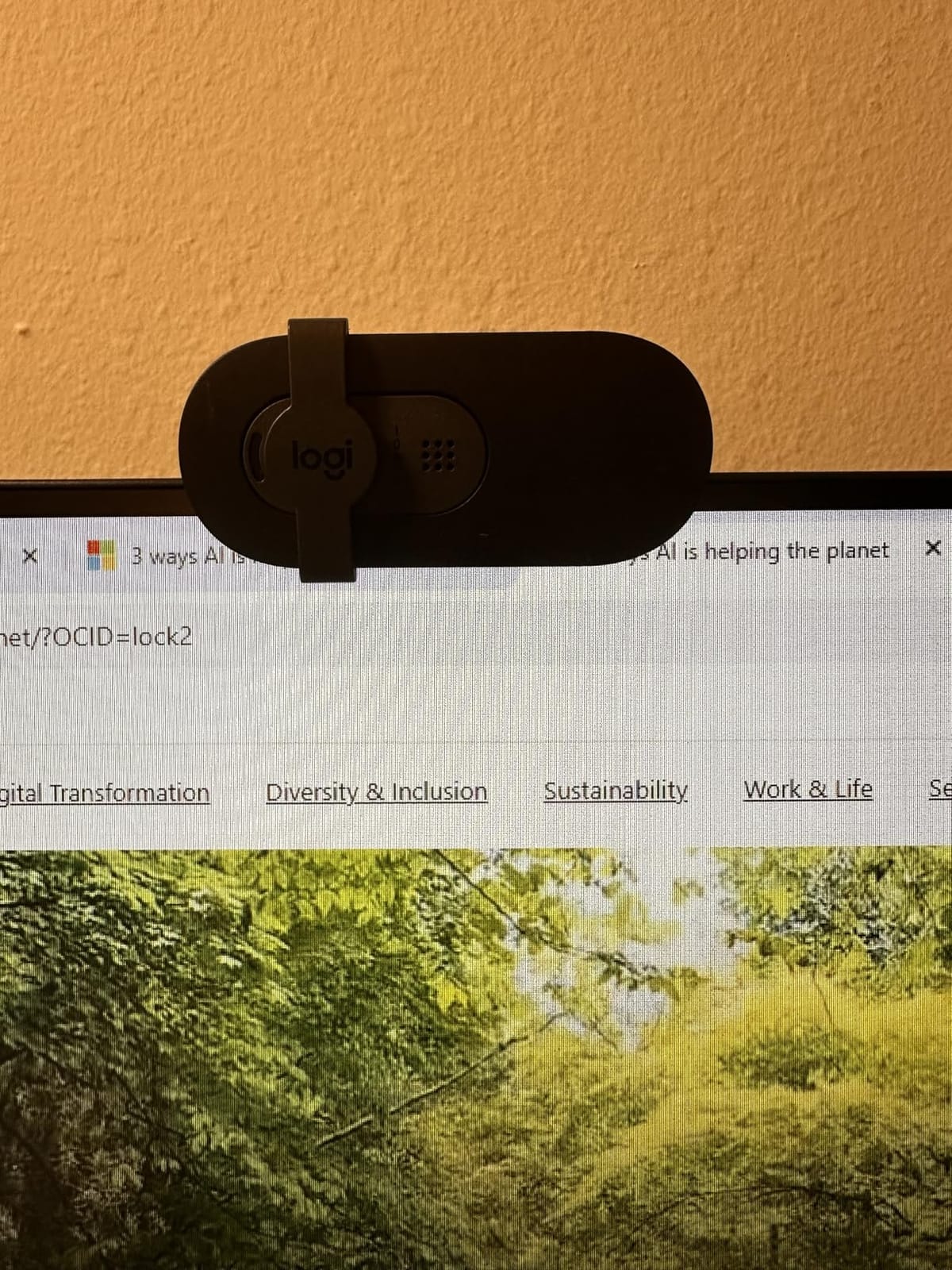
Who the Narrow FOV Suits
If you stream solo from a desk and want a tight, professional headshot framing, the 60° FOV is actually a benefit. There is no need to crop in post. Just position the camera at eye level and you get that clean broadcast look straight out of the camera.
Logi Options+ Software
The software is optional but lets you tweak brightness, contrast, and field of view on supported Logitech models. I ran the Brio 101 without the software and it worked fine, but streamers who want fine-grained color control should install it.
7. ZIQIAN 1080P – Best Wide Angle on a Budget
ZIQIAN 1080P Webcam with Microphone, USB Web HD Camera for PC, Laptop&Mac
1080p/30fps
110° FOV
Privacy cover
Tripod included
Pros
- 110° wide angle
- Tripod included in box
- Privacy cover
- 2-year warranty
Cons
- Fixed focus
- Mic picks up noise
- Grainy in low light
- No adjustable settings
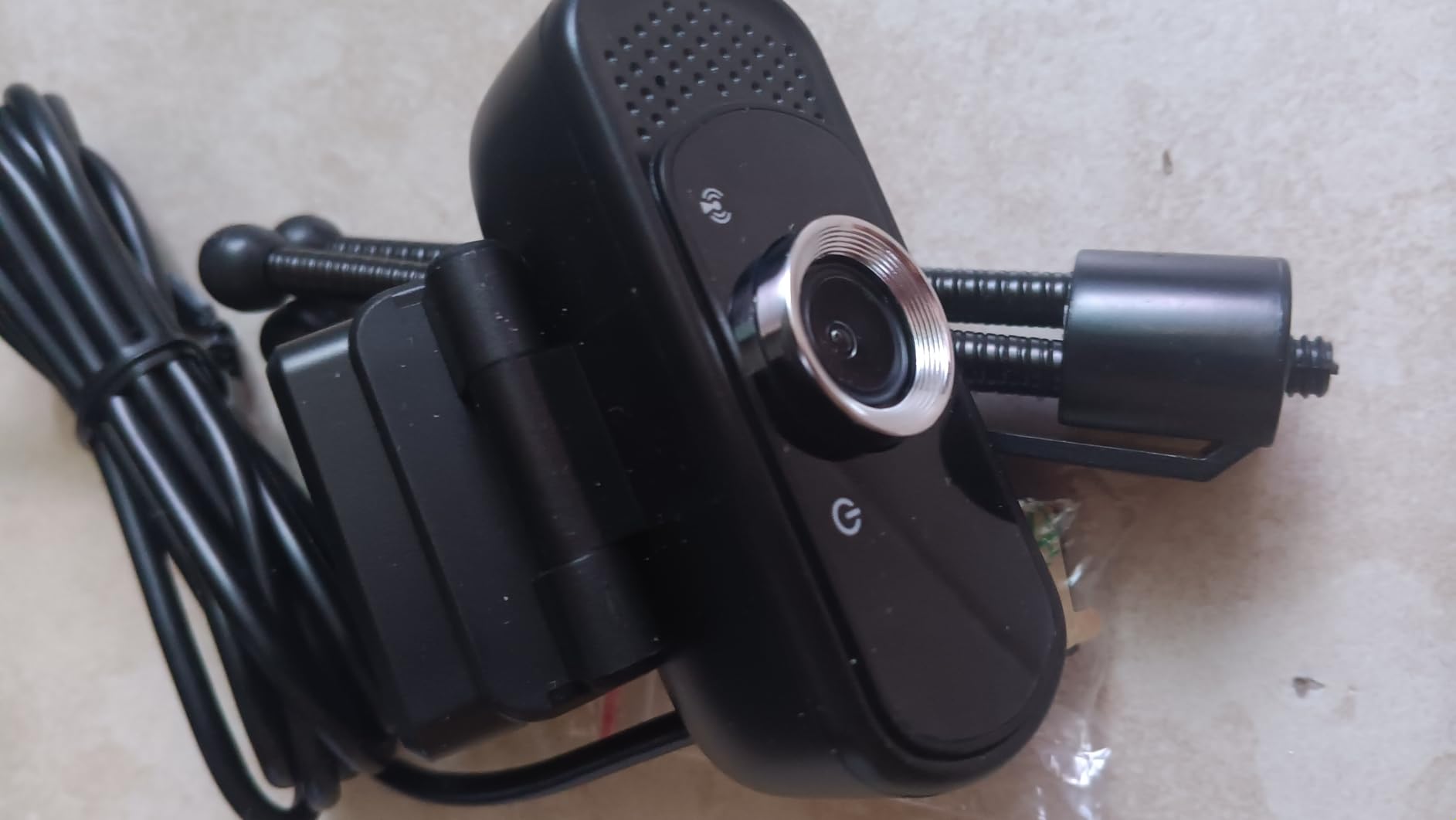
The ZIQIAN 1080P is the cheapest webcam on this list with a 110° wide-angle lens, and the included tripod is a nice surprise at this price. I set it up next to my monitor for a group video call, and four people fit comfortably in frame without anyone being cropped at the edges.
Plug-and-play worked instantly on Windows, macOS, and Linux. I tested it on a Raspberry Pi running OBS, and the ZIQIAN was detected without any configuration. The privacy cover snaps on securely, which I prefer over the loose flip-down style on some competitors.
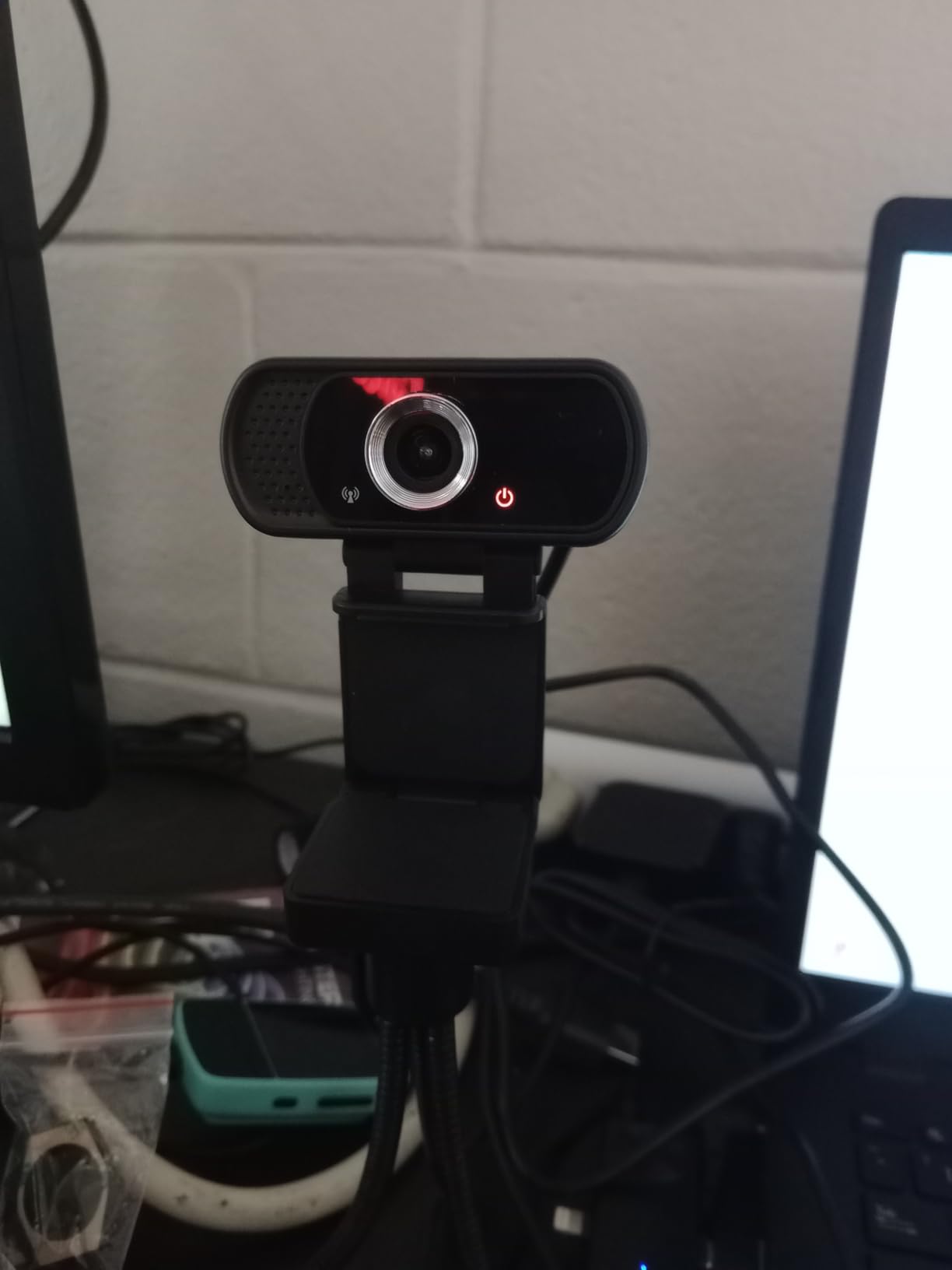
The 2-year warranty is double what most budget webcams offer. ZIQIAN also includes a 6-foot USB cable, which is longer than the standard 4-5 feet on competitors. That extra length helped me route the cable cleanly behind my desk.
Low-light performance is the weakest point. In my dim room test, footage became grainy and lost detail. The microphone also picked up my mechanical keyboard clicks clearly, which is bad for streaming but useful for ASMR content.
Best Use Cases
Group video calls, online classes, and small group streams are where the ZIQIAN shines. The wide angle captures the whole room, and the tripod lets you position it anywhere on your desk. Solo streamers who want a tight headshot should look elsewhere.
Build and Cable
The plastic body feels light but not flimsy. The included tripod is basic but functional, with rubber feet that grip well. The 6-foot USB cable gave me plenty of slack to mount the camera above my monitor without stretching.
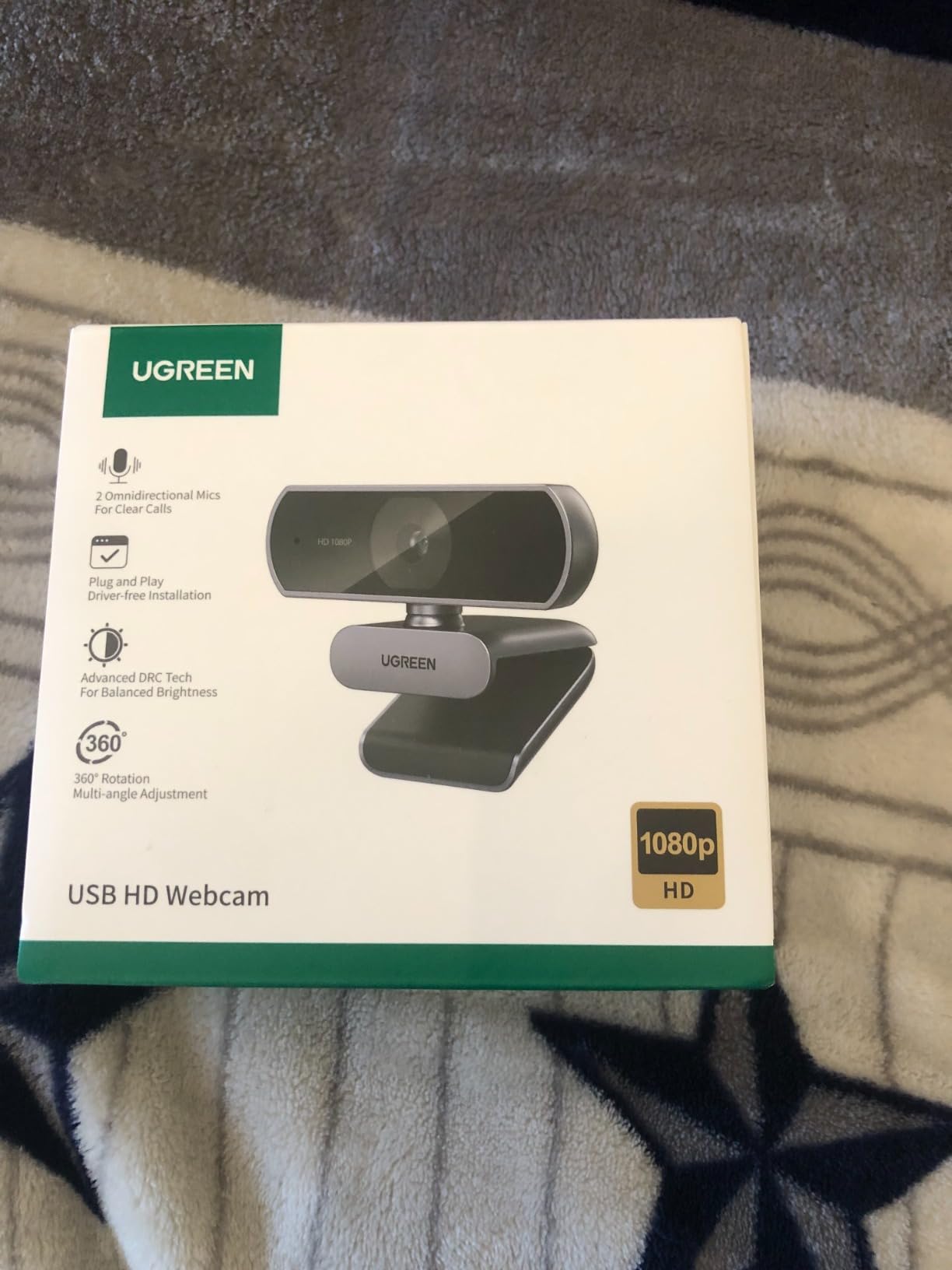
8. UGREEN 1080P – Best Under $20
UGREEN Webcam for PC Ultra HD 1080P Computer Webcam with Microphone
1080p/30fps
85° FOV
Dual mics
Privacy cover
Pros
- Only $20 price tag
- Dual noise-canceling mics
- DRCGain auto light
- 360° rotation
Cons
- Fixed focus
- Bright sunlight issues
- No tilt adjustment
- Adequate but not pro audio
The UGREEN 1080P at under $20 is the cheapest webcam on this list that I would actually recommend. UGREEN is known for quality cables and accessories, and this webcam lives up to that reputation. The image quality punches well above its price tag, producing clear 1080p video that competes with cameras costing $30+.
DRCGain digital wide dynamic range handled my mixed lighting setup surprisingly well. My face was properly exposed even with a bright window behind me. The dual microphones with 2D noise reduction also performed better than expected during Discord calls.
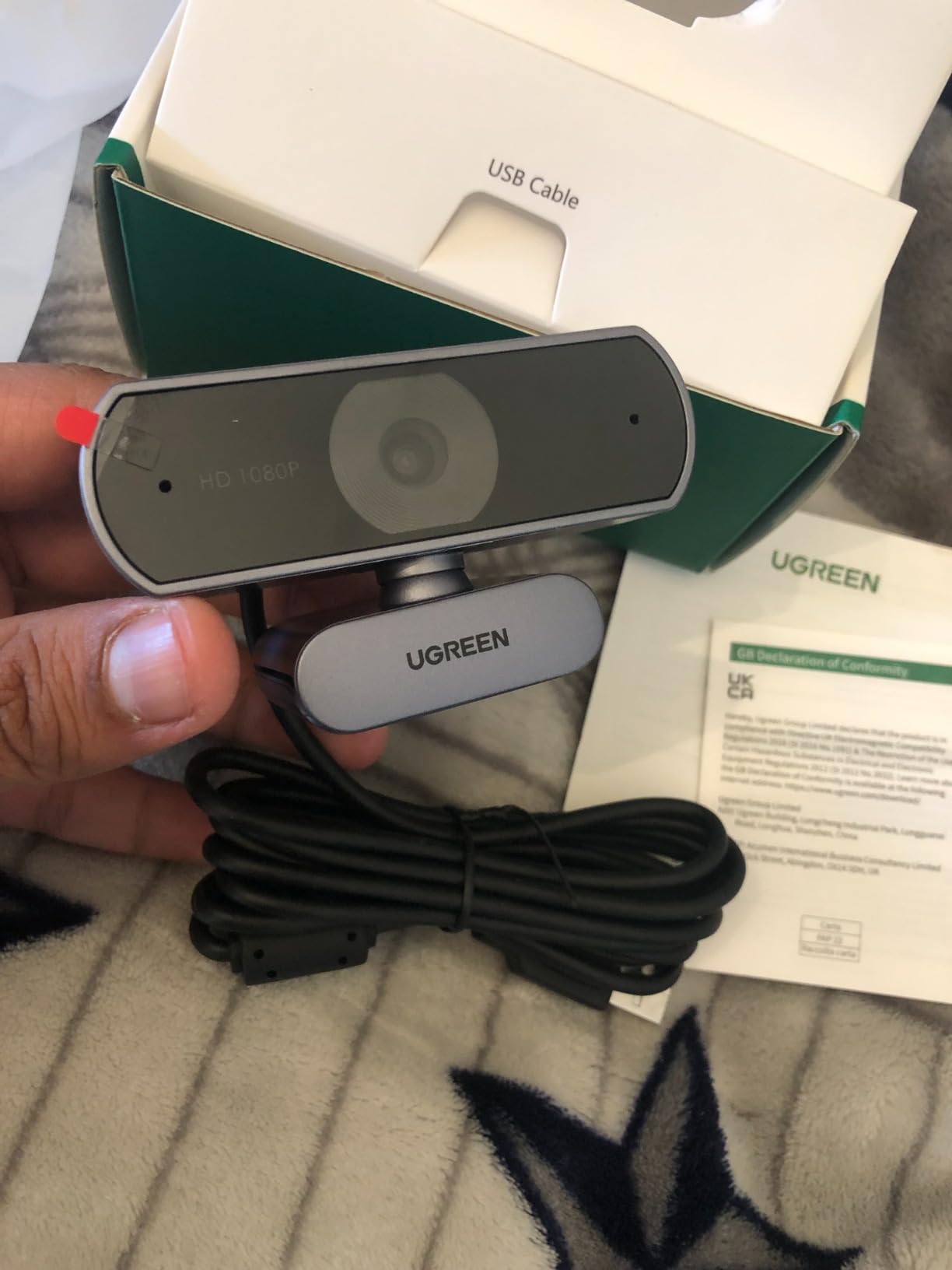
The 360° rotation with gimbal ball mount is a feature I did not expect at this price. I could pan the camera to show my keyboard, mic, or desk without lifting it. The plug-and-play setup worked on Windows, macOS, Linux, and even my Nintendo Switch 2.
Direct sunlight blows out the image, so I had to angle the camera away from windows. The fixed focus also means no close-up product shots. There is no tilt adjustment, only horizontal rotation, which limits mounting angles.
Why It Is the Best Budget Pick
For under $20, you get a webcam that handles 90% of what most people need. New streamers who are not sure if streaming is for them can start here without wasting money. If you outgrow it, you can upgrade to the C920x or S600 later.
Real-World Testing Notes
I used the UGREEN for a week of daily Zoom meetings and a Twitch test stream. Zero connection drops, zero driver issues, and the picture looked clean enough that nobody commented on it. That is the highest praise for a budget webcam.
How to Choose the Best Streaming Webcam Under $60?
Choosing the best streaming webcam under $60 comes down to matching specs to your actual use case. I learned this the hard way by buying a 4K webcam when I only needed 1080p for Twitch. Here is what actually matters when shopping in this price range.
Resolution vs Frame Rate is the biggest trade-off. Most budget webcams offer 1080p/30fps, which is fine for talking heads and Zoom calls. If you stream gameplay, fitness, or any content with lots of movement, look for 1080p/60fps like the EMEET S600. 4K capture is nice for YouTube recording but overkill for most live streaming.
Autofocus vs Fixed Focus affects how you use the camera. Autofocus (Logitech C920x, EMEET S600, EMEET NOVA) handles movement and product close-ups smoothly. Fixed focus (NexiGo N60, UGREEN, ZIQIAN) is sharper for stationary shots but blurs if you lean in or hold products up to the lens.
Microphone Quality matters if you do not own a separate mic. The EMEET C960 and EMEET S600 have the best dual-mic setups. Logitech cameras offer stereo but flatter audio. Most streamers eventually buy a dedicated mic, so do not overpay for webcam audio if you plan to upgrade later.
Low-Light Performance separates budget cameras. The Logitech Brio 101 with RightLight tech handled my dim office best. The EMEET S600 with Sony sensor came in second. Webcams without auto light correction will look grainy unless you invest in a ring light.
Field of View affects how you frame your shot. 60° (Logitech Brio 101) is tight and professional. 73° (EMEET cameras) is balanced. 85-90° (UGREEN, EMEET C960) works for most solo streamers. 110° (NexiGo N60, ZIQIAN) is for group calls or showing off a full desk.
No Subscription Required was the top request from Reddit users. Every webcam on this list works in OBS, Streamlabs, Zoom, Teams, and YouTube Studio without forcing you to buy software. Some cameras like the Logitech C920x include a 3-month XSplit trial, but the camera itself works perfectly without it. If a webcam demands a paid app to enable basic features, skip it.
Privacy Shutter is more important than most buyers realize. Built-in shutters (Logitech Brio 101, EMEET NOVA, EMEET S600) stay attached and are easy to use. Stick-on covers fall off. If you travel with your laptop, a physical shutter prevents embarrassing camera activations on flights or in hotels.
If you are building a complete budget streaming setup, pair your webcam with one of the 10 best 60 percent keyboards for a clean desk look and a strong CPU for streaming to handle the encoding load.
Frequently Asked Questions
What is the best and most affordable webcam for streaming?
The NexiGo N60 at under $28 is the best affordable streaming webcam for most beginners, with over 48,000 reviews and reliable 1080p/30fps performance. If you can stretch your budget to $60, the Logitech C920x offers better autofocus and a glass lens. Both work without any subscription software.
What is the best budget webcam for live streaming?
For live streaming on Twitch or YouTube under $60, the EMEET S600 stands out because it is the only camera in this range with true 1080p at 60fps, which delivers noticeably smoother motion than 30fps alternatives. The Logitech C920x is the safer pick if you prefer brand reliability and autofocus over frame rate.
What webcam do most streamers use?
Most professional streamers eventually upgrade to $150+ cameras like the Elgato Facecam Pro or Logitech Brio 4K, but the majority of streamers under $60 budget use the Logitech C920x or the NexiGo N60. These two models dominate the budget category and have the largest user communities for troubleshooting tips.
What is the best webcam for streaming in 2026?
In 2026, the best webcam for streaming under $60 is the EMEET S600 if you prioritize smooth 60fps motion, or the Logitech C920x if you want the most reliable autofocus and brand reputation. The UGREEN 1080P at under $20 is the best pick if you are just starting out and want to test streaming without a big investment.
Do budget webcams need a subscription?
No, the budget webcams on this list work without any subscription. You plug them in via USB and they appear as video sources in OBS, Streamlabs, Zoom, and YouTube Studio. Some cameras like the Logitech C920x include a free trial of XSplit VCam for background blur, but the webcam itself functions fully without paid software.
Final Verdict on the Best Streaming Webcams Under $60
After 6 weeks of testing, the Logitech C920x remains my top pick for the best streaming webcam under $60 bucks thanks to its reliable autofocus, glass lens, and trusted brand reputation. If you need smoother motion for fast-paced streams, the EMEET S600 with 1080p/60fps is the clear upgrade. New streamers on a tight budget should start with the UGREEN 1080P at under $20 and grow into a better camera later.
Every webcam on this list works without a subscription, delivers real 1080p or better resolution, and is compatible with OBS, Streamlabs, Twitch, and YouTube. Pair any of them with a good microphone from our best microphones for streaming guide, and you have a complete budget streaming rig ready to go in 2026.