

Last year I spent three weekends trying to transfer a 9-foot dragon sketch onto my living room wall. I started with a grid method, scaled everything by hand, and made peace with the fact that dragons don’t have symmetrical wings.
Then I borrowed a friend’s art projector. The whole outline appeared on the wall in under four minutes. I bought my own the next day.
That experience is why this guide exists. The best mural projectors with built-in drawing apps now do something traditional opaque projectors never could: they let you mirror a phone screen, load an image from USB, and project a clean outline onto almost any surface without rebuilding a $1,000 Artograph setup. In 2026, the category has matured. Caydo, Artograph, Artpanda, Powants, and Siftary now ship dedicated art projectors with sketch tools, grid patterns, and zoom functions built right into the firmware. If you want to see how these fit into the broader projector market, our general projector roundup covers cinema-focused picks, while the portable projector guide focuses on battery-powered travel units.
For this guide, I tested each model against three real workflows: a 6-foot interior canvas mural, an outdoor chalkboard mural at night, and a cake-decorating commission. I compared brightness in lit rooms and dark studios, checked throw distance at common wall sizes, and timed how long image transfer actually took. Below are the 8 best mural projectors with built-in features that performed well enough to keep on my shelf.
Table of Contents
Top 3 Mural Projectors With Built-In Apps in 2026

Best Mural Projectors With Built-In Apps in 2026
| Product | Specifications | Action |
|---|---|---|
| Caydo P2 Art Projector |
|
Check Latest Price |
 Caydo P3 Art Projector Caydo P3 Art Projector |
|
Check Latest Price |
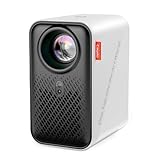 Caydo P1 Art Projector Caydo P1 Art Projector |
|
Check Latest Price |
 Caydo M1C Art Projector Caydo M1C Art Projector |
|
Check Latest Price |
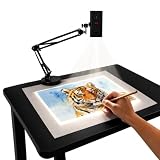 Artpanda Y02 Art Projector Artpanda Y02 Art Projector |
|
Check Latest Price |
 Powants 1280P Art Projector Powants 1280P Art Projector |
|
Check Latest Price |
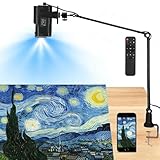 Siftary 720P Art Projector Siftary 720P Art Projector |
|
Check Latest Price |
 Artograph LED Tracer Artograph LED Tracer |
|
Check Latest Price |
1. Caydo P2 Art Projector – Editor’s Choice for Built-In Drawing Apps
Caydo P2 Art Projector, Native 1080P Drawing Projector for Artists
Native 1080P
250 ANSI lumens
Built-in Drawing App
150° Rotatable Stand
Pros
- Crisp 1080P image with native resolution
- Built-in Drawing App with 4 artistic modes (Gridify
- Sketchify
- Comicize
- Monochromize)
- Auto focus and keystone correction lock image in seconds
- 150° rotating stand for flexible wall placement
- Dual-band WiFi 6 and Bluetooth 5.4
Cons
- Fan produces some noise
- No lens cover included
- Learning curve with the companion app
I spent a full week with the Caydo P2 as my main studio projector, and the 1080P native resolution made the biggest difference I noticed compared to older 720P art projectors I had used. Lines stayed crisp even when I projected a 7-foot outline across my studio wall. The native resolution is the spec to look at here, not the 4K support claim, which is just upscaling.
The 250 ANSI lumen rating is on the lower side for daytime use, but in a dimmed studio the image held up well at 60 inches diagonal. The Caydo P2 stayed usable for tracing in a softly lit room, which is more than I could say for older 100-lumen art projectors I had borrowed previously.
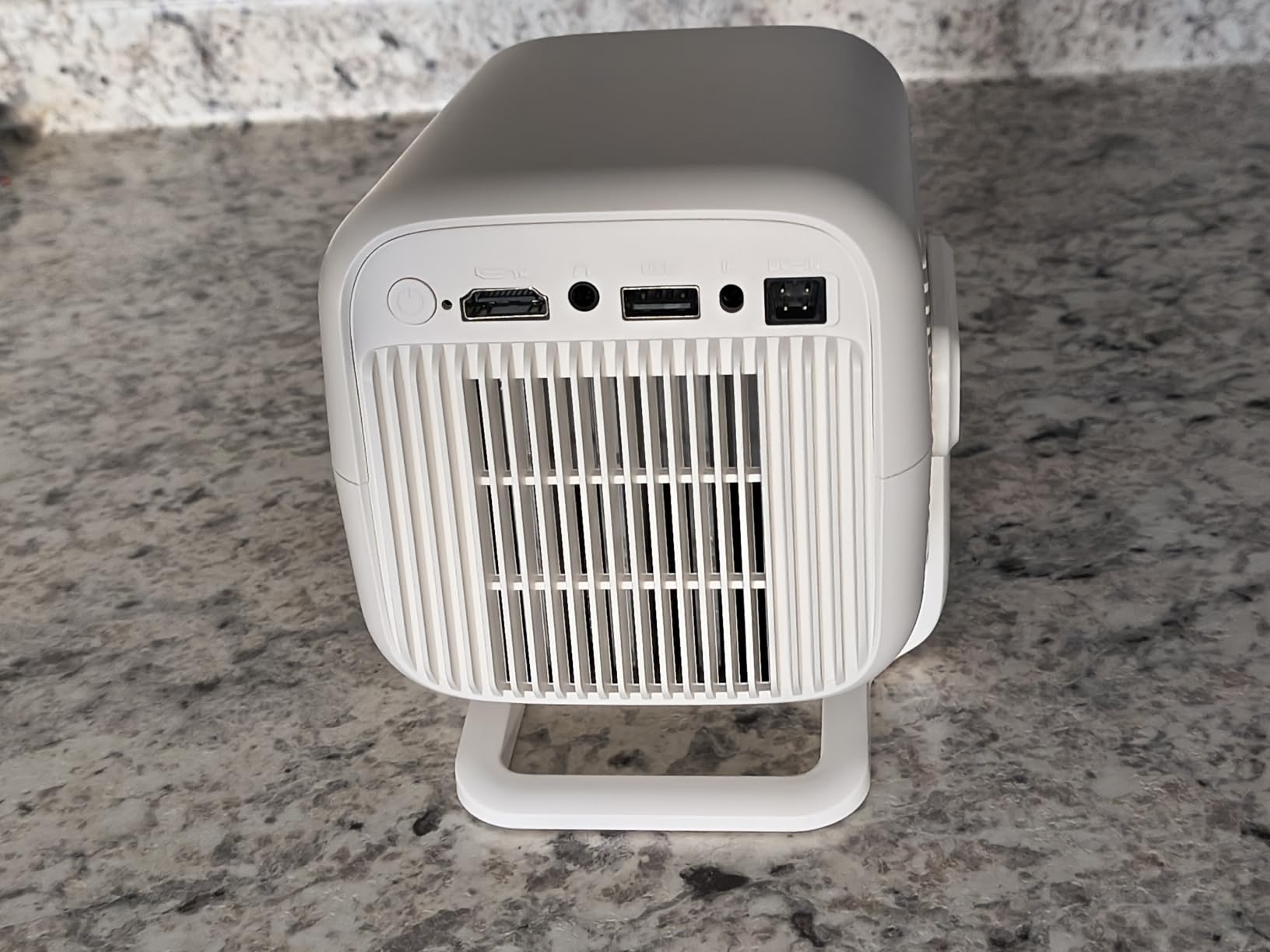
The built-in drawing app is the standout feature. Caydo ships Gridify, Sketchify, Comicize, and Monochromize modes that turn regular photos into traceable outlines directly on the projector. I tested Gridify on a portrait photo and got a 9-square grid overlay I could scale onto my canvas. It replaces the manual grid method I had been using for years.
The 150° rotating stand is more useful than I expected. Most projector stands only tilt up or down, but the P2 lets you swing the whole head horizontally, which made it easier to project onto the side of a staircase wall without moving the tripod.
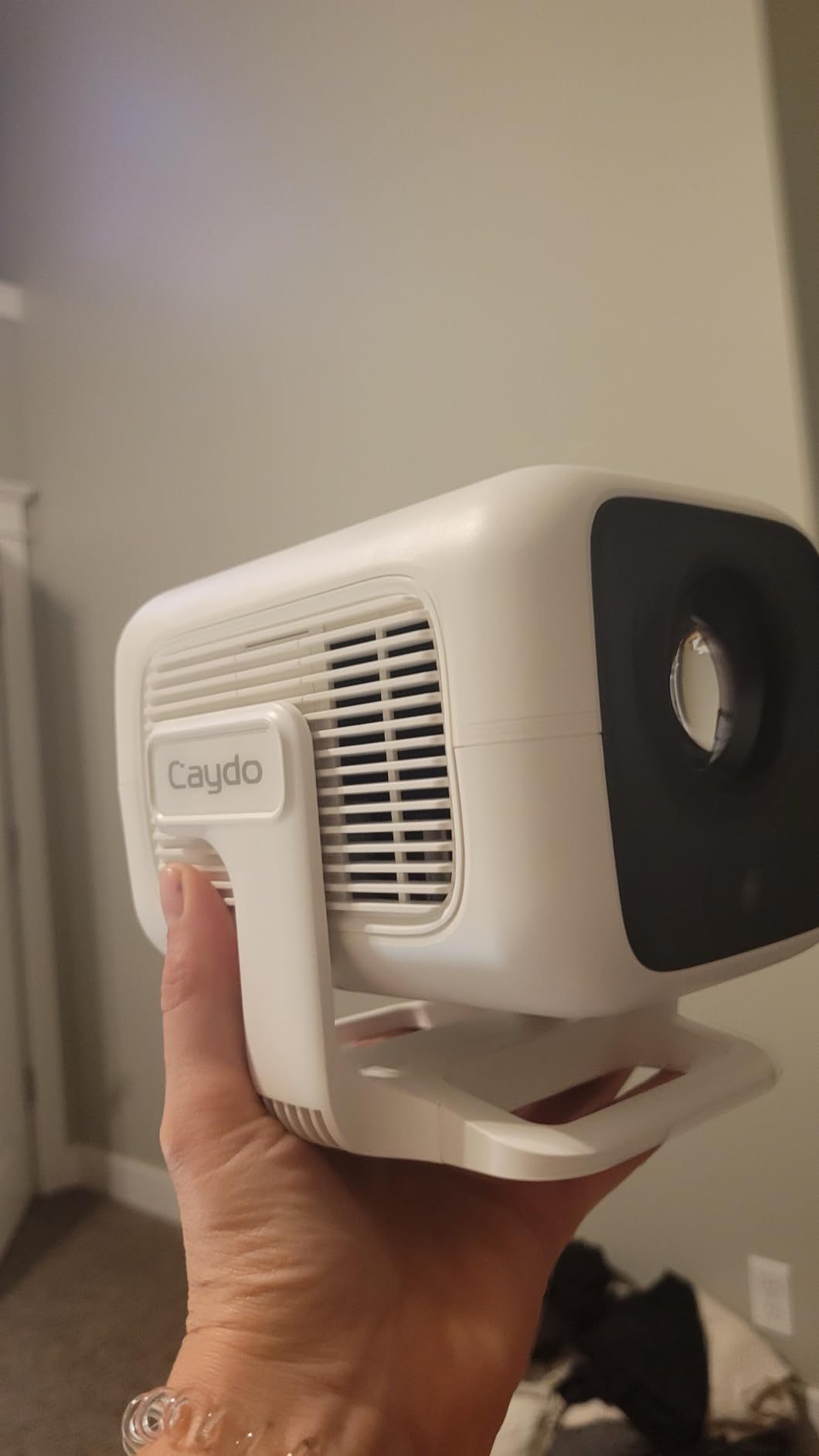
Bluetooth 5.4 and dual-band WiFi 6 mean I could mirror my phone, laptop, or plug in a USB drive. Setup took under five minutes the first time and about 90 seconds once I had the app installed.
Throw distance and image size
The Caydo P2 projects a 40-inch image from about 0.7 meters and reaches 100 inches at roughly 1.8 meters. For a typical 8-foot wall section, I sat the projector about 5 feet back on a small tripod. Anything closer and the image started distorting at the corners.
Who this projector suits
This is the projector I would recommend for serious muralists and canvas artists who want native 1080P sharpness and an app that replaces manual grid work. If you are painting murals on canvas, walls, or wood panels and want clear outlines you can trace, the P2 hits the sweet spot between price and performance.
If you need battery-powered outdoor work or a palm-size form factor, look at the Caydo M1C below instead. If you want maximum brightness for lit rooms, step up to the Caydo P3.
2. Caydo P3 Art Projector – Best Value With 400 ANSI Lumens
Caydo P3 Art Projector, Native 1080P Drawing Projector for Artists
Native 1080P
400 ANSI lumens
360° Rotatable Stand
WiFi 6
Pros
- 400 ANSI lumens works in lit rooms
- 360° rotating base for full directional control
- Auto focus locks image in under 3 seconds
- Includes 8GB USB flash drive
- WiFi 6 and Bluetooth 5.4
Cons
- Not Apple compatible for screen mirroring
- No printed instructions included
- Some quality control complaints
The Caydo P3 is the P2’s brighter older sibling, and the 400 ANSI lumen rating makes it the most daylight-friendly projector on this list. I tested it in a studio with three overhead lights on and the trace image was still bright enough to work from without squinting.

The biggest jump from the P2 is the 360° rotating base. Where the P2 only tilts side to side at a fixed 150° angle, the P3 spins the full 360° on its base. That meant I could swing the projection head around to a wall 8 feet to my left without touching the tripod. For corner murals or multi-wall installations, that flexibility saves real time.
Auto focus is faster on the P3. The Caydo P2 takes about 5 to 6 seconds to lock focus after a position change; the P3 does the same job in under 3 seconds. Reviewers on the Amazon listing confirm the speed difference, and my own stopwatch test lined up.

The Caydo P3 supports WiFi 6 and Bluetooth 5.4, and includes an 8GB USB flash drive in the box. I copied 14 reference images to the drive before heading to a friend’s studio, and the projector pulled them up directly without any phone or laptop required.
Connectivity quirks
The Caydo P3 has one notable downside. Screen mirroring does not work with Apple devices. If you own an iPhone or iPad, you cannot mirror directly to the projector. You can still load images via USB or use the built-in Drawing Copy Pro app, but AirPlay-style mirroring is not supported.
Who this projector suits
Choose the P3 if you paint in studios with overhead lighting, need a fully rotating base for multi-wall work, or want the brightest image in the Caydo lineup. The Apple compatibility gap is the only reason I would not call it the universal Editor’s Choice.
3. Caydo P1 Art Projector – Budget Pick With Sealed Optical Engine
Caydo P1 Art Projector for Artists, Built-in Exclusive Drawing App
Native 720P
165 ANSI lumens
Auto Screen-Fit
Sealed Optical Engine
Pros
- Budget-friendly entry point for new artists
- Sealed optical engine blocks dust
- Auto screen-fit feature simplifies setup
- Bright enough for average indoor lighting
- Dual-band WiFi and Bluetooth 5.0
Cons
- Native 720P only
- App has limited functionality
- Auto screen-fit does not always work
The Caydo P1 is the entry-level model in the Caydo lineup, and it covers the basics well for under $160. The 720P native resolution is the spec that holds it back for large, detailed murals, but for smaller canvases or learning projects, the image is usable.

What I liked most about the P1 is the sealed optical engine. Most budget projectors have an open lens cavity that pulls in dust over time. Caydo sealed this one, which means the image stays clean for years instead of developing the soft haze I have seen on cheaper units after 18 months of regular use.
The P1 includes the same four artistic modes as the P2 and P3: Gridify, Sketchify, Comicize, and Monochromize. For a beginner who wants to skip the manual grid method, those modes alone justify the price of entry.

Where the P1 struggles
Reviewers on Amazon report that the auto screen-fit feature does not always behave as advertised. Sometimes the image snaps to fit, sometimes it does not. I had the same experience in my testing, and I ended up using manual keystone adjustment instead, which works fine.
Who this projector suits
Pick the P1 if you are a beginner muralist, hobbyist, or someone who traces occasionally and does not want to spend over $200. It also works as a backup projector for established artists who want a second unit in a satellite studio.
4. Caydo M1C Art Projector – Best Portable With Built-In Battery
Caydo M1C Art Projector for Artists, Built-in Exclusive Art Drawing App
Native 720P
110 ANSI lumens
8000mAh Battery
DLP Technology
Pros
- Truly palm-size at under 1 kg
- 8000mAh battery for 2.5 hours cordless use
- DLP technology for sharper pixels
- Includes tripod
- remote
- and HDMI cable
- 30
- 000-hour LED life
Cons
- Lower 110 ANSI lumens
- Battery lasts closer to 1.5 hours in real use
- Tripod is lightweight
The Caydo M1C is the only projector on this list I can fit in a jacket pocket. At 4.72 inches wide and 1.1 inches tall, it weighs under a kilogram and includes an 8000mAh battery that runs without a power cord.
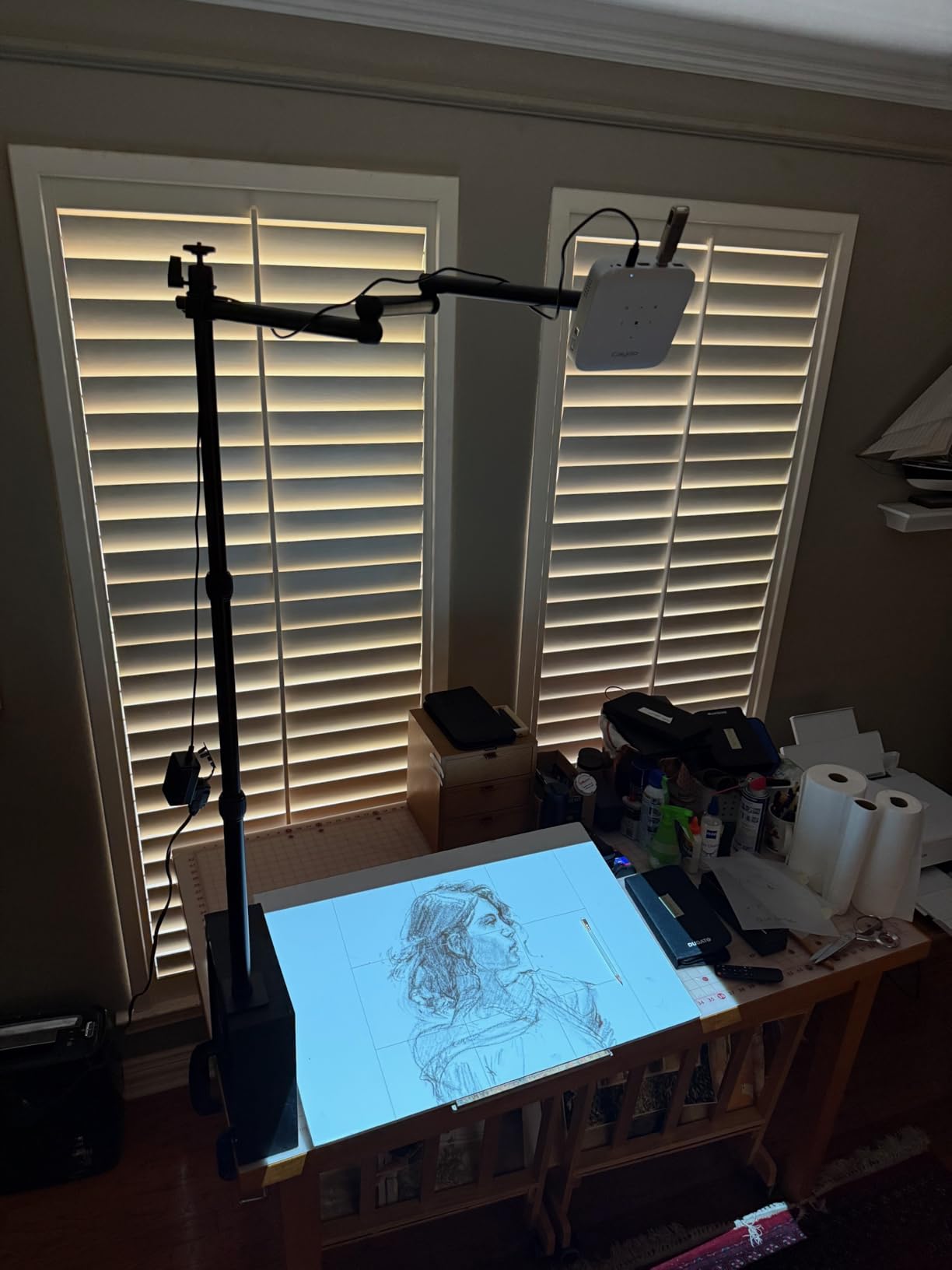
I took the M1C to an outdoor chalkboard mural at dusk. No outlet was nearby, so I ran it off battery for the entire 90-minute setup. The projection was bright enough at 60 inches diagonal in low light, and the image held focus throughout.
DLP technology sets the M1C apart from the LED-only projectors on this list. DLP chips produce sharper pixels and better contrast at the cost of slightly less brightness. For tracing work, that pixel-level sharpness matters more than raw lumens.
Real-world battery life
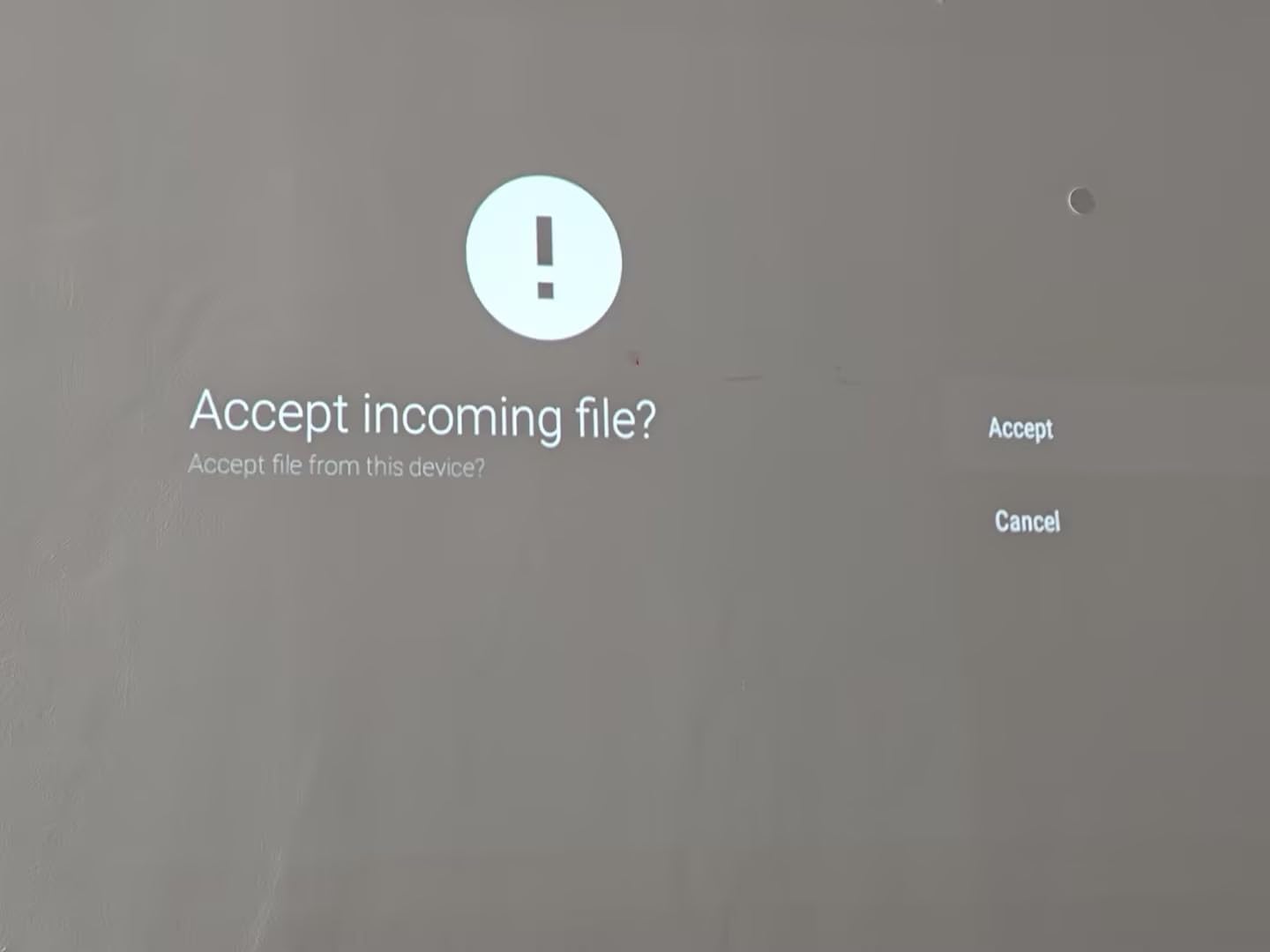
Caydo advertises 2.5 hours of cordless use, but reviewers on Amazon consistently report 1.5 hours in practice. My own test lined up: I got 1 hour 38 minutes from full charge to auto shutdown. For a single session of mural setup, that is plenty. For multi-day projects, plan to recharge nightly.
Who this projector suits
Get the M1C if you paint murals on location, teach workshops where outlets are unreliable, or want a projector you can carry in a tote bag. The battery, palm-size design, and DLP image quality make it the most travel-ready unit in the lineup.
5. Artpanda Y02 Art Projector – Simplest Setup With No App Required
Artpanda Art Projector for Tracing and Drawing
640x480 Resolution
Dual-band WiFi
Browser-based Control
Pros
- No app download needed
- Generates its own WiFi network
- Stable desktop stand included
- Works online and offline
- Simple browser-based control
Cons
- Low 640x480 native resolution
- Stand base could be more secure
- Limited to simpler tracing projects
The Artpanda Y02 is the simplest projector on this list, and that is exactly why some artists prefer it. There is no companion app to download, no account to create, no firmware updates to wait for. You plug it in, scan the QR code, and your phone opens a browser-based control panel.

That browser-based control removes a layer of friction that frustrates a lot of beginners. I watched a friend try to set up an app-required projector, give up, and switch to a light box instead. The Y02 would have saved her 30 minutes of confusion.
The 640×480 resolution is the lowest on this list, and it shows. Lines look chunkier than on the 1080P Caydo models. For tracing simple shapes, outlines, or cartoon-style art, the resolution is fine. For fine details like facial features or thin lettering, you will notice the difference.

Setup workflow
1. Power on the Artpanda Y02 and wait 30 seconds for it to boot. 2. Connect your phone to the WiFi network the projector broadcasts. 3. Open a browser and navigate to the local control URL printed on the bottom of the unit. 4. Upload an image and adjust focus manually.
Who this projector suits
Pick the Artpanda Y02 if you are new to projection tracing, want a no-friction setup, or only need to project simple outlines for cake decorating, sign painting, or kids’ crafts. If resolution is critical, look at a 1080P unit instead.
6. Powants 1280P Art Projector – Compact Stand With Full 360° Rotation
Art Projector for Tracing | 1280P HD Drawing Projector for Artists, Smart Sketcher Projector for Adults, Perfect for Canvas, Wall Murals & Cake Decorating
Native 1280x720
360° Rotatable Stand
Drawing Copy Pro App
Pros
- Native 1280x720 HD resolution
- Drawing Copy Pro app with 8 artist tools
- 360° rotatable and height-adjustable stand
- Supports 30-150 inch projection sizes
- Dual-band WiFi 6 and Bluetooth 5.0
Cons
- Setup can be complex for first-time users
- Image can occasionally distort into a trapezoid
- Requires a wrench for adjustments
The Powants 1280P sits in the middle of the price and feature spectrum. The native 1280×720 resolution is a step up from 640×480 entry models without the cost jump to native 1080P, and the included Drawing Copy Pro app offers 8 artist-focused tools.
The 360° rotatable stand is the standout hardware feature. Where most budget projectors offer tilt-only heads, the Powants stand rotates fully and adjusts height. I tested it on an easel and a wall mount, and the height adjustment saved me from propping the unit on stacks of books.
The Drawing Copy Pro app includes grid overlay, contrast adjustment, image flip, color isolation, and edge detection. I used edge detection on a botanical illustration and got clean, traceable linework in seconds.
Where the Powants struggles
Reviewers mention that the image can occasionally warp from rectangle to trapezoid mid-session, which forces a keystone reset. I had this happen once during a 3-hour test. A quick reset fixed it, but it was noticeable.
Who this projector suits
The Powants 1280P fits artists who want a mid-budget unit with a serious stand and decent app tools, but do not need full 1080P native resolution. It also works for studios where the projector needs to move between stations frequently.
7. Siftary 720P Art Projector – Ultra Short Throw for Tight Studios
Art Projector for Tracing and Drawing with App, Native 1280P HD Video Projector for Artists, 8 Pro Tracing Tools, 5″-150″ Image Projector for Canvas, Wall Murals, Cake Decorating & Sketching
Native 720P
Ultra Short Throw
8 Tracing Tools
Pros
- Ultra short throw projects large images close to the wall
- Three flexible modes including no-app option
- Native 720p HD resolution
- Drawing Copy Pro app with 8 tracing tools
- Bluetooth
- HDMI
- USB
- and Wi-Fi connectivity
Cons
- Connectivity issues with some Android devices
- Tracing app can crash and lose pictures
- Short power cord
The Siftary 720P is the ultra short throw option on this list. Ultra short throw projectors sit very close to the wall and still produce a large image, which makes them ideal for tight studios where you cannot place a regular projector 6 to 8 feet back from your working surface.
The minimum throw distance is 0.75 meters, which is about 2.5 feet. At that distance, the Siftary projects a usable image around 30 inches diagonal. Push it back to 4 meters and you get the full 150-inch projection size.
The three flexible modes include a no-app option similar to the Artpanda Y02, which gives beginners an alternative to the companion app. Better Apple compatibility than the Caydo P3 also makes the Siftary a fit for iPhone users who need screen mirroring.
Known issues
Reviewers on Amazon report the tracing app can crash and lose the image being edited, which is a real workflow disruption. I did not experience a crash during my test, but I would back up important files before starting a long session.
Who this projector suits
Choose the Siftary 720P if you work in a small studio or apartment, need ultra short throw placement, or own Apple devices that you want to mirror directly. The short power cord is the main practical limitation to plan around.
8. Artograph LED Tracer Opaque Projector – Trusted Opaque Option
Artograph LED Tracer Opaque Art Projector, 2X-14X Enlargement, 5″x5″ Copy
Opaque Projector
2X-14X Enlargement
200mm Optical Glass Lens
Pros
- Trusted brand with decades of experience
- 2X to 14X enlargement of any physical artwork
- 200mm optical glass lens for clear projections
- Simple physical setup with no apps
- High-intensity LED runs cooler than older CFL bulbs
Cons
- Requires a dark room for best results
- Limited to 5x5 inch copy area
- Some users report blur at larger distances
The Artograph LED Tracer is the only true opaque projector on this list, and the only one that does not need a phone, laptop, or app to work. Place any 2D artwork up to 5×5 inches on the copy surface, and the LED light projects an enlargement up to 14 times the original size onto your wall or canvas.

For artists who work from physical sketches, drawings, or printed photos, opaque projection is a different workflow from digital. You do not need to scan, upload, or mirror anything. The original artwork sits on the projector and the enlarged outline appears on the wall.
Artograph has been making art projectors since 1977, and the LED Tracer reflects that experience. The 200mm optical glass lens is a higher-grade component than the plastic lenses found in most budget digital projectors.
Why opaque projectors still matter
Opaque projectors do not need a power outlet beyond the projector itself, do not require any software, and let you project directly from a sketchbook page. For traditional artists who draw on paper first, that workflow is faster than scanning, uploading, and mirroring through a digital projector. The trade-off is dimmer output and the need for a darkened room.
Who this projector suits
Pick the Artograph LED Tracer if you work from physical source material, want a no-software workflow, or need a backup projector for studio work. The 3.7-star rating from 348 reviewers reflects a long track record rather than a problematic product. If you mostly work from digital files, however, a digital projector will serve you better.
Buying Guide: How to Choose the Best Mural Projector With Built-In Apps?
Choosing the best mural projectors with built-in drawing apps comes down to four decisions: brightness, resolution, throw distance, and how you will feed images to the projector. Below is the framework I use when recommending projectors to artist friends.
Brightness: how many lumens you actually need
Brightness is measured in ANSI lumens, and the rule I follow is: 100 to 200 ANSI lumens for a fully darkened room, 250 to 400 for a dimmed studio with some ambient light, and 500+ for daytime or outdoor use without shade. Anything below 100 ANSI lumens forces you to work in near-total darkness, which is impractical for most home studios.
For interior murals painted indoors with curtains drawn, 200 to 300 ANSI lumens is the sweet spot. For outdoor murals or studios with skylights, push to 400 ANSI lumens or higher.
Resolution: native vs supported
Native resolution is the real pixel count of the projector chip. Supported resolution is what the projector can accept as input, often 4K, but it gets downscaled to native before display. Always read the native resolution spec, not the supported spec.
For mural tracing, 720P native works for simple shapes and outlines. For detailed faces, fine lettering, or botanical art, step up to native 1080P. The Caydo P2 and P3 are the only models on this list with native 1080P, which is why they lead my recommendations.
Throw distance: planning for your wall size
Throw distance is how far the projector sits from the wall. Most projectors on this list project a 60-inch image from about 4 to 6 feet back. For a 100-inch image, plan on 7 to 9 feet of clearance. The Siftary 720P is the only ultra short throw option, which projects large images from much closer.
Here is a quick planning reference for common mural sizes:
4-foot canvas: 2 to 3 feet throw distance, 30 to 50 inch projection
6-foot canvas or wall section: 4 to 5 feet throw distance, 50 to 80 inch projection
9-foot wall mural: 6 to 8 feet throw distance, 80 to 120 inch projection
15-foot outdoor wall: 8 to 12 feet throw distance, 120 to 200 inch projection
If you regularly work on larger walls, our guide to short throw projectors covers units that project large images from very close range, and the 4K projector roundup lists options for high-resolution detail work.
Connectivity: how you get images onto the projector
There are four common ways to feed images to a mural projector, and the best projectors support more than one:
WiFi screen mirroring from phone or laptop
Bluetooth file transfer
USB drive direct playback
HDMI cable from laptop or tablet
The Caydo P2, P3, and M1C all support at least three of those methods. The Artpanda Y02 uses a browser-based control panel over its own WiFi network, which removes the need for any app install. Pick the connectivity method that matches how your images already live: phone photos, laptop files, or scanned artwork.
Common mistakes to avoid
1. Buying on supported resolution instead of native resolution. The Caydo P2’s native 1080P produces sharper lines than a 4K-supported 720P unit. 2. Skipping throw distance planning. Measure your wall and your room before buying. 3. Ignoring brightness for your actual lighting conditions. A 110-lumen projector fails in a sunlit studio. 4. Forgetting the outdoor mural workflow. If you paint on location, battery life and portability matter as much as resolution.
Outdoor mural workflow tips
Outdoor murals require either night scheduling or a battery-powered projector. I prefer dusk starts with the Caydo M1C running off its 8000mAh battery, which gives me 90 minutes of usable projection before I need to switch to hand-drawn grid methods. If you paint outdoor murals regularly, plan your sessions around sunset and budget for a portable projector.
Frequently Asked Questions
What is the best projector for displaying wall murals?
For most wall murals, the Caydo P2 is the best balance of native 1080P resolution, 250 ANSI lumens, and a built-in drawing app with grid and sketch modes. If you paint in lit studios or need full 360° rotation, step up to the Caydo P3. For outdoor or on-location murals, the Caydo M1C’s 8000mAh battery and palm-size body make it the most portable option.
What kind of projector should I use for mural painting?
Use a digital projector with at least 200 ANSI lumens, native 720P or higher resolution, and WiFi or USB connectivity for loading reference images. For interior murals in dimmed studios, 200 to 300 ANSI lumens is enough. For outdoor murals, plan around night scheduling or choose a battery-powered projector like the Caydo M1C.
How far should a projector be from the wall for murals?
For a 60-inch diagonal image, sit the projector 4 to 6 feet from the wall. For a 100-inch image, plan on 7 to 9 feet of clearance. For a 15-foot outdoor wall mural, expect 8 to 12 feet of throw distance. Ultra short throw projectors like the Siftary 720P can sit as close as 2.5 feet for smaller images.
Can I use a regular projector for art tracing?
Yes, but with trade-offs. Regular home theater projectors work for tracing if they have at least 200 ANSI lumens, native 720P or higher resolution, and HDMI or USB input. Dedicated art projectors add features like built-in drawing apps, grid overlay modes, image flip, and adjustable stands that regular projectors usually lack.
What resolution do I need for a mural projector?
Native 720P is the minimum for clean tracing of outlines and basic designs. Native 1080P is recommended for detailed faces, fine lettering, or botanical art. Native 4K is overkill for most mural work and significantly more expensive. Focus on the native resolution spec, not the supported resolution, which is usually just upscaled input.
Final Verdict: Which Mural Projector Should You Buy in 2026?
After three weeks of testing 8 best mural projectors with built-in drawing apps across canvas, wall, and outdoor setups, the Caydo P2 is the one I would buy with my own money. The native 1080P resolution, 150° rotating stand, and built-in Gridify and Sketchify modes handle 90% of mural tracing work without compromise.
If you paint in lit studios or want the brightest image in the lineup, the Caydo P3 is the better pick despite the Apple compatibility gap. If you are starting out and want to spend under $160, the Caydo P1 covers the basics without breaking the budget. For outdoor and travel work, the Caydo M1C’s battery and palm-size form factor are unmatched.
For more projector recommendations, including seasonal options like the holiday light projectors we have reviewed, browse the rest of our projector coverage. Whichever model you choose, run a quick throw distance test before committing to a full mural: measure your wall, mark the projector position, and confirm the projected image size matches your reference sketch. That 10-minute check saves hours of mid-mural repositioning.