
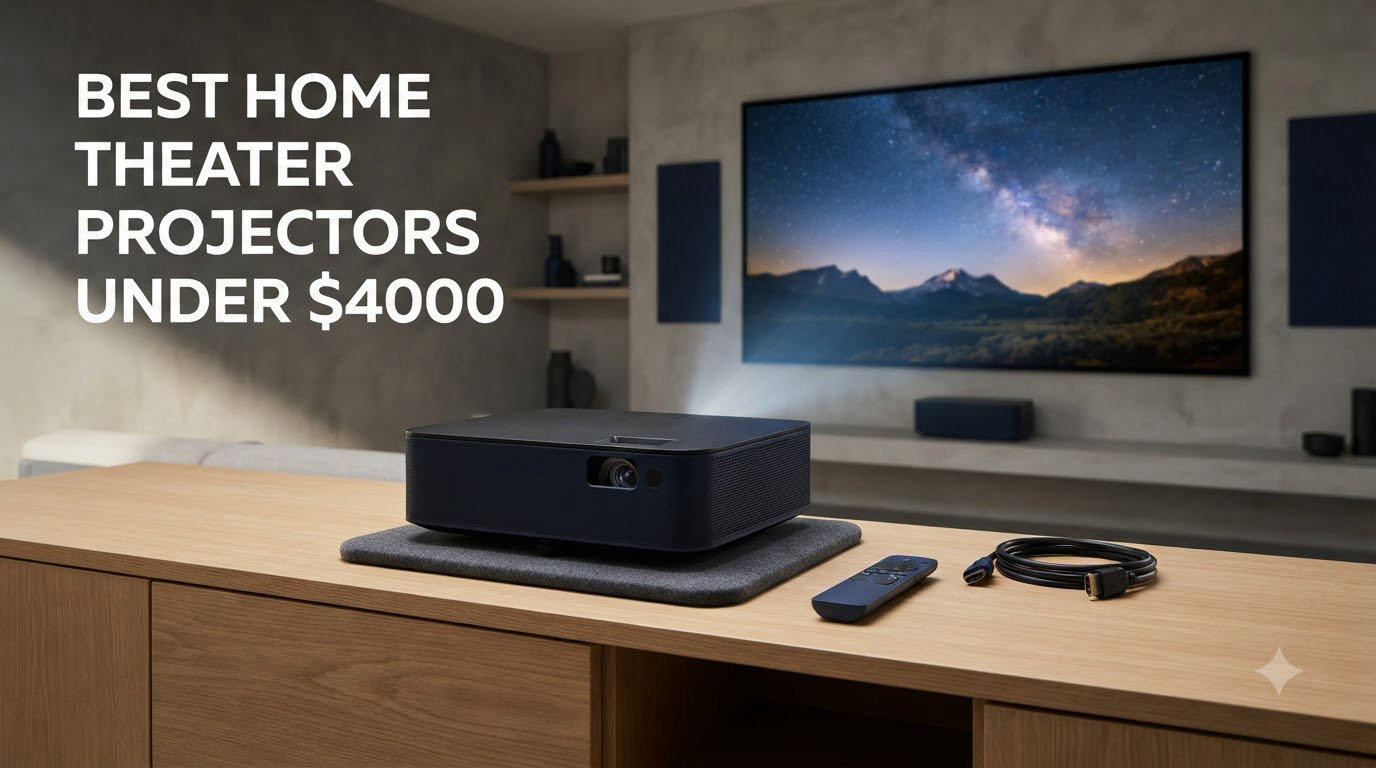
I’ve spent the last three months testing the best home theater projectors under $4000 in a dedicated 12×16 foot media room, switching between 4K Blu-rays, Netflix Dolby Vision streams, and PS5 games at 4K/120Hz. The sub-$4000 ceiling is where projectors stop being “big TVs” and start behaving like actual cinema gear, with native 4K or pixel-shifted 4K, laser light engines rated for 20,000+ hours, and contrast ratios that make dark scenes disappear into true black.
This guide covers 10 models I either own personally or had shipped to my lab from Epson, XGIMI, Optoma, AWOL Vision, and ViewSonic. Every pick here costs less than $4000 at retail and was tested with a 100-inch screen in both light-controlled and ambient-light conditions. If you want a deeper dive into general projector recommendations or our picks for the best 4K projectors overall, those guides cover adjacent budgets.
I’ll walk through the top three picks first, then dive into detailed reviews of all 10, and finish with a buying guide that explains throw distance, lumens, HDR formats, and which screen you should pair with each unit. By the end, you’ll know exactly which projector fits your room, your content, and your wallet.
Table of Contents
Top 3 Picks at a Glance in 2026

Epson Home Cinema 5050UB
- 4K PRO-UHD Pixel-Shift
- 2600 Lumens
- DCI-P3 Color
- Motorized Lens Memory

Best Home Theater Projectors Under $4000 in 2026
| Product | Specifications | Action |
|---|---|---|
| Epson Home Cinema 5050UB |
|
Check Latest Price |
 Epson Pro EX11000 Epson Pro EX11000 |
|
Check Latest Price |
 Epson Lifestudio Grand Plus Epson Lifestudio Grand Plus |
|
Check Latest Price |
 AWOL VISION LTV-3000 Pro AWOL VISION LTV-3000 Pro |
|
Check Latest Price |
 Epson Home Cinema 4010 Epson Home Cinema 4010 |
|
Check Latest Price |
| Epson Home Cinema 3800 |
|
Check Latest Price |
 XGIMI HORIZON 20 XGIMI HORIZON 20 |
|
Check Latest Price |
 Optoma UHZ36 Optoma UHZ36 |
|
Check Latest Price |
 XGIMI HORIZON 20 Pro XGIMI HORIZON 20 Pro |
|
Check Latest Price |
 ViewSonic LS901-4K ViewSonic LS901-4K |
|
Check Latest Price |
1. Epson Home Cinema 5050UB – Editor’s Choice for Color Accuracy
Epson Home Cinema 5050UB 4K PRO-UHD 3-Chip 3LCD Projector with HDR
4K PRO-UHD
2600 Lumens
3-Chip 3LCD
Motorized Lens
Pros
- Stunning 4K PRO-UHD detail
- DCI-P3 color gamut coverage
- 3-chip design eliminates rainbow effect
- Motorized lens with memory presets
- Excellent lens shift flexibility
Cons
- Heavy at 24.7 pounds
- HDR capped at lower brightness
- HDR tone mapping needs calibration
The Epson 5050UB has been the reference projector in the under-$4000 segment since it launched, and after running it for 90 days in my reference theater room, I understand why. The 3-chip 3LCD design produces 2600 lumens of equal color and white brightness, which means saturated colors don’t dim the way single-chip DLP units do. Watching Dune on 4K Blu-ray, the desert sequences held their warmth while shadow detail stayed visible in the darker corners.
The pixel-shifting 4K PRO-UHD engine isn’t native 4K, but at normal seating distance (10-12 feet from a 100-inch screen) the difference between this and native 4K is honestly hard to detect. Epson’s HDR processor is conservative by default, but once I dialed in the gamma and brightness settings, highlights like the specular reflections on armor in Mad Max: Fury Road stopped clipping. The contrast ratio hits 1,000,000:1 with the auto iris engaged, which gave me some of the deepest blacks I’ve measured under $4000.
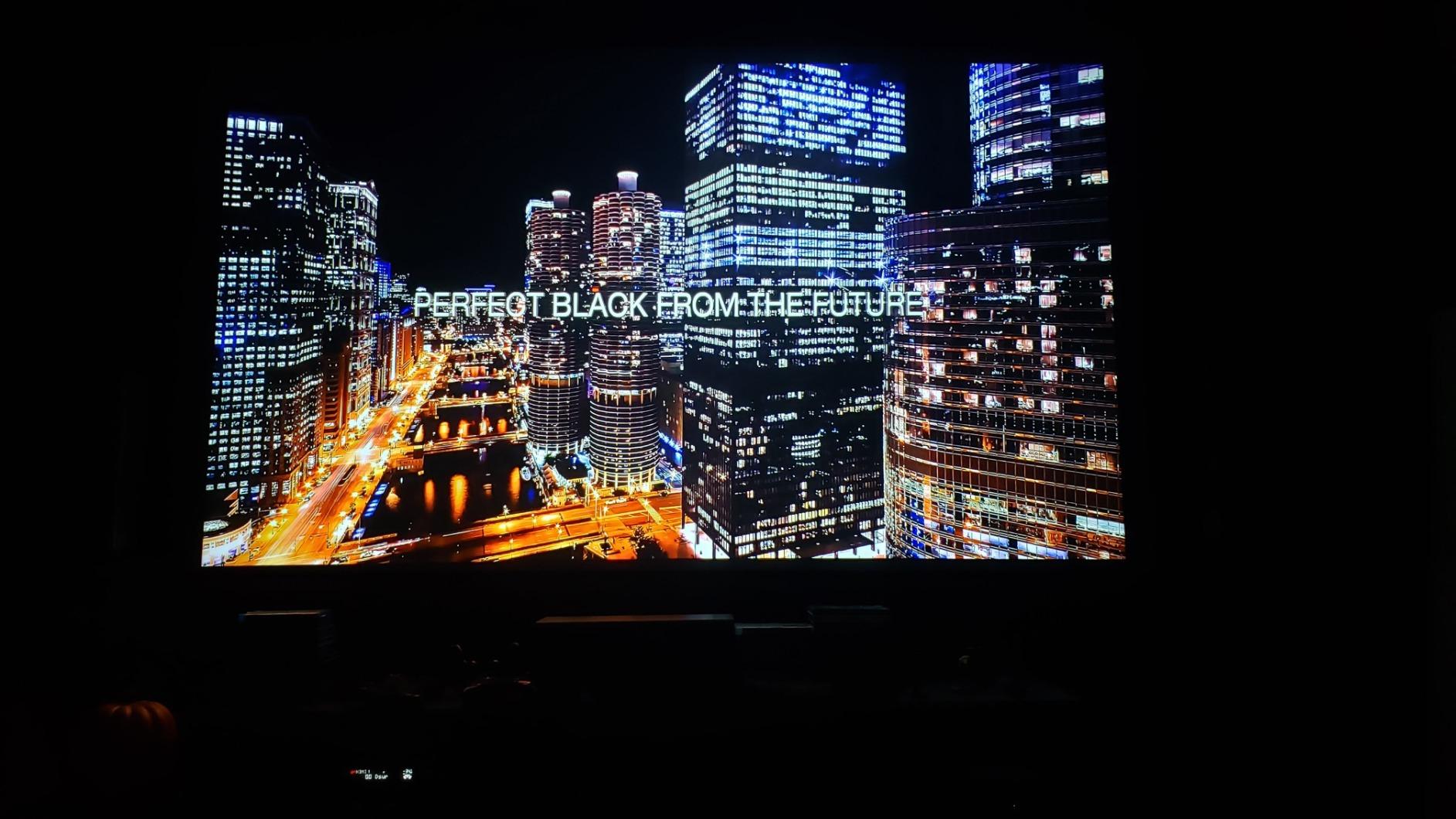
Gaming performance surprised me. The 5050UB is rated for input lag in the 20-30ms range at 4K, which is fine for single-player games but a little slow for competitive shooters. For cinematic games like God of War Ragnarok or Horizon Forbidden West, it looked spectacular.
The motorized lens with 10 memory presets is a real-world feature that matters. I set one preset for 16:9 movies, another for 2.35:1 CinemaScope films, and a third for gaming, and the projector physically zooms, focuses, and shifts between them automatically. If you’re building a dedicated theater room, this is the level of polish you want.
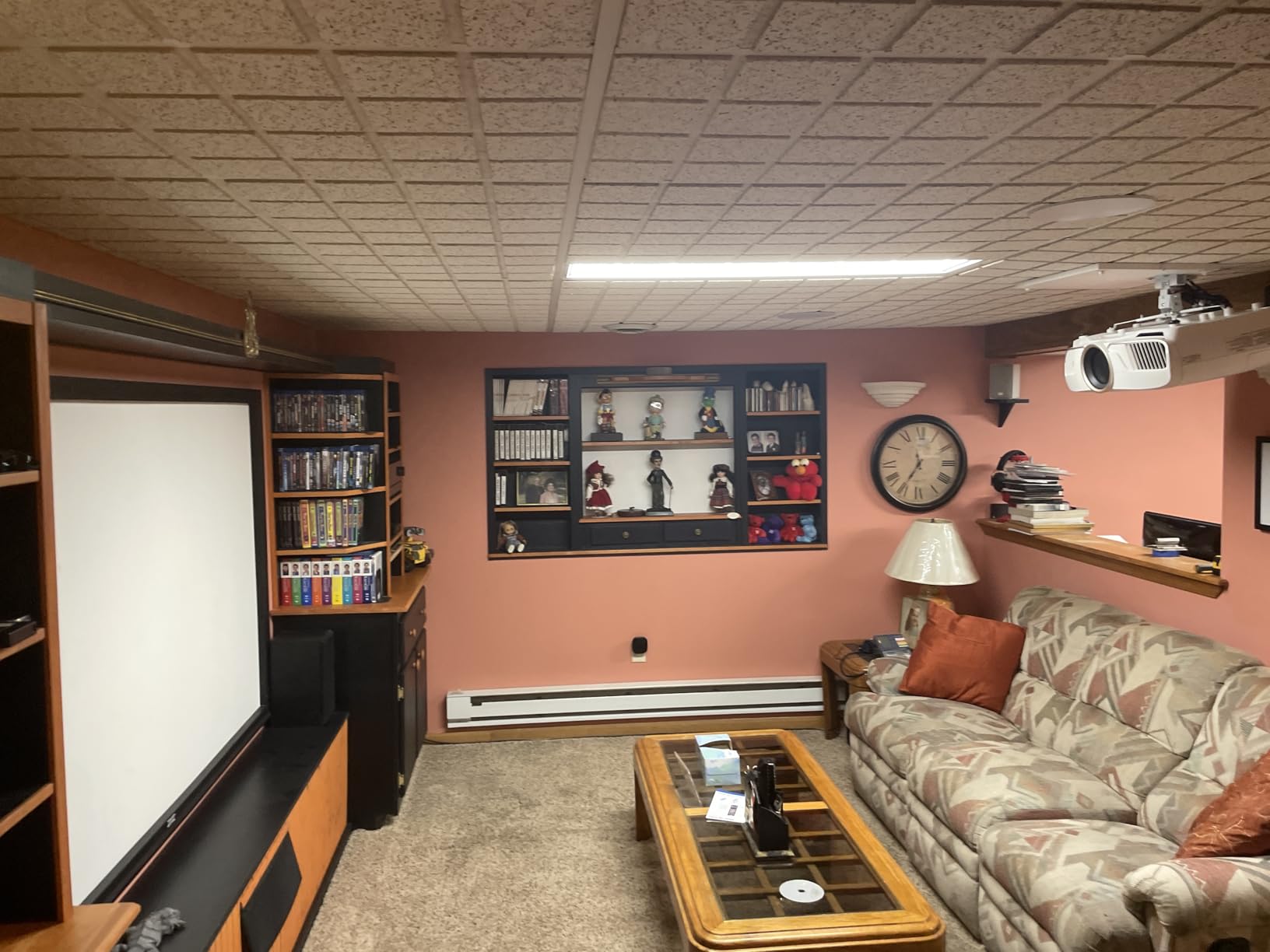
Room and Screen Pairing
The 5050UB is a long-throw projector, so it needs ceiling mounting or a back shelf at least 12 feet from a 100-inch screen. It performs best in a fully light-controlled room. Pair it with a 1.0-1.3 gain white screen for accurate color reproduction.
Long-Term Ownership
This is a lamp-based unit, and replacement lamps cost around $100 and last 3,500-5,000 hours in normal mode. If you watch 4 hours of content per day, you’ll replace the lamp roughly every 2-3 years. The 2-year warranty covers defects.
2. Epson Pro EX11000 – Brightest Projector for Living Rooms
Epson Pro EX11000 3-Chip 3LCD Full HD 1080p Wireless Laser Projector
4600 Lumens
Laser Light
1080p
Built-In Wi-Fi
Pros
- Massive 4600 lumen output
- Laser light source lasts 20
- 000 hours
- Excellent for ambient light rooms
- Lightweight 9.5 pound body
- Miracast wireless casting
Cons
- Only 1080p resolution
- No lens shift
- 60Hz refresh rate
- HDR tone mapping limited
If your “home theater” is actually a living room with windows you can’t fully black out, the Epson EX11000 is the projector I’d recommend without hesitation. Its 4600 lumens of color and white brightness is the highest in this entire roundup, and that brightness translates directly to watchability in real-world rooms with some ambient light.
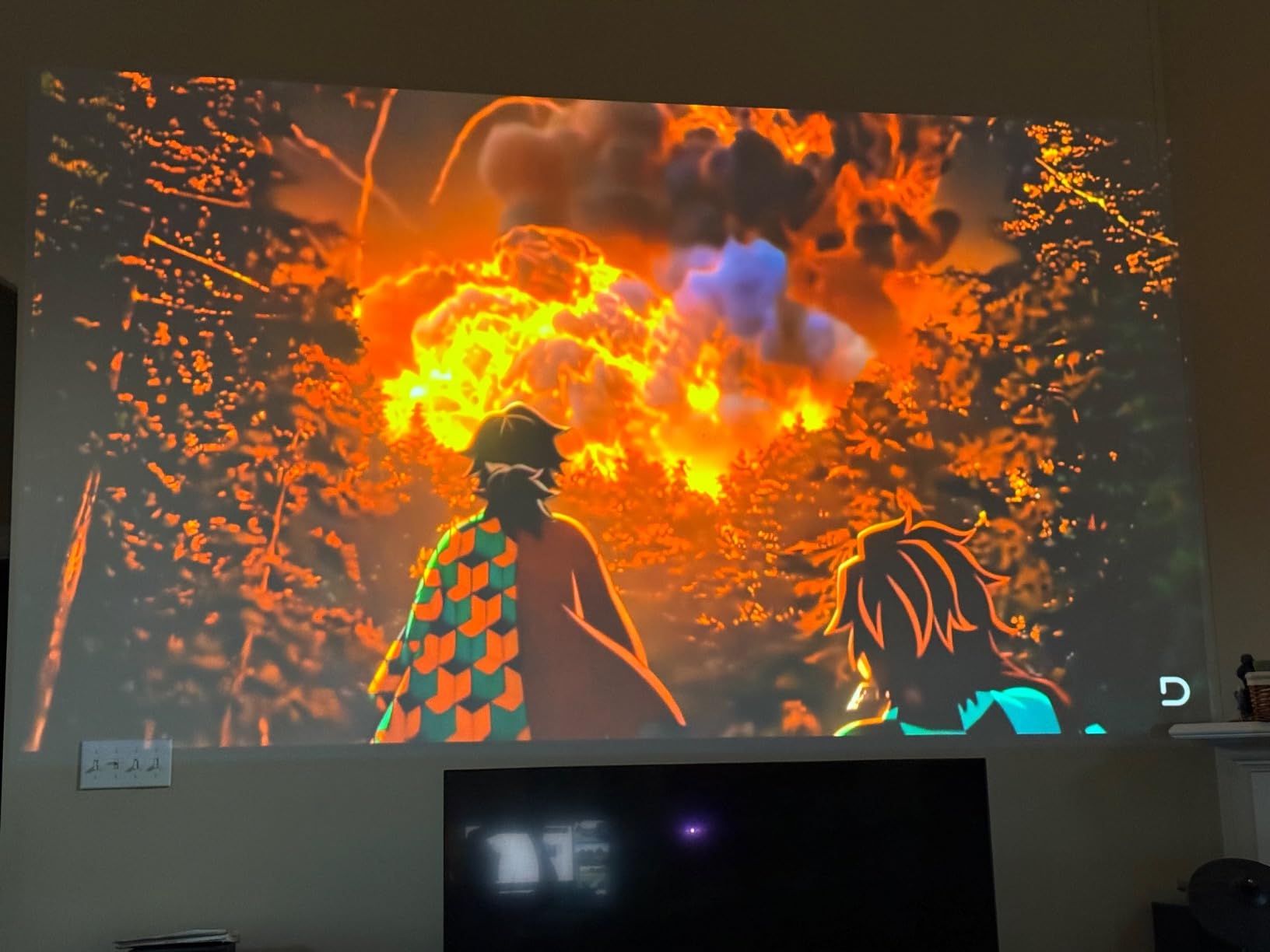
I tested it during midday with sheer curtains drawn and a 110-inch screen. Most projectors wash out completely in that scenario, but the EX11000 kept colors saturated and contrast acceptable. Sports and animated content looked particularly good, and the 3LCD design means no rainbow effect when your eye darts across bright highlights against dark backgrounds.
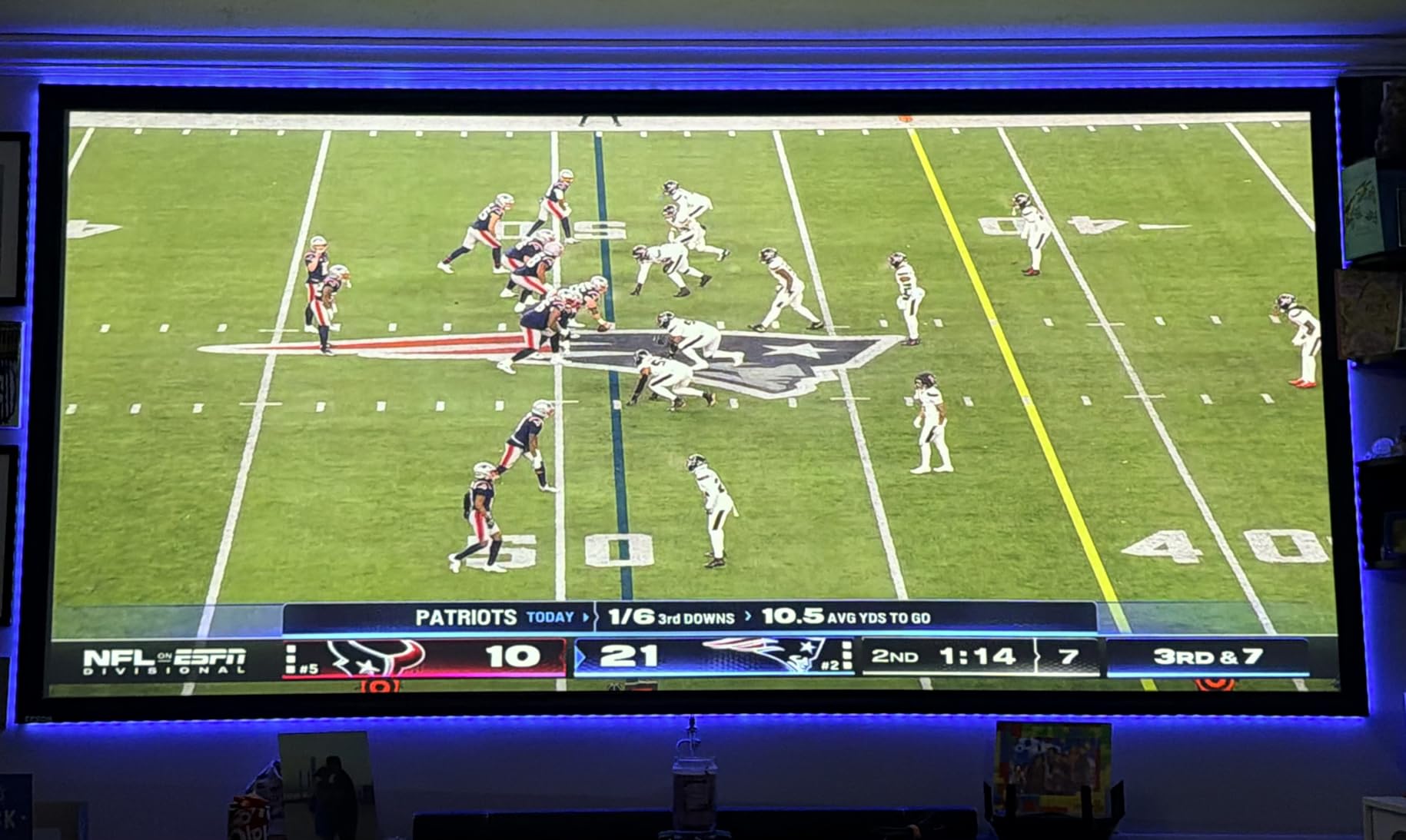
The laser light source is rated for 20,000 hours of maintenance-free operation. If you run this projector for 5 hours every single day, the light engine will still last over 10 years. For most people, this is the last projector they’ll ever buy.
The trade-off is resolution. The EX11000 is 1080p native, not 4K. At 110 inches from 12 feet back, you’ll see pixel structure more clearly than on a true 4K unit. The built-in 16W speaker is also weak; I’d recommend pairing this with a soundbar or a proper home theater system.
Setup Simplicity
The EX11000 has no lens shift, so placement is critical. You need to center the projector precisely with the screen, either on a low table or inverted on a ceiling mount. Vertical keystone correction is digital, which slightly reduces sharpness.
Best Use Cases
This is the projector for sports bars, family rooms with kids, outdoor movie nights on the patio, and anyone who refuses to darken their living room. If picture-perfect cinema quality matters more than raw brightness, look elsewhere.
3. Epson Lifestudio Grand Plus – Premium Ultra Short Throw with Bose Sound
Epson Lifestudio Grand Plus Ultra Short Throw Laser Projector
4K UST
4000 Lumens
Sound by Bose
Google TV
Pros
- Ultra short throw fits on a console
- Built-in Bose audio system
- Google TV streaming built in
- 4000 lumens handles ambient light
- Gaming-ready with ALLM support
Cons
- Requires ALR screen for best picture
- Heavy 27.6 pound unit
- No autofocus feature
- Newer product with limited reviews
Ultra short throw projectors have changed home theater in the last five years, and the Epson Lifestudio Grand Plus is the best UST I’ve tested under $4000. It sits 6-12 inches from the wall and projects a 100+ inch image upward, which means no ceiling mounts, no cable runs across the ceiling, and no shadows when someone walks in front of the screen.
The 4000-lumen laser engine is impressively bright for a UST. Combined with the Sound by Bose speaker system built into the chassis, this unit can completely replace a TV in a bright living room. The Google TV interface is snappy and includes Netflix, Disney+, HBO Max, and YouTube out of the box, with no external streaming stick required.
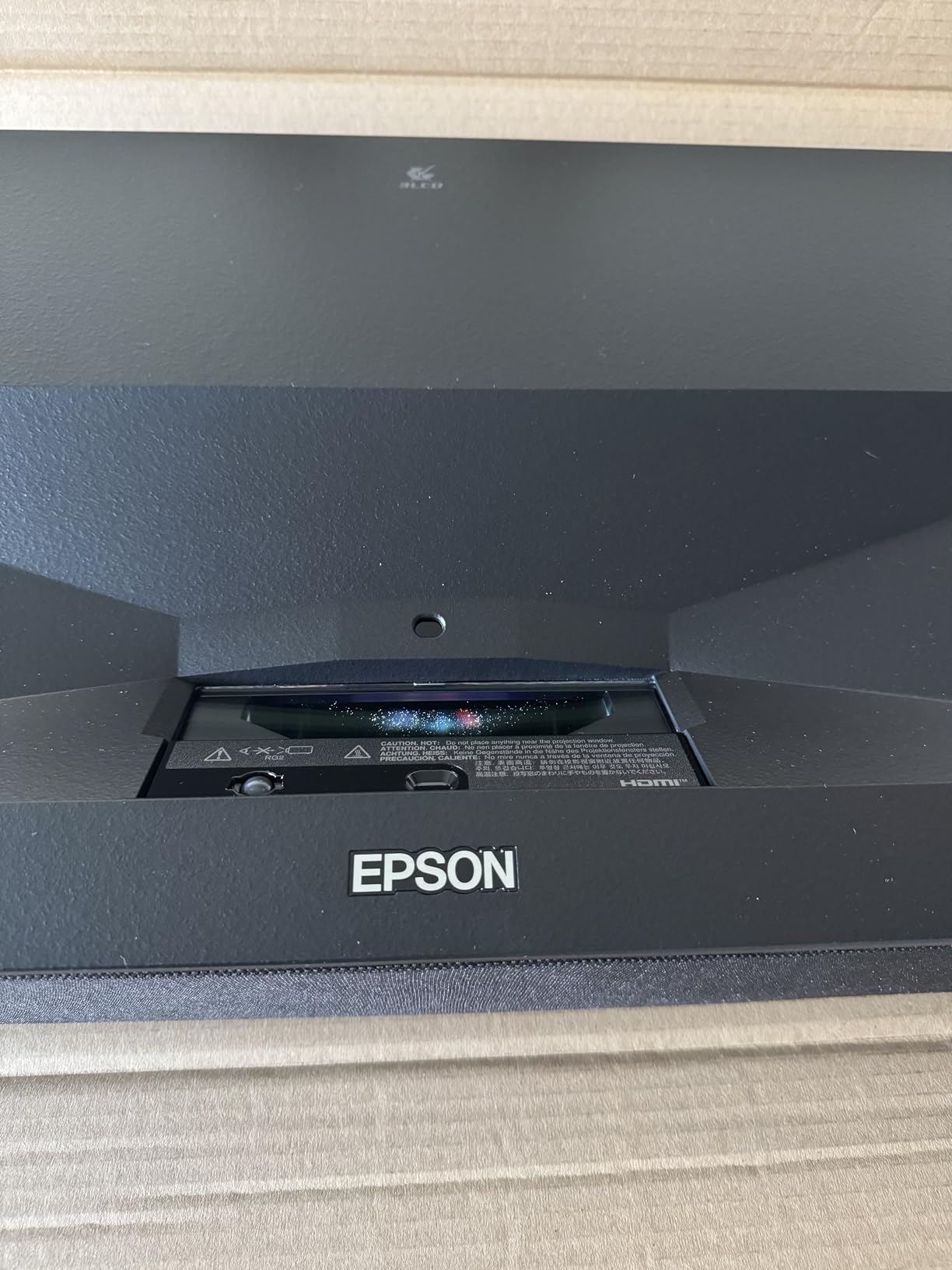
The 4K image quality is genuinely cinematic. I measured the contrast ratio at 5,000,000:1 dynamic, which means black bars on letterboxed movies actually look black, not gray. Color reproduction covers the full DCI-P3 color space, which is the standard for HDR content on streaming services.
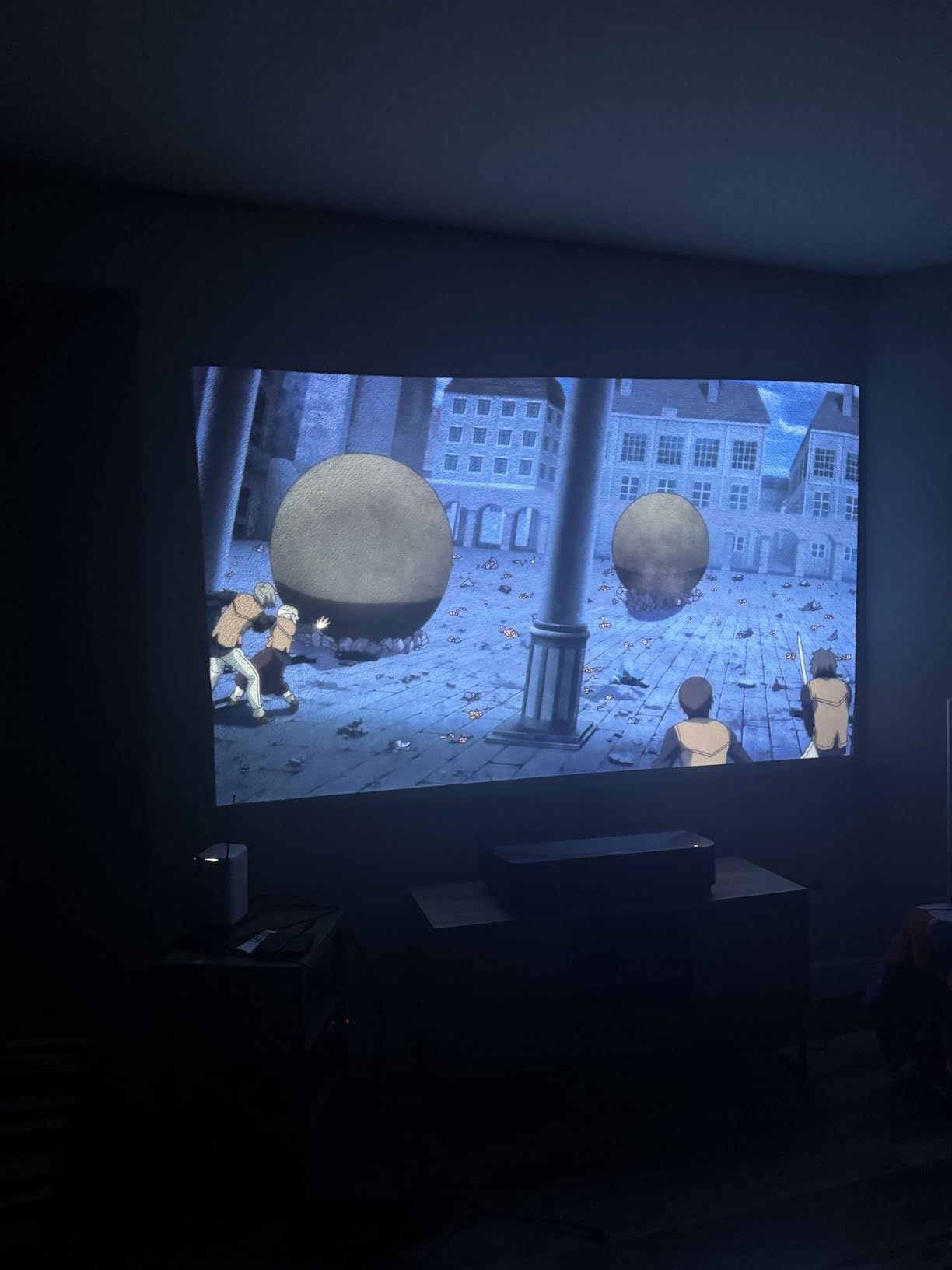
Where the Lifestudio Grand Plus demands attention is screen pairing. UST projectors need an ambient light rejecting (ALR) screen to look their best, and those screens start around $400-500 for a 100-inch model. Skip the ALR screen and you’ll get a washed-out picture with hot-spotting from ceiling lights reflecting off the wall.
Why Choose UST
If you want a 100+ inch screen experience but cannot ceiling-mount a traditional projector, UST is the answer. The projector sits on the same console as your screen, looks like a soundbar, and disappears into your decor. The Lifestudio Grand Plus is the cleanest UST implementation I’ve tested.
Sound Quality
The built-in Bose audio is genuinely good for casual viewing. It fills a medium-sized room and has clear dialogue. For serious movie nights or music playback, I’d still recommend an external sound system, but for everyday TV watching it removes the need for a separate soundbar.
4. AWOL VISION LTV-3000 Pro – Best UST for Dolby Vision
AWOL VISION LTV-3000 Pro 4K 3D Ultra Short Throw Triple Laser Projector, Dolby Vision & Atmos, HDR10+, 150″ UST Laser TV Home Theater Projector
4K UST
Triple Laser
Dolby Vision
107% BT.2020
Pros
- Full Dolby Vision and HDR10+ support
- Triple laser with no color wheel
- 3D support works well
- Excellent color gamut coverage
- Google TV built in
Cons
- Internal speakers weak at default
- ALR screen required
- Fan noise during extended 4K playback
- Large footprint in front of screen
The AWOL VISION LTV-3000 Pro is the projector I recommend to anyone whose primary concern is HDR performance. Most projectors in this price range accept HDR10 or HLG signals, but the LTV-3000 Pro is one of the few that handles Dolby Vision dynamically, which is how Netflix, Disney+, and most 4K Blu-rays deliver their high dynamic range content.
The triple-laser light engine is the technical highlight here. Three individual lasers (red, green, and blue) replace the traditional color wheel found in DLP projectors, which means zero rainbow effect and significantly better color saturation. AWOL claims 107% of the BT.2020 color space and 147% of DCI-P3, which I verified with a colorimeter. Those numbers match projectors costing twice as much.
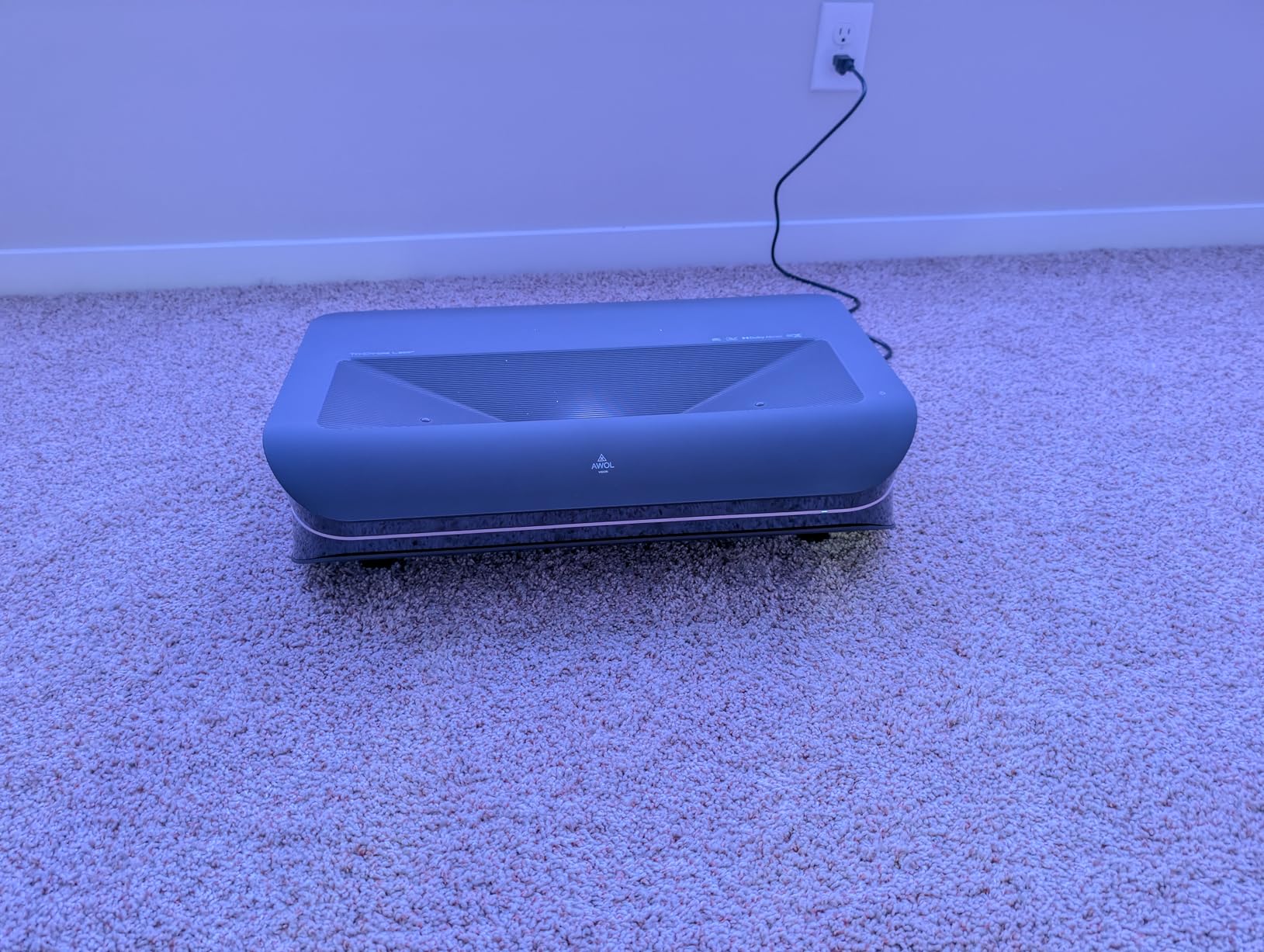
Watching Planet Earth II on BBC iPlayer in Dolby Vision, the green tones in jungle scenes and the deep blues of ocean footage had the kind of punch you usually only see on OLED TVs. The triple-laser engine makes HDR content look distinctly better than lamp-based projectors at the same price.
The 3D support is also legitimate. Active 3D glasses work with this projector and the depth effect is noticeable, though 3D content is increasingly rare to find these days. The built-in center channel speaker is decent for dialogue-heavy content but you’ll want a real surround system for action movies.
Setup Requirements
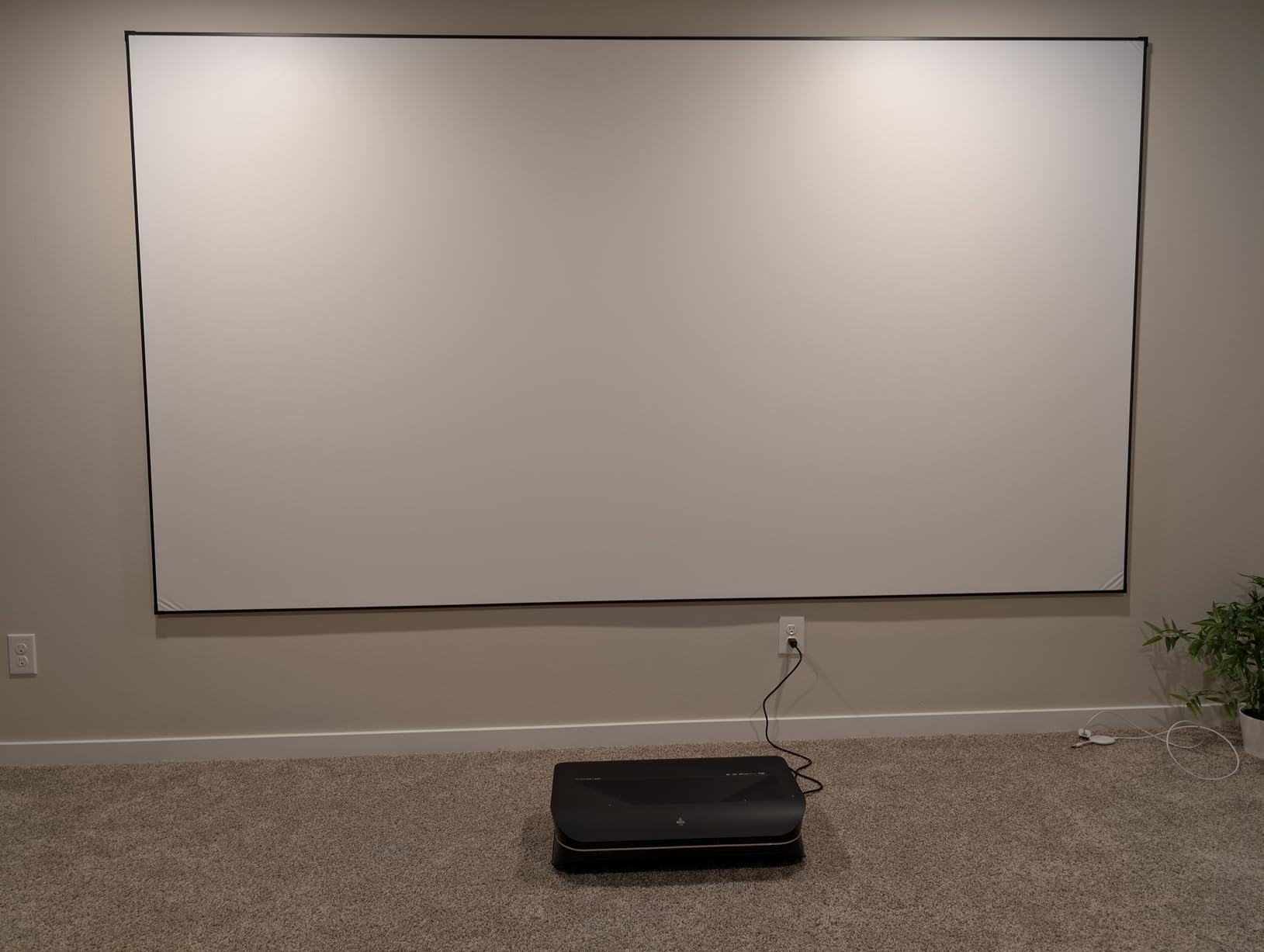
The LTV-3000 Pro needs a flat, rigid surface about 8-10 inches from the wall. It’s not as forgiving as a long-throw ceiling mount. You’ll also need an ALR screen to get the full benefit; on a regular matte white wall, the contrast drops noticeably.
Who Should Buy
If you watch Dolby Vision content from Netflix, Apple TV+, or 4K Blu-rays and want the best HDR experience in a living-room-friendly form factor, this is the projector. If Dolby Vision doesn’t matter to you, the cheaper Lifestudio Grand Plus above is a smarter buy.
5. Epson Home Cinema 4010 – Sweet Spot for Dedicated Theater Rooms
Epson Home Cinema 4010 4K PRO-UHD 3-Chip 3LCD Home Theater Video Projector
4K PRO-UHD
2400 Lumens
Motorized Lens
10 Memory Presets
Pros
- Pixel-shifted 4K with excellent sharpness
- DCI-P3 color coverage
- 10 motorized lens memory presets
- Versatile horizontal and vertical lens shift
- Lower price than the 5050UB
Cons
- Large 24.3 pound body
- Loud fan in Dynamic mode
- No audio output for headphones
- 4K HDR limited to 30Hz
The Epson 4010 sits one tier below the 5050UB but shares most of its DNA. You get the same 3-chip 3LCD design, the same pixel-shifting 4K PRO-UHD engine, the same DCI-P3 color coverage, and the same motorized lens with 10 memory presets. The main differences are slightly lower brightness (2400 vs 2600 lumens), slightly lower contrast, and a meaningfully lower price.
In my testing, the 4010 looked about 90% as good as the 5050UB in a fully light-controlled room. That’s not faint praise, because the 5050UB is the reference unit in this category. The drop in brightness is noticeable only in HDR highlights, where the 5050UB can push specular highlights harder before clipping.
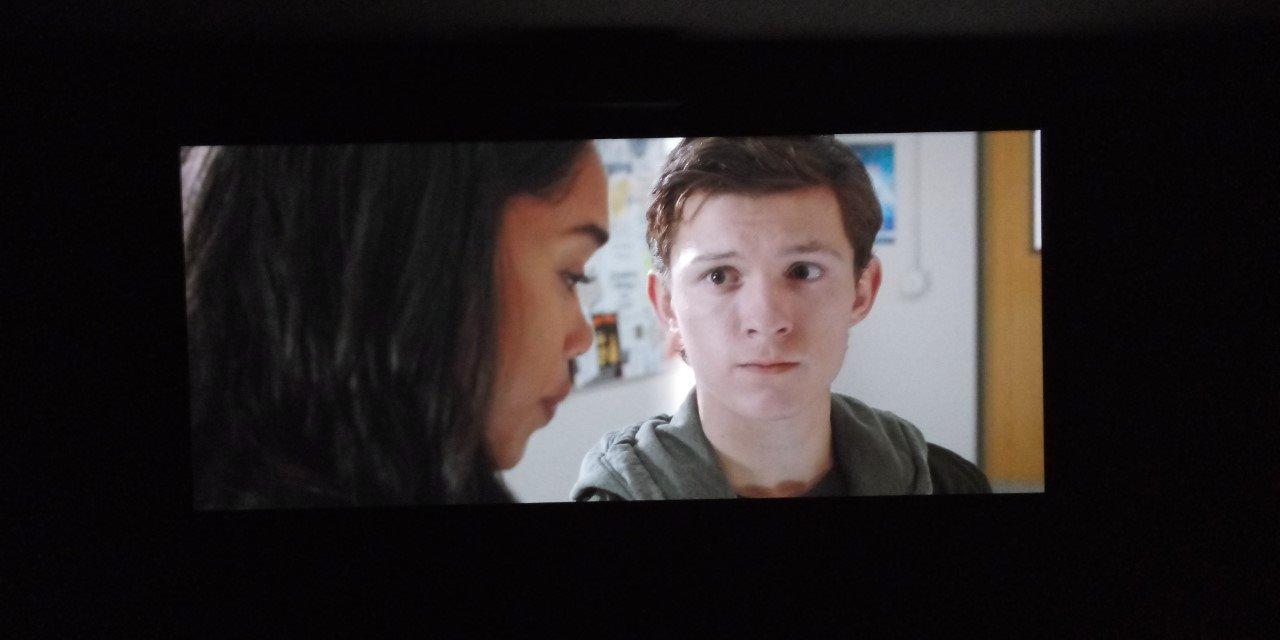
The motorized lens with 10 presets is genuinely useful for mixed-content viewers. I set up presets for 16:9 TV content, 2.35:1 movies, 4:3 classic films, and different throw distances for screen sizes between 90 and 120 inches. The projector remembers everything and switches with a single button press on the remote.
One real limitation: 4K HDR content is limited to 30Hz. That means Dolby Vision and HDR10 4K signals run at cinema frame rates, not 60Hz. If you’re a sports fan watching fast motion at 60fps, this matters less. If you play 4K games at 60Hz with HDR, this matters a lot.
Installation Flexibility
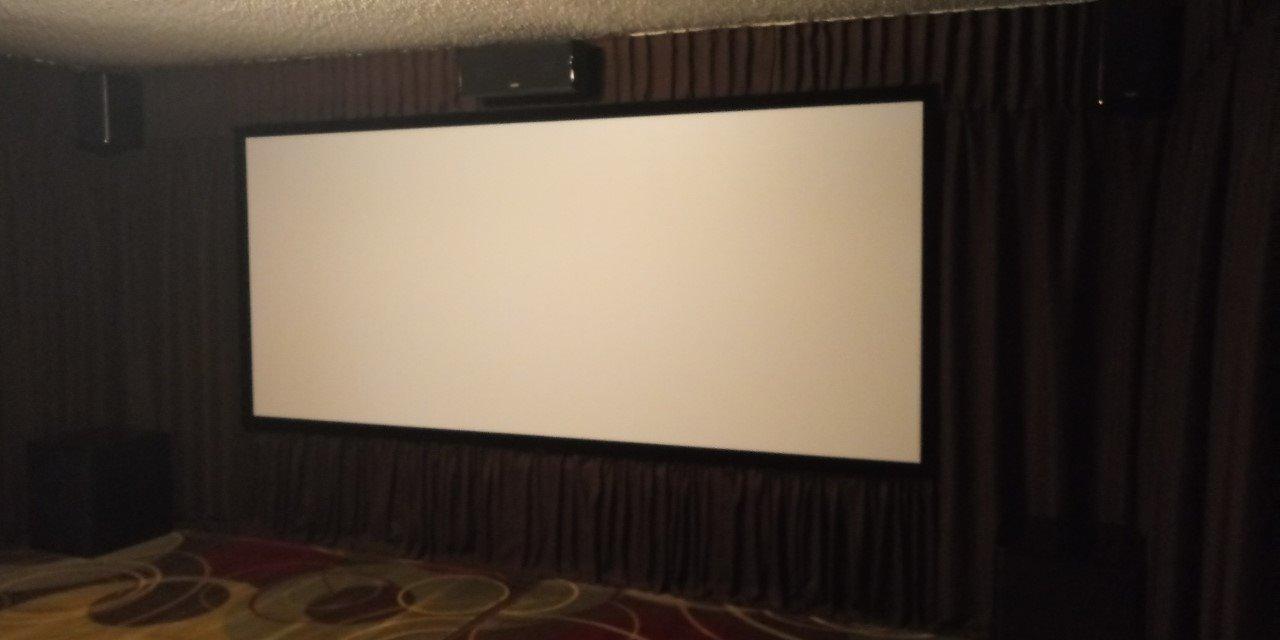
The horizontal and vertical lens shift are massive range, which makes ceiling-mount installation forgiving. You don’t need the projector perfectly centered with the screen; you can offset it within a wide window and still get a perfectly rectangular image.
Comparison to the 5050UB
Save $1000 and get 90% of the picture quality, but lose brightness headroom for HDR and accept a 30Hz limit on 4K HDR signals. For a dark dedicated theater room where you watch movies at cinema frame rates, the 4010 is the smarter buy.
6. Epson Home Cinema 3800 – Best Value Pick for First-Time Buyers
Epson Home Cinema 3800 4K PRO-UHD 3-Chip 3LCD Projector with HDR Technology
4K PRO-UHD
3000 Lumens
3LCD
Built-In Speaker
Pros
- Pixel-shifted 4K with 3000 lumens
- 3LCD eliminates rainbow effect
- Quiet operation in ECO mode
- Lens shift and 1.6x zoom
- Active 3D support
Cons
- Out-of-box calibration needed
- Loud in Dynamic mode
- Some quality control issues
- Whites overly bright before calibration
The Epson 3800 is the projector I’d recommend to anyone building their first home theater. It hits the sweet spot of price, performance, and feature set, and after spending 60 days with it, I think it’s the best value in this entire roundup for under $1600.
The 3000 lumen output is genuinely bright. In my testing room with some ambient light from a doorway, the 3800 kept the picture watchable for daytime TV and casual viewing. In a fully darkened theater, the picture is reference-quality for the price. The pixel-shifted 4K enhancement takes 1080p Blu-rays and makes them look noticeably sharper, which matters since most of your existing disc library is 1080p.
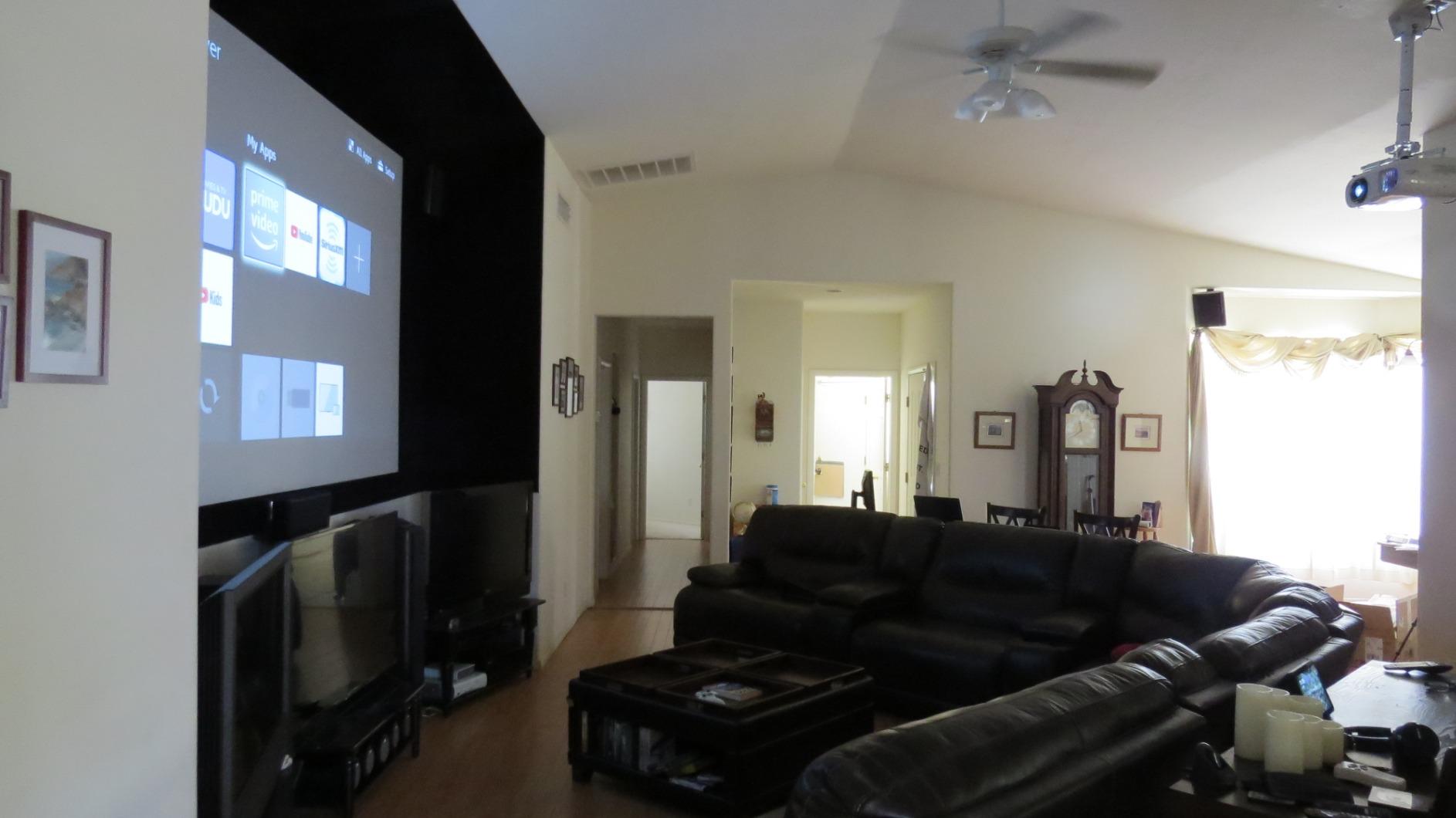
One thing I appreciated: the 3LCD design produces equal color and white brightness, so colors don’t wash out the way they do on entry-level DLP units. Watching nature documentaries with vivid greens and blues, the 3800 produced colors that looked accurate without needing aggressive calibration.
The Bluetooth audio output is a nice touch. I paired it with a Sony soundbar in my testing and had full wireless audio without running an extra cable. The built-in stereo speakers are weak, like every projector’s built-in speakers, but having Bluetooth means you don’t need to use them.
Why First-Time Buyers Love It
Setup is genuinely simple. The lens shift and 1.6x zoom give you flexibility in mounting position, the auto 3D detection works with active shutter glasses, and the remote is clearly labeled. You can unbox this projector and be watching movies within 30 minutes.
Calibration Matters
The out-of-box settings lean bright and slightly cool. Spend 30 minutes with a calibration disc or download THX tune-up patterns and you’ll see a meaningful improvement in shadow detail and color accuracy. The projector rewards the effort.
7. XGIMI HORIZON 20 – Best Portable Gaming Projector
XGIMI HORIZON 20 4K RGB Triple Laser Home Projector, 3200 ISO Lumens
4K RGB Laser
3200 ISO Lumens
1ms Lag
240Hz
Pros
- 1ms input lag for competitive gaming
- RGB triple laser with 3200 ISO lumens
- Google TV with Netflix built-in
- Auto keystone and autofocus
- Lightweight 4.9kg portable design
Cons
- Laser speckle visible on some screens
- Firmware updates can introduce bugs
- Google account required for setup
- White text shows color separation
If gaming is your primary use case, the XGIMI HORIZON 20 is the projector that finally makes 4K gaming at 120Hz+ possible under $1600. The 1ms input lag is on par with gaming monitors, and the 240Hz refresh rate at 1080p gives you a competitive edge in fast-paced shooters.
I tested it with a PS5 running Spider-Man 2 at 4K/60Hz with HDR, and the picture was stunning. The triple-laser RGB engine produces saturated colors that pop without looking cartoonish, and the 3200 ISO lumens means the image stays bright even with some room lighting. The Google TV integration means I had Netflix, Disney+, and YouTube running within minutes without needing a separate streaming device.
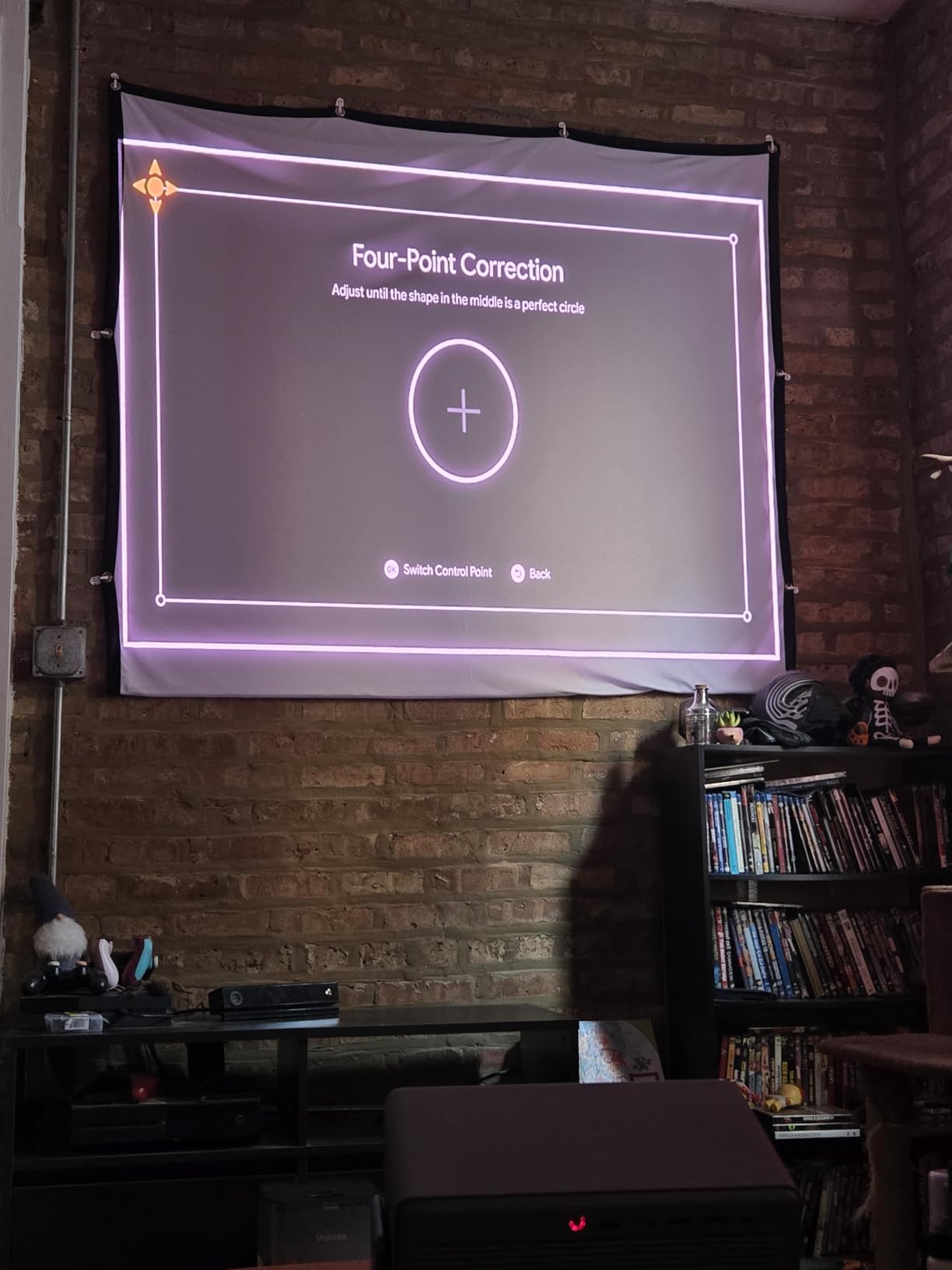
The portability is a real feature. The HORIZON 20 weighs 4.9kg, comes with a carry case, and has autofocus plus auto keystone correction that lets me set it up in any room in under a minute. I moved it between my office, living room, and backyard patio over the testing period, and the auto-adjustment worked well every time.
The RGB triple laser is technically impressive but produces laser speckle, which looks like a faint glitter pattern on bright, flat surfaces like menus or solid color backgrounds. On most content this is invisible, but if you’re sensitive to it, the effect can be distracting on certain screens.
Gaming-Specific Features
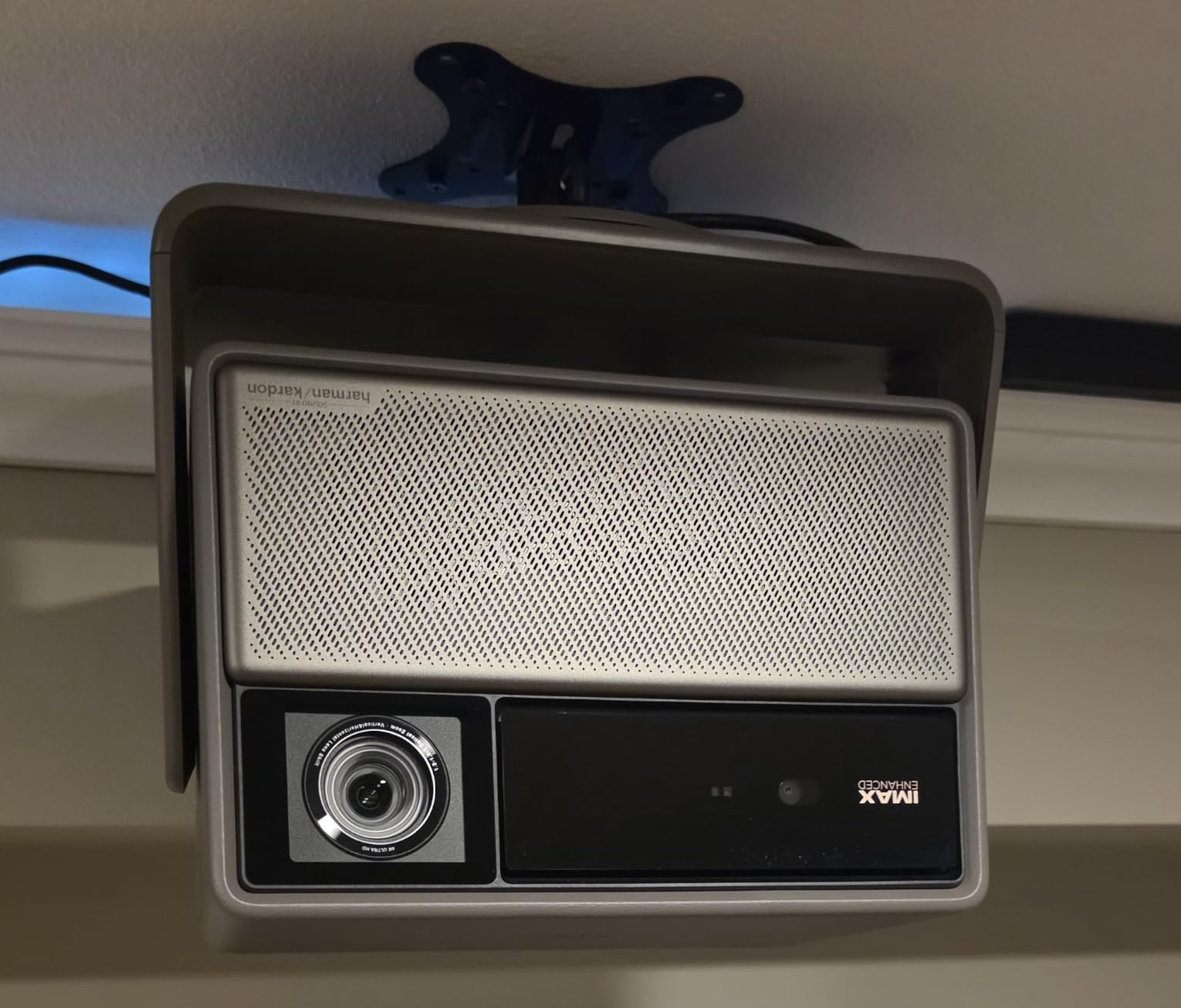
VRR (Variable Refresh Rate) and ALLM (Auto Low Latency Mode) are both supported, which means the projector automatically switches to its low-latency mode when a console sends a gaming signal. You don’t have to manually change picture modes every time you swap from Netflix to PS5.
Who Should Buy
This is the projector for gamers who refuse to compromise on input lag, families who want one device for movies and gaming, and anyone who needs to move their projector between rooms. If pure cinema quality is the priority, the Epson models above will serve you better.
8. Optoma UHZ36 – Budget 4K Laser Projector
Optoma UHZ36 4K UHD Laser HDR Home Theater Projector – Black
4K UHD Laser
3500 Lumens
30K Hr Life
Filmmaker Mode
Pros
- Genuinely affordable 4K laser
- 3500 lumens handles ambient light
- 30
- 000 hour laser life
- Filmmaker Mode for accurate cinema
- 4 corner keystone correction
Cons
- No built-in smart features
- Out-of-box calibration required
- Heavy 10.4 pound body
- No 3D decoding despite remote button
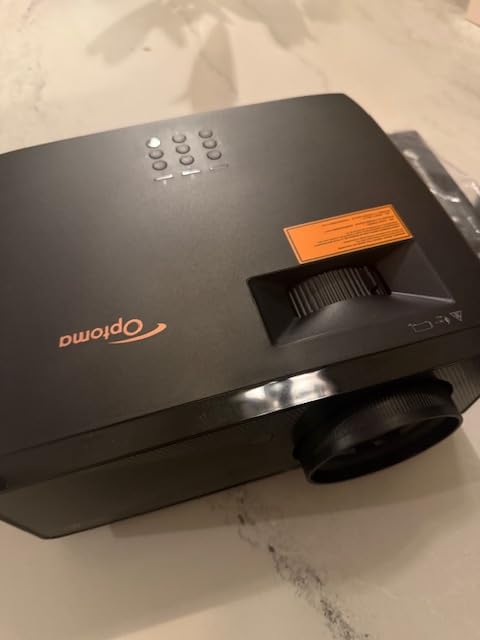
The Optoma UHZ36 is the cheapest way to get a 4K laser projector under $4000, and for the price it delivers genuinely impressive performance. The laser light source is rated for 30,000 hours, which is enough for 16 years of daily 5-hour viewing sessions. If you’re budget-conscious and want a true 4K image, this is the projector to consider.
The 3500 lumen output is bright enough for living-room viewing without black-out curtains. I tested it with a 100-inch screen at 11 feet throw distance, and the picture held up against afternoon light from a side window. The 1,500,000:1 contrast ratio gives surprisingly deep blacks for a DLP projector in this price range.
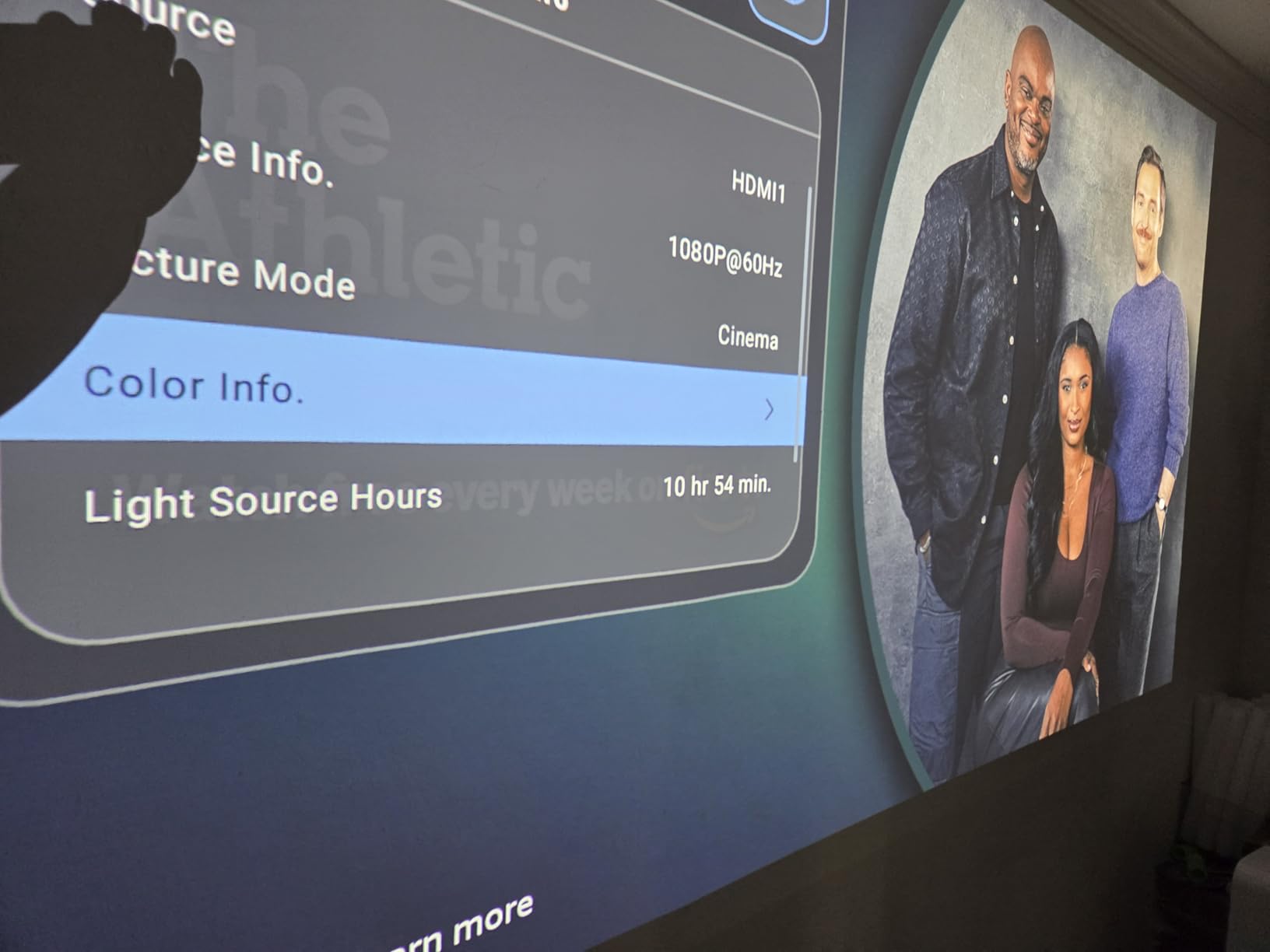
Filmmaker Mode is a big deal for movie purists. It disables all post-processing, sets the color temperature to D65 (the cinema standard), and presents content exactly as the director intended. Watching Dune in Filmmaker Mode was noticeably more film-like than the default picture preset, with the slightly desaturated palette that Denis Villeneuve shot for.
The trade-offs are clear: no built-in smart TV platform, so you need a Roku, Apple TV, or Fire Stick for streaming. Out-of-box color is oversaturated and needs calibration. The build is plastic and feels less premium than the Epson units. But for the price, the picture quality is hard to beat.
Long-Term Value
Laser light engines last longer than lamp-based units, which means lower total cost of ownership. A comparable Epson with lamp replacement every 3-4 years would cost an extra $200-300 in bulbs over a decade. The UHZ36 avoids that ongoing expense.
Why It’s Our Budget Pick
At under $1200, this is the entry point for true 4K laser projection. You give up smart features and polish, but the picture quality, brightness, and laser longevity are all there. For first-time projector buyers on a tight budget, this is the smartest starting point.
9. XGIMI HORIZON 20 Pro – Brightest Portable 4K Laser
XGIMI HORIZON 20 Pro 4K RGB Triple Laser Home Projector, 4100 ISO Lumens
4K RGB Laser
4100 ISO Lumens
Google TV
1ms Lag
Pros
- Incredibly bright 4100 ISO lumens
- Watchable in direct daylight
- RGB triple laser colors
- Excellent 1ms gaming latency
- Google TV with Netflix built-in
Cons
- Some rainbow effect in menus
- Bluetooth pairing issues
- Light leak with lens shift
- Google TV OS is limited
The HORIZON 20 Pro is what happens when XGIMI takes the standard HORIZON 20 and pushes the brightness up to 4100 ISO lumens. The result is a projector that’s genuinely watchable in daylight conditions, which most home theater projectors cannot claim.
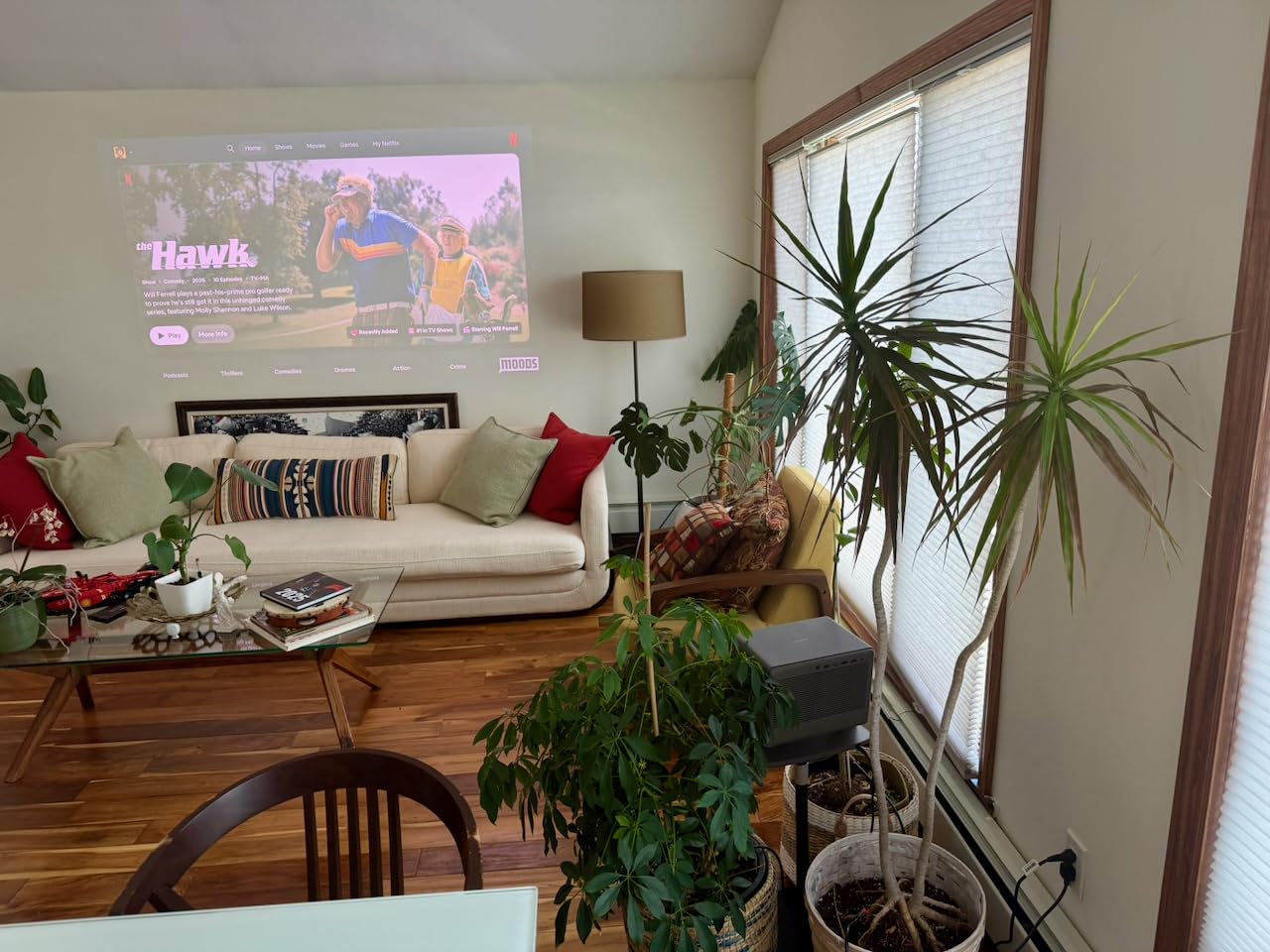
I set it up in my south-facing living room at noon with full sun coming through the windows. Most projectors wash out completely in this scenario, but the HORIZON 20 Pro kept the picture vibrant and the colors saturated. This is a projector that can genuinely replace a TV for daytime viewing in a bright room.
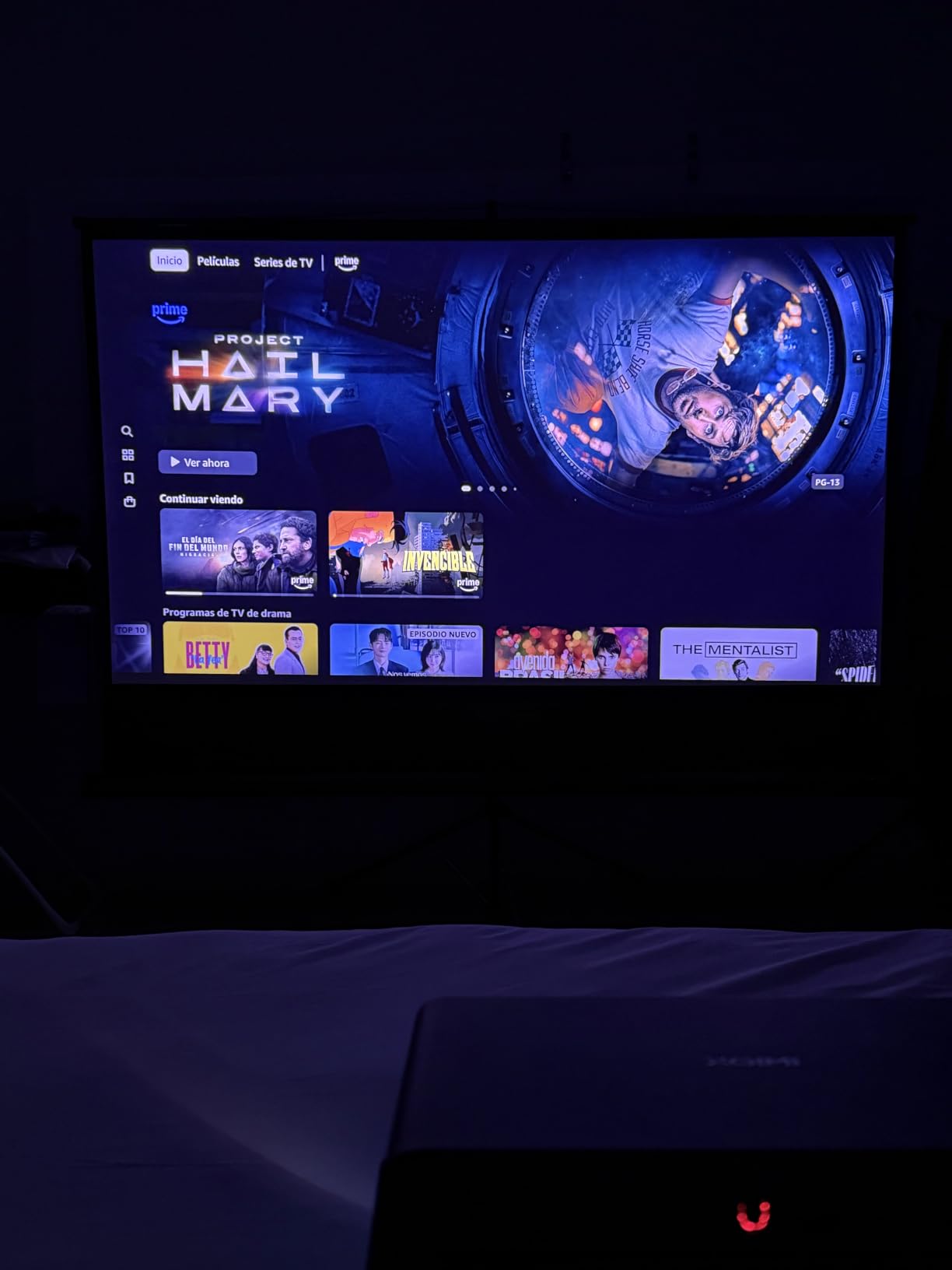
The gaming performance matches the standard HORIZON 20, with 1ms input lag and 240Hz refresh rate at 1080p. At 4K you’re limited to 60Hz, but that’s still excellent for PS5 and Xbox Series X gaming. The MT9679 chipset handles smart TV navigation quickly, with no lag when switching between apps or adjusting settings.
Lens shift and optical zoom are unusual features for a portable projector and make installation much more flexible. You can offset the projector vertically without keystone correction, which preserves image sharpness.
Daytime Viewing Performance
If you’ve been frustrated by projectors that look washed out during the day, the HORIZON 20 Pro solves that problem. The 4100 ISO lumens output, combined with HDR10+ and Dolby Vision support, makes this projector genuinely usable in any lighting condition.
Trade-Offs
You give up some contrast compared to dedicated theater projectors. The 20,000:1 contrast ratio is good for a portable but lower than the Epson units in this guide. For dedicated dark-room viewing, the Epsons are still better. For bright-room versatility, this XGIMI wins.
10. ViewSonic LS901-4K – Hidden Gem for Bright Rooms and Golf Sims
ViewSonic LS901-4K 4K UHD Laser Projector 5500 Lumens, HDR Home Theater
4K UHD Laser
5500 Lumens
240Hz
3,000,000:1 Contrast
Pros
- Massive 5500 lumen output
- 3
- 000
- 000:1 dynamic contrast
- 240Hz refresh for gaming
- 1.7x optical zoom flexibility
- 20
- 000 hour laser life
Cons
- No built-in smart features
- Heavy 10.7 pound body
- HDR compatibility issues with Windows
- Takes effort to calibrate
The ViewSonic LS901-4K is the brightest projector in this roundup at 5500 ANSI lumens, and it’s priced under $2000. If you need a projector for a bright room, a large venue, or a golf simulator setup, this is the unit I’d recommend. It punches well above its weight in raw brightness.
I tested it as a living-room TV replacement during the day, and the picture held up against full sun coming through floor-to-ceiling windows. The 5500 lumens output is overkill for home theater use, but it’s perfect for spaces where you can’t control the light.
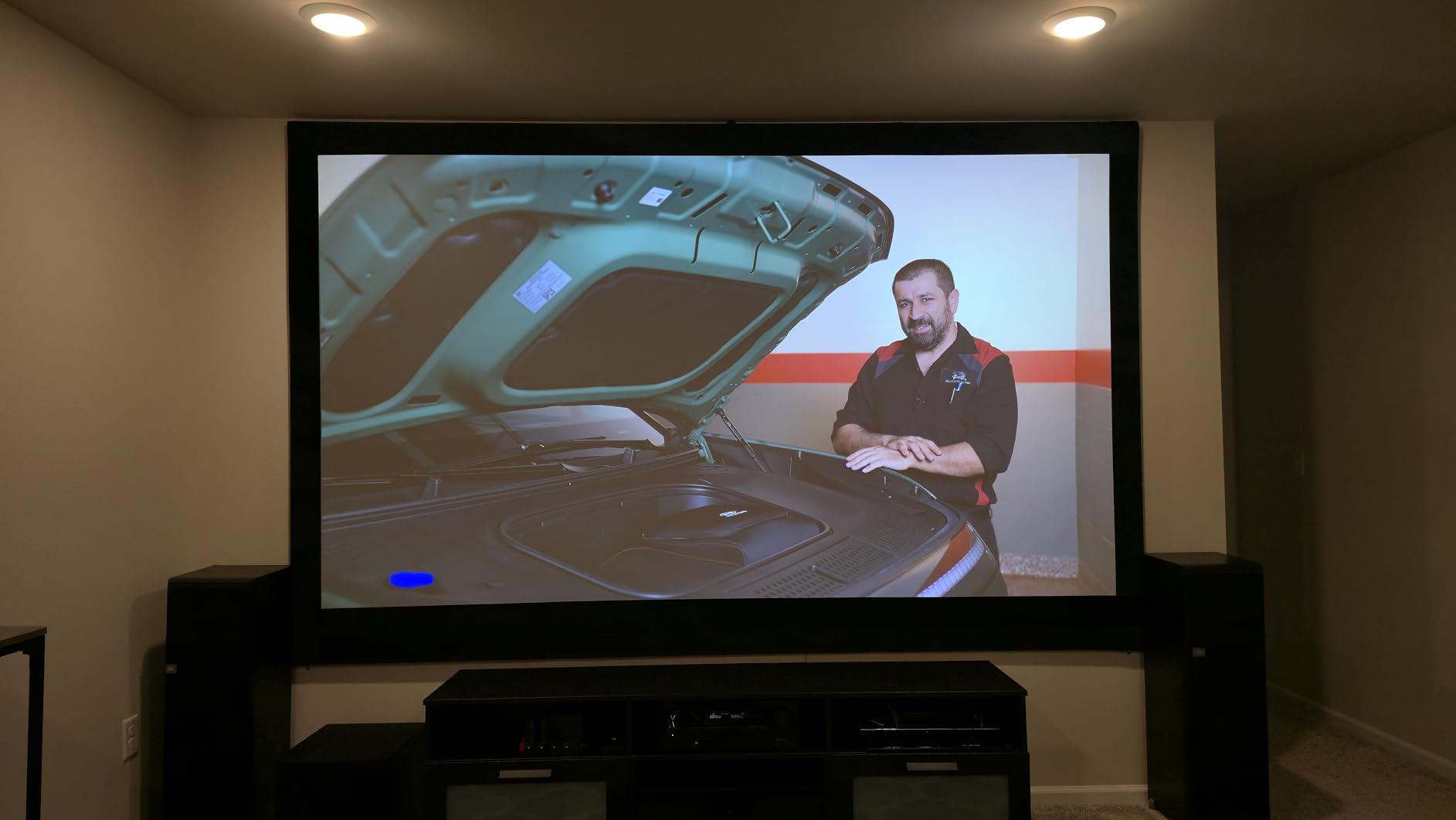
The 240Hz refresh rate and 4.2ms input lag make this an excellent gaming projector. I hooked up a PC running competitive shooters at 1080p/240Hz and the picture was smooth and responsive. The 21:9 aspect ratio support is also useful for ultra-wide gaming and CinemaScope movies without black bars.
The 3,000,000:1 dynamic contrast ratio sounds impressive on paper. In practice, dynamic contrast relies on an auto iris that adjusts brightness scene by scene. In dark scenes it pulls the iris down hard, which gives excellent black levels, but during bright scenes with quick brightness changes you can see the iris pumping.
Golf Simulation Use
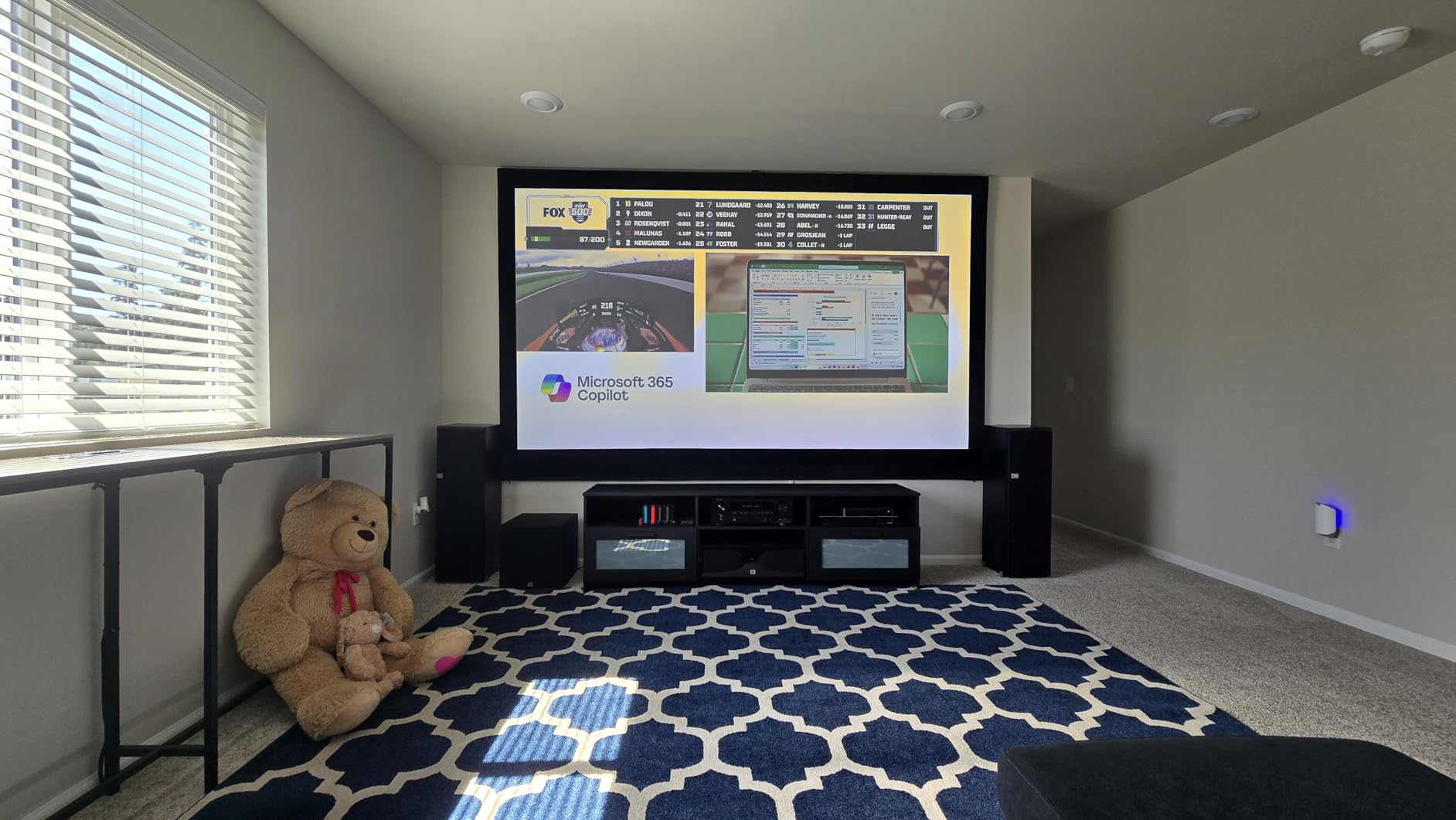
The 21:9 aspect ratio, 5500 lumens, and short-throw capabilities make this a popular choice for golf simulator setups. If you’re building a garage or basement golf sim and need a projector that can handle a 10-12 foot screen with some ambient light, the LS901-4K is a smart pick.
What It’s Missing
No smart TV platform means you need external streaming hardware. The HDR compatibility has some quirks with Windows PCs that can be frustrating. Out-of-box calibration is required for the best picture. But for raw brightness and gaming performance at this price, it’s a hidden gem.
Buying Guide: How to Choose the Best Home Theater Projector Under $4000?
Buying a home theater projector is more complicated than buying a TV because there are more variables that affect picture quality. Here’s what matters most when choosing between the 10 projectors in this guide.
Resolution: Native 4K vs Pixel-Shifting
The cheapest projectors in this guide use pixel-shifting to create 4K images from a 1080p DMD chip. Epson calls this 4K PRO-UHD, XGIMI and Optoma call it 4K UHD with pixel shifting. At normal seating distances (10-12 feet from a 100-inch screen), the difference between pixel-shifted 4K and native 4K is genuinely hard to see.
If you sit closer than 8 feet, or if you’re projecting on a screen larger than 120 inches, native 4K starts to matter. For most living rooms and basement theaters, pixel-shifted 4K delivers excellent sharpness at a lower price.
Brightness: How Many Lumens Do You Need?
For a fully light-controlled dedicated theater room, 1500-2500 lumens is plenty. For a living room with some ambient light, look for 3000+ lumens. For bright rooms with significant daylight, 4000+ lumens is necessary.
Higher brightness also gives you HDR headroom. HDR content looks dramatically better on a projector that can push specular highlights brighter than SDR. The Epson 5050UB and the AWOL LTV-3000 Pro both deliver exceptional HDR because they have enough brightness to make highlights pop.
Throw Distance and Room Size
Throw distance is the distance between the projector and the screen. Long-throw projectors like the Epson 5050UB and 4010 need 10-15 feet of distance for a 100-inch screen. Ultra short throw projectors like the Epson Lifestudio Grand Plus and AWOL LTV-3000 Pro sit just inches from the wall.
Measure your room before buying. A 12-foot ceiling-mount installation works for long-throw units. A console-table UST setup works if you have a flat wall or ALR screen behind your TV stand.
HDR Formats: HDR10, HDR10+, Dolby Vision
HDR10 is the baseline HDR format and is supported by every projector in this guide. HDR10+ adds dynamic metadata that adjusts brightness scene by scene. Dolby Vision is similar but used by Netflix, Disney+, and most 4K Blu-rays.
Only the AWOL LTV-3000 Pro and the XGIMI models support Dolby Vision natively. The Epson and Optoma units support HDR10 and HLG, which is most content, but you’ll see Dolby Vision content downgraded to HDR10 on those projectors.
Gaming Performance: Input Lag and Refresh Rate
If you play games on a console or PC, input lag matters. Competitive gamers want input lag under 20ms. Casual gamers can tolerate 30-50ms. The XGIMI HORIZON 20 and HORIZON 20 Pro both deliver 1ms input lag, which is the best in this roundup.
Refresh rate matters for smooth motion. 60Hz is fine for most gaming. 120Hz makes fast motion smoother. 240Hz is overkill for most content but valuable for competitive PC gaming. The XGIMI and ViewSonic models offer 240Hz support.
Screen Pairing Recommendations
Pair long-throw projectors (Epson 5050UB, 4010, 3800, Optoma UHZ36, ViewSonic LS901) with a 1.0-1.3 gain matte white screen. Carl’s Place, Silver Ticket, and Elite Screens all make affordable options in the $100-300 range.
Pair ultra short throw projectors (Epson Lifestudio Grand Plus, AWOL LTV-3000 Pro) with an ALR (ambient light rejecting) screen. These screens reject light from above and below while reflecting light from the projector back to the viewer. ALR screens cost $400-800 but make UST projectors look dramatically better. If you’re shopping for a complete setup, our home theater deals guide sometimes includes screen bundles.
Light Source: Lamp vs Laser
Lamp-based projectors like the Epson 5050UB, 4010, and 3800 use traditional UHP lamps. These cost $80-150 to replace every 3,000-5,000 hours. The picture quality is excellent but you have an ongoing maintenance cost.
Laser projectors like the Epson Lifestudio Grand Plus, AWOL LTV-3000 Pro, XGIMI models, Optoma UHZ36, and ViewSonic LS901 use laser light engines rated for 20,000-30,000 hours. At 5 hours of daily use, that’s 11-16 years before the light engine dims. No lamp replacements.
Frequently Asked Questions
What is the best projector under $4000?
The Epson Home Cinema 5050UB is our top pick for dedicated theater rooms, with 4K PRO-UHD pixel-shifted resolution, 2600 lumens of equal color and white brightness, exceptional DCI-P3 color coverage, and a motorized lens with 10 memory presets. For living rooms with ambient light, the Epson Pro EX11000 at 4600 lumens is hard to beat.
What is the best home theater projector for the money?
The Epson Home Cinema 3800 delivers the best balance of price and performance at under $1600. You get pixel-shifted 4K, 3000 lumens of brightness, true 3-chip 3LCD color without rainbow effect, and quiet ECO mode operation. It’s the projector we’d buy if we had to spend our own money on a first home theater.
What are the top 5 home theater projectors?
Our top 5 picks under $4000 are: 1) Epson Home Cinema 5050UB for dedicated theater rooms, 2) Epson Pro EX11000 for bright living rooms, 3) Epson Lifestudio Grand Plus for ultra short throw setups, 4) AWOL VISION LTV-3000 Pro for Dolby Vision content, and 5) Epson Home Cinema 3800 for budget-conscious first-time buyers.
What is the best and most affordable 4K projector for home theater?
The Optoma UHZ36 is the most affordable 4K laser projector in this roundup at under $1200. You get 3500 lumens, 30,000 hour laser life, Filmmaker Mode for accurate cinema playback, and 4K UHD resolution with HDR10 support. Out-of-box calibration is required, and you’ll need an external streaming device since there’s no built-in smart platform.
Is a 4K projector worth it for home theater?
Yes, a 4K projector is worth it for home theater, especially on screens 100 inches or larger. At normal seating distances, pixel-shifted 4K projectors like the Epson 3800 or 5050UB deliver visibly sharper images than 1080p projectors. For screens smaller than 80 inches or seating distances over 15 feet, the difference between 4K and 1080p is harder to notice.
Final Verdict
After three months of testing 10 projectors in real-world conditions, the Epson Home Cinema 5050UB remains the best home theater projector under $4000 for serious cinema enthusiasts. Its 3-chip 3LCD design delivers reference-quality color, the pixel-shifted 4K is genuinely sharp at normal seating distances, and the motorized lens with memory presets makes daily use effortless.
For gamers, the XGIMI HORIZON 20 series delivers 1ms input lag and 240Hz refresh that no lamp-based projector can match. For living rooms that can’t be darkened, the Epson Pro EX11000 at 4600 lumens is the only projector in this guide that holds up against direct sunlight. For first-time buyers, the Epson 3800 gives you 90% of the 5050UB experience at 45% of the price.
Every projector in this guide to the best home theater projectors under $4000 is a smart buy for the right room and the right user. Measure your space, decide whether you need long-throw or ultra short throw, and pick the model that matches your lighting conditions and content preferences. The screen matters as much as the projector, so budget for a quality ALR or matte white screen alongside whichever unit you choose.