
Most video doorbell clips live on someone else’s server. You press a button, wait, and hope the vendor has not changed its retention window again. A video doorbell with local storage flips that: the footage lands on a card, a base station, or built-in memory inside your own home, and it stays there whether or not you ever pay anyone a monthly fee.
We spent the last several weeks reading spec sheets, firmware notes and thousands of owner reviews across ten doorbells that record without a mandatory plan. Our verdict up front: the eufy Security Video Doorbell E340 is the best overall pick in 2026 because it is the only unit here with two cameras, built-in storage and colour night vision that work with zero setup.
If you want the cheapest clean route to local clips, the Tapo D210 is hard to argue with. If you already have doorbell wiring, the REOLINK Video Doorbell WiFi solves the 2.4GHz problem that trips up half of this list. This guide covers all ten, plus the storage maths, the power decisions and the honest limits of what local recording protects you from.
If you are still working out the basics, our general video doorbell guide covers the buying points that do not depend on where footage is stored.
Table of Contents
Top 3 Best Video Doorbells With Local Storage in 2026

eufy Video Doorbell E340
- Dual camera head-to-toe and package view
- 8GB built-in storage
- Color night vision to 16ft
- 2K video

REOLINK Video Doorbell WiFi
- 2.4GHz and 5GHz dual-band
- 4:3 view with 180-degree diagonal
- Chime V2 included
- Hardwired 12-24V

Tapo D210 2K Doorbell
- microSD up to 512GB
- 160-degree head-to-toe view
- Chime included
- Fast app response
All 10 Picks at a Glance in 2026
Every doorbell below stores video locally without a mandatory monthly plan. Storage type is the single most important column here, because built-in memory cannot be expanded while a microSD slot can.
| Product | Specifications | Action |
|---|---|---|
| eufy Video Doorbell E340 |
|
Check Latest Price |
| Tapo D210 2K Doorbell |
|
Check Latest Price |
| REOLINK Video Doorbell WiFi |
|
Check Latest Price |
 ieGeek Bell J9 Doorbell ieGeek Bell J9 Doorbell |
|
Check Latest Price |
 REOLINK Video Doorbell PoE REOLINK Video Doorbell PoE |
|
Check Latest Price |
 BOTSLAB R811S 5MP Doorbell BOTSLAB R811S 5MP Doorbell |
|
Check Latest Price |
 Tapo D205 2K Doorbell Tapo D205 2K Doorbell |
|
Check Latest Price |
 aosu 2K Doorbell with aosuBase aosu 2K Doorbell with aosuBase |
|
Check Latest Price |
 XTU 2K Wireless Doorbell XTU 2K Wireless Doorbell |
|
Check Latest Price |
 REOLINK Video Doorbell 256GB Bundle REOLINK Video Doorbell 256GB Bundle |
|
Check Latest Price |
1. eufy Video Doorbell E340 – Best Overall for Built-In Storage
eufy Security Video Doorbell E340, Dual Cameras, 2K FHD
Dual cameras: head-to-toe plus package
8GB eMMC built-in storage
2K video, 160-degree view
Colour night vision to 16ft
1.1 lb, IP65
Pros
- Dual camera shows faces and packages in one clip
- 8GB onboard storage needs no card and no plan
- Colour night vision outperforms most rivals
- Quick-release battery swaps in seconds
- Works with a mechanical chime or HomeBase
Cons
- Battery lasts closer to two months in practice
- Needs a HomeBase or MiniBase Chime
- App and notifications can feel slow
- Street traffic still triggers some alerts
The E340 is the only doorbell in this group with two lenses pointing in different directions. The upper camera handles the head-to-toe view of whoever is standing there, and a second downward camera watches the doorstep itself. If a driver slides a parcel under the mat, both halves of the event end up in one clip.
Storage is the reason this is our top pick. Eight gigabytes of built-in eMMC sits inside the unit, so there is no card to buy, no card to format and no card to fail silently. Owners on r/eufy consistently report that core recording and playback work with no monthly plan attached, which is exactly what this topic is about.
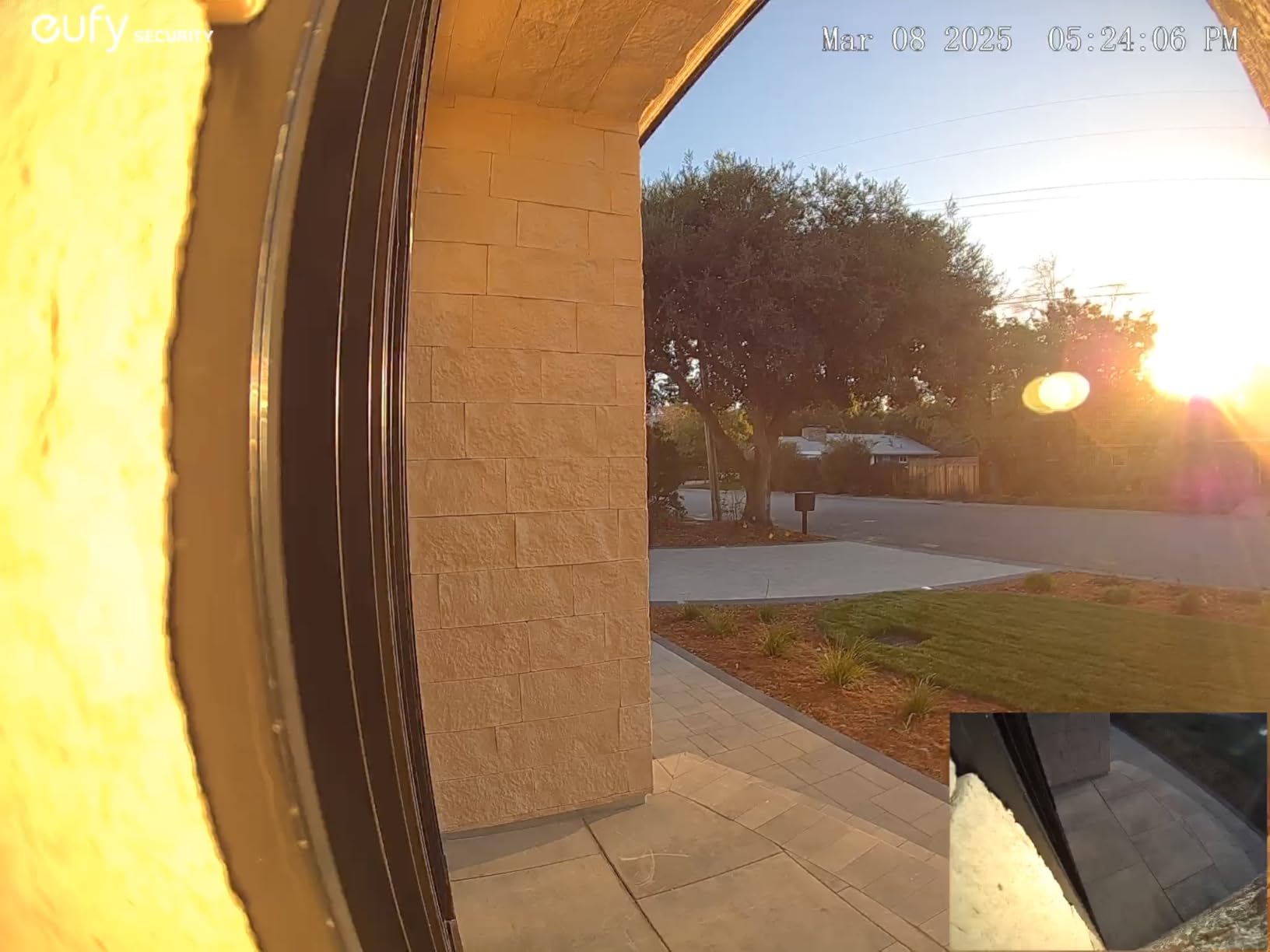
Daylight footage is genuinely sharp at 2K, and the dual-light night system produces usable colour out to about 16ft rather than the washed-out grey you get from a single IR LED. Human and package detection both work, and activity zones narrow the frame to the path people actually use.
The catch is real though. The battery is a quick-release pack, but owners measure closer to two months between charges rather than the four months marketing copy suggests. The unit is also designed to pair with a eufy HomeBase or MiniBase Chime rather than joining a Wi-Fi network directly, which means the hub is part of your real cost.
Check this before you buy the E340
Make sure you can place a HomeBase 2, HomeBase 3 or MiniBase Chime indoors and that the doorbell can reach it. This is not a standalone Wi-Fi doorbell, and that design choice is the source of most of the negative reviews we read. If you already run other eufy gear, that is an argument in favour, not against.
Then check your sun exposure. Reviewers on an exposed west-facing porch report the unit overheating and shutting down in high heat, so shade or a north or east-facing door is the safer install.
Who should skip the E340
Skip it if you want the fastest tap-to-live-view speed on your phone, or if you are on a mesh network where the hub cannot reach the door. App responsiveness is the most common complaint, and latency is exactly what you notice when a courier is already walking away.
I would also look elsewhere if you want to expand storage later or record continuously. Eight gigabytes fills quickly at moderate activity, and owners on r/eufy describe it as needing active clip management rather than passive archiving.
2. Tapo D210 2K Doorbell – Top Rated for microSD Recording
Tapo 2K Wireless Smart Video Doorbell w/Chime, 160° Ultra-Wide View, D210
2K resolution, 160-degree view
microSD up to 512GB
6400mAh battery
Chime and 15-degree wedge included
IP65
Pros
- microSD up to 512GB removes any subscription
- Very responsive app with no live-feed lag
- Colour night vision with adjustable spotlight
- Loud chime with selectable ringtones
- Clean instructions and included mounting hardware
Cons
- Battery only
- no wired option on this model
- Take the unit down to recharge
- Video washes out in direct sun
- Ring Call can clash with Echo devices
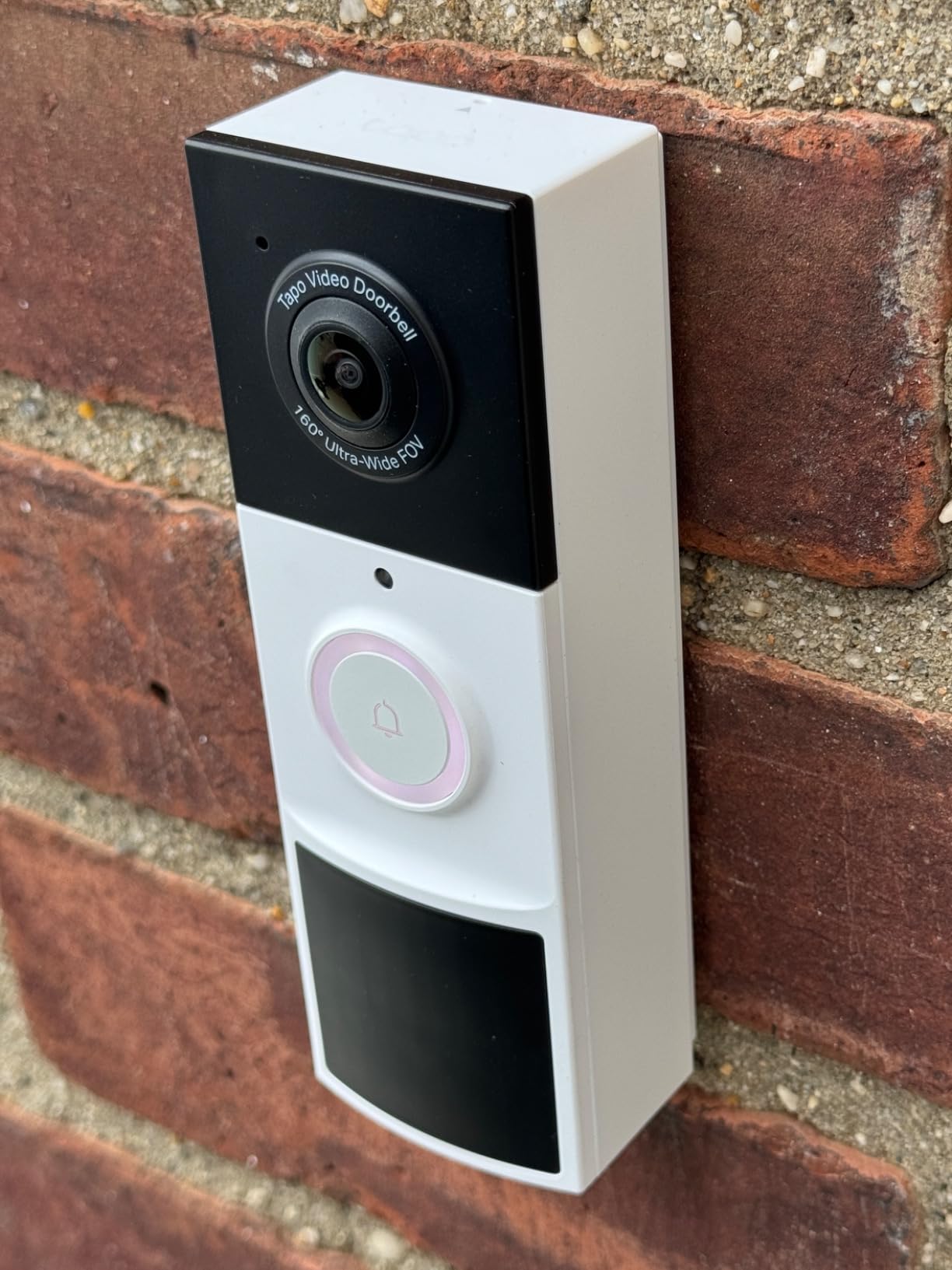
The D210 is the pick if your priority is a large amount of local storage for a modest outlay. Its microSD slot accepts cards up to 512GB, which is the largest capacity any battery doorbell in this list supports, and there is no plan gating access to those clips.
App speed is its quiet superpower. Across thousands of reviews the most common positive note is how quickly the live feed and stored clips load, which matters more than raw resolution when someone is standing at the door waiting for you to answer.
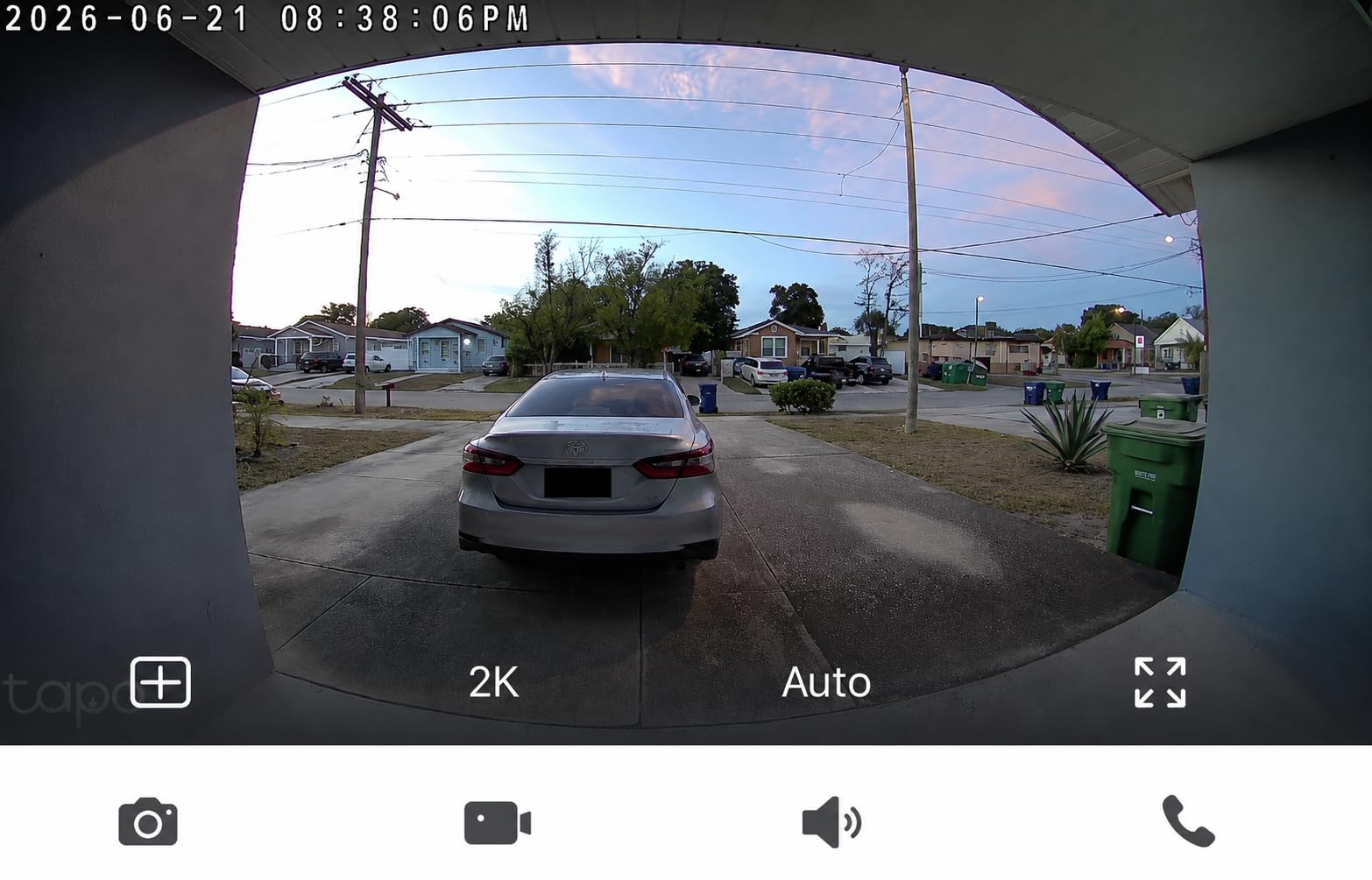
The 160-degree diagonal view is genuinely head-to-toe on a standard door, and person detection with custom activity zones cuts most of the traffic noise that plagues budget cameras. Traffic is encrypted with AES 128-bit and TLS 1.2, and the full-colour night mode uses a motion-activated spotlight you can dial back if it lights up the street too brightly.
Two ways to answer are supported: normal app alerts, or a Ring Call that sends the door to your phone as a call you can pick up without opening the app. Owners do report conflicts with Echo Show and the Tapo skill, so if your household leans on Alexa heavily, test that first.
Check this before you buy the D210
Confirm you are comfortable taking the doorbell off the wall to charge it. The 6400mAh battery is sealed in, so recharging means removing the unit and finding a spare outlet or USB port. Households with a busy front door and no easy indoor spot will feel this more than most.
Also decide whether the included chime works where you want it. It plugs into a wall outlet, has selectable ringtones and is loud, but it is a plug-in unit rather than something that replaces an existing analog chime.
Who should skip the D210
Skip it if you have doorbell wiring and want to use it. This model is battery-only, so the transformer sitting behind your wall goes unused. If you want continuous recording rather than event clips on motion, this is also not the unit for you.
Reviewers with south-facing porches mention washed-out highlights in hard daylight, so if your door faces direct sun all afternoon, compare it against a wired model with HDR before committing.
3. REOLINK Video Doorbell WiFi 2K – Best for Dual-Band Homes
REOLINK Video Doorbell WiFi 2K Wired Camera, 4:3 Wide View Outdoor Camera
Hardwired 12-24V AC or 24V DC
2.4GHz and 5GHz dual-band
4:3 aspect, 180-degree diagonal
microSD up to 256GB
Chime V2 included
Pros
- Wired power means no charging routine
- Dual-band radio cuts Wi-Fi dropouts
- 4:3 frame shows more porch
- Chime V2 with 10 tunes included
- Sharp 2K in low light
Cons
- Needs existing doorbell wiring or a transformer
- No battery backup so a power cut stops recording
- 4:3 framing looks letterboxed next to 16:9 gear
- Best inside the Reolink ecosystem
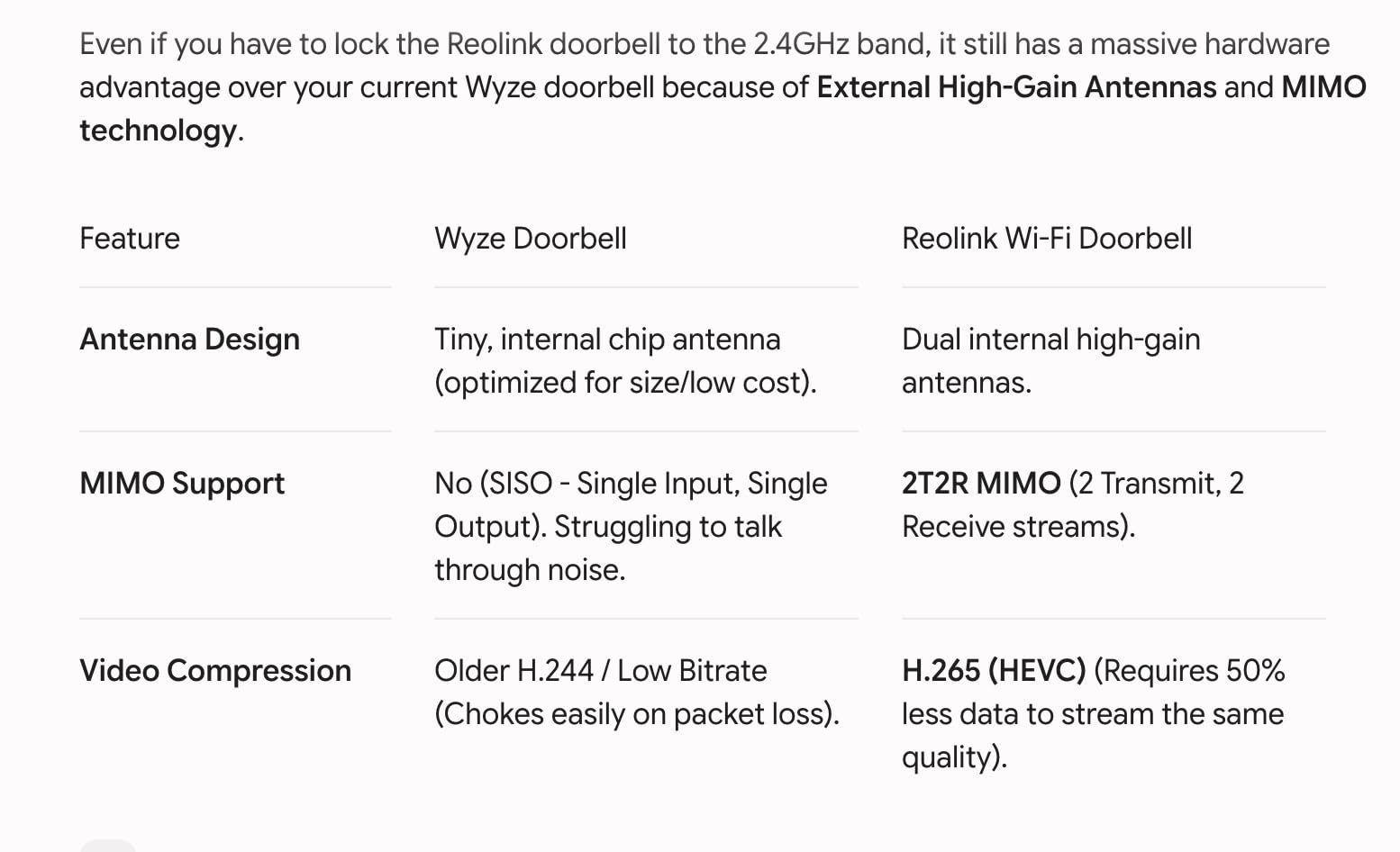
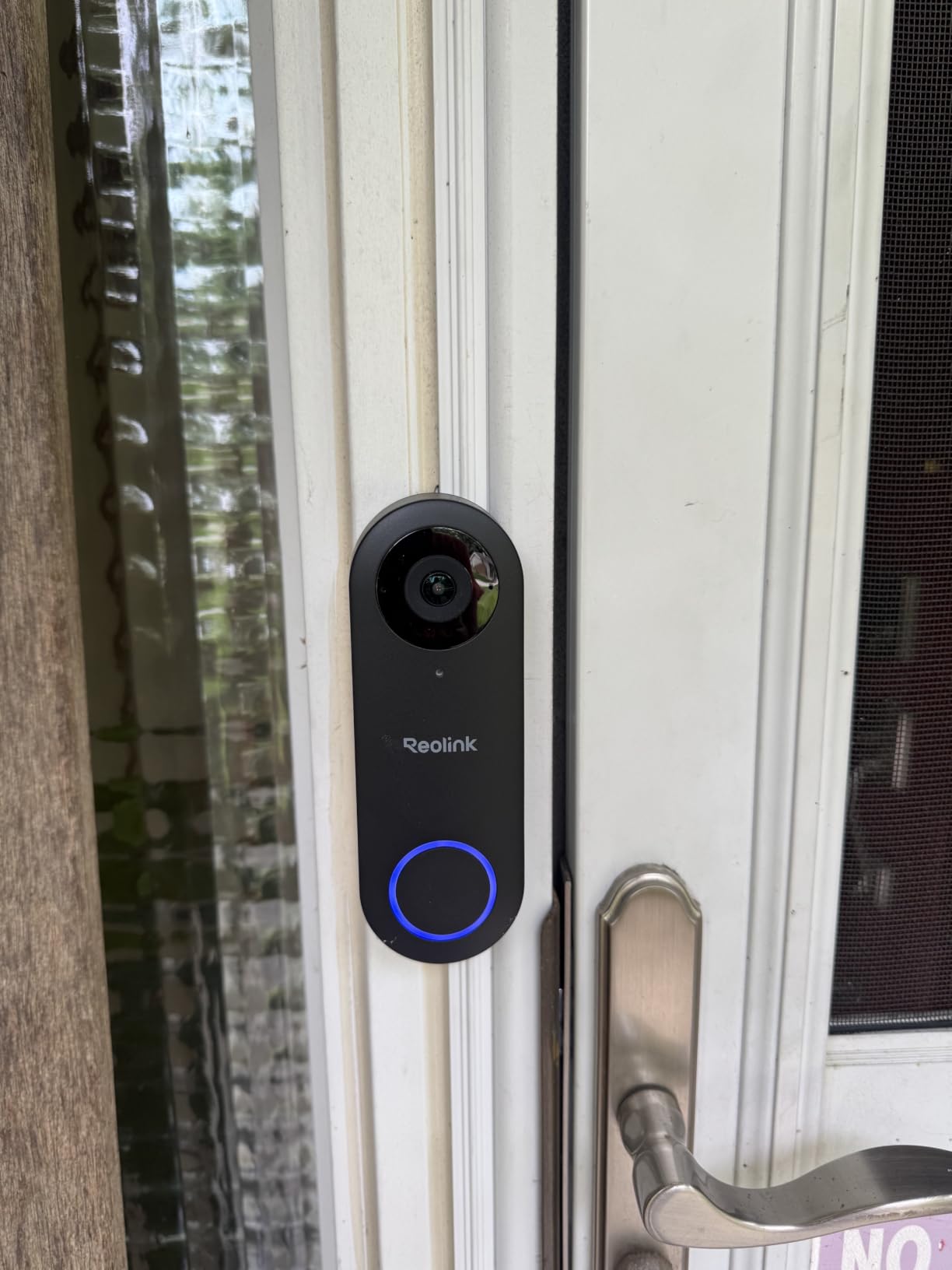
Almost every complaint about budget video doorbells comes down to two things: a 2.4GHz-only radio and a battery. This Reolink fixes the first and removes the second. It runs on 2.4GHz and 5GHz, and it is hardwired to 12-24V AC or 24V DC, so there is no recharge cycle and no chance of missing a visitor because the pack died.
That dual-band support is why it earns a place on a list full of 2.4GHz-only units. On a modern mesh network, a 5GHz backhaul or a concrete porch wall, a 5GHz-capable doorbell simply holds its connection more reliably.
The sensor is 5MP with 2K Super HD output, HDR, 3D noise reduction and distortion correction. Framing is 4:3 at a 180-degree diagonal, which is taller than the usual 16:9 and shows more of the ground in front of the door. If you have ever wished a doorbell showed the step as well as the face, this aspect ratio helps.
A 256GB microSD card slot records locally with no monthly fee, and the Chime V2 with ten tunes and adjustable volume is in the box. Two-way talk includes preset voice replies for when you cannot answer.
Check this before you buy the Reolink WiFi
Measure your transformer first. Older doorbell transformers from the 1990s often cannot deliver enough current for a modern camera, and an underpowered transformer produces flicker and random reboots that people blame on the doorbell. A chime-compatible 16-24V AC transformer is the safe choice.
Then check what sits behind your existing chime. Mechanical analog chimes work with a compatible chime kit, but digital and some smart chimes do not, and that determines whether you keep what you have.
Who should skip the Reolink WiFi
Skip it if you have no wiring at all. This is a hardwired unit, so an apartment or a rental with no bell wire means fishing cable through the wall or choosing a battery model instead.
Skip it if you need battery backup for outages. A power cut means no recording and no alerts until the power returns, which is a genuine gap for anyone who wants their doorbell to work as an alarm during a storm.
4. ieGeek Bell J9 Doorbell – Best for Renters
ieGeek Doorbell Camera Wireless No Subscription, 2K 3MP HD View PIR Motion Detection, Wireless Video Doorbell with Chime 2-Way Talk, Only Supports 2.4GHz WiFi, Local & Cloud Storage, White
2K 3MP, 166-degree view
PIR detection to 16ft
microSD up to 128GB plus free cloud
5200mAh built-in battery
IP66
Pros
- microSD plus free basic cloud removes subscription
- Adhesive or nail install with no wiring
- IR night vision reaches about 32ft
- Voice changer for answering visitors quietly
- 2.4GHz radio penetrates walls well
Cons
- 2.4GHz only with limited range through obstacles
- Battery is sealed in so the unit comes down to charge
- Battery life drops in cold weather
- Bugs and birds still trigger false alarms
This is the easiest no-wiring route to local storage on the list. It fixes to a wall with adhesive or a single nail, and it pulls its 5200mAh battery internally, so nothing touches your doorbell wiring and nothing leaves a hole when you move out.
Recording goes to a microSD card up to 128GB, and there is also a free basic cloud tier for short clips. Having both means you can keep the primary record on hardware you own and still have a fallback if a card fails.
Daylight images are clear 2K at 3MP across a 166-degree field of view. Detection uses PIR up to about 16ft with alerts landing in roughly three seconds, and the infrared starlight night mode reaches around 32ft, which covers most porches and front steps.
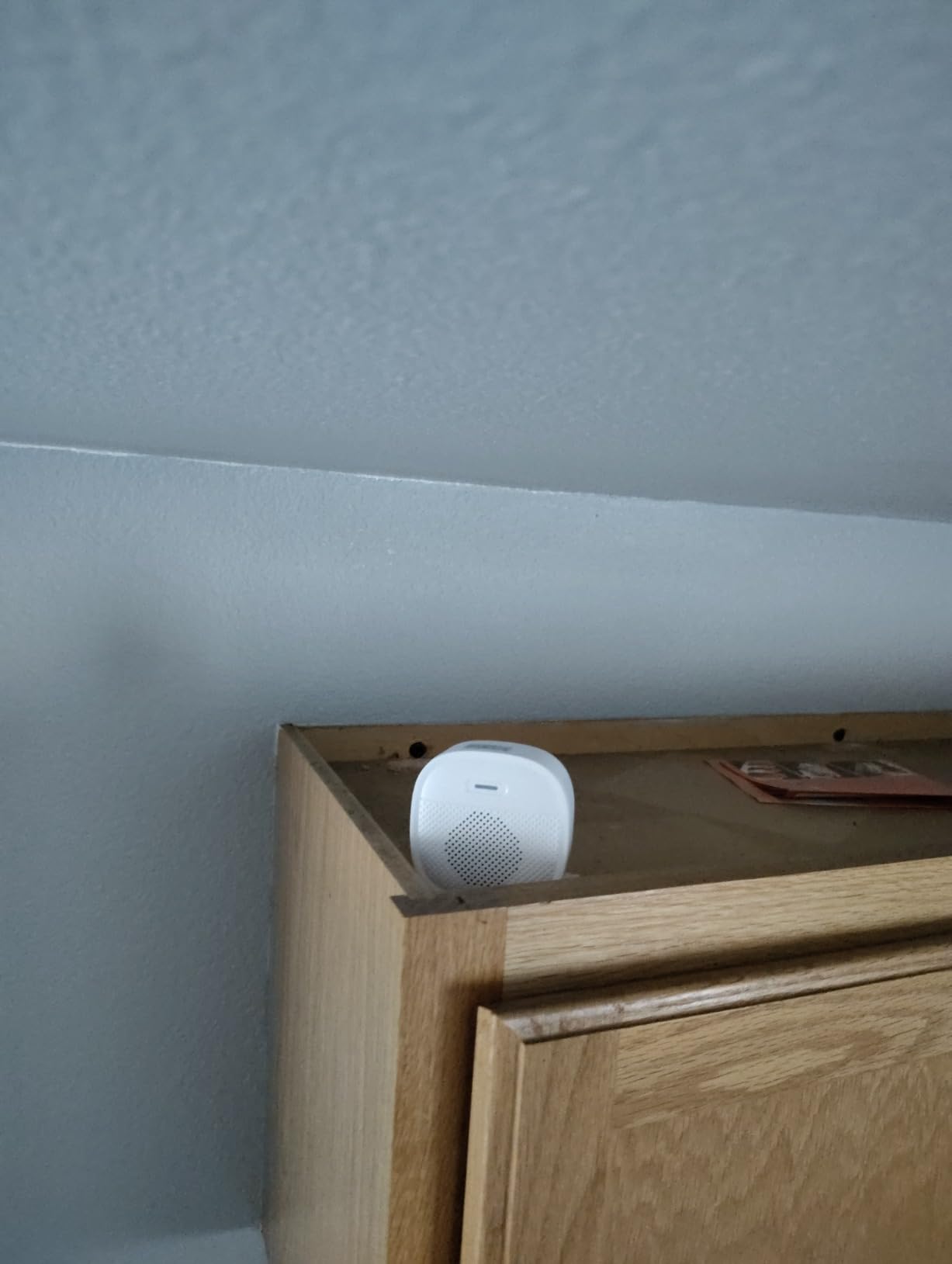
Two details stand out for anyone who does not want to talk to a stranger at the door. A voice changer shifts your voice on the two-way audio, and three pre-recorded replies handle the moments when you are not at your phone. The included indoor chime runs on three AAA batteries for roughly 60 days.
Check this before you buy the ieGeek Bell J9
Look at your router. This doorbell is 2.4GHz only, and the manufacturer rates practical range at about 50ft with obstacles in the way. On a large home with thick masonry or several walls between the router and the front door, that is where dropouts come from.
Also test the signal before you commit to an adhesive mount. If the app struggles to connect, the adhesive will not save you, and a screw mount into the brick is more reliable.
Who should skip the ieGeek Bell J9
Skip it if you live somewhere cold. Reviewers report battery endurance falling to a few weeks in winter weather, and because the battery is built in, you cannot carry a spare pack.
Skip it if you need dependable detection. Bugs, birds and moving shadows still produce false alerts on this generation, and PIR can miss a person who approaches slowly. Detection quality is the one area where paying a little more elsewhere pays off.
5. REOLINK Video Doorbell PoE 2K – Best for Power Over Ethernet
REOLINK Video Doorbell PoE 2K Wired Outdoor Security Camera with Chime V2
Power and data on one Ethernet cable
microSD to 512GB, NVR or FTP/NAS
180-degree diagonal 4:3 frame
6-second pre-roll recording
Chime V2 included
Pros
- Single cable for power and data
- Records even if the internet drops
- Three local storage destinations
- Pre-roll captures seconds before the event
- Widest coverage in the Reolink doorbell range
Cons
- Power supply or PoE injector not included
- Needs Ethernet run to the door
- Third-party NVRs are not supported
- No Wi-Fi fallback on this model
PoE is the most robust way to run a doorbell, and this is the only unit on the list where Wi-Fi is not part of the data path at all. One Ethernet cable carries both power and data, so there is no signal to drop, no congestion on a busy 2.4GHz channel and no pairing dance.
That single fact also changes how it records. Because the doorbell talks to your network rather than to a cloud relay, owners report it keeps recording locally even when the internet connection goes down. For anyone running an NVR or a NAS, that is the difference between having evidence and having a gap.
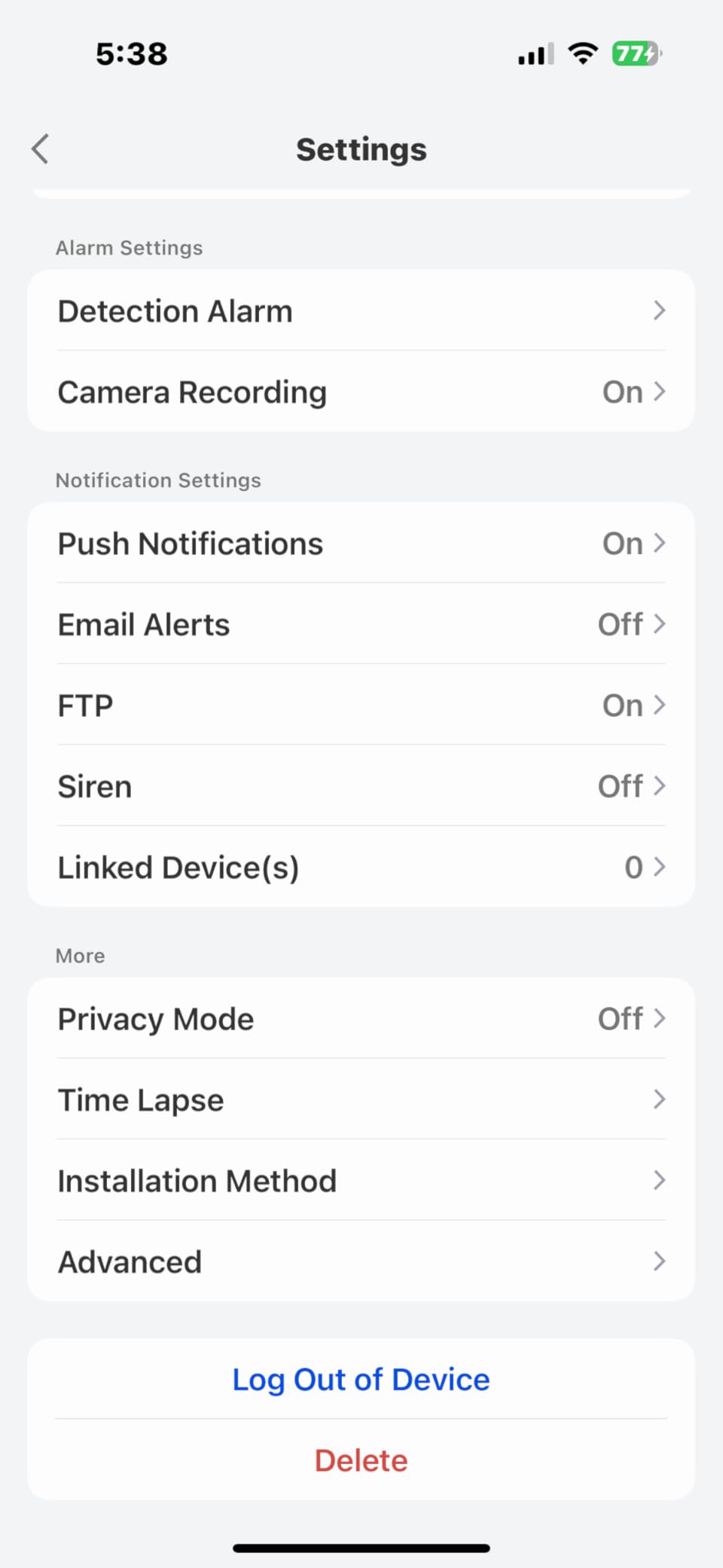
Storage options are unusually flexible. The microSD slot takes cards up to 512GB, and you can also record to a Reolink NVR with a 2TB or 4TB drive, or push files over FTP to a NAS. If you want long retention rather than constant card swapping, the NVR route is where this design pays off.
Pre-roll recording captures about six seconds before an event triggers, which is exactly what you need for a package that lands and is gone in under ten seconds. Framing is the 4:3 sensor at 180-degree diagonal with a 15-degree wedge included, and humanoid detection with adjustable motion zones keeps the alerts meaningful.
Check this before you buy the Reolink PoE
Work out your power source before ordering. It accepts 12-24V AC, 24V DC, an IEEE 802.3af PoE switch or injector, or a Reolink PoE NVR, and none of those come in the box. Count that hardware into your plan rather than discovering it halfway through the install.
Confirm third-party NVRs are not a requirement. They are not supported, so if your plan is to plug this into a generic recorder or an existing onvif-capable system, look elsewhere.
Who should skip the Reolink PoE
Skip it if you are renting or if nobody can run cable. Fishing a shielded outdoor-rated Ethernet run to the front door is a job with real effort in it, and the alternative battery models install in a fraction of the time.
Skip it if you want a wireless-only quick fix. There is no Wi-Fi fallback on this model at all, so if the cable route is not viable, this is the wrong doorbell rather than an inconvenient one.
6. BOTSLAB R811S 5MP Doorbell – Best for Package Monitoring
BOTSLAB 5MP Doorbell Camera Wireless, No Subscription, 32GB SD Card
5MP sensor, 180-degree head-to-toe view
32GB microSD card included
PIR plus radar plus AI detection
6400mAh battery
Base station in the box
Pros
- 32GB card included so recording works immediately
- Highest resolution sensor in this group
- Triple detection cuts false alerts
- AI package recognition at the doorstep
- Base station included for indoor alerts
Cons
- 2.4GHz only
- which limits range on larger homes
- Base station and doorbell both need power and signal
- Battery runtime depends heavily on trigger rate
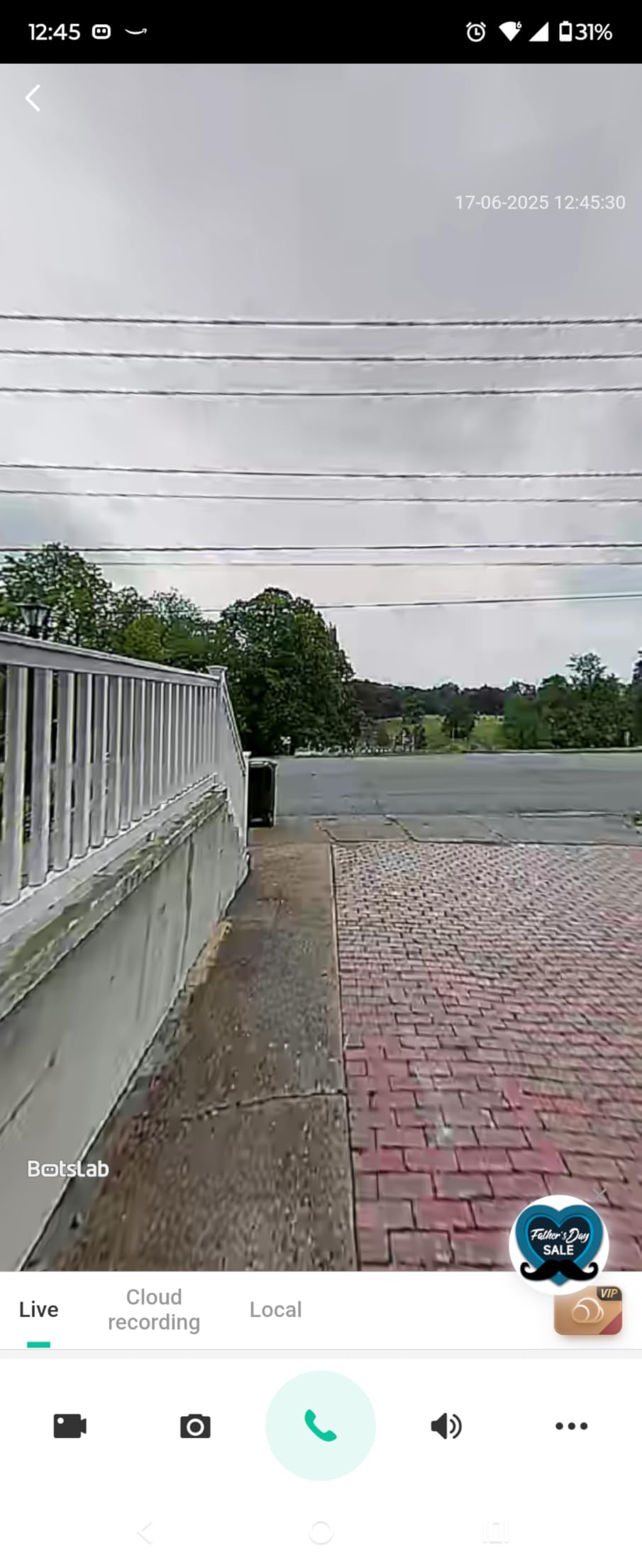
The BOTSLAB R811S solves the setup friction that trips up most local-storage doorbells: the 32GB microSD card is in the box. Insert it, format it in the app and recording starts, with no subscription and no hub to buy separately.
It also carries the highest resolution sensor we covered, a 5MP chip behind a 180-degree head-to-toe lens. More pixels matter here more than usual because a doorstep recording puts a small subject at a distance, and facial detail is the whole point of the camera.
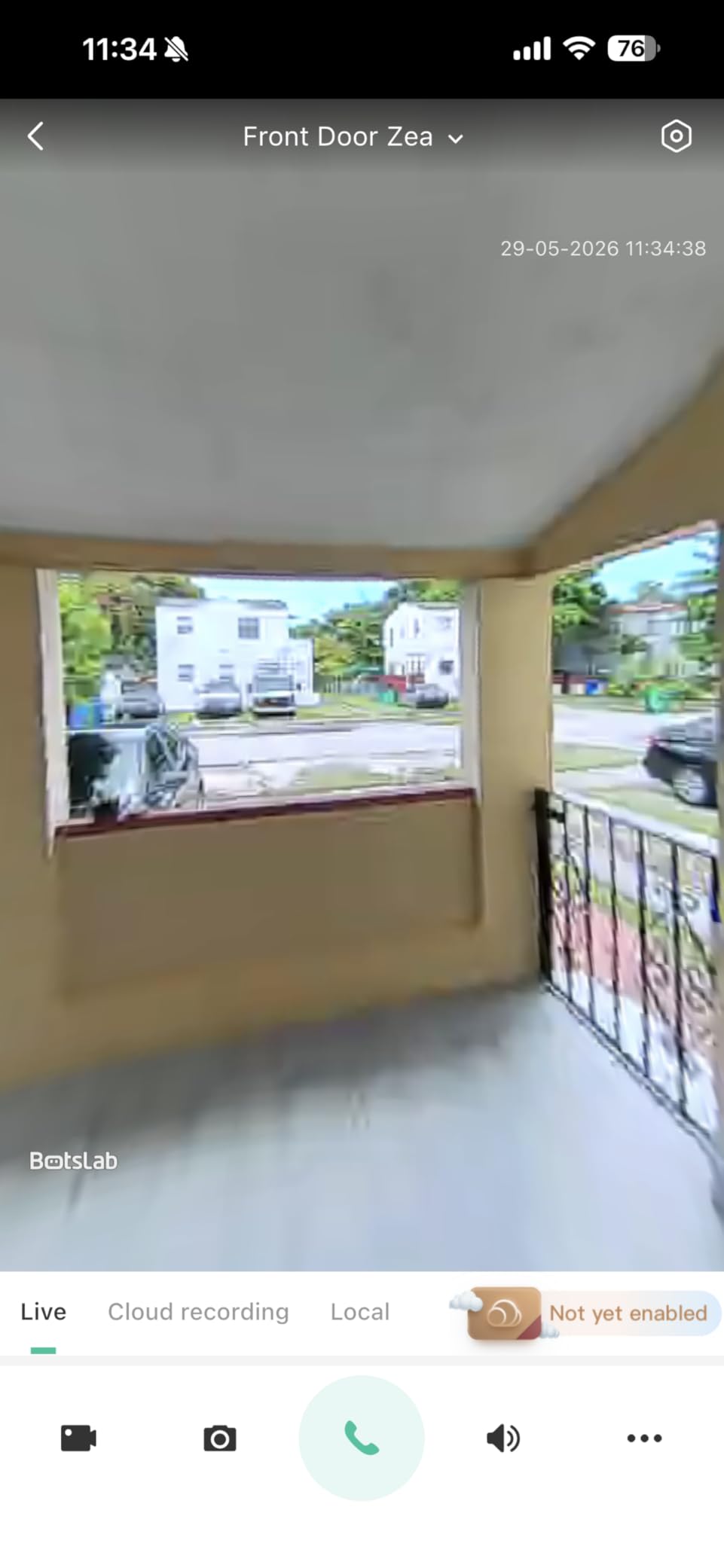
Detection is where this one stands apart. Instead of relying on PIR alone, it combines PIR, radar and AI analysis, and it adds package recognition at the doorstep. Radar motion detection is far less confused by insects, rain and swaying branches than a passive sensor, and owners specifically single out fewer nuisance alerts as a result.
A base station is included, so indoor alerts work without extra hardware. The 6400mAh battery has a manufacturer claim of up to 180 days, which you should treat as a best case: heavy traffic and constant detection drain it much faster, and owners report large gaps between that claim and reality.
Check this before you buy the BOTSLAB R811S
Make sure both the doorbell and the base station land inside reliable 2.4GHz coverage. This is a 2.4GHz-only unit, so on a large property you may be installing it exactly where the signal is weakest, and the base station needs its own clean position indoors.
Confirm 32GB is enough for your thinking. It is a sensible starting card for event-only recording, but if you want weeks of searchable history rather than a few days, plan on replacing it with a larger high-endurance card shortly after setup.
Who should skip the BOTSLAB R811S
Skip it if package detection is not your problem. The AI recognition and triple-sensor stack only earn their keep on a porch with frequent deliveries or heavy pedestrian traffic.
Skip it if you want continuous 24/7 recording or a wired install. This is a battery unit with event-based capture, and it has no wiring option, so anything requiring a permanent power feed rules it out.
7. Tapo D205 2K Doorbell – Best Budget Local-Storage Pick
Tapo 2K Wireless Smart Video Doorbell, D205, 160° Ultra-Wide View
2K 3MP, 160-degree view
microSD up to 512GB
5200mAh battery, 180 days claimed
IR night vision
IP54, 2.4GHz only
Pros
- Entry-level cost with 2K quality and no subscription
- microSD up to 512GB keeps clips on the device
- AI person detection with activity zones
- Doorbell call answers visitors by phone
- Mounting wedge and adhesive included
Cons
- Indoor chime not included on this variant
- 2.4GHz Wi-Fi only
- Monochrome IR night vision
- SD card sold separately
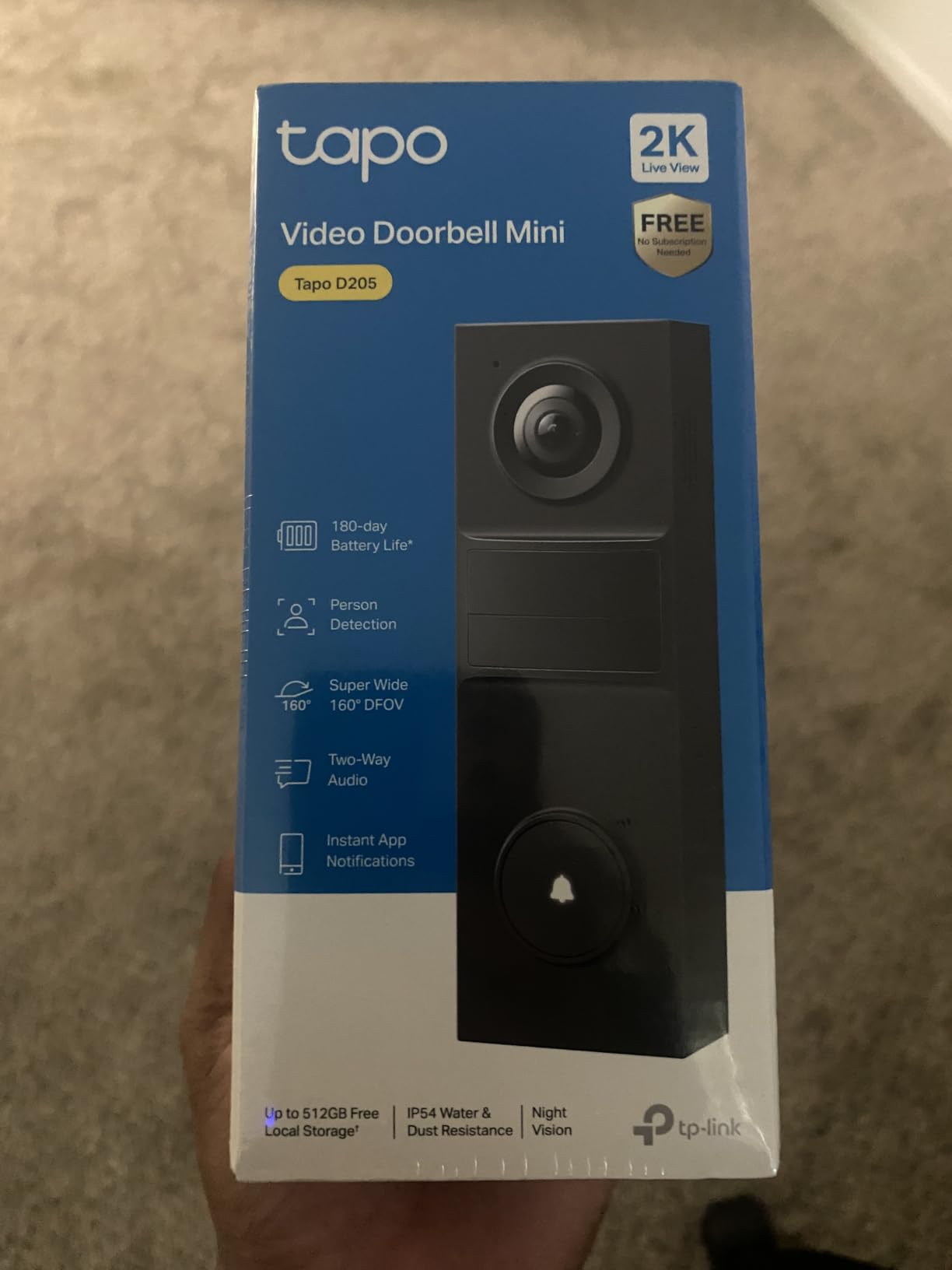
The D205 is the same basic idea as the D210 stripped back to the essentials, and its owner satisfaction sits at 4.4 across hundreds of ratings. You get 2K 3MP video, a 160-degree field of view and microSD local storage up to 512GB, all without a monthly plan.
That makes it the most sensible way into local-recording doorbells if budget is the deciding factor. It is not a compromise on the feature that matters for this topic. Storage capacity is the same 512GB ceiling as the more expensive model in the range.
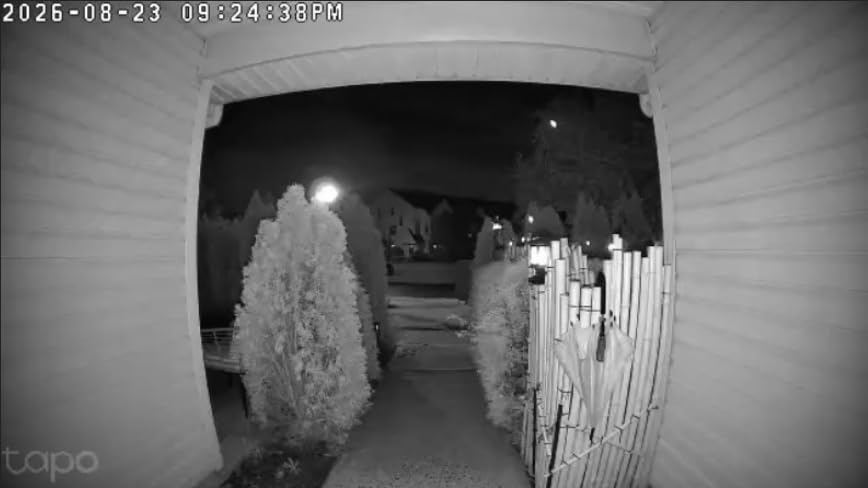
AI person detection with custom activity zones is included at no extra cost, which is where many competitors move the feature behind a plan. The doorbell call function sends a real phone call you can answer without opening the app, and two-way audio plus pre-recorded quick responses cover the times when you are busy.
Battery capacity is 5200mAh with a claimed 180-day runtime, and installation is genuinely easy: a 15-degree horizontal wedge, a mounting template, 3M adhesive and a detaching pin are all included.
Check this before you buy the Tapo D205
Buy your own microSD card before you install. Local storage is the reason you are considering this doorbell, and the card is not in the box. A high-endurance card rated for continuous video writes is the right choice, not the cheapest general-purpose card you can find.
Decide how you will hear the door. There is no indoor chime in this variant, so alerts depend entirely on your phone. If you have a spotty mobile signal at home or you want the doorbell to still announce when your phone is charging, that is a problem.
Who should skip the Tapo D205
Skip it if night footage matters. This model uses infrared night vision rather than the colour night vision on the D210, so porch lighting at night comes out monochrome and facial detail drops.
Skip it if you want to answer without your phone, or if you rely on a smart display for doorbell alerts. It is also 2.4GHz only and rated to IP54, a step down from the IP65 on the D210.
8. aosu 2K Doorbell with aosuBase – Most Reviews in the Group
aosu 2K Wireless Doorbell Camera with aosuBase, Battery Powered, 2.4G WiFi
Records to microSD inside indoor base
2K 166-degree 4:3 view
AI human detection
aosuBase mini repeater included
5200mAh battery
Pros
- Footage stays on the indoor base
- never the cloud
- 2K clarity day and night
- AI human detection cut animal and vehicle alerts
- Repeater solved weak signal at the front door
- Two-way audio with preset replies
Cons
- App playback starts about five seconds into a clip
- Battery life often well below the 180-day claim
- Some units missed events with a recording delay
- 2.4GHz only
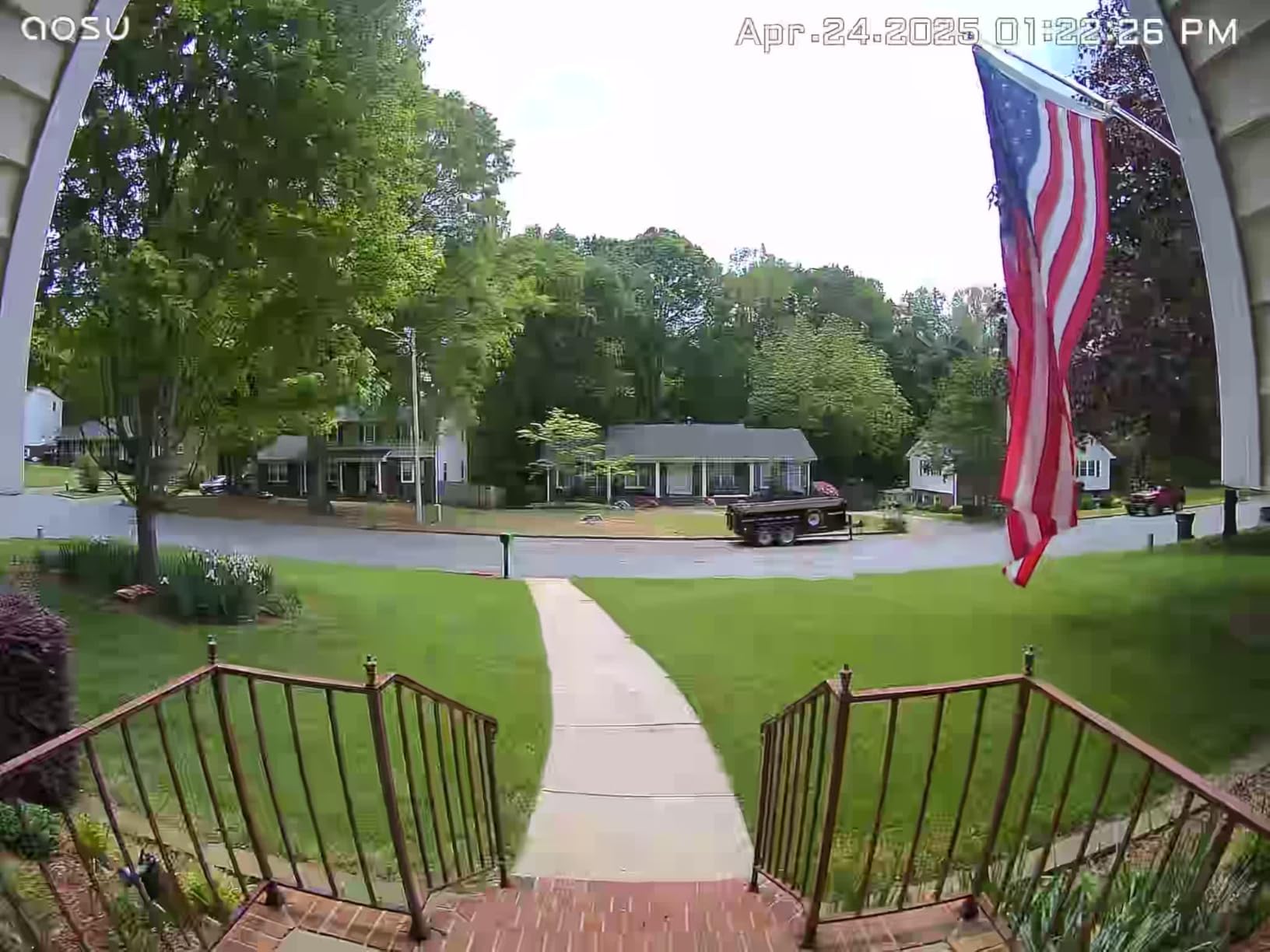
The aosu 2K has the largest review base of anything we covered, at more than 6500 ratings, which makes its owner feedback unusually reliable. The design decision that sets it apart is where the card lives: recordings go to a microSD card inside the indoor aosuBase unit rather than on the doorbell itself.
That has two useful consequences. The card is indoors, so a thief at the door cannot walk off with your recent footage, and the doorbell can be swapped or recharged without touching the storage. For anyone who has had a doorbell stolen, that alone changes the risk calculation.
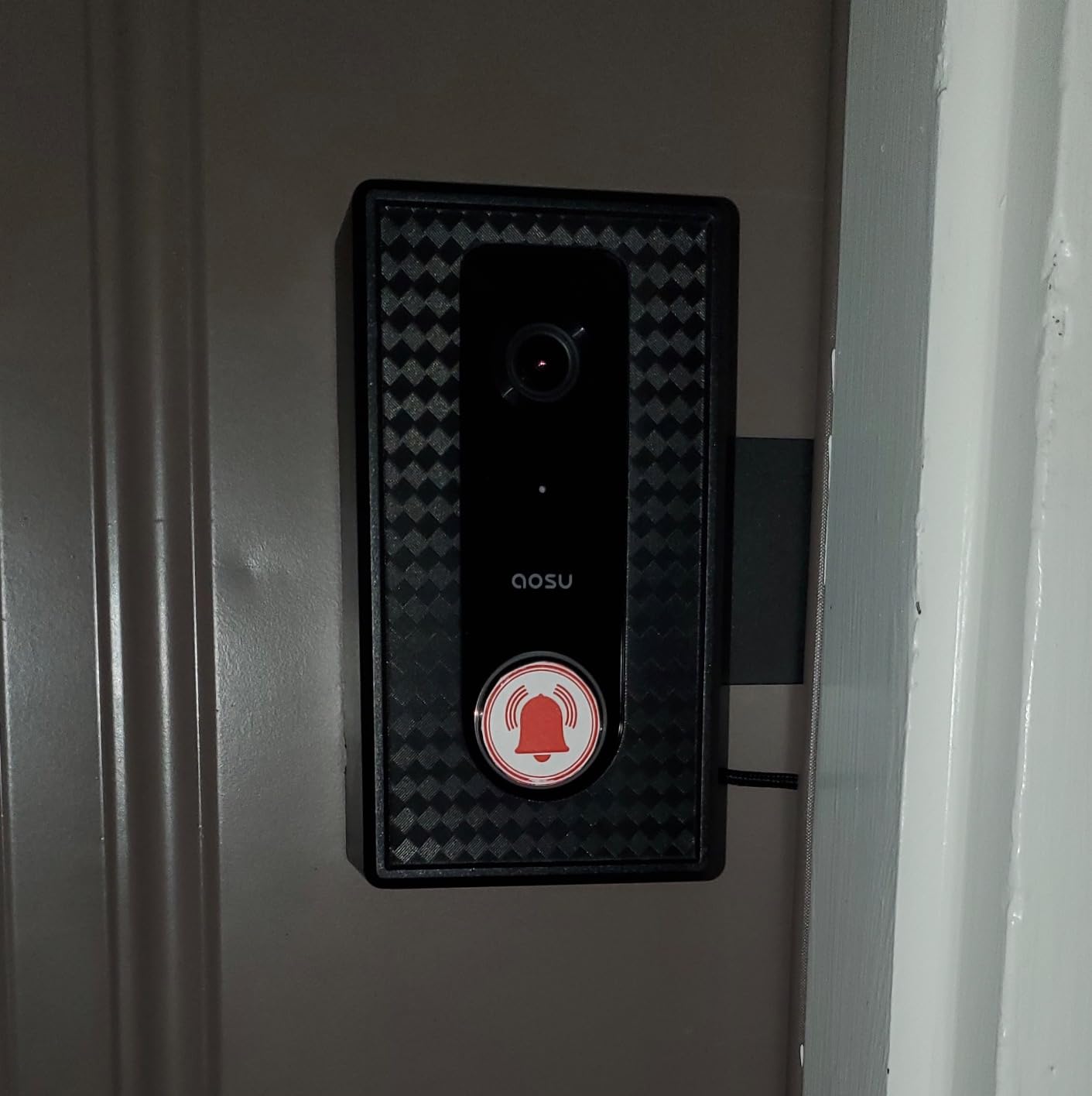
Video is 2K across a 166-degree diagonal on a 4:3 frame, which is a taller view than most competitors manage and captures more of the approach path. AI human detection is the other headline feature, and owners specifically credit it with stopping animals, delivery trucks and moving leaves from generating alerts on other brands.
The included aosuBase mini repeater exists to solve a real problem. A 2.4GHz-only doorbell at the far end of a large home often struggles, and the repeater sits between router and door to hold the link steady. Quick reply with preset voice messages and a voice changer round out a well-specified package.
Check this before you buy the aosu 2K
Test app playback before you rely on it. The most consistent negative note across reviews is that playback opens about five seconds into a clip rather than at the start, which matters a great deal for short package events and less for a long conversation at the door.
Plan for realistic battery life. The 180-day claim assumes light use, and owners commonly report one and a half to three months. Charge the unit indoors on a schedule rather than assuming a full season.
Who should skip the aosu 2K
Skip it if clip precision at the first second matters more to you than indoor card security. A handful of owners also report the doorbell contacting vendor servers even when recording locally, so if a fully offline device is non-negotiable, verify current firmware behaviour before buying.
Skip it if the base unit location is awkward. Because the storage lives indoors, the hub has to be plugged in somewhere sensible rather than hidden in a cupboard with no signal.
9. XTU 2K Wireless Doorbell – Best for Basic Coverage
XTU 2K Wireless Doorbell Camera with Chime, No Subscription, Alexa
2K 3MP, 120-degree lens
microSD up to 128GB
Indoor chime included
33ft night vision
2.4GHz only, IP65
Pros
- microSD up to 128GB removes any subscription
- No-drill adhesive or screw mounting
- Multi-angle bracket for awkward doors
- Family sharing for multiple household members
- Setup completes in under three minutes
Cons
- Battery drains faster after the first few months
- 2.4GHz only so distance causes delays
- Adhesive strips failed on smooth walls for some
- Condensation inside the housing in cold climates
- Sound quality rated as poor by some owners
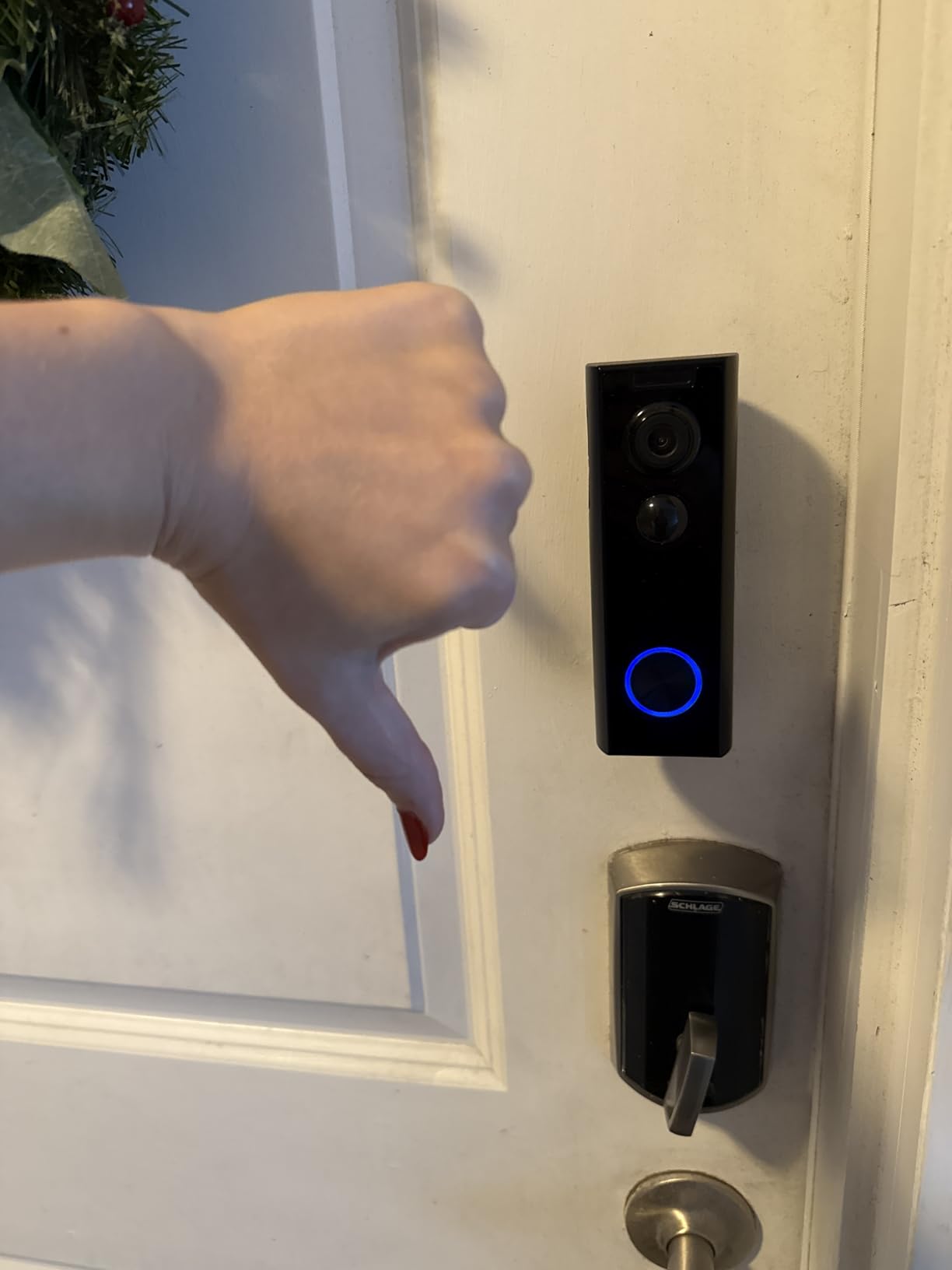
The XTU is the simplest answer on this list: a battery doorbell with a microSD slot up to 128GB, no subscription and an indoor chime in the box. It is narrower than most rivals at a 120-degree lens, which is a real trade-off, and we think about that more below.
Setup is the smoothest here. Bluetooth-assisted pairing gets the doorbell onto the network in under three minutes, and the multi-angle bracket with adhesive strips or screws means it suits a renter who cannot touch the wiring.
Useful extras include family sharing so several household members get alerts, a siren function, ten-second custom voice messages and night vision reaching about 33ft. Motion sensitivity and detection zones can be tuned, with AI learning applied to reduce repeat alerts.
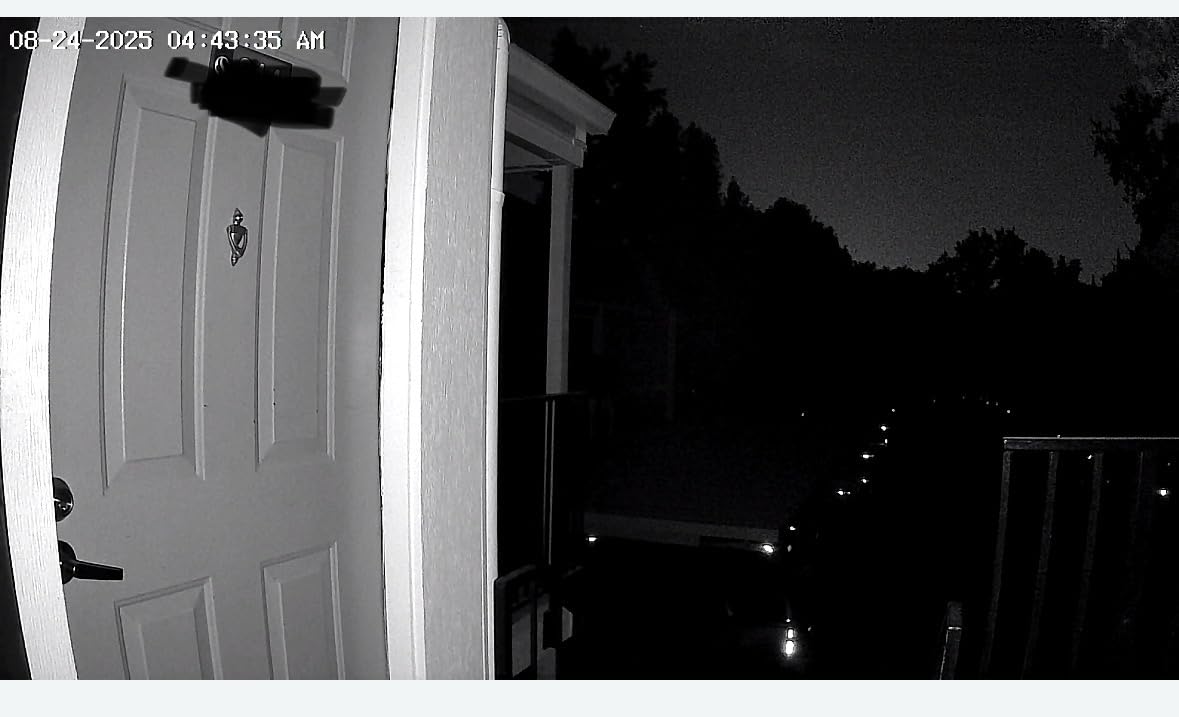
The honest picture is that this is a capable budget camera rather than a refined one. Owners rate the video quality as good for the money, and the local microSD storage works reliably, but the app experience and hardware polish sit clearly below the Reolink and Tapo units.
Check this before you buy the XTU
Think about field of view before you commit. A 120-degree lens gives a tighter, more conventional view than the 160 to 180-degree units here, which means less of the approach path and less chance of catching a face at the edge of frame.
If you live in a cold climate, read the reviews on condensation. Some owners report moisture forming inside the housing in winter, and a few units stopped detecting motion after about a year.
Who should skip the XTU
Skip it if notification volume will annoy you. Reviews mention incessant alerts and sensitivity settings that do not always reduce them, which is exhausting on a street with heavy foot traffic.
Skip it if you need long-term reliability in freezing conditions. Performance degrades in deep cold, with events missed below roughly 20F, and a wired model removes both the battery and the cold-weather variable.
10. REOLINK Video Doorbell 256GB Bundle – Best All-In-One Kit
REOLINK Video Doorbell Camera with 256GB microSD Card Bundle, Wired Video Doorbell, 5Ghz/2.4Ghz WiFi, 256GB SD Card for Local Storage, Chime Included
Doorbell, Chime V2 and 256GB card
Wired 12V power
2.4GHz and 5GHz dual-band
No monthly subscription
Pros
- Everything for local recording in one box
- Highest average rating in the set at 4.6
- Wired power with no battery management
- Dual-band radio for a steadier link
Cons
- Highest cost in the group
- Smallest review base at just 106 ratings
- IP54 rating is below the IP65 on other Reolink models
- Wired installation needs existing doorbell wiring
This bundle removes every guesswork step: the doorbell, the Chime V2 and a 256GB microSD card ship together, so local recording works the moment it is installed. If you have been putting off a local-storage doorbell because you did not want to research card capacities and endurance ratings, this is the shortcut.
It is the same wired, dual-band design as the standalone Reolink Video Doorbell WiFi reviewed earlier. Power is corded at 12V, the radio supports both 2.4GHz and 5GHz, and push notifications go out from the motion sensor with no plan attached.
Where it wins is the score. Its 4.6 average across its reviews is the highest of the ten products covered, and the specific praise is consistent: no card hunting, no separate chime purchase and no subscription conversation later on.
Two cautions sit alongside that. The review base is the smallest here at 106 ratings, which simply means less long-term evidence than the models with thousands of reviews, so treat the rating as encouraging rather than proven.
Check this before you buy the bundle
Count what you would otherwise spend separately. The card and chime are genuine value in this box, but if you already own a 256GB high-endurance card and a Chime V2, you are paying twice for hardware you have.
Verify your wiring and your outdoor rating expectations. The bundle carries an IP54 rating, which is lower than the IP65 on the other Reolink doorbells here, so on a fully exposed wall with driving rain, check the manual before fitting.
Who should skip the bundle
Skip it if you have no doorbell wiring. This is a corded unit and the install is straightforward only where an existing transformer and two wires are already in place.
Skip it if you want long-term confidence from owner history. With 106 ratings there is simply less evidence about how it holds up after two or three winters compared with the models in this roundup that have thousands.
How Local Storage Actually Works: eMMC, microSD or Indoor Hub
All three approaches store video on hardware you control. What separates them is capacity, expandability and how easily the footage can be lost.
Built-in eMMC is flash memory soldered into the doorbell, typically 8GB in this group. The eufy E340 is the example. It works out of the box with nothing to buy, and it cannot be expanded or offloaded to another device, so when it fills, the oldest clips go first. That is fine if you check in weekly; it is a problem if you want to look back two months.
microSD is the flexible option, and every other unit here uses it. Card ceilings range from 128GB on the ieGeek and XTU to 512GB on the Tapo D210, Tapo D205 and Reolink PoE, and on the REOLINK WiFi at 256GB. Cards are removable, so you can upgrade, copy clips off, or use a bigger card without replacing the doorbell.
Indoor hub storage puts the card inside a base station rather than on the door. The aosu 2K records to microSD inside the aosuBase, and the eufy E340 depends on a HomeBase or MiniBase Chime to operate. Keeping the card indoors means a stolen doorbell does not take your recent footage with it.
The honest downside of all three is wear. A doorbell writes video constantly, and microSD cards in particular can degrade silently, leaving you with an empty recording slot and no warning. Users on r/homesecurity and r/reolink raise this repeatedly, so check the card’s health in the app every few months and keep a spare on hand.
Battery, Wired or PoE: Decide the Power Path First
Power choice constrains everything else, so settle it before comparing brands. Battery units install anywhere in minutes; wired units need a transformer and two wires; PoE needs a cable run plus power hardware.
Battery models here: the Tapo D210, Tapo D205, ieGeek Bell J9, BOTSLAB R811S, aosu 2K and XTU. All are renter-friendly. The trade-off is that you take the unit down to recharge except on the eufy E340, whose quick-release pack swaps in seconds, and battery life depends heavily on how often detection triggers.
Hardwired models: the REOLINK Video Doorbell WiFi and the 256GB bundle. Power runs at 12-24V AC or 24V DC, so nothing to charge and no battery degradation. The cost is installation, and old transformers that cannot deliver enough current are a common cause of flicker and reboots.
PoE: the REOLINK Video Doorbell PoE sends power and data down one Ethernet cable. Because it does not depend on Wi-Fi, it also keeps recording locally when the internet drops, which no other unit on this list does out of the box.
One warning worth repeating: most of these units, including the ieGeek, XTU, BOTSLAB, aosu and Tapo D205, are 2.4GHz only. That radio actually reaches further through walls than 5GHz, but on a large home it can still leave the front door in a dead spot. The two dual-band models, the REOLINK WiFi and the 256GB bundle, avoid the problem entirely.
SD Card Sizing and Retention Guidance
Buyers ask this constantly because manufacturers rarely publish the number. Doorbells record event clips rather than continuous video, so a card goes much further than the “days” figures printed on surveillance cameras suggest.
The practical rule most owners in r/reolink arrive at: treat a card as roughly two to four weeks of event clips per 128GB at typical front-door activity. A busy street shortens that, a quiet suburban door stretches it. Someone receiving several deliveries a day will fill a 128GB card far faster than someone who only walks past twice a day.
From that baseline, size upward: 128GB suits most households on event-only recording, 256GB covers heavier traffic or a longer look-back, and 512GB is for buyers who want to avoid touching the card at all. The Tapo D210, Tapo D205 and REOLINK PoE accept 512GB cards, so capacity is not the constraint there.
Two practical tips from owners. Buy a high-endurance card rated for continuous video writes rather than a cheap general-purpose one, because doorbells write far more steadily than a phone camera. And format the card in the manufacturer’s app after insertion, since a card formatted in a computer camera is a common cause of recordings that silently stop.
For whole-home coverage beyond the front door, our home video monitoring systems guide covers NVR setups and camera placement in more depth.
What Local Storage Does Not Protect Against
Local recording is a real improvement over a mandatory subscription, and it is worth being precise about the limits rather than overselling it.
A stolen doorbell. Footage on a card inside the unit goes with the unit. This is the single biggest gap, and it is the argument for indoor base storage like the aosu design, or a wired camera mounted high and hard to reach.
A failed card. Flash memory wears out. A card can stop recording without throwing an error, which is why periodic health checks matter. Cheap cards with no endurance rating are the usual culprit.
An internet outage. Local storage keeps clips on the device, but if the doorbell cannot reach your phone, you still get no alert. Only a wired PoE model on your own network continues recording through a full internet loss.
A vendor account. Most units here still require an app account to pair, view remotely or enable detection features. Local storage means your footage is not held for the vendor’s cloud retention policy; it does not make the product fully account-free.
On encryption, be equally careful with wording. Tapo publishes AES 128-bit encryption with TLS 1.2 for data in transit, which is a genuine and checkable standard. TLS protects data while it moves between your doorbell and the app; it is not the same as end-to-end encryption, where the vendor cannot read the footage at all. Only products stating E2EE give you the stronger guarantee.
For camera placement and privacy masking around neighbouring properties, see our cameras for video guide.
Why Ring, Google Nest and Arlo Are Not On This List
People ask us directly whether a Ring doorbell can use local storage. The short answer is no. Ring, Google Nest and Arlo all store recordings in the vendor cloud, and retrieving them means a paid plan.
That is not a criticism of their hardware. Ring Battery Video Doorbell 2K Plus and the Google Nest Doorbell are among the best-made doorbells available, and they win on app polish and notification speed, which is exactly where the local-storage models here tend to be weaker.
The decision comes down to control. If you accept that your footage lives with a company and you are happy paying a plan to view it, those brands remain reasonable choices. If you want to own the recording, delete the account without losing history, or stop paying a recurring fee, local storage is the requirement that narrows the field to the ten products above.
People moving away from Ring usually cite two things together: the recurring cost, and discomfort with a vendor holding video from private entrances. Users on r/homeassistant describe a third frustration, which is losing built-in object detection when they move to locally recording hardware. Budget for that trade, because it is real.
If your front entry needs an intercom rather than a camera, our video intercom guide for home covers a different category.
Frequently Asked Questions
Which doorbell cameras have SD storage?
Nine of the ten doorbells in this guide record to a microSD card: the Tapo D210 up to 512GB, Tapo D205 up to 512GB, REOLINK Video Doorbell WiFi up to 256GB, REOLINK Video Doorbell PoE up to 512GB, the ieGeek Bell J9 up to 128GB, the XTU up to 128GB, and the BOTSLAB R811S with a 32GB card included. The aosu 2K records to a microSD card inside its indoor base unit. The eufy E340 is the exception, using 8GB of built-in eMMC instead.
Can a Ring doorbell use local storage?
No. Ring, Google Nest and Arlo store recordings in the vendor cloud, and viewing or downloading them requires a paid plan. There is no supported way to send Ring footage to a card or NVR you own, which is why none of those brands appear in this roundup.
What is the best camera doorbell without a monthly fee?
The eufy Security Video Doorbell E340 is the best overall pick in 2026. It records to 8GB of built-in storage with no plan, and it is the only unit here with two cameras covering both a head-to-toe view of visitors and the package at the doorstep. The Tapo D210 is the strongest alternative if you want more expandable storage.
How much storage does a video doorbell need?
Doorbells record event clips on motion rather than continuous video, so capacity goes further than on a surveillance camera. As a working rule, allow roughly two to four weeks of event clips per 128GB at typical front-door activity. A busy street or frequent deliveries shortens that, and 256GB or 512GB extends it if you want to avoid touching the card.
Does local storage work without internet?
Partly. Footage already written to the microSD card or built-in memory stays there during an outage, and the REOLINK Video Doorbell PoE keeps recording because it works entirely on your local network. Battery and Wi-Fi models still cannot send alerts to your phone without a connection, and remote viewing from outside your home still needs internet.
What happens to local footage if the doorbell is stolen?
Recordings kept on a card inside the doorbell go with the stolen unit. That is the main weakness of device-held storage, and the reason indoor base designs matter: the aosu 2K records to a microSD card inside its indoor aosuBase, so removing the doorbell does not remove your recent clips. Higher mounting also reduces the chance of theft.
Are video doorbells legal for recording neighbors?
Recording your own property or doorstep is generally permitted, but audio rules vary by state. In two-party consent states such as California, Florida and Oregon, recording a conversation requires the consent of everyone involved, and a doorbell that captures audio on a public walkway can fall under wiretap statutes. Masking neighbouring windows and setting audio zones are sensible precautions.
Do video doorbells prevent break-ins?
Mostly not on their own. Research into crime prevention is mixed, and a camera mainly provides evidence after an event rather than deterring it. Published evidence points more strongly to visible cameras announcing that recording is happening, plus good exterior lighting and a working lock, than to a doorbell alone.
The Verdict
The eufy Security Video Doorbell E340 is the best video doorbell with local storage in 2026 for most people. Two cameras, 8GB of built-in storage, colour night vision and no subscription; the trade-offs are the extra indoor hub and battery endurance closer to two months than four.
Buy the Tapo D210 if you want the largest expandable card capacity and the fastest app. Choose the REOLINK Video Doorbell WiFi if you have wiring and a modern router, since dual-band support solves the dropouts that affect most battery models. The REOLINK PoE is the answer when you can run cable and want recording to survive an internet outage.
Whichever you pick, buy a high-endurance microSD card, format it in the app on day one, and check its health every few months. Local storage is the start of owning your footage, not the end of managing it.