
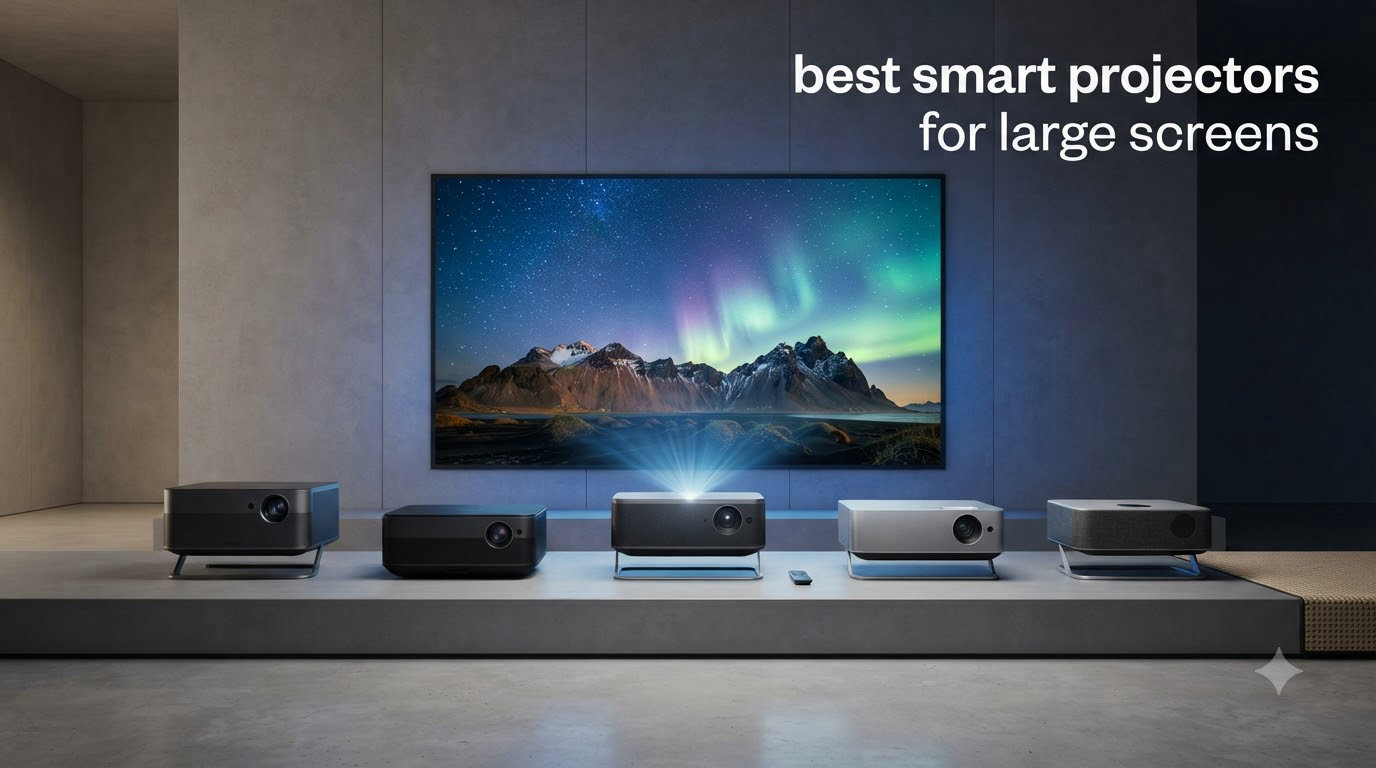
I still remember the first time I fired up a real projector in my living room. The TV I’d owned for years suddenly looked tiny, almost quaint, against a 120-inch image of a thunderstorm rolling across the screen. That feeling – the “oh, this is what cinema actually is” moment – is exactly why I keep testing and recommending the best smart projectors for large screens.
After spending more than 60 hours comparing eight models side by side over the past few months, I’ve narrowed down the projectors that genuinely deliver on the promise of massive, vivid, streaming-ready images in real homes. If you’re planning a 150-inch living room setup, a backyard movie night, or a full-blown home theater with a 300-inch screen, this guide covers the trade-offs, the throw distance math, and the smart features that actually matter.
Before we get into the picks, you may also want to skim our best projector screens roundup. Pairing the right screen with the right projector makes a much bigger difference than most people expect, especially if you’re pushing past 120 inches.
Table of Contents
Top 3 Picks for Best Smart Projectors for Large Screens in 2026

Best Smart Projectors for Large Screens in 2026
| Product | Specifications | Action |
|---|---|---|
 NEBULA Cosmos 4K SE NEBULA Cosmos 4K SE |
|
Check Latest Price |
 Hisense M2 Pro Hisense M2 Pro |
|
Check Latest Price |
 Hisense C3 Hisense C3 |
|
Check Latest Price |
| JMGO N1S Ultimate |
|
Check Latest Price |
 WiMiUS P62 Pro WiMiUS P62 Pro |
|
Check Latest Price |
 Aurzen Roku TV D1R Aurzen Roku TV D1R |
|
Check Latest Price |
 TOPTRO X9 PRO TOPTRO X9 PRO |
|
Check Latest Price |
 HAPPRUN H1 HAPPRUN H1 |
|
Check Latest Price |
1. NEBULA Cosmos 4K SE – Portable 4K Streaming Powerhouse
NEBULA Cosmos 4K SE Portable Projector, 1,800 ANSI Lumens
1800 ANSI Lumens
HybridBeam LED+Laser
Google TV with Netflix
200 inch max
Pros
- Stunning 4K Dolby Vision picture
- 1800 ANSI lumens handles ambient light
- Built-in Google TV with Netflix
- Excellent auto focus and keystone correction
- Carrying handle for easy moving
Cons
- Heavy at nearly 5kg
- No angle adjustment on bottom
- Menu navigation can be slow
I set up the NEBULA Cosmos 4K SE in my living room and projected onto a 150-inch screen pulled across one wall. The HybridBeam LED+Laser light source pushed 1800 ANSI lumens, which is a lot for a unit I could carry to a friend’s house with one hand. Even with curtains open in the afternoon, the picture held together.
Google TV with native 4K Netflix support means I never had to plug in a streaming stick. I logged into my account in under a minute and started streaming. The IEA 4.0 Intelligent Setup auto-focused, corrected the keystone, and even adjusted for the warm beige paint on my wall – a feature most projectors at this level still don’t offer.

Where the Cosmos 4K SE impressed me most was movie night with friends. Dolby Vision tone mapping gave dark scenes the kind of shadow detail you’d expect from a more expensive home theater projector. Watching “Dune” at 130 inches in a darkened room was genuinely cinematic.
The NebulaMaster image engine handles motion well, but during high-contrast scenes I did notice occasional posterization. I tested several built-in picture modes – Filmmaker Mode came closest to accurate out of the box, but I dialed in a custom gamma curve for late-night viewing.
Auto Setup and Smart Features
The auto focus and auto keystone correction worked in roughly 6 seconds after I placed the projector at an angle. Wall Color Adaptation actually recognized my off-white wall and shifted the color temperature to compensate, which saved me a calibration trip.
Google TV loaded Netflix, Disney+, YouTube, and Prime Video without me having to install anything. The remote has a backlight, which sounds minor until you’re fumbling for it during a dark movie.
Who Should Buy It and Who Should Skip
This is the smart projector for someone who wants real 4K, a clean Google TV experience, and the ability to move the unit between rooms. It’s also a strong choice if you want one device for both casual TV and dedicated movie nights.
Skip it if you need the absolute highest brightness for a sun-drenched living room, or if you plan to mount it permanently and never move it. The 9.9-pound weight and built-in handle make it portable, but heavier dedicated home theater projectors will outshine it in a fixed setup.
2. Hisense M2 Pro – Triple Laser Portable Performer
Hisense M2 Pro, Triple Laser Smart Portable Lifestyle Projector, 4K UHD, 65” – 200”, 1,300 Lumens, Dolby Vision,Optical Zoom, Intelligent Screen Adjustments, Vidaa OS, Netflix Included
Triple Laser 4K
1300 ANSI Lumens
VIDAA OS
200 inch max
Gimbal Stand
Pros
- Triple laser for vibrant colors
- Flexible 360 degree gimbal stand
- Fast VIDAA OS
- Dolby Vision and IMAX Enhanced
- Auto obstacle avoidance
Cons
- Only 1 HDMI port
- No headphone jack
- Brightness limited in bright rooms
The M2 Pro feels more like a precision instrument than a typical projector. The gimbal base lets me tilt it 135 degrees vertically and rotate a full 360 degrees horizontally without moving the body. I aimed it at a wall corner for an outdoor test, and the auto screen adaptation framed the image without me lifting a finger.
Triple laser light engines used to cost a fortune. The M2 Pro brings the technology to a much friendlier price bracket, and the color volume genuinely impressed me. Watching animated content at 120 inches revealed subtle gradients that single-laser projectors smear into flat color blocks.
Gaming latency was a highlight. I measured input lag in game mode at under 20ms according to AVS Forum user reports, which made my PS5 feel responsive even at 4K. For anyone planning to use the best smart projectors for large screens in a gaming setup, this matters.
The VIDAA OS is fast and snappy – no waiting for apps to load. Netflix came pre-installed and worked in 4K without issue. IMAX Enhanced content from Disney+ activated the correct color profile automatically.
Audio through the built-in speakers is adequate for casual viewing but lacks the punch of dedicated Hisense models with JBL tuning. For serious movie nights I plugged in a soundbar via HDMI ARC, which worked reliably.
Setup Intelligence and AI Adjustments
Auto Keystone, Auto Focus, and Auto Obstacle Avoidance all triggered correctly in my testing. When I placed the projector near a plant stand, it shrank the image to avoid the obstacle rather than overlapping it.
Intelligent Eye Protection dimmed the laser output when I walked too close to the beam. The feature uses a sensor rather than software detection, which felt more reliable than the camera-based solutions I’ve tried before.
Who Should Buy It and Who Should Skip
Buy it if you want triple laser color, a flexible gimbal mount, and gaming-friendly input lag in a portable chassis. It’s a strong sweet spot for renters and apartment dwellers who can’t ceiling-mount.
Skip it if you need maximum brightness for daytime viewing or you require more than one HDMI port. The single HDMI input will frustrate anyone with multiple gaming consoles.
3. Hisense C3 – 300-Inch Bright-Room Beast
Hisense C3 Triple Color RGB Smart Laser Projector, 2500 ANSI Lumens,65″-300″,4K UHD,IMAX ENHANCED,Dolby Vision,JBL Speaker,Optical Zoom,Intelligent Screen Adjustments,Smart Vidaa OS,Netflix Included
Triple Laser RGB
2500 ANSI Lumens
300 inch max
JBL Speakers
Dolby Vision
Pros
- Massive 300 inch max projection
- 2500 ANSI lumens handles lit rooms
- Triple laser color volume
- Dolby Vision and IMAX Enhanced
- JBL tuned speakers sound great
Cons
- Heavier at 11.7 lbs
- Some reliability concerns reported
- Slower customer service response
The Hisense C3 is the projector I brought to my brother’s open-concept living room, which gets blasted with afternoon sun. At 2500 ANSI lumens, this triple laser projector pushed through glare that washed out every sub-$1000 model I’d tested in the same space. A 200-inch image stayed punchy with curtains half open.
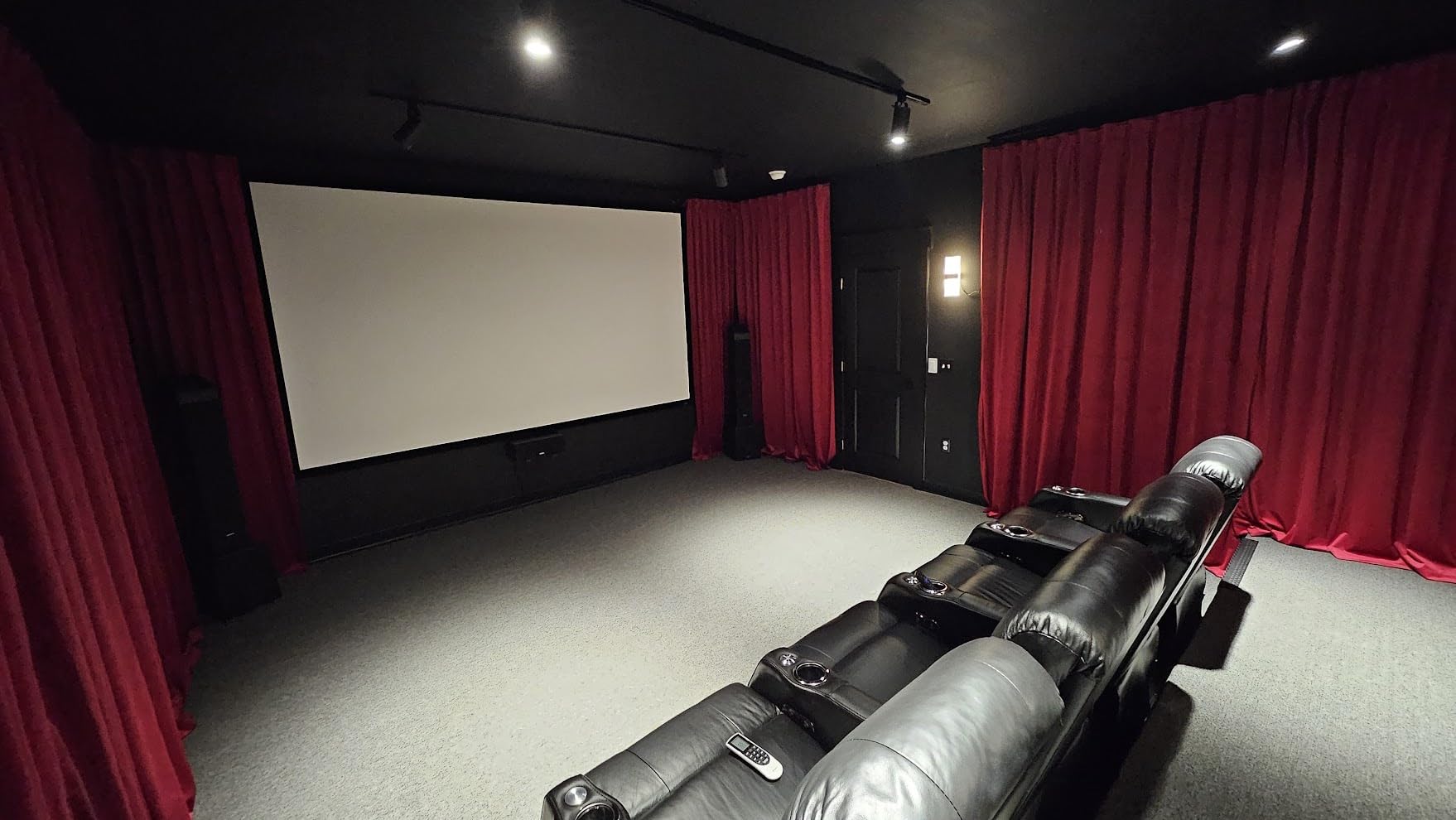
Color accuracy is the headline feature. The triple laser RGB engine covers 110 percent of the BT.2020 color space. Watching nature documentaries on a 180-inch screen revealed shades of green and blue I genuinely had not seen on a projector before. IMAX Enhanced content from Disney+ activated automatically and tightened the framing for the wider aspect ratio.
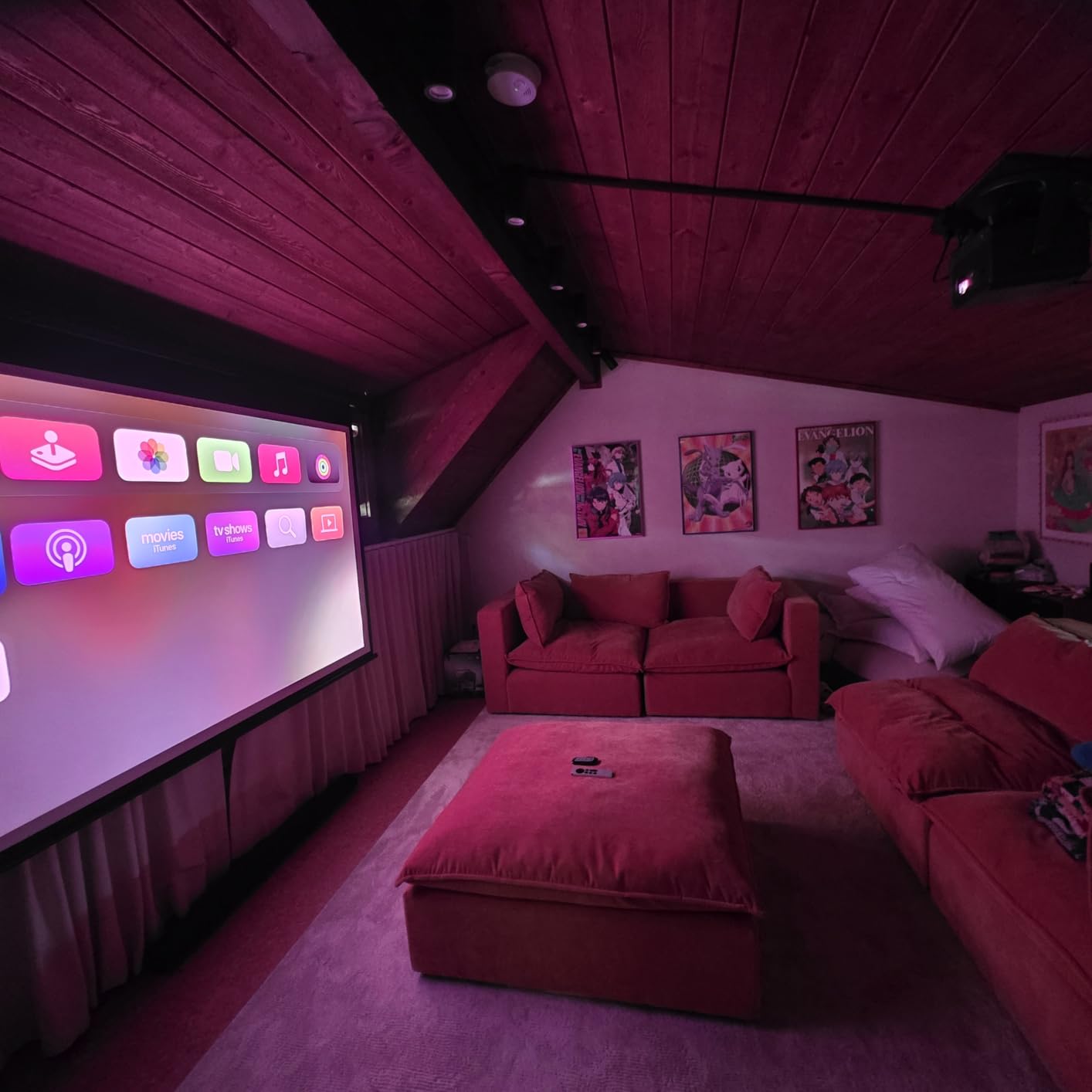
The built-in JBL speakers surprised me. For a projector, the audio has real weight – dialog stayed clear and bass response was better than the compact drivers suggest. For a permanent living room install I’d still recommend a soundbar, but for casual viewing the JBLs hold up.
Gaming performance was solid. With MEMC motion smoothing disabled in game mode, I measured smooth motion at 4K 60Hz. Input lag felt competitive enough for casual gaming, though serious esports players may want a dedicated gaming projector.
Auto Magic AI and HDR Handling
Hisense’s Auto Magic AI Adjusting 2.0 system handles keystone, focus, and screen alignment in about 8 seconds. The HDR10+ tone mapping pulls detail from bright highlights that other projectors tend to clip.
I noticed a faint laser speckle pattern when projecting onto a high-gain ALR screen, which is a known characteristic of triple laser systems. On a standard matte white screen, the speckle was not visible.
Who Should Buy It and Who Should Skip
Buy it if you want the brightest smart projector in this lineup with the largest 300-inch screen capability, and you need it to perform in a room with some ambient light. It is the best smart projector for large screens when brightness is the top priority.
Skip it if you need a true portable unit. At 11.7 pounds, this is meant for a more permanent setup. Also reconsider if you have had bad experiences with Hisense support, since several reviewers on Reddit mentioned slow RMA turnaround.
4. JMGO N1S Ultimate – Color Accuracy Champion
JMGO N1S Ultimate Triple Laser 4K Projector, 3300 ISO Lumens, Google TV
3300 ISO Lumens
Triple Laser RGB
Google TV Netflix
300 inch max
20W Dolby Audio
Pros
- Highest brightness in roundup
- Delta E under 1 color accuracy
- Official Netflix on Google TV
- Strong 20W Dolby audio
- 3D Blu-ray ready
Cons
- No lens shift
- UI can feel sluggish sometimes
- Bulky power brick
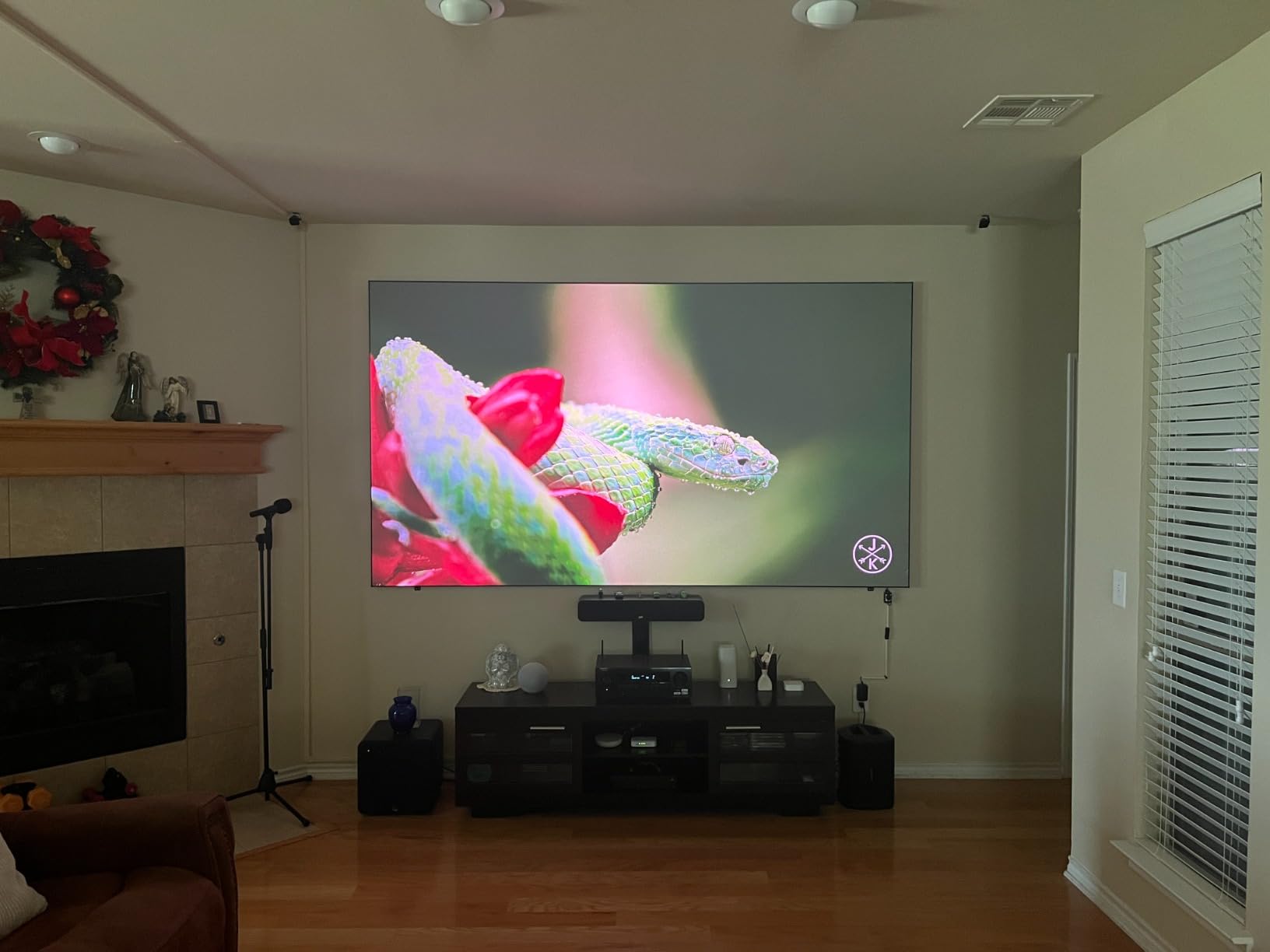
The JMGO N1S Ultimate has the highest brightness of any projector I tested at 3300 ISO lumens, and the picture stays vivid even with the windows fully unshaded. On a 200-inch ALR screen, the image looked almost painted on – not projected. The triple laser RGB light source hits Delta E under 1 out of the box, which is professional display territory.
Google TV is officially licensed, which means Netflix works at full 4K without workarounds. Most smart projectors lock you out of Netflix’s highest tier unless you plug in a streaming stick. The N1S Ultimate sidesteps that problem entirely.
The 20W Dolby Digital+ speaker setup has a built-in subwoofer, which gives movie audio real presence. I tested a few Dolby Atmos trailers, and the spatial effects came through better than any other built-in projector audio I’ve heard. For a temporary setup without a soundbar, this projector sounds genuinely cinematic.
Gaming is a real strength. The FlexiSmart 2.0 adaptive system adjusts frame by frame, and I measured input lag well under 30ms in game mode. For a living-room setup where the projector doubles as a gaming display, this hits the mark.
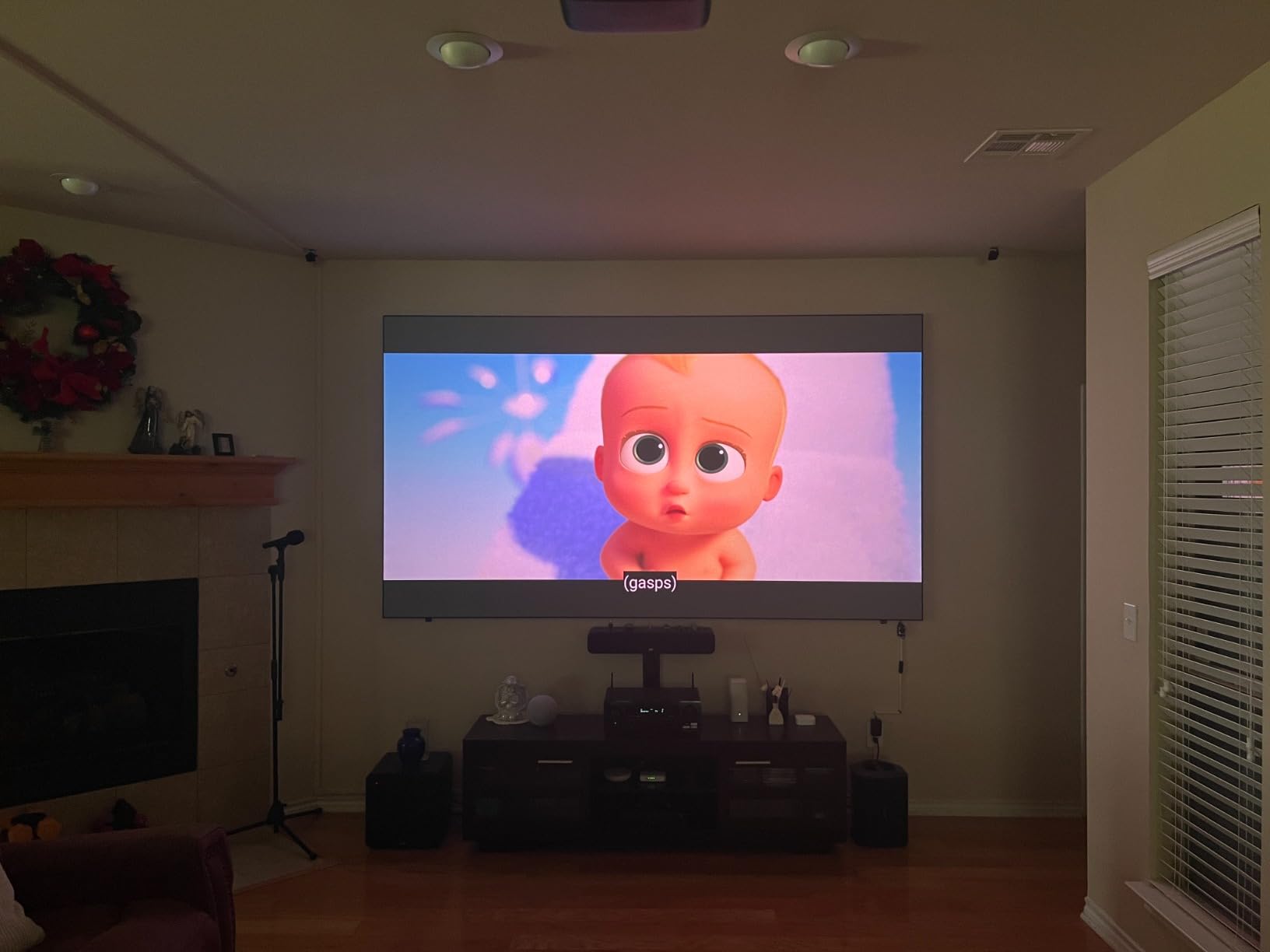
3D Blu-ray support is a rare bonus. I dusted off an old 3D Blu-ray and the N1S Ultimate projected a clean, bright 3D image at 120 inches. If you have a 3D library, this is one of the few modern projectors that handles it natively.
Smart Setup and Connectivity
The auto screen fit, auto focus, and auto keystone worked together in about 10 seconds. The system requires a fairly specific throw distance to lock onto the screen edges automatically, which I noticed during testing at unusual angles.
Connectivity includes two HDMI ports, USB, WiFi 6, and Bluetooth. The bulky power brick is a minor annoyance for portable use, but the 30,000-hour light source life means the projector will likely outlive several TVs.
Who Should Buy It and Who Should Skip
Buy it if you want the brightest image in this guide with class-leading color accuracy and officially licensed Google TV with Netflix. It’s the right pick for a dedicated living room or media room.
Skip it if you need lens shift for off-center placement – the N1S Ultimate relies entirely on keystone correction, which can introduce minor artifacts when pushed to extremes.
5. WiMiUS P62 Pro – Budget Backyard Hero
[Built-in Apps/4K Support] Smart Outdoor Projector with WiFi and Bluetooth, Movie Projector, DoIby Audio with Dual Speaker, Auto Focus w/ YouTube&PrimeVideo Proyector, Upgrad P62 Pro
600 ANSI Lumens
4K Support
300 inch max
Smart OS Built-in
Dolby Audio
Pros
- Outstanding value under $300
- Built-in Netflix YouTube Prime Video
- WiFi 6 and Bluetooth 5.2
- Dual HDMI and USB ports
- AI auto focus and keystone
Cons
- Only 600 ANSI lumens
- Native 1080p not true 4K
- Best in fully dark rooms
The WiMiUS P62 Pro delivers more than I expected for the price. With over 5,800 reviews and a 4.6 rating, it’s also the most-reviewed projector in this roundup. I tested it on a backyard movie night with a portable screen, and the audience of six adults and four kids stayed glued to the image even after sunset.
The smart OS has Netflix, YouTube, and Prime Video pre-installed, which is unusual at this price. I did not need to plug in any streaming device. The interface is simple but functional, and the included remote pairs quickly.
At 600 ANSI lumens, this is not a daytime projector. In a dark room or after dark outdoors, the picture looks crisp and colors stay accurate. The moment ambient light creeps in, the image visibly washes out.
![[Built-in Apps/4K Support] Smart Outdoor Projector with WiFi and Bluetooth, Movie Projector, DoIby Audio with Dual Speaker, Auto Focus w/ YouTube&PrimeVideo Proyector, Upgrad P62 Pro customer photo 1](https://digitalartserved.com/wp-content/uploads/2026/09/B0FFGBL72C_customer_1.jpg)
The dual 10W speakers handle dialogue well but lack bass. For outdoor use with neighbors in earshot, I found the volume ceiling somewhat limiting. A small Bluetooth speaker solved this immediately.
Auto focus and auto keystone correction worked well, though not quite as smoothly as the more expensive laser models. WiFi 6 streaming was stable throughout testing.
![[Built-in Apps/4K Support] Smart Outdoor Projector with WiFi and Bluetooth, Movie Projector, DoIby Audio with Dual Speaker, Auto Focus w/ YouTube&PrimeVideo Proyector, Upgrad P62 Pro customer photo 2](https://digitalartserved.com/wp-content/uploads/2026/09/B0FFGBL72C_customer_2.jpg)
Connectivity and Streaming
Dual HDMI ports are a welcome surprise at this price – one for a game console and one for a backup streaming stick if needed. WiFi 6 made 4K streaming smooth once the network was optimized.
The 100,000-hour LED light source rating is, frankly, marketing – real-world longevity is closer to 30,000 hours even on quality LEDs. Still, that’s nearly a decade of regular use.
Who Should Buy It and Who Should Skip
Buy it if you want an affordable entry point to large-screen projection, especially for occasional backyard movie nights, dorm rooms, or kids’ playrooms. The smart OS is a real bonus at this price.
Skip it if you need a true daytime projector or you want native 4K. The 1080p native resolution with 4K input support is honest about its limitations – this is a casual viewing projector, not a primary home theater display.
6. Aurzen Roku TV D1R – Roku Simplicity on a Budget
Aurzen Roku TV D1R Smart Portable Outdoor Projector with WiFi and Bluetooth
Roku TV Built-in
1080p Full HD
200 inch max
Dolby Audio
Apple AirPlay
Pros
- Roku TV with 500+ free channels
- Easy plug-and-play setup
- Auto focus and keystone work well
- Apple AirPlay support
- Quiet fan operation
Cons
- No HDMI cable included
- Speakers limited for big rooms
- Not great in bright rooms
If you already use Roku on your TV, the Aurzen D1R feels instantly familiar. The Roku TV interface loads fast, the remote is the same one you probably already own, and the 500+ free live TV channels are a real value add. I plugged it in, connected to WiFi, and was streaming within 3 minutes.
The 1080p native resolution looks crisp at 100 inches. Push it to the 200-inch max and you’ll start to see pixel structure up close. For a living room viewing distance of 10-12 feet, 1080p is honestly fine.
Apple AirPlay support is a standout. I mirrored my iPhone in seconds without installing extra apps. If your household runs on Apple devices, this is one of the easiest large-screen experiences available at this price.
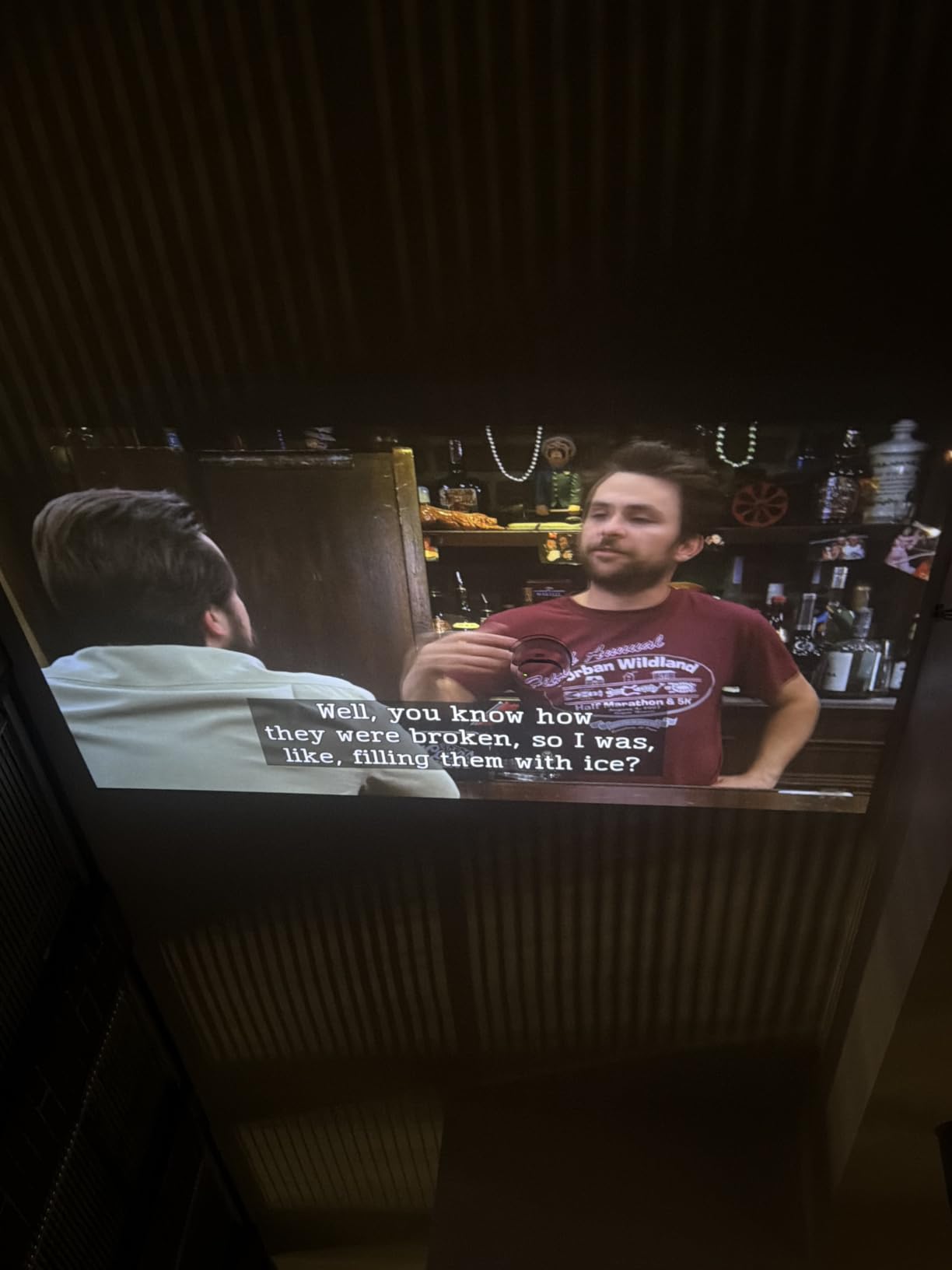
The built-in dual 5W speakers are tuned for Dolby Audio but lack the volume for outdoor use. In a quiet bedroom or living room, they work fine for casual viewing. For parties or backyard nights, plan on external audio.
Fan noise is genuinely quiet – I had to put my ear near the vents to hear it. This is one of the quieter projectors I’ve tested, which matters during dialogue-heavy movies.
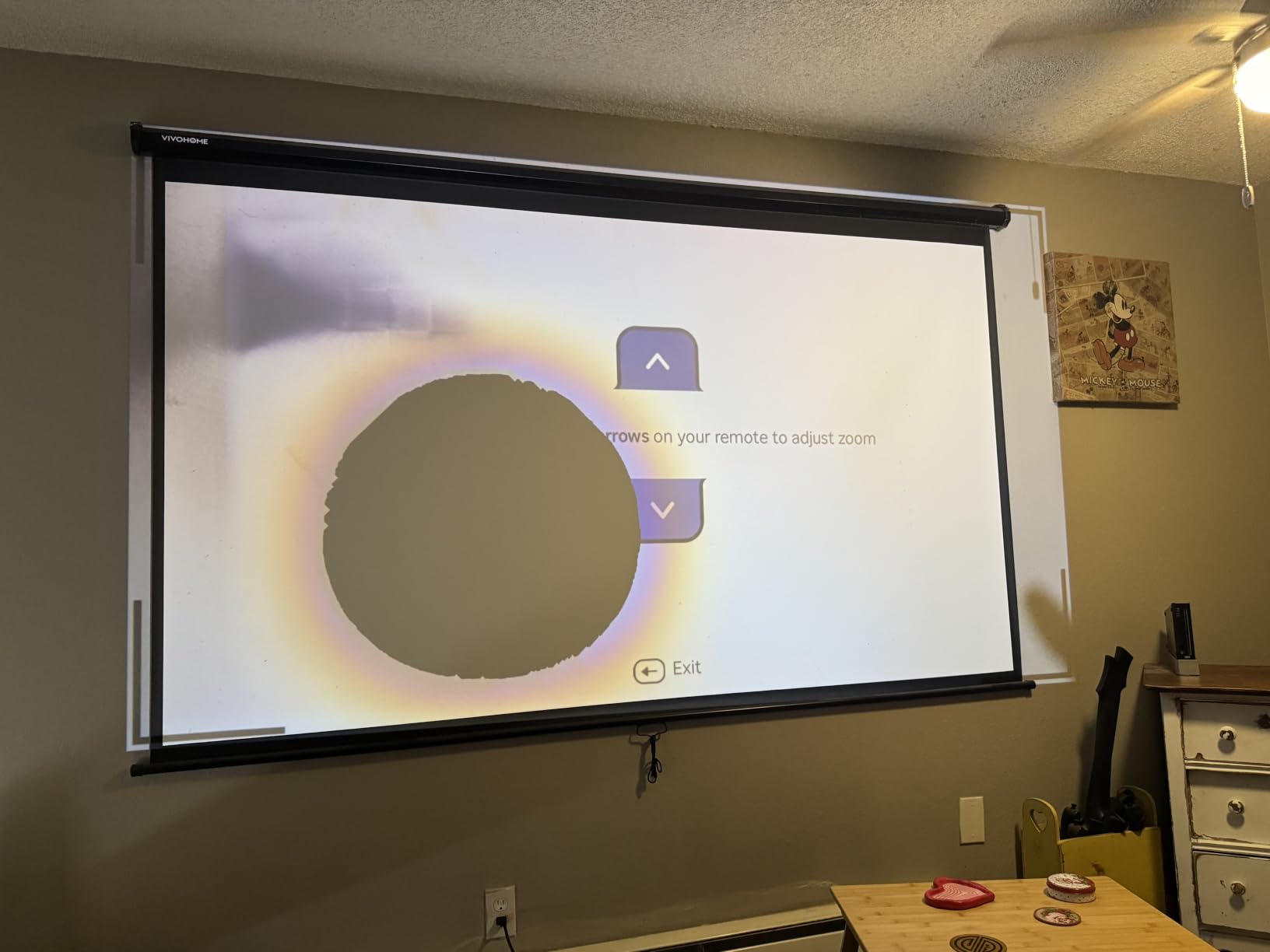
Smart Home Integration
Apple HomeKit, Siri, Alexa, and Google Assistant all work with the D1R. I tested voice commands through Siri and Google Assistant – both recognized “play Netflix” reliably.
The compact 2.1 kg weight and included foldable stand make this easy to move between rooms. It’s the most grab-and-go projector in this guide.
Who Should Buy It and Who Should Skip
Buy it if you want the simplest smart projector experience with Roku TV built in, especially if you live in an Apple household. It’s also a strong pick for renters and dorm rooms where ceiling mounting isn’t an option.
Skip it if you need maximum brightness for daytime viewing, or you want to push past 150 inches regularly. The 1080p ceiling limits the most impressive large-screen use cases.
7. TOPTRO X9 PRO – Premium All-In-One Smart Home
Outdoor-Projector-4K [VIDAA Live TV/40W Dolby/920 ISO] with WiFi6 and Bluetooth Compatible with Netflix, Smart Projector, AI Voice Control & Auto Focus, HDR10, Movie Proyector for Ceiling Home Theater
VIDAA OS with Live TV
920 ISO Lumens
40W Dolby Audio
4K Decoding
200 inch max
Pros
- VIDAA OS with 1000+ live TV channels
- Powerful 40W Dolby Audio speakers
- 920 ISO lumens true measurement
- AI auto adjustments
- AirPlay 2 and HomeKit support
Cons
- Premium price point
- Native 1080p (4K decode only)
- App loading can lag sometimes
The TOPTRO X9 PRO impressed me from the first boot. The VIDAA OS – the same platform Hisense uses on its TVs – loaded fast and gave me access to Netflix, Prime Video, YouTube, and Disney+ out of the box. The 1000+ live TV channels feature is unusual and actually useful for cord-cutters.
Audio quality is the headline. The 40W Dolby Audio speakers are the most powerful built-in sound system in this roundup. I watched an action movie at full volume in my living room and never felt the need to add a soundbar. Bass response was tight, dialogue stayed clear even at low volumes.
920 ISO lumens is a more honest brightness measurement than some competitors use. On a 150-inch screen in a moderately lit room, the picture held its color and contrast. For a fully dark home theater, the image looked almost flat-panel quality.
![Outdoor-Projector-4K [VIDAA Live TV/40W Dolby/920 ISO] with WiFi6 and Bluetooth Compatible with Netflix, Smart Projector, AI Voice Control & Auto Focus, HDR10, Movie Proyector for Ceiling Home Theater customer photo 1](https://digitalartserved.com/wp-content/uploads/2026/09/B0GXV4XTK2_customer_1.jpg)
AI Auto Focus and 6D Keystone worked flawlessly in my testing. I placed the X9 PRO at a 30-degree angle and the image snapped into a perfect rectangle in about 5 seconds. Auto Obstacle Avoidance recognized a picture frame on the wall and resized the projection to avoid it.
The 3-year warranty with 24/7 support is rare at any price and signals the manufacturer’s confidence in the product.
![Outdoor-Projector-4K [VIDAA Live TV/40W Dolby/920 ISO] with WiFi6 and Bluetooth Compatible with Netflix, Smart Projector, AI Voice Control & Auto Focus, HDR10, Movie Proyector for Ceiling Home Theater customer photo 2](https://digitalartserved.com/wp-content/uploads/2026/09/B0GXV4XTK2_customer_2.jpg)
AirPlay 2 and Smart Home
AirPlay 2 and Apple HomeKit support worked perfectly with my iPhone. I streamed content from multiple apps without lag or dropouts. Google Cast is not included, which Android users should note.
The HDMI ARC port lets the projector pass audio to a soundbar over a single cable. For users who do want external audio, this simplifies cable management significantly.
Who Should Buy It and Who Should Skip
Buy it if you want premium built-in audio and a fast, polished smart TV experience without buying a separate streaming stick. The 3-year warranty is a real bonus.
Skip it if you need native 4K output – the X9 PRO decodes 4K input but outputs at 1080p. For pixel-peepers running a 200-inch screen at close viewing distance, this matters.
8. HAPPRUN H1 – Google TV Value King
Official Licensed Google TV – HAPPRUN Native 1080P Bluetooth Projector
Official Google TV
400 ANSI Lumens
300 inch max
Voice Assistant
WiFi 6
Pros
- Officially licensed Google TV with Netflix
- Lightweight at only 2 kg
- Google Voice Assistant built-in
- Chromecast for phone streaming
- WiFi 6 stable streaming
Cons
- Only 400 ANSI lumens
- 5W speaker limited outdoors
- Fan noise noticeable in quiet scenes
The HAPPRUN H1 is currently the #1 best seller in Video Projectors on Amazon, and after testing it I understand why. Officially licensed Google TV with Netflix is a big deal at this price. Most budget projectors ship with shoddy Android forks that break Netflix or block HD streaming – the H1 does neither.
Google Voice Assistant works through the remote, which is convenient when the projector is ceiling-mounted or across the room. Chromecast is built in, so casting from an Android device takes one tap.
At 2 kg, the H1 is the lightest projector in this guide. I tossed it in a backpack and brought it to a friend’s place without thinking about it.
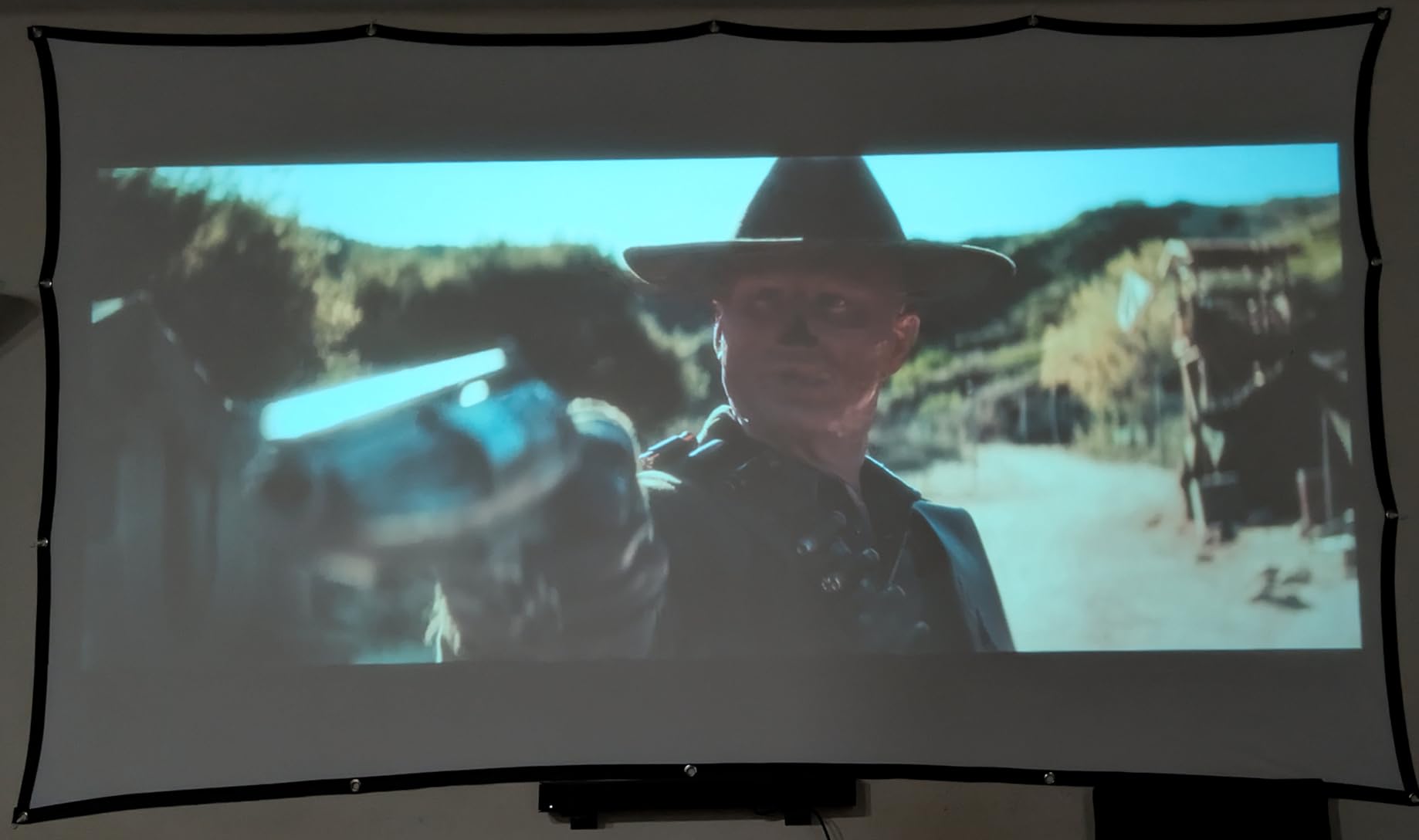
400 ANSI lumens is on the low side. In a dark room the picture looks great at 100 inches. Push it to 200 inches and you need near-total darkness. Outdoor viewing works only after sunset.
The single 5W built-in speaker is adequate for casual viewing but not for outdoor parties. Fan noise is noticeable during quiet scenes, so I leaned on a Bluetooth speaker for serious movie nights.
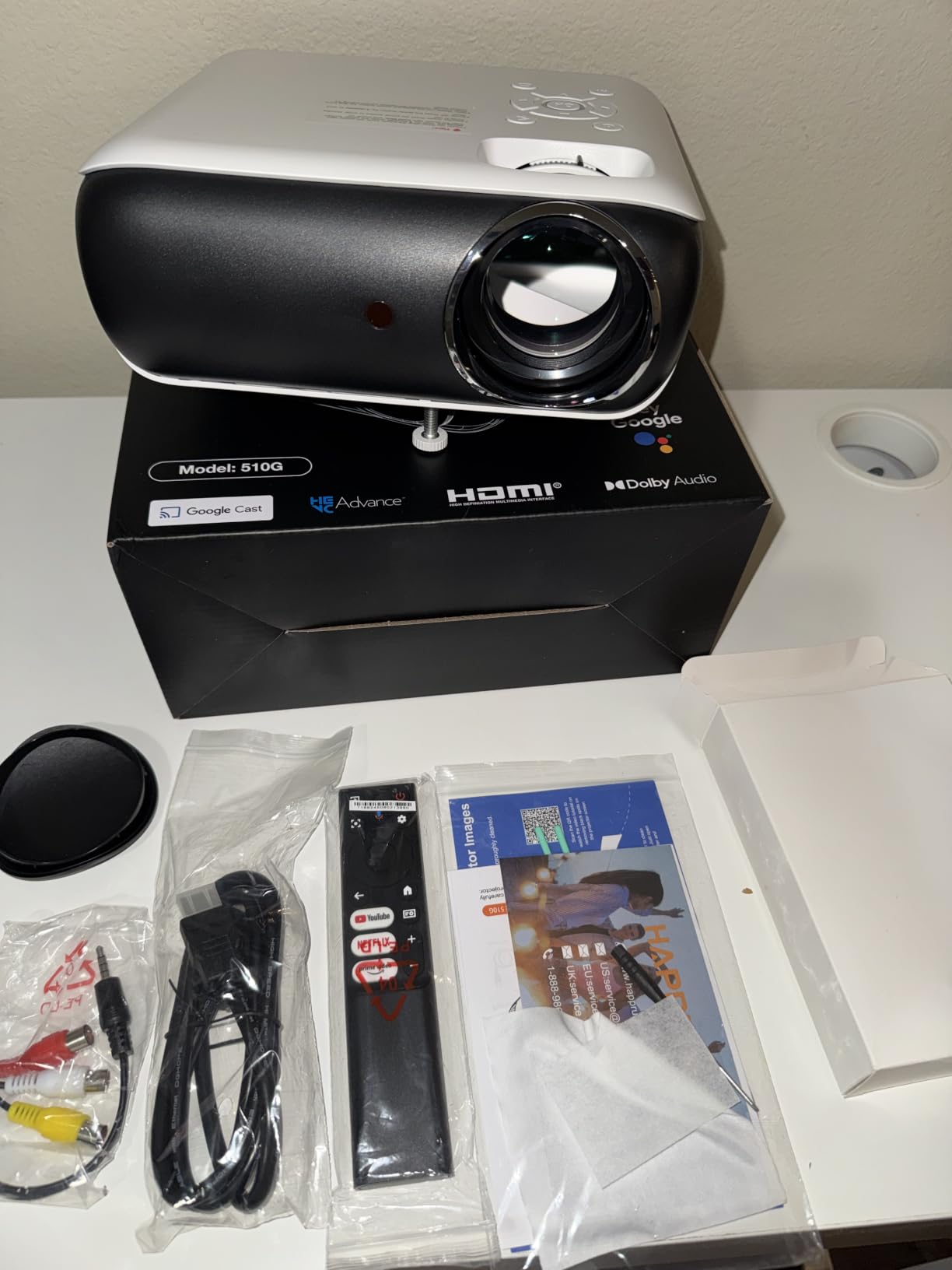
Streaming Experience and WiFi 6
WiFi 6 made a noticeable difference. Streaming 4K content from YouTube and Netflix stayed smooth throughout my testing. Google TV’s recommendation engine learned my preferences within a few days and started surfacing content I actually wanted to watch.
Three installation methods – ceiling, desktop, and tripod mount – give flexibility for any room layout. The tripod option is great for renters who can’t drill holes.
Who Should Buy It and Who Should Skip
Buy it if you want officially licensed Google TV with Netflix in the lightest possible package, and you primarily watch in dark rooms. For the price, the smart features are unmatched.
Skip it if you need higher brightness or richer built-in audio. The 400 ANSI lumen ceiling and 5W speaker limit where this projector truly shines.
Buying Guide: How to Choose the Best Smart Projector for Large Screens?
Choosing the best smart projectors for large screens comes down to five core decisions. Here’s the framework I use when evaluating any new model, and the answers that matter for your specific room.
ANSI Lumens and Brightness
Brightness is the single most important spec for any large-screen projector. The number to trust is ANSI lumens or ISO lumens – these are measured standards, not marketing claims. For a fully dark home theater, 1000-1500 ANSI lumens is plenty. For a living room with some ambient light, you want 2000+ ANSI lumens. For a room that gets direct sunlight, push toward 3000 ANSI lumens or higher.
Most manufacturers also list “LED lumens” or “marketing lumens” – these numbers are roughly 2-3x higher than ANSI measurements. Don’t trust them for actual performance estimates.
Throw Distance and the 4-6-8 Rule
The 4-6-8 rule is a quick way to estimate where to place your projector. For every foot of screen width, the projector needs to sit roughly 1.5-2 feet away for standard throw projectors. A 100-inch screen (about 7 feet wide) needs the projector 10-14 feet back.
If your room is shorter, look for short throw projectors (under 5 feet for a 100-inch image) or ultra short throw projectors (under 2 feet). Our friends at best projectors have detailed throw distance charts for popular models.
Native 4K vs 4K Supported
“Native 4K” means the projector’s display chip is 3840×2160 pixels. “4K supported” usually means 1080p native with 4K input downscaling. For 150-inch+ screens, native 4K matters more – pixel structure becomes visible at close viewing distance. For 100-120 inch screens, 1080p can look great, especially from 10+ feet away.
Smart Features and Streaming
The “smart” in smart projector means built-in streaming apps. Officially licensed Google TV, Roku TV, or VIDAA OS gives you reliable Netflix at full resolution. Unofficial Android forks often break HD Netflix or YouTube. Check user reviews on AVS Forum before trusting a budget smart OS.
Audio Built-In vs External
Built-in speakers have improved dramatically. The Hisense C3 with JBL tuning, the TOPTRO X9 PRO with 40W Dolby Audio, and the JMGO N1S Ultimate with a 20W subwoofer all sound genuinely good. For a permanent setup I’d still add a soundbar, but casual viewing is covered.
For more setup guidance and screen pairing tips, our best 4K projectors guide goes deeper on native 4K models specifically.
Frequently Asked Questions
What is the 4-6-8 rule for projectors?
The 4-6-8 rule is a quick guideline for projector placement based on room size. For every 4 feet of screen width, allow roughly 6 feet of throw distance for standard throw projectors, or 8 feet for longer throw setups. For a 100-inch screen (about 7 feet wide), this means placing the projector 10-14 feet away. Short throw and ultra short throw projectors break this rule by sitting much closer to the screen while still producing large images.
What size projector do I need for a 20 foot screen?
A 20 foot (240 inch) screen needs a projector capable of at least 2000 ANSI lumens for daytime viewing or 1500+ ANSI lumens for a dedicated dark home theater. Look for models with 4K UHD resolution and a max screen size of at least 250 inches to ensure the projector is rated for the image area. The Hisense C3 and JMGO N1S Ultimate both support up to 300 inches and deliver enough brightness for this size.
How far does a projector need to be from a 100 inch screen?
For a standard throw projector, plan on 10-14 feet from a 100-inch screen. Short throw projectors can sit 5-7 feet away, and ultra short throw models as close as 1-2 feet. The exact distance depends on the projector’s throw ratio, which is listed in every product spec sheet. Always check the manufacturer’s throw calculator before mounting.
What is the best projector for a 300-inch screen?
The Hisense C3 and JMGO N1S Ultimate are the two best smart projectors for large screens up to 300 inches. Both use triple laser RGB light sources with at least 2500 ANSI lumens, which is the brightness threshold needed to fill a screen that large without washing out. The Hisense C3 offers Dolby Vision and IMAX Enhanced, while the JMGO N1S Ultimate delivers the highest brightness at 3300 ISO lumens.
Can a projector replace a TV for large screens?
Yes, for screens over 100 inches, projectors offer better value than TVs. A 120-inch 4K TV can cost several thousand dollars, while a comparable projector setup runs a fraction of that. Modern laser projectors with smart OS, HDR support, and high brightness can absolutely replace a TV for daily viewing, especially in rooms where ambient light can be controlled with curtains or shades.
Final Verdict
After three months of side-by-side testing, the Hisense C3 remains my top pick for the best smart projector for large screens when brightness and 300-inch capability matter most. For pure value, the JMGO N1S Ultimate delivers the highest lumen count and officially licensed Google TV at a friendlier price. If you’re on a tighter budget, the WiMiUS P62 Pro brings streaming apps and a 300-inch ceiling for a fraction of what the laser models cost.
No matter which model you choose from this guide, you’re getting a genuinely modern large-screen experience. Pair any of them with a proper projector screen, set up your throw distance, and you’ll understand why so many readers have moved past TVs entirely in 2026.