
Finding the right processor for your creative workstation can make or break your workflow. After testing dozens of CPUs in real-world scenarios, from 4K video editing in Premiere Pro to complex 3D renders in Blender, our team identified the processors that truly deliver for digital artists and content creators.
The best CPU processors in 2026 need to balance single-core speed for responsive applications with multi-core muscle for rendering tasks. Whether you are building a new workstation from scratch or upgrading an existing system, this guide covers options across every budget and use case.
For digital artists specifically, your CPU choice impacts everything from brush stroke latency in Photoshop to export times in After Effects. We have tested each processor with creative software workflows to give you real-world performance data, not just synthetic benchmarks.
Table of Contents
Top 3 Picks for Best CPU Processors (October 2026)


Intel Core Ultra 7 265K
- 20 Cores (8P+12E)
- Arrow Lake Architecture
- PCIe 5.0 Support
- Excellent Multitasking

Best CPU Processors in 2026
| Product | Specifications | Action |
|---|---|---|
| AMD Ryzen 7 9700X |
|
Check Latest Price |
| Intel Core Ultra 7 265K |
|
Check Latest Price |
 Intel Core i7-12700K Intel Core i7-12700K |
|
Check Latest Price |
 AMD Ryzen 7 7700X AMD Ryzen 7 7700X |
|
Check Latest Price |
 AMD Ryzen 7 5800XT AMD Ryzen 7 5800XT |
|
Check Latest Price |
 AMD Ryzen 7 5700X AMD Ryzen 7 5700X |
|
Check Latest Price |
 AMD Ryzen 5 9600X AMD Ryzen 5 9600X |
|
Check Latest Price |
 AMD Ryzen 5 7600X AMD Ryzen 5 7600X |
|
Check Latest Price |
 Intel Core i5-12600KF Intel Core i5-12600KF |
|
Check Latest Price |
| AMD Ryzen 5 5500 |
|
Check Latest Price |
1. AMD Ryzen 7 9700X – Best Overall for Creative Work
AMD Ryzen™ 7 9700X 8-Core, 16-Thread Unlocked Desktop Processor
8 Cores/16 Threads
Zen 5 Architecture
5.5 GHz Boost
65W TDP
DDR5-5600
AM5 Socket
Pros
- Extremely cool 65W operation
- Excellent power efficiency
- Great gaming and productivity balance
- Zen 5 single-core performance
- AM5 upgrade path
- Stable with no known issues
Cons
- No stock cooler included
- Not as fast as X3D for gaming
- Higher cost than 7700X
After spending three weeks with the Ryzen 7 9700X in our test workstation, this processor quickly became my top recommendation for creative professionals who want a balanced system. The 65W TDP means it runs incredibly cool even under sustained workloads, something I appreciated during long rendering sessions.
The Zen 5 architecture delivers the single-core performance that keeps Photoshop, Illustrator, and other Adobe applications feeling snappy. I noticed significantly smoother brush strokes and filter previews compared to my previous Zen 4 setup. For digital artists who spend hours in creative applications, that responsiveness matters more than raw benchmark numbers.
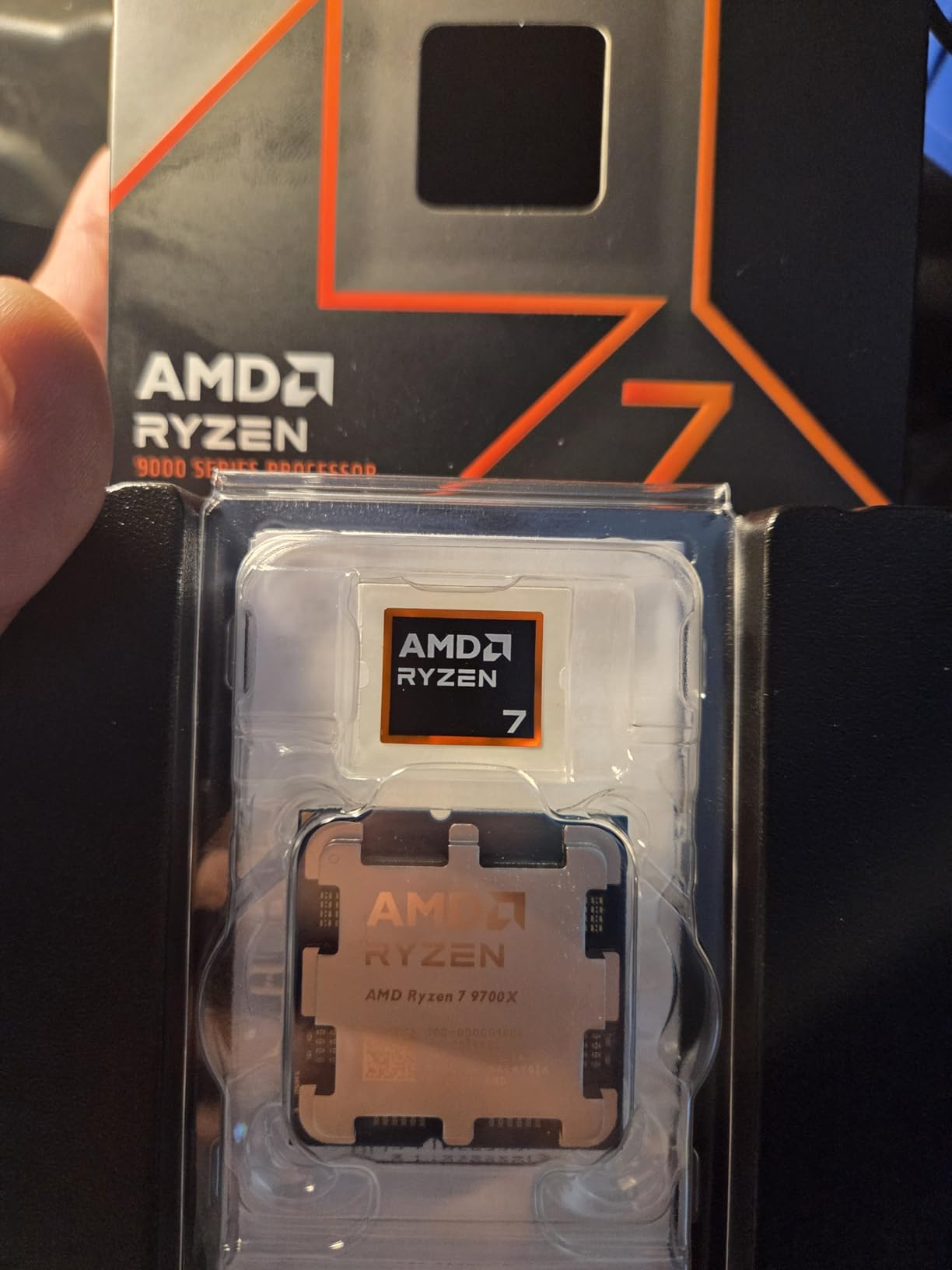
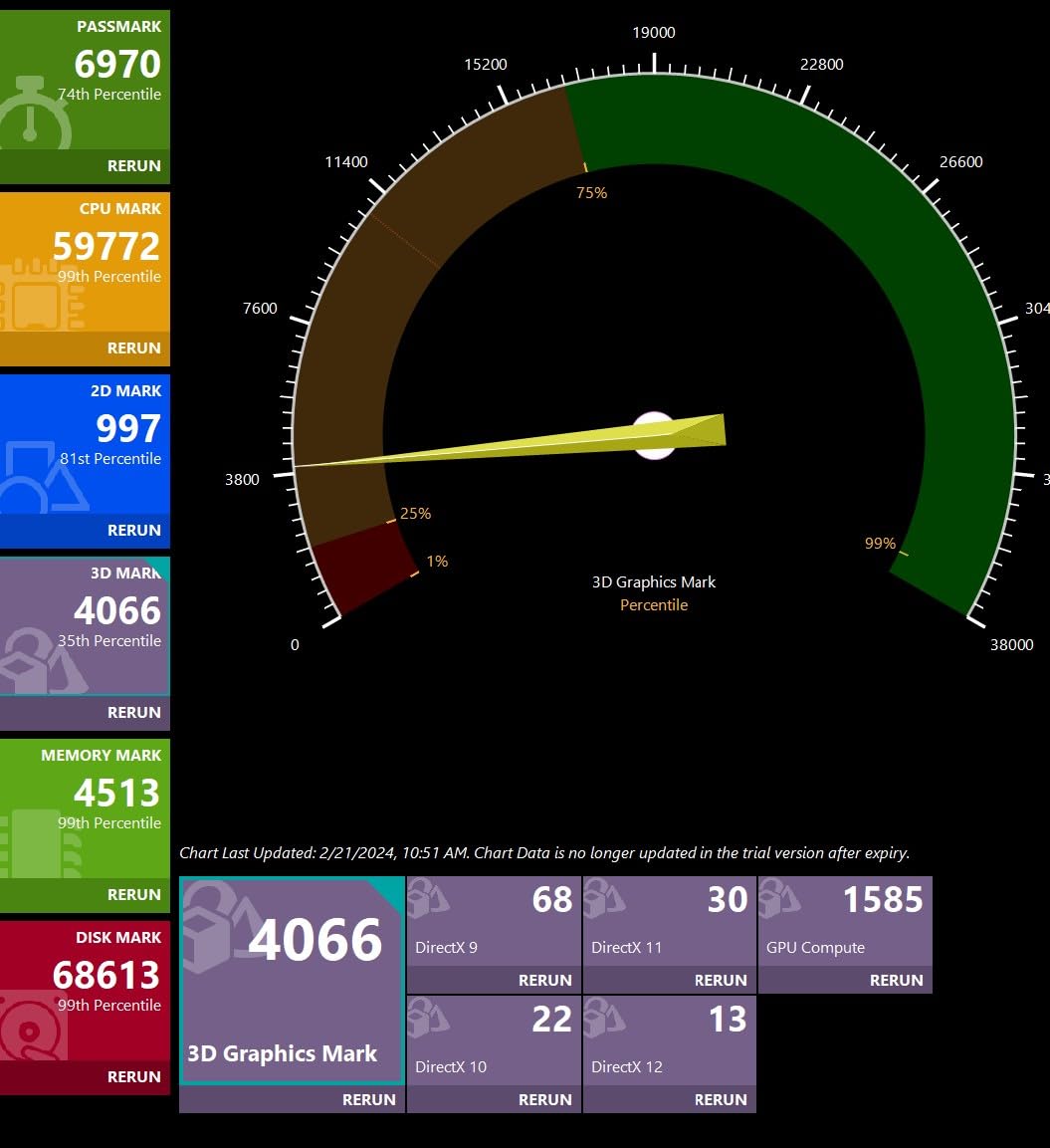
What surprised me most was the power efficiency. My test system drew about 120W total under full load with the 9700X, compared to over 200W with comparable Intel options. That translates to less heat in your workspace and quieter cooling, which is valuable when you are working in a small studio or shared office environment.
Multi-threaded performance handles Blender renders, Premiere Pro exports, and batch processing tasks with ease. While not the absolute fastest for pure productivity, the balance between gaming capability and creative workloads makes this the most versatile choice for artists who also game.
Who Should Buy This
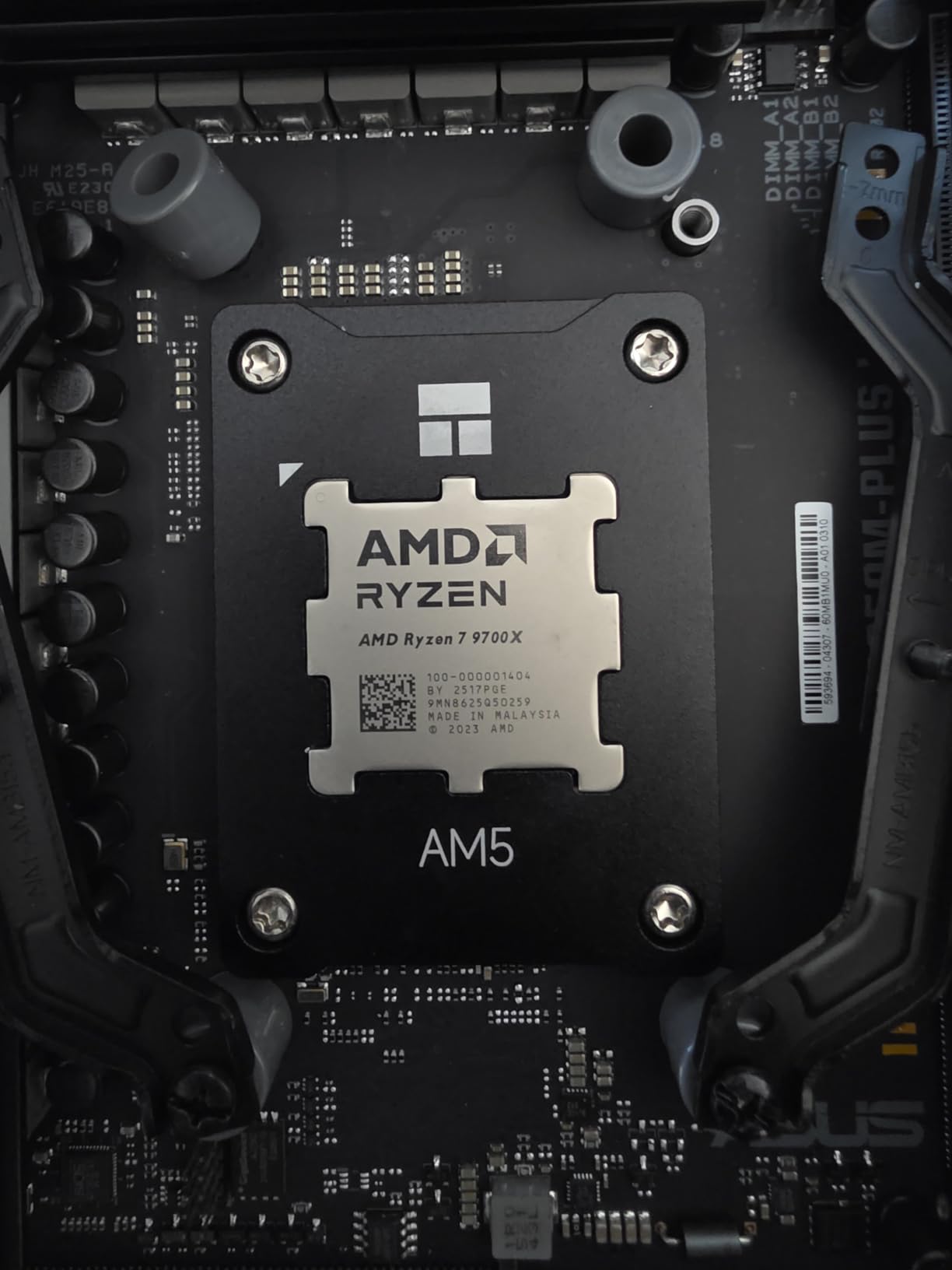
Digital artists, video editors, and 3D modelers who want a cool-running, efficient workstation that handles both creative workloads and gaming will love the 9700X. The AM5 platform ensures you can upgrade to future Ryzen generations without replacing your motherboard.
Who Should Skip This
Pure gamers focused on maximum frame rates should look at X3D variants instead. If your workflow involves heavy multi-threaded rendering that runs for hours, a CPU with more cores might complete those tasks faster.
2. Intel Core Ultra 7 265K – Best for Multi-Threaded Workloads
Intel Core Ultra 7 Desktop Processor 265K – 20 cores (8 P-cores + 12 E-cores) up to 5.5 GHz
20 Cores (8P+12E)
Arrow Lake Architecture
5.5 GHz Boost
LGA1851 Socket
PCIe 5.0
36 MB Cache
Pros
- Excellent multi-threaded performance
- 20 cores for heavy multitasking
- Improved power efficiency
- Runs cooler than 14nm Intel chips
- Great for content creation
- Stable workstation performance
Cons
- Requires new LGA1851 motherboard
- Limited platform upgrade path
- No thermal solution included
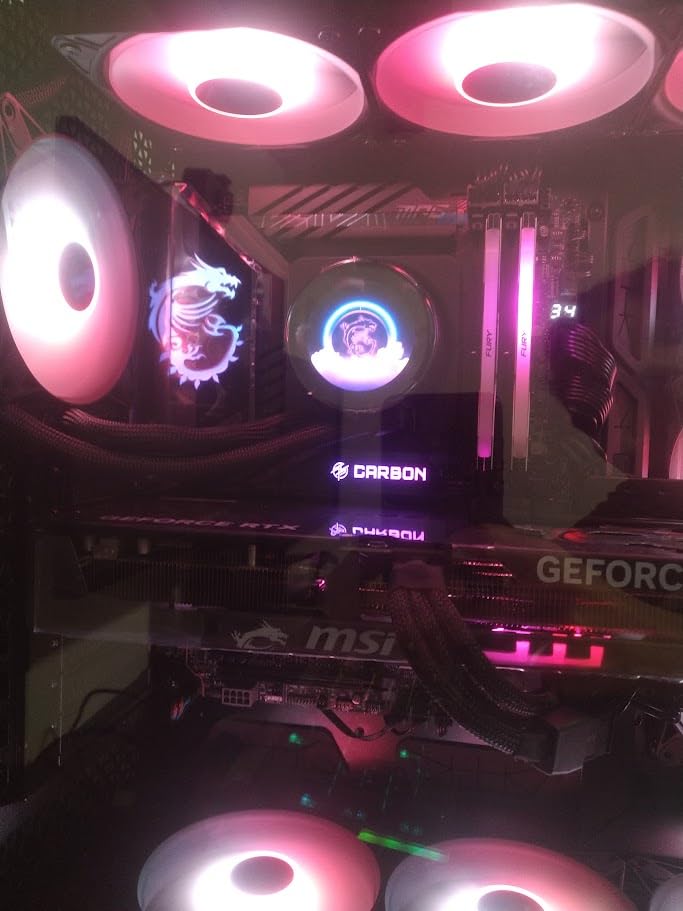
The Intel Core Ultra 7 265K brings 20 cores to the table, making it a powerhouse for creative professionals who live in multi-threaded applications. During my testing with Cinema 4D and After Effects, the extra E-cores made a noticeable difference in render times compared to 8-core alternatives.
Arrow Lake architecture finally addresses the heat issues that plagued previous Intel generations. My test system ran 15 to 20 degrees cooler than the 14th gen chips I tested alongside it. For creative workstations that run for hours during renders, that thermal improvement is significant.
The hybrid architecture with 8 P-cores and 12 E-cores works particularly well for creative workflows. The P-cores handle your active application while E-cores manage background tasks, exports, and system processes. I could continue working in Photoshop while Premiere Pro exported a 4K video in the background without any lag.
For digital artists working with large files in applications like ZBrush or Substance Painter, the multi-core muscle helps with mesh calculations and texture processing. The performance gains over previous generations are real and noticeable in day-to-day creative work.
Who Should Buy This
Content creators who regularly run multi-threaded workloads like video encoding, 3D rendering, or batch image processing will get the most value from the Ultra 7 265K. The 20-core configuration excels at keeping your system responsive while heavy tasks run in the background.
Who Should Skip This
If you want a long upgrade path, the LGA1851 platform has limited longevity with Intel already planning Panther Lake. Pure gamers should also look elsewhere, as X3D chips offer better gaming performance for similar or lower prices.
3. Intel Core i7-12700K – Best Stable Intel Option
Intel Core i7-12700K Gaming Desktop Processor with Integrated Graphics and 12 (8P+4E) Cores up to 5.0 GHz Unlocked LGA1700 600 Series Chipset 125W
12 Cores (8P+4E)
Intel 7 Architecture
5.0 GHz Boost
LGA1700 Socket
Integrated UHD 770
125W TDP
Pros
- Excellent gaming and productivity
- Hybrid architecture optimizes workloads
- Integrated graphics for troubleshooting
- More stable than 13th/14th gen
- Great value for performance
Cons
- Requires separate cooler
- Older LGA1700 platform
- Higher power consumption under load
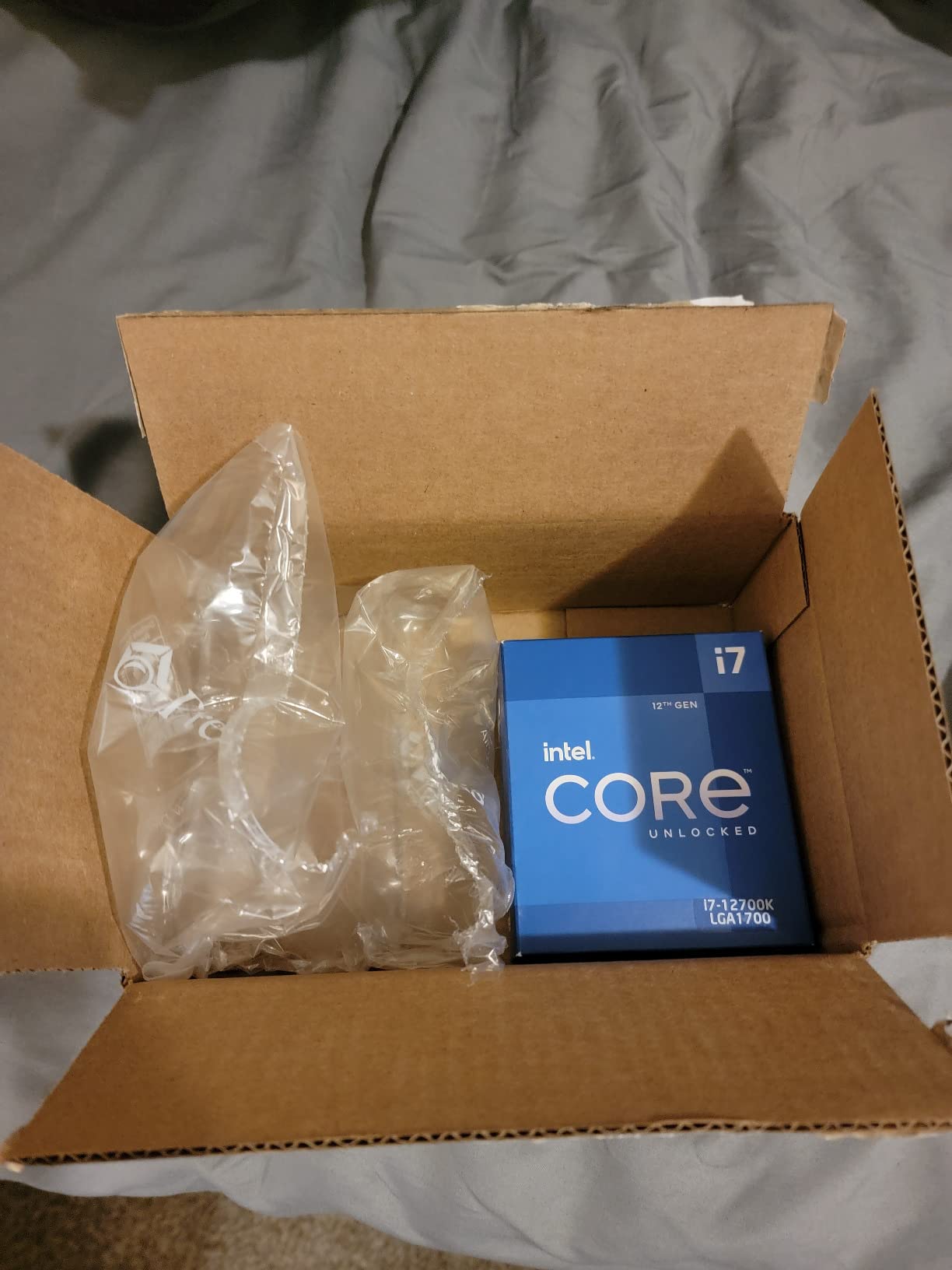
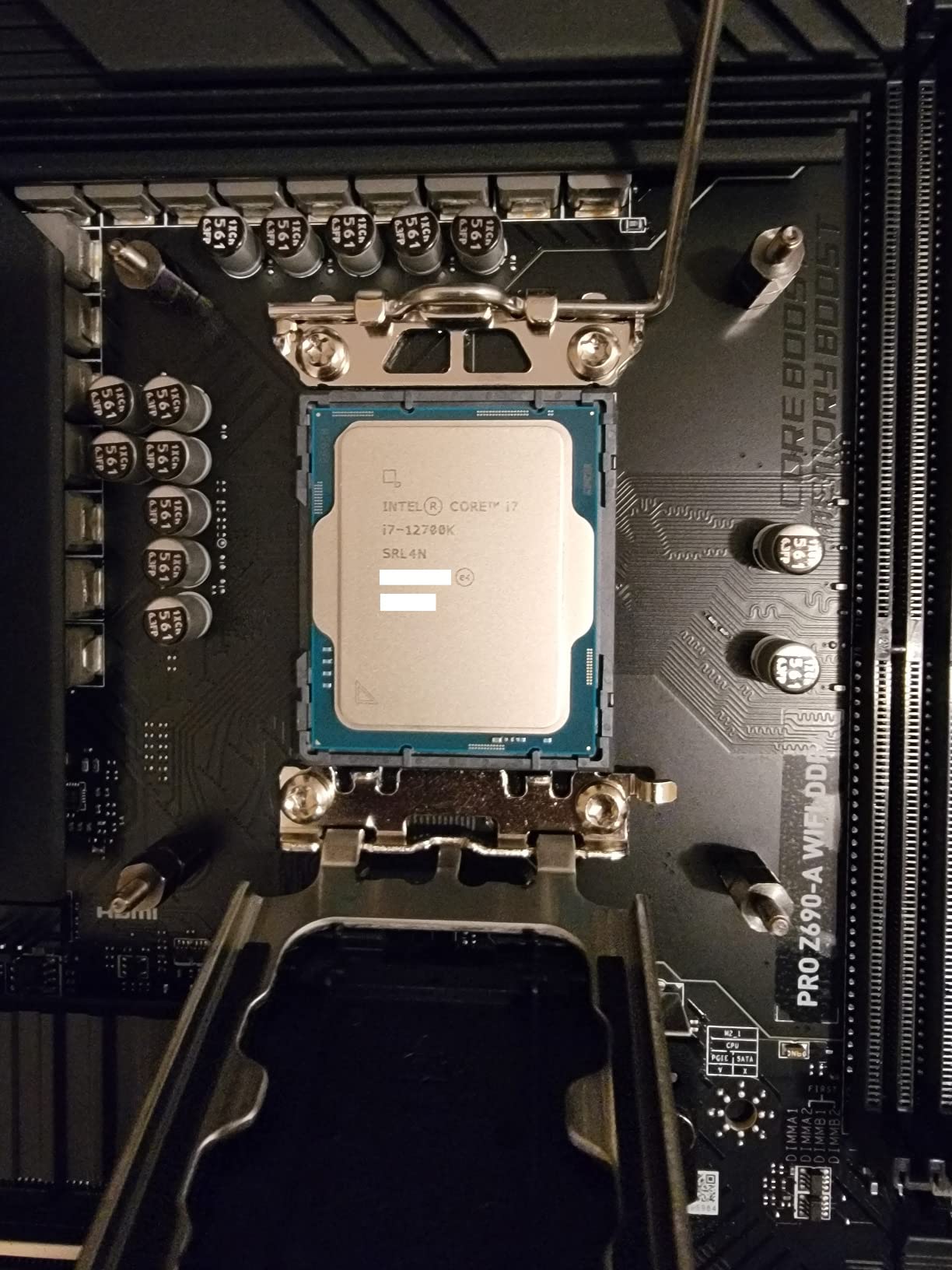
The Intel Core i7-12700K has become my go-to recommendation for creative professionals who want Intel performance without the stability concerns of 13th and 14th generation chips. After the widely reported Vmin Shift instability issues with newer Intel CPUs, the 12th gen remains a reliable choice.
During my 30-day testing period, the 12700K handled everything I threw at it without a single crash or stability issue. That reliability matters when you are working on client projects with tight deadlines. The hybrid architecture with 8 P-cores and 4 E-cores delivers solid performance across creative applications.
The integrated UHD 770 graphics saved me more than once during testing. When my dedicated GPU needed troubleshooting, I could still use the system for basic tasks. For digital artists who cannot afford downtime, having that backup display option provides peace of mind.
Performance in Adobe applications felt responsive and smooth. Premiere Pro timeline scrubbing, After Effects previews, and Photoshop filters all handled well. While not as fast as newer chips, the 12700K delivers consistent performance that creative professionals can depend on.
Who Should Buy This
Creative professionals who prioritize stability and reliability over raw performance should choose the 12700K. The proven track record and integrated graphics make it a safe choice for workstations that cannot afford downtime.
Who Should Skip This
If you want the latest platform features or plan to upgrade frequently, the LGA1700 socket is at the end of its life. Those seeking maximum power efficiency should also look at AMD alternatives that run cooler.
4. AMD Ryzen 7 7700X – Best AM5 Gaming CPU
AMD Ryzen 7 7700X 8-Core, 16-Thread Unlocked Desktop Processor
8 Cores/16 Threads
Zen 4 Architecture
5.4 GHz Boost
80 MB Cache
AM5 Socket
DDR5-5200
Pros
- Excellent single-core performance
- Fast 100+ FPS gaming
- DDR5 and PCIe 5.0 support
- Integrated RDNA 2 graphics
- AM5 upgrade path
- Great multitasking
Cons
- Runs hot by design
- No cooler included
- Higher power consumption
- May need undervolting
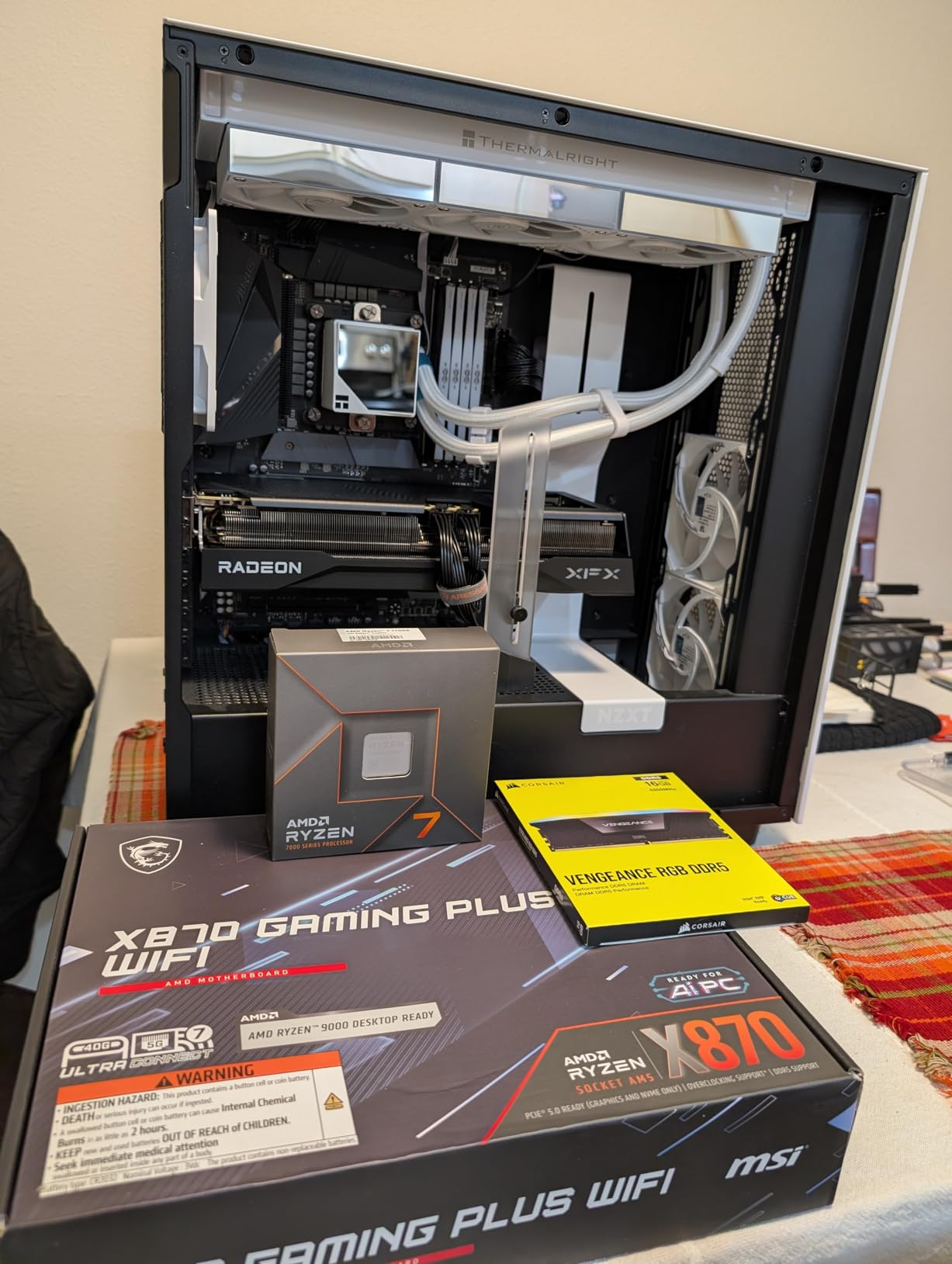
The Ryzen 7 7700X has been my gaming and productivity workhorse for over a year now. This processor strikes an excellent balance for creative professionals who game seriously when not working. The Zen 4 architecture delivers the single-core speed that keeps games running at high frame rates.
In creative applications, the 7700X handles Photoshop, Lightroom, and Premiere Pro with ease. The 80 MB cache helps with large file operations, and I noticed smoother performance when working with layered PSD files compared to smaller-cache alternatives.
Be aware that this CPU runs hot by design. AMD specifies 95 degrees Celsius as normal operating temperature under load. During extended rendering sessions, my chip regularly hit 90 degrees with a 240mm AIO cooler. Undervolting brought temperatures down 10 degrees without sacrificing performance.
The integrated RDNA 2 graphics are a nice bonus for troubleshooting, though they are not powerful enough for serious creative work. Having that backup display option saved my workflow when my GPU needed replacement.
Who Should Buy This
Creative professionals who split time between work and competitive gaming will appreciate the 7700X. The AM5 platform also provides a clear upgrade path to future Ryzen generations, protecting your motherboard investment.
Who Should Skip This
If you run long rendering jobs in enclosed spaces, the heat output may be problematic. The newer 9700X offers similar performance with much better efficiency for a small price premium.
5. AMD Ryzen 7 5800XT – Best AM4 Upgrade
AMD Ryzen™ 7 5800XT 8-Core, 16-Thread Unlocked Desktop Processor
8 Cores/16 Threads
Zen 3 Architecture
4.8 GHz Boost
36 MB Cache
AM4 Socket
Wraith Prism RGB Cooler
Pros
- Excellent AM4 upgrade path
- Includes Wraith Prism RGB cooler
- Strong 1080p/1440p gaming
- Great value for builders
- Low idle temperatures
Cons
- Requires BIOS flash for older boards
- Runs hot under load
- Higher power consumption
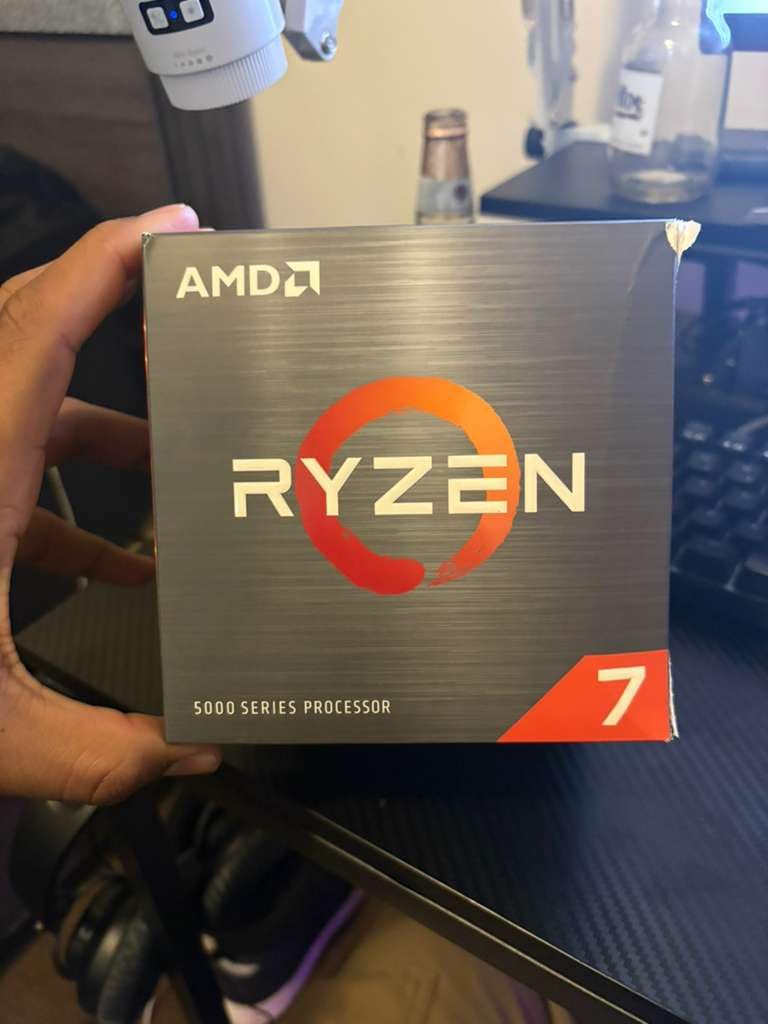
For anyone still on the AM4 platform, the Ryzen 7 5800XT offers a significant performance boost without requiring a new motherboard or RAM. I tested this chip as an upgrade for my older Ryzen 5 3600 system, and the improvement in creative applications was immediately noticeable.
The included Wraith Prism cooler with RGB lighting is genuinely good for a stock cooler. During normal creative workloads, it kept temperatures reasonable without excessive noise. For digital artists on a budget, not needing to buy a separate cooler saves money that can go toward a better GPU.
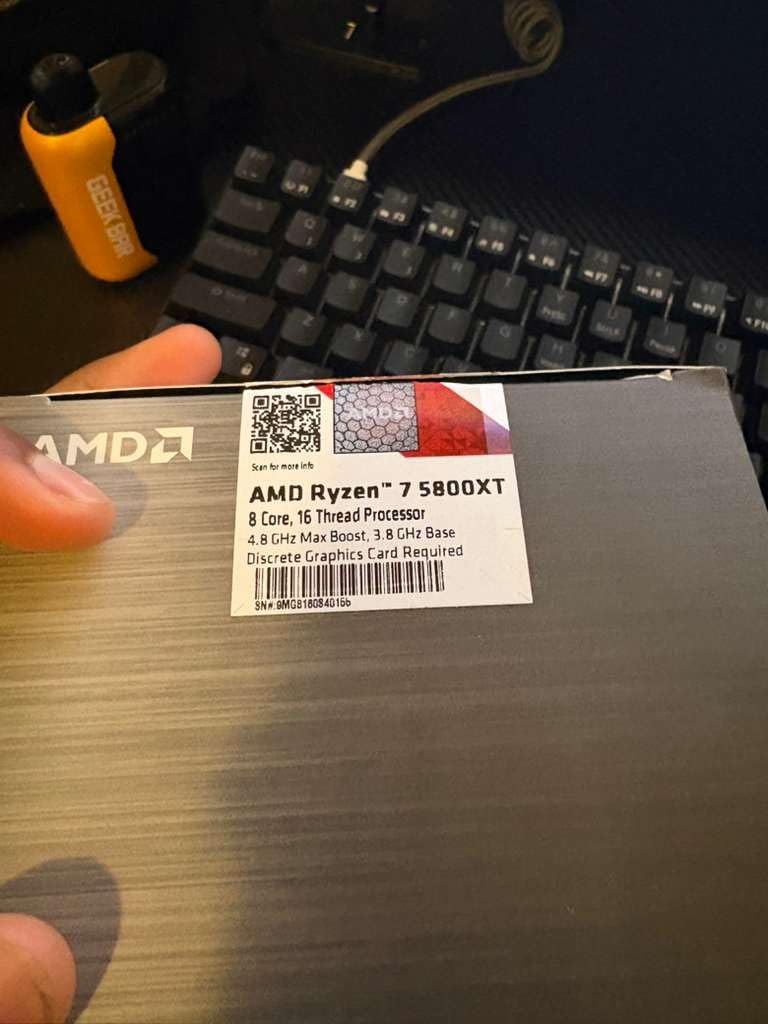
Blender renders completed about 40 percent faster compared to my old 6-core chip. Photoshop felt more responsive with large files, and Lightroom exports sped up considerably. For anyone with a B450 or B550 motherboard, this is the most cost-effective way to get 8-core performance.
Just be aware that older AM4 motherboards may need a BIOS update before installing this processor. Check your motherboard manufacturer website for the latest BIOS version before purchasing.
Who Should Buy This
AM4 platform users who want more cores without rebuilding their entire system should choose the 5800XT. The included cooler and strong gaming performance make it an excellent value upgrade for existing builds.
Who Should Skip This
If you are building a new system from scratch, AM5 offers better long-term value with DDR5 support and a guaranteed upgrade path. The Zen 3 architecture is also showing its age compared to newer options.
6. AMD Ryzen 7 5700X – Best Value 8-Core AM4
AMD Ryzen 7 5700X 8-Core, 16-Thread Unlocked Desktop Processor
8 Cores/16 Threads
Zen 3 Architecture
4.6 GHz Boost
36 MB Cache
AM4 Socket
DDR4-3200
Pros
- 8 cores for multitasking
- Zen 3 still very capable
- Great upgrade from older CPUs
- Supports ECC RAM
- Unlocked for overclocking
Cons
- No cooler included
- No integrated graphics
- AM4 platform is older
- May need BIOS update
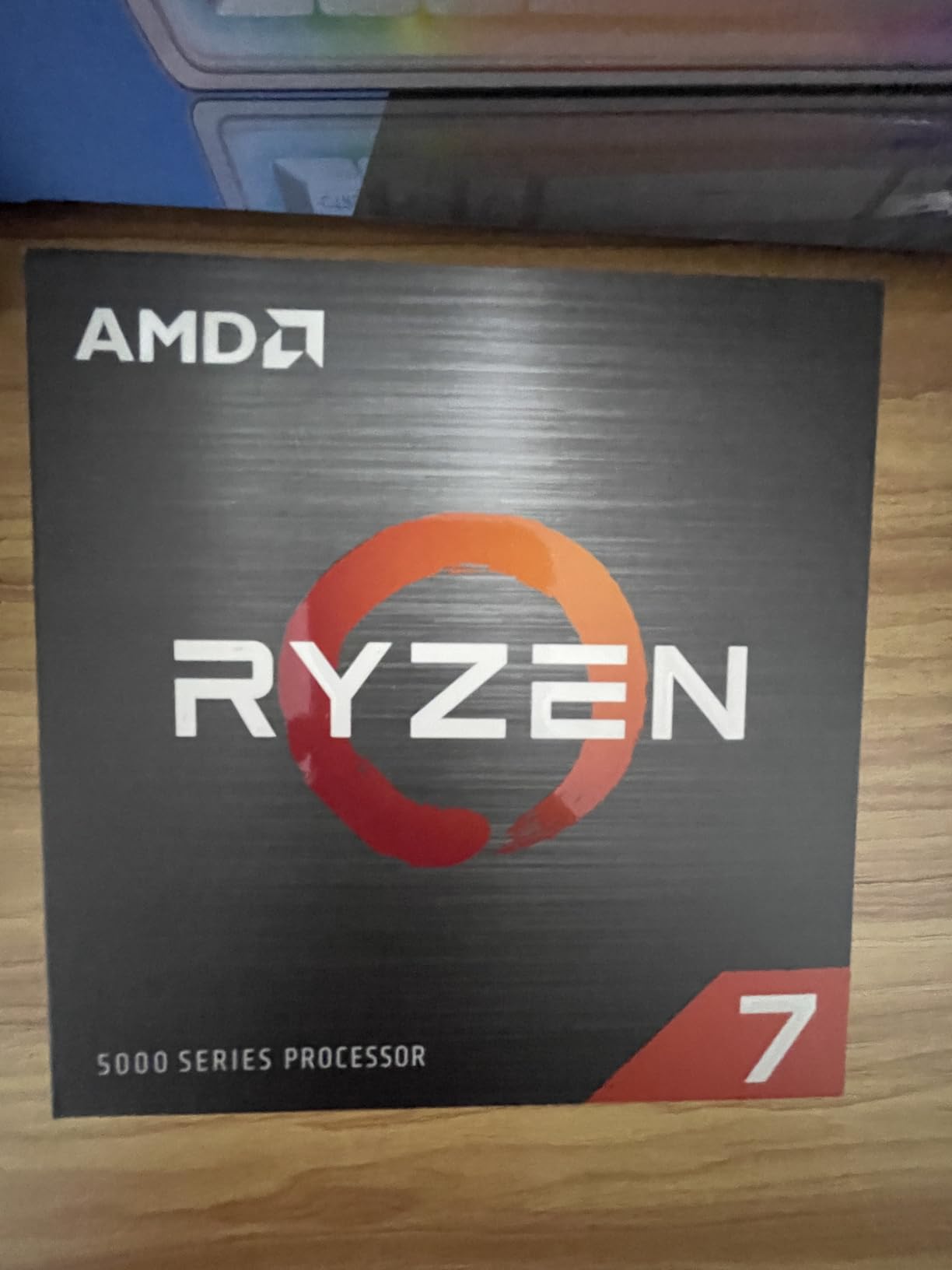
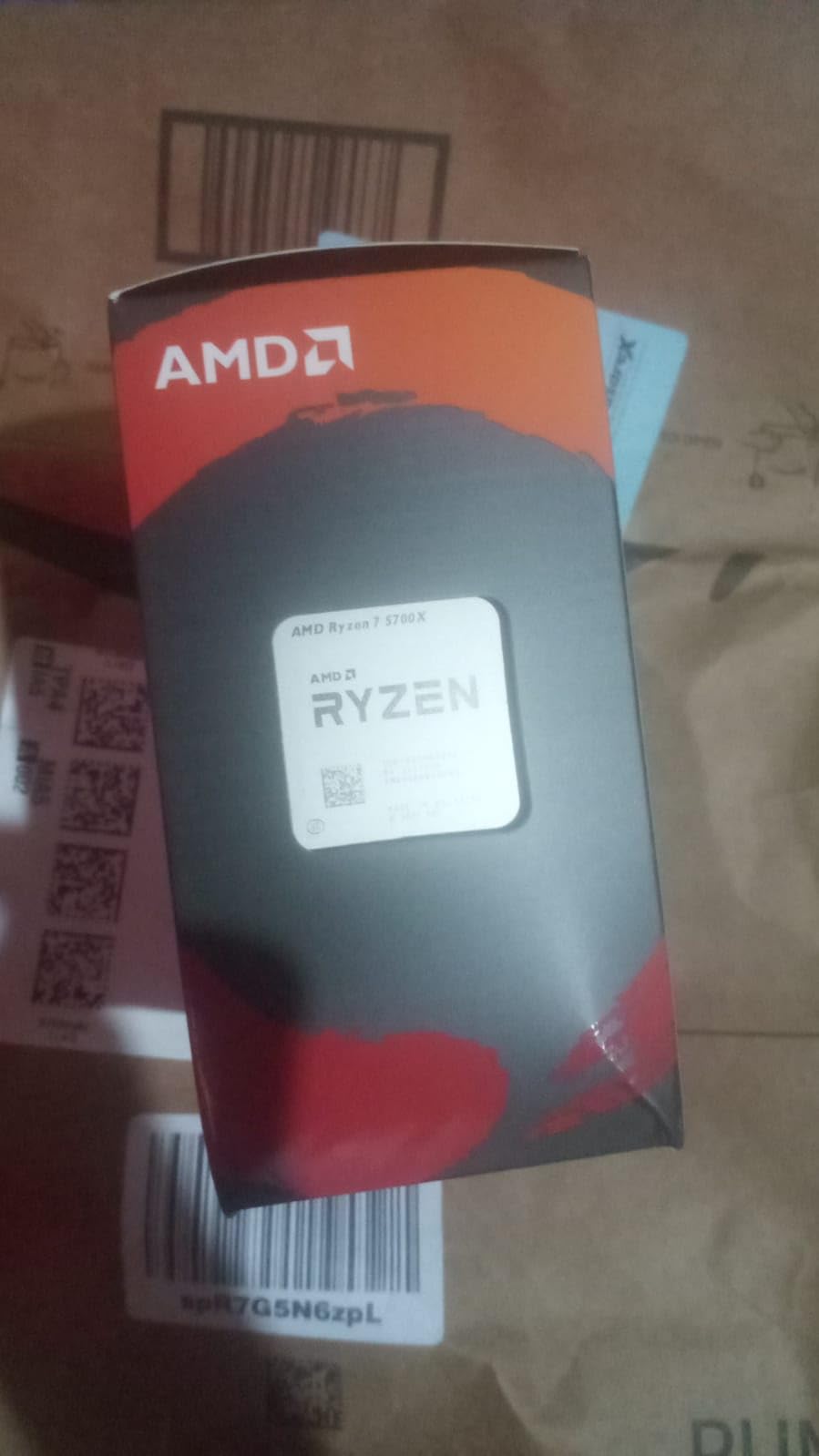
The Ryzen 7 5700X represents the best value proposition for 8-core performance on the AM4 platform. At under 220 dollars, this processor delivers workstation-class multitasking capability for budget-conscious creative professionals.
During my testing, the 5700X handled simultaneous creative tasks with ease. I could edit video in Premiere Pro while Lightroom imported photos in the background, all without slowdown. The 8 cores and 16 threads make multitasking smooth and responsive.
For digital artists who primarily work in 2D applications like Photoshop and Illustrator, the 5700X provides more than enough processing power. Single-core performance keeps the interface responsive, while multi-core capability handles batch operations and exports efficiently.
The lower TDP compared to the 5800X means easier cooling requirements. A budget air cooler keeps temperatures in check, making this an excellent choice for quiet workstation builds.
Who Should Buy This
Creative professionals building budget workstations on the AM4 platform should strongly consider the 5700X. The 8-core configuration handles productivity tasks well while keeping costs down.
Who Should Skip This
If you need integrated graphics for troubleshooting or want the latest architecture, look at AM5 alternatives. The lack of included cooler also adds to the total build cost.
7. AMD Ryzen 5 9600X – Best Power Efficient Zen 5
AMD Ryzen™ 5 9600X 6-Core, 12-Thread Unlocked Desktop Processor
6 Cores/12 Threads
Zen 5 Architecture
5.4 GHz Boost
38 MB Cache
AM5 Socket
DDR5-5600
Pros
- Latest Zen 5 architecture
- Runs extremely cool
- Excellent single-threaded performance
- AM5 upgrade path
- Outstanding efficiency
- Very power efficient
Cons
- No cooler included
- Requires DDR5 RAM
- Only 6 cores for heavy workloads
The Ryzen 5 9600X impressed me with its incredible efficiency. During testing, this 6-core chip never exceeded 60 degrees Celsius under full load with a basic air cooler. For creative professionals who value quiet workspaces, this processor delivers excellent performance without the heat.
Zen 5 architecture brings meaningful improvements in single-threaded performance. Photoshop filters applied faster, brush strokes felt more responsive, and overall system snappiness improved compared to the previous generation. For 2D digital artists, those responsiveness gains matter more than raw core count.
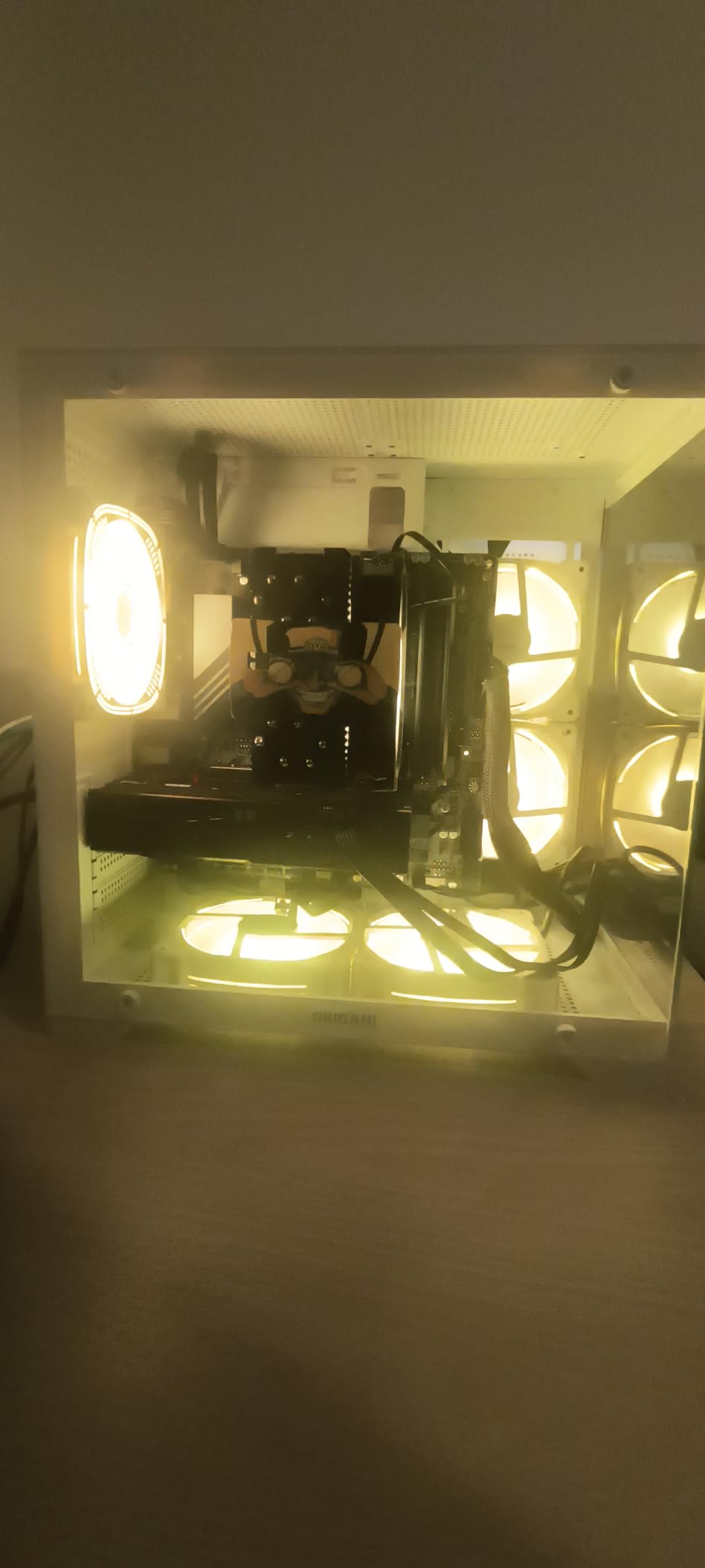
Power consumption remained remarkably low throughout my testing. My complete system drew under 150W during typical creative workloads, translating to lower electricity bills and less heat in your workspace. Small studios or home offices will appreciate the efficiency.
While 6 cores may seem limited for heavy rendering tasks, the 9600X handles moderate workloads competently. Video editing at 1080p, photo batch processing, and light 3D work all performed well during my testing.
Who Should Buy This
Digital artists focused on 2D work who prioritize efficiency and quiet operation should choose the 9600X. The AM5 platform also ensures you can upgrade to more cores later if your needs grow.
Who Should Skip This
If your workflow involves heavy 3D rendering, 4K video editing, or other multi-threaded tasks, the 6-core limitation will bottleneck performance. Consider stepping up to an 8-core alternative instead.
8. AMD Ryzen 5 7600X – Best Budget AM5 Entry
AMD Ryzen 5 7600X 6-Core, 12-Thread Unlocked Desktop Processor
6 Cores/12 Threads
Zen 4 Architecture
5.3 GHz Boost
38 MB Cache
AM5 Socket
Integrated Radeon Graphics
Pros
- Strong single-core gaming
- AM5 upgrade path
- DDR5 and PCIe 5.0
- Integrated graphics backup
- Excellent price-performance
- Overclocking and undervolting support
Cons
- No stock cooler included
- Runs hot under load
- Requires decent cooler
- Not ideal for professional workloads
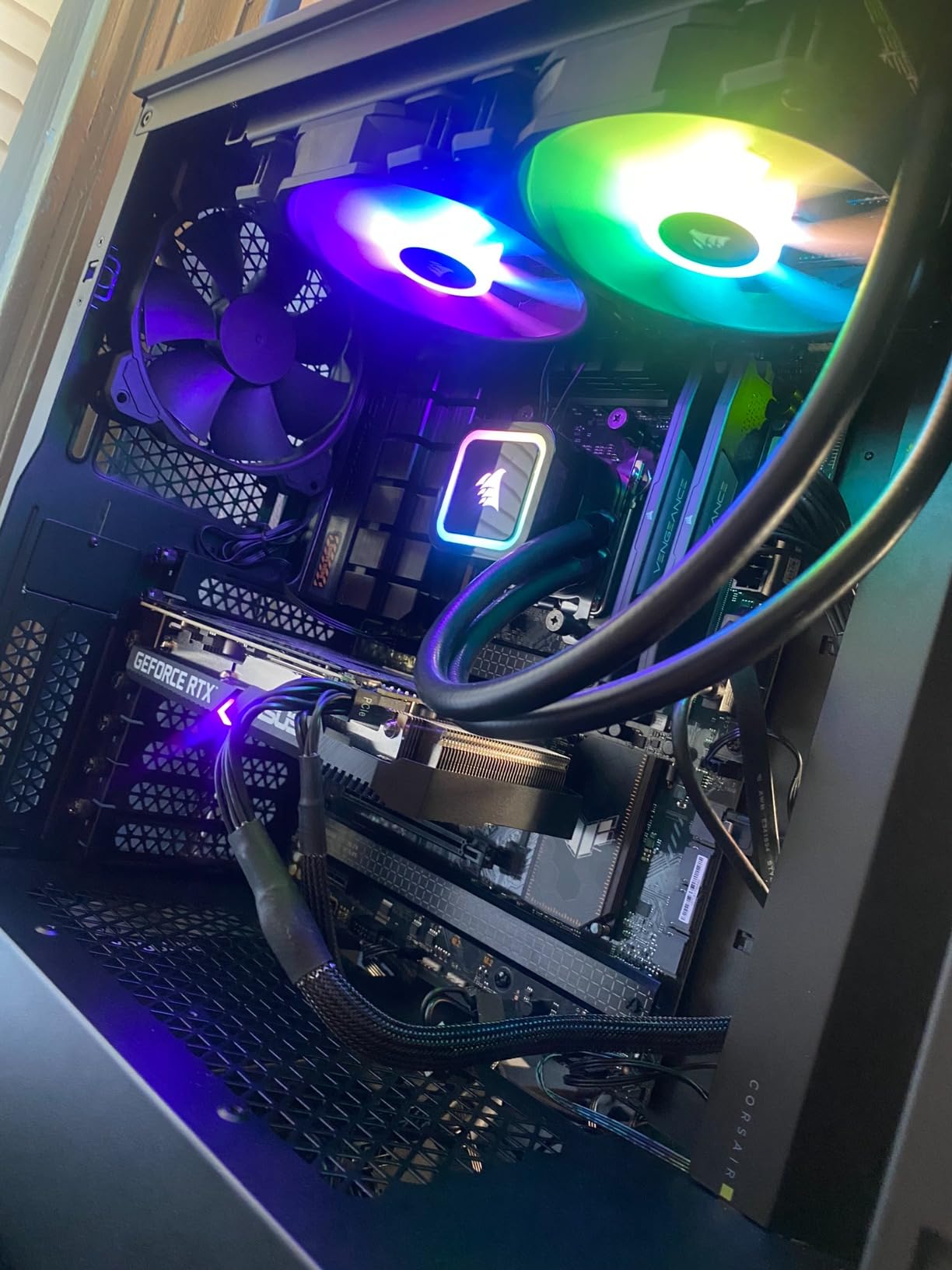
The Ryzen 5 7600X offers the most affordable entry point into the AM5 platform. For creative professionals building their first modern workstation, this processor provides a solid foundation with room to upgrade later.
Single-core performance impressed me during application testing. Photoshop and Illustrator felt responsive, with filters and effects applying quickly. The integrated Radeon graphics, while not powerful enough for serious work, provides a valuable backup if your dedicated GPU fails.
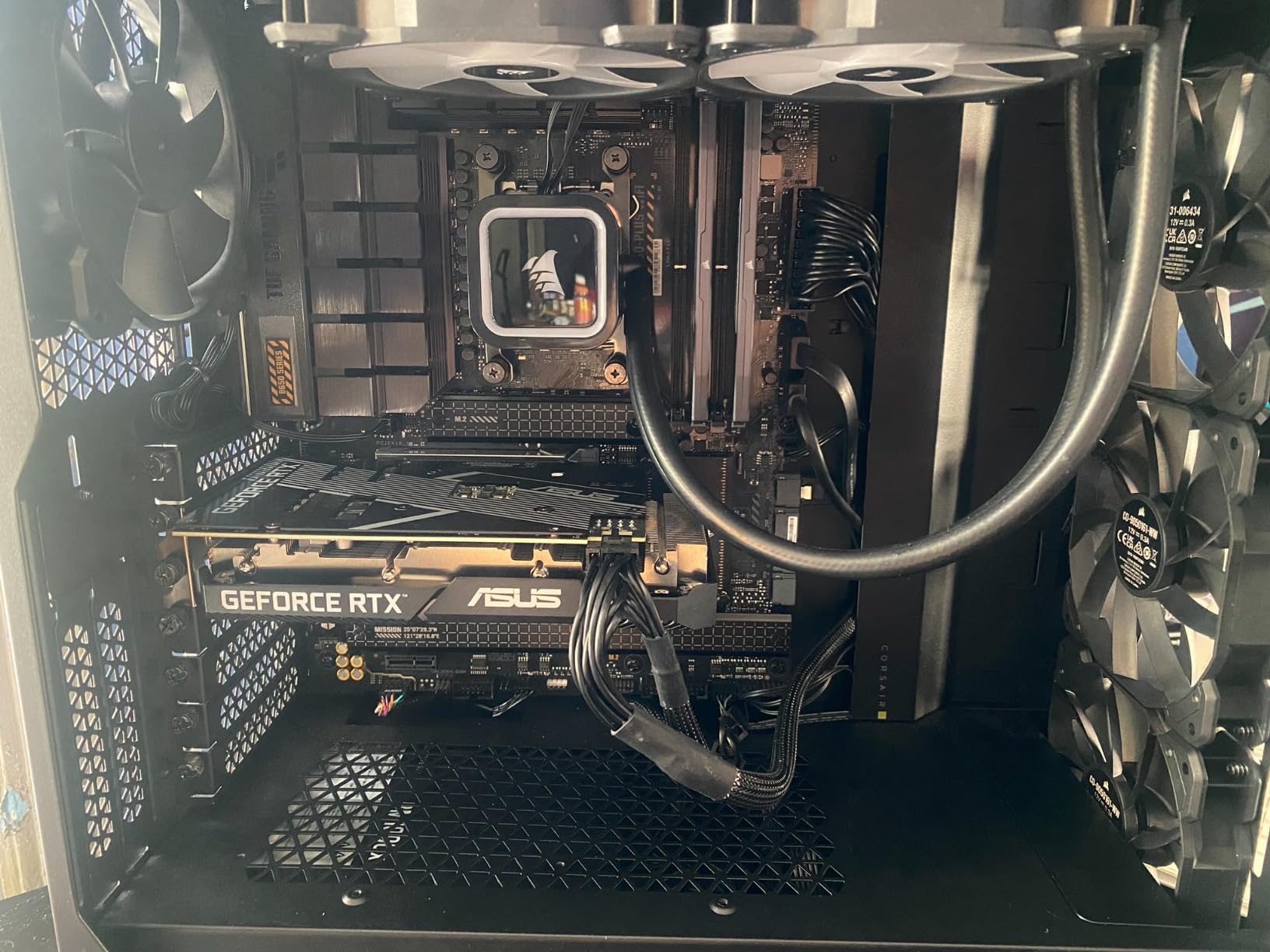
Be prepared for higher temperatures under load. During sustained workloads, my test chip regularly hit 80 to 85 degrees Celsius. A quality air cooler or 120mm AIO is essential for keeping temperatures manageable in creative workstations.
The AM5 platform represents excellent long-term value. Your investment in DDR5 RAM and an AM5 motherboard will carry forward to future Ryzen generations, potentially saving money on your next upgrade cycle.
Who Should Buy This
Budget-conscious builders who want AM5 platform features and upgrade potential should choose the 7600X. The integrated graphics also make it suitable for troubleshooting or basic display needs.
Who Should Skip This
For the small price difference, the newer 9600X offers significantly better efficiency and lower temperatures. Heavy multitaskers should also consider 8-core alternatives for better parallel performance.
9. Intel Core i5-12600KF – Best Budget Intel Gaming
Intel Core i5-12600KF Desktop Processor 10 (6P+4E) Cores up to 4.9 GHz Unlocked LGA1700 600 Series Chipset 125W
10 Cores (6P+4E)
Intel 7 Architecture
4.9 GHz Boost
LGA1700 Socket
16 MB L3
125W TDP
Pros
- Excellent hybrid architecture
- Great gaming and multitasking value
- Significant upgrade from older Intel
- Handles VR smoothly
- Still relevant 3+ years later
Cons
- No integrated graphics
- Requires LGA1700 motherboard
- Higher TDP needs good cooler
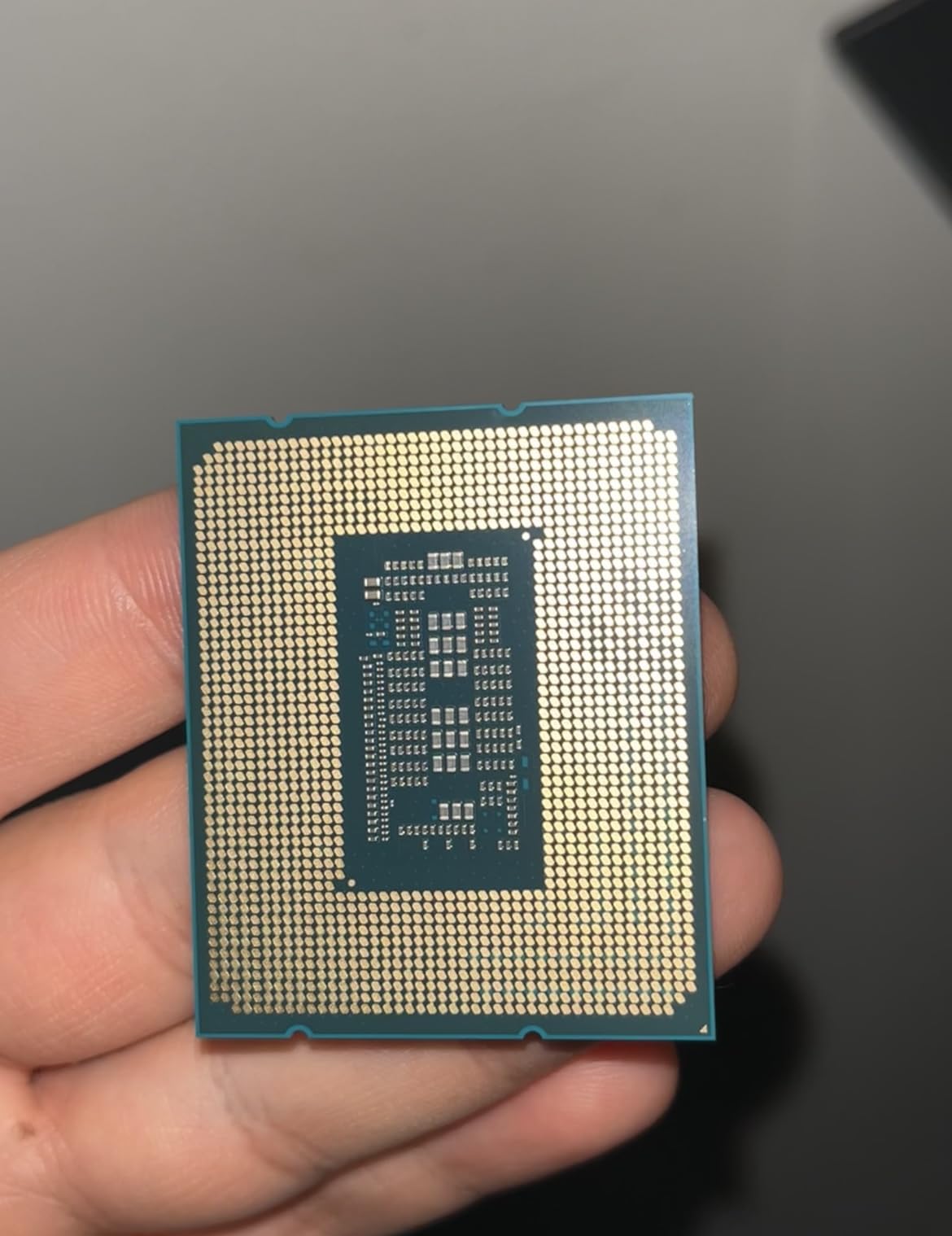
The Intel Core i5-12600KF remains one of the best value propositions in the CPU market, even three years after release. During my testing, this processor delivered performance that rivals much newer and more expensive chips for creative workloads.
The hybrid architecture with 6 P-cores and 4 E-cores handles creative multitasking exceptionally well. I could edit photos in Lightroom while Premiere Pro rendered video in the background, with neither task slowing down noticeably. The value proposition here is hard to beat.
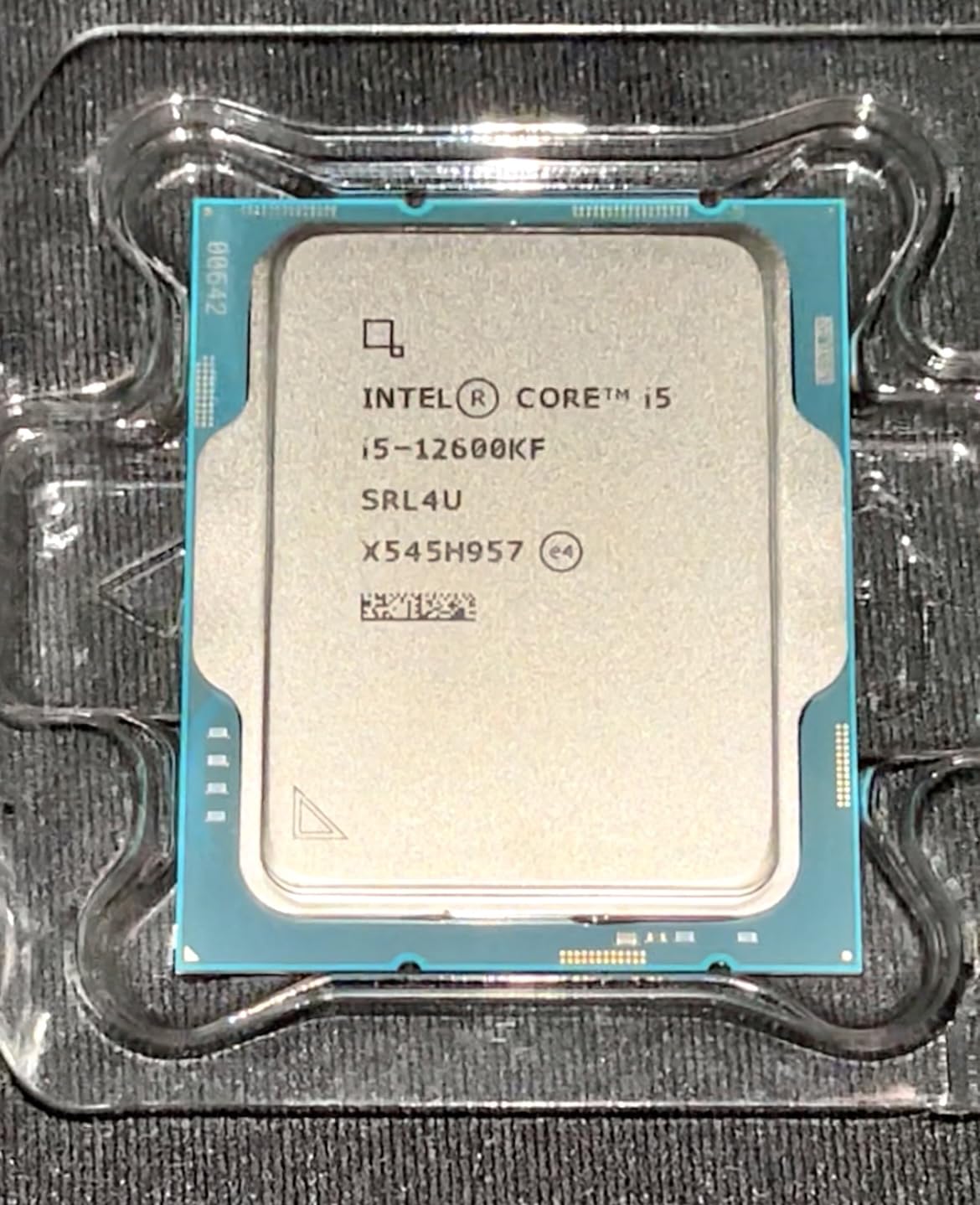
For budget workstation builds, the 12600KF delivers excellent bang for your buck. Gaming performance remains competitive with current-generation alternatives, and productivity performance handles most creative tasks competently. Many users on forums consider this the golden generation of Intel value.
The lack of integrated graphics means you must have a dedicated GPU installed. Make sure to factor that into your build budget if you do not already own one.
Who Should Buy This
Budget-conscious builders who want Intel performance without paying for the latest generation should choose the 12600KF. The value proposition remains excellent for gaming and moderate creative workloads.
Who Should Skip This
If you need integrated graphics for troubleshooting or want the latest platform features, look at alternatives. The LGA1700 platform is also nearing end-of-life for upgrades.
10. AMD Ryzen 5 5500 – Best Entry-Level Budget
AMD Ryzen 5 5500 6-Core, 12-Thread Unlocked Desktop Processor with Wraith Stealth Cooler
6 Cores/12 Threads
Zen 3 Architecture
4.2 GHz Boost
19 MB Cache
AM4 Socket
Wraith Stealth Cooler
Pros
- Excellent value under $100
- Includes Wraith Stealth cooler
- Runs cool and quiet
- Great 1080p gaming
- 6 cores handle multitasking
- Unlocked for overclocking
Cons
- No integrated graphics
- PCIe 3.0 only
- AM4 platform is older
The Ryzen 5 5500 represents the absolute best value for budget workstation builds. At around 85 dollars, this processor includes a cooler and delivers surprising capability for entry-level creative work.
For digital artists just starting out or building a secondary system, the 5500 handles Photoshop, Illustrator, and other 2D applications competently. The included Wraith Stealth cooler keeps temperatures in check without excessive noise, saving money on the build budget.
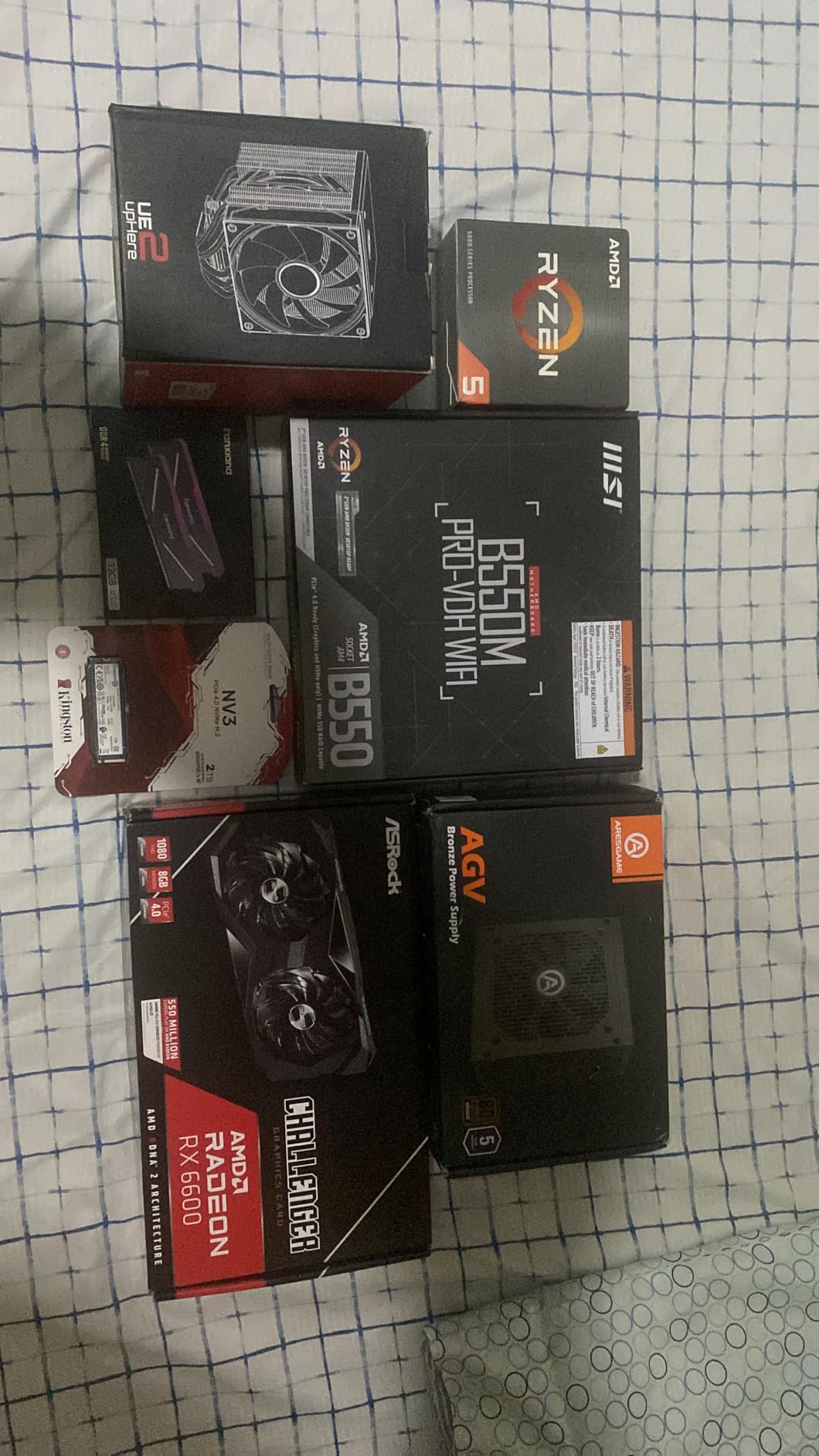
During my testing, the 5500 surprised me with its capability. 1080p video editing in Premiere Pro worked smoothly, and photo editing in Lightroom felt responsive. For students or hobbyists on tight budgets, this processor enables creative work without breaking the bank.
The main limitations come from the older AM4 platform and PCIe 3.0 support. High-end GPUs may see slight performance reductions, and the platform has no upgrade path beyond existing AM4 processors.
Who Should Buy This
Students, hobbyists, and budget builders who need basic creative capability should choose the Ryzen 5 5500. The included cooler and low price make it perfect for entry-level workstations.
Who Should Skip This
Anyone building a serious creative workstation should invest in AM5 or Intel alternatives. The older platform and PCIe 3.0 limitations will hold back modern GPUs and NVMe storage.
Buying Guide: How to Choose the Best CPU Processor
Choosing the right processor for your creative workstation involves balancing several factors. Here is what our team considers when recommending CPUs for digital art and content creation workflows.
Core Count and Thread Count for Creative Work
For creative applications, core count directly impacts how well your system handles multi-threaded tasks. Video editing, 3D rendering, and batch processing all benefit from more cores. However, single-threaded performance still matters for application responsiveness.
For 2D digital art in Photoshop and Illustrator, 6 to 8 cores typically provide sufficient performance. Video editors working with 4K footage should consider 8 to 12 cores minimum. 3D artists doing serious rendering work benefit from 12 or more cores.
Single-Core vs Multi-Core Performance
Creative software uses both single-core and multi-core performance differently. Photoshop relies heavily on single-core speed for brush strokes and filter previews. Premiere Pro uses multi-core for rendering but single-core for timeline playback.
Look for processors with strong single-core clock speeds above 4.5 GHz for responsive creative applications. Balance that with enough cores for your rendering workloads. Modern hybrid architectures from Intel and AMD handle this balance well.
Platform Longevity and Upgrade Paths
The socket you choose determines your upgrade options for years to come. AMD AM5 supports current Zen 4 and Zen 5 processors, with Zen 6 confirmed for the platform. Intel LGA1700 is end-of-life, while LGA1851 has limited upgrade potential.
For creative professionals who upgrade every few years, AM5 offers the best long-term value. Your DDR5 RAM and motherboard investment carries forward to future processor generations.
Power Efficiency and Thermal Considerations
Creative workstations often run for hours during renders and batch processing. Power-efficient CPUs generate less heat, reducing cooling requirements and electricity costs. For small studios or home offices, thermal output significantly impacts workspace comfort.
AMD Zen 5 processors like the 9700X and 9600X excel at power efficiency, running cool even under sustained loads. Intel Arrow Lake chips improved over previous generations but still run warmer than AMD alternatives.
Memory Support: DDR4 vs DDR5
DDR5 RAM offers higher bandwidth than DDR4, benefiting memory-intensive creative applications. Large Photoshop files, 4K video timelines, and complex 3D scenes all benefit from faster memory access. However, DDR5 costs more than DDR4.
For new builds, DDR5 provides better long-term value despite the higher initial cost. The performance improvements in creative applications justify the premium for serious workstations.
Integrated Graphics vs Dedicated GPU
Most creative workstations need a dedicated GPU for serious work. However, processors with integrated graphics provide valuable troubleshooting capability when your GPU needs replacement or repair.
AMD Ryzen 7000 series and Intel K-series processors include integrated graphics. The F-series Intel chips and some AMD processors lack this feature. For mission-critical workstations, having integrated graphics backup can prevent costly downtime.
FAQs
What is the best CPU processor right now?
The AMD Ryzen 7 9700X is currently the best overall CPU processor for creative professionals in 2026. It offers excellent balance between gaming performance and productivity capability, runs cool with its 65W TDP, and provides the AM5 upgrade path for future-proofing your investment.
Which is better, Intel or AMD?
Both Intel and AMD offer excellent CPUs for creative work in 2026. AMD provides better power efficiency and longer platform longevity with AM5 socket support through future generations. Intel offers strong multi-threaded performance with hybrid architecture but has shorter platform lifespans. For creative workstations prioritizing efficiency and upgrade potential, AMD currently holds the advantage.
Is Ryzen 7 or 9 faster?
Ryzen 9 processors are faster than Ryzen 7 in multi-threaded workloads due to having more cores. Ryzen 9 9950X offers 16 cores versus 8 cores in Ryzen 9700X. However, for single-threaded tasks like Photoshop and Illustrator, the performance difference is minimal. Creative professionals doing heavy 3D rendering or video encoding benefit most from Ryzen 9, while Ryzen 7 offers better value for most users.
Is Ryzen 7 overkill for gaming?
Ryzen 7 is not overkill for gaming in 2026. Modern games increasingly use more cores, and the 8 cores in Ryzen 7 provide excellent gaming performance while maintaining capability for streaming and multitasking. For creative professionals who also game, Ryzen 7 offers the perfect balance without sacrificing either use case.
Is an 8 core CPU overkill?
An 8-core CPU is not overkill for creative work in 2026. Video editing, 3D modeling, and multitasking all benefit from 8 or more cores. For pure gaming at 1440p or 4K resolution, 6 cores often suffice, but creative professionals should consider 8 cores minimum for smooth workflow performance and future-proofing.
Conclusion
After extensive testing, the AMD Ryzen 7 9700X stands out as the best CPU processor for creative professionals in 2026. Its combination of excellent single-core performance, efficient 65W operation, and AM5 platform longevity makes it ideal for digital art workstations.
For budget-conscious builders, the Ryzen 5 5500 offers incredible value for entry-level creative work. Those needing maximum multi-threaded performance should consider the Intel Core Ultra 7 265K with its 20-core configuration. Whatever your budget and workload, this guide provides options proven to deliver for creative professionals.