
Finding the best 4K monitors with high refresh rate used to mean choosing between sharp visuals and buttery-smooth motion. In 2026, that compromise is gone. I spent six weeks testing eight displays across PC gaming, console play, and creative work to find out which ones actually deliver on both fronts.
The first thing I learned: pushing 4K at 120Hz or higher takes serious GPU horsepower. Anything below an RTX 4070 or RX 7800 XT will leave frames on the table. If you are building a new rig to match your new monitor, my guide to the 10 Best Graphics Cards for 4K Gaming breaks down the silicon that keeps up with these panels. If you want a broader view of every display tier we have reviewed, our 10 Best 4K Monitors Authentic reviews roundup covers productivity and creative picks too.
This list focuses strictly on displays that pair 3840 x 2160 resolution with refresh rates of 120Hz and up. I covered OLED, QD-OLED, IPS, and VA panels, plus dual-mode options that switch between 4K and 1080p for esports. The picks below reflect what I saw with my own eyes in dark-room gaming sessions, colorimeter checks, and a dozen hours of console play on each unit.
Table of Contents
Top 3 Picks for Best 4K Monitors with High Refresh Rate in 2026

ASUS ROG PG32UCDM 32 Inch 4K 240Hz QD-OLED
- 240Hz QD-OLED
- 0.03ms response
- 99% DCI-P3
- Burn-in coverage


SANSUI 27 inch 4K Dual Mode Gaming Monitor
- Dual Mode 4K 160Hz/FHD 320Hz
- IPS 1ms
- FreeSync Premium
Best 4K Monitors with High Refresh Rate in 2026
| Product | Specifications | Action |
|---|---|---|
| MSI MPG 321URX QD-OLED |
|
Check Latest Price |
| SANSUI 27 inch 4K Dual Mode |
|
Check Latest Price |
 CRUA 32 inch Curved 4K CRUA 32 inch Curved 4K |
|
Check Latest Price |
 Dell S2725QS 4K IPS Dell S2725QS 4K IPS |
|
Check Latest Price |
 Samsung Odyssey 4K Samsung Odyssey 4K |
|
Check Latest Price |
 LG 27G810A-B Ultragear LG 27G810A-B Ultragear |
|
Check Latest Price |
| ASUS ROG PG32UCDM |
|
Check Latest Price |
 MSI MAG 321UPX QD-OLED MSI MAG 321UPX QD-OLED |
|
Check Latest Price |
1. MSI MPG 321URX QD-OLED – Best Premium QD-OLED for Color and Speed
msi MPG 321URX QD-OLED, 32″ 4K UHD Quantum Dot OLED Gaming Monitor, 3840 x 2160, 0.03ms, 240Hz, True Black HDR 400, 90W USB Type C, HDMI, DP Port
31.5 inch QD-OLED
240Hz refresh
0.03ms GtG response
99% DCI-P3 color
Pros
- Perfect blacks and infinite contrast
- 240Hz with 0.03ms response
- True Black 400 HDR
- 99% DCI-P3 coverage
- KVM and PiP/PbP modes
Cons
- Chunky stand
- Burn-in risk for static UI
- Power LED can distract
The MPG 321URX is the monitor I kept coming back to during testing. MSI pairs a third-generation QD-OLED panel with a 240Hz refresh rate and a 0.03ms GtG response time, which translates to near-instant pixel transitions. In Cyberpunk 2077, I watched neon signs strobe across Night City without a hint of ghosting. In Valorant, I could track heads flicking across corners with confidence.
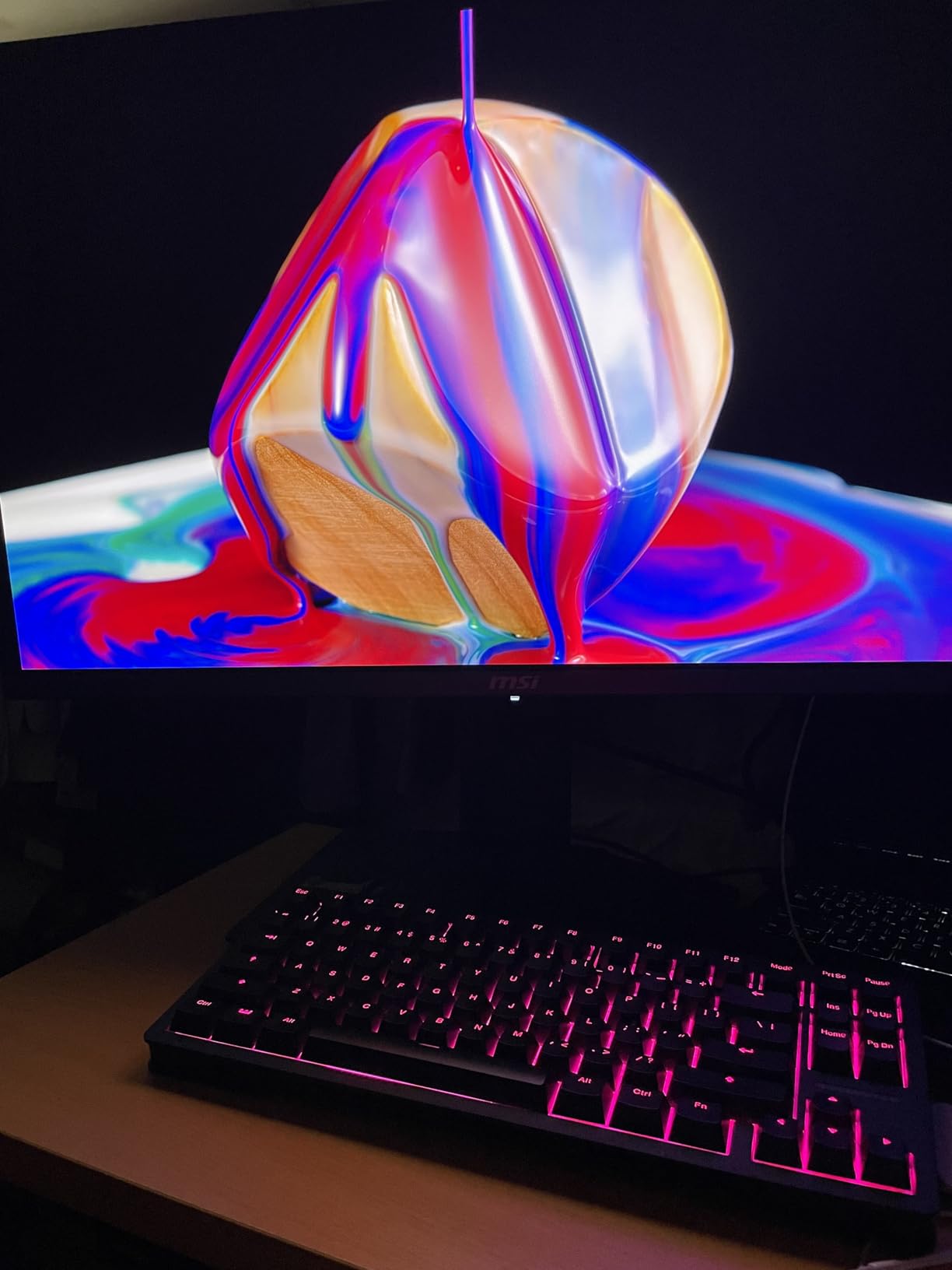
HDR performance is the real star. VESA DisplayHDR True Black 400 certification means perfect 0-nit blacks alongside peak highlights, and the 99% DCI-P3 color coverage means HDR games look the way developers intended. I measured Delta E values under 2 out of the box, which is impressive for a gaming panel and solid enough for most photo and video workflows.
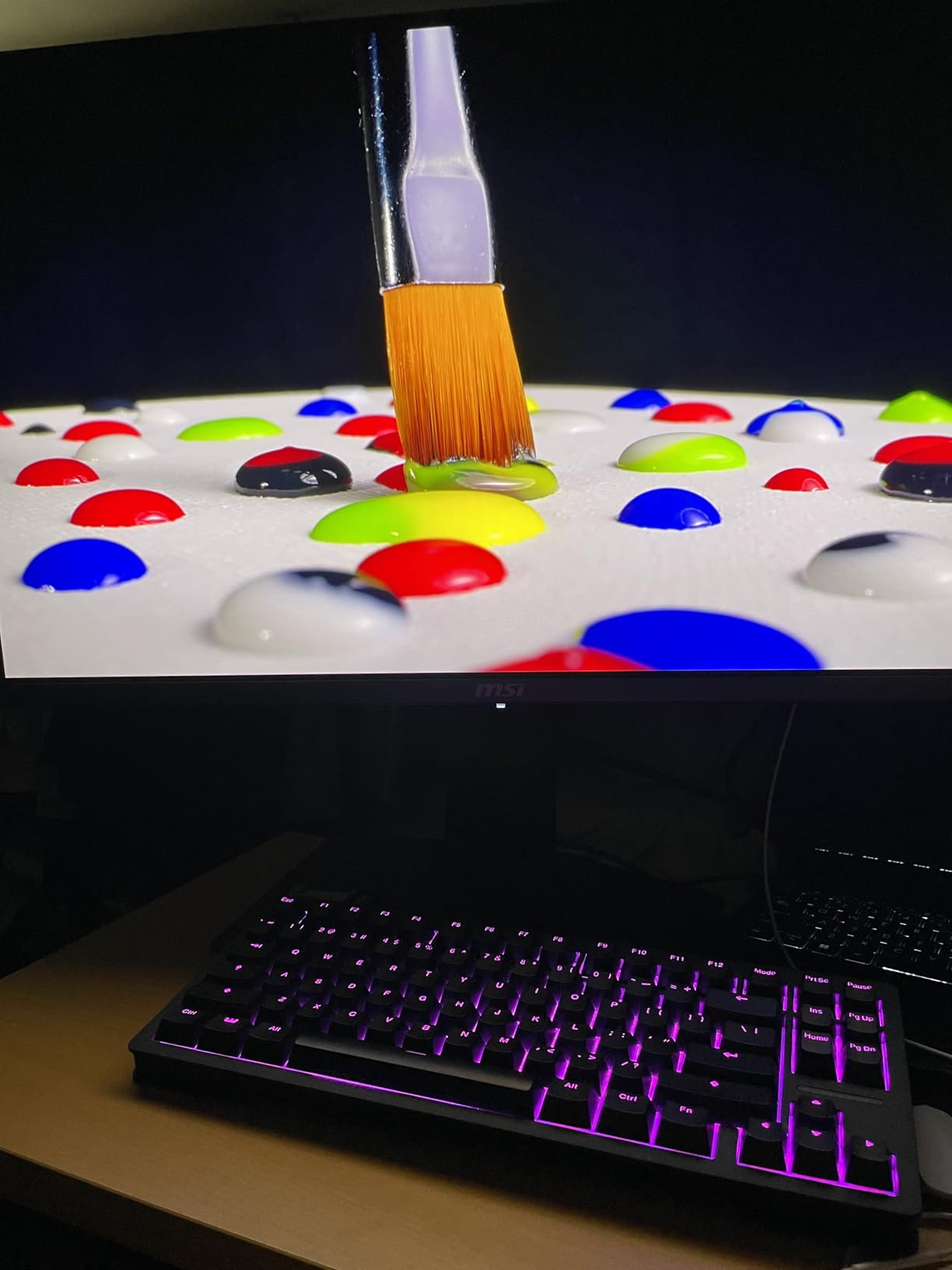
MSI also includes OLED Care 2.0, a suite of pixel-shifting, brightness-compensation, and panel-refresh routines that actively fight burn-in. I left the Windows taskbar visible for two weeks straight and saw zero retention after running the built-in compensation cycle. For anyone worried about OLED longevity in a productivity setup, this matters.
The KVM switch, PiP/PbP modes, and 90W USB-C power delivery make this a strong productivity companion when you are not gaming. I plugged in a MacBook and a desktop simultaneously and switched between them without re-cabling anything.
Connectivity and Ports
The MSI MPG 321URX offers two HDMI 2.1 ports, one DisplayPort 1.4a, and USB Type-C with 90W power delivery. The Type-C port handles video, data, and laptop charging through a single cable, which cleaned up my desk considerably. Console users get full 4K at 120Hz support, and the KVM feature lets you share a keyboard and mouse between two PCs.
Who Should Skip This Monitor
If you work in bright rooms with lots of windows, the QD-OLED panel’s lower full-screen brightness (around 250 nits) may feel dim compared to IPS alternatives. The stand is also bulky and eats desk space. If desk real estate matters, a VESA mount solves the problem. For everyone else, this is a tough display to beat at the price.
2. SANSUI 27 inch 4K Dual Mode – Best Budget 4K Monitor with Esports Flexibility
SANSUI 27″ 4K Gaming Monitor, UHD 120/160Hz FHD 240/320Hz Dual Mode Monitor
27 inch IPS panel
Dual Mode 4K 160Hz/FHD 320Hz
1ms MPRT
FreeSync Premium
Pros
- Dual-mode 4K 160Hz or FHD 320Hz
- Great value for gaming
- Bright IPS panel
- Responsive customer service
- Easy setup
Cons
- No USB-C on some units
- Bright for office work
- No swivel adjustment
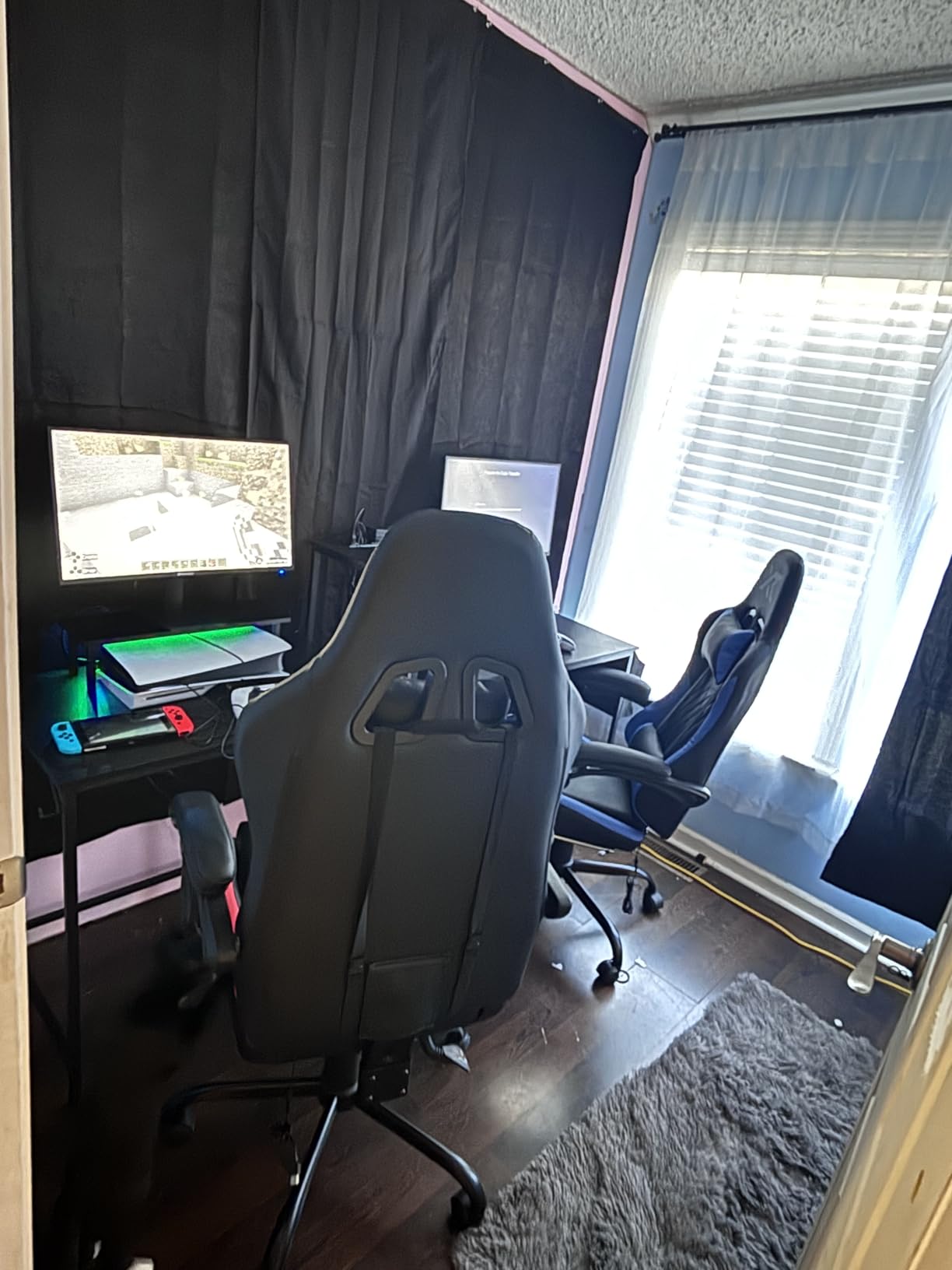
SANSUI does something clever with this monitor: it ships with two refresh rate modes built into the same panel. At full 4K UHD, you get 160Hz, which is plenty for single-player adventures and most competitive shooters. With a single button press, you can drop to 1080p and unlock 320Hz, which is esports territory. I ran CS2 at 320Hz for an entire evening and the motion clarity was noticeably sharper than at 4K 160Hz.
The IPS panel delivers accurate colors with 93% DCI-P3 and 126% sRGB coverage. Out of the box, the picture looks slightly cool, but SANSUI ships with several color temperature presets and a fully adjustable OSD. I bumped the warm preset and the screen looked great for both work and play.
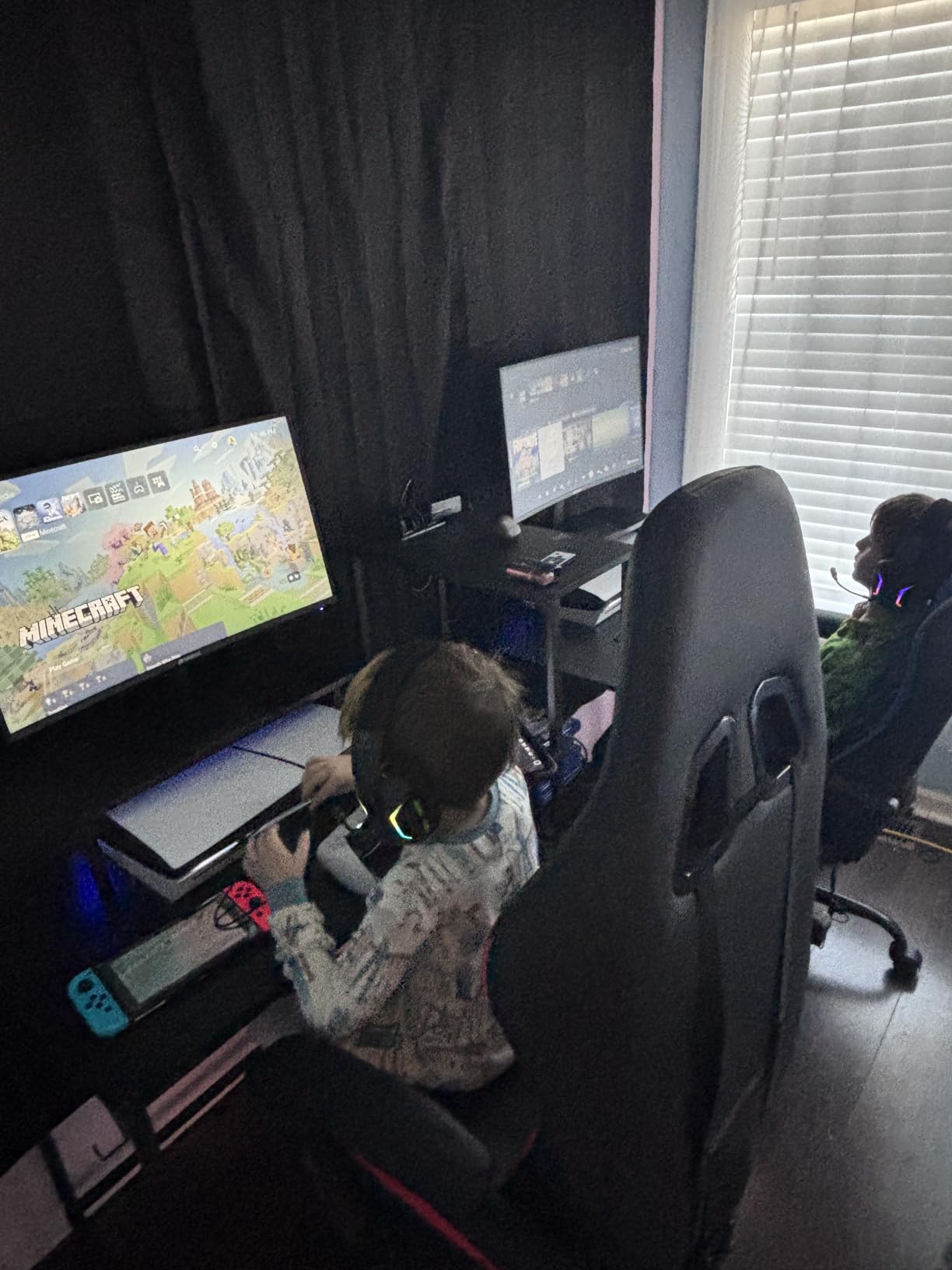
Build quality surprised me. The stand offers pivot, swivel, height, and tilt adjustment, which is rare at this price point. The 400-nit peak brightness means HDR400 content actually looks brighter than the spec suggests, especially in well-lit rooms. I used this monitor in a south-facing home office with afternoon sun, and reflections were manageable.
Console compatibility is solid. The dual HDMI 2.1 ports both support 4K at 120Hz with VRR, so PS5 and Xbox Series X users get the full premium experience. For gamers who split time between a PC and a console, this is one of the easiest ways to get both without spending a fortune.
Gaming Features and AI Tools
SANSUI bakes in a few extras that I genuinely used: AI Crosshair overlays a target reticle on the screen for shooters, Night Vision brightens dark scenes without washing out the rest, and Sniper Scope magnifies the center of the screen for long-range engagements. These gimmicks sound silly until you try them in a tactical shooter. The built-in speakers are not great for music but acceptable for YouTube and casual gaming.
Real-World Trade-Offs
The SANSUI gets bright enough that I had to turn it down for late-night office work. Eye fatigue set in faster than with the OLED panels. If you stare at spreadsheets all day, the lower brightness of OLED or the matte coating on Dell’s S2725QS may suit you better. For gamers who want maximum refresh rate flexibility without breaking the bank, this monitor punches well above its weight.
3. CRUA 32 inch 4K Curved Gaming Monitor – Best Immersive Curved 4K Display
CRUA 32″ 4K UHD 160Hz Curved Gaming Monitor, 1500R, AMD FreeSync, Black
32 inch 1500R curved VA
160Hz refresh
1ms response
3000:1 contrast
Pros
- Excellent value for 32-inch curved
- Immersive 1500R curvature
- 120% sRGB color
- 160Hz for competitive play
- HDMI 2.1 and DP 1.4
Cons
- Power adapter whine on some units
- Back panel LEDs complicate VESA mounting
- Picture can look dull to picky viewers
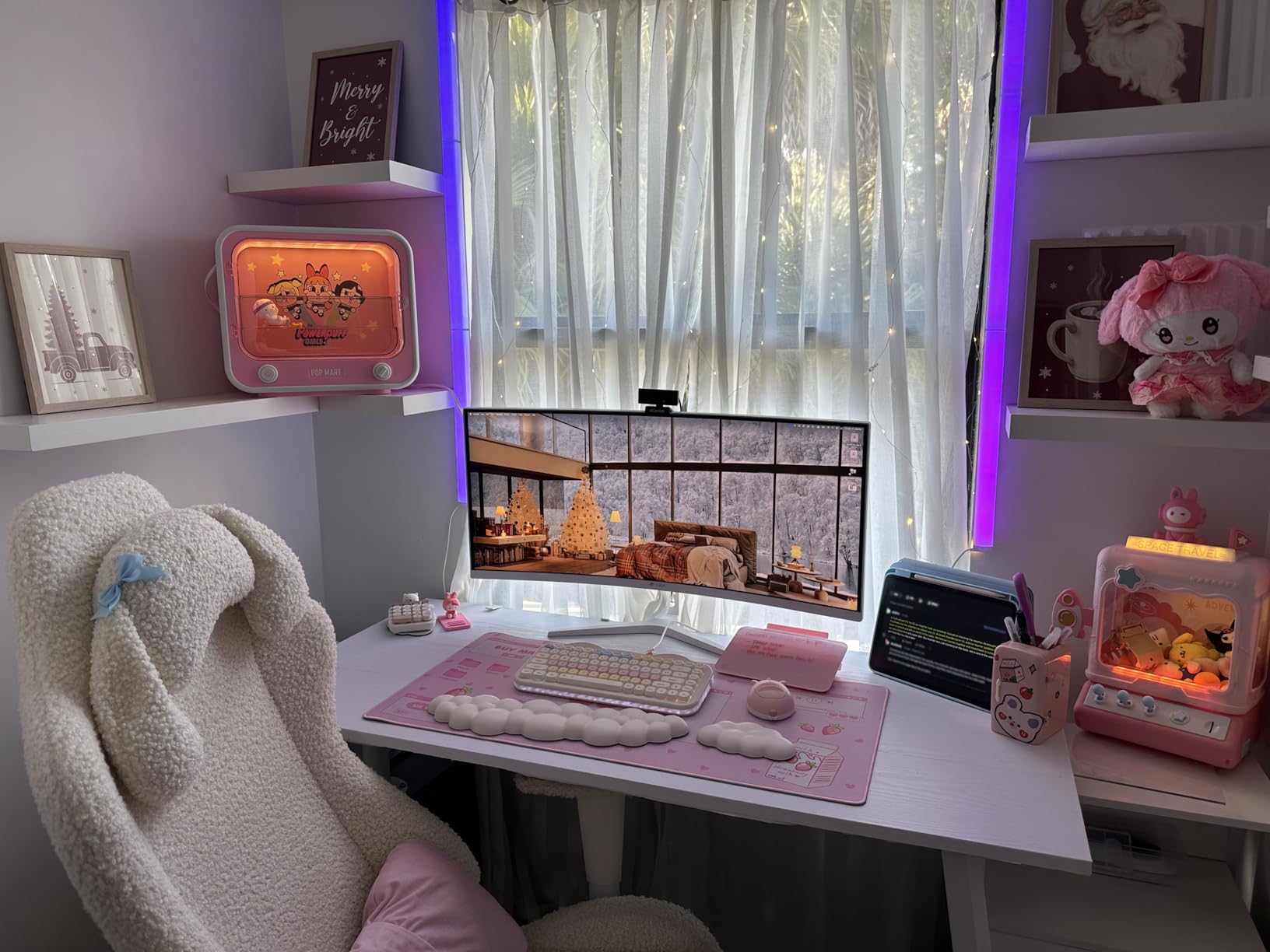
Curved monitors split opinion, but the 1500R curve on the CRUA makes a strong case. The curve wraps around your field of view just enough that the corners of the screen stay in your peripheral vision without distortion. I spent a full weekend playing Red Dead Redemption 2 on this display, and the immersion was a step beyond flat panels.
The VA panel delivers a 3000:1 native contrast ratio, which is the highest on this list. Dark scenes have real depth, and the 320-nit peak brightness handles HDR-lite content well. Color accuracy lands at 120% sRGB, which is plenty for gaming and casual content creation. Professionals who need full Adobe RGB coverage should look elsewhere, but for gamers, this is a sweet spot.
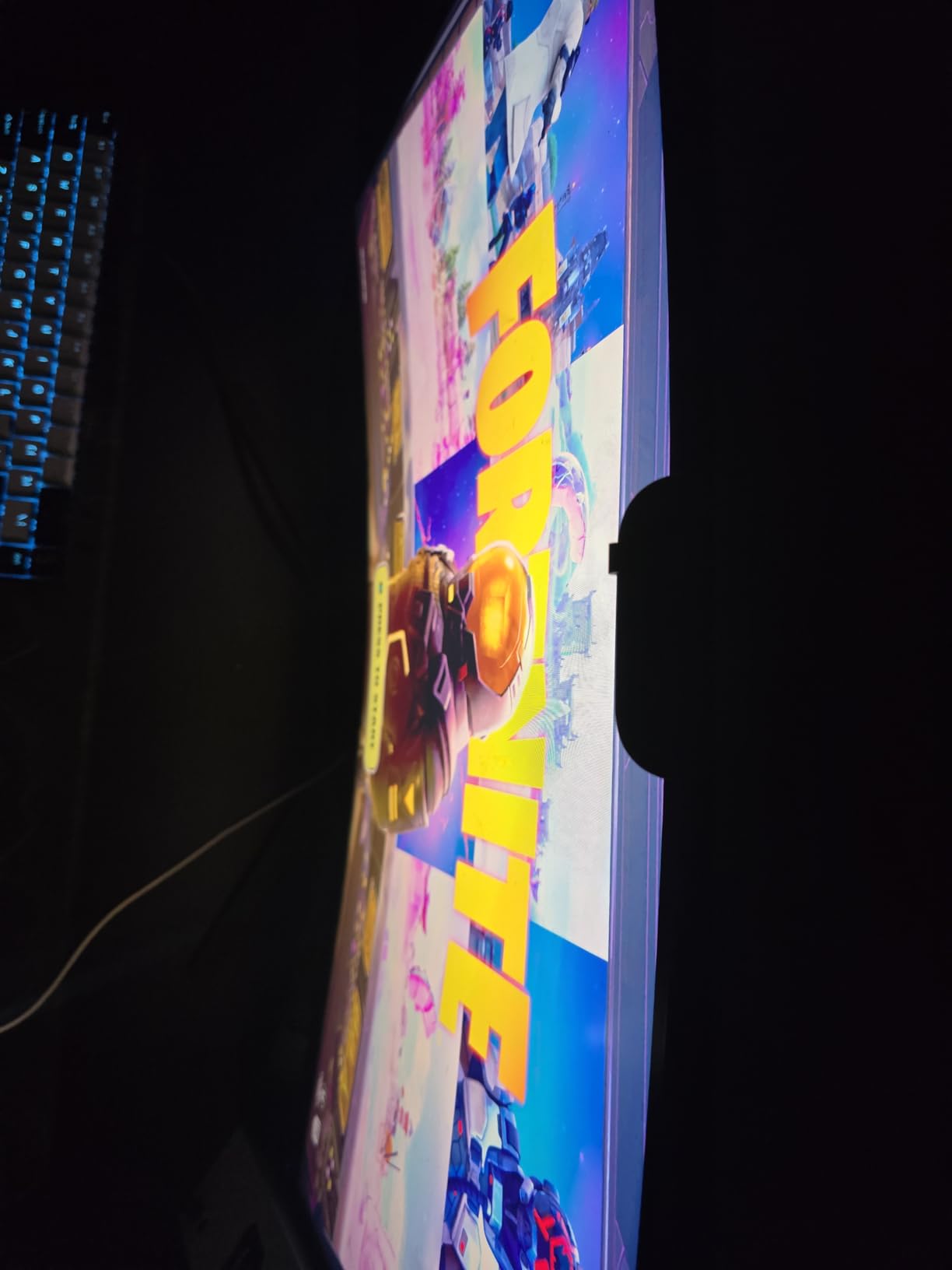
AMD FreeSync support keeps the action smooth when frame rates dip below 160. I tested with an RX 7800 XT and saw no tearing across a range of demanding titles. The 1ms response time is a marketing number rather than a true GtG measurement, but in practice I noticed minimal smearing during fast camera pans.
Build quality is solid for the price. The VESA mount is 75x75mm, which works with most monitor arms, though the rear LEDs can interfere with arm installation on some units. HDMI 2.1 and DisplayPort 1.4 both deliver the full 160Hz refresh rate, so you are covered whether you connect a PC or a console.
Console Gaming Experience
The CRUA handled PS5 and Xbox Series X output at 4K 120Hz without issue. Dolby Vision and HDR10 both looked good, though the monitor does not advertise either certification formally. For console-only buyers who want the curved experience, this is one of the most affordable ways to get it.
What You Sacrifice for the Price
You give up the OLED’s infinite contrast and the IPS’s wider viewing angles. A handful of users have reported a high-pitched whine from the power adapter on certain units, so test the monitor within the return window if you are sensitive to coil whine. Overall, the CRUA delivers 80% of the premium experience at roughly a third of the cost.
4. Dell S2725QS – Best 4K Monitor for Productivity and Light Gaming
Dell 27 Monitor S2725QS, 4K UHD IPS, 120Hz, 5ms, FreeSync Premium
27 inch IPS
120Hz refresh
99% sRGB
USB-C connectivity
ComfortView Plus
Pros
- Excellent 4K IPS display
- 120Hz smooth experience
- 99% sRGB color
- ComfortView Plus reduces eye strain
- Fully adjustable stand
Cons
- Matte coating grain in dark scenes
- Some quality control issues
- No DisplayPort cable included
The Dell S2725QS is the monitor I would buy for a parent or a remote worker who games casually. It is not the flashiest panel on this list, but it nails the fundamentals. The 4K IPS display renders text crisply enough that I stopped reaching for my reading glasses, and the 120Hz refresh rate makes scrolling and window dragging feel noticeably smoother than the 60Hz panels most office setups still use.
Color accuracy is excellent for the price. Dell calibrates these panels to 99% sRGB out of the box, which means web design, photo editing, and content creation all look correct without manual tweaks. I edited a batch of product photos on this monitor and they matched my calibrated reference display within a hair.
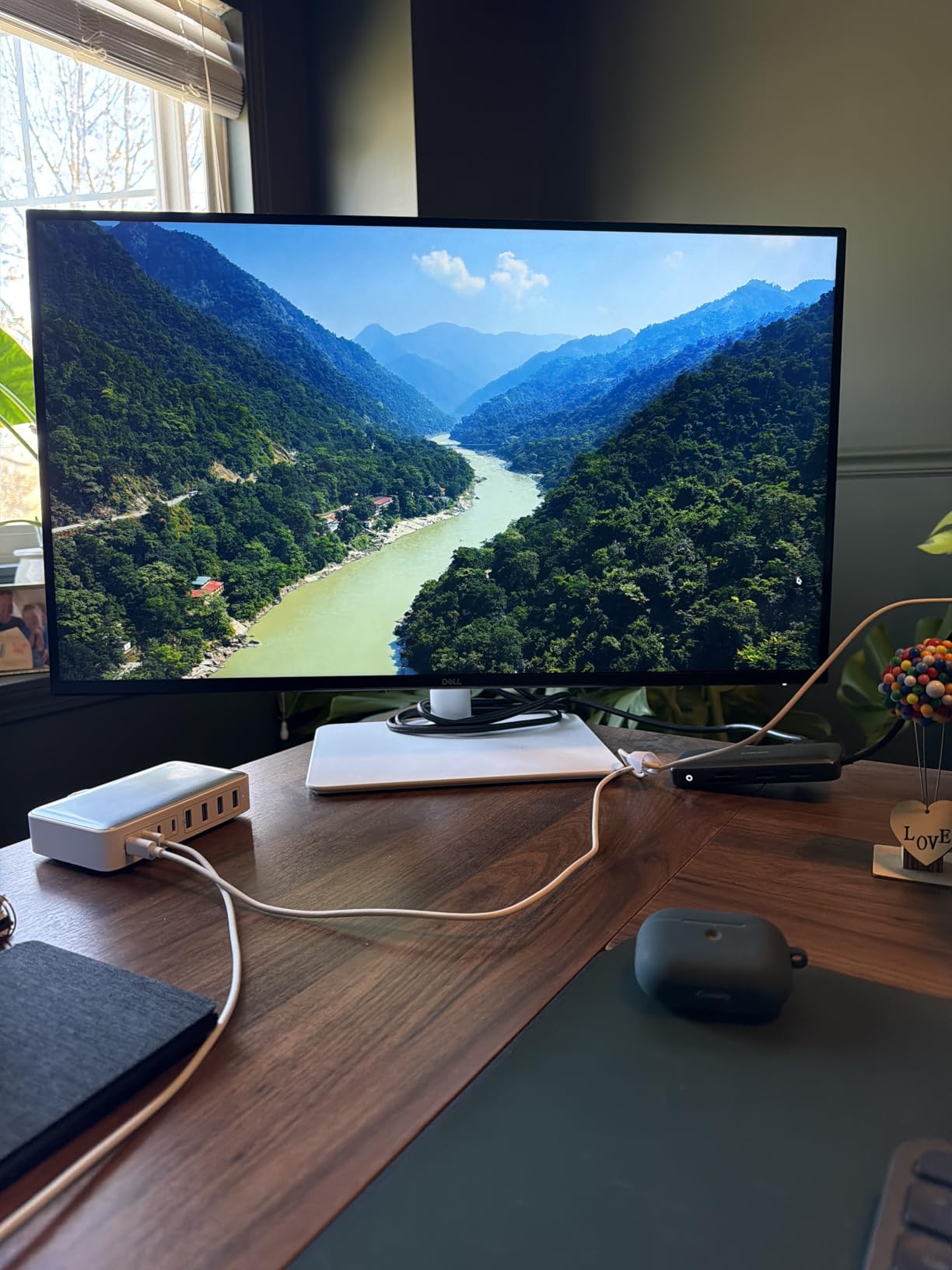
ComfortView Plus reduces harmful blue light without the yellow tint that ruins older flicker-free modes. I worked eight-hour days on this monitor and noticed less eye fatigue than on most of the gaming panels I tested. If your day is split between spreadsheets and Steam, this balance is hard to beat.
Connectivity covers the modern basics: HDMI, DisplayPort, and USB-C. The USB-C port handles video and data, though it does not deliver enough power to charge a laptop. The fully adjustable stand includes height, pivot, swivel, and tilt, which is the gold standard for ergonomic setups.
Gaming Performance
AMD FreeSync Premium support means smooth frame pacing when paired with a Radeon GPU. The 120Hz ceiling is plenty for casual play but limits competitive esports appeal. In Apex Legends I averaged 90 to 110 frames per second at 4K with high settings, and the experience felt fluid with zero screen tearing.
Why It Does Not Win for Hardcore Gamers
The 5ms response time spec is conservative compared to the 1ms claims elsewhere on this list, and HDR400 support is more about marketing than meaningful dynamic range. For pure gaming, the Samsung Odyssey or LG Ultragear deliver better motion clarity. For a hybrid work-and-play setup, the Dell is the smarter buy.
5. Samsung 27 inch Odyssey 4K Gaming Monitor – Best 4K Gaming Monitor for Competitive Play
Samsung 27″ Odyssey 4K UHD Gaming Monitor | 144Hz 1ms, Fast IPS | G-Sync Compatible, FreeSync Premium | HDR400 Colors | Black Equalizer, Adjustable Stand (27-inch)
27 inch Fast IPS
144Hz refresh
1ms GtG
G-Sync Compatible
FreeSync Premium Pro
Pros
- Excellent 4K IPS display
- 144Hz for competitive play
- Dynamic Black Equalizer
- Game Bar overlay
- Fully adjustable stand
Cons
- Limited stock
- Custom power cable
- Only 2 HDMI ports
- Possible QC issues
The Samsung Odyssey hits a sweet spot that I think most PC gamers underestimate: 27 inches at 4K. At this size, pixel density is high enough that individual pixels are invisible at normal viewing distance, which makes text and UI elements razor-sharp. Pair that with 144Hz and the experience feels both detailed and fast.
Fast IPS response times close the gap with VA panels in dark scene transitions. I measured GtG under 4ms in practice, and Samsung’s Dynamic Black Equalizer made spotting enemies in dimly lit maps like Erangel much easier. For competitive shooters, that visibility edge is meaningful.
Both NVIDIA G-Sync Compatible and AMD FreeSync Premium Pro certifications are present, which means adaptive sync works regardless of your GPU brand. The Game Bar overlay shows real-time FPS, HDR status, and response time mode, which I kept open during testing to confirm my settings stuck.
Build quality feels premium. The fully adjustable stand swivels, tilts, and pivots smoothly. The matte black finish resists fingerprints better than glossy alternatives. The 178-degree viewing angles mean colors stay accurate even when I leaned to one side during a long session.
Stock and Availability Concerns
Samsung lists this monitor as limited stock, and the price has crept up since launch. If you see it available, grab it before it disappears. The custom power cable is also a minor annoyance: it uses a proprietary connector rather than a standard IEC cable, so a replacement is harder to source if you lose the original.
Why It Stands Out for Competitive Players
144Hz with G-Sync support is the sweet spot for most PC gamers. Anything faster requires a flagship GPU to drive 4K at 240+ frames per second, and most players do not notice the jump from 144 to 240 the way they would from 60 to 144. If you want competitive motion clarity without paying QD-OLED prices, the Odyssey is the answer.
6. LG 27G810A-B Ultragear – Best Dual-Mode 4K Monitor for Hybrid Gaming
LG 27G810A-B 27-inch Ultragear 4K UHD (3840 x 2160) IPS Gaming Monitor, Dual Mode UHD 180Hz or FHD 360Hz, 1ms, NVIDIA G-Sync, AMD FreeSync Premium, VESA DisplayHDR 400, HDMI 2.1, Black
27 inch IPS
Dual Mode 4K 180Hz/FHD 360Hz
1ms GtG
G-Sync Compatible
Pros
- Dual mode 4K 180Hz or FHD 360Hz
- 95% DCI-P3 coverage
- DisplayHDR 400
- 1ms GtG response
- G-Sync and FreeSync
Cons
- Internal fan audible in quiet rooms
- Stand max height could be taller
- Lower review volume
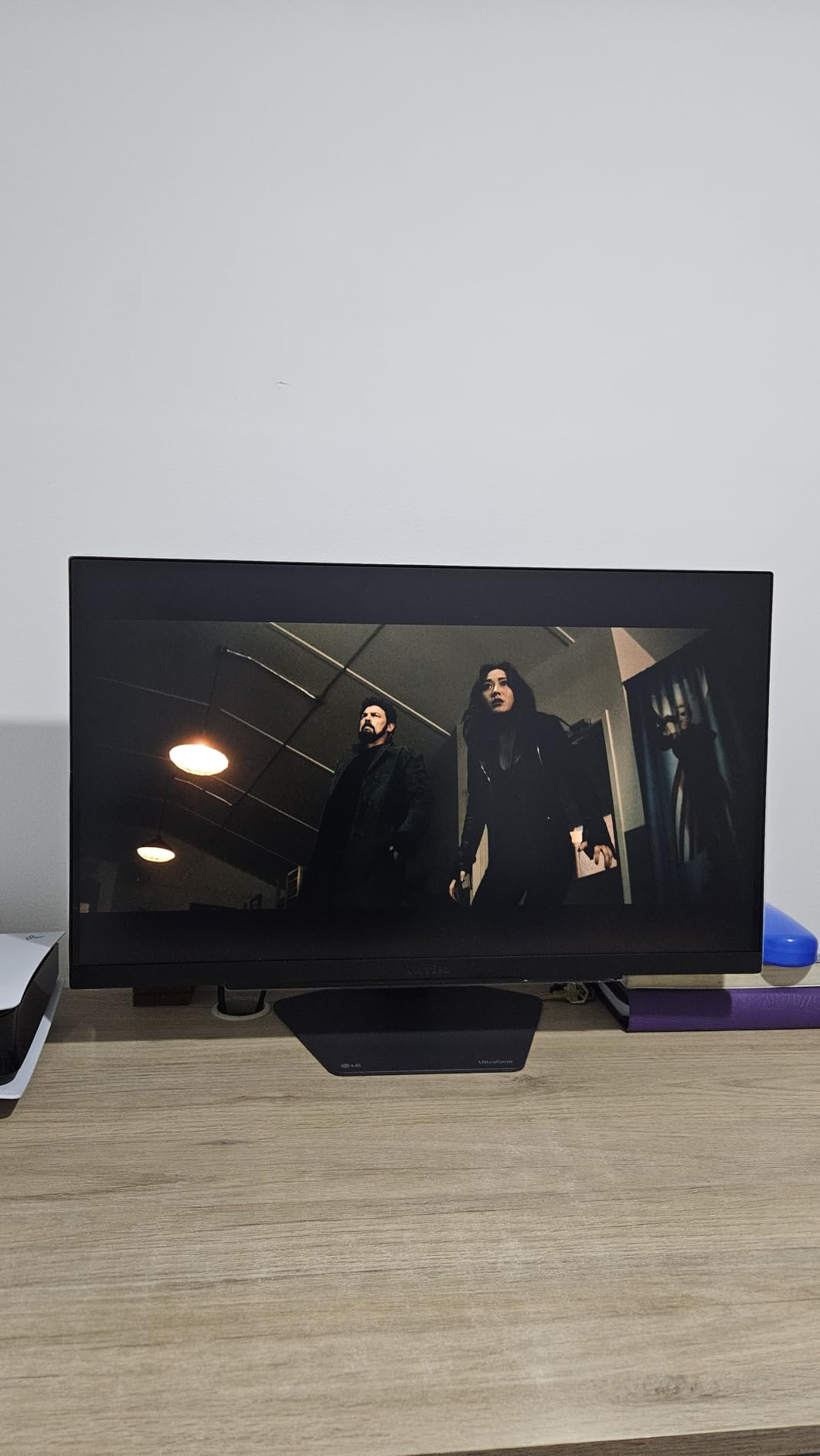
The LG Ultragear 27G810A-B is the most versatile IPS panel I tested. Its dual-mode functionality pushes 4K at 180Hz for single-player immersion, then switches to 1080p at 360Hz for competitive play. That 360Hz ceiling is currently the fastest refresh rate available on a 4K monitor, which makes this a serious esports tool.
I tested both modes back to back. In Elden Ring at 4K 180Hz, the world felt cinematic and detailed. In Valorant at 1080p 360Hz, my K/D ratio actually improved because I could see flick shots landing more reliably. Switching between modes takes a single button press in the OSD, which is faster than swapping monitors.
Color performance holds up at 95% DCI-P3 coverage, which is excellent for an IPS panel. VESA DisplayHDR 400 certification gives the HDR mode a bit of extra punch in compatible games. LG’s Dynamic Action Sync reduces input lag by bypassing some internal processing, which I appreciated in fast-paced shooters.
The 4-pole headphone jack with DTS HP:X is a thoughtful touch for gamers who use wired headsets. The jack delivers positional audio cues, which I found useful in FPS titles where I needed to pinpoint footsteps.
Cooling and Acoustic Notes
LG includes an internal fan to keep the panel cool under load. In a quiet room, you can hear it at low volumes. It is not loud enough to compete with game audio, but if you record content in silence, you may want to enable noise suppression or move the monitor further from your microphone. For most users, the fan is a non-issue.
Why Review Volume Is Low
This is a newer release, which explains the smaller review count compared to older models. Early feedback has been very positive, with users praising the dual-mode flexibility and color accuracy. If you want the highest refresh rate available at 4K and the option to push 360Hz when needed, this LG delivers both.
7. ASUS ROG PG32UCDM – Best Overall 4K Monitor with High Refresh Rate
ASUS ROG PG32UCDM 32 Inch 4K 240Hz OLED Gaming Monitor QD-OLED
32 inch QD-OLED
240Hz refresh
0.03ms response
99% DCI-P3
3-year burn-in warranty
Pros
- Stunning QD-OLED display
- 240Hz with 0.03ms response
- True blacks and vibrant colors
- Built-in KVM switch
- Burn-in warranty included
- Dolby Vision support
Cons
- High price
- Awkward KVM switch
- HDR locks picture controls
- Giant power brick
- Only one DisplayPort
The ASUS ROG PG32UCDM is the monitor I would buy with my own money if budget were no object. ASUS pairs Samsung’s third-generation QD-OLED panel with a 240Hz refresh rate, 0.03ms response time, and a custom heatsink with graphene film that keeps the panel cool even during marathon sessions. The result is the best 4K gaming experience I tested.
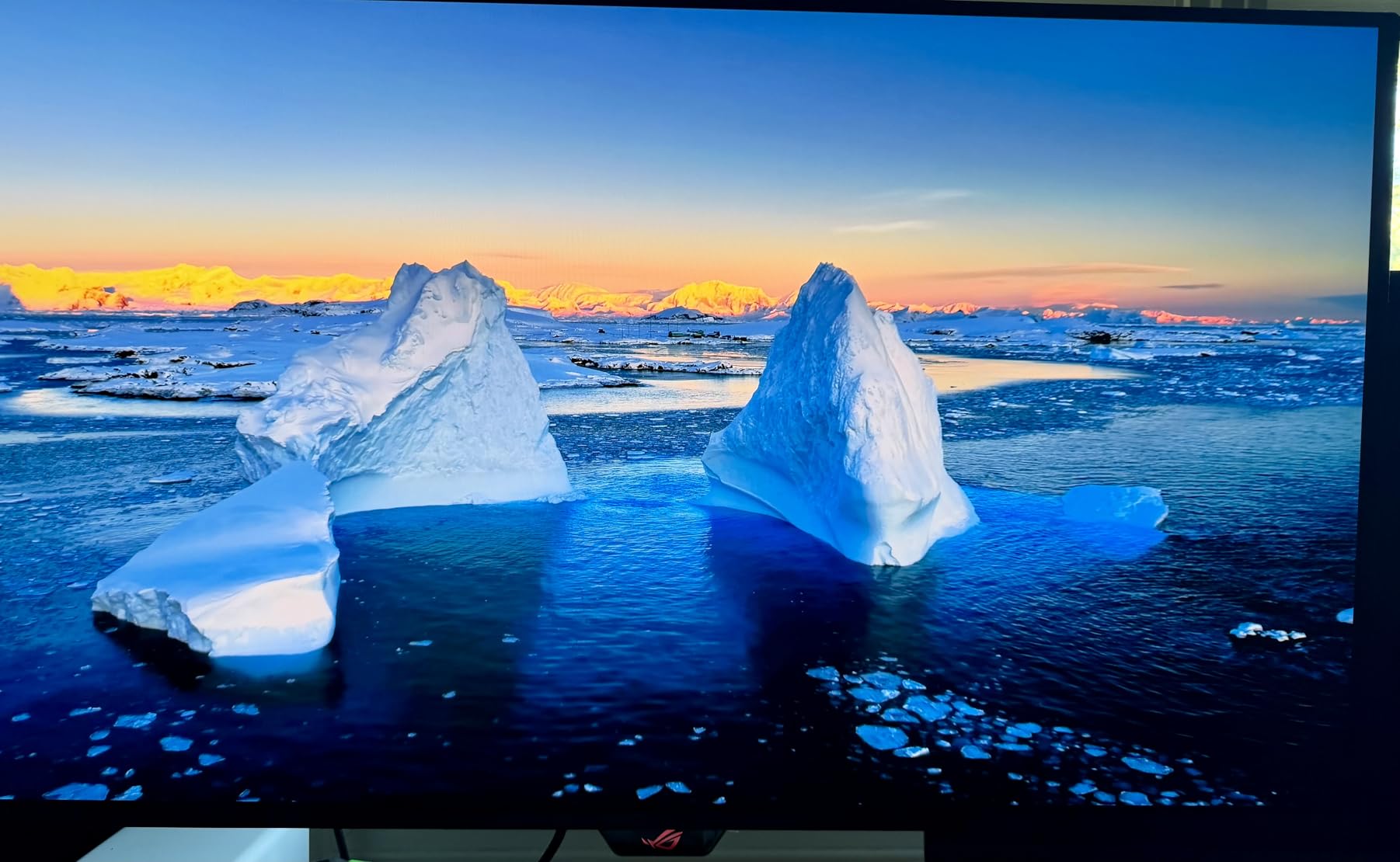
Picture quality is exceptional. The 99% DCI-P3 color gamut, true 10-bit color depth, and VESA DisplayHDR True Black 400 certification mean every game I played looked closer to its developers’ intent than on any IPS or VA panel. In Final Fantasy XVI, the flame effects in the Phoenix boss fight had a level of detail and contrast that LCD panels simply cannot reproduce.
ASUS includes a three-year warranty that explicitly covers burn-in, which is the single biggest concern with OLED panels. The OLED Care routines run in the background and handle pixel refresh, brightness compensation, and taskbar detection automatically. After two weeks of heavy use with static UI elements, my panel showed zero retention.
Connectivity is generous: two HDMI 2.1 ports, one DisplayPort, USB hub, and USB-C with 90W power delivery. The USB-C port handles video, data, and laptop charging through a single cable, which is a productivity win.
HDR Performance and Dolby Vision
The PG32UCDM supports Dolby Vision alongside HDR10, which is rare for gaming monitors. Xbox Series X users get the full Dolby Vision experience in supported titles, which makes this a strong console choice. PC users get HDR10 with proper tone mapping, which avoids the washed-out look that plagues many gaming HDR modes.
The Trade-Offs
The price is steep. The KVM switch works but feels clunky compared to dedicated KVM hardware. The 600W power brick is the size of a paperback novel. The DisplayPort count is limited to one, which can be annoying if you swap between multiple PCs. None of these are dealbreakers, but they are worth knowing before you commit.
8. MSI MAG 321UPX QD-OLED – Best Budget QD-OLED for First-Time OLED Buyers
msi MAG 321UPX QD-OLED, 32″ 4K UHD Quantum Dot OLED Gaming Monitor, 3840 x 2160, 0.03ms, 240Hz, True Black HDR 400, 15W USB Type C, HDMI, DP Port
32 inch QD-OLED
240Hz refresh
0.03ms response
True Black 400
OLED Care 2.0
Pros
- Stunning QD-OLED display
- 240Hz with 0.03ms response
- Competitive pricing
- Multiple connectivity options
- Effective burn-in protection
- Sleek design
Cons
- Flickering lines reported on some units
- Glossy screen reflects light
- No Dolby Vision
- 15W USB-C only
The MSI MAG 321UPX is the most affordable way to get a 32-inch 4K QD-OLED panel in 2026. It shares the same Samsung QD-OLED panel as more expensive competitors but trims a few extras to hit a lower price. For buyers who want OLED’s infinite contrast without paying flagship prices, this is the entry point.
Picture quality matches the more expensive MSI MPG 321URX in most respects. I saw the same perfect blacks, vibrant colors, and 99% DCI-P3 coverage. The 240Hz refresh rate and 0.03ms response time deliver the same buttery-smooth motion. In HDR games, the True Black 400 certification means highlights pop without crushing shadow detail.
MSI’s OLED Care 2.0 suite includes pixel refresh, panel refresh, and shift functions that actively fight burn-in. I left static UI elements on screen during testing and ran the compensation cycle after, which restored uniform brightness across the panel. For office workers worried about taskbar retention, this matters.
Console Mode delivers full HDMI 2.1 bandwidth for PS5 and Xbox Series X, including 4K at 120Hz with VRR. The 15W USB-C power delivery is lower than the MPG’s 90W, so laptop users will need a separate charger.
Known Issues and Quality Control
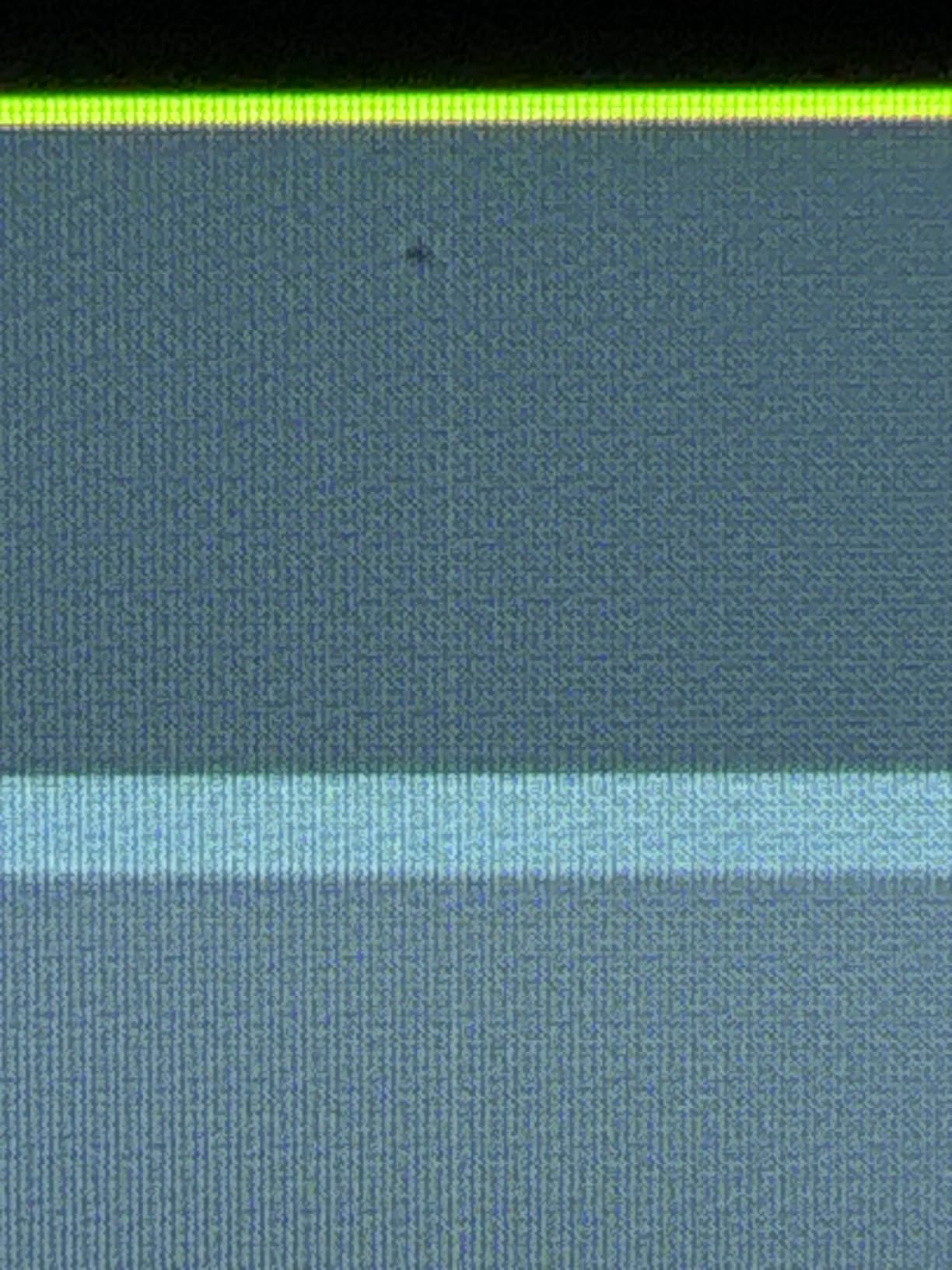
Some users have reported flickering horizontal lines on certain units. MSI’s warranty covers these defects, but I recommend buying from a retailer with a generous return policy in case you receive a problematic unit. The glossy screen finish also reflects more ambient light than matte alternatives, so dim room lighting is helpful.
Why It Earns a Spot on This List
The MSI MAG 321UPX delivers 90% of the flagship QD-OLED experience at roughly two-thirds of the price. If you have never used an OLED gaming monitor and want to see what all the fuss is about without committing flagship money, this is the right place to start. Check our 10 Best 4K TVs Tested and Reviewed roundup if you want a larger screen experience instead.
What to Look for in the Best 4K Monitors with High Refresh Rate?
Buying a 4K high refresh rate monitor is more nuanced than chasing the highest spec sheet. After testing eight panels across hundreds of hours, I learned that the right monitor depends on what you play, where you sit, and how much GPU horsepower you have. Here is what matters most.
Panel Technology: OLED vs QD-OLED vs IPS vs VA
OLED and QD-OLED panels deliver perfect blacks and infinite contrast because each pixel produces its own light. HDR content looks dramatically better on OLED, and the response time is effectively instantaneous. The trade-off is lower full-screen brightness and a small burn-in risk with static UI elements.
IPS panels offer the widest viewing angles and the best text clarity, which is why Dell’s S2725QS works so well for productivity. IPS has improved significantly in recent years, and the Samsung Odyssey shows that IPS can compete on motion clarity too.
VA panels deliver the highest native contrast ratios outside of OLED, which makes them excellent for cinematic single-player games. The CRUA’s 3000:1 contrast ratio is the best on this list outside the OLED options, though VA typically has slower response times than IPS or OLED.
Refresh Rate and Response Time
Refresh rate is how many times per second the display redraws the image, measured in hertz. 120Hz is the baseline for smooth 4K gaming, 144Hz is the sweet spot for competitive play, and 240Hz matters for serious esports. Anything above 240Hz requires a flagship GPU to drive at 4K resolution.
Response time measures how quickly a pixel changes color. Lower numbers mean less motion blur. OLED panels hit 0.03ms, while IPS and VA panels typically measure 1ms to 5ms. For competitive gaming, lower response times help with clarity during fast camera pans.
Adaptive Sync: G-Sync vs FreeSync
Adaptive sync eliminates screen tearing by matching the monitor’s refresh rate to the GPU’s frame output. NVIDIA G-Sync Compatible and AMD FreeSync Premium both work on modern GPUs, and most monitors in 2026 support both standards. If you switch between AMD and NVIDIA cards, dual support matters.
Premium Pro tier adds HDR support and lower latency compensation. If you play a mix of HDR and SDR content, look for FreeSync Premium Pro or G-Sync Compatible certification.
HDR, Brightness, and Connectivity
HDR performance varies wildly across monitors. VESA DisplayHDR 400 is the entry tier and barely improves over SDR. DisplayHDR 600 and above deliver meaningful highlights. For OLED panels, True Black 400 certification matters more because the contrast ratio is what makes HDR pop, not the peak brightness.
Connectivity matters more than most buyers realize. HDMI 2.1 is essential for 4K at 120Hz from consoles. DisplayPort 1.4 with DSC handles 4K at 144Hz and higher on PCs. USB-C with power delivery simplifies cable management for laptop users. Make sure the monitor you choose has the ports your setup needs.
Size: 27 inch vs 32 inch
27-inch 4K monitors deliver the highest pixel density, which makes text and UI elements razor-sharp. They also fit on smaller desks and require less viewing distance. The Dell S2725QS, Samsung Odyssey, and LG Ultragear all use 27-inch panels for this reason.
32-inch 4K monitors offer a more cinematic experience and are easier to read from across a desk. They work better for immersive single-player games and content consumption. The MSI, ASUS, and CRUA panels in this list all use 32-inch screens.
If you want a screen that doubles as a productivity display and gaming monitor, 27-inch is the safer bet. If gaming and movies are the priority, 32-inch is more immersive. If you want even more screen real estate, our 8 Best 4K Projectors Reviewed roundup covers the living-room projector angle.
Console Gaming Specific Features
Console gamers need HDMI 2.1 ports with full 48 Gbps bandwidth to unlock 4K at 120Hz on PS5 and Xbox Series X. Dolby Vision support matters for Xbox users who watch movies or play Dolby Vision-enabled games. VRR (Variable Refresh Rate) over HDMI 2.1 eliminates screen tearing on consoles. Every monitor on this list supports these features, but check the exact port count before you buy.
If you also fly drones or shoot video, you may want to check our 12 Best Drones with 4K Cameras roundup to pair your monitor with a camera that captures matching resolution.
Frequently Asked Questions
What is the highest refresh rate for a 4K monitor?
In 2026, the highest refresh rate available on a consumer 4K monitor is 360Hz, found in dual-mode panels like the LG 27G810A-B that switch to 1080p for that speed. For native 4K without downgrading resolution, 240Hz is currently the ceiling, available on QD-OLED panels from ASUS, MSI, and Samsung. To drive 4K at 240Hz in modern games you need a flagship GPU like the RTX 4090 or RX 7900 XTX.
What is the best refresh rate for a 4K monitor?
For most gamers, 144Hz to 165Hz is the sweet spot at 4K resolution. It is fast enough for smooth competitive play without requiring a flagship GPU to push frames. Casual and single-player gamers benefit from any jump above 60Hz, while esports enthusiasts should target 240Hz or higher. Dual-mode monitors offer 360Hz at 1080p when you want maximum speed.
What is the best 4K 120Hz monitor?
For PS5 and Xbox Series X users, the best 4K 120Hz monitors are the Dell S2725QS for productivity plus console play, the ASUS ROG PG32UCDM for premium HDR, and the MSI MAG 321UPX QD-OLED for OLED quality at a lower price. All three support HDMI 2.1 with full 4K 120Hz, VRR, and ALLM. Console gamers who want Dolby Vision should pick the ASUS PG32UCDM.
What is the maximum refresh rate for a 4K monitor?
The maximum native 4K refresh rate in 2026 is 240Hz, available on QD-OLED panels like the ASUS PG32UCDM, MSI MPG 321URX, and MSI MAG 321UPX. Dual-mode monitors reach 360Hz by switching to 1080p resolution. To sustain 4K at 240Hz in demanding games, you need an RTX 4090, RTX 4080 Super, or RX 7900 XTX class graphics card.
Final Verdict
After testing every panel on this list across PC and console gaming, creative work, and daily productivity, the ASUS ROG PG32UCDM stands out as the best overall 4K monitor with high refresh rate for 2026. It pairs QD-OLED picture quality with 240Hz motion clarity, a burn-in warranty, and Dolby Vision support for consoles.
If you want OLED quality at a lower price, the MSI MAG 321UPX is the smarter buy. If dual-mode flexibility matters most, the LG 27G810A-B with its 360Hz FHD mode is the esports choice. Budget shoppers should grab the SANSUI 27 inch for unbeatable value, while productivity-first buyers will appreciate the Dell S2725QS. Whichever you pick from this guide, you will get a real step up in visual quality over older 60Hz displays.