
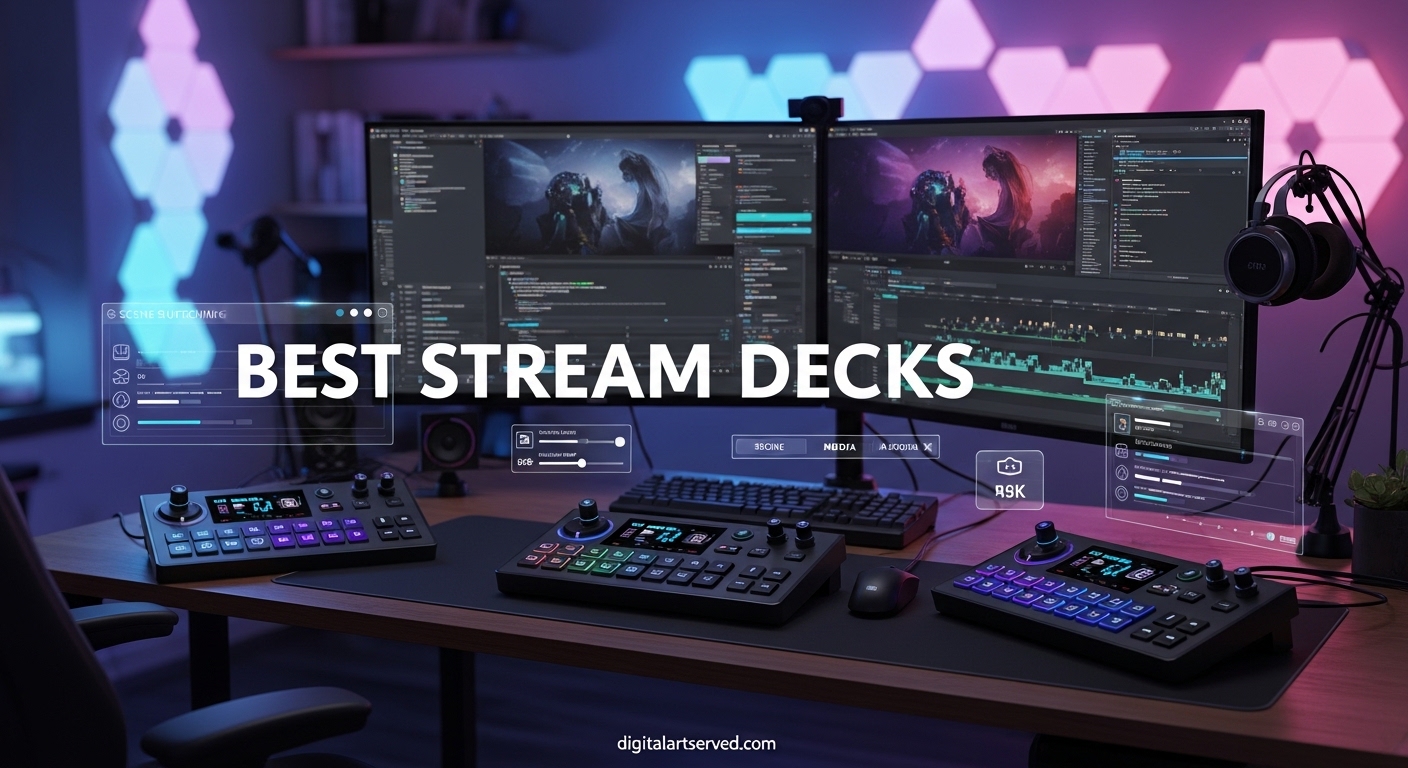
After spending countless hours testing streaming controllers, I can confidently say that the right stream deck transforms your entire content creation workflow. Whether you’re switching scenes on Twitch, adjusting audio levels during a YouTube stream, or triggering complex macros in OBS, having dedicated physical controls makes everything smoother and more professional.
A stream deck is essentially a programmable control surface with customizable LCD keys that trigger actions in your software. Instead of memorizing keyboard shortcuts or fumbling through menus, you press a single button to switch scenes, mute your mic, play sound effects, launch applications, or execute multi-step macros. For streamers and content creators, this means fewer technical distractions and more focus on engaging with your audience.
In this comprehensive guide, our team has tested and compared 10 of the best stream decks available in 2026. From Elgato’s industry-leading models to budget-friendly alternatives from brands like SOOMFON, AmpliGame, and TreasLin, we’ll help you find the perfect controller for your streaming setup, productivity workflow, or creative projects.
Table of Contents
Top 3 Picks for Best Stream Decks (September 2026)


Best Stream Decks in 2026
| Product | Specifications | Action |
|---|---|---|
| Elgato Stream Deck MK.2 |
|
Check Latest Price |
 Elgato Stream Deck XL Elgato Stream Deck XL |
|
Check Latest Price |
| Elgato Stream Deck Mini |
|
Check Latest Price |
 Elgato Stream Deck + Elgato Stream Deck + |
|
Check Latest Price |
 Elgato Stream Deck Neo Elgato Stream Deck Neo |
|
Check Latest Price |
 SOOMFON Stream Controller SOOMFON Stream Controller |
|
Check Latest Price |
 FIFINE AmpliGame D6 FIFINE AmpliGame D6 |
|
Check Latest Price |
 VSDINSIDE Macro Keypad VSDINSIDE Macro Keypad |
|
Check Latest Price |
 Razer Stream Controller Razer Stream Controller |
|
Check Latest Price |
| TreasLin Stream Controller |
|
Check Latest Price |
1. Elgato Stream Deck MK.2 – The Gold Standard
Elgato Stream Deck MK.2 Studio Controller, 15 Macro Keys
15 LCD Keys
USB-C
Mac & PC
5.1 oz
Pros
- Premium build quality
- Excellent plugin ecosystem
- Drag-and-drop software
- Removable faceplate for customization
Cons
- Higher price than alternatives
- No adjustable stand included
I’ve been using the Elgato Stream Deck MK.2 for over two years now, and it remains my go-to recommendation for most streamers and content creators. The 15 customizable LCD keys hit the sweet spot between functionality and desk space. Each key displays a custom icon that you design or download from the massive community library, making it easy to identify actions at a glance.
Setup was incredibly straightforward. I plugged it in via USB-C, installed the Stream Deck software, and within minutes had configured my essential OBS scene switches, audio mute toggles, and sound effect triggers. The software is genuinely best-in-class compared to competitors I’ve tested. The drag-and-drop interface feels intuitive, and the plugin ecosystem is unmatched.
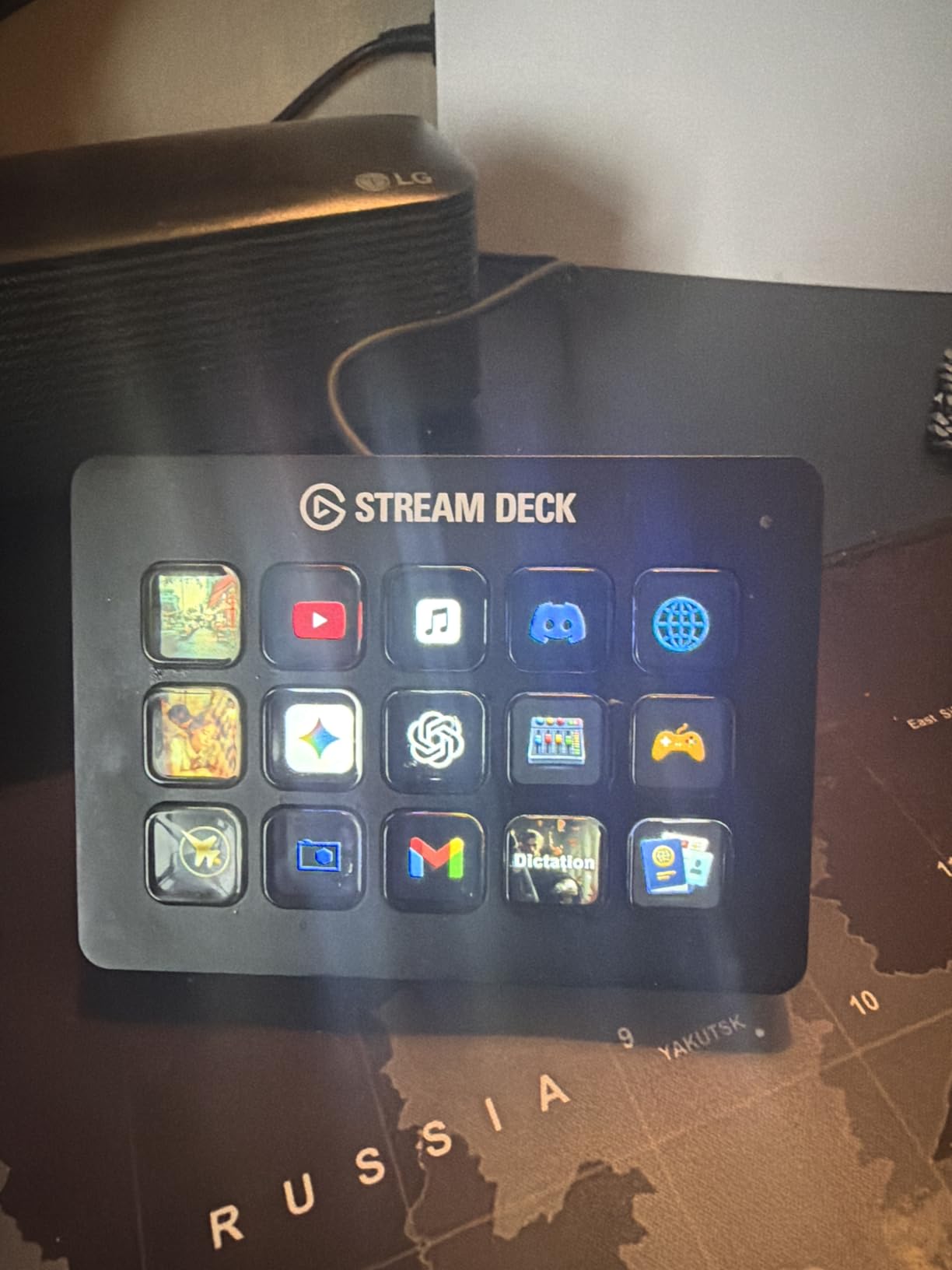
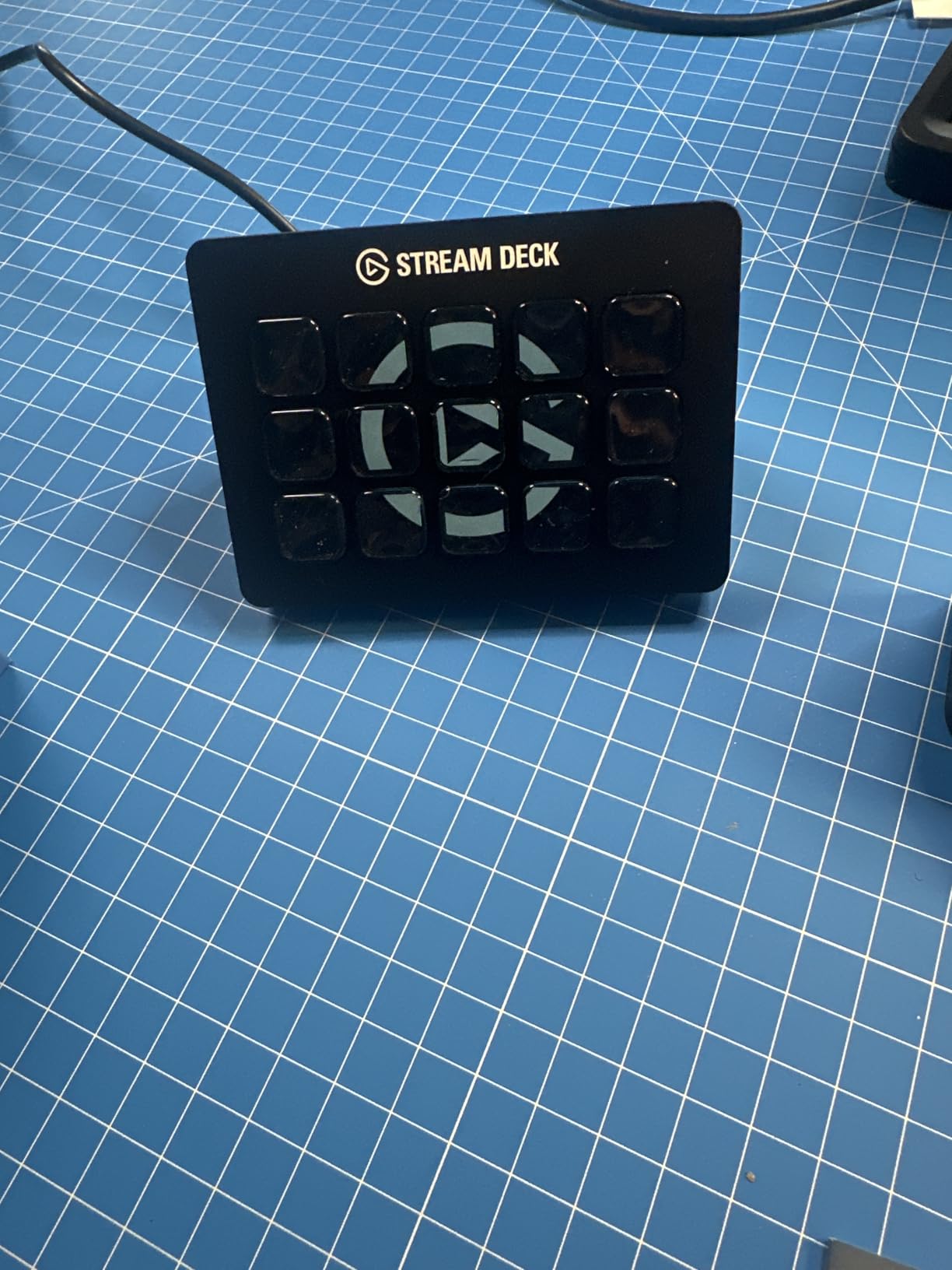
What sets the MK.2 apart from the original Stream Deck is the removable faceplate and the upgraded USB-C connection. The faceplate snaps off easily, which means you can 3D print custom enclosures or swap colors to match your setup. The keys themselves provide satisfying tactile feedback without being too clicky.
The real power comes from the plugin ecosystem. I use integrations with OBS, Twitch, YouTube, Discord, Spotify, and even Philips Hue lighting. There are thousands of community-created icons and profiles available for free. Whether you want to trigger complex multi-action macros or simple hotkey presses, the flexibility is impressive.
Who Should Buy This
The MK.2 is perfect for streamers who want the industry standard without paying for the XL’s extra keys. It’s ideal if you use OBS, Streamlabs, or similar software regularly. Content creators who value premium build quality and the most mature software ecosystem will appreciate what this offers.
Who Should Skip This
If you’re on a tight budget or only need basic functionality, consider the Mini instead. Power users who need more than 15 keys for complex productions might prefer the XL model.
2. Elgato Stream Deck XL – Maximum Control Hub
Elgato Stream Deck XL Advanced Studio Controller, 32 Keys
32 LCD Keys
USB-C
Mac & PC
14.5 oz
Pros
- 32 keys for extensive control
- Detachable stand included
- Same great software
- Large display area
Cons
- Large footprint
- Higher price point
- May be overkill for beginners
When I upgraded from the standard Stream Deck to the XL, the first thing I noticed was how much more organized my workflow became. With 32 customizable LCD keys, I could dedicate entire pages to specific applications instead of constantly switching profiles. Streaming sessions became smoother because every action I needed was right there.
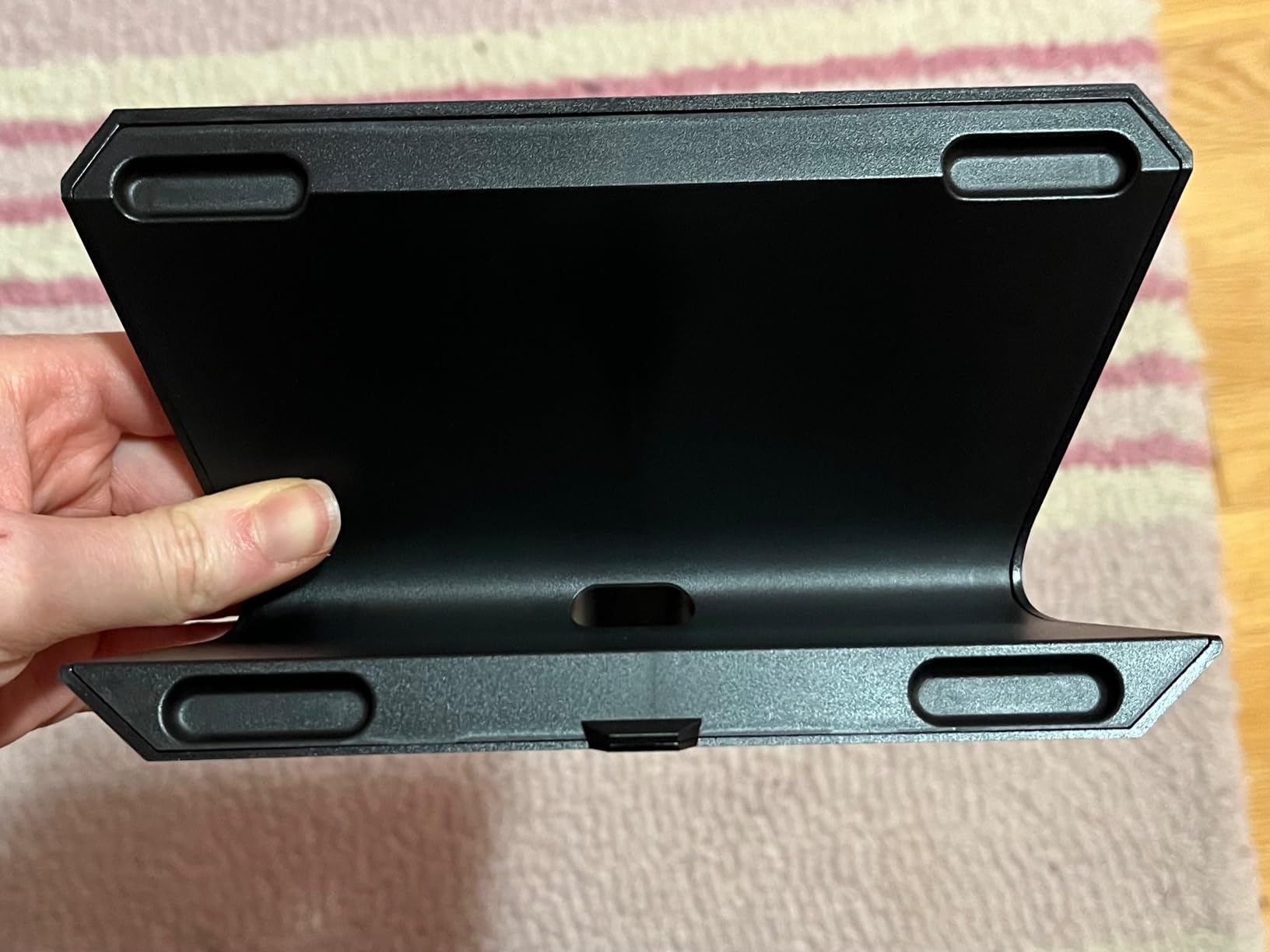
The XL comes with a detachable stand that lets you position it flat or at an angle. I appreciate this flexibility since my desk setup changes occasionally. The stand feels sturdy and doesn’t slide around during intense gaming sessions. The braided USB-C cable is also a nice touch that should hold up better over time.
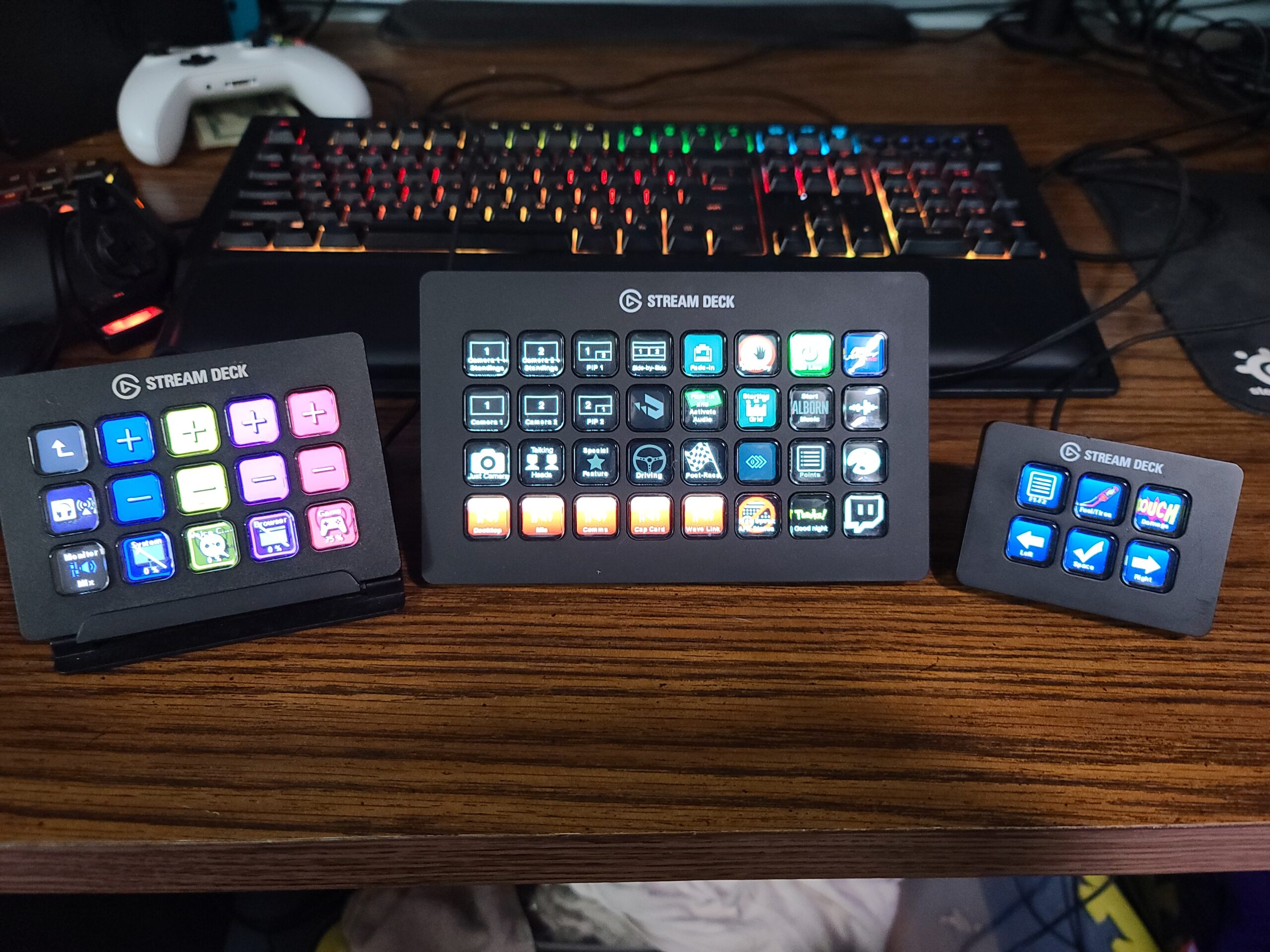
What I love most about the XL is the conditional display feature. Keys can change their appearance based on application state. For example, my mute button shows a red icon when muted and green when live. This visual feedback prevents embarrassing moments during streams. Each key essentially becomes a mini information display.
The open SDK means third-party developers can create custom plugins. I’ve found amazing integrations for vMix, VoiceMod, and even flight simulator controls. If you’re someone who likes to tinker and customize everything, the XL gives you the most real estate to work with.
Who Should Buy This
The XL is designed for power users who need extensive control options. Professional streamers, video editors, and live production specialists will benefit from the 32 keys. If you find yourself constantly switching profiles on a smaller deck, the XL eliminates that friction.
Who Should Skip This
Beginners should start smaller and cheaper. If you have limited desk space, the XL’s footprint might be problematic. Those who only need basic scene switching and audio controls won’t utilize the extra keys enough to justify the price premium.
3. Elgato Stream Deck Mini – Compact Powerhouse
Elgato Stream Deck Mini, 6 Customizable LCD Macro Keys
6 LCD Keys
USB
Mac & PC
6.2 oz
Pros
- Compact footprint
- Affordable entry point
- Same software as larger models
- Great for productivity
Cons
- Only 6 physical keys
- Requires menu navigation for more
- USB-A not USB-C
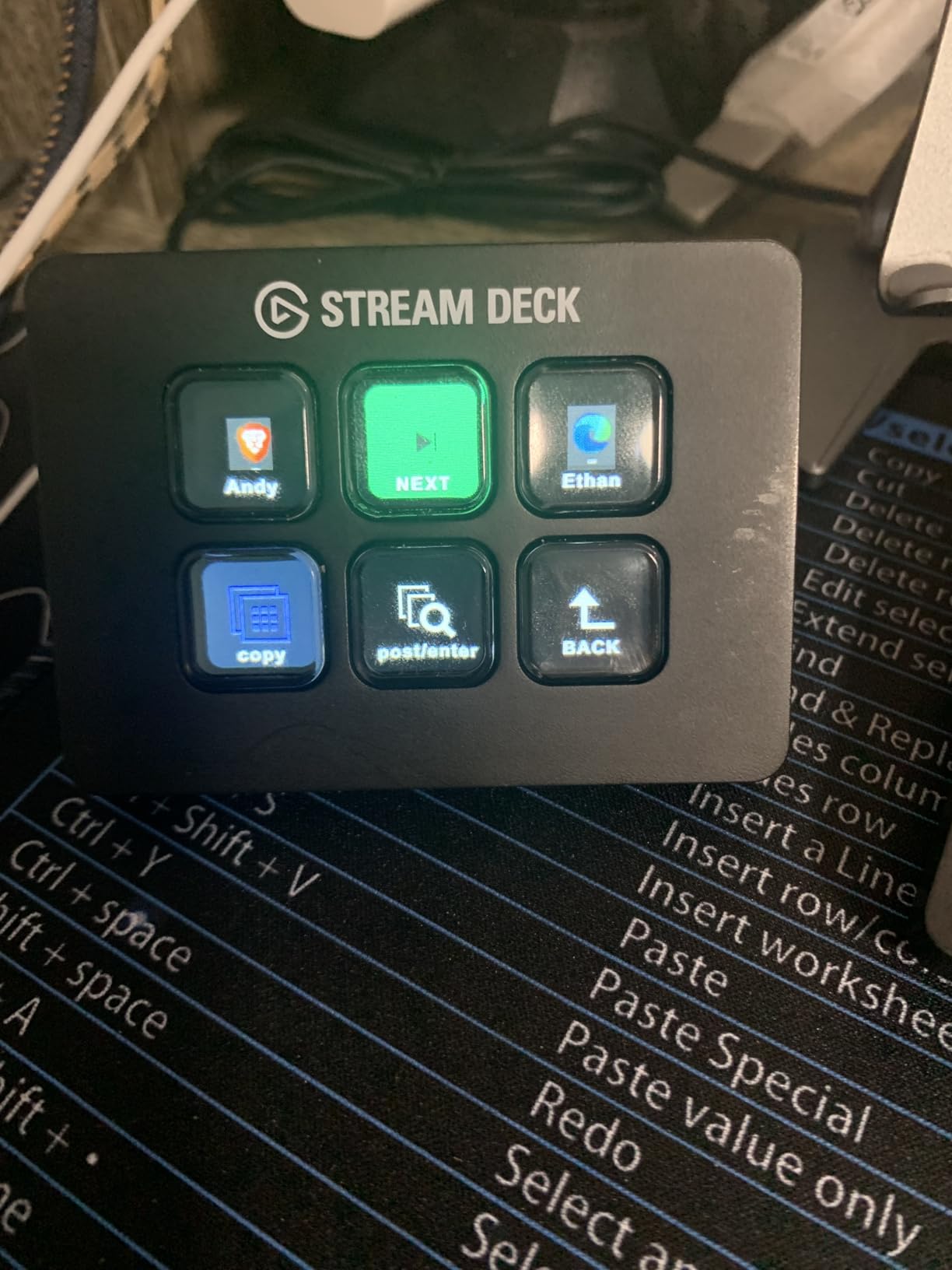
The Stream Deck Mini surprised me with how capable it is despite having only 6 keys. I initially thought it would feel limiting, but the folder system lets you nest unlimited actions. I set up a main page with my most-used functions and created subfolders for less common tasks. Navigation becomes second nature after a few days.
What makes the Mini special is its versatility beyond streaming. I use mine primarily for work-from-home productivity now. One key mutes my Zoom microphone, another starts a screen recording, and a third launches my most-used applications. The rubber base keeps it firmly planted on my desk without sliding.
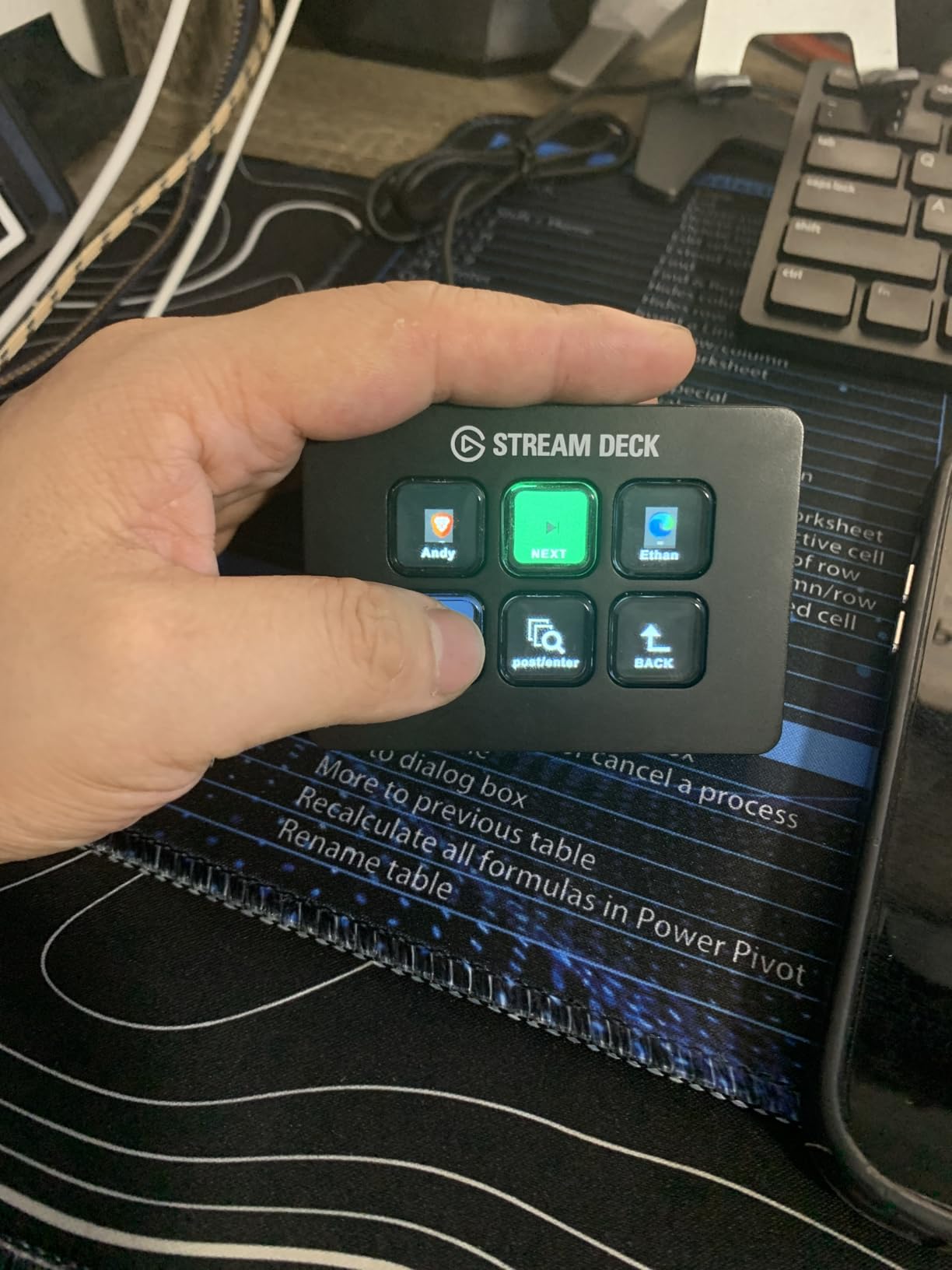
The Key Logic feature adds another layer of functionality. Each button supports single-tap, double-tap, and long-press actions. That means 6 physical keys can trigger up to 18 different actions if you configure them that way. I use long-press for folder navigation and single-tap for direct actions.
For the price, the Mini offers incredible value. You get access to the same Elgato software ecosystem and plugin library as the more expensive models. If you’re curious about stream decks but hesitant to invest heavily, the Mini is the perfect starting point.
Who Should Buy This
The Mini is ideal for beginners testing the waters or anyone with limited desk space. Remote workers will love it for Zoom, Teams, and productivity shortcuts. It’s also great for laptop users who need something portable.
Who Should Skip This
Professional streamers with complex setups will find 6 keys constraining. If you need instant access to many functions without navigating folders, consider the 15-key MK.2 instead. The USB-A connection might also be a drawback if you only have USB-C ports.
4. Elgato Stream Deck + – Audio Mixer Powerhouse
Elgato Stream Deck +, Audio Mixer and Studio Controller
8 LCD Keys
2 Rotary Dials
Touch Strip
1.04 lbs
Pros
- Rotary dials for audio control
- Touch LCD display
- Smart Profiles feature
- Combines deck with mixer
Cons
- Software can be glitchy
- Higher learning curve
- Touchscreen sensitivity issues
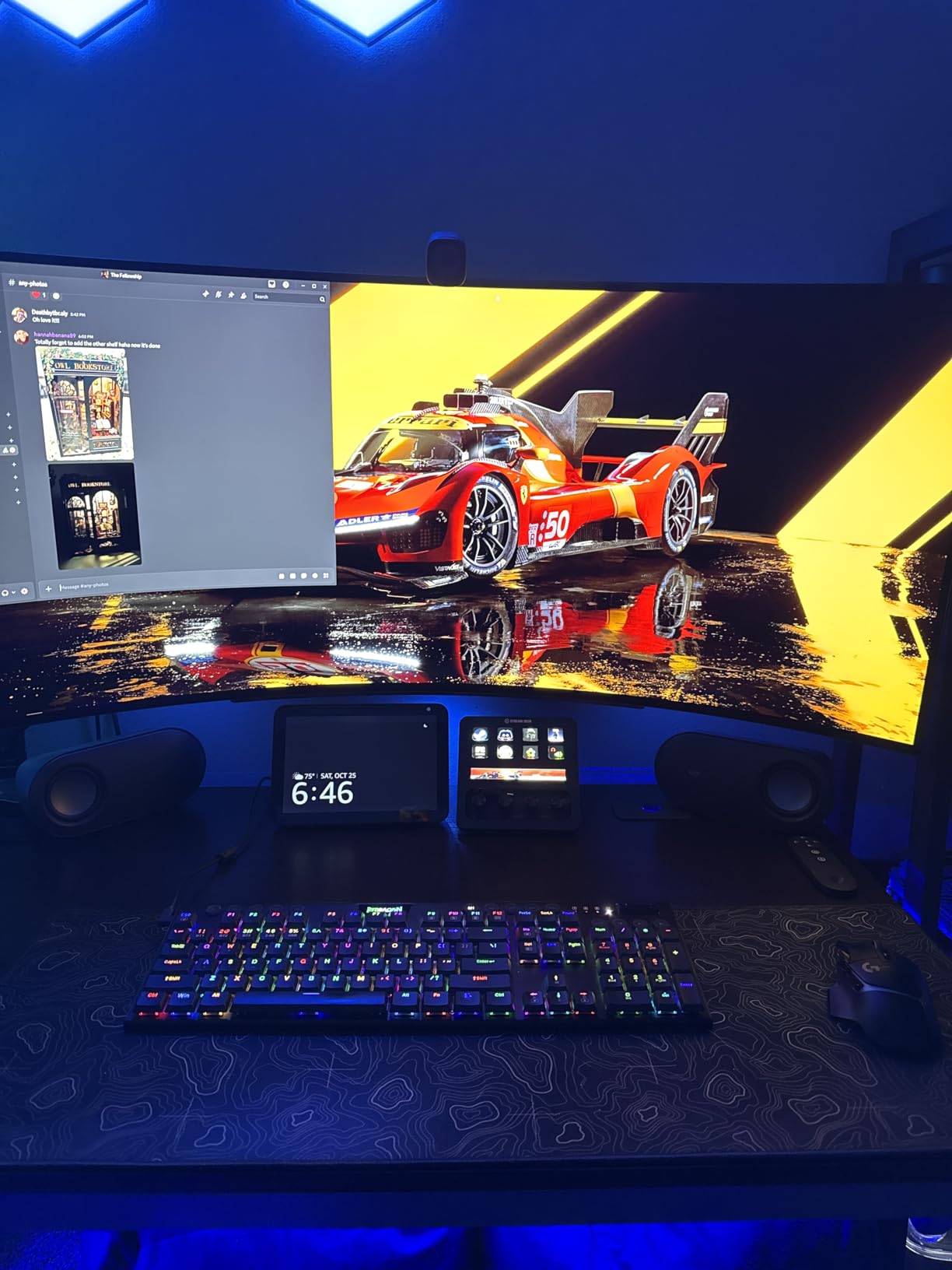
The Stream Deck + represents Elgato’s evolution beyond simple button presses. Adding two rotary dials and a touch strip transforms this from a macro pad into a genuine audio mixer. I found the dials incredibly useful for real-time volume adjustments during streams. Pushing a dial can trigger additional functions like mute or play/pause.
The touch LCD display between the dials shows contextual information like current time, audio levels, or active profile. It’s a small addition that adds significant utility. The touch strip lets you navigate between pages without dedicating buttons to that function, which keeps more keys available for actual actions.
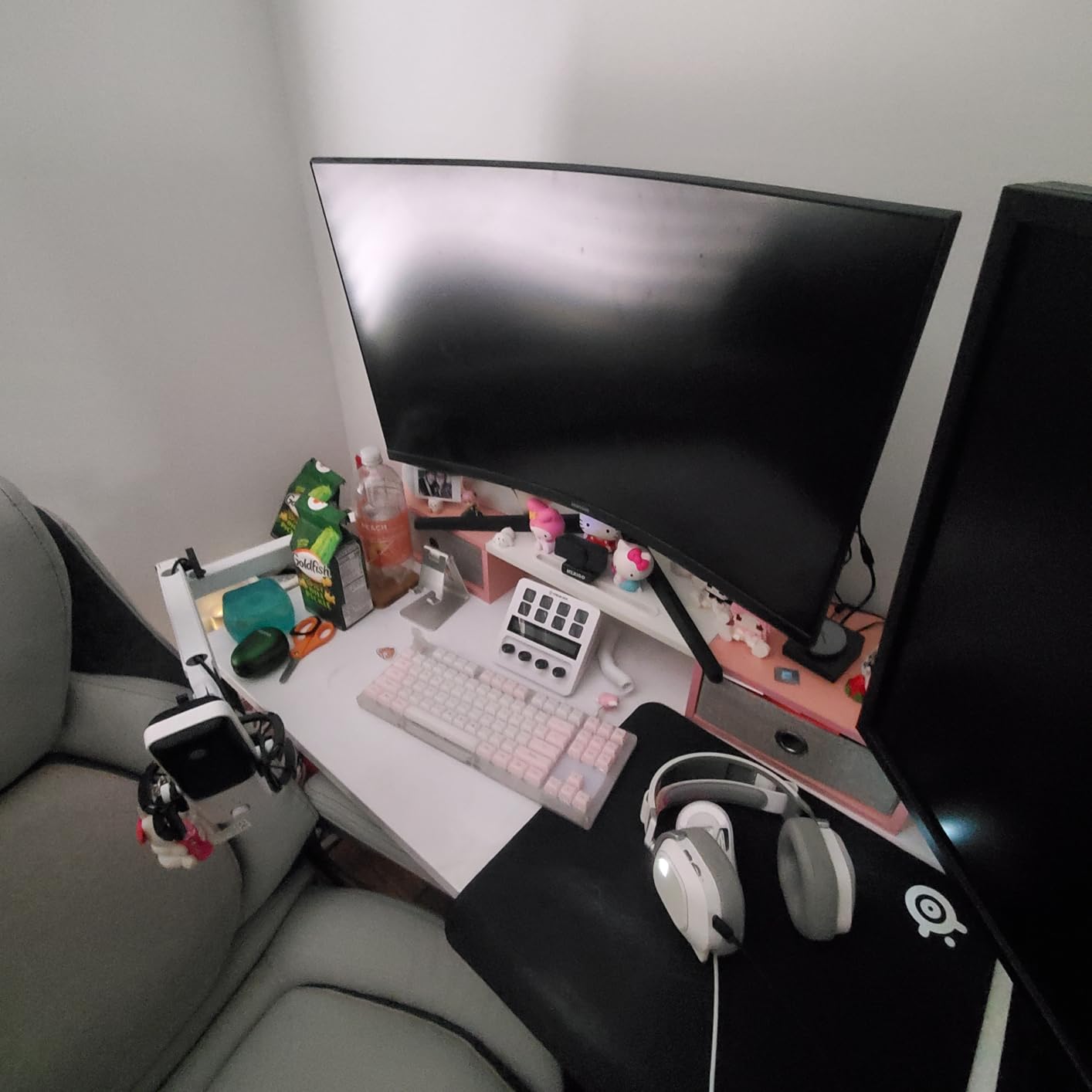
Smart Profiles is a standout feature I didn’t know I needed. The device automatically switches profiles based on which application is active on my computer. When I open OBS, it loads my streaming profile. When I switch to Photoshop, it loads my editing shortcuts. This seamless context switching saves time and mental energy.
The build quality feels substantial and premium. It weighs more than other Stream Decks, which keeps it stable when adjusting dials. The dials themselves have nice resistance and satisfying haptic feedback. For flight simulator enthusiasts, this device doubles as an excellent control panel.
Who Should Buy This
Audio-focused creators will love the rotary dials for real-time mixing. Streamers who want both buttons and analog controls in one device should consider this. Flight sim and racing game enthusiasts will find the dials perfect for throttle and trim controls.
Who Should Skip This
If you just need simple button presses, the MK.2 is more cost-effective. Users frustrated by occasional software bugs might prefer the more stable standard models. The learning curve is steeper here than with button-only devices.
5. Elgato Stream Deck Neo – Travel-Friendly Innovation
Elgato Stream Deck Neo, 8 Customizable Keys, 2 Touch Points
8 LCD Keys
2 Touch Points
Folding Design
7.4 oz
Pros
- Folds flat for travel
- Touch Points for navigation
- Infobar display
- Eco-friendly packaging
Cons
- Fewer keys than MK.2
- Page switching can be tedious
- Newer with fewer reviews
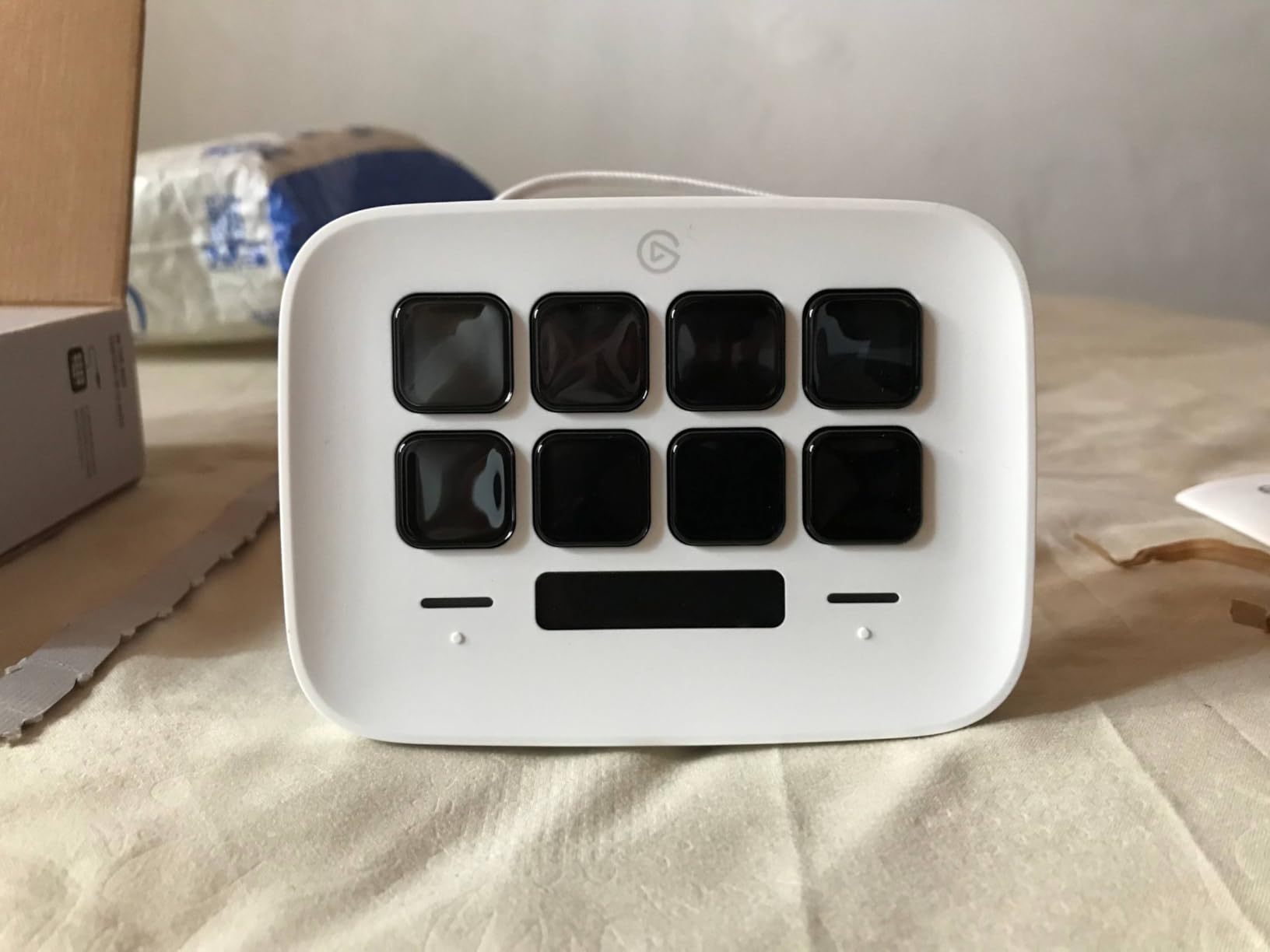
The Stream Deck Neo fills an interesting niche that I didn’t realize existed. Its folding design makes it genuinely portable, something I appreciated during a recent trip where I needed to stream from a hotel room. When folded flat, it slips easily into a laptop bag without adding bulk.
The Touch Points on either side of the keys eliminate the need for dedicated navigation buttons. A simple tap scrolls through pages, keeping all 8 keys available for actions. The Infobar at the top displays time, date, and current page information. It’s subtle but useful during long streaming sessions.
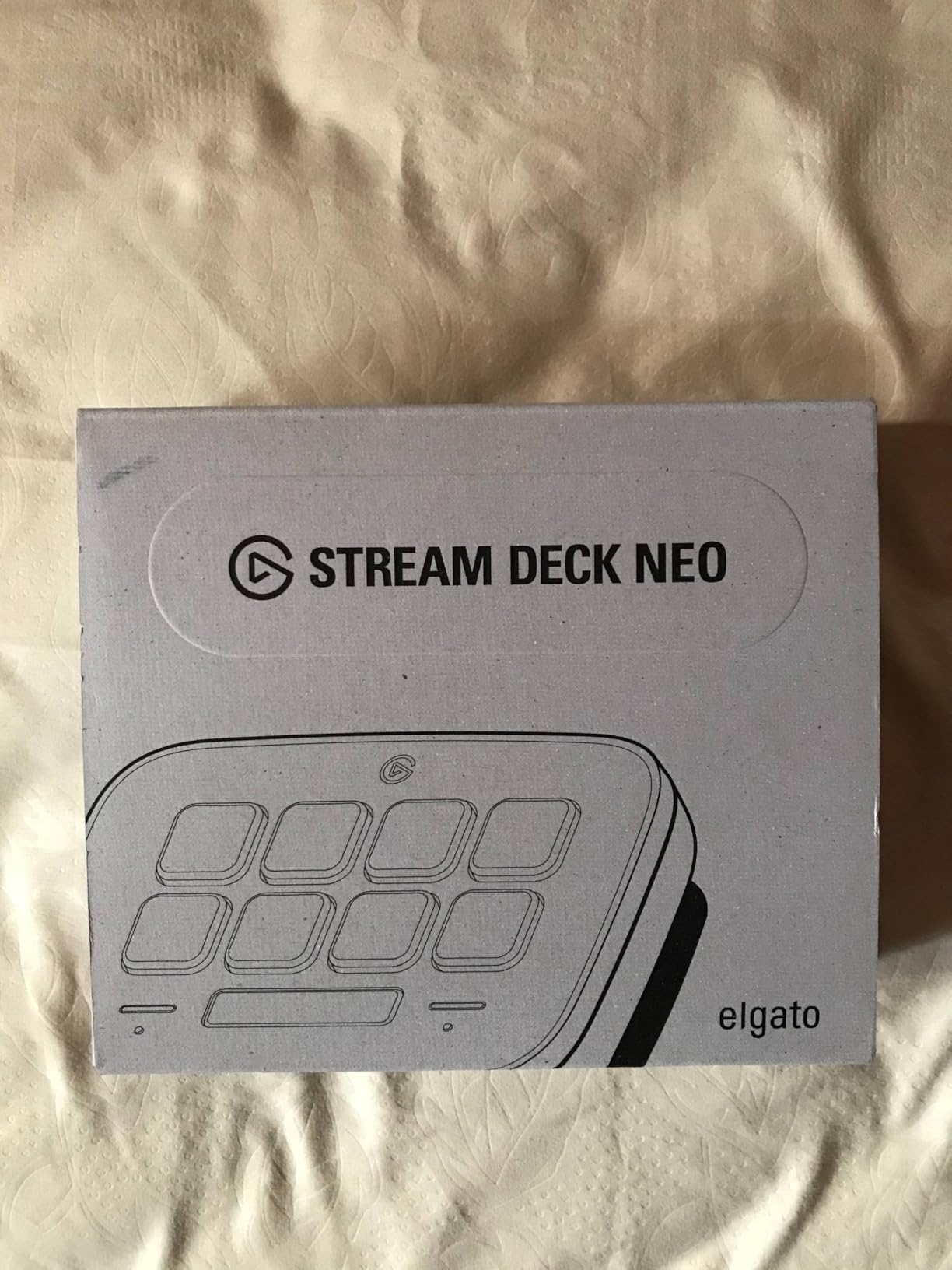
I’m impressed by Elgato’s commitment to sustainability with the Neo. The packaging contains zero plastic, using cardboard and paper instead. For environmentally conscious creators, this matters. The device itself maintains Elgato’s build quality standards despite the folding mechanism.
The adjustable stand lets you find the perfect viewing angle. I typically use it at a steeper angle for desk work and flatter when traveling with limited space. The 8-key layout feels more spacious than the Mini while remaining compact enough for small desks.
Who Should Buy This
Traveling streamers and creators will appreciate the portable design. Office workers who want something that fits in a bag will find this ideal. Anyone concerned about environmental impact will appreciate the sustainable packaging.
Who Should Skip This
Power users who need many simultaneous actions might find 8 keys limiting. If you don’t travel with your gear, the folding feature adds cost without benefit. Those who prefer the 15-key layout should stick with the MK.2.
6. SOOMFON Stream Controller – Budget Alternative
SOOMFON Stream Controller Studio Control Deck 15 Macro Keys and Dashboard
15 LCD Keys
USB
Mac & PC
10.8 oz
Pros
- Half the price of Elgato
- Same 15-key layout
- Works with OBS/Twitch
- Good build quality
Cons
- Software less polished
- Buttons feel squishy
- Direct USB connection recommended
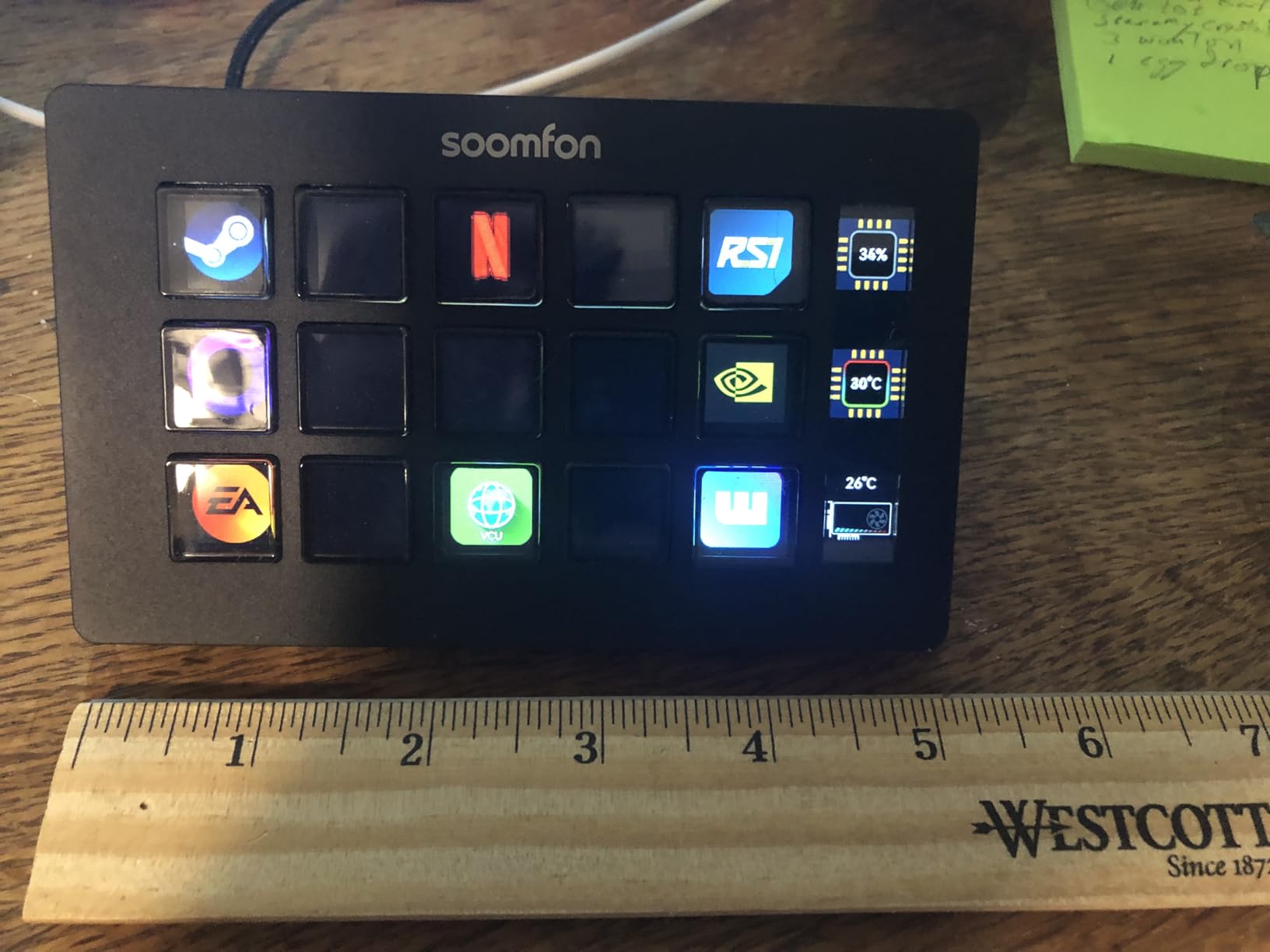
Testing the SOOMFON Stream Controller was an eye-opening experience. For roughly half the price of Elgato’s MK.2, you get a 15-key device that handles most of the same functions. The LCD keys display custom icons, and the software supports OBS, Twitch, YouTube, and other popular platforms.
Setup was straightforward enough. I installed the software, connected via USB, and started configuring my buttons. The drag-and-drop interface works similarly to Elgato’s, though it lacks some polish. I did encounter minor bugs, but nothing that prevented functionality. For the price, these compromises feel acceptable.
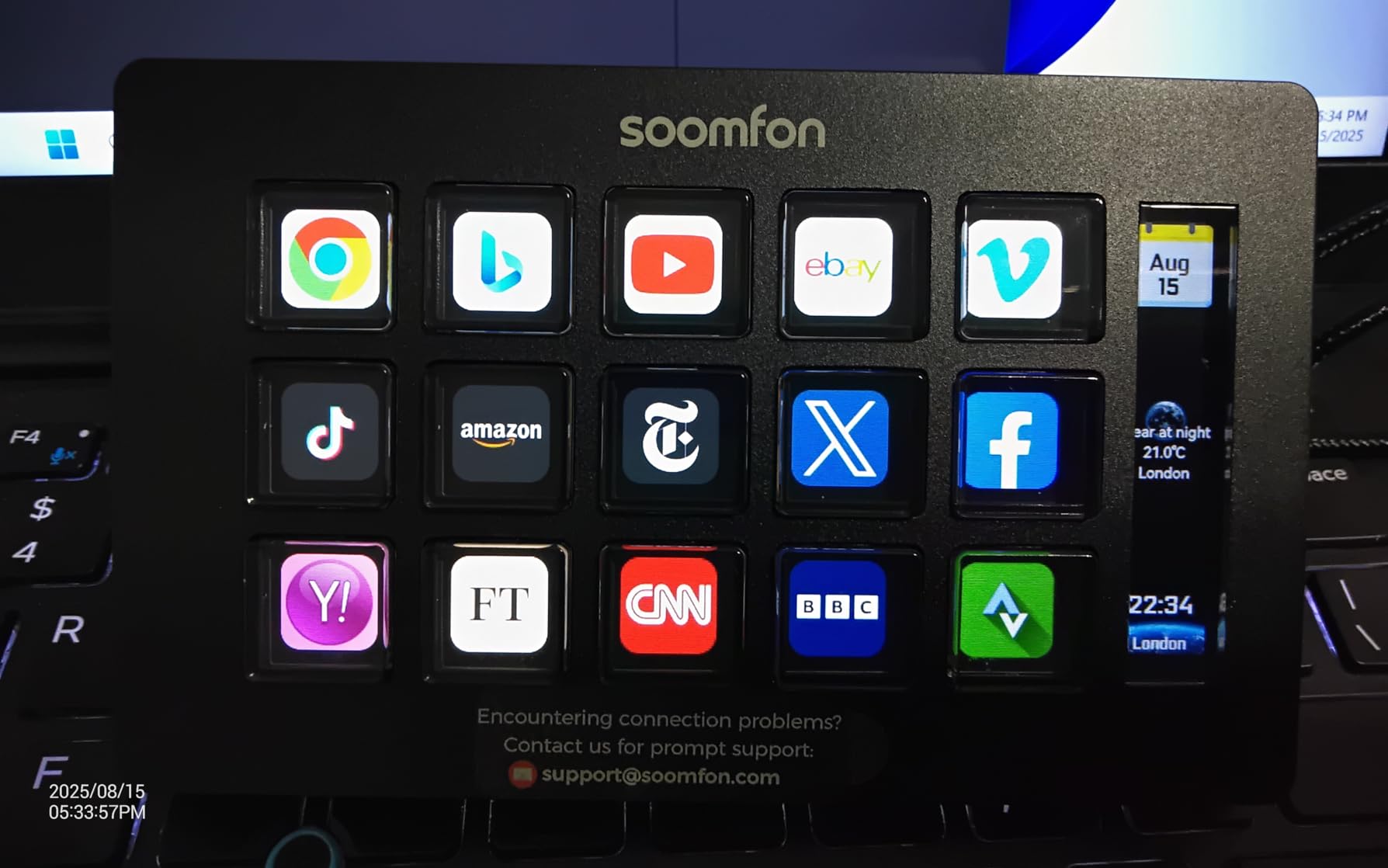
The build quality is surprisingly decent for a budget device. The removable stand is a nice inclusion, and rubber feet keep it stable. The keys themselves feel a bit softer than Elgato’s, which some users might prefer but I found slightly less satisfying. Response time felt comparable to premium options.
Where SOOMFON falls short is the software ecosystem. You won’t find the massive plugin library that Elgato offers. Basic functions work well, but advanced integrations are limited. If your needs are primarily scene switching and audio control, this might not matter.
Who Should Buy This
Budget-conscious creators who want the 15-key layout without the premium price should consider SOOMFON. Beginners testing whether a stream deck improves their workflow will find this a low-risk investment. Those with simple needs like scene switching and muting will be satisfied.
Who Should Skip This
Users who need extensive plugin support should stick with Elgato. If button tactility matters to you, the softer keys might disappoint. Mac users have reported occasional setup issues that could be frustrating.
7. FIFINE AmpliGame Stream Controller – RGB Gaming Style
fifine D6 RGB Macro-Keyboard with 15 Programable Buttons for Multi-Tasking
15 LCD Keys
RGB Ring
USB
7.5 oz
Pros
- Vibrant RGB lighting
- Responsive buttons
- 9 RGB modes
- Works with icon packs
Cons
- Button wobble reported
- Screen switching delay
- Settings not stored on device
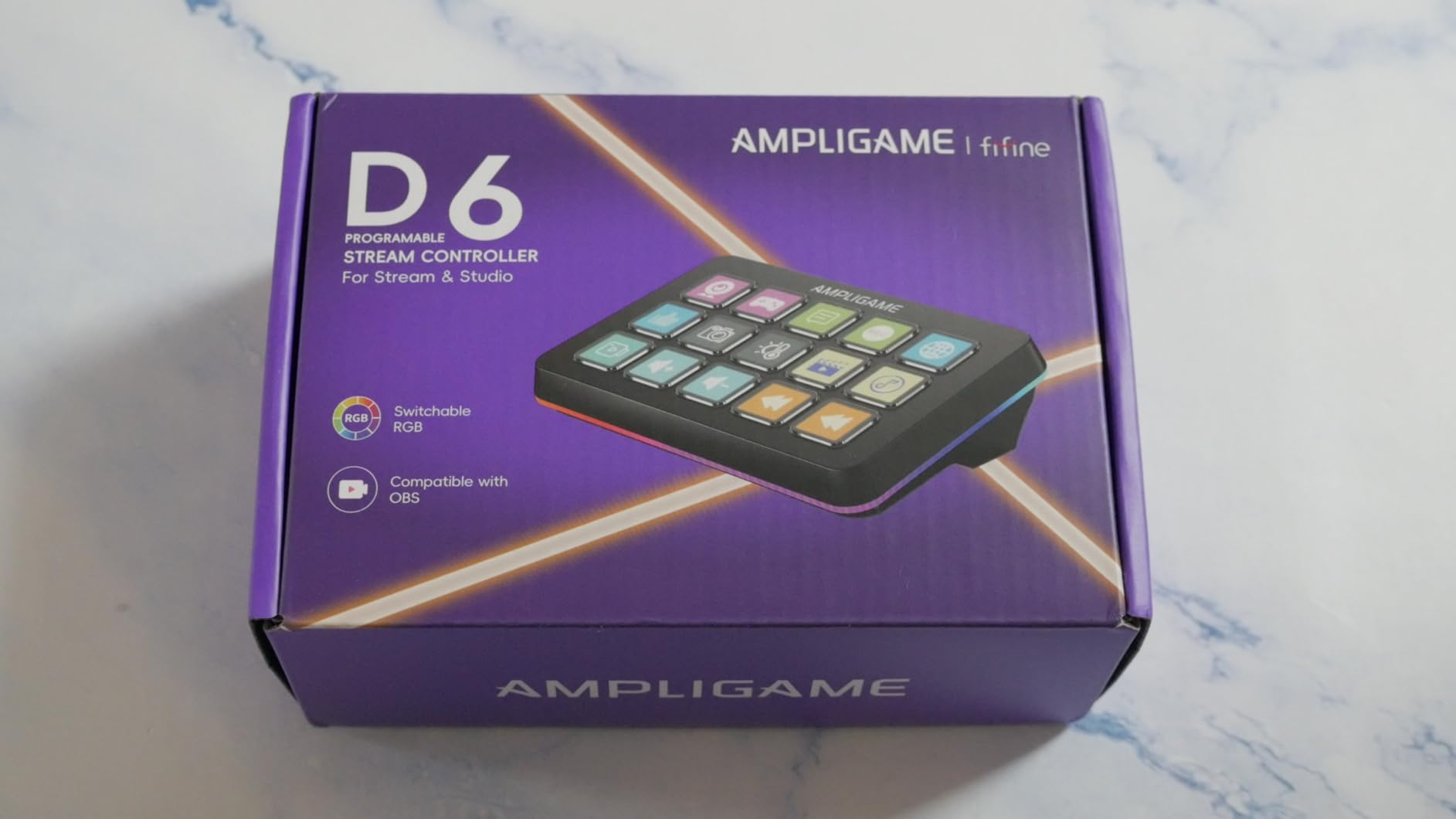
The FIFINE AmpliGame D6 caught my attention with its RGB lighting ring. For gamers who want their setup to glow, the 9 controllable lighting modes add visual flair that Elgato devices lack. The RGB ring surrounds the keys, creating an ambient glow that matches other gaming peripherals.
Performance-wise, the 15 LCD keys feel responsive and register inputs accurately. I tested it with OBS and Streamlabs without issues. The software supports drag-and-drop configuration similar to Elgato, and there’s an extensive plugin store for adding functionality. I even found that icons from Etsy packs work with this device.
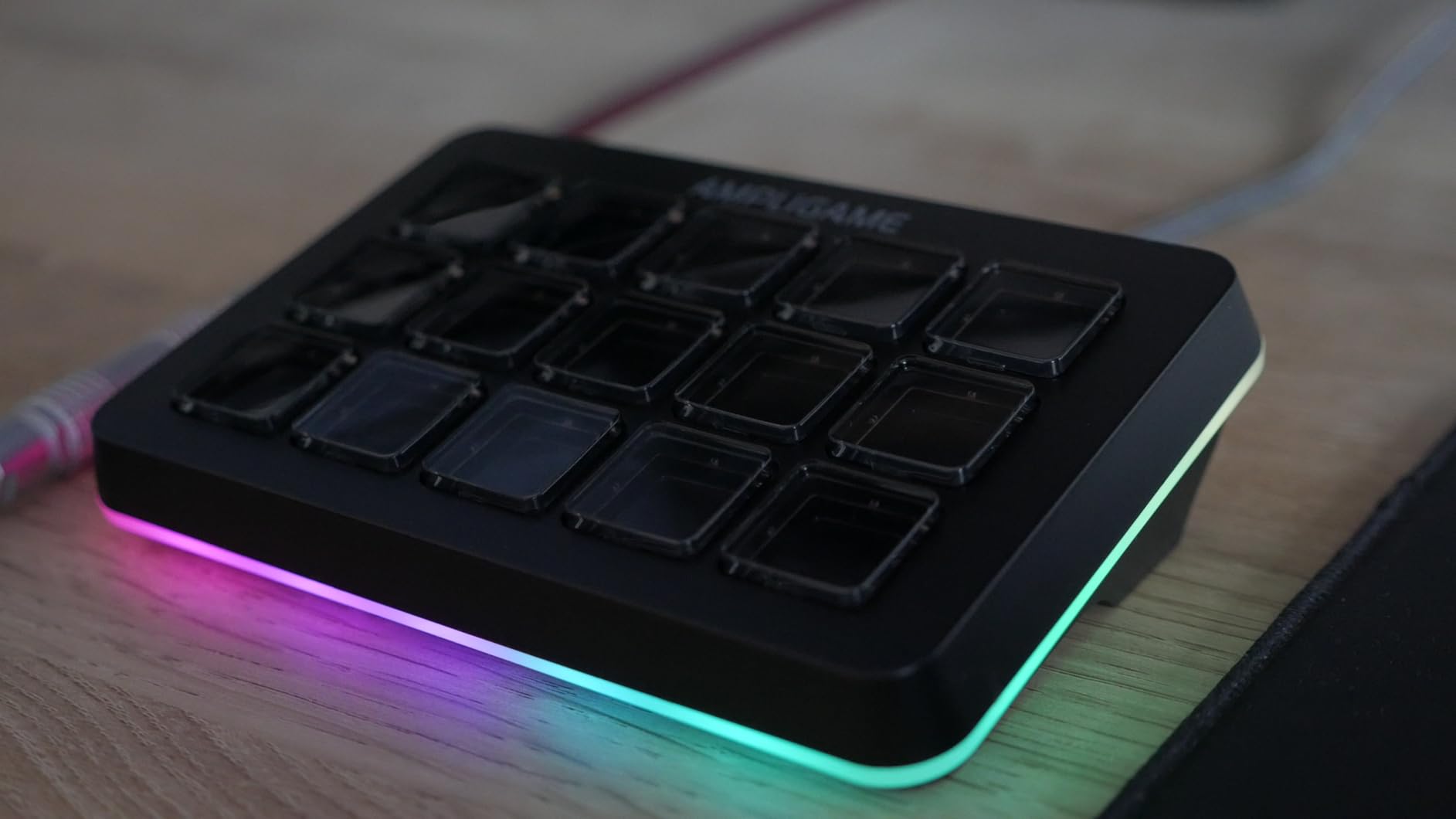
Build quality impressed me for the price point. The device has solid weight and doesn’t slide around during use. The multiple folder and profile support means you can configure different layouts for gaming, streaming, and productivity work. Switching between them is quick and painless.
The main drawbacks I noticed were occasional screen switching delays and the fact that settings aren’t stored on the device itself. If you use multiple computers, you’ll need to export and import your profiles manually. Some users report slight button wobble, though I didn’t find it problematic during normal use.
Who Should Buy This
Gamers who want RGB integration with their setup will love the lighting effects. Budget-conscious buyers who want more features than basic alternatives offer should consider this. Streamers who want a balance of price and functionality will find good value here.
Who Should Skip This
If you prefer minimalist aesthetics without RGB lighting, this might feel garish. Users who need instant screen switching without any delay should look elsewhere. Those who switch between multiple computers frequently may find profile management tedious.
8. VSDINSIDE Macro Keypad – 18-Key Versatility
VSD M18 Macro Pad Programmable Keypad, Stream Controller Streaming Deck, Customizable LCD keys, Gaming shortcut keyboard, USB sound board, Trigger actions in OBS, Twitch, YouTube, Works with PC Mac
18 Keys (15 LCD + 3 Button)
USB-C
Auto Profile
10.6 oz
Pros
- 18 total keys
- Auto profile switching
- RGB light ring
- Great for productivity
Cons
- RGB cannot be turned off
- Some plugin compatibility issues
- Sparse instructions
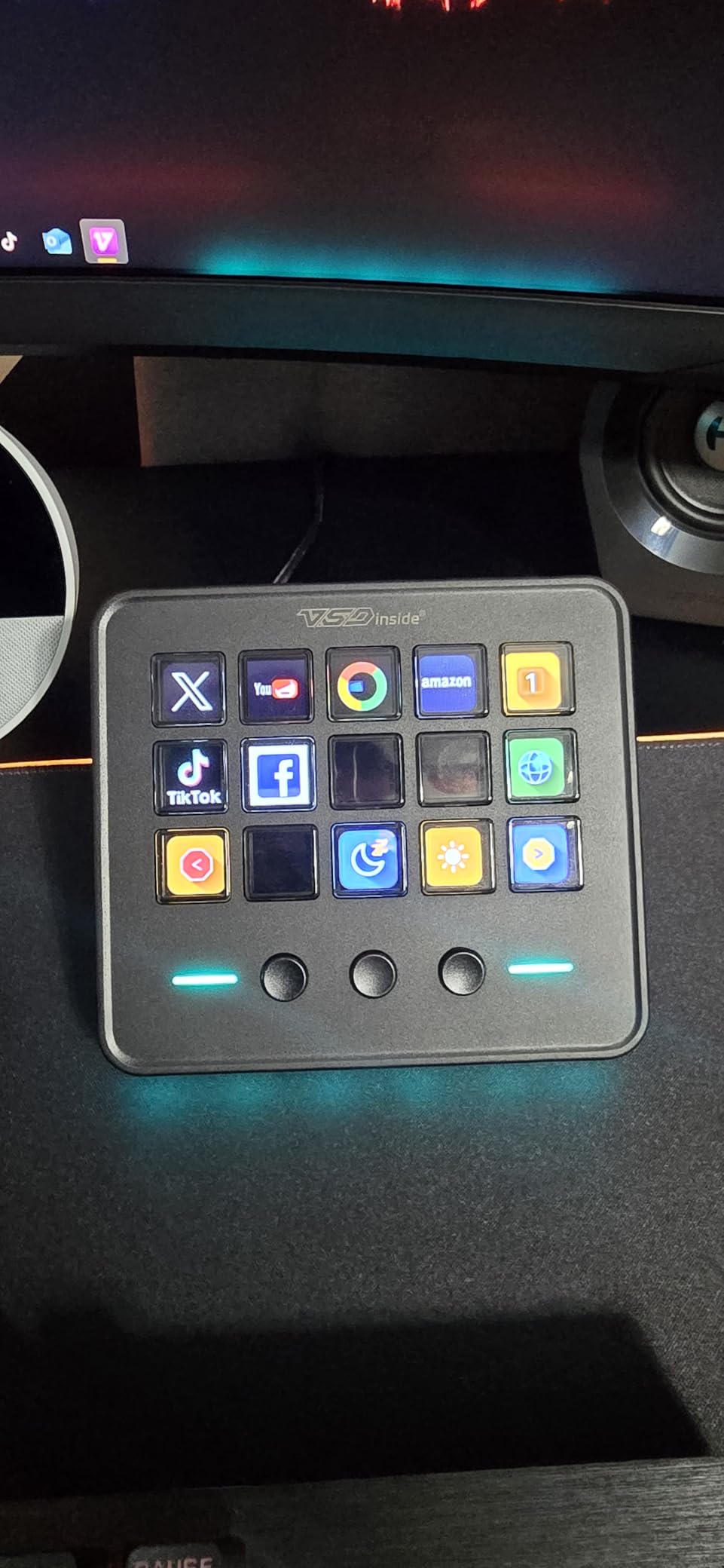
The VSDINSIDE Macro Keypad offers something unique with its 18-key layout. You get 15 visual LCD keys plus 3 additional physical buttons, giving you more inputs than most competitors. The automatic profile switching feature detects which application is active and loads the corresponding profile automatically.
I found the auto-switching genuinely useful. When I opened OBS, my streaming profile loaded instantly. Switching to Chrome brought up my productivity shortcuts. This hands-off approach to profile management saves time and reduces friction during workflows. The technology works surprisingly well.
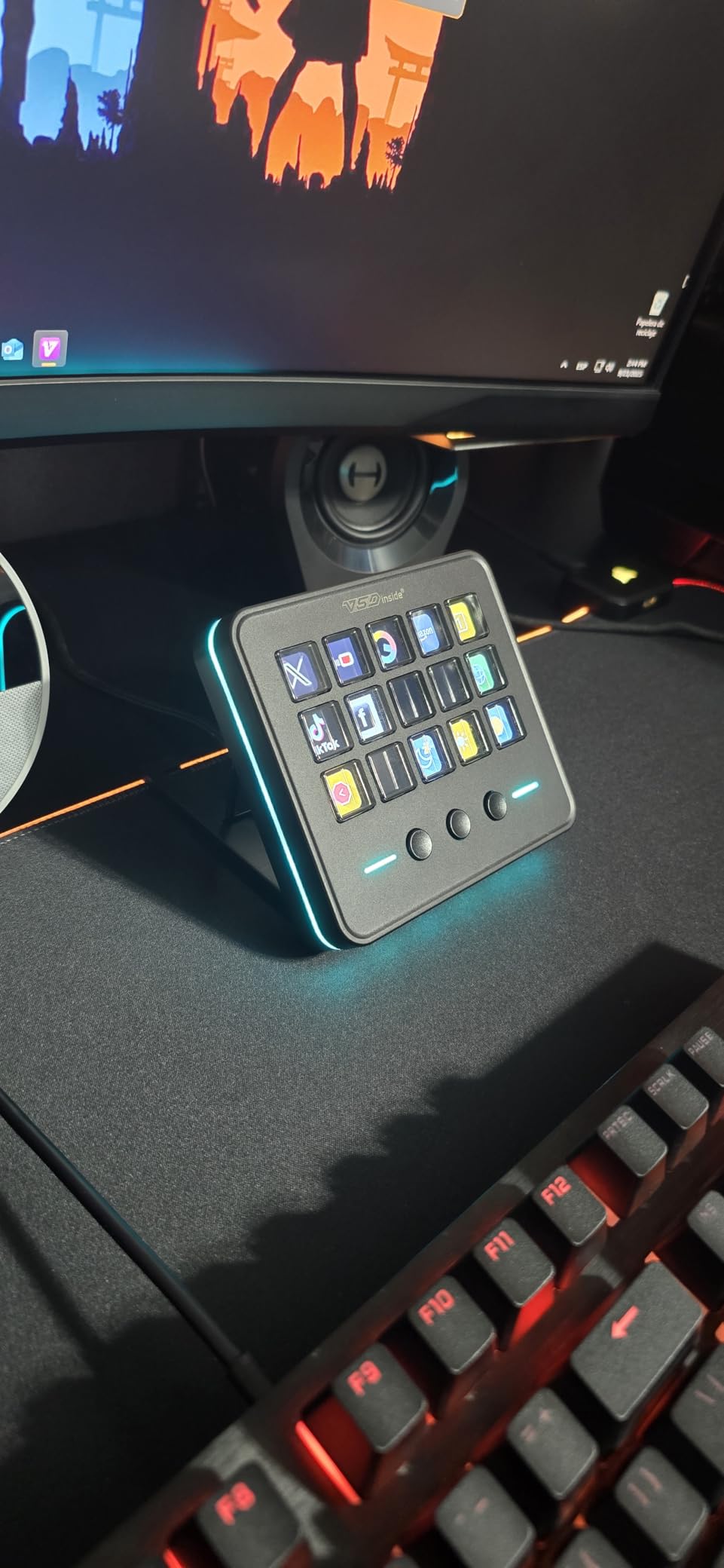
The surrounding RGB light ring adds visual interest, cycling through colors automatically. Unfortunately, there’s no way to customize or turn off this lighting. For users who prefer dark setups or find RGB distracting, this could be a dealbreaker. The keys themselves provide satisfying click feedback.
Build quality feels solid and substantial. The device has good weight and includes versatile plugins for time, weather, calendar, and other utilities. Setup instructions are minimal, which might frustrate beginners, but the software interface is intuitive enough to figure out.
Who Should Buy This
Power users who want more than 15 keys will appreciate the extra inputs. Those who value automatic profile switching will find this feature saves significant time. Productivity enthusiasts who use different applications throughout the day will benefit from the context-aware profiles.
Who Should Skip This
If you can’t stand RGB lighting that can’t be disabled, avoid this device. Users who rely heavily on Discord and OBS plugins might encounter compatibility issues. Beginners who need detailed setup instructions should look elsewhere.
9. Razer Stream Controller – Premium Haptics
Razer Stream Controller: All-In-One Keypad for Streaming – 12 Haptic Switchblade Keys – 6 Tactile Analog Dials – 8 Programmable Buttons – Designed for PC & Mac Compatibility
12 Haptic Keys
6 Analog Dials
LCD Touchscreen
8.2 oz
Pros
- Excellent haptic feedback
- 6 analog dials
- Adobe Creative Suite support
- Full color touchscreen
Cons
- Loupedeck software abandoned
- No longer supported by Razer
- Software stability issues
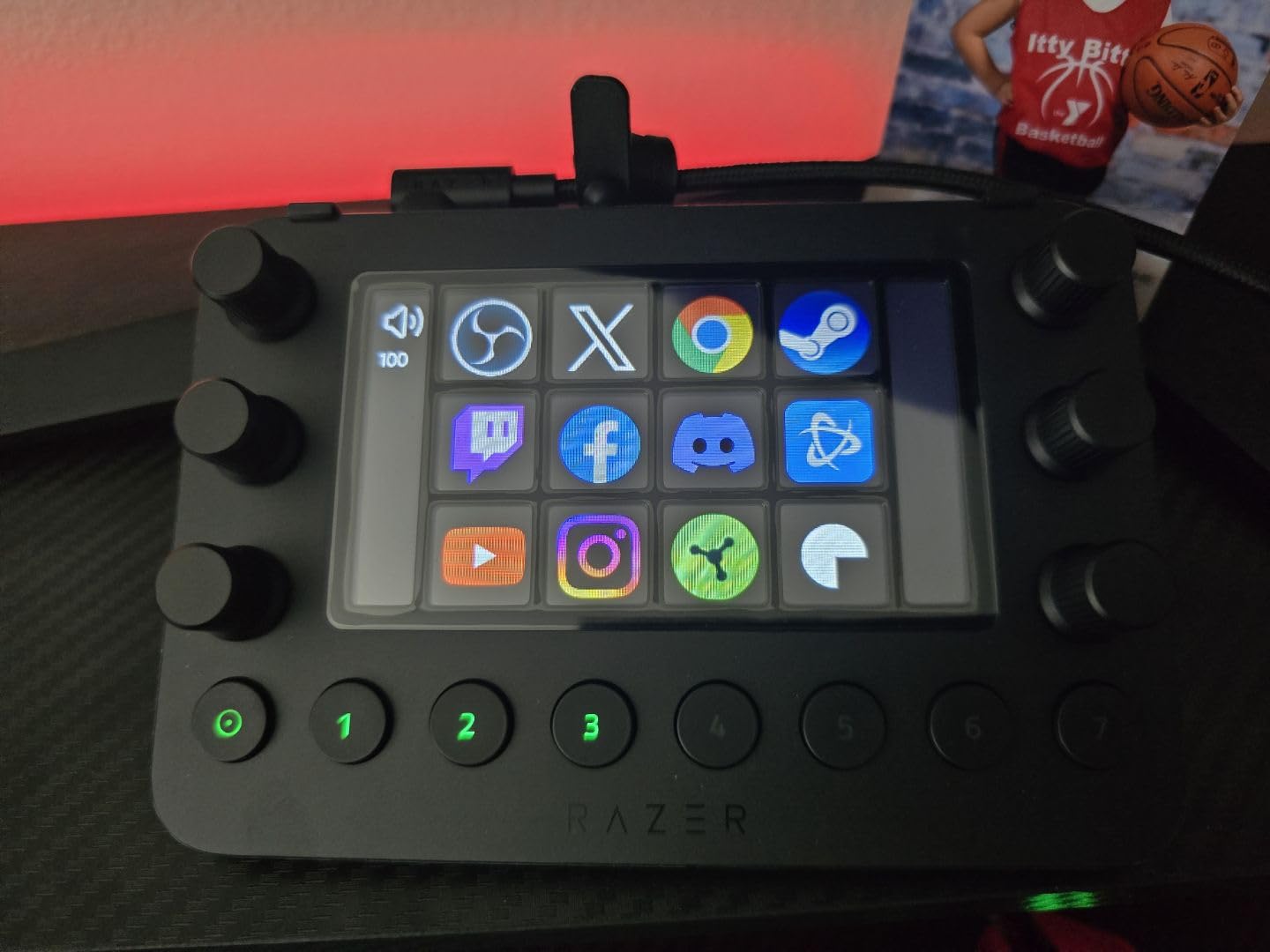
The Razer Stream Controller offers premium hardware with excellent haptic feedback on its 12 Switchblade keys. Each press delivers satisfying tactile response that I found superior to membrane-style keys. The 6 analog dials provide precise control for audio and media adjustments.
The full-color LCD touchscreen sits at the center, displaying custom layouts and icons. For creative professionals, the Adobe Creative Cloud integration is impressive. I tested it with Photoshop and Premiere Pro, where the dials became useful for brush size and timeline scrubbing. The potential here is enormous.
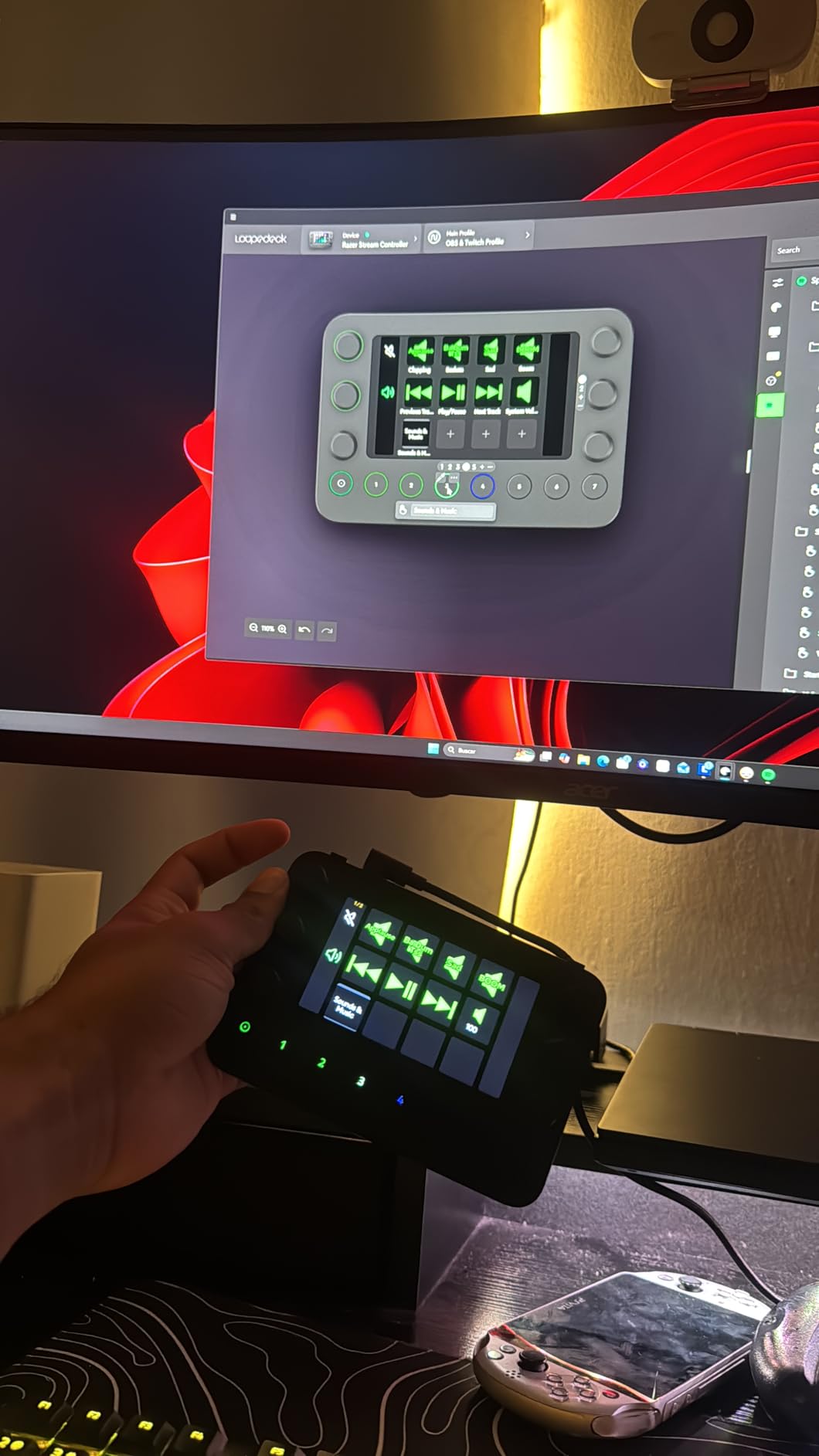
However, I must address the elephant in the room. Razer has essentially abandoned this product, and the underlying Loupedeck software is no longer being updated. Many users report needing to use version 5.9.1 instead of the latest software for stability. This uncertain future is a significant concern for a premium-priced device.
When it works, it’s fantastic. The Dynamic Mode automatically switches profiles based on active applications. Build quality meets Razer’s high standards. But the software issues are real and frustrating. Buttons occasionally stop working, and some features are buggy.
Who Should Buy This
Creative professionals who use Adobe software extensively will appreciate the dials and integrations. Users who prioritize haptic feedback quality might prefer the button feel here. Those willing to deal with software quirks for premium hardware could make this work.
Who Should Skip This
Anyone concerned about long-term software support should avoid this device. The abandoned status makes it a risky investment. Users who want reliable, trouble-free operation should stick with Elgato alternatives. The price is hard to justify given the uncertain future.
10. TreasLin Stream Controller Deck – Budget Champion
TreasLin Stream Controller Deck with12 Customizable Macro Keypad to Trigger Actions in OBS Twitch YouTube for Content Creators Stream Dock Compatible with PC & Mac N3 Black Macro Keypad
12 Macro Keys
Animated Icons
USB-C
10.6 oz
Pros
- Lowest price in roundup
- Supports animated icons
- 200+ plugins
- Multiple user profiles
Cons
- Newer with few reviews
- Security concerns raised
- Requires Spotify Premium for integration
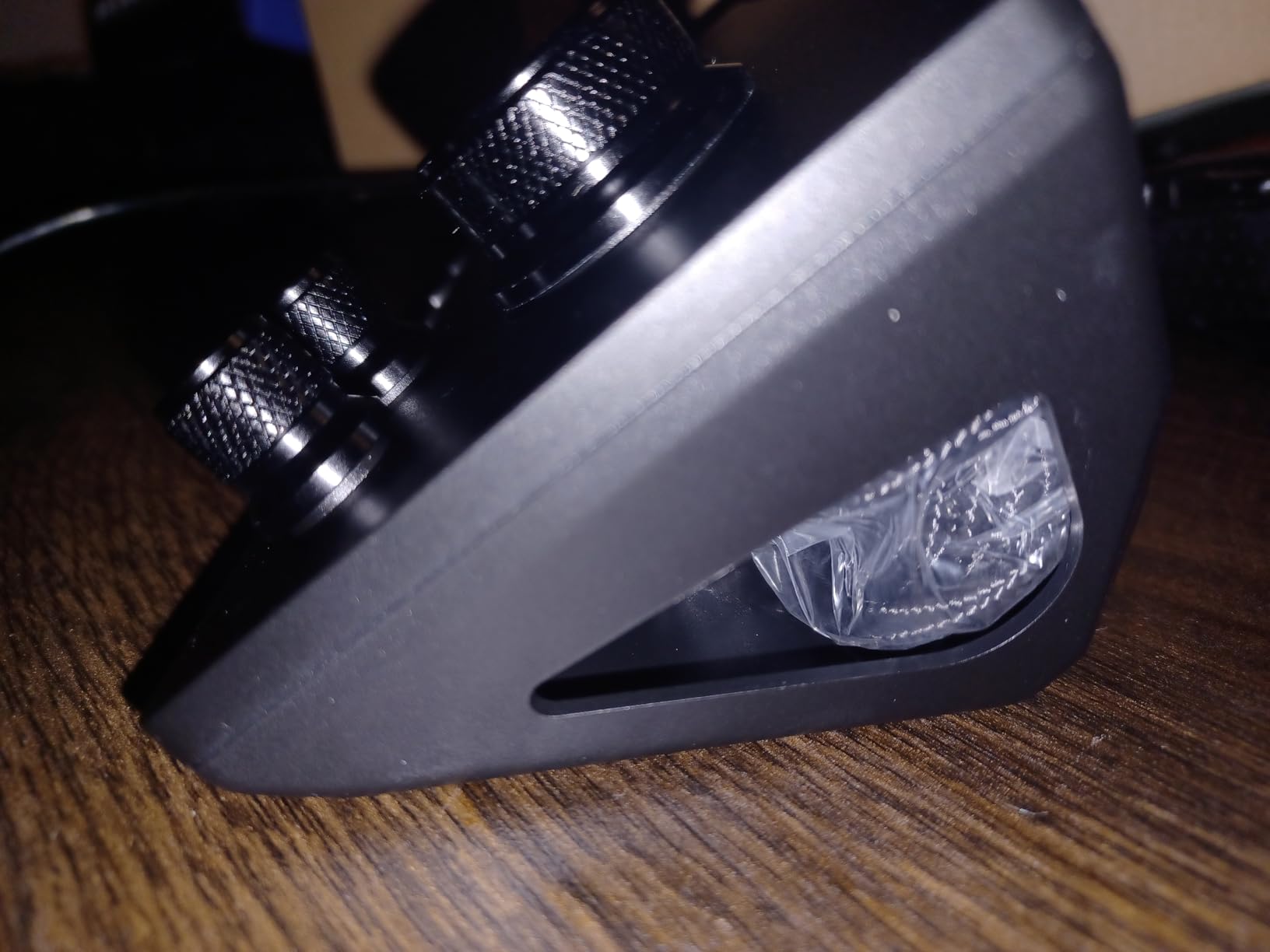
The TreasLin Stream Controller Deck offers the lowest entry price in our roundup while including unique features like animated icon support. At under $50, it’s accessible to almost anyone curious about stream controllers. The 12-key layout includes 6 visual LCD keys plus 3 tap buttons and 3 rotary controls.
What sets TreasLin apart is animated icon support. While most stream decks only display static images, this device can show dynamic animated icons. For creators who want unique, eye-catching button displays, this feature adds personality that competitors lack at any price point.
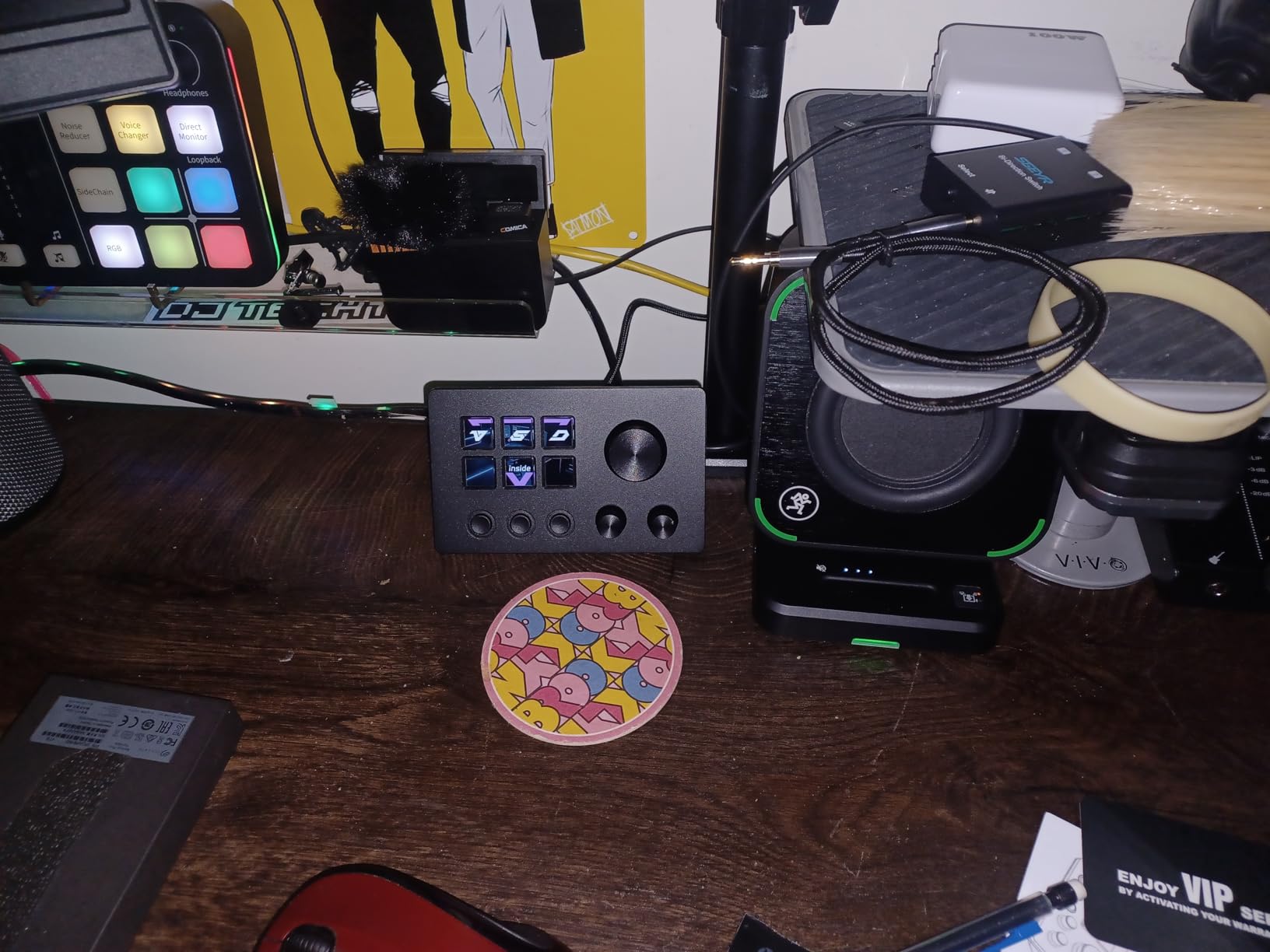
The VSDinside marketplace provides over 200 plugins covering major platforms. OBS, Streamlabs, Twitch, YouTube, Discord, and Spotify integrations are available. The multiple user profile support means different family members or team members can have their own configurations.
Being a newer product means fewer reviews and some uncertainty about long-term reliability. Some users have raised concerns about the software making connections to servers in China. While I didn’t experience issues during testing, security-conscious buyers should research this further. For most casual users, the value proposition is strong.
Who Should Buy This
Budget-conscious buyers who want the most features for their money will find excellent value here. Users who want animated icons for unique button displays should consider this device. Families or teams sharing one device will appreciate multiple profile support.
Who Should Skip This
Security-conscious users concerned about software connections should research thoroughly. Those who prefer established brands with proven track records might wait for more reviews. Users who need extensive documentation and support may find resources limited.
How to Choose the Best Stream Deck for You?
Selecting the right stream deck depends on your specific needs, budget, and workflow. After testing all these devices, I’ve identified the key factors that should influence your decision.
Number of Keys
More keys mean more direct access to actions without navigating folders. The Elgato XL offers 32 keys for power users, while the Mini’s 6 keys require more menu navigation. Consider how many actions you need instant access to during typical sessions. Most streamers find 15 keys (the MK.2 layout) provides the best balance between functionality and desk space.
Software Ecosystem
Elgato’s software and plugin library remain the industry standard. If you need integrations with specific applications or want access to thousands of community-created profiles, Elgato is the clear choice. Budget alternatives work for basic functions but lack the mature ecosystem. Consider what software you use and whether plugins exist for your needs.
Button Tactility
Button feel varies significantly between brands. Elgato keys have a soft, quiet press. Razer’s haptic keys offer more tactile feedback. Budget options sometimes feel mushy or wobbly. If possible, try different options to see what feels right for extended use. Some users prefer softer keys, while others want more click feedback.
Dials and Touch Controls
Devices like the Stream Deck + and Razer Stream Controller include rotary dials for analog control. These excel for audio mixing, video scrubbing, and any adjustment where precise incremental changes matter. If you do audio work or video editing, dials add significant value. Pure streaming setups might not need them.
Budget Considerations
Stream decks range from under $50 to over $200. Elgato commands premium pricing but delivers proven reliability and software support. Budget alternatives like SOOMFON, TreasLin, and VSDINSIDE offer similar core functionality at significant savings. If you’re unsure whether a stream deck will improve your workflow, start cheap and upgrade if needed.
Use Case Recommendations
For pure streaming with OBS or Streamlabs, the Elgato MK.2 remains the best all-around choice. Video editors and audio engineers should consider the Stream Deck + or Razer for dial controls. Remote workers will find the Mini or Neo sufficient for productivity shortcuts. Budget-conscious beginners should look at SOOMFON or TreasLin.
Plugin Requirements
Before purchasing, check whether plugins exist for your essential applications. Elgato’s plugin directory covers most popular software. Budget brands have more limited selections. If you rely on specific integrations like vMix, Philips Hue, or specialized creative software, verify compatibility first.
Frequently Asked Questions
What Stream Deck do streamers use?
Most professional streamers use Elgato Stream Decks, particularly the MK.2 (15 keys) or XL (32 keys). Elgato dominates the market because of its mature software ecosystem, extensive plugin library, and reliable hardware. The MK.2 offers the best balance of price and functionality for most streamers, while the XL provides maximum control for complex productions.
Is it worth buying a Stream Deck?
Yes, a Stream Deck is worth the investment if you stream regularly, create content, or want to automate repetitive computer tasks. The time saved from instant scene switching, audio control, and macro execution quickly adds up. Even non-streamers find value in productivity shortcuts for Zoom, Teams, and creative applications. Budget alternatives under $60 make testing the concept affordable.
Is there anything better than a Stream Deck?
Alternatives like the Razer Stream Controller and Loupedeck Live offer different features, but nothing beats the Elgato ecosystem for most users. Razer provides excellent haptic feedback and dials but has uncertain software support. Loupedeck offers great build quality but less intuitive software. For budget-conscious buyers, SOOMFON and TreasLin provide similar core functionality at lower prices.
Is Elgato owned by Corsair?
Yes, Elgato is owned by Corsair. Corsair acquired Elgato in 2018, bringing the Stream Deck and other streaming products under the Corsair umbrella. Despite the acquisition, Elgato continues to operate as a distinct brand with its own product development and software teams. The ownership has provided resources for continued innovation and product support.
What can you do with a Stream Deck?
A Stream Deck can trigger virtually any action on your computer with a single button press. Common uses include switching scenes in OBS, muting microphones, playing sound effects, launching applications, controlling smart home devices, sending chat messages, adjusting audio levels, executing multi-step macros, opening websites, and controlling media playback. The possibilities expand through plugins for specific applications.
Final Thoughts on the Best Stream Decks
After extensive testing, the Elgato Stream Deck MK.2 remains my top recommendation for most streamers and content creators in 2026. Its 15-key layout hits the perfect balance between functionality and desk space, while the mature software ecosystem provides integrations for virtually any application. The premium build quality and extensive plugin library justify the price for serious users.
For budget-conscious buyers, the Elgato Stream Deck Mini offers excellent value and the same software experience. Alternatives from SOOMFON, TreasLin, and VSDINSIDE provide similar core functionality at lower prices, though with more limited plugin ecosystems. Power users who need maximum control should consider the Stream Deck XL or Stream Deck + for analog controls.
Whichever stream deck you choose, the productivity improvements are real and immediate. Once you experience the convenience of one-touch scene switching and instant macro execution, you’ll wonder how you ever managed without one. The best stream deck is ultimately the one that fits your workflow, budget, and desk space.