
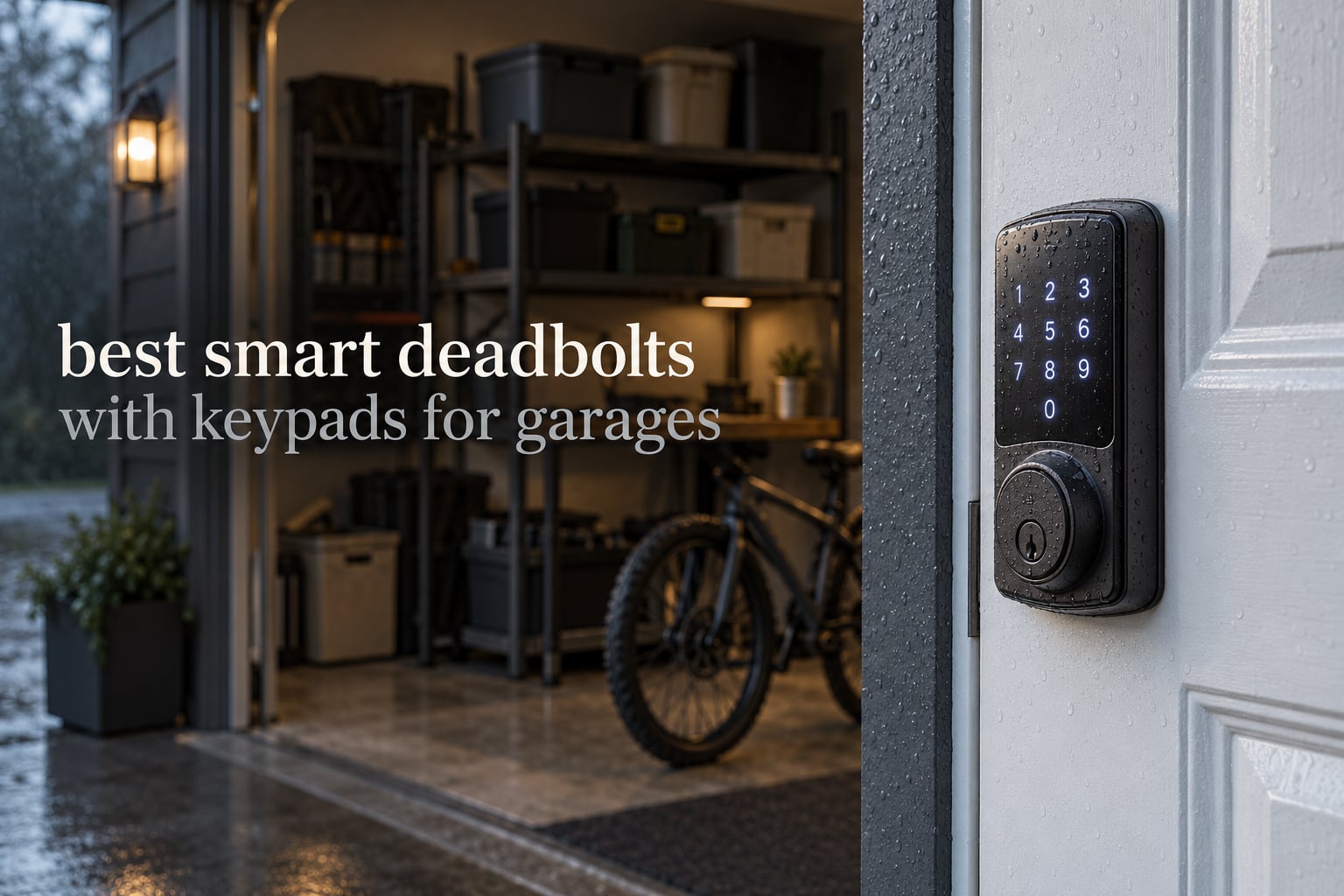
The best smart deadbolts with keypads for garages are the Schlage Encode Smart WiFi Deadbolt, the TEEHO TE002 and the ULTRALOQ Bolt SE. All three take a numeric code on a sealed exterior keypad and throw a solid steel bolt, so nobody needs a physical key for the door between your garage and your house.
Before we get to the picks, one clarification that saves people a lot of money. If you are locking the rolling garage door itself, a keypad deadbolt does nothing for you. You want an opener keypad or a wall button from myQ, Chamberlain or a similar brand. A keypad deadbolt belongs on a person door: the garage-to-house entry, a side entry, or a detached garage or ADU door.
That door is where garage-specific problems live. It is often exposed to rain and dust with no overhang, it swings on thicker framing than an interior door, and a dead battery there means a locksmith or a pry bar. We picked and compared ten keypad deadbolts with those three problems in mind, and every rating and review count below comes from the listing data rather than from a spec sheet.
If you want a broader view of lock hardware first, our guide to the best deadbolts covers the mechanical side of the equation, and if you are planning the garage itself, start with garage space heaters and garage-ready refrigerators to get the room right before you worry about the lock.
Table of Contents
Top 3 Best Smart Keypad Deadbolts for Garages in 2026

Schlage Encode Smart WiFi Deadbolt
- Built-in Wi-Fi
- 100 access codes
- BHMA highest residential rating
- 4 AA batteries


ULTRALOQ Bolt SE Wi-Fi Smart Lock
- Wi-Fi plus Matter over Thread
- IP65
- 18-month battery claim
The Schlage wins on evidence rather than on spec sheet. It is the most-reviewed lock in this group, works over built-in Wi-Fi with no hub, and carries the highest BHMA residential rating in its own range. The TEEHO TE002 is the pick if remote access is not the point, because it does fingerprint plus code offline with an IP54 rating and a 365-day battery claim. The ULTRALOQ Bolt SE is the one to buy if you run Apple Home or Home Assistant, since it speaks Matter over Thread as well as plain Wi-Fi.
Deadbolt or Opener Keypad: What Are You Actually Locking?
A deadbolt goes on a hinged pedestrian door. A garage door opener keypad goes on the rolling door. They solve different problems and no single device does both.
Here is the split. On the garage door itself you need a rolling-code opener keypad, because that is what talks to your motor. On the garage-to-house door you need a real deadbolt with a throw of solid steel, and that is what this roundup covers.
A latch lock, by contrast, uses a spring-loaded bevel bolt that is pushed back by the handle. It is convenient but offers far less resistance to a kick or a pry bar, which is why exterior-facing garage doors want a deadbolt instead.
One more case worth naming: a detached garage or ADU with no house attached. There, the person door is often the only way in, and it is the least protected door on the property. That is the strongest argument for a keypad deadbolt in this list.
All 10 Smart Keypad Deadbolts at a Glance in 2026
| Product | Specifications | Action |
|---|---|---|
| Schlage Encode Smart WiFi Deadbolt |
|
Check Latest Price |
| TEEHO TE002 Fingerprint Deadbolt |
|
Check Latest Price |
| ULTRALOQ Bolt SE Wi-Fi Smart Lock |
|
Check Latest Price |
 DESLOC B200 Smart Deadbolt DESLOC B200 Smart Deadbolt |
|
Check Latest Price |
 Veise VE017 Fingerprint Smart Lock Veise VE017 Fingerprint Smart Lock |
|
Check Latest Price |
 Philips Wi-Fi Smart Deadbolt Philips Wi-Fi Smart Deadbolt |
|
Check Latest Price |
 Tapo DL110 Smart Wi-Fi Deadbolt Tapo DL110 Smart Wi-Fi Deadbolt |
|
Check Latest Price |
 Wyze Auto-Lock Bolt v2 Wyze Auto-Lock Bolt v2 |
|
Check Latest Price |
 Veise VE012W WiFi Fingerprint Lock Veise VE012W WiFi Fingerprint Lock |
|
Check Latest Price |
 Tapo DL100 Smart Wi-Fi Deadbolt Tapo DL100 Smart Wi-Fi Deadbolt |
|
Check Latest Price |
Two details deserve a second look before you scroll on. The IP ratings in the table range from IP53 to IP65, which separates the locks that can handle a driving-rain side door from the ones that want a covered porch. The power column also matters, since the battery designs range from four AA cells to eight or to a rechargeable pack.
1. Schlage Encode Smart WiFi Deadbolt – Best Overall for a Garage Entry Door
Schlage Encode Smart WiFi Deadbolt Lock with Century Trim, Matte Black
Built-in Wi-Fi
100 access codes
4 AA batteries
BHMA highest residential rating
Pros
- No hub needed
- remote lock and unlock from the Schlage Home app
- installs over an existing deadbolt with a screwdriver
- one-touch exterior locking with selectable auto-lock delay
- works with Alexa and Google Home
Cons
- Highest cost in this roundup
- four AA batteries with roughly six months of stated life
- app and voice features need a secure Wi-Fi network in range
We chose the Schlage Encode as our top pick because the garage-to-house door is exactly the situation it was built for: an exterior secondary door that people forget to lock, on a house with an existing deadbolt already drilled into it. It installs over that deadbolt with a screwdriver, so there is no wiring run from the garage and no electrician.
Built-in Wi-Fi with no hub is what separates it from the Bluetooth-plus-gateway designs, though a few cheaper locks here also ship Wi-Fi. You get remote lock and unlock, up to 100 access codes and lock history in the Schlage Home app without buying a bridge device first. Reviewers across 13,000-plus ratings point to the same things: installation is easy, the app is reliable, and the certification is real.
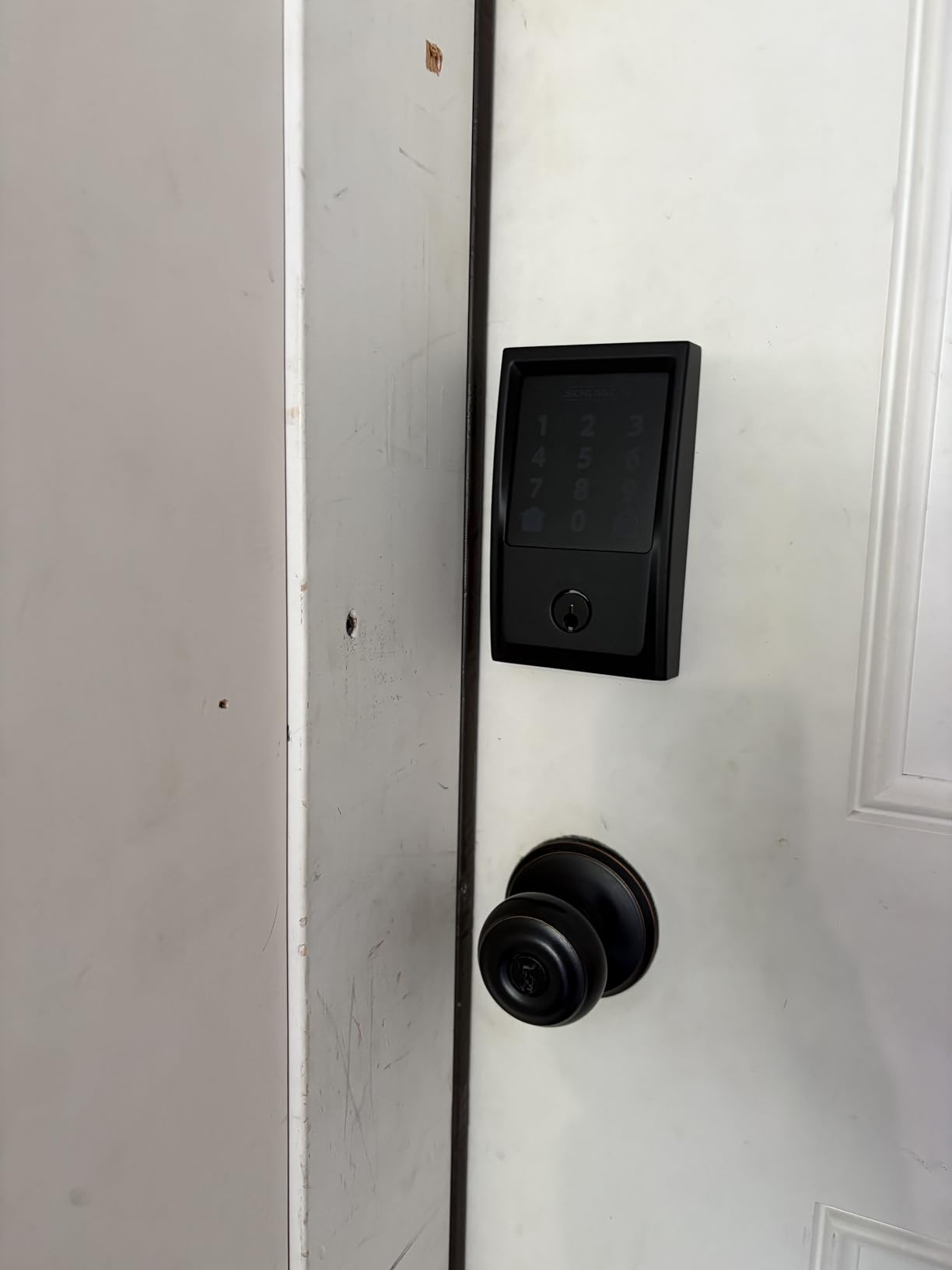
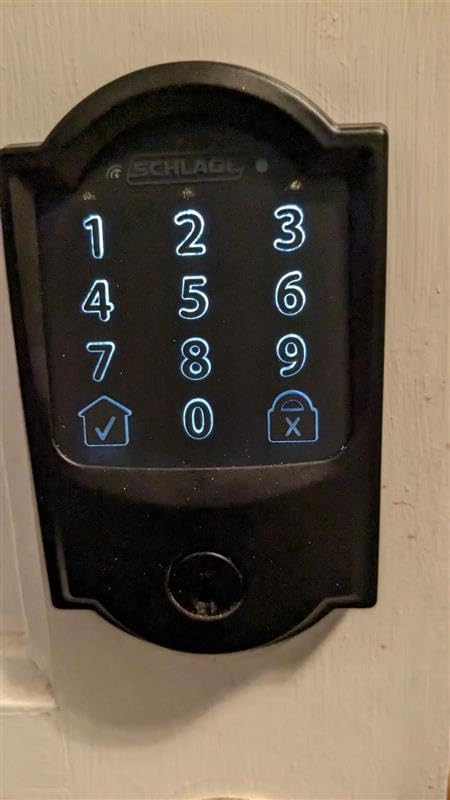
The security side is where this lock pulls ahead for a garage door. Schlage rates it at the highest BHMA residential level in its own range, and the features list adds an encrypted connection, a customizable door-movement alarm and a fingerprint-resistant touchscreen so a determined person cannot watch for the last digit you tap.
The trade-offs are honest ones. It costs more than several other locks here combined, it runs on four AA batteries with a stated life of about six months, and the remote features are useless if the router sits on the far side of a metal garage wall with no line of sight. Homeowners in Home Assistant communities specifically recommend the Schlage Connect line for Z-Wave reasons, and a Home Assistant user cited the Connect Camelot BE469ZP for working cleanly with Z-Wave JS.
Who the Schlage Encode suits
This is the lock for a household that wants remote status on a door nobody thinks about. If a contractor needs access for two weeks, you send a temporary code from your phone and delete it afterward. If you rent the place, the entry log tells you which code was used and when.
It also suits owners who already run Alexa or Google Home and want voice control without buying a hub. The 100-code ceiling leaves plenty of room for cleaners, sitters and former tenants.
Who should skip the Schlage Encode
If you are on a tight budget and do not need remote control, this is the most expensive option here and a fingerprint deadbolt gives you more day-to-day convenience per dollar. Reviewers also report a 12 percent one-star share that points at battery and connectivity friction, so plan the battery change on a schedule rather than waiting for an alert.
Anyone running Home Assistant as their only controller should know this is a Wi-Fi lock, not a Z-Wave or Matter device. Check the protocol section in the buying guide before you commit.
2. TEEHO TE002 Fingerprint Deadbolt – Best Value Offline Keypad Lock
TEEHO TE002 Fingerprint Deadbolt with Keypad for Front Door, Matte Black
Offline keypad and fingerprint
IP54 weather resistance
BHMA Grade 3
4 AA batteries
Pros
- Fingerprint reads in 0.3 seconds
- stores 20 fingerprints and 20 passcodes plus two backup keys
- anti-peep codes and wrong-attempt lockout
- screwdriver-only install
- silent mode and away mode
Cons
- No Wi-Fi or app so no remote control
- no voice assistant support
- fits a 2-1/8 inch hole only
- code programming sequence described as cumbersome
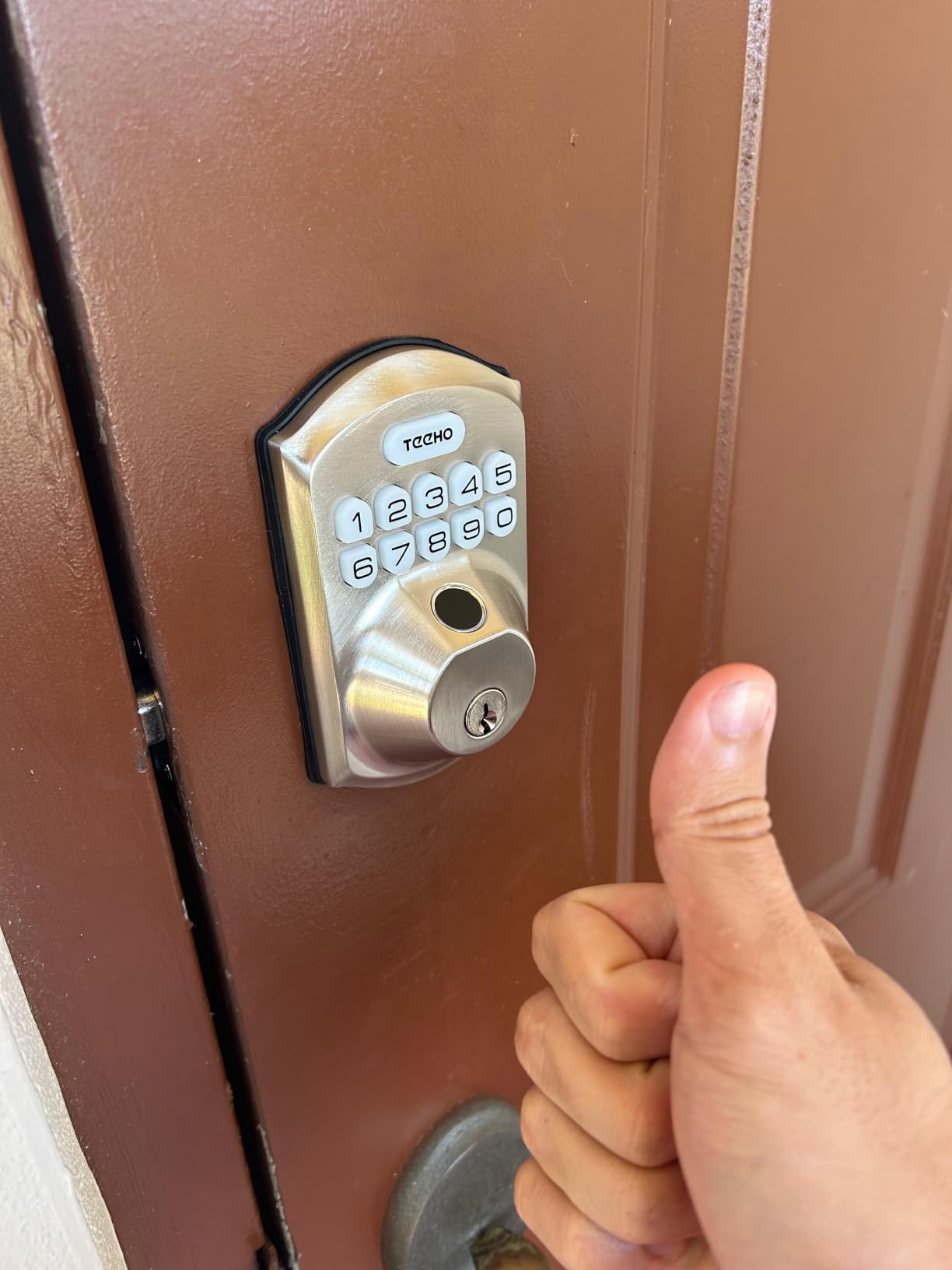
The TEEHO TE002 is the lock we recommend when the door is genuinely offline and nobody needs to know its status from three miles away. It does four things: fingerprint, keypad passcode, physical key and one-time PINs that delete themselves. That is enough for a side entry where the phone is already in your hand.
At 4.4 stars across more than 12,700 ratings it is one of the best-rated locks in the group. Reviewers consistently praise installation simplicity, fingerprint reliability and the anti-peep feature, which lets you type decoy digits before or after your real code so someone watching the keypad learns nothing.
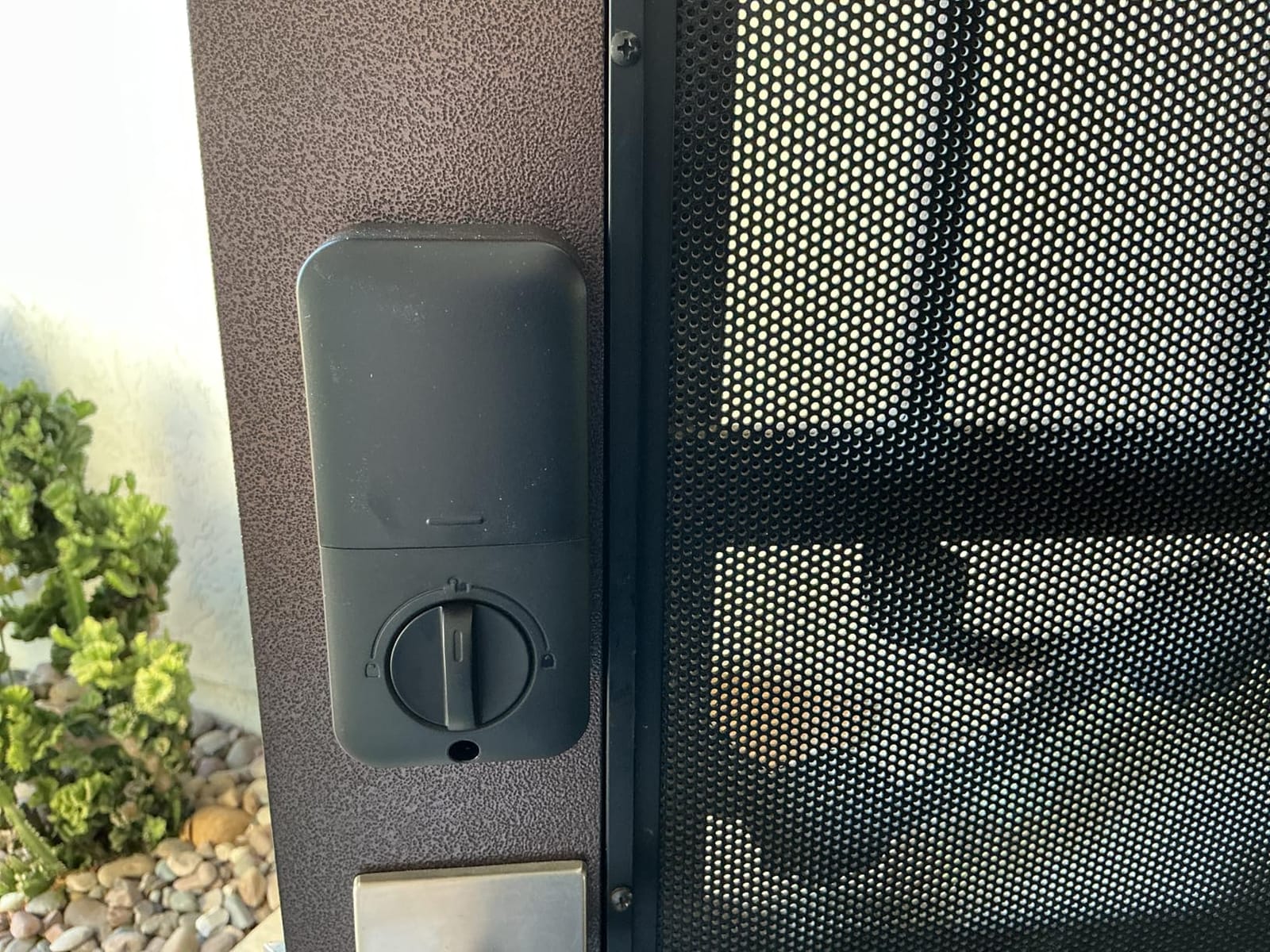
For an exterior garage door the two details that matter most are IP54 weather resistance and BHMA Grade 3 certification. Neither is premium-grade, but IP54 means protected against dust and splashing water, which covers a covered entry door in most climates. The battery claim is 365 days on four AA batteries, with a red indicator below 15 percent.
The limitation is the one that decides this purchase for you. There is no app, no Wi-Fi and no voice assistant, so this lock cannot tell you whether it is locked while you are at work. Owners also mention that the programming sequence for adding codes is fiddly the first time, and a few report the auto-lock delay resetting to its shortest setting.
Who the TEEHO TE002 suits
Owners of uninsulated or detached garages who want keyless entry without a subscription or a hub. The fingerprint sensor holds up to 20 prints, so a family of four plus a contractor can all come and go without sharing a PIN.
It is also the pick for anyone who prefers not to hand over lock credentials to a cloud server. Everything runs on the lock itself, which removes an entire category of risk for a door that is exposed.
Who should skip the TEEHO TE002
Skip it if you need remote lock and unlock, temporary passcodes sent from a phone, or an entry history log. None of that exists here, and no amount of firmware work will add it.
It also only fits a 2-1/8 inch door hole. On a thick steel or insulated garage door you may need to measure the existing bore before this one is a candidate at all.
3. ULTRALOQ Bolt SE – Best for Matter and Apple Home
ULTRALOQ Bolt SE Wi-Fi Smart Lock, Matter Over Thread, App Remote Access
Wi-Fi plus Matter over Thread
IP65 rated
50 codes and 50 prints
18-month battery claim
Pros
- Two radios in one lock
- self-healing Thread mesh
- up to 50 fingerprints and 50 passcodes
- works with Siri and Alexa and Google Assistant
- ANSI certified zinc body
Cons
- Matter features need a separate Thread Border Router
- Wi-Fi is 2.4GHz only and needs the router within about 70 feet
- no door sensor included
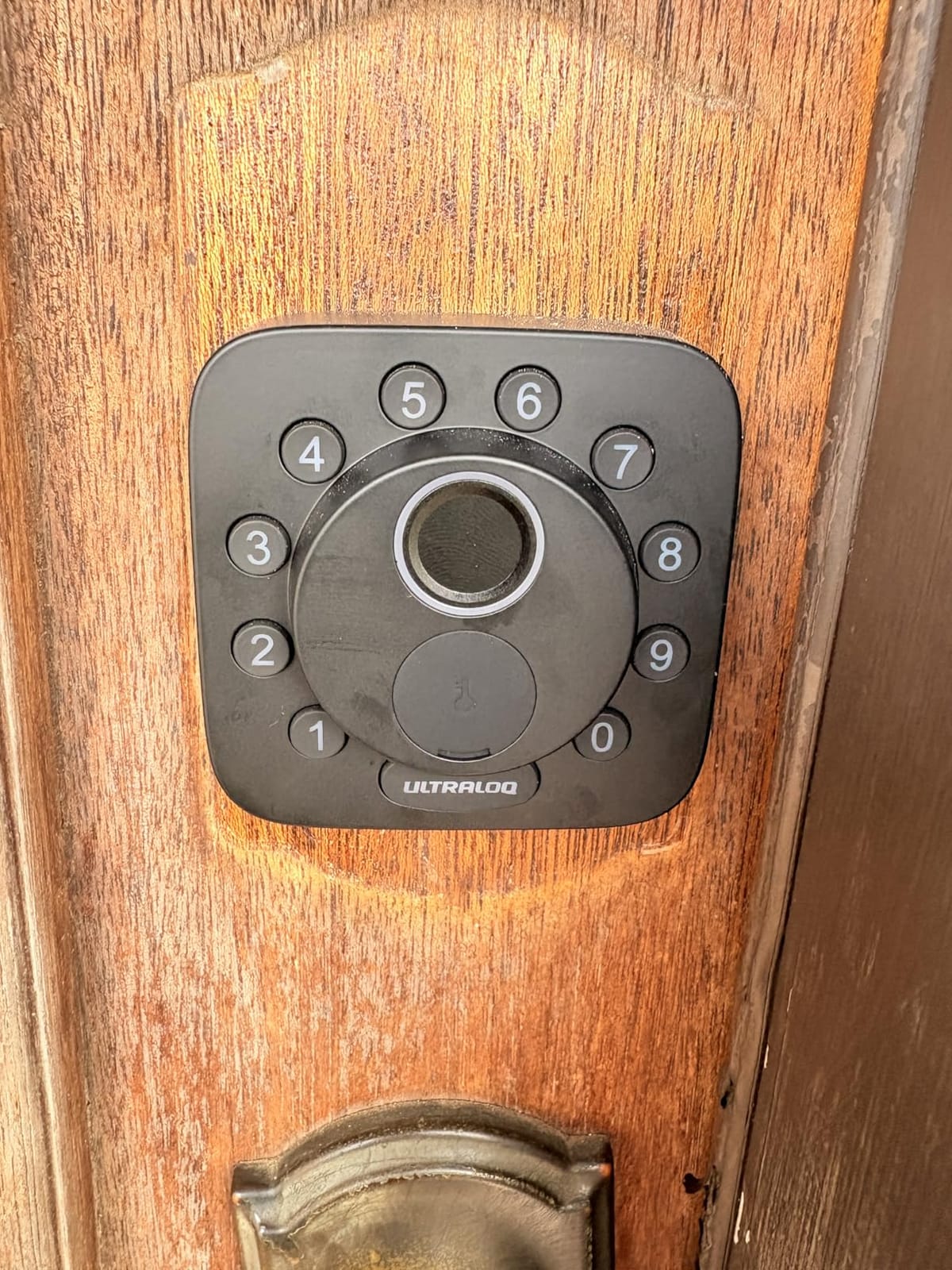
The ULTRALOQ Bolt SE is the pick for anyone whose complaint about smart locks is walled gardens. It has two independent radios: a 2.4GHz Wi-Fi chip for direct app control, and Matter over Thread for Apple Home and other Matter apps. You do not have to choose between convenience and protocol openness.
That matters on a garage because of where the metal is. A Thread mesh network is low-energy and self-healing, and ULTRALOQ states the network reroutes automatically if a device becomes unavailable. For a detached garage several dozen feet from the house, that resilience is more useful than a marginally faster fingerprint reader.
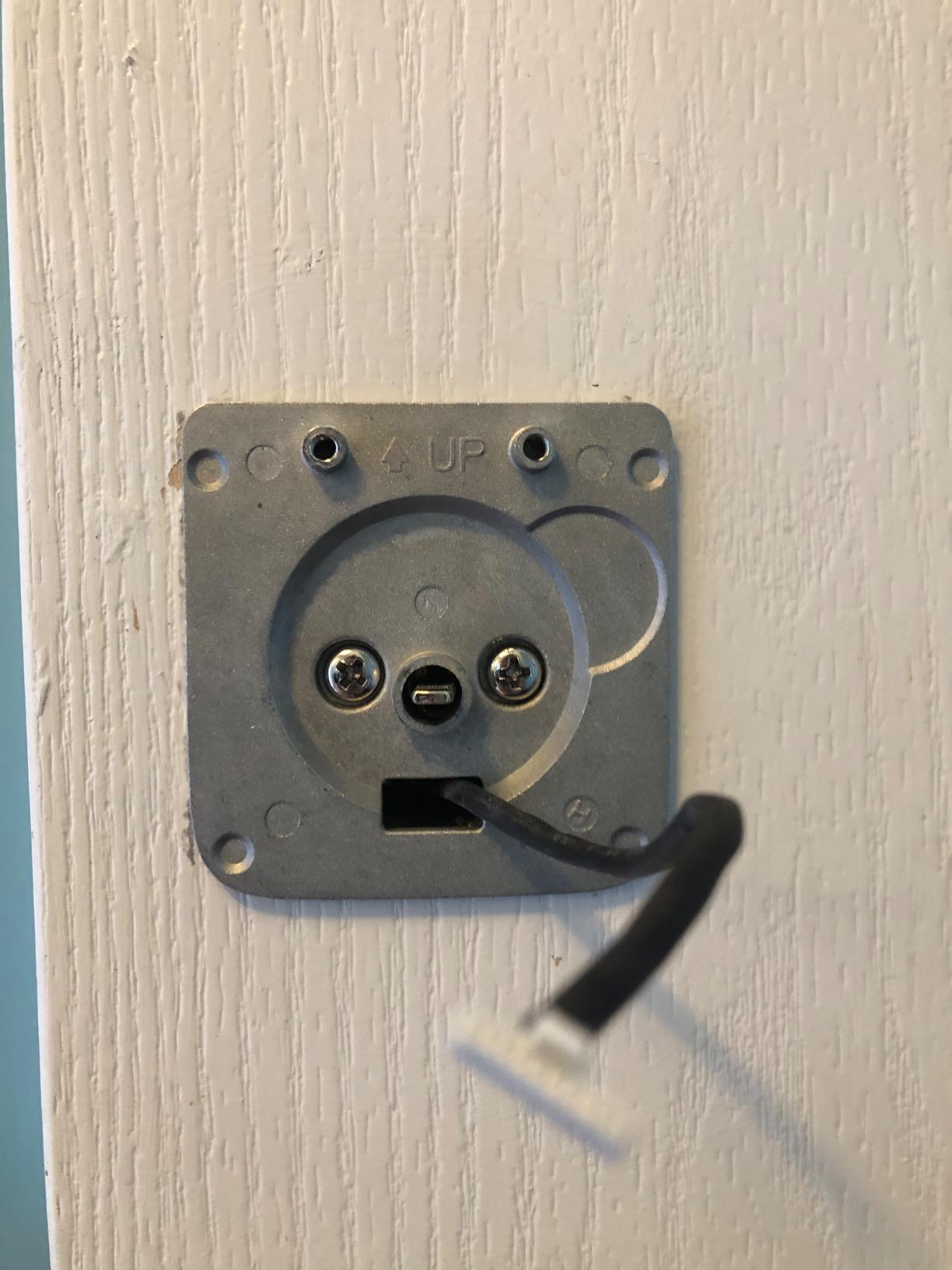
Capacity is the other draw: up to 50 fingerprints and 50 passcodes, plus eKey and code sharing, two mechanical keys and voice control. Seven entry methods in total. The body is zinc alloy, ANSI and BHMA certified, and rated IP65, which is among the higher weather ratings in this group.
The friction points are setup complexity and range. Matter over Thread requires a compatible Thread Border Router hub, and reviewers describe the setup around hubs as the most involved part of the install. The Wi-Fi side is 2.4GHz only and ULTRALOQ recommends the router within about 70 feet. A door sensor is not included, so real-time open or closed status is unavailable.
Who the ULTRALOQ Bolt SE suits
Apple Home, Home Assistant and Hubitat owners who want the lock inside an existing automation stack rather than in another vendor app. A Hubitat community thread on outdoor smart deadbolts is full of exactly this concern, and this lock answers it without a brand-specific bridge.
It also suits large households or small multi-door properties where 50 codes is a real requirement rather than a spec-sheet line.
Who should skip the ULTRALOQ Bolt SE
Skip it if you want zero extra hardware. Matter over Thread needs a hub, and the Wi-Fi alternative is limited to 2.4GHz with a 70-foot guidance figure, so a 5GHz-only mesh network will not help you.
If you need to know whether the door is physically open, look elsewhere. Without the optional sensor the app can only report the bolt position.
4. DESLOC B200 Smart Deadbolt – Most Entry Methods at a Mid-Low Cost
DESLOC B200 Fingerprint Smart Door Lock, Keyless Entry Deadbolt
Eight unlock methods
IP54 rated
-22F to 158F range
USB-C emergency power
Pros
- Eight ways in including fob and eKey
- self-learning fingerprint reads in under 0.3 seconds
- wide temperature range
- USB-C emergency power port
- key fob included
Cons
- Bluetooth only so remote and voice features need the G2 gateway
- firmware ecosystem less established
- 12-month warranty is short
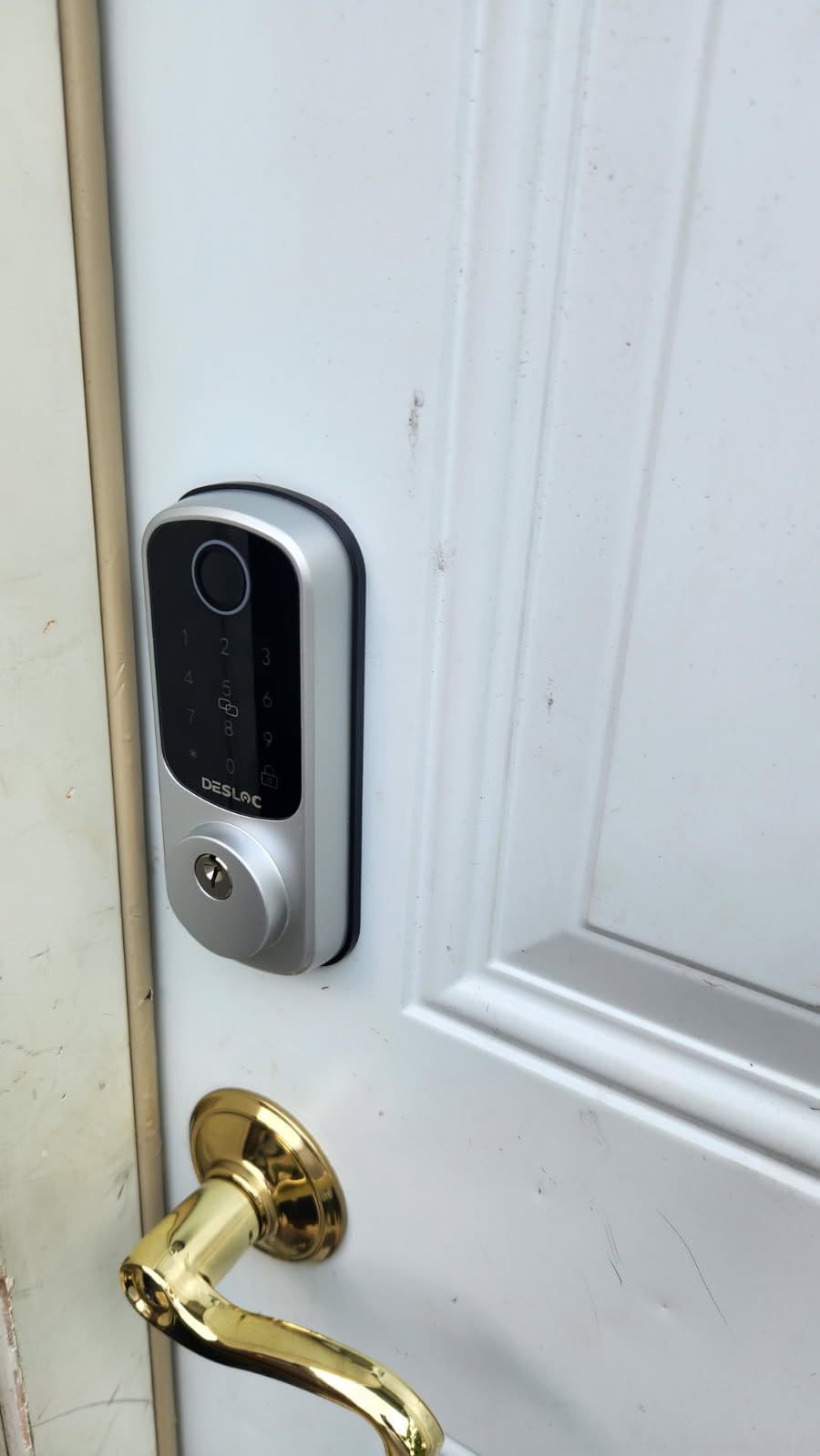
The DESLOC B200 is unusual for the money. It offers eight unlock methods in one unit: fingerprint, PIN, app, eKeys, key fobs, physical keys and voice control through the G2 gateway. Most locks at this level give you three, and including a key fob is genuinely rare.
The fingerprint module is self-learning, reading in under 0.3 seconds and storing up to 50 prints. For a garage door shared by a family and a contractor, having a fob as well as a code means you can hand over a credential that is harder to copy than a PIN.
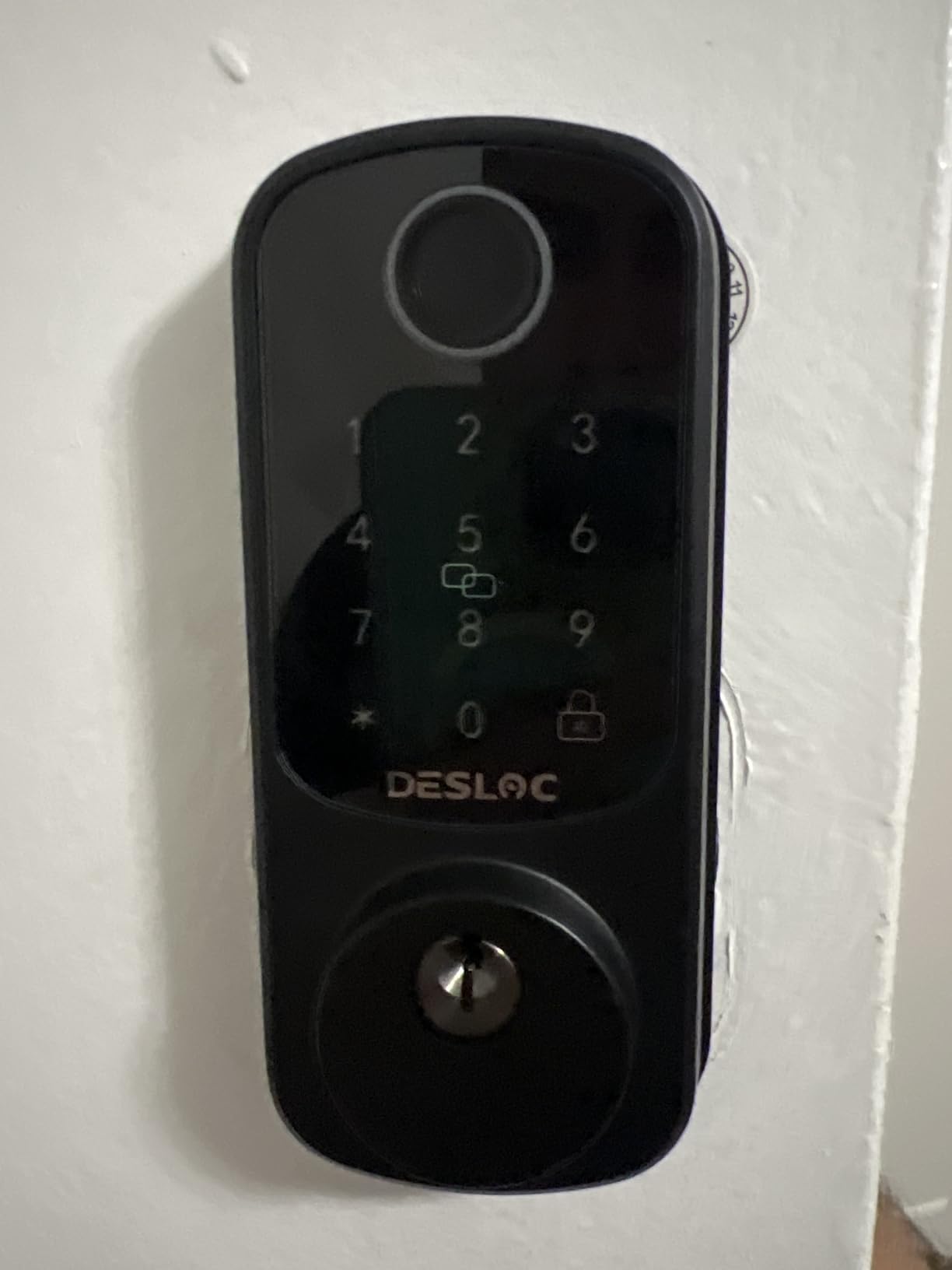
The environmental spec is the part that earns a place on a garage door. It is rated IP54 for water resistance and states an operating range of -22F to 158F, which covers cold-climate garages better than most of the plastic-bodied locks here. A USB-C emergency power port on the exterior means a flat battery is not a locksmith visit.
Remote access is where it stops. The lock is Bluetooth only, and both app control beyond local pairing and Alexa or Google Assistant support require the separately sold G2 gateway. The review consensus is that owners value the breadth of entry methods and are slightly wary of a newer firmware ecosystem, plus the warranty runs only 12 months.
Who the DESLOC B200 suits
Households that want fobs, codes and biometrics without paying for three separate devices. It suits a garage-to-house door in a cold region where -22F is a real winter reading rather than a spec-sheet flourish.
It also fits anyone planning ahead to add the G2 gateway later. Bluetooth local control works on its own, and the upgrade path is documented.
Who should skip the DESLOC B200
Skip it if you want remote control out of the box, because the gateway is not included and the app is otherwise limited to nearby phones. Anyone who prefers a longer warranty from an established brand should weigh the 12-month term against the feature list.
It is also a heavier unit at nearly a kilogram, which is worth knowing if you are fitting it to a lightweight steel door.
5. Veise VE017 Fingerprint Smart Lock – Widest Temperature Range and Local Data Storage
Veise VE017 Fingerprint Smart Door Lock with App Control, Matte Black
0.2 second fingerprint
IP55 rated
-35F to 160F
AES128 local storage
Pros
- Fingerprint verifies in under 0.2 seconds on a self-learning chip
- four password types including recurring
- anti-peeping privacy code
- auto-detects door handing
Cons
- Remote unlock and voice need the separately sold Veise G1 gateway
- Bluetooth means the phone must be near the lock for direct pairing
- gateway adds cost to a connected setup
The Veise VE017 stands out on two specifications no other lock here matches. Its stated operating range is -35F to 160F, the widest of the ten locks listed, and it stores entry records, credentials and fingerprints locally with AES128 encryption rather than pushing them to a cloud server.
That second point is a genuine differentiator for an exposed door. Reviewers single out the local storage and the self-learning fingerprint chip, which verifies in under 0.2 seconds at a stated 99.99 percent accuracy. The anti-peeping privacy code lets you disguise your PIN with random digits either side of the real one.
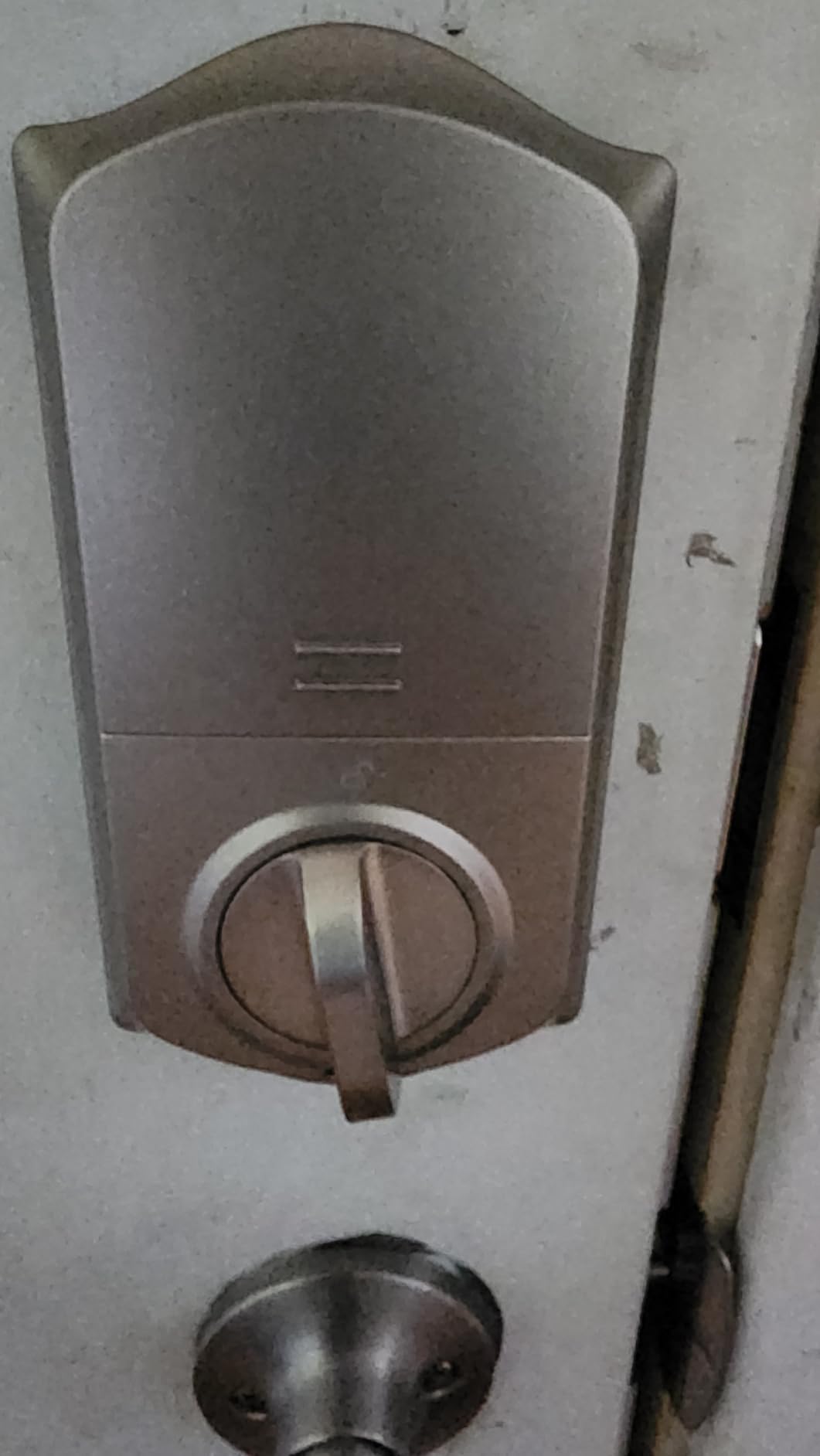
Four password types cover most household needs: one-time, duration-limited, permanent and recurring, each shareable in one click. The auto-lock timer is configurable from 0 to 180 seconds in the app. On the outside, IP55 rating and automatic left-and-right door handing detection make install straightforward on an unfamiliar garage door.
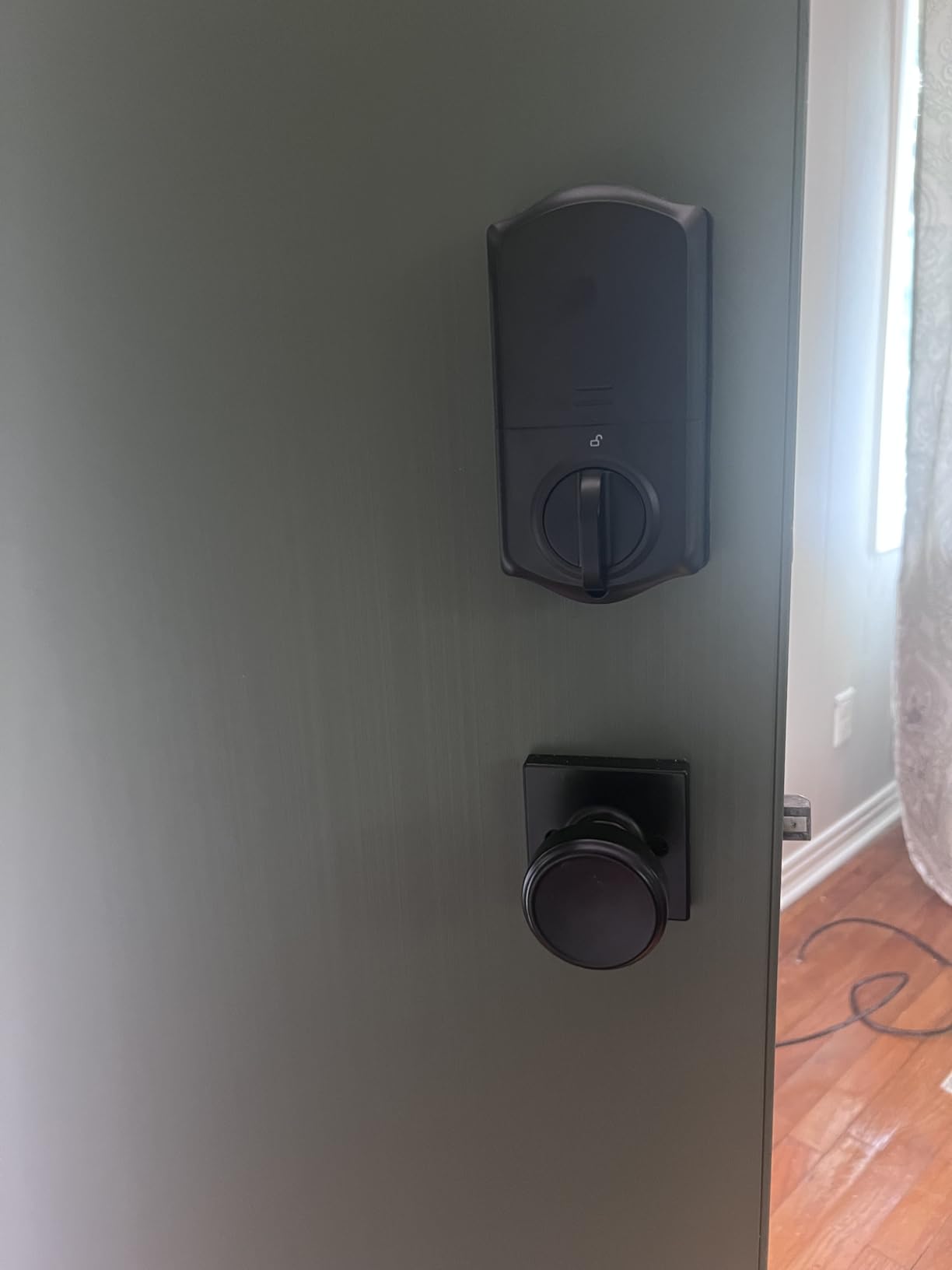
Remote unlock, real-time logs and voice assistant control all require the separately sold Veise G1 gateway, and Bluetooth is used for local app control so your phone has to be near the lock for direct pairing. That trade is the defining feature of this pick: excellent hardware, gated connectivity.
Who the Veise VE017 suits
Owners in genuinely cold regions where a lock has to keep working at deep minus temperatures, and anyone who is uncomfortable sending fingerprint templates off the device. Two IC fob cards and two physical keys are included in the box.
Renters and short-term rental hosts get value from the recurring and duration-limited code types, since a cleaning service can be given a schedule rather than a permanent code.
Who should skip the Veise VE017
Skip it if you want app control from a distance without buying a gateway first. Budget for the G1 before you commit, or the lock becomes a local-only device.
It is also the wrong pick for owners who want a rekeyable, standard-keyway cylinder matched to the rest of the house. This one ships with its own keys and two IC cards.
6. Philips Wi-Fi Smart Deadbolt – Best for Guest and Contractor Code Volume
Philips Wi-Fi Smart Deadbolt Lock, Keyless Entry Door Locks for Front Door
Built-in Wi-Fi, no hub
Up to 100 passcodes
Fingerprint plus voice
1-3/8 to 2 inch doors
Pros
- No separate hub for remote locking
- up to 100 custom passcodes plus unlimited one-time and scheduled codes
- access history log with real-time alerts
- Away Mode disables every method except the master code
Cons
- 2.4GHz only with router suggested within about 65 feet
- batteries not included and alkaline only
- no door sensor
- support line is separate from household brands
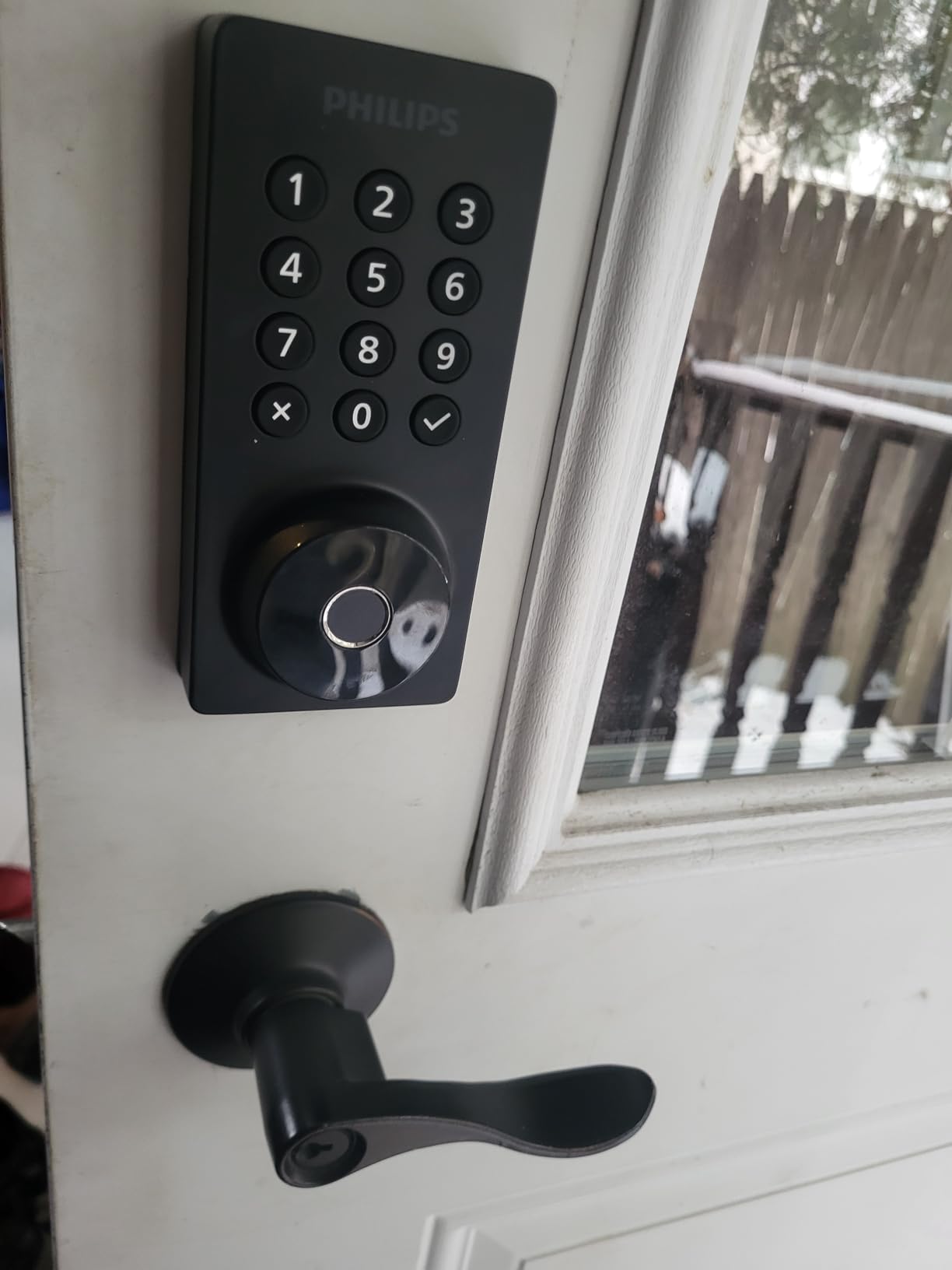
The Philips DDL242X-1HW is the one to buy when codes are the whole point. It holds up to 100 custom passcodes plus unlimited one-time and scheduled codes, which is more than most competitors, and every one of them can be issued and revoked from the app while you sit at your desk.
It also takes fingerprint, app, physical key and Alexa or Google voice. Built-in 2.4GHz Wi-Fi means remote lock and unlock without a hub, which is the feature buyers praise most often on this model.
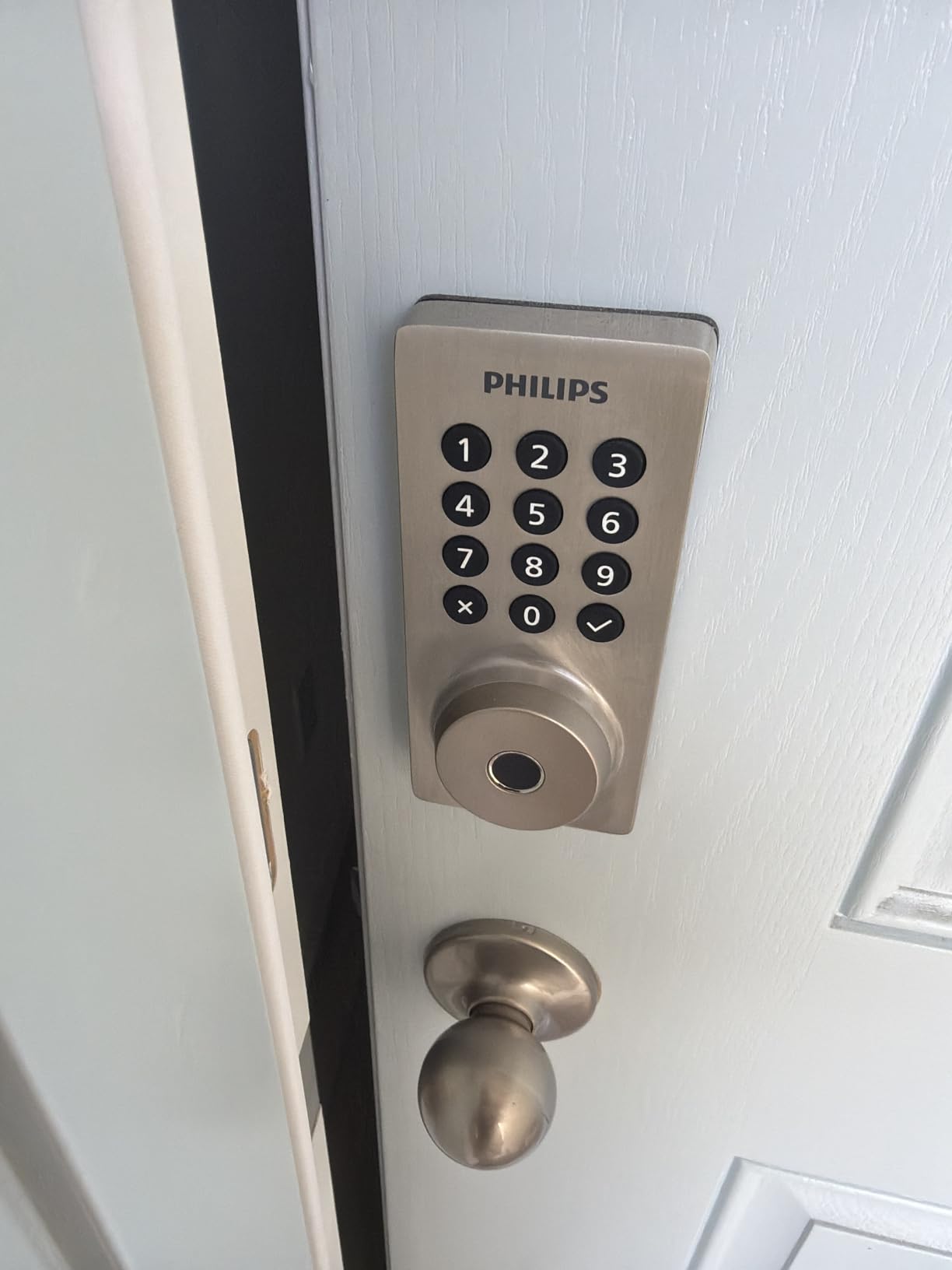
Two details make it garage-suitable. The screwdriver-only install covers doors from 1-3/8 to 2 inches thick, which is the top door range stated in this group and therefore the best news for thick garage framing. The auto-lock timer adjusts from 10 to 180 seconds, and Away Mode locks out every unlock method except the master code.
The trade-offs are network and packaging. Only 2.4GHz is supported, with the router recommended within about 65 feet, so a 5GHz-only mesh will not help. Batteries are not included and the manual specifies AA alkaline only, there is no door sensor for open or closed state, and support runs through a separate manufacturer line rather than a household brand name.
Who the Philips Wi-Fi Smart Deadbolt suits
Short-term rental hosts, landlords managing several doors and households that hand out access constantly. Unlimited scheduled codes mean a cleaner, a dog walker and a contractor can all have their own, with automatic expiry.
It also suits anyone with a thicker garage door, since the 2-inch upper limit on door thickness covers more framing than the rest of this list.
Who should skip the Philips Wi-Fi Smart Deadbolt
Skip it if your router is more than about 65 feet away or your network is 5GHz only. That is a hard limitation rather than a preference, and it is the most common complaint in the reviews.
Households wanting a Matter or Z-Wave path into Home Assistant should look at the ULTRALOQ instead. This is a Wi-Fi lock with its own app.
7. Tapo DL110 Smart Wi-Fi Deadbolt – Highest Security Grade and Grade 2 Certification
Tapo Smart Wi-Fi Door Lock, Deadbolt, Fingerprint Recognition, DL110
BHMA Grade 2
Rechargeable battery pack
0.42 second fingerprint
6 access methods
Pros
- Grade 2 certification is higher than the Grade 3 most competitors carry
- rechargeable 10000mAh battery pack with USB-C charging
- quiet deadbolt operation
- Schlage SC1 compatible keyway with two cylinder screws
- rubber gaskets dampen movement
Cons
- Keypad digits stay invisible until the screen is touched
- integrated doorbell button sends false notifications
- no Matter and no open API so you are tied to the Tapo cloud
- proprietary battery pack
The Tapo DL110 earns its place on two things no other lock in this group combines: BHMA Grade 2 certification and a rechargeable battery. Grade 2 is a higher security grade than the Grade 3 carried by most competing locks here, and the 10,000mAh rechargeable pack removes the recurring AA purchase entirely.
It holds a joint-highest average rating in this roundup at 4.6 stars with 81 percent five-star ratings, on a smaller review base than the locks above it. Long-term owners report months of reliable use, strong battery life and notably quiet deadbolt operation.
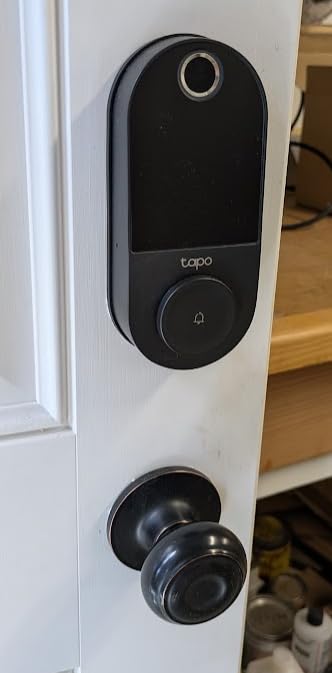
Fingerprint unlock takes about 0.42 seconds and stores up to 100 prints, with six access methods in total. The keyway detail matters more than it sounds: it is Schlage SC1 compatible with two screws securing the cylinder, so you can rekey it to match the rest of your house instead of carrying yet another key.
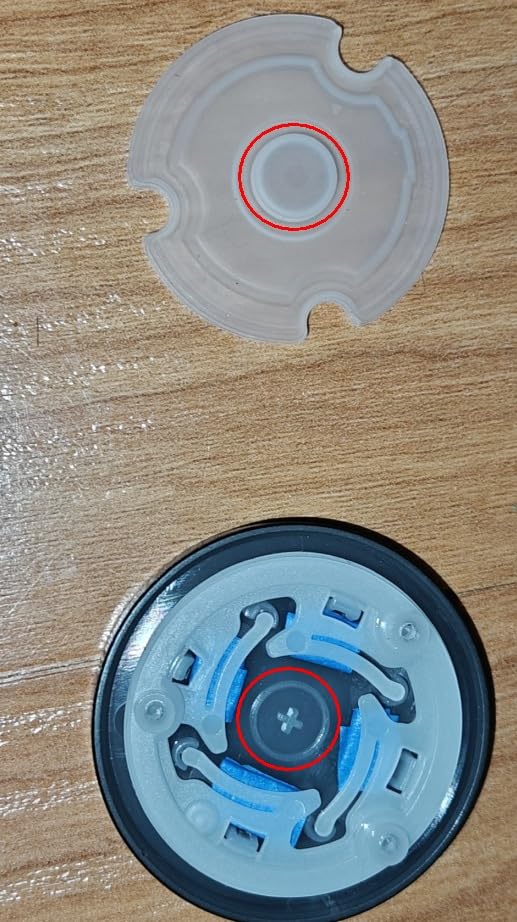
The criticism is focused. Keypad digits are invisible until you touch the screen, which is awkward for guests, and the integrated doorbell button is hypersensitive enough to send false app notifications when brushed. More significantly, there is no Matter support and no open API for Home Assistant, so credentials cannot be copied between units and you are committed to the Tapo cloud.
Who the Tapo DL110 suits
Owners who already run the Tapo ecosystem and want a top-tier mechanical certification. It is a natural fit beside Tapo cameras and does not need a hub for Wi-Fi remote control.
Households with several adults who all want fingerprint entry will like the 100-print capacity, and anyone tired of replacing AA batteries will like the USB-C rechargeable pack.
Who should skip the Tapo DL110
Skip it if you run Home Assistant or Hubitat as your controller. Without Matter or an open API, this is an ecosystem lock, and reviewers call that out as the most substantive objection.
Guests will also grumble. The hidden keypad digits and the sensitive doorbell button are the two recurring complaints in detailed reviews.
8. Wyze Auto-Lock Bolt v2 – Best Pick for Wyze Households
Wyze Auto-Lock Bolt v2, Fingerprint Keyless Entry Smart Lock, AI Learning Scanner with Wi-Fi Front Door Lock Deadbolt, Auto-Lock, 8 Months Battery, BHMA2, IP53, Anti-Peep Keypad, Backup Keys
BHMA Grade 2
IP53 rated
8 AA for up to 8 months
0.5 second fingerprint
Pros
- 0.5 second fingerprint on tempered glass
- AI learning scanner adapts to touch patterns
- pairs with Wyze Video Doorbell to unlock from the live feed
- quiet operation
- physical backup keys included
Cons
- Eight AA batteries is the highest battery count here
- no door sensor so it can auto-lock an open door
- keypad backlight does not come on on approach
- confirmation beep is quiet
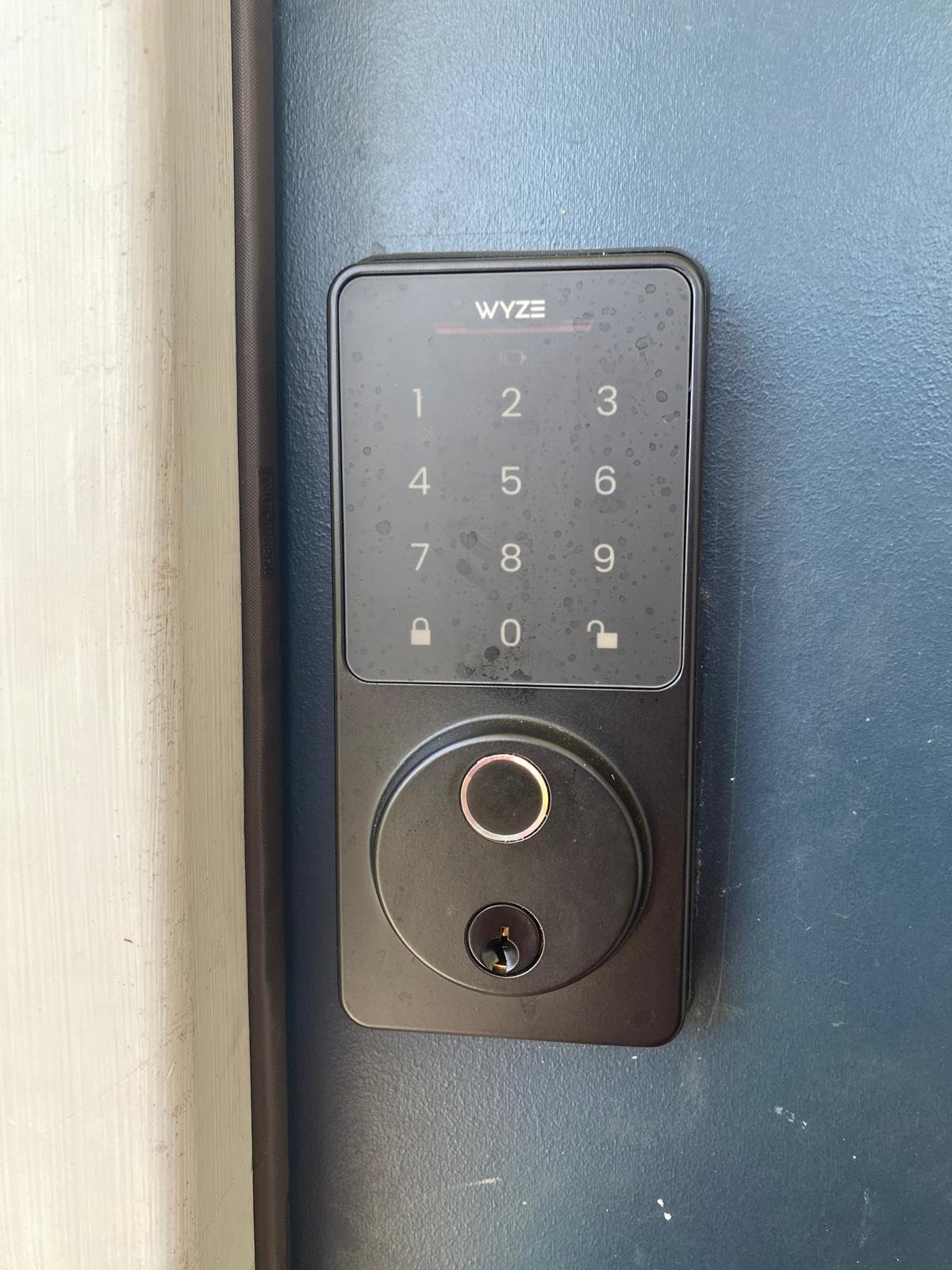
The Wyze Auto-Lock Bolt v2 makes the most sense for a household already running Wyze cameras and doorbells. You unlock from the live video feed after visually confirming a visitor, which is a real convenience on a side door nobody wants to walk around to.
It shares the joint-highest average rating in this roundup at 4.6 stars, and reviewers coming from other smart lock brands point to the fast, smooth fingerprint reader and straightforward app setup. The AI learning scanner adapts to your touch patterns over time to cut failed scans.
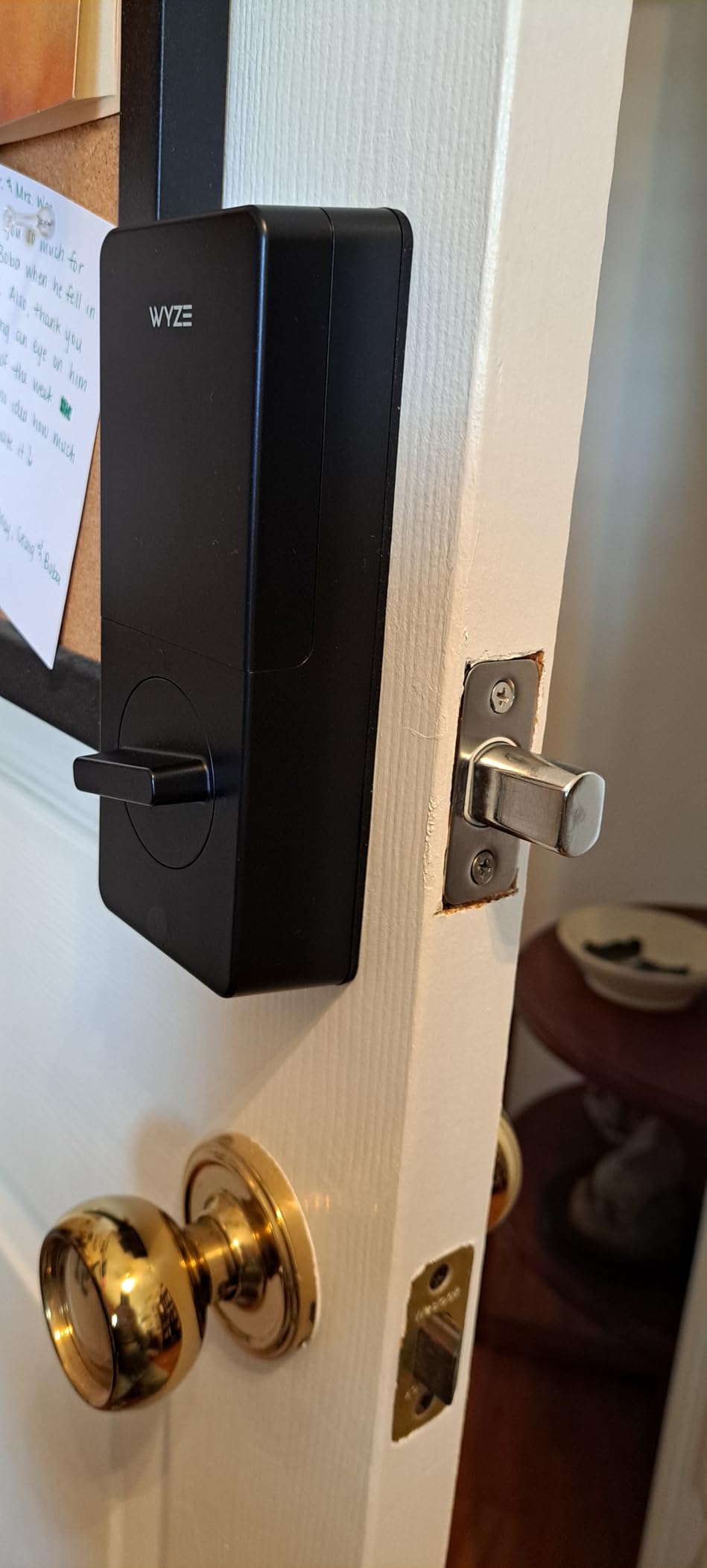
Certification is BHMA Grade 2 and the weather rating is IP53, which covers dust and spray but not a door taking driving rain head-on. Eight AA batteries are included and rated for up to eight months, with a USB-C port for emergency external power and physical backup keys in the box.
The trade-offs are numerous but small. It needs more batteries than most locks here, does not detect whether the door is actually closed so it can auto-lock an open door, the keypad backlight does not come on when you approach, and the confirmation beep is quiet enough to be a problem for hard-of-hearing users.
Who the Wyze Auto-Lock Bolt v2 suits
Existing Wyze households who want the doorbell integration and are comfortable inside that app. Parents and elderly relatives benefit from fingerprint entry combined with a keypad that does not light on approach, so a quick touch of the fingerprint pad is often simpler than reading digits.
It is also a good fit for anyone who prefers included batteries and a physical key over proprietary rechargeable packs.
Who should skip the Wyze Auto-Lock Bolt v2
Skip it if a wind-driven rain hits the door directly. IP53 is the lowest sealing rating among the picks we list as outdoor-suitable here, and it will not tolerate standing water on the keypad face.
The missing door sensor is the other issue. An auto-locking deadbolt that cannot tell an open door from a closed one is a real operational annoyance on a door that gets propped with a toolbox.
9. Veise VE012W WiFi Fingerprint Smart Lock – Built-In Wi-Fi With No Hub
Veise VE012W WiFi Fingerprint Smart Lock for Front Door, Satin Nickel
Built-in 2.4GHz Wi-Fi
0.2 second fingerprint
IP55 rated
100 plus codes
Pros
- Built-in Wi-Fi with no separate hub needed
- app-based programming removes manual button sequences
- 100 plus permanent recurring and one-time codes
- local AES-128 data storage
- detailed access logs
Cons
- Eight AA batteries required and not included
- fits doors 1-3/8 to 2 inches thick only
- app and cloud dependence means no local-only operation
- voice support depends on the ecosystem
The Veise VE012W solves the problem that trips up most inexpensive keypad locks. And at this level you normally get Bluetooth and a gateway, but this one has genuine built-in 2.4GHz Wi-Fi, so remote lock and unlock works out of the box with nothing else to buy.
The other thing reviewers like is the app-based setup. Every access method is programmed from the app rather than through a manual button sequence on the keypad, which removes the single most common source of setup frustration on cheaper locks.
Fingerprint recognition is stated at 0.2 seconds with a 99.99 percent rate on a self-learning chip, storing 20 prints. Code capacity runs past 100 across permanent, recurring, time-limited and one-time types, with anti-peeping random-digit entry. The auto-lock timer is configurable from 10 to 180 seconds, and there is a one-touch keypad lock plus vacation away mode.
For outdoor use it is rated IP55 waterproof with a BHMA and ANSI Grade 3 tested zinc alloy cylinder and AES-128 local data storage. The practical limits are physical: it needs eight AA batteries which are not included, fits doors from 1-3/8 to 2 inches thick only, and because it depends on the app and cloud it has no local-only operation mode.
Who the Veise VE012W suits
First-time smart lock buyers who want remote access without a hub and without stepping up to a premium-brand model. Households that hand out lots of one-time codes will like the unlimited one-time entries and the scheduled code options.
Owners who dislike manual keypad programming get a straightforward path here, since everything is set up in the app.
Who should skip the Veise VE012W
Skip it if you want Matter, Z-Wave or a local-only operating mode. This lock needs its app and cloud to function, which is a different privacy posture from the Veise VE017 listed earlier.
It is also a wide unit with an eight-AA footprint, and on a narrow door stile the interior housing can crowd the frame. Measure before ordering.
10. Tapo DL100 Smart Wi-Fi Deadbolt – Best Choice for a Visible Physical Keypad
Tapo Smart Wi-Fi Deadbolt Door Lock, Keyless Tactile Buttons, DL100
Tactile buttons
Up to 200 codes
IP54 weatherproof
4 AA for up to 300 days
Pros
- Physical tactile buttons so digits are always visible
- up to 200 customizable codes is the highest capacity here
- up to 200 days in Wi-Fi mode or 300 days in Bluetooth mode
- 4 AA batteries included plus USB-C emergency port
- PIN attempt limiter locks out after failed tries
Cons
- No fingerprint reader
- BHMA Grade 3 rather than Grade 2
- Bluetooth mode trades remote access for longer battery life
- lower review count than most competitors
The Tapo DL100 answers the most common complaint about hidden-touchscreen keypads. It has real tactile buttons under a backlit keypad, so the digits are visible whether or not anyone touches the screen first. For a door that contractors, sitters and neighbours use, that removes a genuine stumbling block.
Code capacity is the headline: up to 200 customizable codes, the highest in this roundup, with anti-peeping random-digit entry layered on top. Buyers also cite unusually long battery life, up to 200 days in Wi-Fi mode or 300 days in Bluetooth mode.
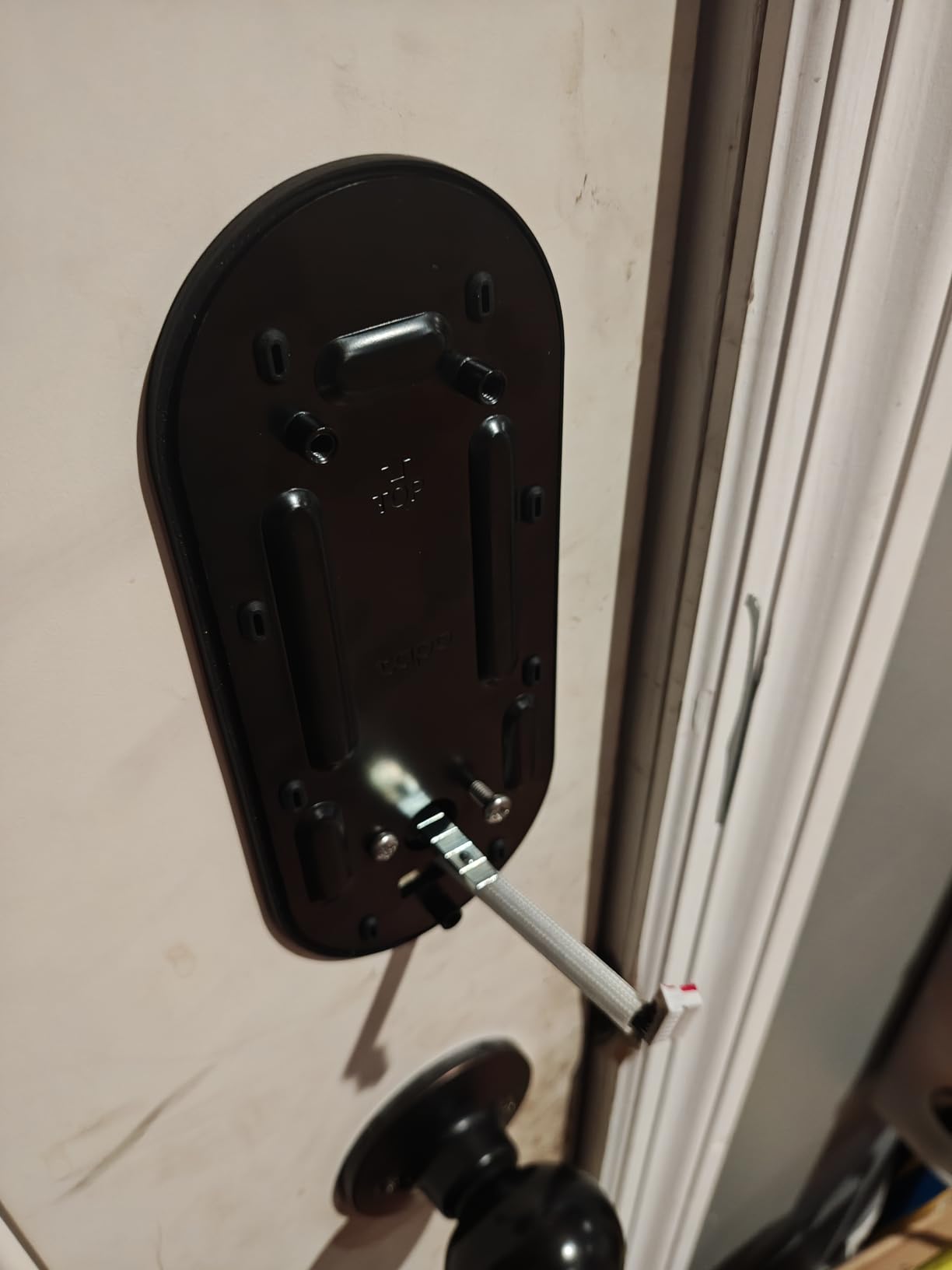
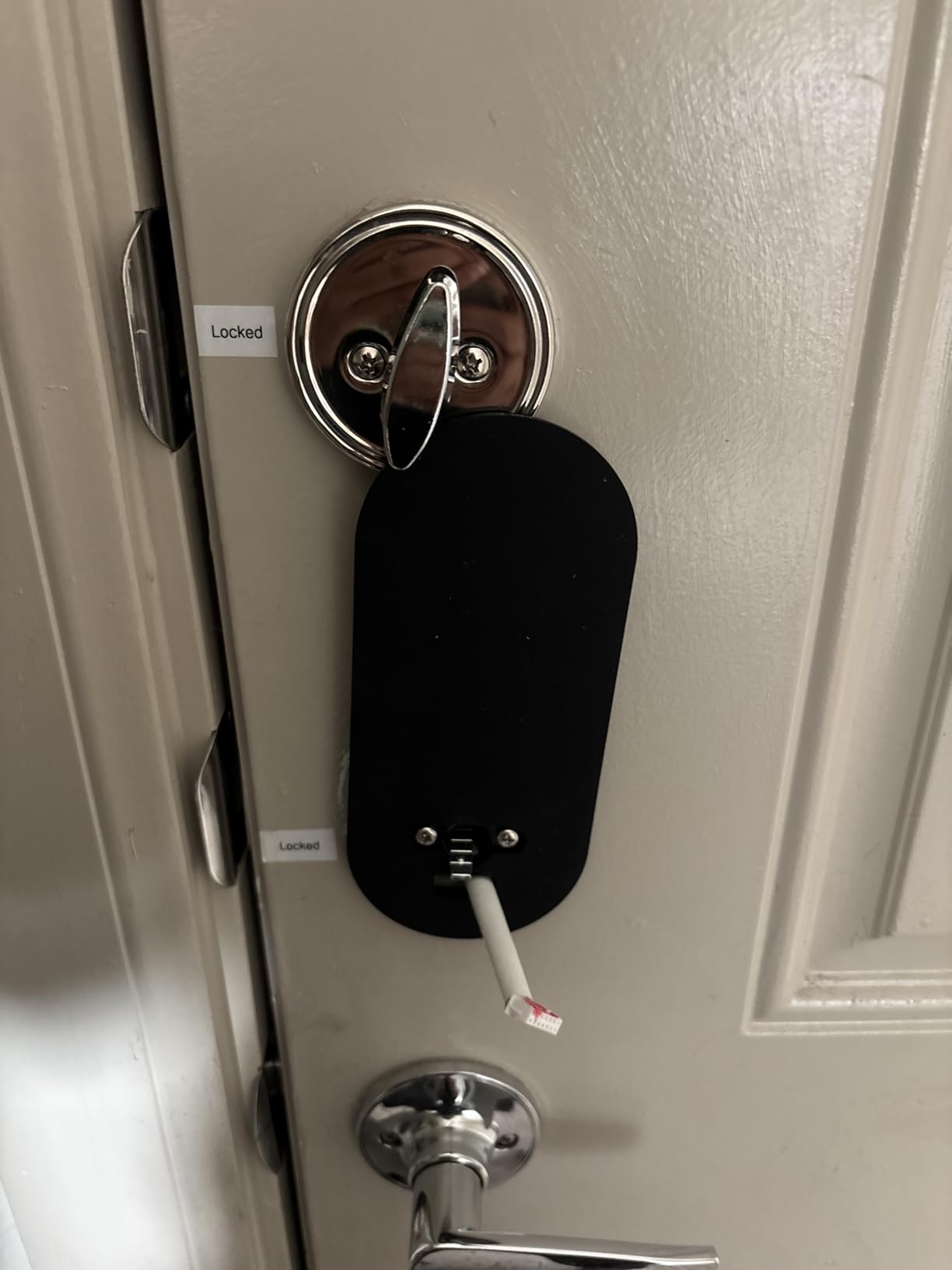
The box is unusually complete for this category. Four AA batteries, two keys, a USB cable, a silicone cover, a measuring template and a dust box are all included, and the lock fits both 2-1/8 inch and 1-1/2 inch lock holes with no drilling. For exterior use it is BHMA Grade 3 and IP54 weatherproof.
Security features include a PIN attempt limiter that locks the system after a set number of failed unlocks, and it works with Alexa, Google Home and Samsung SmartThings. The trade-off is the absence of any fingerprint reader, which means the fastest entry method in this group is simply not here.
Who the Tapo DL100 suits
Households where the keypad is used by many different people, especially anyone supplying a door to contractors or short-term guests. Physical buttons mean nobody has to guess at an invisible display, and 200 codes means you never have to delete a code to make room.
It suits anyone who wants long AA battery life without a proprietary rechargeable pack, since Bluetooth mode stretches it to around 300 days.
Who should skip the Tapo DL100
Skip it if you want the highest security grade. It is BHMA Grade 3, not the Grade 2 found on the Tapo DL110 and the Wyze Bolt v2, and it has no biometric entry to back up the code.
Anyone wanting remote access and maximum battery life in the same install will have to choose. Bluetooth mode gives the longer run, Wi-Fi mode gives remote control.
How We Picked These Garage Deadbolts
Ten locks survived the filter, and the filter is garage-specific. Any lock without a numeric keypad was out immediately, because the entire point is keyless entry for a door that gets used by people who are not the owner.
From there we weighted four things: weather resistance, power and lockout behavior, door compatibility and connectivity. Star ratings and review counts came directly from the listing data, which is why you will see widely different numbers here, from 13,273 down to 596.
We did not rank on price. Where two locks do the same job for the money, the tie broke toward the one with the better stated IP rating, a wider temperature range or a hub-free connection.
How to Choose a Keypad Deadbolt for a Garage Entry Door
Measure the door before you buy
Most smart keypad deadbolts fit doors from 1-3/8 to 2 inches thick and either a 2-1/8 inch or 2-3/8 inch backset. The Philips model covers the full 2-inch door thickness, which matters on thick 2×6 garage framing where a 1-3/4 inch limit leaves you short.
The TEEHO TE002 is the tightest here at a 2-1/8 inch hole only, so measure before you order. On a steel or insulated door you may also need an extended spindle or a retrofit spacer, and that hardware is separate from the lock.
Read the weather rating, not the marketing copy
An IP rating is two numbers. The first covers solids and dust, the second covers water. IP54 means protection against dust and splashing water, IP55 adds protection against water jets, and IP65 means dust-tight plus water jets with no ingress.
For a covered entry door with an overhang, IP54 is workable. For a side door in the rain, look for IP55 and up. Among the locks here with a stated rating, the ULTRALOQ Bolt SE at IP65 is the most sealed, and the Wyze Bolt v2 at IP53 is the least.
Plan for the day the batteries die
Every lock here runs on batteries, and every manufacturer quote is optimistic. The stated figures range from four AA batteries at roughly six months on the Schlage, to eight AA batteries at eight months on the Wyze, to a 365-day claim on the TEEHO and an 18-month claim on the ULTRALOQ.
What matters more is the fallback. A USB-C emergency power port, a physical key cylinder and a low-battery alert are the three things to confirm. The DESLOC, both Tapo models and the Wyze all include a USB-C port. Every lock in this list includes at least one physical key, and for an exterior garage door that key is not optional.
Match the lock to your smart home platform
Choose Wi-Fi if you want no hub, accepting 2.4GHz-only and a limited range from the router. Choose Matter over Thread if you run Apple Home or a Matter controller, accepting the hub requirement. Choose Bluetooth-only if you are happy managing codes at the door.
Forum threads about this decision repeat the same frustration: people want locks that join an existing automation platform instead of forcing a walled garden. The ULTRALOQ Bolt SE is the clearest answer in this group, and the Tapo DL110 is the clearest counter-example, since it has no Matter support and no open API.
Think about privacy before you enrol a fingerprint
Storing a fingerprint raises a different question from storing a PIN. The Veise VE017 keeps credentials, entry records and fingerprints on the device itself with AES128 encryption, while the other locks here send unlock events to a vendor app.
No digital lock is unhackable, as reviewers of competing models point out. The realistic mitigation is a physical key backup and a keypad that locks out after repeated failed attempts.
Frequently Asked Questions
Which electronic keypad deadbolt is the best?
The Schlage Encode Smart WiFi Deadbolt is the best all-round choice for a garage entry door because it has built-in Wi-Fi, no hub requirement, up to 100 access codes and the highest BHMA residential rating in this group. For a detached or offline garage, the TEEHO TE002 offers fingerprint and keypad entry without any app at all.
Are smart deadbolt locks weatherproof for outdoor use?
Most are water resistant rather than waterproof. Look for the IP rating: IP54 protects against dust and splashing water, IP55 adds protection against water jets and IP65 is dust-tight with no water ingress. A lock on a door with an overhang is fine at IP54, while a side door taking driving rain should be IP55 or higher.
Which smart lock is best for cold weather?
The Veise VE017 has the widest stated operating range at -35F to 160F, followed by the DESLOC B200 at -22F to 158F. Pick a lock with a stated temperature range rather than assuming, since a deadbolt that freezes on an unheated garage door is the most common cold-weather failure.
What are the disadvantages of keypad door locks?
Battery drain is the main one, and a dead battery on an exterior garage door means a locksmith or a forced entry. Other drawbacks are firmware and cloud dependence, a longer programming process than a mechanical lock, no physical key if you pick the wrong model, and keypad wear over time. Choosing a lock with a USB-C emergency port and a backup key cylinder removes most of these.
Can I install a keypad deadbolt on a garage door?
You can install one on a pedestrian garage entry door, provided it has a standard bore and backset and a door thickness within the lock’s stated range, usually 1-3/8 to 2 inches. You cannot fit a deadbolt to a rolling garage door. On the rolling door itself you need an opener keypad or wall button instead.
What happens if the smart lock battery dies?
The motor that retracts the bolt has no power, so the door stays locked. Every lock in this roundup includes at least one physical backup key, and the DESLOC B200, both Tapo models and the Wyze Auto-Lock Bolt v2 add a USB-C port for temporary external power. Low battery alerts are standard, and treating them as an instruction to change batteries that day prevents most lockouts.
The Smart Keypad Deadbolt to Buy for Your Garage in 2026
If we had to install one lock on a garage-to-house door this year, it would be the Schlage Encode Smart WiFi Deadbolt. It goes over an existing deadbolt with a screwdriver, needs no hub, holds 100 codes and carries the highest BHMA residential rating Schlage offers, with the most review history behind it of anything we looked at.
If that cost is more than the situation warrants, the TEEHO TE002 gives you offline fingerprint and keypad entry with an IP54 rating and two backup keys. If you run Apple Home or Home Assistant and refuse to be locked into one vendor’s cloud, the ULTRALOQ Bolt SE is the pick, with Matter over Thread and an IP65 body.
Whatever you choose, measure the door thickness, confirm the backset, check the IP rating against how exposed that door really is, and confirm there is a physical key in your pocket before the batteries go flat. That last habit has saved more garage owners than any app feature.
If you are also planning the rest of the space, our guides to macro keypads and basketball hoops for garages cover the other things people rebuild in that room.