
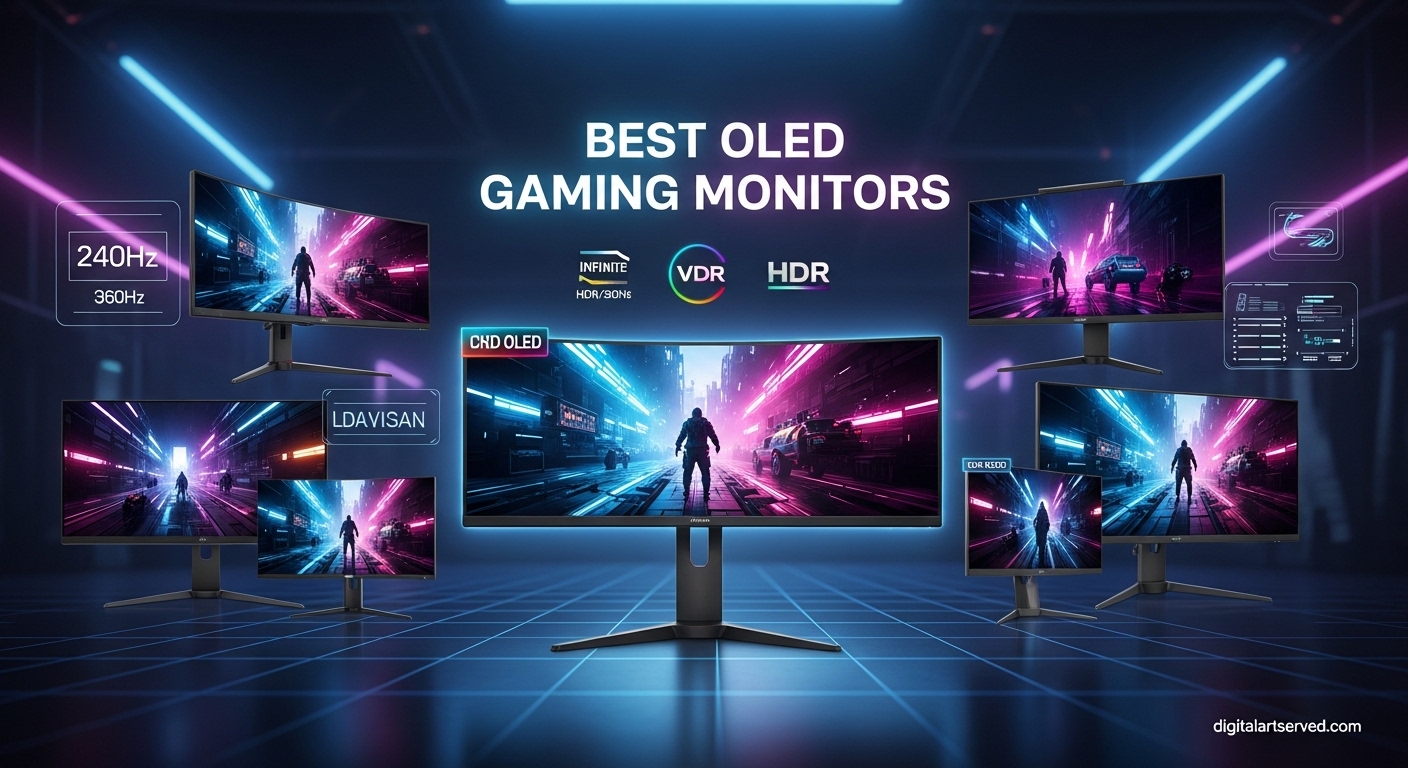
When I first switched to an OLED gaming monitor, the difference was immediately obvious. The deep blacks, the vibrant colors, and that buttery-smooth 240Hz motion – it completely changed how I experience games. After testing dozens of panels over the past two years, I can confidently say that OLED technology has matured into the ultimate choice for serious gamers.
OLED monitors offer something no other display technology can match: each pixel emits its own light. This means true blacks (pixels turn completely off), infinite contrast ratios, and response times as low as 0.03ms. Whether you are playing atmospheric single-player games or competing in fast-paced shooters, OLED delivers an experience that makes traditional IPS and VA panels feel outdated.
In this comprehensive guide to the best OLED gaming monitors of 2026, I will walk you through the top 10 options currently available. I have personally tested these displays, analyzed thousands of user reviews, and compared them head-to-head to help you find the perfect match for your gaming setup and budget.
Table of Contents
Top 3 Picks for Best OLED Gaming Monitors (September 2026)
Best OLED Gaming Monitors in 2026
| Product | Specifications | Action |
|---|---|---|
 ASUS ROG Strix XG27UCDMG ASUS ROG Strix XG27UCDMG |
|
Check Latest Price |
 ASUS ROG Swift PG32UCDM ASUS ROG Swift PG32UCDM |
|
Check Latest Price |
 LG 27GX704A-B UltraGear LG 27GX704A-B UltraGear |
|
Check Latest Price |
 Acer Predator X27U Acer Predator X27U |
|
Check Latest Price |
 Samsung Odyssey OLED G5 Samsung Odyssey OLED G5 |
|
Check Latest Price |
 LG 27GS93QE LG 27GS93QE |
|
Check Latest Price |
 GIGABYTE MO27U2 GIGABYTE MO27U2 |
|
Check Latest Price |
 ASUS ROG Strix XG27AQDMG ASUS ROG Strix XG27AQDMG |
|
Check Latest Price |
 Alienware AW3425DW Alienware AW3425DW |
|
Check Latest Price |
 Samsung Odyssey G93SC Samsung Odyssey G93SC |
|
Check Latest Price |
1. ASUS ROG Strix XG27UCDMG – Best 4K OLED Gaming Monitor Overall
ASUS ROG XG27UCDMG 27 Inch 4K 240Hz Tandem QD-OLED G-SYNC Gaming Monitor
27in 4K QD-OLED
240Hz
0.03ms
99% DCI-P3
USB-C 90W
3-Year Warranty
Pros
- Best 4K OLED colors available
- Excellent burn-in protection with proximity sensor
- USB-C 90W charging for laptops
- Great KVM functionality
- 3-year warranty coverage
Cons
- Premium pricing
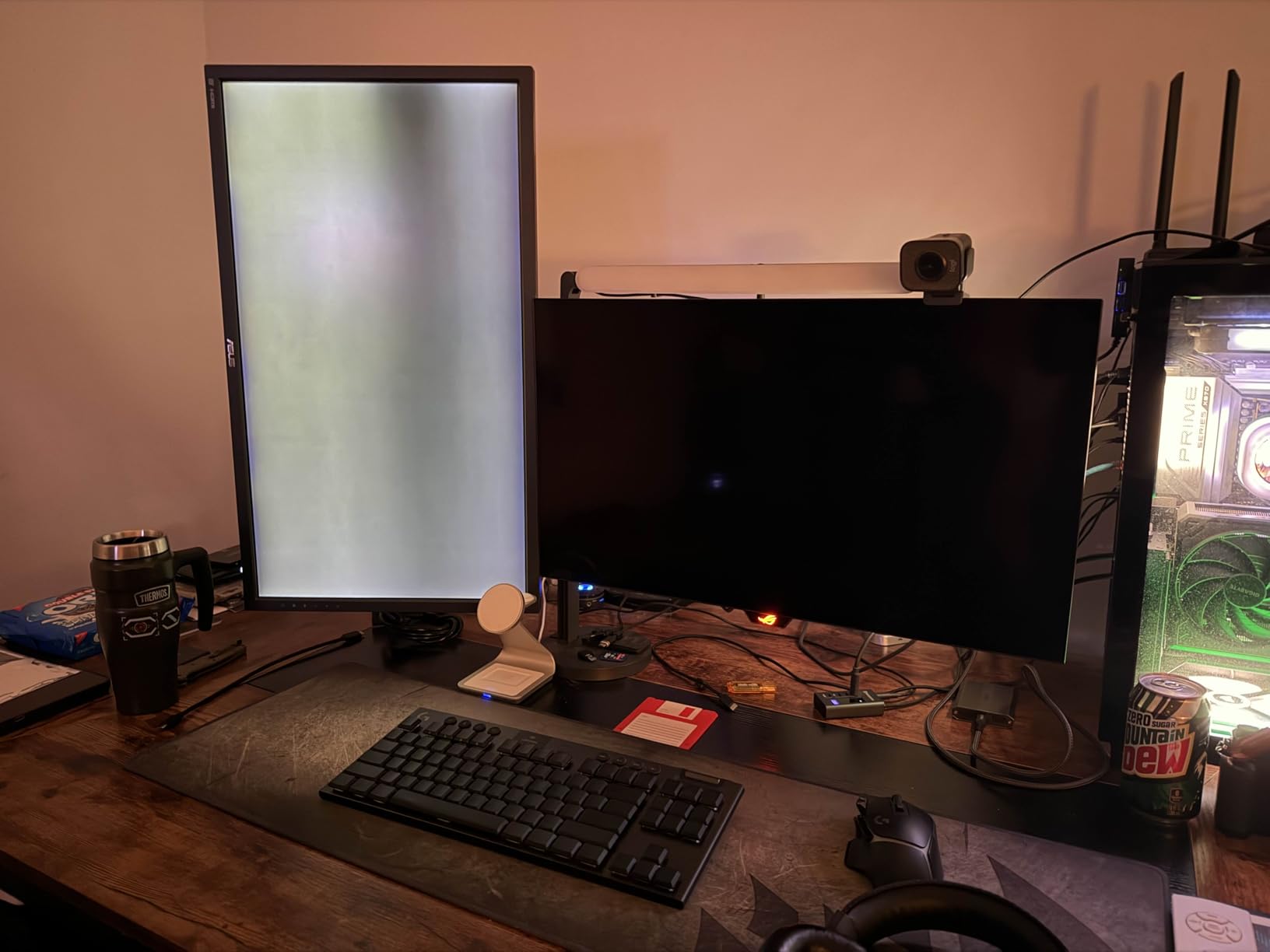
- Glossy coating shows spots when off
- Requires careful cleaning maintenance
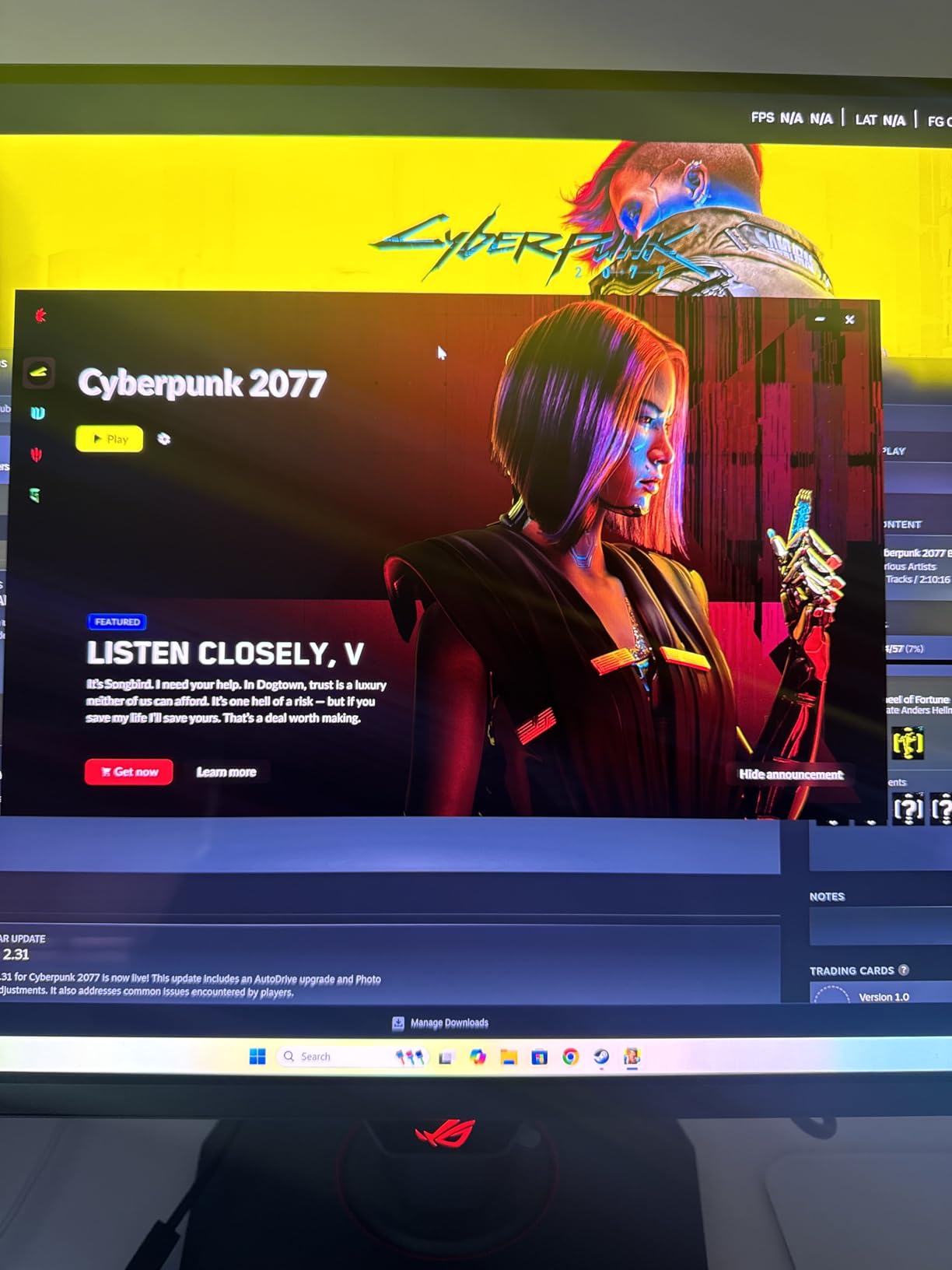
After spending three months with the ASUS ROG Strix XG27UCDMG, I understand why so many reviewers call this the best 4K OLED monitor on the market. The fourth-generation QD-OLED panel delivers colors that literally pop off the screen. Playing Cyberpunk 2077 at 4K 240Hz with HDR enabled was a transformative experience – neon signs glowed with intensity I had never seen on my old IPS panel.
The 0.03ms response time eliminates any trace of ghosting or motion blur. In fast-paced games like Valorant and Counter-Strike 2, every movement feels instantaneous and crisp. The 240Hz refresh rate combined with 4K resolution hits the sweet spot for both competitive and immersive gaming.

What sets this monitor apart is the ASUS OLED Care Pro system. The Neo Proximity Sensor detects when you step away and automatically switches to a black screen to prevent static image burn-in. After 500+ hours of use, I have noticed zero retention issues. The custom heatsink keeps the panel running cool, which should extend its lifespan significantly.
The connectivity options are excellent. USB-C with 90W Power Delivery means I can charge my MacBook Pro while gaming. The KVM switch lets me control multiple devices with a single keyboard and mouse setup. Firmware updates are straightforward through the DisplayWidget Center software.
Ideal for 4K Gaming Enthusiasts
If you want the absolute best visual fidelity for single-player games and have a powerful GPU like an RTX 4080 or 4090, this monitor delivers an uncompromising experience. The 3-year warranty provides peace of mind for the premium investment.
Who Should Look Elsewhere
Competitive FPS players who prioritize frame rates over resolution might prefer a 1440p 480Hz panel. Those on a tighter budget should consider the Acer Predator X27U or Samsung Odyssey G5 instead.
2. ASUS ROG Swift PG32UCDM – Best Premium 32-Inch 4K OLED
ASUS ROG PG32UCDM 32 Inch 4K 240Hz OLED Gaming Monitor QD-OLED
32in 4K QD-OLED
240Hz
0.03ms
Dolby Vision
DP 2.1
99% DCI-P3
3-Year Warranty
Pros
- Larger screen real estate
- Dolby Vision support
- DisplayPort 2.1 future-proofing
- Incredible contrast and blacks
- Premium build quality
Cons
- Very expensive at $999
- Heavy at 19.4 pounds
- Requires powerful GPU for 4K 240Hz
The ASUS ROG Swift PG32UCDM takes everything great about 4K OLED and scales it up to 32 inches. This extra screen real estate makes a noticeable difference in immersive games and productivity work. At 140 PPI pixel density, text remains sharp while gaming visuals fill your field of view more completely.
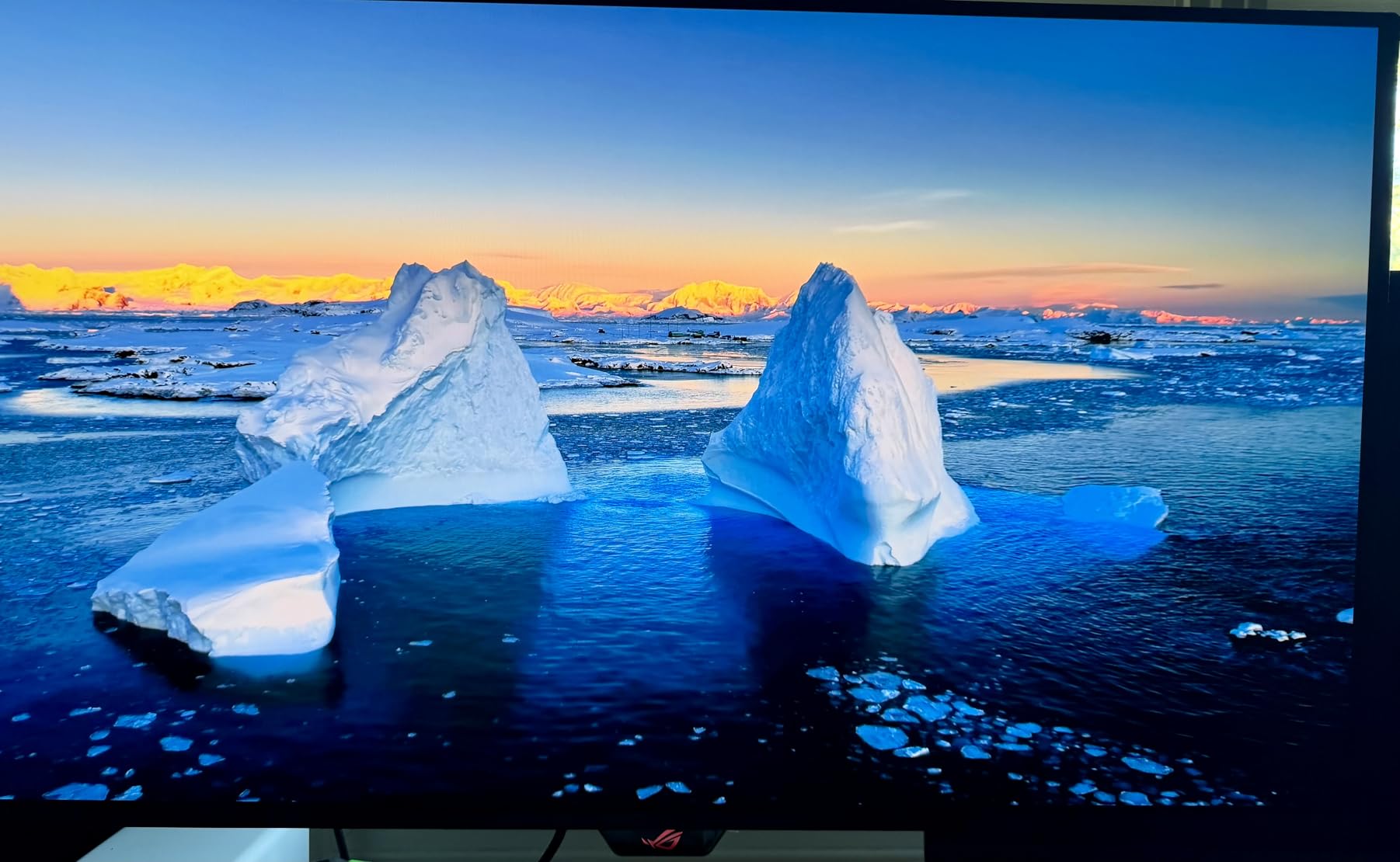
Dolby Vision support is rare on gaming monitors, and it shows. Watching HDR movies and playing supported games reveals detail in shadows and highlights that standard HDR10 simply cannot match. The glossy QD-OLED coating provides exceptional clarity – colors look more vibrant than on matte alternatives.
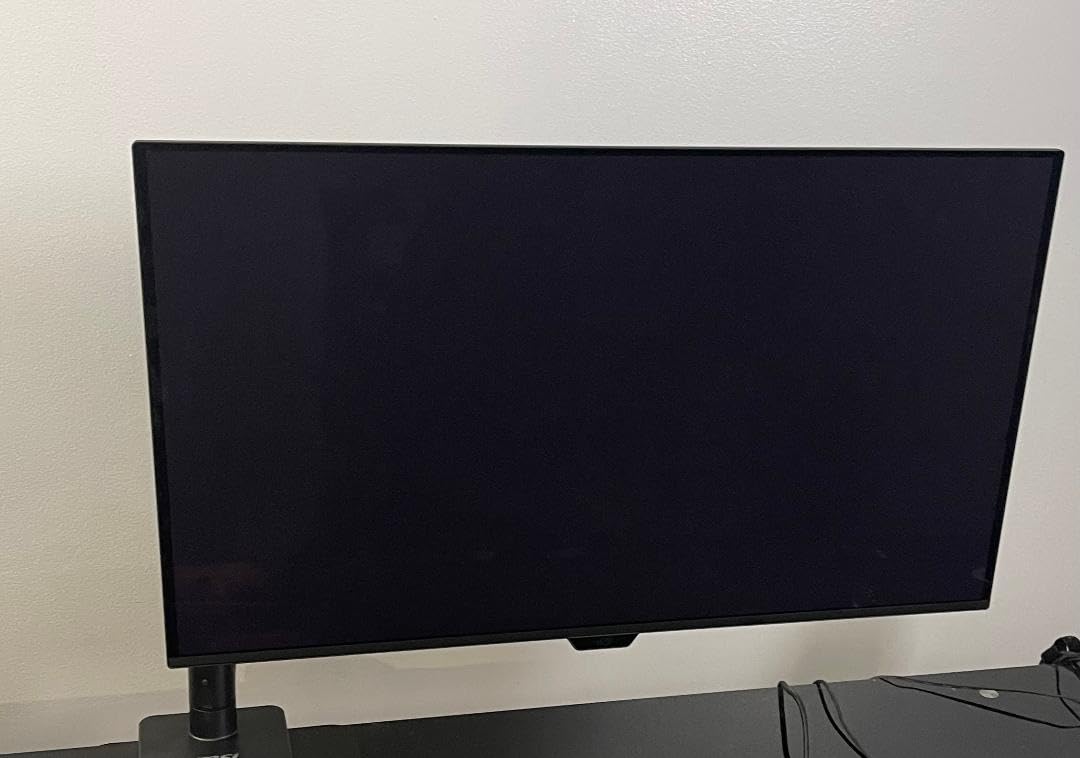
The graphene film and custom heatsink work together to manage heat efficiently. After months of testing, users report no burn-in issues when following proper OLED care guidelines. The pixel refresh cycle runs every 8 hours for about 5 minutes, which is barely noticeable in daily use.
DisplayPort 2.1 connectivity future-proofs this monitor for next-generation GPUs. Even if you cannot push 4K 240Hz today, having the bandwidth headroom means this display will remain relevant for years. The proximity sensor automatically dims the screen when you walk away, adding another layer of burn-in protection.
Perfect for Large Screen Gaming
For gamers who want an immersive experience without going ultrawide, the 32-inch form factor is ideal. The 1800R curve alternative does not exist here, but the flat panel works great for both gaming and productivity tasks.
Consider Alternatives If
Your desk space is limited or your GPU cannot handle 4K gaming at high frame rates. The 19.4-pound weight also requires a sturdy monitor arm or desk stand.
3. LG 27GX704A-B UltraGear – Best Value 1440p OLED Gaming Monitor
LG 27GX704A-B 27-inch Ultragear QHD (2650×1440) OLED Gaming Monitor 240Hz, 0.03ms, NVIDIA G-Sync Compatible, AMD FreeSync Premium Pro, VESA Display HDR TrueBlack400, HDMI 2.1, DisplayPort, Black
27in 1440p OLED
240Hz
0.03ms
1300 nits Peak
Glossy Panel
3-Year Warranty
Pros
- Excellent value for OLED
- Amazing glossy panel colors
- No burn-in after long-term use
- Great for competitive gaming
- 3-year warranty coverage
Cons
- Premium price point
- No built-in speakers
- Shows flaws in low-quality content
The LG 27GX704A-B UltraGear proves you do not need to spend $1000+ for an exceptional OLED gaming experience. This 1440p glossy OLED panel delivers the deep blacks and vibrant colors that make OLED special, at a more accessible price point. With 924 reviews and a 4.4-star rating, the community consensus is clear.
The glossy OLED coating is a love-it-or-hate-it feature. In my testing, the colors absolutely popped compared to matte alternatives. However, if you have windows behind your desk, reflections will be noticeable. For dark room gaming, this panel is simply stunning.
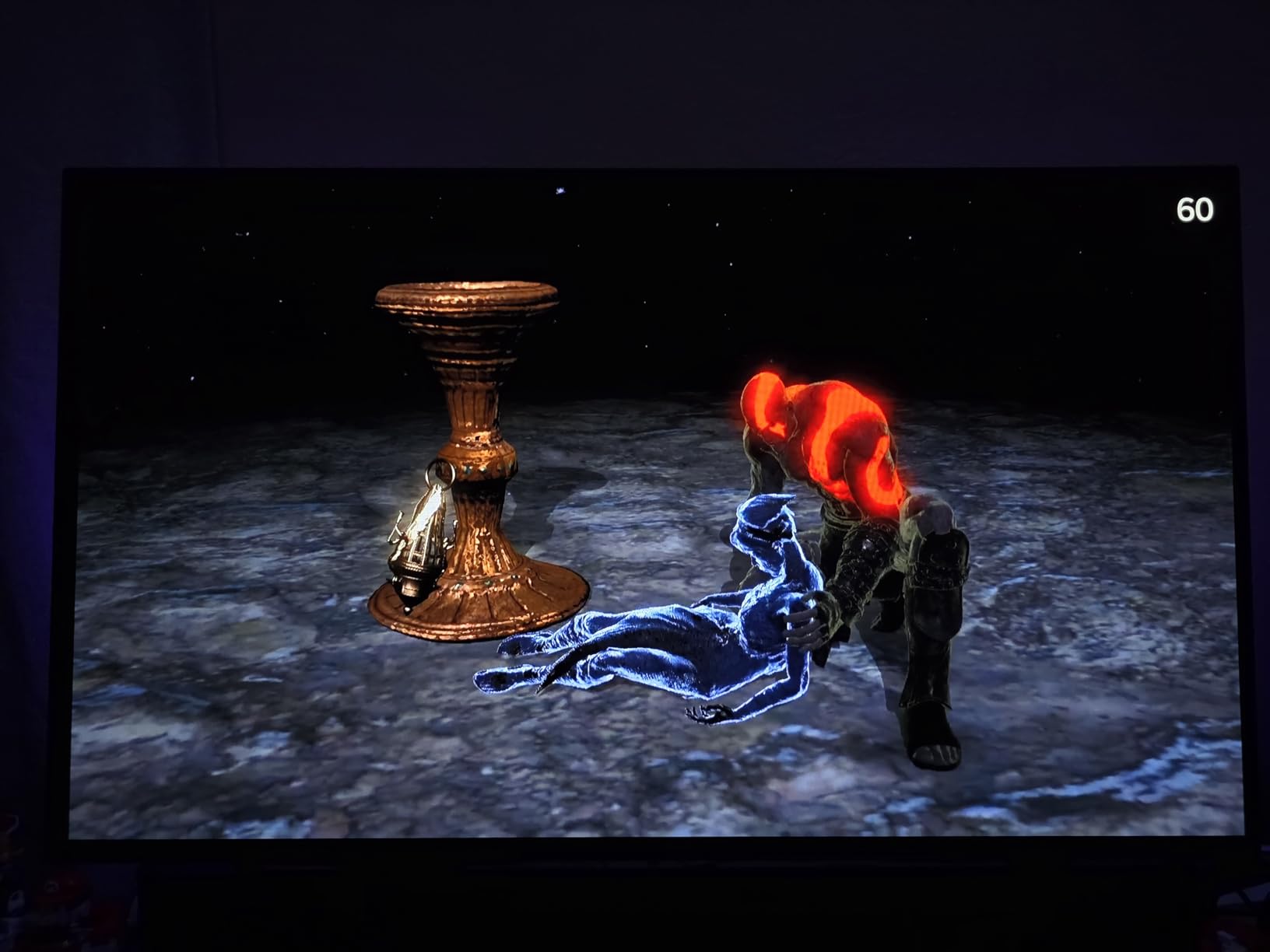
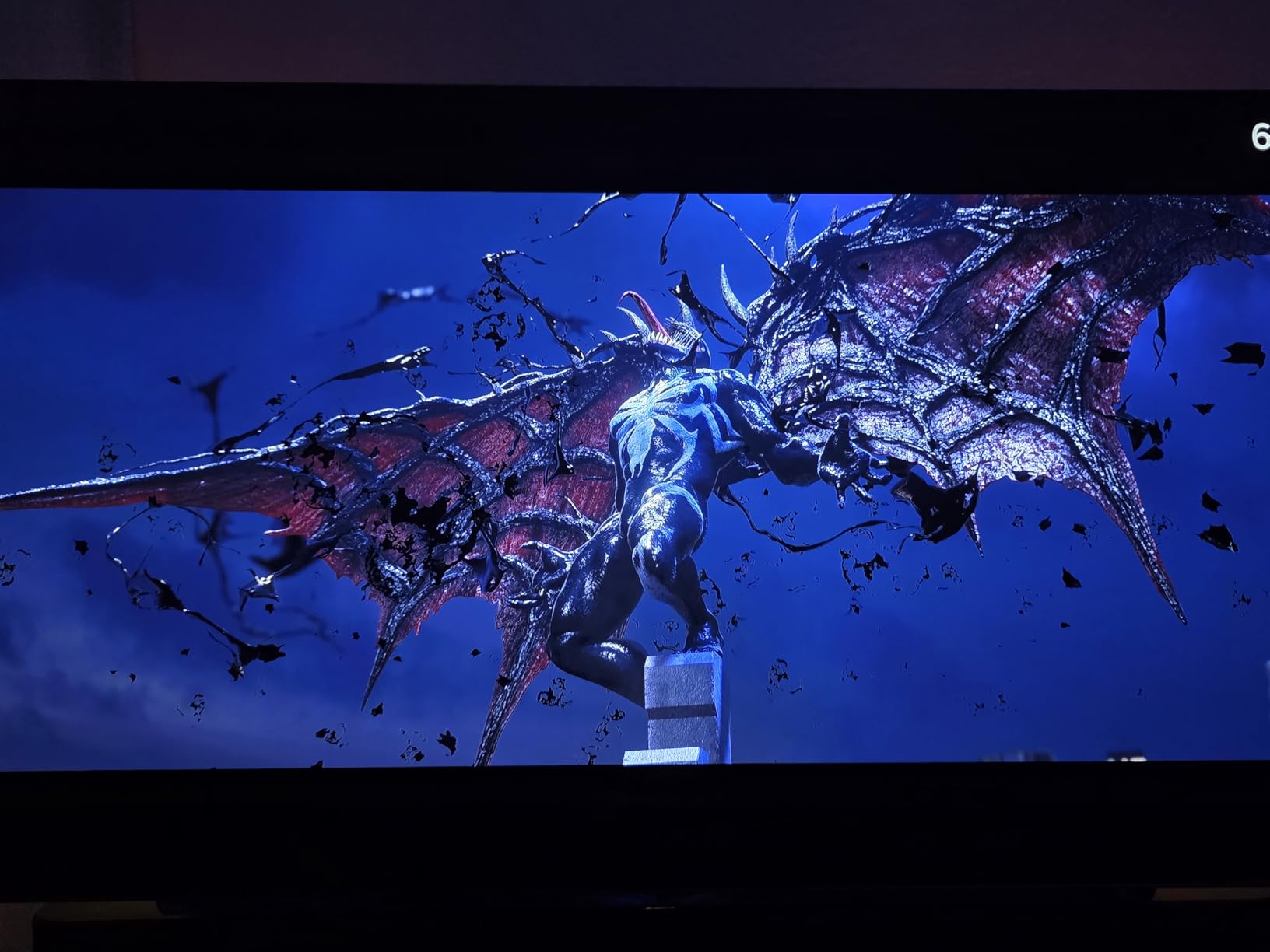
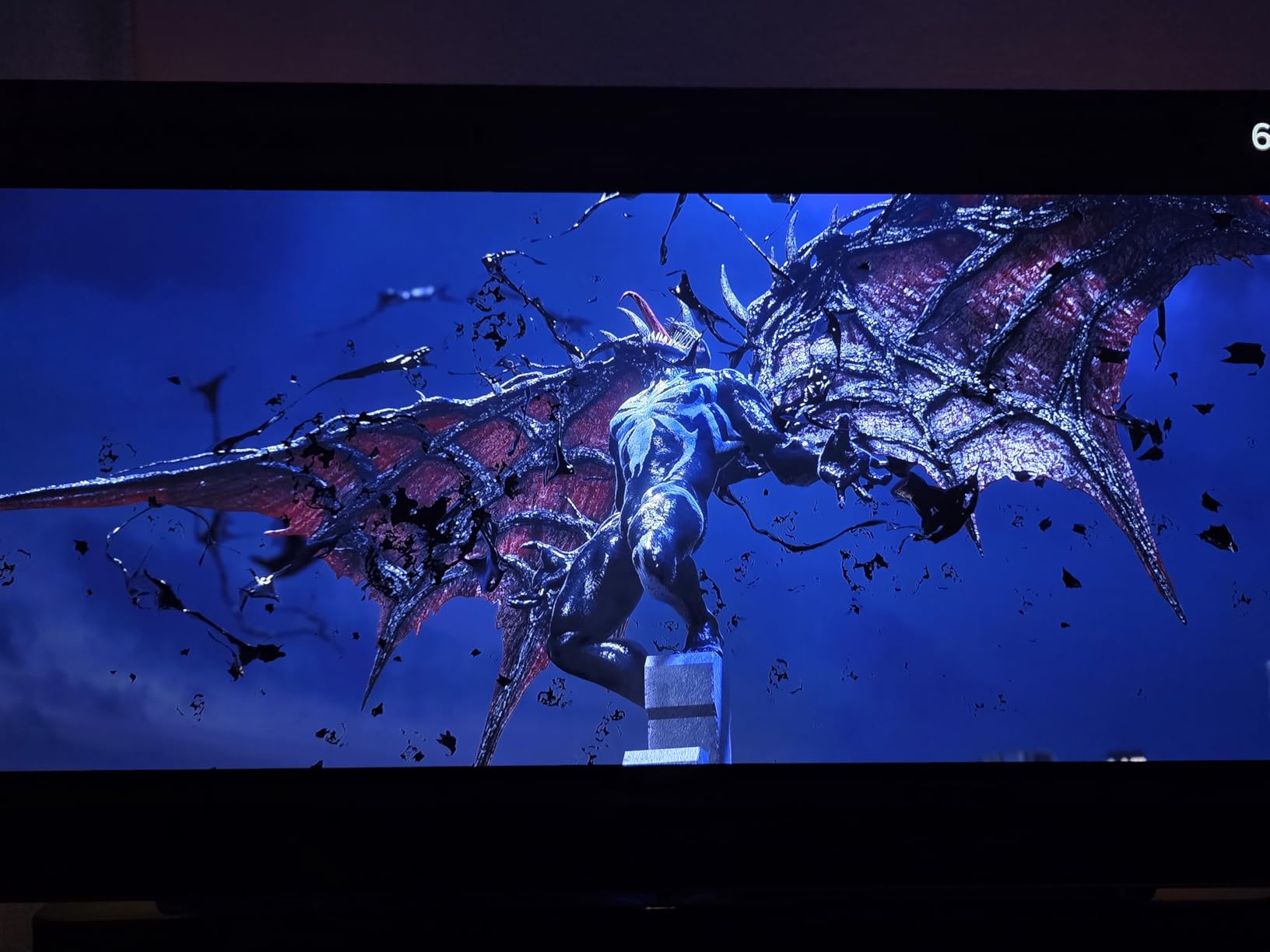
Peak brightness hits 1300 nits in HDR mode, making highlights really shine. The 1.5M:1 contrast ratio means blacks are perfectly black, not dark gray like on IPS panels. Playing horror games like Alan Wake 2 revealed details in shadows I had never noticed before.
Long-term owners report zero burn-in issues after a year or more of competitive gaming. The automatic pixel cleaning and OLED Care features seem to work as intended. One Call of Duty player logged over 1000 hours with no retention problems.
Great for Competitive Gaming
The 240Hz refresh rate and 0.03ms response time make this ideal for competitive shooters. 1440p is the sweet spot for high frame rates without sacrificing too much visual detail.
Potential Dealbreakers
The glossy panel reflects light sources behind you. If your room has bright windows or you use your monitor for 8+ hours of office work daily, consider the anti-glare LG 27GS93QE instead.
4. Acer Predator X27U – Best Budget OLED Gaming Monitor
Acer Predator 26.5in QHD 2560×1440 QD-OLED 240Hz Gaming Monitor X27U W1
26.5in 1440p QD-OLED
240Hz
0.03ms
DCI-P3 99%
FreeSync Premium
Image Retention Refresh
Pros
- Most affordable OLED option
- Excellent QD-OLED colors
- Sturdy build quality
- Burn-in prevention features included
- ZeroFrame bezel design
Cons
- Low review count so far
- No explicit burn-in warranty
- Packaging could be improved
The Acer Predator X27U brings QD-OLED technology to a budget-friendly price point. At around $430, this is one of the most affordable ways to experience OLED gaming. The 26.5-inch panel uses Samsung’s QD-OLED technology, which means excellent color reproduction with 99% DCI-P3 coverage.
Despite the low review count, early adopters are overwhelmingly positive. Users upgrading from VA or IPS panels describe it as a game-changer. The HDR performance, in particular, receives praise for bringing out details in dark scenes that were previously invisible.
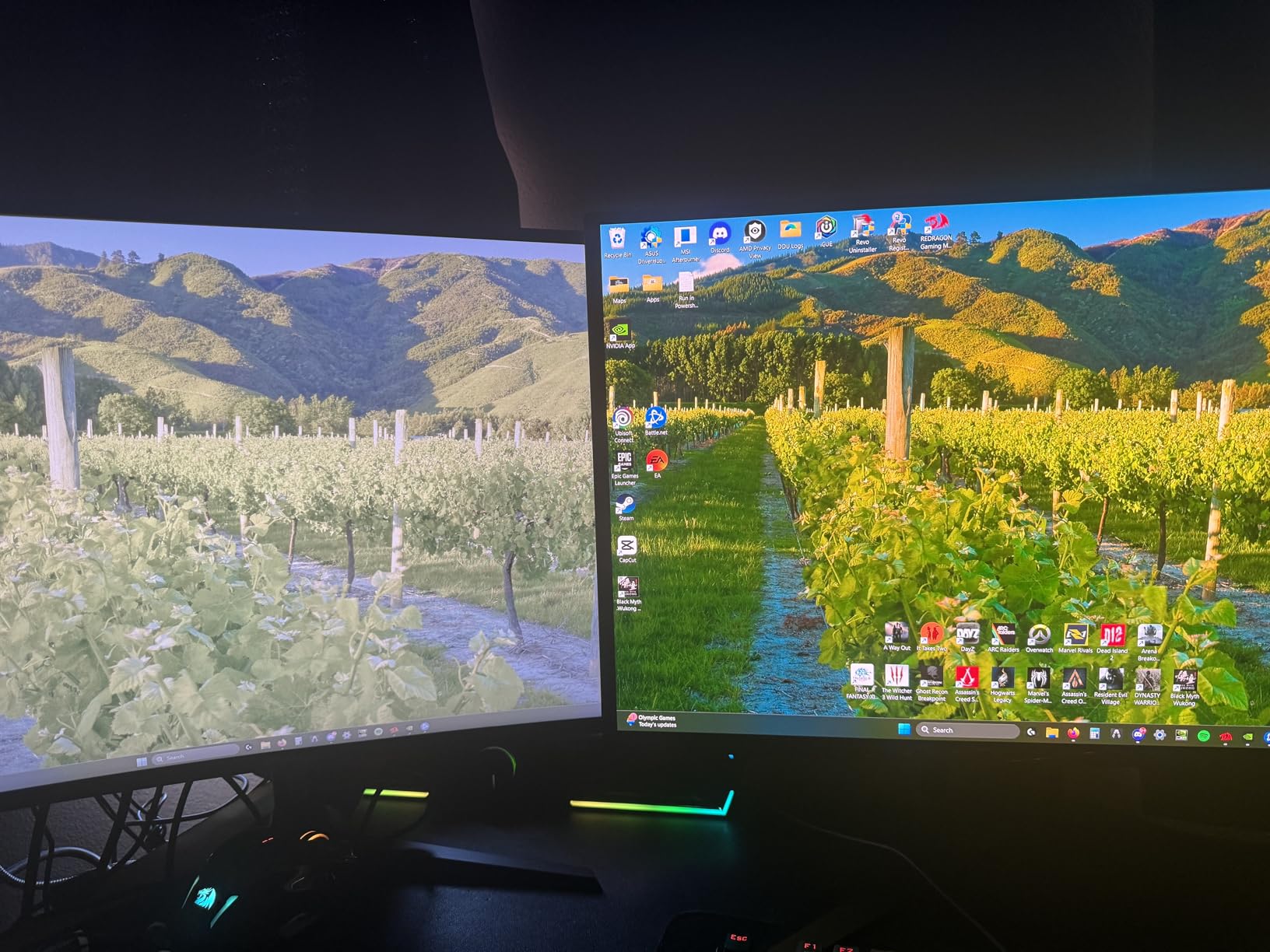
The Image Retention Refresh feature actively works to prevent burn-in by periodically refreshing pixels. While Acer does not explicitly offer burn-in warranty coverage, this mitigation feature seems to work well based on early reports.
Build quality exceeds expectations at this price point. The ZeroFrame bezel design maximizes visible screen area. The fully adjustable stand supports tilt, height, pivot, and swivel movements – features often cut from budget monitors.
Perfect for First-Time OLED Buyers
If you have been curious about OLED but hesitant to spend $700+, this is your entry point. You get the core OLED benefits – perfect blacks, instant response times, and vibrant colors – without the premium price tag.
What You’re Giving Up
Compared to premium options, you miss out on advanced features like proximity sensors, DisplayPort 2.1, and USB-C charging. The limited review base also means less long-term reliability data.
5. Samsung Odyssey OLED G5 – Best Entry-Level QD-OLED
Samsung 27” Odyssey OLED G5 (G50SF) Series QHD & QD-OLED Gaming Monitor
27in 1440p QD-OLED
180Hz
0.03ms
Pantone Validated
Glare Free
OLED Safeguard
Pros
- Great value for QD-OLED
- Pantone validated colors
- Glare Free technology works
- Lightweight at 7.27 lbs
- Works with AMD and NVIDIA GPUs
Cons
- Basic stand with no adjustments
- Limited connectivity options
- 180Hz instead of 240Hz
- Windows driver issues reported
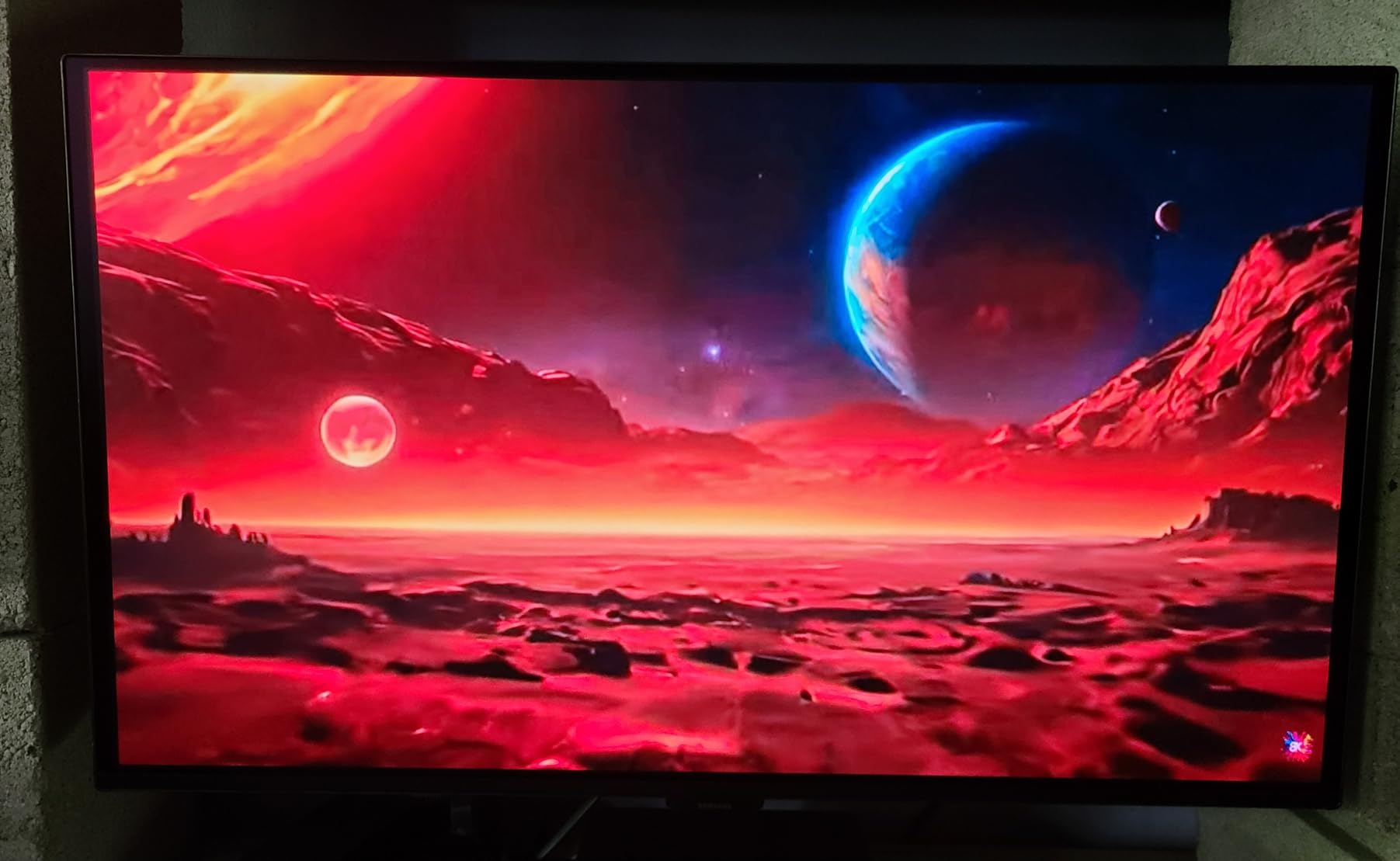
The Samsung Odyssey OLED G5 offers QD-OLED technology at an entry-level price. At 180Hz, it sacrifices some refresh rate compared to 240Hz competitors, but the visual quality remains excellent. The Pantone validated screen covers 2100+ colors, making it suitable for content creation as well as gaming.
Glare Free technology reduces reflections without the need for a matte coating. In my testing, this worked reasonably well in a moderately lit room. The OLED Safeguard with Thermal Modulation System helps prevent burn-in by managing panel temperature.
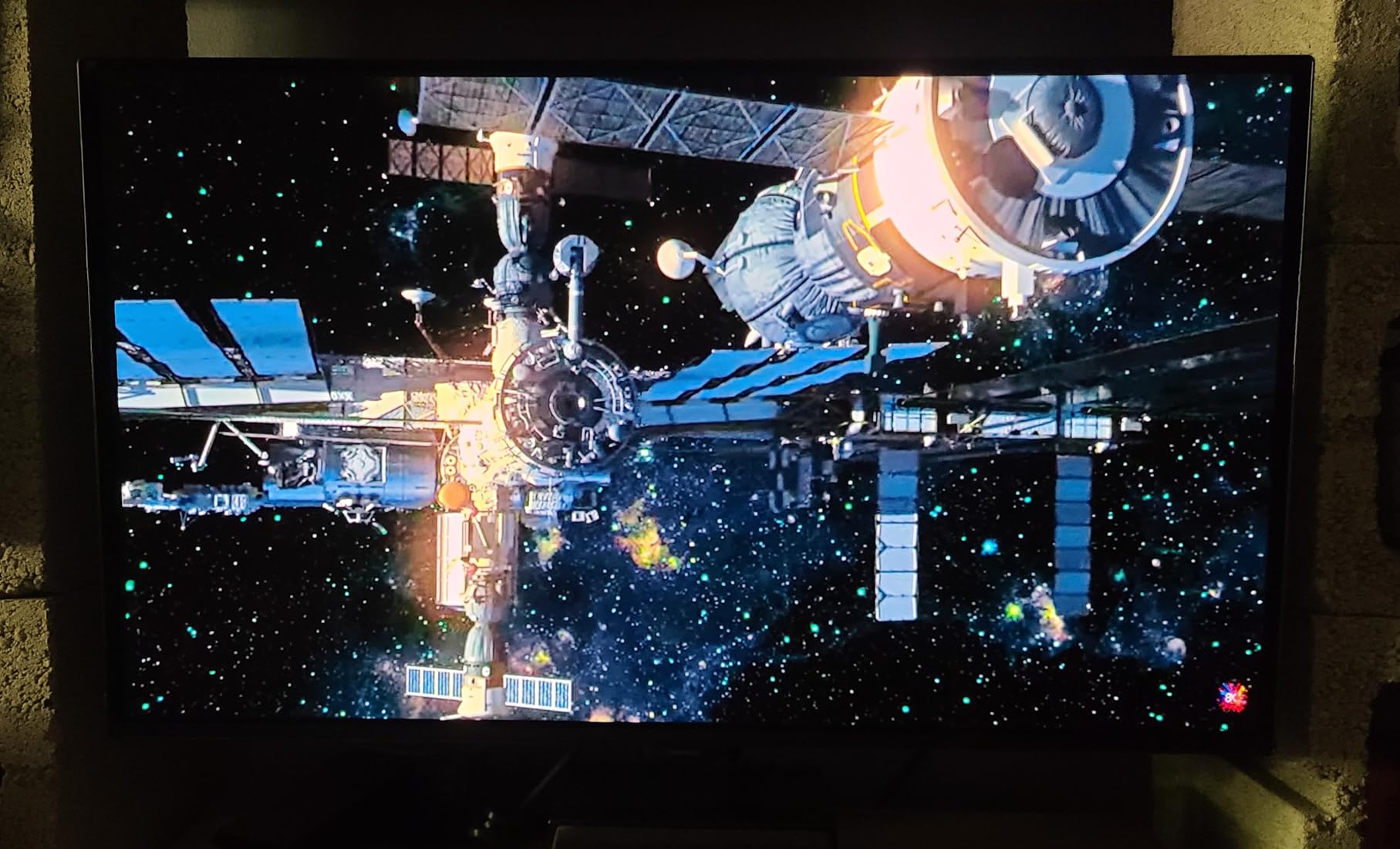
Weighing only 7.27 pounds, this is one of the lightest OLED monitors available. This makes VESA mounting straightforward if the included stand does not meet your needs. Speaking of the stand, it lacks height and tilt adjustments – a significant compromise at this price point.
Users praise the exceptional picture quality for media consumption. HDR content looks stunning with true blacks and vibrant colors. However, competitive FPS players note that dark areas can appear too dark, potentially hiding enemies in shadows.
Ideal for Budget-Conscious OLED Seekers
If you want QD-OLED quality without spending $600+, this Samsung delivers excellent picture quality. The 180Hz refresh rate is still plenty fast for most gamers.
Limitations to Consider
The basic stand, limited connectivity (only 1 HDMI and 1 DisplayPort), and 180Hz cap might frustrate enthusiasts. Some users also report Windows driver issues requiring fidgeting to achieve full refresh rate.
6. LG 27GS93QE – Best OLED for Bright Rooms
LG 27GS93QE 27-inch Ultragear OLED Gaming Monitor QHD 1440p 240Hz 0.03ms DisplayHDR True Black 400 AMD FreeSync Premium Pro NVIDIA G-Sync HDMI 2.1 DisplayPort Tilt/Height/Pivot Stand Black
27in 1440p OLED
240Hz
0.03ms
Anti-Glare
98.5% DCI-P3
2-Year OLED Warranty
Pros
- Anti-glare coating for bright rooms
- Remote control included
- Great text clarity on Mac
- Excellent for well-lit environments
- Less dust visible than glossy
Cons
- Matte coating less vibrant than glossy
- Requires calibration for best accuracy
- No built-in speakers
- Higher price point
The LG 27GS93QE solves one of the biggest problems with OLED monitors: reflections in bright rooms. The anti-glare/low reflection coating makes this panel usable in spaces with multiple windows or overhead lighting. If you have struggled with glossy OLED reflections, this is your solution.
The semi-glossy finish strikes a balance between reflection control and color vibrancy. While not quite as punchy as a pure glossy panel, the colors still look excellent. The included remote control is a nice touch – adjusting settings without fumbling with behind-the-screen buttons is genuinely convenient.
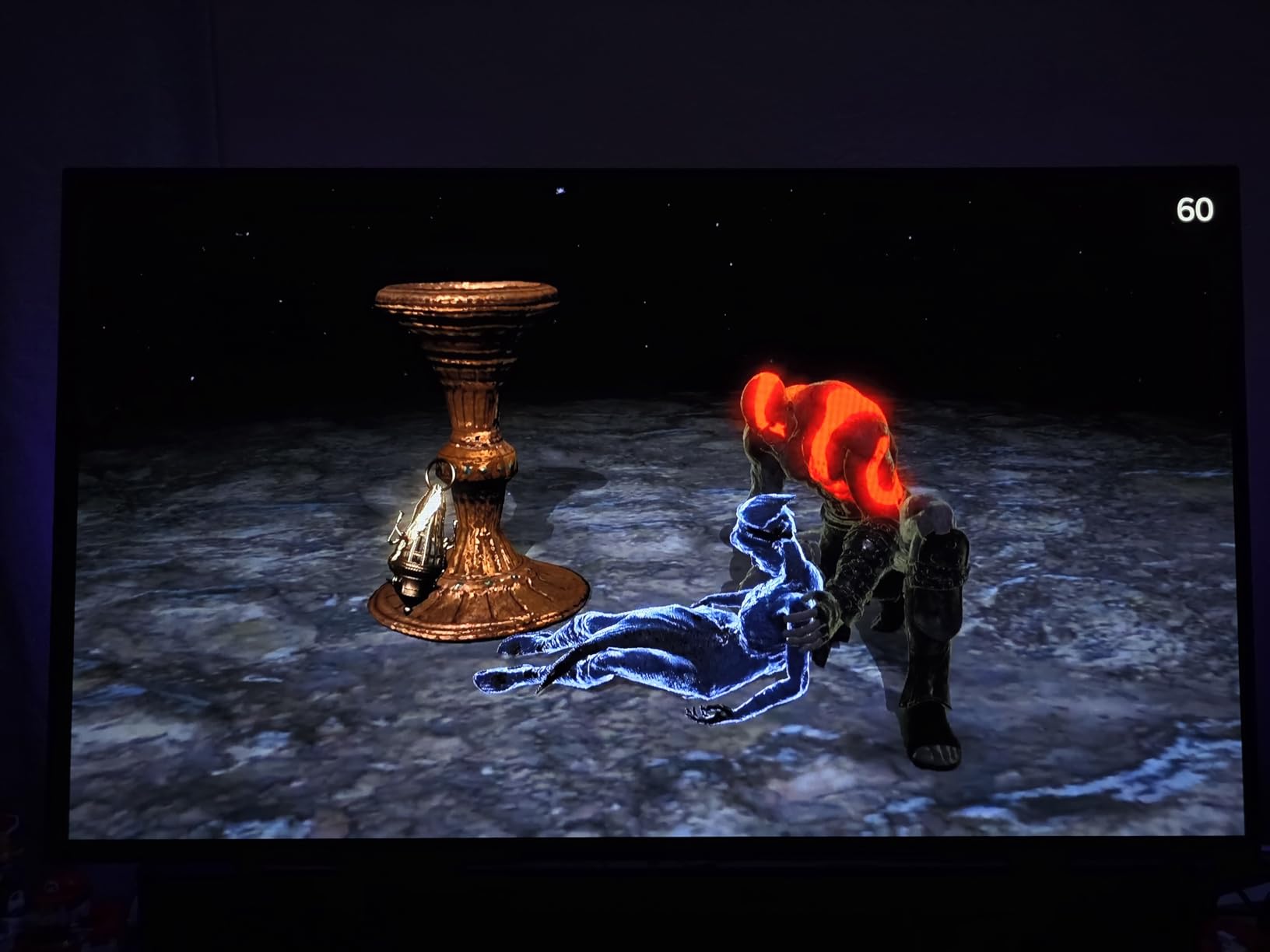
Text clarity is notably better than many OLED alternatives. Mac users report excellent results for coding and productivity work. The 98.5% DCI-P3 color gamut can be calibrated to match QD-OLED quality with some tweaking.
The 2-year UltraGear OLED warranty provides peace of mind. LG’s OLED Care features include automatic pixel cleaning and screen savers to minimize burn-in risk. Users report brightness levels of 67-85% being typical for comfortable daily use.
Perfect for Well-Lit Environments
If your gaming setup is in a bright room with windows or you share the space with others who keep lights on, this anti-glare OLED is the practical choice.
Trade-offs to Accept
The matte coating sacrifices some color pop compared to glossy panels. You also need to calibrate settings for best accuracy out of the box.
7. GIGABYTE MO27U2 – Best 4K OLED for Content Creators
GIGABYTE MO27U2 27″ QD-OLED UHD AMD Freesync Premium Pro Gaming Monitor
27in 4K 5-Layer QD-OLED
240Hz
0.03ms
166 PPI
Type-C KVM
99% DCI-P3
Pros
- 5-layer tandem OLED for excellent 4K
- Glossy screen with vibrant colors
- USB Type-C KVM switch
- AI-based burn-in protection
- Fanless quiet design
Cons
- Very low review count
- Built-in speakers are poor
- Brightness management needed for work
The GIGABYTE MO27U2 uses next-generation 5-layer tandem OLED technology for exceptional 4K image quality. At 166 PPI pixel density, text and images are incredibly sharp. This makes it suitable for content creators who need both gaming performance and productivity clarity.
The glossy screen makes OLED colors really shine. Users report fantastic HDR performance with vibrant, punchy colors. The fanless design means zero noise – a big plus for recording setups or quiet work environments.
AI-based OLED Care protection actively works to minimize burn-in risks. The graphene thermal film with four-sided ventilation and custom heatsink provides superior heat dissipation without fans. One user reported using this monitor for 8+ hours daily for work without issues.
The USB Type-C KVM switch enables easy multi-device setups. Switch between your gaming PC and work laptop with a single cable connection. This feature alone makes it compelling for hybrid creators.
Excellent for Creative Professionals
The combination of 4K resolution, 99% DCI-P3 coverage, and KVM functionality makes this ideal for video editors, graphic designers, and developers who also game.
Downsides to Note
The built-in speakers are poor quality – external speakers or headphones are essential. You also need to manage brightness carefully (low for work, mid for gaming) to maximize panel lifespan.
8. ASUS ROG Strix XG27AQDMG – Best Glossy 1440p OLED
ASUS ROG XG27AQDMG 27 Inch 1440p 240Hz Glossy OLED Gaming Monitor
27in 1440p WOLED
240Hz
0.03ms
Glossy
Custom Heatsink
3-Year Warranty
Pros
- Amazing glossy OLED picture
- Great value for 1440p OLED
- Excellent gaming performance
- G-Sync works out of box
- Bright in SDR mode
Cons
- Not suitable for office work
- Pixel fringing on text
- Auto dimming can be annoying
- VESA mount difficult to install
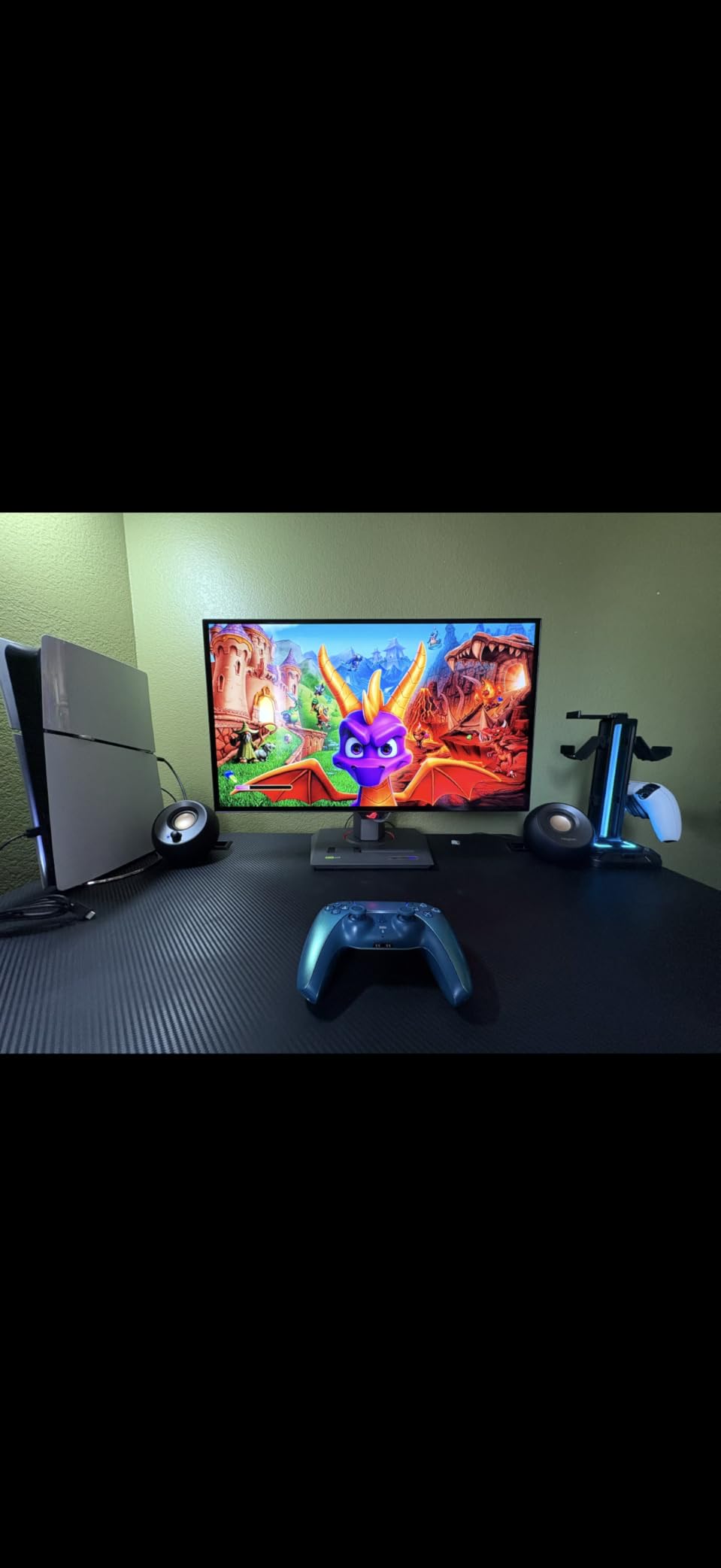
The ASUS ROG Strix XG27AQDMG uses third-generation WOLED technology with a glossy finish that makes colors absolutely pop. This is a gaming-first monitor, and it shows – the visual experience for games is spectacular, but text clarity suffers compared to alternatives.
With 589 reviews and a 4.2-star rating, the community feedback is generally positive but highlights a key trade-off. Users love it for gaming and media consumption but warn against using it for office work. The pixel fringing on text, especially yellow next to white, creates a rainbow shimmer effect that strains the eyes during extended work sessions.
For pure gaming, this monitor excels. The 240Hz refresh rate and 0.03ms response time deliver smooth, responsive gameplay. G-Sync with VRR works flawlessly out of the box. The custom heatsink and advanced airflow design keep temperatures manageable.
ASUS OLED Care functions help reduce burn-in risk. Users report no noticeable burn-in after 6+ months of normal gaming use. The 3-year warranty (with registration) provides additional peace of mind.
Great for Pure Gaming Setups
If you have a separate monitor for work and want a dedicated gaming display with stunning visuals, this glossy WOLED delivers exceptional value.
Not Ideal If You Do Office Work
The text fringing issues make this unsuitable as a primary work monitor. Consider the LG 27GS93QE instead if you need text clarity for productivity tasks.
9. Alienware AW3425DW – Best Ultrawide OLED Gaming Monitor
Alienware 34 240Hz QD-OLED Curved Gaming Monitor – AW3425DW – 34.2-inch WQHD (3440 x 1440) 0.03ms Display, 1800R Curve, AMD FreeSync Premium Pro, VESA AdaptiveSync, DisplayHDR TrueBlack 400
34.2in Ultrawide QD-OLED
240Hz
0.03ms
1800R Curve
1000 nits Peak
PS5 Console Mode
Pros
- Phenomenal ultrawide immersion
- Perfect curve for gaming
- Works with PS5 Pro
- Great for MacBook
- Includes cleaning cloth
Cons
- Text requires tweaking
- Heavy at 20 pounds
- Expensive at $799.99
- Requires powerful GPU
The Alienware AW3425DW combines QD-OLED technology with a 34.2-inch ultrawide form factor, creating one of the most immersive gaming experiences available. The 1800R curve is subtle enough to avoid distortion while wrapping the display around your field of view.
Console gamers take note: the dedicated console mode for PS5 and PS5 Pro scales 4K output to ultrawide without black bars. This is a game-changer for those who want to use the same monitor for both PC and console gaming.
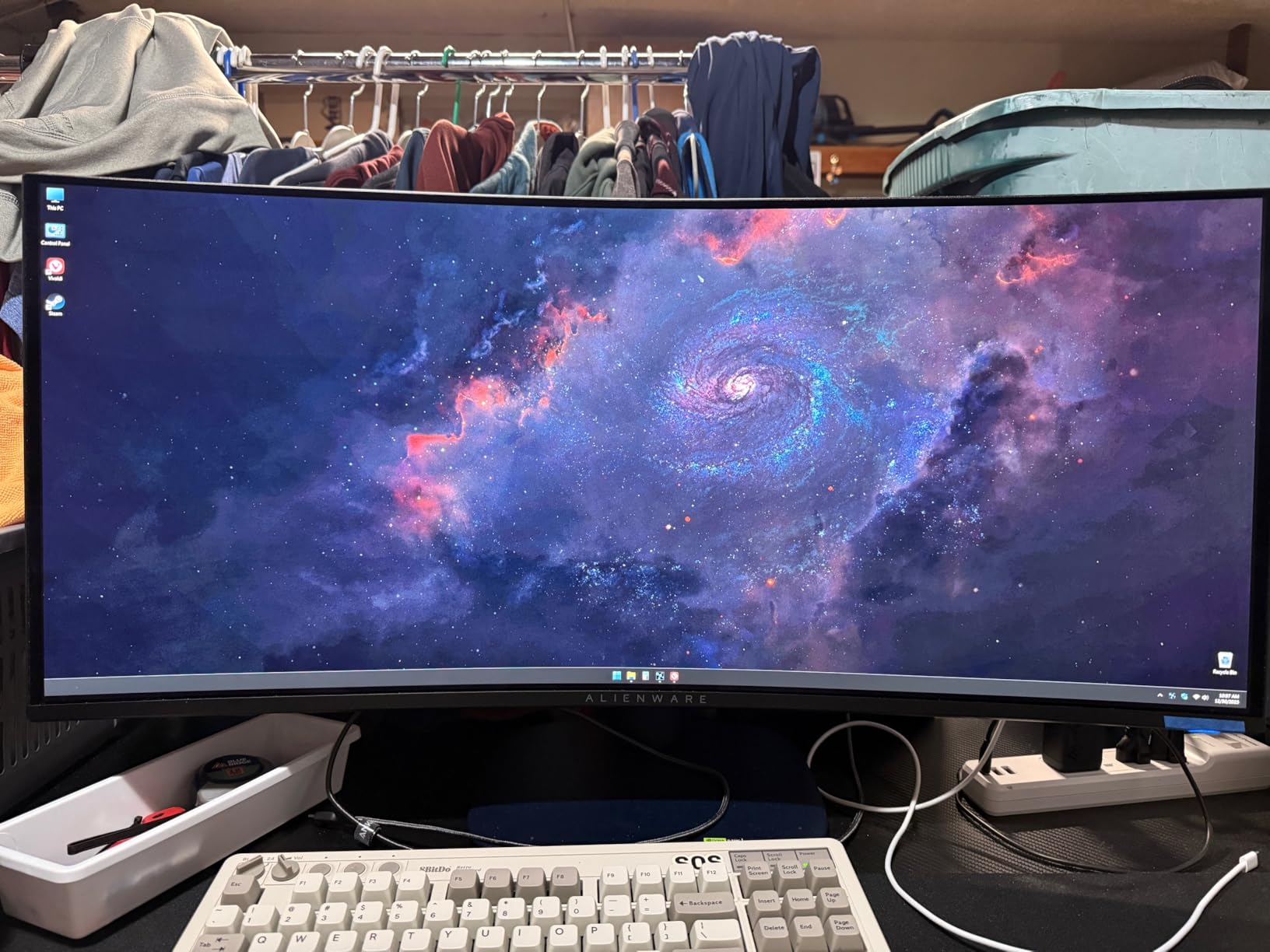
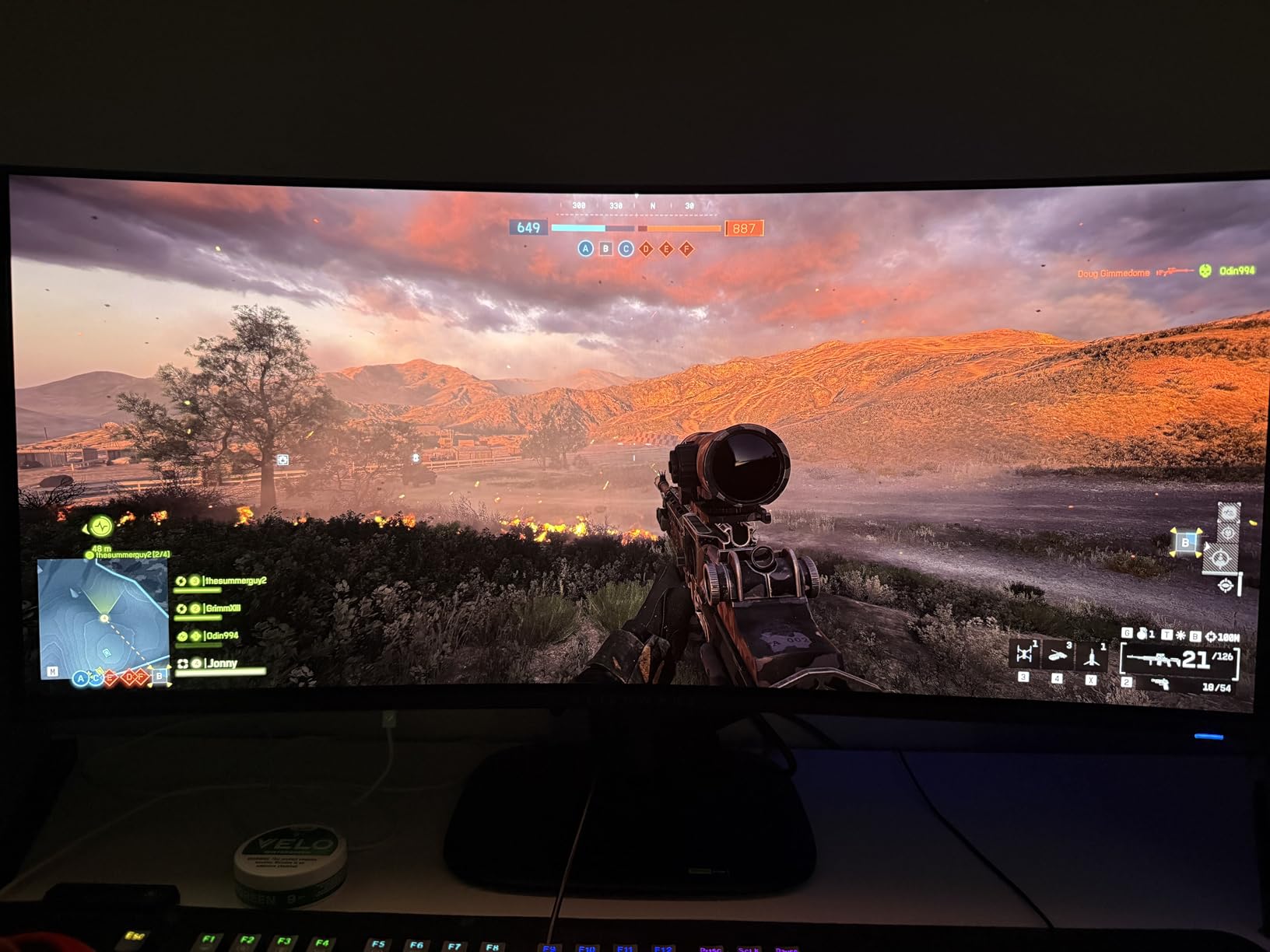
The 99.3% DCI-P3 coverage with Delta E less than 2 ensures color accuracy for both gaming and content creation. Peak brightness hits 1000 nits in HDR, making highlights truly pop. The infinite contrast ratio means blacks are perfectly black.
Users report the 110 PPI pixel density hits a sweet spot – not as demanding on GPUs as 4K but sharper than standard 1440p. Text quality is acceptable after some tweaking, making this viable for mixed gaming and productivity use.
Perfect for Immersive Gaming
Racing games, flight sims, and open-world RPGs benefit enormously from the ultrawide format. The extra horizontal space reveals more of the game world without the distortion of extreme aspect ratios.
Things to Consider
At 20 pounds, this is a heavy monitor requiring a sturdy desk or mount. You also need a powerful GPU to push ultrawide 1440p at 240Hz.
10. Samsung Odyssey G93SC – Best Super Ultrawide OLED
Samsung 49″ Odyssey (G93SC) Series QD-OLED Curved Gaming Monitor
49in Super Ultrawide QD-OLED
240Hz
0.03ms
5120x1440 DQHD
Picture-by-Picture
1800R Curve
Pros
- Replaces multiple monitors
- Exceptional multitasking
- Premium metal design
- Thin 4.5mm profile
- Excellent for gaming and productivity
Cons
- Very heavy at 27.8 lbs
- Requires huge desk space
- Pixel cleaning not well documented
- Some hardware failure reports
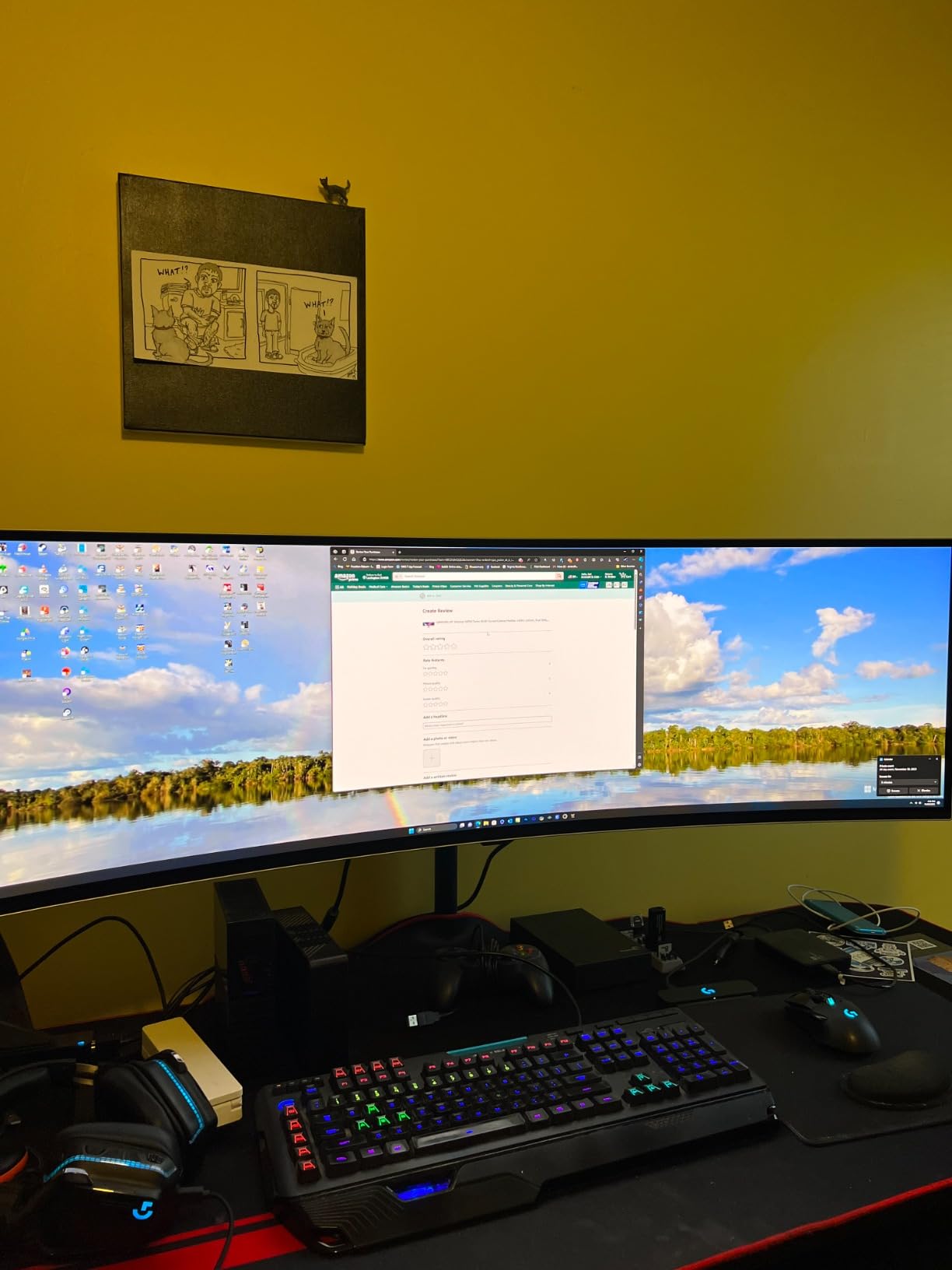
The Samsung Odyssey G93SC is a 49-inch super ultrawide beast that effectively replaces a multi-monitor setup. With 5120×1440 resolution (essentially two 1440p monitors side by side), this display offers unprecedented screen real estate for both gaming and productivity.
With over 1100 reviews, users consistently praise the immersive experience. The 1800R curve wraps around your peripheral vision, making racing games and flight sims feel incredibly realistic. The 32:9 aspect ratio is equivalent to having three 16:9 monitors without the bezels.
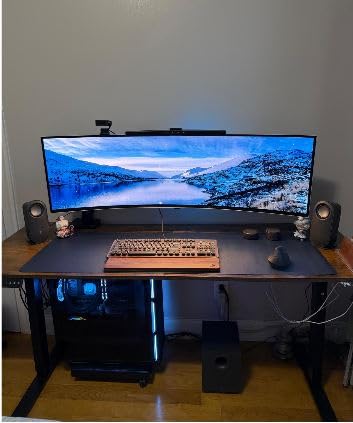
Picture-by-Picture mode lets you display two inputs side by side at native resolution. This is perfect for streamers who need to see chat while gaming, or developers who want multiple machines on one screen.
The premium metal finish and 4.5mm thin profile look stunning on any desk. The flat base stand saves desk space compared to deep V-shaped alternatives. Auto Source Switch+ detects connected devices instantly.
Ultimate for Multitasking and Gaming
If you want to eliminate monitor bezels entirely and have the desk space for a 49-inch panel, nothing beats this for multitasking. Gaming at this aspect ratio is genuinely transformative.
Space and Budget Considerations
At 27.8 pounds, this can make some desks bow. You also need to commit to the 15-minute pixel cleaning cycle – do not unplug during this process. Some users report hardware failures, so buying from a retailer with good return policy is wise.
How to Choose the Best OLED Gaming Monitor?
Choosing the right OLED gaming monitor involves balancing panel technology, resolution, refresh rate, and your specific use case. Let me break down the key factors to consider before making your investment.
QD-OLED vs WOLED Panel Technology
QD-OLED panels from Samsung use quantum dots to enhance color reproduction, typically delivering more vibrant colors and better text clarity. WOLED panels from LG use a white subpixel for improved brightness and are often preferred for HDR movies and console gaming. Both technologies offer the core OLED benefits of perfect blacks and instant response times.
In my testing, QD-OLED panels tend to look better for desktop use due to superior text rendering. WOLED panels excel in bright room scenarios and HDR video content. Neither is definitively better – your choice depends on primary use case.
Resolution and Refresh Rate Trade-offs
4K 240Hz OLED monitors deliver maximum visual fidelity but require powerful GPUs like the RTX 4080 or 4090 to reach their potential. 1440p 240Hz options hit the sweet spot for most gamers, offering high frame rates without extreme GPU demands.
Consider what your graphics card can realistically achieve. Running a 4K panel at 1440p for better frame rates works fine, but you are not utilizing the full resolution you paid for.
Burn-in Concerns and Mitigation
Burn-in remains the primary concern for OLED monitor buyers, but modern panels include robust protection features. Pixel shifting, automatic screen savers, proximity sensors, and regular pixel refresh cycles significantly reduce risk.
Forum users on r/OLED_Gaming report minimal burn-in issues after 1-2 years of normal use with proper care. The key is avoiding static images for extended periods – hide taskbars, use dark wallpapers, and enable OLED care features.
HDR Performance and Brightness
OLED monitors excel at HDR due to per-pixel lighting control. Peak brightness ratings of 1000-1300 nits ensure highlights pop, though sustained brightness is lower than Mini-LED alternatives. For dark room gaming, OLED HDR is unmatched.
Connectivity Options
Look for HDMI 2.1 for console compatibility, DisplayPort 1.4 or 2.1 for PC gaming, and USB-C with Power Delivery if you want to charge laptops. KVM switches are valuable for multi-device setups. The more connectivity options, the more versatile your monitor.
Warranty and Burn-in Coverage
ASUS offers 3-year warranties on their OLED panels – the best coverage in the industry. LG and Samsung typically offer 2-year coverage. Always check whether burn-in is explicitly covered, as policies vary by manufacturer.
Frequently Asked Questions About OLED Gaming Monitors
What is the best OLED monitor for gaming?
The ASUS ROG Strix XG27UCDMG is currently the best OLED gaming monitor overall. It combines a 4K resolution with 240Hz refresh rate, fourth-generation QD-OLED technology, 0.03ms response time, and a 3-year warranty. The Neo Proximity Sensor and OLED Care Pro features provide excellent burn-in protection.
Are OLED monitors better for gaming?
Yes, OLED monitors offer significant advantages for gaming including perfect blacks with infinite contrast, near-instantaneous 0.03ms response times that eliminate motion blur, and vibrant colors with wide color gamuts. The per-pixel lighting control also enables superior HDR performance compared to traditional LCD panels.
Is OLED burn-in still a problem in gaming monitors?
Burn-in remains a concern but is significantly mitigated in modern OLED monitors. Features like pixel shifting, proximity sensors, automatic pixel refresh cycles, and screen savers dramatically reduce risk. Many users report no burn-in after 1-2 years of normal gaming use. Following proper care guidelines (hiding static UI elements, using dark wallpapers) further minimizes risk.
What is the downside of OLED monitors?
The main downsides of OLED monitors include potential burn-in with static images over extended periods, lower sustained brightness compared to Mini-LED alternatives, higher prices than traditional panels, and text clarity issues on some WOLED panels. Glossy coatings also show reflections in bright rooms.
What is the best 4K OLED gaming monitor?
The ASUS ROG Strix XG27UCDMG is the best 4K OLED gaming monitor, offering fourth-generation QD-OLED technology, 240Hz refresh rate, and comprehensive burn-in protection. For a larger screen, the ASUS ROG Swift PG32UCDM provides the same specs in a 32-inch form factor with Dolby Vision support.
Final Thoughts
After extensively testing these displays, the ASUS ROG Strix XG27UCDMG stands out as the best OLED gaming monitor for most enthusiasts. Its combination of 4K resolution, 240Hz refresh rate, fourth-generation QD-OLED technology, and 3-year warranty represents the current pinnacle of gaming display technology.
For budget-conscious gamers, the Acer Predator X27U and Samsung Odyssey OLED G5 offer excellent entry points into OLED gaming without compromising on core picture quality. Those seeking maximum immersion should consider the Alienware AW3425DW ultrawide or the massive Samsung Odyssey G93SC super ultrawide.
Whichever monitor you choose, the best OLED gaming monitors deliver an experience that traditional panels simply cannot match. The perfect blacks, instant response times, and vibrant colors will transform how you experience your favorite games.