
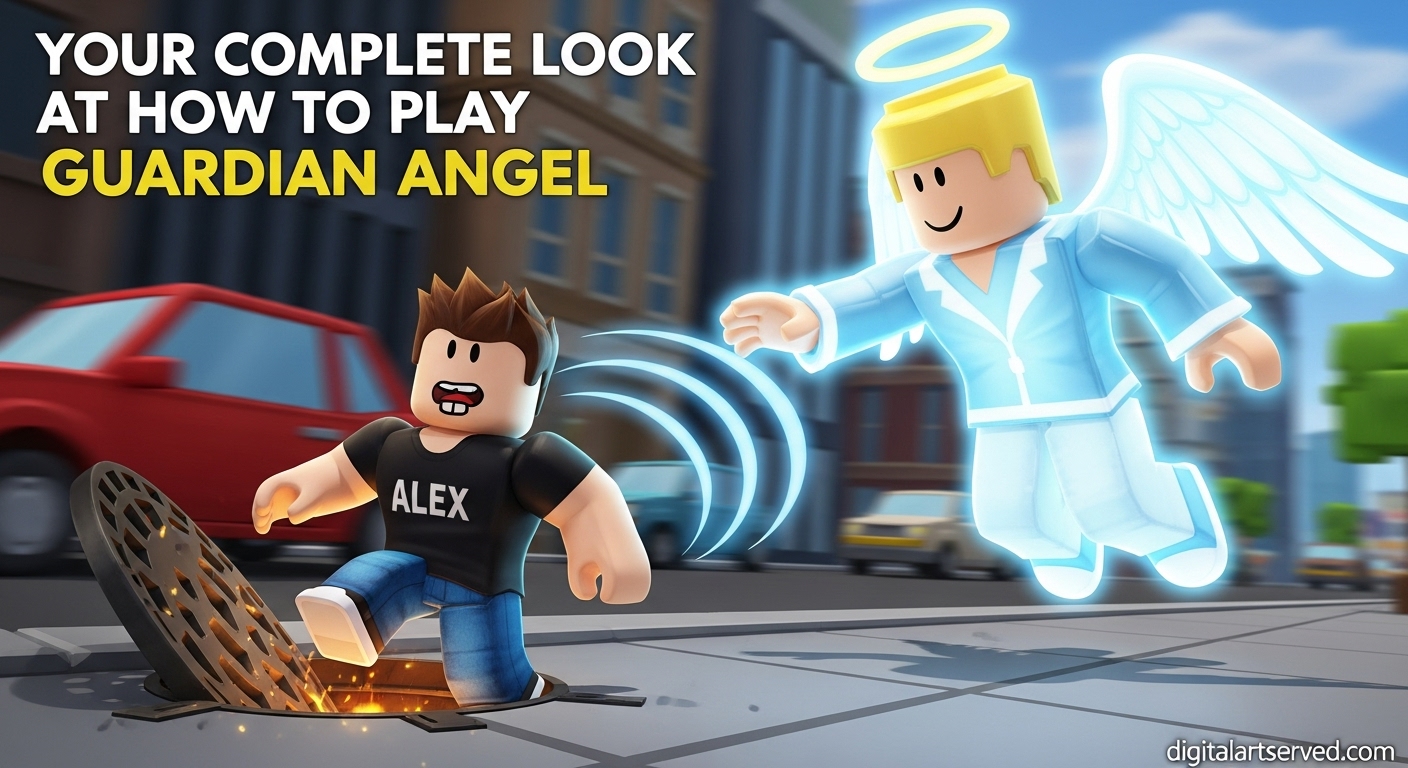
Have you ever wanted to be a real-life hero? In the popular Roblox experience Guardian Angel, you get that chance. Your job is to protect a very clumsy character named Alex from all sorts of dangers. It sounds simple, but it can get chaotic fast!
If you’re just starting, you might feel a little lost. This guide is here to help. We’ll walk you through everything you need to know, from basic controls to pro tips. You’ll learn exactly how to play Guardian Angel and become the best protector Alex has ever had.
Table of Contents
Article at a Glance: Key Takeaways
For those in a hurry, here’s a quick overview of what you need to know about the Roblox Guardian Angel experience.
| Feature | What You Need to Know |
| Your Main Goal | Protect a clumsy person (usually named Alex) from constant danger. |
| Core Abilities | You start with four key skills: Push, Hold, Follow, and Bring. |
| How You Earn Money | Every time you save Alex from a hazard, you earn in-game cash. |
| Spending Your Cash | Use your money in the Ability Shop to get new powers or upgrade old ones. |
| The Life System | Alex has three lives. If he loses one, you have 30 seconds to keep him safe to regain it. |
What Is the Guardian Angel Gameplay Like?
The Guardian Angel gameplay is simple, fun, and often hilarious. You are an invisible angel assigned to a person who has a special talent for finding trouble. This person, Alex, will walk through a city filled with dangers.
Your job is to follow Alex and stop him from getting hurt. This could mean pushing him out of the way of a speeding car, holding him back from an open manhole, or even teleporting him away from a falling object.
Every time you successfully save him, you earn money. The longer you keep him alive, the more rewards you unlock on a special track. It’s a fast-paced game that tests your observation skills and reaction time, making it one of the most entertaining Roblox games for beginners.
Getting Started: Your Basic Controls and Abilities
Getting around and using your powers is easy. The controls are designed to be simple so you can focus on saving Alex.
Here are the basic controls you’ll use:
| Action | Key / Button |
| Move Your Angel | W, A, S, D |
| Move the Camera | Hold Right Mouse Button (M2) |
| Use an Ability | Left Mouse Button (M1) |
| Select an Ability | Number Keys (1-9) |
You start with four main Guardian Angel abilities. Think of these as your first set of tools for protecting Alex in Guardian Angel:
- Push: Gives Alex a little shove. This is perfect for quick saves, like moving him away from a banana peel.
- Hold: Stops Alex in his tracks for a few seconds. Use this to prevent him from walking into busy traffic.
- Follow: Automatically makes you follow Alex. This is great for keeping up with him without constantly moving yourself.
- Bring: Instantly teleports Alex to your current location. This is a powerful lifesaver for when he is very far away and in immediate danger.
How to Play Guardian Angel and Keep Alex Safe?
Ready to jump in? Following this simple process will help you succeed. This Guardian Angel beginner’s guide is all about mastering the basics.
Step 1: Follow Alex Closely
As soon as the game starts, find Alex and stay near him. You can’t protect him if you’re on the other side of the map. Use the ‘Follow’ ability to make this easier.
Step 2: Spot the Dangers
Look ahead of Alex to see what’s coming. Common dangers include:
- Speeding cars and trucks
- Open manholes on the sidewalk
- Banana peels
- Pools of water or fire
- Big drops from high places
Step 3: Use Your Abilities Wisely
Your abilities have a cooldown, which is a short waiting time before you can use them again. Don’t waste them! Use ‘Push’ for small dangers and save ‘Bring’ for real emergencies. Learning when to use each ability is key. If you’re having fun, you can find the official experience directly on the Roblox platform.
Step 4: Understand the 3-Lives System
Alex has three lives. When he gets hurt, he loses one. A 30-second timer will appear. If you can keep him safe for those 30 seconds, he will get that life back! But if he gets hurt again during that time, he loses another life for good. If he loses all three, you’ll be assigned to a new person.
Unlocking More Power: The Ability Shop and Upgrades
The money you earn isn’t just for show. You can spend it at the Ability Shop to become an even better guardian. In the shop, you can buy brand new abilities or purchase upgrades for the ones you already have.
For example, you might buy an ability that creates a temporary shield around Alex. Or, you could upgrade your ‘Push’ ability to make it stronger. A great strategy for new players is to save your money for a powerful new ability instead of spending it on small upgrades right away. Once you have a few good powers, you can think about learning how to customize your Roblox avatar with cosmetic items.
Pro Guardian Angel Tips for New Players
Want to get ahead quickly? Here are a few Guardian Angel tips that will make a big difference.
- Stay Ahead of Alex: Don’t just follow Alex, try to move ahead of him. This lets you see dangers early and gives you more time to react. It’s easier to prevent a problem than to fix one.
- Save Your Money for Abilities First: It can be tempting to buy cool-looking wings or halos, but powerful abilities will help you earn money much faster in the long run. Focus on buying one or two strong abilities before you think about cosmetics.
- Master the ‘Push’ Ability: ‘Push’ is your most useful tool. It has a short cooldown and can solve most problems. Practice using it to gently guide Alex around corners and away from small dangers. You’ll find yourself using it more than any other ability.
Frequently Asked Questions
What is the main goal of Roblox Guardian Angel?
The main goal is to protect a non-player character (NPC), usually named Alex, from getting hurt or dying. You act as an invisible guardian angel, using special abilities to steer him away from various hazards scattered around the city. The longer you keep him alive, the more money and rewards you earn.
How do you get new abilities in the game?
You can get new abilities by purchasing them from the Ability Shop. You earn money every time you save Alex from a potential accident. You can then spend this in-game cash to unlock new powers or upgrade the ones you already own, making you more effective at your job.
Can I change who I protect besides Alex?
The game automatically assigns you to a character. While you start with “Alex The Goofy,” you can rename him to whatever you like. If Alex loses all three of his lives, the game will end for him, and you will be assigned to a brand new person with a different name to protect.
What happens if Alex runs out of lives?
If Alex loses all three of his lives, your time protecting him is over. The game will record how long you managed to keep him safe in a feature called the “Diary.” After that, you will be assigned a new person to protect, and the cycle begins again.
What are the fastest ways to earn money in Guardian Angel?
The fastest way to earn money is by preventing “high-risk” dangers, like saving Alex from a speeding truck, which often pays more than a simple banana peel slip. Also, focus on keeping him alive for long streaks, as you’ll unlock rewards from the progress bar on the side of the screen.
Is Guardian Angel a difficult game for new players?
No, Guardian Angel is designed to be very friendly for new players. The controls are simple, and the concept is easy to understand. While the game gets more challenging as more dangers appear, the learning curve is gentle, making it a great starting point for anyone new to Roblox. For more on online safety, check out our parent’s guide to Roblox safety.
You’re Ready to Be a Guardian Angel
Now you have everything you need to jump into Roblox Guardian Angel and start your career as a top-tier protector. The game is all about paying attention, thinking fast, and having a little fun with the chaos.
Remember to use your abilities wisely, save up for powerful upgrades, and always keep an eye out for the next potential disaster. Good luck, and have fun keeping Alex safe.