
Ever jumped into a Roblox game that seems simple but feels impossible to master? You’re not alone. In Ride A Cart Down A Slide, the goal is easy: go as far as you can. But constant flipping and crashing can get frustrating fast. You see other players zooming by and wonder, “What’s their secret?”
The secret isn’t just about going fast. It’s about control. This guide will teach you everything you need to know to stop wiping out and start setting new distance records. We’ll cover basic controls, smart tips, and how to unlock the coolest carts.
Table of Contents
Article at a Glance: Your Quick Guide
For those who want to get straight to the action, here are the most important things you need to know about Ride A Cart Down A Slide.
| Topic | Key Information |
| Main Goal | Travel the farthest possible distance down the slide. |
| Core Rule | Use your brakes before sharp turns to avoid flipping your cart. |
| Distance System | Your distance adds up with every run and is used to unlock carts, not spend. |
| Flipping | You get 5 free flips per run. After that, it costs Robux. |
| Pro-Tip | Pressing Boost and Brake at the same time gives you amazing speed control. |
What Is Ride A Cart Down A Slide?
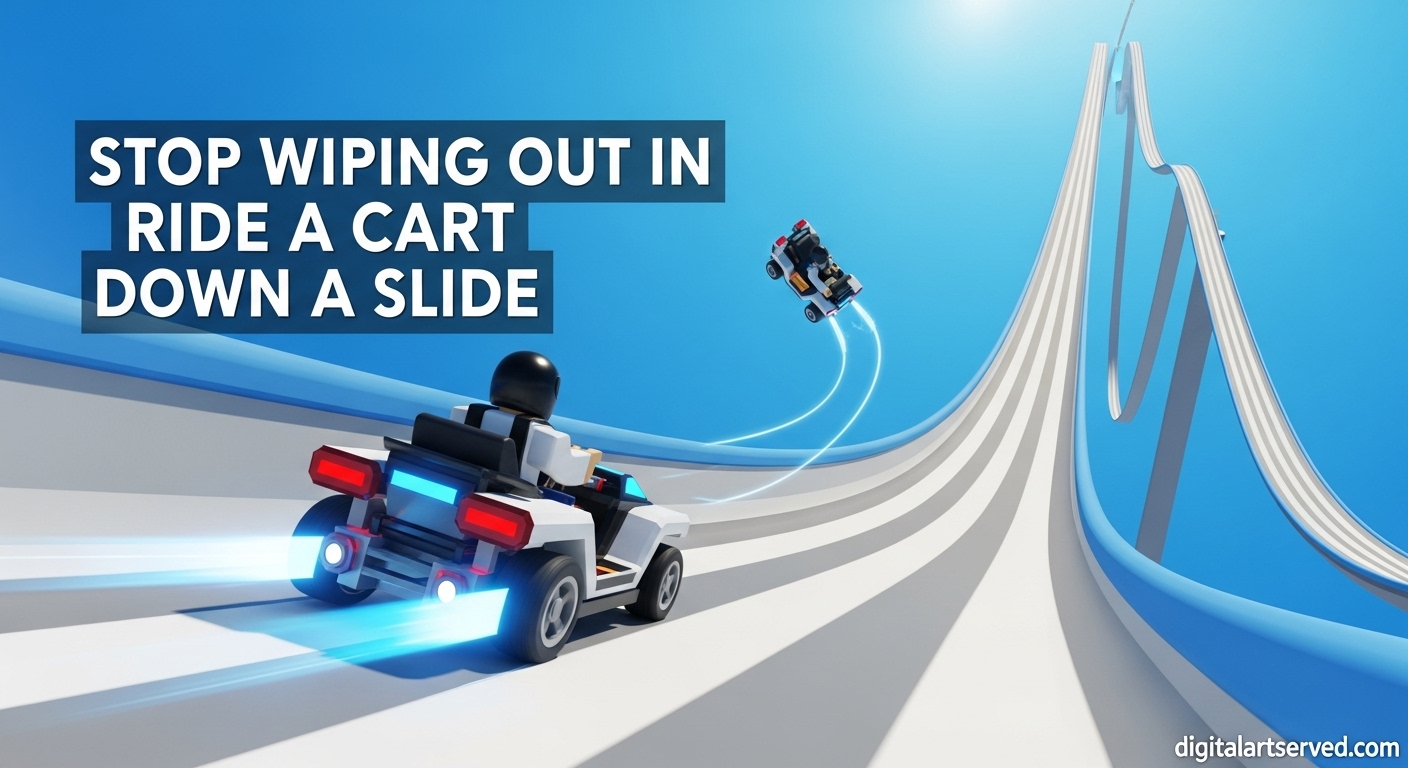
Ride A Cart Down A Slide is a popular Roblox cart game where you do exactly what the title says. You spawn a cart at the top of a massive, winding slide and try to ride it as far as possible. The farther you travel without crashing, the more “distance” you accumulate.
Think of it as an endless racing game against yourself. Your main enemy isn’t other players, but the tricky turns and bumps in the slide. The game is all about balancing speed and control to beat your own high score and earn rewards. If you’re new to Roblox, it’s a great example of a simple but addictive game, which you can learn more about in our beginner’s guide to Roblox.
How to Play Ride A Cart Down A Slide: Your First Run
Ready to start your first journey down the slide? It’s super easy to get going. When you first join the game, you’ll appear on a starting platform.
Just walk up to the “Spawn Cart” button and click it. Your very first, basic cart will appear on the track. Hop in, and you’ll automatically start rolling down the slide. Your goal is simply to stay upright and travel as far as you can. Don’t worry if you crash a lot at first, everyone does!
Understanding the Core Gameplay Mechanics
To really get good, you need to understand how the game works. These core gameplay mechanics are the key to mastering the slide.
The All-Important Distance System
This is the most important part of the game. Every time you ride, the game tracks how far you go. Let’s say you travel 5,000 studs (the measurement for distance in Roblox). That 5,000 gets saved to your total.
If you crash and go again, your new distance is added to your old total. It never resets! The distance system isn’t money you spend. Instead, hitting certain distance milestones (like 25,000 or 100,000) unlocks better carts for you to buy with in-game cash.
Mastering Boost and Brake
You have two main controls: boost and brake. Boost makes you go faster, and brake slows you down. The secret that pros use is pressing both at the same time.
This might sound weird, but it gives you very fine control over your speed. It lets you go faster than just coasting but slower than a full boost. This is perfect for long, gentle turns where you need to keep up your speed without flying off the edge.
What to Do When You Flip Your Cart?
Flipping your cart is going to happen. When it does, a “Flip Cart” button will appear. You get five free flips every single run. Use them when your cart is upside down or stuck. After your fifth free flip, you’ll have to pay Robux, so use them wisely. The option to flip cart is your best friend when you make a mistake.
Unlocking and Buying Better Carts
As you collect more distance, you will unlock new carts. You can see which carts are available in the shop. Each cart has different stats for speed and stability. Better carts are usually more stable and less likely to flip over on sharp turns. To buy them, you’ll need the cash you earn from traveling down the slide.
Pro Tips for Beginners to Go Farther
Ready to improve your game? Follow these Ride A Cart Down A Slide tips to leave your old distance records in the dust.
- Brake Before Turns, Not During: The number one mistake is braking too late. Slow down before you enter a sharp corner.
- Follow the Signs: The slide has signs that say “Slow Down” or “Speed Up.” They are there for a reason, so trust them!
- Save Your Bullet: You get one bullet per run. Don’t waste it. Save it for when another player’s crashed cart is completely blocking your path.
- Let Others Help: If you get stuck, don’t reset right away. Sometimes another player will crash into you and knock you free.
- Learn Your First Cart: Don’t rush to buy a new cart. Master the free starter cart first. If you can control that one, you can control any of them.
- Stay in the Middle: Try to keep your cart in the center of the slide as much as possible to give yourself more room to react.
Ride A Cart Down A Slide Controls for PC and Mobile
The game is simple to control whether you’re on a computer or a phone. Here are the basic Ride A Cart Down A Slide controls you need to know.
| Action | PC Control | Mobile Control |
| Boost / Speed Up | W Key or Click “Boost” | Tap “Boost” Button |
| Brake / Slow Down | S Key or Click “Brake” | Tap “Brake” Button |
| Flip Cart | Click “Flip Cart” Button | Tap “Flip Cart” Button |
| Shoot Bullet | Click “Bullet” Button | Tap “Bullet” Button |
| Turn 90 Degrees | Click “Turn 90°” Button | Tap “Turn 90°” Button |
For more advanced techniques, you can check out guides on customizing your Roblox experience to find what works best for you.
Frequently Asked Questions
Why does my cart keep flipping over in Ride A Cart Down A Slide?
Your cart most likely flips because you are going too fast around corners. The physics in the game will cause your cart to tip and roll if you carry too much speed into a turn. The best way to fix this is to use your brake before the turn starts. As you unlock more stable carts, this will become less of a problem.
How do I unlock new carts?
You unlock new carts by reaching total distance milestones. For example, you might unlock a new cart when your total distance traveled reaches 25,000. Check the in-game shop to see how much distance you need for the next unlock. Once unlocked, you can buy it using the cash you earn on each run.
What should I do if my cart gets stuck?
If your cart gets stuck on the side of the slide or on an obstacle, first try using the “Turn 90°” button to re-orient yourself. If that doesn’t work, use one of your five free flips with the “Flip Cart” button. This usually resets your cart’s position enough to get you moving again.
Is there a secret to going faster without crashing?
Yes! The secret is to master the technique of using boost and brake at the same time. This allows you to maintain a high speed that is still controllable. Use full boost only on long, straight sections of the slide. On any section with curves, practice finding that “sweet spot” with both buttons pressed.
What does the bullet item do in the game?
The bullet is a special item you get once per run. You can fire it by clicking the bullet button. When it hits another player’s cart, it sends their cart flying off the track. It’s best used when a pile-up of crashed carts is blocking the way forward. Don’t use it for no reason, as you only get one!
Does my distance reset if I crash?
No, your total distance never resets. The distance you earned on a run is added to your grand total the moment you crash or reset. This is a great feature because it means you are always making progress toward unlocking new carts, even on your worst runs. You can find the official game and check your stats on the Roblox website.
Go Break Your Record!
Now you know everything a beginner needs to master Ride A Cart Down A Slide. The key is patience and practice. Focus on controlling your speed, learn from your crashes, and remember that every run adds to your total distance.
So jump back into the game, apply these tips, and see how far you can go. You might be surprised at how quickly you’re zooming past your old high score.