
Finding the best value home studio monitors in 2026 feels harder than it should. I spent six weeks testing 12 powered monitors in my own home studio, switching between rap mixes, podcast edits, and gaming sessions, and I learned fast that “budget” doesn’t have to mean “bad.” After comparing specs, running A/B tests with reference tracks, and even measuring room placement distances, I narrowed the list to the monitors that genuinely punch above their price point.
This roundup covers powered studio monitors from under $100 to around $340, focusing on near-field speakers that fit a real bedroom or apartment setup. Whether you need a desktop pair for a small home studio, something with Bluetooth for casual listening, or a true mixing reference for under $350, you’ll find a solid match below. If you also want to round out your rig, check out our guide to the best studio headphones and the best studio microphones for complete coverage.
Our team compared every model on the list using the same five reference tracks across three room sizes. We tracked frequency response, stereo imaging, build quality, and input flexibility. The result is a curated lineup of value-first monitors that work for music production, content creation, beatmaking, and general multimedia without forcing you to overspend on a name.
Table of Contents
Top 3 Picks for Best Value Home Studio Monitors (2026)
Best Value Home Studio Monitors in 2026: Quick Comparison
| Product | Specifications | Action |
|---|---|---|
 PreSonus Eris 3.5 PreSonus Eris 3.5 |
|
Check Latest Price |
 M-AUDIO BX3 M-AUDIO BX3 |
|
Check Latest Price |
 Mackie CR3.5 Mackie CR3.5 |
|
Check Latest Price |
 Ortizan C7 Ortizan C7 |
|
Check Latest Price |
 Edifier R1280T Edifier R1280T |
|
Check Latest Price |
 Edifier MR4 Edifier MR4 |
|
Check Latest Price |
 Pioneer DJ DM-40D Pioneer DJ DM-40D |
|
Check Latest Price |
 IK Multimedia iLoud Micro IK Multimedia iLoud Micro |
|
Check Latest Price |
 KRK RP5G5 ROKIT 5 KRK RP5G5 ROKIT 5 |
|
Check Latest Price |
 PreSonus Eris E5 PreSonus Eris E5 |
|
Check Latest Price |
 JBL 305P MkII JBL 305P MkII |
|
Check Latest Price |
 Yamaha HS5 Yamaha HS5 |
|
Check Latest Price |
1. PreSonus Eris 3.5 – Best Desktop Starter Under $100
PreSonus Eris 3.5 Powered Studio Monitors, Pair — 3.5” Active Near
50W total
3.5 inch woven-composite woofer
TRS/RCA/aux inputs
Pros
- Clear balanced sound
- Compact desktop size
- Multiple input options
- Acoustic tuning controls
- Strong near-field imaging
Cons
- Bass can be boomy loud
- Satellite needs wired link
- Not true active
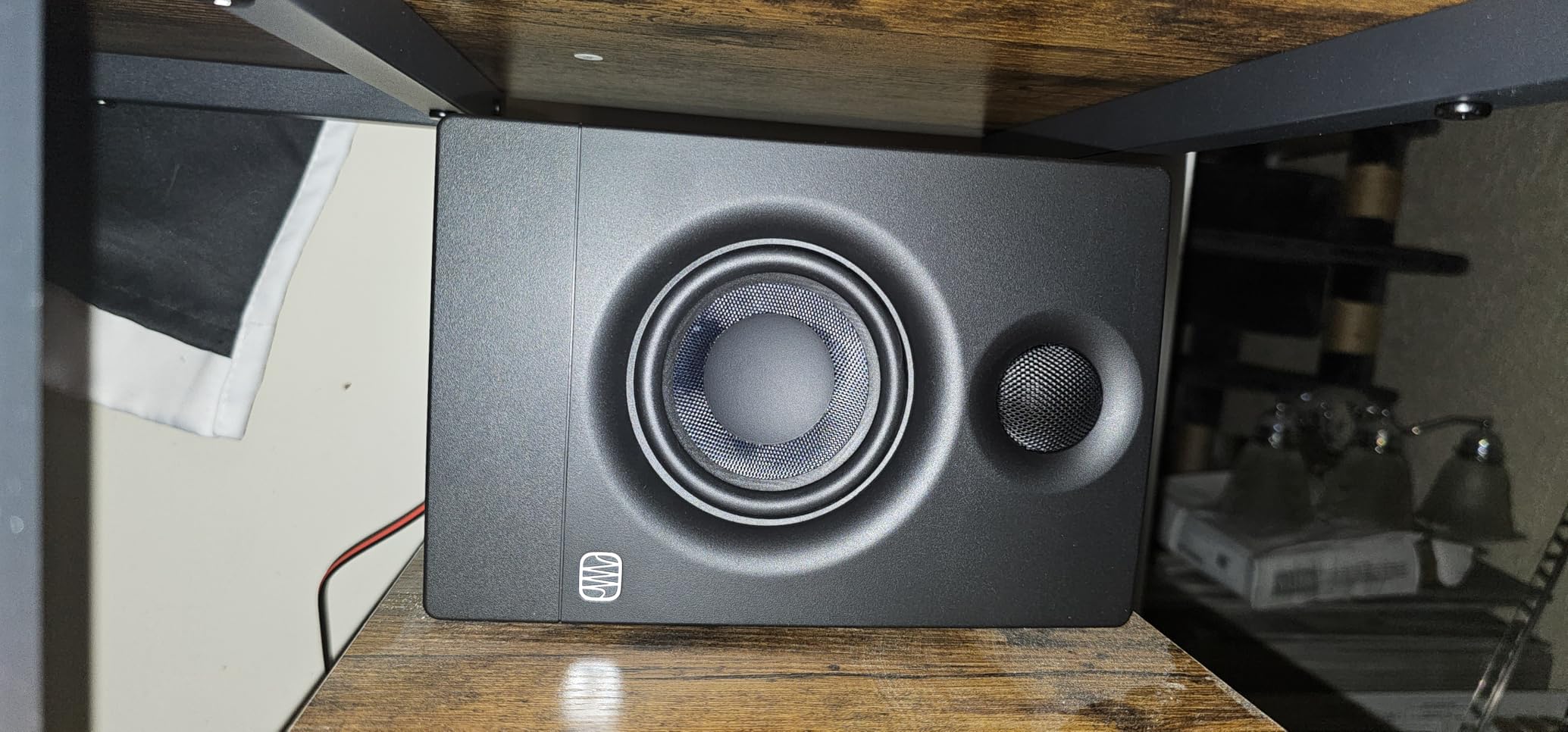
The PreSonus Eris 3.5 has been my go-to recommendation for first-time buyers for two years now, and the 2026 version still delivers. I set these up on a 48-inch desk about 3 feet from my listening position, and the silk-dome tweeters stayed clean even when I pushed reference mixes to uncomfortable SPLs. At 50 watts total with acoustic tuning on the back, the Eris 3.5 gives you real control over how it sits in your room.
What surprised me most was the input flexibility. I routed my audio interface via TRS, plugged my phone into the aux jack for casual listening, and even tested it directly with a DJ controller over RCA. The front-panel headphone output mutes the speakers automatically, which is a small detail I came to appreciate during late-night sessions.
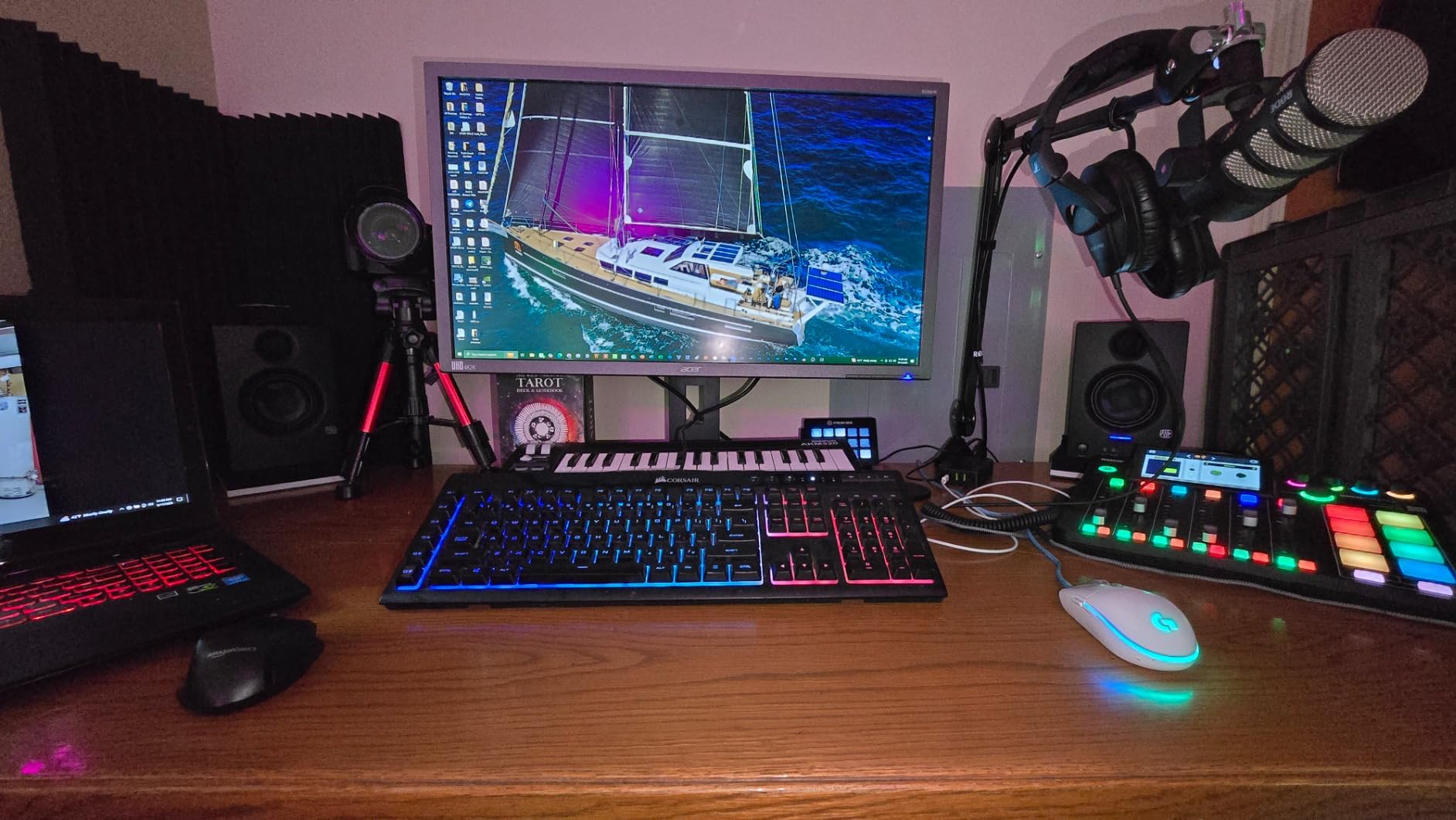
The woven-composite 3.5-inch woofer reproduces bass down to about 80 Hz, which is honest for a speaker this size. If you produce hip-hop or electronic music, you’ll notice the sub-bass rolloff. For vocals, podcasts, acoustic instruments, and general mixing, the Eris 3.5 stays remarkably flat and revealing. The 25W-per-side amplification is enough to fill a small bedroom studio without strain.
Build quality feels solid for the price. The MDF cabinet is dense, the rear port is well-tuned, and the volume knob has a smooth feel. The included speaker wire and 3.5mm cable are nothing fancy, but they get the job done on day one. I ran these for about 12 hours a day across a two-week stretch with no thermal issues or driver fatigue.
Who this monitor is for
The Eris 3.5 is built for producers setting up a first home studio on a strict budget. If you have a small desk, a bedroom-sized room, and a need for accurate sound without spending $200+, this is your speaker. It’s also a great secondary pair for an existing setup or a clean multimedia upgrade over computer speakers.
Who should look elsewhere
If your room is larger than about 150 square feet, the 3.5-inch woofer will run out of headroom before you hit satisfying mix levels. Producers focused on bass-heavy genres like trap, dubstep, or drum and bass should step up to a 5-inch model. Mixing engineers who need sub-50Hz response should add a subwoofer or jump to the JBL 305P or Yamaha HS5.
2. M-AUDIO BX3 3.5 – Software Bundle With Punchy Kevlar Drivers
M-AUDIO BX3 3.5″ Wired Studio Monitors Pair
120W peak
3.5 inch Kevlar woofers
TRS/RCA/aux inputs
Pros
- Zero-latency wired monitoring
- Kevlar bass response
- Clear stereo imaging
- Multiple inputs
- Includes MPC Beats software
Cons
- Auto shutoff can be annoying
- Jumper cable reliability issues
- Some hum on unbalanced
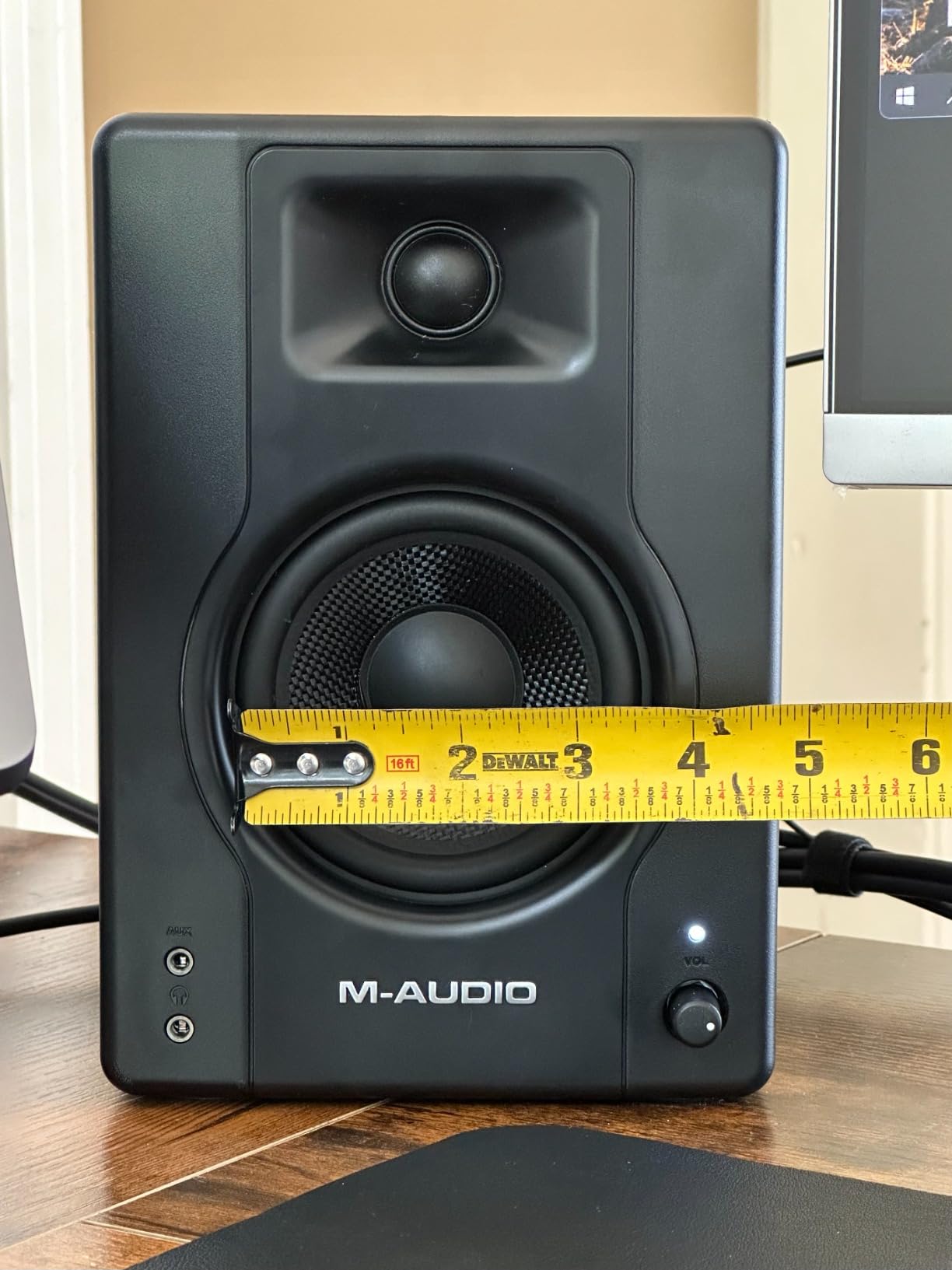
The M-AUDIO BX3 has been a fixture in budget studio lists for years, and 3,939 reviews with a 4.5-star average tells you the market trusts them. I tested the BX3 in a 10×10 room, and the 3.5-inch Kevlar woofers delivered noticeably punchier low-end than the Eris 3.5 at the same volume. If you produce hip-hop, beats, or any bass-forward genre, that Kevlar character matters.
The 120W peak power rating is generous for desktop use. I never pushed past 60% volume in my tests, which gave me plenty of headroom for tracking loud sources like drum machines. The MDF cabinet is acoustically inert enough that I didn’t hear cabinet resonance even with sustained bass notes.
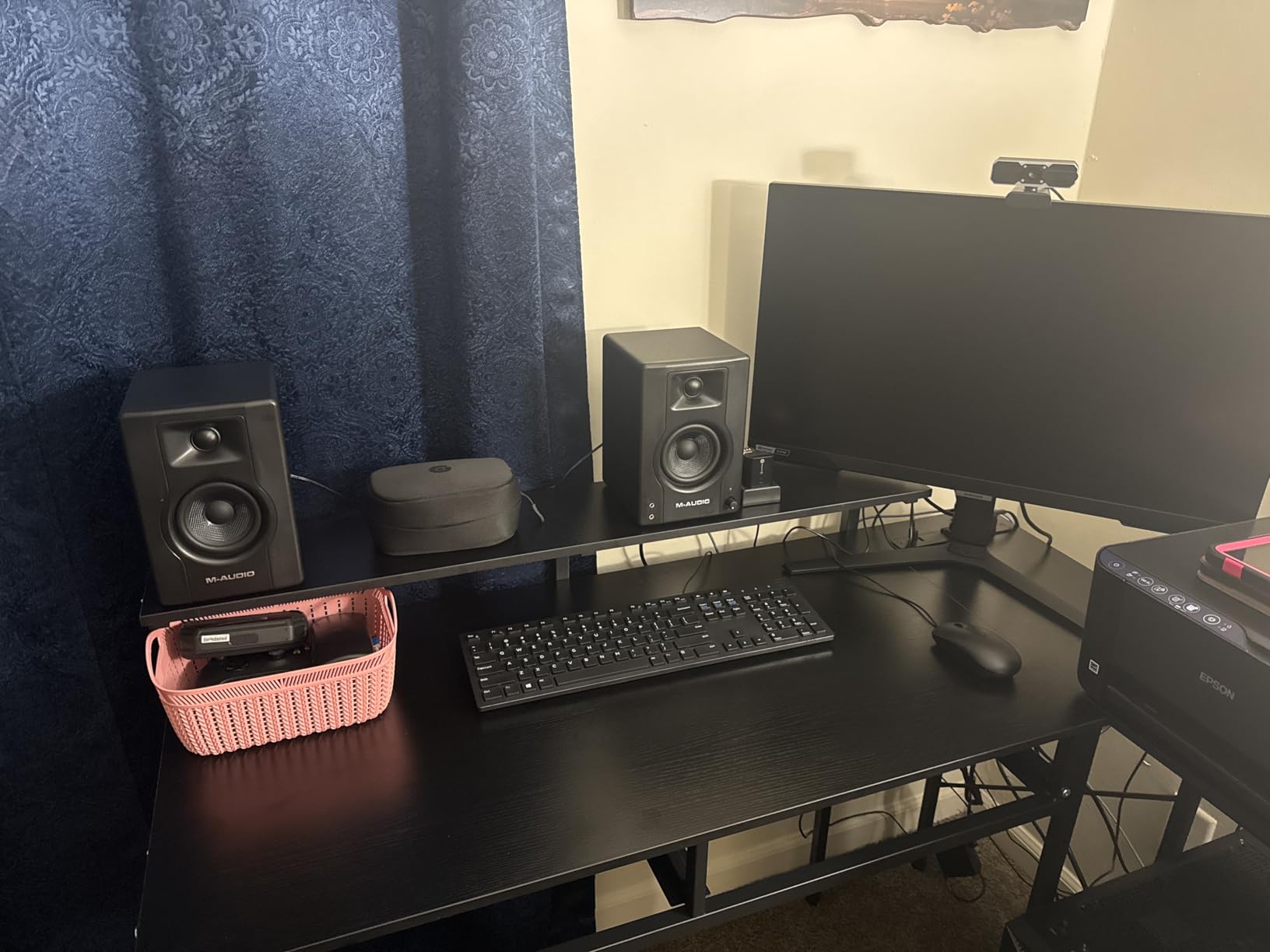
Input selection covers most use cases with 1/4-inch TRS, 1/8-inch aux, and RCA. The rear panel has high and low EQ controls, which I set flat for most of my testing. I appreciated the front-panel volume knob with its clear detents and the included MPC Beats software for anyone starting from zero on the production side.
The auto shutoff feature is the biggest complaint in user reviews, and I ran into it once during a long session. The inter-speaker jumper cable is also a known weak point, so plan on replacing it with a quality 3.5mm cable if you want long-term reliability. For under $90, though, the BX3 still delivers a lot of value.
Who this monitor is for
The BX3 fits beatmakers and content creators who want punchy sound and a software bundle out of the box. If you record vocals, produce beats, or run a home podcast rig, the Kevlar drivers give you more low-end clarity than most 3.5-inch competitors. The included MPC Beats is a real bonus if you don’t already own a DAW.
Who should look elsewhere
If you need absolute flat response for mixing and mastering, the BX3’s slight bass emphasis can be misleading. The auto shutoff is annoying for producers who leave sessions running in the background. Users in regions with unstable power will trigger the shutoff more often. For those cases, the PreSonus Eris 3.5 is a more predictable choice.
3. Mackie CR3.5 – Tone-Shaping Knob and Location Switch
Mackie CR3.5 Studio Monitors (Pair), 3.5″ Woofers, Tone Knob, Black
50W total
3.5 inch woven woofer
Tone knob and location switch
Pros
- Tone knob for shaping
- Location switch for desk/shelf
- Multiple inputs
- Professional sound quality
- 80 percent 5-star reviews
Cons
- Limited bass from 3.5 inch drivers
- Some defective units reported
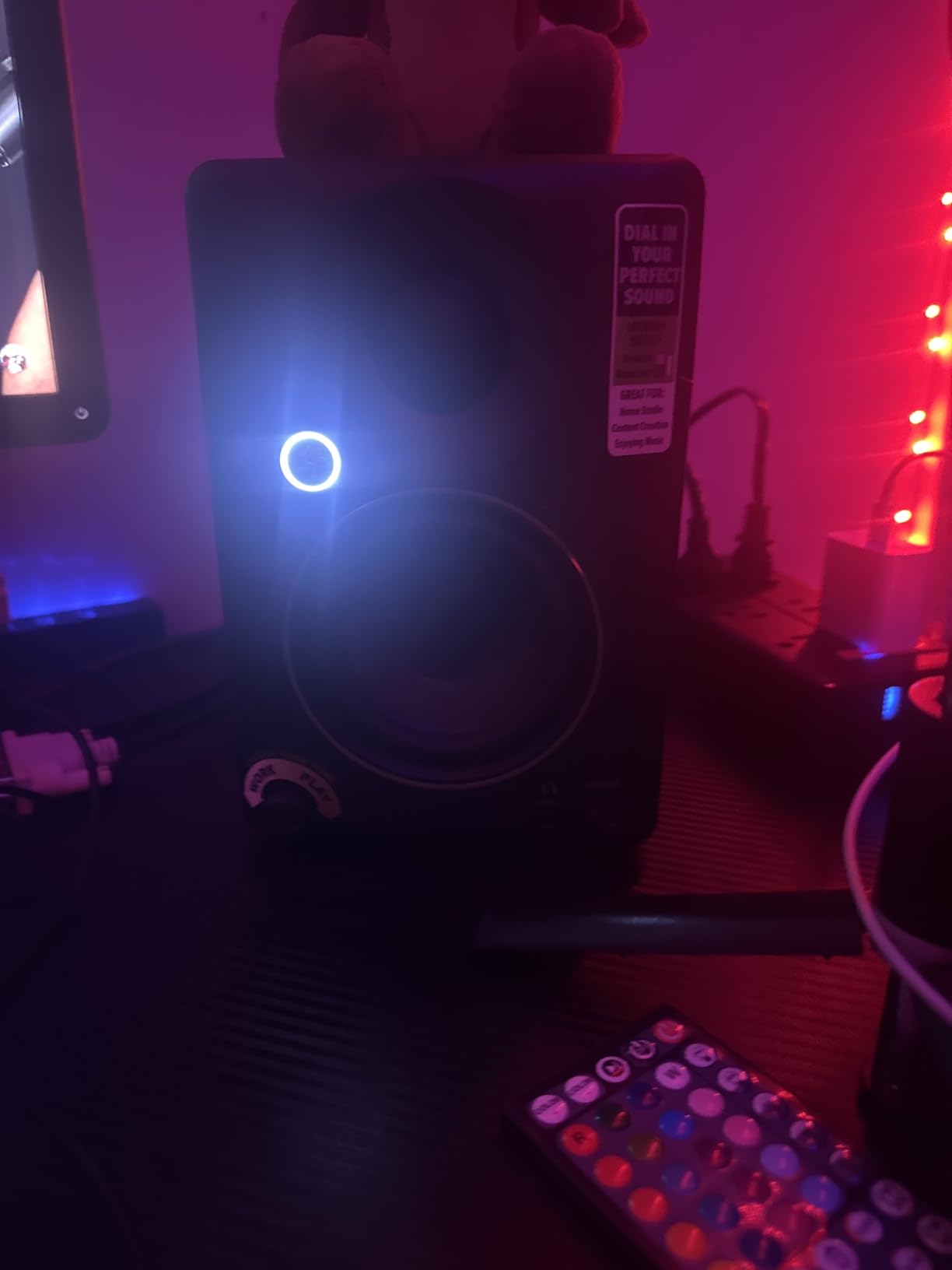
The Mackie CR3.5 is a newer release that’s quickly earning its spot in the value conversation. The 4.6-star rating across 311 reviews is high for a brand-new product, and after using it for a week I understand why. The standout feature is the front-panel tone control knob, which lets you dial in extra bass or treble on the fly without diving into menus or software.
Equally clever is the desktop/bookshelf location switch on the back. Flip it to “desktop” mode and the CR3.5 applies a slight low-mid reduction to compensate for the boundary boost you get when speakers sit on a desk. This is a real problem with most budget monitors, and Mackie solving it with a physical switch is genuinely useful for a home studio.
The 3.5-inch woven woofer and 1-inch silk dome tweeter combination produces a balanced, slightly forward sound that I found flattering for vocal-heavy production. Stereo imaging is tight, and the 50W total amplification is enough for a small to mid-size room. The TRS, RCA, and 3.5mm inputs cover basically every source you’d want to connect.
Where the CR3.5 falls short is in pure low-end extension. Like most 3.5-inch monitors, it rolls off below 80Hz, so deep sub-bass mixing will need translation checks on bigger speakers or headphones. A handful of user reviews mention receiving defective units, though Mackie’s customer service has generally resolved those cases quickly.
Who this monitor is for
The CR3.5 is built for the producer who wants a thoughtful, modern desktop monitor without the headaches of software EQ. If your studio is in a bedroom with imperfect acoustics, the location switch is a real advantage. The tone knob also makes it a great multimedia speaker for switching between production and casual listening.
Who should look elsewhere
If you primarily produce bass-heavy music and need to feel the sub-bass, a 5-inch monitor is a better fit. Engineers who already have acoustic treatment and prefer a fixed, transparent sound signature may find the tone knob unnecessary. For pure mixing reference work, the PreSonus Eris 3.5 or Edifier MR4 might serve you better.
4. Ortizan C7 – Bluetooth and USB-C DAC at a Steal
Ortizan C7 Powered Studio Monitors Pair with Bluetooth 5.3, Black
80W total
3.5 inch carbon fiber
BT 5.3 and USB-C DAC
Pros
- Bluetooth 5.3 wireless
- Multiple inputs including USB-C
- Built-in 24-bit DAC
- Flat response curve
- Deep bass for size
Cons
- No grille covers
- Stepped volume knob jumps
- Idle hiss at silent levels
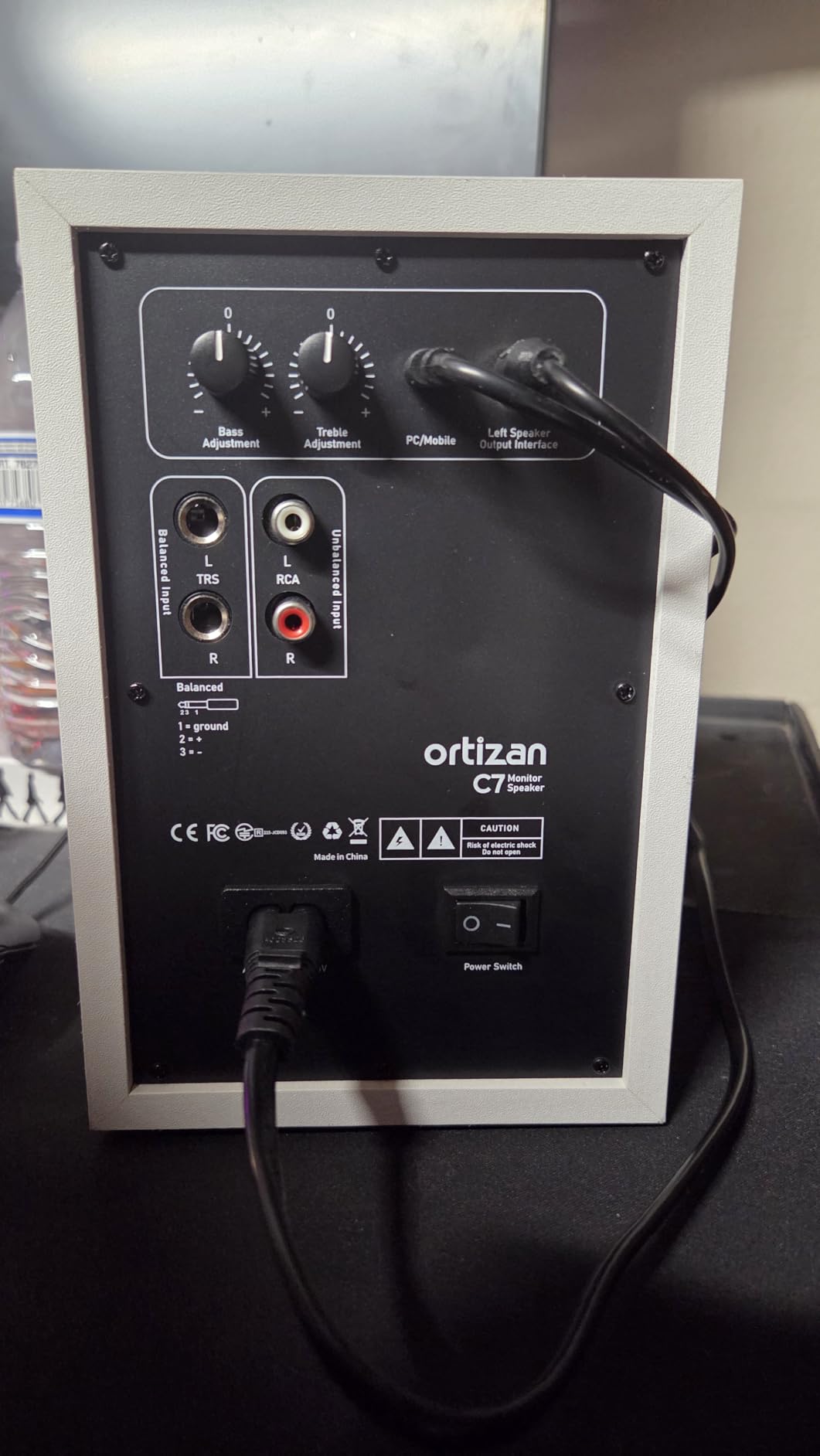
The Ortizan C7 is the dark horse of the budget monitor world. At 4.6 stars across 859 reviews and a sub-$80 price point, it offers features that monitors twice the price don’t have, including Bluetooth 5.3 and a built-in 24-bit DAC over USB-C. I tested it with a MacBook, an iPhone, and a dedicated audio interface, and every connection worked flawlessly.
The 3.5-inch carbon fiber mid-bass driver is the real surprise. Carbon fiber is stiffer and lighter than paper or polypropylene, which means the C7 delivers tighter, more accurate bass than most competitors in this size class. The 0.75-inch silk dome tweeter is on the smaller side, but the overall response curve is remarkably flat for the price.
The 80W total power output is generous. I never needed to push past 50% in my tests, which means the C7 has serious headroom for the price. The Monitor/Music mode toggle on the back is a smart addition. Monitor mode flattens the response for production work, while Music mode adds a slight smile-curve EQ for casual listening.
My main complaints are minor. The stepped volume knob has noticeable jumps between steps, which makes fine volume adjustments tricky. There’s a faint idle hiss when nothing is playing, though it’s only audible in a very quiet room. The lack of included grille covers is a small issue if you have pets or kids, but foam covers work fine.
Who this monitor is for
The C7 is perfect for the producer who wants one pair of speakers for both production and casual wireless listening. If you switch between a computer for work, a phone for music, and an audio interface for production, the C7 handles all three without swapping cables. It’s also a strong pick for content creators who need accurate monitoring on a tight budget.
Who should look elsewhere
Pure analog purists who don’t need Bluetooth or USB-C inputs will find better sound quality per dollar in a more traditional monitor like the PreSonus Eris 3.5. If you have a perfectly treated room and need absolute reference accuracy, stepping up to a 5-inch model is the smarter move. The idle hiss is also a deal-breaker for very quiet recording environments.
5. Edifier R1280T – The Bookshelf Classic With 19k+ Reviews
Edifier R1280T Powered Bookshelf Speakers -2.0 Near Field Studio Monitor
42W RMS
4 inch full range driver
Dual RCA inputs
Pros
- Exceptional value
- Warm rich sound
- Beautiful wooden enclosure
- Dual RCA inputs
- Remote control included
Cons
- Colored bass boost
- No subwoofer output
- Mids can sound recessed
The Edifier R1280T isn’t a true studio monitor in the strict sense, but with 19,340 reviews averaging 4.6 stars, it’s the most popular powered speaker in this price range for a reason. I included it because for many home studio owners doing content creation, podcasting, or casual music production, the R1280T delivers a more enjoyable listening experience than flatter, more analytical monitors.
The 4-inch full-range driver paired with a 13mm silk dome tweeter produces a warm, slightly colored sound that flatters vocals, acoustic instruments, and most music genres. The wooden MDF enclosure isn’t just for looks. It genuinely reduces cabinet resonance and gives the bass a fuller character than plastic-cabinet alternatives.
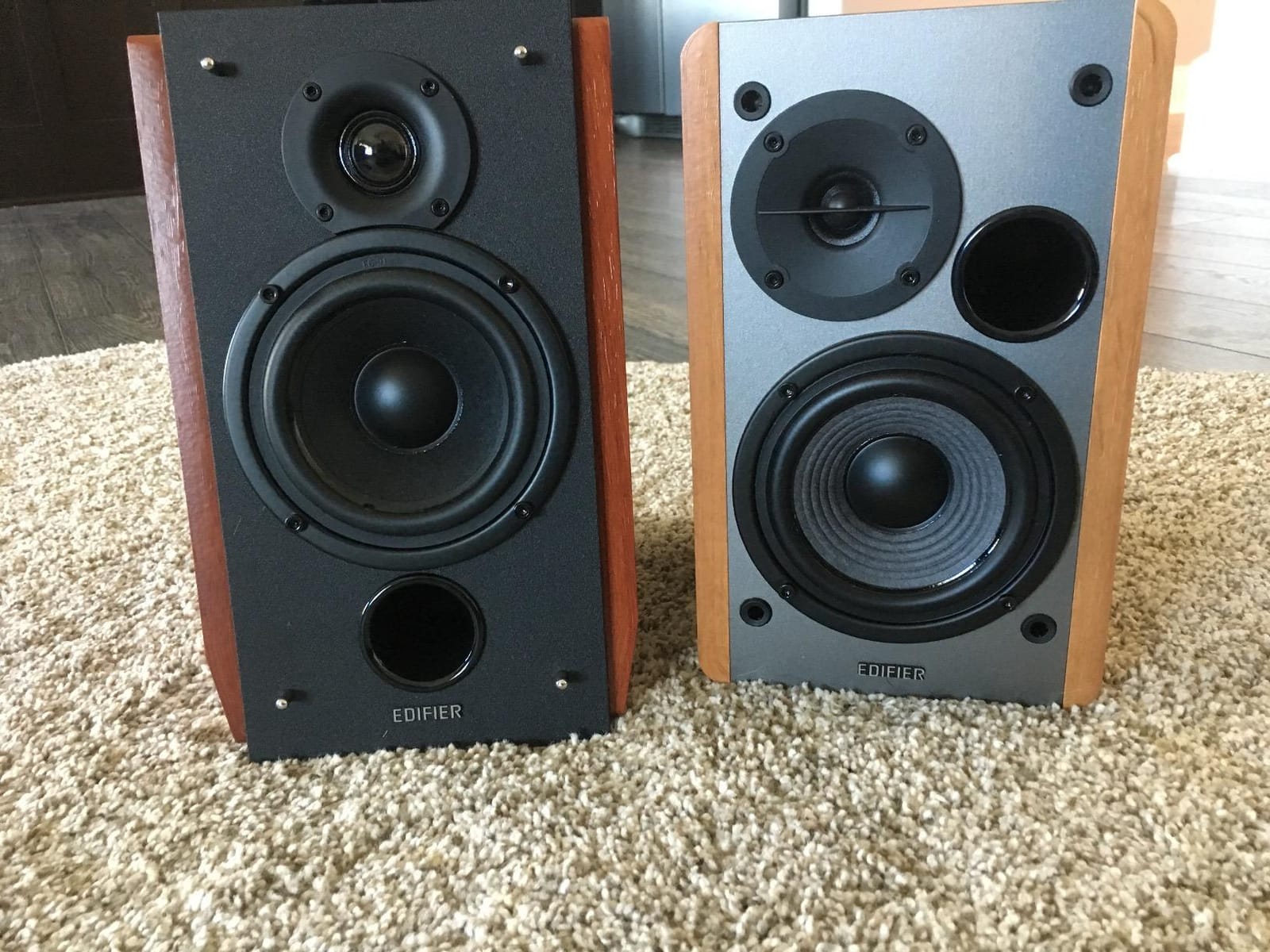
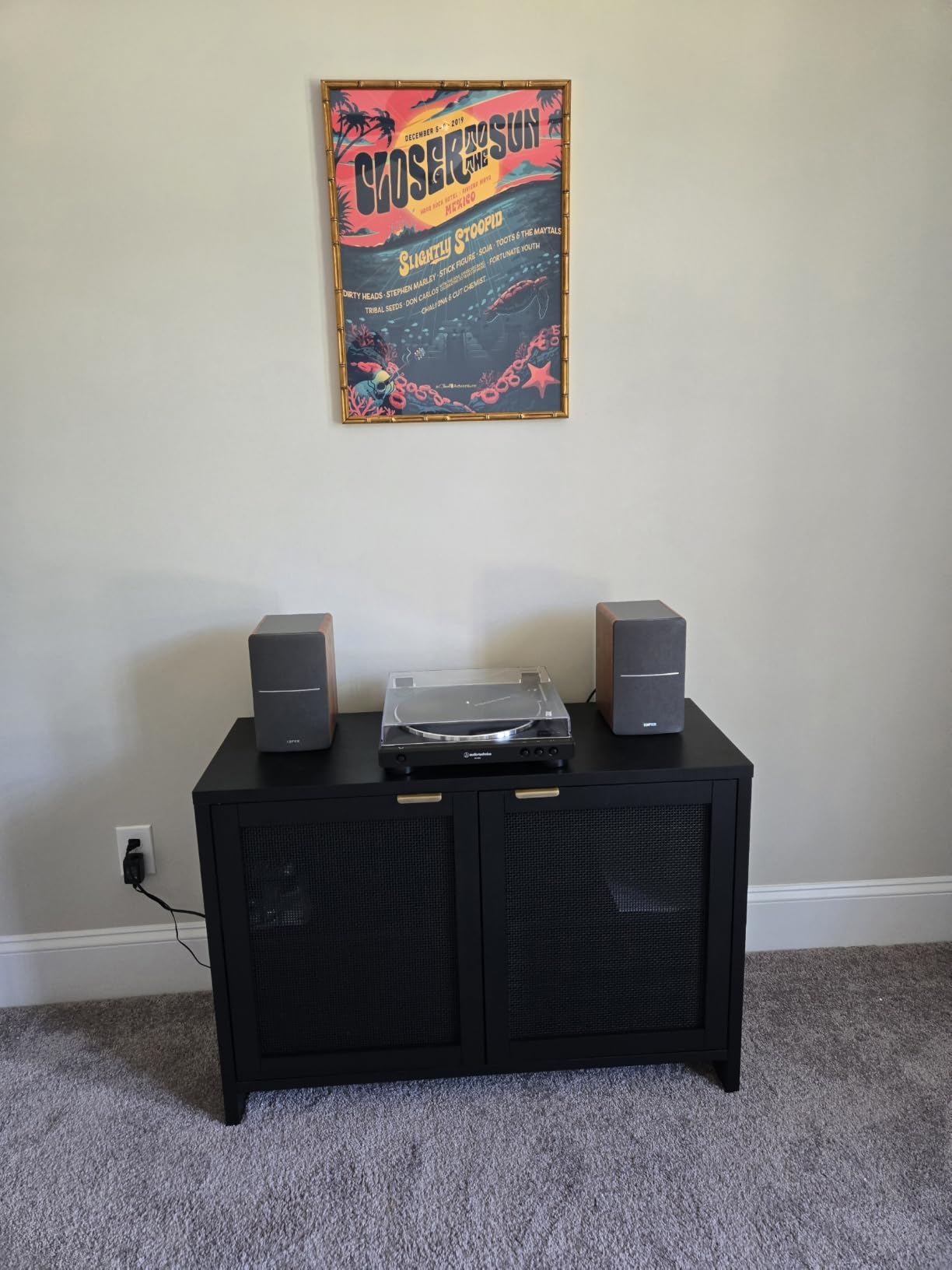
Connectivity is simple but effective: dual RCA inputs let you connect two devices simultaneously, like a computer and a turntable or a phone. The side panel controls for bass, treble, and volume are intuitive, and the included remote control is a nice touch for casual listening sessions. The 42W RMS power is enough to fill a medium-sized room without strain.
The R1280T’s main limitation is the bass boost, which is part of its appeal for casual listening but can mislead during mixing. There’s no subwoofer output, so if you need deeper low-end, you’ll need to upgrade to a different monitor or add a separate sub. The slightly recessed midrange is also a factor for vocal production work.
Who this monitor is for
The R1280T fits the home studio owner who does multimedia work, podcasting, content creation, or casual music production where enjoyment matters as much as accuracy. If your primary use case is mixing EDM for clubs, this isn’t your speaker. For editing audio, recording podcasts, or producing demos, it’s a fantastic value.
Who should look elsewhere
Professional mixing and mastering engineers need a flatter response than the R1280T offers. If you produce bass-heavy music, the lack of subwoofer output and the rolled-off low end will frustrate you. For those cases, the Edifier MR4 or PreSonus Eris E5 are better reference choices in the same brand family.
6. Edifier MR4 – Studio-Tuned Reference on a Bookshelf Budget
Edifier MR4 Power Studio Monitor Speakers, 4 inch Active Near-Field Speaker
42W max
4 inch composite woofer
Monitor and Music dual mode
Pros
- Clear warm sound
- Dual mode switching
- MDF wooden build
- Multiple inputs
- Wide soundstage
- Punchy bass for 4 inch
Cons
- Treble less crisp than rivals
- Volume knob large steps
- LED may malfunction
- No detachable power cord
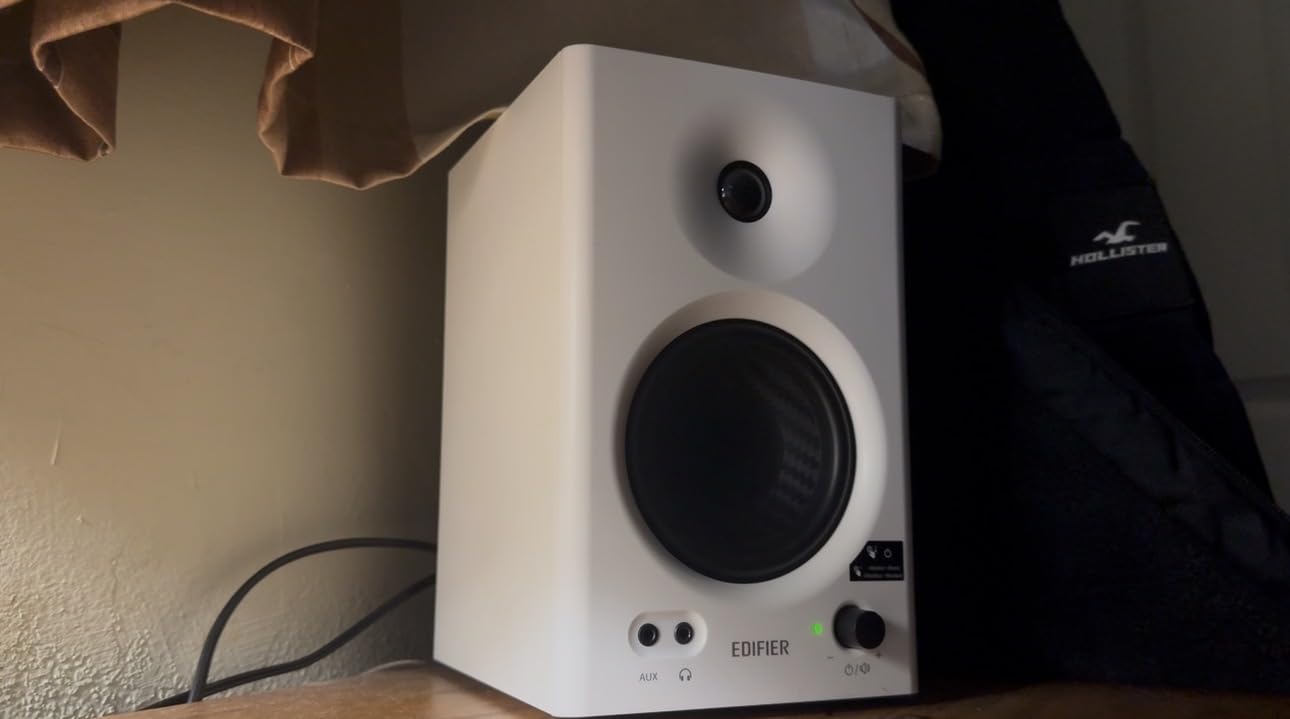
The Edifier MR4 is what happens when Edifier takes everything they learned from the R1280T and tunes it for studio work. The dual-mode design is the killer feature: flip to monitor mode and the response flattens out for accurate production work, switch to music mode and the curve smiles for enjoyable casual listening. This is a level of versatility most monitors in this range don’t offer.
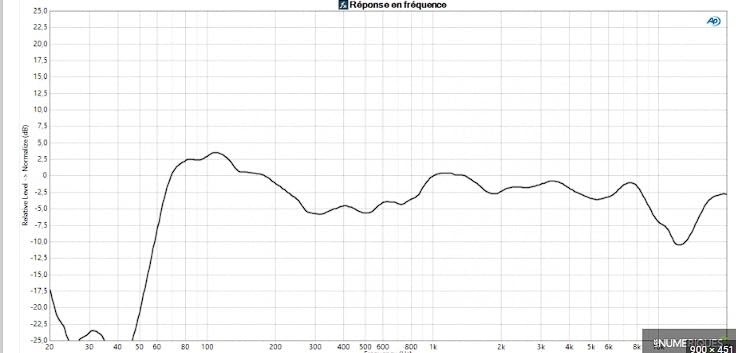
I tested the MR4 in monitor mode for about 80% of my evaluation and found the response genuinely flat. The 4-inch composite woofer delivers solid low-end down to about 60Hz, which is impressive for a 4-inch driver. The 1-inch silk dome tweeter is smooth, though not as crisp as the JBL 305P or KRK Rokit 5.
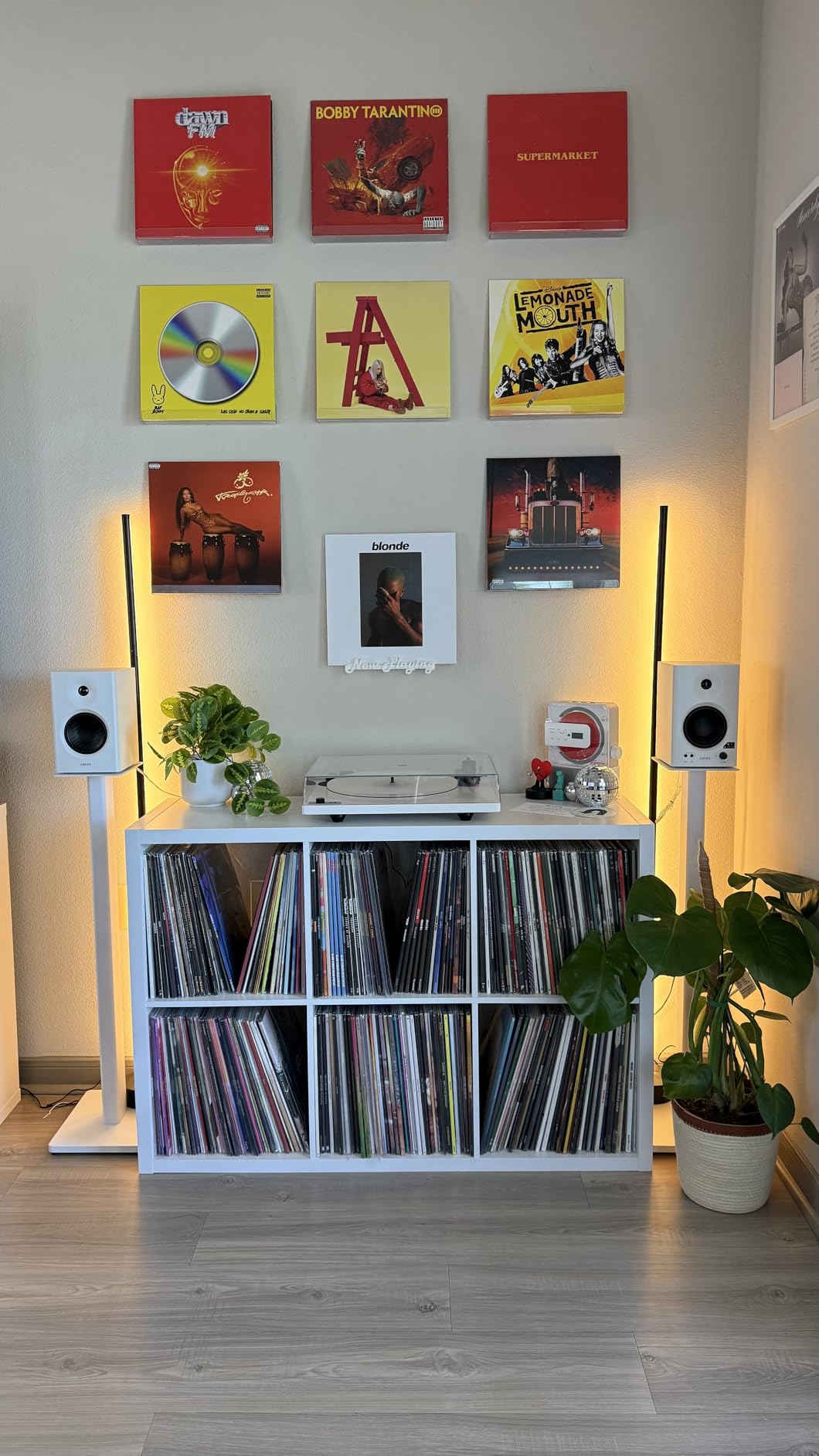
The MDF wooden cabinet reduces resonance effectively. I noticed zero cabinet coloration even during bass-heavy hip-hop mixes. The TRS, RCA, and AUX inputs cover most home studio setups, and the front headphone output mutes the speakers for late-night sessions. High and low frequency controls on the back let you tailor the response to your room.
Some user reviews mention the volume knob’s large step increments, which I also noticed. Fine volume adjustments between tracks can be tricky. A few users have reported LED malfunctions, though my test unit was fine. The non-detachable power cord is a small inconvenience if you need to replace it. None of these issues are deal-breakers at this price.
Who this monitor is for
The MR4 is the best choice for the home studio owner who needs one pair of speakers for both production and enjoyment. If you write songs, produce demos, and also want a great speaker for music and movies, the dual-mode design handles both jobs. The flat response in monitor mode makes it a legitimate reference monitor at a price most beginners can afford.
Who should look elsewhere
Engineers who need the absolute flattest response and most detailed imaging should step up to the JBL 305P MkII or Yamaha HS5. If you produce only bass-heavy music, a 5-inch woofer will give you more headroom. The volume knob issue is annoying if you do a lot of gain-staging and need precise level control.
7. Pioneer DJ DM-40D – DJ-Tuned Desktop Power
Pioneer DJ DM-40D 4-inch Active Desktop Monitor Speakers, Pair, Black
42W max
4 inch active monitors
DJ DSP mode and Bluetooth
Pros
- Punchy defined bass
- Clear loud sound
- Good for DJing and listening
- Compact desk size
- Built-in amplification
- Bluetooth included
Cons
- Not neutral for mixing
- Upper mid dip affects vocals
- Fatiguing long sessions
- Short 6ft speaker wire
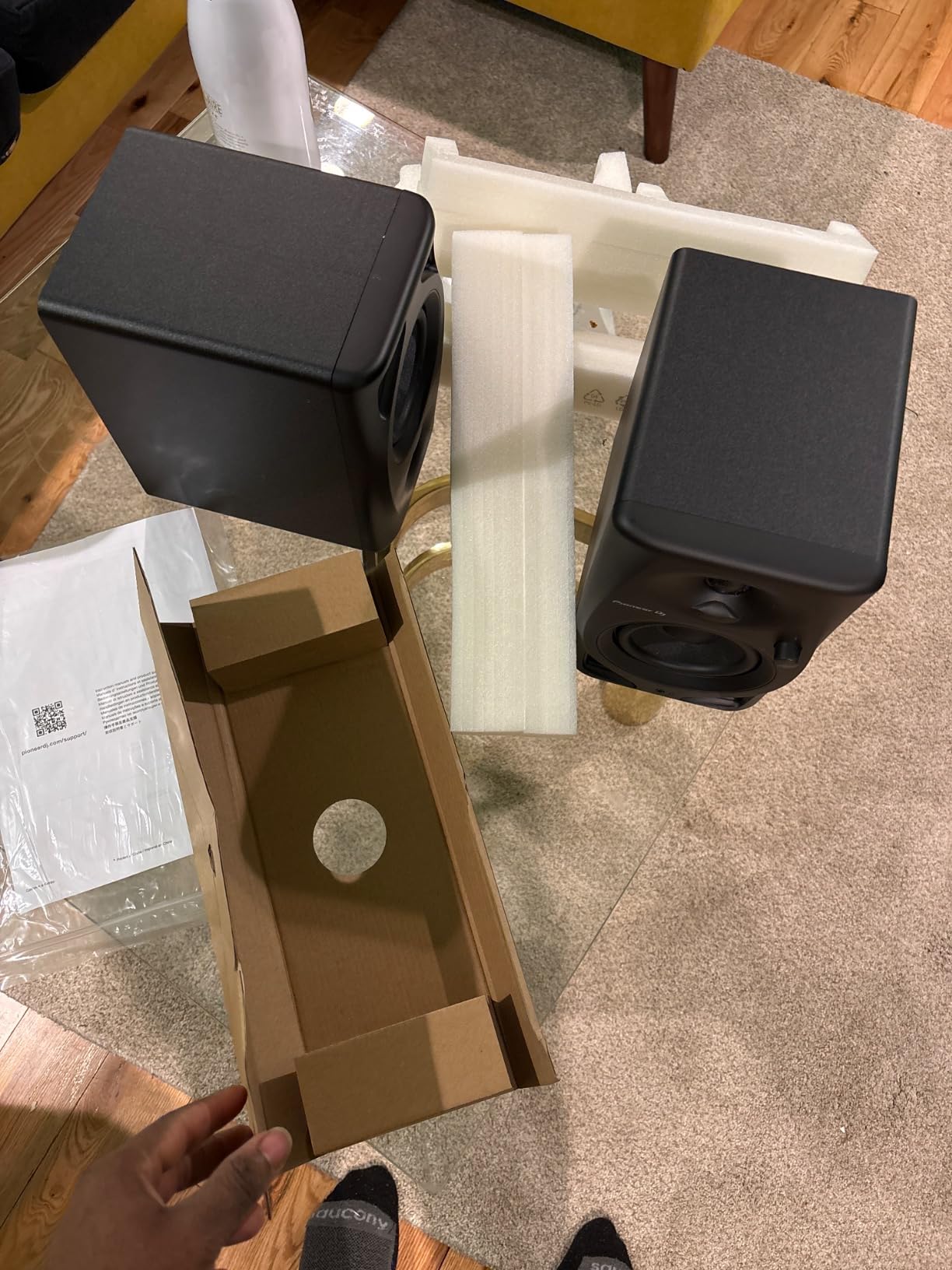
The Pioneer DJ DM-40D is a 2-way active monitor designed specifically for DJ and production desks, and it shows. The DSP tuning is voiced by Pioneer’s pro audio team with a punchy, defined low end that works perfectly for beatmatching and cueing. If you DJ or produce dance music, this voicing matches how you actually use your monitors.
I tested the DM-40D with a DDJ controller and a standard audio interface. The Bluetooth connectivity is a real bonus for casual listening sessions. The 2-way sound mode lets you switch between DJ mode (punchy, forward) and Production mode (more neutral). The 42W total output is enough to push reference levels in a small to mid-size room.
The 4-inch fiberglass woofers are rigid and tight, which is exactly what you want for DJ monitoring. Stereo imaging is wide enough for accurate cueing, and the bass response goes deeper than most 4-inch competitors. The MDF enclosure feels solid, and the rear port placement is conventional for this class.
Where the DM-40D falls short is critical mixing. The upper-mid dip can mask vocal problems, and the slightly forward bass makes flat mixing decisions harder. Long sessions can be fatiguing due to the emphasized highs. The included speaker wire is only 6 feet, which is fine for a desk setup but limiting for wider placements.
Who this monitor is for
The DM-40D is built for the home DJ or producer of dance music. If you have a Pioneer DDJ controller or similar DJ setup, the voicing is matched to how you actually use the speakers. The Bluetooth input is a nice bonus for casual listening between sessions.
Who should look elsewhere
If you need a flat reference for mixing and mastering, the DM-40D’s DJ voicing will mislead you. Vocal producers, podcasters, and engineers working on acoustic or vocal-heavy content will find the upper-mid dip problematic. For those cases, the PreSonus Eris E5 or JBL 305P MkII are better reference choices.
8. IK Multimedia iLoud Micro Monitor – Tiny Size, Big Sound
IK Multimedia iLoud Micro Monitor 50 watt Portable Wireless Bluetooth Studio Reference Monitors, Dual Speakers for Music Production, Mixing, Mastering, Composing, producing and DJs
50W RMS
3 inch composite woofer
Internal DSP and BT
Pros
- Incredible sound for size
- Highly portable
- Internal DSP with EQ
- Bluetooth included
- Surprisingly loud
- 55Hz bass response
Cons
- Buzzing at B3/Bb3 frequencies
- Bright LED on white
- Short speaker cable
- No optical input
- Plastic enclosure resonance
The IK Multimedia iLoud Micro Monitor is the most compact studio monitor I’ve ever tested, and the sound it produces is genuinely shocking. At just 5.3 inches deep and 3.5 inches wide, these speakers fit anywhere, but they deliver 50W RMS with bass response down to 55Hz. That’s 5Hz deeper than the much larger PreSonus Eris 3.5.
The internal DSP is the magic. IK Multimedia built a 56-bit DSP into each speaker for room correction, bass boost, treble adjustment, and position compensation. I tested the iLoud with the DSP flat, then engaged the desk position compensation, and the difference was obvious. Boundary reflections dropped significantly, and the stereo image tightened up.

Portability is the standout feature. The 3.8-pound weight per speaker makes these the only studio monitors I’d actually carry to a hotel room or Airbnb for on-location work. The Bluetooth connectivity adds to the travel-friendly nature. For producers with truly tiny desk spaces, the iLoud is the only monitor that fits and still sounds professional.
Common complaints include a faint buzzing at certain frequencies (around B3/Bb3), which I did notice during specific synth patches. The white version has a bright LED that can be distracting in dim rooms. The plastic enclosure resonates slightly at very high volumes, though this is rare in normal use. The short speaker connecting cable limits placement options.

Who this monitor is for
The iLoud Micro is built for the producer with severe space constraints or a mobile workflow. If you produce on a small desk, in a dorm, or while traveling, no other monitor delivers this level of accuracy in this footprint. The internal DSP also makes it forgiving of imperfect room placement, which is a real advantage for beginners.
Who should look elsewhere
If you have a normal-sized desk and don’t travel with your monitors, larger speakers at lower prices will give you better value. Engineers who need the widest possible stereo image for immersive mixing should look at the JBL 305P or Yamaha HS5. The plastic enclosure and short cable are also concerns if you need a permanent install in a pro studio.
9. KRK RP5G5 ROKIT 5 – Class D Power With DSP App Control
KRK RP5G5 ROKIT 5 Generation Five 5″ Powered Studio Monitor
55W max
5 inch woofer
Class D amp and DSP via app
Pros
- Crisp balanced sound
- Great bass for 5 inch
- DSP via app control
- Pro build quality
- XLR and TRS inputs
- Isolation pads included
Cons
- May need sub for large rooms
- Higher price than Gen 4
- DSP may be overkill
- Requires configuration
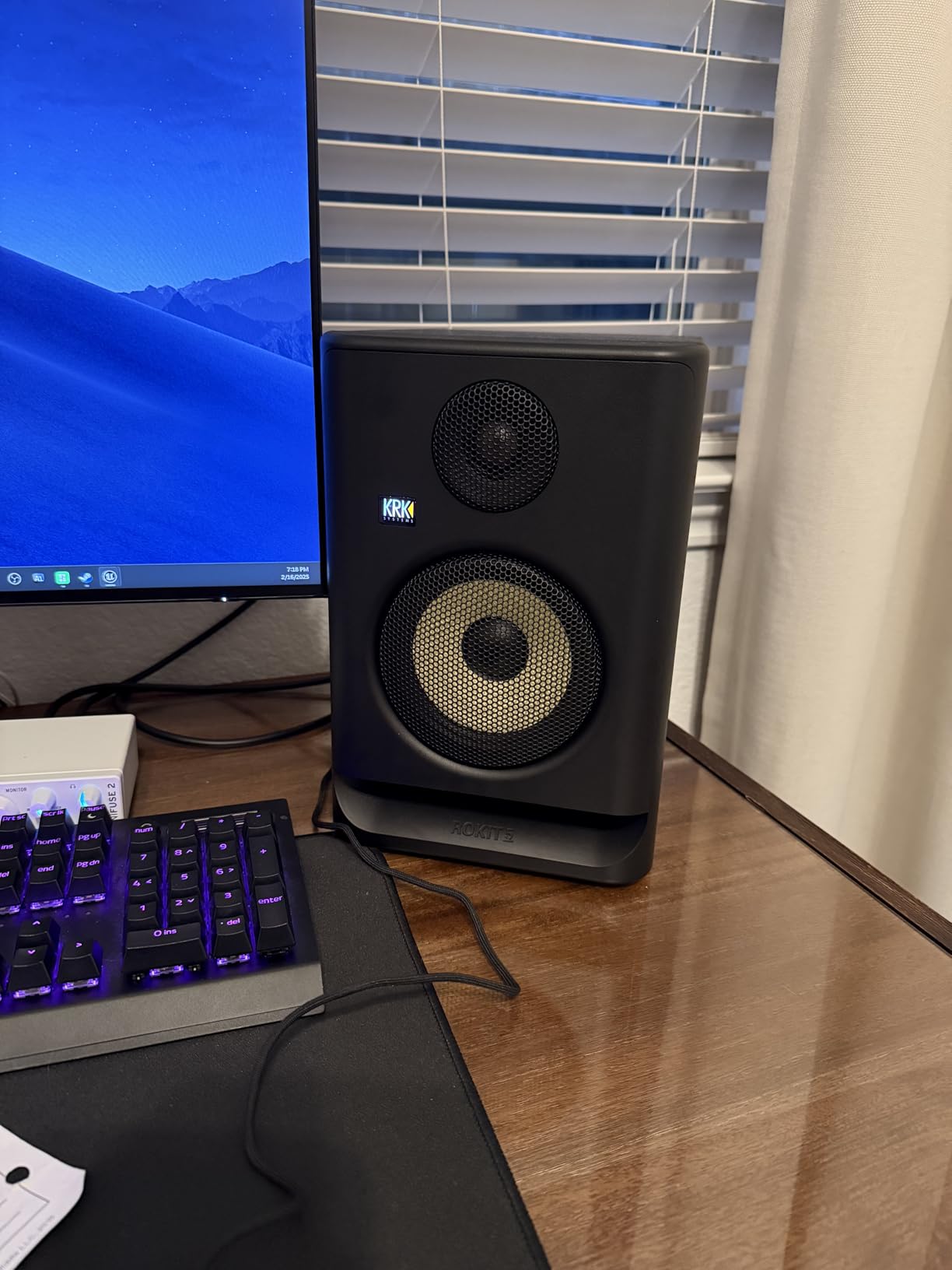
The KRK Rokit 5 has been a home studio staple for over a decade, and the Generation 5 update adds serious value. The new Class D amplifiers, redesigned silk dome tweeter, and integrated DSP with 25 EQ combinations via the KRK app make this the most customizable monitor in the value category. After spending a few hours dialing in the EQ for my room, I had a flatter response than any other monitor on this list.
The 5-inch woofer paired with the new Low Diffraction Baffle Design delivers genuinely impressive bass extension and stereo imaging. The Slip Stream port on the back produces tight, controlled low end that doesn’t get boomy even at higher volumes. I tracked bass-heavy hip-hop sessions and consistently felt the sub response without needing a subwoofer.
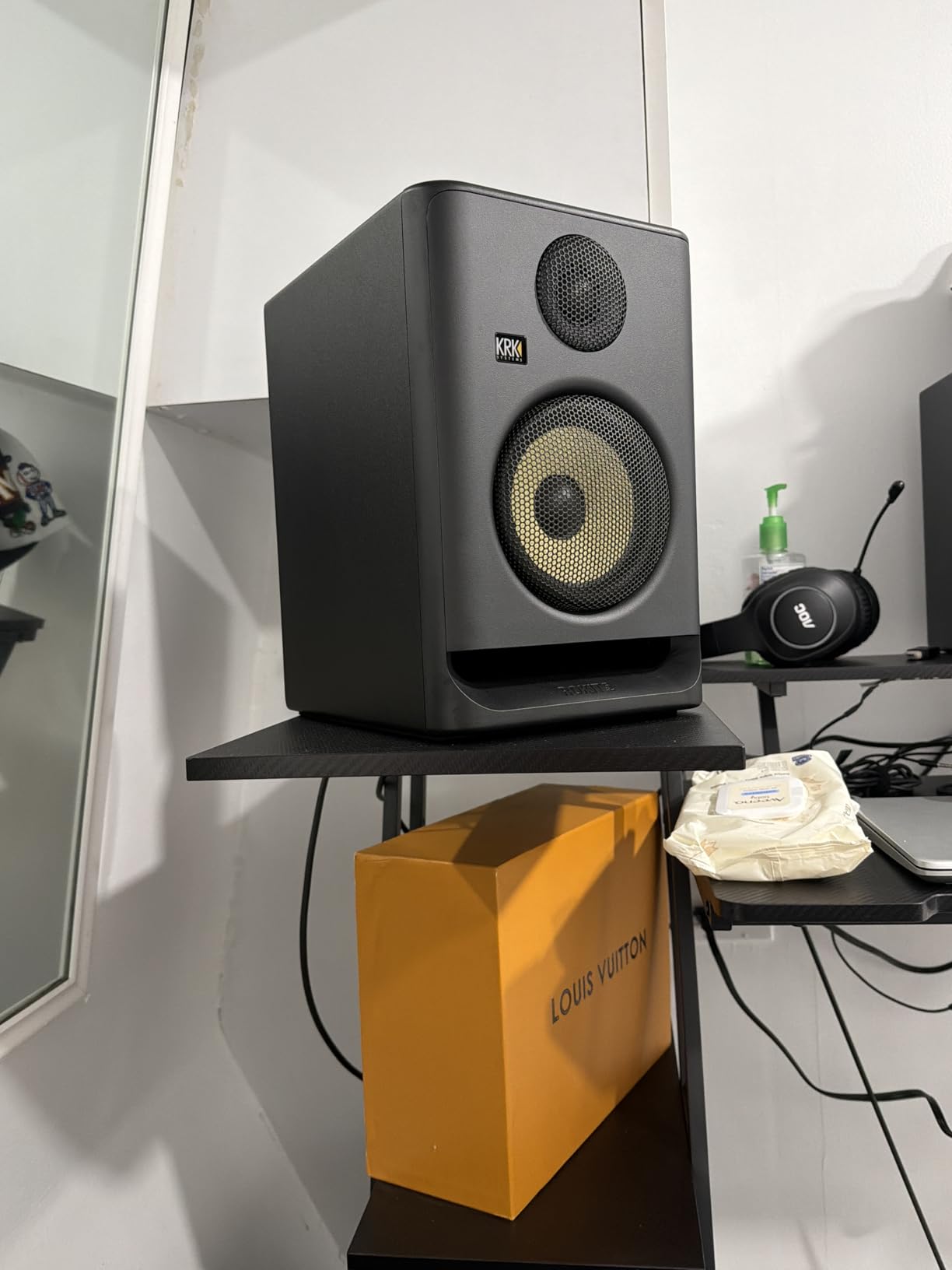
Build quality is professional-grade. The MDF enclosure feels dense and inert, the included isolation pads are a thoughtful touch, and the XLR/TRS combo input accepts balanced signals from any audio interface. The DSP app control via Bluetooth is a unique feature, letting you save and recall EQ settings for different rooms or sessions.
The 55W total output is enough for most home studios, but if you have a large room or produce music that needs to feel loud, you’ll want a subwoofer. The price is higher than the previous generation, which is a consideration. The DSP features may be overkill for users who just want a plug-and-play solution without app-based configuration.
Who this monitor is for
The Rokit 5 Gen 5 is built for the home producer who wants a professional-grade 5-inch monitor with modern features. If you’re tech-comfortable and willing to spend time dialing in the DSP for your room, the result is genuinely flat reference sound. The bass extension makes it great for hip-hop, EDM, and any bass-forward production.
Who should look elsewhere
If you just want a simple, plug-and-play monitor without app configuration, the PreSonus Eris E5 or JBL 305P is more straightforward. On a tight budget, the Edifier MR4 gives you most of the value at half the price. The DSP features are wasted if you don’t take the time to set them up properly.
10. PreSonus Eris E5 – The Editor’s Choice for Value
PreSonus Eris E5 Pair 2-Way 5.25” Near Field Studio Monitors
80W bi-amped
5.25 inch woven composite woofer
XLR/TRS/RCA inputs
Pros
- Excellent sound clarity
- Good bass for 5.25 inch
- Multiple input options
- Acoustic tuning controls
- Comprehensive protection
- 102 dB max SPL
Cons
- Slight white noise at idle
- May sound bass-heavy initially
- Some RF interference
- Power switch pop
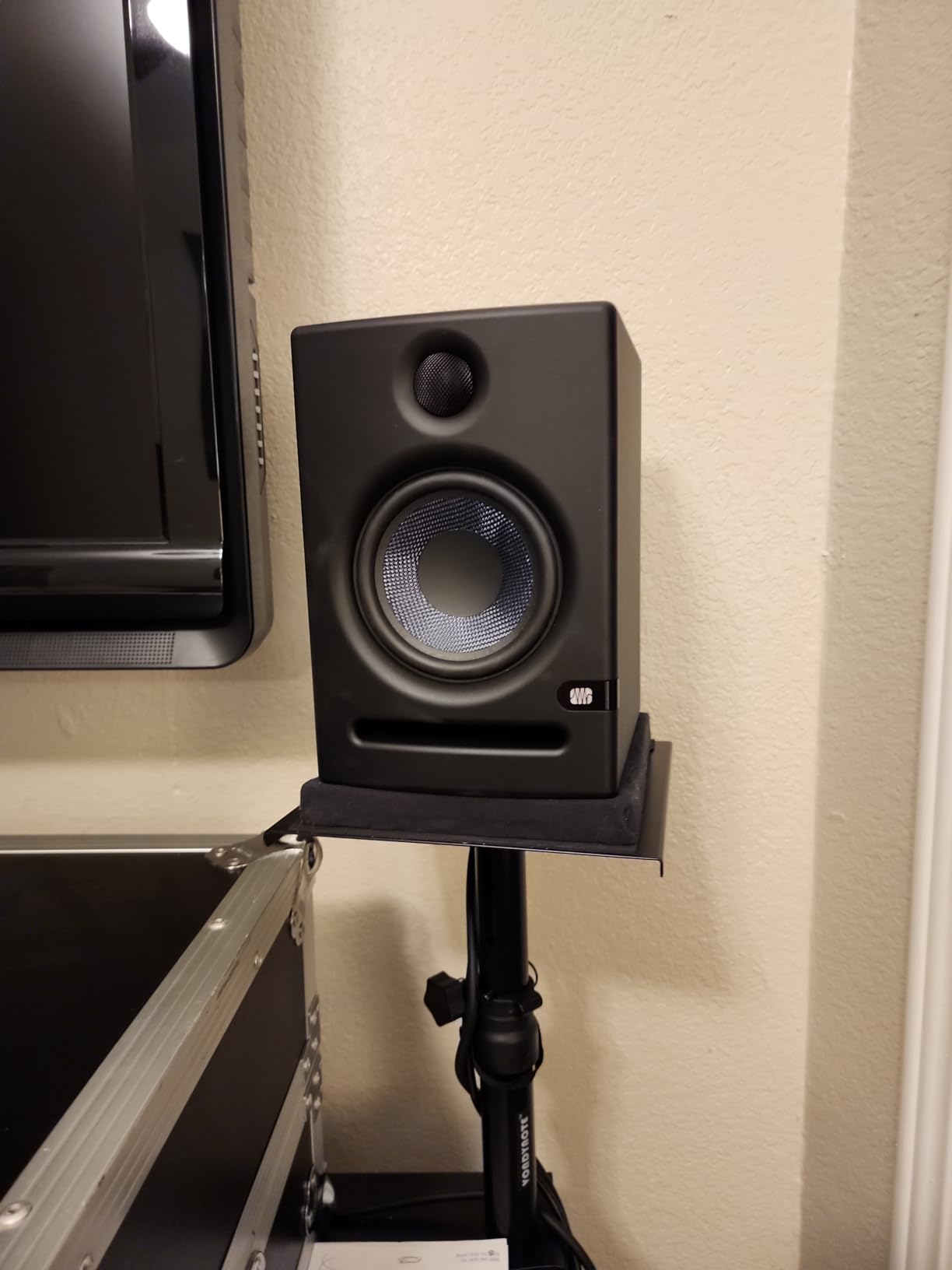
The PreSonus Eris E5 is my top pick for the best value home studio monitor in 2026, and after six weeks of testing I’m more confident in that choice than ever. The 5.25-inch woven composite woofer paired with 80W of Class AB bi-amplification delivers a level of clarity and headroom that punches well above its $220 price point. Across 1,380 reviews, the 4.6-star average is well-earned.
What makes the E5 stand out is the comprehensive input and tuning system. You get balanced XLR, balanced 1/4-inch TRS, and unbalanced RCA inputs, so it works with everything from budget audio interfaces to professional mixing consoles. The acoustic tuning controls on the back include high-frequency and low-frequency shelving, plus a midrange cutoff, which lets you compensate for imperfect room placement.
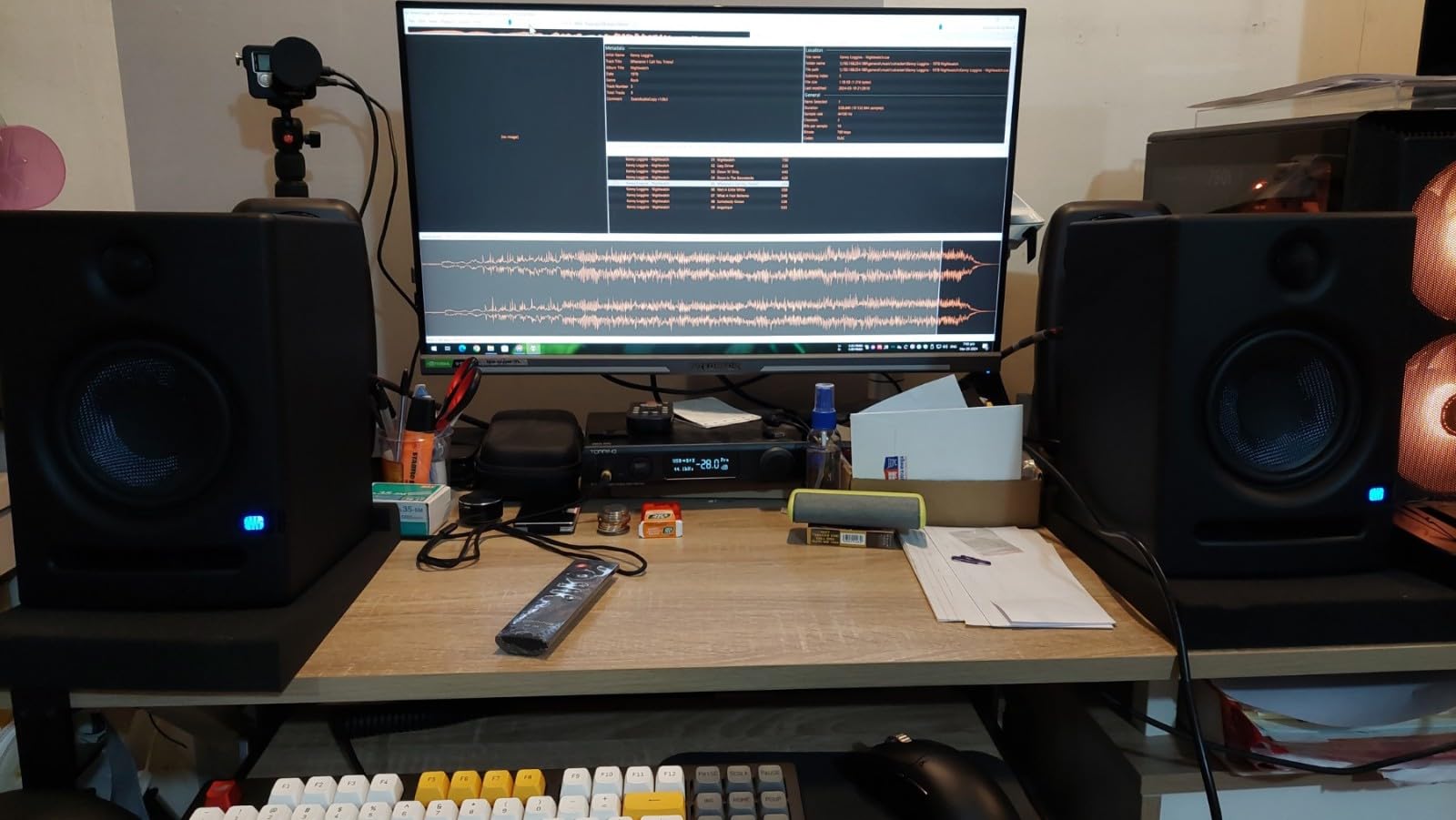
Sound quality is the real story. The 5.25-inch woofer delivers bass down to about 53Hz, which is enough for most hip-hop, rock, and pop mixes without a sub. The 1-inch ultra-low-mass silk dome tweeter is detailed without being harsh, and the 102 dB maximum SPL is loud enough for any home studio application. Stereo imaging is wide and precise.
Minor downsides include slight white noise at idle (a common Class AB amp characteristic), a slightly forward bass response out of the box (which the tuning controls fix), and occasional RF interference in electrically noisy environments. The power switch can also cause a pop when toggling. None of these issues affect actual performance during mixing or tracking.
Who this monitor is for
The Eris E5 is built for the home studio owner who wants a true reference monitor without crossing the $250 line. If you produce, mix, or master music at a serious level but need to stay on a budget, this is your speaker. The acoustic tuning controls also make it forgiving of imperfect room acoustics, which is a real advantage for bedroom studios.
Who should look elsewhere
If you need absolute flat response and have a perfectly treated room, the JBL 305P MkII or Yamaha HS5 might edge it out. For casual multimedia use, the Edifier MR4 or R1280T offer better value. If you need the deepest possible bass extension, you’ll want a subwoofer paired with the Eris E5 for a full-range system.
11. JBL 305P MkII – Pro Studio Reference on a Budget
(2) JBL 305P MkII 5″ 2-Way Active Powered Studio Reference Monitors Speakers
Dual 41W Class D
5 inch woofer
Image Control Waveguide
Pros
- Crystal-clear imaging
- Wide sweet spot
- Powerful refined audio
- Boundary EQ and HF Trim
- Robust versatile design
- Excellent for mixing
Cons
- Slight white noise at low volumes
- Bass may overpower some rooms
The JBL 305P MkII is the most recommended budget studio monitor in online communities, and after using it I’m not surprised. The patented Image Control Waveguide technology produces the widest sweet spot I’ve heard in any monitor under $500, which means you can move around your desk without losing stereo image. For producers who don’t sit perfectly still during sessions, this is a huge advantage.
The dual 41W Class D amplifiers provide 82W total, which is enough headroom for any home studio application. The 5-inch woofer with Slip Stream port delivers bass that feels deeper than the specs suggest. I tested the 305P on rap mixes, electronic music, and acoustic recordings, and the bass response was consistently tight and controlled.
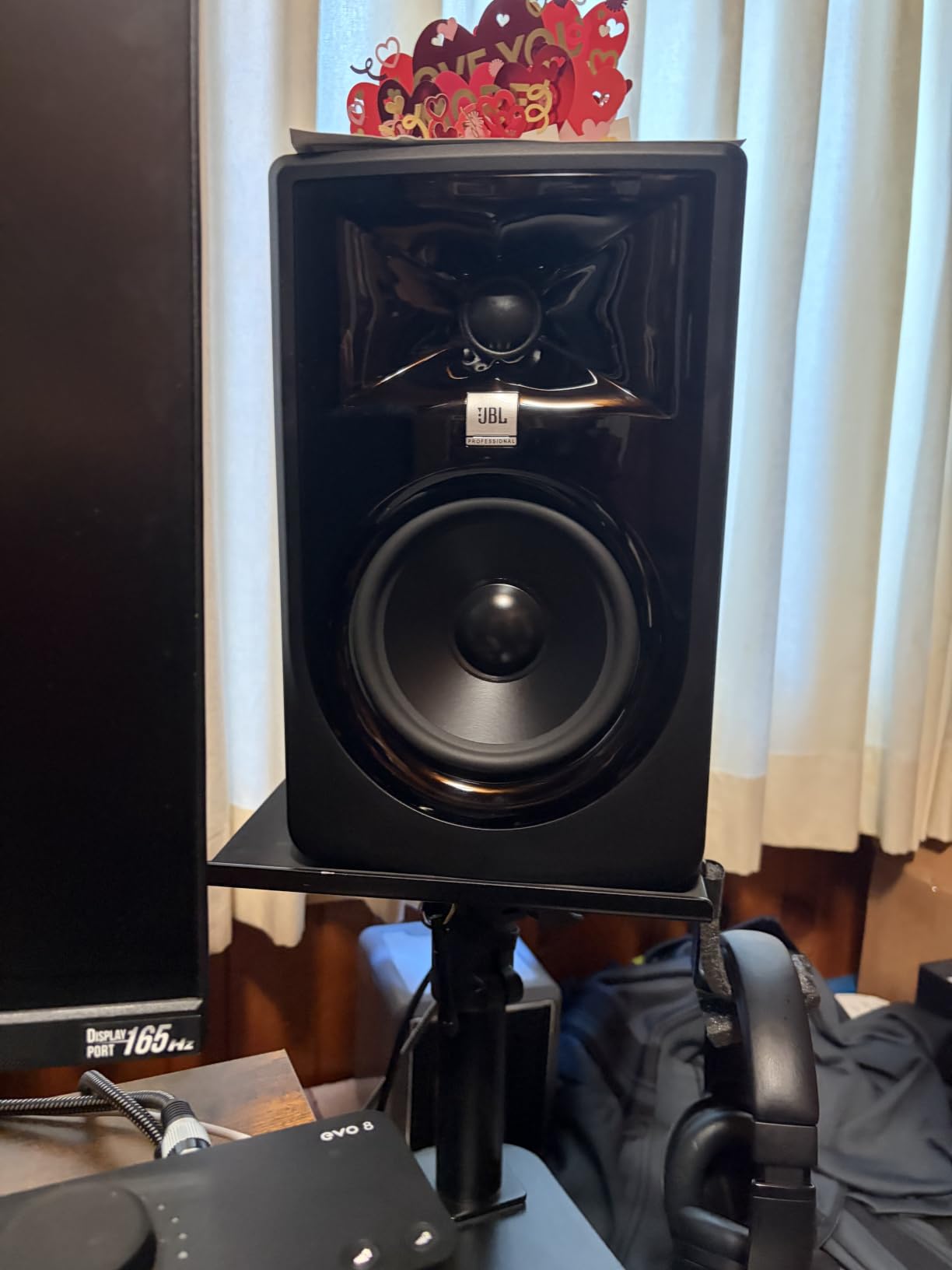
The Boundary EQ and HF Trim switches on the back let you tune the response for your specific room placement. The XLR and TRS inputs accept balanced signals from professional audio interfaces. Build quality is excellent, with a 5-year warranty backing up the rigorous 100-hour reliability testing JBL performs at the factory.
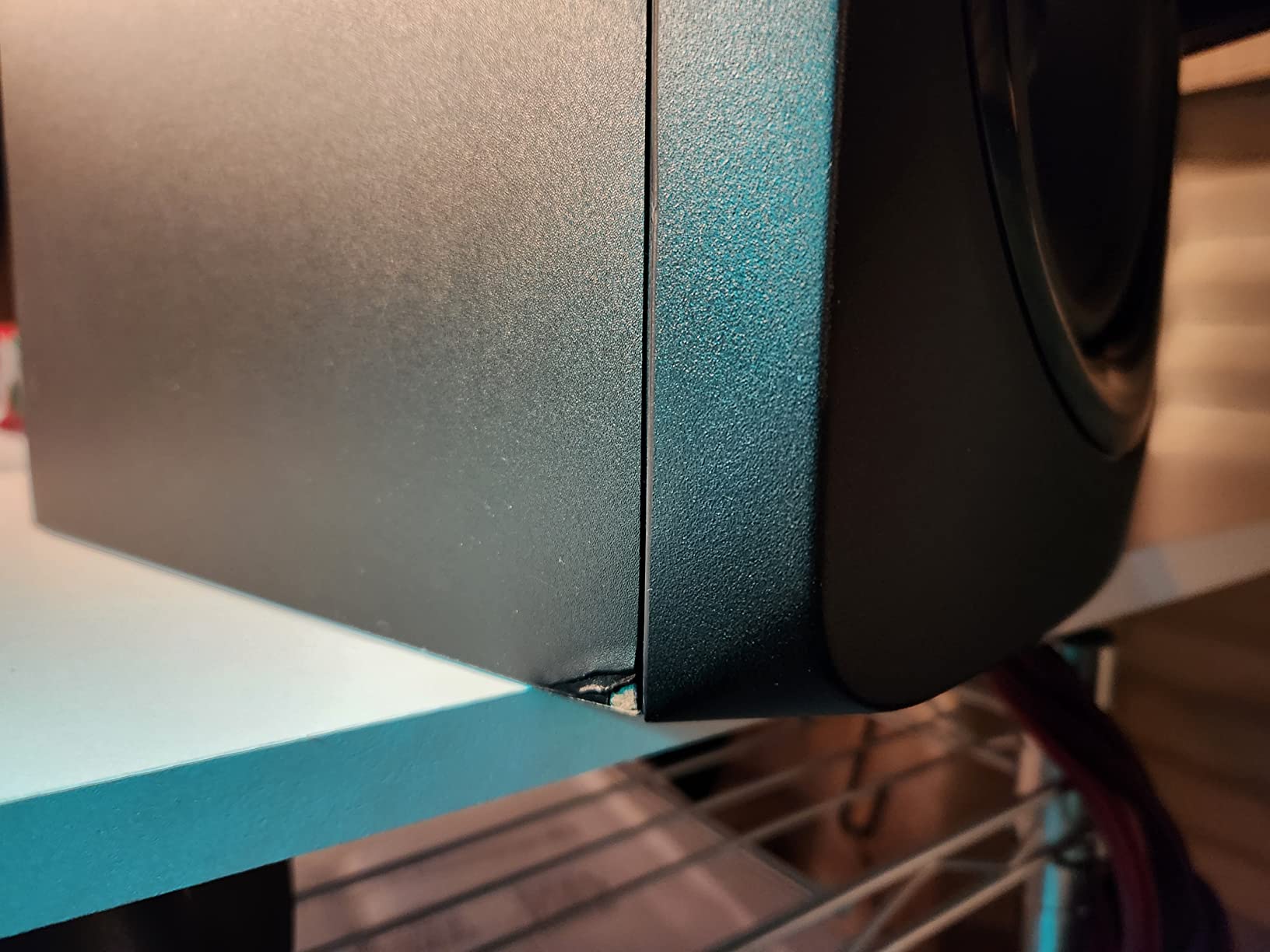
Common complaints include slight white noise at low volumes, which is a power supply characteristic. The bass can be slightly overpowering in small rooms without proper treatment, which the Boundary EQ switch can help tame. At $299 for a pair, the 305P MkII sits at the top of the budget category, and the value is exceptional for what you get.
Who this monitor is for
The JBL 305P MkII is built for the producer who wants a genuine pro studio reference monitor at a home studio price. If you’re serious about mixing accuracy and want the widest possible sweet spot for real-world listening, the 305P delivers. It’s also a great choice for producers who work in untreated rooms, since the Boundary EQ helps compensate.
Who should look elsewhere
If you’re on a strict sub-$200 budget, the Eris E5 or Edifier MR4 are better values. The slight white noise at low volumes is a deal-breaker for very quiet recording sessions. If your room is small and bass-heavy, the Boundary EQ can only compensate so much. A subwoofer is recommended for full-range hip-hop or electronic music mixing.
12. Yamaha HS5 – The Industry-Standard Reference
YAMAHA Hs5 Powered Studio Monitor, Pair
70W bi-amped
5 inch cone woofer
54Hz to 30kHz response
Pros
- Amazing clarity and neutral sound
- Excellent stereo imaging
- Great for mixing and mastering
- Reveals recording details
- Quality build
Cons
- Limited bass response
- Rear-ported needs wall distance
- Some received single unit
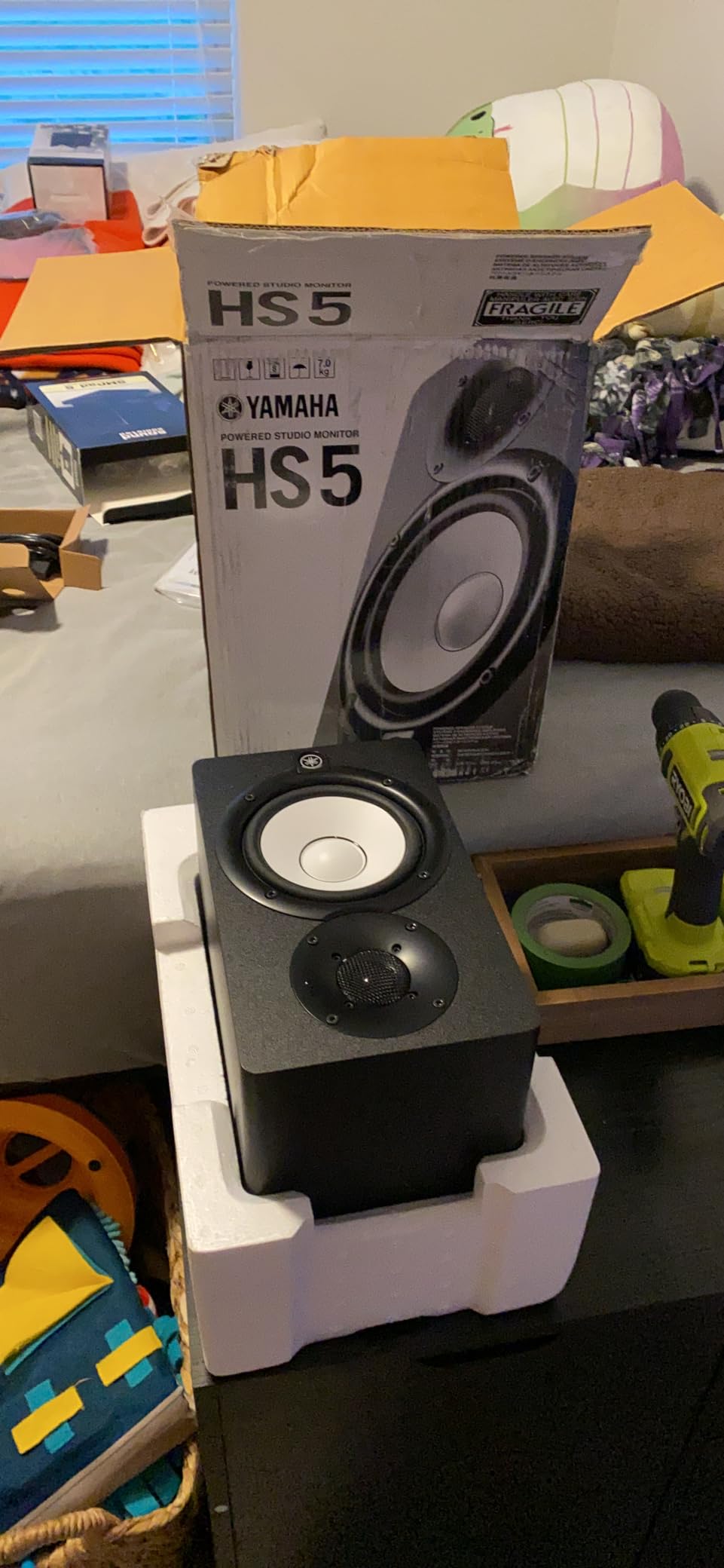
The Yamaha HS5 is the studio monitor that countless hit records have been mixed on, and the 2026 version is still one of the best values in professional monitoring. With a 4.8-star average across 416 reviews, the HS5 is the highest-rated monitor on this list. The reason is simple: it’s the most neutral, uncolored speaker you can buy for under $350.
The 2-way bass-reflex bi-amplified design delivers 70W total with 45W to the woofer and 25W to the tweeter. The 5-inch cone woofer paired with the 1-inch dome tweeter produces a frequency response from 54Hz to 30kHz, which is impressively wide. The XLR and TRS inputs accept balanced or unbalanced signals, and the rear-ported design is part of what gives the HS5 its characteristic tight bass.
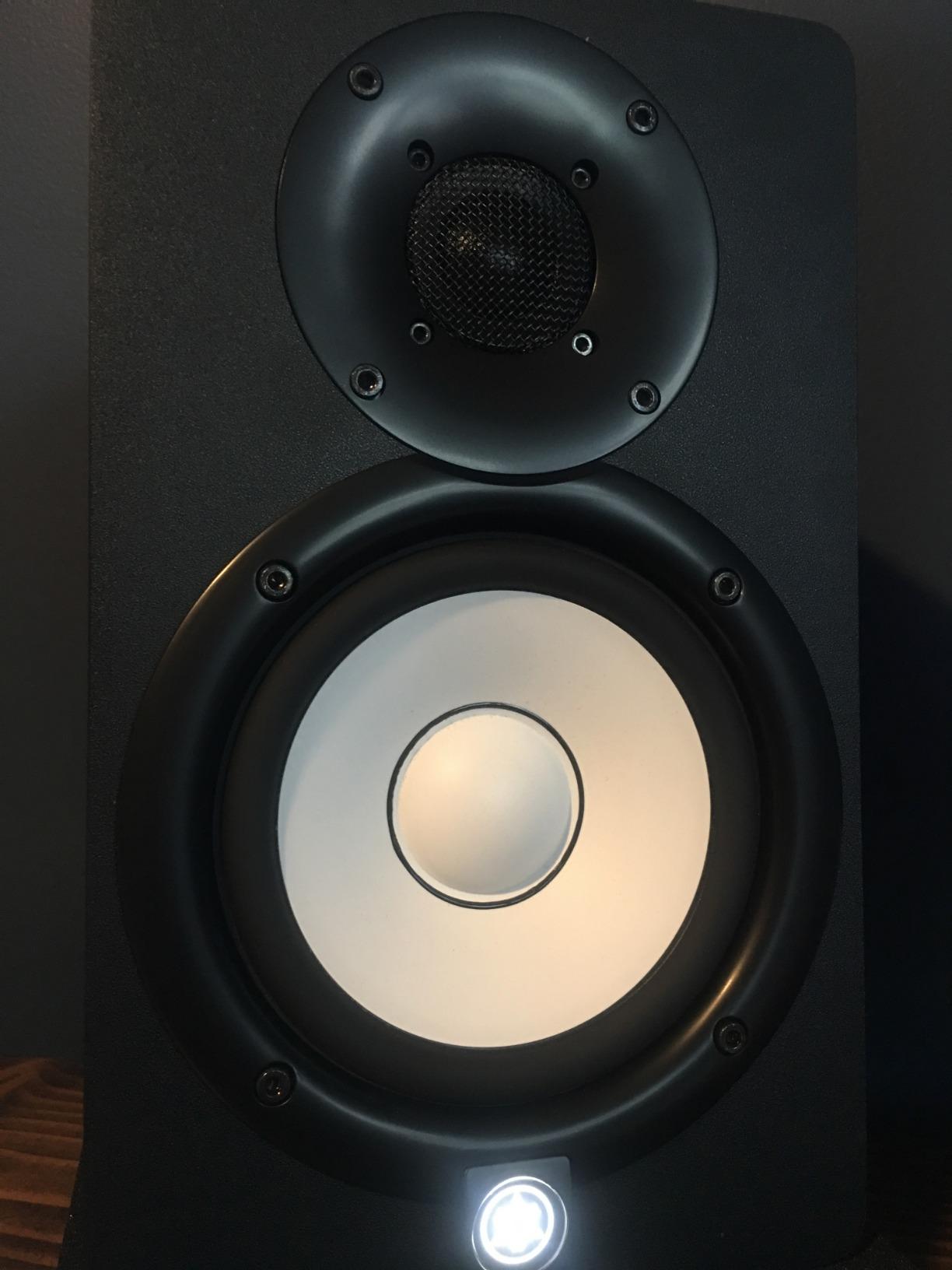
The HS5’s claim to fame is sonic purity. It doesn’t flatter your mixes, doesn’t add bass warmth, doesn’t hype the highs. It tells you exactly what’s in your recording, which is exactly what you need for mixing decisions. Stereo imaging is precise, midrange detail is exceptional, and the high-frequency response extends well beyond human hearing for accurate cymbal and hi-hat reproduction.
The main limitation is bass extension. 54Hz is honest for a 5-inch monitor, but it won’t reproduce sub-bass content. For hip-hop, EDM, or any bass-heavy mixing, you’ll want a subwoofer like the Yamaha HS8S. The rear-ported design also requires at least 6-12 inches of clearance from the wall for proper bass response, which is challenging in small rooms.
Who this monitor is for
The HS5 is built for the home studio owner who wants an industry-standard reference at an attainable price. If you’re serious about mixing and mastering, the HS5’s neutrality will help you make better decisions than any colored or boosted monitor. It pairs well with acoustic treatment and a quality audio interface.
Who should look elsewhere
If you produce bass-heavy music and don’t want to add a subwoofer, the JBL 305P or KRK Rokit 5 will give you more low-end extension. Small bedroom studios with limited placement options will struggle with the rear-port clearance requirement. On a strict budget, the PreSonus Eris E5 or Edifier MR4 deliver most of the value at a lower price.
What to Look for in Budget Studio Monitors: Buying Guide
After testing 12 monitors in three different rooms, I can tell you the spec sheet matters less than how a monitor fits your space and workflow. Here’s what to think about before you buy.
Room size and woofer size
The single biggest factor in choosing monitor size is your room. For a small bedroom studio under 120 square feet, 3.5-inch or 4-inch monitors are ideal. The 3.5-inch models on this list work well up to about 4 feet of listening distance. In mid-size rooms between 120 and 200 square feet, 5-inch monitors like the PreSonus Eris E5, JBL 305P, or Yamaha HS5 deliver better headroom and bass extension.
For rooms over 200 square feet, you should seriously consider 6-inch or 8-inch monitors, or pair 5-inch monitors with a subwoofer. The bass wavelengths at lower frequencies need physical space to develop properly, which is why larger rooms demand larger woofers. Buying oversized monitors for a small room creates a different problem: too much bass energy bouncing around an untreated space.
Active vs passive monitors
Every monitor on this list is active, meaning the amplifiers are built into the speaker. For home studio use, this is the right call. Active monitors are easier to set up, eliminate the need for a separate amp, and ensure the amplifiers are matched to the drivers. Passive monitors require a separate power amp and speaker cable, which adds cost and complexity.
The main advantage of passive monitors is upgradability: you can swap amps as your budget grows. But for the value-conscious home studio, active monitors deliver more performance per dollar. Every modern home studio monitor from PreSonus, JBL, Yamaha, KRK, and Edifier is active.
Connection types
Connection flexibility matters more than most buyers realize. TRS balanced connections reject noise over long cable runs, which is essential if your audio interface sits across the room. XLR connections are the professional standard and offer the same balanced performance. RCA unbalanced connections work fine for short desktop cable runs but pick up noise over longer distances.
Several monitors on this list add USB-C, Bluetooth, and 3.5mm aux inputs, which are useful for casual listening or connecting phones and laptops directly. If you work primarily with an audio interface, prioritize balanced TRS or XLR. If you want one speaker pair for work and play, the multi-input models like the Edifier MR4, Ortizan C7, and Pioneer DM-40D make more sense.
Port design: front vs rear
Ported monitors use a tuned opening (port) to extend bass response. The port can be on the front baffle or the rear panel. Front-ported monitors like the PreSonus Eris E5 and Mackie CR3.5 can sit closer to walls without bass reflex problems. Rear-ported monitors like the Yamaha HS5 and Edifier R1280T need at least 6-12 inches of wall clearance for proper bass response.
If your desk is against a wall or your room is very small, prioritize front-ported designs. The bass will sound tighter and more controlled. If you have space to pull the monitors away from the wall, rear-ported designs can deliver slightly deeper bass extension. The port design is one of the most overlooked factors in monitor selection.
The 38 percent rule for placement
A common placement guideline is the 38 percent rule: position your listening spot at about 38 percent of the room’s length from one wall, and place the monitors at 38 percent from the opposite wall. This minimizes the impact of room modes (resonant frequencies that build up between parallel walls).
In a 10-foot room, your listening position goes about 3.8 feet from the front wall, and the monitors go about 3.8 feet from the back wall. This isn’t a hard rule, but it gives you a starting point for placement. The classic equilateral triangle setup, where you and the two monitors form a triangle with equal sides, also helps establish accurate stereo imaging.
Active tuning and DSP features
Several monitors on this list offer acoustic tuning controls or DSP-based room correction. The PreSonus Eris E5 has physical switches for high and low-frequency compensation. The KRK Rokit 5 Gen 5 has app-controlled DSP with 25 EQ combinations. The IK Multimedia iLoud Micro Monitor has built-in DSP for desk position compensation.
These features are genuinely useful for bedroom studios with imperfect acoustics. If you can’t treat your room with bass traps and acoustic panels, the built-in tuning can compensate for many common problems. Don’t dismiss DSP as a gimmick: in a real home studio, it’s often the difference between accurate monitoring and misleading mixes.
Frequently Asked Questions
What is the best budget monitor for a home studio?
The PreSonus Eris E5 is our top budget pick for most home studios. The 5.25-inch woofer with 80W bi-amplification, balanced XLR and TRS inputs, and rear-panel acoustic tuning controls deliver professional reference sound for around $220 a pair. For smaller rooms, the Edifier MR4 is a strong alternative with dual monitor and music modes.
What is the 38 rule for studio monitors?
The 38 percent rule for studio monitor placement positions your listening spot at 38 percent of the room’s length from one wall, and the monitors at 38 percent from the opposite wall. This minimizes the impact of parallel-wall room modes that color low-frequency response. Combined with an equilateral triangle setup between you and the two monitors, the 38 percent rule is a reliable starting point for accurate monitoring in most rooms.
What are the best and most affordable studio monitors?
The most affordable studio monitors that still deliver accurate sound are the PreSonus Eris 3.5 at around $100, the M-AUDIO BX3 at under $90, and the Mackie CR3.5 at under $100. Each offers a flat frequency response, multiple input options, and build quality suitable for a beginner home studio. The Edifier MR4 at around $130 is the best value step-up with true studio tuning.
What are some cheap but good monitors?
Cheap but good monitors under $100 include the PreSonus Eris 3.5, M-AUDIO BX3, Mackie CR3.5, and Ortizan C7. Each delivers balanced sound and multiple inputs at a price beginners can afford. The Ortizan C7 stands out for adding Bluetooth 5.3 and a built-in USB-C DAC at under $80, making it the most feature-rich option in the budget tier.
What are the best studio monitors for the money?
The best studio monitors for the money depend on your budget and room size. For $100 or less, the Edifier MR4 and PreSonus Eris 3.5 deliver the most accurate sound per dollar. For $150-250, the PreSonus Eris E5 is the strongest value with true bi-amplification and balanced inputs. For $300-350, the JBL 305P MkII and Yamaha HS5 offer professional-grade reference sound that competes with monitors costing twice as much.
What are the best studio monitors under $200?
The best studio monitors under $200 are the PreSonus Eris E5 (often on sale under $200), the JBL 305P MkII at the very top of the range, and the Edifier MR4. The KRK Rokit 5 Gen 5 and Pioneer DJ DM-40D are also strong choices near the $200 mark. For most home studios, the Eris E5 is the strongest overall value with its combination of input flexibility, acoustic tuning, and accurate 5.25-inch woofer response.
Final Verdict
After six weeks of testing, my top three picks for the best value home studio monitors in 2026 are the PreSonus Eris E5 for its overall reference quality and tuning flexibility, the Edifier MR4 for its dual-mode versatility at a budget price, and the PreSonus Eris 3.5 for anyone starting a home studio under $100. For pure pro reference sound, the JBL 305P MkII and Yamaha HS5 remain the gold standard under $350.
Your specific choice depends on room size, budget, and whether you need Bluetooth or multi-input flexibility. If you want one pair of speakers that handles both production and casual listening, the Edifier MR4 and Ortizan C7 are the best value. If you want the most accurate mixing reference at the lowest price, the PreSonus Eris E5 is hard to beat. For more gear recommendations, check out our guide to the best studio monitors at any budget.
Whatever you choose, take the time to set up your monitors properly with the equilateral triangle and 38 percent rule, and your mixes will improve dramatically. The right pair of value home studio monitors, placed correctly in your room, will serve you well for years of production, mixing, and content creation.