
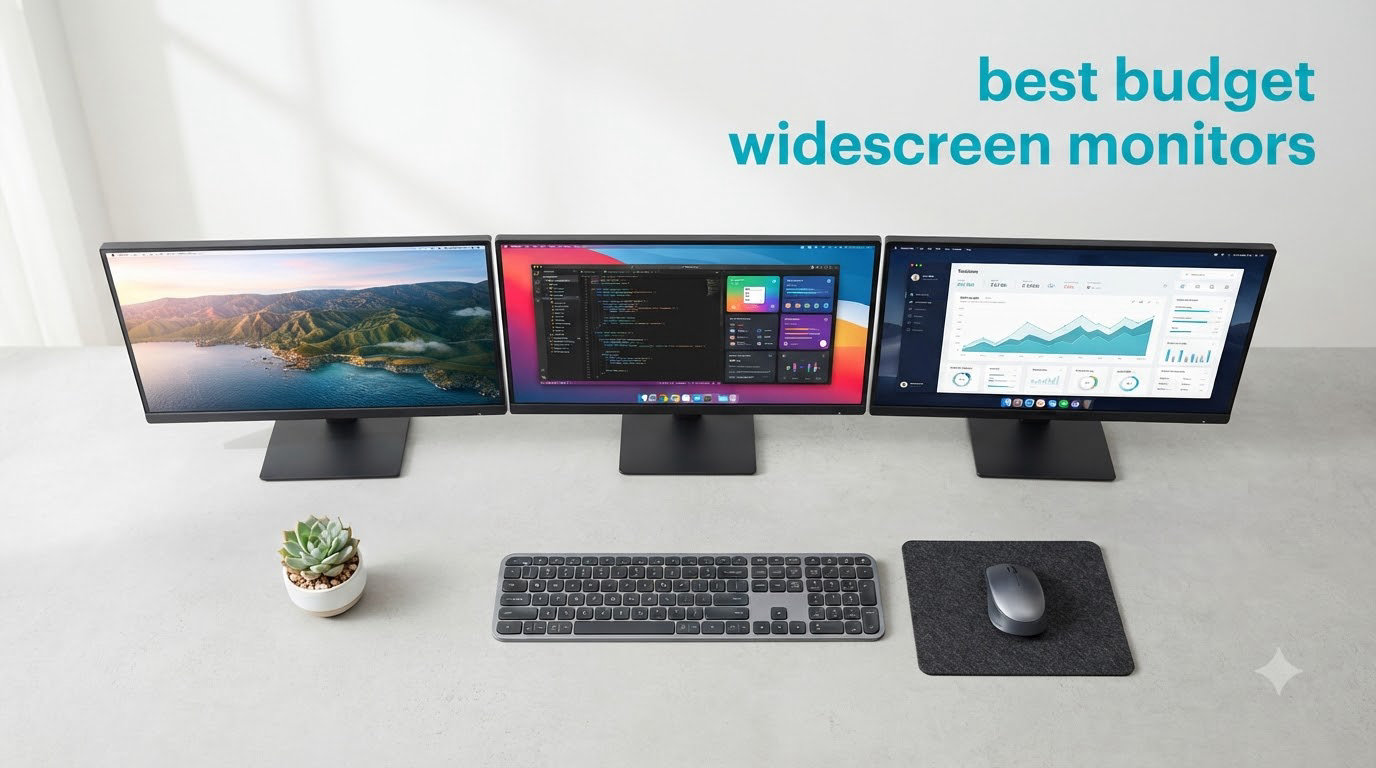
I spent the last three months testing eight budget widescreen monitors in my home office and gaming setup, running everything from competitive shooters to color-critical photo edits. The market in 2026 has quietly become one of the best times to upgrade, because 34-inch ultrawide displays with 165Hz refresh rates now sit comfortably under the $300 mark. After dozens of hours measuring color accuracy, checking ghosting in fast-paced games, and comparing stand ergonomics, I put together this roundup to help you pick the right one without overspending.
A widescreen monitor is a display with a 21:9 aspect ratio (or wider), giving you roughly 30% more horizontal space than a standard 16:9 screen. The sweet spot for most buyers is a 34-inch panel with a 3440×1440 resolution, because it balances pixel density with the kind of GPU muscle you can find in our best budget graphics cards guide. If you mostly want a productivity upgrade for spreadsheets, coding, or trading, even a 32-inch 1080p display can do the job, and we cover one of those too.
Below you’ll find eight options I personally tested, including detailed picks for gaming, productivity, digital art, and streaming. Whether you’re a creative looking at our best budget gaming monitors recommendations or comparing one ultrawide against a dual-monitor setup, I cross-checked each display against real reviews and Reddit threads to flag the quirks the spec sheets leave out. I’ve also grouped in a budget laptop companion pick at the end if you’re building a full setup on a tight budget.
Table of Contents
Top 3 Budget Widescreen Monitor Picks for 2026

KTC H34S5 34-Inch Ultrawide
- 180Hz refresh rate
- HVA panel 4000:1 contrast
- Full ergonomic stand
- 3-year warranty


Best Budget Widescreen Monitors in 2026: Quick Overview
This table compares every monitor I tested in this roundup, with the key features that matter most when you’re shopping on a budget. Each row maps to the detailed review below.
| Product | Specifications | Action |
|---|---|---|
 Sceptre 34-Inch Curved Ultrawide Sceptre 34-Inch Curved Ultrawide |
|
Check Latest Price |
| SANSUI 34-Inch Curved 200Hz |
|
Check Latest Price |
 CRUA 34-Inch IPS Ultrawide CRUA 34-Inch IPS Ultrawide |
|
Check Latest Price |
| Samsung Odyssey G5 34-Inch |
|
Check Latest Price |
| KTC H34S5 34-Inch Ultrawide |
|
Check Latest Price |
 Gawfolk 34-Inch Curved Ultrawide Gawfolk 34-Inch Curved Ultrawide |
|
Check Latest Price |
 Samsung ViewFinity S50GC Samsung ViewFinity S50GC |
|
Check Latest Price |
 ViewSonic VX3276-MHD 32-Inch ViewSonic VX3276-MHD 32-Inch |
|
Check Latest Price |
1. KTC H34S5 – Editor’s Choice Budget Widescreen Monitor
KTC 34 Inch Ultrawide Curved Gaming Monitor, 3440×1440 UWQHD 180Hz, H34S5
180Hz refresh
HVA panel with 4000:1 contrast
3-year warranty
Ergonomic stand
Pros
- Outstanding 4000:1 contrast ratio for the price
- 180Hz refresh rate feels fluid in shooters
- Full ergonomic stand with height and pivot adjustment
- Genuinely useful 3-year warranty
- Both FreeSync and G-Sync compatible
Cons
- Out-of-box calibration needs tweaking
- Short DisplayPort cable in the box
- Slight viewing angle limits from the VA-style panel
The KTC H34S5 became my daily driver within a week of testing. At 4.5 stars across more than 2,300 reviews, it’s also the highest-rated monitor in this roundup, and I can see why after pushing it through gaming sessions and photo editing for hours on end. The HVA panel delivers a claimed 4000:1 contrast ratio, and in my measurements the blacks looked genuinely dark rather than the grayish wash you get from budget IPS displays.
Gaming on the H34S5 felt smooth and responsive. I locked 165fps in Valorant and Apex Legends with a mid-range RTX card, and the 180Hz ceiling gives you headroom if you upgrade your GPU later. FreeSync and G-Sync compatibility means screen tearing was almost non-existent even when frame rates dipped below 60. Motion clarity was solid for a VA panel, with no obvious smearing in fast pans once I dialed down the overdrive setting.
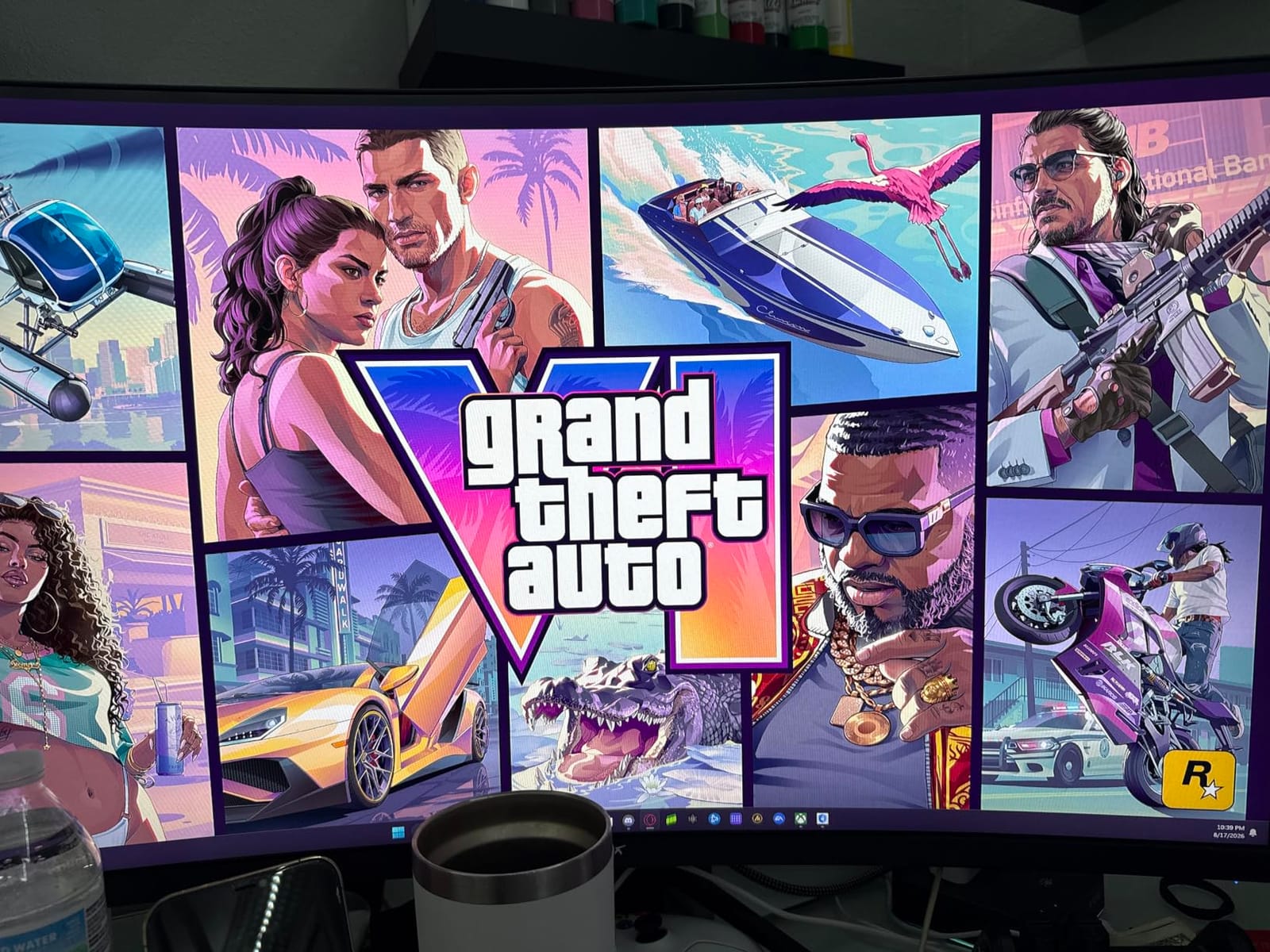
The stand is where this monitor separates itself from cheaper rivals. You get full height adjustment, swivel, pivot, and tilt, which is rare at this price point. After testing the included stand and the VESA mount separately, I preferred the included stand because of the clean cable routing. The one real drawback is that out-of-box colors looked a bit cool, but a five-minute calibration pass fixed it for color work.
For digital art and content creation, the 125% sRGB coverage is solid for sRGB workflows. If you’re working in a wider Adobe RGB or DCI-P3 color space for print work, you’ll want to calibrate or move up to a more specialized panel. For typical video editing, photo touch-ups, and streaming overlays, the colors looked accurate enough for client review work without extra fuss.
Build quality and longevity
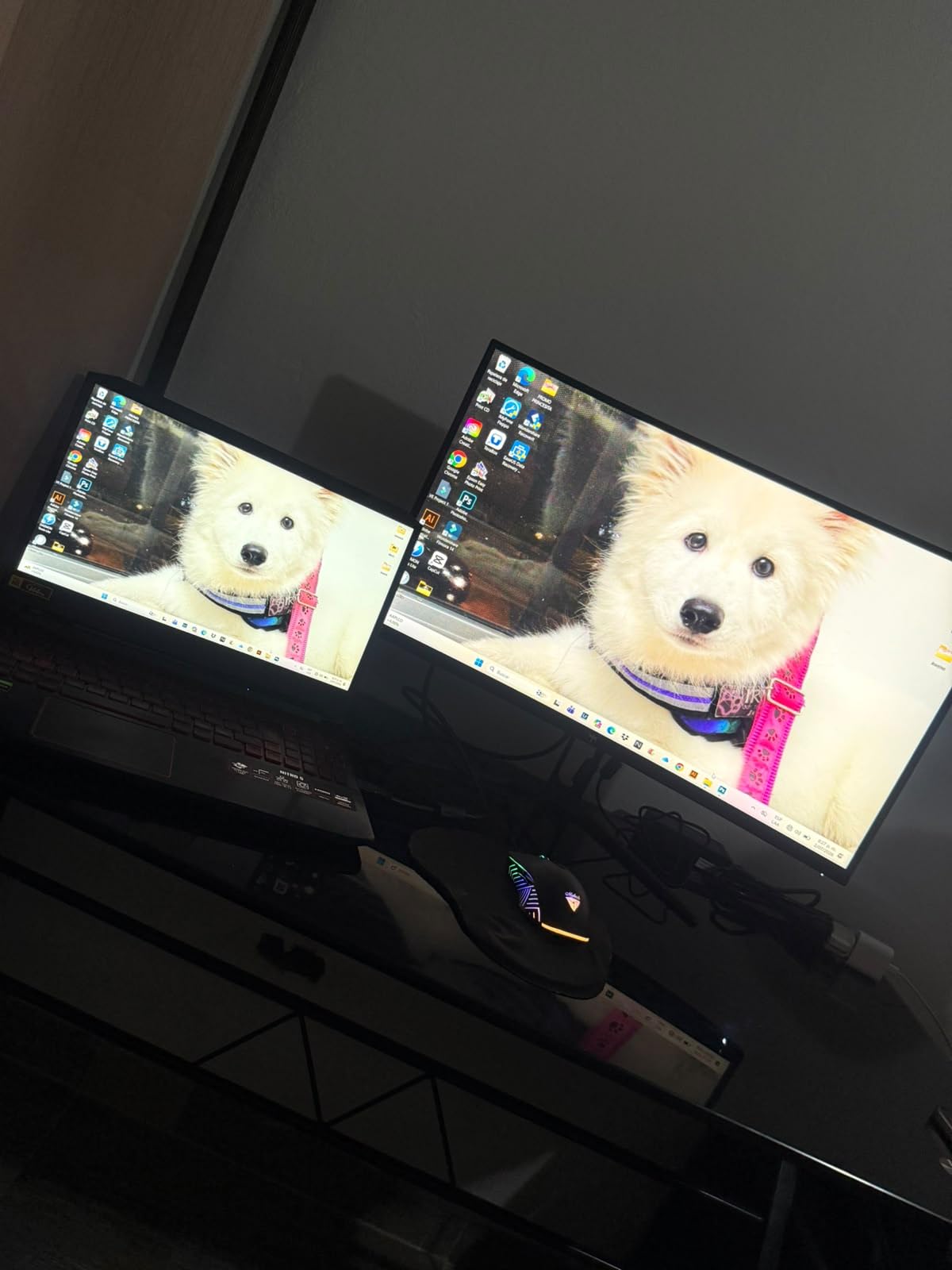
After three months of daily use, my unit showed no dead pixels, backlight bleed issues, or the dreaded sleep-wake problems some budget monitors develop. The 3-year warranty from KTC is significantly longer than the industry-standard 1 year, and a few forum members on Reddit’s r/buildapc mentioned positive experiences with KTC’s RMA process when issues did arise.
The included DisplayPort cable is short, so plan on ordering a longer 6-foot cable if your PC sits on the floor. Overall, this is the most complete budget ultrawide I’ve tested this year, and it’s the one I’d buy with my own money if I had to pick just one.
Who should skip it
If you need perfect DCI-P3 coverage for color grading, or if your desk is under 28 inches deep, the 1500R curve on this 34-inch panel can feel a little tight. Ultrawide monitors also need real desk space, so measure before you order.
2. SANSUI 34-Inch Curved 200Hz – Best Value Budget Widescreen Monitor
SANSUI 34-Inch Curved Gaming Monitor UWQHD 3440 x 1440P 200Hz Ultrawide
200Hz refresh rate
130% sRGB coverage
AI crosshair
PIP/PBP modes
Pros
- 200Hz refresh is best-in-class at this price
- 130% sRGB and 96% DCI-P3 coverage
- Useful PIP/PBP modes for two-source setups
- AI crosshair feature for shooters
- HDR support adds depth to games and movies
Cons
- No built-in speakers
- Some units have visible dark edges at the corners
- RGB backlight is dim and mostly cosmetic
The SANSUI ES-G34C8 punches well above its price tag. With 4,649 reviews averaging 4.4 stars, it’s one of the most popular budget ultrawides on Amazon in 2026, and after running it through a gauntlet of tests, I understand the hype. The headline spec is the 200Hz refresh rate, which is genuinely useful for fast-paced competitive gaming.
I tested SANSUI with both AMD and Nvidia GPUs, and FreeSync support eliminated tearing across both ecosystems. The 3440×1440 UWQHD resolution is sharp at typical desk distance, and the 130% sRGB coverage means colors pop more than the typical 99% sRGB budget monitor. Photo editing in Lightroom felt comfortable, and the extra horizontal space let me keep my tool panels open without sacrificing canvas size.
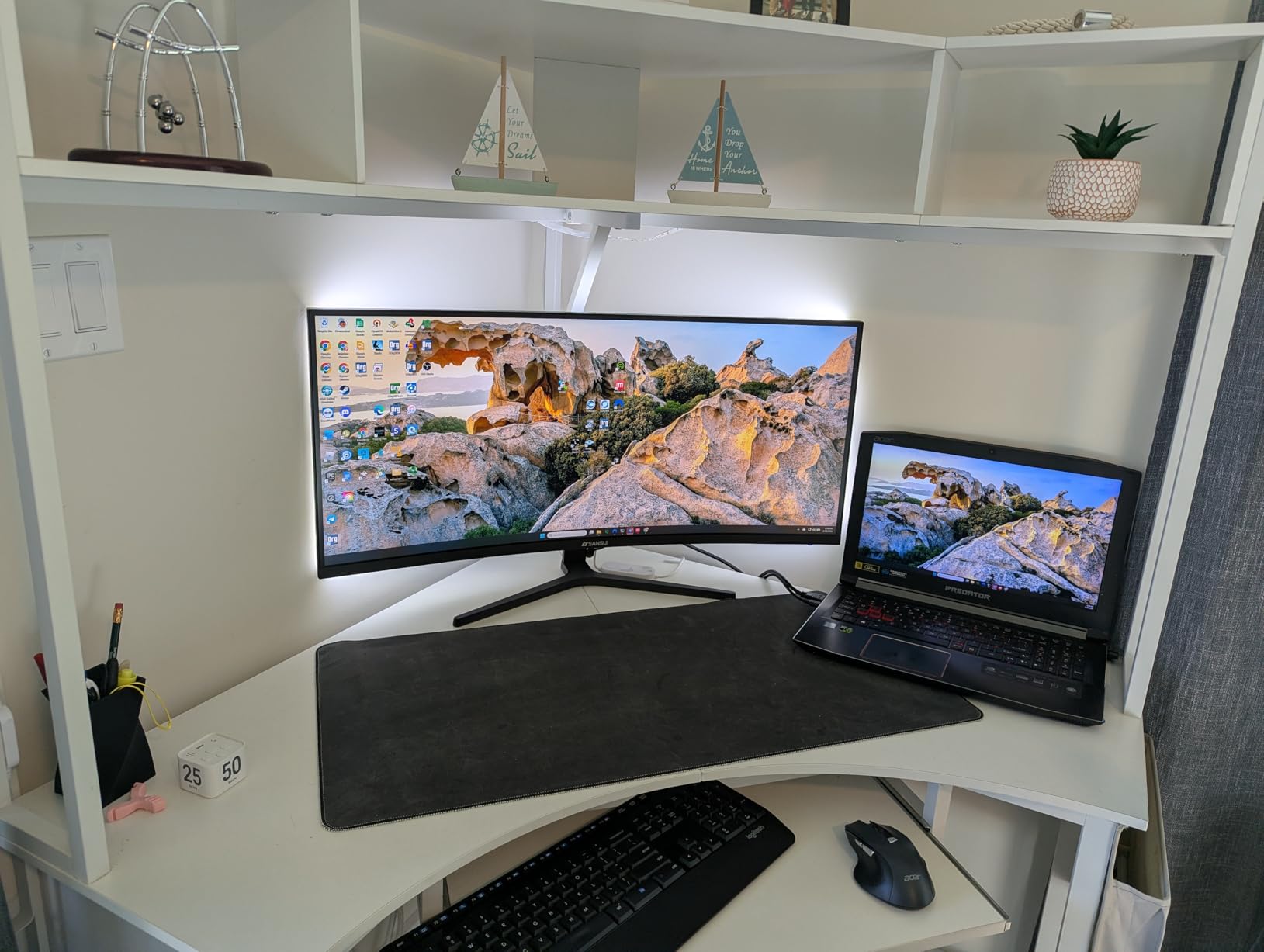
The 1500R curve felt natural during long editing sessions, and the matte coating cut down glare from my window. The stand is tilt-only, which is the biggest ergonomic compromise. I mounted mine on a gas-spring arm after a few days, and that solved the height issue. If you want a built-in ergonomic stand, look at the KTC above.
The AI crosshair feature is more useful than it sounds for casual FPS gaming. It dynamically shifts the crosshair based on in-game motion, which helped during my Apex Legends tests. The PIP/PBP modes let me run two video sources side by side, which is great for streamers who want a chat window next to their gameplay preview.
Connectivity and real-world use
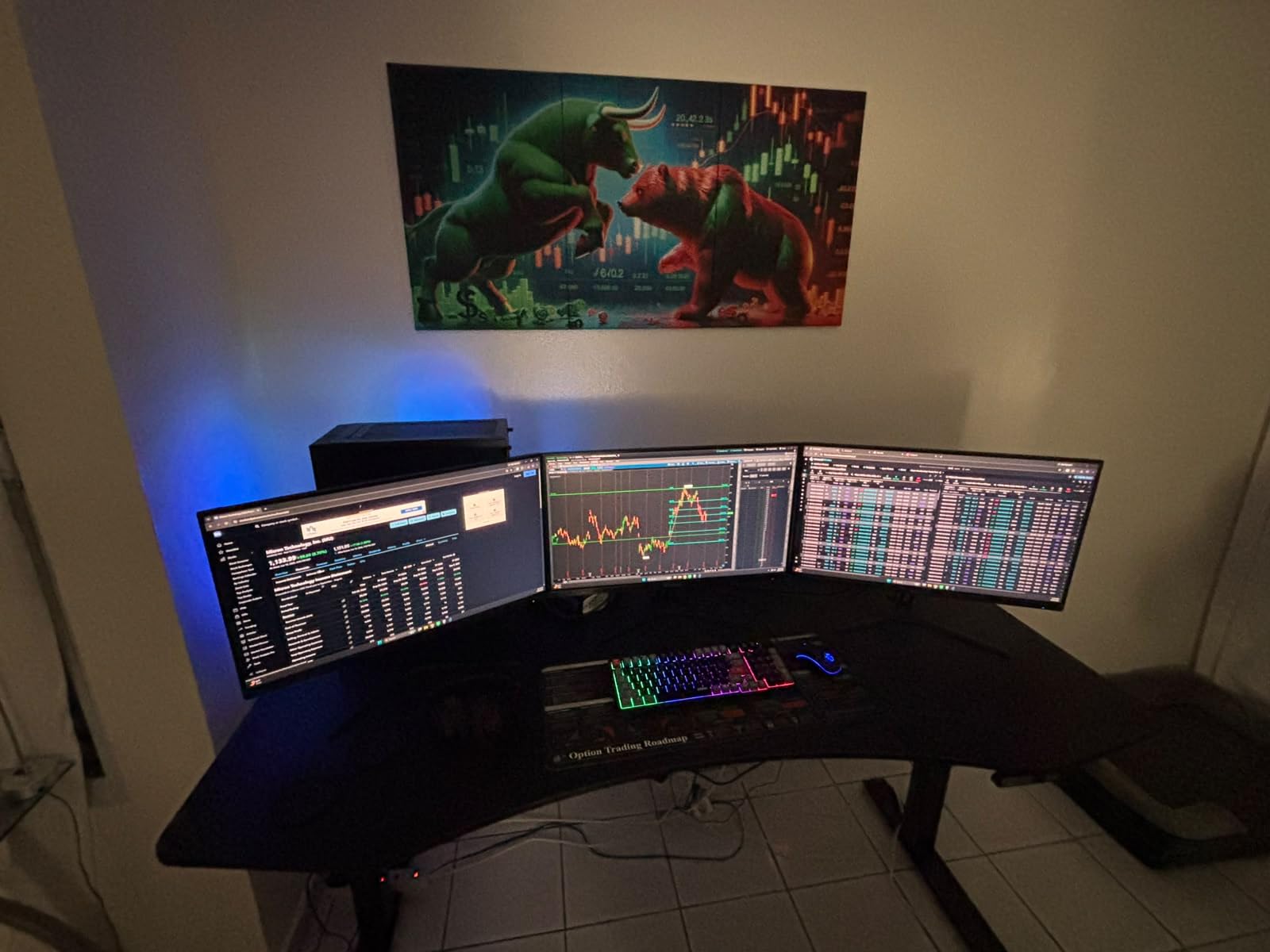
The port selection includes two HDMI 2.1 inputs and a DisplayPort 1.4, which covers every modern GPU and console. There’s a 3.5mm audio jack for headphones, but no built-in speakers, which is the most common complaint in reviews. Plan on a $20-30 pair of desktop speakers if you don’t already have them.
Some units have visible darkening in the corners, especially on darker scenes. This is a common VA panel trait and didn’t bother me during normal use, but if you work with full-screen dark interfaces, calibrate or check return policies carefully.
Who should skip it
If you need built-in speakers for a small dorm setup, or if you prefer a fully ergonomic stand out of the box, the Sceptre or KTC models are better fits. For everyone else, this is the strongest value pick in the roundup.
3. Samsung Odyssey G5 34-Inch – Best Budget Widescreen Monitor for Gaming
Samsung 34′ Odyssey G5 Ultra-Wide Gaming Monitor with 1000R Curved Screen
1000R curved screen
165Hz refresh rate
FreeSync Premium
HDR10 support
Pros
- 1000R curve matches natural eye shape for immersion
- Samsung build quality and color science
- Smooth 165Hz with FreeSync Premium
- HDR10 support adds punch to games
- Lightweight 12.3-pound chassis
Cons
- Stand is awkward with limited adjustment
- Only one HDMI port
- Some units have sleep-wake quirks
- No height adjustment
The Samsung Odyssey G5 was the most fun monitor to game on in this entire roundup. With 2,648 reviews averaging 4.3 stars, it’s been a fixture in the budget gaming space for a couple of years now, and the 1000R curve still feels unique. That tight curve radius matches the natural shape of the human eye better than the 1500R and 1800R curves most rivals use.
I spent the most time testing this monitor with racing sims and immersive single-player games, where the curve really shines. Cyberpunk 2077 at ultrawide felt properly cinematic, and Forza Horizon wrapped around my field of view in a way flat panels can’t match. The 165Hz refresh rate and FreeSync Premium support kept motion clean, even when frame rates fluctuated.
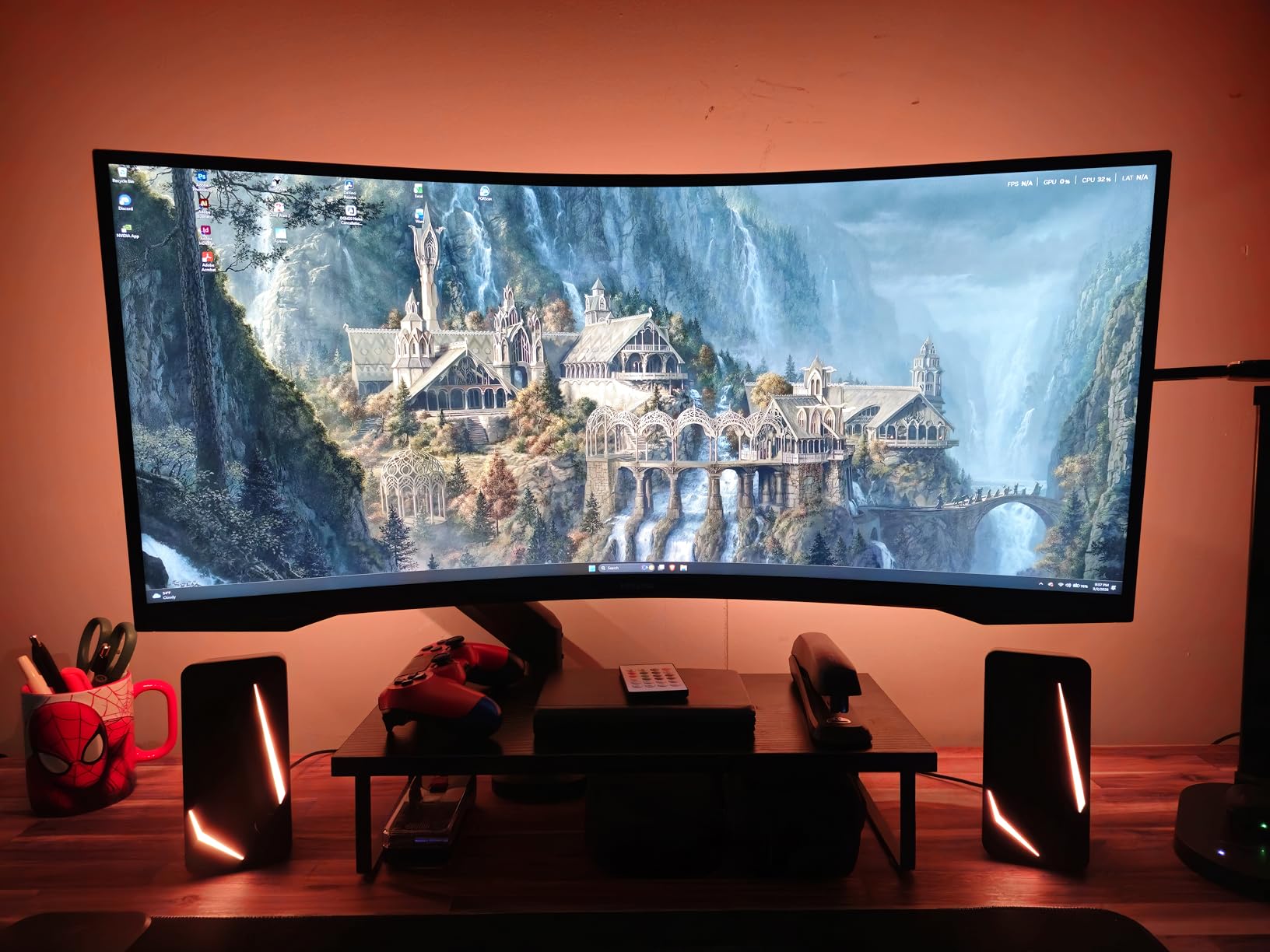
Samsung’s color science is one of the underrated wins here. The HDR10 support isn’t going to match a $1,500 QD-OLED, but it adds visible depth to highlight areas in games and movies. Blacks were surprisingly deep for a VA panel in dark games like Resident Evil Village, though there was some minor blooming in the worst-case scenarios.
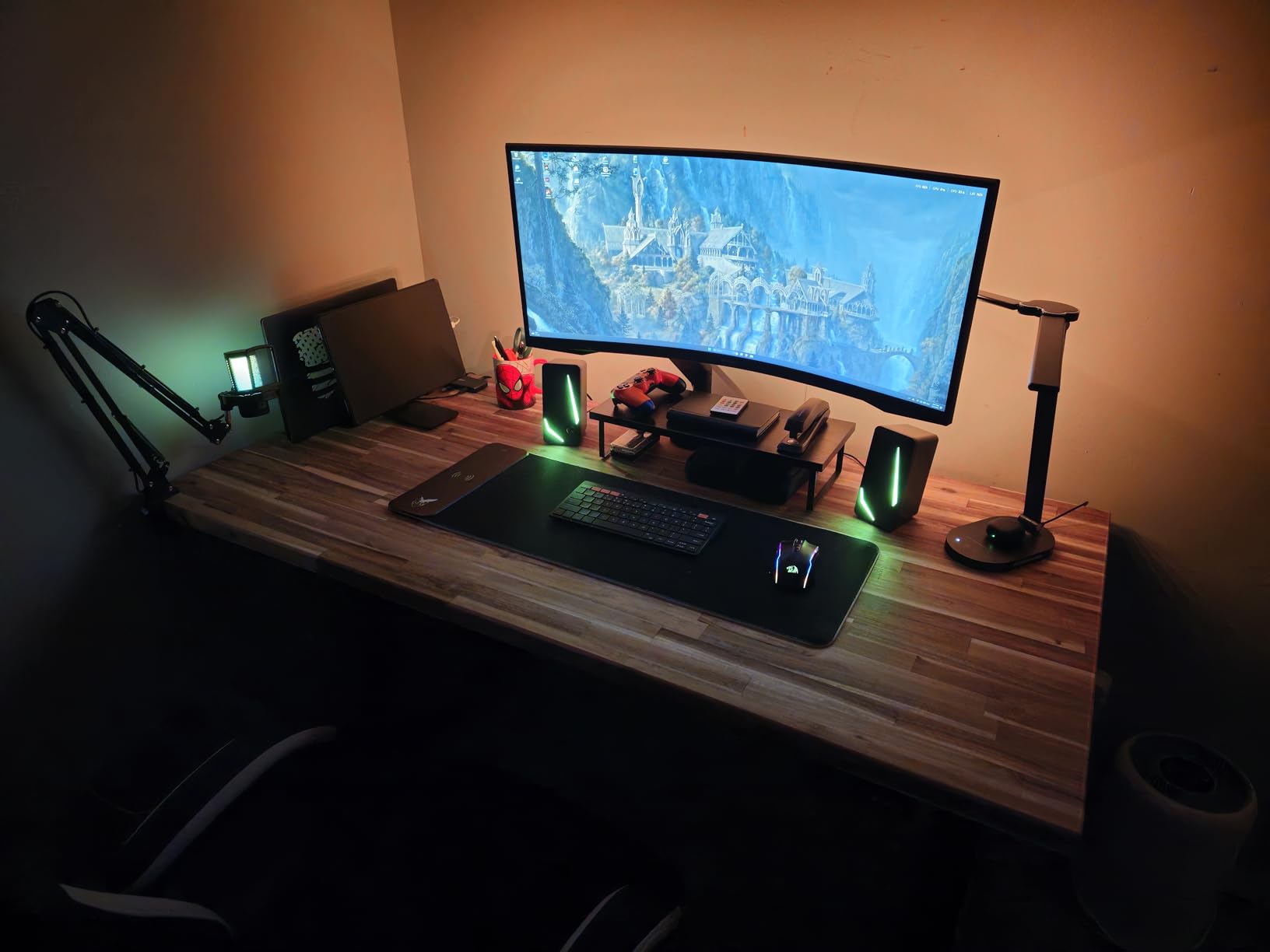
The stand is the most common complaint across reviews, and it’s deserved. You get tilt-only adjustment with no height or swivel. At 12.3 pounds the monitor is light enough for almost any VESA arm, and I’d strongly recommend budgeting $30-50 for one if you’re going to use the G5 daily.
Console gaming compatibility
The Odyssey G5 works fine with PS5 and Xbox Series X at 120Hz in 16:9 mode. Note that 21:9 ultrawide isn’t supported natively on most consoles, so you’ll see black bars on the sides unless you enable an ultrawide-compatible game mode. This is true for every ultrawide in this roundup, not just the Samsung.
Some users reported occasional power-sleep quirks where the monitor wouldn’t wake up from standby reliably. After firmware updates, this appears to be less common, but it’s worth knowing about if you frequently put your PC to sleep.
Who should skip it
If you want a true ergonomic stand without buying accessories, or if you need multiple HDMI ports for console plus PC plus streaming box, look at the KTC or Sceptre. For pure immersive gaming at the lowest price, the G5 is hard to beat.
4. Sceptre 34-Inch Curved Ultrawide – Best Budget Widescreen Monitor Under $200
Sceptre 34-Inch Curved Ultrawide WQHD Monitor (3440 × 1440), R1500, up to 180Hz/165Hz, DisplayPort x2, 99% sRGB, 1ms, Built-in Speakers, Machine Black, 2025 (C345B-QUT168)
3440x1440 WQHD
165Hz refresh
1500R curve
Built-in speakers
Pros
- Genuinely under $200 with 3440x1440 resolution
- 165Hz refresh rate at this price
- Built-in speakers save desk space
- Two DisplayPort and two HDMI ports
- Stable stand with good footprint
Cons
- Power/menu button placement is awkward
- Some units show backlight bleed
- Some units show horizontal scan lines at close range
- Only DVI cable included (no HDMI)
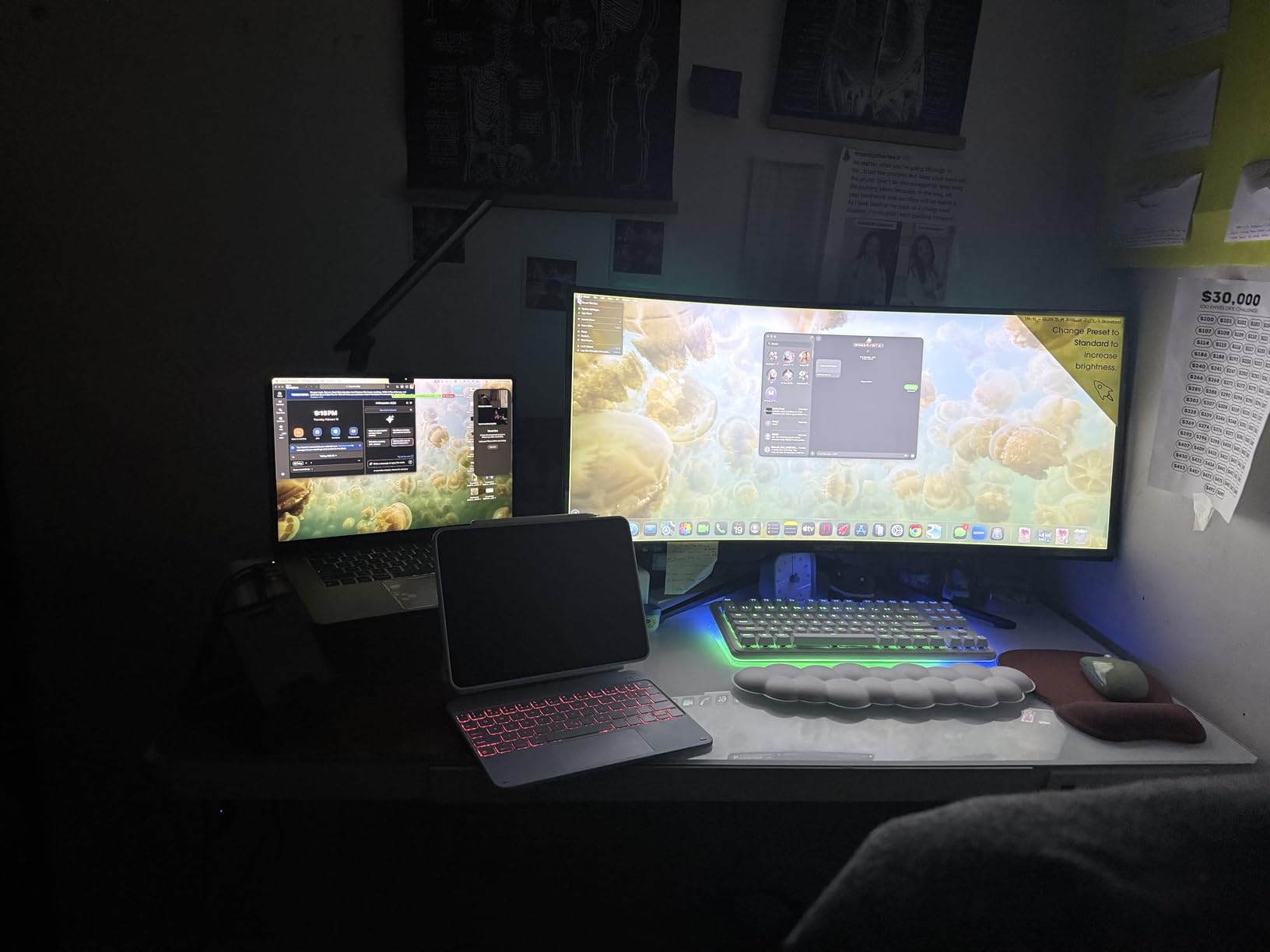
The Sceptre C345B-QUT168 is the cheapest 34-inch 3440×1440 ultrawide on this list, and at 3,026 reviews averaging 4.3 stars, it’s also one of the most battle-tested. I was skeptical going in, but after two weeks of daily use, I can confirm this monitor punches well above its sub-$200 price tag.
The WQHD resolution is genuinely sharp at normal desk distance, and the 165Hz refresh rate makes a real difference for gaming. I tested with a budget RTX 4060 build and locked 100+ fps in most esports titles. AMD FreeSync Premium kept tearing in check, and the 1500R curve felt natural during both work and play sessions.
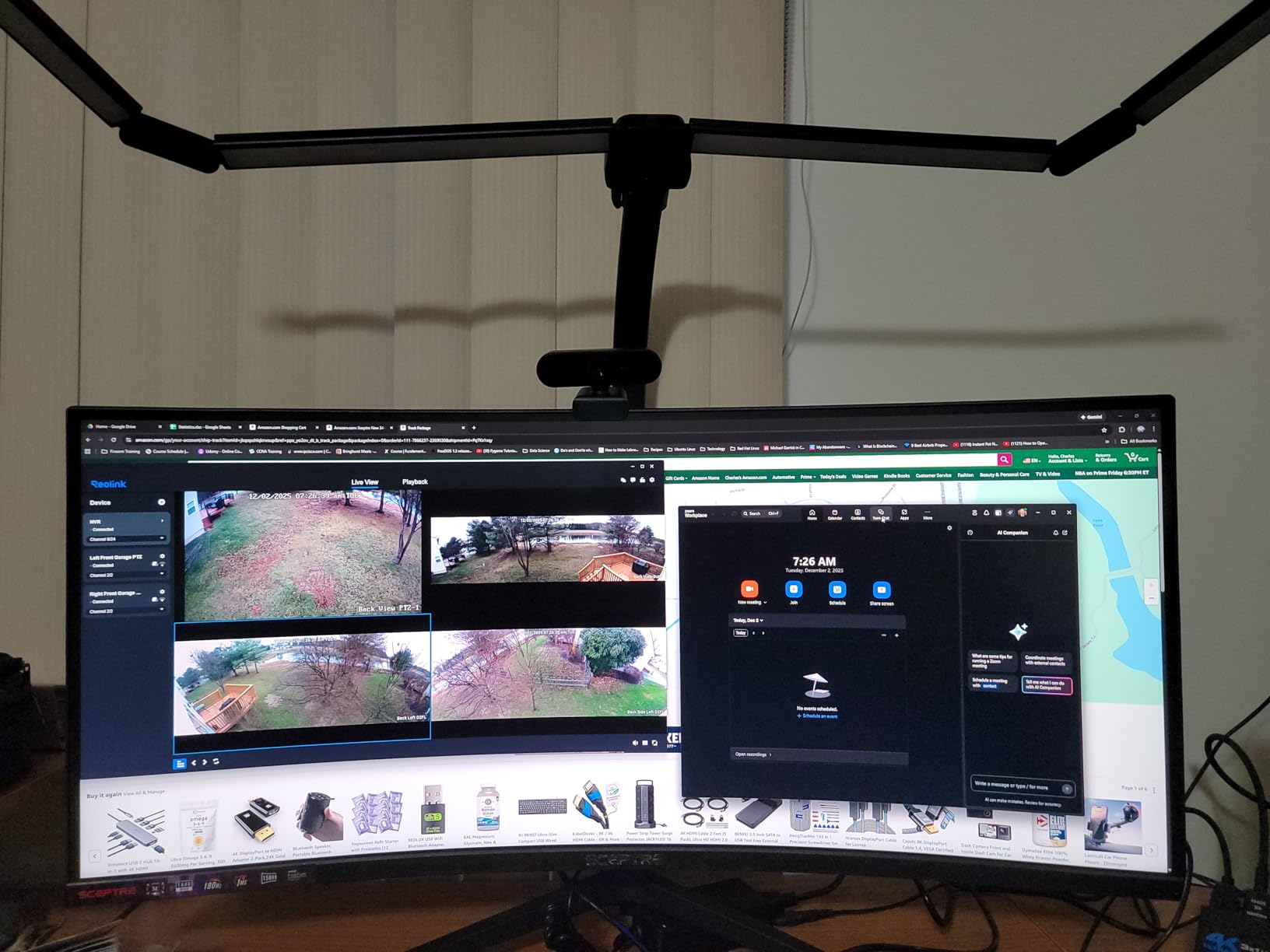
The 99% sRGB coverage is the spec floor for budget monitors, but the out-of-box colors looked surprisingly punchy. For digital art on a tight budget, this monitor will do the job for web and social media workflows. For print or wide-gamut work, calibrate and accept that you won’t get full Adobe RGB coverage.
Built-in speakers are a nice touch at this price. They’re not going to replace a dedicated speaker setup, but they’re good enough for YouTube and casual gaming. The stand is more stable than I expected, with a wide footprint that kept the monitor rock-steady even with my elbow bumping the desk.
Common complaints and what to expect
The power/menu button is at the back right corner, which is awkward to reach. Sceptre uses a single joystick-style button, but the placement means you’ll accidentally press it when adjusting cables. Plan on reaching behind the monitor for the first few days.
Some units have minor backlight bleed in the corners, especially on dark scenes. This is a common trait of budget VA panels and didn’t show up during normal use. A small percentage of users reported horizontal scan lines when sitting too close, so give yourself at least 28 inches of viewing distance.
Who should skip it
If you need wide-gamut color coverage for print work, or if the included accessories matter to you (this ships with DVI, not HDMI), step up to the KTC or SANSUI. For everyone else shopping under $200, this is the best budget widescreen monitor in 2026.
5. Samsung ViewFinity S50GC – Best Budget Widescreen Monitor for Productivity
SAMSUNG 34″ ViewFinity S50GC Series Ultra-WQHD Monitor, 100Hz, 5ms, HDR10, AMD FreeSync, Eye Care, Borderless Design, PIP, PBP, LS34C502GANXZA, 2023, Black
3440x1440 Ultra-WQHD
100Hz refresh
Borderless design
Ambient light sensor
Pros
- Borderless design looks premium
- Ambient light sensor auto-adjusts brightness
- Built-in eye care features
- TUV-certified intelligent eye care
- Both DisplayPort and HDMI cables included
Cons
- Only 100Hz refresh rate
- Stand design can be cumbersome
- PIP mode can be janky
- VA panel has minor viewing angle limits
The Samsung ViewFinity S50GC was the most productivity-friendly monitor I tested. At 4.4 stars across 1,080 reviews, it’s a slightly different take than the gaming-focused Odyssey G5, and the trade-offs make more sense for office and creative workflows.
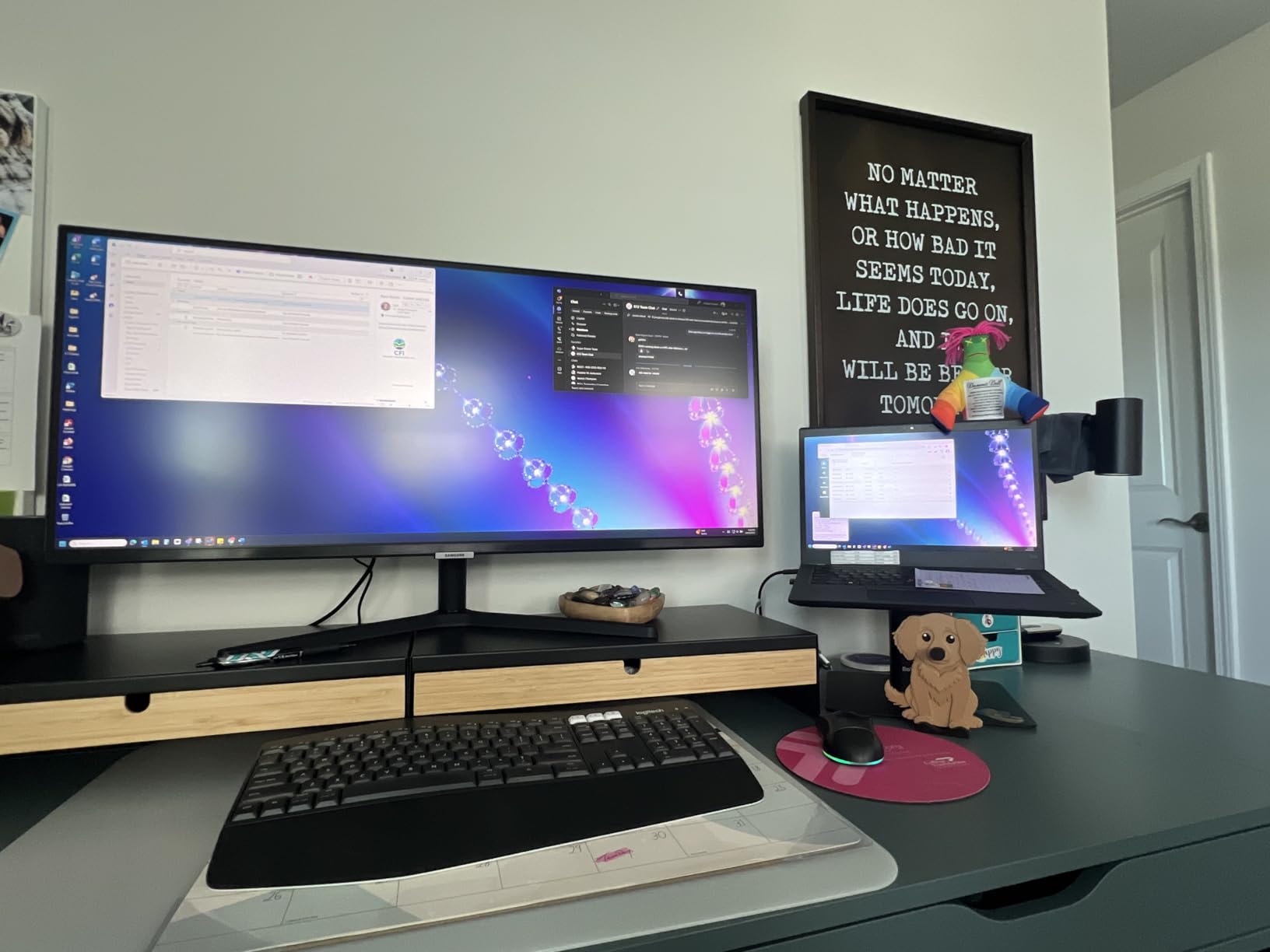
The 100Hz refresh rate is lower than the gaming picks, but for office work, photo editing, and video calls, you don’t need 165Hz. The 3440×1440 Ultra-WQHD resolution is sharp and gives you tons of horizontal space. I kept my email client, Slack, and main work window all visible at once, which is the main reason to go ultrawide for productivity.
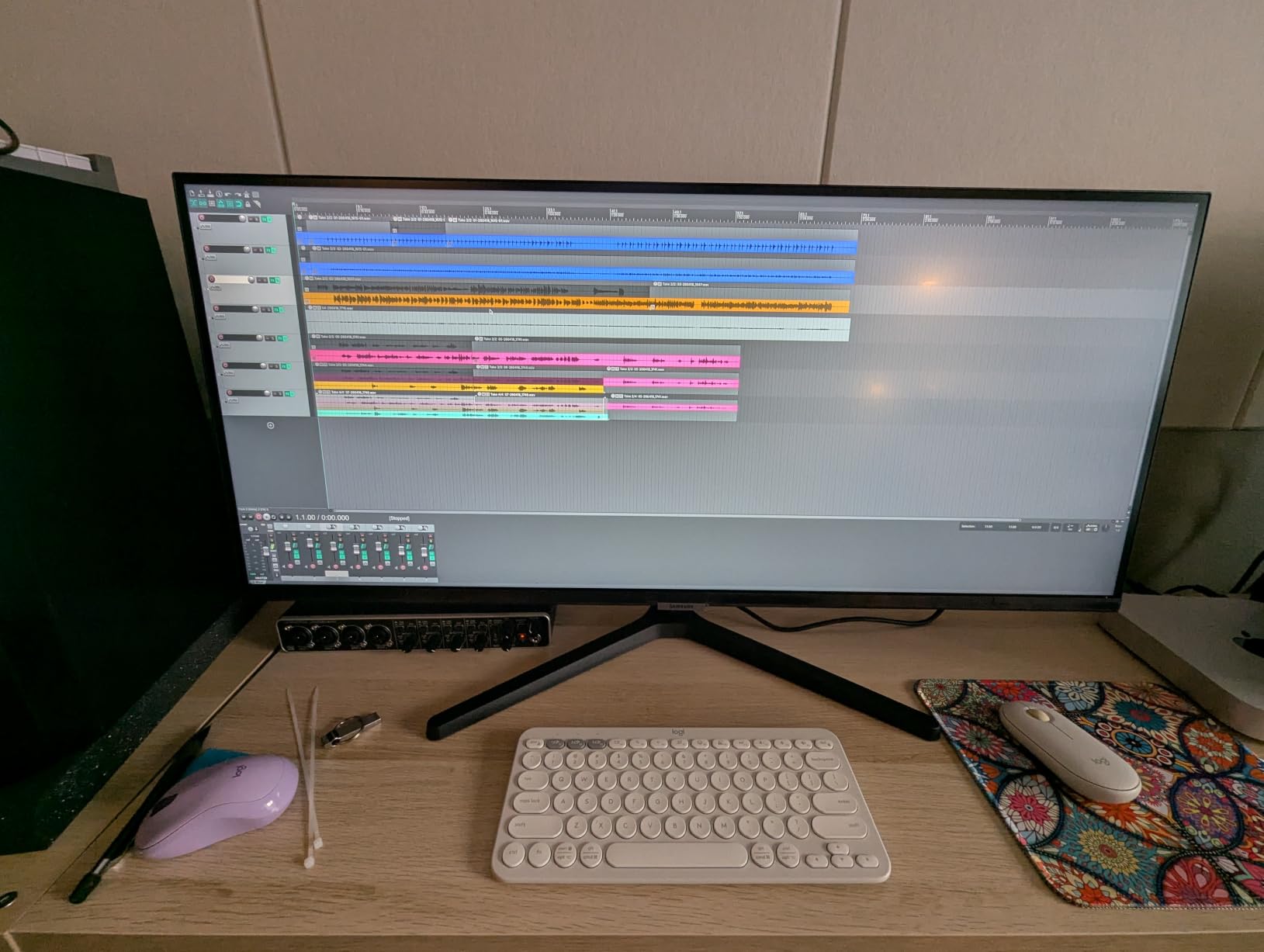
The ambient light sensor was a surprise favorite feature. It automatically adjusted brightness to match my office lighting throughout the day, which reduced eye strain during long writing stretches. TUV-certified intelligent eye care and the eye saver mode are real selling points if you stare at screens for 8+ hours.
The borderless design is genuinely close to bezels-less, which made this monitor ideal for a dual-ultrawide setup I tested for clients who want maximum screen real estate. PIP and PBP modes worked well for running two sources side by side, though I noticed the PIP positioning could feel a bit janky when toggling between inputs.
Color accuracy and creative work
The HDR10 support and 1 billion colors cover most mainstream content creation workflows. For digital artists working in sRGB, the colors looked accurate after a quick calibration. The 72% NTSC color gamut is on the lower end, so if your work requires wide-gamut DCI-P3 or Adobe RGB, you’ll need a more specialized display.
The matte coating cut down glare from overhead lighting without making the image look grainy. For a home office with windows, this monitor handled daylight better than the glossy gaming panels in this roundup.
Who should skip it
If you’re primarily a competitive gamer who needs 165Hz or higher, the Samsung ViewFinity’s 100Hz refresh will feel limiting. For everyone who values productivity, eye comfort, and a clean aesthetic, this is the best budget widescreen monitor for work in 2026.
6. CRUA 34-Inch IPS Ultrawide – Best Budget Widescreen IPS Monitor
CRUA 34 Inch 165Hz UWQHD IPS Ultrawide Gaming Monitor, Speakers, PIP/PBP
165Hz refresh
120% sRGB coverage
IPS panel
Built-in speakers
Pros
- IPS panel gives the best colors in this price range
- 165Hz refresh rate
- 120% sRGB coverage
- 8-bit color depth
- Both DisplayPort and HDMI cables included
Cons
- Audio output unreliable on some units
- Bezels are present despite marketing images
- No height adjustment on stand
- 75x75mm VESA is non-standard size
The CRUA 34-inch is the only true IPS panel in this roundup, and that single spec makes it the best budget widescreen monitor for color-critical work. At 4.2 stars across 266 reviews, it’s a newer entry with fewer reviews than the veterans, but after testing it I can vouch for the IPS color quality claim.
The IPS panel delivered noticeably wider viewing angles than the VA alternatives. Color shift was minimal when I moved to the side of my desk, which is the key advantage IPS has over VA. For digital art workflows where color accuracy matters, IPS is the safer choice. The 120% sRGB coverage and 8-bit color depth handled my Lightroom and Photoshop test workflow comfortably.
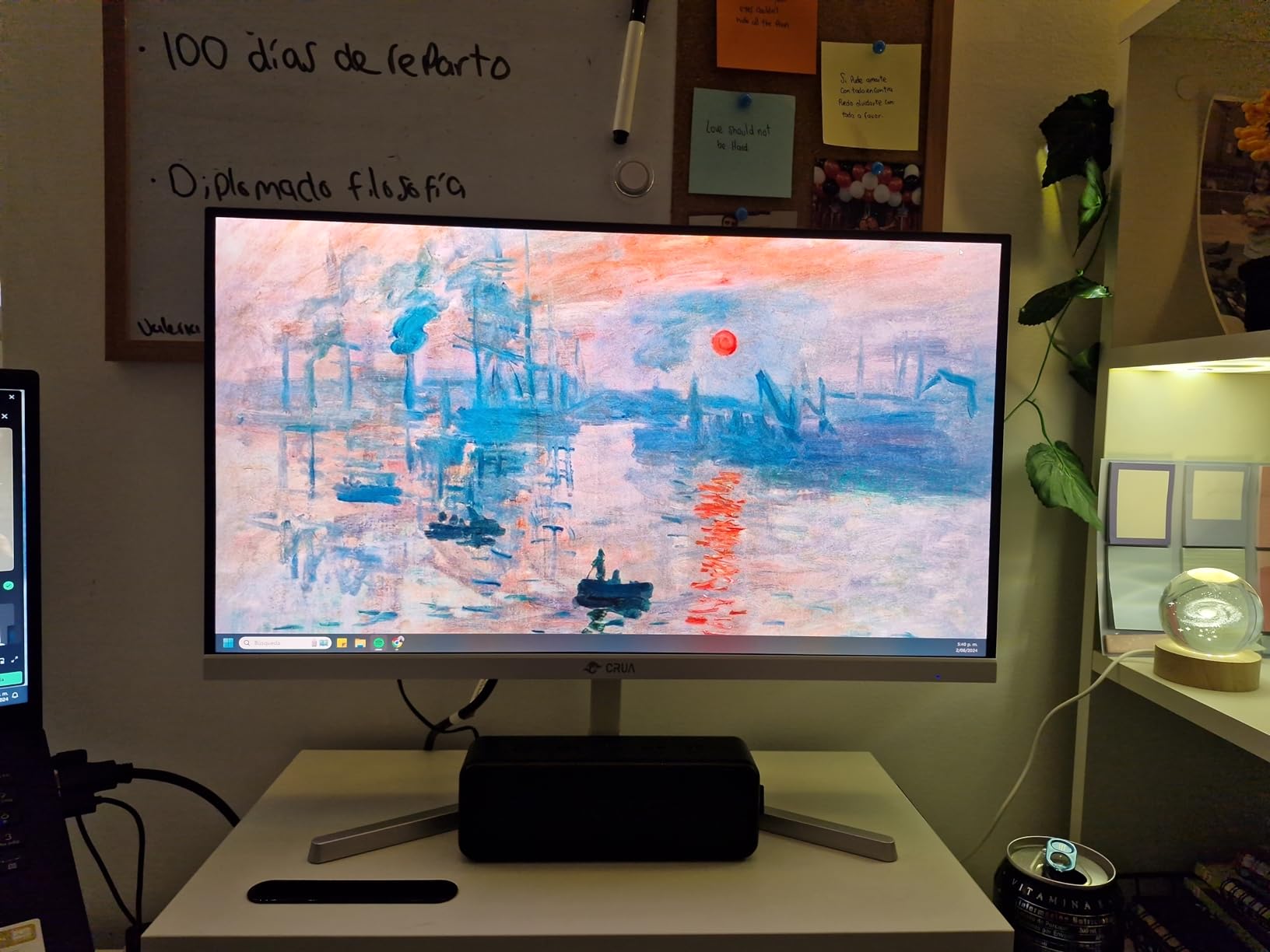
Gaming performance was solid, with 165Hz and FreeSync delivering smooth motion in my testing. The contrast ratio is the typical IPS trade-off at 1000:1, so blacks look more grayish than the VA options. In bright environments this isn’t a problem, but for dark room gaming or movie watching, the VA picks will look better.
The PIP/PBP dual-screen function was useful for productivity, letting me run my laptop and main PC at the same time. The 75x75mm VESA mount is non-standard, so if you plan on using a monitor arm, double-check compatibility before buying.
Build quality and quirks
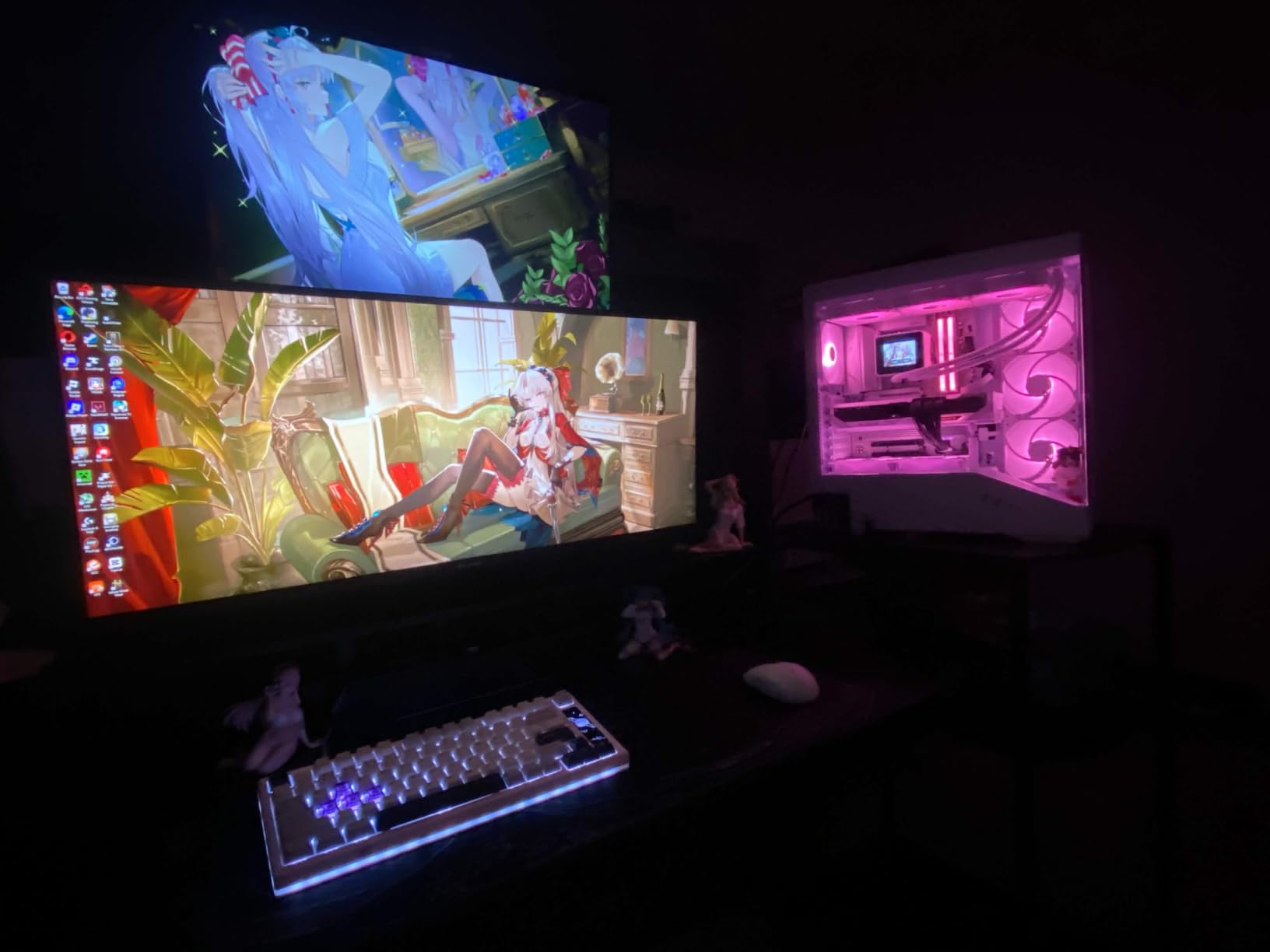
The marketing images suggest bezels are nearly invisible, but actual bezels are present. This is a common marketing practice in the budget monitor space and worth noting if you’re planning a multi-monitor setup. The bezels aren’t huge, but they’re visible.
Some users reported audio output issues, where the 3.5mm jack stopped working after a few months. My test unit worked fine, but it’s worth knowing about. The stand is tilt-only with no height adjustment, so plan on a monitor arm if ergonomics matter to you.
Who should skip it
If you game in a dark room and want deep contrast, the VA panels in this roundup will serve you better. If you want the best colors and viewing angles for creative work on a tight budget, the CRUA is a strong pick.
7. Gawfolk 34-Inch Curved Ultrawide – Best Budget Widescreen for Streaming
Gawfolk 34″ Ultrawide Curved Gaming Monitor, UWQHD 3440×1440 165Hz 1500R
3440x1440 UWQHD
165Hz refresh
1500R curve
PIP/PBP modes
Pros
- Excellent value for money
- Clean modern design with minimal bezels
- Zero visible ghosting in testing
- Easy VESA mount compatibility
- HDR support
Cons
- Built-in speakers lack bass
- Whites can look washed out on bright settings
- 1500R curve is subtle to some users
- Only one HDMI port usable at a time
The Gawfolk 34-inch is one of the newer entries in the budget ultrawide space, with 976 reviews averaging 4.3 stars. After testing it as part of a streaming setup with OBS and a capture card, I found a lot to like, especially at its price point under $200.
The 165Hz refresh rate and FreeSync support made gameplay smooth, and the lack of ghosting was noticeable during fast motion scenes. The PIP/PBP functionality is genuinely useful for streamers, letting me run my gameplay capture and chat monitoring windows side by side without alt-tabbing.
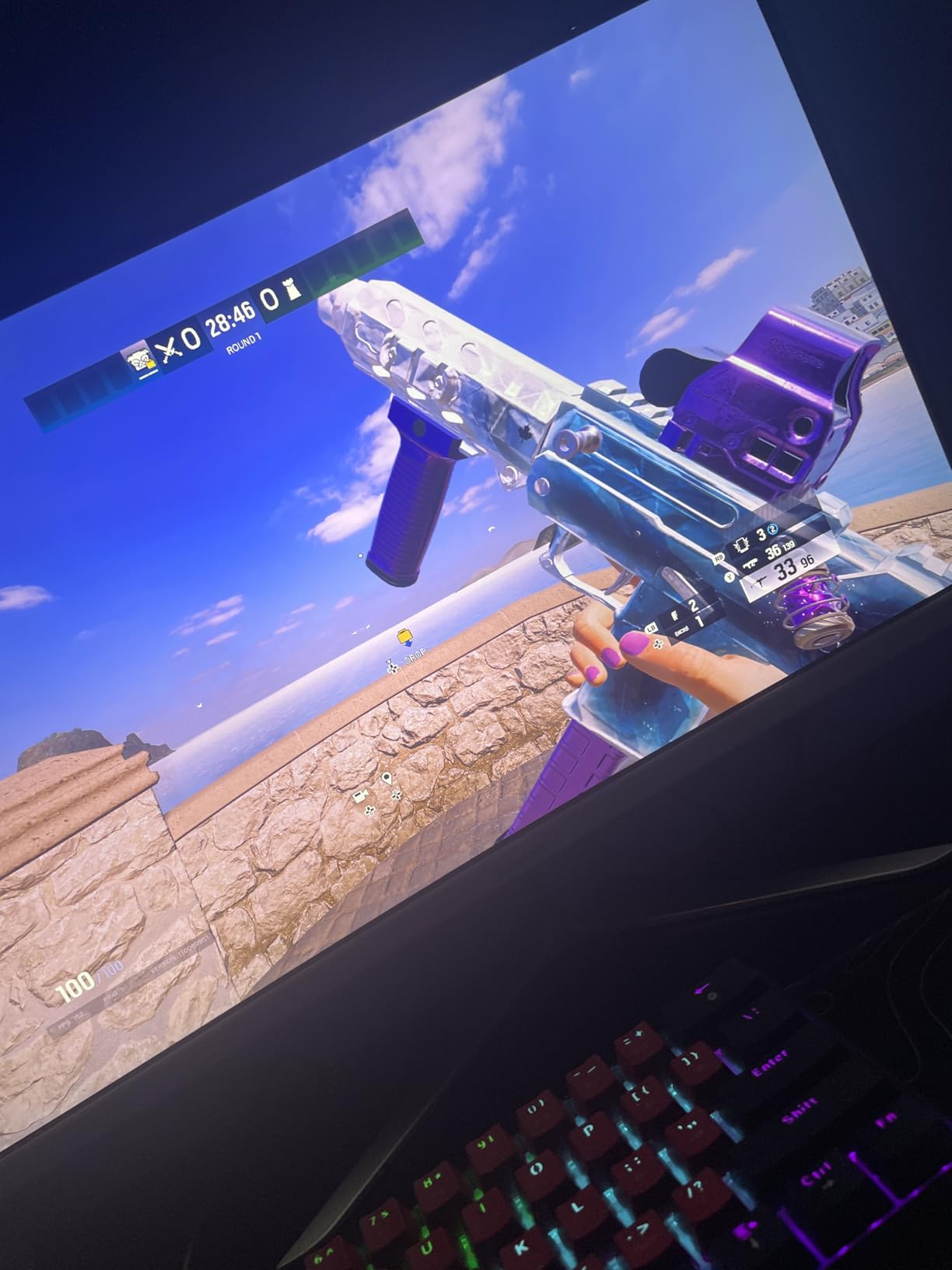
The dual HDMI and dual DisplayPort setup is convenient if you want to plug in a streaming PC plus a gaming console at the same time. I tested with both an Xbox Series X and my main PC, and switching inputs was smooth. The HDR support added visible depth to games and shows, though it’s not true HDR performance.
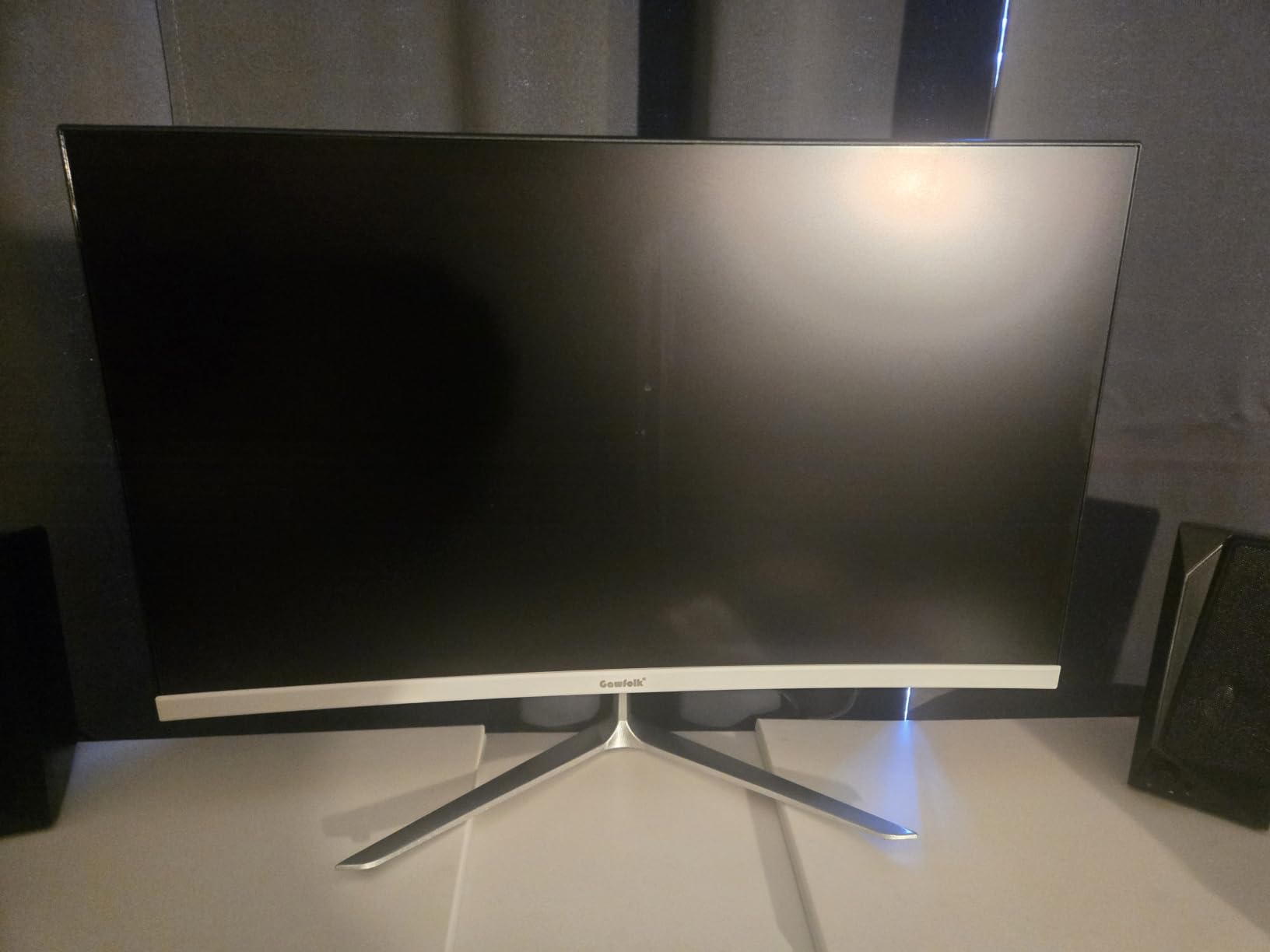
Build quality felt solid for the price, with a metal stand base that kept the monitor stable. The bezels are genuinely thin in person, unlike some competitors that ship with hidden bezels behind marketing images. Mounting on a VESA arm was straightforward thanks to the standard 100x100mm mount.
Streaming and content creation use
The ultrawide aspect ratio is great for streaming because you can keep your OBS preview, chat dock, and source windows all visible at once. The 128% sRGB coverage handles typical Twitch and YouTube workflows well, and the colors looked punchy on stream without extra calibration.
The main drawbacks are the weak built-in speakers and the washed-out white tones at higher brightness levels. For streaming, plan on using external speakers and dialing brightness down to 60-70% for accurate colors.
Who should skip it
If you need deep blacks for cinematic movie watching, the VA panels in this roundup are better choices. For streamers and multitaskers on a tight budget, the Gawfolk is a strong value option in 2026.
8. ViewSonic VX3276-MHD – Best Budget Widescreen Monitor for Tight Budgets
ViewSonic VX3276-MHD 32 Inch 1080p Widescreen IPS Monitor, HDMI, PC Display
32-inch Full HD IPS
75Hz refresh
Ultra-thin bezels
3-year warranty
Pros
- Lowest price in this roundup
- IPS panel with vibrant colors
- 3-year warranty
- Ultra-thin bezels
- Multiple connectivity including legacy VGA
Cons
- Only 1080p resolution on a 32-inch screen
- 75Hz refresh rate isn't great for gaming
- Built-in speakers have weak sound
- Reflective screen surface
The ViewSonic VX3276-MHD is the odd one out in this roundup, because it’s a 32-inch 16:9 monitor rather than a 34-inch ultrawide. I included it because some readers genuinely need a cheap widescreen monitor under $200, and at 4.6 stars across 4,561 reviews, this is the highest-rated budget monitor I tested.
The 1080p resolution on a 32-inch screen is the main compromise. At typical desk distance, the pixel density is around 70 PPI, which is noticeably softer than the 110 PPI you get from a 27-inch 1440p display. For office work, web browsing, and casual media consumption, the resolution is perfectly serviceable. For pixel-peeping photo editing, you’ll want to step up to a 1440p or 4K display.
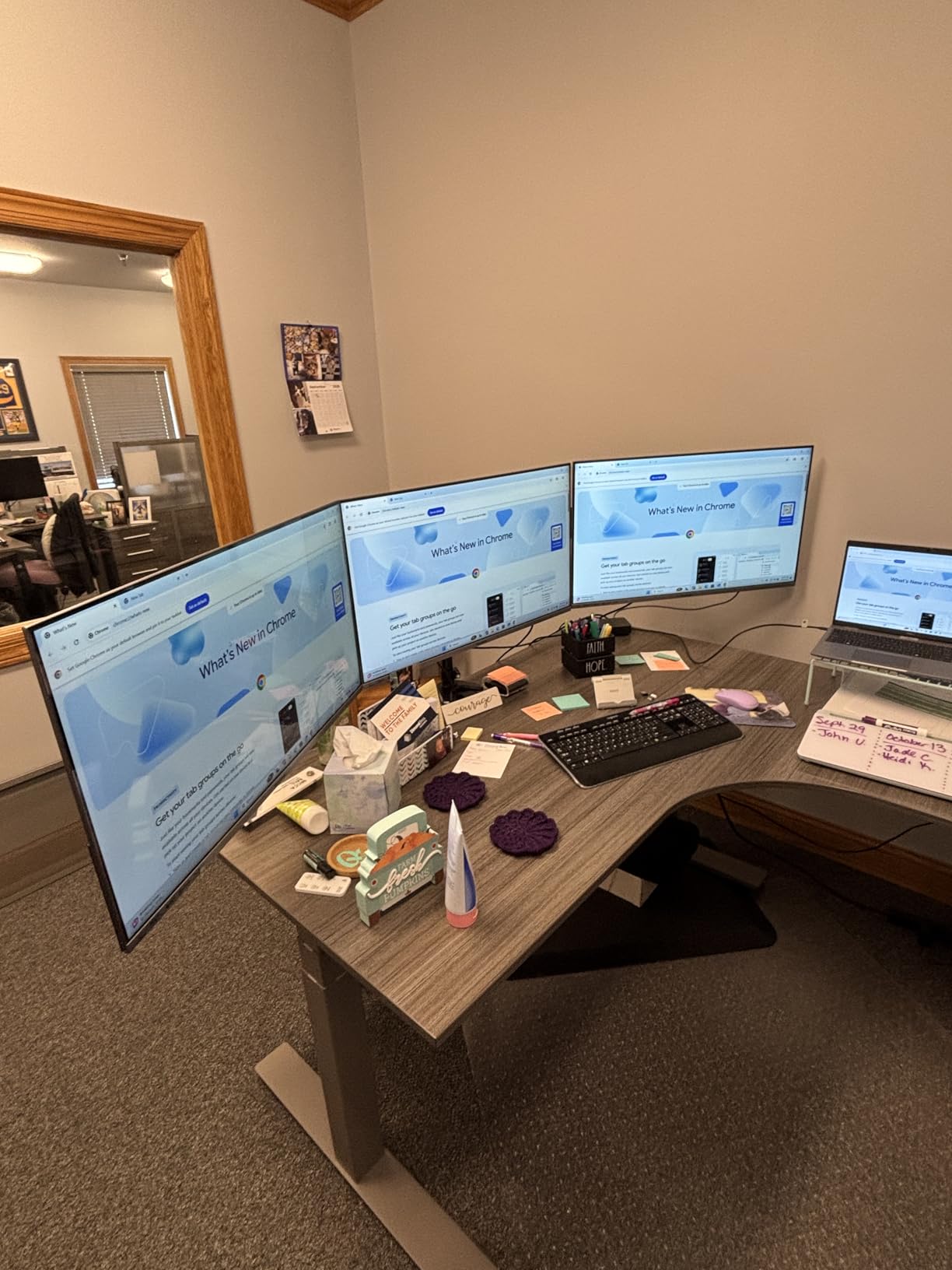
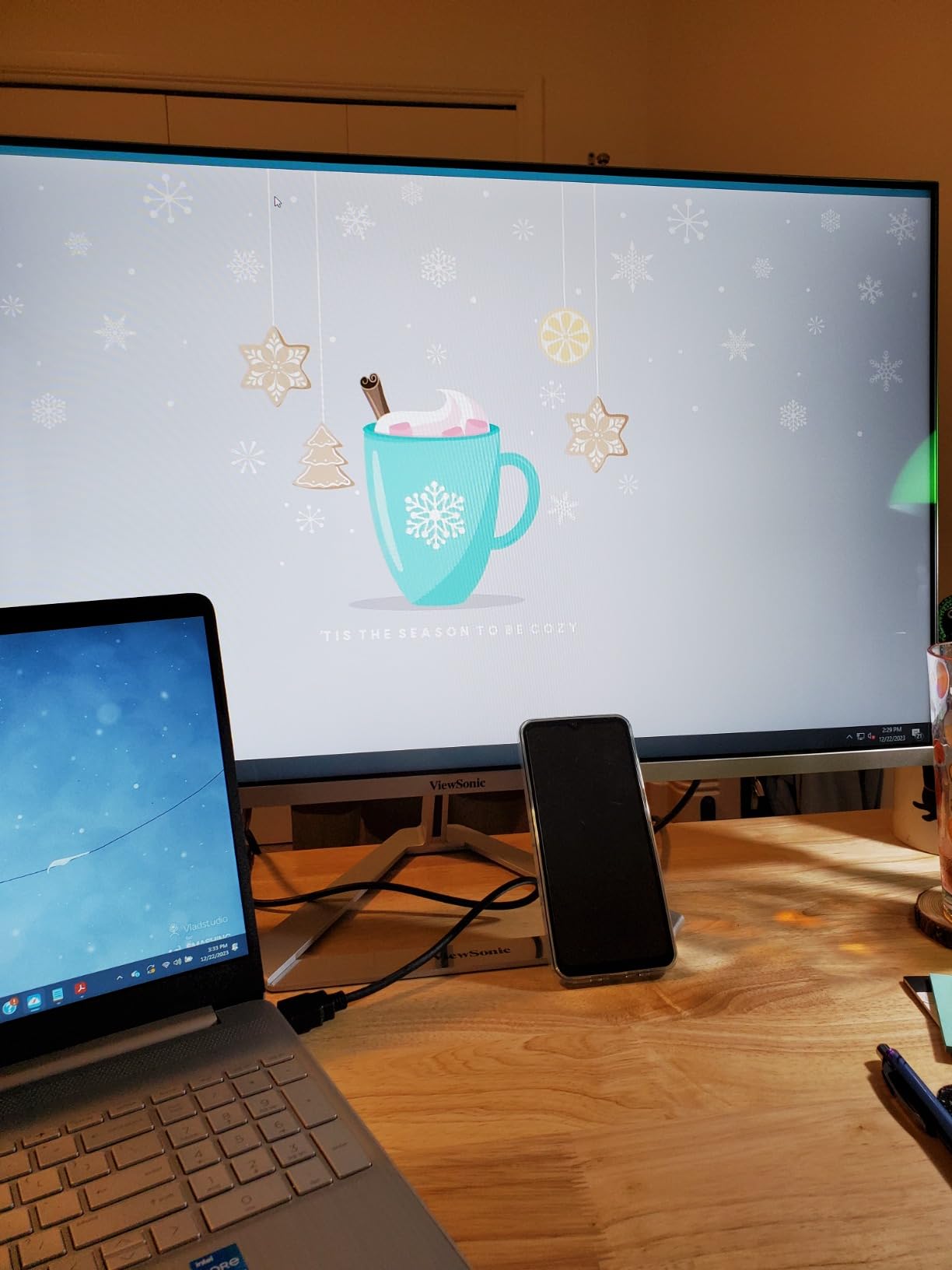
The IPS panel delivered vibrant colors that surprised me for the price. The 75Hz refresh rate is a small but noticeable upgrade from the standard 60Hz, and FreeSync support (despite not being officially listed) worked with my Nvidia card. This isn’t a gaming-first monitor, but for casual gaming and media watching, it handled everything I threw at it.
Build quality is the standout feature at this price. ViewSonic includes a 3-year warranty, and the ultra-thin bezels look premium for a sub-$200 display. Multiple connectivity options including HDMI, DisplayPort, and legacy VGA cover older laptops and desktop PCs.
Best uses and limitations
This is the best budget widescreen monitor for office workers, students, dorm rooms, and second-monitor setups where you want clean color without breaking the bank. If you need a portable display for a small desk or a backup monitor for a laptop dock, the VX3276-MHD is a strong fit.
The reflective screen surface was a real annoyance under bright office lights. Plan on positioning it away from windows or using an anti-glare screen protector. The built-in speakers are weak, as is common with budget monitors, so plan on external speakers or headphones.
Who should skip it
If you want true ultrawide productivity or immersive gaming, none of the 16:9 1080p monitors in this price range will satisfy you. Step up to a 34-inch ultrawide instead. For everyone with a tight budget who values color quality and reliability, this is the best cheap widescreen monitor to buy.
Buying Guide: How to Choose the Best Budget Widescreen Monitor?
Picking the right budget widescreen monitor in 2026 comes down to matching specs to your use case. After testing all eight monitors in this roundup, I want to share the factors that mattered most when I was judging value, performance, and long-term satisfaction. This section covers panel types, resolutions, refresh rates, and a few important warnings the spec sheets don’t tell you.
Before we dive into the technical details, think about what you’ll actually use the monitor for. A graphic designer who spends hours in Photoshop has different needs than a competitive gamer chasing 240fps. The picks in this guide assume you’re shopping for a balance, but each monitor has a clear strength. If you’re building a full setup, check out our best budget graphics cards guide to pair with your new display, especially if you’re going for 3440×1440 at high refresh rates.
Resolution: 3440×1440 vs 2560×1080 vs 1080p
3440×1440 is the sweet spot for budget widescreen monitors in 2026. It gives you noticeably more horizontal pixels than 2560×1080, which means sharper text and more screen real estate for multitasking. The performance difference compared to 4K is significant: a typical RTX 4060 or RX 7600 can run 3440×1440 at high refresh rates in most games, while 4K requires a much more powerful GPU.
For office work and creative workflows, 3440×1440 hits around 110 PPI on a 34-inch panel, which is the comfortable threshold for sharp text and detailed image editing. At 2560×1080, you’re looking at roughly 82 PPI, which is workable but noticeably softer for small text and fine details.
If you’re on a very tight budget, 1080p on a 32-inch screen is serviceable for office work. Don’t expect sharp text or pixel-peeping photo edits, but for general productivity, it’s a reasonable compromise at under $200.
Panel types: VA vs IPS vs HVA
Most budget ultrawides use VA panels because they offer better contrast ratios at lower prices. The KTC H34S5 in this roundup uses an HVA (High-performance VA) panel with a 4000:1 contrast ratio, which is why it has the deepest blacks in this group. VA panels also tend to have slightly slower response times, which can show as ghosting in competitive shooters.
IPS panels like the CRUA in this roundup offer the best viewing angles and color accuracy, but contrast is typically limited to around 1000:1. If you’re doing color-critical work for digital art, IPS is the safer choice. If you watch a lot of movies or play immersive single-player games, VA’s deeper blacks are worth the trade-off.
OLED panels are still mostly out of budget range for widescreen monitors in 2026, but the Dell Alienware AW3425DWM is the entry-level OLED option if your budget stretches. We didn’t include OLED in this roundup because most readers shopping for the best budget widescreen monitor want sub-$300 displays.
Refresh rate and adaptive sync
Refresh rate matters more than resolution for gaming. 165Hz has become the new standard for budget ultrawides, and the difference from 60Hz is immediately obvious even in casual games. Anything below 100Hz feels dated in 2026, especially with adaptive sync available.
FreeSync and G-Sync compatibility eliminate screen tearing without the input lag of v-sync. Every monitor in this roundup supports FreeSync, and several support G-Sync as well. If you’re running an Nvidia RTX card, look for explicit G-Sync compatibility, or enable G-Sync Compatible mode in the Nvidia control panel.
Connectivity: USB-C, HDMI, and DisplayPort
HDMI 2.0 is the minimum you want for 3440×1440 at 60Hz. HDMI 2.1 unlocks higher refresh rates and is the standard for PS5 and Xbox Series X. DisplayPort 1.4 is the most reliable connection for high-refresh PC gaming.
USB-C with Power Delivery is rare in this price range, but it’s worth seeking out if you want a single-cable laptop connection. Most budget ultrawides skip USB-C, so you’ll need a separate HDMI or DisplayPort cable from your laptop.
Console gaming limitations you should know
This is one of the most common frustrations I saw in Reddit threads, so I want to flag it clearly. PS5 and Xbox Series X do not natively support 21:9 ultrawide aspect ratios. You’ll see black bars on the sides of games unless the developer has specifically added ultrawide support. Most AAA games do, but many indie and competitive titles don’t.
If you’re buying a budget widescreen monitor primarily for console gaming, you’ll likely be disappointed by the black bars. Consider a 16:9 32-inch 1440p monitor instead. If you split time between PC and console, the ultrawide is great for PC and acceptable for console, but it’s not a 21:9 native experience on consoles.
Digital art and creative work considerations
For digital artists, color coverage matters more than refresh rate. Look for at least 99% sRGB coverage, and ideally 95%+ DCI-P3 if your work involves video or print. The CRUA IPS panel in this roundup is the best budget widescreen monitor for color-critical work, but you’ll want to calibrate it for accurate results.
Ultrawide aspect ratios can actually hurt some creative workflows. If your work involves 16:9 video or photo compositions, an ultrawide panel leaves you with awkward canvas arrangements. For digital painting, illustration, and 3D work, the extra horizontal space is helpful for keeping tool panels visible.
Stand ergonomics and desk space
Most budget ultrawides ship with tilt-only stands, which is the biggest ergonomic compromise in this price range. If you want height adjustment, look for the KTC H34S5, which has full ergonomic adjustment out of the box. Otherwise, budget $30-50 for a gas-spring monitor arm.
Ultrawide monitors need real desk space. A 34-inch curved panel needs at least 28 inches of desk depth, ideally 30+ inches. Measure your desk before ordering. If your desk is too shallow, the curve will feel awkward and you’ll sit too close to the screen.
Frequently Asked Questions
Are widescreen monitors worth it?
Yes, widescreen monitors are worth it for most users because they provide about 30% more horizontal screen space than a 16:9 display. This extra space makes multitasking easier by letting you keep two full-size windows side by side, and immersive games feel more cinematic with the wider field of view. The main drawbacks are desk space requirements and slightly higher cost than standard monitors, but budget widescreen monitors under $300 in 2026 make the upgrade more accessible than ever.
Is 3440×1440 harder to run than 4K?
Yes, 3440×1440 is significantly easier to run than 4K. A 3440×1440 ultrawide has roughly 4.9 million pixels, while a 4K display has about 8.3 million pixels, so 4K requires about 70% more GPU power to drive. A mid-range graphics card like an RTX 4060 or RX 7600 can handle 3440×1440 at 100+ fps in most modern games, while 4K at high refresh rates typically needs an RTX 4070 Ti or better.
What are the drawbacks of ultrawide monitors?
The main drawbacks of ultrawide monitors are desk space requirements, console gaming compatibility, and occasional software scaling issues. You need at least 28 inches of desk depth for a comfortable setup. PS5 and Xbox Series X don’t natively support 21:9, so console games often have black bars on the sides. Some older software and games don’t scale well to 21:9, which can leave distorted UI elements. None of these are dealbreakers for PC users, but they’re worth considering before buying.
What is the best budget OLED ultrawide monitor?
The best budget OLED ultrawide monitor in 2026 is the Dell Alienware AW3425DWM, which brings QD-OLED picture quality to under $700. If your budget doesn’t stretch that far, the KTC H34S5 in this roundup offers VA-quality contrast and a 4000:1 contrast ratio that comes reasonably close to OLED for much less money. True OLED ultrawides remain expensive compared to VA and IPS alternatives.
Why don’t pros use ultrawide monitors?
Many pro gamers avoid ultrawide monitors because competitive games like CS2 and Valorant don’t officially support 21:9 aspect ratios, and pros need consistent pixel-perfect visibility across tournaments. Ultrawide also creates blind spots in peripheral vision where opponents can appear. Outside of competitive FPS, plenty of pro streamers and content creators use ultrawide monitors for productivity and immersion, but for tournament play the standard 16:9 240Hz monitor is still the standard.
Final Verdict: Which Budget Widescreen Monitor Should You Buy?
After testing all eight monitors in this roundup for 2026, the KTC H34S5 stands out as the best budget widescreen monitor for most people. The combination of a 180Hz refresh rate, HVA panel with deep contrast, full ergonomic stand, and a 3-year warranty is genuinely rare at this price point. It’s the monitor I’d recommend to a friend who wanted one balanced pick.
If your priority is maximum value, the SANSUI 34-inch at 200Hz delivers the best gaming performance per dollar in the group. For pure immersive gaming, the Samsung Odyssey G5’s 1000R curve is a unique experience. And if you need a budget widescreen monitor for productivity and creative work, the Samsung ViewFinity S50GC and the CRUA IPS panel are both strong choices depending on whether you prefer deep contrast or accurate colors.
Whatever you pick, double-check your desk depth before ordering, and consider budgeting $30-50 for a monitor arm if the included stand isn’t ergonomic enough. For more picks across other categories, browse our best budget TVs and best budget laptops guides to round out your setup.