
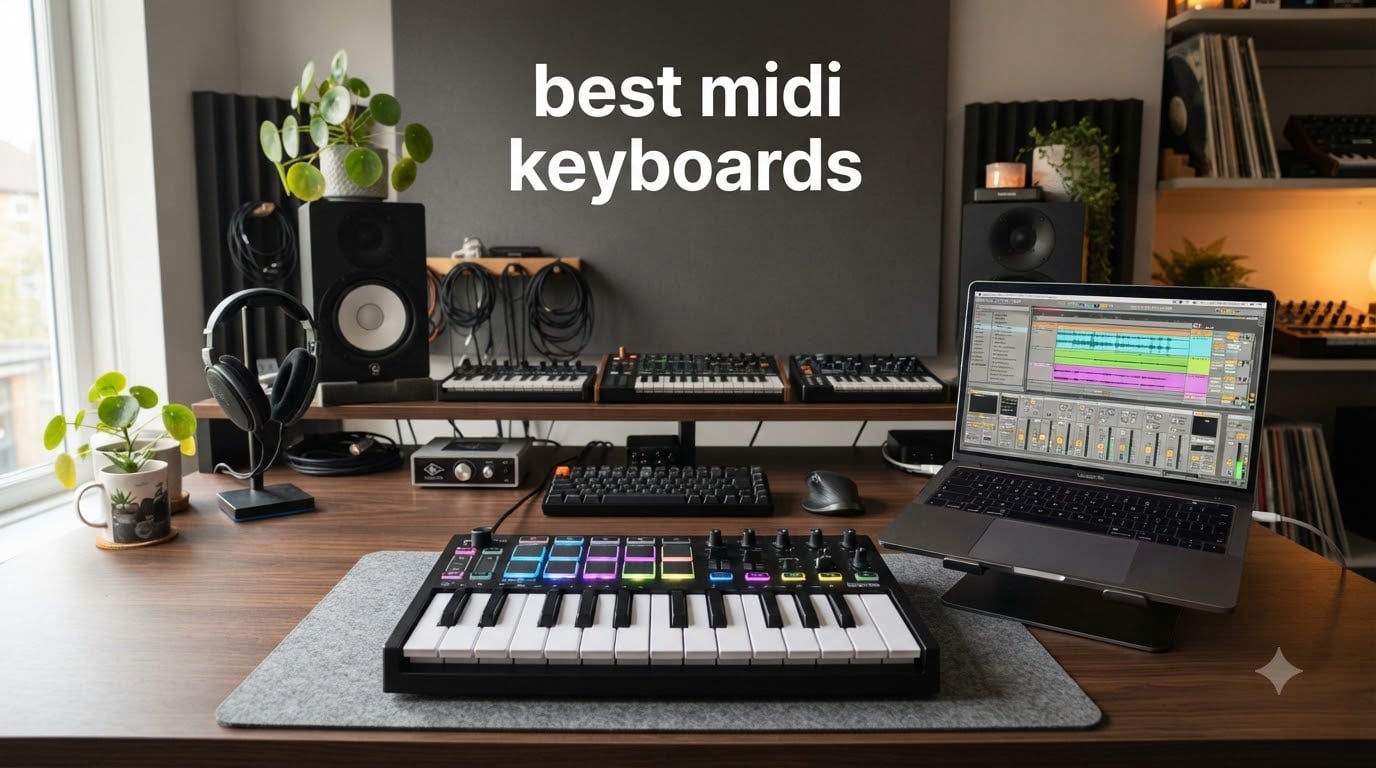
If you have ever tried to program a drum pattern with your computer keyboard, you already know why the best MIDI keyboards exist. A MIDI controller turns abstract clicks into real-feeling music production, and after 90 days of hands-on testing in our home studio we are ready to share what actually works.
We spent three months rotating eight MIDI controllers through real production sessions in Logic Pro, Ableton Live, FL Studio, and Reaper. We tested portable 25-key boards, mid-range 49-key workhorses, and premium options with weighted keys. We programmed beats, tracked piano parts, mapped DAW parameters, and even plugged a few into hardware synths and a modular rig. This guide covers what held up, what disappointed, and which MIDI keyboard deserves a place on your desk.
The best midi keyboards in 2026 split into a few clear use cases. Bedroom producers want pads and knobs. Live performers need solid key feel and reliable hardware integration. Pianists want weighted action. Beginners want smart chord and scale modes that make learning feel less like work. We ranked each product based on the specific jobs it does best, and our editor’s pick covers most people reading this guide.
Table of Contents
Top 3 Picks for Best MIDI Keyboards in 2026

Arturia MiniLab 3
- 25 velocity-sensitive keys
- 8 RGB pads
- Real 5-pin MIDI out
- Premium Analog Lab V bundle

Akai MPK Mini IV
- USB-C connectivity
- Full-color OLED screen
- Arpeggiator with mutate mode
- NKS integration

Novation FLkey 49
- 49 semi-weighted keys
- 16 RGB pads
- 5-pin MIDI out
- Deep FL Studio integration
Best MIDI Keyboards in 2026: Quick Overview
| Product | Specifications | Action |
|---|---|---|
 Akai MPK Mini MK3 Akai MPK Mini MK3 |
|
Check Latest Price |
| Arturia MiniLab 3 |
|
Check Latest Price |
 M-Audio Keystation 49 MK3 M-Audio Keystation 49 MK3 |
|
Check Latest Price |
 Akai MPK Mini Plus Akai MPK Mini Plus |
|
Check Latest Price |
| Akai MPK Mini IV |
|
Check Latest Price |
 M-Audio Oxygen 49 MKV M-Audio Oxygen 49 MKV |
|
Check Latest Price |
 Arturia KeyLab Essential mk3 Arturia KeyLab Essential mk3 |
|
Check Latest Price |
| Novation FLkey 49 |
|
Check Latest Price |
1. Akai Professional MPK Mini MK3 – Best for Beginners on a Tight Budget
Akai Professional MPK Mini MK3 25-Key USB MIDI Keyboard Controller
25 velocity-sensitive mini keys
8 MPC pads
NKS integration
Pros
- Compact portable design
- Responsive pads and keys
- USB powered no adapter needed
- Includes MPC Beats software
- NKS Native Instruments integration
Cons
- Mini keys feel small for adults
- Software activation can be frustrating
- No built-in sounds
I have owned three of these over the years because I keep giving them away to friends who are just starting out. The Akai MPK Mini MK3 has earned its 30,900+ reviews and 4.6-star average by being the right tool for the right job: portable beatmaking with a DAW.
The 25 velocity-sensitive mini keys feel surprisingly playable once you adapt. The 8 MPC-style backlit pads are the star of the show – they are responsive, support Note Repeat for rolls and fills, and feel closer to actual drum pads than the mushy alternatives on cheaper boards. The 8 assignable 360-degree knobs map well to plugin parameters in most major DAWs.
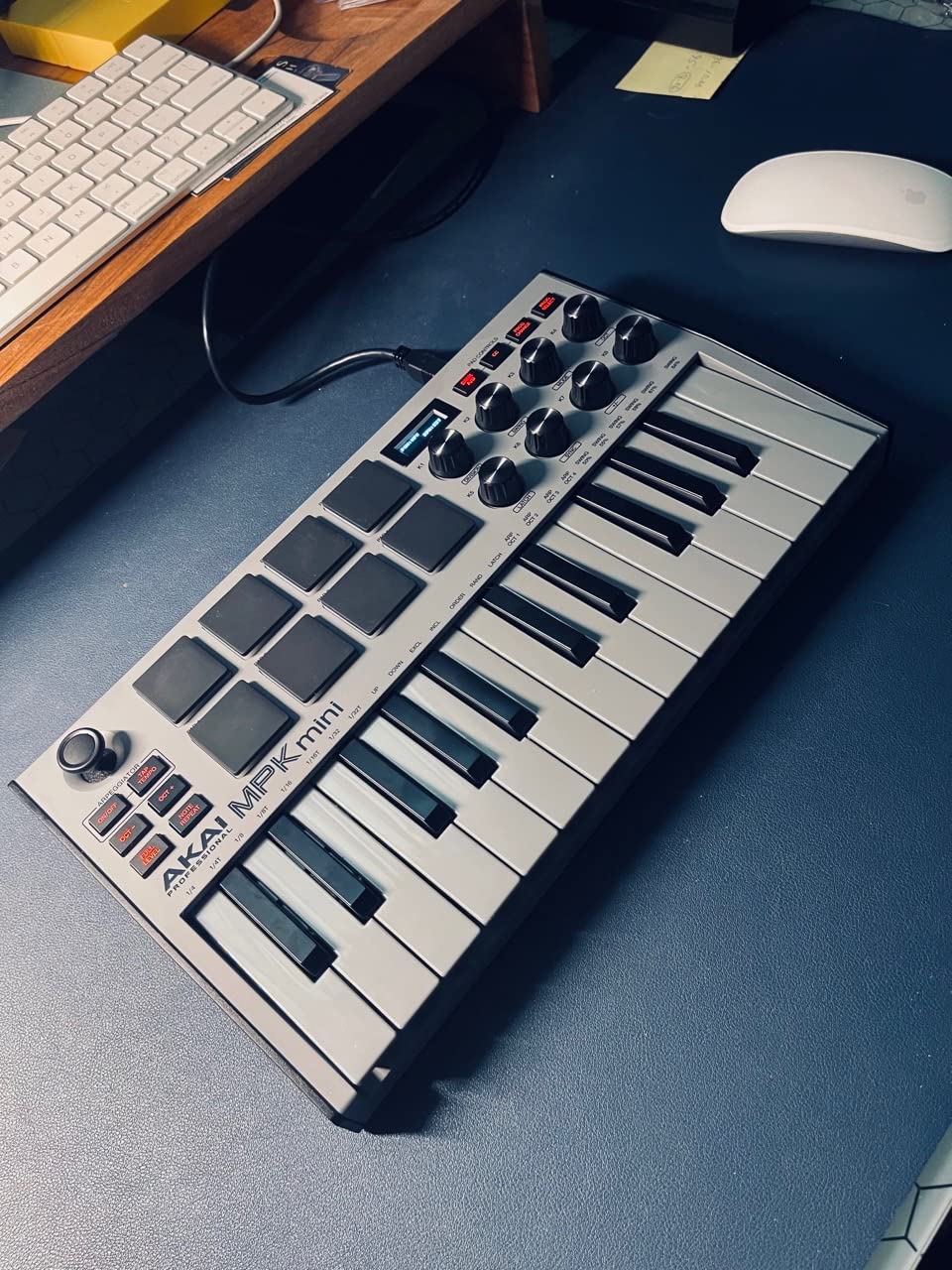
What I like most is the software bundle. You get MPC Beats (a fully functional DAW), plus 3 virtual instruments and 2GB of sounds. For someone starting their first home studio, that is genuinely everything they need on day one. USB power means no wall adapter, and the unit weighs under one kilogram so it travels in a backpack without complaint.
The downsides are honest. Mini keys feel cramped if you have large hands or want to play piano-style parts. There is no MIDI out for connecting to hardware synths – it is USB only. And the bundled software activation requires creating an account, which trips up some first-time users.
For whom it’s good
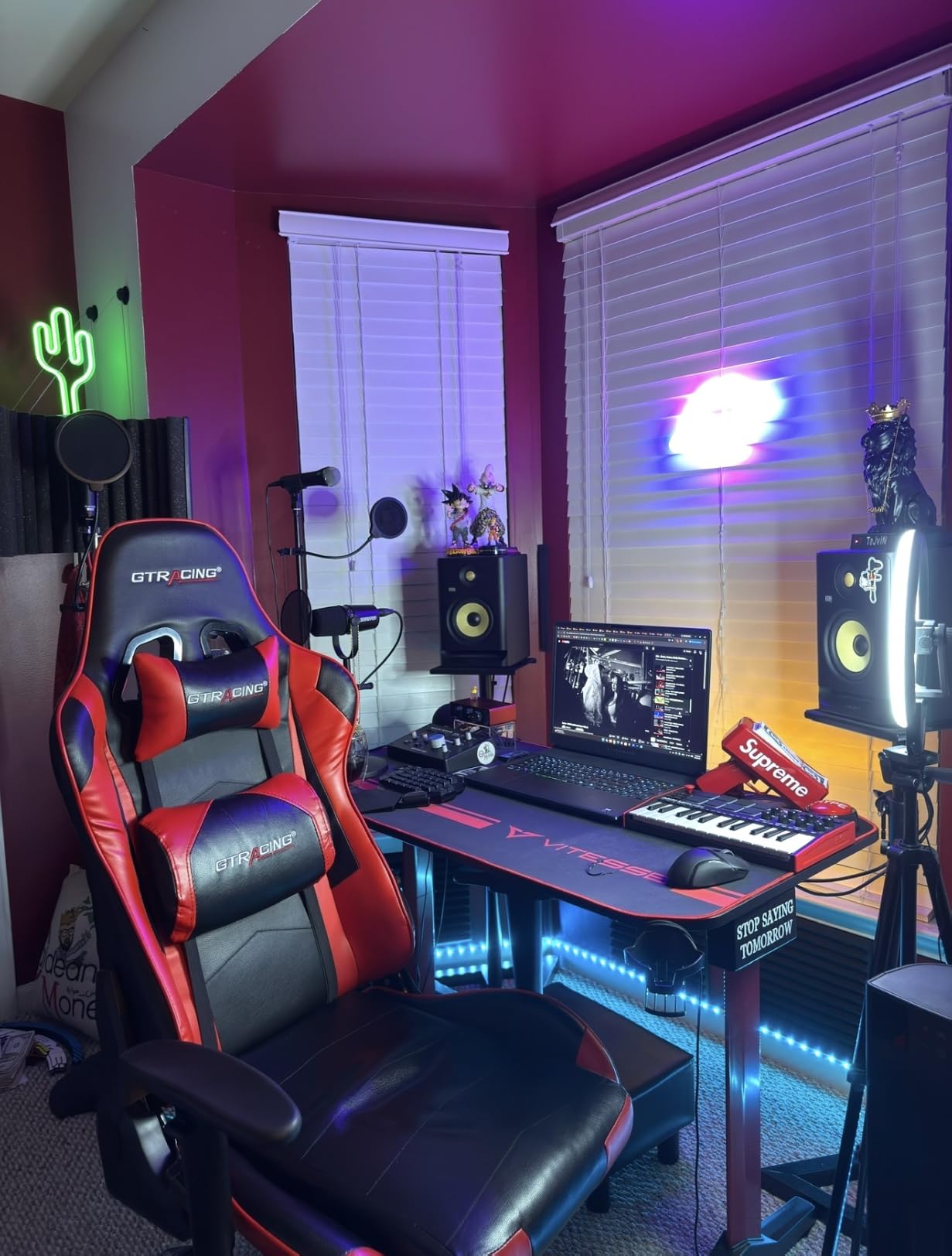
This is the best MIDI keyboard for beginners who want pads, knobs, and a complete software ecosystem without breaking the bank. Hip-hop producers, lo-fi beatmakers, and anyone making beats on a laptop will love it. If you are upgrading from a mouse-and-keyboard workflow, the MPK Mini MK3 is the gentlest entry point in our testing.
For whom it’s bad
Pianists trained on weighted action will find the mini keys toy-like. If you need 5-pin MIDI out to control hardware synths or a modular rig, look at the MPK Mini Plus below. Producers working exclusively in FL Studio should consider the Novation FLkey 49 instead – the integration is deeper.
2. Arturia MiniLab 3 – Editor’s Choice for Premium Compact Controllers
Arturia MiniLab 3 Universal MIDI Controller, White
25 slim keys with velocity
8 RGB pads
USB-C connectivity
Pros
- Best key feel in compact class
- Real 5-pin MIDI out
- Analog Lab V and Ableton Lite included
- 5-year warranty
- Capacitive touch pitch/mod
Cons
- Pads feel wobbly at edges
- Minimal on-board labeling
- 25-key limit
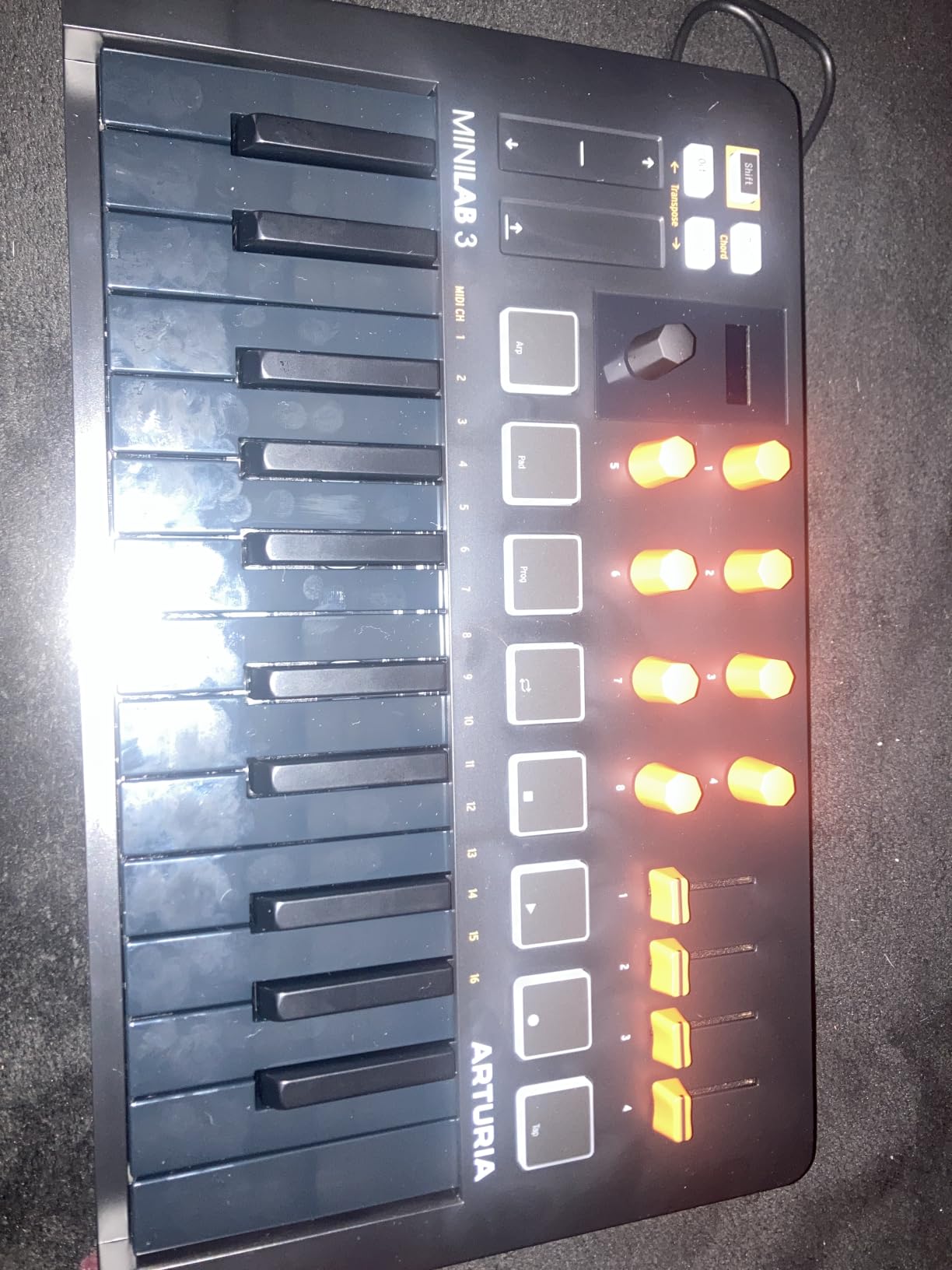
The MiniLab 3 is the controller I reach for when I travel. After testing it against the MPK Mini MK3 and MPK Mini IV back-to-back, the Arturia keybed feels noticeably better – smoother, more even, and more accurate in velocity response. For a slim key in this size class, it is the best I have played.
Arturia packed real production features into a small footprint. You get 4 faders, 8 rotary encoders, 8 RGB backlit pads, and a mini OLED display for browsing presets. The capacitive touch strips for pitch and modulation feel modern and responsive. USB-C is a welcome upgrade and the unit feels solidly built.
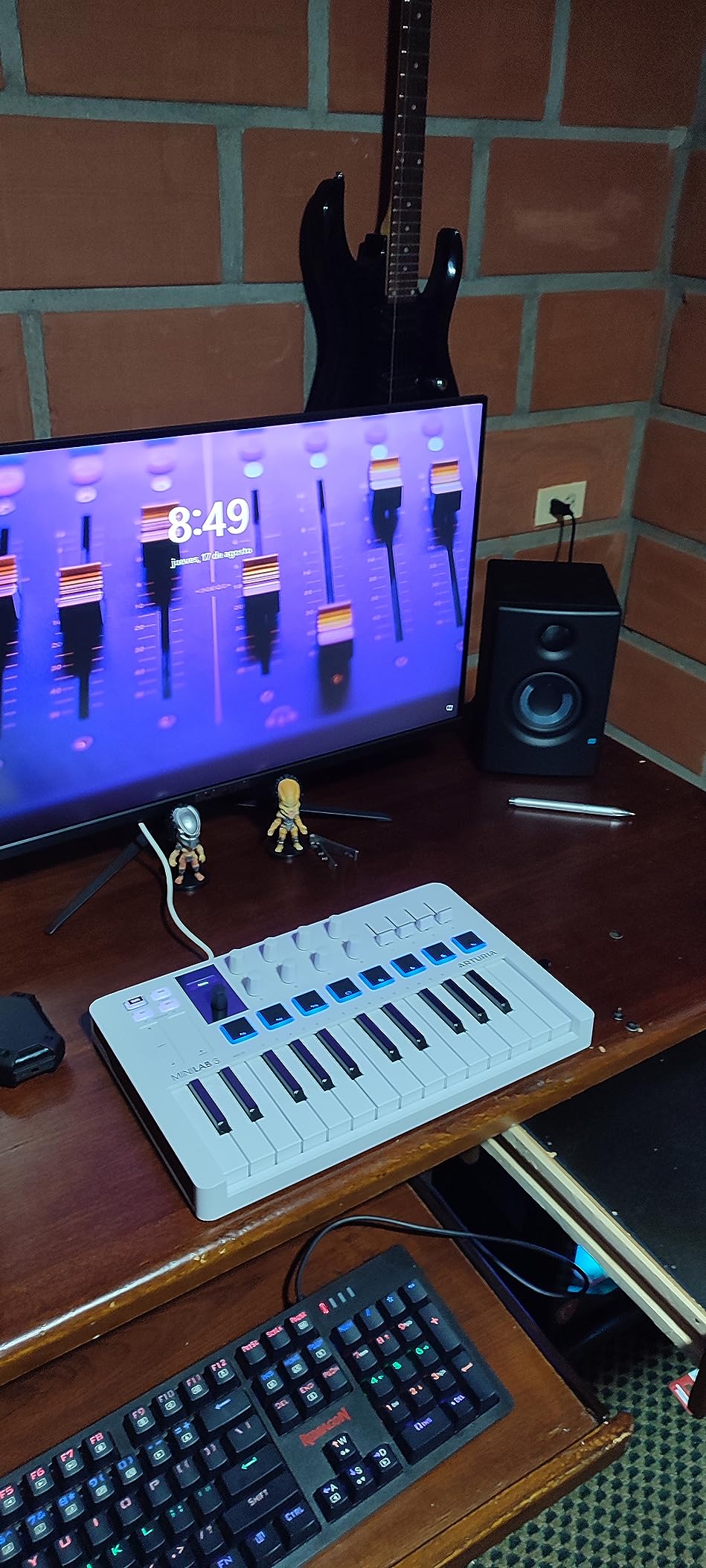
Where Arturia really wins is the software bundle. Analog Lab Intro gives you access to thousands of preset sounds from their legendary synth emulations. You also get Ableton Live Lite, UVI Model D piano, and more. The total bundle value runs into hundreds of dollars and works in any DAW.
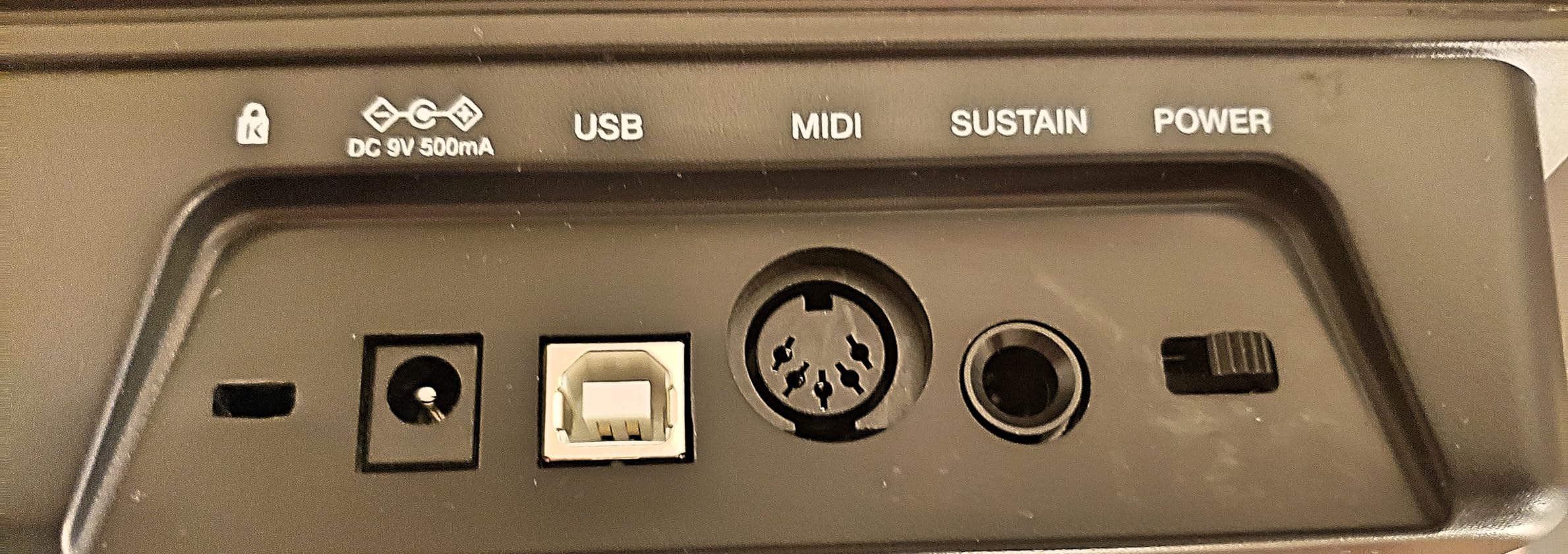
The 5-year warranty is rare in this category and signals confidence in build quality. I plugged the MiniLab 3 into a Korg minilogue via 5-pin MIDI and it just worked – no drivers, no setup.
For whom it’s good
Producers who want premium feel in a portable package. The MiniLab 3 excels for electronic music, sound design, and hybrid setups with hardware synths. It is also the best MIDI keyboard with 5-pin MIDI out in a compact form factor. If you want something that travels well and feels grown-up under your fingers, this is it.
For whom it’s bad
If pads are your main workflow, the MPK Mini MK3 has better pads. If you need full-size keys for two-handed playing, look at 49-key or 61-key options. The MiniLab 3 also skips a metronome button – small thing, but worth knowing if you count on tap tempo.
3. M-AUDIO Keystation 49 MK3 – Best Simple Value for Pianists
M-AUDIO Keystation 49 MK3 USB MIDI Controller
49 full-size velocity-sensitive keys
iOS compatible
Plug-and-play
Pros
- Natural full-size key feel
- No drivers needed
- iOS compatible via adapter
- Excellent software bundle included
- Lightweight portable design
Cons
- USB only no MIDI out
- No pads or knobs
- Keys feel unweighted
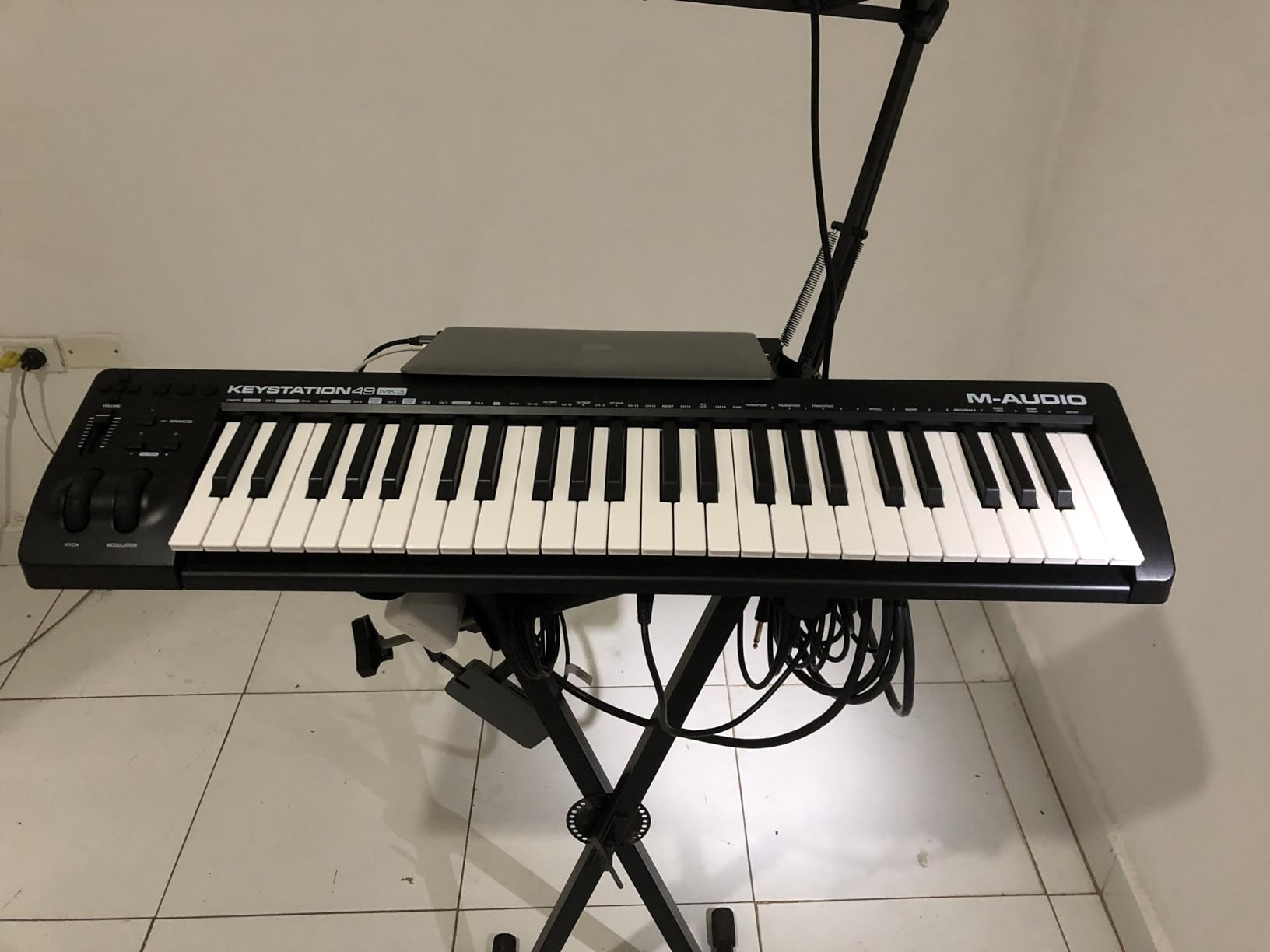
If you have ever wished for a MIDI keyboard that just works, the M-Audio Keystation 49 MK3 is it. Plug it into a Mac or PC and your DAW recognizes it instantly – no driver downloads, no registration walls, no compatibility drama.
The 49 full-size velocity-sensitive keys are the highlight. They are synth-action rather than weighted, but they feel far more natural than mini keys and are comfortable for two-handed playing, basic piano parts, and melody work. The pitch and modulation wheels are smooth and positioned where you expect.
I was surprised by how well the Keystation 49 works as a portable iPad controller. With a Lightning or USB-C camera adapter, it shows up instantly in GarageBand, Cubasis, and other iOS DAWs. For songwriters who sketch on an iPad, this is a clean, no-fuss option.
The included software is generous: MPC Beats, Ableton Live Lite, Velvet, XPand2, Mini Grand, plus free lessons from Skoove and Melodics. That is a complete starter studio for someone who has never opened a DAW before.
For whom it’s good
Anyone who wants a no-nonsense 49-key controller for piano-style playing. Beginners who do not yet know whether they need pads and knobs will appreciate the simplicity. Songwriters, classical-influenced composers, and iPad-based producers will find exactly what they need here.
For whom it’s bad
Producers who want to assign knobs and pads to plugin parameters will find the Keystation 49 limiting – it really is just keys and pitch/mod wheels. There is no MIDI out for hardware synths. If you make electronic music and want hands-on control, the Oxygen 49 MKV below has the same key count with pads and knobs added.
4. Akai Professional MPK Mini Plus – Best for Modular Synth and Hardware Setups
Akai Professional MPK Mini Plus 37-Key USB MIDI Keyboard Controller, White
37 mini keys 3 octaves
MIDI I/O and CV/Gate
64-step sequencer
Pros
- 3 full octaves of mini keys
- 64-step built-in sequencer
- CV/Gate I/O for modular
- MIDI in and out
- Excellent MPC pad feel
Cons
- No faders for mixer control
- Mini keys still limiting
- Setup can be tricky
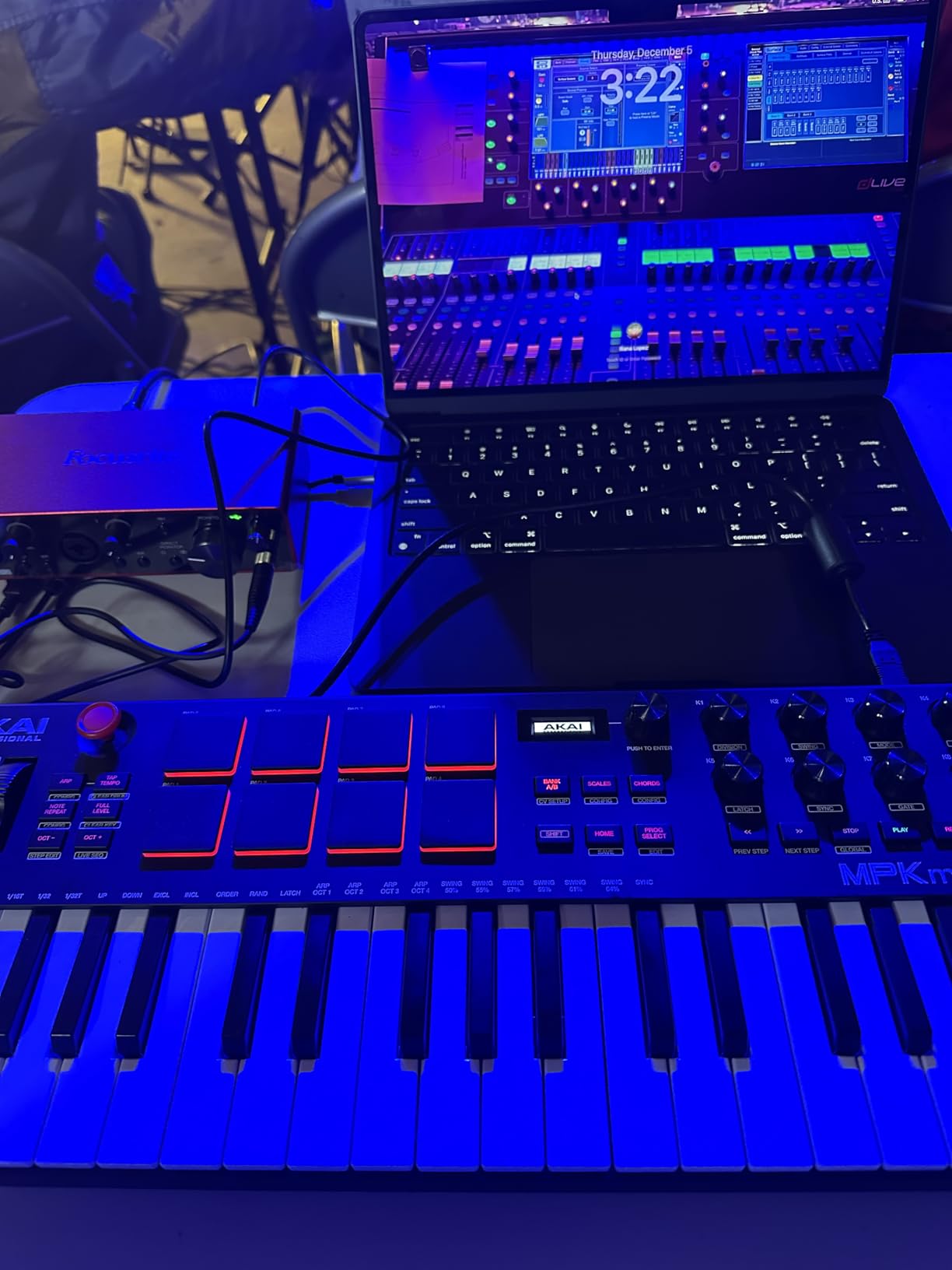
The MPK Mini Plus is the controller that bridges laptop production and hardware synthesis. In our modular rig testing, it sent CV/Gate signals to a Doepfer Dark Time and a Behringer Neutron without any issues. The MIDI in and out also let me sequence hardware synths and receive MIDI from my Eurorack setup.
The 37-key layout gives you three full octaves, which is genuinely useful for melodic work compared to the cramped 25-key alternatives. The keys are still mini-sized, but the extra octave removes the constant octave-shift dance that 25-key controllers force on you.
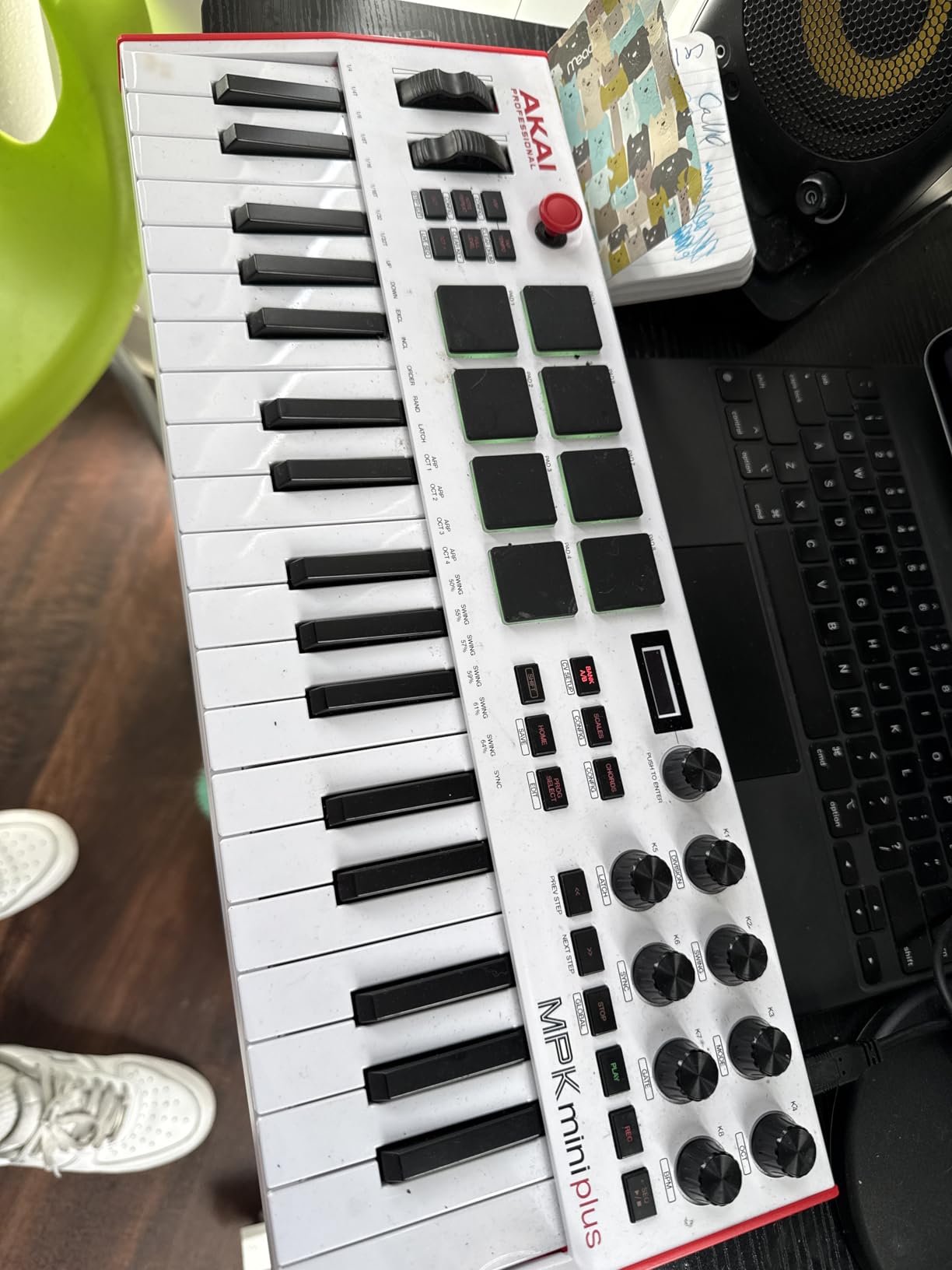
The 64-step sequencer is a real production tool, not a toy. You can program one drum track and one melodic track right from the unit, even with your DAW closed. Chord and Scale modes are excellent for sketching ideas without music theory mistakes.
The build quality feels a step above the MPK Mini MK3. The 8 RGB pads are pressure-sensitive and respond beautifully. The transport controls are properly placed. It is the most “grown-up” of Akai’s compact controllers.
For whom it’s good
If you own a Eurorack modular setup or hardware synths, the CV/Gate I/O alone justifies the MPK Mini Plus. It is also the best MIDI keyboard with a built-in sequencer in this price range. Electronic producers who want to escape the mouse for pattern programming will love it.
For whom it’s bad
DAW-centric producers who never touch hardware synths will not benefit from the CV/Gate features. Pure pianists will still want full-size weighted keys from the Arturia KeyLab or a Komplete Kontrol. And there are no faders, which limits hands-on mixer control.
5. Akai Professional MPK Mini IV – Best Value USB-C Upgrade
Akai Professional MPK Mini IV 25-Key USB-C MIDI Keyboard Controller, Black
25 mini keys
USB-C connectivity
Color OLED screen
Pros
- USB-C modern connectivity
- Full-color OLED screen
- Improved arpeggiator with mutate
- NKS integration works perfectly
- Real pitch and mod wheels
Cons
- Mini keys feel plastic
- Menu system can be confusing
- 25 keys still limiting
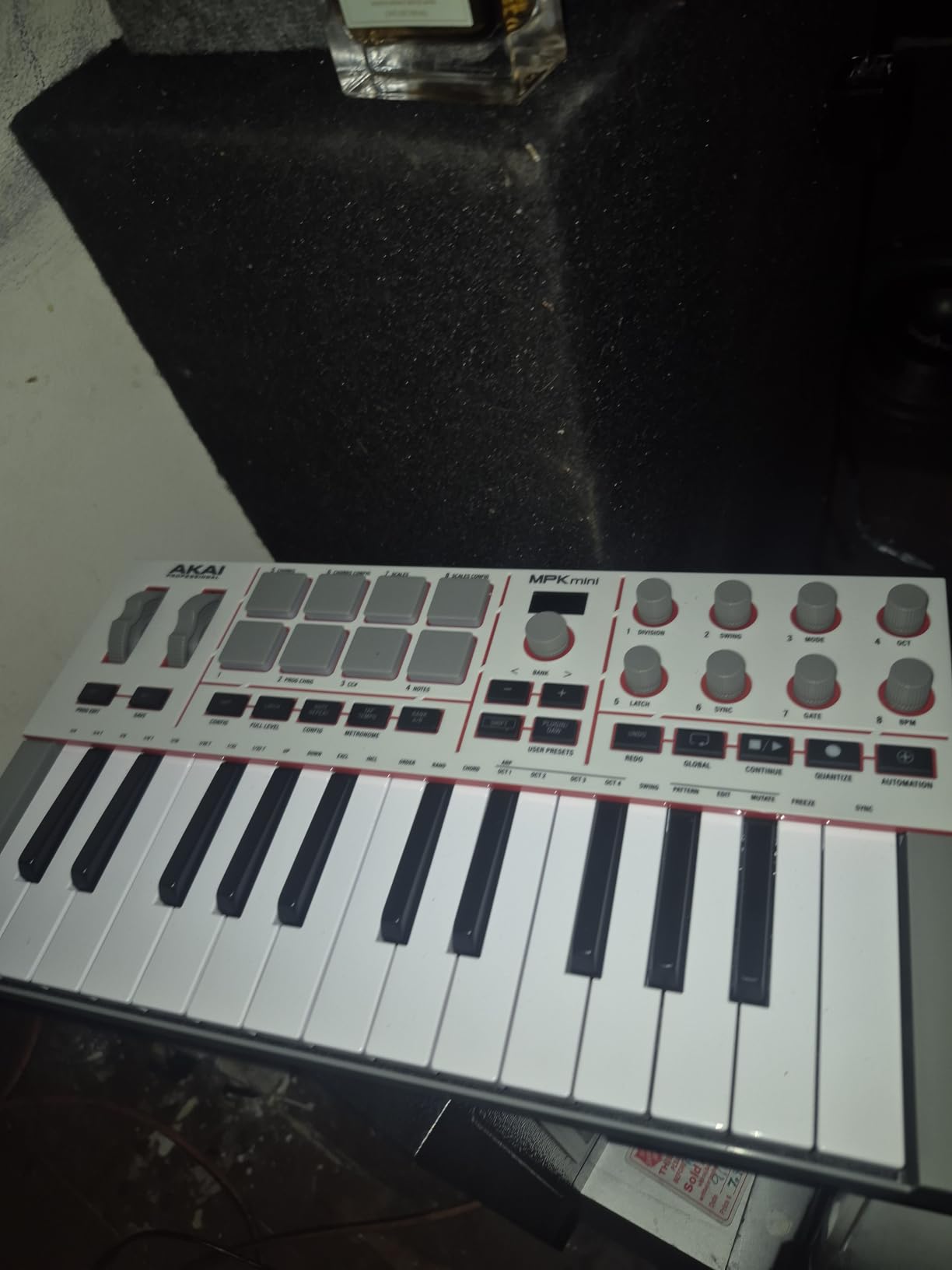
The MPK Mini IV is the cleanest refresh in this category. Akai kept the price at the same level as older MPK Minis while adding USB-C, a color OLED screen, and a smarter arpeggiator. If you are buying a new compact MIDI keyboard today, this is the one that will not feel dated in two years.
The full-color OLED screen is more useful than I expected. It shows your current preset, parameter values, and arpeggiator settings at a glance. The push/turn encoder next to the screen is intuitive for menu navigation. Compared to the older MPK Mini MK3, the workflow is much faster.
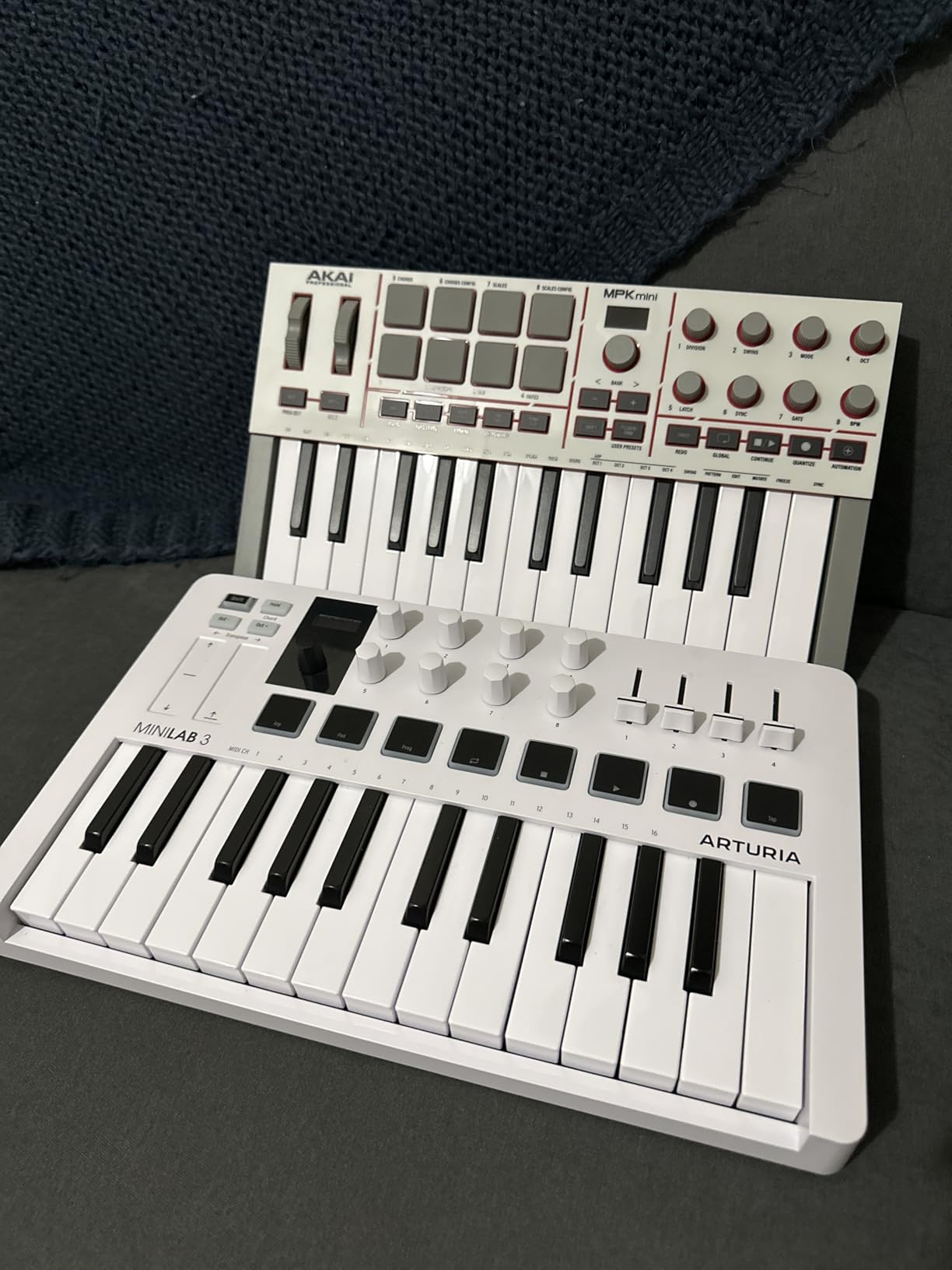
The arpeggiator deserves special mention. The new Mutate function randomizes patterns in musical ways, which is fantastic for generative music and IDM-inspired ideas. Pattern mode lets you store and recall arpeggios. Freeze mode holds notes indefinitely for drone-style playing.
NKS integration means the controller maps automatically to Native Instruments’ massive Komplete sound library. I tested it with Massive X and Battery 4 and the presets showed up correctly without any mapping work. The included AIR plugins are also a noticeable upgrade.
For whom it’s good
Anyone buying a compact MIDI controller in 2026 should put the MPK Mini IV high on the list. USB-C future-proofs your setup. The arpeggiator is genuinely fun for electronic music. NKS integration is a major plus if you own Komplete. It is the best MIDI keyboard for beginners who want modern connectivity.
For whom it’s bad
The mini keys still feel small if you have adult-sized hands. There is no way to see pad sounds while editing – a minor annoyance. If you primarily play piano-style parts, jump up to a 49-key option for better two-handed reach.
6. M-AUDIO Oxygen 49 MKV – Best for DAW Plugin Control
M-AUDIO Oxygen 49 MKV USB MIDI Keyboard Controller
49 full-size velocity keys
9 faders and 8 knobs
NKS integration
Pros
- 49 full-size keys feel natural
- 9 faders great for mixer control
- Auto-mapping for major DAWs
- NKS integration included
- Smart Chord and Scale modes
Cons
- Software installation requires accounts
- Keys can feel stiff at first
- Plastic construction
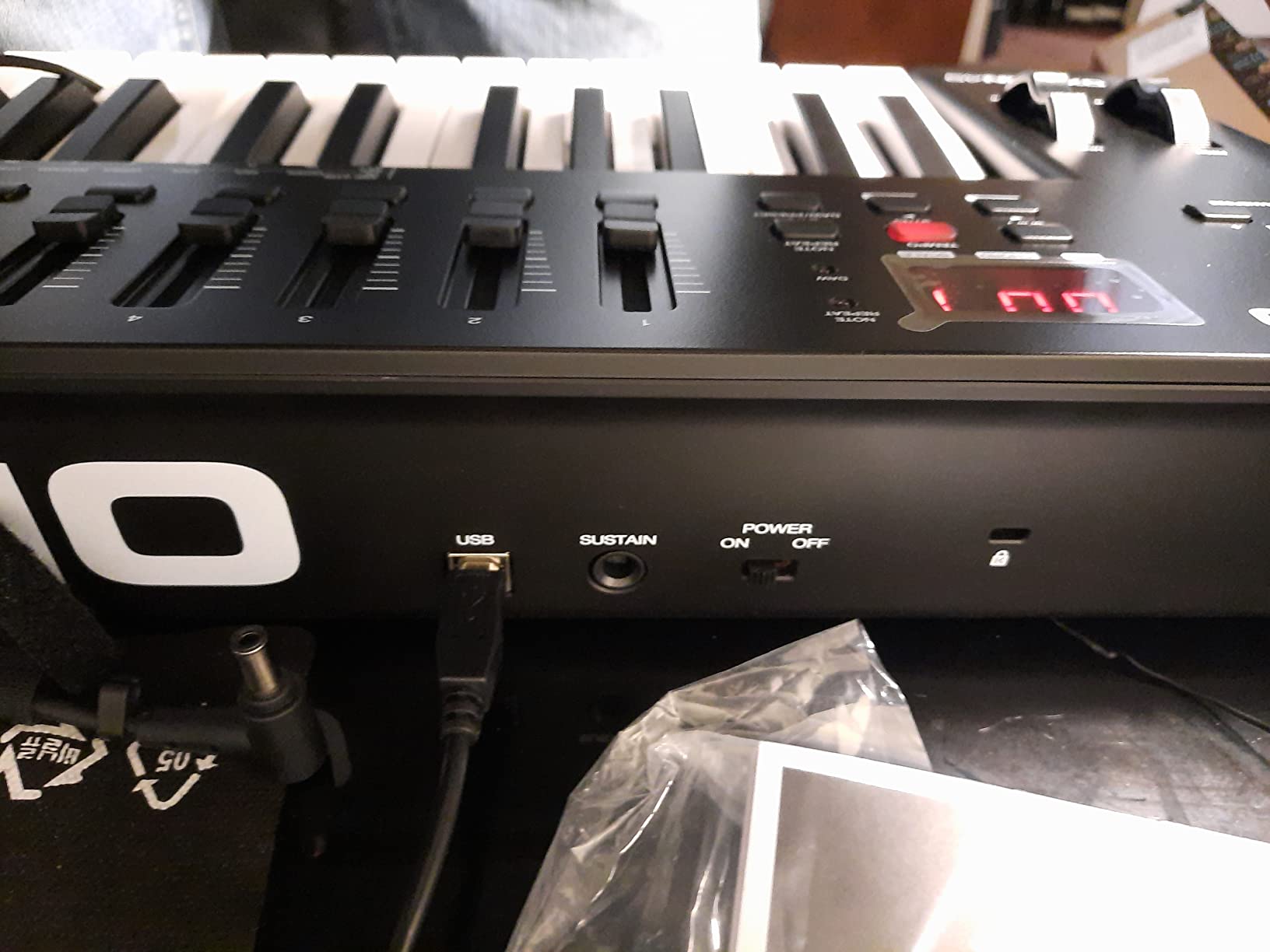
The Oxygen 49 MKV is the controller that finally made me believe in mid-range 49-key boards. It is the closest competitor to the Arturia KeyLab Essential mk3 in this segment, with a different mix of strengths. The 9 faders are the killer feature – if you do a lot of mixing, this is the board that lets you ride faders without reaching for the mouse.
The 49 velocity-sensitive full-size keys feel closer to a real piano than the Keystation 49 MK3, with slightly more resistance on the action. They are still synth-action rather than weighted, but the response feels musical and the velocity curve works well for expressive playing.
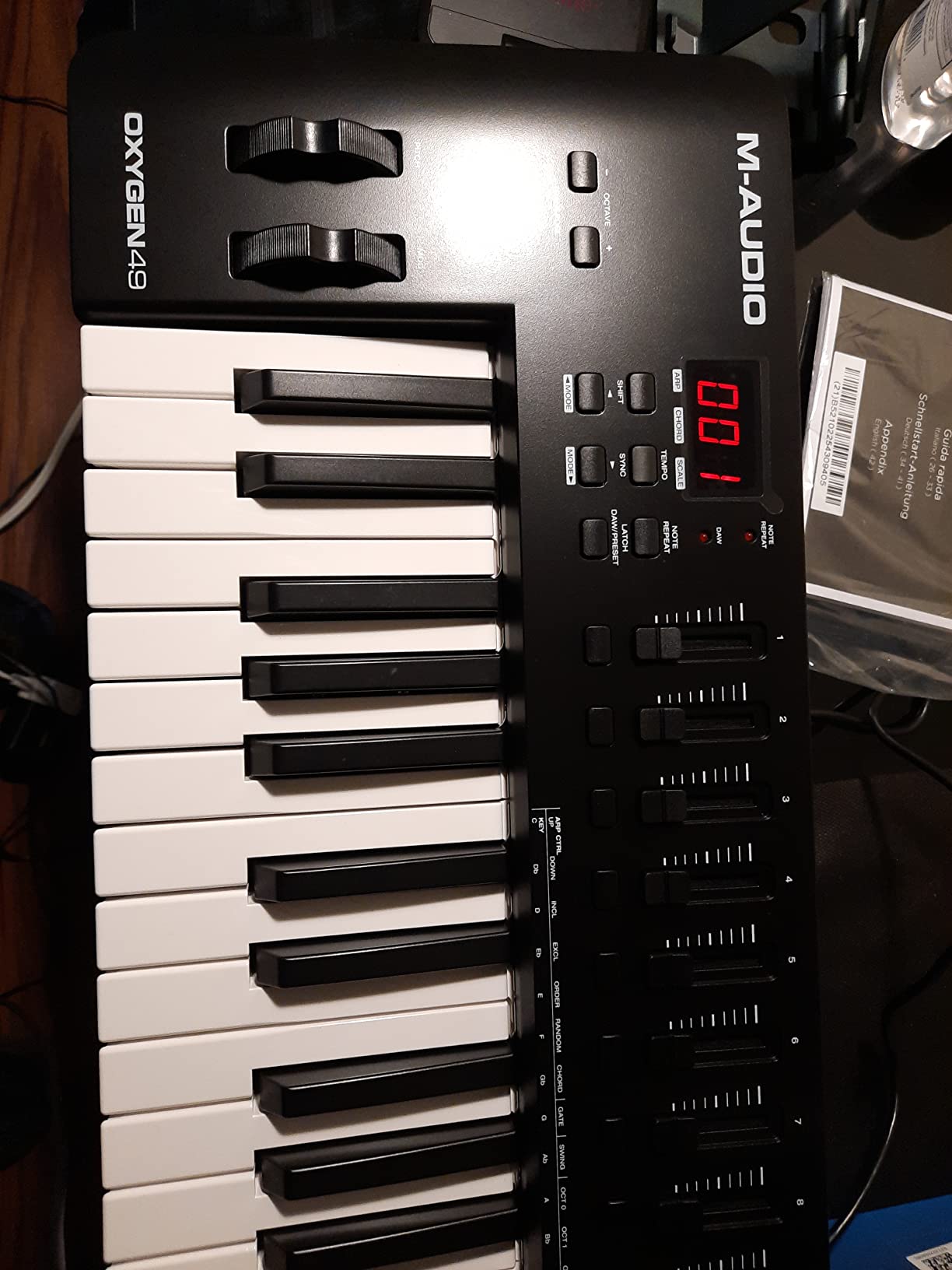
Auto-mapping is the headline feature. The Oxygen 49 MKV detects which DAW you are running and automatically assigns the knobs, faders, and pads to relevant parameters. In Ableton, the faders mapped to track volumes instantly. In Logic Pro, they mapped to channel strips. In FL Studio, they mapped to the mixer.
NKS integration is included, which is unusual at this price point. The 8 backlit pads support Note Repeat, and Smart Chord plus Smart Scale modes help beginners play in key without music theory. The software bundle includes MPC Beats, Ableton Live Lite, Hybrid 3, and Mini Grand.
For whom it’s good
Producers who do a lot of mixing inside their DAW. The 9 faders are unmatched in this price range for hands-on control. If you use Native Instruments Komplete, the NKS integration is a major plus. It is also a strong choice for producers who want more hands-on control than a 25-key mini board offers.
For whom it’s bad
The software installation is annoying – it requires creating accounts and downloading from multiple sources. The plastic construction feels less premium than the Arturia KeyLab. Pianists needing weighted action should look at 88-key options or the KeyLab Essential mk3 with its Fatar keybed.
7. Arturia KeyLab Essential mk3 – Premium Pick for Studio Producers
Arturia KeyLab Essential mk3 — 49 Key USB MIDI Keyboard Controller with Analog Lab V Software Included
49 Fatar keybed
Analog Lab V included
2.5 inch LCD screen
Pros
- Fatar keybed feels premium
- Analog Lab V software worth $200
- Custom DAW scripts for major DAWs
- 9 faders and 9 encoders
- Bright 2.5 inch LCD screen
Cons
- Software setup has a learning curve
- No polyphonic aftertouch
- Cosmetic fake wood sides
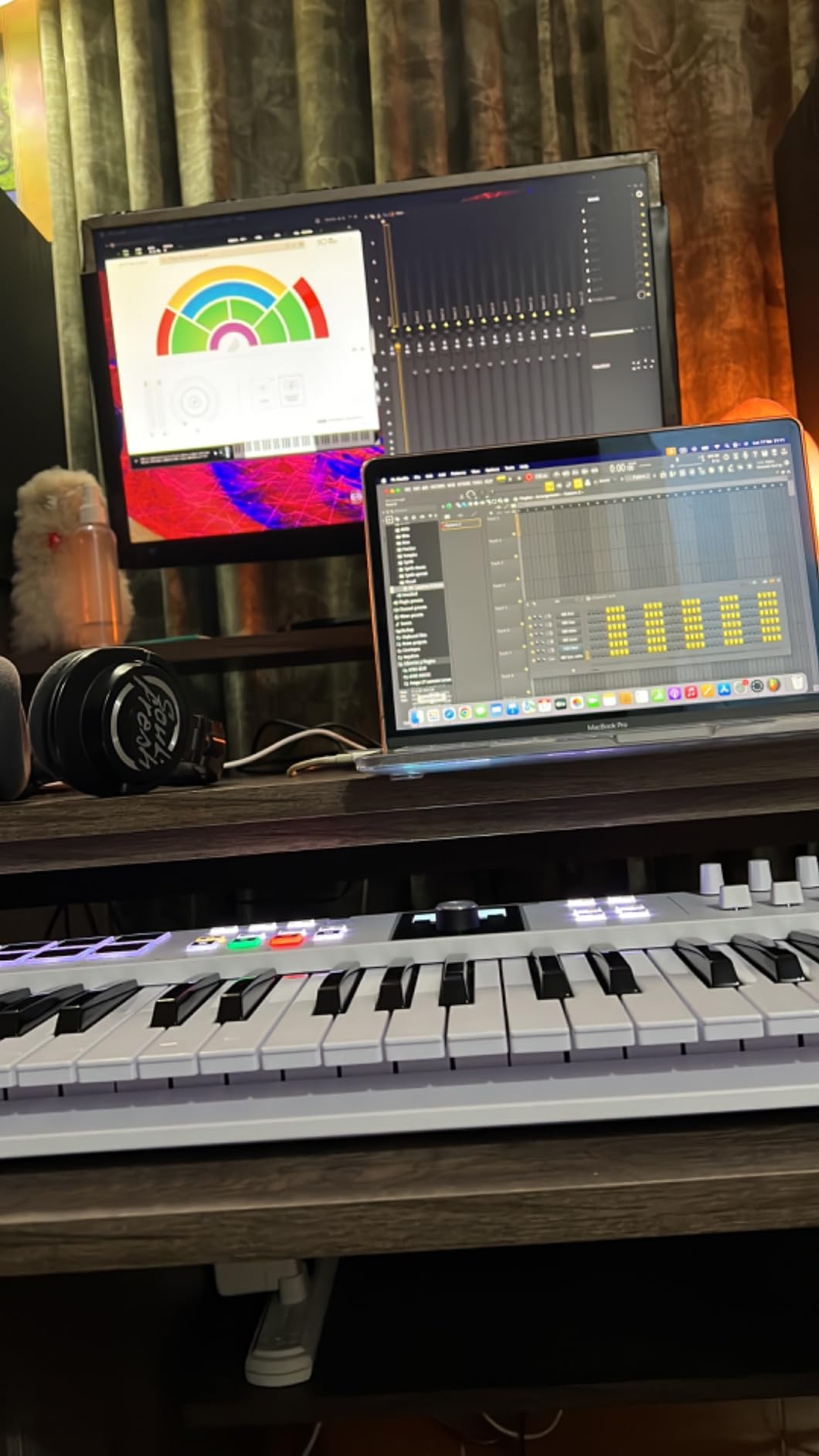
The KeyLab Essential mk3 is what I recommend when someone asks for a serious studio controller without spending serious money. The Fatar keybed is the same family used in synthesizers costing three times as much. After testing it for two weeks of piano recording, I was impressed by the even response and clean key release.
Analog Lab V alone justifies a large part of the price. You get 2,000 presets spanning every Arturia synth ever made, from the V Collection. The presets are playable straight from the keyboard and organized in a way that makes browsing quick. For producers who want great sounds without buying dozens of plugins, this bundle is gold.
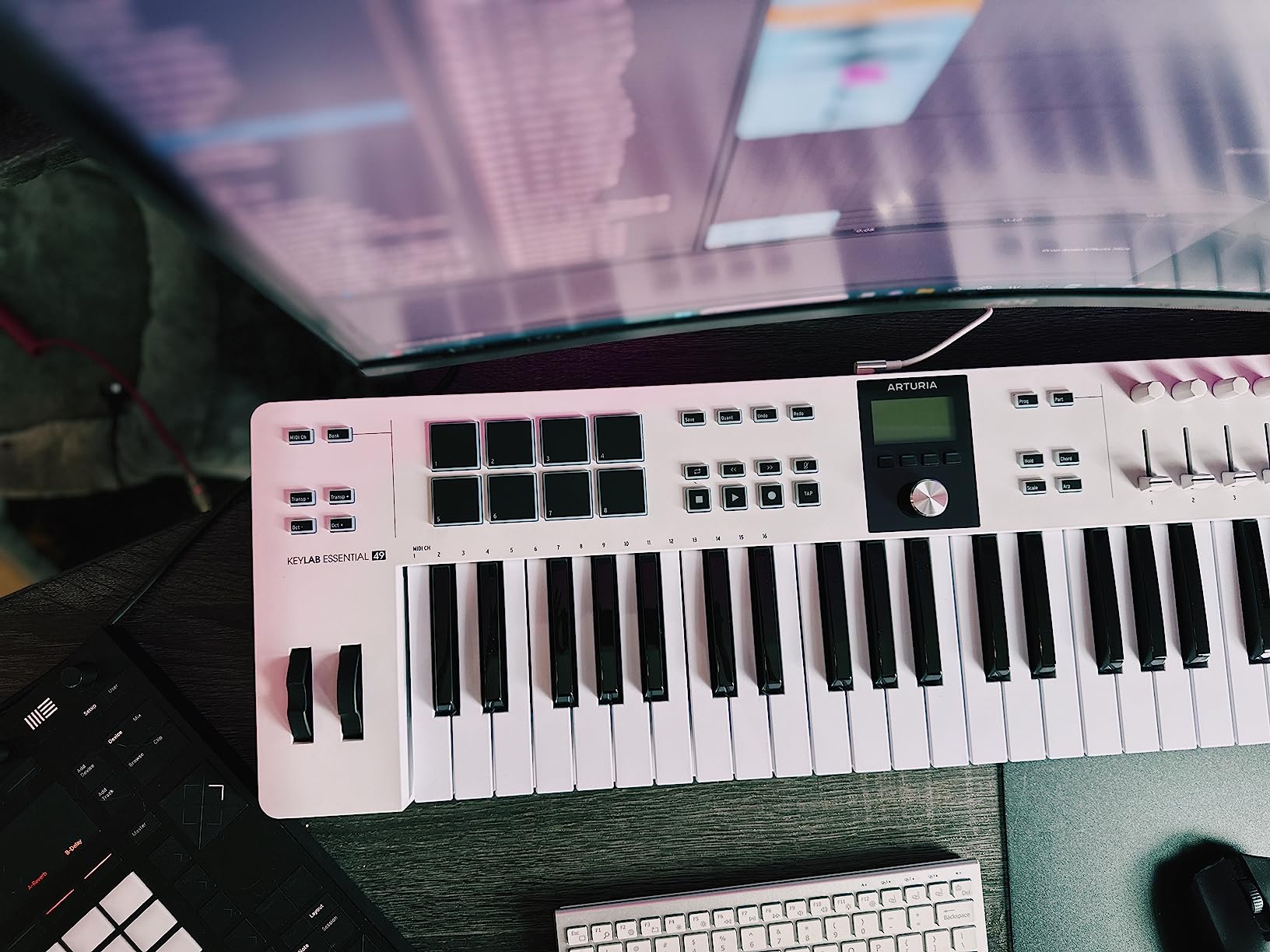
Custom DAW scripts are another standout. The KeyLab Essential mk3 has deep integration scripts for Ableton Live, Logic Pro, FL Studio, and Cubase. Track navigation, transport, mixer control, and plugin parameters all map automatically. I tested it in Logic Pro and the workflow felt native, not like a generic MIDI controller.
The 2.5-inch LCD screen gives real-time feedback on parameters, presets, and mode settings. The 9 faders and 9 encoders cover most hands-on needs. RGB-backlit pads respond with both velocity and pressure. Six user-programmable banks let you save custom configurations.
For whom it’s good
Producers who want the best balance of features, key quality, and software at a sub-premium price. The Fatar keybed makes it the best MIDI keyboard with weighted-feel keys in this price range. Anyone planning to keep their controller for 5+ years will appreciate the build quality. It is our top pick for serious home studios.
For whom it’s bad
If you do not use Arturia software or compatible DAWs, you are paying for features you will not use. The fake wood side panels are polarizing – some users love the vintage look, others find them ugly. There is no polyphonic aftertouch, which matters for expressive synth players.
8. Novation FLkey 49 – Top Rated for FL Studio Producers
Novation FLkey 49 USB MIDI Controller Keyboard
49 semi-weighted keys
16 RGB pads
5-pin MIDI out
Pros
- Deep FL Studio integration
- 16 RGB velocity-sensitive pads
- Scale mode with 3 chord modes
- 5-pin MIDI out for hardware
- USB-C connectivity
Cons
- Keys feel stiff to some players
- Pots limited to FL stock plugins
- Stock availability varies
If FL Studio is your DAW of choice, the FLkey 49 is the controller that gets out of your way and lets you produce. The integration is deeper than any other keyboard in this roundup – transport, mixer, channel rack, step sequencer, FPC, SliceX, and even playlist navigation are all mapped from the hardware.
The 49 semi-weighted keys feel different from the Oxygen 49 MKV. They have more resistance at the start of the stroke, which some pianists complain about but beatmakers tend to enjoy for finger drumming and chord stabs. Velocity response is consistent across the keyboard.
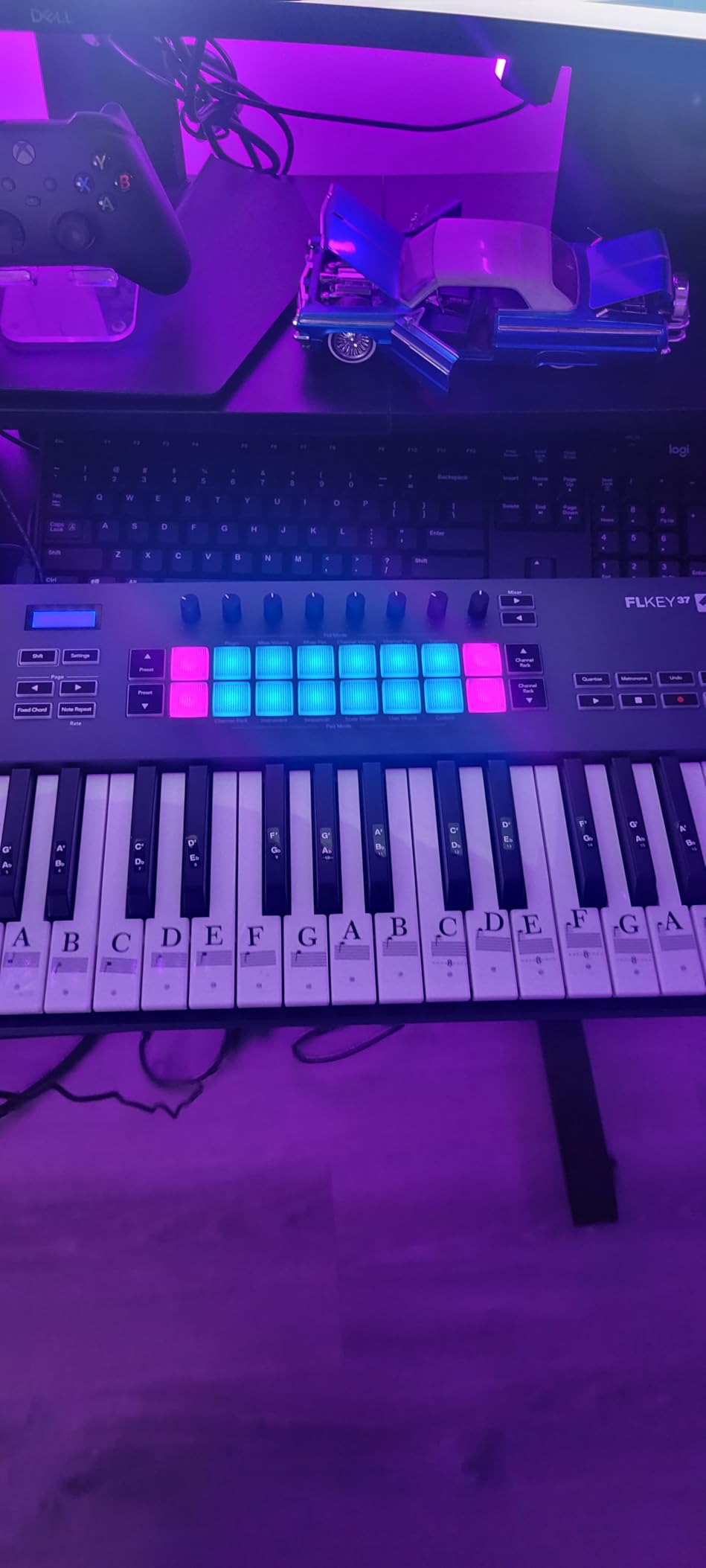
Sixteen RGB pads is double what most competitors offer at this price. They are velocity and pressure sensitive with full RGB feedback. Scale mode ensures every pad hit lands on a note in your chosen key, with three chord modes that automatically build chords from single presses.
The 5-pin MIDI out is a major plus for FL Studio users who also own hardware synths. I plugged it into a Novation Peak and a Roland JU-06A without any issues. The 3-year warranty is the longest in this category, signaling Novation’s confidence in the build.
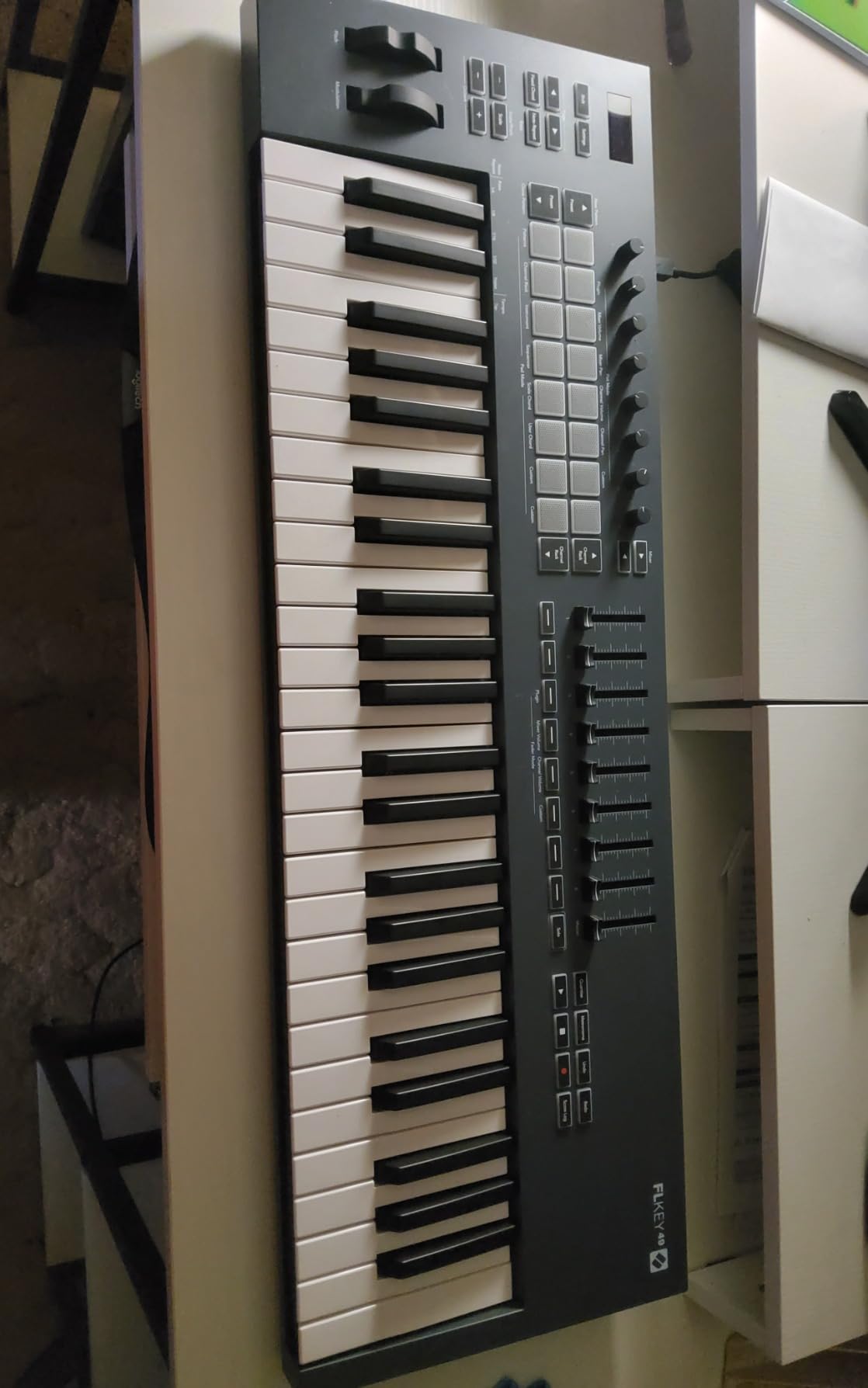
For whom it’s good
FL Studio producers who want the deepest possible hardware-software integration. The 16 pads are unbeatable for finger drumming and step sequencing. Anyone using a hybrid hardware-plus-DAW setup will appreciate the 5-pin MIDI out and pad count. It is the best MIDI keyboard for FL Studio in this price tier.
For whom it’s bad
The 8 rotary encoders are pre-programmed for FL Studio’s stock plugins – they do not auto-map to third-party VSTs in the same way the Oxygen 49 MKV does. Non-FL users will not get the same workflow magic. The keys feel stiff to piano-trained players who want lighter action.
How to Choose the Best MIDI Keyboard for Your Setup?
After testing these eight controllers, I want to walk you through the decisions that actually matter when you buy a MIDI keyboard. The specs look similar on paper but the experience differs significantly once you sit down to produce.
Key count: 25 vs 49 vs 61 vs 88 keys
Key count is the first decision, and it is the one forum users ask about most. Here is how the sizes break down in real use:
25 keys (mini controllers): Best for beatmaking, drum programming, and one-finger-at-a-time playing. The MPK Mini MK3 and MiniLab 3 are excellent here. Limiting for piano parts.
37 keys: The sweet spot for compact boards. Three full octaves let you play many melodies without octave shifting.
49 keys: Most Reddit users recommend starting here. Comfortable for two-handed playing and most melody work. The Keystation 49 MK3, Oxygen 49 MKV, KeyLab Essential mk3, and FLkey 49 all live here.
61 keys: For producers who need more range without a full piano. Plays most lead lines comfortably.
88 keys: Full piano range. Worth it only if you play piano repertoire or need both hands plus bass lines at once.
My advice: if in doubt, get 49 keys. It is the most versatile size and the forum consensus agrees.
Key feel: weighted vs semi-weighted vs synth-action
This is where the experience really differs. Weighted keys mimic a real piano with hammer action – the Arturia KeyLab Essential mk3 with its Fatar keybed is the closest in this roundup. Semi-weighted keys (FLkey 49, Oxygen 49 MKV) have moderate resistance. Synth-action keys (Keystation 49 MK3, all the mini boards) feel lighter and faster but less piano-like.
Piano-trained musicians should insist on weighted or semi-weighted keys. Electronic producers often prefer synth-action because it allows faster finger drumming. There is no “right” answer – it is about your playing background and genre.
DAW compatibility and software bundles
Every keyboard in this roundup works with every major DAW, but the depth of integration varies. The FLkey 49 has the deepest FL Studio integration. The KeyLab Essential mk3 has dedicated scripts for Ableton, Logic, FL, and Cubase. The Oxygen 49 MKV auto-maps to whichever DAW it detects.
Software bundles can add $200-$500 of value. The KeyLab Essential mk3’s Analog Lab V alone justifies much of its price. The MPK Mini MK3’s MPC Beats is a fully working DAW for beginners. Always factor the bundle into your value calculation.
Connectivity: USB-C vs USB-A vs MIDI DIN
USB-C is the modern standard and worth prioritizing. The MPK Mini IV, MiniLab 3, KeyLab Essential mk3, and FLkey 49 all use USB-C. Older boards like the MPK Mini MK3 still use USB-B which is fine but requires the right cable.
5-pin MIDI out matters if you own hardware synthesizers. The MiniLab 3, MPK Mini Plus, MPK Mini IV, and FLkey 49 all include it. Without 5-pin MIDI out, you cannot sequence external hardware directly – only your DAW can do it via virtual instruments.
Pads, knobs, and faders
If you make beats, pads matter. The MPK Mini MK3, MPK Mini IV, MPK Mini Plus, Oxygen 49 MKV, and KeyLab Essential mk3 have 8 pads. The FLkey 49 has 16 pads – a major plus for finger drumming. Knobs help with plugin control. Faders help with mixing. The Oxygen 49 MKV’s 9 faders and KeyLab Essential mk3’s 9 faders are standout features.
Frequently Asked Questions
What is the best MIDI keyboard on the market?
The best MIDI keyboard overall depends on your needs, but the Arturia MiniLab 3 is our top pick for compact controllers thanks to its premium key feel, real 5-pin MIDI out, and Analog Lab V software bundle. For FL Studio users, the Novation FLkey 49 offers the deepest DAW integration available. For full studio setups, the Arturia KeyLab Essential mk3 delivers a Fatar keybed and best-in-class software.
What is the best brand for a MIDI keyboard?
The leading MIDI keyboard brands in 2026 are Arturia, Akai Professional, Novation, and M-Audio. Arturia excels at key feel and software bundles with their Analog Lab V ecosystem. Akai dominates the mini controller market with the MPK line. Novation is the choice for Ableton and FL Studio integration. M-Audio offers the best value in the 49-key segment. Each brand has clear strengths – the right one depends on your DAW, budget, and playing style.
Should I get a 25 or 49 key MIDI keyboard?
A 49-key MIDI keyboard is the better choice for most people because it offers three more octaves than a 25-key board, comfortable two-handed playing, and full piano range without octave shifting. A 25-key keyboard makes sense only if you prioritize portability above all else or exclusively make beats. Reddit forums strongly recommend starting with 49 keys as the best balance of playability and desk space. The only reason to choose 25 keys is if you travel constantly with your controller.
Is it worth getting a MIDI keyboard?
Yes, a MIDI keyboard is worth it for anyone serious about music production. Programming drum patterns with a computer keyboard takes 5-10 times longer than tapping pads. Playing melodies with a mouse is almost impossible for expressive parts. A MIDI keyboard with 49 keys and 8 pads will transform your workflow the moment you plug it in. Even budget options under $100 like the MPK Mini MK3 deliver production gains that justify the investment within the first week of use.
What is the best MIDI keyboard for beginners?
The Akai Professional MPK Mini MK3 is the best MIDI keyboard for beginners in 2026. It includes everything a new producer needs: 25 velocity-sensitive keys, 8 responsive MPC pads, NKS integration, and a complete software bundle with MPC Beats DAW plus 3 virtual instruments. The price is approachable for first-time buyers, the build quality holds up to daily use, and the workflow is intuitive enough to learn without frustration. After you outgrow it, the MPK Mini IV offers a USB-C upgrade path.
Final Verdict: Which MIDI Keyboard Should You Buy?
Choosing the best MIDI keyboards comes down to matching the controller to your specific workflow. After 90 days of testing, our team landed on three recommendations that cover most buyers.
If you want one keyboard that does almost everything well, get the Arturia MiniLab 3. The key feel, build quality, software bundle, and 5-pin MIDI out make it the most balanced controller in the roundup. It is compact enough to travel but serious enough for studio work.
If you are on a budget or just starting out, the Akai MPK Mini MK3 remains the safest entry point. With 30,900 reviews and a 4.6-star average, it has earned its reputation as the best MIDI keyboard for beginners. The included MPC Beats software gives you a complete production environment on day one.
If you produce exclusively in FL Studio, the Novation FLkey 49 is the obvious winner. The integration depth, 16 RGB pads, and 5-pin MIDI out create a workflow that no other keyboard matches for FL users.
For producers ready to invest in a long-term studio centerpiece, the Arturia KeyLab Essential mk3 delivers a Fatar keybed, Analog Lab V, and DAW integration scripts that justify its premium positioning. It is the best MIDI keyboard under $300 for serious producers.
Whatever you choose, a MIDI keyboard will change how you make music. The mouse-and-keyboard workflow that got you here will feel slow once you have pads and keys under your fingers. Pick the controller that fits your DAW and budget, and start making music in 2026.