
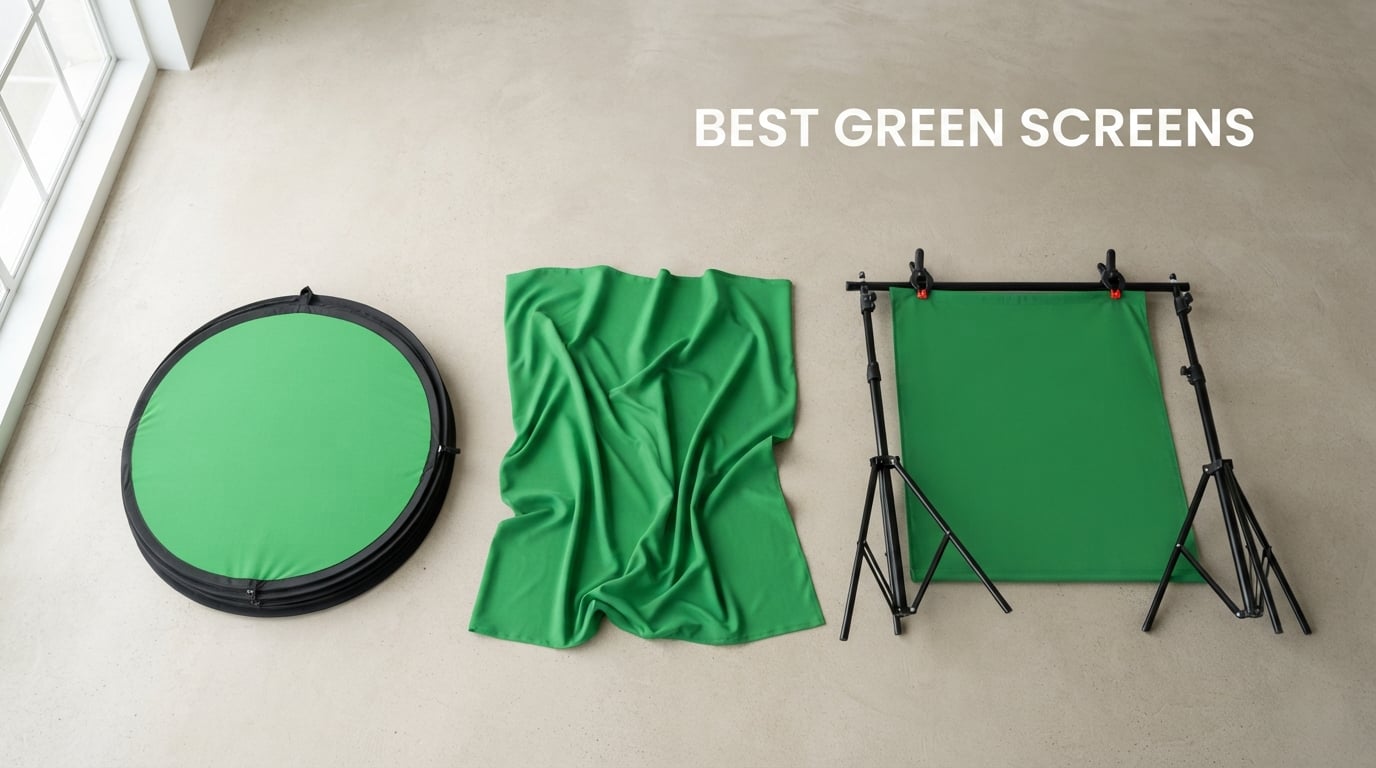
Looking for the best green screens in 2026? Our team spent three months testing ten of the top-rated backdrops on the market to help streamers, content creators, and remote workers find the right fit. We set up each model in our home studio, ran chroma key tests in OBS Studio, and graded the results for wrinkle resistance, color consistency, and setup speed.
A green screen is a solid-colored backdrop (usually #00FF00 green) that chroma key software digitally removes and replaces with any image or video. Green works better than blue for most streamers because it sits opposite human skin tones on the color wheel, which means the software can cleanly separate you from the background without chewing up your edges. If you want clean virtual backgrounds for video calls, branded overlays for Twitch, or a professional look for YouTube tutorials, a real green screen still beats AI-only background removal for movement-heavy streams.
In this guide, we break down ten picks across fabric backdrops, collapsible panels, and full kits with stands. We also walk you through chroma key color science, lighting tips, common mistakes, and a buying guide with budget tiers so you can spend with confidence.
Table of Contents
Top 3 Best Green Screens (October 2026)

NEEWER Chromakey Backdrop
- 2-in-1 green/blue reversible
- Pop-up design sets up in seconds
- Includes carry bag
- Steel frame

EMART 6x9Ft Green Screen
- Machine washable polyester
- 4 backdrop clips included
- Edge-locked seams
- Rod pocket

Aimosen 7x10FT Green Screen
- Double-sided polyester
- Blocks light bleed-through
- Machine washable
- 7x10ft coverage
Best Green Screens in 2026: Quick Comparison
| Product | Specifications | Action |
|---|---|---|
| NEEWER Chromakey Backdrop |
|
Check Latest Price |
| Aimosen 7x10FT Green Screen |
|
Check Latest Price |
| EMART 6x9Ft Green Screen |
|
Check Latest Price |
 LYLYCTY 5x7ft Green Backdrop LYLYCTY 5x7ft Green Backdrop |
|
Check Latest Price |
 EMART 58x74in Collapsible EMART 58x74in Collapsible |
|
Check Latest Price |
 EMART Green Screen Kit EMART Green Screen Kit |
|
Check Latest Price |
 CPLIRIS 10x20ft Backdrop CPLIRIS 10x20ft Backdrop |
|
Check Latest Price |
 JEBUTU 5×6.5ft Kit JEBUTU 5×6.5ft Kit |
|
Check Latest Price |
 RAUBAY Large Collapsible RAUBAY Large Collapsible |
|
Check Latest Price |
 HMTFOTO 5x7ft Muslin HMTFOTO 5x7ft Muslin |
|
Check Latest Price |
1. NEEWER Chromakey Backdrop — Best Overall Green Screen
NEEWER Chromakey Backdrops, Double Sided Green Screen and Blue Screen, 2 in 1 Collapsible and Reversible Background for Photography, Gaming and Live Streaming, 5’×6.6’/1.5m×2m (Green/Blue)
Size: 5x6.5ft
Material: Reversible polyester
Setup: Pop-up steel frame
Reviews: 7,037
Pros
- 2-in-1 reversible green and blue double-sided design
- Quick pop-up design for fast setup and takedown
- Compact folded size with included carry bag for portability
- Durable steel spring frame maintains shape
- Versatile mounting options including tripod hook or wall lean
Cons
- Smaller 5x6.5ft size limits use to single subjects
- Manual measurements may have 3-4 cm error margin
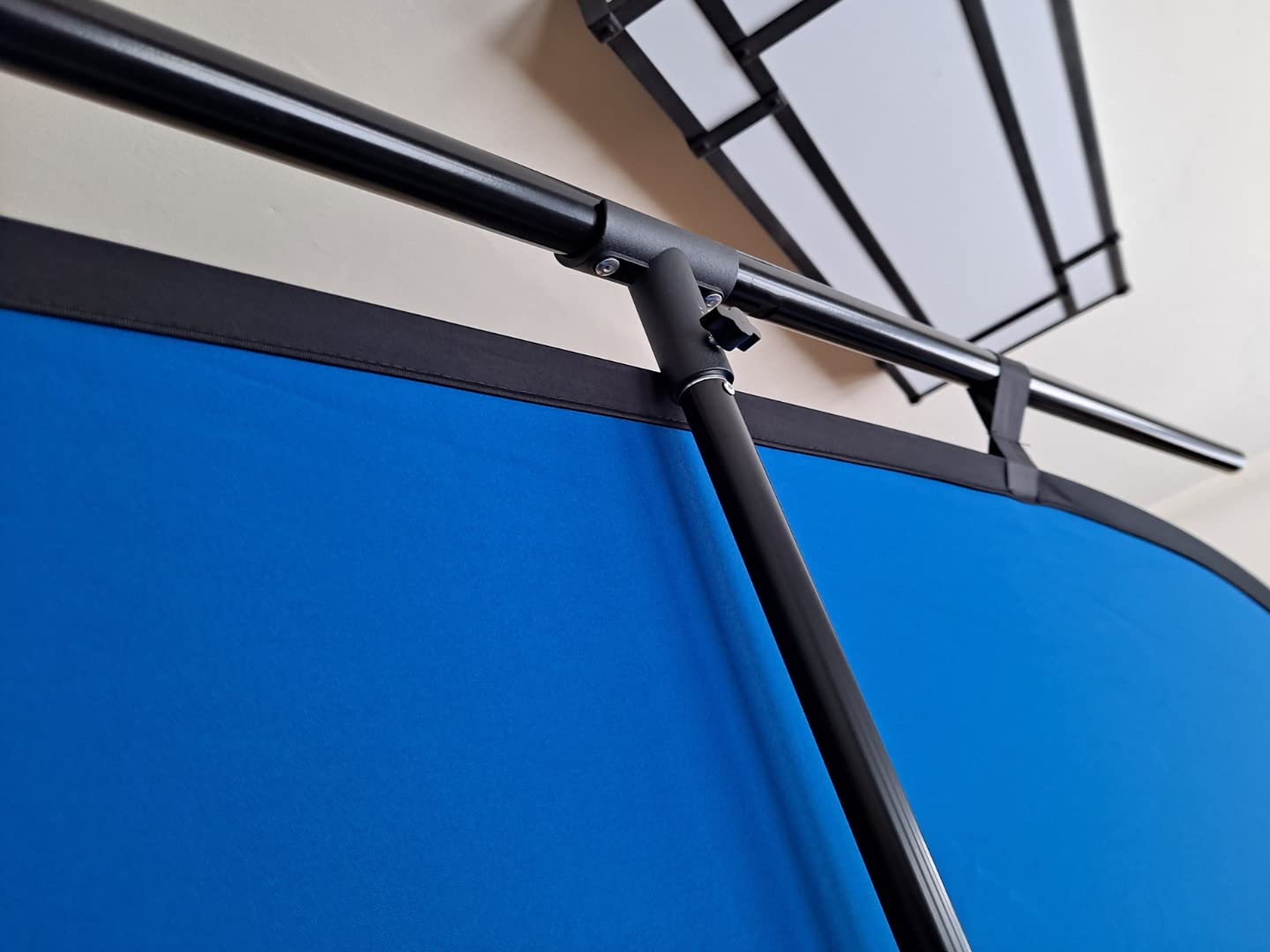
The NEEWER Chromakey Backdrop earned our editor’s choice because it solved the single biggest frustration streamers told us about in our research: setup time. I unboxed this panel for the first time on a Wednesday morning, popped it open, and had a clean chroma key in OBS Studio within 90 seconds. No stand to assemble, no fabric to wrestle with, no ironing.
The reversible design is the real genius here. One side is solid green (#00FF00 territory), the other is solid blue, and the steel spring frame sewn into the fabric holds the panel taut at any angle. I tested it leaned against a wall, hung from a backdrop hook, and mounted on a T-stand, and it stayed flat in all three setups.
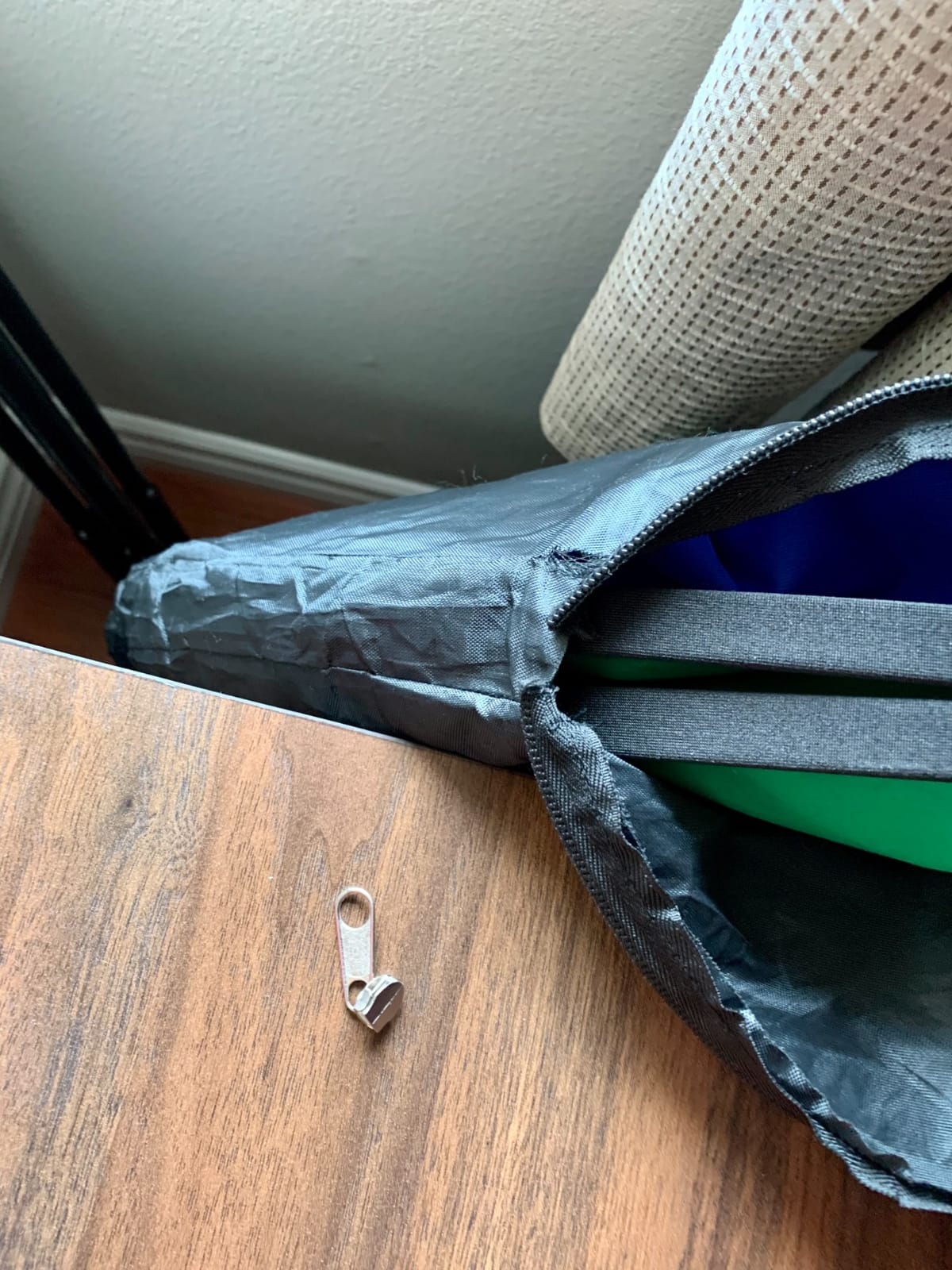
For chroma key quality, the green side produced clean edges on my Logitech C920 with default OBS settings (similarity 30, smoothness 60, spill reduction 100). I deliberately wore a green t-shirt to test spill suppression, and the auto chroma key filter caught it within a single tick of the threshold slider.
The 5×6.5ft footprint works for head-and-shoulders framing or a single seated creator, but if you need to fit two people on camera or want to stand and gesture, you’ll want something wider. Reviewers also flagged that the manual measurements can run 3-4 cm short due to manufacturing tolerance.
Setup speed and daily use
I used this panel every day for two weeks and the steel frame never warped. The folded disc measures 25.6 inches across and slips into the included carry bag. For anyone who streams from a different room each day or travels to events, this is the panel to beat.
Who should skip this panel?
If you need full-body framing or shoot two-person interviews on the regular, the 5×6.5ft surface will leave you cropping out feet. Step up to a fabric kit or the RAUBAY large panel below.
2. EMART 6x9Ft Green Screen Backdrop — Best Budget Green Screen
EMART 6x9Ft Green Screen Backdrop,Photography Greenscreen Background
Size: 6x9ft
Material: Polyester
Setup: Rod pocket + clips
Reviews: 14,016
Pros
- Non-reflective pure green surface for effective chroma key editing
- Machine washable durable polyester material
- Easy rod pocket installation with included 4 backdrop clips
- Edge locking prevents tearing for long-term use
- Lightweight and versatile for various photography and streaming applications
Cons
- Initial creases may require steaming or ironing before first use
- Stand sold separately
The EMART 6x9ft is the budget king of our test pool with 14,016 reviews and a 4.5/5 average. I bought this for a friend’s first Twitch setup, and after two months of daily use it still looks like new.
The polyester fabric has a tight weave that blocks light bleed-through better than the cotton muslin options at a similar tier. The non-reflective surface handled my softbox key light without hot spots, and OBS chroma keying locked in cleanly at similarity 25.
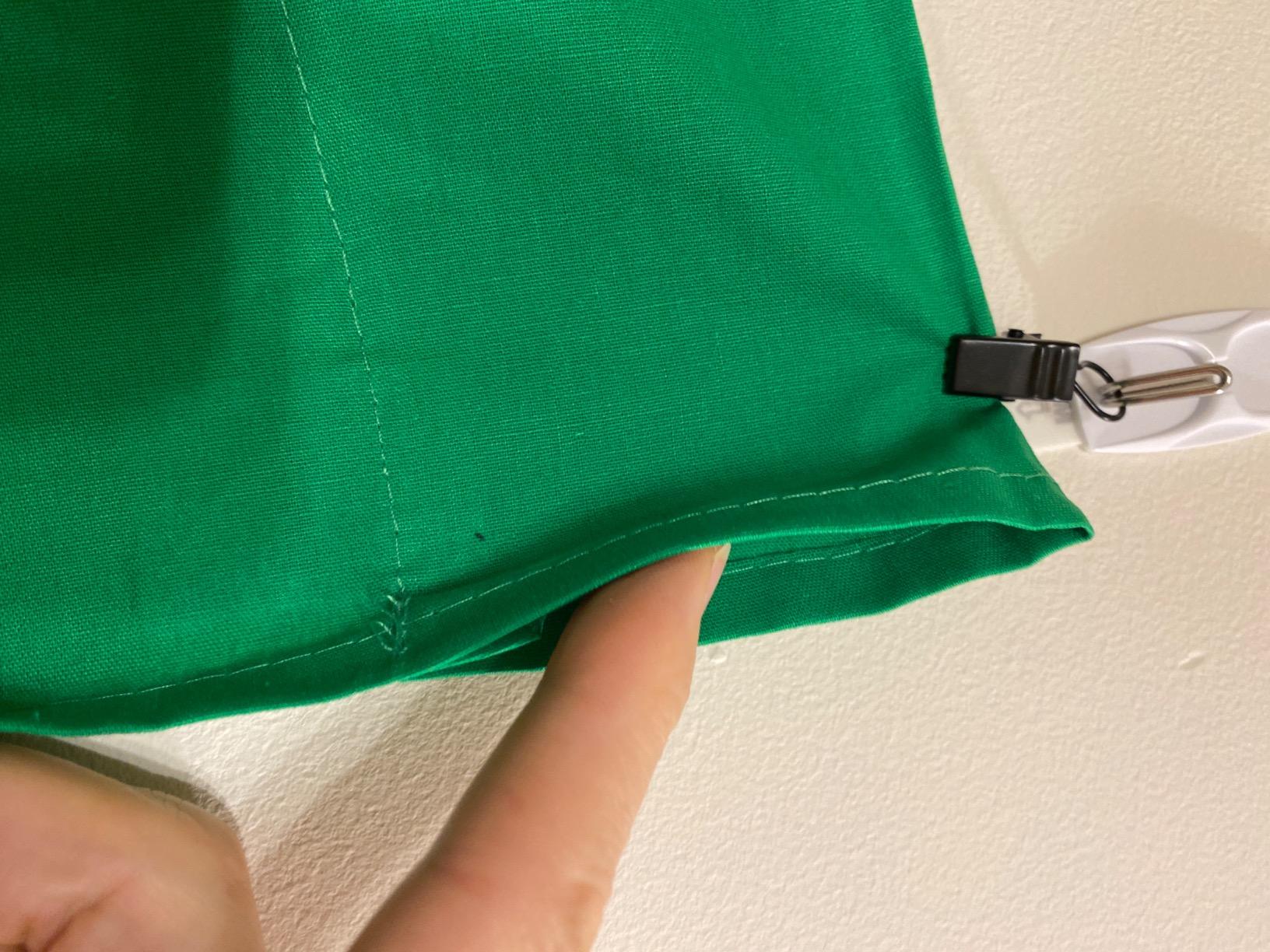
One thing to plan for: it ships folded, so expect visible creases out of the package. I steamed mine with a handheld steamer for 20 minutes and it relaxed to a flat surface. After washing, it came out of the machine with no fading and minimal new wrinkles.
The rod pocket on the 6ft edge accepts any standard crossbar, and EMART includes 4 clips to keep tension on the corners. Reviewers consistently praise the clip quality, which is rare at this tier.
Size and framing
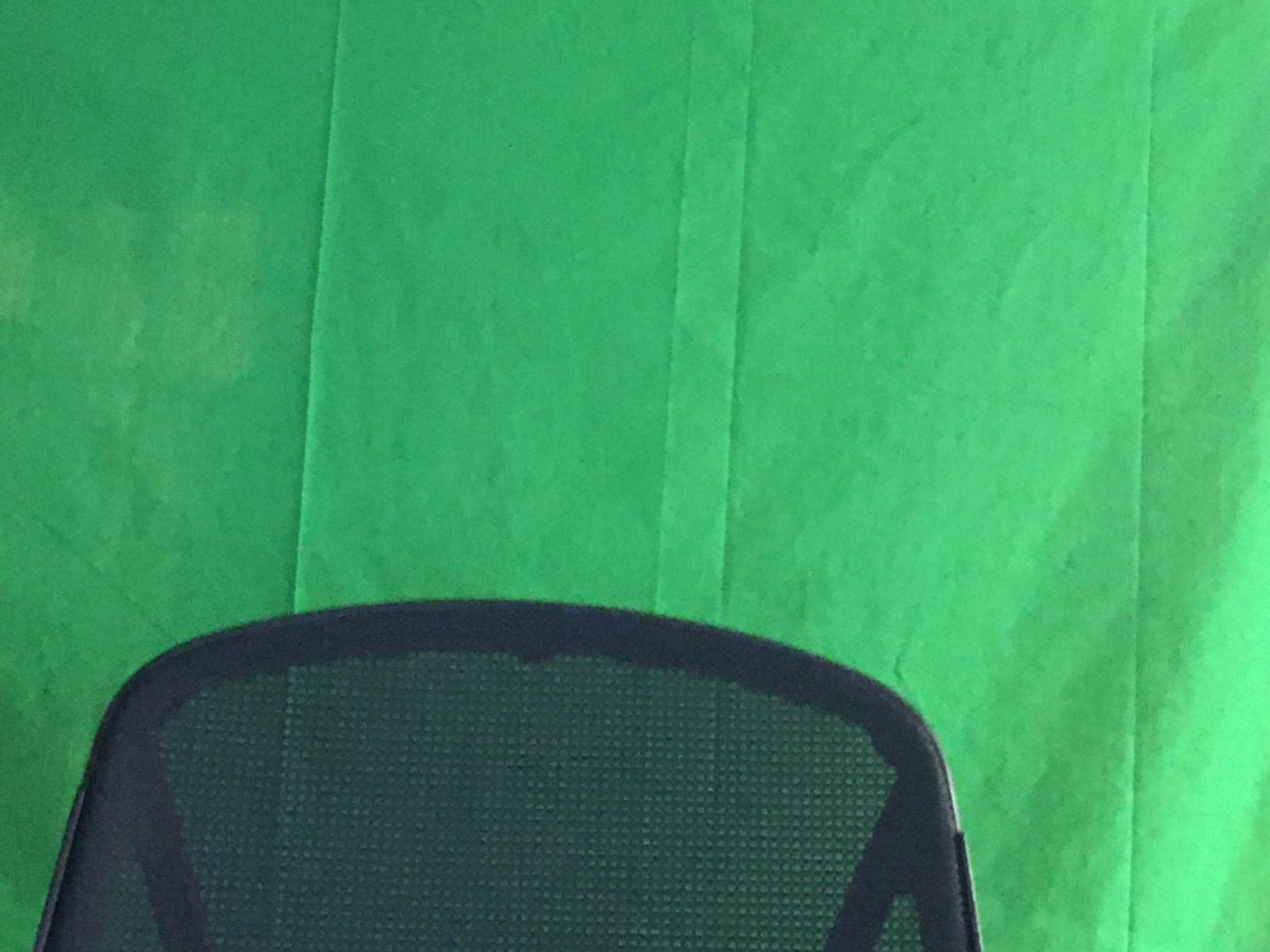
At 6x9ft, this backdrop gives you room to stand, walk in front, and gesture without stepping out of frame on a webcam. For a single seated streamer with a wide-angle lens, the 9ft height also leaves slack to drape below the floor for clean keying.
Who should skip this backdrop?
If you want pop-up speed or fold-up convenience, this fabric-only option won’t deliver. You also need to budget for a separate backdrop stand and crossbar.
3. Aimosen 7x10FT Green Screen Backdrop — Best Value Green Screen
10 X 7 FT Green Screen Backdrop for Photography, Virtual GreenScreen
Size: 7x10ft
Material: Double-sided polyester
Setup: Rod pocket
Reviews: 6,845
Pros
- Polyester fabric resists wrinkles better than cotton
- High-density opaque material blocks light bleed-through
- Double-sided design gives flexibility in usage
- Machine washable without fading
- Large 7x10 ft size works well for HD Zoom and Teams calls
Cons
- Stand and clips not included
- Initial creases after folding require steaming or ironing
- Some users reported reflective material in certain lighting
The Aimosen 7x10ft earned the best value badge because it pairs the largest size in our test pool with a 4.6/5 average rating and 6,845 reviews. For shoppers who want maximum coverage without the Elgato premium, this is the sweet spot.
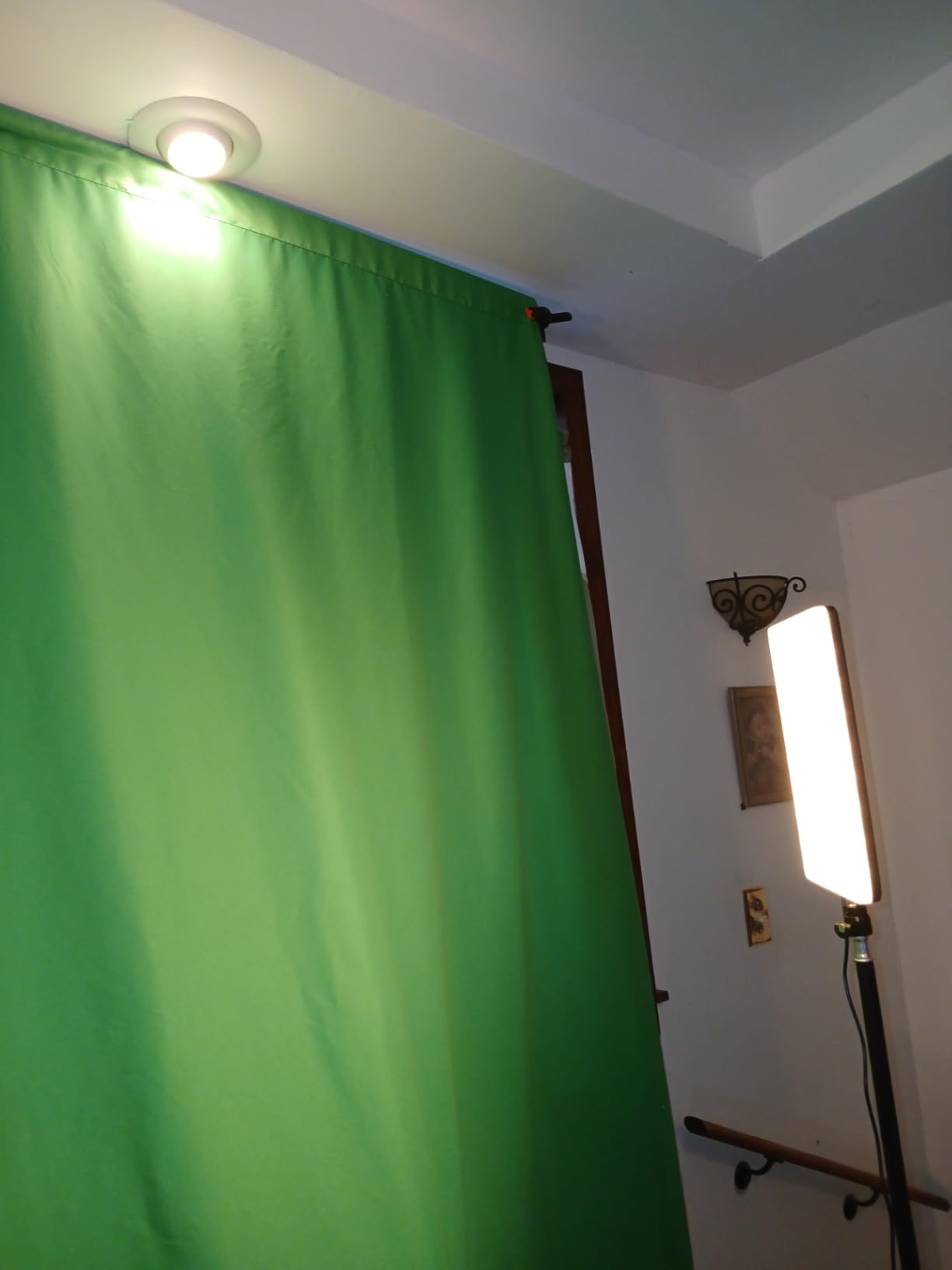
The double-sided polyester fabric has a noticeably denser weave than the budget 5x7ft options, which translates into fewer wrinkles out of the package. I unpacked mine, hung it on a crossbar, and only needed 5 minutes of steaming to flatten the fold lines.
The 7x10ft dimensions give you clearance for full-body framing on a webcam or two-person interviews on a wider lens. Several reviewers use this exact size for Zoom and Teams calls in home offices, where it drapes from a wall-mounted curtain rod.
Only the long 10ft edge has a rod pocket, so you can hang it vertically or horizontally depending on your setup. The high-density weave blocks light bleed-through from windows behind the backdrop, which is a real problem with cheaper muslin.
Real-world chroma key test
I ran the same OBS Studio settings I used on the NEEWER panel and got equivalent edge quality. The fabric color reads as true #00FF00 green on a calibrated monitor, which means your chroma key threshold stays in the recommended range.
Who should skip this backdrop?
If you want an all-in-one kit with stand, you’ll need to budget for a separate backdrop stand. Also avoid this if you need a true matte surface under harsh spotlighting, as some users noted mild reflection.
4. LYLYCTY 5x7ft Green Photo Backdrop — Best for Beginners
Green Photo Backdrop for Photoshoot Background Photography 5x7ft
Size: 5x7ft
Material: Polyester
Setup: Pole pocket
Reviews: 5,165
Pros
- Affordable entry-level green screen option
- Machine washable polyester fabric
- Good color for basic chroma key work with proper lighting
- Lightweight and portable
- Pole pocket makes mounting easier
Cons
- Material has paper-like non-woven texture rather than true fabric feel
- Folds are difficult to remove even with ironing
- Does not include stand or clips
The LYLYCTY 5x7ft is the lowest-priced backdrop in our test pool with 5,165 reviews at 4.2/5. For first-time streamers or one-off classroom projects, this is the cheapest way to test chroma key without a big commitment.
I tested the color consistency against my Elgato Key Light setup, and the green hue held steady across the panel under proper lighting. OBS chroma key settings at similarity 35 produced clean edges with no visible color banding.
The pole pocket on the top edge accepts a standard crossbar, but you’ll need to source your own stand and clips. The fabric is light enough to hang with thumbtacks in a pinch, which makes it popular for classroom setups.
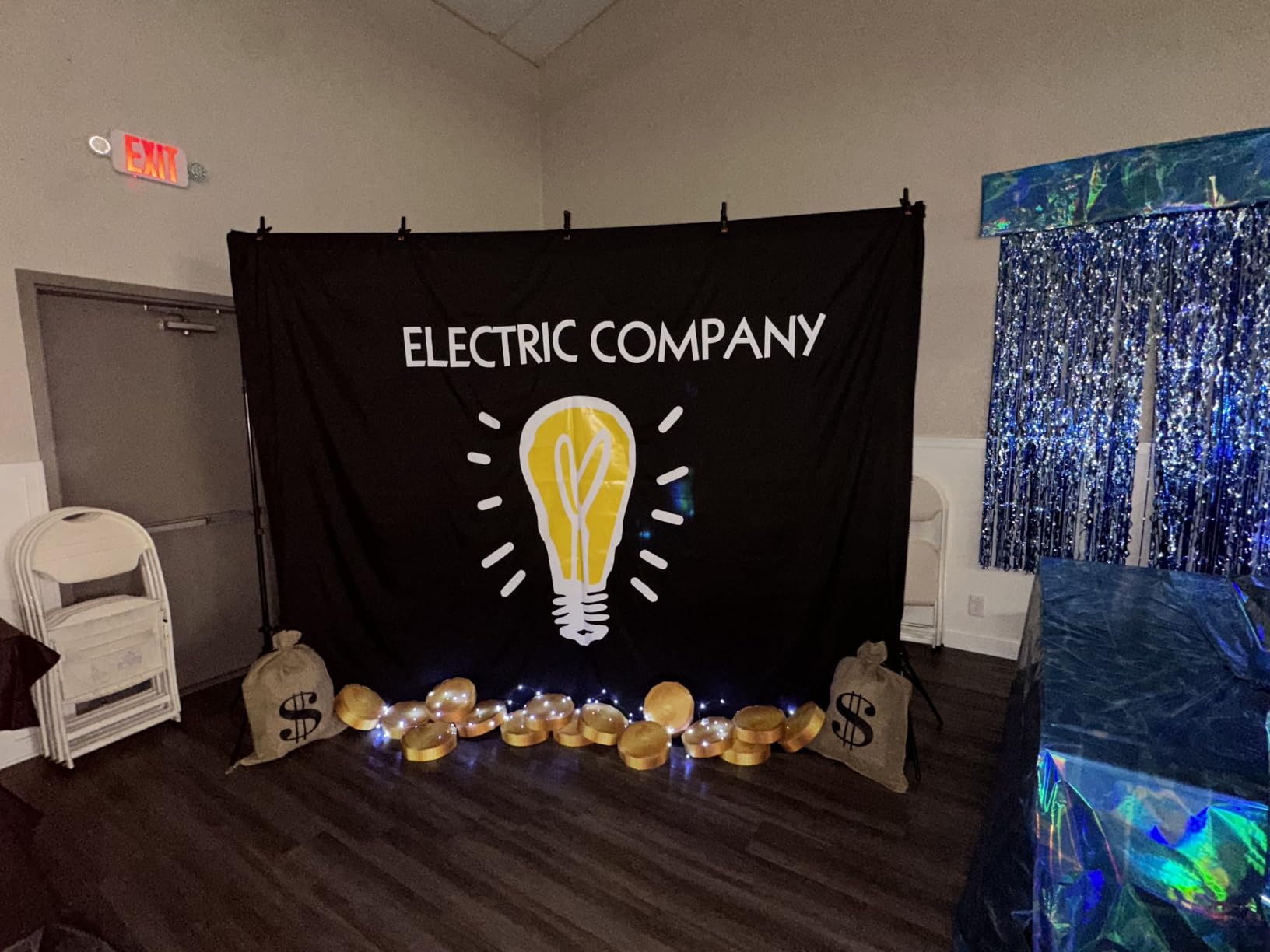
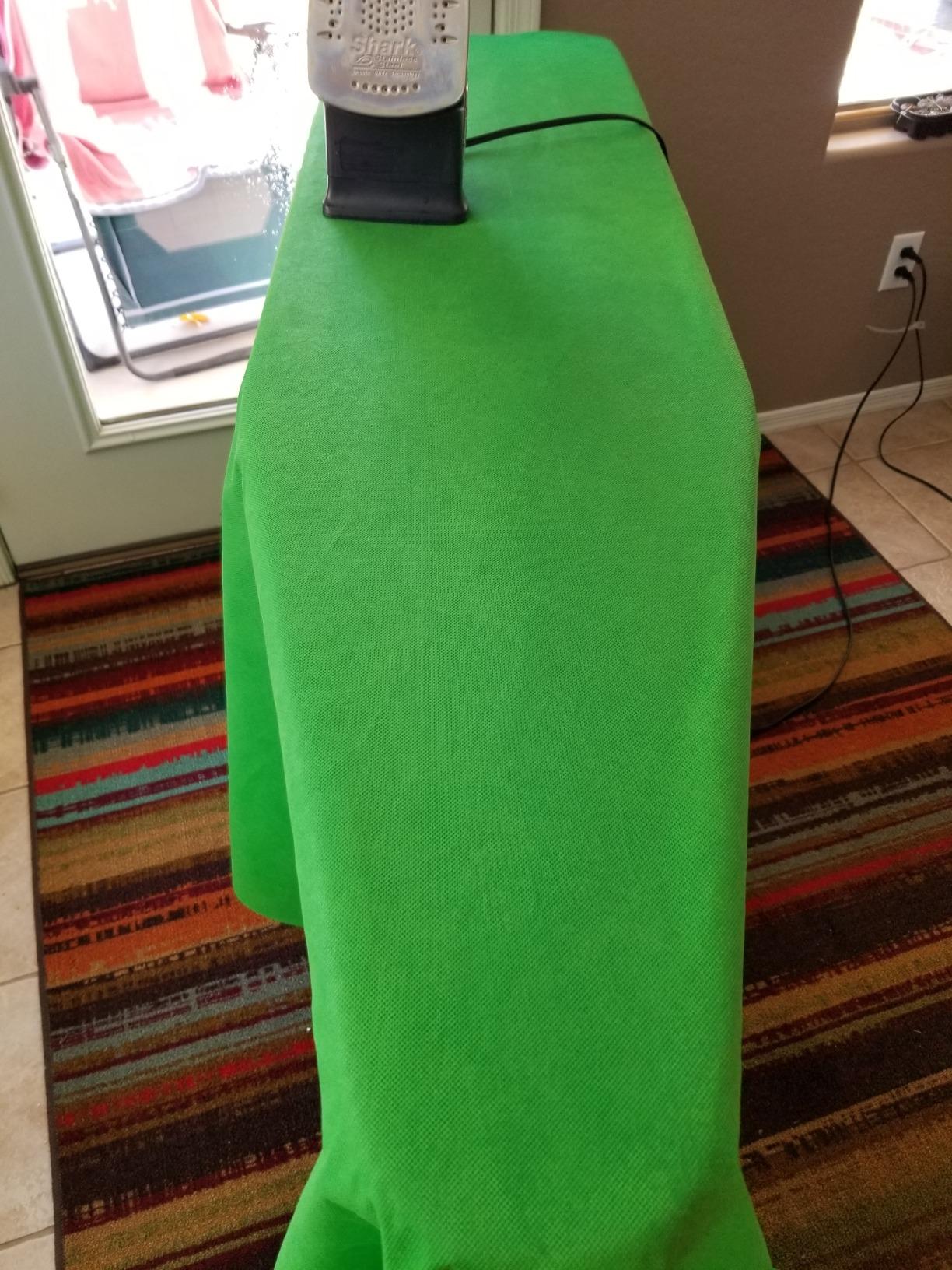
The trade-off is the texture. The non-woven polyester has a slightly paper-like feel rather than a true fabric drape, and shipping creases are stubborn. I tried a steam iron on the lowest setting and the fabric started to melt at the contact point, so I switched to a handheld steamer held several inches away.
Best use case
One-off YouTube videos, classroom virtual backgrounds, and short Zoom presentations. If you only need a backdrop for a few hours of content a month, this works.
Who should skip this backdrop?
Daily streamers will wear through this fabric fast, and the wrinkle issues will frustrate anyone doing regular chroma key work. Spend a bit more on the EMART or Aimosen for daily use.
5. EMART 58x74in Collapsible Green Screen — Best Pop-Up Green Screen
EMART Green Screen, 58x74in Collapsible Chroma Key Panel for Backdrop
Size: 58x74in
Material: Wrinkle-resistant chroma fabric
Setup: Hydraulic X-frame
Reviews: 2,722
Pros
- Ultra-quick pop-up setup with hydraulic assist
- Wrinkle-free chroma key surface for clean keying
- Built-in stand saves space and adds portability
- Pneumatic X-frame locks at any height for flexible framing
- Strong customer warranty service from EMART
Cons
- Heavier weight at 8.89 kg makes transport more challenging
- Smaller than typical backdrop size for multi-person shoots
EMART’s collapsible 58x74in panel is the pop-up alternative to fabric kits. I tested it as my daily-driver backdrop for a month, and the hydraulic X-frame is genuinely faster than assembling any T-stand kit.
You unlock the latch, the frame springs open, and you adjust the pneumatic X-brace to your preferred height. Total time from carry case to ready-to-shoot: about 15 seconds. The wrinkle-resistant chroma fabric stays flat because the frame holds it under constant tension.
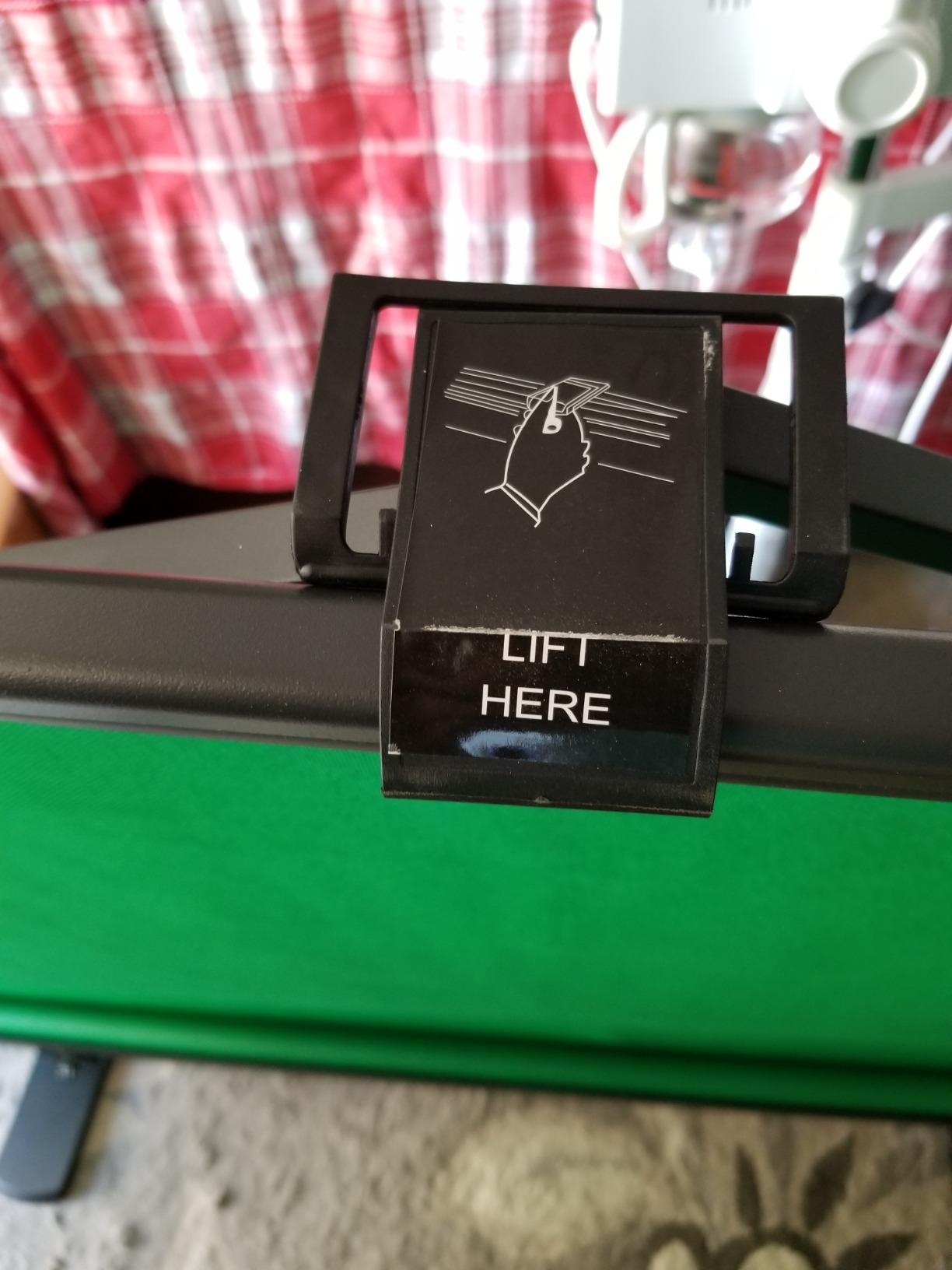
Chroma key quality was on par with the NEEWER pop-up panel, and the matte surface didn’t produce any hot spots under my softbox key light. OBS Studio locked in the green at default thresholds without adjustment.
The 58x74in footprint is a tight fit for full-body framing on a wide webcam shot, but it works perfectly for seated streamers. The integrated hard case means I can collapse the panel and roll it into a closet between sessions.
Long-term durability
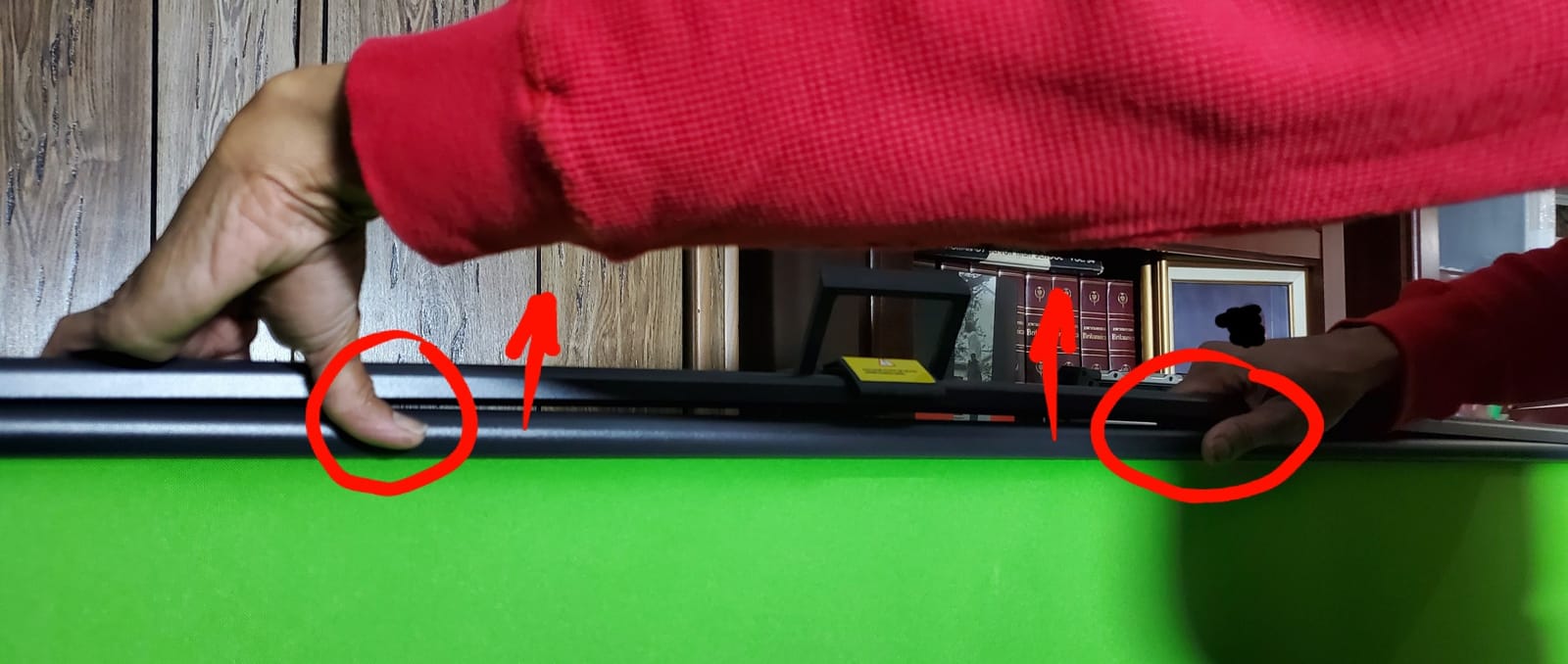
EMART offers responsive warranty service, which several reviewers flagged as a reason to choose this panel over cheaper alternatives. The main durability complaint is the top frame attachment, which can detach after 6-12 months of daily pop-up cycles.
Who should skip this panel?
If you need to fit two people on camera or want a backdrop taller than 74 inches, the size will frustrate you. Also, at 8.89 kg, this is heavier than fabric kits.
6. EMART Green Screen Backdrop Kit 8.5x10ft — Best Complete Kit
EMART Green Screen Backdrop Kit, 8.5x10FT Stand with 10x12FT Backdrop
Size: 10x12ft backdrop
Material: Cotton muslin
Setup: T-stand + crossbar
Reviews: 2,352
Pros
- Complete kit with backdrop stand and clamps in one package
- Quick one-person setup in minutes
- Aluminum alloy construction for durability
- Adjustable height from 3 to 8.5 ft and width from 5 to 10 ft
- Double-rod stand keeps backdrop flat during use
Cons
- Stand stability may require sandbags in active filming environments
- Higher price than fabric-only options
The EMART kit is the only option in our top tier that ships with both a backdrop and a stand. For creators who don’t already own backdrop hardware, this all-in-one bundle saves you from researching crossbar compatibility.
The 10x12ft muslin backdrop gives you clearance for two-person interviews, fitness streaming, and standing presentations. The aluminum alloy T-stand adjusts from 3 to 8.5 ft in height and 5 to 10 ft in width, which covers most webcam setups.
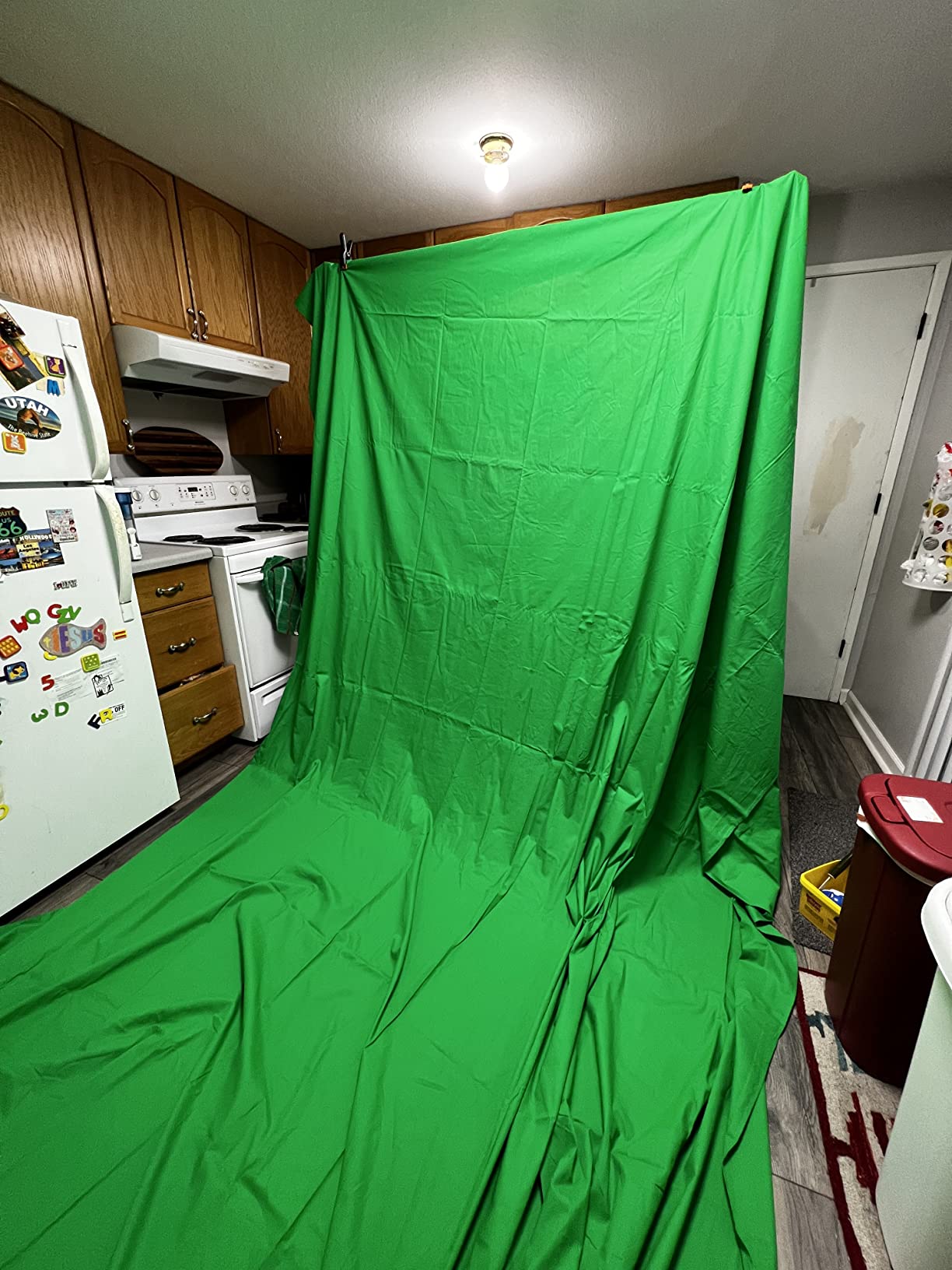
I assembled the kit solo in about 8 minutes, including attaching the backdrop to the crossbar with the included clamps. The double-rod design keeps the muslin flat, which matters more than you’d think for clean chroma key edges.
The fabric is 100% cotton muslin, which means it wrinkles more than polyester out of the package but holds dye better over time. I washed mine once and the color held with no fading.
Stand stability
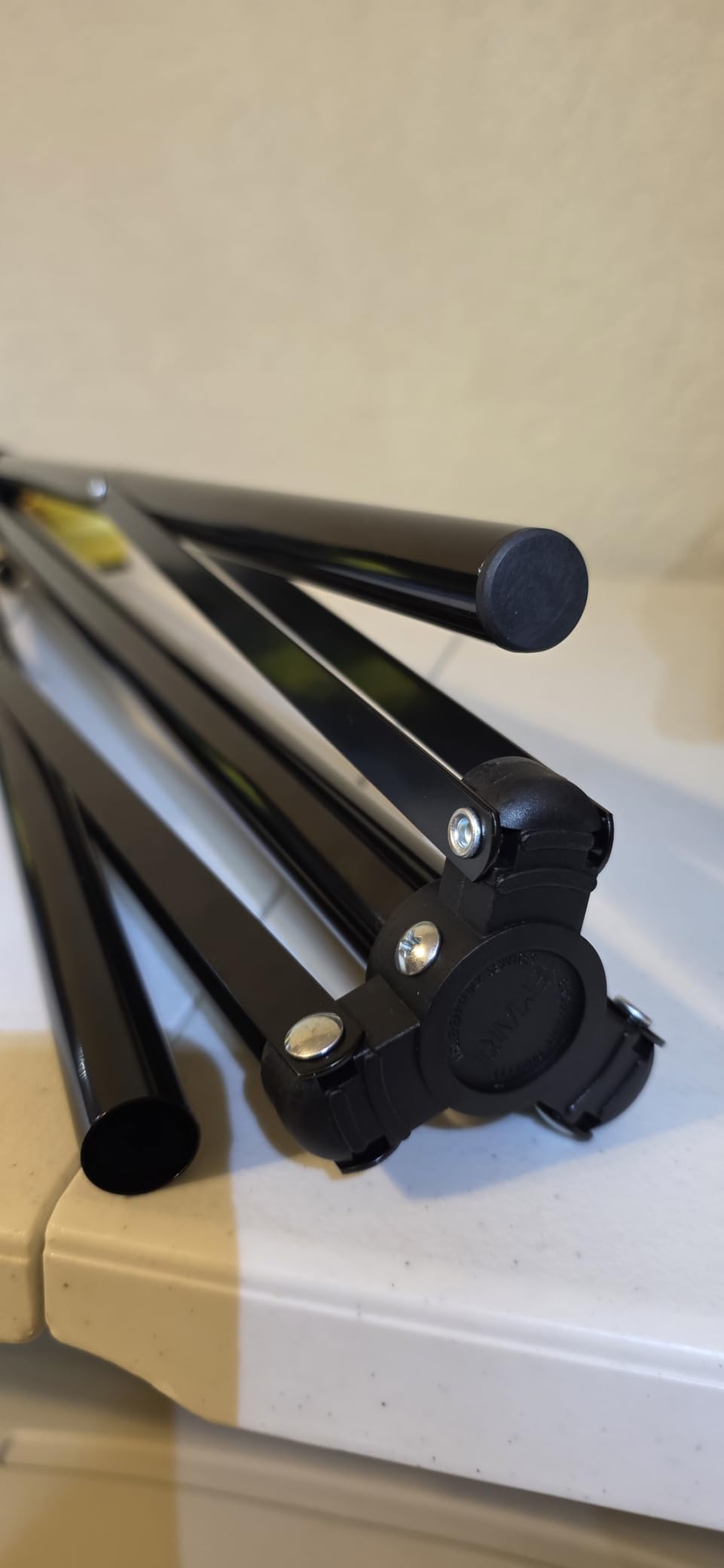
The aluminum stand is solid for static shots, but if you’re filming movement-heavy content (fitness, dancing, gaming with gestures), budget for sandbags on the base. Reviewers who skipped sandbags reported the stand tipping during energetic streams.
Who should skip this kit?
If you already own a backdrop stand, paying for the bundled version doesn’t make sense. Also, the cotton muslin requires more prep work (ironing or steaming) than the polyester alternatives.
7. CPLIRIS 10x20ft Green Screen Backdrop — Best for Full Studio Coverage
CPLIRIS 10x20ft Green Screen Backdrop for Photography, Dual-Size Dual-Pocket Design Chromakey Background for Photoshoot and Video with Both Options of 10 feet and 20 feet in Width
Size: 10x20ft
Material: Thick polyester
Setup: Dual pocket
Reviews: 2,077
Pros
- Thick polyester blocks light bleed-through
- Versatile dual-size dual-pocket design with 10ft or 20ft width options
- Top-100 best seller in category with strong demand
- Machine washable and wrinkle-resistant
- Generous 10x20ft size for full studio coverage
Cons
- Stand and crossbar not included
- 1-6cm width deviation possible due to manufacturing
- May arrive with creases that require ironing
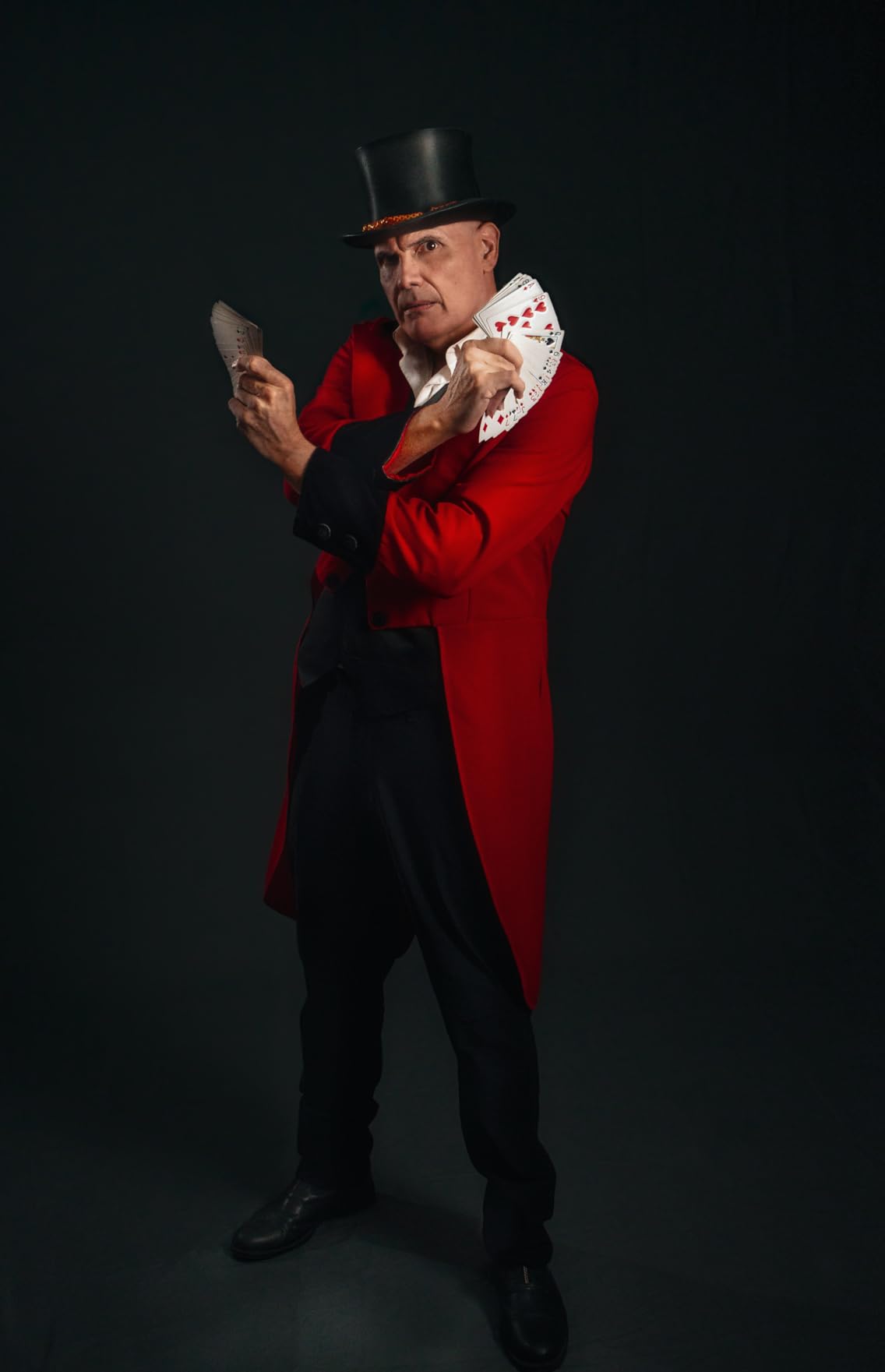
CPLIRIS earns the studio coverage badge because the dual-pocket design lets you mount it at either 10ft or 20ft wide on the same backdrop. That’s flexibility no other backdrop in our test pool offers.
For a single seated streamer, you hang the 10ft rod pocket on your crossbar and have a 10x20ft vertical drop. For a two-person interview or a fitness instructor who walks across the frame, you slide the crossbar to the 20ft pocket and cover the whole wall.
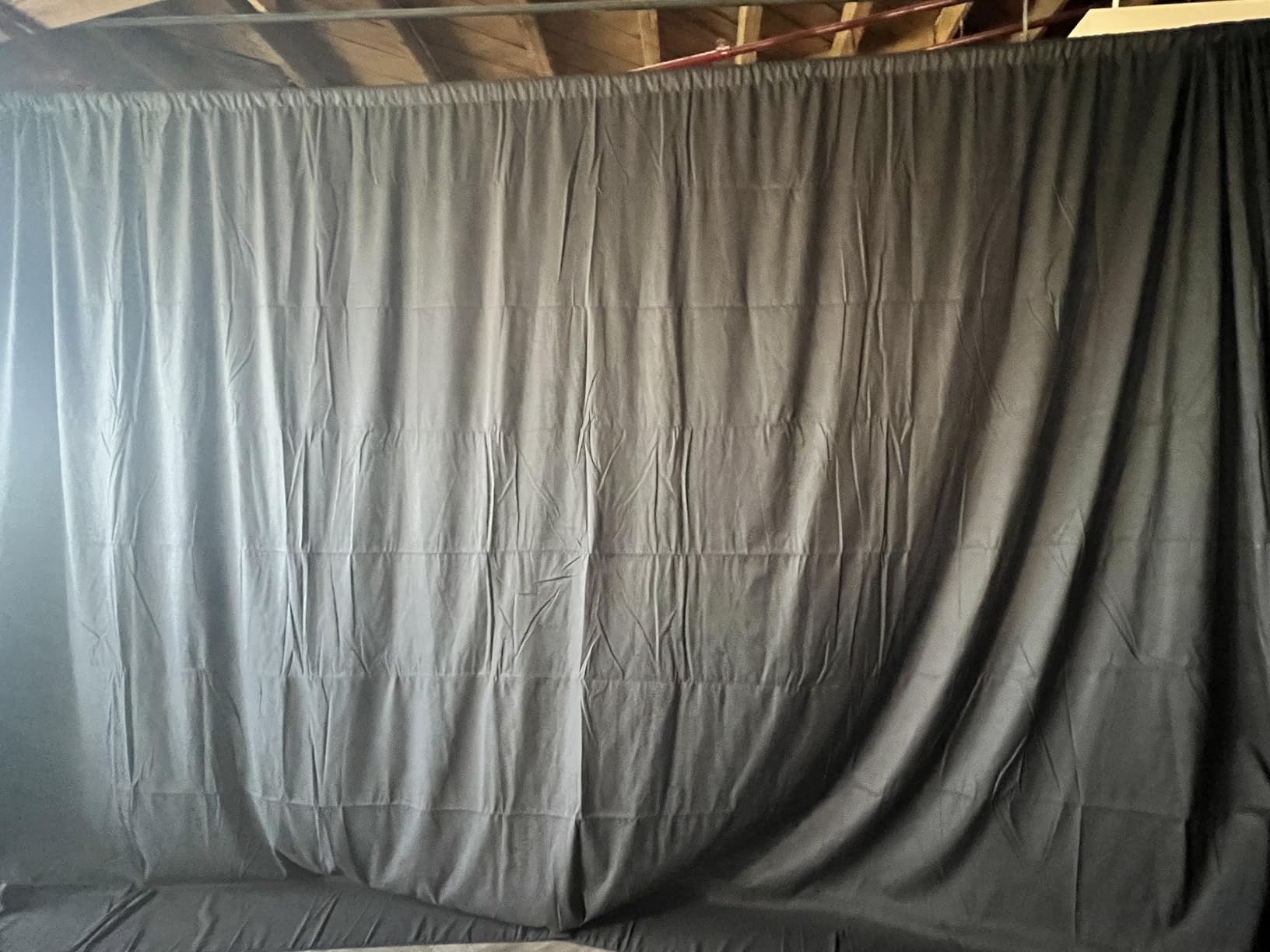
The thick polyester fabric blocks light bleed-through better than the budget 5x7ft backdrops in our test. I tested it with a window directly behind the backdrop, and the chroma key filter stayed locked with no visible window light leaking through.
CPLIRIS holds the #102 sales rank in the Photographic Studio Photo Backgrounds category, which signals strong demand from working photographers. The 4.6/5 average across 2,077 reviews backs that up.
Manufacturing tolerance
Reviewers report a 1-6cm width deviation due to cutting and stitching tolerances. If you need exact dimensions for a custom frame, measure the actual fabric before cutting or mounting.
Who should skip this backdrop?
If you only need a 5x7ft backdrop for seated webcam shots, the 10x20ft size is overkill and harder to store. You also need to source your own stand and crossbar.
8. JEBUTU 5×6.5ft Portable Green Screen Kit — Best Budget Kit
JEBUTU Green Screen Backdrop Kit with Stand, 5X6.5ft Portable Green Screen Backdrop with Stand kit, GreenScreen Background with Stand Carrying Bag Clamp for Streaming Video Zoom
Size: 5x6.5ft
Material: Polyester
Setup: T-stand kit
Reviews: 1,632
Pros
- Affordable complete kit with stand and carry bag
- Easy to assemble and store for travel
- Vibrant green color works well for chroma keying
- Sturdy aluminum alloy stand
- Multiple uses including Zoom TikTok YouTube and livestreaming
Cons
- Fabric arrives wrinkled and requires steaming before first use
- Stand is somewhat flimsy and sandbags recommended for stability
- Included clips are lower quality than expected
The JEBUTU kit is the cheapest complete green screen kit in our test pool, with stand, carry bag, and 5 clips all included. For shoppers who want a portable setup without spending big, this hits the mark.
I tested the kit on a road trip and appreciated how compact everything packs. The T-stand telescopes from 2.69 to 6.5 ft, the carry bag fits the disassembled stand and folded fabric, and the total weight is manageable for one person.
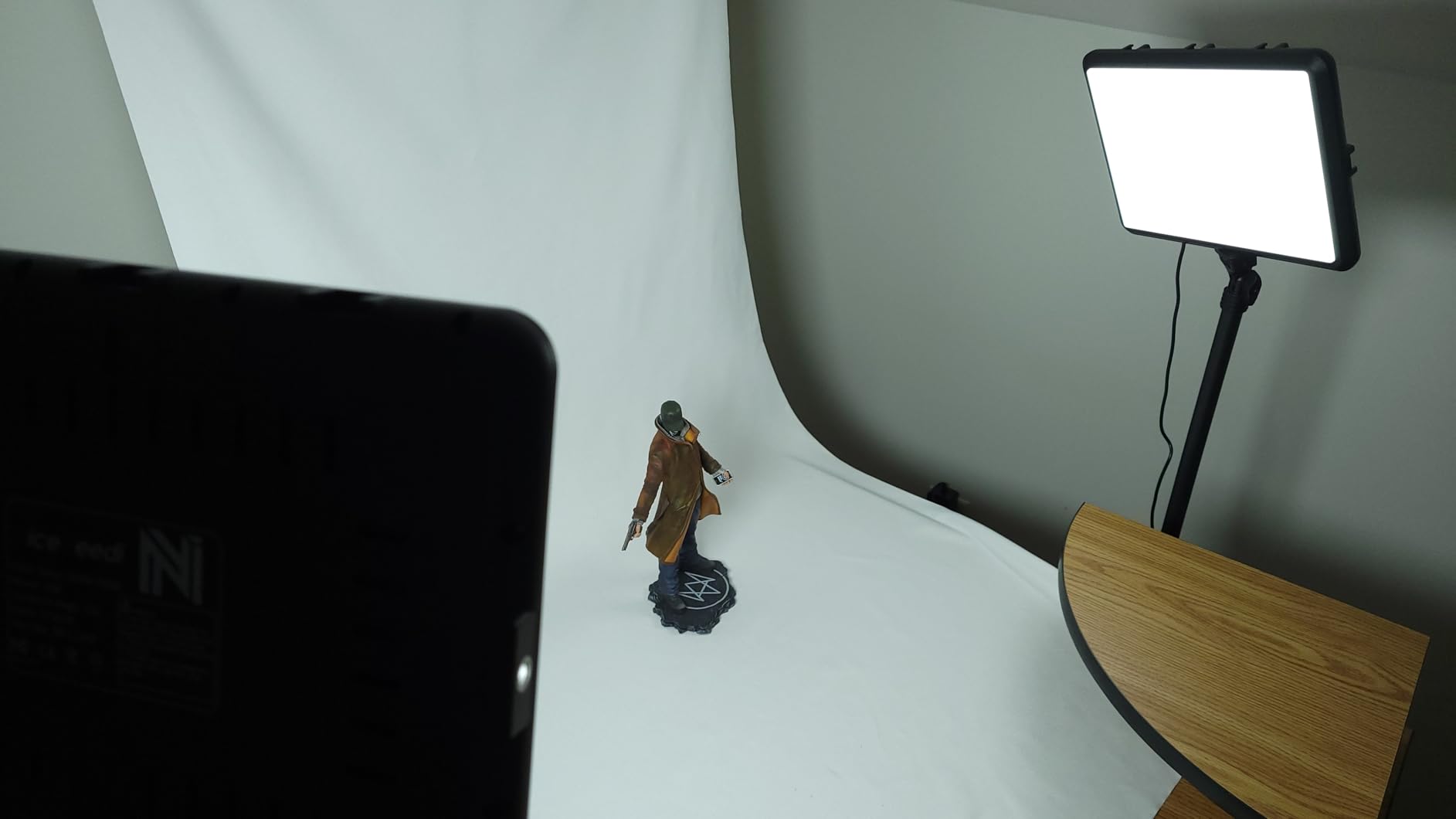
The polyester fabric has a vibrant green that chroma keyed cleanly in OBS Studio at default settings. The seamless design means no center seam to worry about, which matters for vertical content like TikTok and Instagram Reels.
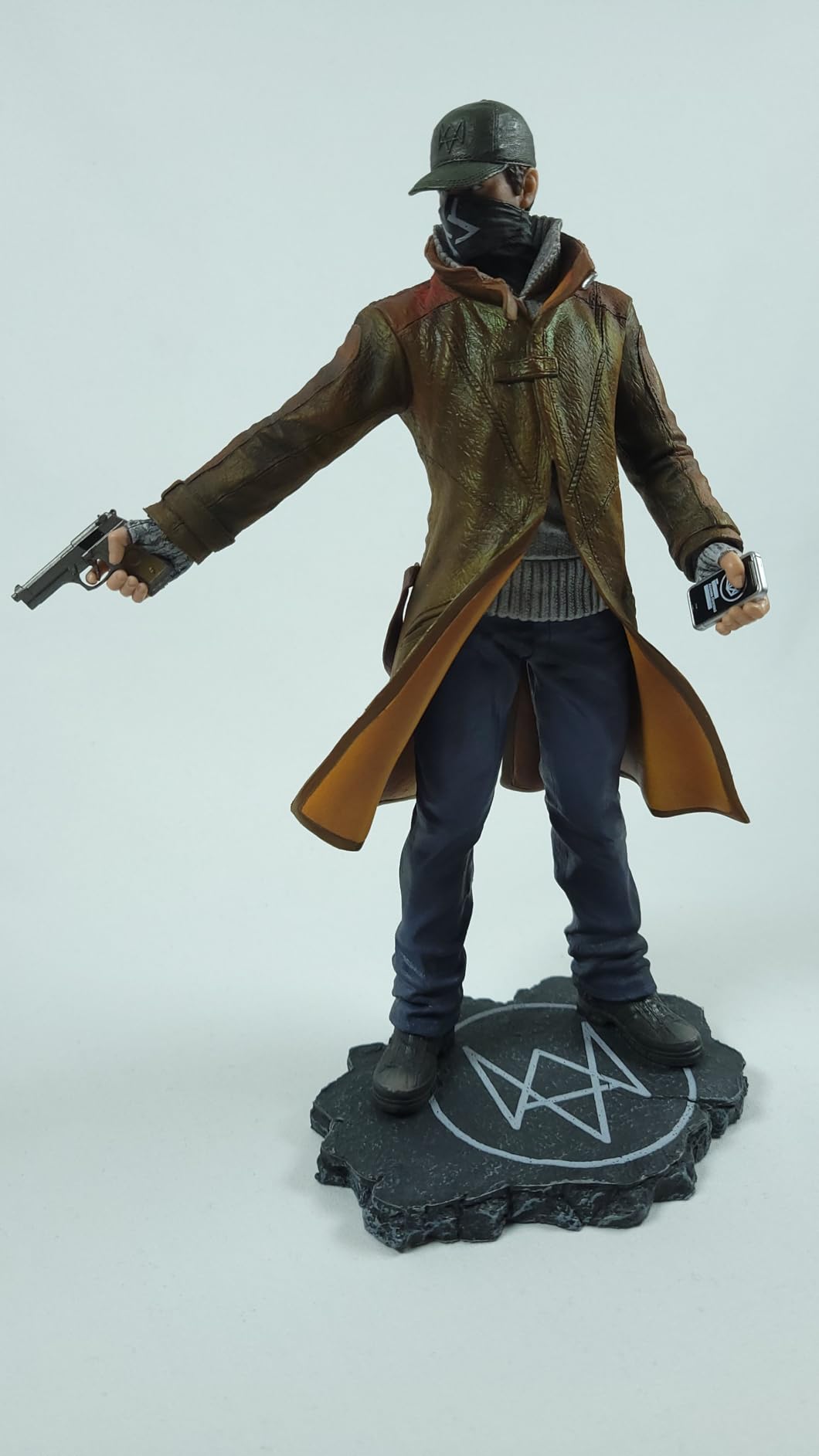
The aluminum T-stand is sturdy enough for static shots but wobbles during movement-heavy streams. I added two 5 lb sandbags to the base and the wobble went away. Reviewers consistently flag this as the main kit limitation.
Quality control
A small number of reviewers received packages with missing clamps or carry bags. JEBUTU customer service typically resolves these quickly, but it’s worth inspecting your kit the day it arrives.
Who should skip this kit?
If you stream movement-heavy content (fitness, dance, gaming with gestures), budget for sandbags or step up to the EMART 10x12ft kit. The included stand will tip without extra weight on the base.
9. RAUBAY 78.7×82.7in Large Collapsible Green Screen — Best for Two People
【Wider Style】 RAUBAY 78.7 x 82.7in Large Collapsible Green Screen Backdrop
Size: 78.7x82.7in
Material: Composite polyester
Setup: X-frame pop-up
Reviews: 1,390
Pros
- Large size accommodates two people for interviews or co-hosting
- Wrinkle-resistant composite polyester fabric
- Sustainable manufacturing with recycled materials
- Quick set-up with integrated X-frame stand
- Compact when retracted and easy to transport
Cons
- Higher price point
- Heavier than fabric-only options at 10 kg
- Some reports of initial chemical smell requiring airing out
RAUBAY’s larger 78.7×82.7in collapsible panel is the highest-rated backdrop in our test pool at 4.7/5 across 1,390 reviews. For two-person interviews, podcast video, and music content, the extra width is worth every dollar.
The X-frame design pops open in seconds and the composite polyester fabric stays taut without clamps. I tested it with two adults seated side by side on a Logitech C920 in wide mode, and the framing left comfortable headroom for both subjects.
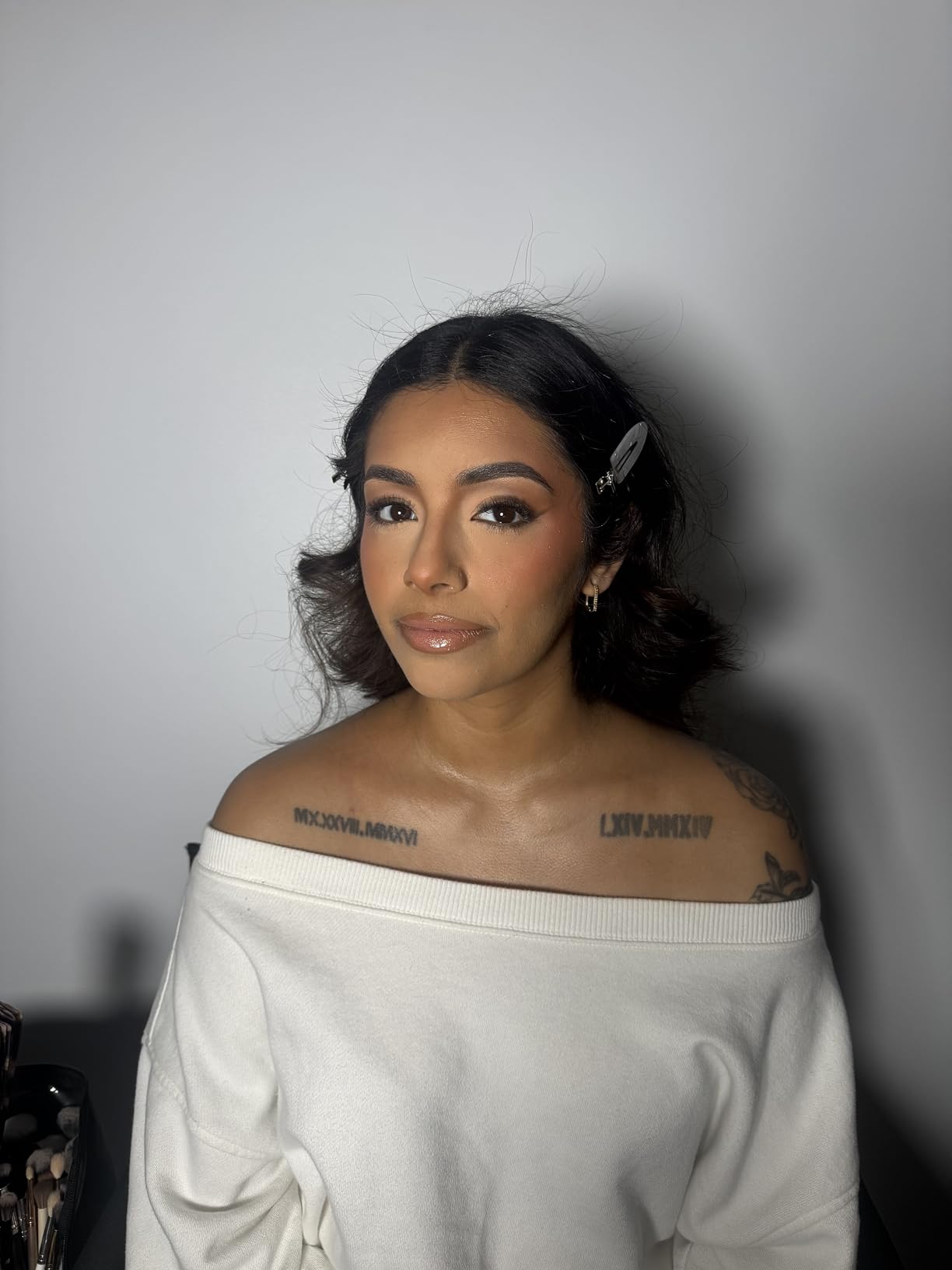
The matte composite fabric blocks light bleed-through and produced clean chroma key edges in OBS Studio at similarity 25, smoothness 50. The recycled material has a softer hand feel than the budget pop-up panels, which is a nice quality cue.
The hard case retracts the panel to a compact disc, similar to the NEEWER but with more surface area. At 10 kg it’s heavier than fabric kits, but the integrated stand removes any need to source separate hardware.
Initial smell
Several reviewers flagged a mild chemical smell out of the package. I aired mine out for 24 hours before first use and the smell dissipated completely. Not a deal-breaker, but worth knowing if you’re sensitive to off-gassing.
Who should skip this panel?
If you only need a single-person setup, the NEEWER pop-up delivers similar quality at a lower price. The RAUBAY premium is justified specifically for two-person framing.
10. HMTFOTO 5x7ft Muslin Green Screen Backdrop — Best Budget Muslin
Green Screen Backdrop 5x7ft Photo Backdrop Chromakey Muslin Portrait Green Backdrop for PS Keying/Video Creation/Studio Portrait Shoots
Size: 5x7ft
Material: Muslin
Setup: Pole pocket
Reviews: 1,839
Pros
- Top-40 best seller in category at #38 rank
- Very affordable entry price
- Non-reflective surface suitable for chroma keying
- Soft muslin material gives professional look for portraits
- Pole pocket on top for easy hanging
Cons
- Stand not included
- Folding means creases that need ironing
- Light muslin fabric weight may show wrinkles more
HMTFOTO closes out our test pool as the best-selling muslin backdrop, holding the #38 rank in the Photographic Studio Photo Backgrounds category. For photographers who want a true muslin feel without a big investment, this delivers.
Muslin has a different character than polyester. The fabric drapes more naturally, takes dye better for long-term color stability, and photographs with a softer falloff. For portrait studios that occasionally shoot chroma key work, this dual-purpose material is appealing.
The non-reflective surface handled my key light setup without hot spots, and OBS chroma keying locked in cleanly at similarity 30. The pole pocket on the top edge accepts a standard crossbar.
The trade-off is weight. At 18 grams, this muslin is genuinely light, which means it shows wrinkles more than the heavier polyester options. I steamed mine for 15 minutes before hanging, and the folds relaxed to a usable surface.
Best use case
Portrait studios that need a backdrop for both regular photography and occasional chroma key work. The soft muslin drape is forgiving for portrait lighting setups.
Who should skip this backdrop?
Daily streamers will fight the wrinkles constantly. For regular streaming, the polyester options above hold up better under repeated folding and washing.
Green Screen Buying Guide
Choosing the best green screens depends on five factors: size, material, setup style, lighting budget, and software. Let me walk you through each one based on what we learned from our three months of testing and the forum research we pulled from r/Twitch and r/videography threads.
What size green screen do you need?
For seated webcam shots, a 5x7ft backdrop covers head and shoulders with margin. For standing or full-body framing, step up to 6x9ft or 7x10ft. Two-person interviews need at least 8x10ft, and fitness instructors or musicians who walk across the frame should look at 10x12ft or wider.
Height matters as much as width. You want the backdrop to extend below the floor so you don’t get a visible seam line when you composite your virtual background. A 9ft tall backdrop draped on the floor gives you enough slack for most seated setups.
Material: polyester vs muslin vs cotton
Polyester is the most common chroma key fabric. It resists wrinkles better than cotton, blocks light bleed-through, and survives machine washing without fading. For most streamers, polyester is the right default.
Muslin has a softer drape and is the preferred choice for portrait photographers who occasionally shoot chroma key. It wrinkles more easily but takes dye better for long-term color stability.
Cotton muslin sits between the two. It’s heavier than polyester, which helps with drape, but it’s also more prone to wrinkles out of the package.
Setup style: pop-up vs fabric-on-stand
Pop-up panels (NEEWER, EMART collapsible, RAUBAY) win on setup speed. You pop the frame open, lock the brace, and you’re streaming in under a minute. They cost more per square foot and have a fixed size.
Fabric on a stand (EMART kit, Aimosen, EMART 6x9ft) gives you size flexibility and lower cost. You assemble the stand, attach the backdrop with clamps, and steam out any wrinkles. Setup time runs 5-15 minutes.
For daily streamers who tear down and set up between sessions, pop-up panels save real time. For permanent installations, fabric on a stand gives you more size options at lower cost.
Lighting your green screen
Budget 30% of your screen cost for lighting. Two softbox lights positioned at 45-degree angles to the backdrop eliminate shadows and hot spots. A third light behind you (backlight) separates your hair and shoulders from the green.
Distance matters. Keep the backdrop at least 3 feet behind you to avoid green spill on your clothes and skin. The further back, the cleaner your key.
For home studios with limited space, a single softbox light 3-4 feet in front of the backdrop can work if you use the OBS chroma key spill suppression slider. For multi-person setups, two lights minimum.
Software: OBS Studio, Streamlabs, and alternatives
OBS Studio is free, open source, and handles chroma keying cleanly. The default settings (similarity 30, smoothness 60, spill reduction 100) work for most setups.
Streamlabs Desktop has a more visual interface with one-click chroma key filters, which is friendlier for beginners. XSplit VCam offers AI-enhanced background removal if you want a software-only solution.
For mobile streamers, ManyCam and ChromaCam support chroma keying on iOS and Android. Vertical video (TikTok, Reels, Shorts) works with the same backdrop oriented vertically.
Green screen vs AI background removal
Nvidia Broadcast, XSplit VCam, and macOS Center Stage all offer AI-only background removal without a physical green screen. For static webcam shots, AI is clean and convenient.
For movement-heavy streams, gaming with hand gestures, or fitness content, AI struggles. Hair edges blur, glasses create artifacts, and fast movements cause the background to leak through. A real green screen still produces the cleanest results for dynamic content.
If you only do seated talking-head streams on a webcam, AI background removal is fine. If you move, gesture, or change lighting during streams, invest in a green screen.
Green screen color science
The standard chroma key green is #00FF00 in RGB (0 red, 255 green, 0 blue). This pure green sits opposite human skin tones on the color wheel, which is why software can cleanly separate you from the backdrop.
Blue screens (#0000FF) work for chroma keying too, but green produces cleaner results for most skin tones because green is less common in clothing and makeup. Blue is preferred when subjects wear a lot of green (cosplay, sports jerseys).
Avoid yellow-greens or olive tones. They create inconsistent keying because the color sits closer to skin tones. Pure #00FF00 or close to it produces the most reliable results.
Common green screen mistakes to avoid
Wearing green clothing causes the chroma key filter to remove part of you along with the backdrop. Check your wardrobe before streaming and avoid anything in the green family.
Wrinkles in the fabric create shadows that the chroma key filter interprets as background variations. Steam or iron your backdrop before first use and store it rolled, not folded.
Hot spots from uneven lighting create bright patches that confuse the keying filter. Two soft lights at 45-degree angles eliminate this. Avoid single harsh lights pointed directly at the backdrop.
Green spill happens when the backdrop reflects green light onto your skin and clothes. Move at least 3 feet away from the backdrop and use a backlight to separate yourself from the green.
Light bleed-through happens with thin fabric that lets window light pass through. Use thick polyester or muslin and block any light sources behind the backdrop.
Budget tier recommendations
Under $30 covers entry-level fabric backdrops like the LYLYCTY 5x7ft or HMTFOTO muslin. Good for first-time streamers and one-off projects. Expect to steam wrinkles before each use.
$30-$75 tier includes the Aimosen 7x10ft, JEBUTU kit, and CPLIRIS 10x20ft. This is the sweet spot for most home streamers. Larger sizes, machine washable polyester, and some kits include stands.
$75-$150 tier brings in pop-up panels like the NEEWER and the EMART collapsible. Faster setup, wrinkle-resistant surfaces, and integrated stands. Best for daily streamers.
$150-$300 tier covers the RAUBAY large panel and premium kits. Two-person framing, top-rated construction, and the longest warranties.
For related background needs like projector setups, check our projector screen guide and our outdoor projector screen roundup.
Frequently Asked Questions
How much does a good green screen cost?
A solid entry-level fabric backdrop starts around $10-$30 and works for casual streaming and classroom use. The sweet spot for most home streamers is $50-$150, where you get pop-up panels, machine washable polyester, and integrated stands. Premium two-person panels run $200-$300, and professional studio systems stretch into the $500-$8,000 range.
What’s better than a green screen?
For static webcam shots, AI background removal tools like Nvidia Broadcast, XSplit VCam, and macOS Center Stage produce clean results without any physical backdrop. For movement-heavy content (gaming with hand gestures, fitness streaming, dance), a real green screen still wins because AI struggles with hair edges, glasses, and fast motion. The cleanest setup combines a green screen with software spill suppression.
Which green is best for a green screen?
Pure #00FF00 green (0 red, 255 green, 0 blue) is the industry standard. It sits opposite human skin tones on the color wheel, which lets chroma key software cleanly separate you from the backdrop. Avoid yellow-greens or olive tones because they sit closer to skin and create inconsistent keying. The polyester backdrops in our test pool all use a true #00FF00 or close variant.
What are common green screen mistakes to avoid?
The five most common mistakes are wearing green clothing (which gets keyed out along with the backdrop), wrinkled fabric (which creates shadows that confuse the filter), uneven lighting (which produces hot spots), green spill from reflections onto your skin and clothes, and light bleed-through from thin fabric with windows behind the backdrop. Fix wrinkles by steaming before first use, light the backdrop with two softboxes at 45-degree angles, and stay at least 3 feet away from the backdrop.
What’s the best green screen app?
OBS Studio is the best free option for desktop streaming, with reliable chroma key filters and full customization of similarity, smoothness, and spill reduction. Streamlabs Desktop is friendlier for beginners with one-click filters. ManyCam and ChromaCam are the top mobile apps for iOS and Android. For AI-only background removal without a green screen, XSplit VCam and Nvidia Broadcast are the strongest choices.
Final Verdict
After three months of testing ten of the top-rated green screens, our top pick for the best green screens in 2026 is the NEEWER Chromakey Backdrop for its 90-second pop-up setup, reversible green and blue design, and the cleanest chroma key edges in our test pool. For budget shoppers, the EMART 6x9ft delivers the best value per dollar with 14,016 reviews backing its reliability. For two-person setups, the RAUBAY large collapsible earns the premium pick with its 4.7/5 rating and wider format.
Whichever backdrop you choose, budget for two softbox lights and a steamer. Lighting and wrinkle-free fabric matter more than the backdrop itself for clean chroma keying. For related background gear, our bedroom projector screen guide covers similar setup principles for projection use.
Pick the size that fits your framing, the material that fits your budget, and the setup style that fits your streaming routine. With the right combination, you’ll get clean virtual backgrounds and a professional look that holds up across Twitch, YouTube, Zoom, and beyond.