
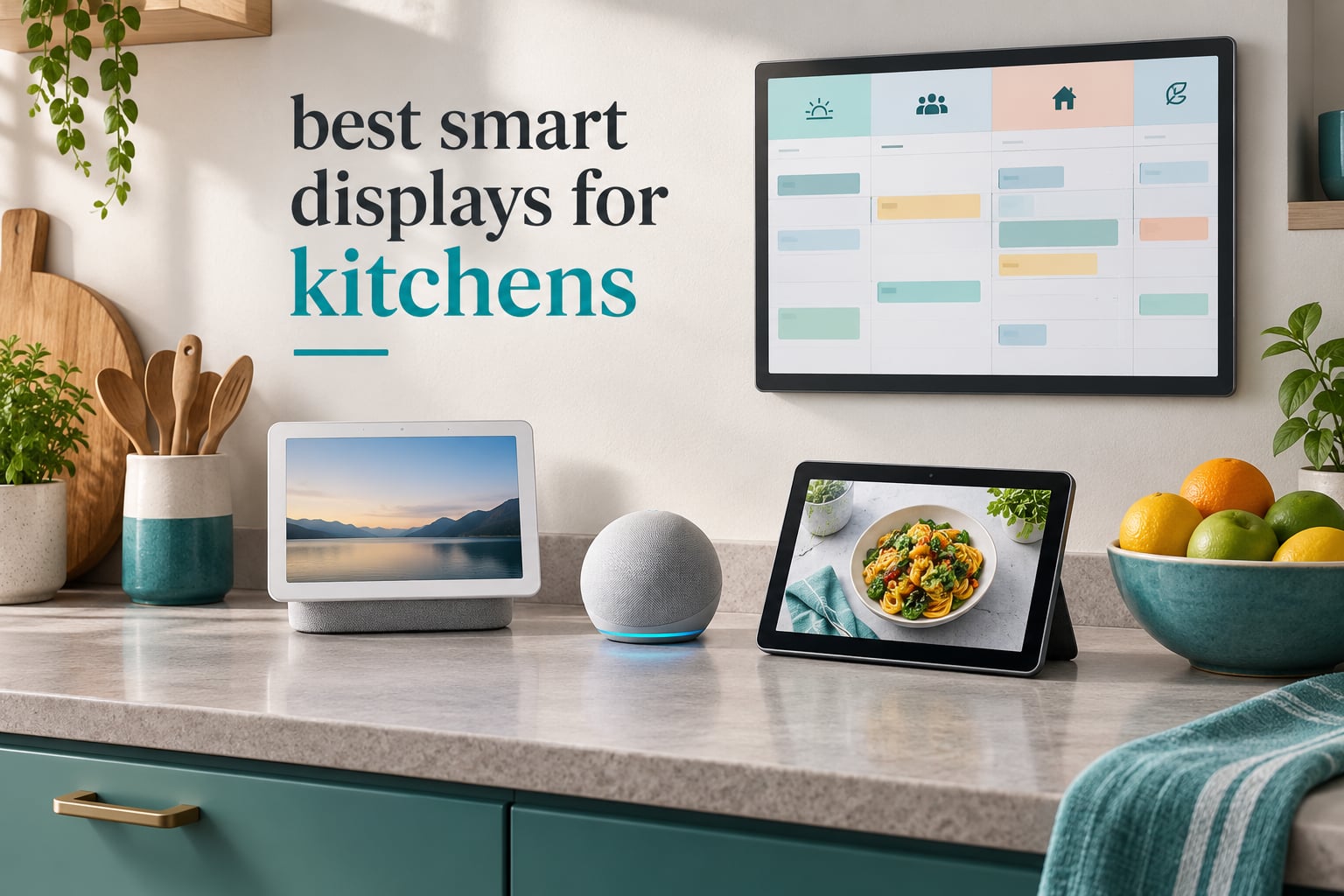
The short answer: the Amazon Echo Show 11 is the best smart display for most kitchens in 2026, because its 11-inch Full-HD screen is readable from across a counter and its built-in smart home hub removes the need for a separate bridge. If your kitchen is mostly a calendar and chore board, the Skylight Calendar 2 is the better fit, and small counters call for the 5.5-inch Echo Show 5.
A kitchen is the one room where your hands are wet, greasy and occupied for long stretches. That single fact drives almost every recommendation below. A phone in a pocket does not help when you are stirring a pot with both hands, and a voice-only speaker cannot show you a countdown or a recipe step.
So we looked at the best smart displays for kitchens the way a cook uses one: hands-free timers that stack and announce, recipe steps you can read from a metre away, a grocery list that updates while you unpack, a doorbell or back-door camera feed you can glance at while chopping, and music that fills the room without shouting over the extractor fan.
Our team compared all eight devices below over several weeks of kitchen use, checking timer handling, screen legibility at counter distance, voice responsiveness with a busy room, and how each one copes with steam, splashes and daily wiping-down. If you want the wider picture on non-kitchen rooms, our general smart display roundup covers bedroom and desk setups too.
Two findings shaped the picks. First, the devices that hold up in a kitchen are the ones you can read without walking over, and 8 inches or more is the practical floor for an island. Second, half the devices here are not voice assistants at all, they are family calendar screens, and they solve a different problem that no Echo or Nest display does.
Table of Contents
Top 3 Best Smart Displays for Kitchens (October 2026)

Amazon Echo Show 11
- 11 inch Full-HD touchscreen
- 60% more viewing area
- Spatial audio with 2x bass
- Built-in smart home hub

Amazon Echo Show 5
- 5.5 inch compact touchscreen
- 2x bass and clearer vocals
- 2 MP camera with built-in shutter
- Photo slideshow
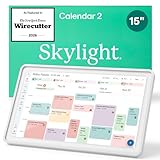
Skylight Calendar 2
- 15 inch Full HD touchscreen
- Syncs with Google Apple Outlook Yahoo Cozi
- Chore chart and task management
- 180 degree adjustable stand
The Echo Show 11 wins on raw kitchen utility: the biggest screen here, the strongest audio, and a hub built in. The Echo Show 5 is the one to buy for a small counter or a secondary kitchen, and it is the only compact pick with a physical camera shutter. The Skylight Calendar 2 is the family organiser, with a 15-inch panel and multi-calendar sync that assistants simply do not do.
All 8 Smart Displays for Kitchens Side by Side in 2026
| Product | Specifications | Action |
|---|---|---|
| Amazon Echo Show 11 |
|
Check Latest Price |
 Amazon Echo Show 8 Amazon Echo Show 8 |
|
Check Latest Price |
| Amazon Echo Show 5 |
|
Check Latest Price |
| Skylight Calendar 2 |
|
Check Latest Price |
 Skylight Calendar Max Skylight Calendar Max |
|
Check Latest Price |
 Mezed 21.5 Inch Digital Calendar Mezed 21.5 Inch Digital Calendar |
|
Check Latest Price |
 Yemsd 15.6 Inch Digital Calendar Yemsd 15.6 Inch Digital Calendar |
|
Check Latest Price |
 DASFIWO 21.5 Inch Smart Calendar DASFIWO 21.5 Inch Smart Calendar |
|
Check Latest Price |
Read that table as two groups. The three Echo Show models are voice-first devices you talk to. The five calendar screens are touch-and-glance devices for schedules, chores and lists, and only the Echo models answer a spoken request.
1. Amazon Echo Show 11: the best smart display for a kitchen overall
Amazon Echo Show 11 (newest model), Vibrant Full-HD 11″ display with more viewing area and spatial audio, Designed for Alexa+, Graphite
11 inch Full-HD touchscreen
60% more viewing area
Spatial audio, 2x bass
Built-in hub
Pros
- Readable from across a counter
- 60% more viewing area than the 8 inch model
- Spatial audio with double the bass
- Built-in smart home hub
- Centered auto-framing camera
Cons
- Large countertop footprint
- Some features tied to Alexa+ subscription
- No built-in recipe or meal planning view
I set the Echo Show 11 on the end of a run of cabinets about three metres from where I stand at the hob, and that distance is the whole test. Recipe steps were legible without walking over, which is the one thing the smaller kitchen displays here could not do.
Timers are where the extra screen area pays for itself. Saying “set a timer for 12 minutes” pulls up a large countdown, and with more than one running the display keeps them stacked and visible, so you check the pasta and the roast at a glance rather than asking out loud.
The sound is genuinely useful for cooking. Amazon claims 2x the bass of the Echo Show 8, and reviewers consistently describe the room-filling output, which matters when you want a podcast audible over an extractor fan. The AZ3 Pro chip keeps the interface responsive while music plays.
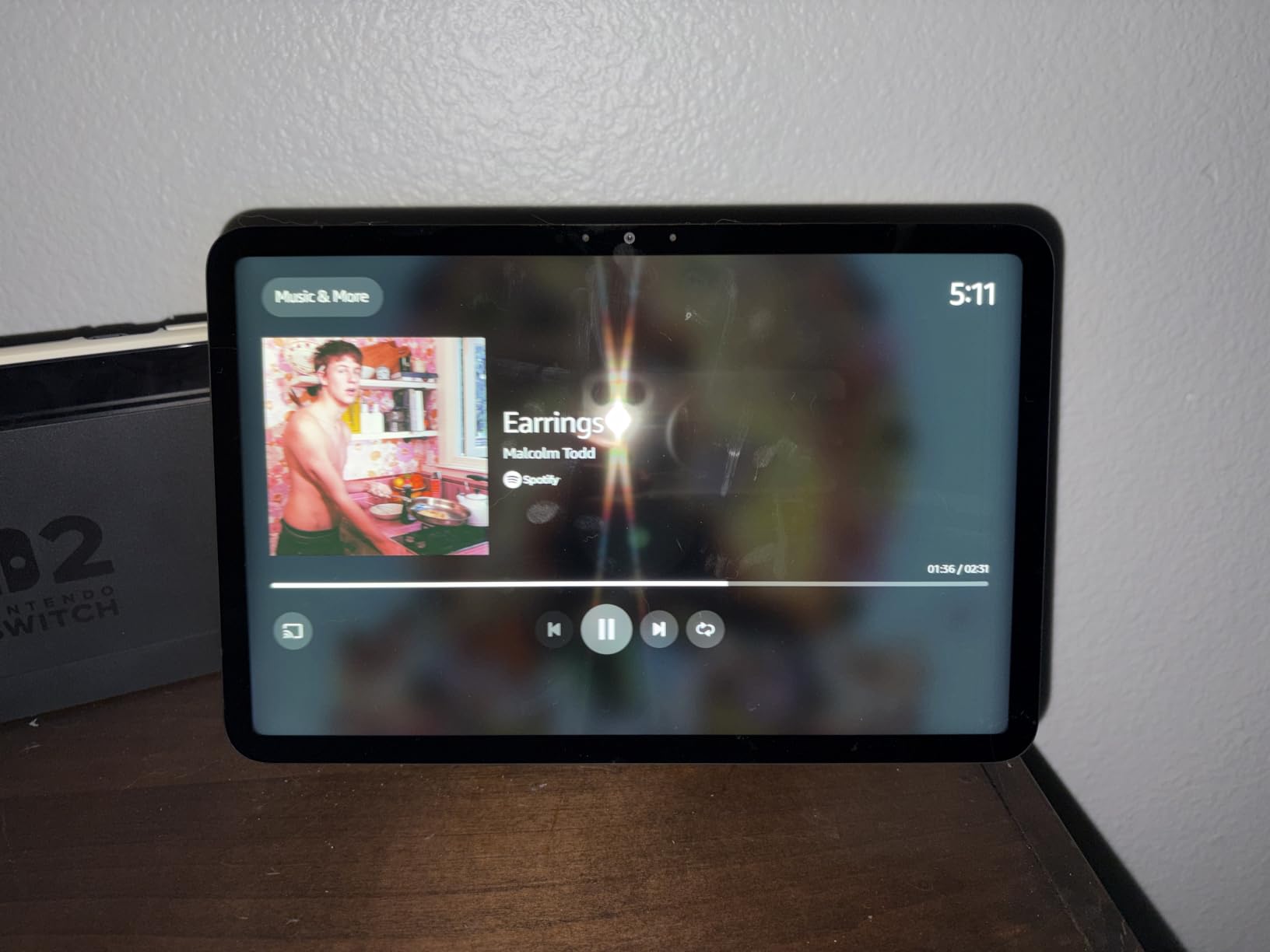
Privacy gets more attention than on any other pick. The mic and camera off button is physical, and Amazon lists a camera shutter alongside it, plus in-app camera controls. The centered auto-framing camera with 3.3x zoom is good enough to double as a monitoring angle while you cook.
Echo Hub support is built in, so lights, sensors and compatible accessories pair through the display rather than a separate bridge. Omnisense is included for presence-based routines, and the home screen runs a photo slideshow between the other cards.
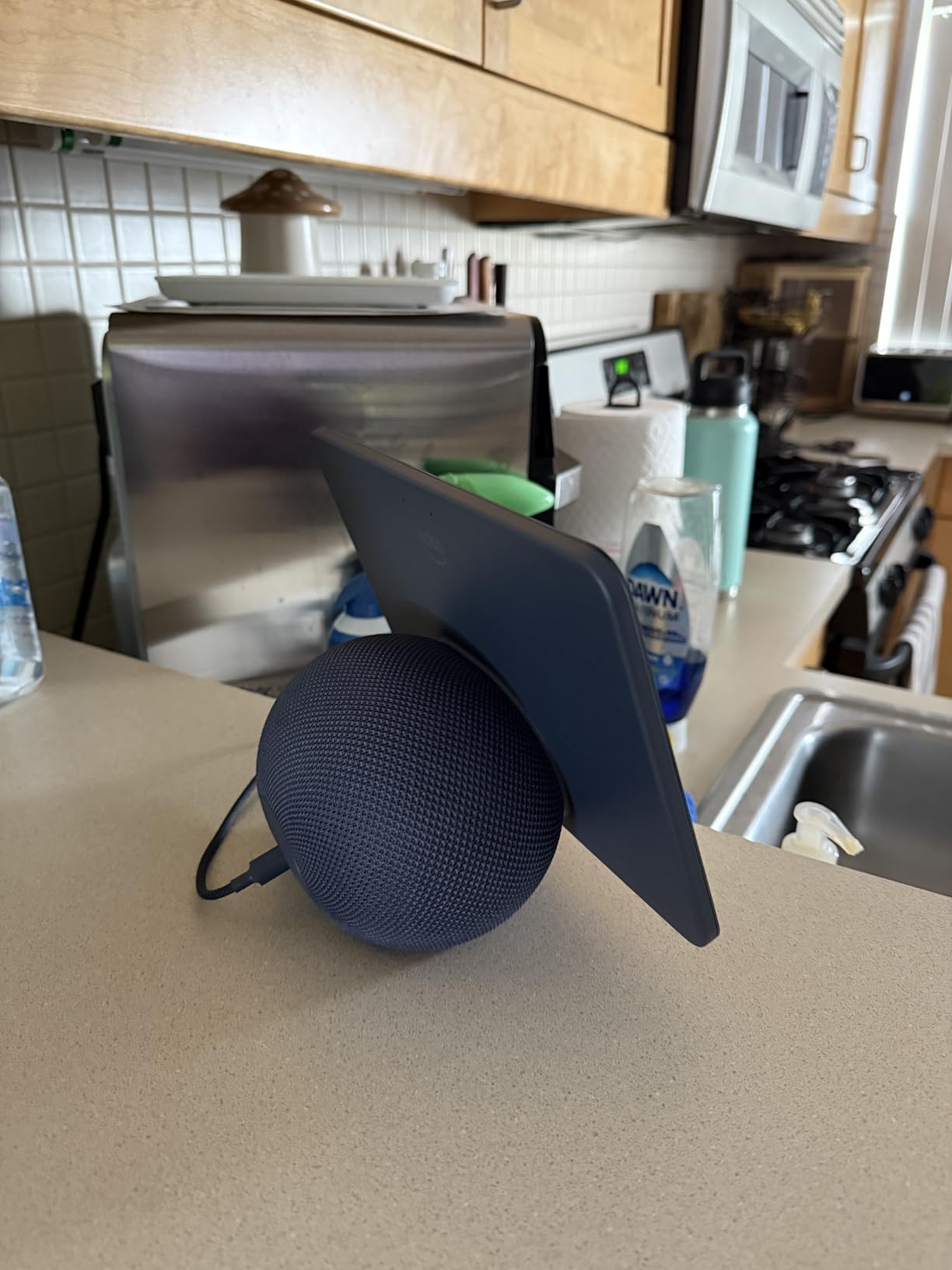
What you gain by spending the extra screen size
The 11-inch panel gives 60% more viewing area than the Echo Show 8, and that matters most in two places: multi-step recipes and the timer stack. On a busy weeknight the screen becomes a second surface for the evening schedule, not just a voice answering point.
The spatial audio also steps up, so it doubles as a kitchen speaker rather than a tinny afterthought. If you cook to music most days, that is a real daily difference rather than a spec-sheet line.
Where it struggles in a kitchen
Counter space is the obvious catch. The footprint is large, so it needs a corner where it will not be shoved against a tap or a hob, and it is a poor fit for a galley kitchen with a narrow ledge.
Some advanced voice features sit behind the Alexa+ subscription, which reviewers mention as a source of frustration. And while it is the best kitchen display we tested, it is not a meal planner: there is no shopping list workflow or grocery section comparable to the calendar screens further down.
2. Amazon Echo Show 8: the best balance of screen and counter space
Amazon Echo Show 8 (newest model), Vibrant HD 8.7″ display with spatial audio, Designed for Alexa+, Glacier White
8.7 inch HD touchscreen
Spatial audio, 2x bass
AZ3 Pro chip
13MP auto-framing camera
Built-in hub
Pros
- 8.7 inch screen adds 15% viewing area
- Excellent spatial audio with double the bass
- 13MP auto-framing camera with 3.3x zoom
- Built-in smart home hub and Ring integration
- Fast AZ3 Pro chip
Cons
- No physical camera shutter
- Buttons moved to the side
- Older Gen 3 stands and power adapters do not fit
The Echo Show 8 is the one we would put in a normal-sized kitchen. At 8.7 inches with 15% more viewing area than the previous-generation model, it is still readable across a counter, but it does not eat the workspace the way an 11-inch screen does.
Reviewers single out the audio most often, describing room-filling sound with good bass for a device this compact. That is the same complaint we have heard from people who wanted a smart display for kitchen music and podcasts, and here it is answered.
The 13MP centered camera with auto-framing and 3.3x zoom is the reason this is our video-call and camera-viewing pick. Ring integration is built in, so a doorbell or indoor camera feed sits a swipe away while your hands are occupied.
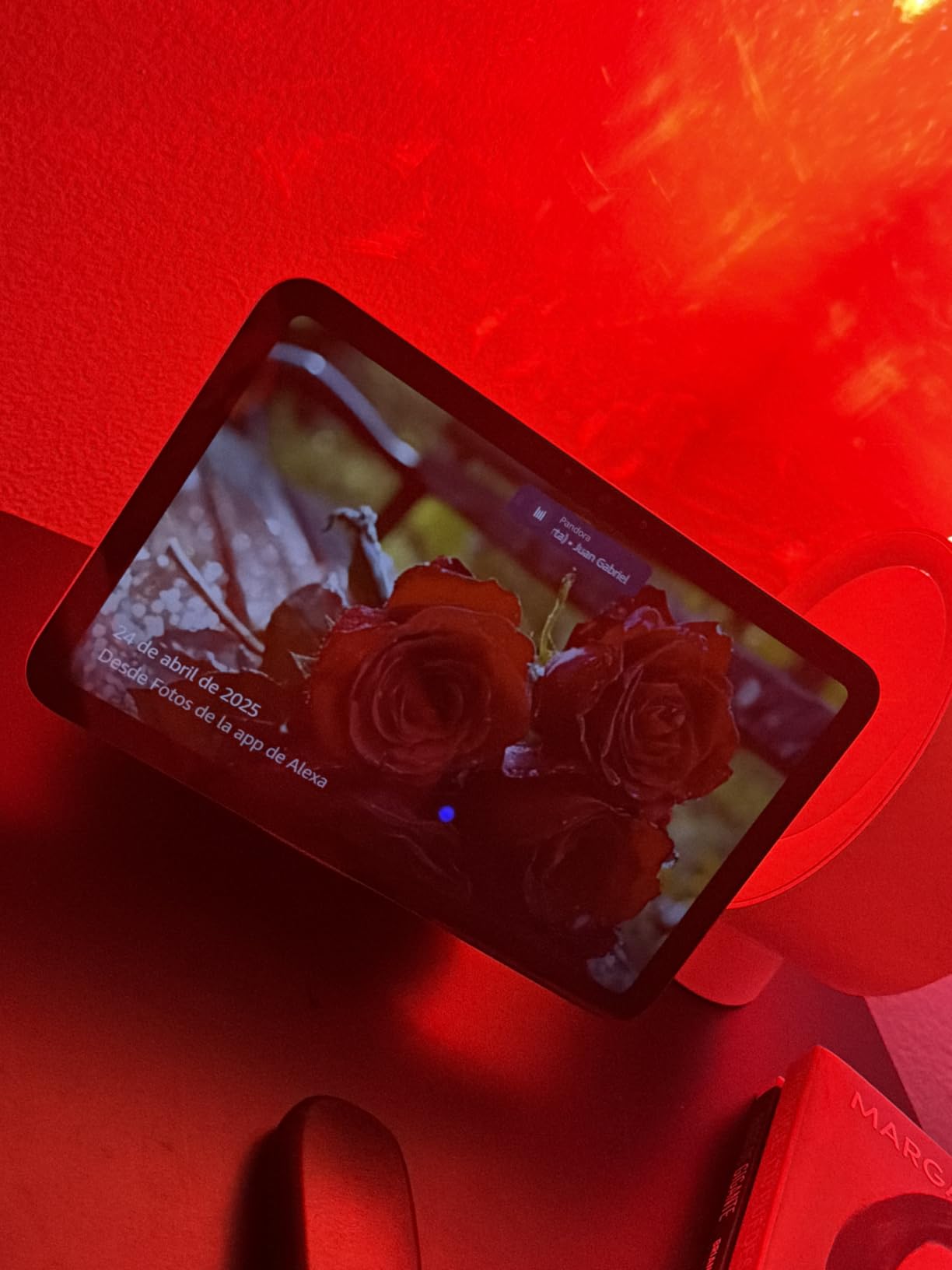
Echo Hub support is built in and Omnisense handles personalised routines, so timers, lighting scenes and reminders are all handled by one box. A photo slideshow fills the home screen between uses, which keeps it from looking like a dead black rectangle when nobody is talking to it.
Watch the accessory compatibility before you buy. This generation does not fit Gen 3 stands or power adapters, so anyone with existing Echo Show hardware ends up replacing the mount too. Reviewers also report occasional mic muting and touch lag, generally improved by software updates.
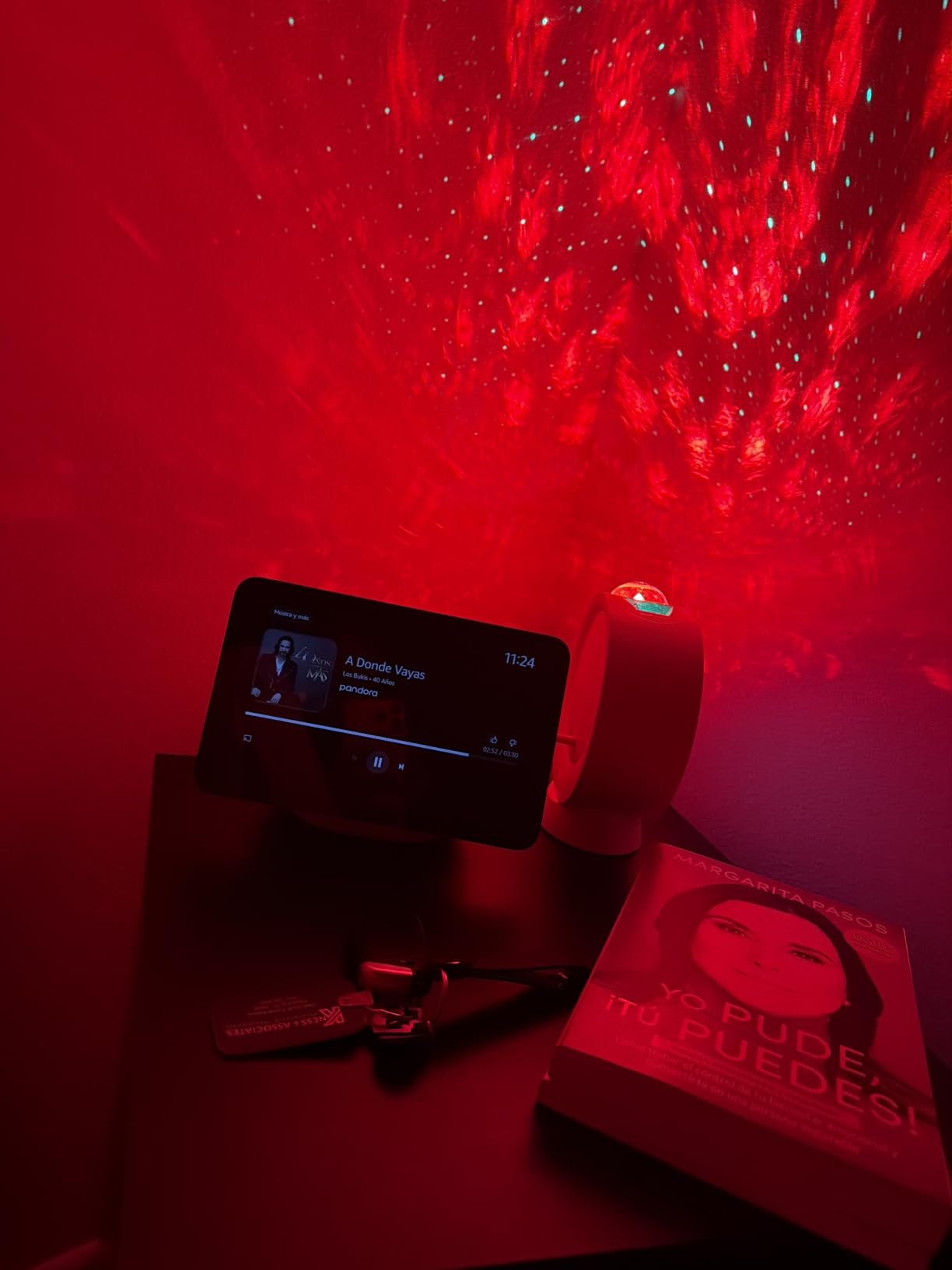
When the 8.7-inch screen is the right size for you
If your counter run is a metre or less deep, or you plan to wall-mount the display, the 8.7-inch panel is the sweet spot most owners describe. It handles recipe steps, timers and a camera view without crowding a worktop, and it is the easiest of the large picks to keep clean because of the smaller surface.
This is also the model to choose if sound matters more than screen size. The spatial audio here carries a podcast across a kitchen where an 11-inch display would offer no audible gain for most listening.
Where the privacy story falls short
There is no physical camera shutter on this model, only the mic and camera off button plus in-app camera controls. Owners who care about that distinction mention the removal of the shutter as a regression, and it is a fair criticism for a device that lives in the most private room of the house.
The buttons also moved to the side of the unit, which is harder to reach without picking the device up. In a kitchen with wet hands, a top-mounted control would be more convenient than a side one.
3. Skylight Calendar 2: the best smart display for a family kitchen organiser
Skylight Calendar 2 – 15″ Touchscreen Digital Calendar, Classic, White
15 inch Full HD touchscreen
4GB RAM
Wi-Fi
180 degree adjustable stand
Wall mount with built-in level
Pros
- Large 15 inch screen readable at a glance
- Syncs with Google Apple Outlook Yahoo and Cozi
- Chore chart and reward system children actually use
- No subscription needed for core features
- Magnetic Snap Frame is removable
Cons
- Meal planning and photo screensaver need the paid Plus Plan
- Occasional sync issues reported
- No voice assistant
The Skylight Calendar 2 solves a problem no voice display here does: the family schedule. A 15-inch Full-HD panel on an adjustable stand shows the whole week, who is doing what, and the chore chart, all without anyone picking up a phone.
Calendar sync is the headline feature and it holds up. It connects to Google, Apple, Outlook, Yahoo and Cozi accounts, so a household split between a work calendar and a family calendar sees both in one place rather than juggling two apps at the fridge.
The chore chart with reward points is repeatedly singled out in reviews as the feature that changes daily behaviour. Parents describe the reward system as the thing children actually engage with, and it is why this shows up in neurodivergent-household recommendations so often.
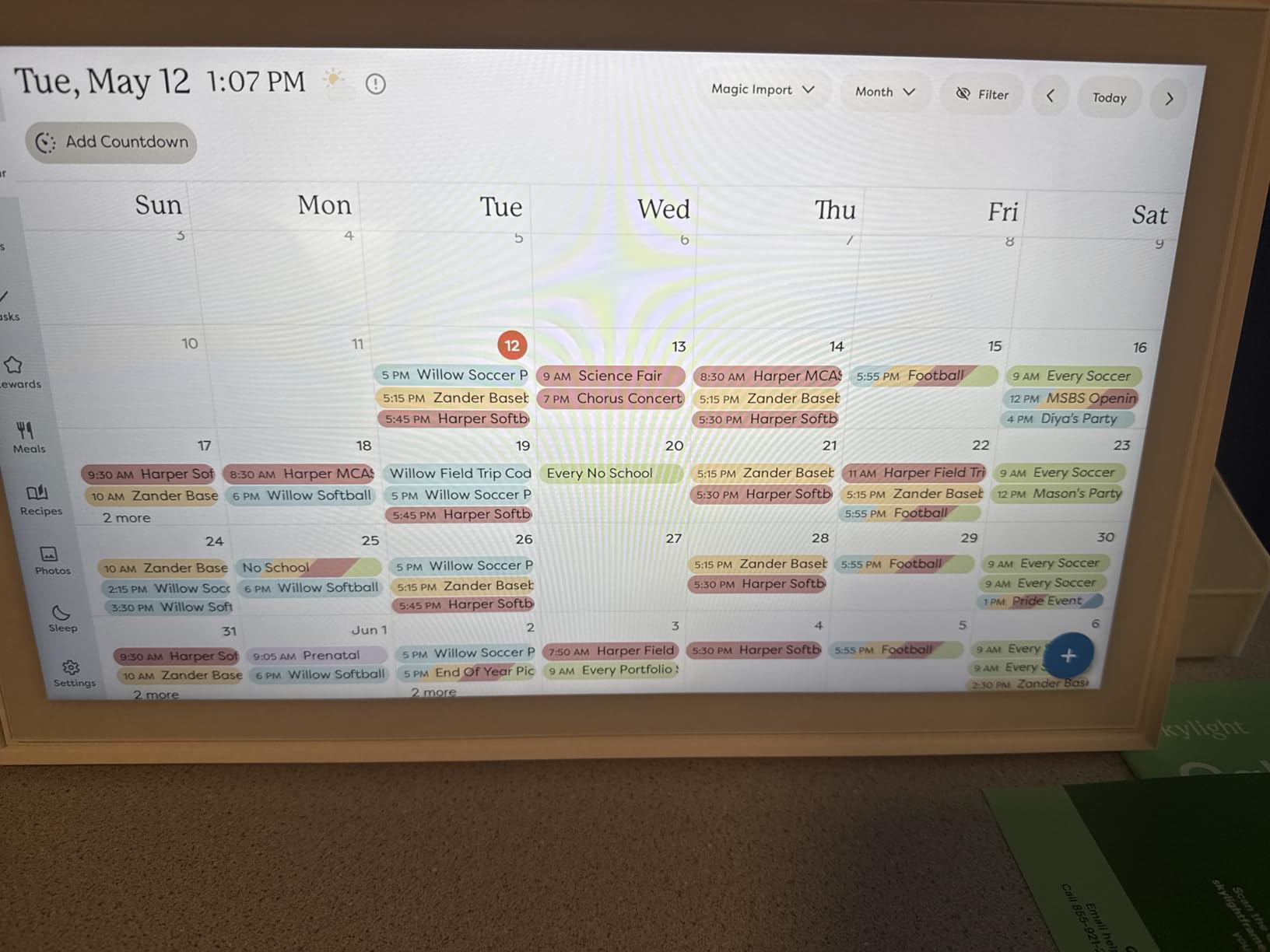
Build details matter for mounting. The 180-degree adjustable stand and the wall mount with a built-in level mean you can move it between the counter and the wall as the kitchen changes, and the removable magnetic Snap Frame lets you swap the look without tools.
Core features work with no subscription at all, which is unusual in this category. Meal planning, the photo screensaver and the Sidekick magic import from photos or documents all sit behind the paid Plus Plan, so budget for that if you want the full set.
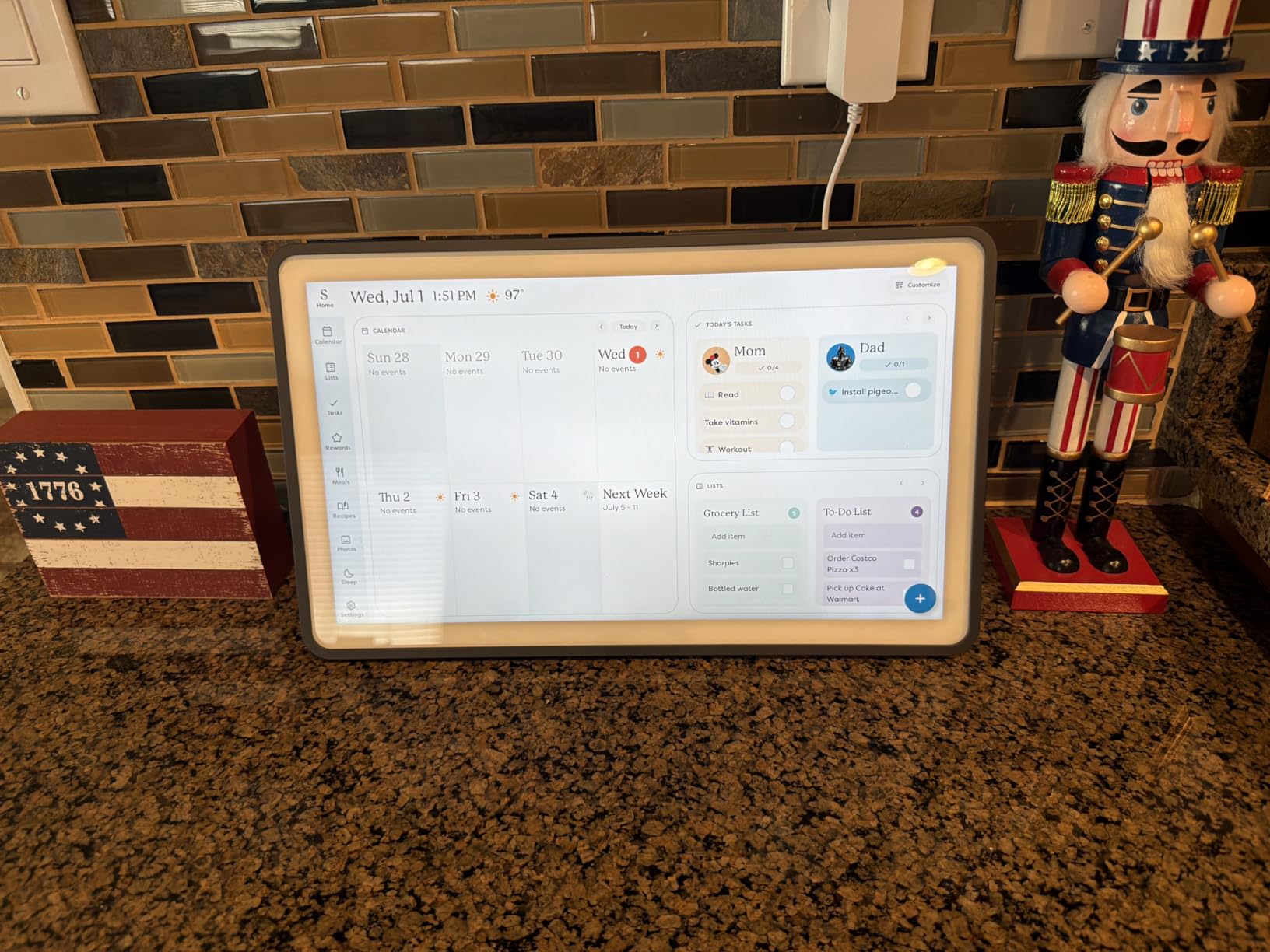
Who this suits better than a voice display
Choose this if your kitchen runs on logistics rather than cooking questions. School runs, swim lessons, who is collecting whom, who has already done the bins: a shared wall screen answers those in a glance, and no amount of asking a smart speaker produces a visual schedule.
It also suits mixed-ecosystem households. A family can keep a Google account, an Apple account and a work Outlook account in one frame, which is the friction that pushes people toward dedicated calendar hardware in the first place.
Where it cannot replace an assistant
There is no voice assistant here, so timers, music and spoken recipe requests are not part of the deal. If your kitchen use is hands-free cooking, pair it with one of the Echo models rather than expecting this screen to cover both jobs.
A few owners report intermittent sync issues where an event takes a while to appear. It is not a widespread problem, but if the calendar is the single source of truth for your household, expect to still glance at your phone at the start of the day.
4. Amazon Echo Show 5: the best smart display for a small kitchen
Amazon Echo Show 5 (newest model), Smart display, Designed for Alexa+, 2x the bass and clearer sound, Glacier White
5.5 inch touchscreen
2x bass and clearer vocals
2 MP camera with built-in shutter
Wi-Fi and Bluetooth
Pros
- Compact enough for a small counter
- Only pick here with a physical camera shutter
- Sound quality out of proportion to its size
- Responsive touchscreen and easy setup
- Photo slideshow and Drop In features
Cons
- 5.5 inch screen is hard to read from across a room
- Slower response than older Echo devices
- Confusion in homes with several Echos
The Echo Show 5 is the pick when counter space is the constraint rather than screen size. At 5.5 inches it disappears into a corner next to the kettle, and it is the most reviewed device in this guide by a wide margin, which means most of its rough edges are already known.
Owners consistently praise the sound for the size, with 2x the bass of earlier compact Echos and clearer vocals. In a small kitchen that pumps music while you cook, it does more than you would expect from a screen this size.
It is also the only device in this roundup with a camera shutter you can physically slide across the lens, plus a mic and camera off button. For a room where the family eats, plays and talks, that hardware-level privacy control is worth more than a larger panel.
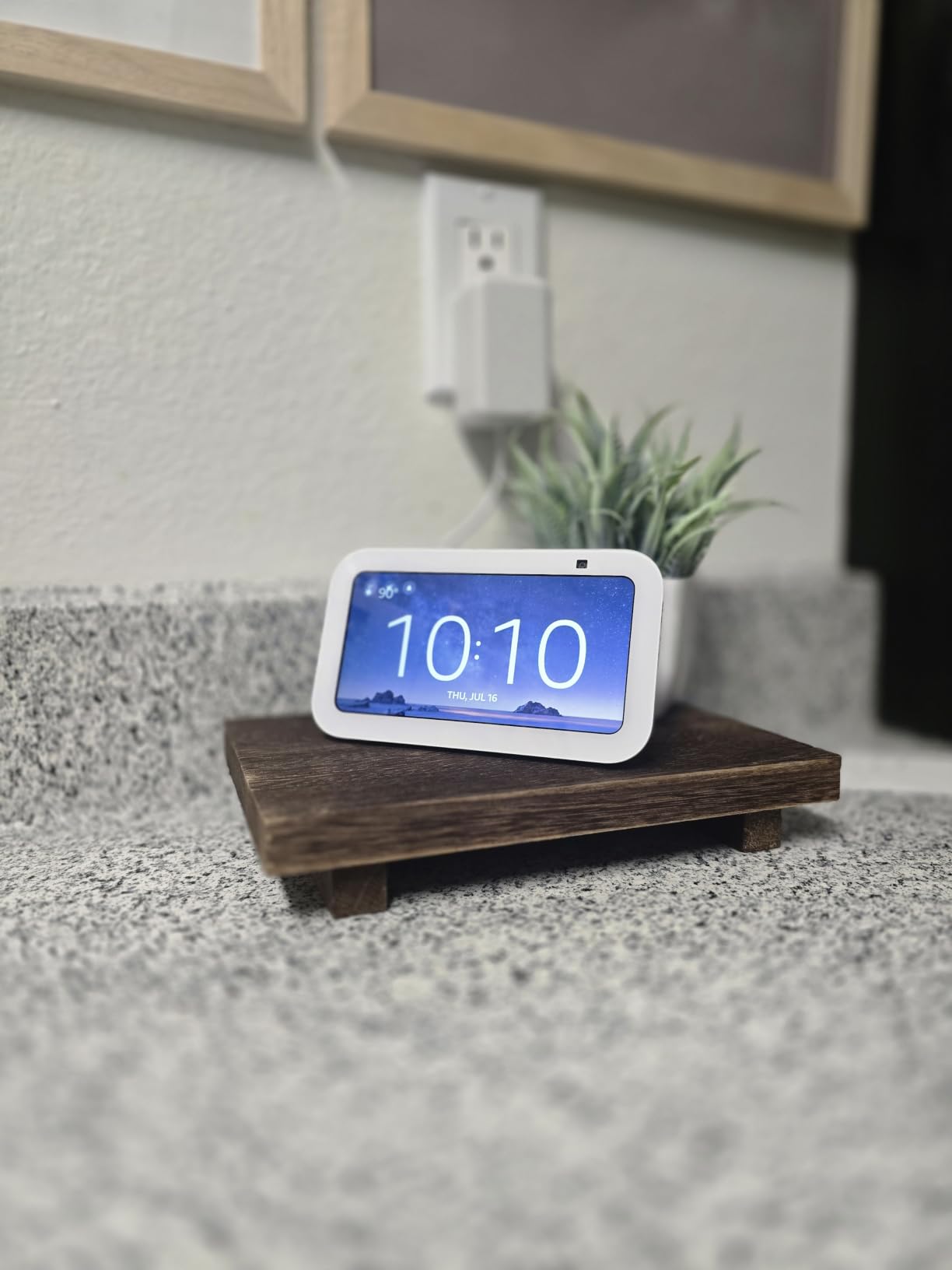
Setup is straightforward and customisation goes as deep as most people need, with a photo slideshow on the home screen and Drop In calling to other rooms. It controls compatible smart home devices directly, so it works as a small kitchen control panel for lights and plugs.
The materials are a quiet plus: recycled post-consumer polyester fabric, recycled aluminium and recyclable packaging. It also runs Wi-Fi and Bluetooth, so it does not need a wired connection if the nearest socket is a stretch.
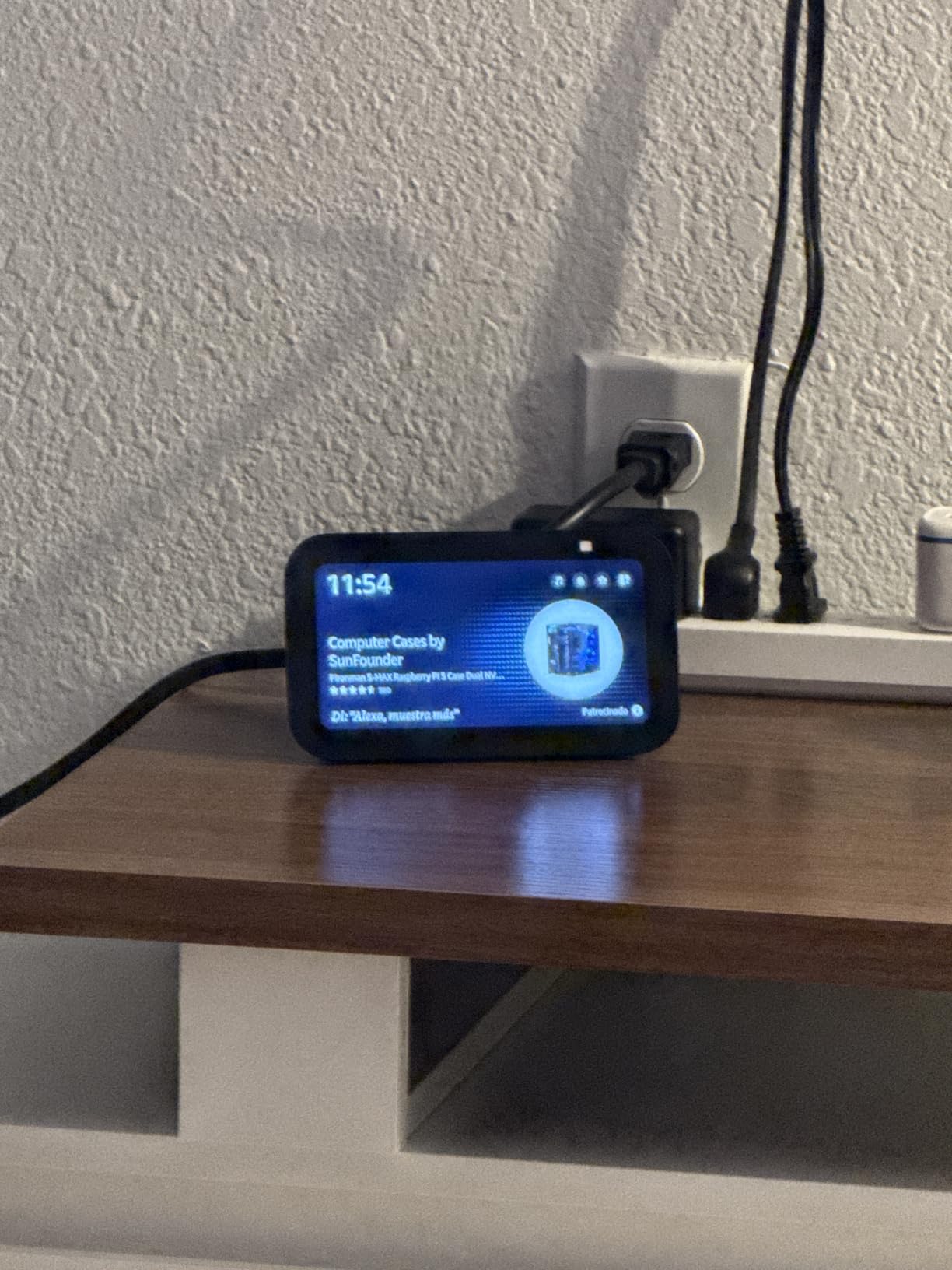
What you give up for the compact footprint
Readability is the honest limit. A 5.5-inch screen is fine at arm’s length for a timer or a quick weather check, but it is unreadable from across a room or a large island, so it works as a personal station rather than a household one.
Reviewers also report slower response than older Echo models, and confusion in homes with several Echos where the wrong device answers. Naming the device and disabling replies on the ones in other rooms fixes most of that.
Where it still beats larger kitchen displays
The physical camera shutter is the standout. No other pick in this guide offers a hardware cut-off for the lens, and in a kitchen where the display faces a dining table, that is a genuine advantage over a larger screen with software-only controls.
Because the surface is small, it is also the easiest to keep clean. A quick wipe of a splash from a steaming hob takes seconds, whereas a 27-inch panel by the same hob is a different job entirely.
5. Skylight Calendar Max: the best smart display for an open-plan kitchen
Skylight Calendar Max – 27″ Digital Calendar & Chore Chart, Classic White
27 inch HD touchscreen
Auto-adjusts portrait and landscape
22.7 pounds
Wi-Fi
Swappable frames
Pros
- 27 inch panel visible from across the room
- Rotates automatically between portrait and landscape
- Mounting hardware includes a built-in level
- Doubles as a digital photo frame
- Syncs Google Apple Outlook Yahoo and Cozi
Cons
- Weighs 22.7 pounds so mounting is a two-person job
- Best features sit behind the paid Plus Plan
- No voice assistant or audio
If your kitchen opens into a living or dining space, the Skylight Calendar Max is the only device here that works as a shared wall surface. At 27 inches it is legible from the sofa, not just the counter, which changes who actually uses the display.
The auto-rotating display is a real convenience: it flips between portrait and landscape to match the content, so the calendar, chore chart and photos all appear in a sensible format without anyone adjusting the panel.
Like its smaller sibling it syncs Google, Apple, Outlook, Yahoo and Cozi accounts, and the free mobile app lets you add or move events from a sofa rather than walking into the kitchen. Disney Mode with 16 characters is a hit with younger households.
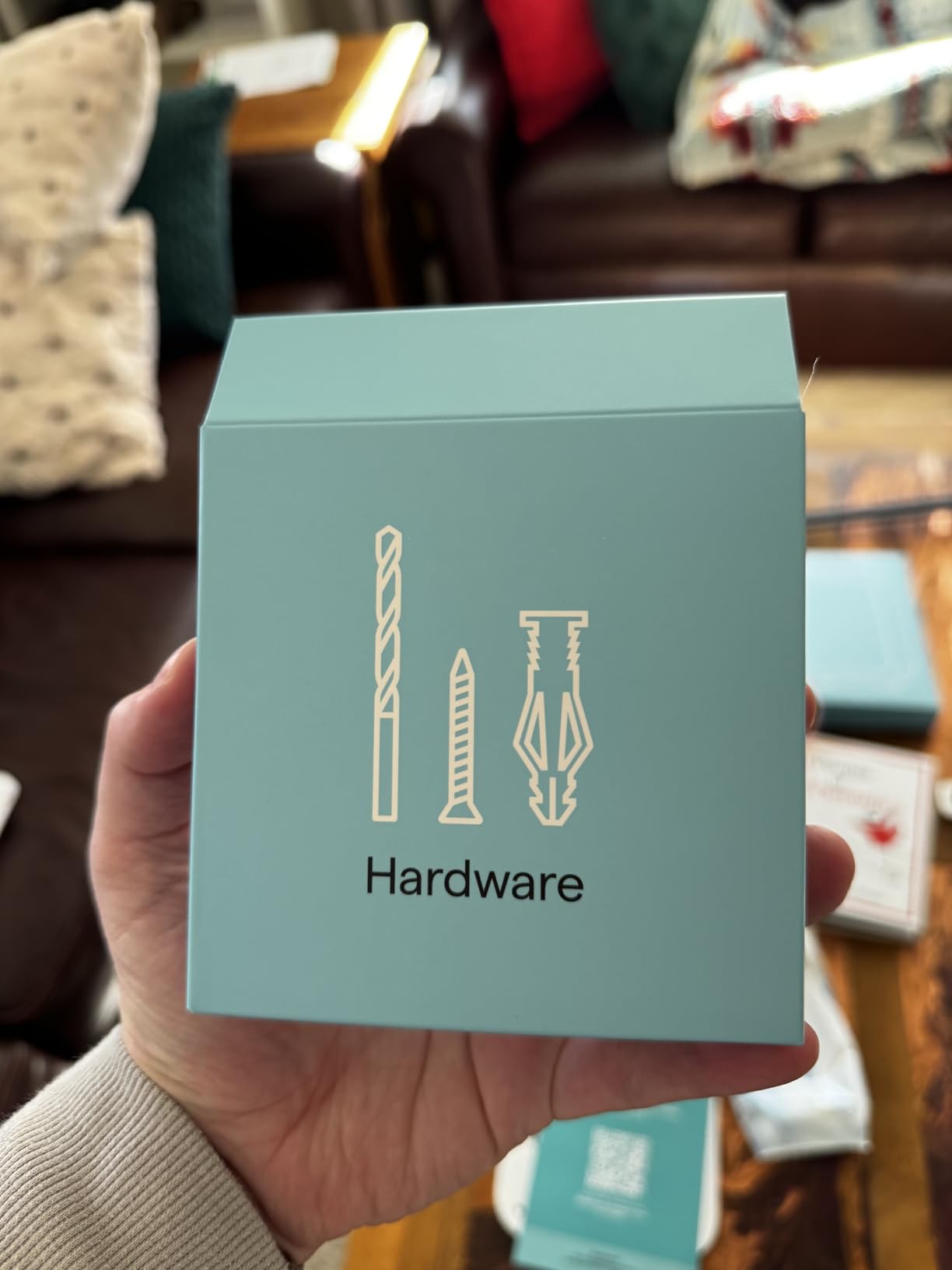
Mounting hardware is the best in this group, with heavy-duty fixings and a built-in level guide for getting a 27-inch panel flat on the wall. Swappable frame styles let it blend into the kitchen finishes rather than looking like office equipment.
It doubles as a digital photo frame, and reviews mention software updates that keep the device current, plus customer support with a two-minute average chat response, which is unusually responsive for this category.
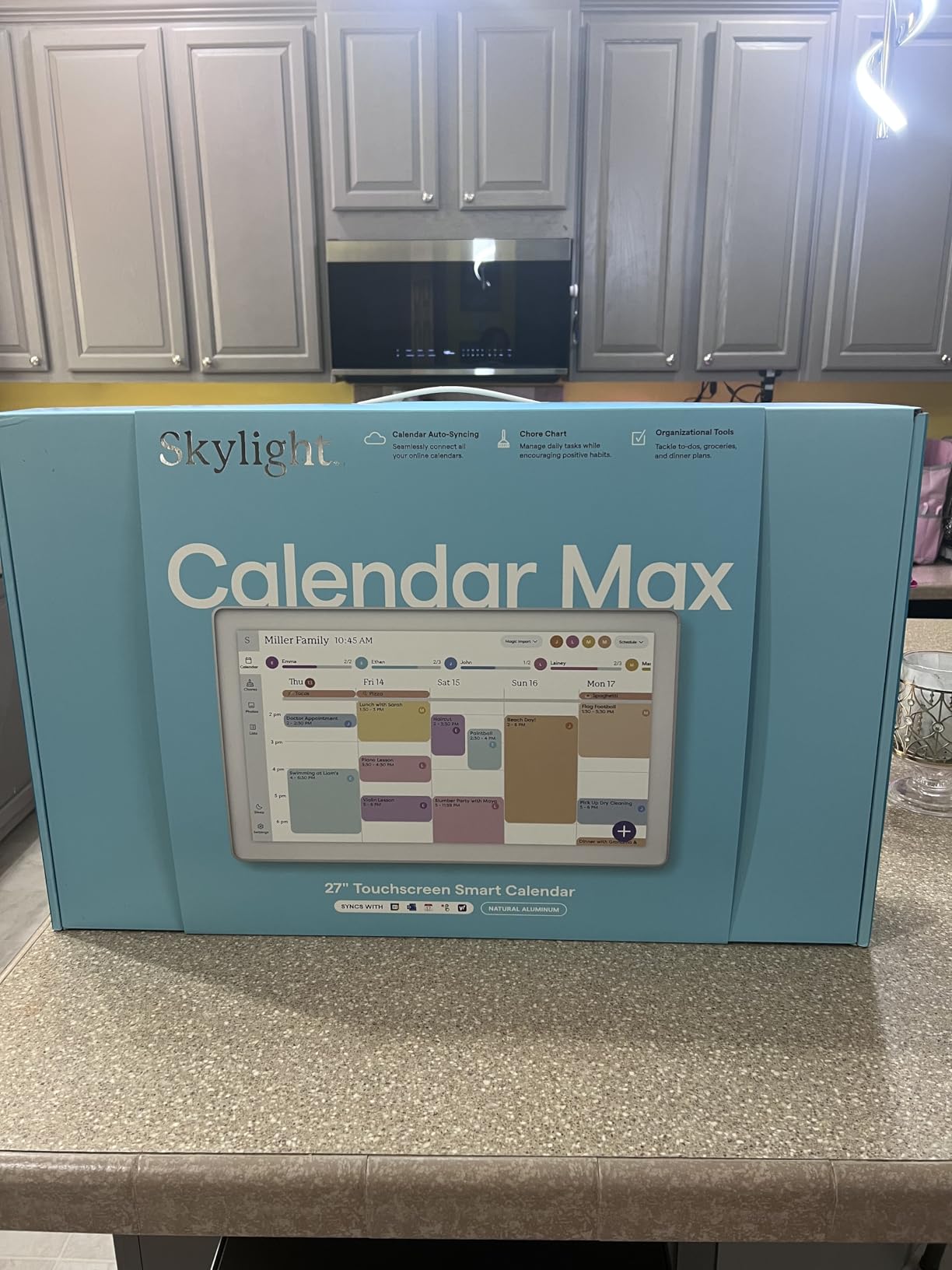
When a 27-inch panel is worth the installation
It makes sense when the display is the household information hub rather than a personal kitchen station. Two people can read the week from opposite sides of a room, and a photo screensaver means it looks like part of the decor when nobody is using it.
If your kitchen is a closed room and you only ever stand at the counter, the 15-inch Skylight Calendar 2 or an 11-inch Echo Show gives you the same information for far less wall space and no installation work.
What the installation actually involves
It weighs 22.7 pounds, so this is a two-person job and worth measuring your stud positions before you commit. Some installations end with a wall cutout for clean wiring, which is the point people forget when they picture a weekend project.
Magic Import, meal planning, the photo screensaver and the star reward system all require the Plus Plan, and there is no voice assistant or speaker on board. Decide whether you need a spoken timer before buying, because this will not provide one.
6. Mezed 21.5 Inch Digital Calendar: the best smart display for meal planning
Mezed 21.5 Inch Digital Calendar, Touchscreen Wall‑Mount, White
21.5 inch touchscreen
32GB storage
Wi-Fi
Wall and desk mountable
App and touchscreen control
Pros
- Large screen fits many events on one view
- App and touchscreen dual control
- Color-coded schedules per family member
- Built-in meal planner and weather
- No subscription fees
Cons
- Some reports of freezing and white screen errors
- Video playback issues reported
- Support response times can be slow
The Mezed 21.5-inch calendar is the one to look at if meal planning is the job. It has a dedicated meal planning section on the main screen, and with no subscription the whole feature set is included from day one rather than gated behind a paid plan.
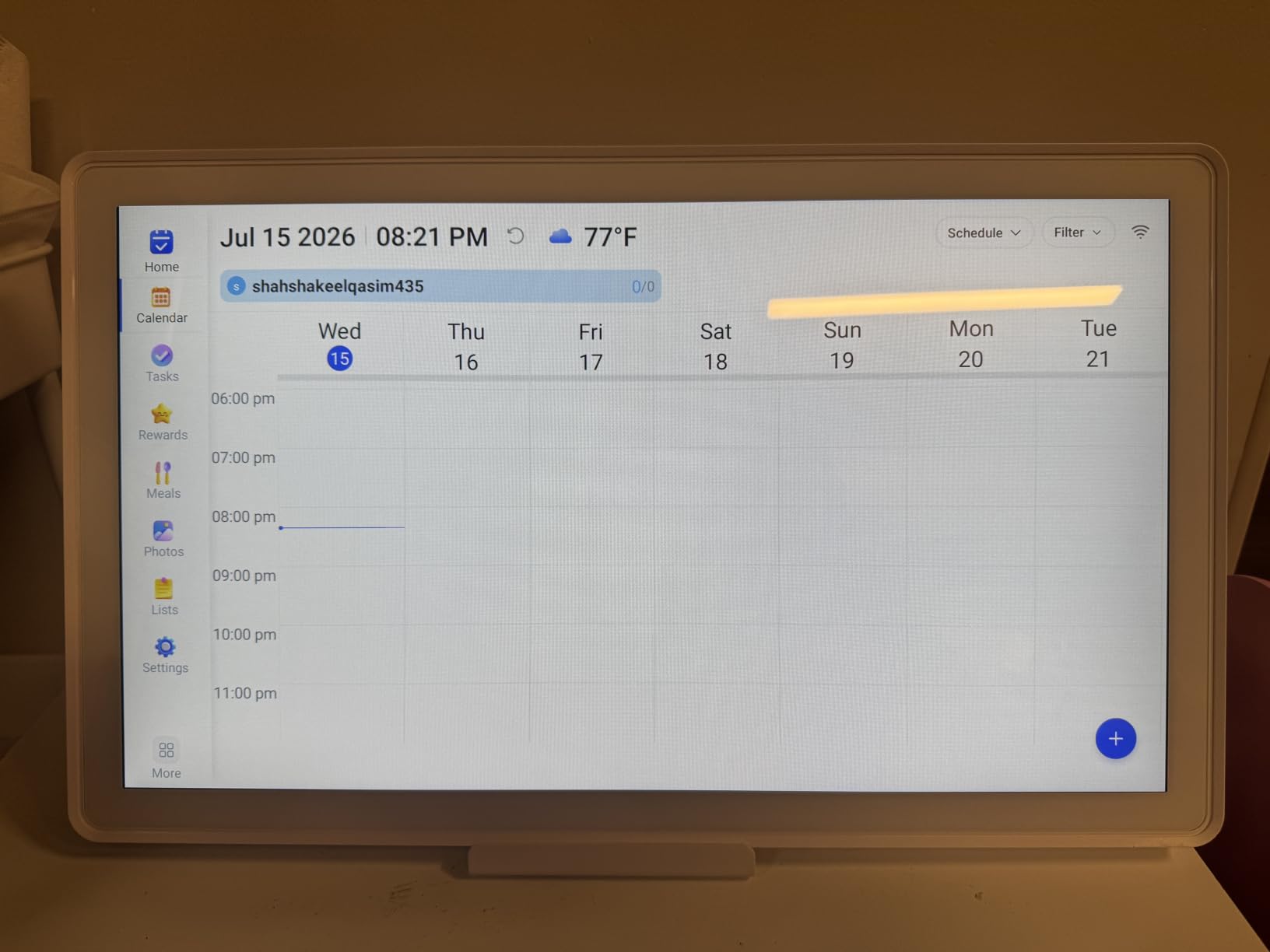
Dual control is genuinely useful here. You can add an event from the app while at work and edit it on the wall panel from the kitchen, without walking to the same screen twice.
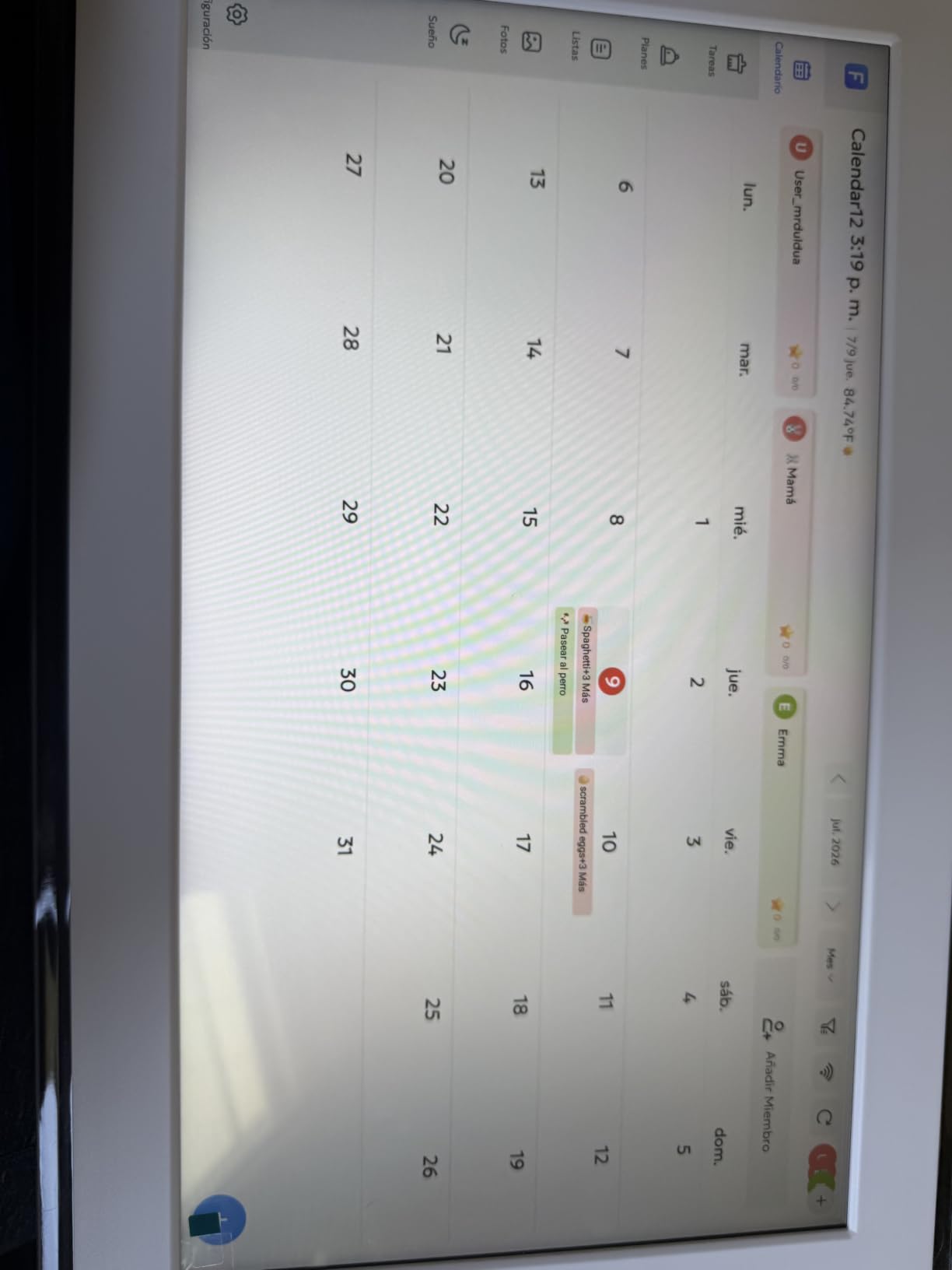
Color-coded scheduling is the feature families notice. Each person gets its own colour, so a shared week is readable at a glance rather than being a wall of identical blocks that someone has to parse.
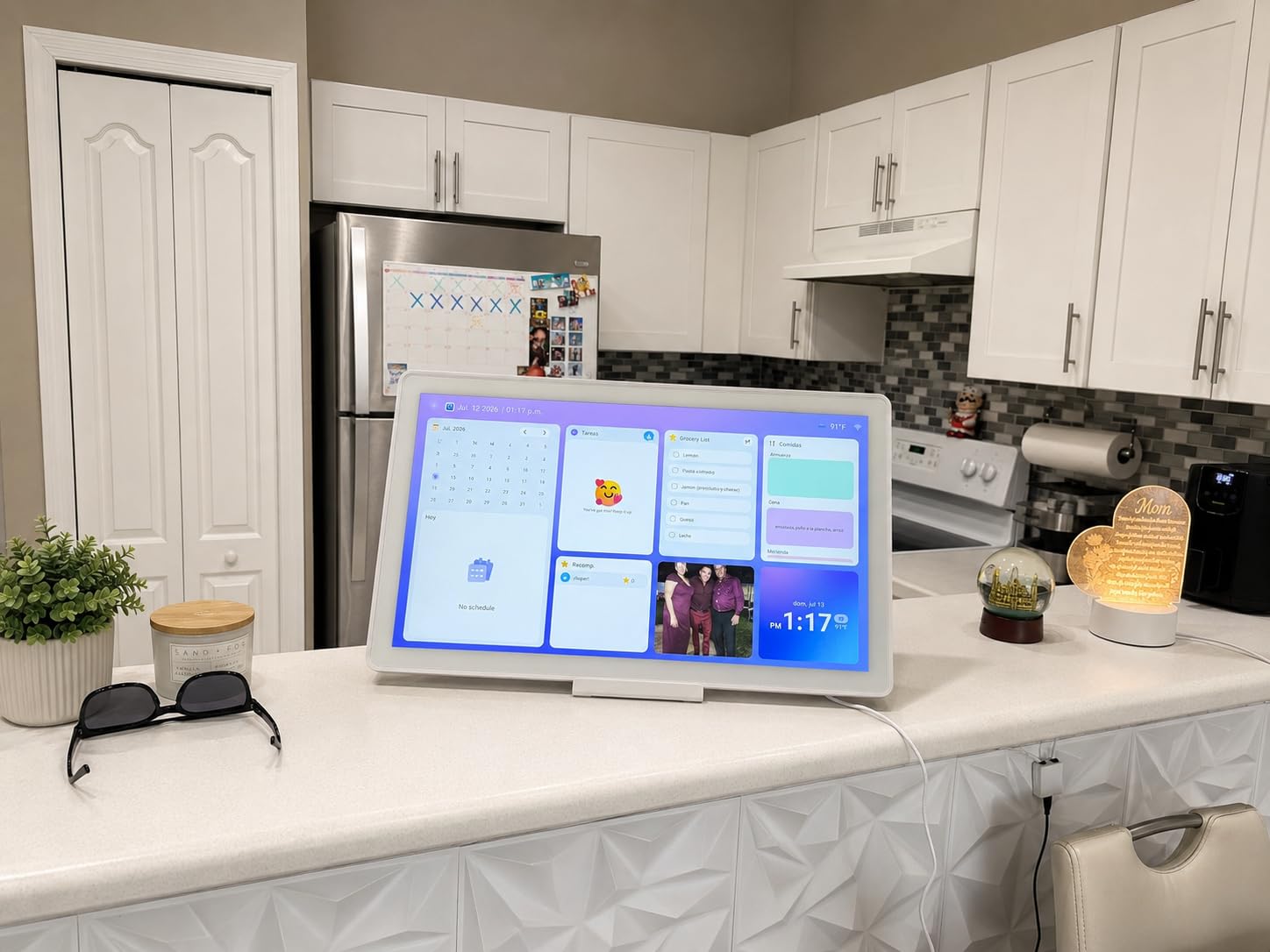
Smart reminders, automatic location-based weather, sleep mode to dim the screen overnight, and a photo frame mode that syncs over Wi-Fi round out the everyday features. It weighs little enough to move between the wall and a desk stand as the kitchen layout changes.
A 2-year warranty and free online updates reduce the risk on a device that has to run every day. Cloud-dependent photo storage is worth considering if the screensaver will display family pictures.
Why meal planning changes what you buy
A shared meal planner is a different job from a shared calendar. It is the difference between knowing the dentist is on Thursday and seeing Monday’s dinner while the chopping board is out, which is a planning decision rather than a diary entry.
Because there are no subscription fees, you get the full feature set rather than a trial. The catch is that the app experience is less polished than Skylight’s, so setup takes a little more patience than the brand you may already know.
Reliability is the question to ask about
This is the most important thing to weigh. A minority of owners report the device freezing, showing white screen errors, or needing a reboot, and some report video playback failures in photo frame mode. The rating stays high, but the complaints cluster on stability rather than features.
Customer support can be slow because it is overseas-based, so factor that in if your kitchen runs on this display. If you need something dependable to glance at every day, the better-reviewed Skylight options are the safer bet.
7. Yemsd 15.6 Inch Digital Calendar: the best value calendar screen for a kitchen
15.6″ Digital Calendar Wall Touch Screen, Chore Chart, Photo Frame, Bases
15.6 inch glare-free HD touchscreen
32GB expandable storage
Wi-Fi
Wall mount and desk stand
2-year warranty
Pros
- No subscription fees with all features included
- Real-time two-way sync with Google Outlook and iCloud
- Wall mount and desk stand both included
- AI photo restoration for the screensaver
- 32GB expandable storage
Cons
- App experience less polished than Skylight
- Occasional sync delays reported
- Smaller user community and ecosystem
The Yemsd 15.6-inch calendar delivers the same core idea as the Skylight Calendar 2 at a lower outlay, with no subscription attached. If the calendar function is what you are after, this is where the value in this list sits.
Real-time two-way sync with Google, Outlook and iCloud means an event added on your phone shows on the wall within seconds, and edits made at the panel go back. That responsiveness is the feature that determines whether a family keeps using a shared calendar or quietly stops.
The glare-free HD panel at 15.6 inches is readable from a counter, and unlike most of its competitors here it does not need an angled viewing position to avoid overhead kitchen lighting washing it out.
Storage is 32GB and expandable, which matters more than it sounds because the screensaver photos live on the device. AI photo restoration cleans up older family pictures before they go on screen, so you can use a decade of phone photos rather than a handful of recent ones.
A chore chart with a reward points system, meal planning, weather display and a sleep mode are all included. Both a wall mount and a desk stand are in the box, with a 2-year warranty and support contact listed around the clock.
What you get for less money
Meal planning, the chore chart, weather and the photo screensaver are all free, where comparable screens hide one or two of those behind a paid plan. Over a few years that difference matters more than the saving on the hardware.
The mount is included as well, so the installation costs nothing beyond a drill and a stud finder. For a kitchen where the display needs to move between a wall and a desk, that flexibility is part of the value.
Where the trade-offs show
The companion app is the weak point, described as less polished than Skylight’s, and some owners report brief sync delays. The smaller user community also means fewer third-party integrations and less troubleshooting advice online when something behaves oddly.
Build quality does not match the premium brands, and it is a device that will be touched and wiped constantly. If it lives on a counter rather than a wall, plan for the possibility of replacing it sooner than you would a more solidly built panel.
8. DASFIWO 21.5 Inch Smart Calendar: a large screen with reliability concerns
21.5 Inch Smart Digital Calendar, Wall Electronic Calendar, 1920 * 1080 IPS Full HD Touch Screen Display for Family Meal Planner Support – Seamless Scheduling, Gifts for Women, Mom
21.5 inch 1920x1080 IPS touchscreen
32GB storage
Wi-Fi
Grocery list syncs to phone
Pros
- Sharp 1920x1080 IPS Full HD panel
- Bidirectional real-time sync with Google iCloud Outlook Cozi and Yahoo
- Grocery list syncs to the phone
- Calendar and photo frame dual mode
- Horizontal or vertical mounting
Cons
- Reliability issues with the device not syncing reliably
- Reports of unknown user profiles on the calendar
- 1-year warranty is the shortest here
The grocery list is the reason to consider this one. It syncs to your phone, so items can be added verbally during a shop or typed while unpacking groceries at the counter, which is exactly the hands-busy moment the feature is designed for.
The panel itself is a sharp 1920×1080 IPS touchscreen at 21.5 inches, with bidirectional real-time sync across Google, iCloud, Outlook, Cozi and Yahoo accounts. It supports both horizontal and vertical wall mounting, and runs a calendar and photo frame dual mode with weather and sleep mode.
On paper it is a strong spec sheet with no subscription fees, and it costs less than the comparable Skylight panels. The problem is what owners report after a few weeks of use.
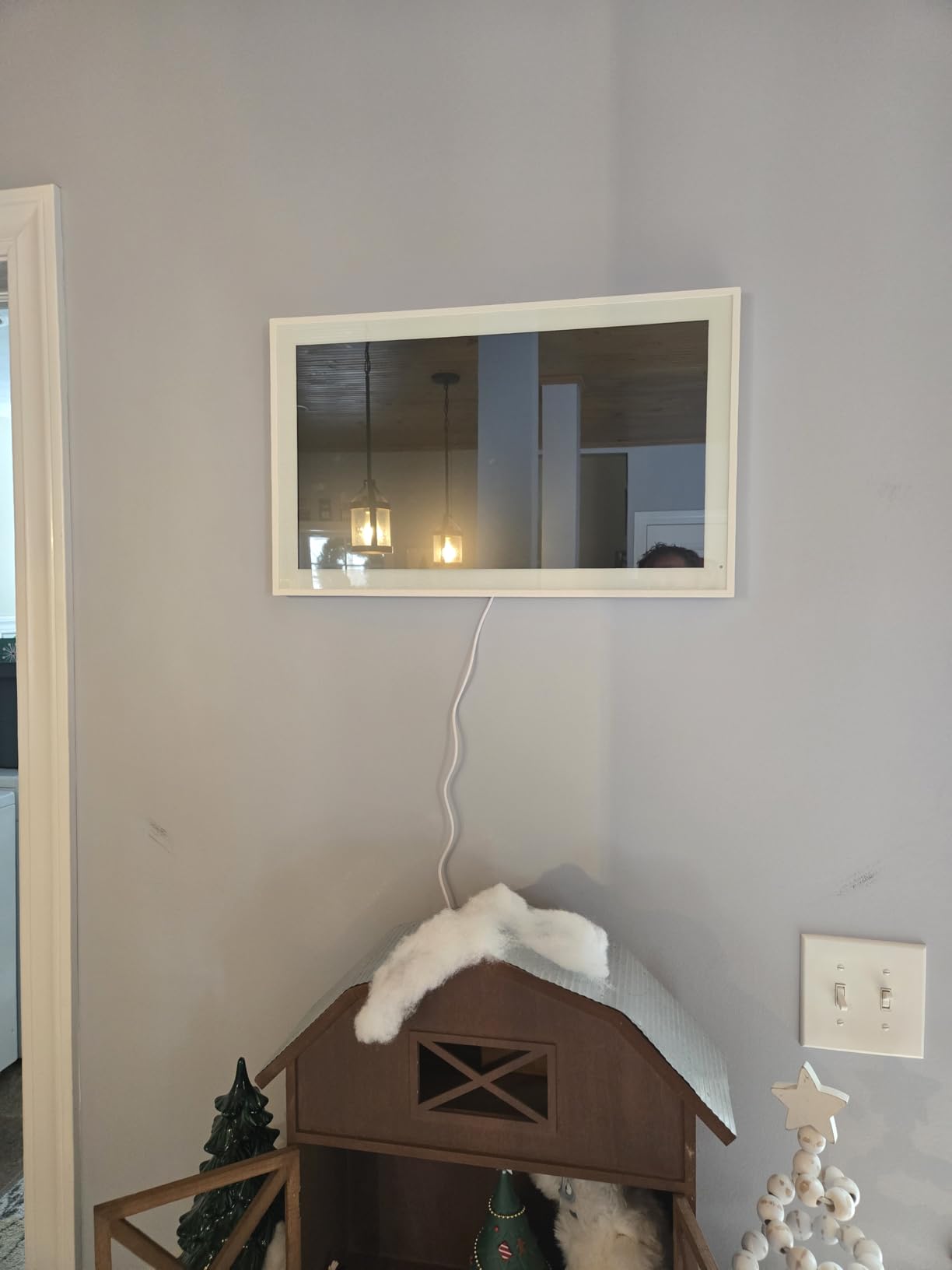
Multiple reviews raise reliability concerns, including devices that worked only about half the time and constant sync failures. The most serious report describes unknown user profiles appearing on the calendar, which is a security concern for a screen that sits in the middle of the home.
Support is overseas and can take days to respond, and the warranty runs one year, the shortest of any pick here. A 32GB of internal storage is fine for the photo frame mode, but the calibration and firmware feel less mature than the established brands.
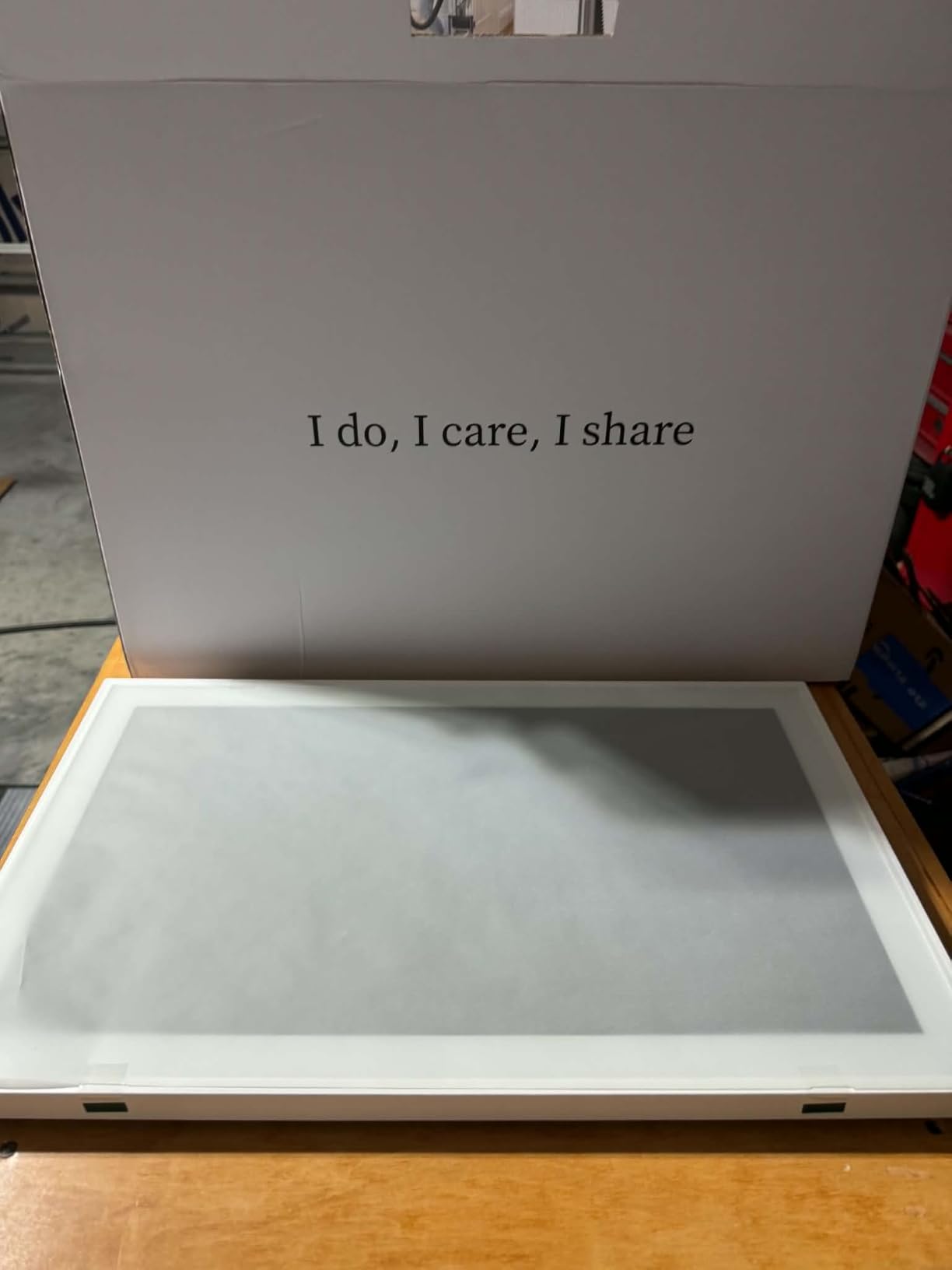
What the grocery list feature does well
Two-way list syncing is the part that is genuinely hard to do well elsewhere. Add items from your phone while standing in an aisle, and they appear on the kitchen wall where everyone can see the list instead of one person remembering it.
The display quality supports it, with an IPS panel that stays readable from an angle and a sleep mode that dims the screen at night. For a wall in a busy kitchen, the hardware is a good match for the task.
Why we would not run a household on it
The reliability reports are specific rather than vague: syncing that stops, devices needing reboots, and stranger profiles appearing in the account. Any of those would undermine the one thing a shared family calendar needs, which is trust that what is on the wall is accurate.
If you are attracted mainly by the grocery list, an Echo Show with a built-in hub and voice shopping list handles the voice part of that workflow and is far better reviewed. We would choose a more established brand for a screen the whole family relies on daily.
How to Choose a Smart Display for Your Kitchen
Start from the tasks you actually want to run hands-free, then work backwards to the hardware. Most kitchen buyers start with screen size and end up regretting it, because the deciding factor is usually which assistant they already use and how far away they will be standing.
1. Match the assistant you already use
This is the single biggest decision. A display locked into one ecosystem controls that ecosystem well and everything else poorly, so buying against your existing smart home means paying twice, once for the hardware and once for the bridges. If your home already runs on Amazon devices, the Echo Show models are the path of least resistance. Households already invested in Google Home, Chromecast or Google Nest speakers get the most value from the calendar-class displays that sync directly to Google, Apple, Outlook and Yahoo accounts.
Apple households are the awkward case, because there is no dedicated Siri kitchen display with a large screen, and the usual answer is an iPad running in Guided Access. That route works and apps like a calendar or a timer app cover the basics, but it is a single-purpose tablet rather than a purpose-built home display, and it depends on third-party software for recipes and lists.
2. Size the screen to your viewing distance
Measure from where you will stand to where the display sits, then check the size honestly. Community consensus and our own testing point the same way: 7 to 8 inches is the countertop sweet spot, 8.7 to 11 inches covers a large island, and 5.5 inches only works for a personal station within arm’s reach.
Anything 15 inches and above is wall-mounted territory rather than a counter device. Those screens are for shared household information, readable from across a room, and they change the installation rather than the workflow. Beyond about two metres, recipe text and small calendar entries stop being readable no matter how good the panel is, so a bigger screen in the wrong place is wasted money.
3. Decide how much privacy hardware you need
There are three levels, and the list here covers all of them. A physical camera shutter that slides over the lens is the strongest, and the Echo Show 5 is the only device in this guide that has one. A mic and camera off button without a shutter, as on the Echo Show 8 and Echo Show 11, is a reasonable middle ground but relies on software. No camera at all is the third option, and every calendar screen in this list falls here.
Placement matters as much as hardware. A camera facing a dining table records the room rather than the hob, and rotating displays make it easy to point a camera somewhere you did not intend. If nobody is watching camera feeds, paying for a camera adds nothing.
4. Know the difference between a smart hub and a smart display
A smart hub is a radio that speaks to your accessories. A smart display is a screen and speaker with an assistant, and some models include a hub as well. The Echo Show 8 and Echo Show 11 both list a built-in smart home hub, so lights, sensors and compatible accessories pair through the display itself instead of a separate bridge, which matters when the bridge has to live somewhere near the kitchen.
The calendar screens in this list are not hubs and do not control smart home devices. If your kitchen lighting and appliances are already smart, that is a separate purchase, and a wall calendar cannot double as the control panel for them.
5. Plan placement and power before you buy
Choose between a countertop stand, an under-cabinet mount and a wall mount. Countertop is the most flexible and needs a nearby socket within reach of the cable. Under-cabinet mounts keep the screen out of the splash zone and above the work area, but they can put the microphone further from where you stand. Wall mounting frees counter space entirely and suits the larger calendar screens.
Think about cleaning too. A display next to a hob sees steam, grease and water, and the fabric-wrapped and plastic-bodied units here are all wipeable, but a large panel at head height by the hob is a much bigger cleaning job than a 5.5-inch screen in a corner. If you raise the display, you also need to decide how the cable is hidden, and some of the large panels expect a wall cutout for tidy wiring.
If you are placing a display on a riser rather than a bare counter, our guides to display risers with wheels and interactive flat panel displays cover the mounting hardware side of that decision.
6. Account for ongoing costs
Two cost models appear here. The Echo models give away the hardware features and charge for some advanced assistant capabilities through the Alexa+ subscription, which owners cite as a source of frustration when a feature stops working without it. The calendar screens either include everything with no subscription, as the Yemsd and Mezed models do, or gate meal planning, photo screensaver and smart import behind an annual Plus Plan, as the two Skylight models do.
Either way, the hardware alone does not always unlock the full feature set. Read the plan terms before you buy rather than discovering them when a feature you wanted stops working.
Frequently Asked Questions
What is the best smart display for a kitchen?
The Amazon Echo Show 11 is the best smart display for most kitchens, with an 11-inch Full-HD screen readable from across a counter, spatial audio, and a built-in smart home hub. For a small counter, the Echo Show 5 is the practical choice. If your kitchen runs on family schedules rather than cooking questions, a Skylight Calendar 2 serves a different purpose well.
Can a smart display show recipes hands-free while cooking?
Yes, on the voice-first models. You ask for a recipe and the Echo Show range renders steps on screen, then reads the next step aloud, so you never touch the display with wet or greasy hands. Screen size decides whether the steps are readable at a glance or require you to walk over. The calendar-class screens have no voice assistant and do not handle recipe requests at all.
What are some alternatives to the Google Home Hub?
The main alternatives are the Amazon Echo Show range for anyone already using Alexa, a family calendar screen such as the Skylight Calendar 2 for scheduling, and an iPad in Guided Access for Apple households. Each calendar option syncs with Google, Apple, Outlook, Yahoo and Cozi accounts, so you can keep a Google calendar while using a dedicated wall screen to display it.
Which smart displays are compatible with Google Home?
The calendar screens in this guide sync directly with Google Calendar alongside Apple, Outlook, Yahoo and Cozi accounts, so they display your Google events without pairing. Voice assistants do not cross over as cleanly: an Echo Show controls Alexa and compatible accessories, while a Nest Hub controls Google Home, and mixing the two usually means running a bridge. Check the protocol support on your existing devices before committing.
Are smart displays worth it in a kitchen?
For most households, yes, because a kitchen is where a phone is least usable and a screen is most useful, giving you timers, recipe steps, grocery lists and camera checks without touching anything. The value drops if the display ends up tucked out of sight, since usefulness depends entirely on placement. It is also worth asking whether a voice-only speaker already covers the tasks you actually perform.
The Best Smart Display for Your Kitchen in 2026
The Amazon Echo Show 11 is our pick for the best smart displays for kitchens in 2026, and the reasoning is simple. It is the only device here that is large enough to read from a working position, loud enough to be a cooking speaker, and equipped to run your smart home without a separate bridge. The Echo Show 8 is the same idea in a footprint that suits a tighter counter, and the Echo Show 5 covers small kitchens where the physical camera shutter matters more than screen size.
Households that need a shared schedule rather than a voice assistant are better served by a calendar screen. The Skylight Calendar 2 is the dependable one, the Yemsd 15.6-inch is the value one, and the two 21.5-inch and 27-inch options cover open-plan rooms. Check the cost of the extras on any of them, and place the display where you will actually glance at it.