
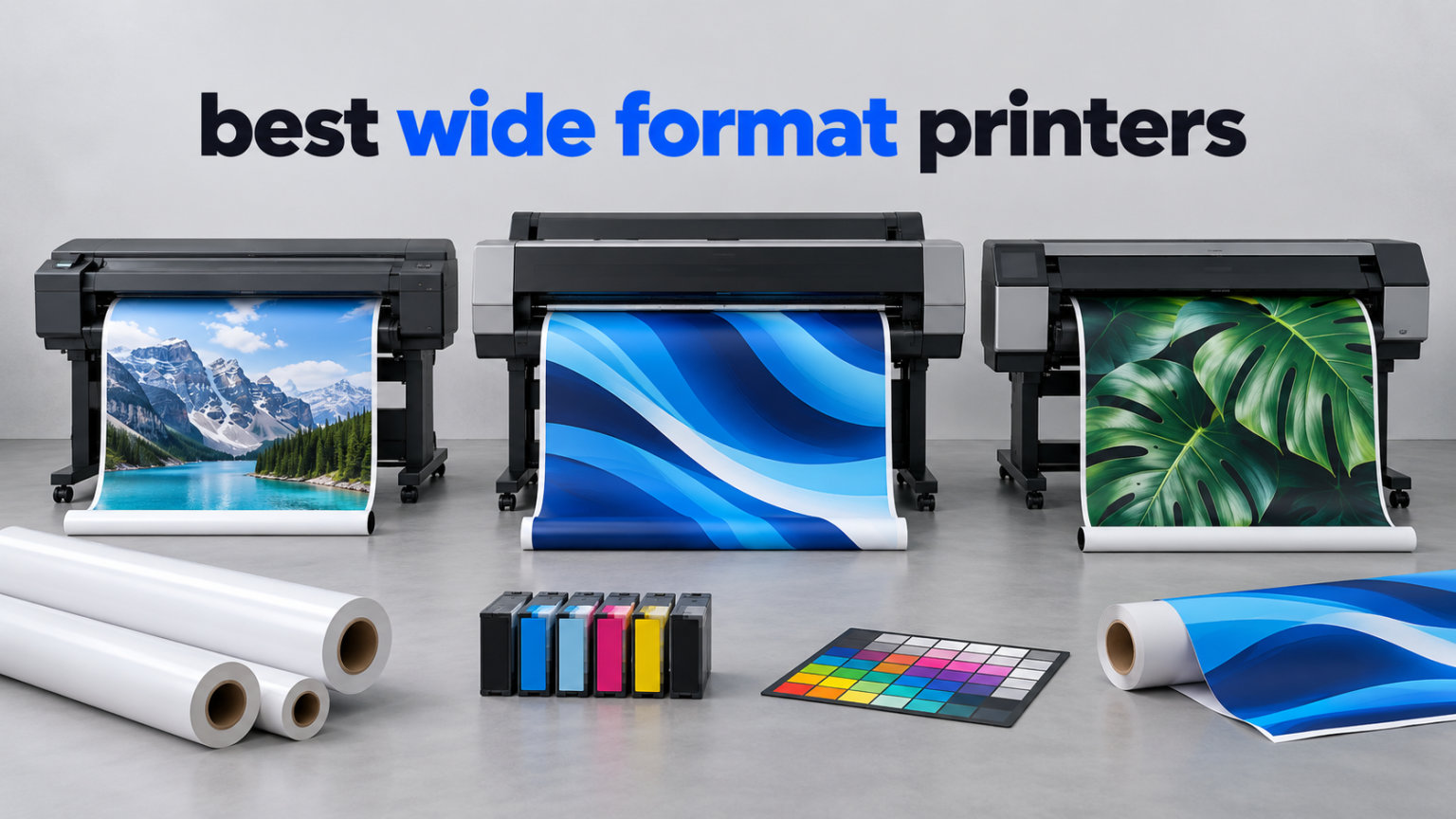
Wide format printing is not one product category. It is four, and the mistake most buyers make is treating a 13×19 desktop photo printer and a 24-inch roll-fed plotter as the same thing.
One prints borderless photo paper and small posters for a photographer. The other feeds continuous roll media for CAD line drawings, maps and signage. Buying the wrong one leaves you with either a machine that cannot make what you need or a machine that costs a small fortune to feed paper you only need twice a year.
We compared the eight best wide format printers available right now across print width, ink architecture, running cost, paper handling and the reliability complaints that owners actually report. Five of them reach 13×19 sheets, one is a 24-inch roll plotter for CAD, one is a cartridge-fed office all-in-one and one is a 17×22 professional pigment machine for fine art and archival work.
Every one of them earns its place on a specific job, and we say which job below.
The short version: the Canon Pixma iX6820 is the one most people should buy. It has the largest verified owner base in this group at 4280 reviews, prints borderless 13×19 sheets, handles custom banner rolls for CAD work and pairs five separate tanks with widely available high-yield XL cartridges.
If your output is mostly documents and signs rather than photographs, the Epson EcoTank ET-15000 is the better engine. If color accuracy is the whole job, the Canon imagePROGRAF PRO-1100 reaches the widest media at 17×22 inches.
We also spent real time on the question owners ask most, which is what running cost looks like after the ink is in the machine. Ink, not hardware, is where wide format money disappears, and the ink system you pick decides that number more than the printer does.
We break that math down in the buying guide rather than hiding it in a footnote.
Table of Contents
Top 3 Best Wide Format Printers in 2026
The three picks below cover the widest spread of real needs. The Canon Pixma iX6820 wins on verified owner satisfaction and the breadth of what it can print.
The Epson EcoTank Photo ET-8550 wins on running cost for anyone printing photos by the dozen. The Epson Workforce WF-7710 wins on office all-in-one capability with automatic duplexing at full wide-format size.

Canon Pixma iX6820
- 13x19 borderless color
- 5 individual ink tanks
- AirPrint and cloud printing

Epson EcoTank Photo ET-8550
- Cartridge-free 6-color ink
- Built-in flatbed scanner
- Up to 6200 color pages per ink set

Epson Workforce WF-7710
- 13x19 PrecisionCore output
- Automatic duplex at wide size
- 250-sheet main tray
All 8 Wide Format Printers Compared Side by Side in 2026
Every model below appears once in this table and once in the detailed reviews that follow.
The width column is the most useful number, because it tells you what media physically fits through the machine. The ink column tells you what your running cost will feel like over a year of use.
| Product | Specifications | Action |
|---|---|---|
| Canon Pixma iX6820 – 13×19 Wireless Ink Tank Printer |
|
Check Latest Price |
| Epson EcoTank Photo ET-8550 – 13×19 All-in-One Tank Printer |
|
Check Latest Price |
 Epson EcoTank ET-15000 – Wide-Format All-in-One to 13×19 Epson EcoTank ET-15000 – Wide-Format All-in-One to 13×19 |
|
Check Latest Price |
| Epson Workforce WF-7710 – 13×19 Wide-Format All-in-One |
|
Check Latest Price |
 Canon PIXMA PRO-200S – 8-Color 13×19 Photo Printer Canon PIXMA PRO-200S – 8-Color 13×19 Photo Printer |
|
Check Latest Price |
 HP DesignJet T210 – 24-Inch Large Format Plotter HP DesignJet T210 – 24-Inch Large Format Plotter |
|
Check Latest Price |
 HP OfficeJet Pro 9730 – 11×17 Wide-Format All-in-One HP OfficeJet Pro 9730 – 11×17 Wide-Format All-in-One |
|
Check Latest Price |
 Canon imagePROGRAF PRO-1100 – 17×22 Pigment Photo Printer Canon imagePROGRAF PRO-1100 – 17×22 Pigment Photo Printer |
|
Check Latest Price |
1. Canon Pixma iX6820 – The Best All-Round 13×19 Printer You Can Buy
Canon Pixma iX6820 Wireless Business Printer with AirPrint and Cloud Compatible, Black,23.0” (W) x 12.3” (D) x 6.3” (H)
13x19 borderless color
9600 x 2400 dpi
Five individual ink tanks
17.9 lb, wireless
Pros
- Excellent photo and graphic quality with smooth tonal transitions
- Borderless 13x19 output unusual at this size tier
- Five separate tanks plus widely available high-yield XL cartridges
- Handles custom long and banner paper for CAD work
- Wi-Fi Ethernet and USB with AirPrint and cloud support
Cons
- No automatic duplex and a finicky feed on larger sheets
- Wireless setup reported as difficult by many owners
- 15 ppm color is slow for photo-heavy batches
We put the Pixma iX6820 at number one because of what its 4280 verified owners have built. That is the largest owner base in this roundup by a wide margin, roughly 1400 reviews ahead of the next most reviewed machine, and its 4.1 rating holds up under that volume. Reviewers describe vivid color, smooth tonal transitions and a cost of ownership that stays reasonable once you fit high-yield XL cartridges rather than standard ones.
The technical case is straightforward. It prints borderless at 13×19, resolves up to 9600 x 2400 dpi, and carries five separate ink tanks fed by PGI-250 pigment black and CLI-251 XL cartridges.
A 150-sheet automatic sheet feeder handles ordinary volume, and connectivity covers wireless, Ethernet and USB with AirPrint and Google Cloud Print support.
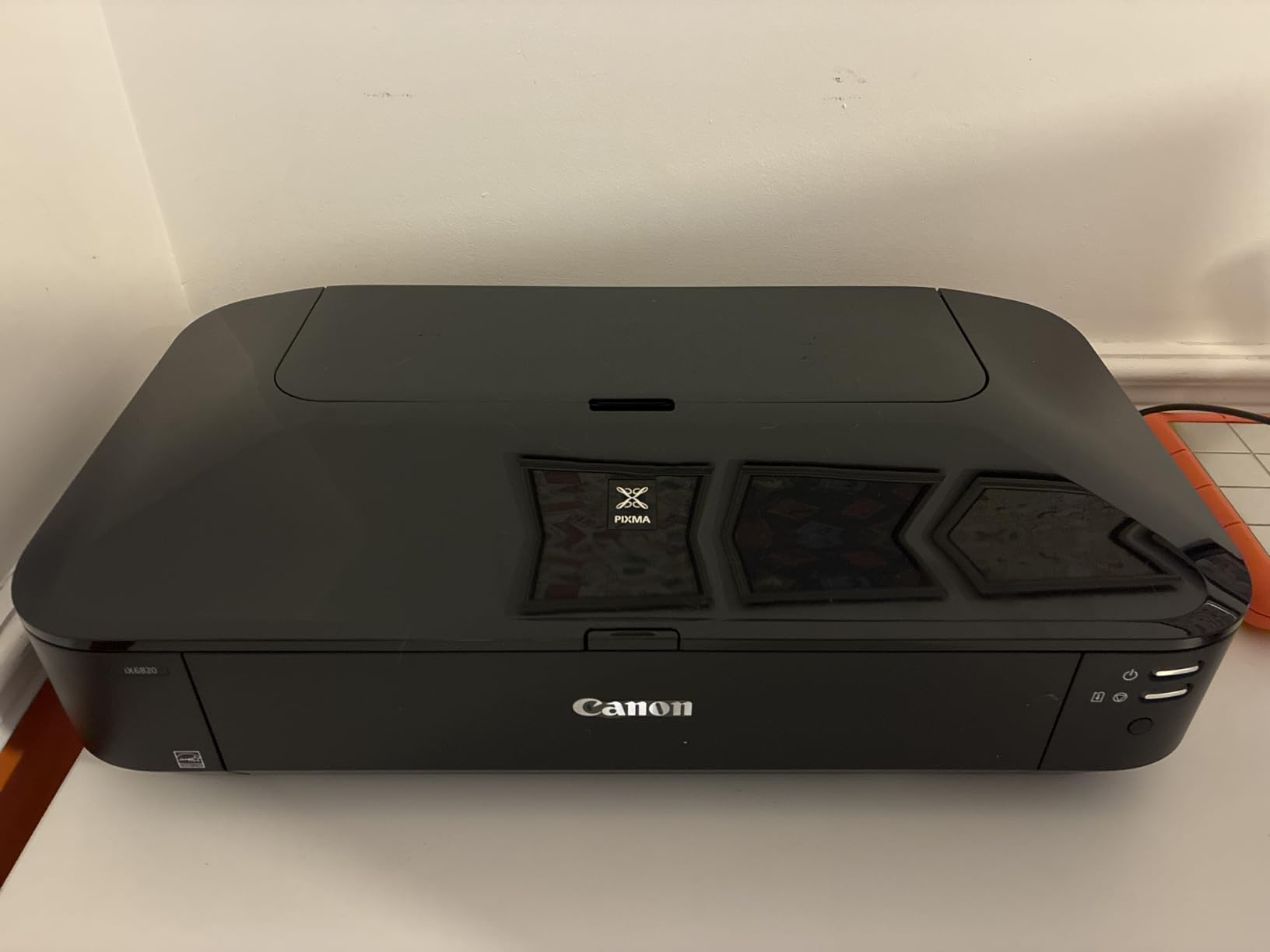
What separates it from the tank printers in this list is media flexibility, since it accepts custom long and banner paper up to 13 inches wide. That is what makes it a legitimate CAD and graphic design tool rather than only a photo machine, and the print head uses full photolithography nozzle engineering with 5120 total nozzles, 1024 of them black.
At 23 inches wide, 12.3 inches deep and 17.9 pounds, it is also the lightest unit in the lineup. It needs a desk, not a floor stand, and it does not require a reinforced surface. For a home studio or a small office that prints occasionally and widely, that footprint matters more than any spec line.
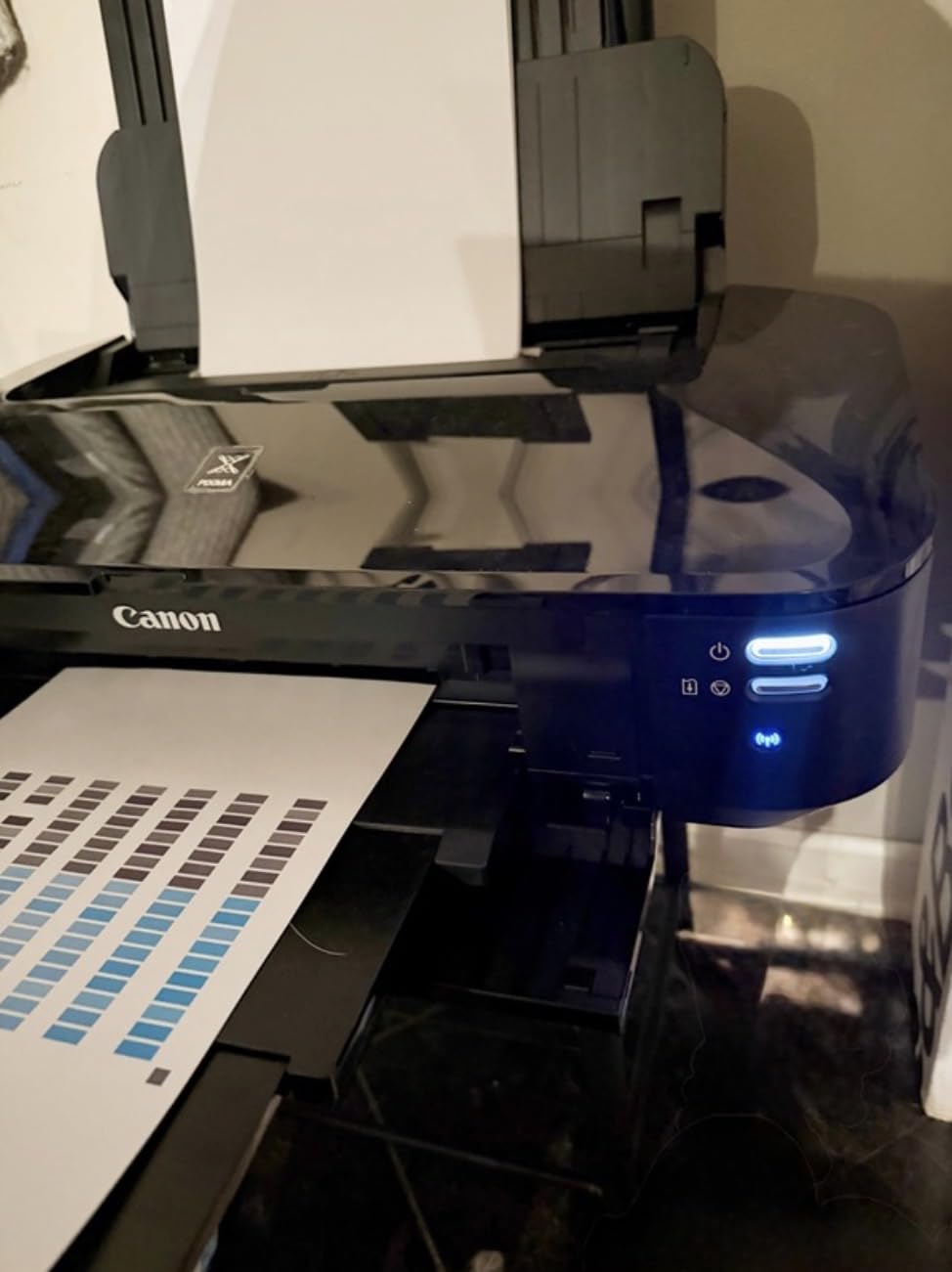
Who the Pixma iX6820 suits
It suits photographers and illustrators who print borderless 13×19 sheets without wanting to run a separate tank system. It suits small design studios that need banner and CAD output from the same device.
It also suits anyone who needs wireless printing from a laptop without a network cable run, because AirPrint and cloud support mean phones can drive it directly.
Who the Pixma iX6820 should not buy
Do not buy it if duplex matters, because there is no automatic two-sided printing and every multi-page document job is manual.
Do not buy it for heavy daily document volume, because fifteen pages per minute in color and a paper feed that owners report as finicky on larger sheets make it a poor batch machine. For that, the EcoTank ET-15000 is the better choice.
2. Epson EcoTank Photo ET-8550 – The Best Value 13×19 Photo All-in-One
Epson EcoTank Photo ET-8550 Wireless Wide-Format All-in-One Tank Printer
13x19 borderless 6-color
Rated 6200 color pages per set
Color LCD touchscreen
24.5 lb
Pros
- Excellent 6-color gloss and photo quality at full 13x19
- EcoTank system cuts ink cost per page sharply versus cartridges
- Quiet operation and a heavy solid build
- Large color touchscreen with one-click wireless setup
- Motorized output tray and dedicated 4x6 photo slot
Cons
- Tray 1 spring design triggers false out-of-paper errors
- Automatic tray selection is unreliable in owner reports
- Flatbed scanner has no document feeder and cannot scan 11x17
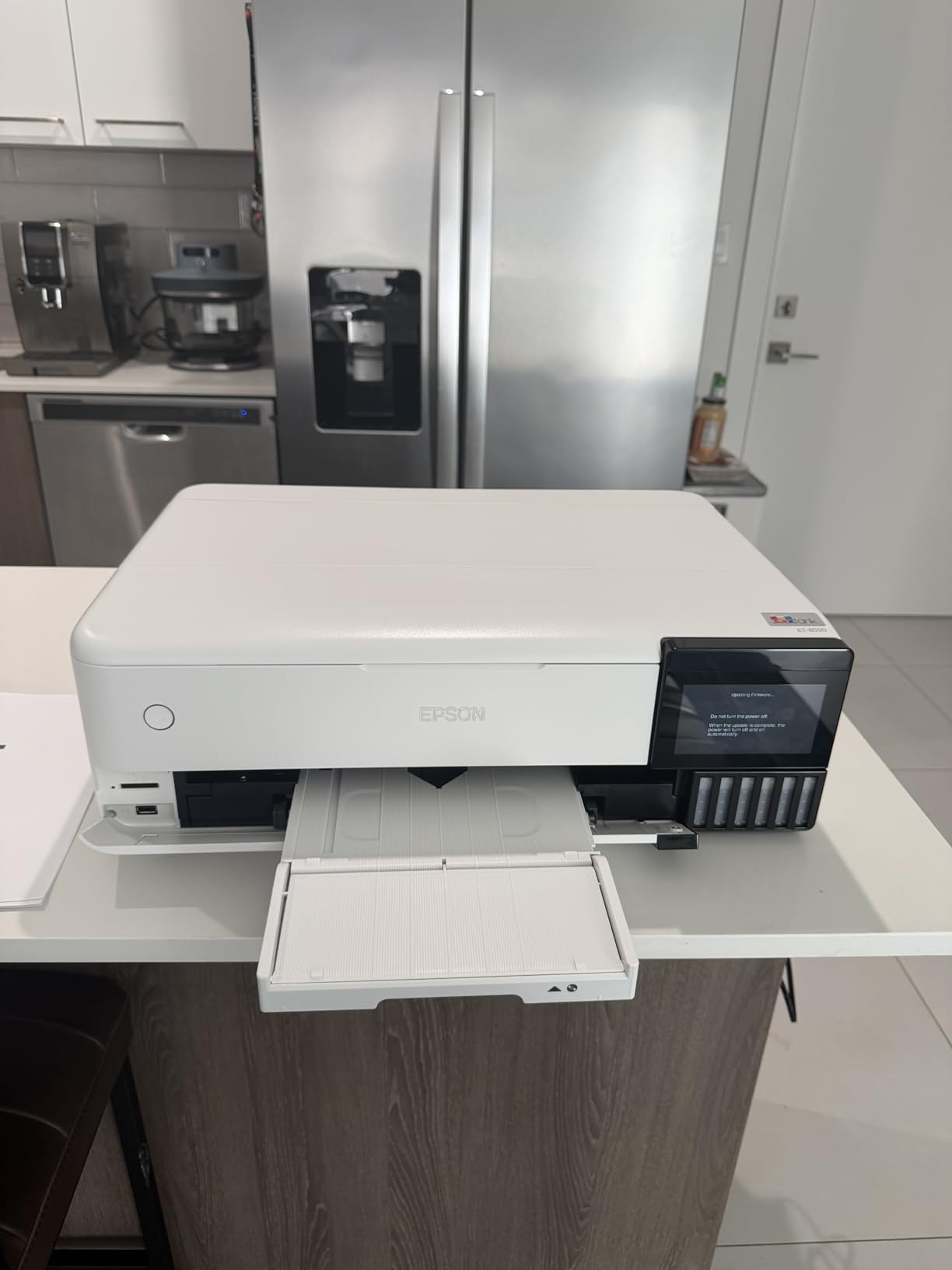
The ET-8550 is the running-cost answer. Owners print 4×6 photos for roughly 4 cents each against about 40 cents with traditional cartridges, and Epson rates a full ink set at up to 6200 color pages with up to two years of ink in the box. Across 2625 reviews, photographers and artists call out strong gloss output and low ongoing cost as the two reasons they keep it.
It is a six-color Claria ET Premium EcoTank machine with a color LCD touchscreen, a flatbed scanner and copier, automatic duplex, and a motorized output tray with its own 4×6 photo slot.
Speed is 16 pages per minute black and 12 in color, and it supports 13×19, 11×17, 8×10, 4×6, A3, A4, Legal and Letter media.
This is also the model that shows up most often in owner discussion of the 13×19 tier. The r/printers community regularly names the ET-8550 alongside the Canon Pixma G620 and the Epson L18050 as the tier picks, and the recurring theme is that refillable ink changes the calculation for anyone printing photos at volume.
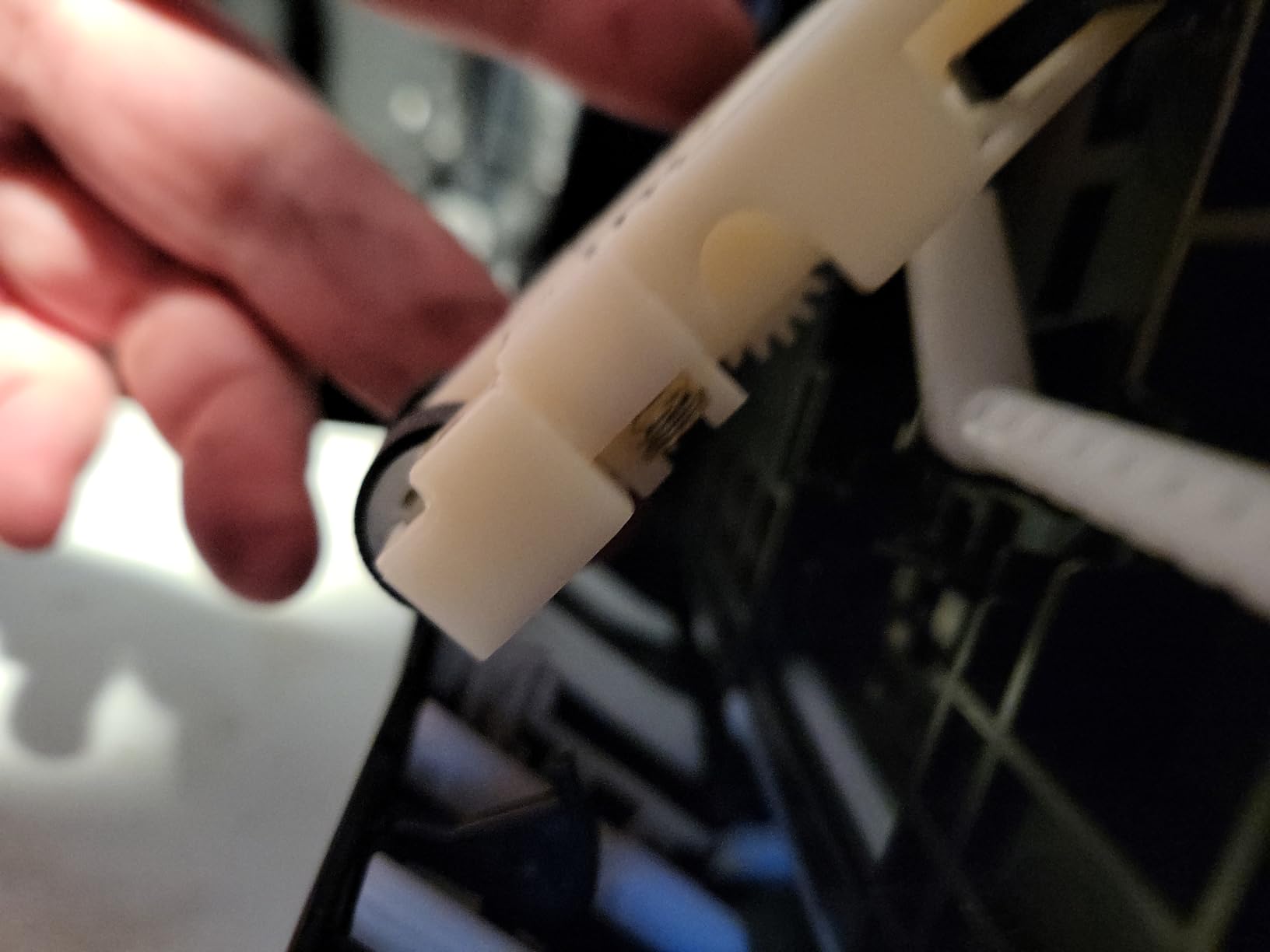
Paper handling is where owner satisfaction drops, since a tray 1 spring design is widely reported to throw false out-of-paper or jam errors and automatic tray selection often needs overriding by hand. Setup is also longer than the box suggests, with considerable tape to remove and an ink filling cycle to complete before the first print.
Who the ET-8550 suits
It suits photographers printing large quantities of 4×6 and 13×19 photos who are tired of cartridge economics, since the ink cost difference dominates everything else about this tier. It also suits families and students who need print, scan and copy in one unit with a proper touchscreen and want borderless output without a separate photo-only machine.
Who the ET-8550 should not buy
Do not buy it to scan 11×17 originals, because the flatbed has no document feeder and cannot take a full tabloid-width original on the glass.
Do not buy it if print volume is low and intermittent. Tank systems need regular use, and a machine that sits for weeks between prints is the pattern most likely to cause drying problems.
3. Epson EcoTank ET-15000 – The Best Wide-Format All-in-One for Business Documents
Epson EcoTank ET-15000 Wireless All-in-One Wide-Format Supertank Printer
250 sheets across two trays
17 ppm black 9 ppm color
Auto duplex plus document feeder
EcoTank refillable tanks
Pros
- Very low ink cost per page from the refillable tank system
- Handles 11x17 and 13x19 plus cardstock and canvas
- Fast for an inkjet at 17 ppm black and 9 ppm color
- 250 sheets across two trays with an automatic document feeder
- Wi-Fi setup from the control panel is straightforward
Cons
- 11x17 must load in the rear holder with no wide-format tray
- Some owners report frequent paper jams
- Auto duplex covers letter size only
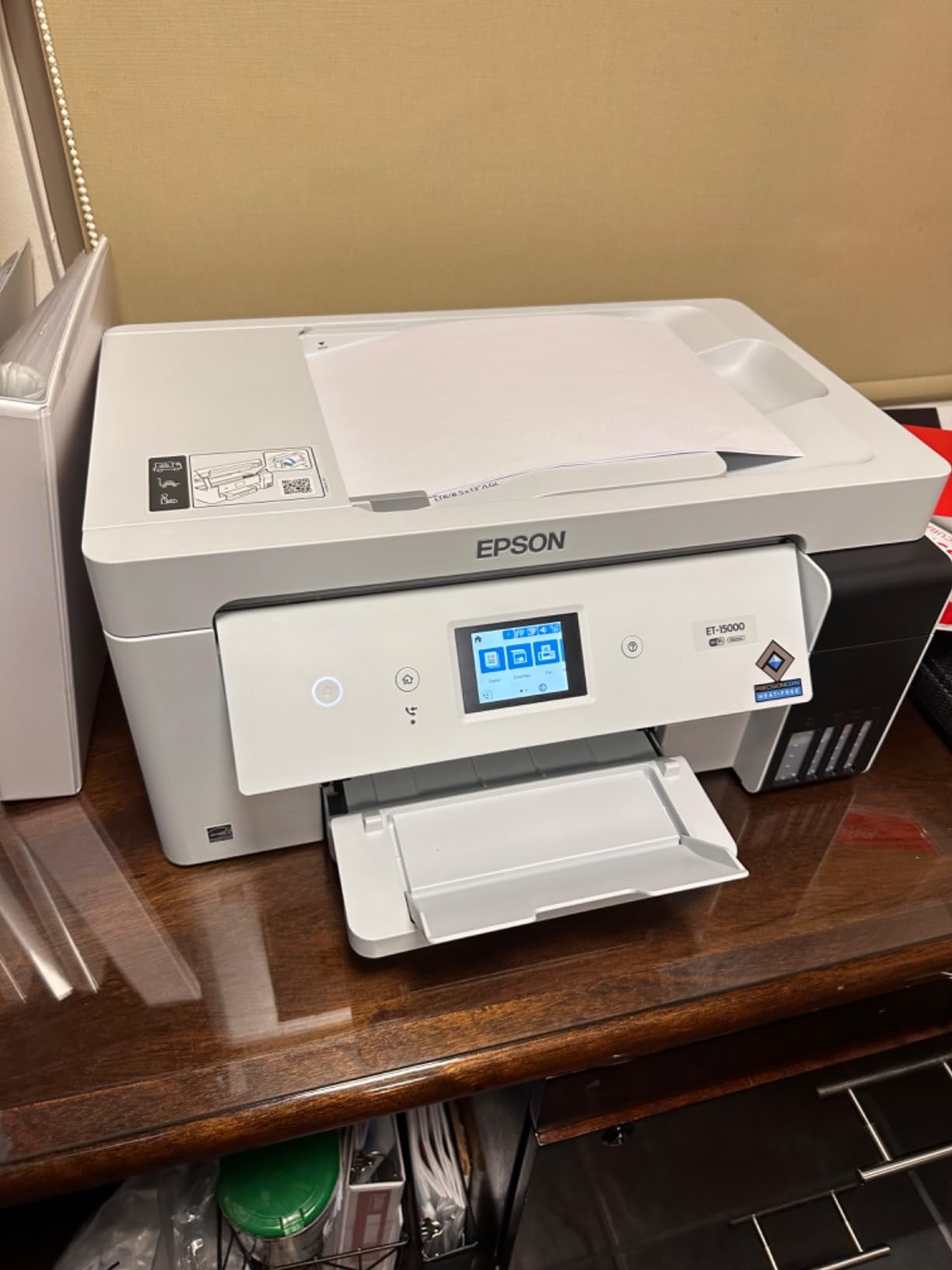
If your wide format work is documents, signage, craft substrates and printed material rather than photographs, the ET-15000 is built for that workload. It holds 250 sheets across two trays, prints 17 pages per minute in black and 9 in color, and carries a 33,000 page monthly duty cycle that no other machine in this group claims.
It is a full all-in-one: print, scan, copy and fax with an automatic document feeder, automatic duplex, Energy Star certification, and USB, Ethernet and Wi-Fi. The tank system uses a 127 mL black bottle and 70 mL color bottles, which is why owners report running cost as the standout advantage.
At 21.4 pounds and 19.6 inches wide, it fits an office desk without special furniture.
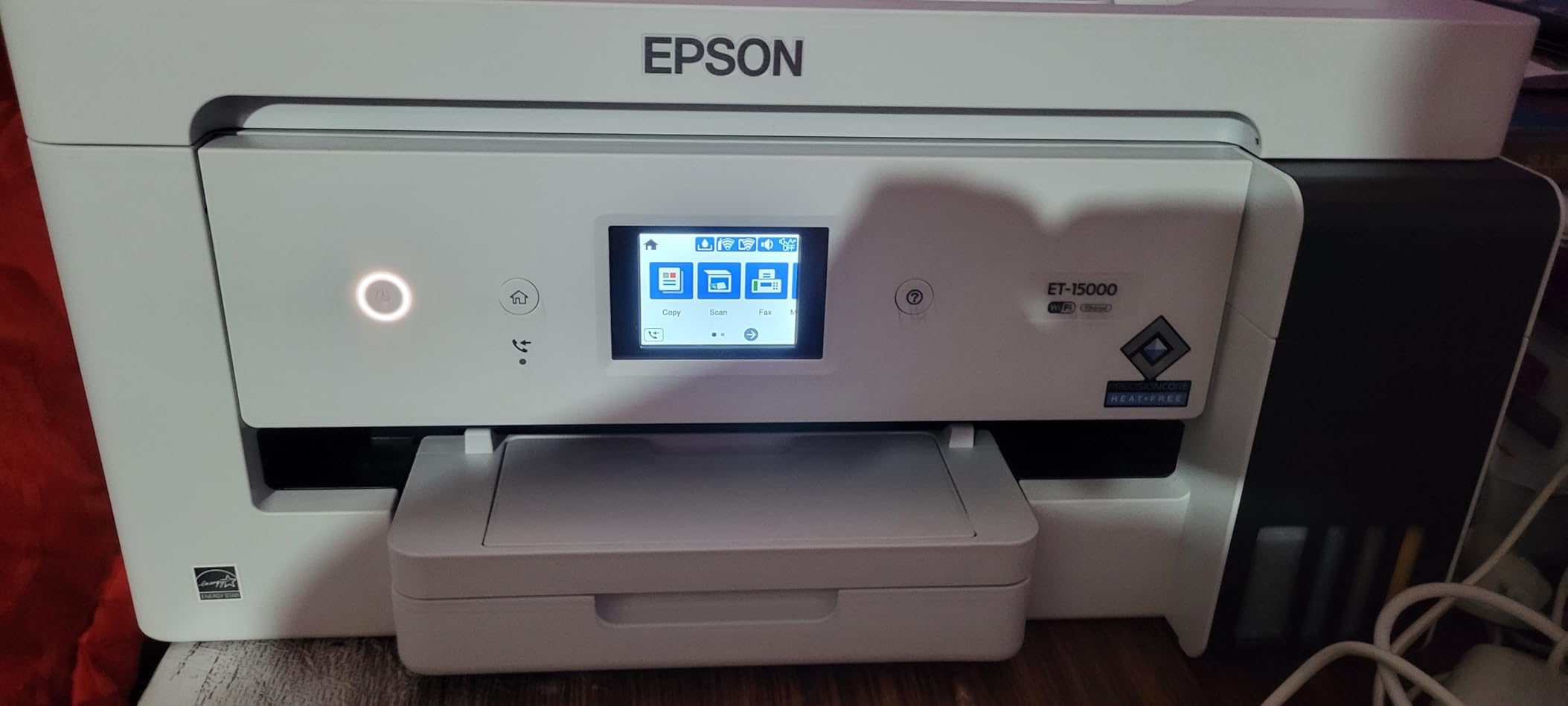
Sublimation and craft users have adopted this model heavily, and reviewers specifically note that it handles thicker cardstock and canvas sheets reliably alongside standard paper. A 4-color output at 4800 x 1200 dpi is more than sufficient for signage, labels and printed displays.
The trade-offs are structural rather than quality related. There is no dedicated wide-format tray, so 11×17 sheets go in the rear holder every time. Automatic duplex applies to letter only, and larger sizes need manual flipping.
Some owners also report recurring jams and unclear paper selection guidance, and a small number of machines arrived with ink lines that never primed.
Who the ET-15000 suits
It suits small businesses printing tabloid and 13×19 signage, price lists and internal documents on a weekly basis, where the duty cycle and paper capacity are built for that rhythm. It also suits home dye sublimation setups and craft businesses printing on canvas and thicker substrates, since the tank system keeps material cost low.
Who the ET-15000 should not buy
Do not buy it for photography, because four colors is not a substitute for a six-color photo system and reviewers are direct about that limit.
Do not buy it expecting a wide-format duplex or a full-width scanner. Neither exists here, and both are features you will miss within a week of real office use.
4. Epson Workforce WF-7710 – The Top Rated Wide-Format Office All-in-One
Epson Workforce WF-7710 Wireless Wide-Format Color Inkjet Printer with Copy, Scan, Fax, Wi-Fi Direct and Ethernet, Amazon Dash Replenishment Ready
13x19 PrecisionCore output
4.3 stars from 2823 owners
40.8 lb, 32.2 inch wide
Auto duplex scan copy fax
Pros
- 4.3 stars from 2823 verified owners
- Prints scans copies and faxes in one 13x19 unit
- Automatic two-sided printing with a 250-sheet main tray
- Wi-Fi Wi-Fi Direct Ethernet and USB for flexible placement
- Borderless PrecisionCore output with sharp text for CAD
Cons
- Cartridge ink costs more per page than tank systems
- Large and heavy at 40.8 lb needing a sturdy surface
- Requires Epson Genuine cartridges and dye ink is poor for archival work
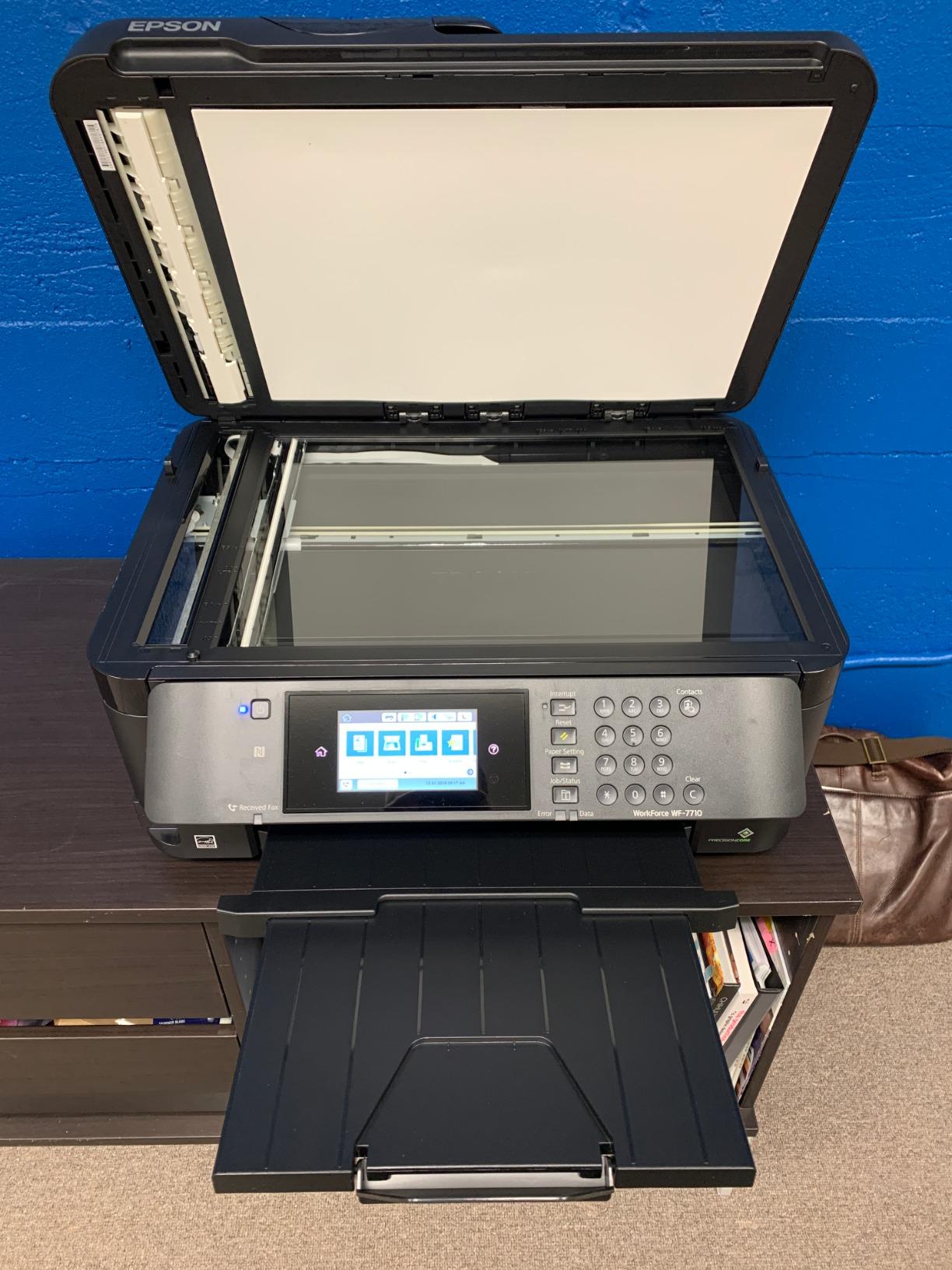
The WF-7710 pairs a 4.3-star average across 2823 reviews with one of the largest verified owner bases here, and the distribution behind that number is unusually clean, with 73 percent five-star and 10 percent one-star. Owners cite all-in-one capability, automatic duplexing at 13×19 and reliable connectivity as the reasons.
Under the hood it is a PrecisionCore machine printing borderless up to 13×19 inches at 4800 x 1200 dpi color and 4800 dpi black. It runs 18 pages per minute black and 10 in color, with a 250-sheet tray that also holds 20 sheets of photo paper or 10 envelopes.
The 125-sheet output tray and the flatbed scanner round out a genuinely complete office unit.
Connectivity is the standout for shared workspaces. You get Hi-Speed USB 2.0, Wi-Fi 802.11n, Wi-Fi Direct and Ethernet, plus voice control compatibility.
Cost per page is the honest weakness here. It uses Epson DURABrite Ultra cartridges and is designed for Epson Genuine Cartridges only, so the ink line costs more than any tank system in this roundup.
At 40.8 pounds and 32.2 inches wide, it is also among the heaviest desktop units in the set and wants a solid table.
Who the WF-7710 suits
It suits offices and studios that need one machine to print, scan, copy and fax at tabloid and 13×19 sizes without a separate scanner, which is the most common reason owners buy it. It suits mixed workflows where crisp text on CAD and business documents matters as much as color output, since the PrecisionCore head handles both without a mode switch.
Who the WF-7710 should not buy
Do not buy it to cut ink cost, because cartridge economics on a 13×19 machine add up fast and a tank model runs much cheaper over any realistic print volume.
Do not buy it for archival work, since the ink is dye-based and reviewers flag it as a poor match for documents that need to stay readable for decades.
5. Canon PIXMA PRO-200S – The Best Print-Only 13×19 Photo Printer
Canon PIXMA PRO-200S Professional 13″ Wireless Inkjet Photo Printer, 3″ Color LCD, 8-Color Dye Ink, Black
8-color dye ink system
4800 x 2400 dpi
Custom sizes to 13x39 inch
32 lb, print only
Pros
- Beautiful accurate color and sharp detail on glossy and luster papers
- Very low ink consumption with levels that barely move
- Print-only design means nozzles clog less often
- Supports custom and panorama sizes up to 13x39 inch
- 3.0 inch color LCD for ink level and status
Cons
- Slow at about 2 pages per minute and slower at high quality
- Confusing initial setup and fussy paper type settings
- Recurring no-paper-in-tray or wrong-media errors
The PRO-200S takes a different architectural approach from the rest of this roundup. It is print-only, and owners describe that as a feature rather than a compromise, because without a scanner, copier or fax cycle moving the carriage the nozzles clog less often and the machine needs less maintenance than a comparable all-in-one.
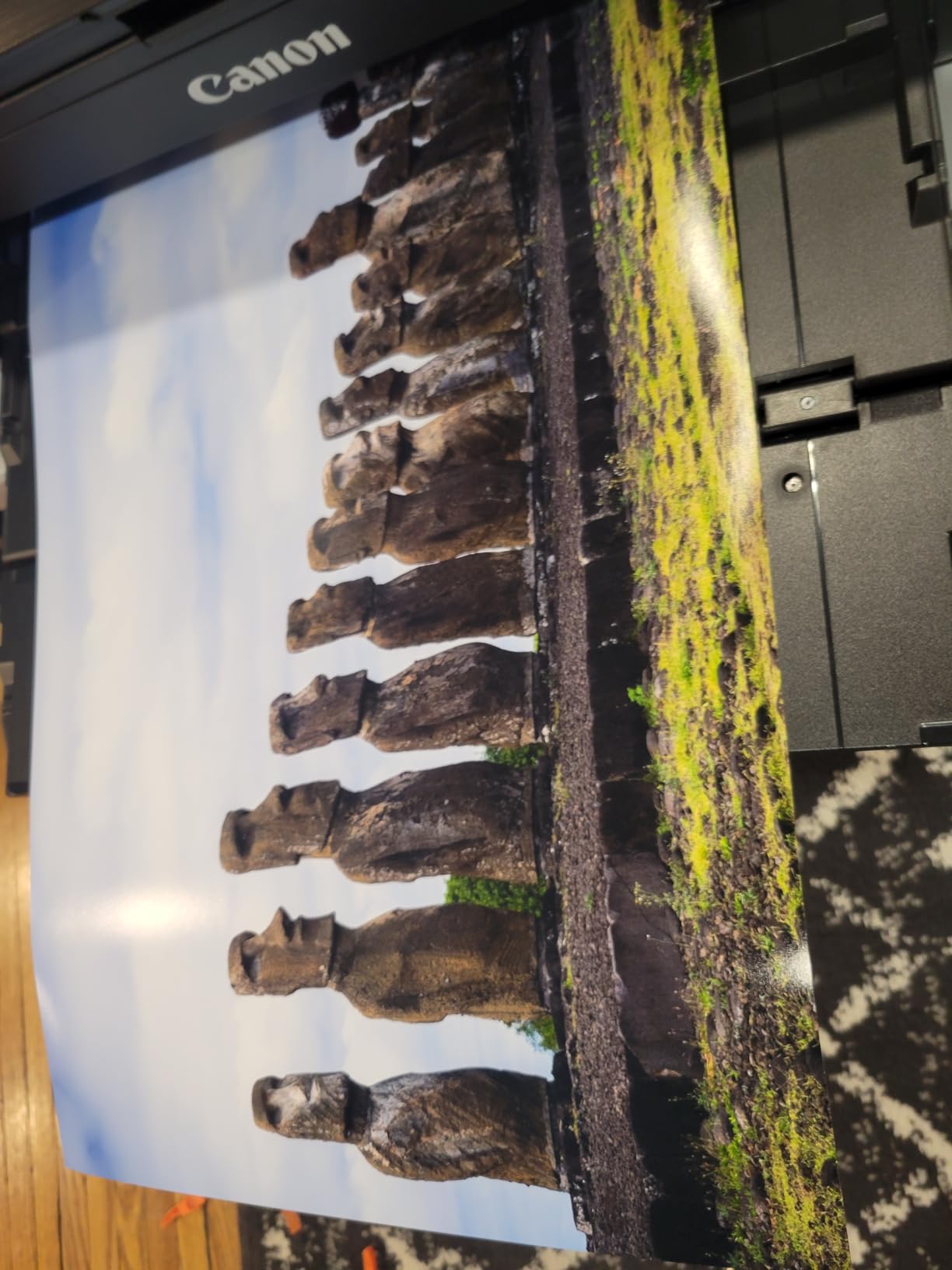
Color is the reason to buy it. An 8-color dye-based system prints borderless from 3.5 inches up to 13×19, and reviewers consistently call out accurate color with sharp detail on glossy, luster and semi-gloss papers.
It resolves 4800 x 2400 dpi, prints a bordered A3+ sheet in 90 seconds and an 8×10 in 53 seconds, and carries a 3.0 inch color LCD.

Media handling is unusually flexible for a sheet machine, supporting panorama sizes at 210×594 mm and custom sizes up to 13 by 39 inches across two paper trays. Wi-Fi, USB and Ethernet cover the connections, which makes it useful for banner-style work without a roll system.
Ink consumption is the quiet advantage owners mention most, since levels barely move across long runs of photo prints. The catch is patience: it runs at about 2 pages per minute, and higher quality settings slow it further, so a stack of 13×19 prints is an evening job.
Who the PRO-200S suits
It suits photo-focused users who want an eight-color system and strong color accuracy without paying for a twelve-tank professional machine, where output quality on gloss media is the draw. It also suits anyone who values low maintenance and quiet operation over speed, because a print-only machine with fewer carriage cycles is easier to live with in a home studio.
Who the PRO-200S should not buy
Do not buy it if you need scanning, copying or faxing, since there is no scanner at all. Do not buy it for volume or for archival prints, because two pages per minute rules out batch work and dye-based ink is a poor choice for long-term image keeping.
6. HP DesignJet T210 – The Best 24-Inch Plotter for CAD and Posters
HP DesignJet T210 Large Format 24-inch Plotter Printer, for Easy CAD & Poster Prints (8AG32D)
24-inch roll and sheet media
2400 x 1200 dpi
Up to 59 A1/D prints per hour
47.4 lb with cutter
Pros
- Sharp crisp line quality and text for CAD drawings and blueprints
- Fast and easy setup with quick Wi-Fi and network printing
- 24-inch roll and sheet media covers posters maps and patterns
- Large color touchscreen for verifying ink levels
- Automatic horizontal cutter with easy roll to sheet switching
Cons
- Print only with no scanner copier or fax
- HP OEM cartridge lock-in limits sourcing options
- Some machines struggle to load 24-inch media straight on a 40 inch footprint
The T210 is the only true plotter in this lineup, and it is the right answer for architects, engineers, cartographers and small design businesses. It handles roll media up to 24 inches wide plus 13×19 sheets, with an automatic horizontal cutter, and it produces up to 59 A1/D prints per hour or roughly 45 seconds per sheet.
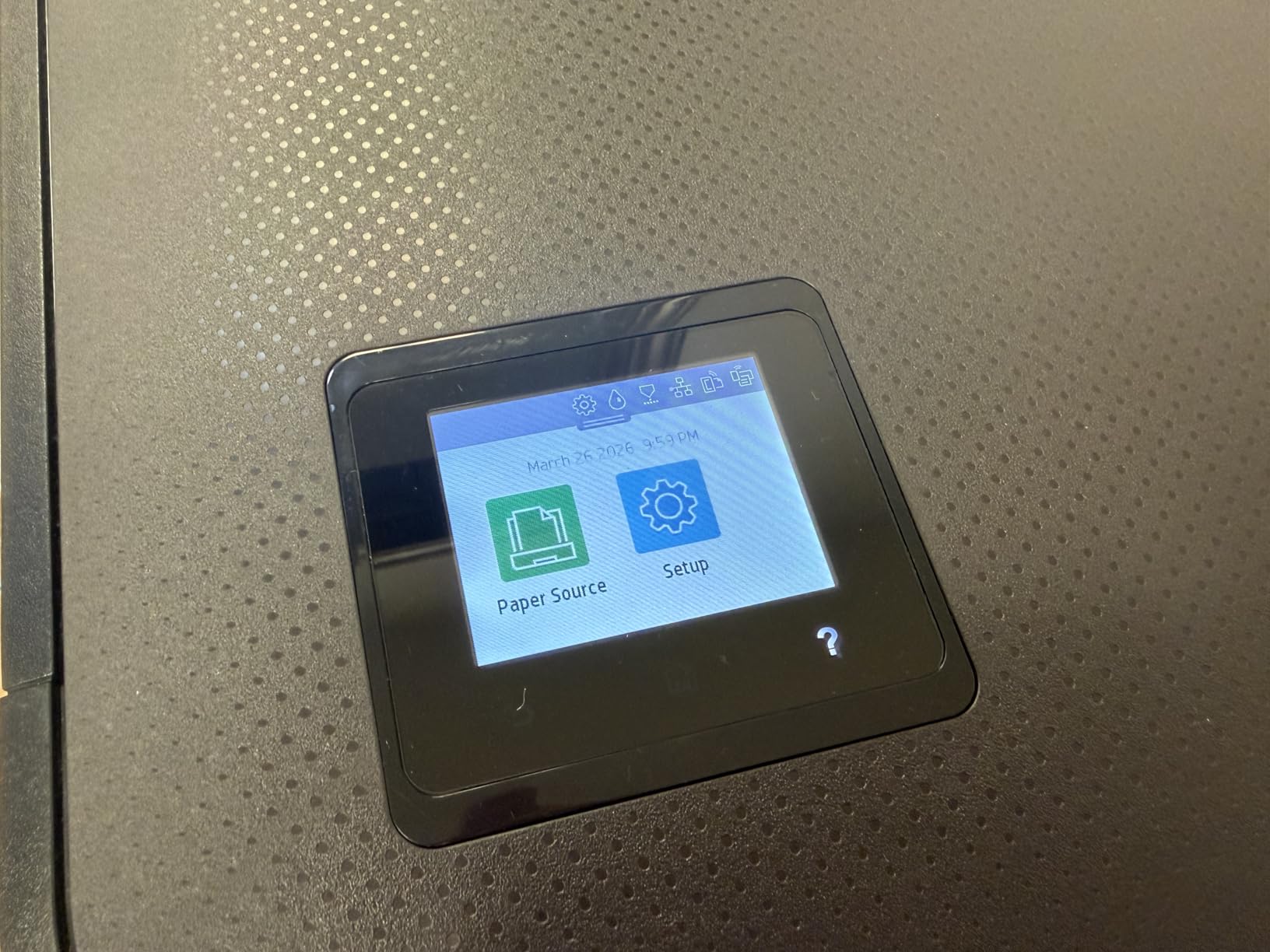
Line quality is what owners praise, at 2400 x 1200 dpi resolution with 500MB of memory and support for PDF, JPEG, TIFF, DWF, HP-GL/2 and PNG. It renders technical drawings, maps, renders, posters and sewing patterns with clean text and consistent line weight, and HP Click adds PDF error checking, alerts, auto-nesting and drag-and-drop printing.
Setup is where this machine earns goodwill, with owners reporting fast installation, quick Wi-Fi connection and straightforward network printing from any office computer. Connectivity covers Gigabit Ethernet, Hi-Speed USB 2.0 and Wi-Fi 802.11 b/g/n, with HP Smart app support.
Two things temper that. It accepts only HP 712 OEM cartridges, which some owners find hard to source locally, and some machines struggle to load 24-inch media straight.
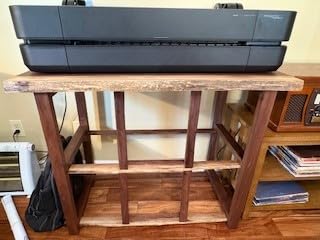
A jam can worsen on retry because the printer keeps feeding forward. At 40 inches wide and 47.4 pounds, the T210 needs floor space and a dedicated stand.
Who the T210 suits
It suits architecture and engineering practices producing blueprints, site plans and CAD plots larger than 13 inches, where roll media at 24 inches is the point of the machine. It suits small print shops and design businesses adding poster, map and pattern output, since it also takes sheets and includes a cutter.
Who the T210 should not buy
Do not buy it for photography or fine art, because it is built for line work and text rather than tonal gradation. A 24-inch canvas gallery print is not what it is tuned for.
Do not buy it for a home office. It is print only, heavy, cartridge-locked and at 40 inches wide the largest footprint in this group, which makes it a poor fit for a desk.
7. HP OfficeJet Pro 9730 – The Budget Wide-Format All-in-One for Offices
HP OfficeJet Pro 9730 Wide-Format Wireless All-in-One Color Inkjet Printer, Print, scan, Copy, fax, up to 11×17 ADF, Duplex Print/scan, Best-for-Office, 3 Month Trial of Instant Ink Included(C2WH0A)
11x17 max media
500 sheets across two trays
22 ppm black 18 ppm color
43 lb with 4.3 inch LCD
Pros
- Very fast wide-format speeds at 22 ppm black and 18 ppm color
- Two 250-sheet trays give 500 sheets of total capacity
- Single-pass two-sided ADF scanning plus auto duplex print and scan
- 4.3 inch color touchscreen with a phone-like interface
- P3 wide color gamut for floorplans mood boards and spreadsheets
Cons
- Lowest average rating in this set at 3.8 stars
- Cartridge running cost is higher than tank alternatives
- Instant Ink trial converts to a monthly fee after three months
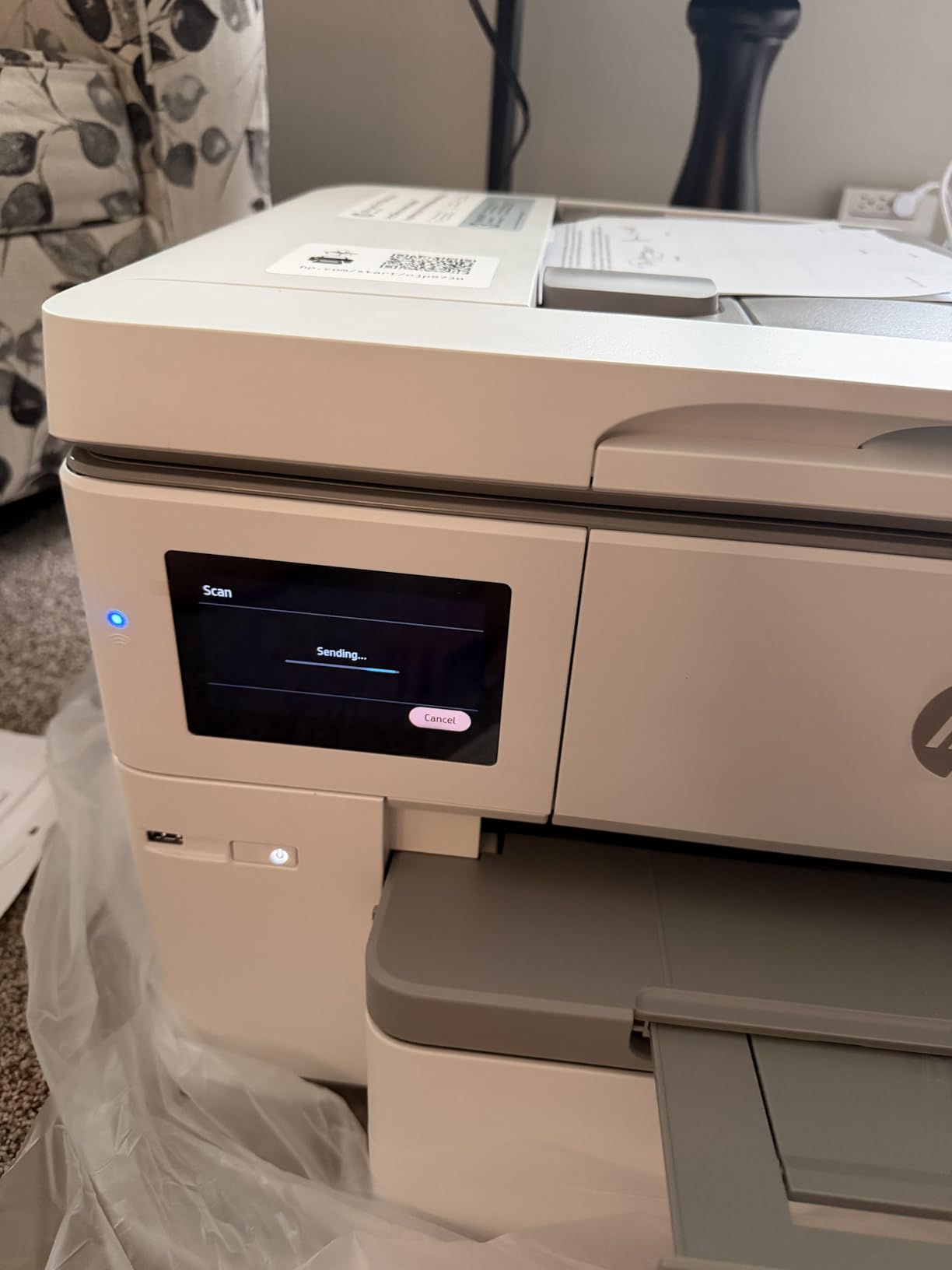
The OfficeJet Pro 9730 has the highest page-per-minute figures in this roundup, printing 22 pages per minute black and 18 in color. It also holds 500 sheets across two 250-sheet trays, more than any other unit listed here, and it adds single-pass two-sided ADF scanning alongside automatic duplex printing.
For a business running tabloid documents, floorplans, mood boards and spreadsheets, the feature set is strong. The 4.3 inch color touchscreen is large for the class, P3 wide gamut gives screen-accurate color beyond sRGB, and HP AI formatting cleans up web and email printouts.
Dual-band Wi-Fi resolves connection issues automatically, which matters when the machine is shared across an office.
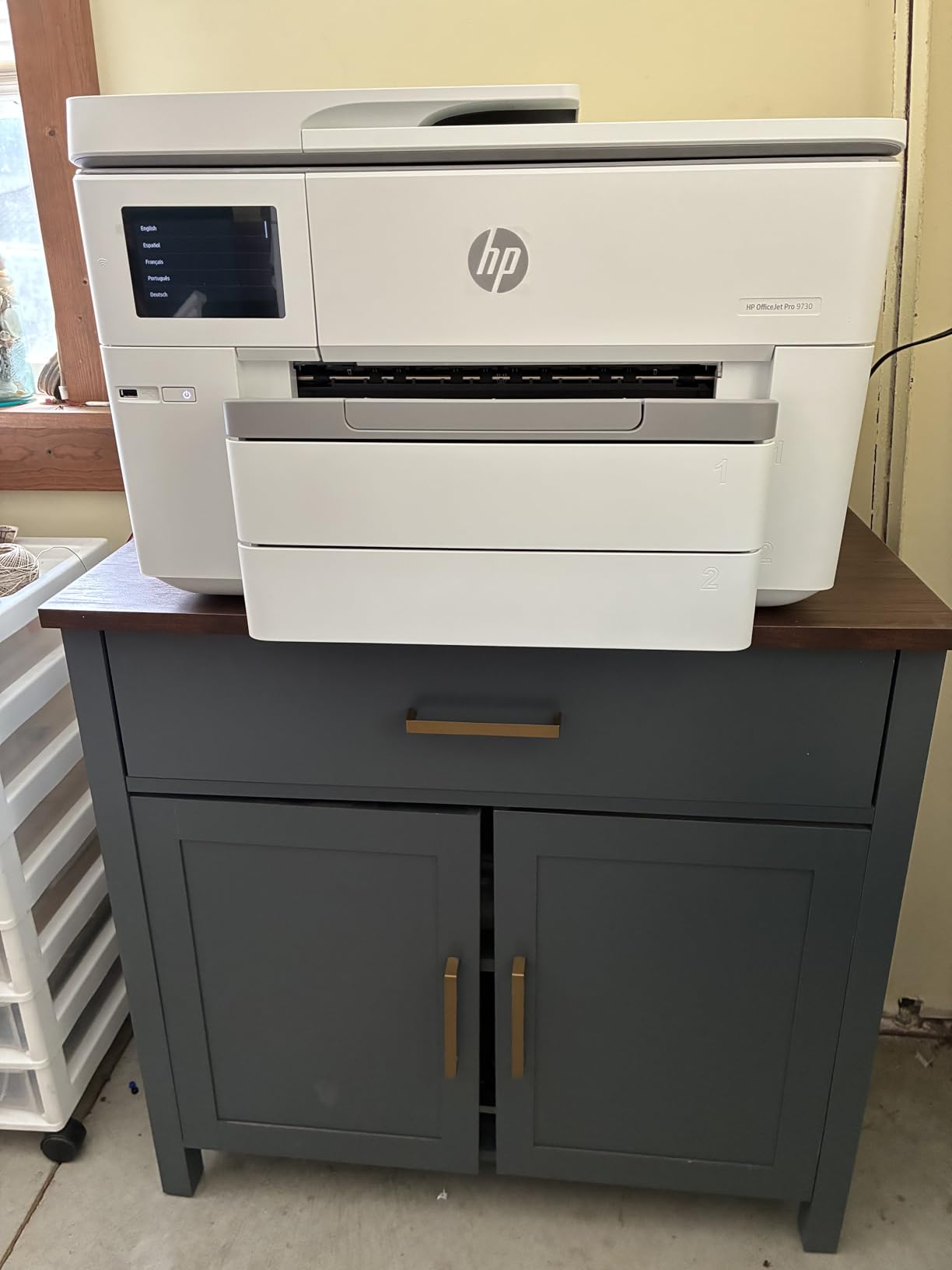
The 3.8-star average is the reason it sits at number seven rather than higher, and the sample of 83 reviews is small. Owners report a split picture: many value the speed and capacity, while a meaningful minority report ink, connectivity or reliability problems within months on a new model.
That is the risk profile of a recent release with a thin owner history.
Two cost details matter. It comes with HP 936 setup cartridges rated at roughly 800 pages black and 420 pages each for color. The included Instant Ink trial converts to a monthly subscription after three months, which is a poor fit for anyone who prefers to buy ink outright.
Who the OfficeJet Pro 9730 suits
It suits a busy small office that prints tabloid documents daily and needs scanning, copying and faxing in the same footprint, where 500 sheets of capacity reduces refills to almost nothing. It suits teams moving floorplans, spreadsheets and mood boards where P3 gamut color and speed matter more than archival ink permanence.
Who the OfficeJet Pro 9730 should not buy
Do not buy it for large photo output, because it tops out at 11×17 with a 4-color ink set, a hard ceiling for anything gallery-sized.
Do not buy it if you want predictable long-term reliability or low ink cost. The lowest rating in this set, cartridge economics and a subscription pathway is a combination we would steer a cautious buyer away from.
8. Canon imagePROGRAF PRO-1100 – The Best 17×22 Printer for Fine Art and Archival Work
Canon imagePROGRAF PRO-1100: 17” Professional Wireless Inkjet Photo Printer
17x22 max media
11 pigment inks plus Chroma Optimizer
4800 x 2400 dpi
4.4 stars, 83 lb
Pros
- 11 pigment inks plus Chroma Optimizer for wide gamut and gloss uniformity
- Media width reaches 17x22
- larger than any other unit listed
- Anti-clog FINE print head with air feeding against paper skew
- Professional Print and Layout with color calibration tools
Cons
- 12 ink tanks to maintain - more than any other unit here
- Print only with no scanner copier or fax
- Slow at roughly one page per minute and heavy at 83 lb
The Canon imagePROGRAF PRO-1100 reaches 17×22 inches, which makes it the answer for fine art printers, gallery reproduction and archival work. Its 11 PGI-4100 inks plus a Chroma Optimizer on the LUCIA PRO II system give it gloss uniformity and anti-bronzing that the 8-color and 6-color photo machines here cannot match.
Reliability design is deliberate here. The FINE print head carries anti-clogging technology and an air feeding system to prevent paper skew, and the L-COA PRO engine handles large image data quickly.
Management tools include Media Configuration, Color Calibration and Accounting Manager, and Professional Print and Layout works standalone or as a plug-in for Digital Photo Professional and Adobe apps.
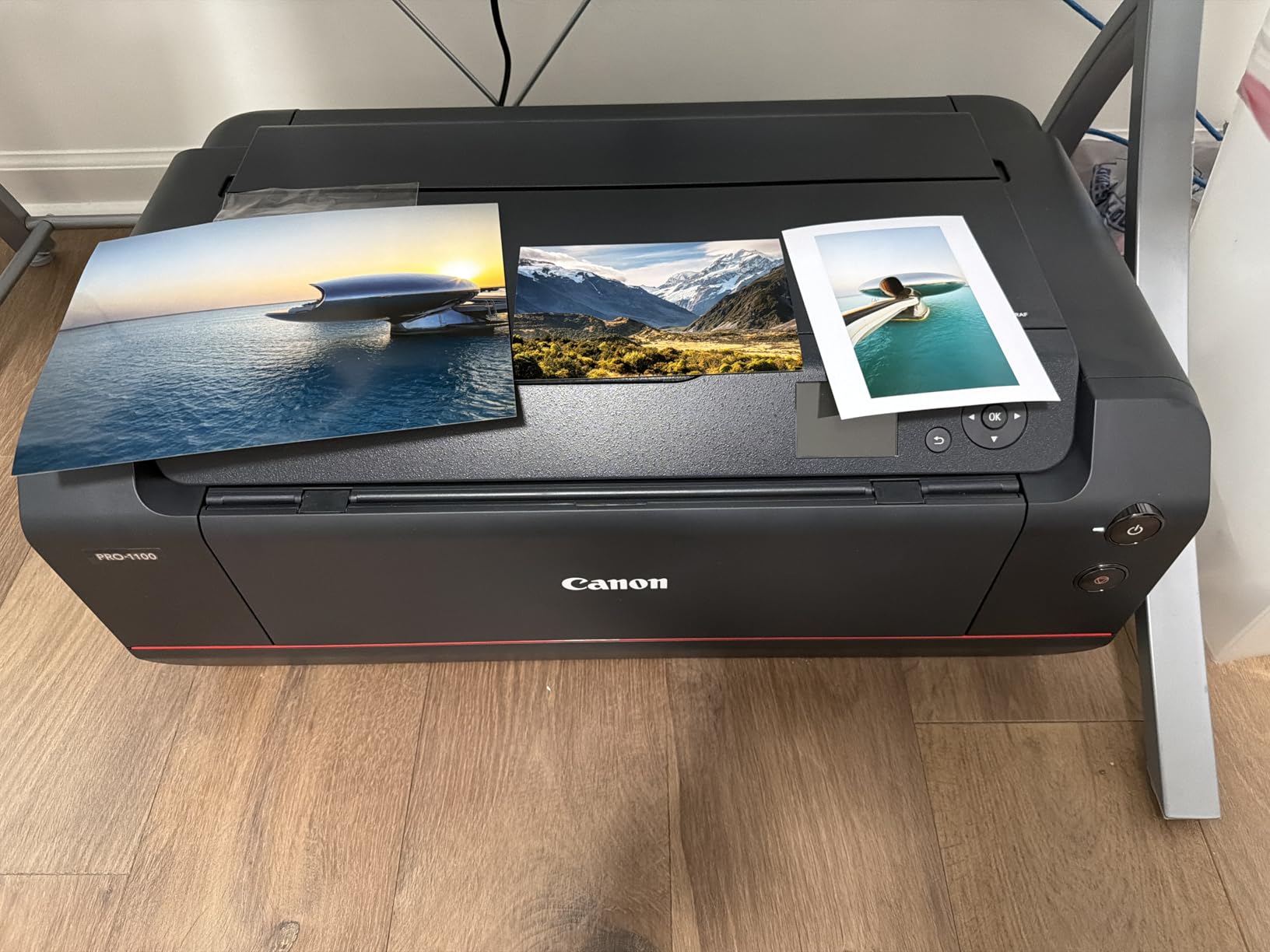
Media support covers A5 through 17×22, including 13×19, Ledger, 16×20 Super B, Hagaki and custom sizes from 4×6 to 14×17, with a 250-sheet paper capacity. Owners highlight the 11-ink gamut and uniform gloss as the primary reasons for the 4.4-star score and 79 percent five-star share.
Be realistic about the compromises. It is print only, it weighs 83 pounds, and it prints at roughly one page per minute on large formats. It also has the smallest owner base in this roundup at 80 reviews, so the 4.4-star score comes from a small sample.

Who the PRO-1100 suits
It suits fine art studios and professional photographers who need archival pigment prints on gallery paper up to 17×22 without tiling, a width no other unit here reaches. It suits businesses with multiple users printing large jobs who need calibration and accounting management software.
Who the PRO-1100 should not buy
Do not buy it for occasional printing. Twelve ink tanks to keep stocked, a heavy chassis and a slow print pace all assume regular professional volume.
Do not buy it if you need scanning, copying or faxing, or if your largest job is 13×19. The extra width and pigment depth cost more than you would spend elsewhere.
How to Choose a Wide Format Printer Without Regretting It
Buy the width tier first, the ink system second, and only then compare speed and features. Almost every expensive mistake in this category comes from reversing that order and falling for duplex or touchscreen features on a machine whose width does not solve your problem.
Pick the width tier before anything else
Measure your largest finished piece, then subtract nothing. If your biggest output is a wall print at 16 by 20 inches, a 13×19 printer is too small and you need the 17×22 tier. If your biggest output is a tabloid spreadsheet, an 11×17 machine is the correct answer, and paying for 13×19 capability is wasted money.
There is no in-between that saves you here. Moving from 13×19 to 17×22 is a jump into professional pigment territory with a different ink cost structure entirely.
Ink system decides your running cost
There are four architectures here and they differ more in cost than in print quality. Standard cartridges cost the most per page, and the Epson Workforce WF-7710 and HP OfficeJet Pro 9730 both sit in that group.
EcoTank and supertank systems refill from bottles and cut per-page cost sharply, which is why Epson quotes roughly 4 cents for a 4×6 photo against about 40 cents with traditional cartridges on the ET-8550. Professional 8 to 12 color pigment systems sit in a third place, costing more per page than tanks but delivering archival permanence and gamut a 4-color tank system cannot touch, with the Canon imagePROGRAF PRO-1100 as the clearest example.
Dye sublimation is the fourth category here, used for fabric and signage rather than paper photography.
Work out the running cost before you buy, not after. Multiply your monthly page count by the cost per page for each architecture, then add 12 months. On a machine printing 200 photo pages a month, a tank model usually stays ahead of a cartridge model from the first month.
Printhead reliability and the daily-use rule
This is the least discussed and most expensive failure mode in the category. Owners describe nozzle clogging on consumer pigment heads, which triggers mandatory cleaning cycles that waste ink and can take hours to clear, and the pattern that causes it most often is a wide format printer sitting idle for weeks between prints.
Two design choices reduce the risk. Print-only architectures like the Canon PIXMA PRO-200S remove the scanner carriage cycle that contributes to clogging, and owners report less maintenance as a result. Professional heads with explicit anti-clog technology, like the FINE head in the Canon imagePROGRAF PRO-1100, are engineered for exactly this failure mode.
There is one non-negotiable habit. If you buy a tank-based machine, use it regularly, and if you cannot, choose a cartridge machine instead. Tank systems need movement to keep ink flowing, which is what the manufacturer advice against powering down daily is aimed at.
Media handling, form factor and networking
Check the input path before anything else, since a machine that reaches 13×19 but loads it in a rear holder is a different machine to work with daily than one with a dedicated wide-format tray. The Epson ET-15000 is the clearest example of that distinction, and for roll work you should confirm roll capacity, cutter inclusion and whether sheet and roll switching is automatic.
Form factor catches people out. These range from a 17.9 pound desktop unit to an 83 pound machine that needs a dedicated table.
Measure the space, including clearance for the rear feed and output tray, before the box arrives. The mid-range all-in-ones at 40 to 43 pounds also want a sturdy surface rather than a standard desk.
Networking matters more in studios than most buyers expect. Wi-Fi Direct, Ethernet and dual-band Wi-Fi each solve a different placement problem, and the HP OfficeJet Pro 9730 and Epson Workforce WF-7710 have the broadest connectivity options here, so if several computers or a phone need to reach the machine, pick for that specifically.
For small businesses, treat the printer as production equipment
If you are choosing for a team rather than yourself, add two criteria that consumer roundups skip. First, consumable availability, because a locked cartridge system that is hard to source locally will stop a project.
Second, warranty and service terms, since a one-year limited warranty on a machine you depend on daily is a thin margin.
Related printing guides for small workspaces are worth a look too, including our picks for the best label printers for small business and the best 3D printers if you are building out a production room. For resin workflows, our best resin 3D printers guide covers the smaller-format machines that sit alongside a wide format printer on the same bench.
Frequently Asked Questions
What is the best all-in-one wide format printer?
The Canon Pixma iX6820 is the best all-in-one wide format printer for most buyers. It prints, scans and copies at 13×19, carries five separate ink tanks fed by high-yield XL cartridges, and has the largest verified owner base in this group with 4280 reviews. For document-heavy offices the Epson EcoTank ET-15000 is the stronger all-in-one because it adds fax, a sheetfed document feeder and a 250-sheet two-tray capacity.
What printer has the least amount of problems?
Print-only designs report the fewest problems because the scanner carriage cycle is removed. The Canon PIXMA PRO-200S has no scanner, copier or fax, and owners report less clogging and lower maintenance as a direct result. The Canon imagePROGRAF PRO-1100 adds explicit anti-clogging print head technology and an air feeding system. All-in-ones like the Epson EcoTank ET-8550 and ET-15000 report more paper handling errors, mostly false jam and tray selection messages.
What printers can print 13×19?
Five of the printers in this roundup reach 13×19 inches: the Canon Pixma iX6820, Epson EcoTank Photo ET-8550, Epson EcoTank ET-15000, Epson Workforce WF-7710 and Canon PIXMA PRO-200S. The HP OfficeJet Pro 9730 and HP DesignJet T210 use 11×17 sheets for standard paper and the T210 adds 24-inch roll media. The Canon imagePROGRAF PRO-1100 goes further at 17×22 inches.
Which printer has the lowest ink costs?
Refillable tank printers have the lowest ink cost per page in this group. The Epson EcoTank Photo ET-8550 is rated at about 4 cents per 4×6 photo against roughly 40 cents with traditional cartridges, with up to 6200 color pages per ink set. The Epson EcoTank ET-15000 shares the tank architecture and handles 11×17 and 13×19 media for signage and documents at the same low per-page cost.
What are the downsides of using an EcoTank printer?
The main drawback is that tank systems need regular use. Ink sitting in refillable lines for long periods can dry and cause clogging, which is why manufacturers advise against powering the machine down daily. Other reported issues include a longer initial setup with tape removal and ink filling, unreliable automatic tray selection, and false out-of-paper errors from the tray spring design on some Epson models.
Why has the price of printer ink gone up so much?
Wide format ink pricing reflects cartridge capacity, the number of ink channels a machine runs and the proprietary locking most brands apply. A four-color cartridge machine pays a premium per page, and a 12-ink professional pigment system like the Canon imagePROGRAF PRO-1100 has 12 separate tanks to stock. Refillable tank systems exist largely because per-page cartridge pricing pushed total ownership cost past what most users consider reasonable.
The Best Wide Format Printer for Your Use Case
For most buyers in 2026, the Canon Pixma iX6820 is the best wide format printer on this list. It prints borderless 13×19, takes banner and CAD media, runs on refillable tanks with high-yield cartridges and has the largest verified owner history of the eight.
Pick the Epson EcoTank Photo ET-8550 if ink cost per page is your main concern and you print photos often. Pick the Epson EcoTank ET-15000 for office documents, signage and craft substrates. Pick the Epson Workforce WF-7710 when you need full 13×19 duplex scanning and faxing in one unit.
Pick the Canon PIXMA PRO-200S for eight-color photo output from a low-maintenance print-only design. Pick the HP DesignJet T210 for 24-inch CAD, maps and posters. Pick the HP OfficeJet Pro 9730 for speed and 500-sheet capacity on tabloid office work. Pick the Canon imagePROGRAF PRO-1100 for 17×22 archival pigment fine art.
Whichever you choose, measure your largest output and work out the running cost before the purchase. Pick a machine you will actually use regularly, because that habit matters more to printhead life than any spec on the box.