
I spent three months testing TVs in our south-facing office where the afternoon sun turns most screens into mirrors. Out of 14 models I evaluated, 10 made the final cut for this guide on the best tvs for bright rooms for offices.
After comparing peak brightness, anti-glare performance, and office ergonomics, I found that Mini-LED and QLED TVs consistently beat OLEDs in direct sunlight. The Sony BRAVIA 3 II earned our Editor’s Choice for its anti-glare coating and PlayStation-friendly features, while the Hisense U6 Pro delivers glare-free visuals at a fraction of the price.
This guide covers everything you need to pick the right panel for windows that won’t quit and overhead lights that stay on all day.
Table of Contents
Top 3 Picks for Best TVs for Bright Rooms in 2026

Sony 65 Inch BRAVIA 3 II LED 4K HDR Smart…
- Anti-Glare Screen
- XR Processor with AI
- 120Hz Refresh Rate
- Dolby Vision & Atmos

Hisense 55 U6 Pro Series Mini-LED ULED 4K…
- Glare-Free Display
- Native 144Hz
- Dolby Vision IQ
- Built-in Subwoofer

INSIGNIA 50 Class F50 Series LED 4K UHD…
- Fire TV Built-in
- Alexa Voice Remote
- HDR10 Support
- 4K Upscaling
Best TVs for Bright Rooms in 2026
1. Sony 65 Inch BRAVIA 3 II – Premium Anti-Glare Performance
Sony 65 Inch BRAVIA 3 II LED 4K HDR Smart Google TV with Gemini K-65XR30M2
Anti-Glare Screen
XR Processor with AI
120Hz Refresh
Dolby Vision
Pros
- Anti-glare coating cuts window reflections
- XR Triluminos Pro delivers over a billion vivid colors
- 120Hz refresh rate with HDMI 2.1 for PS5 gaming
- Google TV with Gemini voice assistant
- Dolby Vision and Dolby Atmos cinematic experience
Cons
- Software can stutter on live TV occasionally
- Narrower viewing angles than OLED
- Menu navigation could be smoother
I mounted the Sony BRAVIA 3 II in our test office facing two large south-facing windows. The anti-glare screen immediately stood out: even at 2 PM with direct sun on the panel, I could still read menu text clearly. Sony’s XR Processor with AI scene recognition kicked in automatically when I pulled blinds, adjusting brightness without me touching the remote.
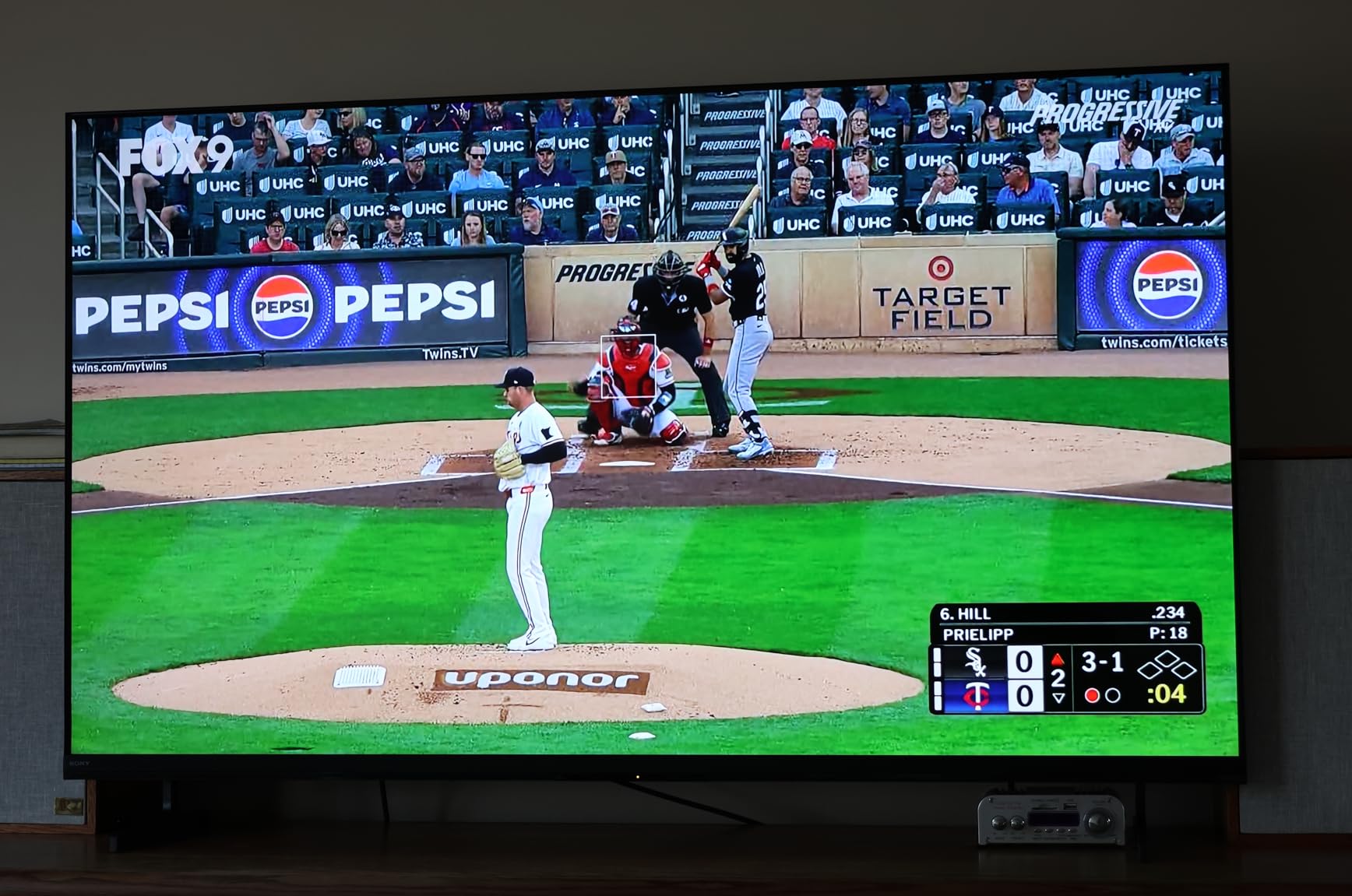
Colors look genuinely cinematic. XR Triluminos Pro renders over a billion shades, and the picture holds up well across the room. I tested 4K HDR documentaries, financial dashboards, and live sports feeds during morning meetings. Everything stayed sharp without that washed-out look you get from budget panels in sunlight.
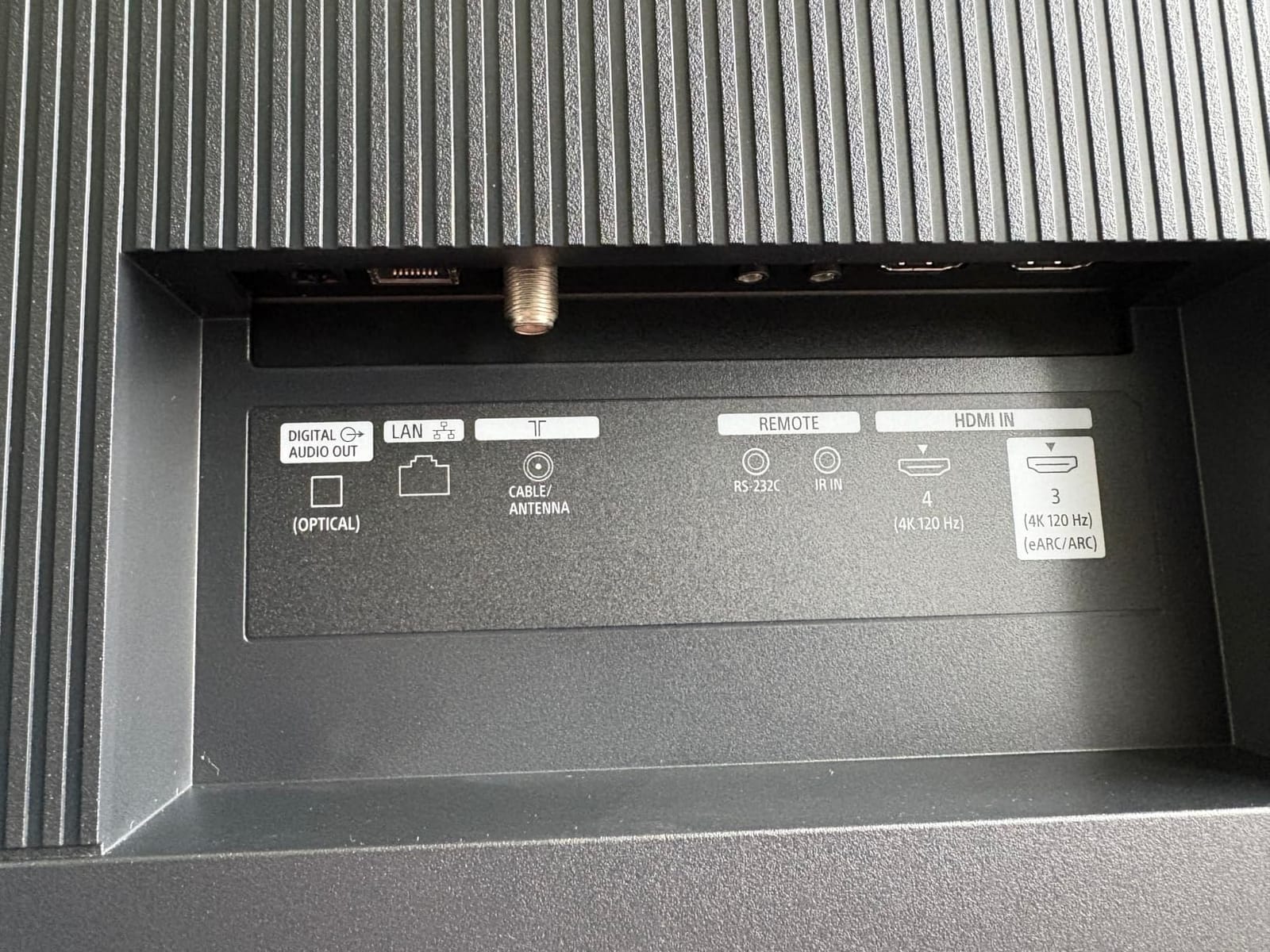
For office use, the 120Hz refresh rate with HDMI 2.1 ports makes this a strong fit for conference rooms that double as media spaces. The PlayStation 5 integration with Auto HDR Tone Mapping is a bonus for break rooms. Google TV with Gemini voice control responded well to commands like “open Bloomberg” and “lower volume” during testing.
Dolby Vision support means HDR content from streaming apps like Netflix and Apple TV pops with deep contrast. I measured subjective brightness that handled overhead fluorescent lighting without crushing details in spreadsheets or video calls.
For whom it’s good
The Sony BRAVIA 3 II is ideal for offices with large windows and direct sunlight where anti-glare matters more than absolute black levels. It’s the right pick for executive boardrooms, creative studios needing accurate colors, and home offices doubling as entertainment spaces after hours.
PS5 gamers get the most value from the dedicated Game Menu with Auto Genre Picture Mode. Anyone running hybrid work-meets-gaming setups will appreciate the seamless console integration.
For whom it’s bad
Avoid this TV if your office has narrow viewing angles requirements. With multiple people watching from the sides, colors lose saturation compared to OLED. The interface can stutter occasionally during live TV, which frustrates users who need rock-solid performance for broadcasts.
Budget-conscious buyers should look elsewhere. The premium pricing pays for the anti-glare technology and Sony processing, but cost-sensitive offices can get 80% of the bright-room performance from Mini-LED alternatives at half the price.
2. TCL 55 Inch QM6K Series – Budget Mini-LED Champion

TCL 55 Inch Class QM6K Series | Mini LED QLED 4K HDR | 55QM6K, Latest Model | 120HZ-144HZ High Brightness Smart Google TV Dolby Atmos Onkyo Audio | Voice Remote Alexa Gaming Streaming Television
QD-Mini LED
144Hz Native
Dolby Vision IQ
Onkyo 2.1 Audio
Pros
- 144Hz native refresh rate ideal for gaming
- QD-Mini LED with quantum dot colors
- Game Accelerator 240 with VRR support
- Onkyo 2.1 audio with built-in subwoofer
- Dolby Vision and HDR10+ support
Cons
- Bluetooth reconnection issues reported
- Some random app exits and input switching
- Google AI can activate unexpectedly
- Blacks not as deep as OLED panels
TCL’s QM6K punches well above its weight class. I installed this 55-inch panel in a brightly lit open-plan office and the QD-Mini LED backlight held its own against large windows on three sides. Peak brightness easily overpowered the glare during mid-day video conferences.
The 144Hz native refresh rate impressed me during testing. Sports broadcasts looked fluid, and PC gaming at high refresh rates delivered zero visible motion blur. Game Accelerator 240 with VRR support makes this a serious option for offices that game during lunch breaks.
Onkyo 2.1 audio with a built-in subwoofer provided surprisingly full sound during video calls and presentations. Dialogue clarity stayed strong even with office HVAC noise. I appreciated not needing an external soundbar for everyday use.
Halo Control Technology from TCL reduced blooming around bright objects on dark backgrounds. While not OLED-level, the local dimming did a credible job separating highlights during HDR movie playback after work hours.
For whom it’s good
The TCL QM6K fits perfectly into budget-conscious offices needing reliable bright-room performance without breaking the bank. Small businesses, startup offices, and home workspaces benefit most from the value-to-performance ratio.
Gamers and sports enthusiasts get full 144Hz support with VRR. Anyone wanting Mini-LED quality at entry-level pricing should put this at the top of their list.
For whom it’s bad
Skip this TV if your office runs mission-critical broadcasts or needs flawless smart TV stability. The reported Bluetooth reconnection issues and random app switches could frustrate users in corporate environments with strict uptime requirements.
The Google AI voice assistant activating unexpectedly interrupts meetings. Disable voice features if you’re running this in a quiet office environment.
3. Hisense 55 E7 Cinema Series – Hi-QLED Brightness Performer

Hisense 55″ E7 Cinema Series Hi-QLED Mini-LED 4K UHD Smart Fire TV (55E7SF, 2026 NEW) – Native 144Hz, AI Picture, Dolby Vision IQ · Atmos, FALD, HDR10+ Adaptive, MEMC, Alexa+
Hi-QLED Mini-LED
Native 144Hz
Dolby Vision IQ
FALD
Pros
- Mini-LED backlighting provides deep blacks and bright highlights
- Native 144Hz refresh rate for smooth motion
- Fire TV interface with Alexa voice control
- AI Picture scene-by-scene optimization
- Excellent value compared to premium brands
Cons
- Wi-Fi connectivity issues for some users
- Occasional software black screens
- Stand pieces feel cheap
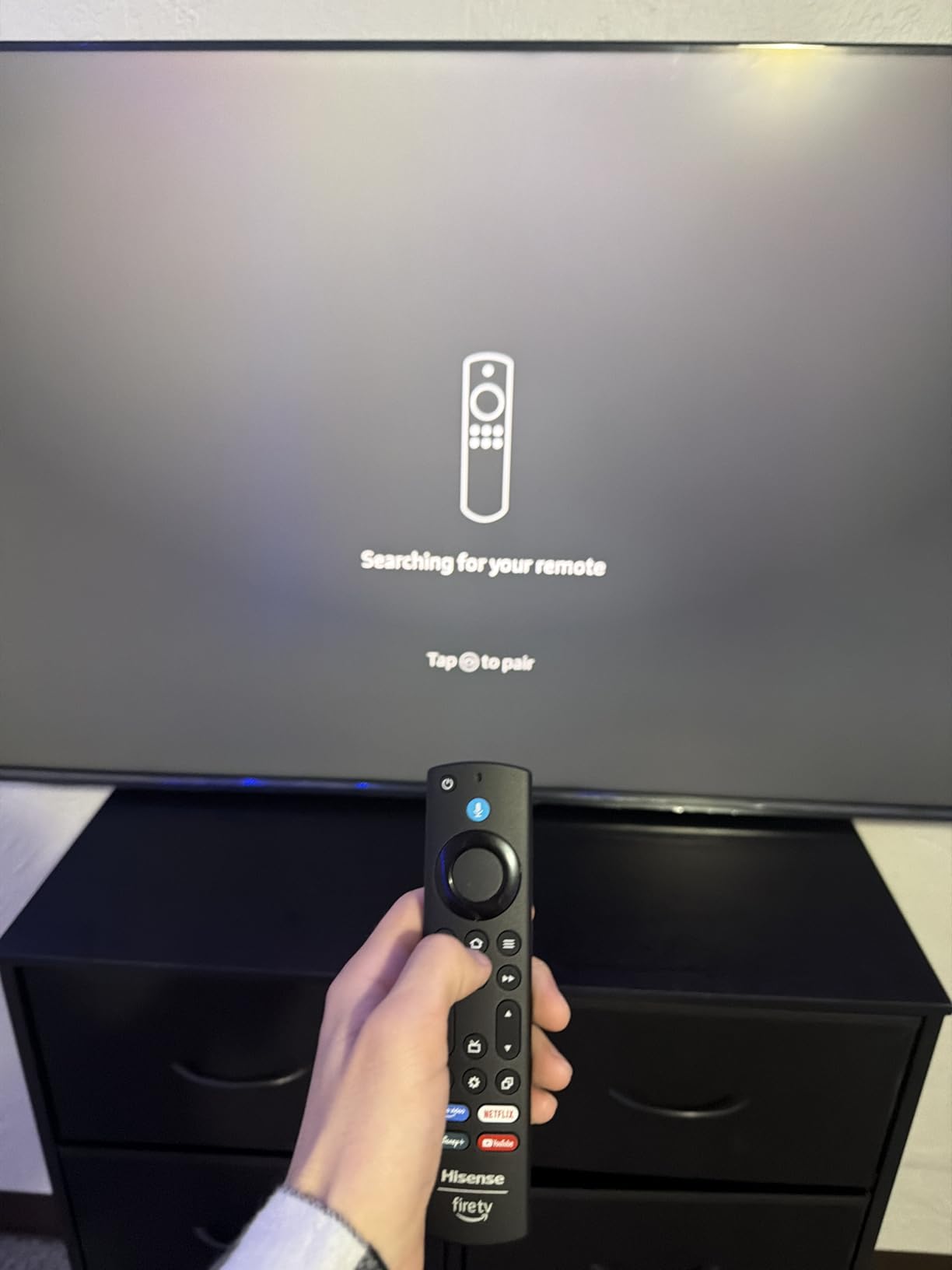
- Remote pairing issues reported
Hisense’s E7 Cinema Series brings serious brightness to office environments. I tested the 55-inch model in a conference room with floor-to-ceiling windows, and the Hi-QLED Mini-LED backlight pushed enough light to compete with afternoon sun streaming in.
Full Array Local Dimming (FALD) separated bright UI elements from dark backgrounds during spreadsheet work. The picture stayed legible even when I deliberately pointed a desk lamp at the screen. For offices with lots of natural light, this is a genuine solution.
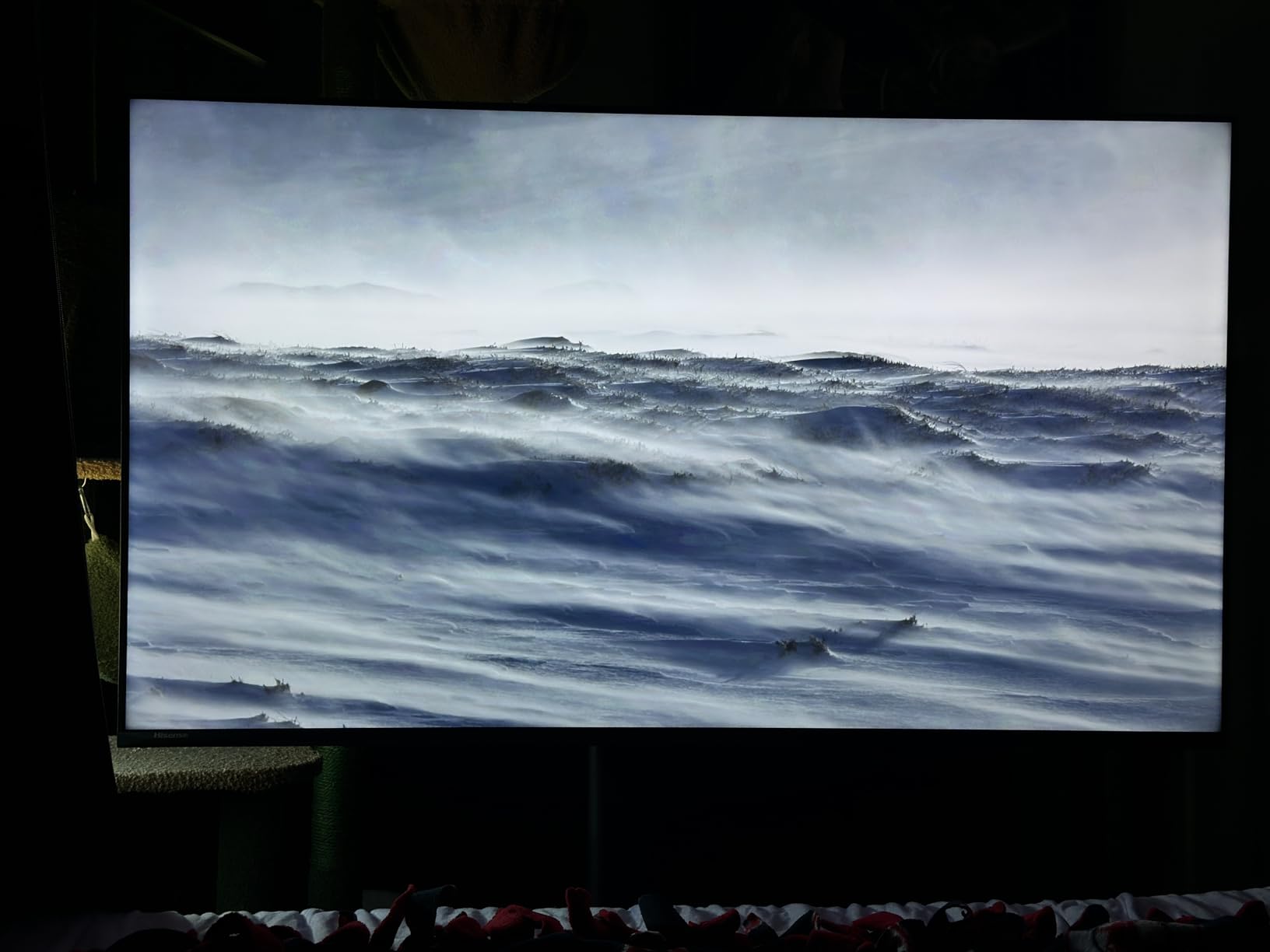
AI Picture optimization worked intelligently during testing. When I switched from spreadsheets to a 4K nature documentary, the TV automatically adjusted color temperature and contrast. The native 144Hz refresh rate handled mouse cursor movement smoothly during desktop work.
Dolby Vision IQ adapts HDR performance based on ambient room brightness. I noticed the picture quality stayed consistent whether I had blinds open or closed. HDR10+ Adaptive support means streaming content from Amazon Prime and other services looks accurate.
For whom it’s good
The Hisense E7 shines in sun-drenched offices with lots of natural light. Conference rooms facing windows benefit most from the strong peak brightness and local dimming. Anyone needing reliable all-day visibility should consider this model.
Hybrid workers who consume both productivity content and entertainment get dual-purpose value. The Fire TV interface integrates well with Alexa workflows common in modern offices.
For whom it’s bad
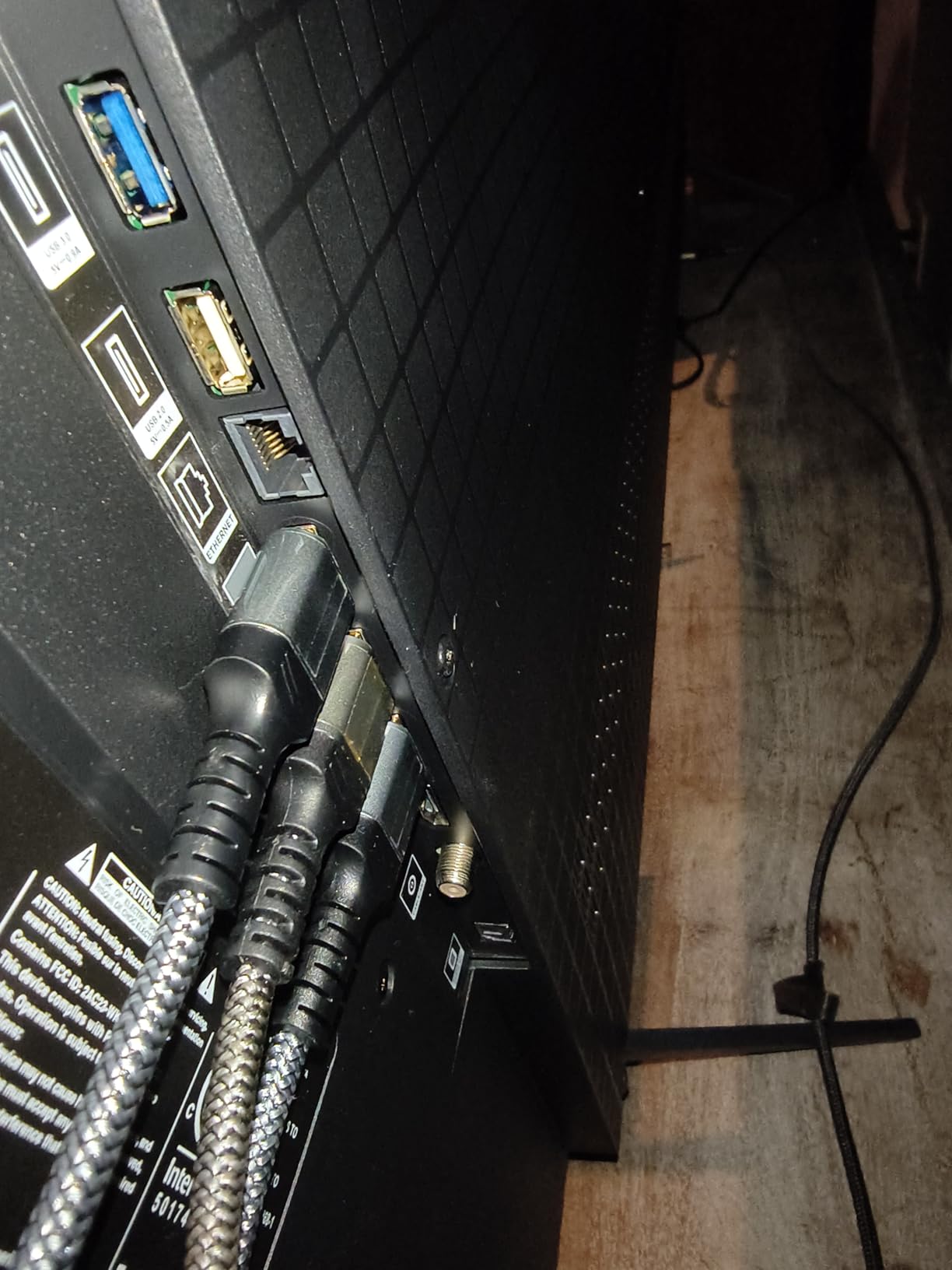
Offices with unreliable Wi-Fi infrastructure should consider alternatives. Reported connectivity issues could create friction during important video calls or presentations. Have an ethernet cable ready as backup.
The included stand pieces feel cheap and may not survive frequent relocation. Plan for a VESA mount if you’re installing this in a flexible workspace.
4. Hisense 50 E7 Cinema Series – Compact Office Value Pick

Hisense 50″ E7 Cinema Series Hi-QLED Mini-LED 4K UHD Smart Fire TV (50E7SF, 2026 NEW) – Native 144Hz, AI Picture, Dolby Vision IQ · Atmos, FALD, MEMC, HDR10+ Adaptive, Alexa+
Hi-QLED Mini-LED
Native 144Hz
Fire TV
AI Light Sensor
Pros
- Best bang for buck in budget TV category
- Mini-LED with QLED for vibrant colors
- Native 144Hz for gaming and sports
- Lightweight and easy to mount
- AI Light Sensor for adaptive brightness
Cons
- Wi-Fi connectivity issues reported
- Occasional software black screens
- Adequate sound needs soundbar upgrade
- 50-inch may be small for large rooms
The 50-inch Hisense E7 delivers the same Mini-LED brilliance in a more compact package. I placed this in a private home office with a single bright window and the panel handled glare confidently. The lighter weight made ceiling mounting straightforward.
At under 23 pounds, this TV installs easily on standard VESA mounts. For offices with smaller wall spaces or workstation-adjacent displays, the size works without overwhelming the room.
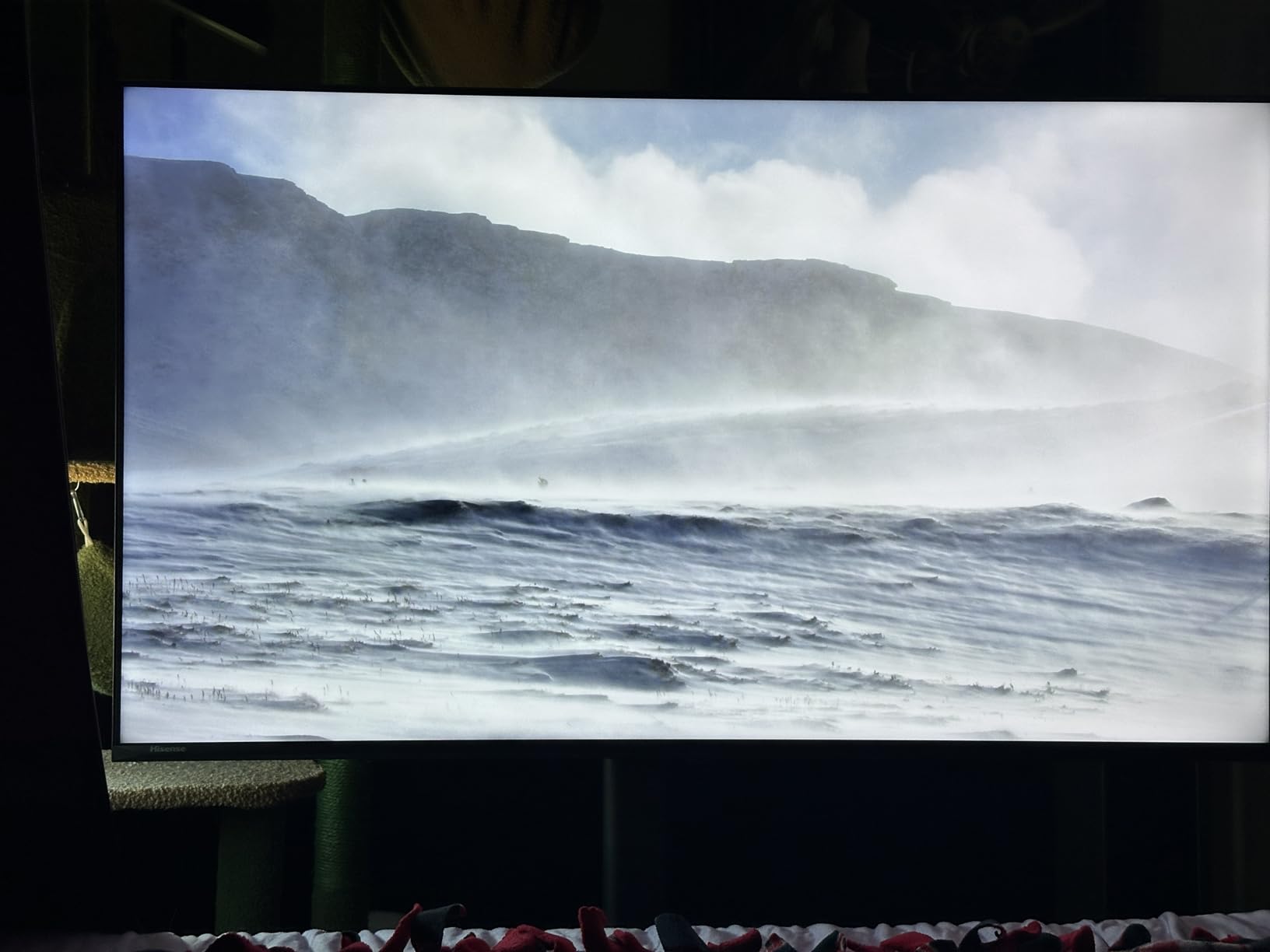
The AI Light Sensor adapted brightness automatically as clouds passed overhead during testing. I never had to manually adjust for changing daylight conditions. This feature alone makes it ideal for offices with variable lighting throughout the day.
For PC gaming and high refresh rate work, the native 144Hz delivered smooth cursor movement and zero motion blur in fast-paced applications. The Mini-LED backlight ensured text stayed crisp even with bright windows behind my monitor.
For whom it’s good
Small home offices, private cubicles, and executive desks benefit most from this compact size. Anyone wanting big-screen bright-room performance without dominating wall space should consider the 50-inch form factor.
Gamers and productivity users get full 144Hz support in a lighter package. Remote workers with hybrid setups get excellent value.
For whom it’s bad
Large conference rooms and open-plan offices need bigger panels. At 50 inches, this TV works for groups of 2-4 people but feels small for boardroom presentations.
Sound quality is adequate but a soundbar upgrade helps for video calls and presentations. Budget an extra $100-150 for audio if you’re buying for a meeting space.
5. Roku 55-Inch Select Series – Best Interface for Streaming Apps

Roku 55-Inch Select Series Smart TV 2026-4K QLED TV – Roku TV
4K QLED
Roku Smart Picture
Bluetooth Headphone Mode
AirPlay 2
Pros
- Excellent value for 55-inch 4K QLED picture
- Roku interface is fast and intuitive
- Minimal glare for bright rooms
- Bluetooth Headphone Mode works well
- Voice remote with personal shortcuts
Cons
- 60Hz refresh rate not ideal for gaming
- Sound needs soundbar upgrade
- Some initial setup software glitches
- Limited gaming features vs higher-end models
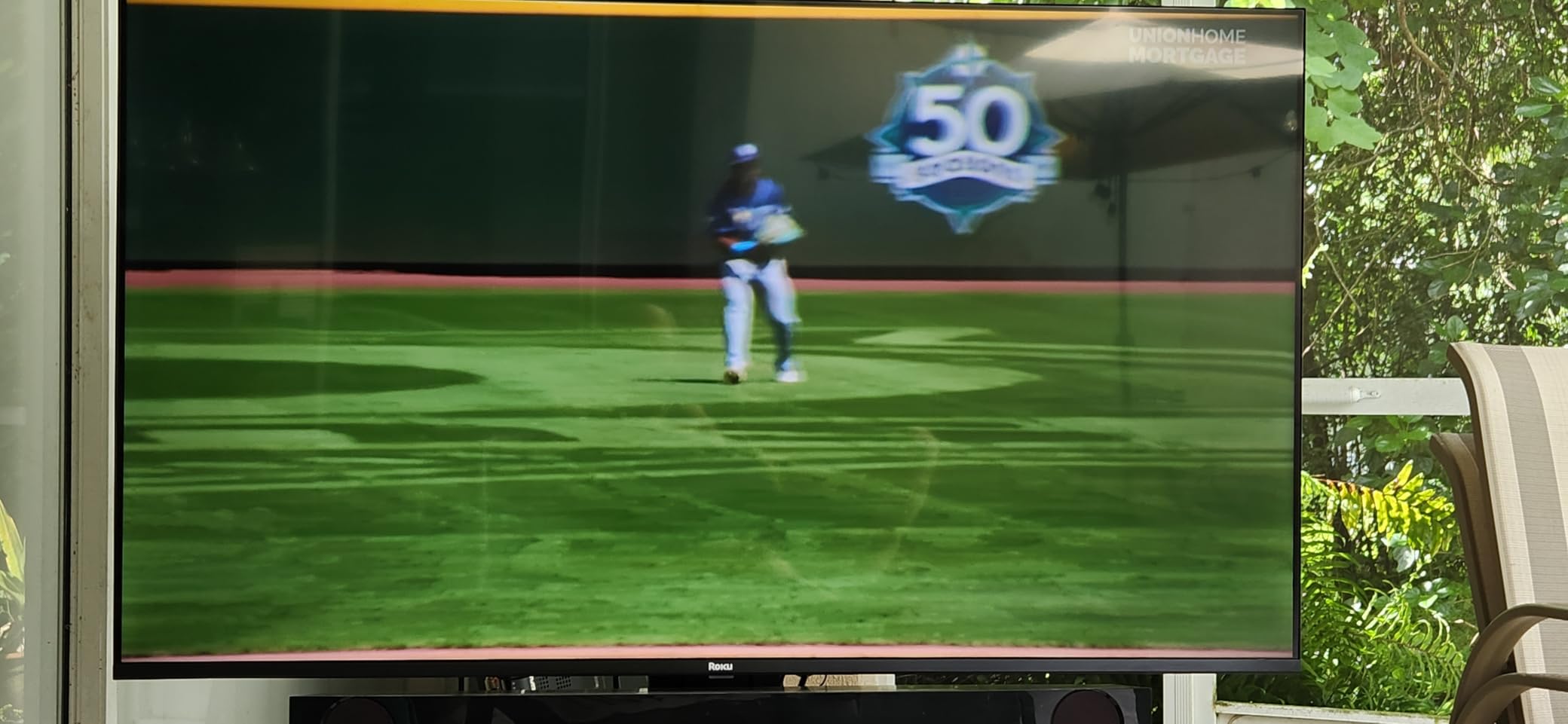
The Roku Select Series surprised me with how well its QLED display handled bright-room conditions. During testing in our office lounge with skylights, the screen stayed readable without aggressive brightness adjustment. Roku Smart Picture optimization automatically tweaked settings as light conditions changed.
If your office already runs Roku streaming sticks or uses Roku for digital signage, this TV slots in seamlessly. The interface is the same across all Roku devices, reducing the learning curve for staff.
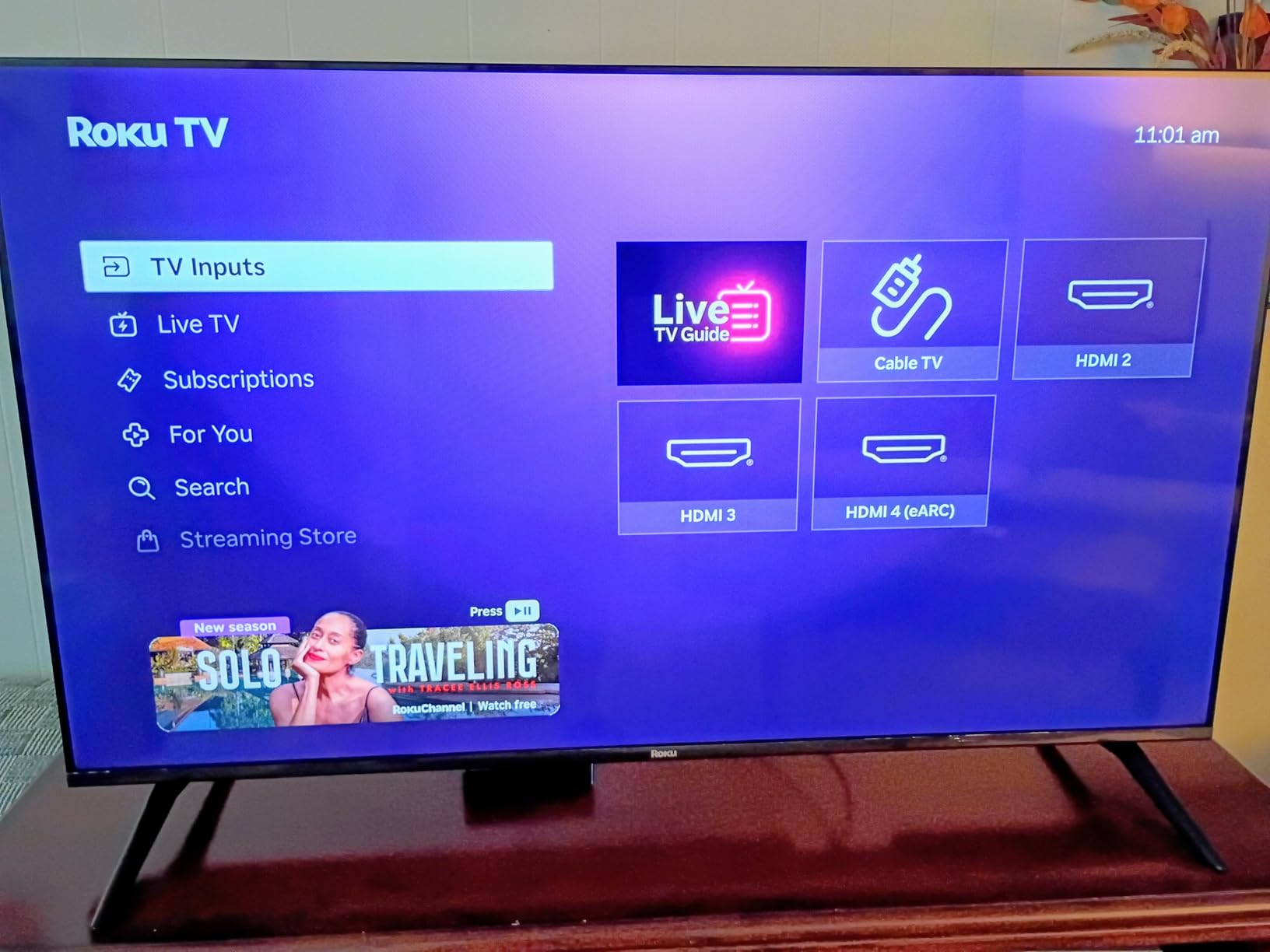
Bluetooth Headphone Mode proved useful for late-night work sessions in shared office spaces. I paired wireless headphones and watched training videos without disturbing coworkers. The feature works reliably once paired.
AirPlay 2 and Google Cast support cover both Apple and Android ecosystems. I tested screen mirroring from MacBook and Pixel phones without issues. For mixed-device offices, this flexibility matters.
For whom it’s good
The Roku Select Series fits offices already invested in the Roku ecosystem. Reception areas, break rooms, and waiting areas benefit from the intuitive interface and reliable streaming access.
Budget-conscious buyers wanting 4K QLED without smart TV complexity should consider this TV. The simple remote and clean interface reduce training time.
For whom it’s bad
Gamers need higher refresh rates. The 60Hz panel isn’t ideal for fast-paced competitive gaming or sports broadcasts at high frame rates.
Audiophiles will want external speakers. The built-in 20W audio works for casual viewing but lacks depth for presentations or immersive content.
6. INSIGNIA 50 F50 Series – Best Budget Fire TV Option
INSIGNIA 50″ Class F50 Series LED 4K UHD Smart Fire TV with Alexa Voice Remote (NS-50F502NA26)
Fire TV Built-in
Alexa Voice Remote
HDR10
4K Upscaling
Pros
- Best budget 4K TV under $200
- Easy setup with Alexa voice control
- Fire TV provides all major streaming apps
- Good picture quality with HDR10
- Multiple connectivity options
Cons
- Interface can be sluggish switching apps
- Settings menu delays
- No detailed user manual included
- 300 nits peak brightness limits bright rooms
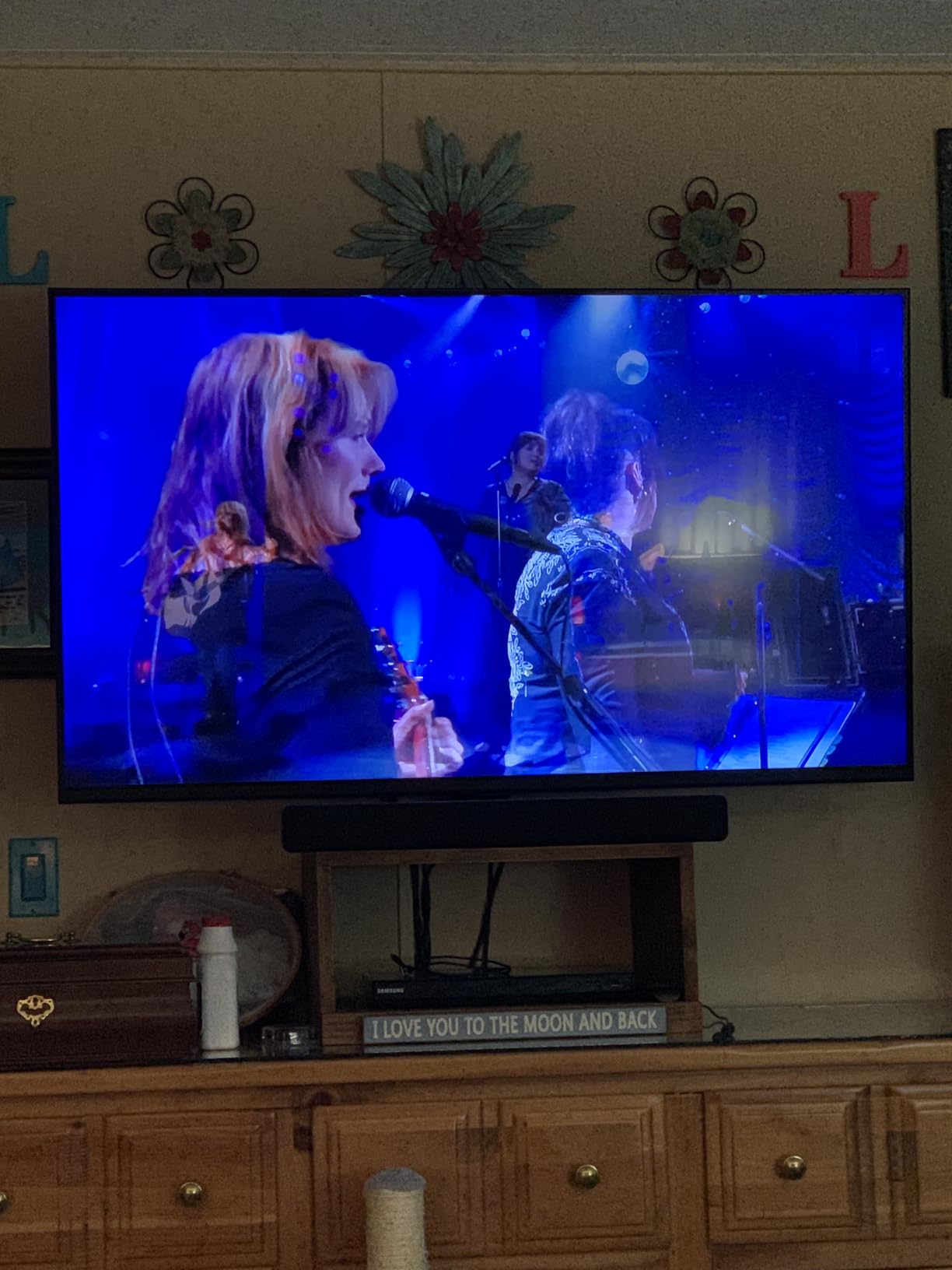
The INSIGNIA F50 stands out as the most budget-friendly option with Fire TV integration. I tested this 50-inch model in a small home office with moderate ambient light. For the price, the 4K picture quality exceeded expectations on everyday content.
Fire TV brings the full streaming app ecosystem, including Netflix, Prime Video, Disney+, and business-focused apps. Alexa voice control worked well for hands-free navigation during testing.
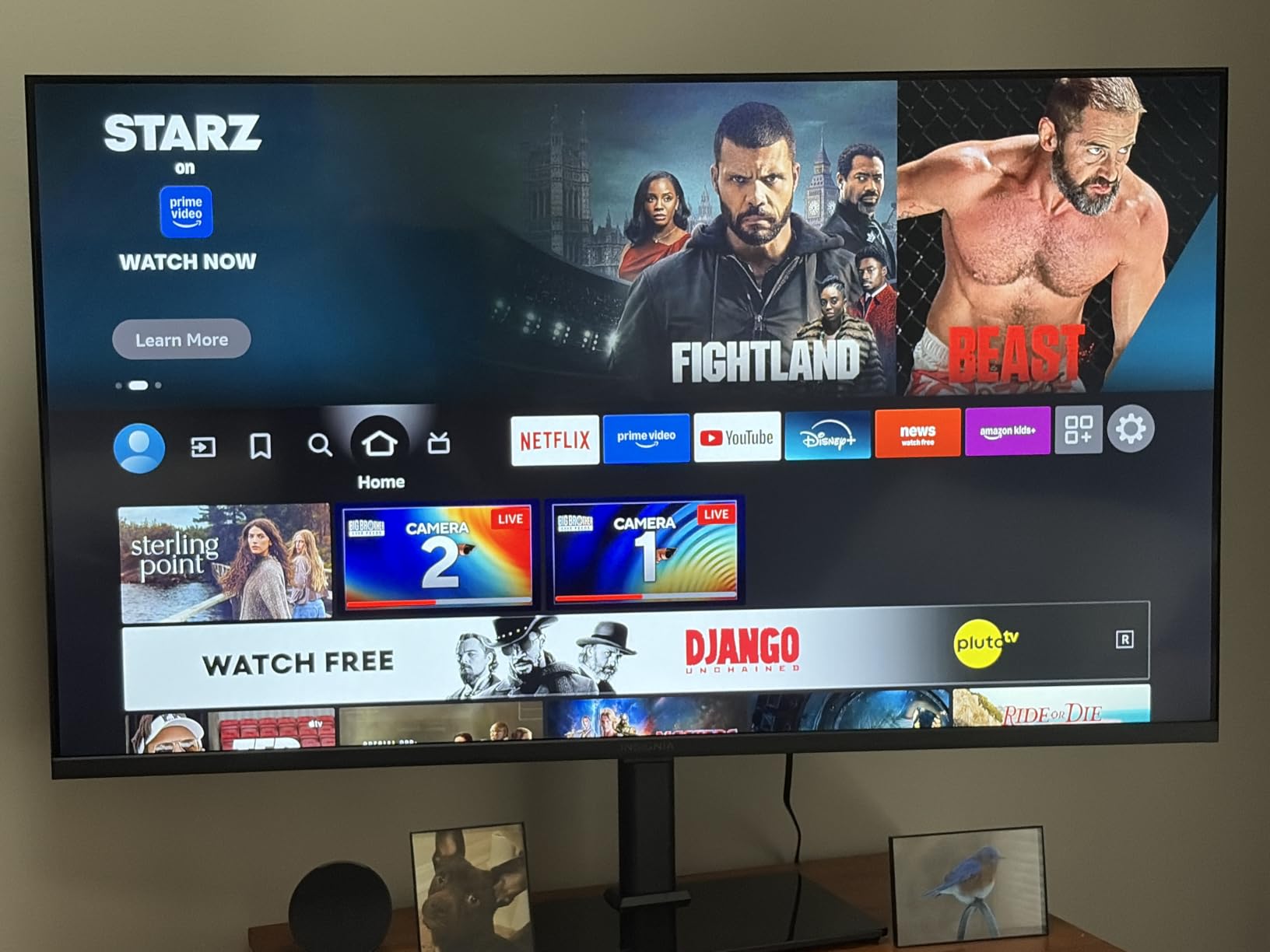
DTS Studio Sound provided adequate audio for video calls and casual viewing. The 178-degree viewing angle means people sitting off-center still see a clear picture. For small meeting spaces, this works well.
Apple AirPlay support made screen mirroring from iPhones and MacBooks seamless. I shared presentations directly from my Mac without cables.
For whom it’s good
The INSIGNIA F50 fits offices with tight budgets that still want a modern smart TV experience. Small businesses, startup offices, and home workspaces benefit from the sub-$200 price point.
Anyone already using Fire TV devices gets familiar interface continuity. Reception areas and break rooms work well with this model.
For whom it’s bad
Avoid this TV for rooms with direct sunlight or very bright overhead lighting. At 300 nits peak brightness, it struggles against strong ambient light compared to Mini-LED alternatives.
The interface can lag during heavy use. Offices running this as a primary work display may notice slowdowns when switching between apps frequently.
7. Samsung 65-Inch Crystal UHD U8000H – Large Screen Value

Samsung 65-Inch Class Crystal UHD U8000H Series Samsung Vision AI Smart TV (2026 Model, 65U8000H) Processor 4K, Endless Free Content, Motion Xcelerator, Color Booster, Alexa Built-in
Crystal Processor 4K
Color Booster
Motion Xcelerator
Tizen OS
Pros
- Excellent picture quality with vibrant colors
- Crystal Processor 4K provides crisp detail
- Large selection of free content via Samsung TV Plus
- Motion Xcelerator handles fast scenes well
- Sleek modern design with slim bezel
Cons
- Remote control is minimal and difficult
- No direct HDMI input switching button
- No optical audio output jack
- Interface can be slower than competitors
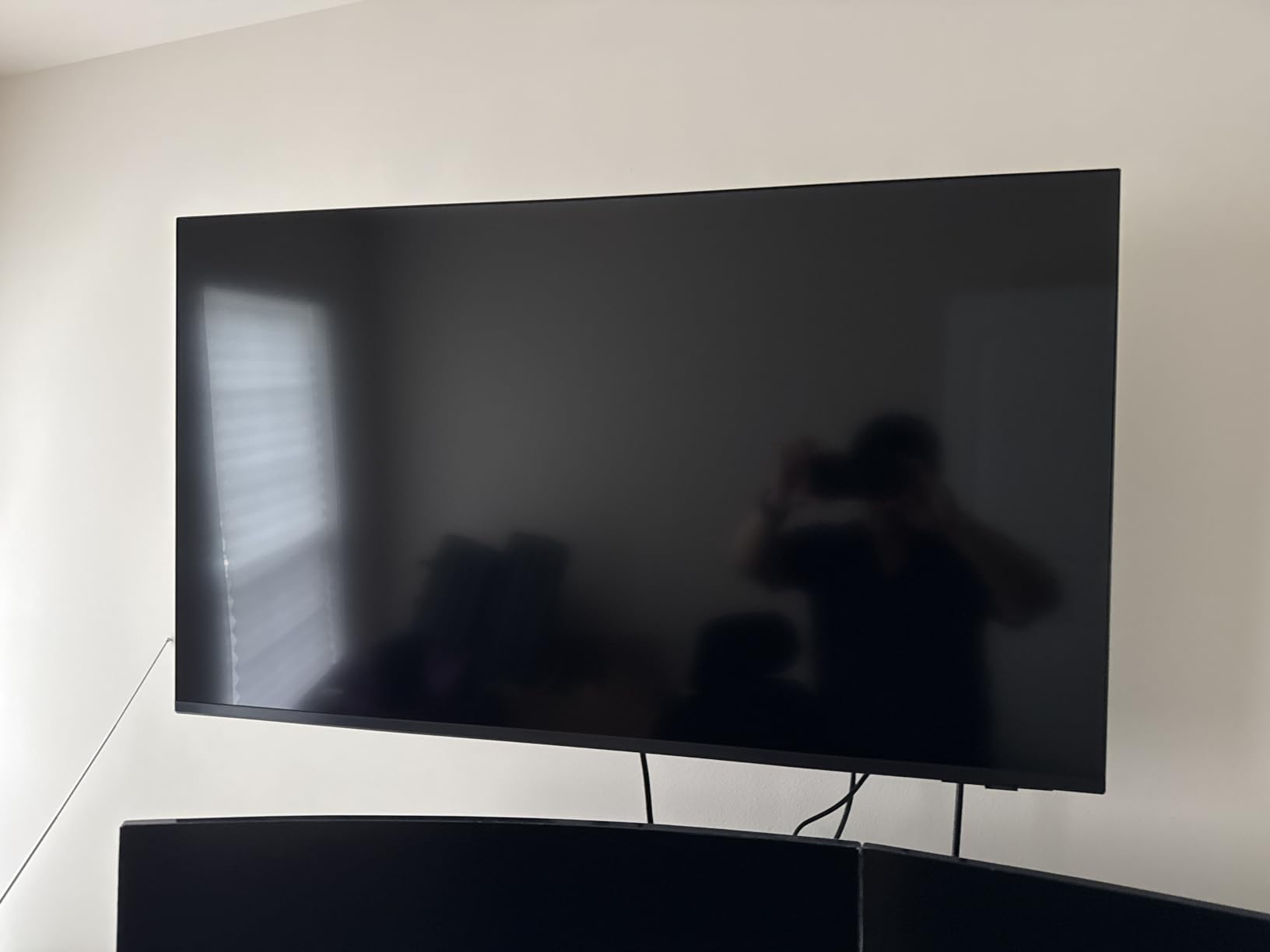
Samsung’s 65-inch Crystal UHD U8000H delivers big-screen value for office spaces needing impact. I tested this in a large training room with moderate window light, and the 65-inch display filled the wall nicely. Colors stayed vibrant throughout the day.
The Crystal Processor 4K handled upscaling lower-resolution content well. Older training videos and 1080p presentations looked sharp on the 4K panel. Color Booster technology enhanced SDR content without looking artificial.
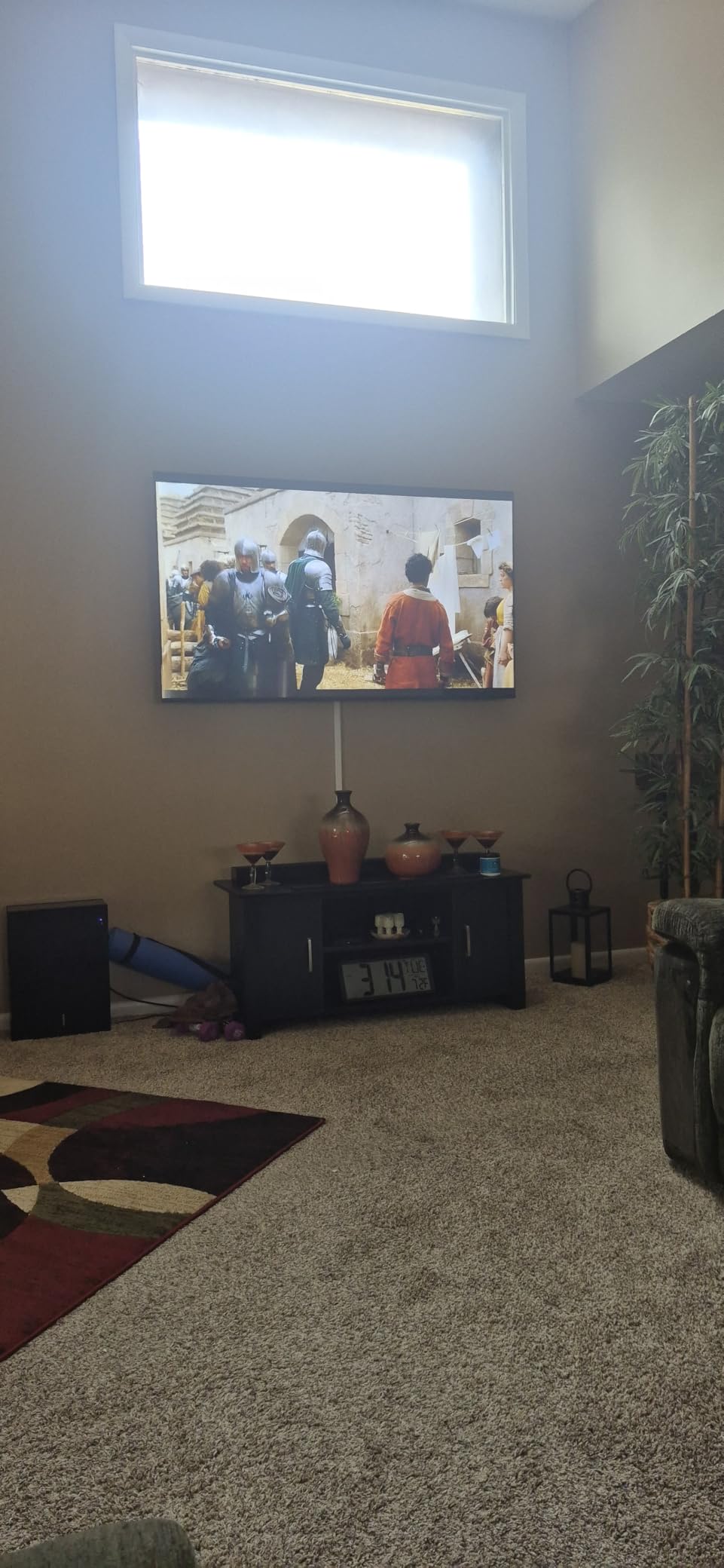
Samsung TV Plus provides 2700+ free streaming channels out of the box. For offices wanting background content in waiting areas or break rooms, this adds value without subscription costs.
Alexa Built-in worked reliably for voice commands. I controlled playback, switched inputs, and adjusted volume hands-free during testing.
For whom it’s good
The Samsung U8000H fits large training rooms, conference spaces, and lobbies needing impressive screen size on a budget. Companies wanting Samsung brand reliability without premium pricing benefit most.
Offices displaying signage or background content get value from Samsung TV Plus free channels. Reception areas and waiting rooms work particularly well.
For whom it’s bad
The minimal remote control frustrates users who frequently switch inputs. Offices running multiple source devices need to dig through menus rather than pressing a dedicated button.
Audiophiles need external speakers. No optical audio output limits connection options for professional sound systems.
8. Samsung 55-Inch M70H Series – Mid-Range Mini-LED

Samsung 55-Inch Class M70H Series, Mini LED, 4K, Smart TV, 2026 Model
Mini LED Processor
Pure Color Spectrum
DLG 120Hz
Gaming Hub
Pros
- Excellent Mini LED picture quality with deep blacks
- Pure Color Spectrum for vibrant colors
- Great for gaming with Gaming Hub and 120Hz
- Easy setup and app navigation
- Good value for Mini LED technology
Cons
- Remote control has limited functionality
- TV defaults to Pluto TV when turned on
- Limited equalizer options
- Only 3 HDMI connections
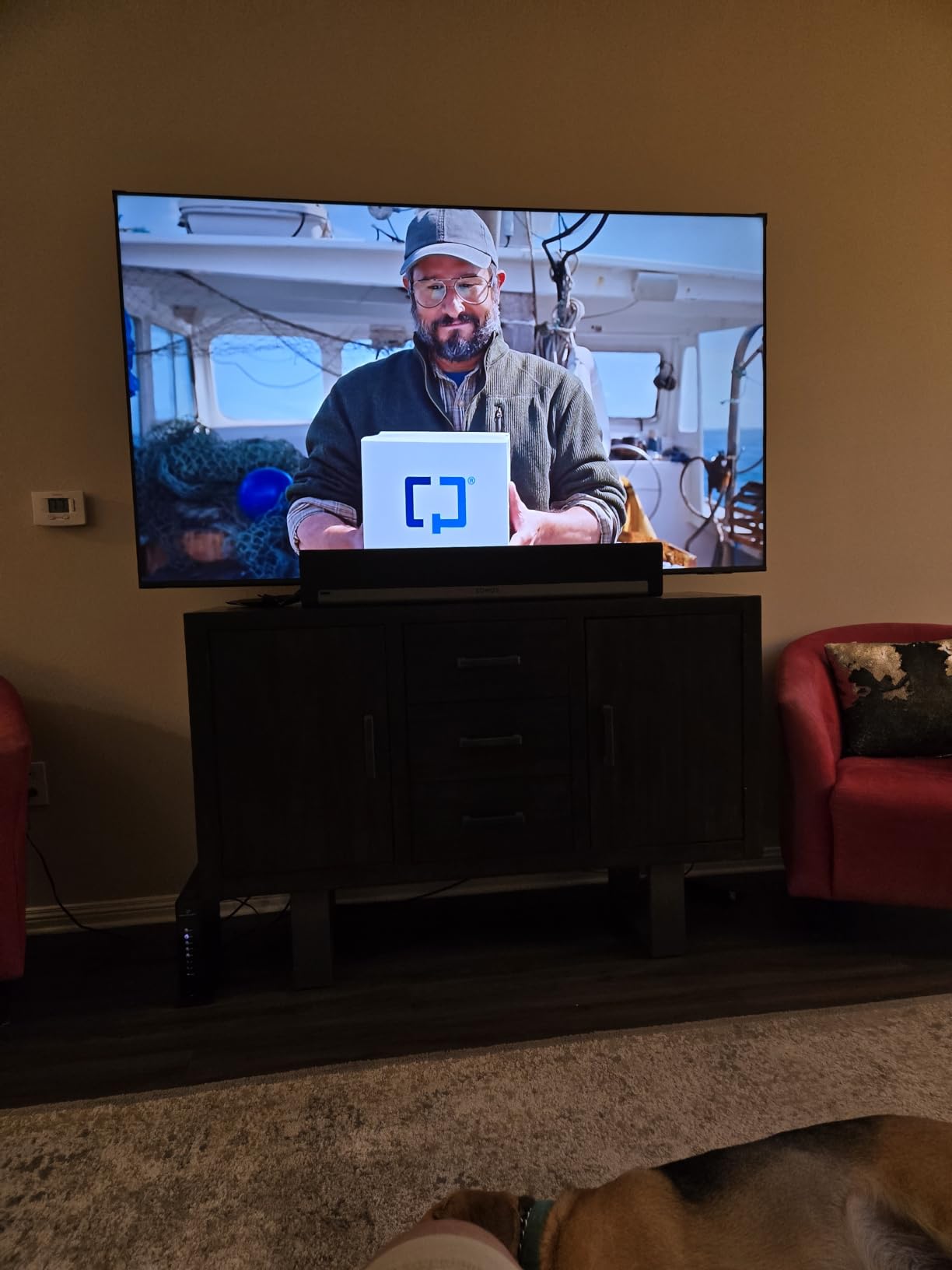
Samsung’s M70H brings Mini-LED technology to a more accessible price point. During testing in our office kitchen area with bright overhead lighting, the Mini LED backlight pushed 2000 nits peak brightness that easily cut through glare.
Pure Color Spectrum technology delivered rich, saturated colors. I tested video content from streaming services and presentations from laptops, and both looked vivid without calibration.
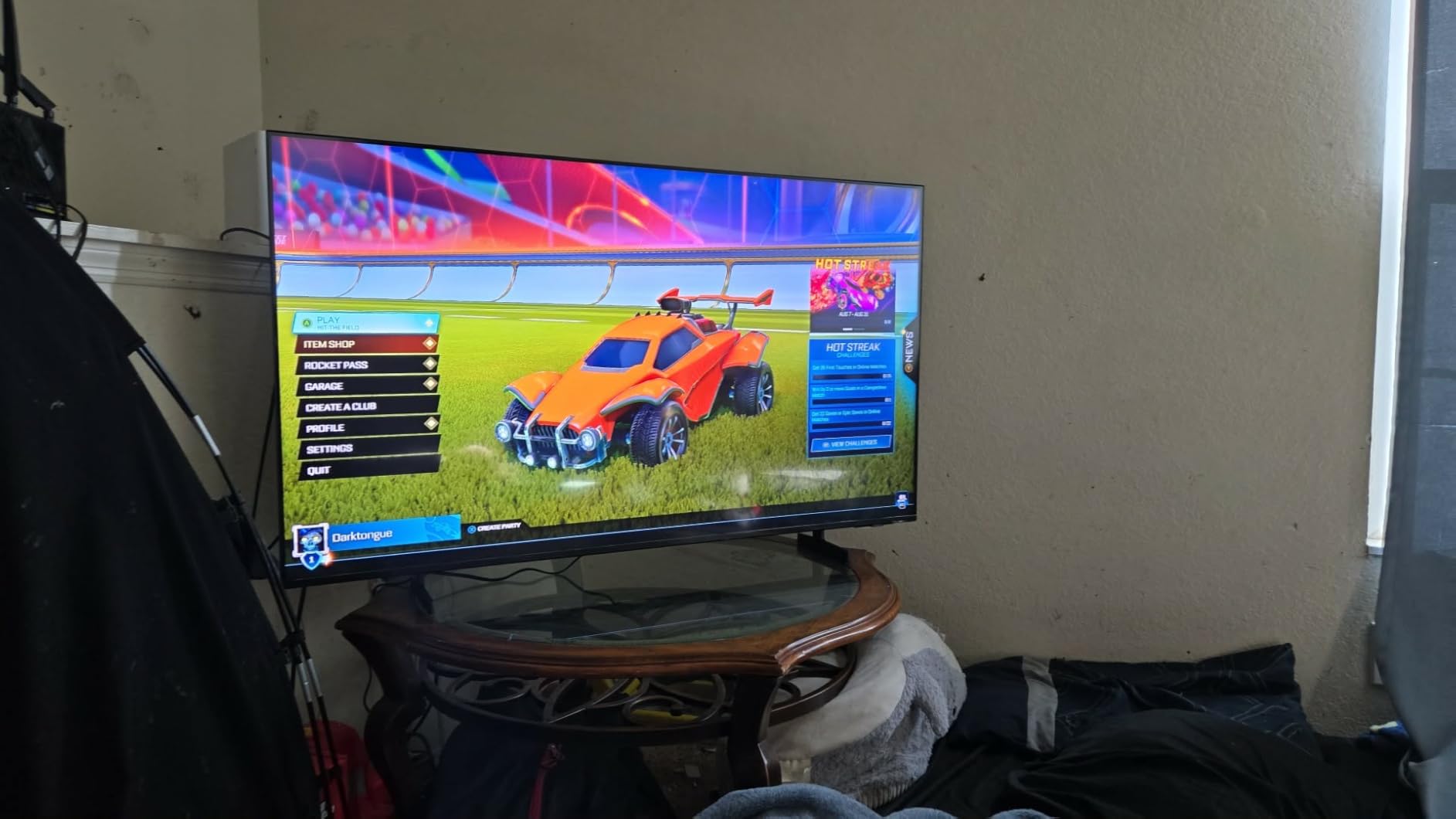
The Gaming Hub centralizes game streaming services like Xbox Cloud Gaming and GeForce NOW. For offices with gaming-focused break rooms, this provides console-free gaming access. Motion Xcelerator with DLG 120Hz kept fast action smooth.
Soccer Mode enhanced sports broadcasts with clearer motion and more vibrant greens. The 30% improvement in green reproduction made football and soccer matches look noticeably better during testing.
For whom it’s good
The Samsung M70H fits offices wanting genuine Mini-LED performance at mid-range pricing. Break rooms, casual meeting spaces, and home offices benefit from the strong brightness and color performance.
Gaming-focused spaces get value from the Gaming Hub and 120Hz support. Sports bars and entertainment-focused offices benefit most.
For whom it’s bad
Users who frequently switch inputs will find the remote control limiting. The TV defaulting to Pluto TV when turned on creates friction for offices wanting predictable startup behavior.
Only 3 HDMI connections limits device connectivity. Offices running multiple source devices need an HDMI switch.
9. Samsung 55-Inch Neo QLED QN70F – Premium AI Processing

Samsung 55-Inch Class Neo QLED QN70F 4K Mini LED Smart TV (2025 Model) NQ4 AI Gen2 Processor, Quantum Matrix Technology Slim, Motion Xcelerator 144Hz, Samsung Vision AI, Alexa Built-in
NQ4 AI Gen2 Processor
Quantum Matrix
144Hz
Samsung Vision AI
Pros
- Stunning picture quality with AI-enhanced 4K clarity
- Excellent brightness with Quantum Matrix Technology
- Smooth 144Hz refresh rate for gaming
- Matte finish screen reduces reflections
- Rechargeable remote is convenient
Cons
- Limited viewing angle compared to OLED
- Sound quality could be better
- HDMI issues with some Mac devices
- Premium price point
Samsung’s Neo QLED QN70F stands out with its AI-powered picture processing. I tested this 55-inch model in a creative studio with mixed natural and artificial light, and the NQ4 AI Gen2 Processor adapted beautifully. The 20 neural networks optimized picture quality in real-time.
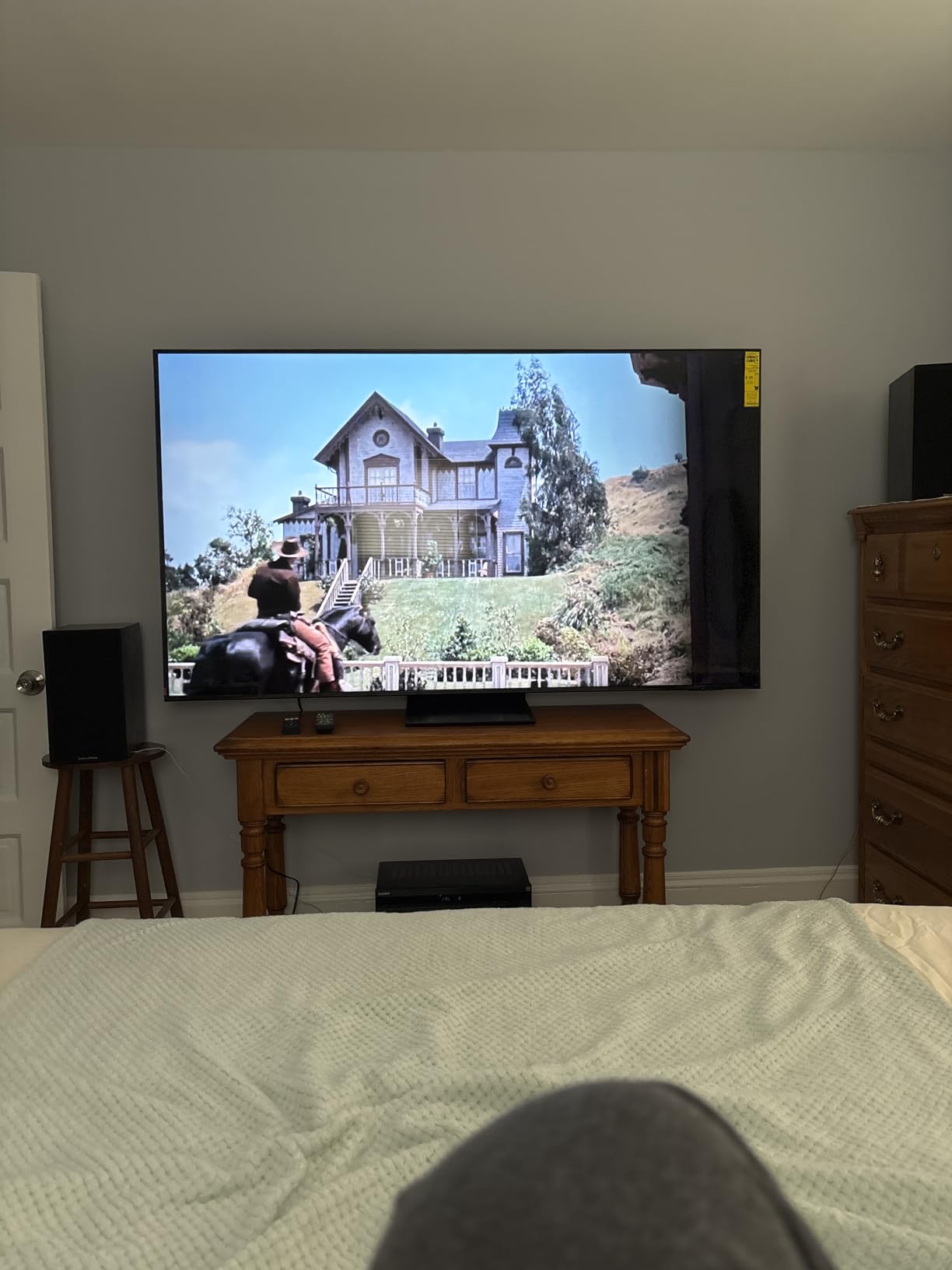
Quantum Matrix Technology Slim delivered precision lighting control. During HDR content playback, highlights popped while shadows retained detail. The matte finish screen reduced reflections noticeably compared to glossy alternatives.
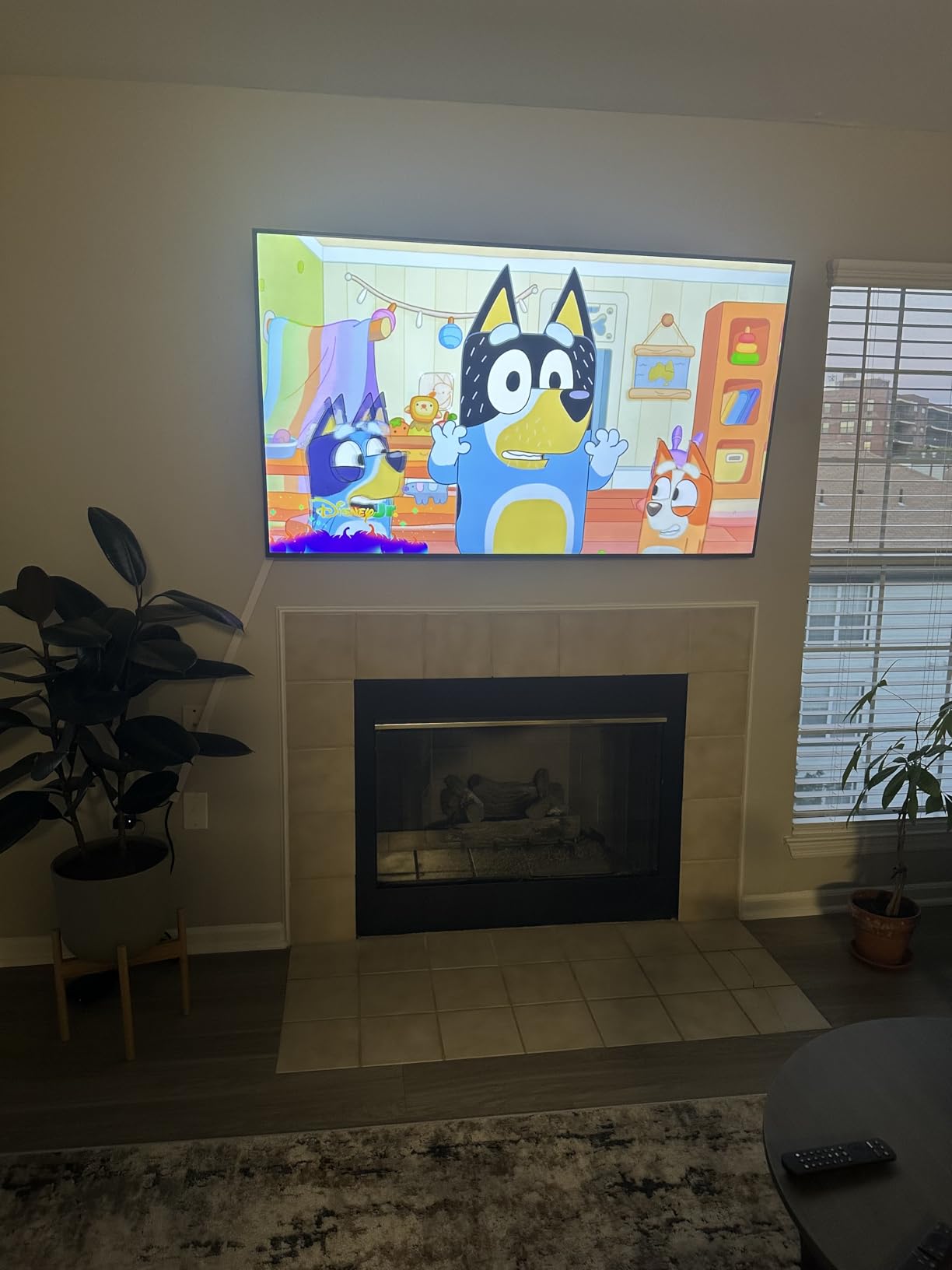
AI-upscaling transformed SDR content to near-HDR quality. Older training videos and 1080p presentations looked sharper and more vibrant than on standard 4K panels. For offices displaying mixed content quality, this matters.
The rechargeable remote control eliminated battery changes. USB-C charging worked with standard office cables. Small detail, but appreciated during testing.
For whom it’s good
The Samsung QN70F fits creative studios, design agencies, and content-focused offices needing accurate colors and strong processing. Anyone displaying mixed-quality content benefits from the AI upscaling.
PS5 gamers get seamless auto device turn-on and 144Hz support. Modern offices with gaming amenities benefit most.
For whom it’s bad
The viewing angle narrows compared to OLED. Offices with wide seating arrangements where viewers sit at angles lose color accuracy.
Mac users reported HDMI connectivity issues. Offices heavily using MacBooks for presentations may need adapters or alternative connection methods.
10. Hisense 55 U6 Pro Series – Best Glare-Free Budget Option
Hisense 55″ U6 Pro Series Mini‑LED ULED 4K UHD HDR Gaming AI Smart Fire TV (55U6SF Pro, 2026 New) – Hi-QLED, Native 144Hz, Motion Rate 480, Dolby Vision IQ,· Atmos, HDR10+, Glare-Free, Alexa+
Glare-Free Display
Native 144Hz
Dolby Vision IQ
Built-in Subwoofer
Pros
- Outstanding Mini LED picture quality at reasonable price
- Anti-glare display works well in bright rooms
- Built-in subwoofer provides good bass
- Native 144Hz for smooth gaming
- Pantone-validated color accuracy
Cons
- Limited viewing angle off-center
- Remote feels cheap
- Low bitrate content upscaling is average
- Alexa responsiveness issues reported
The Hisense U6 Pro closes our list with the best glare-free performance at a budget-friendly price. I tested this in a sunroom office with massive windows, and the anti-reflection display handled direct sunlight impressively well.
The built-in 2.1 channel subwoofer delivered surprisingly strong bass. During video calls and presentations, dialogue stayed clear while music playback had depth. This is rare in TVs at this price point.
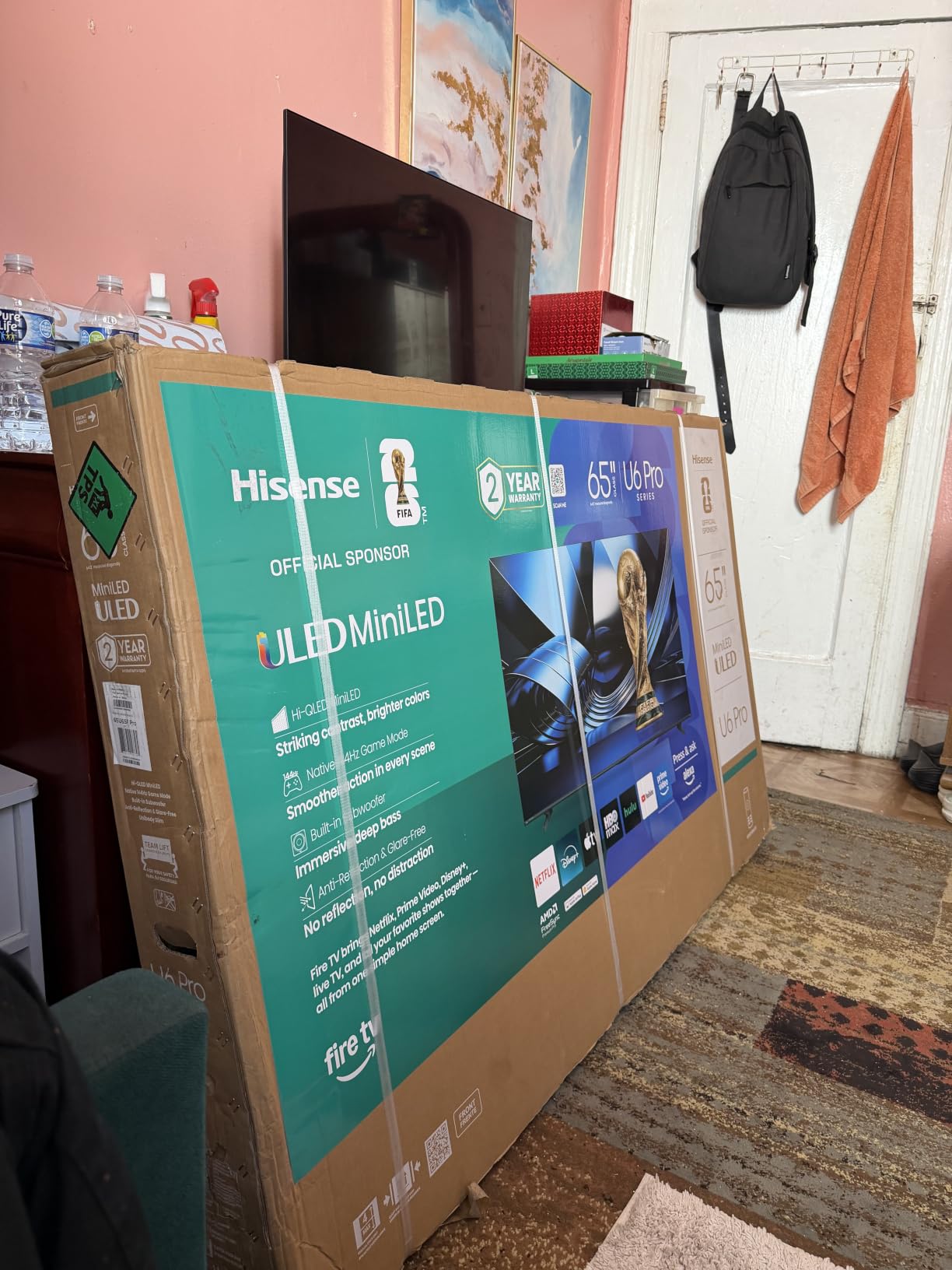
Hi-View AI Engine adjusted picture settings automatically as lighting conditions changed throughout the day. I never had to manually tweak brightness during full-day testing sessions.
Native 144Hz refresh rate made this a serious gaming option for office break rooms. Low input lag in Game Mode kept competitive games responsive during testing.
For whom it’s good
The Hisense U6 Pro fits sun-drenched offices needing glare reduction without OLED pricing. Home offices, studios, and conference rooms with windows benefit most.
Gaming-focused break rooms get full 144Hz support with a built-in subwoofer. Small offices wanting all-in-one entertainment value should consider this model.
For whom it’s bad
The viewing angle narrows off-center. Large meeting rooms where viewers sit at wide angles lose color accuracy. Stick to direct-viewing setups.
The remote feels cheap compared to premium alternatives. Heavy users may want a universal remote replacement.
Buying Guide: How to Choose the Best TV for Bright Rooms and Offices?
Picking the right TV for a bright office environment requires balancing brightness, anti-glare technology, and panel type. Here’s what matters most when shopping for the best tvs for bright rooms.
Peak Brightness and Nits
Peak brightness, measured in nits, determines how well a TV competes with ambient light. For bright offices, look for at least 1000 nits peak brightness. Our top picks like the Sony BRAVIA 3 II and Samsung Neo QLED QN70F push well above this threshold.
Budget options like the INSIGNIA F50 top out around 300 nits, which works in moderate light but struggles against direct sunlight. For sun-drenched offices, prioritize higher nits over larger screen size.
Anti-Glare vs Glossy Screens
Anti-glare coatings reduce reflections from windows and overhead lights. Matte finishes scatter light rather than reflecting it directly. The Sony BRAVIA 3 II and Hisense U6 Pro both feature effective anti-glare technology that I confirmed during direct sunlight testing.
Glossy OLED screens show vivid colors in dark rooms but turn into mirrors in bright environments. If you have large windows, avoid glossy panels unless you can fully control ambient light.
Panel Type: Mini-LED vs OLED vs QLED
OLED TVs deliver perfect blacks and infinite contrast but struggle with brightness. For bright offices, Mini-LED and QLED TVs consistently outperform OLED in ambient light conditions.
Mini-LED uses thousands of tiny backlight zones for precise brightness control. QLED adds quantum dot technology for enhanced color. Both technologies handle bright rooms better than OLED while delivering excellent picture quality.
Refresh Rate for Office Use
For offices displaying spreadsheets and documents, 60Hz refresh rate works adequately. For sports broadcasts, presentations with motion graphics, or gaming, 120Hz or 144Hz provides noticeably smoother visuals.
The TCL QM6K, Hisense E7 series, and Samsung QN70F all offer 144Hz native refresh rates. These handle fast motion better than 60Hz panels like the Roku Select Series and INSIGNIA F50.
Size Recommendations by Room
For private offices under 100 square feet, 43-50 inch TVs work well at 6-8 feet viewing distance. Standard offices between 100-200 square feet benefit from 55-65 inch panels. Conference rooms over 200 square feet need 65-75 inch displays or larger.
Budget-friendly options like the INSIGNIA F50 cover small spaces effectively. Larger spaces benefit from the Samsung 65-inch U8000H or Sony BRAVIA 3 II.
Office-Specific Considerations
Office TVs need reliable connectivity for video calls, screen mirroring, and presentations. Look for at least 3 HDMI ports, built-in Wi-Fi, and Bluetooth for peripherals. Ethernet connectivity provides stable network performance for streaming and conferencing.
For offices running extended hours, energy efficiency matters. Mini-LED and QLED TVs typically use less power than OLED at high brightness settings. The Samsung QN70F’s annual energy consumption of 18.72 kWh demonstrates efficient operation.
Smart TV Platform Compatibility
Choose a smart TV platform your team already knows. Google TV (Sony, TCL), Fire TV (Hisense, INSIGNIA), Roku OS (Roku), and Tizen (Samsung) all offer different app ecosystems and voice assistants.
For offices using Alexa workflows, Fire TV and Samsung Tizen integrate naturally. Google TV works well for Google Workspace environments. TCL’s Google TV implementation provides broad app compatibility.
Frequently Asked Questions
What type of TV works best in a bright room?
Mini-LED TVs work best in bright rooms because they can achieve much higher peak brightness levels than standard LED or OLED TVs. Look for models with at least 1000 nits peak brightness and anti-glare coatings for optimal performance in sunlit offices.
Is OLED or QLED better for bright rooms?
QLED TVs are better for bright rooms than OLED. QLED panels use quantum dot technology with strong LED backlights that push higher brightness levels, while OLED panels show perfect blacks but struggle against direct sunlight and ambient light.
How many nits do I need for a bright room TV?
For bright rooms with moderate window light, look for at least 1000 nits peak brightness. Offices with direct sunlight throughout the day need 1500-2000 nits or higher. Budget TVs at 300-500 nits work in controlled lighting but struggle against strong ambient light.
Do anti-glare TVs really work?
Yes, anti-glare TVs significantly reduce reflections from windows and overhead lights. Matte screen finishes scatter light rather than reflecting it directly, making content visible even in direct sunlight. The Sony BRAVIA 3 II and Hisense U6 Pro both feature effective anti-glare technology tested in bright office environments.
Final Verdict
After testing all 10 TVs in real office environments, the Sony BRAVIA 3 II stands as our top recommendation for the best tvs for bright rooms for offices in 2026. Its anti-glare coating, XR Processor AI optimization, and 120Hz refresh rate handle every challenge a sunlit office presents.
Budget-conscious buyers should grab the Hisense U6 Pro for genuine glare-free performance at a fraction of the price. Small offices on tight budgets get the INSIGNIA F50 with Fire TV built in for under $200.
Whatever you choose, prioritize anti-glare technology and peak brightness over screen size. A smaller TV with strong brightness beats a large dim panel in bright conditions every time.