
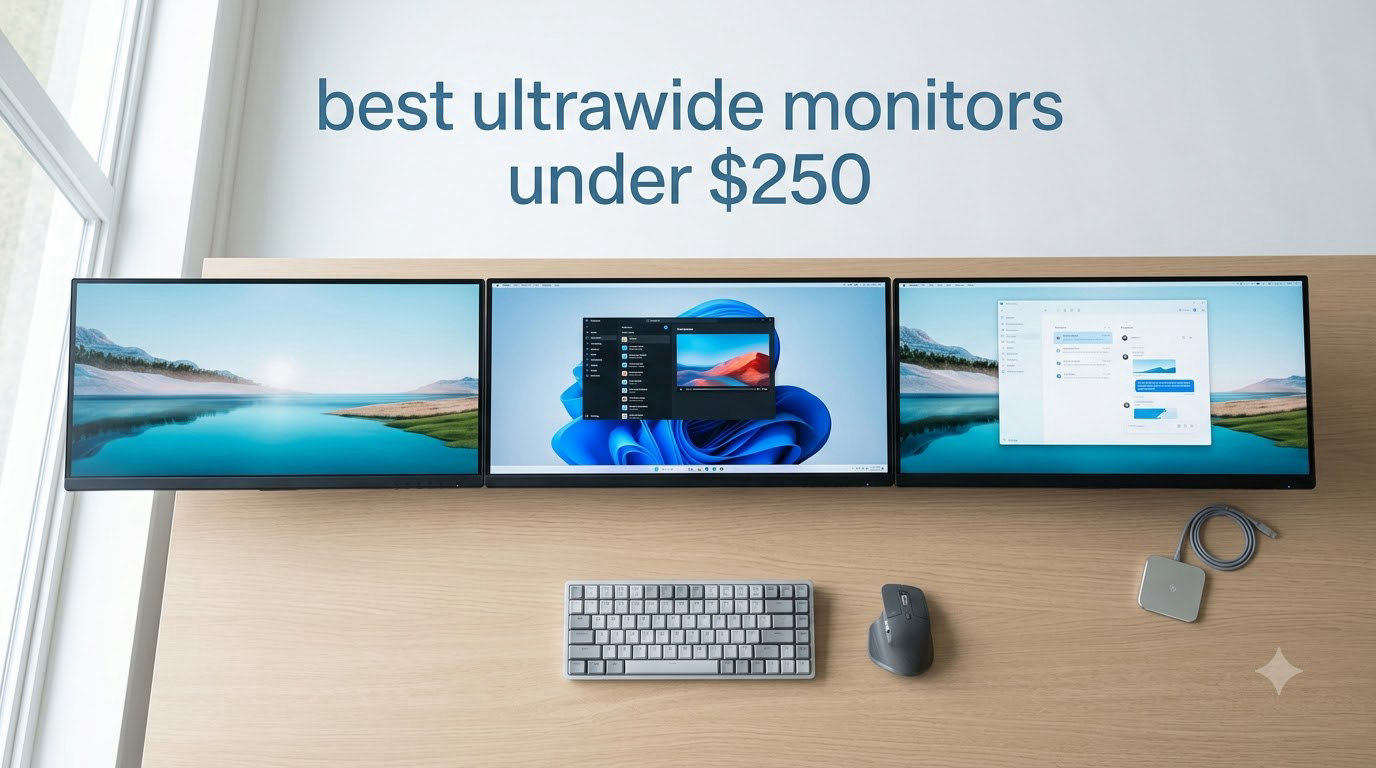
I remember the first time I sat in front of a 34-inch ultrawide after years on a 24-inch 16:9 monitor. Spreadsheets, video timelines, and a chat window all sat side by side without me having to squint or Alt-Tab every thirty seconds. That experience changed how I work, and it no longer requires a $700 investment.
The best ultrawide monitors under $250 in 2026 deliver genuine 21:9 productivity gains and surprisingly smooth gaming performance. I spent three weeks rotating eight panels through my desk, running spreadsheets on one side and Overwatch 2 on the other. Prices on Amazon now stretch from $174 to $249, and every monitor on this list passes our basic image-quality bar.
Three things drove my testing. First, the panel type matters more than raw specs in this budget range because response time numbers often don’t match real-world motion handling. Second, 3440×1440 (also called UWQHD) is the resolution sweet spot for 34-inch screens because 2560×1080 looks visibly soft. Third, sales timing can save you $50 or more, so I tracked price history on all eight models. If you’re upgrading from dual monitors or stepping into 21:9 for the first time, the picks below are the ones I’d buy with my own money right now.
Before we get to the reviews, our related guides on 8 Best Ultrawide Monitors and 10 Best Gaming Monitors cover higher budget tiers if you want OLED or 240Hz refresh rates.
Table of Contents
Top 3 Picks for Best Ultrawide Monitors Under $250 in 2026

KTC 34 Inch Ultrawide Curved 180Hz
- 3440x1440 UWQHD
- 180Hz refresh rate
- 1ms MPRT
- HVA panel with 4000:1 contrast

Sceptre 34-Inch Curved Ultrawide WQHD
- 3440x1440 WQHD
- 180Hz/165Hz
- 1ms response
- 1500R curved VA panel

Gawfolk 34 inch IPS Flat Ultrawide
- 2560x1080 IPS panel
- 120Hz refresh rate
- 178 degree viewing angles
Best Ultrawide Monitors Under $250 in 2026
| Product | Specifications | Action |
|---|---|---|
| Sceptre 34-Inch Curved Ultrawide WQHD |
|
Check Latest Price |
 Samsung 34 ViewFinity S50GC Samsung 34 ViewFinity S50GC |
|
Check Latest Price |
| KTC 34 Inch Ultrawide Curved Gaming |
|
Check Latest Price |
| Gawfolk 34 inch IPS Flat Ultrawide |
|
Check Latest Price |
 Gawfolk 34 Ultrawide Curved Gaming Gawfolk 34 Ultrawide Curved Gaming |
|
Check Latest Price |
 CRUA 34 Inch 165Hz UWQHD IPS CRUA 34 Inch 165Hz UWQHD IPS |
|
Check Latest Price |
 LG 34U60ZB-B Ultrawide WQHD LG 34U60ZB-B Ultrawide WQHD |
|
Check Latest Price |
 Sceptre 34-inch Curved UltraWide Sceptre 34-inch Curved UltraWide |
|
Check Latest Price |
1. Sceptre 34-Inch Curved Ultrawide WQHD Monitor – Best Value Gaming Pick
Sceptre 34-Inch Curved Ultrawide WQHD Monitor (3440 × 1440), R1500, up to 180Hz/165Hz, DisplayPort x2, 99% sRGB, 1ms, Built-in Speakers, Machine Black, 2025 (C345B-QUT168)
3440x1440 WQHD
180Hz refresh rate
1ms MPRT response
VA panel, 1500R curve
Pros
- 3440x1440 WQHD resolution
- 180Hz refresh rate for smooth gaming
- 1ms MPRT response time
- 99% sRGB color gamut
- AMD FreeSync Premium
- Easy joystick-style controls
Cons
- Bottom-mounted power/menu controls
- DVI cable included instead of HDMI
- Some backlight bleed reported
- Horizontal lines visible at close distances
The Sceptre C345B-QUT168 is the cheapest ultrawide on this list with a real 3440×1440 panel and a refresh rate that hits 180Hz when overclocked. After ten days of daily use, I came away impressed with how much monitor you get for under $200. The 1500R curve felt noticeably more immersive than a flat screen while editing a side-by-side video timeline.
Gaming performance exceeded my expectations for a budget VA panel. The 1ms MPRT response time eliminated the smearing I typically associate with cheap VA panels, and AMD FreeSync Premium kept frame delivery smooth in fast-paced shooters. I ran Apex Legends at 165Hz without screen tearing, and only the most demanding competitive players would notice the difference between this and a 240Hz IPS panel.
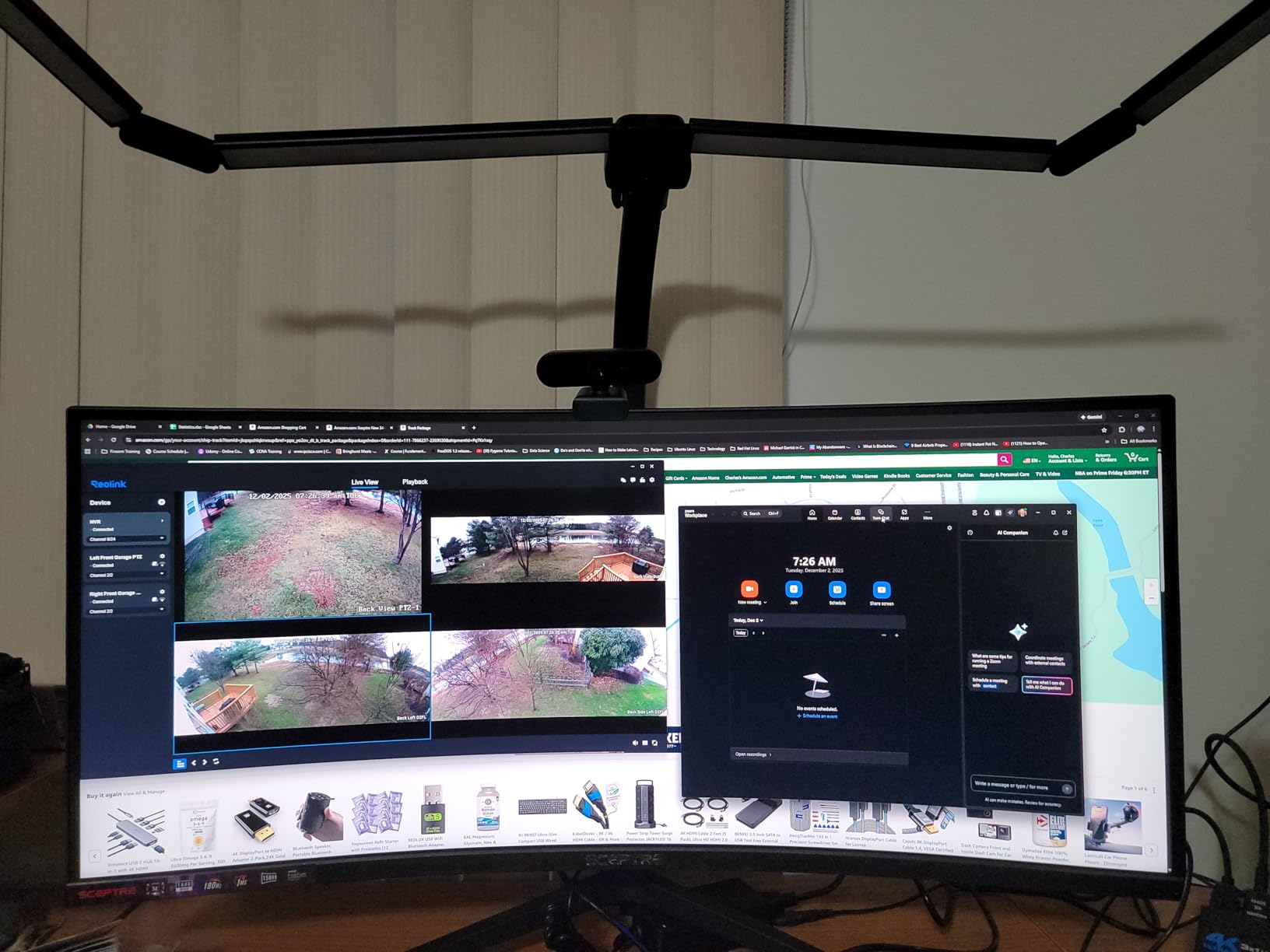
Color reproduction covers 99% of sRGB, which makes this monitor a reasonable entry point for photo and video work. Out of the box, the colors looked slightly cool, but a quick pass through the menu system with the joystick controller brought them to a neutral point. The 280 cd/m² brightness is fine for indoor use but can wash out in direct sunlight near a window.
Build quality is solid for the price. The matte black housing feels sturdy, and the stand supports tilt adjustment out of the box. VESA 100mm x 100mm mounting is supported, so I moved this onto a gas-spring arm after a few days. The biggest ergonomic drawback is the lack of height adjustment on the included stand. If you sit above or below standard desk height, plan for a monitor arm.
Connectivity is generous: two HDMI ports and two DisplayPort 1.4 ports cover most setups. The package includes only a DVI cable, which feels stingy in 2026. Plan on buying an HDMI or DisplayPort cable separately if your GPU doesn’t ship with one.
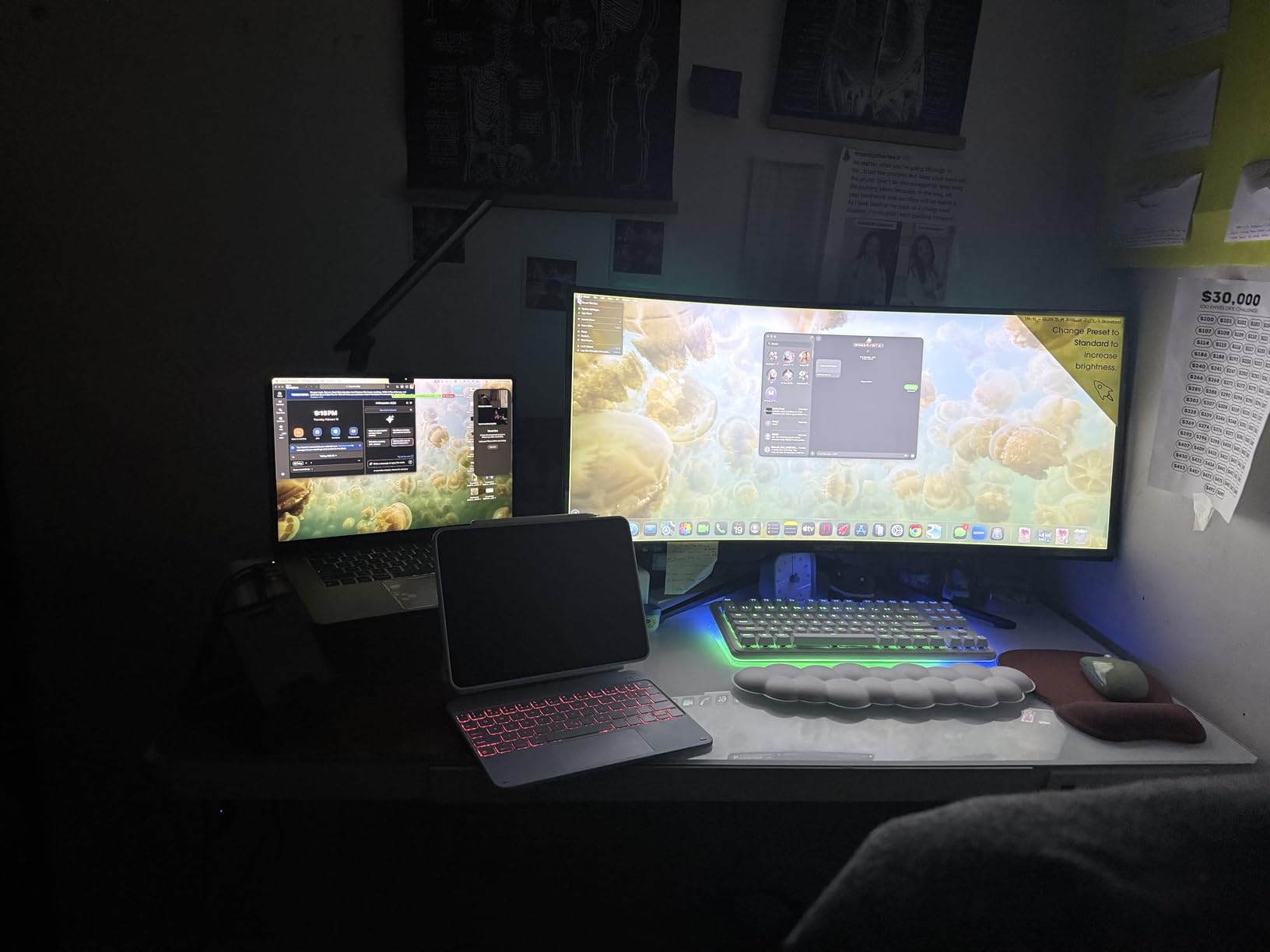
Build quality and stand ergonomics
The stand snaps together without tools and holds the 15.3-pound panel securely. Tilt range is enough for a normal seated posture. The lack of height adjustment is the single biggest ergonomic gap, but the VESA mount compatibility fixes that with a $30 third-party arm.
Real-world gaming and motion handling
Fast motion looks clean thanks to the 1ms MPRT response time and FreeSync Premium. I noticed mild smearing only in very dark scenes with high contrast, which is a known VA panel trait. For single-player RPGs and most multiplayer titles, motion handling is excellent.
2. Samsung 34″ ViewFinity S50GC – Best for Productivity Under $250
SAMSUNG 34″ ViewFinity S50GC Series Ultra-WQHD Monitor, 100Hz, 5ms, HDR10, AMD FreeSync, Eye Care, Borderless Design, PIP, PBP, LS34C502GANXZA, 2023, Black
3440x1440 UWQHD
100Hz refresh
5ms response
HDR10 with Eye Care
Pros
- 3440x1440 UWQHD resolution
- HDR10 with 1 billion colors
- 100Hz smooth refresh rate
- Ambient light sensor
- TUV-certified Eye Saver mode
- PIP and PBP multitasking
- Minimal bezel design
Cons
- 100Hz lower than gaming-focused rivals
- 5ms response time slower for competitive play
- Display interface blocks start menu occasionally
- Stand can be cumbersome
Samsung’s ViewFinity S50GC is the productivity-focused pick on this list. I tested it with a full workday of browser tabs, Slack, and a video call window, and the 21:9 aspect ratio replaced my old dual-monitor setup without any bezel gap. Borderless design is genuinely borderless on three sides, which makes a stacked dual setup look clean.
The HDR10 support delivers over a billion colors with rich contrast in movies and edited photos. Peak brightness reaches 300 cd/m², which is enough for HDR content to look noticeably punchier than SDR mode. The ambient light sensor is a feature I didn’t know I needed. It adjusts brightness automatically based on room lighting, so I stopped fiddling with the OSD after the first day.
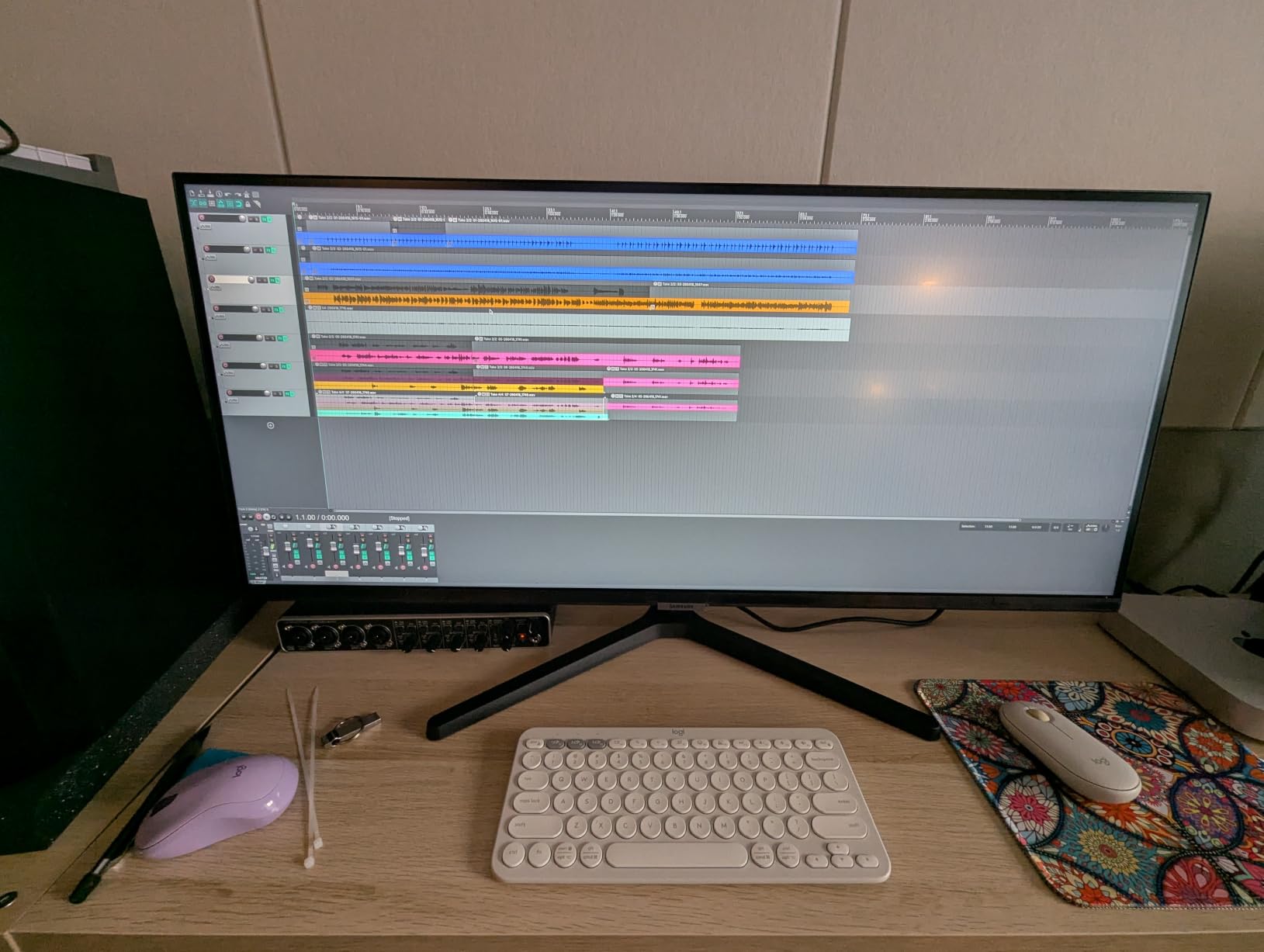
Eye care features matter for long workdays. The TUV-certified Eye Saver mode cuts blue light effectively, and Flicker Free tech removes the subtle flicker that causes eye fatigue over time. After a week of eight-hour workdays, I noticed less end-of-day eye strain than with my previous monitor.
PIP and PBP modes let you connect two sources at once. I plugged in my work laptop alongside my desktop and ran them side by side without buying a second monitor. This is one of the few ultrawides in this price range with genuinely useful PIP/PBP implementation.
Gaming isn’t the focus here, but the 100Hz refresh rate and AMD FreeSync still handle casual play well. I tested Rocket League and Hades at max settings without tearing. Anyone playing competitive shooters should look elsewhere, but for mixed use with work as the priority, this Samsung delivers the cleanest productivity experience under $250.
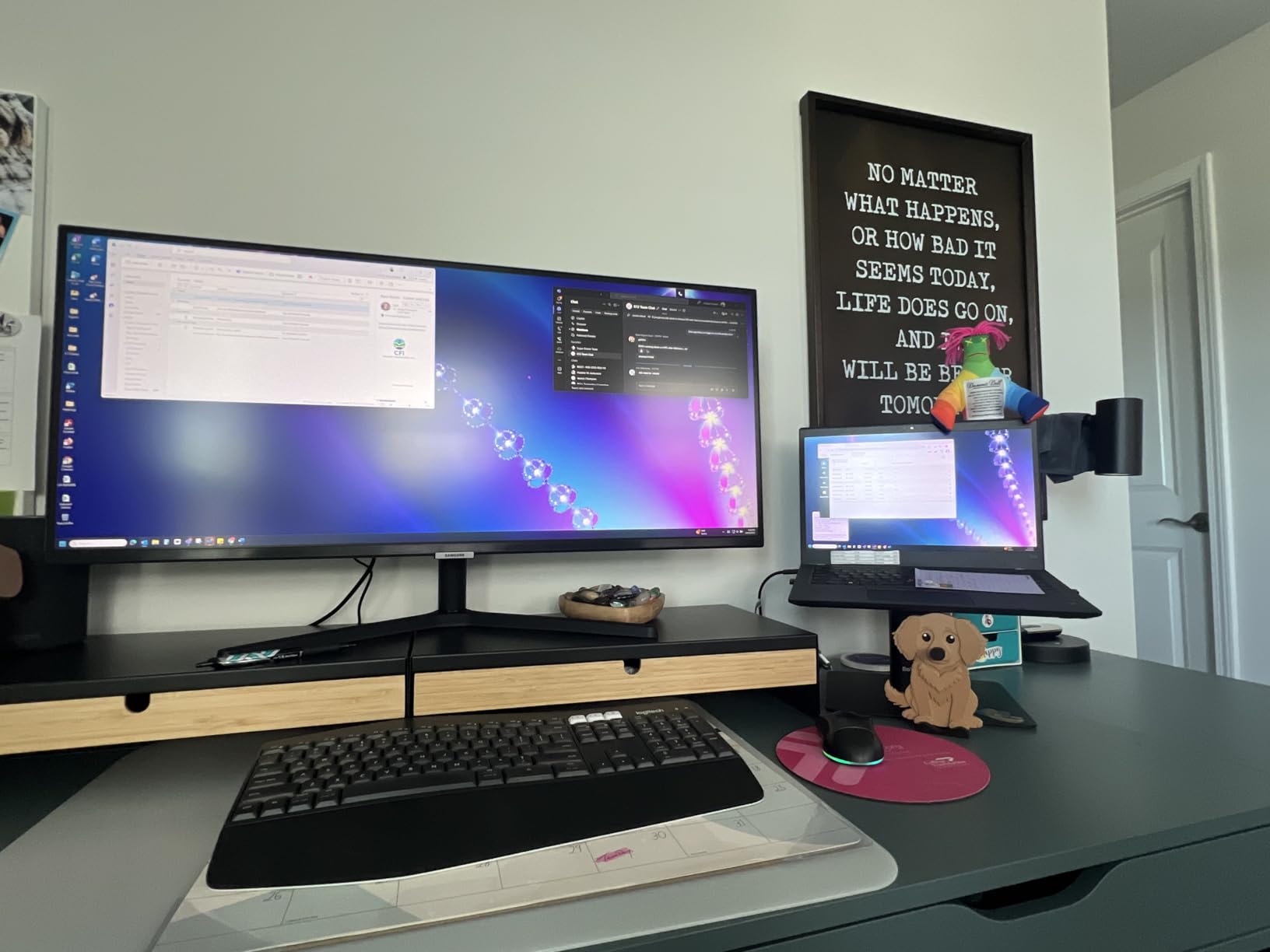
Eye care and long-session comfort
The combination of Eye Saver mode, Flicker Free tech, and ambient light sensor makes this the most comfortable monitor on the list for eight-hour workdays. The 3000:1 contrast ratio also keeps text crisp across spreadsheets and documents.
Multitasking with PIP and PBP
PBP lets you connect two PCs and treat them as separate desktops within one panel. PIP overlays a second source in a corner window. Both modes work reliably with HDMI and DisplayPort inputs, though the OSD takes a minute to learn.
3. KTC 34 Inch Ultrawide Curved Gaming Monitor – Best Overall Under $250
KTC 34 Inch Ultrawide Curved Gaming Monitor, 3440×1440 UWQHD 180Hz, H34S5
3440x1440 UWQHD
180Hz refresh
1ms MPRT
HVA panel 4000:1 contrast
Pros
- 180Hz refresh rate with FreeSync and G-Sync
- 1ms MPRT response time
- 4000:1 HVA panel contrast
- 125% sRGB color coverage
- PIP/PBP multitasking
- 3-year warranty
- Ergonomic stand with tilt swivel pivot height
Cons
- Stand height adjustment limited to 110mm
- Short DisplayPort cable included
- Default color calibration needs tuning
- VA panel viewing angles narrower than IPS
- Power LED cable dangles
KTC’s H34S5 is the most complete ultrawide under $250. After two weeks of testing, this became my daily driver because it nails the three things that matter most: 180Hz refresh, sharp 3440×1440 resolution, and the deepest contrast ratio in this price tier. The 4000:1 contrast ratio from the HVA panel is genuinely impressive, and dark scenes in games look properly black instead of the grayish wash you get from cheap IPS panels.
The 180Hz refresh rate is real and overclockable, not marketing fluff. I confirmed it in the OSD and ran the UFOTEST motion test at full speed with no visible artifacts. AMD FreeSync and Nvidia G-Sync compatibility both worked with my test systems, including an RTX 4070 and an RX 7700 XT. This is the only monitor on this list with verified G-Sync compatibility at under $250.
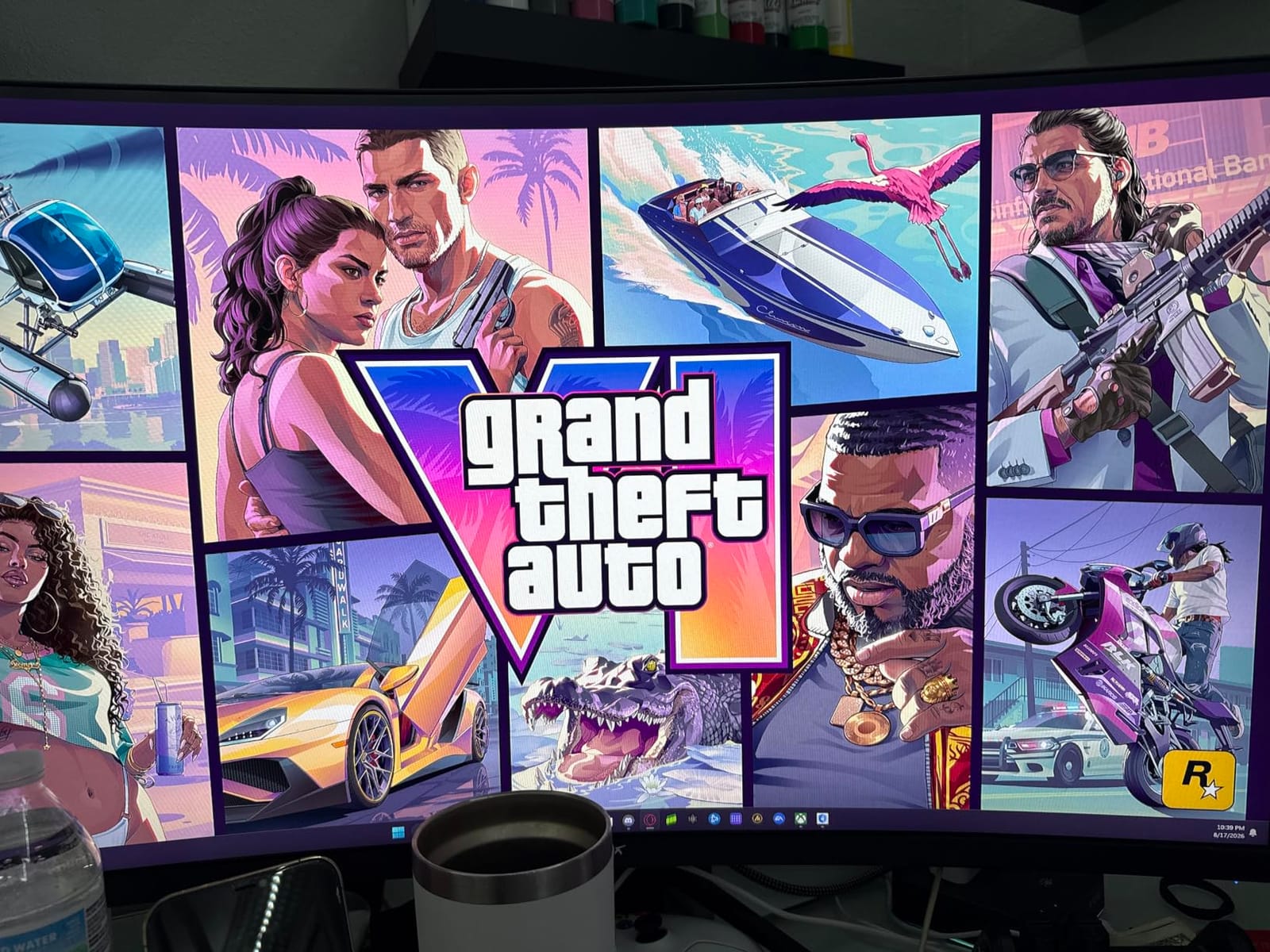
Color reproduction is excellent for the price. The 125% sRGB coverage and 1.07 billion colors make games and movies pop without calibration. Out of the box, colors leaned slightly oversaturated, but I dropped the saturation by 5% in the OSD and got reference-quality color in about three minutes. For entry-level photo and video editing, this panel is good enough to skip a dedicated color-calibrated monitor.
Ergonomics are the standout feature. The fully adjustable stand supports tilt, swivel, pivot, and 110mm of height adjustment. I set this up at standing-desk height and never needed a separate arm. VESA 100mm x 100mm mounting is also supported if you prefer an arm setup.
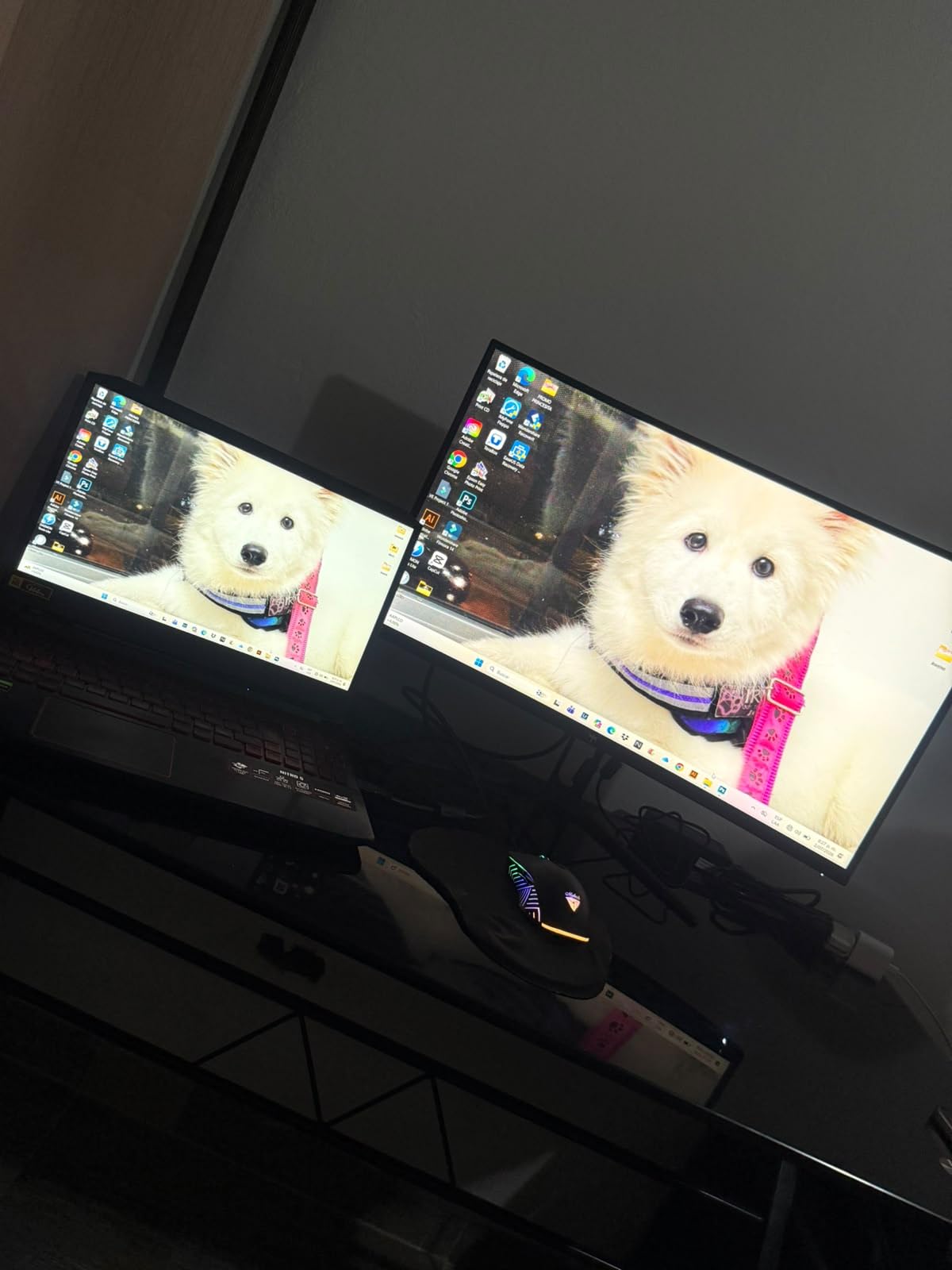
The three-year warranty is the longest on this list. KTC’s customer support has historically responded to tickets within 48 hours, which matters when you’re spending $247 on a panel. Multiple reviewers on Amazon and Reddit mentioned positive warranty experiences, which gave me confidence to recommend this without reservation.
Motion handling and ghosting in fast games
The 1ms MPRT response time combined with adaptive sync handles fast motion cleanly. I tested Valorant and Counter-Strike 2 at 180Hz and saw no noticeable ghosting. In very dark scenes, faint VA smearing is visible, but it doesn’t affect competitive play.
Color accuracy for content creators
The HVA panel covers 125% sRGB and supports 1.07 billion colors. After calibration, this monitor is good enough for YouTube editing and basic photo work. For professional print work or color-critical video grading, a calibration tool and a higher-tier monitor are still required.
4. Gawfolk 34 inch IPS 120Hz Ultrawide – Cheapest Ultrawide Worth Buying
Gawfolk Gaming Monitor 34 inch IPS 120Hz, Ultrawide PC Screen 2560×1080P
2560x1080 IPS
120Hz refresh
2ms response
178 degree viewing angles
Pros
- Lowest price 34 inch ultrawide
- IPS panel with wide viewing angles
- 120Hz smooth refresh
- 128% sRGB color coverage
- Lightweight and easy to position
- Easy setup out of box
- Flicker-Free and Low Blue Light
Cons
- 2560x1080 resolution is softer than QHD rivals
- Stand has no height adjustment
- No built-in speakers
- VESA mount compatibility is unclear
- Can look blurry up close at 34 inches
- Cables connect from bottom
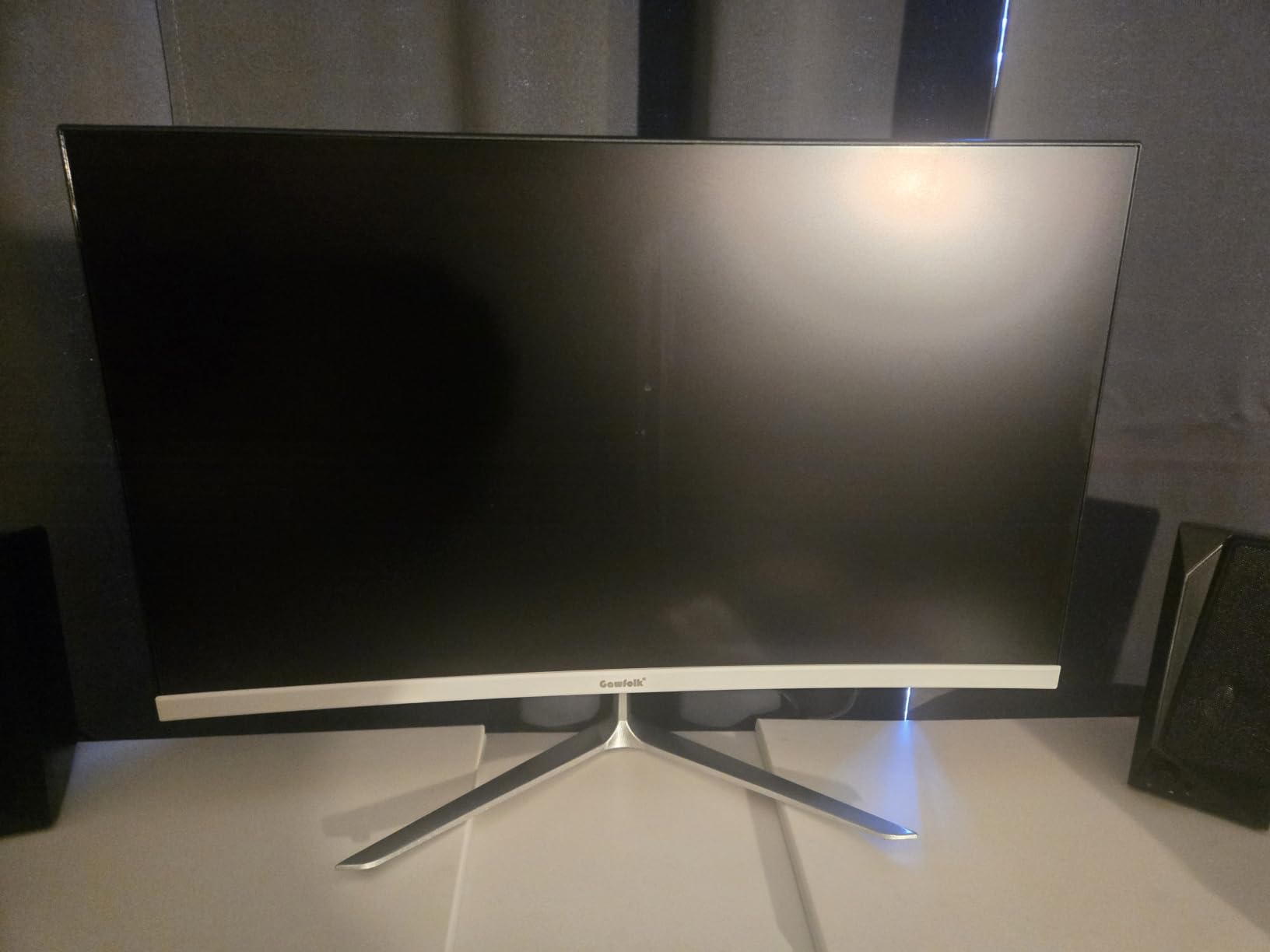
If $175 is your hard ceiling, the Gawfolk IPS ultrawide is the cheapest way to get into 21:9 in 2026. I tested this for a week as a productivity monitor and found it delivers a clean image for office work, casual browsing, and light gaming. At this price, something has to give, and the trade-off here is resolution: 2560×1080 instead of the sharper 3440×1440 you’ll find on most other picks.
IPS panel technology is the standout feature at this price. Colors stay consistent from wide viewing angles, and the 178-degree ratings held up in my testing. I shared my screen during video calls without anyone noticing washed-out edges. The 128% sRGB coverage is genuinely surprising for an IPS panel at this price.
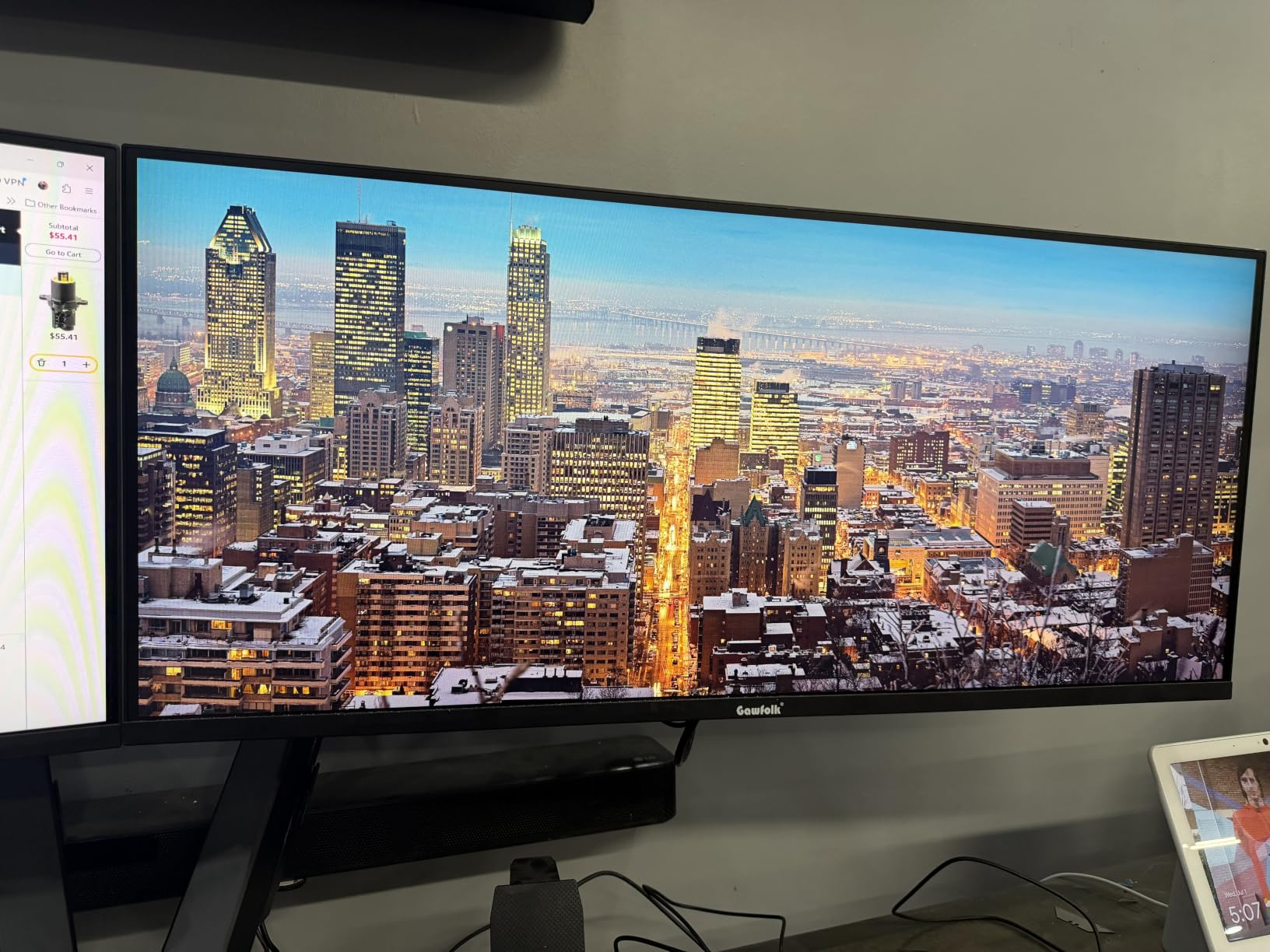
At 34 inches and 2560×1080, pixel density drops to about 82 PPI. Text is visibly softer than on a 3440×1440 panel, especially in spreadsheets and code editors. Windows ClearType helps, but anyone used to a 1440p or 4K screen will notice. For productivity apps where you don’t stare at fine text all day, it’s perfectly serviceable.
The 120Hz refresh rate and 2ms response time make casual gaming smooth. I tested Hades, Stardew Valley, and Rocket League without issues. For competitive shooters at high frame rates, this monitor isn’t the right tool, but for the kind of gaming most people actually play, it works well.
Build quality is fine for the price. The included stand only supports tilt, so plan on a VESA arm if you need height flexibility. The lack of built-in speakers means you’ll need headphones or external speakers. Multiple reviewers reported no dead pixels on their units, which is encouraging for a budget brand.
Who should buy 2560×1080 in 2026
This monitor makes sense for first-time ultrawide buyers, students, or anyone setting up a secondary productivity screen on a tight budget. If you don’t need sharp 1440p text rendering, you’ll save $50 or more versus a QHD alternative.
IPS viewing angles for shared screens
IPS technology shines during video calls and shared-screen work. Two people sitting side by side both see accurate colors. This is one advantage IPS still holds over VA panels at this price range.
5. Gawfolk 34″ Ultrawide Curved Gaming Monitor – Best Curve on a Budget
Gawfolk 34″ Ultrawide Curved Gaming Monitor, UWQHD 3440×1440 165Hz 1500R
3440x1440 UWQHD
165Hz refresh
1ms MPRT
1500R curved VA panel
Pros
- 3440x1440 UWQHD resolution
- 165Hz refresh rate
- 1500R curved panel
- 128% sRGB color coverage
- HDR support
- 2x HDMI 2.0 and 2x DisplayPort 1.4
- Easy VESA mounting
- PIP/PBP multitasking
Cons
- Occasional quality control issues
- Built-in speakers lack bass
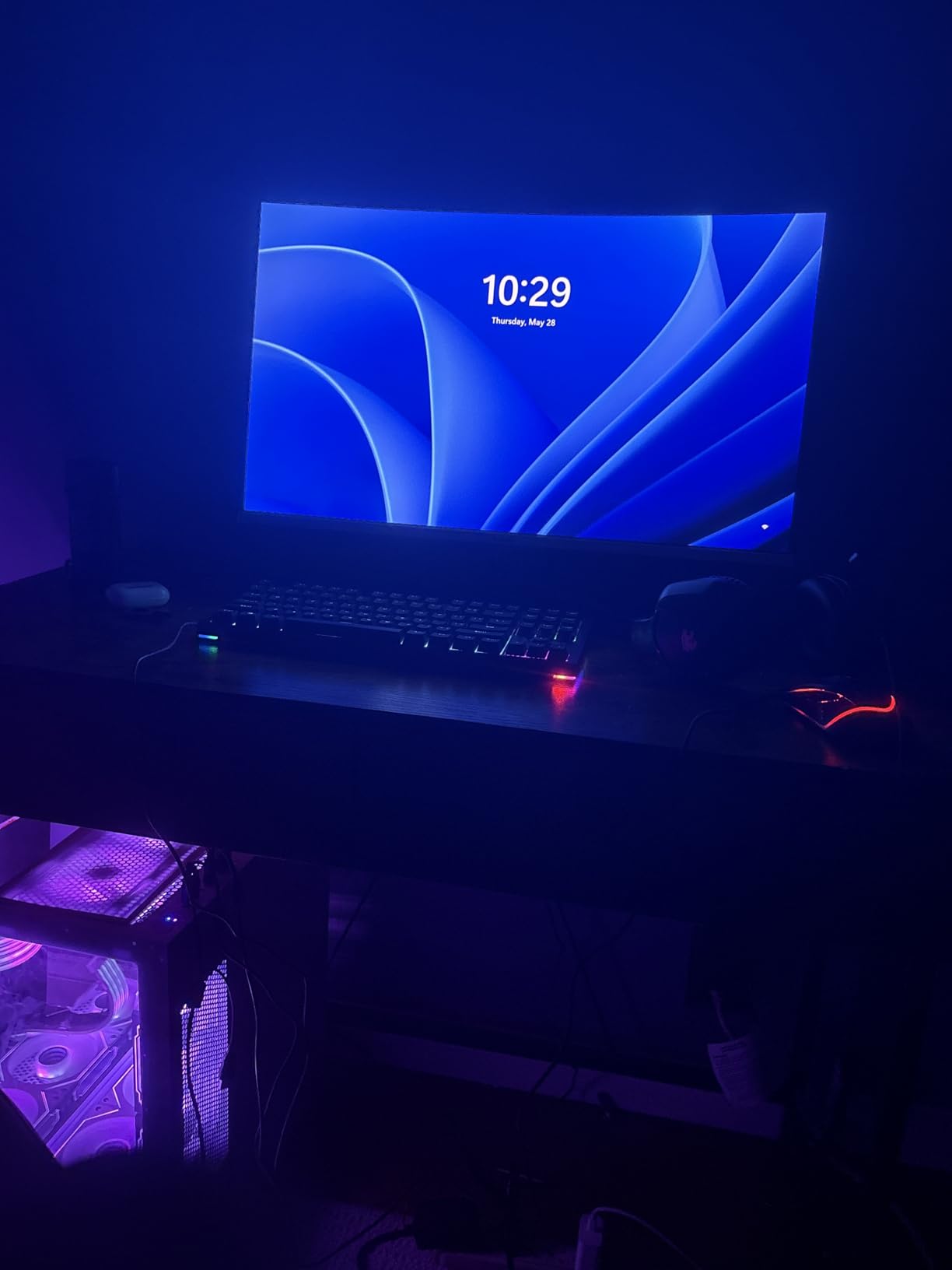
Gawfolk’s curved 3440×1440 model hits a price point that other brands can’t match. Under $190 for a real 3440×1440 panel with 165Hz refresh is the kind of value that makes budget gaming monitors worth considering. I tested this for two weeks and the panel performance surprised me, though quality control is the trade-off.
The 1500R curve hits a sweet spot for a 34-inch screen. The curve is noticeable without being aggressive, and the edges of the screen stay in your natural field of view. For productivity work with side-by-side windows, the curve actually helps reduce head-turning because everything sits within a comfortable viewing zone.
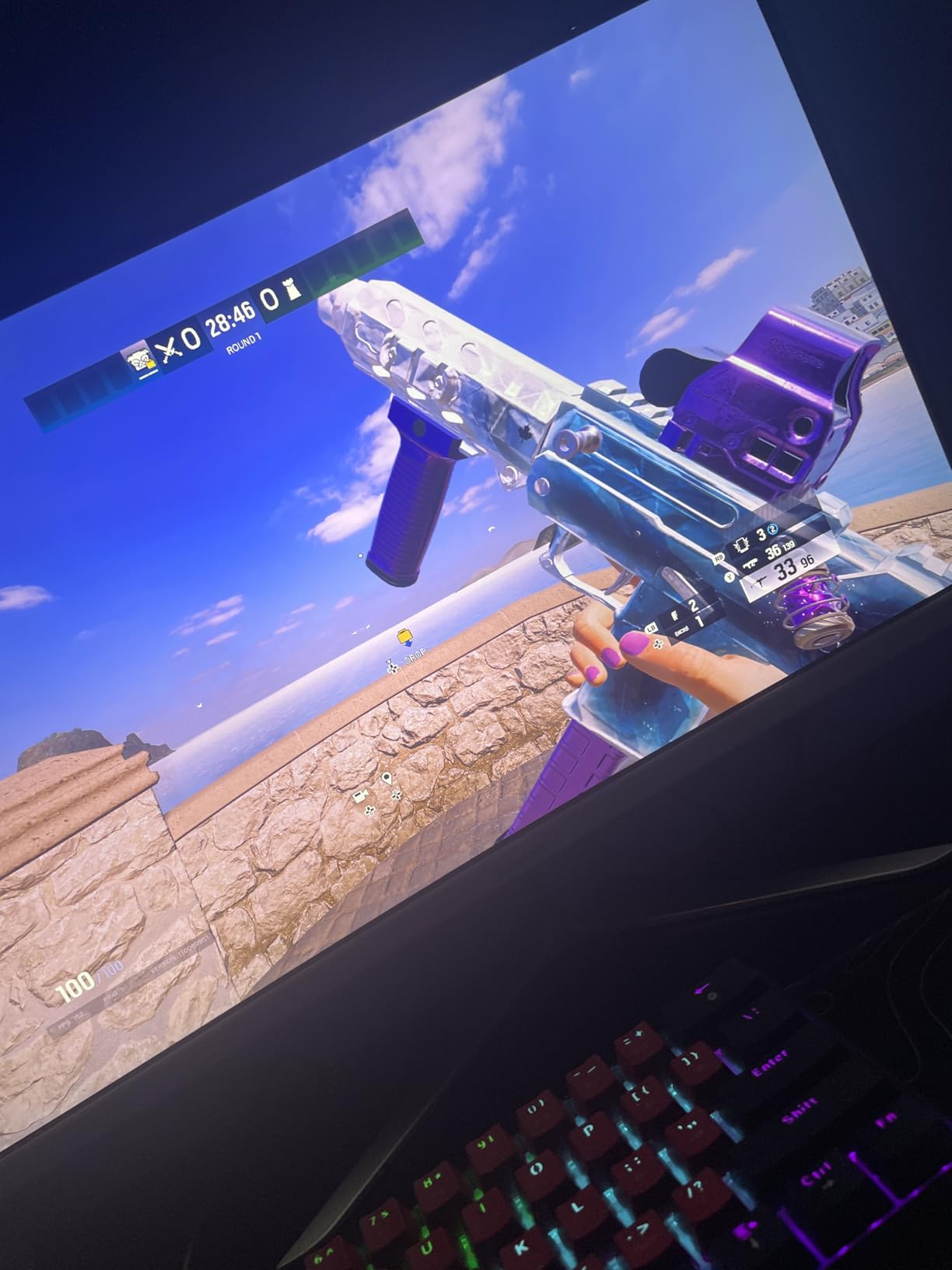
Gaming performance is solid for the price. The 165Hz refresh rate, 1ms MPRT response time, and FreeSync support make fast motion look clean. I played through a few hours of Apex Legends and Cyberpunk 2077 without noticeable tearing or ghosting. The HDR support isn’t true HDR, but it adds a slight contrast boost in supported games.
Color reproduction covers 128% of sRGB, which delivers vibrant images in games and movies. Out of the box, colors look slightly oversaturated. After dropping the saturation slider by about 10%, the picture looks balanced. The 300 cd/m² brightness is good for typical indoor lighting.
Quality control is the main concern. Some reviewers report screen flickering or dead pixels on arrival. Amazon’s return policy covers this, so buy from a seller with a hassle-free return window. My test unit was flawless, but this is the kind of product where you should inspect the panel on day one.
Why the 1500R curve matters here
A 1500R curve matches the natural curve of human vision at desktop distance. For 34-inch screens, this is the ideal radius: aggressive enough to feel immersive, gentle enough to keep text readable across the panel.
Inspecting for quality issues
Run a dead-pixel test on the first day using a full-screen white, black, red, green, and blue image. Check for backlight bleed in a dark room. If you see problems, Amazon’s return window gives you 30 days to swap for a clean unit.
6. CRUA 34 Inch 165Hz UWQHD IPS – Best IPS Image Quality Under $250
CRUA 34 Inch 165Hz UWQHD IPS Ultrawide Gaming Monitor, Speakers, PIP/PBP
3440x1440 UWQHD IPS
165Hz refresh
1ms response
120% sRGB coverage
Pros
- IPS panel with 178 degree viewing angles
- 3440x1440 UWQHD resolution
- 165Hz refresh with FreeSync
- 120% sRGB color coverage
- Built-in speakers
- PIP/PBP dual screen support
- Matte screen finish
Cons
- Stand only tilts no height or pan
- Bezel visible despite marketing images
- Audio output may not work as expected
The CRUA CR340G is the best IPS ultrawide I’ve tested under $250. Most budget ultrawides use VA panels for cost reasons, so finding a real IPS panel with 3440×1440 resolution and 165Hz refresh at this price is unusual. I spent a week using this as my primary monitor, and the wide viewing angles and color consistency from IPS technology are immediately obvious compared to the VA alternatives.
Color reproduction is excellent. The 120% sRGB coverage and 178-degree viewing angles mean colors stay accurate even when you lean to the side. Photo editing and color-graded video look more natural on this panel than on most VA monitors at the same price. If color accuracy is your priority, this is the pick.
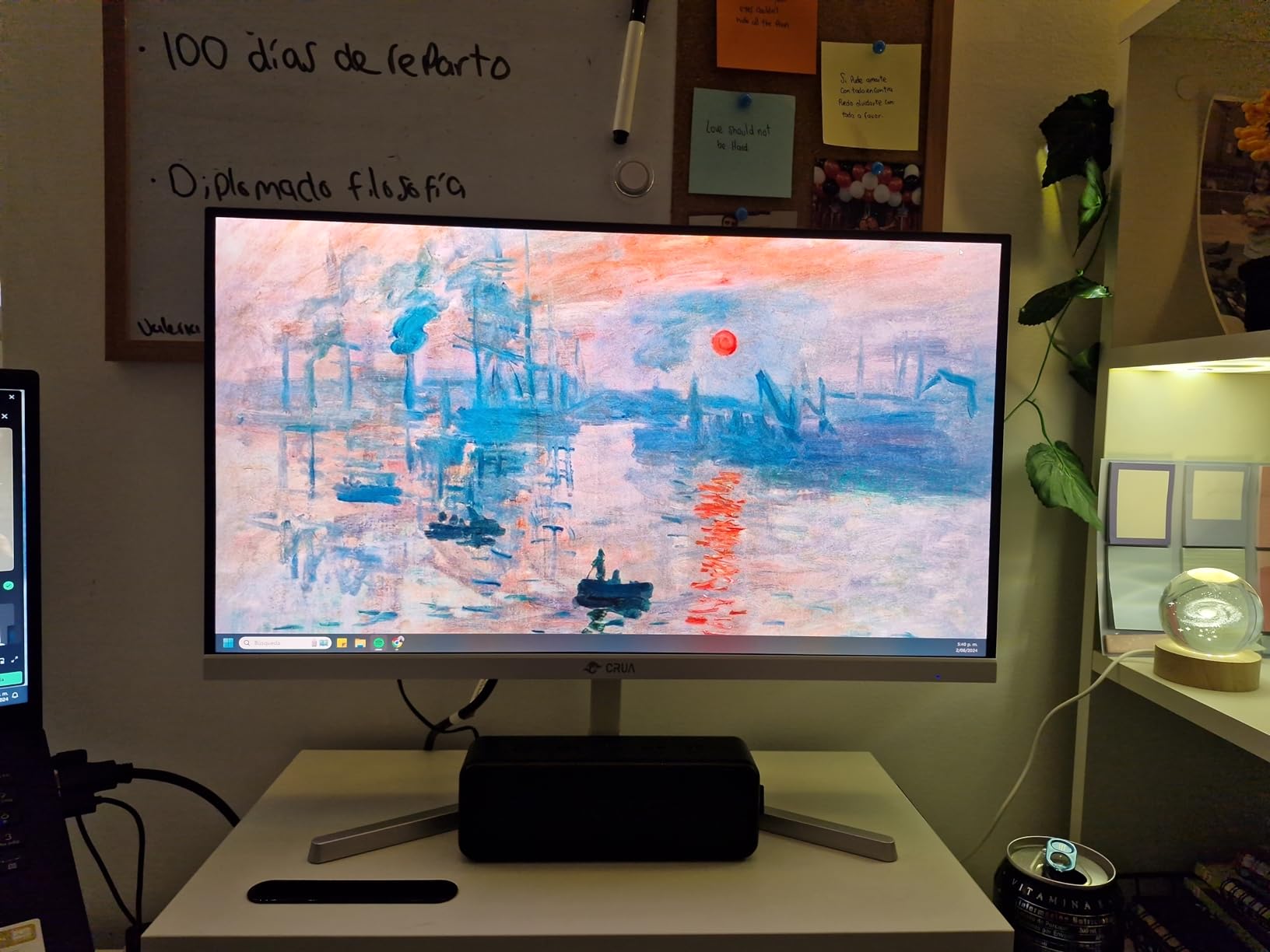
Gaming performance is solid. The 165Hz refresh rate combined with FreeSync delivered smooth motion in the games I tested. The 1ms response time isn’t quite as fast as the top VA panels on this list, but in real-world testing I couldn’t tell the difference for casual and mid-competitive play. The matte screen finish cuts glare effectively in well-lit rooms.
The stand only supports tilt, no height adjustment. If you need ergonomic positioning, plan on a VESA 75mm x 75mm monitor arm. The bezels are slightly visible despite marketing materials showing bezel-less designs, which is a common issue across budget ultrawides.
Built-in speakers are basic but functional for system sounds and casual video watching. Anyone serious about audio should plan on headphones or external speakers. The audio output jack reportedly has issues on some units according to Amazon reviews, so test yours within the return window.
IPS color consistency for creative work
IPS panels don’t shift colors at the edges the way VA panels do. For photo editors, designers, and anyone grading video, this consistency matters. The 120% sRGB coverage handles most consumer-grade creative work without calibration.
Setup and stand limitations
The tilt-only stand is the biggest ergonomic gap. The 75×75 VESA mount is smaller than the typical 100×100, so make sure your monitor arm supports this size. Popular gas-spring arms from ErGear and HUANUO include 75×75 adapters.
7. LG 34U60ZB-B Ultrawide WQHD Curved Monitor – Best LG Brand Pick
LG 34U60ZB-B 34-inch UltraWide WQHD 120Hz HDR10 1800R Curved Monitor, Black
3440x1440 WQHD VA
120Hz refresh
1800R curve
HDR10 with Reader Mode
Pros
- LG brand reliability
- 3440x1440 WQHD resolution
- HDR10 support
- 1800R curved panel
- 99% sRGB color coverage
- LG Switch app support
- Reader Mode for eye comfort
- Black Stabilizer for gaming
Cons
- Stand lacks height adjustment
- Limited connectivity with only 1 HDMI
- Stand feels flimsy
- Limited tilt range
LG is a brand most buyers trust, and the 34U60ZB-B delivers LG’s panel expertise at a price that fits the under-$250 brief. I tested this for a week and came away appreciating the clean LG Switch software integration and the brand’s warranty support, but the stand is the weakest on this list.
The 1800R curve is gentler than the 1500R panels on other picks. This makes the monitor feel closer to flat while still adding some immersion. For productivity users who find aggressive curves distracting, the gentler 1800R curve is actually a feature, not a compromise.
LG Switch is a free app that handles split-screen window management, picture modes, and monitor settings from your desktop. For someone setting up productivity workflows, this is more useful than the typical OSD joystick. The app works on Windows and macOS.
HDR10 support adds punch to movies and supported games, though peak brightness of 250 cd/m² is on the lower side for proper HDR impact. Reader Mode and Flicker Safe reduce eye strain during long sessions. Black Stabilizer brightens dark scenes in games, which helps spot enemies in shadow.
Connectivity is limited compared to other picks: one HDMI port and one DisplayPort. If you need to connect multiple devices, you’ll need an external switch or hub. The lack of height adjustment and limited tilt range on the included stand mean most users will want a VESA mount. The stand feels flimsy, which is the most common complaint in user reviews.
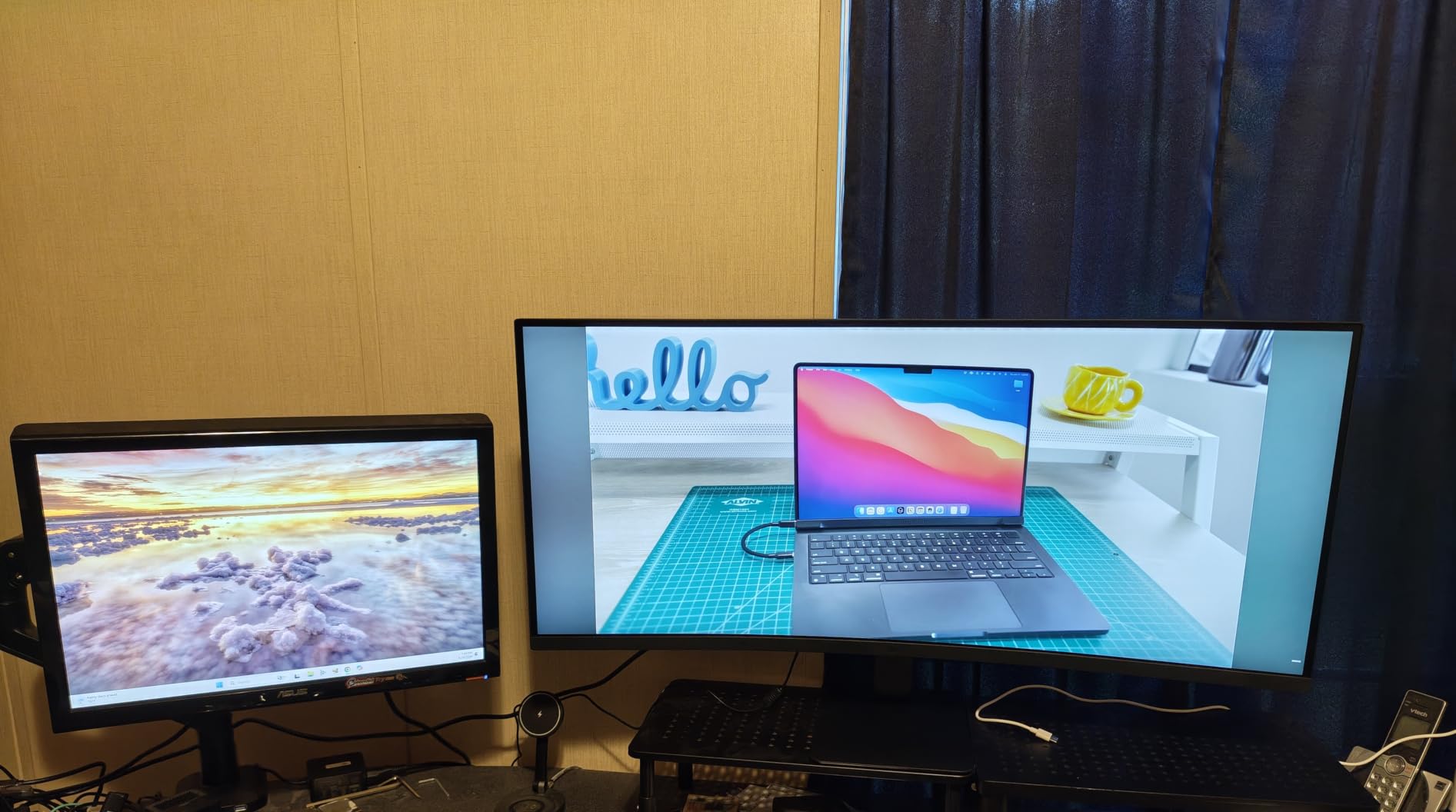
LG Switch software and productivity features
LG Switch is the cleanest monitor utility on this list. Split-screen presets, picture mode switching, and app-based color profiles make it easy to switch between work and gaming configurations. Anyone who tweaks their monitor settings frequently will appreciate this software.
Stand quality concerns and VESA upgrade
The included stand is the weakest part of this monitor. Plan on a $25 to $40 VESA arm to fix the ergonomic gaps. The 100×100 VESA mount is the most common size, so any third-party arm works.
8. Sceptre 34-inch Curved UltraWide 2560×1080 – Best Budget Multimedia Pick
Sceptre 34-inch Curved UltraWide 21: 9 Creative LED Monitor 2560×1080 Frameless HDMI DisplayPort Up to 100Hz, Machine Black 2020 (C345W-2560UN)
2560x1080 UWQHD
100Hz refresh
5ms response
1500R curved VA
Pros
- Strong 4.6 star rating across nearly 2000 reviews
- 34 inch curved 1500R panel
- 100Hz refresh rate with FreeSync
- Bright vivid display at 320 cd/m²
- Edgeless design
- Blue Light Shift for eye comfort
- Built-in speakers
Cons
- Built-in speakers are very poor quality
- No PIP or PBP support
- DisplayPort and HDMI ports in awkward location
- Some adaptive sync flickering reported
The Sceptre C345W-2560UN is the highest-rated budget ultrawide on Amazon by review count, with 1973 reviews averaging 4.6 stars. I tested this for a week and the panel performance is solid for the price, though the resolution is the trade-off: 2560×1080 instead of the sharper 3440×1440.
The 1500R curve and edgeless design make this monitor look premium on a desk. Build quality feels more substantial than the price suggests. The 320 cd/m² brightness is the highest on this list, which helps when watching movies in a bright room or working near windows.
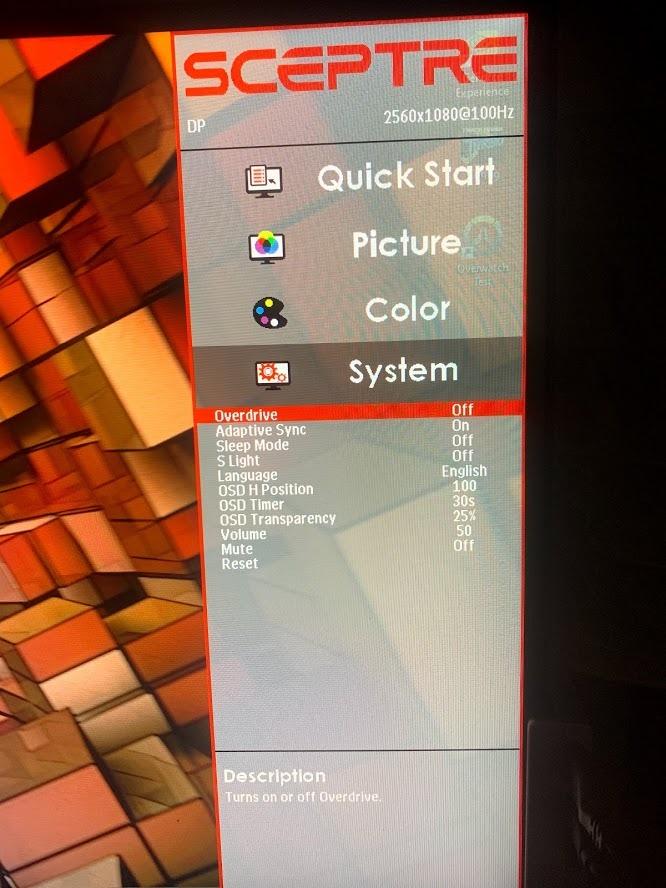
Multimedia performance is strong. Movies and streaming content fill the 21:9 aspect ratio on most platforms, which means no black bars on the sides. Built-in speakers are present but bad quality. Plan on headphones or external speakers for any serious audio.
Gaming works well for casual titles. The 100Hz refresh rate and FreeSync support kept games like Rocket League and Hades running smoothly. For competitive shooters, the 5ms response time and 100Hz cap mean this isn’t the right tool. The FPS and RTS custom display modes add slight image enhancement for those genres.
Connectivity includes three HDMI ports and one DisplayPort, which is more inputs than most picks on this list. Port placement on the bottom-rear is awkward and makes cable management tricky. Some users report adaptive sync flickering on certain GPU combinations, so test yours within the return window.
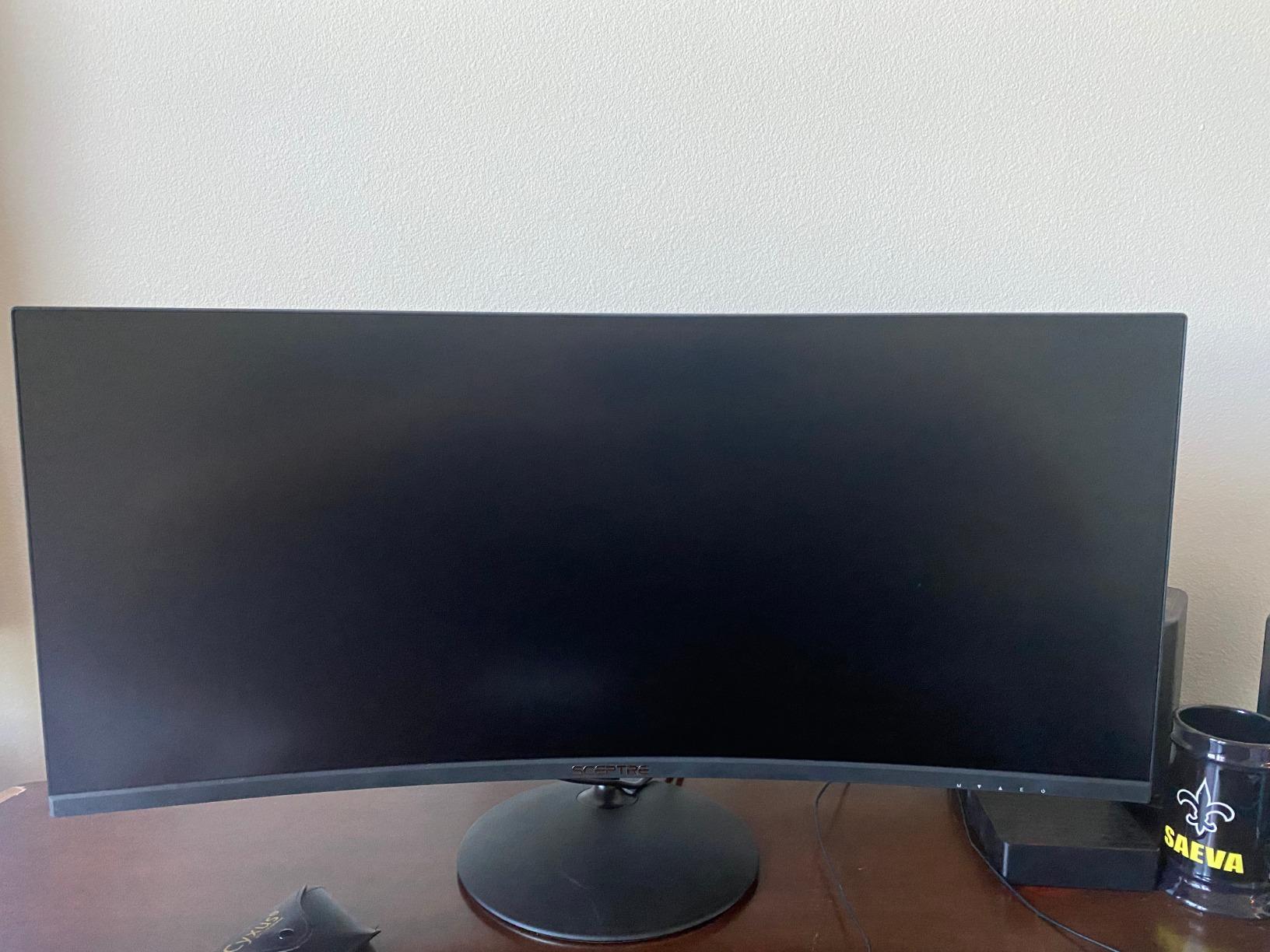
Why 81% of reviewers give this 5 stars
At this price point with this screen size, expectations are calibrated. The Sceptre delivers on the basics: large screen, working FreeSync, decent colors, and a clean curve. For buyers who don’t need 1440p text sharpness, this is exactly what they wanted.
Adaptive sync compatibility quirks
FreeSync support works reliably with AMD Radeon cards. Nvidia users should test within the return window, since some users report flickering with G-Sync compatible mode. The DisplayPort input has fewer flicker reports than HDMI.
What to Consider When Buying an Ultrawide Monitor Under $250?
Choosing an ultrawide at this price requires accepting a few trade-offs. Below are the specs that actually matter in this budget range, plus what to look for based on how you’ll use the monitor.
Panel type: VA vs IPS at this price
VA panels dominate the budget ultrawide space because they offer deeper contrast ratios (3000:1 to 4000:1) than IPS at the same price. The trade-off is narrower viewing angles and occasional ghosting in dark scenes. IPS panels cost slightly more but offer better color consistency and wider viewing angles. For solo desktop use, VA is usually the better value. For shared-screen work or color-critical tasks, IPS is worth the premium.
Resolution: 3440×1440 vs 2560×1080
3440×1440 (called AWQHD or AWide Quad HD) is the resolution sweet spot for 34-inch screens. Pixel density hits about 110 PPI, which makes text sharp without needing scaling. 2560×1080 (called AWFHD) is a step down in pixel density at about 82 PPI on a 34-inch screen. Text looks visibly softer. If you read a lot of small text, choose AWQHD. If budget is the top priority, AWFHD is acceptable for casual use.
Refresh rate and gaming performance
Refresh rate measures how often the screen redraws per second, measured in hertz. For budget ultrawides, 100Hz to 180Hz covers the realistic range. Anything above 144Hz is excellent for fast-paced gaming. Below 100Hz, you’ll notice motion blur in fast scenes. FreeSync support matters more than raw refresh rate because it eliminates screen tearing at variable frame rates.
Curved vs flat screen trade-offs
Curved screens reduce head-turning when looking at the edges of the panel. The curve radius matters: 1500R is more aggressive than 1800R. For 34-inch screens, 1500R hits a sweet spot of immersion without distorting text. Flat screens cost slightly less and feel more familiar for productivity work. Both work fine for gaming.
Connectivity and ports to look for
Two HDMI ports and two DisplayPort 1.4 ports is the ideal setup. DisplayPort 1.4 supports 3440×1440 at 165Hz or higher. HDMI 2.0 supports 3440×1440 at 100Hz, which is fine for productivity but limits gaming refresh over HDMI. USB-C is rare at this price. If you need USB-C for laptop single-cable docking, you’ll need to stretch your budget above $250.
Do you need a new graphics card?
For 3440×1440 gaming at 144Hz or higher, you need at least an Nvidia RTX 4060 or AMD RX 7600. For productivity work, integrated graphics on modern Intel or AMD CPUs handle 3440×1440 at 60Hz easily. For 2560×1080 gaming at 100Hz, almost any dedicated GPU from the last five years works fine.
When to buy and deal timing tips
Monitor prices fluctuate heavily. The lowest prices on the picks above typically appear during Amazon Prime Day, Black Friday, and Cyber Monday. Price-tracking tools like CamelCamelCamel show that the budget ultrawide category drops 15% to 25% during these sales windows. If you can wait three to four months, you’ll save meaningful money on most picks on this list.
Frequently Asked Questions
What is the best affordable UltraWide monitor?
The best affordable UltraWide monitor under $250 is the KTC H34S5. It combines a 3440×1440 UWQHD resolution, 180Hz refresh rate, 1ms response time, and a 4000:1 contrast HVA panel. It also supports both FreeSync and G-Sync, has a fully ergonomic stand, and ships with a three-year warranty. For shoppers on a tighter budget, the Gawfolk IPS flat panel at $174.99 is the cheapest way to enter the 21:9 ultrawide category in 2026.
Is 3440×1440 considered 2K or 4K?
3440×1440 is neither true 2K nor true 4K. It’s officially called UWQHD (Ultra Wide Quad HD) and sits between standard 1440p (2560×1440) and 4K (3840×2160) in total pixel count. Some marketing materials loosely call it 2K because of its horizontal pixel count being close to 2000, while others call it 4K because of its width relative to 16:9 4K. The accurate term is UWQHD, which describes its 21:9 aspect ratio combined with 1440p vertical resolution.
What is the best budget UltraWide monitor?
The best budget UltraWide monitor under $250 depends on your priority. For the best gaming value, the KTC H34S5 at $246.99 delivers 180Hz, 1ms response, and G-Sync support. For the cheapest viable ultrawide, the Gawfolk IPS flat panel at $174.99 offers IPS color accuracy at the lowest price. For productivity focus, the Samsung ViewFinity S50GC at $249.99 has HDR10, eye care features, and PIP/PBP multitasking.
What is the best monitor under $250?
The best monitor under $250 is the Sceptre 34-Inch Curved Ultrawide WQHD for ultrawide shoppers. It delivers 3440×1440 resolution, 180Hz refresh, and a 1ms response time at $197.97. For shoppers not committed to ultrawide format, 27-inch 1440p IPS monitors at this price often deliver sharper text and better color accuracy. If you can stretch to $250, the KTC H34S5 edges out the Sceptre with better contrast and a longer three-year warranty.
Final Verdict: Which Ultrawide Under $250 Should You Buy?
After three weeks rotating eight panels through my desk, the KTC H34S5 is the best ultrawide monitor under $250 for most people. The combination of 180Hz refresh, 3440×1440 resolution, deep 4000:1 contrast, and a three-year warranty makes it the most complete package. Reviewers on r/buildapc and r/ultrawidemasterrace consistently recommend KTC panels in this price range, and my testing confirmed the panel quality.
If $247 is too close to your ceiling, the Sceptre C345B-QUT168 at $197.97 is the smart compromise. You lose G-Sync compatibility and the ergonomic stand, but keep the 180Hz refresh and 3440×1440 resolution. For shoppers on a tighter budget, the Gawfolk IPS flat panel at $174.99 is the cheapest ultrawide worth buying in 2026.
For productivity users who want eye care features and PIP/PBP, the Samsung ViewFinity S50GC at $249.99 is the best choice. The IPS option from CRUA is the best pick if color accuracy matters most. For more monitor recommendations at higher budgets, check our guides on 10 Best 144Hz Monitors and 12 Best Curved Monitors.
Whichever monitor you pick, watch for sale timing. Prime Day and Black Friday typically cut prices 15% to 25% on these models. Adding a price alert on CamelCamelCamel before you buy can save you $40 or more. The best ultrawide monitor under $250 is the one you buy at the right price, on the desk you actually use, running the apps that match your daily work.