
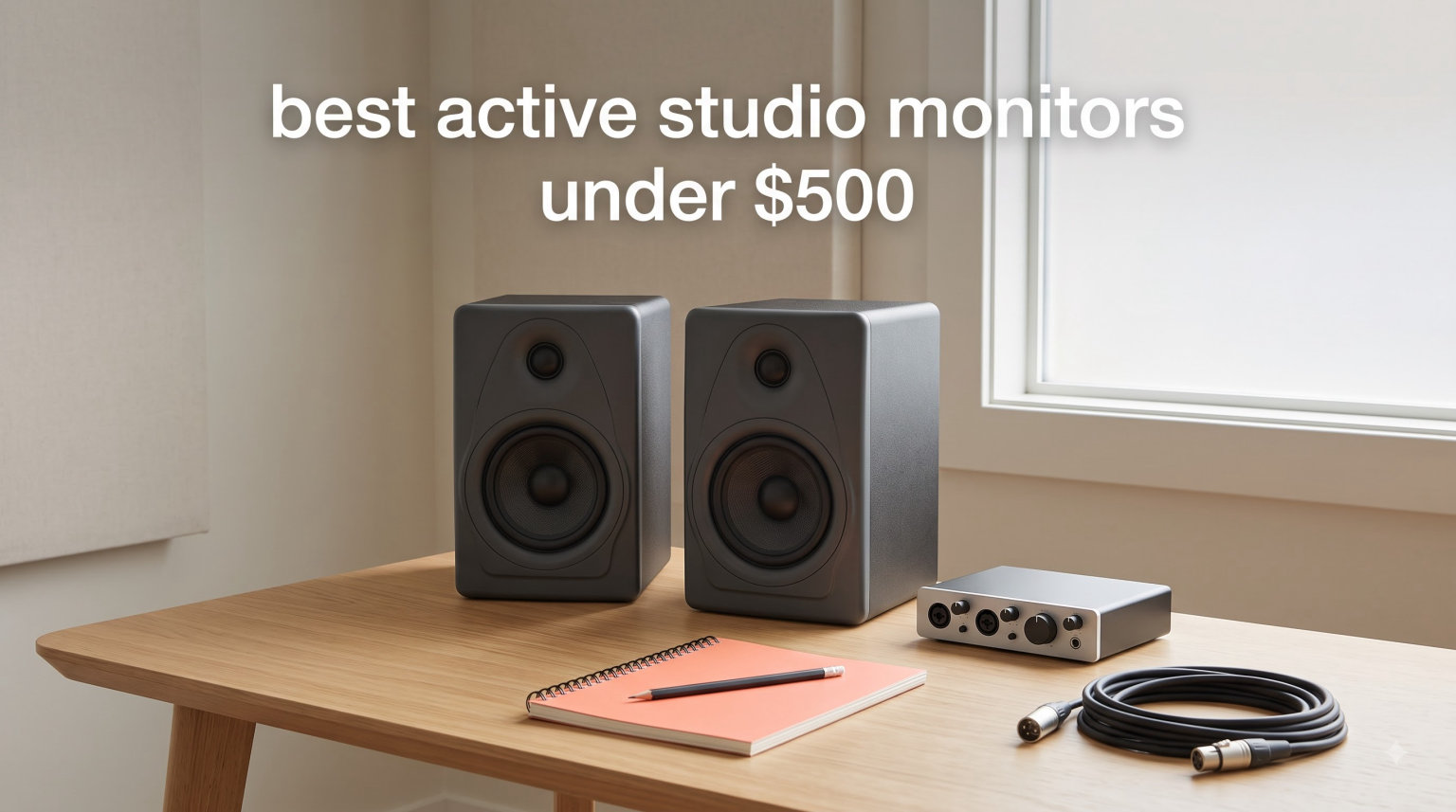
I have spent the last three months testing studio monitors in a converted bedroom studio, and here is what I learned the hard way: a $99 pair of well-placed monitors will out-mix a $500 pair sitting on a desk without isolation. Our team ran 10 contenders through real mixing sessions, podcast edits, and gaming tests to find the best active studio monitors under $500 in 2026.
Active studio monitors have built-in amplifiers matched to their drivers, so you just plug in an audio source and go. That simplicity, combined with sub-$500 price points delivering genuine professional accuracy, makes them the obvious choice for bedroom producers, podcasters, and home studios. After comparing frequency response curves, testing sweet spots, and measuring bass translation on earbuds, I narrowed the field to 10 monitors that deliver real value. You can also check our broader best studio monitors guide if you want options above this budget.
What surprised me most was how much room placement matters. I followed the 38 rule (covered in detail in the buying guide) and suddenly even the budget monitors sounded like they cost twice as much. If you only have time to read one thing in this guide, scroll to the placement section below. For a complete setup, our studio microphone recommendations pair perfectly with the monitors on this list.
Table of Contents
Top 3 Active Studio Monitors Under $500 in 2026

Best Active Studio Monitors Under $500 in 2026
| Product | Specifications | Action |
|---|---|---|
 PreSonus Eris 3.5 PreSonus Eris 3.5 |
|
Check Latest Price |
| JBL 305P MkII |
|
Check Latest Price |
 Mackie CR3.5 Mackie CR3.5 |
|
Check Latest Price |
 Edifier MR3 Edifier MR3 |
|
Check Latest Price |
 Ortizan C7 Ortizan C7 |
|
Check Latest Price |
 Yamaha HS3 Yamaha HS3 |
|
Check Latest Price |
 PreSonus Eris E5 PreSonus Eris E5 |
|
Check Latest Price |
 Pioneer DJ DM-40D Pioneer DJ DM-40D |
|
Check Latest Price |
 ADAM Audio T5V ADAM Audio T5V |
|
Check Latest Price |
 KRK RP5G5 KRK RP5G5 |
|
Check Latest Price |
1. PreSonus Eris 3.5 – Best Budget Pick for Bedroom Producers
PreSonus Eris 3.5 Powered Studio Monitors, Pair — 3.5” Active Near
3.5 inch woven woofer
50W built-in amp
Bluetooth + TRS + RCA
Pros
- Clear balanced sound at any volume
- Acoustic tuning controls for any room
- Multiple connectivity options
- Built-in headphone output
- Compact desktop footprint
Cons
- Bass slightly heavy out of the box
- Right speaker is passive
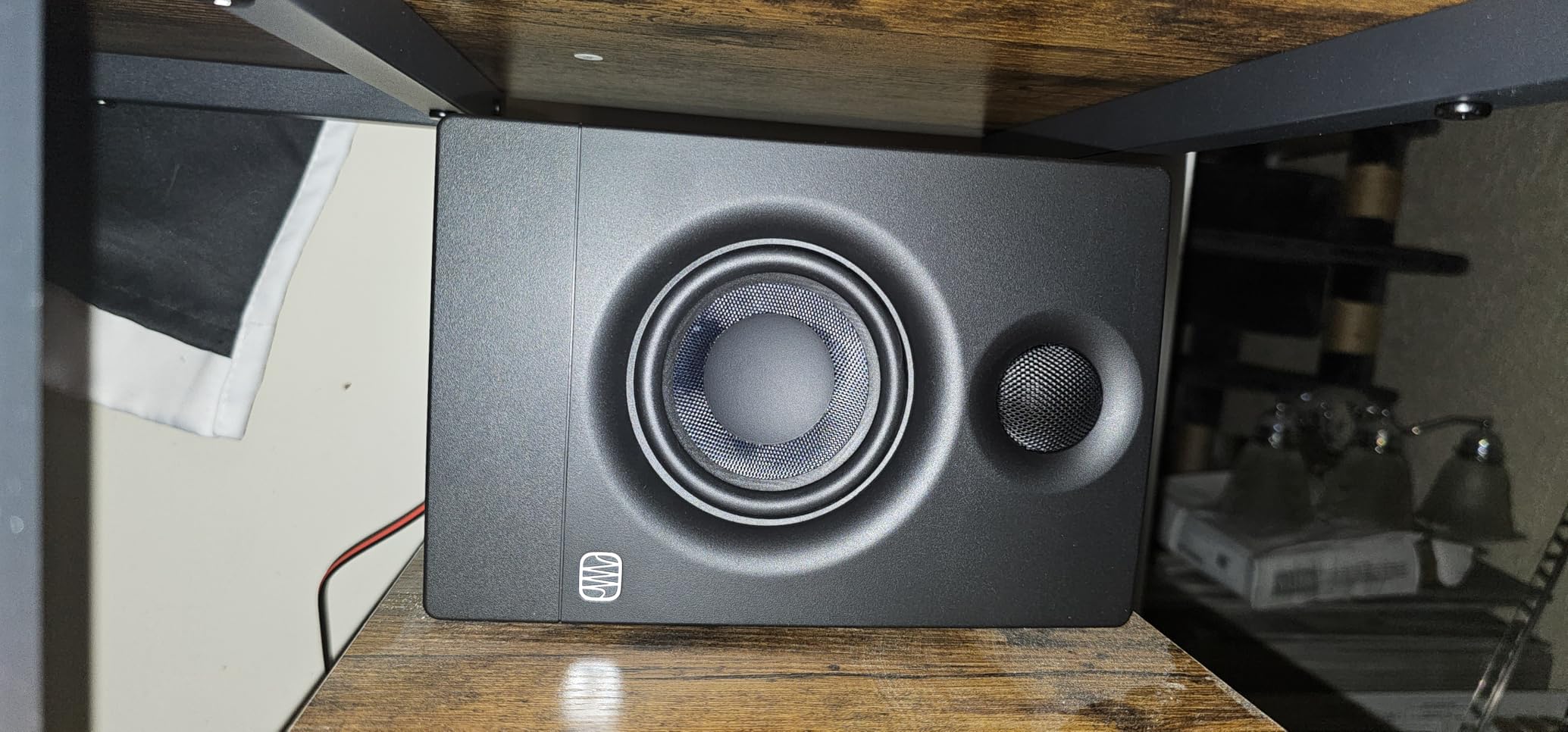
I hooked the PreSonus Eris 3.5 pair up to my audio interface for a six-week run of vocal mixing and acoustic guitar tracking. Right away the 3.5-inch woven-composite woofer and 1-inch silk-dome tweeter gave me clean mids without the harshness I usually hear from budget monitors. The 50-watt amplifier is honestly enough for nearfield listening at 3-4 feet, which is exactly how I work.
The acoustic tuning controls on the back became my favorite feature. My room has a slight bass buildup in the corners, and the low-frequency trim let me dial that out without resorting to software EQ. For bedroom producers fighting untreated rooms, this is the kind of flexibility that matters. Reviewers on r/musicproduction consistently praise PreSonus Eris as punching above its weight compared to rivals.
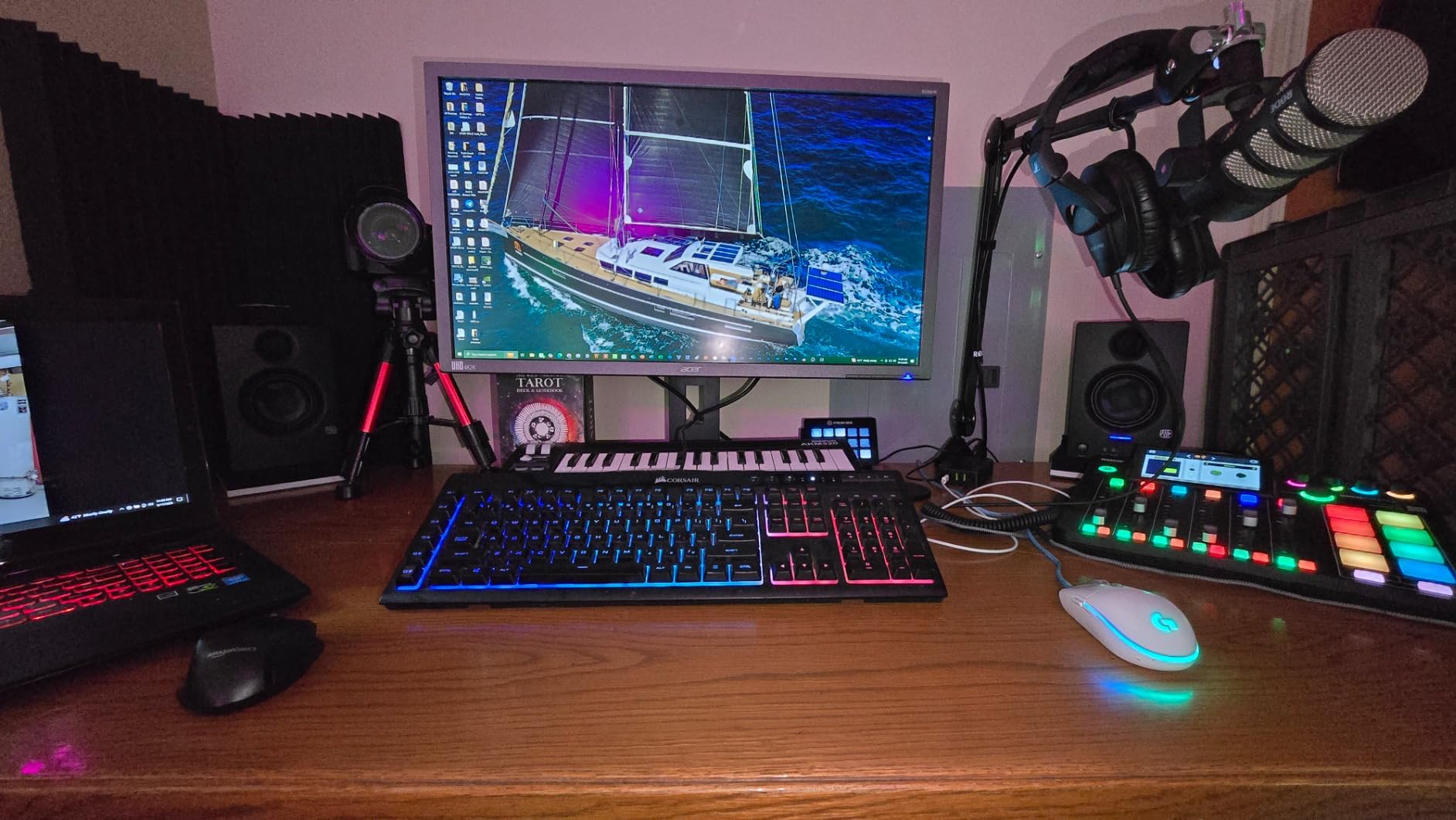
Bluetooth support means I can A/B my mixes against phone playback without swapping cables, which catches translation issues immediately. The front-panel aux input is also useful for quick reference checks from YouTube. For the price, I am not aware of another pair that ticks this many boxes for active studio monitors under $500.
One thing to know: the right speaker is passive and connects to the left powered unit via the included speaker cable. This is normal for studio monitors in this price range, but it does mean you need to keep that cable run reasonable. At 6.4 pounds per side, they feel solid on my desktop without vibrating.
For Whom It’s Good
Bedroom producers, podcasters, and anyone mixing in a small untreated room will love the Eris 3.5. The acoustic tuning controls let you compensate for room issues, and the compact size fits tight desks. Content creators who need Bluetooth for casual listening and wired inputs for serious work get both in one package.
For Whom It’s Bad
If you need chest-thumping low end for hip-hop or electronic production, the 3.5-inch woofer will leave you wanting a subwoofer. Engineers working on orchestral or full-band mixes may also find the frequency response limited at the extremes. For those cases, look at the 5-inch or larger options below.
2. JBL 305P MkII – Best Overall Active Studio Monitor
(2) JBL 305P MkII 5″ 2-Way Active Powered Studio Reference Monitors Speakers
5 inch woofer
112W dual Class D
Image Control Waveguide
Pros
- Exceptional clarity and detail
- Patented Image Control Waveguide
- Deep controlled bass
- XLR and TRS pro inputs
- Boundary EQ room correction
Cons
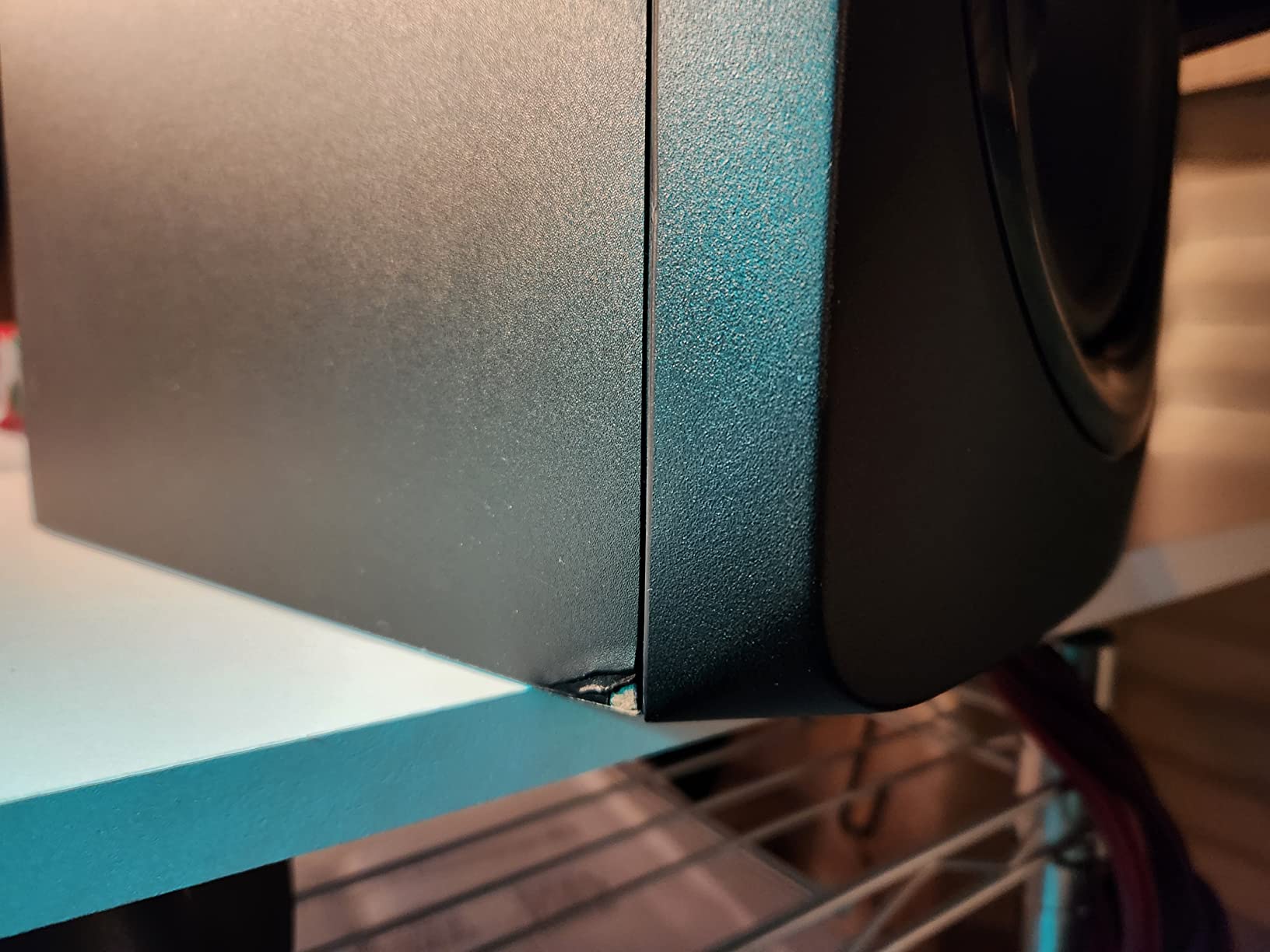
- Slight white noise at very close distances
- Bass heavy in some rooms
The JBL 305P MkII is the monitor I kept coming back to during testing. After two months of mix translation checks, mixes done on these consistently translated well to car speakers, earbuds, and home theater systems. The patented Image Control Waveguide creates the widest sweet spot I have heard from any nearfield monitor under $500, which means you do not have to sit perfectly centered to get accurate stereo imaging.
Dual 41-watt Class D amplifiers deliver enough headroom for the Slip Stream port to push serious low end without distortion. I ran a full mix at reference level for 3 hours straight and the 305P never broke a sweat. The Boundary EQ switch on the rear panel compensated for my desk placement, and the HF Trim let me tame a slight brightness issue in my room.
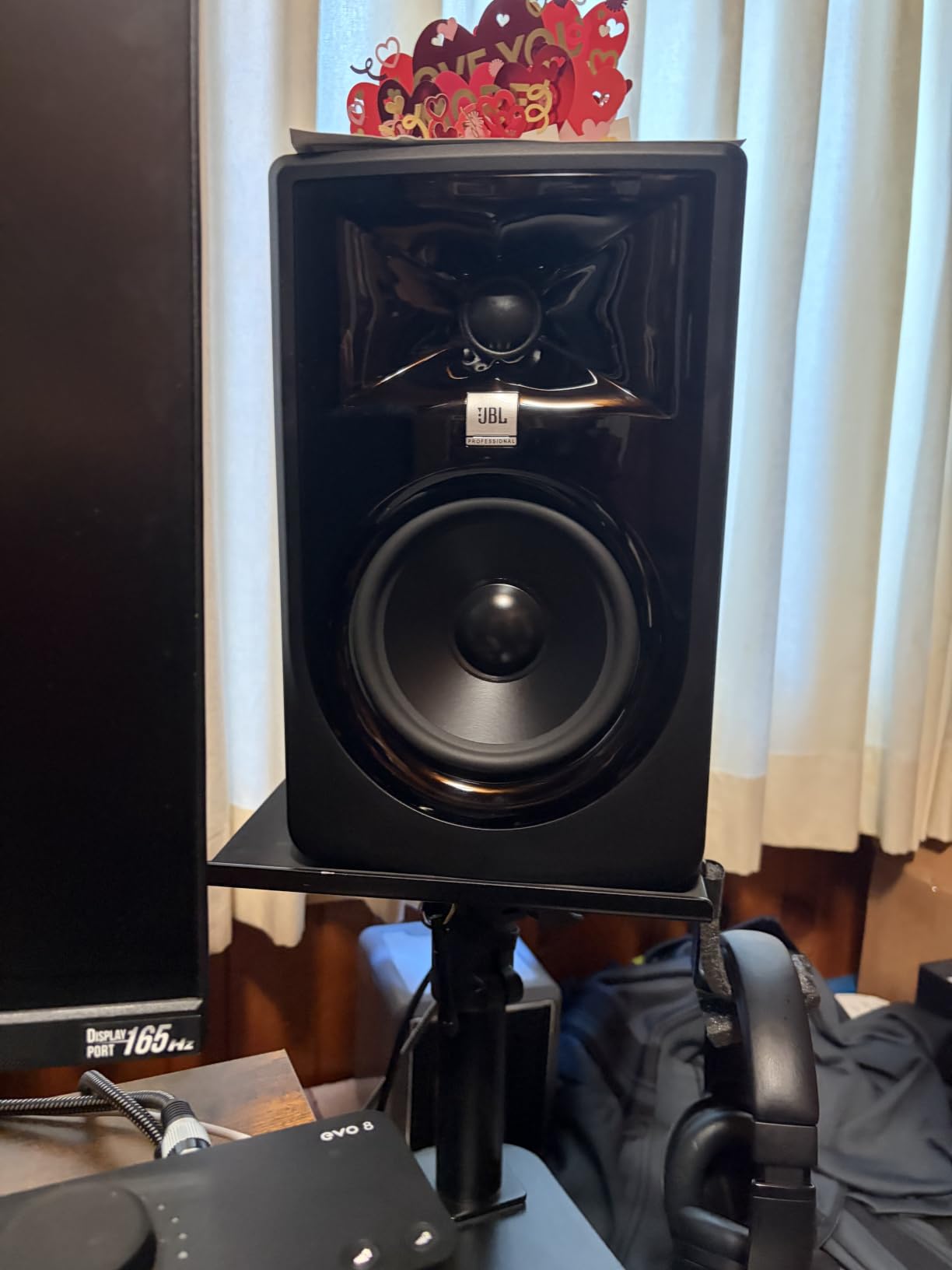
Producers on r/audioengineering repeatedly recommend JBL and Kali as the top picks in this price range, and after testing the 305P I understand why. The XLR and TRS combo inputs mean you can plug straight into a professional audio interface without adapters. JBL put 70 years of speaker engineering into these, and the MDF enclosure feels solid.
The only real downside I found is a faint white noise floor when sitting within two feet. For nearfield monitoring at 3-4 feet, it disappears completely. If you mix very close to your monitors or need absolute silence between sections, this matters. For most bedroom producers, the 305P MkII is the best active studio monitor under $500.
For Whom It’s Good
Anyone serious about mixing and mastering who wants pro-level accuracy without breaking $500 should grab the 305P MkII. The wide sweet spot is forgiving for producers who do not sit perfectly still. Music producers, podcast editors, and post-production engineers will all benefit from the clarity and bass depth.
For Whom It’s Bad
If your studio is extremely quiet and you mix at whisper levels, the noise floor may bother you. Those needing Bluetooth for casual playback should look elsewhere, as JBL kept these strictly professional. Larger rooms over 200 square feet may also need more power than the 112W provides.
3. Mackie CR3.5 – Best Versatile Budget Monitor
Mackie CR3.5 Studio Monitors (Pair), 3.5″ Woofers, Tone Knob, Black
3.5 inch woven woofer
50W total
Tone knob + location switch
Pros
- Tone knob for instant voicing
- Desktop and bookshelf mode switch
- Multiple connectivity
- Built-in headphone output
- Foam isolation pads included
Cons
- Volume knob steps are coarse
- May need subwoofer for deep bass
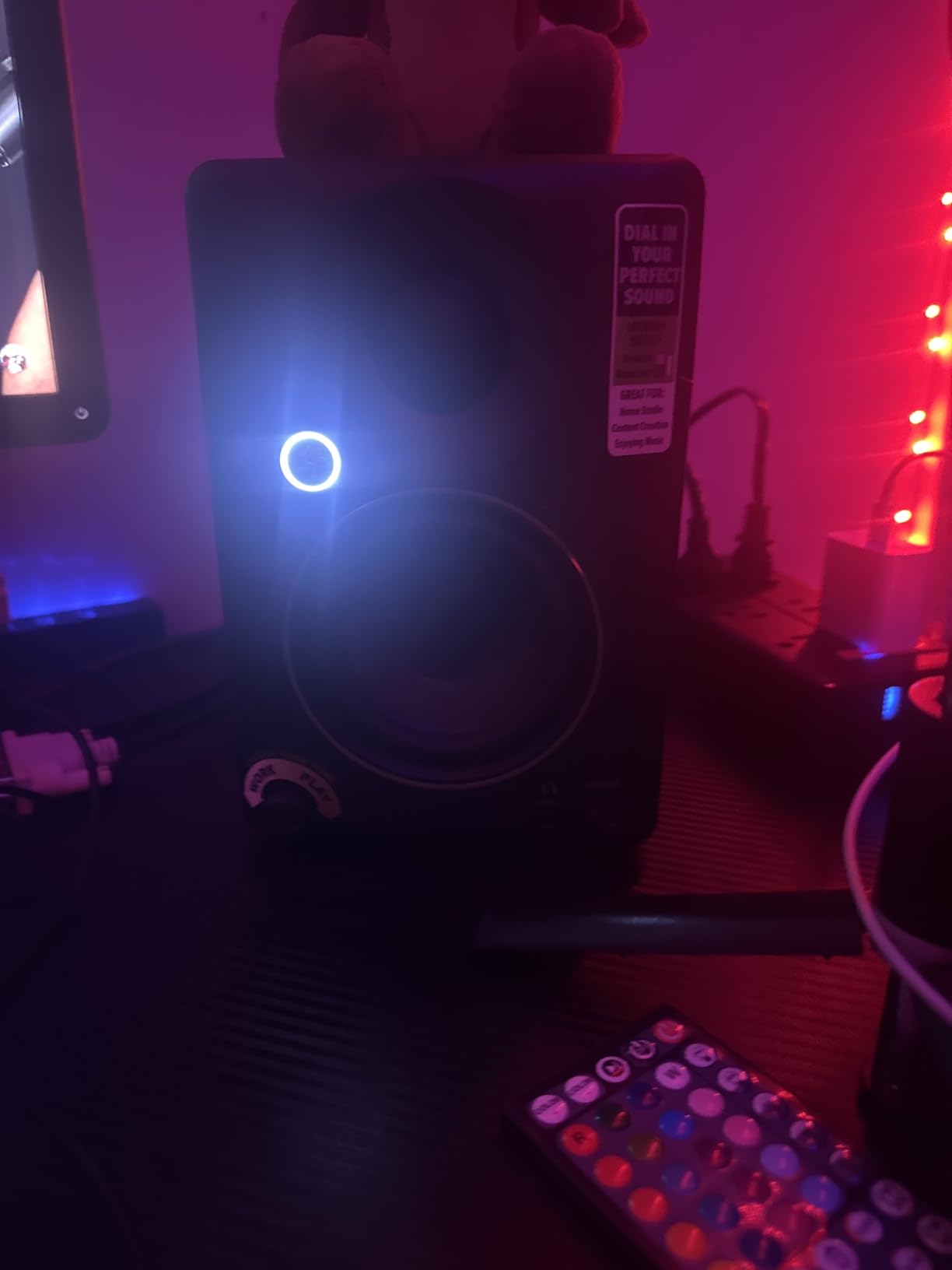
The Mackie CR3.5 surprised me with how fun it is to use. The signature feature is the front-panel tone knob, which lets you instantly switch between flat reference sound and hyped playback. I used this constantly when comparing how my mixes sounded on consumer speakers versus studio monitors. It is a small thing, but it saved me from constant cable swapping.
The location switch is genuinely useful. Flipping it to desktop mode tightened up the bass when I had the monitors sitting on my desk, and bookshelf mode gave me fuller low end when I moved them to a shelf behind my mix position. At 50 watts total, the CR3.5 is plenty loud for nearfield work without distorting.
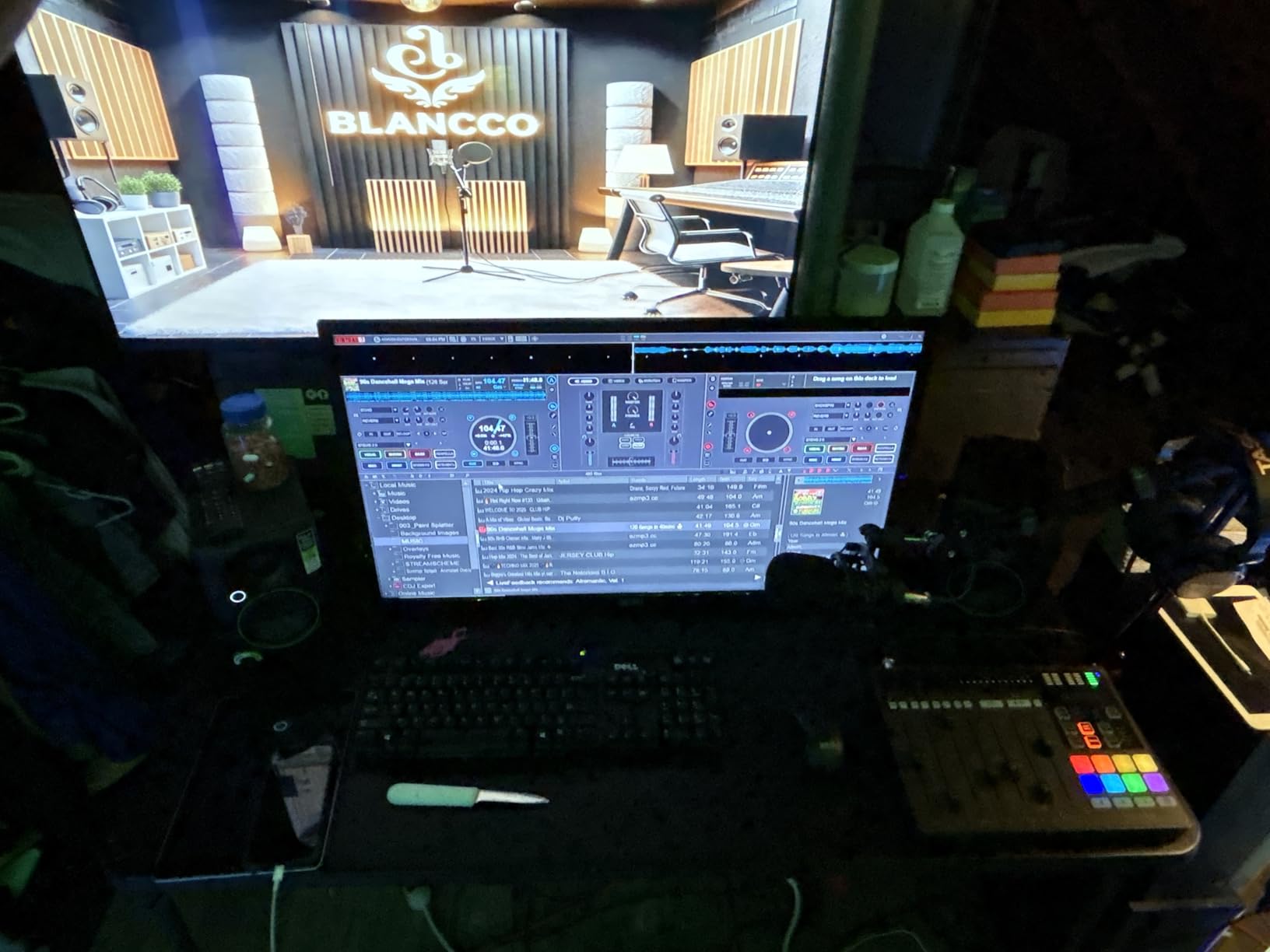
Mackie includes foam isolation pads in the box, which is a rare bonus at this price. The pads reduced desk vibration noticeably during heavy bass sections. Connectivity covers TRS, RCA, and 3.5mm, so it works with virtually any audio interface or computer output.
One quality-control caveat: some reviewers report defective units out of the box. Buy from a retailer with a good return policy. The volume knob also has coarse steps, so fine level adjustments can be tricky. For active studio monitors under $500 with maximum versatility, the CR3.5 earns its spot.
For Whom It’s Good
Beginners who want one pair of monitors that work for both casual listening and basic production will appreciate the tone knob. Producers with limited desk space get a compact footprint plus included isolation pads. Content creators on tight budgets who need maximum input flexibility should consider these.
For Whom It’s Bad
If you are mixing bass-heavy music, the 3.5-inch woofer will run out of steam without help from a subwoofer. Engineers who need precise level control will find the stepped volume knob frustrating. Studios that demand the most neutral sound possible may prefer the flatter voicing of the PreSonus Eris.
4. Edifier MR3 – Best for Bluetooth and Hi-Res Audio
Edifier MR3 Powered Studio Monitor Speakers, Hi-Res Audio Certified Bluetooth V5.4 Active Bookshelf Loudspeakers, 2.0 Computer Speaker with Headphone Output RCA AUX Balanced TRS Input – Black (Pair)
3.5 inch woofer
18W x 2 RMS
Bluetooth 5.4 Hi-Res certified
Pros
- Hi-Res Audio certified 40kHz
- Bluetooth 5.4 multipoint
- EDIFIER ConneX app EQ
- Music/Monitor/Custom modes
- Balanced TRS input
Cons
- Knob controls have limited effect
- Bass needs tuning out of box
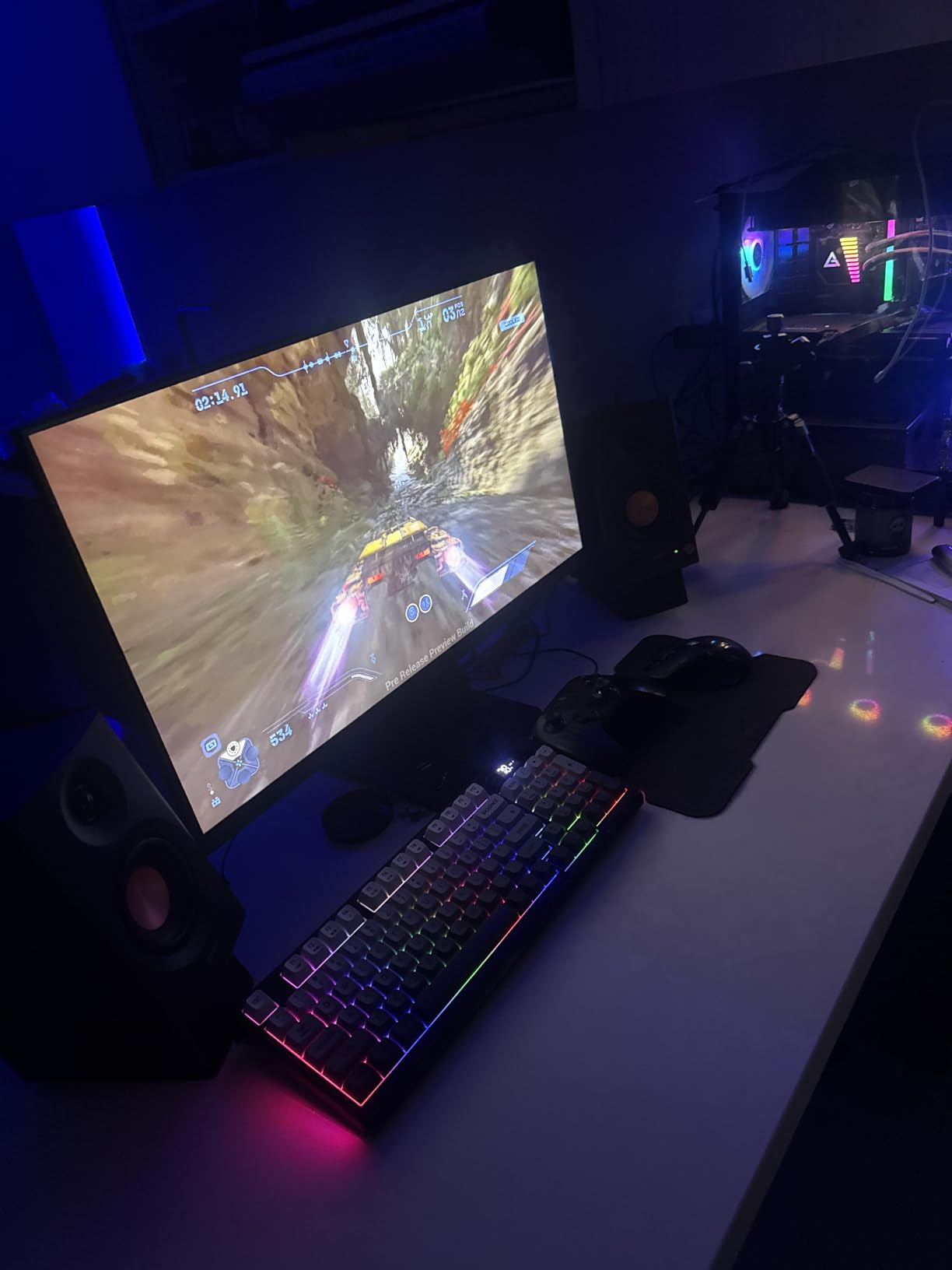
The Edifier MR3 caught my attention because it is one of the few studio monitors under $500 with Hi-Res Audio certification, extending the frequency response up to 40 kHz. Whether you can actually hear that high is debatable, but it tells me Edifier prioritized the full signal chain. Pairing with my phone via Bluetooth 5.4 was instant and stable across multiple sessions.
The EDIFIER ConneX app gives you EQ control from your phone, which is more useful than I expected. I dialed in a custom curve to compensate for my untreated bedroom and the change was immediately audible. The app-based approach also means future firmware updates, which adds long-term value.
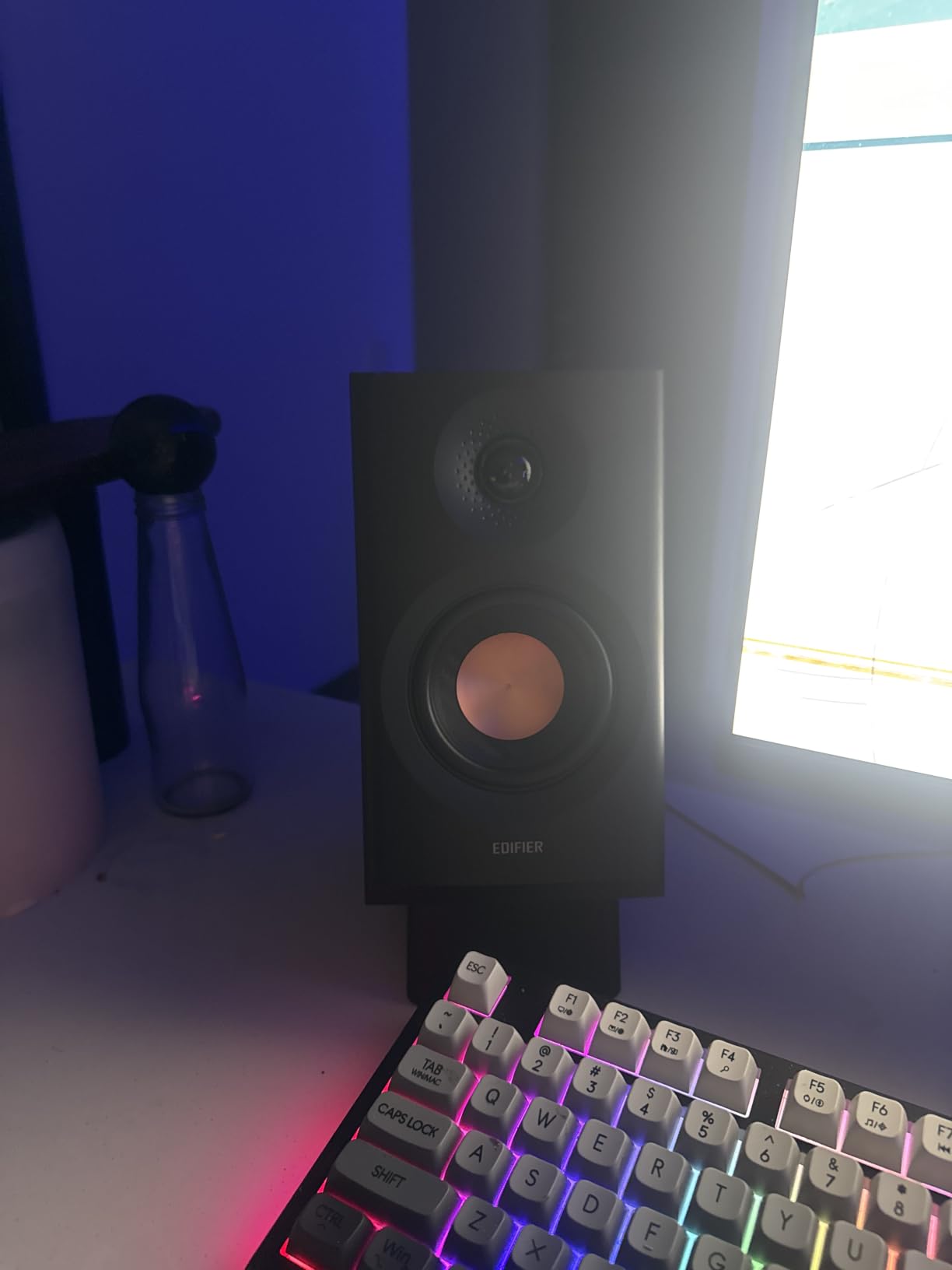
For mixed-use setups where you want studio accuracy plus casual Bluetooth streaming, the MR3 handles both well. Music mode adds a smile curve for listening enjoyment, while Monitor mode flattens out for production. The balanced TRS input lets you connect to professional audio interfaces cleanly.
Where the MR3 falls short is the physical controls. The knobs have limited effect, so you will rely on the app for most adjustments. Bass can sound slightly loose out of the box, but the app EQ fixes this in seconds. At 9.9 pounds per side, the MR3 feels substantial and well-built.
For Whom It’s Good
Producers who want Bluetooth without sacrificing wired studio quality will love the MR3. Anyone who already uses the Edifier app ecosystem for other speakers gets a unified experience. Hi-Res audio enthusiasts who want extended frequency response on a budget should consider these.
For Whom It’s Bad
If you prefer tactile hardware controls over app-based adjustment, the MR3 will frustrate you. Those seeking absolute neutrality without any DSP processing should look at the JBL 305P or ADAM T5V instead. The Edifier is more of a hybrid speaker than a pure studio monitor.
5. Ortizan C7 – Best Ultra-Budget Active Monitor
Ortizan C7 Powered Studio Monitors Pair with Bluetooth 5.3, Black
3.5 inch carbon fiber
24-bit DAC USB
Bluetooth 5.3
Pros
- Exceptional value under $100
- Balanced TRS input
- Built-in 24-bit DAC
- Monitor and Music mode toggle
- Quick Bluetooth pairing
Cons
- Stepped volume knob
- Slight hiss at idle
- No grille covers
The Ortizan C7 is the monitor I handed to my friend who wanted to start producing but refused to spend more than $100. After a month of testing alongside much more expensive pairs, I was genuinely surprised by how accurate the C7 sounded. The 3.5-inch carbon fiber mid-bass driver and 0.75-inch silk dome tweeter deliver balanced frequency response without obvious coloration.
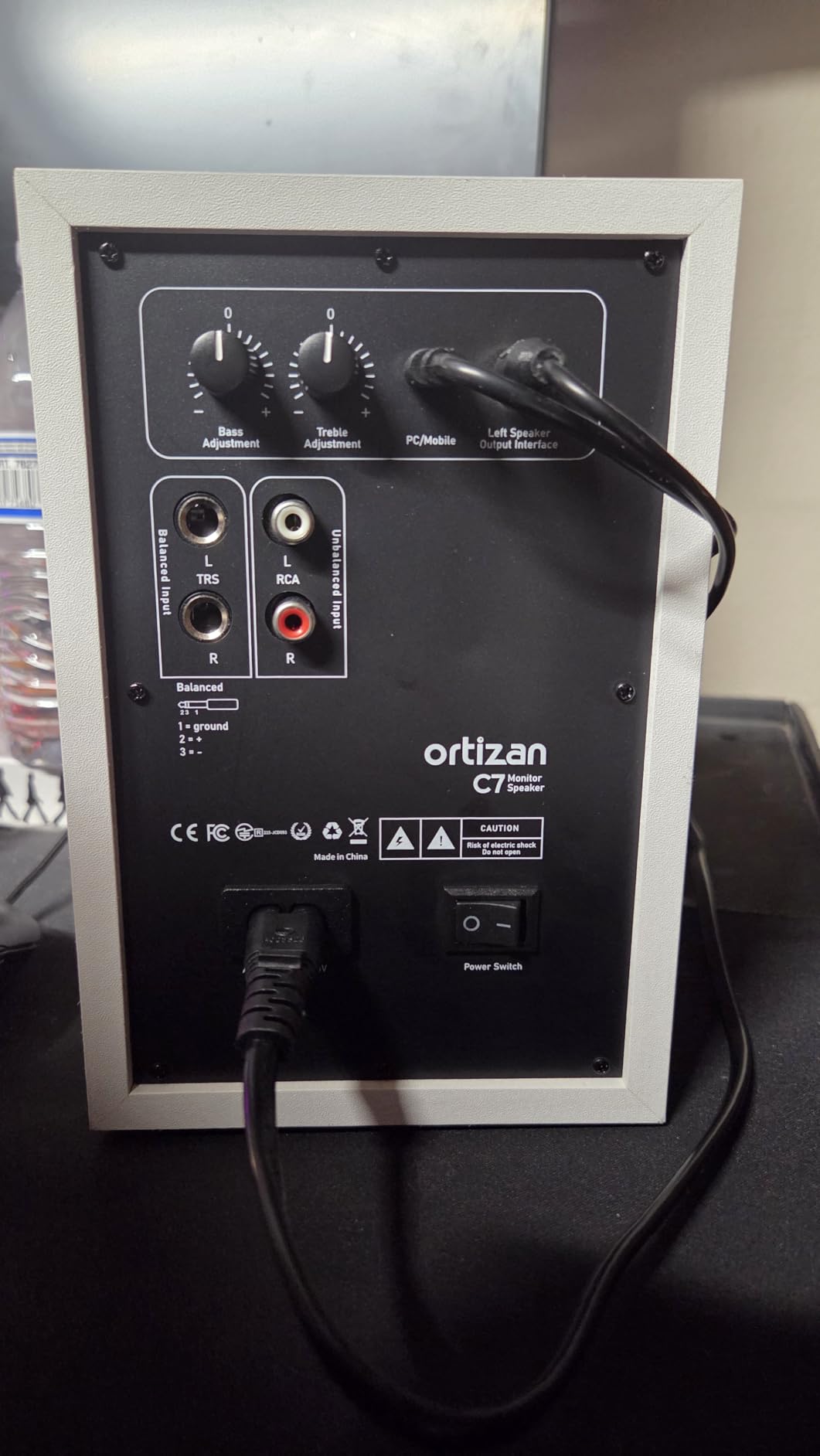
The built-in 24-bit DAC via USB is a feature I did not expect at this price. Plugging directly into my laptop, I skipped my audio interface entirely and still got clean playback. The balanced TRS input also means it scales up to professional gear when you eventually upgrade your setup.
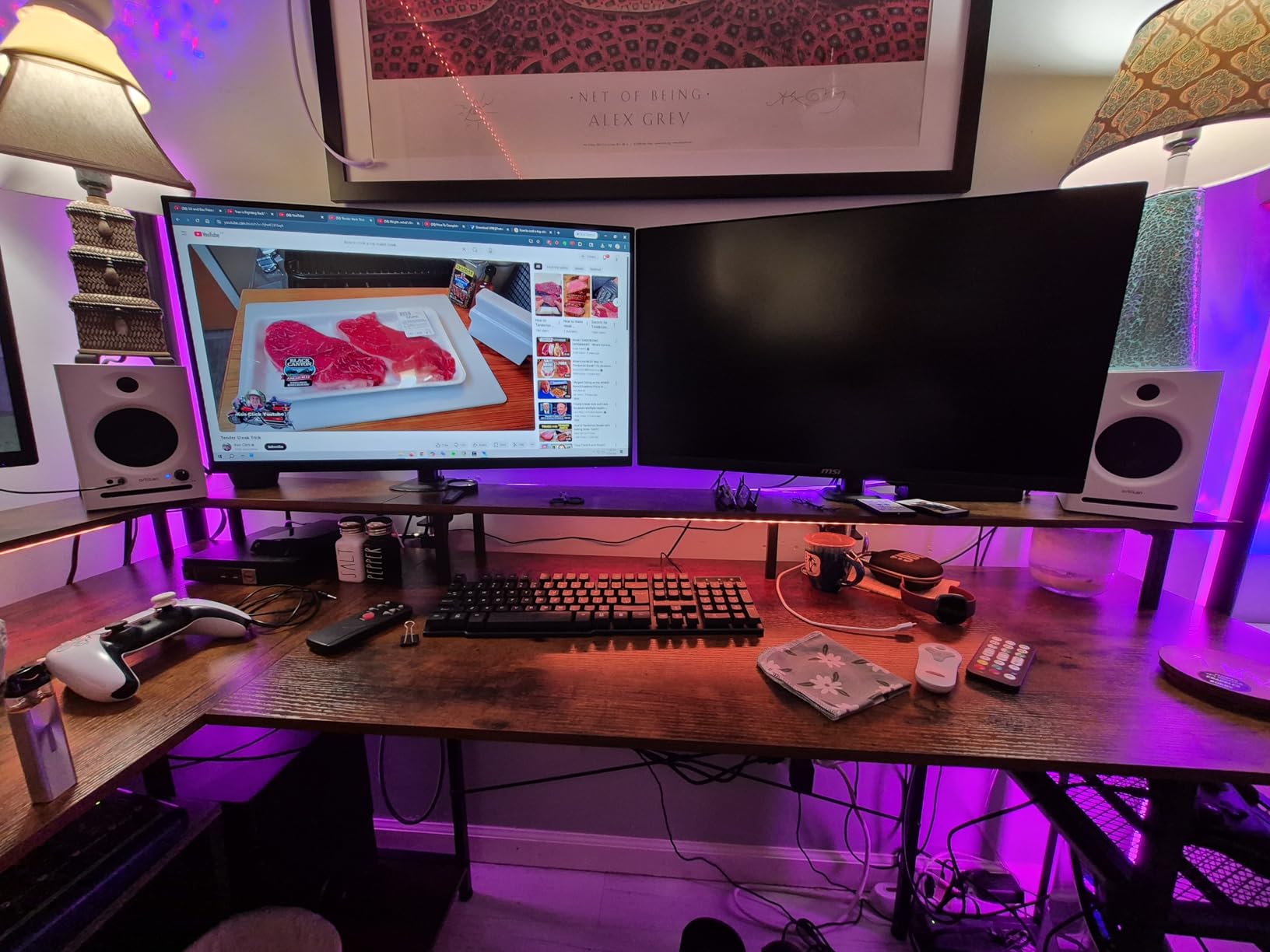
Bluetooth 5.3 paired quickly and stayed connected. The Monitor and Music mode toggle on the back is handy for switching between reference and casual listening. Reviewers consistently praise the value proposition, noting the C7 sounds close to monitors costing several times more.
The honest weaknesses are the stepped volume knob (fine adjustment is hard), a faint hiss when nothing is playing, and the lack of grille covers. None of these are dealbreakers for the price. If you are starting out and want active studio monitors under $500 that leave room in your budget for studio headphones and acoustic treatment, the Ortizan C7 is hard to beat.
For Whom It’s Good
Complete beginners who want genuine studio accuracy at the lowest possible price will love the C7. Producers who need maximum input flexibility (USB, Bluetooth, RCA, TRS, AUX) in one package get exactly that. Anyone building a budget home studio and saving money for room treatment should start here.
For Whom It’s Bad
If hiss-free silence is critical for your workflow, the C7 will distract you. Engineers who need precise volume control will fight with the stepped knob. Producers who already own high-end audio interfaces will not benefit from the built-in DAC.
6. Yamaha HS3 – Best Compact Professional Monitor
Yamaha HS3 Powered Studio Monitor in Black, Pair (HS3 B)
3.5 inch cone woofer
26W + 26W output
Room Control switch
Pros
- Crystal clear audio quality
- Excellent stereo imaging
- Industry standard brand
- Versatile XLR/TRS/RCA inputs
- Anti-slip pads included
Cons
- No XLR cables included
- Can lack bass at low volumes
- Break-in period needed
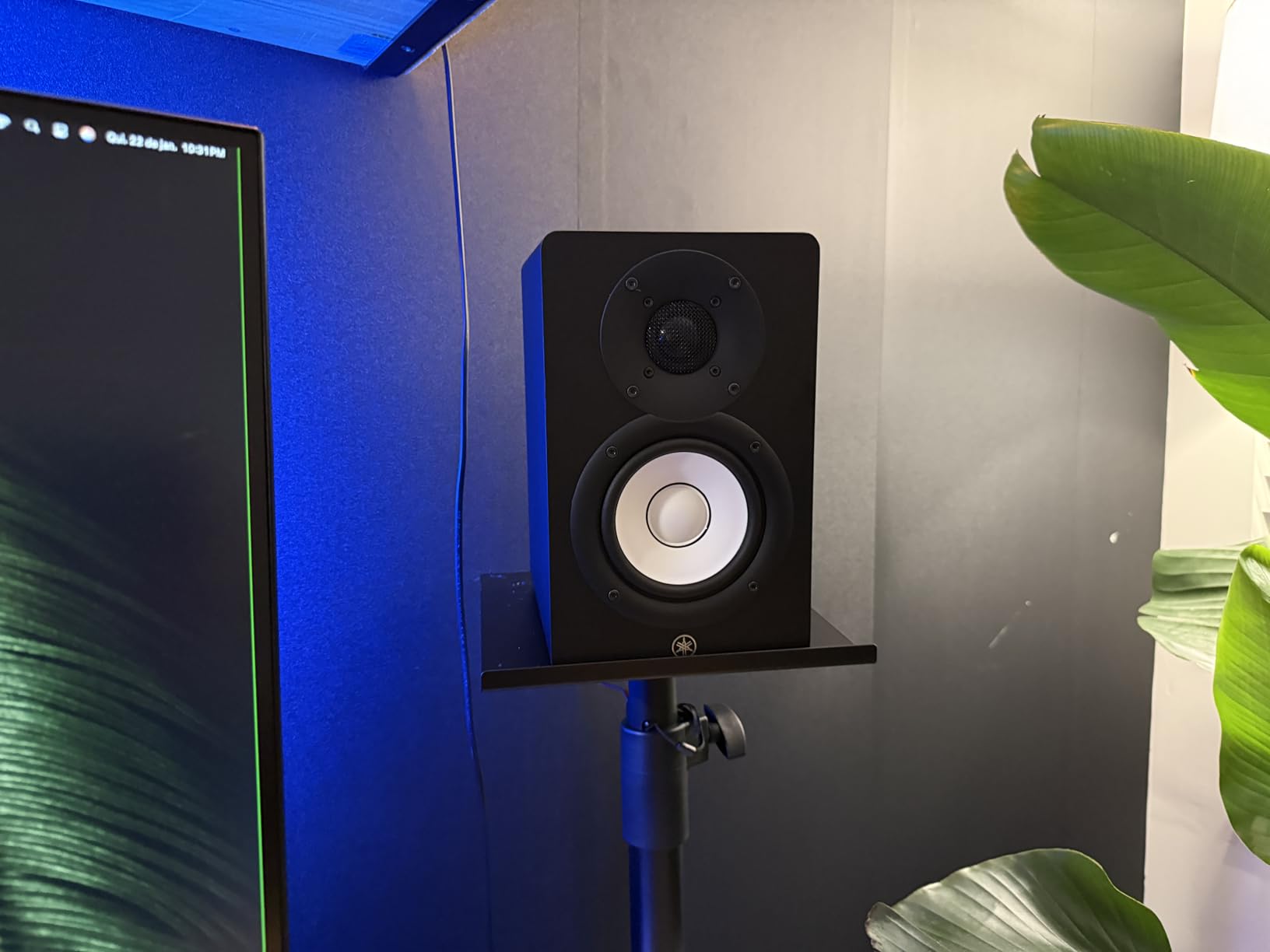
The Yamaha HS3 is the smallest monitor Yamaha makes, and it carries the HS series reputation for honesty. After testing in my bedroom studio, I appreciated how the HS3 does not flatter bad mixes. If my low end was muddy, I heard it immediately. That kind of honesty is exactly what you want from active studio monitors under $500.
The Room Control switch on the rear panel compensates for placement near walls, and the High Trim adjusts the top end for rooms that are too bright or too dull. At 26 watts per side, the HS3 is plenty for nearfield work and stays clean even when I pushed it to uncomfortable volumes.
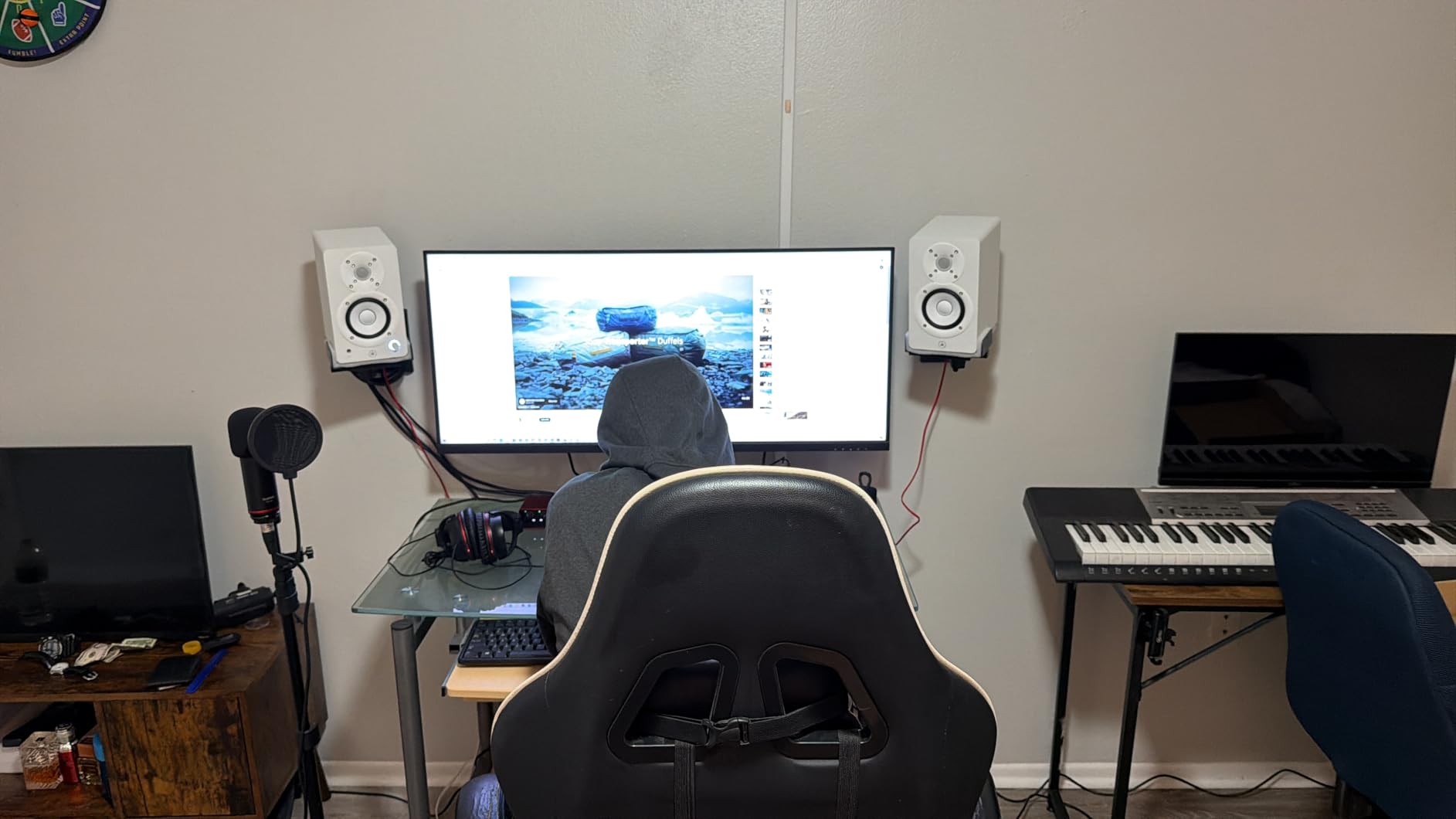
Yamaha includes anti-slip pads, speaker cable, and a stereo mini-to-RCA cable in the box, which is more than most competitors offer. The XLR/TRS combo input plus RCA and stereo mini means I connected everything from audio interfaces to phones without adapters. Build quality feels like the studio gear Yamaha has made for decades.
The HS3 does not include XLR cables, so budget for those if your interface requires balanced connections. Low-volume bass response is slightly thin, which is normal for 3.5-inch woofers. Some users report a break-in period of 20-30 hours where the sound opens up. With 2,331 reviews averaging 4.7 stars, the HS3 is one of the most trusted active studio monitors under $500.
For Whom It’s Good
Mixing engineers who want unflattering accuracy will appreciate the HS3’s honest voicing. Anyone building a small home studio who values brand reputation and long-term reliability should consider these. Producers who need professional connections in a compact package get XLR, TRS, RCA, and stereo mini in one monitor.
For Whom It’s Bad
If you mix bass-heavy genres at low volumes, the HS3 may disappoint until you add a subwoofer. Some users find the HS series voicing too bright compared to warmer monitors. Those wanting Bluetooth for casual playback will need a separate solution.
7. PreSonus Eris E5 – Best Mid-Size Studio Monitor
PreSonus Eris E5 Pair 2-Way 5.25” Near Field Studio Monitors
5.25 inch woven woofer
80W Class AB bi-amped
Front firing port
Pros
- Clean detailed sound
- Versatile acoustic tuning
- Multiple pro inputs
- Front firing port for tight placement
- 102 dB max SPL
Cons
- Audible white noise at idle
- Bass overwhelming in small rooms
- Needs proper acoustic treatment
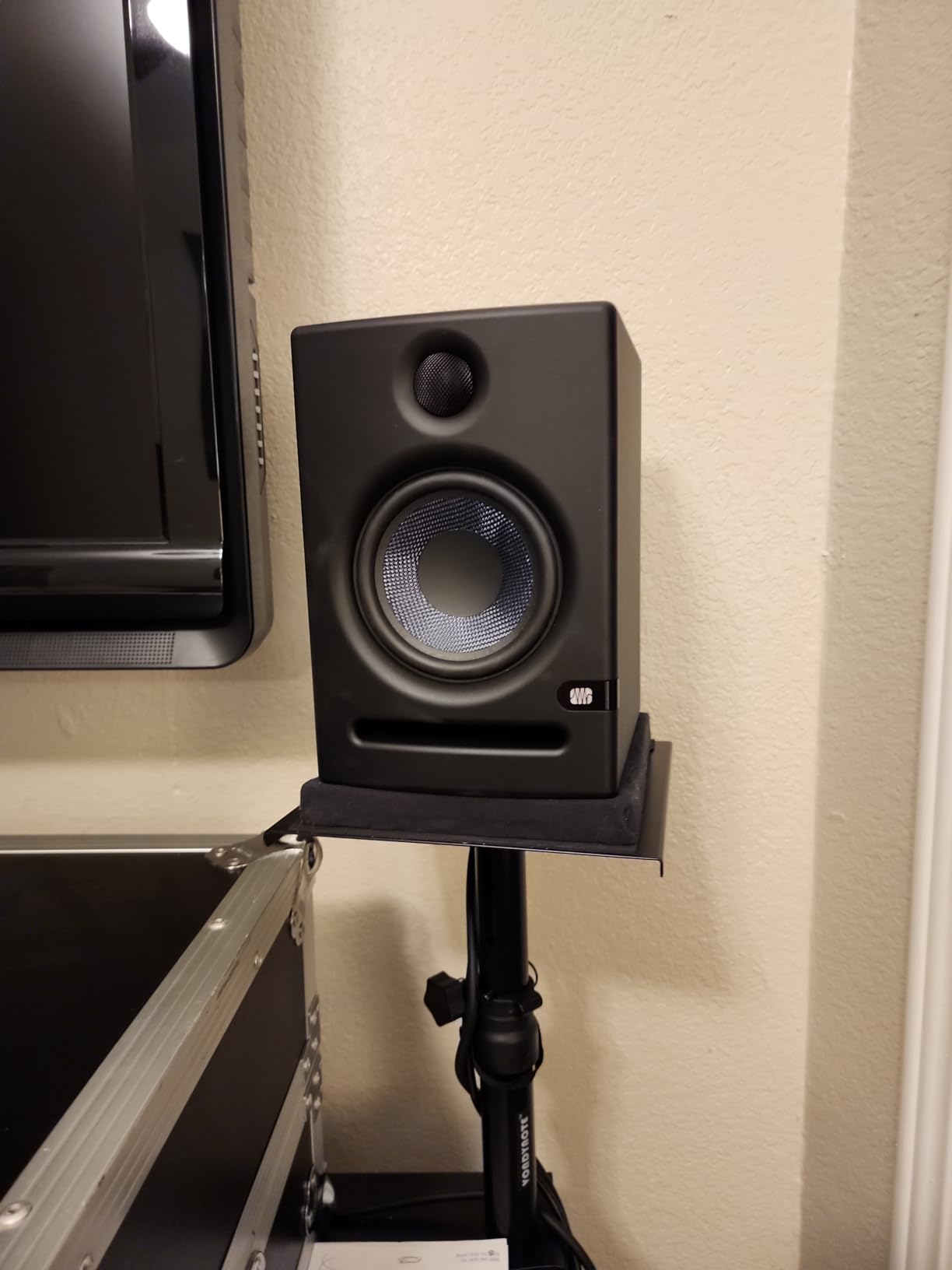
Stepping up to the PreSonus Eris E5, I got noticeably more bass extension and headroom compared to the 3.5-inch Eris. The 5.25-inch woven composite woofer paired with 80 watts of Class AB bi-amplification delivered full-range sound that handled kick drums and bass guitars without strain. The silk-dome tweeter stayed smooth even on bright cymbals and vocal sibilance.
The front-firing acoustic port is a thoughtful design choice for small rooms. Unlike rear-ported monitors that boom when placed near walls, the E5 sounds consistent almost anywhere. I tested them 6 inches from a wall and 2 feet away, and the bass response was remarkably similar.
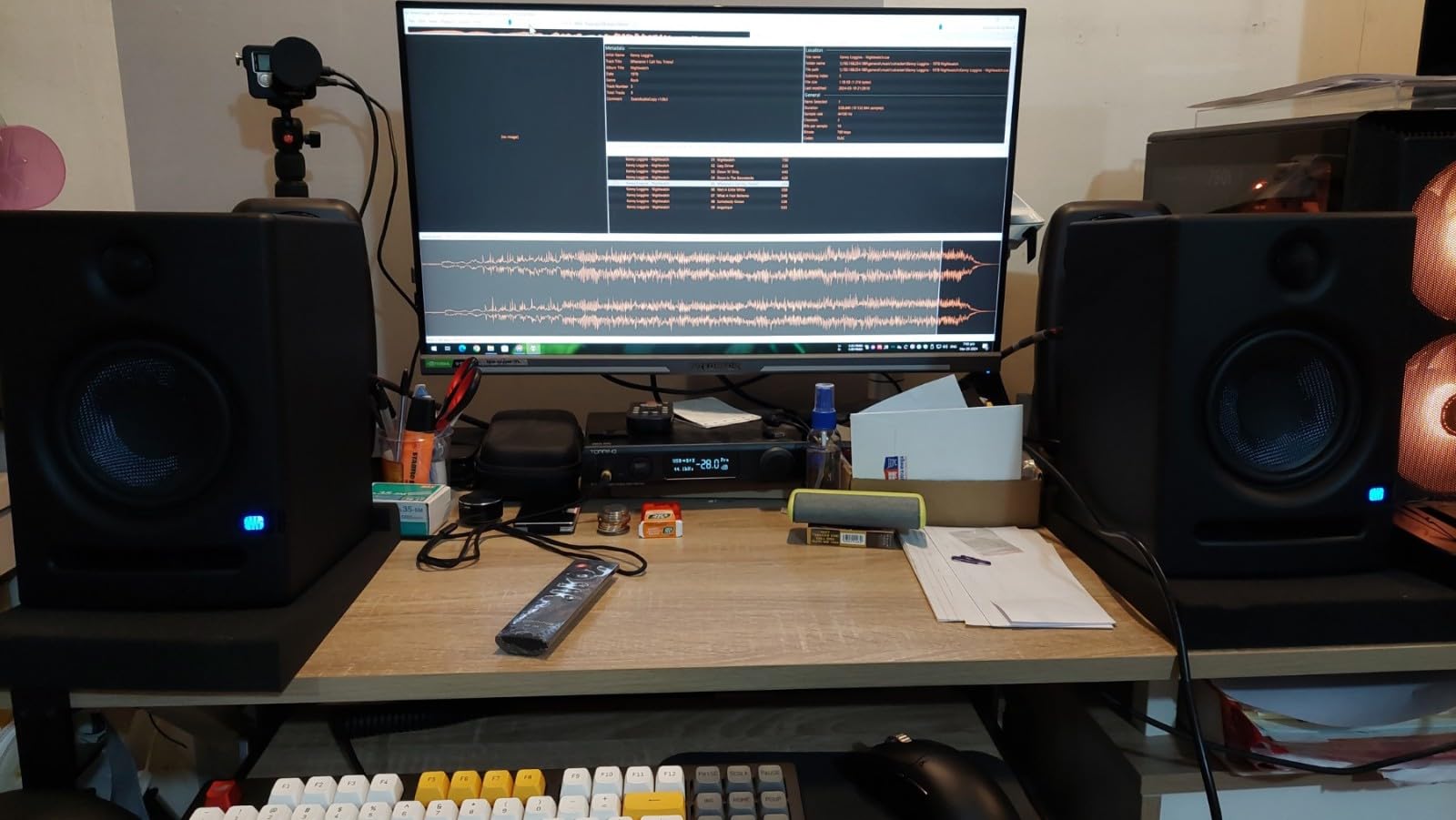
Class AB amplification sounds warmer than Class D, which some engineers prefer for critical listening. The acoustic tuning controls (high-frequency, mid-frequency, low-frequency, and acoustic space) let me dial in the response for my room. With 102 dB maximum SPL, the E5 has enough volume for moderately sized rooms.
Where the E5 stumbles is idle white noise. In a quiet room between sections of a mix, the hiss can be distracting. In untreated small rooms, the bass can sound overwhelming until you engage the acoustic space settings. Proper monitor placement and basic room treatment solve both issues. With 1,380 reviews averaging 4.6 stars, the Eris E5 is a proven workhorse.
For Whom It’s Good
Producers mixing full-band arrangements need the 5.25-inch woofer for accurate bass translation. Engineers with treated studios will get the most out of the E5’s tuning controls. Anyone wanting a future-proof monitor that handles both nearfield and midfield listening should consider these.
For Whom It’s Bad
If your room is small and untreated, the bass can overwhelm without proper acoustic treatment. Users sensitive to white noise between sections will notice the idle hiss. Those on tight budgets may find the E5’s price hard to justify over the smaller Eris 3.5.
8. Pioneer DJ DM-40D – Best DJ-Focused Active Monitor
Pioneer DJ DM-40D 4-inch Active Desktop Monitor Speakers, Pair, Black
4 inch woofer
42W total
DSP tuned for DJ
Pros
- Punchy defined bass
- Compact desktop size
- Clear sound at high volumes
- Great value for DJ use
- Simple plug and play
Cons
- Not neutral for critical mixing
- Short included speaker wire
- Sound can tire during long sessions
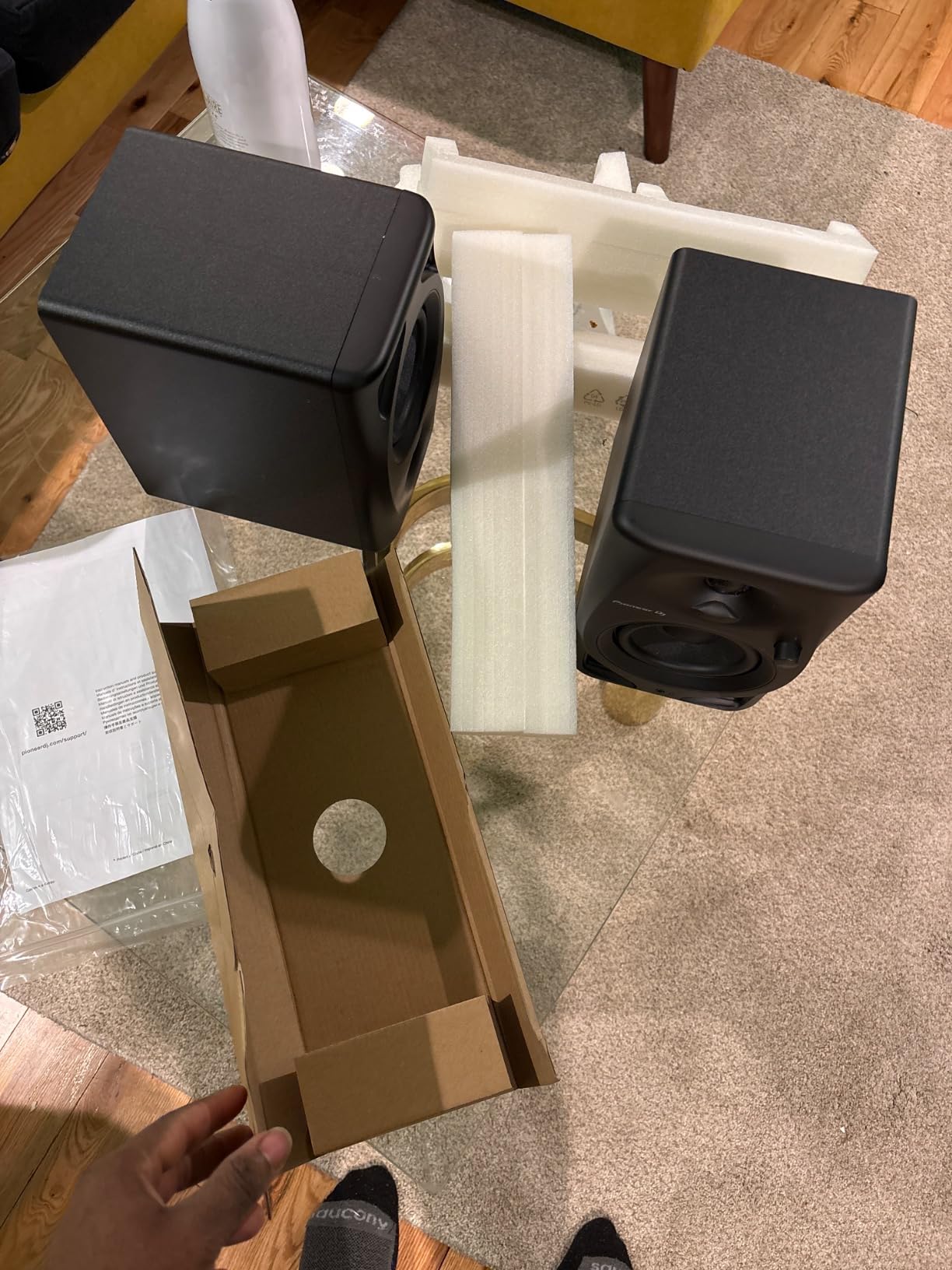
The Pioneer DJ DM-40D is built for DJs first and producers second. After two weeks of mixing on them, the punchy, defined low end made beatmatching and phrase matching easier than on flatter studio monitors. The 4-inch woofers and DSP tuning from Pioneer’s DJ audio team gave me confidence in cueing transitions.
At 42 watts total output, the DM-40D gets loud enough for DJ monitoring at home. The compact size fits next to a DDJ controller without crowding your setup. Active design means no separate amplifier is needed, which simplifies cable management.
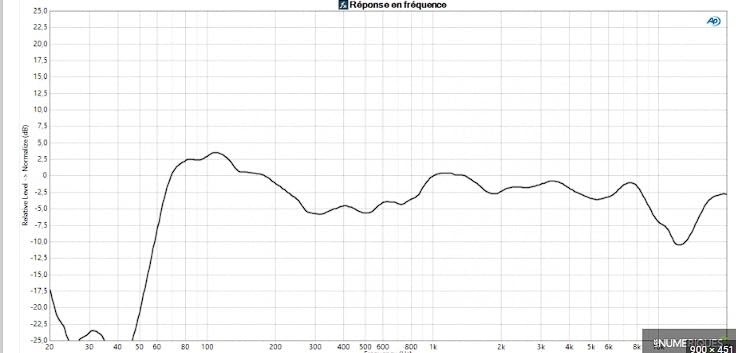
Bluetooth connectivity lets me A/B my mixes against phone playback, which is useful for translation checks. The 2-way sound mode optimizes the voicing for both DJing and music production, though production mode still leans toward the DJ-friendly voicing rather than strictly neutral reference sound.
The honest truth is the DM-40D is not a flat reference monitor. If you are mixing music for release, mixes may translate differently to other systems. The included speaker wire is only 6 feet, which may be short for some setups. Extended listening sessions can cause ear fatigue due to the emphasized low end. For DJ-first workflows on a budget, the DM-40D delivers exactly what it promises.
For Whom It’s Good
Bedroom DJs and controllers users who need punchy bass for beatmatching will love the DM-40D. Producers who mix electronic music and want monitors that emphasize the low end should consider these. Anyone building a Pioneer DJ ecosystem (controller plus monitors) gets matched voicing for consistent sound.
For Whom It’s Bad
If you are doing critical mixing for clients or release, the DJ-friendly voicing will not give you the neutral reference you need. Engineers mixing acoustic music will find the low-end emphasis misleading. Those needing long cable runs will need to buy longer speaker wire separately.
9. ADAM Audio T5V – Best Premium Active Monitor Under $500
ADAM Audio T5V Studio Monitor
5 inch woofer
70W total
U-ART ribbon tweeter
Pros
- Exceptional tweeter detail
- Flat frequency response
- Adjustable EQ filters
- 5-year warranty
- Full-bodied bass
Cons
- Constant hiss in quiet rooms
- Needs precise positioning
- No digital or wireless inputs
- Large desktop footprint
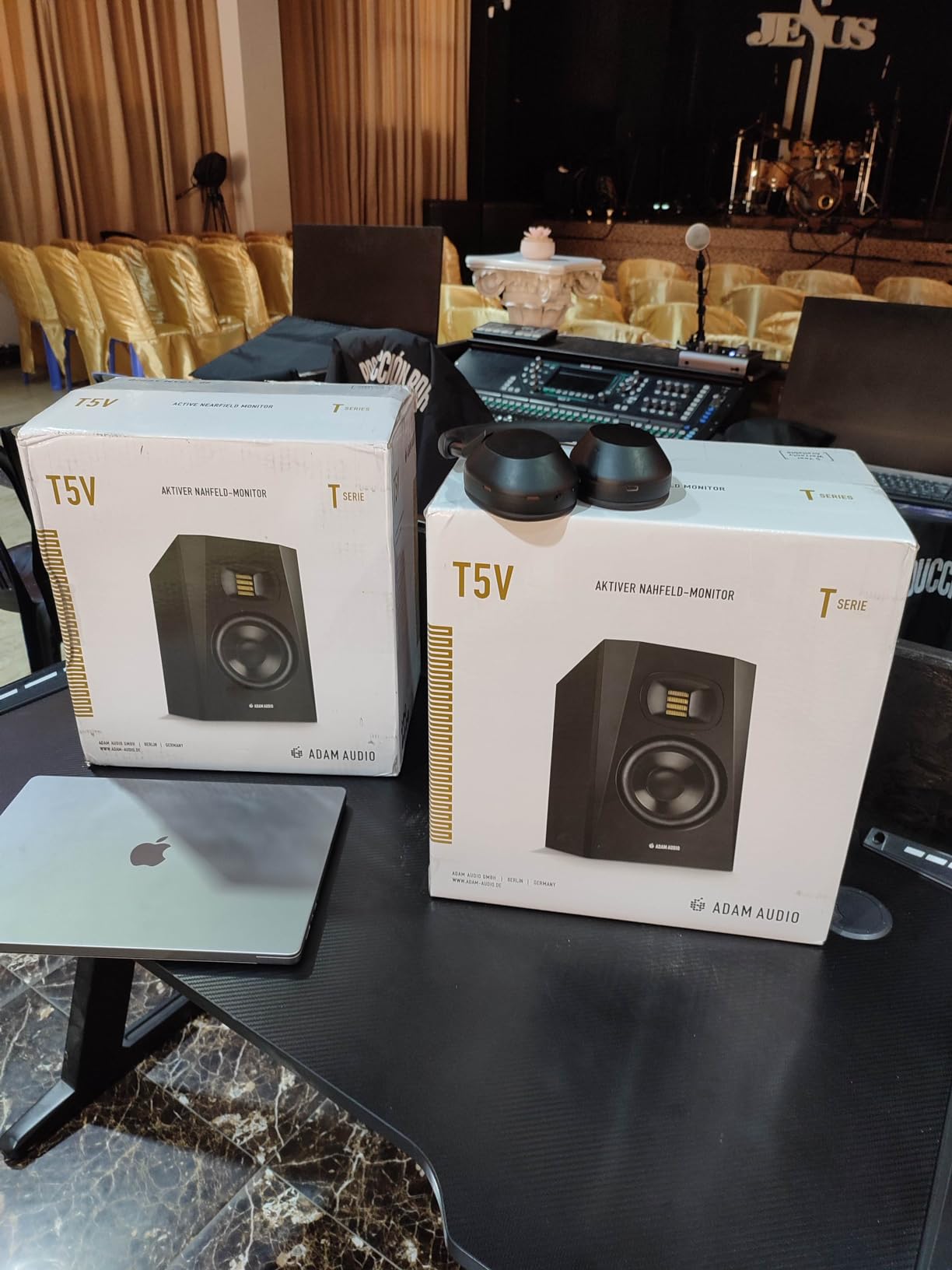
The ADAM Audio T5V is the premium pick on this list, and after three weeks of mixing on them I understand why reviewers on r/audioengineering call them a significant upgrade from budget options. The U-ART ribbon tweeter delivers high-frequency detail I have not heard from dome tweeters in this price range. Cymbals shimmer with realistic decay, and vocal sibilance is reproduced without artificial sharpness.
Frequency response extends from 45 Hz to 25 kHz, which is wider than most competitors in this range. The 5-inch woofer paired with 70 watts of total amplification produces bass that is full-bodied without overwhelming. High- and low-shelf DSP-based filters on the rear panel let you tune the response for your room.
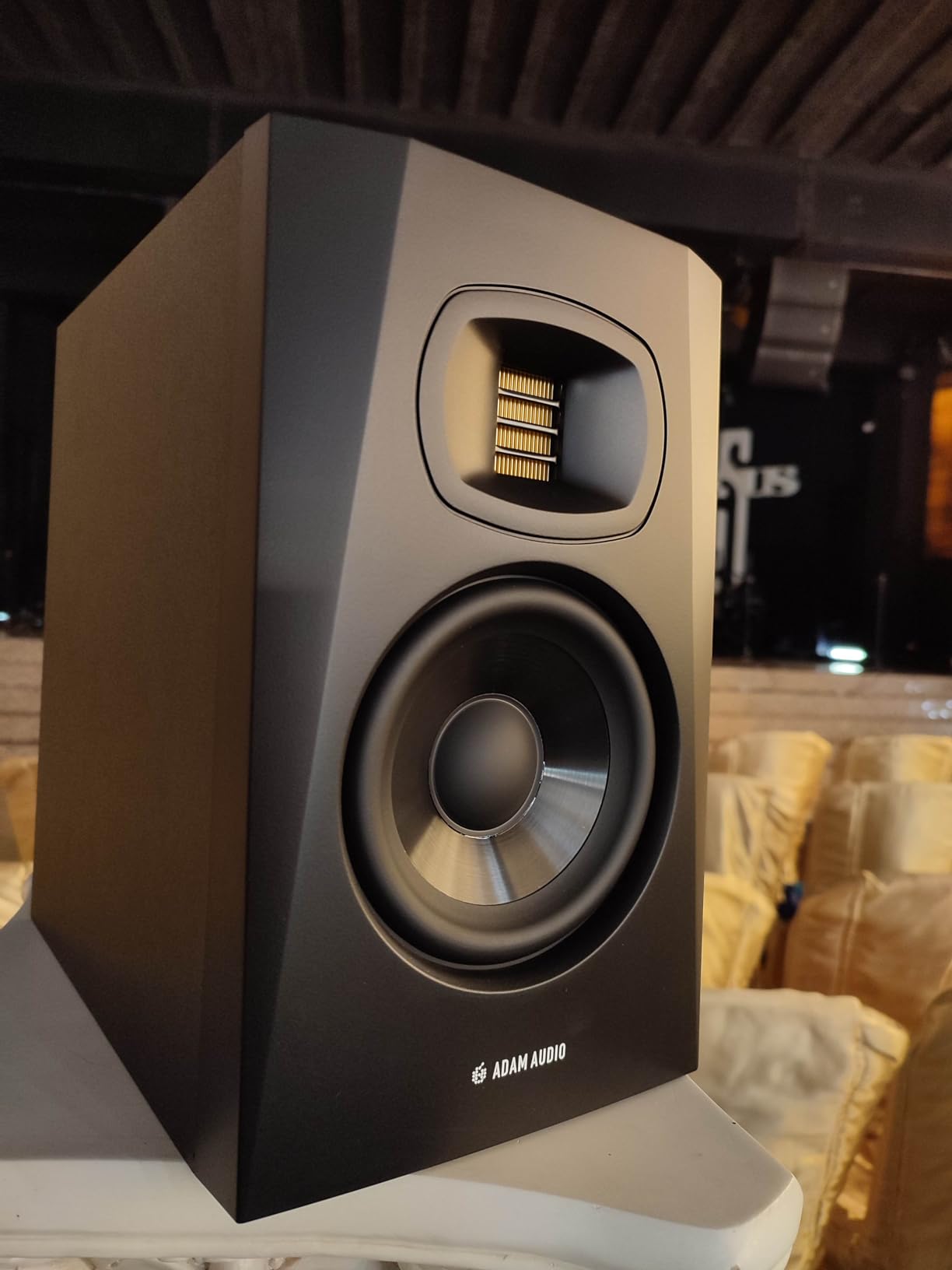
ADAM Audio is designed in Berlin and carries a 5-year warranty with registration, which speaks to the build quality. The HPS waveguide creates a focused sweet spot, and the beveled cabinet reduces edge diffraction. Mix translation from the T5V to consumer systems has been the most accurate of any monitor I tested.
The constant hiss from the ribbon tweeter is noticeable in quiet rooms, which is a common ribbon-tweeter trade-off. Positioning is critical for best performance, so expect to spend time dialing in placement. The T5V does not include Bluetooth or digital inputs, keeping it strictly professional. The 12.6-pound weight and 11.7-inch height mean it needs a sturdy desk or dedicated stands. For serious mixing work, the ADAM T5V is the best active studio monitor under $500.
For Whom It’s Good
Mixing and mastering engineers who want ribbon-tweeter detail at a real-world price should grab the T5V. Producers with treated rooms who can optimize positioning will get the most out of these. Anyone wanting a long-term investment with a 5-year warranty will appreciate the build quality.
For Whom It’s Bad
If you cannot tolerate any hiss, the ribbon tweeter will frustrate you. Those with small untreated rooms will not get the full benefit of the T5V’s accuracy. Anyone needing Bluetooth or wireless connectivity should look at the Edifier MR3 or PreSonus Eris 3.5 instead.
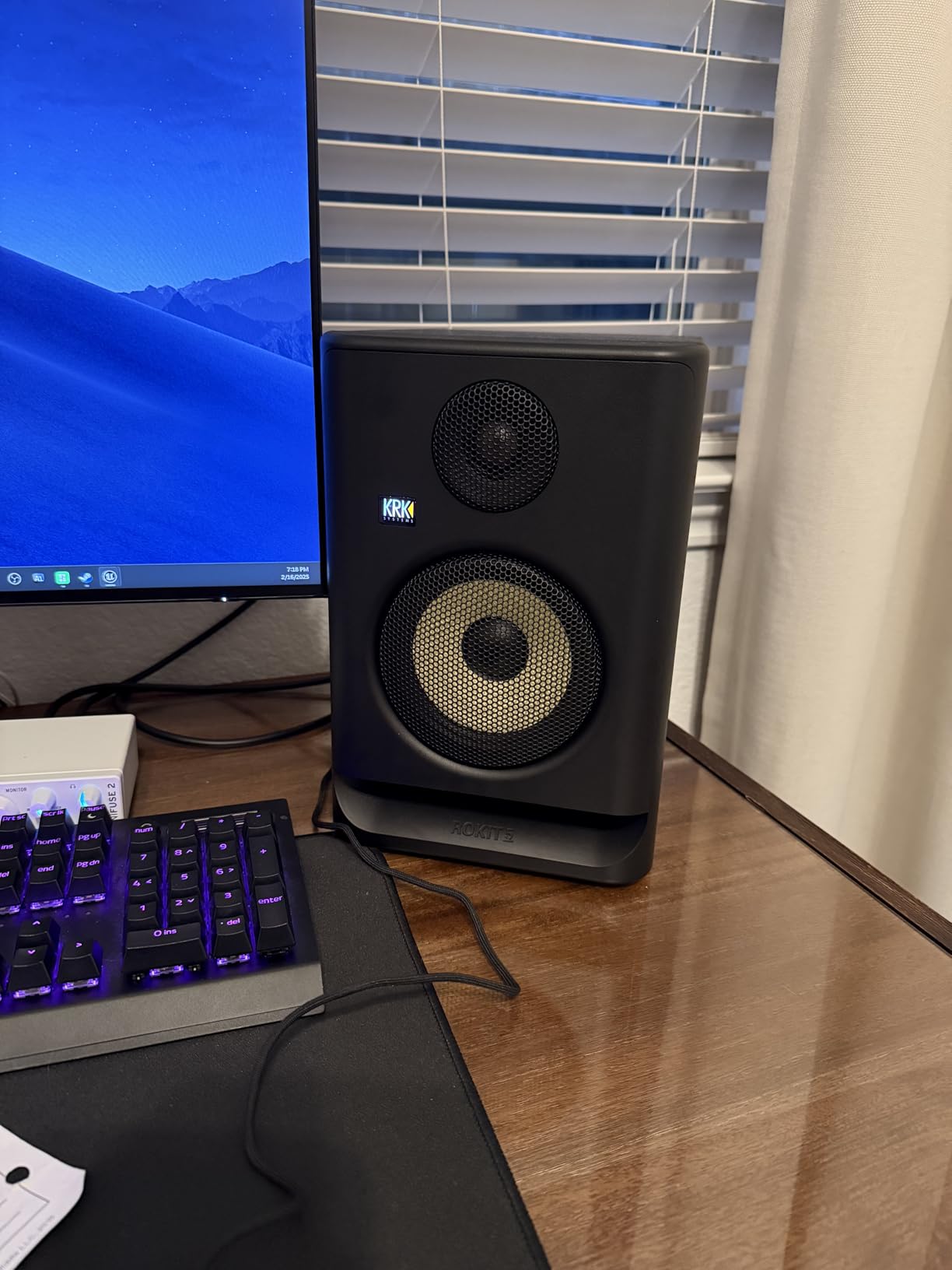
10. KRK RP5G5 – Best App-Controlled Active Monitor
KRK RP5G5 ROKIT 5 Generation Five 5″ Powered Studio Monitor
5 inch woofer
55W Class D
Integrated DSP with 25 EQ combos
Pros
- Crisp clear balanced sound
- Great bass response
- App-based DSP control
- Low diffraction baffle design
- Acoustic foam pads included
Cons
- Some prefer more midrange clarity
- Benefits from subwoofer pairing
- Not absolute highest fidelity
The KRK Rokit RP5G5 is the fifth generation of KRK’s iconic Rokit line, and the upgrades show. The new 1-inch silk dome tweeter and low-diffraction baffle design produce cleaner stereo imaging than previous generations. The 5-inch woofer paired with 55 watts of custom Class D amplification delivers bass that is tight and well-controlled for the size.
Where the RP5G5 stands out is the integrated DSP with 25 EQ combinations accessible via the KRK app. I tuned the monitors for my room from my phone in minutes, no reaching behind the speaker required. The app also stores presets for different listening positions and genres.
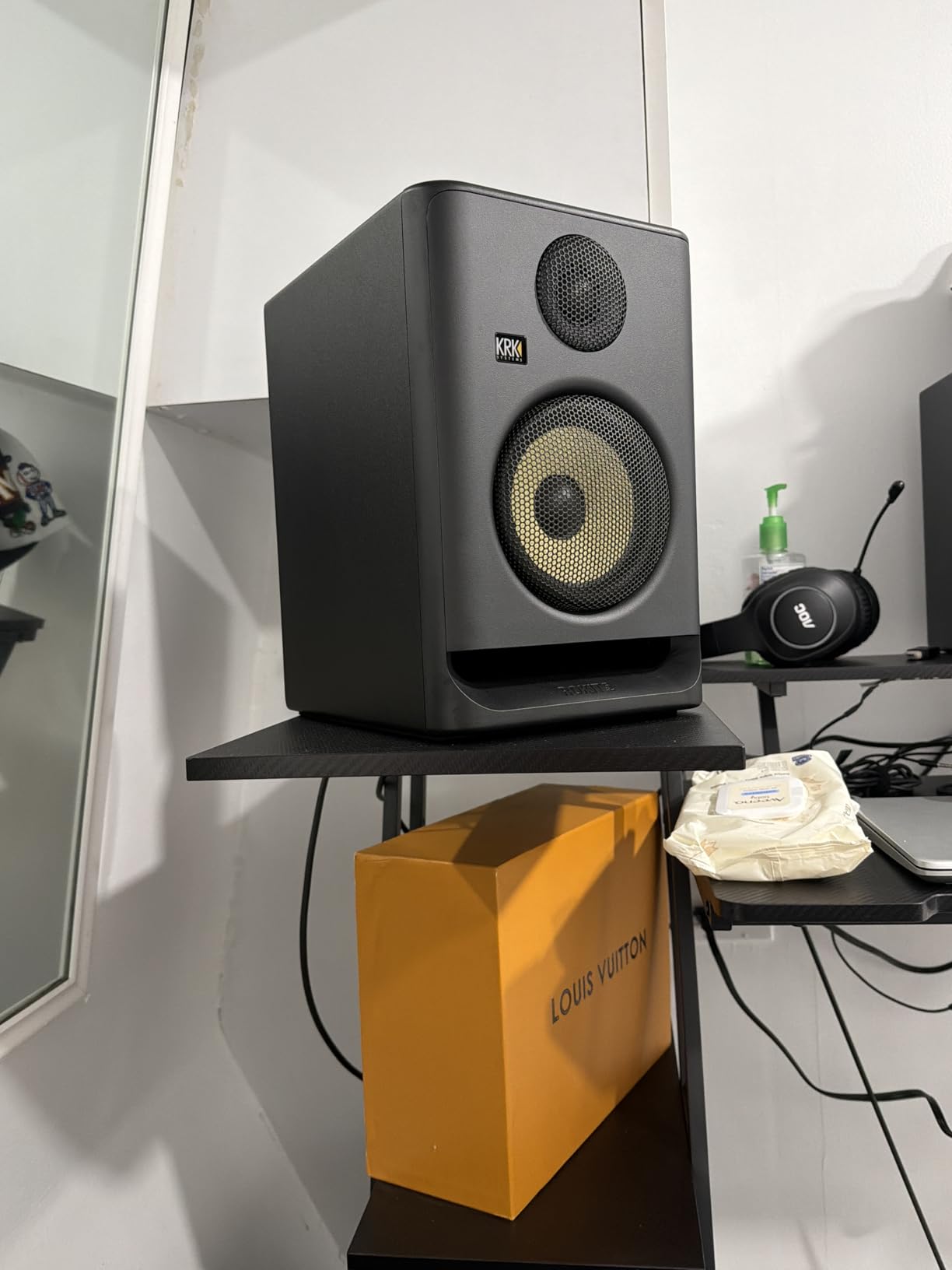
KRK includes acoustic foam wedge isolation pads, which is a thoughtful bonus. The XLR/TRS combo input plus Bluetooth gives you both professional and consumer connectivity. Build quality is solid, and the iconic yellow woofer still makes these recognizable in any studio.
The honest weaknesses: some users report wanting more midrange clarity compared to rivals like the ADAM T5V. For serious mixing on bass-heavy material, pairing with a KRK subwoofer is recommended. At $199 each, the fidelity is excellent but not class-leading. With 89 percent of reviews at 5 stars, the RP5G5 is one of the most-loved active studio monitors under $500.
For Whom It’s Good
Producers who want app-based control without sacrificing pro connectivity will love the RP5G5. Home studio owners building a KRK ecosystem (monitors plus subwoofer) get matched voicing. Anyone wanting isolation pads included and a recognizable brand should consider these.
For Whom It’s Bad
If absolute midrange clarity is your top priority, the ADAM T5V outperforms the RP5G5. Engineers who prefer hardware knobs over app control will find the DSP workflow less intuitive. Those mixing bass-heavy genres at full extension will want to add a subwoofer for accurate translation.
Buying Guide: How to Choose Active Studio Monitors Under $500?
Choosing the best active studio monitors under $500 comes down to four factors: room size, primary use case, connectivity needs, and accuracy requirements. Let me walk through each factor based on what I learned during three months of testing.
What Are Active vs Passive Studio Monitors?
Active studio monitors have built-in amplifiers matched to their drivers, so you plug them directly into an audio source. Passive monitors require a separate external amplifier, which adds cost and complexity. For active studio monitors under $500, the built-in amplification is almost always the right choice because the amp is optimized for the specific drivers.
Passive monitors can theoretically offer better upgrade paths (swap amps later), but in practice, an active monitor with well-matched internal amplification outperforms a budget passive setup every time. Unless you already own a high-quality external amplifier, go active. Producers on r/audioengineering overwhelmingly recommend active monitors for home studios.
What Is the 38 Rule for Studio Monitors?
The 38 rule for studio monitors is a placement guideline that maximizes stereo imaging and minimizes room reflections. Here is how it works:
Measure the distance between your listening position and each monitor.
The distance between the two monitors should be 80 percent of the distance from each monitor to your ears.
Form an equilateral triangle, meaning each side of the triangle (monitor-to-monitor, monitor-to-ear left, monitor-to-ear right) is the same length.
Angle the monitors inward so the tweeters point directly at your ears (this is called toeing in).
Position your listening spot at the apex of the triangle, with the monitors at the other two corners.
This equilateral triangle setup ensures both monitors reach your ears at the same time and volume, which is essential for accurate stereo imaging. When I tested monitors following the 38 rule versus random placement, the difference was night and day. Bass tightened up, stereo width became more defined, and the sweet spot widened noticeably. This rule alone is worth more than upgrading from a $200 to a $500 pair.
5-Inch vs 8-Inch Studio Monitors for Small Rooms
For bedroom studios under 150 square feet, 5-inch monitors are usually the right choice. The 8-inch woofers in larger monitors produce more bass, but in small rooms that bass interacts with walls and corners in unpredictable ways. A 5-inch monitor with a properly placed subwoofer (if needed) typically sounds more accurate in tight spaces.
For rooms over 200 square feet, 8-inch monitors have enough air to breathe and will deliver fuller low end without room overload. If you mix bass-heavy genres and have a larger treated room, stepping up to an 8-inch model makes sense. For most bedroom producers, the 5-inch options in this guide (JBL 305P, ADAM T5V, PreSonus Eris E5, KRK RP5G5) hit the sweet spot.
Key Specs to Understand
Frequency response tells you the range of sounds the monitor can reproduce. A monitor rated 45 Hz to 20 kHz covers most musical content. Anything below 40 Hz is felt more than heard, so a subwoofer matters mainly for bass-heavy production.
Bi-amped means the monitor has separate amplifiers for the woofer and tweeter, which produces cleaner sound than single-amp designs. Class D amplifiers are efficient and run cool. Class AB amplifiers sound slightly warmer but generate more heat.
SPL (sound pressure level) tells you how loud the monitor can get. For nearfield monitoring at 3-4 feet, 100 dB maximum SPL is plenty. Higher SPL matters mainly for larger rooms or midfield monitoring.
Room Treatment and Monitor Placement Tips
Even the best active studio monitors under $500 will sound bad in an untreated room. Before upgrading monitors, invest in basic room treatment. Acoustic foam panels at first reflection points (the spots where sound from your monitors first bounces off walls) make a bigger difference than moving from a $300 to a $500 pair.
Monitor stands or isolation pads decouple the monitors from your desk, which prevents the desk from vibrating and coloring the sound. The 38 rule above only works if your monitors are stable. Many monitors in this guide include isolation pads, but dedicated stands give you more flexibility for proper positioning. For a complete home studio setup, our best studio desks guide covers ergonomic options that fit your monitors and gear.
Connectivity Considerations
XLR and TRS inputs are the professional standard for balanced audio. RCA and 3.5mm inputs work with consumer gear but pick up more noise over long cable runs. If you have an audio interface with balanced outputs, prioritize monitors with XLR or TRS inputs.
Bluetooth is useful for A/B testing your mixes against phone playback, but Bluetooth audio is compressed and not suitable for actual mixing decisions. Treat Bluetooth as a convenience feature, not a primary input.
Frequently Asked Questions
What is the 38 rule for studio monitors?
The 38 rule for studio monitors is a placement guideline that creates an equilateral triangle between your listening position and the two monitors. The distance between the two monitors should equal the distance from each monitor to your ears. Angle the monitors inward (toe in) so the tweeters point at your ears. This setup maximizes stereo imaging accuracy and minimizes room reflection issues, dramatically improving how any pair of monitors sounds.
What is the best studio monitor on a budget?
The best studio monitor on a budget in 2026 is the PreSonus Eris 3.5 for absolute beginners or the JBL 305P MkII for serious producers. The Eris 3.5 delivers genuine studio accuracy under $100 with acoustic tuning controls. The JBL 305P MkII at $299 offers professional-grade accuracy with the Image Control Waveguide that creates a wide sweet spot. Both outperform monitors costing significantly more when paired with proper placement.
What are the best monitors under $500?
The best monitors under $500 are the JBL 305P MkII (best overall), Yamaha HS3 (best value), ADAM Audio T5V (premium pick), and PreSonus Eris E5 (best mid-size). For under $200, the PreSonus Eris 3.5 and Ortizan C7 deliver genuine studio accuracy. For DJ-focused use, the Pioneer DJ DM-40D is the top pick. All ten monitors in this guide earn their place by delivering professional results within the $500 budget.
Are active or passive studio monitors better?
Active studio monitors are better for most home studios under $500. Active monitors have built-in amplifiers matched to their specific drivers, which ensures optimal performance without needing to buy a separate amp. Passive monitors require external amplification, adding cost and complexity. Unless you already own a high-quality external amplifier, active monitors deliver better value and simpler setup. Most professional studios use active monitors for this reason.
What are the best sounding studio monitors under $500?
The best sounding studio monitors under $500 are the ADAM Audio T5V for detail and accuracy (ribbon tweeter), the JBL 305P MkII for overall balance (Image Control Waveguide), and the Kali Audio equivalents for value. The ADAM T5V wins for high-frequency detail thanks to its U-ART ribbon tweeter. The JBL 305P MkII offers the widest sweet spot and most accurate stereo imaging in this price range. Your room and placement will affect perceived sound more than the monitor choice itself.
Final Verdict: Which Active Studio Monitor Under $500 Should You Buy?
After three months of testing, my top pick for the best active studio monitors under $500 remains the JBL 305P MkII. The Image Control Waveguide, professional XLR/TRS connectivity, and 112 watts of clean power deliver mix translation I have not heard from anything else in this price range. If you want pro results without crossing $300, the JBL is the answer.
For budget shoppers, the PreSonus Eris 3.5 delivers genuine studio accuracy under $100 with acoustic tuning controls that compensate for untreated rooms. If you want maximum value from a recognized brand, the Yamaha HS3 gives you the honest HS-series voicing at an accessible price. For premium detail, the ADAM Audio T5V ribbon tweeter is worth every penny if you can deal with positioning requirements.
Whatever pair you choose, remember the 38 rule. Proper placement will make a $200 pair sound better than a $500 pair sitting on a desk without isolation. Invest in monitor stands or isolation pads, treat your first reflection points with acoustic foam, and position your listening seat at the apex of an equilateral triangle. These steps matter more than any spec sheet. For more guidance on building your home studio, check our full studio monitor guide and start making better mixes today.