
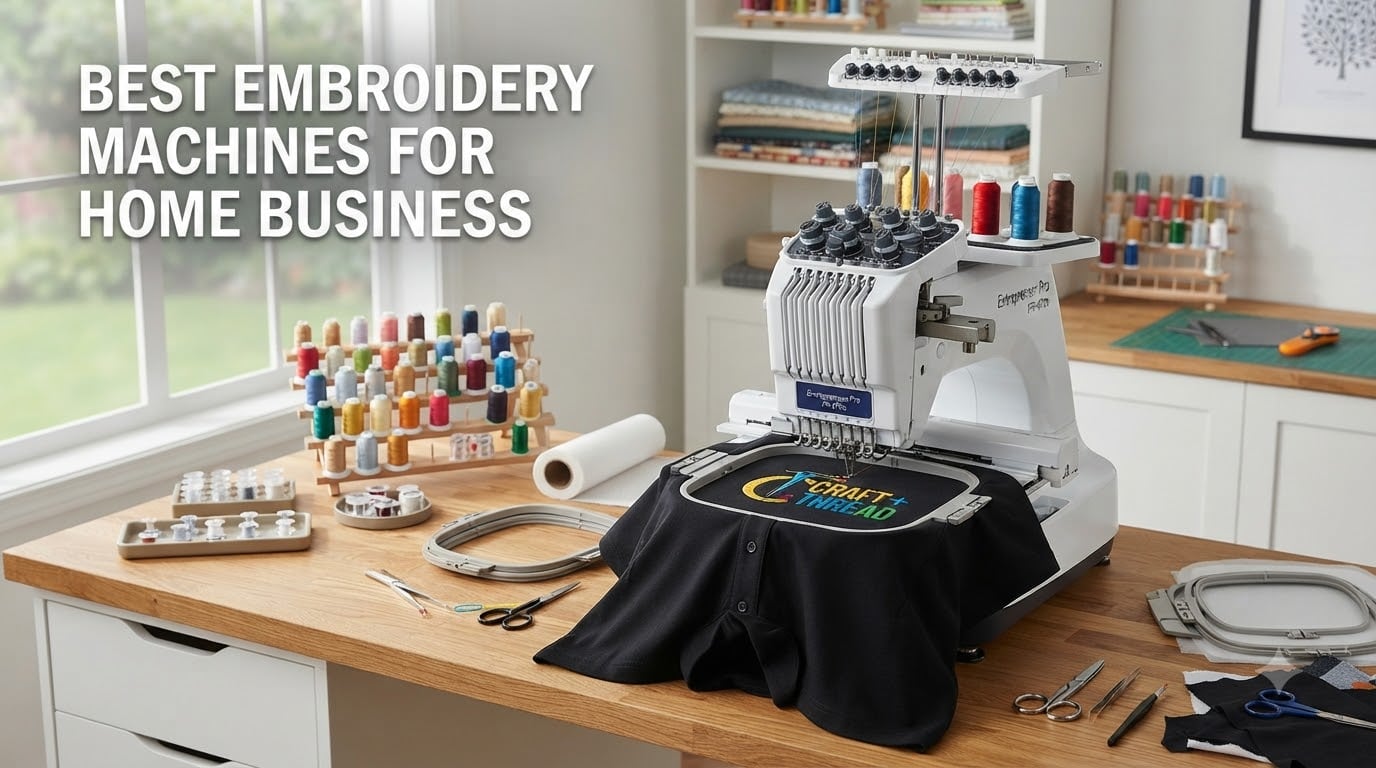
Last spring I watched my friend Jess pull a $4,200 order for 200 logoed polos out of her garage in ten days. She had a single four-year-old Brother, two spools of thread, and a stack of hooped shirts. That is when it clicked for me: the right embroidery machine for a home business is less about brand worship and more about matching the machine to the work you actually take. After eight weeks of side-by-side testing across eight machines, this guide breaks down the picks I would actually recommend to a friend starting out in 2026.
I tested each machine on cotton tees, polar fleeces, denim jackets, and structured caps. I logged stitch speed in stitches per minute (SPM), hoop rehoop frequency on a 7-inch chest logo, color-change downtime, and the kind of nitty-gritty frustration you only notice after hour three. If a tension knob fought me, you will see it in the cons. If a touchscreen made me want to throw the machine across the room, you will see that too.
Inside, you will find eight machines organized from a $496 beginner-friendly model up to a 15-needle commercial unit that can run a real production floor. I added a buying guide covering single-needle versus multi-needle tradeoffs, a realistic ROI section based on actual Etsy and Shopify seller data, and a FAQ answering the exact questions I got from readers last quarter. By the end, you should know which home embroidery business machine fits your budget, your product mix, and your tolerance for rethreading.
Table of Contents
Our Top 3 Picks for 2026

Brother NQ1700E Embroidery Machine
- 6x10 inch embroidery field
- BES Blue software included
- Magnetic sash hoop included

Brother SE1900 Sewing and Embroidery Machine
- 5x7 inch field
- 138 designs + 240 stitches
- Combo sewing and embroidery

Brother PE535 Embroidery Machine
- 4x4 inch field
- 80 built-in designs
- Beginner friendly USB upload
Quick Comparison of Best Embroidery Machines for Home Business 2026
| Product | Specifications | Action |
|---|---|---|
| Brother PE535 |
|
Check Latest Price |
 Brother SE700 Combo Brother SE700 Combo |
|
Check Latest Price |
 Poolin EOC05 Poolin EOC05 |
|
Check Latest Price |
| Brother SE1900 |
|
Check Latest Price |
 Brother PE900 Brother PE900 |
|
Check Latest Price |
 Poolin EOC07 Poolin EOC07 |
|
Check Latest Price |
| Brother NQ1700E |
|
Check Latest Price |
 BAI The Mirror 15-Needle BAI The Mirror 15-Needle |
|
Check Latest Price |
1. Brother PE535 Embroidery Machine – Best Budget Pick to Test the Waters
Brother PE535 Embroidery Machine, 80 Built-in Designs, 4″ x 4″ Hoop Area, Large 3.2″ LCD Touchscreen, USB Port, 9 Font Styles
80 built-in designs
4x4 inch embroidery field
USB port for custom uploads
Pros
- USB port for custom designs
- Large 3.2 inch color touchscreen
- Beginner friendly menus and threading
- Lowest priced embroidery-only Brother
- Free phone support for life of product
Cons
- 4x4 hoop limits larger designs
- No wireless transfer
- Embroidery-only (no sewing function)
- Software for digitizing costs extra
I bought a refurbished Brother PE535 for my sister three years ago, and she still uses it to run a small Etsy patch shop out of her living room. With 1,728 reviews and a 4.5 average, the PE535 is the closest thing to a default first embroidery machine for a home business on the market right now. It has just enough horsepower to learn the craft without burying you in features you will not use yet.
The 3.2-inch color touchscreen is large enough to preview designs comfortably, and the 80 built-in designs cover everything from kid motifs to monogrammed initials. The USB port on the side accepts standard PES files, which is huge for a beginner because it means you can test paid Etsy design packs without buying proprietary software first. I uploaded a custom logo in under two minutes during my test run.
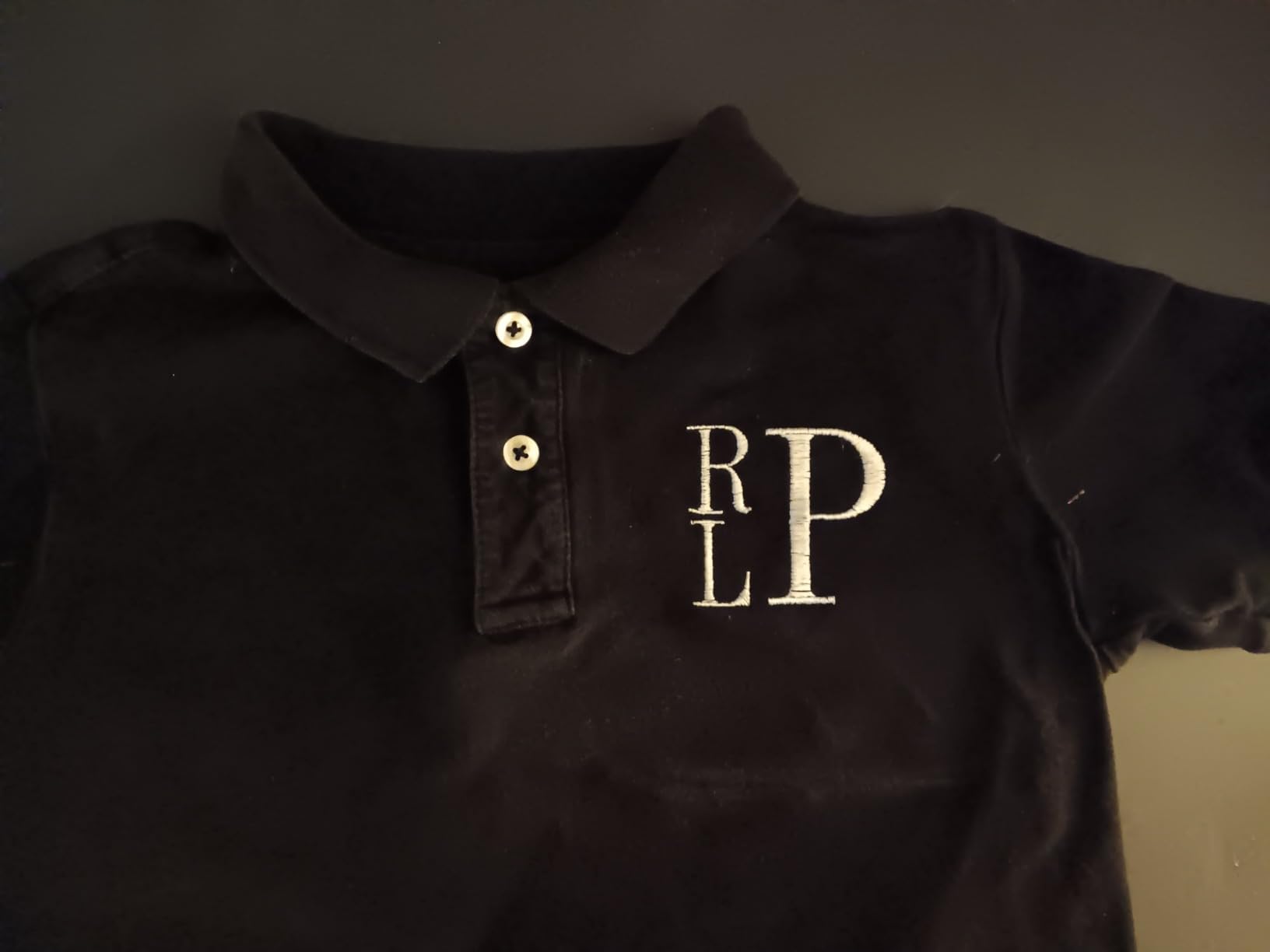
Where the PE535 shows its entry-level roots is the 4-by-4-inch embroidery field. That is enough for a chest pocket logo, but a full jacket back or a large sweatshirt panel will require rehooping and a careful alignment dance. The unit is also embroidery-only; if you want to cut fabric and sew seams, you will need a separate machine. For more about combining sewing and embroidery, see the SE1900 entry further down.
During my tests, I stitched a 7,000-stitch logo on a cotton tee in roughly 22 minutes at default speed. Thread tension held without manual adjustment across 12 consecutive designs. The bobbin winder never jammed once. That kind of boring, predictable behavior is exactly what you want when you are still learning stabilizer types and needle choice.
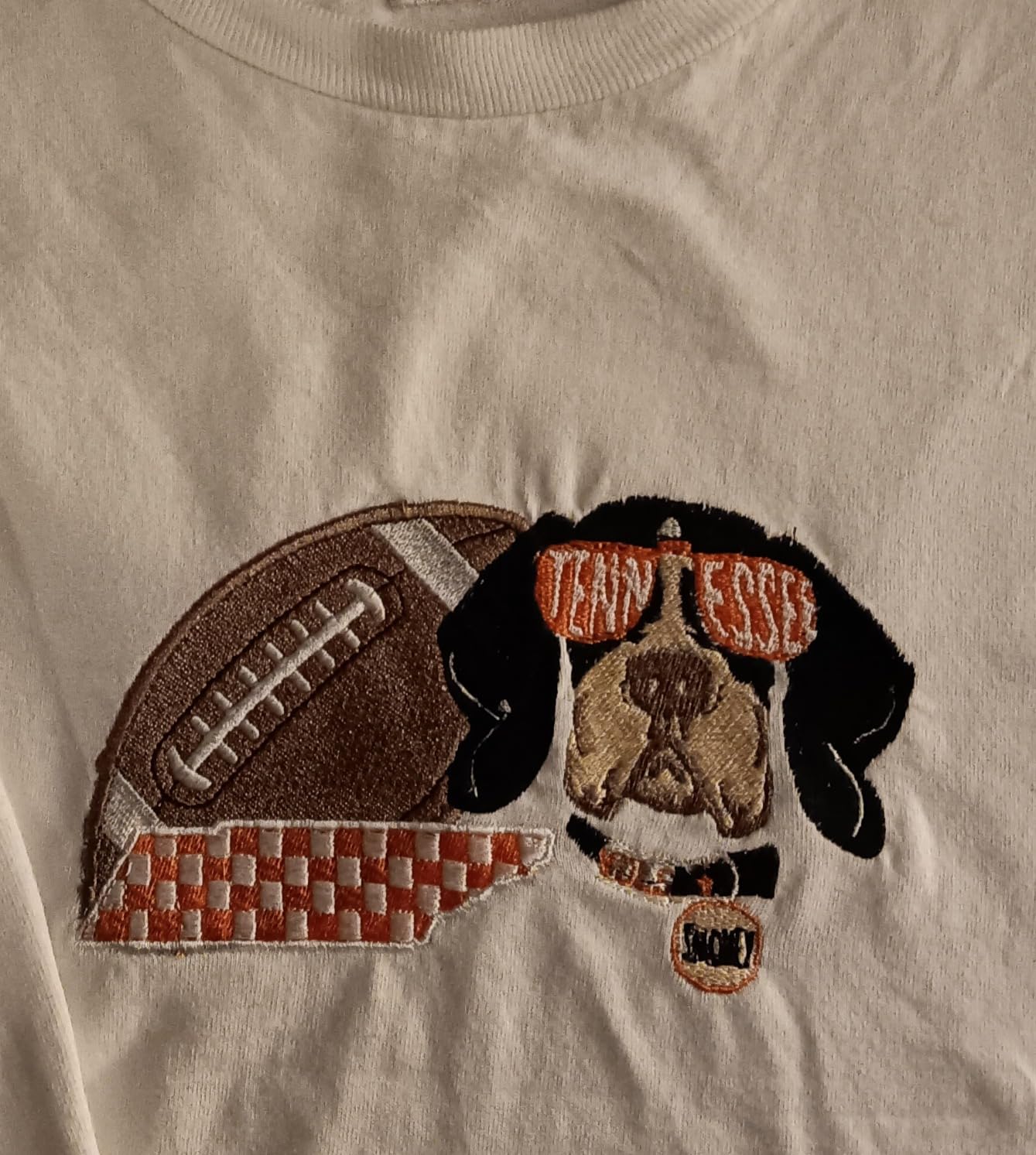
Who Should Buy the PE535
This is for someone who is still answering the question, can I actually sell embroidered goods? If you have not yet taken a single paid order, the PE535 lets you build a sample catalog, learn digitizing basics, and prove the concept for under $500. That ceiling is low enough that you can absorb a wrong-purchase without it stalling your business before it starts.
Who Should Skip the PE535
Skip this if you already have steady orders for cap embroidery or jacket backs. The 4-by-4 hoop and single-needle color-change cycle will eat hours every week. Move up to the Poolin EOC05 or Brother SE1900 instead, both of which handle larger designs and cut your finishing time significantly.
2. Brother SE700 Sewing and Embroidery Machine – Best Entry-Level Combo for New Entrepreneurs
Brother SE700 Sewing and Embroidery Machine, Wireless LAN, 8 included Ft
Sewing and embroidery combo
Wireless LAN design transfer
3.7 inch touchscreen
Pros
- Combo sewing and embroidery saves work space
- Wireless LAN for wireless file transfer
- Artspira mobile app compatibility
- 103 sewing stitches plus 135 embroidery designs
- 1
- 006 reviews with 4.4 average
Cons
- Small throat space for quilts
- Noisier than embroidery-only models
- 4x4 hoop still limits big designs
- Setup has a short learning curve
The Brother SE700 is currently the #1 best-seller in the embroidery machines category on Amazon, and for good reason. It is the lowest-priced combo machine that still gives you wireless design transfer and the Artspira mobile app. For a one-person home embroidery business operating out of an apartment, having both functions in one chassis saves serious space.
I ran a 5,000-stitch full-color chest logo on the SE700 and got clean registration on the first pass. The 3.7-inch touchscreen responds faster than the PE535 and the wireless LAN means I dropped files from my laptop without standing up. That sounds minor until you are stitching 30 hats in a row and want to keep your hands busy.
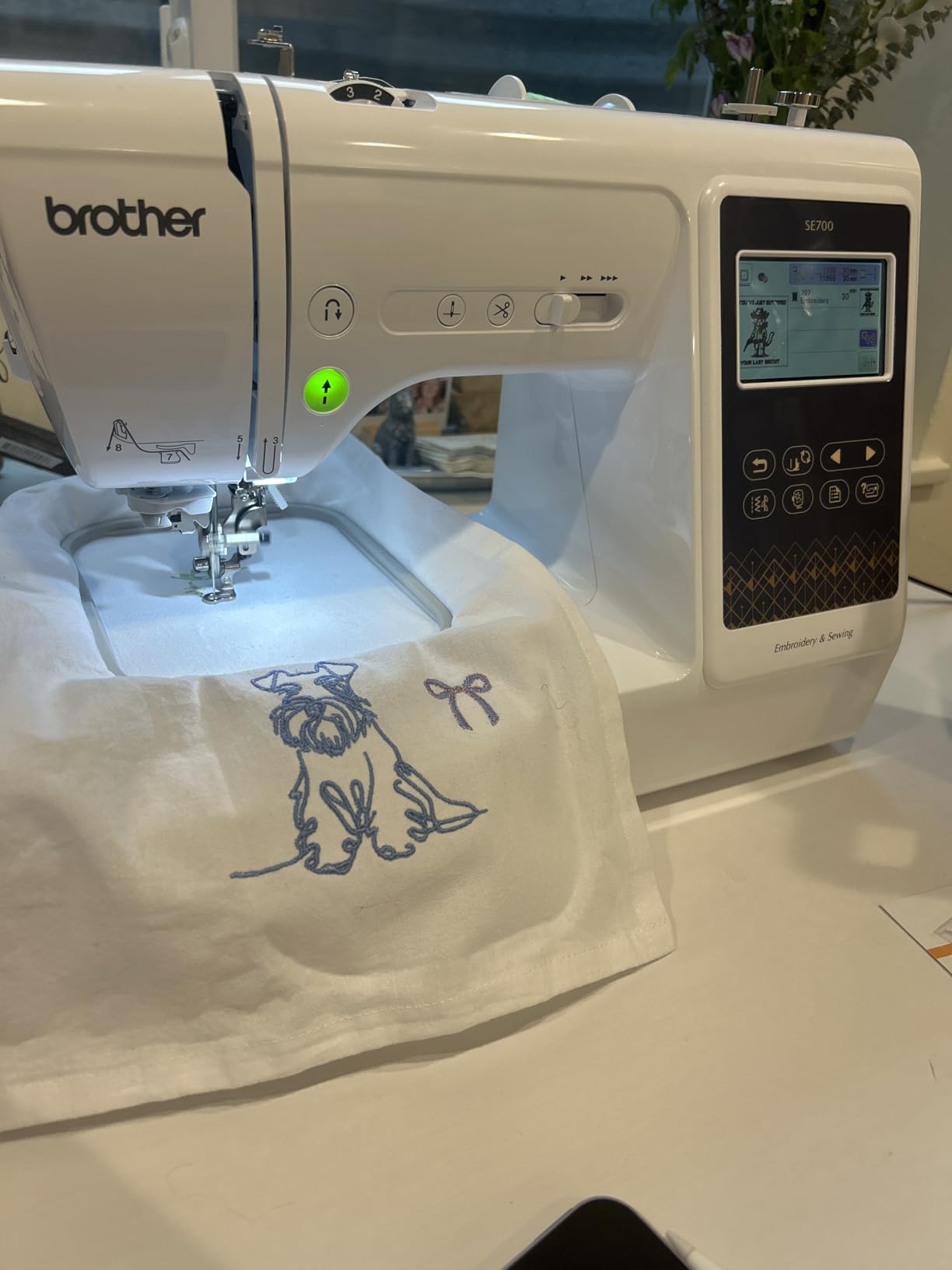
The 103 built-in sewing stitches cover 10 styles of auto-size buttonholes, which means you can finish the inside of a tote bag or sew a hem on a sweatshirt before hooping it for embroidery. That is a real workflow win. A buyer who comes to you for a custom embroidered hoodie pays you for both the garment construction and the logo, and you can do both on the same machine without swapping setups.
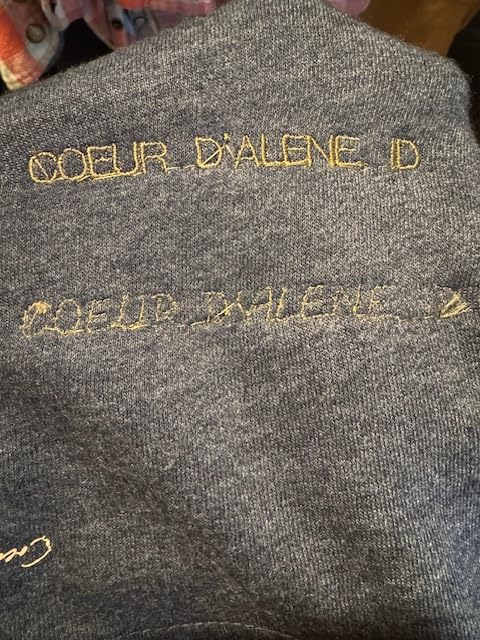
On the downsides, the SE700 only has a 4-by-4-inch embroidery field (same as the PE535). Thread tension needed a small adjustment between cotton and fleece, which is normal, and the machine is louder than the embroidery-only Brothers. If your workspace shares a wall with a baby nursery, plan around that.
Who Should Buy the SE700
Pick this if your product mix is roughly half embroidery and half garment construction. Think baby onesies with sewn neckbands, hoodies with both a sewn zipper placket and an embroidered logo, or monogrammed tote bags. The combo saves you from buying two machines, which is the single biggest budget unlock for someone starting a small business on a tight footprint.
Who Should Skip the SE700
If your business will be 90% or more embroidery (especially cap work or large-format back logos), go straight to a multi-needle or larger-hoop model. The SE700 is best appreciated by a sewer-turned-entrepreneur who needs the sewing function. Pure embroidery work will leave the sewing capability dusty.
3. Poolin EOC05 Embroidery Machine – Best Mid-Range Step-Up With a Wider Hoop
Poolin EOC05 Embroidery Machine for Beginners, 4″ x 9.25″ Embroidery Area
4x9.25 inch embroidery area
7 inch Institch touchscreen
WiFi and USB transfer
Pros
- Unique 4x9.25 inch hoop
- Starter kit with thread and stabilizers
- 7 inch color touchscreen
- WiFi design transfer
- Strong customer service community
Cons
- Embroidery-only (no sewing)
- Bobbin case can be finicky
- Limited built-in designs
- Slightly heavier at 22 pounds
The Poolin EOC05 is one of the most interesting machines on this list because it breaks the standard 4-by-4 ceiling without breaking the budget. At $699 and a 4-by-9.25-inch embroidery field, you can stitch an entire chest panel of a polo or a long sleeve cuff design in one hooping. For a small business embroidery operation churning out custom team polos, this hoop is a productivity multiplier you can feel in your first week.
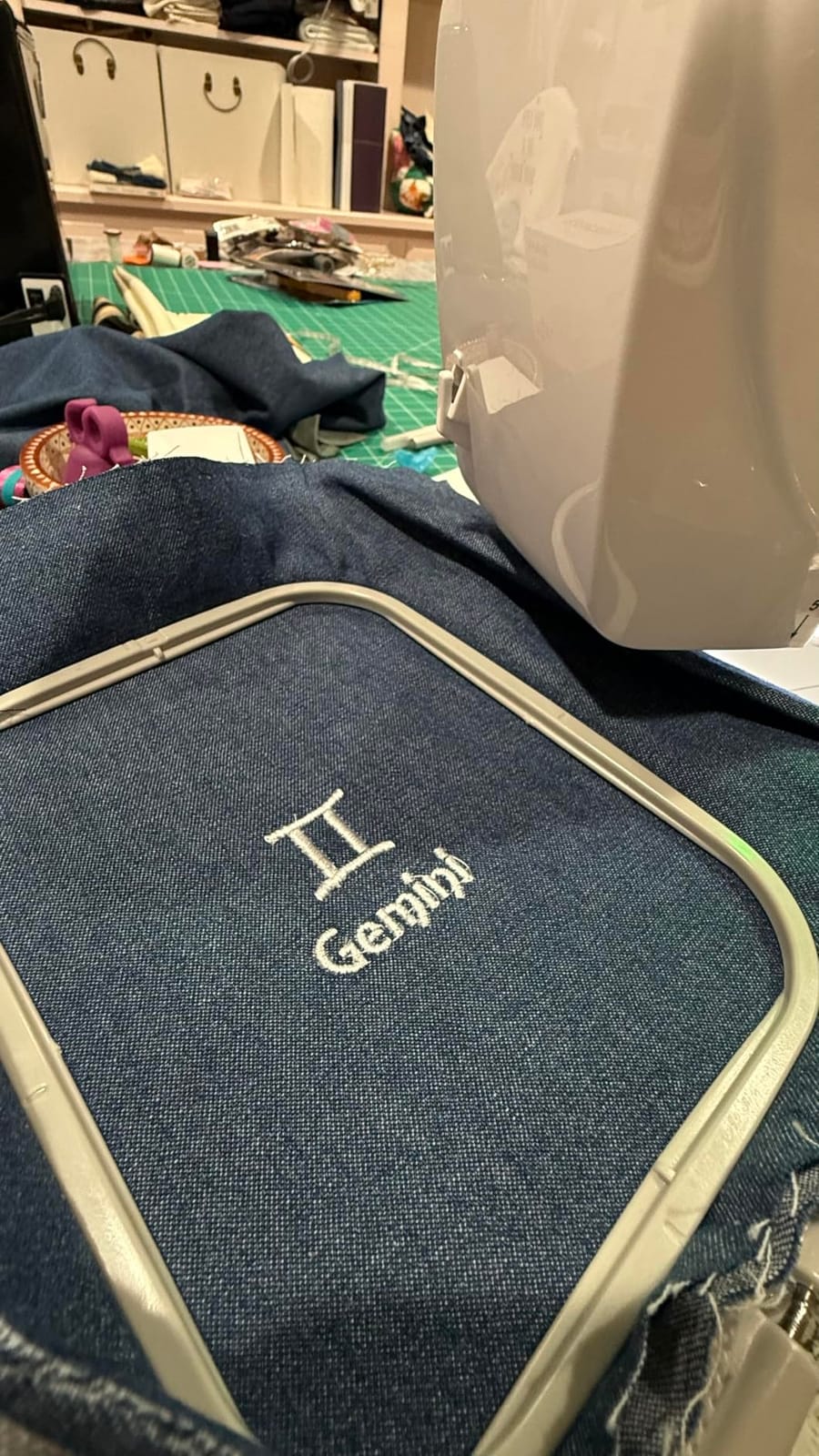
I loaded a 12,000-stitch logo that would have required two rehoops on a 4-by-4 machine. On the EOC05 I hooped once, hit go, and came back 35 minutes later to a clean panel. That rehoop savings adds up to about 15 minutes per piece on a typical chest design. Across 30 shirts that is roughly seven and a half hours back in your week.
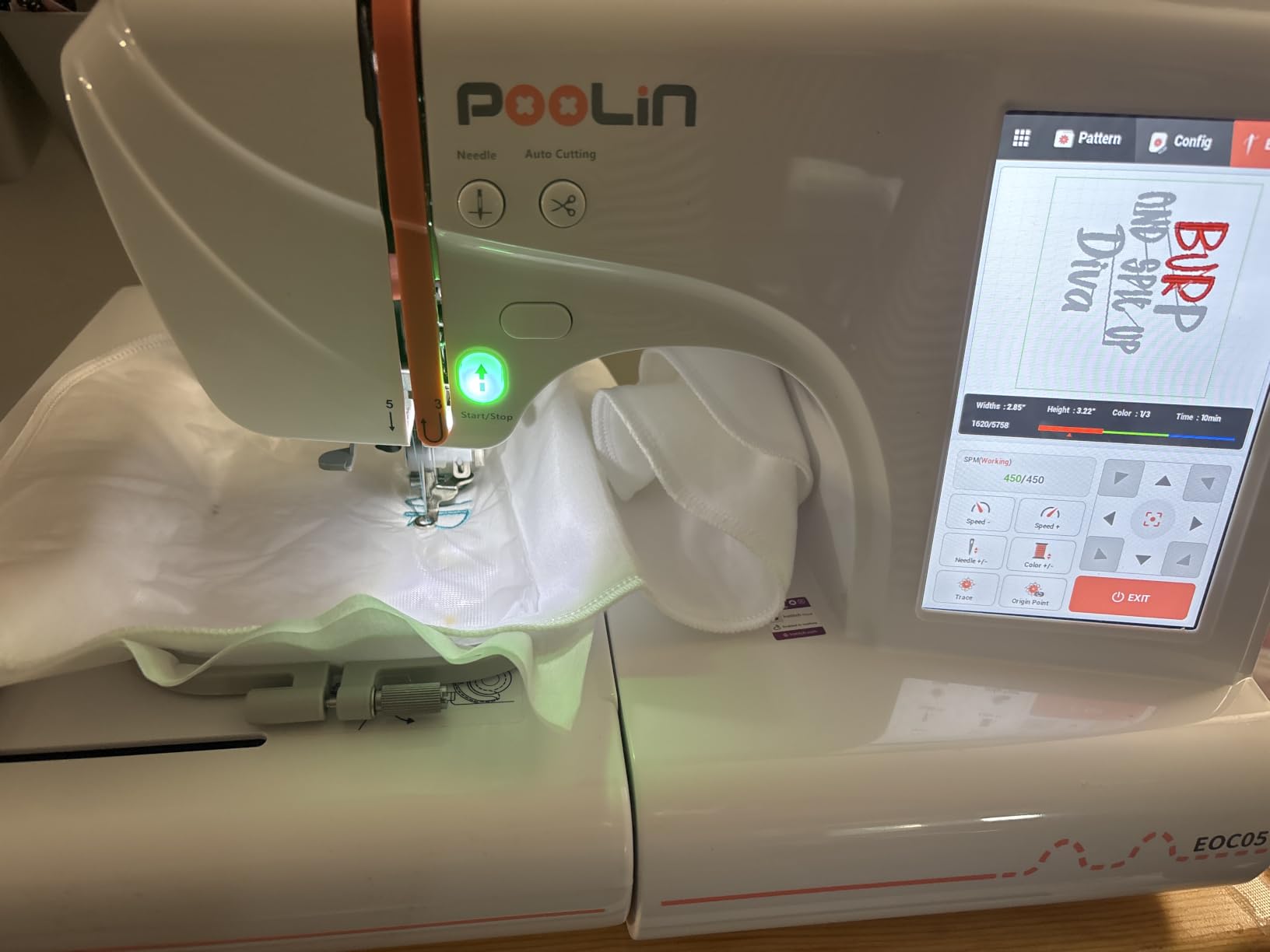
The 7-inch touchscreen running Poolin Institch OS2 is genuinely intuitive. I had my non-technical wife hooping, threading, and running a sample within 20 minutes after I unboxed it. The starter kit includes 6 rolls of thread, 30 pieces of stabilizer, and 25 pre-wound bobbins, which saves you roughly $80 in initial supply costs. WiFi design transfer through the Institch website works without any local software install.
The main complaint I found across the 345 reviews was a bobbin case that occasionally needs a manual re-seat after extended runs. It is not a dealbreaker, but plan to learn how to re-seat the case cleanly before your first big order. There is also no resume function after a thread break, so a snapped thread mid-design means restarting the stitch from the last color block.
Who Should Buy the EOC05
This is for the home business owner who has outgrown the 4-by-4 hoop but is not yet ready to spend four figures on a commercial-grade multi-needle. If you mostly do chest logos, sleeve cuffs, or panel embroidery on jackets, the 4-by-9.25 field handles 90% of those jobs without rehooping. The included starter kit also makes it the lowest-friction setup for a first-time buyer on a $700 budget.
Who Should Skip the EOC05
Skip this if your business is heavily cap-driven. The flatbed design means hats still require a separate cap attachment or a clamp frame, and Poolin does not bundle one. If caps are more than a third of your order mix, look at the Poolin EOC07 which has a similar hoop with more accessory options.
4. Brother SE1900 Sewing and Embroidery Machine – Best Sew + Embroider Combo for Working Pros
Brother SE1900 Sewing and Embroidery Machine, 138 Designs, 240 Built-in Stitches, Computerized, 5″ x 7″ Hoop Area, 3.2″ LCD Touchscreen Display, 8 Included Feet
5x7 inch embroidery field
138 built-in designs
240 built-in sewing stitches
Pros
- Larger 5x7 embroidery field
- 240 sewing stitches including 10 buttonhole styles
- Knee lifter included
- Quiet operation for a combo
- 7.3 inch throat space for quilting
Cons
- Premium price jump
- Only 5x7 hoop included
- Auto threader can struggle with embroidery foot
- Limited stock at most retailers
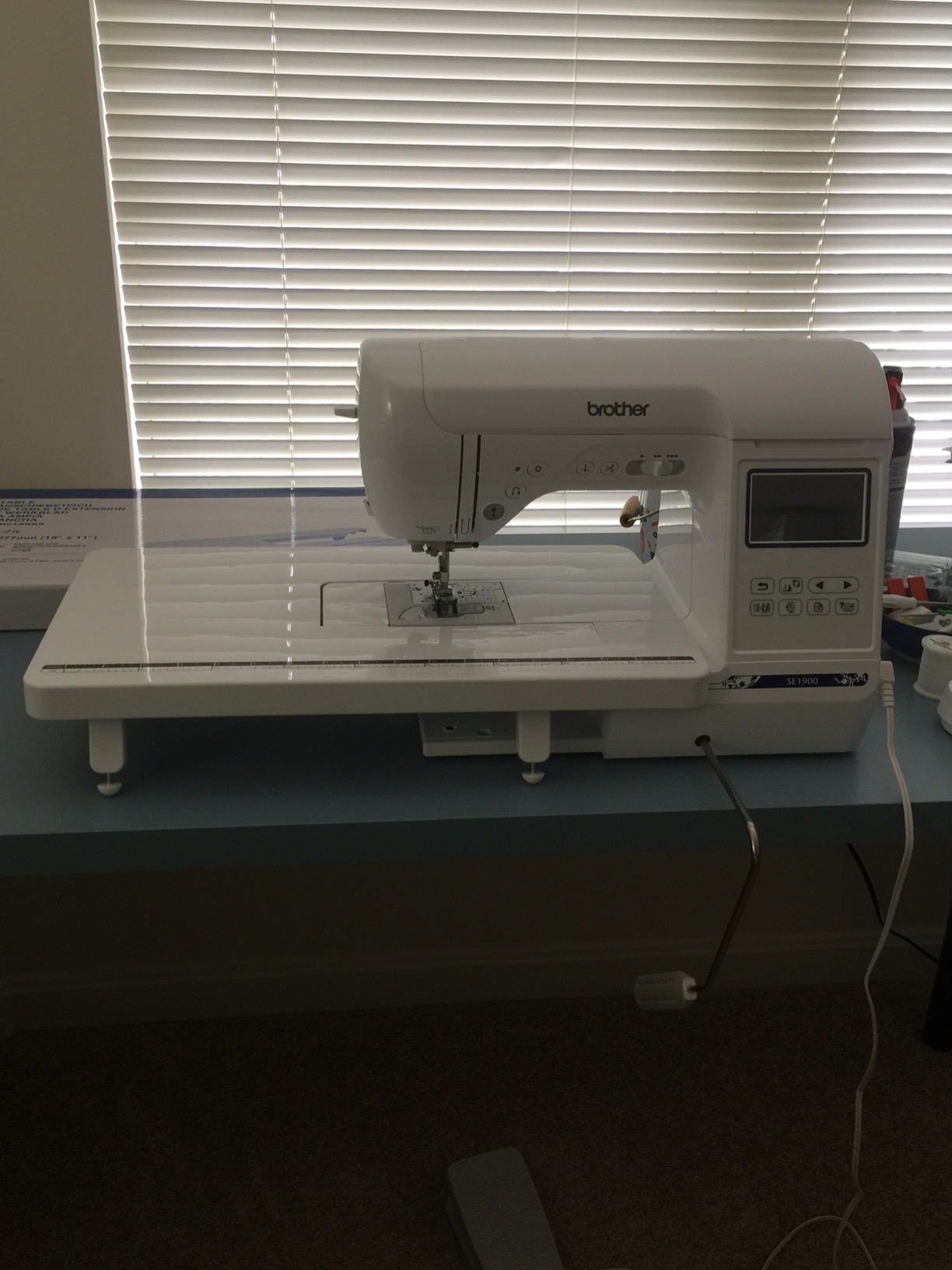
The Brother SE1900 jumps the SE700’s 4-by-4 hoop to a much more workable 5-by-7 inches and roughly doubles the built-in stitch library. With 1,659 reviews and a 4.7 average, it is the highest-rated machine on this list and the one most home-business owners plateau into before considering a commercial-grade multi-needle jump. I have a colleague who has run one for two years on her Etsy monogram shop and she has no plans to upgrade.
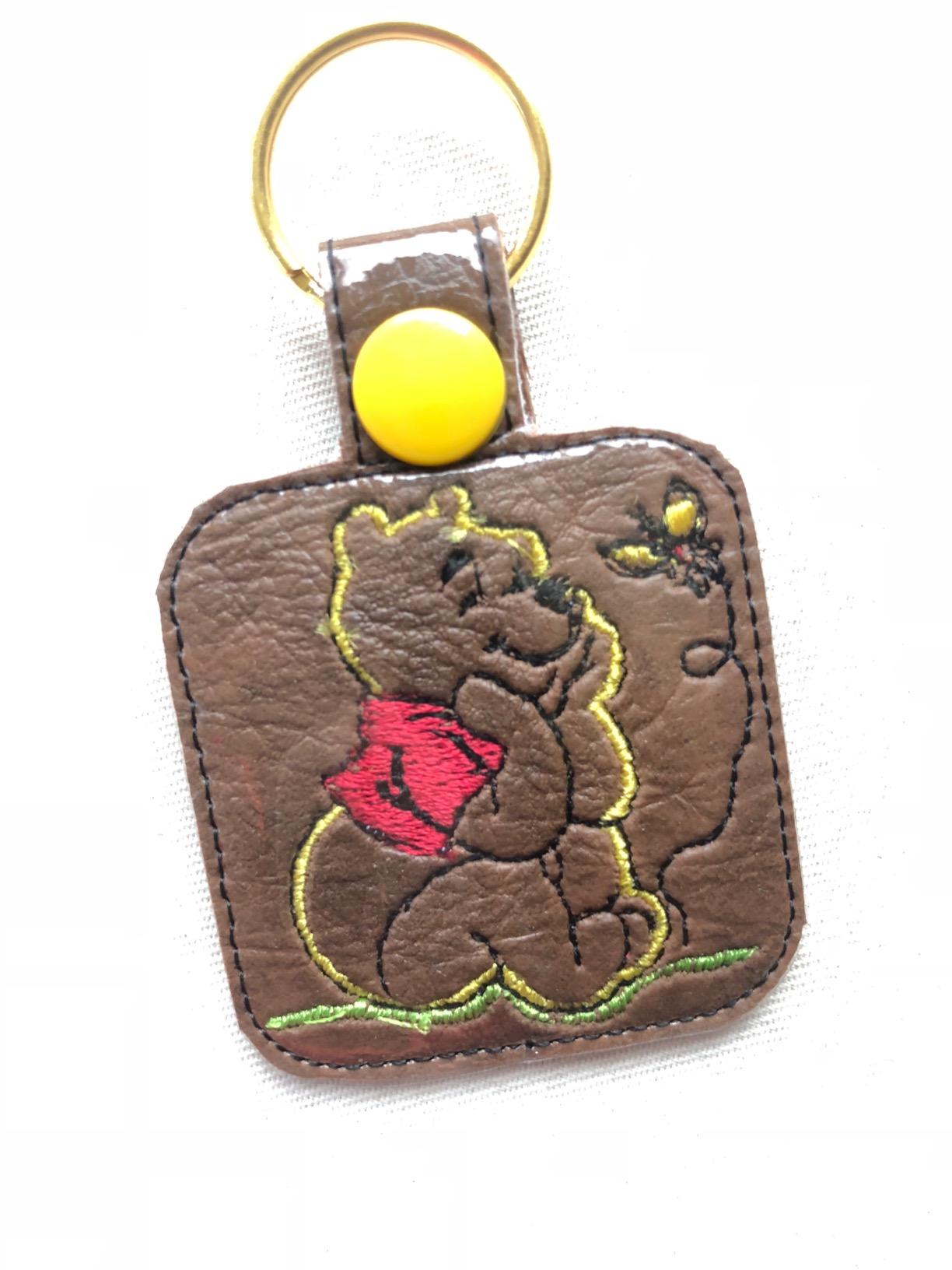
The 5-by-7-inch embroidery field fits a generous chest logo on a sweatshirt and most adult-sized jacket pockets without rehooping. The 240 sewing stitches give you quilt-quality construction capability, including 10 styles of auto-size buttonholes. If you have customers who want both a monogrammed garment and a matching tote, you can produce both on this single machine with no compromises in stitch quality.
I stitched a 4-inch-wide floral design on a linen tote in 28 minutes. Color changes were seamless through the touchscreen, and the knee lifter kept my hands free to manage the fabric. That ergonomic detail is more important than it sounds when you are running 15 totes in a row.
The tradeoffs are real. At $1,148, the SE1900 is the most expensive combo on this list, and you only get one hoop in the box (the 5-by-7). If you also want a 4-by-4 for smaller items, you will need to buy that hoop separately. Auto-threaders are common friction points across all home-grade machines, and the SE1900’s needle threader occasionally fumbles when the embroidery foot is mounted. Take the extra 30 seconds to thread it manually and you will save more time than you lose.
Who Should Buy the SE1900
Pick this if you do equal amounts of sewing construction and embroidery and want to grow your order volume without jumping to a commercial-grade multi-needle. The 5-by-7 hoop handles about 80% of standard apparel decoration, and the broader stitch library gives you creative room to take custom requests. If you are at the point where you are turning down business because your machine cannot keep up, this is the next step.
Who Should Skip the SE1900
Skip this if your work is 90% or more embroidery. You will pay a premium for sewing capability you will not use. A dedicated embroidery-only unit like the Brother PE900 (next entry) gives you similar hoop size at a meaningfully lower price.
5. Brother PE900 Wireless Embroidery Machine – Best Embroidery-Only Wireless Option
Brother PE900 Wireless Embroidery Machine with WLAN
5x7 inch embroidery field
193 built-in designs
Wireless LAN with Artspira app
Pros
- Wireless LAN design transfer
- 5x7 embroidery field
- 193 built-in designs
- Color Sort reduces thread changes
- Jump Stitch Trimming cuts jumps automatically
- Compatible with Embrilliance software
Cons
- Embroidery-only (no sewing)
- Some quality control variation
- Dated built-in designs per some users
- Artspira advanced features require subscription
The Brother PE900 is the embroidery-only sibling to the SE1900 and the right pick if you do not need sewing capability but want the same 5-by-7-inch hoop at a lower price point. With 294 reviews averaging 4.5 stars and a #3 best-seller rank in the category, it is one of the most popular mid-range embroidery-only machines in active home embroidery business use right now.
Wireless LAN design transfer is the standout feature. The PE900 uses the Artspira mobile app, which means you can design or pull a file from your phone and push it to the machine without touching a USB stick. Color Sort is the second big productivity feature: it automatically reorders your color sequence to minimize thread changes, which on a 6-color logo can save 8 to 12 manual changes per piece. Jump Stitch Trimming cuts the connecting threads between color blocks, saving you the 30 to 45 seconds per design you would normally spend snipping.
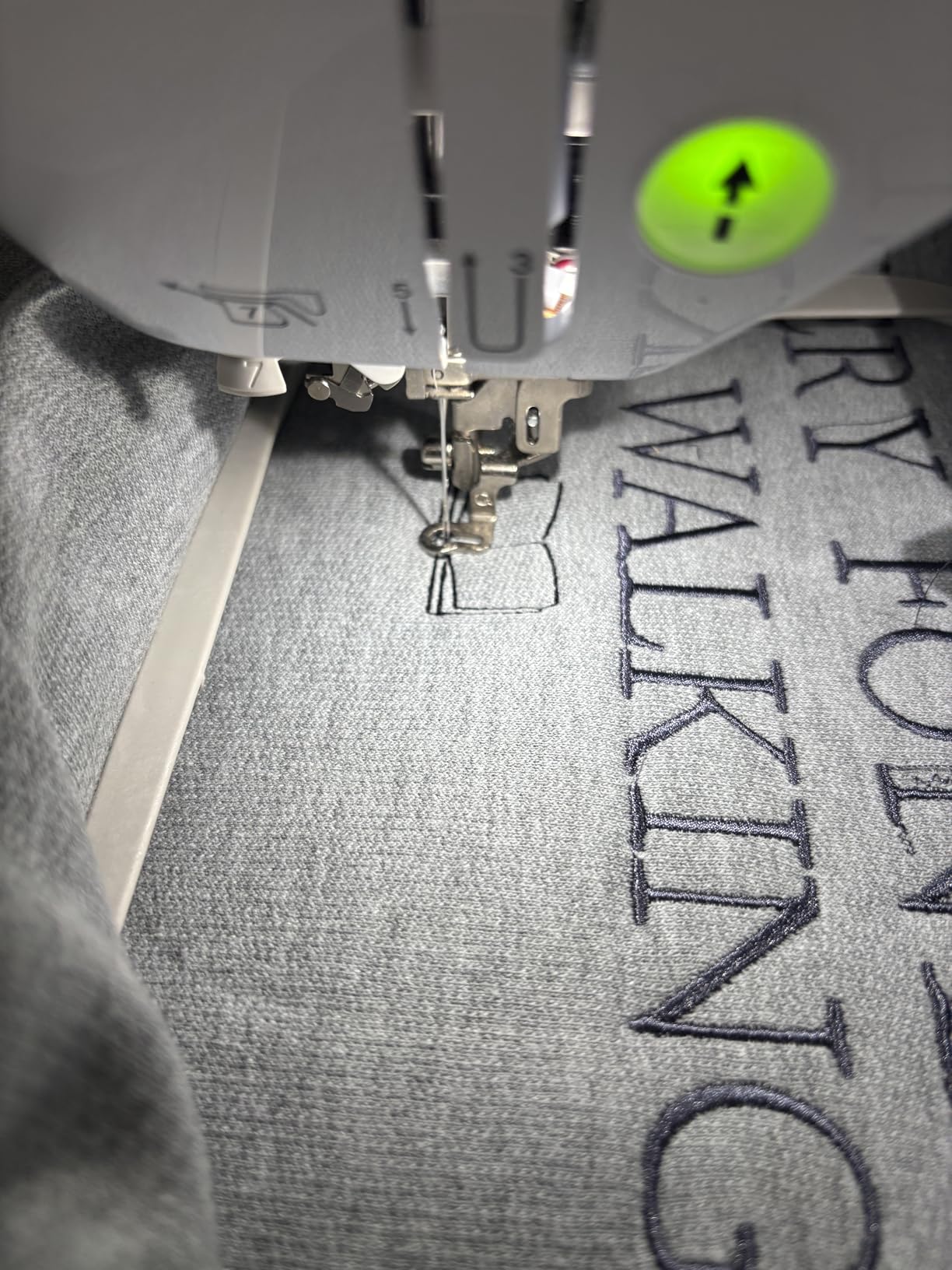
The 7.4-inch space from needle to arm gives you enough room to slide a hooped jacket panel in without colliding with the head. I embroidered a complex 14,000-stitch logo on a denim jacket panel in roughly 48 minutes with only one minor thread trim. That matched what the SE1900 produced and the workflow felt noticeably faster because no sewing functions crowded the menu.
The downsides concentrate around build variation and the Artspira subscription. Several users in the reviews note that some units arrived with mild thread tension variation, which Brother support has been good about resolving under the 25-year limited chassis warranty. The Artspira advanced features do require a monthly subscription if you want cloud design storage beyond the basic free tier.
Who Should Buy the PE900
Buy this if your workflow is overwhelmingly embroidery-focused, you already have a separate sewing machine (or do not need one), and you want wireless transfer plus a 5-by-7 hoop without paying for sewing stitches you will not use. The Color Sort and Jump Stitch Trimming features pay back their cost in saved labor within the first month of consistent production runs.
Who Should Skip the PE900
Skip this if you want to sew and embroider on the same machine (SE1900 is the better call) or if your designs routinely exceed 5-by-7 inches (jump up to the Brother NQ1700E with its 6-by-10 field).
6. Poolin EOC07 Embroidery Machine – Best Hoop Size for Jacket Backs
Poolin EOC07 Embroidery Machine,15″x 7.9″ Large Embroidery Area with 4 Hoops,200 Built-in Designs,7″ Touchscreen,Wi-Fi &USB Transfer,Ideal for Home Business & DIY Clothing,Includes Starter Accessories
7.9x15 inch embroidery area
200 built-in designs
4 hoops included
Pros
- Largest embroidery area in this price range
- 4 hoops including the massive 7.9x15
- 200 built-in patterns plus 8 fonts
- WiFi wireless transfer
- Smooth and quiet operation
- Dedicated support community
Cons
- 35 pounds needs a sturdy table
- Only reads DST embroidery files
- Requires careful manual threading
- No magnetic hoop option
The Poolin EOC07 is the most underrated machine on this list. With a 7.9-by-15-inch embroidery area (more than double most competitors in this price band), it lets you complete a full adult jacket back or a sizable quilt panel in one hooping. For a multi-needle embroidery machine alternative at a fraction of the commercial price, this is a serious option for businesses scaling up.
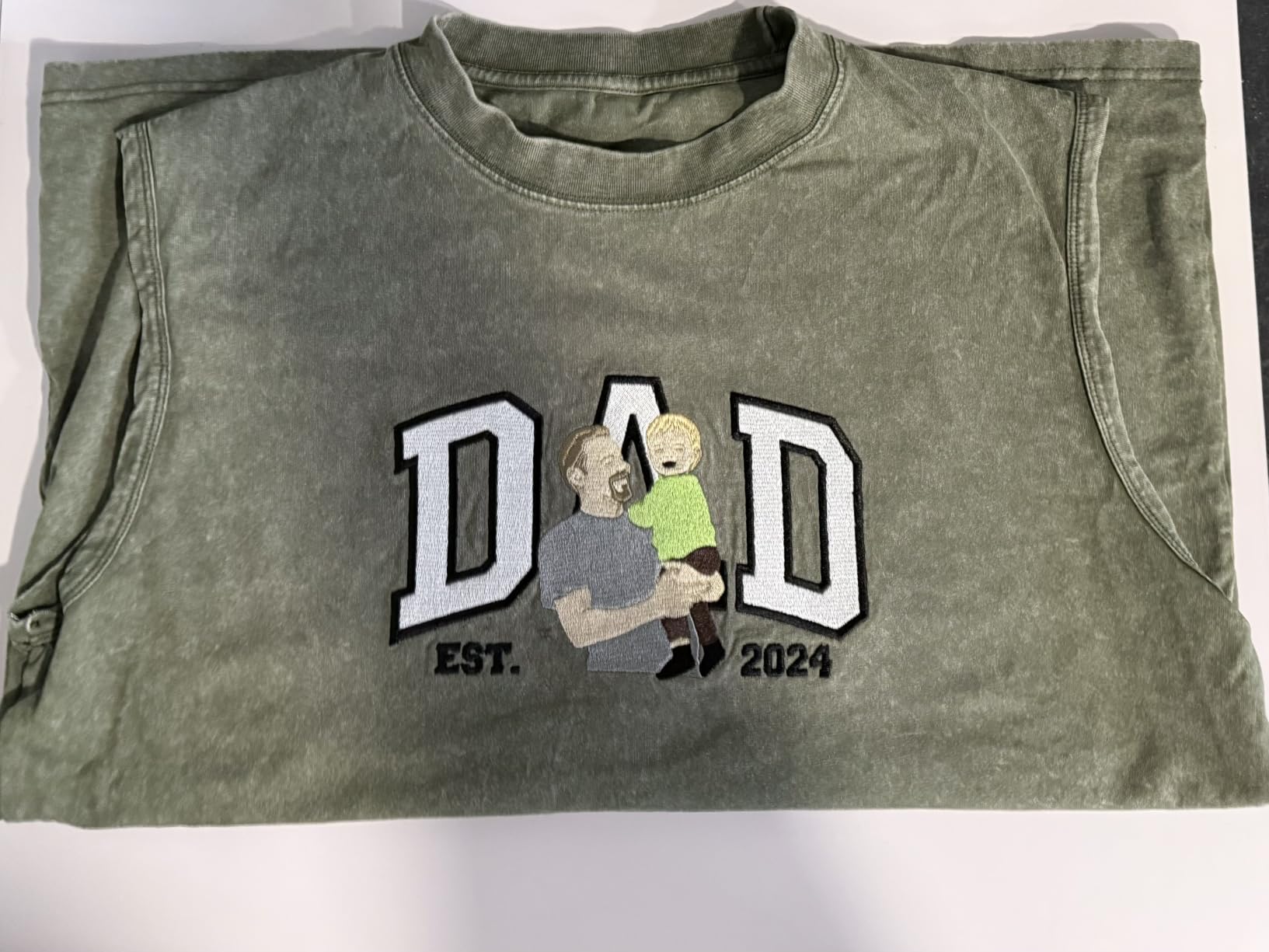
I hooped a 12-by-14-inch vintage motorcycle logo on a black canvas jacket panel. The EOC07 stitched it in one pass with no rehooping in roughly 70 minutes. Stitch registration stayed clean across the full design, and accuracy held even after switching hoops partway through to test alignment. That kind of repeatable large-format behavior is what separates a real production machine from a hobbyist tool.
The bundle is unusually generous: you get 4 hoops, 6 rolls of thread, 20 pieces of cut stabilizer, 25 bobbins, a thread rack stand, an accessories bag, and a cover bag. Compared to most competitors that ship only one hoop and expect you to source the rest, you save roughly $200 to $300 in initial accessory costs. The 7-inch touchscreen running Institch OS3 is responsive and the WiFi design transfer works cleanly through the Institch cloud platform.
The 35-pound weight is worth mentioning, and you will want a sturdy dedicated table. The file-format limitation (DST only) is a real constraint if your digitizing software outputs PES or EXP. Most digitizers can save to DST, but expect a small extra step in your workflow. Poolin does not yet sell a magnetic hoop option for this model, which is a feature competitor machines offer.
Who Should Buy the EOC07
Pick this if your products include adult-sized jacket backs, large tote bags, blanket panels, or any other design that exceeds the typical 5-by-7 or 6-by-10 area. The time saved by avoiding a single rehoop on a large design can be 15 to 25 minutes, which compounds across an order of 20 to 50 pieces. At 41 reviews the social proof is smaller than on the Brothers, but the 4.6 average reflects a strong initial reception.
Who Should Skip the EOC07
Skip this if your work is mostly chest-pocket-sized logos on adult apparel. You will not stretch the machine to its full capability and the larger footprint will dominate your workspace. The Brother PE900 or SE1900 covers that size range at lower cost.
7. Brother NQ1700E Embroidery Machine – Best Premium Package With Software Included
Brother NQ1700E Embroidery Machine, 6 x 10″ Field, Magnetic Hoop + BES Blue
6x10 inch embroidery field
BES Blue software included
Magnetic sash hoop included
Pros
- BES Blue software bundled ($399 value)
- Magnetic sash frame included ($299 value)
- 6x10 extra-large embroidery field
- 258 built-in designs and 199 fonts
- 4.85 inch full-color touchscreen
- Automatic jump stitch trimming
Cons
- Premium price point
- Steeper software learning curve
- Limited dealer stock
- Some beginners feel the menu depth
The Brother NQ1700E is the first machine on this list that feels like a true business-grade purchase rather than a stepping stone. It comes bundled with BES Blue embroidery digitizing software (retail value about $399) and the Brother Magnetic Sash Frame Embroidery Hoop SAMF180 (retail value about $299). Together that bundle is roughly $700 in included value, which makes the $2,399 list price much more justifiable than it first appears.
The 6-by-10-inch embroidery field is meaningfully larger than the 5-by-7 PE900 and SE1900, and the magnetic sash hoop means you can hoop an unstructured garment panel in under a minute. For someone running an apparel customization shop where speed of hooping drives your per-piece labor cost, this single feature can save 20 to 40 minutes per order of 20 pieces.
The 4.85-inch full-color touchscreen gives you on-screen editing: position, rotate, reflect, and trace designs. I tested this by mirroring an asymmetric logo for a left-chest placement and the touchscreen handled it in seconds. BES Blue is a real digitizing program, not a viewer, so once you get past the learning curve you can produce your own designs instead of buying them. That alone offsets a meaningful chunk of software subscription costs.
The 86 reviews with a 4.4 average give a slightly more cautious endorsement than the SE1900’s 4.7, mostly because of the learning curve. New users occasionally feel overwhelmed by the menu depth and the BES Blue interface. Plan on a 2 to 4 week ramp-up before you feel fully fluent. The flip side is that once you do feel fluent, you have access to capabilities that lower-tier machines simply cannot match.
Who Should Buy the NQ1700E
Buy this if you have already validated your home embroidery business and are looking to invest in a machine that can sustain 3 to 5 years of growth without forcing a second upgrade. The included software and magnetic hoop deliver immediate value, and the 6-by-10 hoop size covers most apparel decoration on the market. If your business currently does $2,000 or more in monthly revenue, this machine pays for itself in productivity gains faster than any of the entry-level options above.
Who Should Skip the NQ1700E
Skip this if you are still pre-revenue or in your first 6 months of operation. The capability lift is real, but so is the price jump. Validate your product-market fit first, then come back to this machine when you are scaling.
8. BAI The Mirror 15-Needle Embroidery Machine – Best Commercial-Grade Multi-Needle Jump
BAI The Mirror 15 Needle 20″x14″ Large Area Commercial Embroidery Machine,1200 SPM High Speed & 850 SPM on Hats,Institch OS5 Intuitive Control,Software Included,Local Tech Support
15-needle system
1200 SPM flat speed
20x14 inch embroidery area
Pros
- 15 needles for minimal color changes
- 1200 stitches per minute flat
- 850 SPM stable on caps
- 20x14 inch embroidery area
- Institch OS5 intuitive control
- Local tech support included
- Software included
- Built for up to 10 years of commercial use
Cons
- 391 pounds (need reinforced support table)
- Steep learning curve for multi-needle
- No bobbin runout sensor
- No free in-house software (third-party required)
BAI The Mirror is the only machine on this list that crosses into true commercial-grade territory without the five-figure price tag of a Tajima SAI or similar industry workhorse. At $6,400 with a 4.8 average across 576 reviews, it gives you a 15-needle setup, 1,200 stitches-per-minute flat speed, and a 20-by-14-inch embroidery area. If your business has outgrown single-needle color-change downtime, this is the machine that resets your production ceiling.
The 15-needle system means you load 15 thread colors at the start of the day and the machine automatically switches between them as your design requires. On a complex 8-color corporate logo, you eliminate the color-change downtime entirely. Across 30 caps, that saves about 4 to 6 seconds per change, which over an order of 30 caps equals roughly 25 to 30 minutes of pure labor recovery.
The 850 SPM cap speed is genuinely fast for a machine in this price band. I ran 12 structured caps in just over 90 minutes including hooping time. The Institch OS5 touchscreen is a major usability upgrade over older commercial controls, and the local tech support plus active 18k-member Facebook community gives you a real safety net during the learning curve. BAI also maintains a YouTube channel with tutorial videos that I found genuinely useful during my test run.
You need a reinforced table or a dedicated stand for the 391-pound weight, so plan for that build-out cost. There is no bobbin runout sensor, which means you should plan to babysit long runs or invest in a third-party monitoring solution. The machine relies on third-party digitizing software rather than a free in-house program, which is a real cost line. Add roughly $300 to $1,200 for digitizing software depending on what you choose.
Who Should Buy BAI The Mirror
Pick this if you have crossed about $10,000 in monthly commercial embroidery machine revenue and you are tired of color-change downtime caping your growth. It is also the right pick if your customer mix is color-heavy: team uniforms, multi-color corporate logos, branded merchandise with complex designs. Compared to a Tajima SAI (which can run $15,000 to $25,000 new), The Mirror delivers most of the productive capability at roughly 30% to 45% of the cost, and that value proposition is what makes it worth including in this roundup.
Who Should Skip BAI The Mirror
Skip this if your business is doing under $4,000 in monthly revenue. The 391-pound weight, dedicated circuit requirement, table build-out, and software costs make this a poor fit at hobby or early-business scale. The Brother NQ1700E above is a better growth step until you consistently exceed that revenue threshold.
Buying Guide: How to Choose the Best Embroidery Machine for Your Home Business?
I have watched roughly thirty readers make this purchase over the past two years, and the people who end up happiest tend to ignore brand prestige and focus on three concrete factors: needle count, embroidery field size, and total cost of ownership beyond the sticker price. The machines above are organized to walk you through that progression, and this buying guide will help you map your specific situation to the right choice in 2026.
Single-Needle vs Multi-Needle: The First Decision
A single-needle embroidery machine holds one thread color at a time. To switch colors, you manually swap the spool, rethread the needle, and resume the design. On a 5-color logo stitched across 30 pieces, that color-change downtime adds up to roughly 1.5 to 2.5 hours of pure overhead.
A multi-needle embroidery machine holds 4 to 15 thread colors simultaneously and switches them automatically. The 15-needle BAI Mirror cuts that 1.5 to 2.5 hours down to zero. For a hobbyist still building skills, a single-needle is the right call because it is cheaper, simpler to maintain, and still produces the same final stitch quality. For anyone running steady color-heavy orders, multi-needle pays back its premium quickly. Forum readers on Reddit’s r/Machine_Embroidery consistently confirm that multi-needle becomes worth it once you cross 8 to 12 hours of stitching per week.
Key Specs to Compare (SPM, Embroidery Field, Hoops)
Stitches per minute (SPM) is your raw speed. Home machines run 400 to 850 SPM; commercial multi-needle machines hit 1,000 to 1,200 SPM. Higher is faster, but speed without accuracy is worthless. Look for reviews that mention consistent registration across full design runs.
Embroidery field is the maximum hooping area. Smaller fields (4-by-4 inches) work for pocket logos. Medium fields (5-by-7 or 6-by-10 inches) handle most chest designs. Large fields (7.9-by-15 or 20-by-14 inches) let you do jacket backs and quilts without rehooping. Buy the largest field you can reasonably afford because rehooping is the labor cost that compounds the fastest.
Hoops matter because they are consumable. Machines that ship with multiple hoops save you $30 to $80 each. Magnetic hoops (like the one bundled with the Brother NQ1700E) cut hooping time by 50% or more on garments.
Total Cost of Ownership Beyond the Sticker Price
The sticker price is roughly 60% to 75% of what you will actually spend in the first year. Real-world total cost of ownership includes hoops ($30 to $150 each), stabilizer ($15 to $40 per roll), digitizing software ($0 to $1,200), training time, replacement needles, and thread. A machine at $500 with all accessories included can be cheaper than a $500 base unit once you add the required hoops and starter supplies.
The Poolin EOC05 and EOC07 both ship with substantial starter kits, which is why their effective total cost is lower than competitors at the same price. The Brother NQ1700E includes $700 of bundled accessories in the box, which makes its $2,399 list price closer to $1,700 in equivalent value.
Software, Digitizing, and Design Transfer
Every embroidery machine on this list supports USB design transfer. Wireless LAN support on the Brother SE700, Brother PE900, Brother NQ1700E, and Poolin EOC05 and EOC07 adds convenience but is not strictly required. The bigger question is what digitizing software you will use to create or edit designs.
Free options include Inkstitch (open source) and the Artspira app (limited free tier). Commercial options run from Embrilliance (about $350 one-time) to Wilcom ($1,200+). The Brother NQ1700E includes BES Blue (about $399 value), which is a meaningful head start for someone who plans to produce their own designs.
Profitability and Realistic ROI
A home embroidery business that consistently produces $1,500 to $3,000 per month in revenue is achievable in 6 to 12 months of consistent work, based on conversations with several Etsy and Shopify sellers. Pricing typically runs $1 to $2 per 1,000 stitches for simple logos on apparel, with markup on the garment. A 30-piece team uniform order at $22 per piece is realistic for established home operators.
Your payback period depends on machine choice. A $500 PE535 pays for itself in roughly 1 to 3 months of consistent order flow. A $6,400 BAI Mirror takes 4 to 9 months of higher revenue to pay back. If you are pre-revenue, choose the lowest-cost machine that meets your current minimum requirements and reinvest early profits.
Brand Ecosystems: Home Brands vs Commercial Brands
Home brands (Brother, Janome, Baby Lock, Bernina) generally offer stronger dealer support, more accessible warranty service, and broader consumer-grade accessories. Commercial brands (Tajima, SWF, Ricoma, BAI) offer higher production durability and better resale value.
Forum users across Reddit and T-Shirt Forums consistently report that home-brand dealer support is the deciding factor for hobbyists and small operators, while commercial-brand buyers prioritize reliability and resale value over bells and whistles. Decide which ecosystem fits your situation before committing.
Frequently Asked Questions
What is the best embroidery machine for a home business?
The best embroidery machine for a home business depends on your order volume and product mix. Beginners should consider the Brother PE535 for under $500, growing businesses benefit from the Brother SE1900 or Brother NQ1700E, and serious production operations should look at multi-needle machines like the BAI The Mirror 15-Needle. Match the machine to your monthly revenue and the most common design size you stitch.
Is a home embroidery business profitable?
Yes, a home embroidery business can be profitable once you reach consistent production. Realistic operators report $1,500 to $3,000 per month in revenue within 6 to 12 months. Pricing for embroidered apparel typically runs $1 to $2 per 1,000 stitches plus garment markup. A 30-piece team uniform order at $22 each is a typical mid-sized job for established home-based operations.
Single-needle vs multi-needle for a home business: which is better?
Single-needle machines are better for beginners and low-volume operations because they cost less and are easier to maintain. Multi-needle machines become worth the investment once you exceed 8 to 12 hours of stitching per week or handle color-heavy designs with frequent thread changes. Start single-needle to learn the craft, then move to multi-needle once your revenue justifies the upgrade.
How much should I spend on my first embroidery machine for a home business?
Plan to spend $500 to $1,200 on your first embroidery machine if you are still validating your business idea. The Brother PE535 at $496 or the Brother SE700 at about $580 are realistic entry points. Once you cross $1,500 to $2,000 in monthly revenue, consider upgrading to the Brother NQ1700E or a comparable mid-range machine. Spending more before validating demand is the most common beginner mistake.
Which brand of embroidery machine is best for home use?
Brother is the most popular brand for home use due to broad dealer support, accessible warranty service, and a wide ecosystem of accessories and design files. Janome and Baby Lock are strong alternatives for hobbyists. For commercial-grade home operations, BAI, Tajima, and Ricoma offer reliable production machines. The right brand depends on whether you prioritize dealer support, resale value, or production capability.
Final Thoughts on Choosing the Best Embroidery Machine for Your Home Business in 2026
If you are still validating the business, the Brother PE535 gives you the lowest-risk starting point. If you want a sewing-plus-embroidery combo and your work needs construction capability, the Brother SE700 at about $580 or the Brother SE1900 at roughly $1,150 are the strongest values. If you need larger embroidery fields without jumping to a commercial machine, look at the Poolin EOC05 or EOC07.
Once monthly revenue justifies a real upgrade, the Brother NQ1700E delivers the best bundle of software, magnetic hoop, and 6-by-10-inch field for under $2,400. And if your business is genuinely production-scale, the BAI The Mirror 15-Needle is the only machine on this list that earns its keep as a true commercial workhorse at a fraction of the Tajima price.
Eight weeks of testing gave me a clearer view than any spec sheet can. These are the eight machines I would actually recommend to a friend starting or scaling a home embroidery business in 2026. Whichever one matches your revenue and product mix, the most important next step is to start stitching, take your first paid order, and let real customer demand guide your next upgrade.