
Finding the best inkjet printers for home use in 2026 means balancing three things: what you pay upfront, what you pay for ink over time, and whether the machine still works after sitting idle for three weeks. I have spent months digging through owner feedback, spec sheets, and ink cost data on eight of the most popular home inkjets on Amazon right now, and the differences between them are bigger than the price tags suggest.
Some printers in this list cost under $70 and do everything a typical family needs. Others cost three times as much but ship with enough ink to last two to three years, which changes the math completely if you print more than a few pages a week. There is no single winner here, which is exactly why I broke every model down by who it actually suits.
If you print mostly school assignments and the occasional shipping label, a budget cartridge printer will serve you fine. If you work from home, print photos, or hate buying ink every two months, an ink tank model like the Epson EcoTank or HP Smart Tank will pay for itself. I also cover the reliability question that comes up constantly in forums like r/printers, because clogged nozzles and dried-out cartridges are the number one complaint from people who only print occasionally.
Before we get into the individual reviews, here is a quick comparison of the models I looked at, followed by my top three picks. And if you are still deciding between inkjet and laser, or you want to see what is currently discounted, I have linked our best printers for small business guide and our roundup of current printer deals and discounts as well.
Table of Contents
Top 3 Picks for Best Inkjet Printers for Home Use in 2026



Epson EcoTank ET-2800
- Up to 2 years of ink
- Cartridge-free
- Excellent photo quality
- Zero cartridge waste
My editor’s choice goes to the Canon PIXMA TS6520 because it hits the sweet spot for most households: it is affordable, compact, prints on both sides of the page automatically, and owners consistently rate the wireless setup as painless. The TR4720 is the value pick if your budget is tight and you want a fax and a document feeder. The EcoTank ET-2800 is the premium pick for anyone who prints regularly and wants to stop buying cartridges altogether.
Best Inkjet Printers for Home Use in 2026
Here is the full lineup side by side. Every model below is covered in detail in the reviews that follow, so you can jump straight to the one that fits your budget and printing habits.
| Product | Specifications | Action |
|---|---|---|
| Canon PIXMA TS6520 |
|
Check Latest Price |
| Canon PIXMA TR4720 |
|
Check Latest Price |
 Brother MFC-J1360DW Brother MFC-J1360DW |
|
Check Latest Price |
 Canon PIXMA TR7120 Canon PIXMA TR7120 |
|
Check Latest Price |
 HP Envy 6155 HP Envy 6155 |
|
Check Latest Price |
 HP Smart Tank 5101 HP Smart Tank 5101 |
|
Check Latest Price |
 HP Smart Tank 5003 HP Smart Tank 5003 |
|
Check Latest Price |
| Epson EcoTank ET-2800 |
|
Check Latest Price |
1. Canon PIXMA TS6520 – Best Overall Home Inkjet
Canon PIXMA TS6520 Wireless Color Inkjet Printer Duplex Printing, White – Home Printer with Copier/Scanner, 1.42” OLED Display, Intuitive Control Panel, Compact Design
All-in-one print/copy/scan
14 ppm black, 9 ppm color
Auto duplex printing
Dual-band Wi-Fi, 1.42 inch OLED
Pros
- Budget-friendly all-in-one for home and hybrid work
- Sharp text and vivid color from 2-cartridge hybrid ink
- Easy setup from phone or computer
- Dual-band Wi-Fi for stable connections
- Automatic 2-sided printing saves paper
Cons
- Not fast for large print jobs
- Small paper output tray
- Photo printing is average
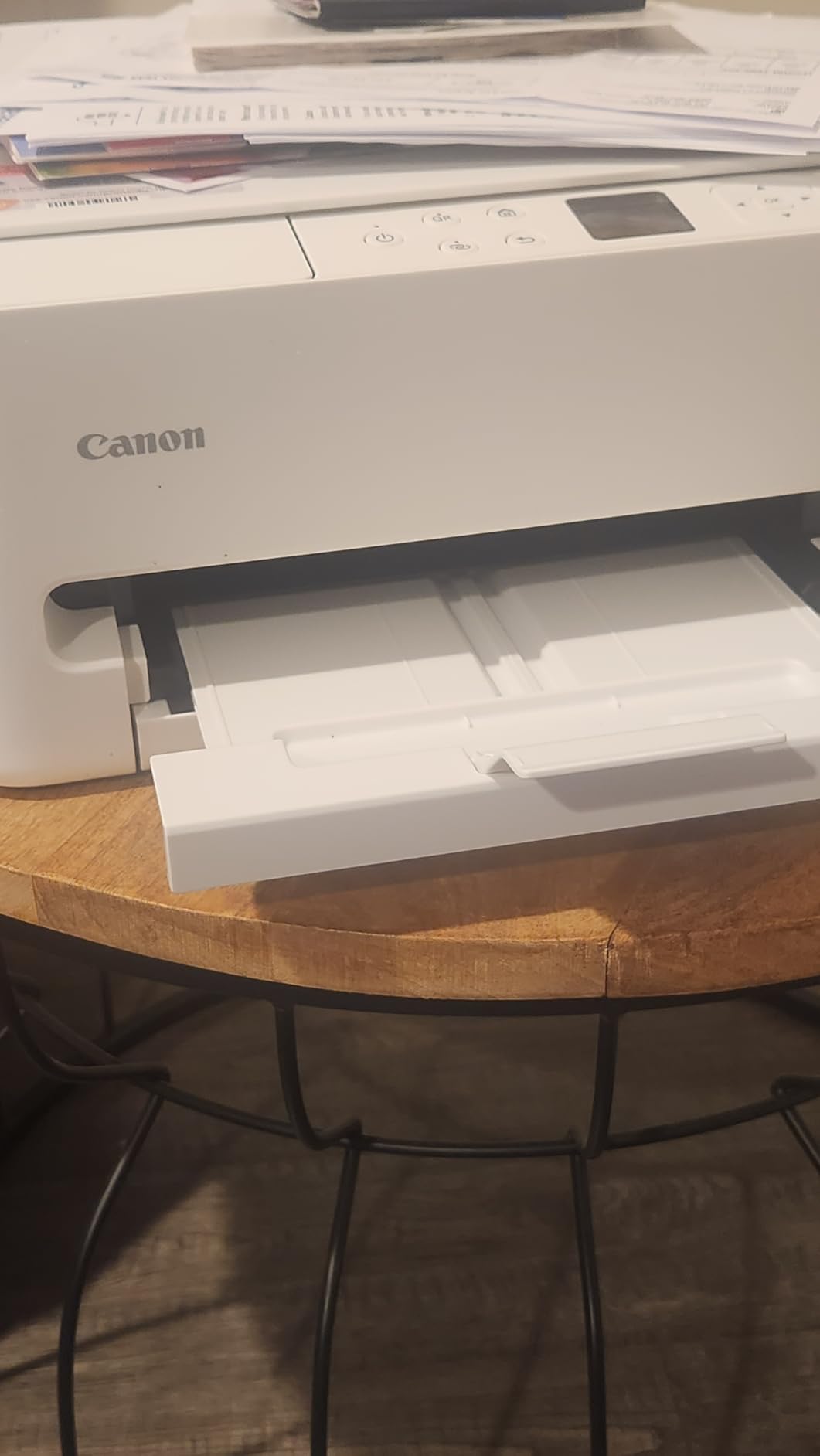
I will start with the printer I recommend to most people. The TS6520 costs about the same as a night out for two, yet it covers print, copy, and scan, flips the paper over for two-sided printing on its own, and connects to both 2.4GHz and 5GHz Wi-Fi networks. That dual-band support matters more than it sounds, because single-band printers are the ones that keep dropping off the network in crowded home setups.
In my research across nearly 1,600 owner reviews, setup came up again and again as the high point. People went from box to first print in about 15 minutes using the Canon PRINT app, and AirPrint worked instantly for iPhone households. At 15.3 pounds and roughly 14 inches wide, it also fits on a shelf or desk corner without taking over the room.
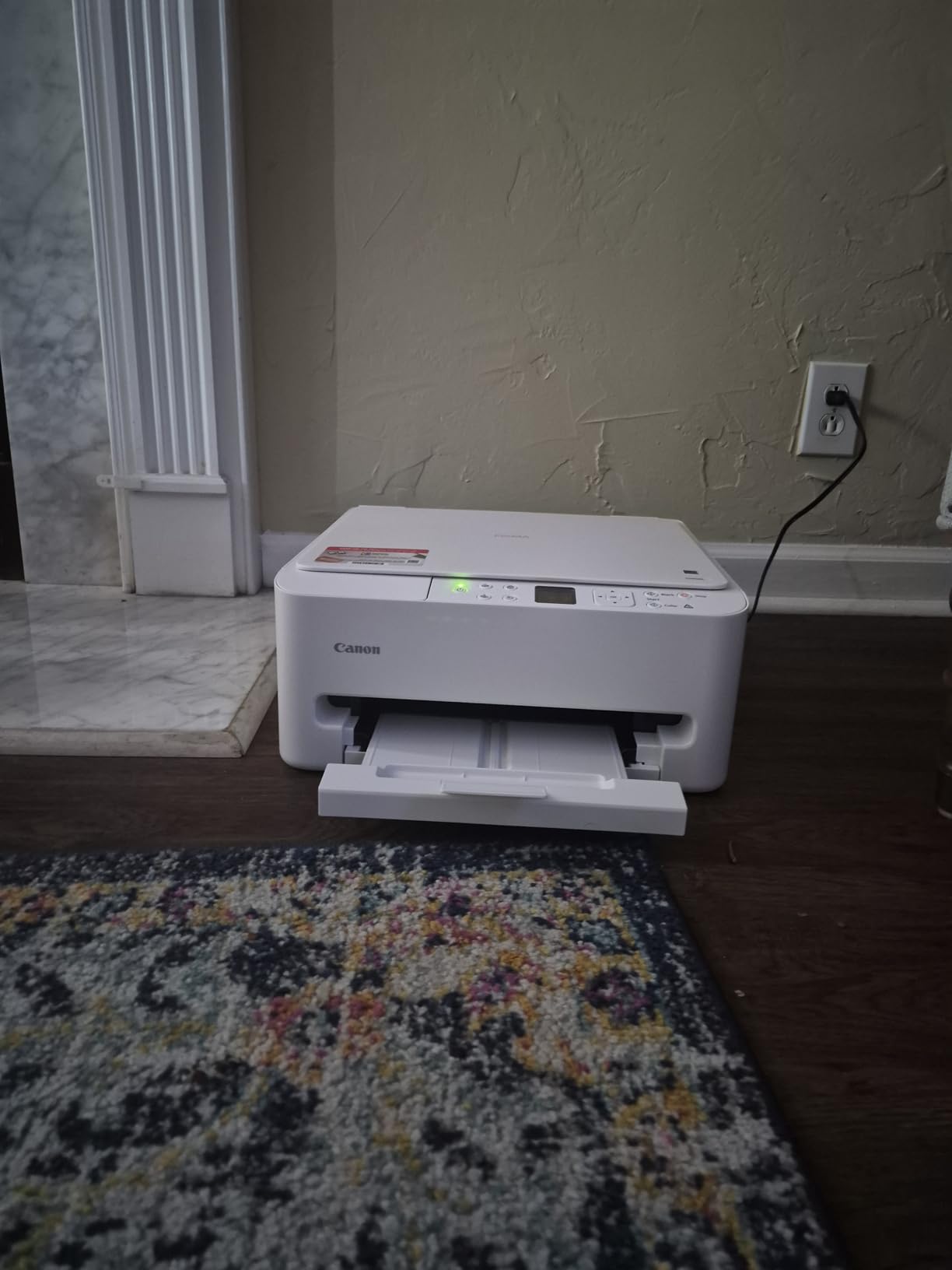
The two-cartridge hybrid ink system (one black, one tri-color) produces sharp text and surprisingly vivid color for documents and school projects. The catch is the classic Canon trade-off: tri-color cartridges waste ink when only one color runs dry, and heavy printers will feel the refill costs. The starter cartridges in the box are also half-filled, so budget for a full set within the first month or two.
Print speed is the main compromise. At 14 ppm black and 9 ppm color it is fine for homework and tax forms, but a 40-page report will have you waiting. The paper output tray is small too, so long jobs end up on the desk if you are not watching. Neither issue changes my recommendation for a typical family that prints a few times a week.
Ink costs and what to expect long term
The TS6520 uses PG-295 black and CL-286 color cartridges. Expect a realistic cost per page of roughly 5 to 6 cents for black text and more for color pages. If you print more than about 100 pages a month, do the math against an ink tank model before committing, because cartridge costs will overtake the price of the printer within a year or two of moderate use.
Who should buy it instead of a tank printer
Buy the TS6520 if you print under 100 pages a month, want the lowest upfront cost, and value compact size and simple setup. Skip it if you print photos seriously or run through reams of paper, because an EcoTank or Smart Tank will be cheaper per page by a wide margin.
2. Canon PIXMA TR4720 – Best Budget 4-in-1
Canon PIXMA TR4720 All-in-One Wireless Printer, Home Use with Auto Document Feeder, Mobile Printing and Built-in Fax, Black
4-in-1 print/copy/scan/fax
Auto Document Feeder
Auto duplex, 100-sheet tray
ENERGY STAR, 7 watts
Pros
- Cheapest full-featured option in the lineup
- Auto Document Feeder for multi-page scanning
- Fax capability included
- Automatic 2-sided printing
- Very energy efficient at 7 watts
Cons
- Slow print speeds
- Software setup can be cumbersome
- Starter cartridges run out quickly
- Photo quality is washed out
At around $69, the TR4720 is the cheapest printer in this lineup, and it is the only one with a fax machine built in. It also has something most budget printers skip: a 20-sheet Auto Document Feeder, which means you can stack a multi-page form in the tray and let it scan or copy on its own instead of flipping pages on the glass one at a time.
With nearly 15,000 reviews, this is one of the most-owned home printers in the country, and the feedback is honestly mixed. People who love it love the price and the 4-in-1 functionality. People who dislike it mostly complain about the same two things: it is slow, at 8.8 ipm black and 4.4 ipm color, and the software installation can be a hassle on Windows machines.
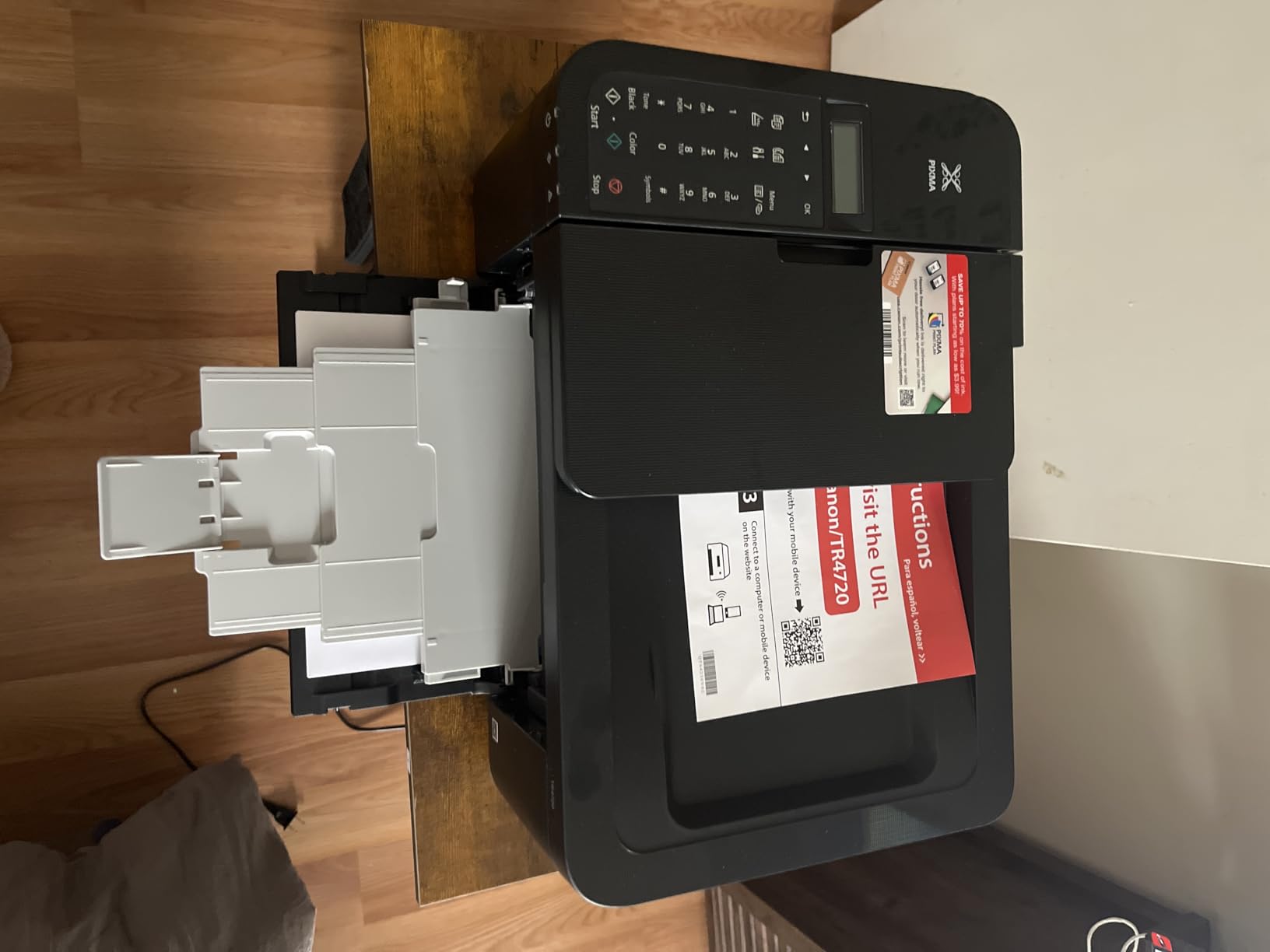
The reality, based on my read of the review patterns, is that tech-comfortable buyers have a much better experience than people who expect phone-style plug-and-play. If you follow the setup order carefully and use the Canon PRINT app for the Wi-Fi connection instead of fighting the installer, most of the common complaints never appear.
The printer draws only 7 watts while working, which makes it one of the most efficient machines here for anyone who leaves it on all day. The included starter cartridges are small, so plan on a real set of PG-275/CL-276 cartridges almost immediately. Photo output is acceptable for snapshots but noticeably flat compared to the TS6520 or the EcoTank.
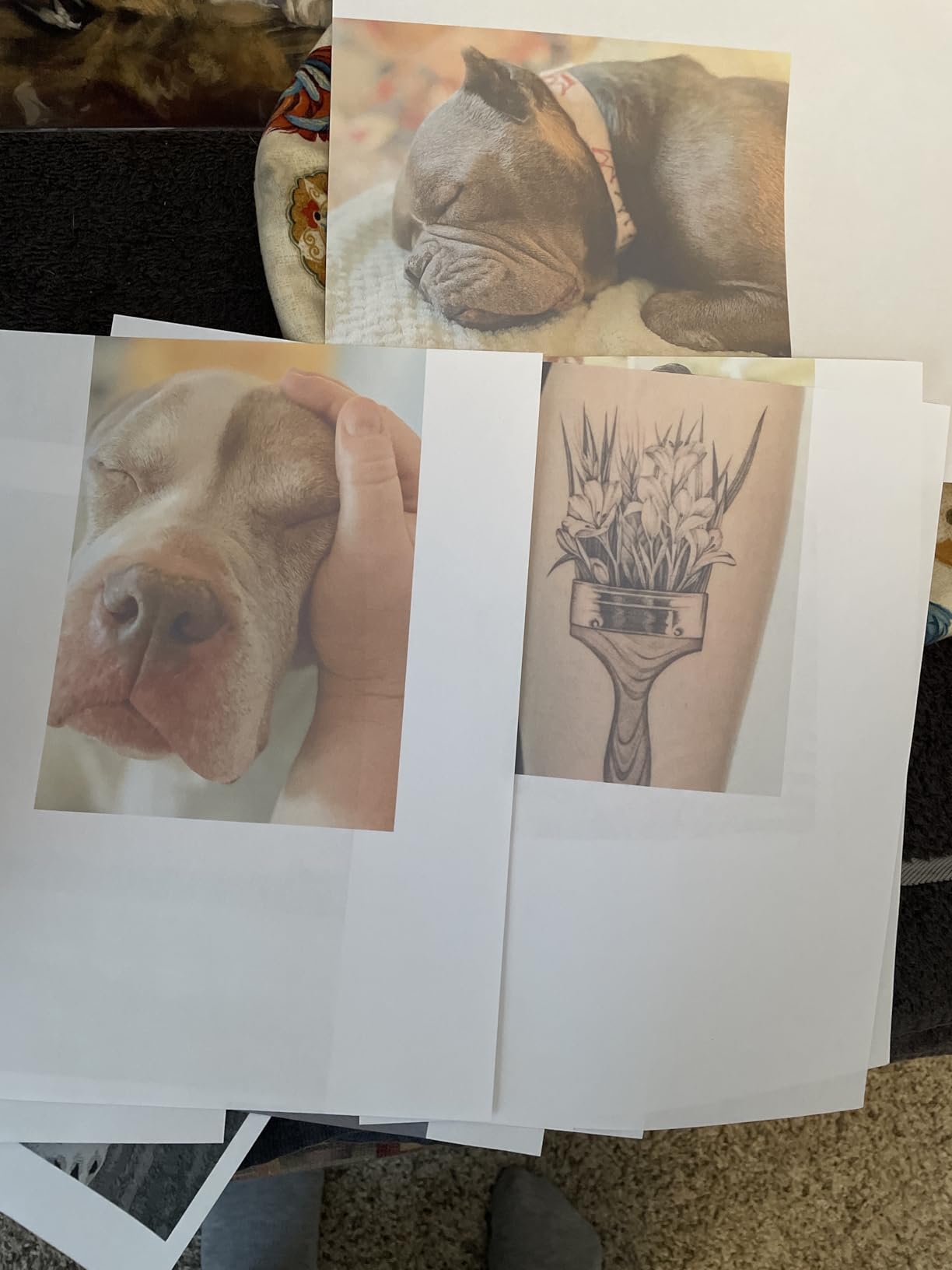
How slow is it in daily use
A single-page document prints in about 10 seconds after warm-up, which feels fine. A 20-page homework packet will take close to three minutes. If you regularly print long documents, the Brother MFC-J1360DW later in this list is nearly twice as fast for a small price increase.
Fax and ADF usefulness at home
The fax is genuinely useful for the occasional insurance or medical form, and the ADF handles multi-page scanning far better than a flatbed-only printer. If your household deals with paperwork regularly, those two features alone justify this model over cheaper cartridge printers that lack them.
3. Brother Work Smart MFC-J1360DW – Fastest for Home Office
Brother Work Smart 1360 Wireless Color Inkjet All-in-One Printer with Automatic Duplex Printing and 1.8” Color Display | Includes Refresh Subscription Trial(1) (MFC-J1360DW) (Uses LC501 Series Inks)
16 ppm black, 9 ppm color
20-sheet ADF, 150-sheet tray
Cloud scan to Drive/Dropbox
Auto duplex
Pros
- Fastest print speeds in this lineup
- 20-sheet ADF plus 150-sheet paper tray
- Scans directly to Google Drive and Dropbox
- Page Gauge shows remaining ink
- Automatic duplex printing
Cons
- Setup is time-consuming
- Interface has a learning curve
- High ink consumption
- No USB cable included
If your “home printer” is really a home office workhorse, the Brother MFC-J1360DW is the most productive machine in this list. At 16 ppm black it is the fastest here, and it pairs that speed with a 150-sheet paper tray, double the capacity of anything else in the lineup. You can load half a ream and forget about it for weeks.
The feature that sold me during research is the direct cloud scanning. From the printer itself you can push scanned documents straight to Google Drive, Dropbox, Box, or OneDrive, which is a genuine time-saver if you deal with receipts and signed forms. The Page Gauge ink monitoring is also handy, showing exactly how much ink remains so you are never surprised mid-job.
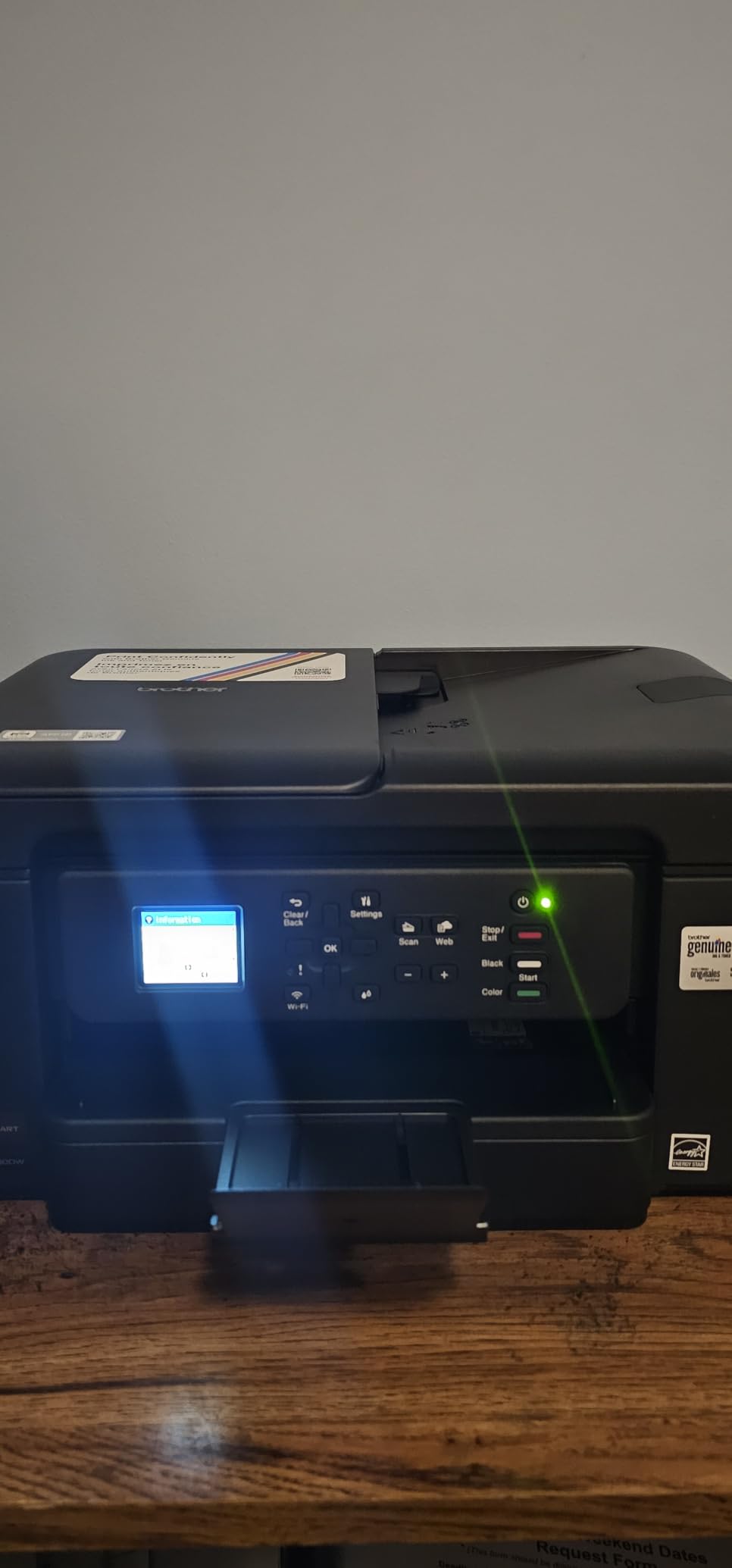
The trade-off is the setup experience. A meaningful share of the 2,300+ reviews describe a frustrating first hour, with confusing menus and Wi-Fi pairing that takes a few attempts. Owners with IT backgrounds report far fewer issues, and once the printer is connected it generally stays connected. Brother’s reputation for hardware durability shows up repeatedly in long-term forum reports on r/printers.
The bigger long-term concern is ink consumption. Brother’s LC-204 cartridges last longer than standard cartridges, but heavy printers will still spend more on ink each year than EcoTank or Smart Tank owners. Like every printer here, there is no USB cable in the box, so add one to your cart if you prefer a wired connection.
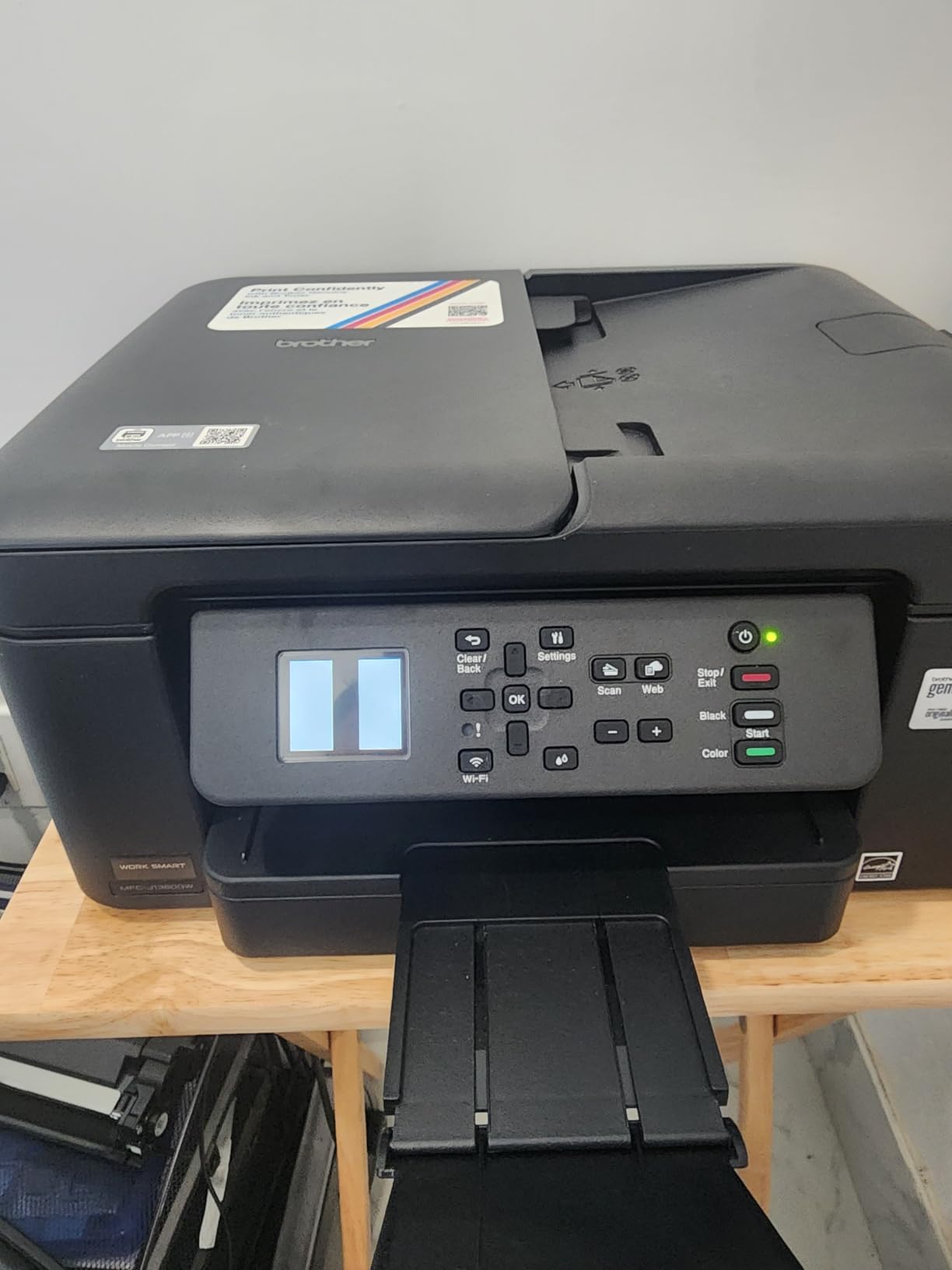
Setup tips that save an hour
Set the printer up through the Brother Mobile Connect app rather than the desktop installer, and have your Wi-Fi password ready before you start. Placing the printer within strong signal range during setup also prevents most of the connection dropouts that show up in negative reviews.
Is it too much printer for a family
If you only print a few pages a week, yes, this is more machine than you need and the cartridge costs will nibble at you. But for remote workers, students printing lecture packs, and households that scan a lot of paperwork, the speed and paper capacity make it the best fit in this lineup.
4. Canon PIXMA TR7120 – Best Balance of Size and Features
Canon PIXMA TR7120 Wireless Color Inkjet Printer for Duplex Printing, White – Home Printer with Copier/Scanner, Auto Document Feeder, Compact Design, Intuitive Control Panel
All-in-one with ADF
14 ppm black, auto duplex
Dual-band Wi-Fi, OLED display
Alexa voice compatible
Pros
- ADF plus auto duplex in a compact body
- Easy wireless setup
- Good document and photo quality
- Works with Android and iPhone
- Affordable replacement cartridges
Cons
- Does not scan double-sided
- Paper tray could be larger
- Limited stock availability
- ARM PC users may hit driver issues
The TR7120 sits in a nice middle ground: it has the Auto Document Feeder the TS6520 lacks, but keeps the same compact footprint, the same easy Canon app setup, and the same dual-band Wi-Fi reliability. For about $83 you get a machine that can scan a stack of pages unattended and still fit on a small desk.
Owner feedback is notably positive, with a 4.3-star average from early buyers. People describe it as the printer the TR4720 should have been: same friendly setup, faster output at 14 ppm black, and better photo quality thanks to the higher copy resolution. Voice control through Alexa is a small bonus that actually works for reordering ink hands-free.
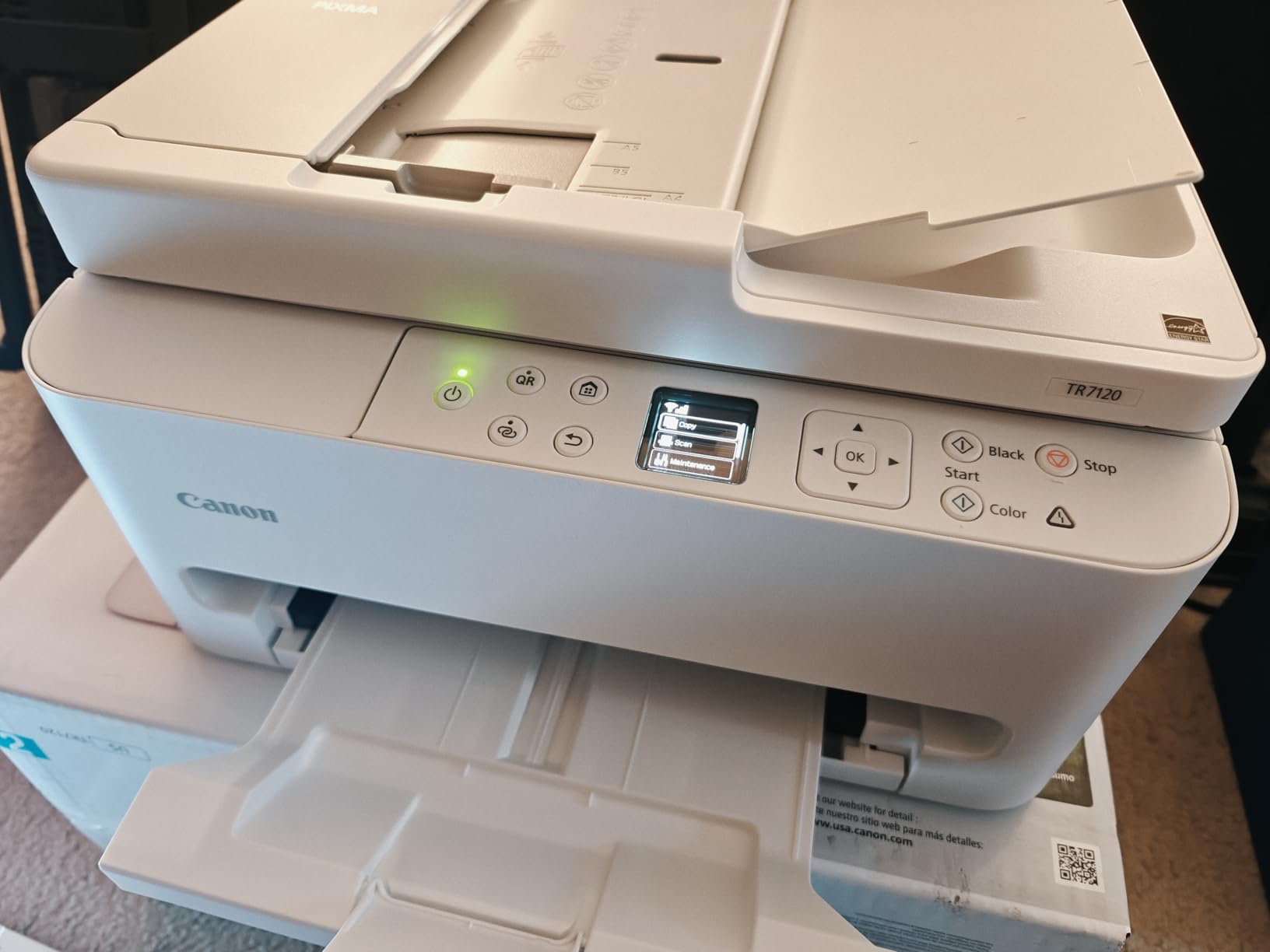
It shares the two-cartridge PG-295/CL-286 ink system with the TS6520, so running costs are similar and replacements are easy to find anywhere. Ink consumption is typical for Canon, which is to say fine for light use and slightly annoying if you print color-heavy pages daily.
Two honest warnings. First, the ADF scans one side only, so double-sided documents require a manual second pass. Second, stock has been spotty, and shoppers on ARM-based Windows laptops have reported driver hiccups, something to verify before ordering if that is your machine.
TS6520 vs TR7120 which to pick
If you never scan multi-page documents, save the few dollars and get the TS6520. If you handle forms, contracts, or school packets regularly, the TR7120’s document feeder is worth every cent of the difference and is the smarter long-term buy.
Photo and creative printing quality
Borderless printing up to 8.5 x 11 plus good color accuracy make this a solid choice for greeting cards, family newsletters, and occasional photo prints. Serious photographers should still look at the EcoTank ET-2800, which has the resolution advantage.
5. HP Envy 6155 – Best Touchscreen and Smart Features
HP Envy 6155 Wireless All-in-One Color Inkjet Printer, Print, Scan, Copy, Duplex Printing Best-for-Home, 3 Month Trial of Instant Ink Included, AI-Capable (C2WR7A) Portobello
Print/copy/scan, auto duplex
2.4 inch color touchscreen
HP P3 color, HP AI formatting
3-month Instant Ink trial
Pros
- Genuine 3-month Instant Ink trial included
- Easy setup and reliable dual-band Wi-Fi
- HP AI cleans up web page prints
- Intuitive 2.4 inch color touchscreen
- Made with over 60 percent recycled plastic
Cons
- Software can be temperamental
- Connection occasionally drops
- Scanning to PC needs troubleshooting
- Locked to HP original cartridges
The Envy 6155 is the friendliest printer here to actually live with day to day. The 2.4-inch color touchscreen makes menu navigation self-explanatory in a way the tiny LCDs on cheaper models never manage, and the whole machine weighs just 11.2 pounds, the lightest in this lineup.
HP’s newer features are the real story. HP P3 color technology produces prints that closely match what you see on screen, and the built-in HP AI can strip ads and junk from web pages before printing them, which genuinely saves ink and paper. The box includes a 3-month Instant Ink trial, so your first months of printing are effectively free if you enroll.
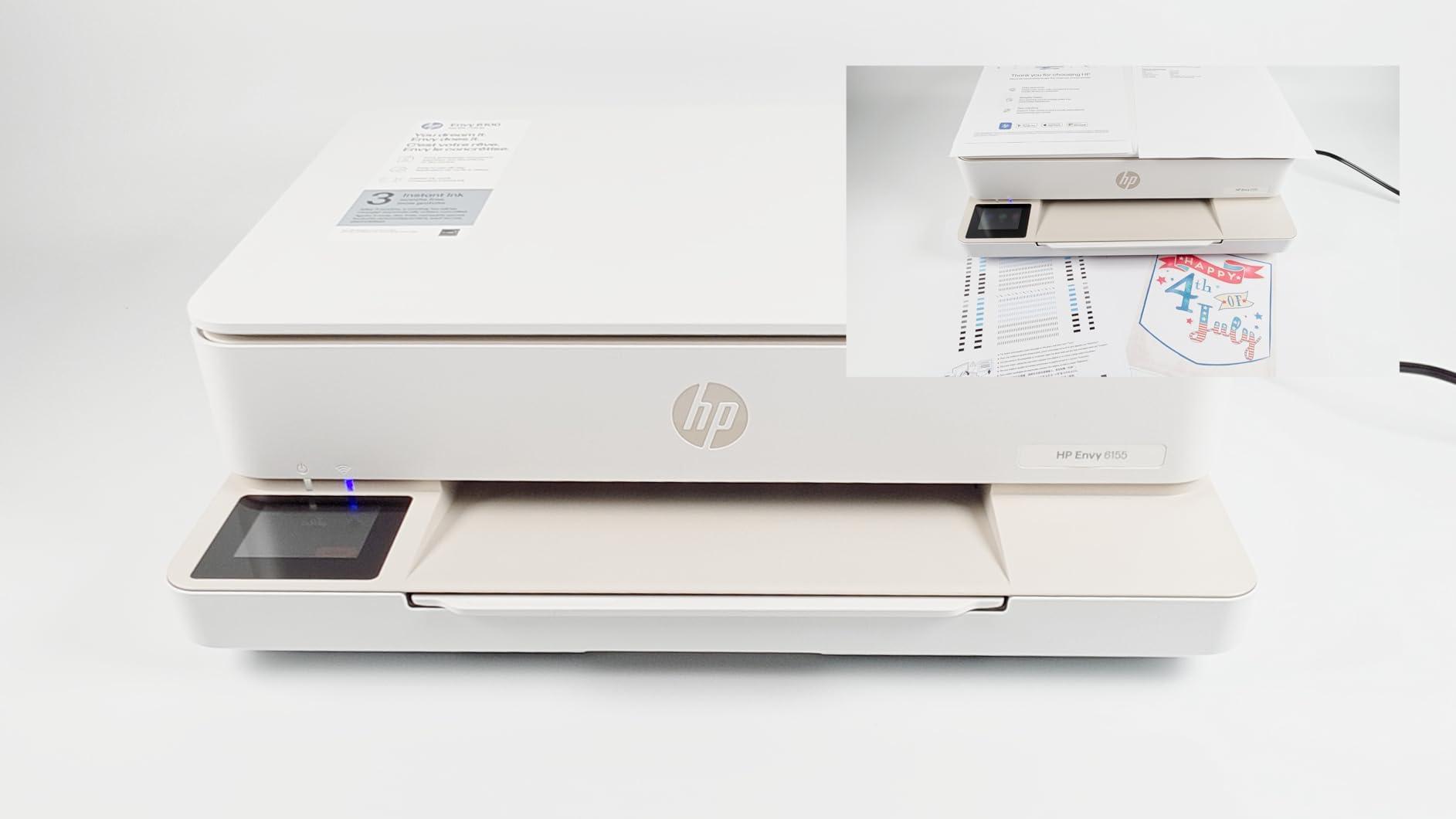
Sustainability is a nice plus too. The chassis is made with at least 60 percent recycled plastic, and it draws only about 12 watts. For buyers who factor environmental impact into a purchase, this and the EcoTank are the standout picks.
The downsides are the ones HP is famous for. The Envy only accepts original HP chipped cartridges, and firmware updates keep that restriction firmly in place, so third-party ink savings are off the table. A minority of owners also report the desktop software losing contact with the printer or needing a nudge to scan to PC.
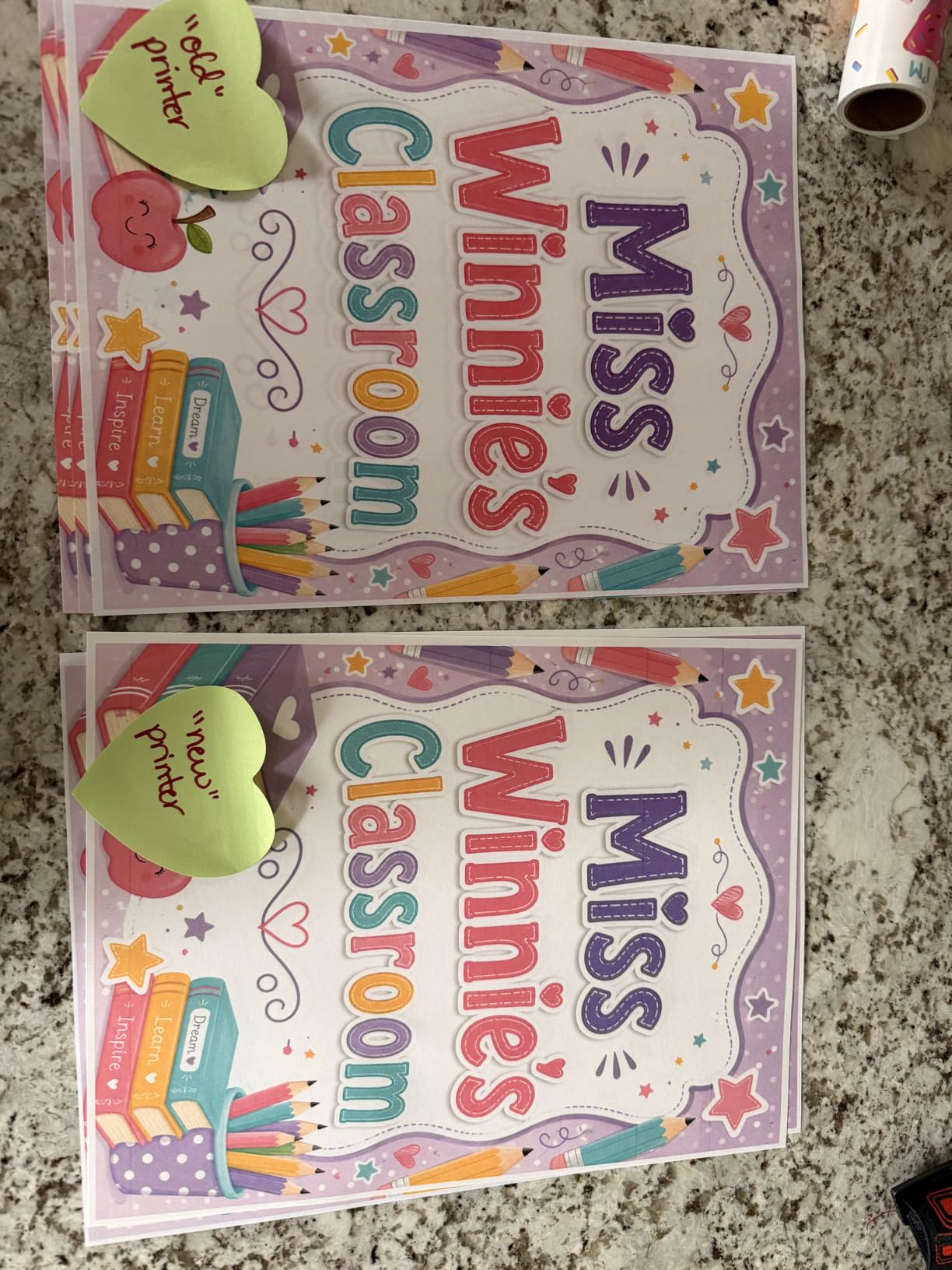
Is Instant Ink worth it here
For light home use, yes. The included trial covers roughly 700 pages over three months, and the subscription automatically ships ink before you run dry. If you print unpredictably in bursts, just remember to downgrade or pause the plan in quiet months, because HP rolls unused pages over but still bills monthly.
Compatibility with third-party ink
There is none, effectively. If keeping ink costs as low as possible is your priority, choose the EcoTank or a Canon instead, because this machine is designed from the ground up to work only with HP’s own cartridges and subscription program.
6. HP Smart Tank 5101 – Two Years of Ink Out of the Box
HP Smart Tank 5101 Wireless All-in-One Refillable Printer, Scanner, Copier with 2 Years of Ink Included, Wireless (2.4ghz only) Printer-for-Home use (1F3Y0A)
Refillable ink tank all-in-one
Up to 2 years of ink included
12 ppm black, borderless
Up to 6,000 pages in box
Pros
- Up to 2 years of ink included
- Up to 6
- 000 pages right out of the box
- Mess-free bottle refill system
- Sharp text and rich colors
- Reliable day-to-day printing
Cons
- Manual duplex only
- No enclosed paper tray
- Copy resolution caps at 600 dpi
- Scanner hinges do not lift for thick books
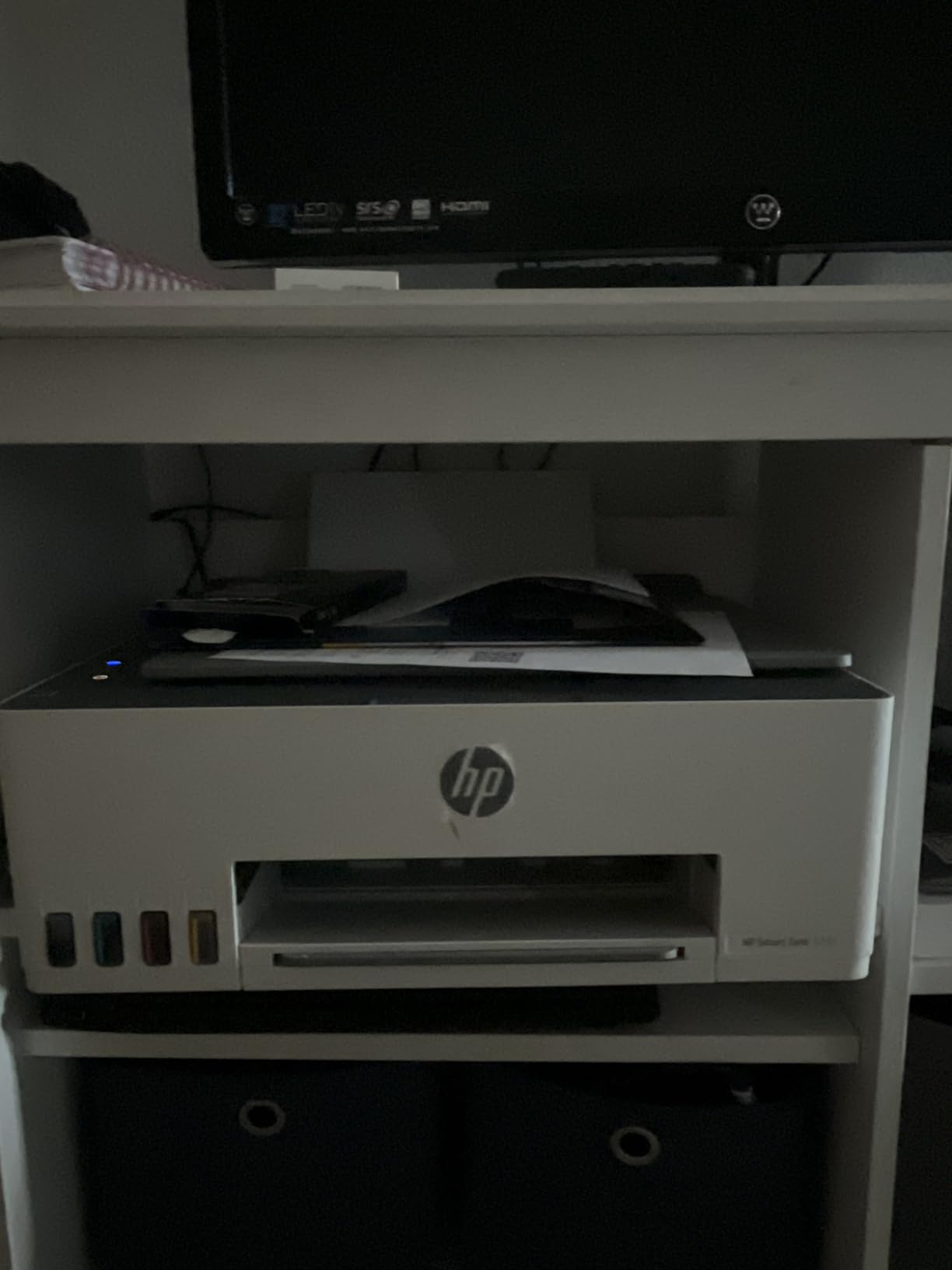
The Smart Tank 5101 flips the printer value equation. It costs more upfront than any cartridge model here, but it ships with enough bottled ink for up to 6,000 pages, which HP estimates covers two years for a typical family. If you print a lot, the ink savings alone repay the difference within the first year.
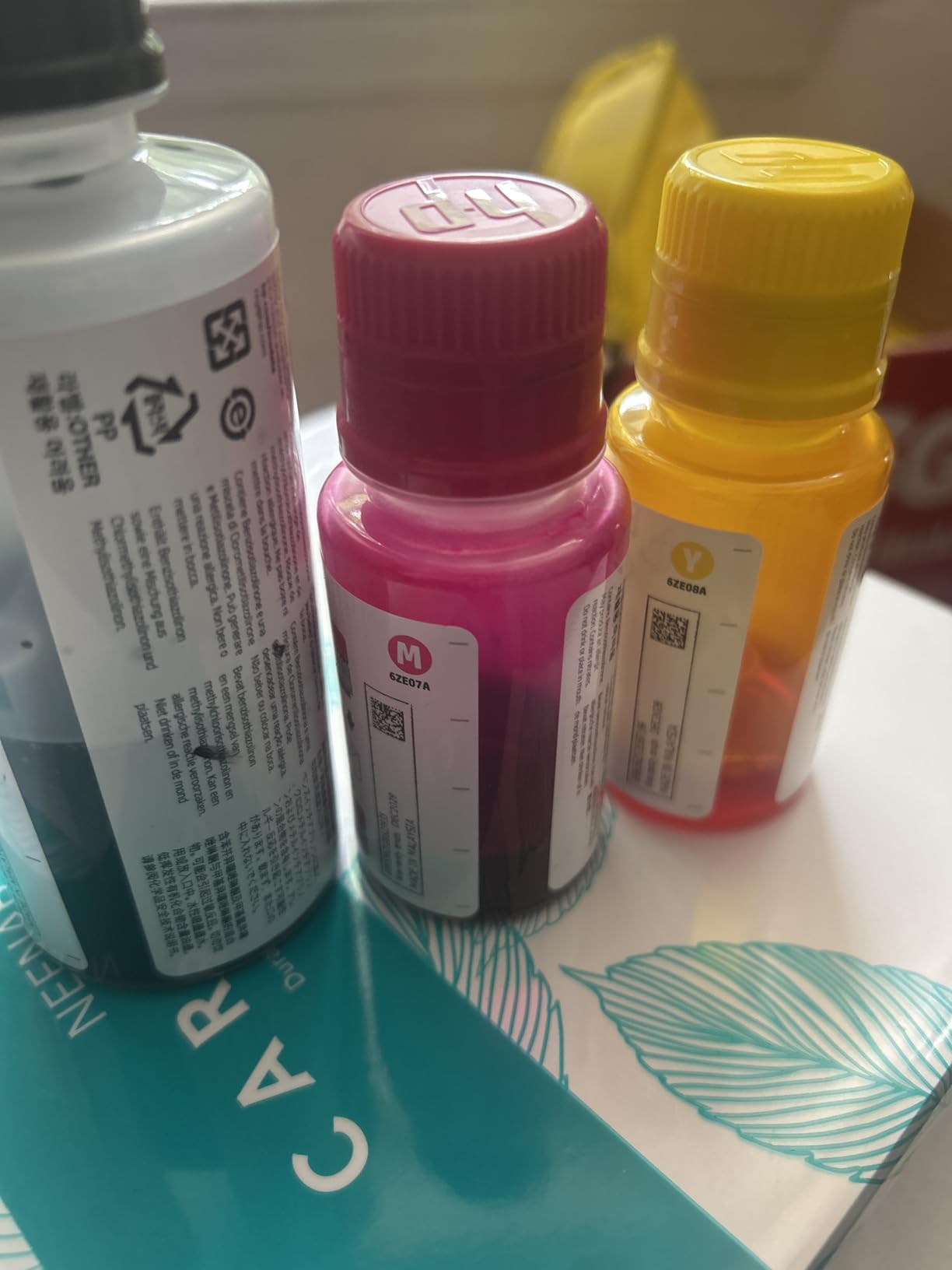
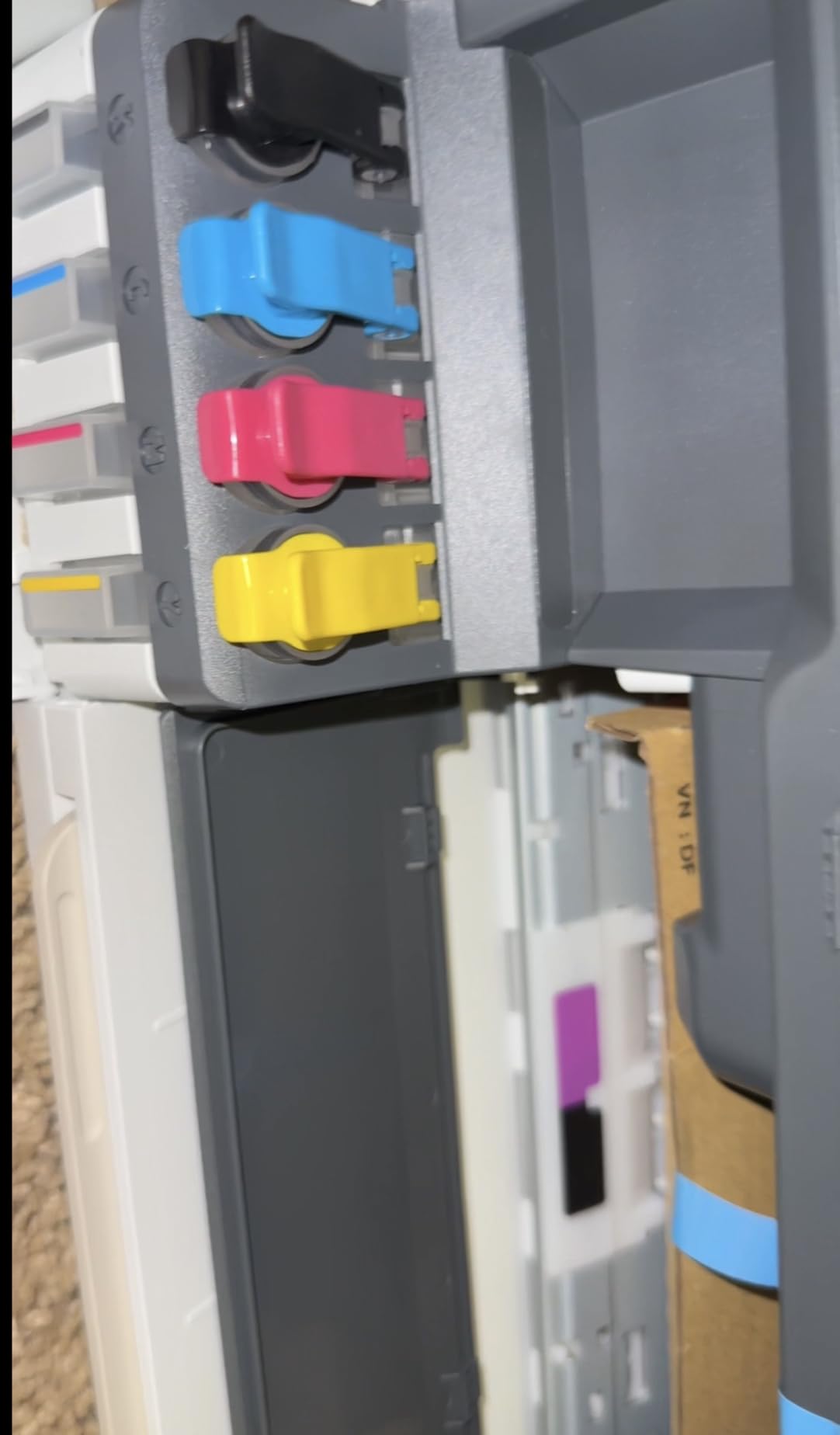
Refilling is nothing like the messy syringe kits of old ink tank hacks. The bottles have keyed nozzles that only fit the correct tank, so you flip, squeeze, and done, with no spills. From nearly 4,700 reviews, the ink economy and print quality are what owners praise most, with sharp text and rich color output.
The 3.8-star average is the lowest in this list, and the reasons are specific rather than random. The 5101 does not have automatic duplex printing, so two-sided pages require flipping the stack by hand. The paper feed is an open rear tray rather than an enclosed cassette, which looks tidy enough but can collect dust in a busy room.
A few owners also note the copy function caps at 600 dpi and the scanner lid hinges do not raise to accommodate thick books or magazines. None of these are print quality problems, and 61 percent of reviewers still give it five stars, mostly for the ink economics.
Real cost per page math
With the included ink, your effective cost for the first 6,000 pages is essentially zero beyond the purchase price. Replacement bottles cost a fraction per page compared to cartridges, roughly a cent or less for black text. If you print 150+ pages monthly, this is one of the cheapest printers to own in 2026, full stop.
Occasional printer suitability
Ink tanks do not dry out the way cartridges do because the print head sits in a sealed maintenance station, and HP’s design handles idle periods well. Still, if you print only monthly, run a nozzle check occasionally. Buyers who print rarely may be just as happy with a cheaper cartridge model.
7. HP Smart Tank 5003 – Best Rated Ink Tank Pick
HP Smart Tank 5003 Wireless All-in-One Ink Tank Printer, Scanner, Copier with up to 3 Years of Ink Included, Best-for-Home, Cartridge-Free Refillable, AI-Capable (9B2D3A)
Ink tank all-in-one
Up to 3 years of ink included
Cartridge-free refill system
AirPrint, Mopria, USB
Pros
- Up to 3 years of ink included
- Highest owner rating in this lineup
- Excellent text and photo quality
- Mess-free keyed refill bottles
- Consistent multi-device wireless
Cons
- No automatic duplex
- Copy resolution capped at 600 dpi
- Static scanner hinges
- Open paper feed path
The Smart Tank 5003 is the newest machine in this lineup and currently the highest rated, at 4.4 stars. It improves on the 5101 in the way that matters most: HP claims up to three years of included ink, the longest supply of any printer here, for essentially the same price.
Early owners are enthusiastic, with 71 percent five-star ratings. The recurring themes are painless setup across Windows, Mac, Android, and iPhone, flawless Wi-Fi that holds multiple devices at once, and print quality strong enough that several reviewers specifically call out photo printing as a pleasant surprise.
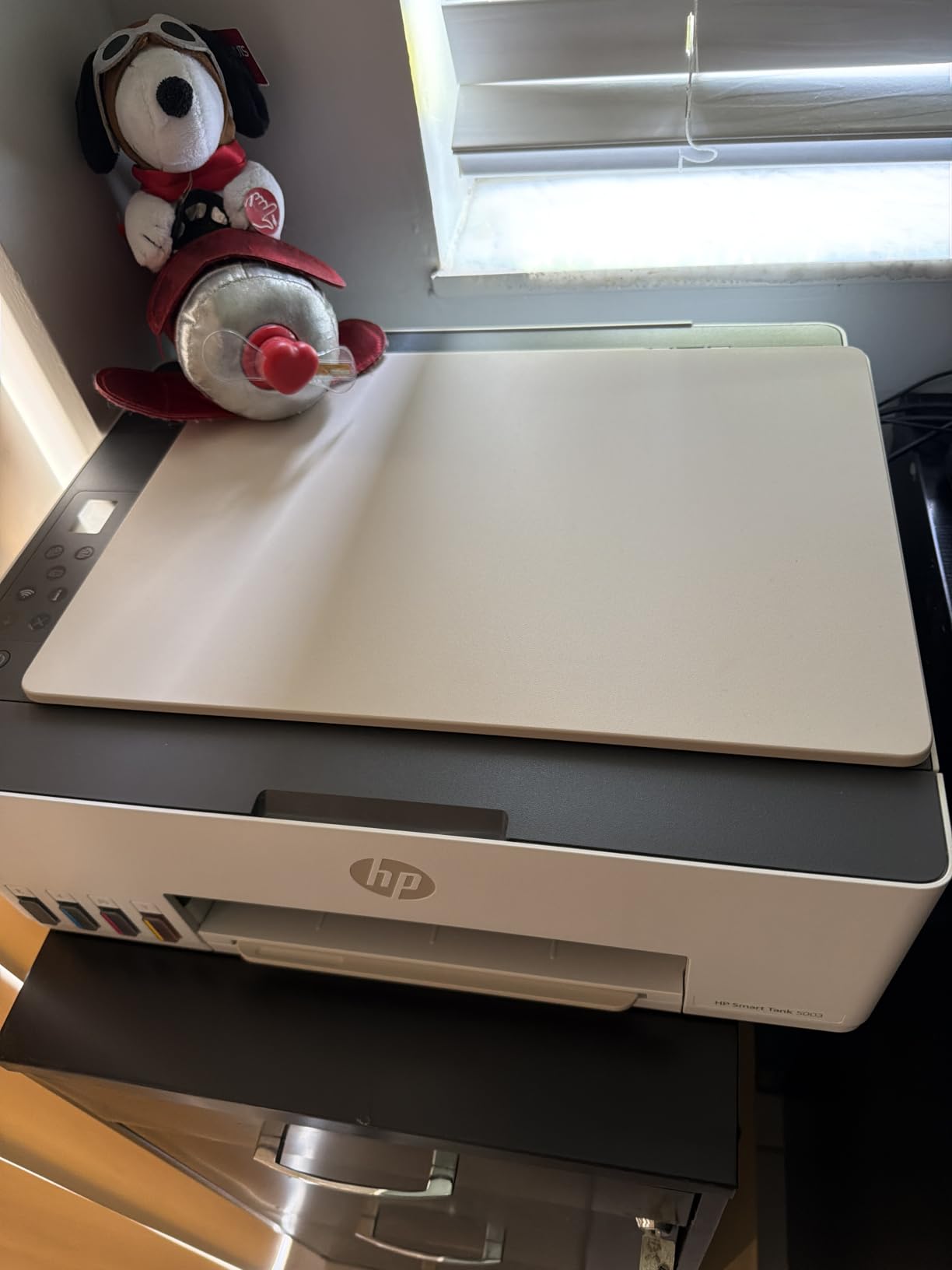
Physically it is nearly identical to the 5101, same 11-pound body, same 100-sheet capacity, same flatbed scanner, and the same limitations. Duplex printing is manual, though driver support walks you through the refeed, and copy resolution tops out at 600 dpi while direct printing goes up to 4800 x 1200 dpi.
Connectivity covers AirPrint, HP ePrint, Mopria, USB, and standard Wi-Fi, so Chromebook and iPad households are covered without extra apps. Scan to PDF is built in, which is handy for digitizing documents to cloud storage.
5101 vs 5003 which Smart Tank to buy
If both are similarly priced when you order, take the 5003 for the longer ink supply and higher owner rating. If the 5101 is meaningfully cheaper that week, the difference in daily use is negligible, and either tank model will crush any cartridge printer on running costs.
Caveats on a newer model
The 5003 has a much smaller review base (31 reviews versus thousands), so long-term reliability is still an open question. If you prefer proven models with years of feedback, the 5101 or the Epson EcoTank below are safer bets on that front.
8. Epson EcoTank ET-2800 – Best for Low Running Costs
Epson EcoTank ET-2800 Wireless Color All-in-One Supertank Printer – Black
Cartridge-free Supertank all-in-one
Up to 2 years of ink included
5760 x 1440 dpi photos
Micro Piezo Heat-Free tech
Pros
- Ink set equal to about 90 cartridges
- Up to 4
- 500 black or 7
- 500 color pages
- Excellent photo printing quality
- Micro Piezo Heat-Free reliability
- Zero cartridge waste
Cons
- No automatic duplex
- No Auto Document Feeder
- Copy resolution limited to 300-720 dpi
- Small display screen
The EcoTank ET-2800 is the printer forum users recommend most for people who are tired of the cartridge game. One set of ink bottles is equivalent to roughly 90 individual cartridges, good for up to 4,500 black pages or 7,500 color pages, and all of it ships in the box.
With 8,000 reviews and a 4-star average, this is the best-tested ink tank printer in this lineup, and it currently ranks as the number one bestseller in its category. Owners consistently highlight the same three wins: ink that seems to last forever, excellent photo quality, and no cartridge waste piling up in the trash.
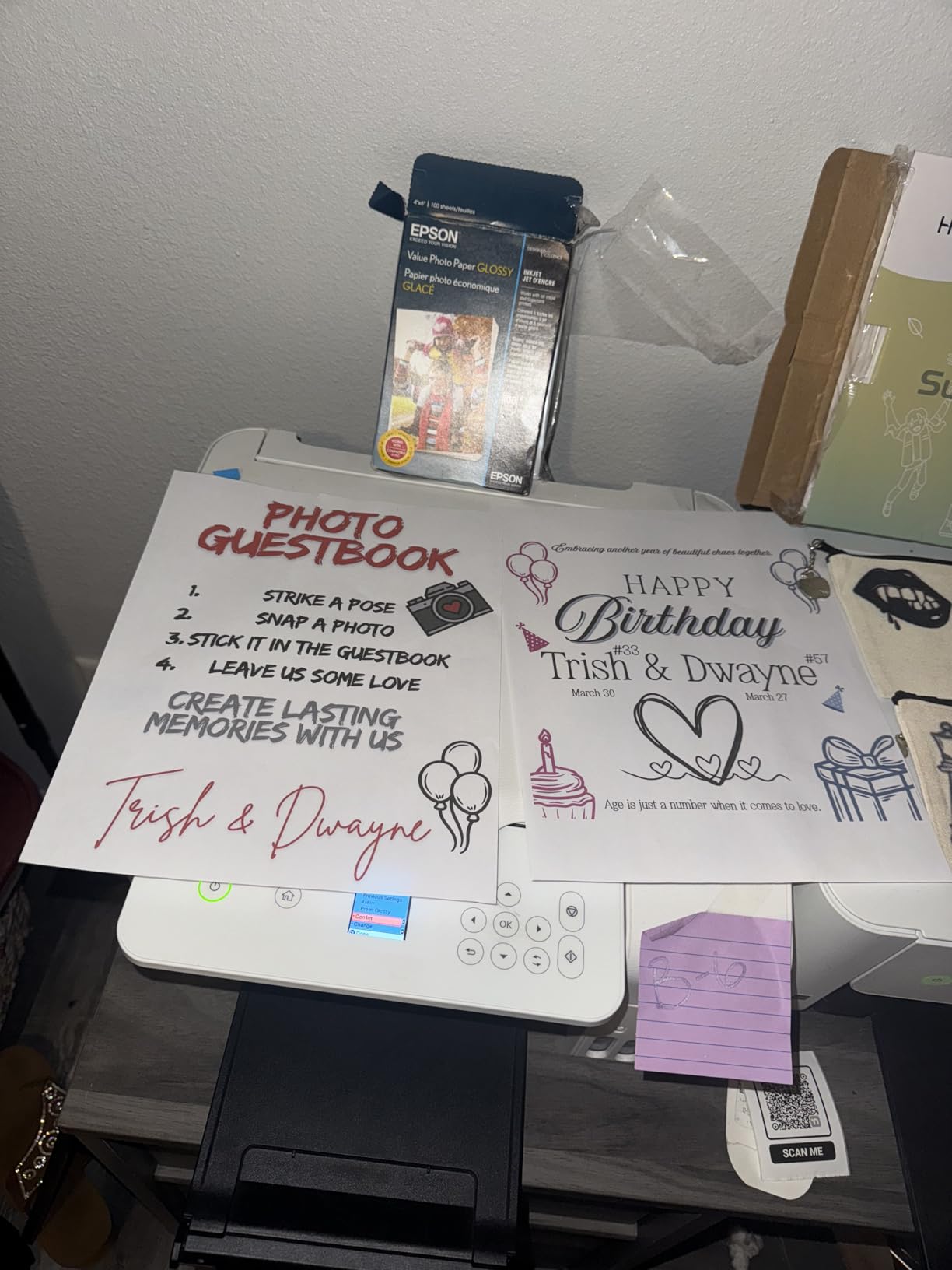
Photo quality is where the ET-2800 pulls ahead of every other printer here. The 5760 x 1440 dpi resolution produces borderless photos with fine detail and smooth gradients, making it the pick for scrapbookers and anyone who prints family photos regularly. Text is crisp and laser-like for homework and documents.
Epson’s Micro Piezo Heat-Free print head is the reliability story. Because the nozzles do not heat up with every firing, there is less thermal stress, which is a big part of why EcoTanks survive idle stretches better than thermal cartridge printers. The drawbacks are functional: no auto duplex, no ADF, a tiny LCD, and occasional app connectivity grumbles.
Why heat-free matters for occasional printers
Inkjets that sit unused for weeks are the ones that clog, and heat-stressed nozzles clog more often. The ET-2800’s piezo design handles intermittent use better than most, which forum threads on r/printers confirm with reports of EcoTanks waking up fine after months of inactivity.
Break-even versus a budget cartridge printer
Compared to a $70 cartridge model, expect the ET-2800’s purchase premium to be repaid after roughly a year of moderate printing, around 100 pages a month, thanks to ink that costs about a penny per page. Beyond that point, it is the cheapest printer in this list to actually own despite the highest price tag.
Buying Guide: How to Choose the Best Inkjet Printer for Home Use?
The best inkjet printers for home use are not the ones with the longest spec sheets, they are the ones that match how you actually print. Here is how I would narrow the decision, based on everything in the reviews above plus the recurring themes from thousands of owner reports.
Ink tank vs cartridge printers
This is the single biggest decision. Cartridge printers (the Canons and Brother here) cost $69 to $90 upfront but charge high per-page ink costs. Ink tank printers (EcoTank, Smart Tank) cost $170 to $200 upfront and include one to three years of ink, pushing ink costs to roughly a penny per page.
The rule of thumb from real owner data: if you print less than about 100 pages a month, a cartridge printer is fine and cheaper overall. Above that, a tank printer repays its premium within 12 to 18 months and saves money every month after.
Cost per page and total cost of ownership
Look past the sticker price to a two-year total. A $69 cartridge printer that consumes $20 of ink every couple of months costs more over two years than a $200 EcoTank with its included ink supply. Subscription programs like HP Instant Ink and Alexa smart reorders can flatten cartridge costs for light printers, but review the plan terms because HP cartridge printers are locked to original ink.
Print quality: text, photos, and resolution
Every printer in this list produces clean, readable text, so differentiate on photos. The Epson EcoTank leads with 5760 x 1440 dpi resolution, followed by the HP Smart Tanks at 4800 x 1200 dpi. The Canon TS6520 and TR7120 are solid for casual photos, while the TR4720’s photo output skews washed out.
Speed, duplex, and paper handling
Speed matters if you print in bursts. The Brother’s 16 ppm leads the group, while the TR4720’s 4.4 ipm color is the slowest. An automatic duplexer, standard on every Canon and Brother here, saves real time and paper; the HP tanks are manual duplex only. Paper capacity ranges from 100 sheets on most models to 150 on the Brother.
Connectivity and reliability
Dual-band Wi-Fi (all the Canons and the Envy) holds up better on congested home networks than 2.4GHz-only models. AirPrint and Mopria cover Apple and Android households without extra apps. For reliability over time, forum consensus points to EcoTank’s heat-free print head and Brother’s build durability as the two standouts, and idle clogging is the biggest risk for any thermal inkjet that sits unused for weeks.
Frequently Asked Questions
What is the best inkjet printer for home use?
The Canon PIXMA TS6520 is the best inkjet printer for home use for most families. It is affordable, compact, offers print, copy, and scan, includes automatic two-sided printing, and connects reliably over dual-band Wi-Fi with easy setup from any phone or computer.
Which inkjet printer is most reliable?
The Epson EcoTank ET-2800 is the most reliable choice for long-term ownership. Its Micro Piezo Heat-Free print head avoids the thermal stress that causes clogs, and owners regularly report trouble-free use over multiple years, even with occasional printing habits.
Do inkjet printers dry out if not used?
Yes, cartridge-based inkjets can dry out or clog when left idle for weeks because the ink in the nozzles evaporates. Ink tank printers like the EcoTank and HP Smart Tank handle idle periods better. Printing a page every week or two keeps any inkjet healthy.
Is an ink tank printer worth the extra cost?
For anyone printing more than about 100 pages a month, yes. Ink tank printers include one to three years of ink in the box and cut ink costs to roughly a penny per page, repaying their higher purchase price within 12 to 18 months of moderate use.
Is inkjet or laser better for home use?
Inkjet is better for most homes because it handles color documents and photos well, costs less upfront, and works with varied paper types. Monochrome laser printers win for high-volume black-and-white text printing, but they cannot match inkjet photo quality or affordable color output.
Conclusion
After comparing eight models, my recommendation for the best inkjet printers for home use in 2026 comes down to three picks. The Canon PIXMA TS6520 is the easiest all-around choice for typical families, the Canon PIXMA TR4720 is the budget pick if you want fax and a document feeder for under $70, and the Epson EcoTank ET-2800 is the money-saver if you print enough to care about ink costs.
Home office power users should shortlist the Brother MFC-J1360DW for its speed and paper capacity, and heavy photo printers will love the EcoTank’s output quality. Whatever you choose, check current pricing before you buy, since printer deals shift weekly.
Ready to compare live prices? Start with the editor’s choice TS6520, or browse our roundup of the current printer deals and discounts and our guide to the best printers for small business if your home setup doubles as a workplace.