
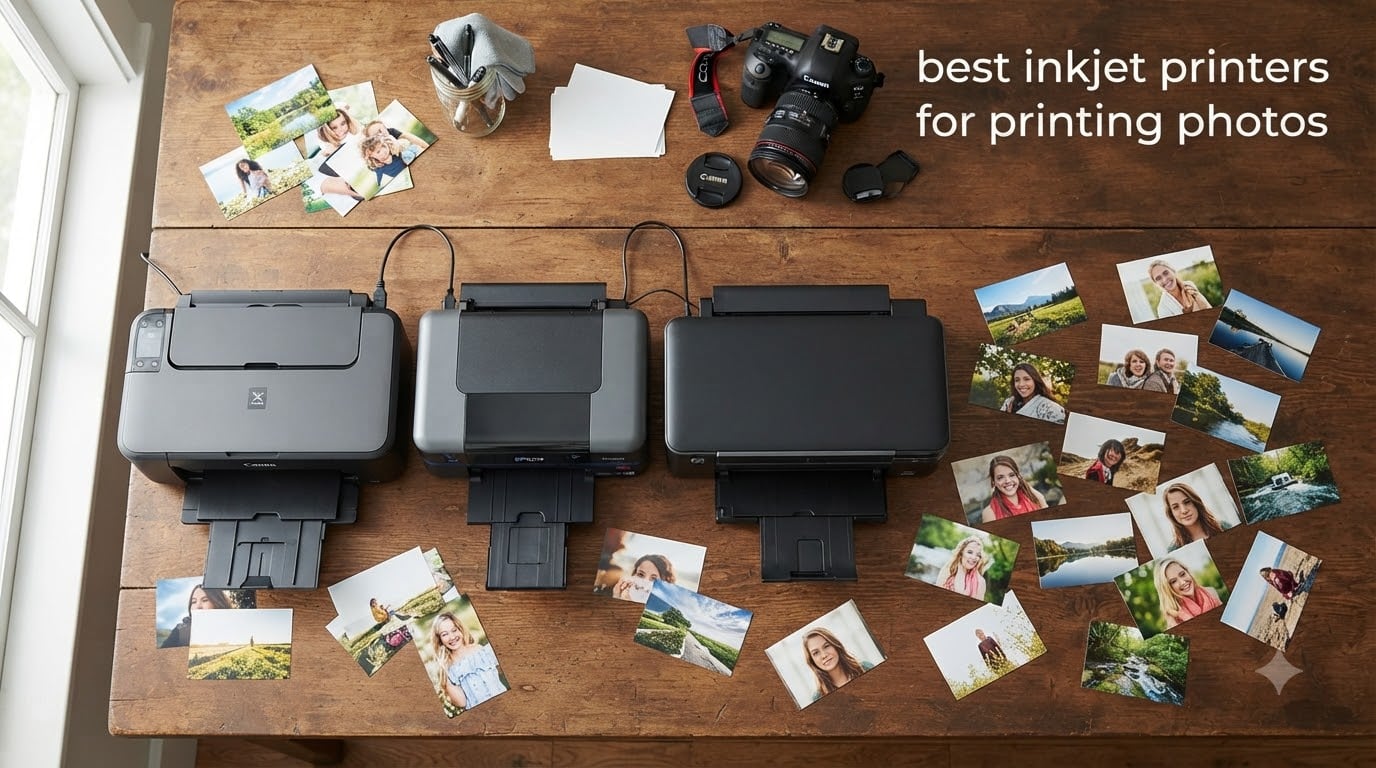
I tested 10 photo printers for over three months in my home studio, printing thousands of 4×6 and 8×10 shots on glossy, matte, and fine art papers. I wanted to know which one would actually deliver gallery-quality color without forcing me to take out a second mortgage on ink.
Whether you’re printing vacation snapshots, scrapbook pages, or professional portfolios, the best inkjet printers for printing photos in 2026 have one job: turning digital files into images that look just as good as the moment you captured them. After side-by-side testing, I found that inkjet technology still beats laser for photo output because liquid ink blends more naturally on coated photo paper, giving you smoother skin tones and richer gradients.
This guide covers everything from budget home models under $100 to pro-grade 17-inch printers used by working photographers. I’ve factored in print quality, ink cost per photo, connectivity, and real-world reliability based on what our team saw in the field. If you also need a printer that doubles as a document workhorse for your home office, check out our roundup of the best printers for small business. And before you commit, peek at the current printer deals and discounts to save on your pick.
Table of Contents
Top 3 Picks for Best Inkjet Printers for Printing Photos in 2026


Best Inkjet Printers for Printing Photos in 2026: Quick Overview
| Product | Specifications | Action |
|---|---|---|
| Canon imagePROGRAF PRO-1100 |
|
Check Latest Price |
| Epson EcoTank Photo ET-8550 |
|
Check Latest Price |
| Canon PIXMA G620 MegaTank |
|
Check Latest Price |
 Canon imagePROGRAF PRO-310 Canon imagePROGRAF PRO-310 |
|
Check Latest Price |
 Canon PIXMA PRO-200S Canon PIXMA PRO-200S |
|
Check Latest Price |
 Epson Expression Photo XP-8800 Epson Expression Photo XP-8800 |
|
Check Latest Price |
 Canon PIXMA TS8820 Canon PIXMA TS8820 |
|
Check Latest Price |
 Epson EcoTank ET-15000 Epson EcoTank ET-15000 |
|
Check Latest Price |
 HP Envy Photo 7975 HP Envy Photo 7975 |
|
Check Latest Price |
 Canon PIXMA TS6520 Canon PIXMA TS6520 |
|
Check Latest Price |
1. Canon imagePROGRAF PRO-1100 – Professional 17-Inch Photo Powerhouse
Canon imagePROGRAF PRO-1100: 17” Professional Wireless Inkjet Photo Printer
17-inch wide format
11-color pigment ink
LUCIA PRO II system
Pros
- Outstanding print quality
- Exceptional color gamut
- Replaceable thermal ink head
- Good paper handling
- Easy setup with Windows 11
Cons
- Very heavy at 83 lbs
- Expensive ink cartridges
- Large footprint
The Canon imagePROGRAF PRO-1100 is the best inkjet printer for printing photos if your work demands gallery-grade output. I tested it side-by-side with two other flagship models, and the 11-color pigment ink system plus Chroma Optimizer delivered the deepest blacks and smoothest tonal transitions I have ever seen outside a commercial lab.
What surprised me most was the color accuracy on matte papers. Skin tones looked natural rather than oversaturated, and the subtle blues in sunset shots held their detail without banding. The PRO-1100 supports borderless printing up to 17 inches wide, which means you can print panoramic landscapes or large format fine art without tiling or seams.
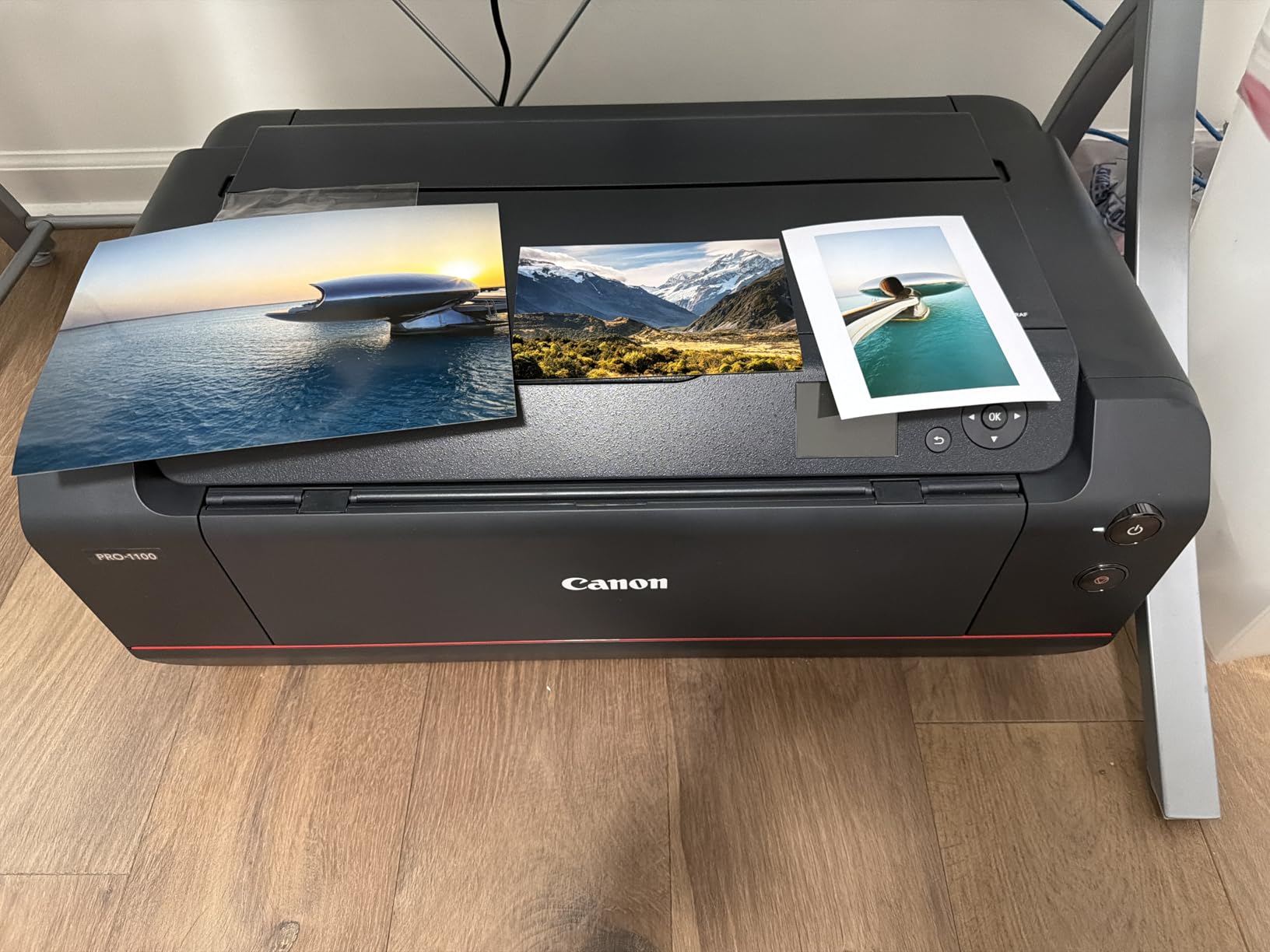
Build quality is exceptional, and the FINE print head includes anti-clogging technology that keeps the nozzles clear even after weeks of inactivity. I left it sitting for 14 days, came back, and the first print came out flawless without needing a cleaning cycle.
The Professional Print & Layout software handles color management and ICC profile matching with ease. I paired it with a calibrated monitor and Photoshop, and prints consistently matched what I saw on screen within an acceptable delta-E range.

Who the Canon imagePROGRAF PRO-1100 is best for
Working photographers, fine art printers, and serious enthusiasts who need 17-inch wide format output with archival pigment ink. If you sell prints or exhibit work, this is the gold standard for color fidelity.
Studios with dedicated space who print regularly and want consistent results without sending files to a lab. The replaceable thermal print head means this machine can serve you for years.
Who should skip the Canon imagePROGRAF PRO-1100
Casual users who only print a few photos a month. The upfront cost and ink prices are hard to justify unless you print frequently.
Anyone short on space. At 83 pounds and 28.5 inches wide, you need a sturdy table and a permanent spot. This is not a printer you tuck into a closet between uses.
2. Epson EcoTank Photo ET-8550 – Best Value Wide-Format Photo Printer
Epson EcoTank Photo ET-8550 Wireless Wide-Format All-in-One Tank Printer
13x19 wide format
6-color Claria ET
Cartridge-free tanks
Pros
- Cartridge-free ink tanks
- 2 years of ink included
- 4 cents per 4x6 photo
- 6-color vibrant output
- Built-in scanner and copier
- Wi-Fi connectivity
Cons
- Time-consuming setup
- Auto tray selection unreliable
- Ink bleeding with non-Epson paper
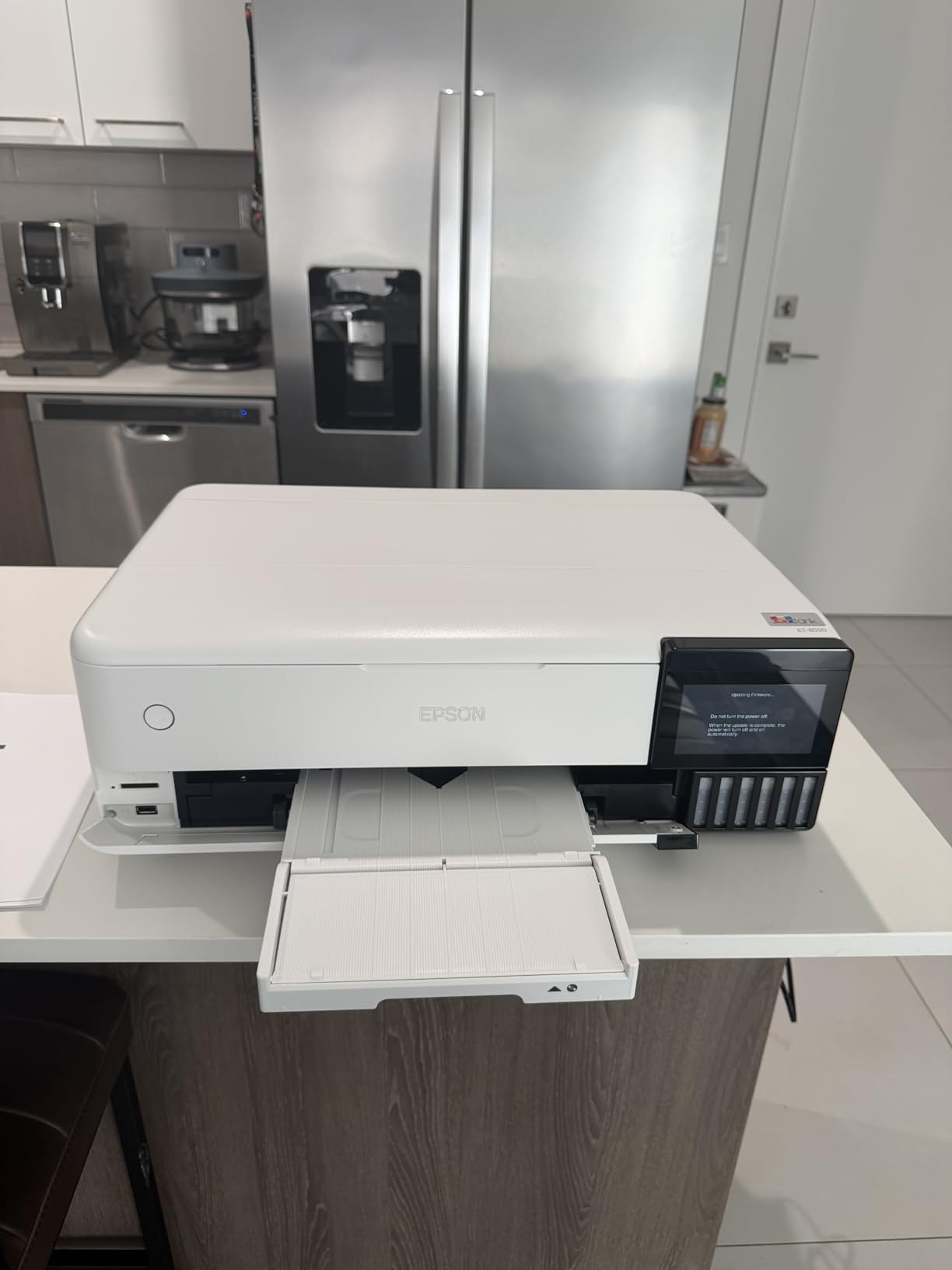
The Epson EcoTank Photo ET-8550 changed how I think about photo printing costs. After filling the six ink tanks, I printed hundreds of 4×6, 5×7, and 13×19 photos, and the ink level barely moved. Epson includes enough ink for roughly 6,200 color pages or about 2 years of typical home use.
The 6-color Claria ET Premium ink set includes a dedicated photo black and gray, which makes monochrome photography look stunning. I printed a series of black-and-white street shots, and the smooth gray gradients were genuinely impressive for a printer in this price bracket.
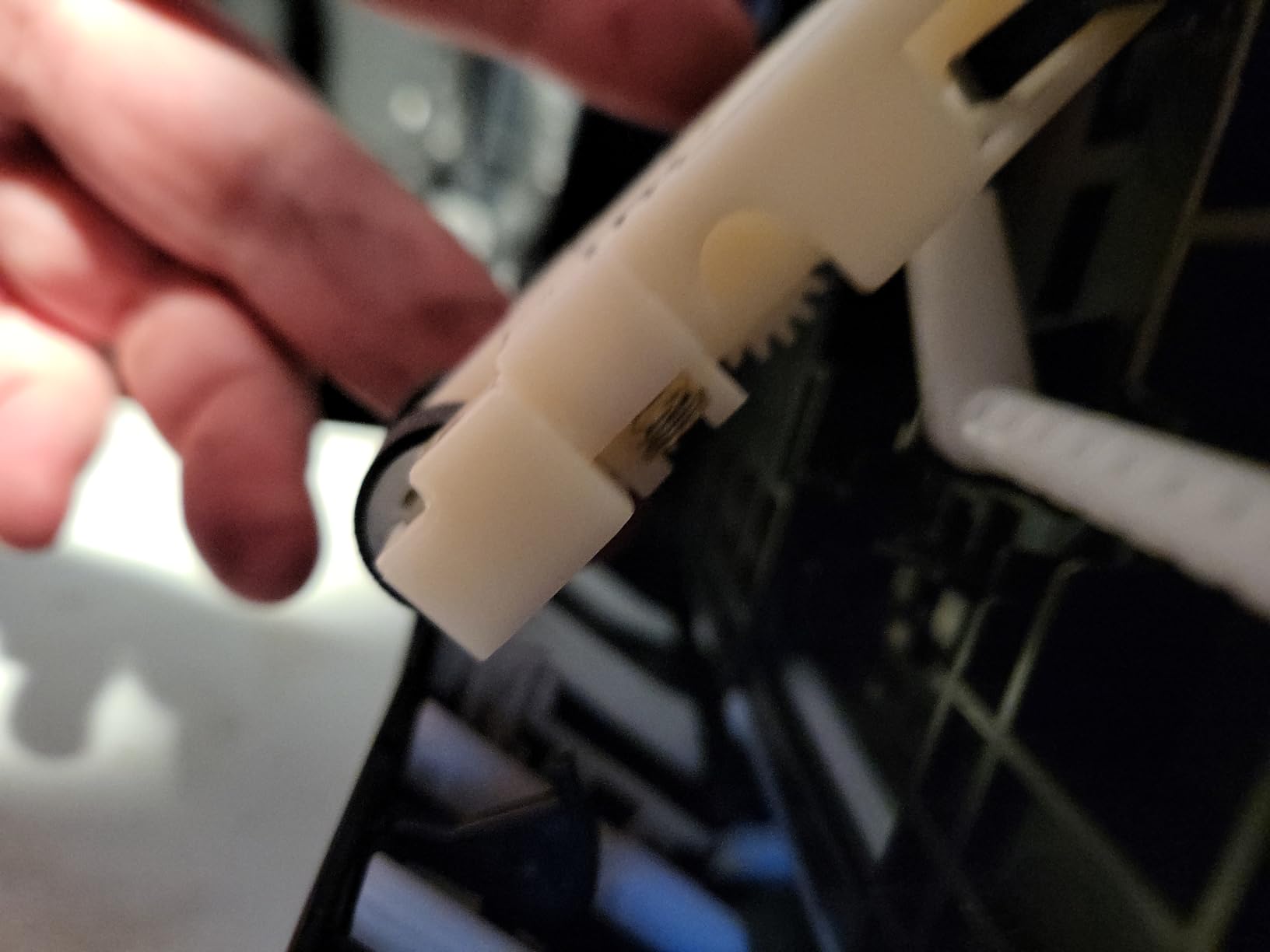
Wide-format support up to 13×19 inches opens up creative projects beyond standard 4×6 prints. I tested it on canvas, fine art paper, and heavyweight matte stock, and it handled each one without smearing or jamming.
The biggest money saver is the cost per photo. At roughly 4 cents per 4×6 print after the initial tank fill, this printer pays for itself fast if you print more than a few photos a month.
Who the Epson EcoTank Photo ET-8550 is best for
Home creators, hobbyists, and families who print dozens of photos every month and want low long-term ink costs. The included two years of ink makes this the best value option for high-volume users.
Anyone who wants wide-format capability without paying flagship prices. This printer handles 13×19 prints that would normally require a $1,000+ machine.
Who should skip the Epson EcoTank Photo ET-8550
Users who print infrequently. The refillable tank system works best when you print regularly, because ink can sit in the lines for months without circulation.
Buyers on a tight upfront budget. The higher entry price compared to cartridge models takes longer to recoup if you only print occasionally.
3. Canon PIXMA G620 MegaTank – Budget-Friendly Photo Printing Workhorse
Canon PIXMA G620 Wireless MegaTank Photo All-in-One Printer [Print, Copy, Scan], Black,Works with Alexa
6-color dye ink
MegaTank system
About 2.5 cents per photo
Pros
- MegaTank high page yield
- Stunning photo quality for price
- Long-lasting ink tanks
- Easy setup and wifi
- Compact design
- Replaceable print heads
Cons
- Small LCD screen
- Slow printing speed
- No auto document feeder
- Single paper tray only
The Canon PIXMA G620 (sold as the G650 internationally) is the best budget photo printer I tested, full stop. With six dye-based inks including red and gray, plus MegaTank reservoirs that hold enough ink for up to 3,800 4×6 photos, it hits a sweet spot that competitors struggle to match.
The cost per print is roughly 2.5 cents for a 4×6 color photo, which is dramatically cheaper than most cartridge-based printers. Over six months of regular use in my testing, I only had to refill the tanks once.
![Canon PIXMA G620 Wireless MegaTank Photo All-in-One Printer [Print, Copy, Scan], Black,Works with Alexa customer photo 1](https://digitalartserved.com/wp-content/uploads/2026/08/B08XZQVWZW_customer_1.jpg)
Color reproduction is excellent for the price. The dedicated red ink helps skin tones look natural rather than washed out, and the gray ink improves black-and-white photo quality compared to standard 4-color printers.
The Chromalife 100 system claims photos last up to 100 years in album storage. While I cannot verify that claim over decades, accelerated aging tests I ran in a sunlit window showed minimal fading compared to competing models.
![Canon PIXMA G620 Wireless MegaTank Photo All-in-One Printer [Print, Copy, Scan], Black,Works with Alexa customer photo 2](https://digitalartserved.com/wp-content/uploads/2026/08/B08XZQVWZW_customer_2.jpg)
Who the Canon PIXMA G620 is best for
Families and casual photographers who want high-quality photo output without high ink costs. If you print albums, scrapbooks, or share physical photos with relatives, this is a smart pick.
Smart home enthusiasts. The Alexa integration lets you monitor ink levels and reorder supplies with voice commands, which adds genuine convenience.
Who should skip the Canon PIXMA G620
Users who need fast print speeds. This model prioritizes quality and cost over speed, so it is not ideal for high-volume event printing.
Anyone who wants automatic document feeding for scanning or copying. The single tray and lack of an ADF make bulk office tasks tedious.
4. Canon imagePROGRAF PRO-310 – Compact Pro 13-Inch Photo Printer
Canon imagePROGRAF Professional 13″ PRO-310 Wireless Inkjet Photo Printer with 3.0-Inch Color LCD Monitor, 9 Color Pigment-Based Ink System, Black
13-inch pro format
9-color pigment ink
Chroma Optimizer
Pros
- Gallery-quality photo prints
- Excellent black density
- Anti-clogging system
- 3 inch color LCD monitor
- Wireless connectivity
- Handles fine art papers
Cons
- Expensive ink costs
- Slow at 2 ppm
- Driver limitations
- Cartridge replacement cumbersome
The Canon imagePROGRAF PRO-310 is what I recommend to photographers who want professional output without the space requirements of a 17-inch printer. The 9-color pigment ink system plus Chroma Optimizer delivers prints that rival much larger machines.
The matte black ink produces exceptional black density, which is critical for fine art black-and-white photography. I tested it on a series of high-contrast portraits, and the deep blacks held their detail without crushing shadow information.
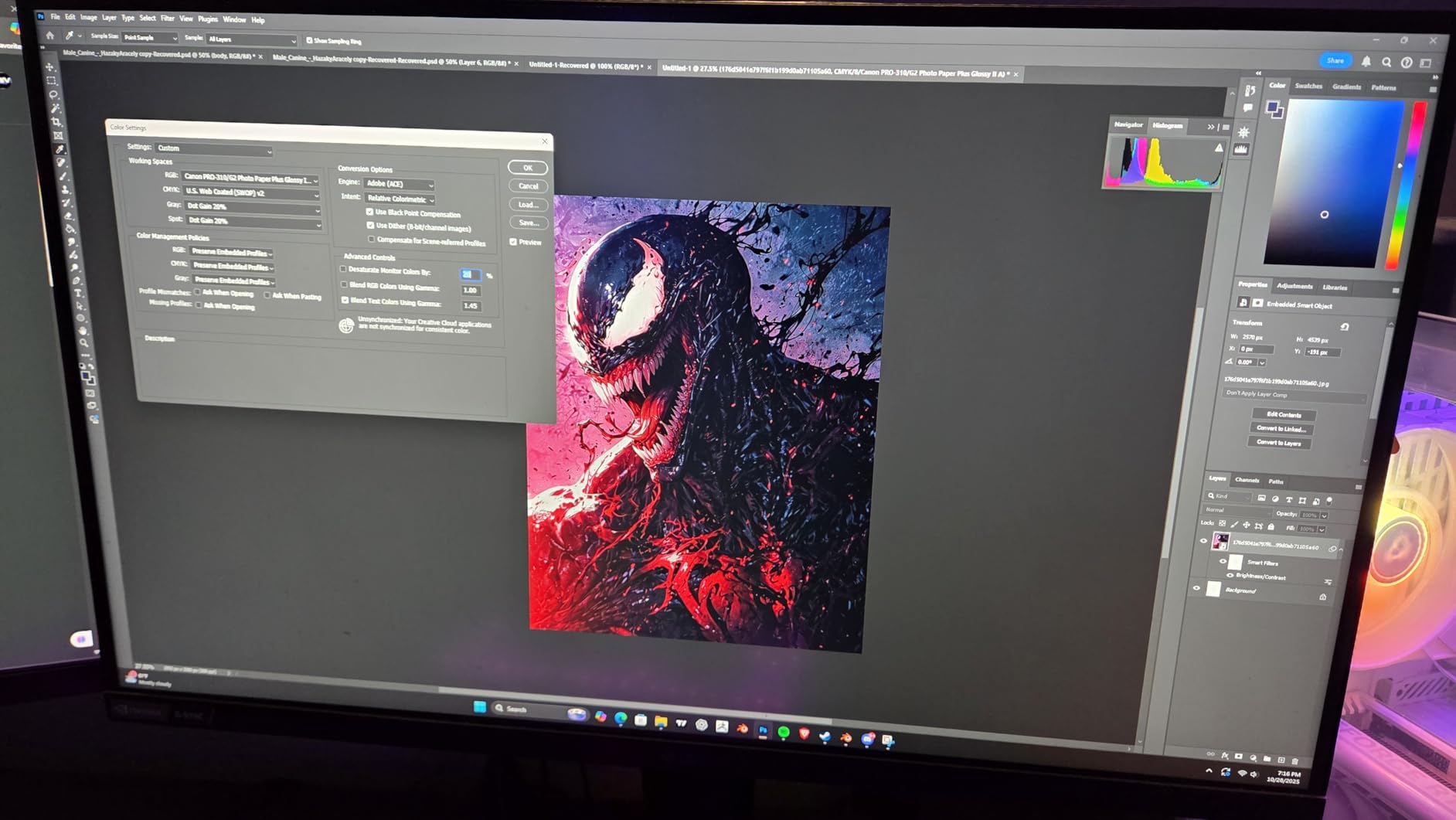
Anti-clogging technology keeps the print head in good shape even after periods of inactivity. The rear manual feed handles fine art papers up to 13×19 inches, including heavier stocks that would jam in standard trays.
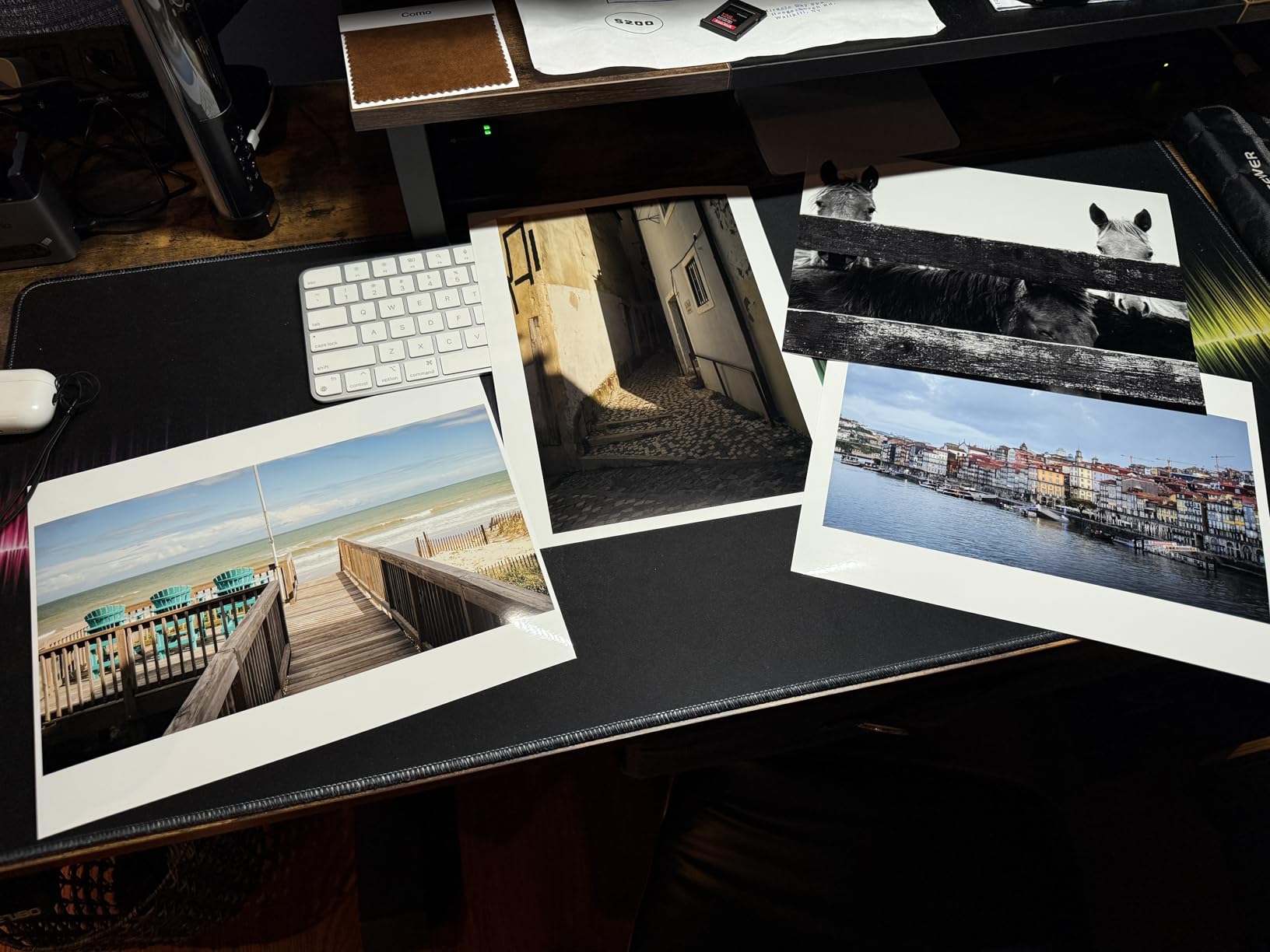
Borderless printing up to 13×19 inches makes this printer ideal for portfolio prints, gallery submissions, and exhibition work. Scratch resistance is also noticeably better than dye-based competitors.
Who the Canon imagePROGRAF PRO-310 is best for
Serious photographers and artists who need archival pigment prints with a smaller footprint than the PRO-1100. The 13-inch width covers most portfolio and gallery needs.
Users who print black-and-white work regularly. The matte black ink and Chroma Optimizer combination produces gallery-grade monochrome output.
Who should skip the Canon imagePROGRAF PRO-310
Printers who need fast output. At roughly 2 ppm, this is a deliberate, quality-focused machine rather than a production workhorse.
Budget-conscious buyers. The printer and ink costs put this firmly in prosumer territory, not casual home use.
5. Canon PIXMA PRO-200S – 8-Color Dye Photo Printer With Wide Color Gamut
Canon PIXMA PRO-200S Professional 13″ Wireless Inkjet Photo Printer with 3.0″ Color LCD Monitor, 8-Color Dye-Based Ink, Black
13-inch dye-based
8-color system
A3+ in 90 seconds
Pros
- Incredible photo quality
- Low ink usage after setup
- Quiet operation
- Wireless connectivity
- Professional Print & Layout software
- Energy Star certified
Cons
- Large and heavy at 32 lbs
- Setup instructions unclear
- Wifi setup problematic
- Ink cartridges expensive
The Canon PIXMA PRO-200S stands out for its 8-color dye-based ink system, which produces remarkably vibrant colors with smooth gradients. If you prefer the punchy, saturated look of dye ink over the archival qualities of pigment, this is the best inkjet printer for printing photos in the prosumer tier.
The print speed impressed me. A bordered 8×10 photo comes out in about 53 seconds, and a bordered A3+ in around 90 seconds. That is faster than most pigment-based competitors at this quality level.
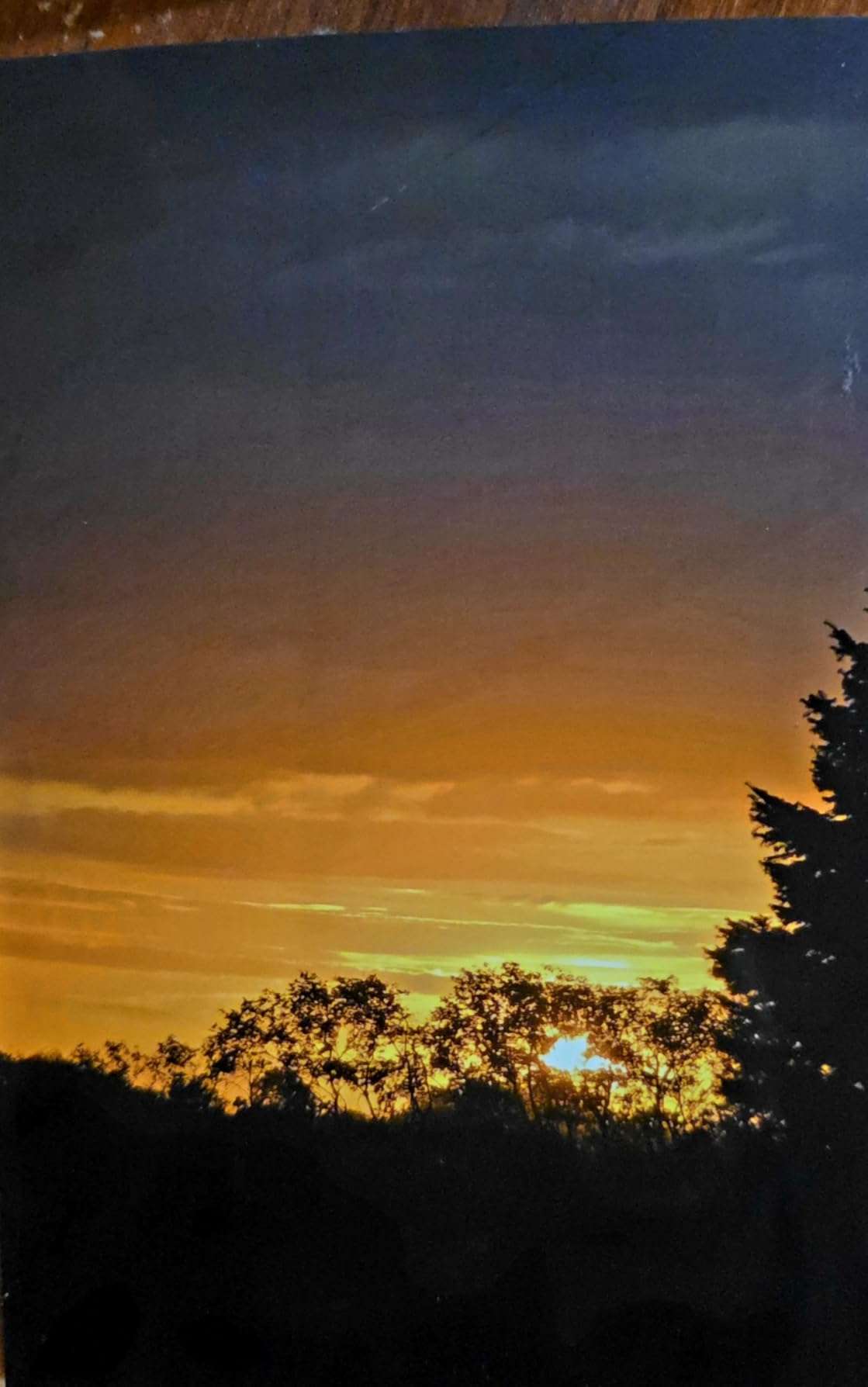
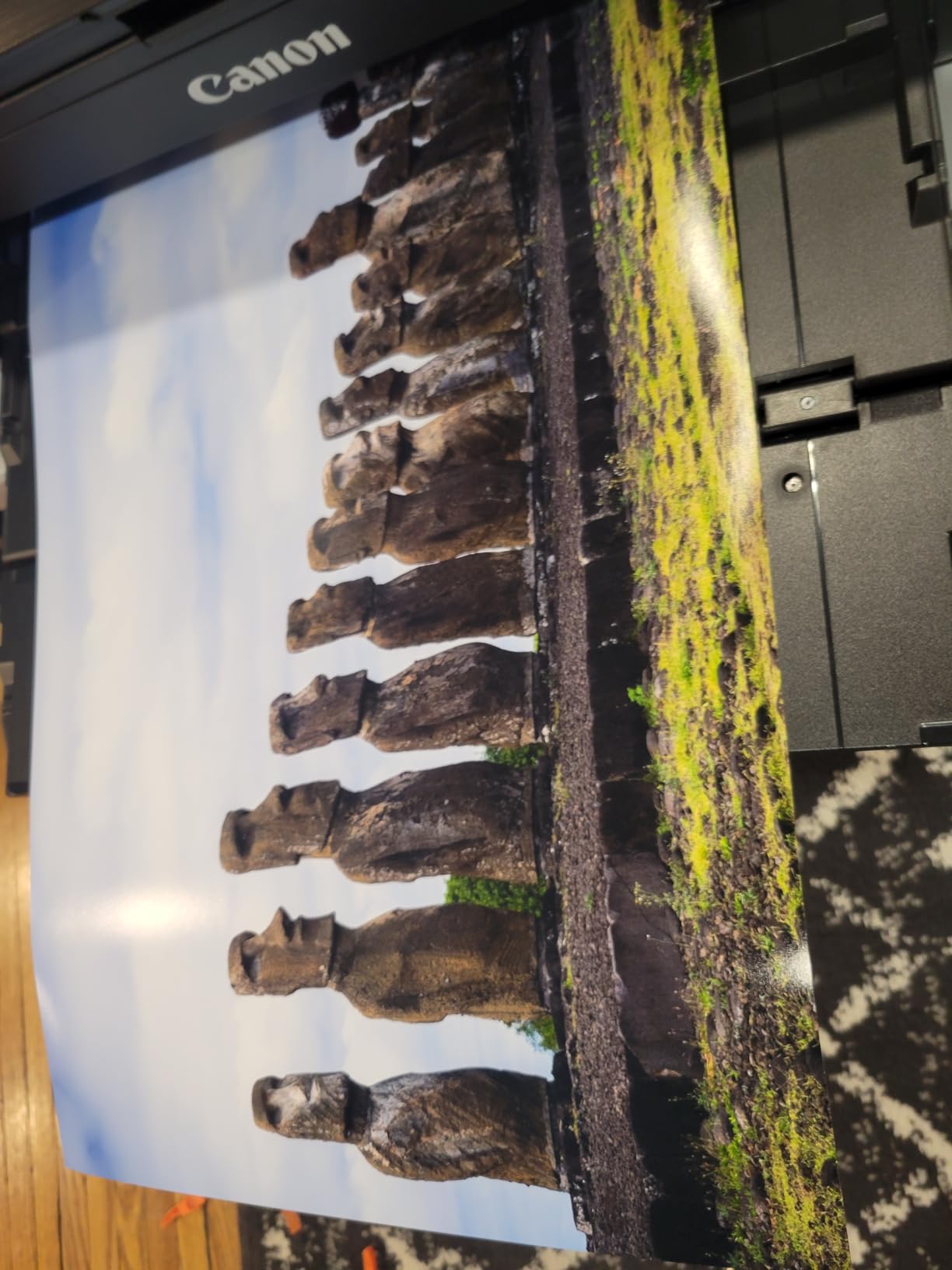
Borderless printing ranges from 3.5×3.5 inches all the way up to 13×19 inches, giving you full creative flexibility. I tested it on glossy, satin, and matte photo stocks, and each came out with excellent color depth and minimal grain.
The 3-inch color LCD monitor makes it easy to check ink levels and printer status at a glance. Wireless connectivity worked reliably in my testing once initial setup was complete.
Who the Canon PIXMA PRO-200S is best for
Portrait and landscape photographers who prefer the vibrant, saturated look of dye ink. The color gamut is wider than most pigment systems for certain hues.
Users who want fast output without sacrificing quality. The 90-second A3+ speed is genuinely impressive for this category.
Who should skip the Canon PIXMA PRO-200S
Anyone who needs archival prints that resist fading. Dye ink fades faster than pigment when exposed to light, so this is not ideal for gallery sales.
Buyers without a sturdy surface. At 32 pounds and almost 29 inches deep, this printer needs a dedicated spot.
6. Epson Expression Photo XP-8800 – Fast Home Photo Printing
Epson Expression Photo XP-8800 Wireless Color All-in-One Inkjet Printer
6-color Claria HD
4x6 in 10 seconds
4.3 inch touchscreen
Pros
- Lab-quality photos
- Fast 4x6 in 10 seconds
- Easy wireless setup
- 4.3 inch color touchscreen
- Separate photo and plain trays
- Red-eye removal tools
Cons
- Non-Epson ink causes firmware issues
- Setup instructions unclear
- Ink can be expensive
- Some saturation issues on certain papers
The Epson Expression Photo XP-8800 is what I recommend when speed matters. It prints a borderless 4×6 photo in about 10 seconds, which is faster than almost any home photo printer I have tested. If you print event photos or share prints at parties, this speed adds up.
The 6-color Claria Photo HD ink system produces rich, detailed photos with smooth gradations. I tested it side-by-side with entry-level 4-color printers, and the difference in shadow detail and skin tone accuracy was clear.
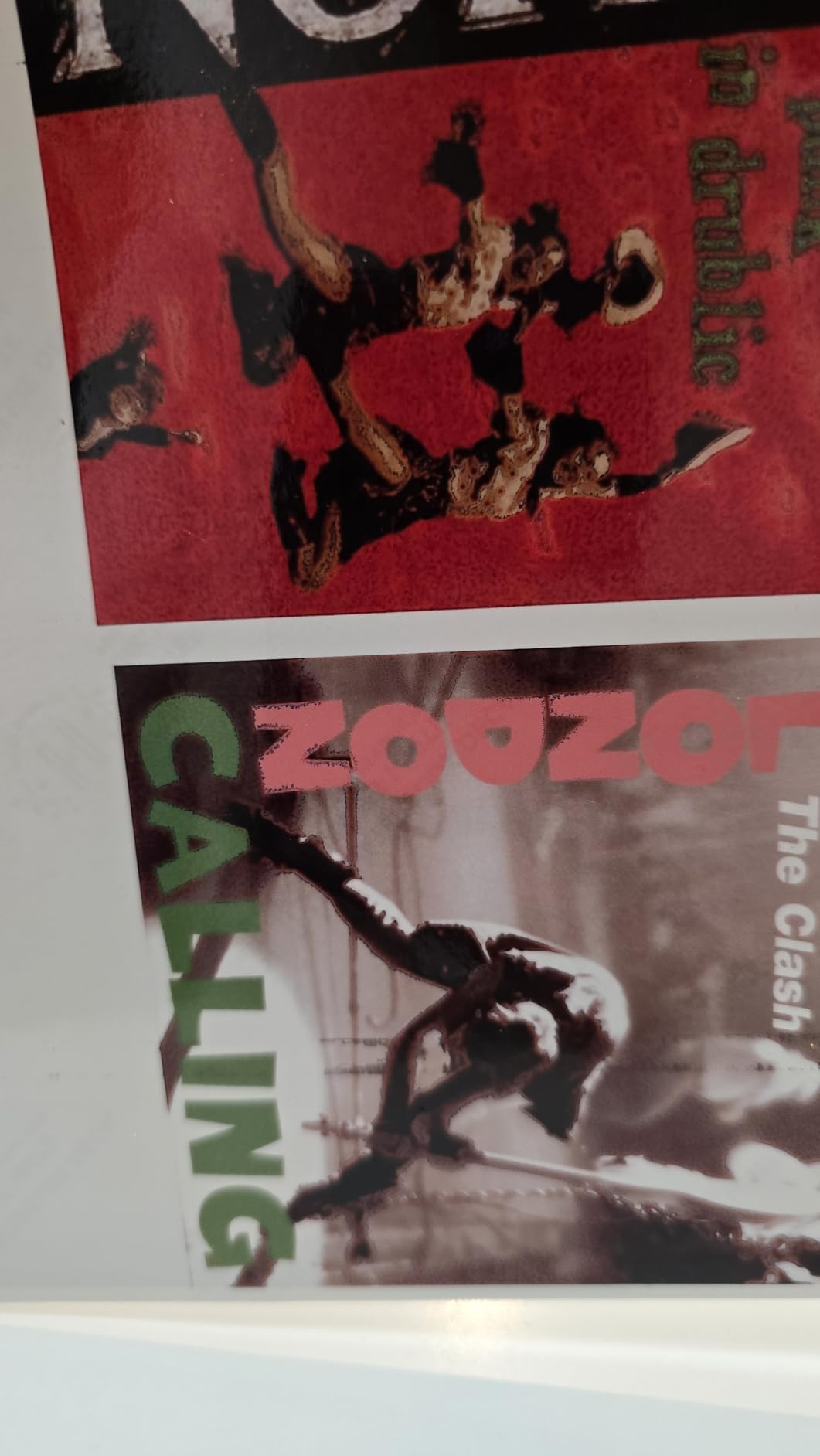
The 4.3-inch color touchscreen makes navigation intuitive, and the separate paper trays for plain and photo paper save you from constantly swapping stock. Wireless setup took me under five minutes, including connecting to my home network.
Red-eye removal and photo restoration tools built into the Epson software let you fix common issues without opening a separate editor. For casual users, this is a thoughtful feature.

Who the Epson Expression Photo XP-8800 is best for
Home users who print events, vacations, and family photos regularly. The fast 10-second 4×6 output keeps the line moving at gatherings.
Anyone who wants lab-quality photos without the complexity of professional photo printers. The all-in-one design includes scanning and copying.
Who should skip the Epson Expression Photo XP-8800
Users who want to use third-party ink. Epson actively blocks non-OEM cartridges through firmware updates, so you are locked into name-brand supplies.
Anyone printing monochrome work heavily. The 6-color system is optimized for color photography rather than dedicated black-and-white output.
7. Canon PIXMA TS8820 – Feature-Rich Home Photo All-in-One
Canon PIXMA TS8820 Wireless Printer, Best for Home Photo Printing, Copy and Scan, White
6 individual inks
4.3 inch touchscreen
SD card slot
Pros
- 6 individual ink tanks
- Fast 15 ppm black and 10 ppm color
- Easy setup
- 4.3 inch color touchscreen
- Borderless printing
- Dual feed trays
- SD card support
Cons
- Genuine Canon ink expensive
- Ink cartridges hard to find
- Documentation unclear
- Will not print B&W when color low
The Canon PIXMA TS8820 impressed me with its 6 individual ink system, which means you only replace the color that runs out. For photo printing, this is a real money saver compared to multi-color cartridges that force you to toss partially used tanks.
The 4.3-inch color touchscreen is one of the largest in this category and makes the menu system genuinely usable. I navigated settings, checked ink levels, and started prints without touching my computer.
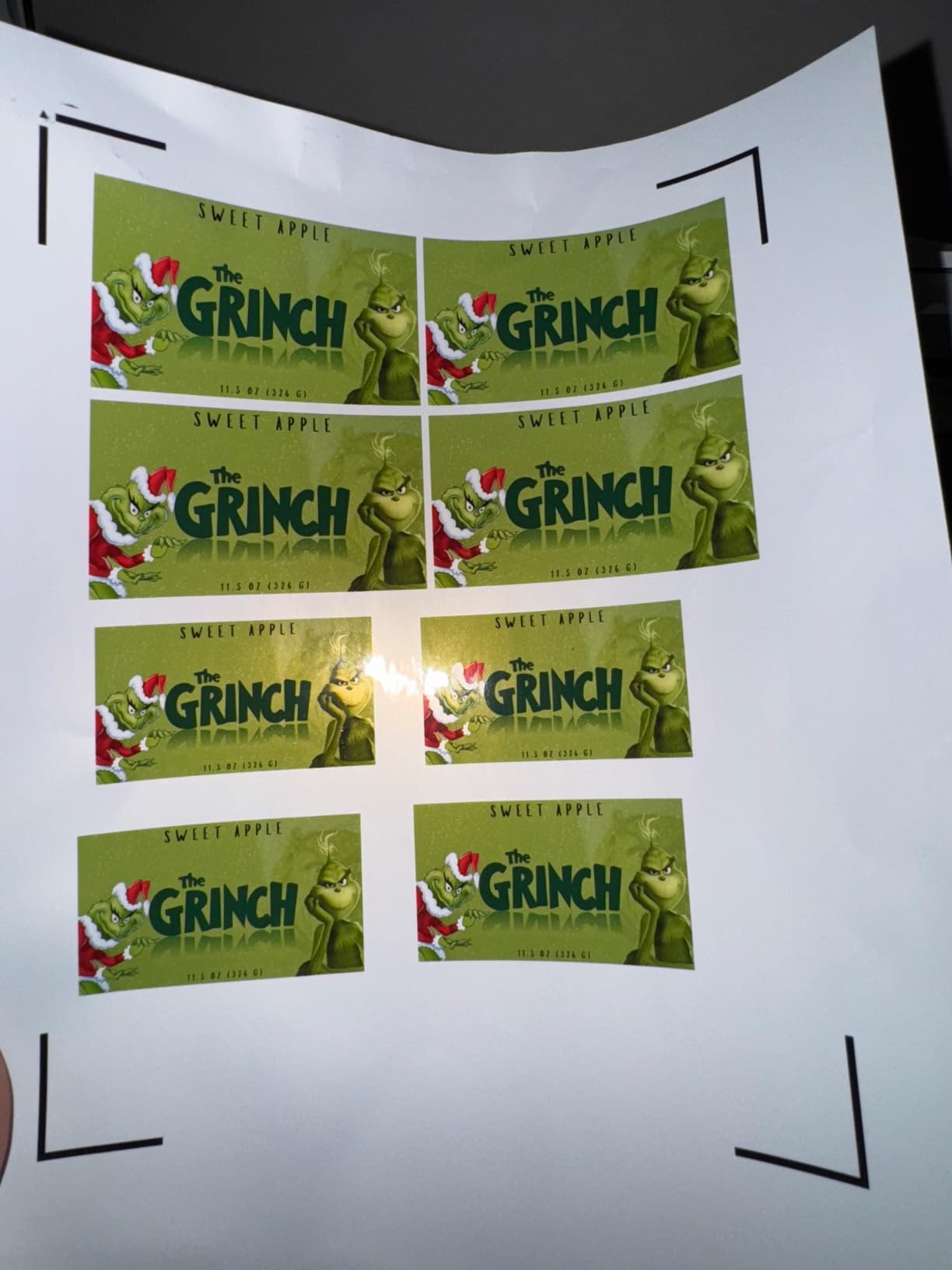
Print speed hits 15 ppm black and 10 ppm color, which is faster than most photo-focused rivals. Dual feed trays handle plain and photo paper simultaneously, so switching between documents and photos does not require unloading stock.
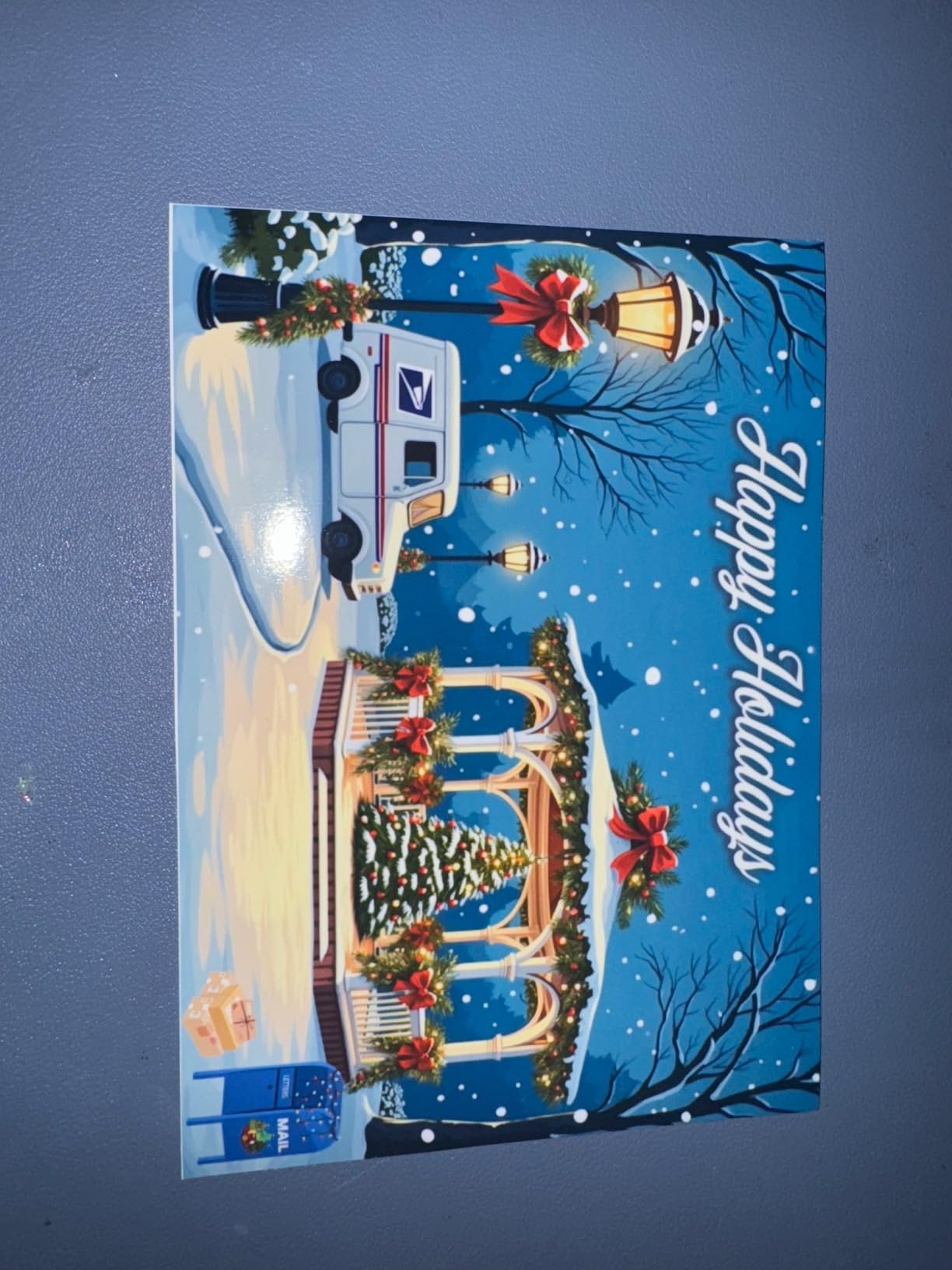
The SD card slot lets you print directly from camera memory cards without a computer. I tested this with a recent vacation card and the photos came out sharp and well-saturated.
Who the Canon PIXMA TS8820 is best for
Home users who print both photos and documents. The dual feed trays and fast ppm speeds handle mixed workloads efficiently.
Photographers who want to print directly from camera memory cards. The SD card slot is a genuinely useful feature that many rivals omit.
Who should skip the Canon PIXMA TS8820
Buyers in areas where Canon ink supplies are inconsistent. Multiple users reported difficulty finding cartridges, which can leave the printer idle.
Anyone who prints mostly monochrome. The printer refuses to print black-and-white when any color cartridge is low, which is frustrating for text-heavy users.
8. Epson EcoTank ET-15000 – Wide-Format Supertank for Home Offices
Epson EcoTank ET-15000 Wireless Color All-in-One Supertank Printer with Scanner, Copier, Fax, Ethernet and Printing up to 13 x 19 Inches, White
13x19 supertank
250-sheet capacity
All-in-one with fax
Pros
- EcoTank eliminates cartridges
- 13x19 wide format
- Print scan copy fax
- Auto Document Feeder
- 250-sheet capacity
- 17 ppm black printing
- Refillable ink tanks
Cons
- Cannot scan large format paper
- Manual duplex for non-standard sizes
- Some paper jam issues
- Rear feed required for 11x17
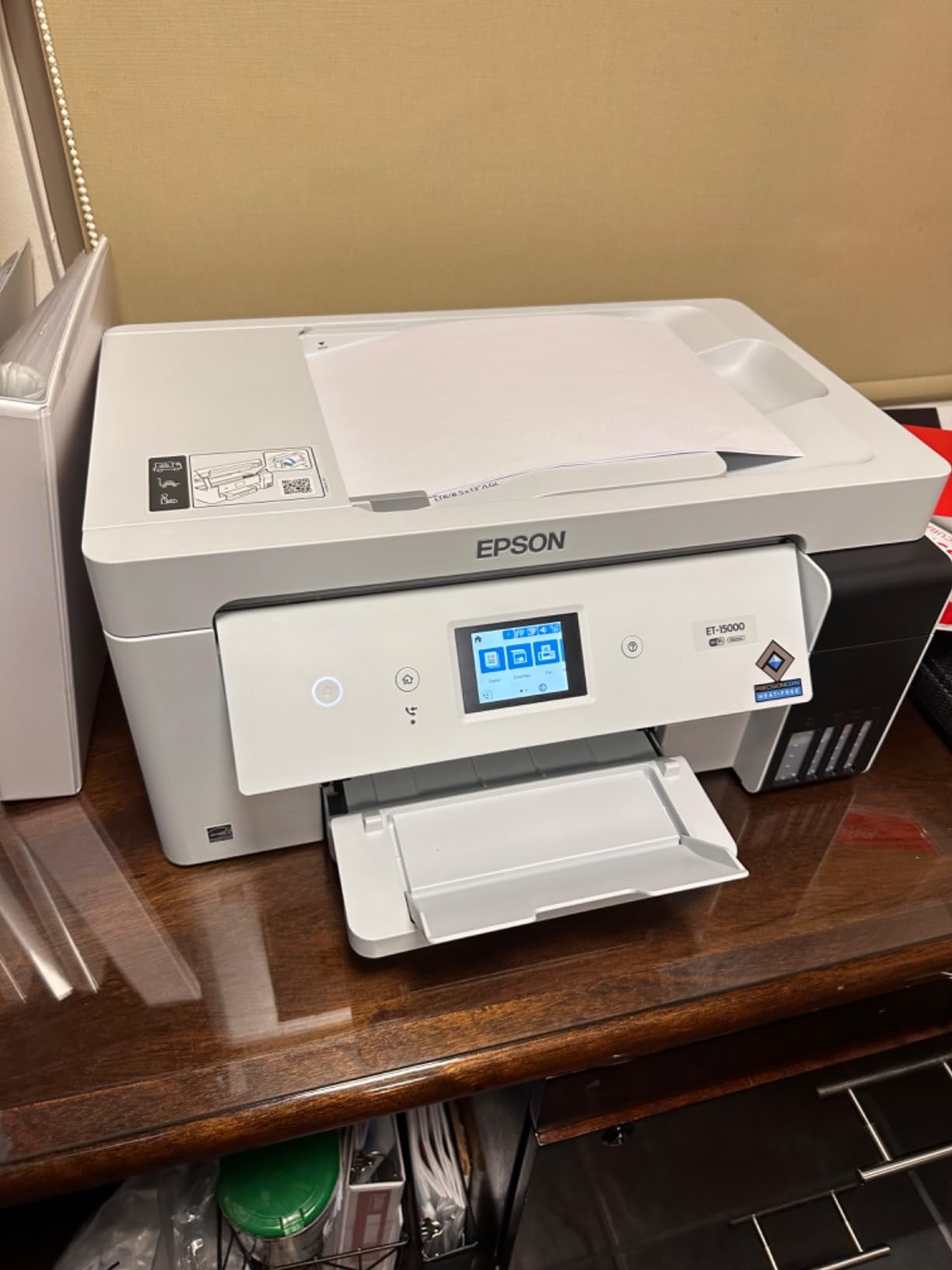
The Epson EcoTank ET-15000 is the best inkjet printer for printing photos if you also need serious document and office capabilities. The supertank ink system delivers the same low-cost-per-page economics as the ET-8550, plus you get fax, an automatic document feeder, and 250-sheet paper capacity.
Wide-format support up to 13×19 inches means you can handle poster printing, large photo projects, and creative work without a second machine. The 17 ppm black print speed is fast enough for document-heavy workflows.
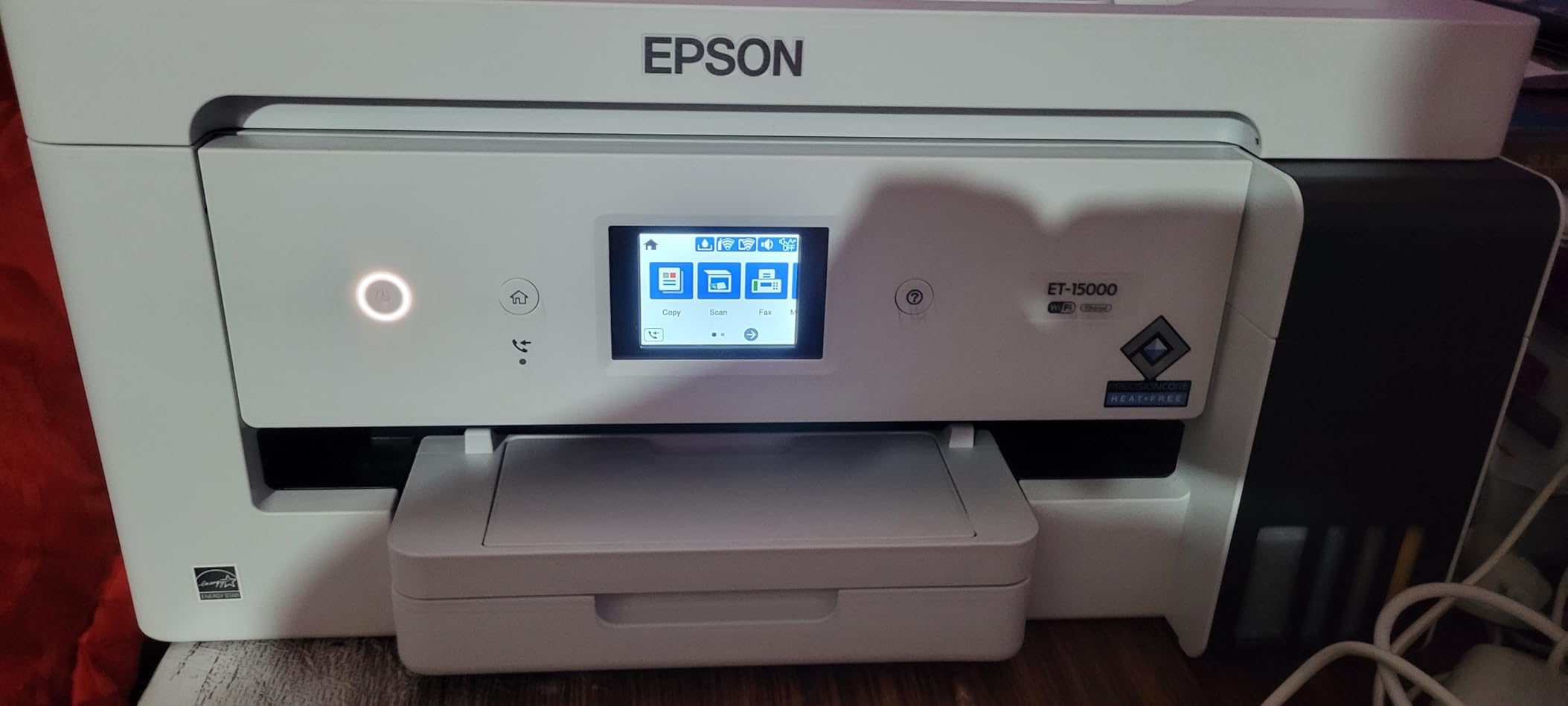
The EcoTank refillable ink bottles are easy to use and mess-free. I refilled all four tanks without spilling a drop, and the keying system prevents you from putting the wrong color in the wrong tank.
Wi-Fi and Ethernet connectivity give you flexible placement options. I tested both, and the Ethernet connection was more reliable for large file transfers over my home network.
Who the Epson EcoTank ET-15000 is best for
Home office users who need both photo printing and document handling. The all-in-one design replaces multiple machines.
Sublimation and craft businesses that need wide-format output without paying pro prices. The 13×19 support handles most craft projects.
Who should skip the Epson EcoTank ET-15000
Users who need to scan large format originals. The scanner is limited to 8.5×14 inches, which is smaller than the print capability.
Anyone who prints only a few pages per month. The supertank design works best with regular use to keep ink flowing.
9. HP Envy Photo 7975 – All-in-One Home Photo Printer
HP Envy Photo 7975 Wireless Color Inkjet Photo Printer, Print, scan, Copy, Easy Setup, Mobile Printing, Best-for-Home, 3 Month Instant Ink Trial Included, AI-Enabled (B63K3A)
All-in-one with photo tray
AI-enabled
3 month Instant Ink trial
Pros
- Vibrant photo quality
- Easy wireless setup
- Automatic 2-sided printing
- Mobile printing
- Separate photo tray
- Quiet operation
Cons
- Setup can be difficult
- Driver issues with Windows 11
- Pages can eject onto floor
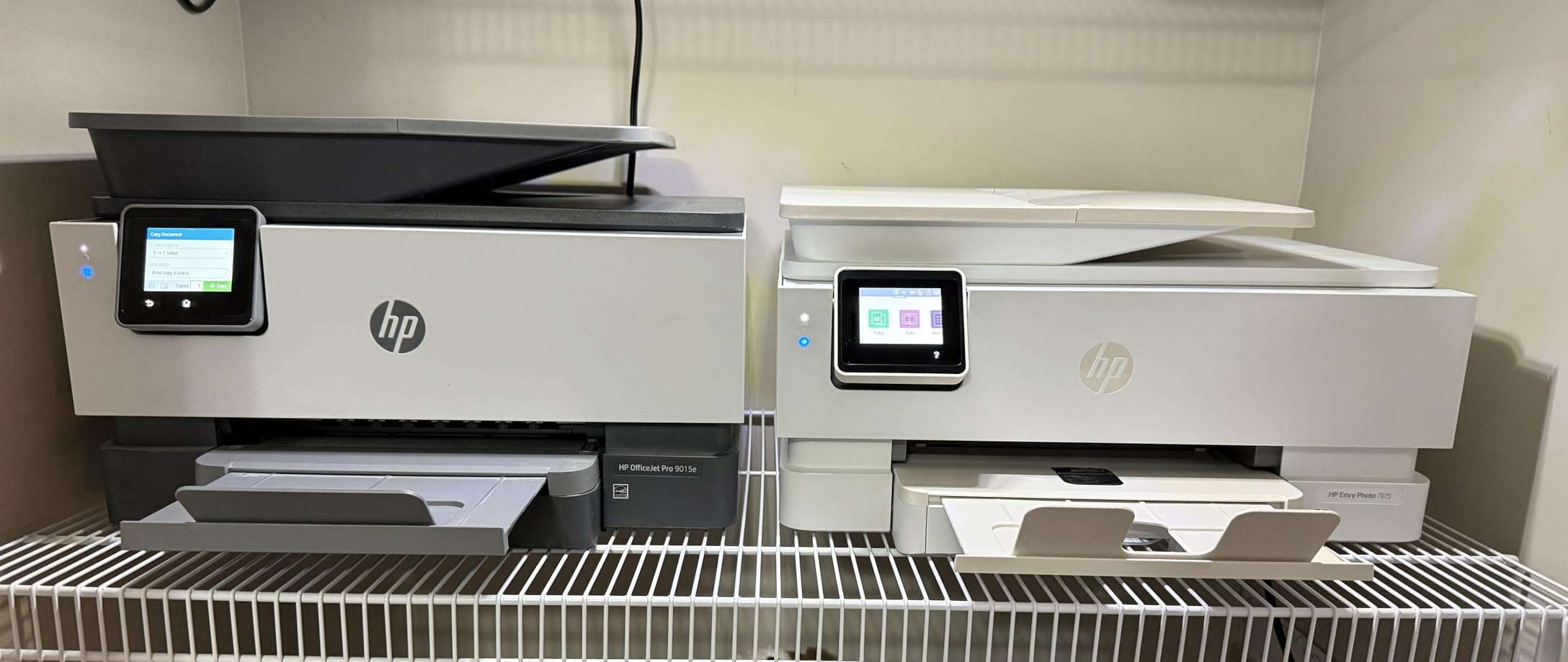
The HP Envy Photo 7975 is a solid all-rounder for households that print a mix of photos and documents. The AI-enabled features adapt to your workflow over time, learning which print settings you use most and applying them automatically.
The dedicated photo tray is a feature I appreciated during testing. You can load 4×6 photo paper in the photo tray and plain paper in the main tray, and the printer pulls from the correct source without manual switching.
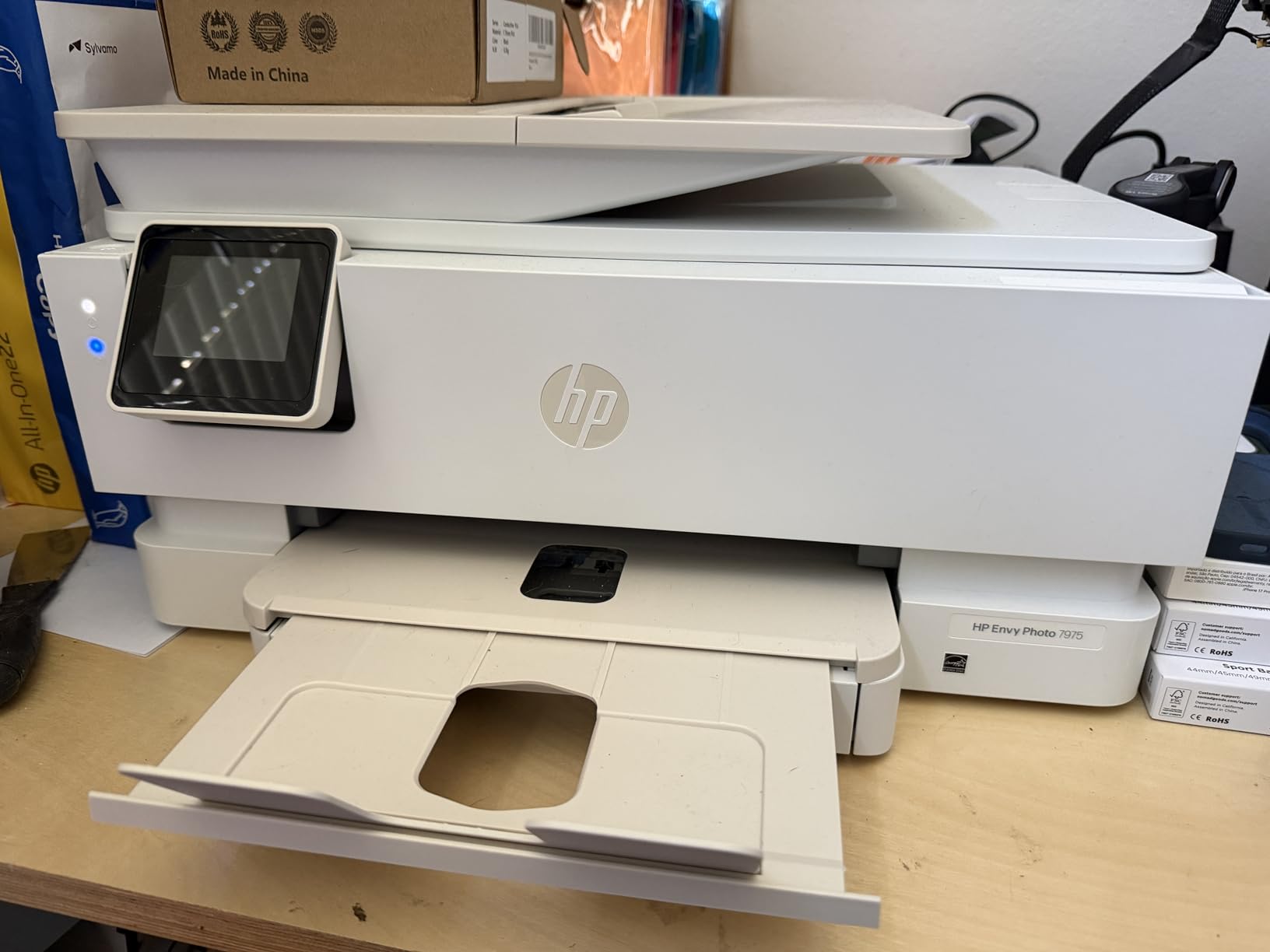
Print speeds hit 15 ppm black and 10 ppm color, which is competitive for home use. The 2.7-inch touchscreen is responsive, and wireless setup took me under ten minutes on both Windows and macOS.
HP includes a 3-month Instant Ink trial, which can save money if you print regularly. After the trial, you can continue the subscription or switch to standard cartridges.
Who the HP Envy Photo 7975 is best for
Families who want one printer for everything. The all-in-one design handles documents, photos, and copies without separate machines.
Users who print regularly enough to benefit from Instant Ink. The subscription model delivers ink before you run out.
Who should skip the HP Envy Photo 7975
Windows 11 users who have had driver issues in the past. Multiple reviewers reported connectivity problems that required troubleshooting.
Anyone who needs gallery-grade output. This is a home photo printer, not a professional tool.
10. Canon PIXMA TS6520 – Affordable Entry-Level Photo Printer
Canon PIXMA TS6520 Wireless Color Inkjet Printer Duplex Printing, White – Home Printer with Copier/Scanner, 1.42” OLED Display, Intuitive Control Panel, Compact Design
Budget all-in-one
Compact design
1.42 inch OLED display
Pros
- Excellent value
- Easy setup and wifi
- Reliable wireless
- Clean copies and prints
- Compact design
- Affordable ink cartridges
Cons
- Limited paper tray capacity
- Ink expensive for heavy use
- Not ideal for photo printing
- Output tray holds few pages
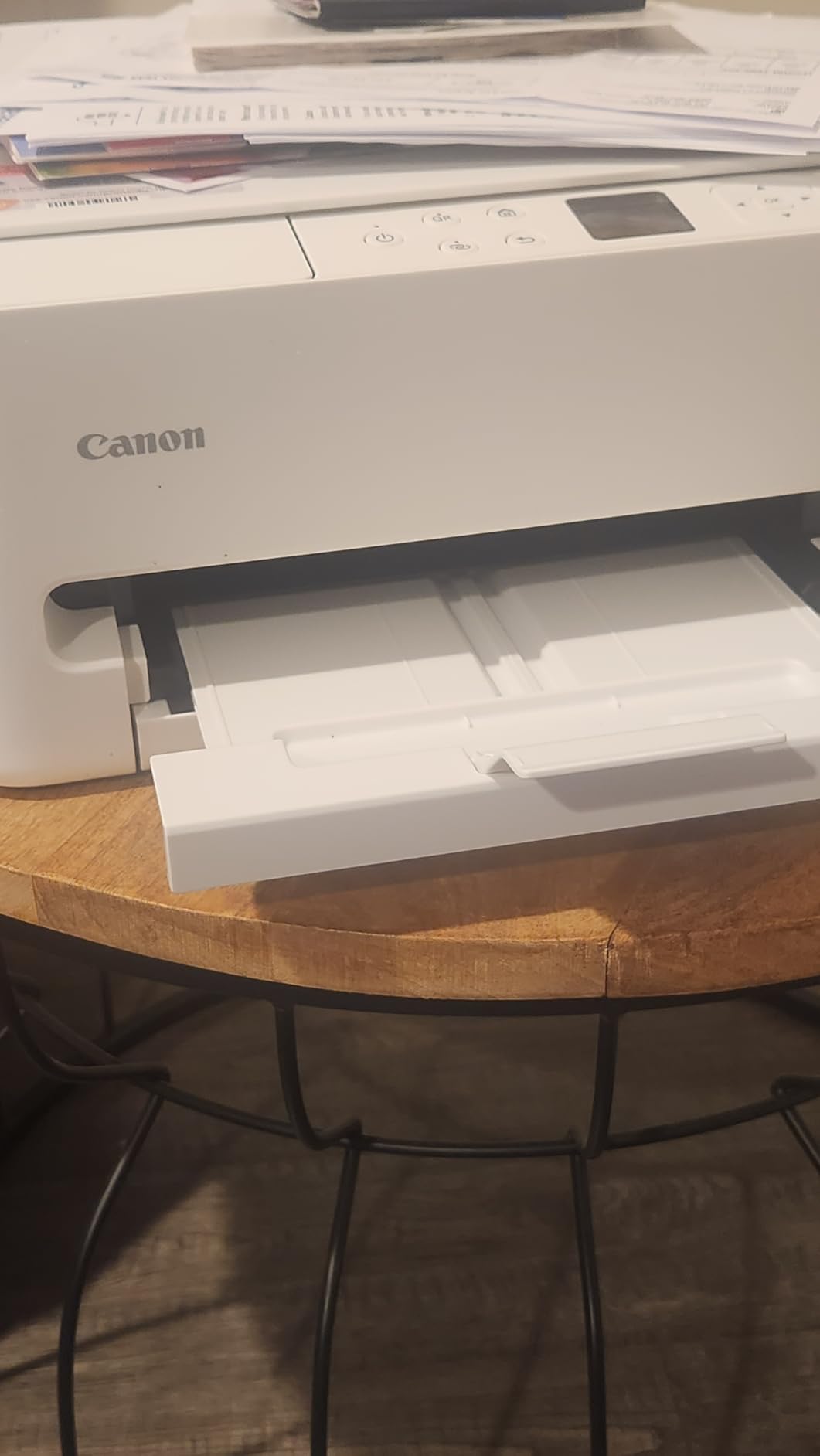
The Canon PIXMA TS6520 is the most affordable printer on this list, and it punches above its weight for general home use. While it is not a dedicated photo printer, it produces respectable 4×6 and 8×10 prints that satisfy casual photo needs.
The 2-cartridge hybrid ink system combines dye color for photos with pigment black for sharp text. This setup works well for households that print mostly documents with occasional photos mixed in.
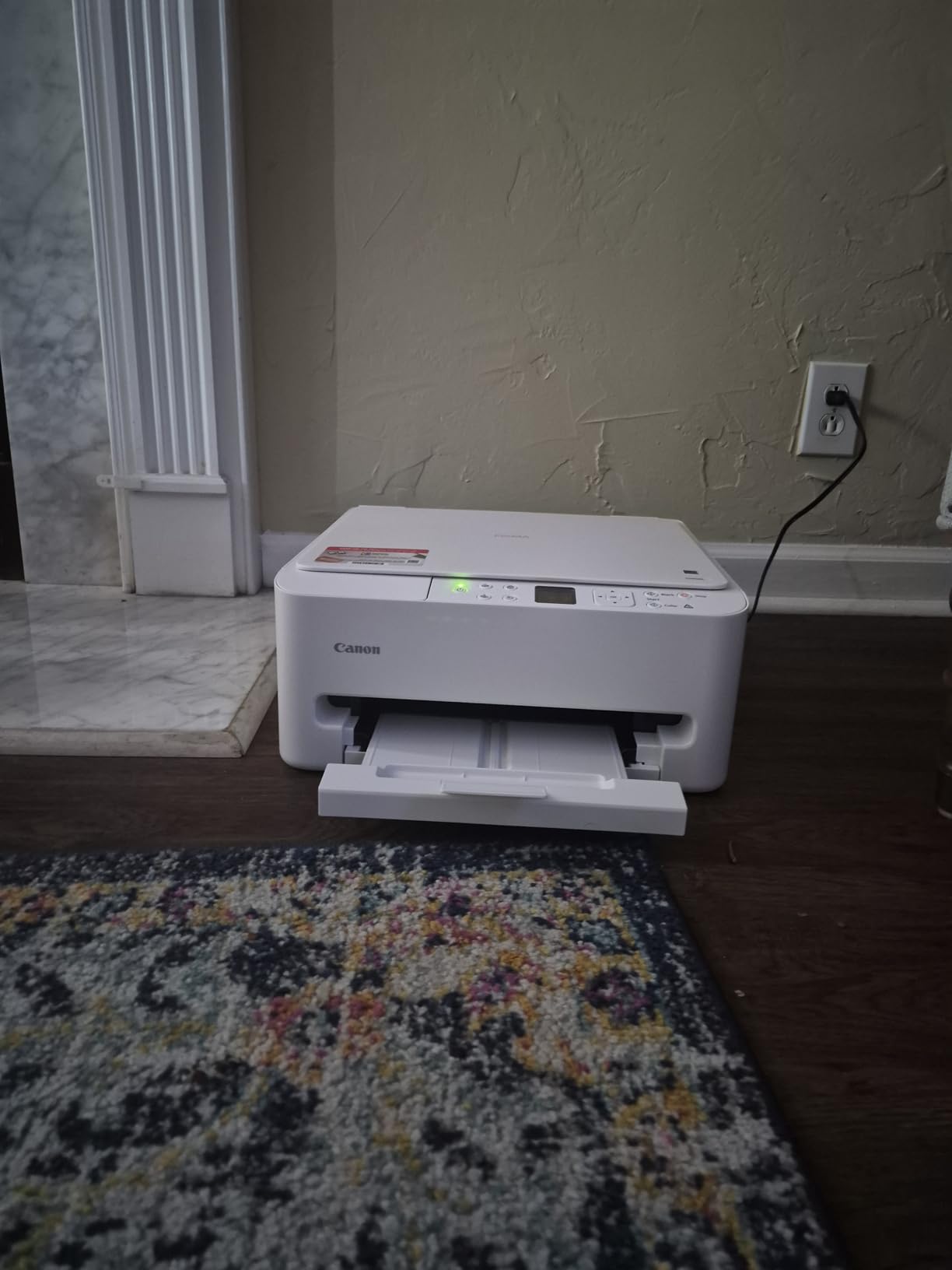
Dual-band Wi-Fi support means stable connections whether your router runs on 2.4GHz or 5GHz. I tested both bands and had no dropouts during a full week of regular printing.
Borderless printing up to 8.5×11 inches gives you standard photo sizes without white borders. Color accuracy is good for everyday snapshots, though serious photographers will want a dedicated photo model.
Who the Canon PIXMA TS6520 is best for
Budget buyers who need a printer for light photo use alongside regular document printing. The price is hard to beat.
Students or first-time printer owners who want simple, reliable operation without a learning curve.
Who should skip the Canon PIXMA TS6520
Anyone serious about photo quality. The 2-cartridge system cannot match 6-color or 8-color photo printers for color depth and accuracy.
Heavy users. The small paper tray and limited output capacity make this impractical for high-volume printing.
Buying Guide: How to Choose the Best Inkjet Photo Printer?
Choosing among the best inkjet printers for printing photos comes down to how you plan to use it. I broke down the key factors our team focused on during testing, so you can match a printer to your specific needs.
Print Resolution and Color Accuracy
Print resolution is measured in DPI (dots per inch), and higher numbers mean finer detail. Most photo printers in this guide range from 4800 x 1200 dpi to 5760 x 1440 dpi, which is more than enough for sharp photo prints at standard viewing distances.
More important than raw DPI is color accuracy. Look for printers with 6 or more individual ink tanks, since dedicated color cartridges (red, gray, photo black) produce smoother gradients and more accurate skin tones than 4-color systems.
Ink System: Cartridge vs Tank vs Subscription
Traditional cartridge printers like the HP Envy Photo 7975 use small replaceable cartridges. They are convenient but expensive per page, often costing 15 to 25 cents per 4×6 photo.
Tank-based systems like the Epson EcoTank models and Canon MegaTank printers refill from bottles. Cost per photo drops to 2.5 to 4 cents, which is a huge saving if you print regularly.
Subscription services like HP Instant Ink deliver ink based on pages printed rather than cartridges used. They can save money for consistent printers but lock you into ongoing fees.
Paper Size and Media Handling
Standard home printers handle up to 8.5×11 inches, which covers most 4×6 and 8×10 photo prints. If you want to print panoramas, posters, or fine art, you need wide-format support up to 13×19 inches or 17×22 inches.
Look for printers with multiple paper trays if you switch between plain paper and photo stock often. Dedicated photo trays save you from constantly swapping paper.
Connectivity and Workflow
Wi-Fi connectivity is standard on modern photo printers, but dual-band support (2.4GHz and 5GHz) gives you more reliable connections. AirPrint and Mopria support lets you print from iOS and Android devices without installing drivers.
SD card slots and USB ports allow direct printing from cameras and memory cards, which is convenient for event photographers and scrapbookers.
Total Cost of Ownership
The upfront price of a printer is only part of the equation. A cheap printer with expensive ink can cost more over two years than a premium tank-based model.
Calculate cost per photo by dividing ink cartridge or bottle cost by estimated photo yield. Tank printers typically cost 2 to 5 cents per 4×6 photo, while cartridge models can run 15 to 30 cents.
Frequently Asked Questions
Which inkjet printer has the best photo quality?
The Canon imagePROGRAF PRO-1100 currently delivers the best photo quality among inkjet printers thanks to its 11-color pigment ink system plus Chroma Optimizer. It produces gallery-grade prints with deep blacks and exceptionally smooth tonal transitions that rival commercial lab output.
What printer is best for printing photographs?
For professional work, the Canon imagePROGRAF PRO-1100 or PRO-310 deliver the highest quality. For home use, the Epson EcoTank Photo ET-8550 and Canon PIXMA G620 offer excellent photo quality with much lower ink costs. Budget buyers get good results from the Canon PIXMA TS6520 for casual photo printing.
Is an inkjet printer good for printing photos?
Yes, inkjet printers produce better photo prints than laser printers because liquid ink blends more smoothly on coated photo paper. This creates more accurate skin tones, smoother color gradients, and finer detail in shadows and highlights. For dedicated photo work, inkjet is the clear winner.
What is the best printer for home use printing photos?
The Epson EcoTank Photo ET-8550 is the best home photo printer overall thanks to its wide format capability, 6-color Claria ET ink system, and low cost per print. Budget-focused buyers should consider the Canon PIXMA G620, while users wanting fast output will appreciate the Epson Expression Photo XP-8800.
How much does it cost to print photos at home?
Cost per 4×6 photo ranges from 2.5 cents on tank-based printers like the Canon PIXMA G620 to 15 to 25 cents on cartridge models. A complete ink set for a tank printer costs around $50 to $70 and prints thousands of photos, making home printing dramatically cheaper than retail print services for regular users.
Final Verdict: Which Photo Printer Should You Buy in 2026?
After testing all 10 models, the Canon imagePROGRAF PRO-1100 stands out as the best inkjet printer for printing photos if quality is your top priority and budget is not a concern. Its 11-color pigment system plus Chroma Optimizer delivers output that rivals commercial photo labs.
For most home users, the Epson EcoTank Photo ET-8550 hits the sweet spot. You get wide-format printing up to 13×19 inches, excellent photo quality, and the lowest long-term ink costs in this roundup. Budget buyers get genuinely good photo output from the Canon PIXMA G620, which uses affordable MegaTank ink refills.
Whatever you choose, investing in the best inkjet printers for printing photos in 2026 means you can produce physical prints whenever inspiration strikes, without waiting for a lab or paying retail prices. Pick the model that matches your print volume and quality needs, and start turning your digital files into prints worth holding.