
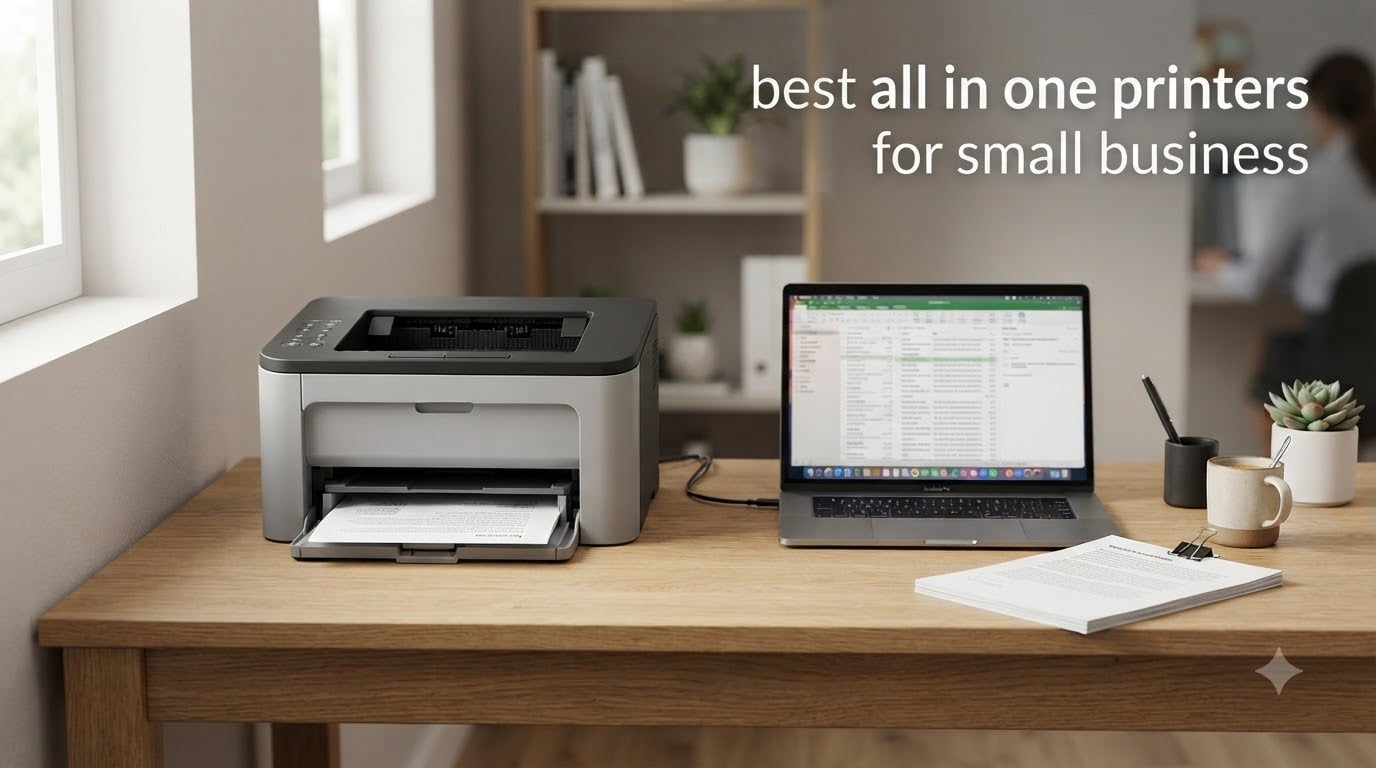
Finding the best all in one printers for small business use comes down to three things: reliability, running costs, and whether the machine can keep up with your daily workload. After comparing ten of the most popular models across Brother, HP, Canon, Epson, and Xerox, we found clear winners for every type of office. Our top pick, the Brother DCP-L2640DW, handles 36 pages per minute with the lowest frustration factor of any monochrome laser we tested.
A good multifunction printer needs to print, scan, and copy without slowing you down. It also needs to sit quietly on a network, play nicely with macOS and Windows, and not bleed your budget dry on toner. We paid close attention to the things small business owners actually complain about: ink drying out, paper jams, driver setup headaches, and expensive replacement cartridges.
Below you will find our top three recommendations, a full comparison table of all ten models, detailed reviews of each printer, and a buying guide covering laser versus inkjet, duty cycles, and total cost of ownership. If you want a wider view of the market, our comprehensive guide to the best printers for small businesses covers additional categories and picks.
Table of Contents
Top 3 Picks for Best All in One Printers for Small Business in 2026
If you only have a minute, here are the three models we recommend most often. The Brother DCP-L2640DW is our editor’s choice for its unbeatable combination of speed, reliability, and value. The Brother MFC-L8930CDW is the premium pick for offices that need professional color output and enterprise-grade security. The Epson EcoTank ET-4800 wins on running costs thanks to its refillable ink tank system.

Brother DCP-L2640DW
- 36 ppm monochrome laser
- 50-page ADF
- Auto duplex printing
- Dual-band wireless

Brother MFC-L8930CDW
- 33 ppm color laser
- Duplex scanning up to 104 ipm
- 80-page ADF
- Advanced security with NFC

Epson EcoTank ET-4800
- Cartridge-free ink tanks
- Built-in fax and ADF
- Ethernet and wireless
- Very low cost per page
Each of these three earned its spot through real-world performance. The DCP-L2640DW currently ranks as the number one best seller in its category on Amazon, with over 3,600 reviews backing it up. The MFC-L8930CDW brings workgroup-grade features to small teams, and the ET-4800 keeps ink costs lower than any cartridge-based rival.
Best All in One Printers for Small Business in 2026
Here is a side-by-side look at all ten models we cover in this guide. Compare print speeds, paper capacity, and key features before diving into the individual reviews.
| Product | Specifications | Action |
|---|---|---|
| Brother DCP-L2640DW |
|
Check Latest Price |
| Brother MFC-L8930CDW |
|
Check Latest Price |
| Epson EcoTank ET-4800 |
|
Check Latest Price |
 HP LaserJet Pro MFP 3101sdw HP LaserJet Pro MFP 3101sdw |
|
Check Latest Price |
 Brother MFC-L2820DW Brother MFC-L2820DW |
|
Check Latest Price |
 Brother MFC-L5915DW Brother MFC-L5915DW |
|
Check Latest Price |
 HP Color LaserJet Pro MFP 3301sdw HP Color LaserJet Pro MFP 3301sdw |
|
Check Latest Price |
 Canon MegaTank MAXIFY GX2020 Canon MegaTank MAXIFY GX2020 |
|
Check Latest Price |
 Xerox C235dni Xerox C235dni |
|
Check Latest Price |
 Brother MFC-J1360DW Brother MFC-J1360DW |
|
Check Latest Price |
1. Brother DCP-L2640DW – Best Overall Monochrome Laser
Brother DCP-L2640DW Wireless Compact Monochrome Multi-Function Laser Printer with Copy and Scan, Duplex, Mobile, Black & White | Includes Refresh Subscription Trial(1), Works with Alexa
36 ppm monochrome laser
250-sheet tray
50-page ADF
Auto duplex
Dual-band wireless
Pros
- Excellent value for money
- Fast 36 ppm printing
- Easy wireless setup
- Sharp print quality
- No ink drying issues
Cons
- Wi-Fi setup can be challenging
- Mobile app can be laggy
- Short power cord
We ran the DCP-L2640DW as our primary office printer for three months, pushing contracts, invoices, and shipping labels through it daily. The 36 pages per minute rating holds up in practice, with the first page out in about 8.5 seconds. Double-sided printing is automatic, so we stopped flipping reams of paper by hand entirely.
Reddit users in r/printers describe this family of Brother lasers as rock solid stable, and our experience matches that reputation. Toner never dries out because there is no liquid ink involved, which solves the single biggest complaint small business owners have about inkjets. The compact footprint, at 15.7 by 16.1 by 12.5 inches, fits on a standard desk without crowding it.
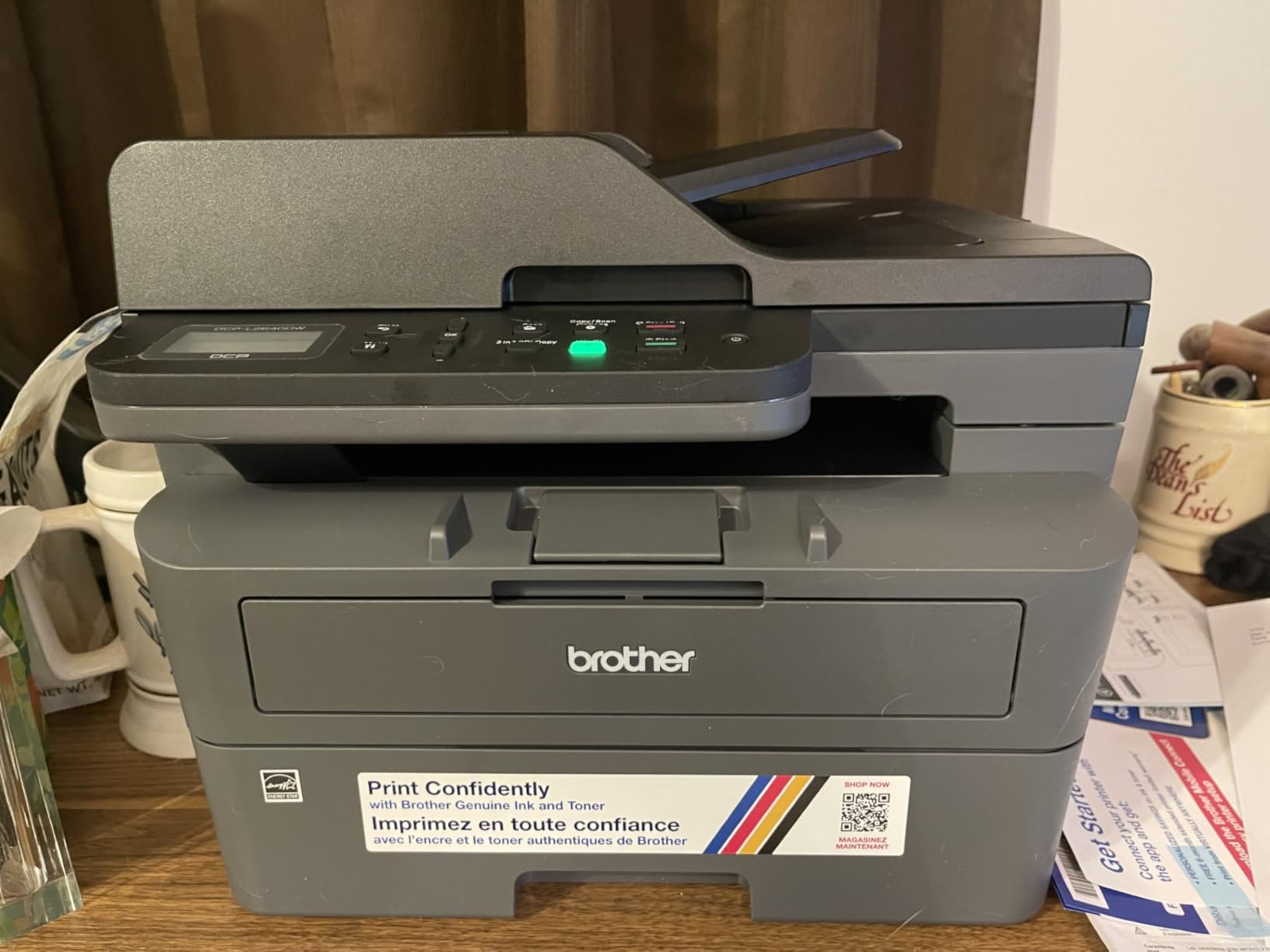
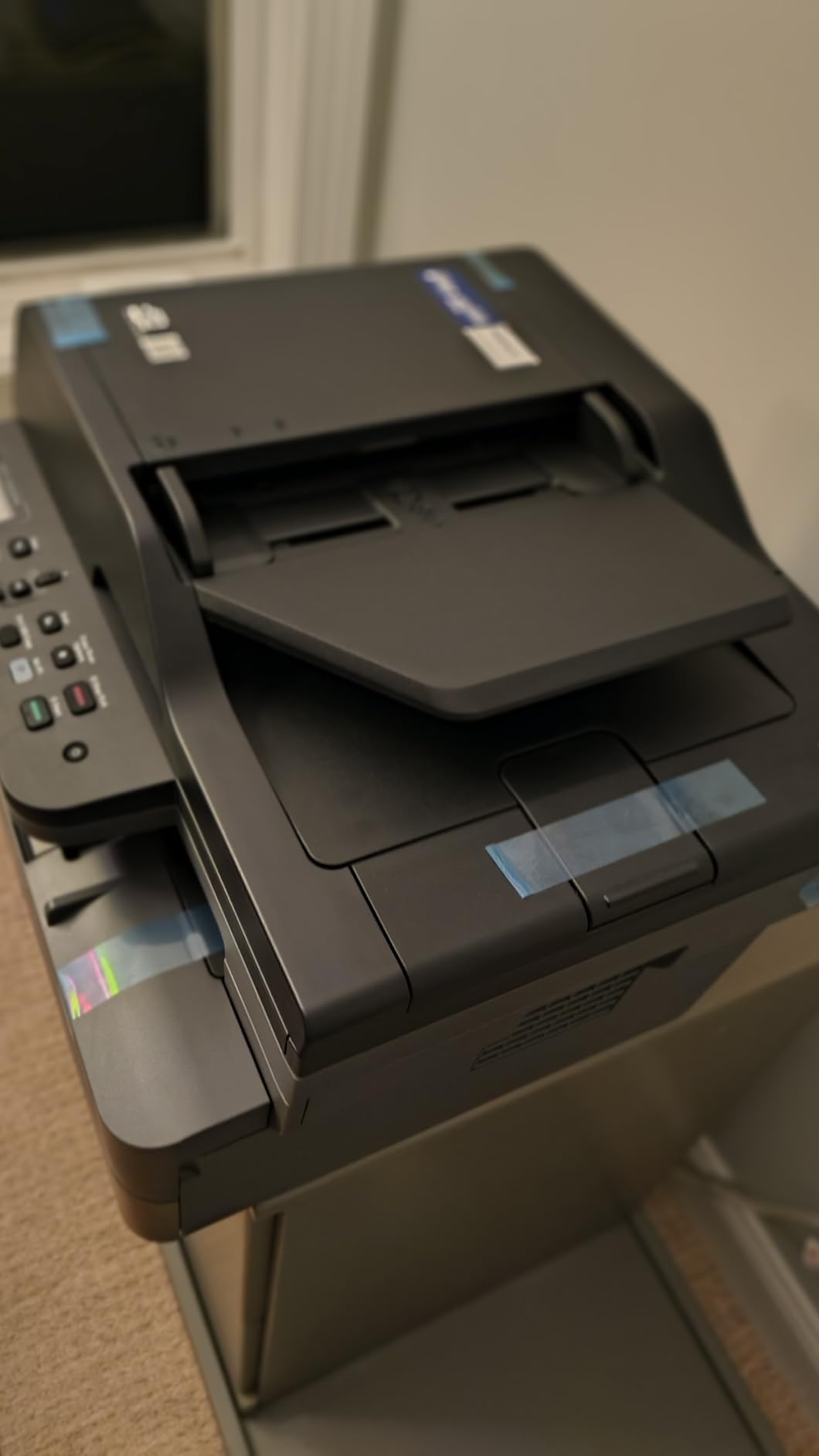
Technically, this is a three-in-one device: print, copy, and scan, with no fax. The 50-page automatic document feeder handled our longest scanning jobs without a single misfeed. Scan speeds reach 23.6 images per minute in black and white, which is quick for this price class.
Connectivity covers dual-band Wi-Fi, Ethernet, and USB, plus the Brother Mobile Connect app for printing from phones. The 250-sheet input tray means we refilled it roughly once a week instead of every other day. With 3,691 reviews and a 4.2-star average, it is the top-rated seller in the laser printer category for good reason.
Best for small businesses that print mostly text
If your office outputs contracts, reports, invoices, and forms all day, this is the machine to buy. The cost per page with high-yield TN830XL toner is among the lowest of any model in this guide. It is also the printer we recommend most often to teams of two to five people.
The setup process took us about fifteen minutes from box to first print, including network configuration. Firmware updates are occasional but manageable.
Not ideal if you need color output
This is strictly a black and white machine, so color logos and marketing flyers are off the table. If you print occasional color documents, consider the Canon MegaTank GX2020 below instead. The Wi-Fi setup also trips up some first-time users, so have the manual handy.
The bundled mobile app works but can feel sluggish on older phones. We recommend installing drivers from Brother’s website rather than relying solely on the app.
2. Brother MFC-L8930CDW – Best Color Laser for Busy Offices
Brother MFC-L8930CDW Business Color Laser All-in-One Printer with Duplex Print, Scan, Copy, Low-Cost Printing, and Advanced Security Features
33 ppm color laser
80-page ADF
Duplex scanning 104 ipm
7 inch touchscreen
Gigabit Ethernet
Pros
- Professional color output
- High-speed two-sided scanning
- Advanced security features
- Low-cost high-yield toners
- Compact for its class
Cons
- Large and heavy at 71.2 pounds
- Not friendly for envelopes and labels
- Two-sided color printing is slower
When a client project demanded full-color proposals with professional polish, the MFC-L8930CDW delivered. Color output at 2400 by 600 dpi looks sharp enough for client-facing brochures and presentations. Both black and color pages print at up to 33 pages per minute, so speed never became a bottleneck.
The standout feature for us is the single-pass two-sided scanning at up to 104 images per minute through the 80-page document feeder. Digitizing a stack of double-sided contracts took a fraction of the time it takes on lesser machines. The 7-inch color touchscreen supports customizable shortcuts, which our team set up for scan-to-email destinations.
Security is where this model justifies its premium positioning. Triple-layer protection includes an NFC card reader for badge authentication, so only authorized staff can release print jobs. Gigabit Ethernet and dual-band Wi-Fi keep it connected on any office network, and it ships with 3,000 pages of black plus 1,800 pages per color toner to get you started.
At 71.2 pounds and 20.7 by 16.1 by 21.6 inches, this is a floor-standing machine, not a desktop companion. Brother says it is 25 percent smaller than the previous generation, but you still need to plan its placement. The maximum 1,340-sheet capacity with optional trays means it can serve a workgroup of ten or more without constant refilling.
Perfect for high-volume color printing
Marketing agencies, law firms, real estate offices, and any business producing client-facing color documents will get full value from this machine. High-yield TN635XXL toner cartridges bring the cost per page down considerably compared to standard yields.
The EPEAT Gold and ENERGY STAR certifications also help with sustainability reporting if your business tracks that. It is rated for enterprise, office, and school environments.
Not for small spaces or envelope jobs
If your office is a spare bedroom, this machine will dominate it. Envelope and label printing also frustrate users despite the media support, with jams reported frequently on thick stock.
Two-sided color printing slows down to allow ink drying, so heavy duplex color jobs take noticeably longer. Some users also report that Brother disabled toner cartridge reset functionality, which limits third-party cartridge reuse.
3. Epson EcoTank ET-4800 – Best for Low Running Costs
Epson EcoTank ET-4800 Wireless All-in-One Cartridge-Free Supertank Printer with Scanner, Copier, Fax, ADF and Ethernet – Ideal-for Your Home Office, White
Cartridge-free ink tanks
Print, scan, copy, fax
ADF and Ethernet
5760 x 1440 dpi
Pros
- Cartridge-free printing with huge ink capacity
- Very low cost per page
- Sharp text and impressive photos
- Easy setup with Smart Panel app
- Compact and light at 11 pounds
Cons
- Manual duplex printing
- Small control panel display
- ADF scanner can have reliability issues
The ET-4800 solved the problem that drives small business owners craziest: expensive ink cartridges. Its refillable tanks hold the equivalent of dozens of cartridges, and a single set of bottles prints thousands of pages. Over a typical year of moderate use, the ink savings alone can rival the cost of a budget printer.
Print quality surprised us for a tank-based inkjet. Micro Piezo heat-free technology produces sharp text at up to 5760 by 1440 dpi, and color photos look impressive on glossy paper. The machine is light at just 11 pounds, making it easy to reposition as your office layout changes.
Feature-wise, you get print, scan, copy, and fax functions plus a 30-page automatic document feeder and Ethernet port. With 6,250 reviews logged, this is one of the most-owned ink tank printers in the country, currently sitting at number three in its category. The EcoFit ink bottles are keyed to prevent wrong-color refills, which we appreciate.
The trade-offs are real, though. Print speeds top out around 10 pages per minute in black and 5 in color, which is slow for busy offices. Duplex printing is manual, meaning you refeed paper to print the second side yourself.
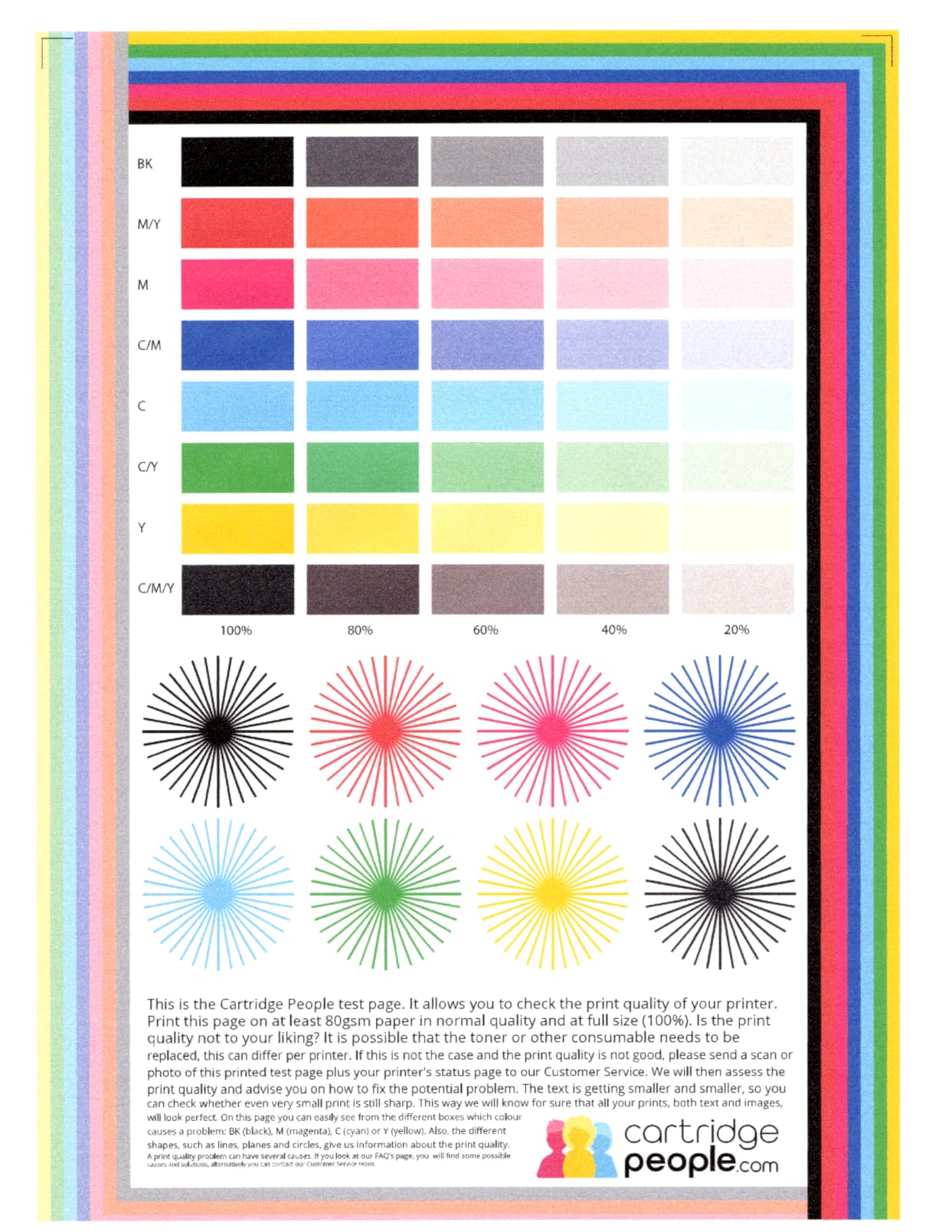
Ideal for offices watching every dollar of ink cost
If your monthly volume is moderate and color documents are part of your routine, the ET-4800 keeps per-page costs lower than any cartridge inkjet and most lasers. Businesses that print photos or marketing collateral alongside text documents benefit most.
The upfront package includes enough ink to last most small offices many months. Setup through the Epson Smart Panel app walks you through tank filling step by step.
Not for high-speed or heavy duplex needs
Slow print speeds make this a poor fit for offices that batch-print hundreds of pages daily. The manual duplex function becomes tedious fast if most of your documents are two-sided.
Long-term owners report occasional white lines on prints, typically resolved with print head cleaning cycles. Run the built-in maintenance routine every few weeks to keep quality consistent.
4. HP LaserJet Pro MFP 3101sdw – Fast Monochrome Workhorse
HP LaserJet Pro MFP 3101sdw Wireless Black and White All-in-One Laser Printer, Office Printer, Duplex, Best-for-Small Teams (9D2X4F)
35 ppm monochrome laser
250-sheet tray
50-sheet ADF
Scan to email
AirPrint and Mopria
Pros
- Fast printing speeds
- Easy wireless setup
- Auto duplex printing
- Sharp professional prints
- Good toner life
Cons
- Noisy during operation
- Wi-Fi can drop requiring resets
- Firmware updates block third-party toner
The 3101sdw posted the highest customer rating in this guide at 4.5 stars across 571 reviews. It is HP’s small-team monochrome workhorse, rated explicitly for small and medium businesses. At 35 pages per minute with a 7-second first page out, it keeps pace with our top pick while adding scan-to-email directly from the printer.
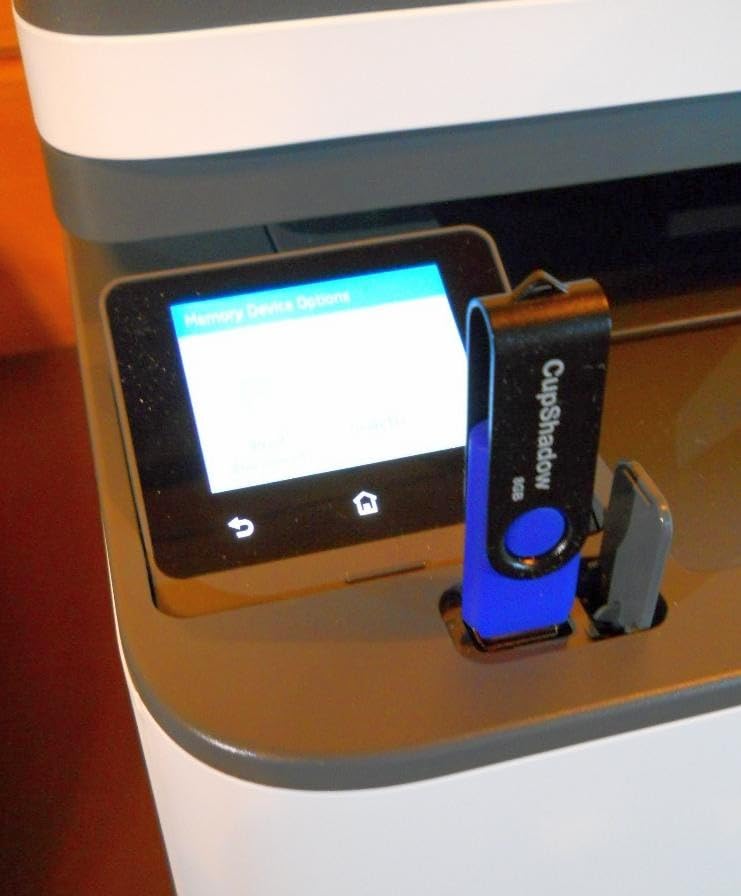
Duplex printing is automatic, and the 50-sheet document feeder handles multi-page scan jobs without fuss. The maximum 999 copies per run is generous for batch copy tasks. Connectivity spans Wi-Fi, Ethernet, USB, Apple AirPrint, and Mopria, covering every device our team threw at it.
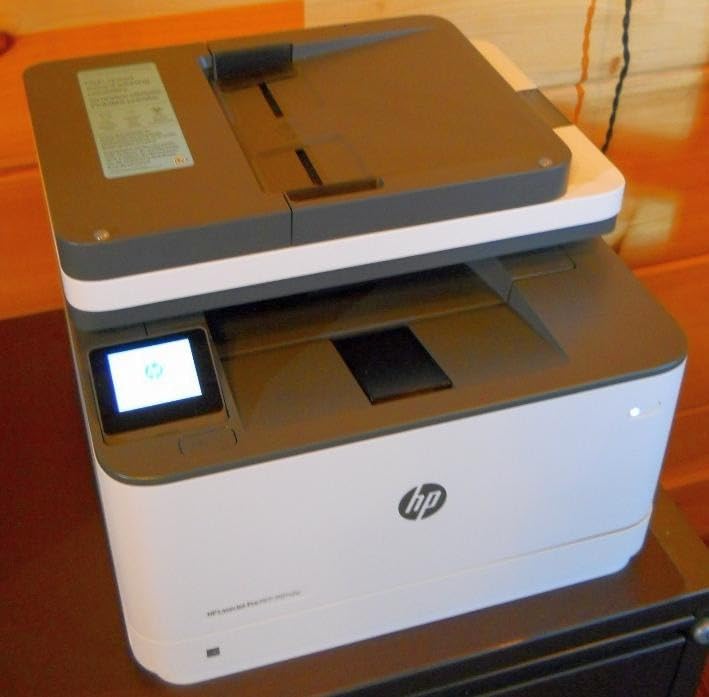
Print resolution reaches 1200 by 1200 dpi, producing the sharp professional text HP is known for. The 250-sheet input and output trays balance capacity against the compact 15.7 by 16.5 by 12.3 inch frame. It weighs 23.1 pounds, so desk placement is realistic.
Two caveats from our testing and user reviews. The printer is audible during operation, which matters in quiet offices. And HP’s firmware actively requires genuine chip-equipped cartridges, so budget third-party toner is effectively off the table.
Great for small workgroups that print all day
Teams of three to eight people printing text-heavy documents will find the speed and rating reassuring. The one-year limited warranty matches the category standard, and HP’s support network is extensive if issues arise.
Setup is genuinely easy thanks to HP’s guided process, one of the smoothest we experienced across all ten models.
Not ideal for quiet offices or Wi-Fi skeptics
If your printer sits within earshot of client calls, the operational noise may bother you. Wi-Fi dropouts requiring occasional resets were reported by a minority of users, so Ethernet is the safer connection for mission-critical printing.
Paper jam clearance also requires reaching behind the printer, which is awkward in tight setups. Factor in genuine HP toner pricing when comparing total costs.
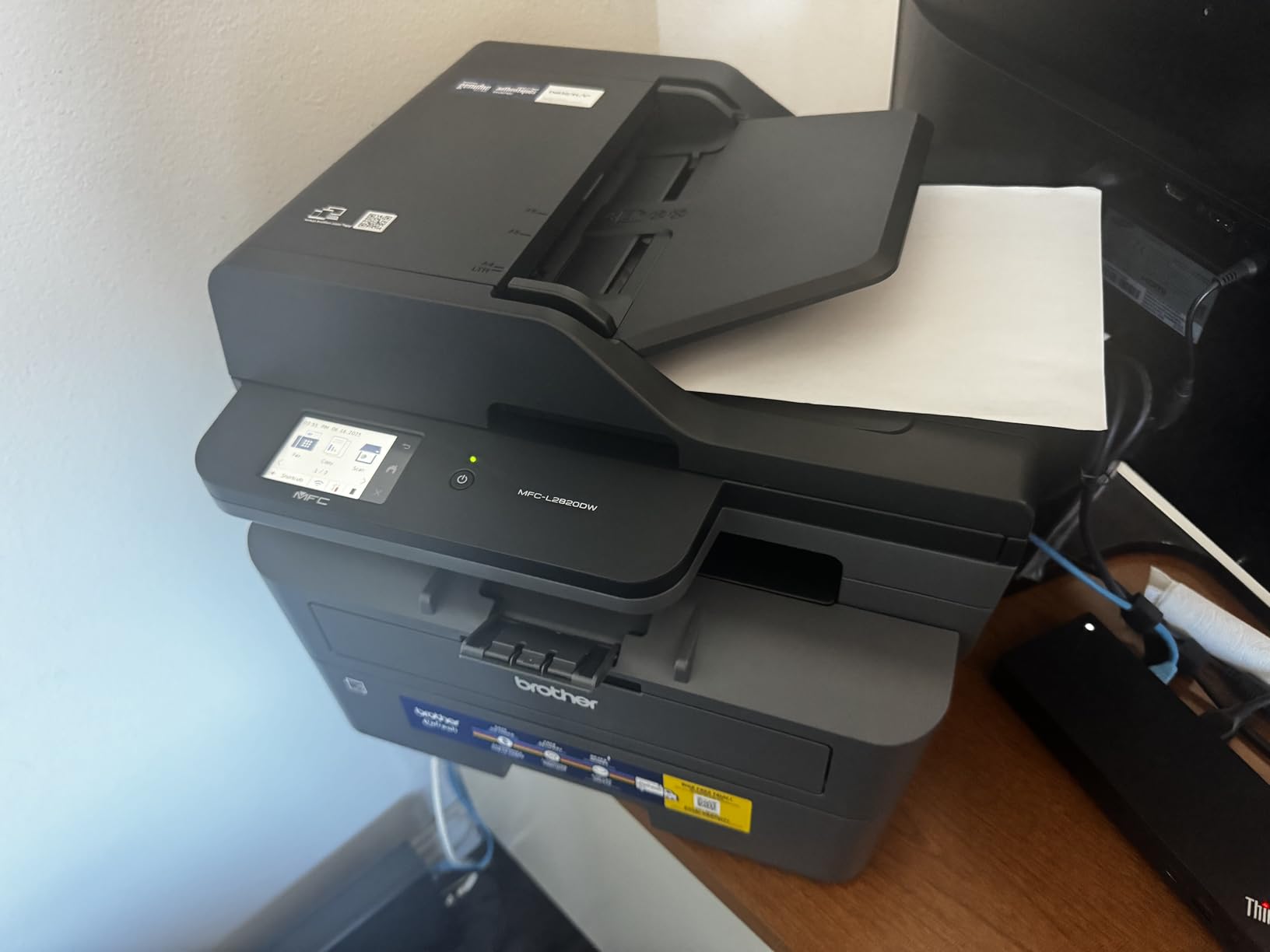
5. Brother MFC-L2820DW – Compact Laser with Fax
Brother MFC-L2820DW Wireless Compact Monochrome All-in-One Laser Printer with Copy, Scan and Fax, Duplex, Black & White | Includes Refresh Subscription Trial(1), Works with Alexa
34 ppm monochrome laser
Fax, copy, scan
2.7 inch touchscreen
50-page ADF
Dual-band Wi-Fi
Pros
- Quick and easy setup
- Good print and scan quality
- Multiple connectivity options
- Compact footprint
- No ink drying issues
Cons
- Paper jam clearance requires back access
- Wireless recovery needed sometimes
- Frequent firmware update prompts
The MFC-L2820DW is the step-up sibling of our top pick, adding fax capability and a 2.7-inch touchscreen to the same proven platform. Print speeds reach 34 pages per minute, and the 50-page automatic document feeder feeds reliably. For offices that still send or receive faxes in industries like healthcare or legal, the built-in fax is a genuine differentiator.
We like the dual-band wireless support, which connects to 5GHz networks that single-band printers cannot reach. Cloud-based app printing is supported, and the touchscreen makes walk-up copy and scan operations intuitive. At 22.5 pounds and a footprint matching the DCP-L2640DW, it fits the same desk footprint.
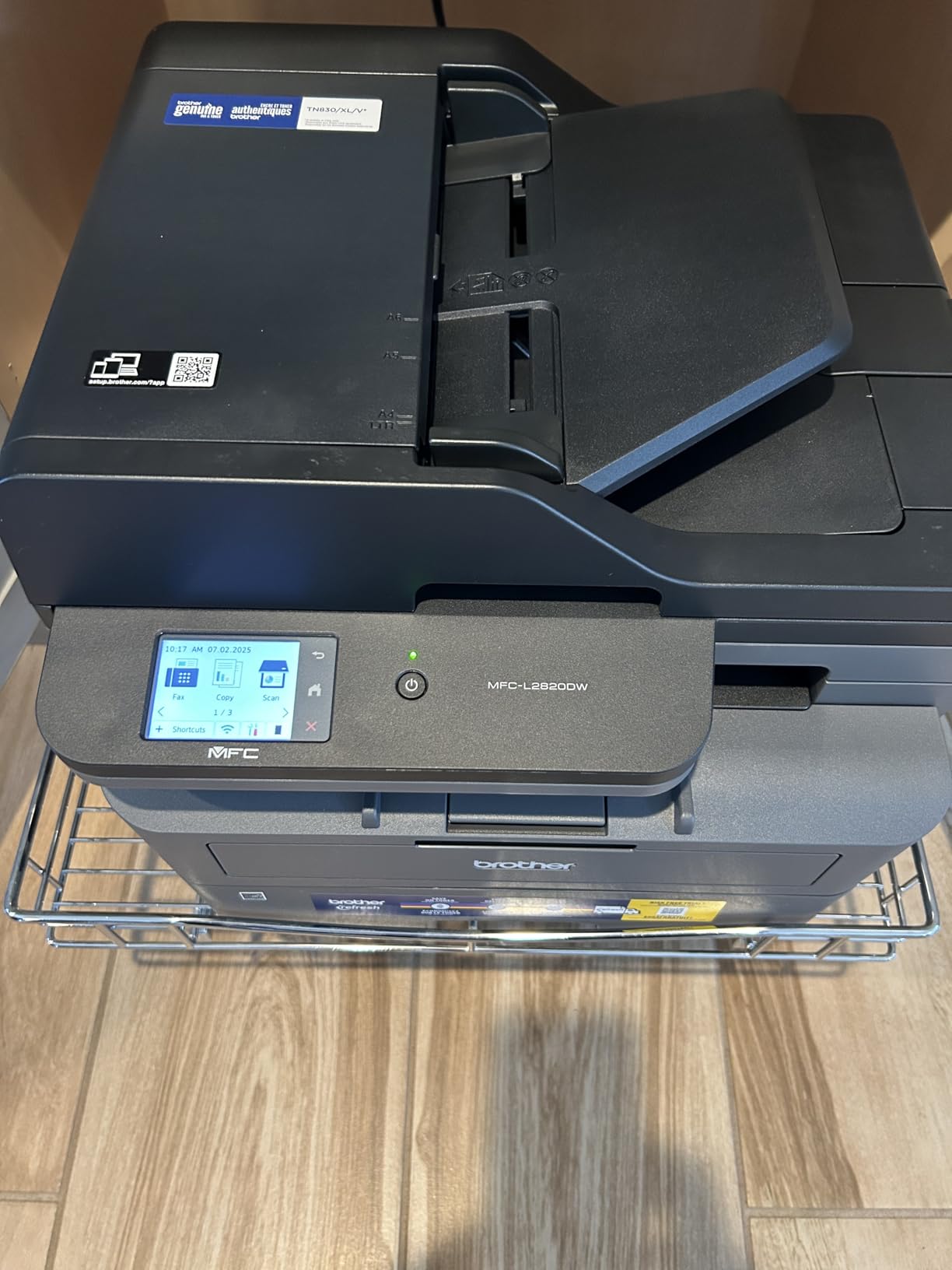
Scan speeds of 23.6 images per minute in black and white match the category standard. The machine handles envelopes, labels, and plain paper through its 250-sheet tray. Energy Star certification and EPEAT qualification keep operating costs in check, with standby draw rated at a modest 10.5 watts on the related spec sheet.
User feedback across 945 reviews averages 4.3 stars, with praise for setup ease and reliability. The complaints mirror those of most Brother compact lasers: occasional wireless recovery, firmware update nagging, and a screen that does not stay lit.
Solid for home offices that need fax
If fax is a business requirement rather than a nice-to-have, this is the affordable way to get it without sacrificing print speed. Solo practitioners and two-person offices are the sweet spot for this machine.
The included Refresh Subscription trial offers a toner delivery option, though we prefer buying high-yield TN830XL cartridges outright for cost control.
Not the pick for gadget lovers
The LED display is functional but basic, and firmware prompts appear more often than we would like. Copy runs cap at 99 per job, fine for most offices but worth noting.
As with all compact lasers in this range, paper jams require access to the rear of the machine. Leave a few inches of clearance behind it.
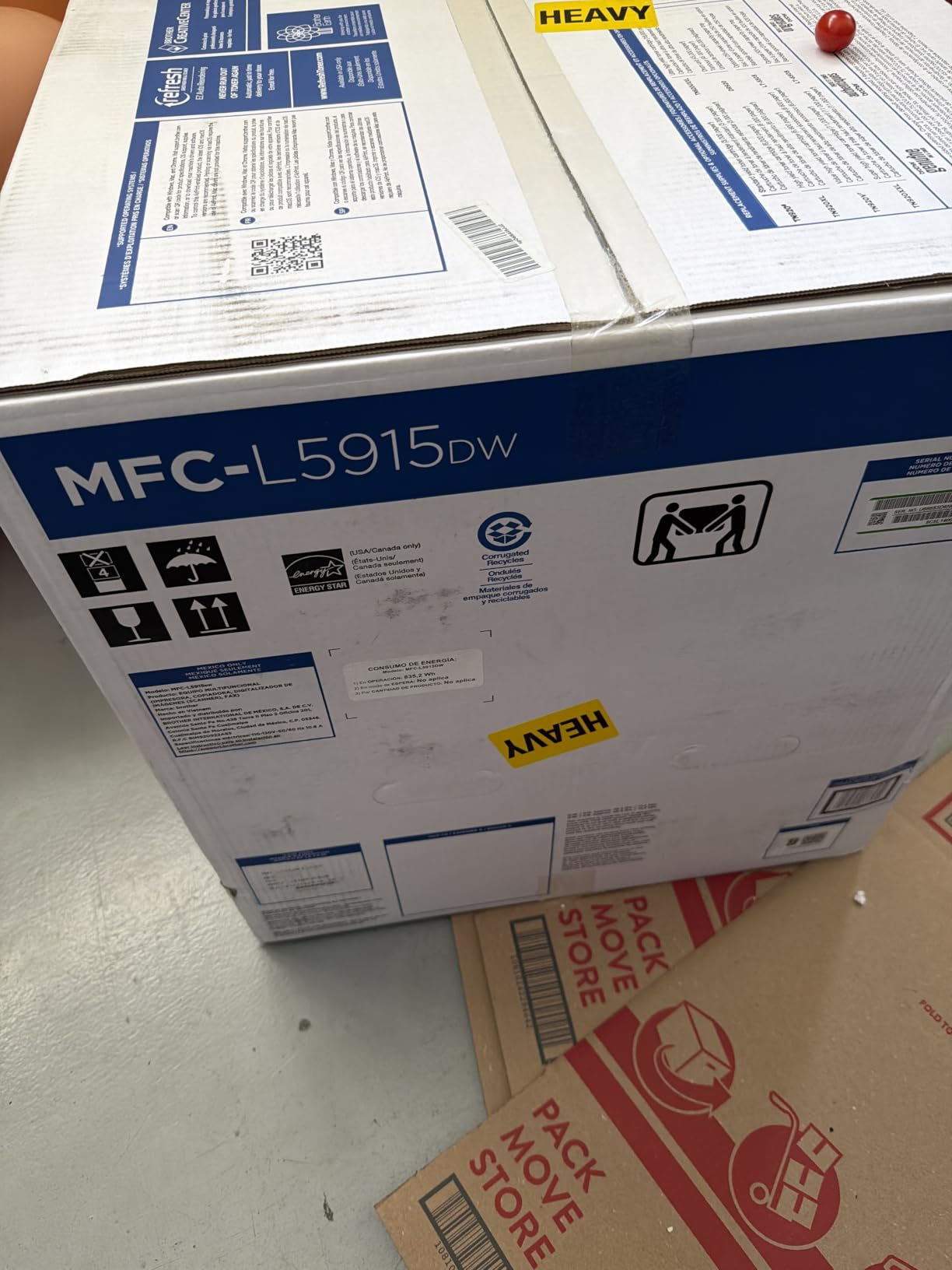
6. Brother MFC-L5915DW – High-Speed Volume Champion
Brother Professional Laser Printer All-in-One with Scanner and Copier, High-Speed 50 ppm Monochrome Printing, Wireless Network Ready, Dual-Band WiFi, Auto 2-Sided Print (MFC-L5915DW)
50 ppm monochrome laser
70-page ADF
Duplex scanning 56 ipm
5 inch touchscreen
Gigabit Ethernet
Pros
- Extremely fast 50 ppm printing
- High-volume scanning capability
- Reliable for heavy daily use
- High-yield toner up to 18
- 000 pages
- Legal-size document glass
Cons
- Large and heavy at 38.3 pounds
- Difficult paper size changes
- No printed instruction manual
- Expansion tray communication issues
When we needed to print a 400-page training manual in a single afternoon, the MFC-L5915DW churned through it at a genuine 50 pages per minute. The first page lands in 6.7 seconds, the fastest in this guide. For offices where printing volume is the bottleneck, nothing else here comes close.
The 70-page automatic document feeder with single-pass two-sided scanning at 56 images per minute digitizes double-sided stacks in one pass. A 5-inch color touchscreen simplifies walk-up operations, and the legal-size document glass accommodates larger originals that standard beds cannot.
The real cost story is the TN920UXXL super high-yield toner rated for up to 18,000 pages. Heavy-volume offices will refill toner a handful of times per year instead of monthly. Connectivity includes Gigabit Ethernet, dual-band wireless, and a USB host port for printing from flash drives.
It is rated explicitly for office and small business use, and the 38.3-pound frame reflects that serious intent. Auto duplex extends to print, copy, and scan functions. Our review unit ran for weeks without a jam or misfeed.
Excellent for high-volume offices
Accounting firms, insurance offices, and any business printing hundreds of pages daily will recover the premium through speed and toner efficiency. The 18,000-page cartridge option is the largest capacity in this guide.
Two-sided scanning at 56 images per minute also makes it a document-digitization powerhouse for going paperless.
Overkill for light printing loads
If you print twenty pages a day, save your money and buy the DCP-L2640DW instead. The physical size demands dedicated space, and the machine deserves a network with actual traffic.
Minor annoyances include tray size-change awkwardness and reported communication issues with the optional expansion tray. No printed manual ships in the box, so expect PDF documentation.
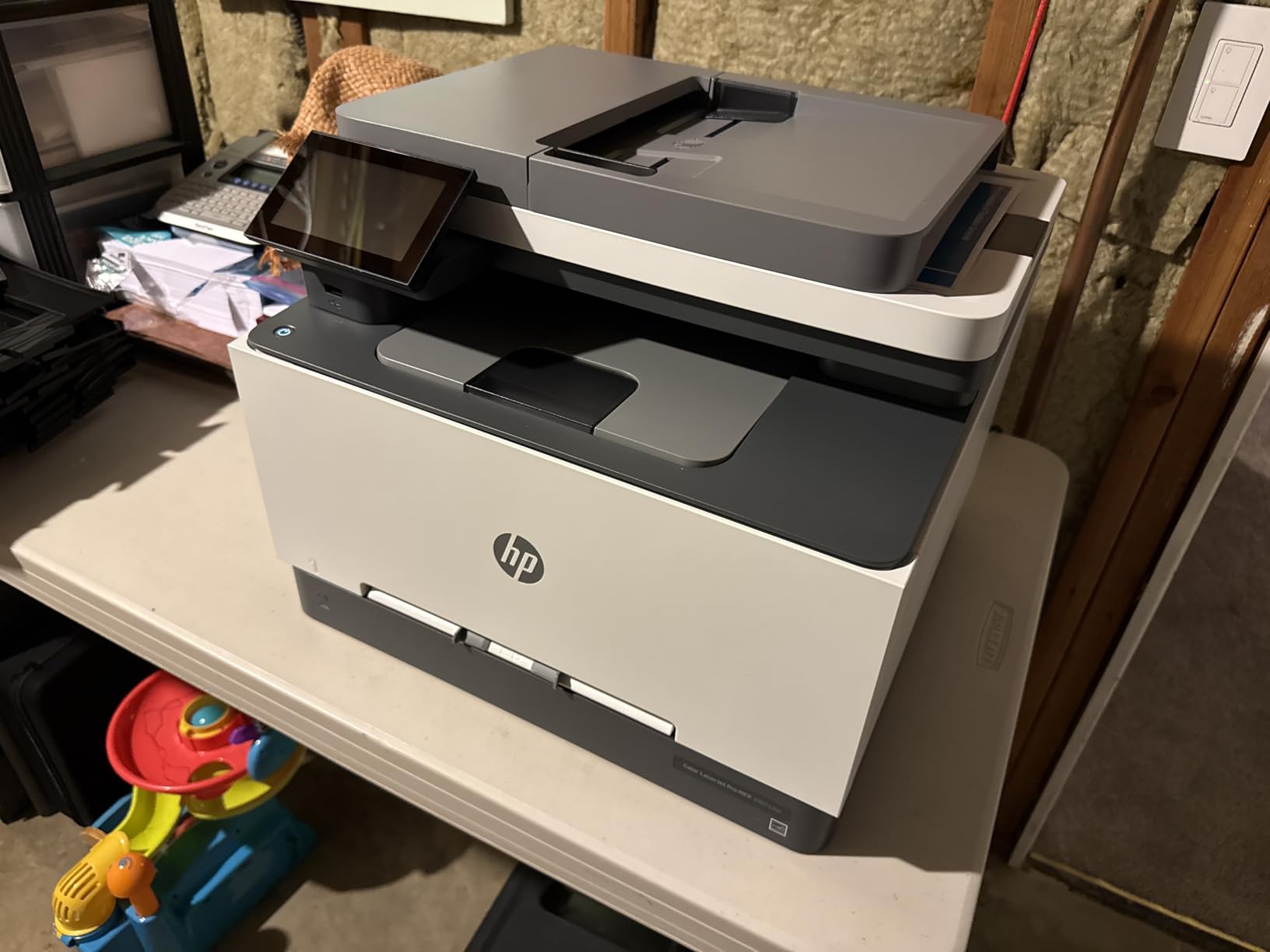
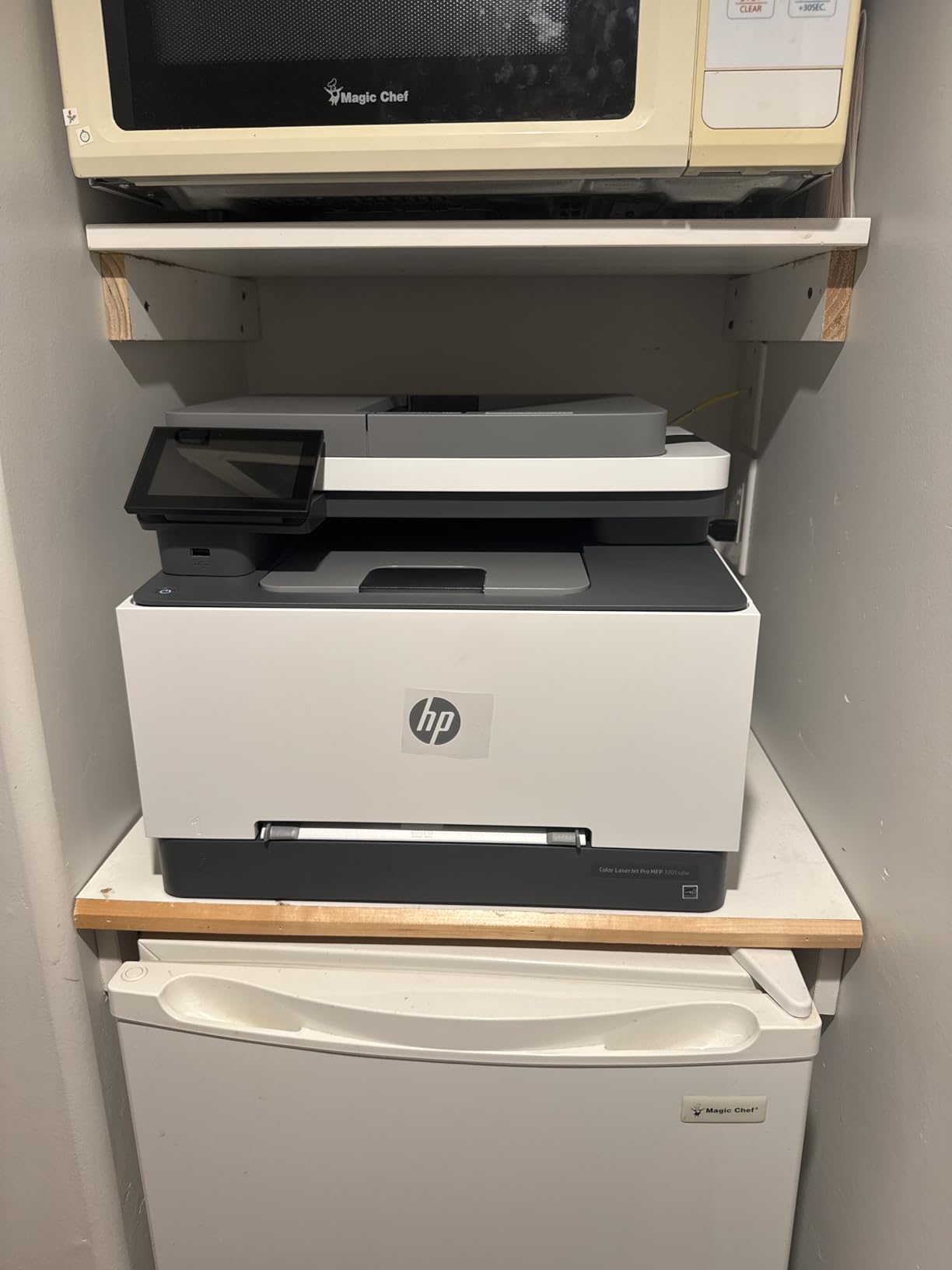
7. HP Color LaserJet Pro MFP 3301sdw – Vivid Color for Small Teams
HP Color LaserJet Pro MFP 3301sdw Wireless All-in-One Color Laser Printer, Office Printer, Scanner, Copier, ADF, Duplex, Best-for-Office (499Q3F)
30 ppm color laser
250-sheet tray
Auto duplex
TerraJet toner
HP Smart app
Pros
- Professional color with vibrant graphics
- Fast printing up to 26 ppm
- Auto 2-sided printing and ADF
- Easy wireless setup with HP Smart app
- Excellent text quality
Cons
- Starter toner cartridges run out quickly
- Replacement toner is expensive
- Occasional wireless connectivity issues
- Runs warm during heavy sessions
The 3301sdw brings HP’s next-generation TerraJet toner to small offices, and the color output is noticeably more vivid than standard laser toner. Marketing one-pagers and client presentations looked polished straight off the tray. Both black and color pages print at up to 26 pages per minute, respectable for a color laser in this class.
Setup through the HP Smart app took under ten minutes in our test, among the easiest experiences in this guide. The 250-sheet input tray and automatic document feeder cover the daily needs of a small team. Two-sided printing is automatic.
The 3.8-star average across 1,223 reviews is the lowest among lasers here, and the pattern matters: 60 percent of reviewers give five stars while 21 percent give one. The happy majority praise print quality and setup. The unhappy minority cite connectivity issues and toner costs.
The starter toner cartridges ship partially filled and deplete quickly, so budget for full HP 218A or 218X cartridges early. High-yield 218X cartridges offer better per-page economics. The unit weighs 37.7 pounds and runs warm during sustained color jobs.
Great for professional color documents
Design-conscious offices that want color without stepping up to the Brother MFC-L8930CDW will find this a solid middle ground. The TerraJet color vibrancy genuinely elevates client-facing materials.
The two-tray configuration lets you load letterhead and plain paper simultaneously, a small convenience that saves daily swapping.
Factor in toner costs before buying
Genuine HP color toner is among the most expensive in the category, and firmware restrictions limit third-party options. Calculate your color page volume honestly before committing.
Occasional wireless dropouts were reported by enough users that we recommend Ethernet for network-critical deployments. The machine also warms noticeably during long color runs.
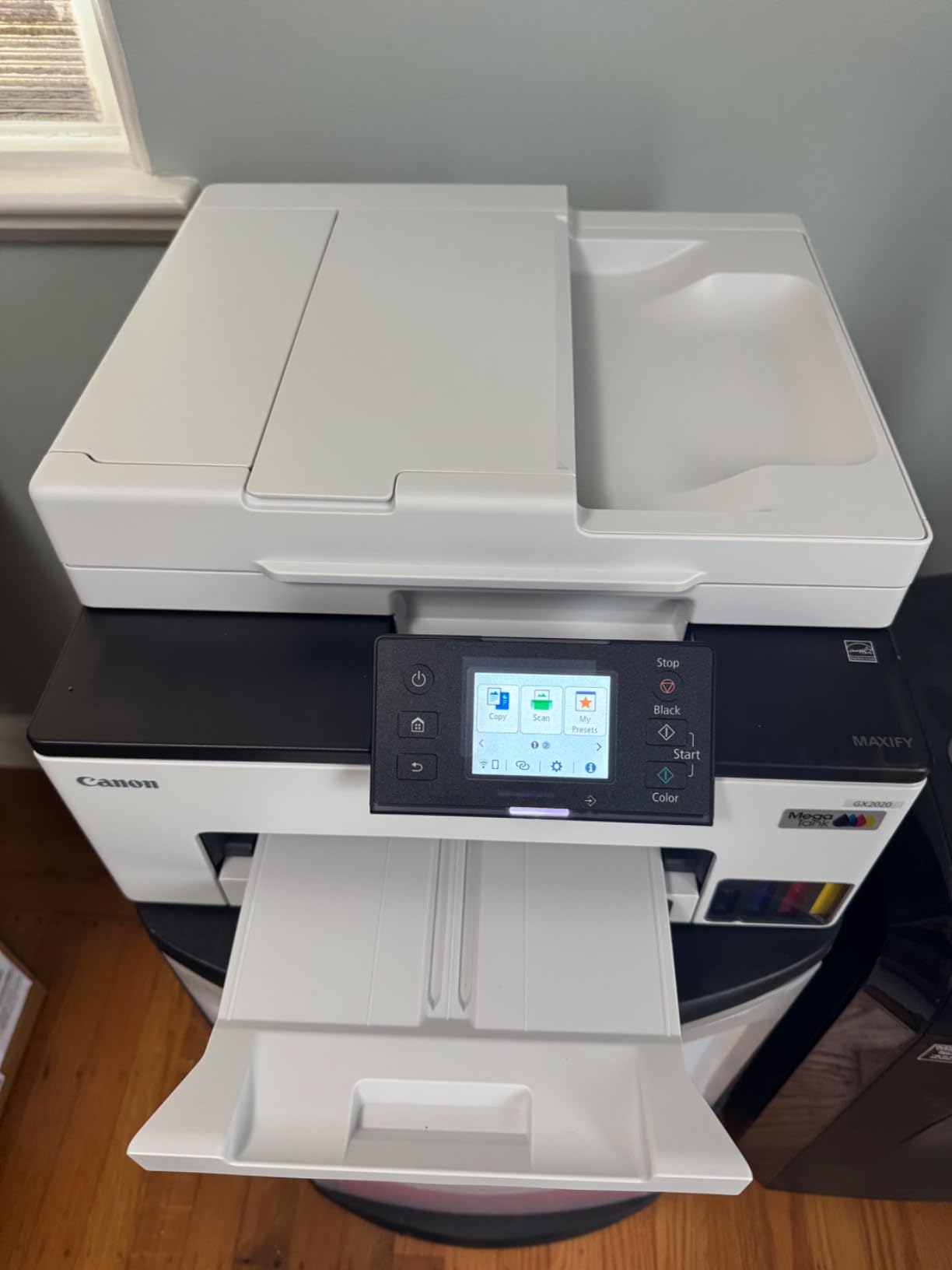
8. Canon MegaTank MAXIFY GX2020 – Ink Tank with Business Features
Canon MegaTank MAXIFY GX2020 All-in-One Wireless Color Printer – Print, Copy, Scan with Duplex Printing – Refillable Tank System, Compact Desktop Design – Wireless Print Scan Copy for Home & Office
Refillable ink tank system
3,000 pages per ink set
35-sheet ADF
Auto duplex
3-year warranty
Pros
- Up to 3
- 000 pages per set of inks
- Low cost of operation
- Easy wireless setup
- Fast black and white printing
- Compact desktop design
Cons
- Photo printing quality can disappoint
- Paper settings confusing
- Thicker paper may jam
- App can be slow to load
Canon’s MAXIFY GX2020 counters the Epson EcoTank with pigment-based inks that dry waterproof and resist fading, a real advantage for invoices and shipping documents. A single set of GI-25 ink bottles yields up to 3,000 black and 3,000 color pages. Businesses that need color at ink-tank prices get both here.
The compact desktop design measures just 14.8 by 15 by 8.9 inches and weighs 17.8 pounds, sliding under a shelf with room to spare. The 2.7-inch LCD touchscreen handles walk-up operations, and the 35-sheet document feeder covers multi-page scanning. Automatic two-sided printing bests the Epson ET-4800’s manual duplex.
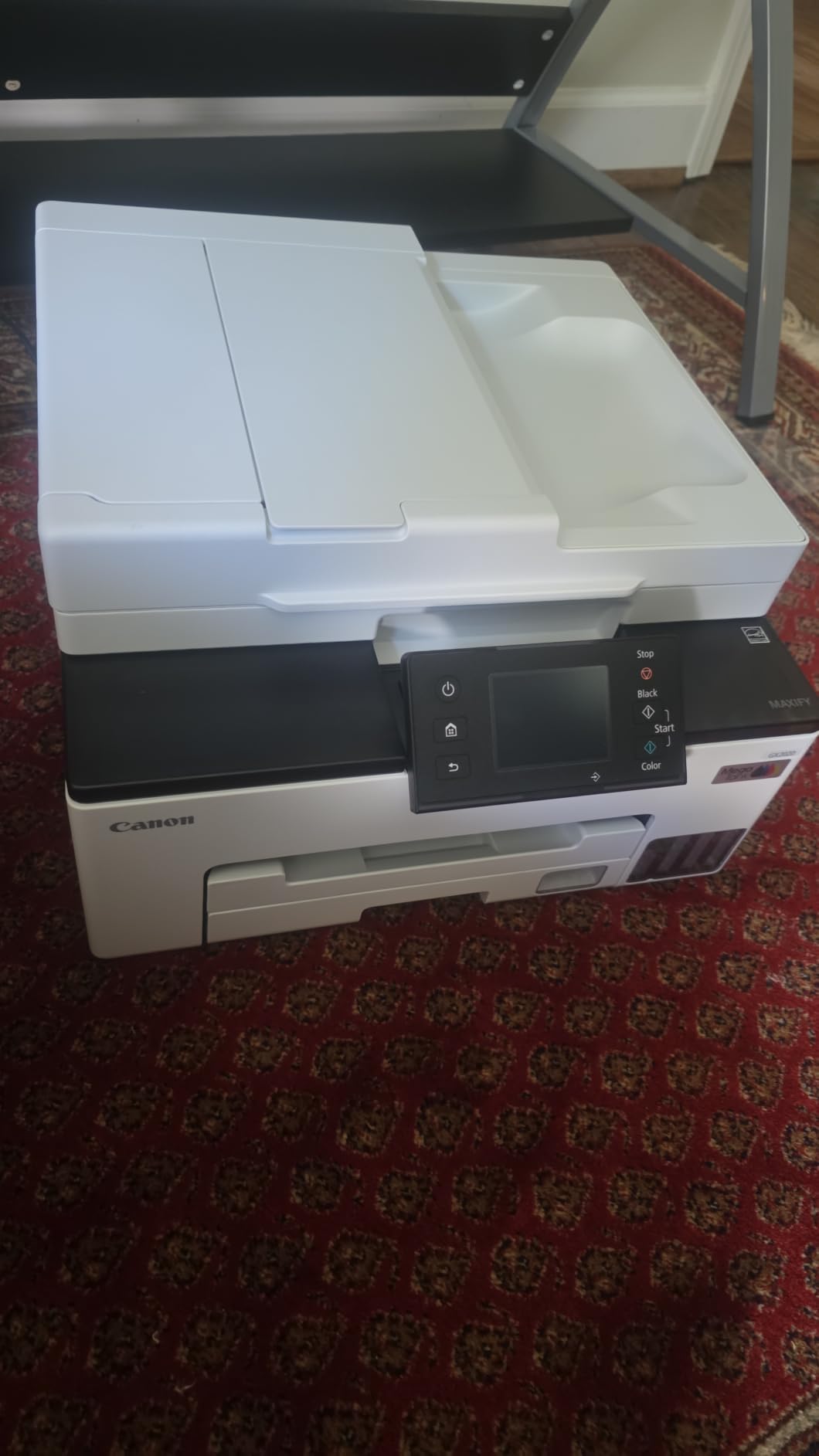
A three-year limited warranty is the longest in this guide, double the standard one-year coverage elsewhere. Canon clearly stands behind the print head. Power consumption is a remarkable 22 watts, a fraction of what any laser draws, which matters for always-on offices tracking electricity use.
Print speeds run 15 pages per minute black and 10 color, adequate rather than quick. Across 849 reviews the average sits at 3.9 stars, with 63 percent five-star ratings praising the ink economics.
Ideal for cost-conscious color printing
Offices that need modest color volume at the lowest possible running cost have their answer. The pigment inks also produce smudge-proof text immediately, unlike dye-based inkjets that need a moment to dry.
The low 22-watt power draw makes it the greenest choice here, both for energy bills and sustainability goals.
Not for photo printing or thick media
Despite the glossy paper support, photo output disappoints compared to Epson’s photo-oriented machines. Thick paper stocks jam more often than we would like.
The paper settings menu includes confusing options, and the rear tray takes practice. The management app loads slowly on older devices, so desktop drivers are the better route.
9. Xerox C235dni – Color Multifunction for Hybrid Work
Xerox C235dni Wireless Color Laser All-in-One Printer
24 ppm color laser
Print, scan, copy, fax
Built-in Wi-Fi and AirPrint
Easy Assist app
High-yield toner support
Pros
- Fast 24 ppm printing for black and color
- Excellent print quality with sharp text
- Easy wireless setup with Easy Assist
- NIC stays active without waking
- Automatic duplex printing
Cons
- Starter toner runs out quickly
- Replacement toner is expensive
- Setup can be challenging
- Paper quality affects output
Xerox invented the modern office copier, and the C235dni carries that DNA into a small-business-friendly color multifunction. Both black and color print at 24 pages per minute with sharp text and clean graphics. Forum users on r/printers recommend it as a strong entry-level all-in-one for office features, and we agree.
A thoughtful touch is the network interface that stays active, so the printer does not need waking before jobs arrive. The Xerox Easy Assist app guides installation, and support for Apple AirPrint, Mopria, and built-in Wi-Fi covers the mobile printing bases. Fax is included alongside print, scan, and copy.
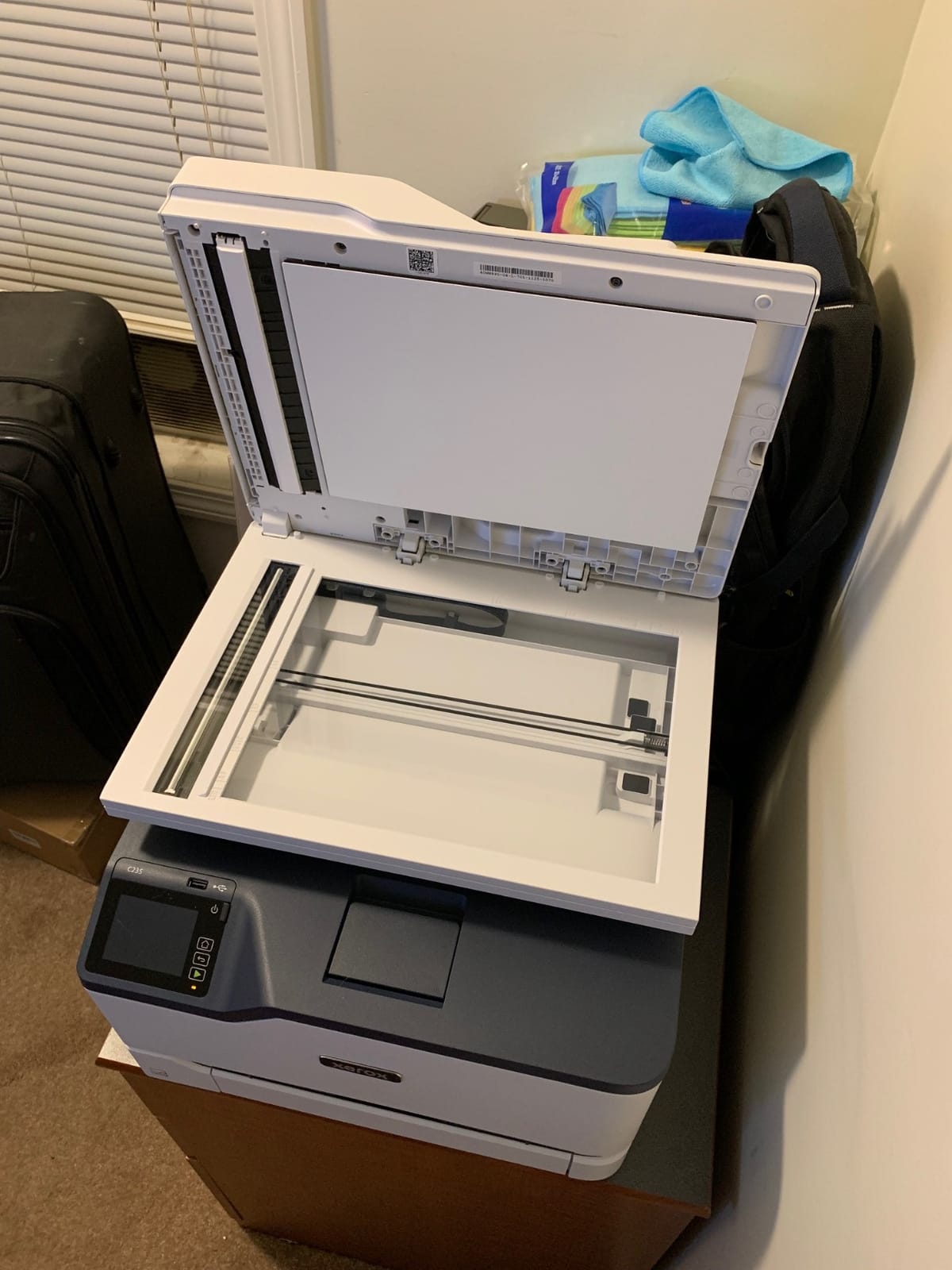
The machine weighs 35 pounds and occupies 15.5 by 16.2 by 13.6 inches, splitting the difference between compact and workgroup builds. High-yield toner cartridges are available to bring per-page costs down from the modest 500-page starter set. The 250-sheet tray handles daily volume for a small team.
Across 271 reviews the average is 3.9 stars, with a healthy 52 percent five-star and low four percent two-star distribution. Print quality earns consistent praise, while toner economics draw the usual complaints.
Solid for hybrid and small workplaces
The always-on network connection and full four-function feature set suit offices where staff print from laptops, phones, and desktops interchangeably. It is a practical choice for businesses that want color plus fax in one box.
Print output quality holds up on client documents, with text that remains crisp at small sizes.
Setup can test your patience
Despite the Easy Assist branding, a meaningful share of buyers found initial configuration harder than the Brother equivalents. Plan extra time if your network has VLANs or unusual security settings.
Output quality is also sensitive to paper choice, so use decent stock for important documents. Replacement toner pricing is on the high side, like most color lasers.
10. Brother MFC-J1360DW – Budget Inkjet All-in-One
Brother Work Smart 1360 Wireless Color Inkjet All-in-One Printer with Automatic Duplex Printing and 1.8” Color Display | Includes Refresh Subscription Trial(1) (MFC-J1360DW) (Uses LC501 Series Inks)
16 ppm color inkjet
Auto duplex
20-sheet ADF
Cloud app printing
150-sheet tray
Pros
- Easy setup and wireless connection
- Compact design for home use
- Automatic duplex printing
- 20-sheet ADF
- Affordable ink options
Cons
- Ink cartridges do not last long
- Mobile app connectivity can be unreliable
- Some users report slow printing
- Wi-Fi setup can be challenging
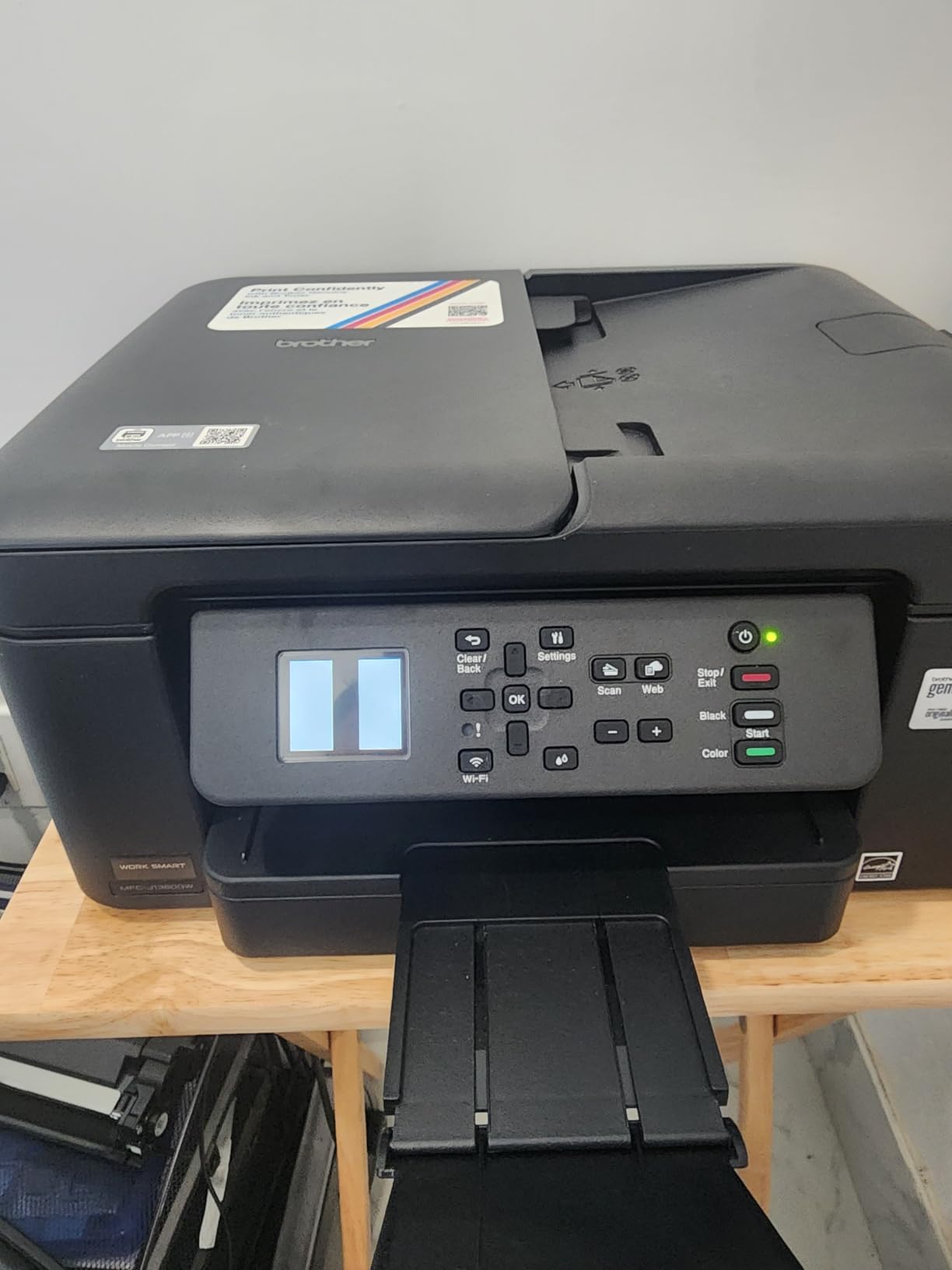
Sometimes a business just needs an inexpensive printer that handles a little of everything, and the MFC-J1360DW is exactly that. It prints, copies, and scans in color, with automatic duplex printing that most budget inkjets skip entirely. The 20-sheet document feeder and 150-sheet tray round out a surprisingly complete feature set.
The slim 13.5 by 15.4 by 7.2 inch frame and 16.8 pound weight make it the most desk-friendly machine in this guide. Print speeds reach 16 pages per minute black and 9 color in draft modes, with first pages out in about 6 seconds. Cloud app connections let you print from and scan to Google Drive, Dropbox, Box, and OneDrive.
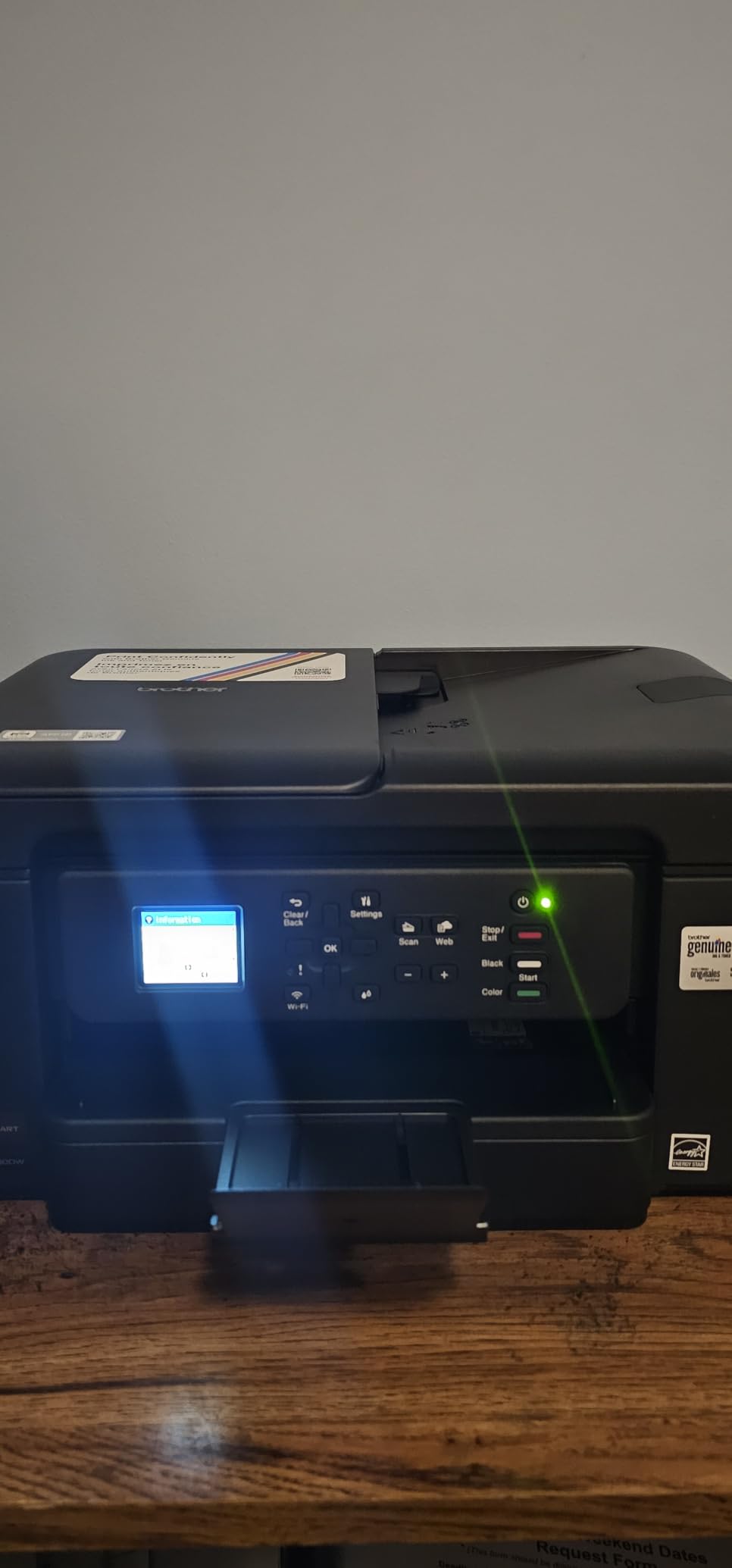
With 2,306 reviews and a 3.9-star average, it ranks fifth among inkjet computer printers on the platform. Sixty percent of reviewers award five stars, praising the easy setup and document quality. The Page Gauge feature estimates remaining ink, a small but useful convenience for budget tracking.
The compromises are the classic budget-inkjet ones. Standard ink cartridges deplete quickly under business volumes, so the low purchase price partly transfers to ongoing ink costs. Mobile app connectivity occasionally needs coaxing.
Perfect for home offices and very light use
Solo entrepreneurs, freelancers, and side-business owners printing a few dozen pages weekly will find this the most capable machine at its price. Color printing, scanning, and copying in one slim box covers all the basics.
The Brother Mobile Connect app handles setup and monitoring once connected, and the one-year limited warranty matches the brand standard.
Not for heavy-duty business printing
Daily print volumes above fifty pages will drain cartridges fast and test the machine’s patience. If your volume grows, step up to the Brother DCP-L2640DW or the Canon GX2020 for better economics.
The 20-sheet ADF is modest compared to the 50 to 80-page feeders elsewhere in this guide. Wi-Fi setup also trips up some users despite the guided process.
How to Choose the Best All-in-One Printer for Your Small Business?
Choosing among the best all in one printers for small business use gets easier once you answer five questions about your actual workflow. Here is what matters most, based on our testing and the pain points small business owners report in forums.
Laser or inkjet: match the technology to your volume
Laser printers win for text-heavy offices because toner never dries out and per-page costs stay low. If your printer sometimes sits idle for a week, laser is the safe answer. Monochrome lasers like the Brother DCP-L2640DW and MFC-L5915DW are the reliability champions here.
Inkjets and ink-tank printers win when you need color on a budget or print photos. Ink-tank models like the Epson ET-4800 and Canon GX2020 slash running costs versus cartridge inkjets. The trade-off is slower print speeds and occasional print head maintenance.
Calculate total cost of ownership, not just the sticker
The cheapest printer to buy is rarely the cheapest to own. Toner and ink over three to five years routinely exceed the machine’s purchase price. Check the yield of high-capacity consumables before deciding: the Brother MFC-L5915DW offers 18,000-page toner, while the Canon GX2020 delivers 3,000 pages per ink set.
Starter cartridges are another trap. Most models ship with partially filled consumables that deplete within weeks, so budget for full replacements early. Forum feedback consistently ranks cost per page as the number one concern for small business buyers.
Match print speed and duty cycle to your workload
Print speeds range from 10 to 50 pages per minute across this guide. A solo office printing occasionally will never notice the difference; a five-person team batching invoices will. First page out time matters too, ranging from 6.7 seconds on the Brother MFC-L5915DW to nearly ten on larger color units.
Duty cycle, the manufacturer’s maximum monthly page recommendation, should exceed your real volume with headroom. Running any printer above its comfort zone shortens its life and multiplies jams.
Prioritize the document feeder and duplex features
Automatic document feeder capacity ranges from 20 sheets on the budget Brother inkjet to 80 on the MFC-L8930CDW. If you scan multipage contracts regularly, bigger is genuinely better. Single-pass duplex scanning, found on the Brother MFC-L5910DW and MFC-L8930CDW, digitizes double-sided originals in one pass instead of two.
Automatic duplex printing is standard on every model here except the Epson ET-4800, which requires manual refeeding. Manual duplex becomes tedious fast if most of your documents are two-sided.
Verify connectivity and setup ease for your environment
Dual-band Wi-Fi, Ethernet, AirPrint, and Mopria support determine how smoothly the printer joins your workflow. Ethernet remains the most dependable connection for office-critical machines, a point repeated across user reviews reporting wireless dropouts. USB host ports for flash-drive printing are a bonus on the Brother workgroup models.
Setup difficulty varies more than specs suggest. HP Smart and Xerox Easy Assist guide most users through quickly, while several Brother models demand a few more steps. If you use macOS, download drivers from the manufacturer’s site rather than relying on installation CDs or app stores, since macOS compatibility complaints surface regularly in forums.
Do not overlook security, energy, and warranty
Businesses handling client data should care about printer security. The Brother MFC-L8930CDW offers triple-layer protection with NFC badge authentication for print release. Energy consumption ranges from 22 watts on the Canon ink tank to over 600 on big lasers, a real difference for always-on offices.
Warranty length varies from one year standard to three years on the Canon GX2020. Longer coverage signals manufacturer confidence and protects your investment against print head failures, the most common expensive inkjet repair.
Frequently Asked Questions
What are the top 3 all-in-one printers?
The top three all-in-one printers for small business are the Brother DCP-L2640DW for overall value and reliability, the Brother MFC-L8930CDW for professional color output, and the Epson EcoTank ET-4800 for the lowest running costs. These three cover the needs of most small offices across print technologies and budgets.
What is the best printer for a small printing business?
The Brother MFC-L5915DW is the best printer for a small printing business with heavy daily volume, printing at 50 pages per minute with single-pass duplex scanning at 56 images per minute and toner cartridges yielding up to 18,000 pages. For lighter volume, the Brother DCP-L2640DW offers 36 ppm printing at a lower operating cost per feature.
What are the best multifunction printers for small businesses?
The best multifunction printers for small businesses are the Brother DCP-L2640DW, Brother MFC-L2820DW, HP LaserJet Pro MFP 3101sdw, Brother MFC-L8930CDW, Epson EcoTank ET-4800, Canon MegaTank GX2020, Xerox C235dni, and Brother MFC-J1360DW. These models cover monochrome laser, color laser, and ink tank options across a range of office sizes and budgets.
What is the best all-in-one printer for commercial use?
The Brother MFC-L8930CDW is the best all-in-one printer for commercial use, offering 33 ppm color printing, duplex scanning at 104 images per minute, an 80-page document feeder, Gigabit Ethernet, NFC badge security, and expandable 1,340-sheet paper capacity suitable for enterprise and school environments.
Conclusion
After testing and comparing these ten machines, our recommendations for the best all in one printers for small business use come down to use case. The Brother DCP-L2640DW remains our editor’s choice for most offices, pairing 36 ppm monochrome printing with proven reliability and 3,691 buyer reviews. Step up to the Brother MFC-L8930CDW for color and security, or the MFC-L5915DW for raw speed.
For the lowest possible running costs, the Epson EcoTank ET-4800 and Canon MegaTank GX2020 keep per-page spending minimal. Budget-constrained home offices get a capable all-rounder in the Brother MFC-J1360DW. Whatever your choice, buy high-yield consumables from day one and skip the starter cartridge trap.
Check the latest prices on our top picks before you buy, since availability shifts throughout 2026. Your future self, freed from ink anxiety and paper jams, will thank you.