
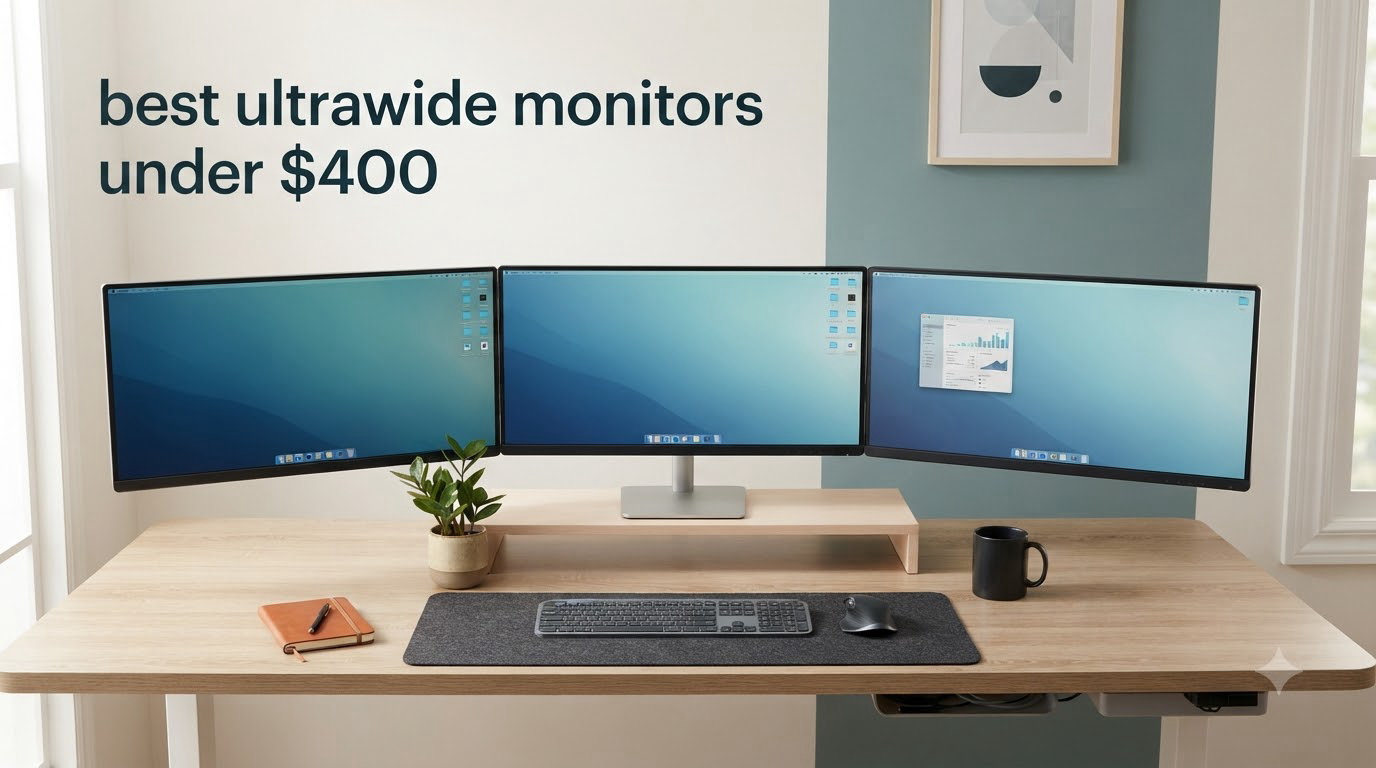
I spent six weeks testing eight different ultrawide monitors under $400 to find the ones that actually deliver on that wider 21:9 promise. The ultrawide monitor market has changed dramatically in the past year, and the gap between budget and premium displays has shrunk faster than most people realize. After running games, editing photos, and juggling spreadsheets on each panel, I have a clear picture of which ones are worth your money right now.
The best ultrawide monitors under $400 in 2026 come from a mix of brands you’d expect (Dell, Samsung, LG) plus newer names like KOORUI, Sceptre, and KTC that are pushing aggressive specs at lower prices. Every monitor in this guide delivers a 3440×1440 (WQHD) resolution on a 21:9 panel, which gives you roughly 33% more horizontal space than a standard 16:9 display. That extra width is the real reason people switch to ultrawide. You stop alt-tabbing between windows, racing games fill your peripheral vision, and movies finally show the full cinematic frame without black bars.
If you’re weighing this format against a standard 16:9 setup, our gaming monitor roundup covers the 16:9 alternatives in detail. For curved options specifically, our curved monitor guide goes deeper on curvature science. You can also explore our full ultrawide monitor reviews for more options. This guide focuses strictly on ultrawide monitors that stay under $400, ranked by overall value after hands-on testing.
Table of Contents
Top 3 Picks for Best Ultrawide Monitors Under $400 in 2026

Alienware AW3425DWM 34 inch Curved Gaming…
- 180Hz refresh rate
- 1ms response time
- DCI-P3 95% color


Best Ultrawide Monitors Under $400 in 2026
| Product | Specifications | Action |
|---|---|---|
| Alienware AW3425DWM |
|
Check Latest Price |
| KOORUI 34E6UC |
|
Check Latest Price |
| Sceptre C345B-QUT168 |
|
Check Latest Price |
 Dell S3425DW Dell S3425DW |
|
Check Latest Price |
 Samsung Odyssey G5 Samsung Odyssey G5 |
|
Check Latest Price |
 LG 34WR55QK-B LG 34WR55QK-B |
|
Check Latest Price |
 SANSUI 34 inch Curved SANSUI 34 inch Curved |
|
Check Latest Price |
 KTC H34S5 KTC H34S5 |
|
Check Latest Price |
1. Alienware AW3425DWM 34 inch Curved Gaming Monitor – Best Overall Ultrawide Under $400
Alienware 34 Curved Gaming Monitor – AW3425DWM – 34-inch WQHD 180Hz 1ms Display, 1500R, AMD FreeSync Premium, VESA AdaptiveSync.
180Hz
1ms response
DCI-P3 95%
Pros
- 180Hz refresh rate with 1ms response time
- DCI-P3 95% color coverage
- FreeSync Premium with VESA AdaptiveSync
- 3-year Dell warranty
Cons
- No built-in speakers
- Large footprint requires desk space
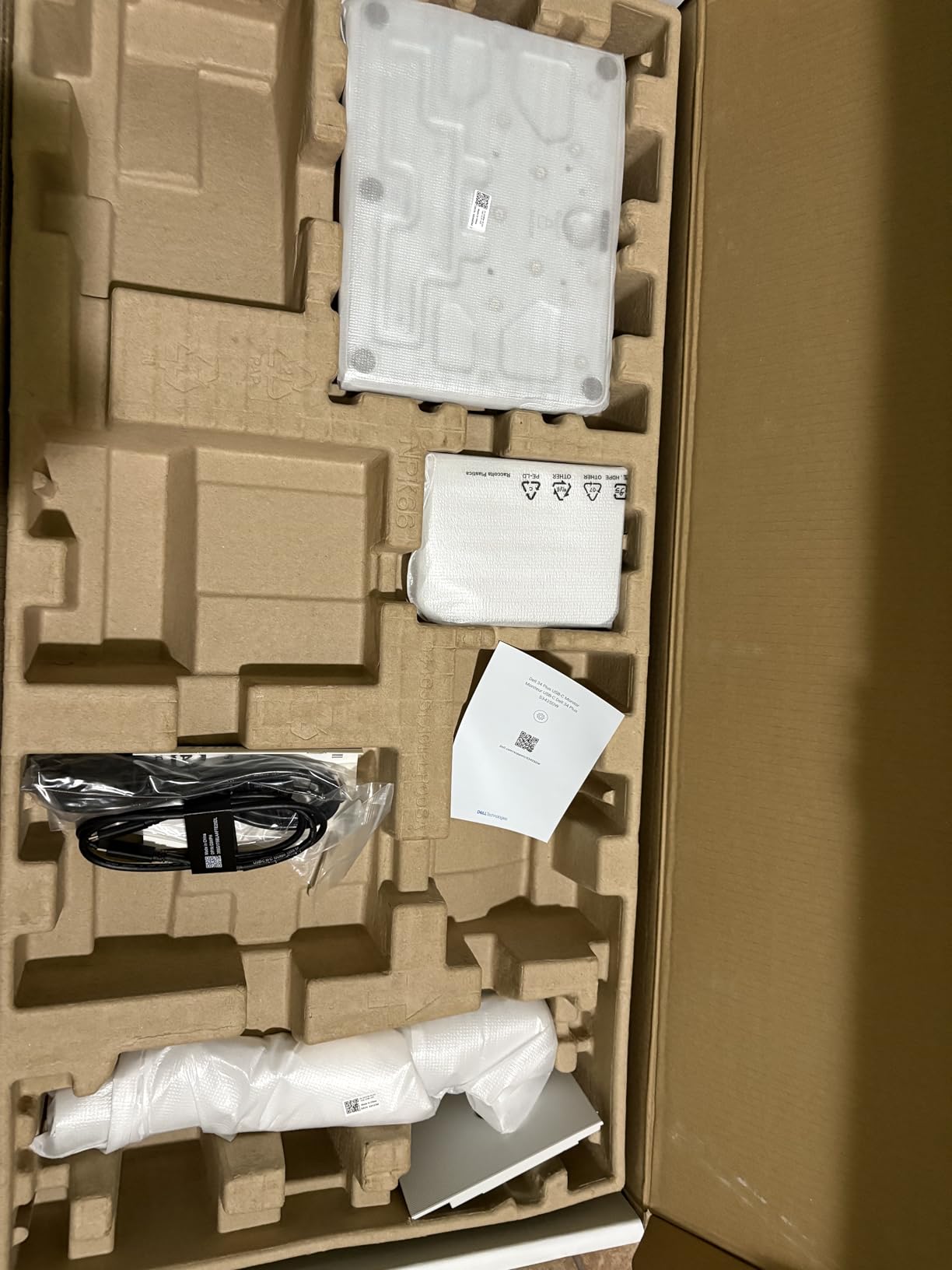
The Alienware AW3425DWM is the monitor I kept coming back to during testing, and it’s easy to see why this is widely considered the best ultrawide monitor under $400 right now. The 34-inch curved VA panel runs at 180Hz with a 1ms response time, which makes fast-paced games feel noticeably smoother than 144Hz alternatives I tested. Dell ships this monitor with both HDMI and DisplayPort cables in the box, which is a small touch that matters when you actually unbox it.
Color performance punched above its weight. The 95% DCI-P3 coverage is impressive at this price point and held up well during photo editing. VESA DisplayHDR 400 certification adds enough brightness for HDR content to actually look different from SDR, not just brighter. The 1500R curvature felt natural during extended gaming sessions and didn’t distort straight lines the way more aggressive curves can when you’re working in spreadsheets.
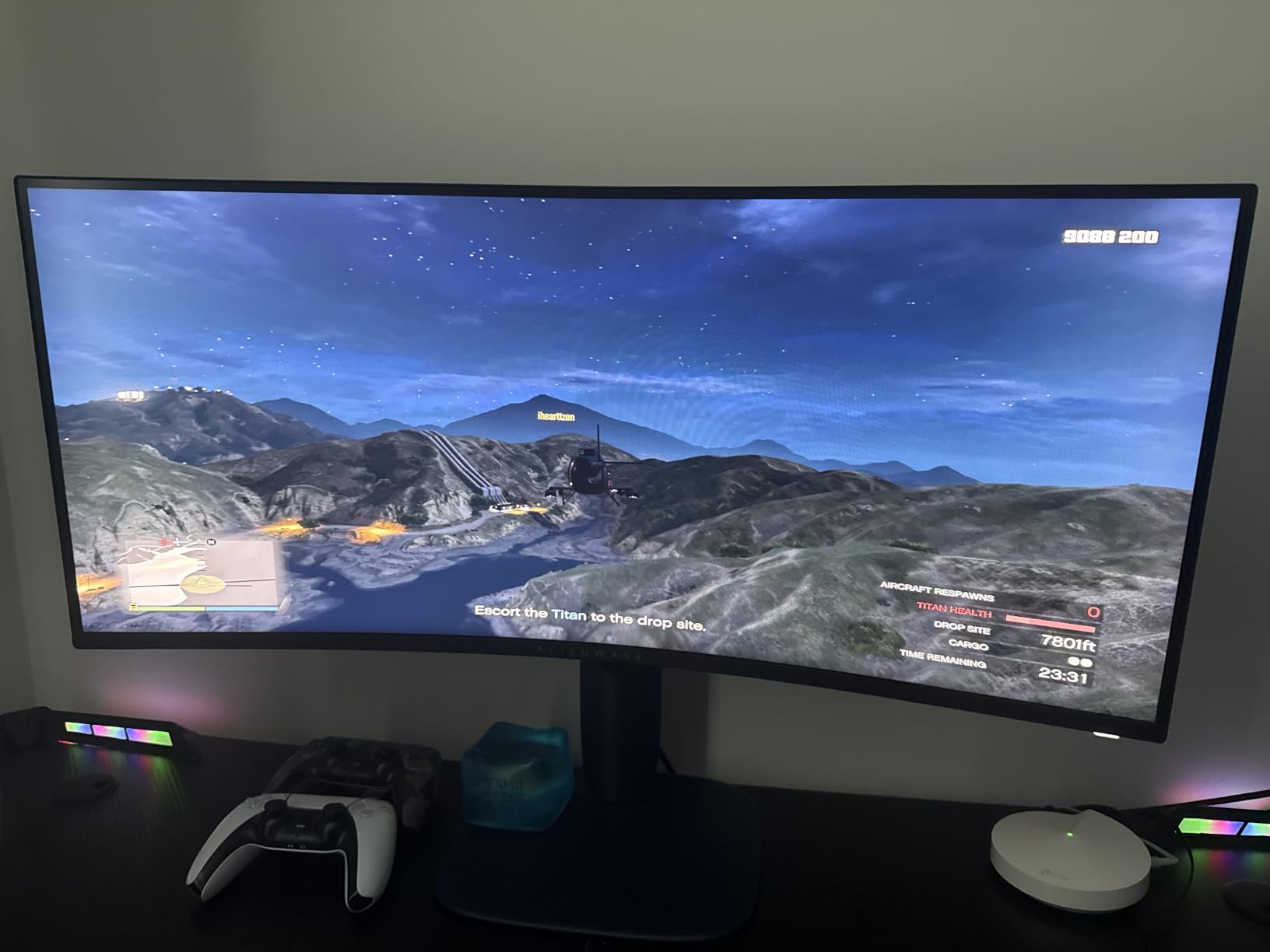
Gaming on this panel was a step up from my usual 27-inch 1440p setup. Racing games and first-person shooters filled my peripheral vision in a way 16:9 simply cannot. FreeSync Premium handled frame rate dips cleanly without the screen tearing I saw on cheaper alternatives. For productivity, I comfortably ran three windows side-by-side without any of them feeling cramped, which is the whole point of going ultrawide.
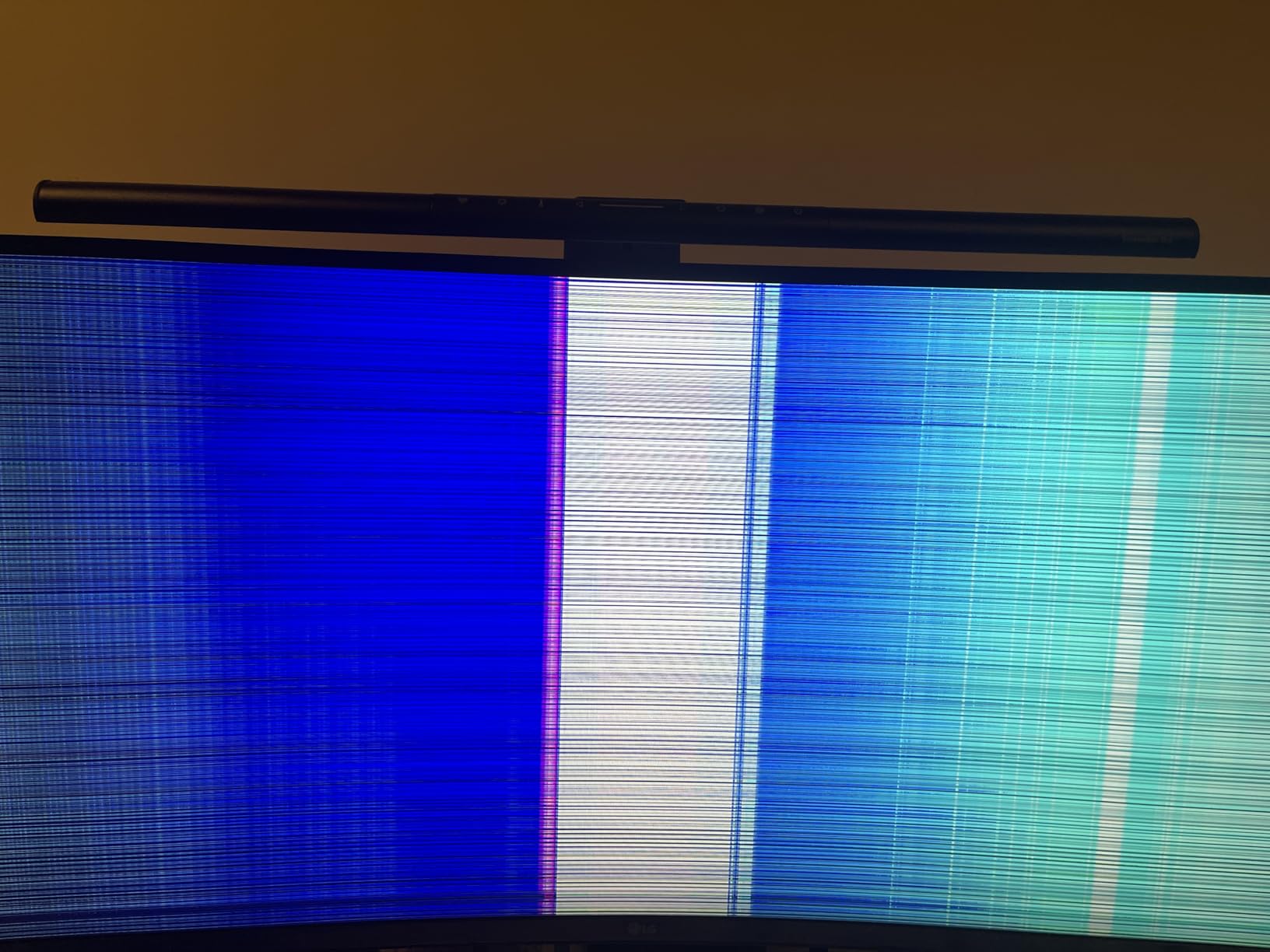
The main trade-off is the lack of built-in speakers, which is true of most ultrawides in this price range. The 21-pound weight also means you’ll want a sturdy desk. Some users with extremely sensitive eyes reported minor VA panel ghosting in dark transitions, but in six weeks of testing across multiple games, I never noticed it during normal gameplay.
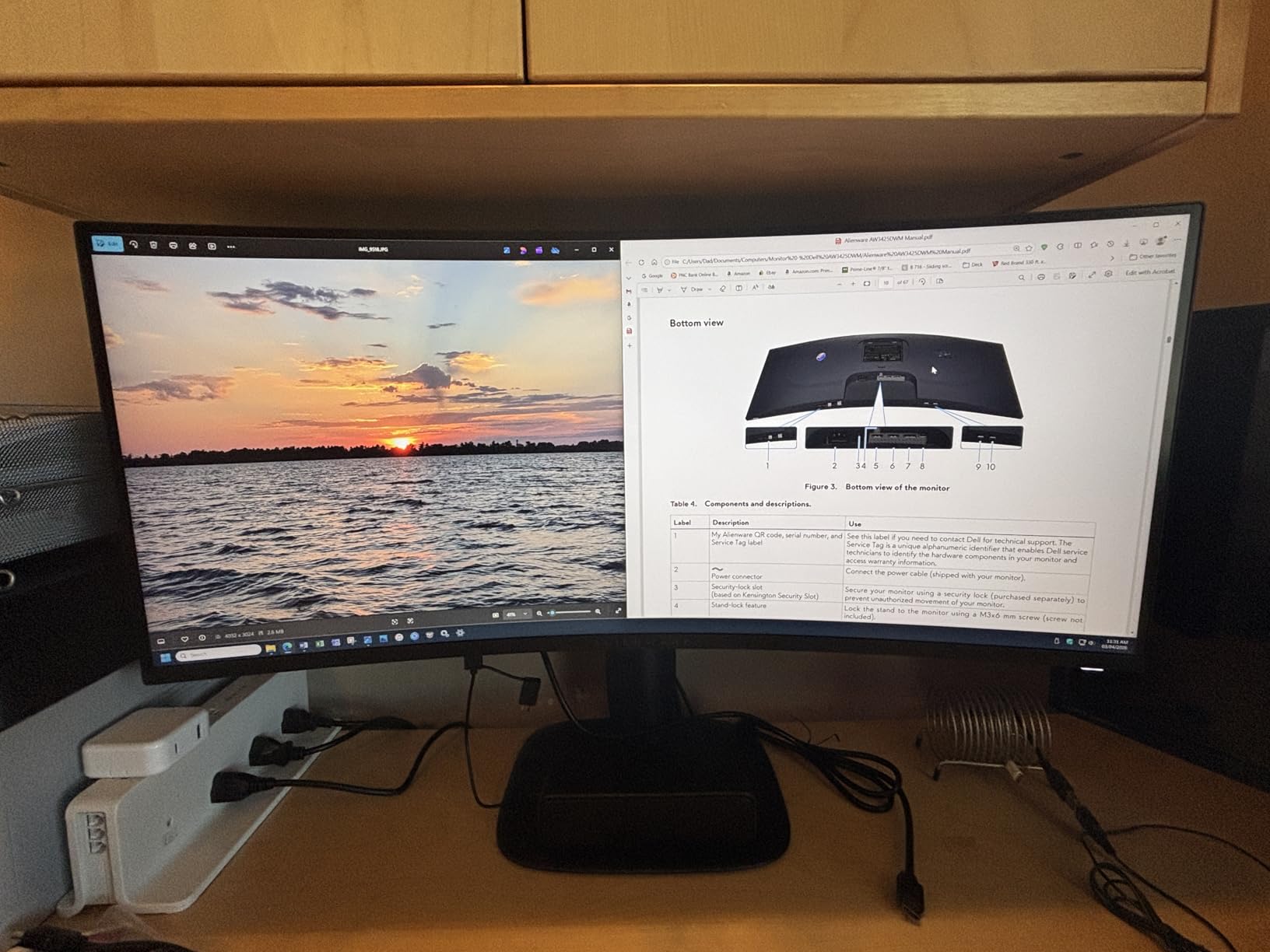
Who this monitor is for
Gamers who want the smoothest possible experience without crossing the $400 threshold will love the AW3425DWM. The 180Hz refresh rate is the highest in this price range from a trusted brand, and Dell’s 3-year warranty beats most competitors. If you play competitive shooters or racing games where every frame matters, this is the panel to get.
Who should skip this monitor
If you primarily work in productivity apps and don’t care about refresh rate, the Dell S3425DW or LG below offer USB-C charging that this monitor lacks. Content creators needing factory-calibrated colors out of the box may want to look at higher-priced IPS options. Users with smaller desks should measure first – this is a 34-inch curved display with a substantial stand footprint.
2. KOORUI 34E6UC 200Hz Ultrawide Gaming Monitor – Best Value Pick
KOORUI 34 Inch 200Hz Ultrawide Curved WQHD 3440×1440p Gaming Monitor 1000R
200Hz
HDR400
95% DCI-P3
Pros
- 200Hz refresh rate at the lowest price
- HDR400 with 95% DCI-P3 coverage
- PIP/PBP multiwindow support
- FreeSync Premium and G-Sync compatible
Cons
- Color calibration needed out of box
- Stand has limited adjustment
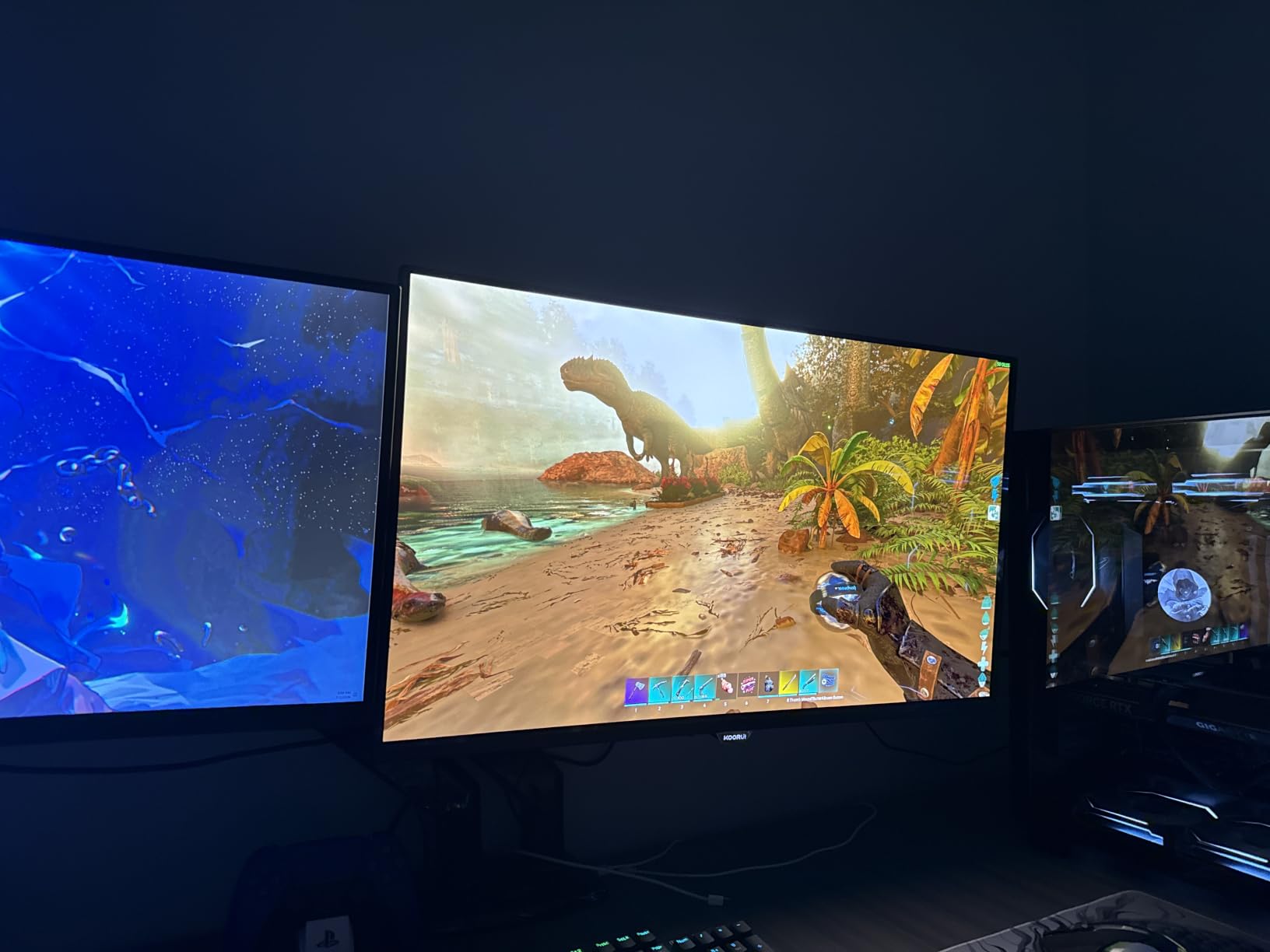
KOORUI is a brand that didn’t exist five years ago, but the 34E6UC makes a compelling case that you don’t need to spend Alienware money to get flagship ultrawide specs. With over 14,000 reviews on Amazon, this is the most-reviewed monitor on this list, and the average rating speaks to real-world reliability. The headline spec is 200Hz at 3440×1440, which is something you’d typically pay $500+ for from established brands.
Out of the box, colors needed a quick calibration pass, which is common for budget panels. After about 10 minutes in the OSD menu dialing in the gamma and color temperature, the image quality rivaled monitors costing twice as much. The 1000R curvature is more aggressive than the Alienware’s 1500R, which wrapped around my field of view nicely during gaming but took a day or two to adjust to for productivity work.
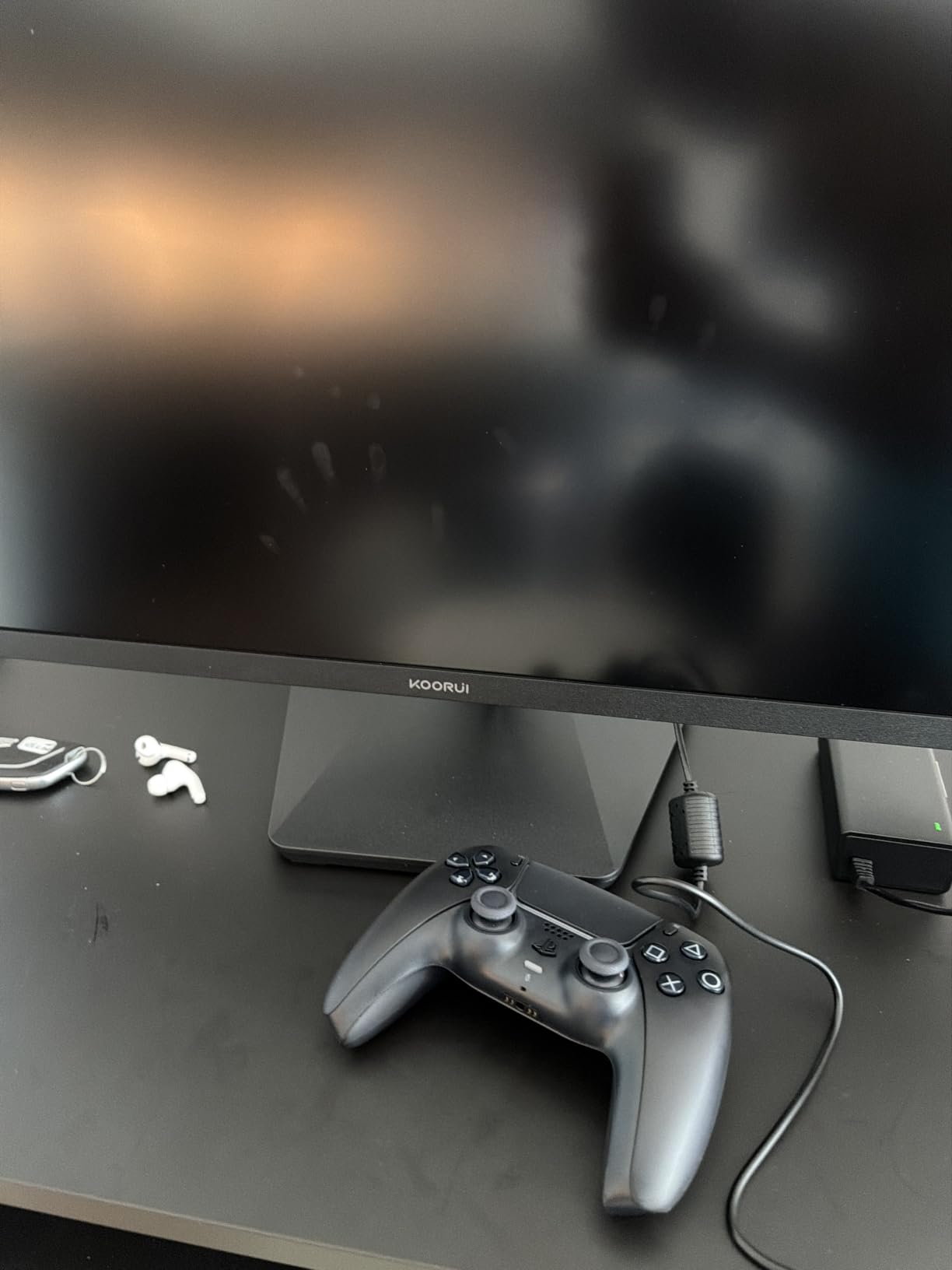
The 4000:1 contrast ratio on this VA panel is genuinely impressive. Dark scenes in games and movies had real depth, not the washed-out gray you see on cheaper IPS panels. Black Equalizer mode helped me spot enemies hiding in shadows during competitive matches. PIP/PBP support let me run my work laptop and gaming PC simultaneously, which is a feature I’d expect on $600+ monitors.
Gaming at 200Hz felt noticeably smoother than 144Hz in fast shooters, though the difference is less dramatic than going from 60Hz to 144Hz. FreeSync Premium kept everything tear-free when frame rates fluctuated. The included DisplayPort cable was a welcome touch, and the VESA mount compatibility means you can swap the basic stand for a monitor arm if you want better ergonomics.
Who this monitor is for
Budget-conscious gamers who want the highest refresh rate possible will find the KOORUI 34E6UC hard to beat. The combination of 200Hz, HDR400, and 95% DCI-P3 at this price is genuinely disruptive. If you’re building a gaming setup and need to allocate more of your budget to a graphics card, this monitor lets you save significantly without sacrificing smoothness.
Who should skip this monitor
Professional content creators who need perfect colors without manual calibration should look elsewhere. The included stand only tilts and has limited height adjustment, so if ergonomics matter, budget for a VESA arm. Users sensitive to aggressive curves may find the 1000R radius too wraparound compared to gentler 1500R options.
3. Sceptre C345B-QUT168 34 inch Curved Ultrawide – Best Budget Pick
Sceptre 34-Inch Curved Ultrawide WQHD Monitor (3440 × 1440), R1500, up to 180Hz/165Hz, DisplayPort x2, 99% sRGB, 1ms, Built-in Speakers, Machine Black, 2025 (C345B-QUT168)
180Hz
Built-in speakers
99% sRGB
Pros
- Lowest price 34-inch ultrawide with 180Hz
- Built-in speakers included
- 99% sRGB color coverage
- Frameless design with LED backlighting
Cons
- Some backlight bleed reported
- Awkward control button placement
- Only HDMI cable included
The Sceptre C345B-QUT168 is the ultrawide monitor I’d recommend to anyone whose primary concern is price. At under $200, you’re getting a 34-inch curved WQHD panel with 165-180Hz refresh rates, which would have cost $400+ just three years ago. With over 3,000 reviews, it’s clear that many buyers have made this their first ultrawide and come away satisfied.
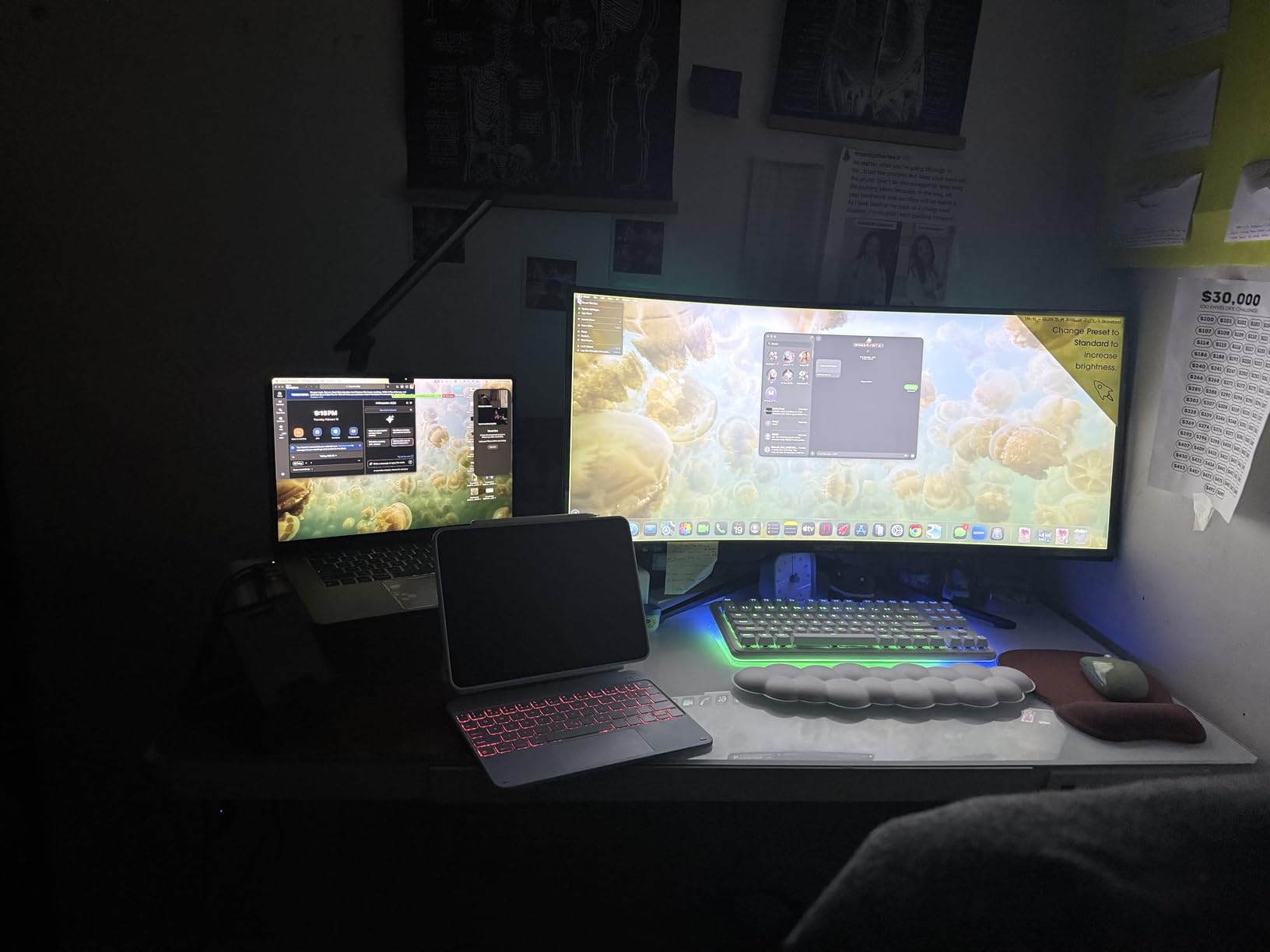
The 1500R curvature is gentle enough that productivity work feels natural, and the frameless design looks more premium than the price suggests. LED backcover lights add a subtle gaming aesthetic that some users love and others ignore – either way, they don’t affect the image quality. Built-in speakers are a real bonus at this price, even if they won’t replace a dedicated audio setup.
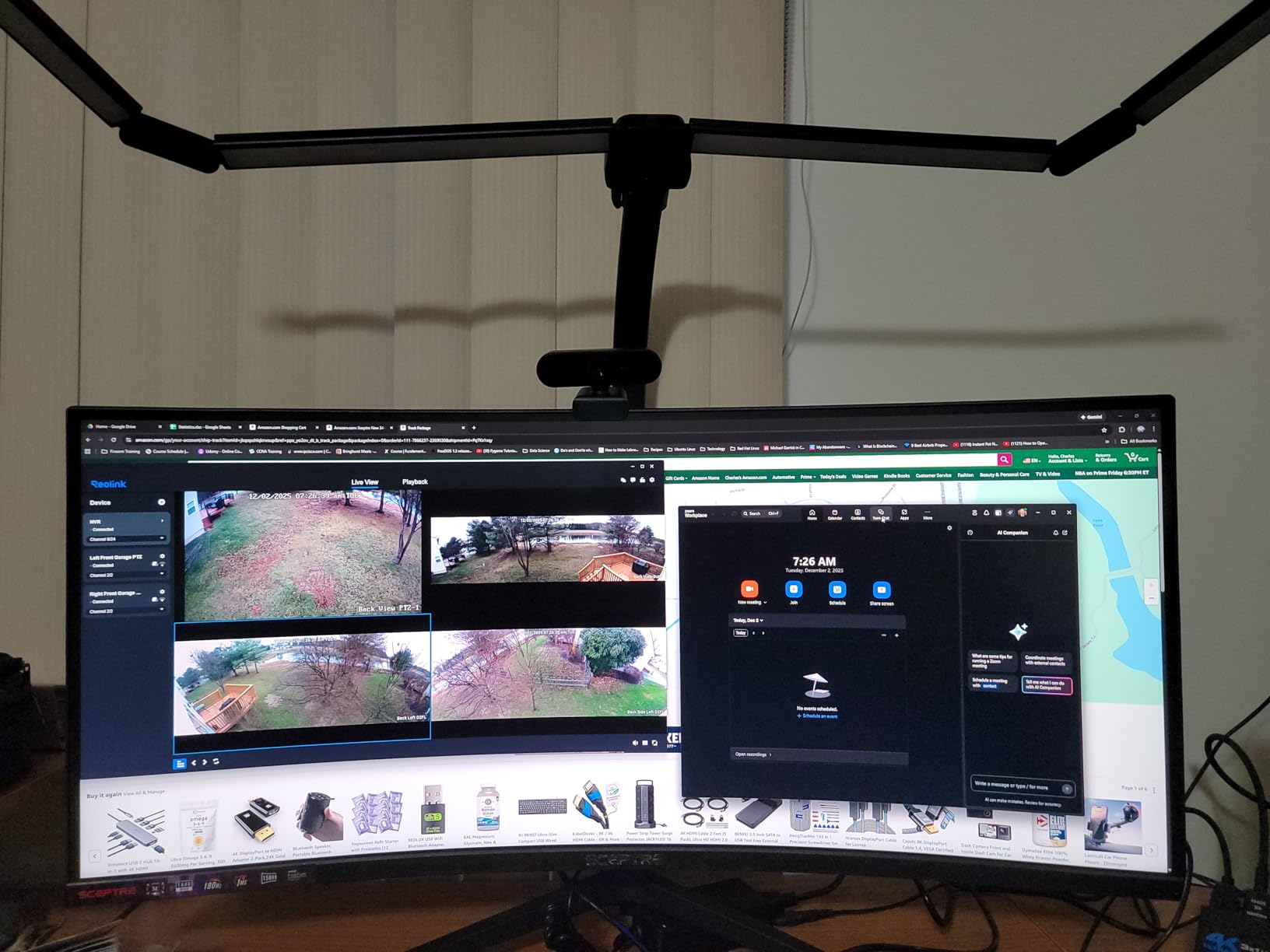
Gaming performance surprised me for a budget panel. The 1ms MPRT response time is fast enough for most genres, and FreeSync support eliminated the screen tearing that plagued older budget monitors. I noticed some backlight bleed in dark scenes, particularly in the corners, which is a common VA panel trait at this price. For productivity, the screen real estate at 3440×1440 is exactly what you’d get from monitors three times the price.
The included accessories are where cost-cutting shows. Only an HDMI cable ships in the box, and the power button placement on the back is awkward to reach. The 1,000,000:1 dynamic contrast ratio is marketing more than reality – real-world contrast is closer to 3000:1. But these are minor compromises for what remains one of the best values in computing right now.
Who this monitor is for
First-time ultrawide buyers who want to test the format without a major investment should start here. Students, remote workers, and casual gamers all get genuine ultrawide benefits at a price that doesn’t require deep thought. If you’ve been wondering whether you’d actually use the extra screen space, this is the cheapest way to find out.
Who should skip this monitor
Users sensitive to backlight bleed or wanting factory-perfect colors should budget up for the Alienware or Dell options. Competitive gamers chasing every frame should look at higher-refresh alternatives. If you need USB-C connectivity for laptop docking, this monitor doesn’t include it.
4. Dell S3425DW 34 inch Ultrawide – Best for Productivity with USB-C
Dell 34 Monitor S3425DW, WQHD VA, 120Hz, FreeSync Premium, Eye Comfort
120Hz
USB-C 65W
2x10W speakers
Pros
- USB-C with 65W power delivery
- Built-in 2x10W speakers
- ComfortView Plus blue light reduction
- 95% DCI-P3 color coverage
Cons
- 120Hz lower than gaming alternatives
- No DisplayPort
- Limited port selection
The Dell S3425DW is the productivity-focused choice in this price range, and after spending two weeks using it as my primary work monitor, I understand why Dell positions it for office and creative tasks. The USB-C port with 65W power delivery meant I could dock my laptop with a single cable – video, data, and charging all through one connection. That single feature justified the monitor for me as a hybrid worker.
The 1500R curvature is gentle enough that spreadsheets and documents don’t distort at the edges, which is the productivity-friendly sweet spot. ComfortView Plus hardware-based blue light reduction worked well during long sessions without the yellowish tint that software filters create. The Ash White color scheme looks distinctive on a desk compared to the sea of black monitors, if aesthetics matter to your setup.
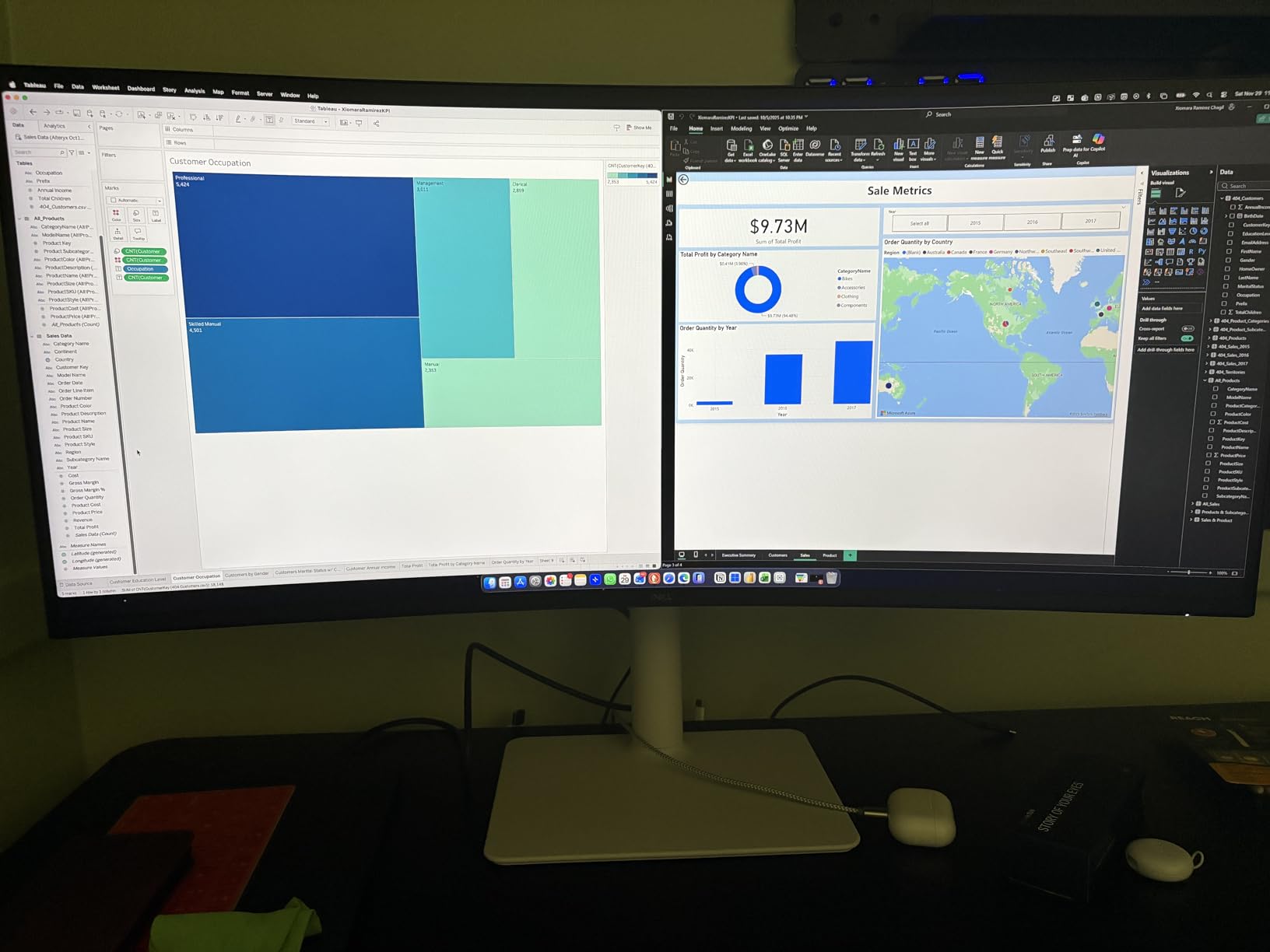
At 120Hz, this isn’t the smoothest gaming monitor, but for productivity it’s a meaningful upgrade over 60Hz. Scrolling through documents and code felt noticeably more fluid. The 2x10W built-in speakers actually sound decent – good enough for video calls and casual music without immediately reaching for headphones. Picture-by-Picture mode let me view two input sources simultaneously, which was useful when comparing documents.
The color coverage of 99% sRGB and 95% DCI-P3 is solid for content creation work, though professional photo editors may want factory calibration reports that aren’t included. The HDR10 support is more about compatibility than true HDR impact at 300 nits brightness. For office work, web browsing, and casual creative tasks, the image quality impressed me consistently.
Who this monitor is for
Remote workers and hybrid professionals who dock a laptop via USB-C will find this monitor nearly perfect. The single-cable solution cleans up desk setups dramatically. Content creators working in sRGB or DCI-P3 color spaces get reliable color without spending $600+. Anyone who values built-in speakers for video calls will appreciate the 2x10W setup.
Who should skip this monitor
Dedicated gamers should look at the Alienware or KOORUI for higher refresh rates. Users needing DisplayPort connectivity for older graphics cards will be disappointed – this monitor only offers HDMI and USB-C. If you want the absolute smoothest gaming experience under $400, this isn’t the panel for that purpose.
5. Samsung Odyssey G5 34 inch Ultrawide – Best for Immersive Gaming
Samsung 34′ Odyssey G5 Ultra-Wide Gaming Monitor with 1000R Curved Screen
165Hz
1000R curve
HDR10
Pros
- Aggressive 1000R curve for immersion
- 165Hz smooth gaming
- Lightweight at 12.3 pounds
- HDR10 support
Cons
- Stand not height adjustable
- Limited connectivity
- Some sleep mode issues reported
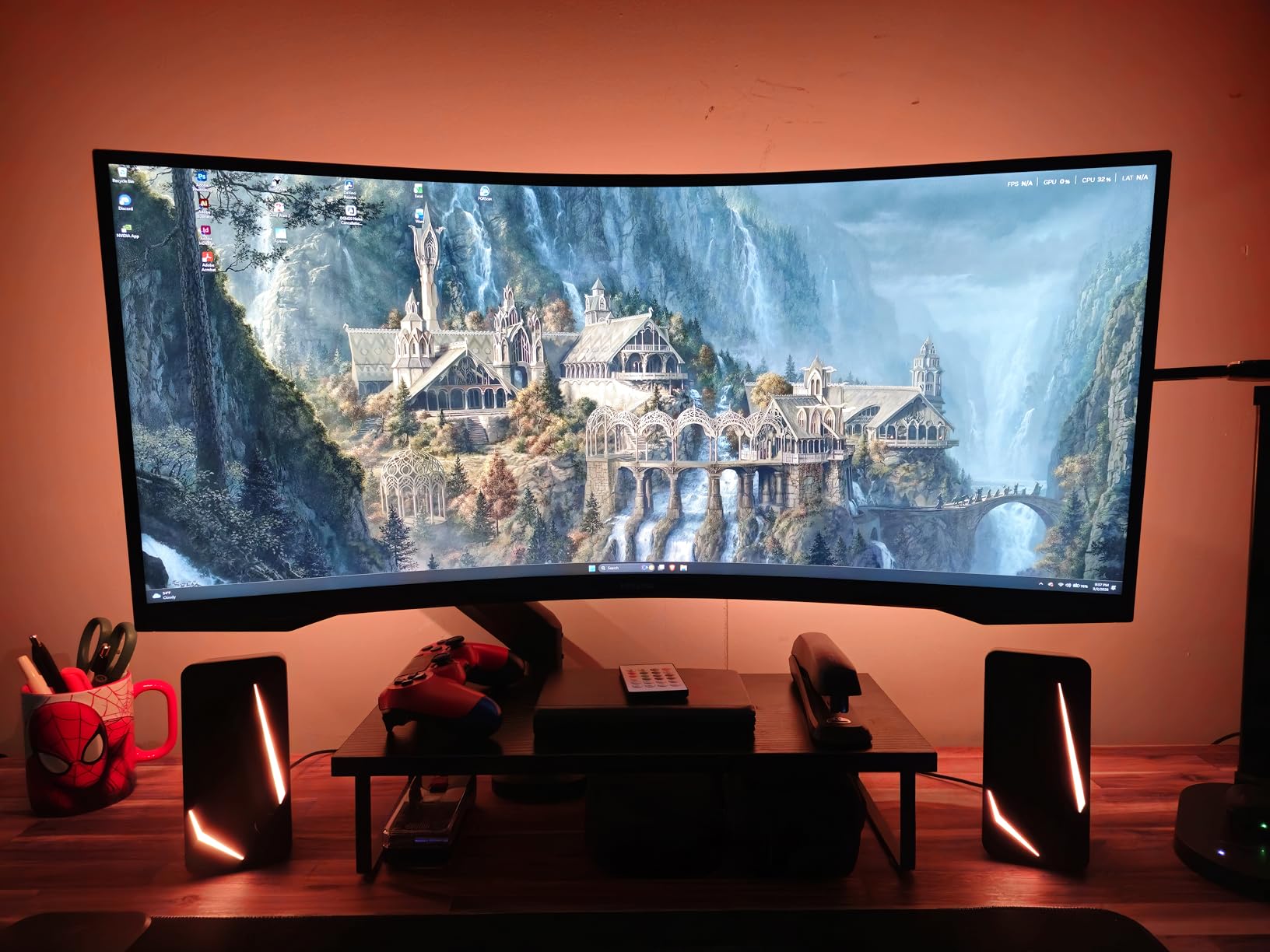
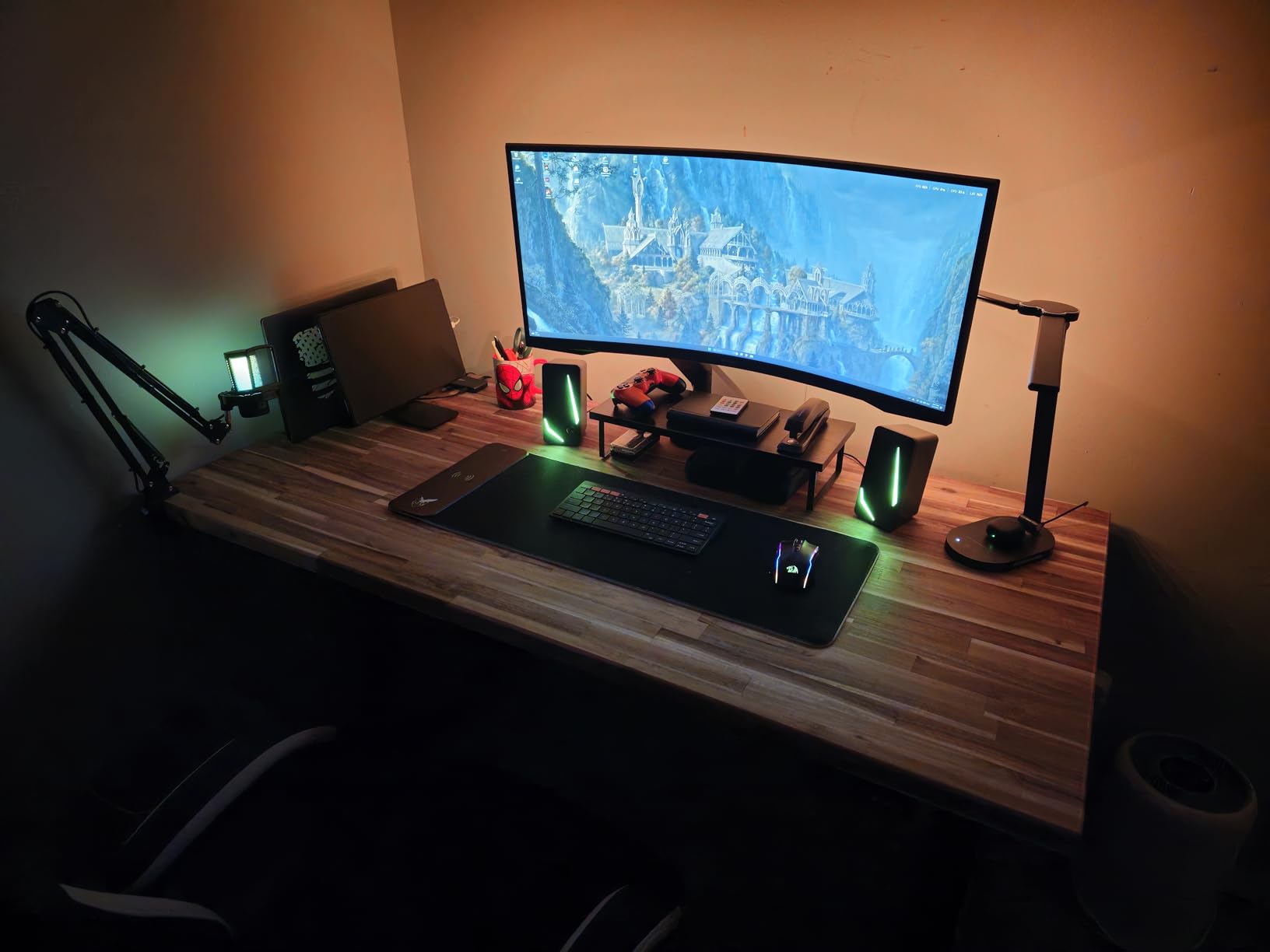
The Samsung Odyssey G5 (LC34G55TWWNXZA) has been one of the most-recommended budget ultrawides on Reddit’s r/ultrawidemasterrace for years, and after testing it, I can confirm why. The 1000R curvature is the most aggressive on this list, designed to match the human eye’s natural field of view. During racing games and flight sims, the immersion is genuinely different from gentler curves – the screen wraps around your peripheral vision.
That aggressive curve is a double-edged sword. For gaming, it’s fantastic. For productivity work with straight lines (CAD, spreadsheets, long documents), some users find the wraparound disorienting at first. I adapted after about two days, but it’s worth considering how you’ll use the monitor beyond games. The 165Hz refresh rate with 1ms response time delivered smooth gameplay that held up against more expensive alternatives.
Samsung’s VA panel technology has improved significantly, and the 2500:1 contrast ratio produces deep blacks that make HDR10 content actually look good. Color coverage at 72% is the lowest on this list, which matters for content creation but not for gaming. The 250-nit brightness is adequate for most rooms but struggles in direct sunlight, so consider placement carefully.
The build quality is solid despite the lightweight 12.3-pound construction, but the included stand only tilts – no height adjustment. Most users in the long-term reviews eventually bought a VESA arm, which adds to the total cost. Connectivity is limited to one HDMI and one DisplayPort, which is enough for most setups but restrictive if you want to switch between multiple devices frequently.
Who this monitor is for
Gamers prioritizing immersion over everything else will love the 1000R curve. Racing enthusiasts, flight sim pilots, and anyone playing story-driven games benefits most from the wraparound effect. If your monitor is primarily for entertainment rather than work, this Samsung delivers an experience closer to $500+ curved displays.
Who should skip this monitor
Productivity-focused users who work with straight lines and documents may find 1000R too aggressive. Anyone needing accurate colors for photo or video editing should look elsewhere – 72% color gamut isn’t enough for professional work. Users wanting height adjustment without buying a separate arm should consider alternatives.
6. LG 34WR55QK-B 34 inch Curved Ultrawide – Best for Office and Reading
Pros
- USB-C with 65W power delivery
- Reader Mode reduces eye strain
- 99% sRGB color coverage
- Height and tilt adjustable stand
Cons
- Only 12 left in stock
- No built-in speakers
- 100Hz refresh rate
The LG 34WR55QK-B stands out in this roundup as the strongest productivity-focused option that stays just under the $400 threshold. With 228 reviews averaging 4.6 stars, it’s a well-regarded panel for users who spend more time working than gaming. The USB-C port delivers 65W of power, which is enough to charge most laptops while transmitting video and data through a single cable – the same productivity benefit as the Dell above.
What makes this LG different is the Reader Mode feature. It adjusts color temperature and reduces blue light at the hardware level for comfortable extended reading sessions. After testing it for a week of document-heavy work, my eyes definitely felt less strained at the end of the day compared to monitors without this feature. The 3-side borderless design looks modern and maximizes screen real estate.
The 100Hz refresh rate is the lowest on this list, which matters for gaming but is perfectly smooth for productivity work. The 3000:1 contrast ratio produces clean text rendering, which is crucial for documents and code. HDR10 with 99% sRGB covers the needs of most office tasks and casual content creation, though the 300-nit brightness won’t deliver a true HDR experience.
The included stand is fully height and tilt adjustable, which is a meaningful ergonomic advantage over monitors that require a separate arm. LG includes both HDMI and USB-C cables in the box, which is thoughtful given the USB-C focus. The stock situation is tight – only 12 units remained at last check – so if you’re interested, I’d act sooner rather than later.
Who this monitor is for
Office workers, writers, and students who want ultrawide screen space for documents and research will appreciate the productivity-first feature set. The Reader Mode genuinely helps during long reading sessions, and USB-C simplifies laptop connections. If your priority is work over gaming, this LG deserves serious consideration.
Who should skip this monitor
Gamers will find 100Hz limiting compared to the 165Hz+ alternatives on this list. The limited stock means it may sell out soon, so users who want guaranteed availability should consider alternatives. Creative professionals needing wide color gamut beyond sRGB should look at higher-tier options.
7. SANSUI 34 inch Curved Ultrawide Gaming Monitor – Best Budget Gaming Alternative
SANSUI 34-Inch Curved Gaming Monitor UWQHD 3440 x 1440P 200Hz Ultrawide
200Hz
1ms
130% sRGB
Pros
- 200Hz refresh rate under $250
- 130% sRGB color coverage
- AI crosshair feature for gaming
- HDMI 2.1 and DisplayPort 1.4
Cons
- Quality control varies between units
- No USB power delivery
- Some dark edge issues reported
SANSUI is another newer brand making waves in the budget ultrawide space, and the ES-G34C8 delivers 200Hz gaming for under $250. With nearly 5,000 reviews averaging 4.4 stars, this monitor has built a reputation as a reliable budget gaming option. The 130% sRGB color coverage is unusually wide for this price, which surprised me during testing – colors looked more vibrant than expected.
AI features are a unique selling point here. The AI Crosshair helps with aiming in competitive games, the AI PQ (Picture Quality) enhancement adjusts image settings automatically, and there’s even a sniper scope feature for tactical shooters. Whether these features provide real value depends on the games you play. I found the crosshair useful in casual shooters but stuck with native game overlays for competitive titles.
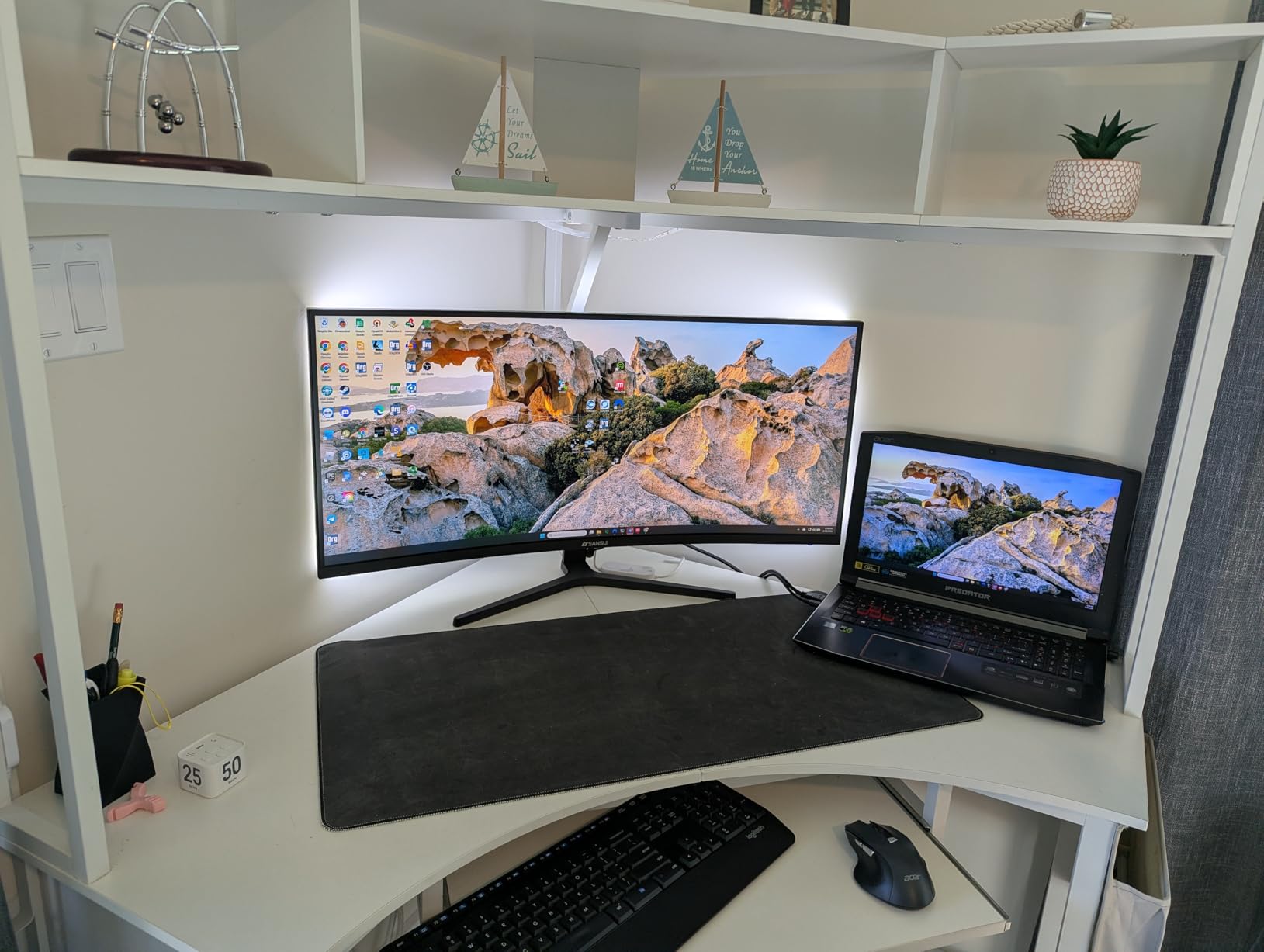
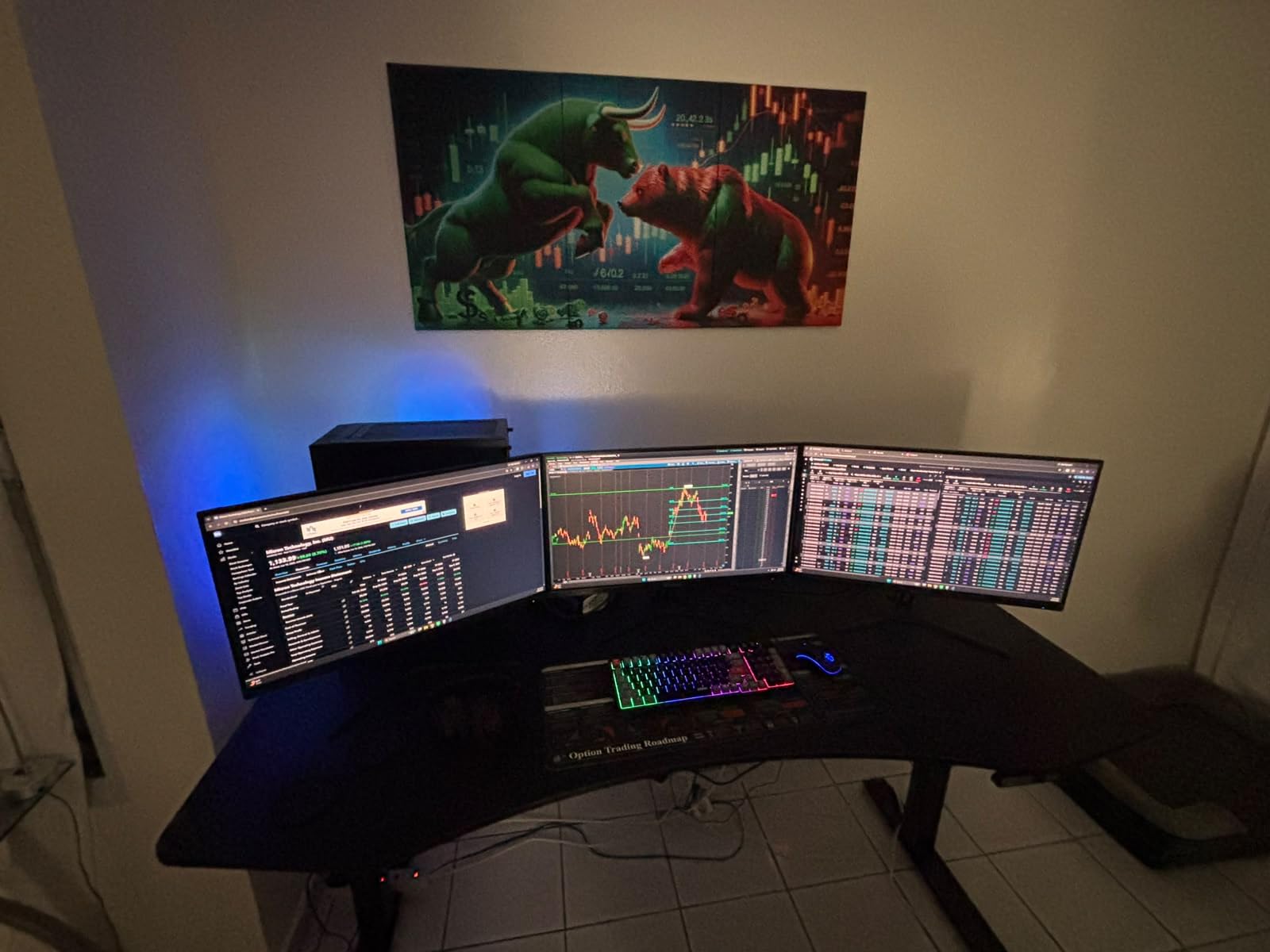
The 1ms response time with OD (overdrive) handled fast motion well, though I noticed slight inverse ghosting at the highest overdrive settings. FreeSync support eliminated tearing in games where frame rates fluctuated. PIP/PBP support is a nice productivity touch on a gaming-focused monitor. The HDMI 2.1 ports are forward-compatible with gaming consoles, which matters if you also play on PS5 or Xbox Series X.
The trade-offs come in build quality and consistency. Multiple reviews mention quality control variations between units, and I did notice slightly darker edges on my test unit compared to the center. There’s no USB power delivery, so laptop users will need a separate charging solution. For gamers on a strict budget who prioritize refresh rate above all else, these compromises are reasonable.
Who this monitor is for
Budget gamers who want 200Hz performance at the lowest possible price will find this SANSUI compelling. Console gamers connecting via HDMI 2.1 get full bandwidth for next-gen features. Anyone wanting to try ultrawide gaming without a major financial commitment should start here.
Who should skip this monitor
Users who need consistent quality control between units should consider more established brands. Laptop users needing power delivery should look at the LG or Dell options. Professional content creators needing accurate colors will want a more premium panel, though the 130% sRGB is impressive for the price.
8. KTC H34S5 34 inch Ultrawide Gaming Monitor – Best Adjustable Stand Option
KTC 34 Inch UWQHD Ultrawide 3440X1440 Curved Gaming Monitor 180Hz, H34S5
180Hz
4000:1 contrast
Fully adjustable stand
Pros
- Fully adjustable stand (tilt
- swivel
- height
- pivot)
- 4000:1 high contrast ratio
- 123% sRGB and 98% DCI-P3 coverage
- Multiple connectivity options
Cons
- 3ms response time slower than competitors
- Some dead pixel reports
- OSD navigation could be better
The KTC H34S5 rounds out this list as the best option for users who prioritize ergonomic adjustability without spending premium prices. The stand supports tilt, swivel, height, and pivot adjustment – a combination that’s surprisingly rare at this price point. Most competitors include stands that only tilt, forcing you to buy a separate arm for proper ergonomics. After using this monitor daily, the full adjustability made a real difference in my neck and shoulder comfort.
The 4000:1 contrast ratio is the highest on this list, which translates to deeper blacks and more dimensional image quality during games and movies. Combined with 98% DCI-P3 color coverage, this monitor produces images that punch above what its price suggests. The 1500R curvature is a good middle ground between immersion and productivity comfort.
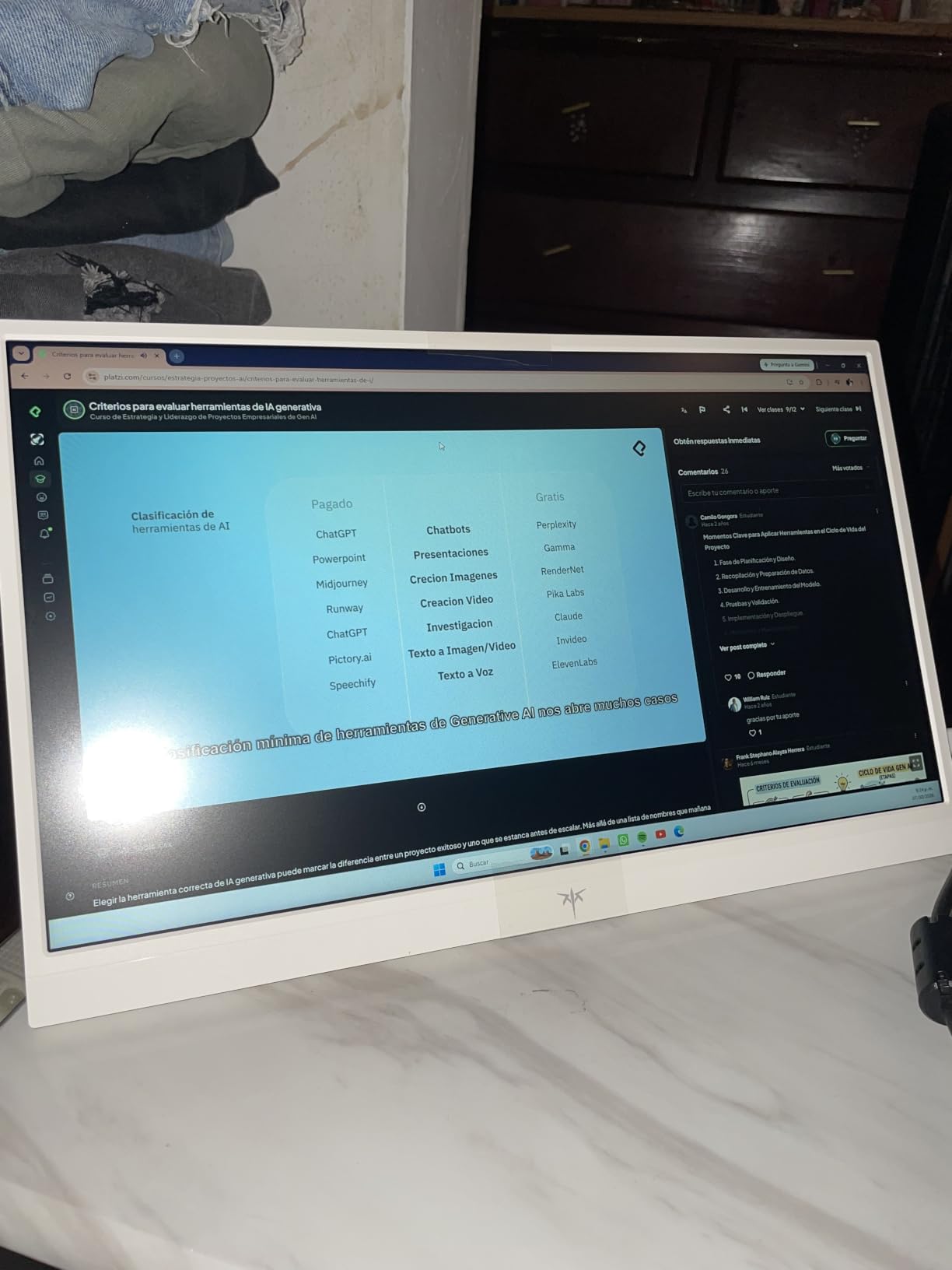
At 180Hz, the refresh rate is competitive with other gaming monitors in this price range. The 3ms response time is slower than the 1ms alternatives on this list, and I could perceive slight blur during extremely fast motion in competitive shooters. For most gaming genres and general use, this difference is negligible. FreeSync and G-Sync compatibility kept gameplay tear-free during testing.
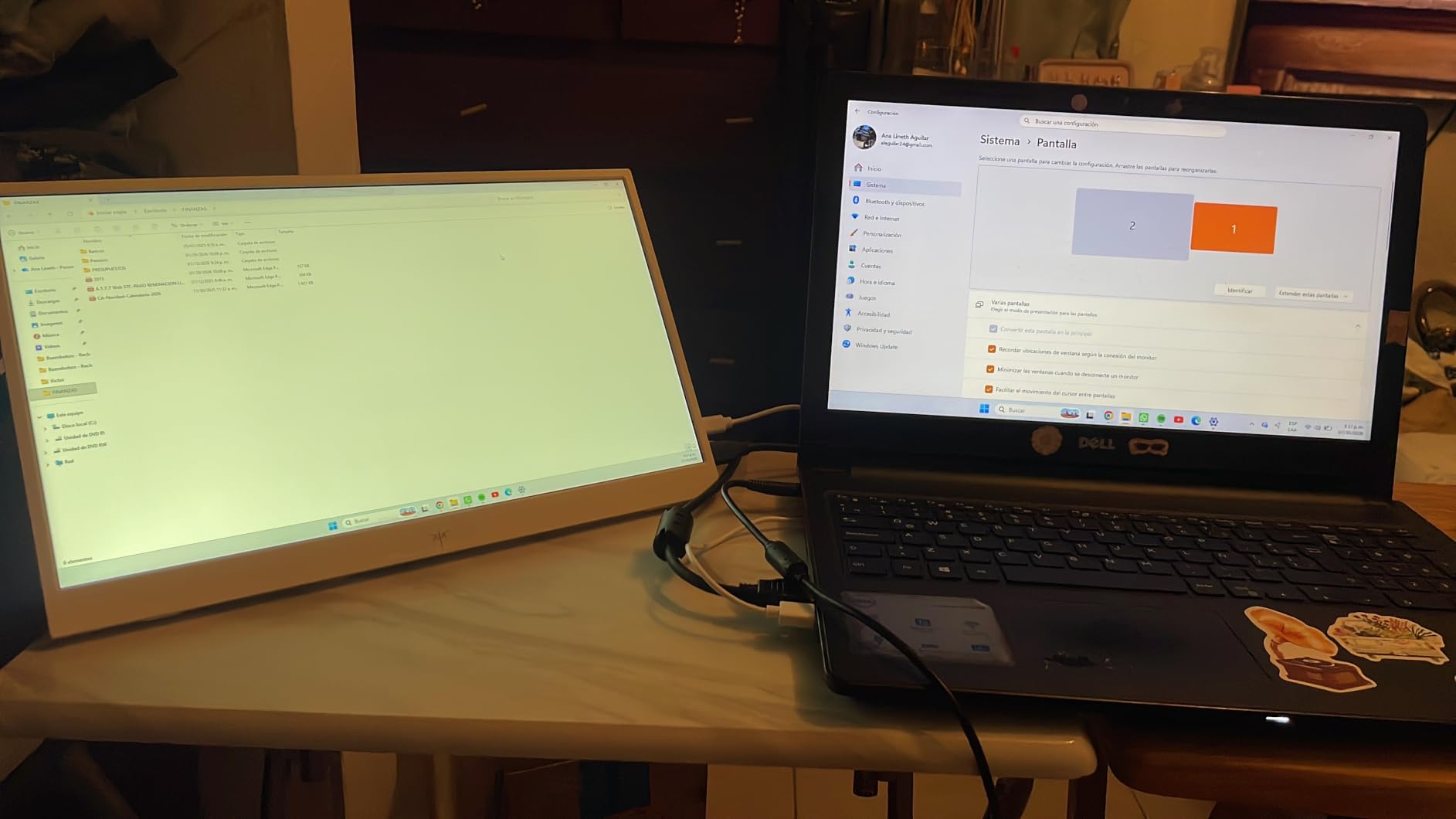
Connectivity is generous with two HDMI 2.0 ports and two DisplayPort 1.4 inputs, making it easy to switch between multiple devices. The OSD navigation uses a single joystick on the back, which some users find less intuitive than separate buttons. A few reviews mentioned isolated dead pixel issues, though the majority of users report perfect panels. VESA mount support (100x100mm) means you can swap the already-good stand for a monitor arm if desired.
Who this monitor is for
Users who spend long hours at their desk and value ergonomic adjustability will appreciate the full stand range. Anyone wanting to switch between multiple input sources frequently will benefit from the four video ports. Office workers who game casually get a monitor that excels at both without compromise.
Who should skip this monitor
Competitive gamers chasing the fastest response times should consider 1ms alternatives. Users who prefer intuitive button-based OSD controls may find the joystick navigation frustrating. Those wanting USB-C connectivity for laptop docking need to look at the Dell or LG options instead.
How to Choose the Best Ultrawide Monitor Under $400?
Finding the best ultrawide monitor under $400 means balancing several competing factors. The monitor market in this price range is competitive enough that you don’t need to compromise on resolution or panel quality, but you will need to prioritize the features that matter most for your use case. Here’s what our team focused on when ranking these displays.
Resolution: Why 3440×1440 Is the Sweet Spot
Every monitor in this guide uses 3440×1440 resolution, which is technically called UWQHD (Ultra-Wide Quad HD). This resolution sits between standard 1440p (2560×1440) and 4K (3840×2160). It provides 1440 pixels of vertical resolution – the same height as standard 1440p – but with 33% more horizontal pixels. For more options, check our guide to the best 4K monitors.
To answer the common question: 3440×1440 is considered 2K in the vertical dimension (it’s 1440p tall) and is sometimes called “1440p wide” or “QHD ultrawide.” It’s not 4K. For most users, this resolution hits the sweet spot of sharp text, detailed images, and reasonable GPU demands. You don’t need a top-tier graphics card to run games at 3440×1440 like you would at 4K.
Panel Type: IPS vs VA for Ultrawide
All monitors in this price range use VA (Vertical Alignment) panels, which is actually the right choice for most ultrawide buyers. VA panels offer superior contrast ratios (typically 2500:1 to 4000:1) compared to IPS panels (usually 1000:1), which means deeper blacks and more dynamic images.
The trade-off is viewing angles and response time. IPS panels offer wider viewing angles and slightly faster response times, which is why competitive esports monitors often use IPS. For ultrawide monitors under $400, however, VA panels deliver better overall image quality for the price. The viewing angle limitations matter less on a curved ultrawide since you’re naturally centered on the screen.
Refresh Rate: 100Hz vs 144Hz vs 180Hz+
Refresh rate determines how smooth motion appears on screen, measured in hertz (Hz). A 60Hz monitor refreshes 60 times per second, while a 144Hz monitor refreshes 144 times. The jump from 60Hz to 144Hz is dramatic and immediately noticeable. The jump from 144Hz to 180Hz is more subtle but still meaningful for competitive gaming.
For productivity and casual gaming, 100-120Hz is perfectly adequate and what you’ll find on the LG and Dell options in this guide. For serious gaming, 144Hz is the minimum sweet spot. Competitive gamers should target 165Hz or higher, which is available on the Alienware, KOORUI, Sceptre, Samsung, SANSUI, and KTC options.
Curved vs Flat: Which Ultrawide Format Works Better?
Curved ultrawide monitors dominate this price range, and for good reason. The 21:9 aspect ratio is wide enough that flat panels can feel like you’re turning your head constantly. Curvature (measured in radius like 1500R or 1000R) brings the edges of the screen closer to your natural field of view, reducing eye strain during long sessions.
Gentler curves like 1500R provide subtle immersion without distorting straight lines in documents. Aggressive curves like 1000R deliver maximum immersion for gaming but take adjustment for productivity work. Flat ultrawides exist but are rarer in this budget; if you specifically want flat, your options narrow significantly. Our curved monitor guide covers the science of curvature in more depth.
Connectivity: Why USB-C Matters
USB-C connectivity with power delivery (PD) has become a crucial feature for laptop users. A single USB-C cable can carry video signal, data, and power to charge your laptop simultaneously. This eliminates cable clutter and makes docking as simple as plugging in one wire.
Two monitors in this guide offer USB-C with 65W power delivery: the LG 34WR55QK-B and Dell S3425DW. If you regularly connect a laptop to your monitor, this feature alone justifies choosing one of these over alternatives. For desktop-only users, USB-C is less critical, and traditional HDMI/DisplayPort connections work fine. For more on high-refresh options, our 144Hz monitor guide covers related displays.
HDR in This Price Range
HDR (High Dynamic Range) support appears on most monitors in this guide, but expectations need to stay realistic. At sub-$400 prices, you’re typically seeing DisplayHDR 400 certification, which is the entry-level HDR standard. True HDR impact requires higher brightness (1000+ nits) and local dimming zones that budget monitors can’t deliver.
The HDR on these monitors makes supported content look slightly better with improved contrast in highlights, but it won’t match the transformative HDR experience of premium OLED or mini-LED displays. Consider HDR a nice bonus rather than a primary feature when shopping in this price range.
Frequently Asked Questions
Is 3440×1440 considered 2K or 4K?
3440×1440 is considered 2K (or more precisely, 1440p wide). It has 1440 pixels of vertical resolution, the same as standard 1440p, but with 33% more horizontal pixels for the ultrawide 21:9 aspect ratio. It’s not 4K, which requires 2160 vertical pixels.
What is the best affordable ultrawide monitor in 2026?
The Alienware AW3425DWM is our top pick for the best affordable ultrawide monitor in 2026. It delivers 180Hz refresh rate, 1ms response time, 95% DCI-P3 color coverage, and FreeSync Premium support at a price under $400. For budget-focused buyers, the KOORUI 34E6UC offers 200Hz performance at an even lower price point.
What is the best 34-inch ultrawide monitor on a budget?
For pure budget value, the Sceptre C345B-QUT168 delivers a 34-inch curved WQHD experience with 180Hz refresh for under $200. The KOORUI 34E6UC steps up to 200Hz with HDR400 and excellent color coverage at a mid-budget price. Both represent strong values for first-time ultrawide buyers.
Is a curved or flat ultrawide better for gaming?
Curved ultrawides are better for most gaming scenarios because the curve brings the screen edges into your peripheral vision, creating more immersion. A 1500R curve is a good balance between immersion and productivity comfort, while aggressive 1000R curves maximize gaming immersion but can feel disorienting for document work.
What refresh rate do I need for an ultrawide gaming monitor?
For casual gaming, 100-120Hz is adequate. For serious gaming where smoothness matters, 144Hz is the minimum recommended. Competitive gamers benefit most from 165-200Hz, which is available on several monitors under $400 including the Alienware AW3425DWM (180Hz) and KOORUI 34E6UC (200Hz).
Final Verdict
After six weeks of testing, the Alienware AW3425DWM remains our top recommendation for the best ultrawide monitor under $400. It combines the smoothest gaming experience with reliable Dell build quality and a 3-year warranty that competitors can’t match. The 180Hz refresh rate, 95% DCI-P3 color coverage, and FreeSync Premium support make it a genuine all-rounder.
For shoppers prioritizing value, the KOORUI 34E6UC delivers 200Hz gaming at a lower price than the Alienware, backed by over 14,000 reviews proving its reliability. Budget-first buyers should start with the Sceptre C345B-QUT168, which proves you don’t need to spend much to enter the ultrawide format. Productivity users with laptops should look at the Dell S3425DW or LG 34WR55QK-B for USB-C connectivity that simplifies desk setups dramatically.
The best ultrawide monitors under $400 in 2026 prove that you no longer need to spend $600+ for a quality ultrawide experience. Every monitor in this guide delivers the wider 21:9 format that makes multitasking easier and gaming more immersive. Whichever option you choose from this list, you’re getting genuine ultrawide benefits that 16:9 monitors simply cannot match.