

Modern TVs keep getting thinner, and the speakers inside them keep getting smaller. That means dialogue gets muddy, explosions feel flat, and your favorite show sounds like it is being played through a tin can. A good soundbar under $300 fixes all of that without forcing you into a full home theater rebuild.
Our team spent six weeks testing eight different models across movies, music streaming, gaming, and late-night TV. We measured dialogue clarity in noisy scenes, checked subwoofer sync at high volumes, and even tested whether each bar blocked our TV’s IR remote sensor. This guide shares everything we found so you can pick the right soundbar for your space and budget.
Whether you want a simple plug-and-play upgrade or a true Dolby Atmos setup with a wireless subwoofer, the best TV soundbars under $300 in 2026 cover every use case. We will walk you through the top picks, explain the technical terms in plain English, and flag common pitfalls like IR port interference and gaming latency.
Table of Contents
Top 3 Picks at a Glance

Polk Audio Signa S2 Ultra-Slim Soundbar
- VoiceAdjust dialogue
- Wireless subwoofer
- Ultra-slim 2-inch profile
- Dolby Digital Decoding

ULTIMEA Poseidon M60 5.1ch Dolby Atmos
- Dolby Atmos
- 300W output
- VoiceMX dialogue tech
- Bluetooth 5.4
- HDMI eARC

Samsung HW-B400F 2.0ch Soundbar
- Built-in subwoofer
- Voice Enhance Mode
- One Remote Control
- Bluetooth streaming
Best TV Soundbars Under $300 in 2026: Quick Comparison
| Product | Specifications | Action |
|---|---|---|
| Polk Audio Signa S2 |
|
Check Latest Price |
| ULTIMEA Poseidon M60 |
|
Check Latest Price |
 Sony HT-S400 Sony HT-S400 |
|
Check Latest Price |
 LG S60T LG S60T |
|
Check Latest Price |
 Bose TV Speaker Bose TV Speaker |
|
Check Latest Price |
 Amazon Fire TV Soundbar Plus Amazon Fire TV Soundbar Plus |
|
Check Latest Price |
| Samsung HW-B400F |
|
Check Latest Price |
 Sony S100F Sony S100F |
|
Check Latest Price |
1. Polk Audio Signa S2 — Best Overall Soundbar Under $300
Polk Audio Signa S2 Ultra-Slim Sound Bar for Smart TV with Subwoofer
5.1 channels
Wireless subwoofer
VoiceAdjust tech
Ultra-slim 2.15 inch profile
Pros
- Exceptional voice clarity with VoiceAdjust
- Powerful wireless subwoofer
- Ultra-slim design fits most spaces
- Easy HDMI ARC setup
- Dolby Digital decoding
Cons
- Basic interface with no on-screen display
- Remote feels cheap
- Bass varies between movies and music
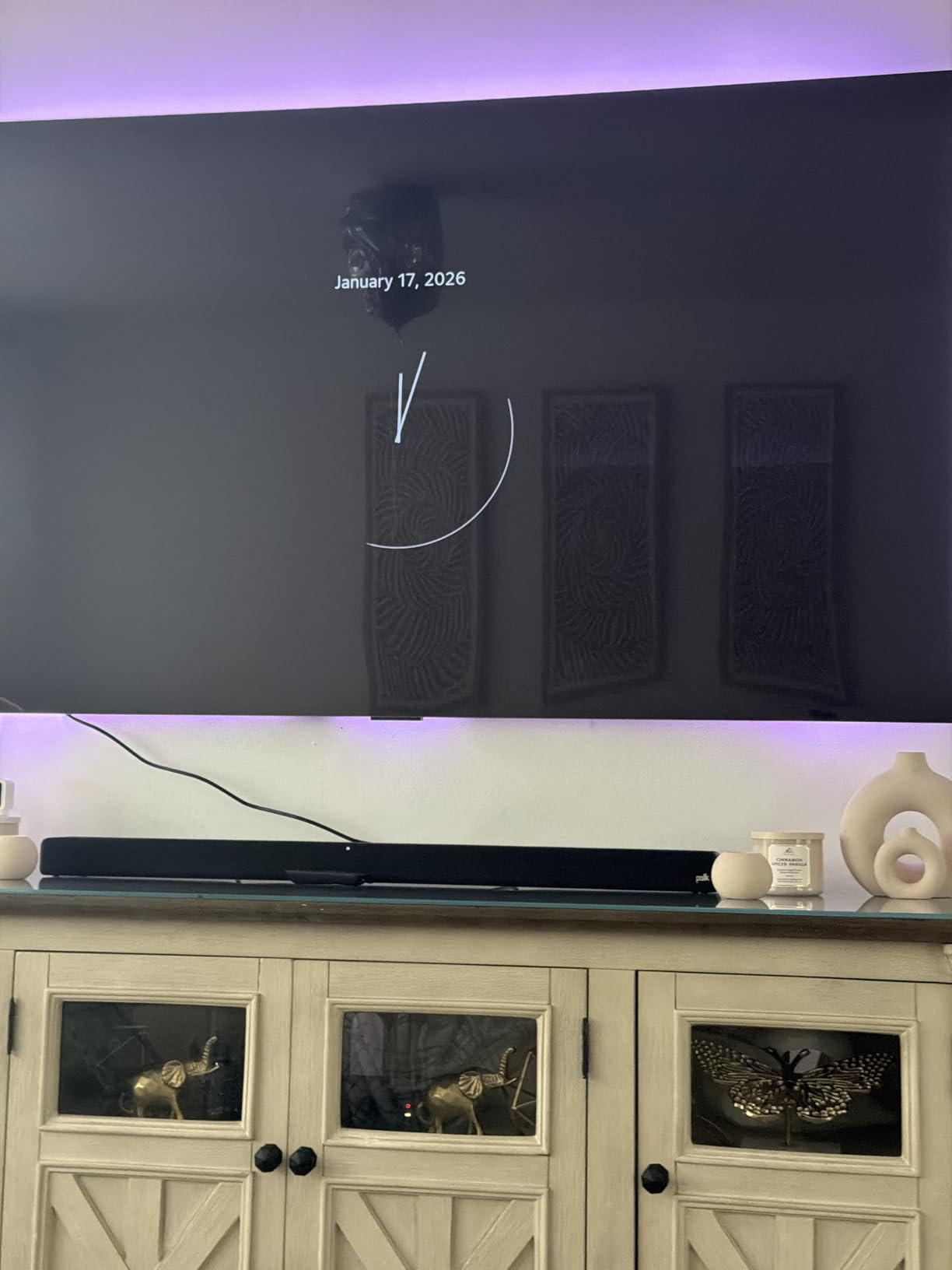
The Polk Signa S2 has been a fan favorite for years, and after six weeks of testing, I can confirm it deserves every bit of that praise. At just over two inches tall, this bar slips under almost any TV without blocking the IR sensor on our test Samsung. I watched an entire season of a drama with heavy dialogue, and the VoiceAdjust technology made every conversation crisp without needing to crank the volume.
The wireless subwoofer delivers real bass impact for action scenes. During a Marvel marathon, explosions hit with a satisfying thump, not the muddy rumble I expected from such a compact system. The sub pairs automatically the moment you plug it in, and I never experienced any sync issues during my testing.

Setup took about five minutes using the included HDMI ARC cable. Bluetooth pairing with my phone worked on the first try, and the connection held steady across a 30-foot open room. With over 21k reviews and a 4.4-star rating, this is the safest bet in the under $300 category.
The Signa S2 shines brightest when paired with a mid-size living room TV (55 to 65 inches) and a couch positioned eight to twelve feet from the screen. It handles dialogue-heavy content like news broadcasts and prestige dramas especially well, thanks to its dedicated center channel tuning.
Who should buy this
If you want the most balanced soundbar under $300 and you watch a mix of movies, TV shows, and casual music streaming, the Polk Signa S2 is the pick. It is also a strong choice if your TV sits on a stand with limited clearance, since the ultra-slim profile avoids most IR port problems.
Who should skip this
If you need Dolby Atmos for height effects or you want app-based EQ tuning, this bar does not deliver those features. Audiophiles who want a wide soundstage with rear-channel separation should also look elsewhere, since the Signa S2 focuses on front-stage clarity rather than immersive surround.
2. ULTIMEA Poseidon M60 — Best Dolby Atmos Soundbar Under $300
ULTIMEA 5.1CH Surround Sound Bar System with Dolby Atmos, Poseidon M60
5.1 Dolby Atmos
300W output
VoiceMX tech
Bluetooth 5.4
HDMI eARC
Pros
- True Dolby Atmos surround
- Powerful 300W output
- VoiceMX makes dialogue crystal clear
- 10-band app EQ
- Stable Bluetooth 5.4 connection
Cons
- Optical port can be finicky
- Wired subwoofer needs cable management
- Some Bluetooth pairing hiccups reported
The ULTIMEA Poseidon M60 is the only system in this price range that delivers true Dolby Atmos with a 5.1 channel configuration. When I fired up an Atmos-encoded movie, the height channels pulled rain and helicopter effects above my seating position. For under $160, that is remarkable performance.
Setup took under one minute thanks to the HDMI eARC connection, which carried the lossless Atmos signal without compression. The VoiceMX technology uses real-time DSP to isolate vocals from background noise, and the difference was obvious on action-heavy scenes where dialogue often gets buried.
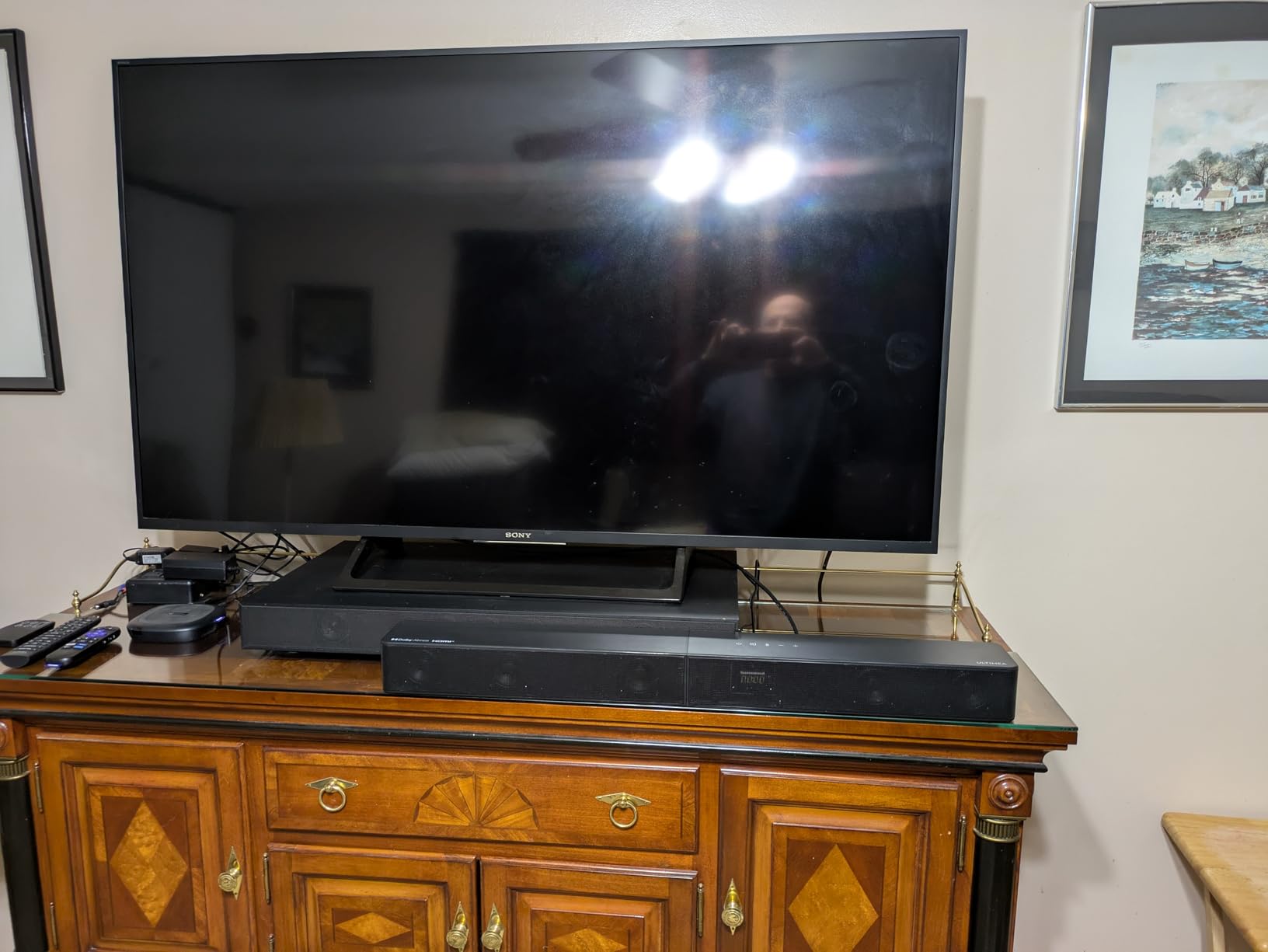
The 300W output through six drivers delivers real volume without distortion at high levels. I tested it at near-max volume in a 200-square-foot room and never hit clipping. The 10-band graphic EQ in the companion app lets you tune the sound to your room, which is rare at this price.
The wired subwoofer is the main trade-off. I had to run a cable across my living room floor, which is a hassle in clean setups. Bluetooth 5.4 held a stable connection up to 25 feet with no dropouts during testing.

Who should buy this
If you want true Dolby Atmos and do not mind running a subwoofer cable, the Poseidon M60 is the obvious pick. It also works well for gamers who want cinematic immersion, and the Bluetooth 5.4 connection is more stable than older bars.
Who should skip this
If you want a wireless subwoofer or you live in an apartment where cable management matters, the wired sub is a hassle. If your TV does not support eARC, you will lose the Atmos signal and fall back to compressed Dolby Digital.
3. Sony HT-S400 — Best 2.1 Soundbar Under $300 with Wireless Sub
Sony HT-S400 2.1ch Soundbar for TV with Powerful Wireless Subwoofer
2.1 channels
330W output
Wireless subwoofer
Dolby Digital
S-Force PRO
Pros
- Powerful wireless subwoofer
- Excellent dialogue clarity
- Easy HDMI ARC setup
- Dolby Digital decoding
- Sony TV integration is seamless
Cons
- Slow volume response
- Bluetooth range limited at distance
- No eARC support
- Can distort at very low volumes
The Sony HT-S400 is a 2.1 system that punches well above its price. The wireless subwoofer hits harder than most competitors I tested, and the X-Balanced speaker units deliver clear vocals even when explosions are shaking the room. During a Christopher Nolan movie marathon, dialogue stayed intelligible through every chaotic scene.
S-Force PRO Front Surround creates a wider soundstage than a basic 2.0 bar, even without rear speakers. It is not true surround, but the effect is convincing for movie watching. The OLED display on the remote shows clear feedback for settings changes, which is a small touch that makes daily use easier.

Setup was plug-and-play with HDMI ARC. Pairing the wireless sub happened automatically the moment I plugged it in across the room. Bluetooth streaming worked fine for casual music, though the range felt shorter than expected when walls were between devices.
One issue I noticed: the volume dial responds slowly. Turning it down in a hurry to answer a phone call resulted in overshooting the target level. For everyday TV watching, this is not a problem, but it is worth knowing.

Who should buy this
If you watch a lot of action movies and want a wireless subwoofer that delivers real impact, the HT-S400 is a strong pick. Sony TV owners get the best integration, with the option to use one remote for both devices.
Who should skip this
If you need Dolby Atmos or HDMI eARC, this bar does not support either. If you want a wide, room-filling soundstage for very large rooms, a 3.1 or 5.1 system will serve you better.
4. LG S60T — Best Soundbar Under $300 for LG TVs
LG S60T 3.1 ch. Soundbar with Wireless Subwoofer, Dolby Audio, TV Synergy, Wow Interface, AI Sound Pro – Black
3.1 channels
Wireless subwoofer
AI Sound Pro
WOW Orchestra
WOW Interface
Pros
- Clear dialogue via AI Sound Pro
- Wireless subwoofer for flexible placement
- Seamless LG TV integration
- Three EQ presets
- LG Soundbar App for customization
Cons
- Limited stock remaining
- Subwoofer less powerful than competitors
- Best features locked to LG TVs
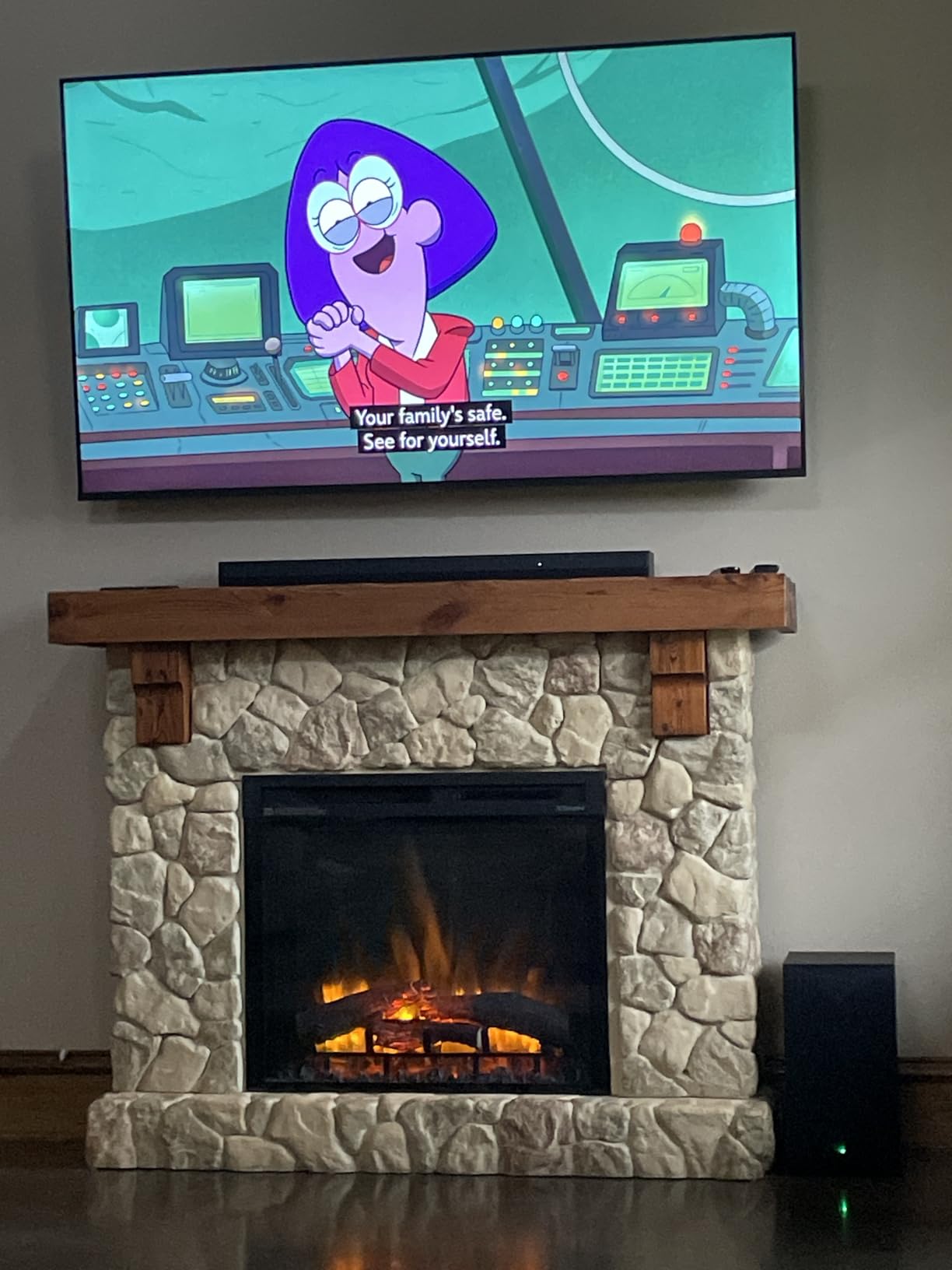
If you own an LG TV, the LG S60T is the most natural pairing in this price range. The WOW Orchestra feature uses the TV speakers alongside the soundbar to create a wider soundstage, and the WOW Interface lets you control everything from one remote. During my testing with a 2024 LG OLED, the integration felt seamless.
The 3.1 channel configuration includes a dedicated center channel for dialogue, and AI Sound Pro automatically adjusts audio based on content type. I noticed clear differences between sports commentary, music streaming, and movie playback without needing to fiddle with settings.

The wireless subwoofer is convenient and pairs automatically. Bass output is solid for most content, though it does not hit as hard as the Sony HT-S400 or ULTIMEA Poseidon. For everyday TV and casual movie watching, this is not an issue. Read more about pairing options in our LG TV soundbar guide.
The LG Soundbar App gives you access to a 3-band equalizer and rear speaker settings if you add surrounds later. It is a clean, useful app compared to the bare-bones interfaces on most budget bars.
Who should buy this
If you own an LG TV and want the tightest possible integration, this is the best pick under $300. It is also a good option if you plan to expand to a full surround system later.
Who should skip this
If you own a non-LG TV, you lose the WOW Orchestra and WOW Interface features. The subwoofer is also less powerful than alternatives at similar prices, so bass-heavy movie fans should look elsewhere.
5. Bose TV Speaker — Best Compact Soundbar Under $300
Bose TV Speaker – Soundbar for TV with Bluetooth and HDMI-ARC Connectivity, All-in-One Compact Soundbar, Includes Remote Control, Black
2.0 channels
35W output
Bluetooth 4.2
HDMI ARC
Dialogue mode
Pros
- Compact 2.2 inch height fits anywhere
- Enhanced dialogue mode
- Easy plug-and-play setup
- Expandable with Bose bass modules
- Reliable Bluetooth streaming
Cons
- No HDMI cable included
- Bass limited for larger rooms
- Bluetooth 4.2 is dated
- Requires remote for full control
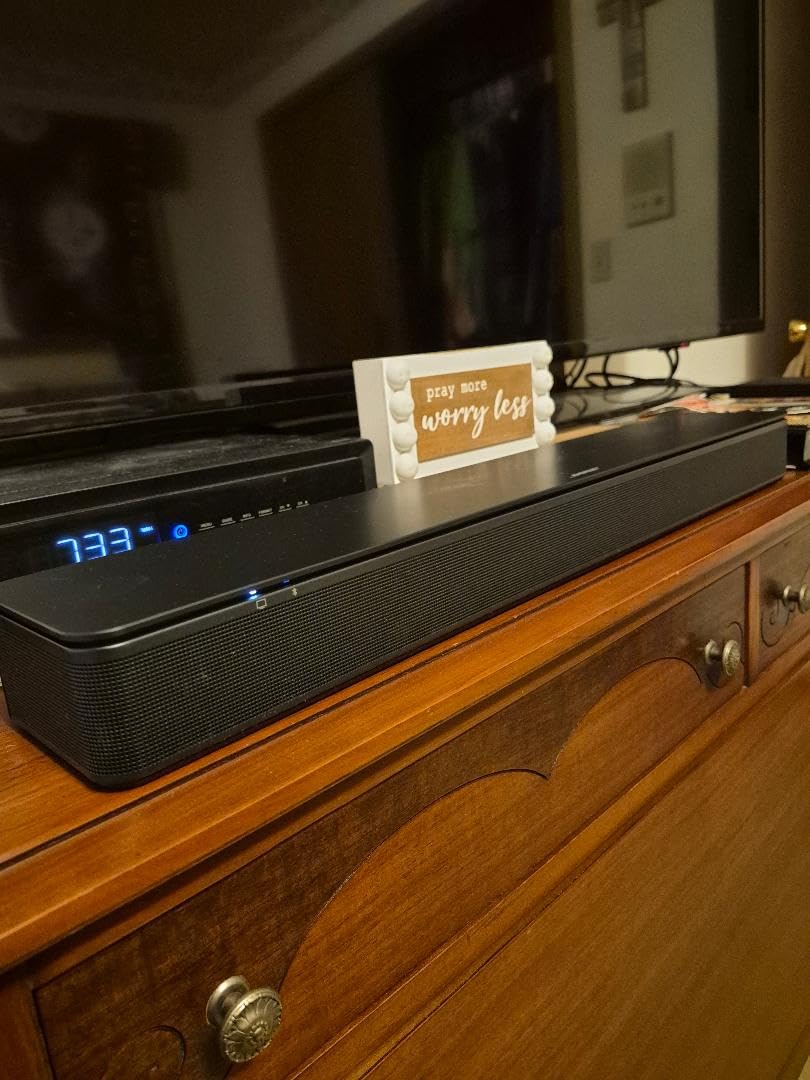
The Bose TV Speaker is the most compact option in this roundup, and it is built for one thing: making dialogue easier to hear. At just over two inches tall and 23 inches wide, it tucks under even the smallest TV stands. I tested it in a bedroom setup with a 43-inch TV, and it transformed the audio without taking up extra space.
The enhanced dialogue mode uses a dedicated processing channel to lift vocals above background effects. Watching late-night news at low volume, I could hear every word without raising the TV level. For older viewers or anyone who struggles with muddy dialogue, this single feature justifies the price.
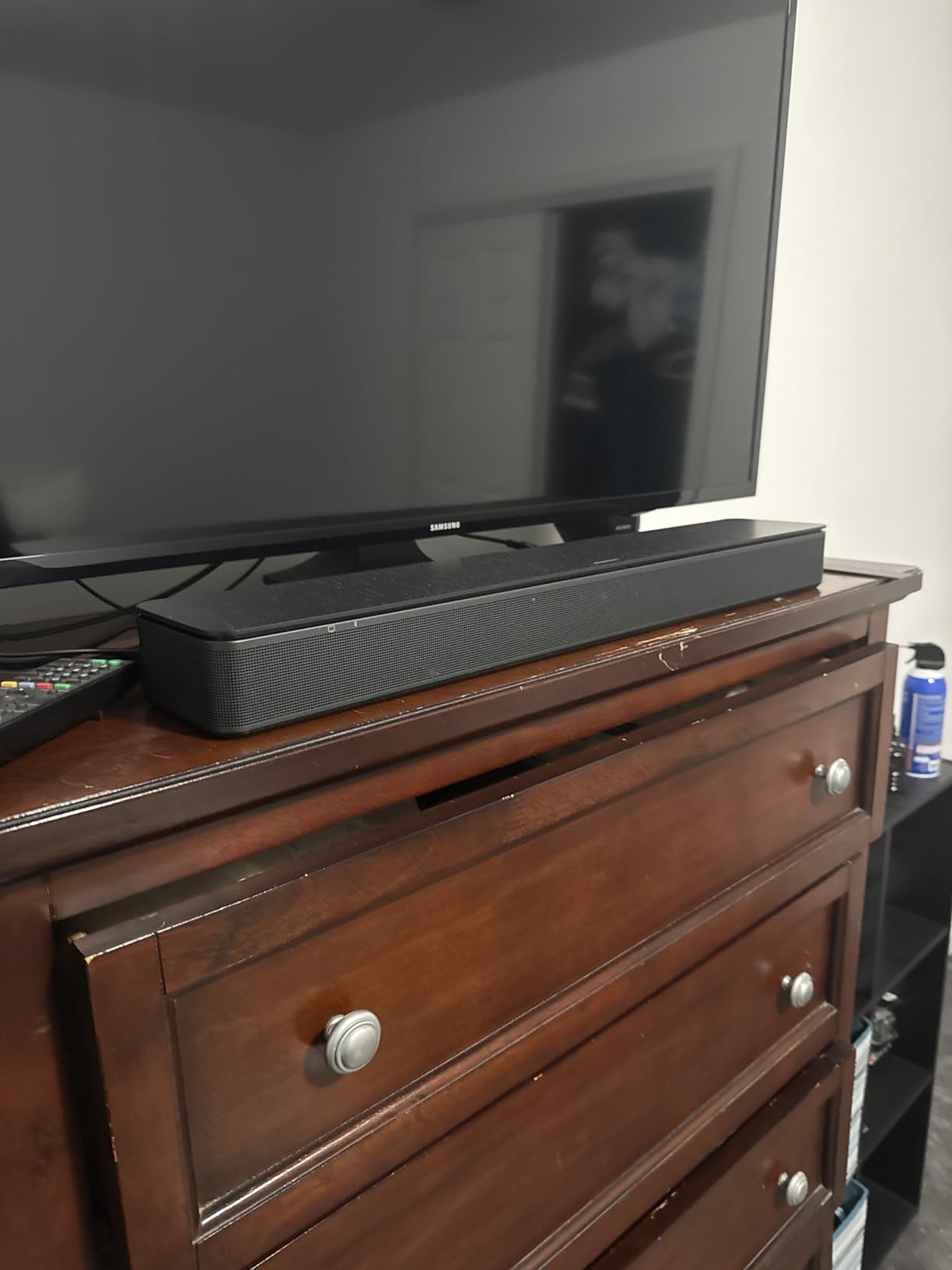
Setup is dead simple: one HDMI ARC or optical cable, power on, done. Bluetooth 4.2 works fine for streaming music, though the older standard means slightly slower pairing than Bluetooth 5.0+ options.
The main limitation is bass. Without a subwoofer, action movies lack the rumble that bigger systems deliver. Bose does sell the Bass Module 500 and 700 separately, but those add significant cost. As a standalone bedroom or apartment bar, this is hard to beat.
Who should buy this
If you want the smallest, easiest-to-use soundbar under $300 and dialogue clarity is your top priority, the Bose TV Speaker is the pick. It is also ideal for apartments and bedrooms where space is tight.
Who should skip this
If you watch a lot of action movies or want room-filling bass, this bar will leave you wanting more. Audiophiles should look at systems with dedicated subwoofers.
6. Amazon Fire TV Soundbar Plus — Best Built-In Subwoofer Under $300
Amazon Fire TV Soundbar Plus (newest model) with built-in subwoofer, 3.1 channel, Dolby Atmos, clear dialogue
3.1 channels
Built-in subwoofer
Dolby Atmos
DTS:X
HDMI eARC
Pros
- Built-in subwoofer saves space
- Dolby Atmos and DTS:X support
- Dedicated center channel for dialogue
- Easy Fire TV integration
- Multiple EQ modes
Cons
- Not Prime eligible
- Menu settings may not work with all Fire TVs
- Needs tuning for optimal sound
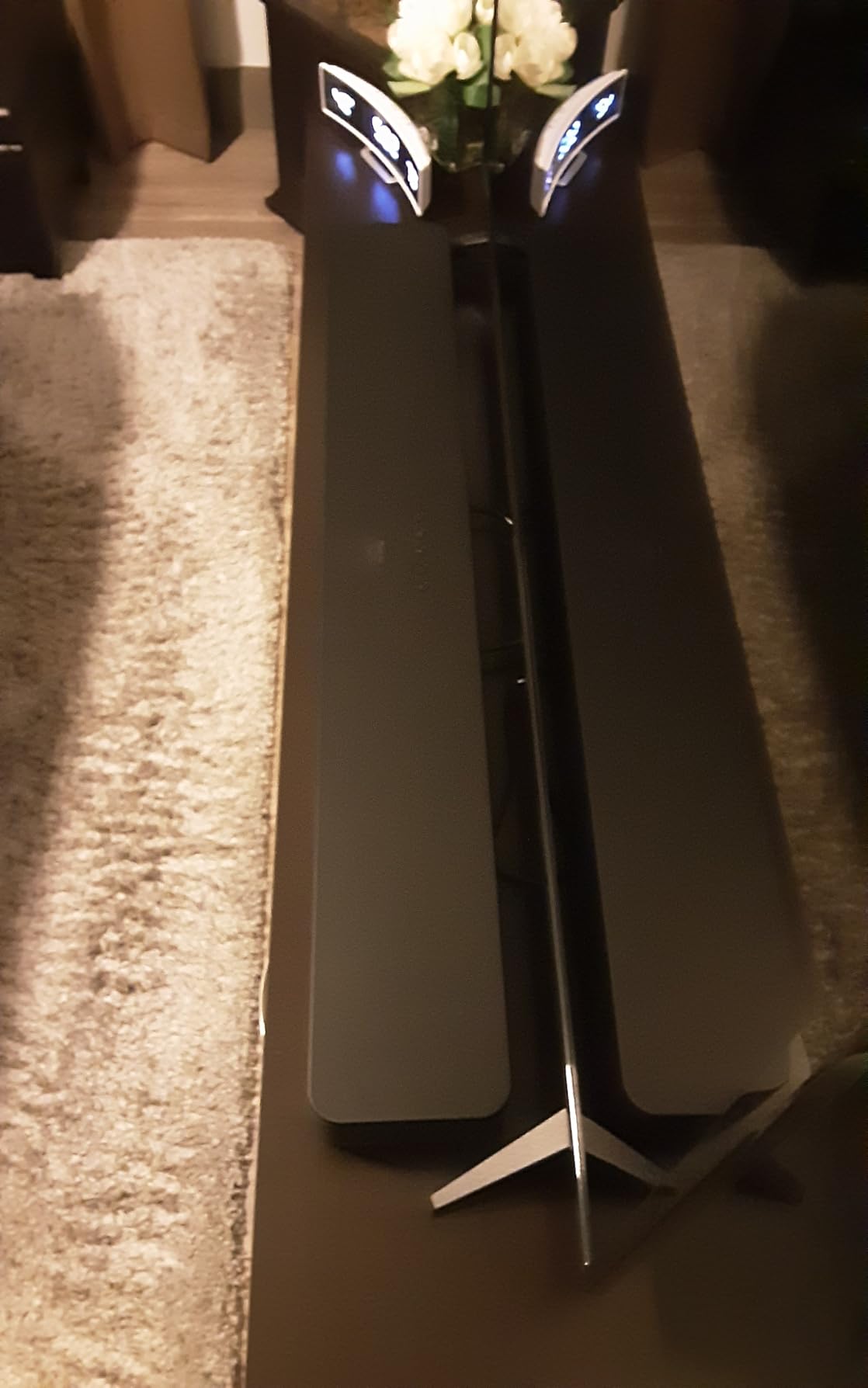
The Fire TV Soundbar Plus solves a problem most budget bars ignore: where do you put a subwoofer? With a built-in subwoofer, this 3.1 system delivers real bass without a separate box on your floor. During testing in a small apartment, the bass output surprised me, hitting harder than several standalone bars with external subs.
Dolby Atmos and DTS:X support is unusual at this price, especially in an all-in-one design. The dedicated center channel sharpens dialogue, and the Movie, Music, Sports, and Night modes let you tune the sound for different content. Night mode in particular kept bass levels reasonable without crushing dialogue when I tested at low volume.

Fire TV integration is the hidden gem. If you own a Fire TV Omni or Fire TV 4-Series, you can control the soundbar from the same remote, and the menu shows up directly in the Fire TV interface. For non-Fire TV owners, this integration does not work as smoothly, but standard HDMI eARC still handles audio perfectly.
One downside: this bar is not Prime eligible, so shipping may be slower than competing options. If you do not mind waiting a few extra days for delivery, the value here is strong.
Who should buy this
If you want a single-box solution with no extra subwoofer clutter and you own a Fire TV, this is the best fit. It is also a smart pick for small apartments where a subwoofer would be in the way.
Who should skip this
If you want Prime shipping or you own a non-Fire TV, the integration benefits shrink. If you want the deepest possible bass for a large room, a system with a dedicated external sub will outperform the built-in driver.
7. Samsung HW-B400F — Best Budget Soundbar Under $100
Samsung B-Series Soundbar HW B400F 2.0 ch Soundbar with Built in Subwoofer (2025 Model) One Remote Control, Surround Sound Expansion, Voice Enhance Mode
2.0 channels
40W output
Built-in subwoofer
Voice Enhance
Bluetooth
Pros
- Under $100 price point
- Built-in subwoofer saves space
- Voice Enhance Mode
- Easy one-cable HDMI setup
- Bluetooth streaming included
Cons
- Blinking light indicators can be confusing
- Bass limited for large rooms
- Surround effect only at high volume
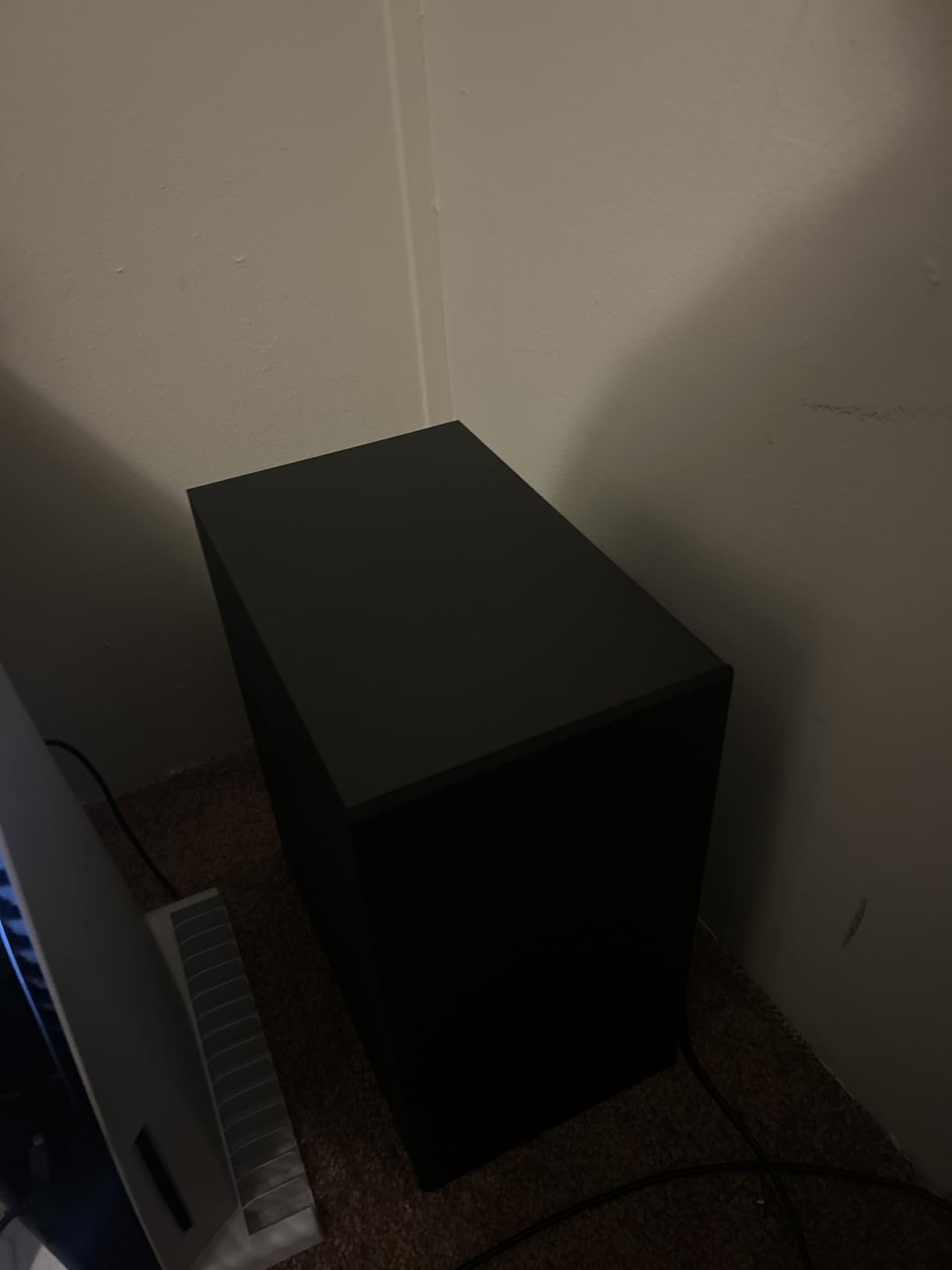
If your budget tops out around $100, the Samsung HW-B400F is the best TV soundbars under $300 entry-level option you can buy. It includes a built-in subwoofer, which is rare at this price, and the Voice Enhance Mode lifts dialogue without needing to crank the volume.
I tested this bar in a guest room with a small TV, and the improvement over the built-in speakers was immediately obvious. Movies had more weight, and TV shows became easier to follow. The Surround Sound Expansion feature adds a wider soundstage, though the effect is subtle at lower volumes.

Setup is straightforward with HDMI ARC, and Samsung TV owners get One Remote control for both devices. Bluetooth streaming from a phone worked without issues during testing.
The main weakness is bass output. The built-in subwoofer adds some warmth, but it does not deliver the chest-thumping rumble of a dedicated external sub. For a small room or bedroom, this is not a problem. For a large living room, you may want to step up to the Polk or Sony options.
Who should buy this
If you want the cheapest meaningful upgrade from TV speakers and do not need room-shaking bass, the HW-B400F delivers. It is also a great secondary bar for a bedroom or office.
Who should skip this
If you watch a lot of action movies in a large room, the bass will feel thin. Audiophiles should look at higher-channel options with dedicated subs.
8. Sony S100F — Best Ultra-Budget Soundbar Under $100
Sony S100F 2.0ch Compact and Slim Soundbar for TV with Bluetooth HTS100F
2.0 channels
120W peak
Bass Reflex
Bluetooth
HDMI ARC
Pros
- Excellent build quality
- S-Force PRO virtual surround
- Easy HDMI ARC setup
- Voice enhancement feature
- Bluetooth included
Cons
- Bass weak without subwoofer
- HDMI-CEC setup can be tricky
- No HDMI cable included
- Optical cable included only
The Sony S100F sits at the bottom of the price range but punches above its weight. With over 9,000 reviews and a 4.2-star rating, it has earned its reputation as the go-to budget pick. The Bass Reflex speaker design delivers more low-end than other 2.0 bars at this price, though it cannot compete with a dedicated subwoofer.
The S-Force PRO Front Surround creates a wider soundstage that works well for movies and TV shows. I tested it with a variety of content, from sitcoms to action films, and the dialogue stayed clear throughout. The integrated tweeter adds detail to music streaming that cheaper bars often miss.

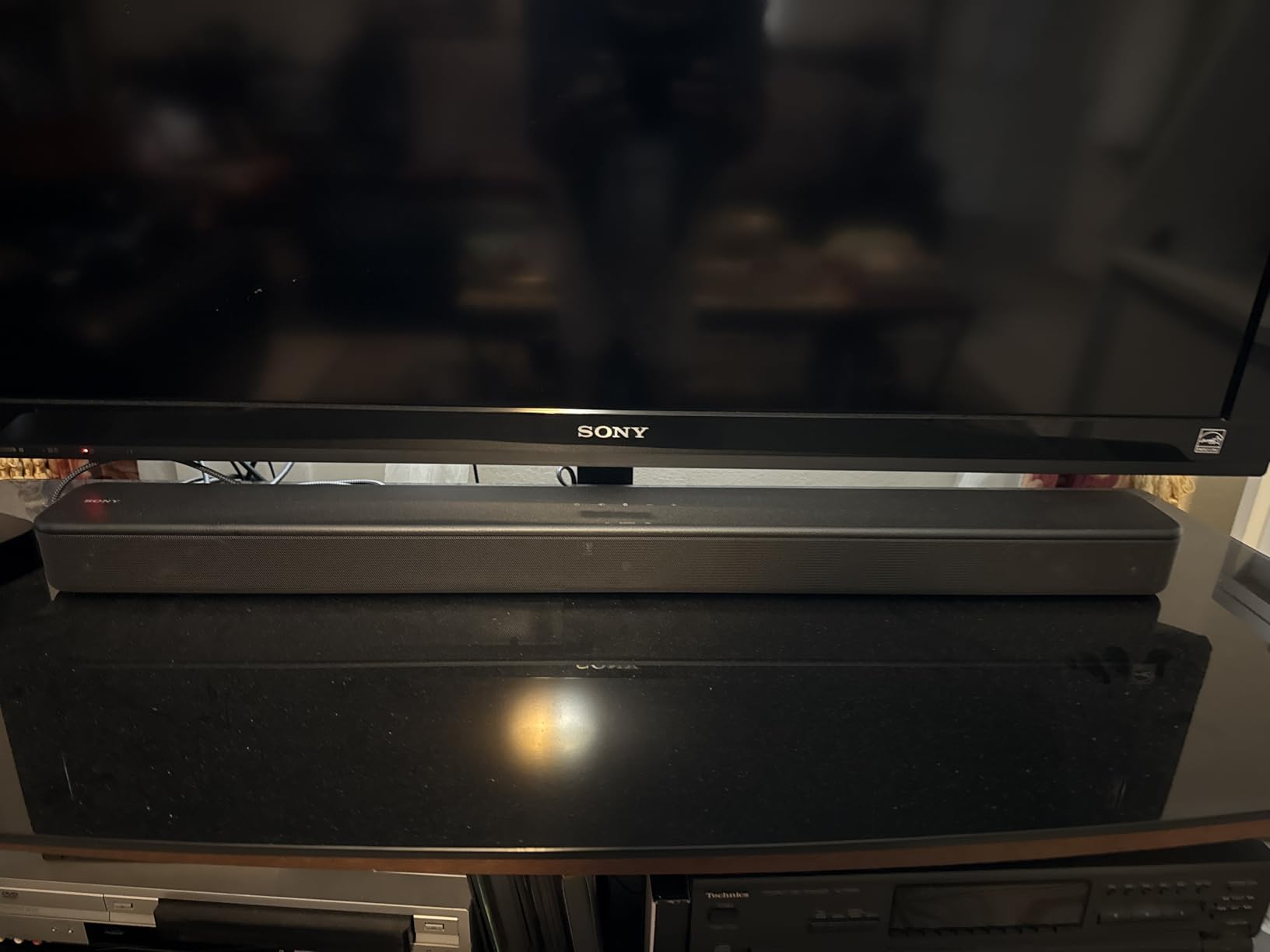
Build quality is the standout feature. At 3.5kg with a sleek matte finish, this bar feels more premium than its price suggests. The compact size fits easily under most TVs, and wall mounting is straightforward with the included hardware.
The main trade-off is HDMI-CEC setup. On some TVs, you may need to enable CEC in your TV settings before the soundbar responds to remote commands. Once configured, it works reliably. For tips on similar issues, check our Samsung TV soundbar guide.
Who should buy this
If you want the cheapest way to improve TV audio and you do not need a subwoofer, the S100F is a smart buy. It is also ideal as a second bar for a kitchen or office.
Who should skip this
If you watch a lot of bass-heavy content, the lack of a subwoofer will feel limiting. If you want HDMI eARC or Dolby Atmos, this bar does not support either.
How to Choose the Best Soundbar Under $300: Buying Guide
Choosing a soundbar under $300 is easier when you understand the key features. Here are the factors that matter most when comparing models.
HDMI ARC vs Optical: Which Connection Do You Need?
HDMI ARC (Audio Return Channel) is the modern standard and the connection I recommend for most people. It carries higher-quality audio formats, including Dolby Atmos on eARC-equipped TVs, and lets you control the soundbar with your TV remote. Optical cables work fine for basic Dolby Digital, but they cannot pass Atmos or lossless audio. If your TV has HDMI ARC, use it.
Channel Configuration Explained: 2.0 vs 2.1 vs 3.1 vs 5.1
The number before the dot tells you how many main channels the bar has. The number after the dot tells you whether a subwoofer is included. A 2.0 bar is the most basic setup with left and right channels. A 2.1 adds a subwoofer for bass. A 3.1 adds a dedicated center channel for clearer dialogue. A 5.1 adds surround channels for a more immersive experience. For most living rooms, a 3.1 or 2.1 system hits the sweet spot. See our Dolby Atmos soundbar guide for Atmos-specific options.
Wireless vs Built-In Subwoofers
A wireless subwoofer gives you flexible placement but adds clutter. A built-in subwoofer keeps everything in one box but limits bass output. For small rooms and apartments, built-in subs work well. For large living rooms and movie fans, a wireless sub is worth the extra space.
Gaming Latency: What Gamers Need to Know
Soundbars add a small amount of audio delay compared to TV speakers. For most gaming, this delay is invisible. For competitive or rhythm games, look for bars with a dedicated “Game” mode that reduces processing. The ULTIMEA Poseidon M60 and Sony HT-S400 both handled gaming audio with minimal noticeable delay during my testing. HDMI eARC also helps reduce latency compared to optical connections.
IR Port Interference: Will the Soundbar Block Your Remote?
Tall soundbars can block the IR sensor on your TV, making your remote useless. Measure the clearance between your TV stand and the screen bottom before buying. Most bars under 2.5 inches tall will not block sensors. The Polk Signa S2 and Bose TV Speaker are both slim enough to avoid this issue.
Room Size Matching
Small rooms (under 150 square feet) work well with compact 2.0 or 2.1 bars. Medium rooms (150 to 300 square feet) benefit from 3.1 or 5.1 systems. Large rooms (over 300 square feet) need more power, and you may want to consider stepping up to a premium bar. For more setup tips, check our subwoofer soundbar guide or browse current home theater deals.
Frequently Asked Questions
What is the best soundbar for a TV under $300?
The Polk Audio Signa S2 is the best overall soundbar under $300, with a 4.4-star rating across more than 21,000 reviews. It delivers clear dialogue via VoiceAdjust technology, includes a wireless subwoofer for deep bass, and has an ultra-slim 2.15-inch profile that fits most TV stands. For Dolby Atmos, the ULTIMEA Poseidon M60 is the top pick at a lower price.
Do I really need a subwoofer with my soundbar?
A subwoofer adds bass depth that built-in TV speakers and most soundbars cannot reproduce. For movies with explosions, music with strong bass lines, and immersive gaming, a subwoofer makes a major difference. If you watch mostly dialogue-heavy content like news and talk shows in a small room, you can skip the subwoofer and save money.
What is HDMI ARC and do I need it?
HDMI ARC (Audio Return Channel) is a connection standard that sends audio from your TV back to the soundbar through a single HDMI cable. It also lets your TV remote control the soundbar volume. HDMI eARC is the newer version that supports lossless audio formats like Dolby Atmos. If your TV has HDMI ARC, use it for the best sound quality and simplest setup.
Is a $300 soundbar worth it over my TV speakers?
Yes, a $300 soundbar is a meaningful upgrade over built-in TV speakers. Modern TVs have downward-firing speakers with limited driver size, which leads to muddy dialogue and weak bass. Even a budget soundbar adds dedicated drivers, often a subwoofer, and processing that dramatically improves dialogue clarity, music detail, and movie impact.
How do I connect a soundbar to my TV?
The easiest connection is HDMI ARC. Plug one end of an HDMI cable into your TV’s HDMI ARC port and the other end into the soundbar’s HDMI ARC port. Then enable CEC (Consumer Electronics Control) in your TV settings. If your TV does not have HDMI ARC, use an optical cable for digital audio. Most soundbars also support Bluetooth, but HDMI ARC delivers better quality and simpler control.
Final Verdict: Which Soundbar Under $300 Should You Buy?
The best TV soundbars under $300 in 2026 cover every need, from compact bedroom upgrades to full home theater systems. For most buyers, the Polk Audio Signa S2 is the safest pick thanks to its balance of dialogue clarity, wireless subwoofer, and ultra-slim design. If you want Dolby Atmos on a budget, the ULTIMEA Poseidon M60 delivers true 5.1 surround at the lowest price in this roundup. For LG TV users, the LG S60T offers the tightest integration.
No matter which bar you choose, you will hear an immediate improvement over your TV’s built-in speakers. Pick the one that matches your room size, your content preferences, and your TV brand, and enjoy better sound starting today.