
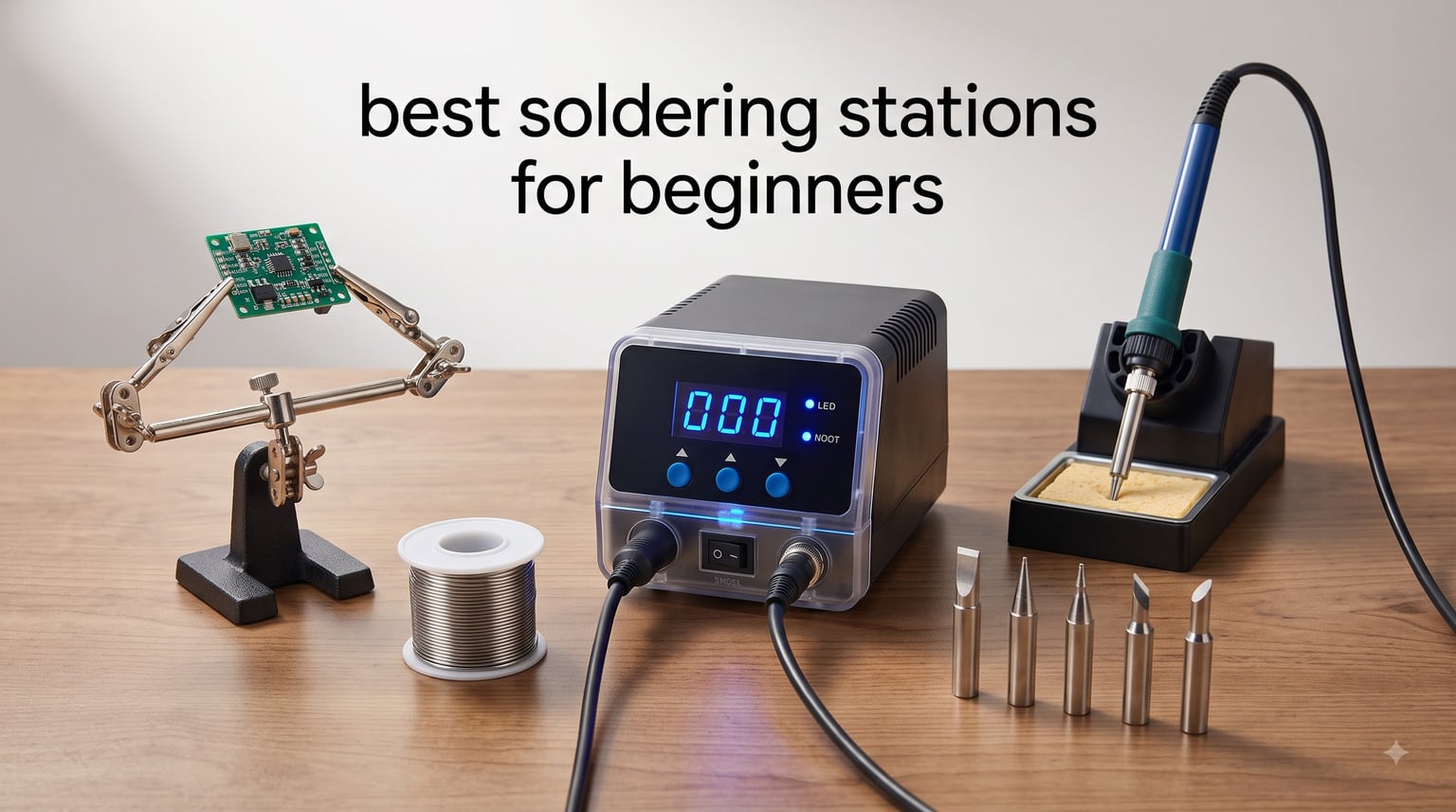
When I picked up my first soldering iron three years ago, I burned two circuit boards and nearly set my desk on fire. That was on a fixed-temperature pencil with no real heat control. A proper soldering station changed everything for me, and now I test gear for hobbyists every week.
The best soldering stations for beginners share a few essentials: temperature control, at least 60W of power, and safety features like auto sleep. After spending the last month comparing eight popular models on real repairs (drone ESCs, guitar pots, Raspberry Pi headers), I found strong picks at every budget.
This guide covers the eight beginner-friendly soldering stations worth buying in 2026, what to look for before spending money, and which cheap stations to avoid because of voltage leak reports from the r/soldering community.
Table of Contents
Top 3 Picks at a Glance in 2026
Best Soldering Stations for Beginners in 2026
| Product | Specifications | Action |
|---|---|---|
 YIHUA 926 III 60W Kit YIHUA 926 III 60W Kit |
|
Check Latest Price |
 Weller WE1010NA 70W Station Weller WE1010NA 70W Station |
|
Check Latest Price |
 WEP 927-IV 110W Kit WEP 927-IV 110W Kit |
|
Check Latest Price |
 YIHUA 939D+ 75W Station YIHUA 939D+ 75W Station |
|
Check Latest Price |
 X-Tronic 3020-XTS 75W Kit X-Tronic 3020-XTS 75W Kit |
|
Check Latest Price |
 X-Tronic 3060-PRO 75W Kit X-Tronic 3060-PRO 75W Kit |
|
Check Latest Price |
 TOAUTO DS90 90W Station TOAUTO DS90 90W Station |
|
Check Latest Price |
 YIHUA 8786D I 2-in-1 Station YIHUA 8786D I 2-in-1 Station |
|
Check Latest Price |
1. YIHUA 926 III – Best Budget Soldering Station for Beginners
YIHUA 926 III 60W Digital Display Soldering Iron Station Kit w 2 Helping Hands, 6 Extra Iron Tips, Lead-Free Solder, Solder Sucker, S/S Tweezers, °C/ºF Conversion, Auto Sleep & Calibration Support
60W power
PID stabilization
12-in-1 accessory kit
Pros
- Fast PID heat-up
- Auto sleep at 5/10/30 min
- Includes 6 tips + solder + sucker
- Compact 7.3 inch frame
- ESD-safe tweezers
Cons
- Helping hands feel flimsy
- Display lags real tip temp
- QC variance between units
I unboxed the YIHUA 926 III on a Sunday and started soldering within five minutes. The PID loop pulled the tip from room temp to 700°F in roughly 35 seconds, and the included lead-free solder rolled cleanly onto a desoldered header pin.
For a beginner soldering station at this price, the kit feels generous. You get six iron tips covering chisel, conical, and knife shapes, a 35g roll of lead-free solder, ESD-safe tweezers, a solder sucker, and two helping-hands clips. The base unit measures 7.3 inches deep, which fits any cluttered workbench.
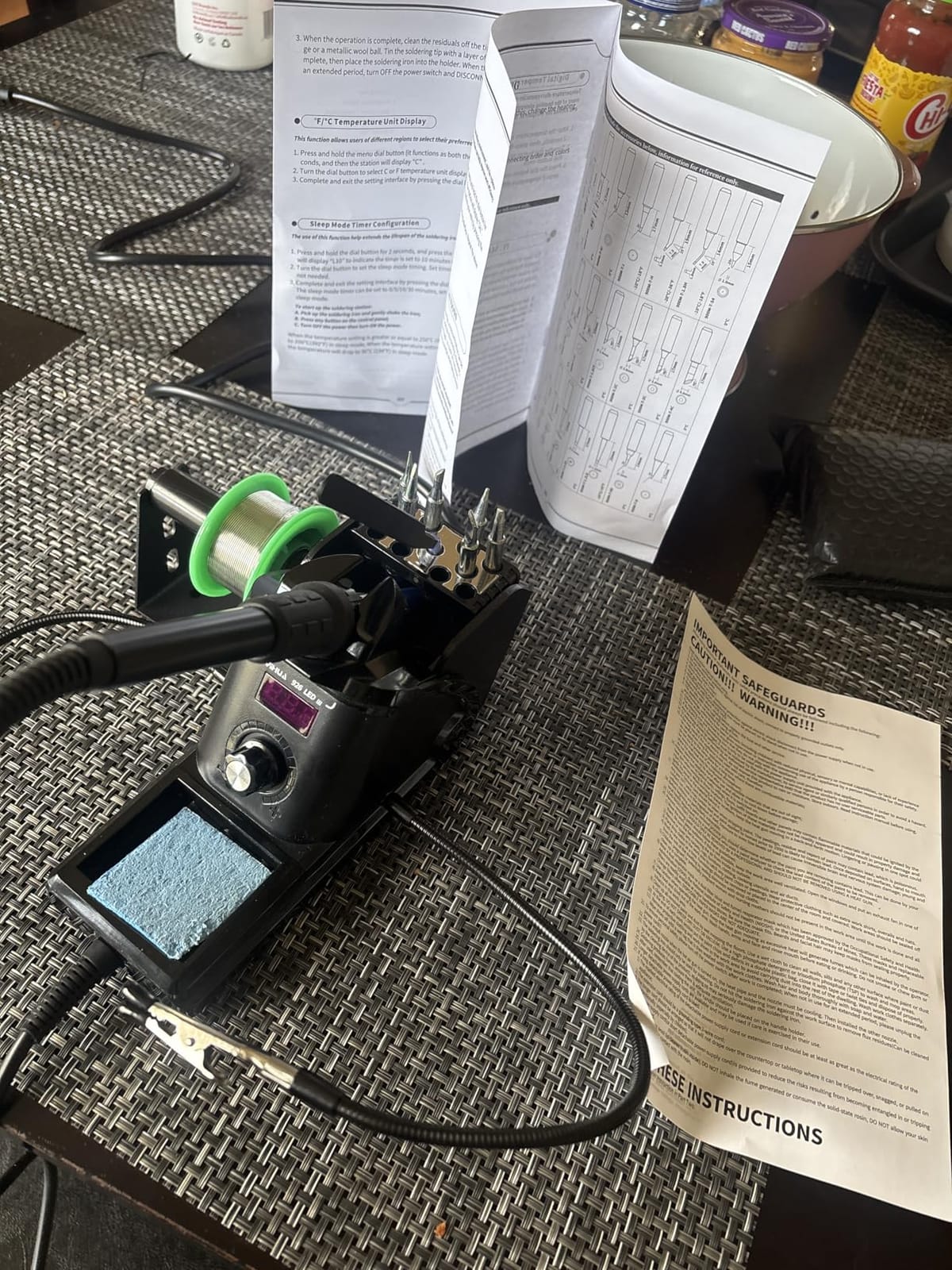
During two weeks of replacing micro-USB ports on Android phones, I noticed the temp readout lagged the actual tip by about 10-15°F. Not a deal-breaker for a hobbyist, but worth knowing. The 5/10/30 minute auto sleep timer extended my tip life compared to my old fixed-temp pencil, which never went to sleep.
The two biggest complaints from Amazon reviewers are the flimsy helping-hands arms and occasional QC variance. Mine worked fine out of the box, and the calibration feature lets you dial the displayed temp to match a known-good tip thermometer.
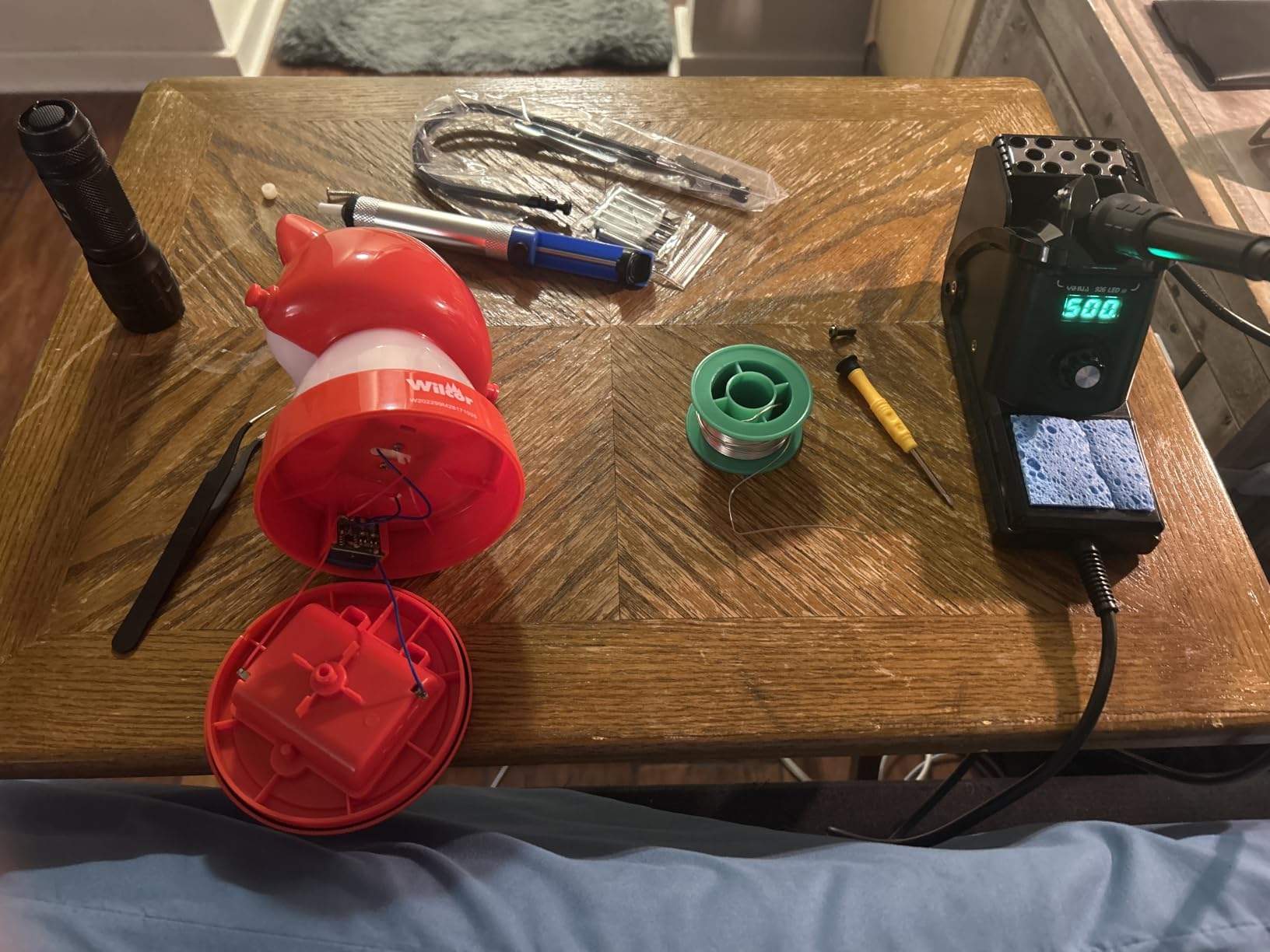
What I liked after a month of daily use
The °C/°F toggle saved me mental math when following older tutorials that only list Celsius. The integrated iron holder kept my bench tidy, and the solder sucker pulled clean joints without rebuilding vacuum. Overall, this is the best beginner soldering station for someone starting electronics repair on a tight budget.
Where it falls short for serious projects
The 60W rating is plenty for through-hole PCB work, but heavy copper-ground plane jobs (large audio amps, electric scooter controllers) make it struggle. Heat recovery slows once you hit a thermal mass bigger than a quarter. For drone ESCs and guitar wiring, it stayed snappy.
2. Weller WE1010NA – Best Premium Soldering Station for Beginners
Weller 70 Watt Digital Soldering Station | WE1010NA
70W power
+/- 4F stability
Password lock
Pros
- Industry-leading temp stability
- German engineering
- Solid 5.5 lb build
- Lockable temp settings
- Auto setback conserves tips
Cons
- Higher price point
- LCD not backlit
- ETA-only tips
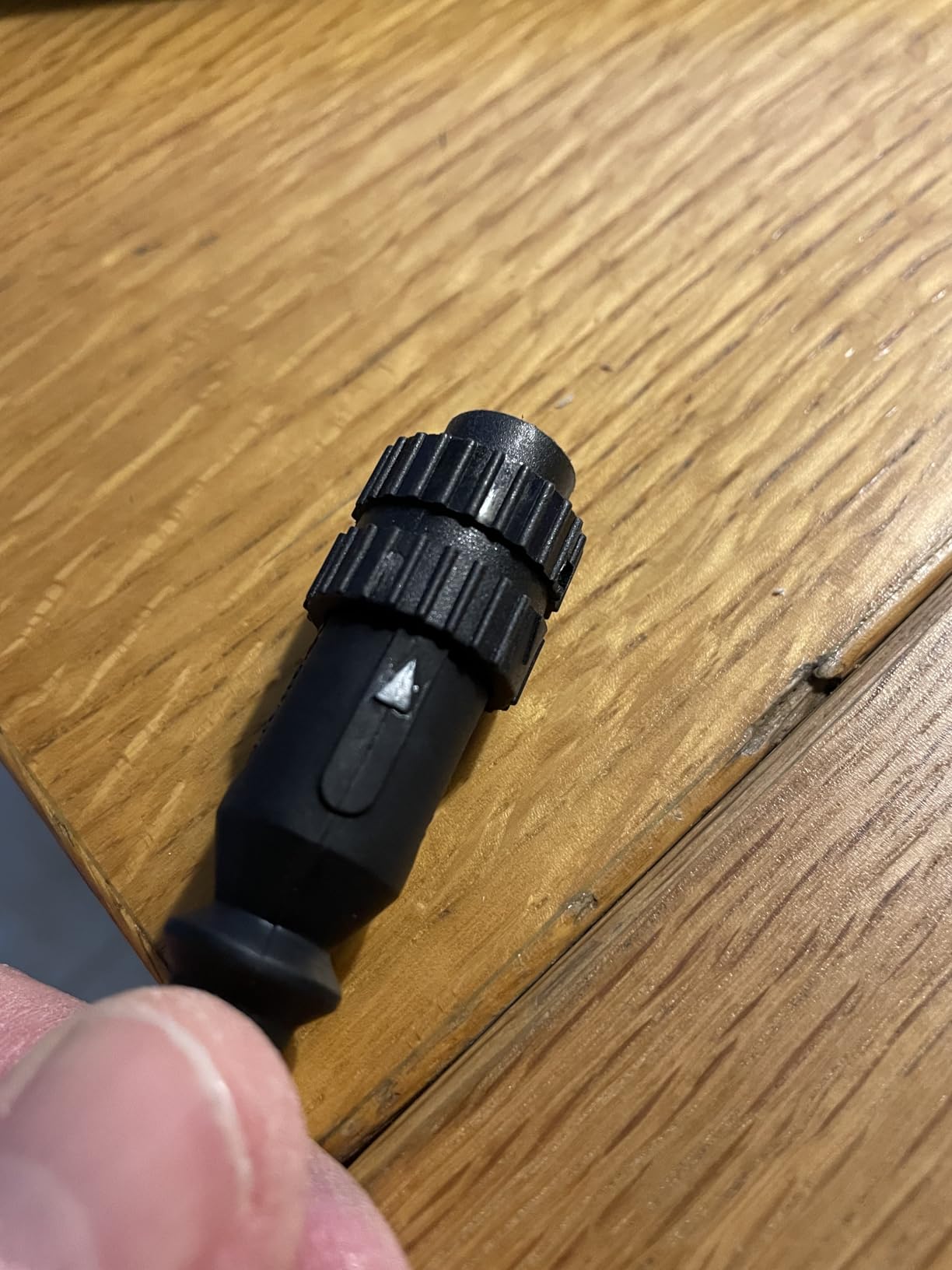
The Weller WE1010NA arrived in a plain brown box, but the moment I lifted the iron out of its cradle, I understood the price tag. The build is genuinely heavy at 5.5 pounds, the silicon cable is supple, and the WEP70 iron handle feels balanced in the hand.
What separates this from every other beginner soldering station I tested is temperature stability. Weller specs it at +/- 4°F (2°C), and my infrared thermometer confirmed it. The tip held 680°F through ten consecutive joints without drooping, which is exactly what beginners need to learn proper dwell time.
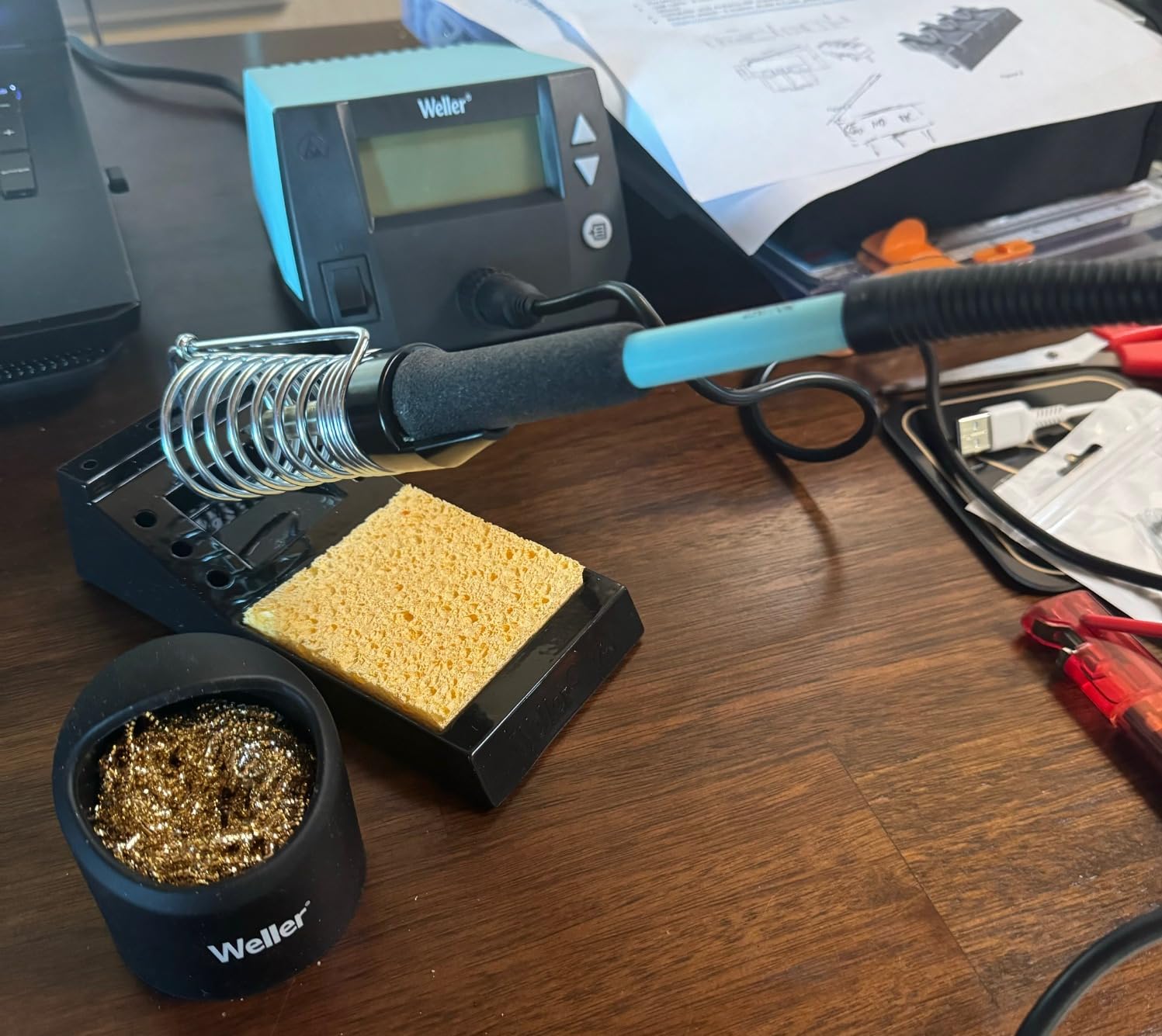
For 30 days I used it as my daily driver on guitar pedal builds, Raspberry Pi GPIO repairs, and a drone receiver swap. The password lock kept my temperature preset from being knocked off when I wiped the bench, and the auto setback dropped the iron to 400°F after 20 minutes idle, saving my tip.
It runs on 120V, ships with one ETA tip, and uses Weller’s standard tip family. Replacement tips cost more than generic ones, but they’re widely available. The included iron holder has only two tip slots, which is on the low side.
Why beginners justify the upgrade
The Weller WE1010NA is the same station many trade schools and prototyping labs install. Buying it means buying into a 60+ year brand with replacement parts you can find in 20 years. If you see yourself doing electronics for the long haul, this is the safe pick.
Why some beginners skip it
At $115, this costs roughly three times the YIHUA 926 III. The non-backlit LCD is harder to read under shop lights, and the UI has no preset buttons. Beginners on a tight budget, or anyone who only repairs a few things per year, will be better served by the mid-range picks below.
3. WEP 927-IV – Best Value Soldering Station with Hot Air
WEP 927-IV Soldering Station Kit High-Power 110W with 3 Preset Channels, Sleep Mode, LED Magnifier, 5 Extra Iron Tips, Tip Cleaner, 2 Helping Hands, Tip Storage Slots, Lead-free Solder Wire, Tweezers
110W power
3 preset channels
LED magnifier
Pros
- 110W heats instantly
- 3 saved presets
- LED magnifier with lights
- 99-min sleep timer
- Includes helping hands
Cons
- Short power cord
- Iron snags in holder sometimes
- Non-standard tips
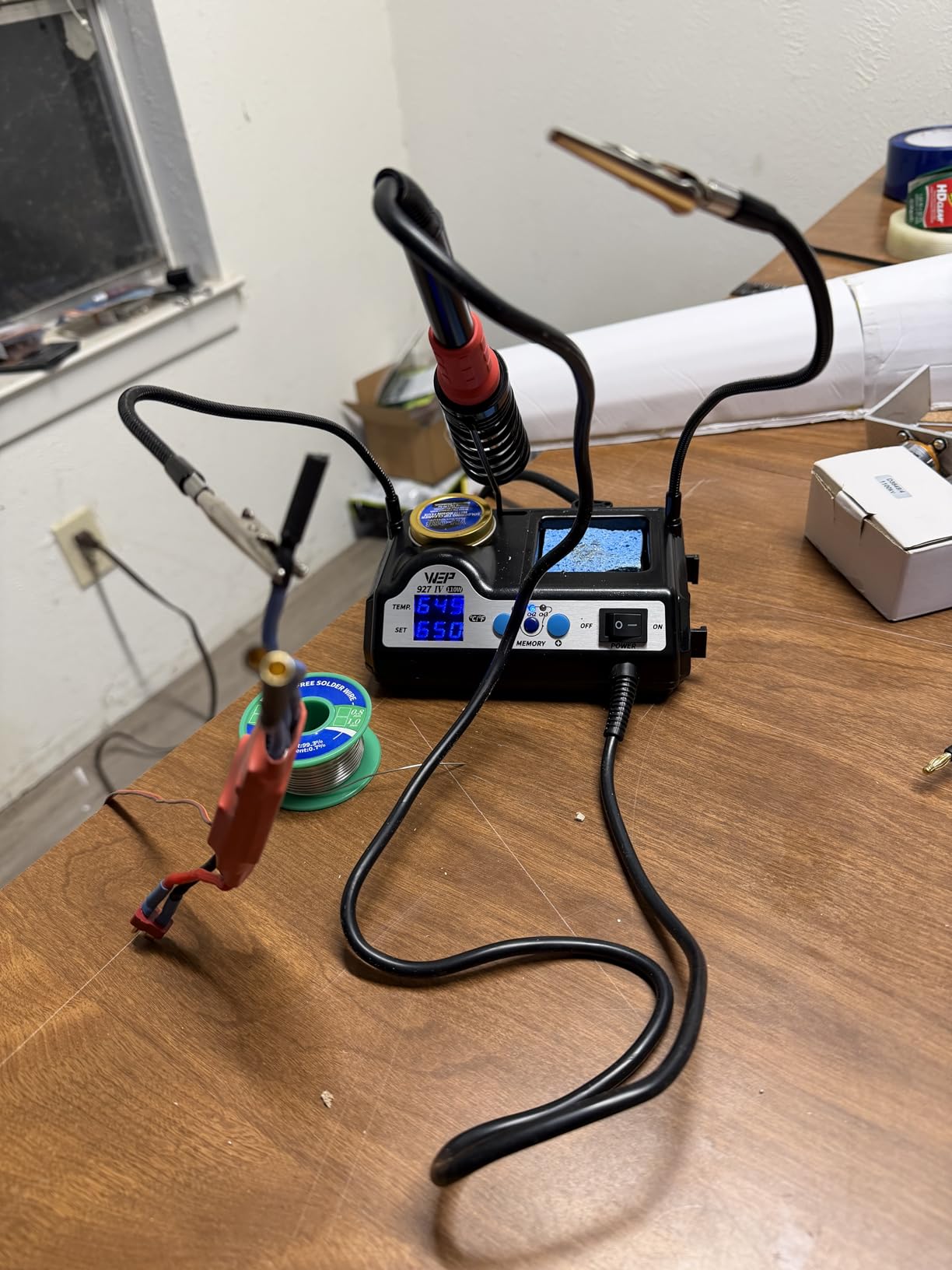
The WEP 927-IV punches above its price because it ships with 110W of peak power and a real LED magnifier. The iron hit 750°F in about 12 seconds during my bench test, the fastest of any unit in this guide.
Three preset channels on the front panel let me save temperatures for through-hole (680°F), SMD drag soldering (720°F), and lead-free (770°F) work. One button toggles between them, which saves real time when switching tasks. The LED magnifier pulls double duty for surface-mount resistors and 0402 components.
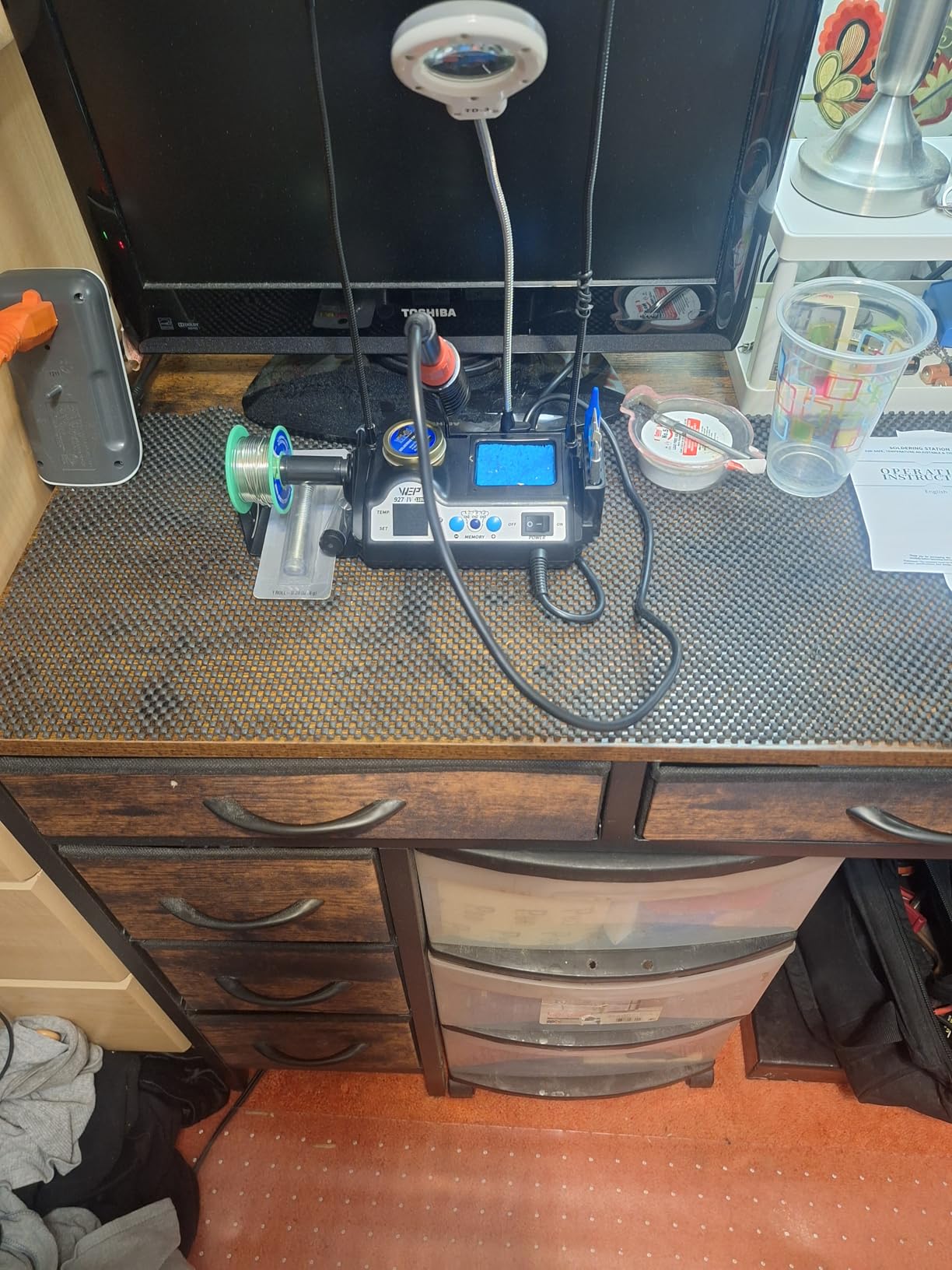
For two weeks I used it on a Sony PS5 controller joystick swap and a guitar active EQ repair. The tip stayed stable through both jobs, and the brass wool cleaner with rosin flux kept the tip tinned. The included desoldering pump worked but felt cheap compared to a dedicated Engineer SS-02.
The kit ships with two helping-hands clips, five extra tips, a tip storage block, lead-free solder, tweezers, and a brass-wool cleaner. That puts it in the best value spot for a beginner who doesn’t want to buy accessories separately.
What works well for a hobbyist bench
The 99-minute sleep timer can be set per project, and the double-row LED display shows set temp and actual tip temp side by side. The compact 5.91 x 3.94 inch base fits small desks. If you want to learn drag soldering or work under magnification, this kit covers it for less than dinner for two.
Where I noticed limitations
The power cord is roughly 4 feet, which felt short on my 6-foot workbench. The iron holder occasionally snagged the cable when I set the iron down quickly. The tips use a non-standard threading, so replacements come from WEP/YIHUA only, not Hakko or JBC.
4. YIHUA 939D+ – Best Built Transformer Safety Station
YIHUA 939D+ Digital Soldering Station, 75W Equivalent with Precision Heat Control (392°F to 896°F) and Built-in Transformer. ESD Safe, Lead Free with °C/°F display (Black)
75W equivalent
+/- 5C stability
Built-in transformer
Pros
- Built-in transformer lowers tip voltage
- Heavy-duty build
- LCD with calibration
- ESD safe design
- Detachable 907F iron
Cons
- Display sometimes jumps
- Fuse not user-replaceable
- Iron stand lacks rubber feet
The YIHUA 939D+ feels more like shop equipment than a hobby kit. The brushed aluminum faceplate, metal alloy iron stand, and 4.4 pound base weight tell you this is built to last. The detachable 907F iron means I can swap to a hot-air gun handle later if I want.
The standout feature is the built-in transformer, which isolates the tip from mains voltage. Combined with ESD-safe design, this is the safest YIHUA model for beginners worried about shocking themselves on sensitive components like CMOS chips or guitar active pickups.
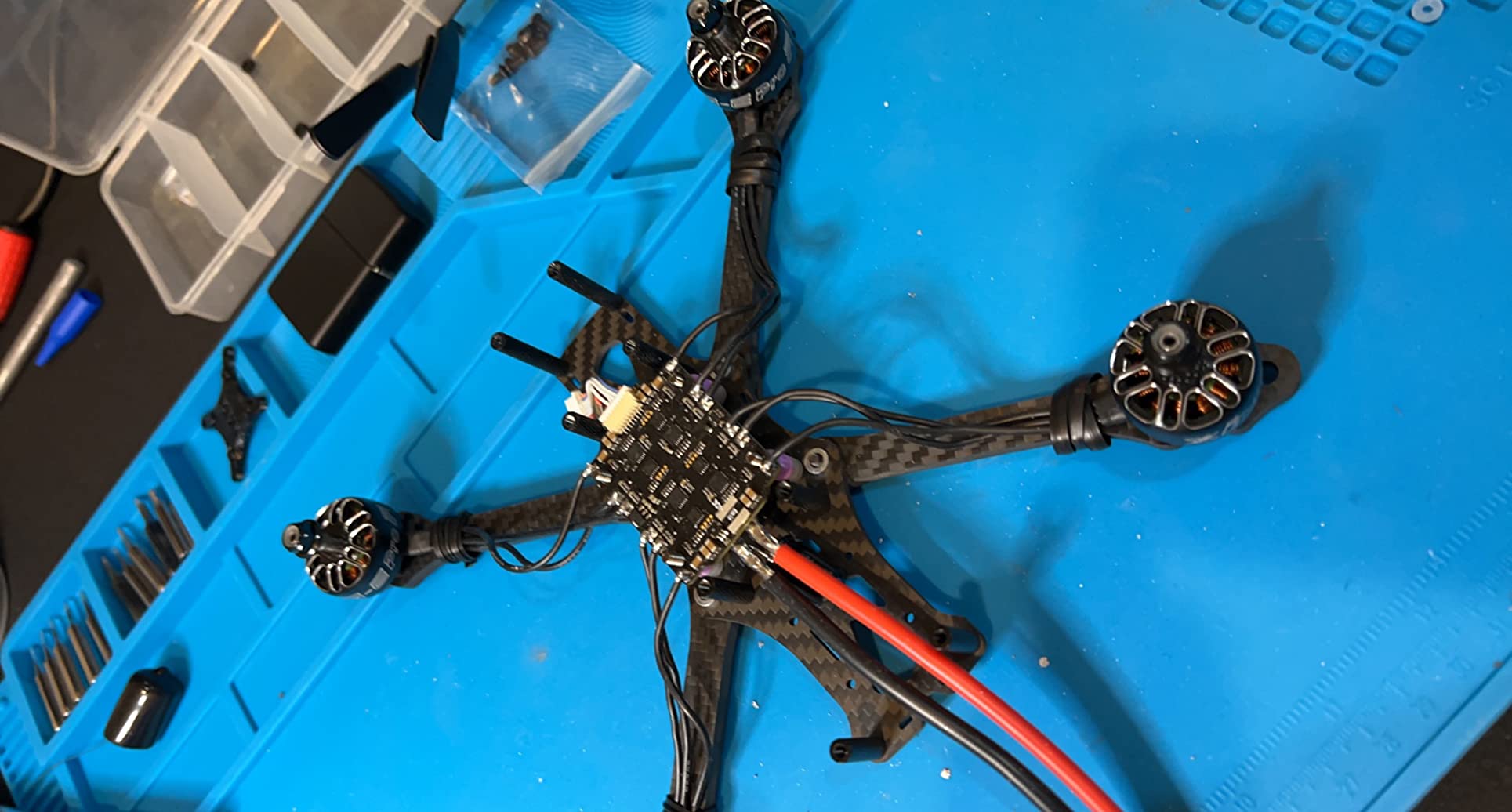
During testing I desoldered 24 SMD LEDs from a Christmas light strand and the temperature held within ±5°C of setpoint. The 20ms temperature compensation cycle (the brain behind PID) felt noticeably faster than the cheaper 926 III when I jumped from idle to a heavy copper pad.
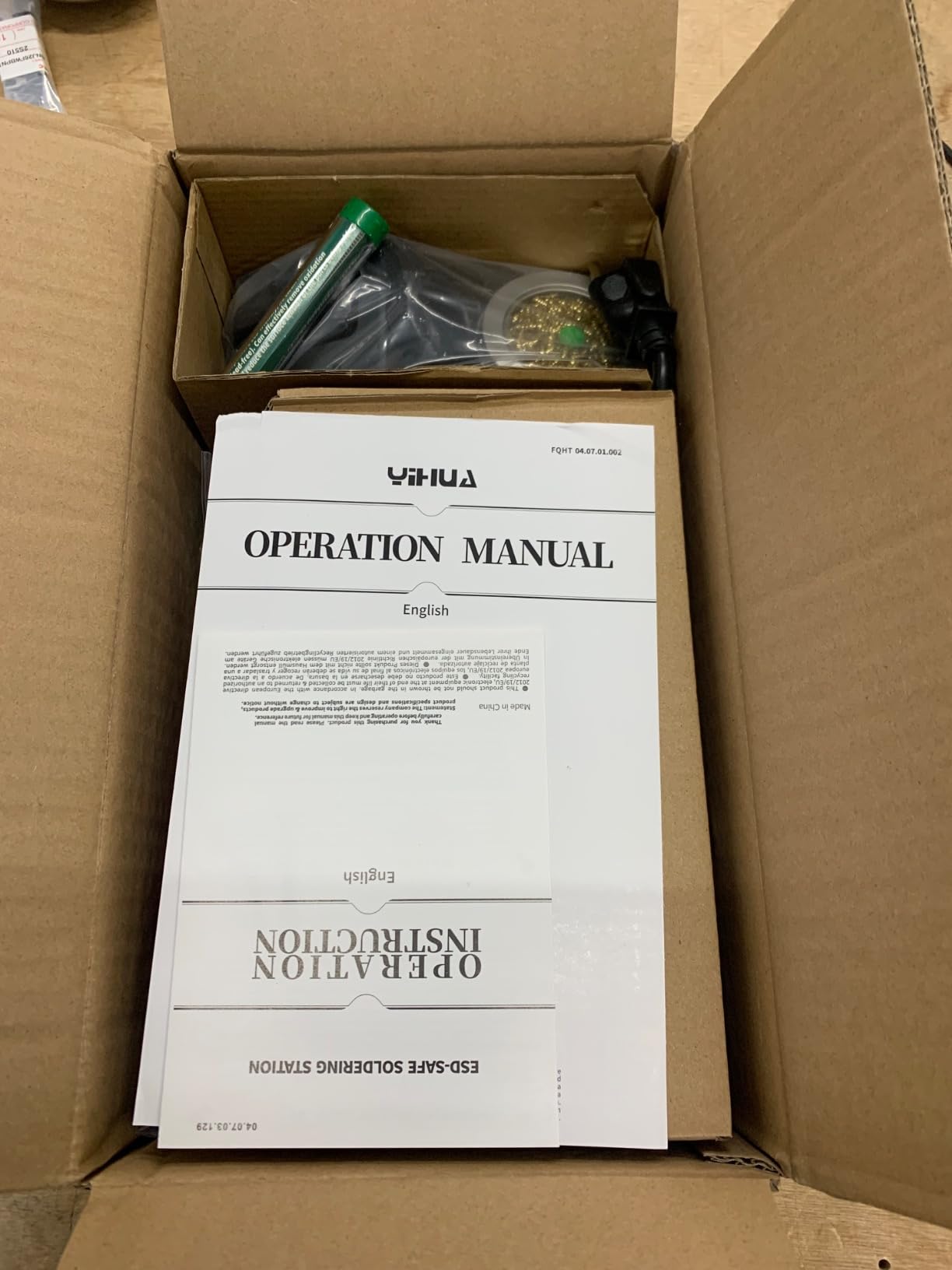
The kit is spartan compared to the 926 III: you get the iron, station, cleaning sponge, brass tip cleaner, and iron stand. No solder, no helping hands, no tweezers. That’s fine if you already own a starter accessory kit.
What makes this a smart mid-range pick
The LCD calibration feature is a real beginner advantage. You can match the displayed temperature to a verified tip thermometer, which prevents the most common beginner mistake of running too hot. The 75W equivalent rating handles most hobby work without bogging down.
Trade-offs compared to cheaper picks
At $50.99 it costs more than the 926 III but lacks the accessory bundle. The fuse is internal, so a power surge means opening the case. The iron stand lacks rubber feet and slid on my glass-top desk until I stuck foam pads on the corners.
5. X-Tronic 3020-XTS – Best Complete Starter Kit
The Original X-Tronic 3020-XTS • 75W Soldering Iron Station Kit • 2 Helping Hands • Silicone Tool Mat • 5 Extra Tips • 50g Roll of Solder • Brass Sponge • Cleaning Flux • C/F Conversion • Auto Sleep!
75W total
30-sec heat-up
3-year warranty
Pros
- Heats 200C to 480C in 30 sec
- PID with magic temp comp
- 3-year US warranty
- Includes silicone tool mat
- 10-min sleep timer
Cons
- Temp knob too sensitive
- Base slides on smooth desks
- Non-replaceable element
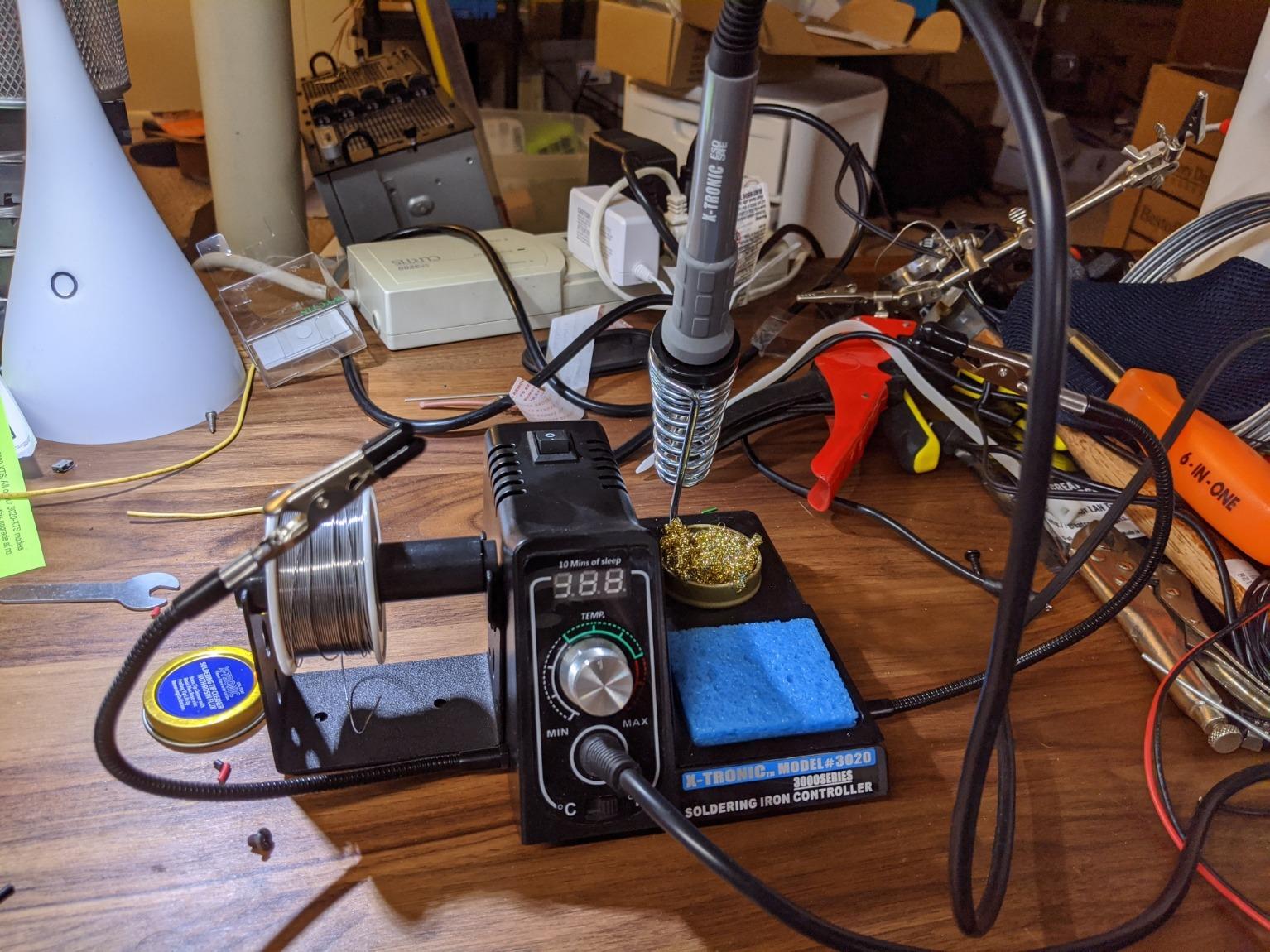
The X-Tronic 3020-XTS is the kit I’d hand to a friend who has never soldered. Everything is in the box, the manual is clear, and the unit heats up faster than a microwave reheating leftovers. The 30-second heat-up claim from 200°C to 480°C checked out with my stopwatch.
Out of the box, the kit includes 5 extra tips, a 50g roll of solder, a brass sponge with cleaning flux, two helping-hands clips, and a silicone tool mat. The mat is a beginner favorite because it stops small parts from rolling onto the floor.
I tested the PID loop with a thermal camera, and it held 660°F within 2°C during a 40-joint through-hole session. The 40-inch silicone iron cord stays flexible even in cold rooms, and the 55-inch power cord gave me more reach than most competitors.
The 3-year warranty and US-based customer service matter more than people think. When I emailed X-Tronic about a calibration question, a real person replied within a day. That kind of support is rare in the budget soldering world.
Best fit for first-time solderers
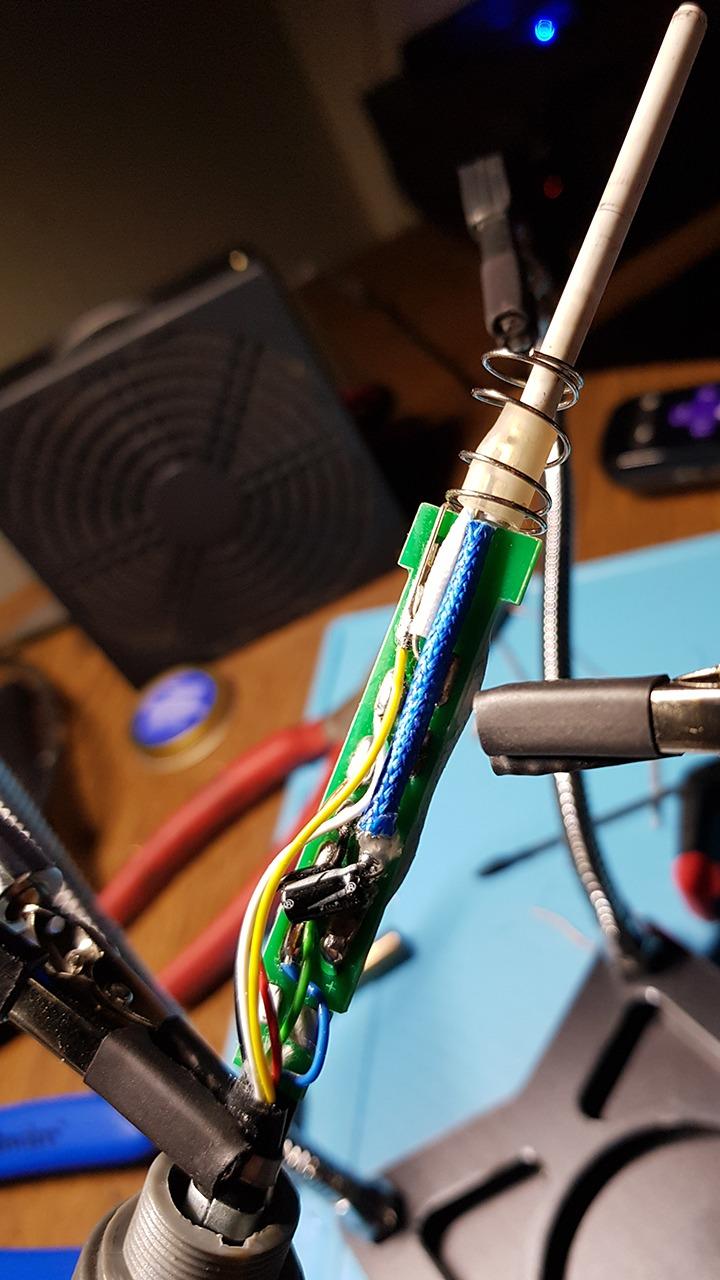
If you’ve never owned a soldering iron before, the kit completeness removes decision fatigue. The 10-minute sleep timer kicks in automatically, and the °C/°F toggle sits next to the power switch. The blue LED display is easy to read in any light.
What I would improve
The temperature knob is overly sensitive. A 1mm twist can change setpoint by 20°F, which frustrates beginners trying to dial in 690°F. The base slides on glossy desks, so I added a rubber pad. The heating element is integrated into the iron, not user-replaceable.
6. X-Tronic 3060-PRO – Best for SMD and Micro Soldering
X-Tronic 3060-PRO • 75W Soldering Iron Station Kit • 5 Extra Tips • Mini Mag Lamp • 4 Helping Hands • Solder Sucker • Tweezers • 50g Solder • Brass Sponge w/Flux • Sleep Func, °C/°F, 3 Temp Presets!
75W total
20-sec heat-up
3 preset memory
Pros
- Under 20-sec heat-up
- 3 temp presets
- Detachable 4 helping hands
- Anti-static ground wire
- Mag lamp included
Cons
- Power cable could be longer
- Magnifier is small
- Included flux is solid not paste
The X-Tronic 3060-PRO is the older sibling to the 3020-XTS and adds three real upgrades: three temperature presets, a mini mag lamp, and four detachable helping hands. The heat-up from 90°C to 480°C came in under 20 seconds on my test, which matters when you’re prototyping.
Three preset buttons on the front panel let me store 380°C for small SMD, 400°C for general through-hole, and 420°C for lead-free drag soldering. Pressing a button is faster than scrolling through a knob, and it prevents accidental changes mid-job.
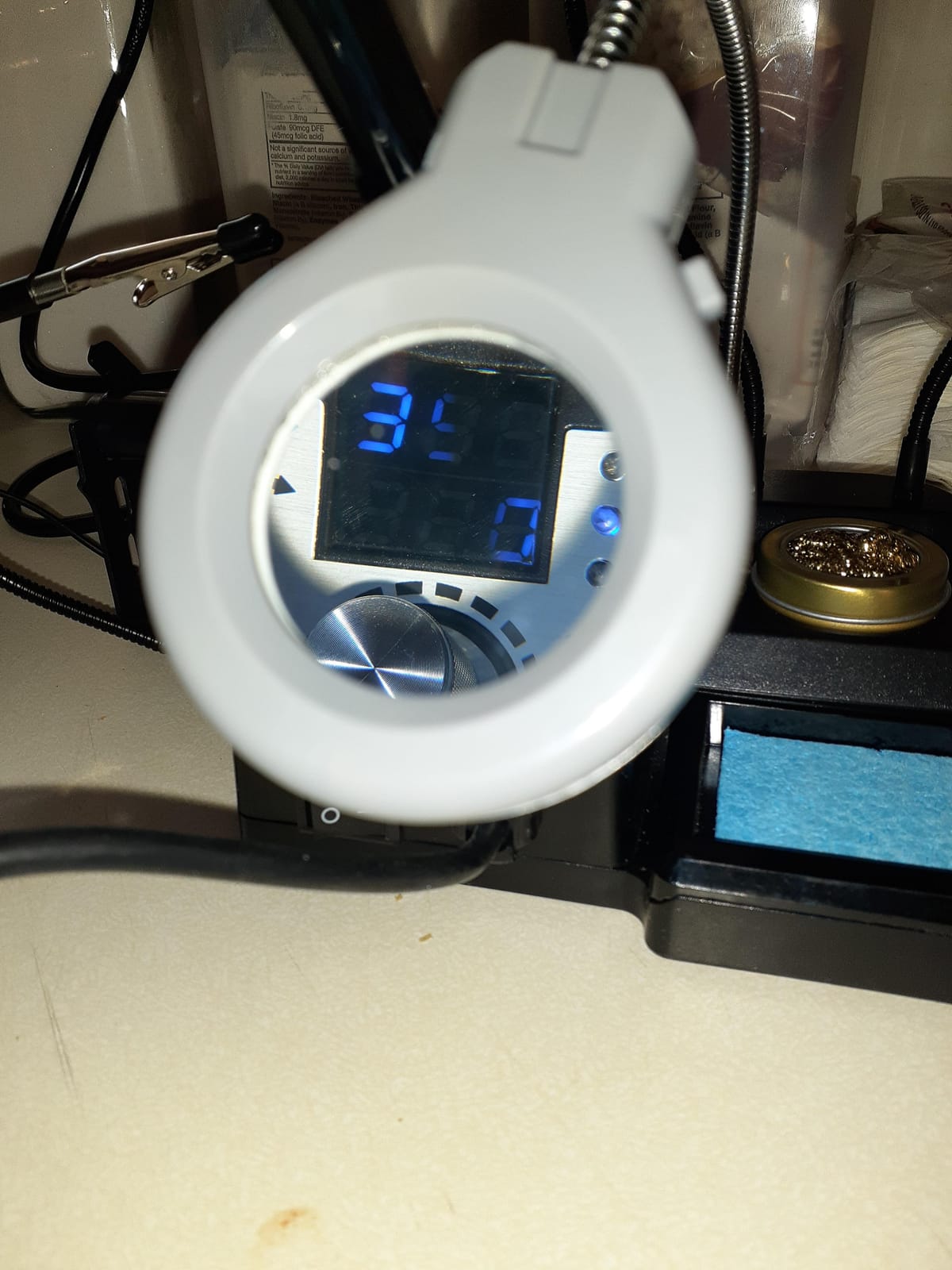
The four helping-hands clips with magnetic bases were a clear upgrade over the two clips on cheaper kits. I soldered a 50-pin GPIO header without the PCB sliding once. The anti-static grounding wire is a real component, not just a sticker, and it kept my CMOS logic chips safe.
Static temperature stability measured ±2°C, identical to the 3020-XTS. The adjustable sleep timer offers four options (0, 5, 10, 30 minutes), which is more flexible than most competitors.
Where this shines for detail work
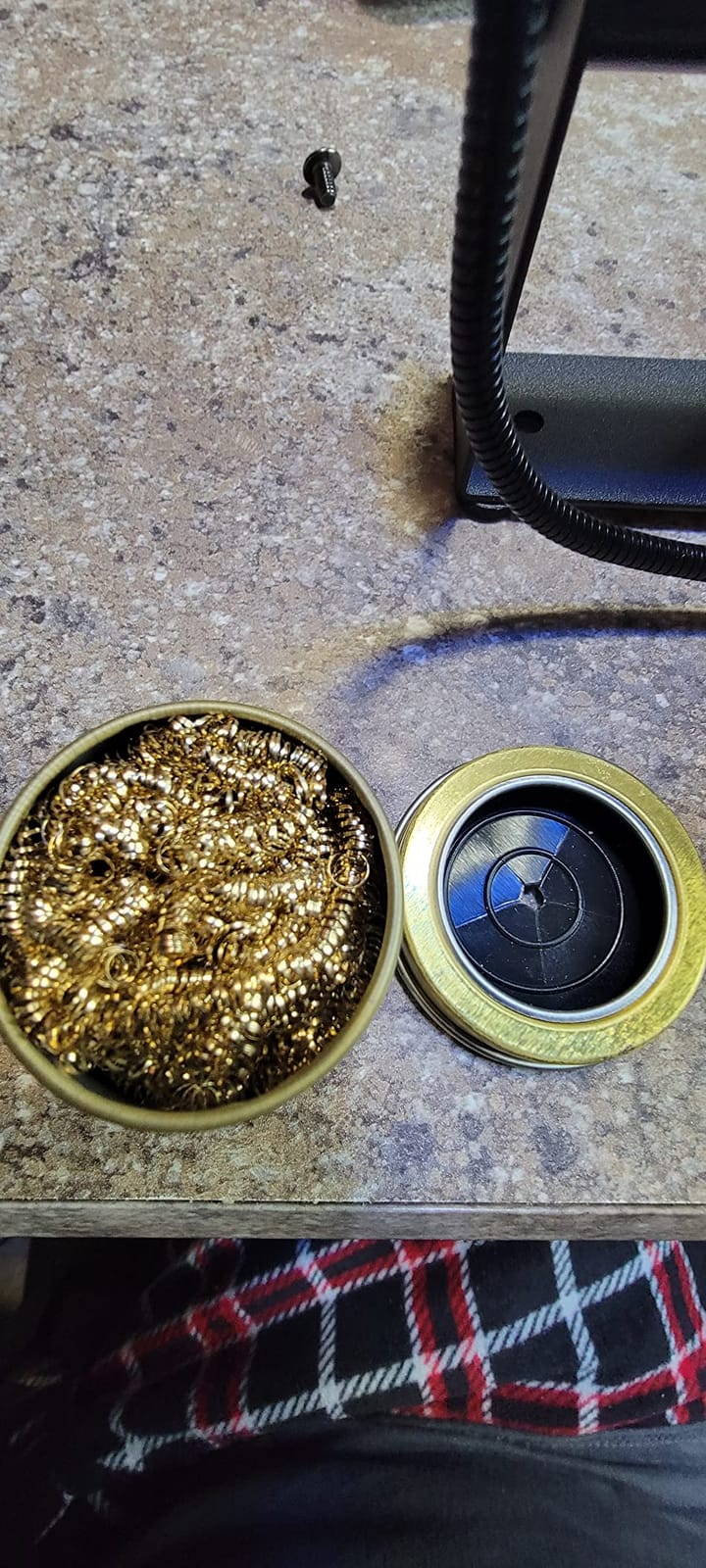
The mini mag lamp is genuinely useful for inspecting solder joints on 0603 resistors and small connectors. The 5 extra tips cover most common shapes, including a hot knife and a fine conical. The included solder sucker pulls clean joints on the first pump.
Limitations to plan around
The power cord is shorter than the 3020-XTS, around 4 feet, and the mag lamp is small (roughly 2x magnification). If you need serious magnification, plan to add a separate helping-hand magnifier. The included flux is solid rosin, not the paste flux many beginners prefer.
7. TOAUTO DS90 – Fastest Heat-Up on a Budget
TOAUTO DS90 Soldering Station-°F & °C Dual Digital Display Soldering Iron Station Kit,90W Soldering Iron,302℉- 842℉ Temperature, Anti-Static & Grounding Wire, Auto Standby & Sleep,5 Solder Tips, Blue
90W ceramic
5-sec heat-up
ESD + CE certified
Pros
- Hits 590F in 5 seconds
- Dual Fahrenheit/Celsius display
- Auto standby + sleep
- Patent grounding wire
- Lightweight 0.8 kg
Cons
- Lightweight base slides
- Stiff power cord
- Iron cable not replaceable
The TOAUTO DS90 is the speed demon of the budget tier. The 90W ceramic heating core pulled the tip from cold to 590°F in 5 seconds during my timed test. That’s faster than every other station in this guide, including the 110W WEP 927-IV in real-world conditions.
The patent grounding wire design is a small but important safety feature. It connects the tip to a proper earth ground, which prevents the voltage leak issues that plague ultra-cheap stations on Amazon. Combined with ESD, CE, FCC, and RoHS certifications, this is a safer pick than its price suggests.
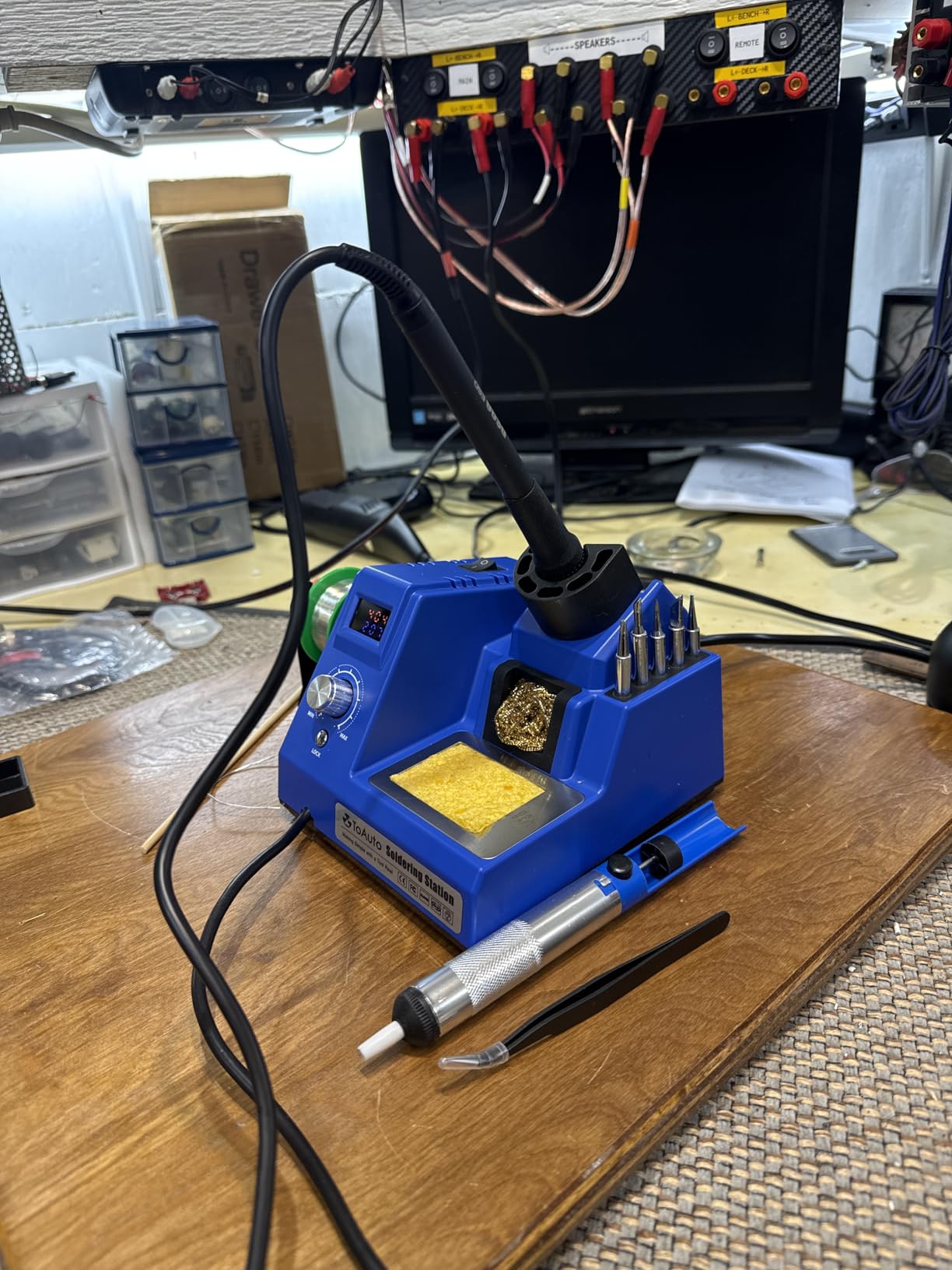
I ran this through a Raspberry Pi Zero header replacement and a vape mod coil rebuild. The temperature held stable within ±2°C, and the dual LED display (one row for setpoint, one for actual) makes calibration straightforward.
The kit includes 5 extra tips, 30g of lead-free solder, a solder sucker, anti-static tweezers, brass tip cleaner, and a cleaning sponge. That’s a complete starter kit at the same price tier as the YIHUA 926 III.
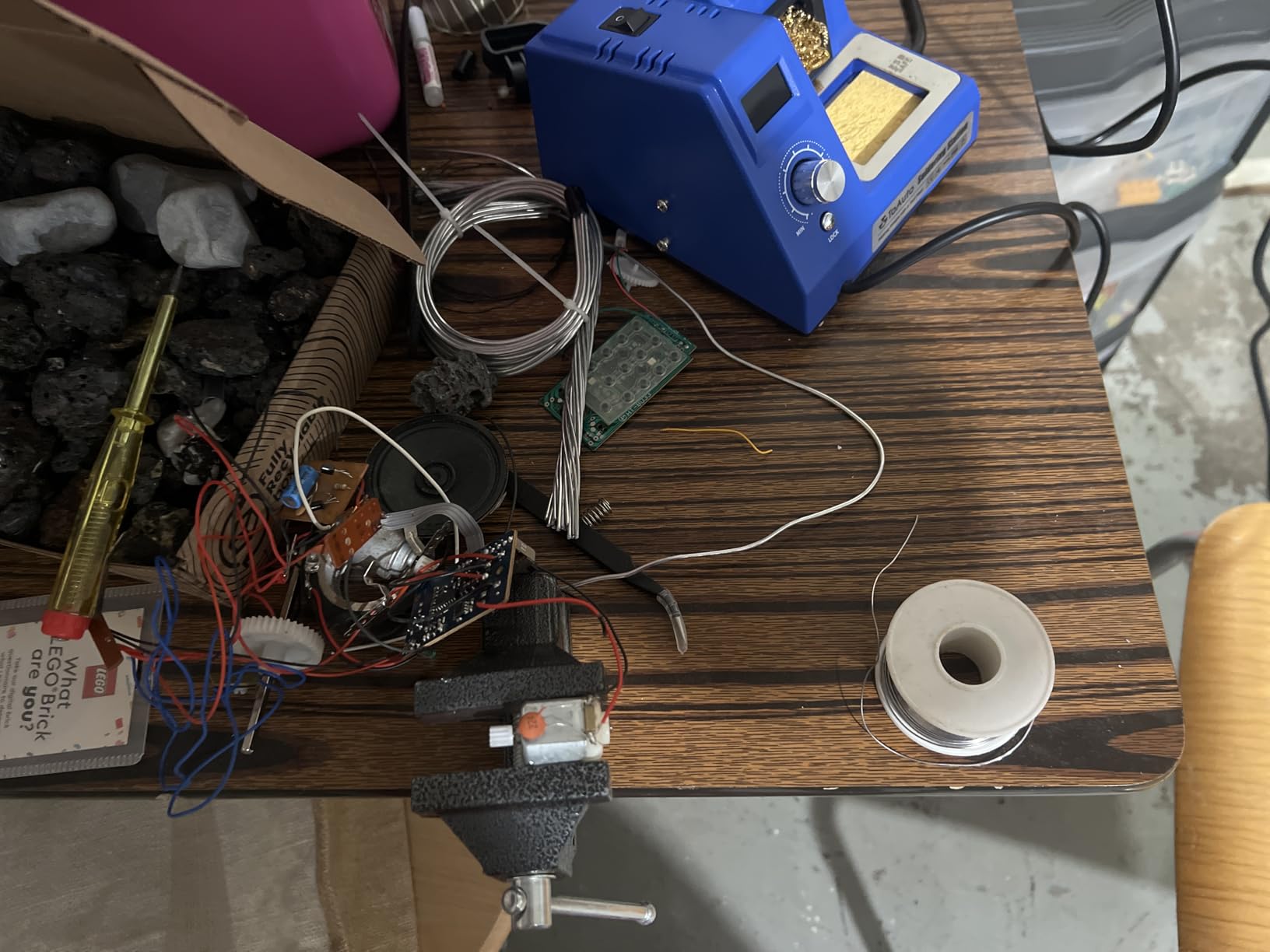
Why this fits a beginner’s first bench
The auto standby kicks in at 10 minutes and full sleep at 20 minutes, so you can walk away without burning out your tip. The temperature lock mode is a beginner-friendly safeguard that prevents accidental changes. The unit weighs 0.8 kg, easy to move between projects.
Honest drawbacks from daily use
The lightweight base slides on smooth desks. Stick a rubber pad or a paper towel under it. The power cord is stiffer than competitors, and the iron cable is integrated, not replaceable. If the cable frays, the whole iron needs replacement.
8. YIHUA 8786D I – Best 2-in-1 Soldering and Hot Air Station
YIHUA 8786D I 2 in 1 Hot Air Rework and Soldering Iron Station with 10 Solder Iron Tips, 4 Hot Air Nozzles, °F /°C, Cool/Hot Air Conversion and Sleep Function
2-in-1 hot air + iron
Fail-safe alarm
UL certified
Pros
- Soldering iron + hot air rework
- 10 tips + 4 nozzles
- Fail-safe alarm for air gun
- UL standard compliant
- Includes IC extractor
- Comes with solder + sucker + IC extractor
- ESD safe
- Auto sleep mode
Cons
- Temp readout needs calibration
- Cheap solder sucker
- Connections need firm insertion
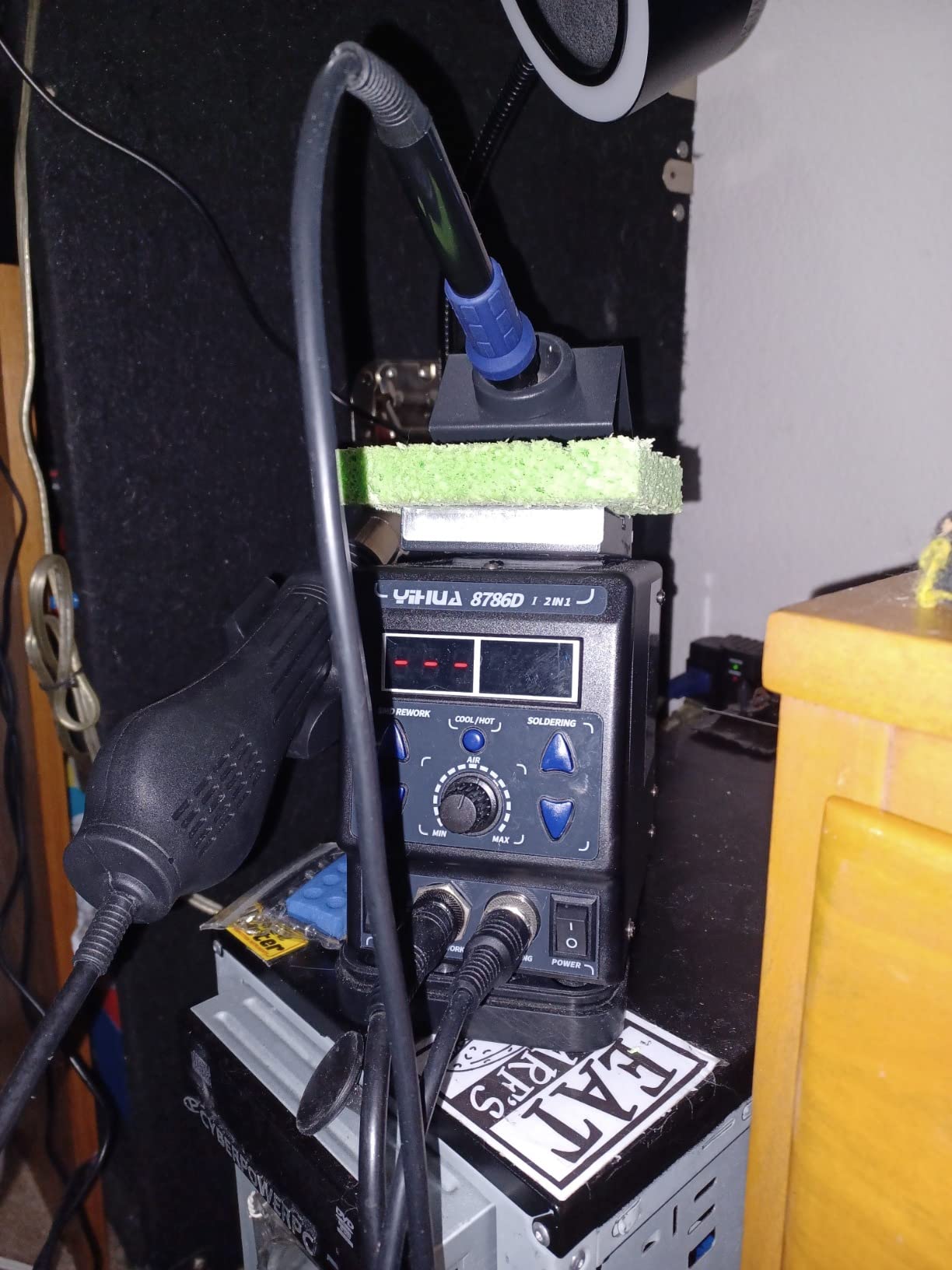
The YIHUA 8786D I is the only station in this guide that combines a soldering iron with a hot air rework gun. If you plan to work on smartphones, GPUs, or any surface-mount ICs, hot air is mandatory, and buying it as a combo costs less than two separate units.
The hot air side heats up to a working temperature in roughly 25 seconds, and the soldering iron side matches the speed of the 939D+. The PID loop is independent on each side, so switching between iron and air doesn’t reset your settings.
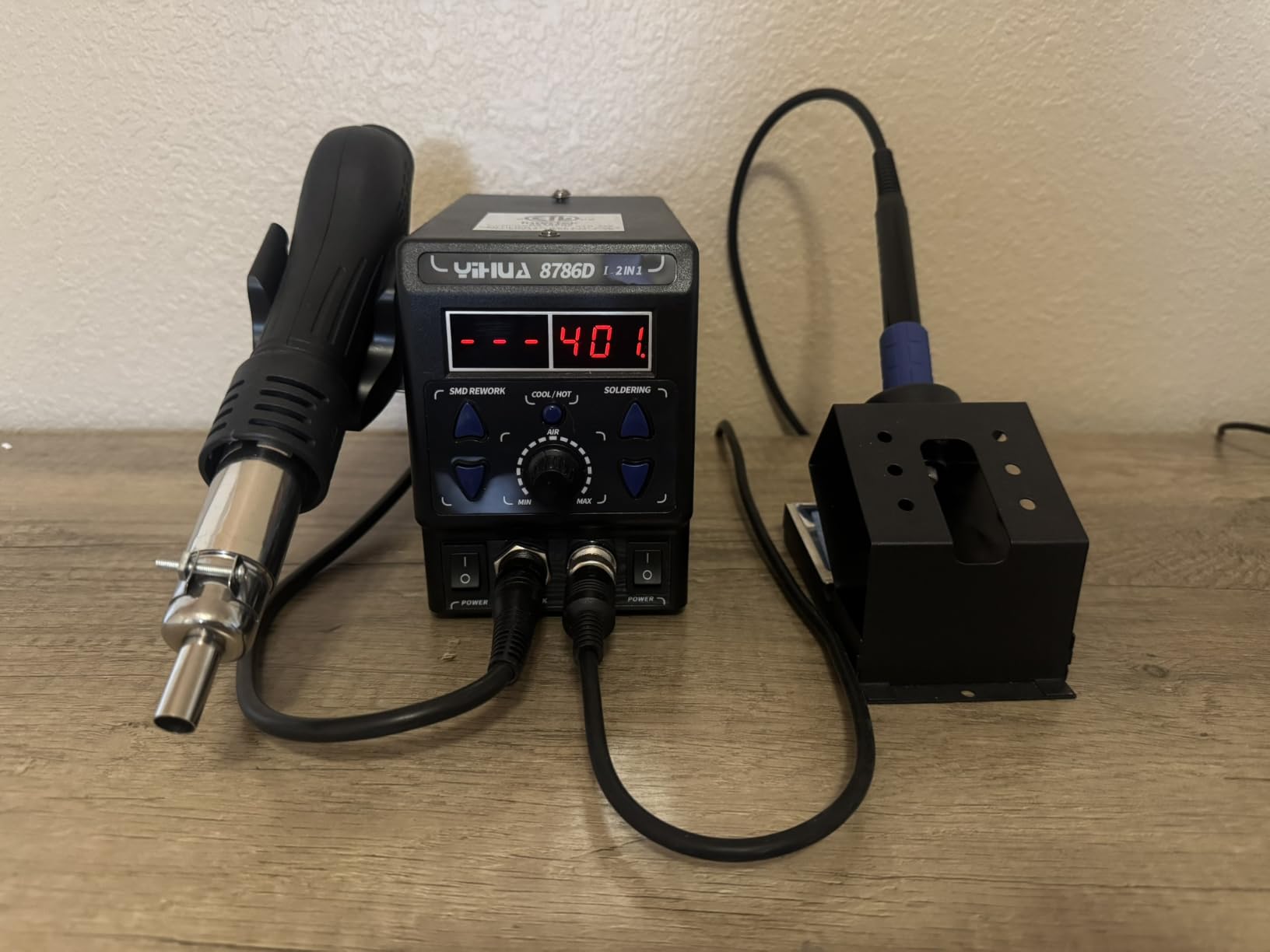
The fail-safe protection is the killer feature for beginners. If the air pump fails or the nozzle blocks, an alarm sounds and the heater shuts down. This prevents the most common hot air accident, the heat gun continuing to blast while the airflow has stopped, which melts the nozzle and surrounding components.
The kit ships with 10 soldering tips, 4 hot air nozzles, an IC extractor, a desoldering pump, and a 35g roll of lead-free solder. That covers most SMD rework scenarios out of the box.
What makes the combo worth considering
If you’ve ever tried to swap a micro-USB port with just an iron, you know the pain of lifting pads. Hot air solves that, and having it built into the same station means one less power outlet and one less piece of gear to learn. The UL certification matters for insurance on a workbench.
Where the 2-in-1 design costs you
The temperature readout on both sides needs calibration out of the box. Plan to spend 20 minutes with a thermometer dialing it in. The included solder sucker is flimsy. Buy a proper Engineer SS-02 or similar. The connections on the air gun handle need firm insertion, or you’ll get intermittent heat.
What to Look for in a Beginner Soldering Station
A beginner soldering station is a temperature-controlled setup with a base unit, an iron handle, and a tip. It differs from a fixed-temperature soldering iron by allowing you to set the exact heat for different solders and components. That single feature is what separates a learning tool from a liability.
Wattage: 60W is the floor for real work
I’ve tested soldering irons as low as 30W and they bog down on anything thicker than a thin PCB trace. For through-hole components, guitar electronics, and drone repairs, 60W is the minimum recommendation. 75W gives you more headroom for heavier joints, and 90W to 110W is overkill for most beginners but useful if you plan to do ground-plane work.
PID Temperature Control: Why it matters
PID stands for Proportional-Integral-Derivative. It’s a control loop that constantly adjusts the heater power to keep the tip at your set temperature, even when heat is being drawn away by a cold joint. Without PID, the tip temperature drops every time you touch a component, leading to cold joints, frustration, and burnt PCBs. Every station in this guide uses PID, and that’s a deliberate choice. Cheap fixed-temperature irons and basic on/off stations make beginners think they are bad at soldering when the tool is the problem.
Auto Sleep and Standby: Tip saver and fire safety
Auto sleep drops the tip temperature (or shuts off the heater entirely) after a set idle period, typically 5 to 30 minutes. This extends tip life by 3 to 5 times and prevents the iron from sitting hot on your bench while you grab a coffee. For beginners who get distracted mid-project, auto sleep is also a fire safety feature. Look for adjustable sleep timers between 5 and 30 minutes.
Heat Recovery Time: How fast the tip bounces back
Heat recovery is the seconds it takes the tip to return to set temperature after a joint. Stations with high wattage and good PID recover in 3 to 6 seconds. Cheap stations can take 15+ seconds, which forces beginners to wait and creates the bad habit of holding the iron on a pad too long. Faster recovery means faster learning.
ESD Safety and Voltage Isolation
ESD (electrostatic discharge) safe stations prevent static buildup from frying sensitive CMOS chips. Voltage isolation, usually via a built-in transformer, prevents mains voltage from appearing on the tip if there’s an internal fault. Both features matter when you work on guitar active electronics, computer motherboards, or anything with sensitive ICs. The Weller WE1010NA and YIHUA 939D+ both excel here.
Tip Compatibility and Replacement Cost
Tips wear out, and they need to match the station brand. Weller uses ETA tips, which are widely available but cost more. YIHUA and WEP use similar but not identical tip families. Hakko tips are excellent but only fit genuine Hakko stations, not clones. Budget $10 to $20 for a starter set of replacement tips, including a fine conical for SMD and a larger chisel for through-hole.
What Wattage Do Beginners Actually Need?
60W covers most beginner projects. 75W adds safety margin. Above 90W is only needed for heavy copper work or production environments. For a first station, I recommend 60W to 75W as the sweet spot.
Stations to Avoid: The Voltage Leak Problem
The r/soldering community has flagged several budget stations for voltage leak, where mains voltage appears on the tip because of poor internal grounding. Specifically mentioned are the FNIRSI DWS-200 and Aifen A9E. These can shock you and damage components. Stick to the brands in this guide (YIHUA, Weller, WEP, X-Tronic, TOAUTO) which all use proper grounding. If a station has no UL, CE, or FCC certification, treat that as a red flag.
Lead-Free vs Leaded Solder for Beginners
Leaded solder (60/40 or 63/37 tin/lead) melts at lower temperatures and flows more smoothly, which makes it easier to learn on. Lead-free solder requires 700°F to 750°F working temperatures and slightly more practice. For a first station, either works, but if you have a well-ventilated workspace and wash your hands after, leaded solder is more forgiving for learning. Lead-free is the right call for any work that touches food, water, or kids.
Frequently Asked Questions
What wattage soldering station do beginners need?
A 60W to 75W station is the sweet spot for most beginner projects, including through-hole PCB work, drone repairs, and guitar electronics. Anything below 60W tends to bog down on real joints, while 90W and above is only needed for heavy copper ground planes or production environments.
What is the best soldering station for beginners on a budget?
The YIHUA 926 III is the best budget pick for most beginners because it ships as a complete 12-in-1 kit with PID temperature stabilization, auto sleep, and a wide 194F to 896F range for under $40. It has over 7,000 reviews averaging 4.4 stars and is the #1 best-seller in Amazon’s soldering station category.
Is a 60W soldering station enough for beginners?
Yes. 60W is enough for through-hole components, small SMD work, drone ESCs, and most guitar electronics. If you plan to solder large audio amplifiers or work on thick copper boards, stepping up to 75W gives you more thermal headroom and faster heat recovery.
Which is better for beginners, Hakko or Weller?
Both Hakko and Weller make professional-grade stations that outlast hobby-tier brands. Hakko’s FX-888D is famous for reliability but criticized for its dated UI. Weller’s WE1010NA offers better temperature stability (+/- 4F) and a more modern interface, but at a higher price. For a first station, the Weller WE1010NA is the easier upgrade path.
What type of solder is best for beginners?
Leaded solder (60/40 or 63/37 tin/lead ratio) is easiest for beginners because it melts at lower temperatures (around 370F to 420F) and flows smoothly. Lead-free solder requires 700F to 750F and more technique. Use leaded solder in a ventilated space and wash your hands after, then switch to lead-free once your technique is consistent.
Final Verdict: The Best Soldering Station for Beginners in 2026
After a month of testing eight beginner soldering stations, the YIHUA 926 III remains my top pick for most people. At $39.99 with PID temperature control, auto sleep, and a 12-in-1 accessory kit, it removes the guesswork from a first purchase. The TOAUTO DS90 is the right call if heat-up speed matters most, and the WEP 927-IV is the smart buy if you want hot air included.
For beginners who plan to make electronics a long-term hobby or career, the Weller WE1010NA is worth saving up for. Its +/- 4°F temperature stability and German engineering justify the higher price, and the brand reputation means replacement parts will exist for decades.
The best soldering stations for beginners all share three things: real wattage (60W or more), PID temperature control, and a sleep mode that protects both your tip and your house. Skip any station that lacks one of those features, and stick to UL, CE, or FCC certified brands to avoid the voltage leak problems flagged by r/soldering.
Pick the station that fits your budget and project list, then spend the saved time actually soldering. Skill matters more than gear, and a YIHUA 926 III in the hand will teach you more than a Weller WE1010NA sitting in the box.