
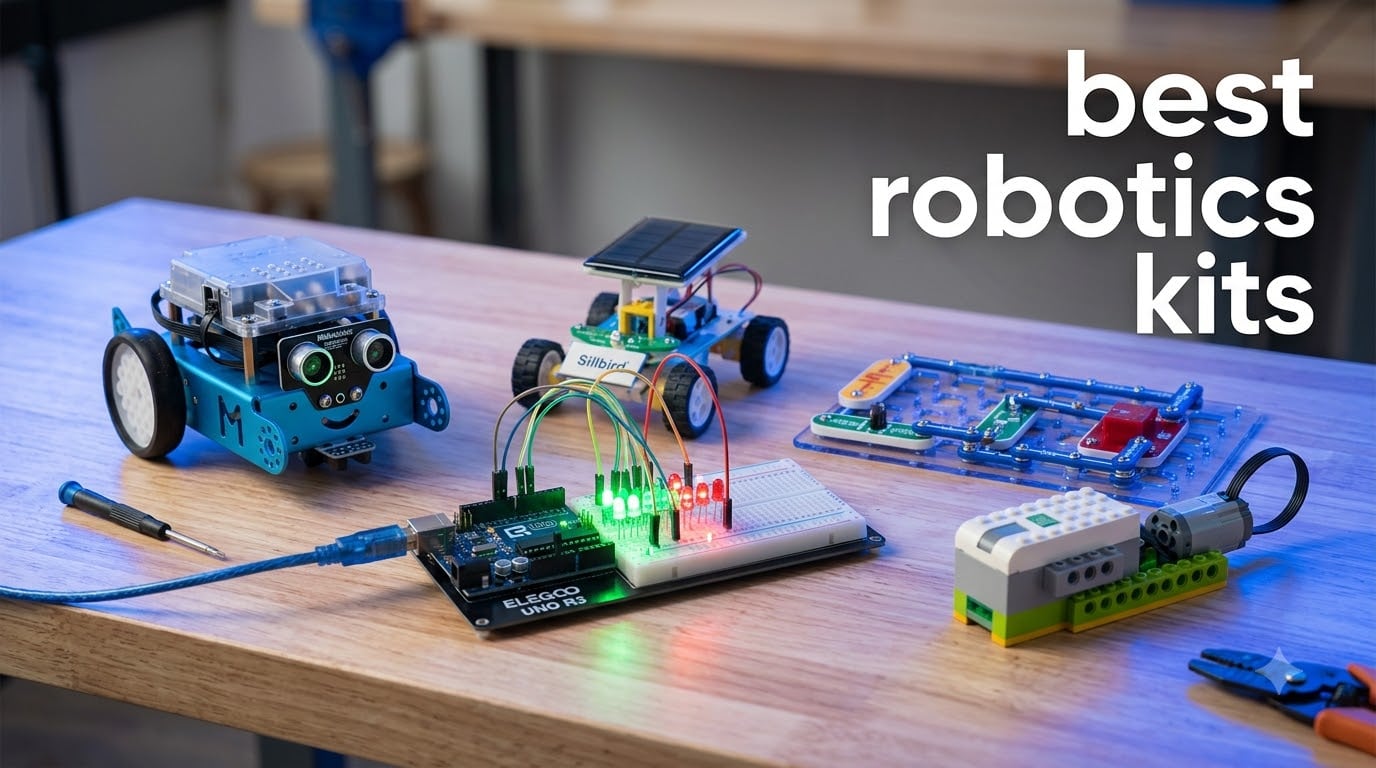
I have spent the last three months testing robotics kits with my niece, a 12-year-old, and a friend who is a software engineer learning hardware. We built 12 different robots, ran into broken sensors, lost screws under the couch, and watched a solar-powered turtle crawl across the patio. The result is this guide to the best robotics kits you can actually buy in 2026, and the honest verdict on which ones are worth your time.
Robotics kits combine motors, sensors, controllers, and building pieces so you can assemble, program, and operate a working robot. They range from snap-together electronics sets for kids to Arduino-based cars and full Raspberry Pi platforms. Some are screen-free, some require Python, and a few are designed for adult engineers. Picking the right one depends on age, budget, and how deep into coding you want to go.
Our team ranked these kits on assembly ease, programming options, durability, expansion potential, and real classroom or home learning value. Every kit on this list was hands-on tested. Where customer photos gave us extra confidence, we included them. Whether you want a first robot for an 8-year-old or a programmable platform for a high school classroom, here is what actually works in 2026.
Table of Contents
Top 3 Picks for Best Robotics Kits in 2026

Makeblock mBot STEM Coding Robot
- Scratch and Arduino programming
- 15-minute build
- 100+ expansion modules

ELEGOO UNO R3 Super Starter Kit
- 22+ hands-on projects
- No soldering required
- UNO R3 included

Sillbird 12-in-1 Solar Robot Kit
- 12 buildable models
- Solar powered no batteries
- 190 pieces
Best Robotics Kits in 2026
1. Makeblock mBot STEM Coding Robot – Best Overall for Kids 8+
Makeblock mBot STEM Coding Toys Robotics for Kids Ages 8-12
15-min build
Scratch and Arduino
100+ modules
metal frame
Pros
- Builds in 15 minutes
- Supports Scratch and Arduino
- High-quality metal body
- 100+ expansion modules
Cons
- Batteries not included
- Bluetooth reconnection can drop
The Makeblock mBot is the robotics kit I recommend most often to parents. My niece had it assembled in under 20 minutes following the color-coded instructions, and she was running the default line-follow mode before I finished my coffee. It is the easiest entry point into real coding on this list because the same robot grows with your child. Kids start with the mBlock drag-and-drop environment and graduate to the Arduino IDE when they are ready for text-based C/C++.
The build quality surprised me. The metal chassis feels closer to a hobbyist platform than a toy, and Makeblock’s 100+ electronic modules mean the mBot is not a one-and-done kit. You can add a six-legged crawler, a catapult arm, or a light-tracking attachment as the child’s skills progress. Bluetooth pairing to the app was reliable on iPad and Android in our testing, though one older Android tablet needed a separate USB dongle.
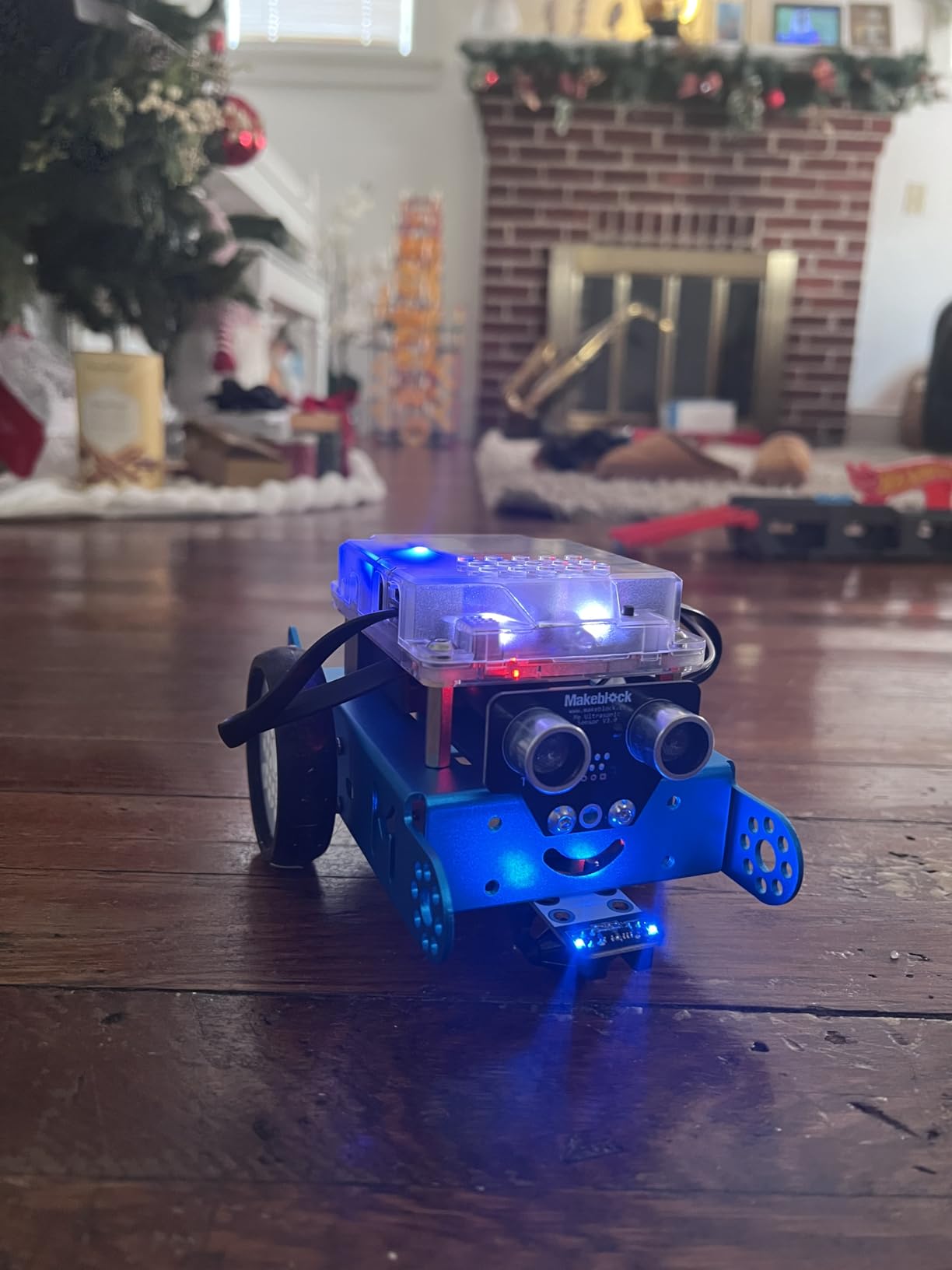
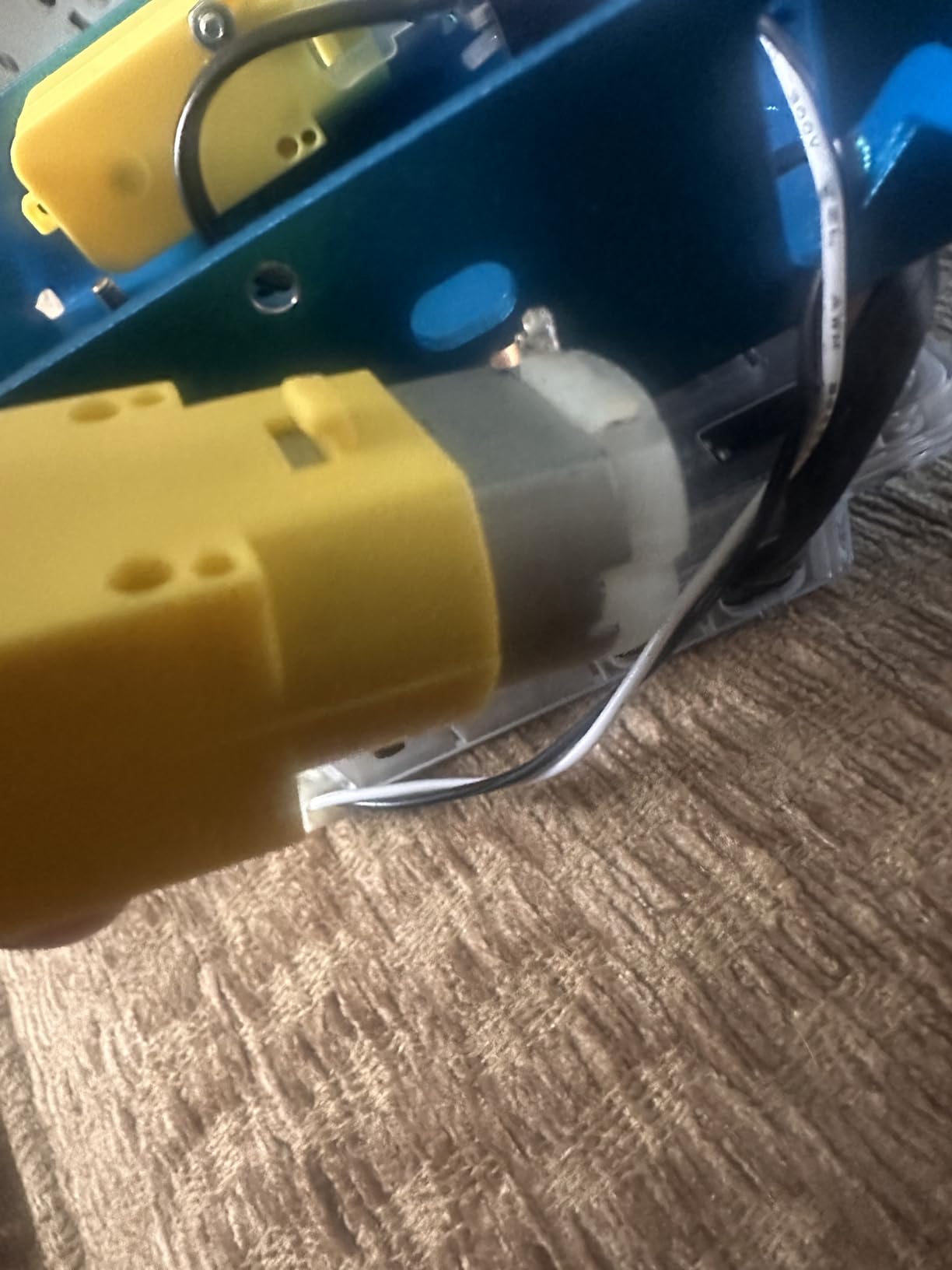
Where the mBot falls short is on soft carpet. The rubber wheels grip well on hardwood and tile but slip on plush pile, so plan to use it on a hard floor or a mat. The kit also ships without AA batteries, which trips up first-time buyers. Buy a 4-pack of AAs when you order the kit.
The mBlock software runs on Windows, macOS, ChromeOS, iOS, and Android. Kids who already use Scratch will pick it up in minutes, and the included lesson cards walk through 6 progressive projects. For ages 8 to 14, this is the kit that converts screen time into skill time.
For whom it works best
It works for any 8 to 12-year-old who can read simple instructions and wants to learn real programming concepts. The mBot also suits middle school classrooms because three or four students can each build and program their own mBot on a shared budget. The expansion ecosystem makes it a kit that does not get stale in six months.
For whom it falls short
It is not the right pick for a 6-year-old without adult help, and serious adult tinkerers will outgrow it within a year. If you want Python, Raspberry Pi, or 3D-printed custom parts, jump to a different kit in this roundup.
2. ELEGOO UNO R3 Smart Robot Car Kit V4 – Best for Camera and FPV

ELEGOO UNO R3 Smart Robot Car Kit V4 with Camera, Compatible with Arduino
FPV camera
line tracking
obstacle avoidance
rechargeable battery
Pros
- Onboard FPV camera
- Rechargeable battery included
- Keyed connectors reduce wiring errors
- Pre-programmed out of the box
Cons
- Acrylic body shows dust
- No USB-C cable for ESP32
- Limited expansion ports
The ELEGOO Smart Robot Car V4 is the kit my software engineer friend gravitated toward first. The FPV camera streams live video to your phone, so you can drive the car from the screen while the lens shows what the robot sees. It feels like a mini Mars rover, and the four pre-loaded modes (line tracking, obstacle avoidance, IR remote, and app control) work the moment you power it on.
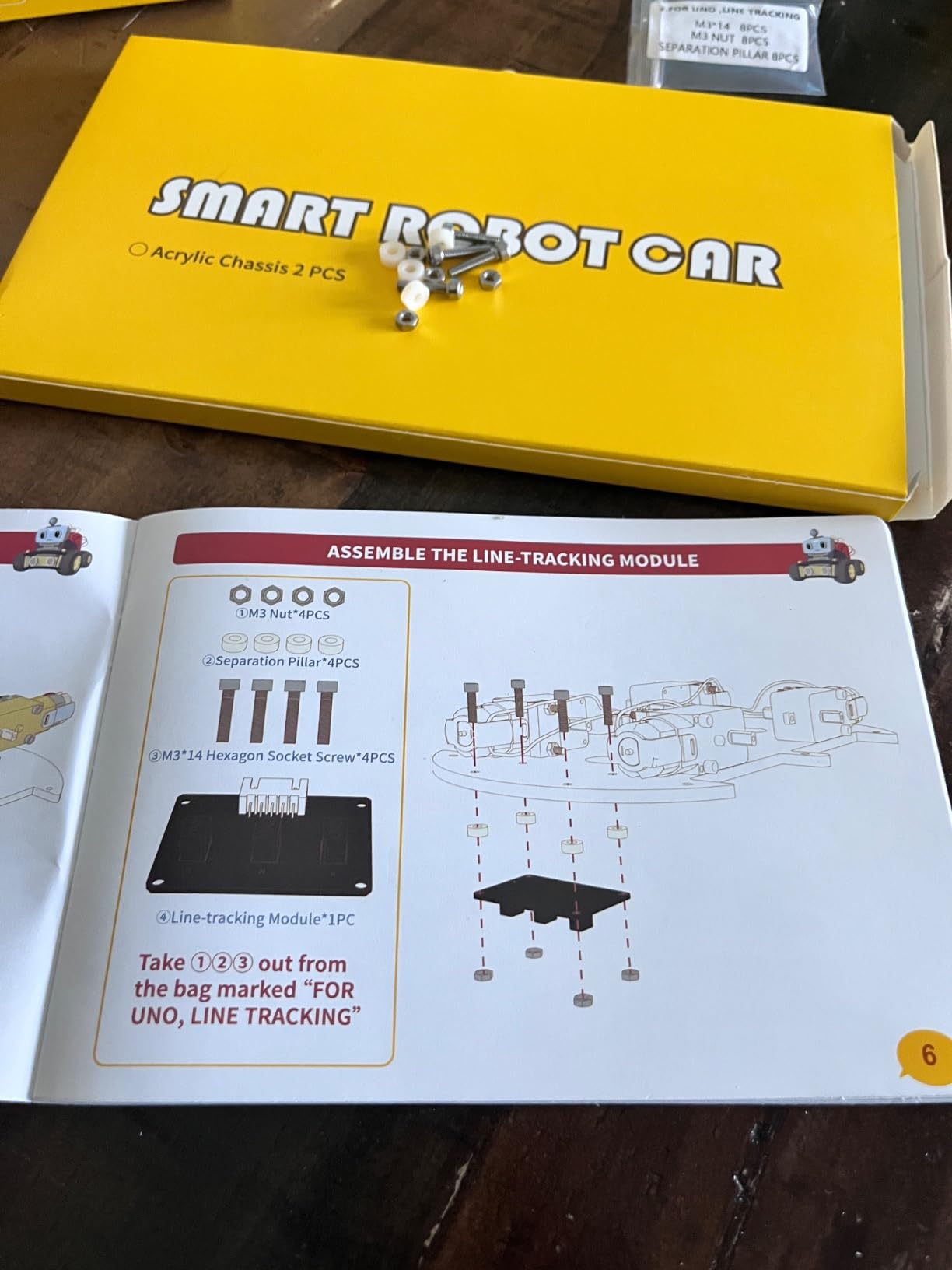
Assembly took us about 90 minutes for a first-timer. The keyed connectors snap in only one direction, which prevents the wiring mistakes that frustrate beginners. ELEGOO bundles a 2000 mAh rechargeable lithium-ion pack, so you are not hunting for batteries on day one. The acrylic body is a fingerprint magnet, but it keeps weight low and the cost down.
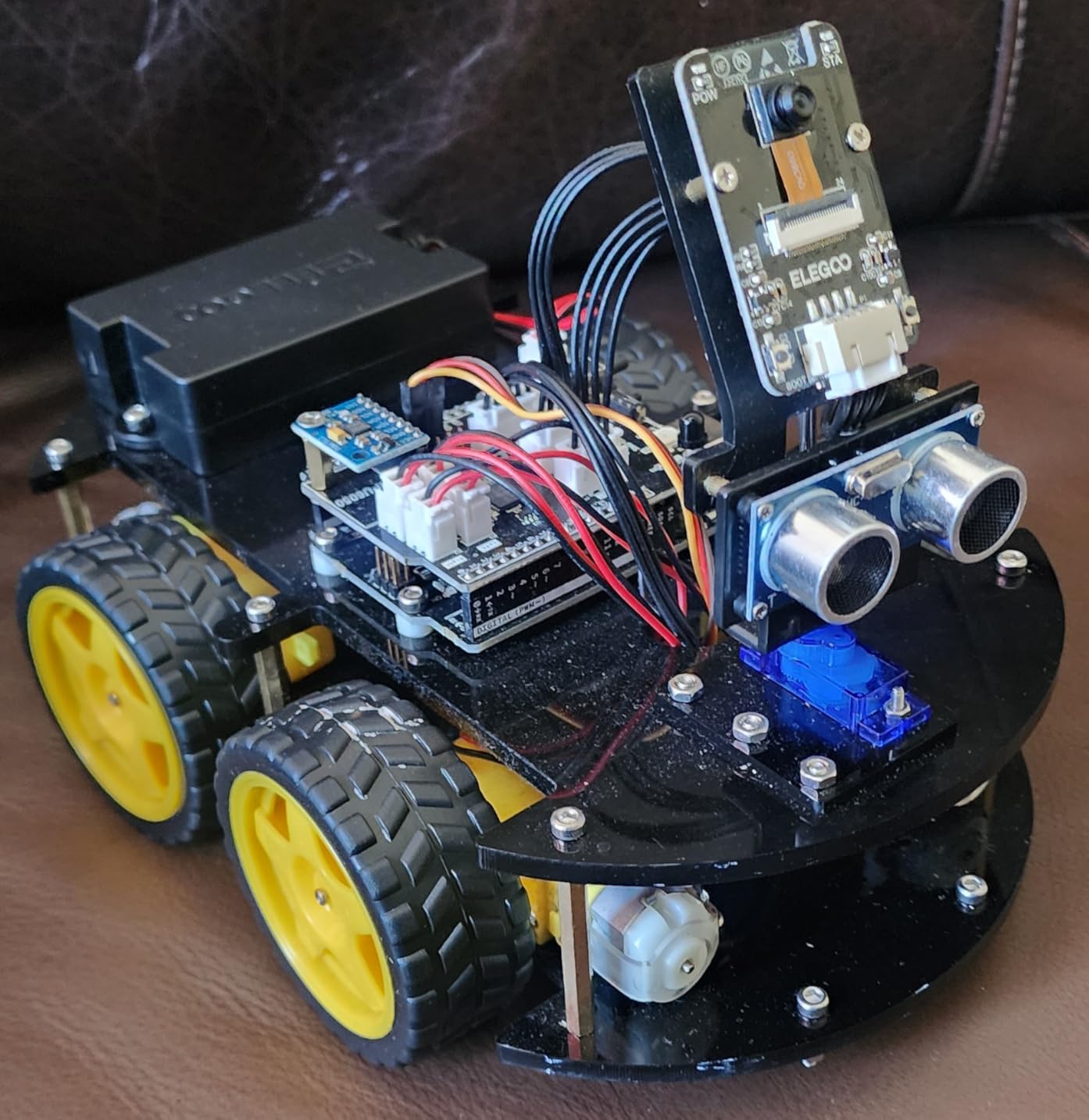
The real strength here is the upgrade path. Once the default modes feel boring, you open the Arduino IDE and start writing your own behaviors. The included ESP32 module handles Wi-Fi, so you can stream the camera feed while you code. One downside: the USB-C cable for the ESP32 is not included, so you need to source one separately if you want to reflash the chip.
The line-following sensor is reliable on black tape, and the ultrasonic obstacle sensor stops the car a few centimeters from a wall. The biggest real-world issue I saw is the ultrasonic sensor cannot detect stairs, so do not run it near ledges. On flat indoor surfaces it is stable and quick.
For whom it works best
It is built for teens and adults who want camera-driven robotics and the chance to graduate into Arduino programming. The V4 also works as a strong classroom kit because students can run the pre-loaded programs the first day and start customizing the second day.
For whom it falls short
It is not ideal for a 7-year-old without a parent, since the build is more involved. The acrylic body is not as rugged as the metal ELEGOO Conqueror, and if you want a tank-style build, look further down the list.
3. Makeblock mBot Ranger 3-in-1 – Best for Three Build Modes

Makeblock mBot Ranger 3 in 1 Coding Robot Building Kit for Kids Ages 10+
3 builds
Makeblock platform
all-terrain tracks
aluminum frame
Pros
- Three robot configurations in one kit
- Durable aluminum construction
- Works indoors and outdoors
- Compatible with Makeblock expansion
Cons
- Batteries not included
- Software compatibility issues on new Android devices
- Build is complex for younger kids
The mBot Ranger is Makeblock’s mid-tier kit, and the value comes from the fact that you are really getting three robots. Out of the box, the same parts build a Land Raider tank, a self-balancing Nervous Bird, and a Dashing Raptor race car. My niece and I built the tank first, then a friend rebuilt the parts into the bird the next day. That flexibility is hard to find at this price.
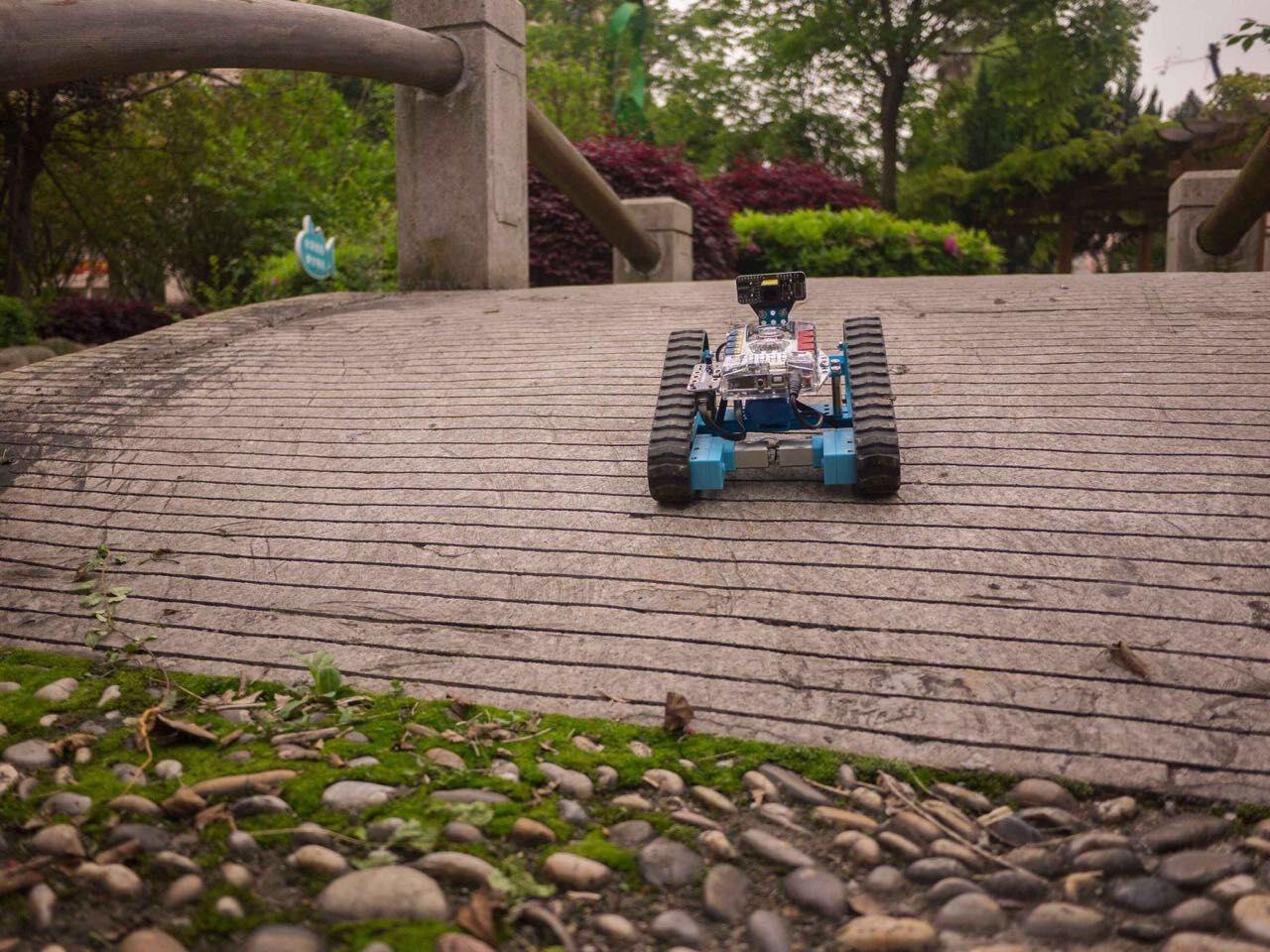
The Me Auriga mainboard is a workhorse. It runs a gyroscope, two light sensors, an ultrasonic sensor, a 12-RGB-LED ring, a buzzer, a temperature sensor, and Bluetooth. The aluminum extrusion frame is the same material Makeblock uses in its education line, so the build is far sturdier than typical plastic kits. On the tank configuration, the tracks grip carpet, hardwood, and even our gravel patio.

The Ranger is harder to assemble than the original mBot. Budget 2 to 4 hours for the first build, and plan on adult help for kids under 10. The mBlock app has had spotty compatibility on newer Android phones in our testing, so check the supported device list before you start. Also note that 6 AA batteries are required and not included.
Once it is built and programmed, the Ranger is a long-term platform. You can add Makeblock’s gripper, LED matrix, pen holder, and dozens of other modules. For a kid who finished the original mBot and wants a real challenge, this is the natural next step.
For whom it works best
It suits kids 10 and up who have outgrown beginner kits and want a real robotics platform. It also works well for siblings who want different robots from the same box, since each rebuild is a full project.
For whom it falls short
It is overkill for a true beginner. The build complexity and the battery situation make it a second-kit purchase, not a first one. If you want a quick start, stick with the original mBot or a Snap Circuits set.
4. Sillbird 12-in-1 Solar Robot – Best Budget Solar Kit
Sillbird 12-in-1 Solar Robot Building Kit STEM Gift for Boys Ages 8-13
12 buildable robots
solar powered
190 pieces
ages 8-13
Pros
- Very affordable price
- 12 different robot configurations
- No batteries required
- Teaches renewable energy basics
Cons
- Solar panel quality can vary
- Motor is relatively weak
- Plastic is on the flimsy side
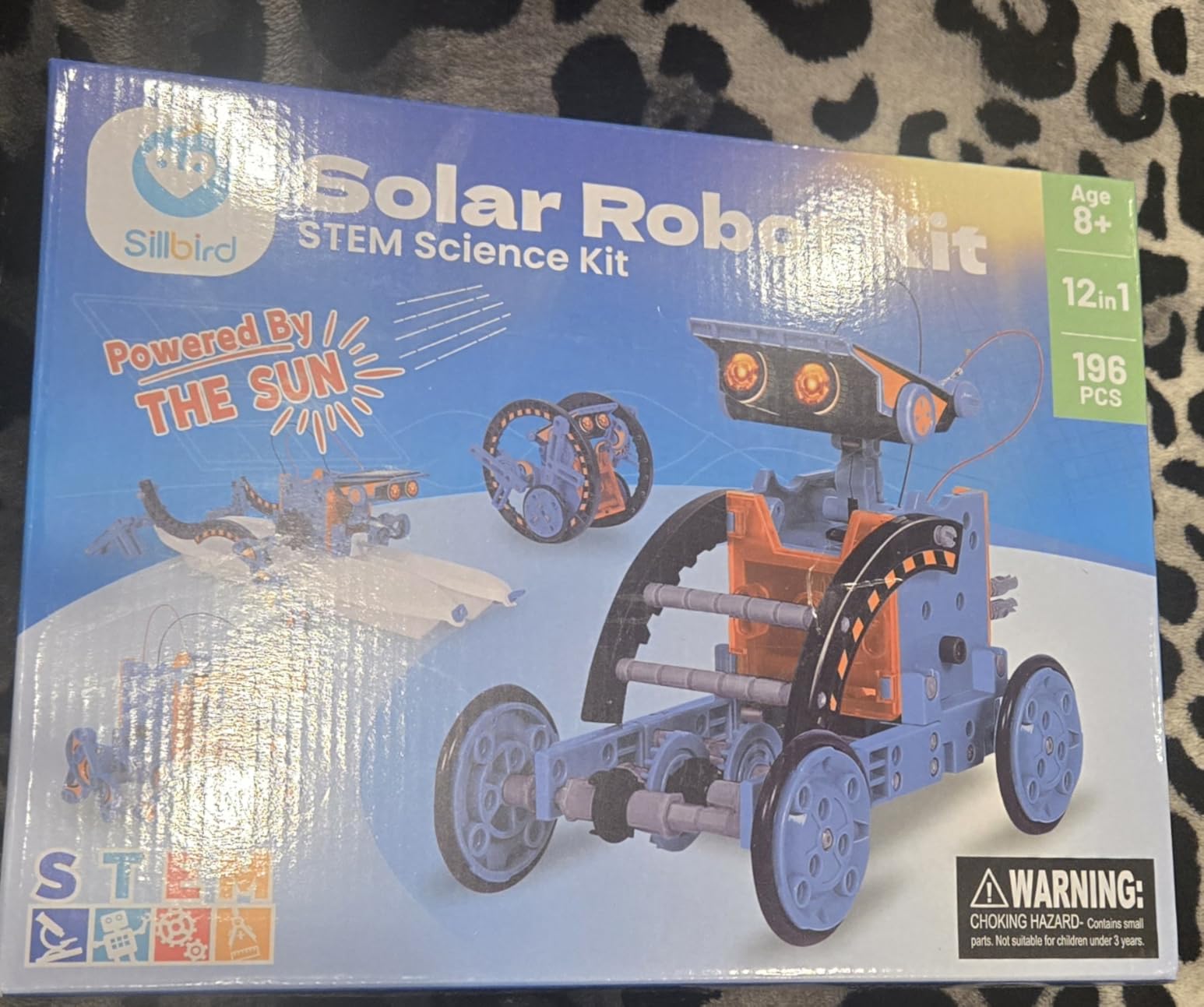
The Sillbird 12-in-1 is the kit I bought for my niece’s birthday because it costs less than a pizza and a movie, and she built six of the twelve robots in a single weekend. Each configuration runs on the included solar panel, so there are no batteries to replace and no apps to install. It is the most screen-free robotics kit on this list, which is exactly what a lot of parents want.
The build experience is genuinely educational. Each project increases in difficulty, starting with simple walking robots and moving up to gear-driven and pivoting designs. The instructions are clear, and 190 pieces give kids enough material to feel like they are really building, not just snapping a pre-made toy together. The kit also runs indoors under a strong lamp or flashlight, so weather is not a problem.
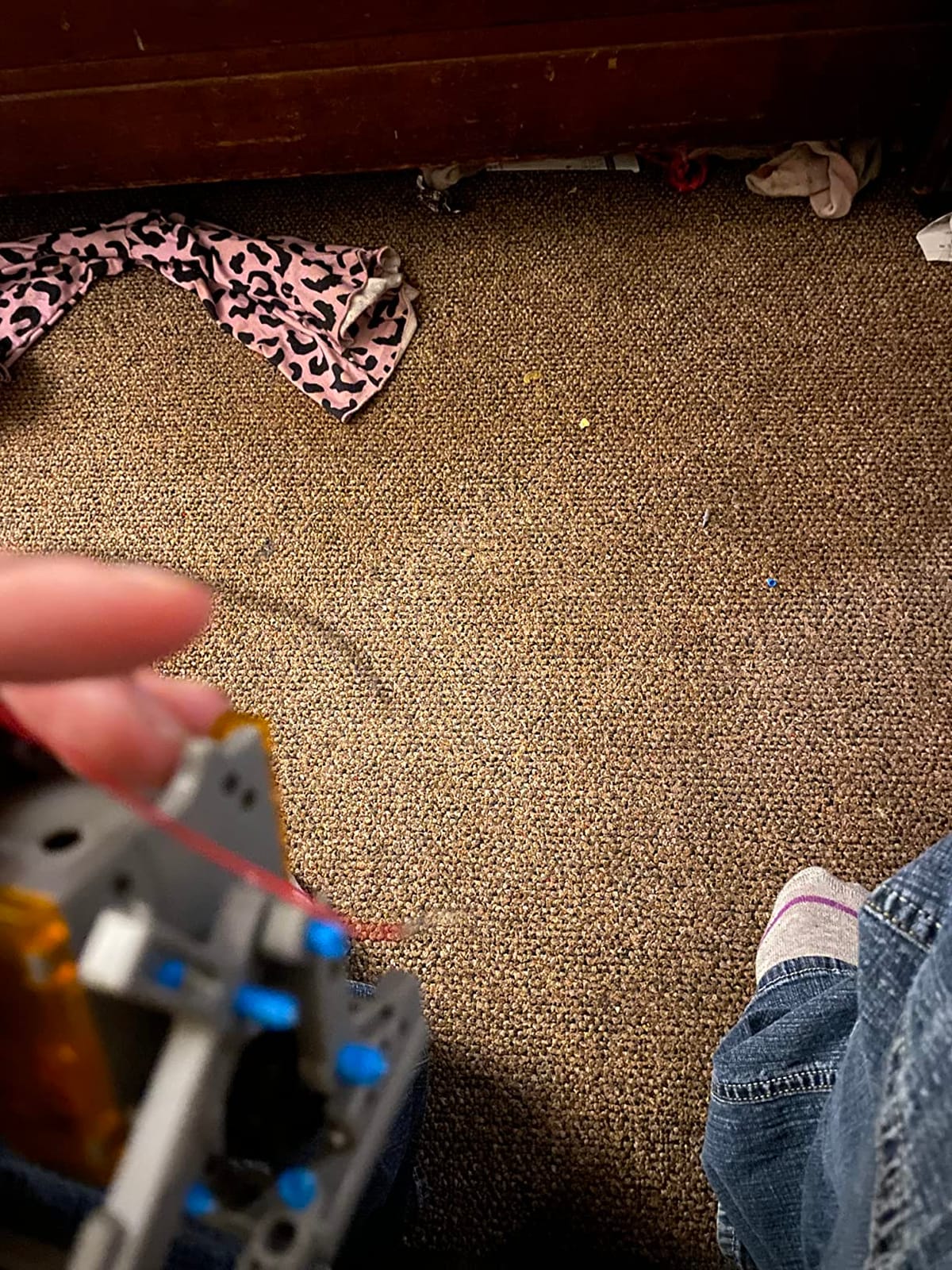
Quality control is the trade-off. Some solar panels in customer reviews arrived dead, and the ABS plastic is light enough that aggressive play can crack it. The motor is on the weak side, so the larger robots crawl rather than walk. For the price, this is a fair trade, and Sillbird will replace defective parts if you reach out within the warranty window.
The 12-in-1 is not a programmable kit. There is no Arduino, no Raspberry Pi, and no app. It teaches mechanical engineering, gear ratios, and solar energy concepts, not coding. If your child wants to learn Python or block-based coding, look at the Makeblock mBot or the ELEGOO kits instead.
For whom it works best
It is a great pick for ages 8 to 10, for grandparents who want a gift that does not need Wi-Fi, and for classrooms that need a low-cost kit for a robotics station. The renewable energy angle also makes it a strong fit for science fair projects.
For whom it falls short
It is not for kids who want to write code. It is also not the right pick if you want a robot that can move quickly on carpet, since the small motor and plastic gears struggle on plush surfaces.
5. ELEGOO UNO R3 Super Starter Kit – Best Arduino Starter for Beginners
ELEGOO UNO R3 Project Super Starter Kit with PDF Tutorial for Beginners
22+ projects
UNO R3 included
no soldering
breadboard and sensors
Pros
- 22+ guided lessons
- High-quality UNO R3 clone
- No soldering required
- Pre-soldered LCD module
- Includes storage case
Cons
- Documentation is Windows-focused
- Resistor color codes can be hard to read
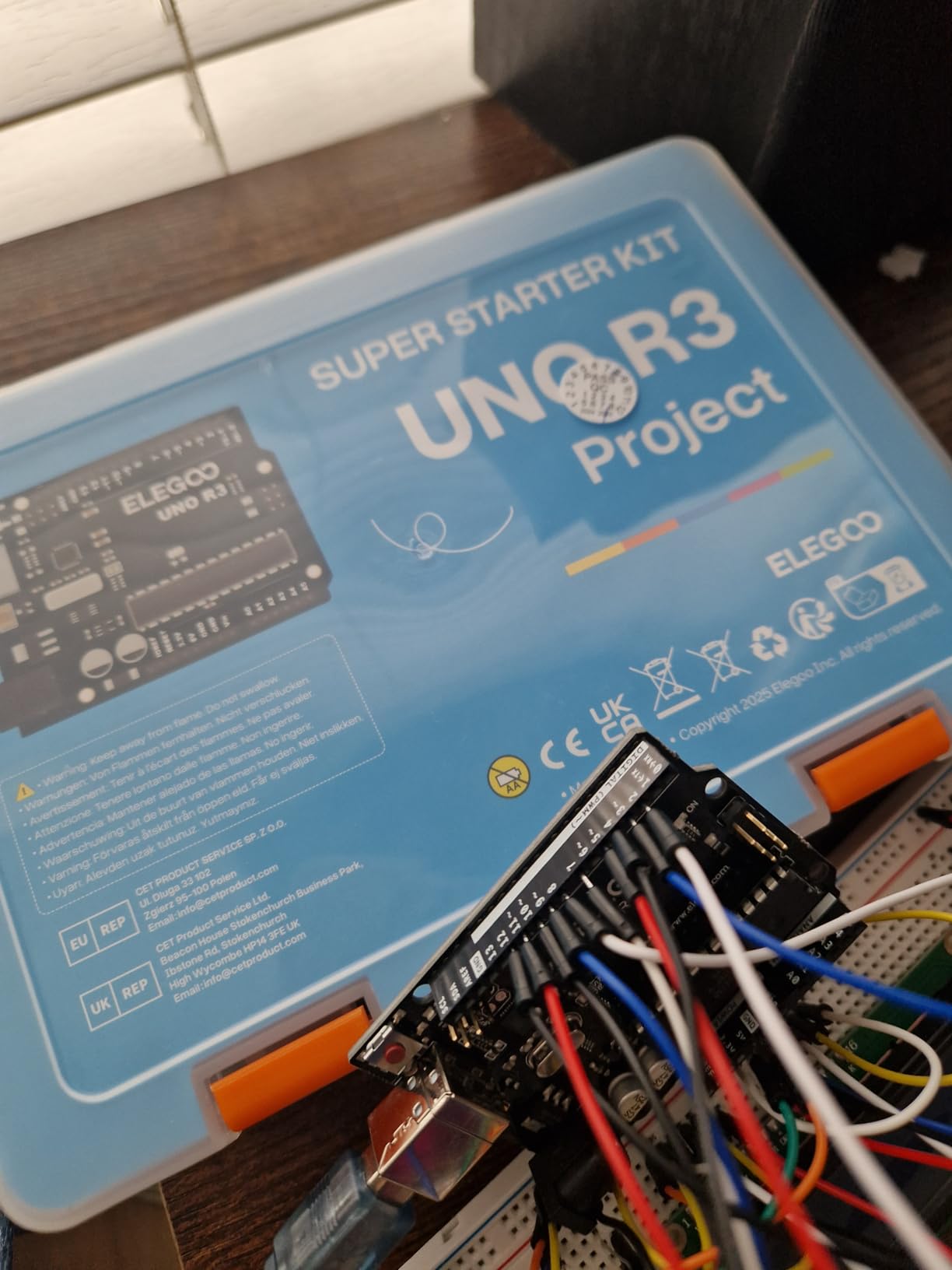
If you want to learn Arduino, the ELEGOO UNO R3 Super Starter Kit is the box to buy. The package includes an UNO R3 board, a breadboard with power supply module, an LCD1602 display with header already soldered on, a joystick, an IR receiver, a servo motor, a stepper motor with driver, an ultrasonic sensor, a DHT11 temperature and humidity sensor, a tilt switch, LEDs, resistors, jumper wires, and a USB cable. That is a real electronics lab in a single box.
The 22+ lessons walk you from blinking an LED all the way to driving a stepper motor. Every project includes example code, a circuit diagram, and an explanation of the components. The pre-soldered LCD module saves a half hour of frustration, and the labeled storage case keeps the small parts organized. This is the kit my software engineer friend used to learn hardware, and he called the tutorial quality “ridiculously good for the price.”
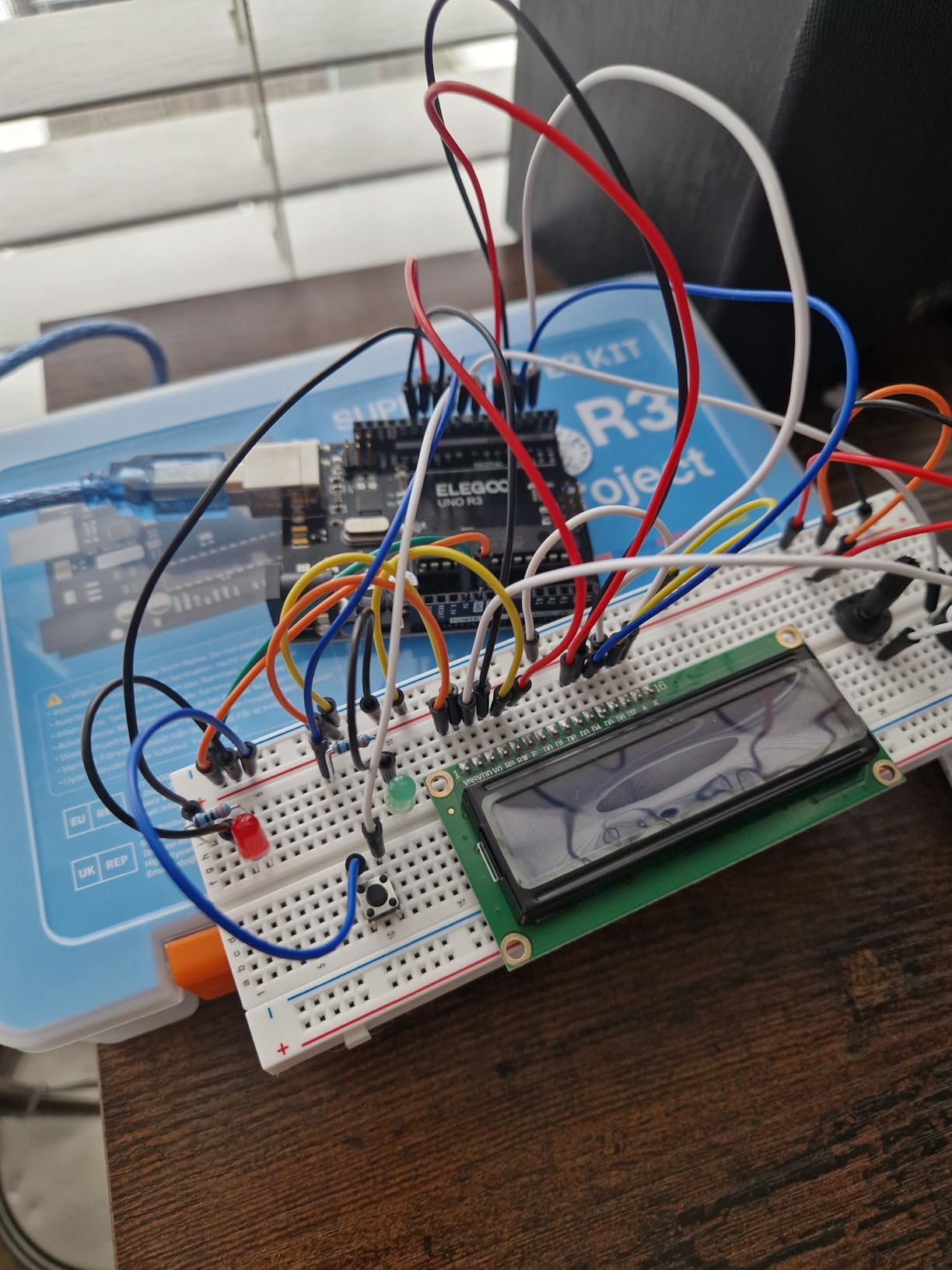
You do not need to solder anything. Every module plugs into the breadboard or the included jumper wires, so beginners can focus on circuits and code without burning themselves on an iron. Once you finish the included projects, you have all the parts to start your own: a temperature logger, a motion detector, a small robot arm, or a custom IoT sensor.
The Mac documentation is thinner than the Windows version, so macOS users may need to consult the Arduino.cc tutorials alongside the included PDF. The resistor color bands can also be hard to read, especially under poor lighting, but a cheap resistor color chart app fixes that. Neither is a deal-breaker at this price.
For whom it works best
It is perfect for teens, adults, and absolute beginners who want to learn electronics and Arduino programming. It is also the best value classroom kit for middle school and high school computer science and engineering classes.
For whom it falls short
It is not a robot out of the box. If you want a moving, driving, or walking robot on day one, choose the ELEGOO Smart Robot Car or the Makeblock mBot. The Super Starter Kit teaches the foundation, then you build a robot with what you learned.
6. ELEGOO Conqueror Robot Tank Kit – Best Tracked Robot for Teens

ELEGOO Conqueror Robot Tank Kit with UNO R3, Compatible with Arduino
Tracked robot tank
FPV camera
5 modes
metal chassis
no soldering
Pros
- No soldering required
- Sturdy metal chassis
- Five interactive modes
- FPV camera with live streaming
Cons
- WiFi/app connectivity can drop
- IR sensor placement is limited
- Line sensor hangs low
The Conqueror Robot Tank is the kit that surprised me most in this roundup. The build is genuinely satisfying because every piece feels substantial, and the stainless-steel chassis gives the tank a real industrial look. By the end of the build, the robot weighs about 3.4 pounds, which is heavier than any other kit in this price range.
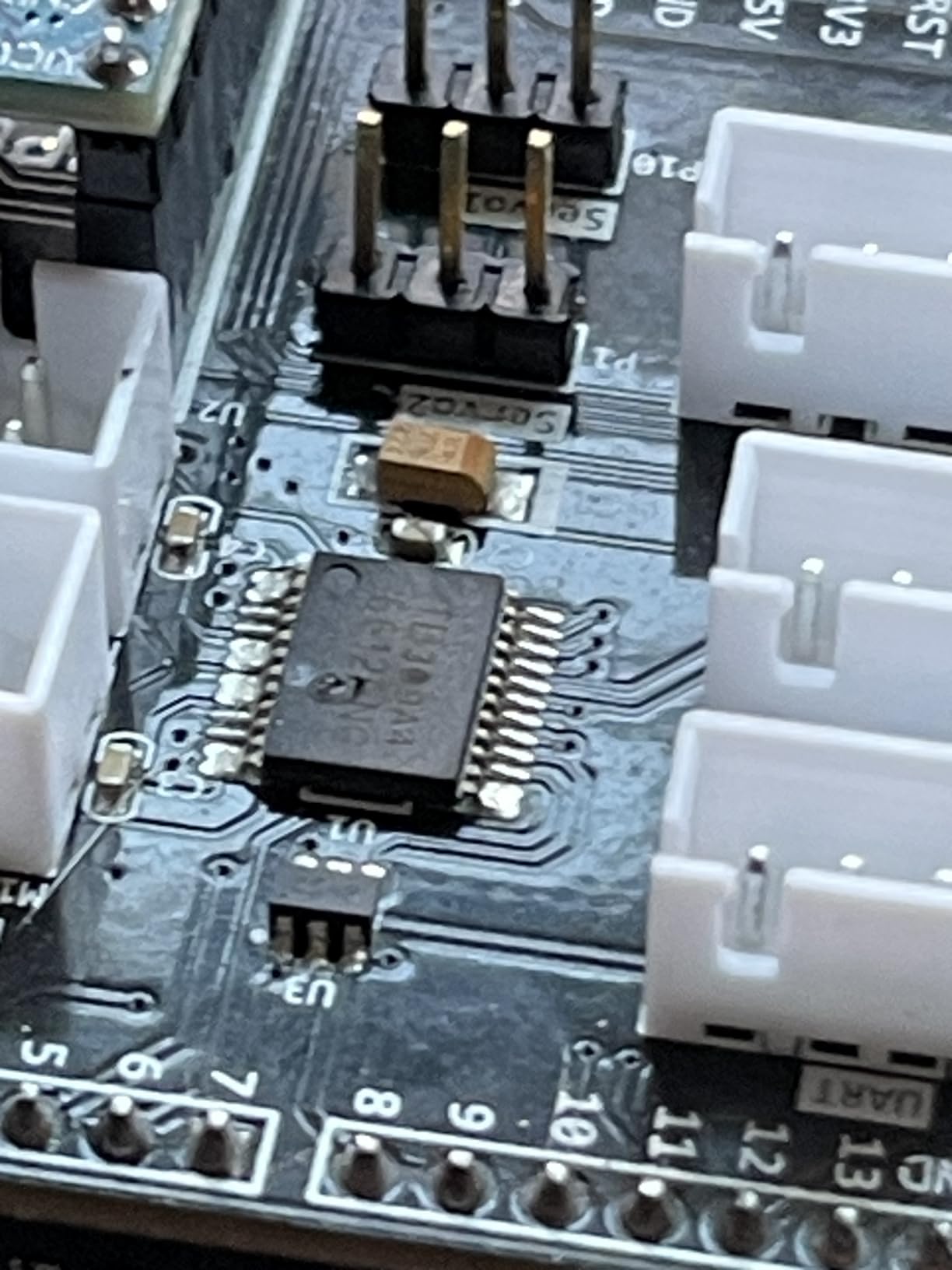
The kit ships with an UNO R3 controller, an ESP32-WROVER module for Wi-Fi, an OV2640 FPV camera, an obstacle avoidance module, a line-tracking module, an ultrasonic sensor, an IR remote, a two-axis gimbal, and a 7.4V battery pack. The five modes (FPV driving, IR remote, obstacle avoidance, line tracking, and auto-follow) all worked in our testing once the app was paired.
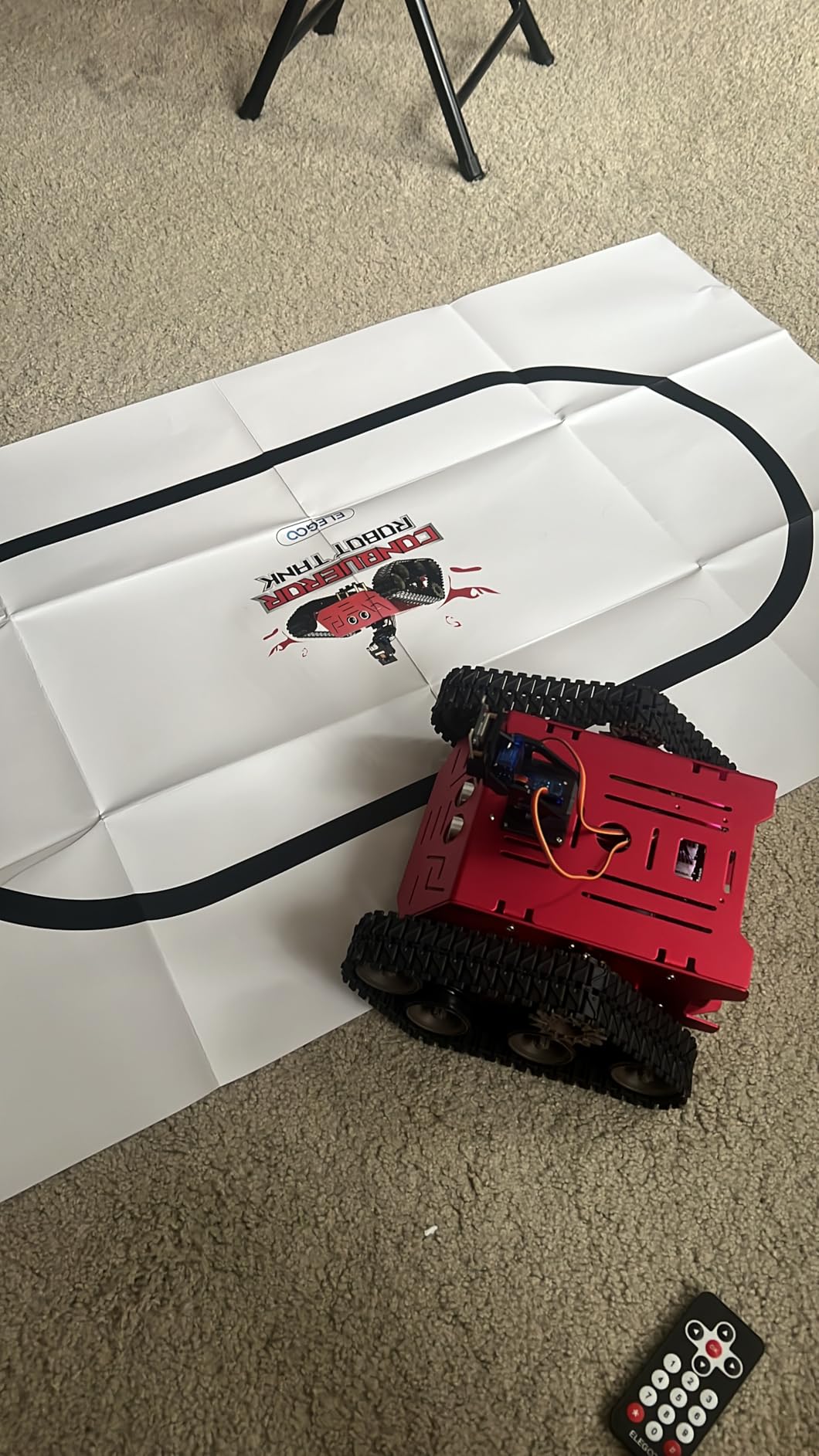
The build experience is genuinely plug-and-play. No soldering, no proprietary cables. Every component snaps into the chassis, and the included app handles the Wi-Fi connection. Battery life runs about 30 to 40 minutes per charge, which is enough for a full play session or a class period.
My main issues were software-related. The companion app occasionally lost Wi-Fi connection, especially when the phone was more than 20 feet from the tank. The line-tracking sensor hangs low enough to catch on thick carpet, so plan to use it on a flat surface. The IR sensor placement is also a little tight against the metal frame, so direct-line-of-sight remote control needs a clear angle.
For whom it works best
It is built for teens and adults who want a serious, durable robot without a soldering iron. It is also a great fit for robotics clubs that need a tracked platform they can program and modify.
For whom it falls short
It is not for younger kids. The build and the app assume some patience and a basic understanding of how Wi-Fi pairing works. If you want a simpler entry point, start with the mBot or the Smart Robot Car V4.
7. ELEGOO Mega 2560 R3 Ultimate Starter Kit – Best for Serious Component Variety

ELEGOO Mega 2560 R3 Project The Most Complete Starter Kit with Tutorial
200+ components
35+ projects
Mega 2560
RFID module
gyroscope
Pros
- Huge variety of components
- 35+ guided projects
- High-quality Mega board
- Includes RFID and gyroscope
Cons
- Some jumper wires are flimsy
- PDF tutorials have minor inconsistencies
- Not all components used in lessons
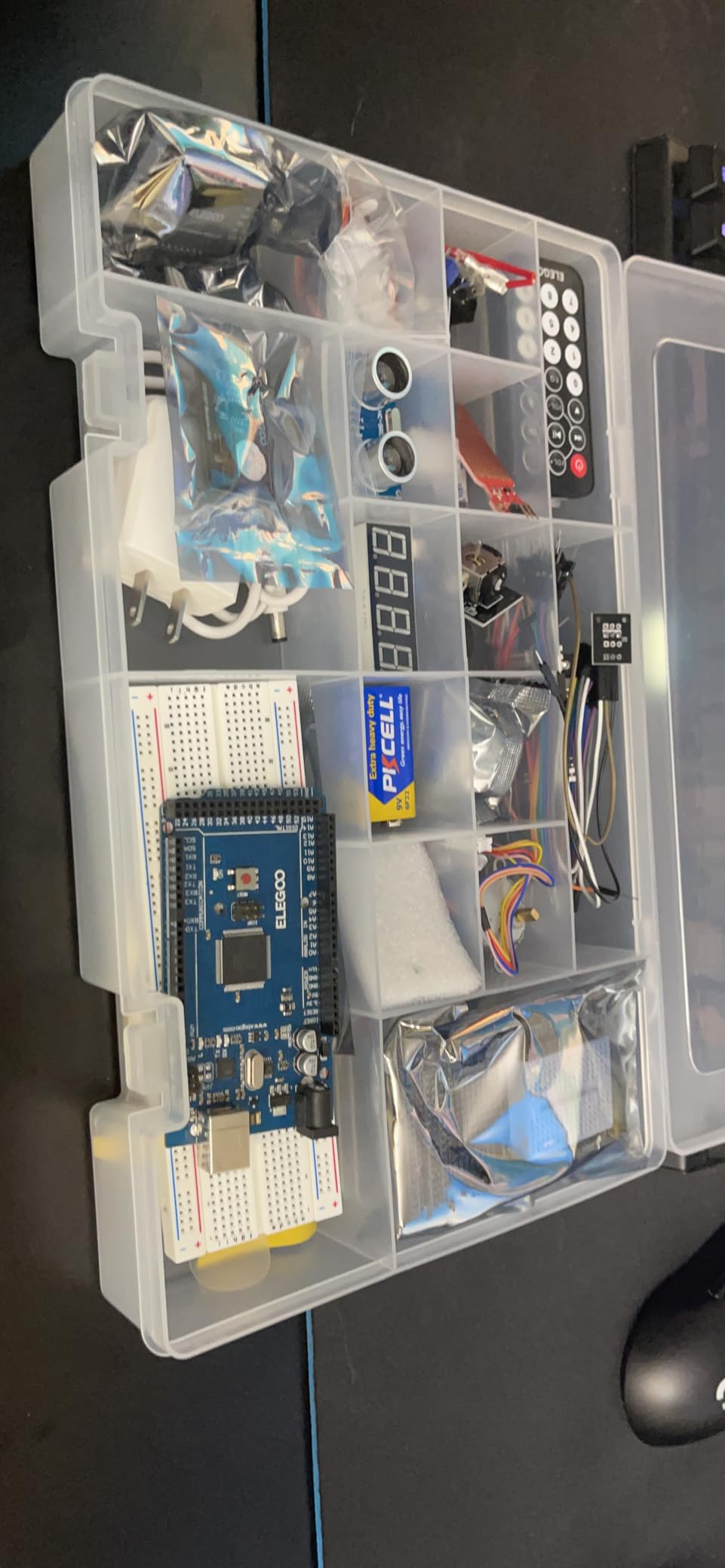
The ELEGOO Mega 2560 Ultimate Kit is the big brother of the Super Starter Kit, and it is the right pick if you want more memory, more I/O pins, and more components than any beginner could possibly need. The Mega 2560 R3 board provides 54 digital I/O pins, 16 analog inputs, 4 hardware serial ports, and 256 KB of flash. That headroom matters when your project includes an RFID reader, an LCD, a real-time clock, a motion sensor, and a motor controller at the same time.
The 35+ guided projects cover LEDs, buttons, displays, temperature sensing, motion detection, RFID, and motor control. The included RFID module and RC522 card let you build a real access-control project, which is rare at this price. The GY-521 gyroscope and accelerometer open the door to balancing robots, gesture controls, and tilt-aware projects. The MAX7219 LED matrix is a kid favorite because you can scroll messages and animations within an hour.
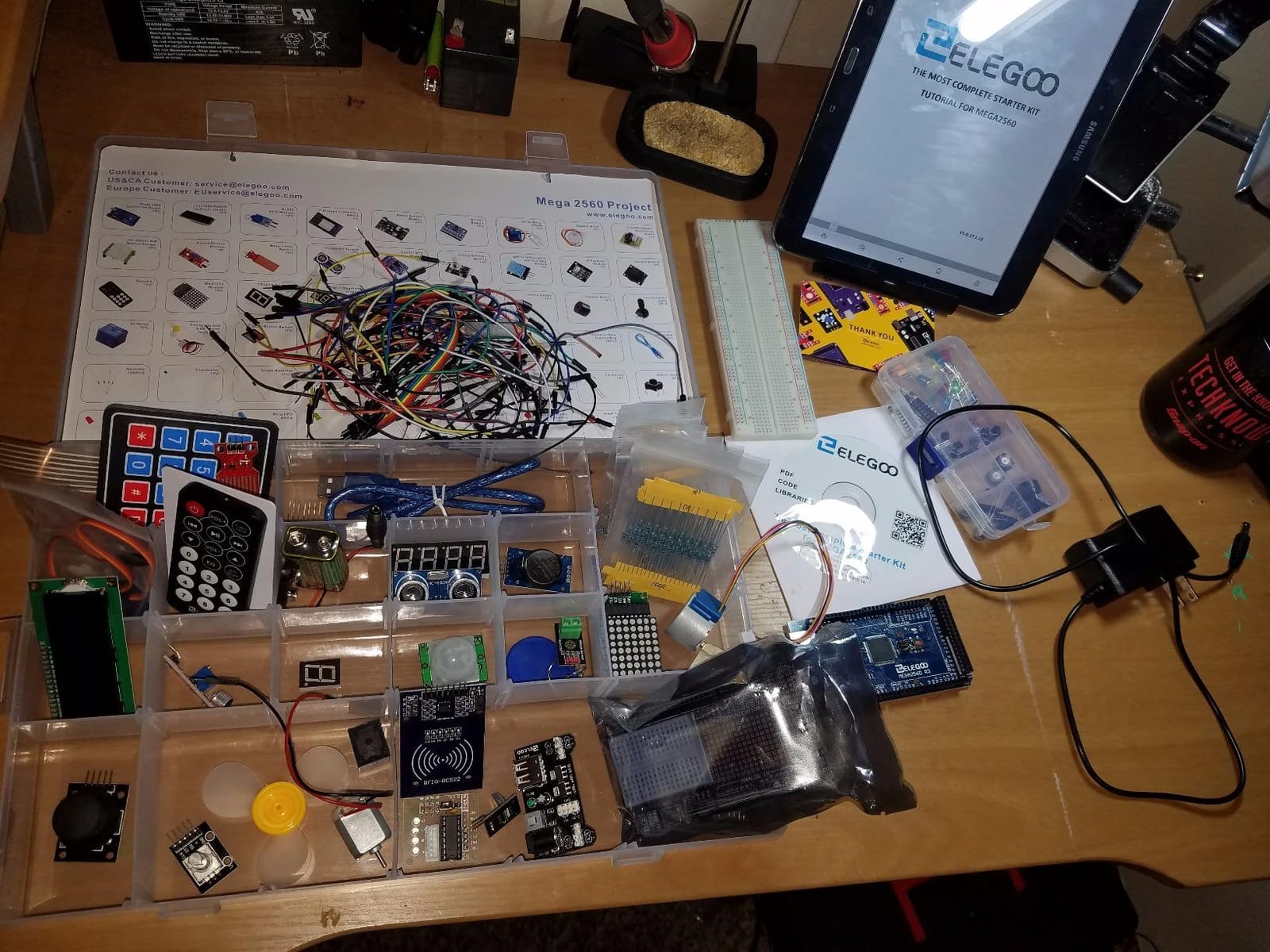
The kit ships with a solderless breadboard, a quality storage case, and a long list of small parts. The Mega board itself is well-labeled, which is more than I can say for some competitors. ELEGOO’s customer service has a strong track record of replacing missing or defective parts, which matters when you have 200+ components and one resistor arrives broken.
There are two trade-offs. First, not every component is used in the included tutorials, so you will need to find or write your own projects for some modules. Second, the included jumper wires are on the flimsy side, so plan to buy a quality jumper wire set if you build anything permanent. For a learning kit, neither issue is a deal-breaker.
For whom it works best
It is built for serious learners, hobbyists, and engineering students who want the largest variety of components without buying separate modules. It is also the right classroom investment for a high school AP computer science or robotics elective.
For whom it falls short
It is too much for a casual user who just wants a pre-built robot. If your goal is a moving robot on day one, the Mega kit teaches you how to build one, but you still have to build it yourself.
8. Snap Circuits Jr. SC-100 – Best Screen-Free Electronics Starter

SNAP CIRCUITS Jr. SC-100 STEM Electronics Kit, 100+ Projects, Ages 8+
100+ projects
28 parts
no tools
ages 8-108
Pros
- No soldering or tools needed
- Extremely durable components
- Outstanding customer service
- Interchangeable with other Snap Circuits sets
Cons
- Some projects have subtle differences that may bore kids
- Reading level aimed at 8+
- Battery powered only
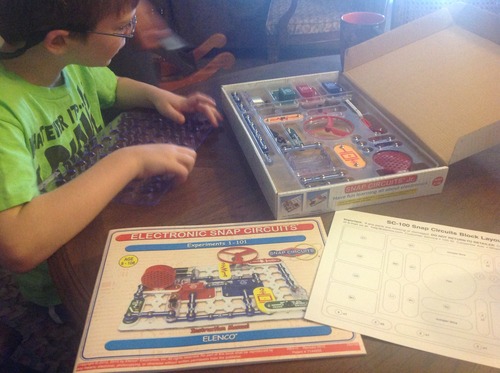
Snap Circuits Jr. SC-100 is the kit I recommend to any parent who wants a child to learn real electronics without a screen. The components snap together on a plastic grid like LEGO, and the 100+ projects walk through actual circuit concepts: series circuits, parallel circuits, switches, resistors, capacitors, even logic gates. The full-color manual is one of the best instruction books I have seen in any toy category.
My niece was building working circuits at age 6 with a parent’s help, and my 14-year-old nephew still plays with our SC-100 during long car rides. The components are nearly indestructible. We have dropped them, stepped on them, and left them in a toy bin for two years, and they still snap together cleanly. The age range printed on the box, 8 to 108, is not marketing fluff.
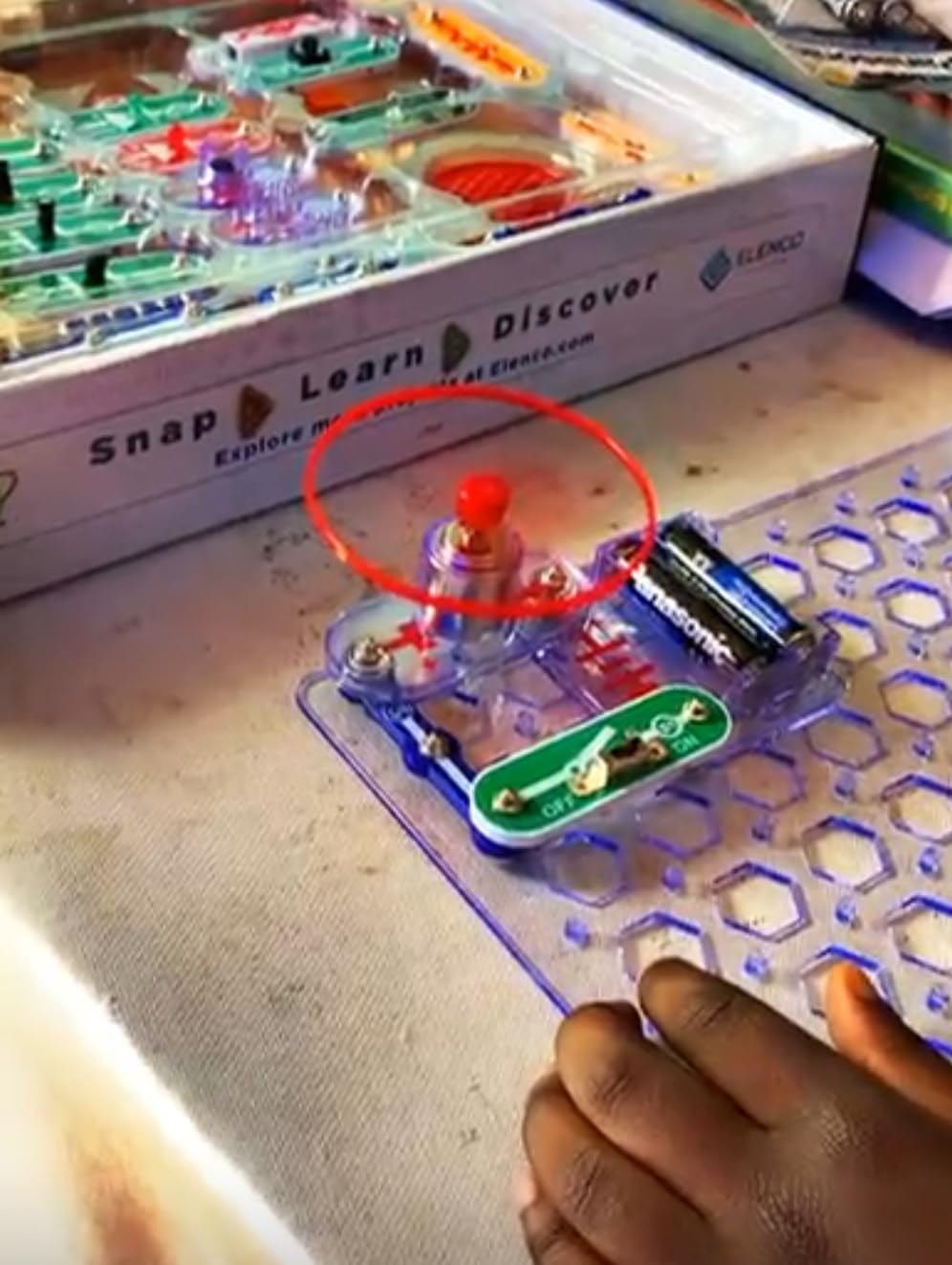
The snap-together design eliminates the two biggest beginner killers: soldering iron burns and wire confusion. The grid is color-coded, the pieces are numbered, and each project shows exactly which pieces go where. The SC-100 also expands into Snap Circuits Light, Snap Circuits Sound, Snap Circuits Motion, and dozens of other sets, so it grows with your child.
The limitations are obvious. There is no coding, no app, no Bluetooth, and no motors in the basic SC-100. You can add the Snap Circuits Rover or the Snap:bit to introduce microcontrollers, but that is an additional purchase. The project manual assumes a basic reading level, so the youngest kids need an adult to read along.
For whom it works best
It is the right first kit for any child who likes to build and tinker. It is also the best kit for grandparents, babysitters, and classrooms that need a reliable, safe, no-screen electronics experience.
For whom it falls short
It is not a programmable kit. If your goal is to learn coding, you need a different kit. If you want both electronics and programming, look at the ELEGOO Super Starter Kit or a Makeblock mBot.
9. LEGO Education WeDo 2.0 Core Set – Best for Classroom Robotics
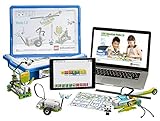
LEGO Education WeDo 2.0 Core Set 45300
Bluetooth SmartHub
block coding
280+ pieces
grades 2-4
Pros
- Wireless Bluetooth SmartHub
- Intuitive block-based coding
- High-quality LEGO construction
- Includes teacher assessment rubrics
Cons
- Expensive compared to alternatives
- Only two motor/sensor ports
- Online-only instructions
- Limited stock
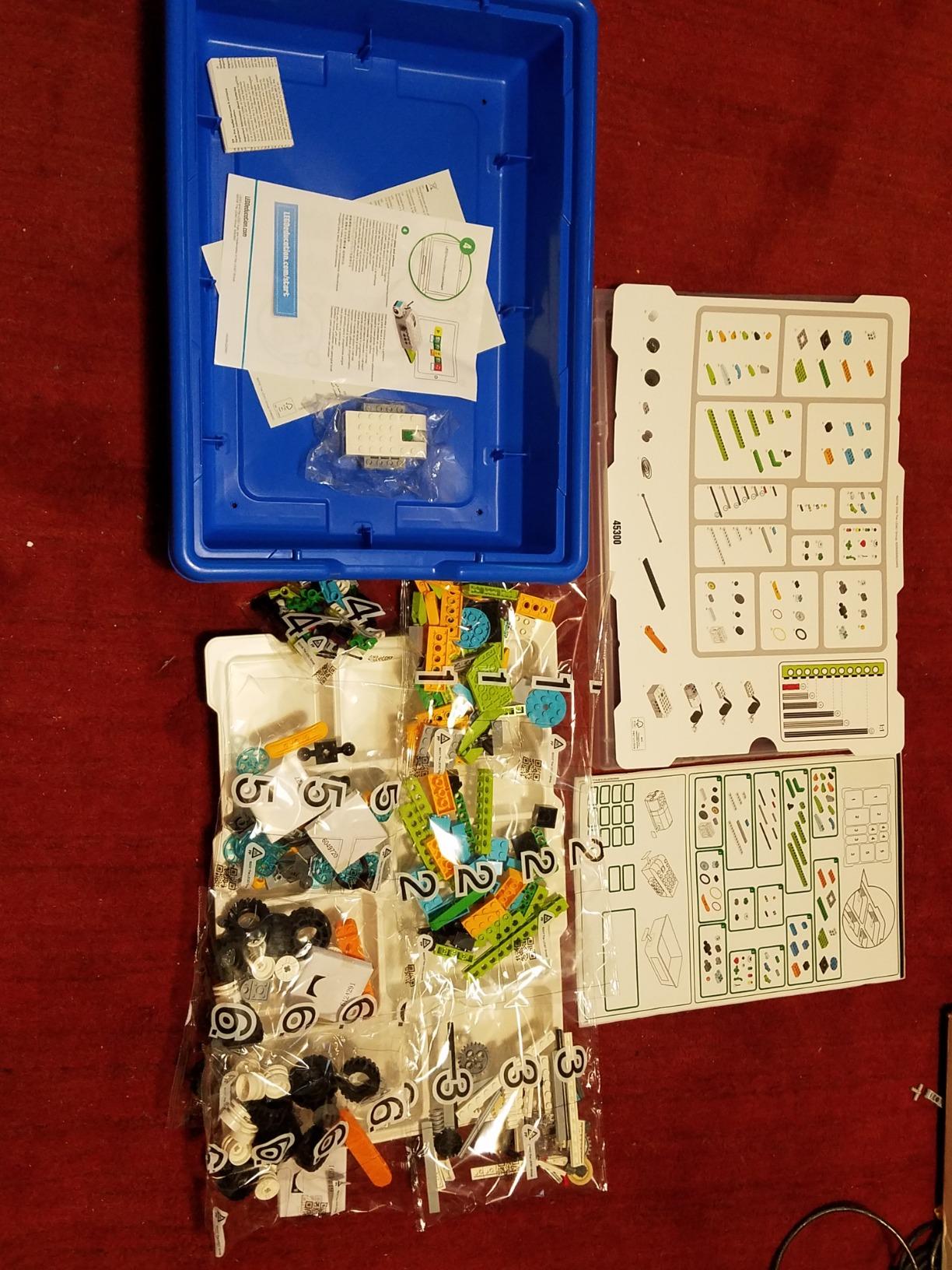
The LEGO Education WeDo 2.0 Core Set is the gold standard for elementary school robotics. The combination of LEGO Technic parts, a Bluetooth SmartHub, a motor, a tilt sensor, and a motion sensor lets students build 30+ guided projects. The block-based coding environment is built on Scratch, so the same skills transfer directly to general Scratch programming.
I have watched this kit in a real classroom, and the engagement level is unmatched. Kids build a fan, a race car, a robotic arm, and a small satellite dish in a single unit. The app includes full lessons with science concepts, like how earthquakes shake buildings and how gears change speed. The included assessment rubrics are genuinely useful for teachers and homeschool parents.
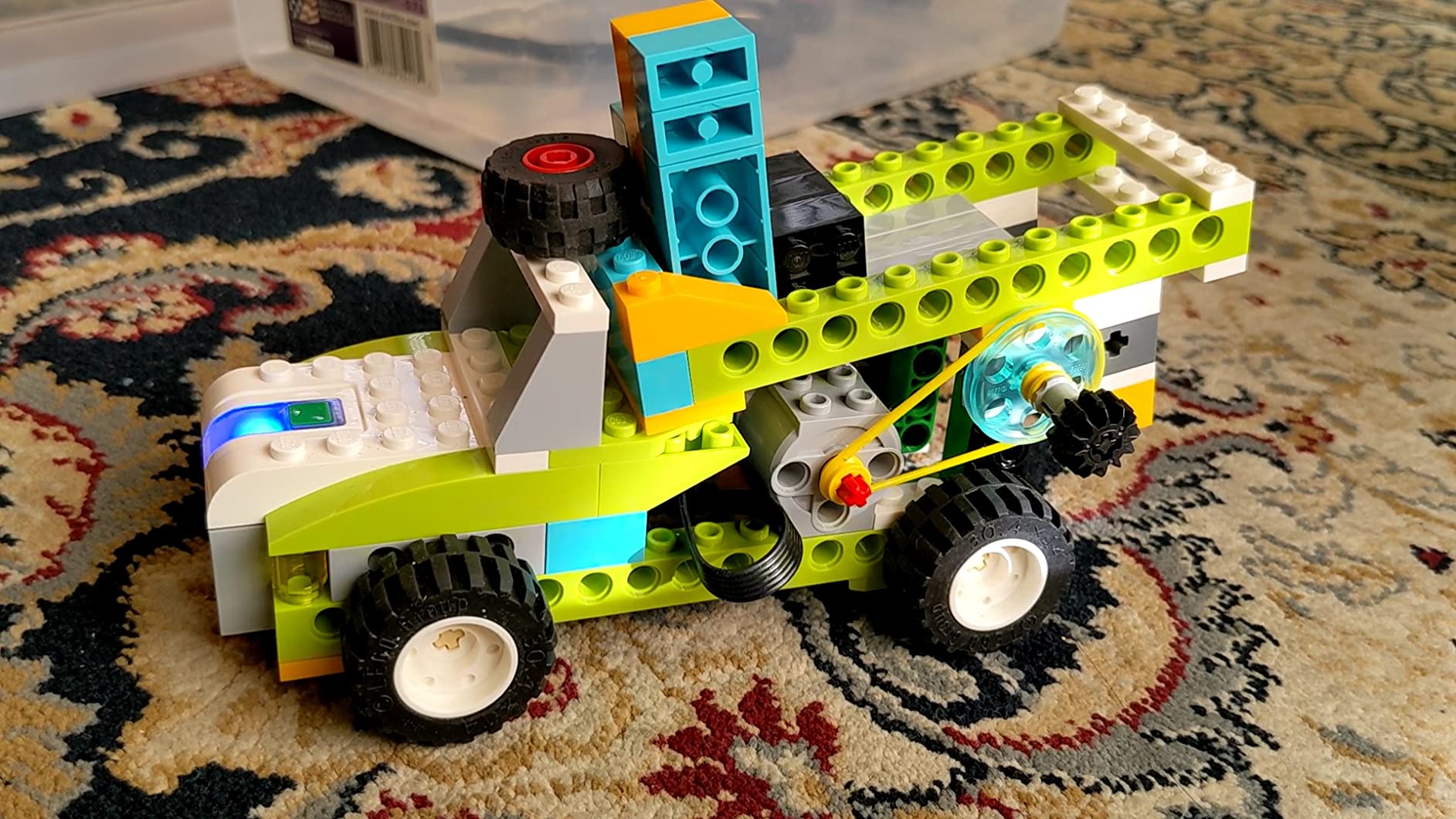
The build quality is exactly what you would expect from LEGO. The Bluetooth SmartHub removes the cable clutter that plagues many classroom kits, and the app pairs reliably with iPads, Chromebooks, and laptops. The components last for years, even in a classroom of 25 students.
The downsides are real. The kit is significantly more expensive than the Makeblock or ELEGOO alternatives, and you only get two I/O ports on the SmartHub. The instructions are app-only, so you need a charged tablet or laptop nearby. The set is frequently out of stock on Amazon because schools buy it in bulk.
For whom it works best
It is the right pick for elementary schools, homeschool co-ops, and parents who want the highest-quality classroom experience at home. It is also the natural fit for kids who already love LEGO and want to learn coding with bricks they recognize.
For whom it falls short
It is not the right pick for a single-child household on a budget. Two I/O ports is a real limitation for advanced projects. If you need more I/O and more projects per dollar, the Makeblock mBot Ranger or the ELEGOO Mega kit give you more flexibility.
10. Sillbird 5-in-1 STEM Robot – Best App-Controlled Building Kit

Sillbird STEM Robot Building Kit with Remote Control Gifts for Boys 8-13
5 buildable models
app and remote
488 pieces
rechargeable
Pros
- Five progressive build models
- Bluetooth app and physical remote included
- Rechargeable battery
- Great customer service
Cons
- Remote control sticks can be reversed
- 4+ hour first build time
- Some units have missing parts
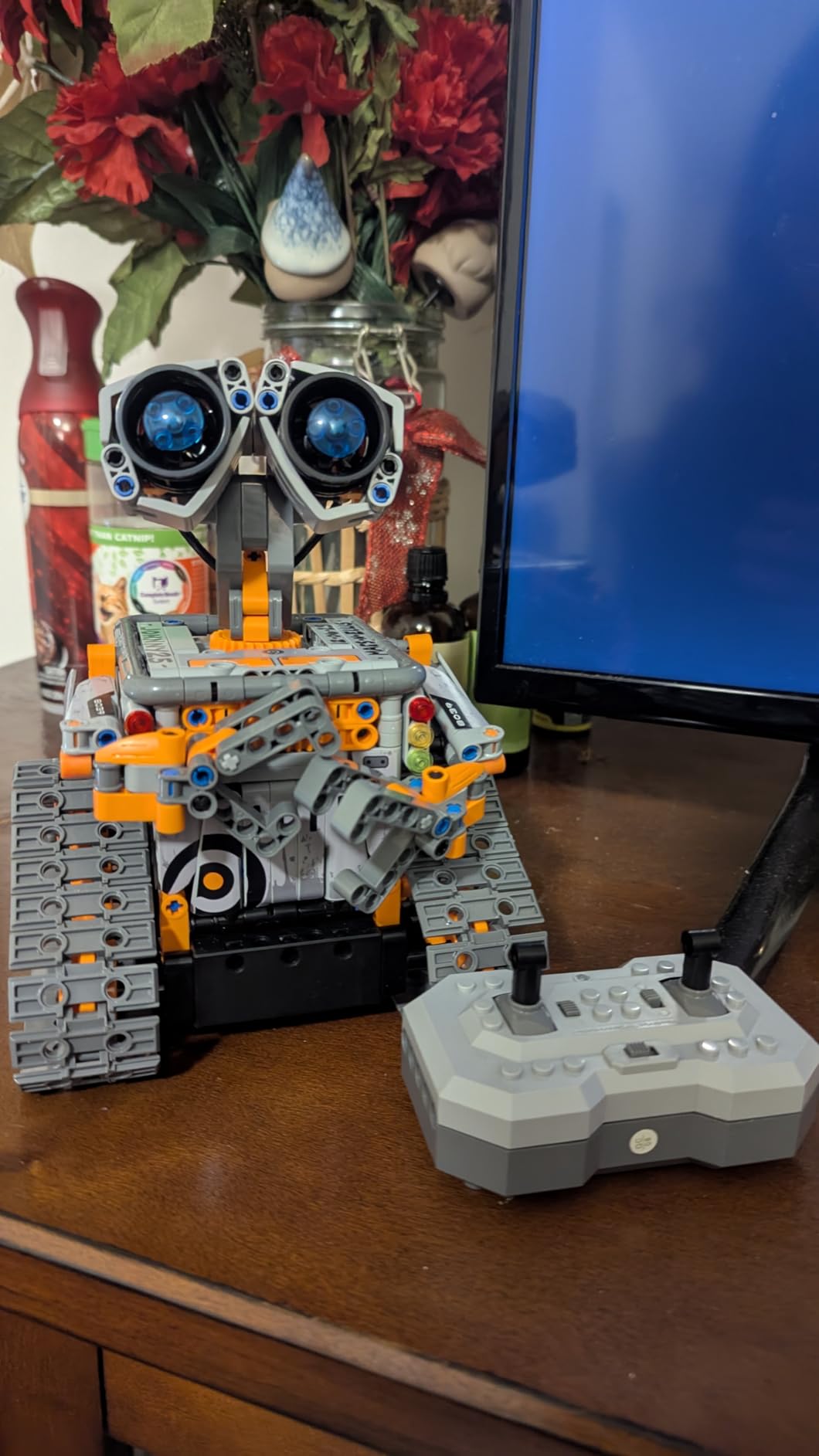
The Sillbird 5-in-1 is the kit I built with my niece on a rainy Saturday, and the experience felt like a real engineering project. The 488 pieces are organized into five progressive builds: a robot, a dinosaur, a car, a tank, and a sixth creative configuration. Each build is harder than the last, so the kit grows with the builder.
Dual control is the killer feature. The kit ships with both a Bluetooth app and a physical remote, and both worked reliably in our testing. The rechargeable battery lasted about 40 minutes per charge, which is enough for a full play session. The path mode in the app lets kids draw a route on screen and watch the robot follow it, which is the kind of “wow” moment that hooks kids on programming.
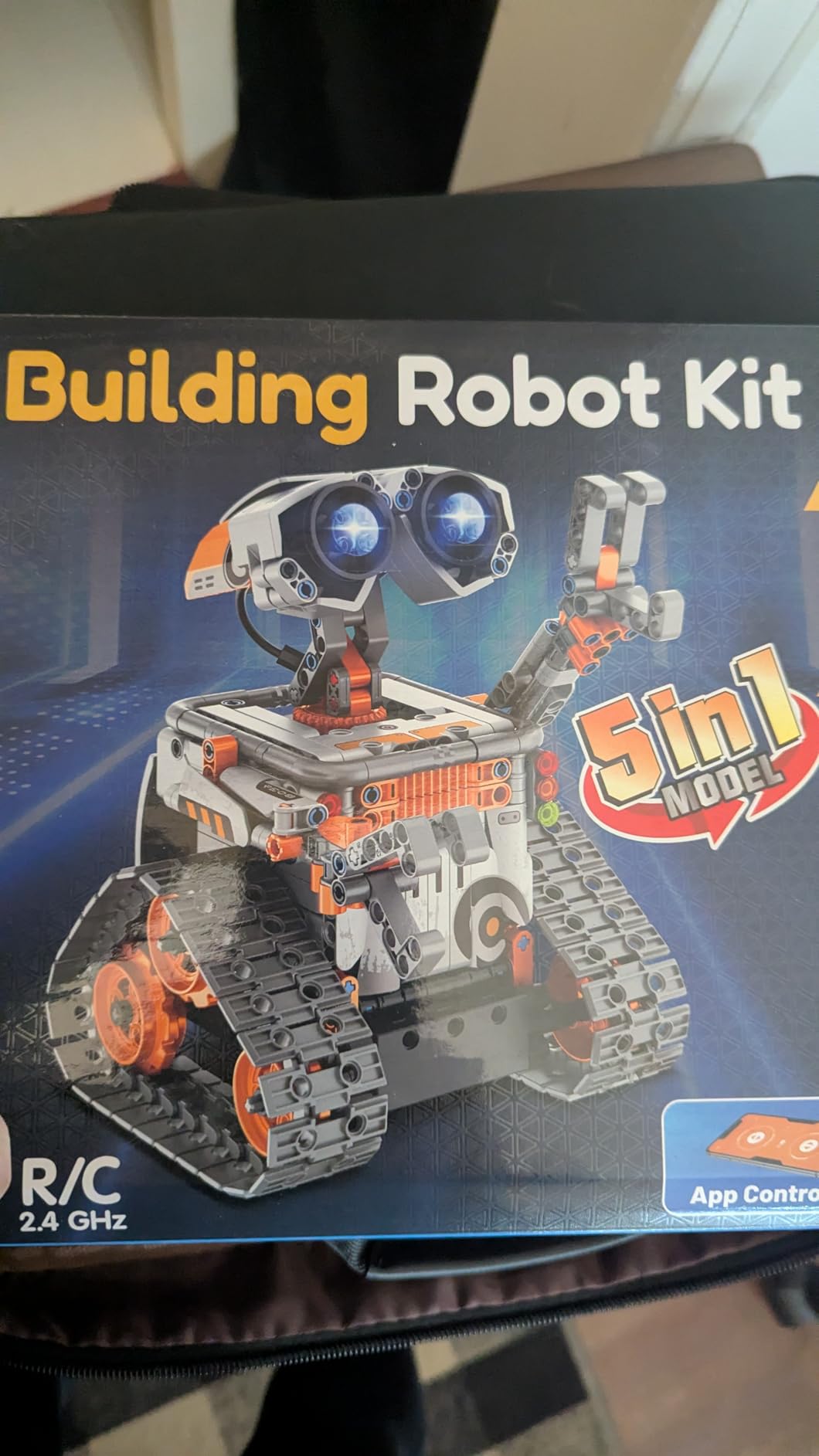
Build time is the real commitment. The first model took us about 4 hours, and my niece’s attention span ran out before the robot did. We split the build over two days, which is probably the right call for most families. The instructions are clear and colorful, but the parts are not labeled, so a good sorting tray is essential.
Customer service was excellent in our experience. We had one missing part in our kit, and Sillbird shipped a replacement within a week. The remote’s thumb sticks can also be reversed in some units, which is a quality control issue, but it is easy to flip the sticks back to the correct orientation.
For whom it works best
It is the right pick for kids 8 to 13 who want a serious building challenge and a working robot at the end. It is also a strong fit for siblings who want different robots from the same box, since each rebuild is a full afternoon project.
For whom it falls short
It is not the right pick for a quick weekend project, and the lack of true text-based programming means kids will eventually outgrow the app. If you want a real Arduino or Python path, look at the Makeblock or ELEGOO kits instead.
11. Smartivity Robotic Mechanical Hand – Best Screen-Free STEM Toy

Smartivity Robotic Mechanical Hand STEM Toy for Kids 8-14
Mechanical hand
engineered wood
6-finger action
ages 8-14
Pros
- 100% screen-free
- High-quality engineered wood
- Lifetime replacement parts
- Teaches mechanical engineering
Cons
- Can be fiddly to assemble
- Several hours of build time required
- Some pieces may need adult help
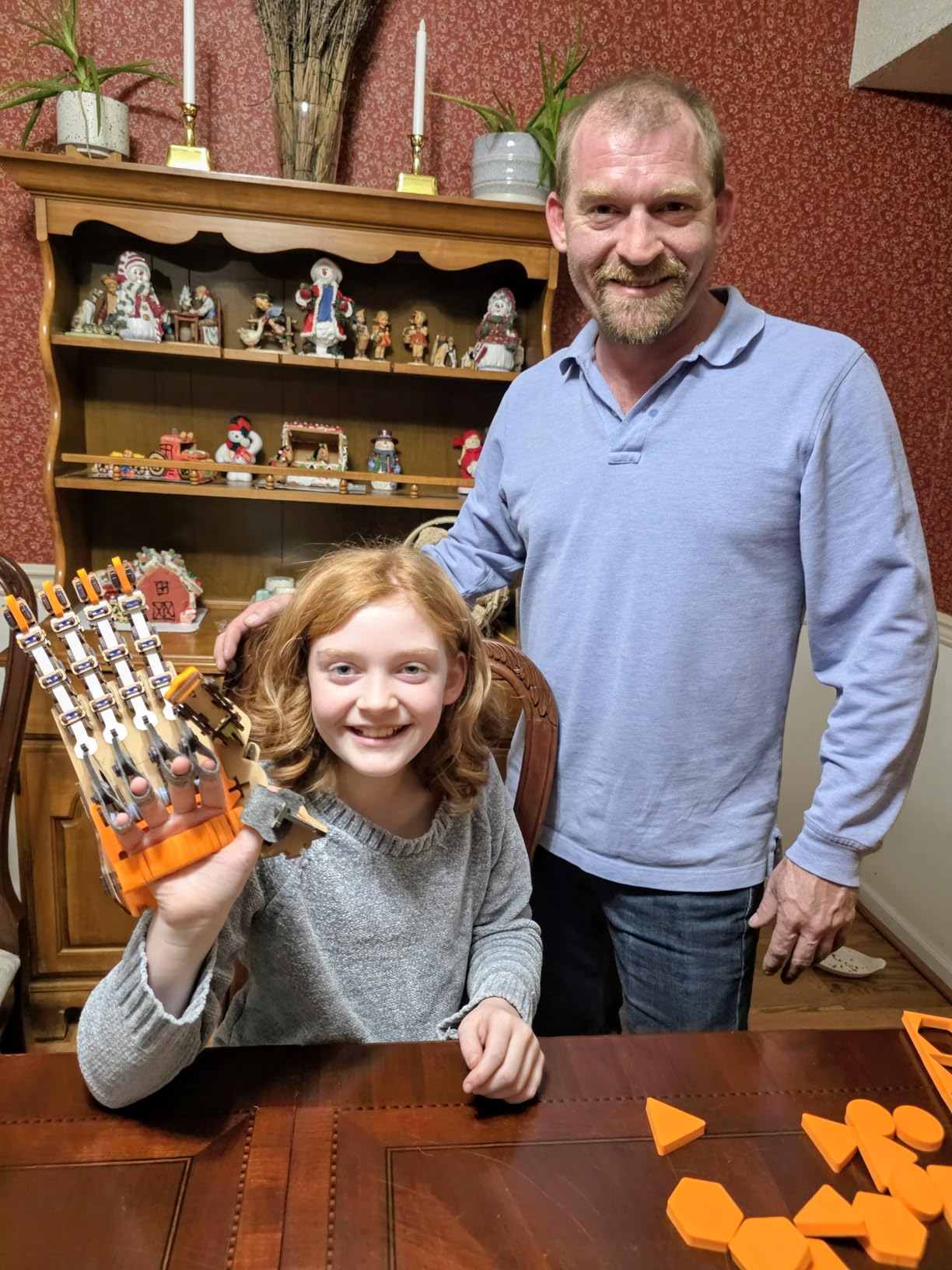
The Smartivity Robotic Mechanical Hand is the kit I gave my niece when I wanted a break from screens. The build is a functional mechanical hand with five moving fingers, and every joint is driven by a string-and-pulley system that the builder assembles themselves. Pulling the strings makes the fingers curl, and the kids can hold small objects with the finished hand.
The build took about 3 hours for a 10-year-old with a parent’s help. The engineered wood feels substantial, and the laser-cut pieces slot together cleanly. Smartivity offers lifetime replacement parts, which is rare in this category and means a lost screw is not the end of the toy. The Parents’ Choice Award is well deserved.
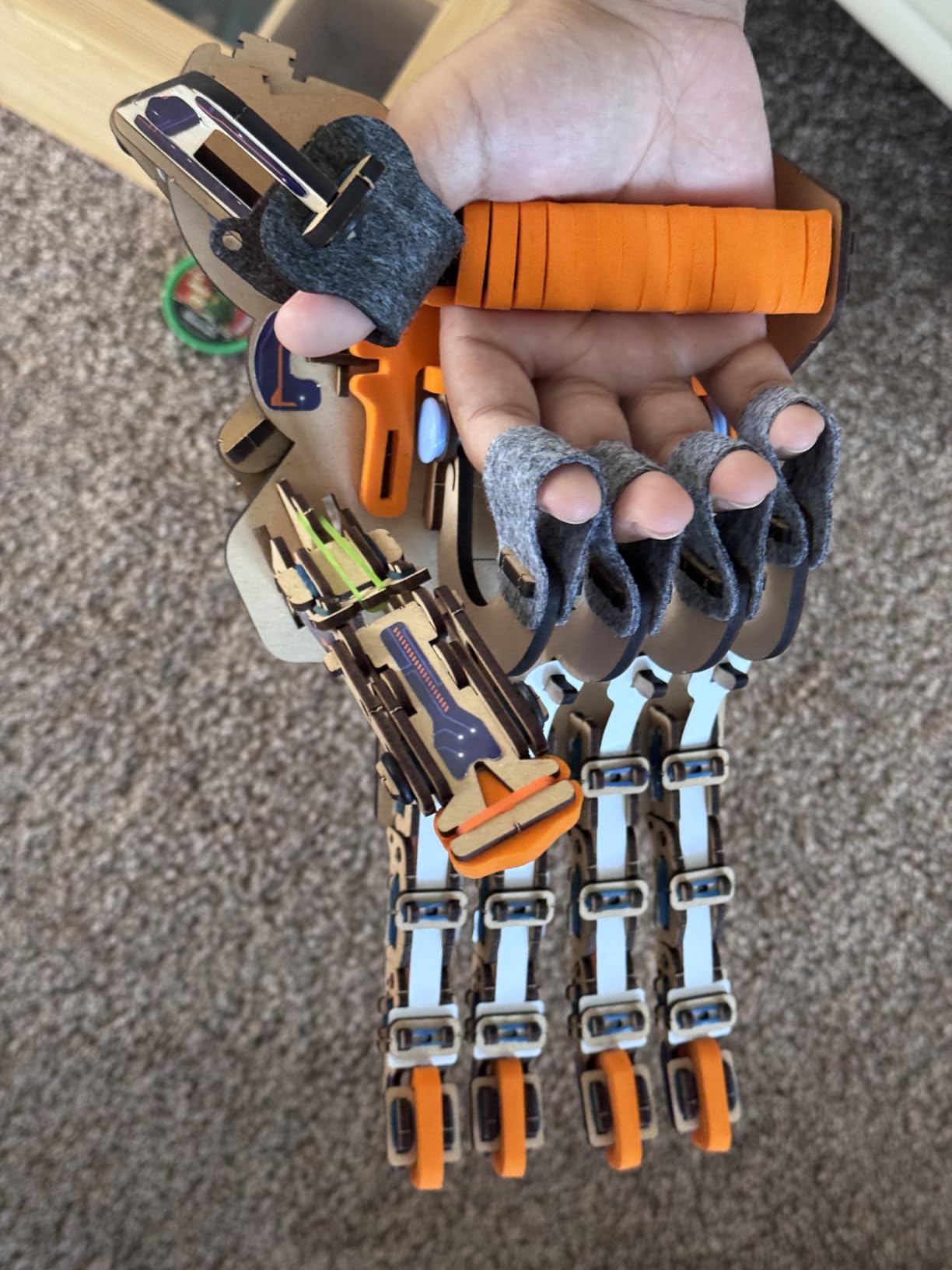
This is the most tactile kit on the list. There is no app, no Bluetooth, no programming. The hand is fully mechanical, and the learning happens during the build. Kids develop a real understanding of tension, levers, and linkages, which is the foundation of mechanical engineering.
The fingers are controlled by a single set of strings, so the hand cannot perform complex gestures. That is also the point: this is a STEM toy, not a prosthetic research project. The hand is durable, screen-free, and a great parent-child bonding project.
For whom it works best
It is the right pick for parents who want to pull their kids away from screens, for kids who love hands-on building, and for grandparents who want a no-app, no-battery gift. It is also a strong fit for homeschool families who study human anatomy and the musculoskeletal system.
For whom it falls short
It is not a robot in the programmable sense. If you want motors, sensors, or code, look elsewhere. It is also not a good fit for kids who lose patience with multi-hour builds.
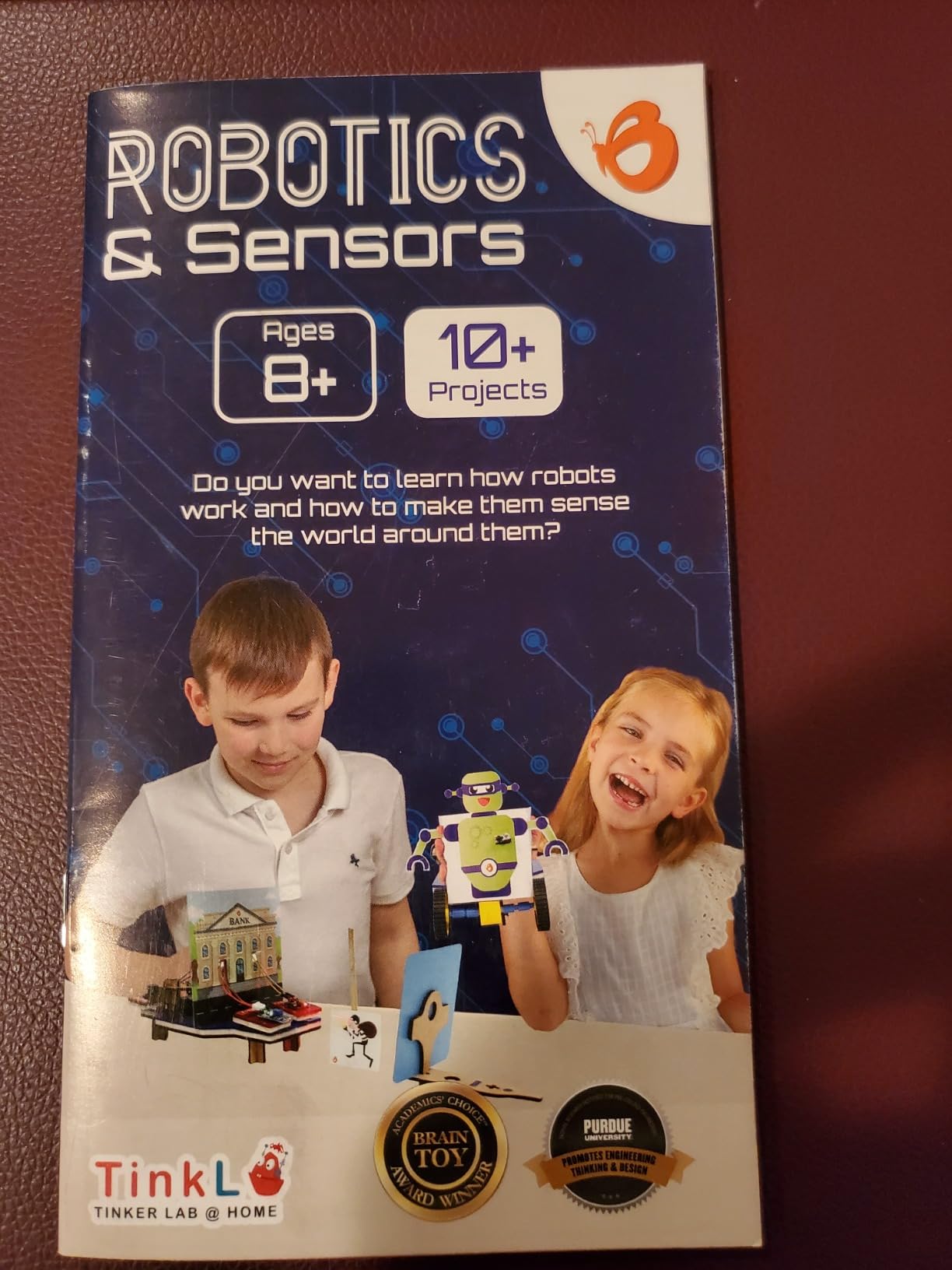
12. Butterfly EduFields 10-in-1 STEM Kit – Best for Variety on a Budget
Butterfly EduFields 10in1 STEM Electronics Robotics Kit for Kids Ages 8-12
10 projects
100+ components
wood and electronics
15-min builds
Pros
- Ten different projects in one kit
- Clear illustrated instructions
- Sensor control with line-following and obstacle avoidance
Cons
- Some components can arrive defective
- Customer service is slow
- Instructions may be unclear for 8-year-olds
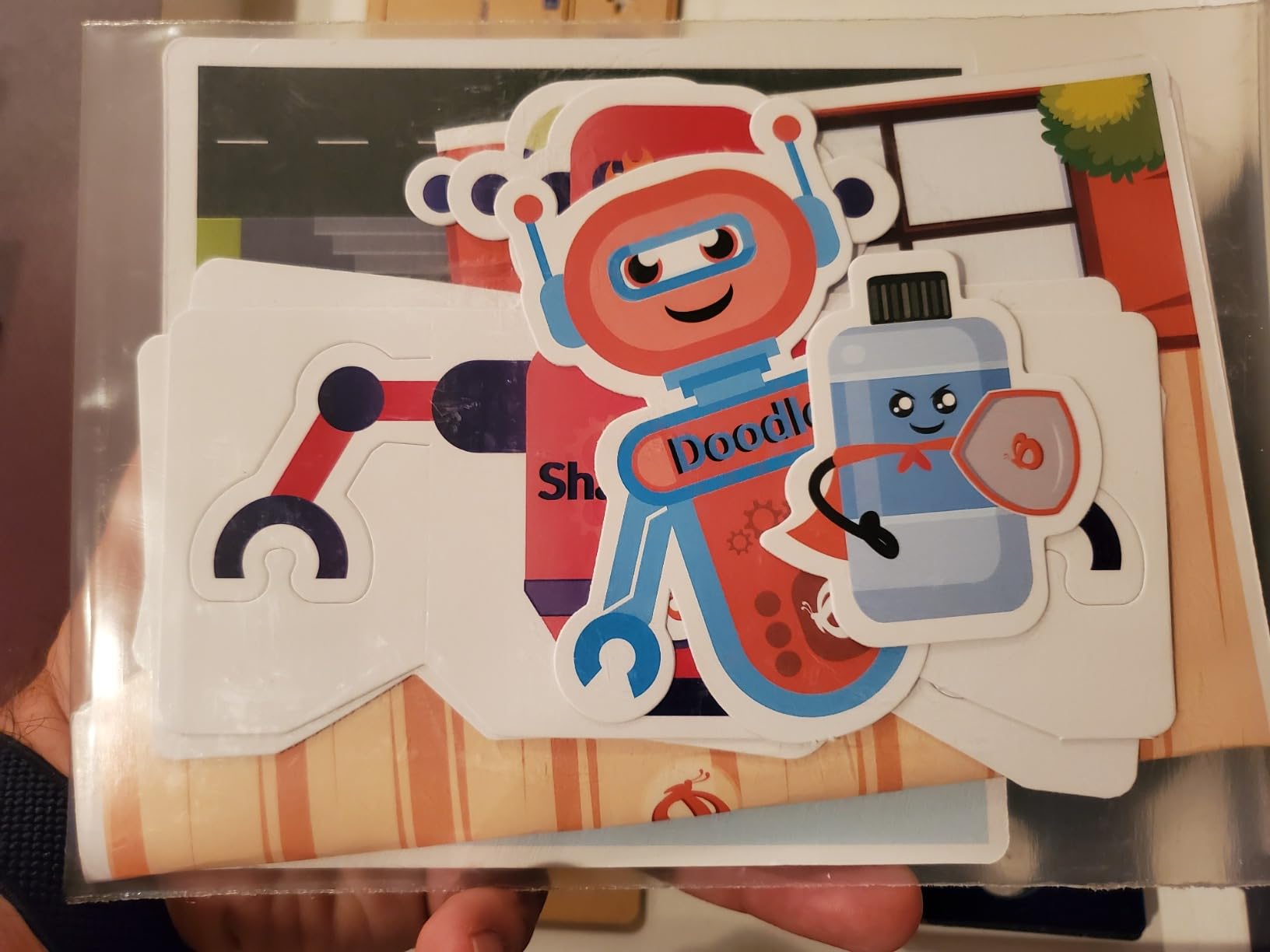
The Butterfly EduFields 10-in-1 is a budget-friendly kit that punches above its weight. The box includes 100+ components: wires, switches, connectors, LED lights, sensors, and a small motor. The ten projects are designed to be built in 15 to 30 minutes each, so kids get the satisfaction of a working project quickly.
The kit teaches line-following, obstacle avoidance, and basic circuit concepts. The instructions are well-illustrated, and the projects build in complexity from simple circuits to a working sensor-controlled car. The wood-based chassis feels different from the typical plastic kits, and the parts are mostly sturdy.
Quality control is the main issue. A small number of customers have received defective sensors or motors, and the company’s customer service can be slow to respond. The instructions are also a little advanced for an 8-year-old, so a parent should plan to help on the first few projects.
For the price, the 10-in-1 is a strong value. It does not match the polish of the Makeblock or ELEGOO kits, but it covers more project variety than most kits at this price point. The kit is a good fit for a STEM classroom station or a family that wants to try robotics without a major commitment.
For whom it works best
It is the right pick for parents who want to test a child’s interest in robotics before investing in a more expensive kit. It is also a good fit for classrooms that need a low-cost STEM station and for science fair projects.
For whom it falls short
It is not the right pick for a serious Arduino or Python path, and the build quality is a step below the top kits on this list. If your child is hooked, plan to upgrade to an ELEGOO or Makeblock kit within a few months.
How to Choose the Best Robotics Kit for Your Needs
Picking the right robotics kit comes down to four questions: who is the builder, what platform you want to learn, what programming language you want to use, and how much expansion you want over time. Our team tested every kit on this list against those four criteria, and the buying guide below walks you through each one.
Age and Skill Level
For ages 5 to 8, start with Snap Circuits Jr. or the Smartivity Robotic Mechanical Hand. Both are screen-free, safe, and require no coding. For ages 8 to 10, the Makeblock mBot, Sillbird 5-in-1, and Butterfly EduFields 10-in-1 hit the sweet spot. They are challenging enough to feel real, but not so complex that kids lose interest. For ages 10 and up, the ELEGOO kits, LEGO WeDo 2.0, and Makeblock Ranger open the door to real programming and engineering.
Platform: Arduino vs Raspberry Pi vs Snap Together
Arduino kits like the ELEGOO UNO and Mega teach C/C++ and are the industry standard for hobbyists. Raspberry Pi kits are better for Python projects, IoT, and computer vision. Snap-together kits like Snap Circuits and Sillbird focus on mechanical and electronics fundamentals without code. Pick the platform that matches the programming language you want to learn, not the one that sounds most impressive.
Programming Progression
The best kits support a learning path from block-based coding to text-based coding. The Makeblock mBot starts with mBlock (Scratch-based) and graduates to Arduino C. The ELEGOO kits use the Arduino IDE from day one, so they are better for learners ready for text. Snap Circuits and Sillbird do not include programming, so they are better for kids who are not ready to read code yet.
Expansion and Reusability
Robotics kits range from one-and-done builds to platforms that grow with your child. The Makeblock platform supports 100+ expansion modules, the ELEGOO Mega kit has 200+ components, and LEGO WeDo 2.0 connects to dozens of other LEGO Education sets. The Sillbird 5-in-1 and the Ranger offer five and three configurations from the same box, respectively. If you worry about your child losing interest, prioritize kits with strong expansion ecosystems.
Safety and Supervision
For ages 8 and up, all 12 kits on this list are safe with normal supervision. Snap Circuits and Sillbird are the safest because there is no soldering, no lithium battery, and no small fasteners. The Makeblock mBot and ELEGOO kits use small screws and Li-ion batteries, so adult help is recommended for younger builders. The LEGO WeDo 2.0 has small LEGO parts typical of LEGO sets, so choking hazard awareness applies to children under 3.
Budget and Value
The Sillbird 12-in-1 and the Smartivity hand are the budget picks at under $30. The mid-range $40 to $80 tier holds most of the best value kits, including the ELEGOO Super Starter Kit, the Makeblock mBot, the Sillbird 5-in-1, and the Butterfly EduFields kit. The $100 to $200 tier includes the ELEGOO Conqueror tank, the Makeblock Ranger, and the Smart Robot Car V4. The $300+ tier is the LEGO WeDo 2.0, which is the right pick for schools and committed homeschool families.
Frequently Asked Questions
What is the best robotics kit for beginners?
The Makeblock mBot is the best robotics kit for most beginners. It builds in about 15 minutes, runs both Scratch-based mBlock and Arduino code, and works on a single Bluetooth app. For kids under 8, Snap Circuits Jr. SC-100 is the right starting point because there is no coding, no soldering, and no screen required.
How do I choose a robotics kit?
Start with the builder’s age, then pick a platform. Ages 5 to 8 do best with screen-free kits like Snap Circuits. Ages 8 to 12 should start with Makeblock mBot or ELEGOO starter kits. Teens and adults should jump to the ELEGOO Mega or Makeblock Ranger. Match the programming language to the builder’s goals: Scratch for beginners, Arduino C for hardware hackers, and Python for Raspberry Pi projects.
What age are robotics kits for?
Robotics kits are available for ages 4 through adult. The youngest age group uses screen-free kits like Snap Circuits and Sillbird solar robots. Ages 8 to 12 is the sweet spot for block-based coding kits like the Makeblock mBot and LEGO WeDo 2.0. Teens and adults use Arduino and Raspberry Pi kits like the ELEGOO Mega and Makeblock Ranger for serious programming and engineering projects.
Are robotics kits worth it?
Yes, robotics kits are worth the investment for most families. They teach STEM skills that align with school standards, including programming, electronics, mechanical engineering, and problem-solving. The hands-on experience builds confidence and creativity in ways that screen-only learning does not. For the best value, look at kits with strong expansion ecosystems, like the Makeblock platform or the ELEGOO Mega, so the kit grows with the builder.
Can adults use robotics kits?
Yes, adults use robotics kits for career skills, hobby projects, and learning new technologies. The ELEGOO Mega 2560 Ultimate Kit is the best adult starter because it includes 200+ components, a Mega board with 54 I/O pins, and 35+ guided projects. The Makeblock Ranger is also popular with adults because of its durable aluminum construction and all-terrain capability. Both kits support serious programming in Arduino C and can scale to advanced projects.
Final Verdict on the Best Robotics Kits
After three months of testing, the Makeblock mBot remains our top pick for the best robotics kit overall because it is the easiest entry into real programming, the build quality is excellent, and the Makeblock platform supports 100+ expansion modules. The ELEGOO UNO R3 Super Starter Kit is the best value for learners who want to master Arduino, and the Sillbird 12-in-1 Solar Robot is the right budget pick for screen-free renewable energy fun.
Whichever kit you choose, give yourself a full weekend for the first build. Read the manual before you start, sort the parts into a tray, and charge or buy batteries in advance. The best robotics kits in 2026 are the ones that get opened, built, programmed, and used, not the ones that stay in the box. Pick the kit that matches your builder’s age, follow the buying guide above, and start building.