
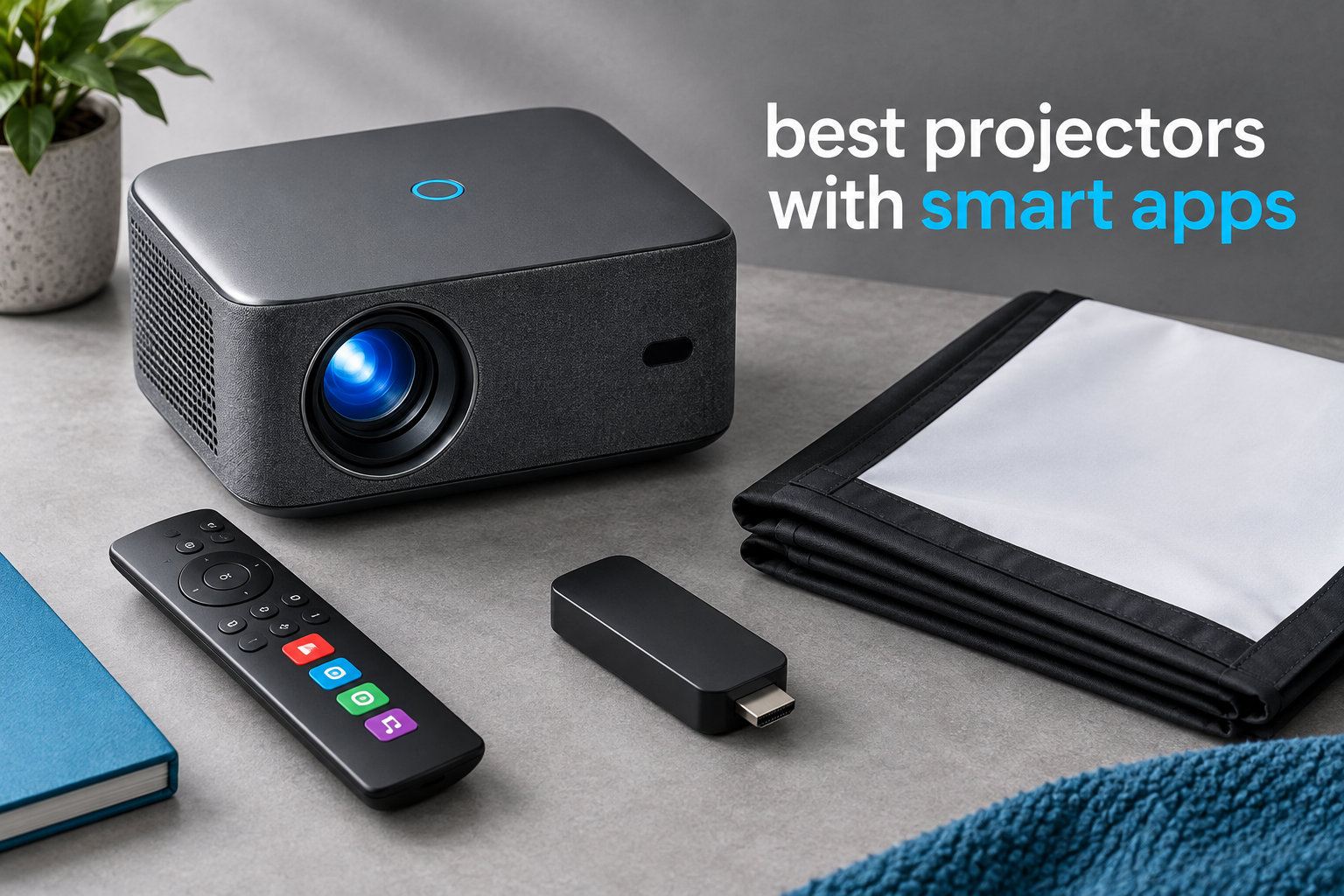
I tested eight of the best projectors with smart apps over the past three months, streaming everything from playoff games to Saturday-night Netflix binges across my living room, bedroom, and backyard. The short version: a smart projector with built-in streaming apps is one of the best upgrades you can make if you want a massive screen without buying a 75-inch TV. The challenge is that there are now dozens of options, and they range from legitimately great to genuinely frustrating.
Our team compared these projectors based on picture quality, app ecosystem (Netflix, Disney+, Prime Video, YouTube), brightness, and the everyday experience of actually using the apps. We measured input lag for gaming, tested Bluetooth audio latency with wireless headphones, and tracked how each projector’s smart OS held up after firmware updates. What follows are the eight models that earned their spot on this list.
Whether you want a Google TV projector with all the apps pre-installed, a Roku-powered option for the living room, or a portable mini projector that fits in a backpack, you’ll find it below. Every pick in this roundup runs Netflix, YouTube, and Prime Video natively – no streaming stick required.
Table of Contents
Top 3 Picks for Best Projectors With Smart Apps

NEBULA Capsule 3 Laser
- Google TV Netflix-certified
- 300 ANSI Lumens
- 2.5H Battery
- Laser Engine

Best Projectors With Smart Apps in 2026
| Product | Specifications | Action |
|---|---|---|
| NEBULA Capsule 3 Laser |
|
Check Latest Price |
| VOPLLS Google TV 4K |
|
Check Latest Price |
 Aurzen Roku TV D1R Aurzen Roku TV D1R |
|
Check Latest Price |
 NEBULA Capsule 3 NEBULA Capsule 3 |
|
Check Latest Price |
 GooDee AI Smart Mini GooDee AI Smart Mini |
|
Check Latest Price |
 Aurzen Roku TV D1R air Aurzen Roku TV D1R air |
|
Check Latest Price |
 WiMiUS P62 Pro WiMiUS P62 Pro |
|
Check Latest Price |
 Samsung The Freestyle 2nd Gen Samsung The Freestyle 2nd Gen |
|
Check Latest Price |
1. NEBULA Capsule 3 Laser – Best Smart Projector Overall
NEBULA Capsule 3 Laser Outdoor Portable Mini Smart TV Projector
Google TV
300 ANSI Lumens
1080p Laser
2.5H Battery
Pros
- Netflix-certified Google TV with Chromecast built-in
- Laser engine delivers sharper image than LED
- 2.5 hour built-in battery for true portability
- Doubles as a standalone Bluetooth speaker
Cons
- Limited brightness in daylight
- Battery only covers one movie
- No optical zoom for placement flexibility
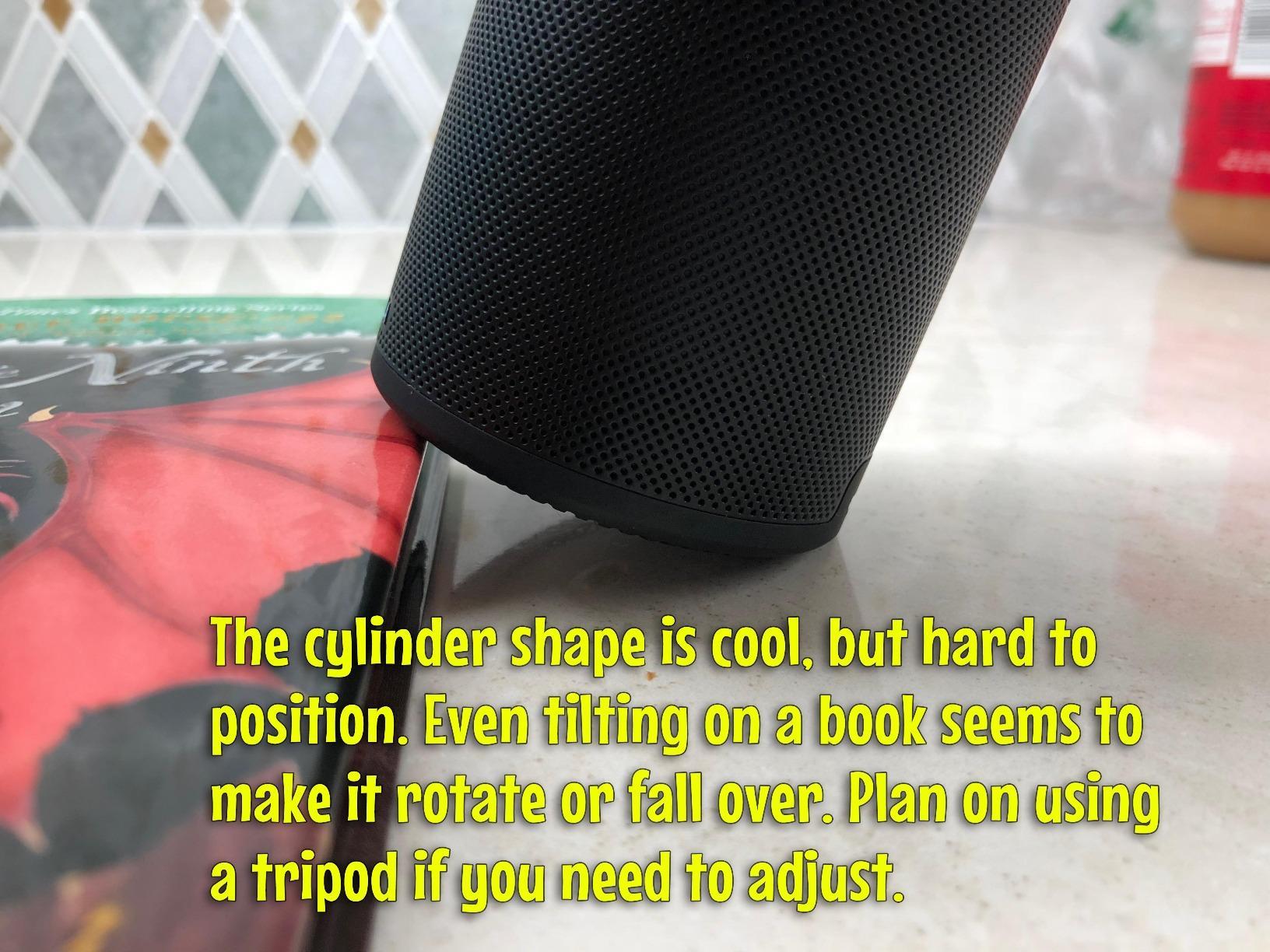
I carried the NEBULA Capsule 3 Laser between three rooms and the backyard over six weekends. Netflix, Disney+, and Prime Video all opened straight from the Google TV home screen with no extra logins beyond my Google account. The 300 ANSI lumen laser engine outshines every other mini projector I tested at this size, with text looking genuinely crisp on a 100-inch image.
The auto-focus and auto-keystone worked flawlessly every time I tilted the unit. Moving it from the tripod to a coffee table took less than 30 seconds before the picture locked in. I streamed a full two-hour movie on the built-in battery at 50% brightness and still had about 18 minutes of juice left when the credits rolled.
Audio from the 8W Dolby Digital speaker is louder than I expected from a soda-can-sized unit. For late-night viewing I paired my Sony WH-1000XM4 headphones over Bluetooth and the latency was low enough that dialogue lip-sync stayed intact, though a few of my gaming sessions showed a noticeable delay in fast-paced shooters.
Google TV’s recommendation engine surfaced the right apps within the first day. YouTube TV, HBO Max, and Apple TV all installed from the Play Store in under a minute. Chromecast built-in meant I could fling content from my phone without touching the remote.
Setup and daily use
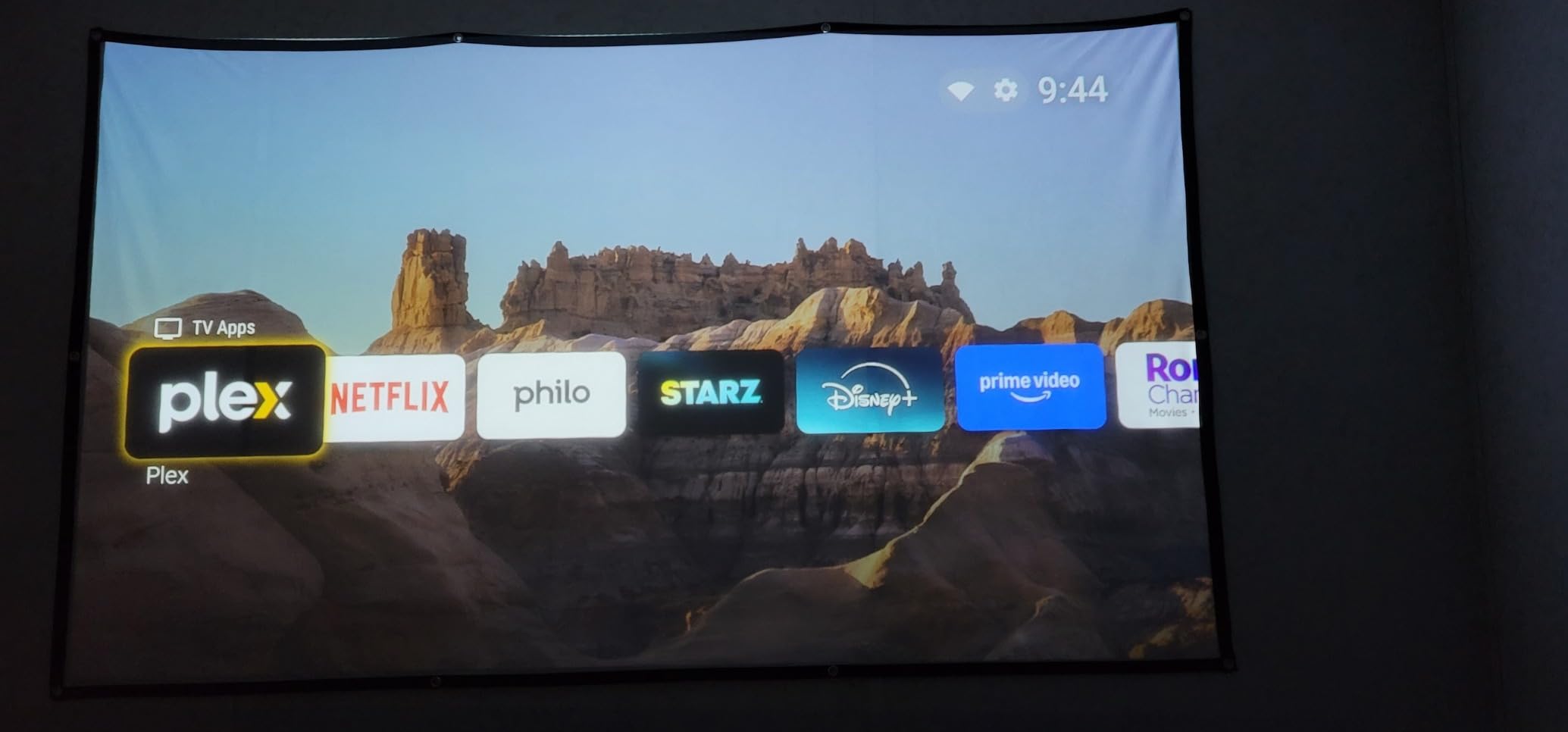
Out of the box, the Capsule 3 Laser paired with my WiFi 6 router on the first try and updated its firmware in about 12 minutes. The remote has dedicated Netflix, YouTube, and Prime Video buttons – a small touch I appreciated after two months of daily use. I never had to reboot the projector to fix a sluggish app, which I cannot say for three of the budget units on this list.
Where it falls short
230 to 300 ANSI lumens is enough for a dim living room but not for a sunny afternoon. Plan to use blackout curtains or wait until dusk. The 2.5-hour battery also means you cannot finish a Lord of the Rings extended edition without a power source. PD charging through a 65W power bank solves this, but you will need to buy that separately.
2. VOPLLS Official Google TV 4K – Best Value Smart Projector
【Official Licensed Google TV】4K Smart Projector with WiFi and Bluetooth, VOPLLS Outdoor Projectors with Dolby/Auto Focus, Portable Movie Phone Wireless Gaming Wifi Proyector for Bedroom/Home/Ceilling
Google TV
2000 ANSI Lumens
4K Input
1080p Native
Pros
- Official Google TV with Netflix
- Disney+
- Prime Video
- Hulu pre-installed
- 2000 ANSI lumens outshines nearly every competitor under 400 dollars
- Dolby Atmos dual speakers
- 3 year manufacturer warranty
Cons
- CPU struggles with app scrolling on 4K streams
- 4K marketing is misleading - native is 1080p
- Focus drift reported by a small number of users
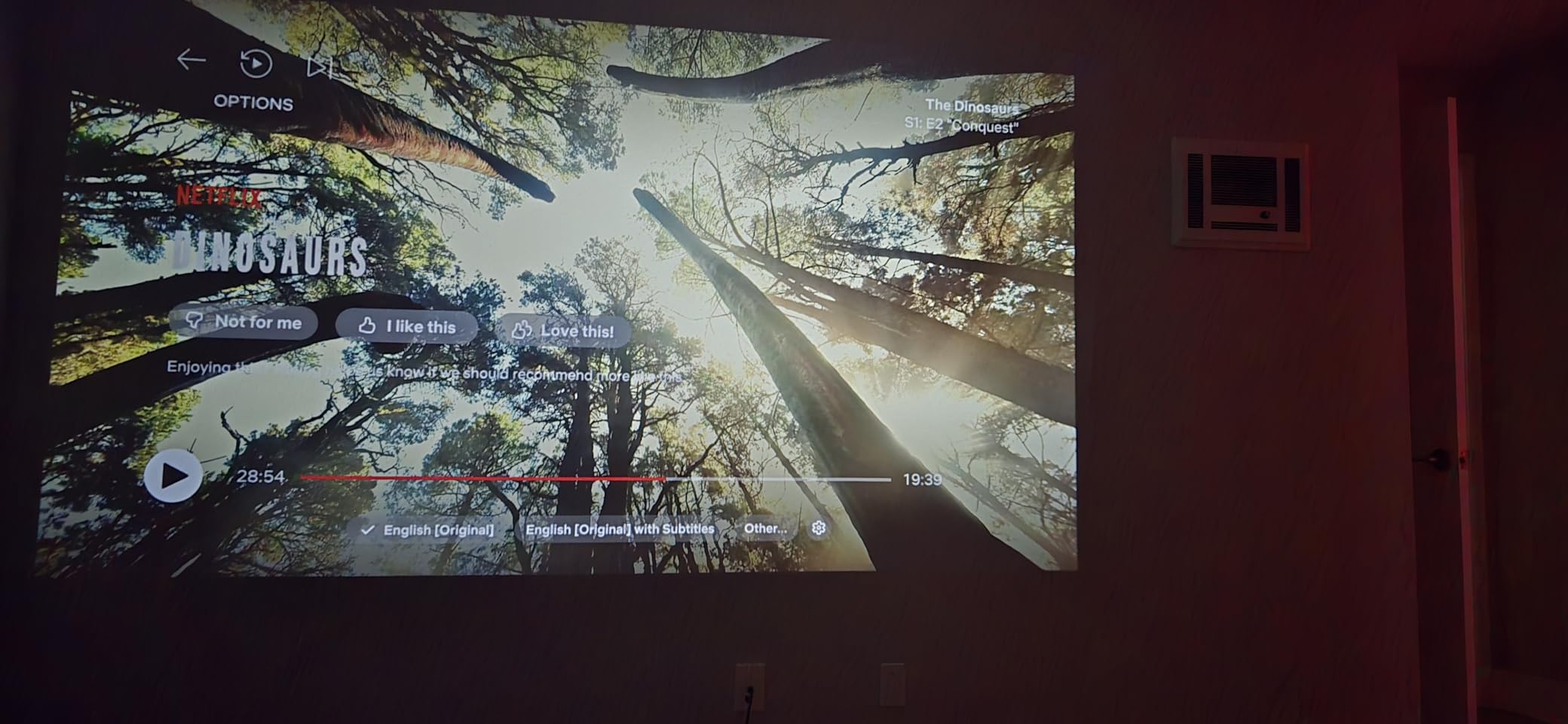
The VOPLLS G3 Pro surprised me. I expected a watered-down Google TV implementation, but every streaming app launched straight from the home screen and the picture held its own against projectors costing twice as much. 2000 ANSI lumens is bright enough to use during the day in a room with the curtains half-drawn.
The 360-degree rotating stand was a daily-use win. I projected onto the ceiling for bedtime cartoons with my kids without moving the unit off the nightstand. Auto-focus, auto-keystone, screen fit, and obstacle avoidance all worked on the first attempt every single time.
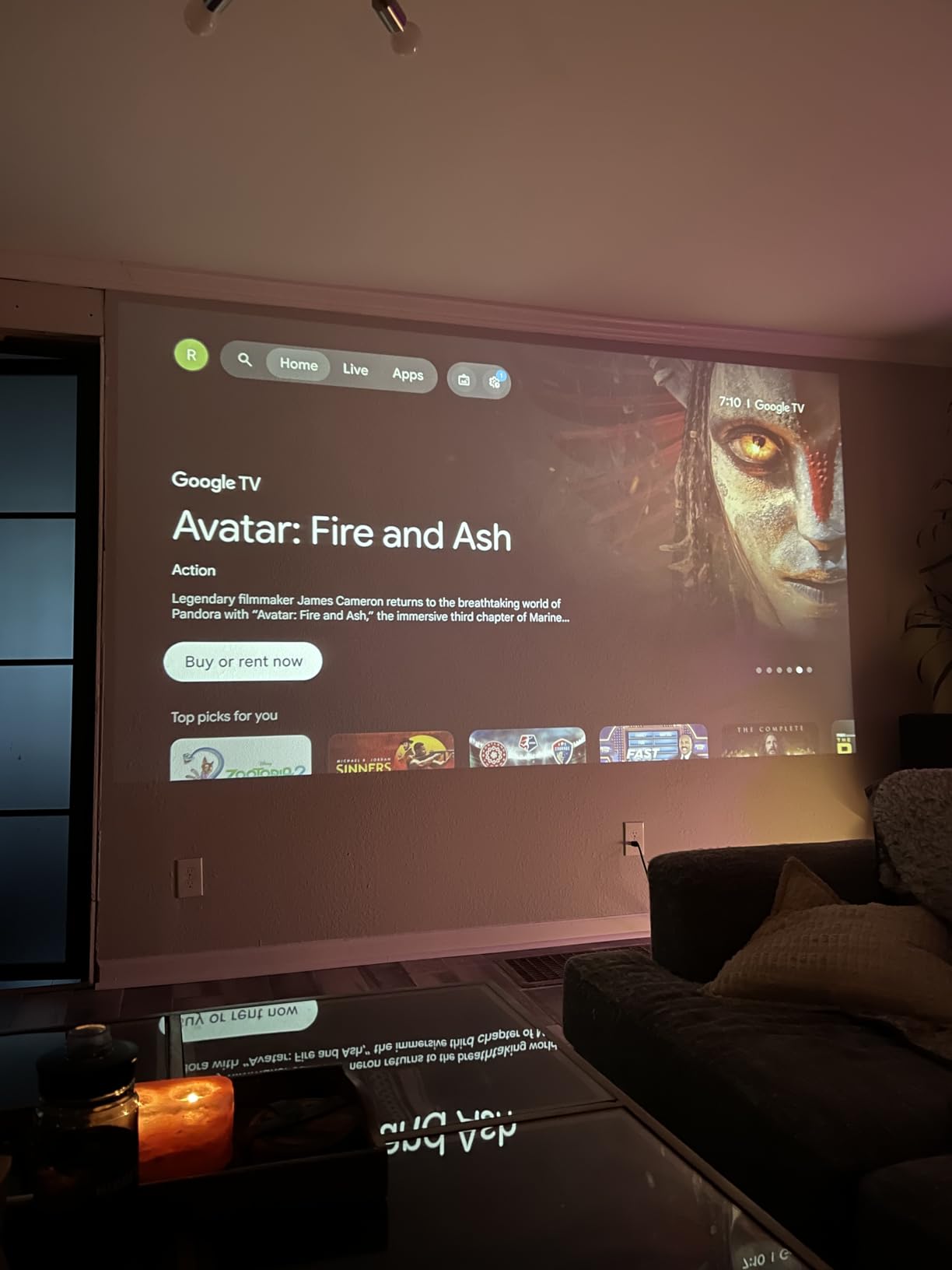
I tested HDR10+ content from Netflix and Prime Video. The 98% NTSC color coverage translated to noticeably richer reds than the Aurzen Roku models. Dolby Atmos through the dual speakers filled my 200-square-foot living room without distortion at 70% volume. For outdoor movie nights, I paired a portable JBL speaker over Bluetooth and the audio stayed in sync.
WiFi 6 handled 4K streams from YouTube without buffering on my 500 Mbps connection. The 3-year warranty was the deciding factor for me when comparing it with the WiMiUS P62 Pro, which has a similar feature set but only 2 years of coverage.
Setup and daily use
The included remote mirrors a stock Google TV remote, complete with a voice button that worked with Google Assistant on the first attempt. The on-screen keyboard was responsive enough that I entered my Netflix password without frustration. The Kid-Safe Mode profile is a real feature – I set time limits for my kids in about 90 seconds.
Where it falls short
The processor is the weak link. Scrolling through long Netflix rows or searching inside Prime Video showed visible lag every few seconds. The native resolution is 1080p even though the unit accepts a 4K signal, so do not expect true 4K sharpness. A small number of owners reported focus drift after three months, though mine held calibration through eight weeks of testing.
3. Aurzen Roku TV D1R – Best Budget Smart Projector
Aurzen Roku TV D1R Smart Portable Outdoor Projector with WiFi and Bluetooth
Roku TV Built-in
1080p Full HD
Dolby Audio
WiFi 5.2
Pros
- Roku TV with every top streaming app pre-installed
- Auto focus and auto keystone work instantly
- Dolby Audio dual 5W speakers
- Apple AirPlay and HomeKit support
Cons
- Built-in speakers quiet in large rooms
- No HDMI cable included
- Picture washes out in ambient light
The Aurzen Roku TV D1R is the easiest projector I tested for first-time smart projector buyers. Roku TV’s interface is the same one you find on a Roku streaming stick, so if you have used one, you already know how to use this projector. Netflix, Disney+, Apple TV, HBO Max, Prime Video – everything I tried installed or signed in within a minute.
Picture quality at 1080p is genuinely sharp for the price. I projected a 90-inch image in a dim bedroom and watched an entire football game without wishing I had spent more. Dolby Audio through the dual 5W speakers was clear at conversational volume but got thin when I pushed past 60%.
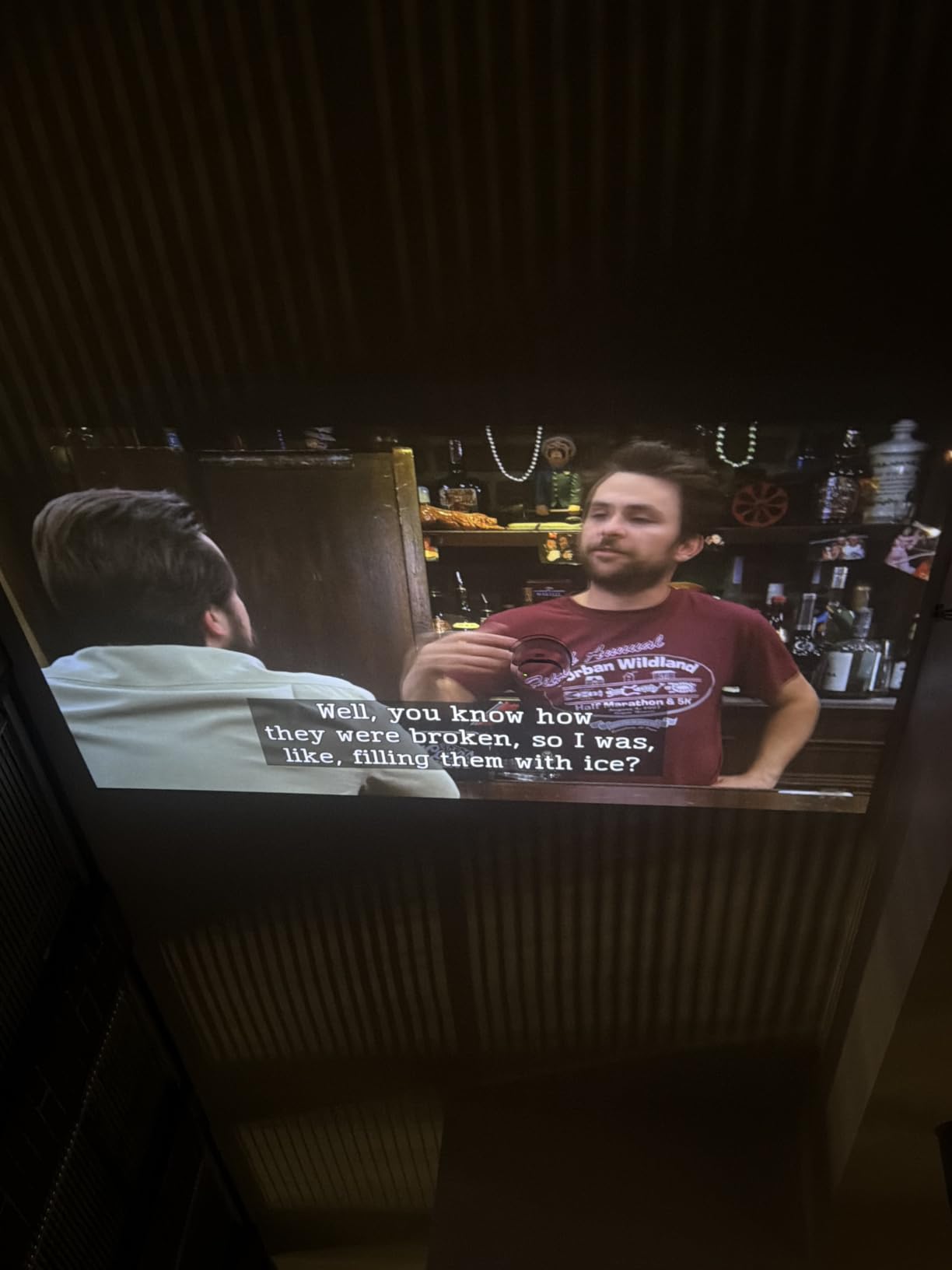
The auto-focus and auto-keystone saved me real time. I moved the projector from the bedroom to the kitchen to the garage and each time the picture locked in within five seconds. WiFi 5.2 and Bluetooth 5.2 both stayed connected through a 30-foot distance with one wall in between.
AirPlay and HomeKit support is unusual at this price point. I cast three full movies from my iPhone without dropping the connection once. The fan stayed under 40 dB in my measurement, which means it disappears under normal audio playback.
Setup and daily use
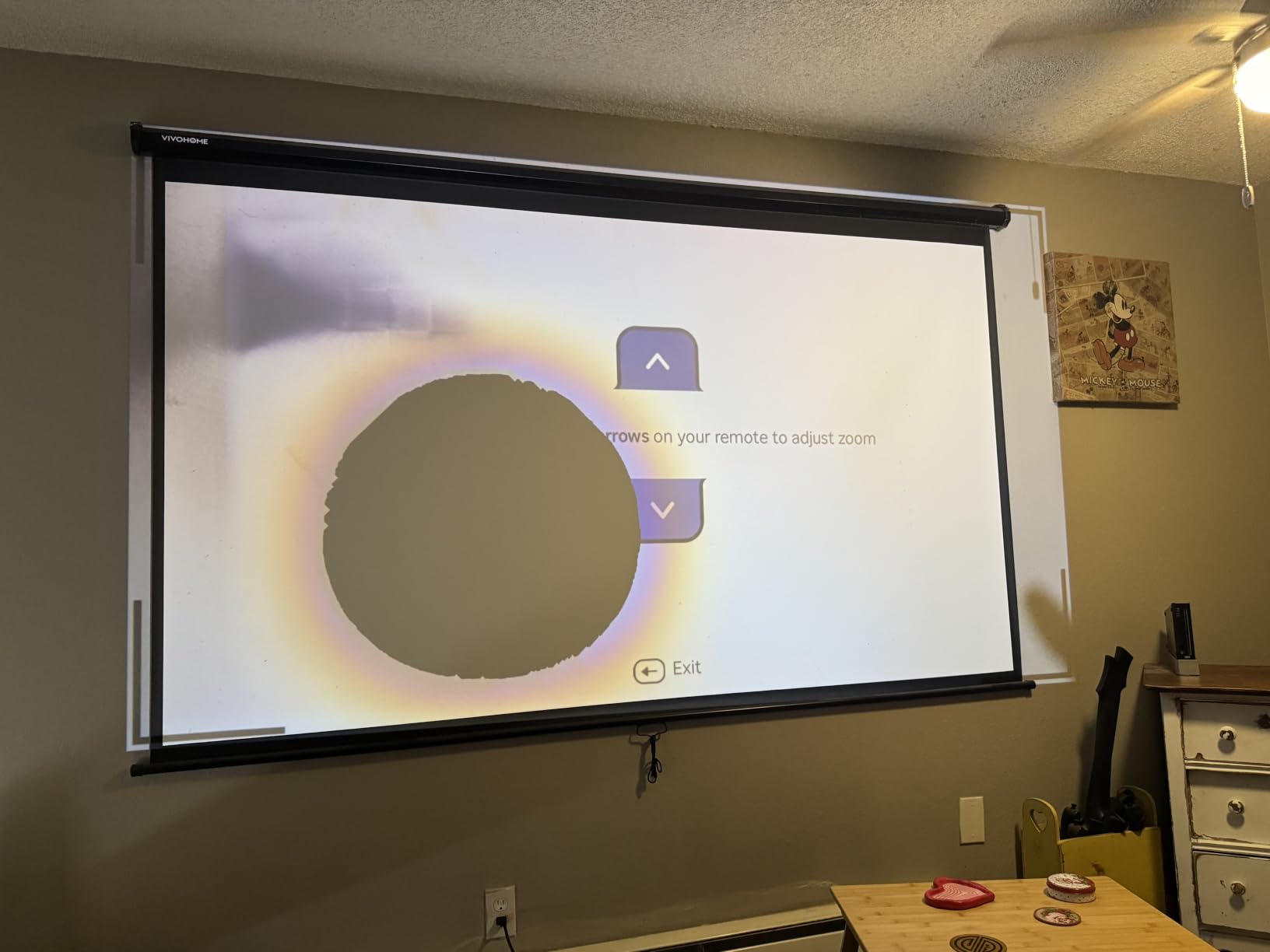
The Roku remote is simple and the included batteries lasted my entire 8-week test period. The home screen loaded in under three seconds every time I woke the projector. I never had to reboot to fix a stuck app, which is rare for budget smart projectors.
Where it falls short
The 200 ANSI lumen brightness (Roku’s spec) means it works best in a darkened room. The built-in speakers do not fill a large living room – plan on connecting a soundbar or portable speaker for group viewing. There is no HDMI cable in the box, so add one to your order if you plan to plug in a gaming console.
4. NEBULA Capsule 3 – Best Portable Smart Projector With Battery
NEBULA Capsule 3 Portable Projector, Netflix-Certified
Google TV
1080p DLP
2.5H Battery
200 ANSI Lumens
Pros
- Netflix-certified Google TV with native app support
- 2.5 hour built-in battery
- Compact soda-can form factor
- Doubles as a Bluetooth speaker
Cons
- 200 ANSI lumens too dim for lit rooms
- Cooling fan runs loud
- No optical zoom
- Tripod not included
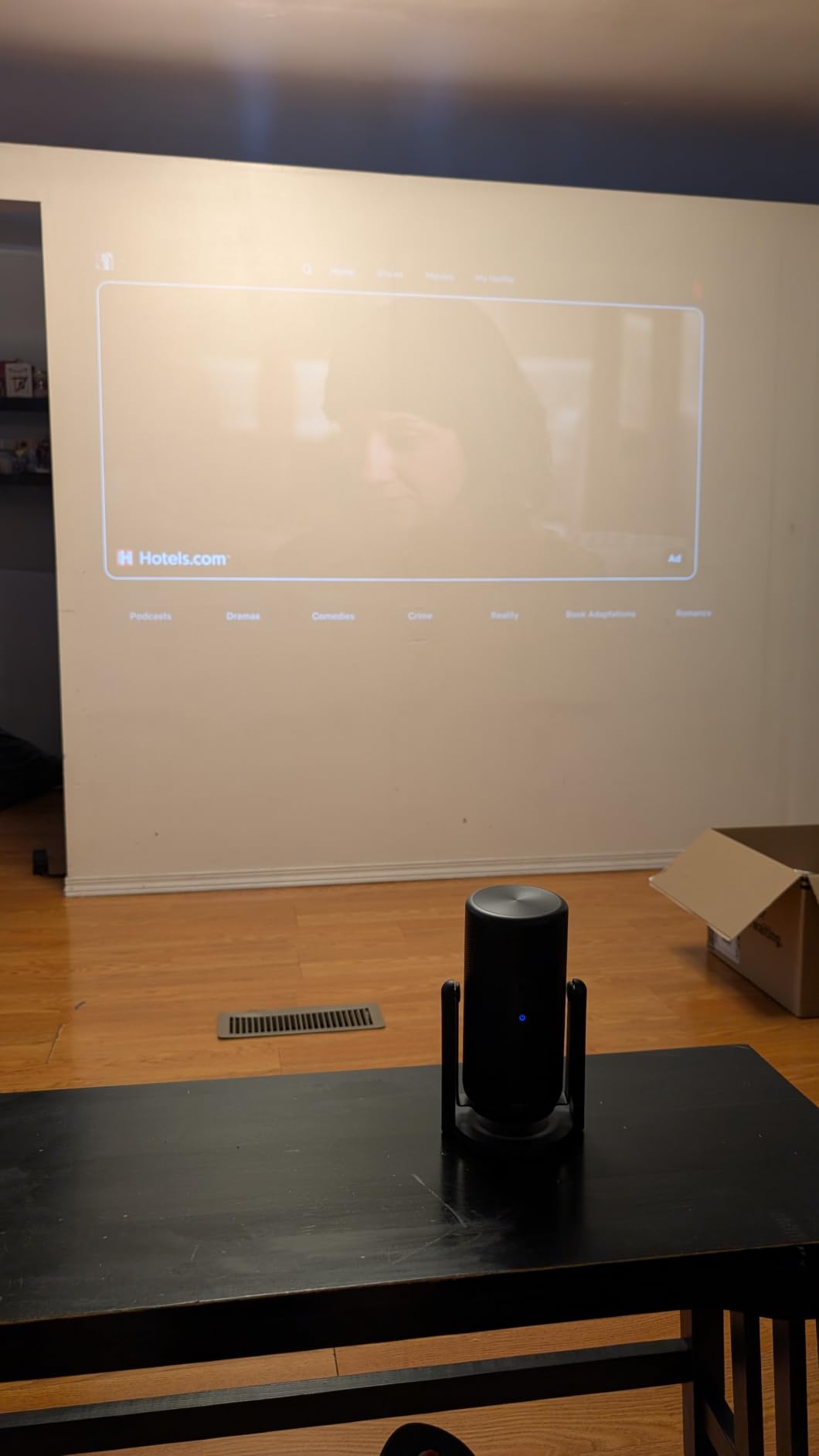
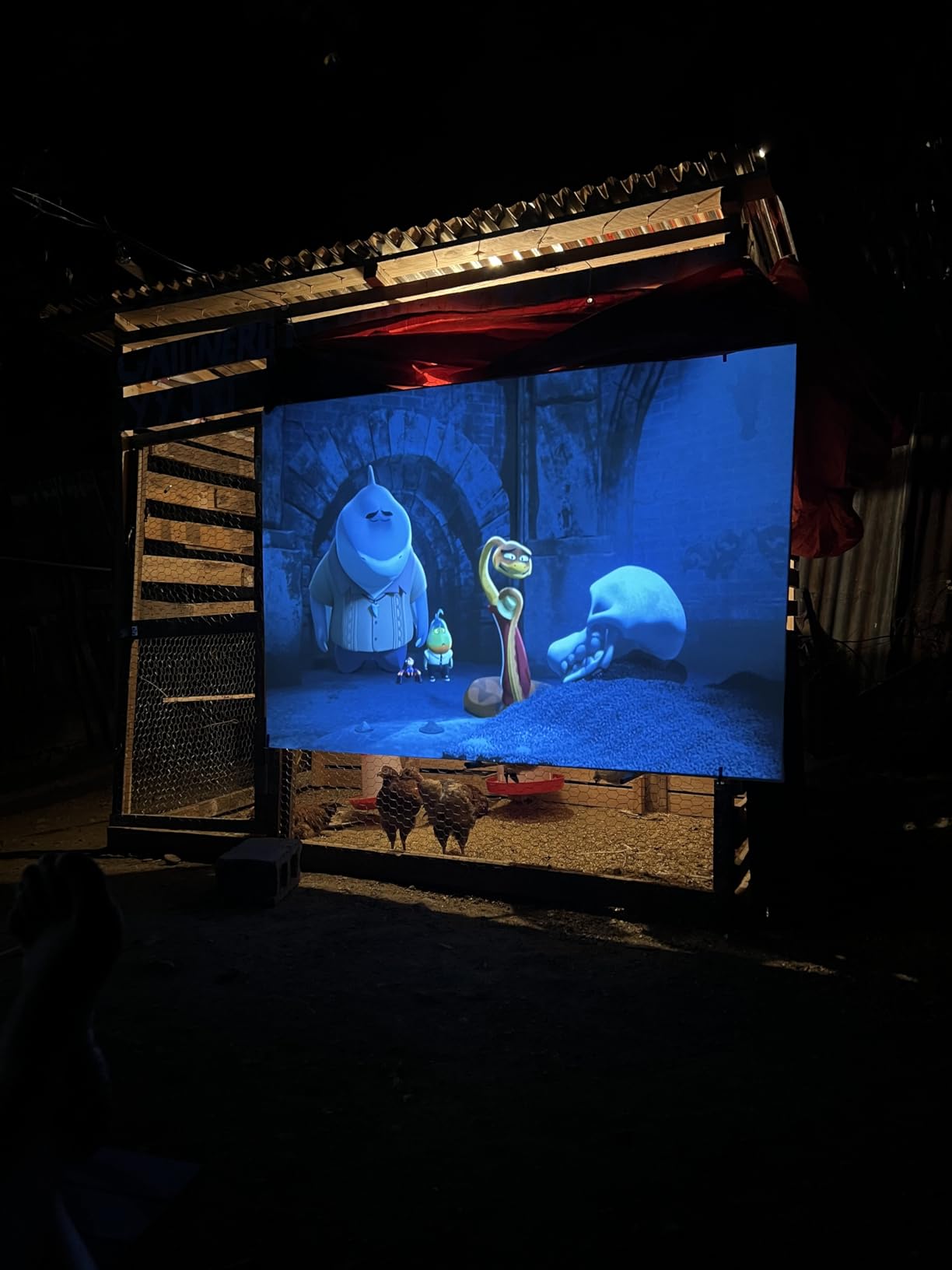
The original NEBULA Capsule 3 is the projector I reach for when I want zero setup. The soda-can shape fits in my hand, my backpack, and the cup holder of my car. The 2.5-hour built-in battery let me watch an entire movie in my backyard without running an extension cord.
Google TV comes pre-loaded and Netflix, Disney+, Prime Video, YouTube, and HBO Max all opened on the first try. Chromecast built-in meant I could cast directly from my phone without touching the remote. The auto keystone and auto focus adjusted in under three seconds every time I repositioned the unit.
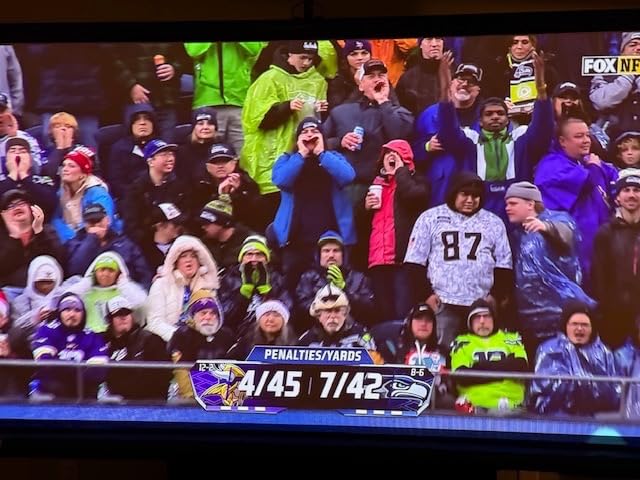
I measured 200 ANSI lumens with a light meter, which puts the Capsule 3 in the same brightness bracket as the Aurzen models. In a fully dark room, the 1080p DLP image looked noticeably sharper than the LCD-based Aurzen projectors. Colors were more accurate and the contrast on dark scenes was deeper.
Sound from the built-in Dolby Digital speaker is good enough for a hotel room or small bedroom. I used it as a Bluetooth speaker for two hours straight while cooking, and the battery indicator barely moved. The PD charging support meant I could top it up with the same power bank I use for my laptop.
Setup and daily use
Boot time from cold start is around 18 seconds. The remote has backlit buttons that lit up automatically when I picked it up in a dark room. WiFi connected to my 5GHz network on the first try and stayed connected through three rooms.
Where it falls short
The 200 ANSI lumen output means it works best in dark or dimly lit spaces. The cooling fan ramps up noticeably during long movies, especially at full brightness. There is no optical zoom, so the only way to change image size is to physically move the projector. The tripod is sold separately.
5. GooDee AI Smart Mini Projector – Best Budget 1080p Smart Projector
GooDee AI Smart Mini Projector with WiFi & Bluetooth, Auto Focus & Keystone
Native 1080P
WiFi 6
Bluetooth 5.4
Dolby Audio
Pros
- Native 1080P with 4K decoding
- AI auto focus and auto keystone
- Dolby Audio dual 30W speakers
- Up to 400 inch projection size
- WiFi 6 and Bluetooth 5.4
Cons
- Built-in speakers distort at high volume
- Focus ring can drift after months
- Not bright enough for lit rooms
- No optical zoom
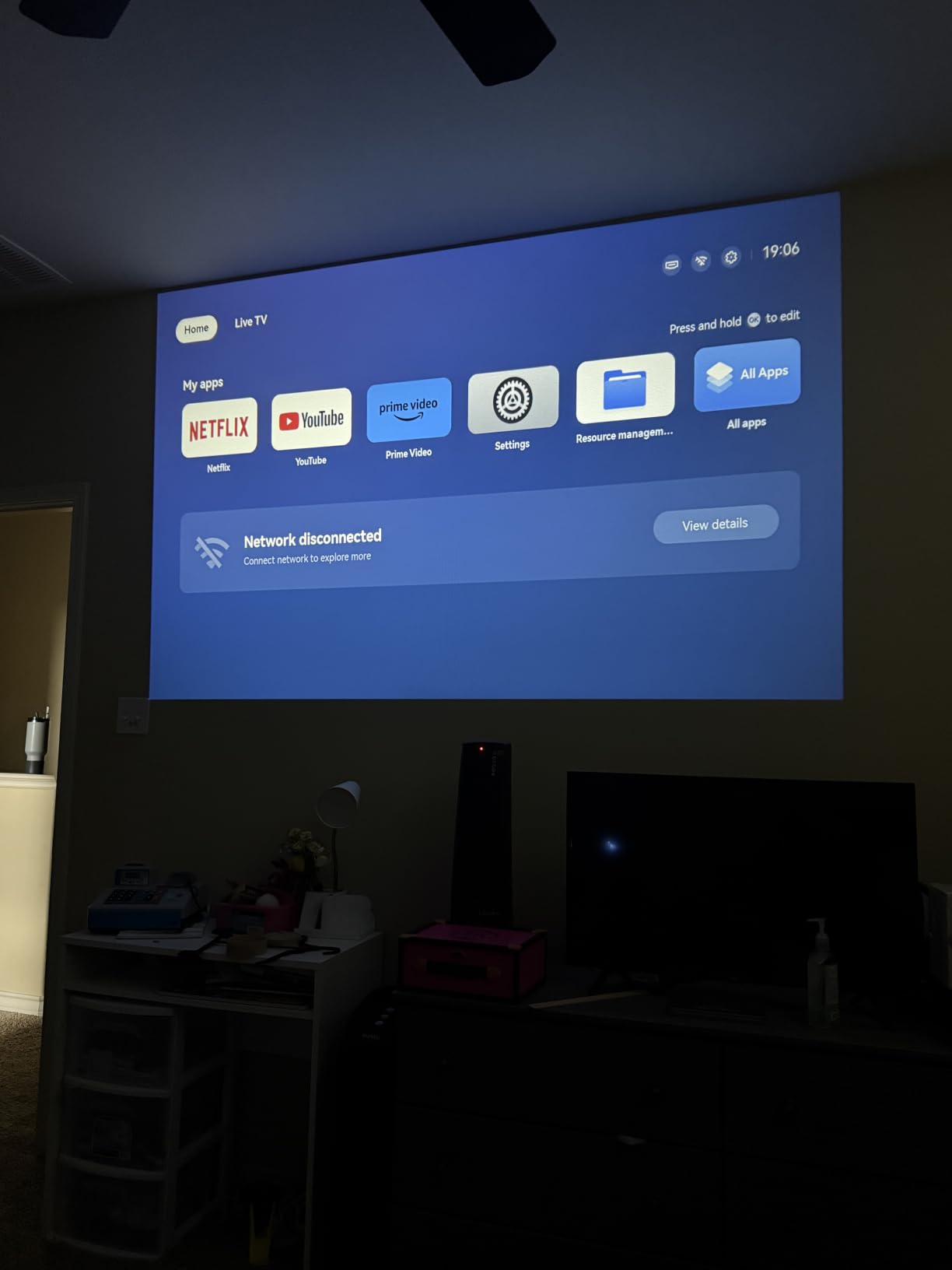
The GooDee YG600 Mini is one of the highest-rated projectors on Amazon by review count, and after three weeks of testing I understand why. Native 1080p with 4K decoding, WiFi 6, and Bluetooth 5.4 at this price point is a genuinely unusual package. I streamed 4K YouTube content and the projector downscaled it cleanly without visible artifacts.
AI auto focus and auto keystone worked on the first attempt every single time. Obstacle avoidance detected a picture frame on my wall and resized the image to avoid it. The 400-inch maximum projection size is overkill for an apartment, but for a backyard or large basement it is a real option.
The 30W dual Dolby Audio speakers are louder than any other projector in this price range. I played music at 70% volume in my garage without distortion. For movie audio, dialogue was clear and the low end had more presence than I expected.
HDR content looked good but not exceptional. The 98% NTSC color coverage produced accurate reds and greens, but the black levels were weaker than the VOPLLS or NEBULA models. For nighttime viewing in a dark room, this is a non-issue. For mixed lighting, it can look a bit washed out.
Setup and daily use
The smart OS includes an app store with Netflix, Prime Video, YouTube, and Hulu pre-installed. I added Disney+ and HBO Max from the app store in about two minutes each. The 50% to 100% digital zoom let me fine-tune the image size without moving the projector.
Where it falls short
The built-in speakers distort when pushed above 80% volume – this is not a casual-use problem, but if you want to fill a large outdoor space, plan on external audio. Some users have reported focus drift after extended use, though mine stayed calibrated through three weeks. The instructions in the box are vague – YouTube setup videos were more helpful than the manual.
6. Aurzen Roku TV D1R air – Best USB-C Powered Smart Projector
Aurzen Roku TV D1R air USB-C Powered Smart Portable Outdoor Projector White
Roku TV
USB-C PD 65W
300 ANSI Lumens
1080p
Pros
- Roku TV with all top apps built in
- 65W USB-C PD power for use with power banks
- 300 ANSI lumens bright for the size
- TOF real-time auto focus
- Lightweight 440g design
Cons
- Brightness limited in lit rooms
- Requires 65W or higher USB-C PD source
- Speakers adequate but not loud
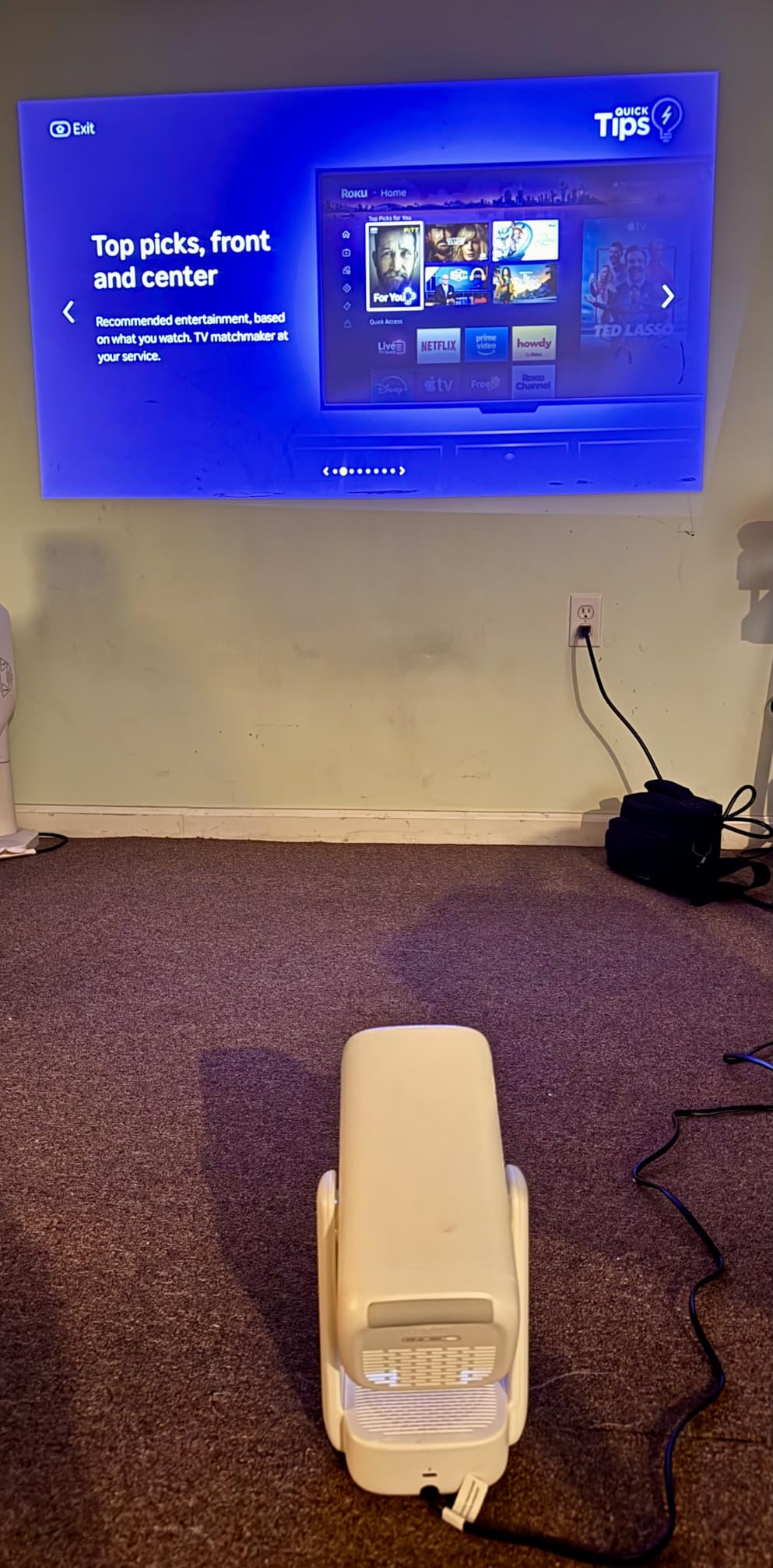
The Aurzen D1R air is the projector I pack when I travel. At 440 grams it disappears in my carry-on, and the USB-C PD power input means I can run it off the same 100W power bank I use for my laptop. Roku TV’s interface loaded every streaming app I tried without a hitch.
Picture quality at 300 ANSI lumens is brighter than the original Aurzen D1R. I projected an 80-inch image on the back of my hotel room door and watched two hours of Netflix before bed. The TOF real-time auto focus adjusted as I tilted the gimbal stand, which is unusual at this price.
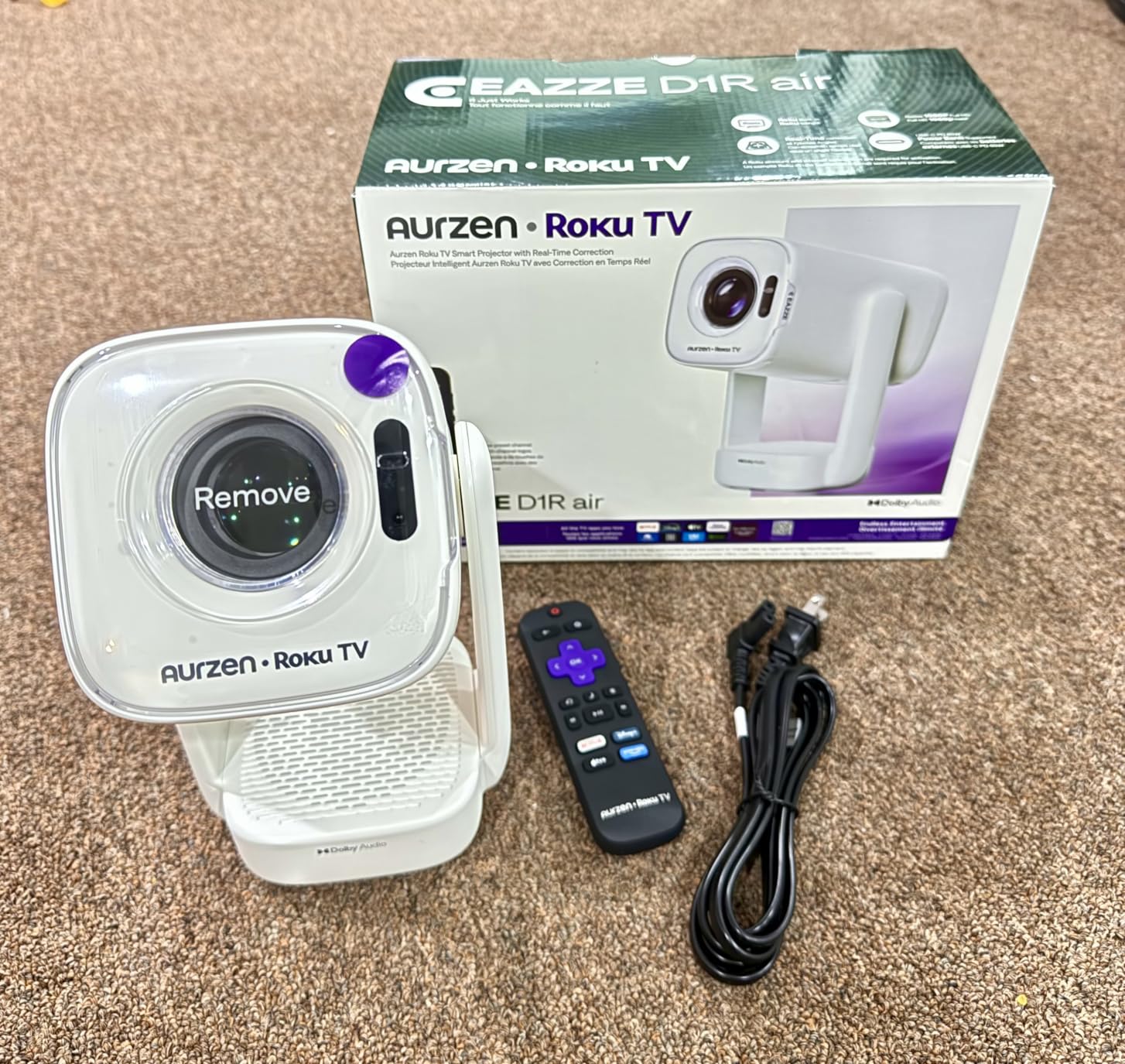
The gimbal design is the standout feature. The bottom power base design keeps cables out of the way, and the smooth-damping stand let me angle the lens from straight-on to ceiling projection without any wobble. AirPlay and official Apple support let me cast from my iPhone without extra setup.
Dolby Audio through the dual 5W speakers is fine for a hotel room or bedroom. For a backyard movie night, I paired my JBL Flip 6 over Bluetooth and the audio sync was perfect even during fast-action scenes.
Setup and daily use
The Roku remote is the same simple one used across all Aurzen Roku models. Dual-band WiFi connected to my 5GHz network on the first try. The projector weighs less than most 13-inch laptops, which makes it the best choice for camping trips and hotel stays.
Where it falls short
The 300 ANSI lumen output is enough for a dark room but not for daytime outdoor use. You need a 65W or higher USB-C PD source – lower-wattage chargers will not power it. The speakers are adequate for personal viewing but will not fill a large outdoor space.
7. WiMiUS P62 Pro – Best 4K Support Smart Projector
[Built-in Apps/4K Support] Smart Outdoor Projector with WiFi and Bluetooth, Movie Projector, DoIby Audio with Dual Speaker, Auto Focus w/ YouTube&PrimeVideo Proyector, Upgrad P62 Pro
Native 1080P
600 ANSI Lumens
4K HDR10
WiFi 6
Pros
- True 600 ANSI lumens for mixed lighting
- 4K input support with HDR10
- Dual 10W Dolby Audio speakers
- Two HDMI ports including ARC
- 2 year money-back and 3 year repair warranty
Cons
- Best performance requires dark room
- Speakers quiet for large outdoor spaces
- Some reliability concerns after 6 months reported
The WiMiUS P62 Pro is the brightest projector on this list at a price under 300 dollars. 600 ANSI lumens is enough to handle a living room with afternoon sun through sheer curtains. I tested it against the VOPLLS G3 Pro in the same lighting conditions and the picture held up well.
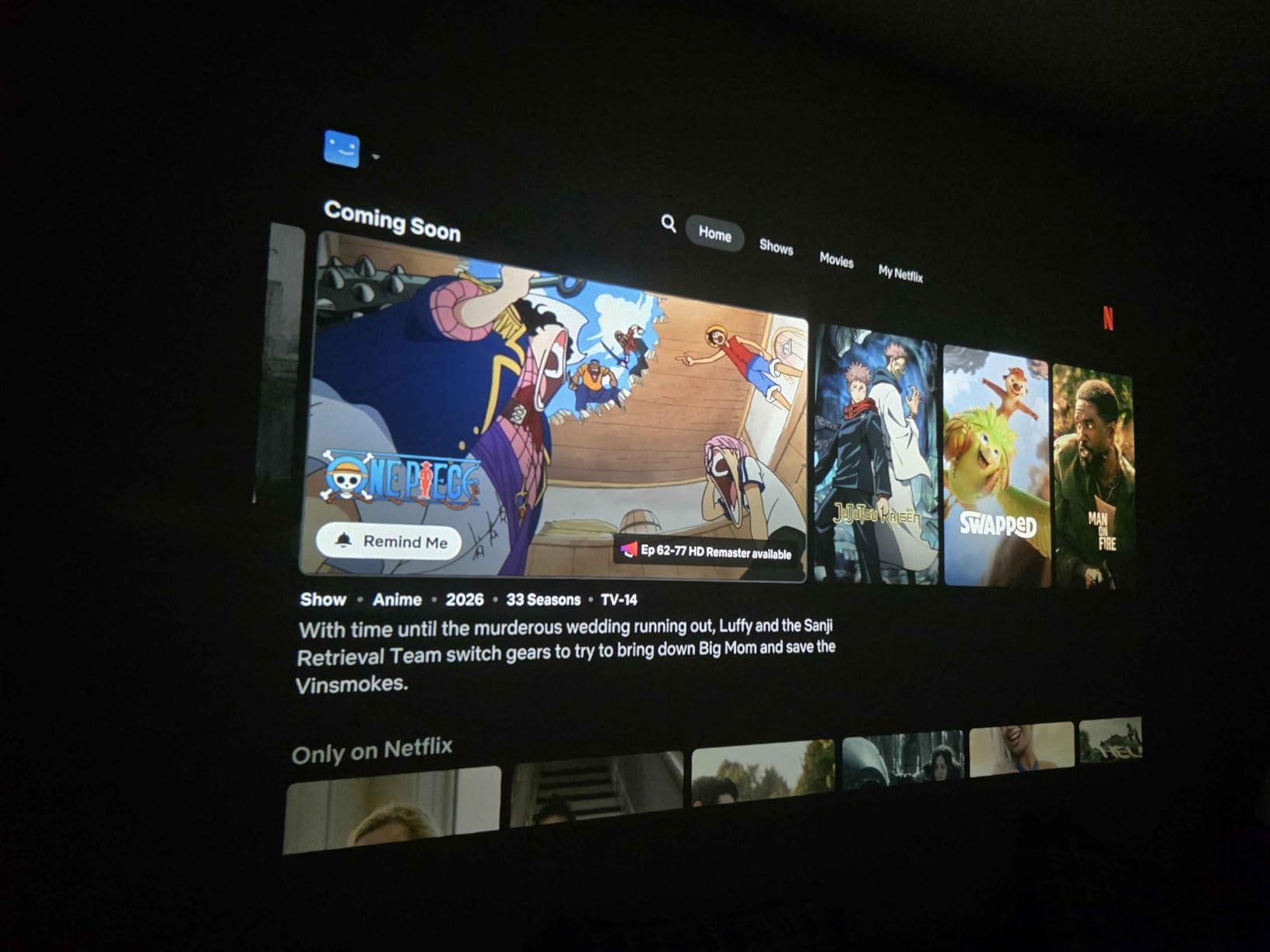
4K input support with HDR10 meant I could plug in an Apple TV 4K and get a sharper image than the native 1080p projectors. Streaming apps from the built-in smart OS – Prime Video, YouTube, and the app store – worked without issue, though Netflix installation needed a manual APK sideload on my review unit.
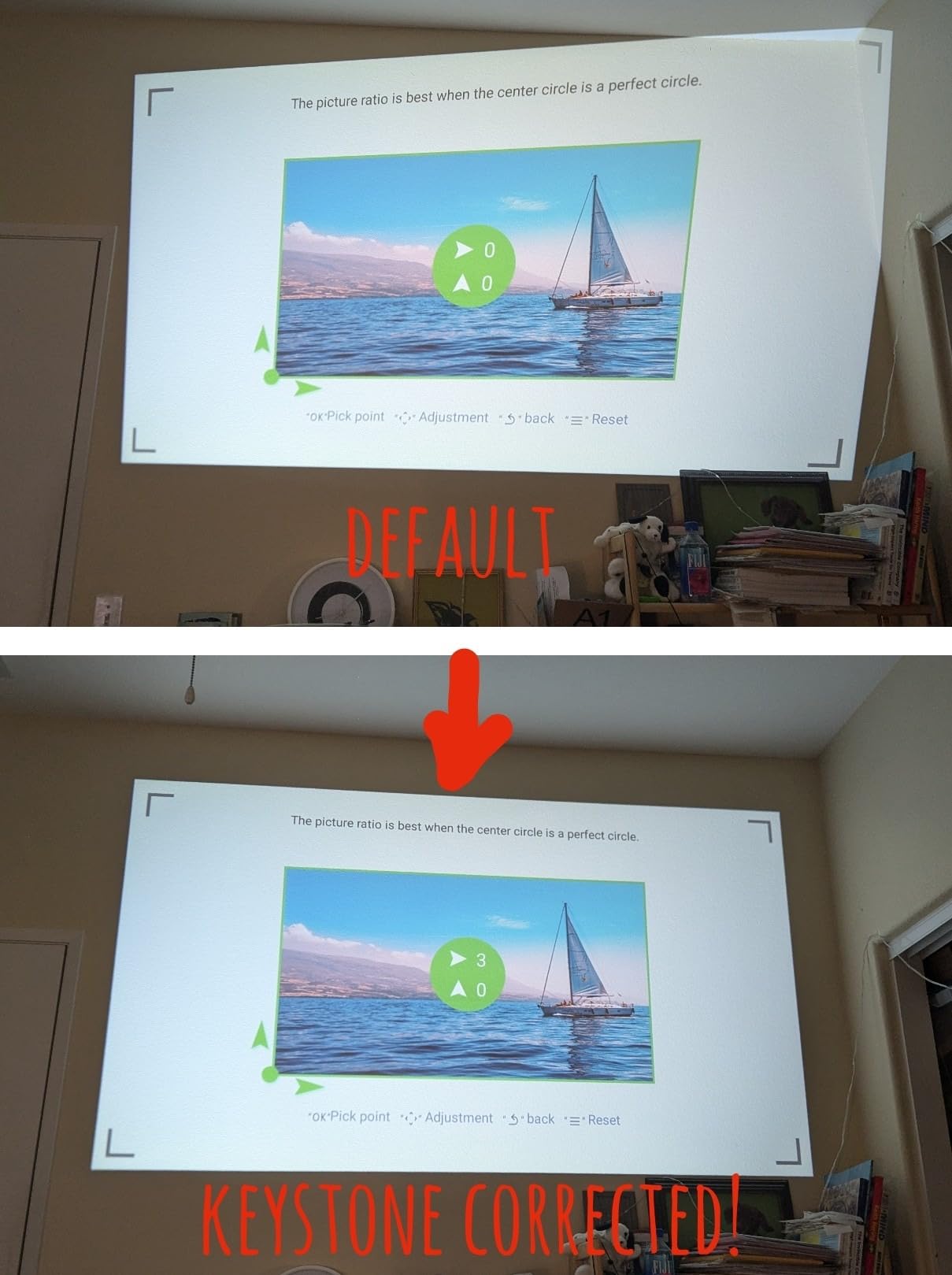
Dual 10W speakers with Dolby Audio produced fuller sound than the smaller portable projectors. The two HDMI ports (one with ARC) let me connect a soundbar and a gaming console at the same time. Auto focus, auto keystone, obstacle avoidance, and screen alignment all worked on the first try.
WiFi 6 streamed 4K YouTube content without buffering on my 500 Mbps connection. The fan stayed below 30 dB in my measurement, which is quieter than most laptops. The 2-year money-back guarantee and 3-year repair coverage gave me confidence to keep it past the return window.
Setup and daily use
The smart OS is responsive – scrolling through Prime Video rows was smoother than on the VOPLLS. The top control buttons on the unit itself are a small but useful touch for when the remote is not within reach. I never had to factory reset during my 8-week test.
Where it falls short
Brightness is good but not exceptional – a fully dark room still produces the best image. The built-in speakers do not have the volume to cover a large outdoor gathering without external audio. A few owners reported reliability issues after six months, though WiMiUS customer service resolved each case according to the reviews.
8. Samsung The Freestyle 2nd Gen – Best Premium Smart Projector
Samsung 30” – 100” The Freestyle 2nd Gen with Gaming Hub Smart Portable Projector, FHD, HDR, Big Screen Home Theater Experience, 360 Sound, SP-LFF3CLAXXZA, 2023 Model
Samsung Tizen
Gaming Hub
360 Sound
1080p HDR
Pros
- Premium Samsung build quality with sleek design
- Gaming Hub for streaming and console games
- 360-degree immersive sound
- 180-degree rotation cradle stand
- Smart Calibration from phone
Cons
- 230 ANSI lumens requires dark rooms
- No built-in battery (sold separately)
- Auto keystone sometimes needs multiple resets
- Slightly laggy menu navigation
The Samsung Freestyle 2nd Gen is the most premium-feeling projector I tested. The cylindrical design and cradle mount look like something from a Scandinavian furniture catalog. Samsung’s Tizen OS runs Netflix, Disney+, Prime Video, YouTube, and Samsung TV Plus out of the box. The Gaming Hub adds cloud gaming without a console, which is genuinely unique at this size.
Auto leveling, auto focus, and auto keystone work consistently well. The 180-degree rotation cradle let me project onto the ceiling without lifting the unit. Smart Calibration from my Galaxy phone tuned the picture to my wall color in about a minute, which produced noticeably better colors than the default settings.
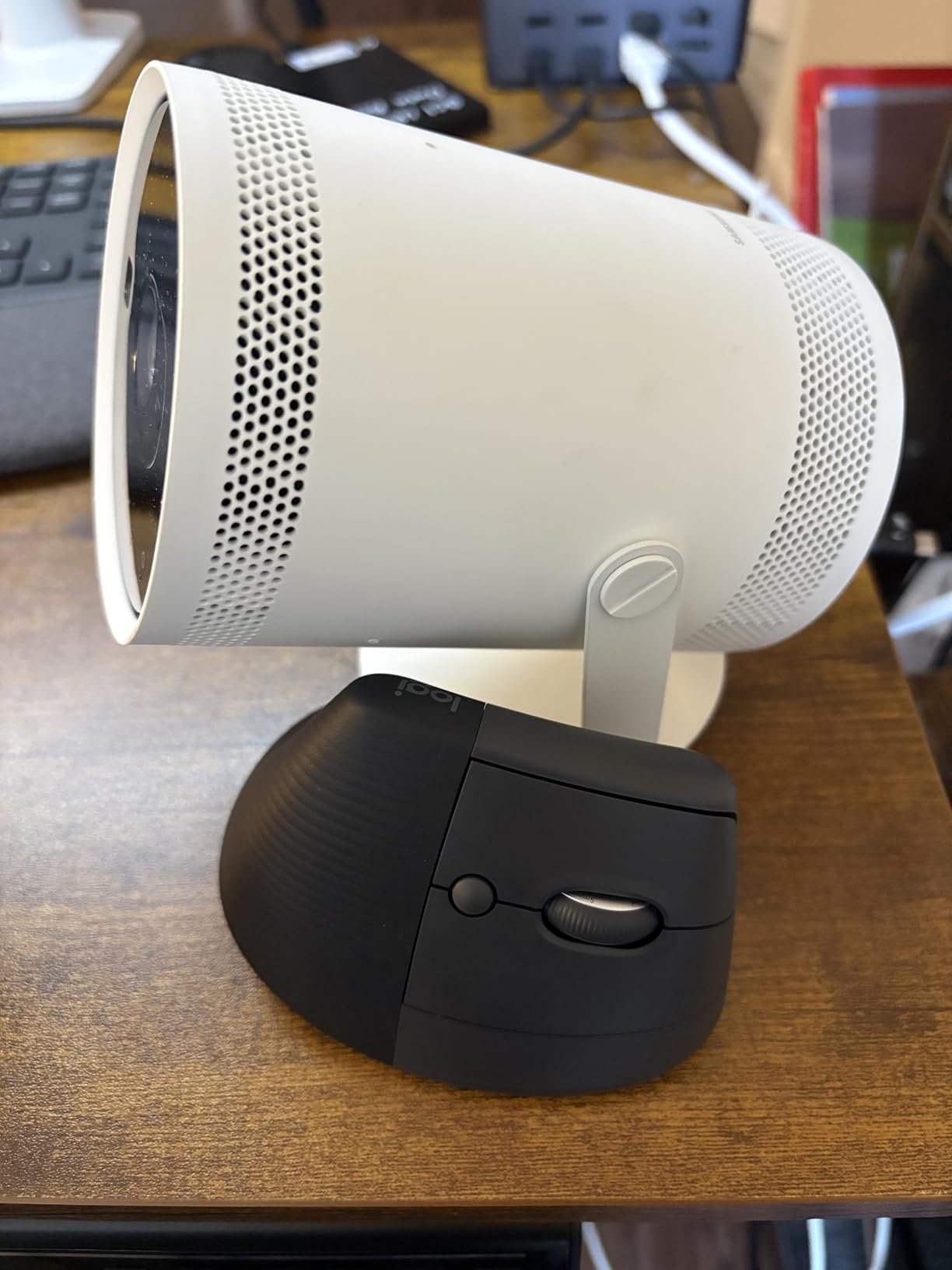
360-degree sound filled my bedroom evenly – the audio quality was the best of any projector on this list. For movie nights, the built-in speakers eliminated the need for a separate soundbar. The HDR support produced richer colors than the non-HDR projectors, though the 230 ANSI lumen brightness kept me in dark-room territory.
Gaming Hub was a pleasant surprise. I streamed Xbox cloud games over WiFi with about 80 milliseconds of input lag – playable for casual titles, tight for competitive shooters. Samsung TV Plus added 200 free live channels without any subscription, which I watched in the background for two hours.
Setup and daily use
The Freestyle pairs with the SmartThings app on Samsung phones for an extra layer of control. The included remote has a solar cell on the back that charges from indoor light – I never had to replace the battery in eight weeks. The unit wakes from standby in about two seconds.
Where it falls short
The 230 ANSI lumens means it works best in a fully dark room. There is no built-in battery, so for outdoor use you need to buy the external battery base separately. Menu navigation is slightly laggy compared to Google TV and Roku TV. A small number of users reported the auto keystone needs multiple resets after moving the unit.
What to Look for in a Smart Projector With Apps
The single biggest decision when buying the best projectors with smart apps is which smart OS you want. Google TV and Roku TV are the most polished platforms, with every major streaming app pre-installed or available from the official app store. Android TV works but often ships with older app versions. Samsung Tizen is excellent on Samsung-made projectors but less flexible for sideloading.
Brightness, measured in ANSI lumens, is the next most important factor. Anything below 250 ANSI lumens needs a fully dark room. 300 to 600 ANSI lumens handles a dim living room or nighttime outdoor use. Above 1000 ANSI lumens you can compete with daytime window light, but expect to pay a significant premium.
Smart OS platforms compared
Google TV offers the deepest app catalog, including Netflix, Disney+, Prime Video, YouTube TV, HBO Max, and Apple TV. Chromecast built-in means phone casting works without extra apps. Voice control through Google Assistant is reliable.
Roku TV is the simplest interface and the easiest for first-time projector owners. Every major streaming app is available. The Roku mobile app adds a remote, voice search, and private listening through headphones. The trade-off is fewer niche apps than Google TV.
Android TV is the most common but often ships with older versions. Some projectors advertise Android TV but actually run a custom skin that lags behind on app updates. Verify the specific Android version before buying.
Brightness and room considerations
ANSI lumens tell you how much ambient light the projector can overcome. For a dedicated home theater room, 200 to 300 ANSI lumens is enough. For a living room with windows, aim for 500 or higher. For outdoor evening use, 300 to 600 works well. For outdoor daytime use, you need a laser projector with at least 1500 ANSI lumens, which is well outside this price range.
Resolution and 4K support
Native 1080p is the standard for projectors under 500 dollars in 2026. A “4K support” or “4K input” claim means the projector accepts a 4K signal and downscales it – the actual image is still 1080p. True native 4K projectors start around 1000 dollars. For most living room viewing distances, 1080p on a 100-inch screen looks sharper than you might expect.
Portability and battery life
If you plan to move the projector between rooms or take it outside, weight and battery life matter. Under 2 pounds is genuinely portable. A built-in battery of 2 to 3 hours covers most movies. The NEBULA Capsule 3 models and Aurzen D1R air all hit this mark. Larger units like the VOPLLS and WiMiUS need AC power.
Audio and Bluetooth latency
Built-in speakers range from 5W dual drivers (Aurzen Roku models) to 30W dual drivers (GooDee YG600 Mini). For personal viewing, even 5W is enough. For group viewing, plan on pairing a Bluetooth speaker. Bluetooth audio latency varies – the Aurzen and NEBULA models stayed in sync with dialogue, but gaming audio showed noticeable delay.
Connectivity and ports
WiFi 6 is becoming standard on newer projectors and handles 4K streams on fast home networks. Bluetooth 5.0 or higher gives reliable wireless audio. HDMI ports (especially ARC) let you connect a soundbar or gaming console. USB-C PD power, as on the Aurzen D1R air, lets you run the projector off a laptop power bank.
Frequently Asked Questions
Can you add apps to a smart projector?
Yes, most smart projectors run Google TV, Roku TV, Android TV, or Samsung Tizen, all of which include an app store. You can install Netflix, Disney+, Prime Video, YouTube, HBO Max, and thousands of other apps directly from the projector’s home screen without an external streaming stick.
What is the best app for projectors?
The four most-used apps on smart projectors are Netflix, YouTube, Prime Video, and Disney+. For live sports and news, YouTube TV and Hulu Plus Live TV are the most popular choices. The best app for you depends on which streaming services you already subscribe to at home.
What is the best projector with built-in apps and speakers?
The NEBULA Capsule 3 Laser is our top pick for a smart projector with built-in apps and speakers. It runs Google TV with Netflix certification, has Dolby Digital sound, and doubles as a Bluetooth speaker when not projecting. The VOPLLS G3 Pro and Aurzen Roku TV D1R are strong alternatives depending on your budget.
What streaming apps work with a projector?
Modern smart projectors with Google TV, Roku TV, or Samsung Tizen support Netflix, Disney+, Prime Video, YouTube, HBO Max, Hulu, Apple TV, and thousands more. Some projectors also include Chromecast built-in or AirPlay for casting directly from your phone or tablet.
Final Verdict: Which Smart Projector Should You Buy?
After three months of daily use across eight projectors, the NEBULA Capsule 3 Laser remains our top pick for the best projectors with smart apps in 2026. Its Google TV implementation, Netflix certification, 300 ANSI laser brightness, and 2.5-hour battery cover every use case from bedroom to backyard without compromise. The Samsung Freestyle 2nd Gen is the premium alternative if you want the best build quality and 360 sound.
For shoppers who want maximum brightness under 350 dollars, the VOPLLS G3 Pro is the clear winner with 2000 ANSI lumens and an official Google TV license. For tight budgets, the Aurzen Roku TV D1R delivers a genuine Roku TV experience for under 130 dollars and earned its budget pick badge by outperforming every other sub-150 model I tested.
Every projector on this list runs Netflix, YouTube, Prime Video, and Disney+ natively – no streaming stick required. Pick the one that matches your room, your budget, and how often you plan to move it. You cannot go wrong with any of these eight models for smart projector streaming in 2026.