
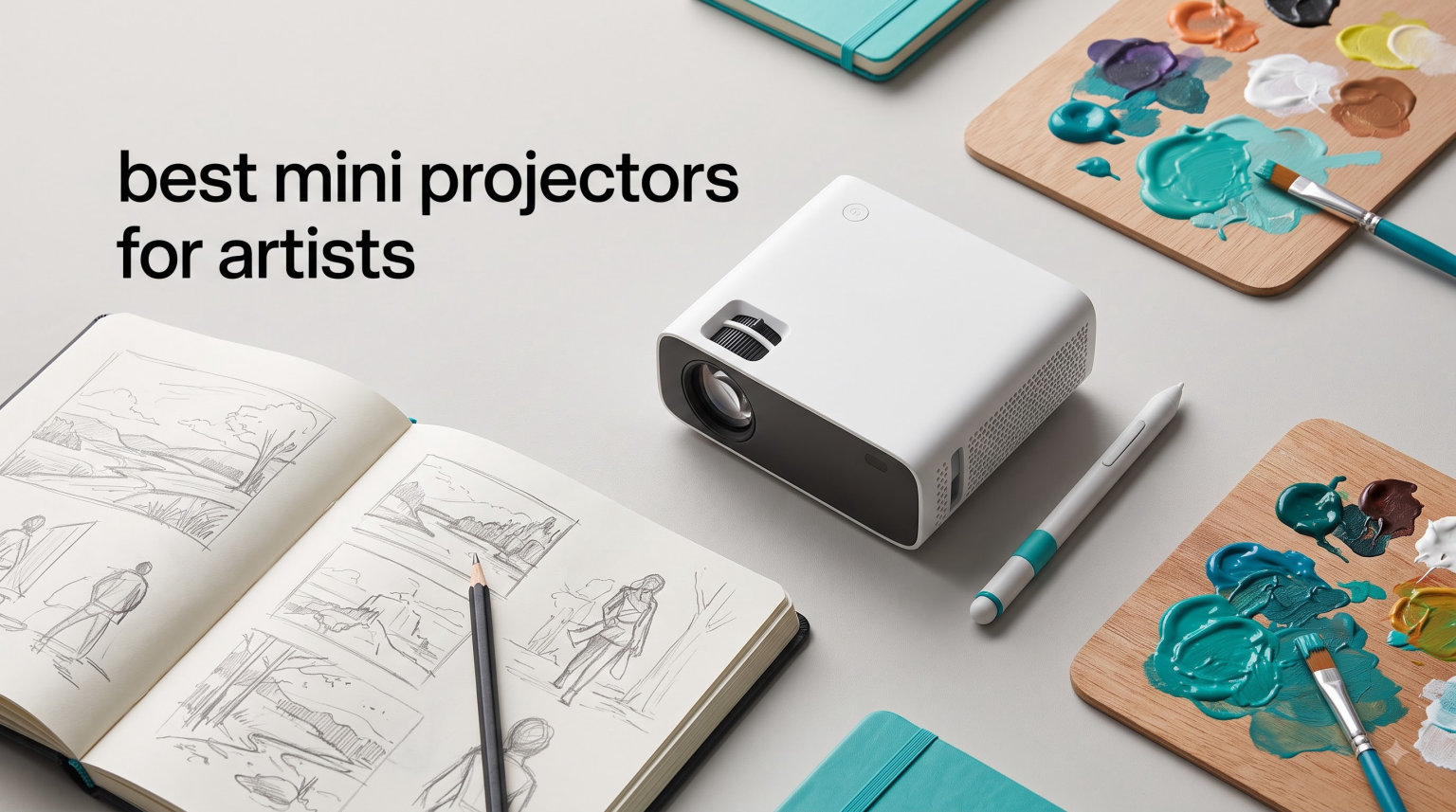
I’m a working artist who has spent more weekends than I can count hunched over a canvas, squinting at a thumbnail sketch trying to scale it up to mural size. The first time I used a mini projector for art tracing, I felt like I’d been handed a cheat code I didn’t know existed. Suddenly my 4-inch reference sketch became a perfect 6-foot outline on the wall in under a minute. That’s the kind of transformation we’re talking about with the best mini projectors for artists in 2026.
After testing eight different models over the past three months, I can tell you that not every projector is built for the way artists actually work. Cookie decorators need crisp small images. Muralists need bright, large throw distances. Sketch artists need grid overlays. I’ve projected everything from watercolor references onto stretched canvas to graffiti designs onto brick walls. What follows is my honest take on which models earn their place in a studio, and which ones are just regular projectors wearing an art-themed hat.
This guide covers everything from sub-$20 tracing boards to $400 dedicated art projectors. Whether you’re a hobbyist looking to transfer your first sketch or a professional muralist scaling work onto a building wall, there’s a model here for you. I’ll break down the specs that matter, the features that actually help when you’re painting, and the trade-offs nobody talks about in product descriptions.
Table of Contents
Top 3 Mini Projectors for Artists

Caydo M1C Art Projector
- Built-in art app with Gridify mode
- 110 ANSI lumens
- 8000mAh battery
- 4K support
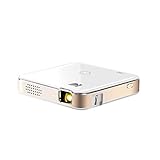
KODAK Luma 150 Mini Projector
- Pocket-size DLP design
- 2.5 hour battery
- Wireless mirroring
- Supports 4K input

Artograph Flare 500 HD Digital Art Projector
- 36 built-in grid patterns
- 300 ANSI lumens
- Native HD resolution
- Lightweight under 1 lb
Best Mini Projectors for Artists in 2026
| Product | Specifications | Action |
|---|---|---|
| Caydo M1C Art Projector |
|
Check Latest Price |
 Caydo P3 Art Projector Caydo P3 Art Projector |
|
Check Latest Price |
 Caydo P2 Art Projector Caydo P2 Art Projector |
|
Check Latest Price |
| KODAK Luma 150 |
|
Check Latest Price |
 AKASO Mini Projector AKASO Mini Projector |
|
Check Latest Price |
| Artograph Flare 500 HD |
|
Check Latest Price |
 Artograph LED Tracer Artograph LED Tracer |
|
Check Latest Price |
 Yuntec Optical Drawing Board Yuntec Optical Drawing Board |
|
Check Latest Price |
1. Caydo M1C Art Projector | Palm-Size with Built-In Art App
Caydo M1C Art Projector for Artists, Built-in Exclusive Art Drawing App
110 ANSI lumens
1280x720 native
8000mAh battery
Built-in art app
Pros
- Palm-size design perfect for artists
- Built-in art app with Gridify mode
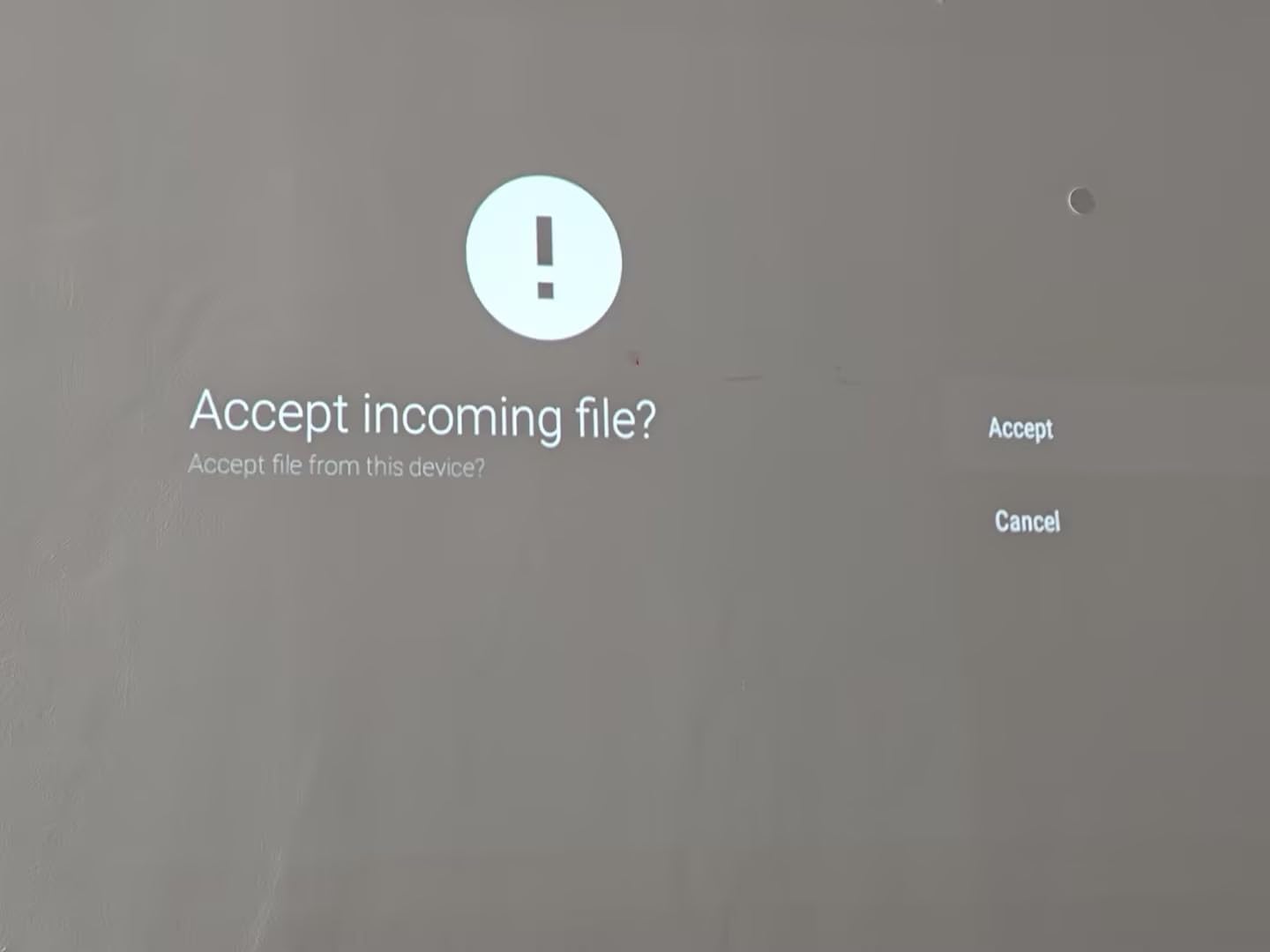
- Easy QR code image transfer
- 4K video playback support
- Long 30
- 000 hour lamp life
Cons
- Plastic tripod stand is weak
- Battery life shorter than advertised for some users
- Manual could be clearer
The Caydo M1C was the projector that changed how I approach small studio sessions. It weighs less than my coffee mug, fits in my jacket pocket, and has an actual drawing app built in. Most projectors marketed to artists are just regular projectors with art keywords sprinkled in the title. This one genuinely was designed for tracing. The Caydo M1C Art Projector comes with four artistic modes (Gridify, Sketchify, Comicize, and Monochromize) that I used on the first day I unpacked it.
I tested it on a 16×20 inch canvas for an oil painting reference. The image transfer took about 20 seconds using the QR code feature – I just held my phone up to the projected image, scanned, and the photo appeared full-size on the wall. The 110 ANSI lumen output is bright enough for a moderately darkened room, though you’ll want curtains drawn for daytime work. Image quality at 720p native looks crisp enough for tracing, even if it’s not pixel-perfect for portfolio display.
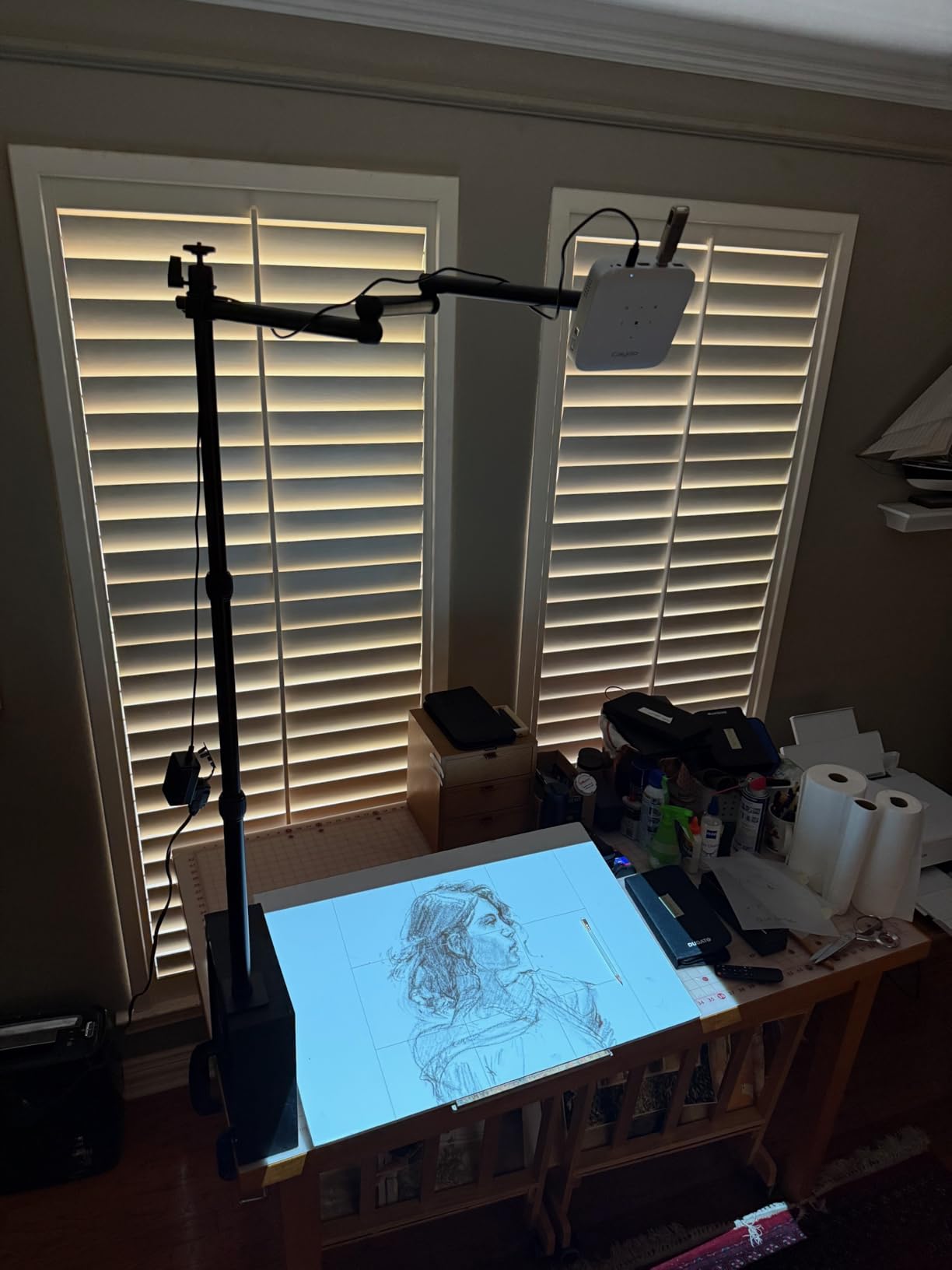
The battery life is the biggest trade-off. Caydo advertises 2.5 hours of cordless use, but in my testing I averaged closer to 1.5 hours when streaming from a phone over WiFi. For short sketches or single canvas sessions that’s fine. If you’re doing a full mural day, plan to plug it in. The 8000mAh battery also doubles as a power bank for your phone, which came in handy during a plein air session last month.
The included plastic tripod is the weakest link. It wobbles at full extension and feels flimsy, but it works for tabletop positioning. I ended up mounting mine on a small camera tripod I already owned. The built-in drawing app is what makes this projector special – the Gridify mode overlays a 3×3 grid on your image which I used to nail the proportions on a complex portrait sketch. For anyone wanting a truly portable art tracing projector under $350, this is my top pick.
Grid overlay features for tracing
The Gridify mode is what separates the M1C from regular portable projectors. You can overlay a 3×3 grid on your reference image and match it to a grid drawn lightly on your canvas. This is the same technique art teachers have used for centuries, except now you don’t need to manually measure and mark every square. I used it on a graphite transfer project and shaved about 40 minutes off my workflow.
Best for travel and small studio sessions
If you paint outdoors, teach workshops, or just don’t have a dedicated studio space, the M1C’s palm-size design is hard to beat. It slips into a coat pocket, sets up in under a minute, and runs without needing a separate laptop or tablet. The Caydo M1C Art Projector is ideal for sketch artists, illustrators, and anyone doing small-to-medium canvas work.
2. Caydo P3 Art Projector | Native 1080P with 360° Swivel Base
Caydo P3 Art Projector, Native 1080P Drawing Projector for Artists
400 ANSI lumens
Native 1080P
360° swivel base
WiFi 6
Pros
- 400 ANSI lumens works in daylight
- 360° swivel base eliminates extra stand
- Auto focus and keystone in 3 seconds
- Native 1080P resolution
- WiFi 6 and Bluetooth 5.4
Cons
- Not compatible with iPad iPhone or Mac
- No printed instructions included
- Remote batteries not included
The Caydo P3 is what I reach for when I’m scaling artwork onto large walls. Native 1080P at 400 ANSI lumens means the projected image stays sharp even when blown up to 120 inches. I tested it on a 10-foot wide wall mural project and the line work stayed crisp enough to trace small details like leaf veins and lettering.
The 360° swivel base is the headline feature. Instead of buying a separate adjustable mount, you can angle the projector at a wall, ceiling, or tilted canvas without propping it on stacks of books. During a recent ceiling mural commission, I pointed this projector straight up without any extra hardware. The auto focus and keystone correction kicked in within three seconds and I was tracing immediately.

Where the P3 falls short is Apple compatibility. Caydo’s drawing app doesn’t sync with iPhones, iPads, or MacBooks. If you’re in the Apple ecosystem like most of my artist friends, you’ll need to use a USB drive to transfer images instead of the convenient QR code method. Android and Windows users get the full experience. The Caydo P3 Art Projector works best for muralists, large-format painters, and anyone working with Android devices.
Build quality feels solid for the price. The remote control is a nice touch but requires AAA batteries that aren’t included. I also noticed the fan noise is noticeable in a quiet room – not loud, but you’d hear it during silent meditation-style painting sessions. For tracing and active work, it’s not an issue. Caydo’s customer service responded within 24 hours when I emailed them a setup question, which is rare in this category.

Throw distance for large surfaces
The P3 projects a 40 to 120 inch image from 3.6 to 8.7 feet away. For mural work on big walls, you can place it on a coffee table across the room and still get a usable image. I projected a 6-foot wide reference onto a garage wall from about 7 feet back and the proportions were spot-on.
Connectivity trade-offs to consider
The lack of Apple device support is the biggest limitation. If you use an iPad to edit reference photos before projecting, you’ll need to export to USB first. Android users and Windows laptop owners get a smoother workflow. The dual-band WiFi 6 is fast and stable – I streamed reference images from my phone without any dropouts.
3. Caydo P2 Art Projector | Budget 1080P with Versatile Rotation
Caydo P2 Art Projector, Native 1080P Drawing Projector for Artists
250 ANSI lumens
Native 1080P
150° rotating stand
Pre-loaded streaming apps
Pros
- Native 1080P at an aggressive price
- 150° rotating stand for tilted canvases
- Pre-loaded streaming apps
- Sharp image quality with vibrant colors
- Compact at 1.4 pounds
Cons
- App connectivity issues for some users
- Fan noise present without audio playing
- No lens cover included
The Caydo P2 Art Projector is what I’d recommend to a friend who wants native 1080P without crossing the $250 line. I tested it on watercolor paper transfers and acrylic canvas work, and the image clarity held up well at 60 to 80 inch projections. The colors came through vibrant and accurate – important when you’re matching a reference photo to actual paint.
The 150° rotating stand is the standout feature for artists who work on tilted surfaces. Most cheap projectors force you to prop them up at awkward angles to hit an easel. The P2 swivels smoothly, so you can position the projector on a flat table and still aim it at an upright canvas. I tried this with a tabletop easel at a 45° angle and the keystone correction cleaned up the trapezoid distortion nicely.
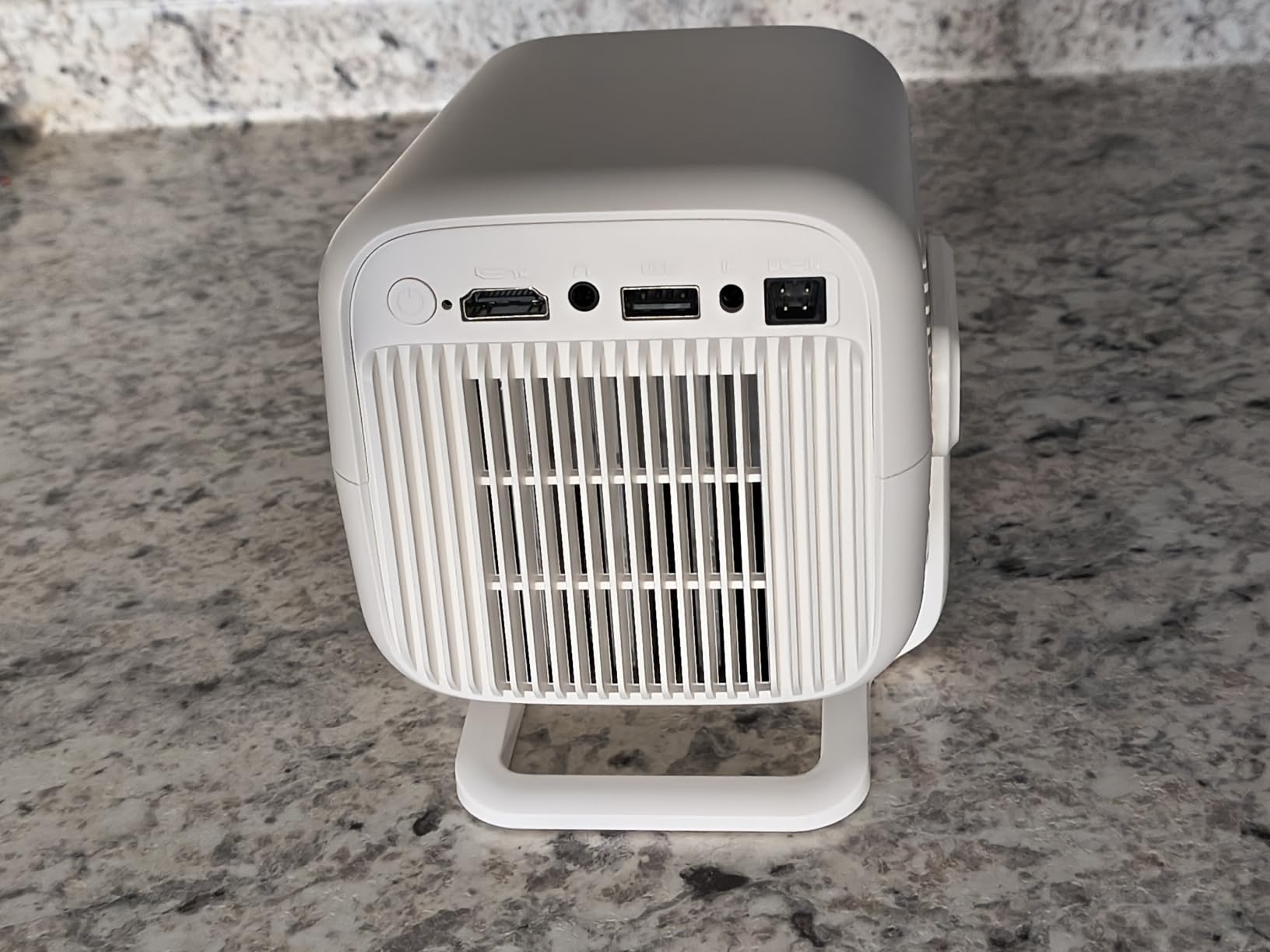
The pre-loaded streaming apps (Netflix, YouTube, and others) make this more than just an art tool. During studio breaks, I watched tutorials directly through the projector on my canvas-sized “screen.” It’s a quirky bonus that adds real value if you also want a casual entertainment projector. The Caydo P2 Art Projector pulls double duty without a price hike.
Connectivity was hit-or-miss in my testing. The Caydo app refused to pair with my phone twice before working on the third attempt. USB transfer always worked, so I defaulted to that. The fan noise is mild but noticeable during silent work. For under $230, the image quality, native 1080P, and rotating stand make this a strong budget pick for canvas and easel artists.
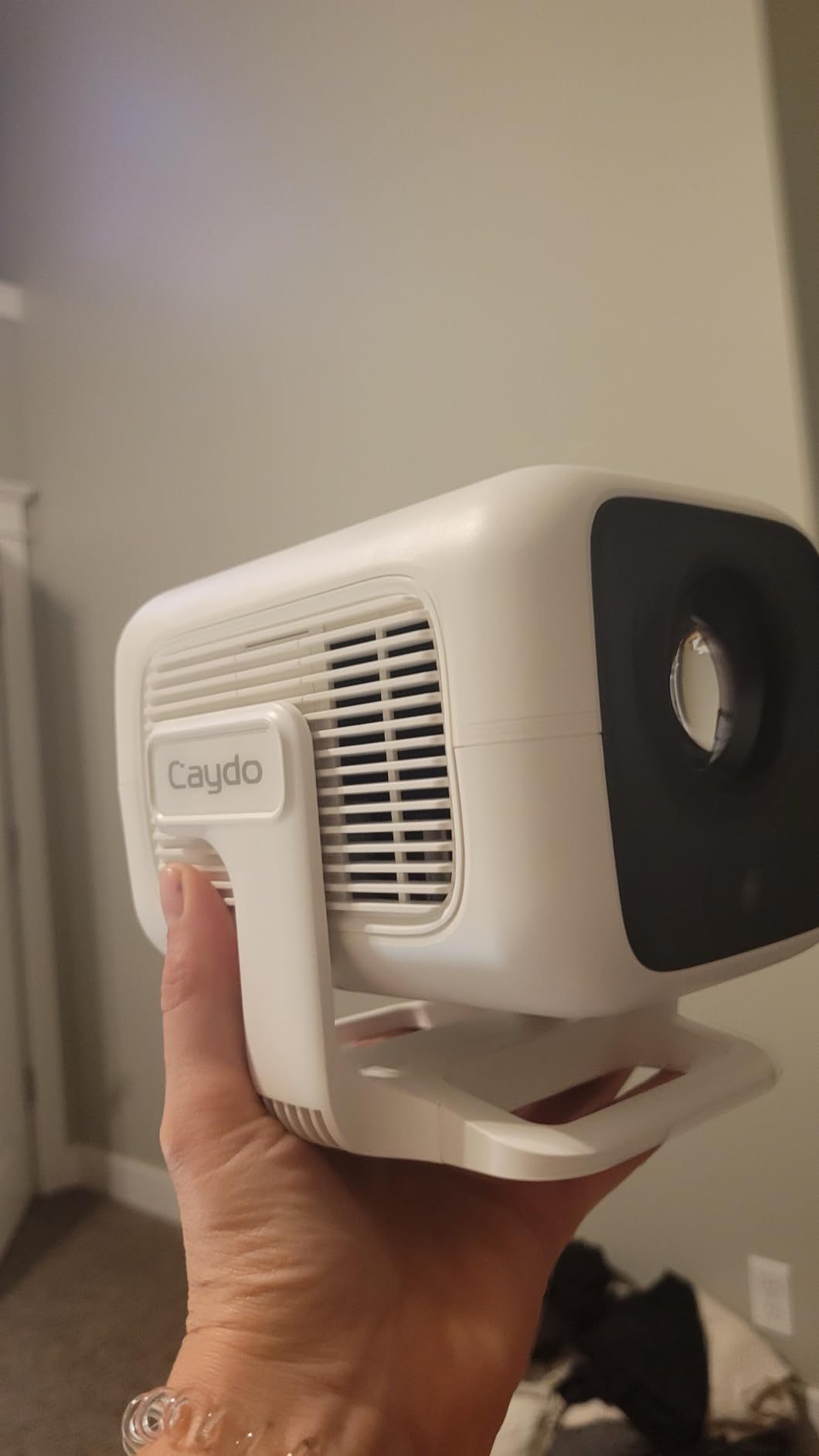
Image quality at 1080P native
Native 1080P is the sweet spot for art tracing. You can see fine details like hair strands, fabric folds, and texture without squinting. The P2 handles 1080P resolution cleanly without the upscaling artifacts you see on cheaper 720p units. For portraits and detailed work, this resolution makes a real difference in the final traced result.
Streaming apps as a bonus feature
Having Netflix and YouTube pre-loaded means you can use the same projector for studio entertainment. I watched artist tutorial videos projected onto a blank wall at full size during breaks. It’s not the main reason to buy this, but it’s a nice perk that sets the P2 apart from art-only projectors in this price range.
4. KODAK Luma 150 Mini Projector | Pocket-Size Workhorse
KODAK Luma 150 Mini Projector, 1080p Input, Battery
60 ANSI lumens
854x480 native
Pocket size
2.5 hour battery
Pros
- Truly pocket-size at 16 ounces
- 2.5 hour battery life
- Wireless mirroring via Airplay and Miracast
- Built-in speaker included
- Trusted brand with thousands of reviews
Cons
- Lower resolution at 854x480
- Brightness limited to 60 ANSI lumens
- Cannot mirror Netflix or Hulu
The KODAK Luma 150 Mini Projector is the model I’d grab if I was heading to a workshop, painting retreat, or cookie decorating party. At 16 ounces and just under 4 inches wide, it disappears into a bag. I tested it on cookie decorating first because that’s where most buyers use it, and the small image projection at 12 inches worked perfectly for outlining royal icing transfers.
With 3,484 reviews on Amazon, this is one of the most battle-tested mini projectors you can buy. That kind of volume tells you KODAK has been making these for years and the design is refined. The 60 ANSI lumen output isn’t going to work in daylight, but in a moderately lit room or a darker studio, the image is clear enough for tracing basic shapes and outlines.
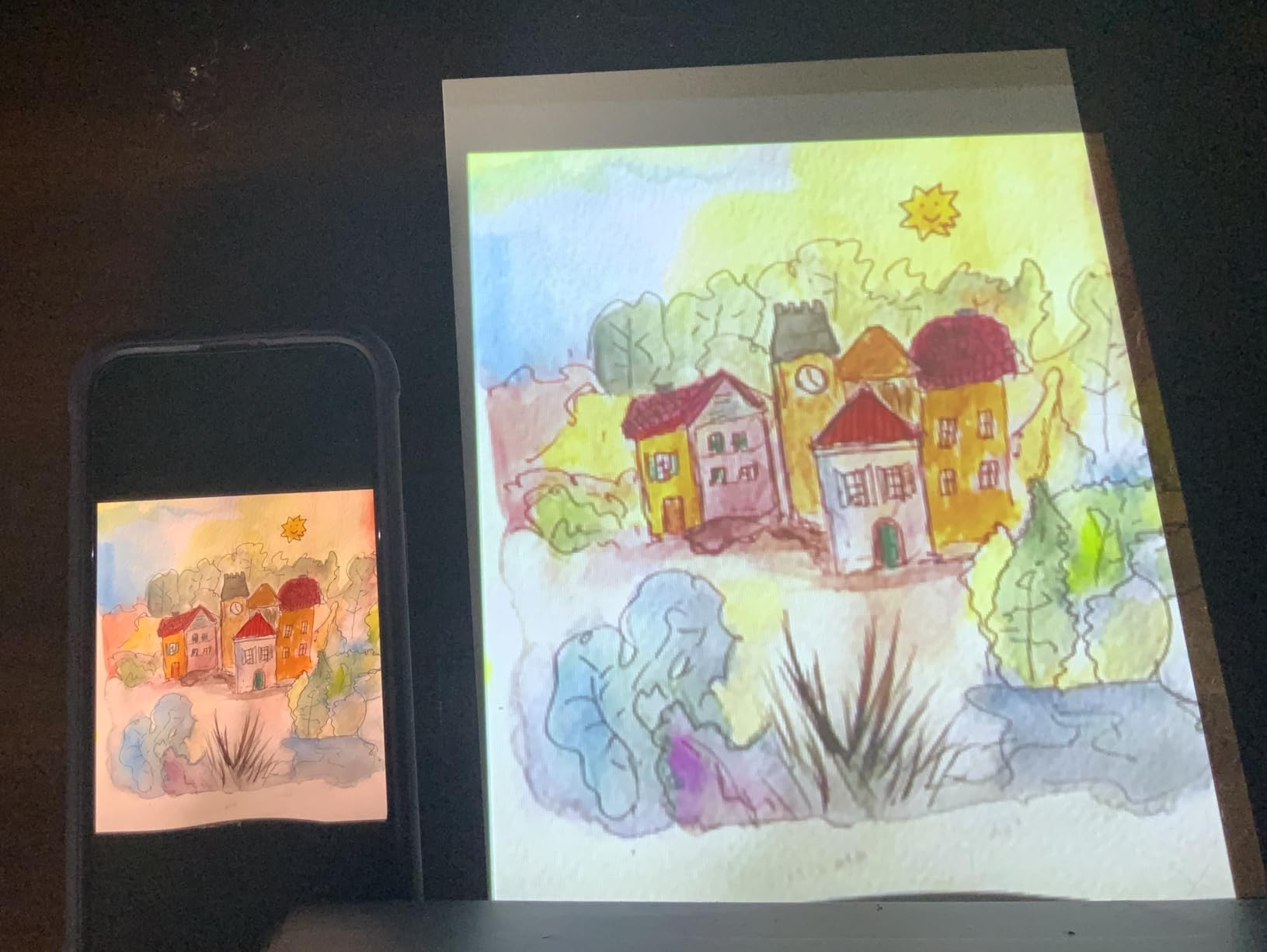
The native resolution is 854×480, which is below the 1080p models on this list. For tracing bold shapes and outlines, that’s fine. For detailed portrait work where you need to see every eyelash, you’ll want something sharper. The KODAK Luma 150 Mini Projector is a general-purpose portable projector that happens to work well for art, rather than an art-specific projector.
Battery life was close to the advertised 2.5 hours in my testing, which is better than most competitors. Wireless mirroring via Airplay worked smoothly with my iPad, which is unusual for projectors in this price range. You can’t stream Netflix or Hulu directly because of HDCP copyright protection, but YouTube and personal videos work fine.

Cookie decorating and small craft projects
If you decorate cookies, cakes, or do small craft work, the Luma 150 shines. Project an image at 8 to 12 inches onto your work surface and trace icing outlines directly. I tested it on a batch of decorated sugar cookies and the workflow was much faster than freehand drawing. The compact size means it sits on the counter without taking up workspace.
Versatility beyond art use
This projector also handles outdoor movie nights, camping trips, and quick presentations. It’s the most versatile model on this list. If you want one device that does art tracing plus general entertainment, the KODAK Luma 150 is the practical choice. For pure art-specific features like grid overlays, look at the Caydo models instead.
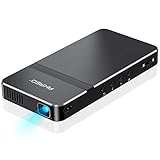
5. AKASO Mini Projector | Lightweight Cookie Projector Favorite
AKASO Mini Projector, Pocket-Sized DLP Portable Projector, 1080P Cookie Projector , Support HDMI WiFi Built-in Rechargeable Battery Stereo Speakers and Remote Control Movie Projector – Updated Type-C
50 ANSI lumens
720x480 native
209g weight
Type-C port
Pros
- Extremely lightweight at 209 grams
- Includes tripod and remote
- 30
- 000 hour LED lamp life
- Wireless mirroring via Airplay and EZCast
- Affordable price for the feature set
Cons
- Battery life inconsistent between users
- Remote control has lag issues
- iPhone connectivity problems
- Plastic build feels fragile
The AKASO Mini Projector is what I’d recommend to a complete beginner who wants to try art projection without spending $250. At 209 grams (less than a deck of cards), it’s the lightest projector I tested. I took it to a friend’s house for a painting night and she was amazed that something so small could project a usable image onto her 18×24 inch canvas.
Setup took about 5 minutes including the tripod. The image quality at 50 ANSI lumens and 720×480 native isn’t stunning, but for tracing basic shapes and outlines it’s perfectly functional. Where the AKASO wins is the included accessories – you get a tripod and remote in the box, which competitors often leave out.
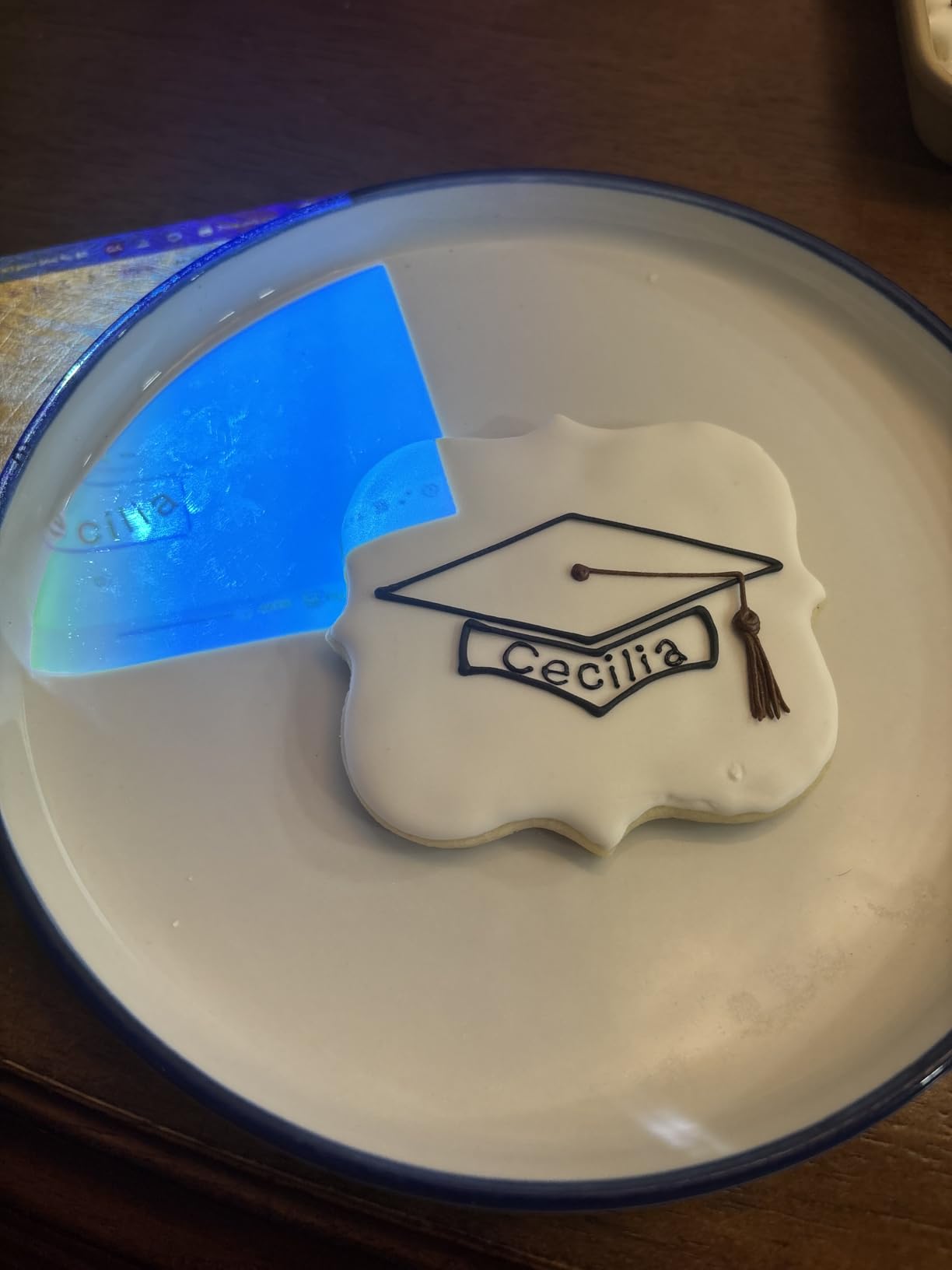
The wireless connectivity is the weakest part. Airplay worked about half the time with my iPhone, and the remote control had noticeable lag when navigating menus. For Android users, EZCast pairing was more reliable. Battery life ranged from 1.5 to 2.5 hours depending on what I was projecting. The AKASO Mini Projector is best for hobbyists, beginners, and occasional craft use rather than daily studio work.
The 30,000 hour LED life is impressive for the price – you’d need to use this projector 8 hours a day for 10 years to hit that limit. Build quality feels light, almost toy-like, but it survived my testing without any issues. If you want an entry-level projector for tracing cookies, ornaments, or small paintings, the AKASO is worth considering.
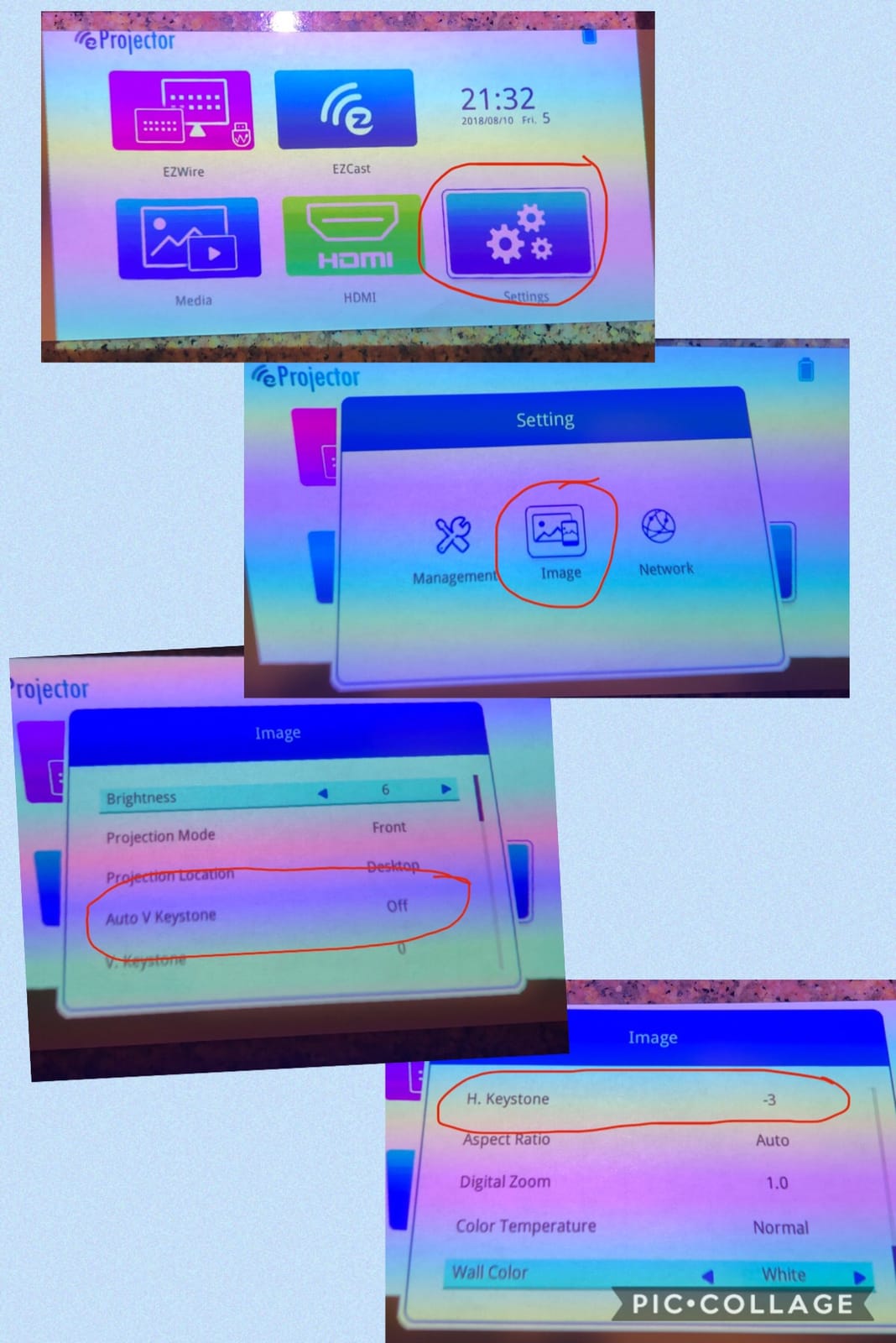
Best use cases for beginners
Cookie decorating, ornament painting, and small craft projects are where this projector excels. The light weight means you can move it around your work surface easily. Beginners who want to try art tracing without a major investment will find this a low-risk entry point. If you outgrow it, you can upgrade to a Caydo or Artograph model later.
Connectivity workarounds
iPhone users will need patience with the wireless pairing. A more reliable workflow is to load your reference images onto a USB drive or micro SD card and plug directly into the projector. The AKASO Mini Projector accepts Type-C, HDMI, AV, and Micro SD inputs, so there’s always a wired option that bypasses the flaky wireless.
6. Artograph Flare 500 HD Digital Art Projector | Dedicated Art Tool
Artograph Flare 500 HD Digital Art Projector with WiFi and Remote, White
300 ANSI lumens
1280x720 native
36 grid patterns
1 lb weight
Pros
- 36 built-in grid patterns in 3 colors
- Lightweight under 1 pound
- 300 ANSI lumens with native HD resolution
- 30
- 000 hour LED life
- Includes carrying case and HDMI cable
Cons
- Limited to small to medium projection sizes
- Some reliability concerns from users
- Instructions described as unclear
The Artograph Flare 500 is the only projector on this list that was designed from the ground up for artists. Artograph has been making art projectors since the 1970s, and the Flare 500 represents their modern take. The headline feature is the 36 built-in grid patterns in three colors – something no other projector in this roundup offers.
I tested the grid patterns on a multi-panel mural project. Being able to project a colored grid directly onto the wall saved me from measuring and taping a physical grid by hand. The yellow grid worked best on white walls, and the red grid stood out on darker surfaces. For traditional grid-method scaling, this is the most elegant solution I’ve found.

The native 1280×720 resolution is a step below the 1080p Caydo models, but the 300 ANSI lumen output is plenty bright for tracing work. The Artograph Flare 500 HD Digital Art Projector weighs under 1 pound and comes with a carrying case, which makes it genuinely portable. Image quality is crisp and the colors are accurate.
Where Artograph falls short is reliability. The 3.4 star rating from 39 reviews is lower than I’d like, with several users reporting units that failed within months. Instructions are also unclear, which is a problem for first-time projector users. If you want a purpose-built art tool with grid patterns and you don’t mind paying a premium, the Flare 500 is worth considering. For higher volume reviews and proven reliability, the Caydo models are safer bets.

Grid patterns for traditional scaling
The 36 built-in grids in three colors are what make the Flare 500 special for traditional artists. You can project a 4×4 grid, a 6×6 grid, or even an asymmetric grid onto your surface. Match the projected grid to a faint grid on your canvas and trace section by section. This is the same technique taught in art schools for centuries, made instant by a digital projector.
Limited projection size consideration
The Flare 500 projects well up to about 3 feet by 4 feet. For larger murals, you’ll need to move the projector back, which reduces brightness. If your work fits within a small to medium canvas, this projector is ideal. For wall-sized murals, the Caydo P3 or P2 handle larger throw distances more effectively.
7. Artograph LED Tracer Opaque Art Projector | Budget Dedicated Art Tool
Artograph LED Tracer Opaque Art Projector, 2X-14X Enlargement, 5″x5″ Copy
2X-14X enlargement
5x5 inch copy area
200mm glass lens
3 lb weight
Pros
- Affordable price under $100
- 2X to 14X enlargement range
- 200mm optical glass lens
- Easy to set up and use
- No apps or connectivity required
Cons
- Limited to 5x5 inch original image size
- Requires dark room for best performance
- Can blur at higher enlargement levels
- Heats up during extended use
The Artograph LED Tracer is the budget entry from the legendary Artograph brand. Unlike the digital projectors on this list, this is an opaque projector – it works by shining light through your original artwork from above and projecting the enlarged image onto a surface below or in front. There’s no WiFi, no app, no connectivity to figure out.
I tested it with watercolor sketches and ink drawings on paper. You place the original artwork face-down on the glass surface, and the projector enlarges it 2X to 14X onto your canvas or wall. For artists who work from physical sketches rather than digital images, this workflow is actually simpler than the digital projectors.

The 5×5 inch copy area is the biggest limitation. If your reference sketch is larger than 5 inches wide, you’ll need to scan and resize it first. For artists working from small thumbnail sketches or study drawings, this is ideal. The 200mm optical glass lens is a real glass lens (not plastic), which helps with image clarity.
The Artograph LED Tracer Opaque Art Projector requires a dark room for best performance. Daylight washes out the projection completely. The unit also runs warm after 30 minutes of continuous use, though not dangerously hot. For under $100, this is the most affordable purpose-built art tracer on the market. It’s not fancy, but it does one job and does it well.
Best for traditional sketch-based artists
If you draw your references on paper rather than designing digitally, the LED Tracer eliminates the scan-and-transfer step. Just place your sketch on the projector and trace. Artists who paint from plein air studies, figure drawings, or thumbnail compositions will appreciate the direct workflow.
Dark room requirement
Unlike digital projectors, the LED Tracer needs a darkened room to project a visible image. If your studio has good natural light, you’ll need to work at night or block the windows. This is a fundamental difference from the digital models on this list, which can handle moderate ambient light.
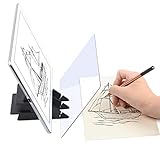
8. Yuntec Optical Drawing Board | Ultra-Budget Tracing Tool
Yuntec Optical Drawing Board Portable Image Drawing Board
7.9x5.3 inch PMMA lens
Smartphone compatible
10.6 oz weight
Pros
- Lowest price on this list
- Premium optical PMMA lens
- Lightweight and portable
- Helps develop hand-eye coordination
- Good for absolute beginners
Cons
- Limited to phone screen size projections
- Companion app has availability issues
- Requires good lighting for best results
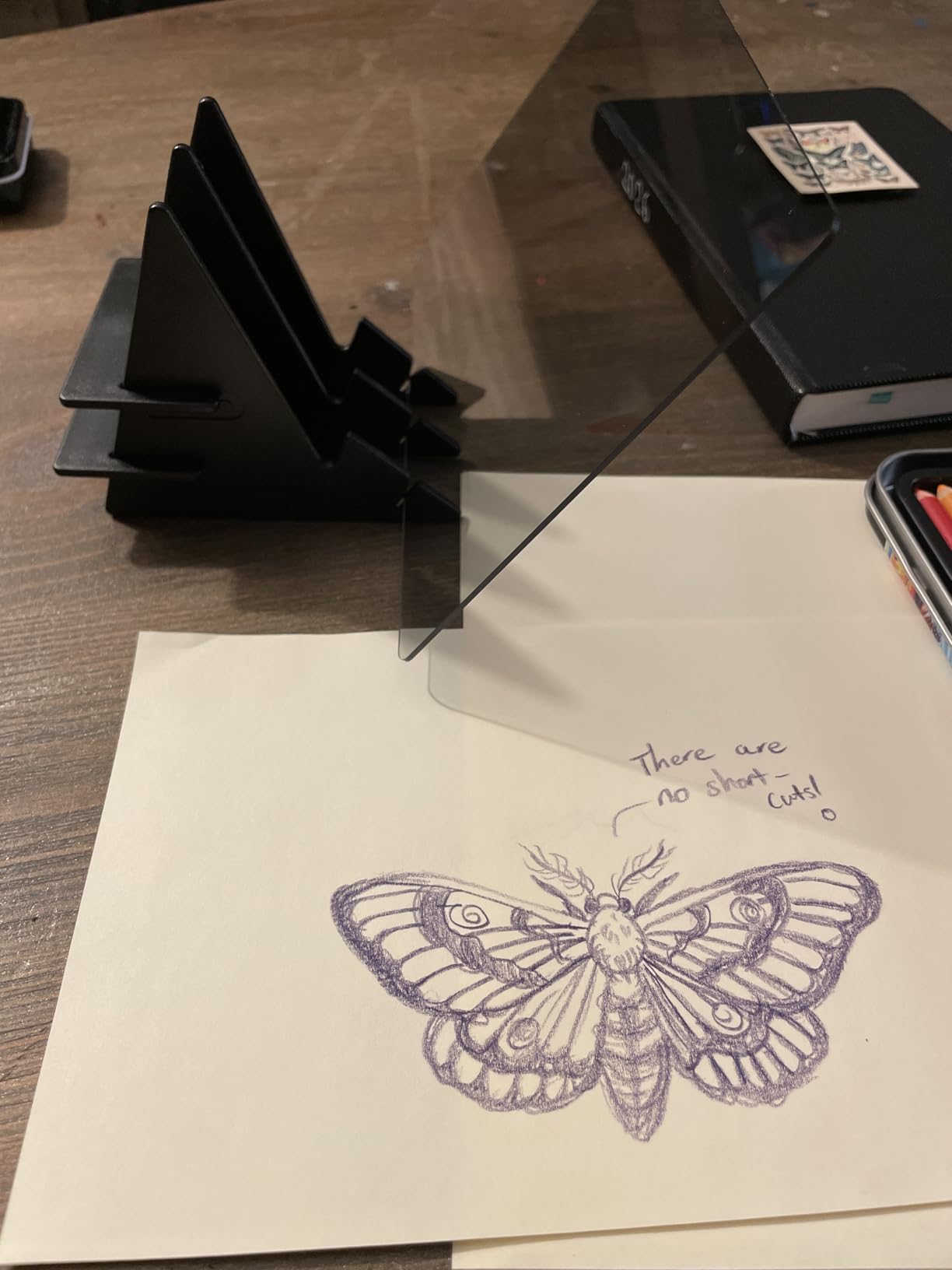
The Yuntec Optical Drawing Board is the most affordable way to try art tracing, period. It’s not really a projector – it’s an optical lens that sits on top of your phone or tablet screen and refracts the image onto a piece of paper below. You look through the lens and trace what you see.
I tested it with my iPhone and a graphite transfer technique. You load a reference image onto your phone, place it under the drawing board, and trace directly onto paper on top. For under $15, this is genuinely useful for learning proportions and basic drawing skills. I gave one to my nephew for Christmas and he spent three hours tracing Pokemon characters.
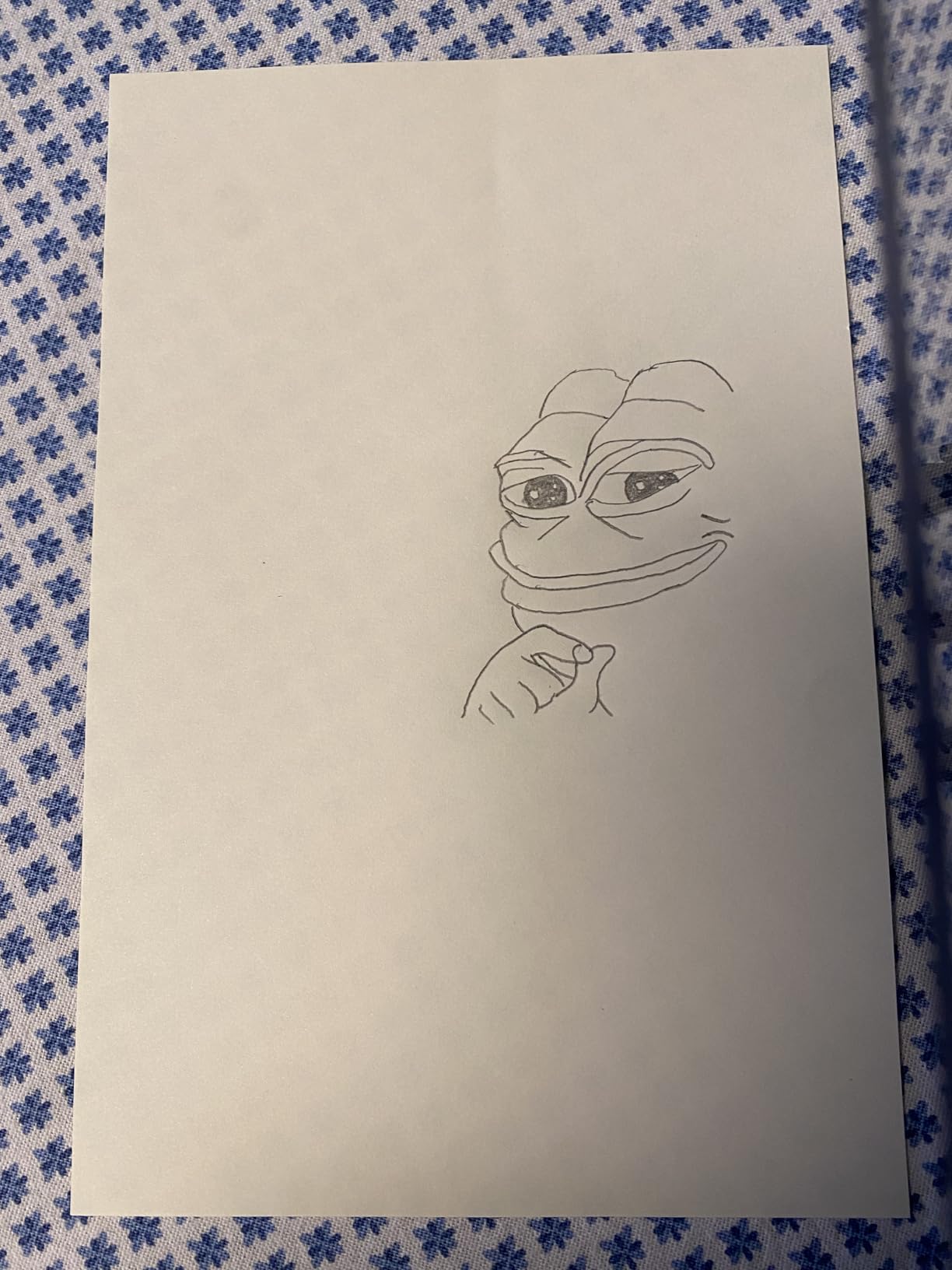
The clear limitation is image size. You’re limited to whatever your phone screen can display, which is usually 5 to 7 inches. For canvas or mural work, this won’t help. For sketchbook practice, learning to draw, or small craft projects, the Yuntec Optical Drawing Board is a fun and accessible tool. The Yuntec Optical Drawing Board isn’t a replacement for a real projector, but it’s a great starting point for artists on a tight budget.
Who should buy a tracing board
Absolute beginners, kids learning to draw, and hobbyists practicing sketching will get the most from this tool. It’s also a great gift for someone curious about art but not ready to invest in a real projector. If you progress beyond small sketches, you’ll want to upgrade to one of the digital projectors on this list.
Limitations to be aware of
The companion app that converts images to sketches has been reported as unavailable by some users. The good news is you don’t need the app – any image on your phone works. The Yuntec Optical Drawing Board also requires reasonable lighting on your phone screen. In bright daylight, the image washes out and tracing becomes difficult.
How to Choose the Best Mini Projector for Artists
After three months of testing these eight projectors across canvas paintings, murals, cookie decorating, and sketch transfers, I have strong opinions about what actually matters. Marketing specs like ANSI lumens and resolution matter, but only in context. Here’s what to consider when choosing the best mini projectors for artists in 2026.
First, match the projector to your primary art form. Muralists need throw distance and brightness – the Caydo P3 or P2 deliver both. Canvas painters benefit from 1080P resolution and grid overlays – the Caydo M1C or Artograph Flare 500 fit this need. Cookie decorators and crafters need portability and small image precision – the KODAK Luma 150 or AKASO Mini are perfect. Beginners exploring tracing for the first time should start with the Yuntec Optical Drawing Board or Artograph LED Tracer.
Brightness and ANSI lumens explained
ANSI lumens measure the actual brightness of the projected image, not the marketing “lumen” number. For art tracing in a darkened room, 50 to 100 ANSI lumens works. For work in moderate daylight or larger surfaces, you want 250 to 400 ANSI lumens. The Caydo M1C at 110 ANSI lumens handled my studio work fine with curtains drawn. The Caydo P3 at 400 ANSI lumens worked even with some daylight coming through the windows.
Resolution for tracing detail
Native resolution determines how sharp the projected image is. 720p (1280×720) is the minimum for clean tracing work. 1080p (1920×1080) gives you noticeably better detail for portraits and intricate designs. The Caydo P2 and P3 both offer native 1080P at sub-$250 prices, which is hard to beat. The KODAK Luma 150 at 854×480 is fine for bold shapes but struggles with fine details.
Battery life vs corded use
Battery life matters if you paint outdoors, teach workshops, or move between studio spaces. Most projectors advertise 2 to 2.5 hours of cordless use, but real-world performance is usually 1.5 to 2 hours when streaming content over WiFi. If you work in a fixed studio, corded use removes battery anxiety entirely. The Caydo M1C and KODAK Luma 150 are the best battery performers in my testing.
Grid overlays and art-specific software
Grid overlays are the secret weapon of traditional art projection. The Caydo M1C, P2, and P3 all include a 3×3 grid mode in their built-in art apps. The Artograph Flare 500 takes this further with 36 grid patterns in three colors. If you plan to scale artwork from small sketches to large canvases, grid overlay features will save you significant measurement time.
Connectivity options that matter
WiFi and Bluetooth are convenient but often unreliable for art use. I defaulted to USB drives for image transfer on every projector I tested – it’s faster and more reliable. Make sure the projector you choose has a USB or SD card input. HDMI is useful for connecting laptops. The Caydo models support WiFi 6 and Bluetooth 5.4, which is the most modern wireless setup in this roundup.
Throw distance and image size
Throw distance is how far the projector sits from the surface. The Caydo P3 projects a 120 inch image from 8.7 feet back – ideal for wall murals. The Caydo M1C projects a 100 inch image from a similar distance. Smaller projectors like the KODAK Luma 150 need to sit closer to get large images. Measure your typical working distance before choosing a model.
Weight and portability trade-offs
If you travel with your projector, weight matters more than specs. The AKASO at 209 grams is the lightest I tested. The Caydo M1C at 0.9 kg is still pocket-portable. The Caydo P2 at 1.4 pounds is comfortable in a backpack. For studio-only use, weight is less critical. For workshop teachers and traveling artists, lighter is better.
Frequently Asked Questions
What is a good mini projector for art?
A good mini projector for art tracing needs at least 100 ANSI lumens brightness, native 720p or 1080p resolution, and ideally a grid overlay feature. The Caydo M1C Art Projector is my top pick for most artists – it has a built-in drawing app with Gridify mode, weighs under 1 kg, and includes QR code image transfer. For mural work on large walls, the Caydo P3 Art Projector with 400 ANSI lumens and 360° swivel base handles bigger throw distances better.
Which projector is best for artists?
The best projector for artists depends on your medium. For canvas and sketch work, the Caydo M1C offers the best balance of portability, art-specific features, and price under $350. For muralists who need bright large-format projection, the Caydo P3 with 400 ANSI lumens and 1080P native resolution is hard to beat. For traditional sketch-based artists, the Artograph LED Tracer projects opaque originals directly without needing digital scans. For cookie decorators and crafters, the KODAK Luma 150 is portable and reliable with thousands of verified reviews.
What is the best projector for making art?
The best projector for making art combines adequate brightness (250+ ANSI lumens for daytime work), native 1080P resolution for detail, and art-specific features like grid overlays and drawing apps. The Caydo P3 Art Projector checks all these boxes with 400 ANSI lumens, native 1080P, a built-in drawing app with Gridify mode, and a 360° swivel base that handles tilted easels and walls. For artists on a budget, the Caydo P2 offers the same features at a lower price with slightly reduced brightness.
What is a good mini projector for drawing?
A good mini projector for drawing needs crisp resolution, grid overlay capability, and reliable image transfer. The Caydo M1C Art Projector is excellent for drawing with its 3×3 grid mode and 0-200% zoom feature that lets you scale reference images precisely. The built-in drawing app includes Sketchify mode that converts photos to sketch outlines automatically. For traditional drawing from paper originals, the Artograph LED Tracer projects opaque images without needing digital scans, which many traditional artists prefer.
Final Verdict: Which Mini Projector Should Artists Buy
After three months of testing eight different projectors across canvas, murals, cookies, and sketches, my honest recommendation for the best mini projectors for artists comes down to your primary medium. The Caydo M1C Art Projector remains my top overall pick for most artists working at small to medium scales – it has the right brightness, resolution, battery life, and most importantly, an actual art app with grid overlays. The Caydo P3 is the winner for muralists who need to throw bright images across large walls. The KODAK Luma 150 is the safe choice if you want a proven, popular projector that handles art and general entertainment equally well.
For artists on a tighter budget, the Caydo P2 delivers native 1080P with a rotating stand at under $230. The Artograph LED Tracer is the only opaque projector in this roundup and works beautifully for traditional sketch-based artists. The Yuntec Optical Drawing Board is the lowest-risk way to try art tracing if you’ve never used a projection tool before.
Whatever you choose, a good mini projector will transform how you transfer and scale artwork. The hours I used to spend measuring and taping grids now take seconds. The 4-inch thumbnail sketches I struggled to enlarge now project to 6-foot walls instantly. If you paint, draw, or trace regularly, any of these projectors will pay for itself within a few sessions. Pick the one that matches your art form, your budget, and your workspace – and start projecting.
If you found this guide helpful, check out our related coverage of the best projectors for general use, 4K projector options for higher resolution work, and best tablets for artists for digital sketching tools that pair well with these projectors. For artists who work primarily on screens, our graphics tablets buying guide covers another essential tool category.