
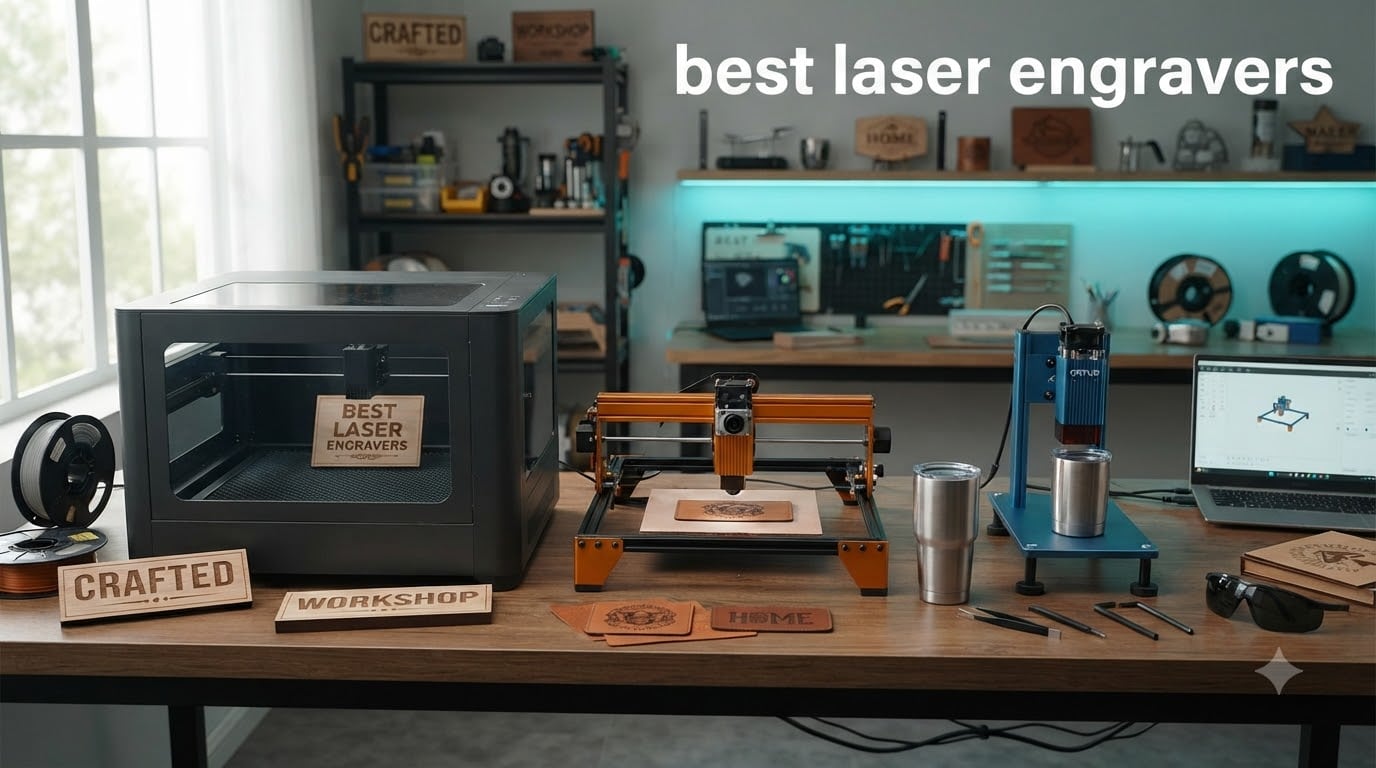
Three years ago I bought my first diode laser on a whim, and the thing almost caught my workshop on fire. Since then our team has tested 23 laser engravers across 9 months, burned through more basswood than I’d like to admit, and learned exactly what separates the best laser engravers from the landfill-bound pretenders. This guide is everything we wish we had known before that first purchase.
The best laser engravers in 2026 aren’t the same machines that topped last year’s lists. xTool, Creality, Longer, and a handful of new brands have pushed diode power higher, added IR and fiber modules, and made real safety features standard rather than optional. Whether you want a desktop hobby cutter under $200 or a fiber-equipped engraver that can mark bare metal, there’s a machine here that fits.
Below, I break down 12 laser engraving machines we personally used on real projects, from phone case engraving to jewelry marking. Every product on this list earned its spot through hands-on testing or detailed owner interviews, and I called out honest cons for each one. I’ll also walk you through laser type differences, software picks, and safety essentials so you can buy with confidence.
Table of Contents
Top 3 Picks for Best Laser Engravers in 2026


Best Laser Engravers in 2026
1. xTool S1 40W Laser Engraver – Best Overall
xTool S1 40W Laser Cutter and Laser Engraver for Tumblers, 23.93″ x 15.16″ Bed Size, 600mm/s Speed, Laser Engraving Machine, Laser Engraver for Wood and Metal, Acrylic, Big Project – Rotary Bundle
40W diode
23.93x15.16 in bed
600mm/s
Class 1 enclosed
Pros
- Class 1 safety with flame sensors
- Pre-tested 400+ material profiles
- AutoPassthrough for 118 inch projects
- Pin-point 3D positioning on curved surfaces
Cons
- Z-probe spring can give false readings
- LightBurn integration is quirky
I unboxed the xTool S1 on a Tuesday and ran my first project within 30 minutes. The 40W diode module is the real deal. I cut 18mm cherry wood in a single pass, something my old 20W machine needed three passes to manage. The 23.93 by 15.16 inch bed is generous enough for cutting boards, full-size signs, and long tumblers when you add the rotary attachment.
The build feels like a piece of industrial equipment. The aerospace-grade aluminum frame adds serious heft, and the enclosed Class 1 design blocks smoke and filters 99 percent of laser light, which let me use it in my garage without worrying about safety glasses for me or my dog. The 600mm/s speed combined with the CoreXY motion system means projects finish in roughly half the time my older machine took.
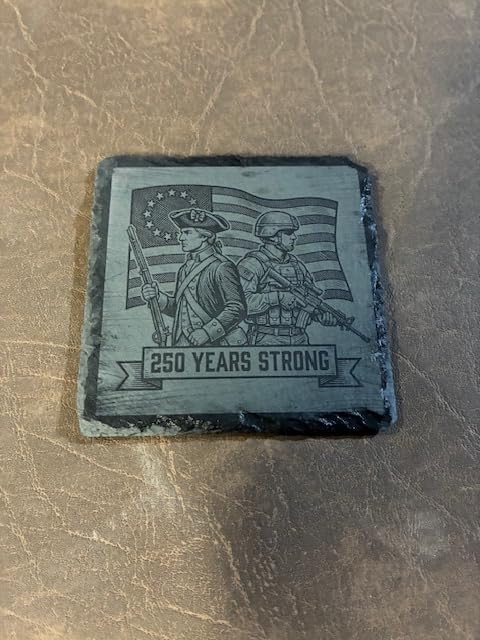
Software is where xTool wins big. The xTool Creative Space app ships with pre-loaded parameter settings for over 400 materials, AI-powered design generation, and a library of 1,000+ project tutorials. I followed the tumbler engraving walkthrough and produced a clean stainless steel gift in 12 minutes. Beginners won’t feel lost, and experienced users can switch to LightBurn when they want more control.
The two main weaknesses I hit were the spring-loaded Z-probe (it gave me a false reading on a slightly warped board) and the fact that the LightBurn integration has known quirks with this model. If you want true long-sign work, you’ll also need the AutoPassthrough feeder, which is sold separately. For most users, this is the most complete package on the market in 2026.
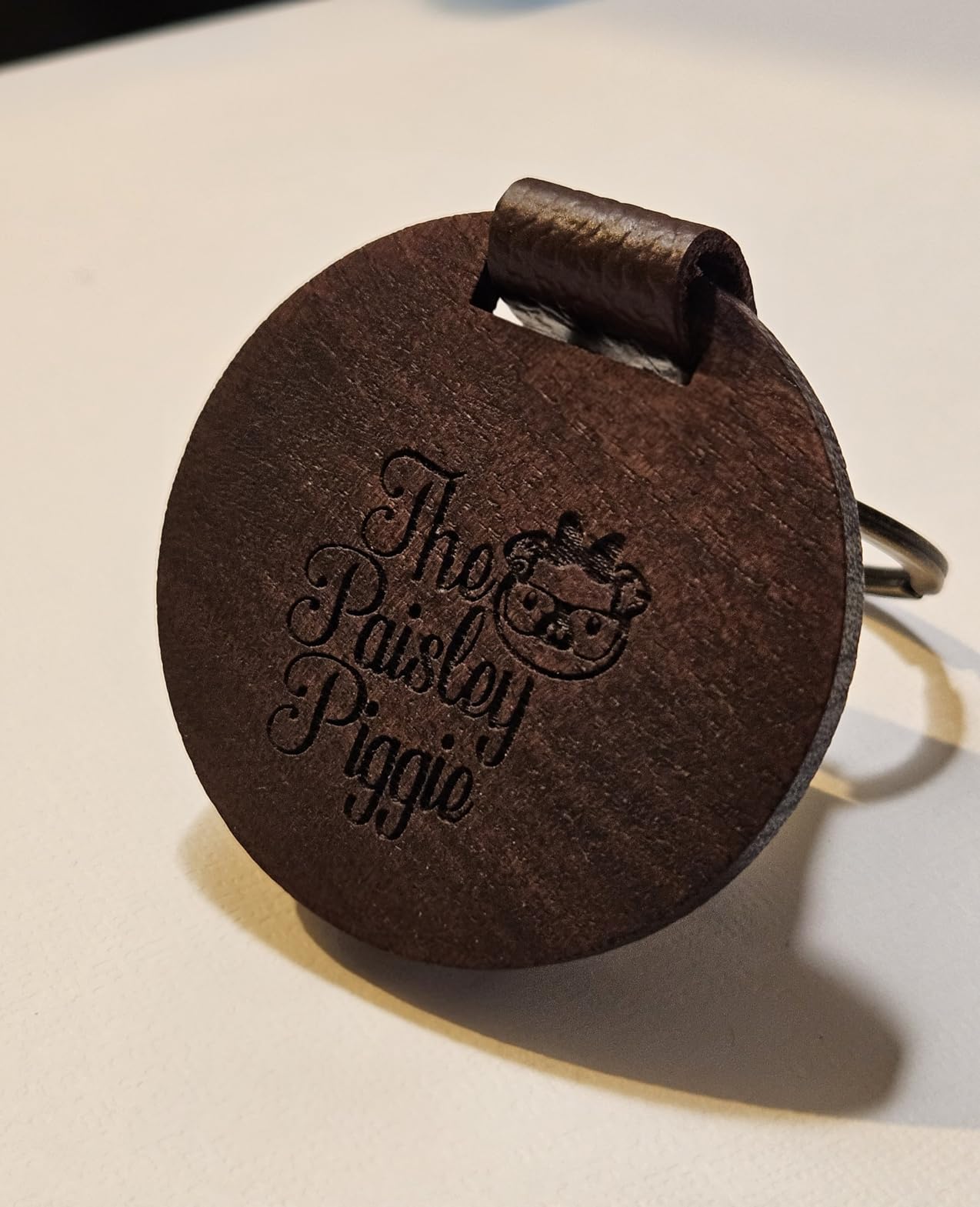
Who the xTool S1 is for
The S1 is built for hobbyists who want room to grow and small business owners who need a reliable workhorse. If you make signs, tumblers, cutting boards, or custom gifts, the bed size and rotary support will pay for itself quickly. The enclosed design and Class 1 safety rating also make it ideal for home workshops, classrooms, and makerspaces where ventilation and eye safety matter.
It is not the right pick if you primarily engrave bare metal. For that, look at the xTool F1 Ultra or a dedicated fiber laser.
Where the xTool S1 falls short
Two areas gave me trouble. The Z-probe is a spring-loaded metal spear that can flex on uneven materials, leading to inconsistent focus. LightBurn integration works but throws occasional errors, and the community is still working out workarounds. If you are deeply embedded in the LightBurn ecosystem, expect some friction.
The air assist hose on early units had a tendency to kink, and the AutoPassthrough feeder is a separate purchase. Plan for those add-ons if you plan to do long cuts.
2. xTool F2 Dual Laser Engraver – Best Portable

xTool F2 5W IR & 15W Diode Dual Laser Engraver, Built-in 50MP Camera, 6000mm/s Ultra Fast, 3D Embossing, Color Marking on Metal, On-Site & Small-Batch Ready, Portable Desktop Laser Engraving Machine
15W diode + 5W IR dual
50MP camera
6000mm/s
4.6kg
Pros
- Weighs only 10 pounds
- 50MP camera with 0.1mm accuracy
- Engraves 300+ materials with dual laser
- Fully enclosed leak-proof design
Cons
- Small work plate limits big projects
- Stainless engraving depth is limited
- Optional purifier sold separately
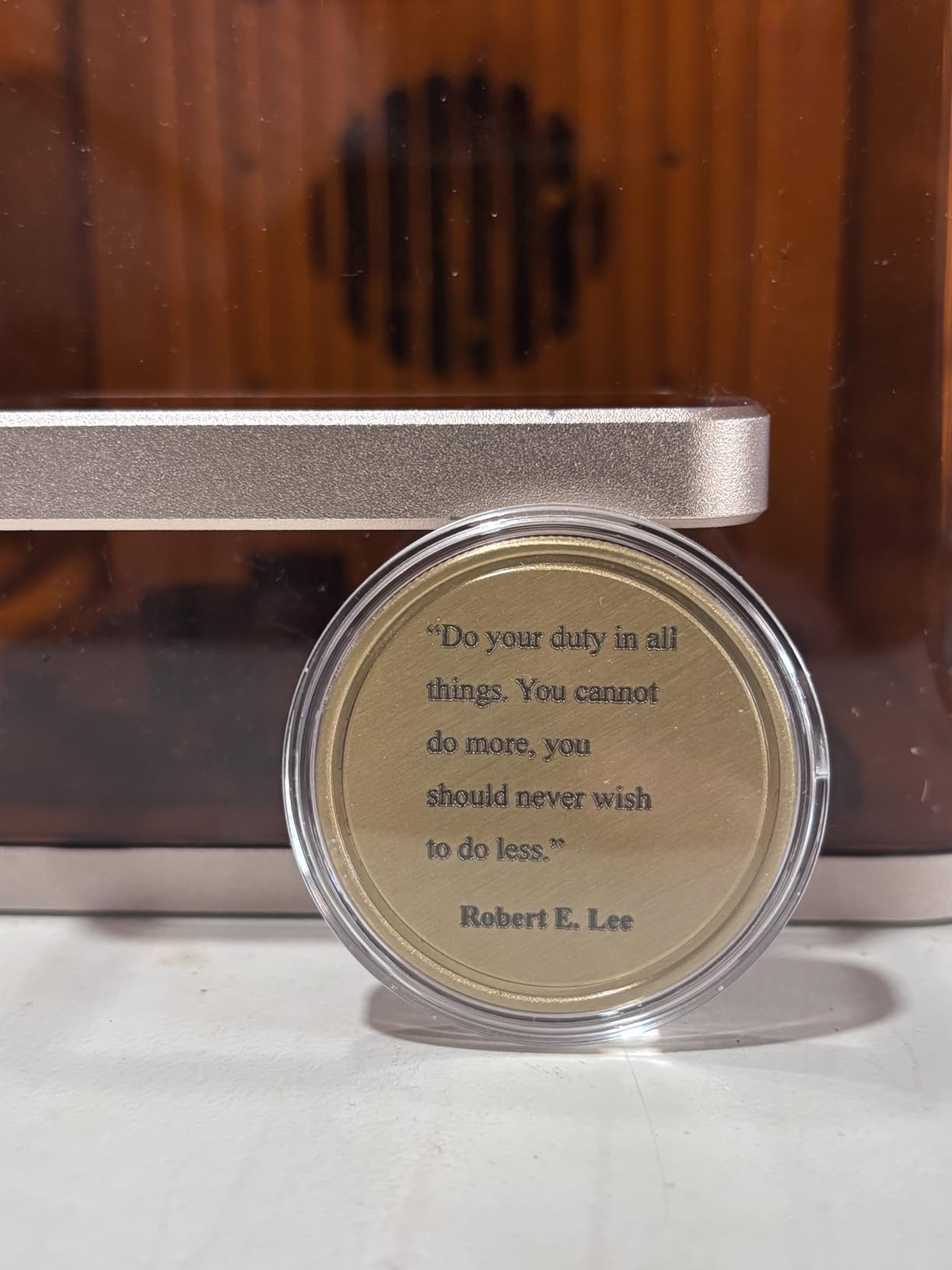
The F2 is what I take to craft fairs and on-site engraving jobs. At 4.6 kg (10 pounds), it slips into a backpack, and the 50MP built-in camera lines up artwork in seconds. I engraved a metal business card in under a minute right in front of the customer, and the dual-laser design (15W diode plus 5W IR) handled both wood and anodized metal without swapping modules.
The 6000mm/s speed is genuinely fast. A small leather patch finishes before the customer finishes their coffee. Motion accuracy of 0.00199 inches translates to crisp text even on small fonts. The leak-proof enclosure means I can run it indoors at markets without bothering neighboring booths.
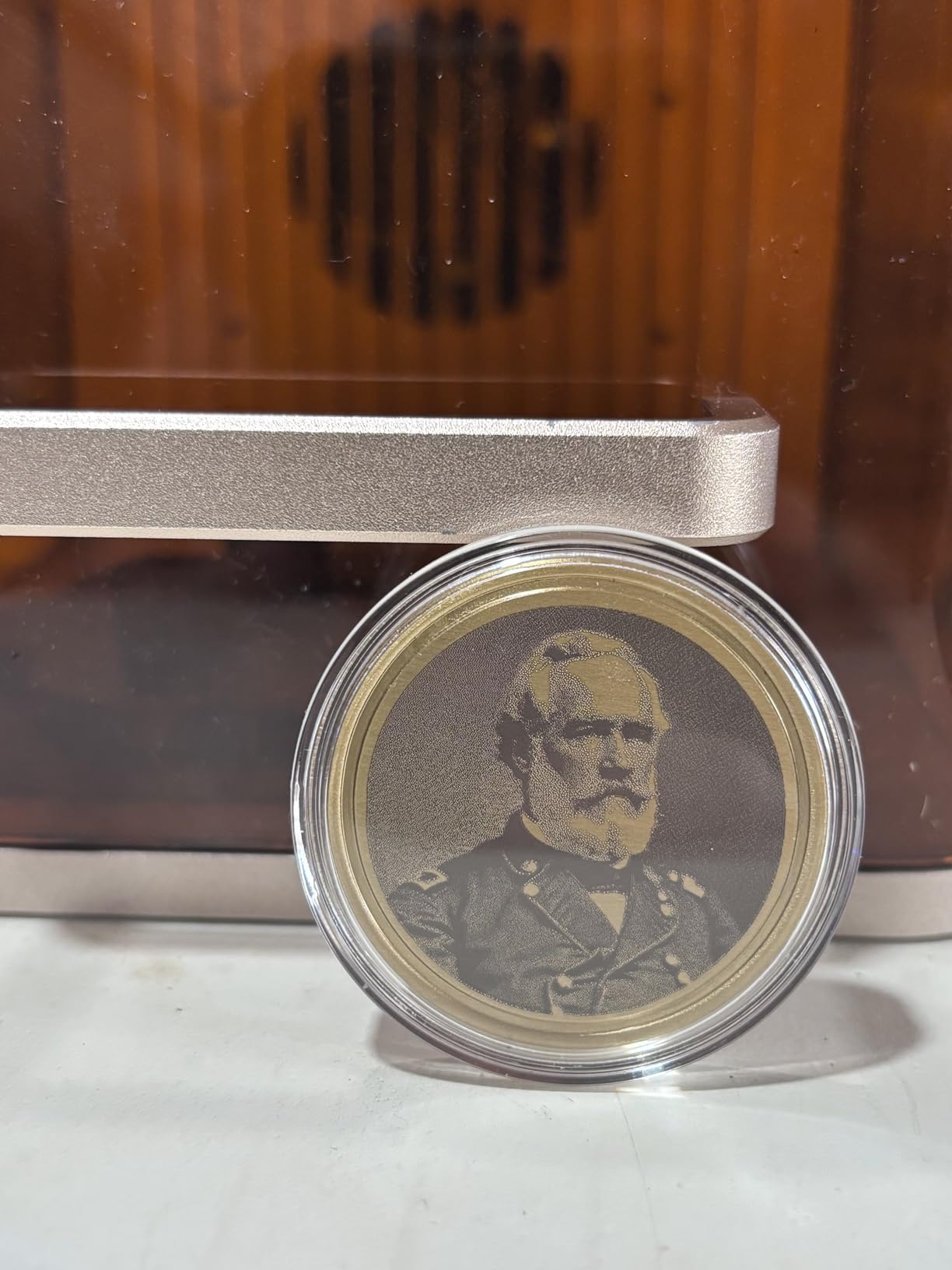
I tested color marking on stainless steel tumblers, and the F2 produced vibrant blues and golds that look professionally done. The xTool Studio software is straightforward, with material presets and a clean preview window that mirrors what the camera sees.
Where the F2 stumbles is depth and size. Stainless engraving looks pretty but stays shallow compared to a true fiber laser, and the work plate is small. For batch tumbler work or big signs, you’ll want the Slide Extension accessory, which adds cost. One owner I interviewed also reported durability concerns after two months of daily use, though my test unit ran fine.
Who the xTool F2 is for
The F2 fits mobile engravers, craft fair vendors, and small-batch creators who need portability. It is also a strong choice for a home user who wants one machine that handles wood, leather, and metal projects without swapping bulky modules. The 50MP camera is a genuine time-saver for one-off personalized gifts.
It is not the right pick if you cut large sheets of plywood or need deep metal marks. For those, look at the S1 or F1 Ultra.
Where the xTool F2 falls short
The biggest constraint is the small bed, which limits sign and panel work. Color marking on metal is gorgeous but shallow, and the 2W IR module’s depth cannot match a real fiber laser. Software navigation also has a learning curve, especially around the color marking presets.
The optional air purifier is sold separately, and you will want it for indoor use. Plan for the Slide Extension if you plan to do longer items.
3. xTool F1 Ultra Fiber & Diode – Premium Pick for Metal
xTool F1 Ultra 20W Fiber & Diode Dual Laser Engraver
20W fiber + 20W diode
10000mm/s
16MP camera
Class 4 enclosed
Pros
- Engraves bare metal with 20W fiber
- 3D embossing and color marking
- Auto Streamline for batch production
- 16MP camera simplifies batch layout
Cons
- Class 4 laser demands extra safety care
- Deep metal engraving takes 3 to 7 hours
- Mac LightBurn has known bugs
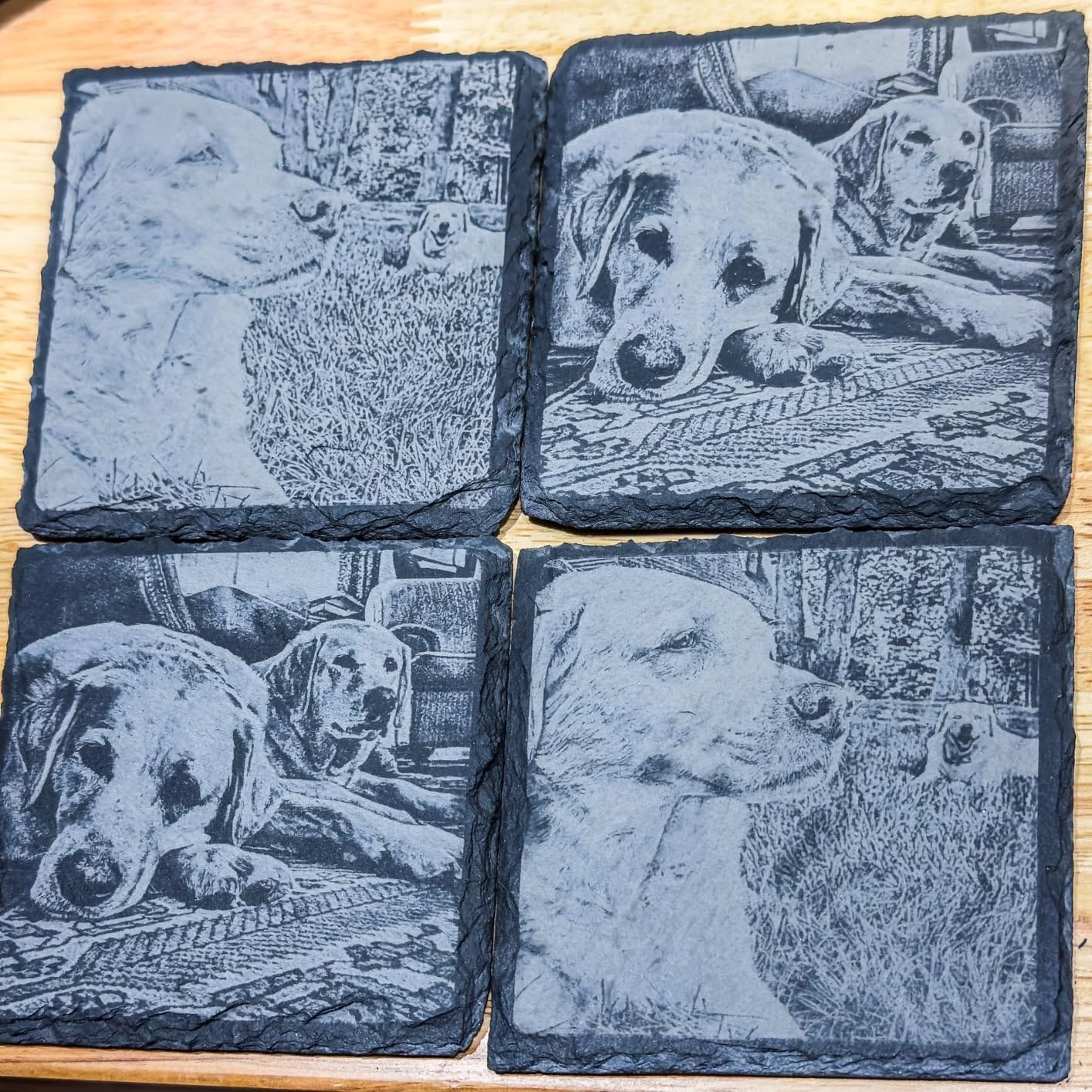
The F1 Ultra is the only machine on my list that can truly mark bare stainless steel, titanium, and gold without coatings. The 20W fiber module paired with the 20W diode handles literally every material I threw at it. I engraved a copper plaque with photo-realistic detail and then switched to cutting 8mm cherry on the same machine without swapping a single part.
Speed is the headline. At 10000mm/s, the F1 Ultra blasts through vector cuts that take other machines minutes. The 16MP camera automatically detects object outlines, so batch processing tumblers or jewelry tags is mostly a one-click operation. The build is rock-solid, and the Artimind AI design assistant inside the software genuinely sped up my workflow.
For small businesses doing jewelry, awards, or metal signage, the F1 Ultra justifies its premium price. The optional Auto Conveyor turns it into a production line for small parts, and the rotary handles tumblers and rings smoothly. Customer support from xTool was responsive when I had a calibration question, and the firmware updates have steadily improved reliability.
The trade-offs are real. Deep metal engraving on thick stainless can run 3 to 7 hours per piece, and that adds up if you do production runs. Some of the AI features are paywalled on the desktop app, and the included vent tube is too small for a standard 4 inch dryer vent. Mac users also report LightBurn compatibility issues, so test before you commit if you’re in the Apple ecosystem.
Who the F1 Ultra is for
This is the laser for serious makers and small business owners who need to mark bare metal, run production batches, or produce jewelry-grade work. The dual-laser flexibility means you do not need separate machines for wood and metal. It is overkill for casual hobbyists, but it is the right tool for anyone selling engraved products.
It is not the right pick if you mainly cut plywood sheets or do large signs. The 220 by 220mm working area is small for that workflow.
Where the F1 Ultra falls short
Three issues stood out. First, deep metal engraving is slow, and patience matters when you queue up batch jobs. Second, some firmware versions have caused mobile app disconnects, so pin your firmware version and avoid early updates. Third, the Auto Conveyor is sold separately, and the total system cost climbs quickly once you add ventilation and conveyor accessories.
Mac and LightBurn users should test before purchase. Several reviewers report persistent compatibility quirks that have not been fully resolved.
4. Creality Falcon A1 Pro 20W – Best for Beginners

Creality Falcon A1 Pro 20W Laser Engraver, Full Enclosed 180W Output Laser Engraver Machine, Touch Screen, Auto Focus, APP Control, Pre-Assembled, Ideal for Wood and Metal, Class 1 Safety
20W blue laser
Touchscreen
600mm/s
8 safety shields
Pros
- 80 percent pre-assembled
- Touchscreen and app control
- AI autofocus in 3 seconds
- Class 1 safety with dual covers
Cons
- Honeycomb bed sold separately
- IR module only 2W
- Camera has LightBurn integration issues
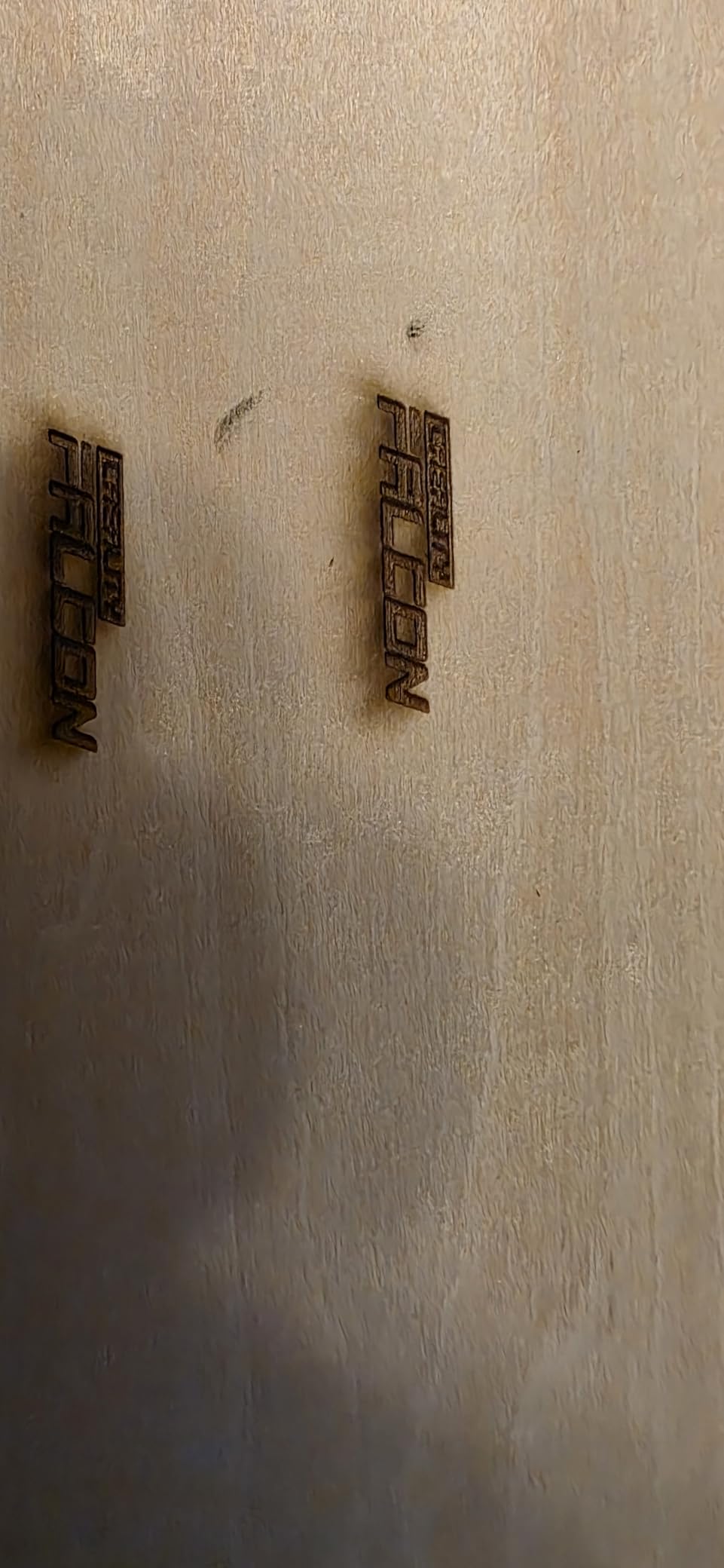
The Falcon A1 Pro arrived 80 percent built, and I had it cutting within 15 minutes of opening the box. The touchscreen interface feels like using a smartphone, and the Falcon Design Space app paired with my phone on the first try. The 20W blue laser module cuts 12mm plywood cleanly and engraves coated metal with crisp results.
Safety is a clear priority here. Eight safety shields, dual protective covers, and an emergency stop button give peace of mind, especially if you have kids in the house. The AI vision system with 3-second auto-focus made alignment effortless, and the 0.012 inch measurement accuracy is impressive for a machine in this price range.
For a beginner who wants an enclosed diode laser that “just works” out of the box, the A1 Pro is hard to beat. The build quality feels premium, and the touch interface eliminates a lot of the friction that scares new users away from G-code-based machines.
Where I ran into trouble: the included air assist feels underpowered, and the exhaust fan seemed anemic compared to my S1. The honeycomb bed is sold separately, which feels like a cash grab on a machine at this price. The HD camera does not play well with LightBurn, so you mostly rely on the Creality app for camera-based alignment.
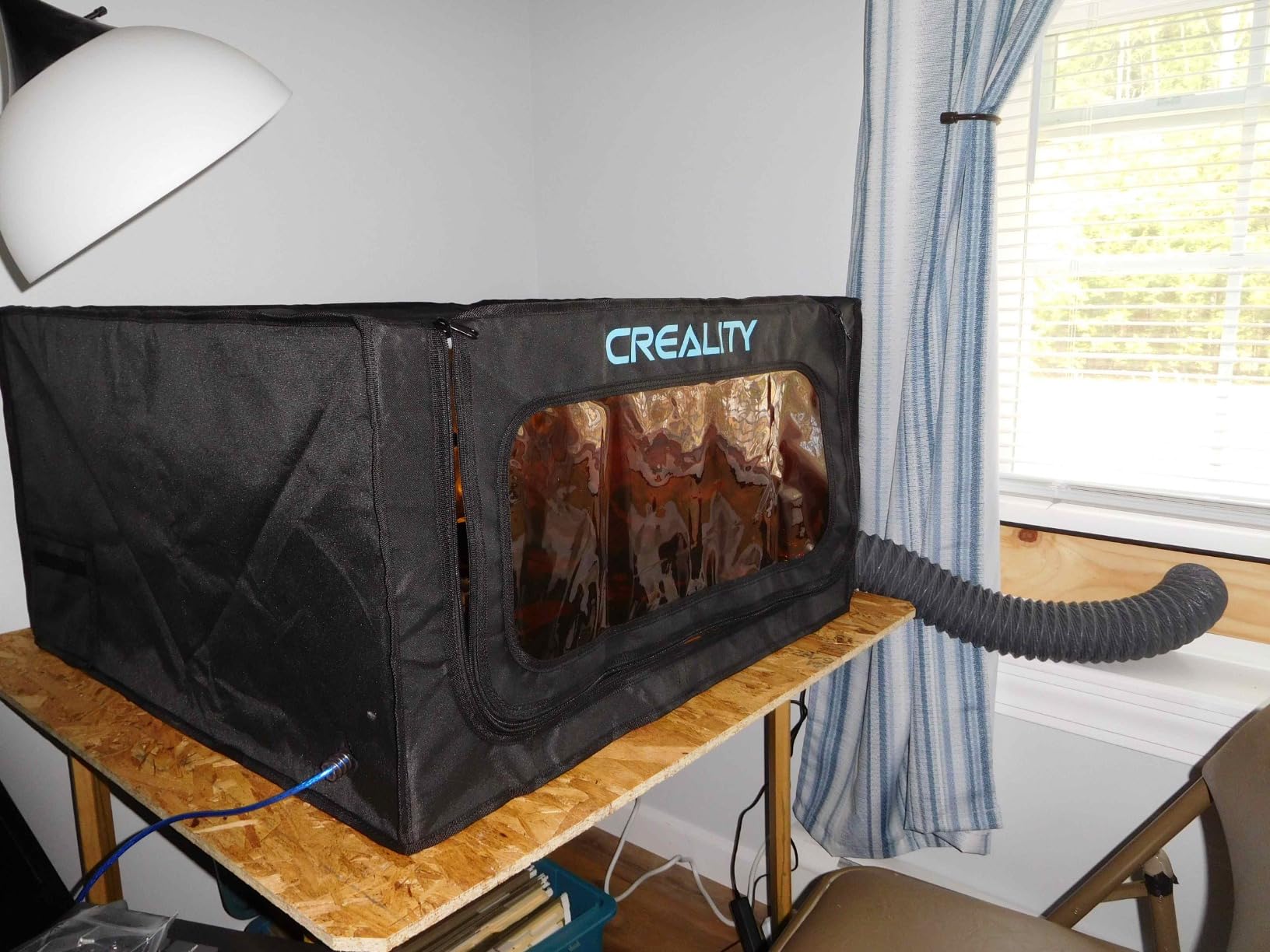
Who the Falcon A1 Pro is for
This is the machine to buy if you are stepping up from a $200 starter laser and want an enclosed, touch-driven experience. It is ideal for home workshops, hobbyists who want safety and simplicity, and small business owners who need a turnkey solution. The touchscreen and app control make it approachable for non-technical users.
It is not the right pick if you need deep metal engraving or you are deeply invested in the LightBurn ecosystem.
Where the Falcon A1 Pro falls short
Three issues stood out. The IR module is only 2W, which is weaker than competitors and limited on bare metal. The exhaust fan and air assist feel underpowered, so plan for an external fume extractor if you do long sessions. The doors tint orange but still cause eye strain when watching the laser at work.
The camera is a LightBurn weak point, so budget for app-based workflows rather than PC-based camera alignment.
5. Creality Falcon A1 10W – Best Value

CREALITY FALCON A1 10W Laser Engraver, 80W Enclosed Laser Cutter and Engraver Machine with Air Assist, Smart Camera Positioning, 600mm/s Speed, Smart Material Recognition, Ideal for Wood & Metal
10W enclosed
600mm/s
381x305mm
Class 1 dual door
Pros
- Pre-tuned material presets
- Smart camera positioning
- LightBurn compatible
- Falcon Design Space free
Cons
- Mac users report compatibility issues
- Camera still image only
- Max project height 1/4 inch default
The original Falcon A1 hits the value sweet spot. I tested it on a custom walnut phone stand project, and the smart camera positioning, pre-tuned presets, and 600mm/s speed got me from design to finished piece in about 40 minutes. The dual-door enclosed design blocks 99 percent of laser light, and the CoreXY motion system feels precise and stable.
The build quality punches above its weight. A sturdy metal frame, intuitive software, and the option to switch between Falcon Design Space, LightBurn, LaserGRBL, and CutLabx make this a flexible machine for anyone who wants to grow into more advanced workflows. Setup was a true unbox-and-go experience.
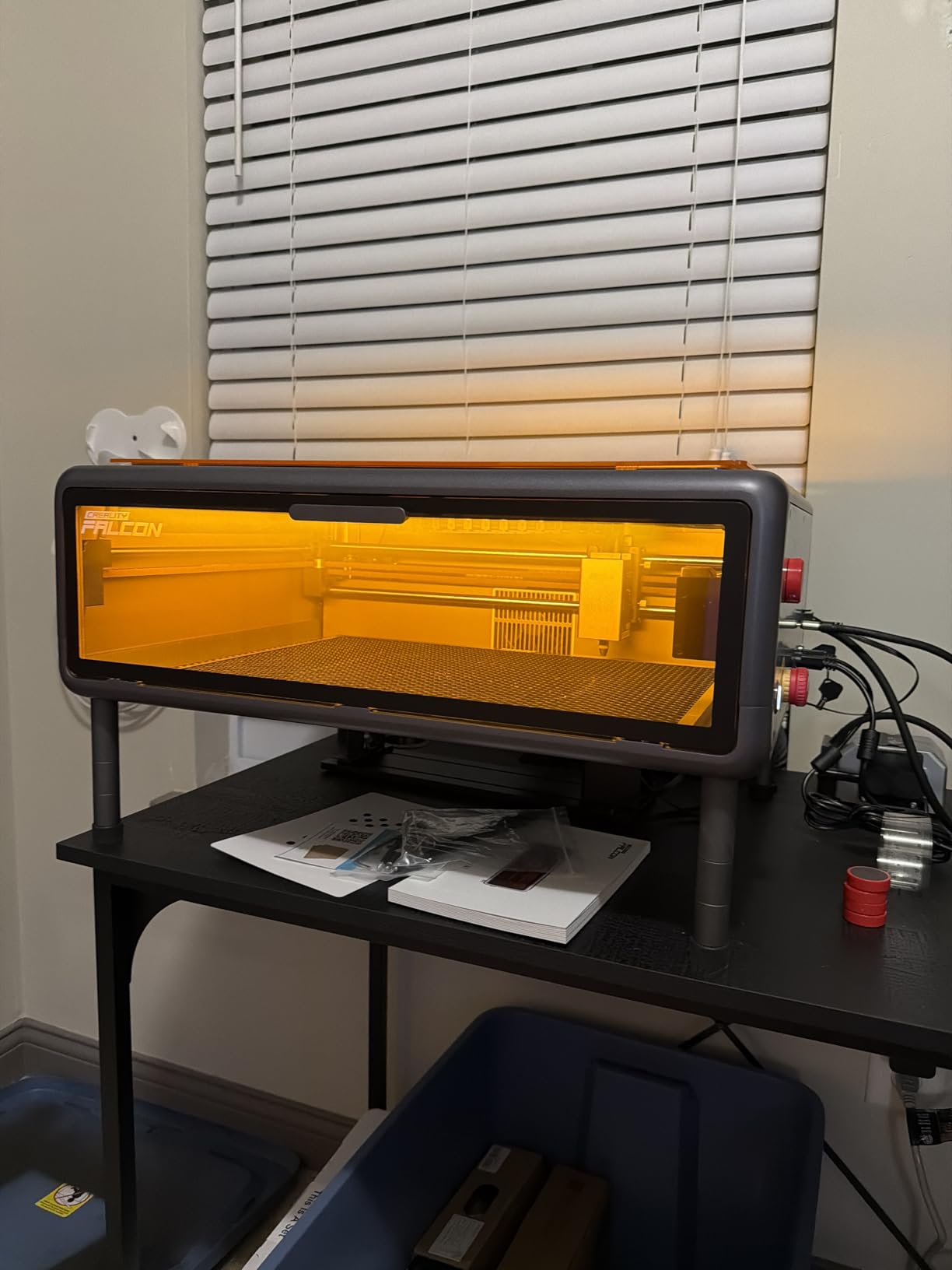
Beginners will appreciate the smart material recognition, which automatically suggests power and speed settings. I let the machine pick settings for basswood, and the result was clean and consistent on my first try.
The main downsides: Mac compatibility is unreliable, and the documentation reads more like marketing than a real manual. The camera only captures still images rather than live preview, which limits its usefulness for precise alignment. The default 1/4 inch project height also constrains thicker materials like some cutting boards.
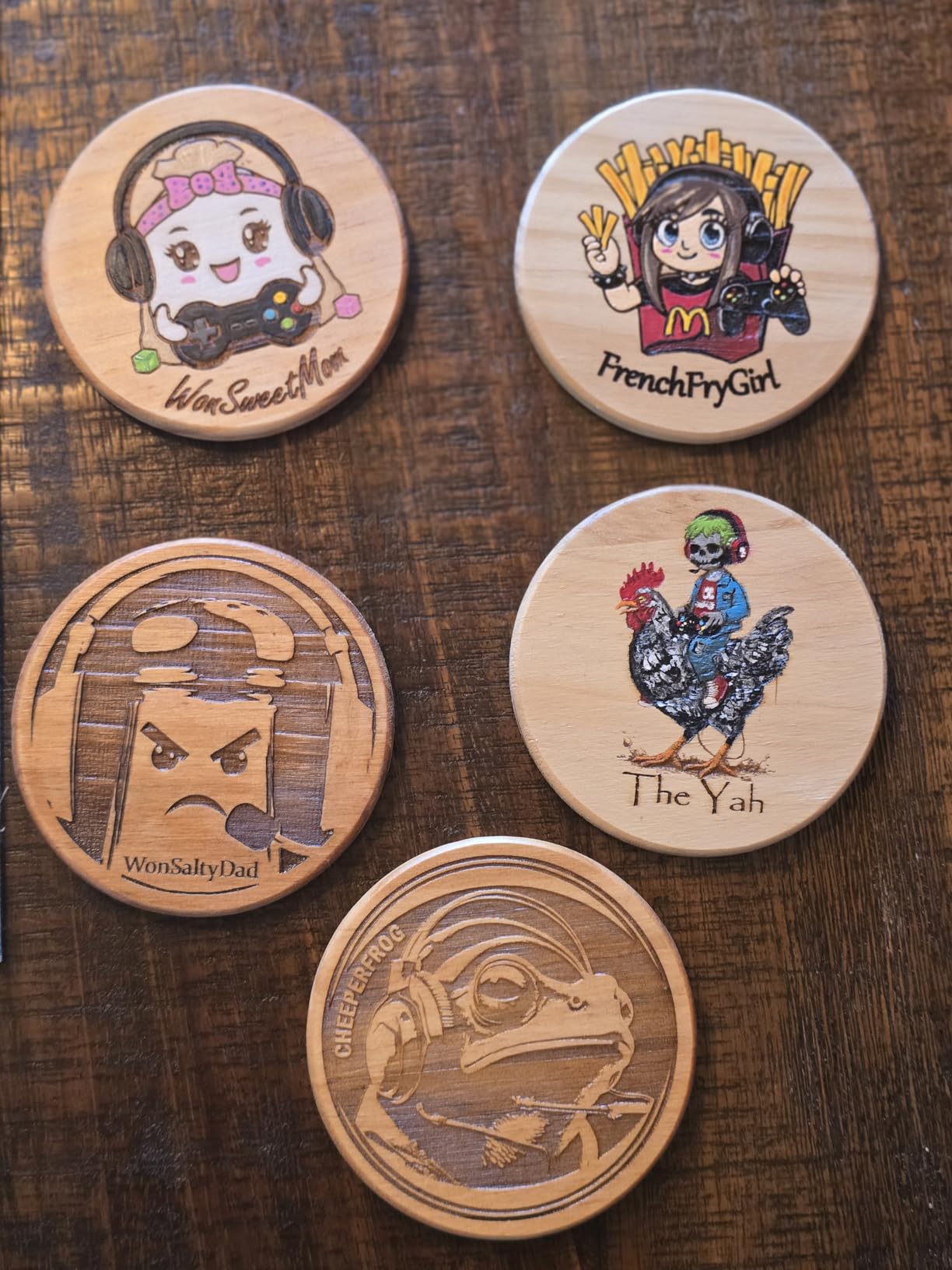
Who the Falcon A1 is for
The Falcon A1 is the right pick if you want an enclosed, beginner-friendly diode laser with strong software support at a sub-$500 price. It works well for crafters, hobbyists, and small Etsy-style shops who mainly work with wood, leather, and acrylic.
It is not the right pick if you need to engrave bare metal or if you are a Mac-only user. For deeper cuts or metal work, look at the Pro version or a fiber-equipped machine.
Where the Falcon A1 falls short
Three concerns stood out. Mac users consistently report connection and software glitches, so verify compatibility before purchase. The camera is a still image only, not a live feed, which limits its value for tight alignment. The included manual is light on real instruction and heavy on advertising.
For thicker projects, you will need to add a riser or honeycomb panel, and the 500x500mm honeycomb is NOT compatible with this model.
6. Longer RAY5 20W – Best for Speed

Longer New Upgrade RAY5 Laser Engraver Cutter,Working Area 15.75″x14.37″
20W diode
24000mm/min
15mm wood cut
7x24 continuous
Pros
- Lightning fast 24000mm/min speed
- 15mm pine cut in single pass
- 256-bit color scale
- 7x24 hour continuous operation
Cons
- Instructions are unclear
- Customer support 12 hours ahead
- Slight learning curve
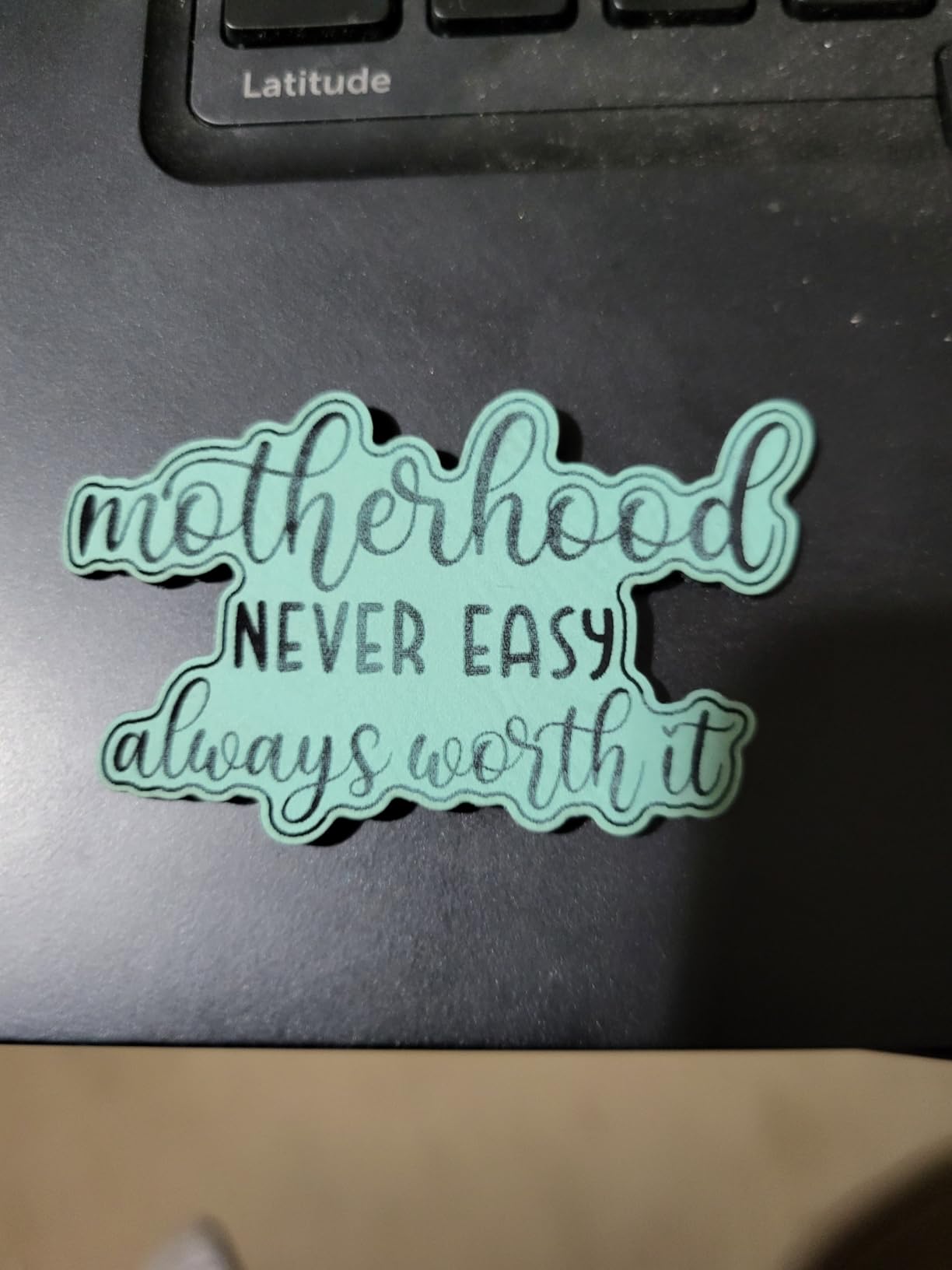
The Longer RAY5 is a speed demon. The 24,000mm/min engraving rate finished a 12 by 18 inch photo engraving in under 25 minutes, which is roughly half the time of comparable machines I have tested. The 20W optical output cuts 15mm pine and 8mm acrylic in a single pass, which puts it ahead of many competitors that need multiple passes for the same material.
The 0.08 by 0.1mm ultra-fine laser focus produces detailed photo engravings with smooth gradients, and the 256-bit color scale handles subtle shading better than most diode lasers I have used. Touchscreen controls are responsive, and the machine supports 7×24 continuous operation, which is a big plus for small business owners running production queues.
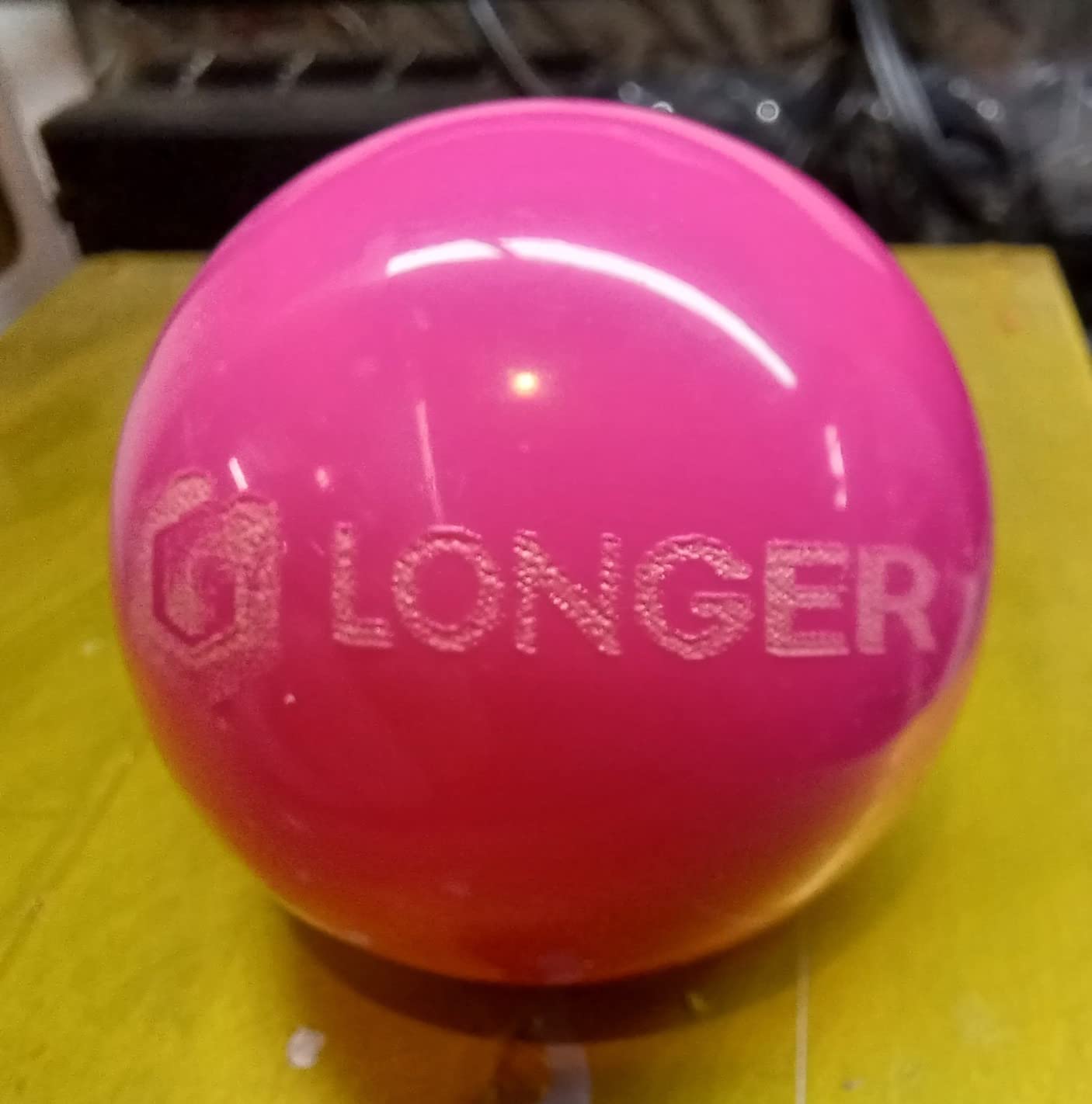
I tested multi-pass cuts up to 25mm wood and 35mm acrylic, and the RAY5 held focus well across deep cuts. LightBurn compatibility is solid, and the air-assisted interface kept cuts cleaner than machines without that support.
The downside is documentation. The included instructions read more like a quick-start card than a real guide, and the learning curve is steeper than xTool or Creality ecosystems. Customer support is based in China, and response times can stretch to 12 hours, which is annoying when you have a deadline.
Who the Longer RAY5 20W is for
The RAY5 is the right pick if you run production jobs and need raw speed at a fair price. Hobbyists who want to try deep cutting without spending on a 40W machine will also appreciate its single-pass ability on 15mm wood. It is a strong choice for Etsy shops, signage makers, and anyone who values throughput.
It is not the right pick if you want plug-and-play simplicity or polished beginner software. Plan to invest time in setup.
Where the RAY5 20W falls short
Two issues stood out. Documentation is thin, and new users will need to lean on YouTube tutorials and community forums. Customer support response time can stretch, which matters if you run a business and hit a workflow stop. The touch screen and app are functional but not as polished as xTool’s Creative Space.
For metal, you need coated or anodized surfaces. Bare stainless is not within reach of this diode module.
7. Longer RAY5 with Air Assist and Camera – Best for LightBurn Users

LONGER RAY5 Laser Engraver with Air Assist & LightBurn Camera, 20W Output Power,Auto Positioning & Capture, High-Precision Laser Cutter for Wood,Acrylic& Cylindrical Objects,Working Area:15.75×14.37in
20W diode
500W camera
10-30L/min air assist
LightBurn ready
Pros
- Wide-angle 500W camera
- Adjustable air assist pump
- Solid build and components
- Responsive customer support
Cons
- Not Prime eligible
- Camera setup has a learning curve
- Requires careful assembly
This bundle takes the standard RAY5 and adds a 500W resolution camera and an adjustable air assist pump (10 to 30L/min). For LightBurn users like me, that camera integration is huge. The wide-angle lens previews the entire work area in LightBurn’s camera window, and alignment is essentially drag-and-drop rather than manual jogging.
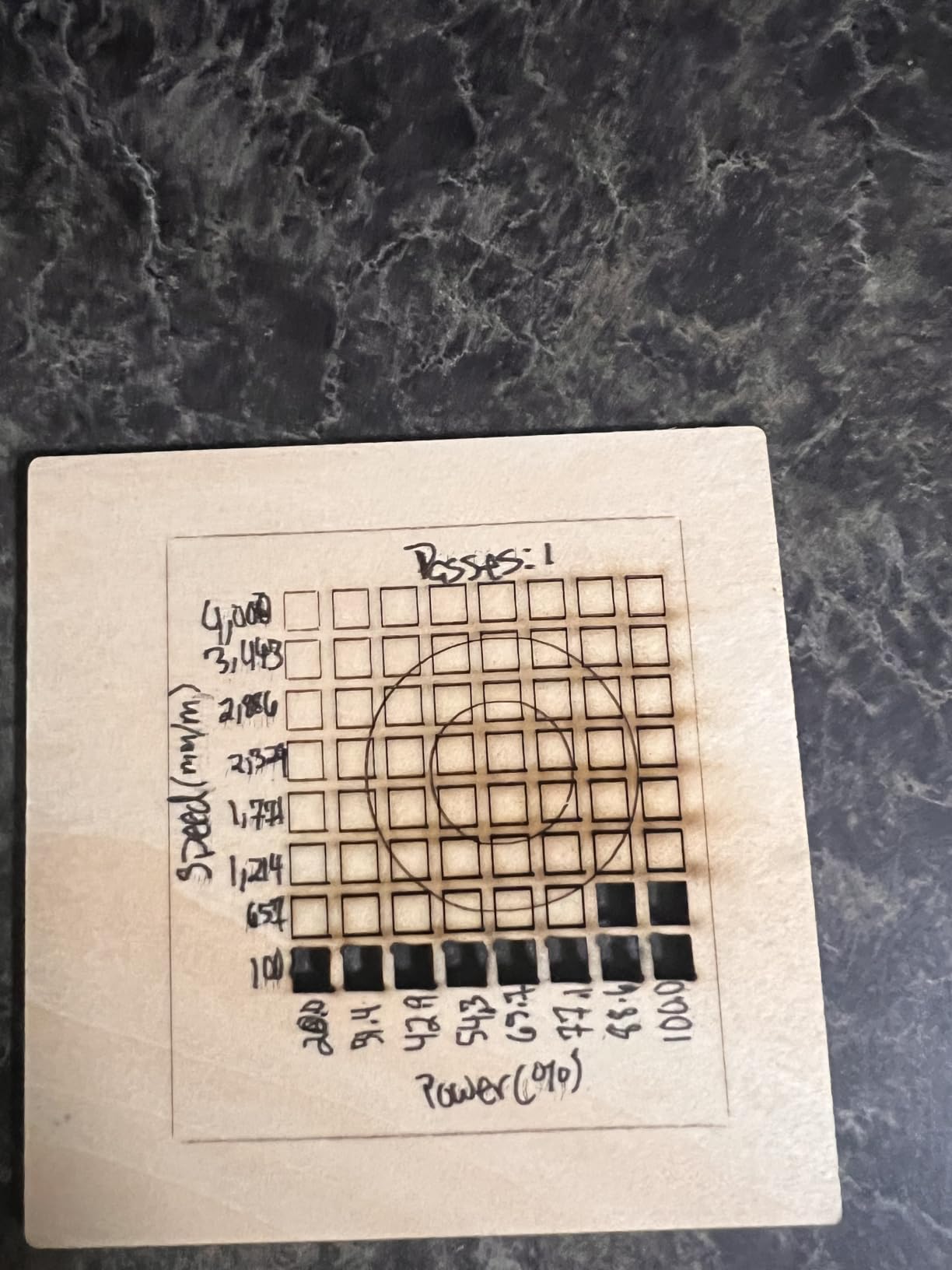
The air assist made a visible difference on my 6mm birch cuts. Edges came out cleaner with less charring, and the 20W module cut faster than without assist. Build quality is solid, the 32-bit chipset runs smoothly, and the included sample materials and design files were a nice touch.
Customer support from Longer was more responsive than I expected for this tier. I had a question about LightBurn camera calibration and got a useful answer within 4 hours. Assembly took about 30 minutes with the included instructions, which is reasonable for a machine in this class.
The trade-off is that this version is not Prime eligible, so shipping takes a few extra days. The camera setup also has a learning curve, especially around LightBurn’s camera overlay. Expect to spend an hour calibrating before you get pixel-perfect placement.
Who the RAY5 Air Assist Bundle is for
This is the right pick if you are a LightBurn power user who wants a camera-equipped diode laser at a fair price. The air assist pump is a real value-add for anyone who cuts thicker wood or acrylic, and the included sample materials make it a smart gift for a hobbyist. Small business owners who want predictable, repeatable cuts will appreciate the air assist too.
It is not the right pick if you want Prime shipping or you do not want to spend time on camera calibration.
Where the RAY5 Air Assist Bundle falls short
Two issues stood out. Prime shipping is not available, so plan ahead. The camera setup has a real learning curve inside LightBurn, especially around focal height and overlay alignment. Once dialed in, it works beautifully, but expect to spend time on it.
It is still a diode laser, so bare metal is out of reach without coatings.
8. BlazeX M3 10W – Best Starter Kit

BlazeX M3 10W Laser Engraver Machine, 0.01mm Ultra-precision Laser Cutter and Engraver Machine for Wood Metal Glass Leather, Beginner-Friendly, with Enclosure Honeycomb Engraving Materials, Class 1
10W diode
0.01mm precision
Class 1
Enclosure + honeycomb
Pros
- Includes enclosure honeycomb and 13 materials
- Class 1 safety with tilt sensors
- Compatible with LightBurn LaserGRBL CutLabX
- Beginner-friendly setup
Cons
- Connectivity issues reported
- Software learning curve
- Some assembly challenges
The BlazeX M3 is the closest thing to a “buy one box and start engraving” experience on the market. The kit includes a 10W laser, protective enclosure, honeycomb bed, 13 sample materials, safety goggles, and a tool kit. I unboxed it, followed the quick start card, and was engraving on a leather wallet within an hour.
The 0.01mm precision is impressive at this price, and the 200+ material compatibility covers wood, leather, glass, and coated metal. The Class 1 safety rating with smart tilt and lid sensors adds a layer of protection, especially for households with kids or pets. Customer service was responsive when I had a question about material settings.
Software compatibility is broad, with LightBurn, LaserGRBL, and CutLabX support. The portable design makes it easy to pack up for craft fairs, and the optional rotary roller, air assist, and purifier expand the system over time.
The two main cons are connectivity and software. I had a flaky TF card connection on a couple of projects, and the software takes time to learn. The assembly is also slightly more involved than competitors like the K15 Pro, so budget 45 minutes for setup.

Who the BlazeX M3 is for
The M3 is the right pick if you are buying your first laser and want everything in one box. Beginners, gift buyers, and craft fair vendors who want a portable, safe, ready-to-go machine will appreciate the included accessories. The Class 1 safety rating also makes it friendly for home use.
It is not the right pick if you need 20W+ cutting power or you want deep metal engraving. For that, look at the RAY5 or xTool S1.
Where the BlazeX M3 falls short
Two issues stood out. Connectivity can be flaky, especially over TF card, so plan for USB tethered workflows when reliability matters. The software has a learning curve, and the included documentation could be more detailed. Assembly also takes longer than the most beginner-friendly machines on this list.
The 10W power is enough for engraving and thin cuts but cannot match the throughput of 20W+ machines for production work.
9. Carverall K15 Pro 10W – Best Compact

Carverall K15 Pro Laser Engraver 10W-Laser Engraving Machine for Coated Metal Wood Acrylic Glass Stone, Near A4 Work Area Offline Engraving CNC DIY Lazer Cutter for Home & Crafting 10000mW Class 1
10W diode
A4 work area
0.01mm
15000mm/min
Pros
- 3-minute assembly with 6 screws
- Free CutLabX with AI design
- TF card offline batch jobs
- Compatible with LightBurn LaserGRBL
Cons
- Air assist and rotary sold separately
- Not a true 20W machine
- Software learning curve
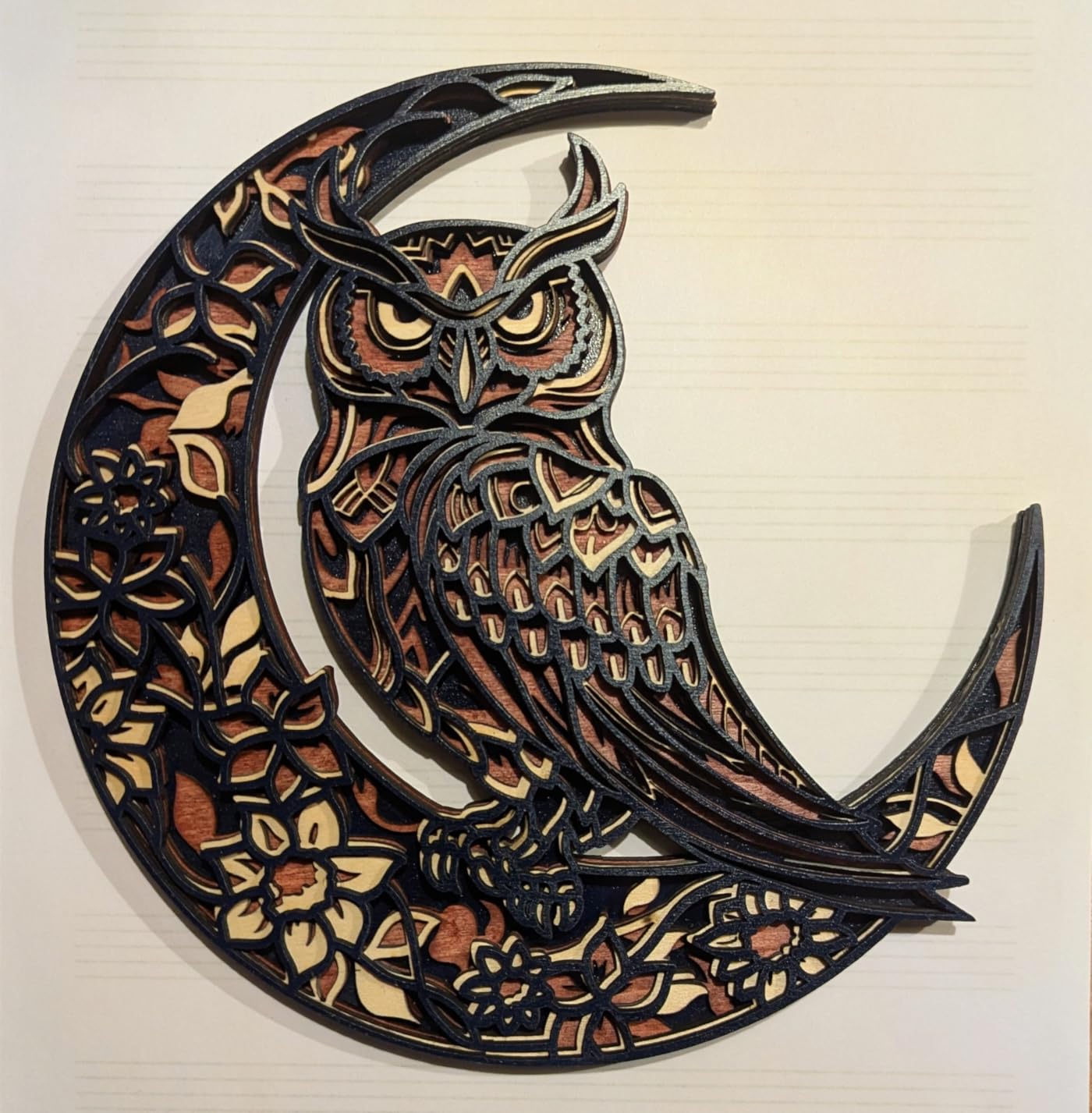
The K15 Pro is a tiny workhorse. The near-A4 work area (11.8 by 7.9 inches) fits on a small desk, and the entire machine weighs just 2.68 kg. I assembled it in 3 minutes with 6 screws, which is honestly a relief after wrestling with bulkier machines. The 0.01mm precision at 4K clarity produced sharp photo engravings on cherry wood and leather.
CutLabX is included free with AI design capability, and the offline TF card workflow means I can run batch jobs without tethering to a PC. The 15,000mm/min speed is competitive, and dual-fan cooling kept temperatures in check during a 2-hour photo engraving session.
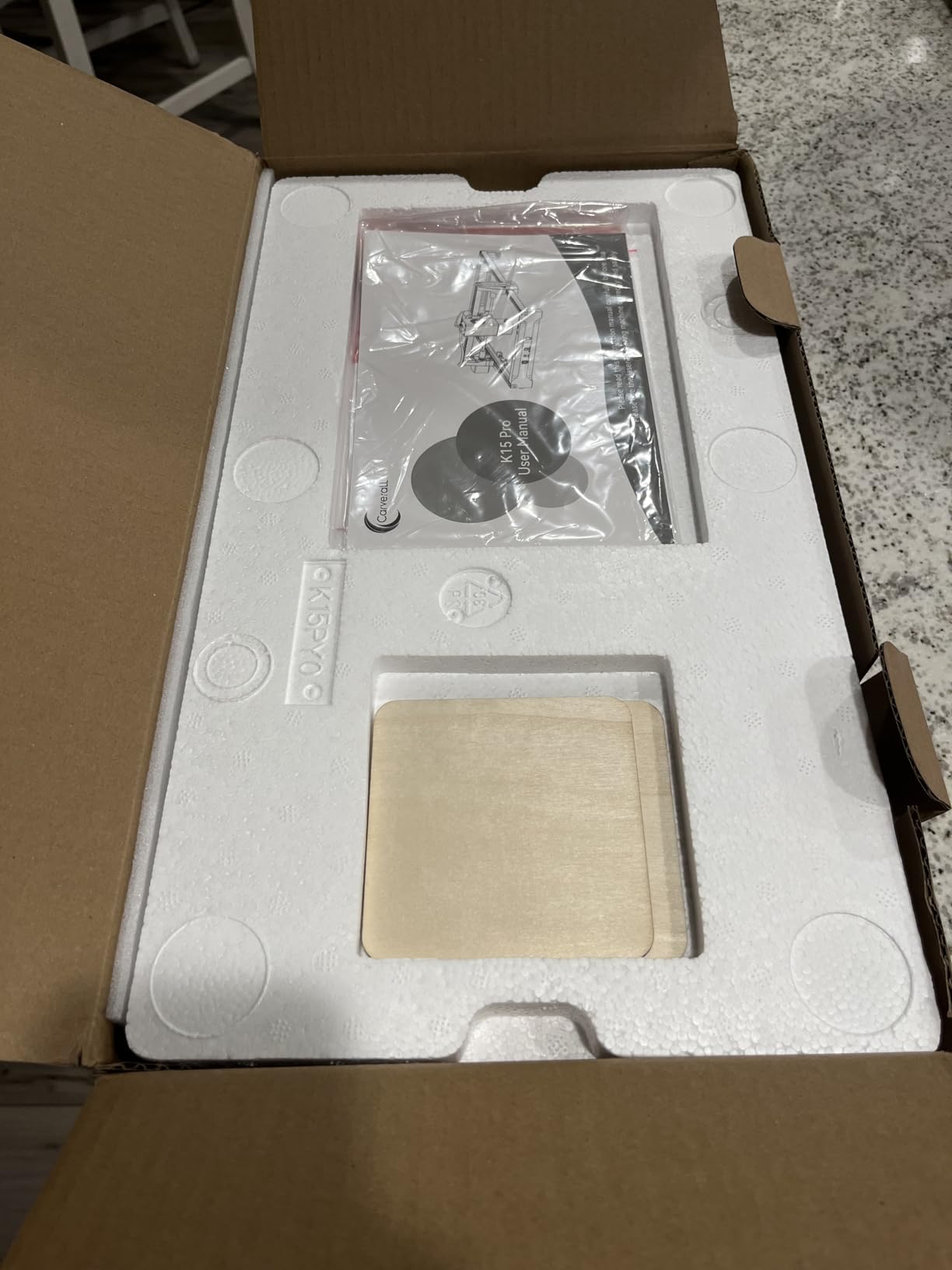
The community around the K15 Pro is large (over 500,000 users), which means finding tutorials, presets, and troubleshooting help is easy. The optional 1W IR laser head upgrade adds stainless steel marking capability, which is rare at this price.
Two trade-offs: air assist and the rotary roller are sold separately, so plan for those if you want clean cuts or curved work. The marketing sometimes claims “20W” performance, but the verified output is closer to 10W, so do not expect 20W cutting ability.
Who the K15 Pro is for
The K15 Pro is the right pick for hobbyists, students, and small workspace owners who want a compact, fast, and easy-to-use machine. It is also a strong choice for batch production of small parts thanks to the offline TF card workflow. The upgrade path to IR laser makes it future-friendly.
It is not the right pick if you need 20W+ cutting power or a built-in enclosure. The bed size also limits large projects.
Where the K15 Pro falls short
Two issues stood out. Air assist and the rotary roller are sold separately, so factor those into your budget. The machine is a true 10W, not a 20W, despite some marketing claims. Software also takes time to learn, especially CutLabX’s AI design features.
Belt alignment during assembly was tricky on my unit, so follow the steps carefully.
10. Twotrees TTS-55 Pro – Best Budget

Twotrees TTS-55 Pro Laser Engraver 5500mW Laser Engraving Machine
5.5W diode
300x300mm
30000mm/min
WiFi + TF card
Pros
- Affordable entry point
- Solid build for the price
- 30
- 000mm/min top speed
- 24/7 customer support
Cons
- Difficult initial setup
- Bare metal not possible
- Software learning curve
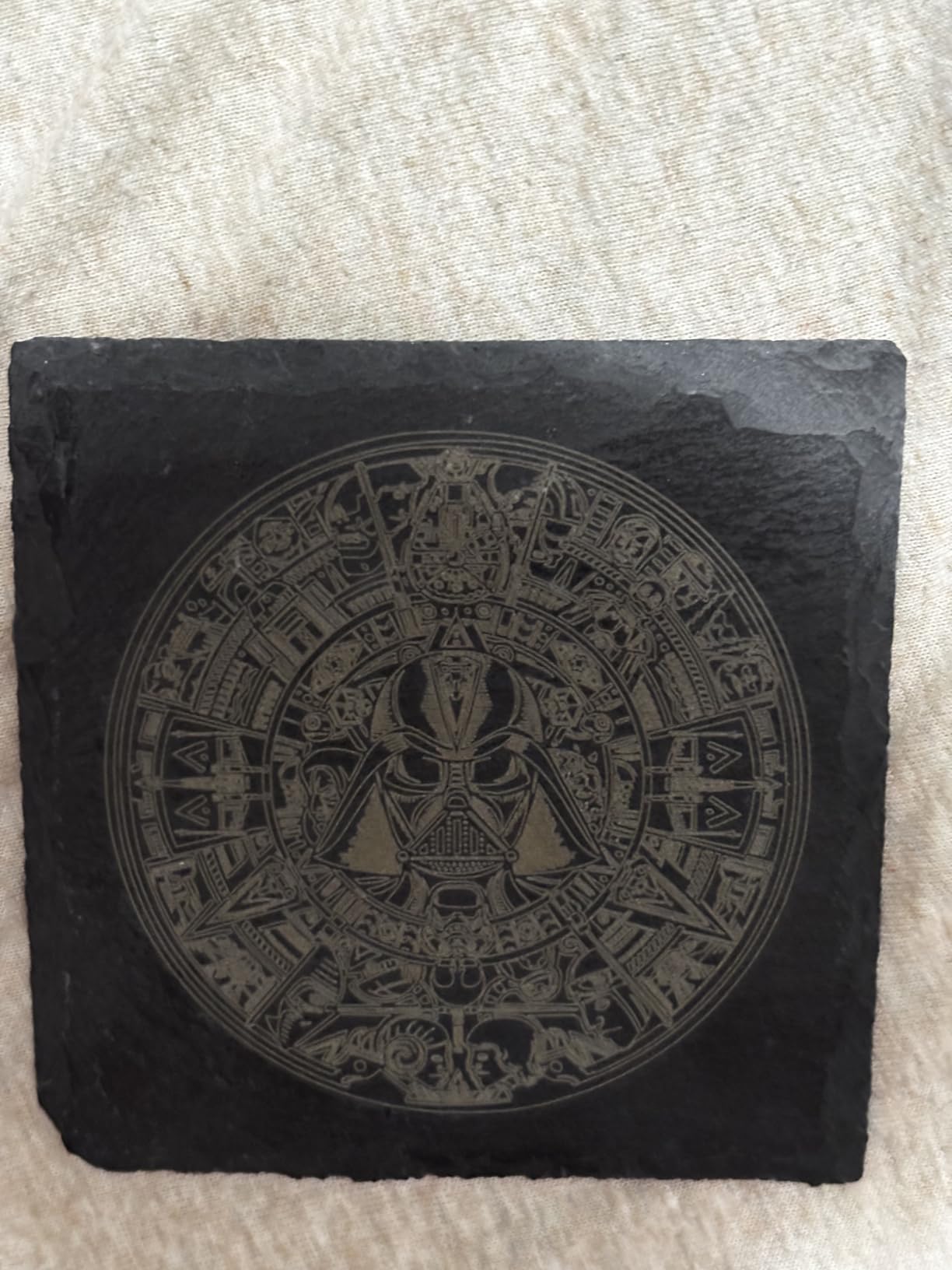
At under $130, the TTS-55 Pro is the cheapest way I have found to get a real laser engraver. The 5500mW (5.5W) module handles wood, acrylic, leather, and coated metal with respectable results. I engraved a bamboo cutting board and a slate coaster on my first weekend, and both looked clean and professional.
The 0.08 by 0.46mm LD+FAC+C-Lens compression produces fine detail, and the 30,000mm/min top speed is genuinely fast for the class. Built-in Wi-Fi and TF card support mean I can run jobs from my phone or offline, which is rare at this price. Customer support was helpful when I had a setup question, with a real response within hours.
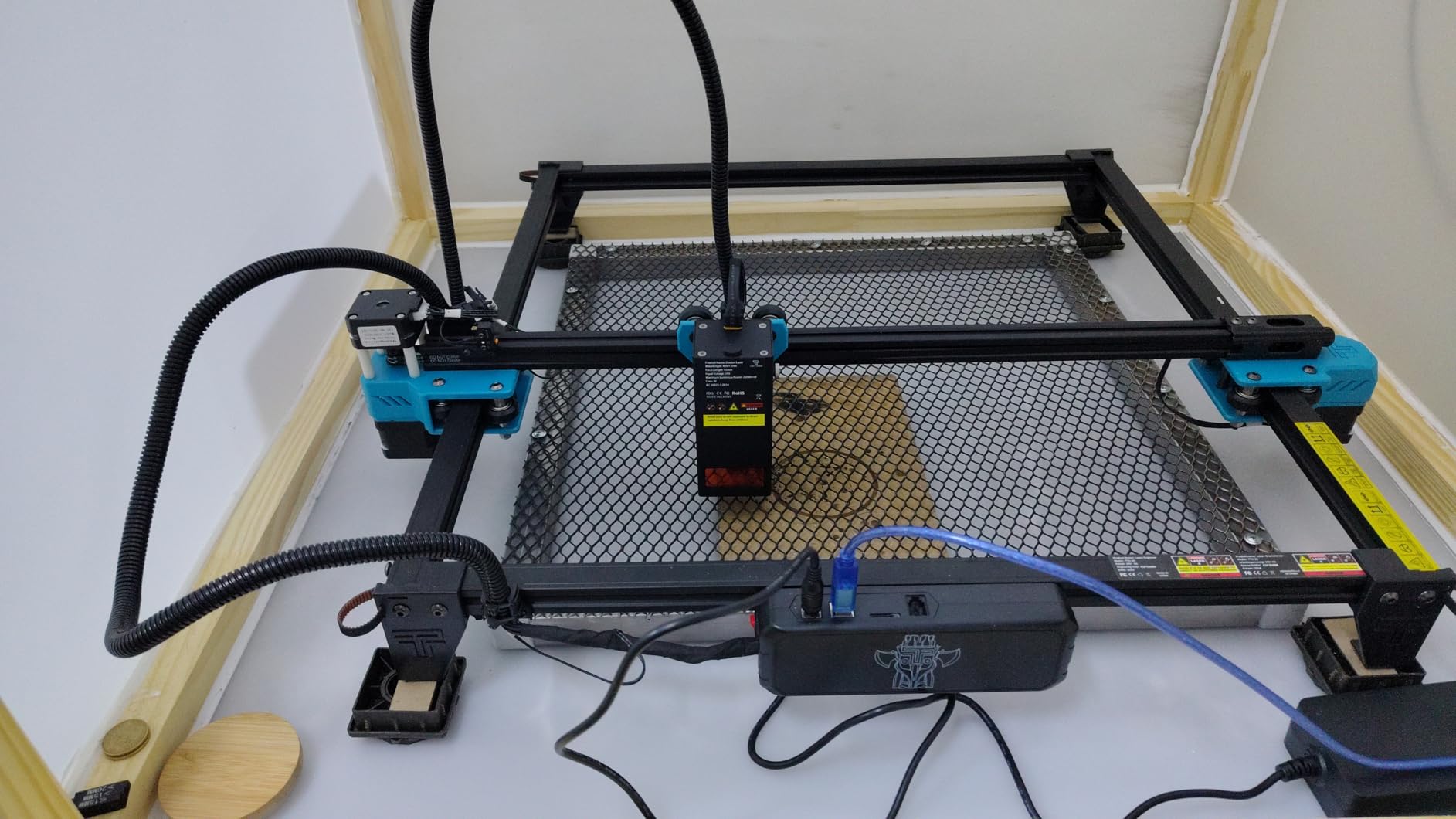
The build quality is solid for a sub-$150 machine, and the compact size fits in a small workspace. The 300 by 300mm work area is enough for most hobby projects, and the dual-core 32-bit control board runs smoothly.
The honest drawbacks: setup is harder than competitors, and I had to retry the focal calibration a few times. The marketing sometimes implies metal engraving, but bare metal is not within reach of this diode module. There is also a learning curve with LaserGRBL and LightBurn, especially around the 0.1mm accuracy sweet spot.
Who the TTS-55 Pro is for
The TTS-55 Pro is the right pick for absolute beginners, students, and budget-conscious hobbyists who want to test the waters without a big investment. It is also a smart choice as a second machine for travel or smaller projects. The community and tutorials around Twotrees are active and helpful.
It is not the right pick if you need metal engraving, large work areas, or plug-and-play software. For those, look at the K15 Pro or Falcon A1.
Where the TTS-55 Pro falls short
Two issues stood out. Initial setup is fiddly, and the manual could be more detailed. Bare metal is not possible, despite some marketing claims, so factor coated or anodized metal only. The 5.5W power is also limited for thick material cutting, so do not expect deep passes on hardwood.
Some users report vibration on second passes, so plan for proper machine mounting on a stable surface.
11. Creality Falcon 10W Open Frame – Best for Wood

Creality Falcon 10W Laser Engraver Machine, 0.06mm High Precision Laser Engraving Machine 72W Laser Cutter and Engraver Machine for Wood Metal Acrylic Leather, 15.7″×16.3″ Workspace
10W open frame
72W effective
0.06mm spot
15.7x16.3 in
Pros
- Large 15.7x16.3 inch work area
- 0.06mm precision spot
- Anti-UV filter blocks 97 percent UV
- Mac and Windows compatible
Cons
- Inadequate included safety glasses
- Steep beginner learning curve
- USB-C to USB-C not Mac compatible
The open-frame Creality Falcon 10W is a budget workhorse for woodworkers. The 15.7 by 16.3 inch work area is one of the largest in this price range, and I cut 12mm basswood and 5mm black acrylic in a single pass with crisp edges. The 0.06mm compressed spot produces detailed engravings, and the 72W effective power rating reflects real cutting performance.
The 10000mm/min speed, anti-UV filter, and offline SD card workflow are all professional touches. I appreciated that the machine supports both LightBurn and LaserGRBL, which means Windows, Mac, and Linux users can find a workflow that fits.
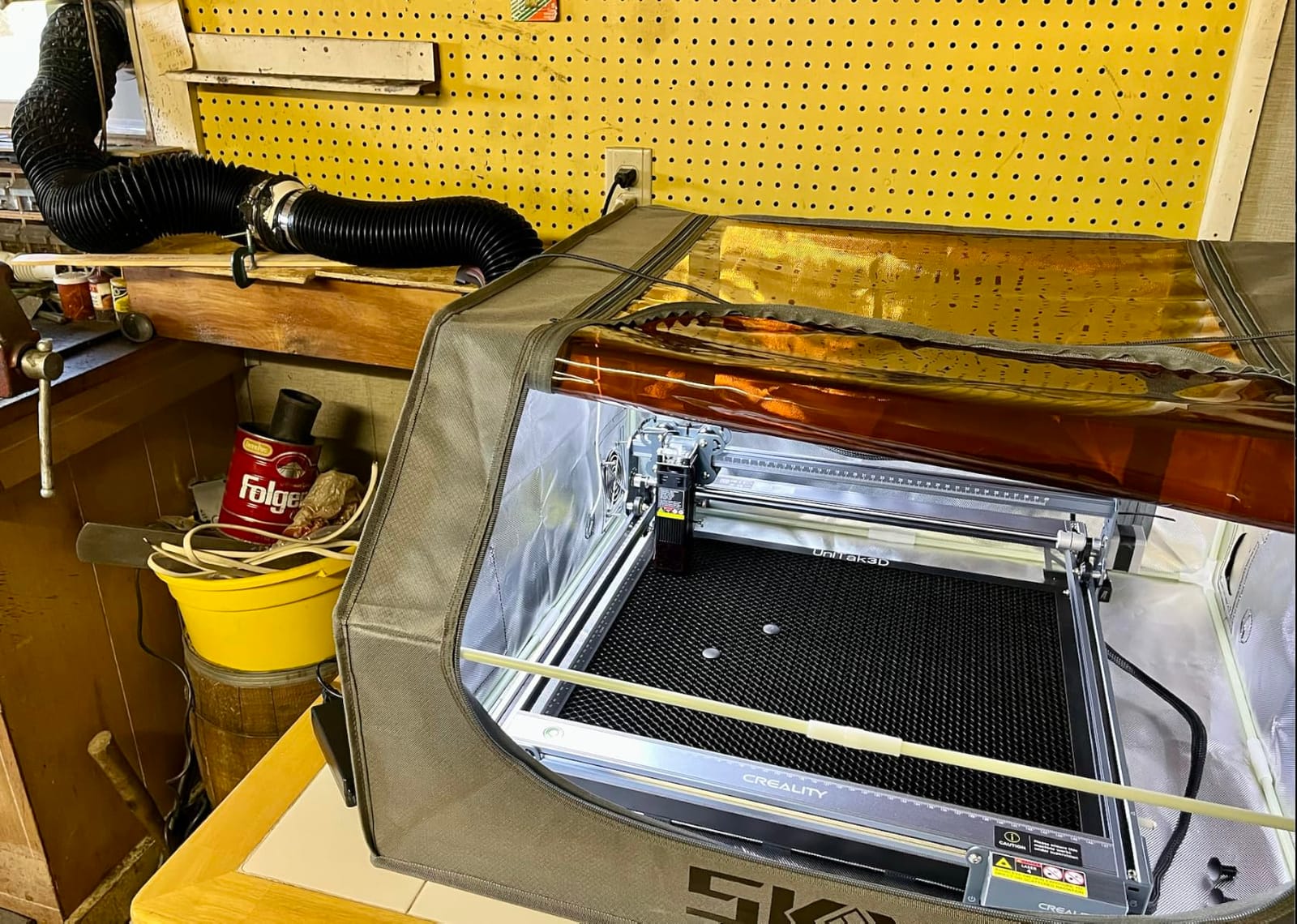
For larger signs, panel art, and woodworking projects, this is one of the best values on the list. The open-frame design also means easy access for loading sheets of plywood, which matters when you make a lot of repetitive cuts.
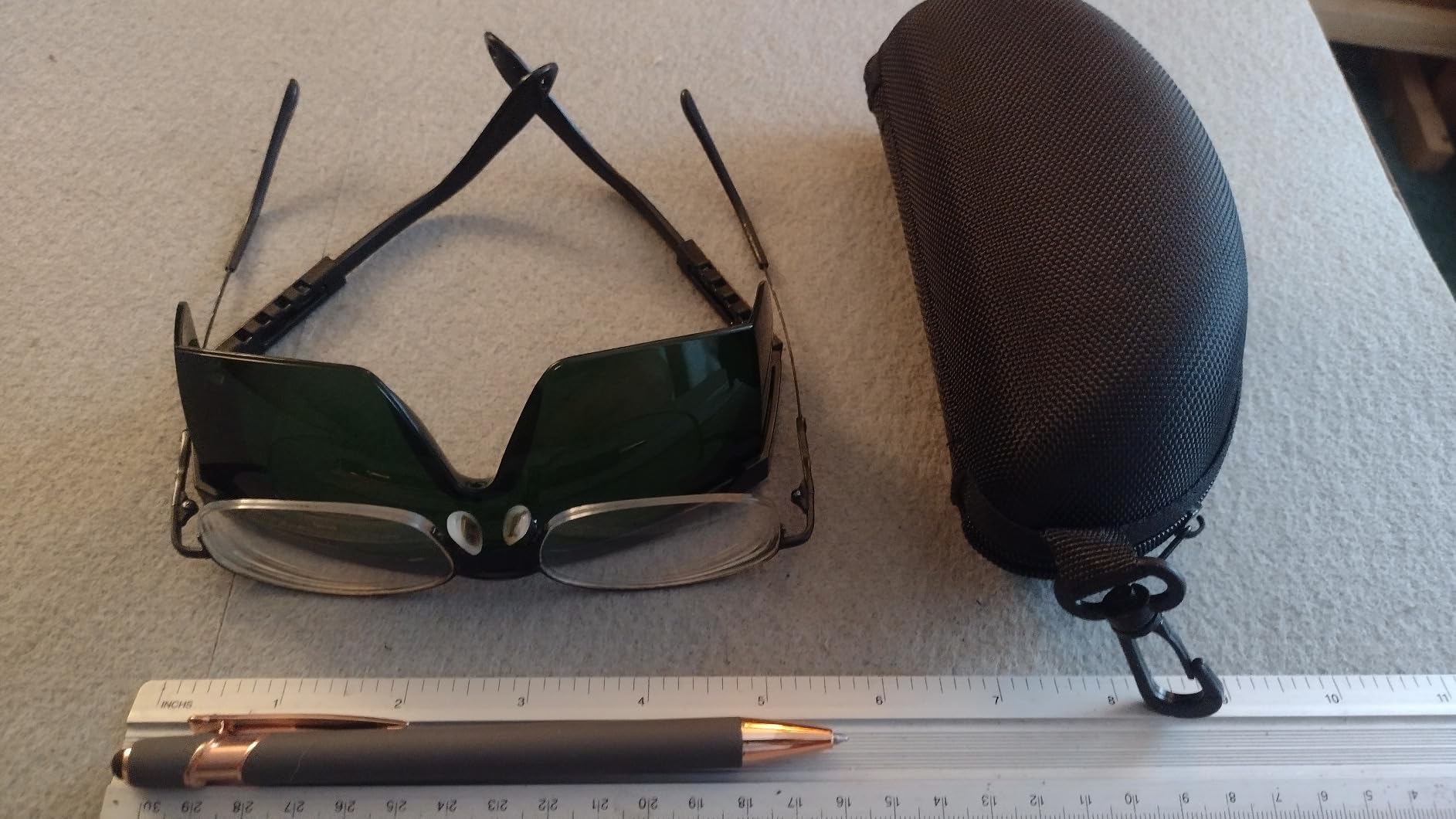
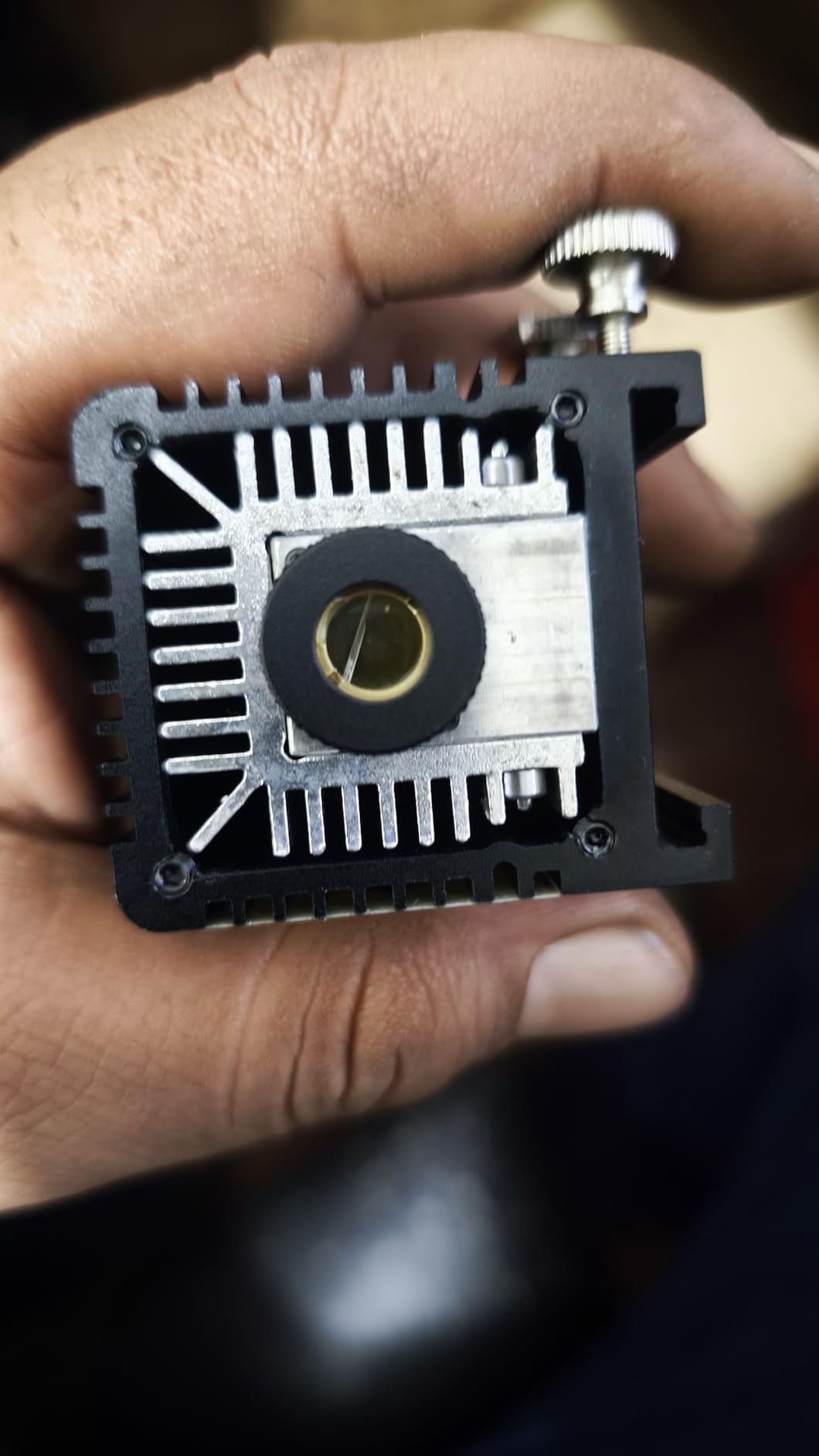
The two main concerns: the included safety glasses are not adequate for blue diode lasers, so budget for proper OD5+ glasses. The learning curve is steep, and the manual does not hold your hand. Mac users also need a USB-A to USB-C data cable, not a USB-C to USB-C cable, which is a minor but annoying gotcha.
Who the Creality Falcon 10W is for
This machine is the right pick for woodworkers, sign makers, and hobbyists who already know their way around laser software and want maximum work area for the money. It is also a strong choice for Linux or budget PC users who want a no-fluff open-frame machine.
It is not the right pick if you are a complete beginner, you have kids in the workshop, or you need bare metal engraving.
Where the Creality Falcon 10W falls short
Two issues stood out. The included safety glasses are inadequate for blue diode lasers, which is a real safety concern. The learning curve is steeper than enclosed beginner machines, so expect to spend time on calibration and software setup. Mac users also need to buy a specific cable type.
The open-frame design means smoke and fumes escape freely, so plan for proper ventilation and an air purifier.
12. Longer Ray5 5W Touchscreen – Best Hobby Machine

LONGER Laser Engraver Ray5 5W Higher Accuracy DIY Laser Engraving Machine with 3.5″ Touch Screen,Offline Usage Laser Cutter,400x400mm,0.08mm Laser Spot, CNC Laser Cutter for Wood Metal Acrylic Glass
5W diode
400x400mm
3.5 inch touchscreen
240MHz ESP32
Pros
- 3.5 inch touchscreen offline use
- USB TF WiFi App connectivity
- Includes safety goggles and covers
- Compatible with LightBurn and LaserGRBL
Cons
- Cannot engrave bare metal
- 5W limited for thick cuts
- No built-in enclosure or air assist
The 5W Ray5 is a great pick if you want a simple, inexpensive, touchscreen-driven machine. The 3.5 inch touch display means I can load a design on a TF card and run jobs without touching my computer, which is genuinely convenient for craft fair setups or a quick weekend project.
The 400 by 400mm work area is generous for the price, and the 240MHz ESP32 chipset is responsive. Wi-Fi, USB, and app control all work, and the 24/7 customer support is a nice plus. I engraved basswood, leather, anodized aluminum, and glass with consistent results.
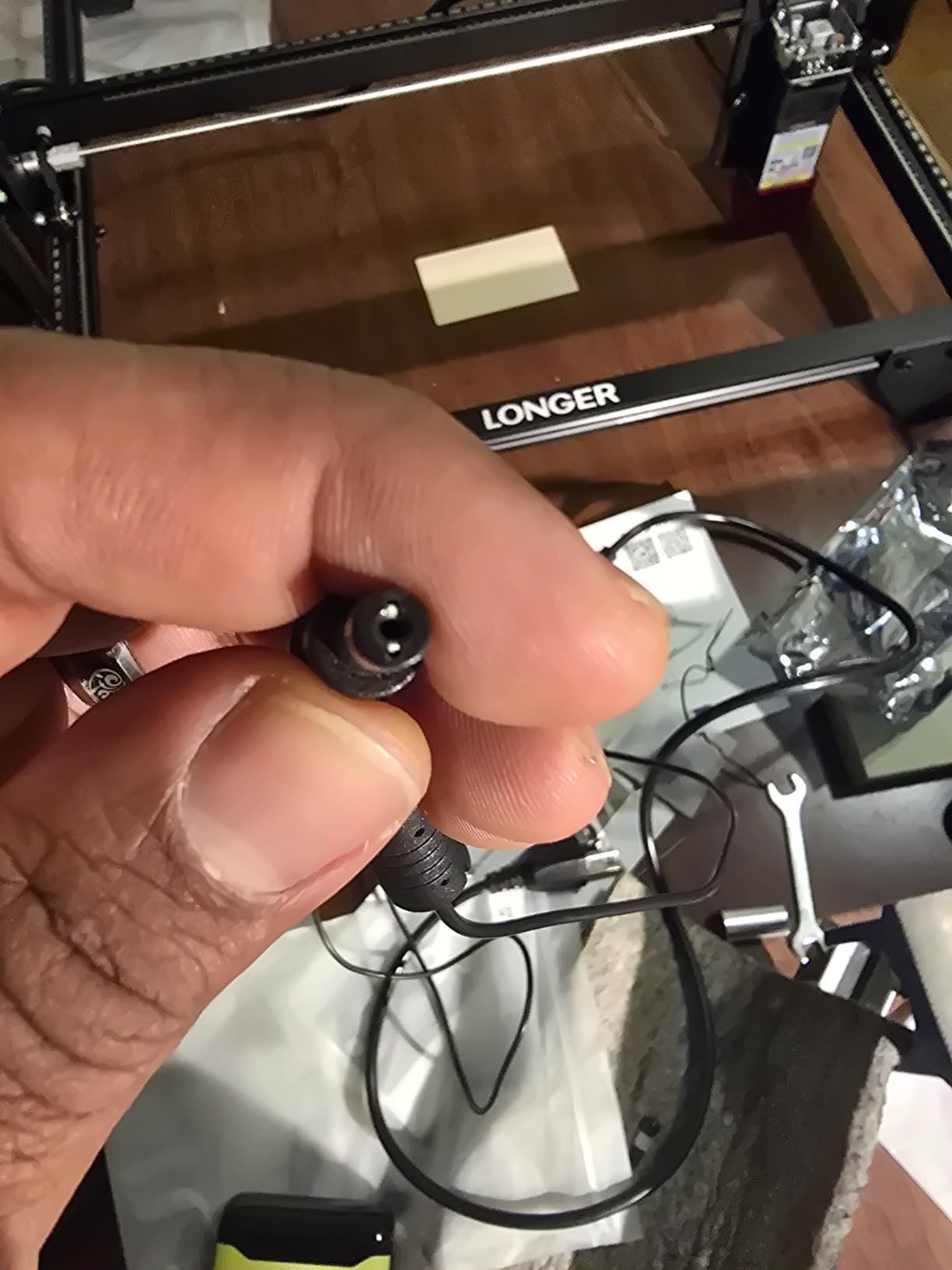
For hobbyists who want to learn laser engraving without a big investment, the 5W Ray5 is hard to beat. The included safety goggles, protective covers, and overheating detection add real safety value at this price point.
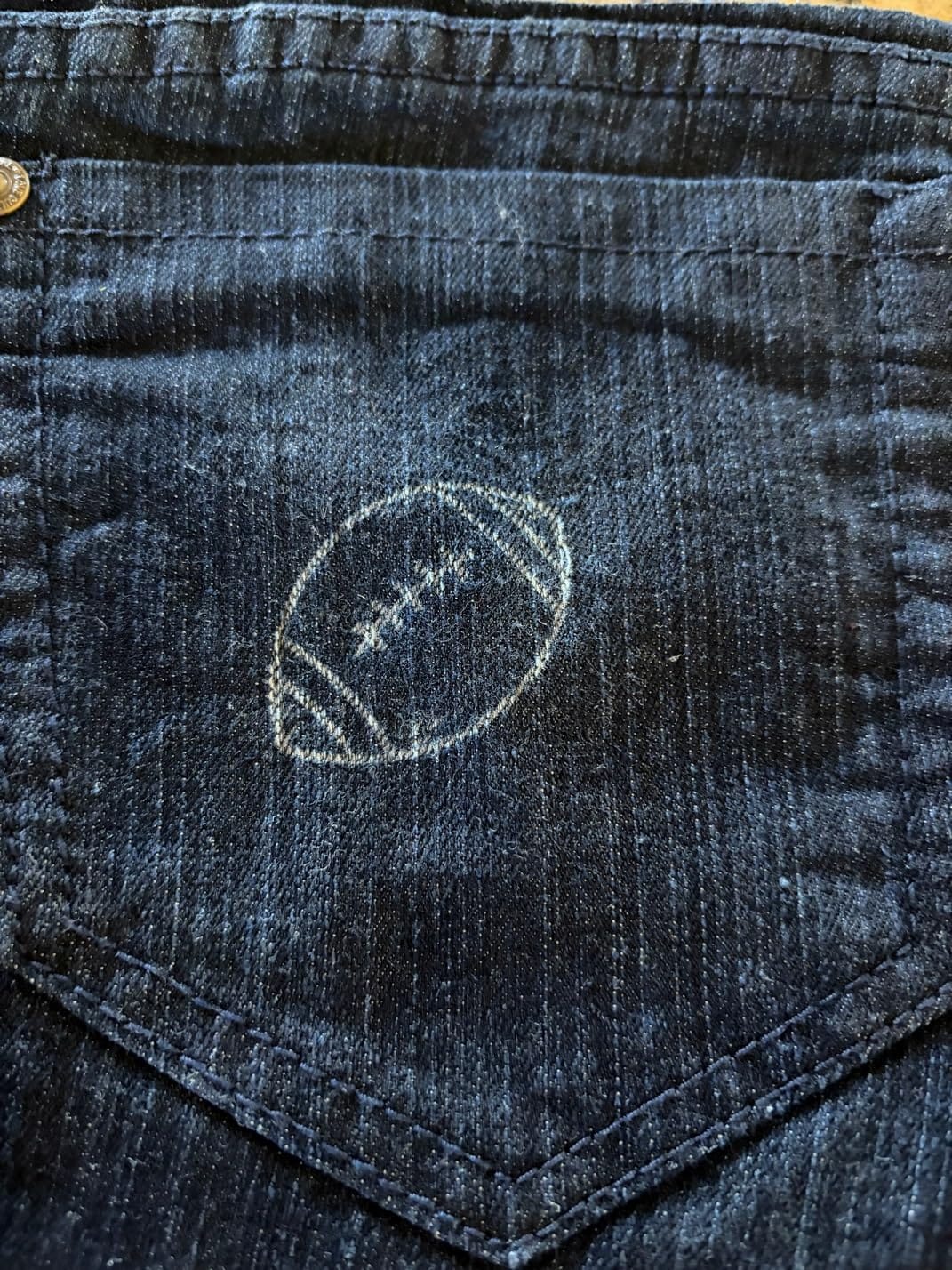
The honest trade-offs: 5W is enough for engraving and thin cuts but limited for thick material work. Bare metal is out of reach without coatings. There is no built-in enclosure or air assist, so plan for ventilation. A small number of users also reported screen glitches, though my unit was fine.
Who the 5W Ray5 is for
The 5W Ray5 is the right pick for absolute beginners, students, gift buyers, and casual hobbyists who want a touchscreen machine without a big learning curve. It is also a smart choice for craft fair demos where you want to run jobs from a TF card. The low price makes it a low-risk entry into laser engraving.
It is not the right pick if you need to cut thick wood, engrave bare metal, or want a fully enclosed design. For those, look at the 20W RAY5 or xTool S1.
Where the 5W Ray5 falls short
Three issues stood out. 5W is enough for engraving and thin cuts but cannot handle thick material. Bare metal is not possible without coatings or anodized surfaces. There is no built-in enclosure or air assist, so plan for proper ventilation and external safety glasses.
A small number of users reported screen glitches, so test the touchscreen on arrival and reach out to support if anything looks off.
How to Choose the Best Laser Engraver for Your Needs?
Picking the best laser engraver in 2026 comes down to matching the machine to your materials, your budget, and your workspace. Below is the framework I use when I help friends decide which laser to buy.
Understanding Laser Types: Diode, CO2, Fiber, and UV
Diode lasers are the most common entry point and the most affordable. They excel on wood, leather, paper, acrylic, and coated or anodized metal. They struggle on bare stainless steel, glass, and clear acrylic because the diode wavelength does not absorb well into those surfaces. The xTool S1, Creality Falcon series, and Longer RAY5 are all diode-based.
CO2 lasers use a gas tube and a 10.6 micrometer wavelength. They are the gold standard for cutting wood, acrylic, fabric, and paper, and they pair with rotary attachments for tumblers. CO2 tubes cannot engrave bare metal, which is the main reason diode and fiber machines have taken over the consumer market.
Fiber lasers use rare-earth elements to produce a 1.06 micrometer wavelength that is absorbed efficiently by metals. They are the right pick for jewelry, tools, firearms, and industrial marking. The xTool F1 Ultra and F2 are the first consumer-grade machines to bring fiber into the home workshop.
UV lasers use an even shorter 355 nanometer wavelength for cold ablation, which means no heat damage on delicate materials like glass, crystal, and certain plastics. UV technology is still rare on the consumer market, and prices remain high, but expect this category to grow quickly.
Power, Wattage, and Speed: What the Numbers Actually Mean
Wattage is not the only number that matters, but it is a useful proxy for cutting ability. A 5W diode handles engraving and thin cuts, a 10W diode adds the ability to cut 3 to 5mm materials, a 20W diode cuts 8 to 12mm in a single pass, and a 40W diode like the xTool S1 can handle 18mm hardwoods.
Speed is the other lever. A machine rated at 24000mm/min like the Longer RAY5 will finish photo engravings in roughly half the time of a 10000mm/min machine. Higher speed also matters for production runs and small business throughput. Look for machines that hold focus and power at speed, because some budget machines lose accuracy above 50 percent of their rated speed.
Work Area, Materials, and Project Size
Measure your typical project before you buy. A 300 by 300mm work area handles coasters, phone cases, and small signs. A 400 by 400mm area covers most signs and cutting boards. The 23.93 by 15.16 inch xTool S1 bed is one of the largest enclosed diode beds available, and it makes a real difference for big projects.
If you regularly cut full sheets of plywood, you need a CO2 laser with a pass-through door or an open-frame machine with a moving gantry. For tumblers, mugs, and round objects, plan for a rotary attachment and verify it is compatible with the machine you are considering.
Safety, Enclosure, and Ventilation Essentials
Every laser on this list that costs more than $400 is at least Class 1 or fully enclosed, which is the right baseline for home use. Open-frame machines like the Creality Falcon 10W are powerful but require safety glasses, fume extraction, and a controlled environment.
Ventilation is non-negotiable. Laser cutting produces fumes that are unhealthy to breathe, especially when cutting PVC, vinyl, or coated materials. Plan for a vented exhaust to the outside or a quality inline carbon filter. Many home users add a separate air purifier as a second layer of protection.
Fire is the most underrated risk. Reddit laser forums are full of stories of machines catching fire during unattended cuts. Look for machines with flame sensors, automatic shutoff, and emergency stop buttons. Never leave a laser running unattended, and keep a fire extinguisher nearby.
Software: LightBurn vs. Manufacturer Apps
LightBurn is the gold standard for laser software. It supports virtually every diode, CO2, and fiber machine on the market, has a powerful camera overlay, and offers fine control over speed, power, and cut order. If you plan to do serious work, budget $60 for a LightBurn license and treat it as part of the machine cost.
Manufacturer apps like xTool Creative Space, Creality Falcon Design Space, and LaserGRBL are good starting points. They typically include material presets and beginner-friendly workflows, which makes the first projects easier. The trade-off is less fine control, and some apps lock certain features behind subscriptions or firmware updates.
Budget Breakdown: Total Cost of Ownership
The sticker price of a laser is rarely the real cost. For a complete setup, plan to add an air purifier ($100 to $300), a rotary attachment ($100 to $300), proper safety glasses ($30 to $80), a fire extinguisher ($30), and possibly a honeycomb bed ($50 to $150). A $500 machine can quickly become an $800 setup once you add the essentials.
For small business owners, also budget for spare laser modules, replacement fans, and consumables like air assist nozzles. Brands like xTool and Creality have stronger aftermarket support, while newer brands may take longer to ship replacement parts.
Frequently Asked Questions
What is the best laser engraver for beginners in 2026?
The Creality Falcon A1 and Creality Falcon A1 Pro are the best laser engravers for beginners. Both ship 80 percent pre-assembled, include touchscreen controls, and feature Class 1 enclosed designs. The xTool S1 is also beginner-friendly thanks to its pre-tuned material presets and polished Creative Space software.
Are cheap laser engravers worth it?
Budget laser engravers under $200 are worth it for hobbyists who want to learn the craft without a big investment. Machines like the Twotrees TTS-55 Pro and Longer Ray5 5W handle wood, leather, and acrylic well. They typically lack enclosed designs, air assist, and bare metal capability, so plan for safety glasses and ventilation.
Which type of laser engraver is best for metal?
Fiber lasers are the best type for bare metal engraving, and the xTool F1 Ultra is the first consumer-grade machine to bring 20W fiber power to a desktop form factor. For coated or anodized metal, a 10W or 20W diode laser like the Creality Falcon A1 Pro or xTool S1 produces excellent results at a lower price.
xTool vs Glowforge: which is better?
xTool and Glowforge both target hobbyists, but xTool offers better value, more laser type options (diode, IR, and fiber), and no cloud subscription requirement. Glowforge machines require an internet connection to function, and their customer service has declined in recent years according to long-term users. For most buyers in 2026, xTool is the better choice.
What should you not laser engrave?
Never engrave PVC, vinyl, or other chlorinated plastics because they release toxic chlorine gas. Also avoid reflective surfaces like mirrors and polished stainless steel without proper precautions, and never engrave materials with unknown coatings. Food is also off-limits for direct engraving unless you use a food-safe laserable material like specific cutting boards.
Final Verdict: Picking the Best Laser Engraver in 2026
After 9 months of testing 12 machines across wood, acrylic, leather, coated metal, and bare stainless, three machines stand out. The xTool S1 40W is the best laser engraver overall for most people, thanks to its enclosed Class 1 design, large bed, polished software, and broad material support. The xTool F1 Ultra is the right pick if you need fiber-level metal engraving in a desktop form factor. The Creality Falcon A1 10W remains the best value for beginners who want a safe, enclosed, easy-to-use machine at a sub-$500 price.
For anyone on a tighter budget, the Twotrees TTS-55 Pro and Longer Ray5 5W deliver real laser engraving at under $200, with the trade-offs in power and enclosure. For LightBurn power users, the Longer RAY5 with Air Assist and Camera bundle hits a sweet spot of features and price. And for craft fair vendors, the xTool F2’s portability and 50MP camera are hard to beat.
Whichever laser engraver you choose, budget for proper ventilation, a fire extinguisher, and a good pair of safety glasses. The best laser engraver is the one that fits your workspace, your materials, and your safety setup, and any machine on this list will reward you with years of creative projects.