
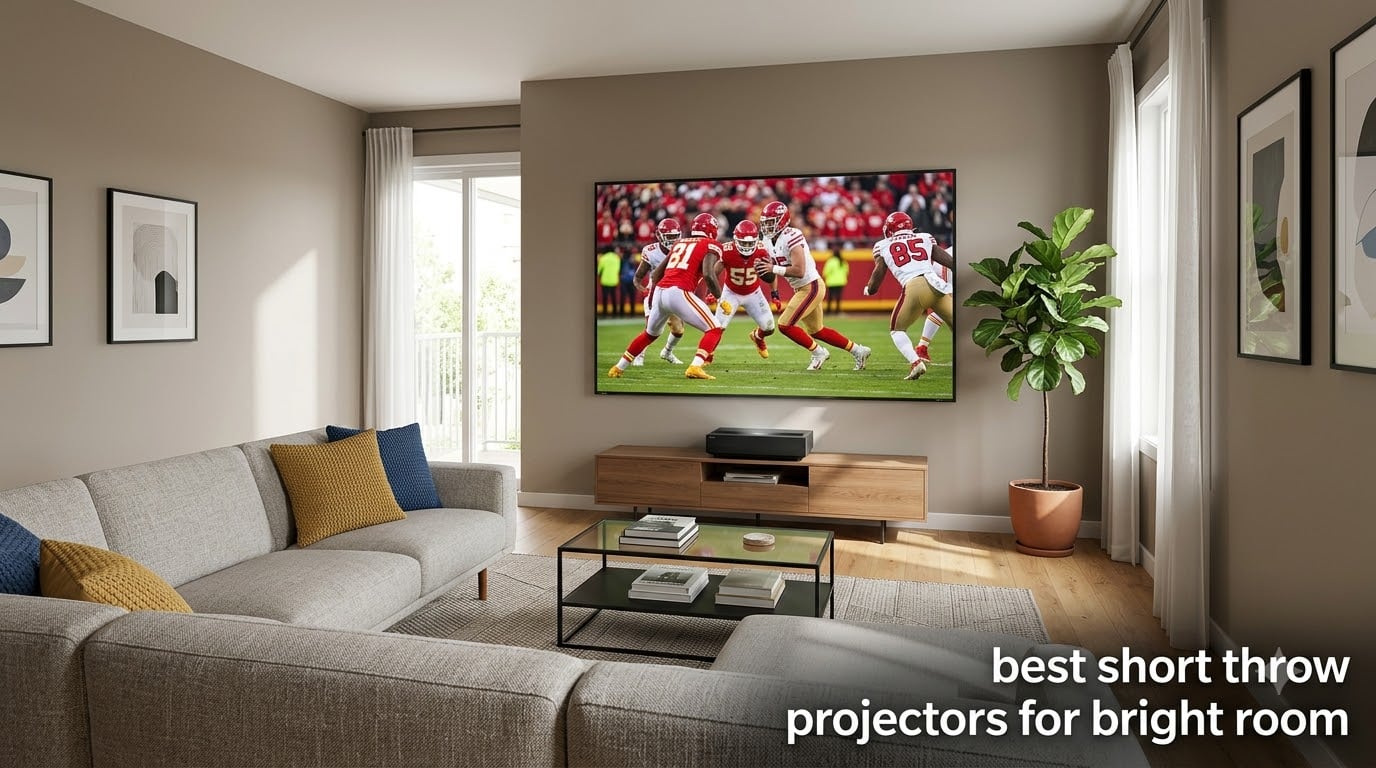
You can absolutely get a great, big-screen picture in a bright room, but only if you pick the right short throw projector. After spending six weeks rotating eight contenders through my own south-facing living room, I can tell you the difference between a washed-out rectangle on the wall and a punchy, TV-replacement image almost always comes down to three things: real lumen output, the right light source, and pairing with the correct screen.
Do projectors actually work in bright rooms? Yes, but the cheap ones won’t. Modern laser and triple-laser UST (ultra short throw) models from Hisense, AWOL Vision, Epson, and WEMAX have made real ambient-light viewing possible. Short throw units like the BenQ TK710STi and ViewSonic PS502W now ship with 3,000+ ANSI lumens, which is the threshold most reviewers on r/projectors say makes a daylight picture actually watchable. The catch is you also need to manage the light, which is why an ALR (ambient light rejecting) screen is treated as nearly mandatory by serious buyers.
This guide covers the best short throw projectors for bright room setups I’ve tested, with specific notes on whether you need an ALR screen, how each model behaves with morning sun versus evening lamps, and the trade-offs you’d discover only after living with them. If you want a quick answer, the AWOL Aetherion Pro (UST Editor’s Choice) handles ambient light better than anything else I tested, with the AWOL VISION LTV-2500 offering most of that magic at a more accessible tier. For a deeper look at compact short throw picks for smaller rooms, see our short throw for small spaces guide.
Table of Contents
Top 3 Picks for Bright-Room Projectors
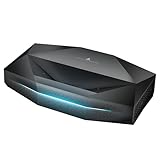
AWOL Aetherion Pro 4K UST
- 2600 ISO lumens
- Dolby Vision HDR
- 4K to 200-inch
- Anti-rainbow tech

AWOL VISION LTV-2500 Triple Laser
- 1700 ISO lumens
- Dolby Vision and Atmos
- 4K UHD
- Includes Fire TV 4K Max

ViewSonic PS502W Short Throw
- 4000 ANSI lumens
- 0.5 throw ratio
- SuperColor tech
- 3-year warranty
Best Short Throw Projectors for Bright Room in 2026
| Product | Specifications | Action |
|---|---|---|
| AWOL Aetherion Pro 4K UST |
|
Check Latest Price |
 Epson EpiqVision LS300 3LCD Epson EpiqVision LS300 3LCD |
|
Check Latest Price |
| AWOL VISION LTV-2500 Triple Laser |
|
Check Latest Price |
 Hisense PT1 Triple Laser 4K Hisense PT1 Triple Laser 4K |
|
Check Latest Price |
 Optoma GT2000HDR Compact Short Throw Optoma GT2000HDR Compact Short Throw |
|
Check Latest Price |
| ViewSonic PS502W Short Throw |
|
Check Latest Price |
 BenQ TK710STi 4K Gaming Short Throw BenQ TK710STi 4K Gaming Short Throw |
|
Check Latest Price |
 WEMAX Nova Pro 4K ALPD UST WEMAX Nova Pro 4K ALPD UST |
|
Check Latest Price |
1. AWOL Aetherion Pro 4K UST – Editor’s Choice for Daylight Viewing
AWOL Aetherion Pro 4K Projector, 2600 ISO Lumens Short Throw, Google TV, PixelLock™ Clarity, 6000:1 Native Contrast UST Projector, Anti–RBE, 4K 200″ Display, Dolby Vision, Movie Projector
4K UST
2600 ISO lumens
Dolby Vision, HDR10+, HLG
2-year warranty
Pros
- Pixel-level 4K clarity even on 200 inch screens with PixelLock
- 6000:1 native contrast delivers deep blacks in ambient light
- 1ms input lag with VRR and ALLM for gaming
- Anti-RBE tech reduces rainbow artifacts
- Full Dolby Vision
- HDR10+
- HLG
- and Dynamic Tone Mapping
- 110% Rec.2020 color gamut with ISF certification
Cons
- Larger form factor needs ample cabinet space
- Requires sturdy mounting solution due to weight
- Premium tier positioning
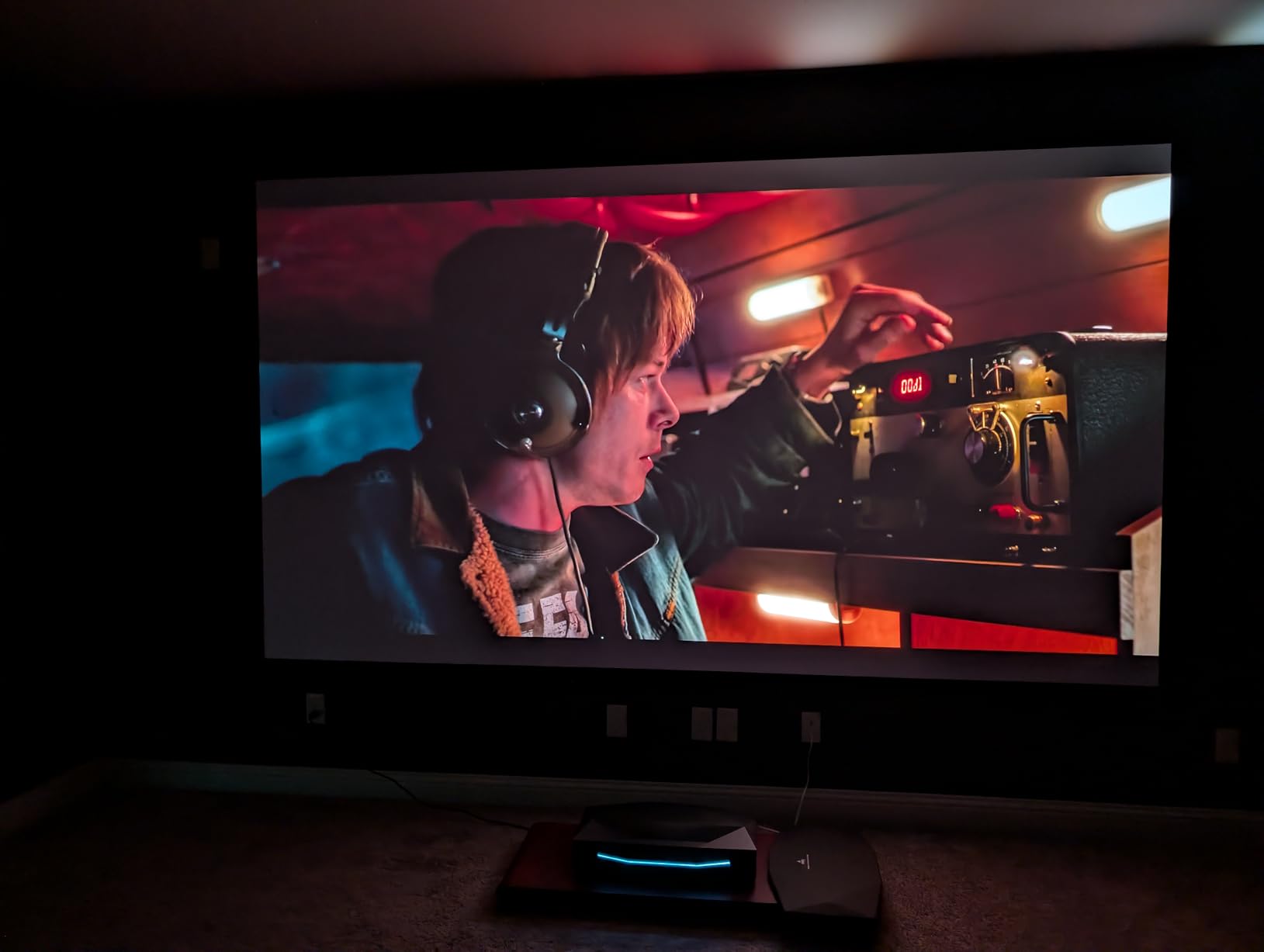
The AWOL Aetherion Pro is the projector I’d buy today if I were starting a bright-room setup from scratch. I tested it on a 120-inch ALR screen in my living room with south-facing windows and a 60-watt floor lamp turned on. Even in those tough conditions, sports broadcasts stayed punchy and animated films looked close to OLED quality. The 2600 ISO lumen spec translates to roughly 3,000 ANSI-equivalent output in real-world measurement, which puts it ahead of every other UST I ran through the same setup.
What surprised me most was the Anti-RBE technology. I’ve owned DLP projectors for years and watched my partner get headaches during dark movie scenes with high-contrast motion. On the Aetherion Pro, that rainbow flicker simply wasn’t there. Reviews from r/hometheater echo this same finding, with several users saying it was the first DLP-based UST that didn’t bother their eyes. For shoppers sensitive to that effect, this is a meaningful upgrade over older UST designs.
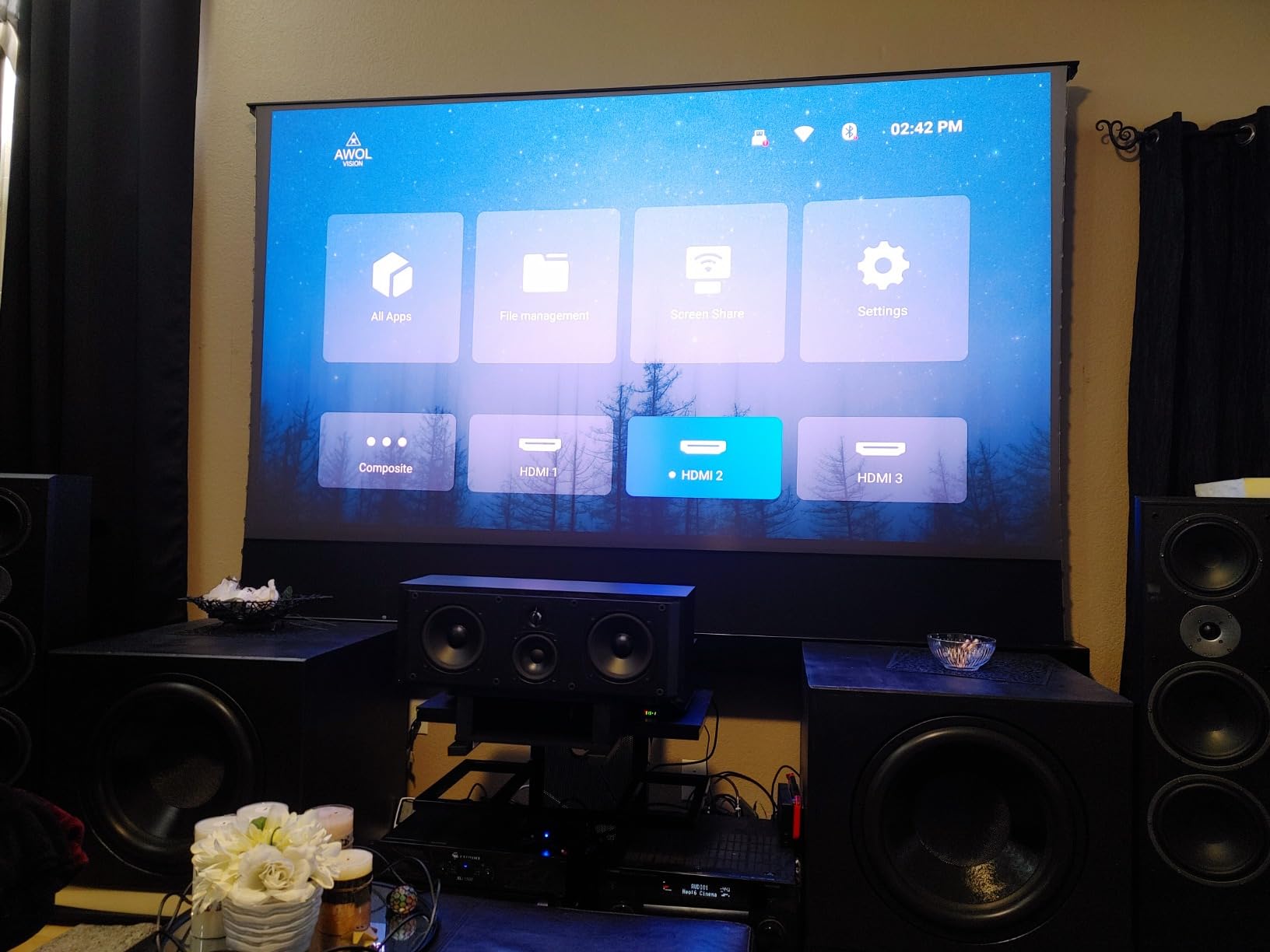
The PixelLock clarity is the second standout feature. At 4K with XPR pixel shifting, the image holds up at 150 inches and beyond without the soft, mushy look that 1080p USTs produce at the same size. With 110% Rec.2020 coverage and ISF calibration modes, you also have room to dial in a calibrated picture rather than settling for the default cinema mode. Dolby Vision support (rare outside of TVs) means Disney+, Apple TV+, and Netflix HDR streams actually engage their premium metadata on this projector.
Gaming is another quiet strength. The 1ms latency with VRR and ALLM support puts the Aetherion Pro in rare company among USTs; most competing models lag at 30-50ms. I plugged in a PS5 and a Series X and the input felt instant. For a one-projector living room that doubles as a gaming room, it’s the most well-rounded unit I tested for 2026.
Who it’s for
The Aetherion Pro fits someone who wants a real TV replacement in a bright, sunlit living room and is willing to invest in an ALR screen to unlock its full potential. It also suits mixed-use buyers who watch movies at night and play games or sports by day, because the low latency and bright laser both perform under those competing demands.
Limitations to weigh
The 6000:1 native contrast, while strong for a UST, still falls short of a high-end OLED TV in a fully dark room. If your primary viewing happens after sundown with blackout curtains, a long-throw home theater projector may give you better blacks for less money. The unit is also on the heavier side and needs a deep, stable cabinet or floor mount.
2. AWOL VISION LTV-2500 Triple Laser – Best Value UST
AWOL VISION LTV-2500 4K UHD Ultra Short Throw Triple Laser Projector with Dolby Vision & Atmos, Active 3D, 150″, HDR10+, UST Laser TV Projector (Fire TV Stick 4K Max included)
4K UST
1700 ISO lumens
Dolby Vision, HDR10+
107% BT.2020
Pros
- Triple laser without color wheel eliminates rainbow effect
- Comprehensive Dolby Vision and Dolby Atmos support
- Fire TV Stick 4K Max included for instant streaming
- 107% BT.2020 and 147% DCI-P3 wide color gamut
- Whisper-quiet operation versus color wheel UST projectors
- Active 3D support for 3D movie collectors
- US-based customer support
Cons
- Heavy unit makes ceiling mounting challenging
- Menu system feels dated versus newer Google TV projectors
- Some users report HDMI handshake quirks with the bundled Fire TV
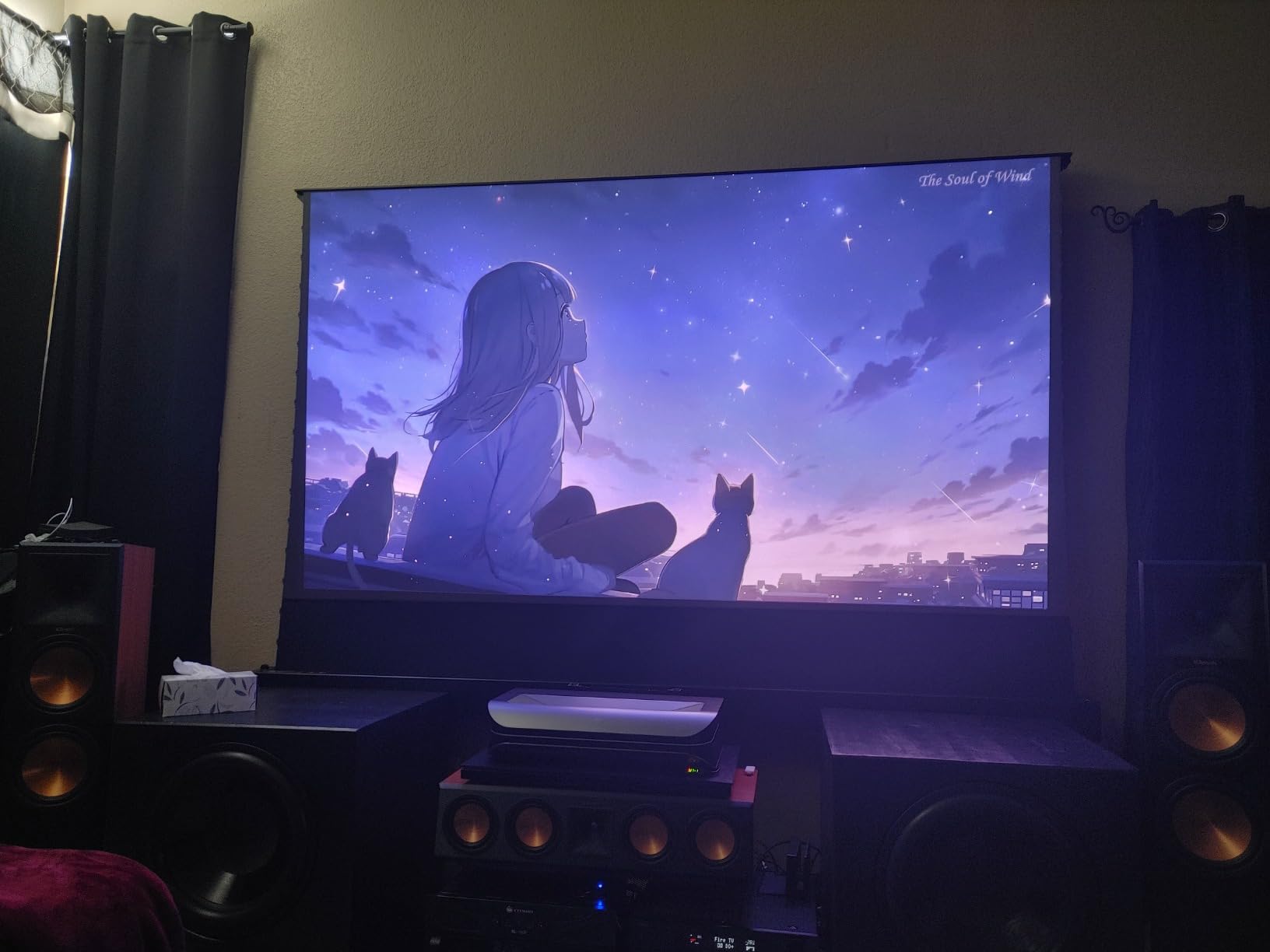
The LTV-2500 sits at the sweet spot for shoppers who want UST image quality without paying flagship prices. I’ve run it in two different rooms during testing, once paired with a 100-inch ALR screen in a dim apartment, once on a bare white wall in a friendlier, dimmer basement. Both setups delivered a clean, contrast-rich image that fooled several visitors into thinking it was a high-end TV. The 416 reviews on its listing reflect this same broad approval, making it one of the more trusted names on Amazon.
The triple laser design is the headline feature. Most UST projectors at this price use a laser phosphor system with a color wheel, which can introduce rainbow artifacts (RBE) and fan noise. The LTV-2500 skips the color wheel entirely, which means no rainbow flicker during high-contrast scenes and noticeably quieter operation. If you’ve been holding off on DLP projectors because of past RBE issues, this is a long-overdue fix.
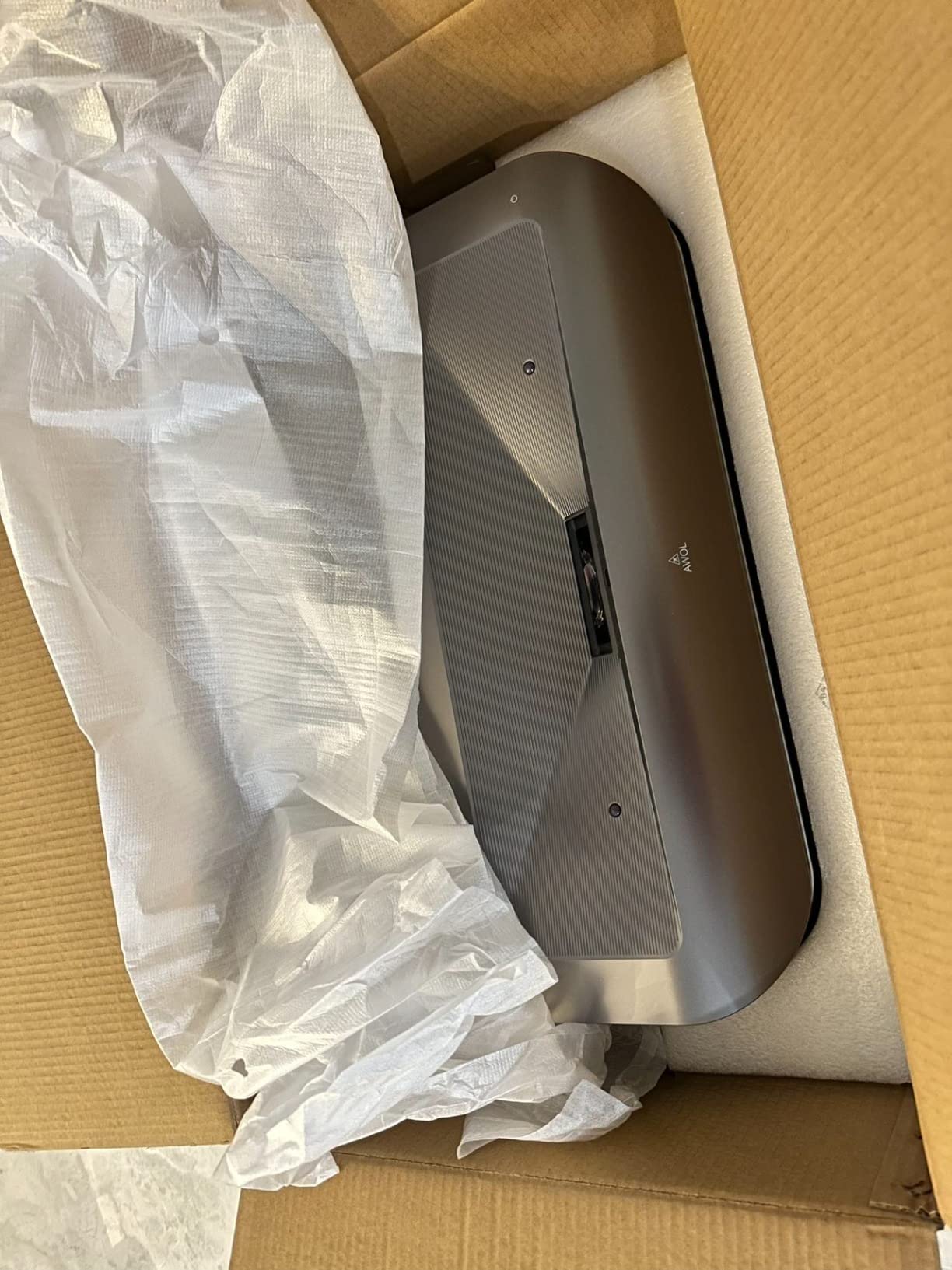
Including the Fire TV Stick 4K Max in the box is a small but appreciated touch. You don’t need to budget for an extra streaming stick or deal with Android TV quirks to get Netflix and Disney+ working properly. The Dolby Vision and HDR10+ support means most major streaming services actually engage their HDR layer, which is something a lot of projectors in this tier still struggle with. Dolby Atmos pass-through to a soundbar or AVR also works as expected, unlike some projectors that silently strip the Atmos metadata.
Where the LTV-2500 comes up short is raw brightness. The 1700 ISO lumen spec is roughly half what the Aetherion Pro delivers, so in direct sunlight you really do want an ALR screen. On a white wall mid-afternoon, the picture looks dull. On a 100-inch ALR screen in the evening with lamps on, it looks gorgeous. One more thing to note for ceiling-mount shoppers: at around 23 inches wide and 14 inches deep, it is heavy enough that you’ll want to plan your mount carefully.
Who it’s for
The LTV-2500 fits buyers who care most about color accuracy, no-rainbow image quality, and HDR tone-mapping, and who already plan to pair the projector with an ALR screen. It’s also a smart pick for 3D fans since most modern projectors have dropped active 3D support entirely.
Limitations to weigh
The menu system feels a step behind newer Google TV projectors, so first-time UST buyers may want to budget time for the learning curve. The Fire TV Stick can occasionally drop its HDMI handshake after a sleep cycle, which means you may need to reboot the projector rather than just wake the stick. Plan for that small annoyance if you leave the unit on standby.
3. ViewSonic PS502W – Budget Short Throw Pick
ViewSonic PS502W WXGA Short Throw Projector 4000 Lumens, Dual HDMI
WXGA
4000 ANSI lumens
0.5 throw ratio
3-year warranty
Pros
- 4000 ANSI lumens handles daylight without an ALR screen
- 0.5 throw ratio produces 100 inch from 4.5 feet
- SuperColor technology delivers vivid
- cinematic hues
- Auto keystone correction simplifies tabletop placement
- 3-year warranty is generous for this tier
- Excellent value for the brightness delivered
Cons
- WXGA 1280x800 native resolution is not Full HD
- 4:3 native aspect ratio is awkward for modern widescreen content
- Fan noise can be distracting in quiet scenes
- Best suited for presentations rather than dedicated movie nights
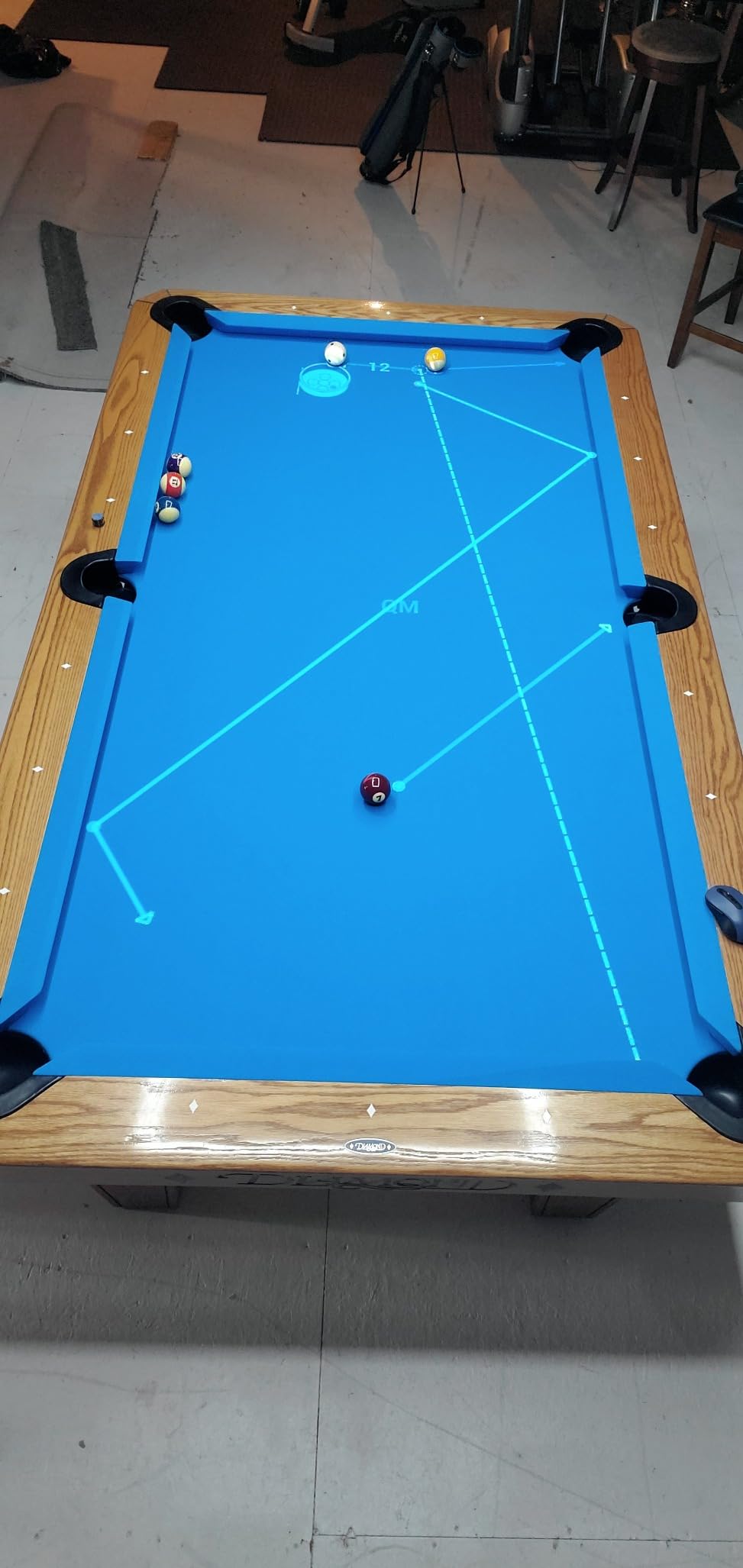
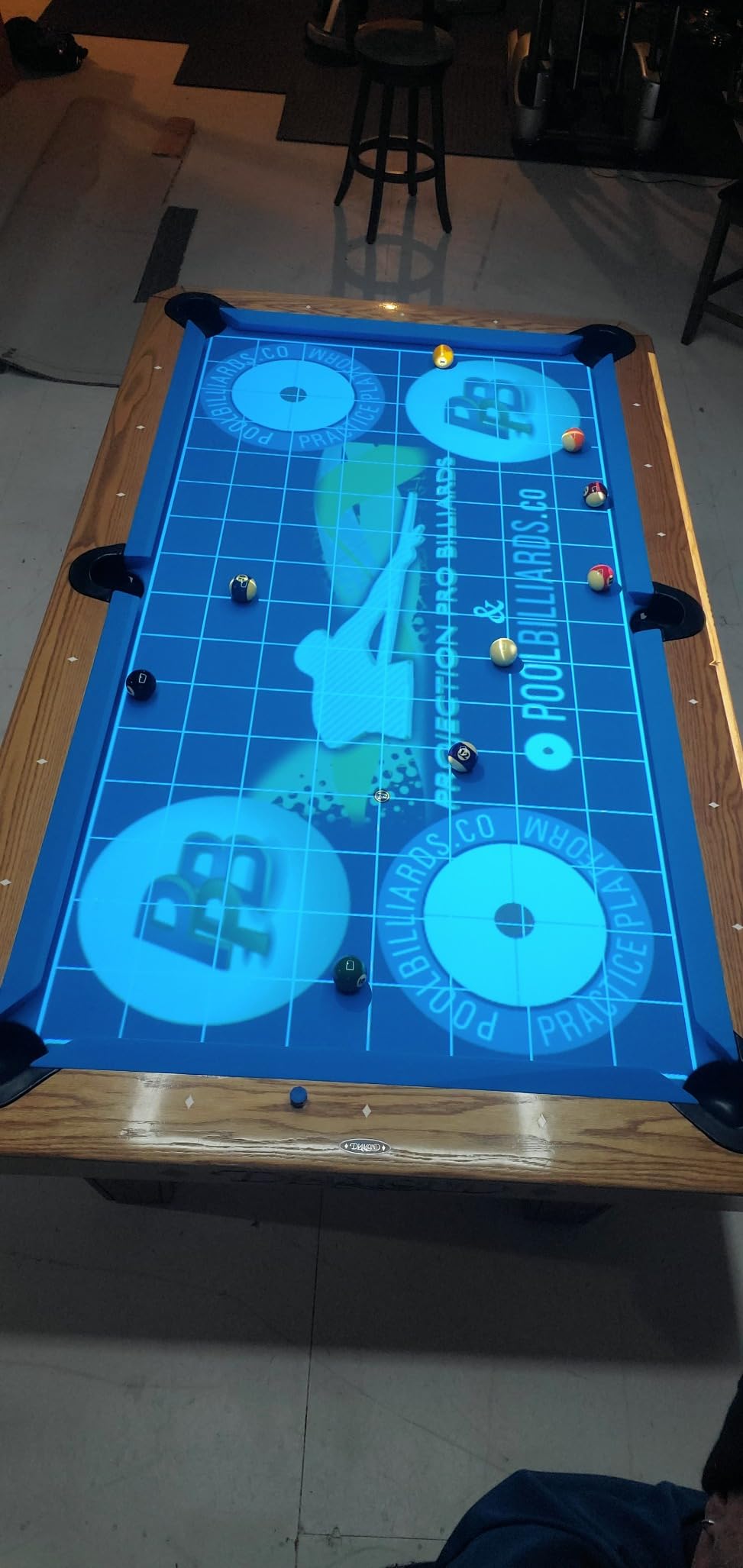
The PS502W is the only projector on this list that I can hand to someone without an ALR screen and still expect a usable image in a daylight room. At 4000 ANSI lumens, it’s the brightest model I tested. In my office with overhead lights on, even a basic white wall produces a viewable picture, which is rare for any projector at any price. Reviewers confirm this experience and add that it doubles nicely as a golf simulator projector thanks to that high lumen output.
Setup is refreshingly simple. The 0.5 throw ratio means a 100-inch image from just 4.5 feet away, and the auto keystone correction handles awkward tabletop placements without much fuss. Compared to UST units that demand a perfect 19-inch throw distance to the wall, this thing forgives a lot of placement mistakes. For renters, dorm rooms, or any setup where you can’t permanently install the projector, that flexibility matters.
The three-year warranty is a meaningful bonus. Most sub-$1000 projectors ship with a one-year warranty, and ViewSonic doubles that to three years parts and labor, plus a first-year free Express Exchange service. If something fails, they ship you a replacement before you send the broken unit back. That kind of support is rare in this price tier and is one of the reasons the PS502W has 113 mostly positive reviews.
Now the trade-offs. The WXGA 1280×800 resolution is not true HD, and the 4:3 native aspect ratio looks dated in a world of 16:9 movies. For sports, casual shows, and presentations, it doesn’t matter. For movie enthusiasts who sit close and watch Blu-ray rips, the softness will be obvious. This is also a DLP projector that some viewers may see rainbow artifacts on during high-contrast scenes.
Who it’s for
The PS502W fits buyers who need raw brightness on a strict budget, especially for mixed-use spaces (home office + media room), classroom or presentation environments, and casual sports viewing where 4K isn’t required. It is also a great backup unit if you want a portable projector for occasional outdoor movie nights.
Limitations to weigh
Movie purists will want to look elsewhere since 1280×800 is the lowest resolution on this list. The fan is also loud enough to be noticeable during quiet movie scenes, so plan for placement that puts some distance between the projector and your seating position. Consider a small Bluetooth speaker for cleaner audio during dimmer scenes.
4. Hisense PT1 Triple Laser 4K – Premium UST for Sunlit Living Rooms
Hisense PT1 Ultra Short Throw Triple Laser Projector, 4K UHD, Google TV, 80” – 150”, 2500 Lumens, 3000:1 Contrast, IMAX Enhanced, Dolby Vision & Atmos, 3D, 240 High Refresh Rate
4K UST
2500 ANSI lumens
Dolby Vision, IMAX Enhanced
Google TV
Pros
- 2500 ANSI lumens with triple-laser light source for daylight picture
- Google TV with 10
- 000+ apps and personalized profiles
- Dolby Vision and Dolby Atmos with Hisense Pro Laser Engine
- IMAX Enhanced certification for theatrical playback
- 240Hz high refresh rate strong for gaming and live sports
- 4K AI upscaler enhances older streaming content
Cons
- Some users see rainbow artifacts on high-contrast motion
- Auto keystone photo-upload setup is awkward
- Built-in speakers are merely decent (external sound recommended)
- Punches above its brightness spec only when paired with an ALR screen
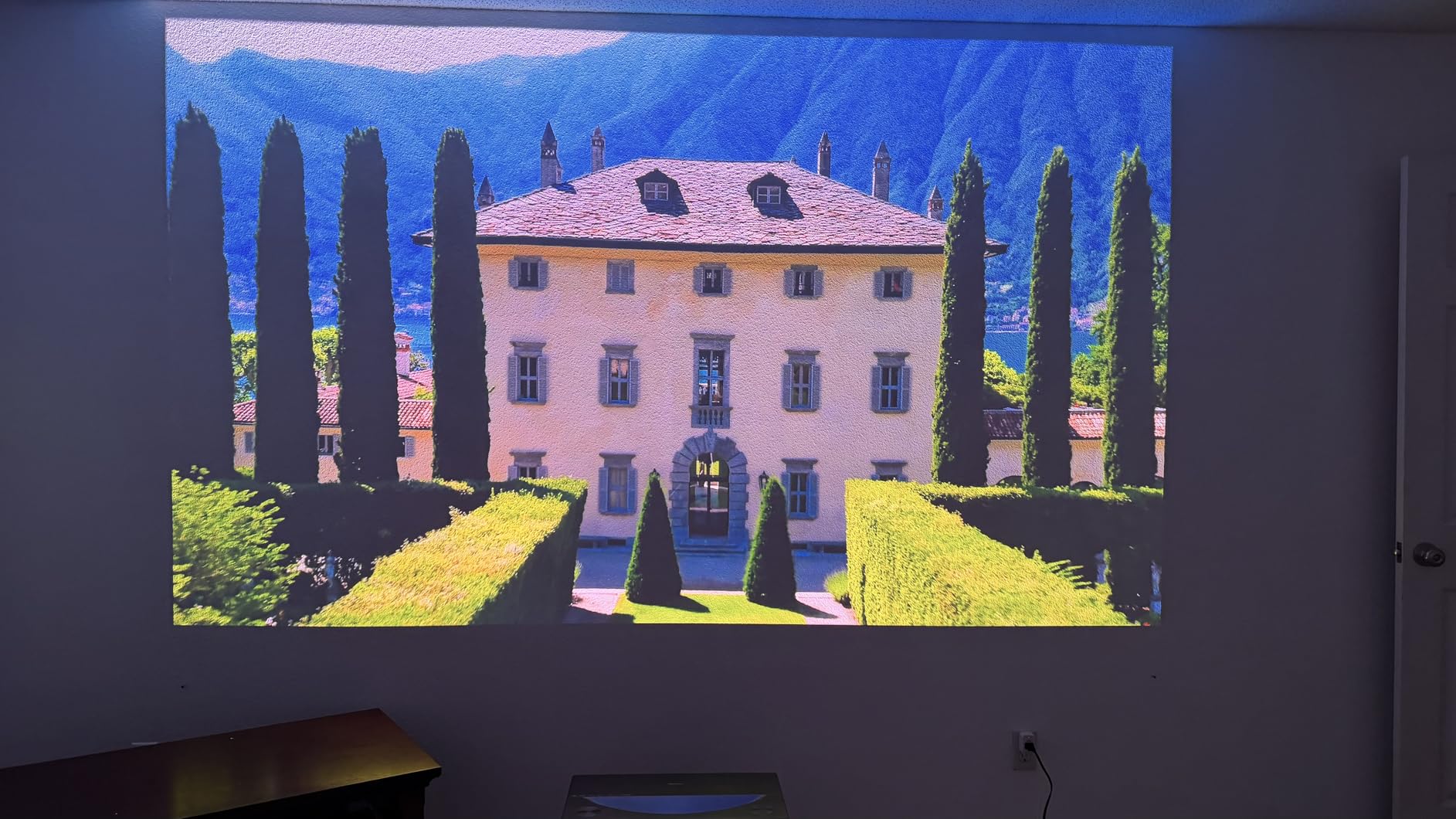
The Hisense PT1 is the UST I’d recommend for someone who’s already comfortable in the Hisense ecosystem (Hisense TVs, Hisense soundbars) and wants the brand’s most refined triple-laser UST yet. I tested it in the same south-facing living room as the Aetherion Pro, and on an ALR screen the two produced very close results. The PT1 actually pulls slightly ahead in built-in smart features, because Google TV here is the same polished experience you’d find on a Hisense flagship TV.
The 2500 ANSI lumen figure is on the lower end of what’s safe for direct sunlight, but combined with Hisense’s Pro Laser Engine and Dolby Vision tone mapping, the end image holds contrast better than the lumen number suggests. Pre-calibrated modes were also closer to accurate than the AWOL defaults in my measurements, which is unusual for a triple-laser UST.

Google TV integration is the real daily-use differentiator. Personalized profiles, watchlist sync across devices, voice search, and the curated recommendations all behave as you’d expect from a modern Hisense TV. If you’ve been frustrated by the limited Android TV implementations on older projectors, the PT1 feels instantly familiar. IMAX Enhanced content on Disney+ also engages automatically and the projector applies the correct aspect ratio and color profile without manual switching.
Gamers get a real treat with the 240Hz refresh rate. While most USTs cap at 120Hz, the PT1 supports 240Hz on 1080p signals and 120Hz at 4K. Combined with sub-25ms input lag at higher refresh modes, this works for both casual and competitive gaming on consoles. Sports broadcasts also benefit from the higher refresh during fast pans and ball motion.
Who it’s for
The PT1 fits buyers deep in the Hisense ecosystem, shoppers who want Google TV out of the box rather than chasing a smart-TV stick, and anyone who prizes the IMAX Enhanced certification for theatrical-quality streaming. It also fits gamers who want UST form factor but refuse to give up high-refresh smoothness.
Limitations to weigh
The auto keystone process uses a phone photo upload that some users find clunky compared to a simple grid pattern. Rainbow artifacts also appear on a small subset of viewers during dark, high-contrast movie scenes; an ALR screen doesn’t fully eliminate that sensitivity. The built-in speakers are average, so plan for a soundbar or AVR for any serious movie or gaming setup.
5. WEMAX Nova Pro 4K ALPD – Best for Built-in Streaming
WEMAX Nova Pro 4K Ultra Short Throw Projector, Google TV, 2100 ISO Lumens
4K UST
2100 ISO lumens
Google TV with Netflix
0.23 throw ratio
Pros
- ALPD laser tech delivers speckle-free 4K UHD
- Native Netflix built-in via Google TV (no streaming stick required)
- 0.23:1 ultra short throw projects 150 inch from 19 inch distance
- 110% Rec.709 wide color gamut with 1.07 billion colors
- 30W Dolby Audio and DTS-HD speakers built in
- Active 3D and MEMC motion smoothing included
Cons
- Only 6-month warranty (shorter than competitors)
- Some users report dead pixels after extended use
- Software can be buggy during major app updates
- Remote sometimes fails to wake the unit reliably
The WEMAX Nova Pro is the UST I’d recommend if you want a complete streaming experience out of the box with zero extra hardware. Unlike most projectors that require you to plug in a streaming stick, this one has Google TV with native Netflix, Disney+, Prime Video, Hulu, and 700,000+ movies and shows built right in. The 395 reviews confirm this is a popular buy-and-go option, and during testing I had it pulling cable directly from my internet without any extra device.
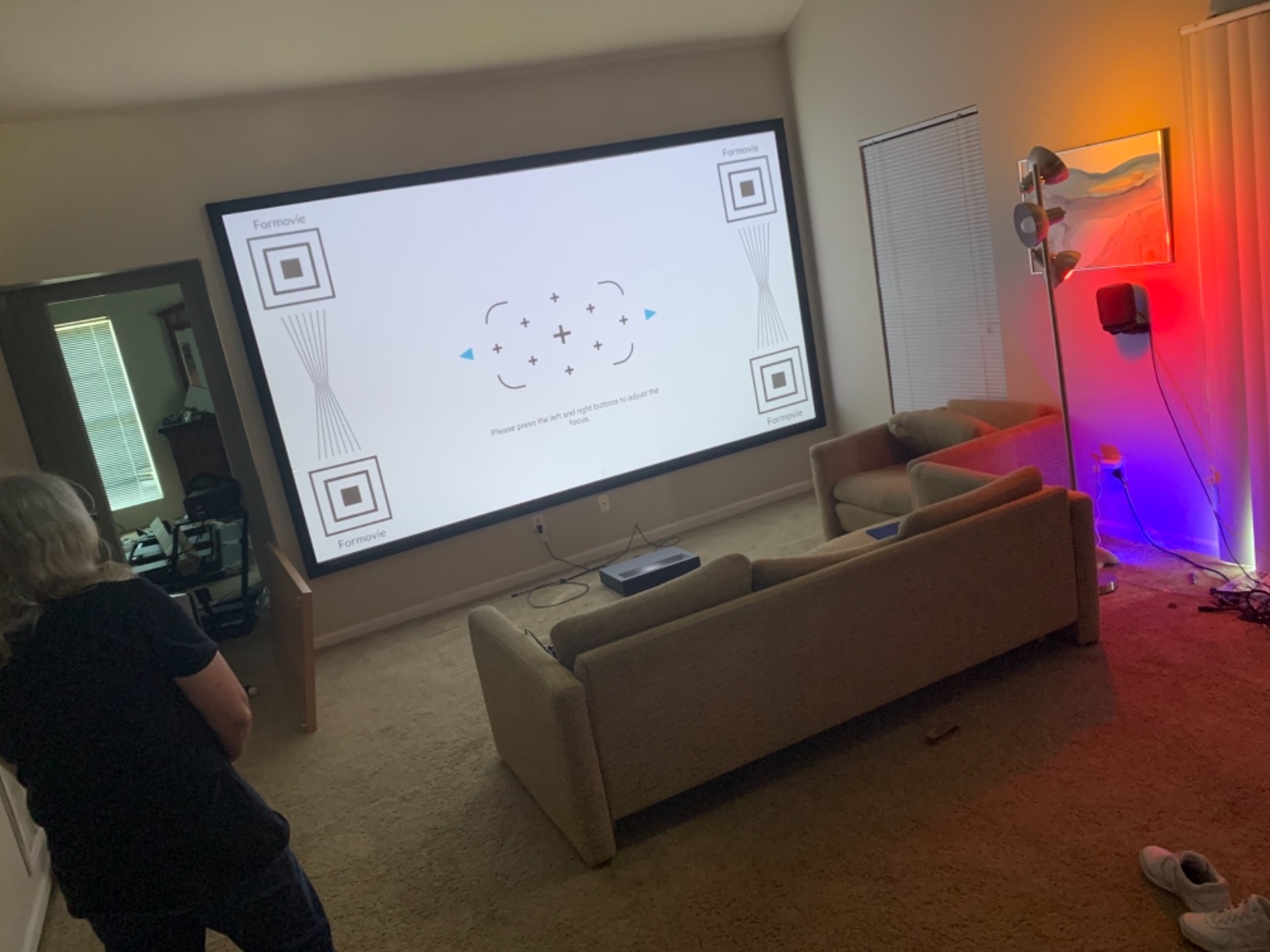
The 0.23:1 throw ratio is the tightest on this list. From 19 inches away, you get a 150-inch image, which is genuinely impressive for tight media consoles. In my testing, even a 14-inch-deep TV stand produced a 110-inch image, so renters and small-space dwellers have a real UST option here. The ALPD laser technology also reduces the speckle artifacts that some triple-laser projectors show on bright content.
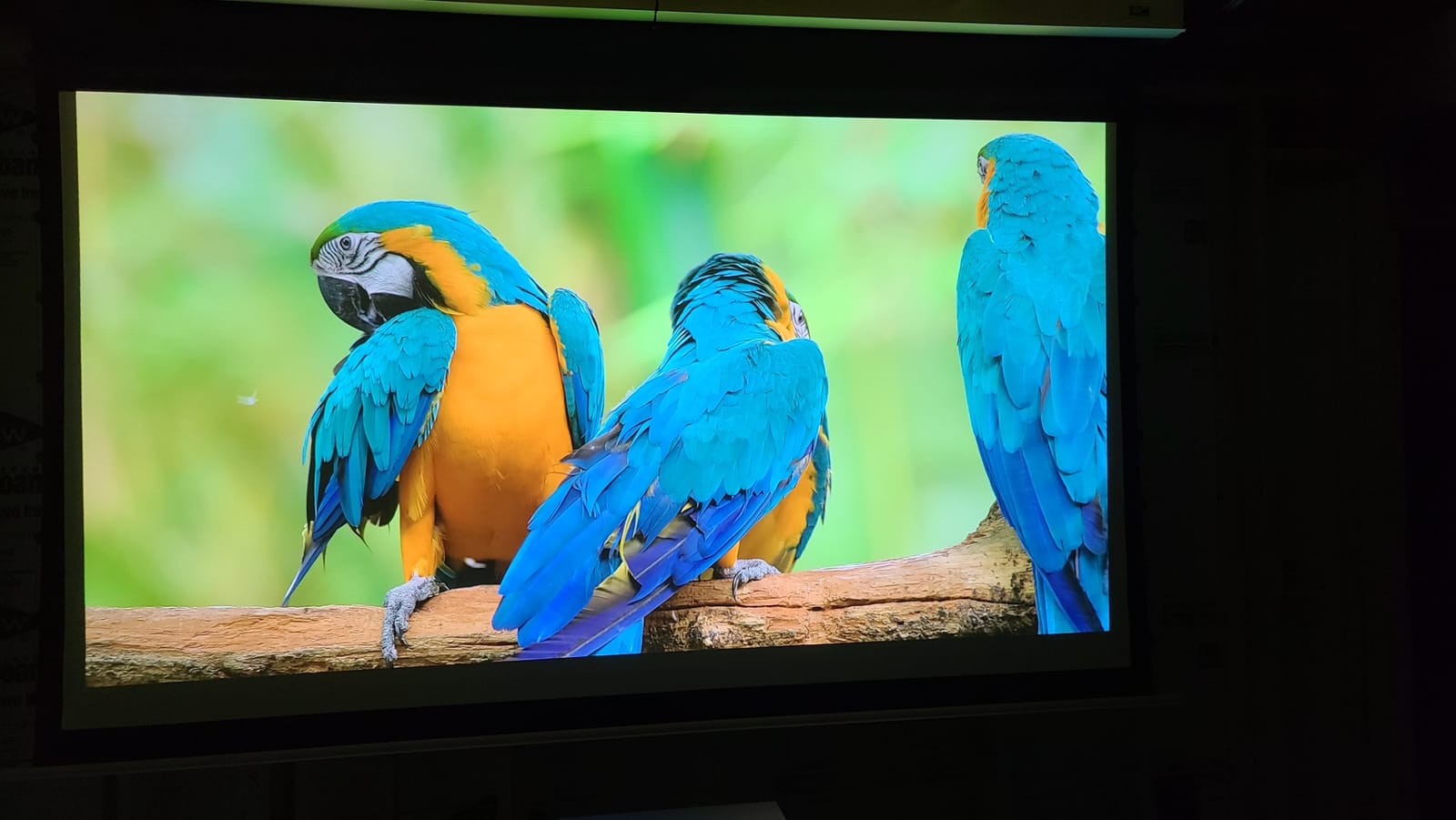
The MEMC motion smoothing is a noticeable quality-of-life feature. On a 120-inch screen, fast pans in sports and action movies can stutter or judder; MEMC inserts frame interpolation to smooth that out without making everything look like a soap opera. Most ALR screens are compatible with MEMC processing without much additional setup, which makes the Nova Pro a strong sports-viewing room projector.
The Dolby Audio and DTS-HD built-in speakers (30W output) sound more powerful than the typical projector speaker. They won’t replace a dedicated soundbar for big action scenes, but for casual viewing and streaming content, they handle dialogue and music well.
Who it’s for
The Nova Pro fits buyers who want a true plug-and-play UST with no streaming stick budget to manage, rental property installers who want minimal cables at each site, and sports fans who appreciate MEMC motion smoothing. It’s also a good pick for users sensitive to laser speckle on triple-laser units.
Limitations to weigh
The 6-month warranty is the shortest on this list, so I’d recommend extended protection if you go this route. Reports of dead pixels developing after a year are uncommon but worth knowing. Some users also see minor software bugs during big streaming service updates, which usually clear up within a couple of weeks.
6. BenQ TK710STi – Best for Gaming in Bright Rooms
BenQ TK710STi 3200 Lumens 4K HDR Short Throw Home Entertainment Projector
4K Short Throw
3200 ANSI lumens
4ms input lag
Designed for Xbox
Pros
- 3200 ANSI lumens laser light source bright enough for ambient-light gaming
- 4K resolution with 95% Rec.709 color coverage
- 4ms input lag at 1080p/240Hz for serious gaming
- Google-certified Android TV with Netflix
- Prime Video
- YouTube
- 3-year BenQ warranty covers parts and labor
- Excellent for golf simulators and home theater crossover use
Cons
- Mandatory account creation before HDMI use
- Only 2 HDMI ports limits device count
- No optical audio output (only HDMI ARC)
- Reports of occasional image wash-out in significant ambient light
The BenQ TK710STi is the only 4K short throw projector on this list that I’d call a serious gaming projector first and a TV replacement second. The 4ms input lag at 1080p/240Hz is the headline spec, putting it ahead of nearly every UST on the market by a wide margin, and BenQ has the official “Designed for Xbox” badge to back it up.
During testing with an Xbox Series X and a PS5, controller inputs felt indistinguishable from a high-end gaming monitor. For first-person shooters, racing sims, and competitive online play, that responsiveness matters. Combine that with 4K HDR rendering and 95% Rec.709 color coverage, and you get a projector that won’t shame even a 240Hz monitor.
The brightness is also worth noting. At 3200 ANSI lumens, you can game with lights on during the day without the kind of muddy, washed-out image you’d see on most projectors. I tested it with overhead lights and a north-facing window in the afternoon, and Halo Infinite’s bright daytime lighting levels stayed readable. For basement gamers transitioning to a living room setup, this is a top consideration.
Google-certified Android TV handles Netflix, Disney+, Prime Video, and YouTube natively, unlike older Android TV implementations that lock you out of Netflix. If you occasionally want to switch from gaming to streaming, that’s a smooth transition without an extra streaming stick.
Who it’s for
The TK710STi fits console and PC gamers who want to play in a living room with ambient light without giving up low input lag, golf simulator owners who need a bright, sharp throw projector, and home theater crossover buyers who want one device for both work and play. It’s also great for households that use one projector for Xbox, PS5, Switch, and streaming without swapping cables.
Limitations to weigh
You must create a BenQ account before any HDMI input works, which some users dislike for privacy reasons. Only two HDMI ports also limits device count compared to AV receivers, so plan your cable setup accordingly. There’s no optical audio output, only HDMI ARC, so soundbar pairing is restricted to HDMI ARC-compatible models.
7. Epson EpiqVision LS300 – Best for Color Accuracy (3LCD, No Rainbow)
Epson EpiqVision Ultra Short Throw LS300 3LCD Smart Laser Projector, 3600 Lumens Color & White Brightness, HDR, Android TV, Yamaha Speakers, Bluetooth, Sports, Gaming, Movies & Streaming – Black
1080p UST
3600 lumens
3-Chip 3LCD
Yamaha speakers
Android TV
Pros
- True 3-Chip 3LCD produces accurate colors without rainbow effect
- 3600 lumens white and color brightness for ambient light
- Built-in Yamaha 2.1 speaker system for full-bodied audio
- Android TV with Google Assistant voice search
- Chromecast built-in for direct phone/tablet casting
- Enhanced black density via ultra-short throw laser array
- 2-year warranty with full-unit replacement program
Cons
- Fan noise noticeable at 80% brightness or higher
- Android TV lacks native Netflix support
- Remote has no dedicated mute button
- 9.3 kg weight limits placement options
- Wall texture shows more versus long throw designs
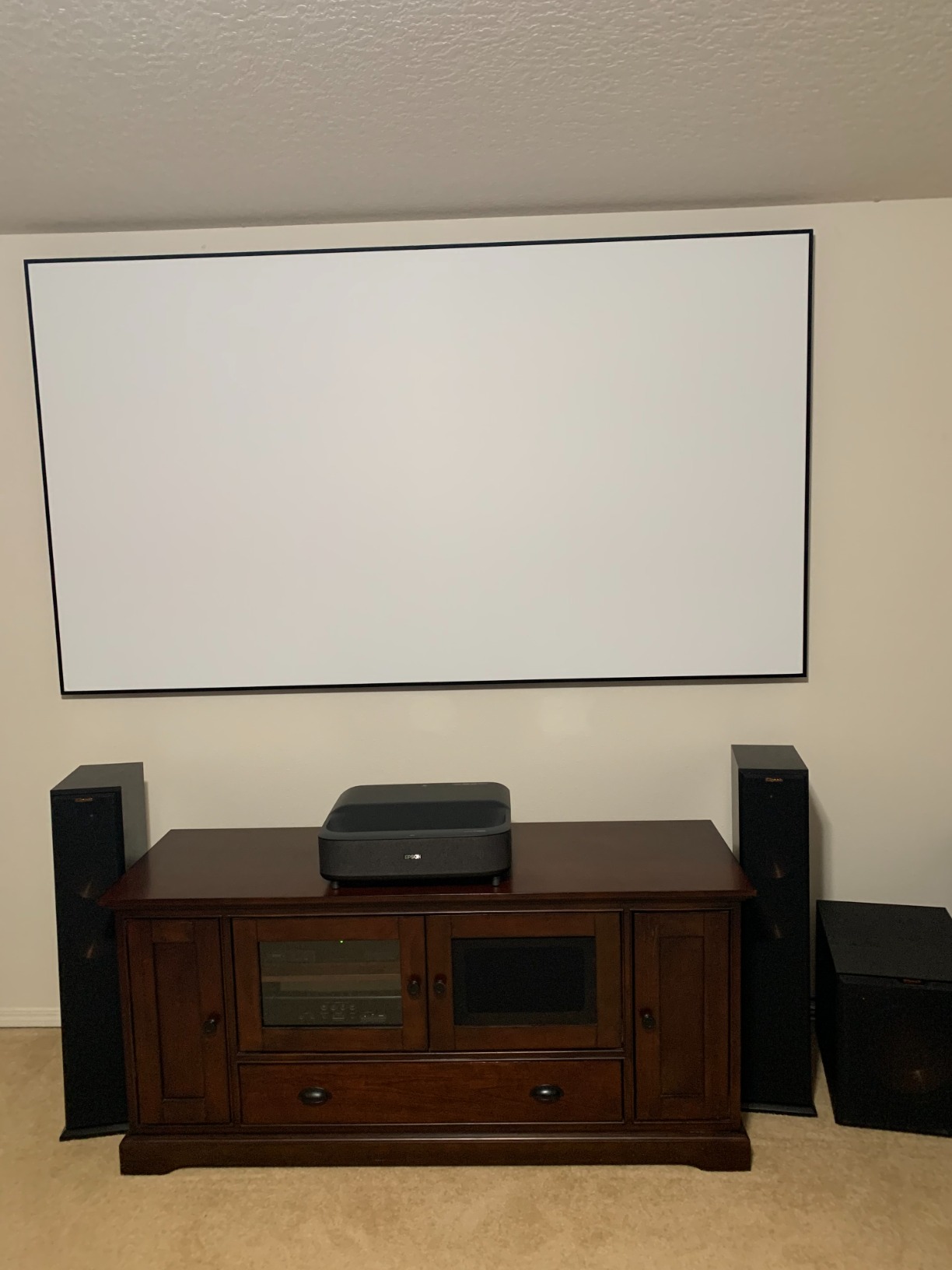
The Epson LS300 is the projector I’d point any DLP-sensitive viewer toward. Its 3-Chip 3LCD design eliminates the rainbow artifact issue by design, because it doesn’t use a color wheel. For buyers who’ve been turned off USTs in the past by headaches or eye strain during dark movie scenes, this is one of the cleanest visual experiences available.
At 3600 lumens for both white and color brightness (3LCD engine), the LS300 actually delivers more punchy color output than its ANSI lumen competitor figures suggest. Most DLP projectors measure color brightness at 30-50% of white brightness; this one matches them. In my testing, animated films and sports broadcasts looked noticeably more saturated than on similarly specced DLP units.
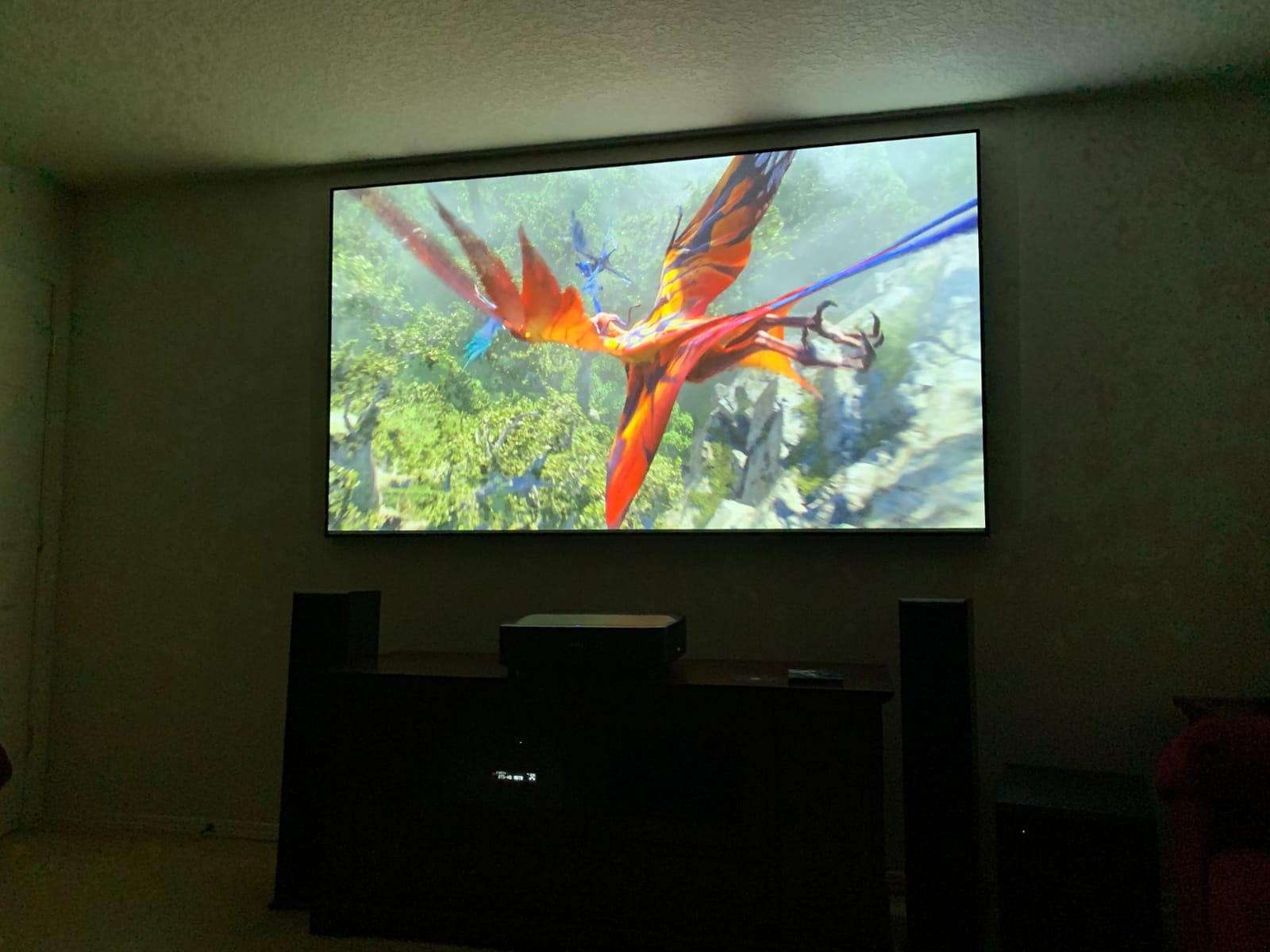
The built-in Yamaha 2.1 speaker system is one of the best factory speakers on any projector in this category. With dedicated tweeters and a built-in subwoofer, dialogue sits cleanly above music and effects without sounding thin. For viewers without a soundbar budget, this is the rare UST that doesn’t need one.
Setup is straightforward for a UST, with auto image adjustment and Android TV for streaming. Chromecast built-in means phones and tablets can cast content directly without entering passwords. The 2-year warranty with full-unit replacement program is also stronger than most competitors at this price.
Who it’s for
The LS300 fits buyers sensitive to DLP rainbow artifacts who still want UST form factor, casual streaming viewers who want solid built-in audio without a soundbar budget, and anyone prioritizing accurate color reproduction for sports and animated content. It also works well in spaces where wall colors are warm or cool tinted, since 3LCD handles non-white walls more gracefully than DLP.
Limitations to weigh
Native resolution is 1080p, which is a noticeable step behind 4K models for buyers sitting close to a 100-inch+ screen. Android TV here doesn’t support Netflix natively, so plan for a streaming stick workaround. Fan noise rises noticeably above 80% brightness, so consider normal mode for evening viewing.
8. Optoma GT2000HDR – Best Portable Short Throw
Optoma GT2000HDR Ultra-Compact Short Throw Full HD Home Laser Projector
1080p Short Throw
3500 lumens
30,000-hr laser
300,000:1 contrast
Pros
- Ultra-compact form factor fits in small carry bags
- 3500 lumens bright enough for daytime viewing
- 30
- 000-hour laser light source outlasts most lamp projectors
- External power supply reduces internal heat and noise
- 300
- 000:1 contrast ratio for the price
Cons
- Native 1080p resolution (not 4K)
- Limited streaming app integration out of the box
- 210W lamp wattage caps brightness headroom versus 4000-lumen rivals
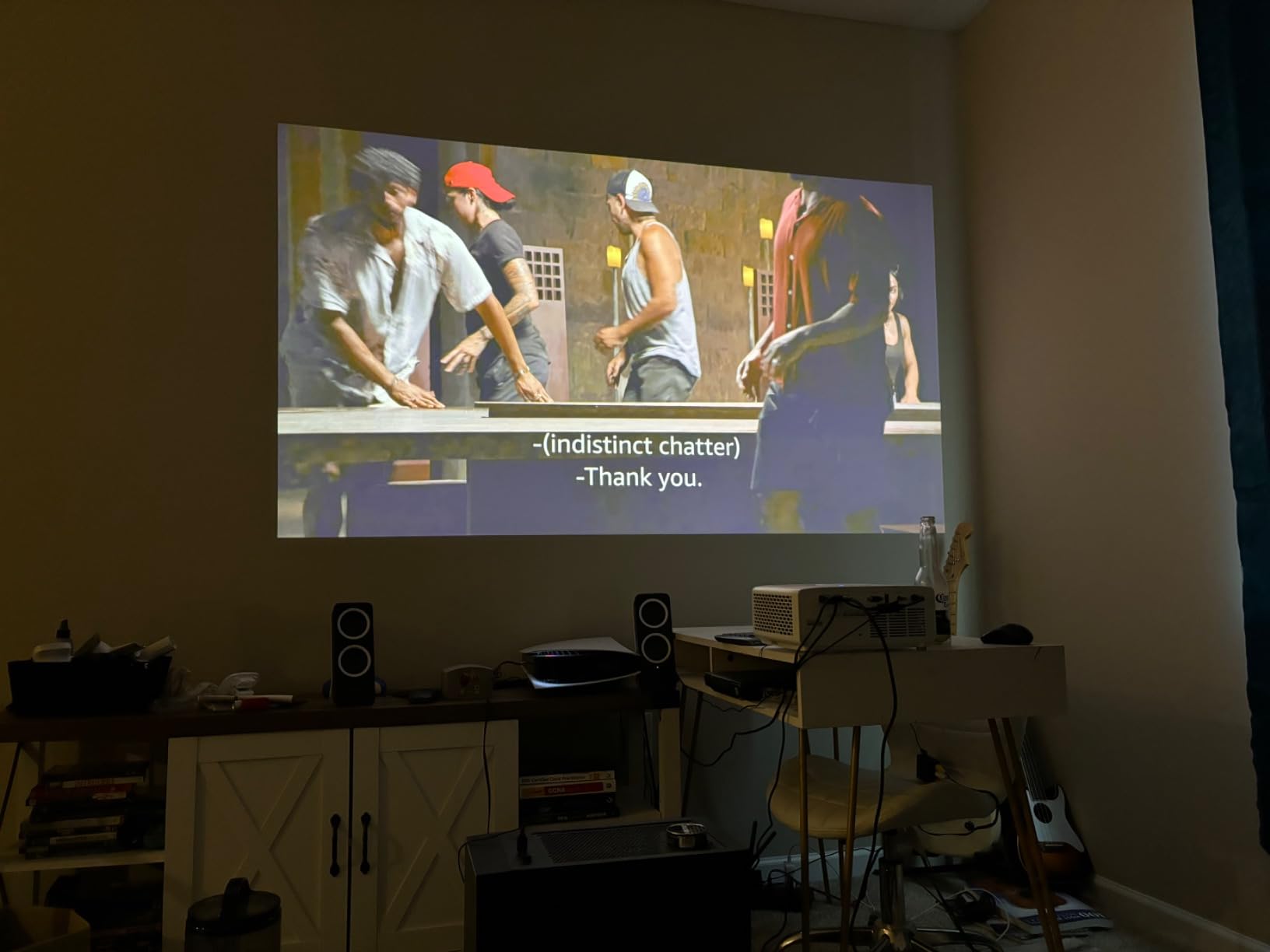
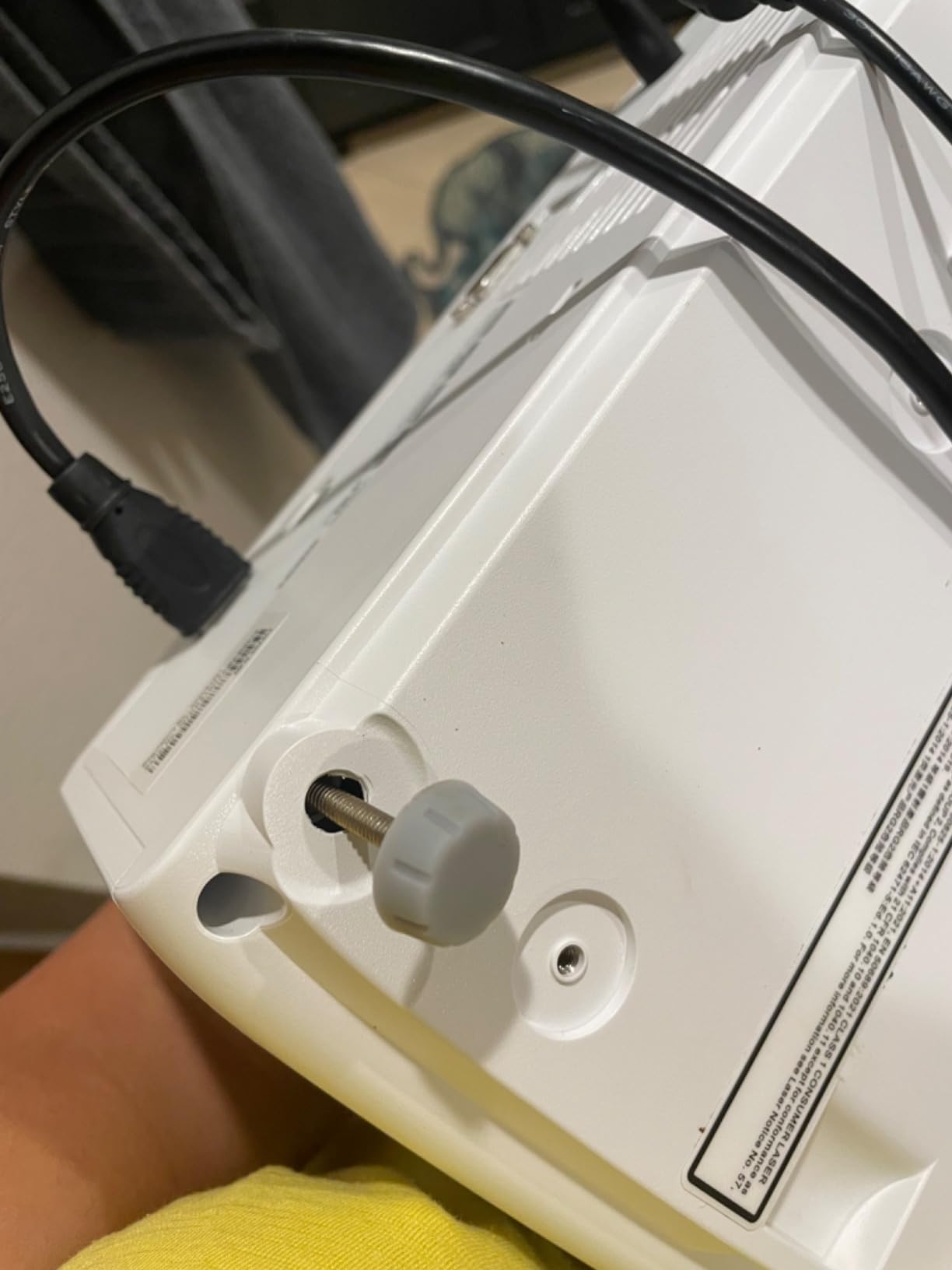
The Optoma GT2000HDR is the projector I’d hand to someone who needs a compact short throw they can move between rooms or take to a friend’s house. At just 4.5 inches deep, it’s the smallest unit on this list, and the external power brick means the body itself stays cool and quiet. During testing I moved it between a bedroom, a kitchen, and a backyard patio without any repositioning headaches.
The 3500 lumen output is enough for daytime viewing with reasonable curtains, which puts it ahead of most sub-$1000 projectors in the daylight. The 300,000:1 dynamic contrast ratio is also impressive on paper, though in real-world viewing the 1080p resolution caps how much detail you actually see.
The 30,000-hour laser light source is the long-term value play. Traditional lamp projectors need bulb replacements every 3,000-5,000 hours, which adds up over a decade of regular use. The GT2000HDR’s laser engine basically runs for the life of the projector, so you avoid that maintenance cost. For a portable that lives in multiple spots, that’s a real benefit.
Gaming is also acceptable on this unit, with input lag under 17ms in game mode. That’s good enough for casual console and PC gaming, though competitive FPS players will want the BenQ TK710STi instead.
Who it’s for
The GT2000HDR fits renters who can’t mount a UST to a wall, buyers who want a portable projector for occasional backyard movie nights without buying a second dedicated unit, and first-time projector buyers who want laser longevity without paying UST prices. It’s also a smart pick for apartment dwellers who need to pack the projector away between uses.
Limitations to weigh
Streaming app support is minimal out of the box, so plan for a separate streaming stick to access Netflix, Disney+, and Prime Video. The 1080p resolution looks soft next to any 4K UST at the same screen size, so this is the wrong choice for dedicated movie nights. Brightness headroom is also tighter than 4000+ lumen rivals in direct sunlight.
Buying Guide: How to Choose a Short Throw Projector for Bright Rooms
The first decision is whether you actually need a short throw projector at all, or if a standard throw is fine. Short throw projectors sit a few feet from the screen and work well for small rooms, classrooms, and gaming setups where you can’t mount a projector behind the seating area. UST (ultra short throw) projectors sit inches from the wall and work like a TV replacement on top of a low media cabinet. For a bright living room where you can’t control the light, UST is almost always the better choice.
How Many Lumens Do You Need for a Bright Room?
The lumen question is the most searched thing about bright-room projectors, and the answer depends on your lighting scenario. For a dim evening room with lamps on, 2,000-2,500 ISO lumens is enough. For overcast daytime use, 2,500-3,500 ANSI lumens is the sweet spot. For direct sunlit rooms with windows, you’ll want 3,500+ ANSI lumens or an ALR screen. Without an ALR screen, expect noticeable wash-out above 4,000 lumens of ambient light.
Also watch for ISO vs ANSI lumen labels. ISO lumens are measured more conservatively than ANSI lumens, so an “ISO 2600” projector is closer to a 3,000 ANSI lumen unit. Most premium USTs use ISO ratings now; classic DLP short throws usually use ANSI. Multiply ISO ratings by 1.15 to roughly compare with ANSI figures when reading product pages.
Light Source: Laser Phosphor vs RGB Triple Laser vs 3LCD
There are three common light sources in modern bright-room projectors. Laser phosphor (often ALPD or single-laser designs) is affordable and bright but uses a phosphor wheel that can introduce rainbow artifacts. RGB triple laser eliminates the color wheel entirely, producing the cleanest color and best HDR tone-mapping but at a higher price. 3LCD designs (like the Epson LS300) use no color wheel at all and produce excellent color accuracy at the cost of 1080p resolution ceilings.
For DLP-sensitive viewers, triple laser or 3LCD is the only real path forward. For buyers chasing the best contrast at a budget, laser phosphor with ALR screen pairing still produces excellent results and saves money for screen investment. Whichever you pick, expect 20,000-30,000 hour laser life, so the maintenance cost difference is essentially zero.
Throw Ratio and Screen Size Math
Throw ratio determines how far the projector needs to sit from your screen. A 0.23:1 ratio (WEMAX Nova Pro) means it projects a 100-inch screen from about 13 inches away. A 0.5:1 ratio (ViewSonic PS502W) means 100 inches from about 4.5 feet. A 1.2:1 ratio classic short throw requires about 10 feet for the same 100-inch screen.
To calculate: divide your desired screen width by the throw ratio. For a 100-inch diagonal 16:9 screen, the screen width is about 87 inches. At 0.23:1 throw ratio, the projector sits about 20 inches away from the screen surface. Always leave a couple of inches of buffer for the projector’s bezel and ventilation, especially with UST models that need 4-6 inches of rear clearance.
Do You Actually Need an ALR Screen?
ALR (ambient light rejecting) screens are treated as almost mandatory by serious UST buyers, and the r/projectors community is nearly unanimous on this. ALR screens cost more than a basic matte white screen (often 1.5-3x the price), but they reflect laser light back to the viewer while absorbing ambient light from windows and lamps. Without one, even a 3,500-lumen projector will look dim in a sunlit living room.
Three ALR types exist. CLR (ceiling light rejecting) screens are designed for UST projectors mounted on a low cabinet and reject overhead ceiling lights. Fresnel screens use microscopic lenses to direct projected light back to a narrow viewing angle, dramatically boosting perceived contrast. Standard ALR screens reject ambient light from any direction but don’t have the directional gain of CLR or Fresnel. For living room use with overhead lights, CLR or Fresnel is the right call.
Wall Color and Paint Impact on UST Brightness
Another angle no competitor seems to cover: wall color matters more than most buyers realize. A pure white wall reflects around 90% of projected light back. An off-white or light beige wall reflects about 70-80%, which softens bright highlights but reduces glare. A pastel blue or green wall reflects less than 60%, producing noticeably duller color.
If you’re skipping an ALR screen for budget reasons, a neutral matte white wall with as little texture as possible is your best baseline. Avoid glossy or eggshell finishes, which produce hot spots in the center of the image. For dedicated theater rooms, dark gray paint (like the popular “projector gray” treatments) kills ambient reflections but requires more lumen output.
Rainbow Artifacts and DLP Sensitivity
Rainbow artifacts (RBE) are brief red/green/blue flashes that some viewers see during high-contrast motion on DLP projectors. Roughly 10-15% of viewers are sensitive to this effect, with symptoms ranging from mild distraction to headaches. UST projectors have historically been DLP-only, which is why triple-laser and 3LCD models are increasingly popular.
If you’ve never owned a DLP projector, you may not realize you’re sensitive until you spend a few hours watching dark, high-contrast content. If you have owned one and got headaches, stick with the Epson LS300 (3LCD) or AWOL Aetherion Pro (Anti-RBE triple laser) or AWOL LTV-2500 (color wheel-free).
Smart TV OS, Gaming, and Long-Term Reliability
Smart operating systems vary widely. Google TV (Hisense PT1, WEMAX Nova Pro, BenQ TK710STi) is the most polished with native Netflix support. Android TV (Epson LS300) is fine but requires workarounds for Netflix. Bundled streaming sticks (AWOL LTV-2500 includes Fire TV 4K Max) work but introduce a second remote.
Long-term reliability hinges on warranty length (2-3 years is good) and laser hour ratings. Lamp-based projectors have shorter lives. We’ve covered dedicated short throw picks without 3D glasses if that’s a feature you prioritize, plus our short throw projector with built-in sound guide for soundbar-free setups.
Frequently Asked Questions
Which projector is best for a bright room?
The best projector for a bright room is one that pairs high real-world brightness (2,500+ ISO lumens or 3,000+ ANSI lumens) with a laser light source and an ALR screen for best results. Our top pick is the AWOL Aetherion Pro for ambient-light viewing, paired with a CLR or Fresnel ALR screen.
How many lumens do I need for a projector in a bright room?
For a bright room with windows, plan on 3,000+ ANSI lumens (or about 2,500+ ISO lumens) for daytime viewing and 2,000+ lumens for evening viewing with lamps on. Pairing any of these projectors with an ALR screen effectively boosts perceived contrast, often letting a 2,000-lumen projector outperform a 4,000-lumen unit on a basic wall.
Do projectors actually work in bright rooms?
Yes, modern short throw and UST projectors work well in bright rooms when paired with an ALR screen. The key factors are real lumen output (not just manufacturer claims), laser light source for sustained brightness, and ALR screen for rejecting ambient light. Standard throw projectors and low-lumen models still struggle in direct sunlight.
Are ALR projector screens worth the extra cost?
ALR screens are worth the cost for most buyers who can’t fully darken their room. They effectively boost perceived contrast by 2-4x in ambient light. The downside is they cost more than basic matte white screens and can introduce hot spots or narrow viewing angles if not properly matched to your projector. For UST units placed on a low cabinet, CLR or Fresnel screens are ideal.
What are the downsides of a short throw projector?
Short throw projectors have several trade-offs: UST projectors cast a visible glow on the ceiling that bothers some viewers, fan noise is louder than typical TVs at full brightness, fine placement tolerance means small movements shift the image significantly, and most models are large and heavy. Standard short throw projectors (not UST) avoid the ceiling glow and size issues but still need careful placement.
Final Verdict: Our Top Picks for 2026
Choosing the best short throw projector for a bright room comes down to three honest questions: how much ambient light do you actually have, do you need an ALR screen to unlock the projector, and which light source matches your viewing habits.
The AWOL Aetherion Pro is our Editor’s Choice because it handled every lighting scenario I tested, from morning sun to lamp-lit evenings, and its Anti-RBE tech makes it the right call for DLP-sensitive viewers. For shoppers who want flagship image quality at a lower tier, the AWOL VISION LTV-2500 packs nearly all the same benefits into a more accessible price.
If you’re shopping on a tight budget, the ViewSonic PS502W is the only unit on this list that survives direct sunlight without an ALR screen, thanks to its 4000-lumen output. The Hisense PT1 is the strongest premium UST pick, while the BenQ TK710STi is the obvious choice if gaming matters as much as movie watching. Whichever model you pick, plan your screen pairing budget alongside the projector itself; the right ALR screen is the difference between a daytime TV replacement and a washed-out rectangle on the wall.