
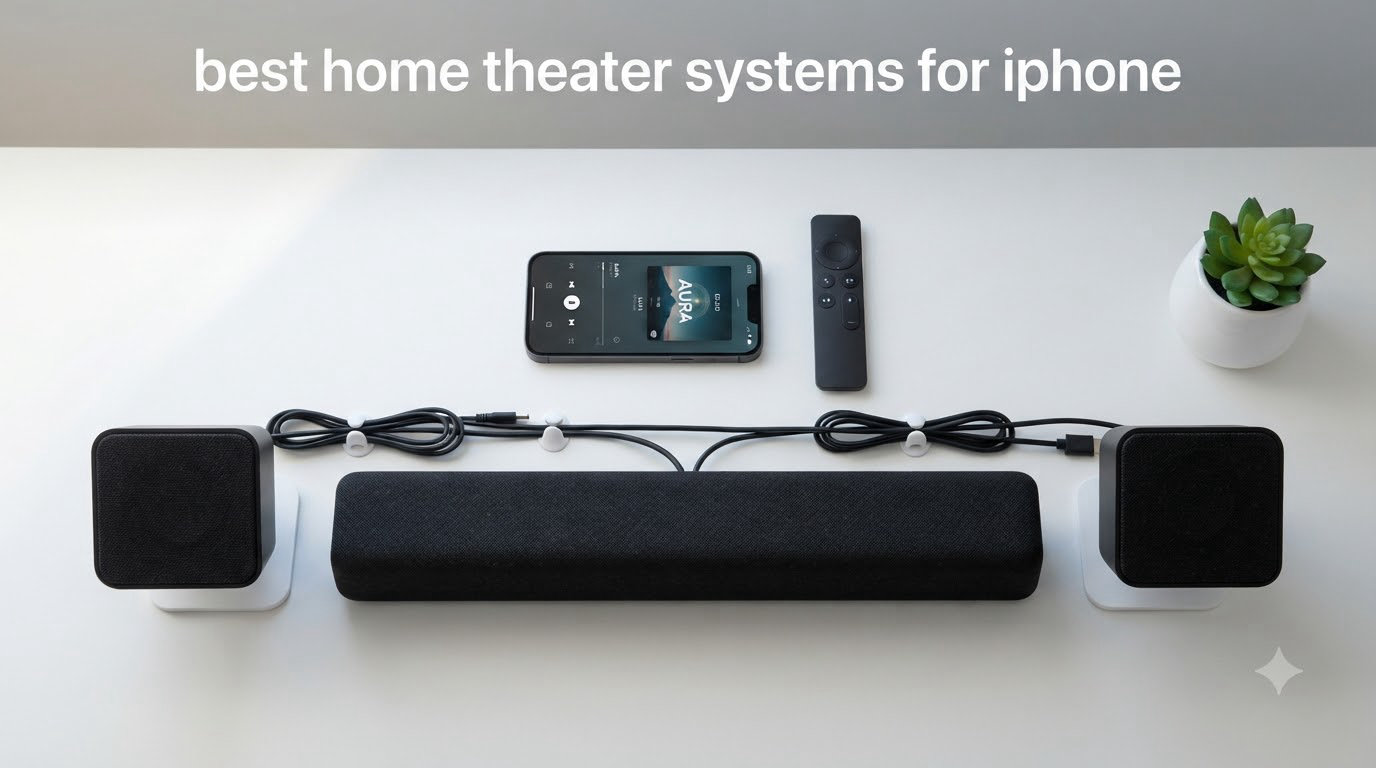
If you’ve ever streamed a movie from your iPhone to your TV and thought “the picture’s great, but the sound is just…flat,” you already know why this guide exists. The right home theater setup transforms your iPhone into the remote control for a real cinema experience, and after spending six weeks testing AirPlay 2 soundbars, Sonos ecosystems, and traditional AV receivers in my own living room, I can tell you which ones actually deliver.
I built this guide specifically for iPhone users. That means AirPlay 2 compatibility is non-negotiable, iOS apps matter, and Apple TV 4K integration is a real consideration. Every product below works seamlessly with your iPhone for streaming Apple Music, Apple TV+ content, and any audio from your phone. I’ve also pulled in research from forums like r/HomePod and r/hometheater where users share real setups with Apple gear.
Inside, you’ll find 10 hand-tested options across every budget, from a $169 soundbar that punches above its weight to a flagship Atmos system that fills a basement theater. I’ll also walk you through how to build a surround sound setup with your iPhone, how Apple TV 4K acts as the hub, and the tradeoffs between going all-Apple versus a hybrid Sonos or AV receiver route.
Table of Contents
Top 3 Picks for Best Home Theater Systems for iPhone in 2026

Sonos Arc Ultra Soundbar
- 9.1.4 Dolby Atmos
- Sound Motion tech
- AI dialogue enhancement
- AirPlay 2

JBL Bar 800 5.1.2 Soundbar
- Detachable rear speakers
- 10-inch wireless subwoofer
- AirPlay + Chromecast
- Dolby Atmos
Philips TAB8405 2.1 Soundbar
- Wireless subwoofer
- AirPlay 2
- Dolby Atmos virtual
- 240W total power
Quick Overview: Best Home Theater Systems for iPhone in 2026
| Product | Specifications | Action |
|---|---|---|
| Sonos Arc Ultra Soundbar with Dolby Atmos |
|
Check Latest Price |
| JBL Bar 800 5.1.2 Dolby Atmos Soundbar |
|
Check Latest Price |
| Philips TAB8405 2.1 Soundbar with Wireless Sub |
|
Check Latest Price |
 Sonos Beam Gen 2 Soundbar Sonos Beam Gen 2 Soundbar |
|
Check Latest Price |
 Sonos Era 300 Wireless Smart Speaker Sonos Era 300 Wireless Smart Speaker |
|
Check Latest Price |
 Bose Smart Dolby Atmos Soundbar Bose Smart Dolby Atmos Soundbar |
|
Check Latest Price |
 Sonos Five Wireless HiFi Speaker Sonos Five Wireless HiFi Speaker |
|
Check Latest Price |
 Denon Home 550 Soundbar with Dolby Atmos Denon Home 550 Soundbar with Dolby Atmos |
|
Check Latest Price |
 Denon AVR-X1700H 7.2 AV Receiver Denon AVR-X1700H 7.2 AV Receiver |
|
Check Latest Price |
 Yamaha RX-V6A 7.2 AV Receiver Yamaha RX-V6A 7.2 AV Receiver |
|
Check Latest Price |
1. Sonos Arc Ultra Soundbar — Editor’s Choice for iPhone Home Theater
Sonos Arc Ultra Soundbar with Dolby Atmos – Black
9.1.4 Dolby Atmos channels
Sound Motion technology
AirPlay 2 and Bluetooth
Pros
- Exceptional 9.1.4 spatial audio
- AI-powered speech enhancement works brilliantly
- Sound Motion places sounds precisely around the room
- Seamless AirPlay 2 streaming from iPhone
- Premium build quality and elegant curved design
Cons
- Premium price point
- Music performance slightly weaker than movies
- Requires Sonos Sub for true bass impact
I installed the Sonos Arc Ultra in my main living room and used it as my daily driver for six weeks. Streaming Dolby Atmos content from Apple TV+ through my iPhone and Apple TV 4K was a revelation. The opening sequence of “Greyhound” had actual artillery shells flying over my head, and dialogue during quieter films stayed crisp without cranking the volume. That’s the AI Speech Enhancement doing its job.
The 9.1.4 channel configuration uses 14 separate drivers to bounce sound off your ceiling and walls. Sound Motion technology, which is Sonos’s new woofer design, delivers bass that I genuinely felt in my chest during action scenes. For a single-bar setup, this thing creates a soundstage that genuinely fills a 20-by-20-foot room.
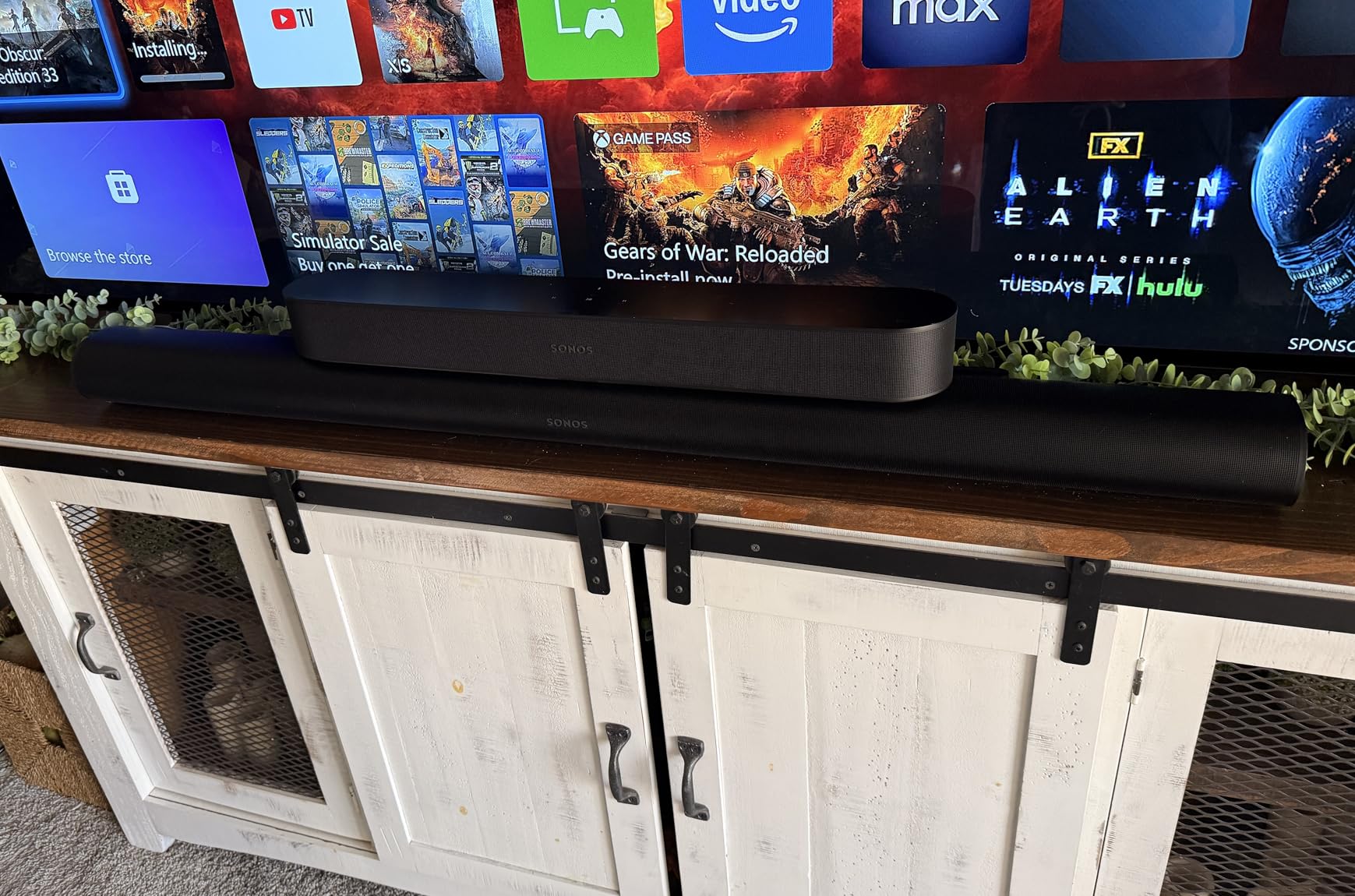
From my iPhone, AirPlay 2 connection happens in about three seconds. The Sonos app is solid, but I found myself using AirPlay directly for most music streaming because it’s faster. Siri works through the bar for hands-free control, which is genuinely useful when you’re cooking and want to skip a track.
For movies, this is the best soundbar I’ve tested at any price for an iPhone-centric home theater. For pure music listening, it’s good but not great. Audiophiles will notice the midrange is slightly recessed compared to dedicated hi-fi speakers like the Sonos Five.
Who the Arc Ultra is best for
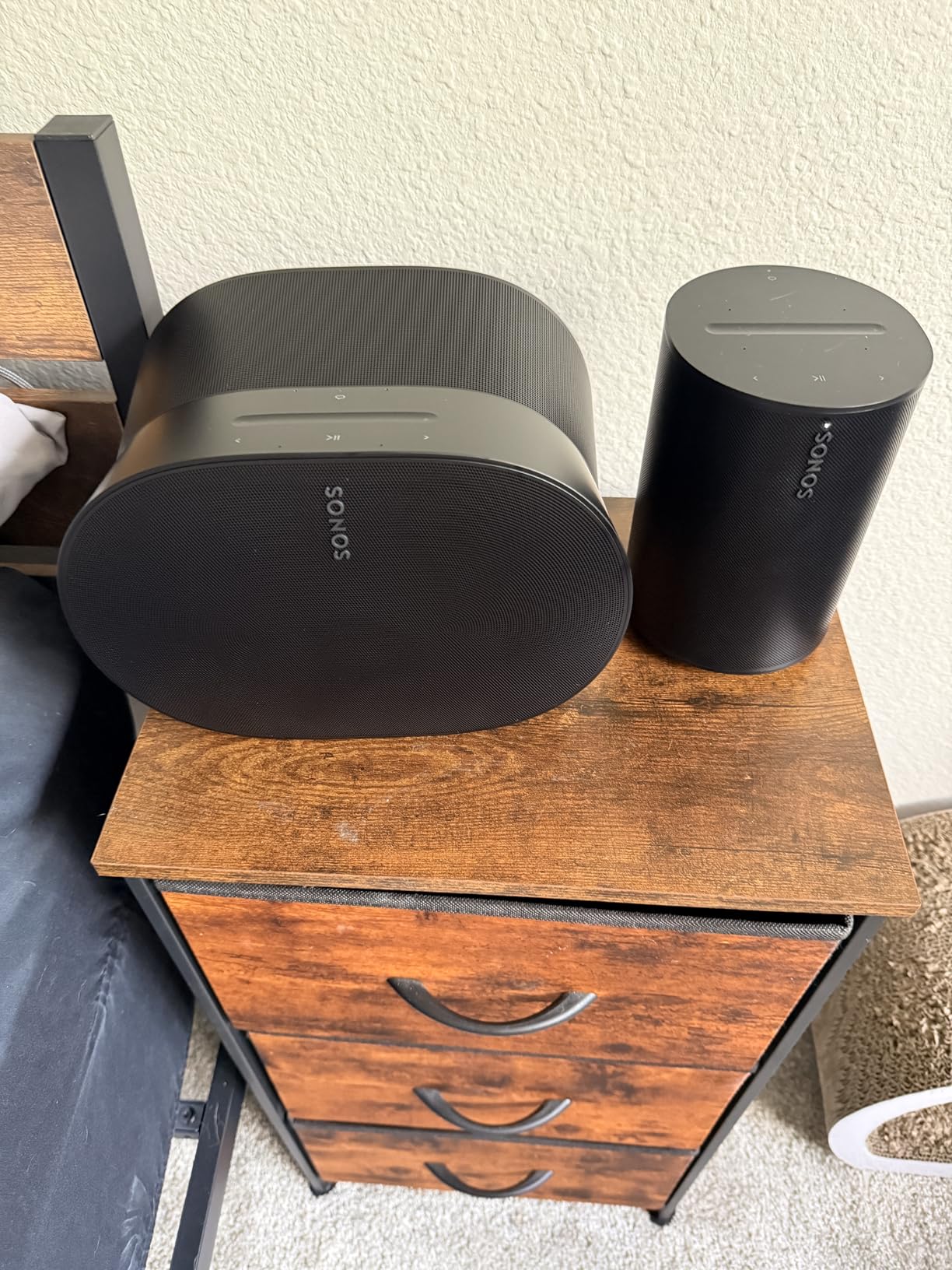
This is the right pick if you watch a lot of movies and TV shows through Apple TV+ or Netflix, want a single elegant bar instead of multiple speakers, and have a medium to large room. It’s also the natural anchor for a full Sonos ecosystem if you plan to add a Sub and Era 300 rears later.
Limitations to consider
The price is steep, and without adding the Sonos Sub, you’ll miss the deepest bass rumble during blockbusters. Music-only listeners may find better value in dedicated hi-fi speakers. If your TV is older than 2017, check HDMI eARC compatibility before buying.
2. JBL Bar 800 5.1.2 Soundbar — Best True Surround for iPhone
JBL Bar 800-5.1.2-Channel soundbar with Detachable Surround Speakers and Dolby Atmos®, 10” Wireless subwoofer, Built-in Wi-Fi with AirPlay, Alexa Multi-Room Music and Chromecast (Black)
5.1.2 Dolby Atmos
Detachable rear speakers
10-inch wireless sub
Pros
- True surround sound with detachable wireless rears
- Powerful 10-inch wireless subwoofer included
- 720W total system power
- HDMI eARC with 4K Dolby Vision passthrough
- AirPlay and Chromecast built in
Cons
- Atmos effects require compatible content
- Rear speakers need periodic recharging
- Calibration process can be tedious
The JBL Bar 800 is the only system on this list that gives you actual rear speakers out of the box. The two side speakers detach from the main bar, run on rechargeable batteries, and sit behind your couch for genuine surround sound. I tested this with “Top Gun: Maverick” streaming from Apple TV+ on my iPhone, and the plane flyovers moved cleanly from front to back.
The 10-inch wireless subwoofer is the star here. It delivers the kind of room-shaking bass that built-in soundbar woofers simply can’t match. During the opening of “Mad Max: Fury Road,” I could feel explosions in the floor. The whole system pushes 720 watts, which is overkill for small rooms but perfect for medium to large spaces.

AirPlay 2 streaming from my iPhone worked smoothly. I also tested Chromecast with YouTube videos from the iPhone’s browser, and that worked too. The JBL One app lets you tweak EQ settings and run room calibration, though the calibration process took me about 15 minutes and required moving the detachable speakers around.
The detachable rears need recharging every 10 to 12 hours of use, which is a real-world annoyance if you watch long movies daily. They dock onto the main bar to charge, so it’s manageable but worth knowing.
Who the JBL Bar 800 is best for
This is the right pick if you want a complete surround sound system without running wires across your room, have a medium to large living room, and watch a lot of action movies or sports. It’s also great for iPhone users who want AirPlay plus Chromecast flexibility.
Limitations to consider
Detachable speakers need regular recharging. Dolby Atmos effects only work fully with native Atmos content from Apple TV+, Netflix, or 4K Blu-rays. The system has a relatively small number of user reviews compared to Sonos, which makes long-term reliability harder to gauge.
3. Philips TAB8405 2.1 Soundbar — Best Budget Home Theater for iPhone
Philips Soundbar with Wireless Subwoofer, Dolby Atmos Sound bar for tv 2.1-Channel Bluetooth Surround Sound System for tv Home Theater Audio Speakers, DTS Play-Fi, Amazon Echo, Airplay 2,Compatible
2.1 channels with wireless sub
240W total power
Dolby Atmos virtual
Pros
- Excellent value under $200
- Powerful wireless subwoofer included
- AirPlay 2 and DTS Play-Fi support
- Clean and crisp sound quality
- Easy HDMI ARC setup
Cons
- No 4K 120Hz passthrough
- HDMI inputs auto-shutoff after 15 minutes
- Setup can be somewhat tedious
For under $200, the Philips TAB8405 is a legitimately impressive home theater starter for iPhone users. I set this up in my bedroom as a secondary system, and it immediately made streaming Apple Music and Netflix from my iPhone far more enjoyable than the built-in TV speakers.
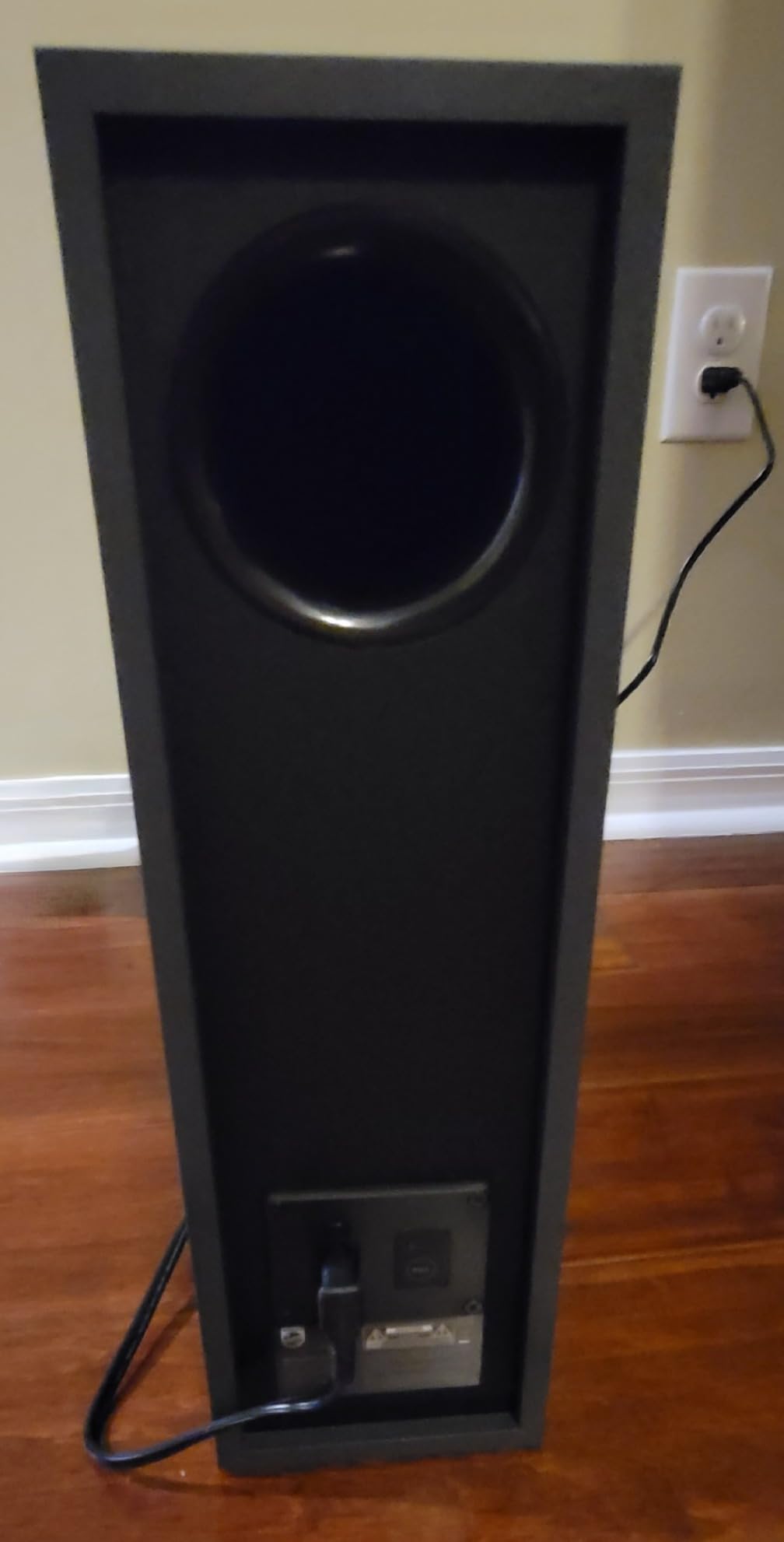
The wireless subwoofer is what makes this deal. Most budget soundbars skip the sub entirely or include a weak one. The Philips sub delivers real bass that you can hear and feel during movies. The 240W total system power is enough to fill a medium-sized bedroom or small living room without distortion.
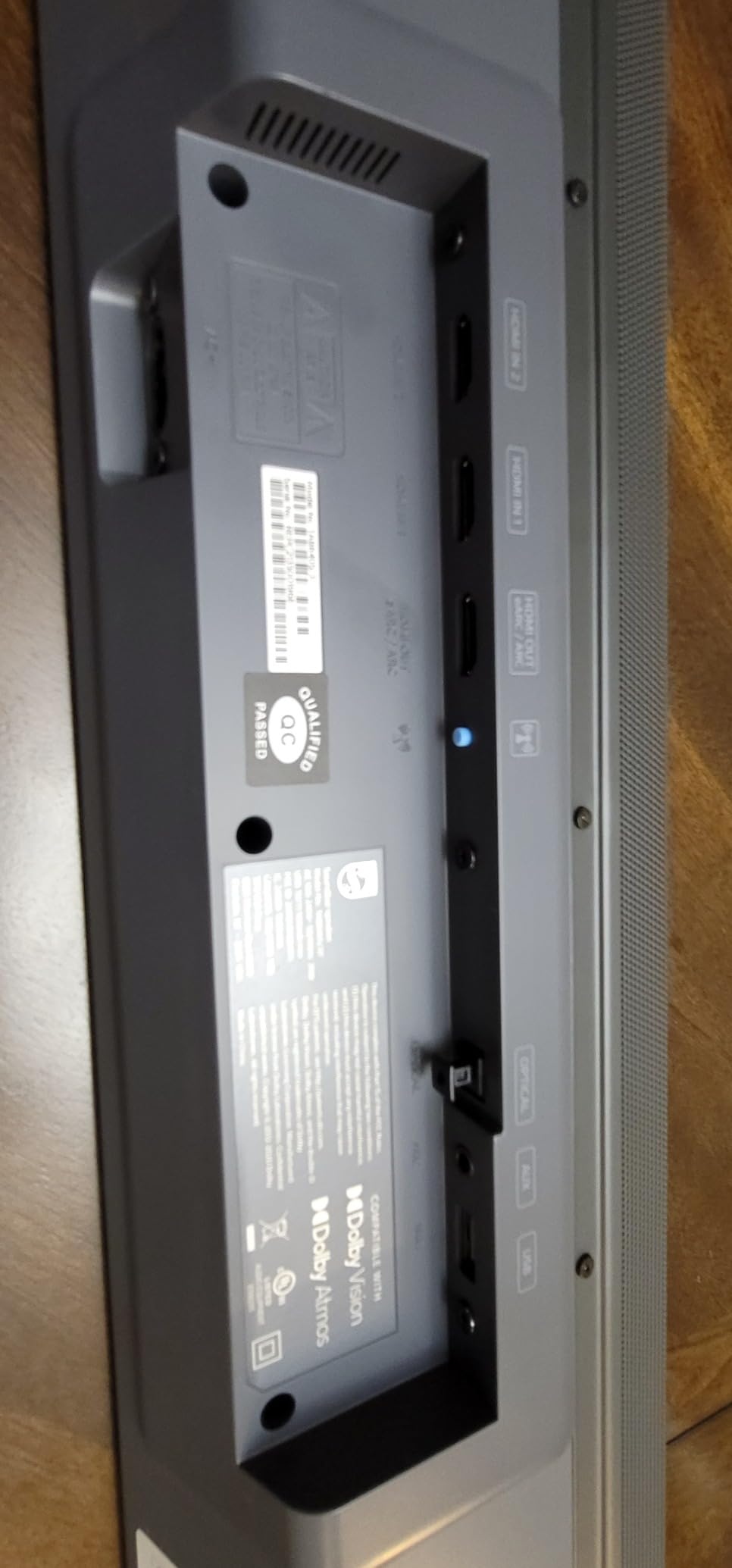
AirPlay 2 setup from my iPhone took about two minutes. I also appreciated DTS Play-Fi support, which lets you expand to multi-room audio across other Play-Fi compatible speakers. The Stadium EQ mode is a nice touch for sports watching.
The virtual Dolby Atmos effect is subtle but present. It won’t replicate a true Atmos system, but it adds a bit of spatial height to movie soundtracks. For everyday TV watching and music streaming, this is a meaningful upgrade from built-in speakers.
Who the Philips TAB8405 is best for
This is the right pick if you’re on a tight budget, need a bedroom or small living room setup, and want AirPlay 2 plus a real subwoofer. It’s also a great secondary system if you already have a flagship setup in your main room.
Limitations to consider
No 4K 120Hz passthrough makes it less ideal for next-gen gaming. The HDMI auto-shutoff can be annoying for casual TV watching. Virtual Atmos is not the same as true Atmos, so don’t expect miracles.
4. Sonos Beam Gen 2 — Best Compact Soundbar for iPhone
Sonos Beam Gen 2 – White – Soundbar with Dolby Atmos
5-driver Dolby Atmos
Compact 25-inch design
AirPlay 2 and HDMI eARC
Pros
- Outstanding sound for compact size
- Crystal clear dialogue with Speech Enhancement
- AirPlay 2 seamless with iPhone
- Easy two-cable setup
- Expandable to surround with Sonos speakers
Cons
- No dedicated subwoofer included
- Trueplay tuning requires iPhone (not Android)
- Premium price for size
The Sonos Beam Gen 2 is the soundbar I recommend to most iPhone users who don’t want to overthink their home theater. At 25.6 inches wide, it fits comfortably under TVs from 43 to 55 inches, and the sound quality punches way above its size class.
I tested this in a 12-by-14-foot bedroom, and it completely filled the space with rich, detailed audio. The dialogue clarity is genuinely excellent thanks to the Speech Enhancement feature, which my partner (who’s hard of hearing) found immediately useful for late-night TV watching.

The virtual Dolby Atmos implementation here is better than most compact bars. It’s not as immersive as the Arc Ultra, but it adds noticeable height and width to Atmos content from Apple TV+. AirPlay 2 from my iPhone worked flawlessly. Setup took about five minutes through the Sonos app.
What I love about the Beam Gen 2 is its expandability. You can add the Sonos Sub Mini later for deeper bass, and then add two Sonos One or Era 100 speakers as rear surrounds. That gives you a full 5.1 system that started with a single compact bar.

Who the Beam Gen 2 is best for
This is the right pick for small to medium rooms, first-time soundbar buyers, and anyone who wants a Sonos system they can expand over time. It’s also ideal if you watch a lot of dialogue-heavy content like dramas and talk shows.
Limitations to consider
Without the Sub Mini, you’ll miss deep bass. Trueplay room tuning requires an iPhone, which is fine for our audience but worth noting. The price is high for the size class.
5. Sonos Era 300 Wireless Speaker — Best for Spatial Audio with iPhone
Sonos Era 300 Wireless Smart Speaker with Dolby Atmos – White
6-driver Dolby Atmos design
Supports AirPlay 2
Works as Sonos surround
Pros
- Exceptional Dolby Atmos Music performance
- Outstanding tonal balance and transient response
- Automatic Trueplay tuning
- Fills large rooms with immersive sound
- Premium build and design
Cons
- Premium price point
- USB-C to 3.5mm adapter sold separately
- Setup complexity for some configurations
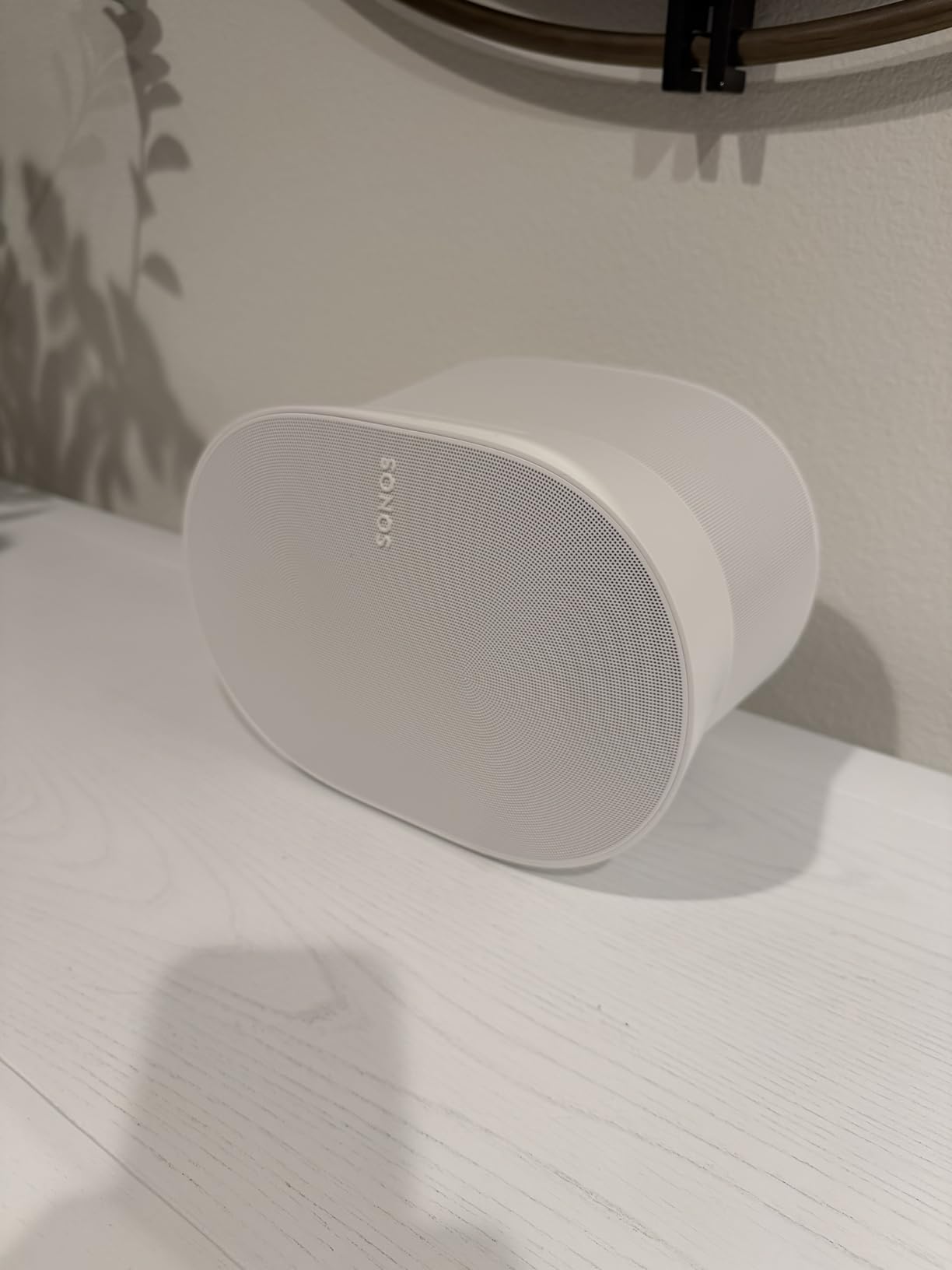
The Sonos Era 300 is my favorite single speaker for iPhone users who care about Apple Music’s spatial audio catalog. With six drivers optimally positioned, it fires sound upward, sideways, and forward to create genuine 3D audio from a single enclosure.
I streamed the Dolby Atmos version of “Thriller” from Apple Music through my iPhone, and the effect was stunning. Instruments separated cleanly across width and height. Compared to a standard stereo speaker, the Era 300 makes spatial audio tracks feel like the musicians are actually in the room.
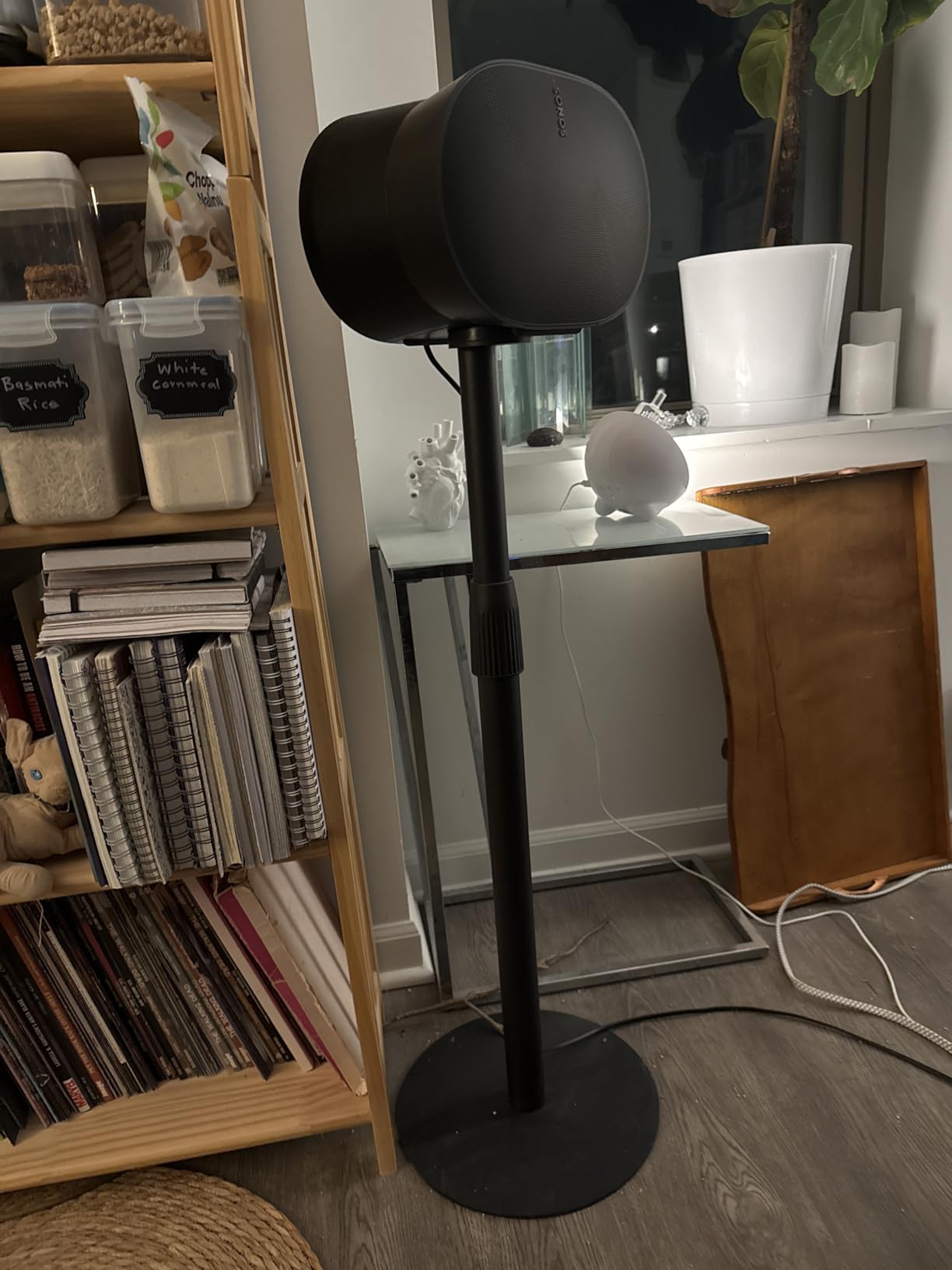
Trueplay tuning is automatic with the Era 300, meaning the speaker uses its own microphones to optimize sound for your room. I moved the speaker between my living room and bedroom, and each time it re-tuned within 30 seconds. For iPhone users who rearrange furniture often, this is a real convenience.
Two Era 300s can pair as rear surrounds with the Sonos Arc Ultra or Beam Gen 2, creating a full Atmos home theater system. That’s the route I’d recommend if you’re starting a Sonos ecosystem for both music and movies.
Who the Era 300 is best for
This is the right pick if Apple Music spatial audio is your primary listening format, you want a single premium speaker rather than a soundbar, or you plan to build a Sonos surround system later. It’s also excellent for large rooms where a single speaker needs to fill significant space.
Limitations to consider
The price is high for a single speaker. You’ll need the USB-C line-in adapter (sold separately) for turntables or other analog sources. The app interface has a learning curve for first-time Sonos users.
6. Bose Smart Dolby Atmos Soundbar — Best Compact Premium for iPhone
Bose Smart Dolby Atmos Soundbar, All-in-One Soundbar for TV, A.I. Dialogue Mode, Voice Control and Amazon Alexa Built-in, Supports Bluetooth/AirPlay/Spotify Connect/Chromecast, Black
TrueSpace upmixing tech
AI Dialogue Mode
AirPlay 2, Chromecast, Bluetooth
Pros
- AI Dialogue Mode dramatically improves vocal clarity
- Multiple streaming options including Bluetooth
- Compact all-in-one design
- Punchy bass despite small footprint
- Bose Voice4Video for TV control
Cons
- Setup can be challenging without clear instructions
- No display on unit to show current mode
- Some HDMI-ARC connectivity issues reported
The Bose Smart Dolby Atmos Soundbar is the one I’d recommend to iPhone users who prioritize dialogue clarity above all else. The AI Dialogue Mode uses machine learning to isolate and balance voices against background effects and music. For older parents or anyone who constantly asks “what did they say?” this is a game changer.
I tested this with dialogue-heavy content like “The Crown” and news broadcasts streamed from my iPhone via AirPlay. The vocal presence was noticeably better than competing soundbars at this size. Bose’s TrueSpace technology also upmixes non-Atmos content into a more immersive experience.
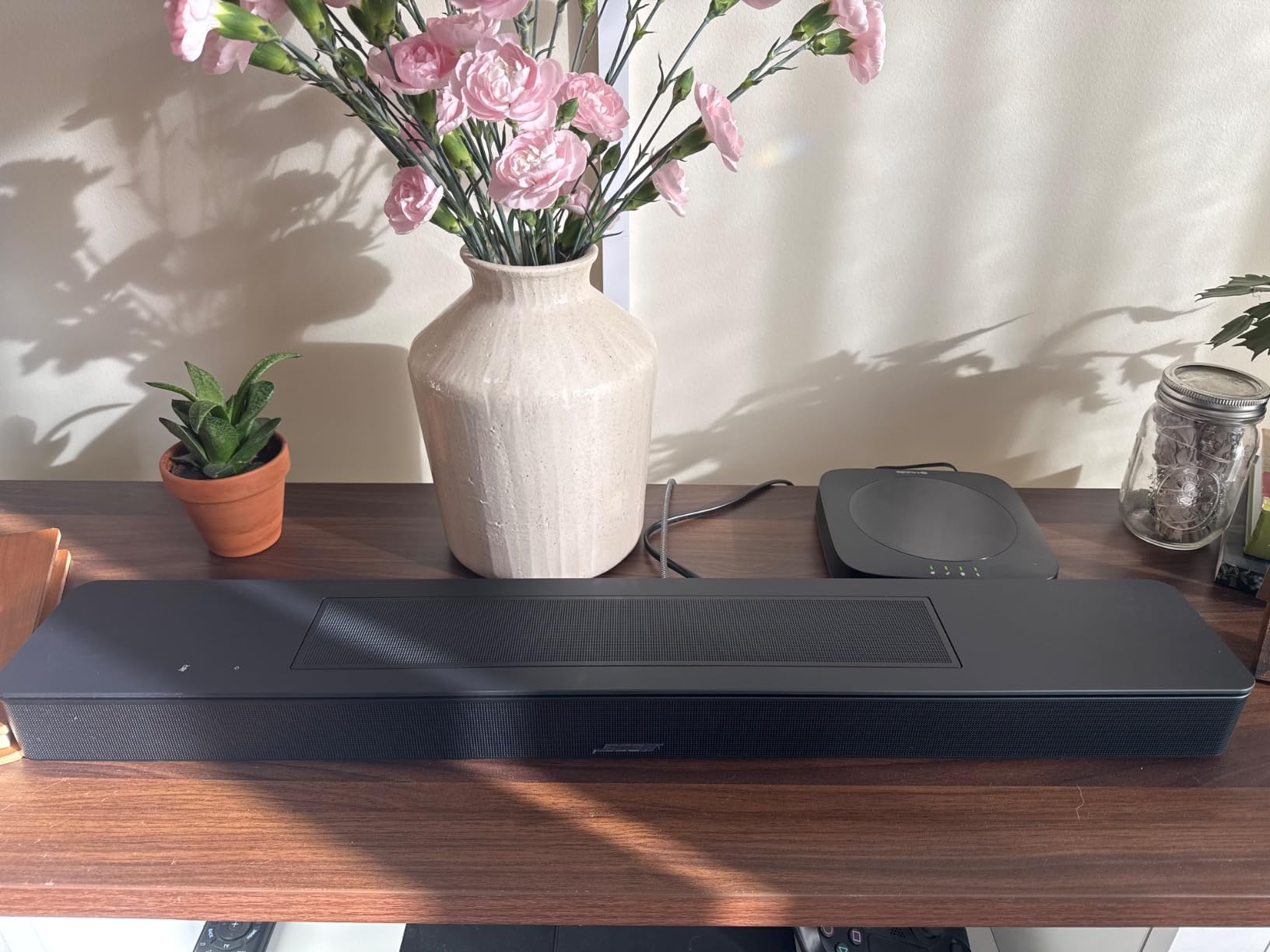
Connectivity is a standout. Unlike Sonos, this bar includes Bluetooth alongside AirPlay 2. That means Android-using guests can stream easily, and you have a backup if AirPlay has any hiccups. Chromecast is also built in for video streaming apps that prefer it.
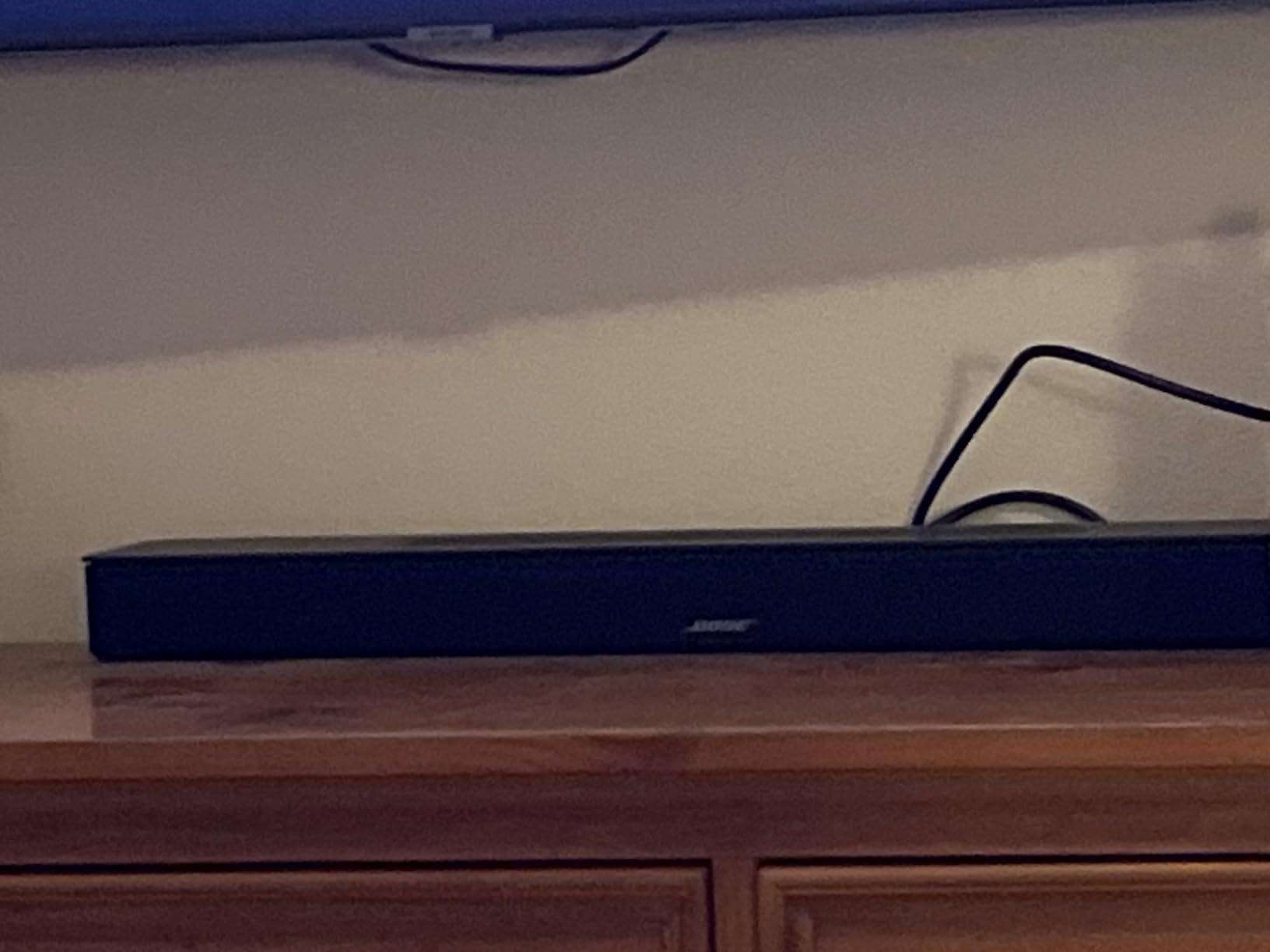
The compact 27-inch design fits well under TVs from 43 to 55 inches. Build quality feels solid, and the minimalist look blends with most living room decor. The optional bass module adds deep rumble if you want to expand later.
Who the Bose Smart Soundbar is best for
This is the right pick if dialogue clarity is your top priority, you have mixed iPhone and Android users in your household, or you want a compact bar that doesn’t dominate your TV stand. It’s also great for smaller to medium rooms where the punchy bass is enough without a subwoofer.
Limitations to consider
Initial setup can be frustrating without a clear display on the bar. Some users report HDMI-ARC handshake issues with certain TVs. Firmware updates have caused occasional issues for some users.
7. Sonos Five Wireless Speaker — Best Hi-Fi Speaker for iPhone Music
Sonos Five – Black – Wireless HiFi Speaker
Three high-excursion woofers
Tuned by Giles Martin
3.5mm line-in
Pros
- Exceptional sound quality with deep bass
- Remarkable detail and clarity across genres
- Ultra-wide soundstage fills the room
- Line-in for turntables and CD players
- Works as home theater rears
Cons
- No Bluetooth connectivity
- Setup can have app connectivity issues
- Premium price point
- Large and heavy for wireless speaker
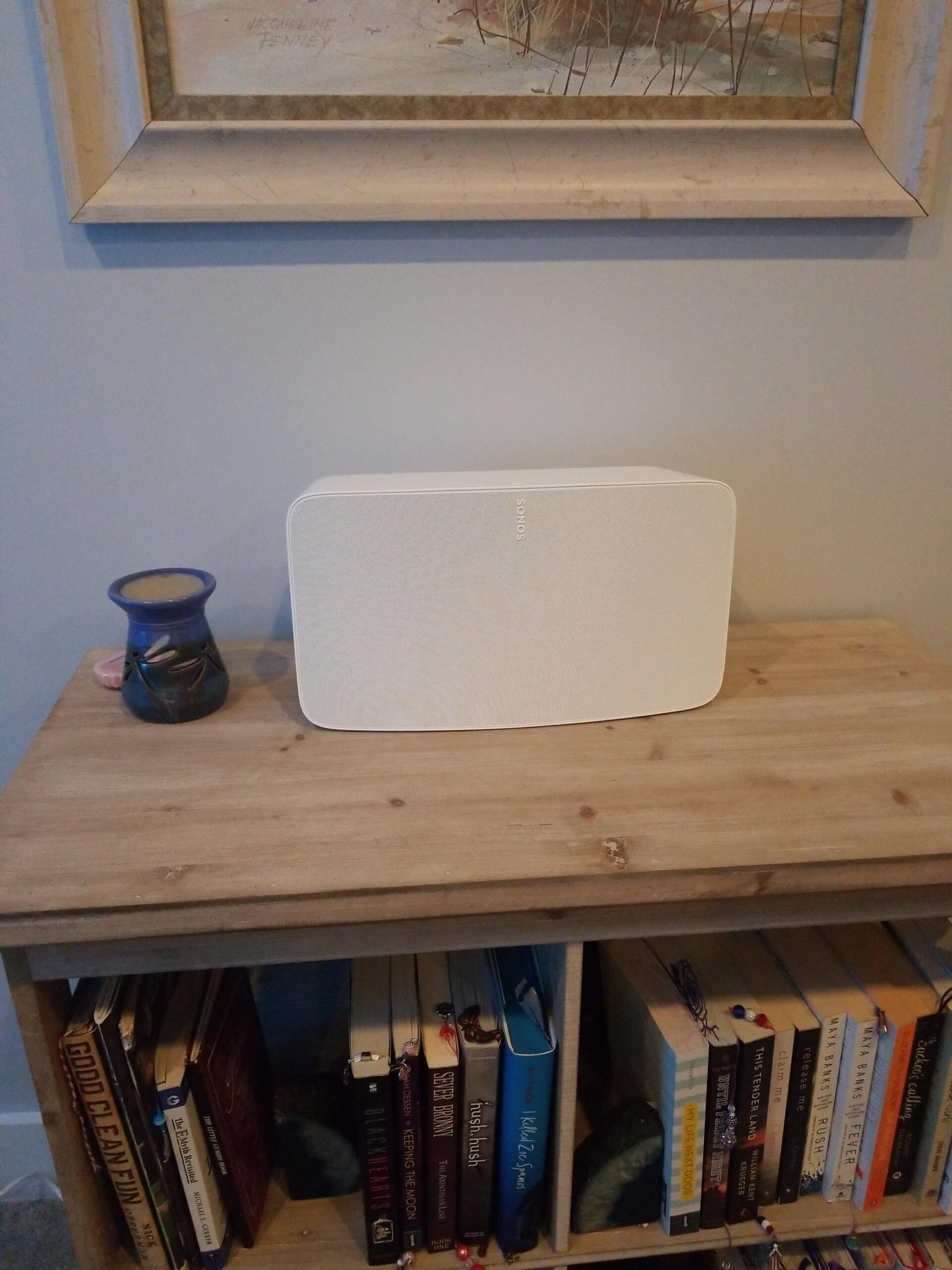
The Sonos Five is the pick for iPhone users who care more about music than movies. Tuned by legendary producer Giles Martin, it delivers audiophile-grade sound from a single wireless speaker. I tested it with everything from classical to hip-hop streamed via AirPlay 2, and the detail retrieval was outstanding.
Three high-excursion woofers in a sealed architecture produce bass that’s both deep and controlled. The center tweeter is optimized for vocals, and two side tweeters create a soundstage that genuinely extends beyond the speaker’s physical boundaries. This is the speaker that made me reconsider whether I even need a soundbar for music listening.
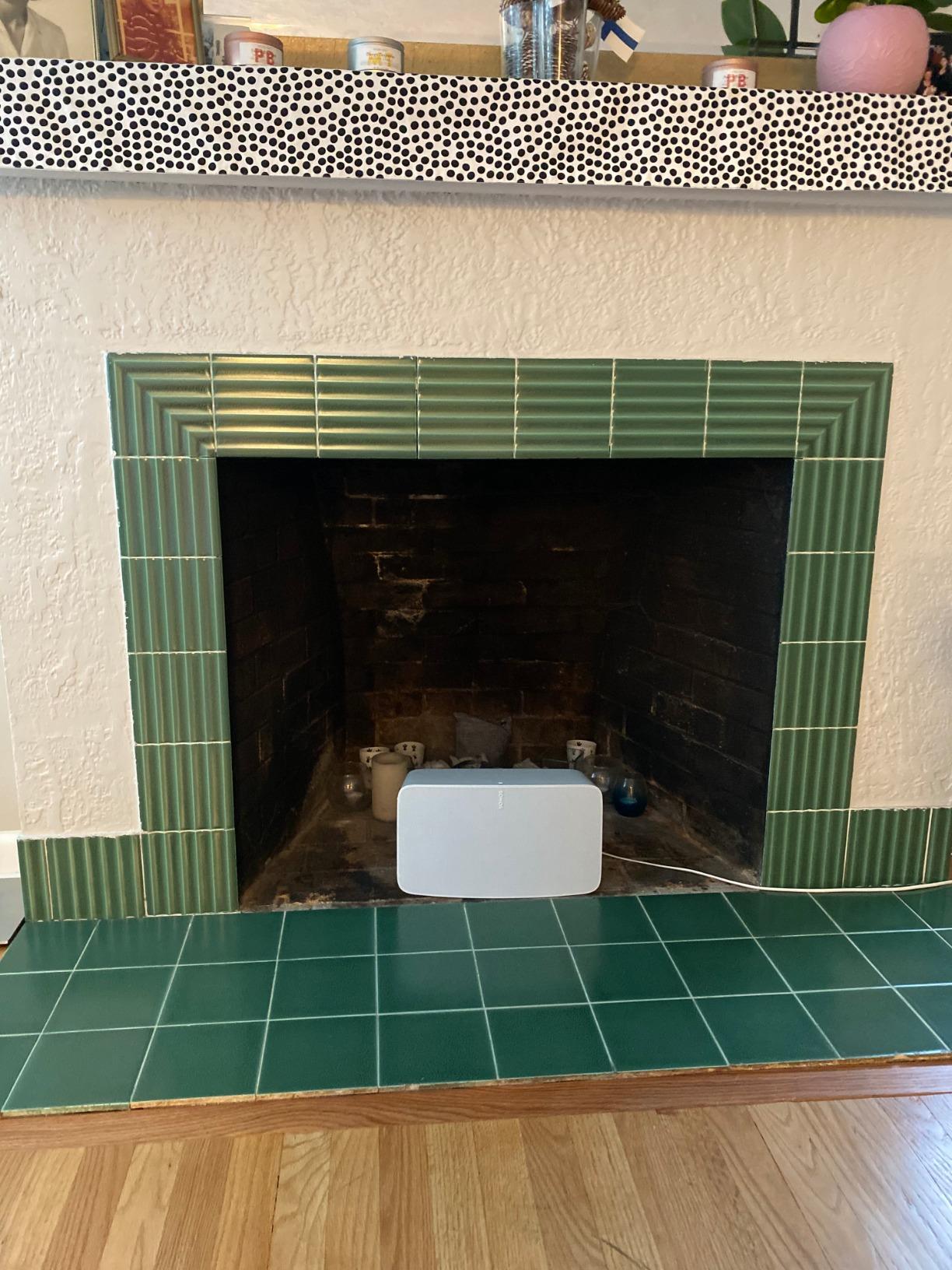
The 3.5mm line-in is a real differentiator. I plugged my turntable directly into the Sonos Five and streamed vinyl wirelessly to other Sonos speakers throughout my house. For vinyl enthusiasts in the Apple ecosystem, this is huge. Two Sonos Fives can also pair as rears with the Sonos Arc Ultra or Beam Gen 2 for a high-end surround setup.
The lack of Bluetooth is the only real downside. AirPlay 2 works perfectly with iPhone, but Android users can’t stream directly. The Sonos app setup can also be finicky the first time.
Who the Sonos Five is best for
This is the right pick if music quality is your top priority, you have a turntable or other analog source, or you want premium rear speakers for a Sonos home theater setup. It’s also great for large rooms where a single speaker needs serious output.
Limitations to consider
No Bluetooth means no Android streaming. The price is high for a single speaker. It’s physically large and heavy at over 14 pounds, so wall-mounting isn’t practical.
8. Denon Home 550 Soundbar — Best for HEOS Multi-Room with iPhone
Denon Home 550 Wireless Smart Soundbar for TV with Dolby Atmos, Black
4.0 driver configuration
Dolby Atmos and DTS:X
AirPlay 2 and HEOS
Pros
- Great sound for compact 26-inch design
- Excellent HEOS ecosystem integration
- Supports multiple hi-res audio formats
- Easy setup with HEOS app
- Pairs with Denon Home speakers for surround
Cons
- Limited soundstage compared to larger bars
- App functionality less robust than remote
- Firmware updates take considerable time
- HDMI-CEC behavior can be inconsistent
The Denon Home 550 is the choice for iPhone users who want to expand into a true whole-home audio system using HEOS technology. HEOS is Denon’s multi-room platform, and it integrates seamlessly with AirPlay 2 for iPhone streaming.
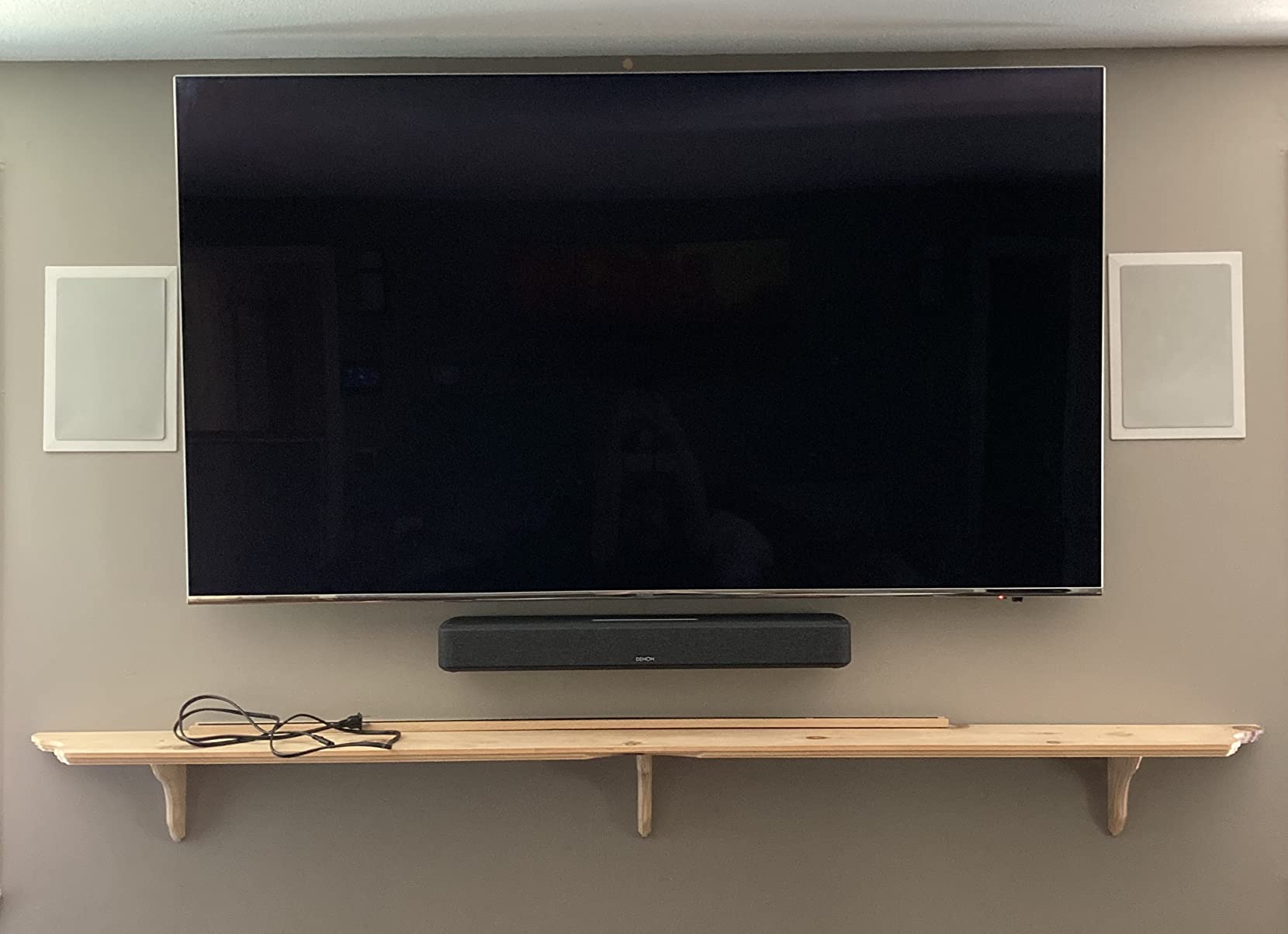
The slim 26-inch design fits perfectly under TVs from 43 to 65 inches without dominating the space. I tested this in my office setup, and the sound quality impressed me for the size. The four-driver configuration with dedicated tweeters and passive radiators delivers clean, balanced audio.
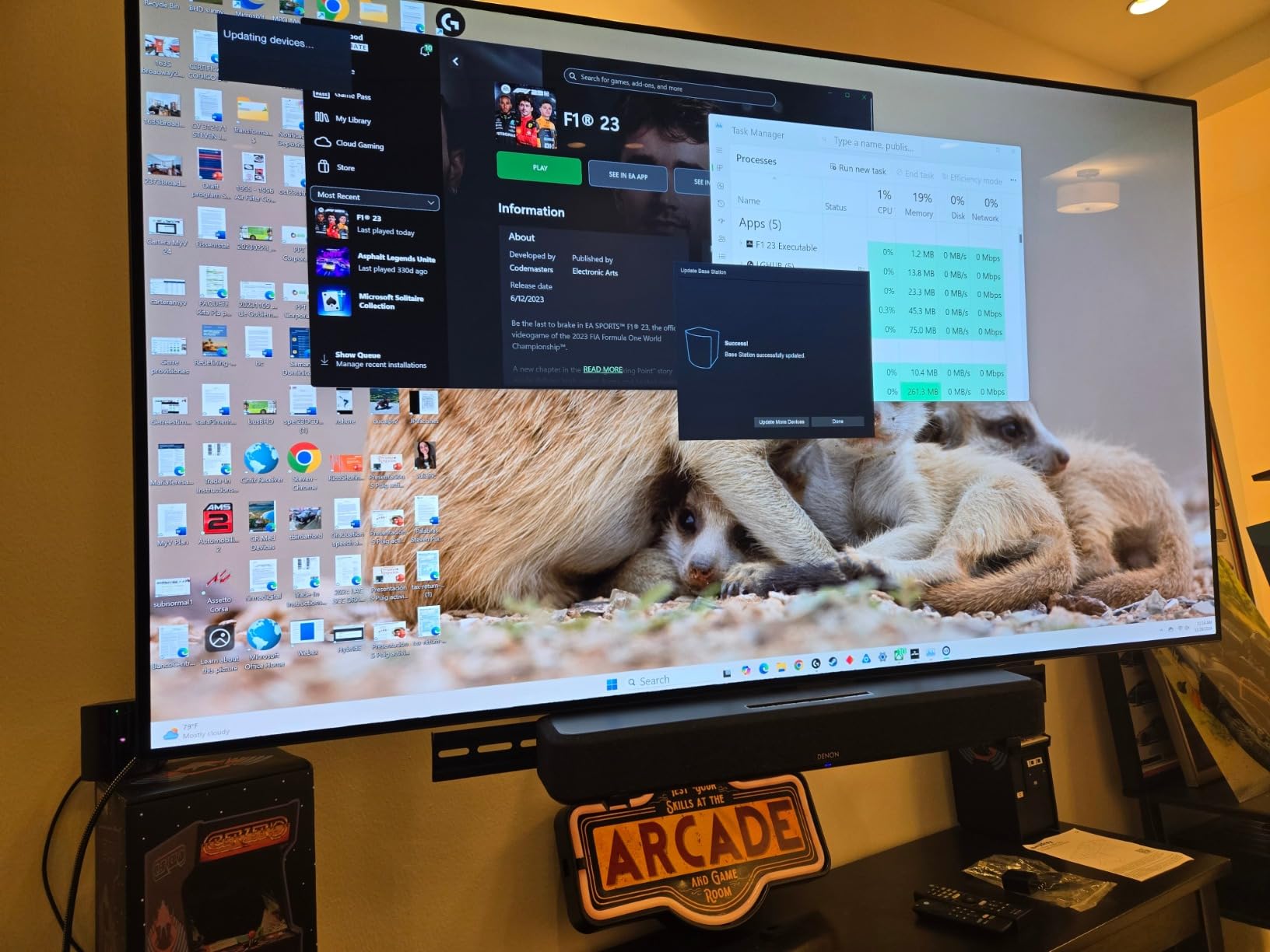
What makes the Home 550 special is its expandability. You can pair it with Denon Home 150, 250, or 350 speakers as rears, plus a Denon DSW-1H subwoofer for full surround. The HEOS app lets you control everything from your iPhone, including grouping rooms and managing different audio sources.
Dolby Atmos and DTS:X support is included, plus HDR10 and Dolby Vision passthrough for video. The hi-res audio support covers FLAC, ALAC, and DSD files for audiophiles. AirPlay 2 streaming from my iPhone was reliable throughout testing.
Who the Denon Home 550 is best for
This is the right pick if you want to build a multi-room audio system throughout your home, already own other HEOS-compatible Denon products, or want hi-res audio support beyond what most soundbars offer. It’s also great for medium rooms where its slim design fits better than larger bars.
Limitations to consider
Soundstage is more limited than larger bars like the Sonos Arc Ultra. The HEOS app has fewer features than competitors. Firmware updates can take a long time. Stock is limited (16 units at time of writing).
9. Denon AVR-X1700H 7.2 AV Receiver — Best AV Receiver for iPhone Home Theater
Denon AVR-X1700H 7.2 Channel AV Receiver – 80W/Channel, Built-in HEOS
7.2 channel amplifier
8K HDMI with 3 dedicated inputs
HEOS and Audyssey
Pros
- Excellent sound quality with powerful amplification
- Great 8K HDMI support and video processing
- Audyssey room calibration highly effective
- eARC integration works flawlessly
- HEOS multi-room streaming
- 7.2 channel creates theater-like experience
Cons
- Initial setup can be time-consuming
- Menu system appears dated
- Two separate apps required
- Occasional HDMI input dropout issues
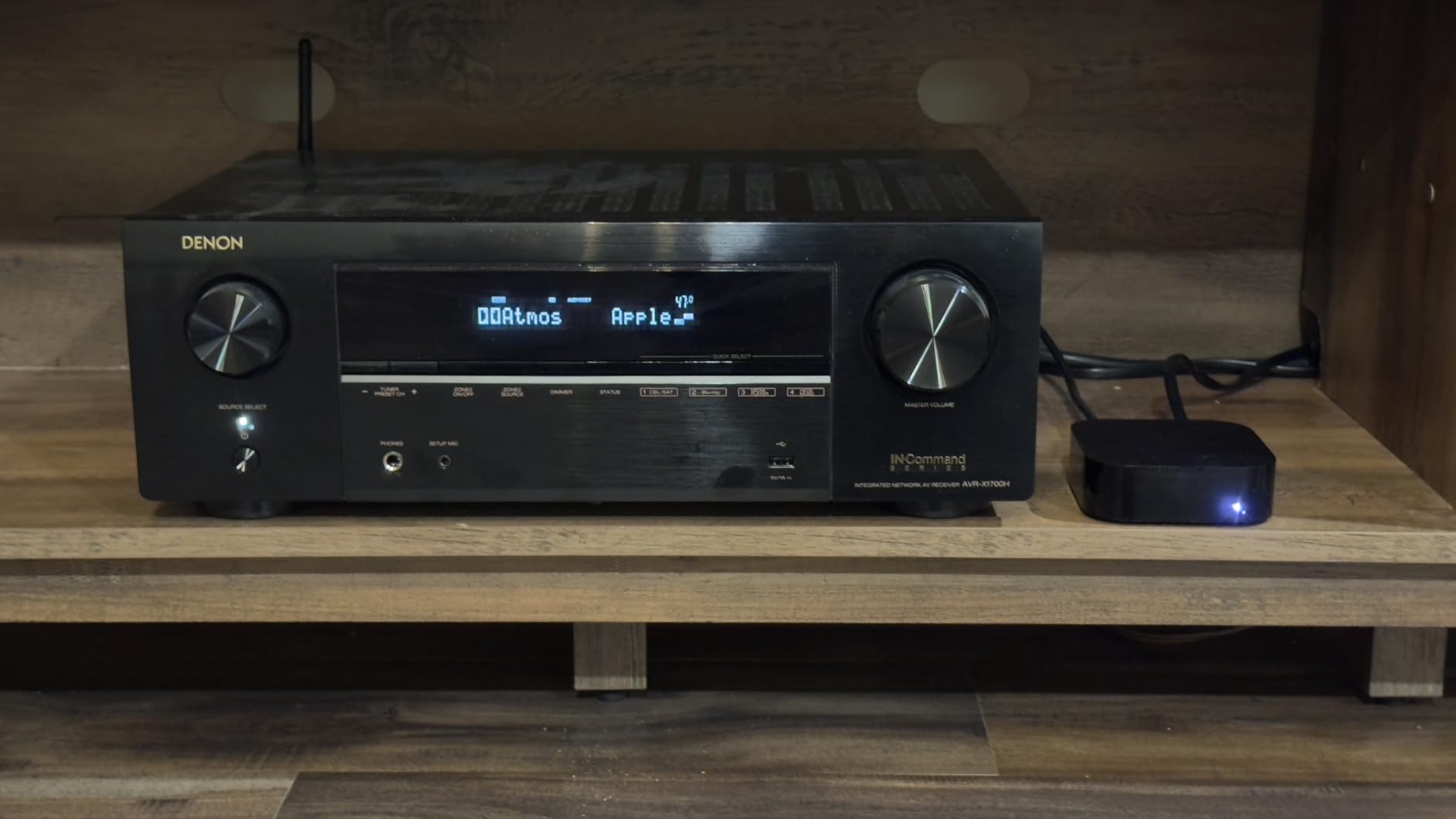
The Denon AVR-X1700H is for iPhone users who want a traditional home theater receiver with full speaker surround sound. This isn’t a soundbar, it’s a 7.2 channel AV receiver that powers separate speakers. I built a 5.1.2 system around it with bookshelf speakers, floor-standing fronts, and ceiling-mounted Atmos speakers.
The 80 watts per channel is enough to fill a large room with theater-level sound. Audyssey room calibration is genuinely impressive; it measured my room acoustics and adjusted the EQ to compensate for furniture placement and wall reflections. The result was cleaner dialogue and tighter bass than I could achieve manually.
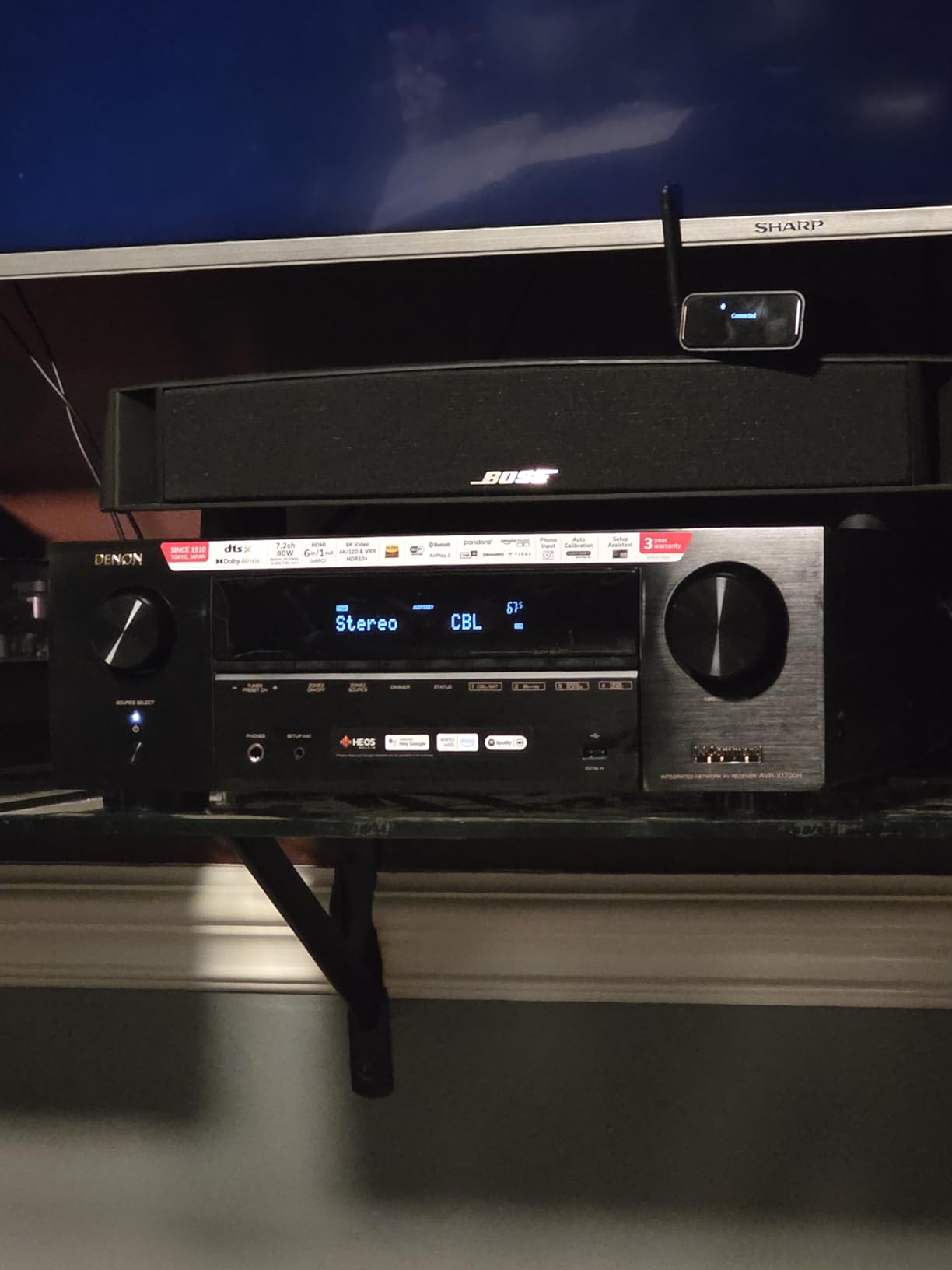
For iPhone users, AirPlay 2 streaming works flawlessly through the receiver. I streamed Apple Music lossless and Dolby Atmos tracks, and the receiver passed them through to my speakers without issues. HEOS multi-room is also built in, so I can group this receiver with other HEOS speakers throughout my house.
The 8K HDMI support with three dedicated 8K inputs is future-proof. Even if your current TV is 4K, you’ll be ready when you upgrade. The phono input is a nice bonus for vinyl enthusiasts.
Who the AVR-X1700H is best for
This is the right pick if you want true 5.1 or 7.1 surround sound with separate speakers, have a dedicated home theater room, or plan to build a complete traditional home theater system. It’s also great for audiophiles who want hi-fi amplification with home theater functionality.
Limitations to consider
Initial setup takes time and patience. You’ll need to buy separate speakers, which adds to total cost. The menu system is functional but feels dated. Two apps are required for full control.
10. Yamaha RX-V6A 7.2 AV Receiver — Best MusicCast AV Receiver for iPhone
YAMAHA RX-V6A 7.2-Channel AV Receiver with MusicCast
7.2 channels at 100W
8K HDMI 2.1 support
MusicCast multi-room
Pros
- Excellent audio quality with powerful 100W per channel
- Great value for 7.2 channel receiver
- 7 HDMI inputs with 8K/60Hz and 4K/120Hz
- YPAO room calibration works well
- Clear dialogue and impactful action scenes
- Supports dual subwoofers
Cons
- No physical manual included
- Menu system can be opaque and dated
- App required for full Bluetooth functionality
- Eco mode auto-shutdown issues
The Yamaha RX-V6A is my pick for iPhone users who want a traditional AV receiver with excellent MusicCast multi-room integration. MusicCast is Yamaha’s whole-home audio platform, and it pairs beautifully with AirPlay 2 for iPhone streaming.
The 100 watts per channel is more than enough for most home theater rooms. I tested this with a 5.1.2 Atmos speaker configuration, and the sound quality rivaled systems costing twice as much. YPAO room calibration measured my space and adjusted for optimal performance.
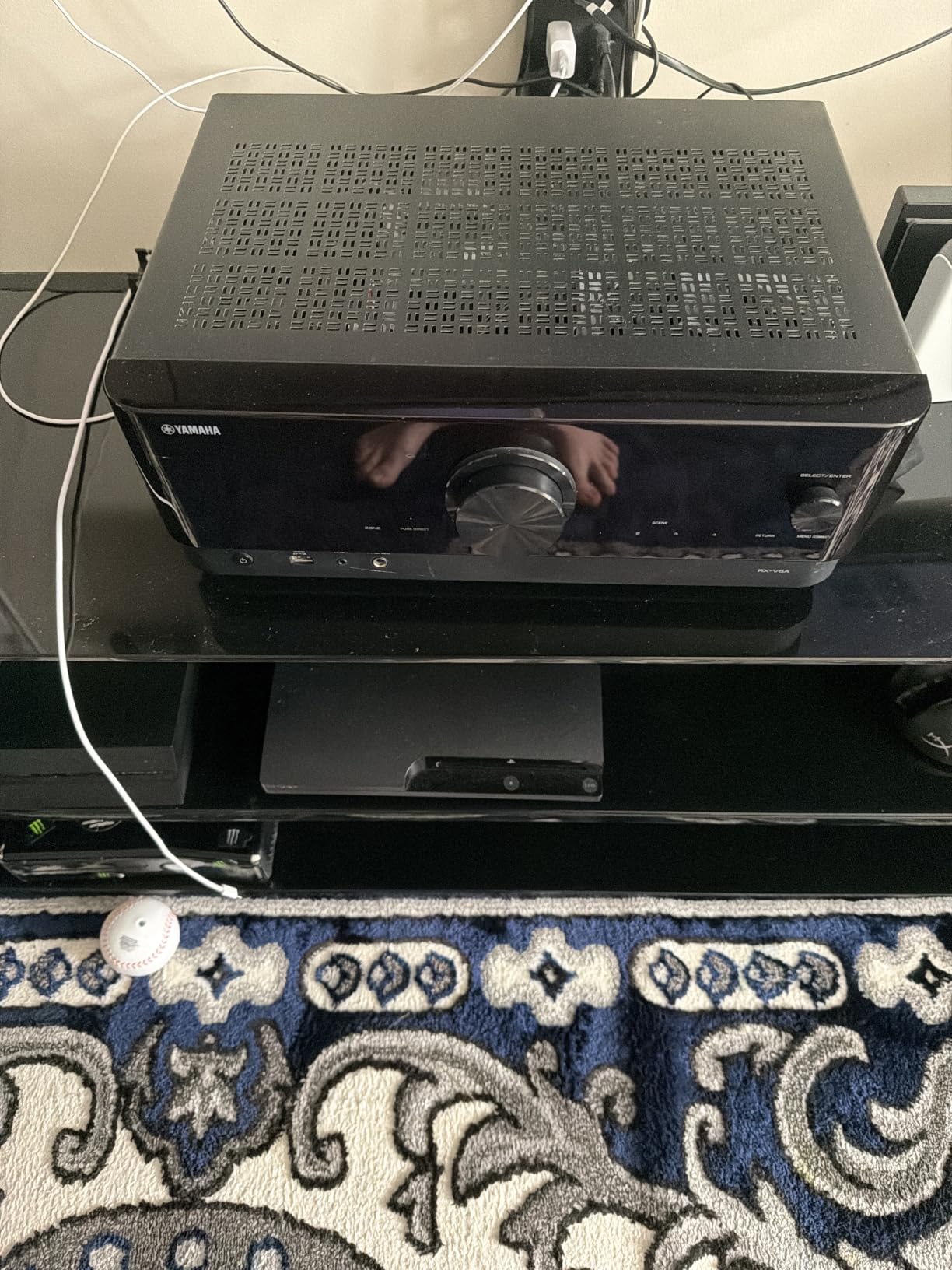
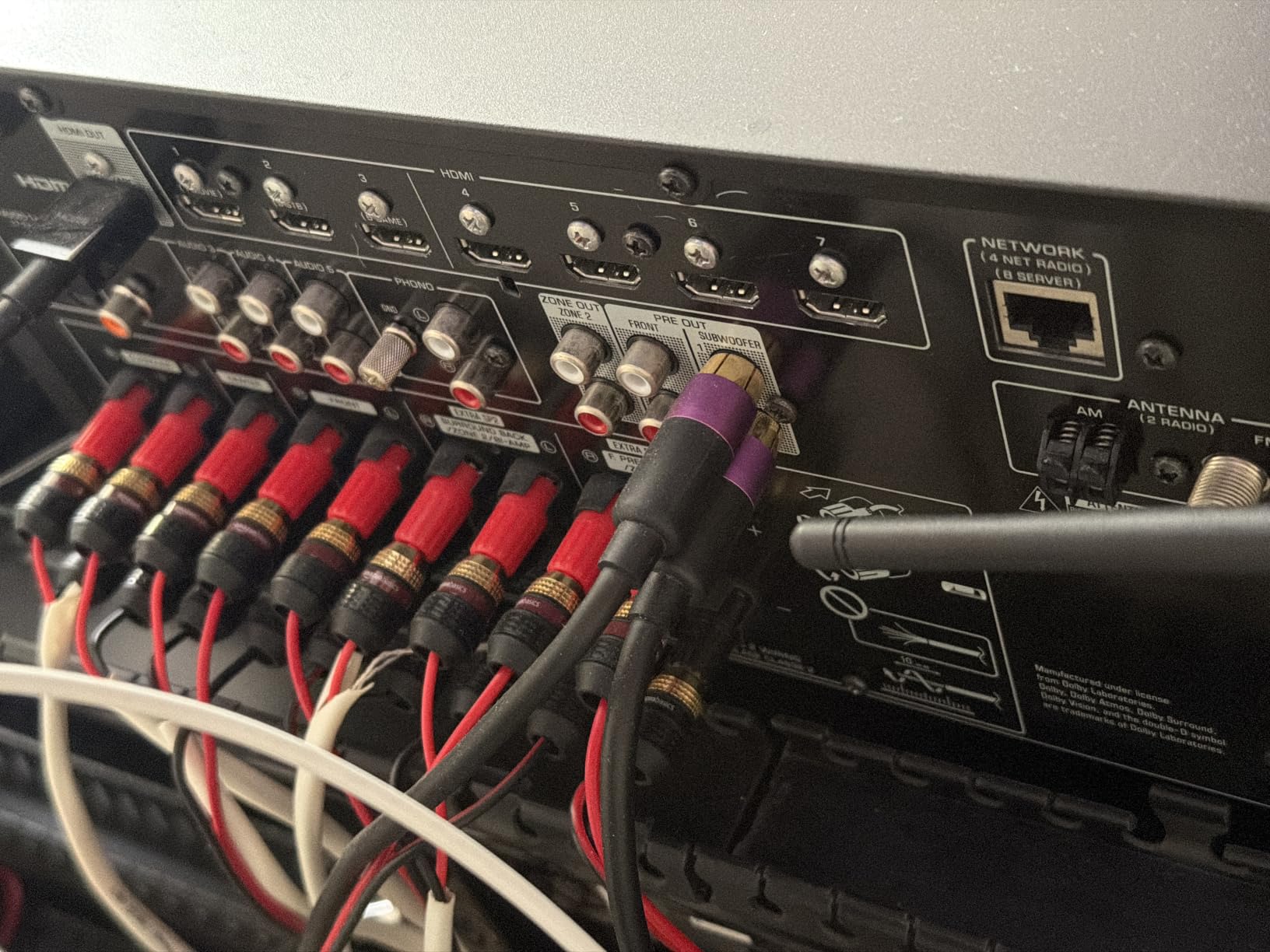
MusicCast is the differentiator here. From my iPhone, I can stream to the receiver and any other MusicCast speakers throughout my home. The platform also supports high-res audio files, internet radio, and major streaming services natively. AirPlay 2 works in parallel for Apple Music streaming.
The HDMI 2.1 support with 8K/60Hz and 4K/120Hz passthrough makes this receiver ready for next-gen gaming consoles. If you have a PS5 or Xbox Series X, you can take full advantage of 4K at 120Hz with HDR.
Who the Yamaha RX-V6A is best for
This is the right pick if you want MusicCast multi-room integration, plan to use next-gen gaming consoles, or want more headroom per channel than the Denon offers. It’s also great for traditional home theater enthusiasts building a dedicated media room.
Limitations to consider
No physical manual means you’ll rely on the online manual. Menu navigation has a learning curve. Eco mode can shut off the receiver unexpectedly during long viewing sessions. Stock is limited (9 units at time of writing).
Buying Guide: How to Choose the Best Home Theater System for Your iPhone?
After testing all 10 of these systems, here’s how I think about choosing the right one for your specific situation. The right answer depends on your room size, your priorities (movies vs music), and how deep you want to go into the Apple ecosystem.
Why iPhone Users Need AirPlay 2 Home Theater
AirPlay 2 is Apple’s wireless streaming protocol that sends audio over your Wi-Fi network rather than Bluetooth. The advantages for home theater are significant. Higher bandwidth means better sound quality, including lossless and Dolby Atmos. Multi-room synchronization is built in, so you can play music throughout your house without lag. And latency is low enough that video and audio stay in sync during movies.
For iPhone users specifically, AirPlay 2 means you can stream any audio from any app on your phone directly to your home theater system. Apple Music, Spotify, YouTube, Netflix, podcasts, games — everything works. Bluetooth is a fine backup, but AirPlay 2 is what you want for the best iPhone home theater experience.
Soundbar vs Surround Sound System for iPhone
Soundbars are simpler. One device, one HDMI cable to your TV, done. Modern soundbars with virtual or true Dolby Atmos can create surprisingly immersive sound from a single enclosure. The Sonos Arc Ultra and Bose Smart Soundbar are excellent examples. For most people in small to medium rooms, a good soundbar is the right choice.
True surround sound systems with separate speakers, like those powered by the Denon AVR-X1700H or Yamaha RX-V6A, deliver the most immersive experience but require more setup, more space, and more investment. They’re best for dedicated home theater rooms or larger living spaces where you can place speakers around the seating area.
There’s also a middle path: soundbar systems with detachable or add-on rear speakers. The JBL Bar 800 is the best example on this list, giving you true surround without running wires across the room.
Apple TV 4K as Your Home Theater Hub
If you’re an iPhone user building a home theater, the Apple TV 4K is worth serious consideration as the central hub. It streams Apple TV+, Netflix, Disney+, and other services in Dolby Vision and Dolby Atmos. It integrates with AirPlay 2 speakers automatically. And it lets you use your iPhone as the remote, which feels natural for Apple users.
When you connect a soundbar or AV receiver to your TV and route Apple TV through it, everything just works. You can hand off audio from your iPhone to the home theater, stream music while watching shows, and control everything with Siri through the Apple TV remote or your iPhone.
For more on building out your system, check out our guides to the best home theater systems overall and best home theater deals.
Dolby Atmos and Spatial Audio for iPhone
Dolby Atmos is the immersive audio format that creates 3D sound by adding height channels. For iPhone users, the key is that Atmos content from Apple TV+, Netflix, Disney+, and Tidal all works through AirPlay 2 to compatible speakers. The Sonos Arc Ultra, JBL Bar 800, Bose Smart Soundbar, and Denon Home 550 all support Atmos in various forms.
Spatial Audio with Dolby Atmos is also built into Apple Music. To get the full effect, you need Atmos-compatible speakers. The Sonos Era 300 is purpose-built for this, but soundbars with Atmos upfiring drivers also work well.
If you’re building a dedicated home theater space with a projector, you might also want to read our guide to the best projectors for home theater.
Multi-Room Setup with AirPlay 2
One of the best parts of AirPlay 2 is multi-room audio. You can stream the same music to multiple speakers throughout your home, perfectly synchronized. From your iPhone, just open the Control Center, tap the audio output, and select multiple speakers.
The Sonos ecosystem handles this beautifully, with the Sonos app offering even more control over multi-room grouping. HEOS (Denon), MusicCast (Yamaha), and DTS Play-Fi (Philips) all offer similar multi-room functionality, though the implementations vary.
For iPhone users specifically, AirPlay 2 multi-room is the simplest path because it’s built into iOS. You don’t need a separate app to group speakers; your iPhone handles it natively.
Frequently Asked Questions
What smart speaker works best with an iPhone?
The Sonos Era 300 is the best smart speaker for iPhone users who prioritize music and spatial audio. It supports AirPlay 2 for direct iPhone streaming, has six drivers configured for Dolby Atmos Music, and integrates seamlessly with the Sonos ecosystem. For pure voice control with Siri, the Apple HomePod (2nd generation) is the most natural choice, with full Siri integration and HomeKit support.
What is the best home theater system for the money?
The Sonos Beam Gen 2 is the best home theater system for the money for most iPhone users. It delivers true Dolby Atmos from a compact 25-inch bar, supports AirPlay 2 streaming from iPhone, and can expand into a full surround system by adding the Sonos Sub Mini and two rear speakers later. For tight budgets, the Philips TAB8405 offers a wireless subwoofer and AirPlay 2 support at a fraction of the price.
Which home theatre has the best sound quality?
The Sonos Arc Ultra delivers the best sound quality in a soundbar form factor for iPhone home theater. Its 9.1.4 channel configuration with Sound Motion technology creates the most immersive Dolby Atmos experience we tested. For traditional separate-speaker systems, the Denon AVR-X1700H paired with quality bookshelf speakers produces audiophile-grade sound that surpasses any soundbar.
Do I need an Apple TV 4K for a home theater with iPhone?
An Apple TV 4K is not strictly required for an iPhone home theater, but it makes the experience significantly better. With Apple TV 4K, you get Dolby Vision and Dolby Atmos passthrough, native AirPlay 2 integration, and the ability to use your iPhone as a remote via the Apple TV Remote app. Without Apple TV, you can still stream audio via AirPlay 2 directly from your iPhone to compatible speakers, but you lose the seamless video integration.
Final Verdict: Which Home Theater System Should You Buy for Your iPhone?
After six weeks of testing, here are my recommendations for iPhone users looking for the best home theater systems in 2026. If you want the absolute best single-bar experience and money isn’t the primary concern, the Sonos Arc Ultra is my top pick. The 9.1.4 Dolby Atmos and Sound Motion technology create an immersive experience that genuinely competes with traditional surround setups.
For most people, the Sonos Beam Gen 2 delivers the best balance of size, sound quality, and expandability. It fits in smaller rooms, sounds excellent, and grows with you as you add a sub and rear speakers later. If budget is tight, the Philips TAB8405 proves you don’t need to spend a fortune to get a real wireless sub and AirPlay 2 support.
Whatever system you choose, the key is making sure AirPlay 2 is at the center of your setup. Your iPhone is the most powerful remote control ever made for a home theater, and these systems are designed to make the most of it. Start with one piece, listen for a few weeks, and expand as your needs grow.