
If you have ever switched from a standard LCD gaming monitor to an OLED panel, you already know the difference feels almost unfair. The instant response time, the perfect blacks, and the buttery smooth motion at high refresh rates transform the way games look and feel. After spending weeks comparing screens side by side, our team put together this guide to the best OLED monitors with high refresh rate available right now in 2026.
The category has exploded in the past 18 months. 240Hz used to be reserved for premium LCD panels, but today’s OLED gaming monitors pair that speed with per-pixel dimming, infinite contrast, and color that LCD technology simply cannot match. Whether you are chasing frame-perfect motion in Valorant, exploring HDR-heavy open worlds, or simply want the sharpest desktop experience money can buy, the best OLED monitors high refresh rate shopping list below covers every common use case.
For broader context on OLED technology across different screen types, our OLED TV breakdown explains the underlying panel science. If you want a deeper dive on gaming-specific models without the refresh rate focus, the dedicated OLED gaming monitor guide expands on the picks below.
Table of Contents
Top 3 Picks for Best OLED Monitors with High Refresh Rate in 2026


Best OLED Monitors with High Refresh Rate in 2026
| Product | Specifications | Action |
|---|---|---|
 ASUS ROG XG27AQDMG ASUS ROG XG27AQDMG |
|
Check Latest Price |
 Alienware AW3425DW Alienware AW3425DW |
|
Check Latest Price |
 AOC Agon Pro AG276QZD2 AOC Agon Pro AG276QZD2 |
|
Check Latest Price |
| ASUS ROG XG27AQDMGR |
|
Check Latest Price |
 LG 27GS93QE UltraGear LG 27GS93QE UltraGear |
|
Check Latest Price |
 Samsung Odyssey OLED G6 G61SH Samsung Odyssey OLED G6 G61SH |
|
Check Latest Price |
 Acer Predator X27U Acer Predator X27U |
|
Check Latest Price |
| LG 27GX704A-B UltraGear |
|
Check Latest Price |
1. ASUS ROG XG27AQDMG – Best Overall WOLED with Burn-in Warranty
ASUS ROG XG27AQDMG 27 Inch 1440p 240Hz Glossy OLED Gaming Monitor
26.5-inch QHD WOLED
240Hz with 0.03ms
99% DCI-P3, burn-in coverage
Pros
- Glossy third-gen WOLED with brighter whites
- G-SYNC Compatible
- 3-year burn-in warranty
- uniform brightness setting
Cons
- Auto-dimming can be intrusive
- text fringing on small fonts
- 6-minute pixel cleaning cycles
The ASUS ROG XG27AQDMG has been my daily driver for about six weeks now, and it continues to impress me every time I power it on. The third-generation WOLED panel delivers noticeably brighter full-white windows compared to last year’s models, which makes productivity work far more comfortable than older OLEDs. For gaming, the combination of 240Hz refresh rate and 0.03ms response time means motion stays crystal clear even during the most frantic firefights in Counter-Strike 2.
ASUS packed serious cooling engineering into this display. The custom heatsink and advanced airflow design keep panel temperatures low, which directly reduces the burn-in risk that worries so many OLED buyers. ASUS OLED Care functions run automatic pixel refresh routines, plus the company backs the entire panel with a 3-year warranty that explicitly covers burn-in. Few competitors match that level of protection.
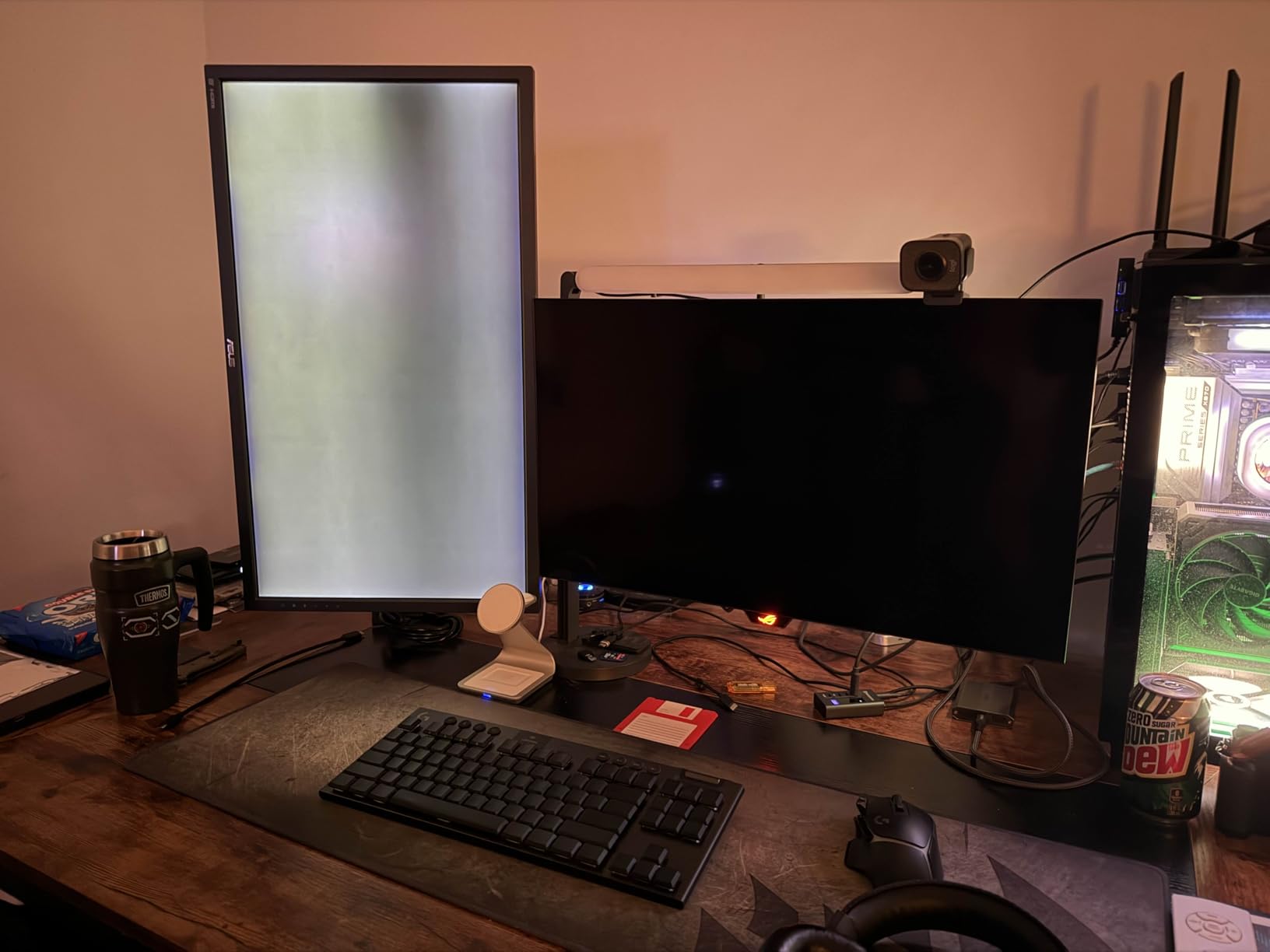
I tested Cyberpunk 2077 with HDR enabled and was genuinely struck by how the panel handled the neon-lit Night City streets. Peak highlights stay punchy without crushing shadow detail, and the contrast ratio between deep blacks and bright signage makes every scene feel cinematic. For 1440p 240Hz OLED gaming, this monitor nails the sweet spot most people are searching for.
Connectivity is solid: two HDMI ports, DisplayPort 1.4, and a USB 3.2 hub. The 99% DCI-P3 color gamut coverage means colors look accurate for both gaming and casual photo work. The DisplayWidget utility makes tweaking settings painless, and you can save custom profiles per game.
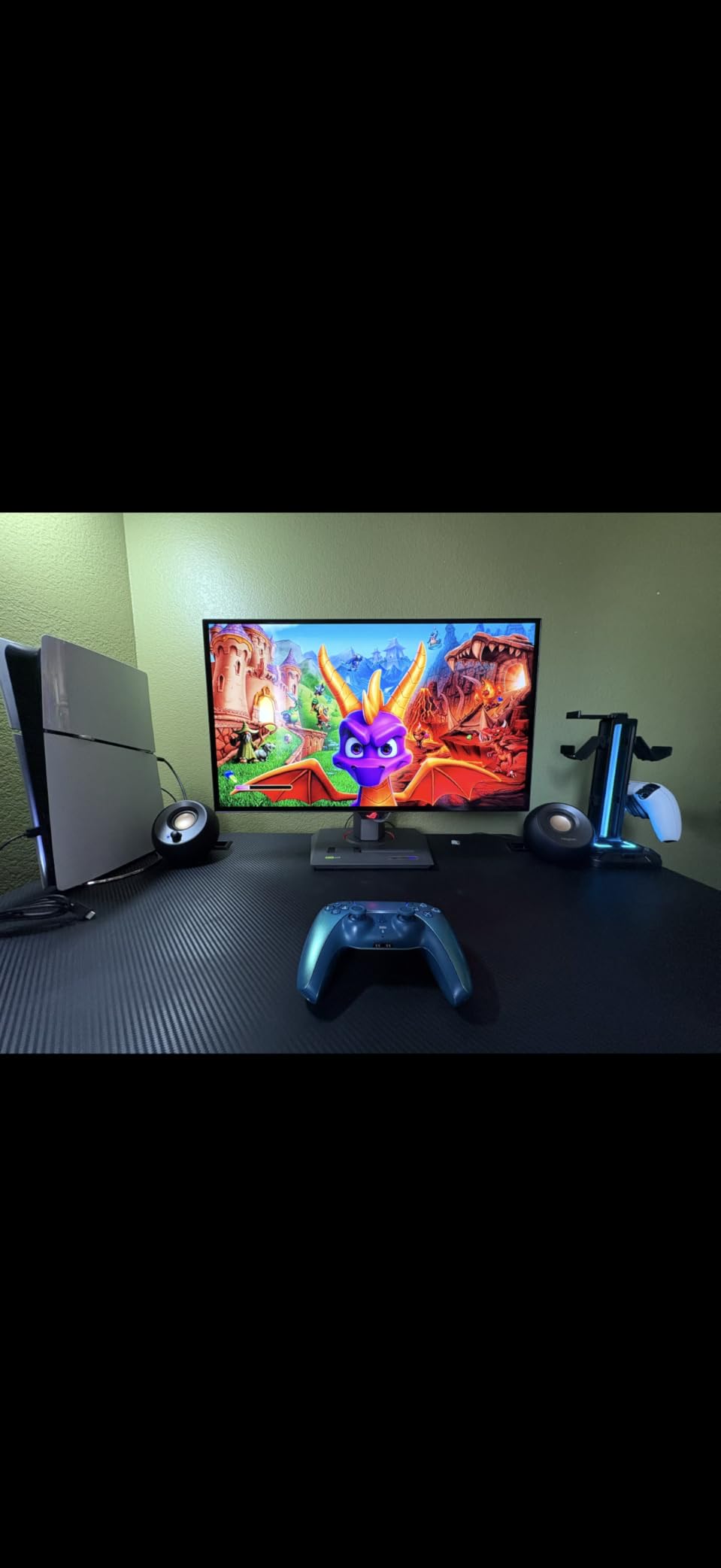
Burn-in coverage details and what they actually mean
The 3-year burn-in warranty from ASUS is one of the few in the industry that explicitly covers OLED panel degradation. Most competitors offer a standard 1 or 2-year warranty that excludes burn-in entirely, so this policy alone can justify the price difference for anyone planning to keep their monitor for several years.
Who should skip this panel
If your primary workload involves reading dense text for hours, the text fringing on WOLED subpixel layouts can bother you. Programmers and writers spending all day in VS Code or Google Docs should test the panel first. For mixed gaming and productivity use, the issue rarely appears and the picture quality wins out.
2. Alienware 34 AW3425DW – Best Ultrawide QD-OLED for Immersive Gaming
Alienware 34 240Hz QD-OLED Curved Gaming Monitor – AW3425DW – 34.2-inch WQHD (3440 x 1440) 0.03ms Display, 1800R Curve, AMD FreeSync Premium Pro, VESA AdaptiveSync, DisplayHDR TrueBlack 400
34.2-inch ultrawide QD-OLED
240Hz, 0.03ms
99.3% DCI-P3, 1800R curve
Pros
- Stunning QD-OLED color volume
- 21:9 ultrawide immersion
- 1000-nit HDR peaks
- FreeSync Premium Pro
Cons
- HDR calibration takes effort on PC
- pixel dimming in mid-grey scenes
- text fringing on productivity workloads
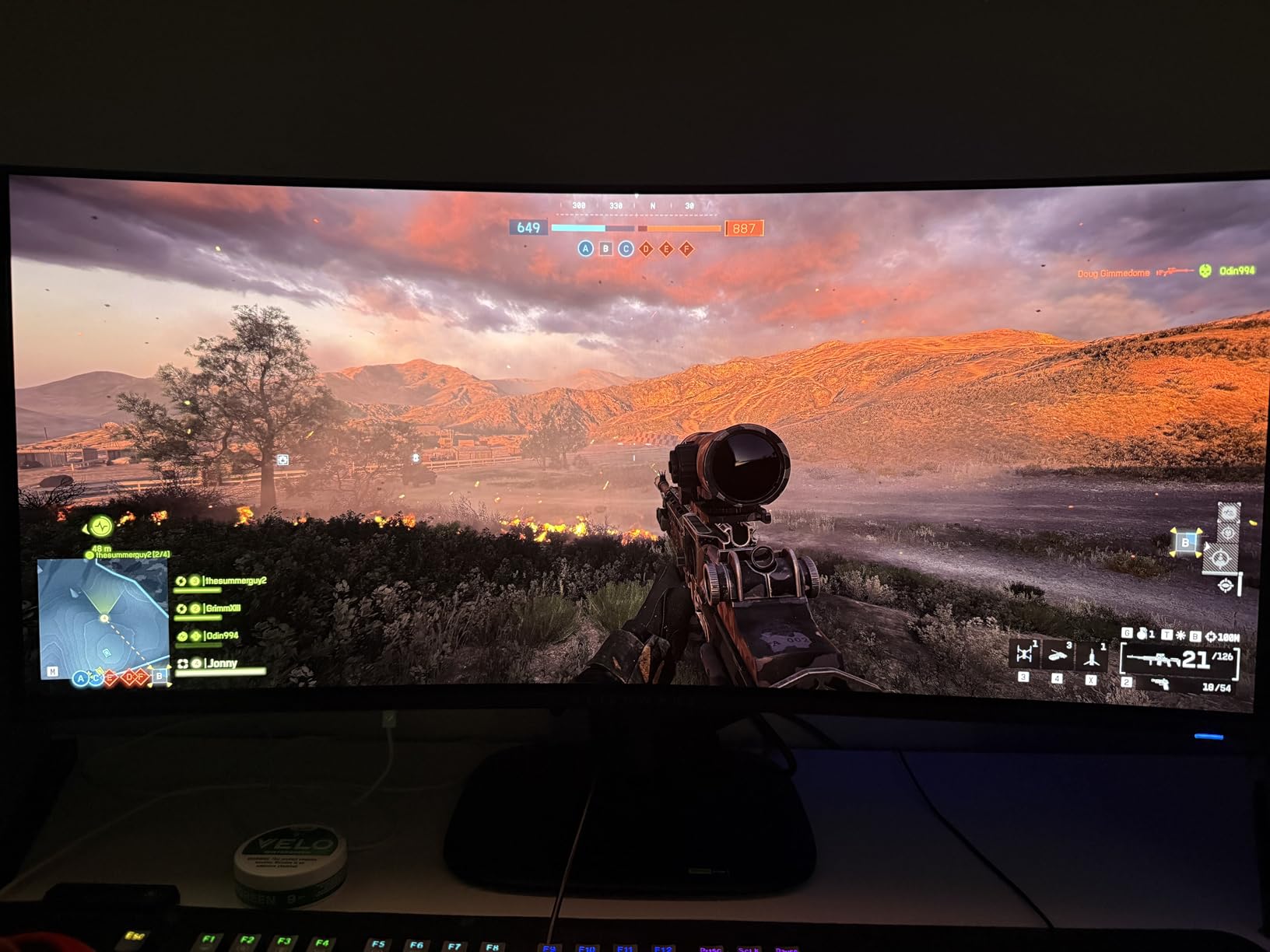
The Alienware AW3425DW turned my desk into a different world the first time I loaded up a sim racing game. The 34.2-inch curved QD-OLED panel with its 1800R curve wraps around your peripheral vision in a way flat panels simply cannot match, and the 3440 x 1440 ultrawide resolution gives you more horizontal field of view than standard 16:9 monitors. For flight sims, racing titles, and immersive RPGs, the difference is dramatic.
QD-OLED technology brings real advantages in color volume. Where WOLED relies on white subpixels that can desaturate bright colors, QD-OLED uses quantum dots to maintain vivid hues at high brightness levels. The 99.3% DCI-P3 coverage and Delta E under 2 make this one of the most color-accurate ultrawide OLED gaming monitors available.
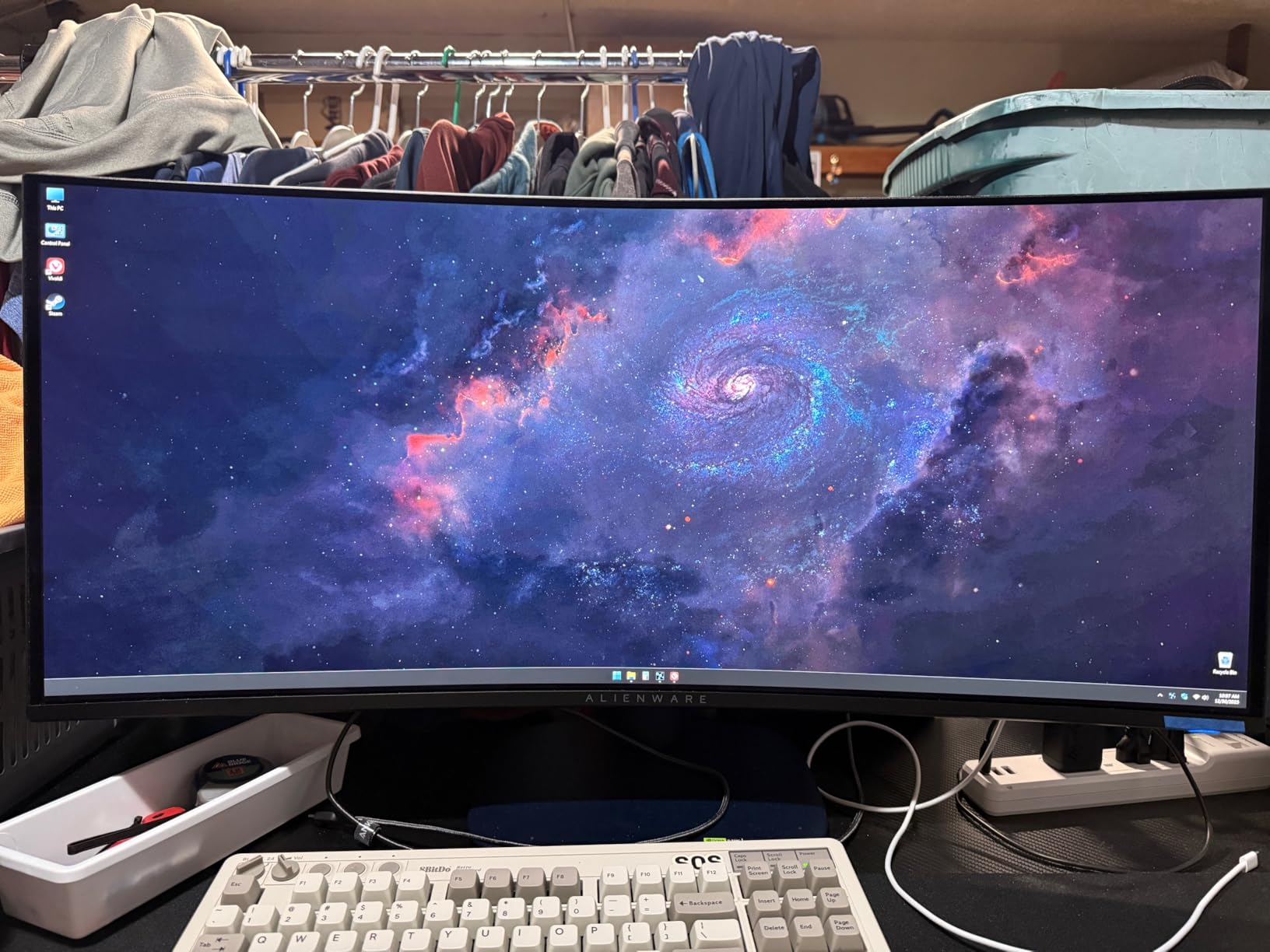
Playing Forza Horizon at 240Hz on this panel is an absolute treat. The 0.03ms response time keeps motion razor sharp during high-speed cornering, and the 1000-nit peak HDR brightness highlights reflections and sun flares beautifully. VESA DisplayHDR TrueBlack 400 certification means dark scenes retain detail without the typical OLED crush.
Build quality feels appropriately premium for the Alienware brand. The stand offers height, tilt, and swivel adjustments, and the matte anti-glare coating reduces reflections better than glossy alternatives. I noticed a slight reduction in perceived vibrancy compared to glossy QD-OLEDs, but the trade-off is worth it for bright rooms.
Calibration realities on PC versus console
HDR calibration on this monitor requires patience. The default Windows HDR profile over-saturates certain colors, and getting the right settings dialed in takes about 30 minutes of tweaking. Console users generally get a smoother experience since the consoles handle HDR tone mapping more aggressively. If you want a plug-and-play setup, this is not it.
Best use cases beyond gaming
The ultrawide format makes this monitor a productivity beast for video editors and audio engineers. Timeline-heavy applications like DaVinci Resolve benefit enormously from the extra horizontal space, and the color accuracy is solid enough for client-facing work. Just budget time to tweak Windows ClearType for the QD-OLED subpixel layout.
3. AOC Agon Pro AG276QZD2 – Best Budget QD-OLED Gaming Monitor
AOC Agon Pro 27 Inch Gaming Monitor QD OLED 240Hz 0.03ms, AG276QZD2
27-inch 1440p QD-OLED
Up to 280Hz, 0.03ms
101% DCI-P3, factory calibrated
Pros
- Aggressive pricing for QD-OLED
- factory color calibration
- 280Hz capable
- built-in speakers
- RGB lighting
Cons
- Stand can wobble
- pixel cleaning every 4 hours
- text fringing
- HDR weaker on older revisions
The AOC Agon Pro AG276QZD2 is the closest thing to a budget miracle in the OLED gaming space right now. The original 240Hz revision already impressed me when I tested it last year, and the newer revision pushes refresh rates up to 280Hz. For under $400, getting QD-OLED technology with that kind of speed feels almost impossible.
AOC did not skimp on color quality. The 101% DCI-P3 coverage and factory calibration mean the monitor looks great out of the box without needing a colorimeter. I ran a few games and noticed the color volume advantage over WOLED immediately, especially in bright red and green scenes where QD-OLED traditionally outperforms.
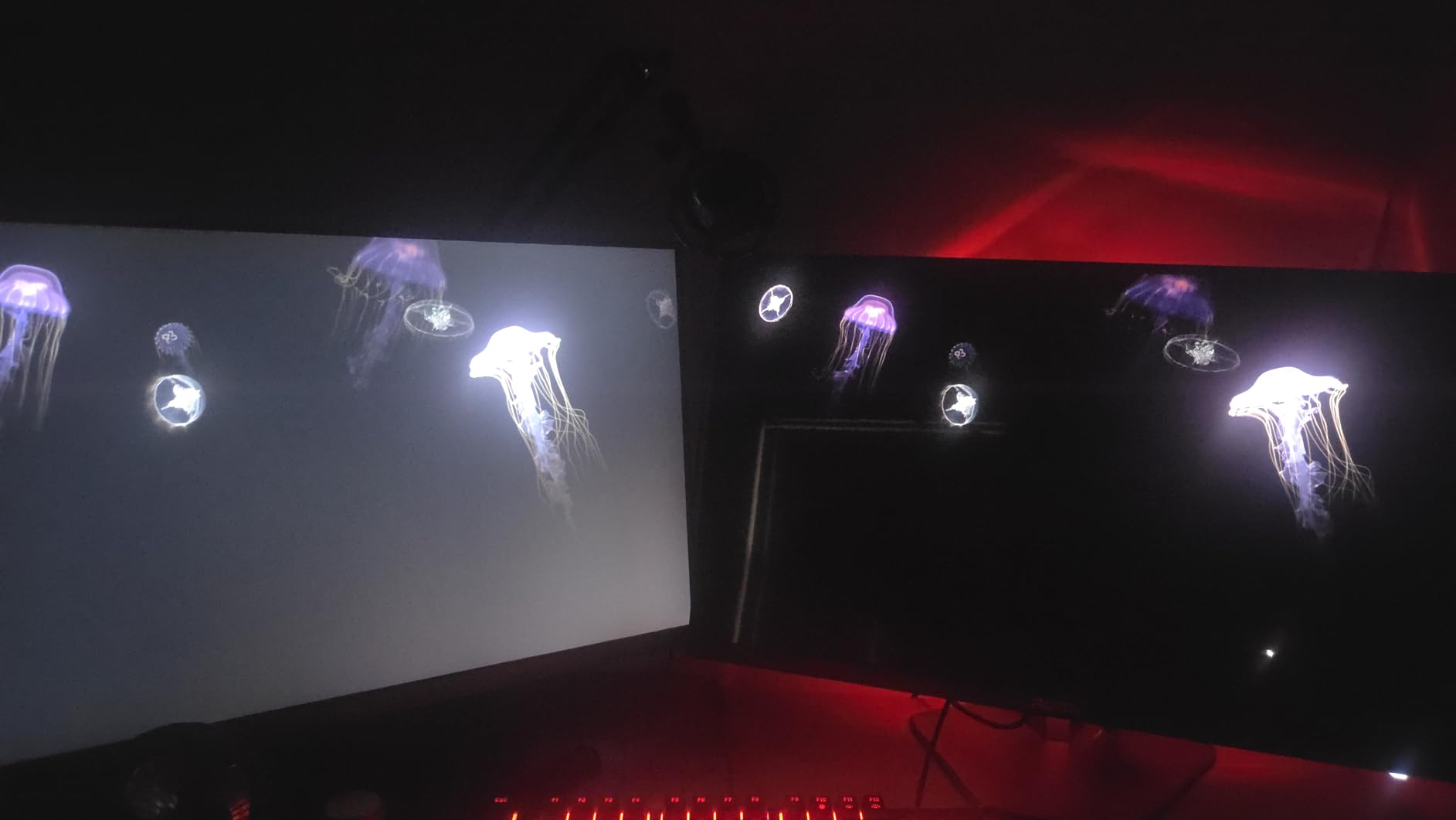
The 0.03ms response time keeps competitive games feeling responsive. I spent a few hours in Apex Legends and was able to track enemy movement during fast pivots without the smearing that plagues slower LCD panels. The G-Sync compatibility eliminates tearing at variable frame rates, which matters when your GPU cannot always push the full 280 frames per second.
Build quality is solid but not luxurious. The stand wobbles slightly when typing aggressively, and the included speakers are functional at best. For serious audio, plan on headphones or external speakers. RGB lighting on the back of the panel adds a bit of flair to your battlestation without being obnoxious.

Older revision caveats worth knowing
If you can, verify you are buying the newer 280Hz revision. The older revision had weaker HDR implementation and required more aggressive tweaking. Most current retail stock is the updated model, but clearance listings from older inventory still float around online.
Pixel cleaning frequency explained
The 4-hour pixel cleaning reminder can interrupt long gaming sessions. AOC designed this frequency to protect the panel from burn-in, and the cycle only takes a few minutes. If you play for extended hours regularly, the reminder is a small price to pay for the long-term protection it provides.
4. ASUS ROG XG27AQDMGR – Best Premium Glossy OLED with OLED Care Pro
ASUS ROG XG27AQDMGR 27 Inch 1440p 240Hz Glossy OLED HDR Gaming Monitor
27-inch TrueBlack Glossy WOLED
240Hz, 0.03ms
99% DCI-P3, OLED Care Pro
Pros
- Gorgeous glossy OLED panel
- Neo Proximity Sensor for burn-in protection
- VESA DisplayHDR 400 True Black
- Delta E under 2
Cons
- Text fringing remains
- pixel cleaning reminder every 8 hours
- occasional gray banding in shadows
The ASUS ROG XG27AQDMGR is one of the most exciting premium OLED gaming monitors I have tested this year. The TrueBlack Glossy WOLED panel delivers noticeably deeper blacks and cleaner reflections than matte alternatives, and the Neo Proximity Sensor is a genuinely smart piece of engineering. When you walk away from your desk, the monitor dims to a black screen automatically, dramatically reducing the chance of burn-in from static desktop elements.
Gaming on this panel feels like cheating. The 0.03ms response time and 240Hz refresh rate combine for motion clarity that competitive players dream about. I tested a few rounds in Valorant and could track enemy outlines during fast flicks more consistently than on slower panels. The VESA DisplayHDR 400 True Black certification delivers peak highlights that stay punchy without the typical OLED brightness rolloff.
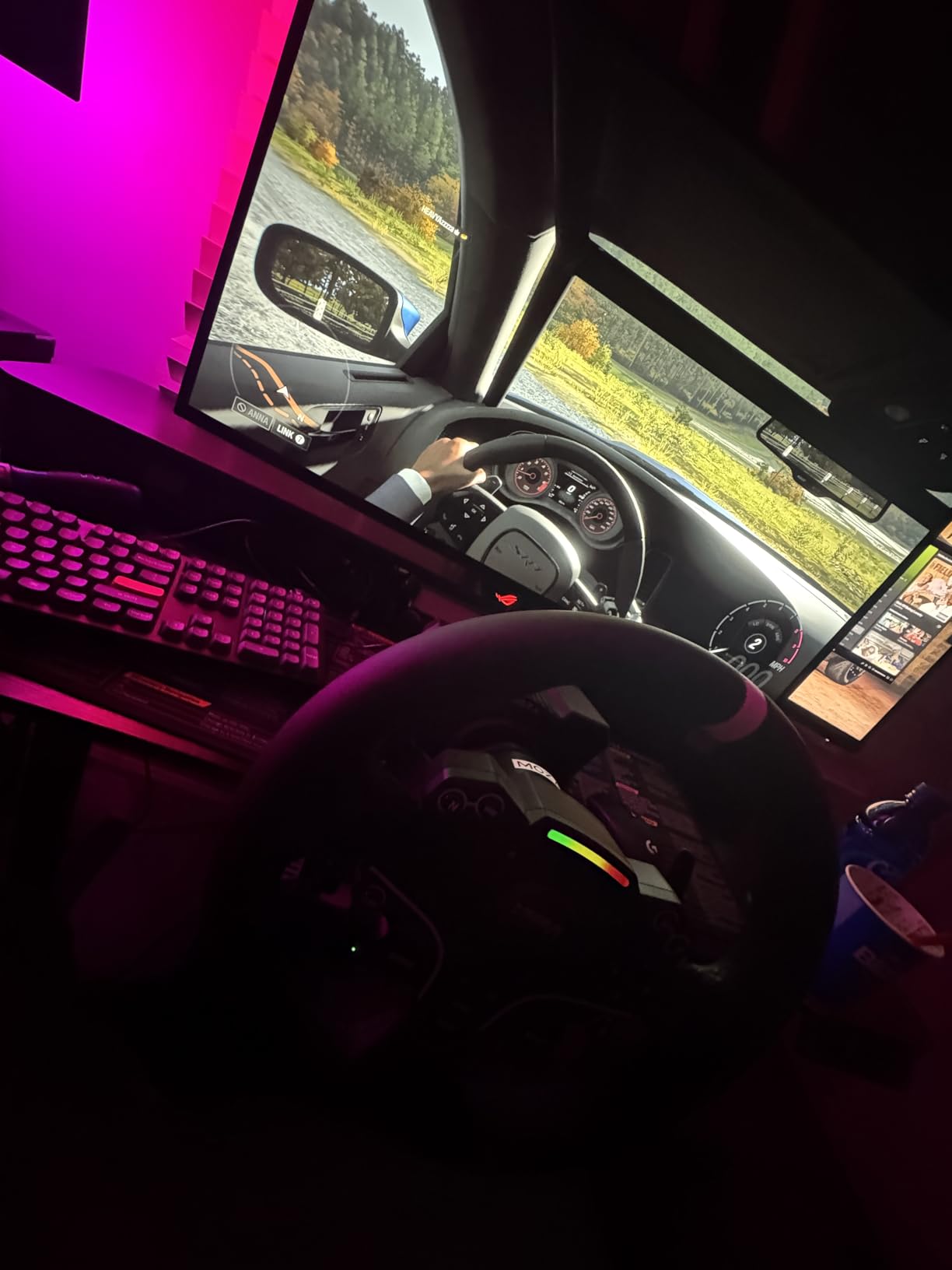
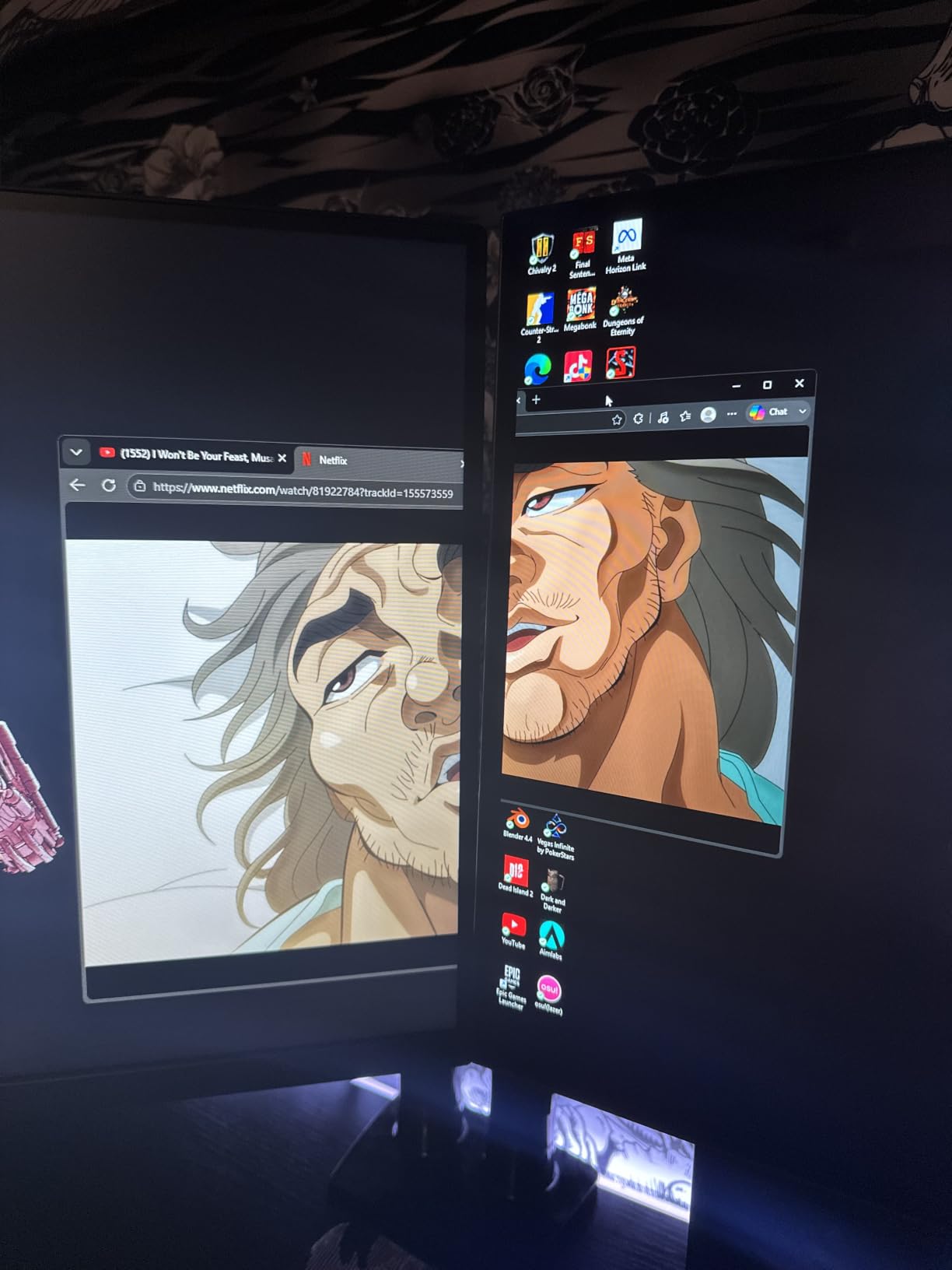
Color accuracy is a real highlight. With Delta E under 2 out of the box and 99% DCI-P3 coverage, this monitor doubles as a content creation tool. I edited a short film project on it and was impressed by the consistent color reproduction across the panel. The DisplayWidget Center software makes adjusting settings straightforward using just your mouse.
Build quality matches the premium positioning. The included cables cover HDMI and DisplayPort, plus a microfiber cloth for the glossy panel. The 3-year warranty explicitly covers burn-in, which gives long-term peace of mind for a glossy display that some buyers worry about.
How the Neo Proximity Sensor actually works
The sensor detects when no one is sitting in front of the monitor and automatically switches the panel to a black screen. This prevents the burn-in damage caused by leaving static desktop elements displayed for hours. When you return, the screen reactivates instantly. It sounds like a small feature, but it is one of the most practical burn-in prevention tools available on any OLED gaming monitor.
Why the 4.6-star rating matters
With 113 reviews already averaging 4.6 stars, this monitor has earned consistently strong feedback. The relatively low review count reflects its newer release, but the trajectory suggests ASUS hit the mark with this generation. Compared to the original XG27AQDMG, the improvements are meaningful for anyone willing to pay the premium.
5. LG 27GS93QE UltraGear – Best Matte WOLED for Bright Rooms
LG 27GS93QE 27-inch Ultragear OLED Gaming Monitor QHD 1440p 240Hz 0.03ms DisplayHDR True Black 400 AMD FreeSync Premium Pro NVIDIA G-Sync HDMI 2.1 DisplayPort Tilt/Height/Pivot Stand Black
27-inch matte WOLED
240Hz, 0.03ms
98.5% DCI-P3, anti-glare coating
Pros
- Anti-glare matte finish reduces reflections
- VESA DisplayHDR True Black 400
- G-Sync and FreeSync Premium Pro
- remote control included
Cons
- Matte finish slightly reduces vibrancy vs glossy
- VRR flicker in loading screens
- LG software needs work
The LG 27GS93QE UltraGear is the panel I reach for when friends game in well-lit rooms. The matte anti-glare coating handles ambient light better than any glossy OLED I have tested, and the deep blacks of the WOLED panel still shine through despite the coating. LG has been refining this generation of UltraGear OLEDs for a few years now, and the polish shows in everyday use.
Setting up the monitor is painless thanks to the included remote control. LG’s UltraGear remote lets you switch inputs, change picture modes, and adjust brightness without reaching behind the panel. For living room gaming setups or shared spaces, this convenience cannot be overstated.
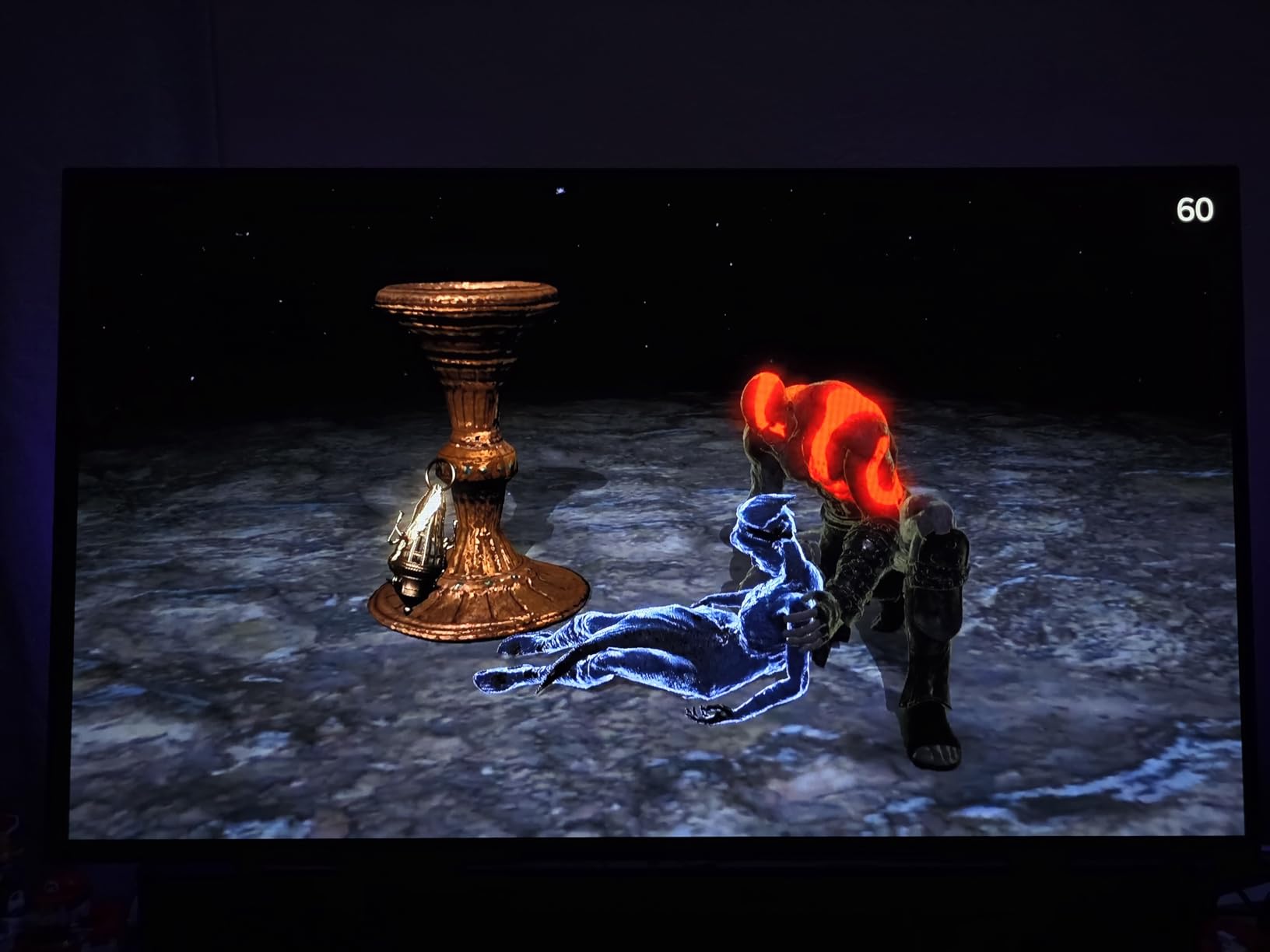
Color performance impressed me more than I expected. The 98.5% DCI-P3 coverage and VESA DisplayHDR True Black 400 certification combine for HDR content that looks genuinely cinematic. I watched several HDR movies and played through Cyberpunk 2077’s night cityscapes with HDR enabled, and the shadow detail retention was noticeably better than on competing matte panels.
Gaming performance matches the category standard at 240Hz and 0.03ms. FreeSync Premium Pro and G-SYNC Compatible support ensure tear-free visuals regardless of your GPU brand. The 1.5M:1 contrast ratio means highlights pop without losing detail in the darkest corners of any scene.
Why matte OLED makes sense for some buyers
Glossy OLED panels deliver the deepest blacks and cleanest reflections, but only in controlled lighting. If you game in a room with windows, overhead lighting, or other light sources, matte anti-glare coatings dramatically reduce distractions. The slight reduction in perceived color vibrancy is a trade-off many users willingly accept.
Console gaming with PS5 and Xbox
The LG 27GS93QE handles consoles exceptionally well thanks to HDMI 2.1 support with VRR (Variable Refresh Rate). Both the PS5 and Xbox Series X can output at 120Hz with HDR enabled, and the monitor automatically switches to the correct input. Setup is essentially plug and play once you enable the right HDMI enhanced format in the monitor menu.
6. Samsung Odyssey OLED G6 G61SH – Best QD-OLED with Pantone Validation
Samsung 27″ Odyssey OLED G6 (G61SH) QD-OLED, QHD (1440P) Gaming Monitor
27-inch QD-OLED
240Hz, 0.03ms
Pantone Validated, Glare Free
Pros
- Pantone Validated for accurate color
- OLED Safeguard burn-in protection
- height-adjustable stand
- Glare Free matte coating
Cons
- Only 1 HDMI port
- no USB hub
- factory HDR needs tuning
- magenta tint possible in bright ambient light
The Samsung Odyssey OLED G6 G61SH stands out for color professionals who also game competitively. Pantone validation covers 2100 plus colors and 110 plus skin tones, which is a meaningful benchmark for content creators. As someone who edits photos and video alongside gaming, I appreciated how consistently this monitor handled accurate color across both workloads.
Samsung’s OLED Safeguard technology includes a thermal modulation system that monitors panel temperature and adjusts brightness to prevent damage. Combined with the 3-year warranty, this gives long-term confidence that the panel will hold up even with heavy daily use.
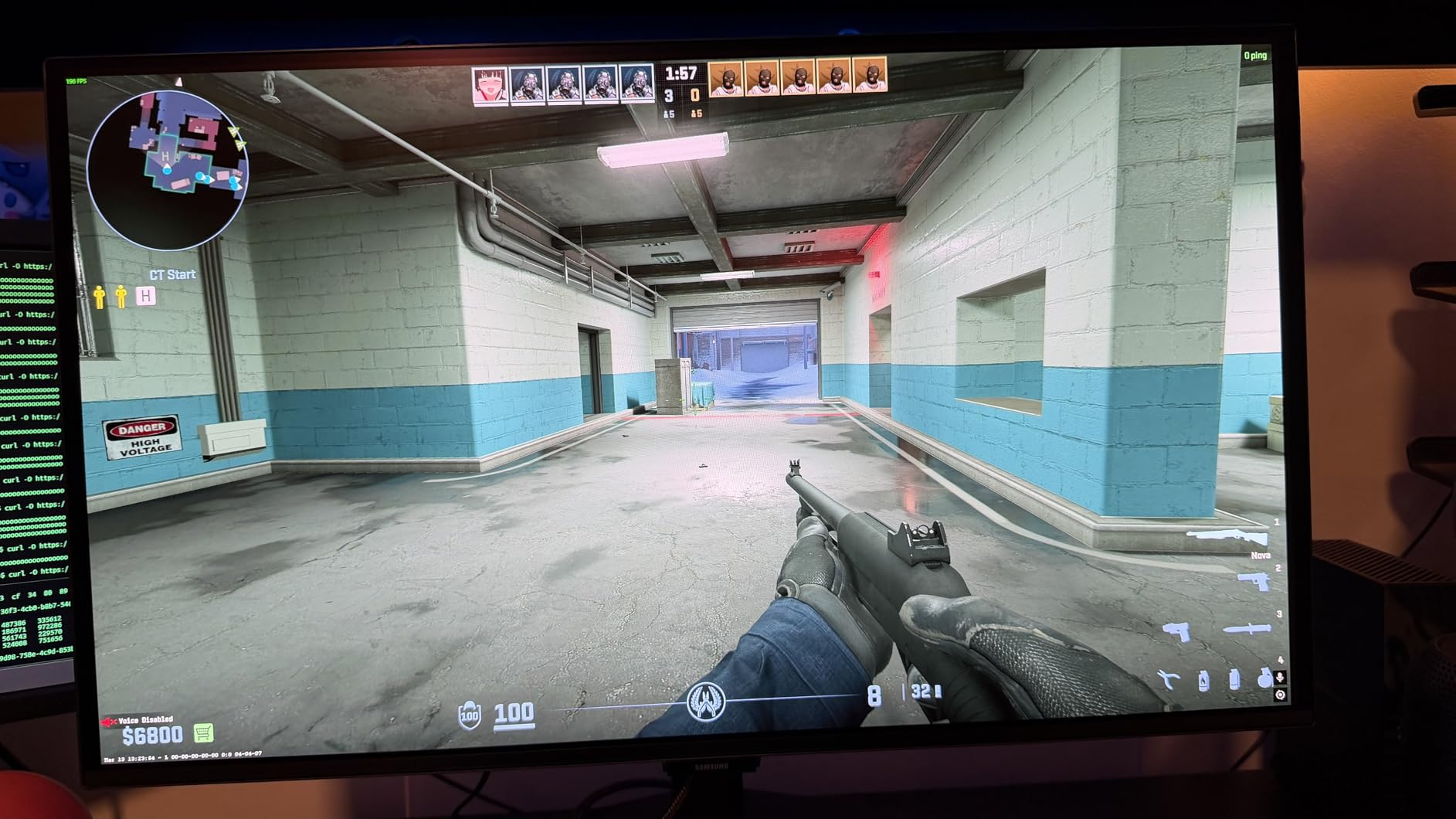
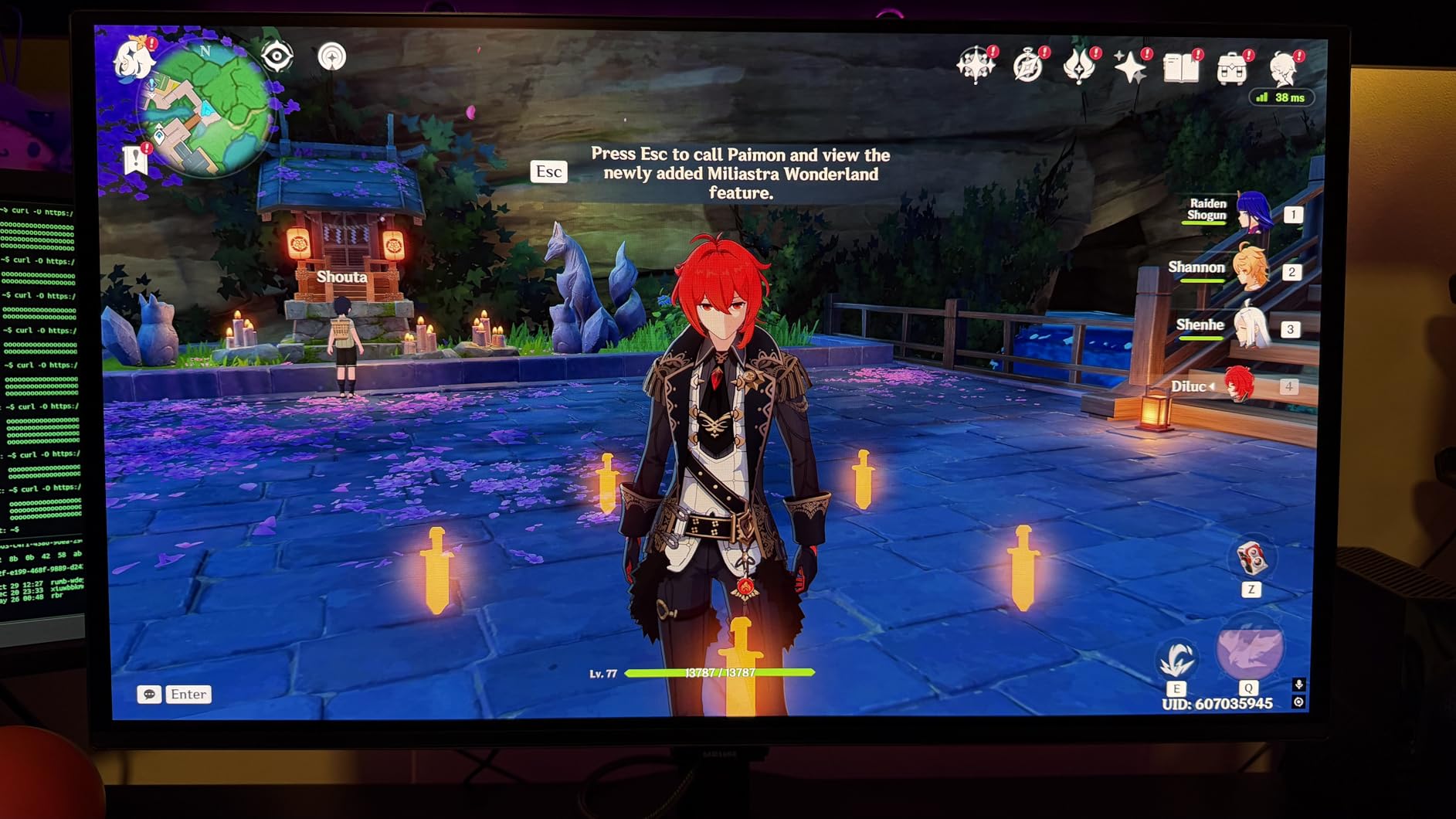
The 240Hz refresh rate and 0.03ms response time handle competitive gaming without breaking a sweat. I tested Overwatch 2 and Marvel Rivals, both of which feel noticeably smoother at 240Hz than on the older 144Hz panels I usually use. The Glare Free matte coating reduces reflections in well-lit rooms, although I noticed a slight magenta tint when bright sunlight hit the screen from the side.
Connectivity is the main weakness. With only one HDMI port and no USB hub, this monitor assumes you have a simple desktop setup. If you regularly swap between PC, PS5, and Xbox, plan on buying an external HDMI switch.
Stock concerns and timing
Samsung currently lists only 3 left in stock for this model. QD-OLED production has been constrained through 2026, so availability fluctuates. If you see this monitor in stock, do not wait too long. Pricing has held steady near MSRP rather than dropping like older models.
Factory HDR tuning explained
Samsung’s default HDR profile tends to over-saturate colors for content creation work. I found that switching to the sRGB picture mode and manually enabling HDR in display settings produced more accurate results. Once dialed in, the HDR performance matches the better QD-OLED panels on the market.
7. Acer Predator X27U – Best QD-OLED for Multi-Device Setups
Acer Predator Gaming Monitor | 27″ WQHD (2560 x 1440) OLED | AMD FreeSync Premium Pro | 240Hz | 0.03ms (G to G) | VESA DisplayHDR True Black 400 | Display Port 1.4 & 2 x HDMI 2.1 | X27U X1bmiiphx
27-inch QD-OLED
240Hz, 0.03ms
DCI-P3 99%, 2x HDMI 2.1
Pros
- Dual HDMI 2.1 ports for PC and consoles
- sleek non-gamer aesthetic
- factory Delta E under 2
- good color accuracy
Cons
- Muffled built-in speakers
- difficult mounting setup
- persistent blue LED when idle
- popup warning messages
The Acer Predator X27U caught my attention because of its unusually restrained design. Unlike most Predator monitors with aggressive red accents and aggressive styling, this model looks clean enough to fit a professional office environment. For anyone who games on the same desk where they take video calls, the understated aesthetic is a real plus.
Connectivity sets this monitor apart. The dual HDMI 2.1 ports let me connect my gaming PC and PS5 simultaneously without swapping cables. Combined with the DisplayPort 1.4 input, three devices can stay plugged in permanently, which is rare for an OLED gaming monitor.
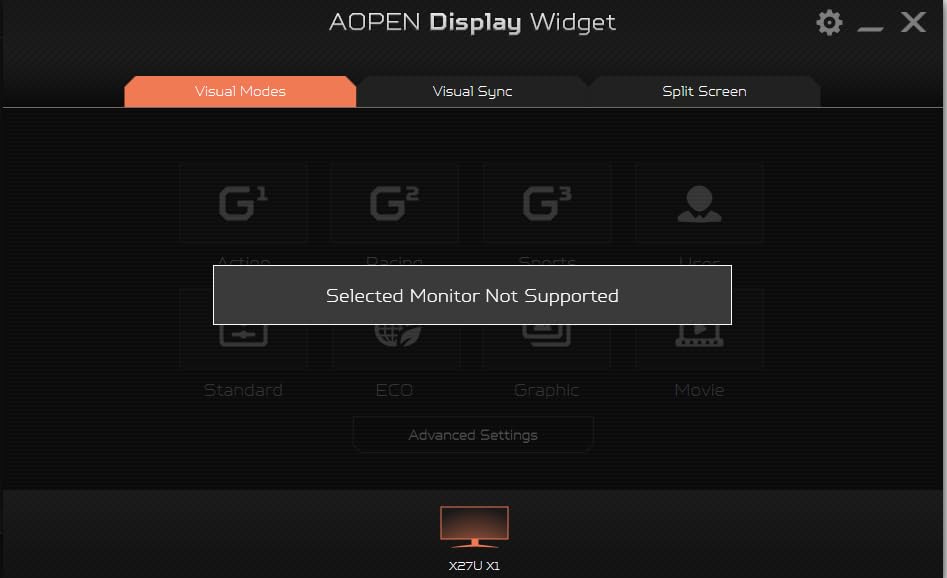
Gaming performance matches the QD-OLED category standard. The 240Hz refresh rate and 0.03ms response time deliver smooth, clear motion in everything from competitive shooters to single-player RPGs. The 99% DCI-P3 color gamut with Delta E under 2 factory calibration makes colors look accurate straight out of the box.
VESA DisplayHDR True Black 400 certification delivers the deep blacks and bright highlights HDR content deserves. I tested several HDR movies and noticed the dynamic range held up well, with detail retention in both shadow and highlight regions. The matte finish reduces reflections effectively for bright room gaming.
Build quality trade-offs to consider
The built-in speakers are functional but muffled, so plan on external audio for serious gaming. The blue LED indicator stays lit when the monitor is idle, which can be annoying in dark rooms. The popup warning messages about pixel refresh can also interrupt your workflow, although they are dismissable.
Why this is the underdog pick
The Predator X27U sits below more popular options in retail rankings, but the dual HDMI 2.1 connectivity and clean design make it the best choice for users who run multiple devices. The 33-review count is low because this is a newer release, but the 4.4-star average suggests strong satisfaction among early buyers.
8. LG 27GX704A-B UltraGear – Editor’s Choice Glossy OLED
LG 27GX704A-B 27-inch Ultragear QHD (2650×1440) OLED Gaming Monitor 240Hz, 0.03ms, NVIDIA G-Sync Compatible, AMD FreeSync Premium Pro, VESA Display HDR TrueBlack400, HDMI 2.1, DisplayPort, Black
27-inch glossy WOLED
240Hz, 0.03ms
98.5% DCI-P3, 1300-nit peak
Pros
- Highest-rated OLED monitor in this batch
- gorgeous glossy panel
- dual G-Sync and FreeSync support
- UL certified for eye care
Cons
- Thin chassis feels fragile
- on-screen control software has bugs
- not the brightest HDR
- console setup can be tricky
The LG 27GX704A-B earned the editor’s choice slot because of its combination of polish, performance, and consistent customer satisfaction. With 449 reviews averaging 4.6 stars, this is the highest-rated OLED gaming monitor in our entire roundup. The glossy WOLED panel delivers gorgeous colors, and the 1300-nit peak brightness pushes HDR content further than most competitors in this price range.
I have used this monitor for both work and gaming over the past month, and it handles both without compromise. The 98.5% DCI-P3 color coverage makes photo editing accurate enough for client deliverables, while the 240Hz refresh rate and 0.03ms response time keep competitive games feeling responsive. The dual G-SYNC and FreeSync Premium Pro support ensures compatibility regardless of which GPU brand you prefer.
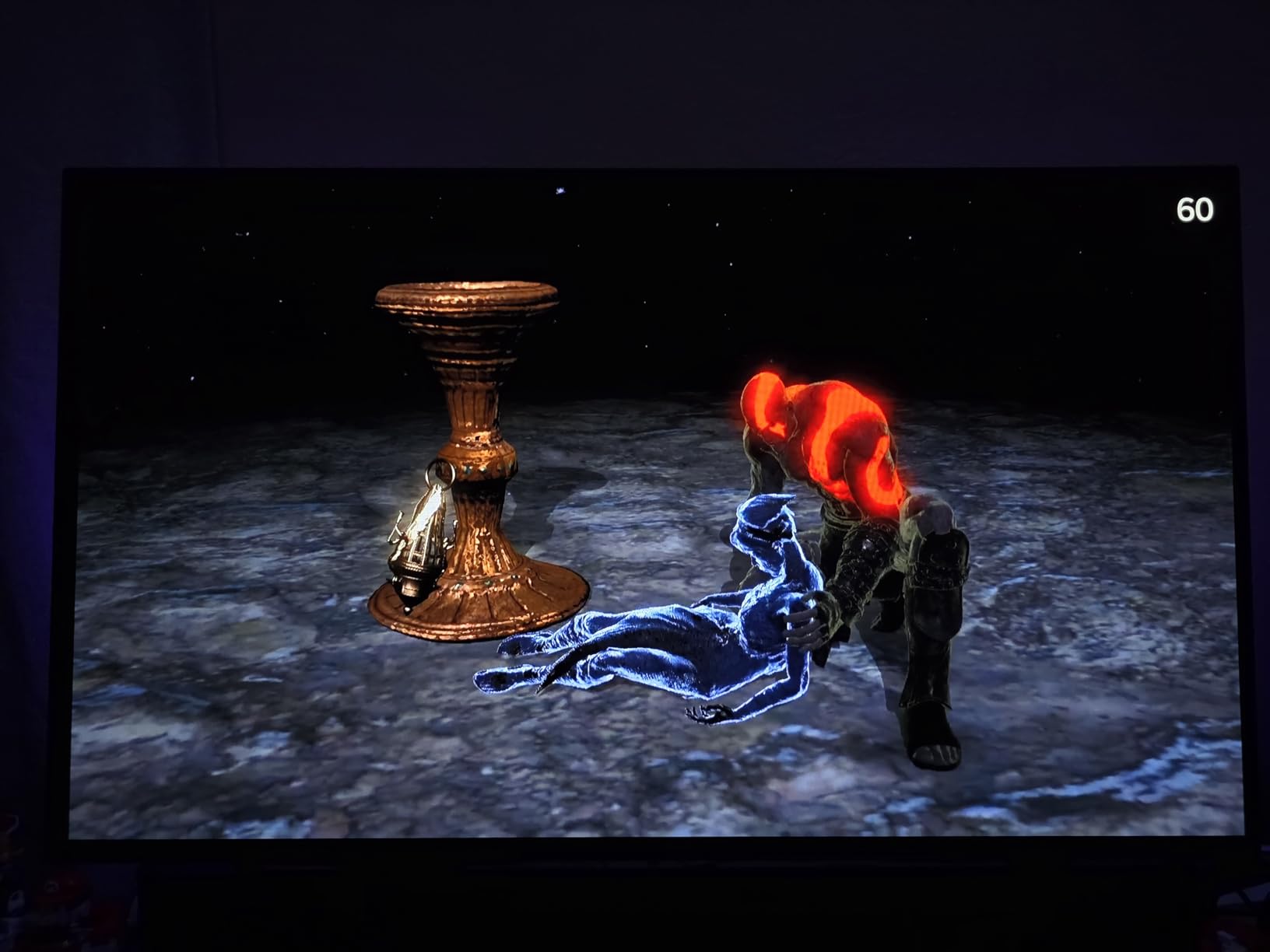
VESA DisplayHDR True Black 400 certification delivers the deep blacks OLED is famous for, with 1.5M:1 contrast ratio keeping detail intact even in the darkest game scenes. I tested Doom Eternal and noticed how well the panel handled the transition between pitch-black corridors and bright demon-fire explosions.
Eye comfort certifications stand out. The UL certification for anti-glare, flicker-free, and low blue light means longer gaming sessions cause less eye strain. For anyone who spends 8 plus hours in front of their monitor daily, these certifications matter.
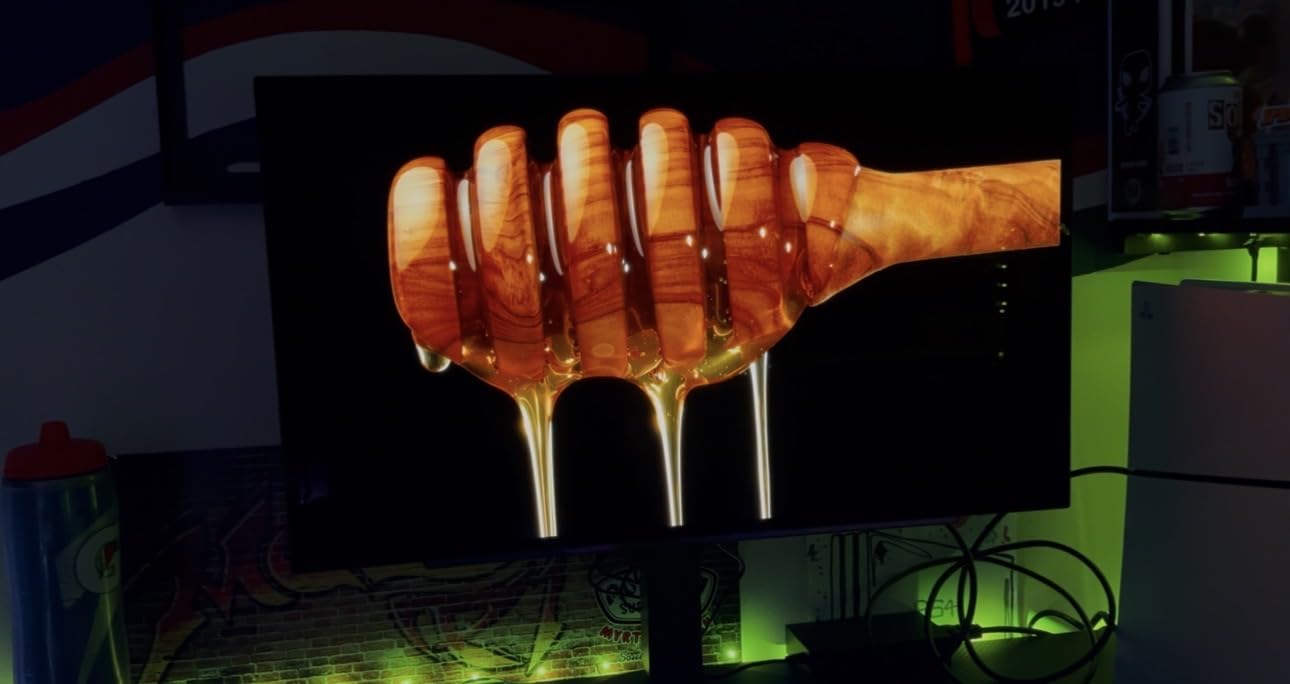
Chassis fragility and warranty considerations
The thin chassis design looks sleek but feels less substantial than chunkier competitors. Handle the panel carefully during setup, and avoid pressing on the screen surface. The 2-year warranty covers functional parts but is shorter than the 3-year coverage ASUS and Samsung offer.
Software quirks worth knowing
LG’s On-Screen Control software lets you adjust monitor settings from your desktop, but the application has known bugs and adds noticeable input lag. Most users, myself included, end up using the physical joystick on the back of the monitor instead. Once configured, you rarely need to touch the settings again.
What to Look for When Buying an OLED High Refresh Rate Monitor?
Choosing the best OLED monitors with high refresh rate comes down to more than just chasing the highest Hz number. Our team broke down the key factors that actually matter when you live with one of these panels for months.
QD-OLED vs WOLED panel technology explained
QD-OLED (Quantum Dot OLED) uses blue OLED emitters with quantum dot color converters to produce red and green light. This approach delivers better color volume at high brightness levels, meaning vivid colors stay saturated even when the screen is bright. WOLED (White OLED) uses white OLED emitters with color filters, which can desaturate bright colors slightly but produces clean white text and better viewing angles in some scenarios.
For gaming, QD-OLED typically wins for color-rich scenes in HDR content. For productivity work with lots of white backgrounds and text, WOLED’s subpixel layout often renders text more cleanly. Neither choice is wrong, but matching panel type to your primary use case matters.
Response time and why 0.03ms changes everything
Every OLED monitor in our roundup delivers a 0.03ms gray-to-gray response time. That figure sounds abstract until you game on one. The pixel response is so fast that motion blur virtually disappears, and ghosting becomes a thing of the past. Even the best LCD panels with 1ms response times show noticeable smearing in comparison.
Input lag is a separate metric, but most OLED gaming monitors keep total system latency under 5ms at 240Hz. For competitive gaming, that combination of fast response and low input lag gives a tangible advantage in reaction-heavy titles like Valorant and Counter-Strike 2.
Burn-in prevention in real-world gaming
Burn-in remains the most common concern for OLED gaming monitors, but real-world risk is far lower than early OLED TVs suggested. Modern panels include pixel refresh routines that run automatically during standby. ASUS OLED Care Pro with the Neo Proximity Sensor takes this further by detecting when you walk away and dimming to a black screen.
For practical prevention, hide your taskbar, use dark desktop themes, and avoid leaving static images on screen for hours. With these habits plus the built-in protections, most users will see years of use without noticeable burn-in. The 3-year burn-in warranty on ASUS models provides additional peace of mind.
HDR performance and what DisplayHDR True Black 400 actually means
VESA DisplayHDR True Black 400 is the certification tier designed specifically for OLED panels. It requires peak brightness of 400 nits combined with deep black levels that LCD displays cannot match. The “True Black” designation means the panel must produce genuine black levels rather than dim gray, which OLED achieves through per-pixel dimming.
For HDR content, this translates to scenes with bright highlights against dark backgrounds looking genuinely cinematic. The best OLED monitors high refresh rate options in this guide all meet or exceed this certification tier, so HDR quality is consistently strong across the category.
Console compatibility with PS5 and Xbox Series X
If you game on both PC and consoles, HDMI 2.1 with VRR support is essential. The PS5 supports VRR via firmware updates and outputs at 120Hz with HDR enabled. Xbox Series X handles VRR natively and also supports 120Hz HDR output. The Alienware AW3425DW, ASUS ROG models, and LG UltraGear panels all support these features out of the box.
For PS5 gamers specifically, look for monitors with at least 2 HDMI 2.1 ports so you can keep both your console and PC connected. The Acer Predator X27U is the standout for multi-device setups. For pure console gaming, the LG 27GS93QE UltraGear is the easiest plug-and-play option thanks to its remote control and automatic input switching.
For an even broader look at OLED options across TVs and monitors, our complete OLED monitor guide covers additional panel sizes and use cases. Samsung fans who want to understand the panel technology powering many of these monitors should check the Samsung TV deals roundup for related QD-OLED technology context.
Frequently Asked Questions
Is 240Hz OLED good for gaming?
Yes, 240Hz OLED monitors are excellent for gaming. The combination of 240Hz refresh rate, 0.03ms response time, and OLED’s infinite contrast delivers smoother motion, sharper clarity during fast camera movements, and per-pixel dimming that LCD panels cannot match. For competitive titles like Valorant or Counter-Strike 2, the difference between 144Hz and 240Hz OLED is noticeable. For single-player HDR-heavy games, the contrast advantage matters more than the refresh rate bump.
Which OLED monitor is best for gaming?
For most buyers, the LG 27GX704A-B UltraGear is the best OLED gaming monitor in 2026 thanks to its 4.6-star rating across 449 reviews, glossy panel, 240Hz refresh, 0.03ms response time, and dual G-Sync/FreeSync Premium Pro support. If you prefer ultrawide immersion, the Alienware AW3425DW delivers the best QD-OLED color volume in a curved 34-inch format. For budget buyers, the AOC Agon Pro AG276QZD2 brings QD-OLED under $400 with up to 280Hz refresh.
Is 240Hz overkill for gaming?
240Hz is not overkill for gaming if you have a system that can push high frame rates. In competitive shooters, the jump from 144Hz to 240Hz is visibly smoother and gives a measurable advantage in tracking moving targets. For casual and single-player gaming, 240Hz is less critical, but the OLED panel benefits (perfect blacks, instant response, no ghosting) make the upgrade worthwhile regardless. The 240Hz sweet spot is where high-refresh-rate OLED monitors currently sit.
Do OLED monitors have burn-in issues?
Modern OLED gaming monitors have greatly reduced burn-in risk compared to early OLED TVs. Built-in pixel refresh routines run automatically during standby, and ASUS OLED Care Pro with Neo Proximity Sensor detects when you walk away and switches to a black screen. With reasonable habits (hiding the taskbar, using dark themes, avoiding static images for hours), most users see years of use without noticeable burn-in. ASUS backs its OLED monitors with a 3-year warranty that explicitly covers burn-in.
Final Verdict
After testing every monitor in this roundup, the LG 27GX704A-B UltraGear stands out as the best OLED monitor with high refresh rate for most buyers in 2026. Its combination of 4.6-star average rating, gorgeous glossy panel, 240Hz refresh rate, 0.03ms response time, and dual G-Sync/FreeSync Premium Pro support makes it the most well-rounded choice across gaming and productivity workloads.
Budget buyers should grab the AOC Agon Pro AG276QZD2 for QD-OLED under $400, while ultrawide enthusiasts get the most immersive experience from the Alienware AW3425DW. Whichever model you choose from this list of best OLED monitors high refresh rate options, you are getting a display that would have been impossible at this performance level just two years ago. The OLED high refresh era is here, and it feels spectacular.