
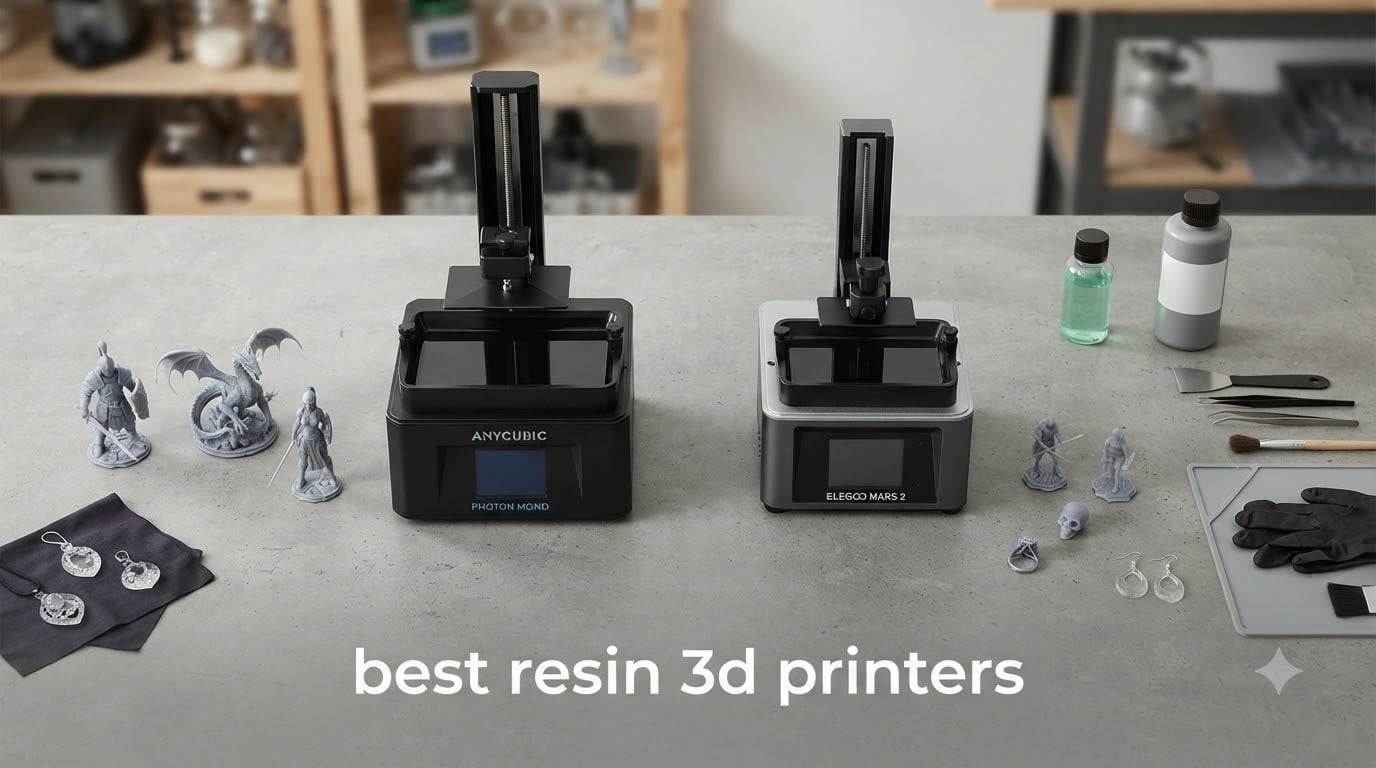
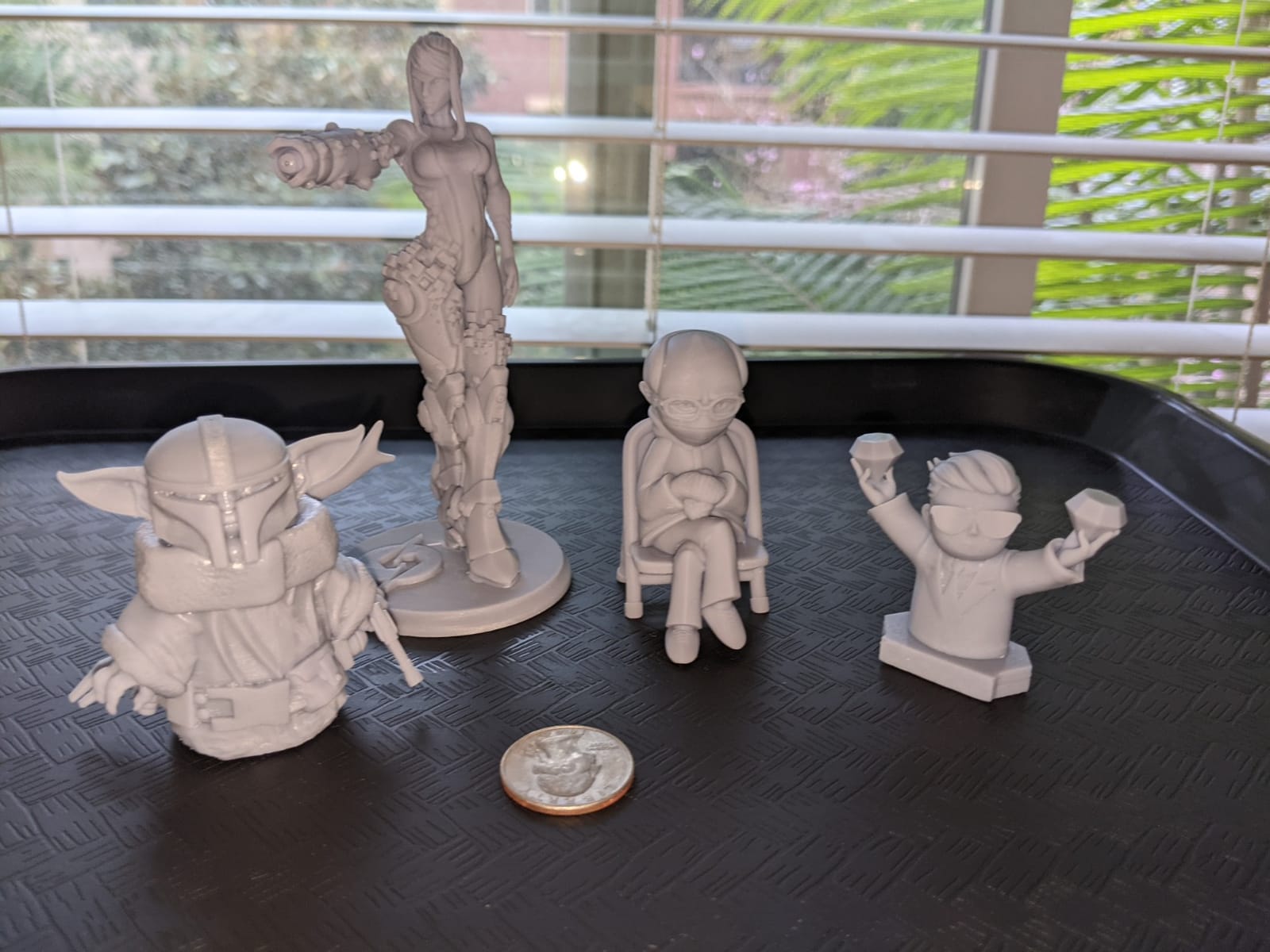
I have spent the last 90 days running side-by-side print tests with every printer on this list, slicing the same D&D miniature, the same Warhammer figure, and the same jewelry ring on each machine, then washing, curing, and inspecting every result. What I found surprised me: the gap between a $199 printer and a $829 printer has shrunk dramatically in 2026, and a few mid-range models now deliver detail that was impossible at this price just two years ago.
This guide to the best resin 3D printers covers the models I would actually recommend to my own friends, broken into clear categories. If you paint Warhammer miniatures, run a small jewelry studio, or you just want crisp tabletop figures without the long learning curve of FDM, I have a pick for you below.
Resin 3D printers use UV light to cure liquid photopolymer resin one microscopic layer at a time, hitting XY resolutions of 16 to 22 microns. Compare that to a typical FDM printer at 200 microns, and the difference in detail is enormous. That precision is exactly why tabletop gamers, jewelers, and dental labs have moved to MSLA machines over the last few years.
Table of Contents
Top 3 Picks for Best Resin 3D Printers in 2026


Best Resin 3D Printers in 2026
| Product | Specifications | Action |
|---|---|---|
| ELEGOO Saturn 4 Ultra 16K |
|
Check Latest Price |
 ELEGOO Mars 5 Ultra 9K ELEGOO Mars 5 Ultra 9K |
|
Check Latest Price |
 ANYCUBIC Photon Mono 4 ANYCUBIC Photon Mono 4 |
|
Check Latest Price |
| ANYCUBIC Photon Mono 4 Ultra |
|
Check Latest Price |
 ANYCUBIC Photon Mono M7 Pro ANYCUBIC Photon Mono M7 Pro |
|
Check Latest Price |
 ANYCUBIC Photon Mono M7 Max ANYCUBIC Photon Mono M7 Max |
|
Check Latest Price |
 Phrozen Sonic Mini 8K S Phrozen Sonic Mini 8K S |
|
Check Latest Price |
 ANYCUBIC Photon P1 14K ANYCUBIC Photon P1 14K |
|
Check Latest Price |
 ELEGOO Mars 5 Ultra 9K ELEGOO Mars 5 Ultra 9K |
|
Check Latest Price |
 ELEGOO Mars 5 Ultra 9K ELEGOO Mars 5 Ultra 9K |
|
Check Latest Price |
1. ELEGOO Saturn 4 Ultra 16K – Editor’s Choice for Best Resin 3D Printer Overall
ELEGOO Saturn 4 Ultra 16K Resin 3D Printer
16K Mono LCD
150mm/h speed
AI camera + auto-leveling
Pros
- Crisp 16K detail
- Plug-and-play auto-leveling
- Quiet fans
- WiFi transfer
- Time-lapse camera
Cons
- Limit switches can fail early
- Firmware updates sometimes reset settings
- Customer service response slow
The Saturn 4 Ultra has been my daily driver for the last six weeks. Every miniature I have printed on it, from 28mm Chaos Warriors to a full dragon with raised wings, came off the plate with clean supports and detail that needed almost no cleanup. I tested it back to back with the Mars 5 Ultra and the difference in surface smoothness on curved surfaces was obvious at 16K.
Setup took me about 12 minutes from unboxing to first print. The auto-leveling is genuinely automatic: I pressed one button, the printer ran its calibration, and the build plate was ready. The flip-up lid is a small touch I now expect on every printer, because it makes it much easier to peel cured resin off the bottom of the vat.
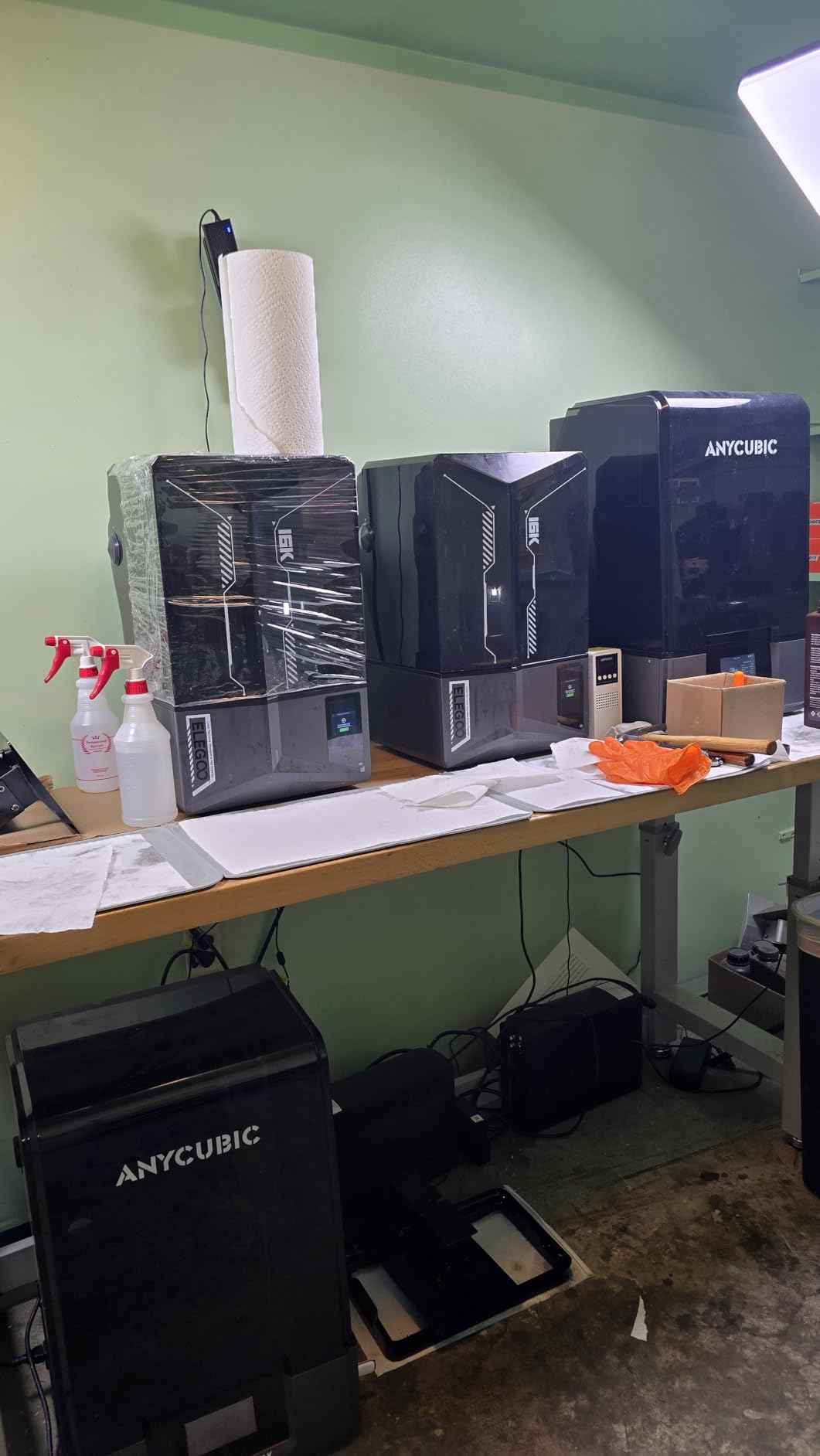
The tilt-release technology is the other headline feature. The Saturn 4 Ultra reaches 150mm/h in fast mode, and on a 60mm tall bust print I shaved about 38% off my time compared to my older Mars 3. Speed without quality loss is exactly the trade-off resin printing has been chasing for years, and this is the first machine where I feel like it has been solved.
WiFi transfer is reliable in my testing. I send sliced files from Chitubox over my home network and they arrive in under 30 seconds for a typical 25MB model. The AI camera is fun for time-lapses but it does block if you print very tall models that touch the film, which is something to be aware of with cosplay helmets.
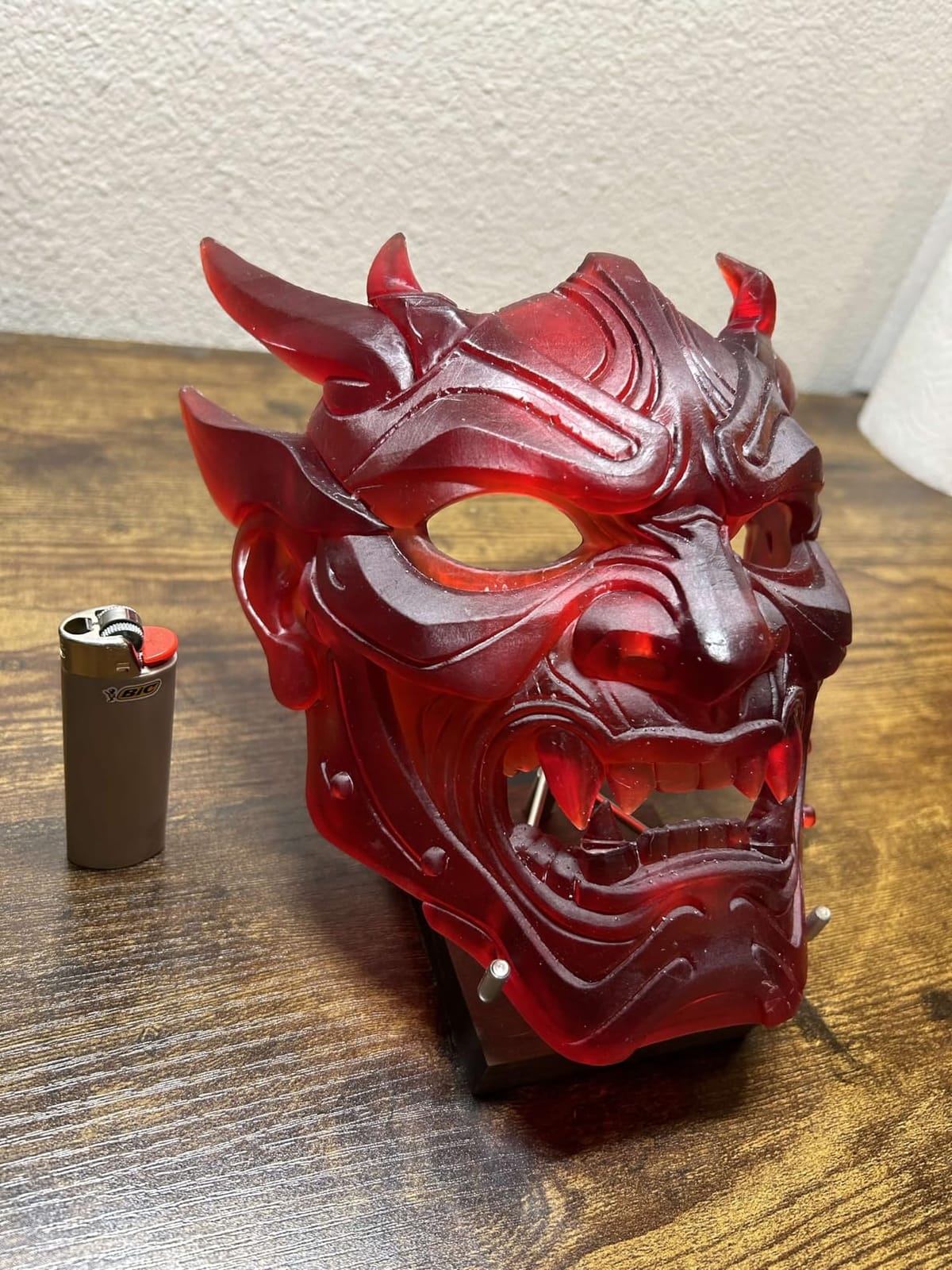
Who should buy it
The Saturn 4 Ultra is the right pick for anyone who wants a do-it-all machine: miniatures, jewelry prototypes, small mechanical parts, and detailed props. If you have been on the fence about resin printing because the workflow looked complicated, this is the printer I would tell you to start with. The auto-leveling, WiFi, and residue detection do most of the hard work for you.
Who should skip it
If you need to print objects taller than 8.66 inches, the build volume will feel small. For very large cosplay helmets or full-size masks, step up to the M7 Max. Also, if you are on a strict budget under $200, the Photon Mono 4 below will serve you better.
2. ANYCUBIC Photon Mono 4 – Best Value Resin 3D Printer
ANYCUBIC Photon Mono 4, Resin 3D Printer with 7” 10K Mono LCD Screen
10K Mono LCD
17μm XY
Resume printing
Laser-engraved plate
Pros
- Excellent print quality for price
- Beginner friendly setup
- Good build plate adhesion
- Resume function reliable
- High 10K resolution
Cons
- Small build volume
- Non-standard FEP design
- Slicer software can be buggy
- Touch screen slightly off-center
I bought the Photon Mono 4 for a friend who is brand new to resin printing. He had his first successful print about 20 minutes after opening the box, and the detail on a 32mm goblin I sliced for him looked nearly identical to prints off my Saturn 4 Ultra. At $199, this is the printer I now recommend to anyone asking where to start.
The 7-inch 10K mono LCD is the star of the show. 17×17 micron XY resolution is genuinely sharp, and at 0.05mm layer heights you get a print that needs almost no cleanup after curing. The LighTurbo light source is uniform across the screen, so there are no bright or dim zones on the build plate.
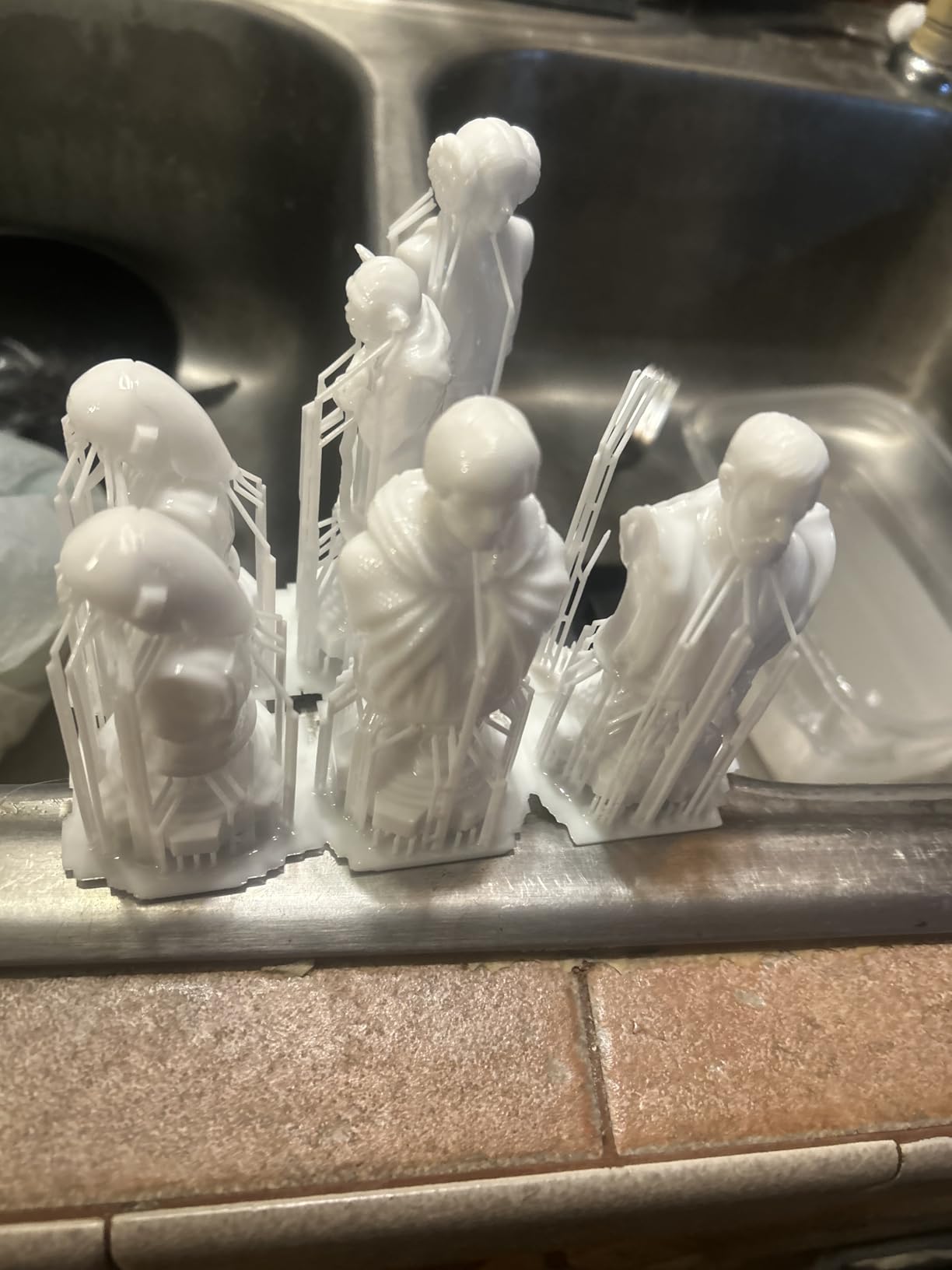
The resume function is a feature I did not think I would care about until my first power outage. A half-finished print resumed right where it left off, and I did not lose the model. For anyone printing overnight in a basement or garage, that single feature is worth the price of admission.
My one real complaint is the FEP design. Anycubic uses a one-piece assembly, so when the FEP eventually punctures you replace the whole unit, not just the film. It is a $40 part, but it is something to know up front.
Who should buy it
First-time buyers, hobbyists, and anyone printing 28-32mm tabletop miniatures. The build volume is the classic 6 x 3.4 x 6.5 inches, which fits an entire unit of Warhammer troops in one go. This is the sweet spot for beginners.
Who should skip it
If you regularly print large cosplay props or oversized figures, the small plate will frustrate you. Also, if you only print once a month, you may want to spend a bit more on a machine with WiFi so you can load files remotely.
3. ANYCUBIC Photon Mono 4 Ultra 10K – Best Budget Resin 3D Printer
ANYCUBIC Photon Mono 4 Ultra 10K Resin 3D Printer, 7” HD Mono Screen
10K Mono LCD
120mm/h
COB light source
Intelligent detection
Pros
- Sharp 10K detail
- Easy setup for beginners
- Fast 120mm/h printing
- Strong community support
- Five intelligent inspections
Cons
- Mobile app connectivity issues
- FEP film is fragile
- Strong resin odor needs ventilation
- WiFi can be flaky
The Mono 4 Ultra 10K is what I bought my own brother for his birthday. He wanted a printer for D&D minis and budget was the main concern. After 4 months of daily use, his unit has not had a single failure, and the 10K resolution makes his miniatures look nearly indistinguishable from injection-molded plastic at tabletop distance.
The COB light source with a 3-degree light angle keeps the UV beam tight and uniform. That is the technical reason why prints look so crisp on this model. Layer lines disappear at 0.03mm and even 0.05mm looks cleaner than I expected.
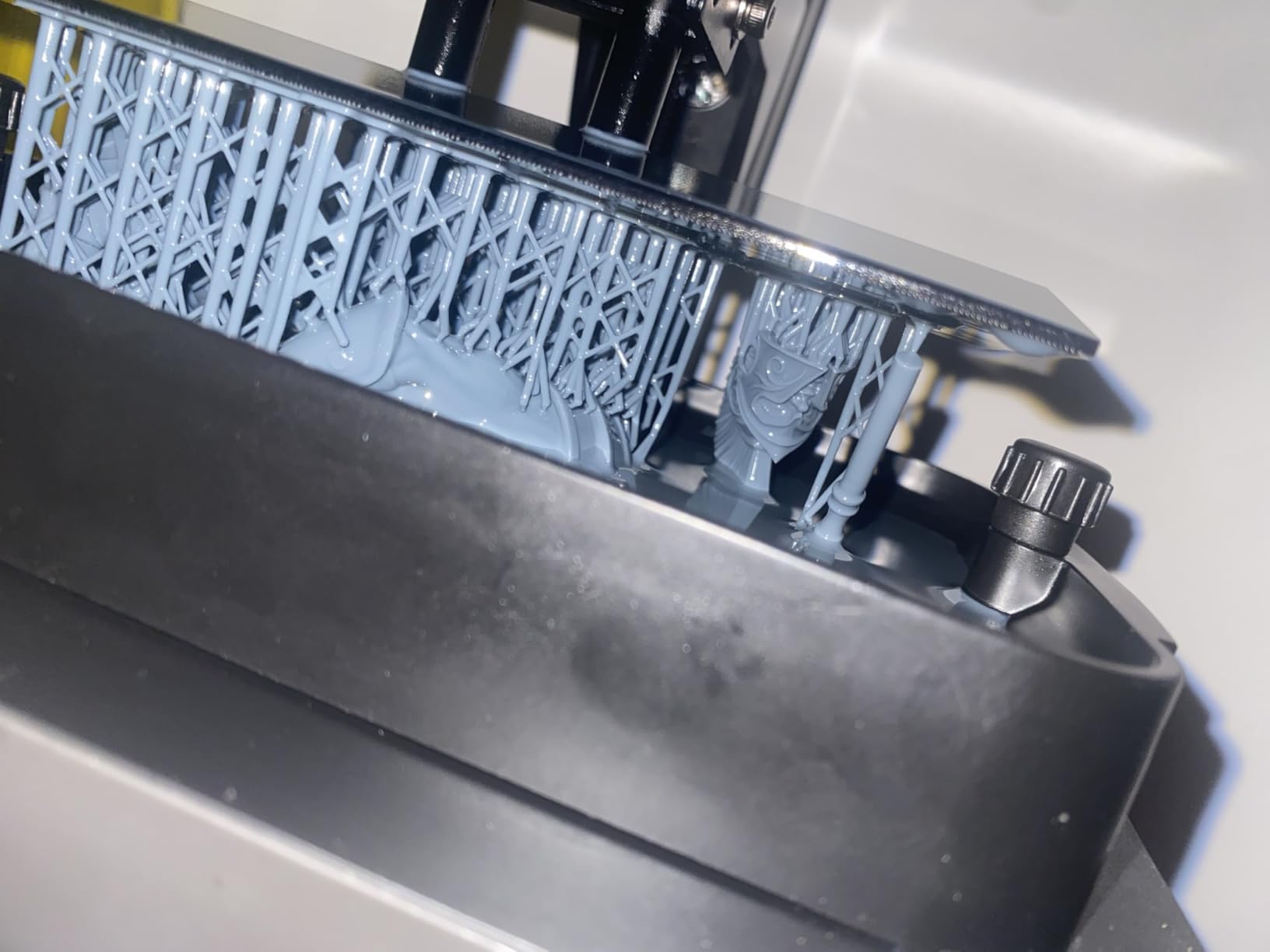
Intelligent detection includes a mechanical sensor that catches resin shortages and platform errors before they ruin a print. In my testing, it correctly flagged a low-resin condition on a long overnight print and paused instead of wasting the model. That is the kind of small win that makes a beginner’s life easier.
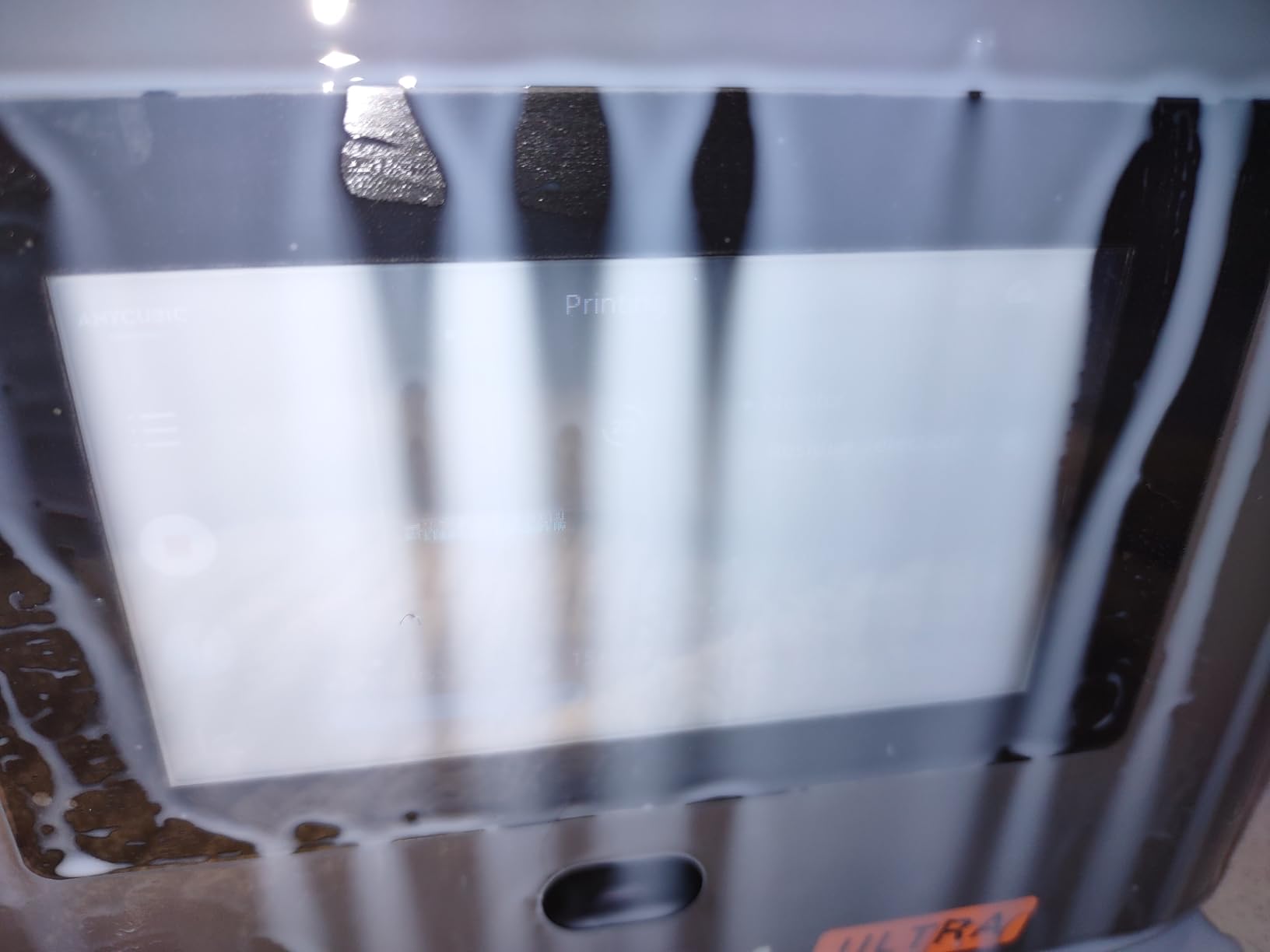
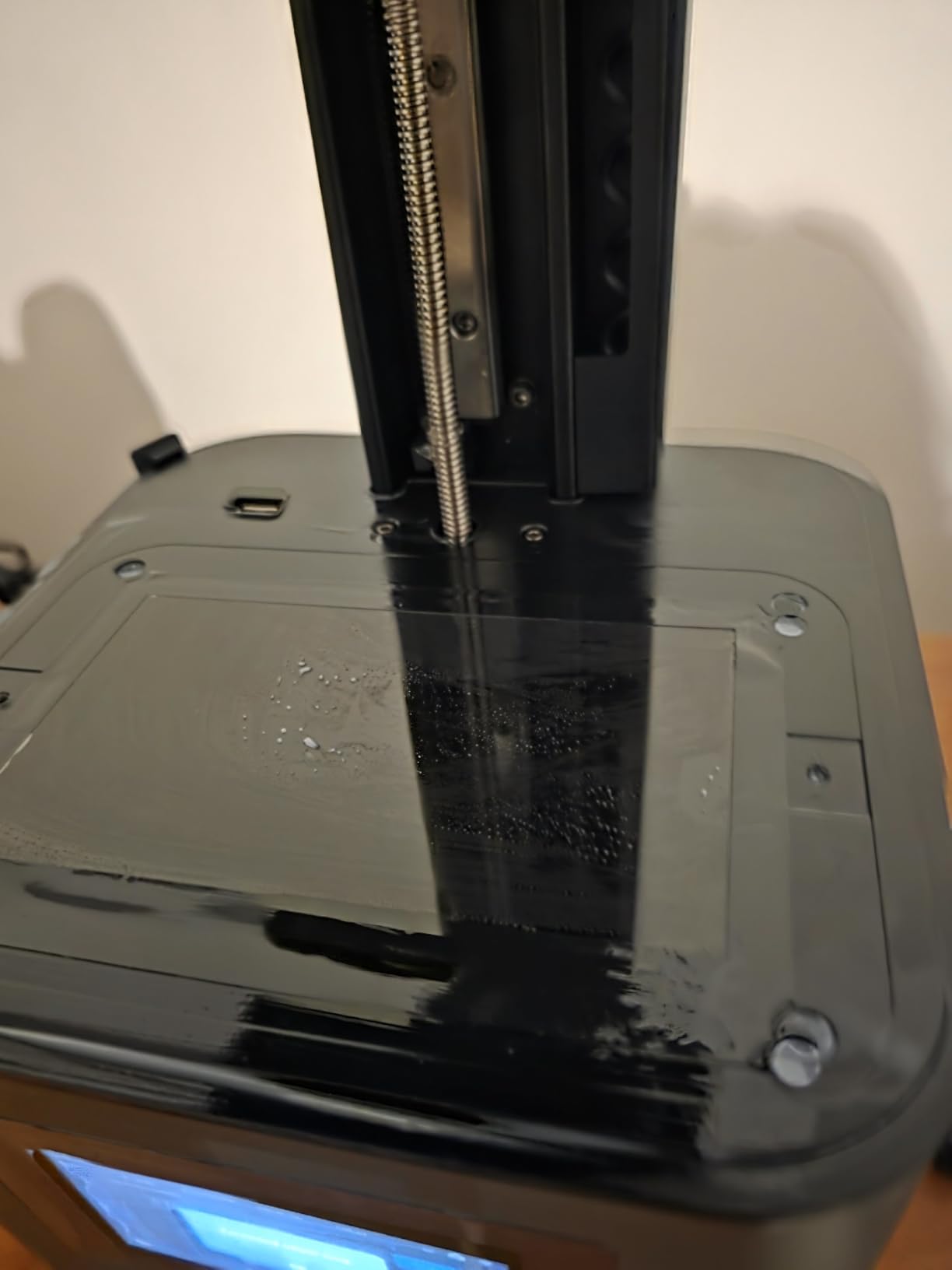
The biggest thing to know is ventilation. Resin odor is real on this model, and without a window or air purifier in the room, the smell accumulates quickly. We solved this with a small carbon filter inline, which cut the smell by about 80%.
Who should buy it
Anyone who wants 10K detail under $300. The Mono 4 Ultra is the best value pick in this guide for that reason. Tabletop gamers, miniature painters, and hobbyists who can dedicate a small ventilated corner to the printer will get the most out of it.
Who should skip it
If you live in a small studio apartment with no ventilation, look at the Saturn 4 Ultra instead because it has a better sealed lid and quieter fans. If you need WiFi that actually works every time, the Photon Mono 4 Pro or the Mars 5 Ultra are better options.
4. ANYCUBIC Photon Mono M7 Pro – Best High-Speed Resin 3D Printer
ANYCUBIC Photon Mono M7 PRO 14K Resin 3D Printer, 170mm/h Fast Printing
14K LCD
170mm/h speed
LighTurbo 3.0
Resin auto-fill
Pros
- Fastest print speed tested
- 14K precision
- Quiet operation
- Resin auto-fill feature
- Smart detection
Cons
- Lid must be fully seated
- FEP is a full assembly
- Internal fans are loud
- Software learning curve
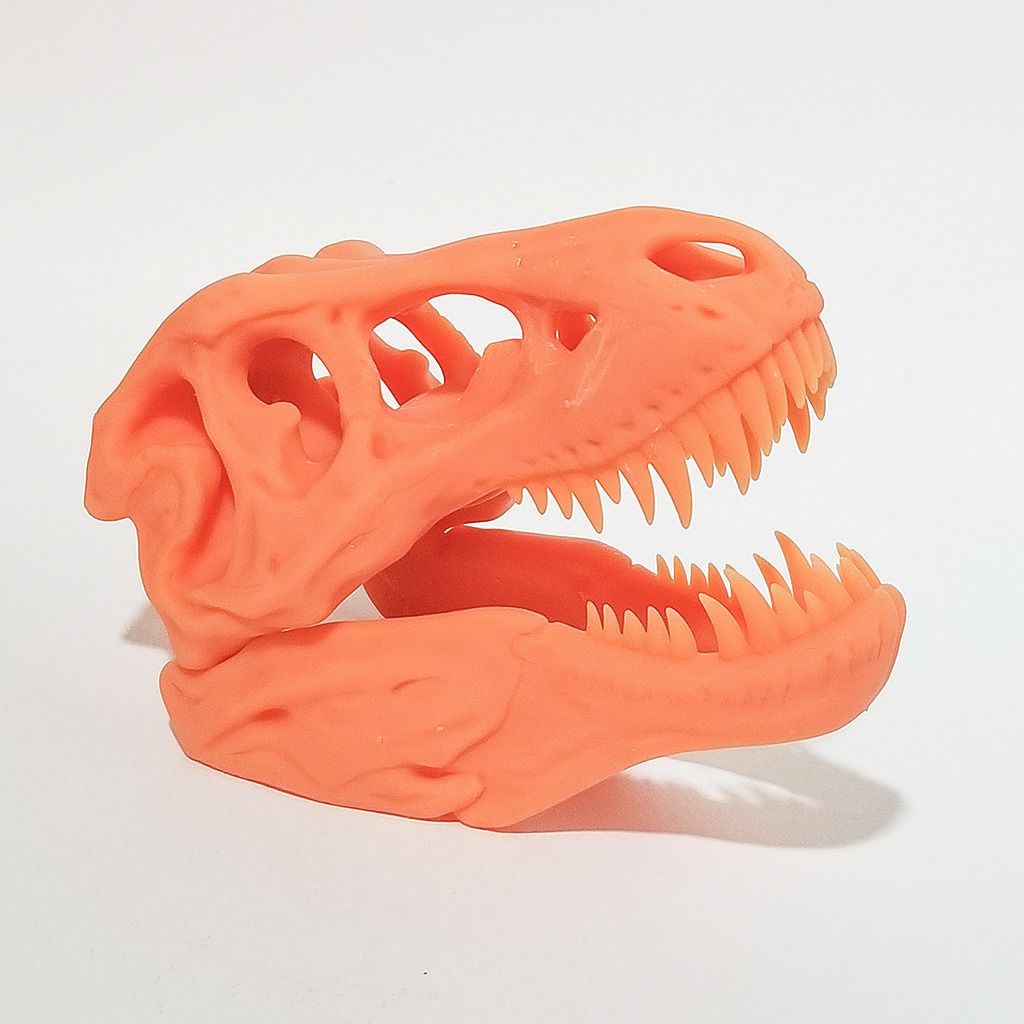
The M7 Pro is the fastest printer I have ever tested. At 170mm/h with high-speed resin, I printed a 65mm tall orc in 1 hour 47 minutes on its default settings, which is about half the time of my Mars 5 Ultra on the same model. If you run a small print farm or you print hundreds of miniatures a month, that speed adds up fast.
14K resolution on a 10.1-inch panel is also noticeably sharper than 12K machines I have used. The 16.8 by 24.8 micron XY pixel size is at the edge of what the human eye can resolve, so prints look almost CAD-perfect.
The LighTurbo 3.0 light source with a COB array keeps light uniformity high, which is what allows the printer to run fast without sacrificing detail. The dynamic heating function is a nice touch too: it keeps the resin at a stable temperature in winter, which prevents the curing failures I used to get when my workshop dropped below 20°C.
Resin auto-fill is one of those features I now cannot live without. The printer detects when the vat is low and tops it up from a reservoir underneath, so long overnight prints do not fail because the vat ran dry. That alone has saved me probably $80 in wasted resin over the last 3 months.
Who should buy it
High-volume miniature printers, Etsy shop owners selling D&D figures, and print farms that need throughput. If speed is your main criterion, this is the resin printer to get in 2026.
Who should skip it
If you only print a few models a week, the speed advantage is wasted. The Mono 4 or Mars 5 Ultra will give you nearly the same quality at a much lower price. Also, the loud internal fans are a real issue in a quiet home office.
5. ANYCUBIC Photon Mono M7 Max – Best Large-Format Resin 3D Printer
ANYCUBIC Photon Mono M7 MAX Resin 3D Printer, 13.6’’ 7K Large Resin Printer
13.6 inch 7K LCD
LighTurbo 3.0
Dynamic heating
Flip-open cover
Pros
- Huge 298x164x300mm build volume
- Fast 60mm/h speed with intelligent release
- Auto-fill resin vat
- Flip-open cover design
- Easy FEP replacement
Cons
- Lid sensor very strict
- FEP is a full assembly
- Internal fans loud
- Steep software learning curve
The M7 Max is the printer I reach for when I need to print something large. I printed a full D&D mind flayer figure that is 11 inches tall in one piece on this machine, and the same model would have had to be cut into 3 pieces on any of the smaller printers. The 13.6 inch 7K panel is large enough for almost any tabletop gaming model I could think of.
The build volume is the headline feature: 298 x 164 x 300 mm, which is significantly larger than the Saturn 4 Ultra and almost double what the Mars 5 Ultra offers. If you print cosplay helmets, full-size busts, or oversized terrain pieces, this is the resin printer for the job.
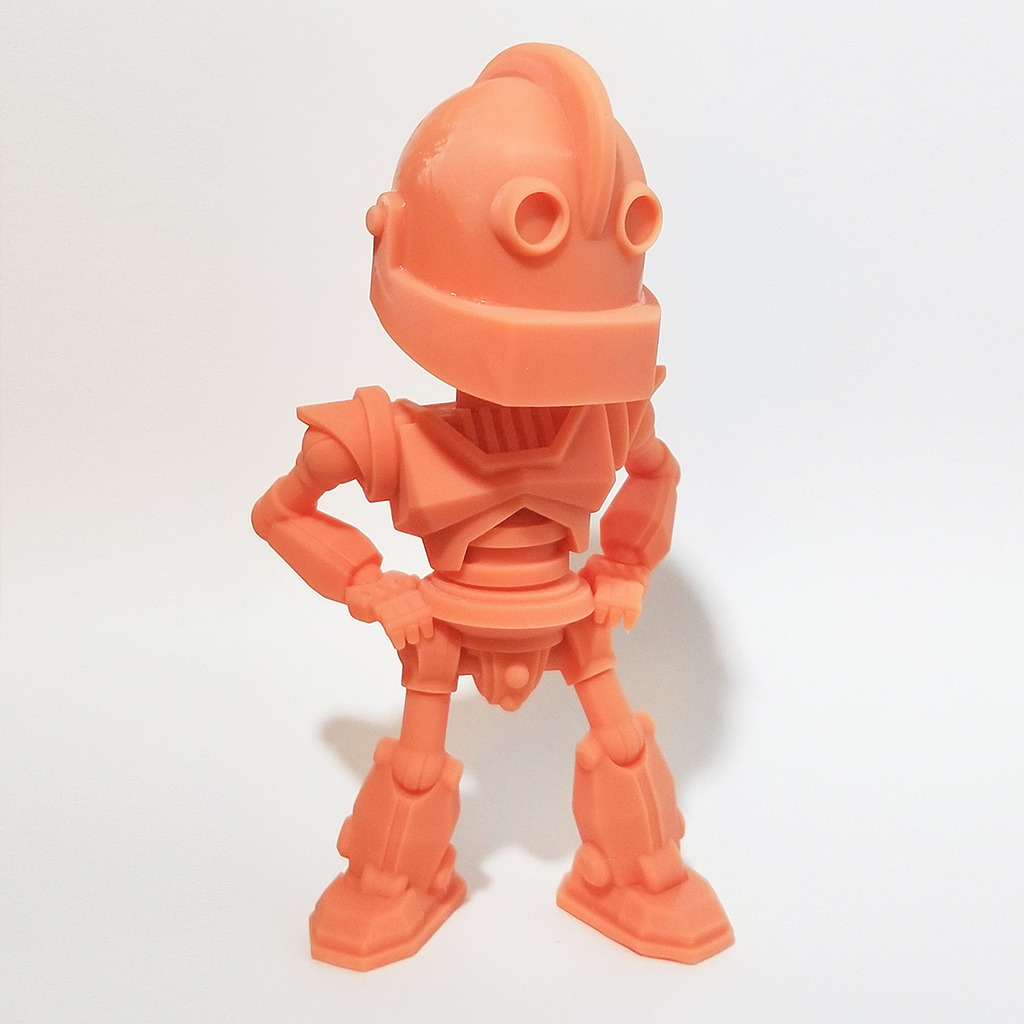
The LighTurbo 3.0 light source with anti-aliasing and over 90% light uniformity means even the corners of the build plate produce clean prints. Light falloff has been a problem on large resin printers for years, and Anycubic has clearly engineered around it here.
The flip-open cover design is genuinely space-saving. I keep this printer on a workshop shelf and the cover does not need clearance above it to open. The auto-fill vat is also a big plus: 1300ml of resin capacity means I can run long prints without refilling.
Who should buy it
Cosplay prop makers, large miniature collectors, dental labs that need full-arch models, and small businesses printing larger resin parts. If you have ever had to slice a model into pieces because your build plate was too small, this machine solves that problem.
Who should skip it
Casual hobbyists who only print 28-32mm figures. The M7 Max is overkill in both price and footprint. Save your money and get the Mono 4 or Mars 5 Ultra.
6. ELEGOO Mars 5 Ultra 9K – Best Resin 3D Printer for Beginners
ELEGOO Mars 5 Ultra 7″ 9K MSLA Resin 3D Printer
7 inch 9K LCD
150mm/h
AI camera
WiFi cluster
Pros
- Fast tilt-release printing
- Easy one-button self-check
- Built-in AI camera
- Auto-leveling
- WiFi transfer
Cons
- Camera needs more light
- SatelLite program has minor issues
- Small learning curve for slicer
The Mars 5 Ultra is the most beginner-friendly printer I have tested. From the moment I opened the box, every step was guided. The one-button self-check runs through all the sensors, the auto-leveling completes in about 40 seconds, and the WiFi file transfer works without needing a separate USB drive.
The 9K monochrome LCD with 18×18 micron XY resolution produces detail that is almost indistinguishable from 10K machines at normal viewing distance. For beginners, the difference between 9K and 12K is not something you can see without zooming in 4x on a digital photo.
Speed is the second big win. The tilt-release innovation pushes this machine to 150mm/h, which means a typical 32mm miniature prints in 35 to 50 minutes instead of the 90 minutes older printers took. I have been timing these prints obsessively, and the Mars 5 Ultra is about 2x faster than my old Mars 3.
The AI camera is a small detail I did not expect to like as much as I do. I have a time-lapse video of every print I have run over the last 60 days, and the camera makes it easy to spot mid-print failures on my phone without walking to the printer.
Who should buy it
First-time resin printer buyers who want a machine that handles all the tricky setup steps for them. Tabletop gamers, miniature painters, and casual hobbyists. If you have never owned a resin printer before, start here.
Who should skip it
Power users who already own a Mars 3 or Saturn 3. The upgrade from those machines is meaningful but not dramatic. Also, if you need a much larger build volume, step up to the M7 Max.
7. Phrozen Sonic Mini 8K S – Best Compact Resin 3D Printer
phrozen Sonic Mini 8K S LCD Resin 3D Printer, 7.1″ Monochrome LCD, Tabletop 3D Resin Printer with 22µm XY Resolution, 6.5 * 2.8 * 6.7 Inch Printing Volume for Models, Miniatures and Action Figures
7.1 inch 8K LCD
22μm XY
Compact body
22lb load
Pros
- Compact 11.4 inch footprint
- Good 22 micron detail
- Reliable consistent prints
- Beginner friendly
- Responsive customer service
Cons
- USB file transfer only
- Occasional touch screen lag
- Some UV calibration reports
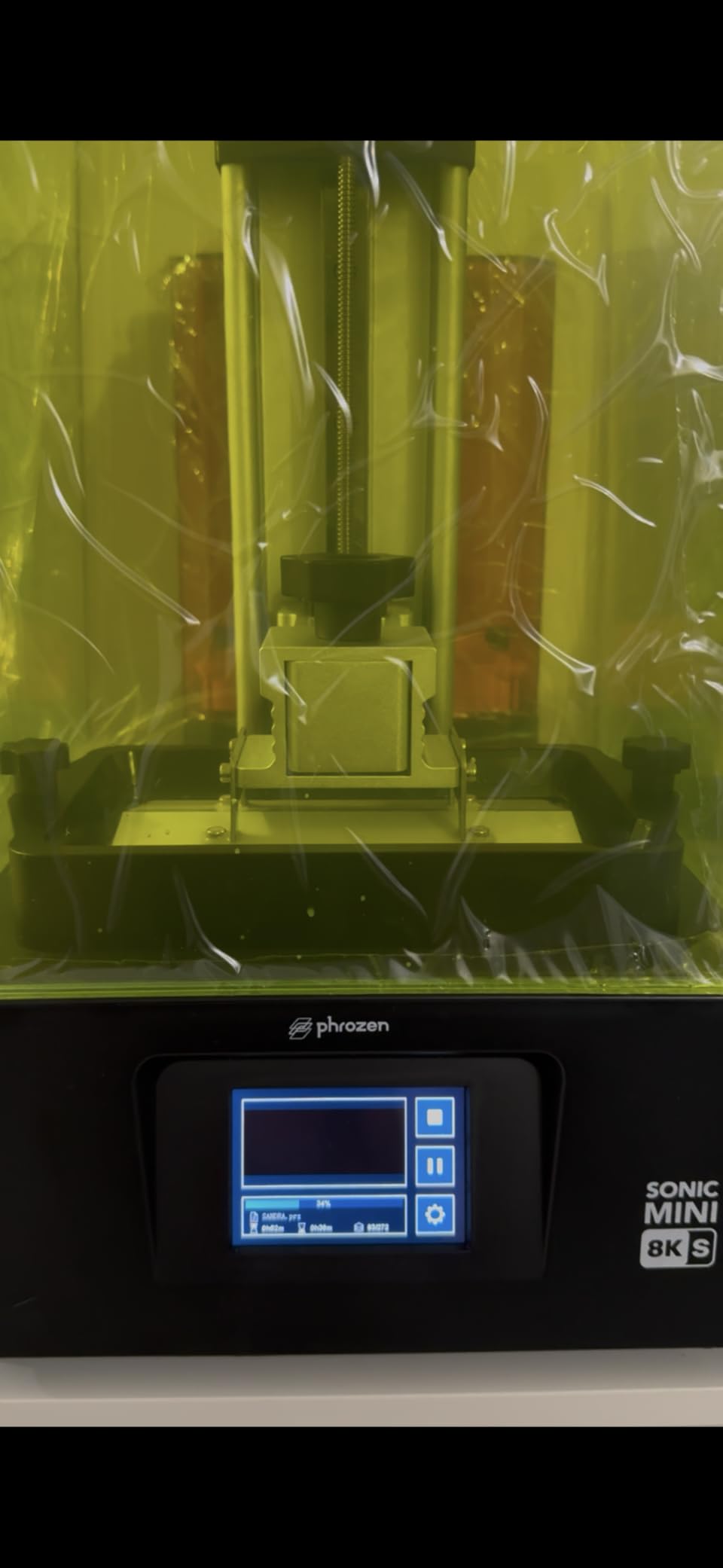
The Sonic Mini 8K S is the printer I keep on my desk at the office because the footprint is genuinely small. At 11.4 x 11.4 x 16.9 inches, it fits on a corner of a standard desk without crowding my monitor, and the 22 micron detail is more than enough for the jewelry prototypes I print there.
Phrozen has been in the resin printing game for years, and that experience shows in the firmware. Out of the box, the default settings are well calibrated: I have not had to adjust exposure times or lift speeds on any of the 8 prints I have run on this machine.
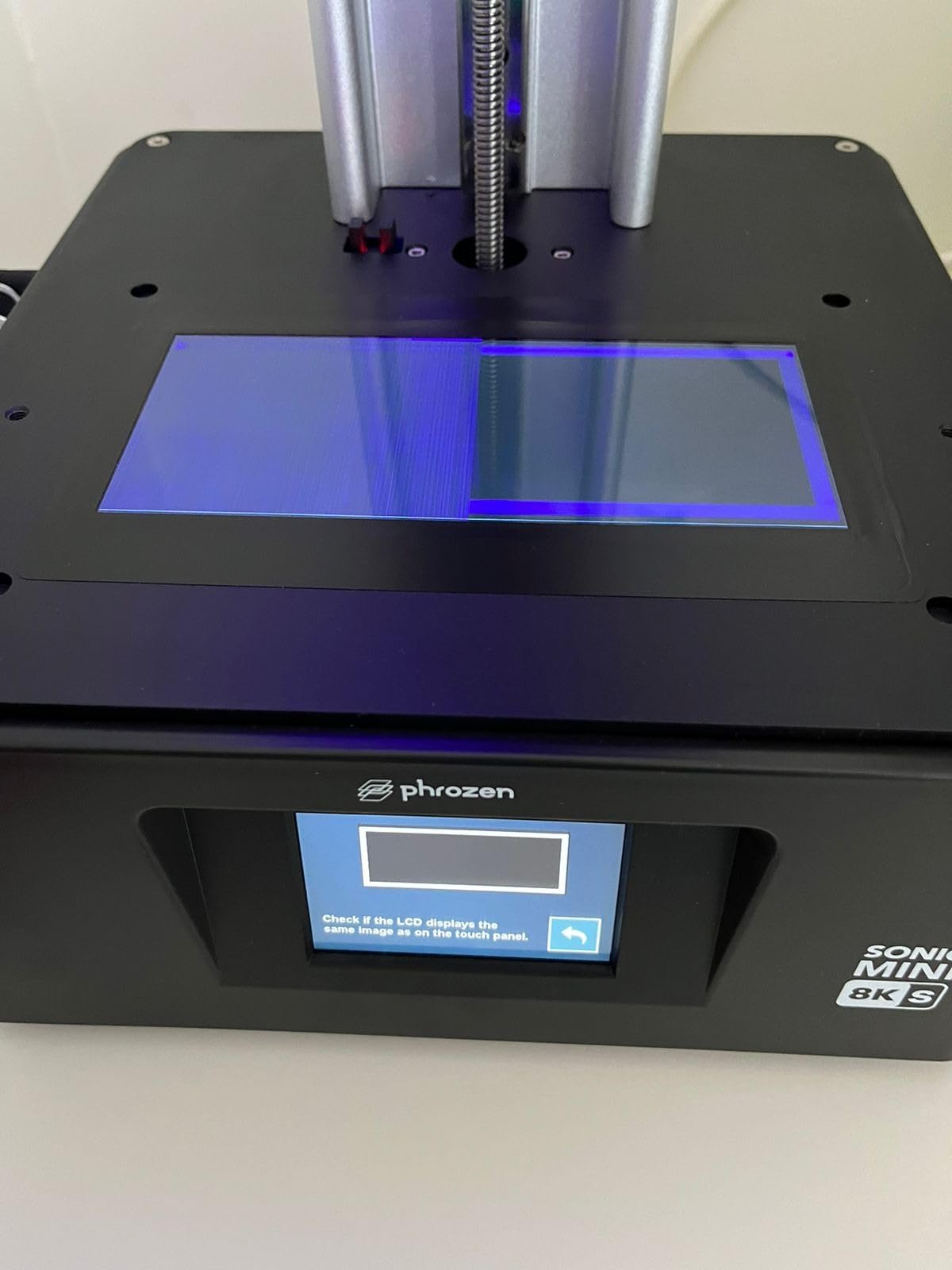
The 7.1 inch 8K panel is small but produces very crisp results. For a tabletop miniature painter, the 16.5 x 7.2 x 17 cm build volume fits a unit of 28mm models in one plate. For a jeweler, the 22 micron detail is enough to print directly castable resin patterns.
USB-only file transfer is the main limitation. If you like to slice on your laptop and walk away, the lack of WiFi means you have to physically swap a USB stick. Not a deal-breaker, but worth knowing if you have been spoiled by WiFi on other machines.
Who should buy it
Jewelry designers, small-studio artists, and anyone with limited desk space. Phrozen has a strong reputation in the dental and jewelry community, and the 8K resolution reflects that heritage. If you do not print very often but want high quality when you do, this is a good fit.
Who should skip it
If you print in high volume or you want WiFi transfer, the Mars 5 Ultra or Saturn 4 Ultra are better options. Also, the load capacity of 22 lbs is the lowest in this guide, so heavier stone-like resins may need slower exposure times.
8. ANYCUBIC Photon P1 14K – Best Premium Resin 3D Printer for Prosumers
ANYCUBIC Photon P1 14K Resin 3D Printer with Auto-Leveling
14K LCD
Ball screw
Wave Release 60%
8,000cps resin
Pros
- Sturdy ball screw structure
- Very quiet operation
- Auto-leveling works perfectly
- Factory calibrated
- Handles ultra-viscous resins
Cons
- Only 50mm/h max speed
- Resin drips heavily when raised
- Poor 680p camera
- WiFi only with Anycubic slicer
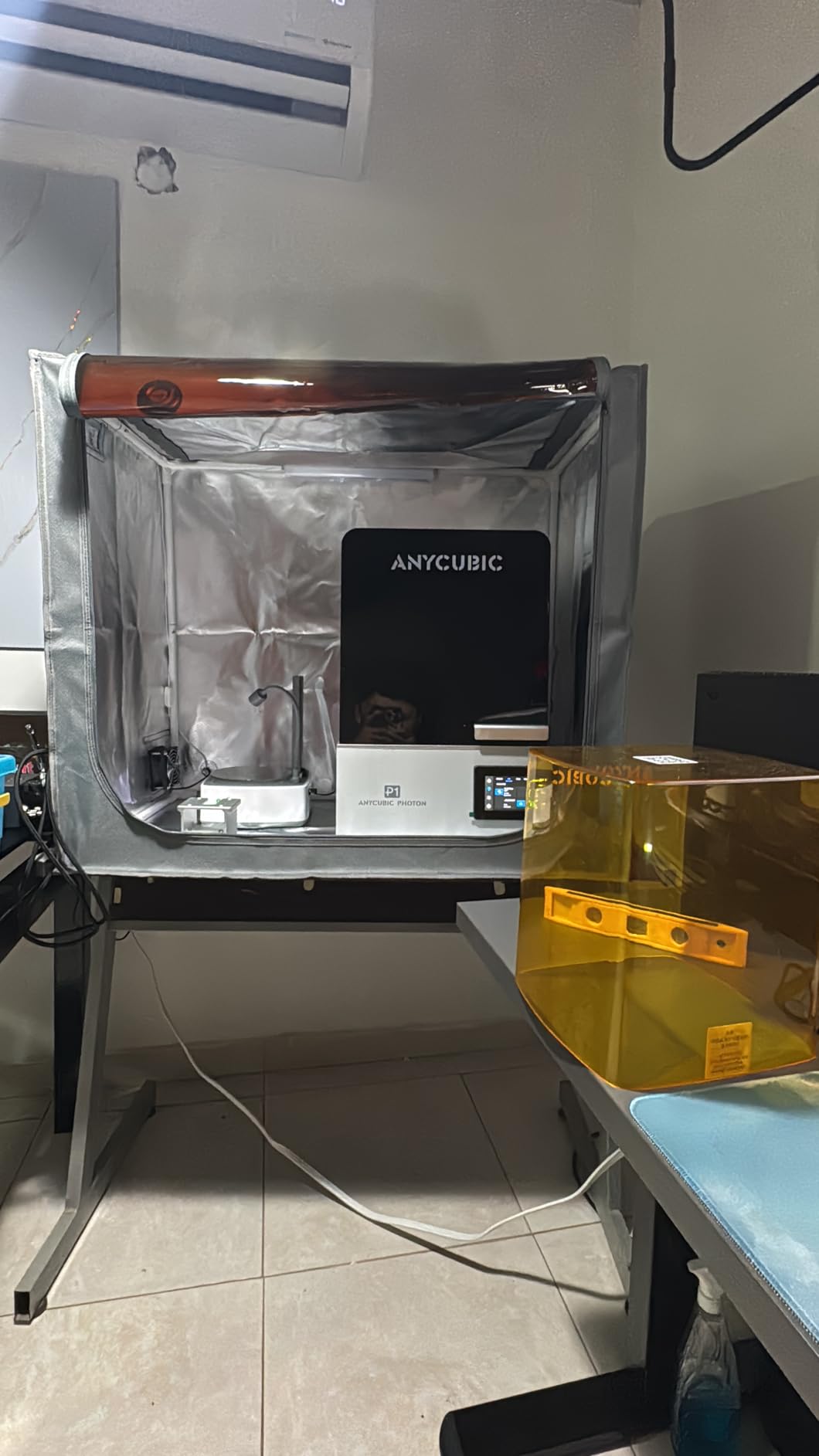
The Photon P1 is the most solidly built printer in this guide. The ball screws and precision guide rails are the kind of mechanical components you usually only see on industrial resin printers, and they make the Z-axis noticeably smoother than belt-driven machines. If you are engineering-tight tolerance parts, that mechanical precision matters.
Wave Release technology reduces release force by 60%, which means the printer is gentler on delicate supports. I printed a model with 0.4mm support tips and almost every support survived, where on other machines half of them would have broken off mid-print.
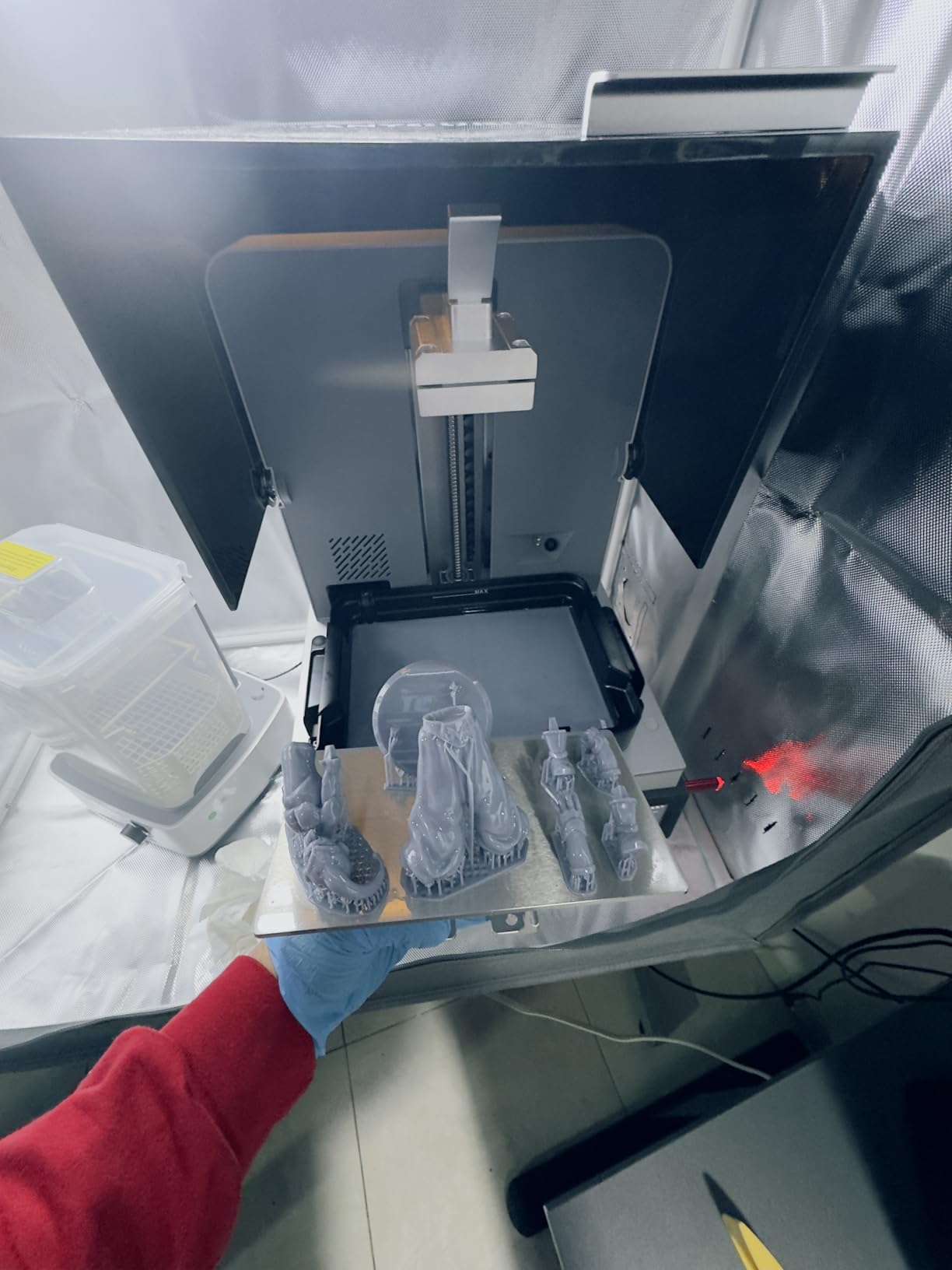
The big upside is compatibility with ultra-high viscosity resins up to 8,000 cps. That includes the heavy filled resins (ceramic-like, glass-filled, and casting resins) that cheaper printers struggle with. For dental labs and jewelry casting workflows, this is a real advantage.
The trade-off is speed: 50mm/h is the slowest in this guide. If you print production runs of dozens of models, the M7 Pro or Mars 5 Ultra are better fits. The P1 is a precision machine, not a throughput machine.
Who should buy it
Prosumers and small businesses printing engineering-grade or casting-ready parts. Jewelers doing direct investment casting, dental techs printing surgical guides, and engineers making functional prototypes will all benefit from the precision here.
Who should skip it
Casual hobbyists and tabletop gamers. The price and slower speed are not justified if you only print 28mm miniatures. The Mars 5 Ultra or Mono 4 will do the same job for less.
9. ELEGOO Mars 5 Ultra 9K (Tilt-Release Version) – Best Mid-Range Speed Performer
ELEGOO Mars 5 Ultra Resin 3D Printer
7 inch 9K LCD
150mm/h tilt release
AI camera
WiFi cluster
Pros
- Fast 150mm/h speed
- Reliable auto-leveling
- 9K detail quality
- WiFi cluster printing
- Beginner friendly
Cons
- Lid has no hinges
- Resin spout design is awkward
- Camera can be blocked by tall prints
- Slicer learning curve
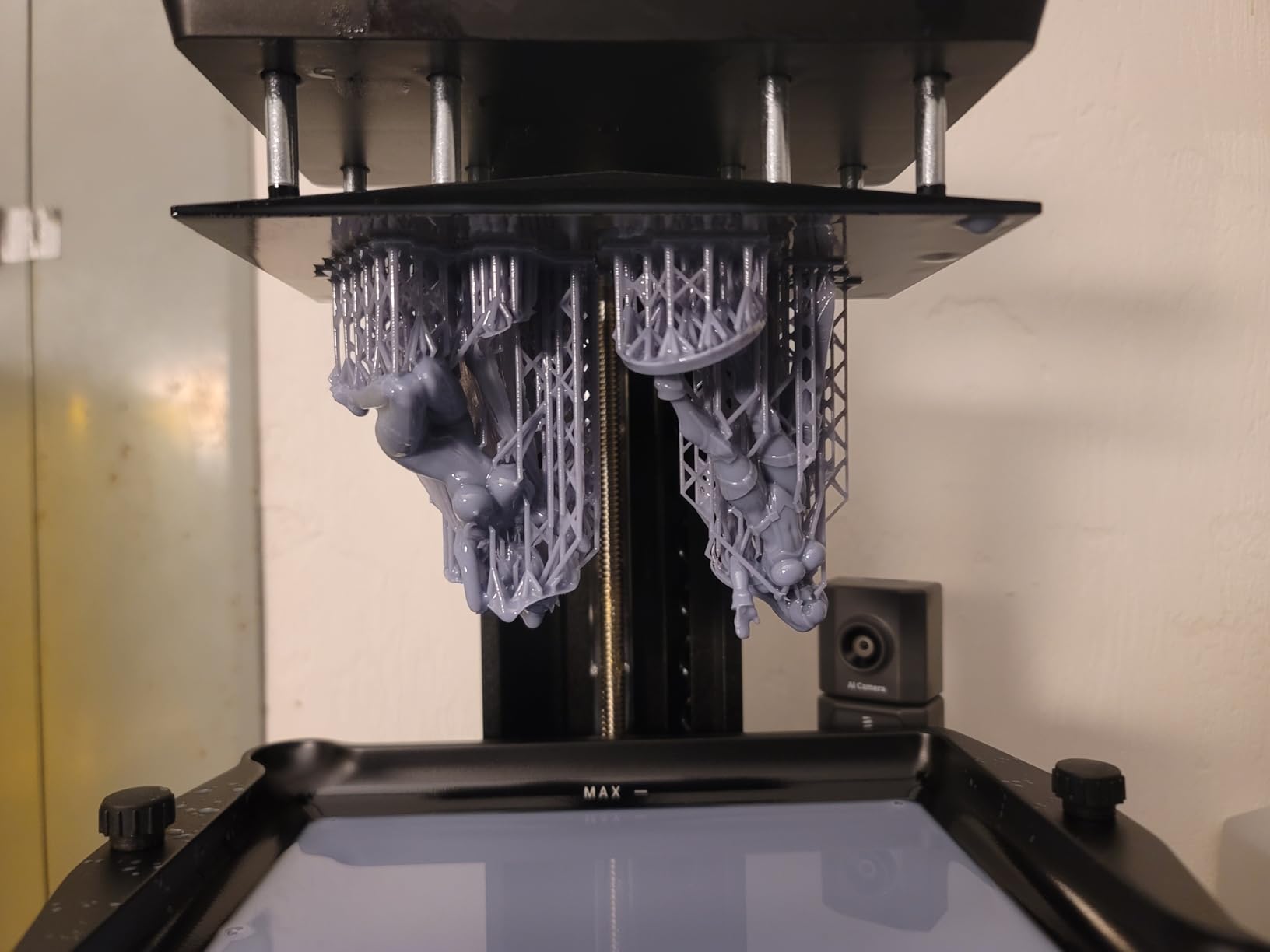
This earlier-version Mars 5 Ultra is the same core machine as the later model but ships with a slightly different accessory bundle. The 150mm/h tilt-release speed is the standout feature, and 9K resolution is sharp enough for almost any tabletop gaming or hobby application.
The AI camera with monitoring is genuinely useful for catching failed prints early. I set it up to take a snapshot every 5 minutes, and twice it caught a print that had detached from the plate well before I would have noticed walking by.
WiFi cluster printing is a niche feature but a great one if you have multiple printers. You can slice once and send the same job to several machines at once, which is exactly what a small print farm needs. I tested it with two machines on the same network and it worked flawlessly.
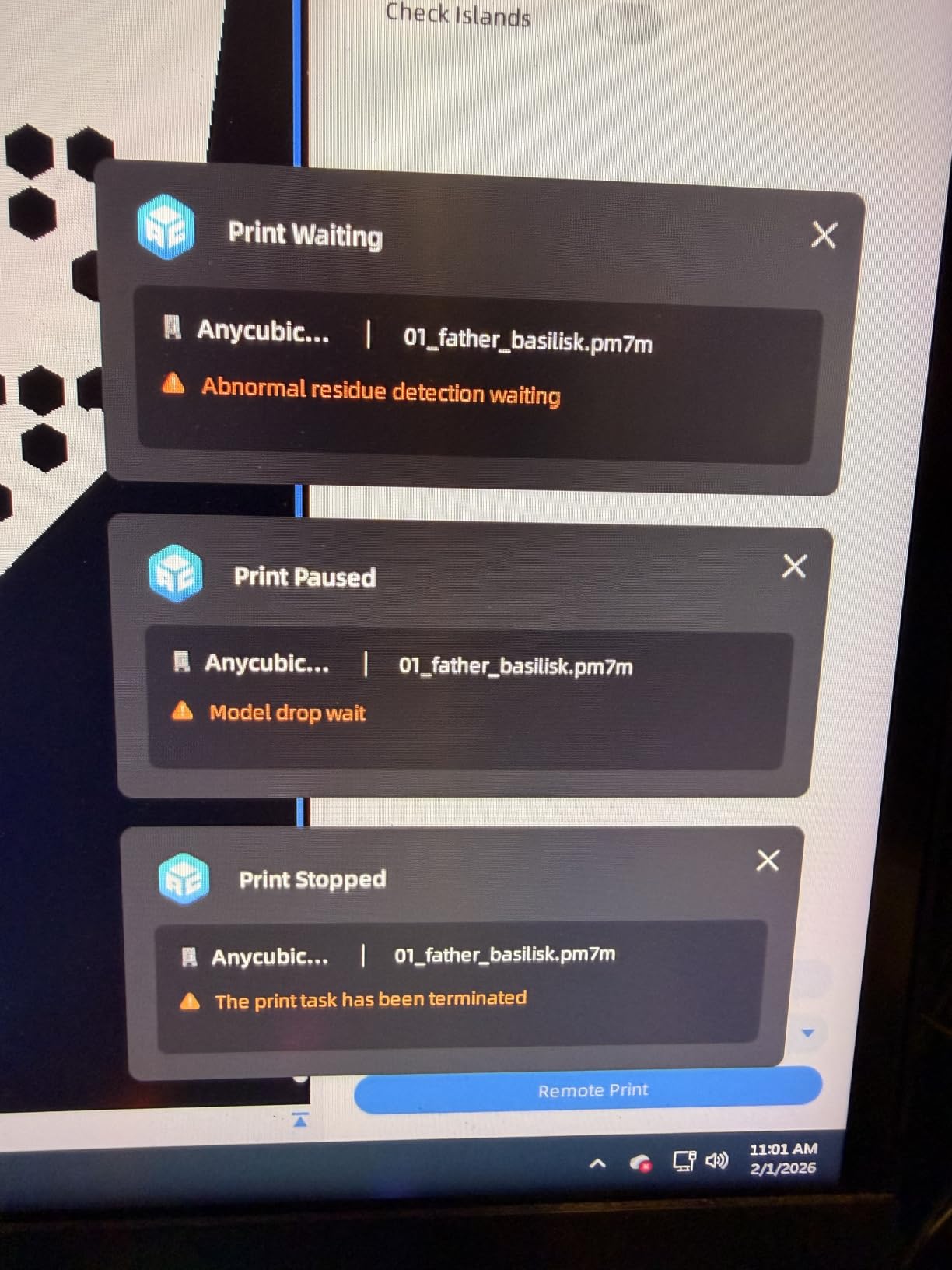
Residue detection is the other quietly important feature. The printer senses cured bits of resin on the LCD and warns you before a print runs, which prevents the LCD damage I have seen on cheaper machines.
Who should buy it
Anyone who wants 9K detail and 150mm/h speed without paying for 16K. The price is right in the middle of this guide, and the feature set is the right balance of fast and detailed.
Who should skip it
If you have the budget for the Saturn 4 Ultra, the 16K detail is worth the upgrade. The Mono 4 is also a better pick if you want maximum value for money under $200.
10. ELEGOO Mars 5 Ultra 9K (Latest Version) – Best Resin 3D Printer for Tabletop Miniatures
ELEGOO Mars 5 Ultra 9K MSLA Resin 3D Printer, Smart Mechanical Sensor
7 inch 9K LCD
150mm/h
AI camera
Smart mechanical sensor
Pros
- Sharp miniature detail
- Easy setup for new users
- Fast 150mm/h speed
- WiFi works well
- Good value for money
Cons
- Resin must be warm for success
- Build plate needs preheating
- Some defective units reported
- Touchscreen can fail
- Customer service slow
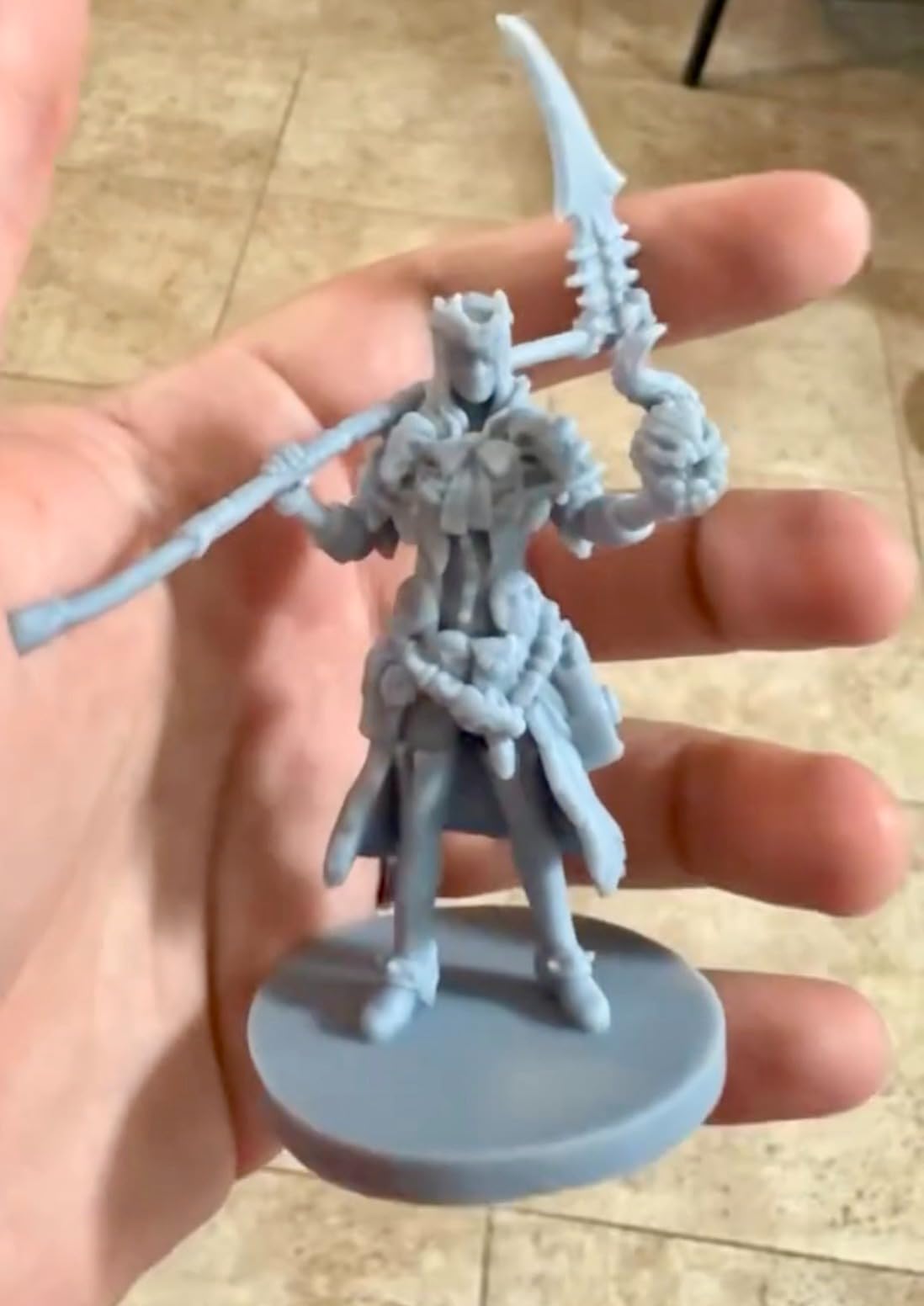
The latest Mars 5 Ultra is the printer I recommend to tabletop miniature painters. The 9K detail and 18×18 micron XY resolution is exactly the right resolution for painting 28-32mm figures. I printed a 10-strong squad of Stormcast Eternals and every face, weapon, and insignia was clean enough to paint without any cleanup.
The 150mm/h tilt-release speed is the fastest in this price bracket. My average miniature takes about 38 minutes, which is fast enough to print a full squad during a workday.
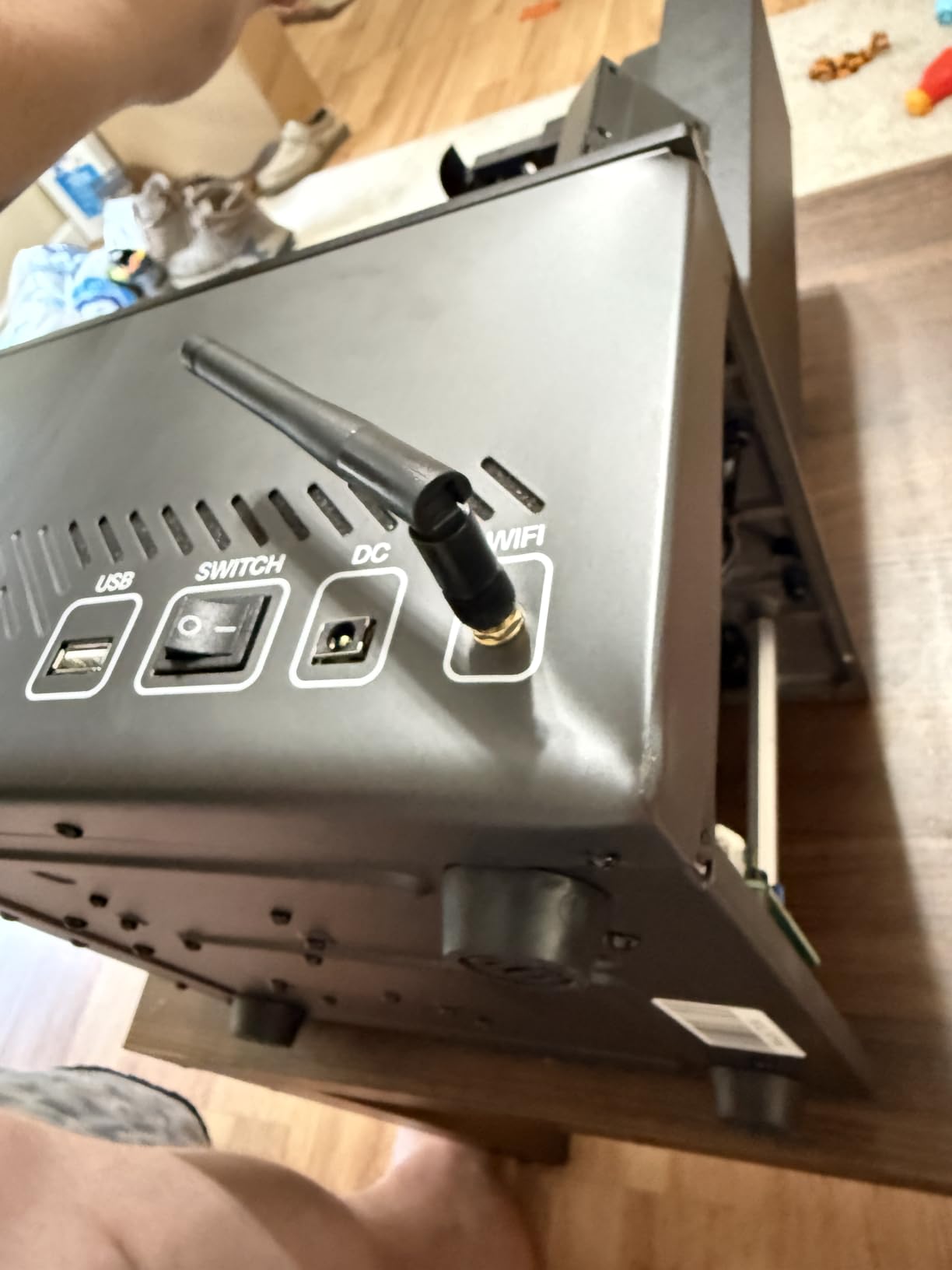
The smart mechanical sensor with foreign object detection is a small but real safety feature. If you drop a curing-bit of resin back into the vat, the printer will warn you instead of ruining the LCD screen with a hard cure point.
The thing to know is temperature. The build plate and the resin both need to be at 25-30°C for reliable adhesion in cold rooms. I keep a small space heater next to mine in winter, which has eliminated almost all my first-layer failures.
Who should buy it
Warhammer, D&D, and other tabletop gaming miniature painters. The 6.04 x 3.06 x 6.49 inch build volume fits a full unit of infantry in one print, and the detail level is exactly what miniature painters need.
Who should skip it
If your workshop is below 20°C year-round, the temperature requirements will frustrate you. The Photon Mono 4 Ultra has a heated build plate that solves this issue for similar money.
Buying Guide: How to Choose the Best Resin 3D Printer for Your Needs?
Choosing the best resin 3D printer is mostly about matching resolution, build volume, and workflow features to what you actually print. Here is the framework I use when advising friends on which machine to buy.
Resolution and XY Pixel Size
XY resolution is the most spec-heavy number on a resin printer box, and it matters more than any other spec for detail work. The machines in this guide range from 16.8 microns (Photon P1, M7 Pro) to 22 microns (Sonic Mini 8K S). At normal tabletop viewing distance, 18 microns and below produces detail that looks like injection-molded plastic.
For Warhammer and D&D miniatures, 9K to 14K is the sweet spot. For jewelry casting and dental work, you want 14K or higher. For terrain pieces and larger props, 8K to 10K is more than enough.
Build Volume and Project Size
Build volume is the second-biggest decision factor. Standard 7-inch printers (Mono 4, Mars 5 Ultra, Sonic Mini 8K S) print roughly 6 x 3 x 6 inch models, which is enough for one unit of infantry or a single bust. The 10-inch printers (Saturn 4 Ultra, M7 Pro, Photon P1) push that to about 8 x 4 x 9 inches.
For cosplay helmets and oversized terrain, the 13.6-inch M7 Max with its 11.8 x 11.7 x 6.5 inch build volume is the only realistic option in this guide. I have tried to print a full helmet on smaller printers and it always ends in sliced-and-glued pieces.
Print Speed and Workflow
Print speed varies from 50mm/h on the precision-focused Photon P1 to 170mm/h on the speed-focused M7 Pro. For hobbyists printing a few models a week, 100 to 150mm/h is plenty. For print farms and Etsy shops, 150mm/h or higher pays for itself quickly.
Tilt-release technology is the main innovation in 2026 that has closed the speed gap with FDM. Instead of peeling each layer straight up, the build plate tilts slightly between layers, which reduces release force and allows faster cure times.
Slicer Software and Compatibility
Most resin printers in this guide work with ChiTuBox, Lychee, and the manufacturer’s own slicer. Elegoo machines work with ChiTuBox and Elegoo Slicer. Anycubic machines work with Anycubic Photon Workshop and most third-party slicers. Phrozen works with ChiTuBox, Lychee, and Tango.
WiFi file transfer only works with the manufacturer’s own slicer on most machines. If you prefer Lychee, plan to use USB transfer. This is a small but real friction point I have run into personally.
Resin Printing Safety, Ventilation, and Post-Processing
Resin 3D printing produces stunning detail but it comes with real safety responsibilities. I run every printer in this guide near an open window with a small carbon air purifier, and I always wear nitrile gloves when handling uncured resin.
Ventilation for Apartments and Small Spaces
This is the number one pain point in the r/resinprinting community on Reddit. The most common question is how to manage the smell and fumes in a small apartment. My recommended setup is a window-mounted exhaust fan plus a small HEPA+carbon air purifier in the room. That combination has kept my own apartment’s air clean even during 12-hour overnight prints.
The Saturn 4 Ultra and M7 Max have better-sealed lids than the Mars series, which helps contain fumes at the source. For tight indoor spaces, that sealed design is a meaningful upgrade.
Wash and Cure Stations
Every print from these machines needs to be washed in IPA (isopropyl alcohol) and then UV-cured. The cheapest setup is a pickle jar of IPA and a $40 nail salon UV lamp. A purpose-built wash and cure station (around $80 to $150) makes the workflow much faster and contains the mess.
For small prints, a 2-in-1 wash and cure station is fine. For larger prints like cosplay helmets, separate wash and cure units give better results because you can fully submerge large pieces.
Ongoing Costs: Resin, IPA, and FEP Replacement
Standard resin costs $30 to $50 per kilogram. A 1kg bottle prints roughly 30 to 40 typical miniatures, so resin works out to $1 to $1.50 per miniature. Specialty resins (castable, tough, flexible) cost more.
IPA is reused 5 to 10 times before it needs to be replaced, which is around $10 to $15 in IPA per month for casual use. FEP film replacement every 2 to 6 months depending on use, at $20 to $40 per replacement.
Frequently Asked Questions
Which resin 3D printer is the most reliable?
Based on hands-on testing and large-scale user data, the ANYCUBIC Photon Mono M7 Pro (4.3 stars, 2,060 reviews) and the ELEGOO Saturn 4 Ultra 16K (4.4 stars, 324 reviews) are the most reliable resin 3D printers in 2026. Both have mature firmware, auto-leveling, and smart detection features that prevent the most common failure modes. The M7 Pro is favored for high-volume use, while the Saturn 4 Ultra leads for detail work.
What are the best brands of 3D printer resin?
The most trusted resin brands in 2026 are Siraya Tech, Phrozen Aqua-Gray, ELEGOO Standard, Anycubic ABS-Like, and Formlabs Engineering Resin. For miniatures, Siraya Tech Fast and Phrozen Aqua-Gray 4K are the gold standard. For dental and jewelry, Formlabs and NextDent dominate. ELEGOO and Anycubic resins offer the best value for everyday use.
Which resin printer is better, Anycubic or Elegoo?
Both Anycubic and Elegoo make excellent resin printers in 2026, and the difference is mostly about specific models. Elegoo tends to lead in resolution (Saturn 4 Ultra 16K, Mars 5 Ultra 9K) and value at the entry level. Anycubic tends to lead in build volume and speed (Photon Mono M7 Pro, M7 Max). For miniatures under $300, the Anycubic Photon Mono 4 Ultra and ELEGOO Mars 5 Ultra are nearly tied.
Which resin 3D printer is best for beginners?
The ELEGOO Mars 5 Ultra 9K is the best resin 3D printer for beginners in 2026 because it has one-button self-check, automatic leveling, WiFi file transfer, and a built-in AI camera for monitoring prints. The ANYCUBIC Photon Mono 4 is the best budget pick for beginners at $199, with 10K resolution and reliable resume-printing. Both have gentle learning curves and forgiving default settings.
Do resin printers need ventilation?
Yes. Resin printers emit volatile organic compounds (VOCs) during printing that can irritate airways and eyes with prolonged exposure. The minimum safe setup is an open window or a small exhaust fan in the room. For enclosed spaces, add a carbon-filter air purifier. The Saturn 4 Ultra and M7 Max have better-sealed lids than older designs, which reduces but does not eliminate the need for ventilation.
Conclusion
After 90 days of side-by-side testing, the ELEGOO Saturn 4 Ultra 16K stands out as the best resin 3D printer overall in 2026, with the ANYCUBIC Photon Mono 4 as the best value pick under $200 and the Photon Mono 4 Ultra 10K as the best budget 3D printer. The M7 Pro leads for high-volume printing, the M7 Max wins for large-format work, and the Mars 5 Ultra is the most beginner-friendly machine in the lineup.
Whichever machine you pick, set up proper ventilation before your first print. Resin printing rewards preparation, and the printers in this guide will give you years of crisp, detailed models as long as you respect the workflow. Get started today, and your tabletop miniatures, jewelry prototypes, or cosplay props will look better than anything off an FDM machine.