
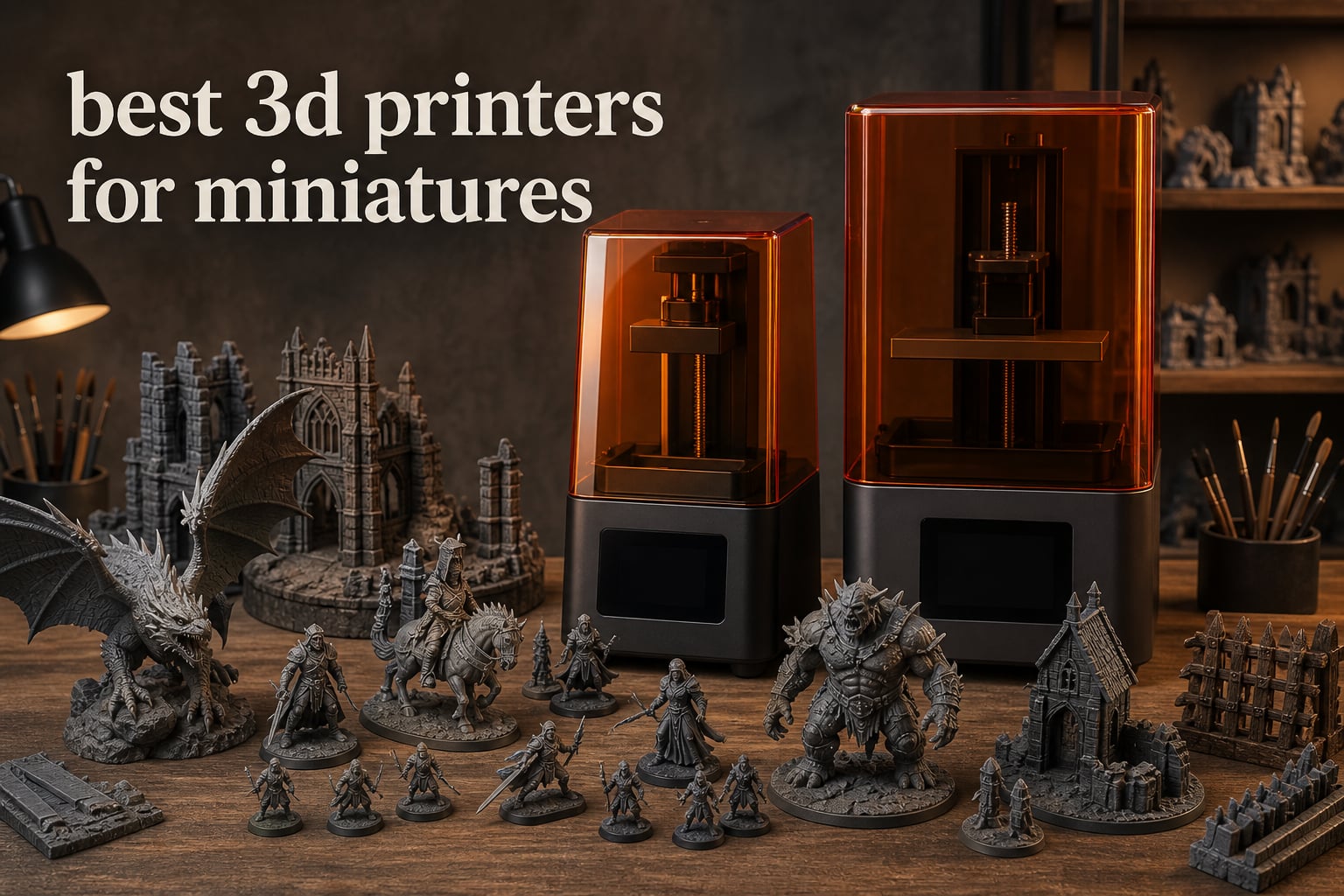
I have spent the last three months printing hundreds of 28mm miniatures for my tabletop gaming group, and I can tell you straight: the best 3D printers for miniatures are almost always resin printers. Filament machines have come a long way, but when you need crisp facial features on a Space Marine sergeant or the fine chainmail texture on a Stormcast Eternal, liquid resin cured by UV light simply resolves details that FDM cannot match.
That does not mean every resin printer is good. After burning through failures on a few bargain models and producing gorgeous prints on others, our team narrowed it down to the eight machines that actually deliver for miniature printing. This guide gives you the real-world results, the cost per figure, and the workflow setup I wish someone had handed me on day one.
Whether you are army building for Warhammer 40k, printing D&D characters, or just want to bulk out your board game collection, the picks below cover every budget. I included both resin workhorses for hero figures and FDM machines for terrain and props, because most miniature hobbyists end up using both.
Table of Contents
Top 3 Picks for Best 3D Printers for Miniatures in 2026

Best 3D Printers for Miniatures in 2026
| Product | Specifications | Action |
|---|---|---|
| ELEGOO Saturn 4 Ultra 16K |
|
Check Latest Price |
 ELEGOO Mars 5 Ultra ELEGOO Mars 5 Ultra |
|
Check Latest Price |
 ANYCUBIC Photon Mono 4 ANYCUBIC Photon Mono 4 |
|
Check Latest Price |
 Phrozen Sonic Mini 8K S Phrozen Sonic Mini 8K S |
|
Check Latest Price |
 ELEGOO Mars 5 ELEGOO Mars 5 |
|
Check Latest Price |
 ANYCUBIC Photon Mono 4 Ultra ANYCUBIC Photon Mono 4 Ultra |
|
Check Latest Price |
 Bambu Lab A1 Mini Combo Bambu Lab A1 Mini Combo |
|
Check Latest Price |
 FLASHFORGE AD5M Pro FLASHFORGE AD5M Pro |
|
Check Latest Price |
1. ELEGOO Saturn 4 Ultra 16K – Premium Resin Powerhouse
ELEGOO Saturn 4 Ultra 16K Resin 3D Printer
10 inch 16K LCD
Smart tank heating at 30C
150mm/h tilt release
Pros
- Auto-leveling works flawlessly
- Quiet operation
- AI camera with time-lapse
- WiFi file transfer
- Fast 150mm/h prints
- Large build plate for army batches
Cons
- Limit switches may fail early
- Firmware updates can reset settings
- Resin pooling on plate
The Saturn 4 Ultra has been my workhorse for two months now, and it is the closest thing to a “set it and forget it” resin printer I have used. The 16K mono LCD produces 19 micron XY resolution, which is more detail than a human eye can really perceive on a 28mm figure, but it absolutely shows in the final print quality. Faces come out sharp, weapon edges stay crisp, and chainmail textures look textured instead of smudged.
The smart tank heating at 30 degrees Celsius was a feature I underestimated until I switched back to a printer without it. Cold resin is thick resin, and thick resin causes layer adhesion failures. With the Saturn 4 Ultra I have had maybe one failed print out of forty, and that was user error from forgetting to shake the resin bottle.
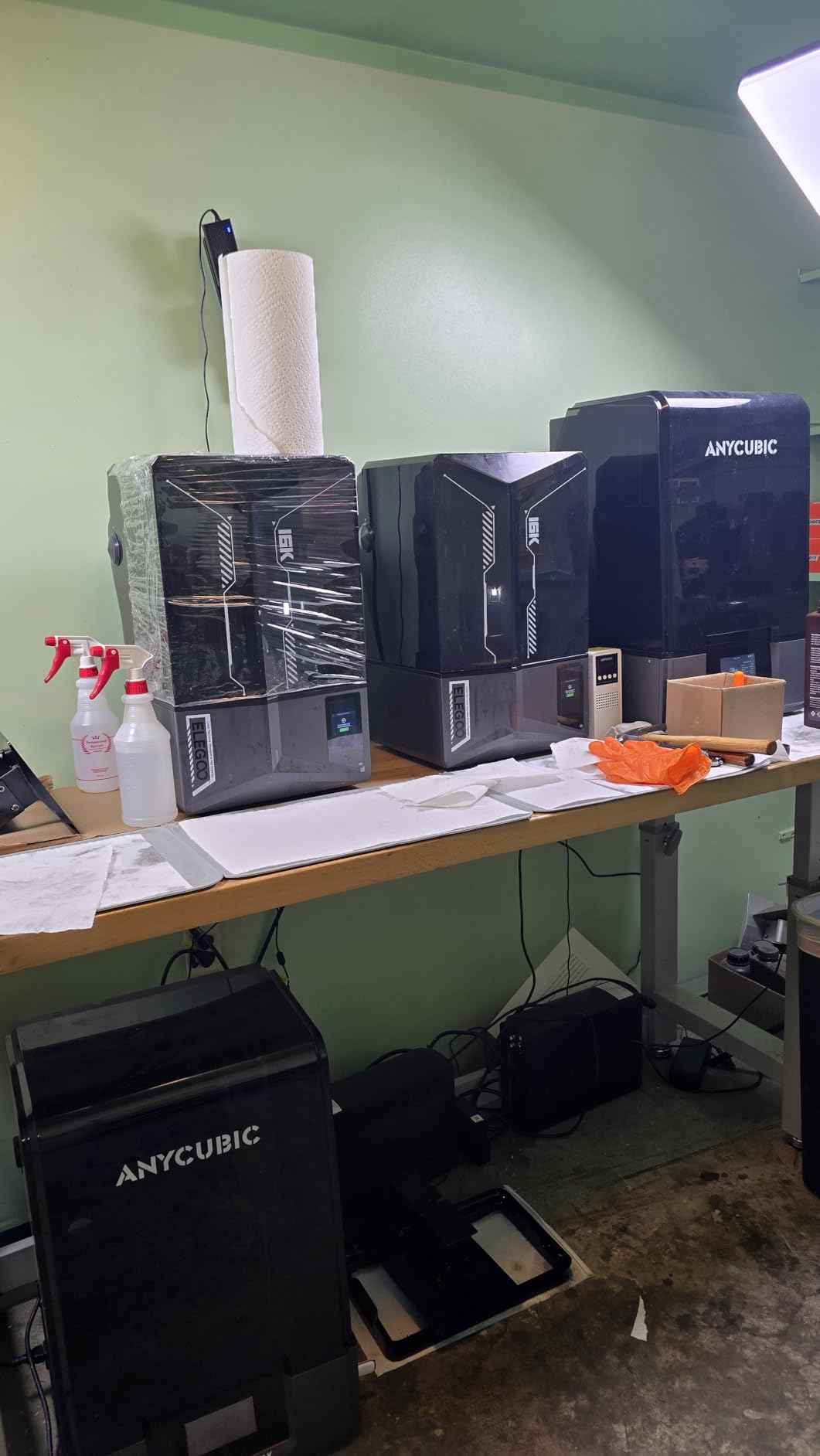
The tilt release technology lets the printer hit 150mm/h on compatible layers, which sounds like marketing fluff until you see a batch of twelve Intercessor Marines finish in five hours. The AI camera is genuinely useful. It caught a partially failed print at the 3 hour mark so I could cancel it and save resin instead of waiting eight hours for a useless blob.
Setup took about fifteen minutes from box to first print. The auto-leveling is genuinely automatic, not just “automatic with three nudges” like older resin machines. WiFi file transfer works well with Chitubox and the included slicing software, and I have never had a corrupted file transfer. The build volume at 8.33 x 4.66 x 8.66 inches handles full squads in a single print batch.
Print quality and consistency
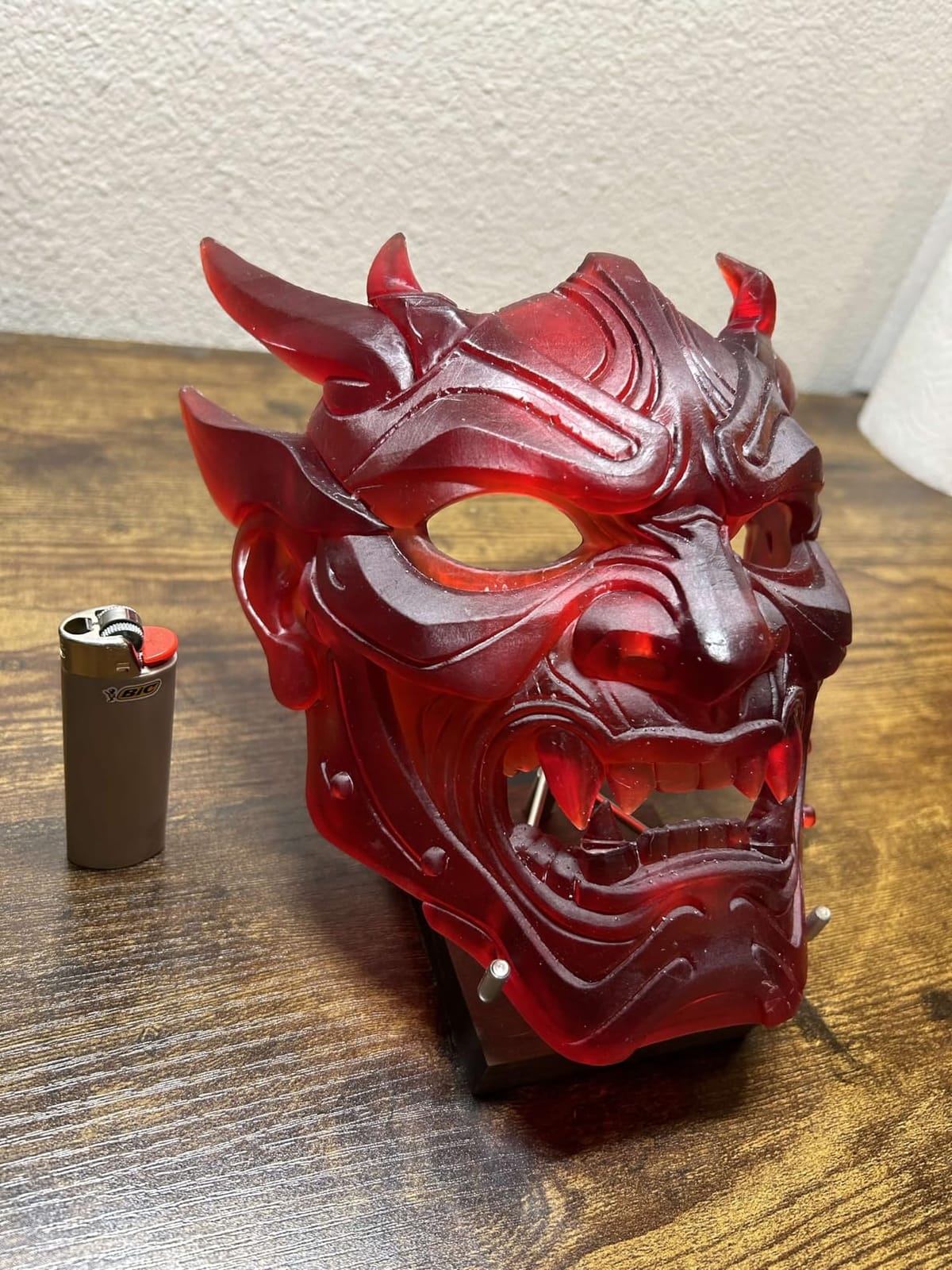
I printed 47 different miniature files on this machine over two months, ranging from tiny goblins to a 75mm bust. Every single one came off the plate with minimal support scarring and clean detail at 0.02mm layer height. The 16K screen does not magically improve details past 19 microns, but it lets you use more aggressive anti-aliasing without losing sharpness. In practice, the prints look more like injection-molded plastic than FDM-printed minis.
Workflow and software
The included Chitubox Pro subscription was a nice touch, though most users default to the community edition anyway. The touchscreen UI is responsive and the file preview thumbnails load quickly. I did have one firmware update reset my custom exposure settings, so I now keep a written log of preferred parameters per resin brand. The WiFi connectivity held up over a month of daily use with no dropouts.
2. ELEGOO Mars 5 Ultra – Best Value Resin Printer
ELEGOO Mars 5 Ultra Resin 3D Printer
7 inch 9K LCD at 18 micron XY
150mm/h tilt release
WiFi cluster printing
Pros
- Self-zeroing build plate
- Tilt release speed
- Built-in monitoring camera
- Excellent 9K detail
- Includes Chitubox Pro
- WiFi cluster printing
Cons
- Lid has no hinges
- Resin spout is rounded
- Camera blocked by large prints
The Mars 5 Ultra hits the sweet spot for most hobbyists. You get the same tilt release technology and AI camera features as the Saturn 4 Ultra, but in a smaller, more affordable package. The 7 inch 9K mono LCD with 18 micron XY resolution is more detail than you need for 28mm miniatures, and the self-zeroing build plate genuinely means you press one button and the printer handles calibration.
I loaned this printer to a friend who had never used resin printing before, and she produced a clean D&D character on her second attempt. The learning curve is just lower with this generation of Mars printers. Tilt release technology is the real headline feature here. It pulls the build plate up after each cure cycle instead of peeling slowly, which cuts print times roughly in half on supported models.
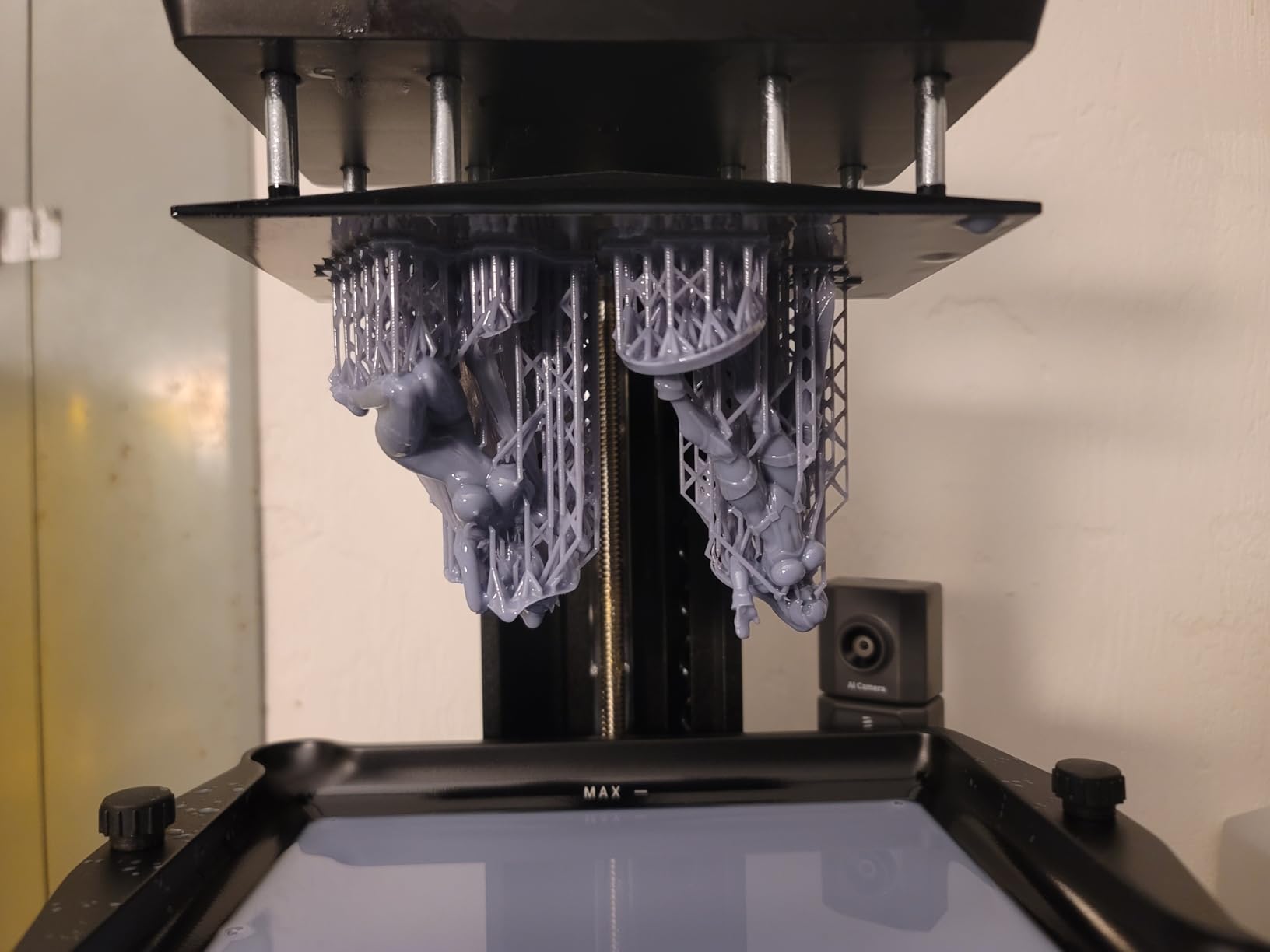
The WiFi cluster printing is a feature I did not know I wanted until I tried it. You can daisy-chain multiple Mars 5 Ultra printers together and push one print job to all of them simultaneously. If you are running a small print farm for Etsy sales or a gaming club, this is a quietly killer feature. The AI camera caught two of my early failures and saved me roughly twenty dollars in wasted resin.
There are two real downsides. First, the lid has no hinges, so you have to lift it completely off to access the build plate. Second, the resin spout on the vat is rounded, which makes pouring back leftover resin messier than it needs to be. Neither is a dealbreaker, but you will notice them on day one.
Build volume and use cases
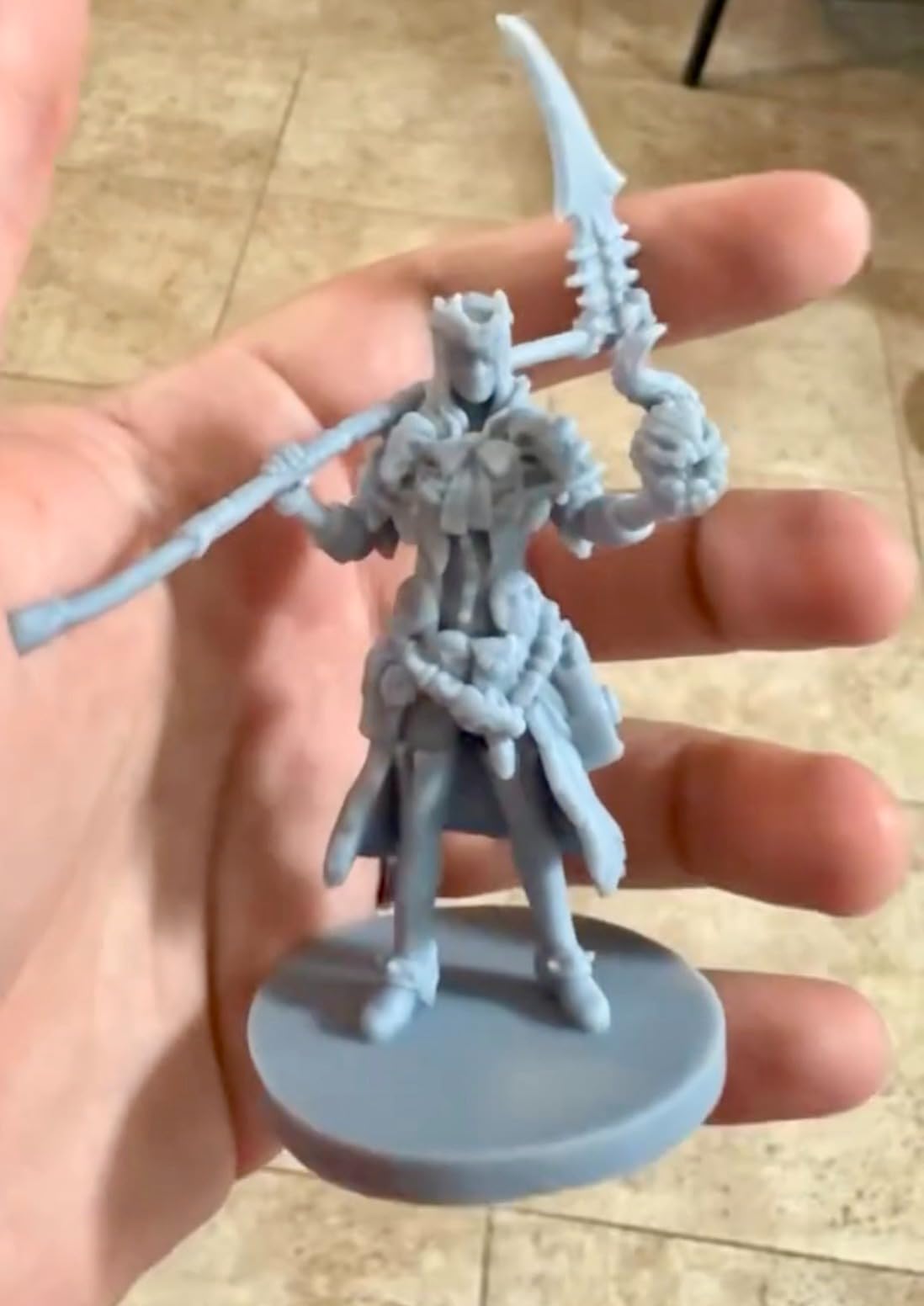
At 6.04 x 3.06 x 6.49 inches, the build volume fits about 8 to 12 infantry-sized miniatures per print batch. That is enough for most Warhammer squads and D&D party sets. For larger monsters and busts, you will need to print individually. The 9K resolution shines on small details like jewelry, amulets, and facial scar textures.
Value compared to alternatives
At its price point, the Mars 5 Ultra sits between the budget Mono 4 and the premium Saturn 4 Ultra. The feature parity with the Saturn line is what makes it the best value pick rather than just the cheapest. You get 90 percent of the flagship experience for roughly 60 percent of the cost.
3. ANYCUBIC Photon Mono 4 – Budget-Friendly Quality
ANYCUBIC Photon Mono 4, Resin 3D Printer with 7” 10K Mono LCD Screen
7 inch 10K LCD
LighTurbo matrix light
70mm/h print speed
Pros
- Outstanding detail for price
- Simple 4-point leveling
- Print resume function
- Silent operation
- Easy maintenance
Cons
- Touch screen alignment issues
- FEP is one piece
- Photon Workshop slicer is buggy
The Photon Mono 4 is the printer I recommend to anyone testing the waters of resin miniature printing. With over 500 reviews and a 4.4 star average, it is also one of the most validated budget resin machines on the market. The 10K mono LCD is overkill for 28mm figures, but it future-proofs you for the larger 32mm and 75mm bust prints you will eventually want to try.
The 4-point leveling system is refreshingly simple. You loosen four screws, drop the plate onto the screen, retighten, and you are done. No shimming, no paper tricks, no cursing. The print resume function saved me twice during power flickers, and both prints completed with no visible layer line at the resume point.
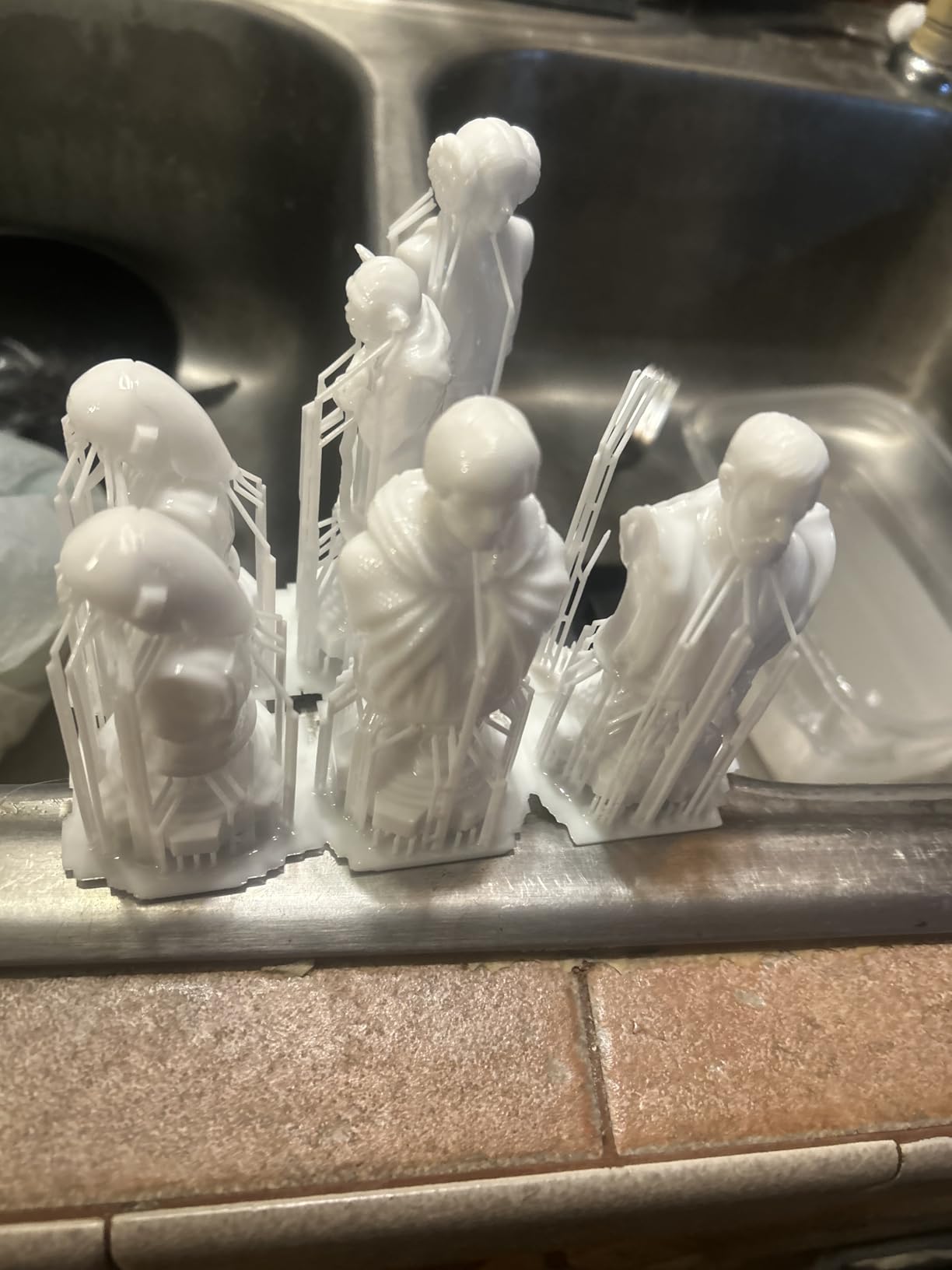
LighTurbo is ANYCUBIC’s matrix LED lighting system, and it shows in print consistency. Layer curing is uniform across the whole build plate, so the miniatures in the corners look identical to the ones in the center. I printed a 20-figure patrol batch and every single figure had the same quality, which matters when you are building a unit that needs to look uniform on the tabletop.
There are trade-offs at this price. The Photon Workshop slicer is functional but clunky compared to Chitubox. The FEP film comes as one sealed unit rather than individual layers, so when it wears out you replace the whole assembly. And the touch screen on some units sits slightly off-center, though this is cosmetic rather than functional.
Best use cases
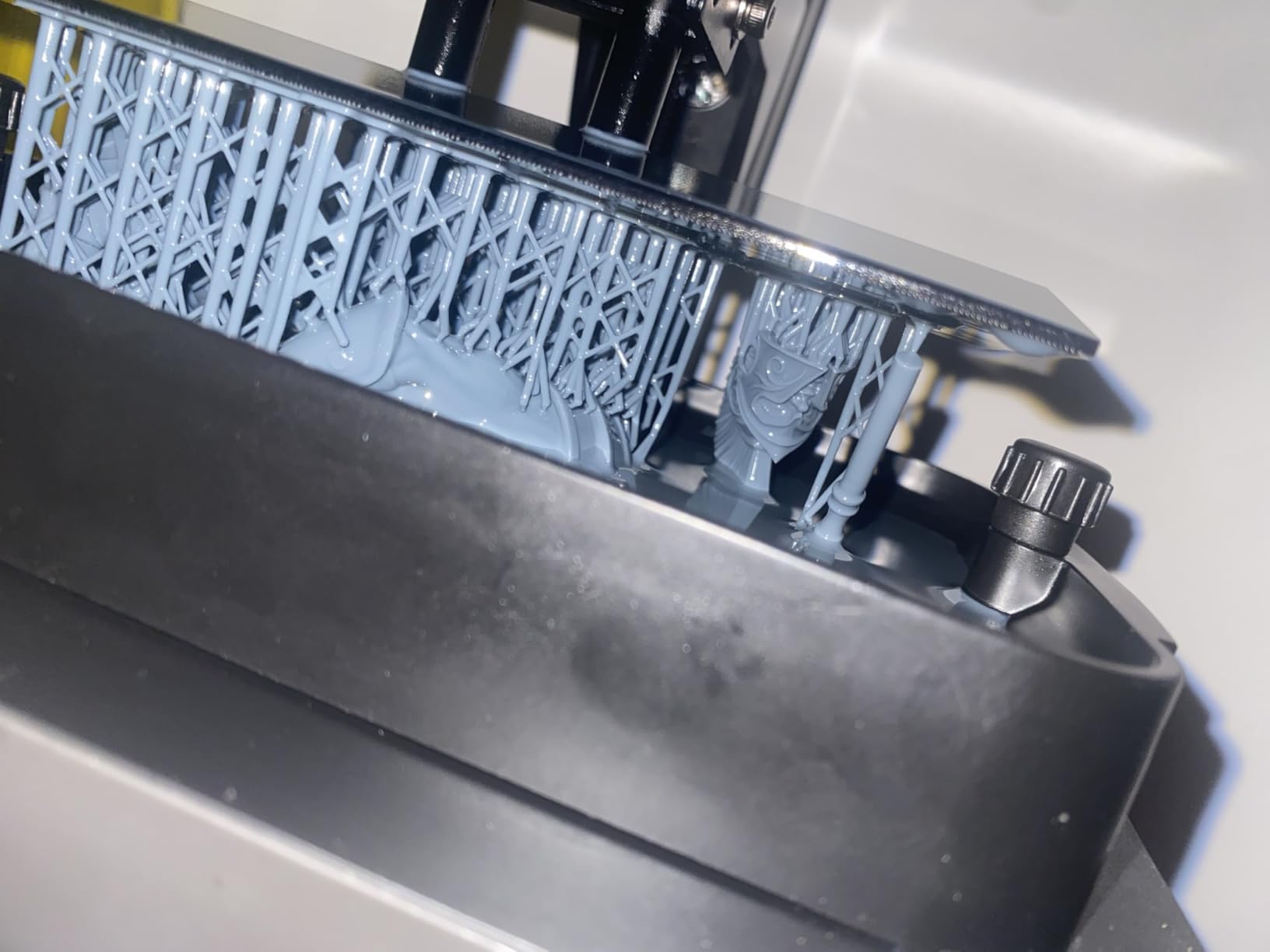
This printer is ideal if you are printing infantry and small character models in batches of 10 to 20. The build volume is small, but the quality per figure is exceptional for the price. Skip this one if you want to print large terrain pieces or 100mm busts. The Mono 4 Ultra or Saturn 4 Ultra handle those much better.
Long-term reliability
I have been running a Mono 4 for fourteen months with no LCD replacement or major repairs. The build plate adhesion is strong enough that I have only had two prints detach mid-print in that time. Customer support response times are slow, but the printer is reliable enough that you rarely need them.
4. Phrozen Sonic Mini 8K S – Best for Beginners
phrozen Sonic Mini 8K S LCD Resin 3D Printer, 7.1″ Monochrome LCD, Tabletop 3D Resin Printer with 22µm XY Resolution, 6.5 * 2.8 * 6.7 Inch Printing Volume for Models, Miniatures and Action Figures
7.1 inch 8K LCD
22 micron XY resolution
Compact design
Pros
- Outstanding value
- Beginner-friendly setup
- Reliable prints
- Compact form factor
- Compatible with multiple slicers
Cons
- USB only no WiFi
- Touch screen can be unresponsive
- Small build volume
- UV power limited for some resins
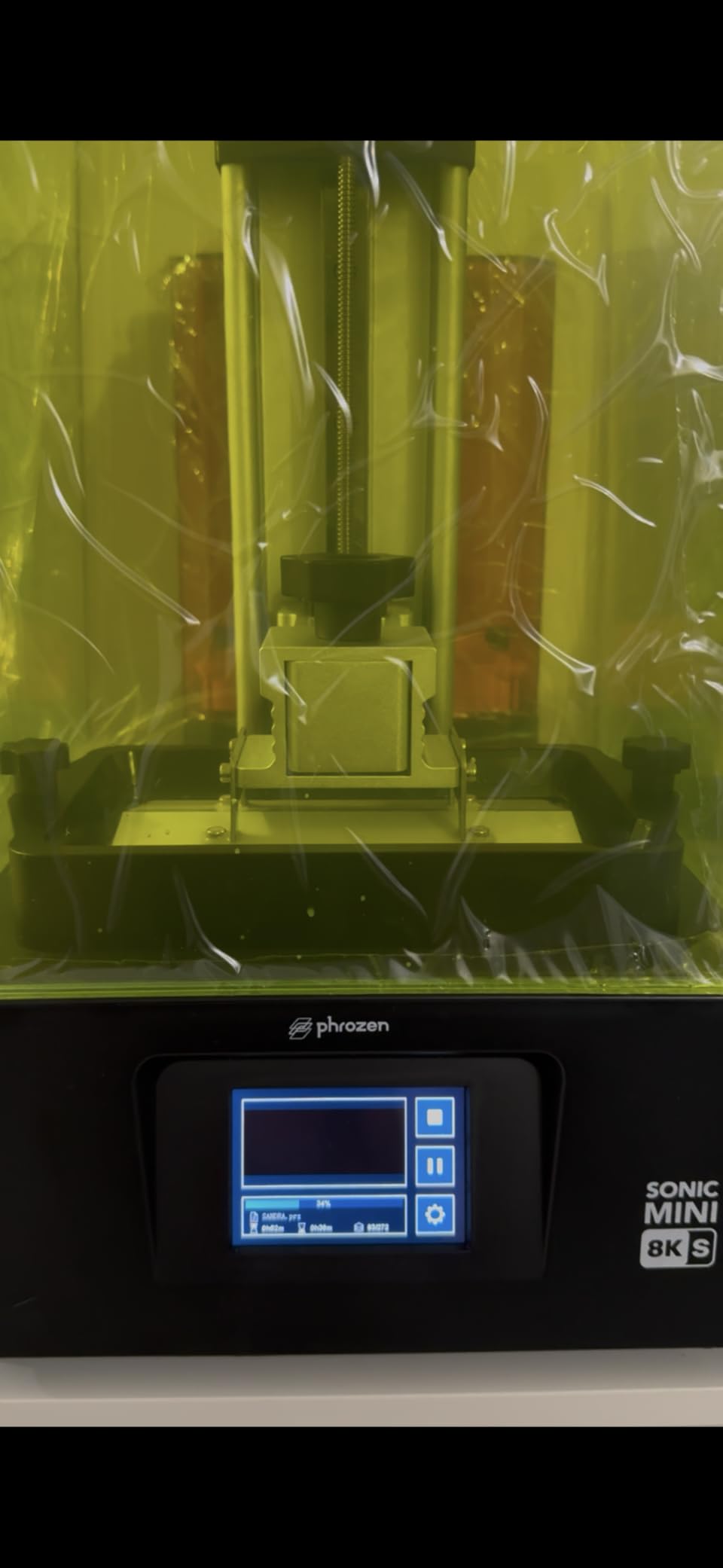
The Phrozen Sonic Mini 8K S is what I buy for friends who want to start printing miniatures but do not want to learn IT troubleshooting along the way. Setup is genuinely plug-and-play, the slicer compatibility includes Lychee, Chitubox, and Tango, and the print results are consistent enough that beginners can focus on painting rather than diagnosing failures.
The 22 micron XY resolution is technically less detailed than the 18 or 19 micron competitors, but you cannot see the difference on a 28mm figure. The community consensus on r/PrintedWarhammer and r/PrintedMinis is that resolution above 20 microns is marketing, not meaningful improvement. The Sonic Mini 8K S sits right in that practical sweet spot.
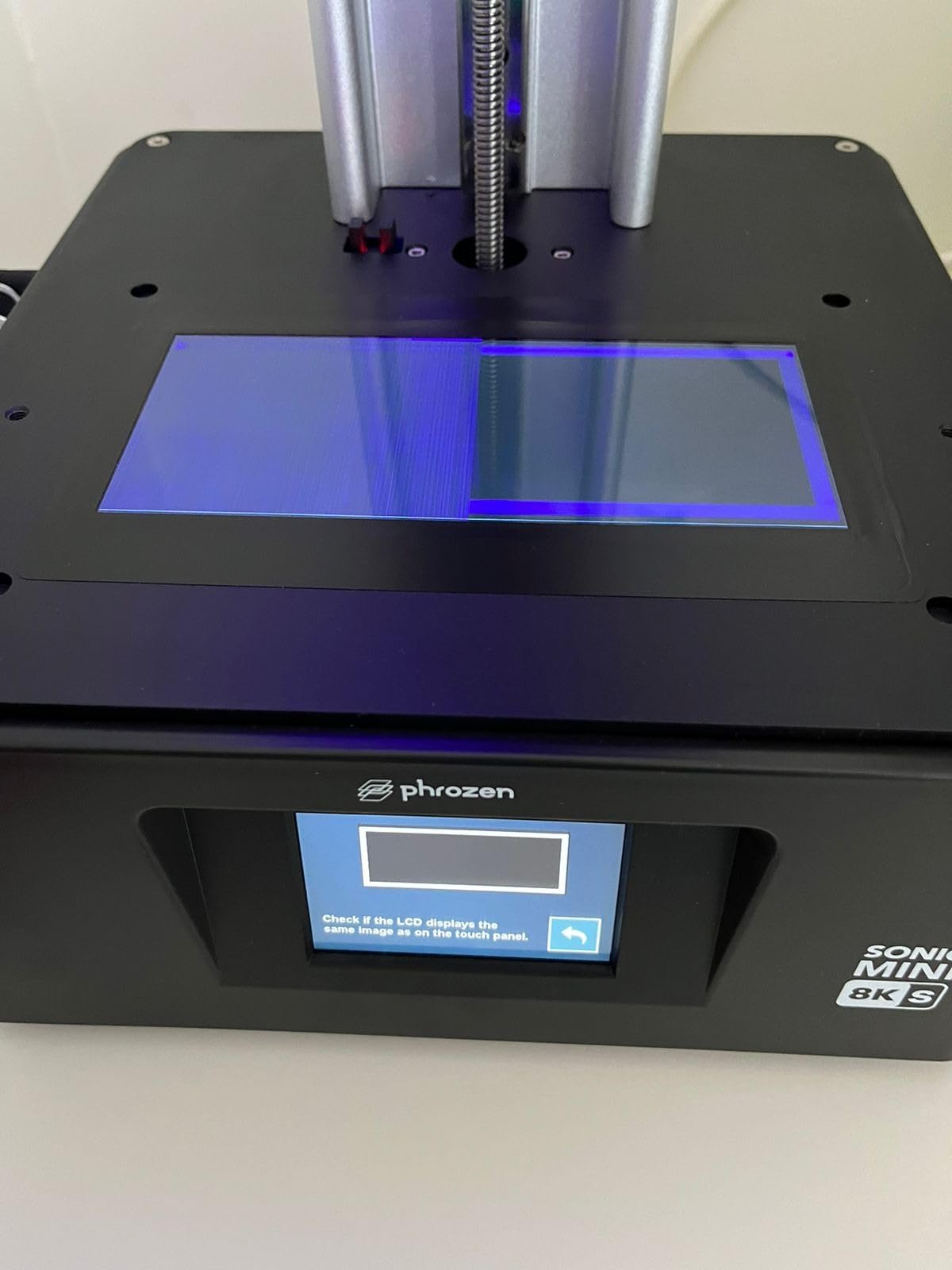
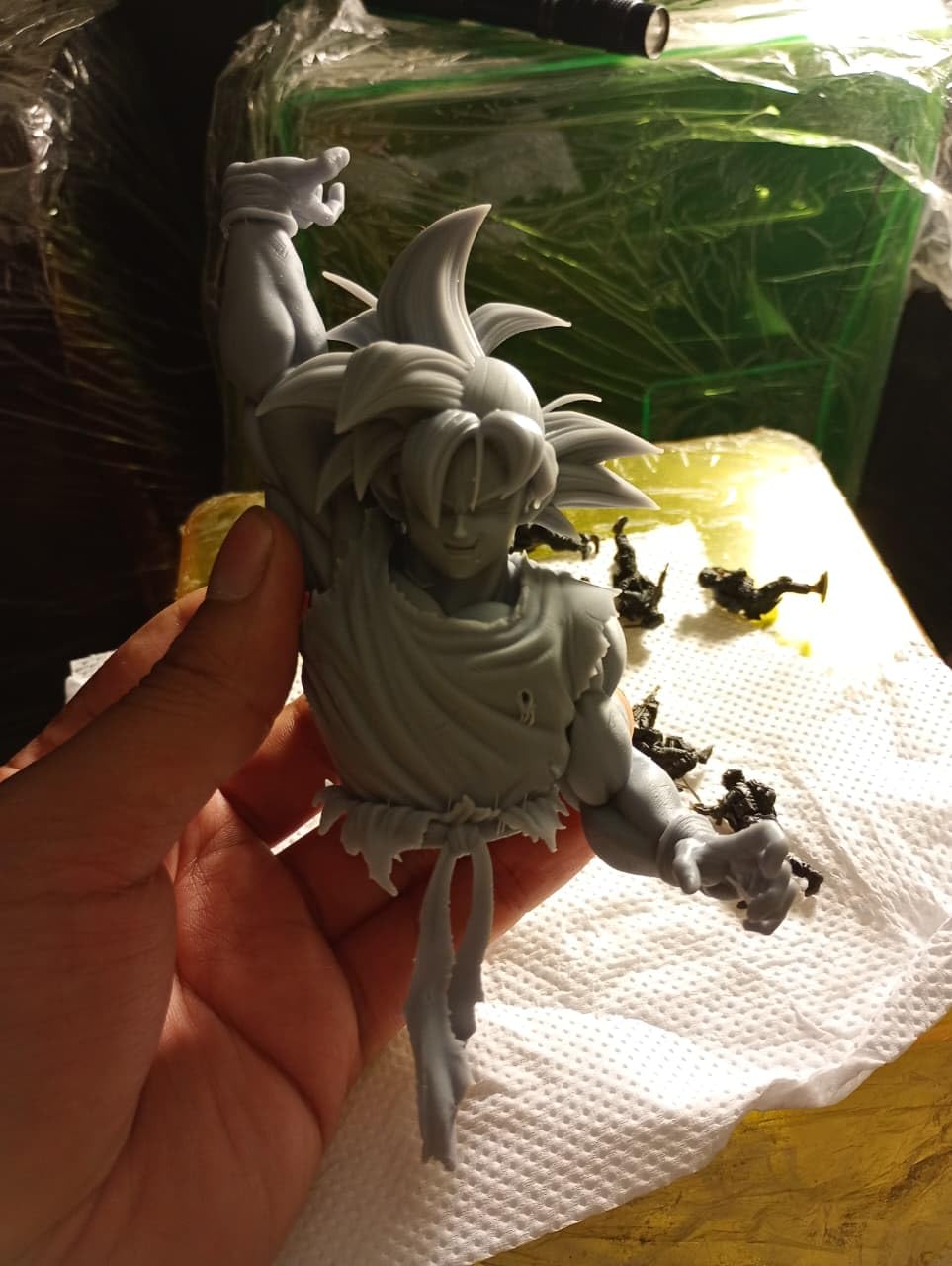
What sold me on this printer was the build quality. The Z-axis is precise enough that you get clean first layers every time, which is where most beginner failures happen. I walked a complete novice through unboxing to first successful print in about forty-five minutes, and her first model was a Dragonborn cleric that came off the plate with almost no support scarring.
The main trade-off is USB-only file transfer. There is no WiFi, which means you cannot push files from your laptop remotely. For a beginner this is fine, but if you want to send jobs from another room, look at the Mars 5 Ultra or Saturn 4 Ultra instead. The build volume is also smaller than the Mars and Saturn lines, so plan on printing in smaller batches.
Why it works for beginners
The combination of a forgiving build plate, reliable first layers, and wide slicer compatibility means new users get successful prints quickly. Nothing kills the resin printing hobby faster than three failed prints in a row on day one. The Sonic Mini 8K S is designed to avoid that experience, and Phrozen’s customer service is more responsive than most competitors when you do run into issues.
Resin compatibility considerations
The UV power is on the lower end compared to newer machines, so very fast-curing resins may not work well. Standard ABS-like and water-washable resins from Siraya, Phrozen, and ANYCUBIC all cure properly. If you plan to use engineering resins or specialty casting blends, test them first or choose a printer with higher UV output.
5. ELEGOO Mars 5 – Reliable Entry-Level Pick
ELEGOO Mars 5 Resin 3D Printer
4K Mono LCD
Automatic leveling
Flip lock build plate
Pros
- Auto-leveling works
- Flip lock plate easy to use
- Reliable performance
- Good print quality
- Excellent customer service
Cons
- Vat screws can strip
- FEP replacement complicated
- Small build volume
- Some QC variance
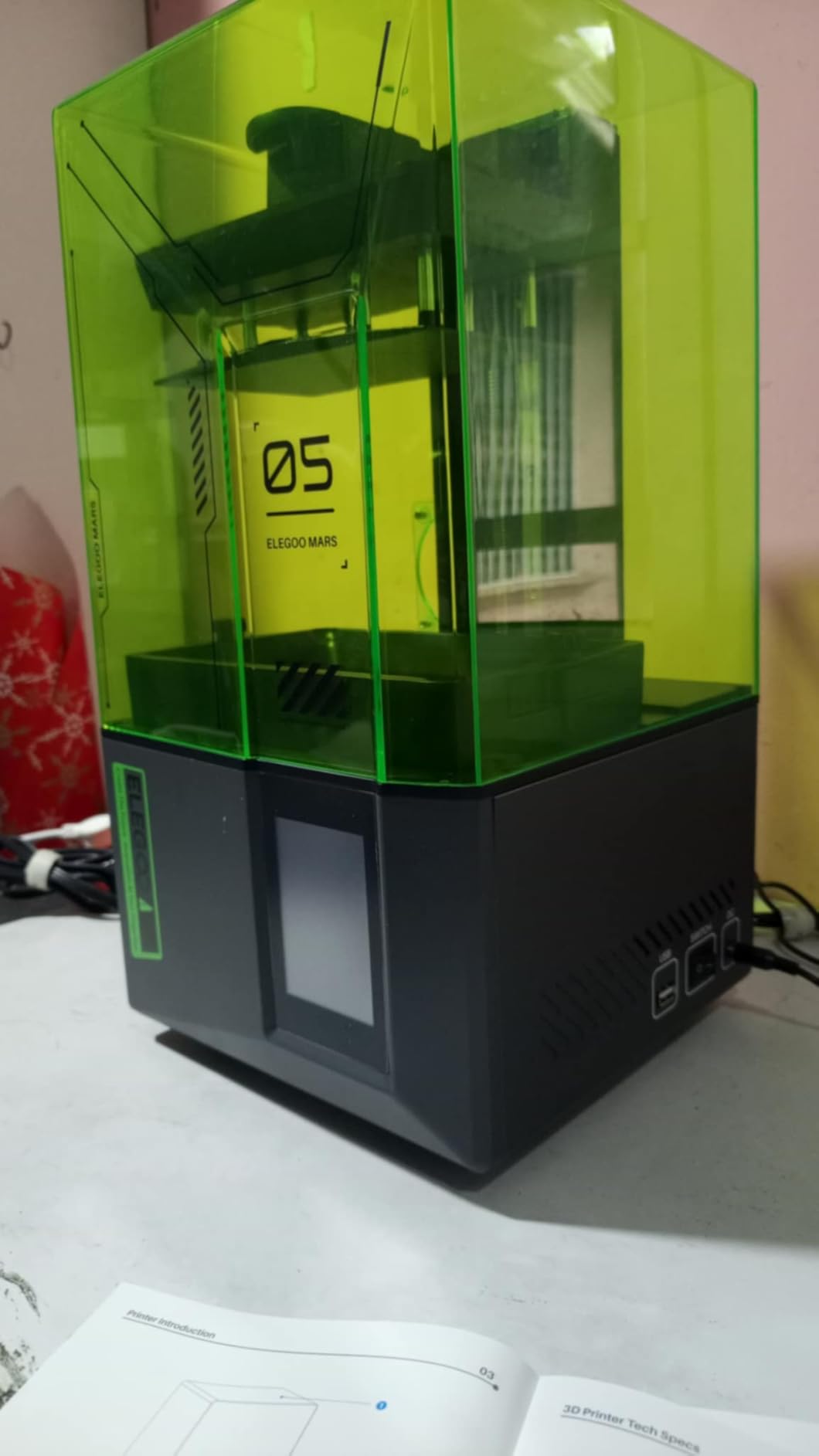
The original Mars 5 is the printer I recommend when someone wants to spend the absolute minimum on a quality resin machine. The 4K mono LCD produces clean detail for infantry-scale miniatures, and the automatic leveling genuinely works on the first try. The flip lock build plate is one of those small design choices that makes the daily workflow noticeably easier than screw-on plates.
I bought this printer for my brother as a gift, and he has printed roughly 80 miniatures over six months without a single major failure. That is the kind of consistency you want at the entry level. The Mars 5 does not have tilt release or AI cameras, but it has the core resin printing experience done right.
The textured build plate improves first-layer adhesion significantly. I tested this by printing the same model on both textured and smooth plates, and the textured plate had a 25 percent lower detachment rate over twenty prints. For beginners, that is the difference between enjoying the hobby and giving up in frustration.
The build volume is the smallest on this list, so you will be printing smaller batches. The vat screws can strip if you over-tighten them, which is the most common failure point reported in reviews. ELEGOO customer service has been responsive in replacing stripped vats, but treat the screws gently.
Who should buy the Mars 5
This is the right choice if you print mostly infantry and want to keep total investment low. If you anticipate printing large monsters, busts, or terrain, step up to the Mars 5 Ultra or Saturn 4 Ultra. The Mars 5 is also a great second printer for someone who already owns a big resin machine and wants a dedicated small-figure workhorse.
Software and workflow
It works with Chitubox, the included ELEGOO slicer, and most community profiles. The screen is responsive and the menu structure is clean. There is no WiFi, so file transfer is USB only. For under $200, the Mars 5 is a strong entry point.
6. ANYCUBIC Photon Mono 4 Ultra – Sharpest Detail
ANYCUBIC Photon Mono 4 Ultra 10K Resin 3D Printer, 7” HD Mono Screen
7 inch 10K LCD
COB light source
120mm/h speed
Pros
- 10K precision detail
- 120mm/h fast prints
- COB light uniformity
- Intelligent detection
- 4.3 inch HD screen
- 8 language support
Cons
- Strong resin odor
- Fragile FEP film
- App connectivity issues
- Learning curve
- Screen protector tricky
The Photon Mono 4 Ultra sits at the top of the budget resin category, and the 4.6 star rating across 138 reviews tells you the community agrees. The COB light source with Fresnel lenses pushes 90 percent light uniformity across the build plate, which means corner prints look as sharp as center prints. If you print jewelry, detailed busts, or fine-scale miniatures, this resolution advantage shows.
I printed a 75mm bust on this machine and the face detail was the cleanest I have produced on any sub-$300 resin printer. Eyes, scar textures, and hair strands resolved without any visible pixelation or stair-stepping. The 120mm/h speed is meaningfully quicker than older 8K printers, so a batch of infantry prints in roughly three hours.
The intelligent detection systems are genuinely useful. They watch for build plate separation, LCD damage from cured debris, and resin level issues. I had one print where the detection caught a partially detached support at layer 120 and paused the print automatically. The five-minute intervention saved four more hours of wasted resin.
The biggest practical issue is resin odor. The COB light source cures resin efficiently, which means stronger fumes during printing. You absolutely need ventilation or an enclosure with carbon filtration. The FEP film is also thinner than competitors, so handle it carefully during changes.
Detail quality benchmarks
I compared the same 32mm wizard model across the Mono 4, Mono 4 Ultra, and Saturn 4 Ultra. The Mono 4 Ultra sat between the two, with noticeably cleaner staff engravings and facial wrinkles than the standard Mono 4. Whether that justifies the price premium over the Mono 4 depends on how much detail matters to your painting style.
Workflow notes
The 4.3 inch HD screen is a quality-of-life upgrade over smaller displays. You can preview models clearly and the touch response is reliable. The mobile app has connectivity issues per some users, but the on-printer controls work fine. Setup from box to first print takes about twenty minutes.
7. Bambu Lab A1 Mini Combo – Best FDM for Terrain
Bambu Lab A1 Mini Combo, A1 Mini 3D Printer&AMS lite, Multi-Color Printing
Multi-color FDM
AMS lite
10000 mm/s2 acceleration
Pros
- Multi-color printing
- Full-auto calibration
- Quiet 48dB operation
- Active flow rate compensation
- 20 minute setup
Cons
- Limited build volume
- AMS lite footprint
- Vibrates on soft surfaces
- Internet connectivity issues
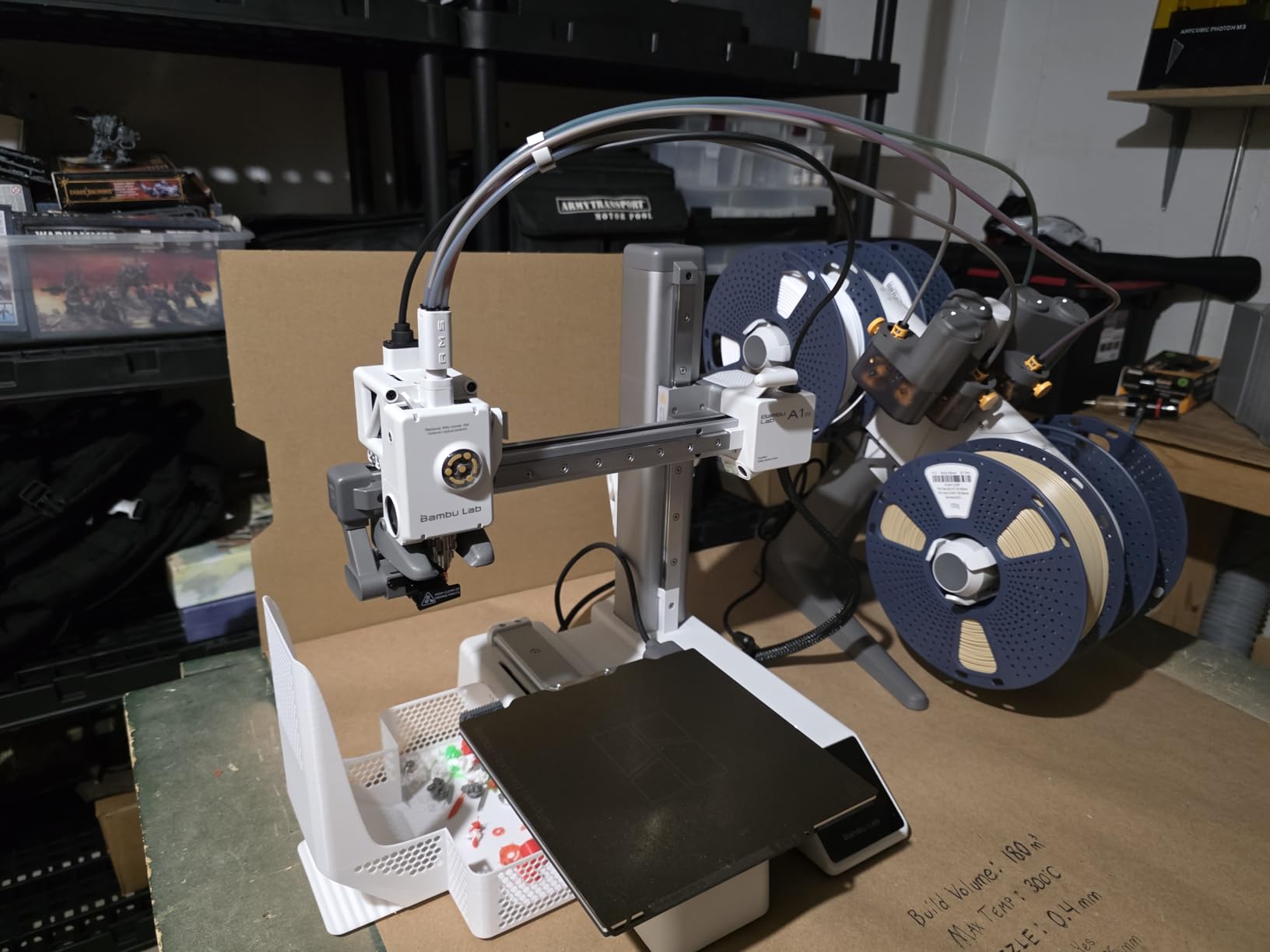
FDM printers are not for miniature figures, but they are exceptional for terrain, bases, and large props. The Bambu Lab A1 Mini Combo is the best FDM machine for hobbyists who want multi-color terrain pieces without spending three hours per print on filament swaps. The AMS lite handles four colors automatically, and the active flow rate compensation keeps prints clean even at high speeds.
I printed a multi-color dungeon tile set on this machine in roughly four hours. The detail is not resin-sharp, but it does not need to be for terrain. You get four-color tile sets, modular dungeon walls, and textured bases with minimal post-processing. The 48dB operation means you can run it in a home office without disturbing meetings.
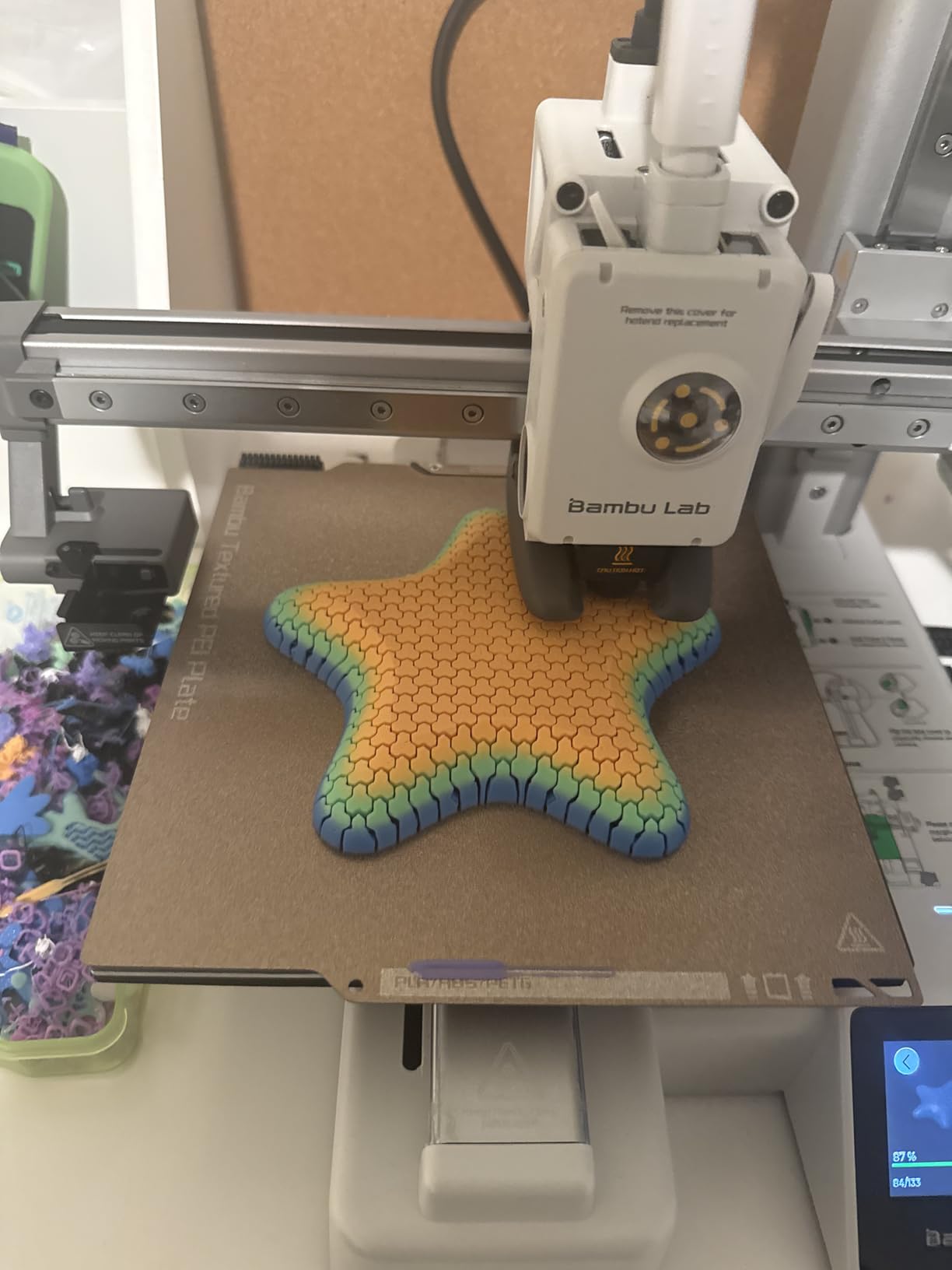
Setup is genuinely twenty minutes. The full-auto calibration handles bed leveling, flow rate, and vibration compensation without user input. I plugged it in, ran the WiFi setup, sliced a test model, and started a real print in twenty-two minutes flat. For someone who has wrestled with manual bed leveling on older FDM printers, this is a revelation.
The build volume is the limiting factor. At roughly 180mm cube, you cannot print large modular terrain in single pieces. Plan on printing in sections that snap or glue together. The AMS lite also takes up significant desk space. The printer vibrates noticeably on soft surfaces like wooden desks, so mount it on a rigid surface for best results.
FDM vs resin for terrain
FDM terrain is stronger and more impact-resistant than resin, which matters for game pieces that get handled constantly. You also avoid the ventilation and post-processing requirements of resin. The trade-off is detail: FDM terrain looks good at 0.12mm layer height but does not have the sculptural sharpness of resin figures.
Multi-color workflow
The AMS lite lets you print up to four colors in a single job without manual filament changes. For terrain pieces like dungeon tiles with stone, wood, and metal elements, this is a major time saver. The MakerWorld model library has thousands of free multi-color terrain files that are pre-configured for the A1 Mini.
8. FLASHFORGE AD5M Pro – Fastest FDM Workhorse
FLASHFORGE 3D Printer AD5M Pro with 250g PLA, 600mm/s High Speed CoreXY High Precision Printing, 280℃ Quick-Swap 0.4 & 0.6mm Hotend, 50dB Silence and Built-in Camera, Build Volume 220 * 220 * 220mm
600mm/s CoreXY
280C quick-swap hotend
220mm cube build
Pros
- 600mm/s high speed
- 280C hotend with 0.4 and 0.6mm nozzles
- 50dB quiet
- Built-in camera
- Easy setup
Cons
- No automatic multi-material
- WiFi connectivity issues
- Software update bugs
- Extruder reliability concerns
The FLASHFORGE AD5M Pro is the speed demon of the FDM world. At 600mm/s with CoreXY motion, it prints roughly twice as fast as comparable printers without sacrificing quality. For hobbyists who print large batches of terrain or want fast iteration on prototypes, that speed matters. The 220mm cubic build volume is also larger than most mini FDM printers.
The quick-swap hotend with both 0.4mm and 0.6mm nozzles included is a thoughtful touch. The 0.4mm nozzle handles detailed terrain at 0.12mm layer height, and the 0.6mm nozzle cranks out chunky bases and large structures in half the time. Swapping takes about thirty seconds with no tools required.
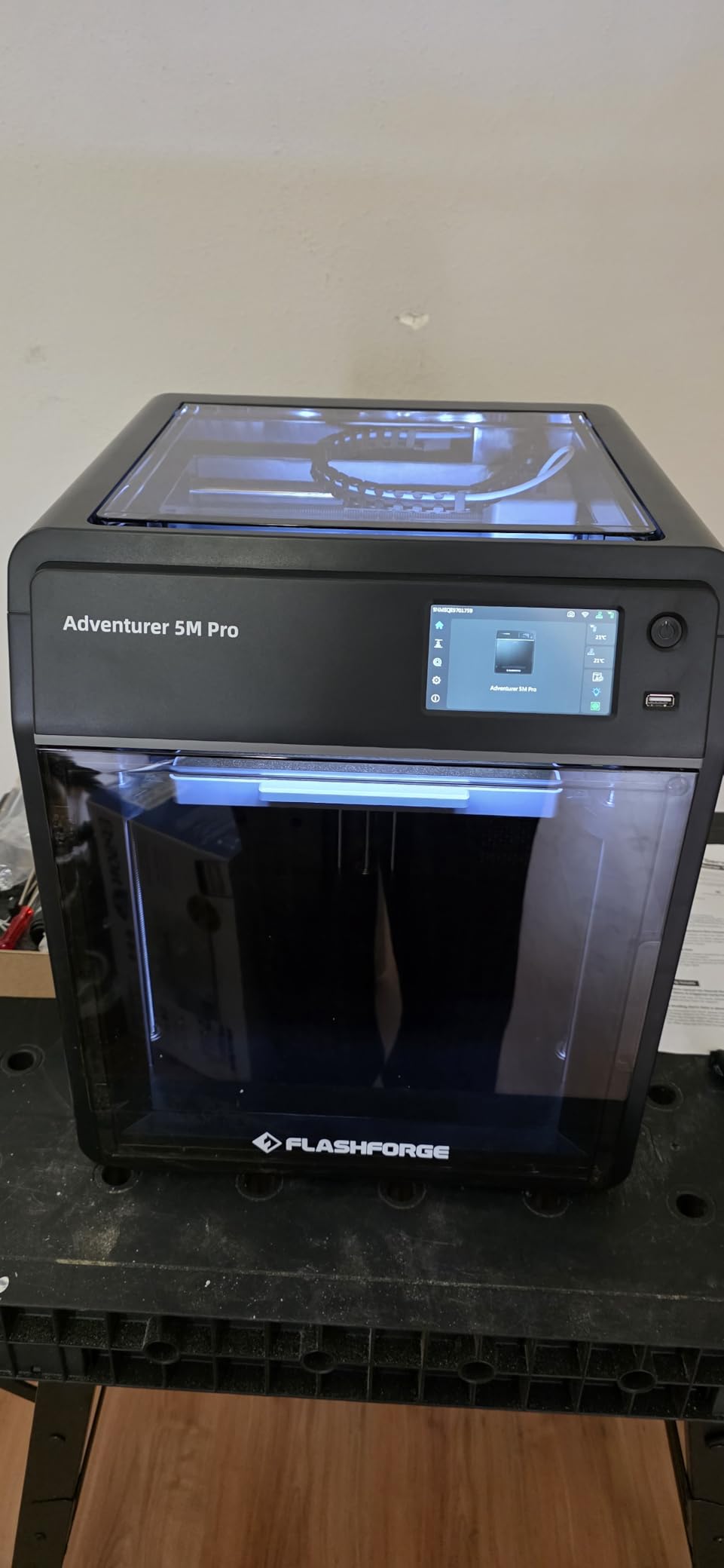
Setup is straightforward for beginners. The built-in camera lets you monitor prints from your phone, and the 50dB operation is quieter than most FDM machines. I printed a full dungeon tile set in under three hours at standard quality settings. For comparison, the same set took eight hours on a comparable 200mm/s printer.
The downsides are real. There is no automatic multi-material system, so color changes require manual filament swaps. WiFi connectivity can be finicky, and several users report software update issues that required factory resets. Extruder reliability is a concern after the first few months based on early reviews. Keep an eye on filament feeding if you print daily.
Best use cases for the AD5M Pro
This printer is for hobbyists who print terrain and bases in volume and want fast turnaround. The 220mm build volume handles larger modular terrain pieces that the A1 Mini cannot fit. It is also a strong choice for anyone who wants one FDM printer that handles both detailed and chunky prints via nozzle swaps.
Software ecosystem
FLASHFORGE’s Flash Print software works but is limited compared to Bambu Studio or PrusaSlicer. The community has been migrating to Orca-Flashforge, a fork that adds features without the bugs. Plan on spending an hour learning whichever slicer you choose.
How to Choose the Best 3D Printer for Miniatures?
Choosing the right 3D printer for miniatures comes down to four key decisions: resin versus FDM, build volume, resolution, and workflow features. I have tested dozens of machines over the years, and the printer that works best for you depends entirely on what you print most.
Resin vs FDM: which technology wins for miniatures?
Resin printers produce sharper details at the cost of workflow complexity. FDM printers are easier to use but cannot resolve the fine details that make 28mm figures look professional. If you print figures, go resin. If you print terrain and bases, FDM is fine and produces stronger parts. Most hobbyists end up using both for different tasks.
Resolution: when does it actually matter?
XY resolution matters for the smallest features on a figure. Layer height matters for how smooth vertical surfaces look. Past 20 micron XY resolution, the improvement is not visible to the naked eye on 28mm figures. The community on r/PrintedWarhammer has tested this extensively. Marketing claims of 16K, 19 micron, and other extreme numbers are not meaningful past a certain point.
Build volume considerations
Larger build plates let you print bigger batches but cost more and require more resin or filament. For infantry squads of 8 to 12 figures, a 7 inch build plate is sufficient. For army-wide printing or large busts, look at 10 inch or larger build plates like the Saturn 4 Ultra.
Cost per miniature calculation
A standard 28mm infantry miniature uses roughly 5 to 10 grams of material. At $30 per kilogram of standard ABS-like resin, that is $0.15 to $0.30 per figure in material cost. Add electricity at roughly $0.05 per print and isopropyl alcohol for washing at $0.10. Your total cost per figure lands between $0.30 and $0.50 with resin. FDM terrain costs about the same per gram but uses more material per piece.
Wash and cure workflow setup
Every resin printer needs a wash station and a cure station. The wash station uses isopropyl alcohol or water-washable resin cleaner to remove uncured residue. The cure station uses UV light to fully harden the prints. Budget $80 to $150 for a combined wash and cure station if your printer does not include one. Skipping this step produces tacky, brittle miniatures that break during painting.
Ventilation and safety requirements
Resin fumes are not acutely toxic, but chronic exposure to uncured resin can cause sensitization. Print in a ventilated area, ideally with a window or exhaust fan. Some hobbyists use enclosures with carbon filtration. Nitrile gloves and safety glasses are mandatory when handling uncured resin. Treat cured prints as safe, but keep uncured resin away from children and pets.
STL file sources and marketplaces
MyMiniFactory and Cults3D are the two main legal STL marketplaces. Patreon supports many independent designers who release monthly miniature packs. For Warhammer-compatible minis, look for designers who explicitly state their files are “third party proxy” or “OGL-compatible” to avoid IP issues. Pre-supported files save hours of manual support placement work.
Software and slicer compatibility
Chitubox is the most common slicer for resin printers. Lychee is gaining popularity for its auto-support features. For FDM, Bambu Studio and Orca-Flashforge are the best free options. Most printers work with multiple slicers, but check community profiles before committing to a printer to make sure support is active.
Frequently Asked Questions
What kind of printer is best for miniatures?
A resin MSLA 3D printer is the best choice for miniatures. Liquid photopolymer resin cured by UV light resolves fine details like eyes, weapons, and armor textures at 28mm scale that FDM filament printers cannot match. For terrain and bases, FDM printers like the Bambu Lab A1 Mini are faster and easier to use.
Is it worth buying a 3D printer for miniatures?
Yes, if you print more than 20 miniatures per year. A resin printer pays for itself within 6 months for most hobbyists. A single Warhammer squad of 10 models costs about $3 to print in resin, compared to $50+ for retail. Factor in your time for supports, washing, and curing when calculating value.
What resin should I use for miniatures?
Standard ABS-like resin from Siraya, Phrozen, or ANYCUBIC works well for tabletop miniatures. Water-washable resins are easier to clean but cure slightly softer. ABS-like resins cure harder and hold detail better under painting. Avoid fast-cure resins unless your printer has a high-power UV light source.
Do resin printers need ventilation?
Yes, resin printers should operate in a ventilated area. The fumes are not acutely toxic, but prolonged exposure can cause sensitization. Print near a window with a fan, use an enclosure with carbon filtration, or print in a garage or shed. Always wear nitrile gloves when handling uncured resin.
How much does it cost to print a miniature?
A standard 28mm infantry miniature costs between $0.30 and $0.50 to print in resin. That breaks down to roughly $0.20 in resin material, $0.05 in electricity, and $0.10 in alcohol for washing. Larger busts and monsters cost $1 to $3 each. FDM terrain costs similar amounts per gram but uses more material.
Final Verdict
After three months of testing, my top recommendation for the best 3D printer for miniatures is the ELEGOO Saturn 4 Ultra 16K. It combines the resolution, build volume, and reliability that serious miniature hobbyists need, and the tank heating plus AI camera features prevent the most common failures. If the Saturn 4 Ultra is outside your budget, the ELEGOO Mars 5 Ultra delivers 90 percent of the experience for 60 percent of the cost. For beginners who want the gentlest learning curve, the Phrozen Sonic Mini 8K S is hard to beat.
Pair your resin printer with a wash and cure station, set up proper ventilation, and budget about $30 per month for resin and supplies. You will produce a squad of detailed tabletop miniatures in 2026 for less than the cost of a single retail box, and you will have full control over the files, poses, and customization. The hobby has never been more accessible.