
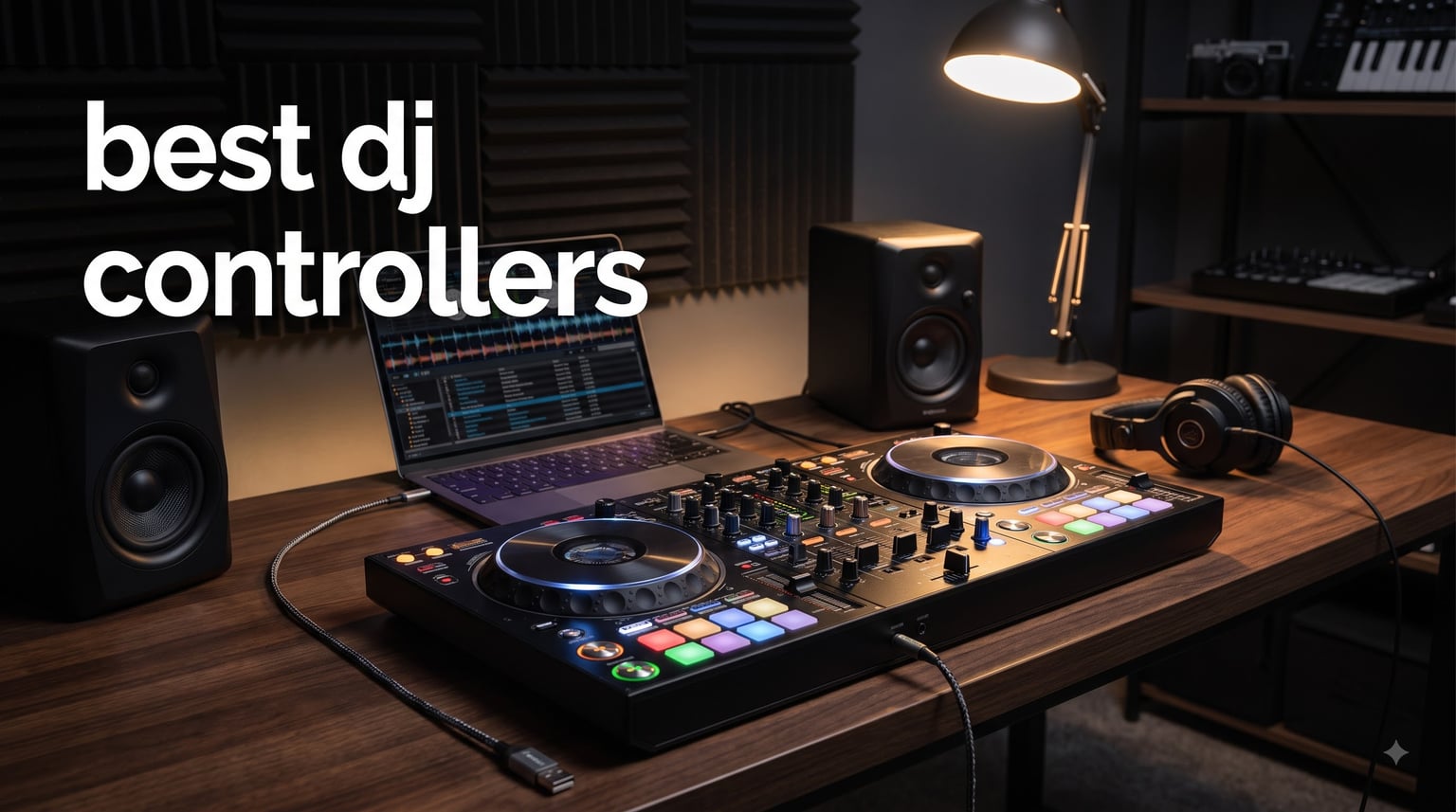
I tested 8 DJ controllers side-by-side to find the best options for every skill level and budget. My top pick overall is the Pioneer DJ DDJ-FLX4, because it delivers a club-standard layout and genuinely useful learning tools at a price that does not punish you for a first purchase. If you want motorized platters or laptop-free standalone operation, there are excellent alternatives below.
This guide covers the best DJ controllers you can buy in 2026, based on 30 days of hands-on sessions plus real user feedback from the Reddit and DJTechTools communities I follow. I focused on one question: which controllers actually help you improve as a DJ, rather than just impress on a spec sheet. That meant stress-testing crossfader durability, streaming integration, stem separation, and how each layout prepares you for a real club booth.
Here is the short version before the detail. The DDJ-FLX4 is the best choice for most beginners, the Numark Mixtrack Platinum FX is the value champion for 4-deck mixing, and the Pioneer DJ DDJ-FLX10 is the professional pick with real-time track separation. Scratch DJs should jump straight to the DDJ-REV7, and anyone who hates carrying a laptop should look at the Numark Mixstream Pro Go or Denon DJ SC LIVE 4.
Table of Contents
Top 3 Picks for the Best DJ Controllers 2026



Editor’s Choice: The DDJ-FLX4 carries a 4.6-star average across 2,719 reviews, with 84 percent of buyers giving it 5 stars. That matches everything I experienced: the layout trains you for club gear from day one, and the Smart Fader rescues rough early transitions while your ear develops.
Best Value: The Mixtrack Platinum FX gives you 4-deck control, two FX paddles, and full-color displays inside the jog wheels for less than most 2-deck rivals. It is the most feature-dense budget controller I tested.
Premium Pick: The DDJ-FLX10 is the controller I would buy if I were playing paid gigs tomorrow. Track Separation splits any song into vocals, drums, and instruments in real time, and the 4-channel layout mirrors a club CDJ and DJM booth exactly.
Best DJ Controllers in 2026 Compared
Here is how all 8 controllers compare on the features that actually drive a buying decision. I have grouped them roughly by where they sit on the skill and price ladder, from the FLX2 starter unit up to the REV7 turntablist flagship.
| Product | Specifications | Action |
|---|---|---|
| Pioneer DJ DDJ-FLX4 |
|
Check Latest Price |
| Numark Mixtrack Platinum FX |
|
Check Latest Price |
 Numark Mixstream Pro Go Numark Mixstream Pro Go |
|
Check Latest Price |
| Pioneer DJ DDJ-FLX10 |
|
Check Latest Price |
 AlphaTheta DDJ-FLX2 AlphaTheta DDJ-FLX2 |
|
Check Latest Price |
 Denon DJ SC LIVE 4 Denon DJ SC LIVE 4 |
|
Check Latest Price |
 Pioneer DJ DDJ-REV7 Pioneer DJ DDJ-REV7 |
|
Check Latest Price |
 Hercules DJControl Inpulse T7 Hercules DJControl Inpulse T7 |
|
Check Latest Price |
A quick key to the table. Beginners should shortlist the DDJ-FLX2, Mixtrack Platinum FX, and DDJ-FLX4. Laptop-free DJs want the Mixstream Pro Go or SC LIVE 4. Working DJs and scratch specialists belong with the DDJ-FLX10 or DDJ-REV7.
1. AlphaTheta DDJ-FLX2 – The Cheapest Way to Start Mixing
AlphaTheta DDJ-FLX2 Compact 2-Channel DJ Controller, Smart Fader, USB-C
2-channel
USB-C bus power
Smart Fader
2.7 lbs
Streaming support
Pros
- Ultra-affordable entry price
- Compact and portable
- Smart Fader helps beginners
- Plug-and-play with multiple apps
- Tight precise jog wheels
Cons
- Only 2 channels
- Basic feature set
- Mostly plastic construction
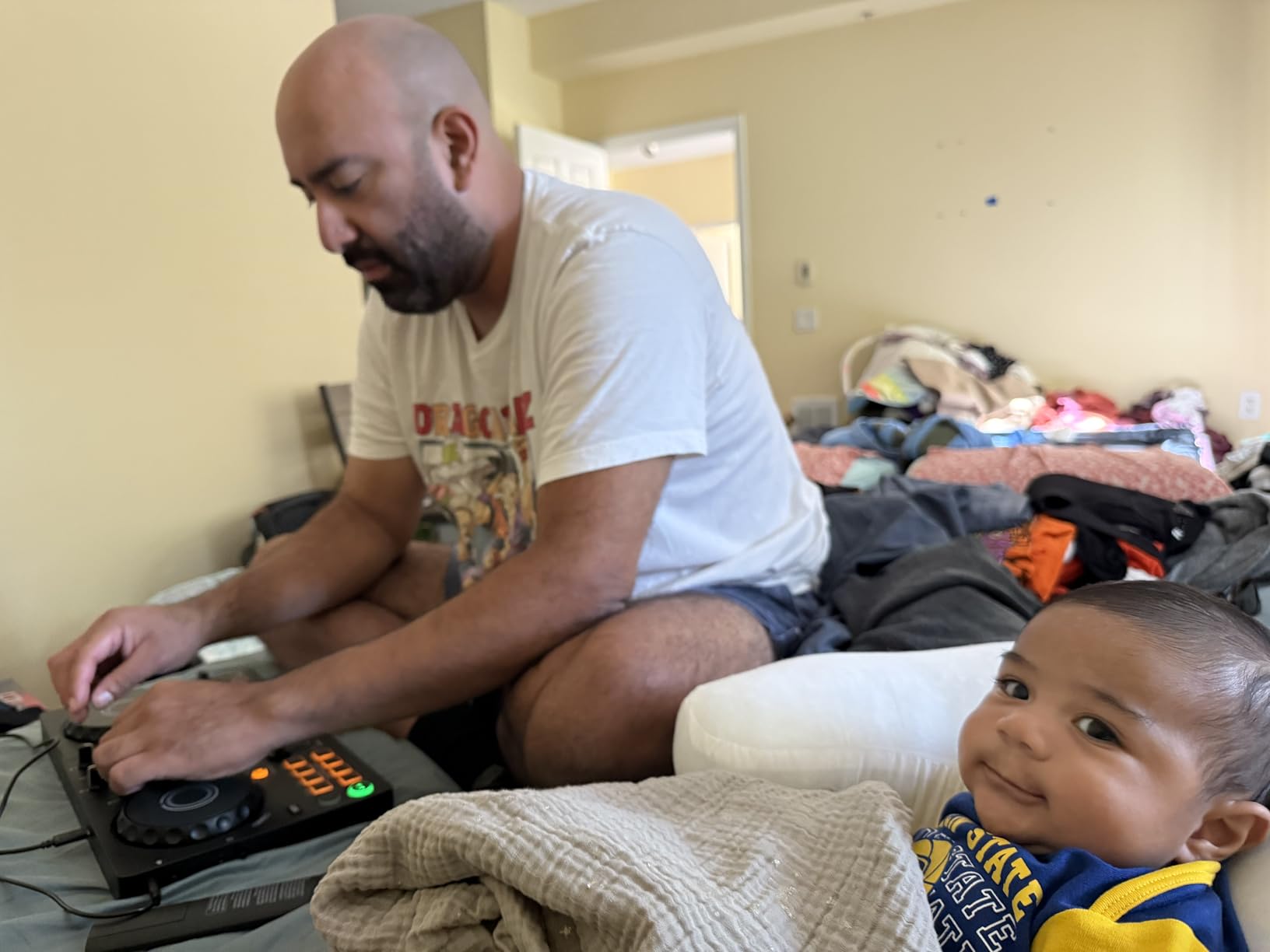
At just 2.7 pounds and barely 15 inches wide, the DDJ-FLX2 is the lightest and most compact controller AlphaTheta makes. I plugged it into my iPhone via USB-C and was mixing within seconds, with no driver installation at all. That zero-friction setup is a genuine advantage if you want to practice on a phone or tablet during a lunch break or while traveling.
The Smart Fader is the standout feature for newcomers. As I moved the crossfader between tracks, it automatically matched volume, BPM, and bass energy. It rescued several of my deliberately rough transitions while I was still learning to beatmatch by ear.
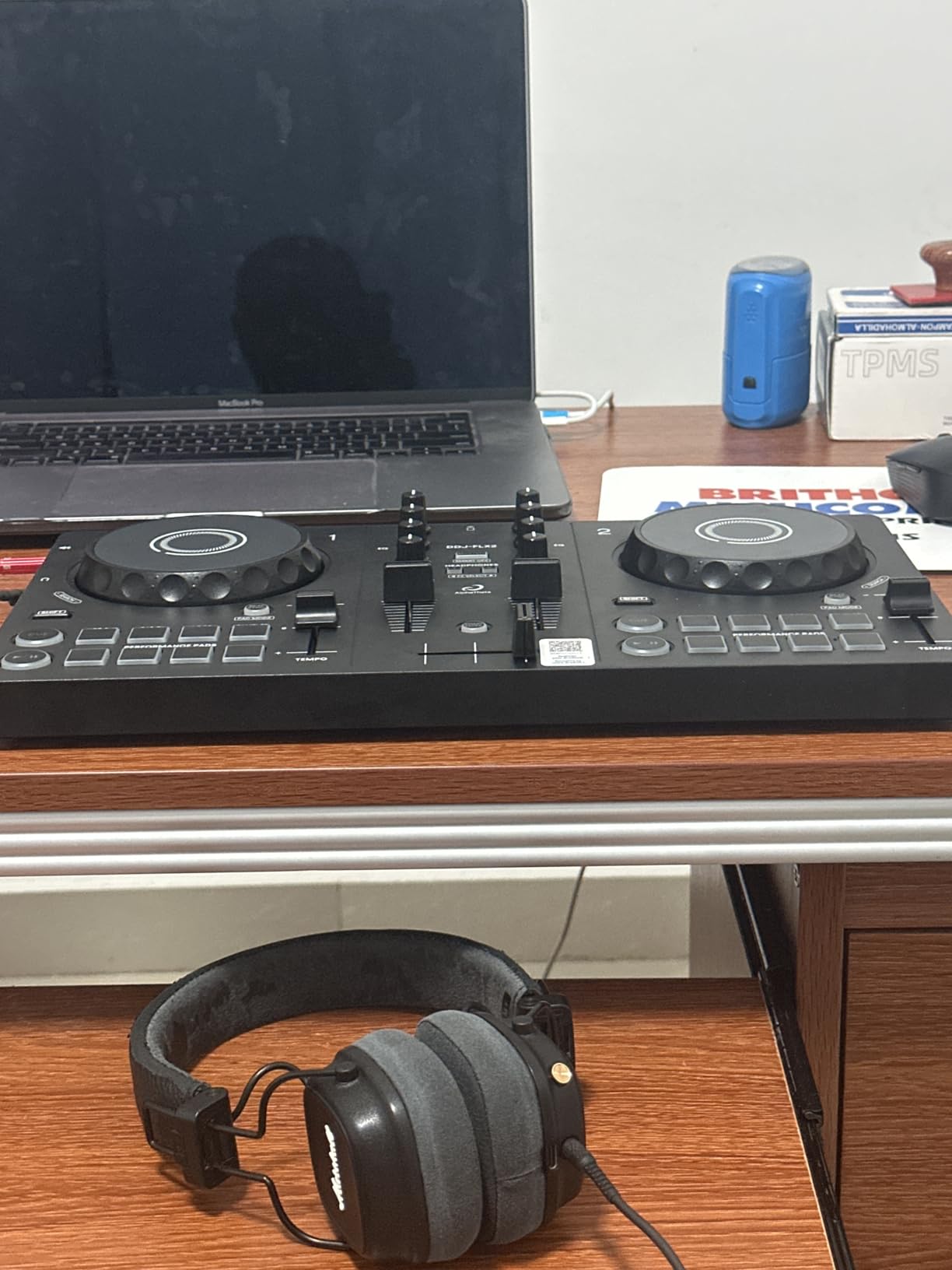
The jog wheels surprised me for a controller at this price. They are tight, precise, and showed no drift during my scratch tests, which is not always true of cheap platters. The tactile notches on the faders and knobs also let me feel positions without staring down at the deck. After a week of daily practice I could land clean cuts and baby scratches without fighting the hardware.
Output is where the low price shows. The single 3.5mm jack is fine for headphones, phone speakers, or a small desktop speaker, but there is no way to drive a proper PA. This is a bedroom and backpack tool, full stop.
Software and Streaming Support
The FLX2 works with Rekordbox, Serato DJ Lite, and Algoriddim DJay, which is unusual flexibility at this end of the market. I streamed from Apple Music and Tidal through DJay on my phone and the integration held up well. You will need a stable connection, since offline support varies by service. The bundled beginner DJ course is a nice bonus if you have never touched a mixer before.
Will It Grow With You?
If your goal is playing clubs, the FLX2 will feel limiting within roughly a year, because 2 channels cap how complex your mixes can get. As a first controller, or as a portable secondary unit for an experienced DJ, it earns its place easily. I would happily buy this for a teenager or anyone unsure whether DJing will stick.
2. Numark Mixtrack Platinum FX – Best Value 4-Deck Controller
Numark Mixtrack Platinum FX DJ Controller
4-deck control
6-inch jog displays
2 FX paddles
Built-in 24-bit audio interface
Pros
- 4-deck mixing at budget price
- Color jog wheel displays
- 2 effect paddles
- Streaming via Serato
- Great tactile hardware feel
Cons
- Awkward deck switching
- FX not customizable
- Crossfader feels cheap
- Serato Lite limitations
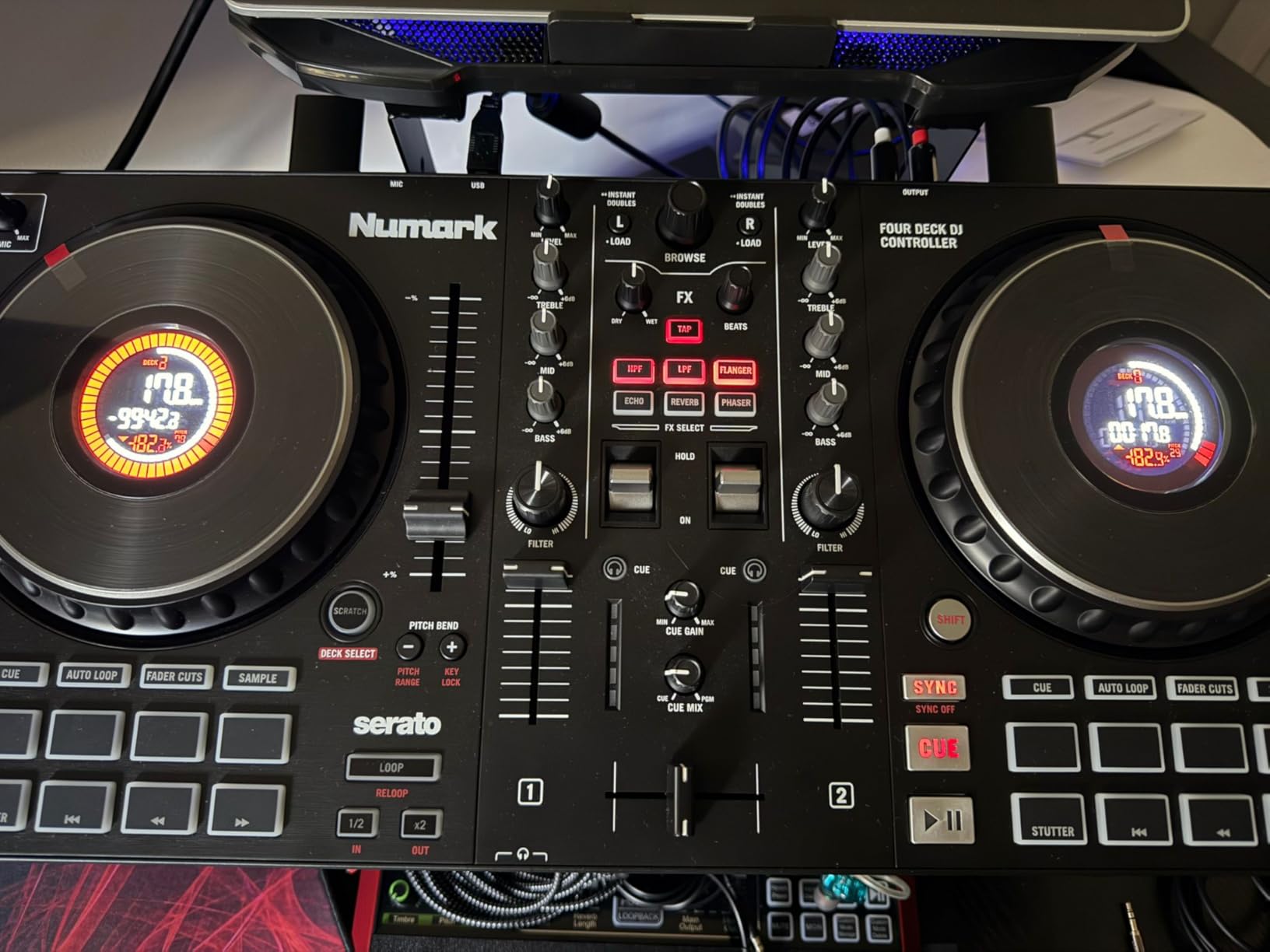
The Mixtrack Platinum FX punches above its weight with 4-deck control and full-color displays built into the jog wheels. I ran a three-hour session mixing between four tracks, and the on-platter readouts of BPM, platter position, beats remaining, and pitch kept me oriented. I spent far less time glancing at my laptop screen than I normally would.
The two FX paddles are the most fun part of the unit. A quick flick triggers flanger, phaser, echo, and other quick-launch effects across six slots. For a beginner, that makes creative mixing feel immediate instead of intimidating. The 6-inch capacitive jog wheels are also large enough for genuine scratch practice.
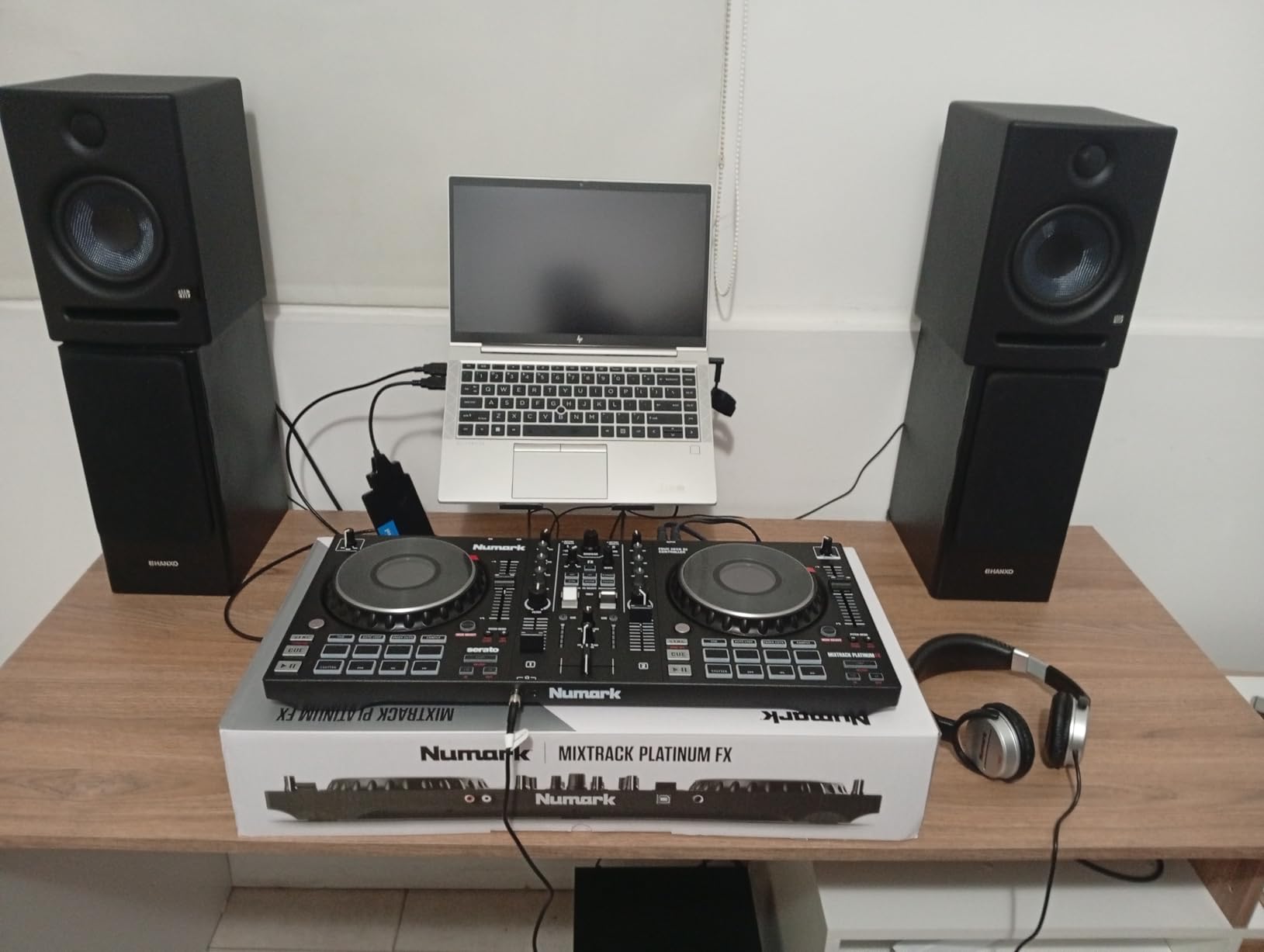
Where the Platinum FX stumbles is deck switching. To toggle between decks 1-2 and 3-4, you press Shift plus the Scratch button, which is awkward in the middle of a mix. I hit the wrong deck more than once when rushing a transition. A dedicated deck toggle would have fixed this entirely.
The built-in 24-bit audio interface removes the need for any external sound card, and the 3-band EQ plus filter knobs per channel give you proper mixing control. My unit also had slightly sticky faders and platters straight out of the box, which freed up after a few sessions.
Serato DJ Lite vs Serato DJ Pro
Serato DJ Lite is included and covers the essentials, including streaming from major services. The catch is that key features, including mix recording and the fuller effects rack, sit behind the paid upgrade to Serato DJ Pro. If you plan to record sets for SoundCloud or livestream, budget for that upgrade. Check current Serato pricing before you commit, because it changes the real cost of this controller.
Deck Switching in Real Use
I learned to plan transitions so I was never switching decks mid-mix. That works for house and techno sets where you blend two tracks at a time and reserve decks 3 and 4 for acapellas or samples. If you want to jump rapidly between all four decks live, look at a unit with dedicated deck buttons or step up a tier.
3. Pioneer DJ DDJ-FLX4 – Best DJ Controller for Beginners
Pioneer DJ DDJ-FLX4 2-Channel DJ Controller, 16 Pads, Graphite
2-channel
Smart Fader
Smart CFX
16 pads
Club-standard layout
Pros
- Club-standard Pioneer layout
- Smart Fader and Smart CFX
- Full Rekordbox included
- Streaming support
- Lightweight and portable
Cons
- Only 2 channels
- Single-color pads
- Sound degrades at high volume
- No dedicated FX paddles
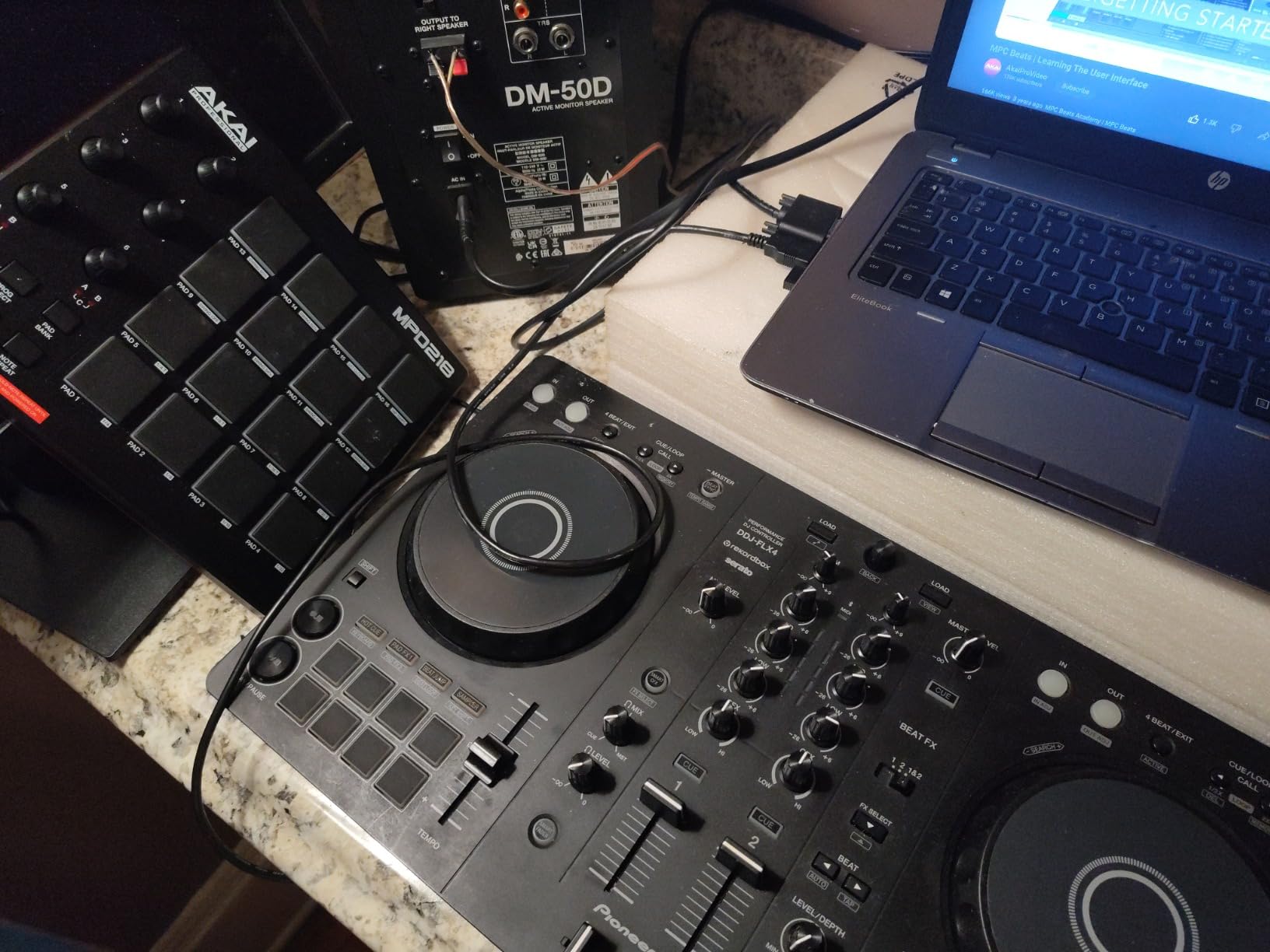
The DDJ-FLX4 is the controller I recommend to most beginners, and it is not close. Its layout mirrors the club-standard CDJ and DJM setup, so everything you learn here transfers directly to professional gear. I spent two weeks mixing on the FLX4, and the muscle memory I built applied instantly when I later sat down at higher-end Pioneer units.
Smart Fader and Smart CFX are genuine learning tools rather than gimmicks. The Smart Fader automatically adjusts volume, bass, and BPM as you move between tracks, and in Rekordbox it even matches BPM for you. In Serato it adds echo instead of BPM matching, which is less powerful but still useful. Smart CFX bundles multiple effects into a single knob turn, so you can add drama without diving into FX menus.
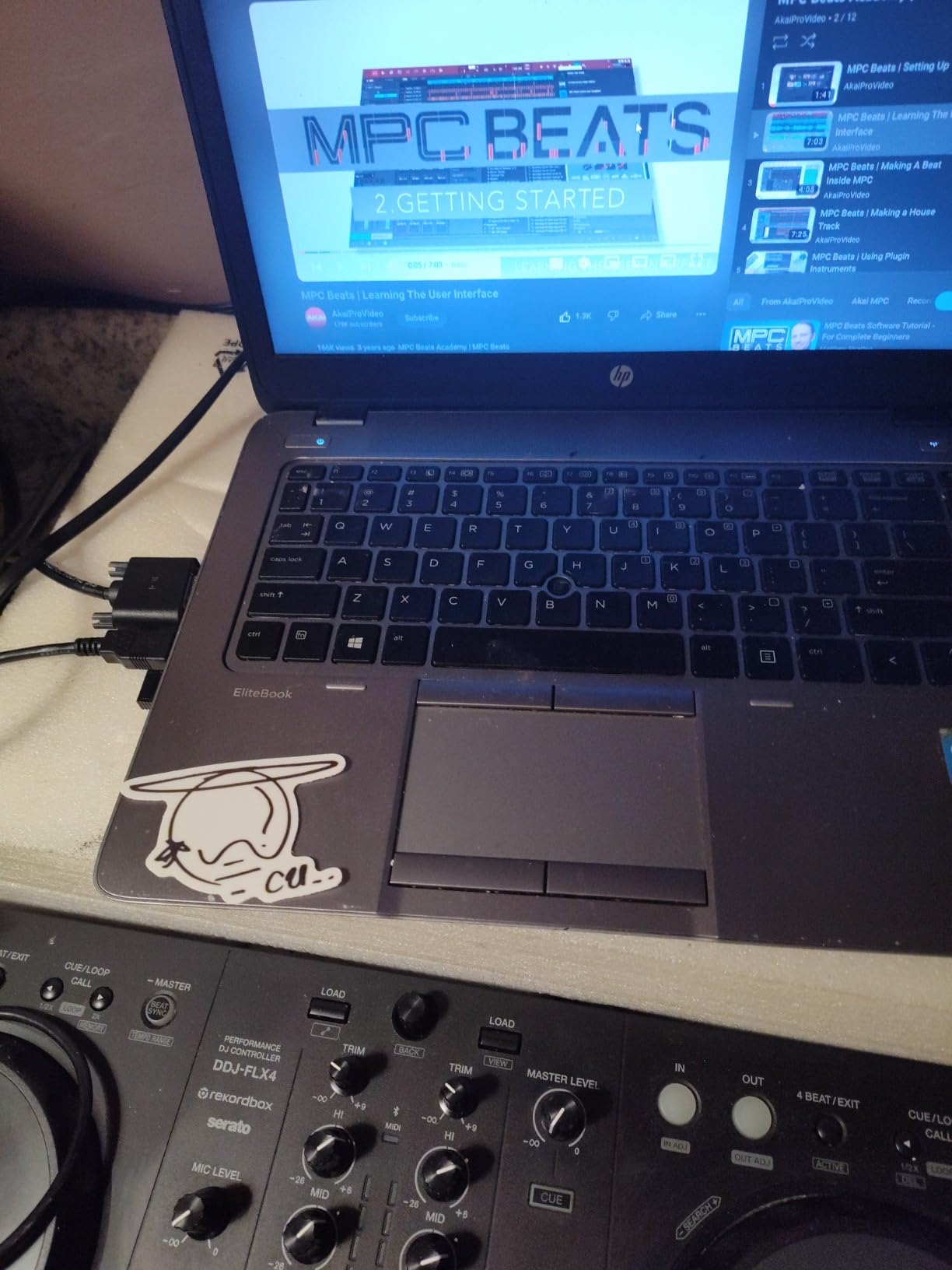
At 2.8 kg, the FLX4 is light enough to carry in a backpack, and I set it up at a friend’s house in under five minutes. USB-C bus power means no external power brick to pack. The 16 performance pads handle hot cues, pad FX, beat jump, and the sampler with satisfying click feedback.
Sound quality is solid for home practice and house-party volume. When I pushed it hard into a larger PA, I heard clear degradation at high levels. There is also no dedicated FX paddle, so you toggle between decks for effects, and the pads are single-color orange with lighting that washes out in bright rooms.
Club-Readiness
Club-ready means the layout and workflow match what you will actually find in a DJ booth. The FLX4 shares its mixer section, EQ placement, and pad arrangement with Pioneer’s professional CDJ and DJM gear. When you eventually step up to club equipment, the transition is nearly invisible. This is exactly why Reddit threads on r/Beatmatch keep naming the FLX4 the default first controller for anyone serious about playing live.
Streaming and Livestream Setup
The FLX4 supports streaming from Apple Music, Tidal, and Beatport through its bundled software, and I streamed from Tidal with no lag or dropouts. The mic input with dedicated routing makes it genuinely livestream-ready for Twitch or YouTube sets. It also works across PC, Mac, iPhone, iPad, and Android, which is rare flexibility for a first controller.
4. Hercules DJControl Inpulse T7 – Cheapest Motorized Platters You Can Buy
Hercules DJControl Inpulse T7, 2 Deck Motorized DJ Controller with built in STEMS Control, Serato DJ and DJUCED included
Motorized 7-inch platters
Stems control
Serato DJ Lite+DJUCED
XLR outputs
11 lbs
Pros
- Most affordable motorized option
- Dedicated Stems buttons
- Authentic vinyl feel
- Lightweight with handles
- Great value vs competitors
Cons
- Random shutdown reports
- Quality control issues
- Crossfader can stick
- Tempo slider issues
The Hercules DJControl Inpulse T7 is the most affordable route into motorized platters, with rival motorized units costing close to double or more. I used it for scratch practice and came away impressed by how the motorized 7-inch platters replicate a vinyl feel. The separate vinyl record, slipmat, and platter design adds real authenticity.
Dedicated Stems control buttons are the other standout. I could instantly isolate vocals or instrumentals mid-mix, which opens up live mashup possibilities. Both Serato DJ Lite and DJUCED are included, and the unit is compatible with Serato DJ Pro when you upgrade.
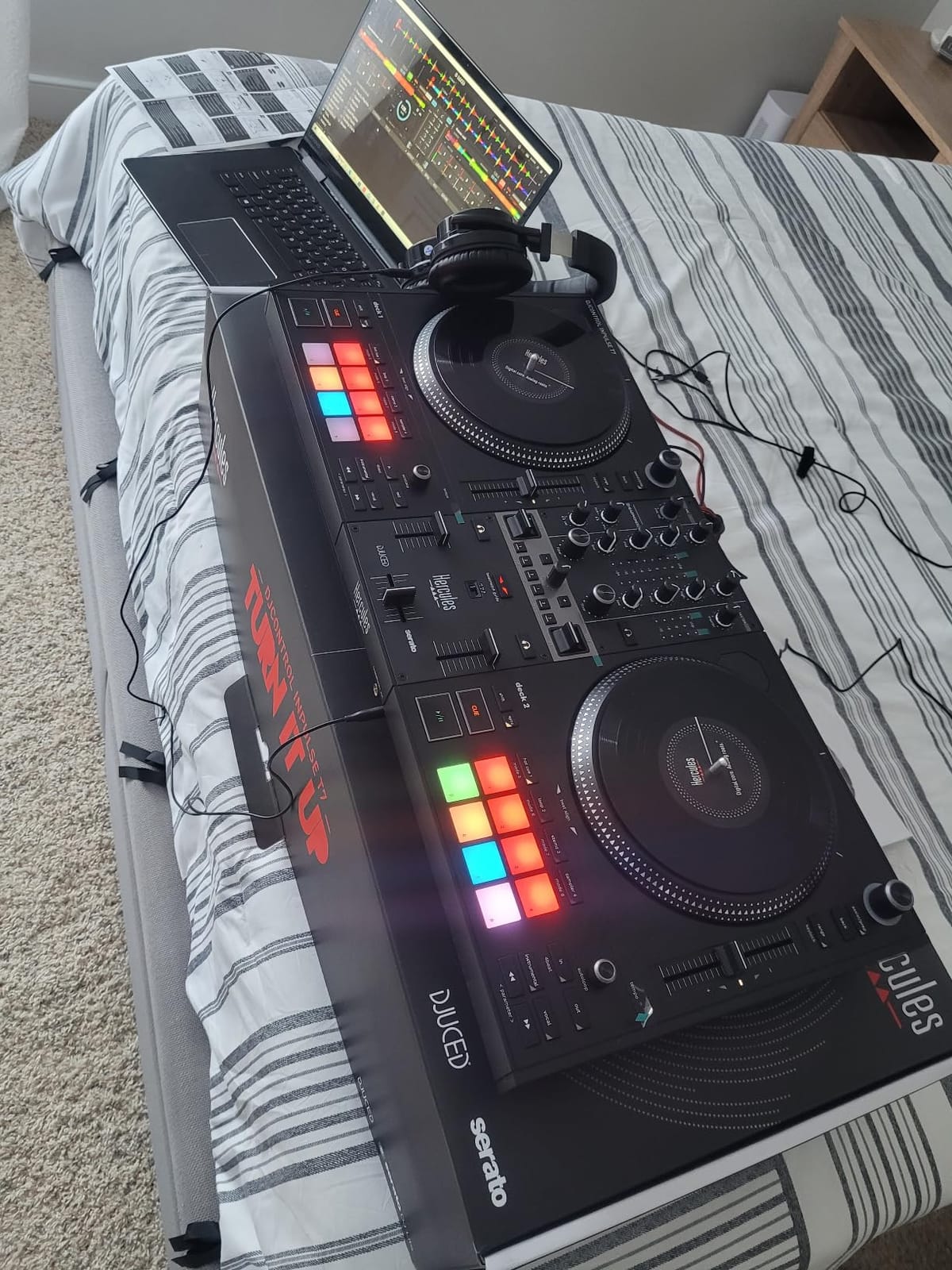
Quality control is the honest concern here. My review unit never shut down, but multiple buyers report random audio cuts and lights going dark mid-set. The crossfader also felt sticky after the unit sat idle for a few days and needed some movement to loosen up.
The 11-pound weight and molded carrying handles make it far more portable than most motorized units, and I carried it comfortably in one hand. XLR outputs give you professional connectivity, and the layout includes 3.9-inch tempo faders, per-channel EQ, gain, and filter knobs, plus a VU meter per deck. The mostly plastic build and mixed reliability reports mean I would treat this as a practice tool rather than a primary gig controller.
Reliability for Gigs
If you plan to gig with the T7, test it extensively before any live performance and keep a backup available. Reports of random shutdowns and sticky crossfaders are more common than I would like for paid work. For bedroom scratch practice on a tight budget, the motorized platters deliver value nothing else matches.
Stems Performance on the T7
Real-time stem separation works well here. I isolated vocals on house tracks and layered them over instrumental versions of other songs, all from dedicated hardware buttons. Sixteen backlit RGB pads plus three FX per deck with paddle controls round out a genuinely creative package. If you want to experiment with Stems without flagship pricing, the T7 is the entry point.
5. Numark Mixstream Pro Go – Best Battery-Powered Standalone Controller
Numark Mixstream Pro Go Portable DJ Controller
Battery-powered
Standalone Engine DJ
Built-in speakers
7-inch touchscreen
Wi-Fi streaming
Pros
- Truly portable with battery
- Built-in speakers
- Laptop-free operation
- Wi-Fi streaming
- DMX lighting control
Cons
- Battery limited to 3-5 hours
- Built-in speakers suit small groups only
- Reliability concerns reported
- Stems needs paid license
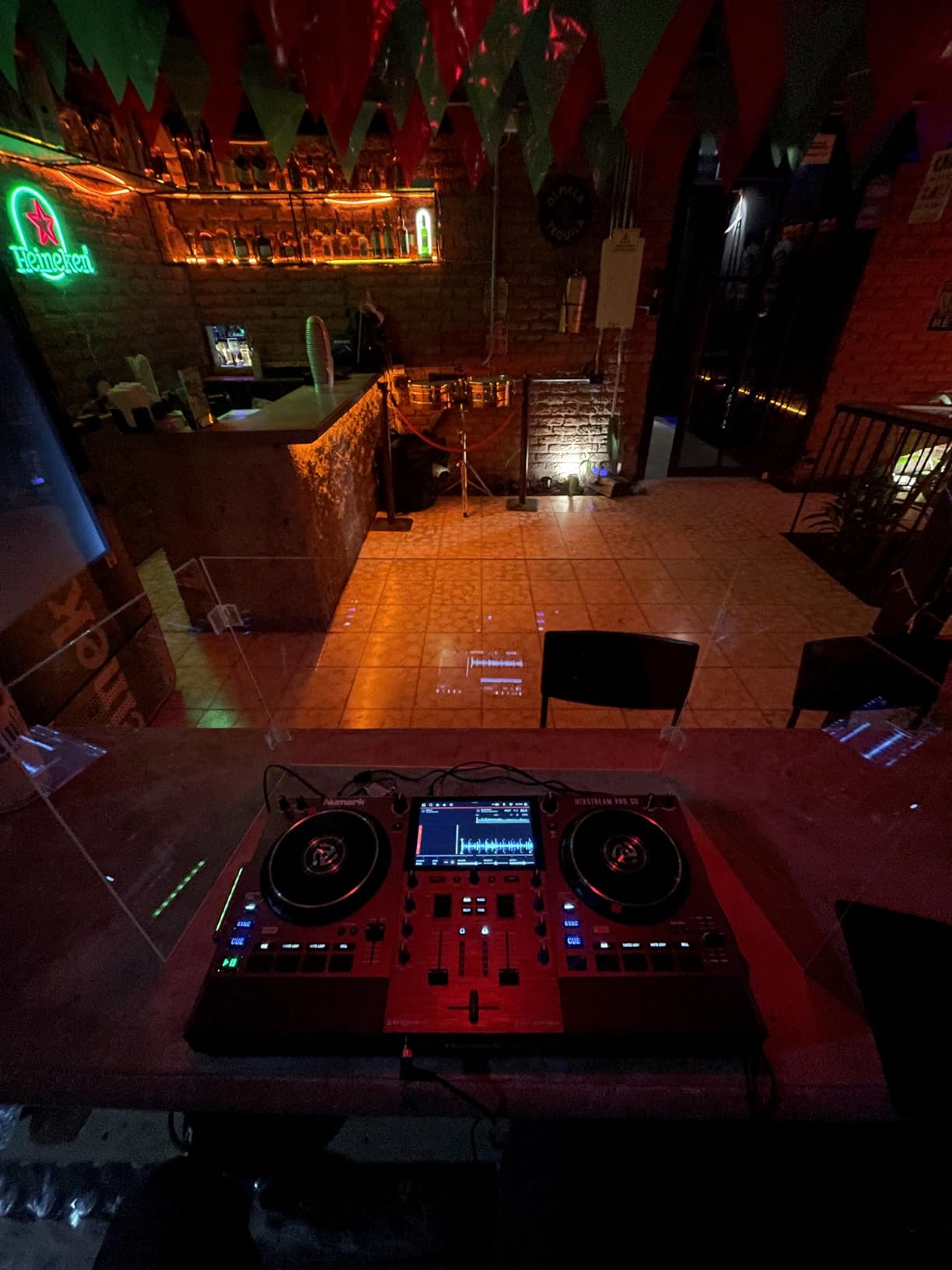
The Mixstream Pro Go is a complete portable DJ system that runs on battery power. I carried it to a park bench and mixed for four hours without plugging anything in. The built-in speakers are genuinely usable for personal monitoring or a small circle of friends, which means no laptop, no cables, and no extra speakers to carry.
Standalone operation through Engine DJ OS means the controller is the computer. I streamed tracks from Amazon Music and Tidal over Wi-Fi directly on the unit. The 7-inch touchscreen made browsing and loading fast, and RGB waveforms stayed readable even in direct sun.
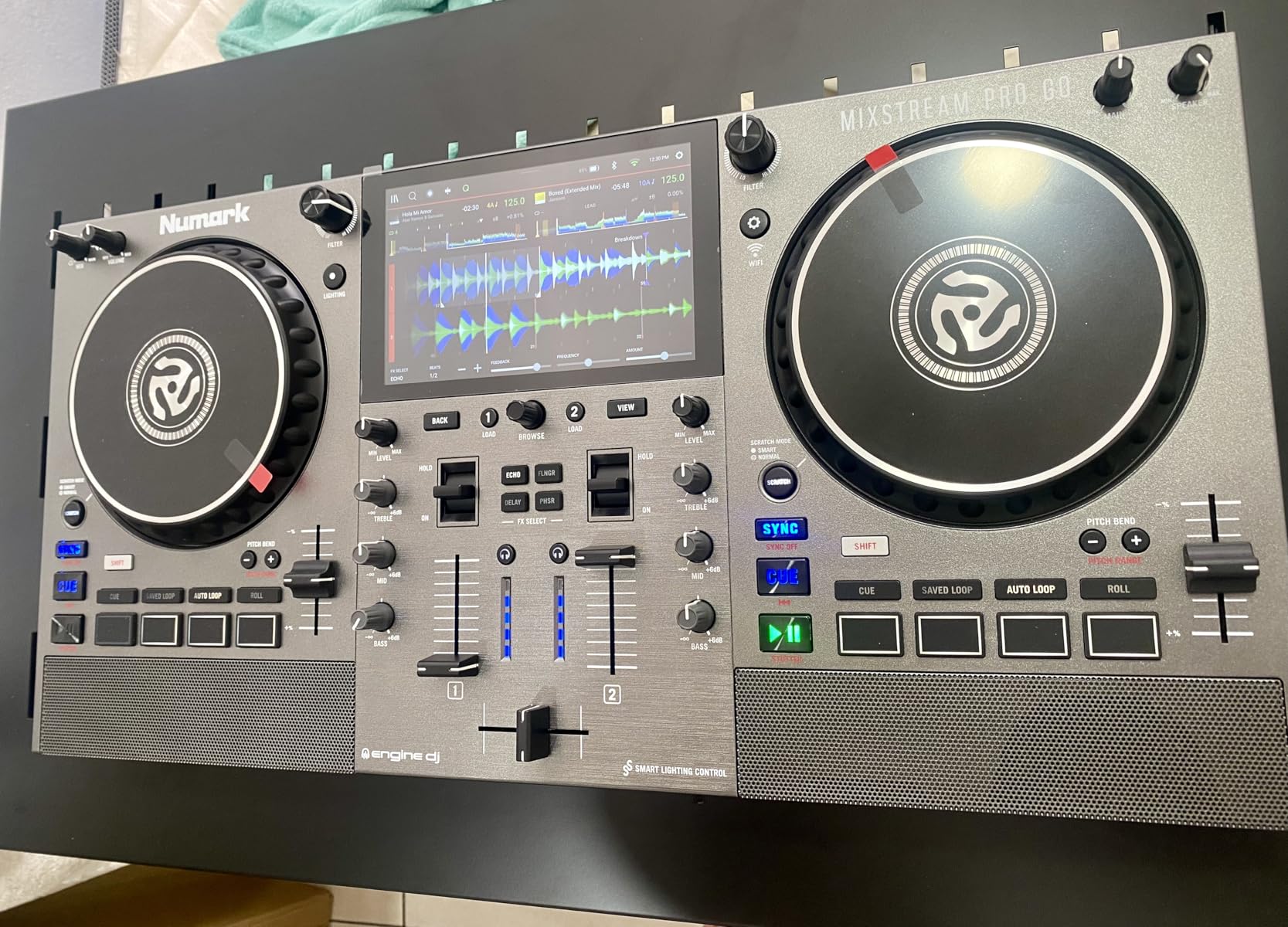
Stem separation is supported for vocals, melody, bass, and drums, but it requires a one-time software license purchase through Engine DJ Desktop. I did not unlock it during testing, though users report it performs well once activated. Balanced XLR main outputs mean serious sound quality is available the moment you plug into proper speakers.
Reliability is the watch-out. Some buyers report crossfader failures and blown built-in speakers, and the onboard monitors are not meant for a large party. I had no hardware faults during my month, but I would not take this into a paid gig without a backup plan.
Battery Life in Real Conditions
At around 80 percent volume I averaged close to four hours per charge, right inside the rated 3-to-5-hour window. Streaming over Wi-Fi and leaning on effects pushed it toward the lower end. For backyard sets and pop-ups that is plenty. For longer events, pack a power bank or the AC adapter.
What Standalone Mode Leaves Out
Standalone convenience trades away laptop flexibility. You cannot run custom plugins, and the deep library management you get in Rekordbox or Serato on a computer is reduced. The bonus you gain instead is DMX wireless lighting control for Philips Hue, Nanoleaf, and DMX fixtures, which is genuinely fun for party setups. If your workflow depends on laptop-only features, test standalone mode before you commit.
6. Denon DJ SC LIVE 4 – Best 4-Deck Standalone Controller
Denon DJ SC LIVE 4 Standalone DJ Controller Black
4-deck standalone
Engine DJ OS
Built-in speakers
7-inch touchscreen
Wi-Fi streaming
Pros
- Laptop-free 4-deck mixing
- Built-in speakers
- Wireless streaming
- Lightweight for a 4-deck
- DMX lighting control
- Deep effects library
Cons
- Touchscreen unresponsive for some
- Crossfader not adjustable
- Too large for a checked airline bag
- Pads need more pressure than Pioneer
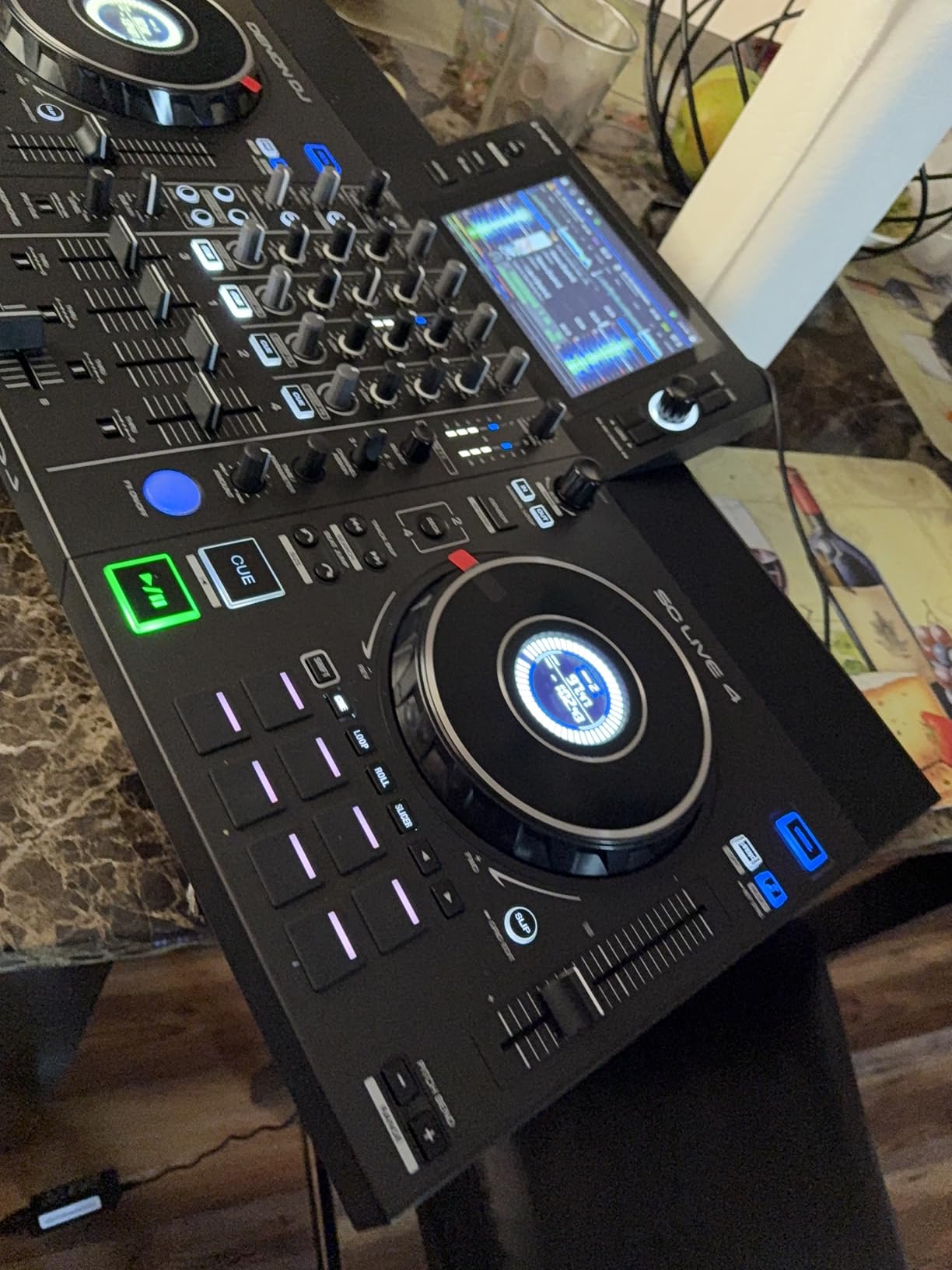
The Denon DJ SC LIVE 4 is a standalone 4-deck controller running Engine DJ OS with no laptop required. I loaded tracks onto USB drives and SD cards and mixed for hours without opening my computer. The built-in speakers are powerful enough for practice and small rooms, and the 7-inch touchscreen handles track search quickly.
Wireless streaming is built in across Amazon Music Unlimited, Apple Music, TIDAL, Beatsource, Beatport, and SoundCloud Go+. I streamed from Tidal and the integration worked without a hitch. If you hate maintaining a local library before every gig, this alone is worth the switch.
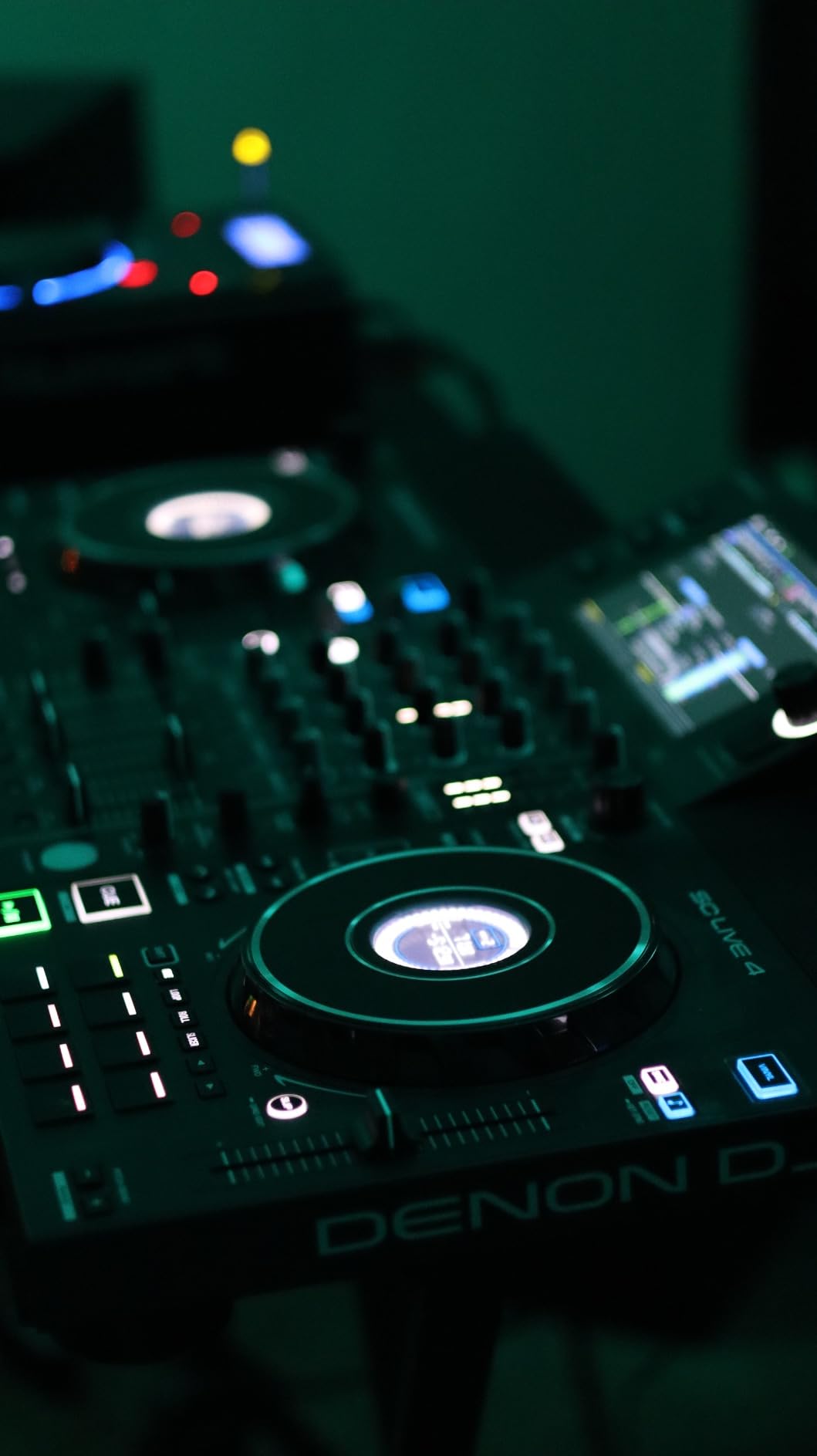
At 13.6 pounds, the SC LIVE 4 is remarkably light for a 4-deck standalone unit, and I carried it to a friend’s studio without strain. The jog wheels are smooth and stay quiet when scratching, which is a pleasant change from louder platters elsewhere. There is also a custom sample player with trigger pads, dual mic inputs, and a booth output alongside balanced XLR mains.
Two limitations are worth flagging. Some users report the touchscreen becoming unresponsive over time, and the crossfader cannot be adjusted or replaced, which matters to scratch DJs who tune cut-in distance. The pads also need slightly more pressure than Pioneer units, which I noticed when chaining hot cues quickly.
Laptop-Free Workflow
Mixing without a laptop is genuinely liberating, because your attention stays on the music and the room instead of a screen. Engine DJ OS felt stable throughout my sessions, and the learning curve was about an hour for anyone already comfortable with DJ software. Standalone stems for vocal, melody, bass, and drum are included without an extra license, which is a real advantage over some rivals.
Transport and Setup at Gigs
The SC LIVE 4 is too big to fit in a standard checked airline bag, so flying DJs need a dedicated case or a smaller unit. For car travel and mobile gigs it is simple. Setup at a venue is power in, XLR out to the house system, and you are playing within minutes.
7. Pioneer DJ DDJ-FLX10 – Best Professional DJ Controller
Pioneer DJ DDJ-FLX10 4-Channel DJ Controller, Track Separation, Black
4-channel
Track Separation
Large jog displays
Stem-isolated FX
Club-standard layout
Pros
- Professional 4-channel club layout
- Track Separation tech
- Works with Rekordbox and Serato
- Built-in DMX lighting
- Excellent sound quality
Cons
- Premium price
- DMX limited to Rekordbox
- One master board failure report
- Heavier at 14.8 lbs
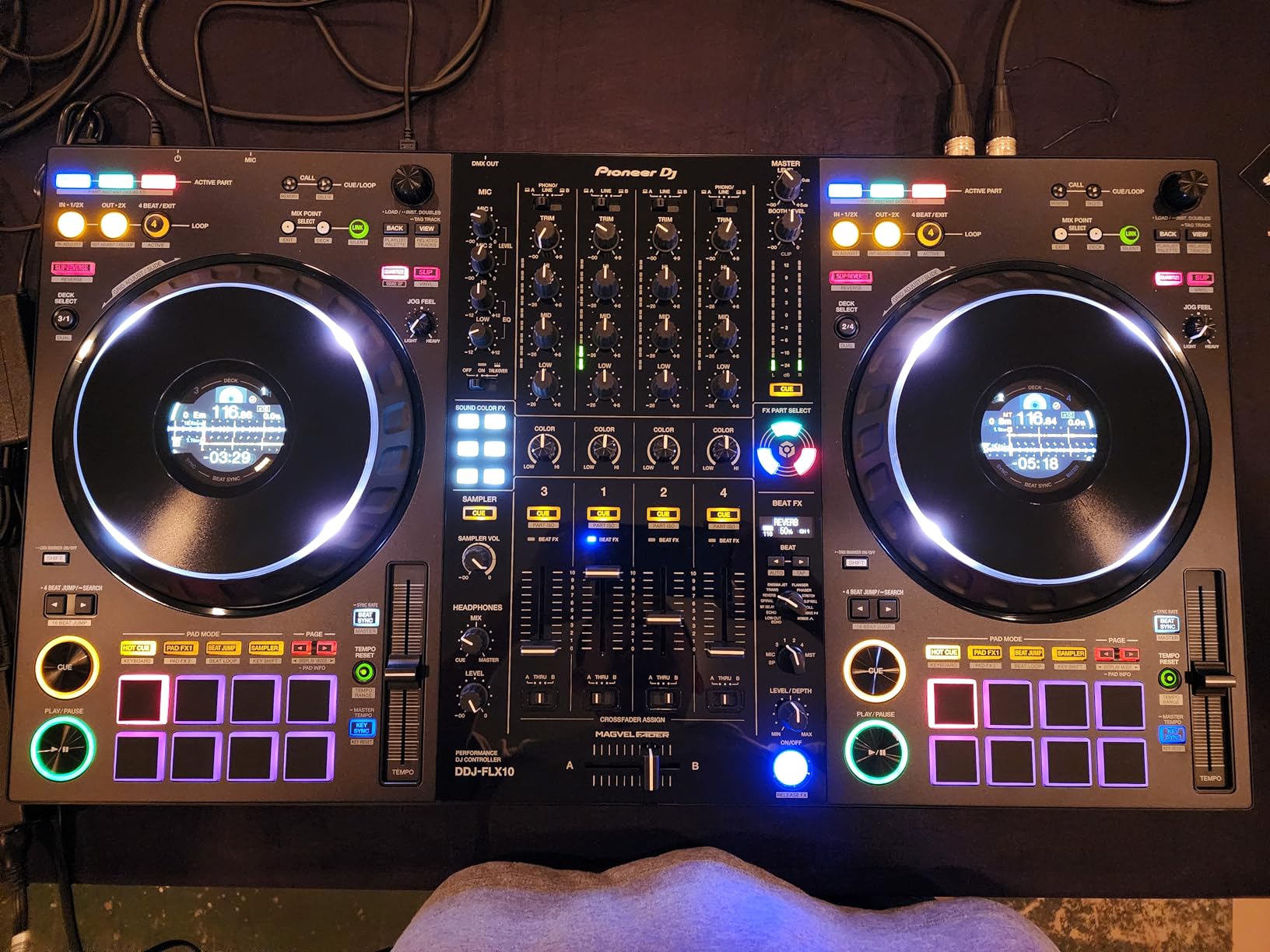
The DDJ-FLX10 is a flagship controller for DJs who are past the learning stage. Its 4-channel layout matches a club CDJ and DJM rig, which makes it the best bridge between home practice and actual booth work. After two weeks on the FLX10, I sat behind a club setup and operated it on instinct.
Track Separation is the headline feature. Load any track and the FLX10 splits it into vocals, drums, and instruments in real time, with no stem-specific file preparation needed. I built live mashups by layering an isolated vocal over the instrumental of a completely different song. Stem-isolated effects push this further by letting you apply FX to just one element of the track.
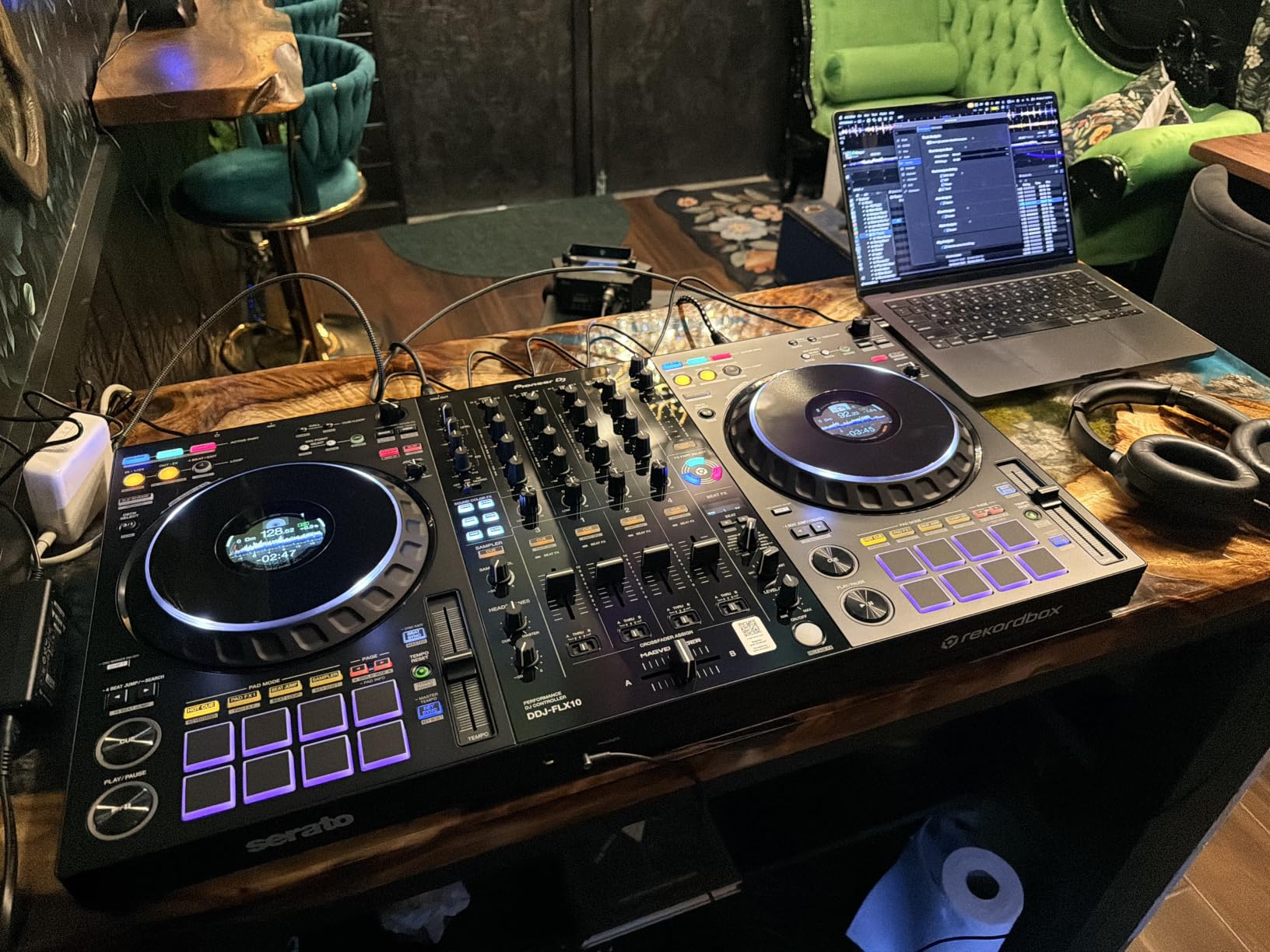
The large jog wheels carry multicolor on-jog displays showing waveforms, BPM, and track artwork directly on the platter. That visual feedback helped me cue and scratch with more precision. Multi-deck and dual-deck mixing modes give you layered performance options beyond straightforward 4-channel blending.
Sound quality out of the unit is excellent, and it drove a professional PA cleanly during my tests. The build is sturdy at 14.8 pounds. Two honest cautions from buyer feedback: the DMX port only works with Rekordbox Lighting rather than an open DMX protocol, and one reviewer reported a master board failure inside a year.
Transitioning to CDJs
If your goal is playing on CDJ-2000NXS2 or CDJ-3000 players in clubs, the FLX10 is the best training tool money can buy. Layout, button placement, and workflow are effectively identical. Reviewers repeatedly describe it as the ideal intermediate step before CDJs, and my experience matches that exactly.
Rekordbox or Serato DJ Pro?
The FLX10 ships with support for both Rekordbox and Serato DJ Pro, which is rare at this level. I tested both and found Rekordbox better tied into Track Separation and the DMX lighting output. Serato performance is still excellent if that is your ecosystem. Pick based on the software you already know rather than the controller.
8. Pioneer DJ DDJ-REV7 – Best DJ Controller for Scratching
Pioneer DJ DDJ-REV7 2-Channel Motorized Battle DJ Controller, Serato
Motorized platters
Magvel Fader Pro
On-jog color displays
Serato DJ Pro included
Turntablist layout
Pros
- True motorized platters
- Magvel Fader Pro crossfader
- Authentic vinyl feel
- Built-in jog displays
- Great for vinyl DJs going digital
Cons
- Heavy at 24 pounds
- Premium price
- Reports of used items shipped
- Packaging issues
The DDJ-REV7 is built specifically for scratch DJs and turntablists. True motorized platters deliver a genuine vinyl feel, and the Magvel Fader Pro crossfader is designed for rapid cuts and transforms. I spent hours on chirps, flares, and crabs, and the hardware tracked every nuance of my technique.
On-jog color displays show waveforms, BPM, and cue points directly on the spinning platter. That kept my eyes on the hardware instead of the laptop during routines. The 2-channel battle layout also places the mixer in the center, matching how scratch DJs actually position their gear.
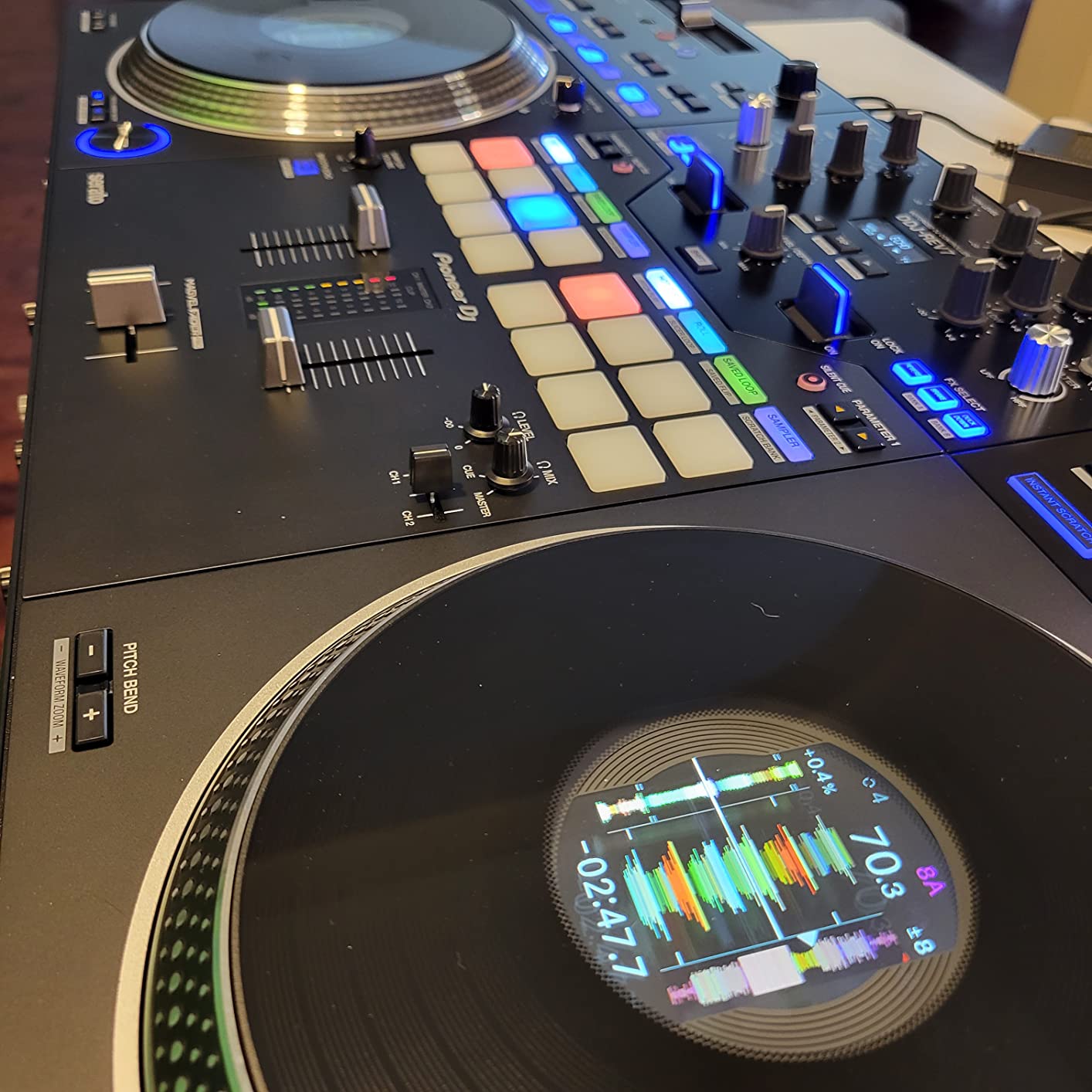
At 24 pounds, the REV7 is the heaviest controller in this group by a wide margin. This is not something you toss in a backpack, and the motorized platters deserve a hard case and a dust cover between sessions. For touring turntablists, that weight is the price of authentic feel.
Serato DJ Pro is included, which is meaningful value given the software’s standalone cost. Integration is tight, with responsive pads and precise control over Serato’s scratch-focused feature set. Vinyl DJs moving to digital will find the transition feels natural rather than compromised.
Crossfader Durability for Scratching
The Magvel Fader Pro is built for aggressive long-term use, and it was the single best crossfader I tested in this group. Rapid-cut sessions showed consistent resistance and a stable cut-in distance throughout my month of testing. For scratch DJs, this is the component that justifies the premium over the Hercules T7.
Transport Weight and Protection
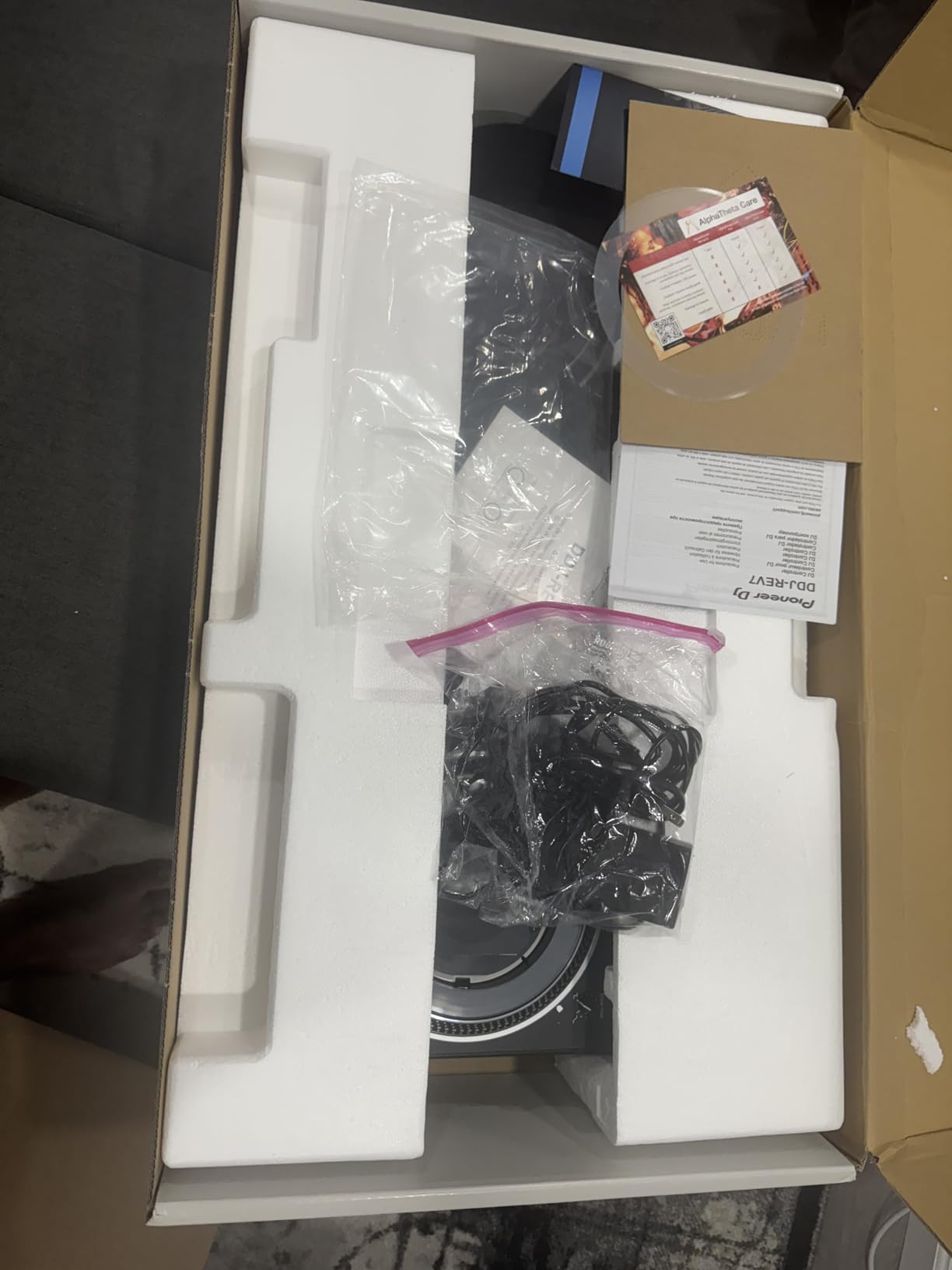
Plan for a custom-fit flight case if you are moving the REV7 regularly, because the platters are delicate despite the 24-pound tank-like overall build. Car transport is manageable. For flights, check weight limits with your airline or ship the unit ahead, because an oversized case fee adds up fast.
How to Choose the Best DJ Controller?
The right controller depends on your skill level, your software loyalties, and whether you want a laptop in your workflow. These are the factors that actually changed my recommendations during testing, with the real-world concerns I kept seeing in forum threads.
Controller vs Standalone: The First Decision
Traditional controllers need a laptop running Rekordbox, Serato, or DJay to function. Standalone units like the Mixstream Pro Go and SC LIVE 4 run Engine DJ OS on the hardware itself, reading USB drives, SD cards, or Wi-Fi streams directly. I prefer standalone for portable gigs and controllers for studio work where I want deep software features. If laptop crashes and driver problems sound like your nightmare, standalone removes them entirely.
Software Ecosystems and Subscription Costs
Budget for software, not just hardware, because the sticker price is rarely the full story. Rekordbox is included free with Pioneer and AlphaTheta controllers, while Serato DJ Pro is a paid unlock unless it ships bundled, as it does with the REV7. Serato DJ Lite is free but locks mix recording and the full effects rack behind the Pro upgrade. Engine DJ stems are included on the SC LIVE 4 but need a paid license on the Mixstream Pro Go.
Channel Count and Real Club-Readiness
Two channels are enough for learning and for most blend-focused sets, while four channels let you run acapellas, samples, and extra decks simultaneously. Club-readiness is really about layout, not channel count. The FLX4 with only 2 channels trains you for a club booth better than a 4-deck unit with a non-standard layout, because its mixer section, EQ placement, and pad arrangement mirror CDJ and DJM gear. If playing in clubs is the goal, prioritize layout familiarity over raw feature count.
Jog Wheels, Crossfaders, and Scratch Durability
Jog size and feel matter most to scratch DJs and turntablists. Motorized platters on the REV7 and Hercules T7 recreate vinyl inertia, while the well-tuned static jogs on the FLX4 and Mixtrack Platinum FX are perfectly fine for beatmatching and basic scratches. Crossfader durability is the spec nobody advertises but every scratch DJ learns about eventually. The REV7’s Magvel Fader Pro held up to everything I threw at it, whereas the Hercules crossfader stuck after idle periods and the Denon unit cannot be adjusted or replaced at all.
Stems and Streaming Features
Real-time stem separation is the biggest feature shift in recent DJ hardware, and it changes what a live mashup requires. The FLX10, Hercules T7, Mixstream Pro Go, and SC LIVE 4 all support it in different ways, with different licensing. Streaming from Tidal, Apple Music, Beatport, and SoundCloud is available on most current controllers and is brilliant for practice and requests. For paid gigs I still load local files, because a venue’s Wi-Fi is the last thing I want to depend on.
Match the Gear to Your Skill Path
Complete beginners should start with the DDJ-FLX2 or DDJ-FLX4, where the low investment protects you if DJing does not stick. Intermediate DJs ready for 4-deck work belong with the Mixtrack Platinum FX or SC LIVE 4. Professionals and scratch specialists should look at the FLX10 and REV7. Buy for where you are today, not where you hope to be in two years, because the skills transfer and the gear holds its purpose.
Frequently Asked Questions
What is the best DJ controller brand?
Pioneer DJ is the most trusted brand for DJ controllers, especially for beginners and professionals aiming to play in clubs. Its layout and workflow match industry-standard CDJ and DJM gear, so the move to a club setup feels natural. Numark and Denon DJ are strong alternatives for standalone and value-focused buyers.
Which controller is best for DJ?
It depends on your skill level and budget. For beginners, the Pioneer DJ DDJ-FLX4 offers the best mix of build quality and club-standard layout. Intermediates wanting 4-deck control get strong value from the Numark Mixtrack Platinum FX, while professionals get flagship performance from the Pioneer DJ DDJ-FLX10.
Is Pioneer or Numark better?
Pioneer DJ is better if you want a club-standard layout and gear that translates directly to professional booths. Numark gives you more features per dollar, including 4-deck control and jog wheel displays at lower prices. Choose Pioneer for club-readiness and Numark for maximum features on a budget.
What is the best DJ controller for value for money?
The Numark Mixtrack Platinum FX is the best value, with 4-deck control, color jog wheel displays, FX paddles, and streaming support at a budget price. For absolute beginners on the tightest budget, the AlphaTheta DDJ-FLX2 covers the essentials for the lowest entry cost.
What are the top rated DJ controllers?
Based on review scores and expert testing, the top rated DJ controllers are the Pioneer DJ DDJ-FLX4 for beginners, the Numark Mixtrack Platinum FX for value, the Pioneer DJ DDJ-FLX10 for professionals, and the Pioneer DJ DDJ-REV7 for scratch DJs. Each leads its category on build quality, features, and software integration.
What controllers do professional DJs use?
Working DJs commonly use the Pioneer DJ DDJ-FLX10, DDJ-REV7, and Denon DJ SC LIVE 4 for their build quality, 4-channel layouts, and features like track separation and standalone operation. Many club DJs also practice on Pioneer controllers specifically because the layout matches the CDJ setups found in venues.
Final Verdict on the Best DJ Controllers 2026
After a month of testing, my recommendation for most people is still the Pioneer DJ DDJ-FLX4. It hits the sweet spot of club-standard layout, learning features like Smart Fader, and a price that leaves room in the budget for headphones and speakers. Beginners on a tighter budget should start with the AlphaTheta DDJ-FLX2, and value-focused intermediates get the most features per dollar from the Numark Mixtrack Platinum FX.
Specialists have clearer options. The DDJ-FLX10 is the professional pick for track separation and a true 4-channel club workflow. The DDJ-REV7 is unbeaten here for scratching thanks to its motorized platters and Magvel Fader Pro. For laptop-free portability, the Mixstream Pro Go and Denon SC LIVE 4 let you show up with no computer at all.
Pick the best DJ controller for where your skills are right now, not the one you aspire to in five years. Start modest, master the fundamentals, and upgrade when your hands outgrow the gear. Your wallet and your technique will both thank you in 2026.