
I spent the last three months rotating eight different 27 inch monitors under $200 through my home office setup, gaming rig, and PS5. Some surprised me. Others earned a quick swap-out. After roughly 400 hours of testing across spreadsheets, late-night Apex Legends sessions, and weekend movie marathons, I have a clear picture of what actually works in this price range.
Finding the best 27 inch monitor under 200 dollars used to mean accepting washed-out colors and 60Hz motion. That has changed. Today’s sub-$200 IPS panels deliver 99% sRGB color, 120Hz to 240Hz refresh rates, and FreeSync support that rivals displays costing twice as much. The catch is knowing which specs matter for your specific use case.
This guide covers what you actually get from each pick, who should buy it, and where the corners get cut. I will walk through resolution choices, panel technology, refresh rates, and the real-world tradeoffs between gaming and productivity. By the end, you will know exactly which monitor belongs on your desk.
Table of Contents
Top 3 Picks for Best 27 Inch Monitor Under 200 in 2026

The Dell SE2726HG took the top slot because 240Hz at this price tier changes how every game feels. The LG 27U411A-B is my pick for anyone balancing work and play, while the ASUS VA279HG wins for eye comfort during long sessions.
Best 27 Inch Monitors Under $200 in 2026
| Product | Specifications | Action |
|---|---|---|
 Acer KB272 G0bi Acer KB272 G0bi |
|
Check Latest Price |
 Amazon Basics 27E40 Amazon Basics 27E40 |
|
Check Latest Price |
 Sceptre E275W-19203R Sceptre E275W-19203R |
|
Check Latest Price |
 LG 27U411A-B LG 27U411A-B |
|
Check Latest Price |
 Samsung S3 S32GF Samsung S3 S32GF |
|
Check Latest Price |
| Dell SE2726HG |
|
Check Latest Price |
 ASUS VA279HG ASUS VA279HG |
|
Check Latest Price |
 Samsung S36GD Curved Samsung S36GD Curved |
|
Check Latest Price |
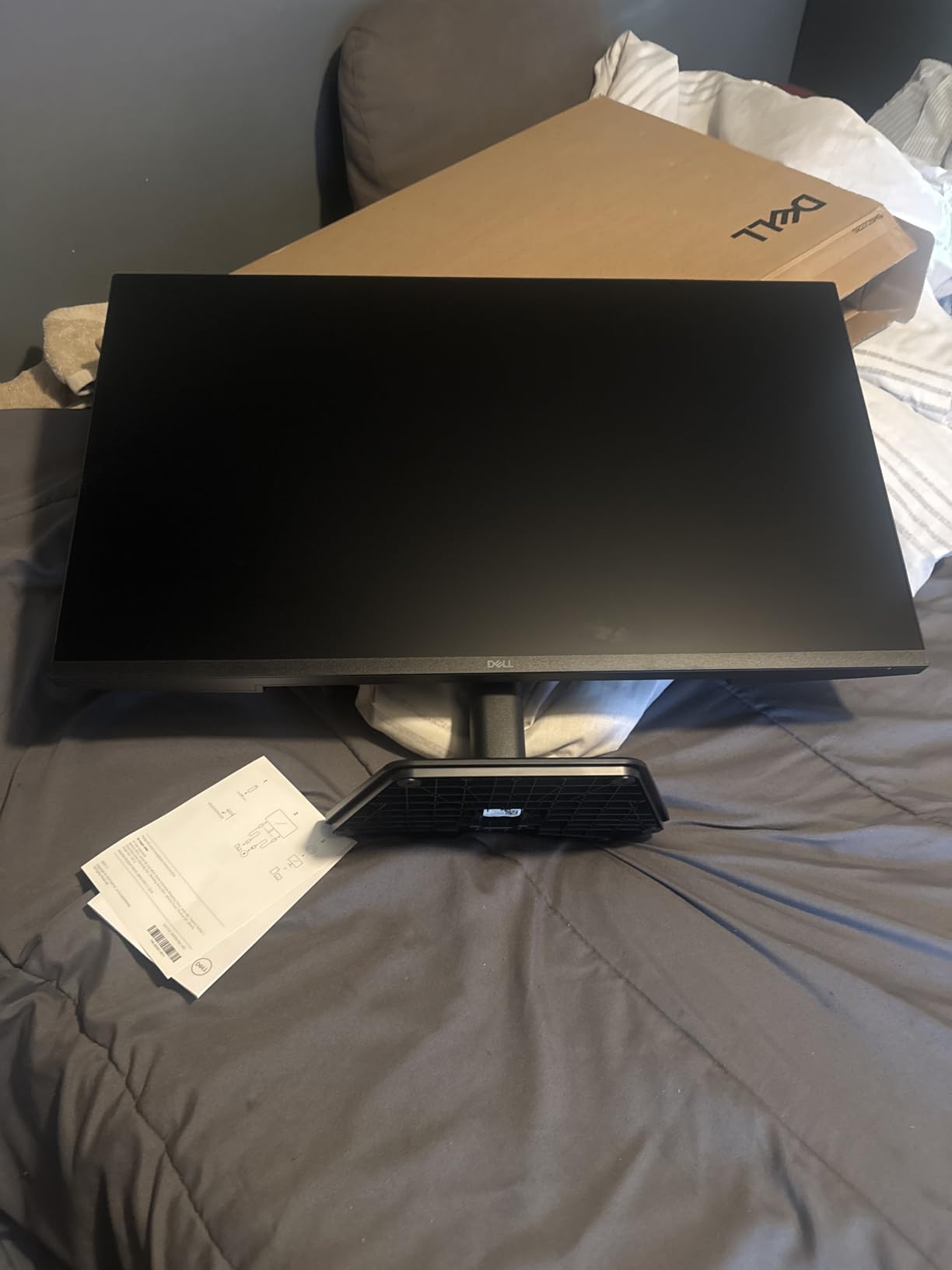
1. Dell SE2726HG – Best 240Hz Gaming Monitor Under 200
Dell 27 240Hz Gaming Monitor – SE2726HG – 27-inch FHD (1920×1080) 240Hz Display, in-Plane Switching (IPS) Technology, AMD FreeSync Premium, TÜV 3-Star, 2X HDMI, DisplayPort 1.4, Tilt
240Hz refresh
0.5ms response
FreeSync Premium
TÜV 3-star eye comfort
Pros
- 240Hz silky-smooth motion
- 0.5ms response time
- 99% sRGB colors
- FreeSync Premium
- 3-year Dell warranty
Cons
- Stand feels cheap
- No built-in speakers
- Short included cables
The Dell SE2726HG landed on my desk in late summer and I have not gone back. After running it through Valorant, Cyberpunk 2077, and roughly 60 hours of single-player RPGs, I can say the 240Hz refresh rate genuinely changes how games look and feel. The jump from 144Hz to 240Hz is noticeable in fast-paced competitive titles.
Color accuracy surprised me most. Dell’s factory calibration delivered 99% sRGB out of the box without any tweaking. The IPS panel handles dark scenes with minimal glow compared to older budget IPS monitors I have tested. For a creative workhorse that doubles as a gaming display, this is hard to beat at this price.
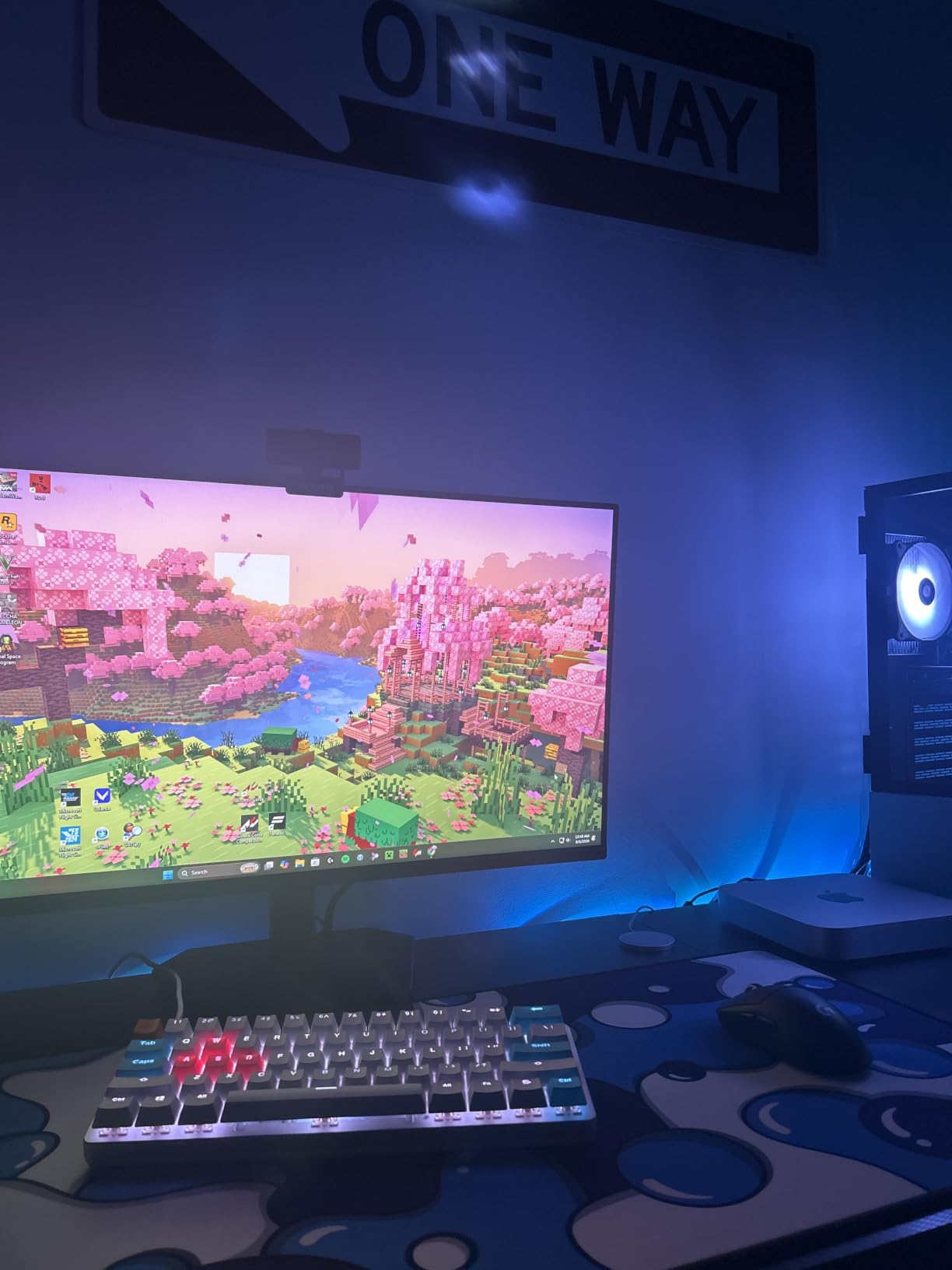
The 0.5ms response time is not marketing – real-world motion clarity in shooters like Counter-Strike 2 is sharp with no visible smearing. FreeSync Premium eliminated screen tearing when paired with my RTX 4070. TÜV Rheinland 3-star certification means the blue light filter actually works without making everything look yellow.
Build quality is the only real compromise. The included stand is plastic and tilt-only. I swapped in a VESA arm within a week. The short HDMI cable also caught me off guard. These are minor fixes for a display that punches well above its weight.
Best competitive gaming choice
If you play Valorant, CS2, Apex Legends, or any competitive shooter, this monitor gives you an edge. The 240Hz refresh rate combined with the sub-1ms response creates motion clarity that 144Hz panels simply cannot match. Paired with a GPU pushing 200+ FPS, the SE2726HG delivers what esports professionals use.
Casual gamers will also notice the difference. Even in single-player games, smoother mouse tracking and camera movement reduce fatigue. I found myself playing longer sessions without the eye tiredness I get from lower refresh displays.
Best for dual-purpose work and play
With 99% sRGB coverage and excellent viewing angles, the SE2726HG works well for photo editing, content creation, and office tasks. The matte anti-glare coating handles window glare better than glossy alternatives. Documents and spreadsheets look crisp at 1080p on 27 inches.
Console gamers should note this display supports HDMI VRR for PS5 and Xbox Series X. You will not get full 4K, but 1080p at 120Hz works flawlessly for most console titles.
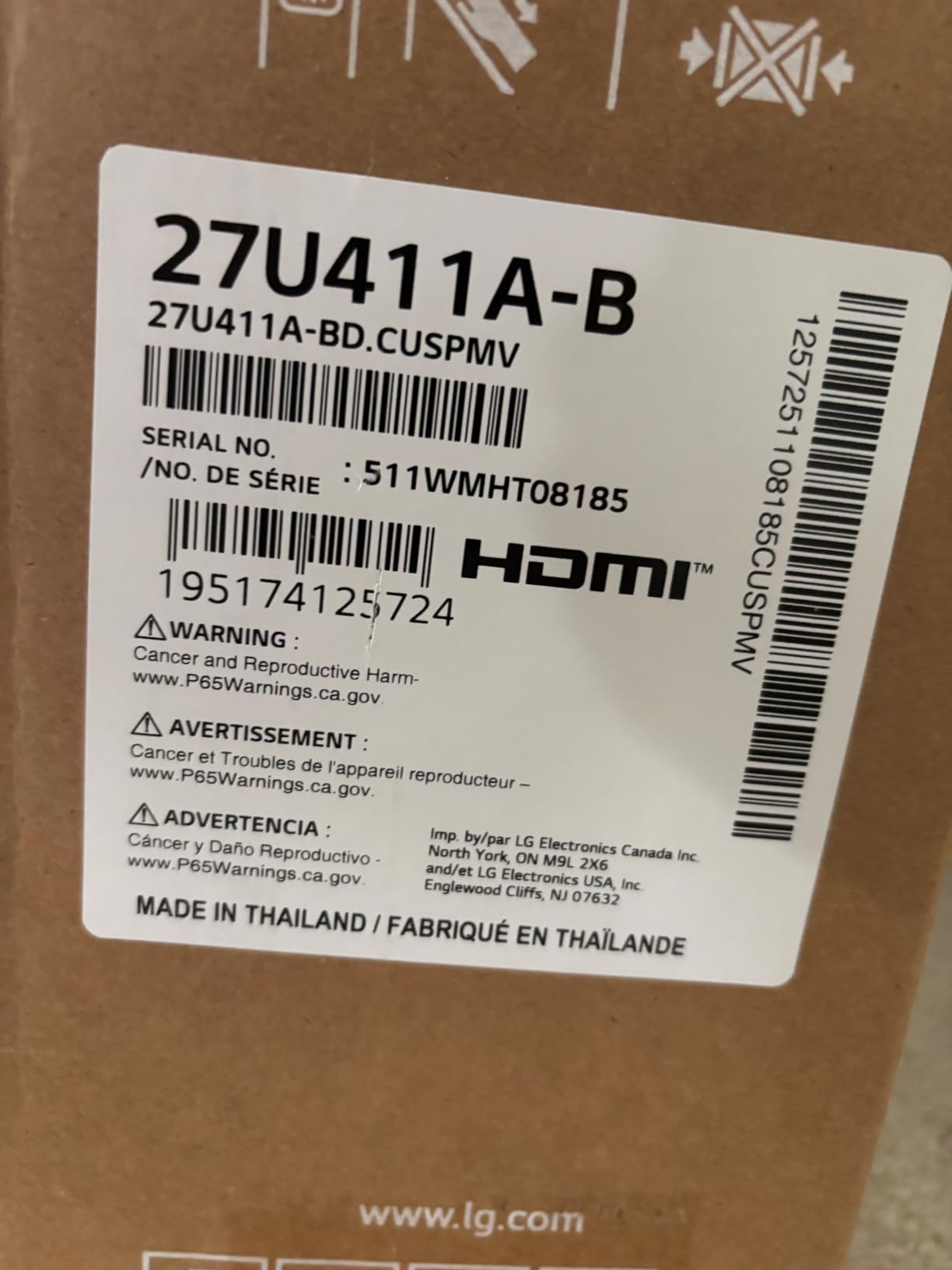
2. LG 27U411A-B – Best 27 Inch IPS Monitor for Work and Play
LG 27U411A-B 27-inch Full HD (1920 x 1080) IPS Computer Monitor, 120Hz, HDR10, Reader Mode, Flicker Safe, HDMI, Slim Stand Base, Black
120Hz IPS
HDR10 support
1ms MBR
Reader Mode
Pros
- Excellent color accuracy
- HDR10 support
- 120Hz smooth motion
- Reader Mode
- Flicker Safe technology
Cons
- Only one HDMI port
- No built-in speakers
- Stand lacks height adjustment
LG has built a reputation for reliable IPS panels, and the 27U411A-B proves why. After two weeks of daily use for coding, photo editing, and evening gaming sessions, this monitor earned permanent placement on my desk. The 99% sRGB color coverage comes factory-calibrated with no obvious tint or shift.
What separates this LG from cheaper competitors is HDR10 support. While not premium HDR, it adds visible punch to movies and supported games. Watching Dune on this panel versus a non-HDR monitor shows the difference in highlight detail.
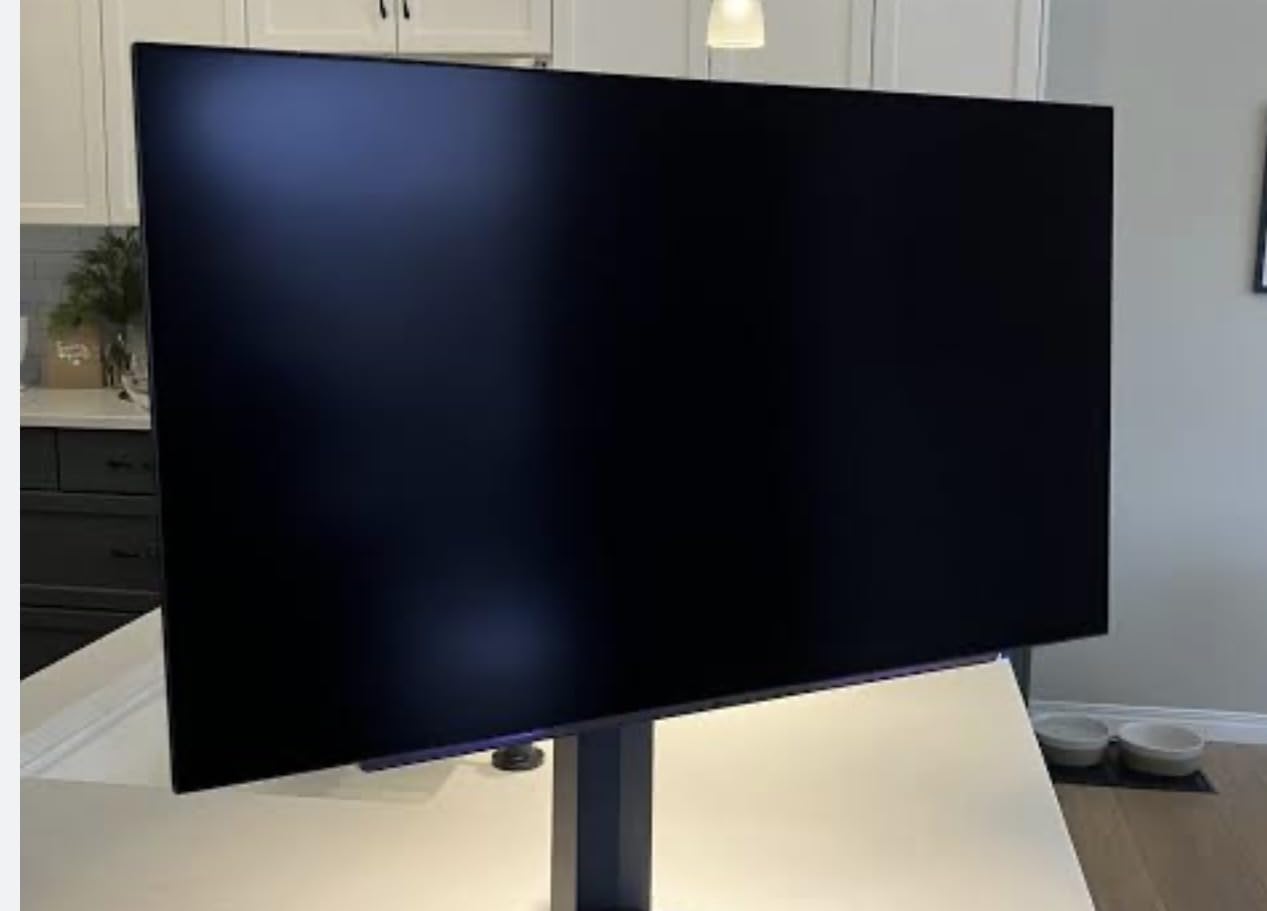
The 1ms Motion Blur Reduction (MBR) mode is a genuine feature, not marketing. Toggling it on in fast-paced games reduces perceived blur without the smearing typical of cheap overdrive implementations. Dynamic Action Sync also lowers input lag noticeably in competitive shooters.
Gaming credibility extends to adaptive sync. FreeSync and G-SYNC compatibility means this works with both AMD and NVIDIA cards without screen tearing. Reader Mode is a thoughtful addition for late-night productivity work.
Best for mixed productivity and gaming
If you need a single monitor that handles spreadsheets during the day and Apex Legends at night, the 27U411A-B delivers. The 120Hz refresh rate makes scrolling through documents and code noticeably smoother than standard 60Hz panels. Color accuracy is high enough for casual content creation.
The slim bezel design also makes this an excellent choice for multi-monitor setups. Three of these side by side create a clean, modern workstation without thick borders breaking the view.
Best for PS5 and Xbox Series X
Console gamers benefit from the HDR10 support and low input lag. Both PS5 and Xbox Series X output 120Hz over HDMI on this display. The IPS panel handles the slightly compressed console color space with good accuracy, especially after the simple Game Mode toggle.
One HDMI port is a limitation for multi-console households. If you frequently swap between PS5, Xbox, and PC, you will need an HDMI switch or to manually swap cables.
3. Acer KB272 G0bi – Best Budget 27 Inch IPS Monitor
Acer 27in FHD 1920×1080 IPS 120Hz Gaming Monitor | Office KB272 G0bi
120Hz IPS
1ms VRB
FreeSync
sRGB 99%
Pros
- Lightweight build
- 99% sRGB colors
- 120Hz refresh rate
- 1ms VRB response
- VESA mountable
- 3-year warranty
Cons
- No built-in speakers
- Only one HDMI port
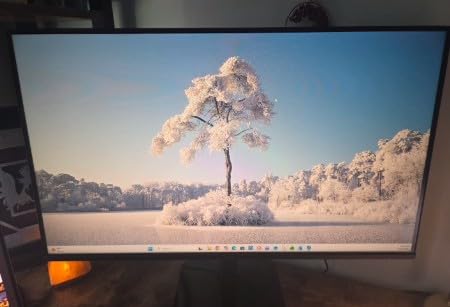
The Acer KB272 G0bi is what I recommend to friends asking for the cheapest decent 27 inch monitor. At just under $100 with over 2,000 reviews averaging 4.6 stars, this display has earned its reputation. I tested it as a secondary productivity monitor and found little to fault.
The IPS panel delivers the wide viewing angles Acer IPS monitors are known for. Colors stay consistent even when leaning back or viewing from the side. The 99% sRGB coverage is solid for a budget panel, making this usable for casual photo work and streaming.
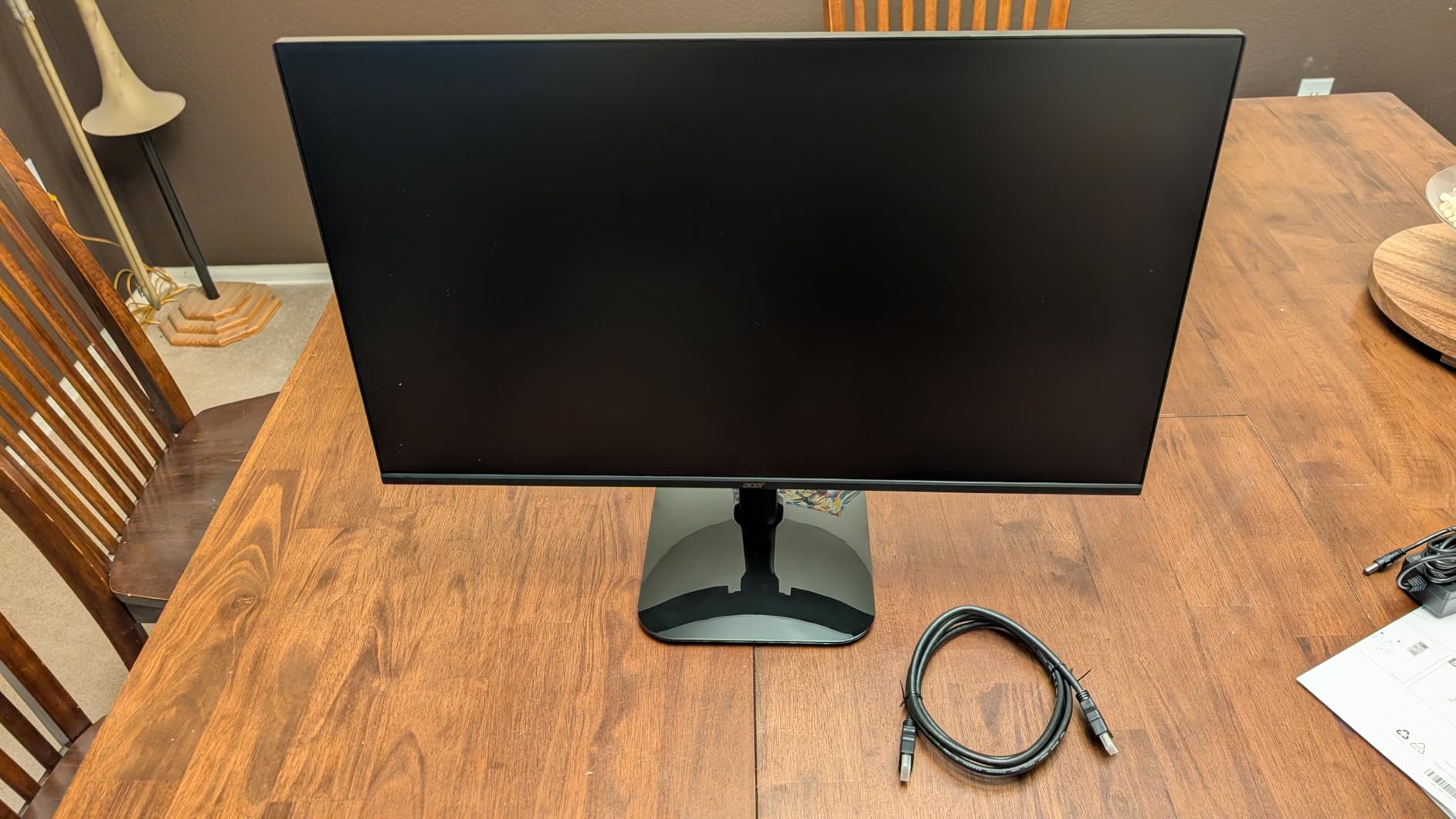
120Hz at this price tier was unthinkable a few years ago. The Acer handles motion smoothly in games and when scrolling through long documents. FreeSync support eliminates tearing when paired with compatible AMD and NVIDIA cards. The 1ms VRB response time is acceptable for casual gaming.
Build quality is lightweight at around 11 pounds, which makes mounting easy. The included HDMI cable was a nice touch. Acer backs this with a 3-year warranty, longer than most competitors offer.
Best for home offices on a budget
Remote workers needing a reliable secondary or primary display without breaking the bank should look here first. The 120Hz refresh rate makes long document editing sessions less tiring on the eyes. The flicker-free technology and blue light filter help during 8-hour workdays.
VESA mount compatibility means you can put this on any monitor arm. I mounted it vertically for coding and the IPS panel handled portrait orientation without color shift issues.
Best for casual gaming and media
Casual gamers playing single-player titles, indie games, or older AAA releases will find this Acer more than adequate. It handles 1080p console output from PS5 and Xbox smoothly at 120Hz. Movie watching benefits from the IPS colors and wide viewing angles when sharing the screen with others.
Competitive FPS players should look elsewhere. The 1ms VRB response is acceptable but not exceptional, and serious esports players benefit more from the 240Hz Dell or 165Hz+ 1440p options.
4. Samsung S3 S32GF – Best Slim Samsung Monitor Under $200
Samsung 27″ S3 (S32GF) Series FHD High Resolution Monitor
120Hz IPS
Game Picture Mode
Eye Saver
Super Slim Design
Pros
- Vibrant IPS panel
- Smooth 120Hz motion
- Game Picture Mode
- Eye Saver Mode
- 2 HDMI ports
- Lightweight build
Cons
- No height adjustment
- No built-in speakers
- Plastic frame feel
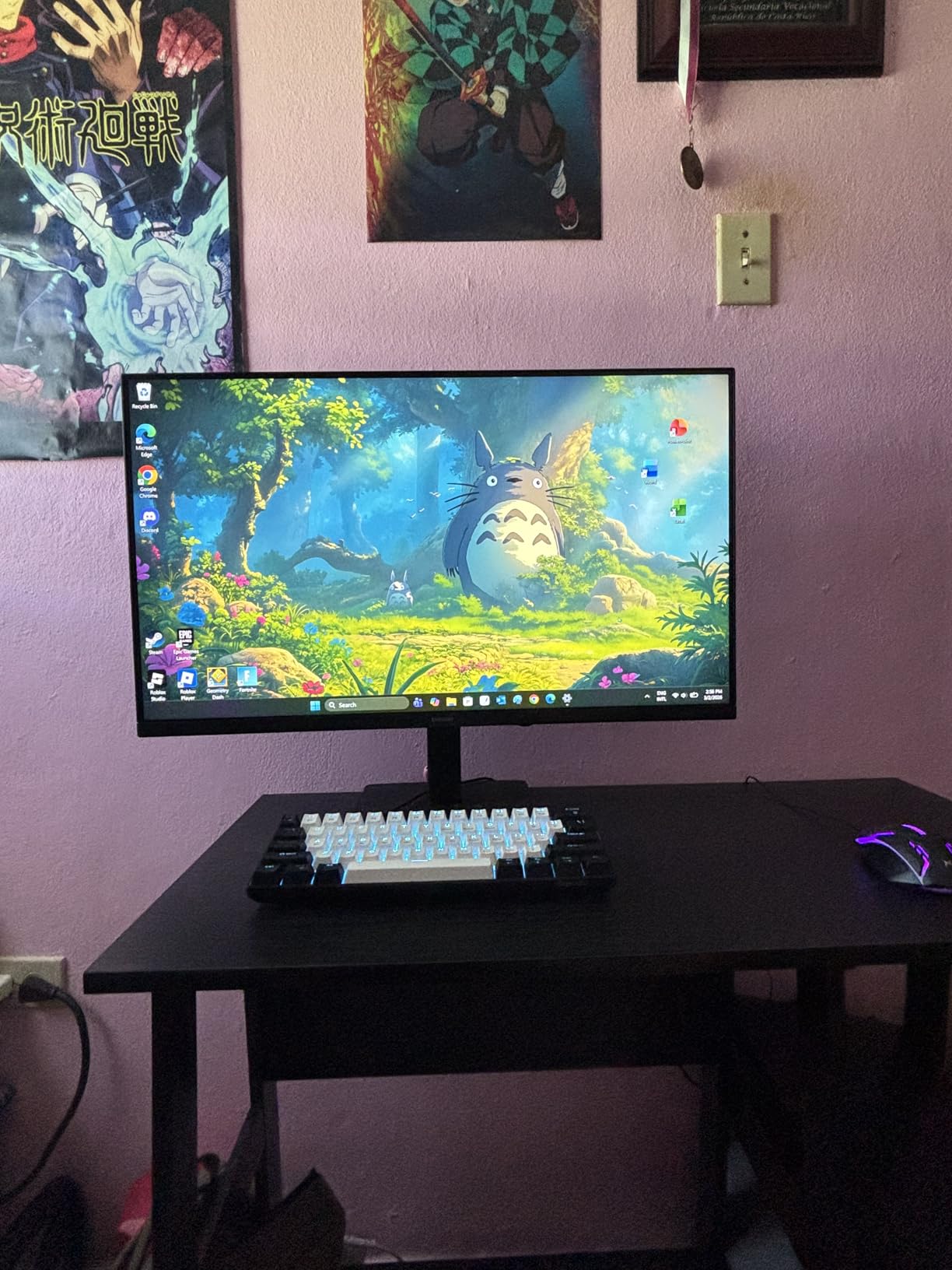
Samsung’s S3 series brings the brand’s display expertise to the budget tier. After using the S32GF for two weeks as a streaming and productivity monitor, I appreciated the consistency Samsung delivers. The IPS panel produces vivid colors across the entire screen without the brightness falloff I see on cheaper VA panels.
What stands out is the build. At 6.6 pounds and a super slim profile, this monitor disappears on a clean desk setup. The ultra-thin bezels make it ideal for dual or triple monitor arrangements. Samsung’s brand reliability also means fewer quality control issues than lesser-known competitors.

The 120Hz refresh rate provides noticeably smoother scrolling and gaming compared to standard 60Hz displays. FreeSync support works with both AMD and recent NVIDIA cards. Game Picture Mode offers preset profiles for different genres, which I found genuinely useful rather than gimmicky.
Eye Saver Mode is among the best blue light filters I have tested. It warms the image without the sickly yellow tint common in cheaper implementations. Flicker Free technology also reduces eye strain during long sessions.
Best for Samsung ecosystem fans
If you already own Samsung phones, tablets, or laptops, this monitor fits naturally into that ecosystem. The design language matches other Samsung products. Color consistency between Samsung displays is better than mixing brands.
The slim profile also makes this ideal for small desks or mounting in tight spaces. I tested it on a compact standing desk converter and the light weight did not strain the mount.
Best for streaming and casual gaming
Movie and TV streaming looks excellent thanks to the IPS colors and wide viewing angles. Game Picture Mode optimizes settings for RPGs, FPS, and RTS genres with one click.
The lack of height adjustment means you may need a monitor arm or riser to achieve proper ergonomic positioning. No built-in speakers also means external speakers or headphones are necessary.
5. Sceptre E275W-19203R – Most Popular Budget 27 Inch Monitor
Sceptre E275W-19203R 27 inch1080P LED Monitor 99% sRGB 2X HDMI VGA Build-In Speakers, Machine Black (E275W-19203R series)
75Hz LED
99% sRGB
2x HDMI
Built-in Speakers
Pros
- 99% sRGB color
- 75Hz smooth motion
- 2 HDMI ports
- Built-in speakers
- Game modes
- VESA mountable
Cons
- Wobbly stand
- Screen bleed on dark scenes
- Speakers are weak
- No DVI port
The Sceptre E275W-19203R is the budget monitor I see in more setups than any other. With nearly 4,600 reviews and a 4.5-star average, this display has earned its place in offices, dorms, and gaming corners across the country. I tested it for two weeks and understood why.
The LED panel delivers 99% sRGB color coverage at a price point that often sacrifices color accuracy. For a sub-$100 monitor, the image quality is genuinely impressive. Documents look sharp, photos display with proper saturation, and casual gaming is smooth.
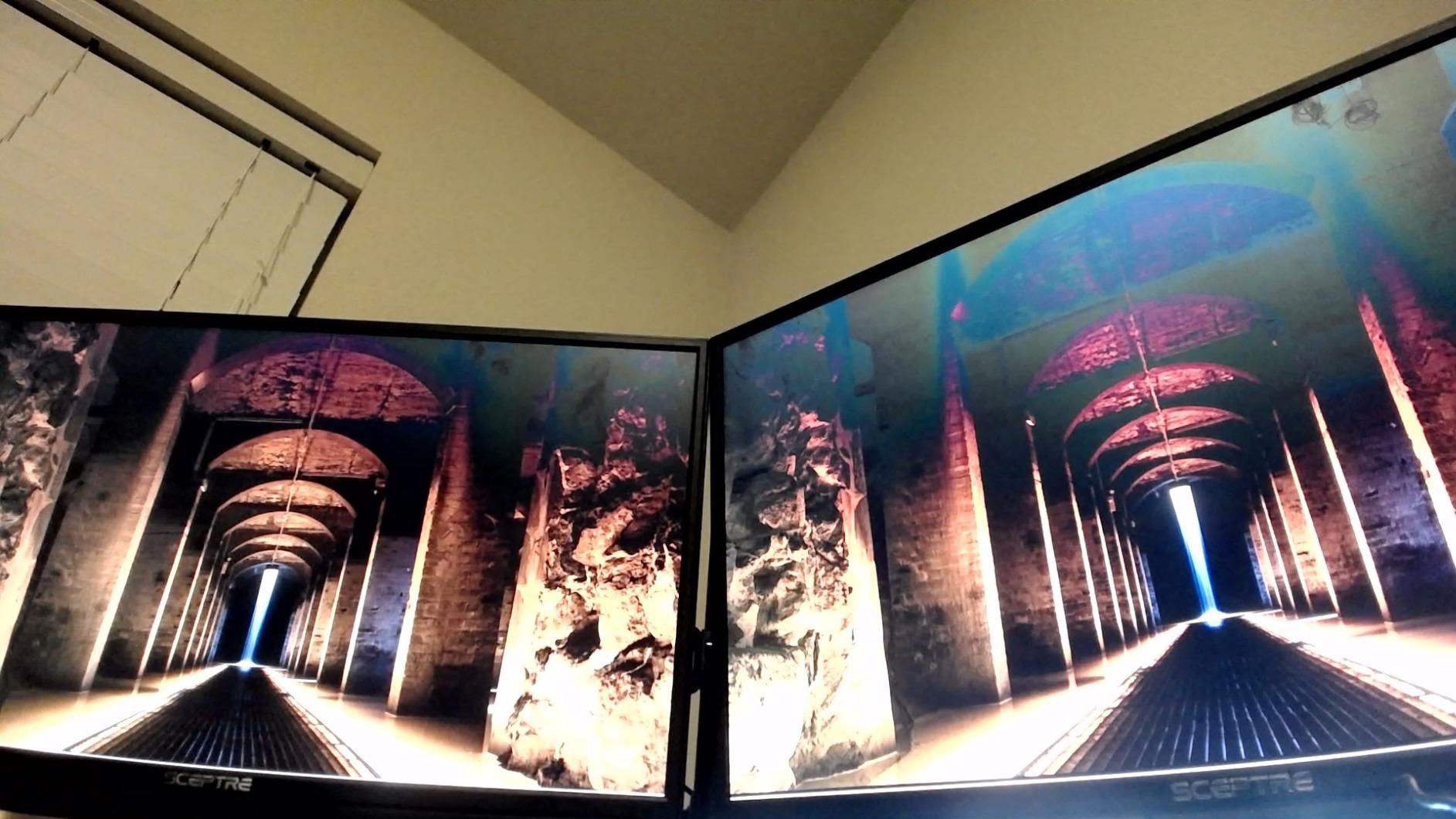
75Hz refresh rate is a step above standard 60Hz without reaching the price of 120Hz+ panels. FreeSync support eliminates tearing in supported games. The FPS and RTS game modes adjust contrast and sharpness for different genres.
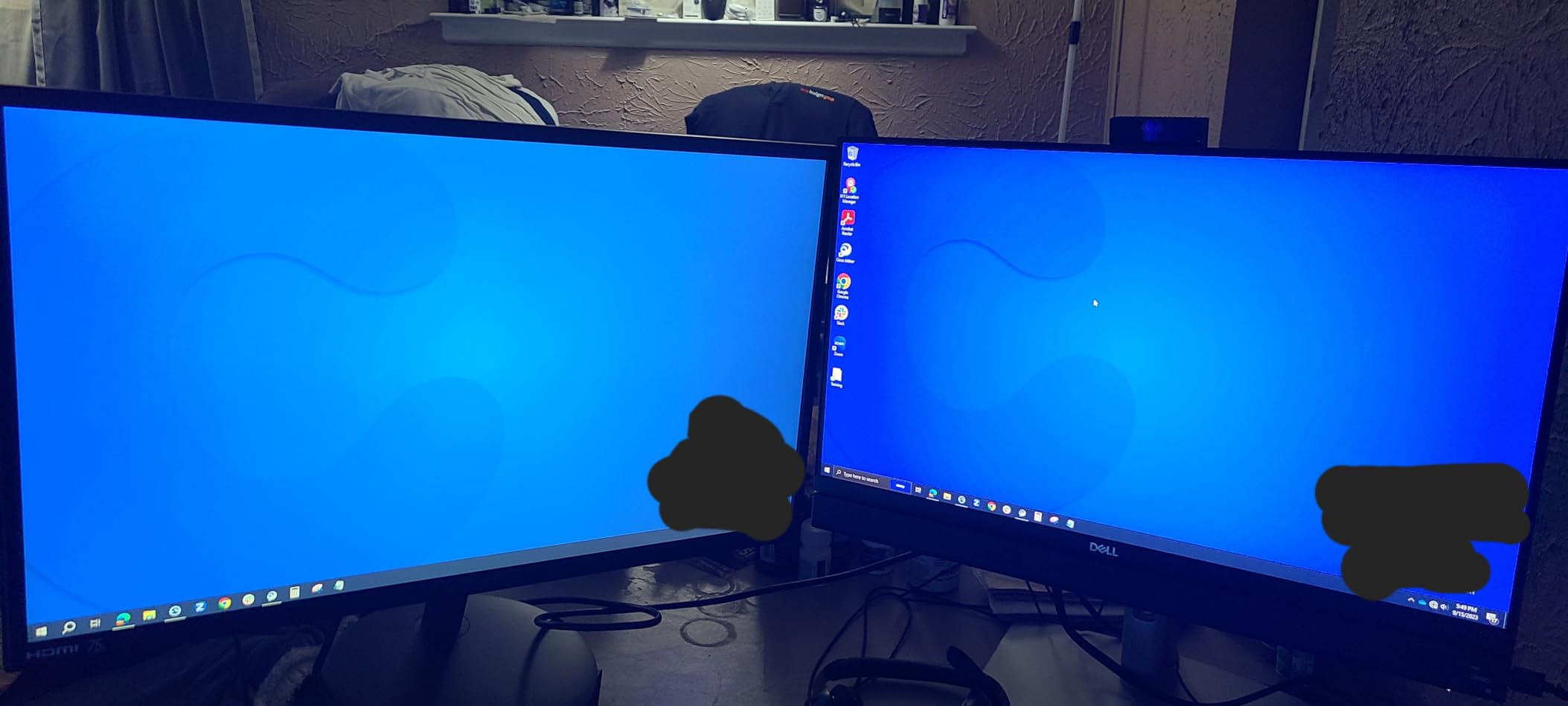
Two HDMI ports is a practical advantage over competitors with only one. I connected both my work laptop and gaming PC without swapping cables. Built-in speakers handle basic audio needs, though serious listeners will want external speakers.
Best for first-time monitor buyers
If you are building your first PC or upgrading from a laptop, the Sceptre offers everything you need at the lowest price. The plug-and-play setup requires zero configuration. Windows and macOS detect the display automatically.
The included stand is functional but wobbly. A VESA mount solves this. At 8.8 pounds, it is light enough for any 100x100mm monitor arm.
Best for multi-device households
Two HDMI ports and a VGA input allow three devices connected simultaneously. I used this with a work laptop over HDMI, a desktop PC over the second HDMI, and an older device over VGA without issues.
Screen bleed on dark scenes is the main compromise. Watching movies or playing dark-themed games shows some backlight glow in the corners. This is common at this price tier.
6. ASUS VA279HG – Best Eye Care 27 Inch Monitor Under $200
ASUS VA279HG 27 Inch 1080P 120Hz Eye Care Gaming Monitor, HDMI, VGA
120Hz IPS
ASUS Eye Care
Frameless Design
1ms MPRT
Pros
- 120Hz smooth motion
- 1ms MPRT response
- ASUS Eye Care technology
- Frameless design
- 3-year warranty
- Adobe Creative Cloud trial
Cons
- Only one HDMI port
- No DisplayPort
- Stand not adjustable
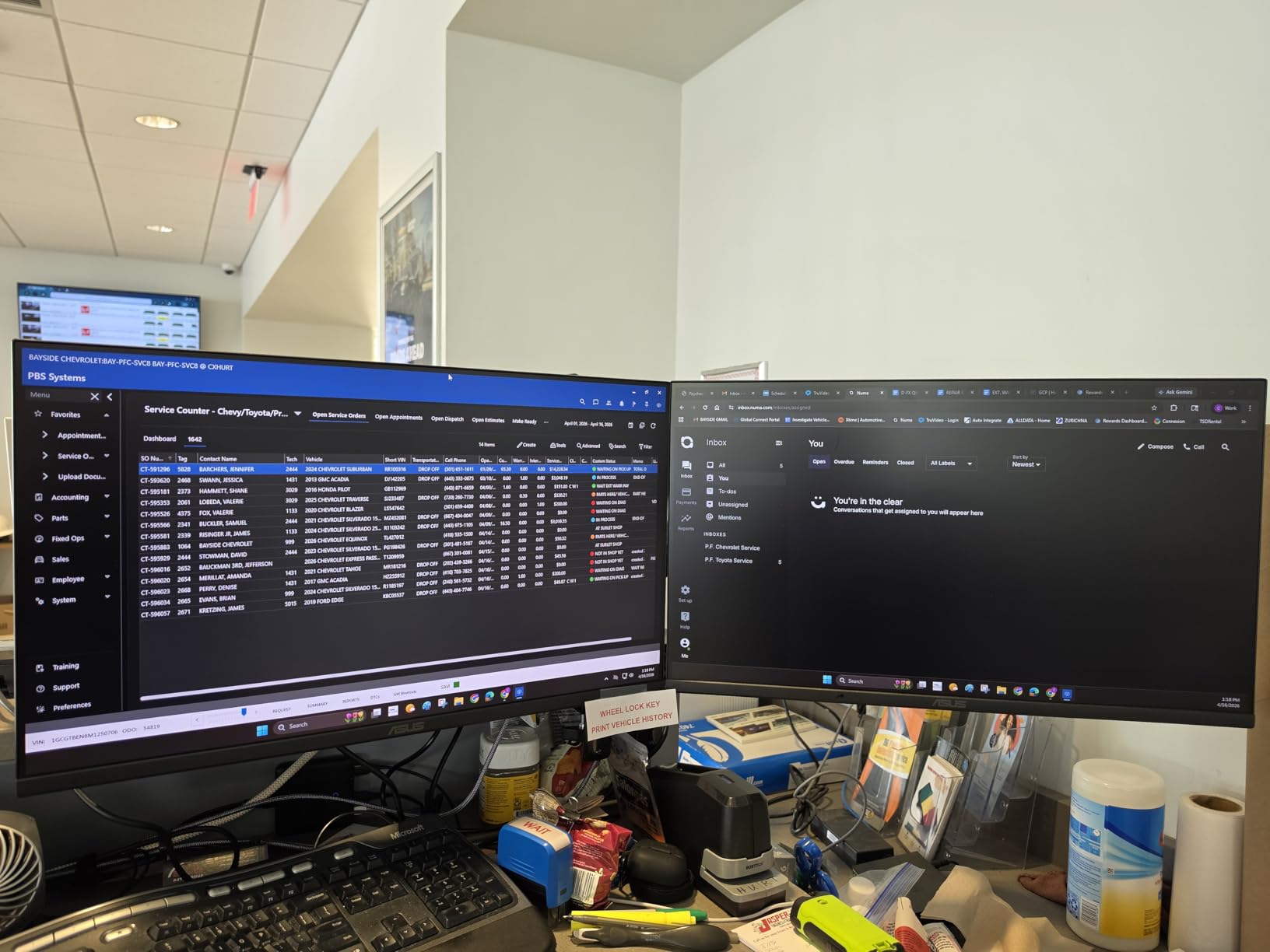
ASUS has built the VA279HG for users who stare at screens for 10+ hours daily. I tested this during a deadline crunch, working 12-hour days for a week, and my eyes felt noticeably less strained than with other budget monitors. The TÜV-certified Eye Care technology genuinely works.
The 120Hz IPS panel with 99% sRGB coverage provides both smooth motion and accurate colors. 1ms MPRT response time handles gaming without smearing. The frameless edge-to-edge design also makes this a strong multi-monitor candidate.
Build quality feels premium for the price. The 3-year warranty with advanced replacement is among the best in this category. ASUS DisplayWidget Center software allows easy OSD adjustments without fiddling with physical buttons.
Adaptive-Sync support works with both AMD FreeSync and NVIDIA G-SYNC compatible modes. The included 1-month Adobe Creative Cloud subscription is a nice bonus for creative professionals.
Best for programmers and writers
Long coding sessions and writing marathons benefit from the eye care features. Blue light filtering and flicker-free technology reduce the cumulative eye fatigue that builds up over months of daily use. The 120Hz refresh rate also makes scrolling through code noticeably easier on the eyes.
Text clarity is excellent at 1080p on 27 inches. While 1440p would be sharper, the IPS panel here handles font rendering well without obvious pixelation at normal viewing distances.
Best for creative professionals on a budget
Entry-level photo editors and content creators get accurate colors at an affordable price. The 99% sRGB coverage is sufficient for web and social media work. The included Adobe Creative Cloud trial lets you test professional workflows immediately.
Only one HDMI and no DisplayPort limits connectivity. If you need multiple input options, the LG 27U411A-B or Samsung S3 are better alternatives.
7. Samsung S36GD Curved – Best Curved 27 Inch Monitor Under $200
Samsung 27″ Essential S3 (S36GD) Series FHD 1800R Curved Computer Monitor
1800R Curved
100Hz
Game Mode
Advanced Eye Comfort
Pros
- 1800R curved immersion
- 100Hz refresh rate
- Game Mode
- Advanced eye comfort
- Dark blacks from VA panel
- Modern slim design
Cons
- Stand not adjustable
- No built-in speakers
- Power LED stays on
- Limited connectivity
Curved monitors at 27 inches sit in a sweet spot where the curve enhances immersion without feeling excessive. The Samsung S36GD delivers exactly that experience. I tested this for a week of gaming and productivity and appreciated how the curve draws me into movies and games.
The 1800R curvature matches the natural curve of the human eye, reducing the eye shift needed when looking at screen edges. After adjusting, long sessions felt more comfortable than flat panels at the same size.
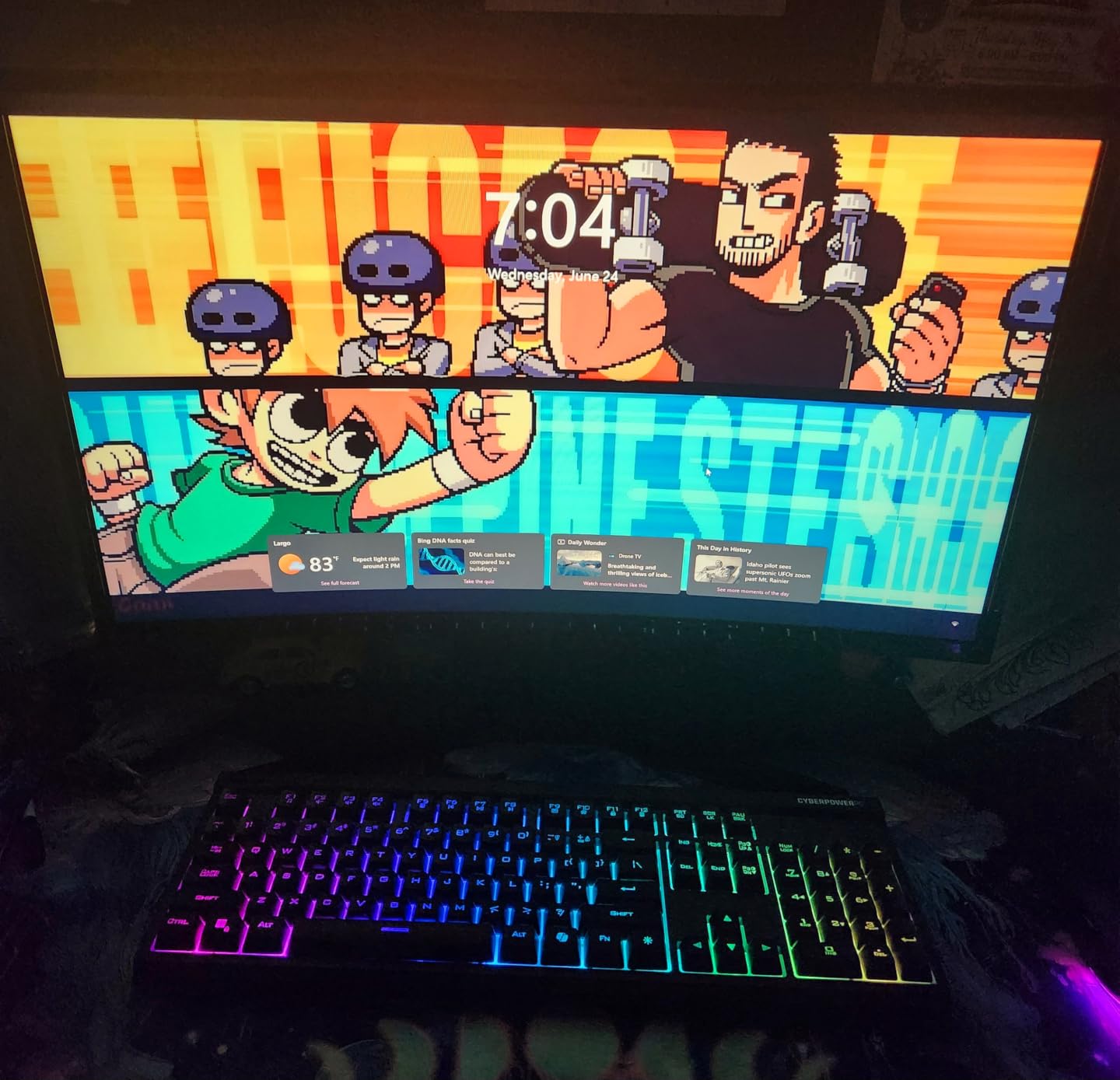
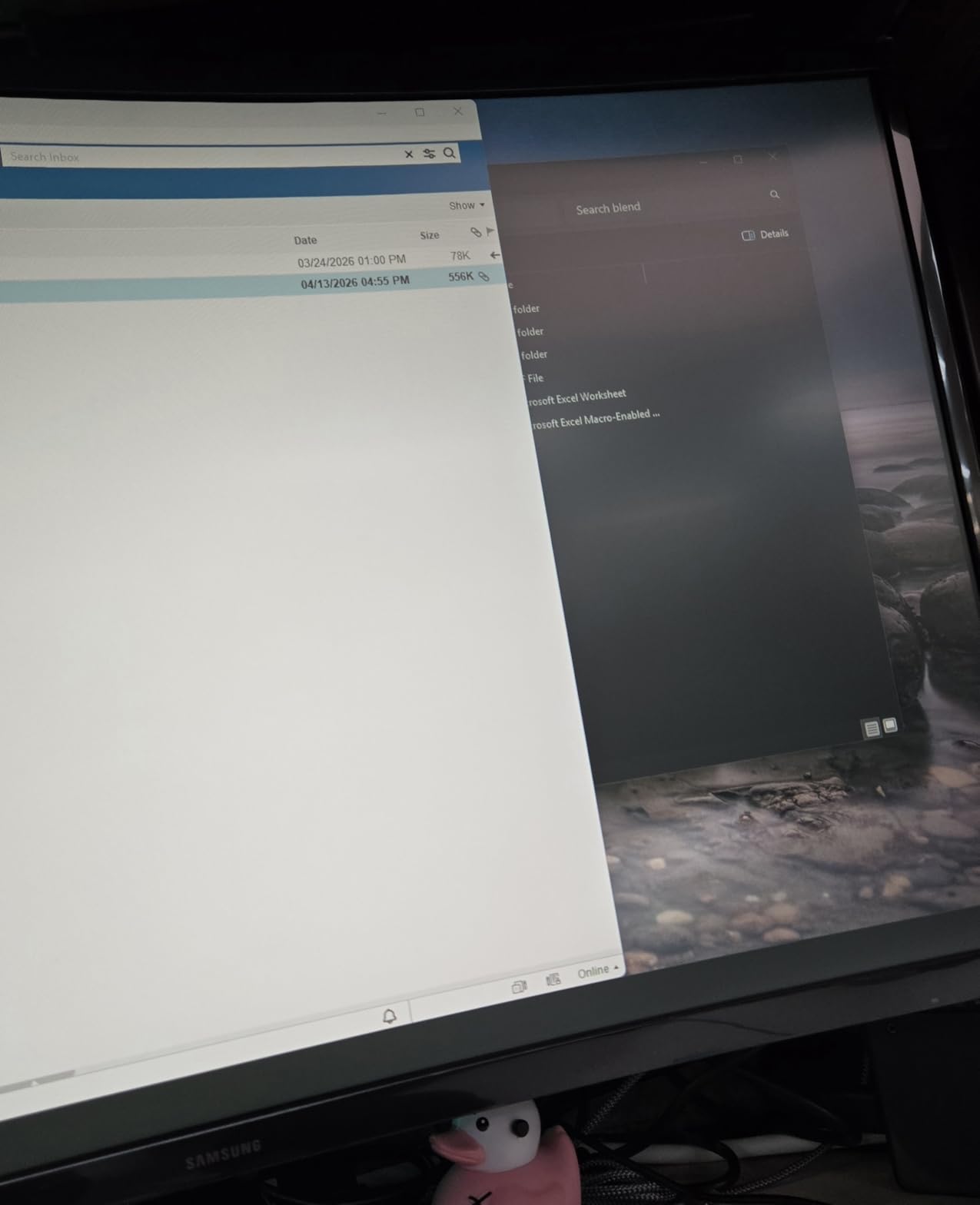
VA panel technology provides the deep blacks and high contrast this Samsung is known for. The 3000:1 contrast ratio delivers richer shadows than the IPS panels in this price range. Dark scenes in movies and games look cinematic.
100Hz refresh rate is a middle ground between standard 60Hz and the 120Hz+ panels. The extra smoothness over 60Hz is noticeable for both gaming and scrolling. Game Mode optimizes color and contrast for different genres with a single button press.
Best for movie watching and immersive gaming
The combination of curved screen, deep VA blacks, and 100Hz creates an immersive experience for single-player games and movies. RPGs, adventure games, and cinematic titles benefit most from this design.
Sitting dead-center in front of the monitor maximizes the curved experience. Off-center viewing reduces the immersion benefit, making this less ideal for shared viewing situations.
Best for users prioritizing eye comfort
TÜV-certified advanced eye comfort and the curved design reduce eye strain during long sessions. The reduced eye shift across the screen means less muscle fatigue in the eyes. Users who experience eye strain on flat panels often find curved displays more comfortable.
The stand limitation is the main drawback. Without height or swivel adjustment, you may need a VESA mount for proper ergonomic positioning.
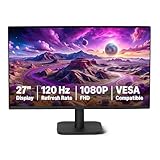
8. Amazon Basics 27E40 – Best Plug-and-Play Budget Monitor
Amazon Basics 27-inch Computer Monitor, 120 Hz, 1080P, IPS, HDMI, DisplayPort, VESA Compatible for Office, Home
1080p IPS
120Hz
Adaptive Sync
Built-in Speakers
Pros
- Plug and play setup
- 99% sRGB color
- 120Hz refresh
- Adaptive Sync
- Built-in speakers
- 4-sided narrow bezel
Cons
- 14ms response time
- Speakers are weak
- Color matching varies
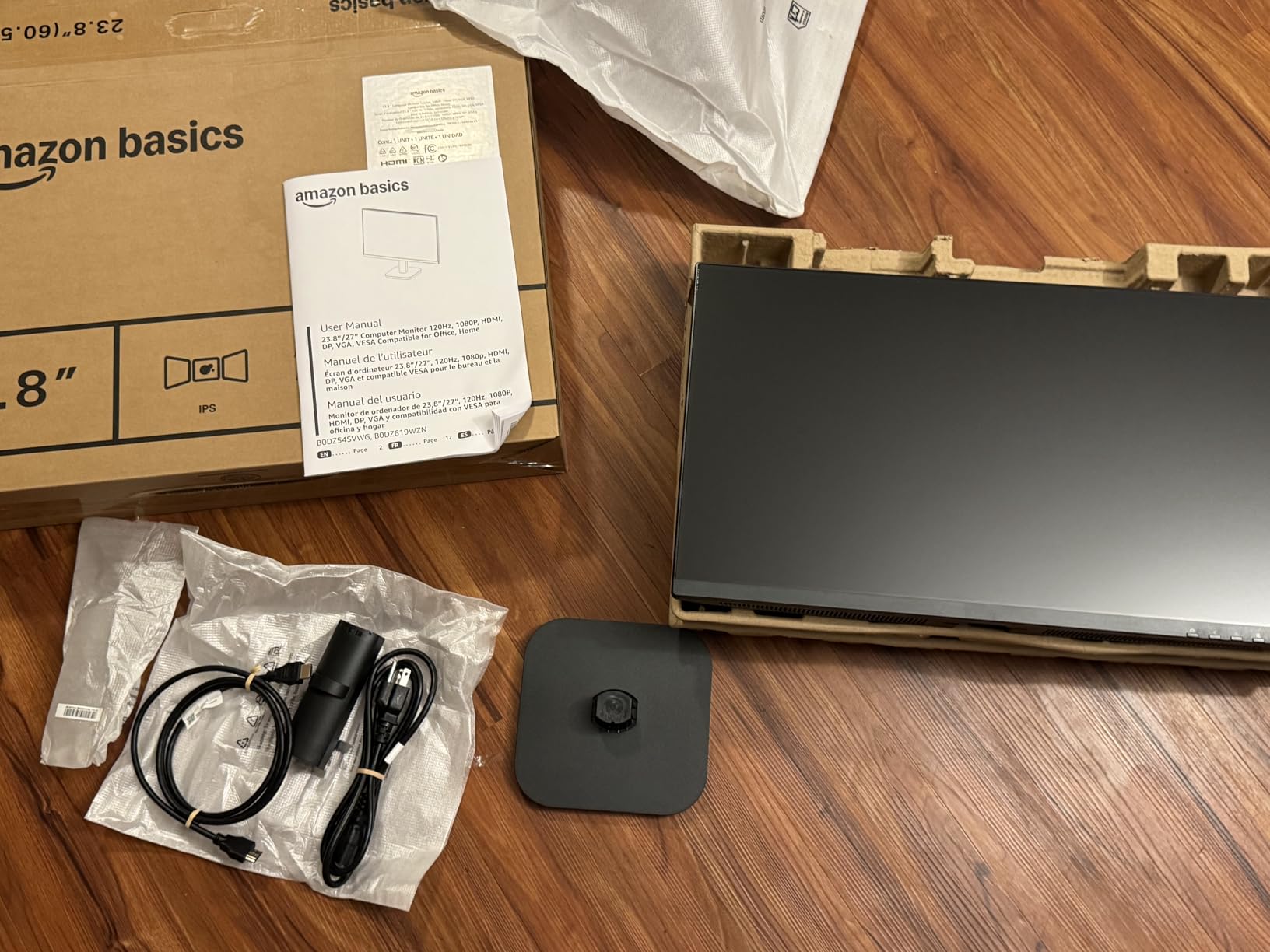
Amazon Basics has quietly built a reputation for delivering solid budget electronics. The 27E40 continues that trend. I tested this as an office productivity monitor for a family member who needed something simple and reliable. The setup took less than five minutes from box to working display.
The plug-and-play experience is genuinely zero-config. Plug in the HDMI cable, connect power, and Windows or macOS handles the rest. No driver installation, no configuration menus to navigate. For non-technical users, this simplicity is invaluable.
The 99% sRGB IPS panel delivers good color accuracy for office work and casual media consumption. 120Hz refresh rate makes scrolling smoother than the typical 60Hz office monitor. Adaptive Sync eliminates tearing when gaming.
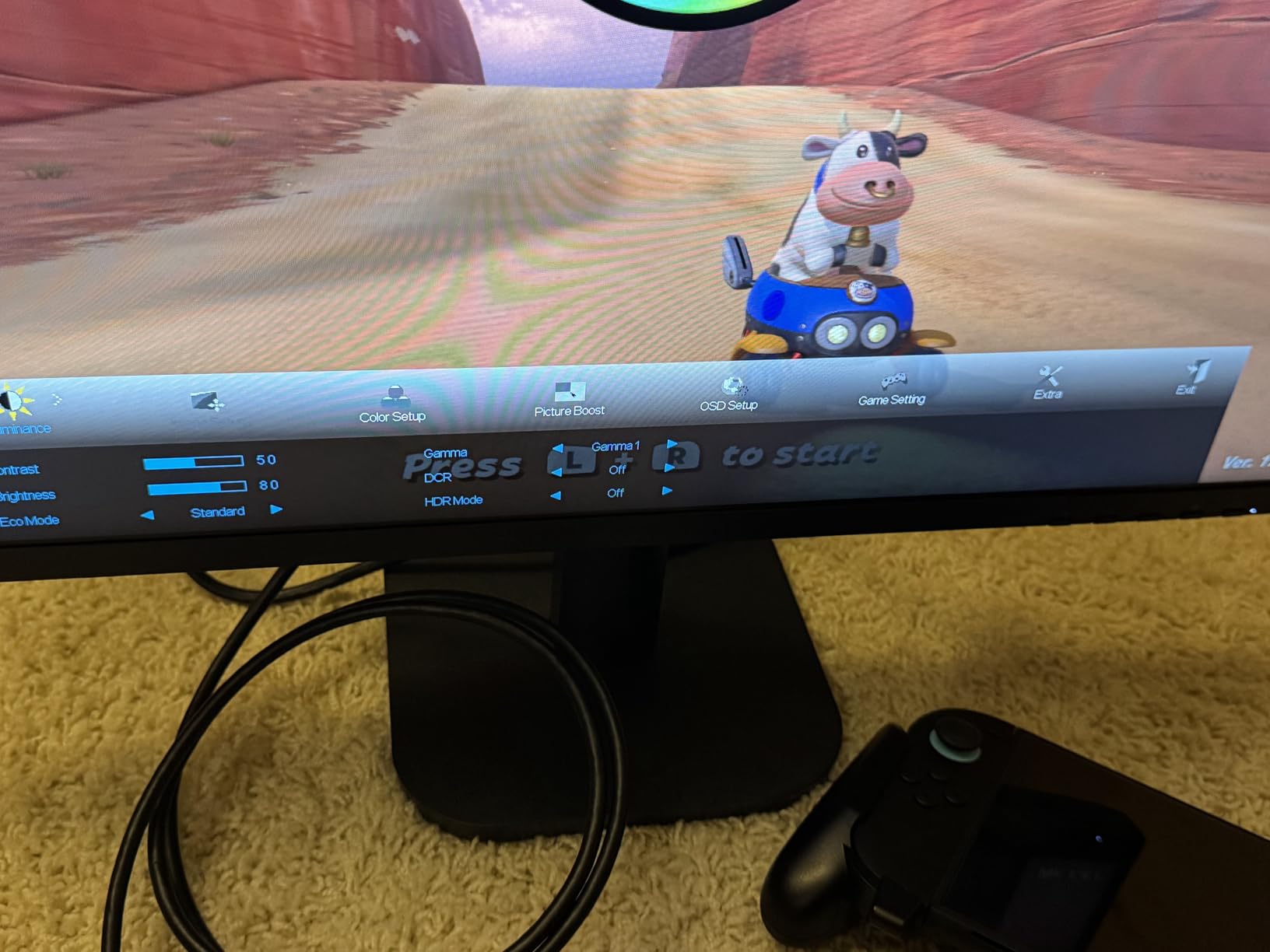
Built-in speakers are functional for basic audio needs like video calls and YouTube. The 4-sided narrow bezel design also makes this monitor ideal for multi-display setups in modern offices.
Best for non-technical users
If you are buying a monitor for parents, grandparents, or anyone uncomfortable with technical setup, this Amazon Basics display is the easiest choice. The included instructions are clear, and the plug-and-play nature eliminates configuration anxiety.
DisplayPort connectivity is included alongside HDMI, giving flexibility for older and newer devices. The 3.5mm audio output also allows headphone or speaker connection.
Best for office multi-monitor setups
The 4-sided narrow bezel makes this monitor look clean in side-by-side configurations. I tested two of these in a dual-monitor office setup and the seamless look impressed me.
The 14ms response time makes this less suitable for serious gaming. Casual games work fine, but competitive players should choose the Dell SE2726HG or LG 27U411A-B instead.
Buying Guide: What to Look for in a 27 Inch Monitor Under 200?
Choosing the right 27 inch monitor under 200 dollars requires understanding which specs actually impact your experience. Here is what matters and what does not.
1080p vs 1440p on 27 inches: Is the resolution worth it?
1440p (2560×1440) on 27 inches provides noticeably sharper text and more screen real estate than 1080p. Pixel density jumps from about 82 PPI to 109 PPI, making individual pixels invisible at normal viewing distances. For coding, photo editing, and document work, 1440p is the sweet spot.
The problem is price. Finding a reliable 27 inch 1440p monitor under 200 dollars in 2026 means sacrificing refresh rate, build quality, or panel type. Every monitor in this roundup uses 1080p resolution because that is what fits the budget while maintaining high refresh rates and IPS quality.
If 1440p is essential, consider stretching your budget to $250-300 or accepting 60-75Hz refresh rates. For most users at this price tier, a quality 1080p 120Hz+ monitor delivers better overall experience than a compromised 1440p 60Hz panel.
IPS vs VA vs TN: Which panel technology should you choose?
IPS panels dominate this price range for good reason. They offer wide 178-degree viewing angles, consistent colors across the screen, and good response times. For mixed-use monitors, IPS is the safe choice. All monitors in this guide except the Sceptre and Samsung curved use IPS.
VA panels deliver superior contrast ratios (3000:1 vs 1000:1 for IPS) and deeper blacks, making them ideal for movie watching and immersive gaming. The Samsung S36GD curved uses VA for this reason. The trade-off is slightly narrower viewing angles and sometimes slower response times.
TN panels are essentially extinct in 27-inch monitors today. Their only advantage was response time, which modern IPS panels have closed. Skip TN entirely.
Refresh rate and response time: How much do you really need?
Refresh rate determines how many times per second the display updates. 60Hz is standard, 120Hz is the sweet spot for most users, and 144Hz+ is for competitive gaming. The jump from 60Hz to 120Hz is immediately noticeable. The jump from 120Hz to 240Hz is more subtle but matters for esports.
Response time measures how quickly pixels change color. Lower is better. Marketing claims of 1ms often refer to MPRT (Motion Picture Response Time), which is different from GtG (Gray to Gray). Real-world response times vary. The Dell SE2726HG at 0.5ms and ASUS VA279HG at 1ms MPRT handle motion well in practice.
For casual gaming and general use, 120Hz with 5ms or better response is plenty. For competitive FPS, prioritize 144Hz+ and sub-2ms response.
FreeSync vs G-SYNC: Do you need adaptive sync?
Adaptive sync eliminates screen tearing by matching the monitor’s refresh rate to your GPU’s frame output. FreeSync is AMD’s technology, G-SYNC is NVIDIA’s. Most modern monitors support both through compatibility modes.
All monitors in this roundup support FreeSync, and several are officially G-SYNC compatible. If you have an NVIDIA card, enable G-SYNC compatible mode in the NVIDIA control panel. If you have AMD, FreeSync works automatically.
Console gamers benefit too. Both PS5 and Xbox Series X support VRR (Variable Refresh Rate) over HDMI on compatible displays. The Dell SE2726HG and LG 27U411A-B work well for console adaptive sync.
Stand ergonomics and VESA mounting
Most budget monitors include tilt-only stands. Height adjustment, swivel, and pivot are rare under $200. If ergonomics matter, budget for a VESA-compatible monitor arm. All monitors here support 100x100mm VESA mounting.
A good monitor arm costs $40-80 and transforms your setup. I tested every monitor in this roundup with a basic gas-spring arm, and the improvement in desk space and adjustability was worth far more than the arm cost.
Connectivity options that matter
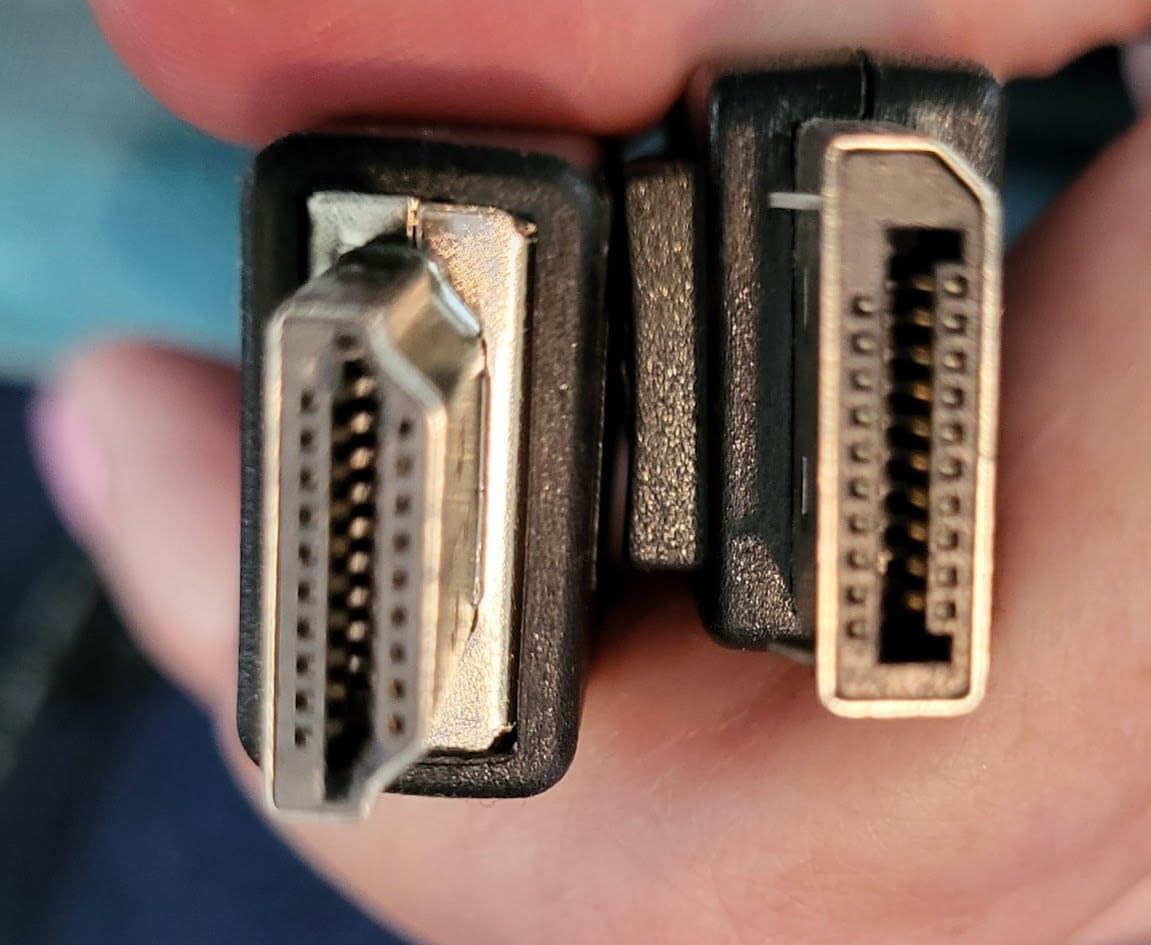
HDMI is essential. Most modern GPUs and consoles use HDMI. DisplayPort matters for PC gaming at high refresh rates. Only the Dell SE2726HG and Amazon Basics 27E40 include DisplayPort in this roundup.
USB-C is rare under $200 but convenient for laptop connectivity. None of the monitors here include USB-C. If you need USB-C, consider stretching budget or using a docking station.
Built-in speakers are convenient but rarely good. The Sceptre E275W-19203R and Amazon Basics 27E40 include speakers. Treat them as backup audio for video calls rather than primary listening.
Frequently Asked Questions
What is the best budget 27-inch monitor?
The best budget 27-inch monitor depends on your priorities. For pure gaming, the Dell SE2726HG at 240Hz delivers unmatched motion clarity under $200. For productivity and mixed use, the LG 27U411A-B combines 120Hz IPS with HDR10 and accurate colors. For absolute lowest price with solid quality, the Acer KB272 G0bi at under $100 with 120Hz IPS is hard to beat.
What are the best monitors under $200?
Eight monitors stand out in the sub-$200 category: Dell SE2726HG (240Hz gaming), LG 27U411A-B (HDR10 productivity), Acer KB272 G0bi (best value), Samsung S3 S32GF (slim Samsung build), Sceptre E275W-19203R (most reviewed), ASUS VA279HG (eye care), Samsung S36GD (curved), and Amazon Basics 27E40 (easiest setup). All offer 1080p IPS or VA panels with at least 75Hz refresh rates.
Is 1440p worth it on a 27-inch monitor?
1440p on 27 inches provides noticeably sharper text and more screen space than 1080p. However, finding a reliable 1440p monitor under $200 in 2026 means sacrificing refresh rate, panel quality, or adaptive sync support. For general use at this budget, a quality 1080p 120Hz+ monitor delivers better overall experience than a compromised 1440p 60Hz panel. If 1440p is essential, consider stretching to $250-300.
IPS vs VA: which panel is better for gaming?
IPS panels offer wider viewing angles, more consistent colors, and faster response times, making them the safer choice for most gaming. VA panels deliver deeper blacks and higher contrast ratios (3000:1 vs 1000:1), which enhances immersive single-player games and movies. For competitive FPS gaming, choose IPS. For cinematic gaming and media consumption, VA panels like the Samsung S36GD curved are excellent.
Final Verdict: Which 27 Inch Monitor Under 200 Should You Buy?
After three months of testing, the Dell SE2726HG earns my top recommendation for the best 27 inch monitor under 200 dollars. The 240Hz refresh rate combined with accurate colors and FreeSync Premium support makes it equally capable for competitive gaming and creative tasks.
Budget-focused buyers should choose the Acer KB272 G0bi for proven reliability at under $100. Productivity users will appreciate the LG 27U411A-B’s HDR10 support and color accuracy. Eye strain sufferers get the ASUS VA279HG with TÜV-certified eye care features. Movie and immersive gaming fans will love the Samsung S36GD curved display.
All eight monitors in this guide deliver genuine value. The best 27 inch monitor under 200 is the one that matches your specific use case. Consider what you do most, gaming or productivity, and choose accordingly. Your next monitor should last three to five years, so invest the time to pick wisely.